 3
Building a Keyboard 2: Epomaker GK96S Kit, Akko Macaw Keycaps, Gateron Ink Switches
(3 Comments) »Introduction

When I first did the experimental "Building a Keyboard" article earlier this year, I intended it to be a one-off. After all, it happened only because Epomaker had mentioned that getting a better look at switches might be of interest to our readers as well as myself. It also allowed me to water two plants with a single hose since I was also able to cover a standalone 65% keyboard kit as well as a neat set of aftermarket keycaps. What I did not anticipate was that article to do so well that I was quickly asked about doing more of the same. So here we are, and the second entry in the series goes through another Epomaker/Akko/Gateron combination. Thanks again to Epomaker for sending the samples used here!

Anyone who is even remotely familiar with the mechanical keyboard world knows that there are more switches now than ever before, with custom designs coming from lots of companies and vendors alike. Keyboard enthusiasts have also discovered the joy and pain of lubricating switches and stabilizers. Amid all this, hot-swappable keyboard kits have made it very easy to experiment with different switches and make a truly custom offering to suit your specific needs. Today, we take a look at arguably the hottest stock switches out there in the form of the Gateron Ink switches. I am pairing five different switches with the Epomaker GK96S kit and Akko Macaw keycaps in this article, so be sure to go through everything in order as best as possible.
Epomaker GK96S: Packaging
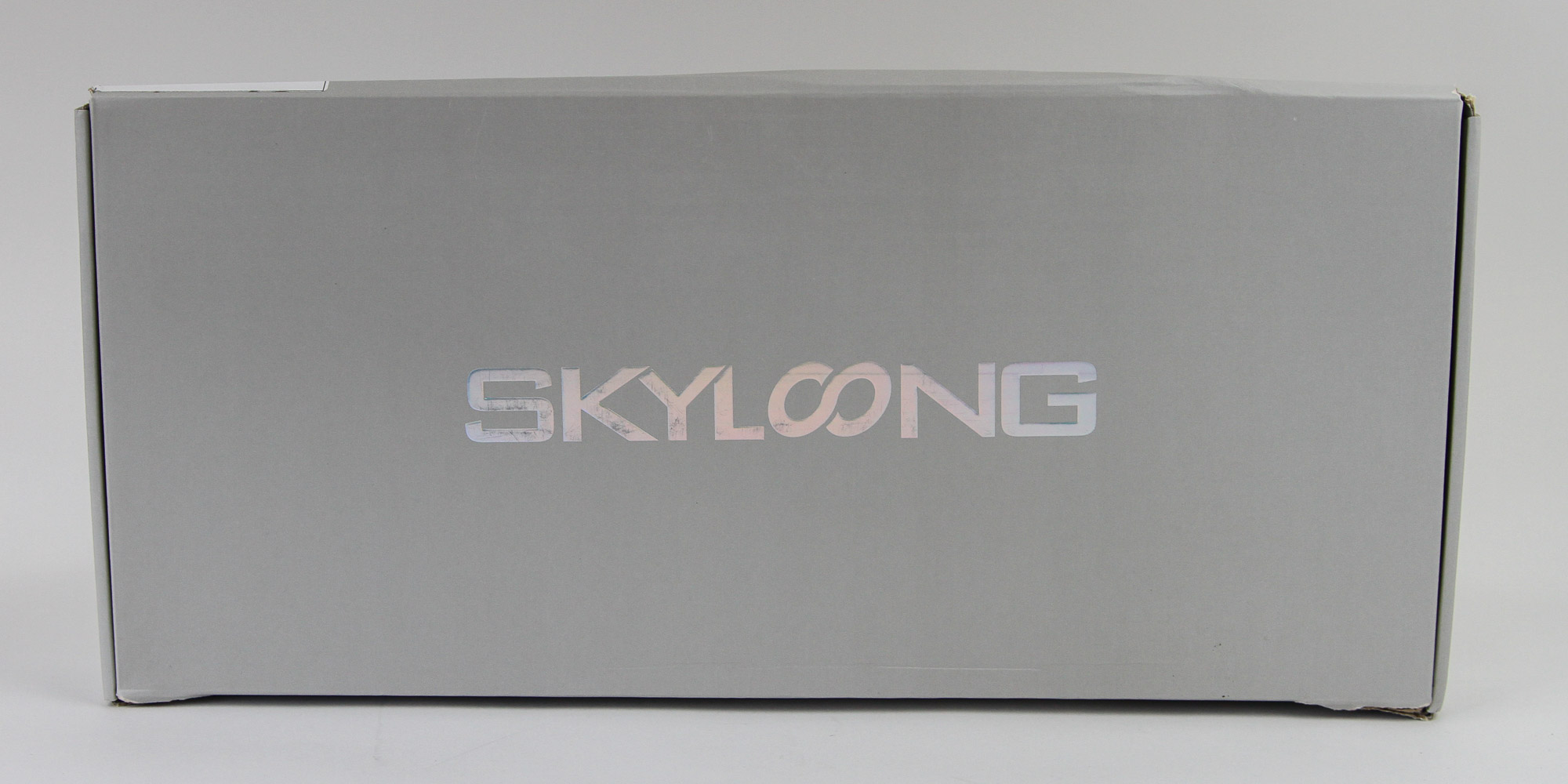
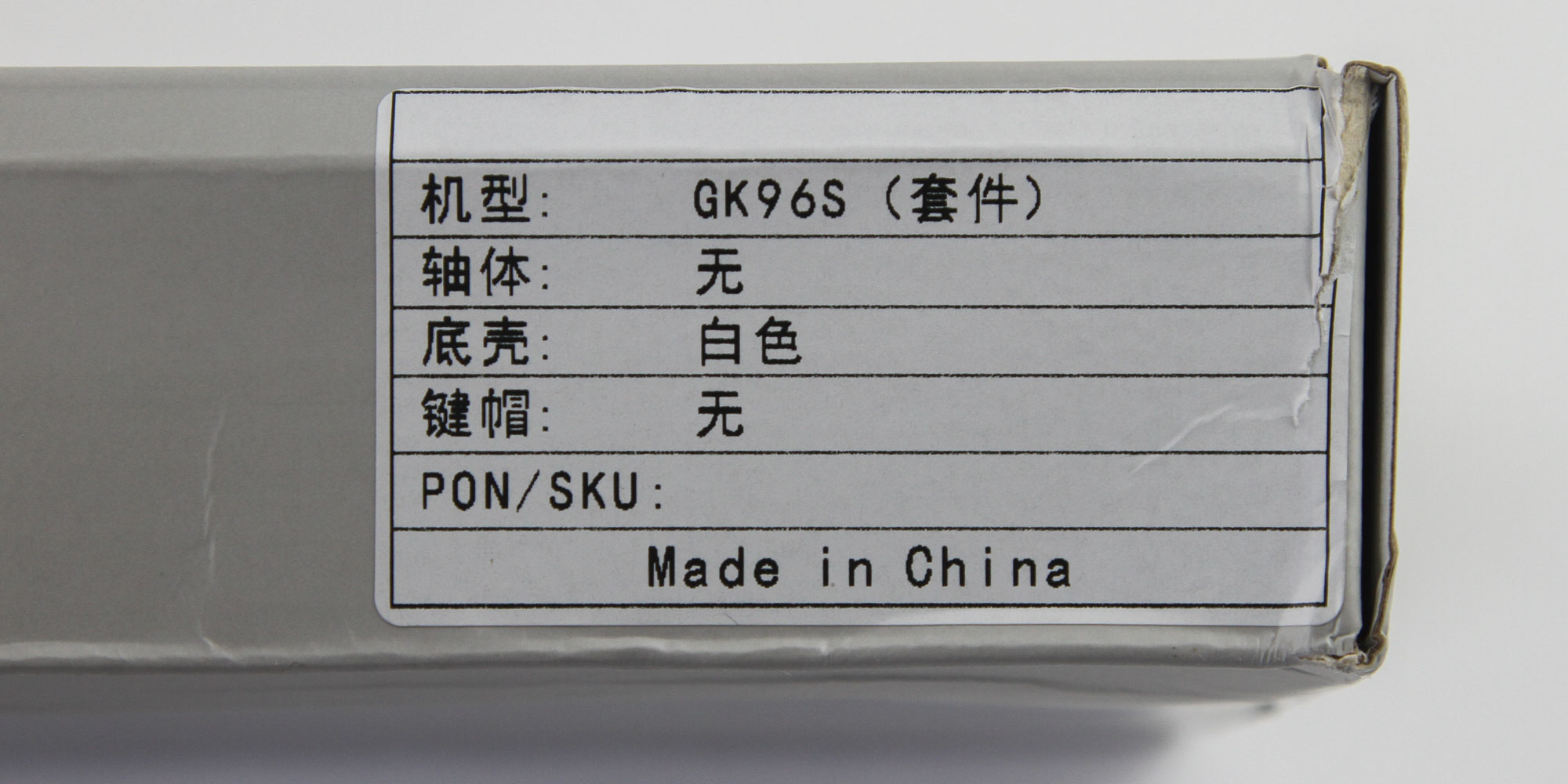
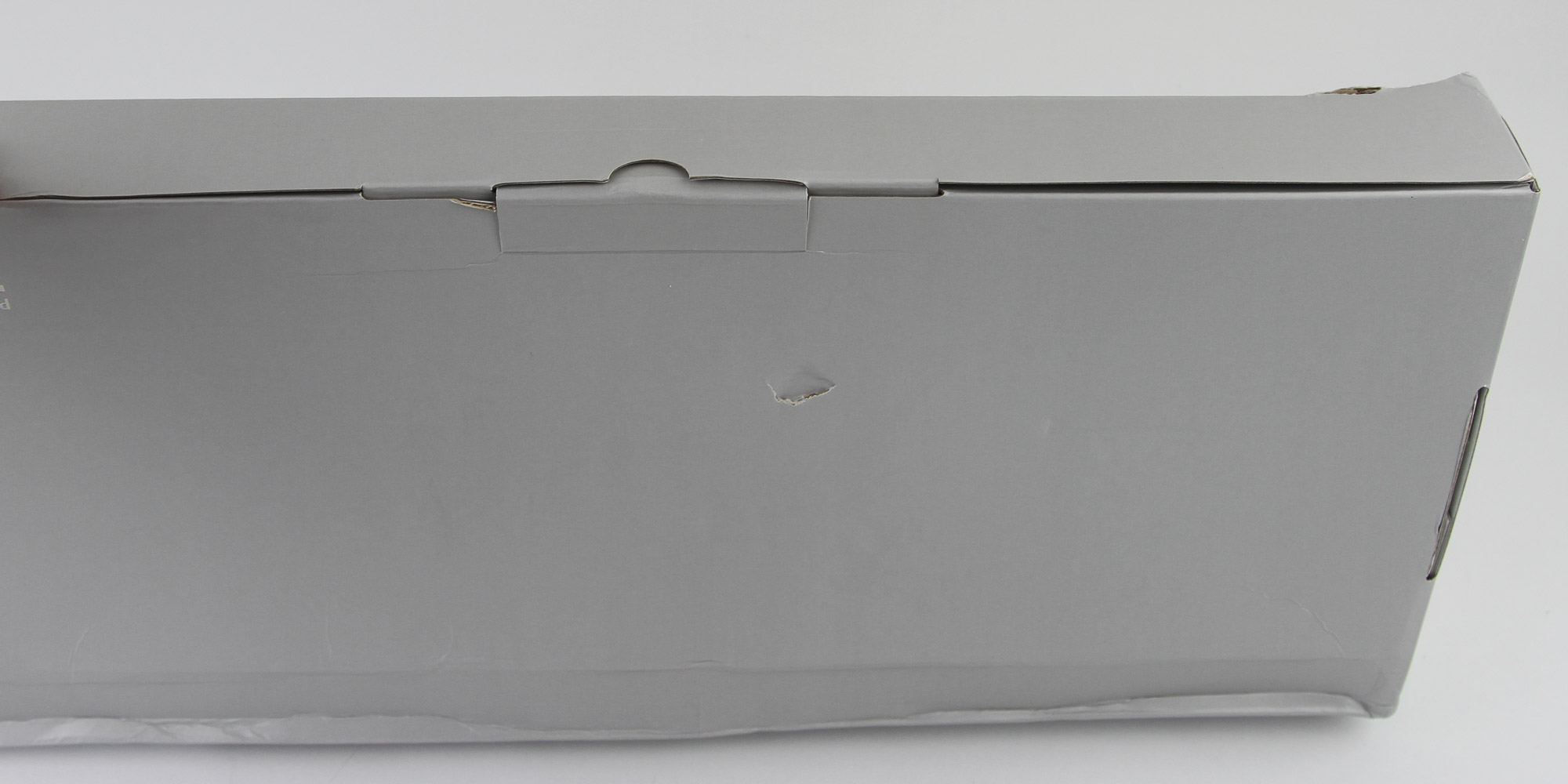

My very first Epomaker review was with the GK96LS, a special left-handed version of what ended up being an extremely popular 96% keyboard. So when it was time to choose the base kit for this article, I wanted to take a look at the the Epomaker GK96S, a more straightforward version. As with other keyboards from the company, we see the collaboration with Skyloong here. The packaging has the Skyloong logo on front, and side and center flaps keep the contents inside in place during transit. The box went through a ringer on the way to me apparently, but did the job perfectly in keeping the contents inside safe. Opening the box, we see the kit inside a plastic wrap with documentation above, and other accessories at the top, separated by more cardboard.

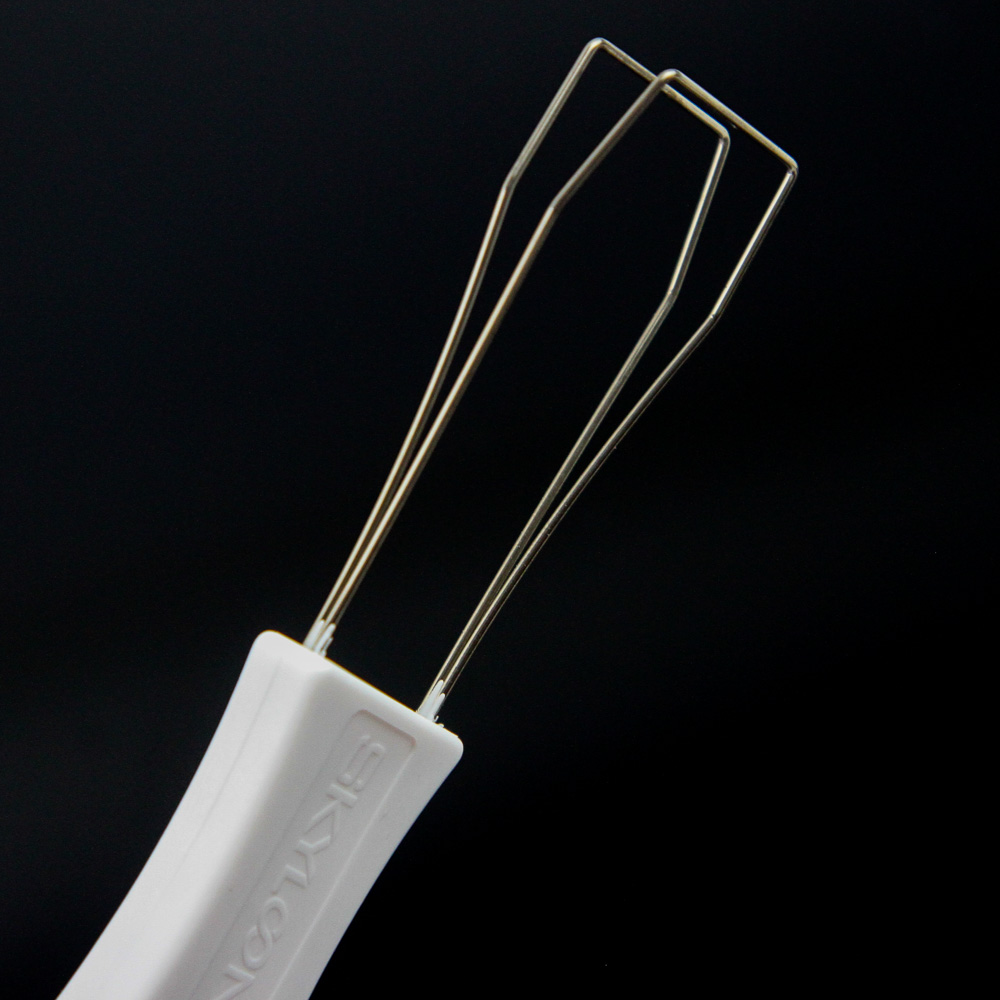
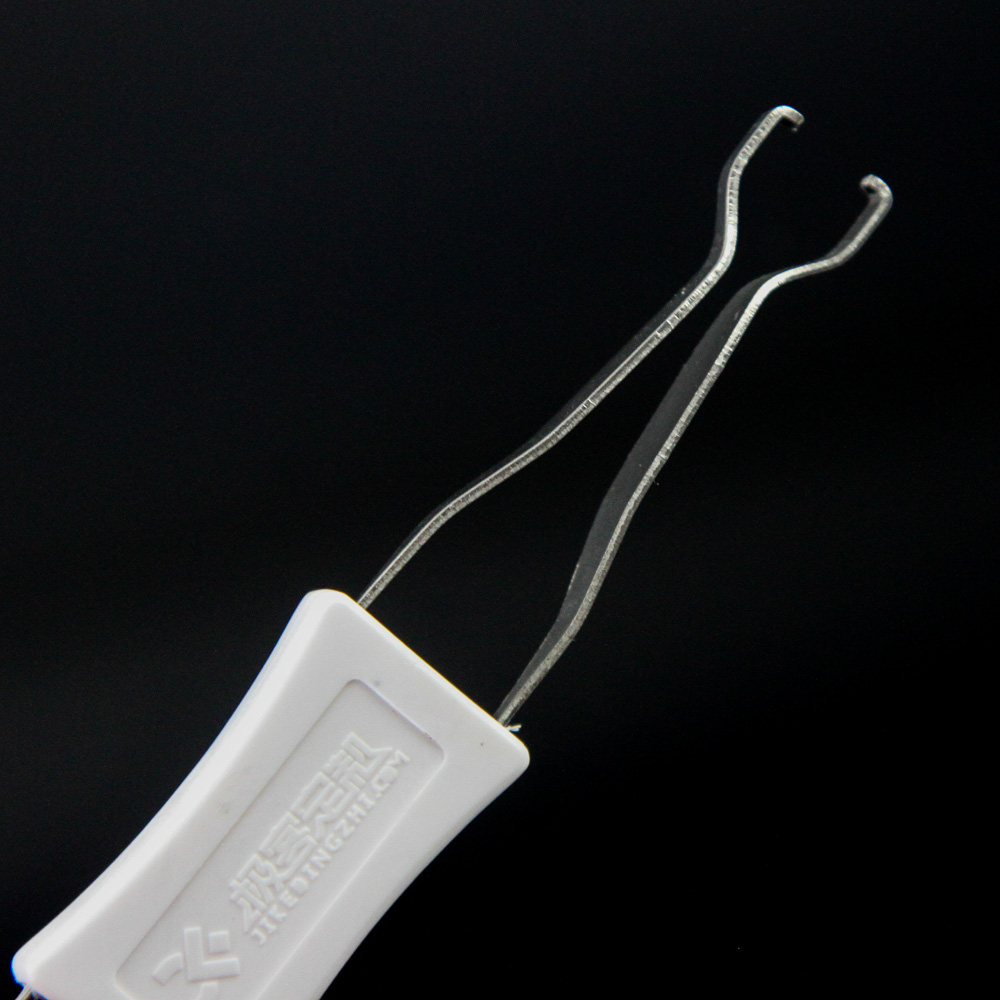
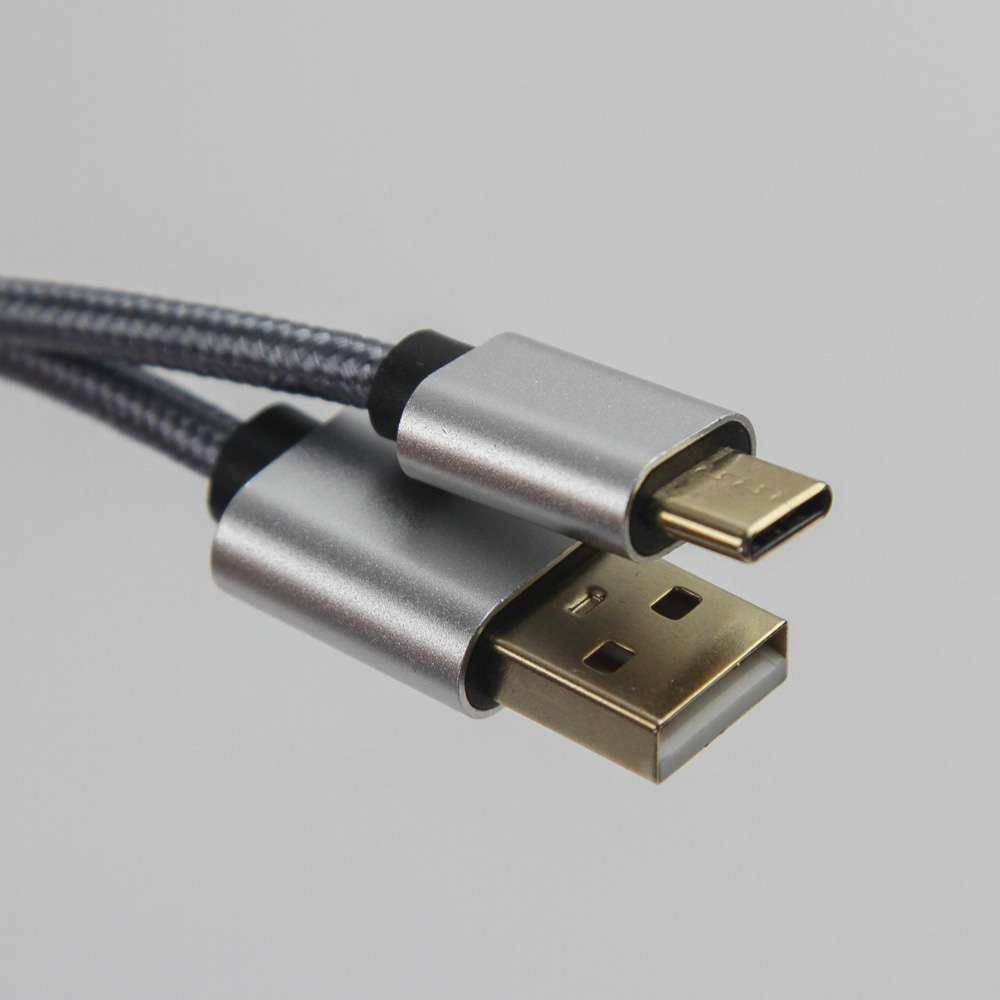
The accessories include a manual, again with the Skyloong logo, which is extremely useful but also lacking. It offers English and Mandarin support on either side, with each page covering the different layouts under the GK96S family with photos of the different keycaps, as well as the L-series with the different key configuration. As such, the extremely useful parts are left to 1.5 pages describing the special function keys and pre-programmed layer functions. There is also a reminder to use their software driver for further customization, and for those interested, anextended online manual is also available. A pamphlet serving as a quick guide on how to install and remove switches has been put on top of the keyboard. We also get a nice wire-style keycap and switch puller combination, which will come in very handy in this article. Lastly, we see the included cable, which is a nice braided male USB Type-A to male USB Type-C cable for the Type-C connectivity on the keyboard.
Epomaker GK96S: Closer Look


The GK96LS we saw before employed a black ABS case, so I switched things around (get it?) with a white GK96S. This is the kit version, so there are no installed switches or keycaps. What we get instead is a skeleton with some meat on it, and in a 96% form factor, which truncates a full-size keyboard into a single bank of keys. Even without the switches and keycaps, we can see where the numpad comes into play with a shorter 0 key next to the right arrow key at the bottom. We do lose some dedicated keys, including some from the Ins-Pg Dn cluster and one from the bottom row, but the space savings make the 96% form factor quite interesting. The GK96S kit also clearly gets a color-coordinated steel plate with a white powdercoat on my sample. The PCB is included here, as shown by the black layer underneath, and we also see plate-mounted stabilizers to complete the set.


Flipping the keyboard around, this could easily be mistaken for a fully-assembled retail keyboard. There is also the certification sticker in the middle, as well as five rubber pads along the bottom edge and two sets of feet that can be raised for two separate, steeper angles. Both sets have a rubberized bottom for further friction against the resting surface.


There is an inset USB Type-C port in the top-left corner facing away from the user for the cable to plug into, which also charges the internal battery for wireless keyboard connectivity. The cable has a braided silver finish, which I do like, but does not match the white case as well as the black cable that came with the black GK96LS. You will need a spare USB Type-A port on your PC for wired connectivity, and USB 2.0 will suffice for power and data alike, although USB 3.2 Gen 1 (USB 3.0) is recommended. At this point, you can start plugging the switches of your choice in.


I did see screws on the PCB, so I had to see what's between the PCB and case, of course. This kit omits the Epomaker split space bar module that was on my retail GK96LS, so things are simpler with only a short Phillips head screw going from the space bar area to a brass insert, and the other ten screws in black are strewn all over. Take all 11 screws out and you can carefully pull the plate/PCB piece off the case to expose the internal cable from the battery to the PCB for wireless connectivity. We get a relatively large 4000 mAh battery, which was put to good use on the GK96LS before.


The PCB is black, and there are a lot of soldered components, including the USB Type-C connector alongside several tantalum capacitors. We also see Kailh hot-swap switch sockets, which is funny to me given we are again using this with Gateron switches. For lighting customization, each switch also has an SMD 5050 RGB LED.


Here's a closer look at the business end of the Kailh socket, which supports 5-pin mechanical switches. This means you have support for 3-pin switches, as well as the 5-pin Gateron switches we will be using in this article. The stabilizers are lubed at the connector, and you may perhaps want to re-do the application since there is more lube than needed. But lubing components is for another time, with this article meant to introduce the possibilities introduced with a hot-swap switch kit, compatible switches, and keycaps. There is also foam support under the space bar on the PCB.


Powering wired mode is a Weltrend WT59F164 32-bit USB microcontroller placed at a weird 45° angle relative to the horizontal dimension of the PCB. It is based on the RISC microarchitecture with up to 64 KB flash and 8 KB RAM. There are also three separate Shenzhen Sunmoon SM16159 LED drivers to help run all the RGB LEDs on the keyboard. Wireless connectivity is powered by a Cypress CYW20730 Bluetooth 5.1 processor and integrated 2.4 GHz transceiver. All the components, including the sockets, LEDs, and capacitors, are soldered to a multi-layered PCB.
Our Patreon Silver Supporters can read articles in single-page format.
Nov 15th, 2026 22:17 CST
change timezone
Latest GPU Drivers
New Forum Posts
- The Official Thermal Interface Material thread (2301)
- Asus Rog Maximus Z890 Extreme. (Various questions). (26)
- GPU Temperatures Rise Very Quickly in FurMark – Is This Normal? (7)
- Will zen 6 mobos have anything extra vs current ones? (46)
- Your PC ATM (36435)
- It’s been fascinating times in Retro agian r36s isn’t even worth 50-65 dollars no more and newly listed Rm36 64gb 4in IPS models for only 34 dollars. (6)
- Power supply noise stops when I move the mouse (10)
- Can you guess Which game it is? (320)
- What is the latest game you finished or 100% (203)
- HP Office Jet 7740 Pro - Supply system problem with replacement cartridge (4)
Popular Reviews
- ASUS ROG Strix B850-I Gaming Wi-Fi7 W Review
- Corsair HX1000i Shift Crystal Review
- AMD Zen 6 Technical Deep Dive
- Upcoming Hardware Launches 2027 (Updated Nov 2026)
- Montech King 95 3D PRO Review
- NZXT C1200 Platinum Review
- Phantom Blade Zero Performance Benchmark Review - 35 GPUs Tested
- AMD Ryzen 7 9800X3D Review - The Best Gaming Processor
- NZXT H5 Review
- NZXT H7 RGB+ Review
TPU on YouTube
Controversial News Posts
- NVIDIA Co-Founder and CEO Jensen Huang Officially Resigns (430)
- Open Letter Asking NVIDIA to Reinstate Jensen Huang Passes 115,000 Signatures (184)
- OpenAI CEO Argues Home PCs Waste the World's Limited DRAM Supply (152)
- NVIDIA Launches Investigation Into Jensen Huang's Relationship With Suspected Chinese Spy (136)
- Intel "Raptor Lake Next" 16-Core and 20-Core CPUs Surface (130)
- Legendary Game Studio BioWare Shuts Down Following EA Layoffs (104)
- Dell CEO Says the Memory Shortage Will Get Worse in 2027 (95)
- NVIDIA GeForce RTX 50-Series Scheduled for up to $500 Price Hike This Week (89)