 94
Clair Obscur: Expedition 33 Performance Benchmark Review - 33 GPUs Tested
(94 Comments) »Introduction
"Clair Obscur: Expedition 33" is a turn-based RPG developed by Sandfall Interactive and published by Kepler Interactive. Set in a visually distinct, surreal world, the game follows Gustave and his group as they journey to stop the Paintress, a being who erases people from existence in numerical order. The narrative explores themes of fate, resistance, and identity through a blend of exploration, character progression, and stylized combat.
Kepler Interactive, the game's publisher, is a co-owned publishing collective that includes several independent studios. Sandfall Interactive, based in France, was founded by former Ubisoft developers, bringing experience from titles such as Assassin's Creed and Tom Clancy's The Division into a new creative direction focused on original IP and artistic storytelling.
The PC version of Expedition 33 supports unlocked framerates, ultrawide resolutions, and adjustable graphics settings. It is built with Unreal Engine 5 and includes upscaling via NVIDIA DLSS and Intel XeSS, but does not offer AMD FSR support. Frame generation features are not included, and the game does not implement ray tracing.
This review will evaluate the performance of Clair Obscur: Expedition 33 across a wide range of contemporary graphics cards, compare image quality settings, and analyze the game's VRAM usage to provide insight into the hardware requirements needed for an optimal experience.
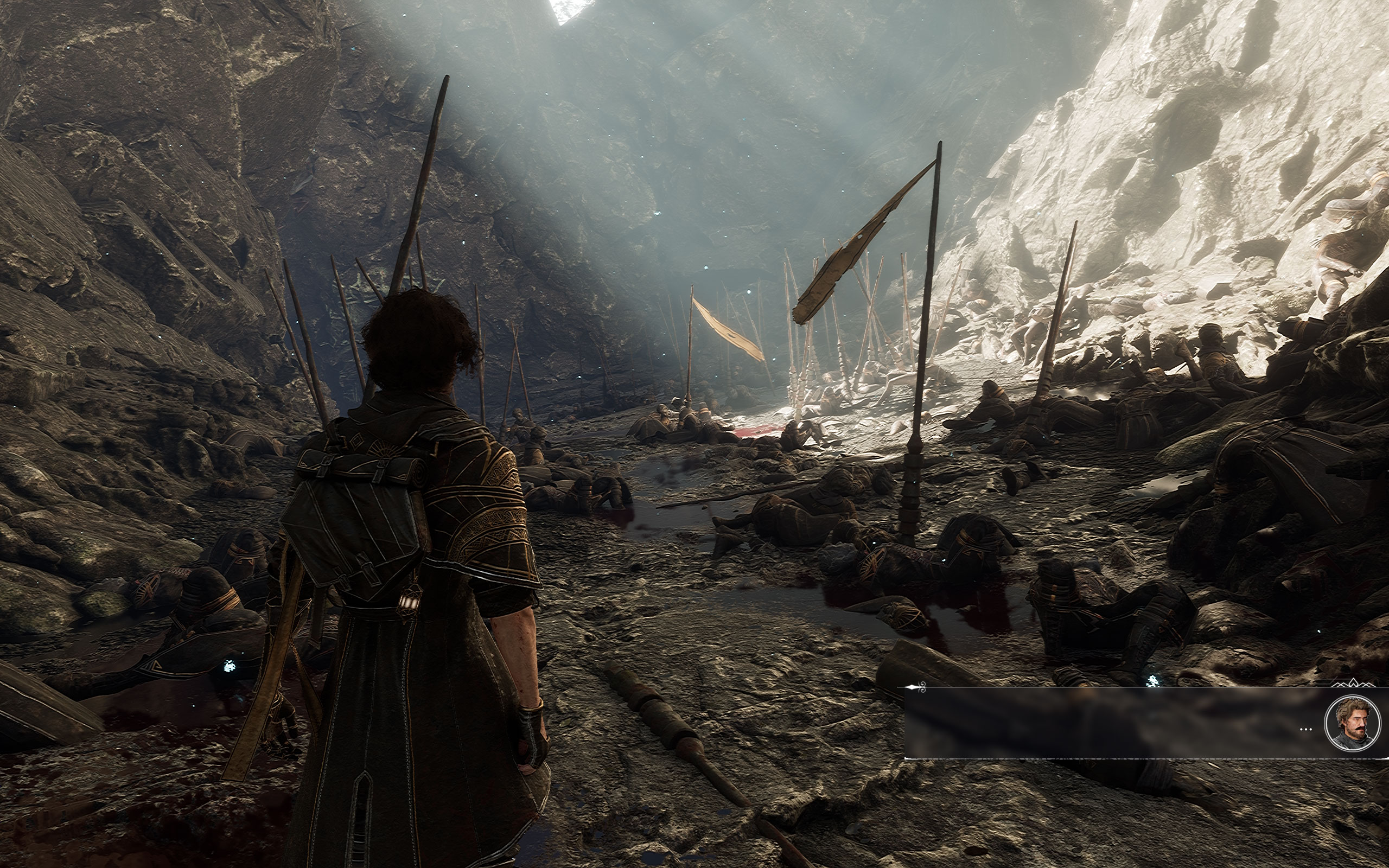
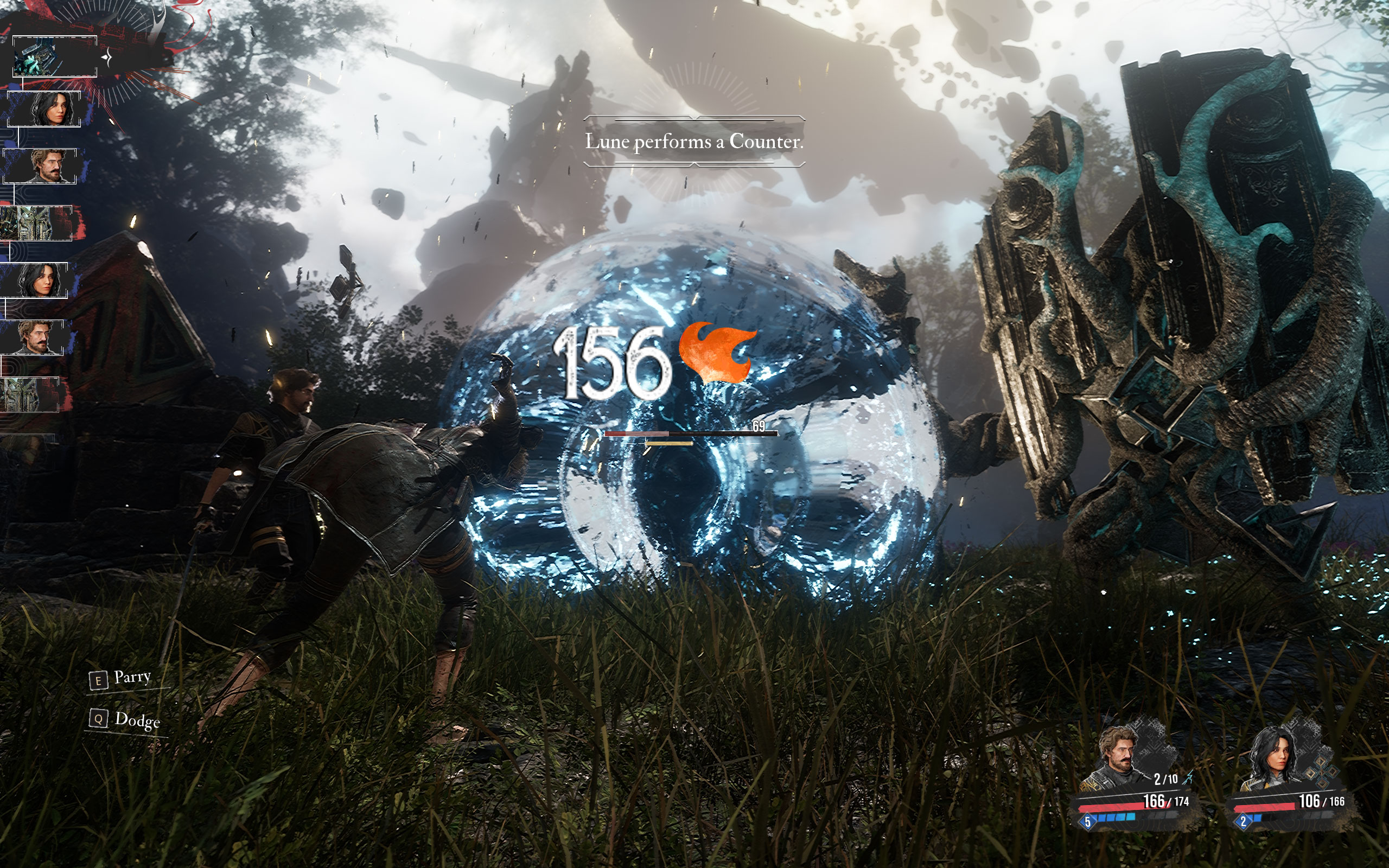
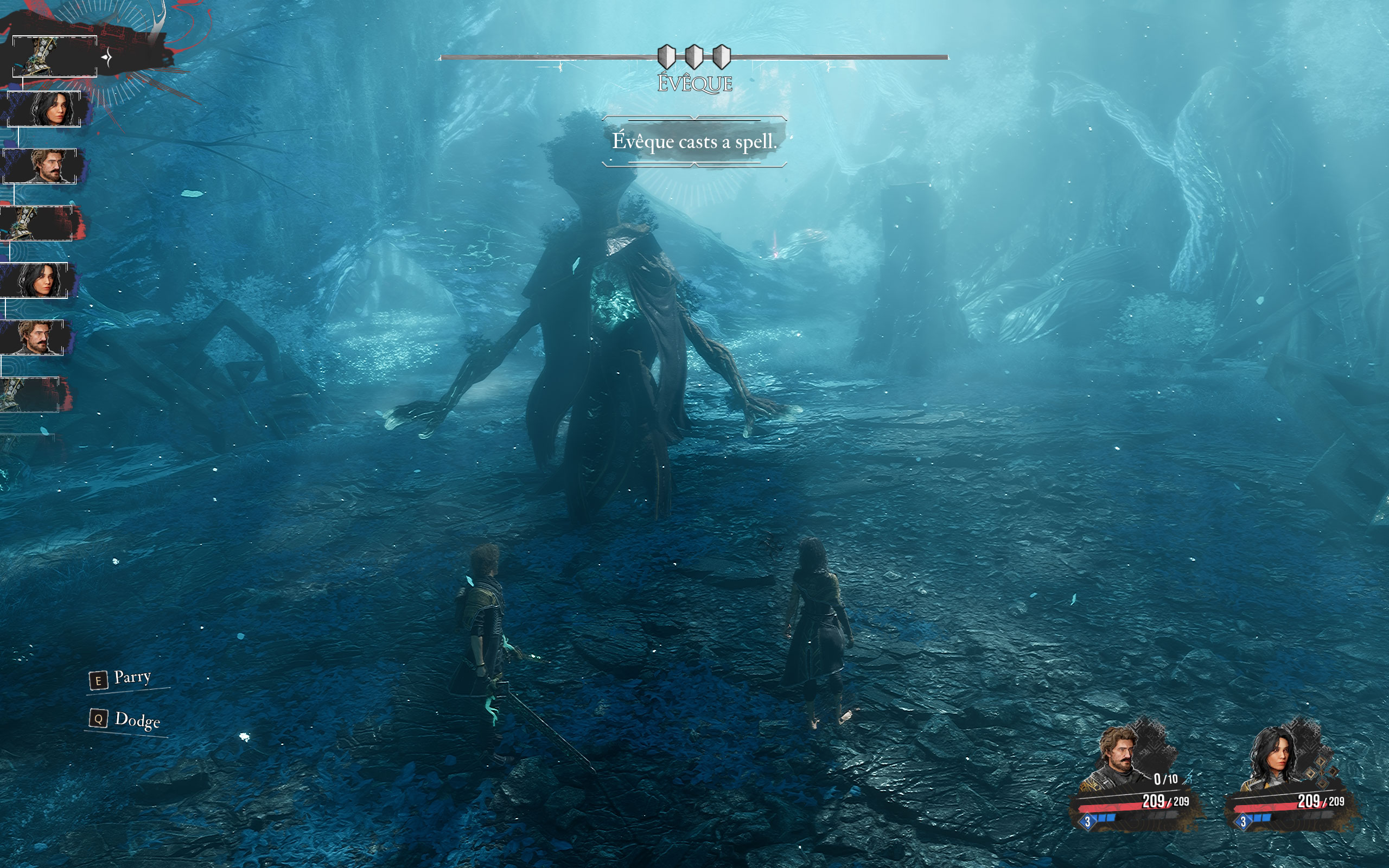
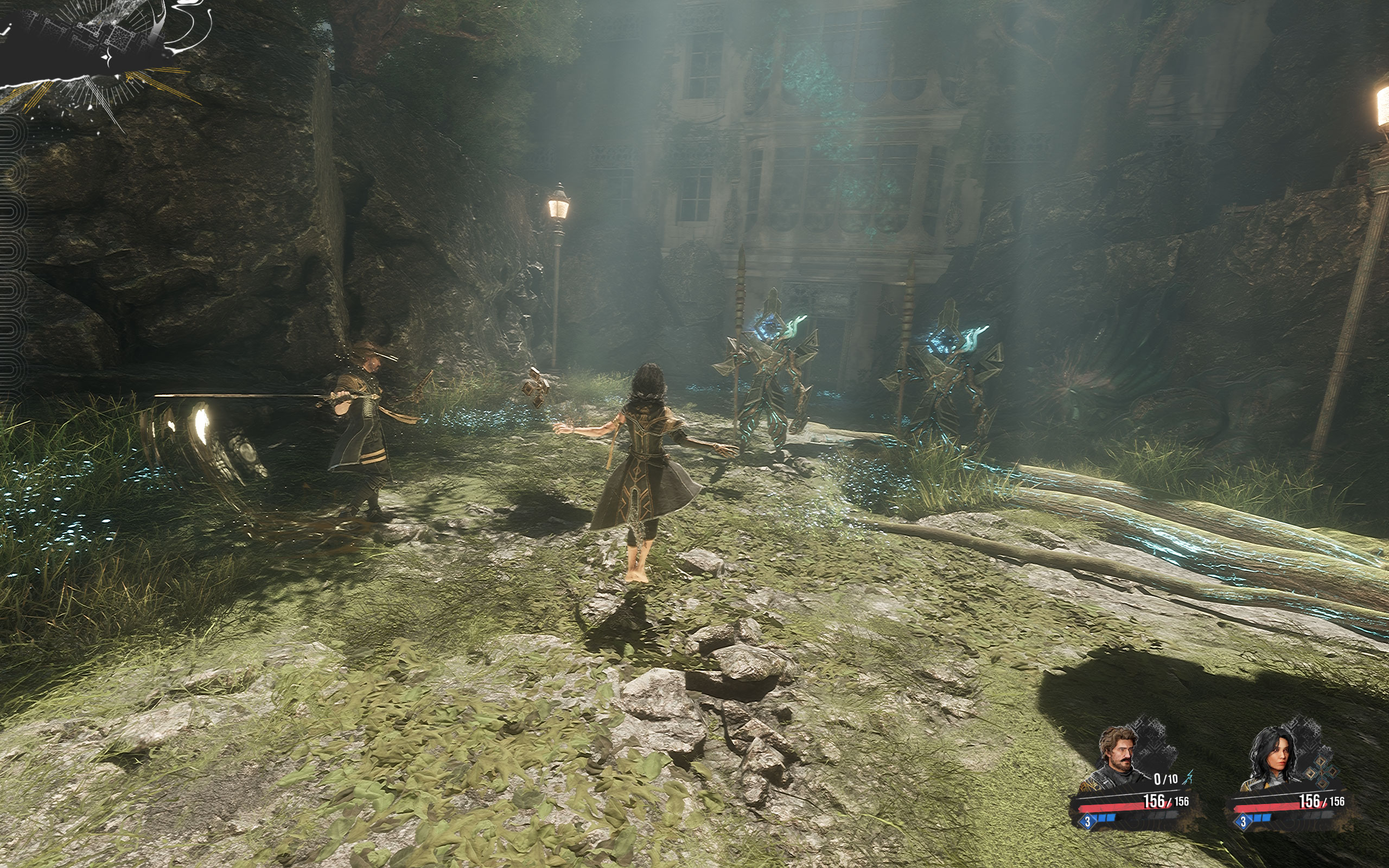
Screenshots
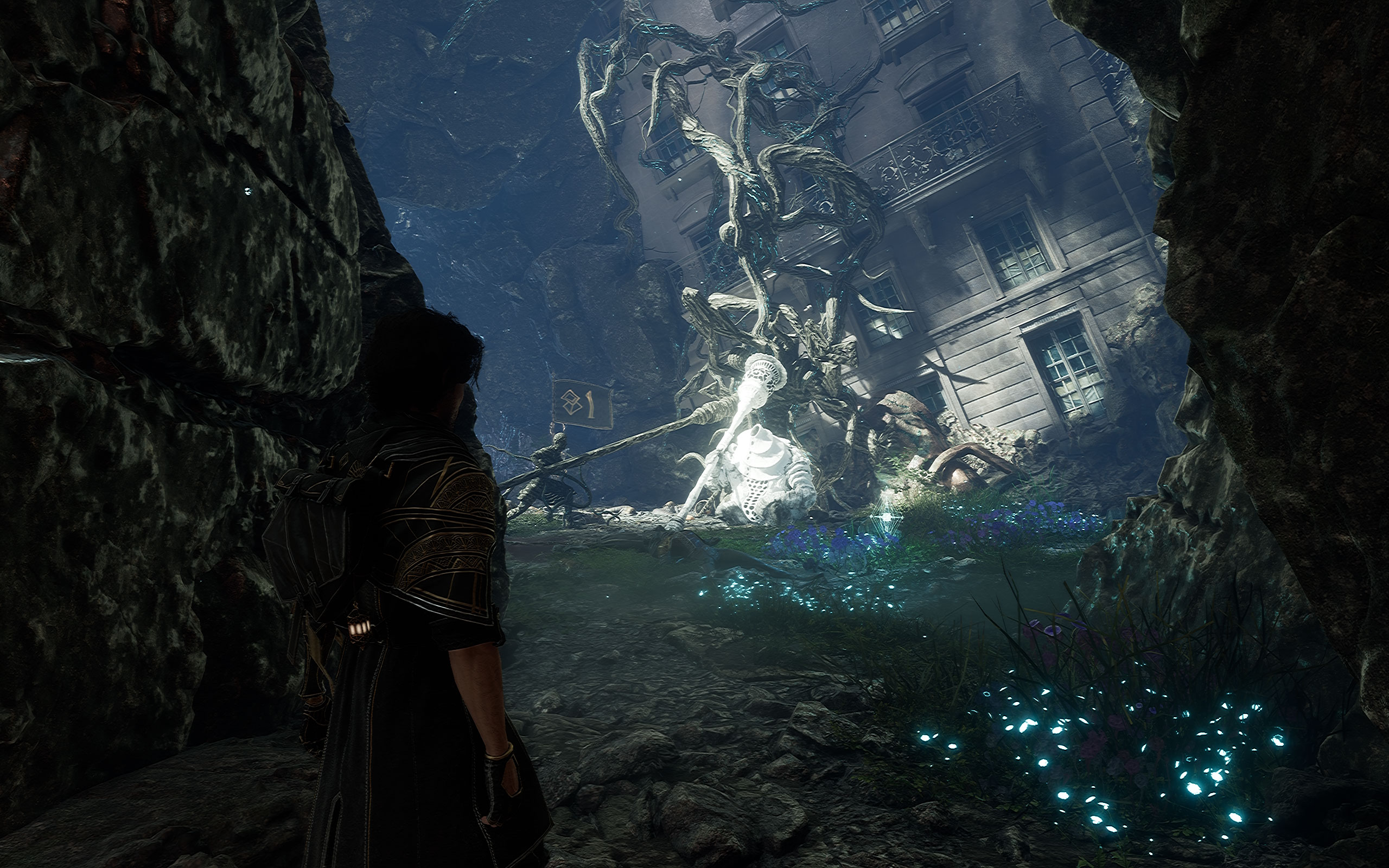
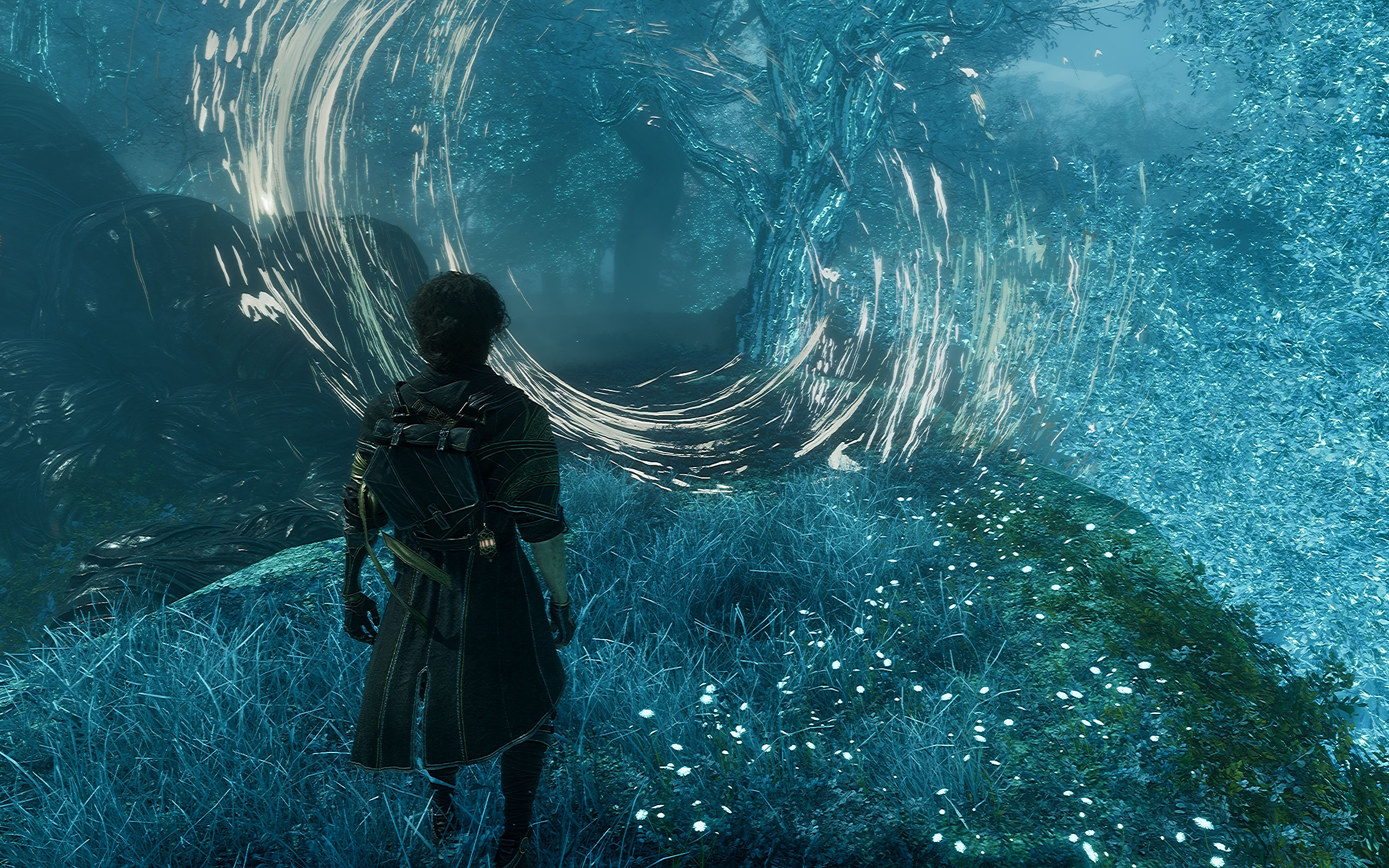
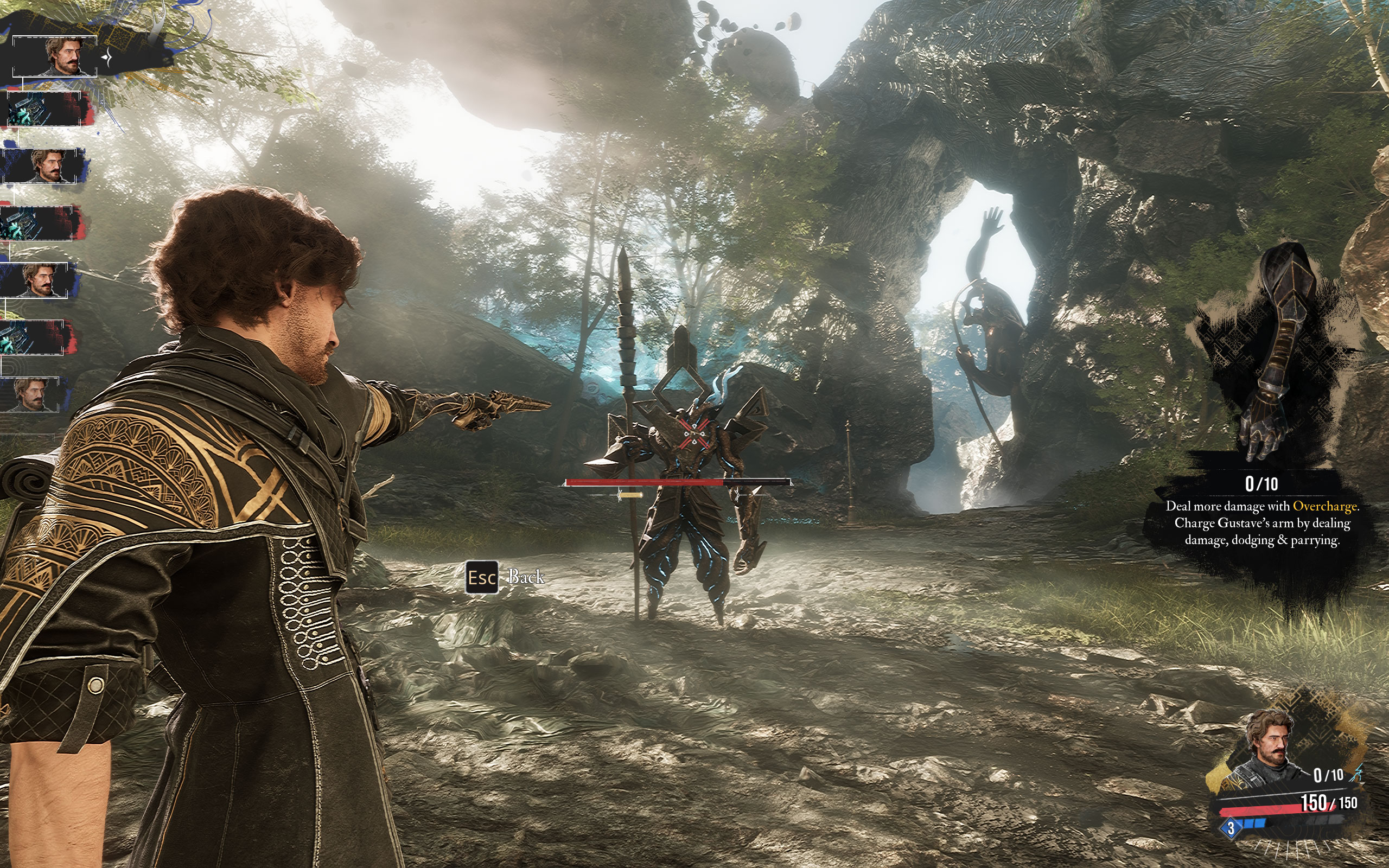
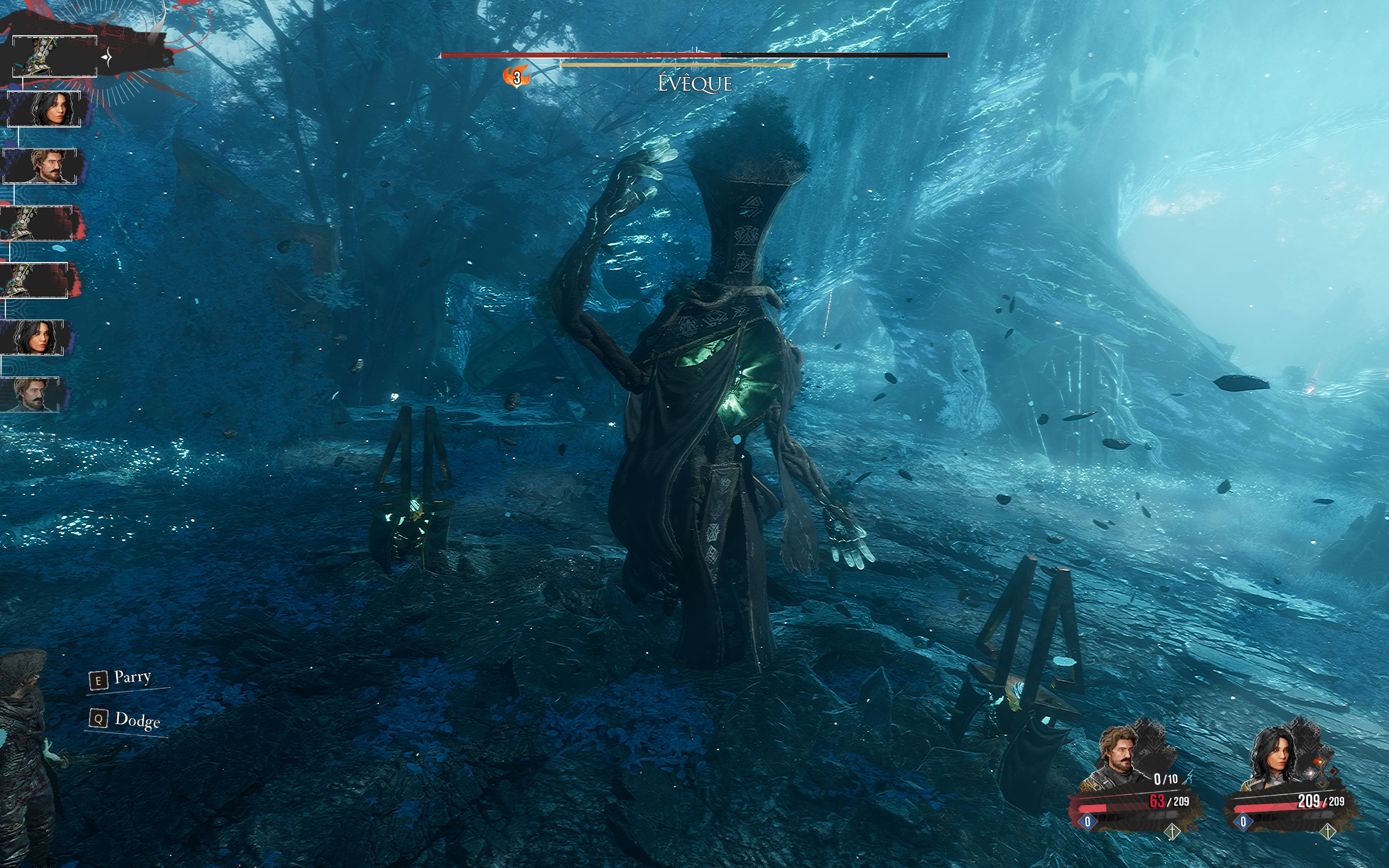
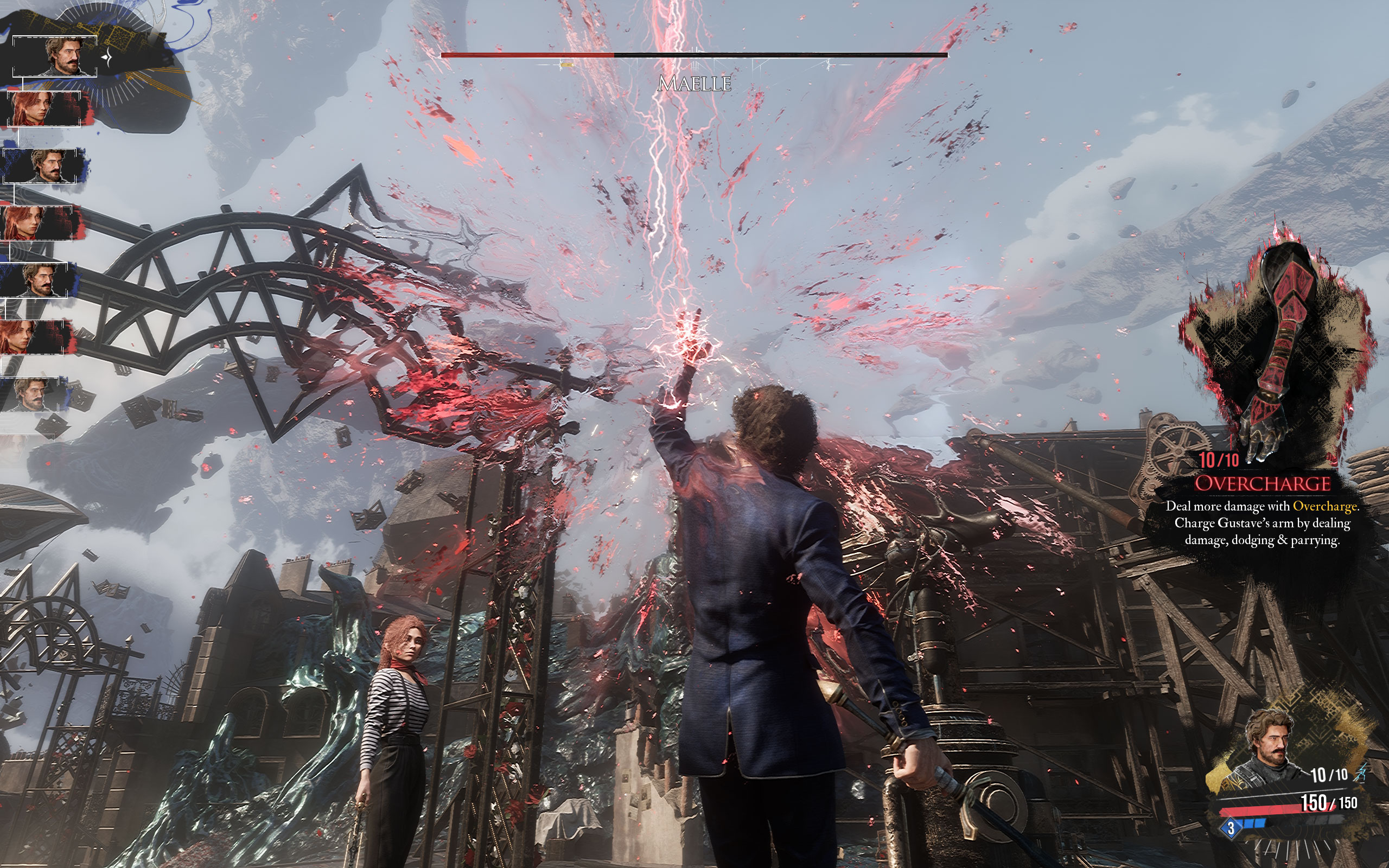
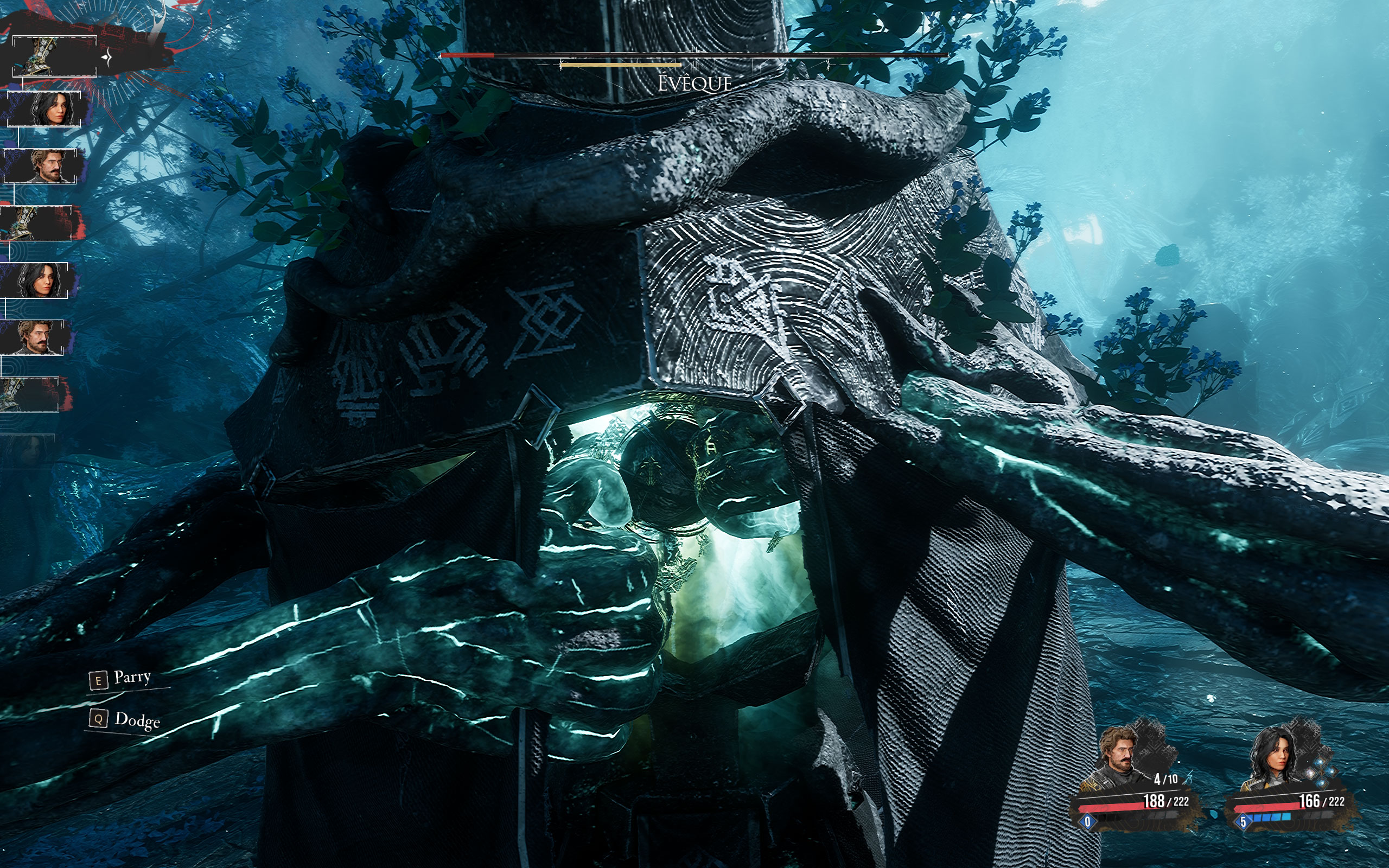
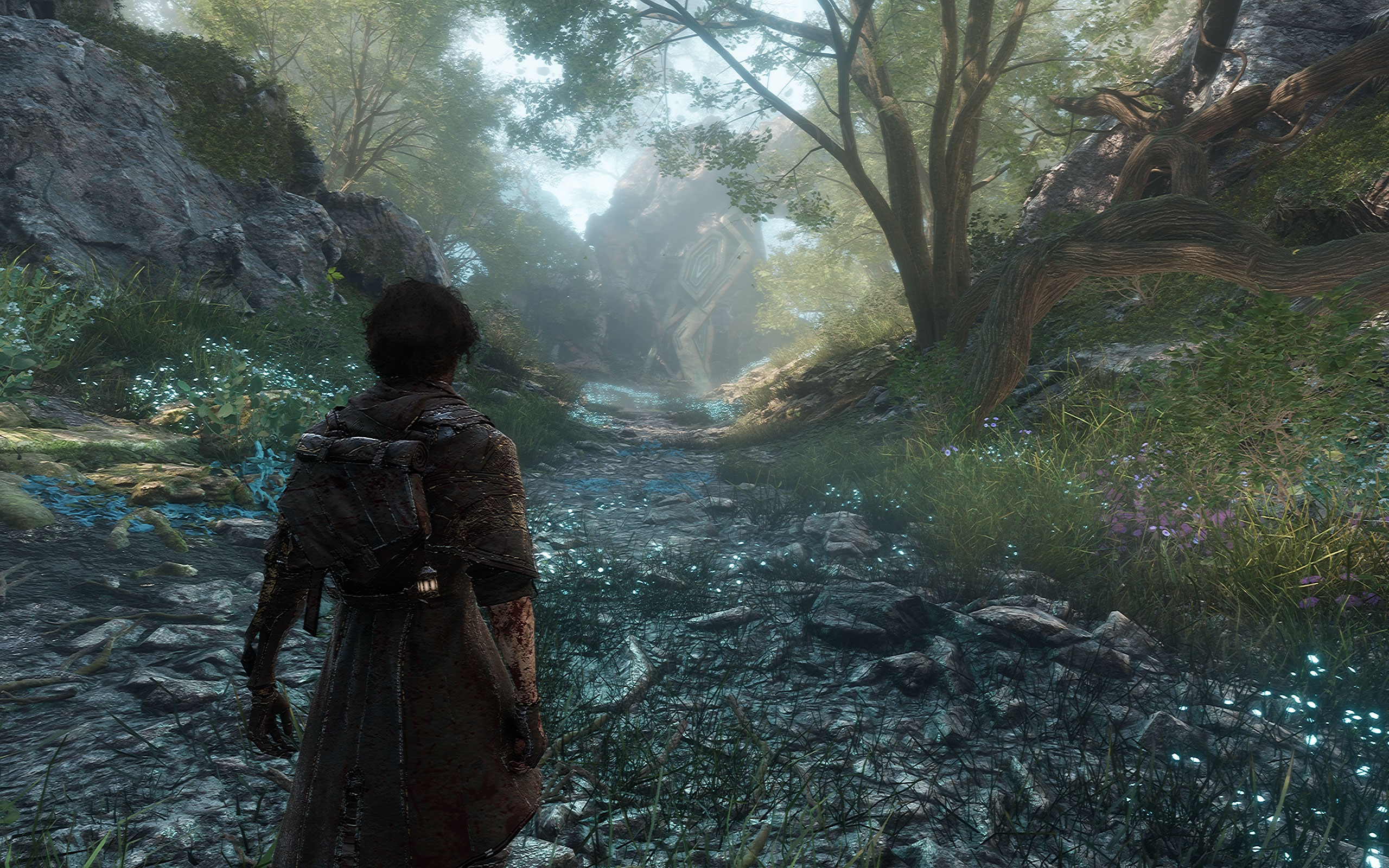
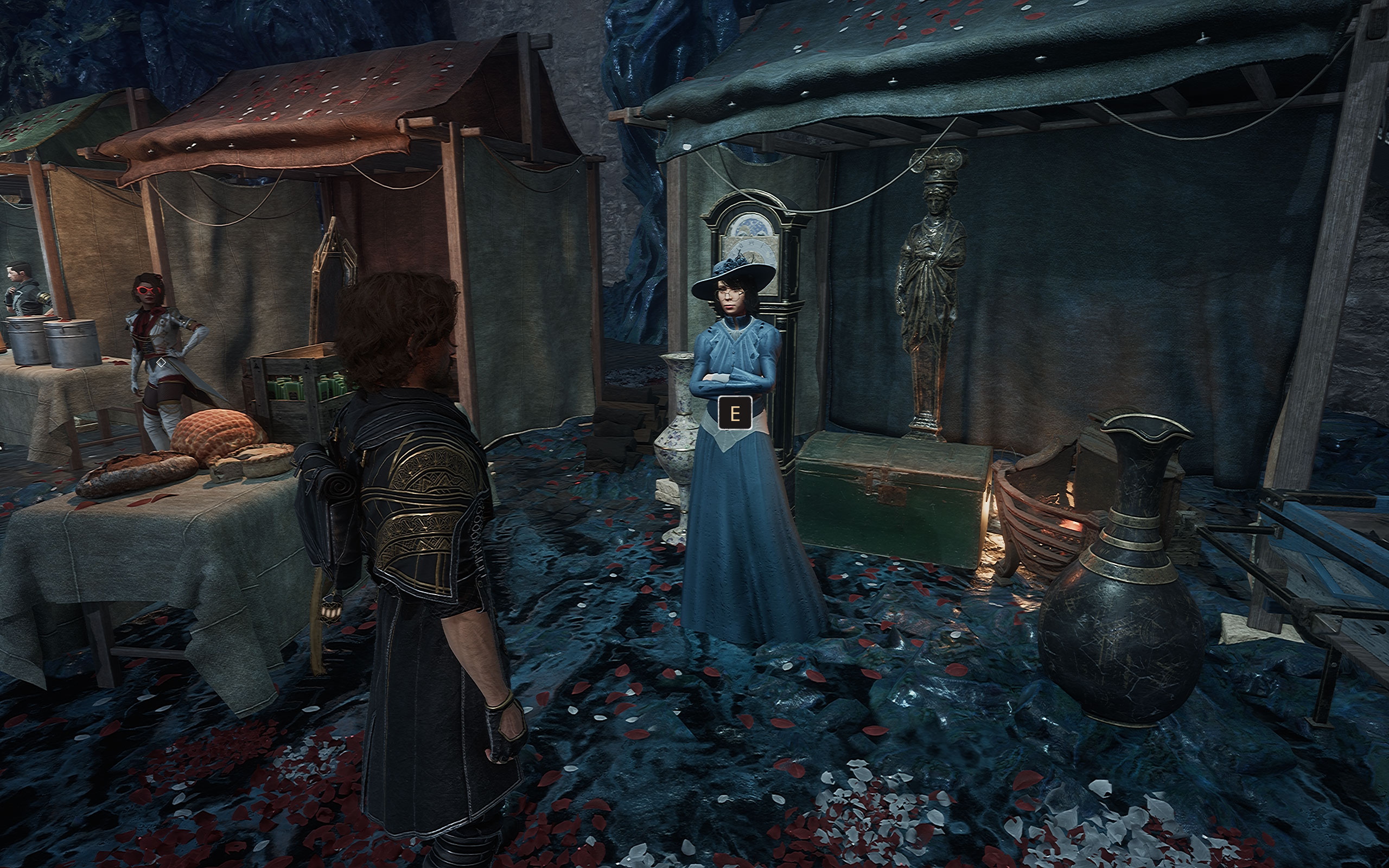
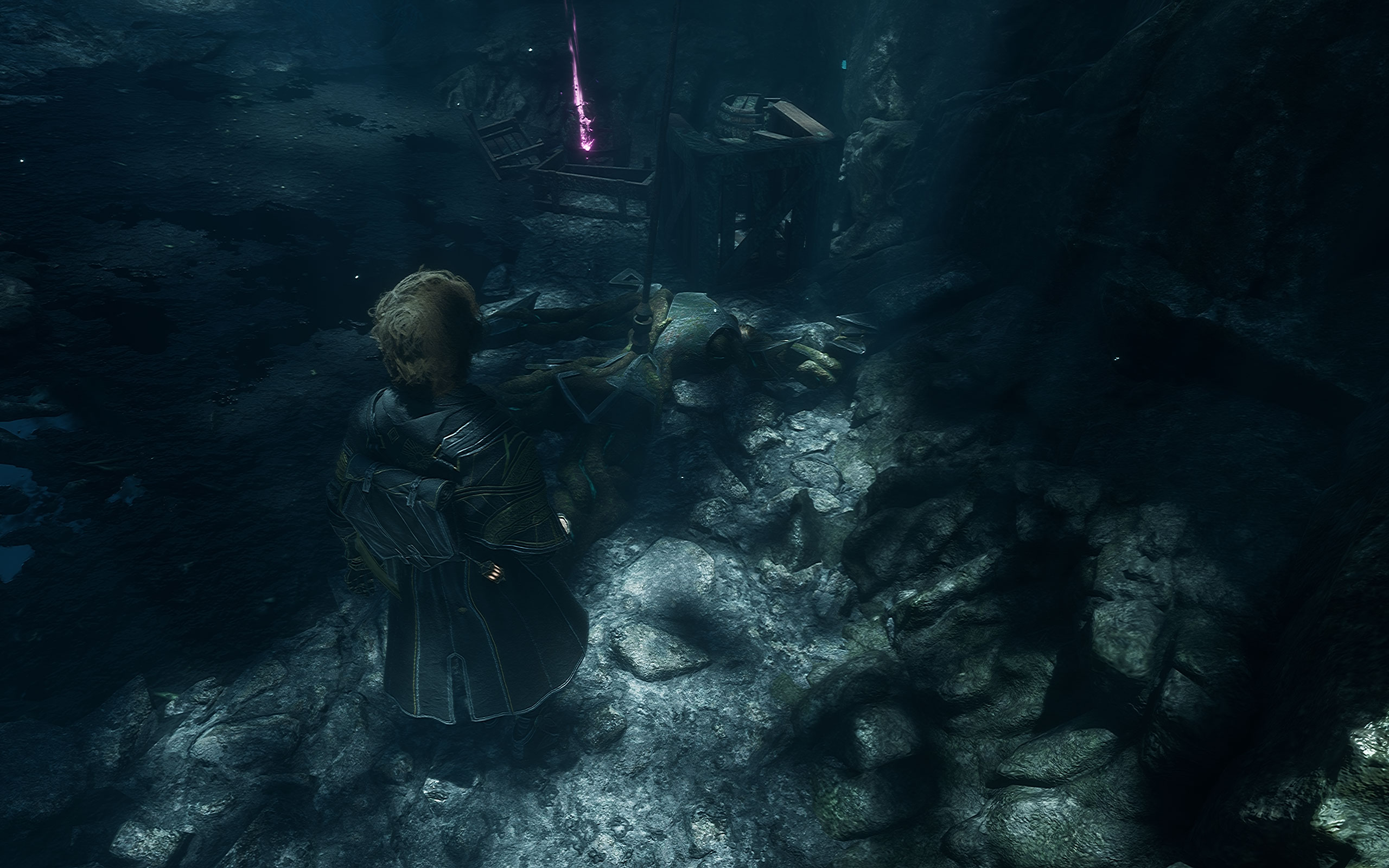
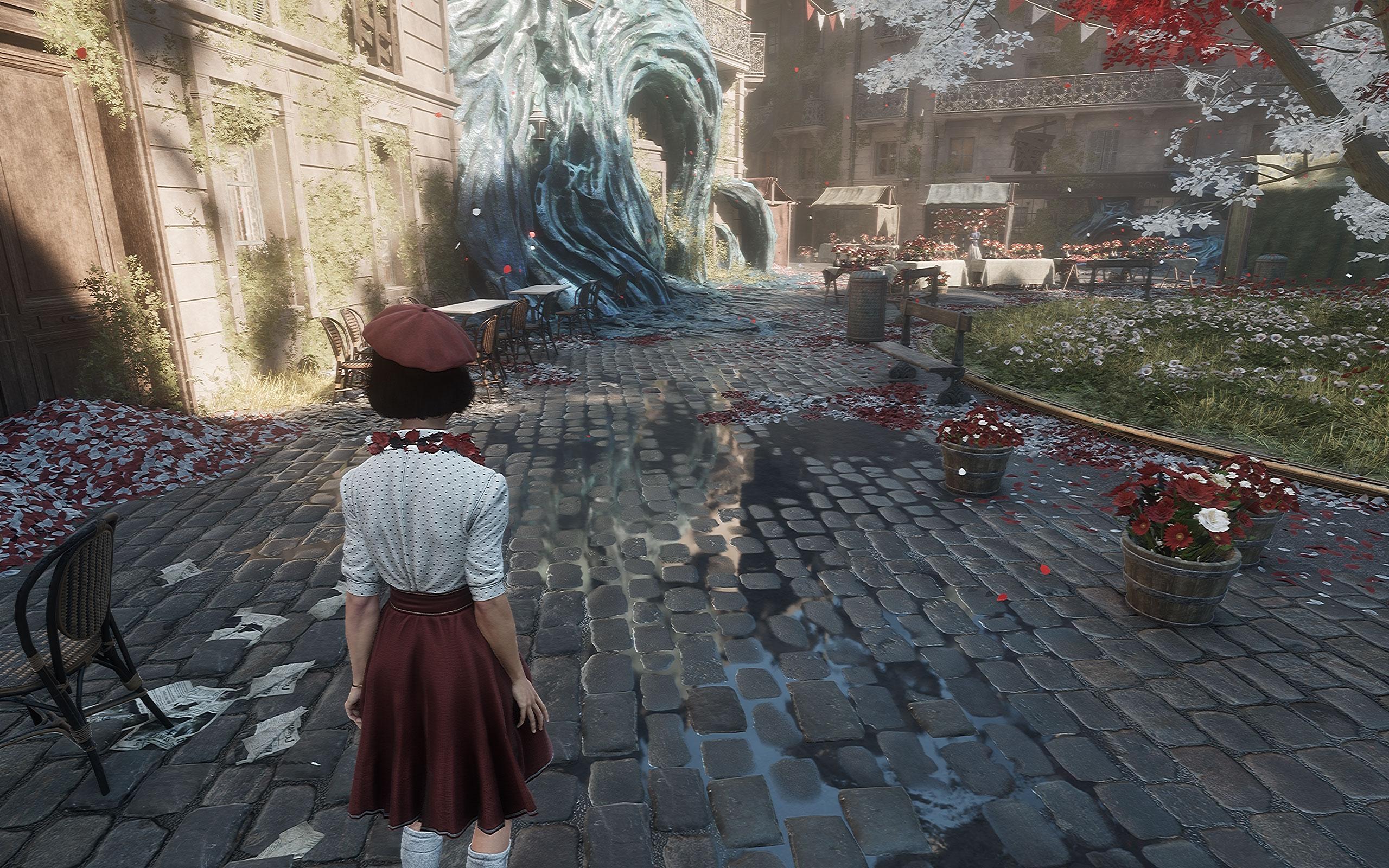
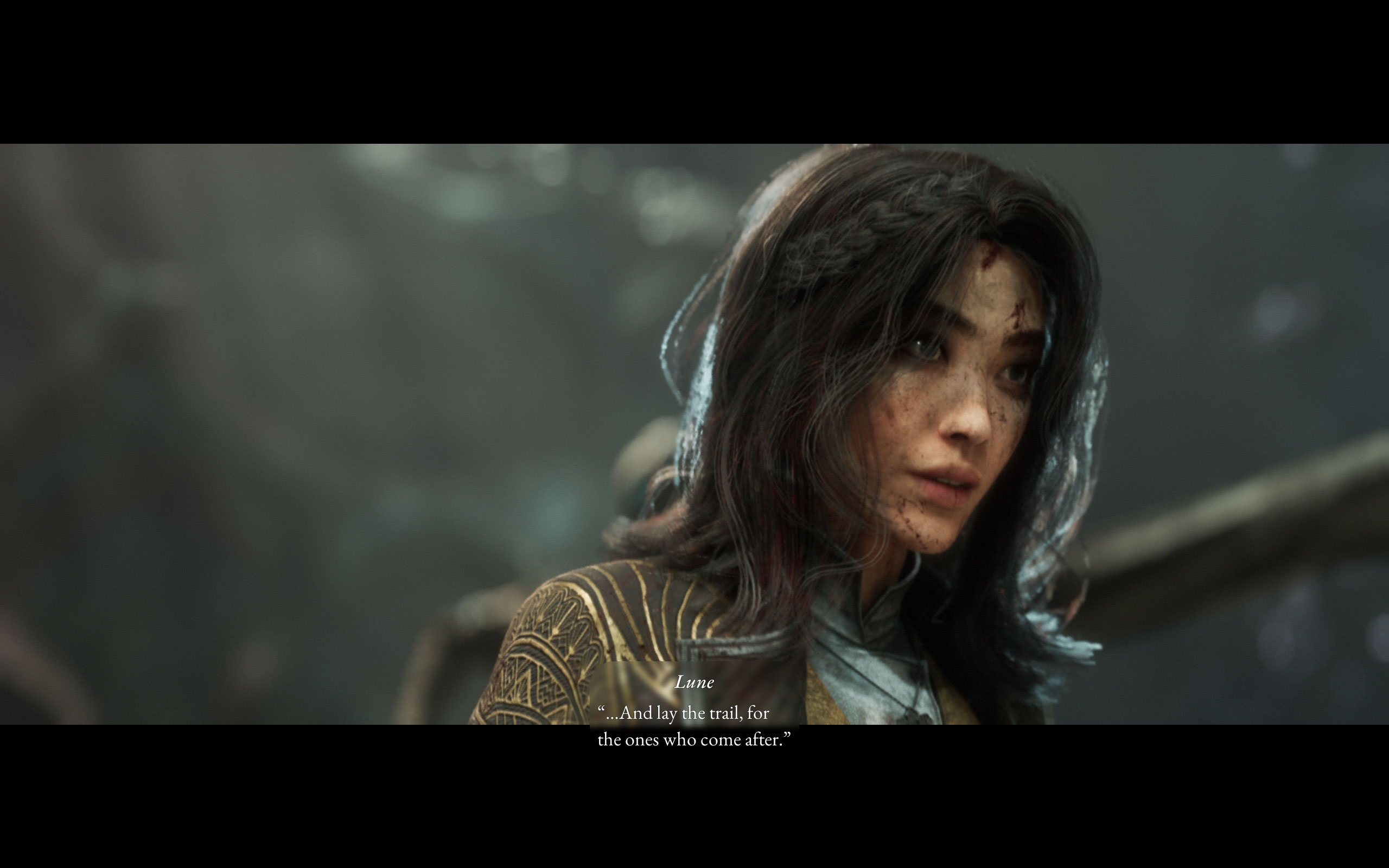
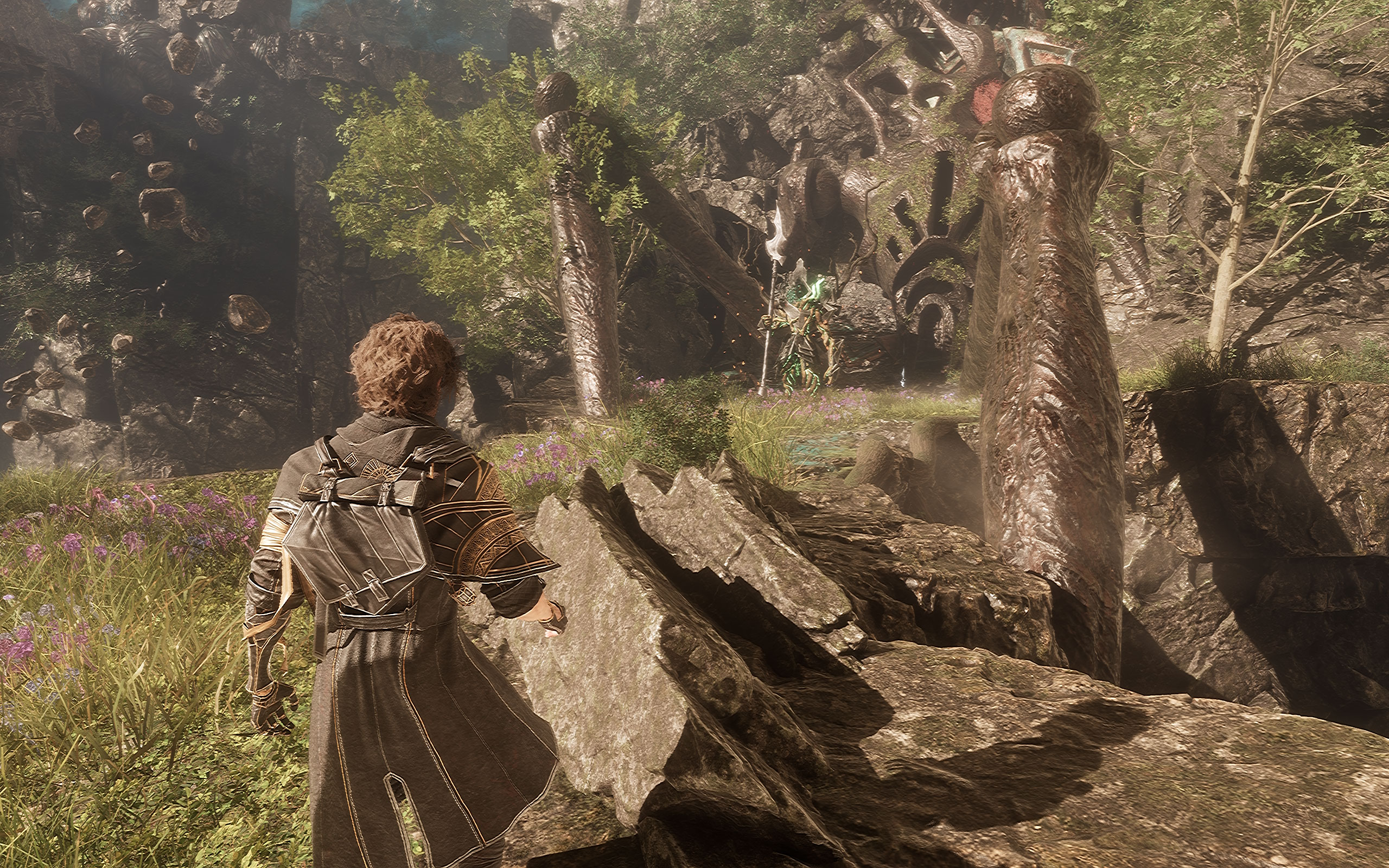
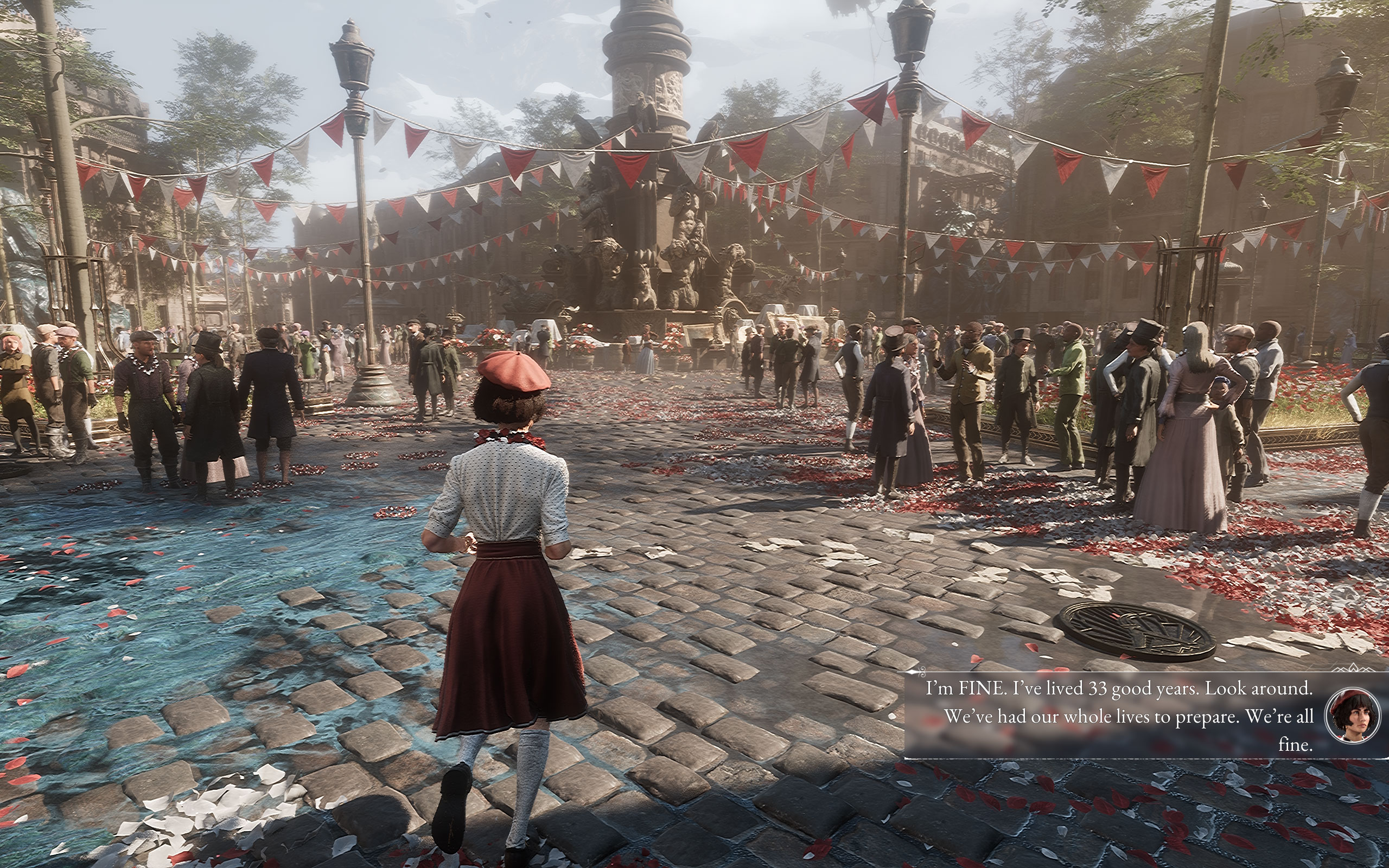
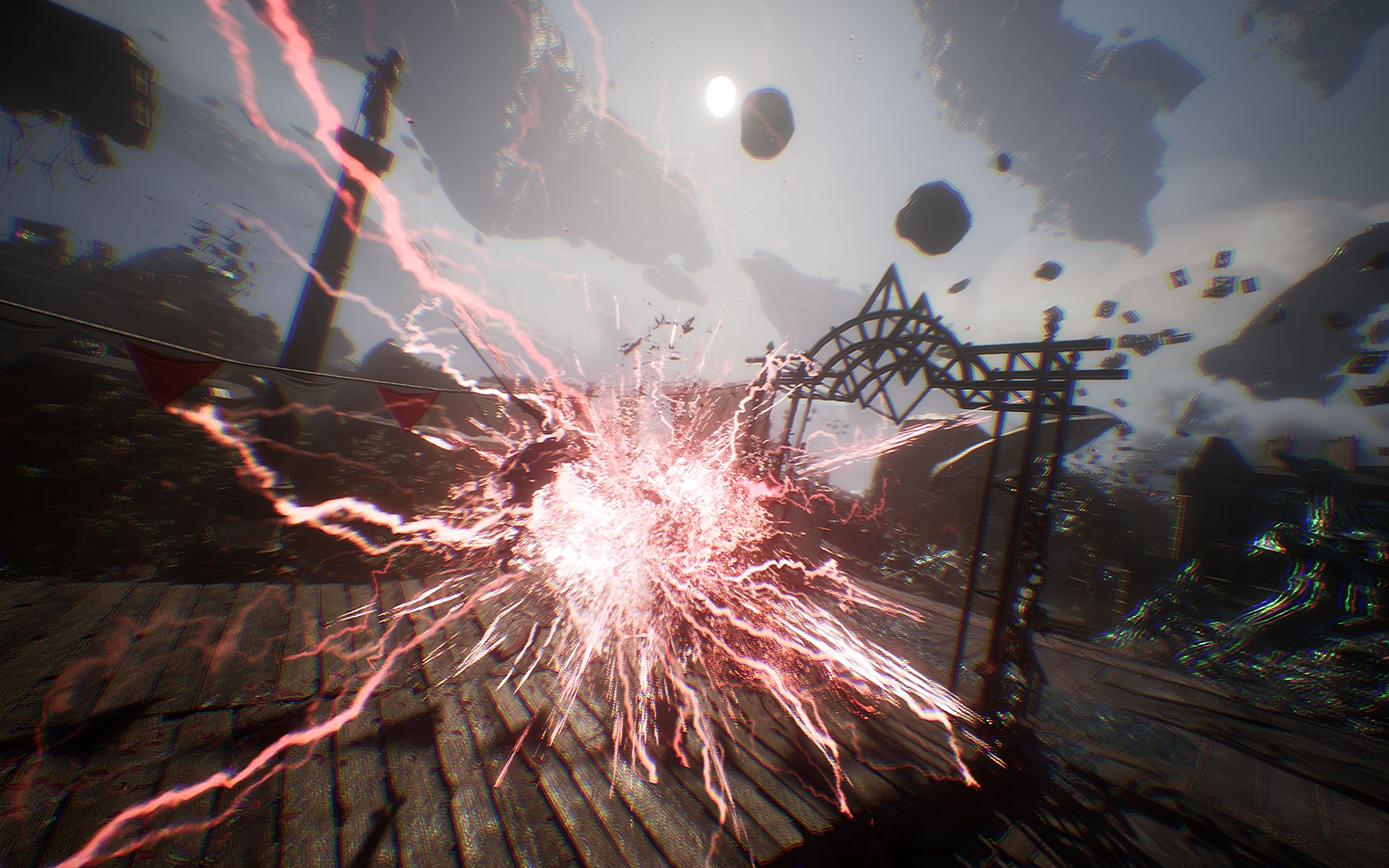
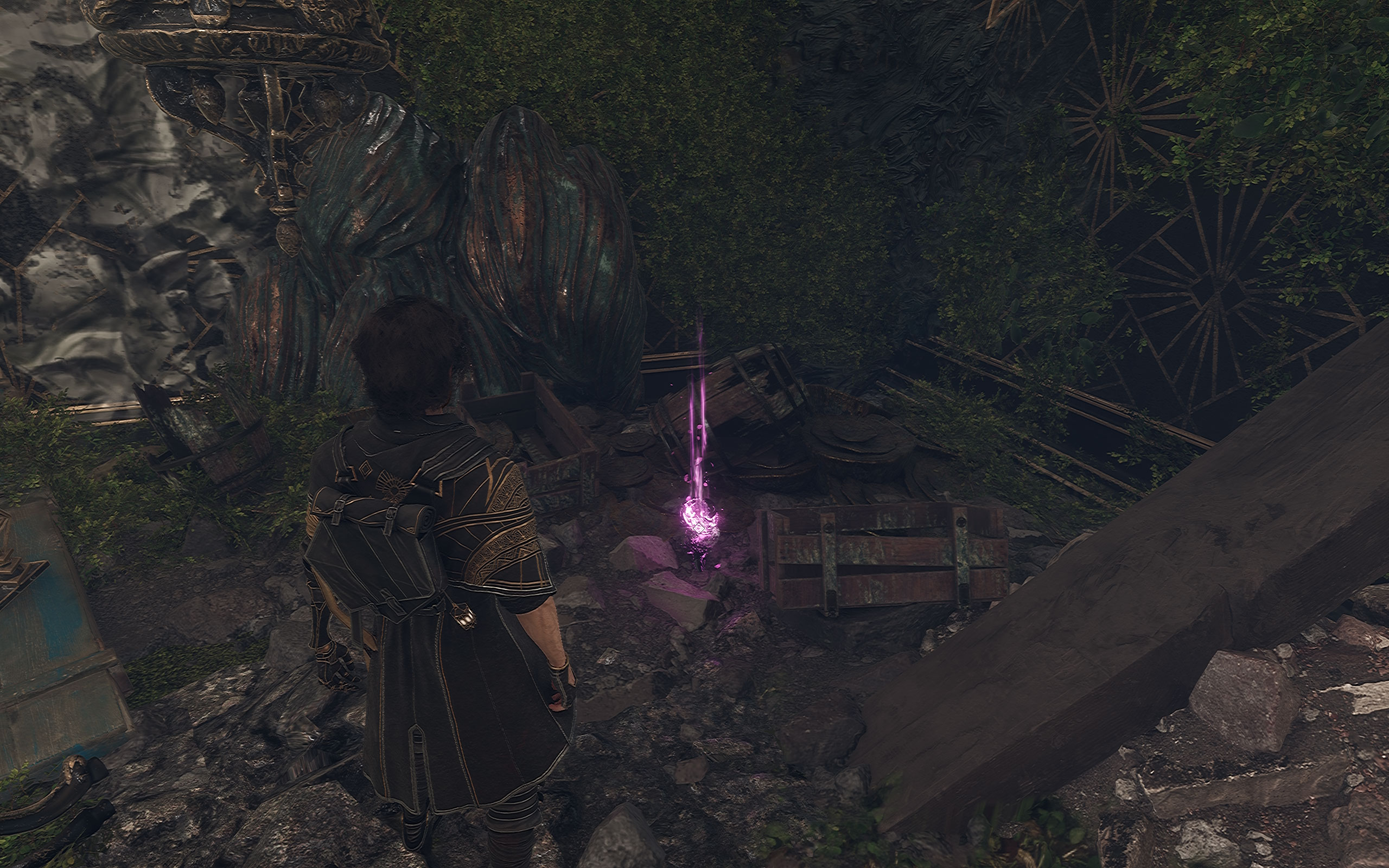
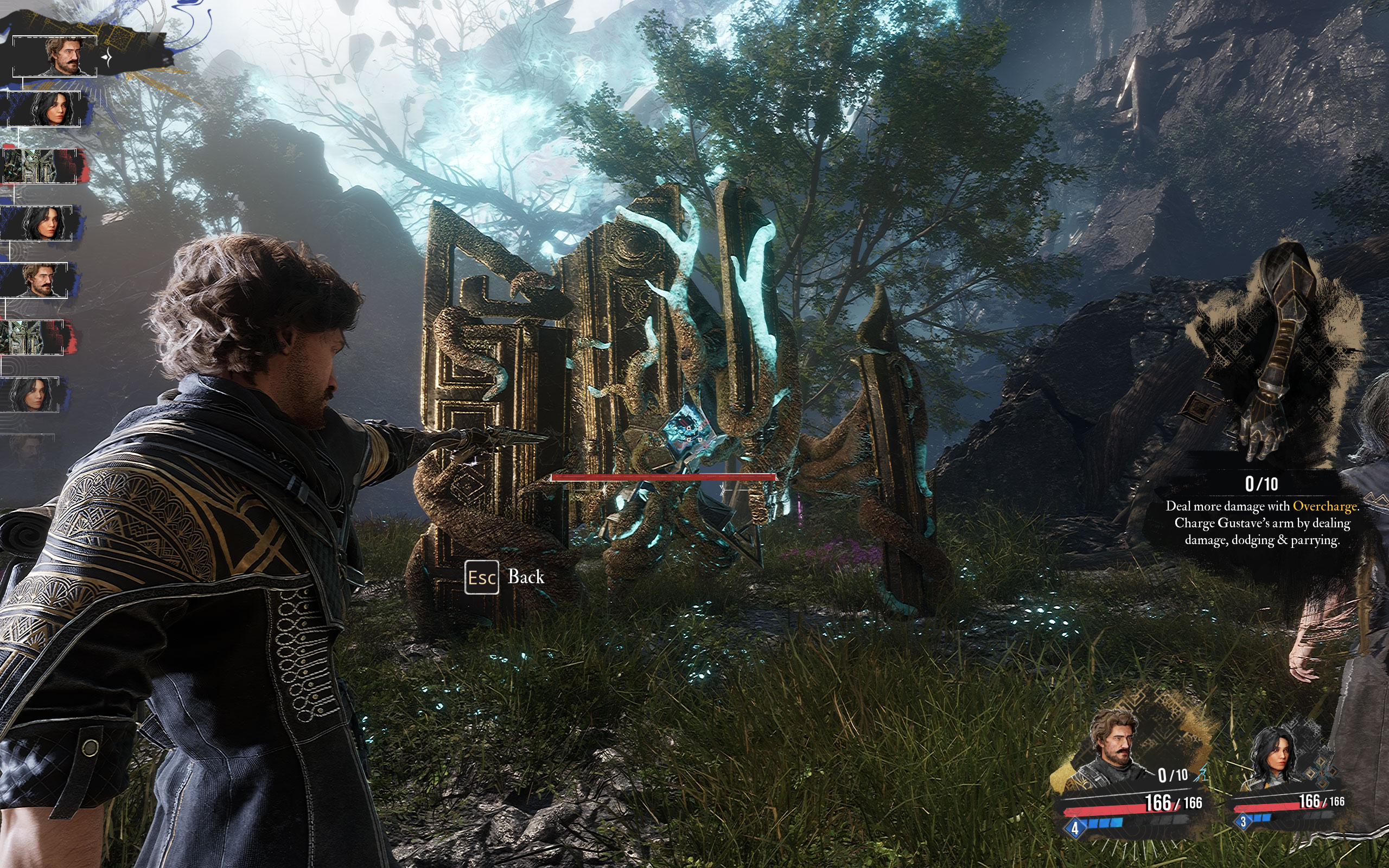
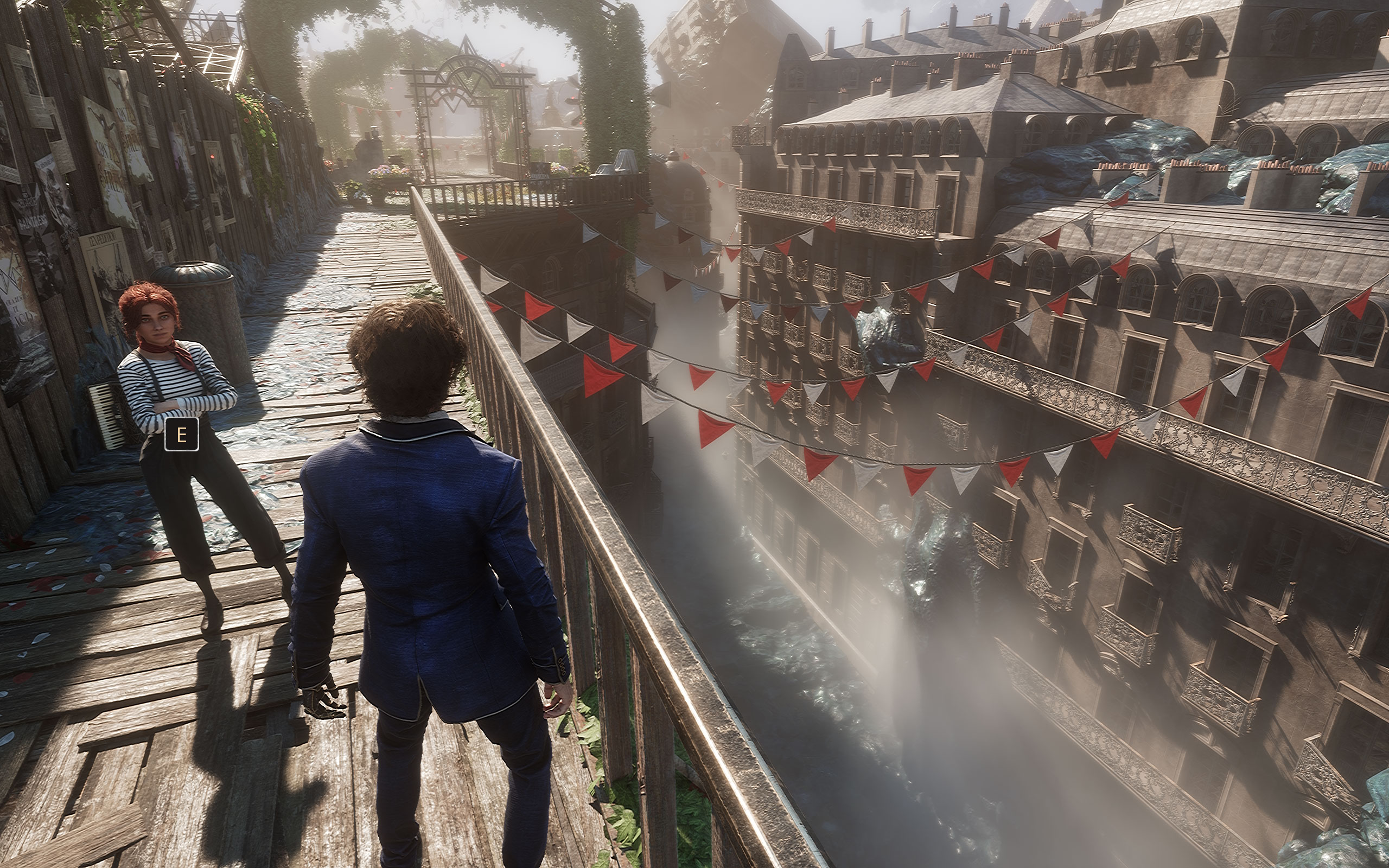
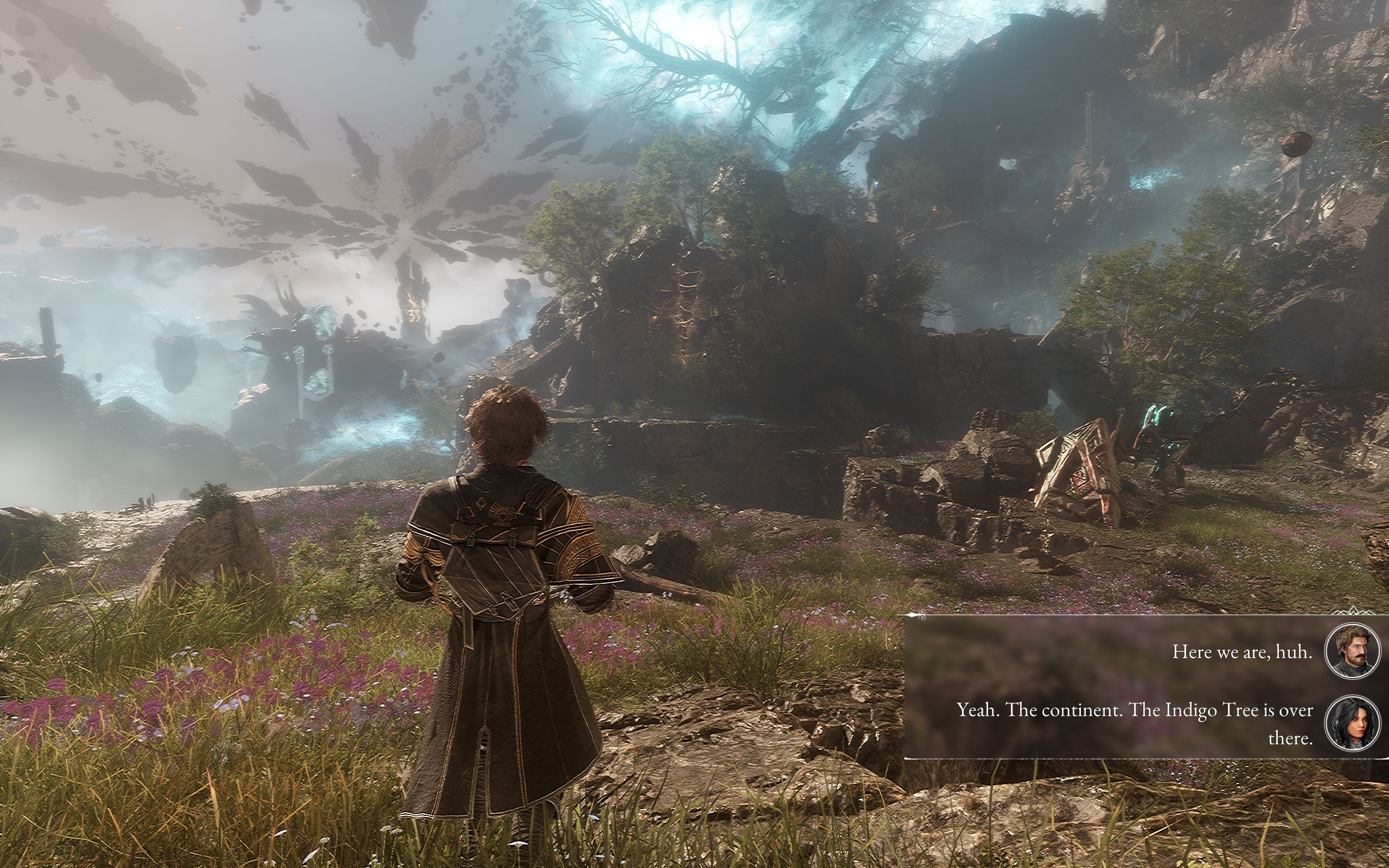
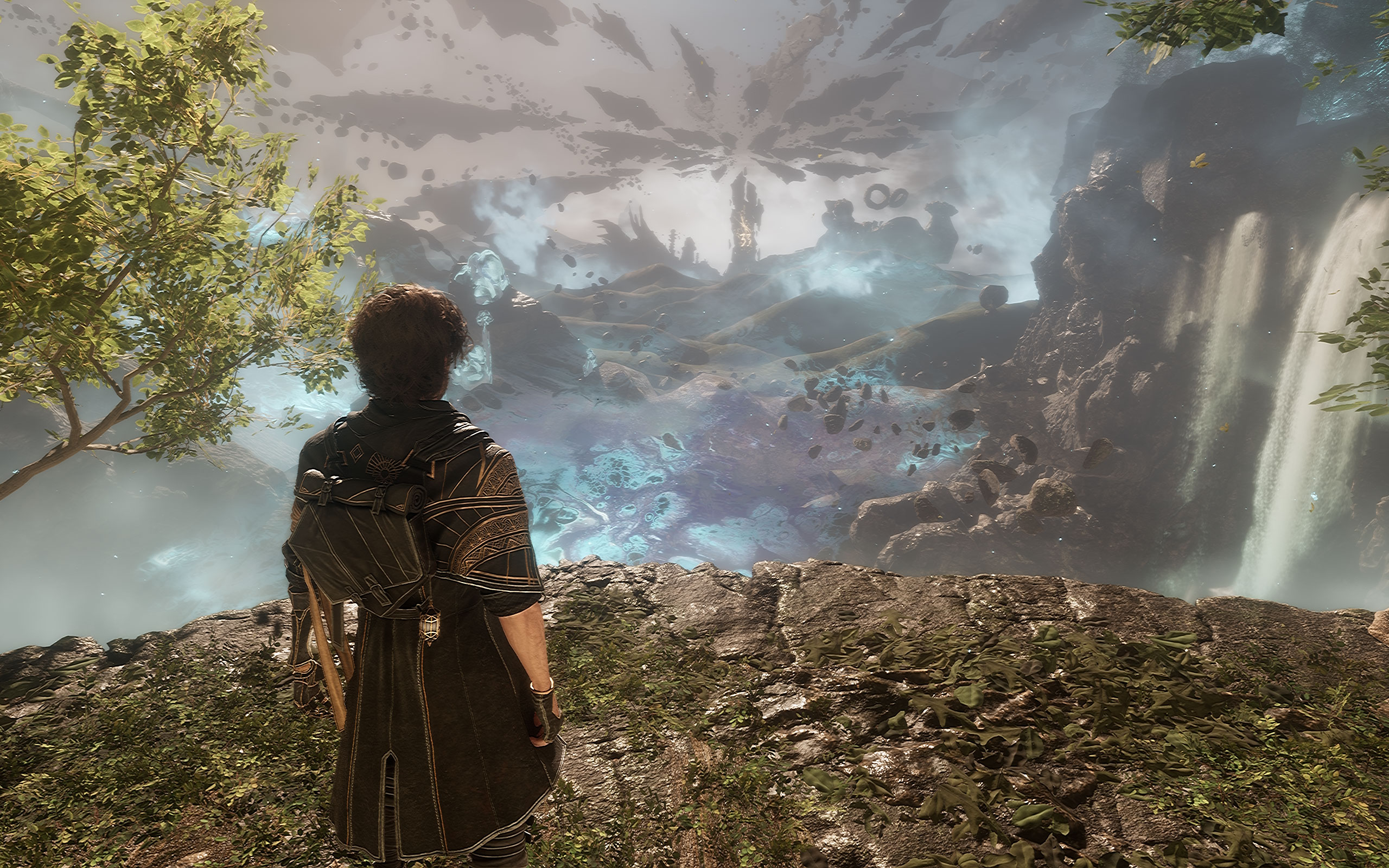
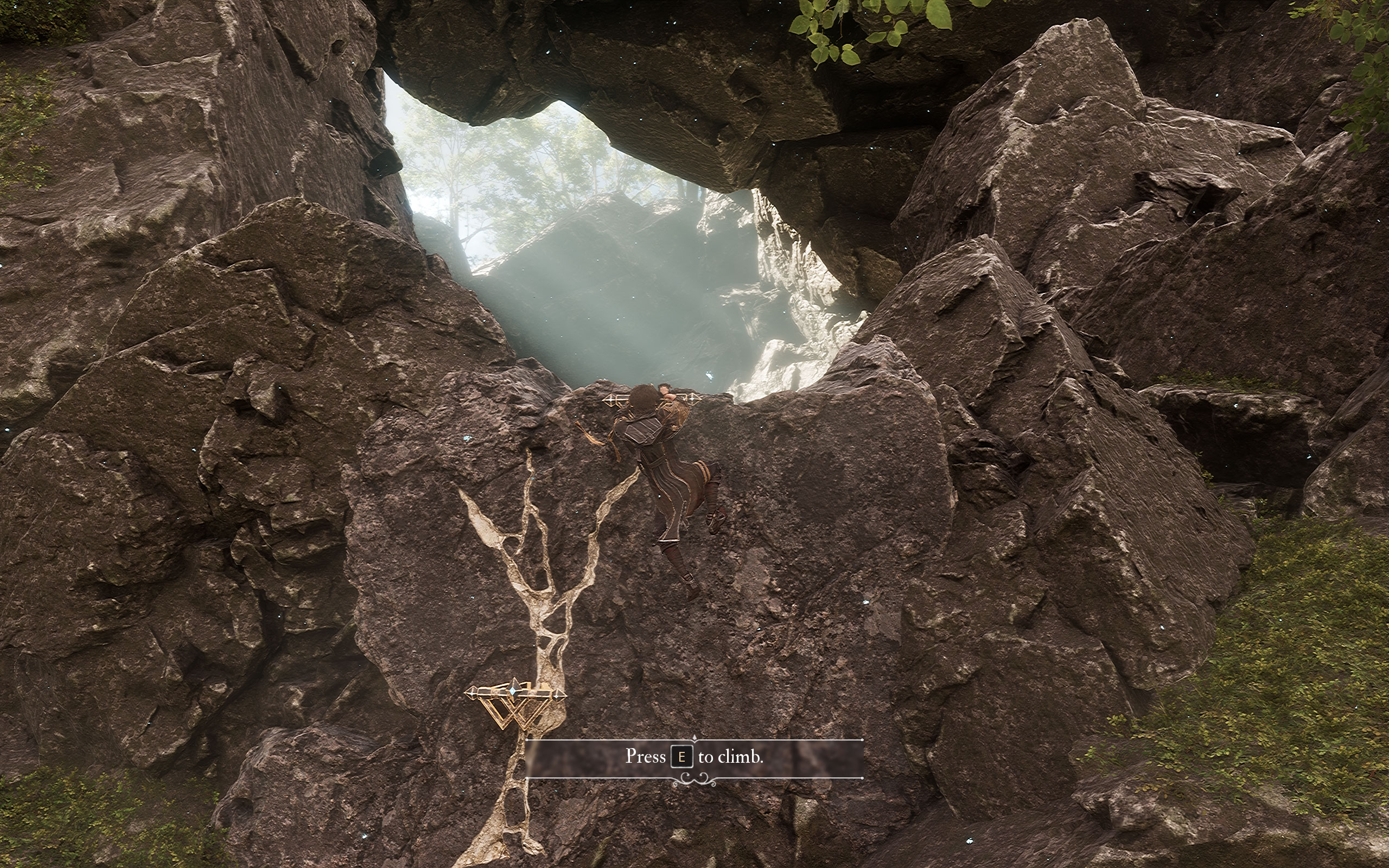
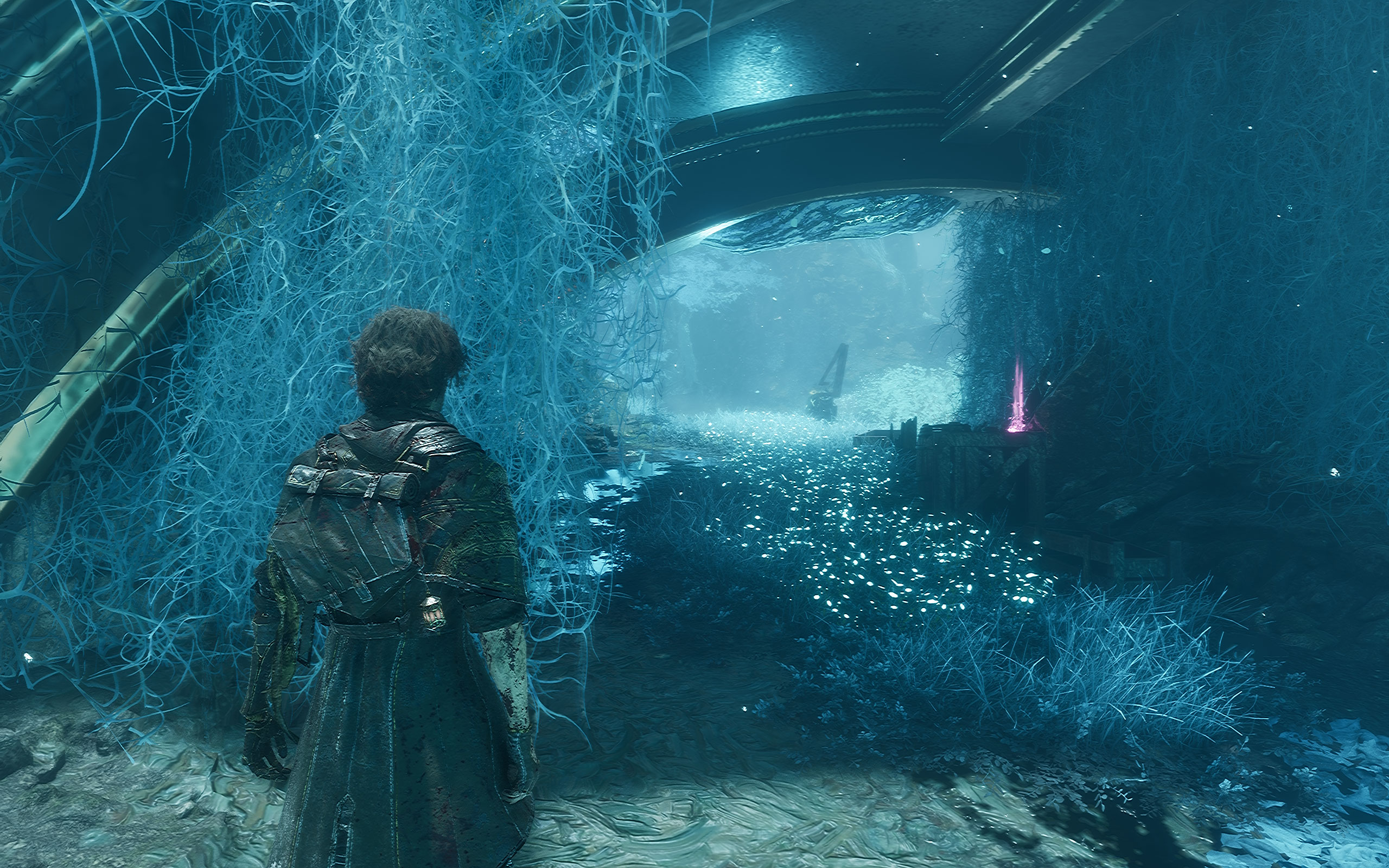
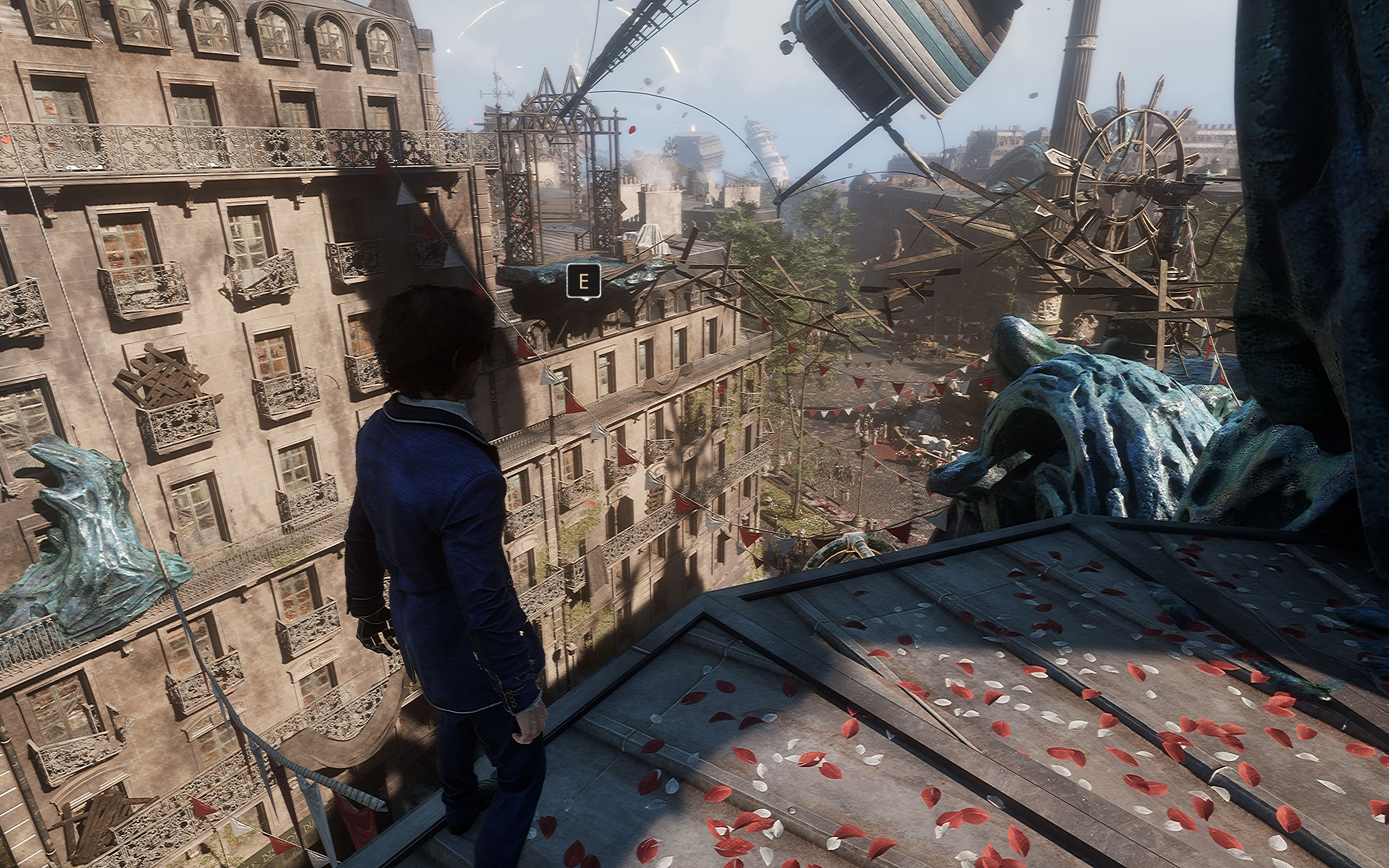
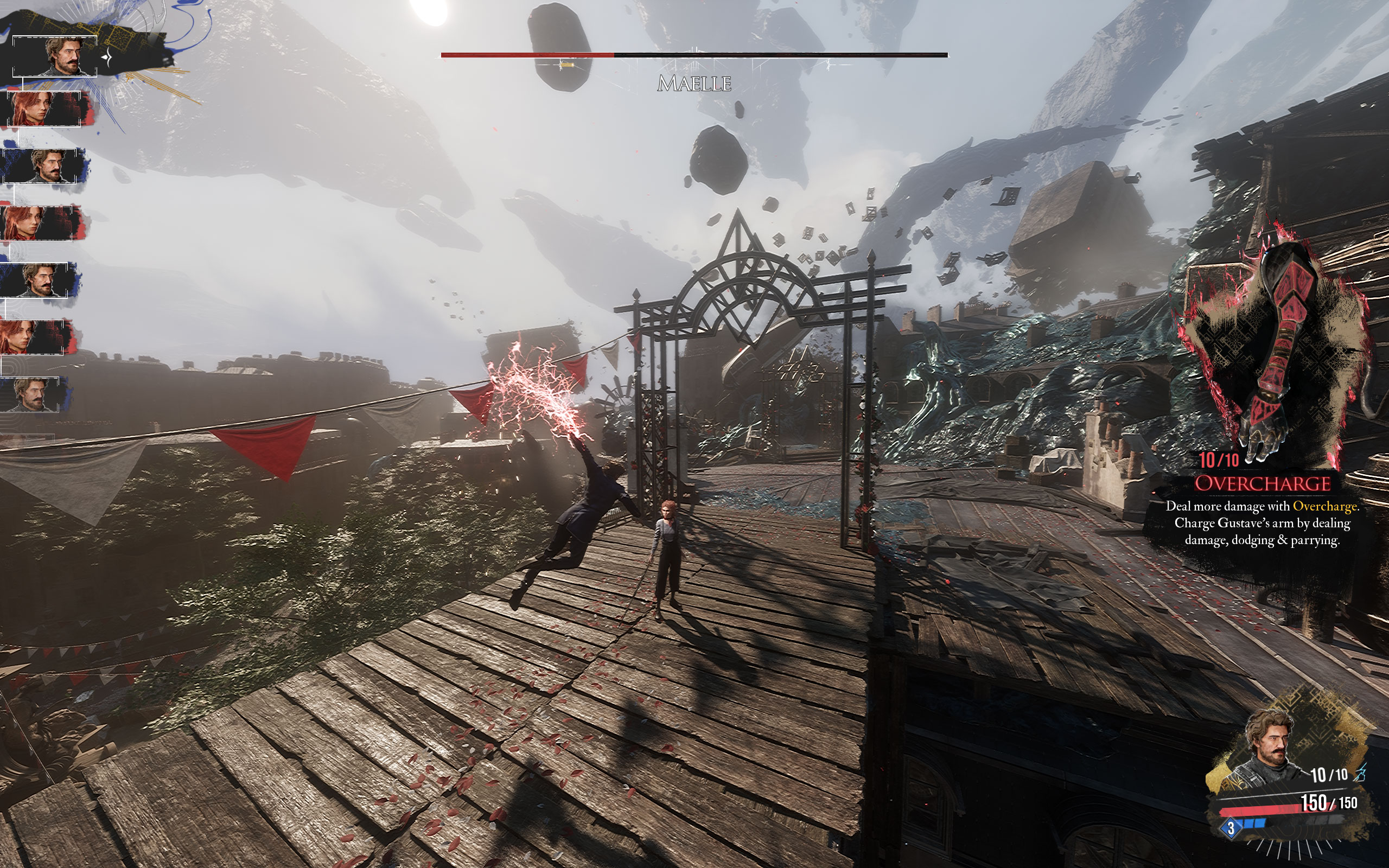
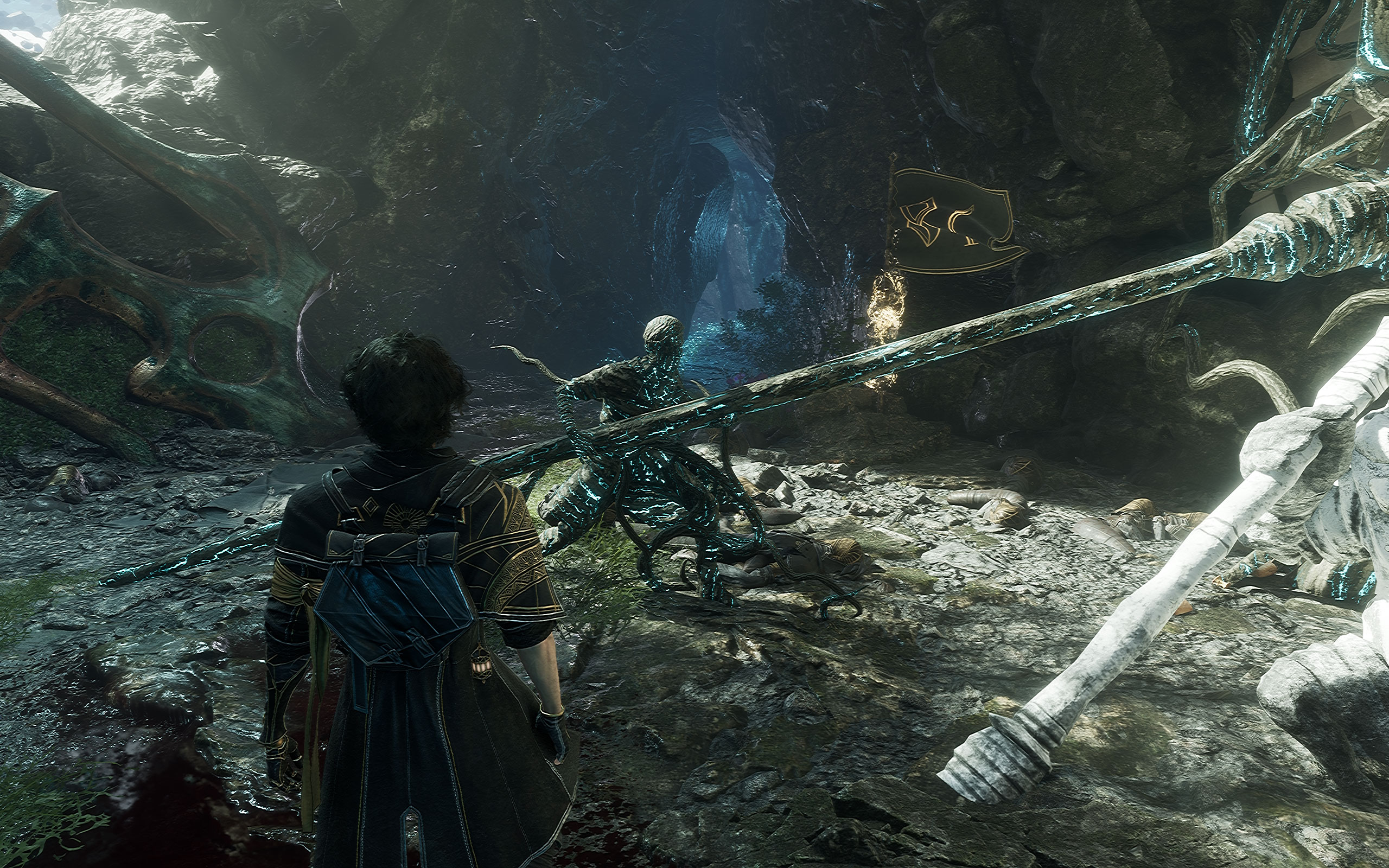
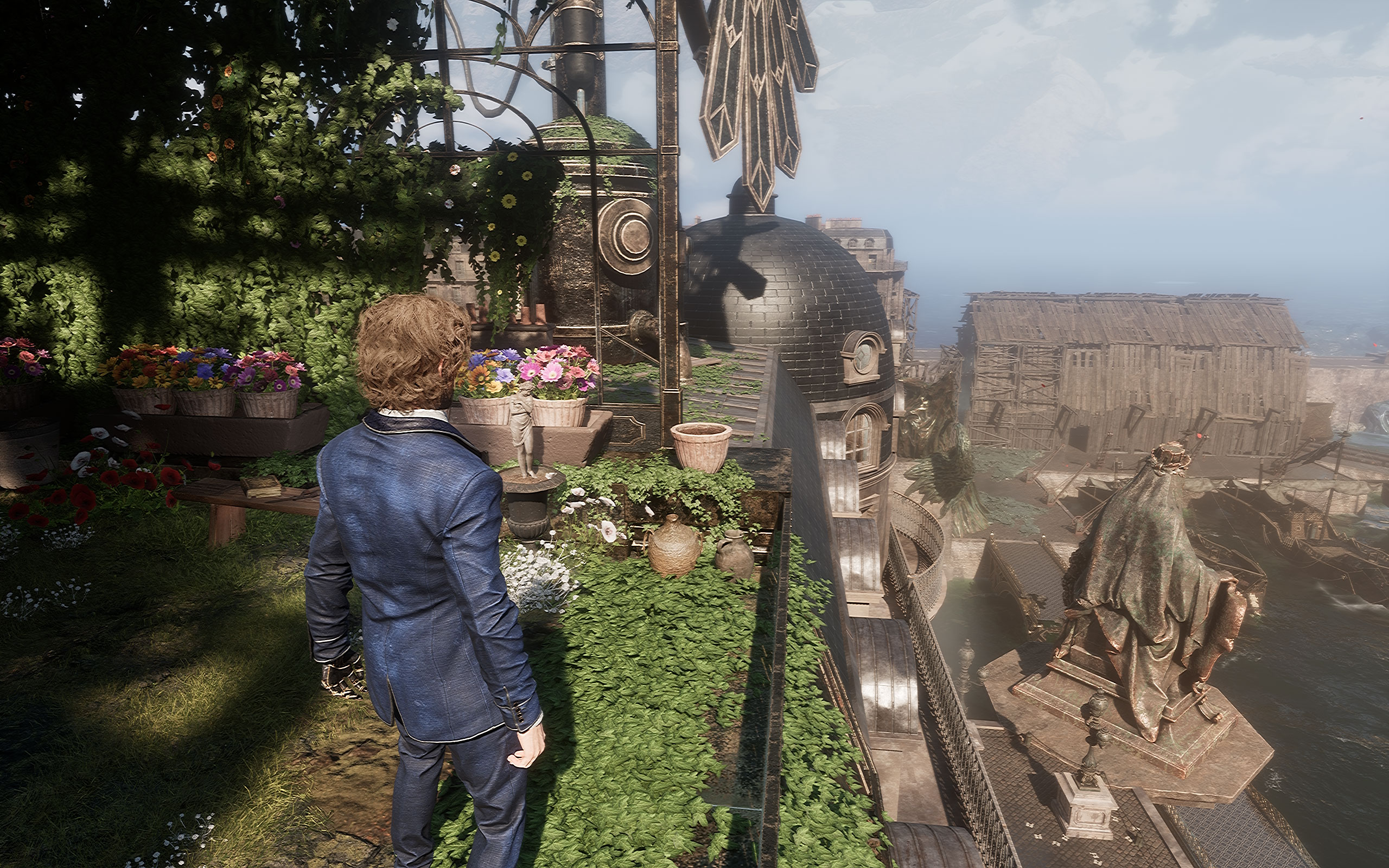
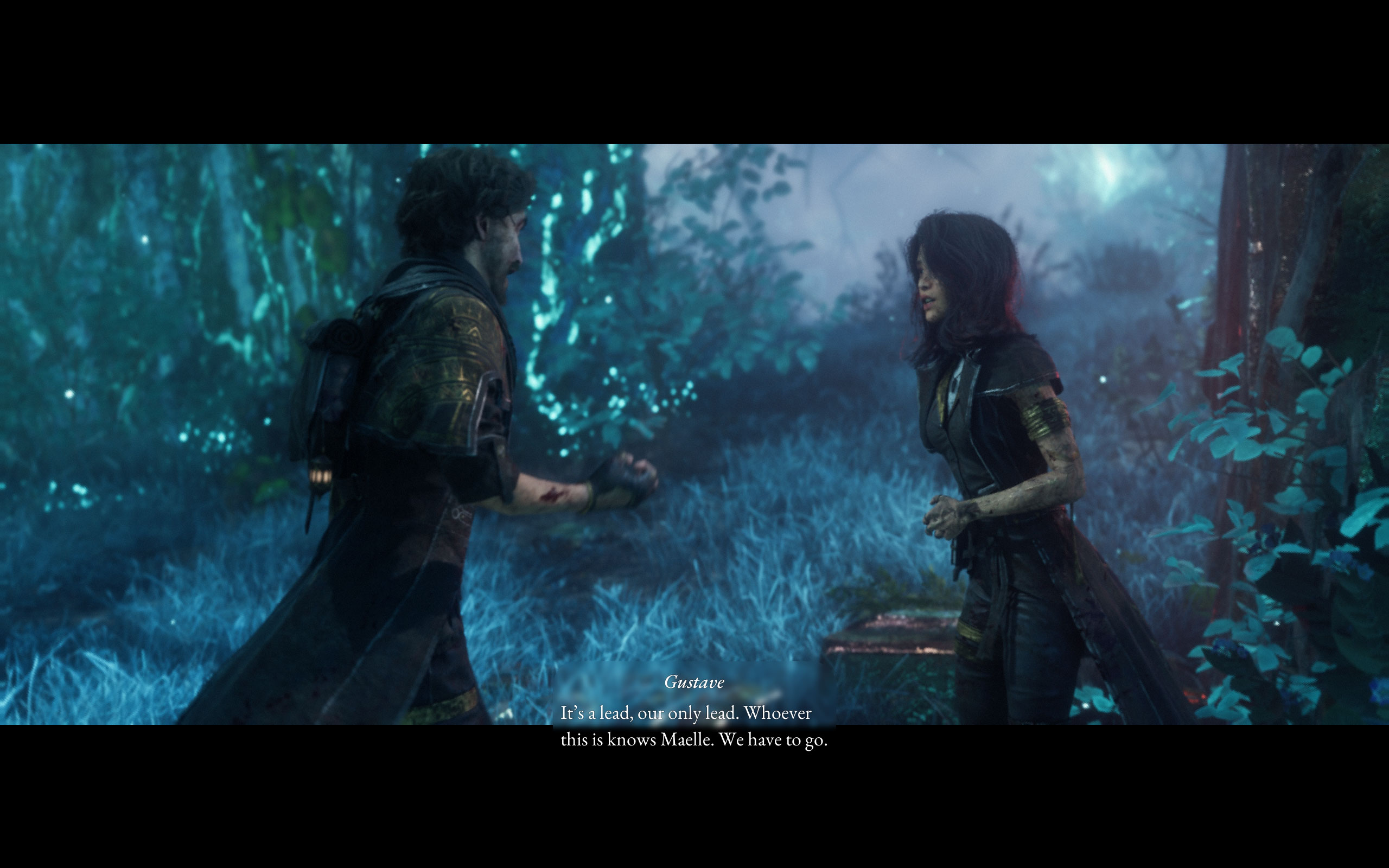
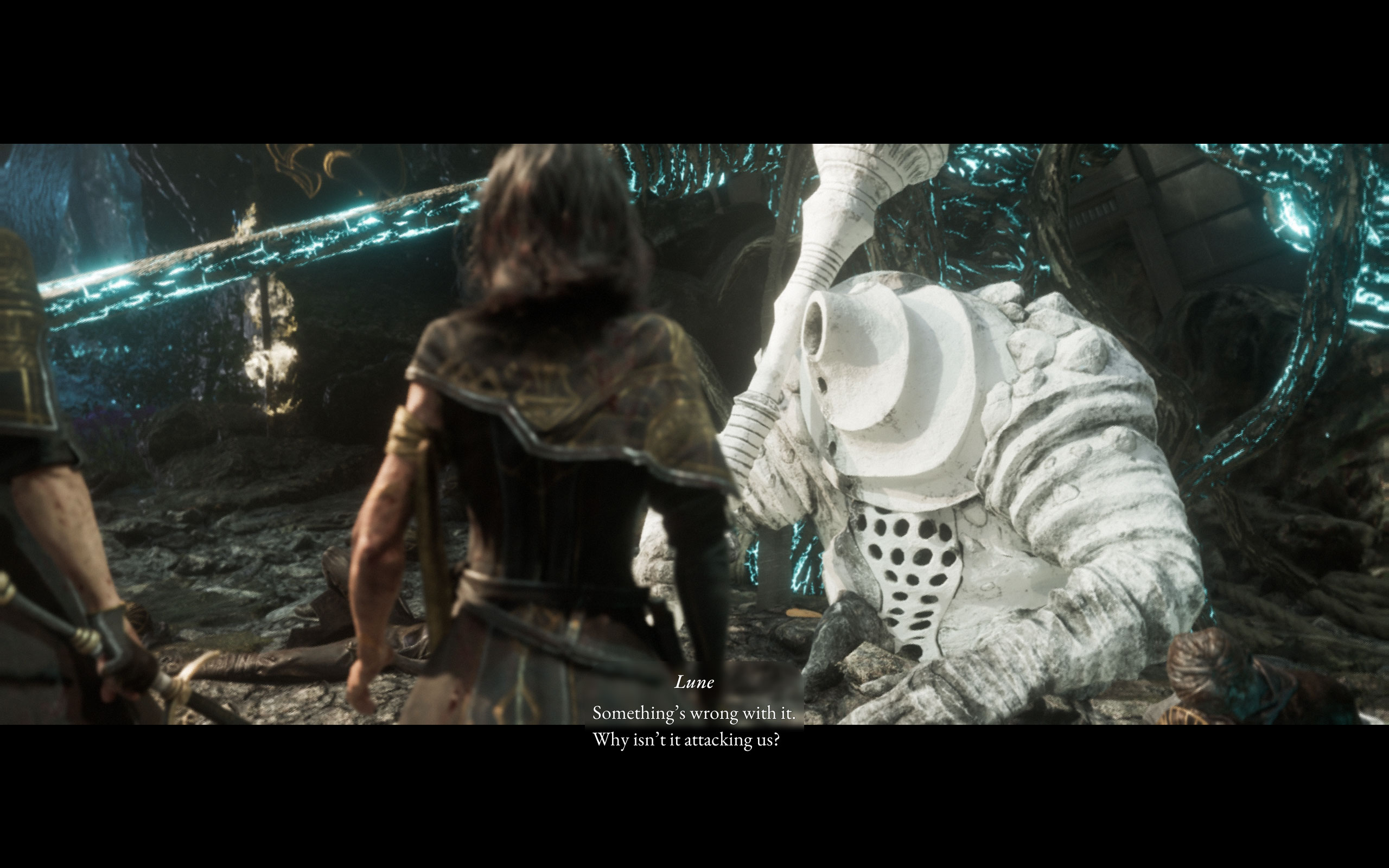
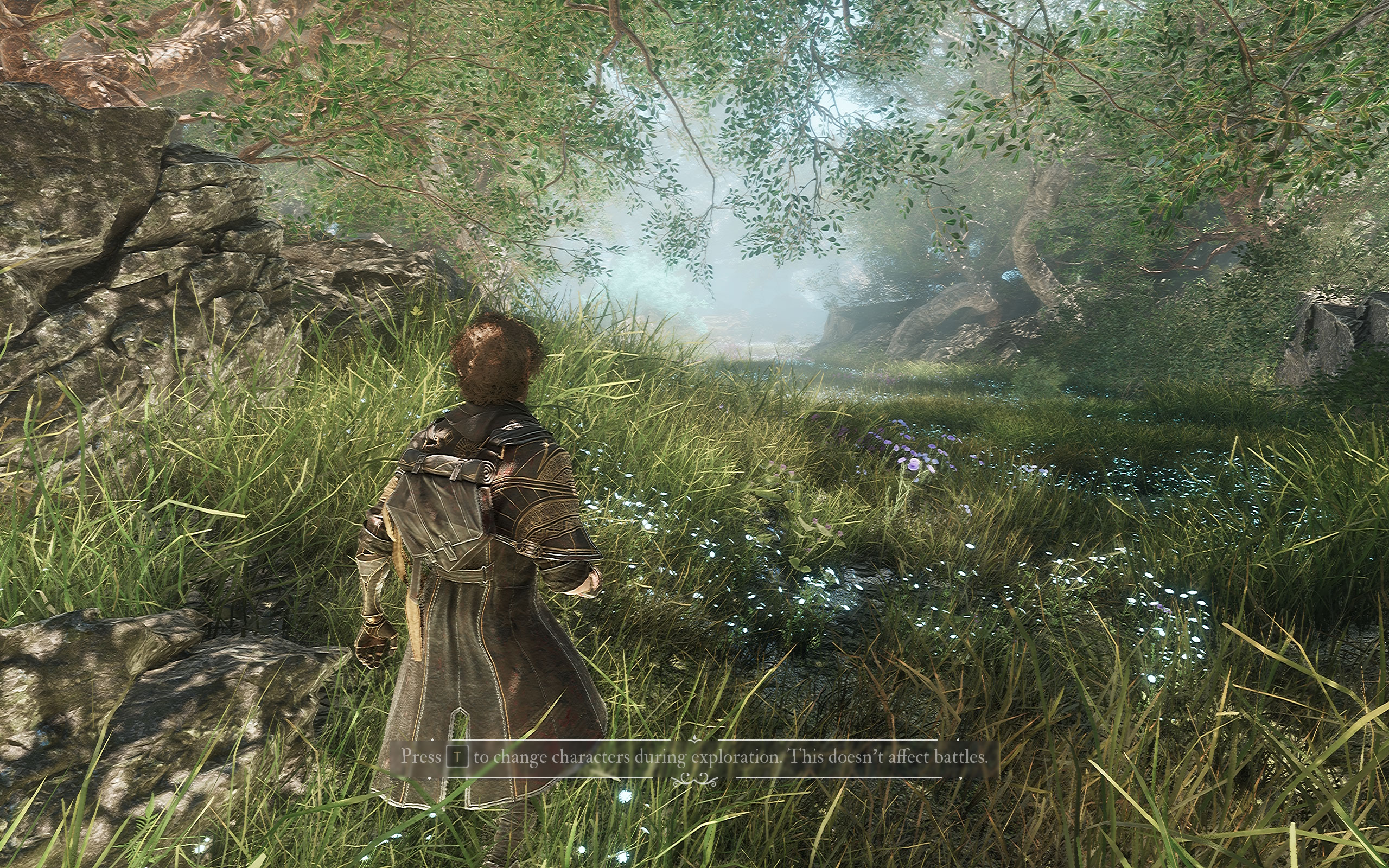
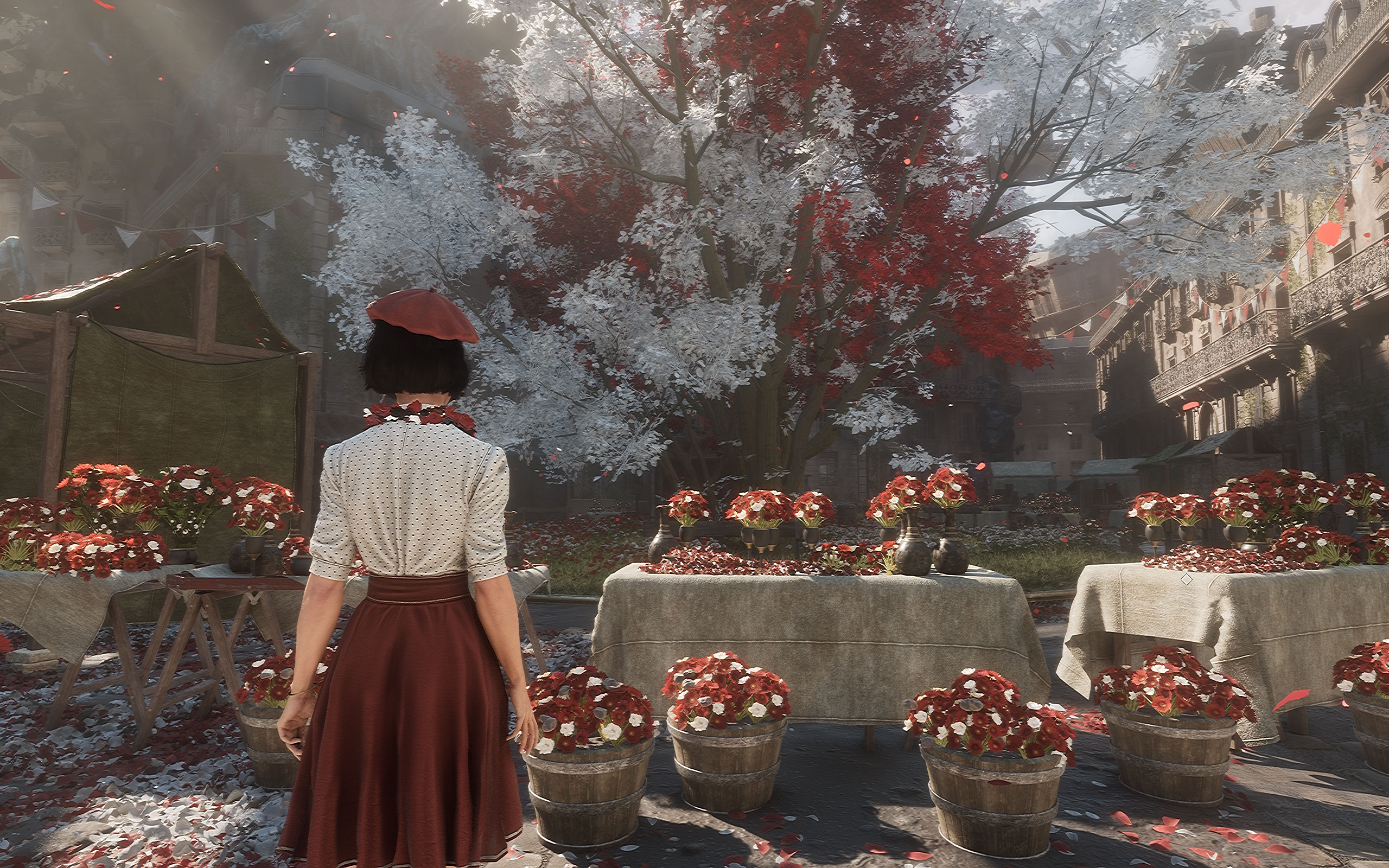
All screenshots were taken at the Epic settings profile with distracting effects disabled and DLAA enabled. The gallery can be navigated with the cursor keys.



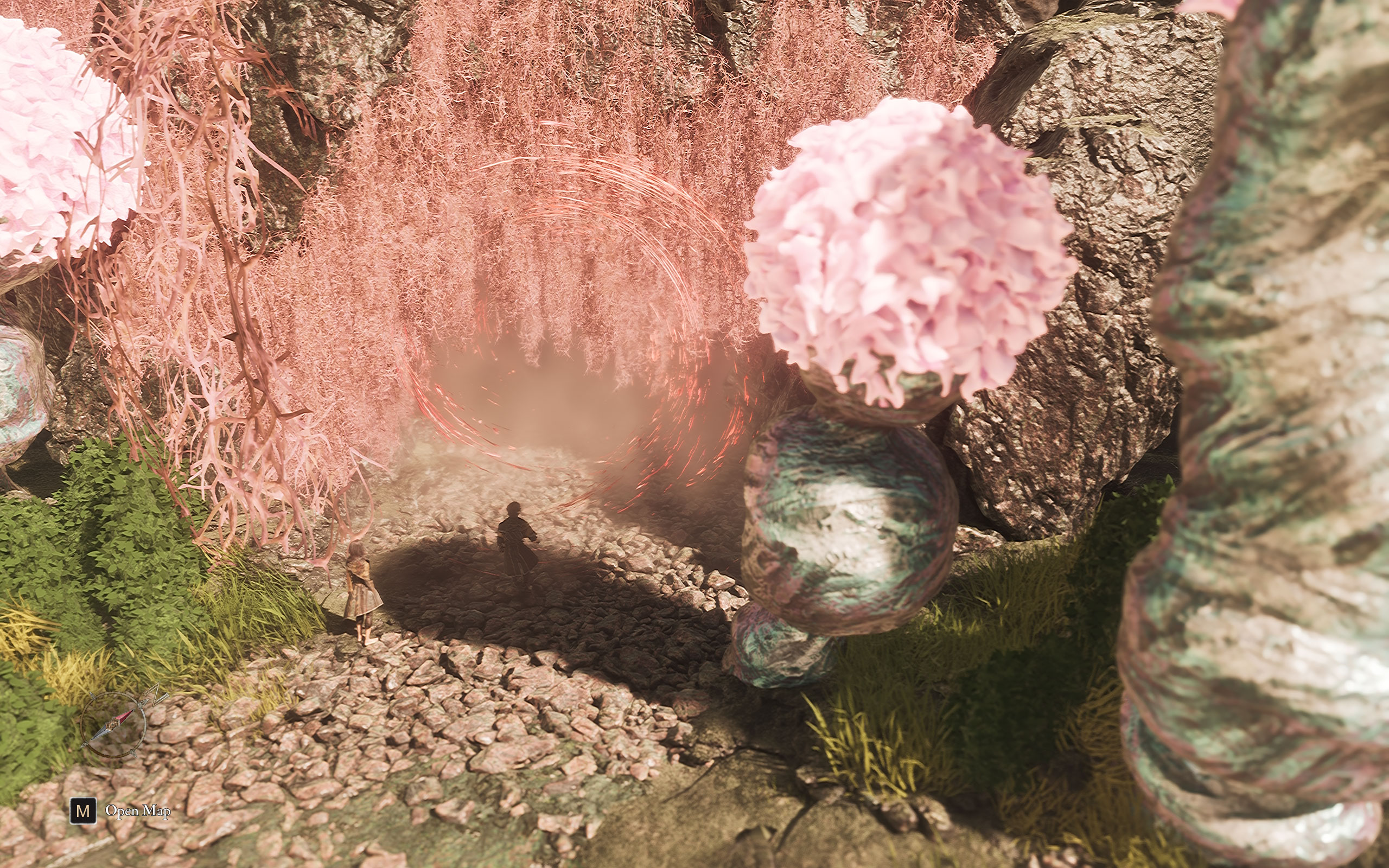
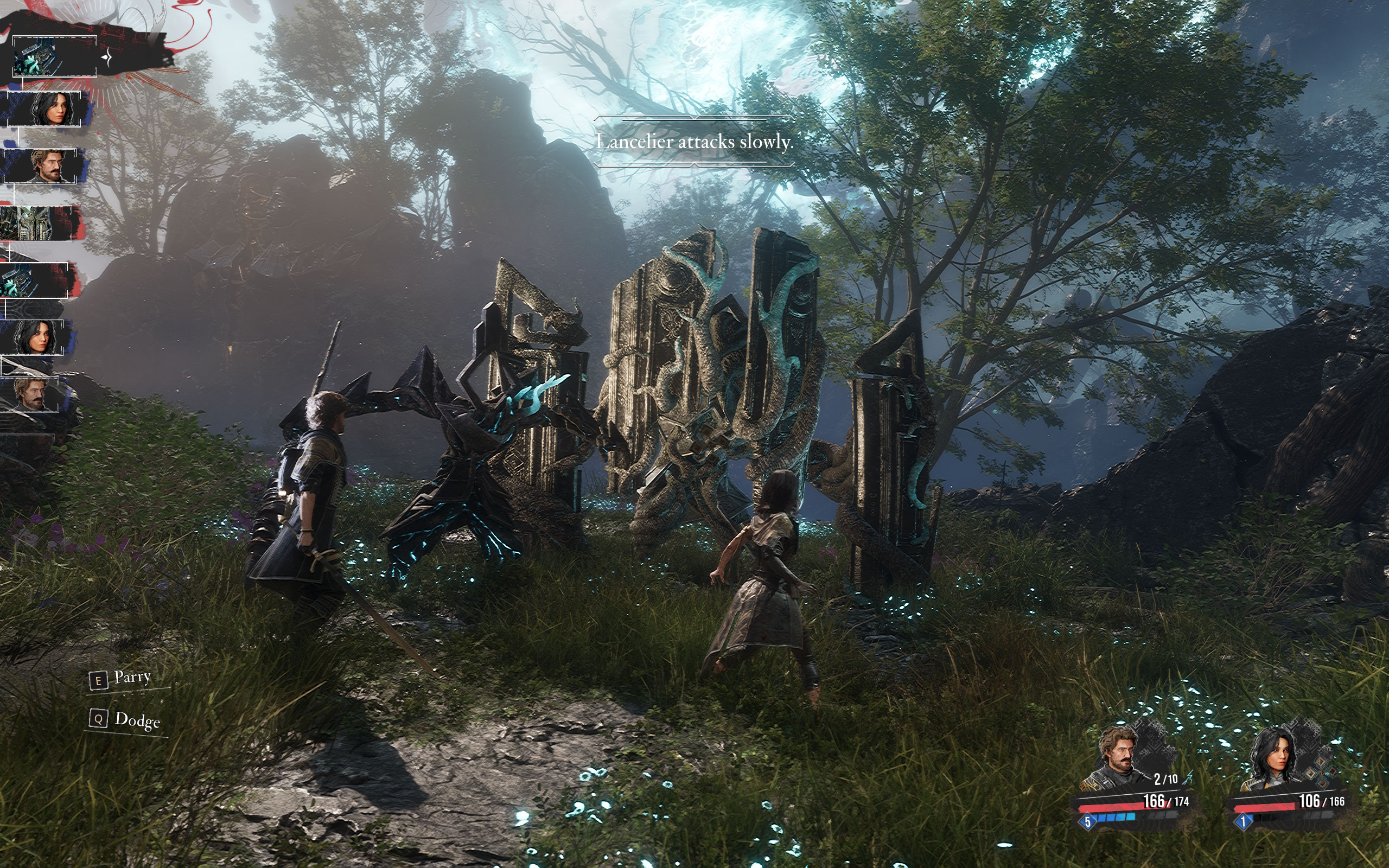
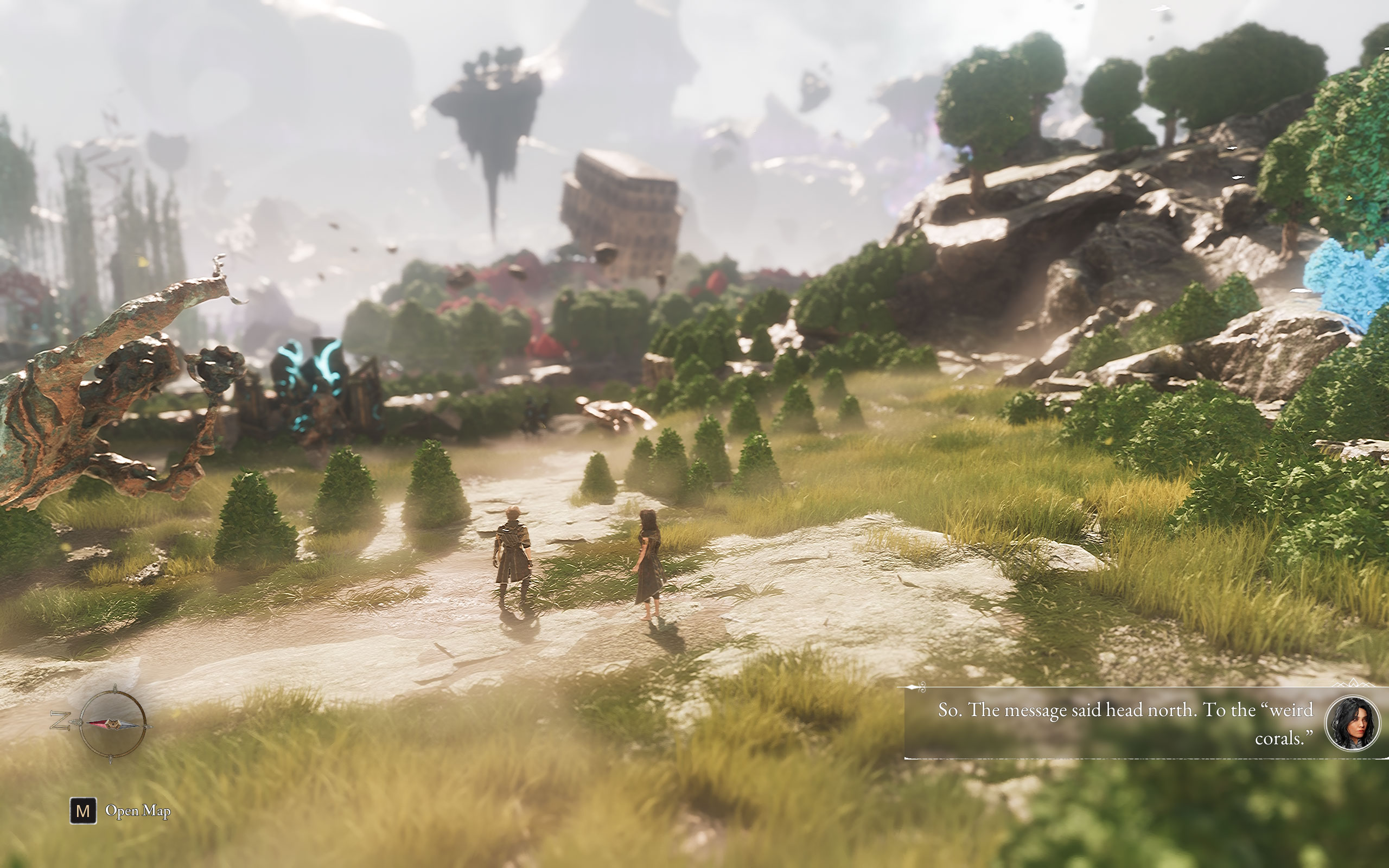
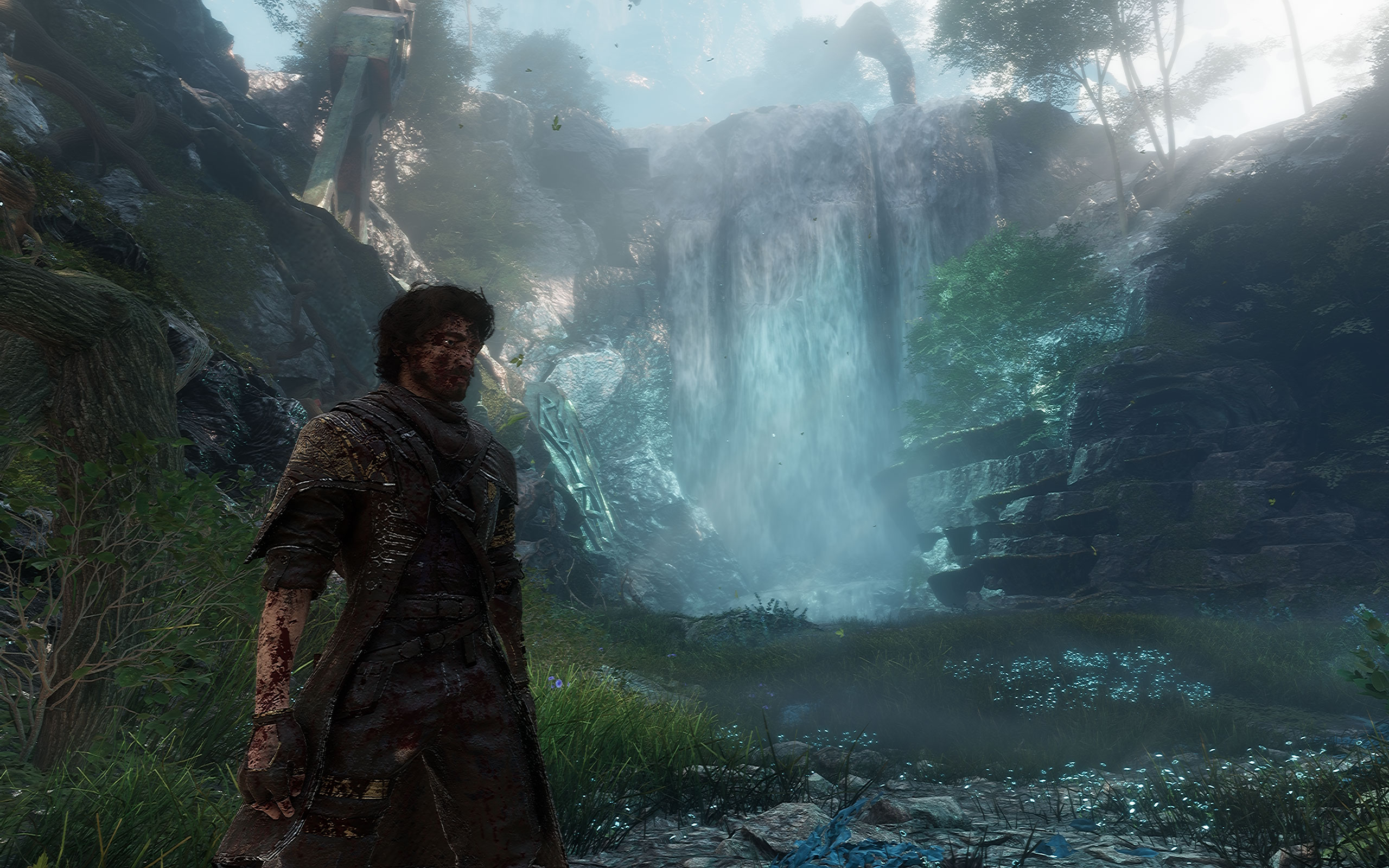
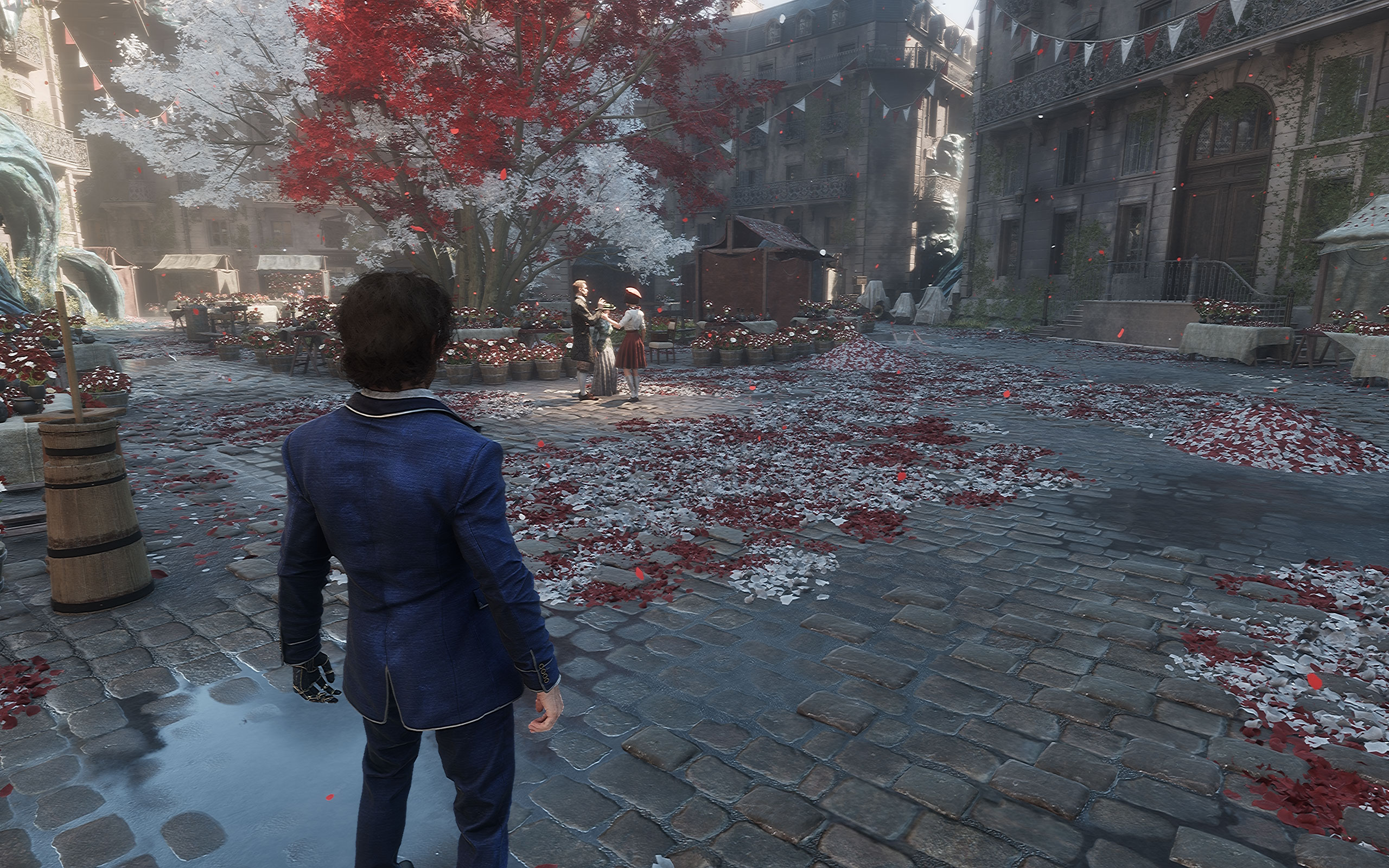
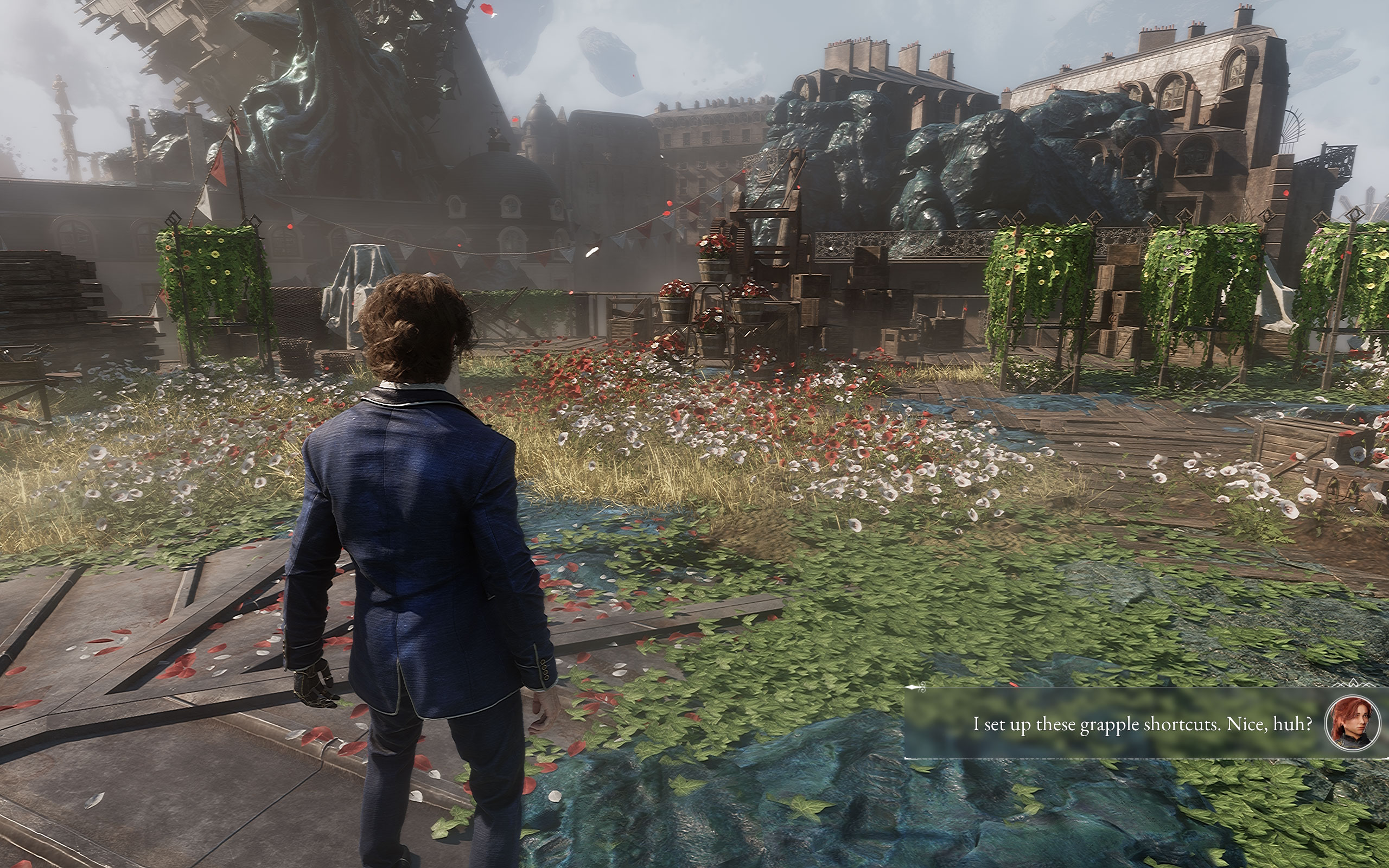
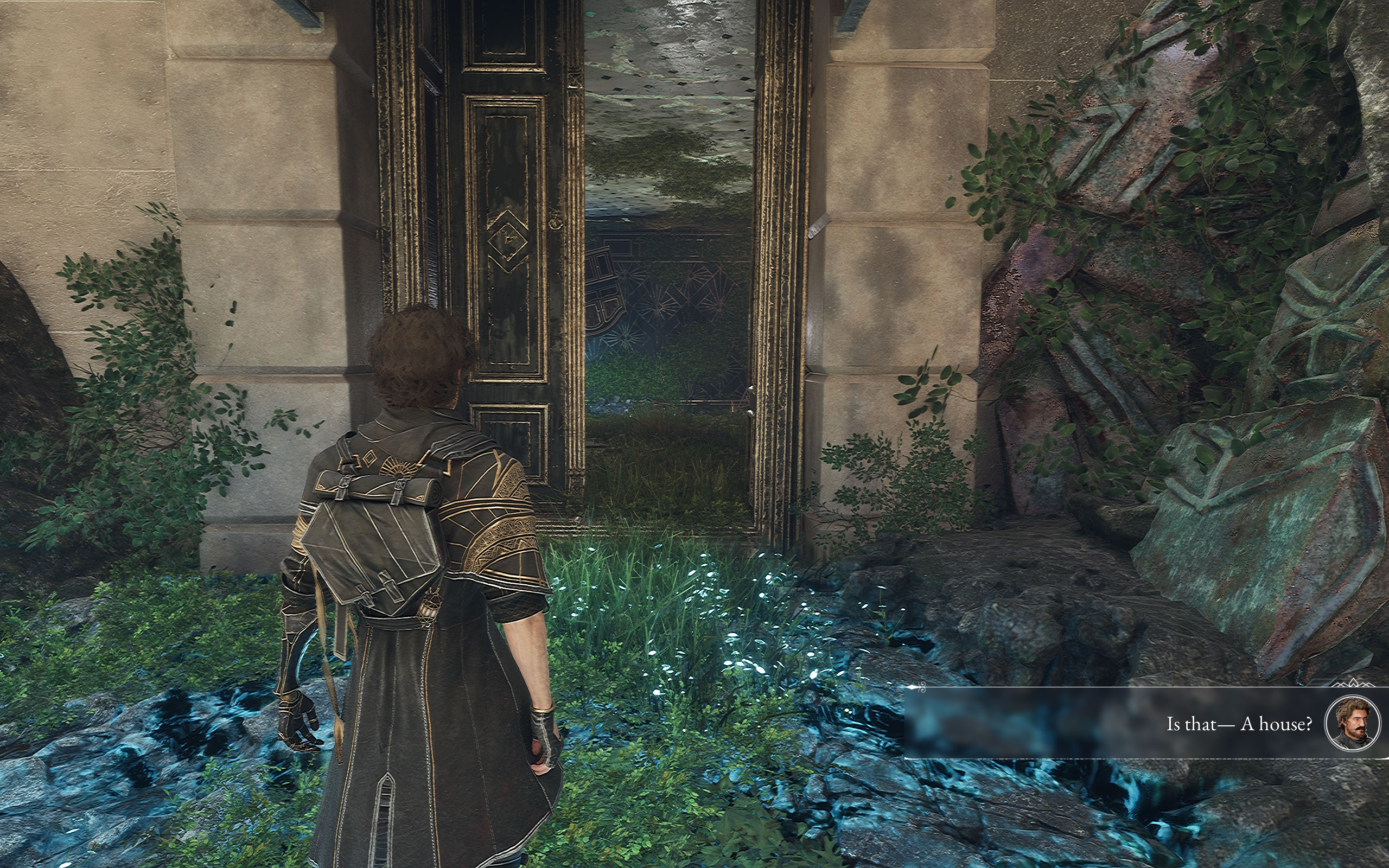
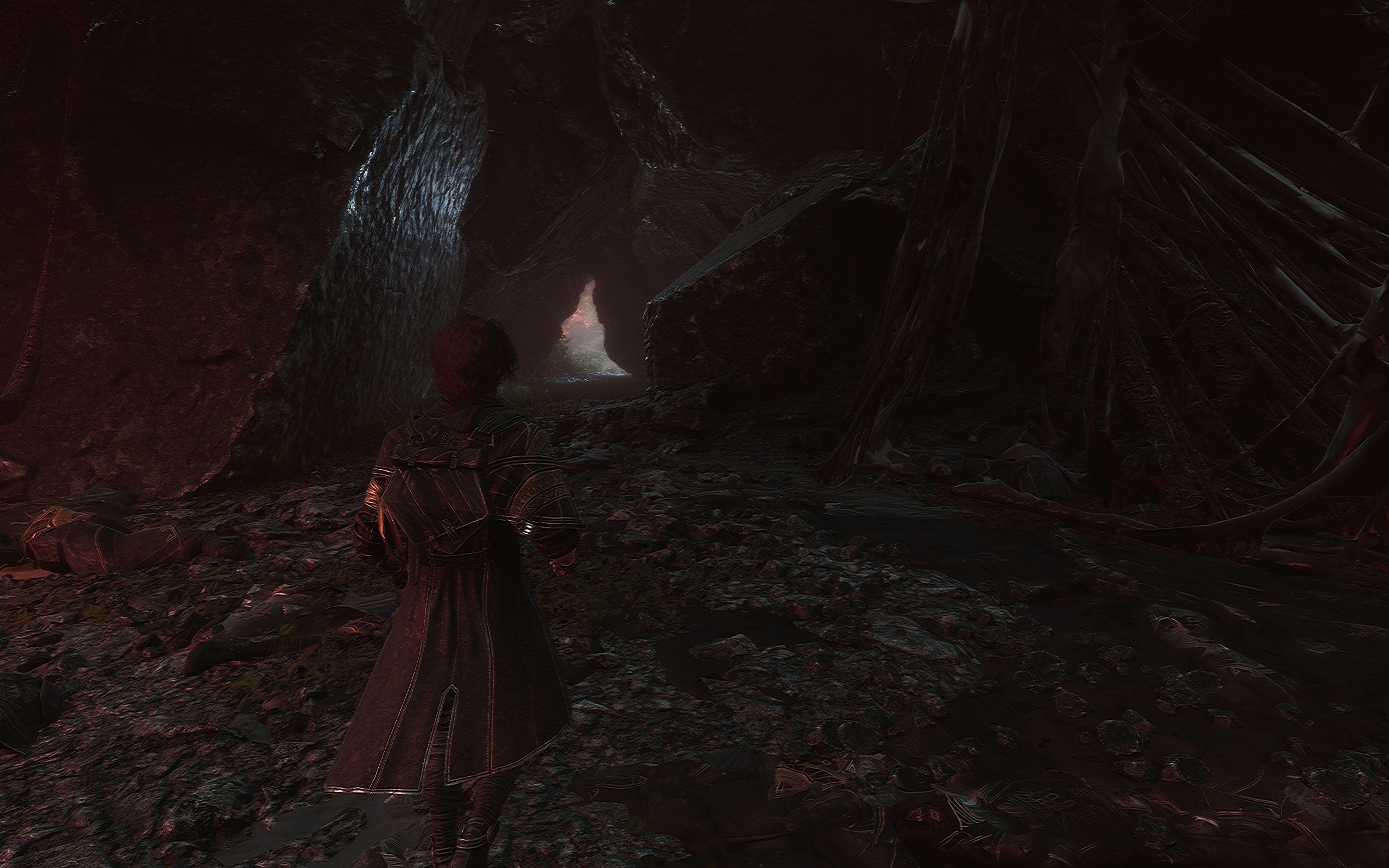

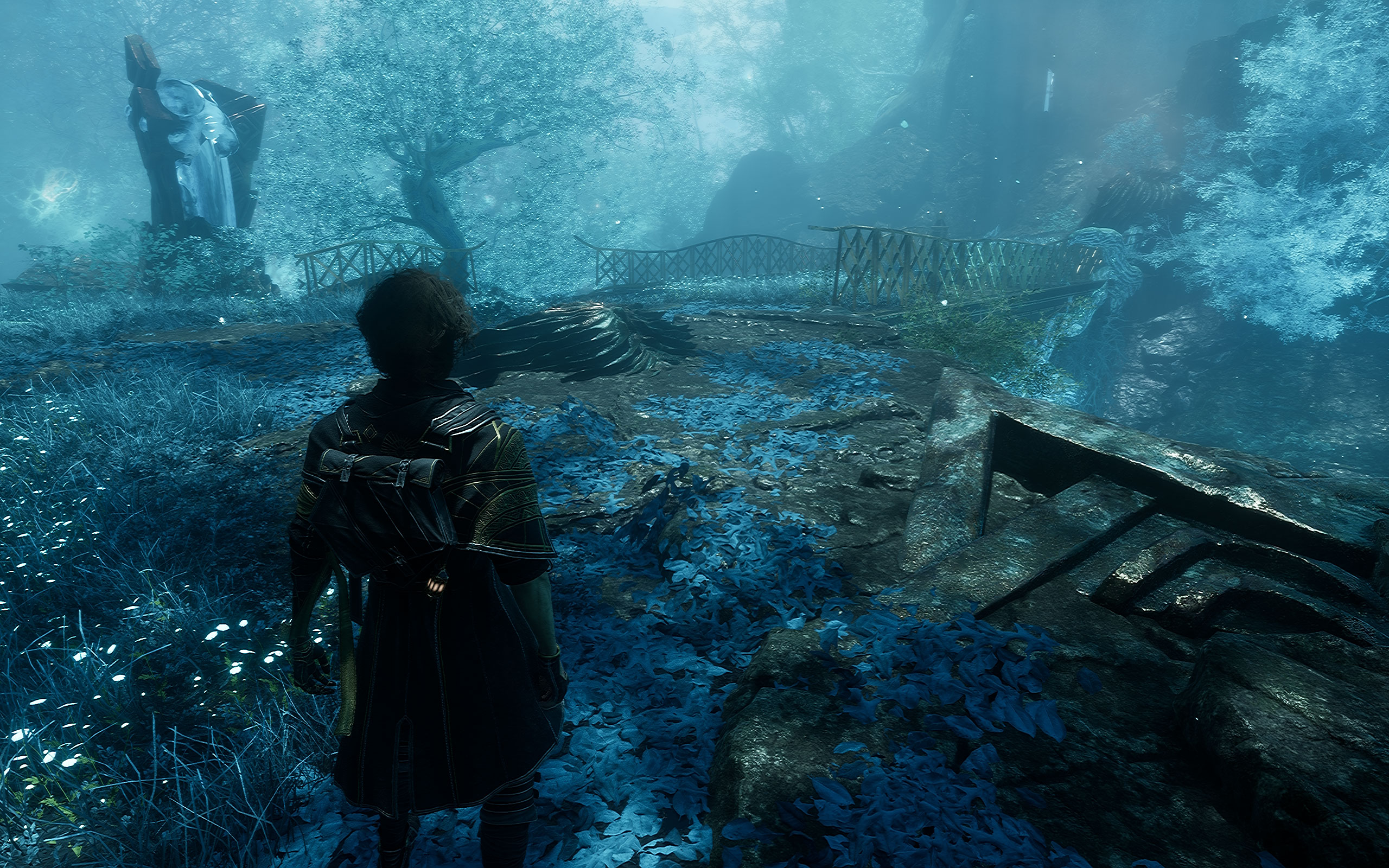
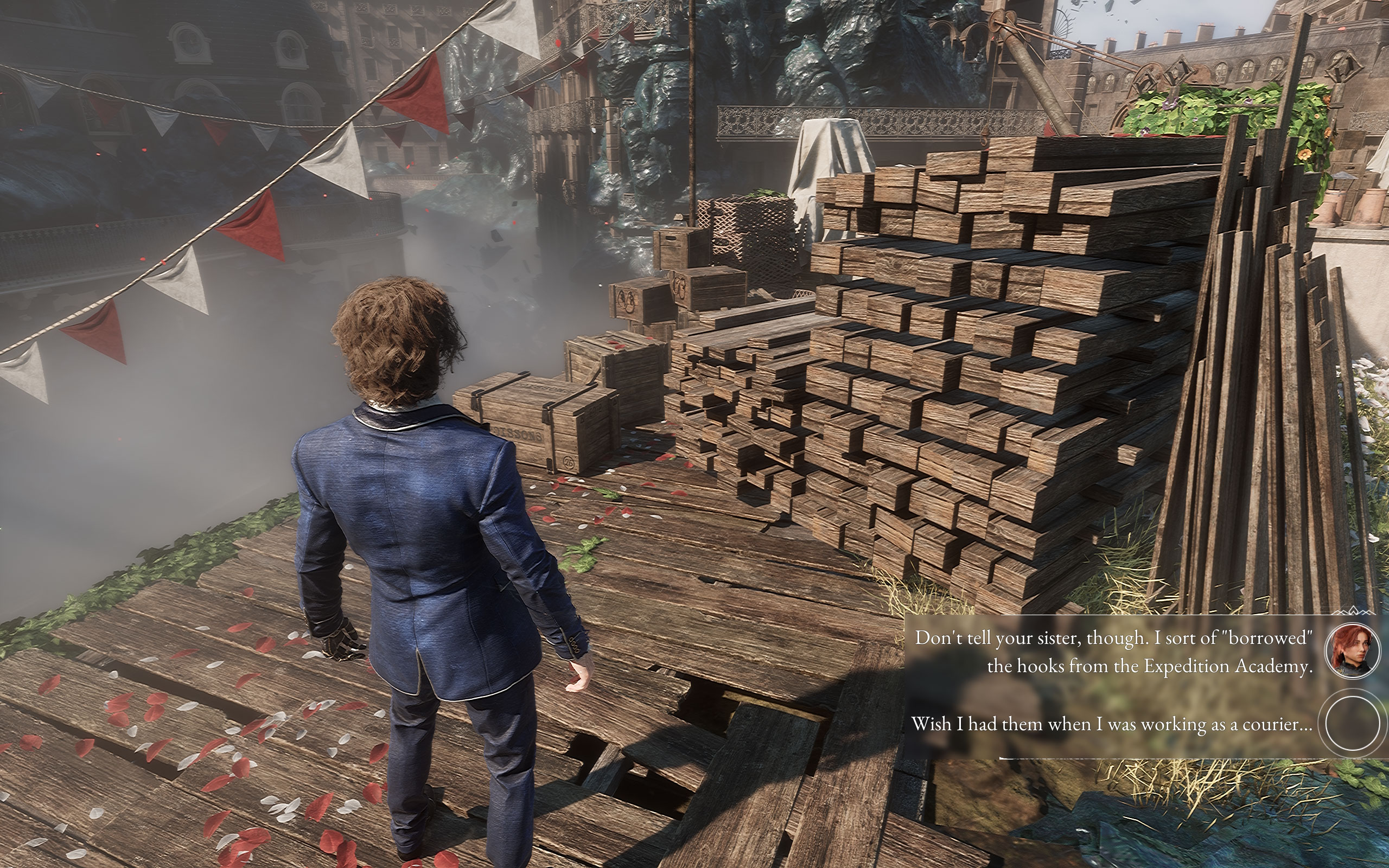
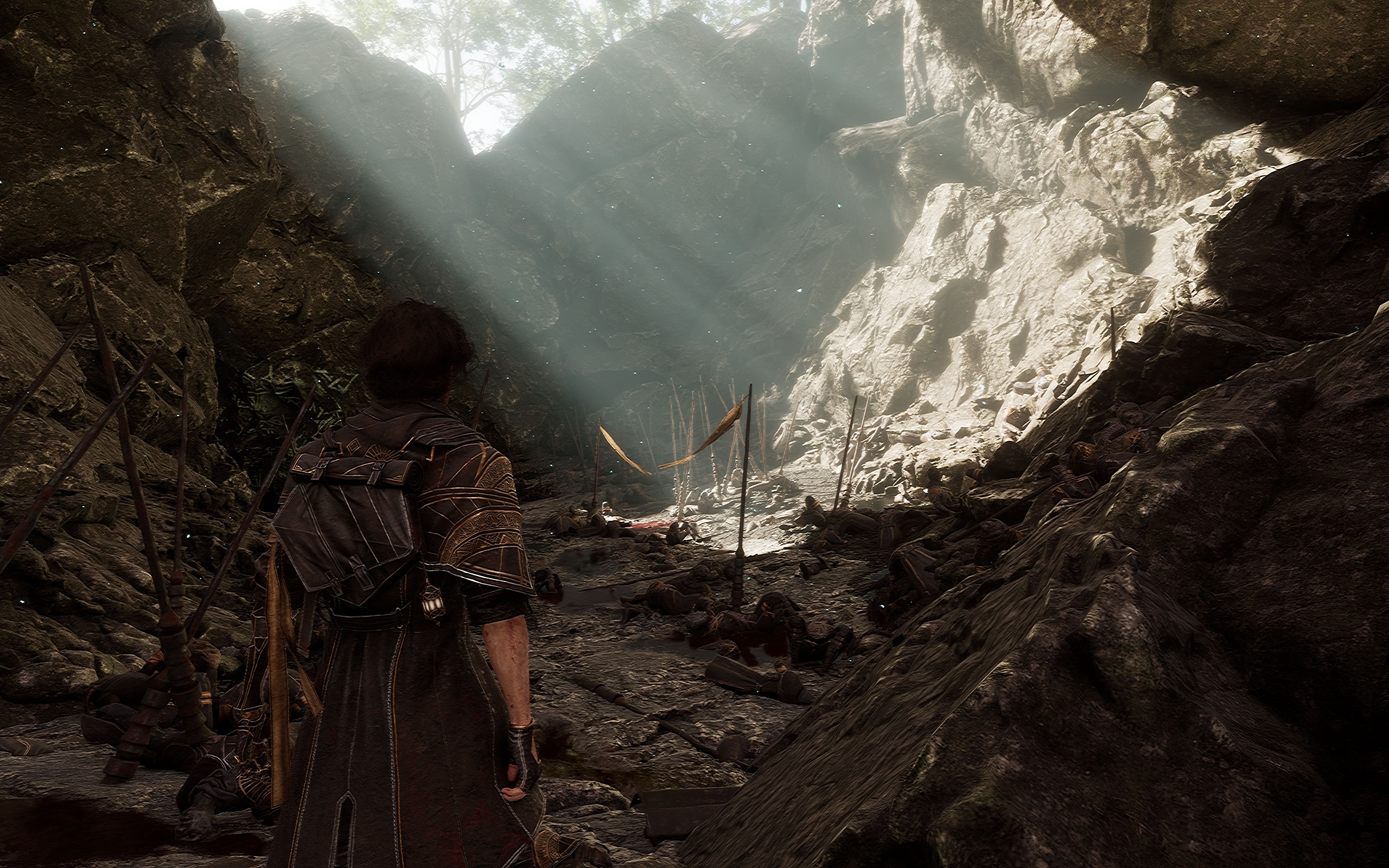
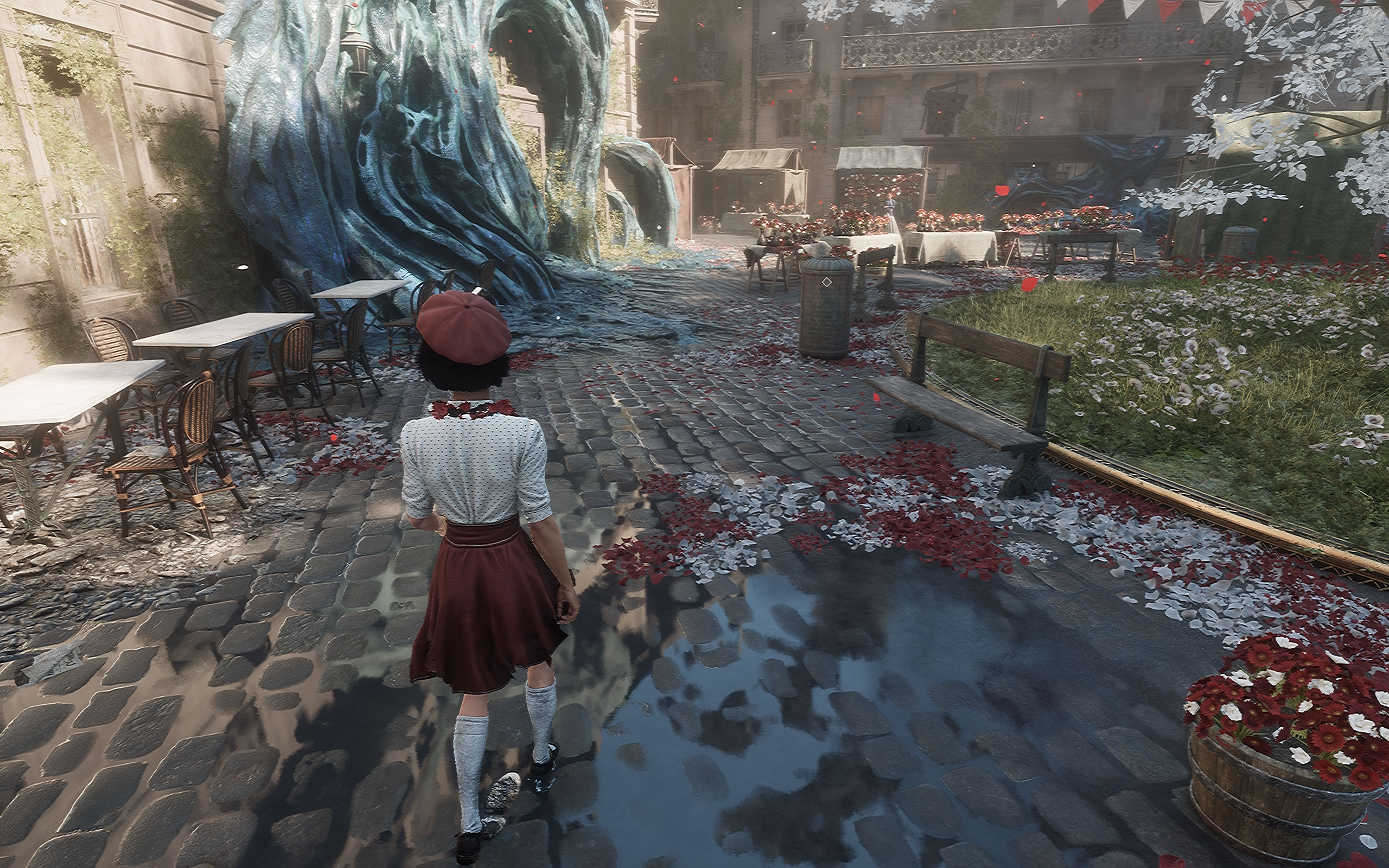

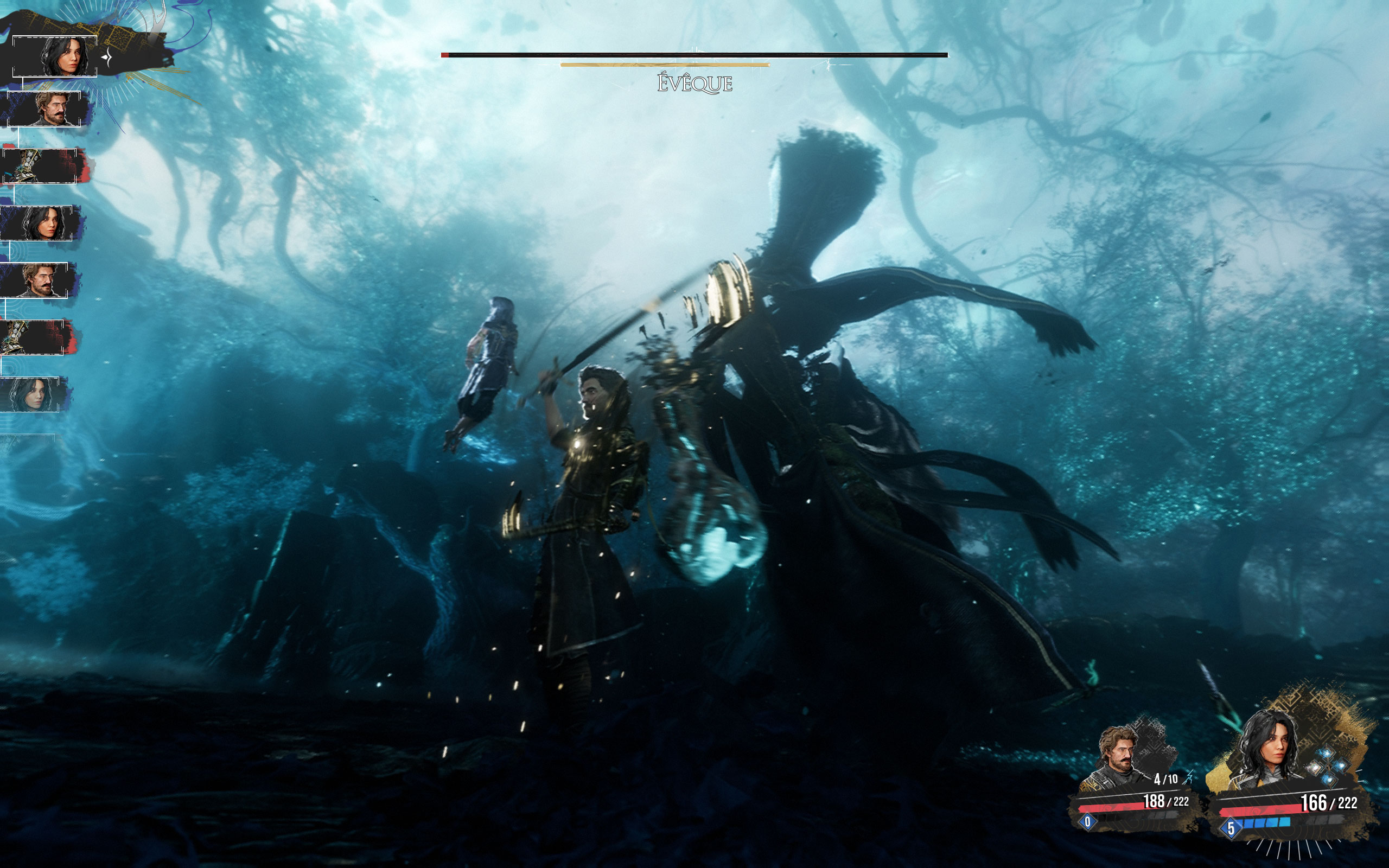
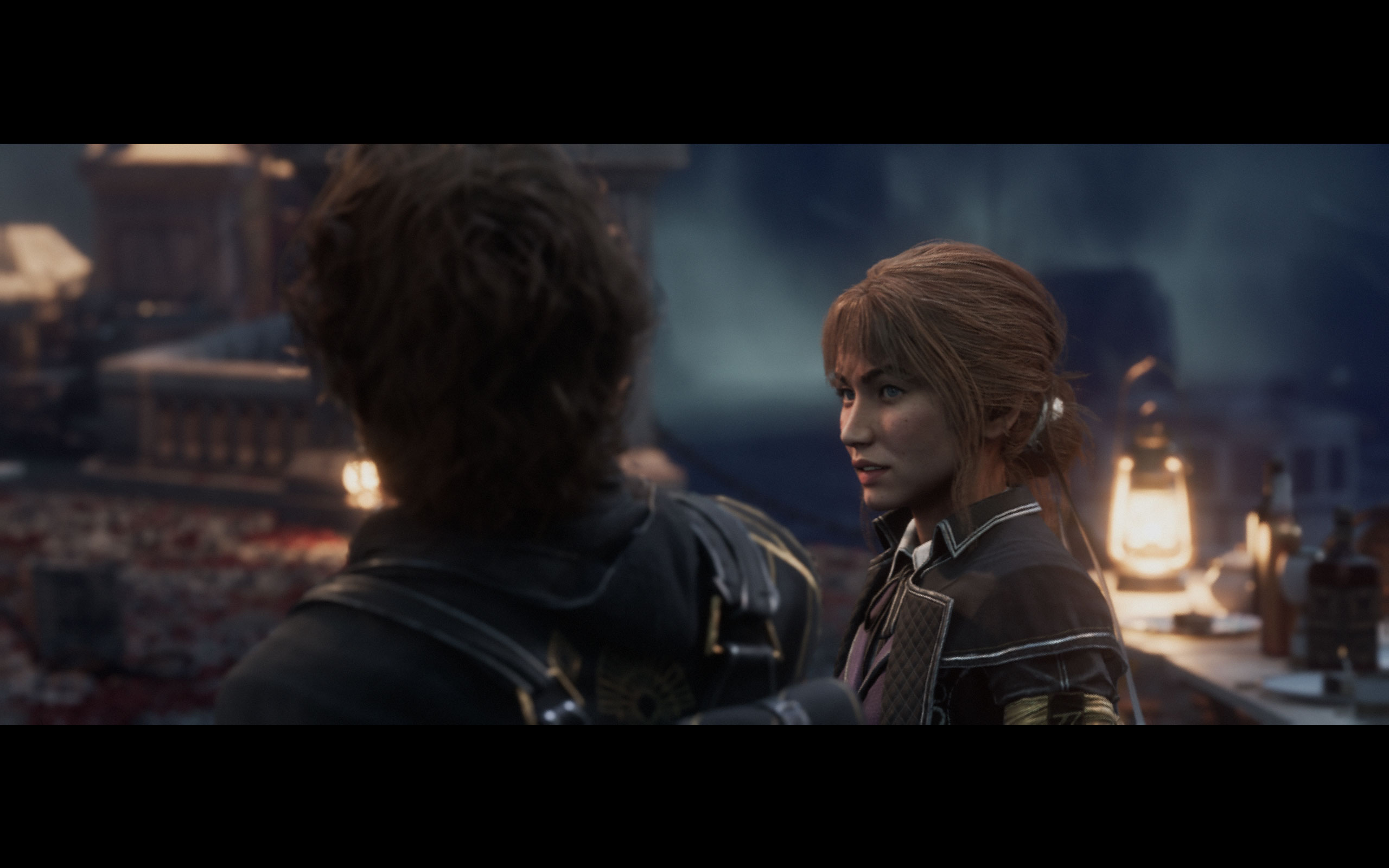
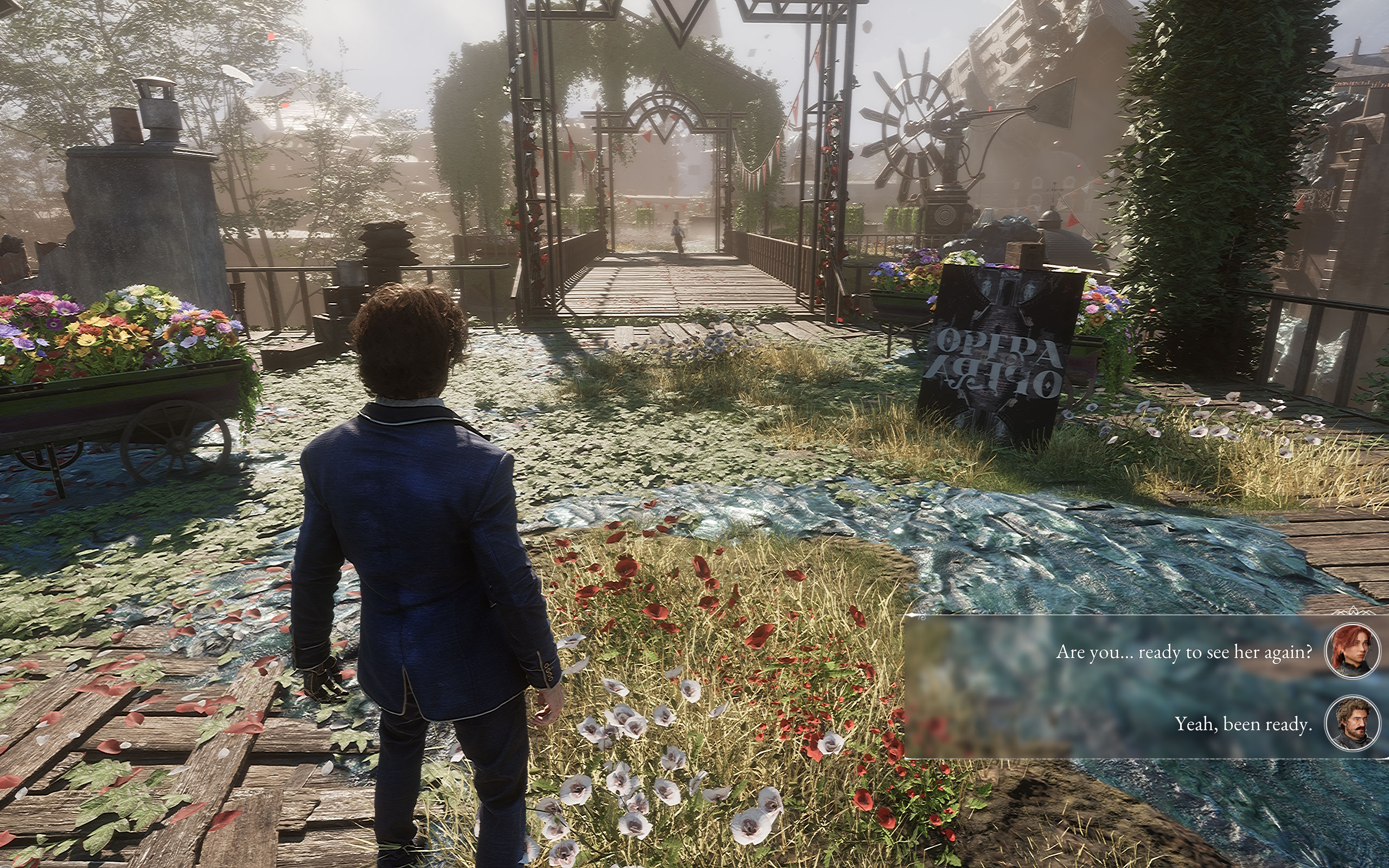
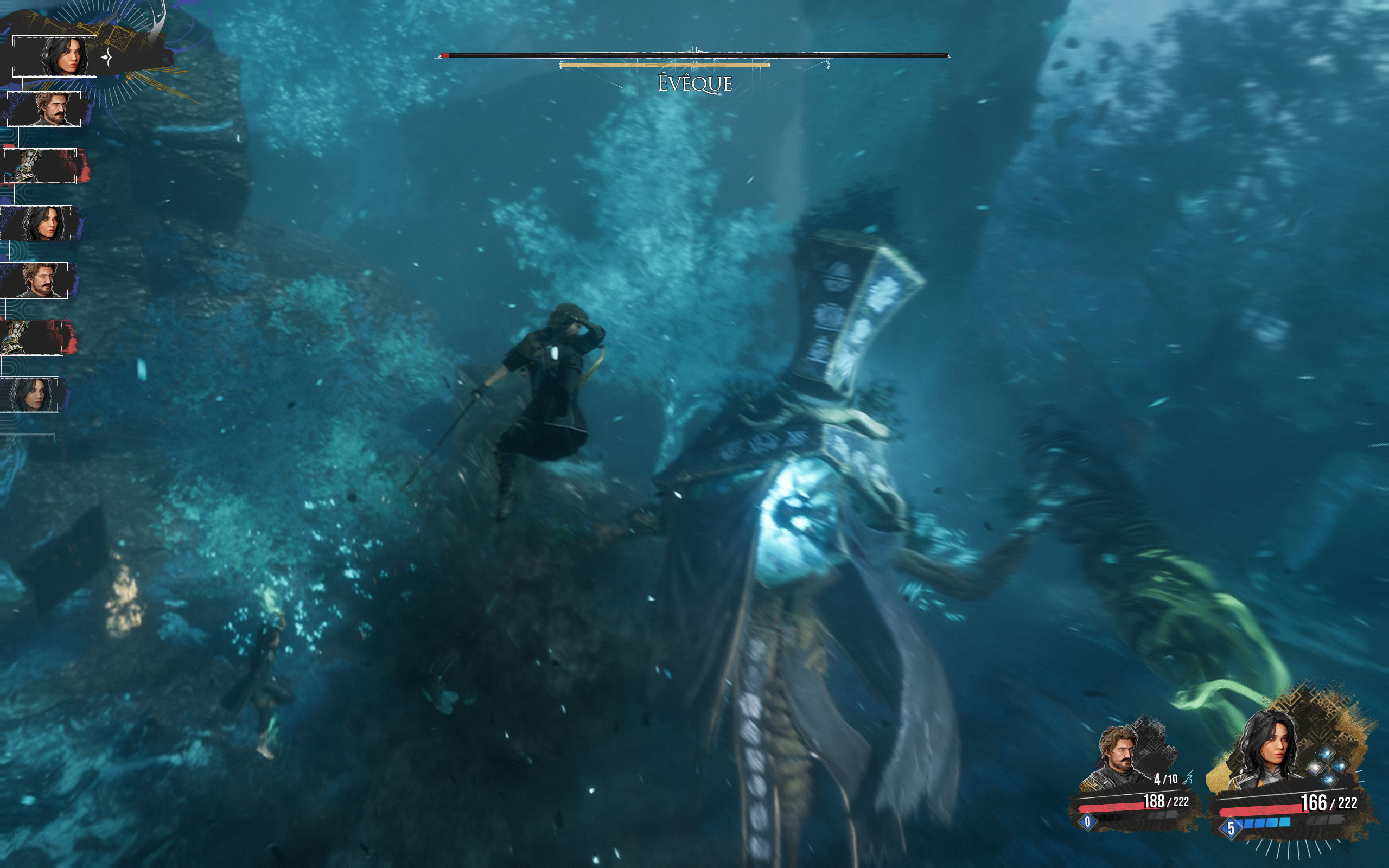
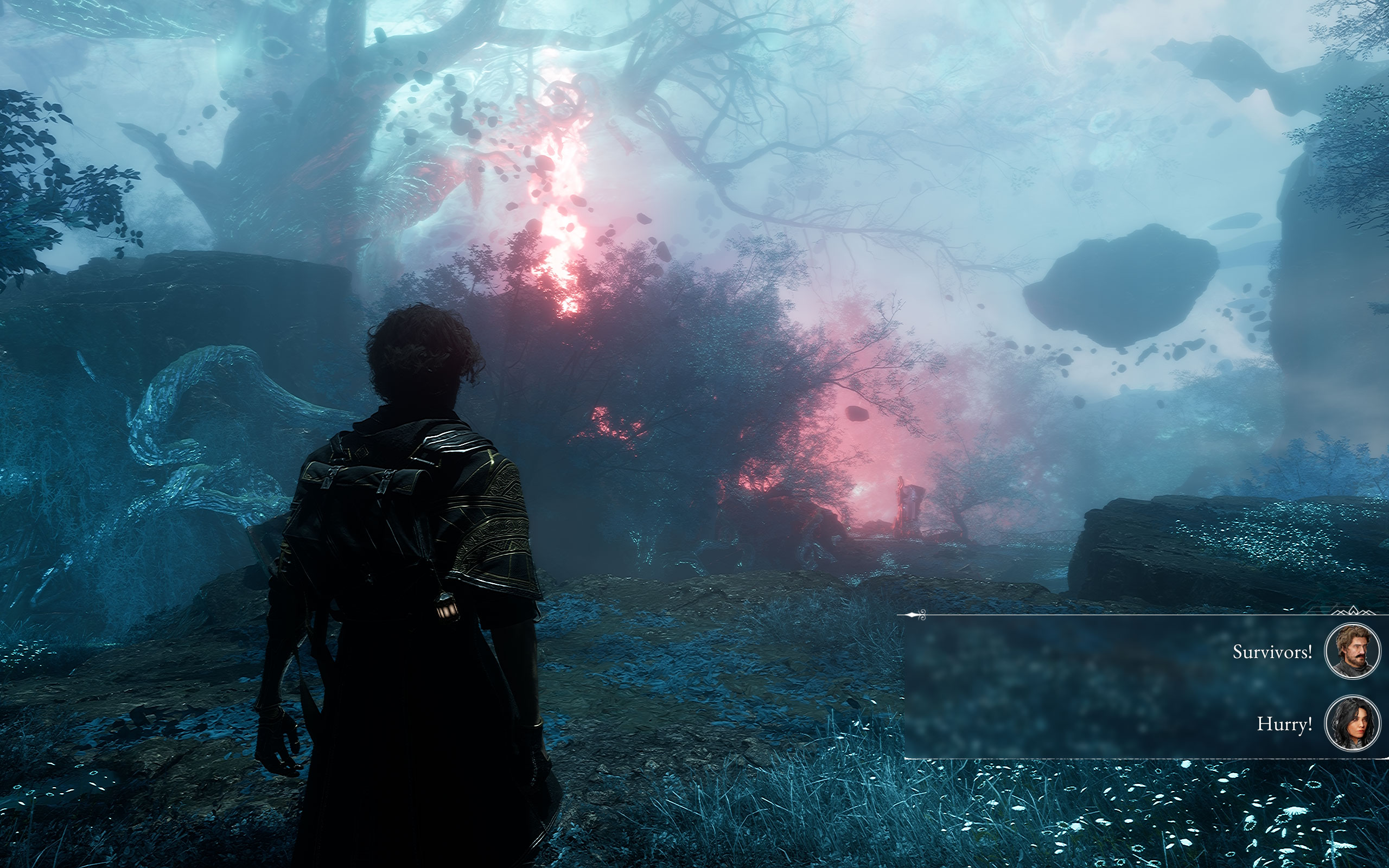
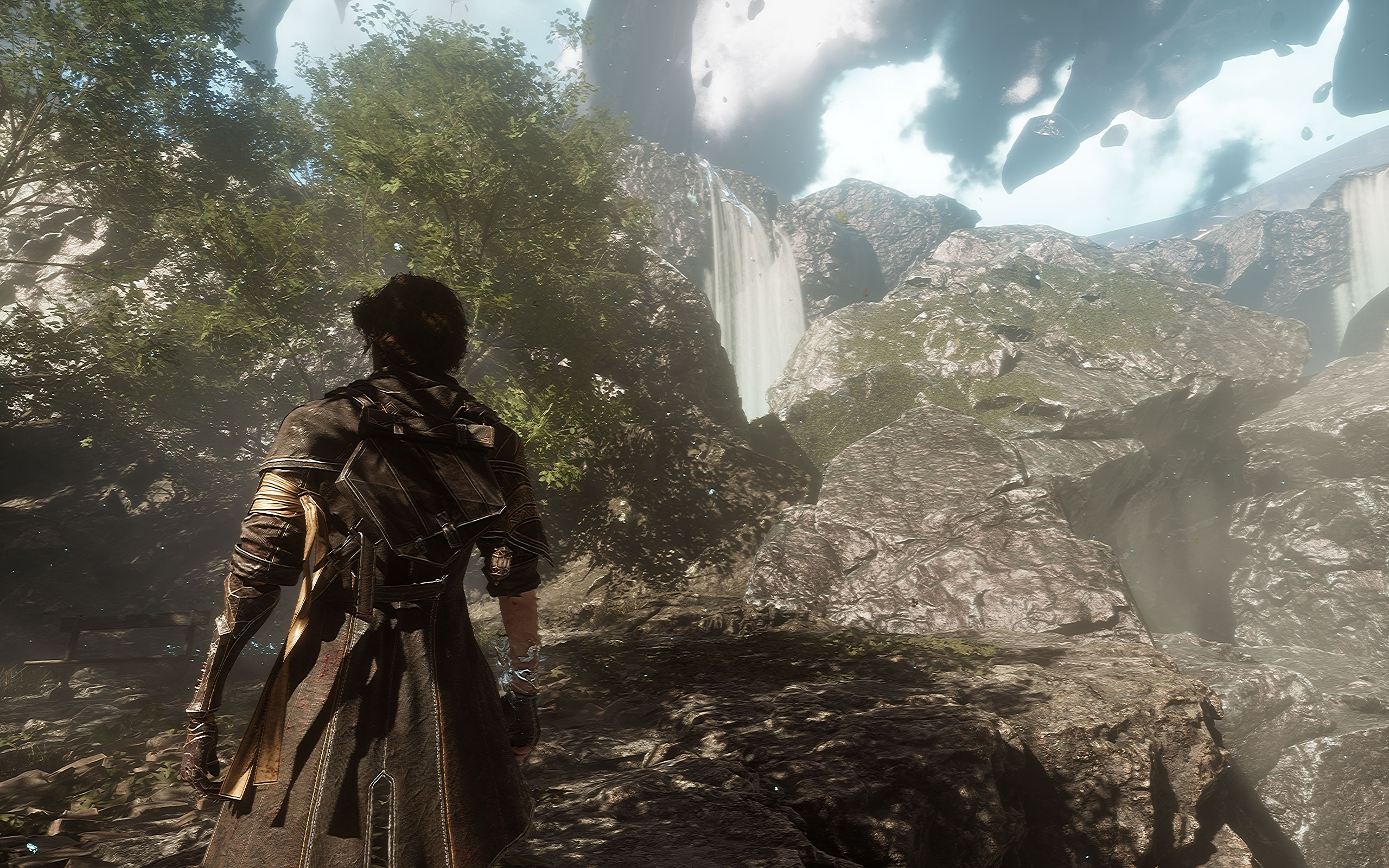
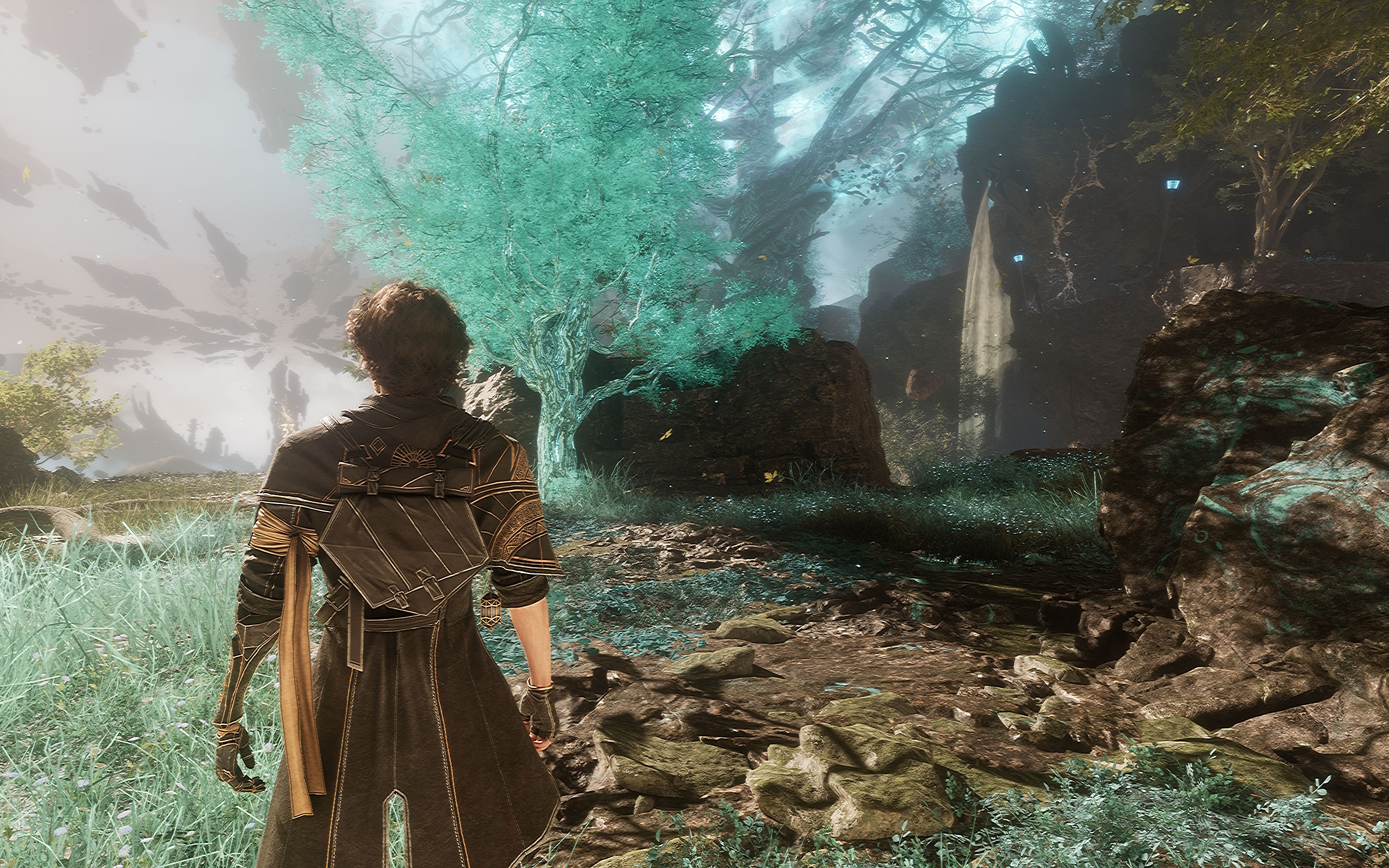
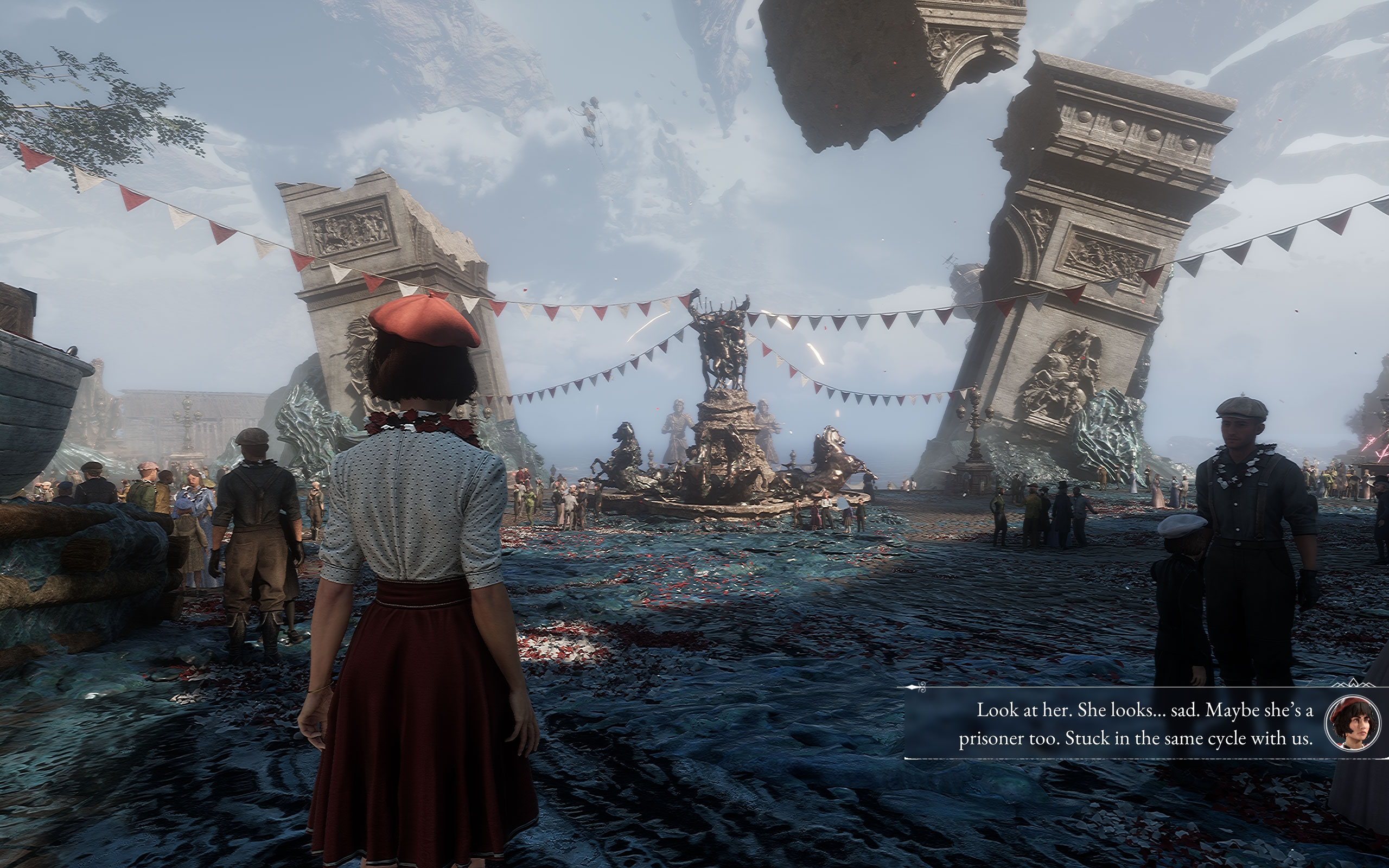
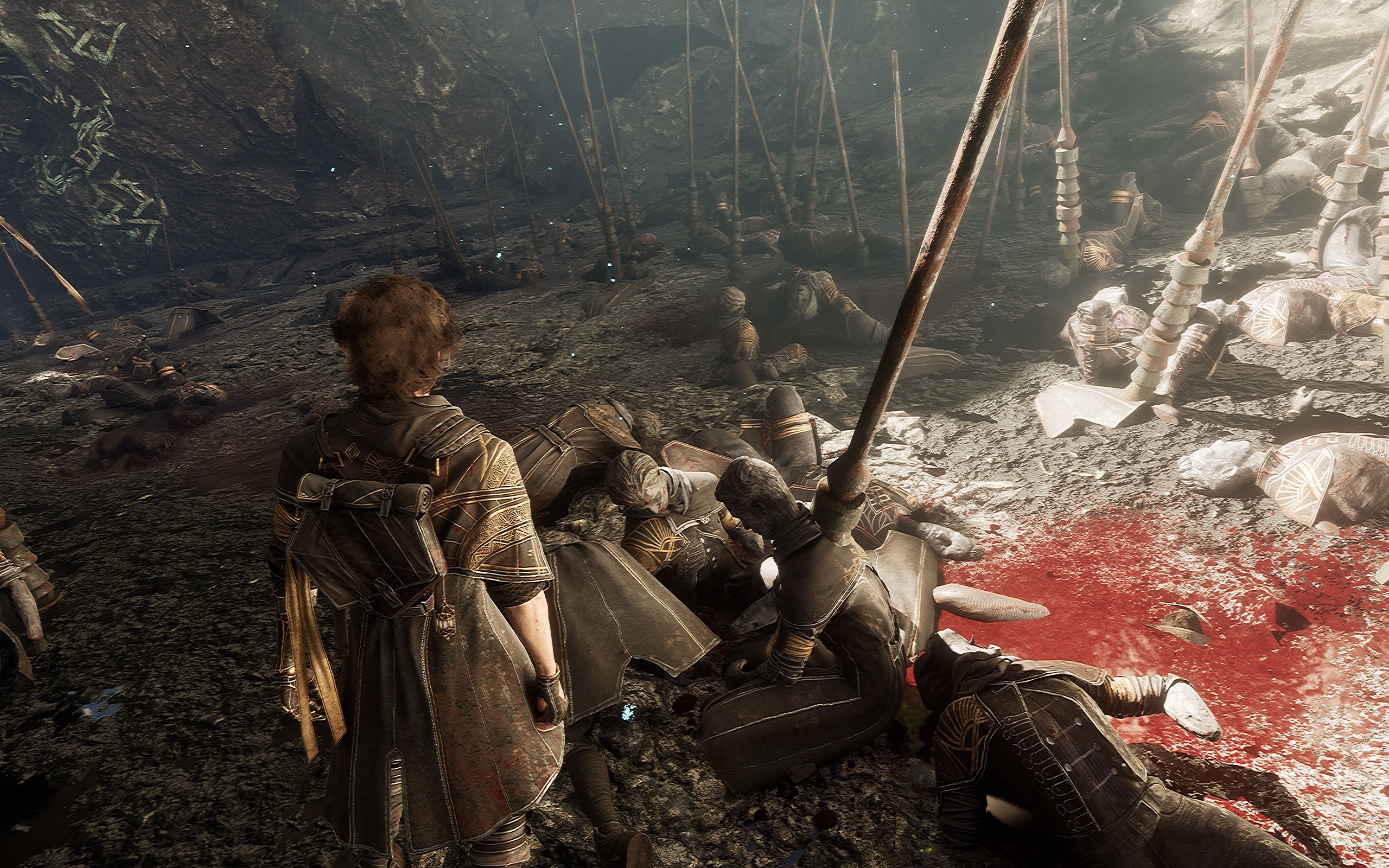
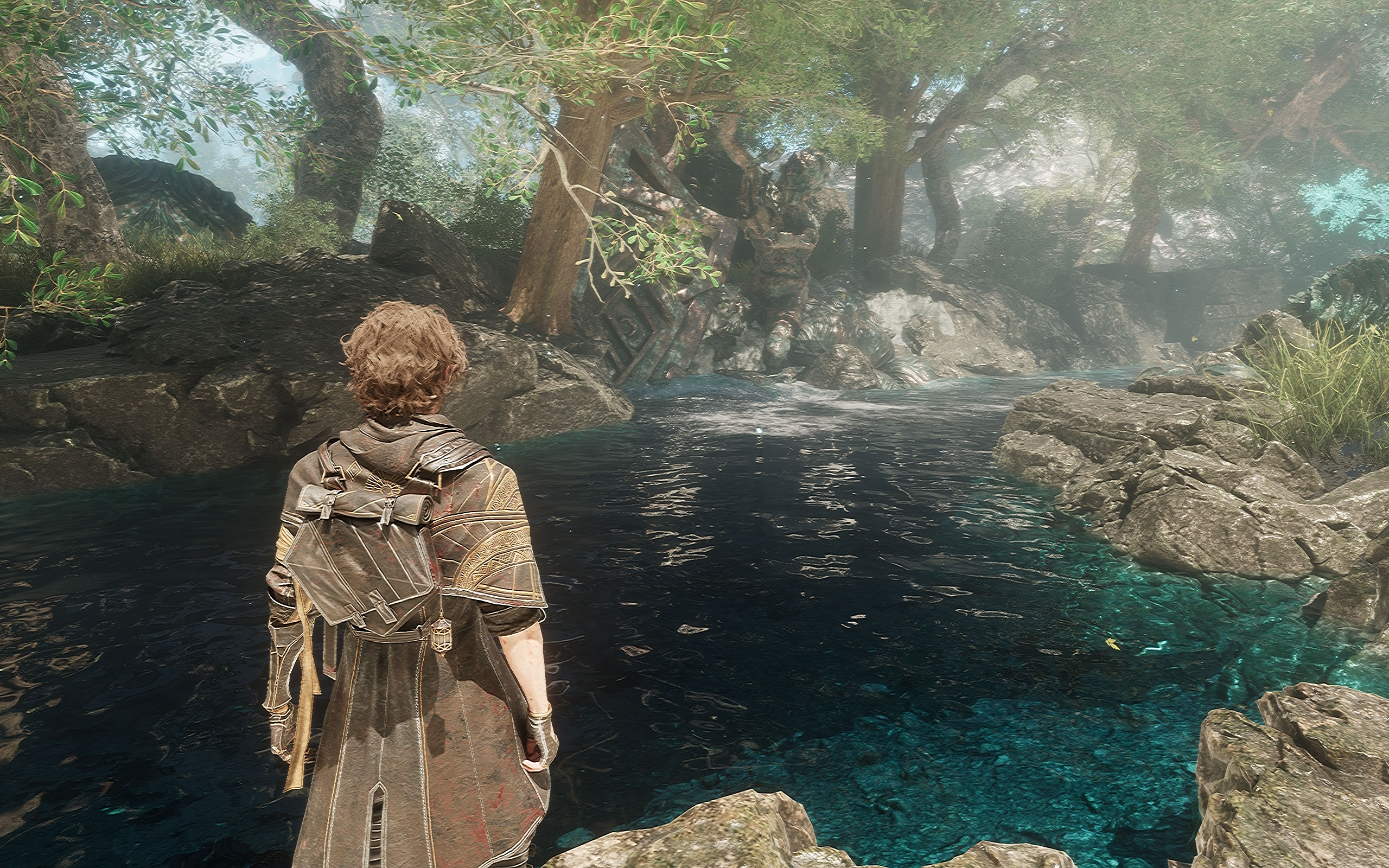
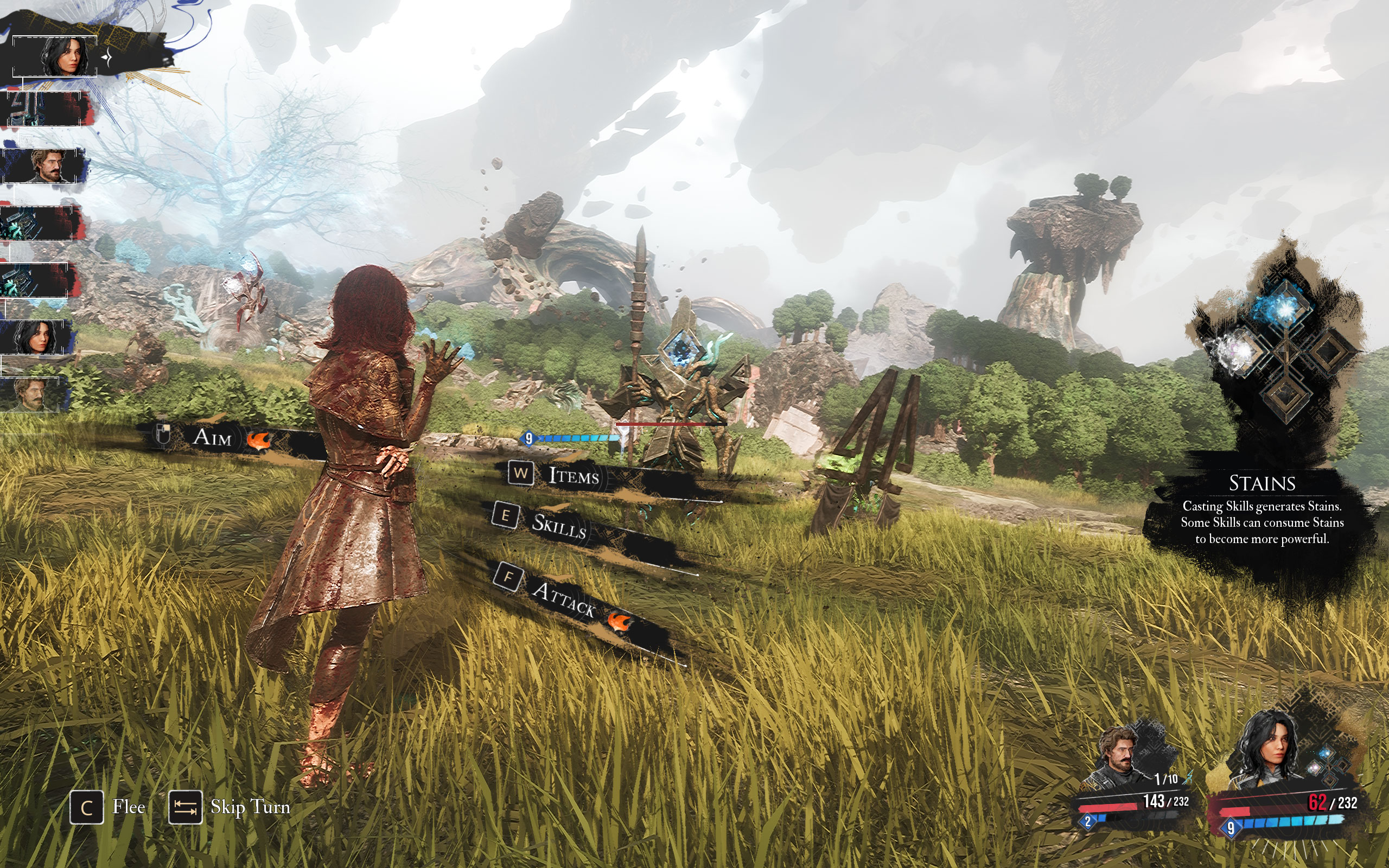
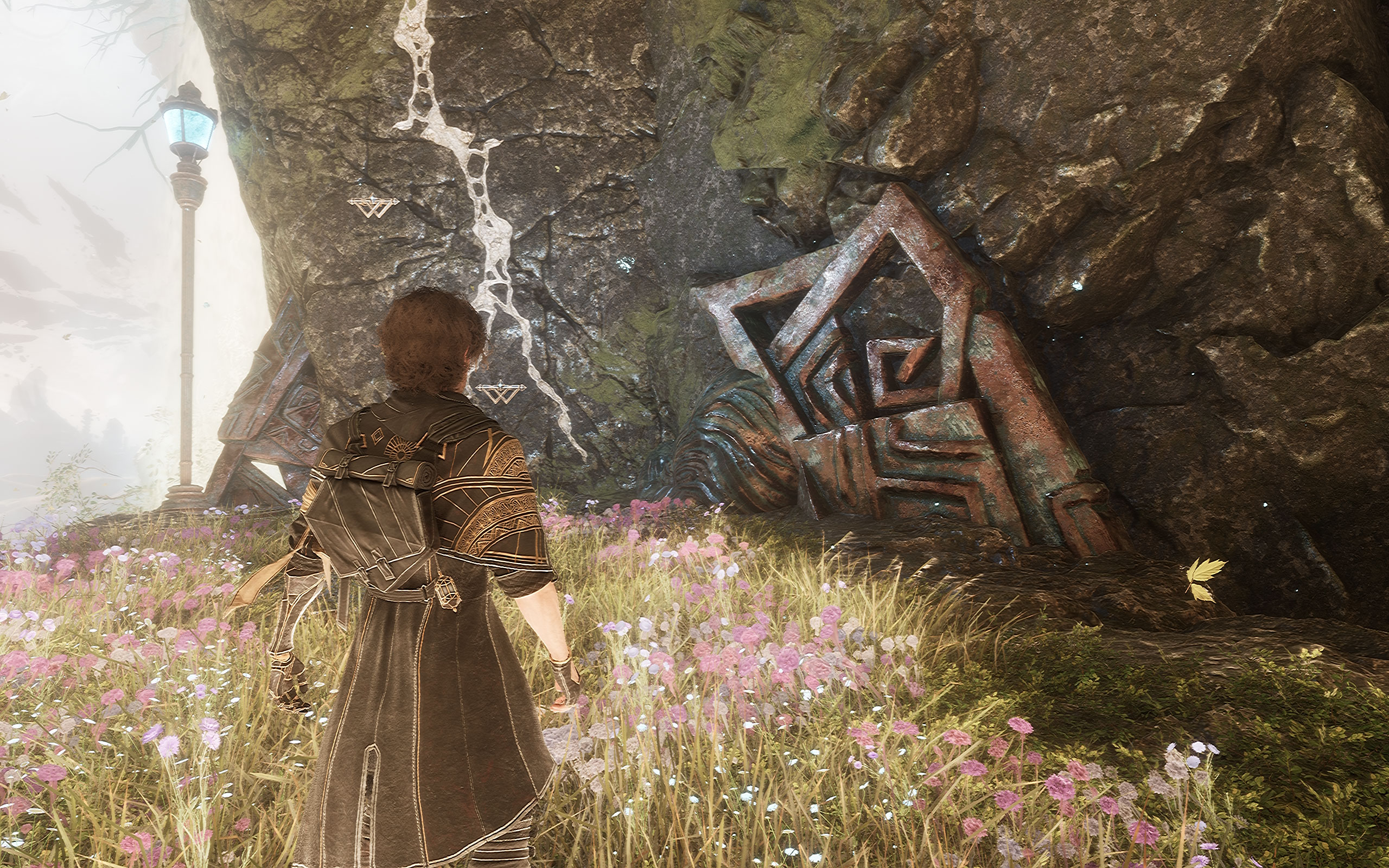
Graphics Settings

- The available performance presets are "low," "medium," "high," and "epic"
- Upscalers available are TSR, DLSS and XeSS, no FSR
- There is no support for frame generation
- The FPS limit can be set to 30, 60, 120 or Unlimited, there is no hidden FPS cap
- V-Sync can be disabled completely
- The Window mode options are "fullscreen," "windowed" and "borderless"
- Motion blur, film grain, chromatic aberration and vignette can be turned off, which helps, but there's still some weird sharpening effect that's very distracting and that can't be disabled
- In addition to that, there's a good amount of additional options to fine-tune the performance.
Our Patreon Silver Supporters can read articles in single-page format.
Nov 12th, 2026 06:18 PST
change timezone
New Forum Posts
- budget home NAS – X79, X99 or another platform? (139)
- Hey all my intro & love for retro computers (102)
- TPU's Nostalgic Hardware Club (22147)
- What are you playing? (26207)
- So I fixed the r36s “k36” variant and clone with an Onn 128gb sd card and the Onn sd card reader and it BOOTED..so real neat! Take a look. (2)
- When you could finally run Crysis maxed out? (49)
- Gacha Games - Discussions, Pulls, Updates, etc. (1152)
- Unallocated space in ssd , is it normal? (12)
- Home page search by category (4)
- Browser Bechmark scores (131)
Popular Reviews
- AMD Zen 6 Technical Deep Dive
- Upcoming Hardware Launches 2027 (Updated Nov 2026)
- NZXT C1200 Platinum Review
- XPG NIMBUS PLUS Review - Mid-range Chair With Strong Competitors
- NZXT H7 RGB+ Review
- Montech King 95 3D PRO Review
- NZXT H5 Review
- Phantom Blade Zero Performance Benchmark Review - 35 GPUs Tested
- Gigabyte Z890I Aorus Ultra Review
- INNOCN 45C1R Review - Two QHD Screens, Zero Bezels
TPU on YouTube
Controversial News Posts
- OpenAI CEO Argues Home PCs Waste the World's Limited DRAM Supply (152)
- NVIDIA Launches Investigation Into Jensen Huang's Relationship With Suspected Chinese Spy (136)
- Intel "Raptor Lake Next" 16-Core and 20-Core CPUs Surface (130)
- Legendary Game Studio BioWare Shuts Down Following EA Layoffs (104)
- Dell CEO Says the Memory Shortage Will Get Worse in 2027 (95)
- NVIDIA GeForce RTX 50-Series Scheduled for up to $500 Price Hike This Week (89)
- AMD Radeon Owners Can Now Run Nearly Every DLSS Feature Through Fan-Made Mod (80)
- Modder Fits RTX 5090 With Four 8-Pin Connectors, Halving Current per Wire (80)