 86
Control Benchmark Test & RTX Performance Analysis
(86 Comments) »Introduction
Control is the month's hottest AAA release, an action RPG from Remedy with the same sophistry as Max Payne and Alan Wake, only this time, the theme isn't urban crime, but rather a riveting science-fiction story involving a secret U.S. government agency tasked with understanding and exploiting a parallel dimension and the paranormal. This is probably the first "open-world" RPG built entirely inside a closed space—a large brutalist government building that can morph itself to open up new areas. You play as protagonist Jessie Fayden, a victim of the government agency who finds herself trapped between a power struggle between two transdimensional factions, the Board and the Hiss, with the latter being the malevolent force that has taken over almost everyone in the building except for a few allies.
The world and atmosphere of Control is possibly the freshest breath of air the gaming industry has come up with in years. The atmosphere is engaging in a Half Life and Metroid kind of way, while the gameplay's core combat mechanic is largely a modification of that of Alan Wake, in which you soften up enemies by performing one action and shoot them down with another. In this case, the telekinetic abilities of Fayden allow her to yeet heavy objects at her enemies and finish them off with her futuristic handgun that has practically bottomless ammo and is able to double up as a shotgun, a marksman's weapon, and a rocket launcher. This weapon is among many abilities the Board gives Fayden in her quest to rid the building of the Hiss threat.
The graphics of Control are first-rate, with lavish use of geometry, tessellation, and high resolution textures that can easily swamp your video memory, and NVIDIA RTX real-time raytracing technology. Control is possibly the most comprehensive implementation of the RTX feature-set so far, with ray-traced contact shadows, diffuse lighting, reflections, and ambient occlusion. Control is based on Remedy's new in-house Northlight engine, which can take advantage of DirectX 12 (needed for RTX), but also features a DirectX 11 fallback.
In this article, we put Control through our selection of 23 graphics cards, tested in DirectX 12 mode at highest details. On a separate page, we also study the performance impact of NVIDIA RTX, along with RTX-on/off image comparisons.
Screenshots
All screenshots were taken at highest settings, DX12, RTX off.


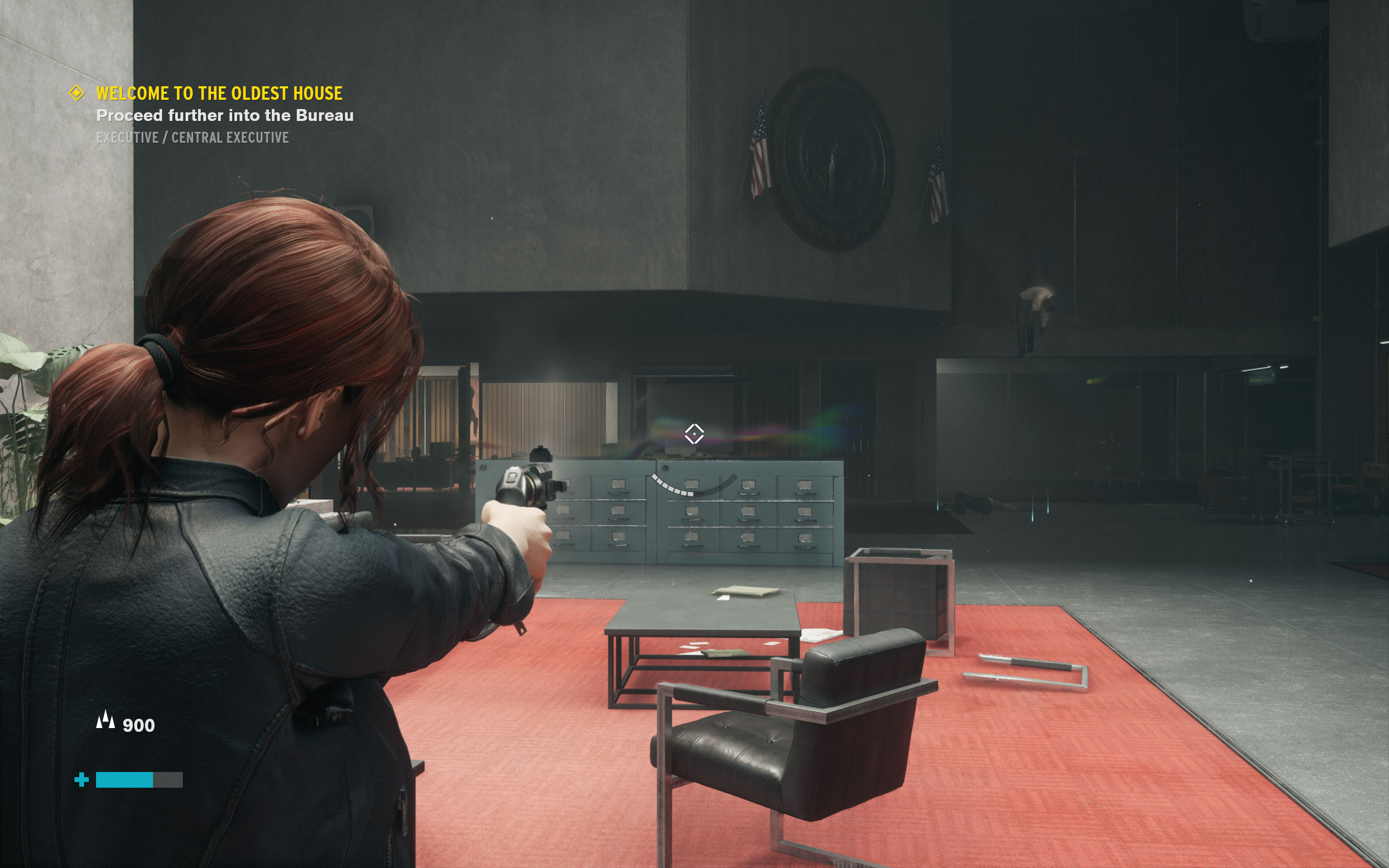


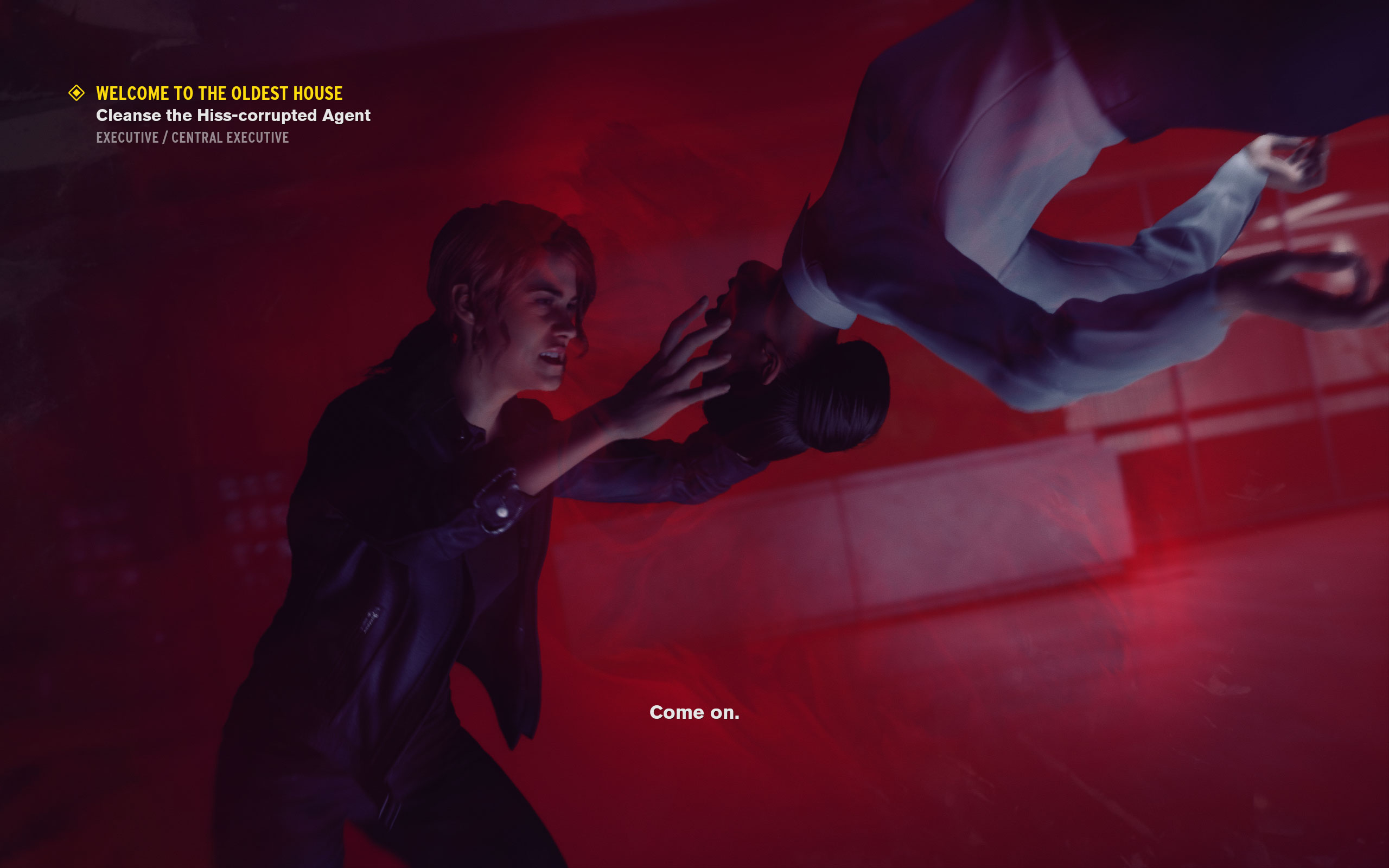


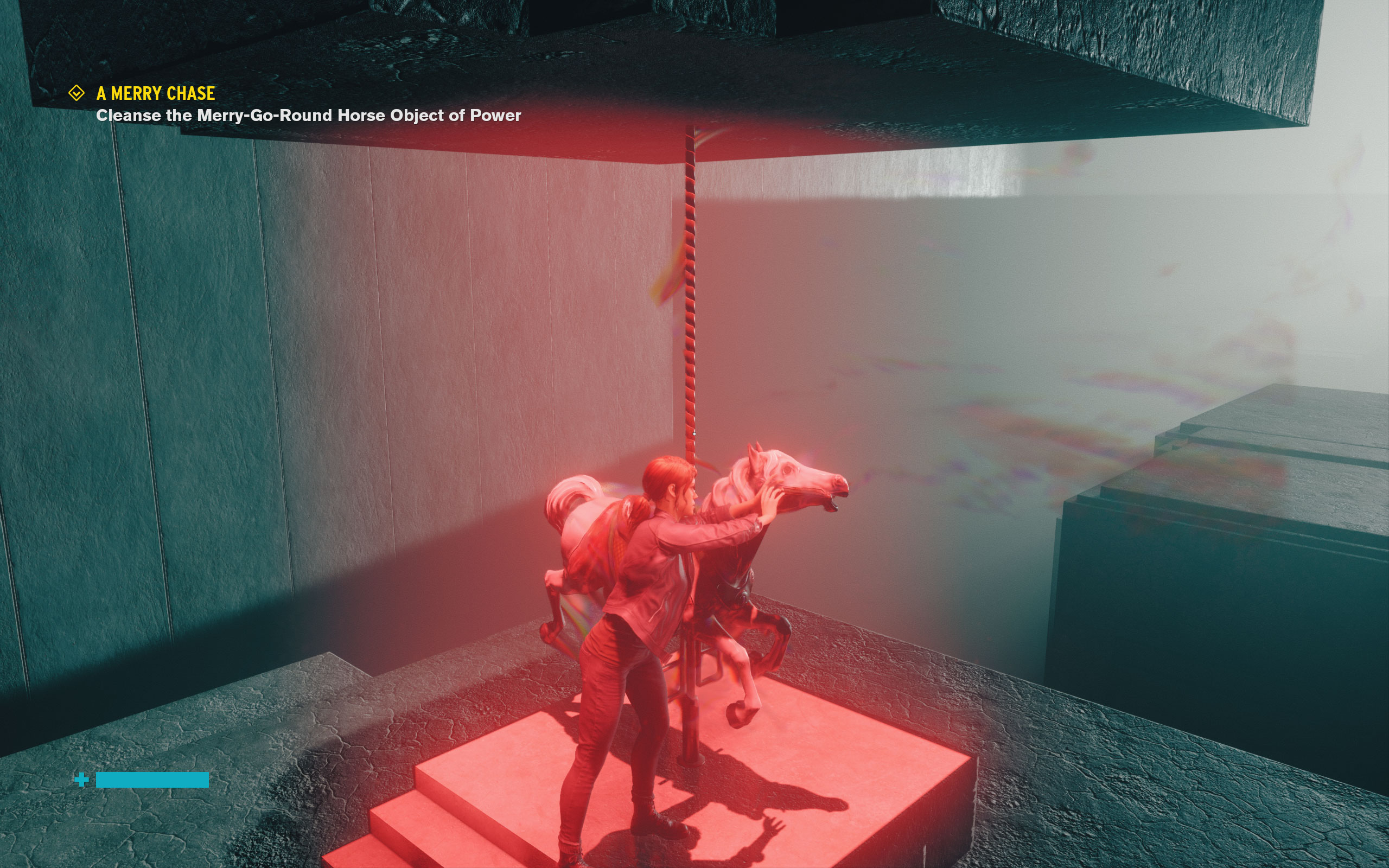


Graphics Settings

- The first settings section "Monitor" deals with the usual display settings.
- Here you can select between windowed, borderless, and fullscreen output.
- Control supports 16:9, 16:10, 4:3, and 21:9 widescreen monitors.
- Rendering resolution can be switched independently from monitor resolution. For example, with 1920x1080 selected in "Resolution", you are free to choose from a wide range of options: 960x540, 1280x720, 1366x768, 1920x1080, 2560x1440 (so rendering at a higher resolution is possible).
- When an NVIDIA GeForce RTX card is installed, the DLSS option becomes active. It works in conjunction with the rendering resolution option and post-processes the upscaled image, filling in more details using a pre-trained artificial intelligence network.
- V-Sync can be disabled completely; there is no hidden FPS cap.

- On the "Quality" tab, you have a ton of options that let you fine-tune the visual experience to reach your target FPS rate.
- The game has three quality presets: "low", "medium", "high", and "custom". We used "high" for all our testing.
- Lots of options here—the option that's really missing is a way to turn off motion blur. In Control, the motion blur effect is very strong and super annoying, at least for me—other players even get nauseated. Remedy has commented that they will have a fix for this in an upcoming update (mid-September). For now, follow this guide to disable motion blur in Control. If the instructions are unclear or you need other help, please do let us know in the comments of this article. I used this method after the first hour of playing and have finished the game with it—it makes a huge difference.
- It would also be nice to have an FOV slider. While the FOV is not nearly as narrow as some console ports, it could still be a little bit wider.

- Control is one of NVIDIA's RTX bundle titles, so it's not surprising to see RTX support.
- Unlike most other RTX titles, Control uses several raytracing techniques
- "Raytraced reflections" enables life-like reflections that don't rely on screen-space techniques, which means that it can actually reflect objects that are not on screen.
- "Raytraced Transparent Reflections" enables reflections on surfaces like glass.
- "Raytraced Indirect Diffuse Lighting" enhances the surroundings of elements by bouncing light rays off them, picking up the element's color and transporting that color to nearby surfaces.
- "Raytraced Contact Shadows" work on top of existing pre-baked shadow maps to enhance shadowing of smaller areas. Since shadow maps are limited in resolution, they often don't work "exactly right". RTX addresses this by tracing rays to light sources to generate accurate real-time shadows that properly connect with their objects, grounding them firmly in the scene.
- "Raytraced Debris" lets you enable the raytracing features for all the small pieces of debris that will fly around you during intense firefights. They are now able to cast shadows, reflect light, and affect lighting in the scene.
Our Patreon Silver Supporters can read articles in single-page format.
Nov 23rd, 2026 21:34 CST
change timezone
Latest GPU Drivers
New Forum Posts
- Which ryzen am5 cpu ? (197)
- RAM overclock cause worse feeling than JEDEC (10)
- DTS DCH Driver for Realtek HDA [DTS:X APO4 + DTS Interactive] (2819)
- WarpCoreBench scores! (96)
- Increasing Power Limit? (20)
- Gacha Games - Discussions, Pulls, Updates, etc. (1162)
- RX 580 2048SP 8GB - SK Hynix - Ardiyes - BIOS Needed (4)
- UPS what one to get? (59)
- Your PC ATM (36480)
- 6502-based superscalar core (logisim) progress updates (1)
Popular Reviews
- Microsoft Surface Laptop Ultra Review - The Next-gen Arm Laptop
- ASRock X870E Challenger Wi-Fi White Review
- Upcoming Hardware Launches 2027 (Updated Nov 2026)
- Corsair RM1200e (Second Generation) Review
- AMD Ryzen 7 9800X3D Review - The Best Gaming Processor
- AMD Zen 6 Technical Deep Dive
- AMD Ryzen 7 7700X3D Review
- Pulsar Office Tour & First Look at P1 Dual-Sensor Mouse
- Ugreen NASync DXP4800 GT Review
- Phantom Blade Zero Performance Benchmark Review - 35 GPUs Tested
TPU on YouTube
Controversial News Posts
- NVIDIA Co-Founder and CEO Jensen Huang Officially Resigns (492)
- Jensen Huang Reinstated as CEO of NVIDIA (389)
- Report: Jensen Huang Eyes NVIDIA Comeback (278)
- Open Letter Asking NVIDIA to Reinstate Jensen Huang Passes 115,000 Signatures (184)
- OpenAI CEO Argues Home PCs Waste the World's Limited DRAM Supply (152)
- NVIDIA Launches Investigation Into Jensen Huang's Relationship With Suspected Chinese Spy (136)
- Intel "Raptor Lake Next" 16-Core and 20-Core CPUs Surface (130)
- NVIDIA GeForce RTX 50-Series Scheduled for up to $500 Price Hike This Week (89)