 9
Cooler Master GM34-CWQ2 Review - Win Some, Lose Some
(9 Comments) »Introduction

The Cooler Master GM34-CWQ2 is an incremental upgrade to last year's GM34-CWQ ARGB (reviewed here), an excellent ultrawide monitor sporting a 34-inch Quantum Dot VA panel. The basic specifications remain the same – we are once again dealing with a 34-inch, ultrawide monitor equipped with a curved Quantum Dot VA panel – but the panel refresh rate was bumped from 144 to 180 Hz, and gamers can now use more overdrive modes, including a completely manual one.
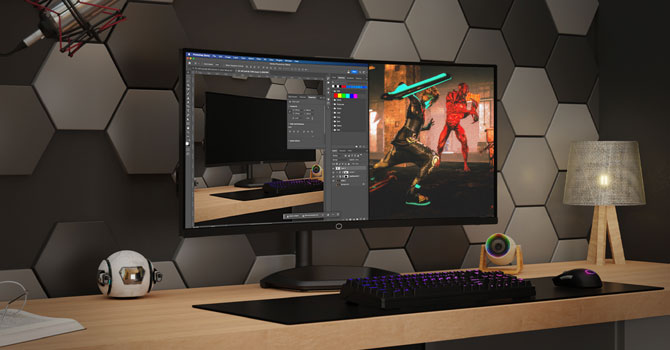
The Cooler Master GM34-CWQ2 also gained a KVM switch, which is a very welcome addition for anyone who's looking to connect two separate image sources to the monitor, with the convenience of using a single set of peripherals for both. Interestingly, Cooler Master also removed the ARGB lighting system in the monitor's base, which looked decent but served no practical purpose, so I'm definitely not sad to see it go. In this review, we'll go over those and all other differences between the old and new monitor, and examine the performance and value proposition of the Cooler Master GM34-CWQ2 as a standalone product.
Specifications
| Cooler Master GM34-CWQ2 | |
|---|---|
| Screen Size | 34" ultrawide |
| Curvature | Yes (1500R) |
| Native Resolution | 3440x1440 (21:9), 110 PPI |
| Panel Technology | VA Quantum Dot (8-bit + FRC) |
| Refresh Rate | 180 Hz (48-180 Hz VRR range) |
| Supported Adaptive Synchronization Technologies | AMD FreeSync Premium (NVIDIA G-SYNC compatible) |
| Brightness | 320 cd/m² |
| Contrast | 4,000:1 (static) |
| Viewing Angles | 178° (horizontal) / 178° (vertical) |
| Response Time | 2 ms GtG, 0.5 ms MPRT |
| Adjustability | Tilt (-5 to +15°), swivel (±15°), height (0-80 mm) |
| Video Inputs | USB-C PD (65 W charging power), 1x DisplayPort 1.4, 2x HDMI 2.0 |
| Video Outputs | - |
| USB Upstream Ports | 1x USB Type-B |
| USB Downstream Ports | 2x USB Type-A |
| Other Ports | 1x 3.5-mm audio output |
| Speakers | Yes (5 W stereo) |
| VESA Mounting | Supported (100x100) |
| Extras | KVM switch, timer, virtual crosshairs |
The Package


The Cooler Master GM34-CWQ2 comes in a simple brown box with a drawing of the monitor and a list of its key technical specifications. Here you'll find out that it has a curved 34-inch Quantum Dot panel, AMD FreeSync Premium certification, 95% DCI-P3 color space coverage, 0.5 ms MPRT response time, and so on.
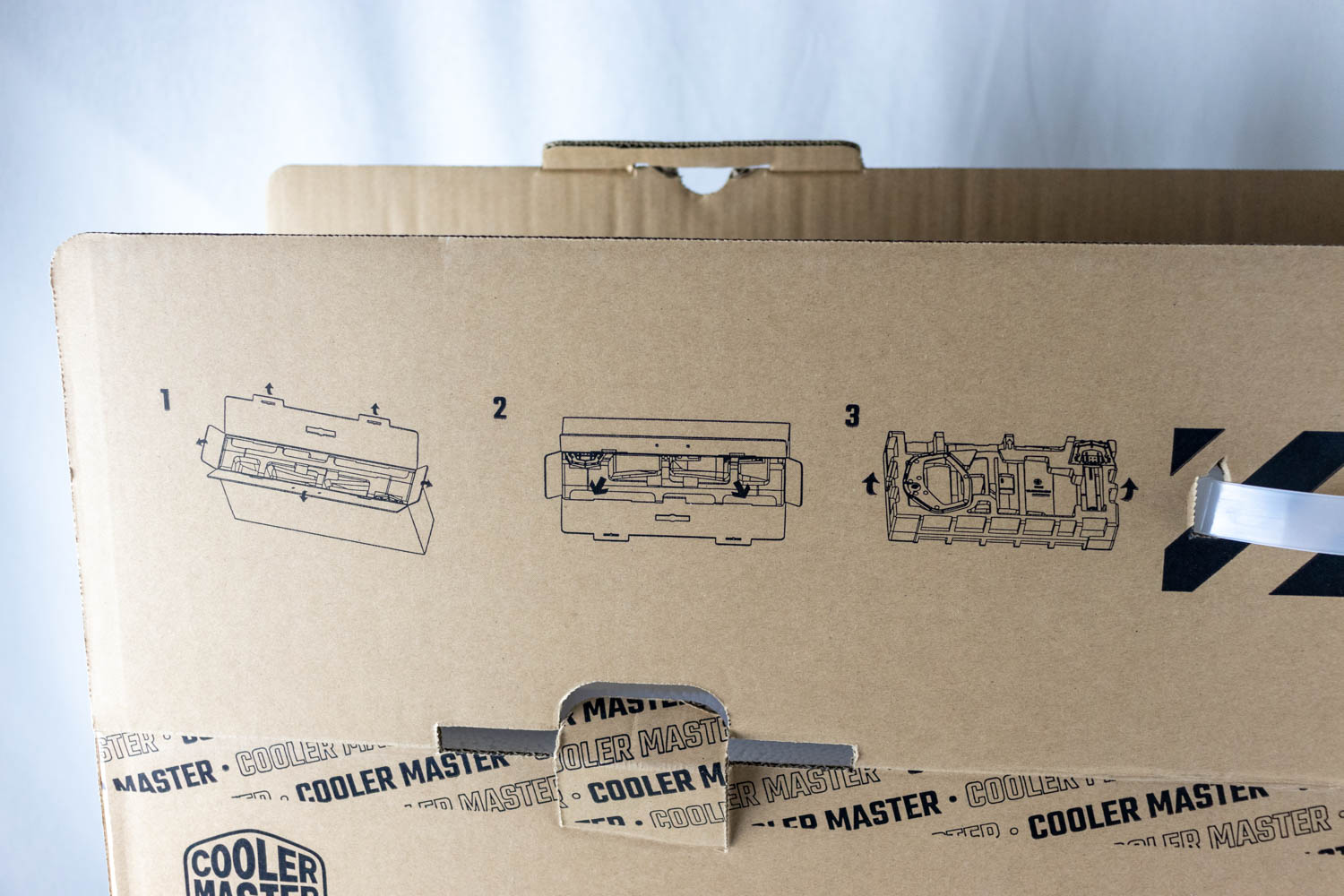
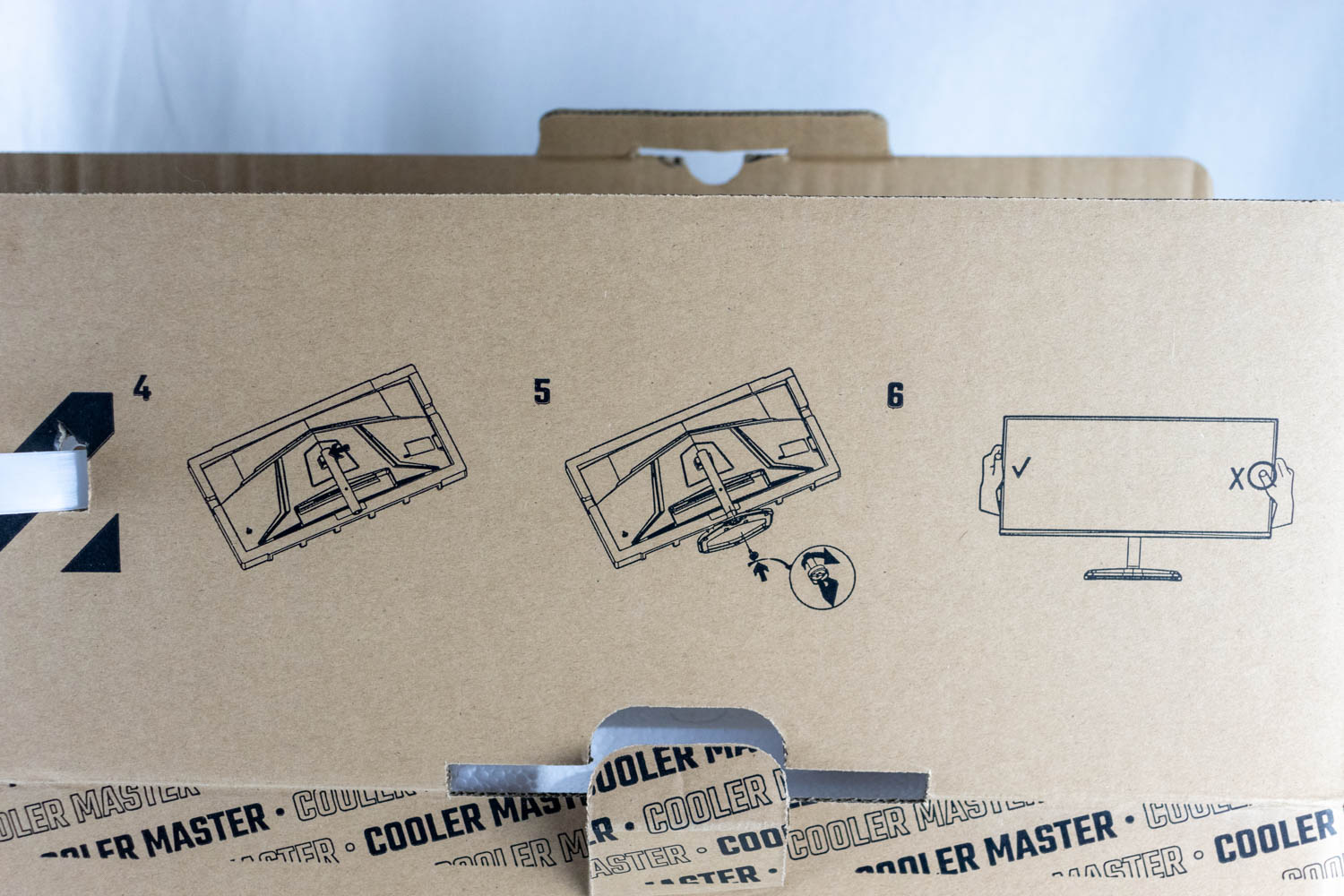
While you're unboxing the monitor you'll be greeted by an assembly guide. This is a nice touch from Cooler Master, saving you the hassle of digging through the user manual. The monitor is of course trivial to assemble, but if you're less experienced, a couple of handy tips (and warnings) will surely make the process easier.
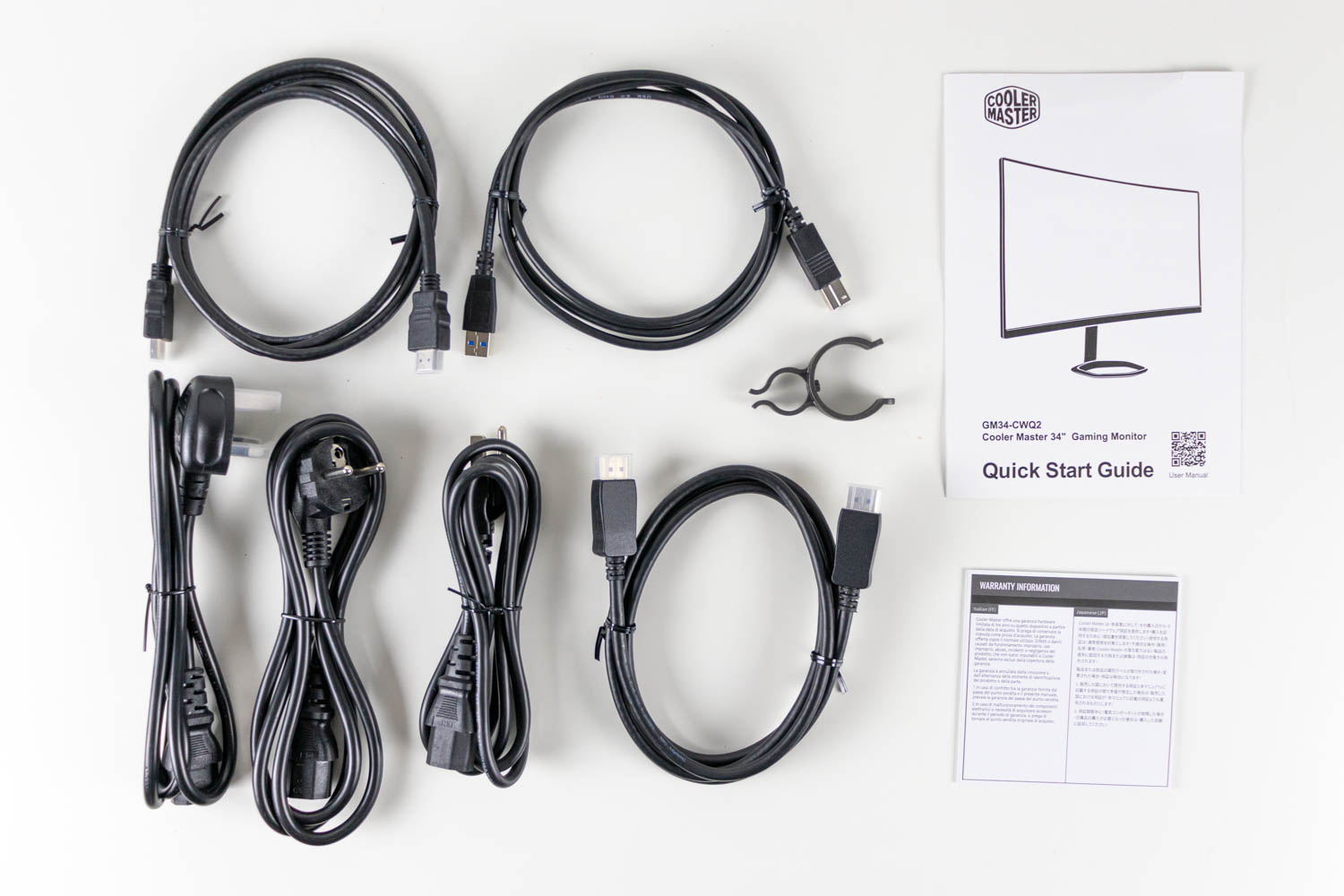
The monitor is bundled with three power cables, DisplayPort and HDMI video cables, and a USB 3.0 Type-B upstream cable. What's obviously missing is a USB Type-C cable, so you'll have to get one on your own, should you want to use the USB-C interface for video input, power delivery, and peripherals connected to the side USB Type-A ports. The usual paperwork consists of a quick start guide and warranty information. Finally, Cooler Master threw in a plastic clip for cable management.
Our Patreon Silver Supporters can read articles in single-page format.
Nov 24th, 2026 23:17 CST
change timezone
Latest GPU Drivers
New Forum Posts
- WarpCoreBench scores! (100)
- Which ryzen am5 cpu ? (211)
- Asus Rog Maximus Z890 Extreme. (Various questions). (36)
- The time has come to upgrade...my desktop (15)
- AMD ULL settings tinkering thread - post settings and Zen pics (90)
- TPU's F@H Team (20570)
- Can you guess Which game it is? (352)
- Ryzen Owners Zen Garden (8562)
- What are you playing? (26253)
- Your PC ATM (36503)
Popular Reviews
- ASRock X870E Challenger Wi-Fi White Review
- Microsoft Surface Laptop Ultra Review - The Next-gen Arm Laptop
- Upcoming Hardware Launches 2027 (Updated Nov 2026)
- VZMORE AX9 Max Review
- AMD Ryzen 7 9800X3D Review - The Best Gaming Processor
- Corsair RM1200e (Second Generation) Review
- AMD Zen 6 Technical Deep Dive
- Phantom Blade Zero Performance Benchmark Review - 35 GPUs Tested
- Pulsar Office Tour & First Look at P1 Dual-Sensor Mouse
- Ocypus lota P1000 Review
TPU on YouTube
Controversial News Posts
- Jensen Huang Reinstated as CEO of NVIDIA (535)
- NVIDIA Co-Founder and CEO Jensen Huang Officially Resigns (492)
- Report: Jensen Huang Eyes NVIDIA Comeback (281)
- Open Letter Asking NVIDIA to Reinstate Jensen Huang Passes 115,000 Signatures (184)
- OpenAI CEO Argues Home PCs Waste the World's Limited DRAM Supply (152)
- NVIDIA Launches Investigation Into Jensen Huang's Relationship With Suspected Chinese Spy (136)
- Intel "Raptor Lake Next" 16-Core and 20-Core CPUs Surface (130)
- Intel Razor Lake Gets a 12 P-Core bLLC Chip With No E-Cores, Per Leak (94)