 10
Cooler Master MasterFrame 360 Panorama Review
Thermal Stress Test »Assembly
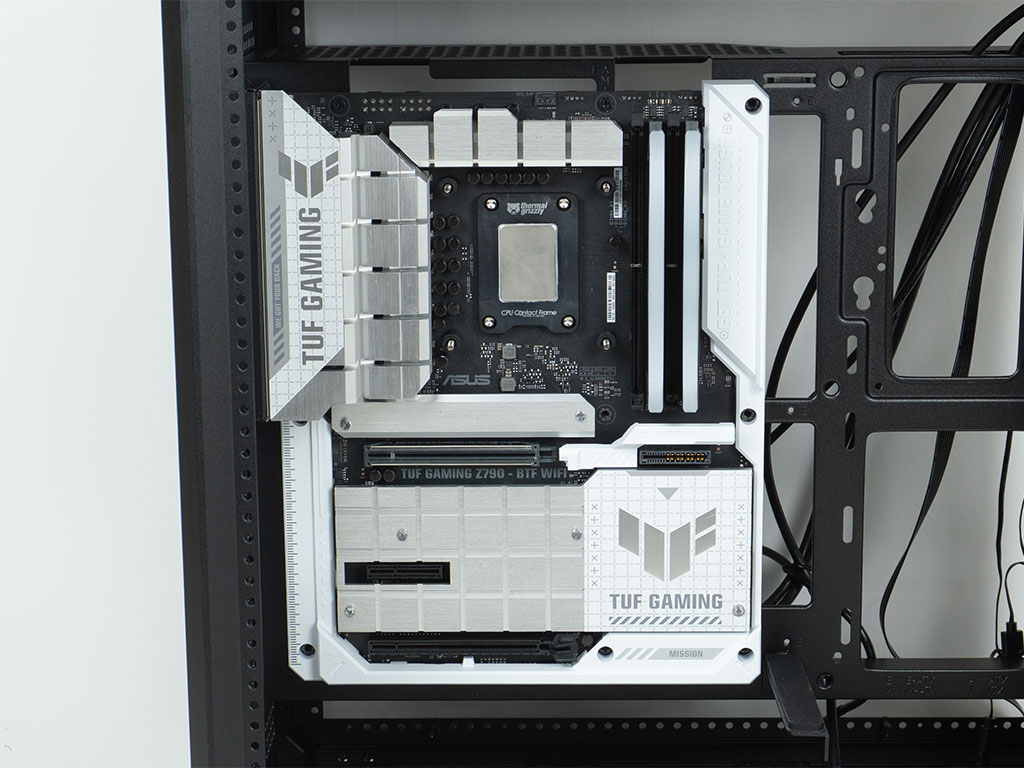
Installing the motherboard is really easy, as the interior of the MasterFrame 360 Panorama is spacious, with the wide clearance to the floor and ceiling also being beneficial. The BTF based ASUS board fits flawlessly as well.
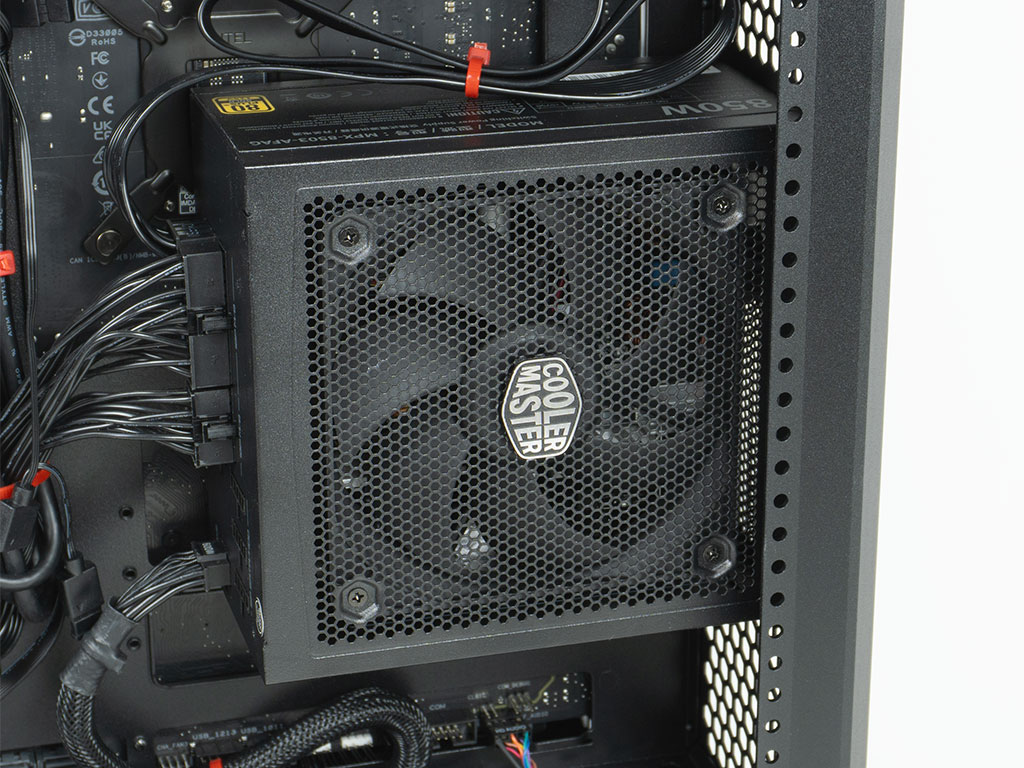
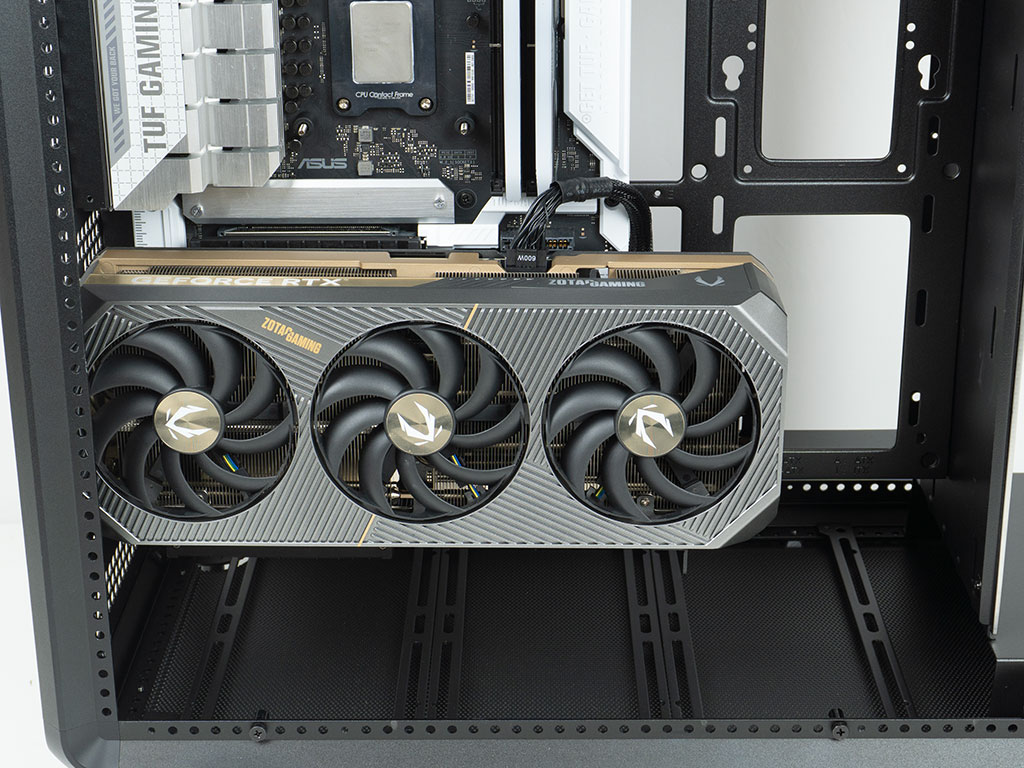
As a second step we placed the Cooler Master power supply, as it was apparent it would not get in the way. This allowed us to cable manage both the IO wiring and power cables at the same time. There is plenty of room, so you will easily be able to fit long and potent PSUs within the case. Installing the Zotac GeForce RTX 5070 Ti is easy as well and the GPU support bar comes in quite handy to keep it level. As you can see, we ended up using a generic 12V-2x6 cable, as the angled cable from the PSU would not allow us to hide it as much as we did.
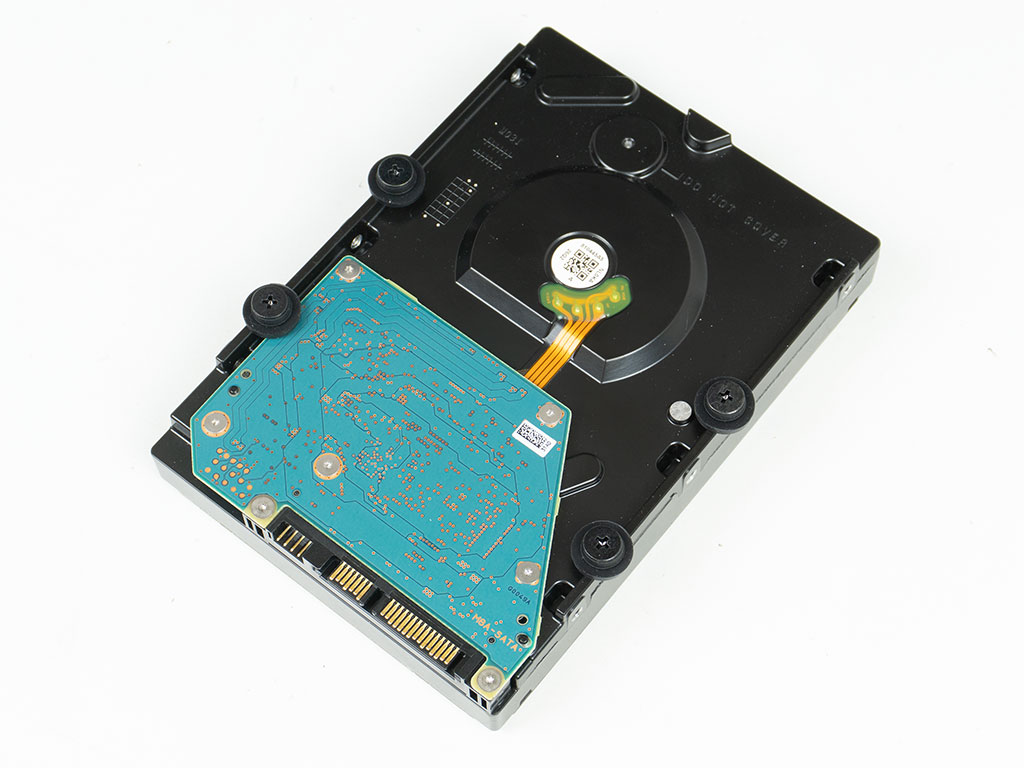
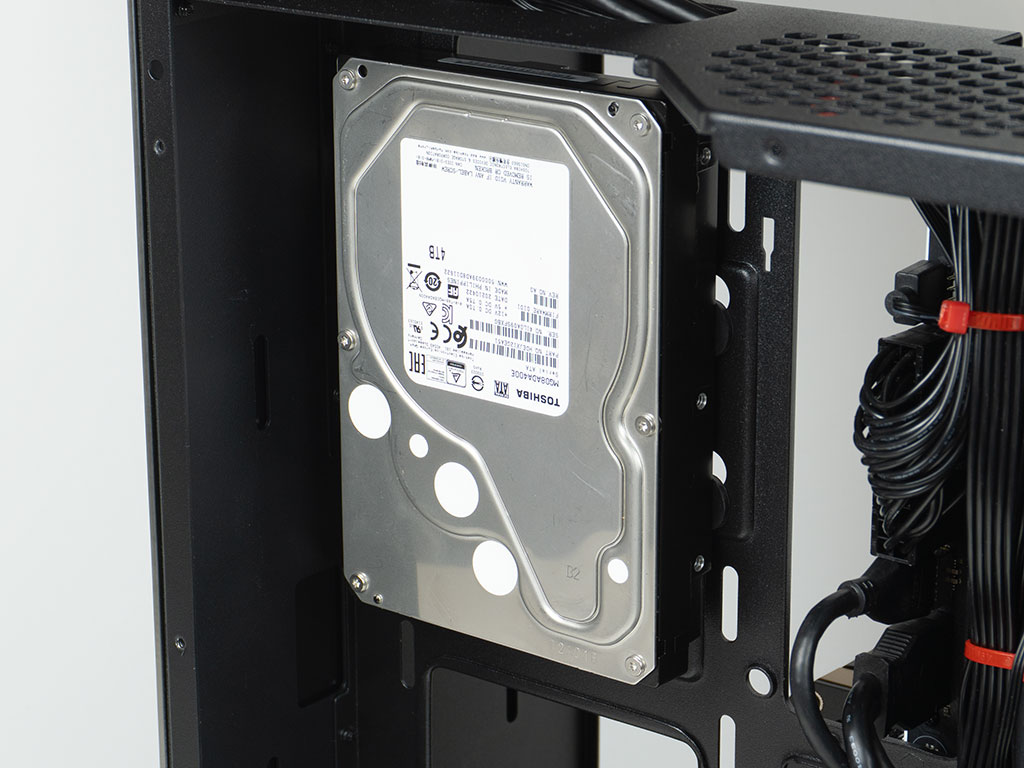
We opted to install the 3.5" drive on the backside of the motherboard tray. To do so, you first have to secure the four flathead screws with the provided rubber rings and then slide it into place. Cooler Master also includes pin screws, for an alternative installation method. The manual differentiates the placement of the 3.5" between this and the Stage editions, but we can't find a reason that you could not go for either in the MasterFrame 360 Panorama.
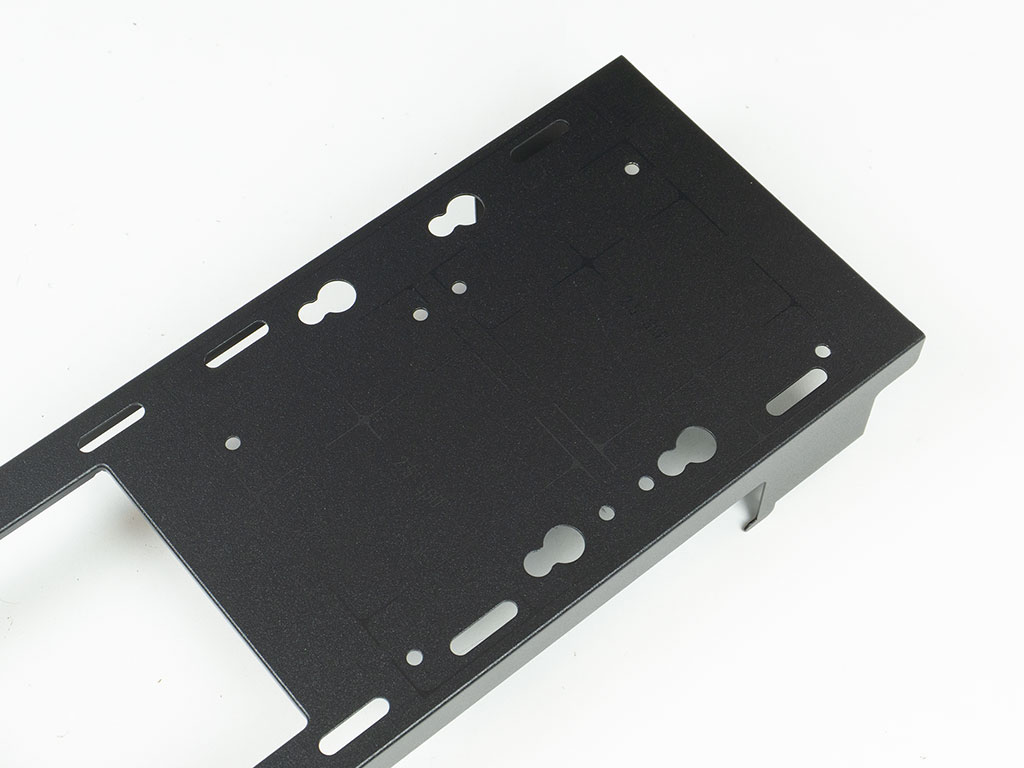
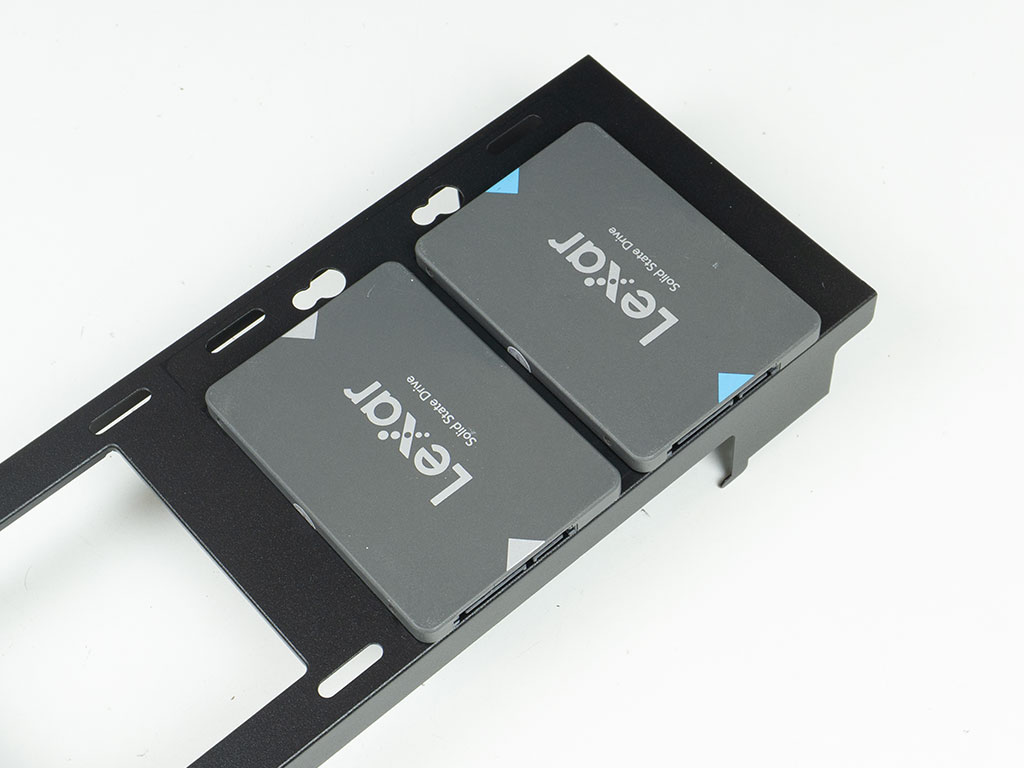
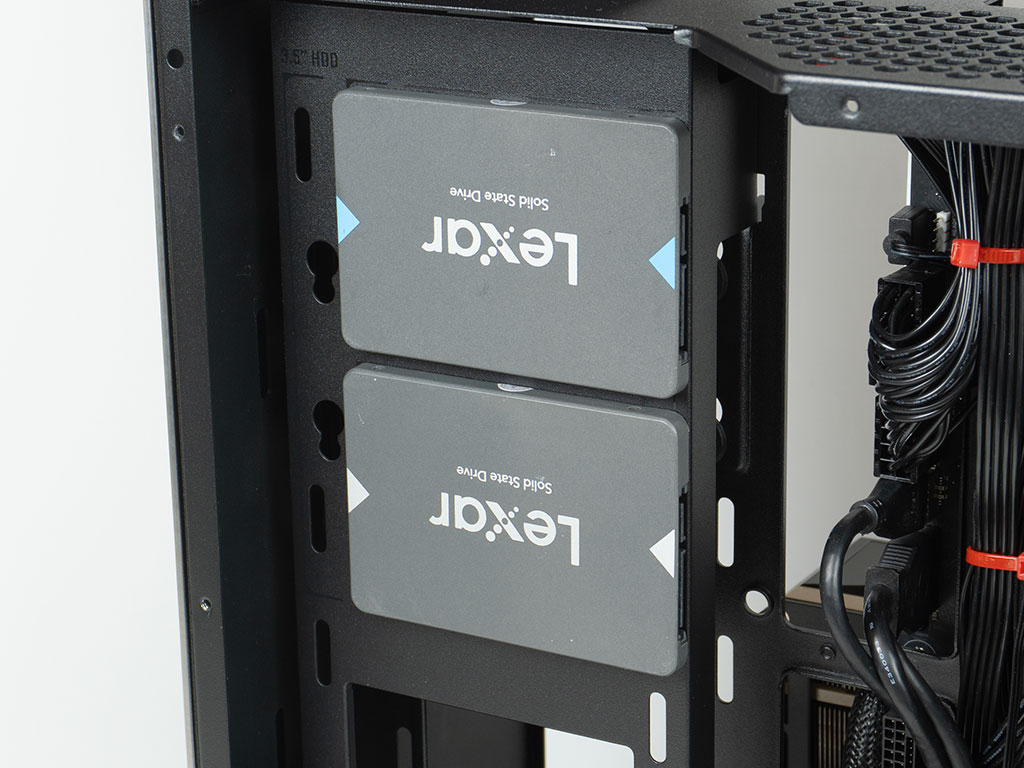
With the 3.5" drive in place, we secured two 2.5" SSDs to the mounting plate and put it back over that 3.5" drive. As such we went with a three drive configuration.
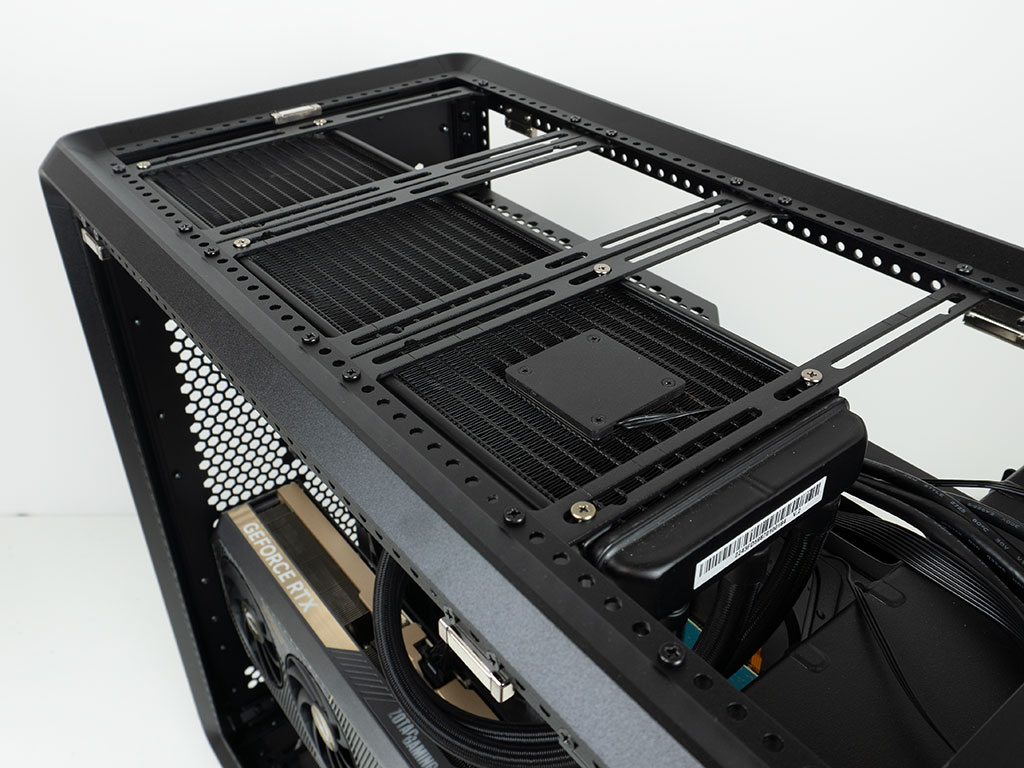
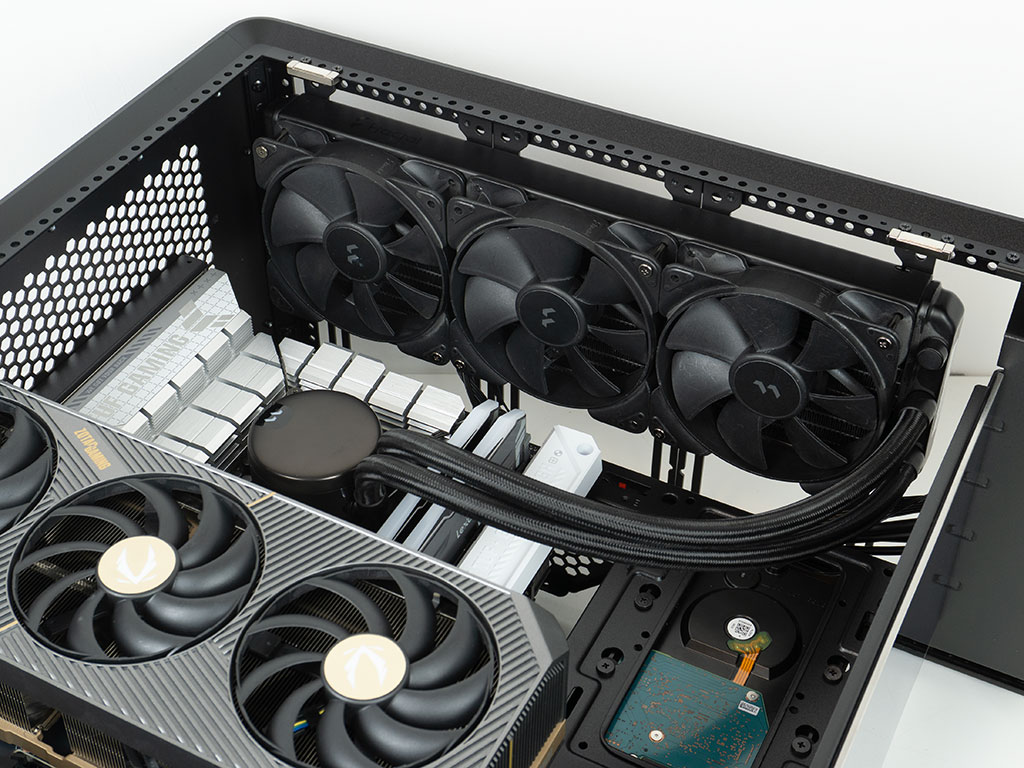
Adding an AIO is straightforward, with lots of clearance in all directions. Cooler Master clearly advertises that you can fit liquid cooling of up to 75 mm thickness, so you may use thicker fans or a thicker radiator if you like. As there is that gap to allow for the whole ceiling to be used for cooling, you will have to find a way to run the cables from your cooling units across that gap in a clean fashion. We bundled them and used the cable routing hole in the center.
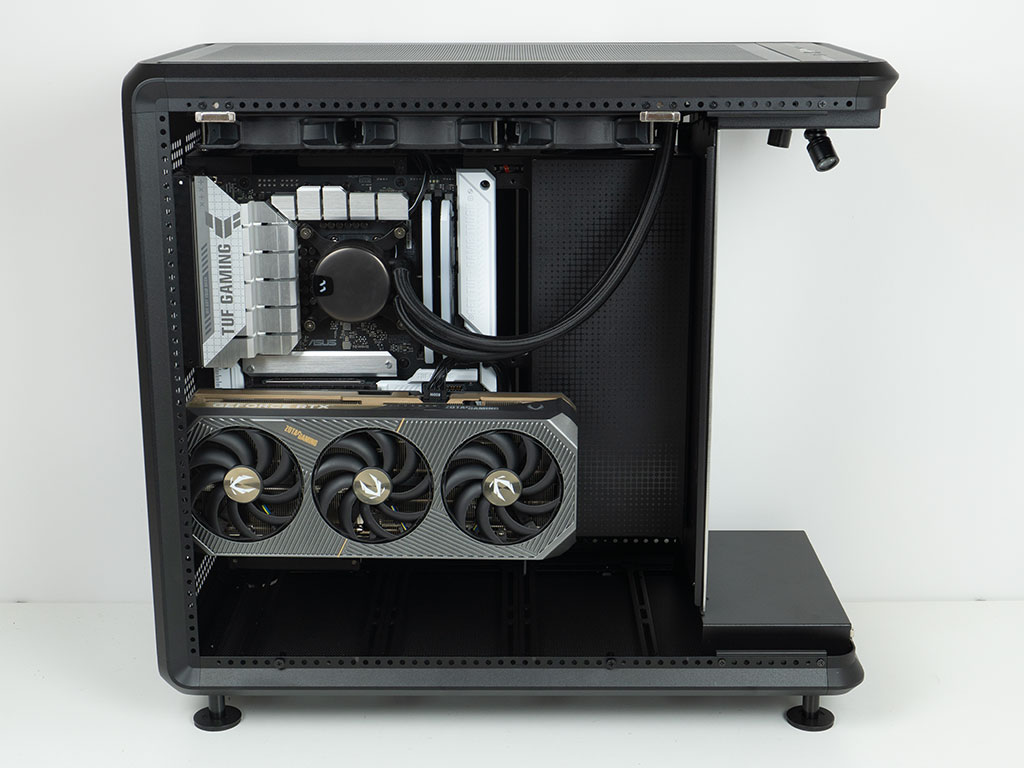
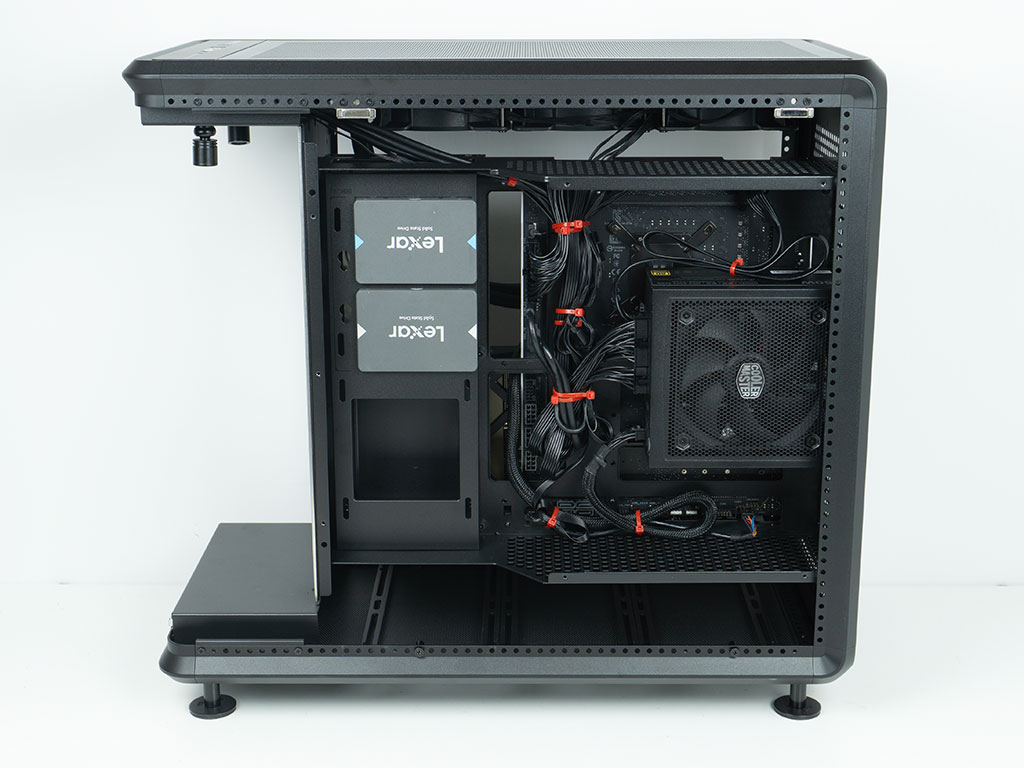
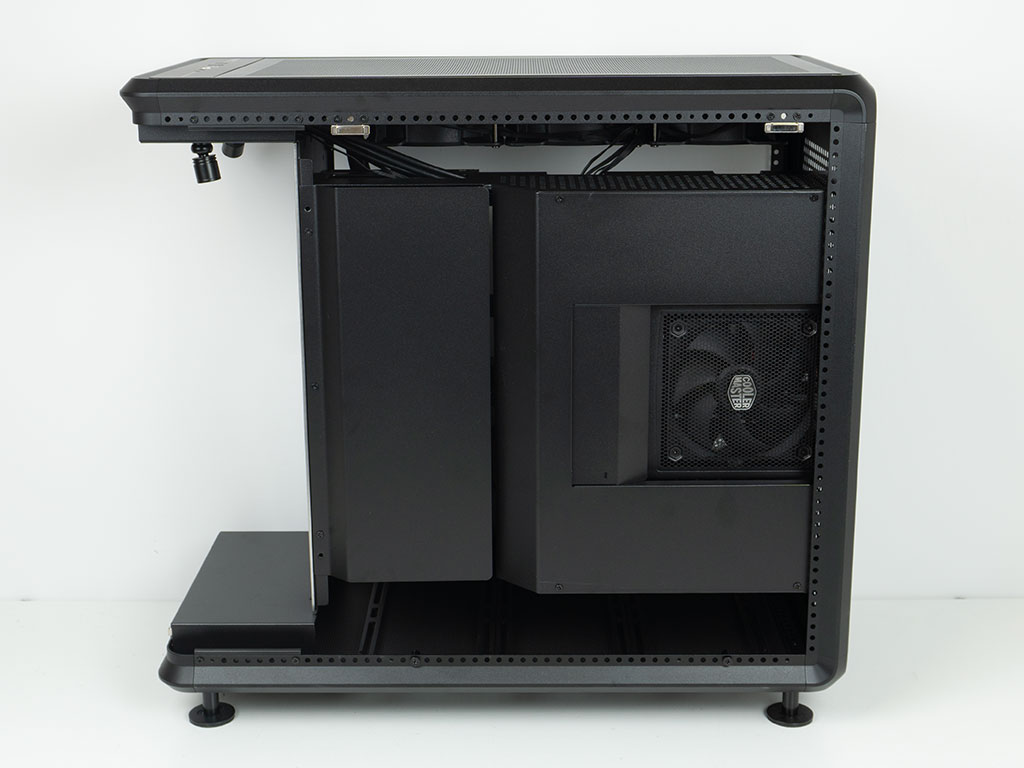
With everything installed, the Cooler Master MasterFrame 360 Panorama looks nice and clean, except for the ceiling cooling wires running down. That said, the interior cover inside the main section really helps to hide away what is happening behind the scenes, and the BTF board naturally helps as well. But even those using a classic ATX motherboard should find cable routing holes in all the right places. On the backside of the motherboard tray, we had to bunch up a lot of the cables, but thanks to well-placed hooks for zip ties, that was fine. As previously already hinted, the power for the GPU is the only wire we had to run out one of the cable routing openings on the side of the motherboard, as there is a cutout missing in the suspended floor under the PSU. In the end, none of that matters much, as the two covers hide all the wires flawlessly while also providing a perfect window to the power supply fan. While it all looks spotless, the PSU will have very restricted access to air and no dedicated source of cool outside air.
Finished Looks
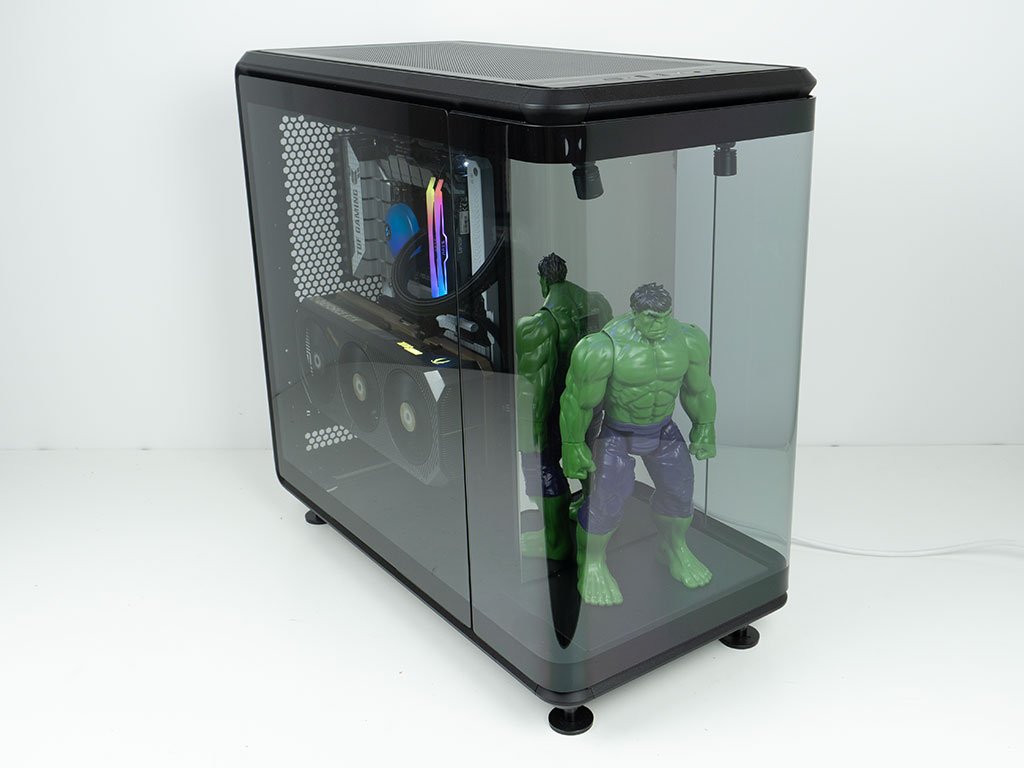
With all the panels in place, we asked Hulk from the Avengers to take center stage under the spotlights to complete the build. At this point it is obvious that this is the visual highlight of the chassis.
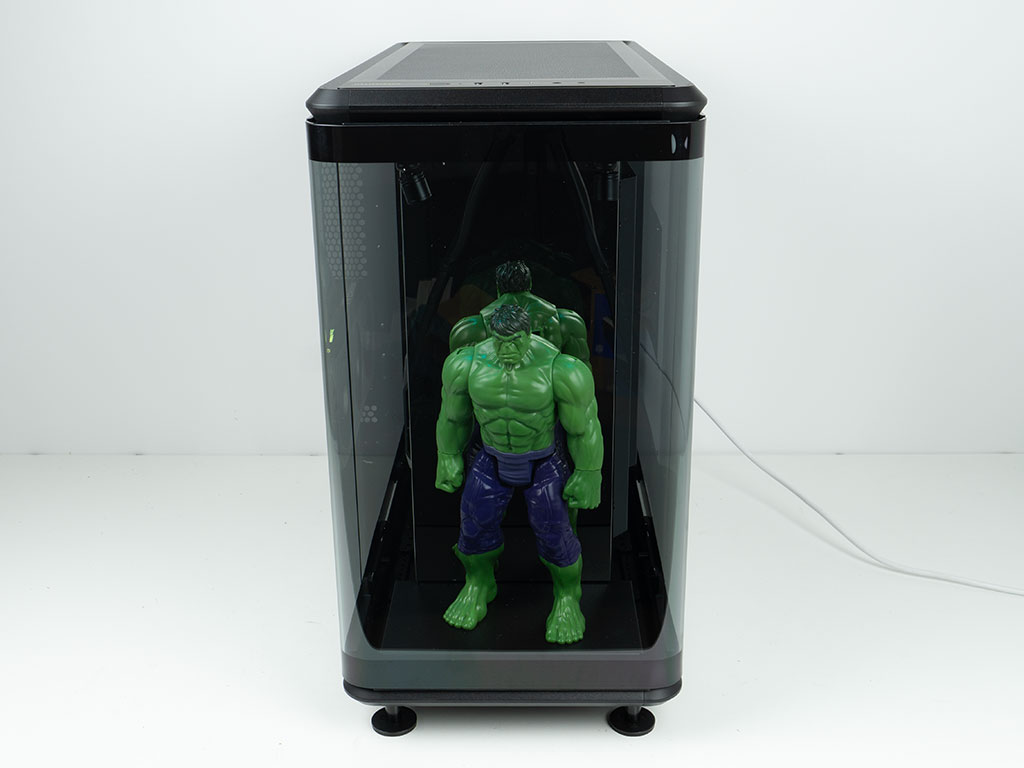
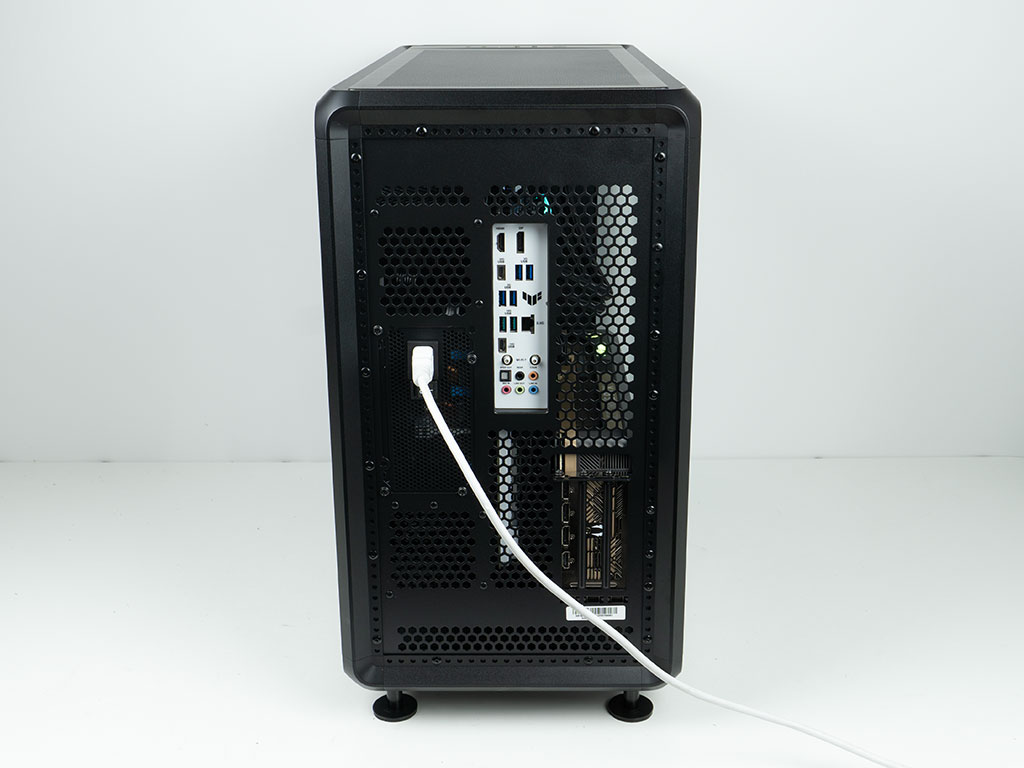
The space in the front is big enough to allow for larger collectibles, and the mirror allows you to view the details on the back of such figures. In the rear, everything is accessible and where you would expect it. Cooler Master could have easily added hooks to allow you to cable manage the exterior wires officially, but users will probably just use the vents in combination with zip ties to achieve the same outcome.
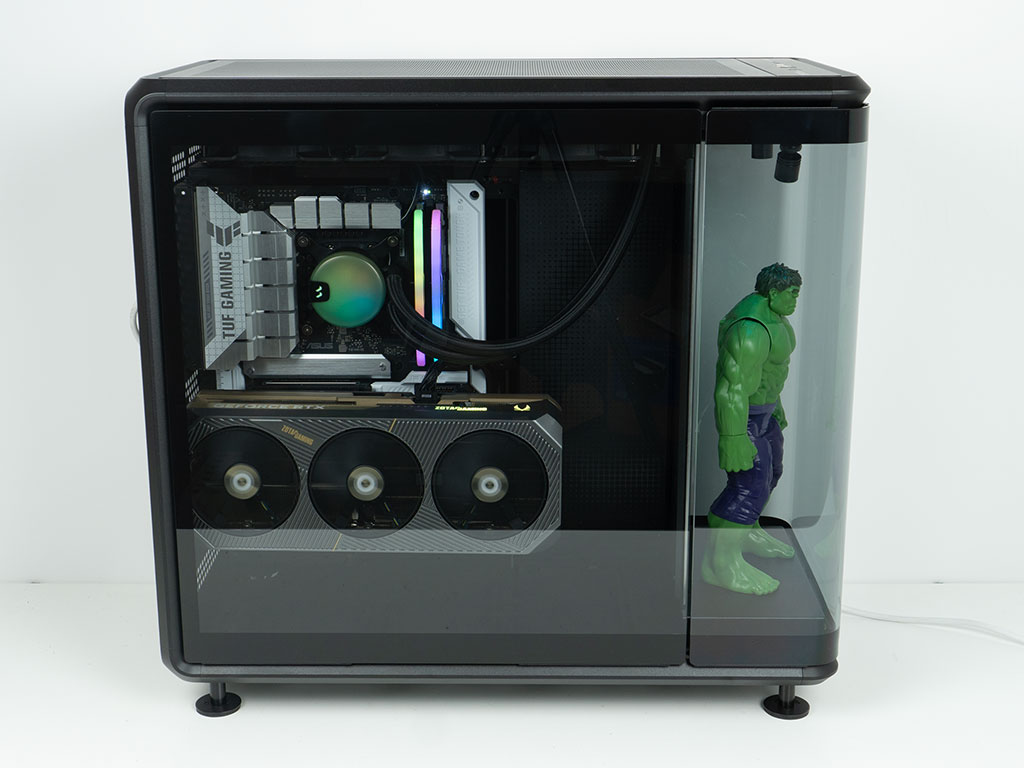
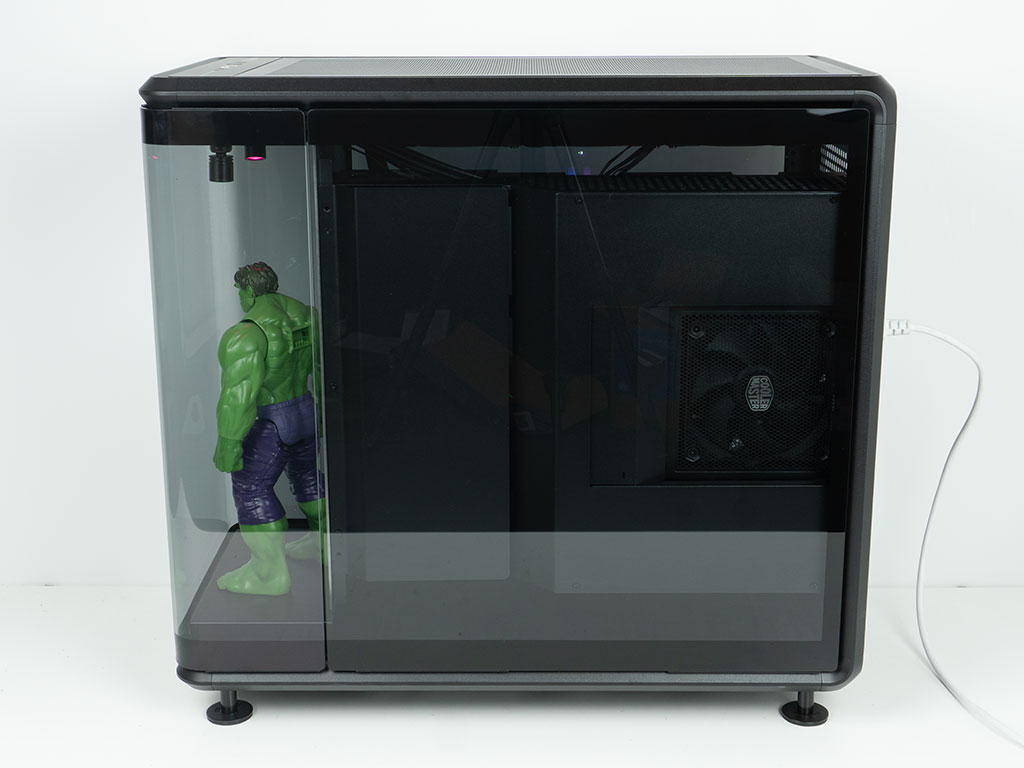
Thanks to the glass panels on both sides, you can not only see your hardware and the vertically mounted GPU, but also the intake fan of the PSU clearly.
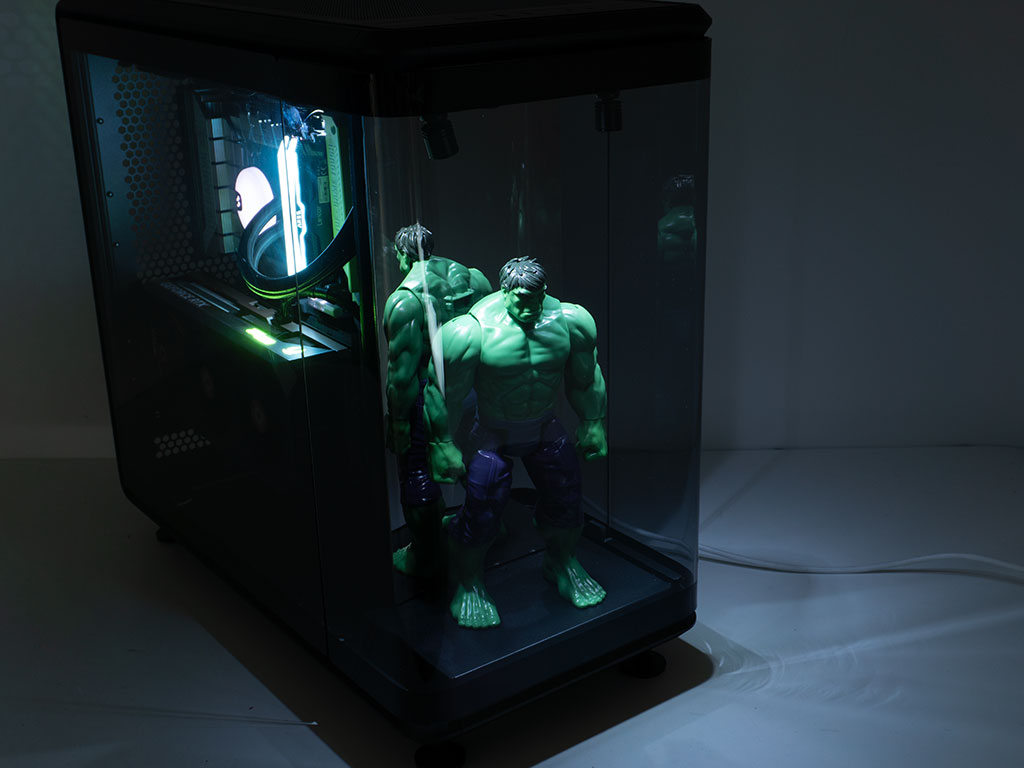
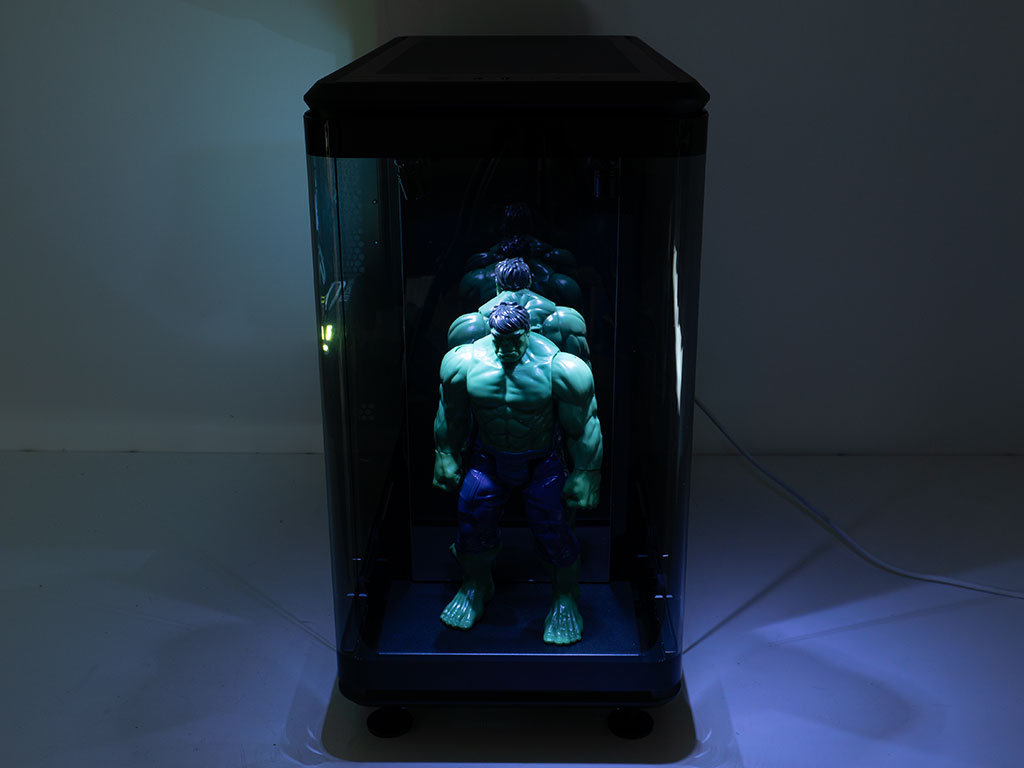
Naturally, we had to turn off the studio lights and let the Hulk take center stage to show you how things will look for your favorite collectible during a gaming session in the dark.
Nov 21st, 2026 05:19 PST
change timezone
Latest GPU Drivers
New Forum Posts
- UPS what one to get? (2)
- Honestly, do you care about GTA VI? (220)
- Anthrophics IPO (31)
- Without Jensen, PC gaming will be (53)
- WarpCoreBench scores! (88)
- What's your latest tech Freebie? (86)
- TPU's Nostalgic Hardware Club (22179)
- [Poll] 12V-2x6 Connector Protection: What Are You Using? (WireView / Ampinel / Equalizer / Other / Nothing) (50)
- RX 9000 series GPU Owners Club (2252)
- Windows 11 General Discussion (7743)
Popular Reviews
- Microsoft Surface Laptop Ultra Review - The Next-gen Arm Laptop
- Ugreen NASync DXP4800 GT Review
- Corsair RM1200e (Second Generation) Review
- Pulsar Office Tour & First Look at P1 Dual-Sensor Mouse
- Upcoming Hardware Launches 2027 (Updated Nov 2026)
- Acemagic Retro X3 Review
- Biwin Black Opal NV7400 2 TB Review
- AMD Ryzen 7 9800X3D Review - The Best Gaming Processor
- AMD Zen 6 Technical Deep Dive
- Chieftec Iceberg PRO 360 DARK Review
TPU on YouTube
Controversial News Posts
- NVIDIA Co-Founder and CEO Jensen Huang Officially Resigns (491)
- Report: Jensen Huang Eyes NVIDIA Comeback (258)
- Open Letter Asking NVIDIA to Reinstate Jensen Huang Passes 115,000 Signatures (184)
- OpenAI CEO Argues Home PCs Waste the World's Limited DRAM Supply (152)
- NVIDIA Launches Investigation Into Jensen Huang's Relationship With Suspected Chinese Spy (136)
- Intel "Raptor Lake Next" 16-Core and 20-Core CPUs Surface (130)
- Legendary Game Studio BioWare Shuts Down Following EA Layoffs (104)
- NVIDIA GeForce RTX 50-Series Scheduled for up to $500 Price Hike This Week (89)