 6
Cooler Master SK630 Keyboard Review
(6 Comments) »Introduction

It seems Cooler Master revamps their entire product lines once every couple of years, and their peripherals lineup even more so. The current strategy, at least for keyboards, appears to be to offer products in differently named series; Masterkeys (MK), CK, SK, and so on. We took a look at the MasterKeys MK750 a little over a year ago, and there is an exciting new addition to that line coming up shortly. But before we get to that, and perhaps just as exciting, is the new SK series of keyboards. There will be three keyboards here—a full size, TKL, and portable 60% form factor with optional wireless connectivity, all using Cherry's new MX Low Profile RGB switches. As with anything new from Cherry, CORSAIR had a timed exclusive to use them (and still does with the MX Low Profile RGB Speed switch), but now, we see others coming up with their own takes. Today, we take a look at Cooler Master's SK630, and thanks again to them for sending us a review sample.

The SK630 was shown off recently at CES 2019, amid the entire SK lineup (and other upcoming Cooler Master keyboards). It is the middle entry in the series, adopting a tenkeyless (TKL) form factor with wired-only connectivity. The SK630 is all about keeping a low profile when needed and turning on the RGB at other times. As with most new Cooler Master keyboards, it promises extensive onboard and software configuration over function and form alike. There is a lot to see here, and it is my first keyboard with the Cherry MX Low Profile RGB switches too.
Specifications
| Cooler Master SK630 Keyboard | |
|---|---|
| Layout: | 87-key US ANSI layout, language support depending on your region |
| Material: | ABS plastic case and keycaps, aluminium frame |
| Macro Support: | Yes |
| Weight: | 0.55 kg / 1,21 lbs. |
| Wrist Rest: | No |
| Anti-ghosting: | Full N-Key rollover |
| Media Keys: | Available as a secondary function |
| Dimensions: | 125 (L) x 354 (W) x 30 (H) mm |
| Cable Length: | 6.0 ft / 1.8 m |
| Software: | Yes |
| Switch Type: | Cherry MX RGB Low Profile switch |
| Backlighting: | Yes, 16.8 M per-key RGB backlighting |
| Interface: | USB |
| Warranty: | Two years |
Packaging and Accessories
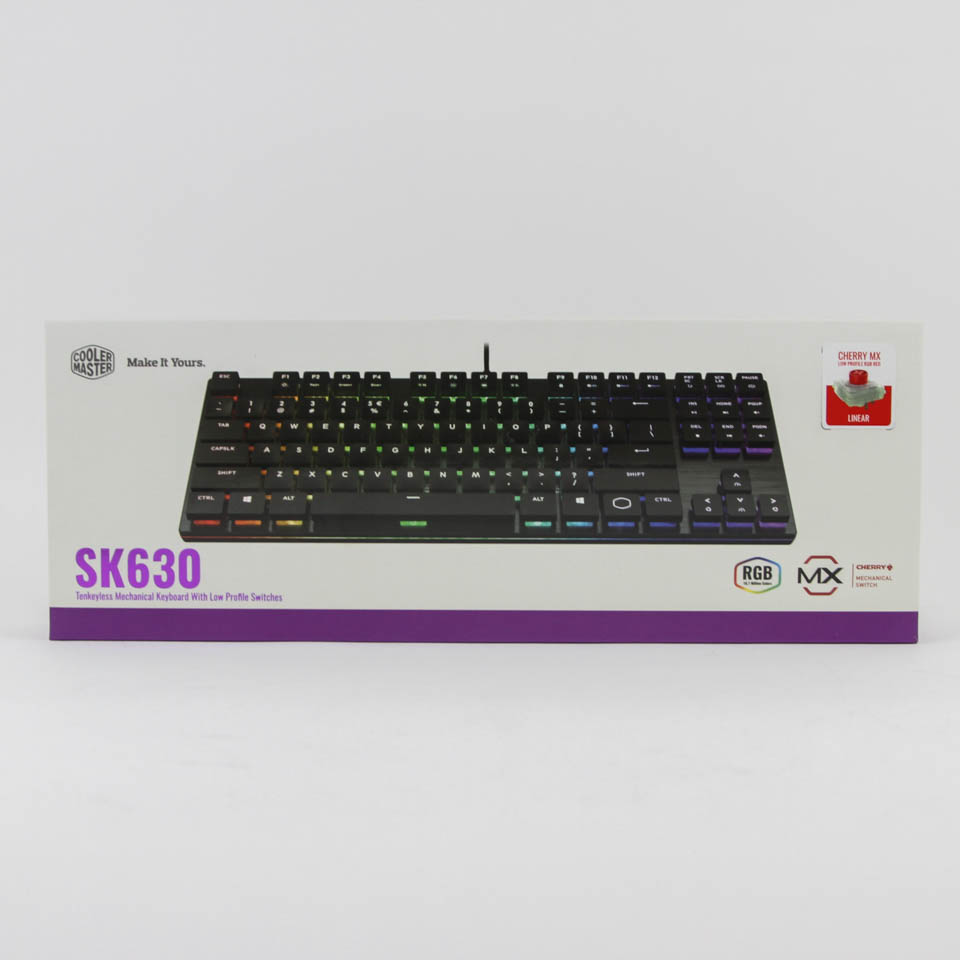

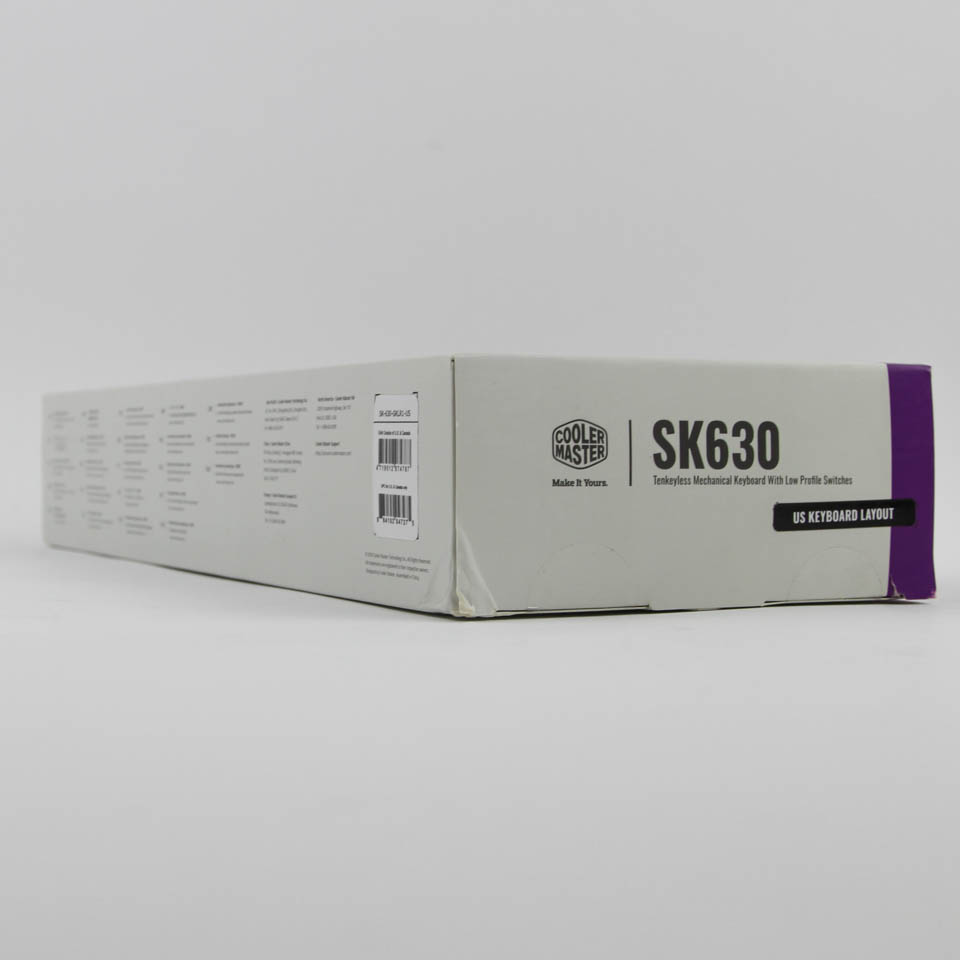

Cooler Master operates a web shop in the USA. However, this sample came from a marketing hub, so we begin with a look at the product packaging. We see a white and purple color scheme adopted for the box here, which is in contrast to the black and purple for the MK750 from before. On the front is the company logo and product name along with a large render of the keyboard and some of its salient features, including the switch type employed. We see more renders, specs, and features, even in multiple languages, on the back and sides. The box itself is smaller than average, playing to the whole slim, low-profile nature of the keyboard inside. There are seals and double flaps on the sides to help keep the contents inside in place.
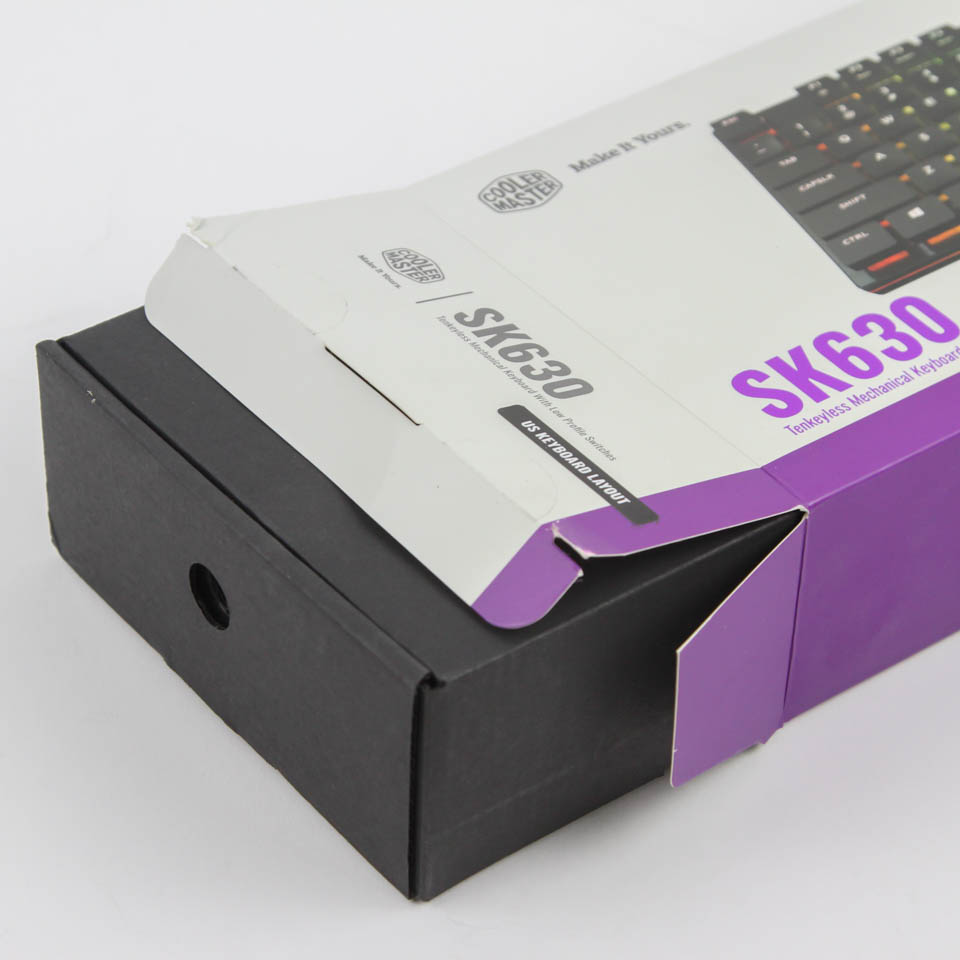
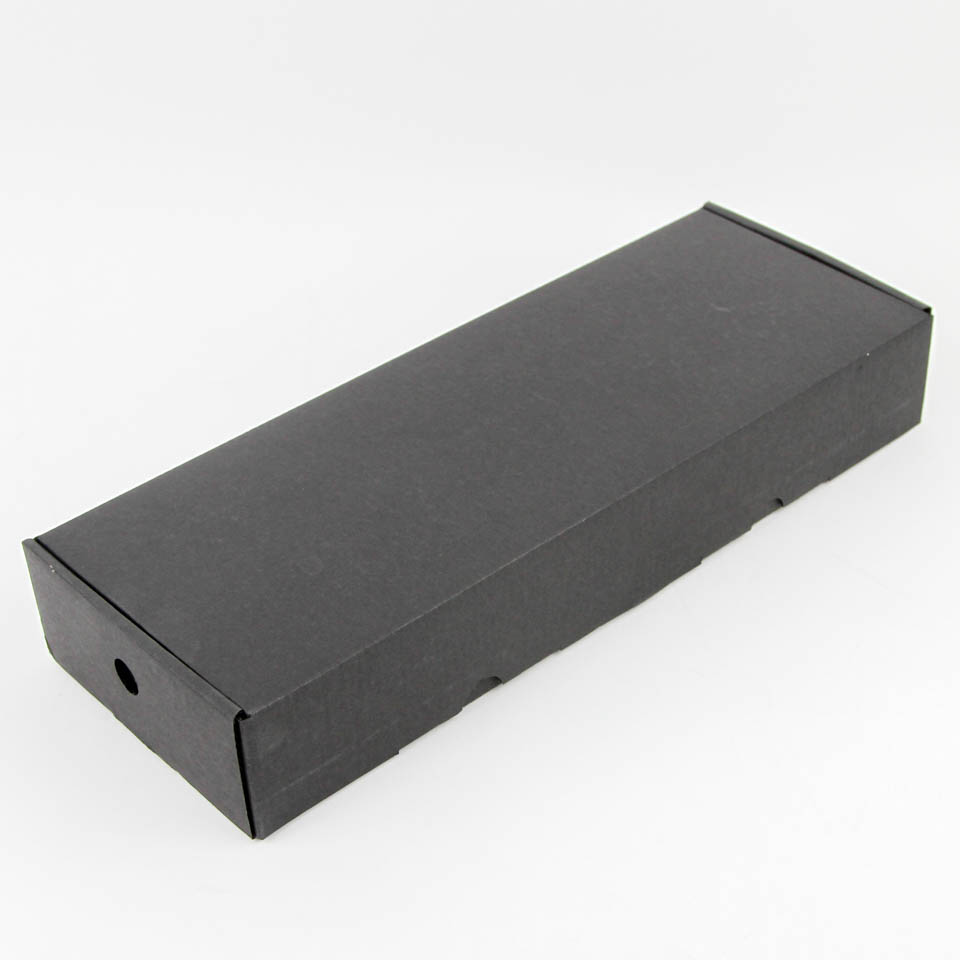
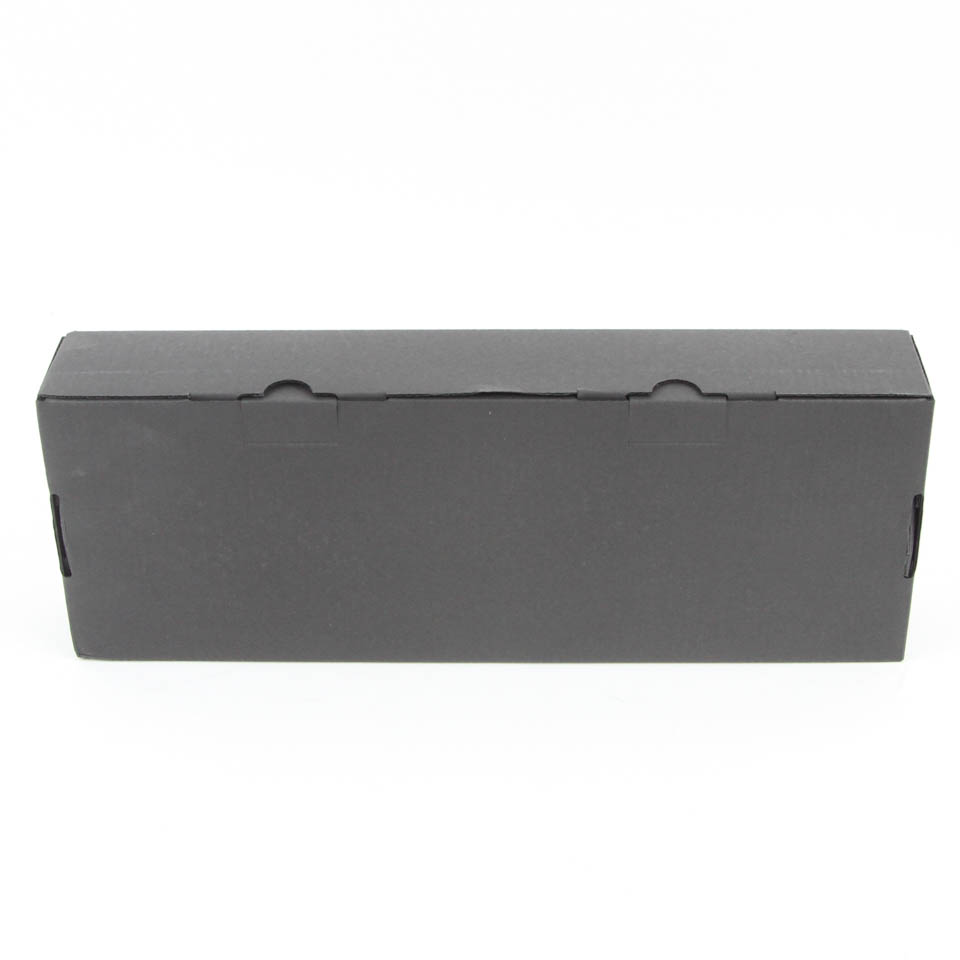
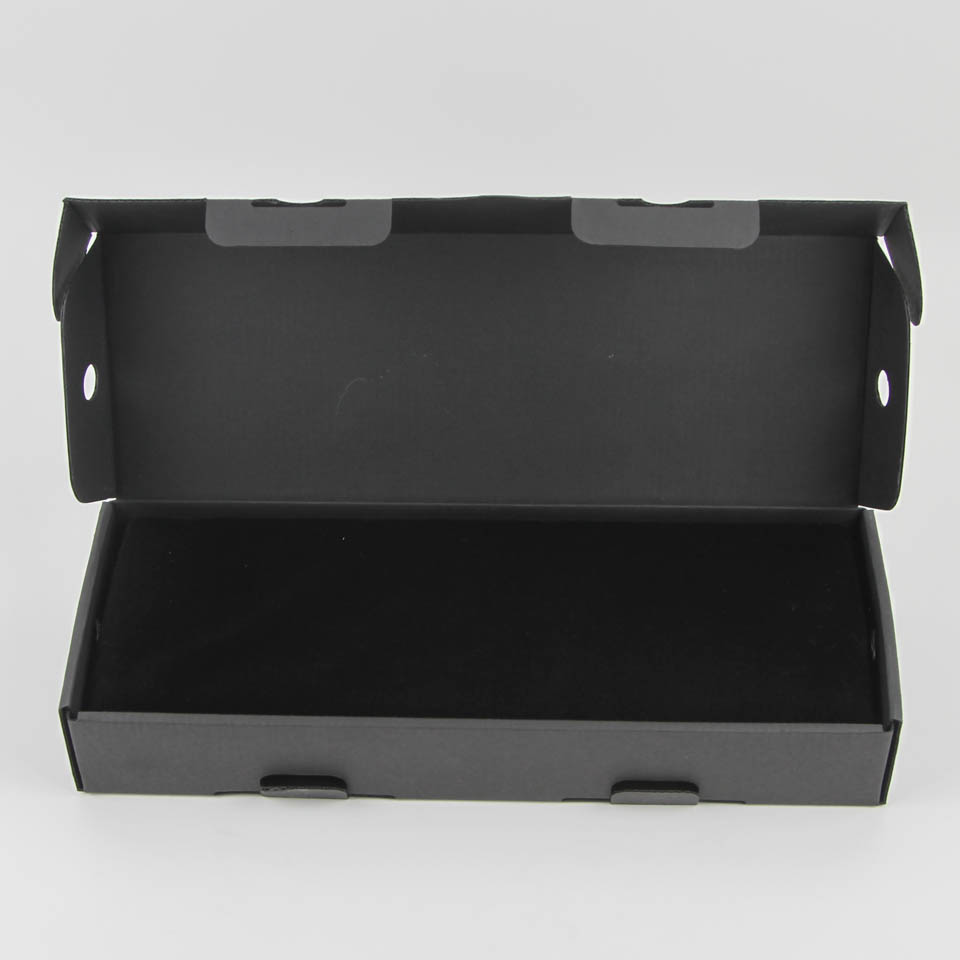
As it turns out, Cooler Master is employing a two-piece packaging with a plain cardboard box inside. There are circular cutouts on the sides to help remove it from the outer wrap, and more double flaps are revealed here. Cooler Master seems to be in love with the Russian doll concept as opening this box reveals even more packaging for the keyboard and accessories alike. The keyboard is packed snugly with cardboard all over, and that is even before we get to the velvet fabric drawstring carrying pouch.

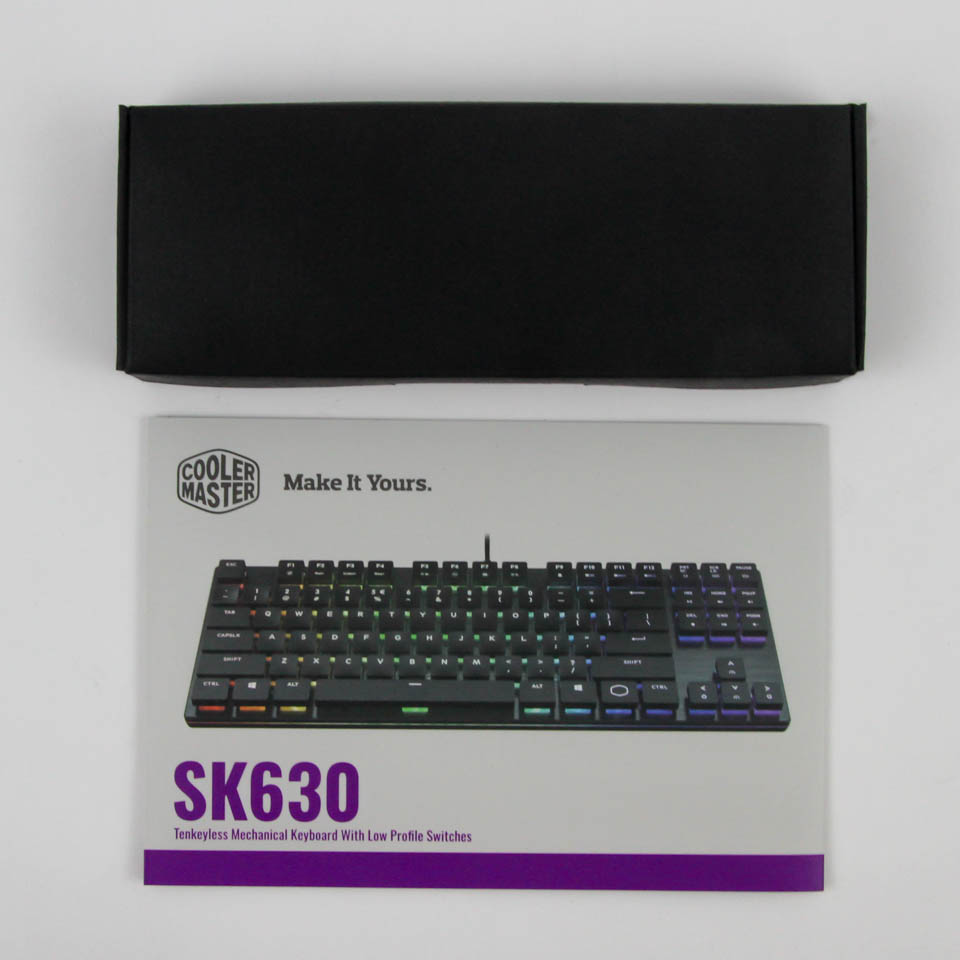
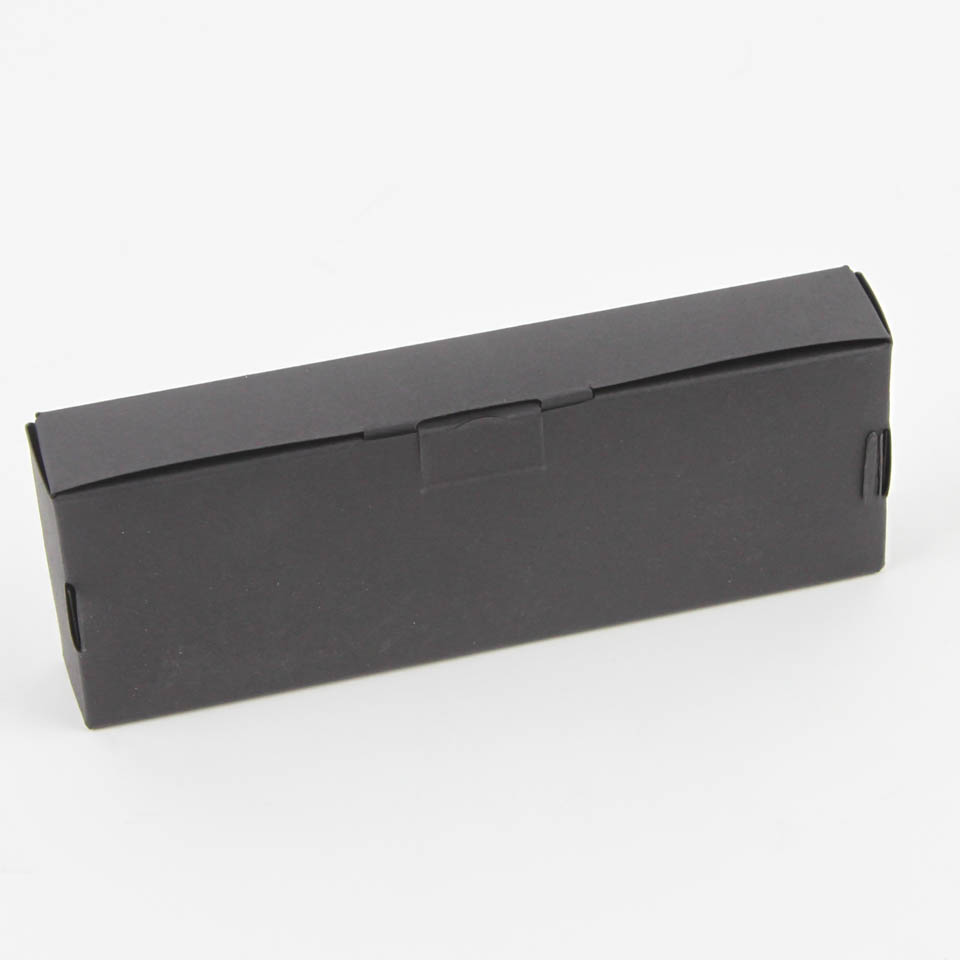
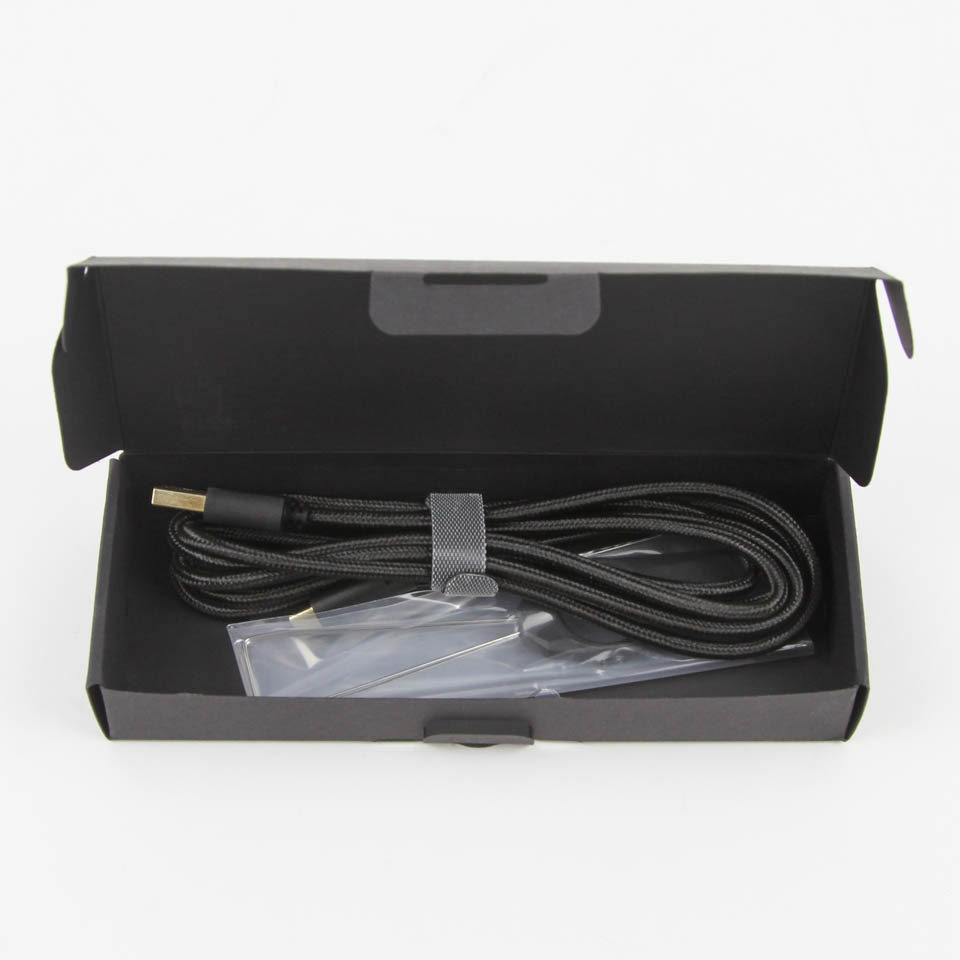
The accessories are found underneath the keyboard, with a cutout to accommodate yet another box. We have a multi-language quick start guide that goes over the secondary functions pre-programmed on to the keyboard, including media and backlighting controls. The box itself contains the keyboard cable and a keycap puller, which complete the accessories that comes with the SK630.

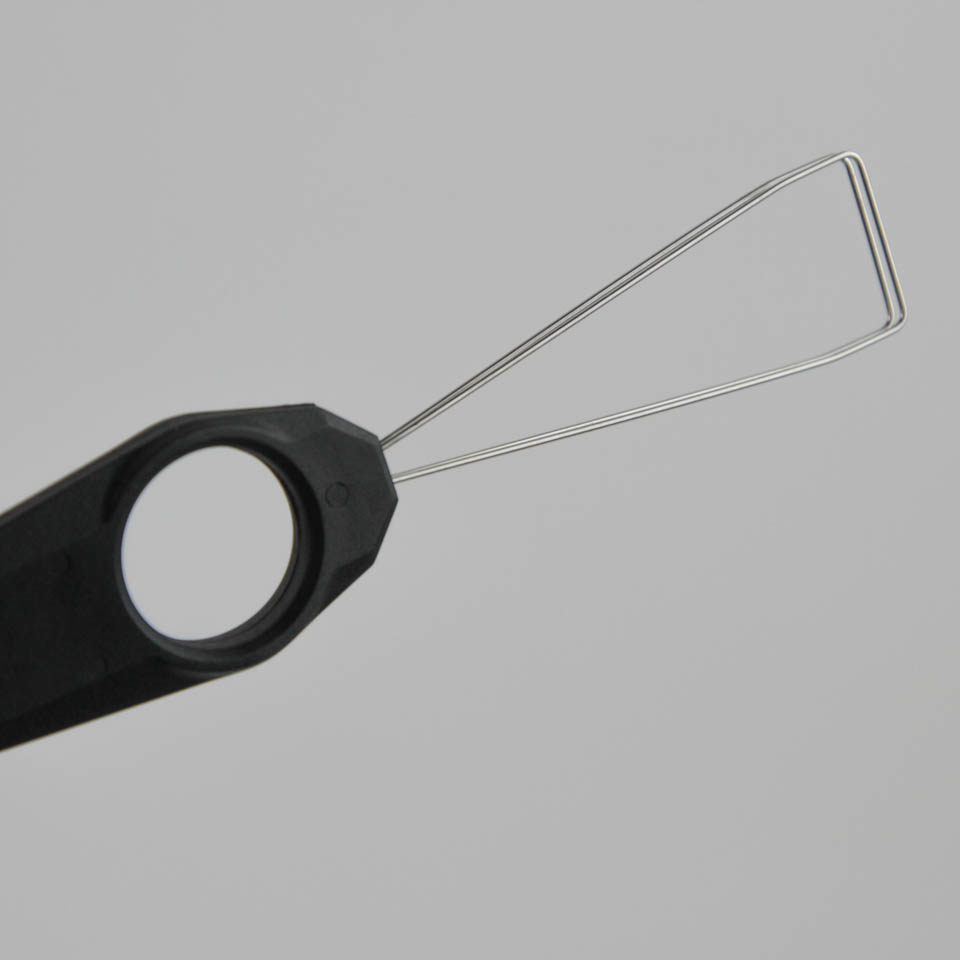

The cable is detachable, 1.8 m long, braided in black, and has a male USB Type-C connector on one end and a male USB Type-A connector on the other. This leads us to believe the keyboard employs USB Type-C for connectivity, which is nice to see in this Type-C adopting world as a whole, and the connectors are gold-plated to add resistance against metal oxidation. The keycap puller is a metal wire-style puller, which is also my preferred version as it is easier to use and doesn't risk scratching the sides of keycaps.
Our Patreon Silver Supporters can read articles in single-page format.
Nov 13th, 2026 23:56 CST
change timezone
Latest GPU Drivers
New Forum Posts
- Tell me about your favourite graphics card (34)
- What are you playing? (26216)
- no "PhysX" workable (9)
- AI generated images... (224)
- Crimson Desert (31)
- RenoDX HDR - how to view the differnce Before&After in game? (0)
- Displayport DP80 3M (10ft) cable that can achieve 80gbps stable? (5)
- I'll flash a ASUS ROG Strix RX480 O8G in Cause of Code 43, as a Newbie (1)
- Opinion on Monitor Replacement (6)
- TMOG - post your benchmark results here (16)
Popular Reviews
- AMD Zen 6 Technical Deep Dive
- Corsair HX1000i Shift Crystal Review
- NZXT C1200 Platinum Review
- Upcoming Hardware Launches 2027 (Updated Nov 2026)
- ASUS ROG Strix B850-I Gaming Wi-Fi7 W Review
- Montech King 95 3D PRO Review
- NZXT H7 RGB+ Review
- NZXT H5 Review
- Phantom Blade Zero Performance Benchmark Review - 35 GPUs Tested
- XPG NIMBUS PLUS Review - Mid-range Chair With Strong Competitors
TPU on YouTube
Controversial News Posts
- NVIDIA Co-Founder and CEO Jensen Huang Officially Resigns (380)
- OpenAI CEO Argues Home PCs Waste the World's Limited DRAM Supply (152)
- NVIDIA Launches Investigation Into Jensen Huang's Relationship With Suspected Chinese Spy (136)
- Intel "Raptor Lake Next" 16-Core and 20-Core CPUs Surface (130)
- Legendary Game Studio BioWare Shuts Down Following EA Layoffs (104)
- Dell CEO Says the Memory Shortage Will Get Worse in 2027 (95)
- NVIDIA GeForce RTX 50-Series Scheduled for up to $500 Price Hike This Week (89)
- Modder Fits RTX 5090 With Four 8-Pin Connectors, Halving Current per Wire (80)