 8
CORSAIR Hydro X Series XH303i RGB PRO Water Cooling Kit Review
(8 Comments) »Introduction

So here I was finally writing my long-due review of the CORSAIR Hydro XD7 pump, reservoir, and distribution plate combo unit, even explicitly mentioning how surprised I was to see it come out at all given CORSAIR's reluctance to get into distro plates. To be fair, the Hydro XD7 did get around the hardware-specific issue of distro plates and monoblocks by adopting a far more universal form factor, which had me wonder what else CORSAIR would have up its sleeves now that things were more pliable, if you will. As it turns out, the day this article goes live is CORSAIR's Hydro X day—a marketing event to celebrate its burgeoning business unit that has taken market share from other established brands in this niche DIY PC watercooling space like never before. As part of it, the company decided it's opportune time to update its barely mentioned line of watercooling kits.

For those new to PC watercooling, the primary incentive to go with a kit is a generally lower price relative to separately purchasing the various items. A kit also includes most—if not all—items to get going with an expandable starter loop. CORSAIR had announced two kits nearly two years ago in the form of the Hydro X Series iCUE XH303i and XH305i, smack dab in the middle of the COVID-19 pandemic and the chip shortage when no one was getting new hardware in at a reasonable price—not the best timing necessarily. It is now 2022 and material costs have gone up more than ever before, and the previous challenges are somehow still a thing. But CORSAIR reckons today is a good day to get these updated kits out after all, and these are aptly named the Hydro X Series iCUE XH305i PRO and XH303i RGB PRO. Both kits will be available in black or white, and the former goes with the Hydro XD5 pump and reservoir combo and three QL120 RGB fans to be the most expensive of the lot. I have the Hydro XH303i PRO kit here. It shares a lot with the other kit and has a total of 28 components we will go over in more detail over the course of several pages. Let's thanks CORSAIR for providing TechPowerUp a review sample!
Unboxing and General Accessories

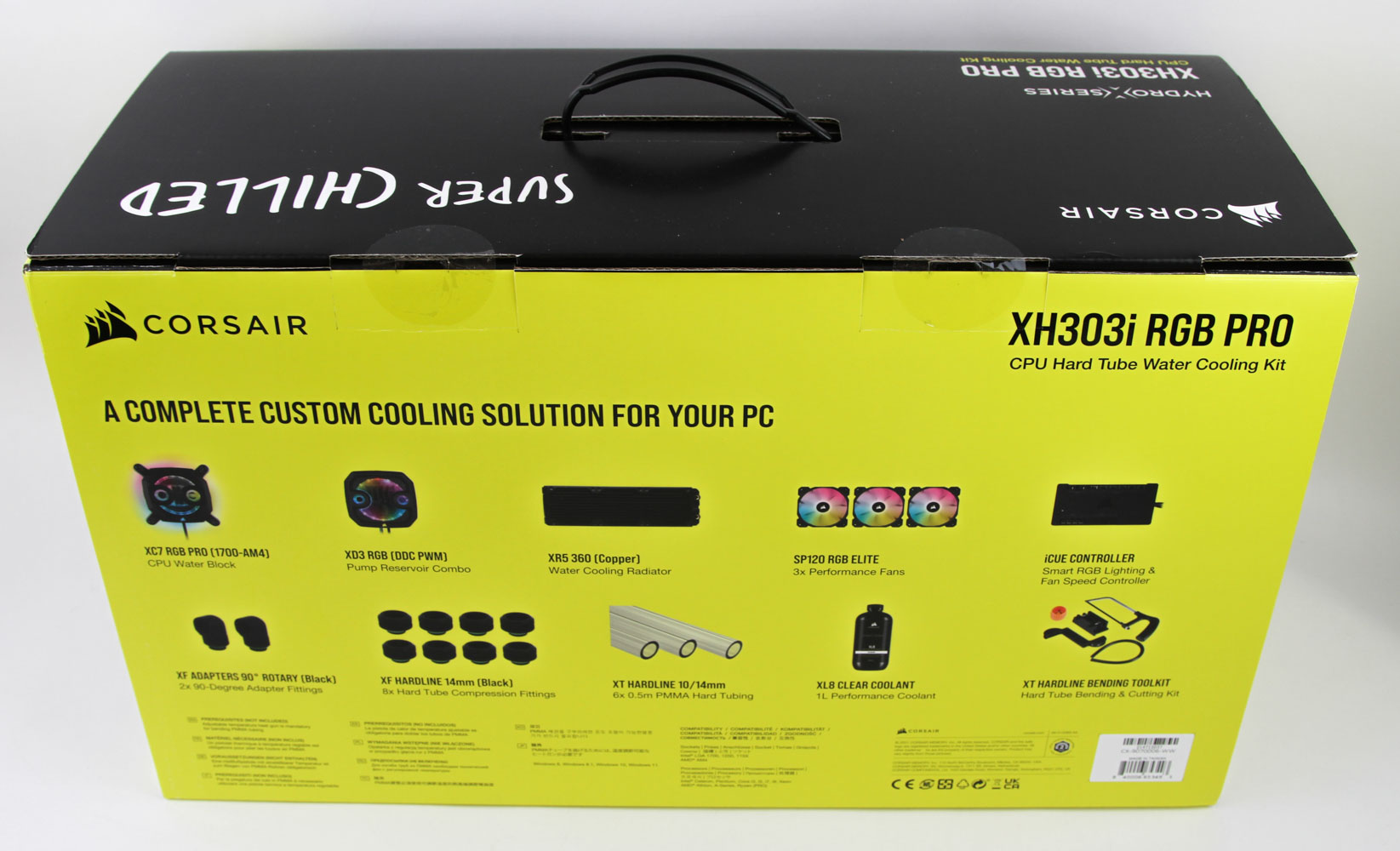
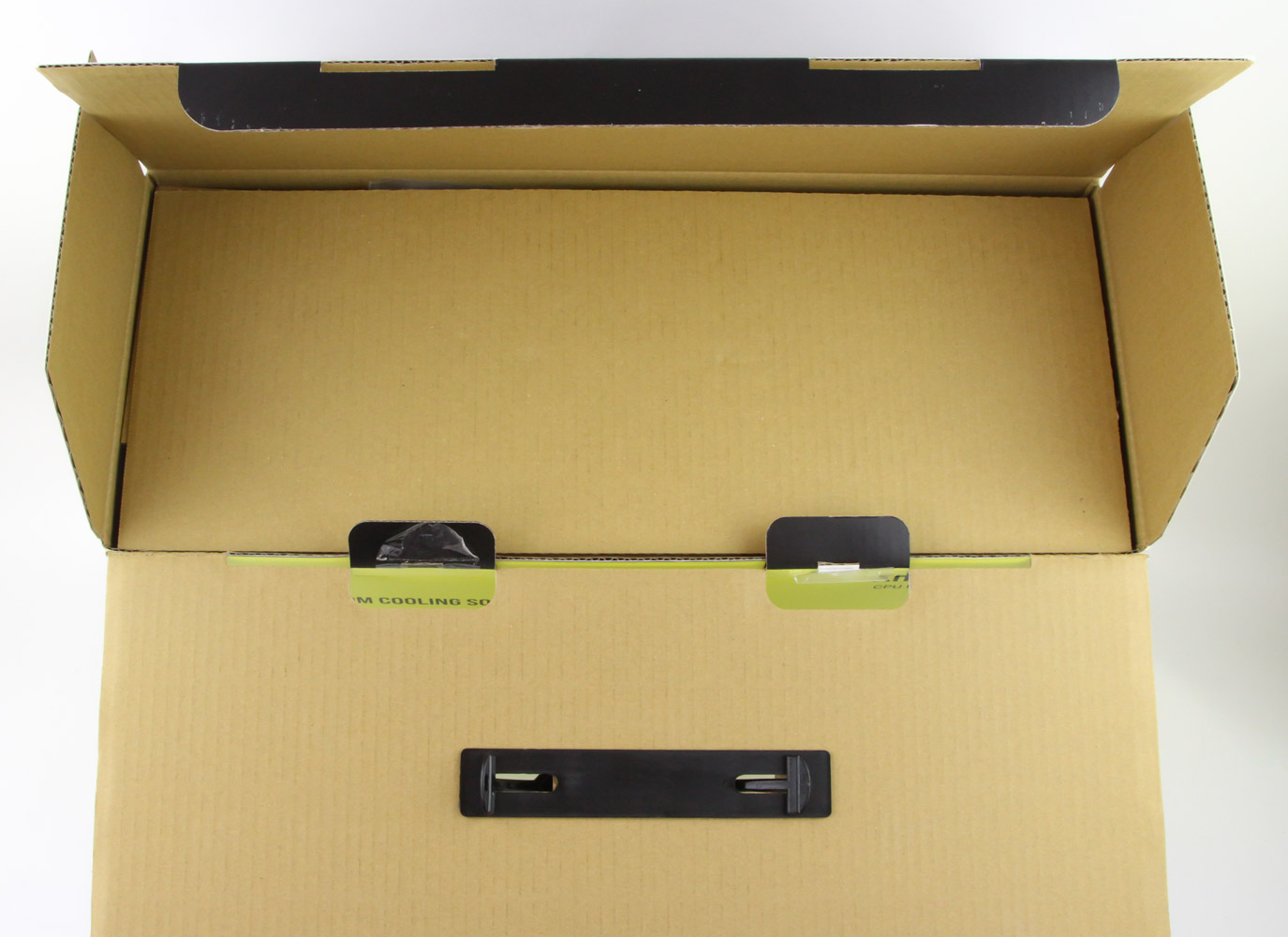
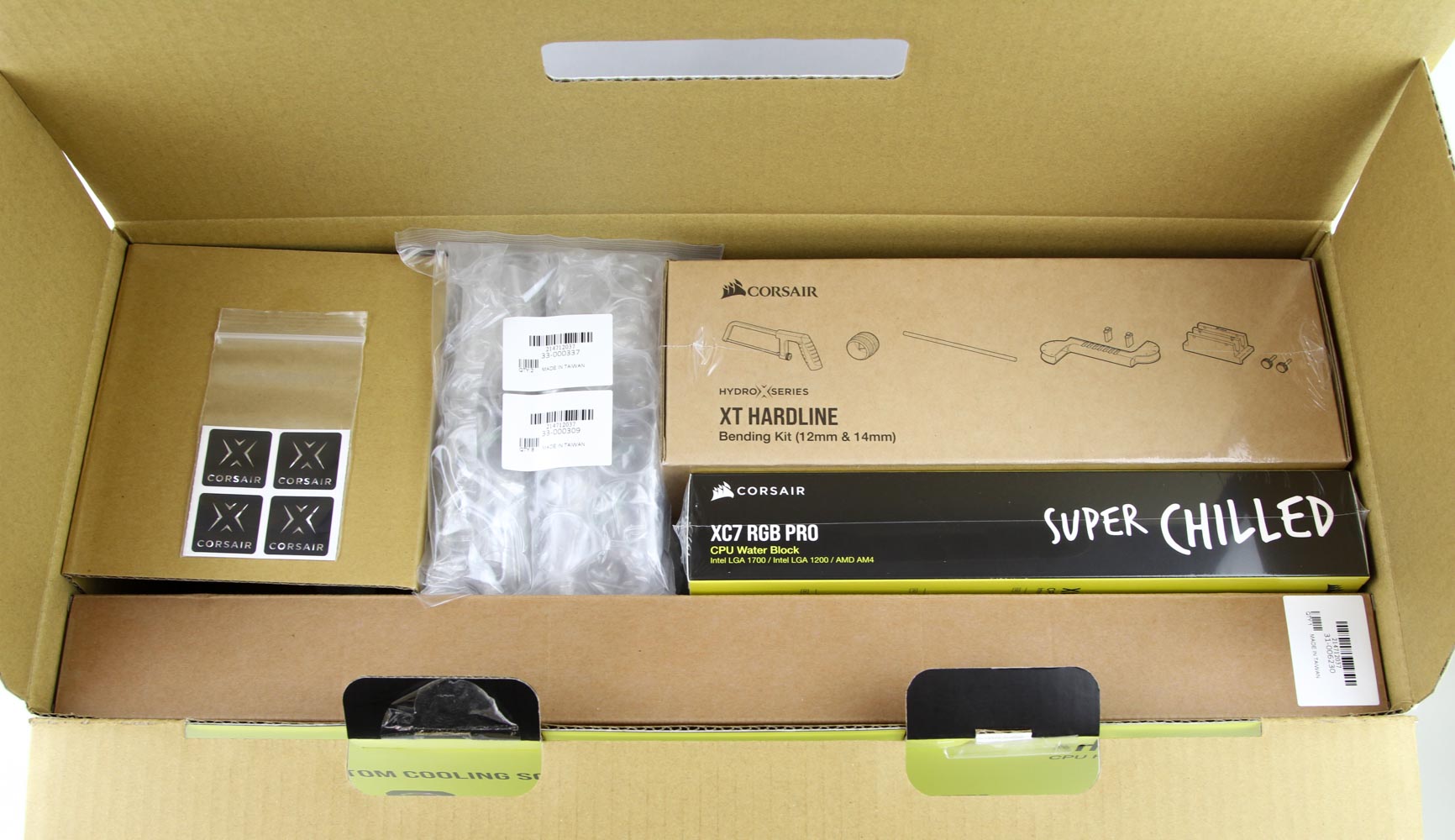
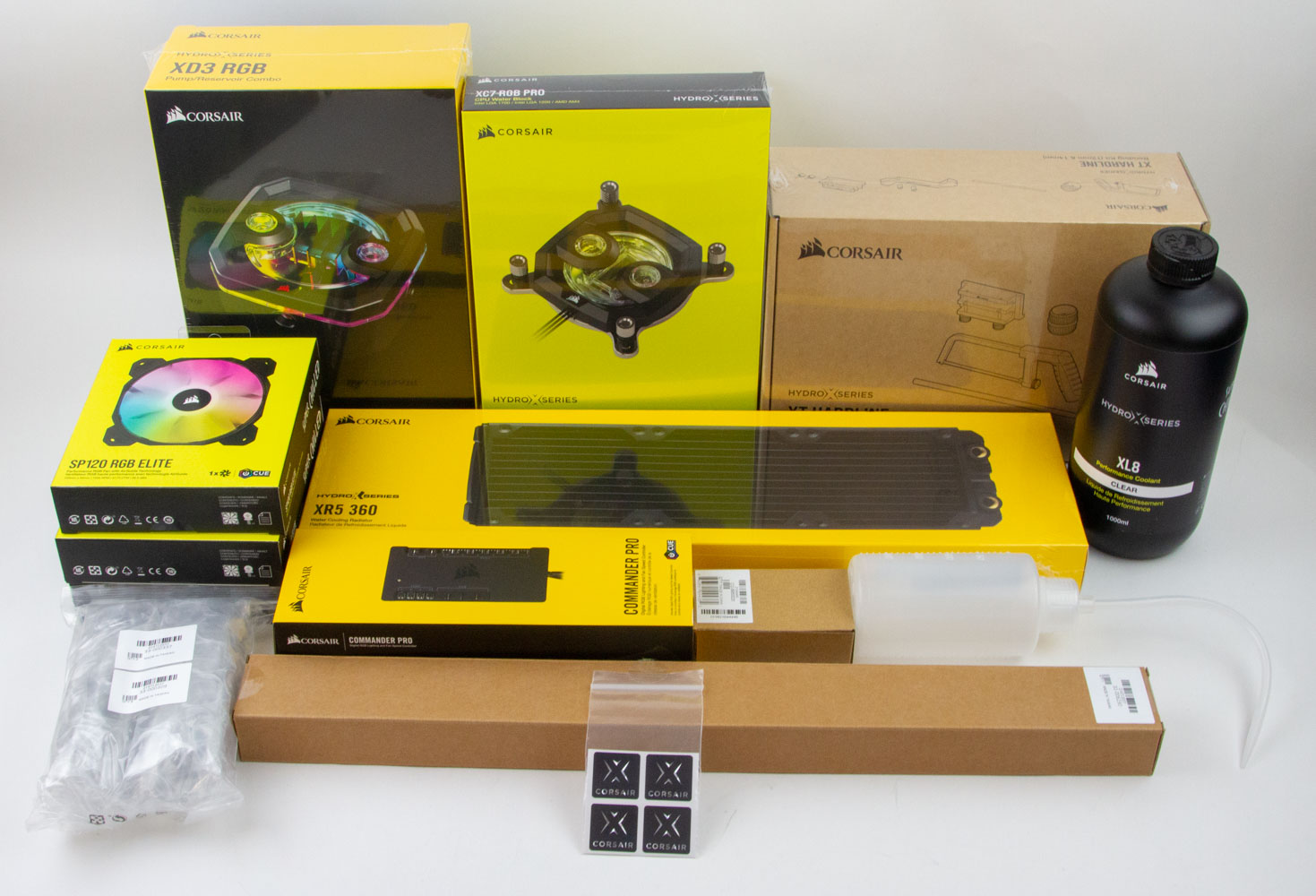
The CORSAIR Hydro XH303i PRO custom watercooling kit ships in a large and heavy box. The design language on the packaging is identical to that of other recently announced CORSAIR products we have seen, with a dark black front in a glossy finish acting as the base for other elements to shine on. It also allows the triangular textures to be more vividly presented, a design choice that carries over to the products, too. The company logo and product name are present, as is a list of the salient items inside and how they come together to form an example of a loop all lit up. I also like how the total number of LEDs across all these items—a whopping 104—is important enough a metric to be listed on the front. More renders are on the back, including one of each of the various items of interest, and the lime yellow color makes a comeback to replace the uglier lime yellow from before. A carry handle on the top helps move the kit around as needed, and two sets of seals and double flaps keep the contents in place on their way to you. Opening the box, we see a protective cardboard sheet over the individual items that come neatly packaged and stacked, including some of the more fragile entries in bubble wrap. The ensemble photo above also shows how the older, richer yellow packaging on some of the boxes would have been far better across the board!

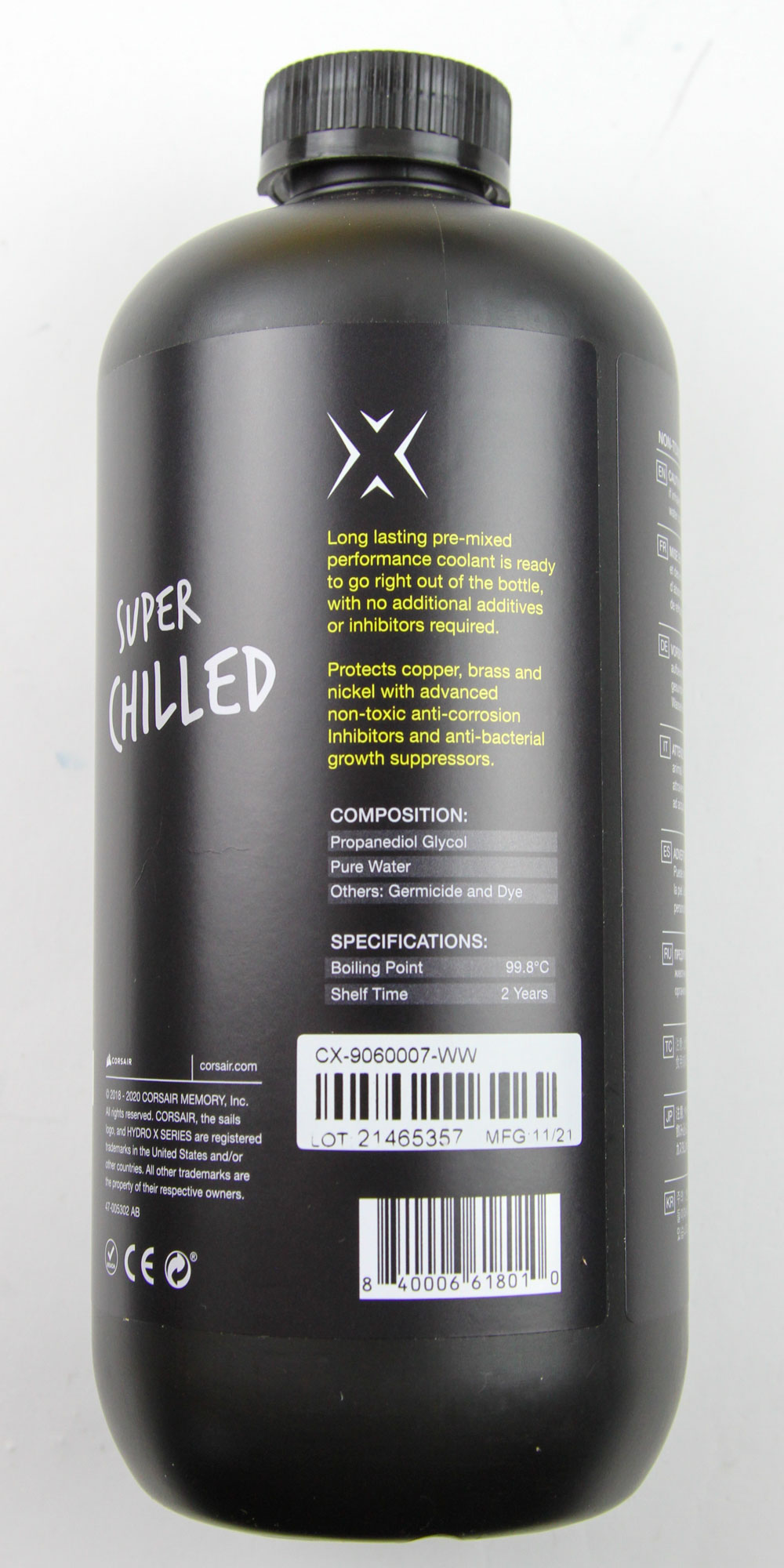
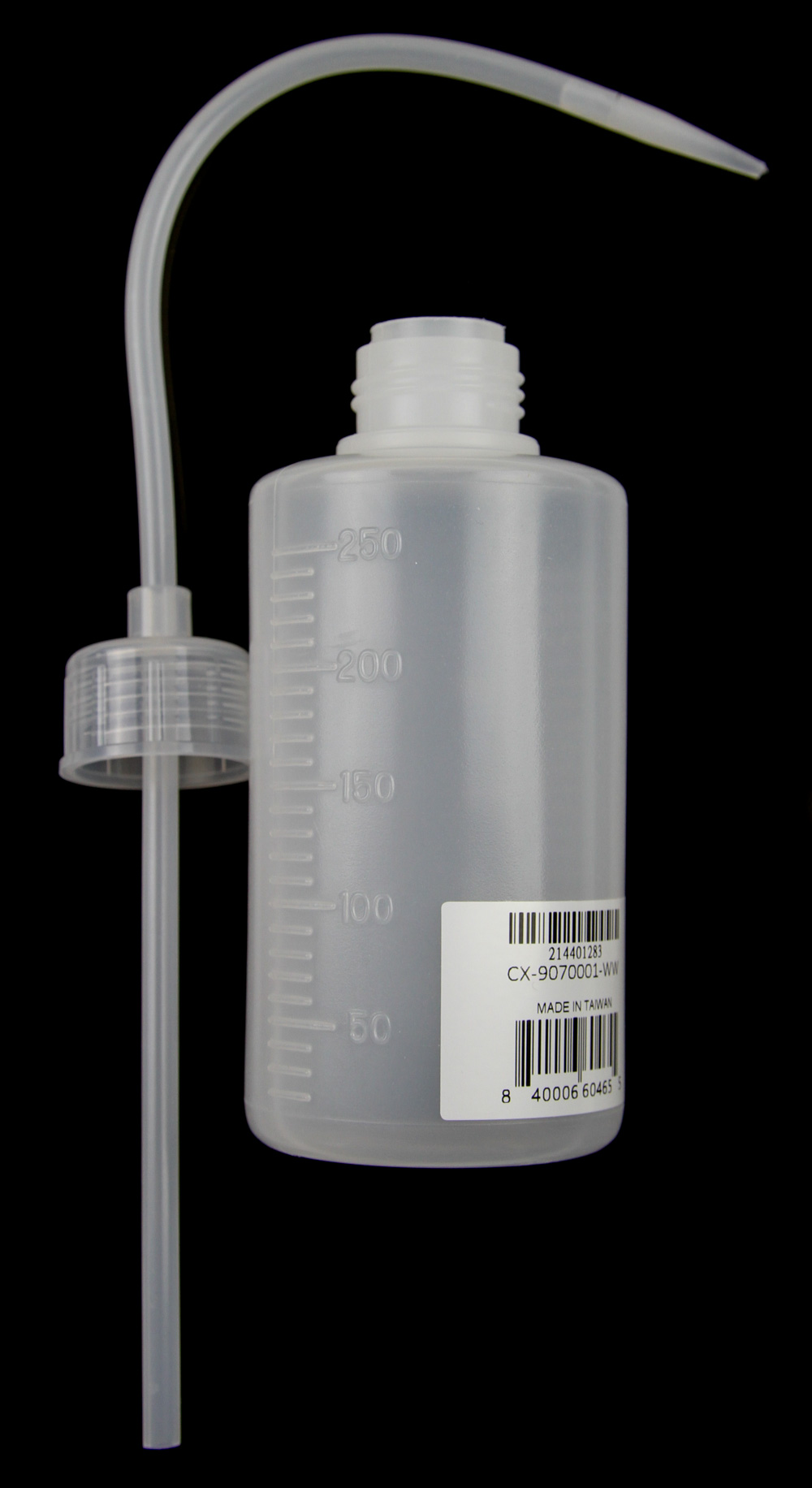
Don't quote me on this, but I think that set of four stickers is for the new CORSAIR Hydro X lineup. This makes the new business unit a brand of its own and allows users to place the sticker on their PC case or elsewhere to flaunt brand loyalty. While I will cover most of the items individually, some are better served here because they are more general accessories. This includes the 1-liter bottle of CORSAIR's Hydro XL8 clear coolant, which is a propanediol glycol-based solution that has anti-corrosive and anti-bacterial agents for longevity. Keep in mind that having compatible elements in your loop is still recommended, meaning no mixing of aluminium and copper, brass, or nickel parts exposed to the coolant, and algal growth can still occur if you happen to need more than the liter and top this pre-mixed solution off with water from questionable sources. Helping fill the loop with the coolant is a 250 mL filling bottle with a flexible anti-spill spout.
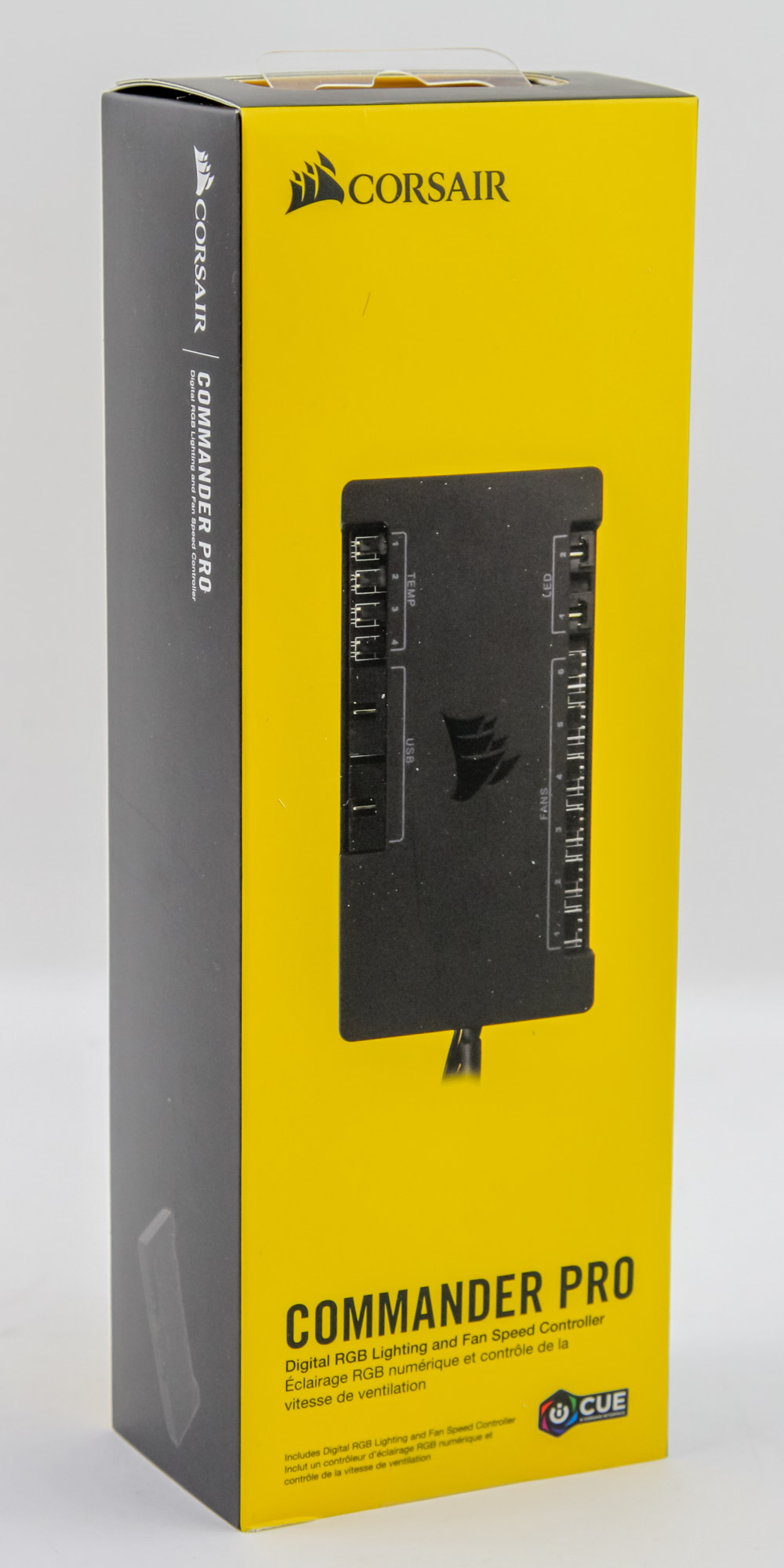
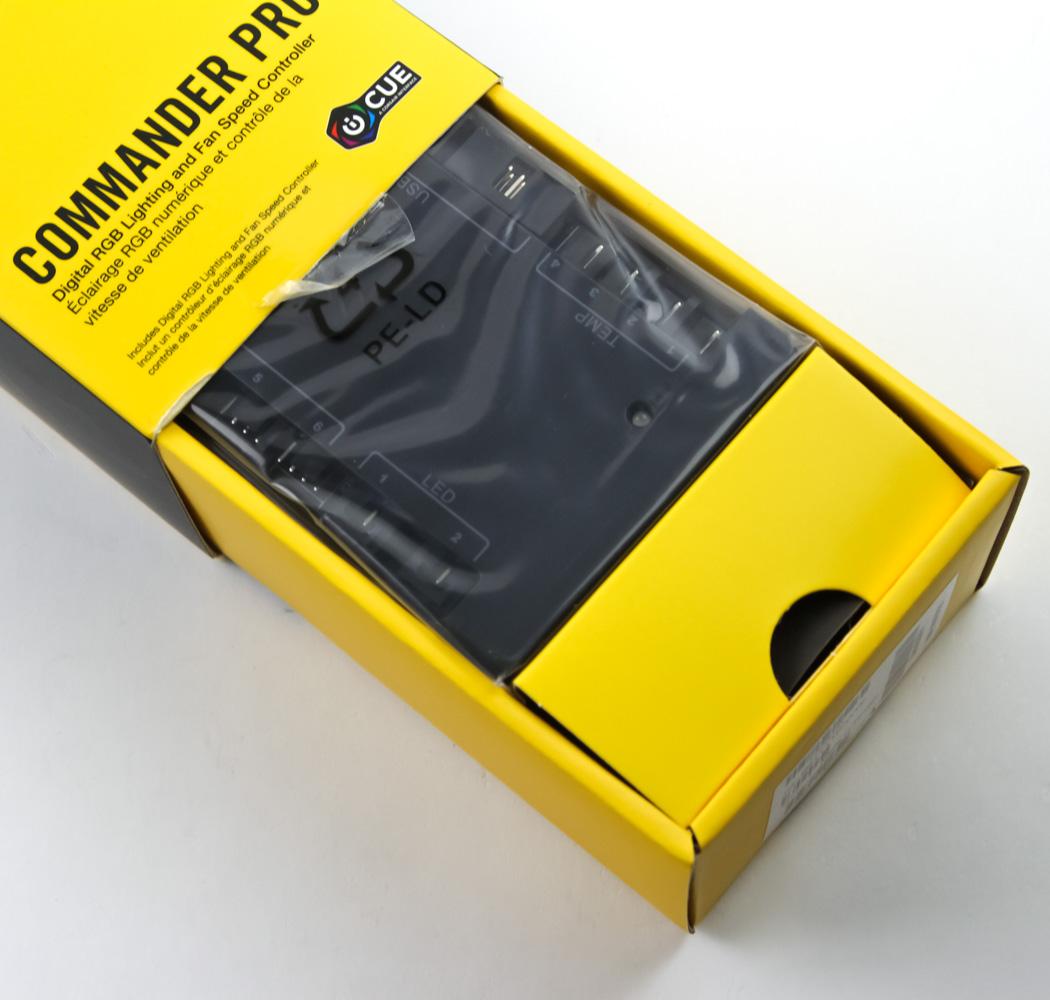
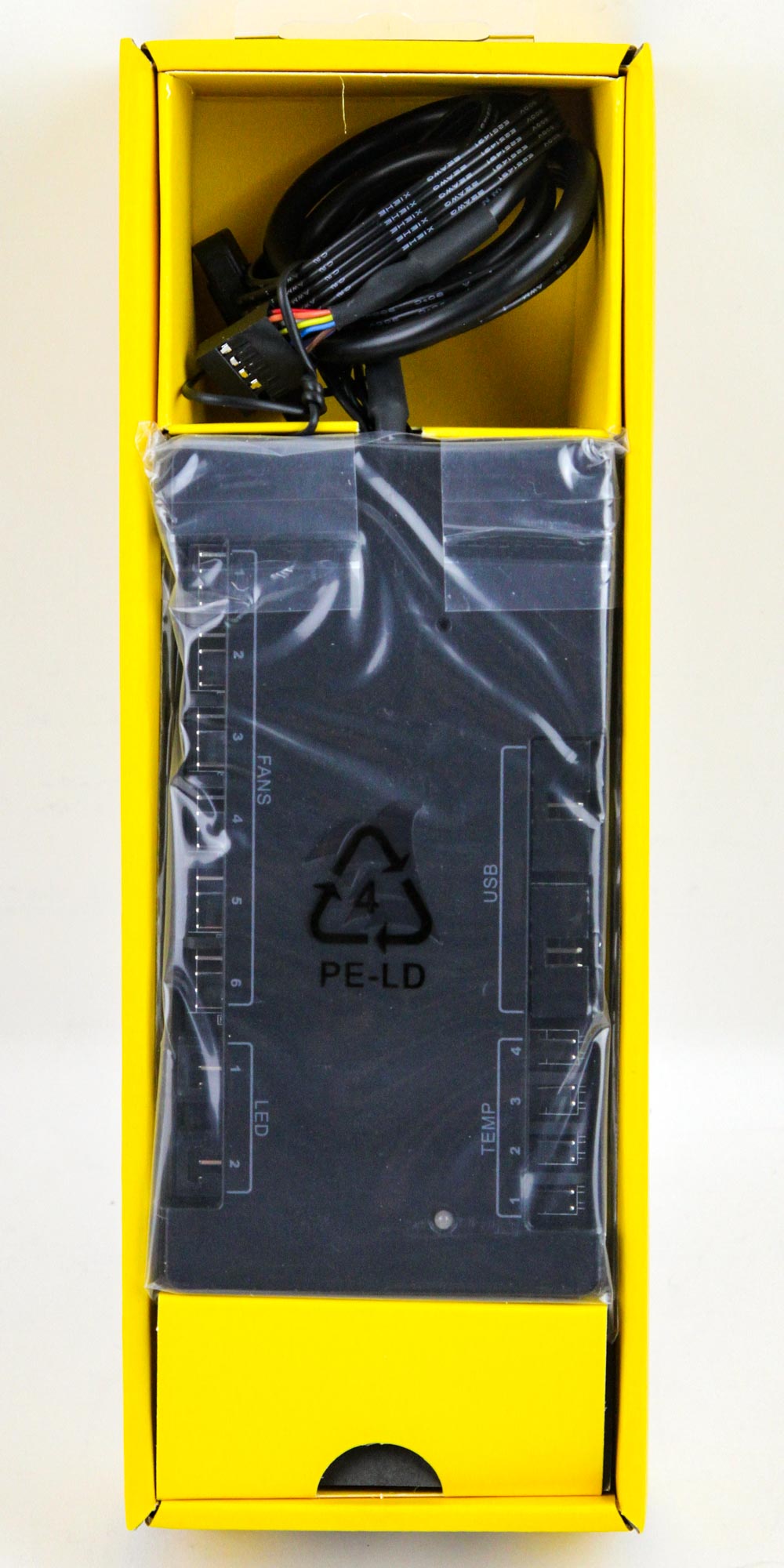
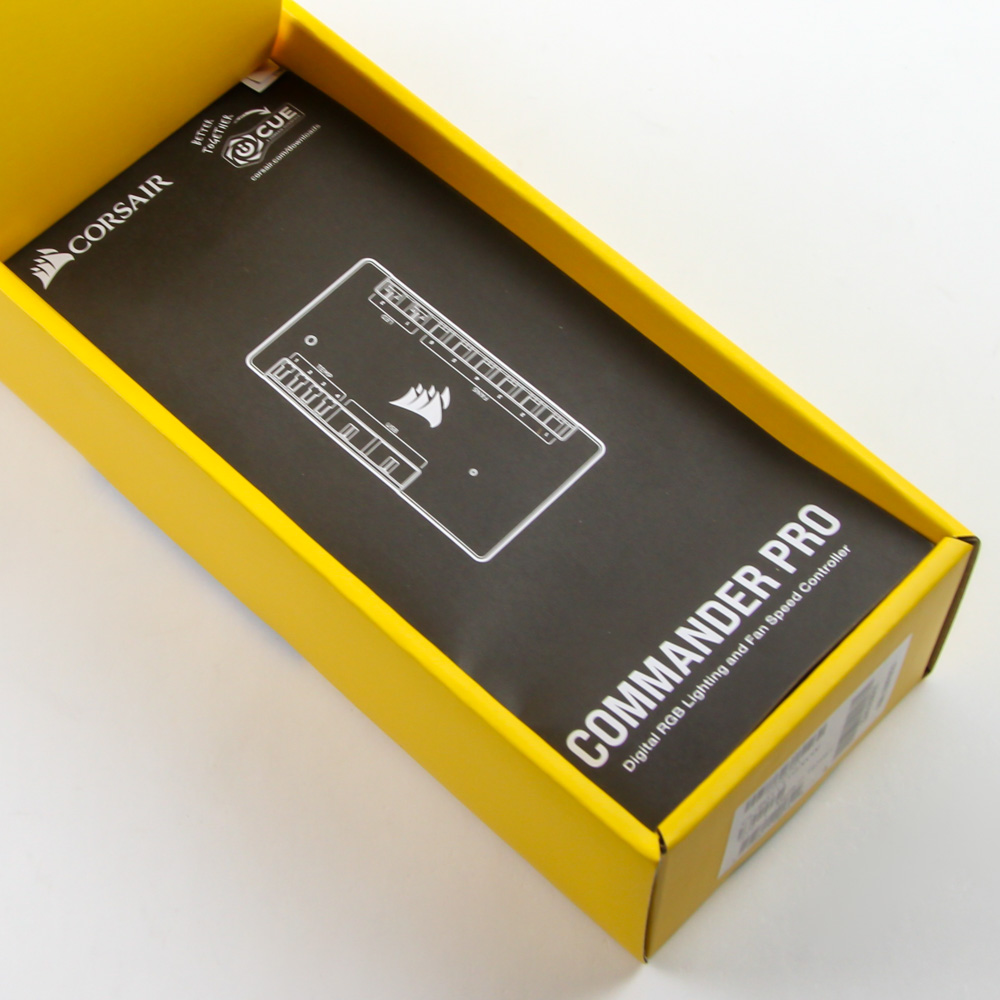
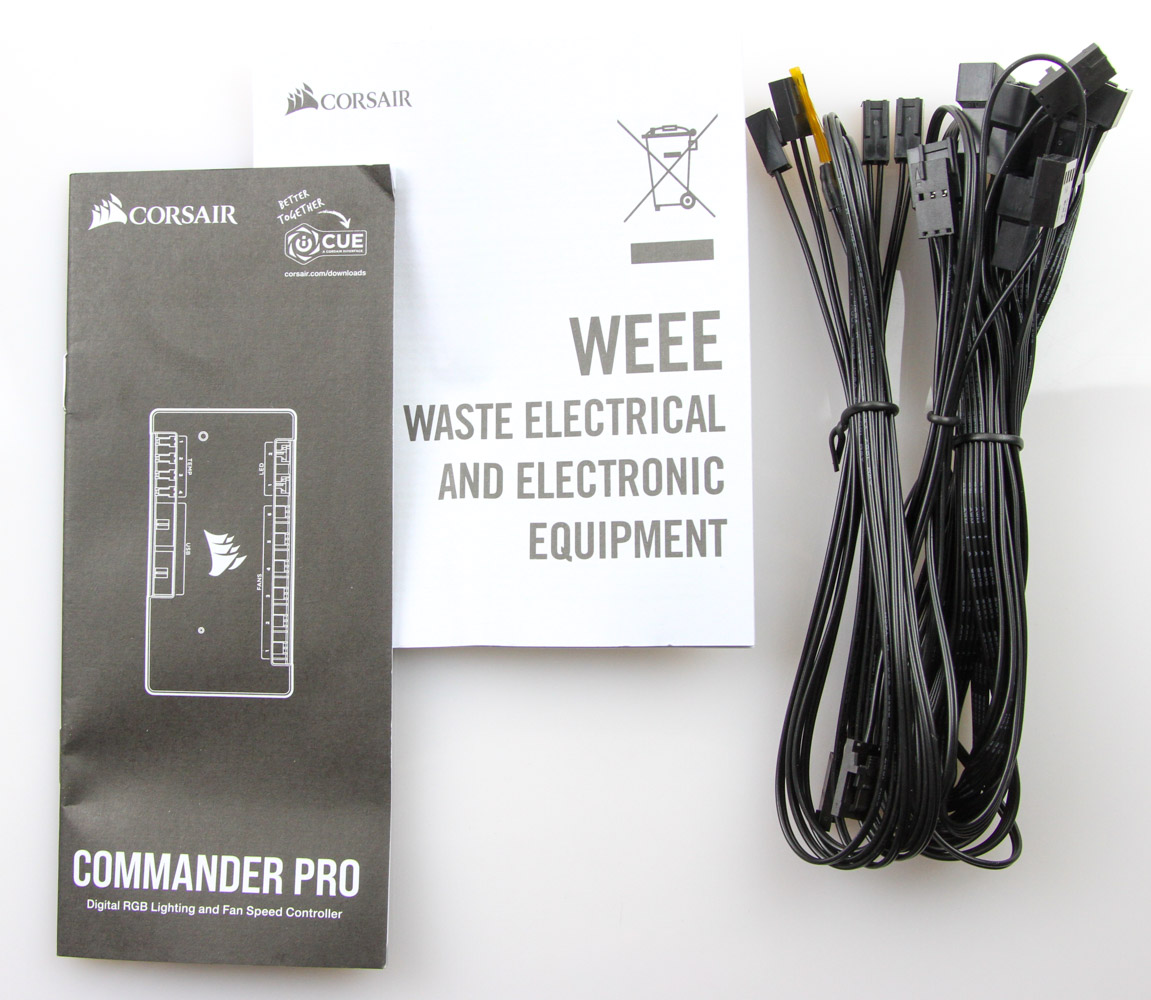
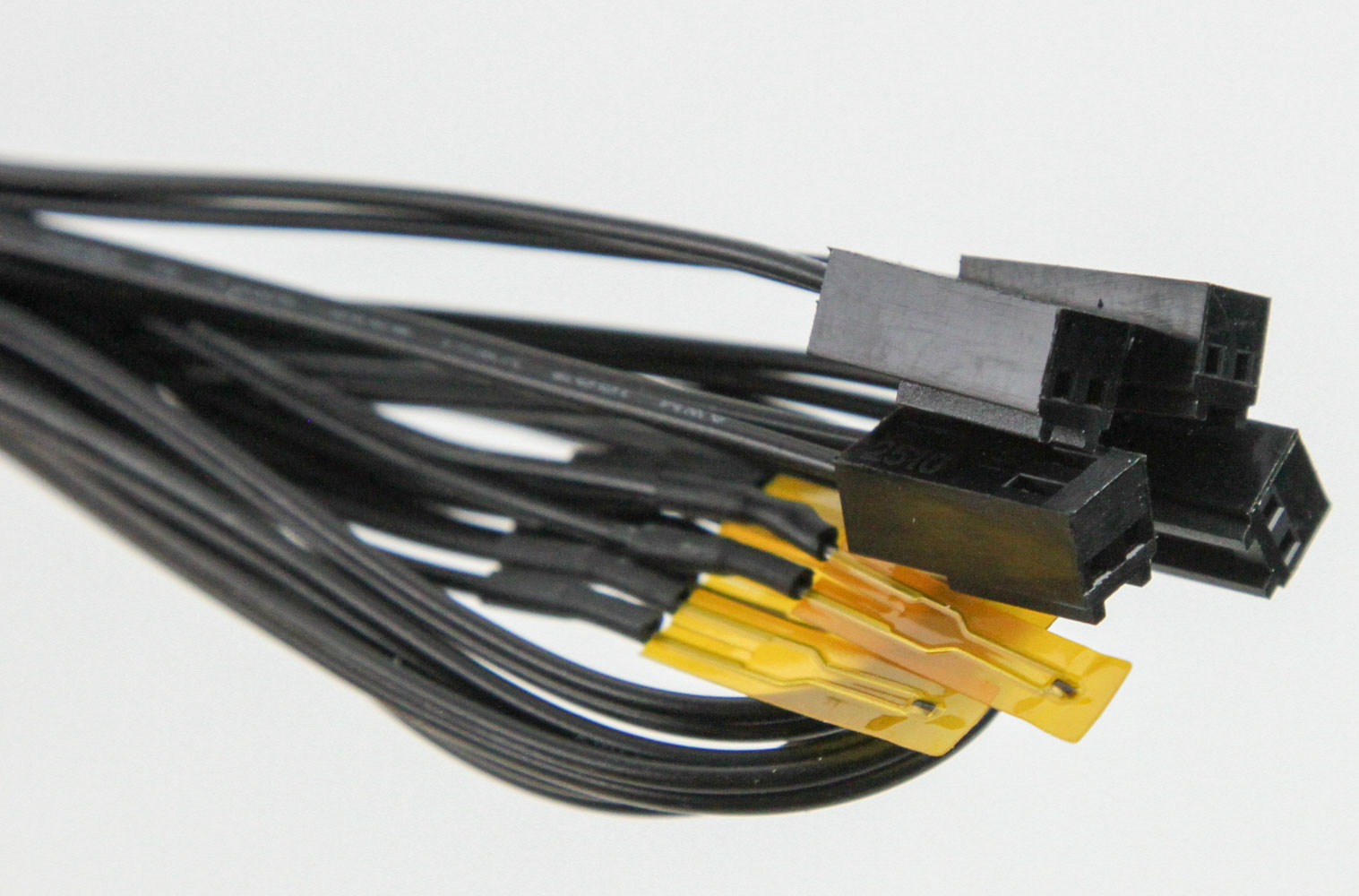
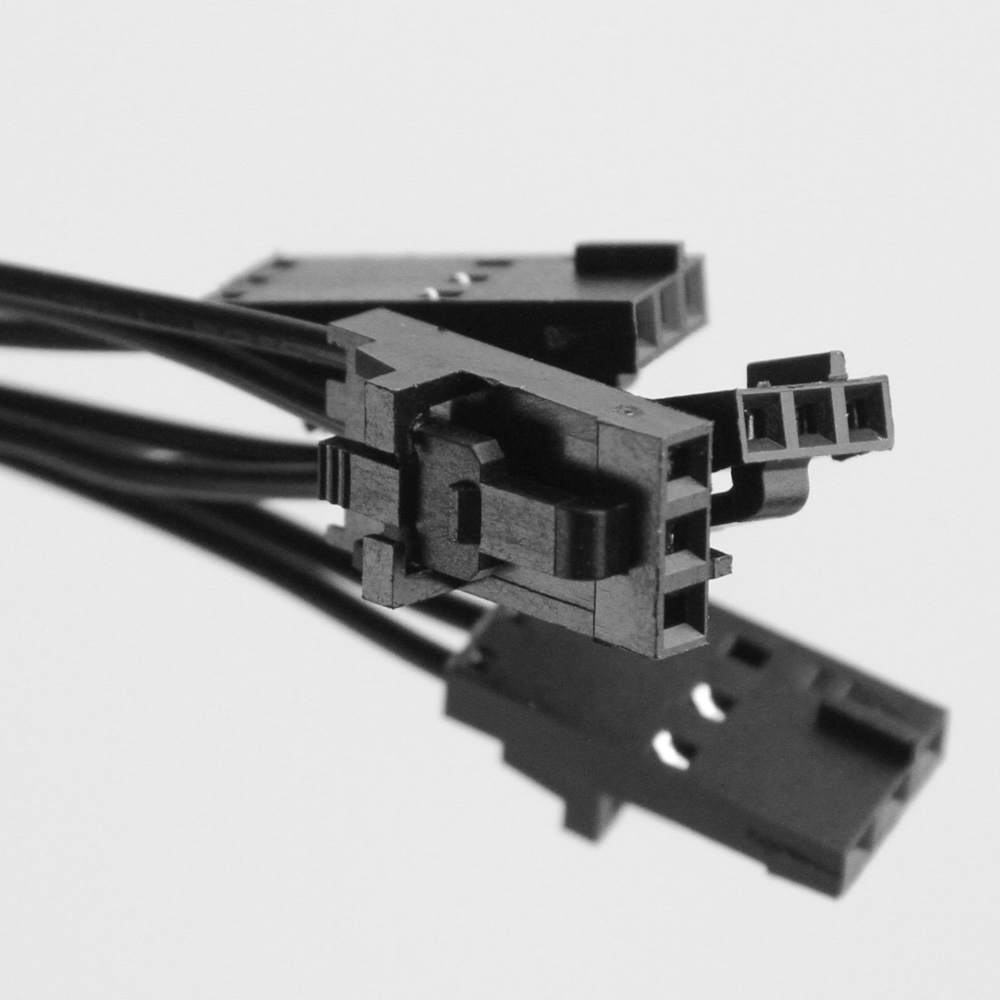
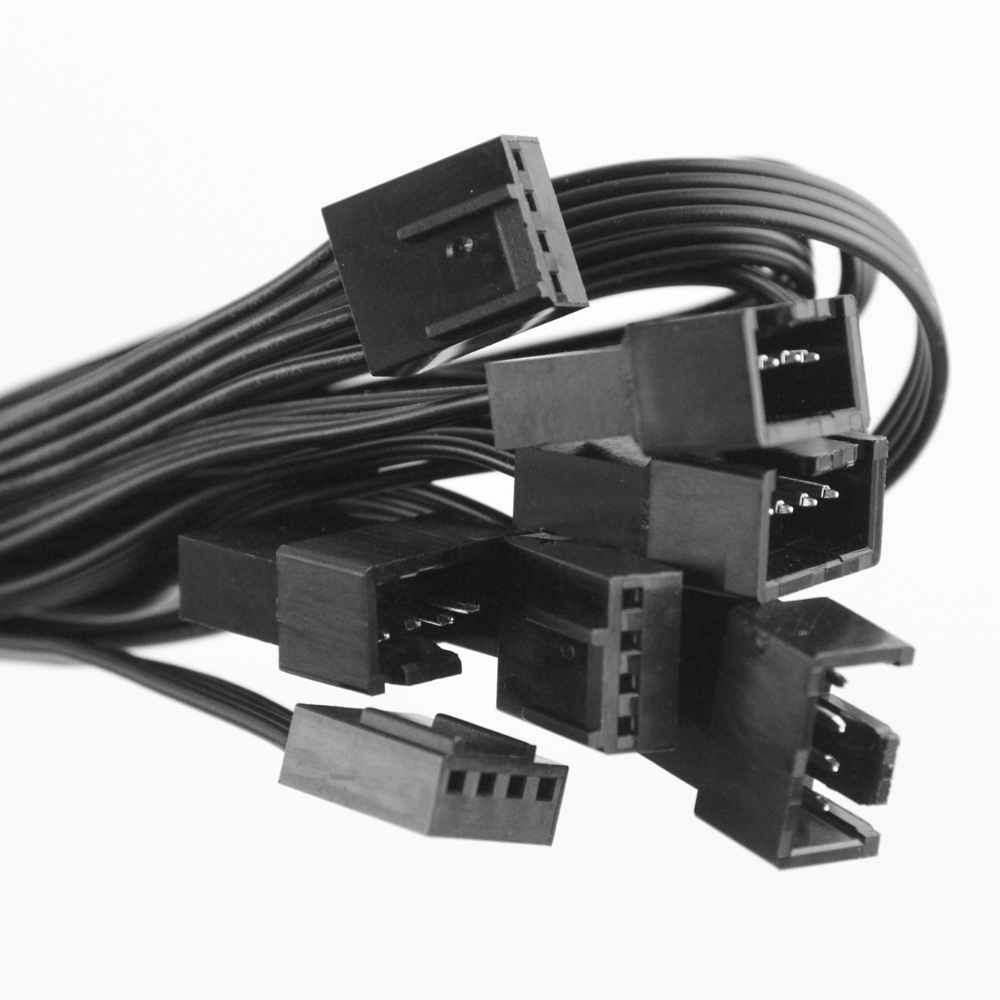
While the product box leaves room for interpretation in what the "iCUE Controller" is, it is the $75 CORSAIR Commander PRO I have plenty of experience with already. This is an excellent controller if you are invested in the CORSAIR ecosystem. It ships in an aptly sized box with a user manual and more paperwork alongside plenty of additional cables and wires, including thermal sensors, LED cables that are more CORSAIR-centric in pin-out even if not really proprietary, and 4-pin PWM extensions and adapter cables.
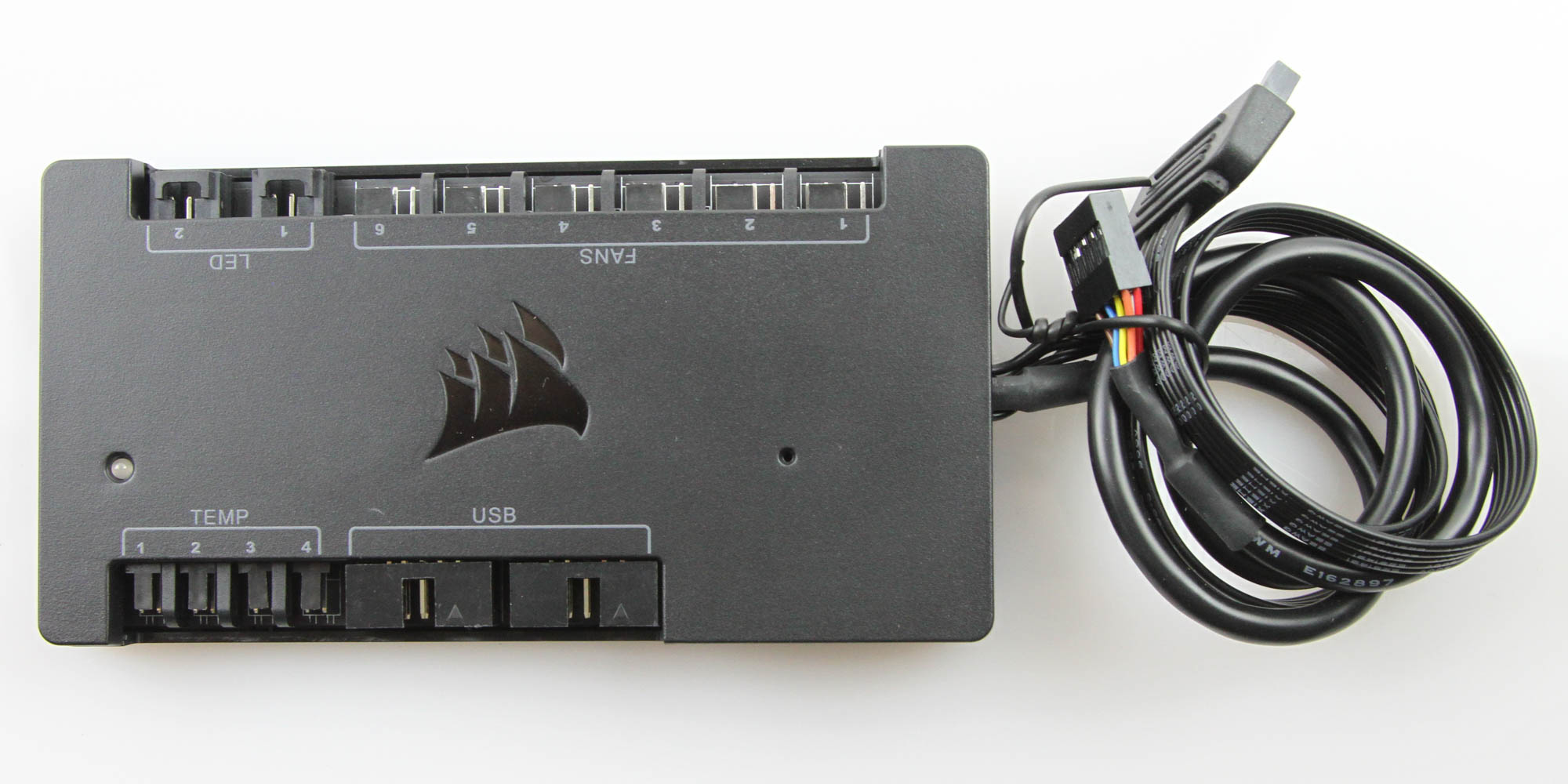
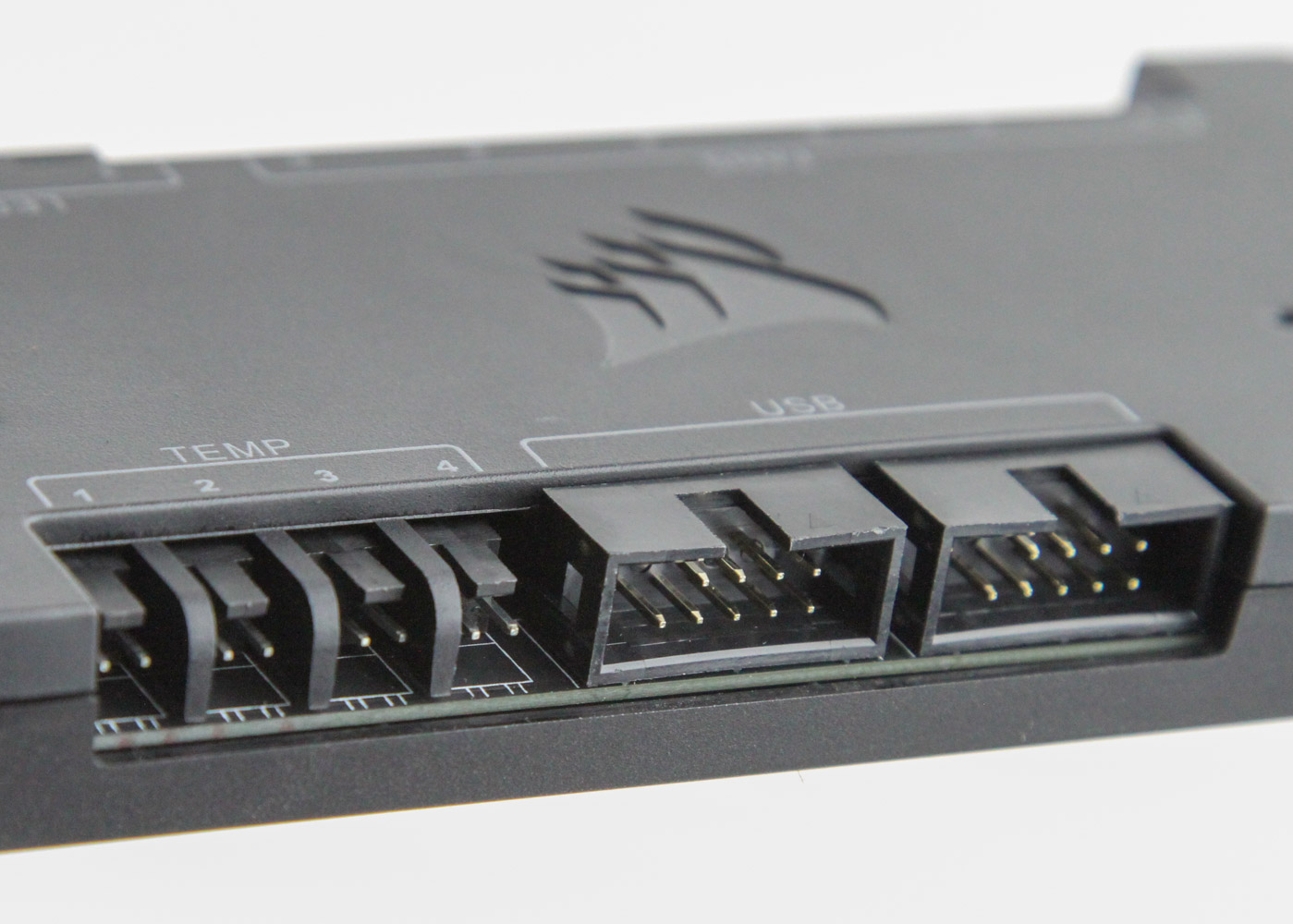
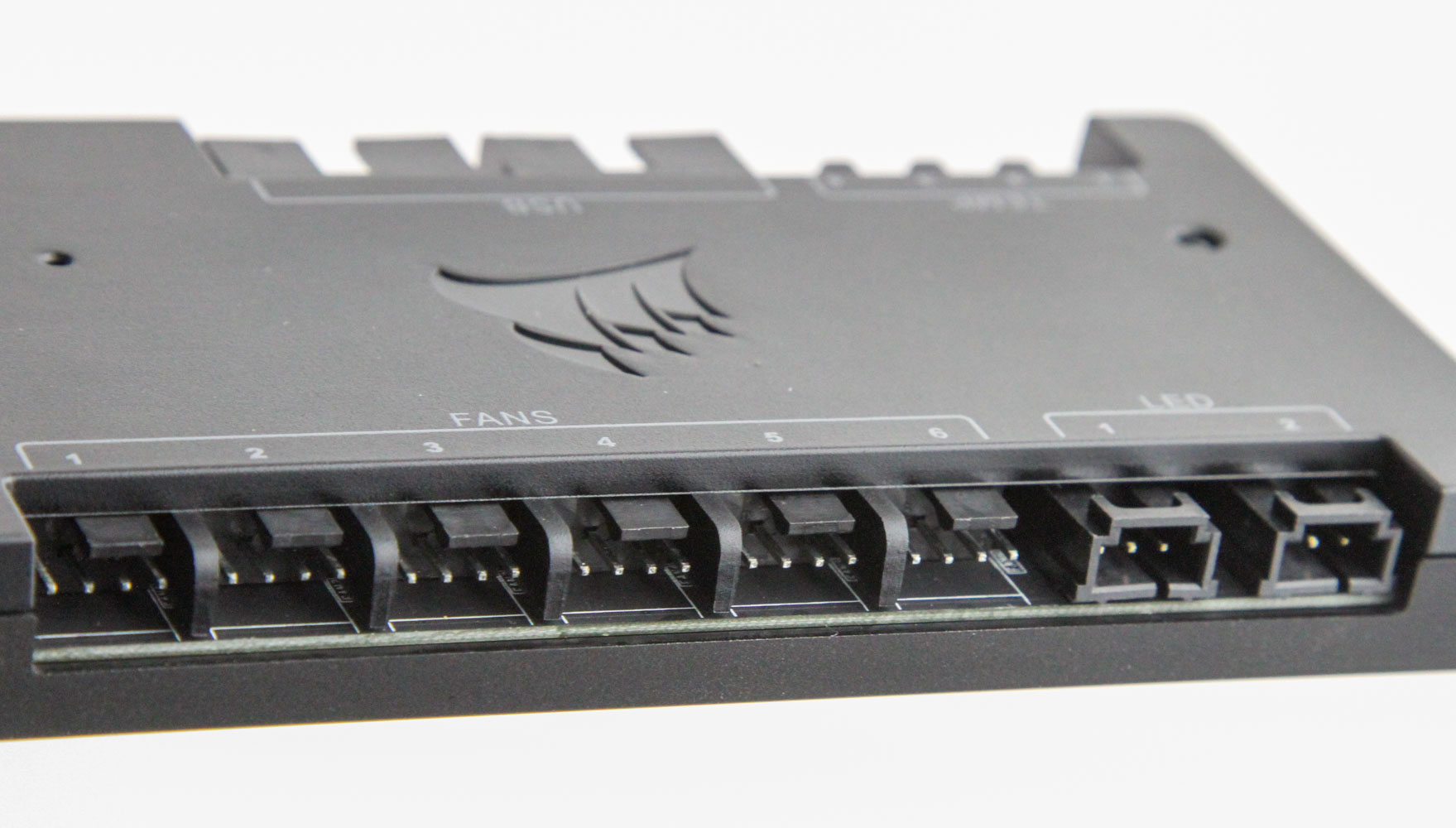
Interestingly enough, CORSAIR silently updated the Commander PRO with the recently updated "Sails" logo. Otherwise, this is exactly the same device I have a few of already, one of which is in my personal system. It is about a credit card in length and breadth, but about as thick as an old-school audio cassette. It is all black with a full-sized SATA connector cable for power, as well as an internal USB 2.0 cable for data to and from the PC it is connected to. It gives you back the taken USB connector; actually, there are two. Additionally, there are four temperature sensor inputs—be it the physical sensors on the cables or in-line or stop-plug thermal sensor fittings more applicable with the Hydro X line. Use these to connect various different thermal sensors for both ambient and coolant temperature recording, and use them as controller inputs for custom fan and pump curves, among other things. The other side has six 4-pin PWM (or 3-pin DC) inputs for fans or pumps, as well as two RGB LED inputs each capable of driving plenty of LEDs to where you can daisy-chain multiple devices off the same header. The Commander PRO is easily installed behind the motherboard tray via double-sided tape, or may even be screwed in place.
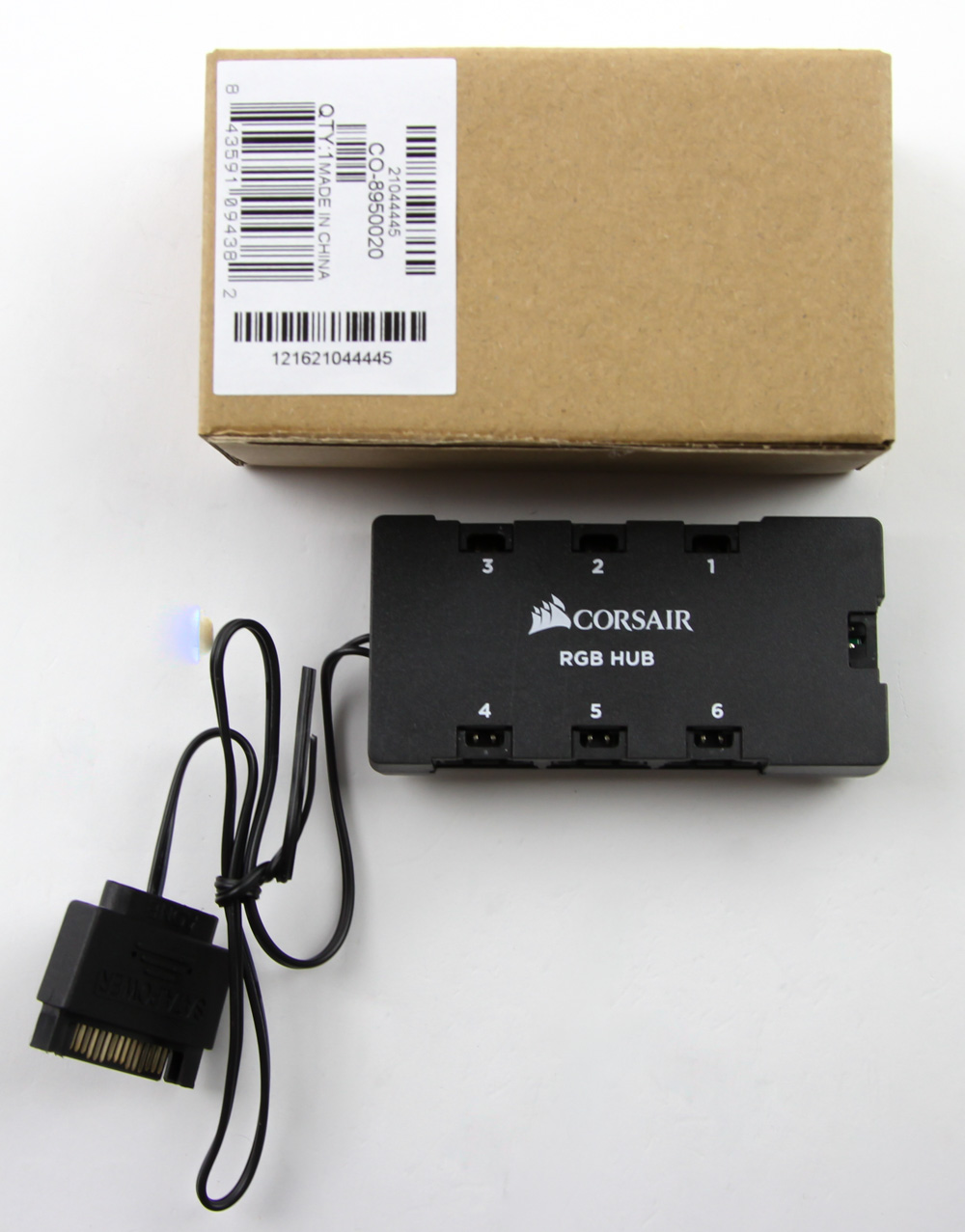
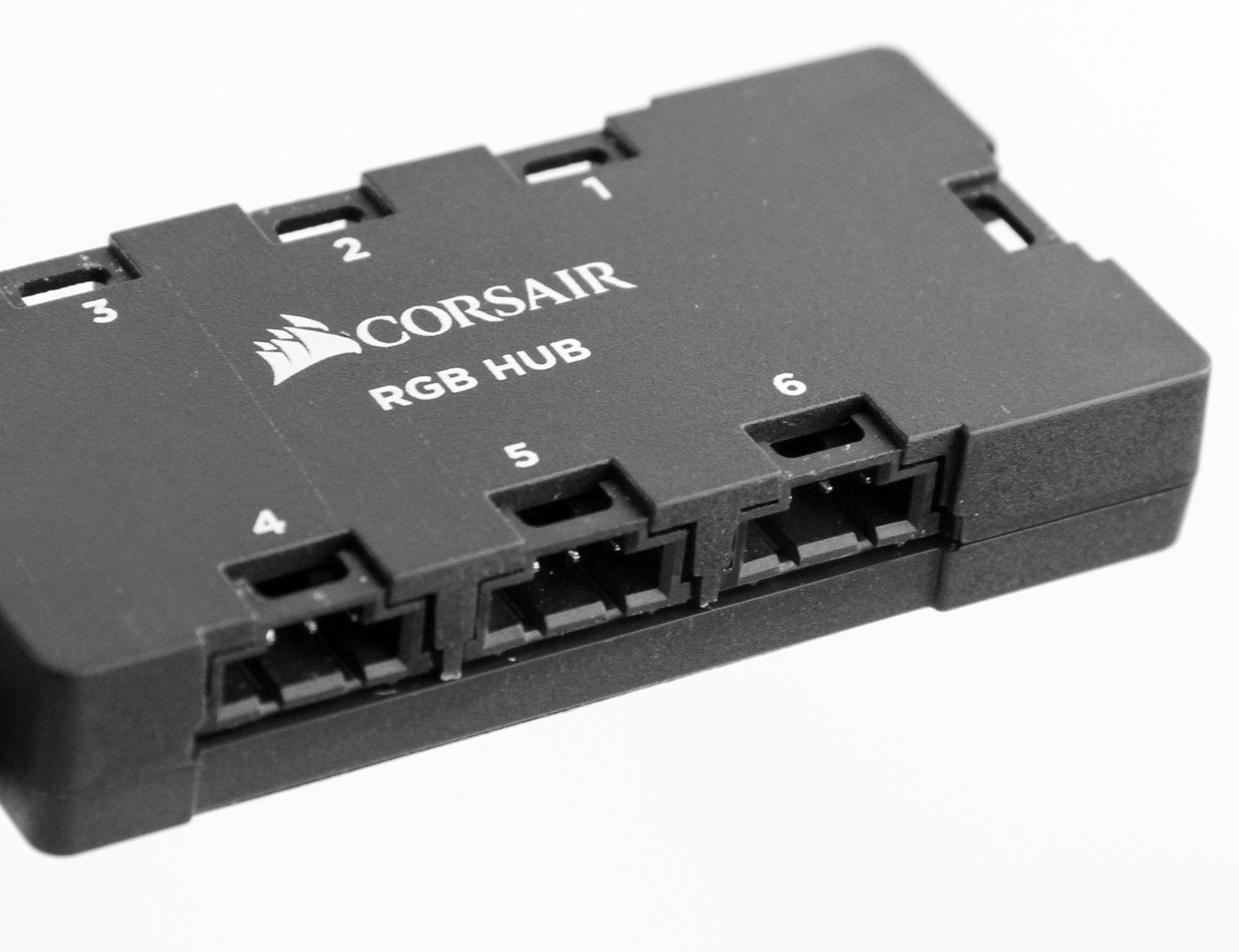
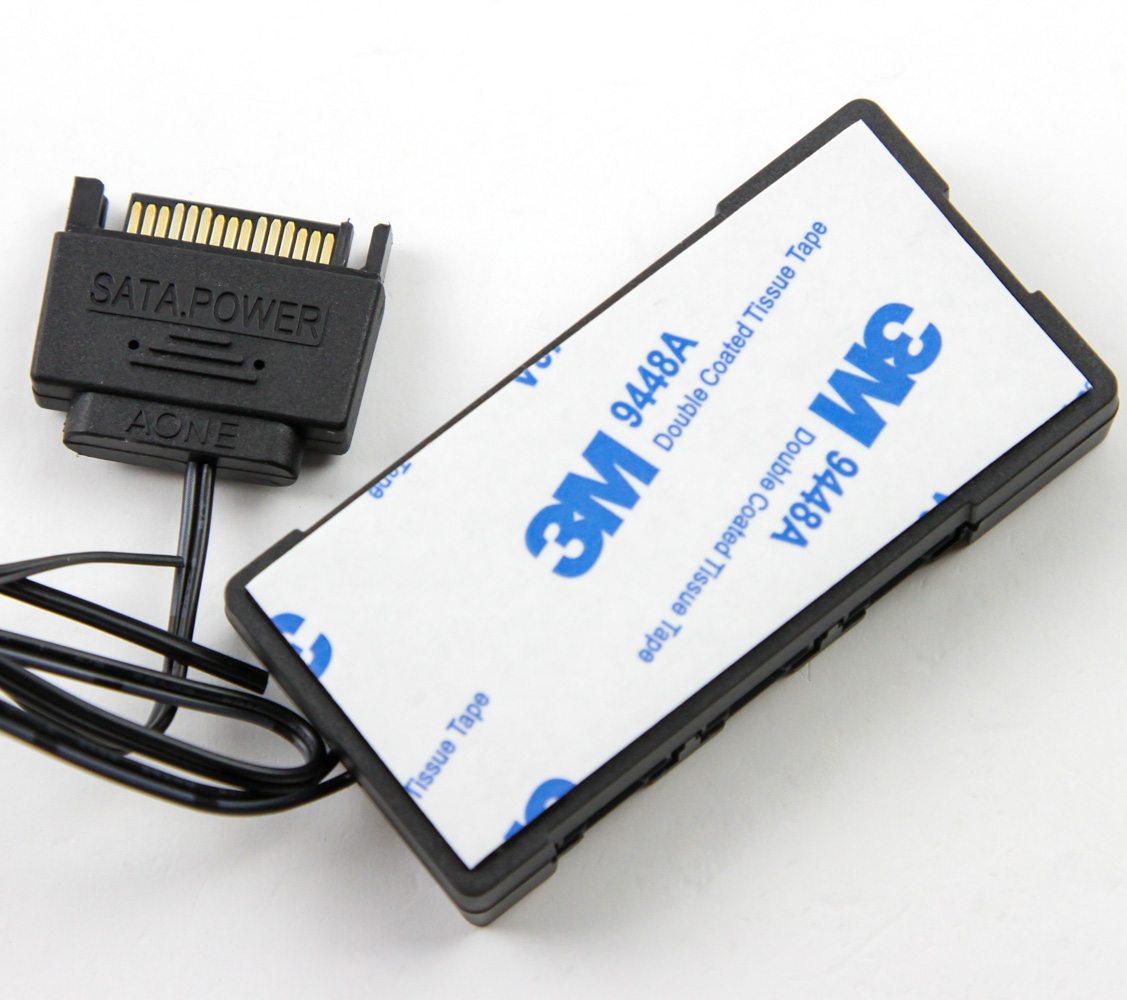
Given the kit comes with three individually packed fans rather than the triple-fan SKU which comes with the Lighting Node PRO hub and controller inside, I did appreciate that CORSAIR packed an RGB LED hub in. It allows you to connect the three fans to the hub, which then goes to the Commander PRO via a provided cables. I fully expected this tiny brown cardboard box to house a generic PSU bridge adapter for the 24-pin ATX cable to power the pump on its own and fill the loop without having the rest of the system on and risking coolant from getting on powered components. But then I remembered the Hydro XD3, and as with the Hydro XD5 in the other kit, this is in the box instead!
Hydro XC7 RGB PRO CPU Block (Part 1)


It has been a while since my last CPU block review, and the primary reason is that I have not had recent hardware to test on, which is hopefully changing soon, but that is why CORSAIR's new XC7 RGB PRO CPU block has not been covered before. I will put together a full review of it separately if and when Alder Lake hardware comes in, but in the meantime, this is a first look at the product. It is based on the popular Hydro XC7 RGB CPU block I covered here a couple of years ago, with the PRO moniker in the name implying a higher-performance cooling engine with a larger cold plate optimized for AMD's AM4 platform just as much as Intel's Alder Lake CPUs. The packaging is self-explanatory and has the product name, renders, and features listed on all sides. I wish it would have the same black base as before though, and opening the box helps pull out a 2-piece plastic clamshell for a better look at the items inside. These include not only the CPU block in its own compartment, but various accessories in the form of an AMD socket mounting bracket, Intel socket backplate, and spacer that also prevents electrical shorting. There is also an adapter cable for the integrated LED cable on the block to be powered and controlled from any standard 3-pin, 5 V addressable RGB LED header.


Ah, the XC7 RGB PRO continues to have the plastic trim of the regular XC7 ibut given a brushed finish on this black color option here, and it otherwise looks to be a hybrid design of the XC7 and XC9 blocks with the updated Sails logo in an inset at the bottom. The two BSP G1/4" threaded ports on the top are not marked as inlet or outlet, but the preferred inlet port is on the right side, whereby we have a jetplate mechanism rather than the fins directly on the cold plate. Notice the pre-installation mechanism for Intel sockets with four thumb screws on the Intel mounting bracket with the associated C-clips and springs, which will make installation a piece of cake for many.


Aiding further is the pre-installed thermal paste on the back, now in the same triangular implementation CORSAIR's design team has decided to go with across the board. It is protected by a plastic cover, and the back view is where we see that replacing the Intel bracket is as simple as rotating it counter-clockwise until the notches don't line up and the block can simply be pulled out. Reverse the steps with the AMD bracket, and you are now ready to go for Socket AM4!


After the first round of testing was done, I did a quick disassembly to see how the internals looked. Notice that I had wiped off the pre-installed TIM to use my own for the multiple testing runs I do using my own preferred thermal paste, which shows that the cold plate does not have a mirror polish while still being smooth enough for it not to affect thermals. There are 16 addressable RGB LEDs in a circular PCB in the mounting bracket, which should make for an impressive light show. Removing the other Torx T6 screws on the cold plate provides a better look at the acrylic inlay in the top, which has the removable jet plate the coolant moves through direct the flow through a split central-inlet flow pathway as per usual these days. The cold plate has nearly twice the number of thin skived microfins than the XC7 RGB, at 110 vs. 60, which increases the heat-transfer area and will no doubt affect both thermal performance and coolant flow restriction, too.
Our Patreon Silver Supporters can read articles in single-page format.
Nov 25th, 2026 16:20 CST
change timezone
Latest GPU Drivers
New Forum Posts
- TPU's Nostalgic Hardware Club (22207)
- Which ryzen am5 cpu ? (217)
- UPS what one to get? (74)
- More Nova Lake specs (5)
- Share your CPUZ Benchmarks! (2680)
- X79 and/or rampage IV OC'ing thread for those of us still left.... (2457)
- Asus Rog Maximus Z890 Extreme. (Various questions). (38)
- Can you guess Which game it is? (362)
- Claude credits purchased on or after Dec. 7 now have an expiry date (13)
- Adventure: Running 8/9th gen Coffee Lake CPUs on Z170 motherboard (ASUS Maximus VIII Ranger) (393)
Popular Reviews
- ASRock X870E Challenger Wi-Fi White Review
- Microsoft Surface Laptop Ultra Review - The Next-gen Arm Laptop
- VZMORE AX9 Max Review
- Upcoming Hardware Launches 2027 (Updated Nov 2026)
- AMD Ryzen 7 9800X3D Review - The Best Gaming Processor
- AMD Zen 6 Technical Deep Dive
- Corsair RM1200e (Second Generation) Review
- Phantom Blade Zero Performance Benchmark Review - 35 GPUs Tested
- Pulsar Office Tour & First Look at P1 Dual-Sensor Mouse
- Ocypus lota P1000 Review
TPU on YouTube
Controversial News Posts
- Jensen Huang Reinstated as CEO of NVIDIA (570)
- NVIDIA Co-Founder and CEO Jensen Huang Officially Resigns (492)
- Report: Jensen Huang Eyes NVIDIA Comeback (281)
- Open Letter Asking NVIDIA to Reinstate Jensen Huang Passes 115,000 Signatures (184)
- OpenAI CEO Argues Home PCs Waste the World's Limited DRAM Supply (152)
- NVIDIA Launches Investigation Into Jensen Huang's Relationship With Suspected Chinese Spy (136)
- Intel "Raptor Lake Next" 16-Core and 20-Core CPUs Surface (130)
- Intel Razor Lake Gets a 12 P-Core bLLC Chip With No E-Cores, Per Leak (94)