 37
Corsair RS120 MAX 120 mm Fan Review
(37 Comments) »Introduction

Corsair is trying hard to take over my entire review calendar for this year with so many products being launched in the first half of 2024 and more undoubtedly coming up. A lot of these are tied to Corsair's iCUE Link ecosystem, although we still get standalone products in various categories. One such example was the XC7 RGB Elite LCD CPU block, and then there are various peripherals too. iCUE is still common to all of these, and RGB lighting has become a default expectation from a new Corsair product. This brings with it a divided audience with some absolutely loving the lit-up objects on their desk that can be controlled via software and others wanting nothing to do with RGB. When it comes to fans, there's also the part where having RGB LEDs can no doubt be a strong selling point, but is also a compromise on pure performance owing to precious space taken up by the LEDs. We've reviewed multiple Corsair RGB fans this year already, so let's give some love to the no-RGB side with the new RS MAX series.

Corsair's marketing tagline for the RS MAX fans is "Greater Thickness, Greater Performance," and it's easy to see why. Thicker fans allow for larger fan blades, which in turn can push more air through the fan. It's simple physics that has been put to good use already by the likes of Phanteks and Lian Li, among others. Then there's the part where Corsair has gone further and decided to use LCP (liquid crystalline polymer) for the rotor to get it ever-so-close to the inside of the frame and further maximize the room taken up by the spinning blades. Note how these fans are all black though, compared to the usual gray LCP rotor which isn't the best to match the rest of your PC aesthetics. We'll discuss this, and more, in our review of the RS120 MAX fans today which begins with a look at the product specifications in the table below. Thanks to Corsair for providing review samples to TechPowerUp.
Specifications
| Corsair RS120 MAX Fan | |
|---|---|
| Dimensions: | 120 x 120 x 30 mm |
| Rated Speed: | 0, 425-2000 RPM +/-10% |
| Maximum Airflow: | 72 CFM (122 m³/h) |
| Noise: | 29.5 dBA |
| Static Pressure: | 4.2 mm H₂O |
| Fan Control: | 4-pin PWM control |
| Power Draw: | 2.4 W peak |
| Warranty: | Five years |
Packaging and Accessories

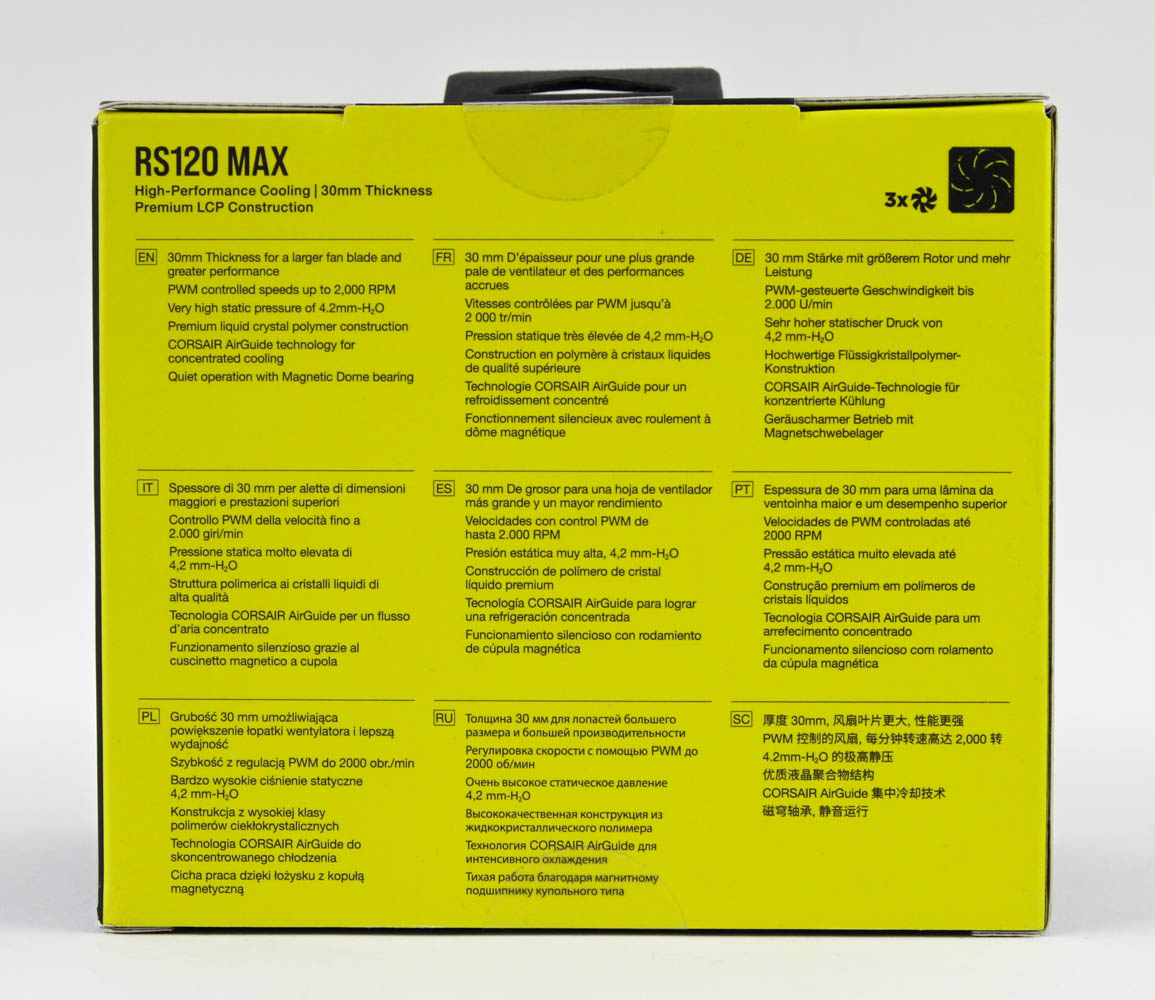


Corsair sent over a triple pack of the RS120 MAX fans, and we see this comes in a more typical box size and shape compared to the brand's usual such offerings. You can also purchase individual units as needed, there is nothing extra in this triple pack such as an iCUE Link hub etc., as with RGB fan bundles. On the front is the company logo and product name, a render of the fans inside, and salient features listed. More features are seen on the back in multiple languages, with the fan specs on the underside instead. There are seals on the top and bottom to help keep the contents in place during transit. Opening the box reveals the three fans packed on top of each other with a thin cardboard sleeve for each fan. There is paperwork in the form of a warranty guide and safety/compliance info, although more relevant is the QR code that leads you to the online user manual.

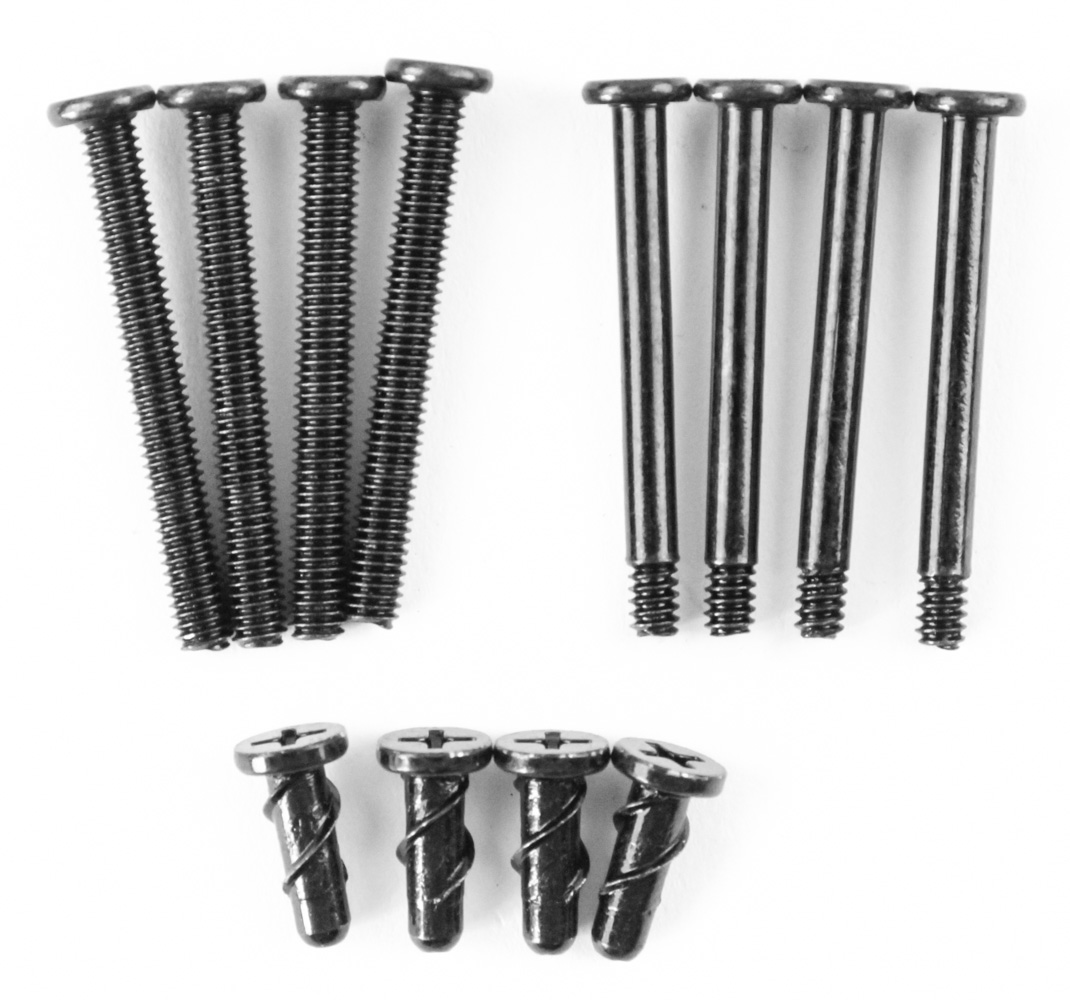

The fans come with the cable neatly tucked into a side partition in the yellow cardboard sleeve, with a plastic pouch containing the mounting hardware. Given these fans are thicker than usual at 30 mm, Corsair is prudent in including longer screws to help install them with radiators that otherwise would come with screws intended for 25 mm thick fans. As such, each RS120 MAX fan comes with four 34 mm long UNC 6-32 threaded screws for your typical AIO radiator as well as four 35 mm long M4 threaded screws for Corsair-branded Hydro X radiators (made by Hardware Labs). We also get a set of four Corsair QuikTurn mounting screws which use fewer threads than usual to save time when installing multiple fans in a case. Note also that the fan hubs have protective stickers on the front and back.
Our Patreon Silver Supporters can read articles in single-page format.
Nov 19th, 2026 22:02 PST
change timezone
Latest GPU Drivers
New Forum Posts
- Anthrophics IPO (9)
- How to prevent OLED burn damage due to PC freezes or power outtages? (39)
- Honestly, do you care about GTA VI? (177)
- TPU's Nostalgic Hardware Club (22172)
- RX 7600 + Ryzen 5 5600GT getting the same FPS as my old RX 6500 XT – What am I missing? (5)
- GTA VI (11)
- GPU Temperatures Rise Very Quickly in FurMark – Is This Normal? (18)
- Time to upgrade CPU and MOBO (72)
- WarpCoreBench scores! (77)
- Dual B70 or Dual R9700 Pro on Linux (13)
Popular Reviews
- AMD Zen 6 Technical Deep Dive
- Ugreen NASync DXP4800 GT Review
- Acemagic Retro X3 Review
- Upcoming Hardware Launches 2027 (Updated Nov 2026)
- Pulsar Office Tour & First Look at P1 Dual-Sensor Mouse
- Corsair RM1200e (Second Generation) Review
- Biwin Black Opal NV7400 2 TB Review
- Chieftec Iceberg PRO 360 DARK Review
- AMD Ryzen 7 9800X3D Memory Performance Scaling
- AMD Ryzen 7 9800X3D Review - The Best Gaming Processor
TPU on YouTube
Controversial News Posts
- NVIDIA Co-Founder and CEO Jensen Huang Officially Resigns (490)
- Report: Jensen Huang Eyes NVIDIA Comeback (224)
- Open Letter Asking NVIDIA to Reinstate Jensen Huang Passes 115,000 Signatures (184)
- OpenAI CEO Argues Home PCs Waste the World's Limited DRAM Supply (152)
- NVIDIA Launches Investigation Into Jensen Huang's Relationship With Suspected Chinese Spy (136)
- Intel "Raptor Lake Next" 16-Core and 20-Core CPUs Surface (130)
- Legendary Game Studio BioWare Shuts Down Following EA Layoffs (104)
- Dell CEO Says the Memory Shortage Will Get Worse in 2027 (95)