 6
Corsair VANGUARD AIR 99 WIRELESS Keyboard Review
(6 Comments) »Introduction

Of the many, many keyboard brands we've covered on TechPowerUp, the one that has ended up with the most coverage overall has been Corsair. This is a testament to the brand's diversification from a once memory-only portfolio, to now supplying pretty much everything you need to outfit a whole gaming room with! The very first RGB mechanical keyboard was from Corsair, for those who remember it, and the keyboard we are examining today has a promised feature set that makes the aforementioned older keyboard look like it came from the Victorian era by comparison.
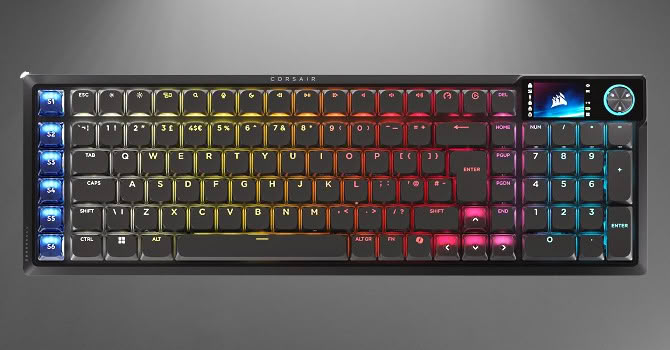
The Vanguard Air 99 Wireless—Corsair uses all caps, but I will take the editorial liberty to not do so—is not your typical full size keyboard. To begin with, it has fewer keys compared to a standard 104-key US ANSI keyboard for the primary section, but notice how the keys are all smooshed together? Corsair calls this a 99% form factor, although traditionally this has been referred to as a 95 or 96% form factor. No matter the naming scheme employed, the goal here is to save you some space on your desk while still allowing the full user experience expected. The keyboard offers multiple connectivity means, be it wired or wireless, and comes in black or white colors. It uses low profile mechanical switches in a gasket mount and promises an enhanced typing experience for even the most demanding of keyboard enthusiasts. Then there's the screen and dial on the corner as well as some extra keys on the left side to allow for, among other things, Stream Deck functionality to put the Elgato acquisition to good use. There is clearly a lot to cover here, so let's thank Corsair for providing a review sample to TechPowerUp at my request, and let's begin with a look at the product specifications in the table below.
Specifications
| Corsair VANGUARD AIR 99 WIRELESS Keyboard | |
|---|---|
| Layout: | 101-key, 96% form factor in a modified US ANSI layout |
| Material: | Aluminium and plastic chassis, PBT (and ABS) plastic keycaps, metal plate, foam sheets, and silicone gaskets |
| Macro Support: | Yes |
| Dimensions: | 426 (L) x 138 (W) x 27 (H) mm |
| Weight: | 928 g / 2.05 lbs |
| Wrist Rest: | No |
| Anti-ghosting: | Full N-Key rollover USB and 2.4 GHz, 6KRO with Bluetooth |
| Media Keys: | Can be dedicated |
| Cable Length: | 6 ft / 1.8 m |
| Software: | Yes, web-based or installed |
| Switch Type: | Corsair OPX low profile optical switches |
| Lighting: | RGB per-key lighting |
| Interface: | USB, 2.4 GHz, Bluetooth |
| Warranty: | Two years |
Packaging and Accessories
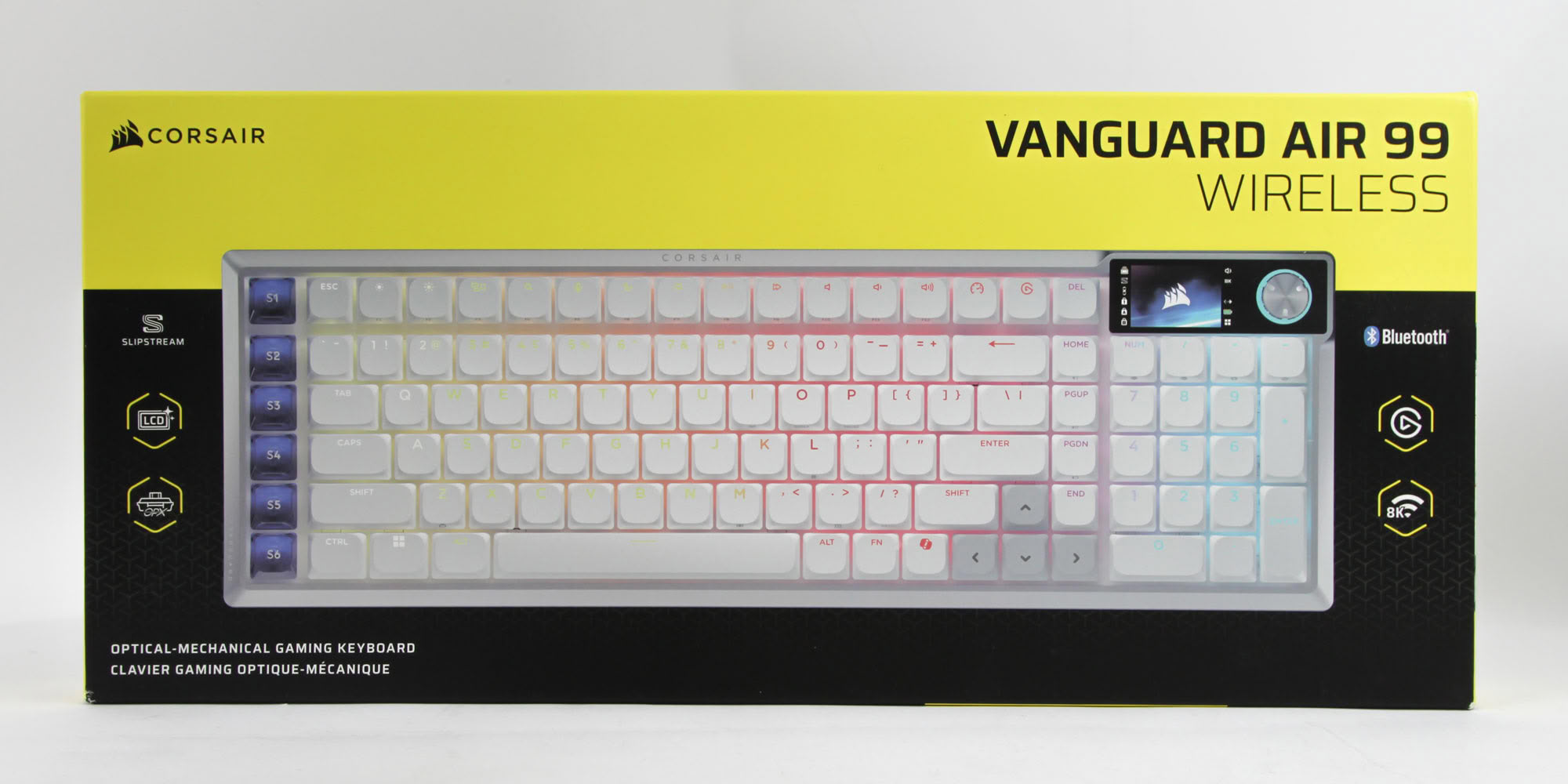
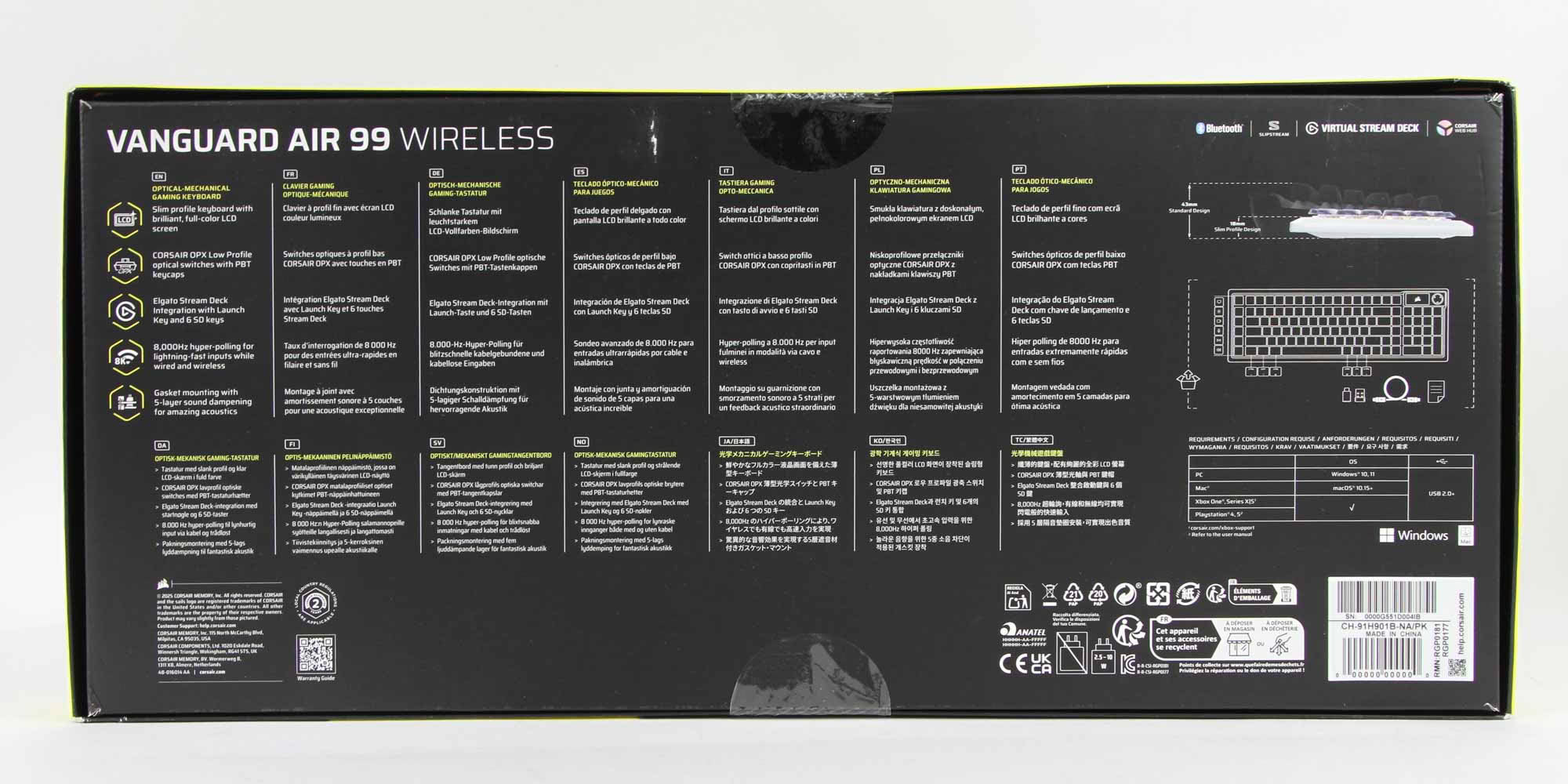
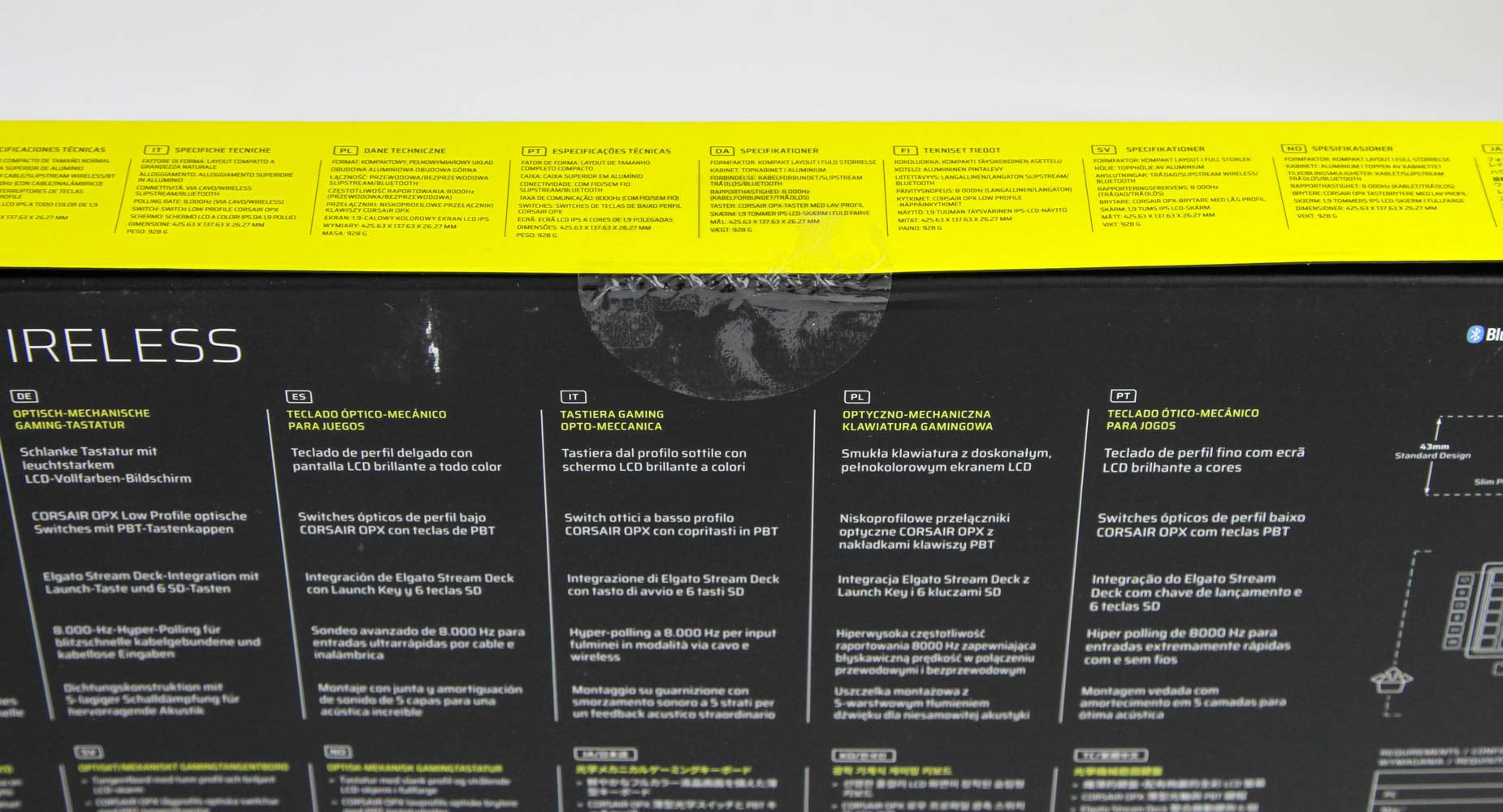
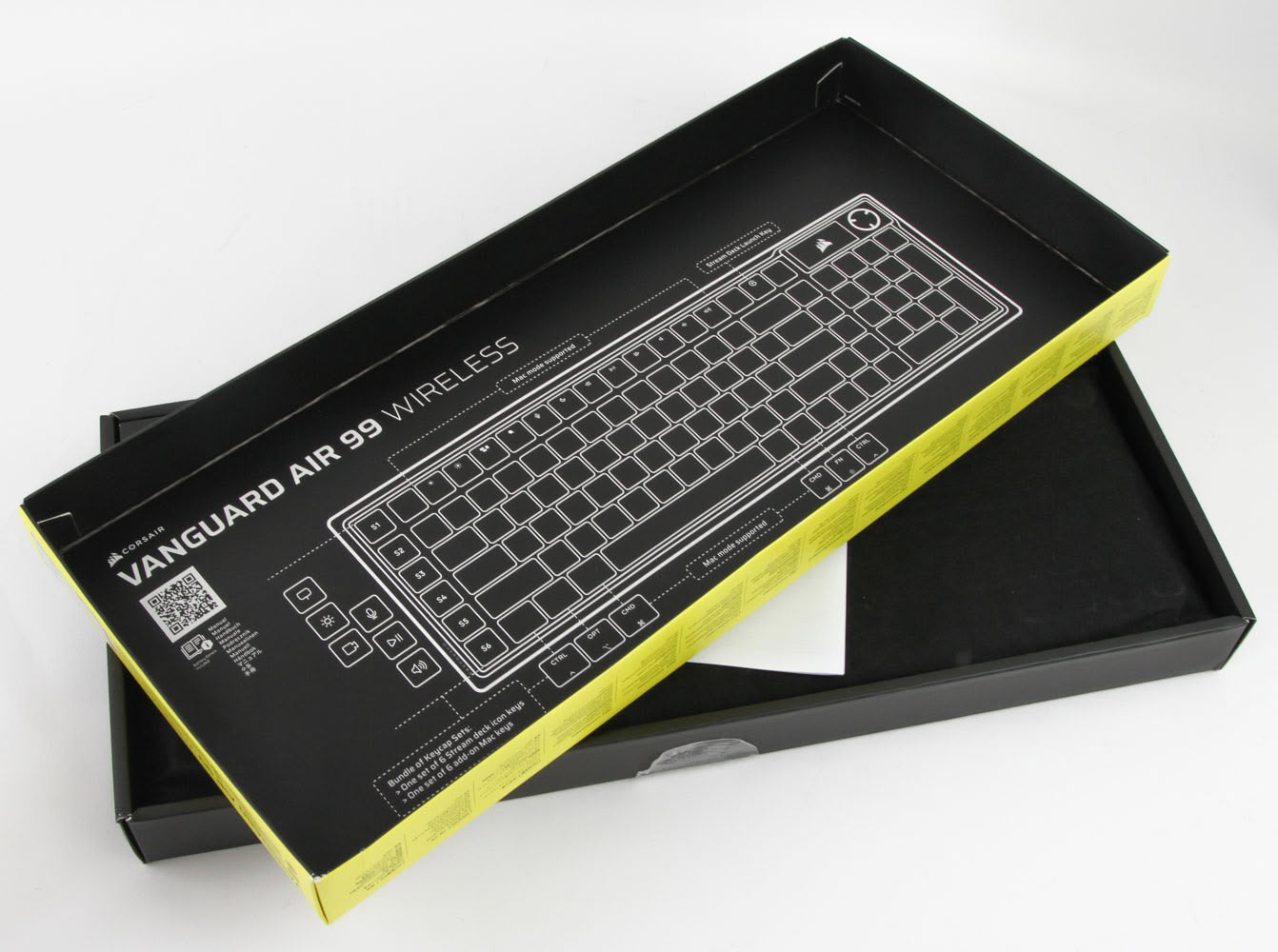
Corsair goes with its traditional black and yellow color scheme for the product box, with the company logo and product name on the top and a large render of the keyboard taking center space to draw your eyes in. Salient features are listed on either side with more in the back—in multiple languages—accompanying product dimensions. Some more product info is printed on the sides, again in multiple languages, where we also see seals to help keep the contents in place during transit. Opening the box reveals a simple key layout for the pre-programmed shortcuts and a QR code leading you to an online guide to help you make the most of the keyboard.
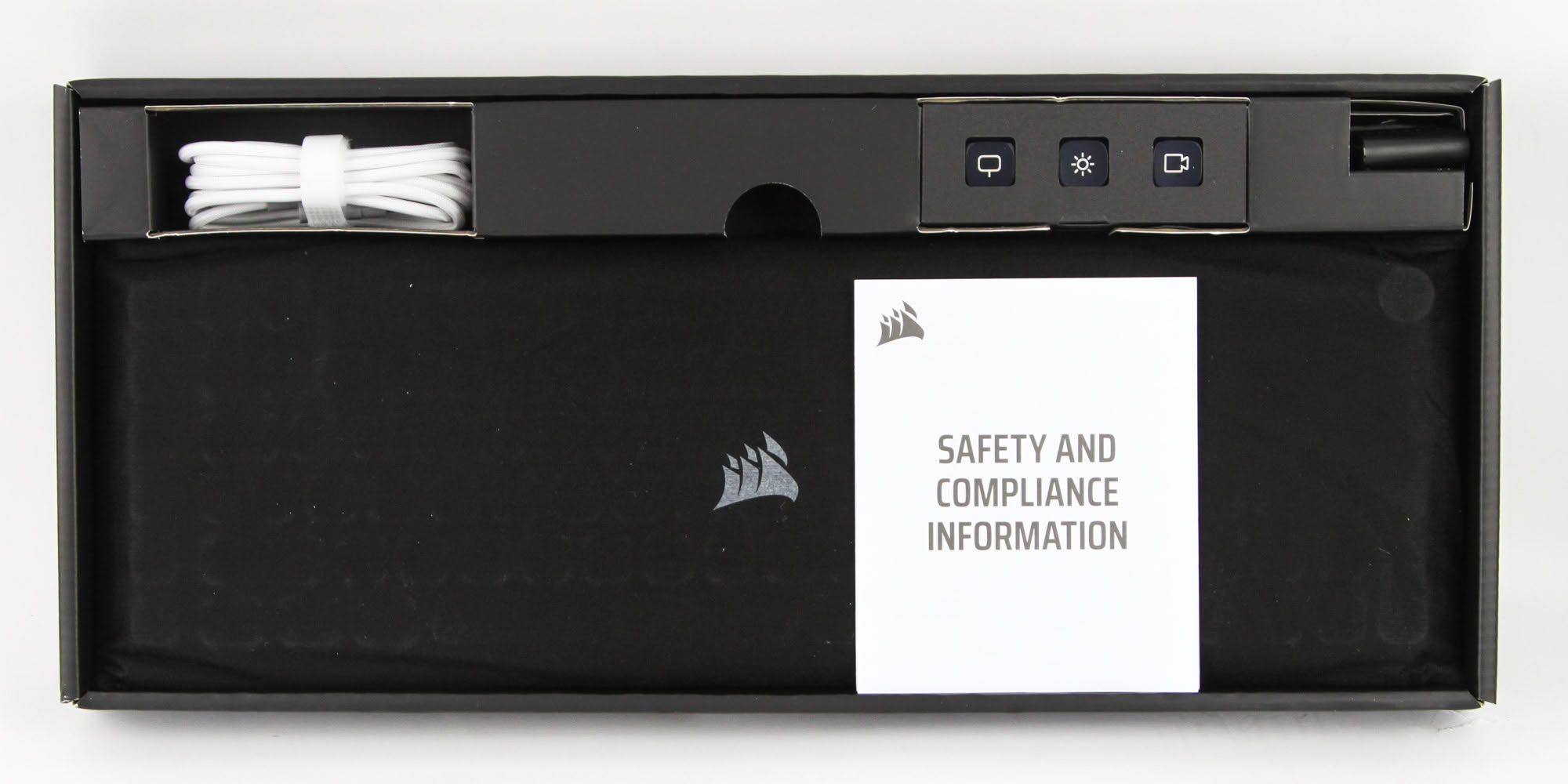
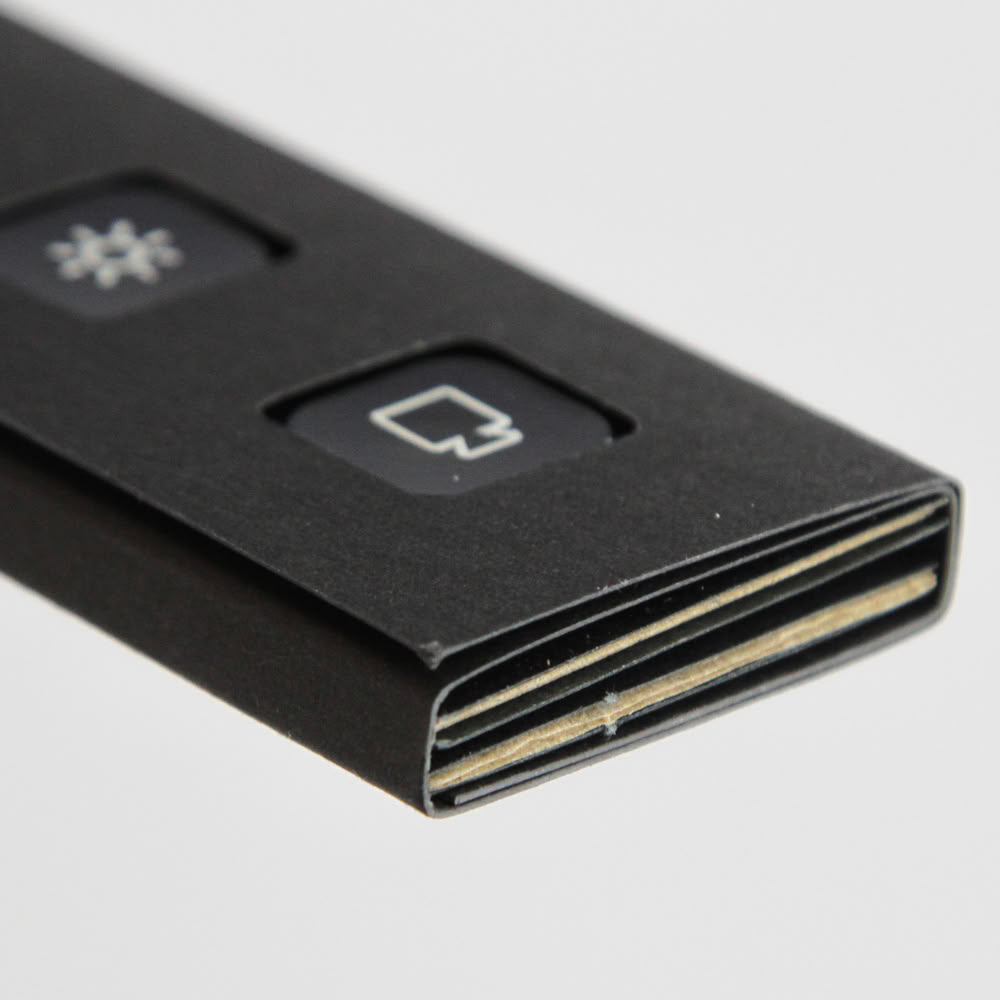
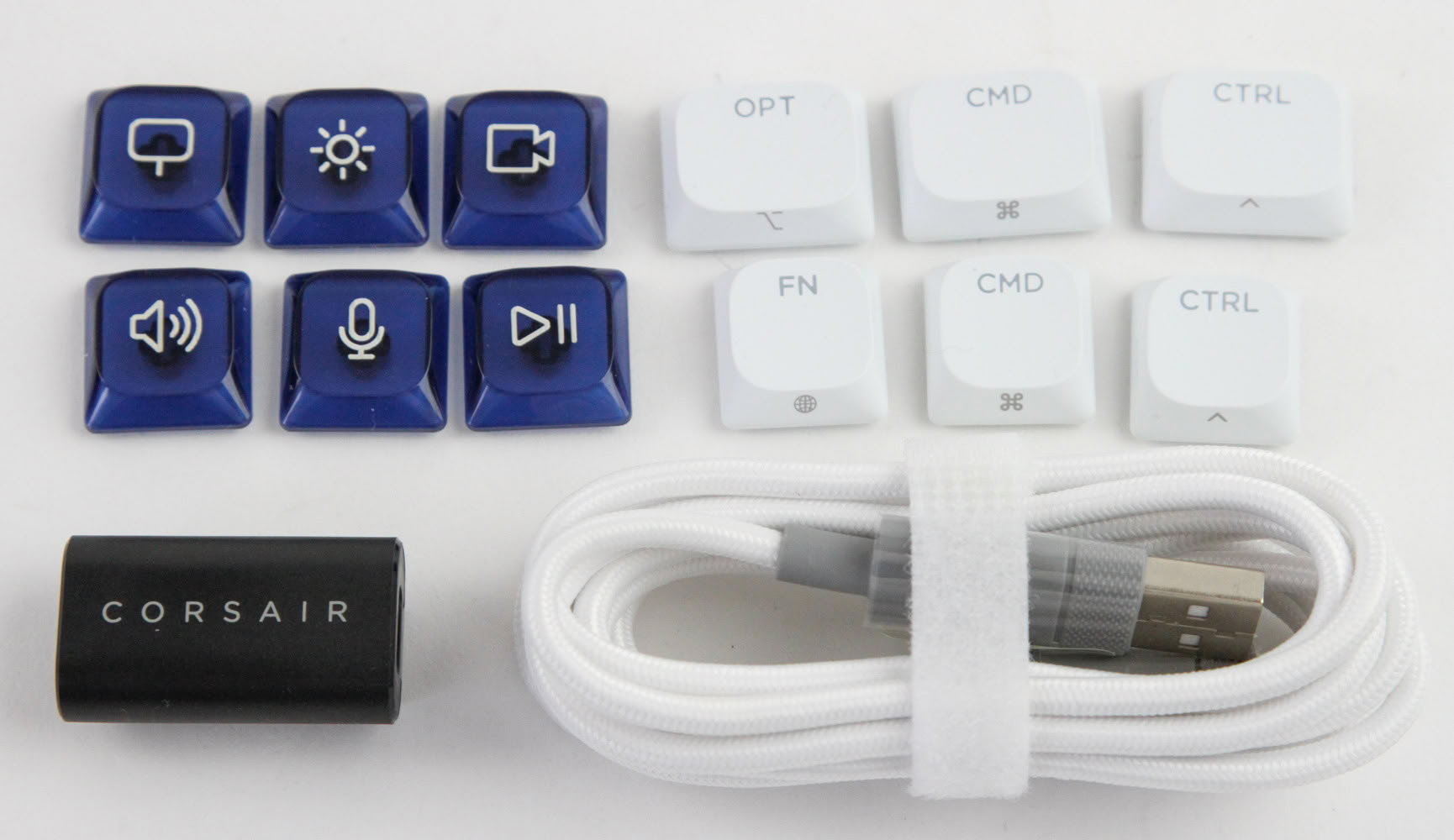
The keyboard comes inside a soft fabric pouch for a pristine unboxing experience, with a safety manual on top. The accessories are neatly arranged in various compartments in the cardboard packaging, although this green packaging may not be the easiest to extract them all without minor frustration. Corsair provides six replacement keycaps, helping you get dedicated shortcuts as well as with multiple OS compatibility, a USB Type-A to Type-C female-female adapter to use with the wireless dongle for connectivity, and the USB Type-C to Type-C cable itself that comes color matched with the keyboard.
Our Patreon Silver Supporters can read articles in single-page format.
Nov 18th, 2026 13:38 PST
change timezone
Latest GPU Drivers
New Forum Posts
- Can i play GTA 6 now? (Joke) (6)
- Very unusual two gaming-pc scenarios. (12)
- Dell Workstation Owners Club (3513)
- Any other old-timers here planning to play WoW Forever? (151)
- Time to upgrade CPU and MOBO (33)
- The Filthy, Rotten, Nasty, Helpdesk-Nightmare picture clubhouse (2876)
- WarpCoreBench scores! (67)
- Honestly, do you care about GTA VI? (144)
- Acer Predator BiFrost Radeon RX 9070 OC (9)
- DTS DCH Driver for Realtek HDA [DTS:X APO4 + DTS Interactive] (2814)
Popular Reviews
- Acemagic Retro X3 Review
- Upcoming Hardware Launches 2027 (Updated Nov 2026)
- AMD Zen 6 Technical Deep Dive
- ASUS ROG Strix B850-I Gaming Wi-Fi7 W Review
- Corsair HX1000i Shift Crystal Review
- Biwin Black Opal NV7400 2 TB Review
- Chieftec Iceberg PRO 360 DARK Review
- AMD Ryzen 7 9800X3D Review - The Best Gaming Processor
- Pulsar Office Tour & First Look at P1 Dual-Sensor Mouse
- Phantom Blade Zero Performance Benchmark Review - 35 GPUs Tested
TPU on YouTube
Controversial News Posts
- NVIDIA Co-Founder and CEO Jensen Huang Officially Resigns (478)
- Report: Jensen Huang Eyes NVIDIA Comeback (187)
- Open Letter Asking NVIDIA to Reinstate Jensen Huang Passes 115,000 Signatures (184)
- OpenAI CEO Argues Home PCs Waste the World's Limited DRAM Supply (152)
- NVIDIA Launches Investigation Into Jensen Huang's Relationship With Suspected Chinese Spy (136)
- Intel "Raptor Lake Next" 16-Core and 20-Core CPUs Surface (130)
- Legendary Game Studio BioWare Shuts Down Following EA Layoffs (104)
- Dell CEO Says the Memory Shortage Will Get Worse in 2027 (95)