 23
Corsair Warthog Review
Thermal Stress Test »Assembly
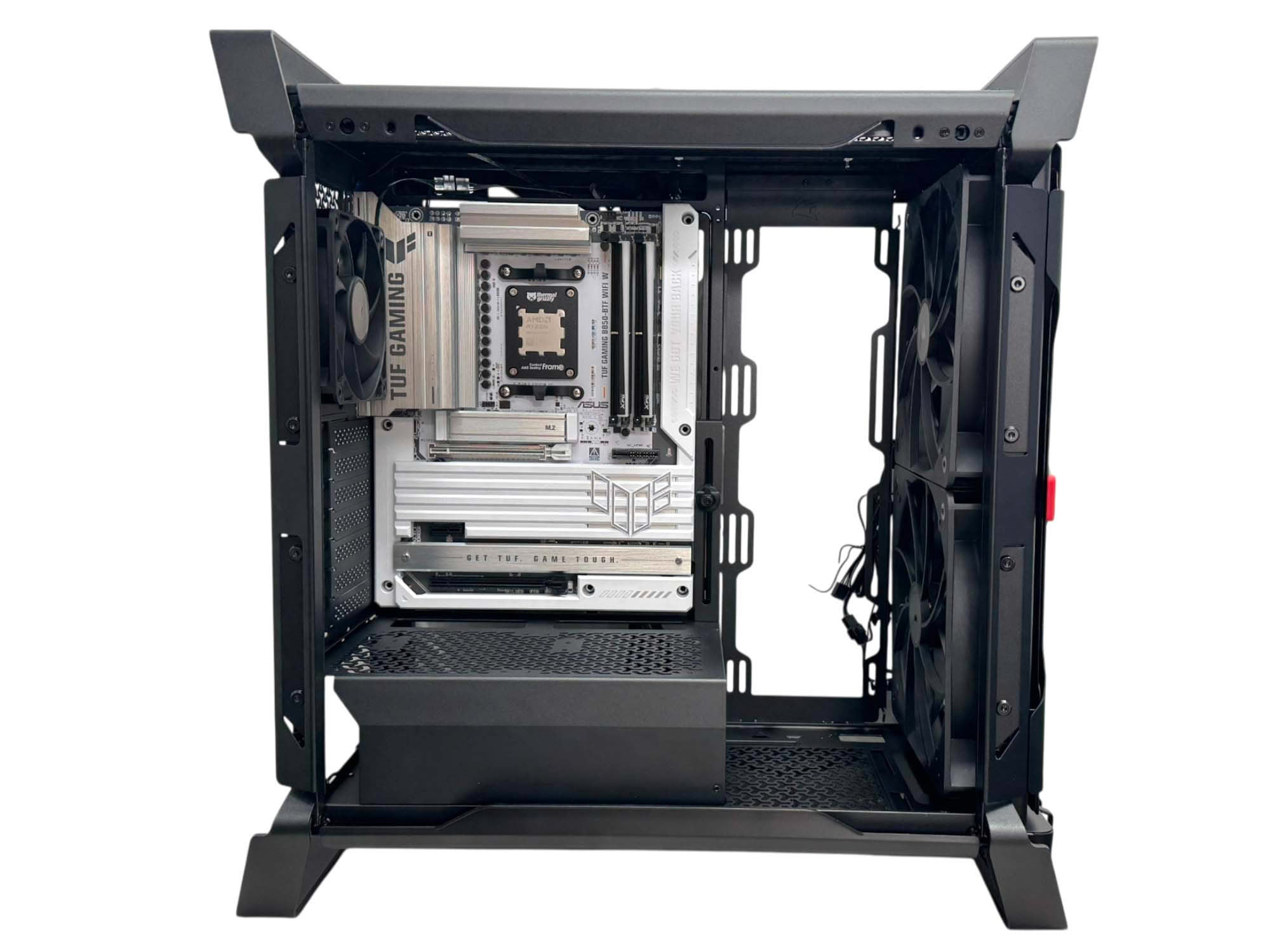
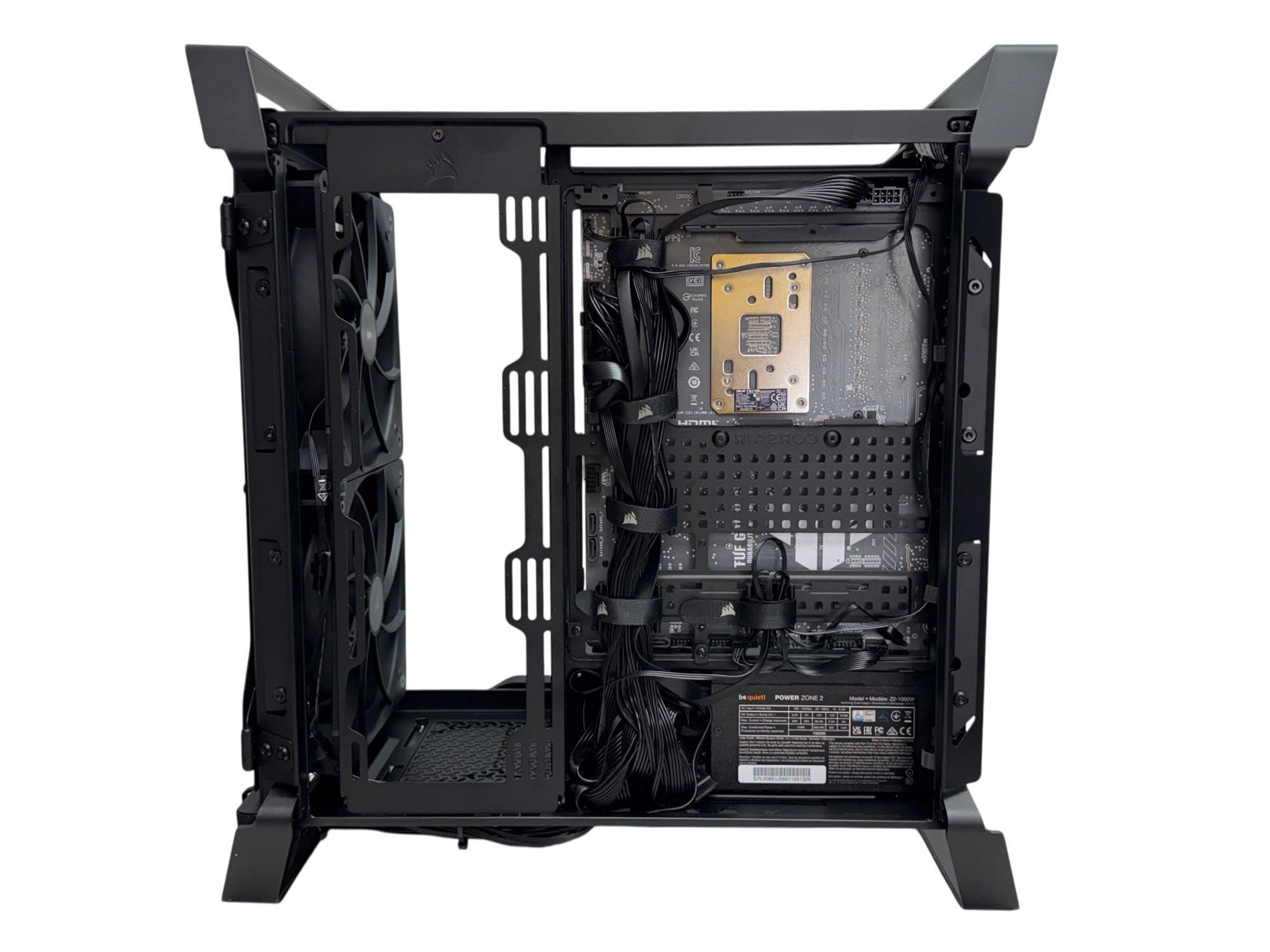
The only issue encountered installing the motherboard was the GPU support, which touched the edge of the fascia on the BTF motherboard, which does admittedly extend further than usual. It's extremely tight as a result so installing the motherboard is a bit fiddly. The out-of-the-box cable routing locations are offset away from the rear connectors. It's still tight, but we've seen worse.
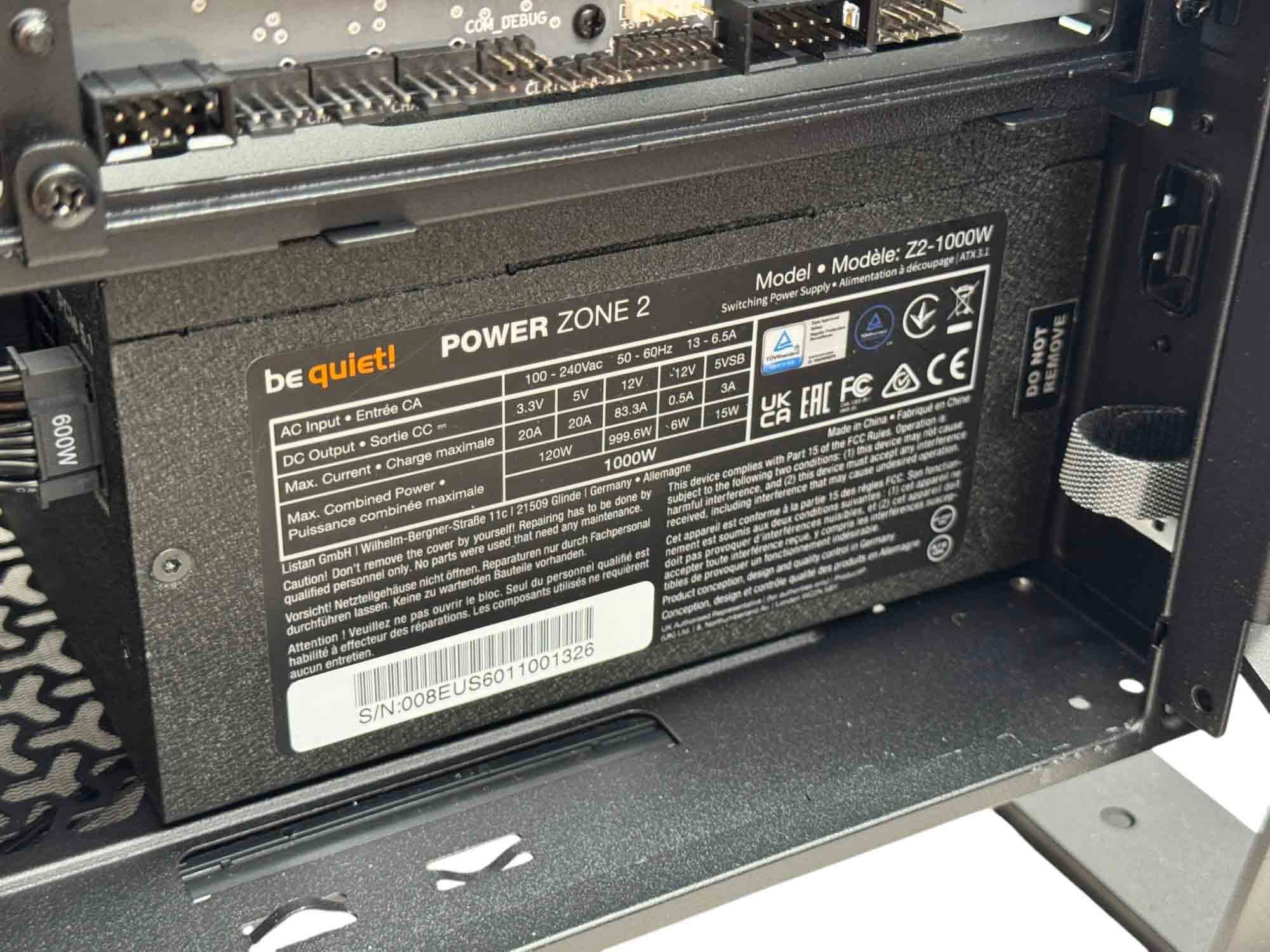
As suspected, the gap in front of the PSU is a bit of an issue as it's simply not big enough to make installing it with cables attached particularly easy. Of course the plus side here is that in front of the PSU cover is practically unlimited clearance for radiators and fans.
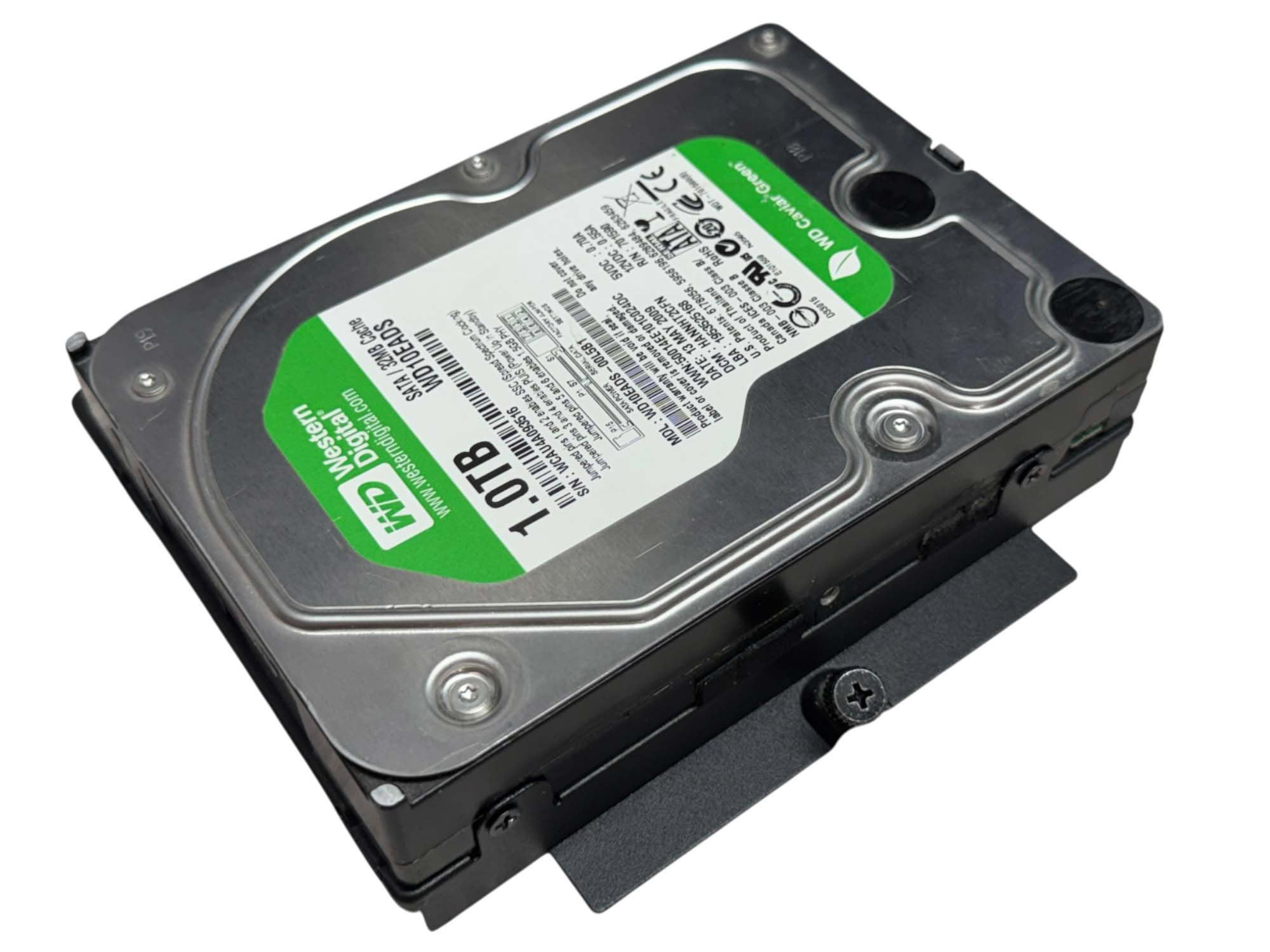
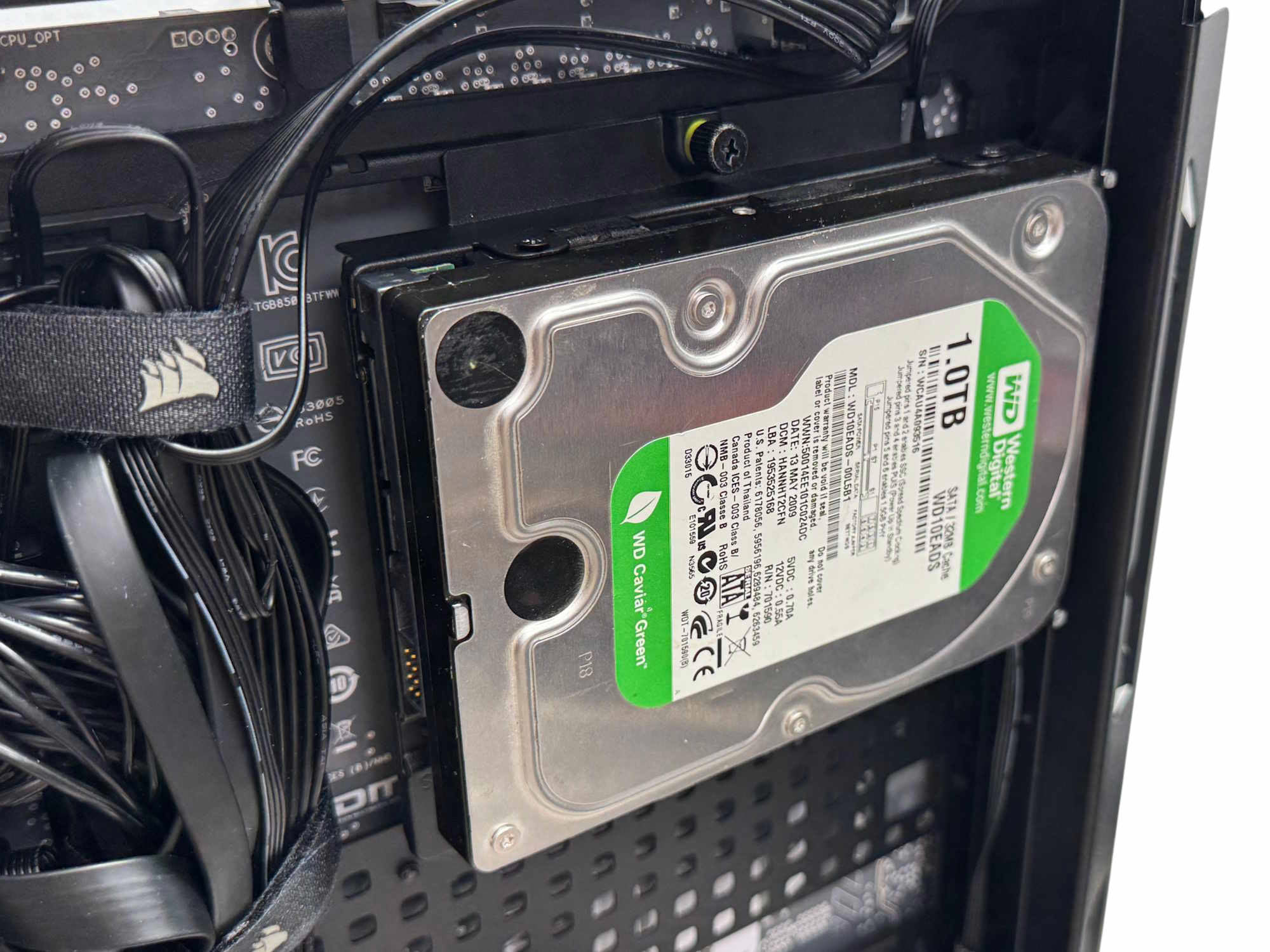
The single storage mount secures with a single thumb screw, with whatever devices you have in here easily accessible and close to cable anchors.
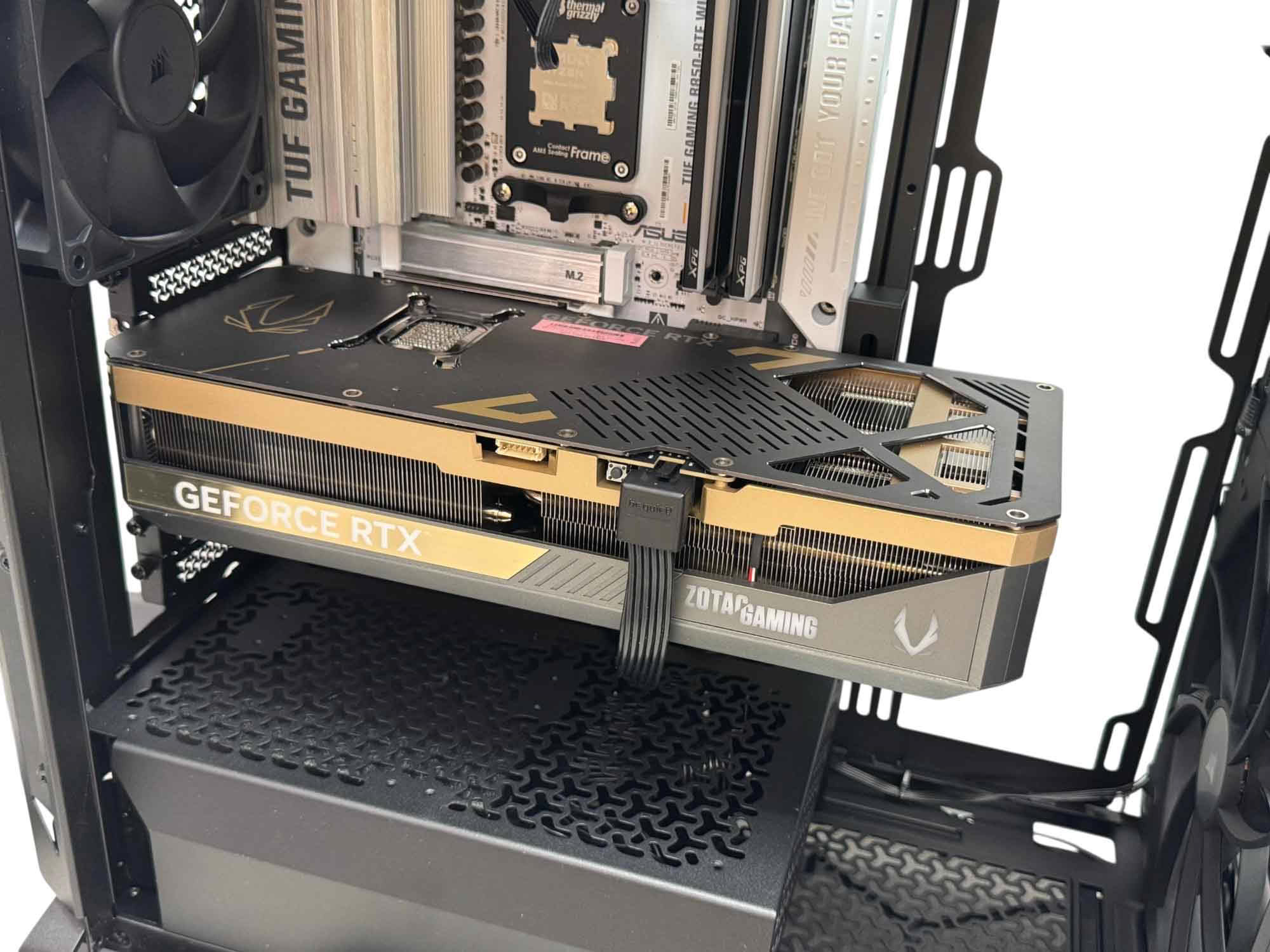
Installing the GPU is painless, except for the rear expansion slot thumb screws being tricky to access. You'll need a long screwdriver. The GPU support is one of the easiest we've used, though, with a nut on top allowing it to move or secure in place.
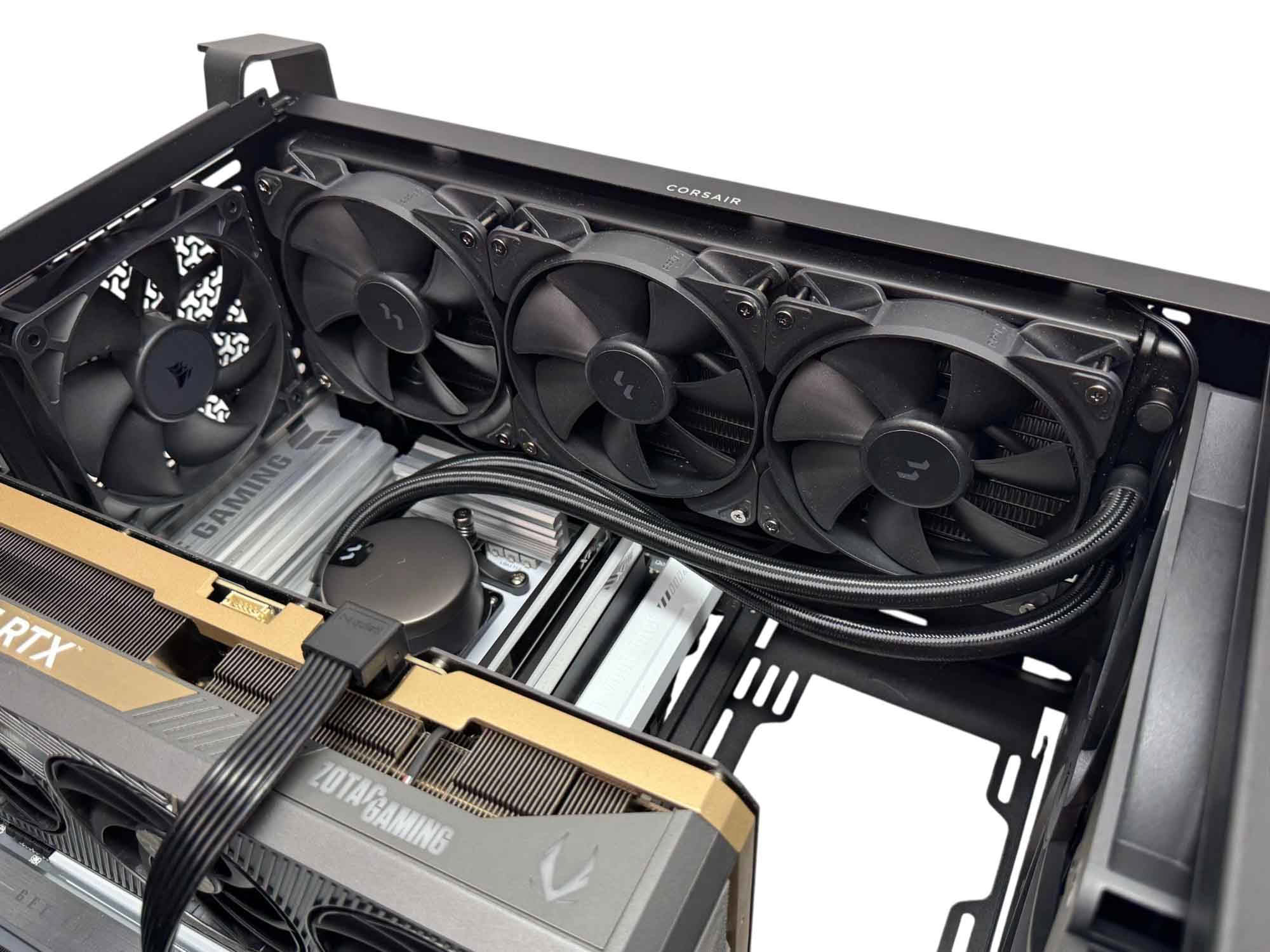
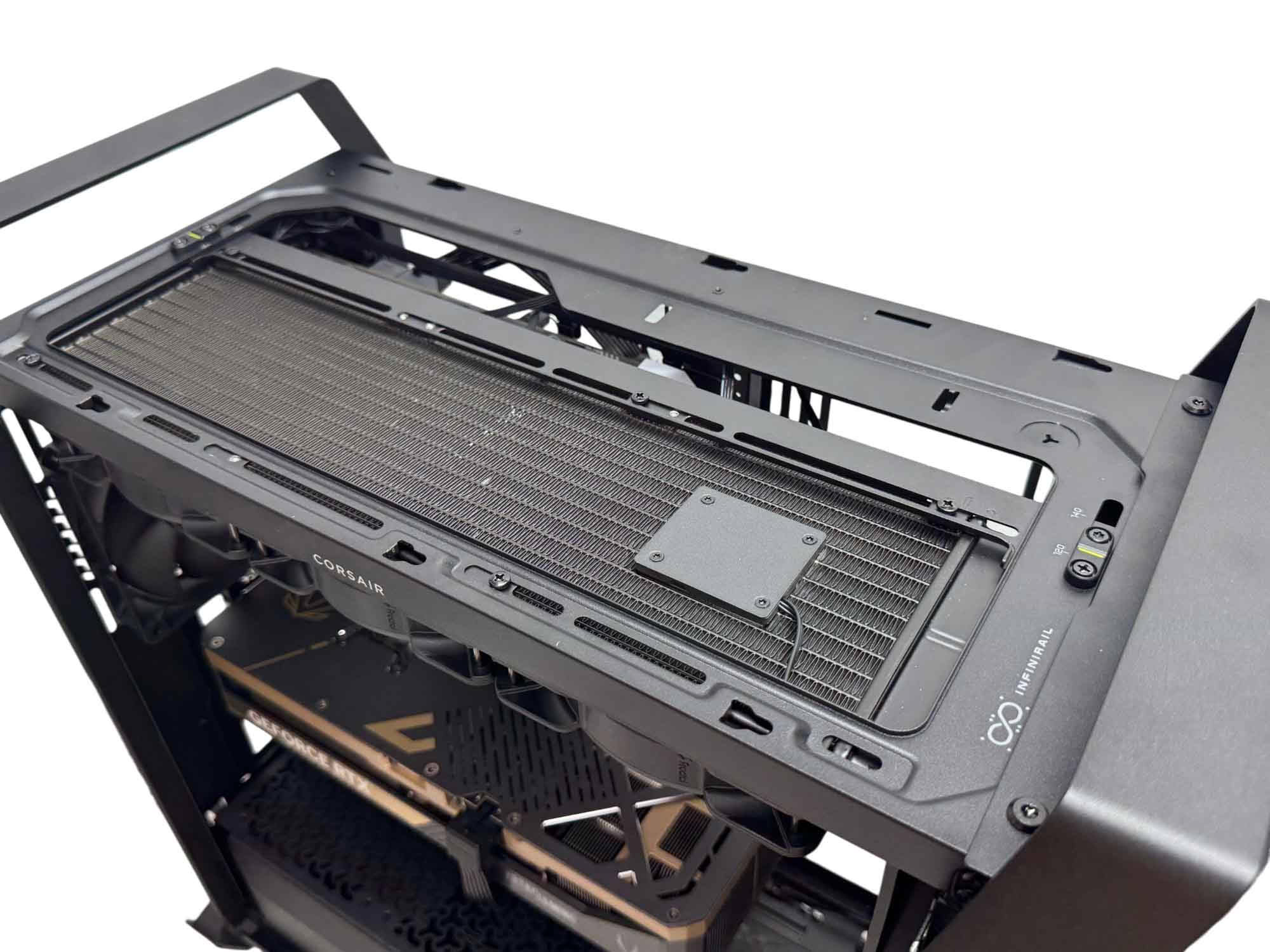
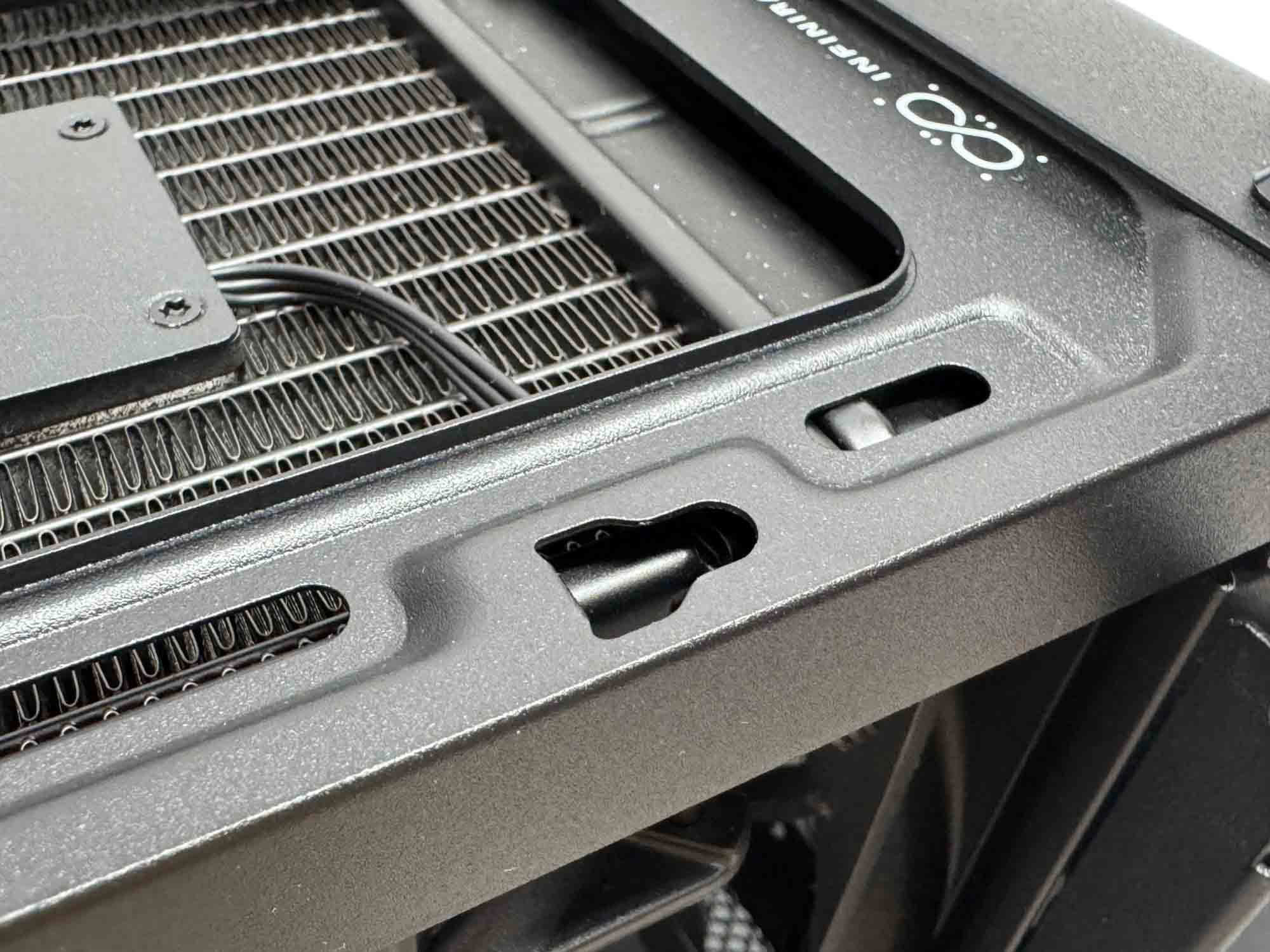
Even with the massive RS200 fans in our sample, there's still space for a 360 mm radiator in the roof and the case benefits from routing holes right next to it to feed pump and fan cables. You may find that with certain AIO liquid cooler or radiator models that not all mounting points will be accessible so it's a question of using whatever is available. The offset here thanks to the rail system is excellent and completely cleared the heatsinks on our motherboard, offering plenty of clearance for thicker radiators or additional rows of fans.
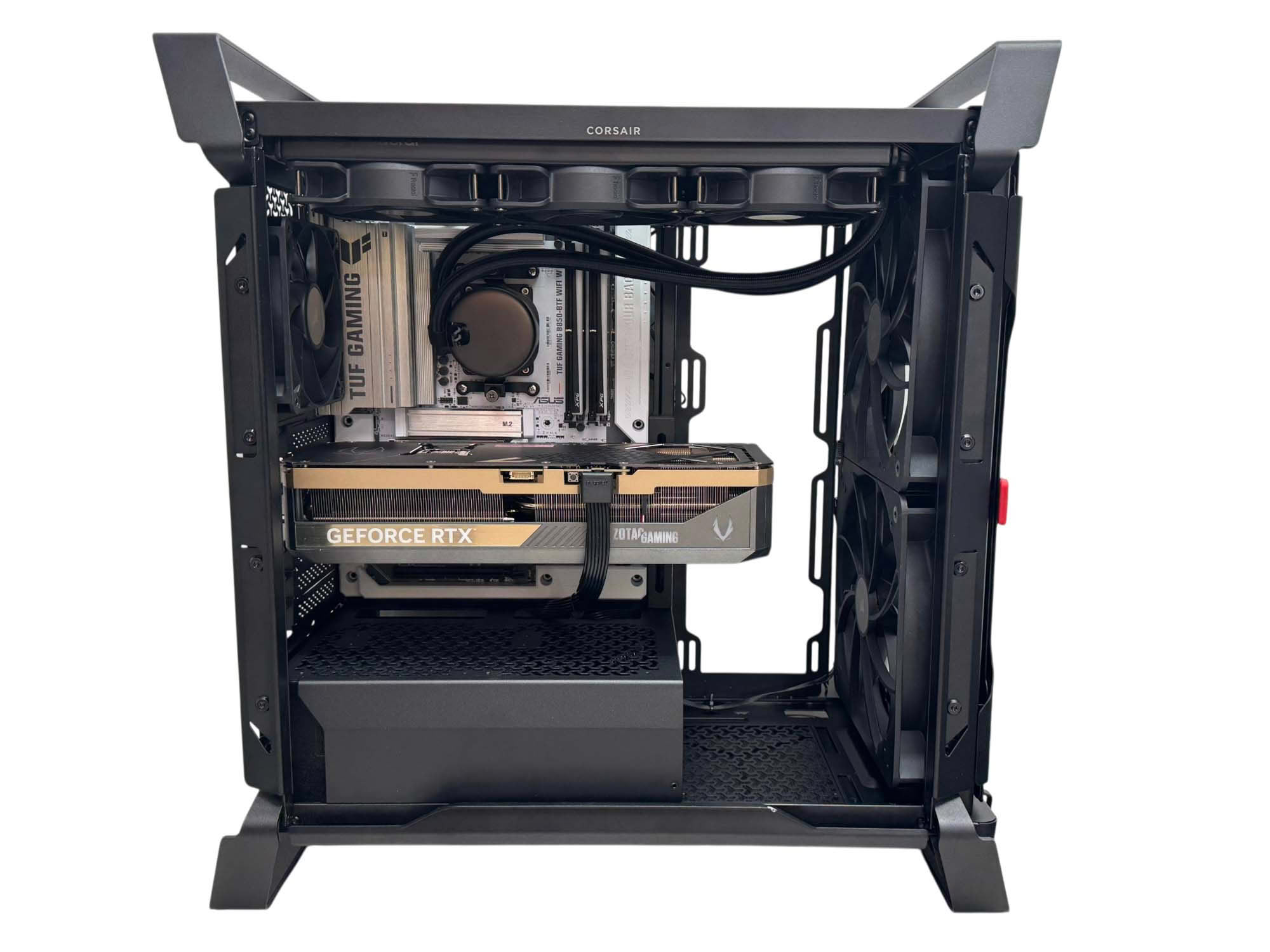
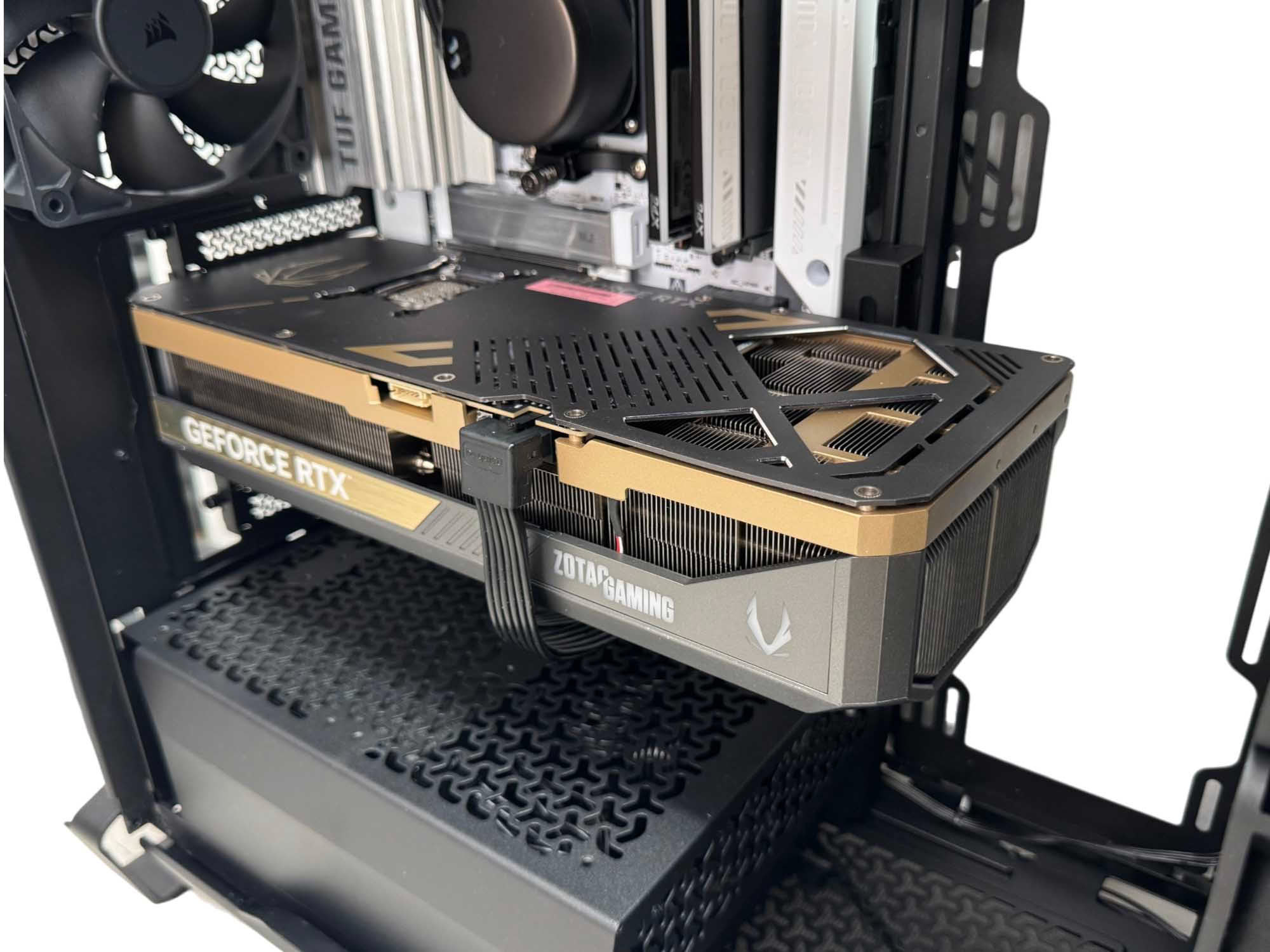
The Warthog's excellent cable routing would make even a standard motherboard build look clean, but with the addition of BTF, the only cables visible are those for the GPU and front fans. The latter would definitely have benefited from some factory-routing or additional cable anchor points below the side fans. Even with a triple-slot graphics card, there's plenty of space for 120 mm fans to be installed above the PSU cover.
Finished Looks
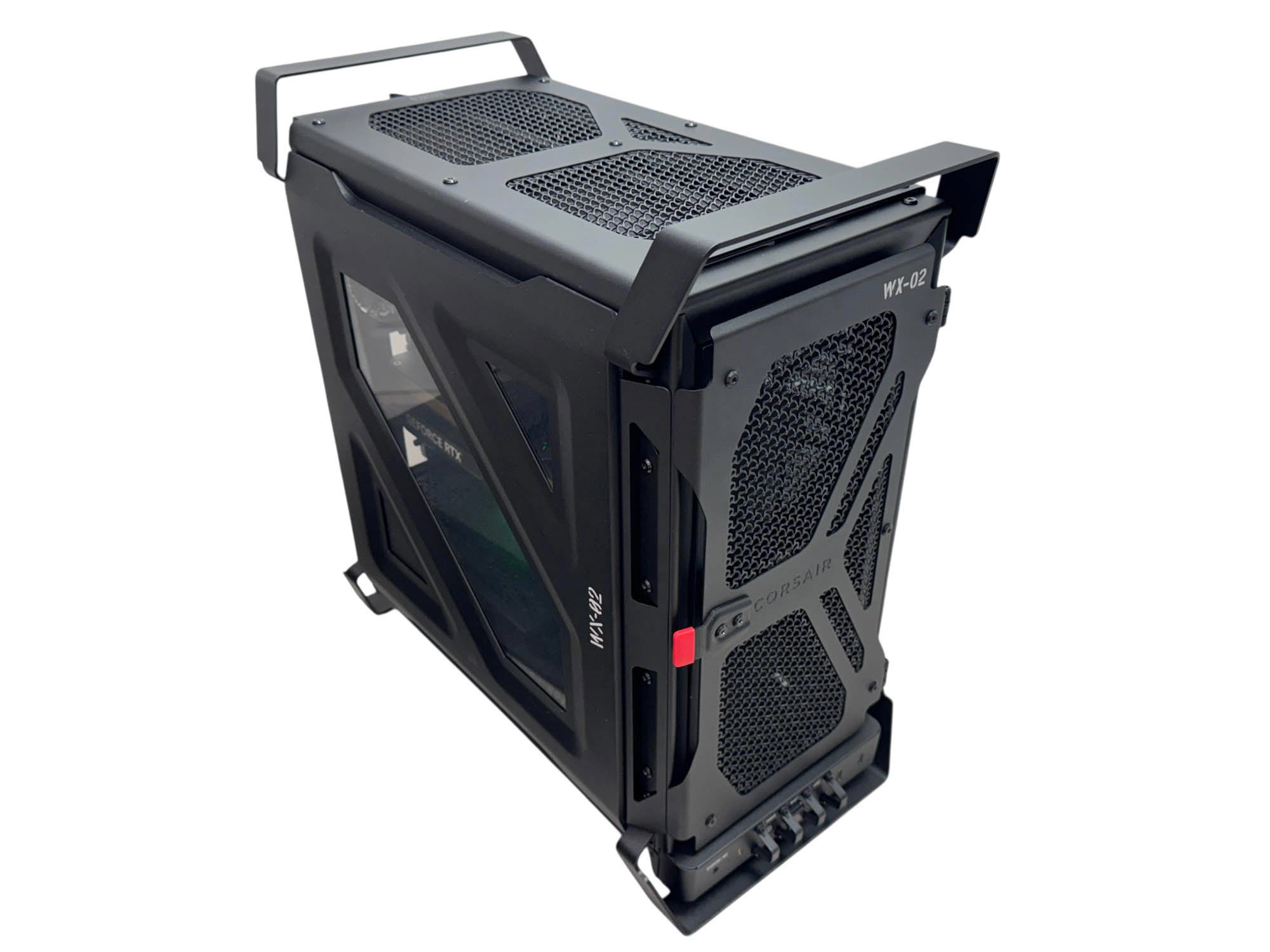
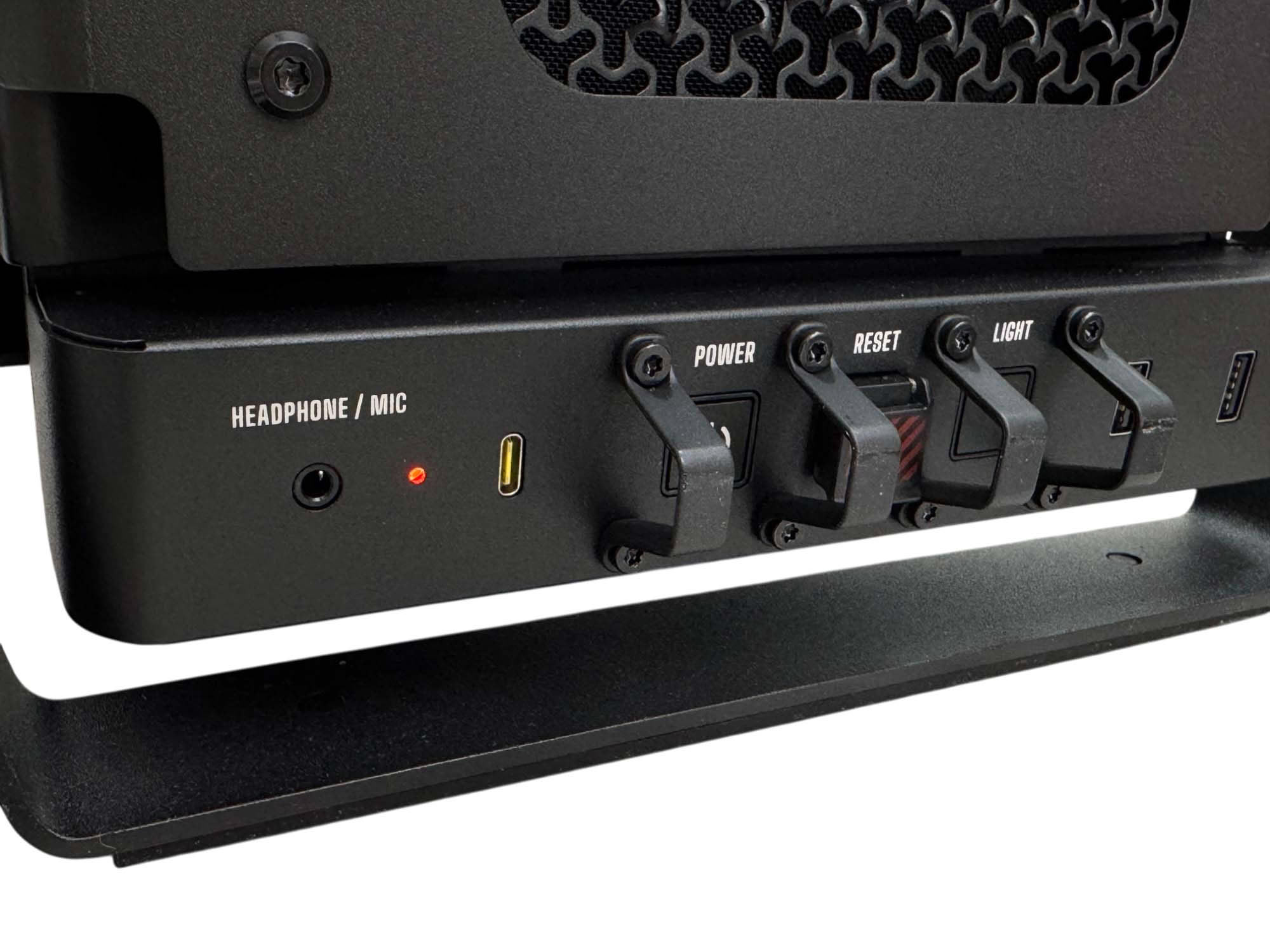
The Warthog looks edgy and industrial and even a little bit retro and the small red power light is a nice touch, although Corsair could have gone a little further and illuminated the flip-cover on the reset switch too.
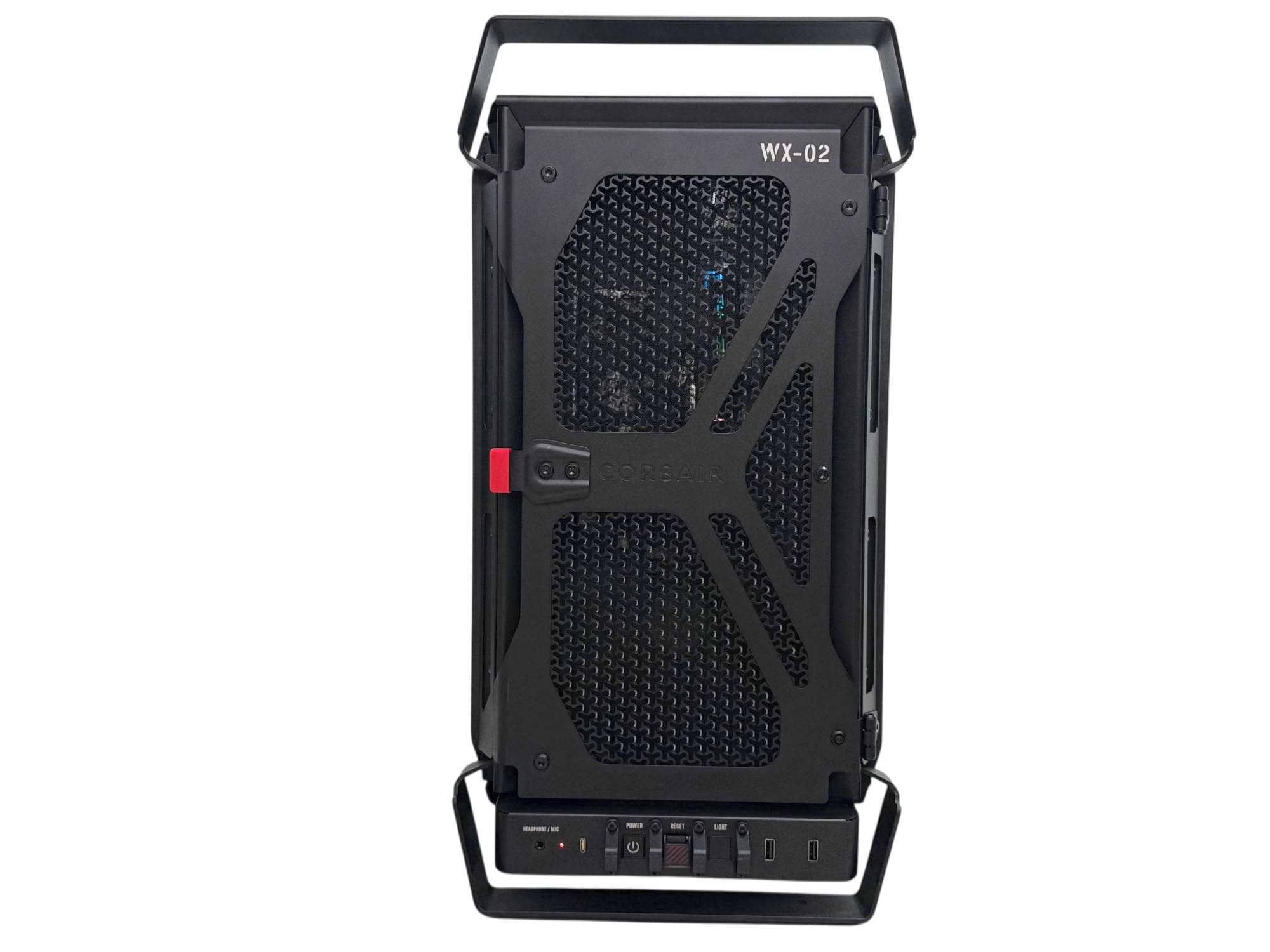
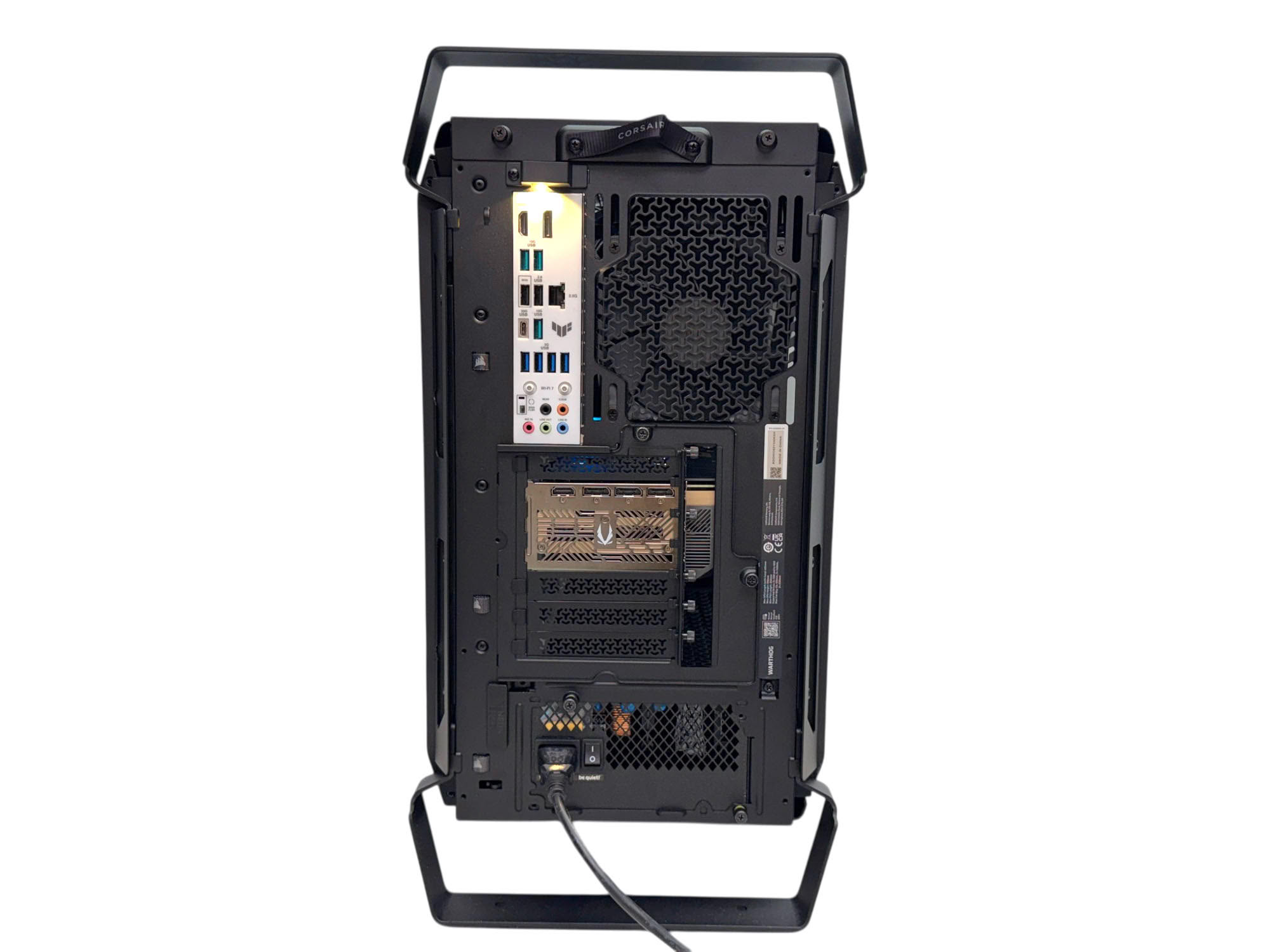
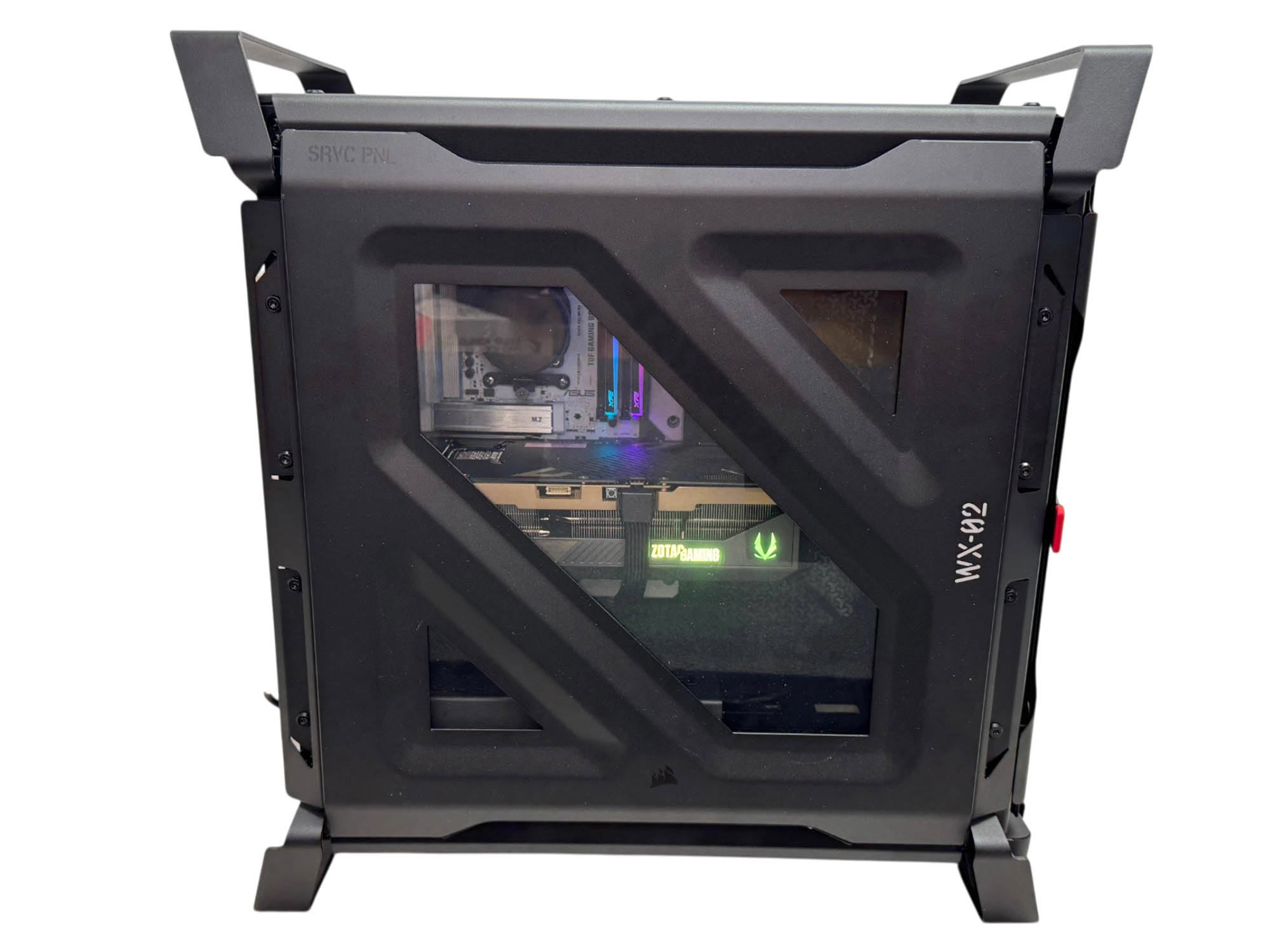
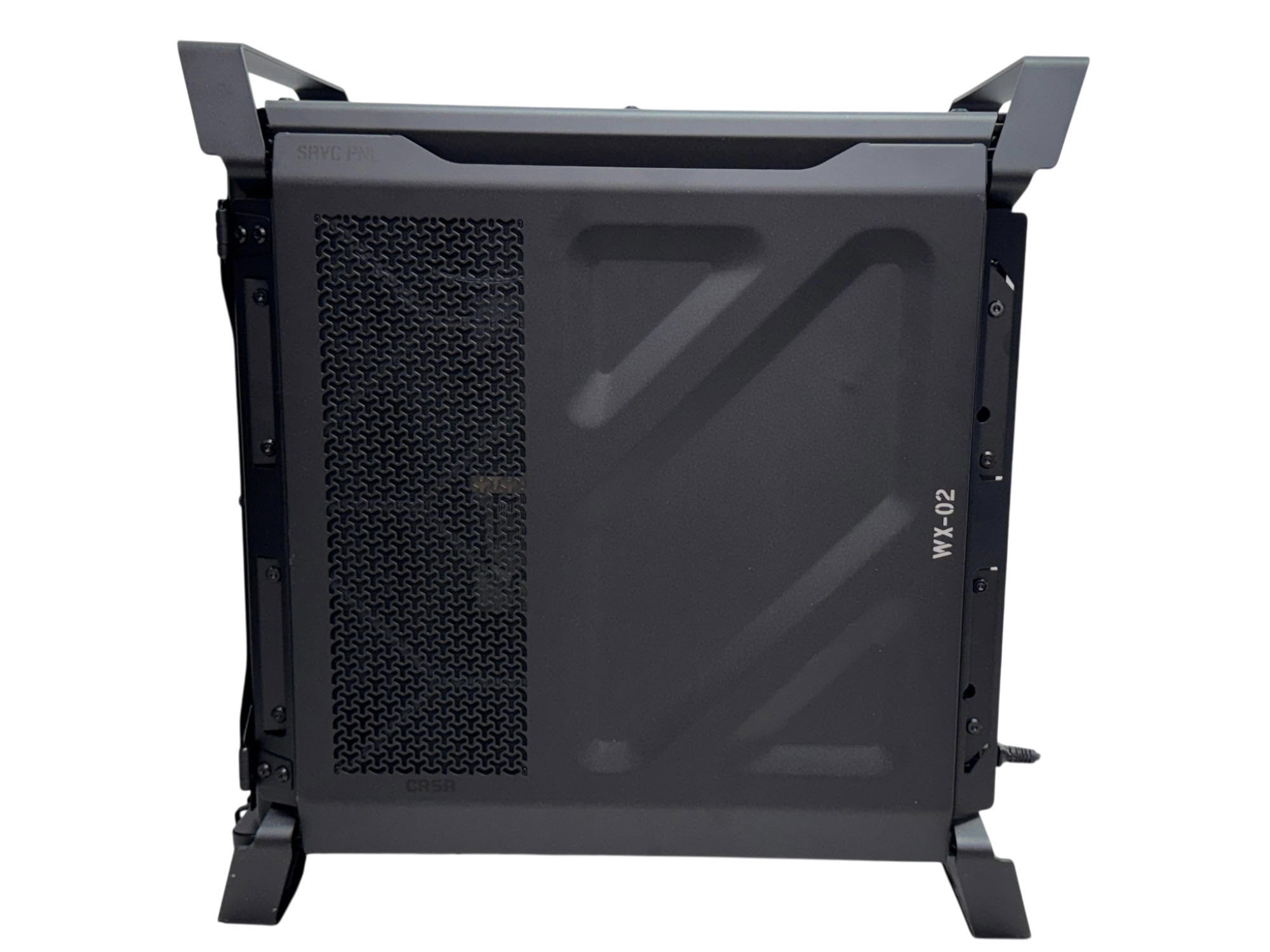
As suspected, this isn't a case to buy if you want great views of your hardware. Even the side window is obscured with the diagonal elements, but they are in keeping with the design and the Warthog might even look a little weird with a standard window.
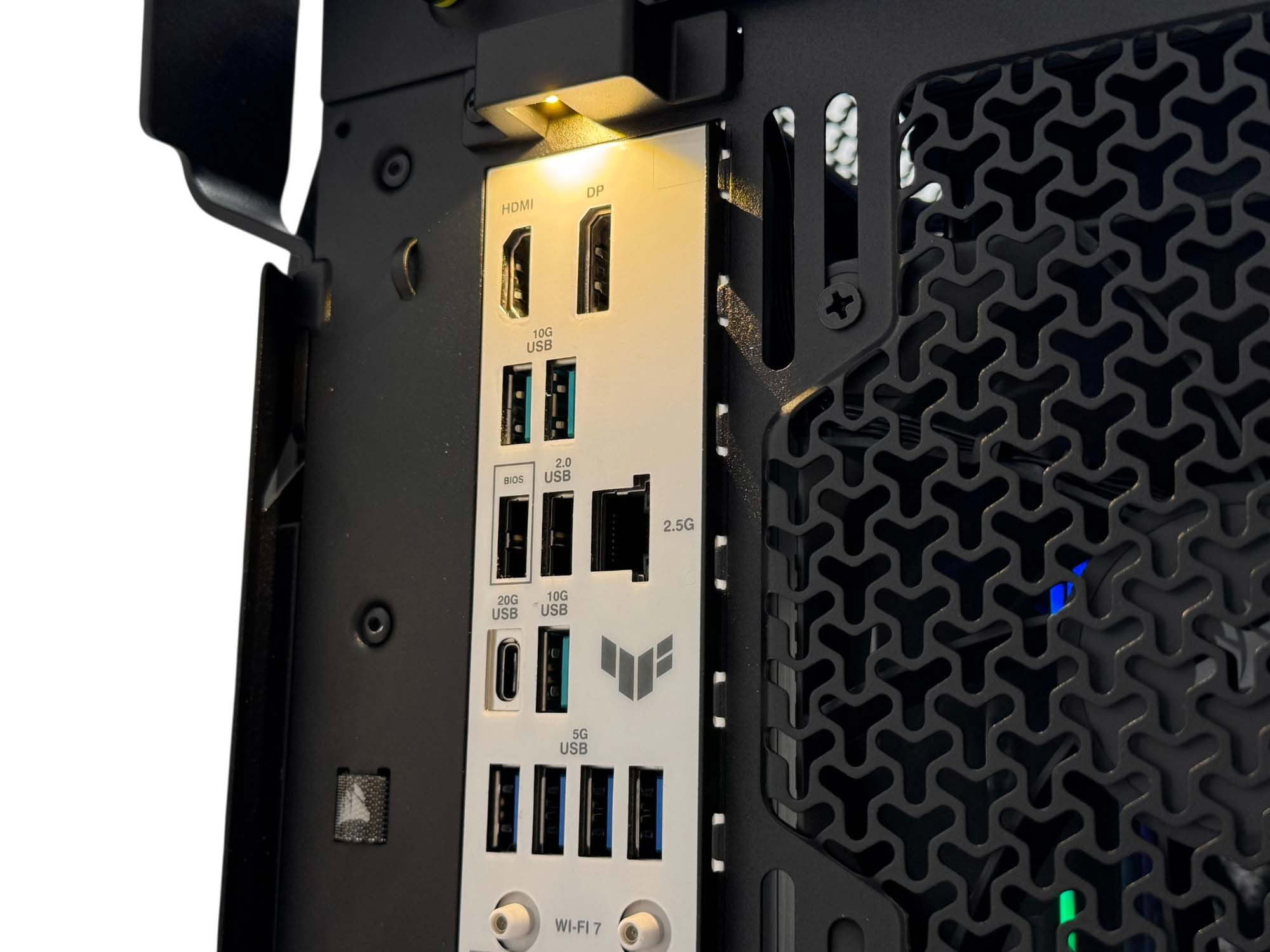
The rear I/O panel light will certainly make reaching around the back of your PC on the floor in late night gaming sessions a little easier.
Nov 27th, 2026 15:19 CST
change timezone
Latest GPU Drivers
New Forum Posts
- Wireless Internet sharing between PC and router both-ways, is it possible? (33)
- The TPU UK Clubhouse (27305)
- Mouse Pad advice - Shidenkai out of production? (21)
- -18C on GPU by moving it to the front of the case. (13)
- What's your main Black Friday / Cyber Monday purchase? (39)
- Anthrophics IPO (47)
- Exit Adobe - PDF reader, and PDF editor recommendations (9)
- Samsung TV screen care: check the finish before choosing a cleaning method (3)
- Unigine Superposition on Linux (20)
- Making a game in Godot engine (23)
Popular Reviews
- VZMORE AX9 Max Review
- Upcoming Hardware Launches 2027 (Updated Nov 2026)
- ASRock X870E Challenger Wi-Fi White Review
- AMD Ryzen 7 9800X3D Review - The Best Gaming Processor
- Microsoft Surface Laptop Ultra Review - The Next-gen Arm Laptop
- AMD Zen 6 Technical Deep Dive
- Montech CyberFlow ARGB 360 Review
- Phantom Blade Zero Performance Benchmark Review - 35 GPUs Tested
- ORICO Obook15 AI Review
- Corsair RM1200e (Second Generation) Review
TPU on YouTube
Controversial News Posts
- Jensen Huang Reinstated as CEO of NVIDIA (622)
- NVIDIA Co-Founder and CEO Jensen Huang Officially Resigns (492)
- Report: Jensen Huang Eyes NVIDIA Comeback (281)
- Open Letter Asking NVIDIA to Reinstate Jensen Huang Passes 115,000 Signatures (184)
- OpenAI CEO Argues Home PCs Waste the World's Limited DRAM Supply (152)
- NVIDIA Launches Investigation Into Jensen Huang's Relationship With Suspected Chinese Spy (136)
- Intel Razor Lake Gets a 12 P-Core bLLC Chip With No E-Cores, Per Leak (94)
- NVIDIA GeForce RTX 50-Series Scheduled for up to $500 Price Hike This Week (89)