 4
Cougar DUOAIR RGB Review
A Closer Look - Inside »A Closer Look - Outside

Out of the box, the case is equipped with a glass front panel, with the mesh grille replacement offering better airflow since the inlets at the front are only narrow slits around the edges with the glass panel. The case is compact, with a low front-mounted I/O panel and additional vents in the side and roof.
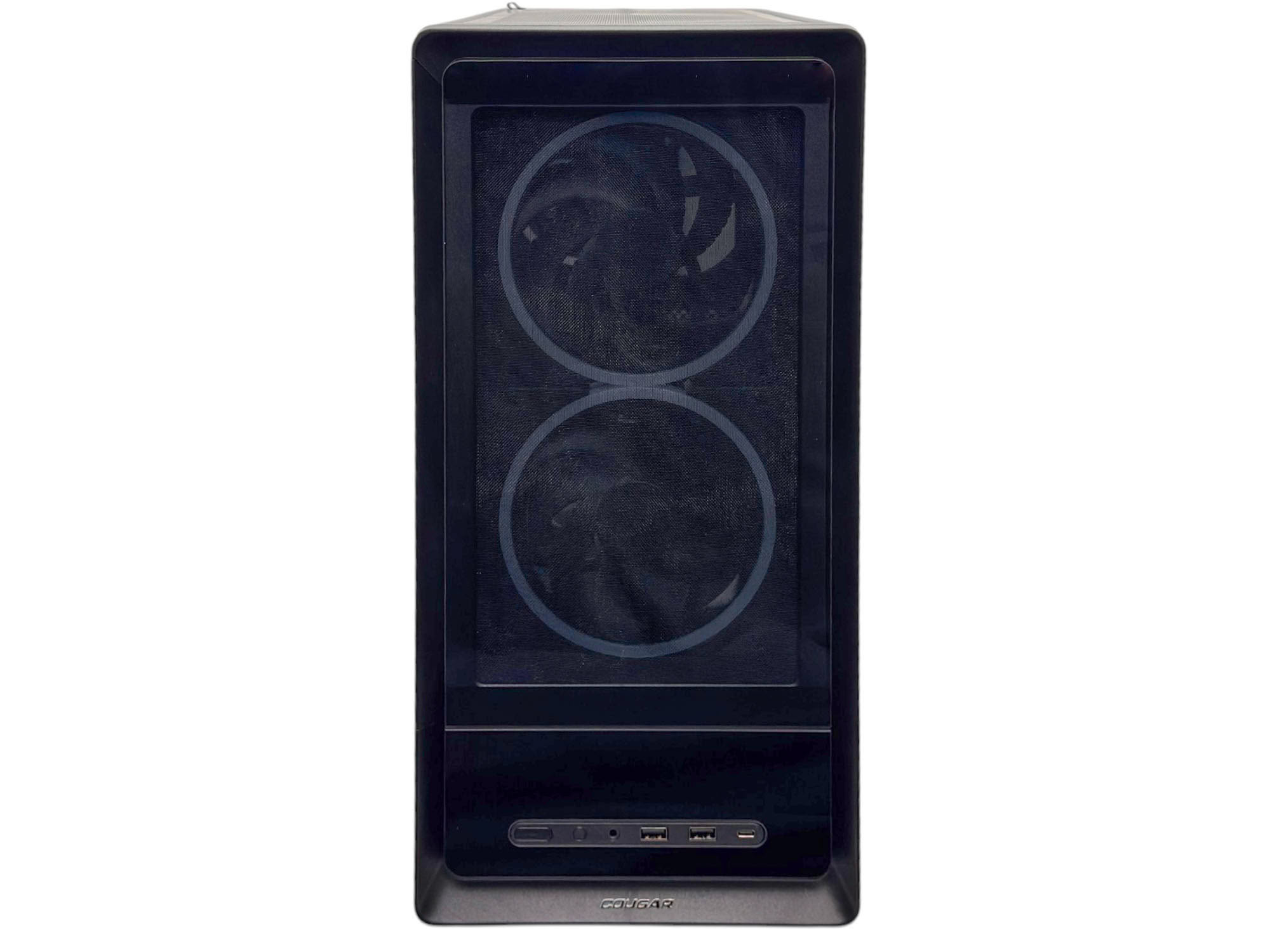
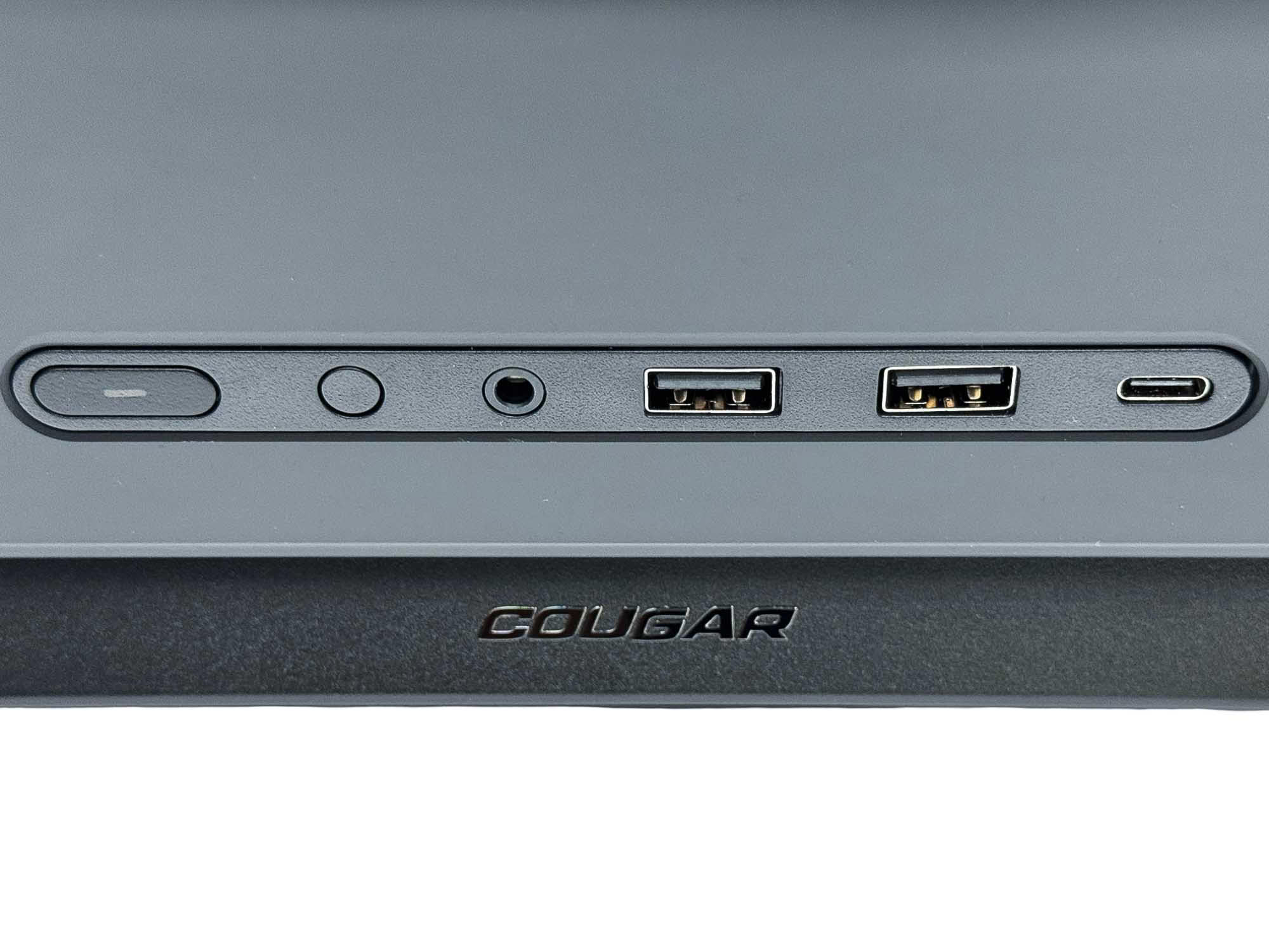
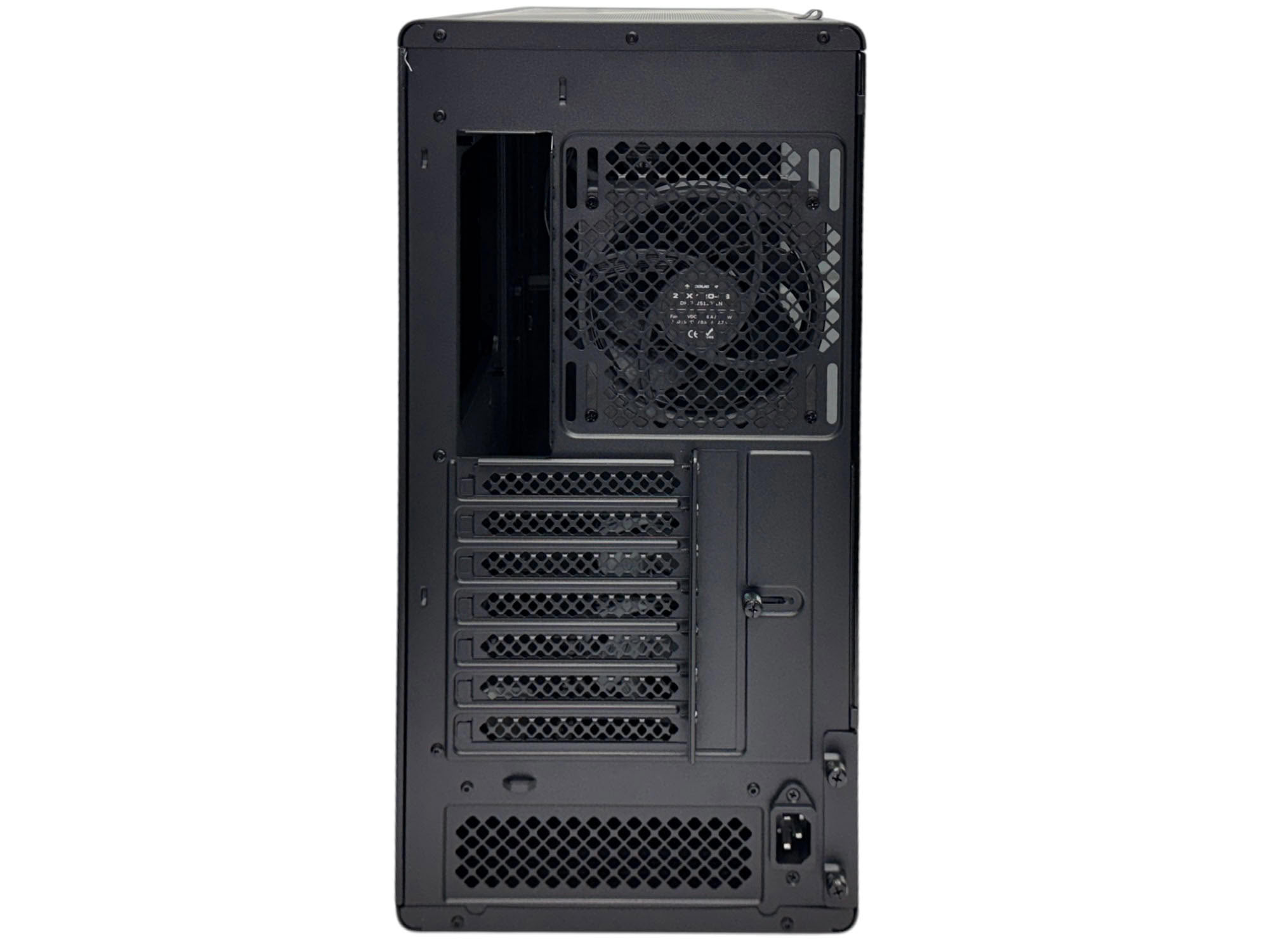
The case has two 140 mm RGB front fans covered by a removable mesh filter, and at the front is the glass panel that uses push pins to secure it and is easily removed, allowing air in from narrow vents at the side. The front panel includes an illuminated power button, RGB lighting button, combo audio jack, two USB 3.0 Type-A ports, and one USB 3.2 Gen 2x2 20 Gbps Type-C port. The rear of the case is mostly as you'd expect from a case at this price, but the interesting tweak is the lack of a PSU mount and instead an extension port, which is unusual in an otherwise normal ATX tower.
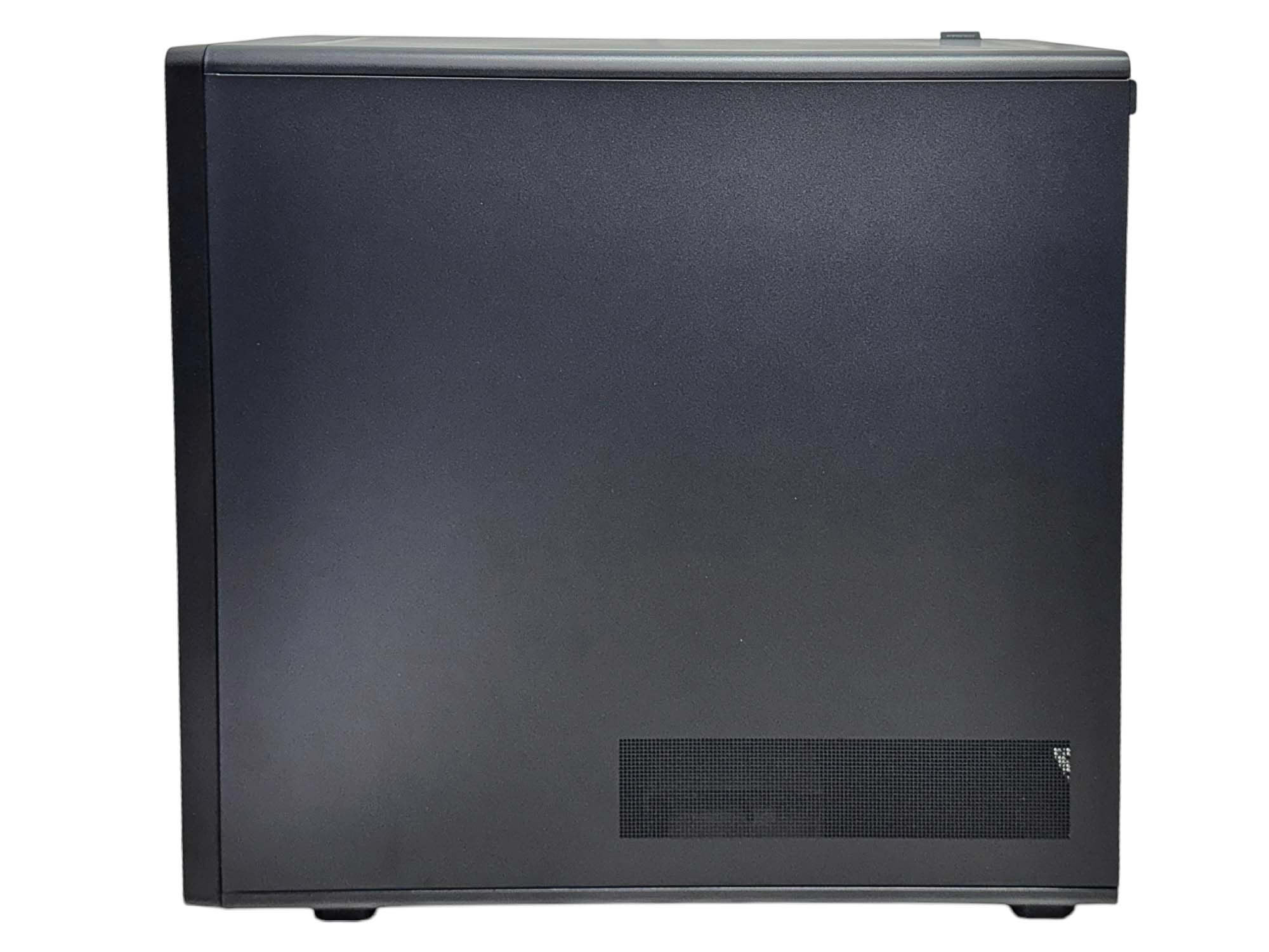
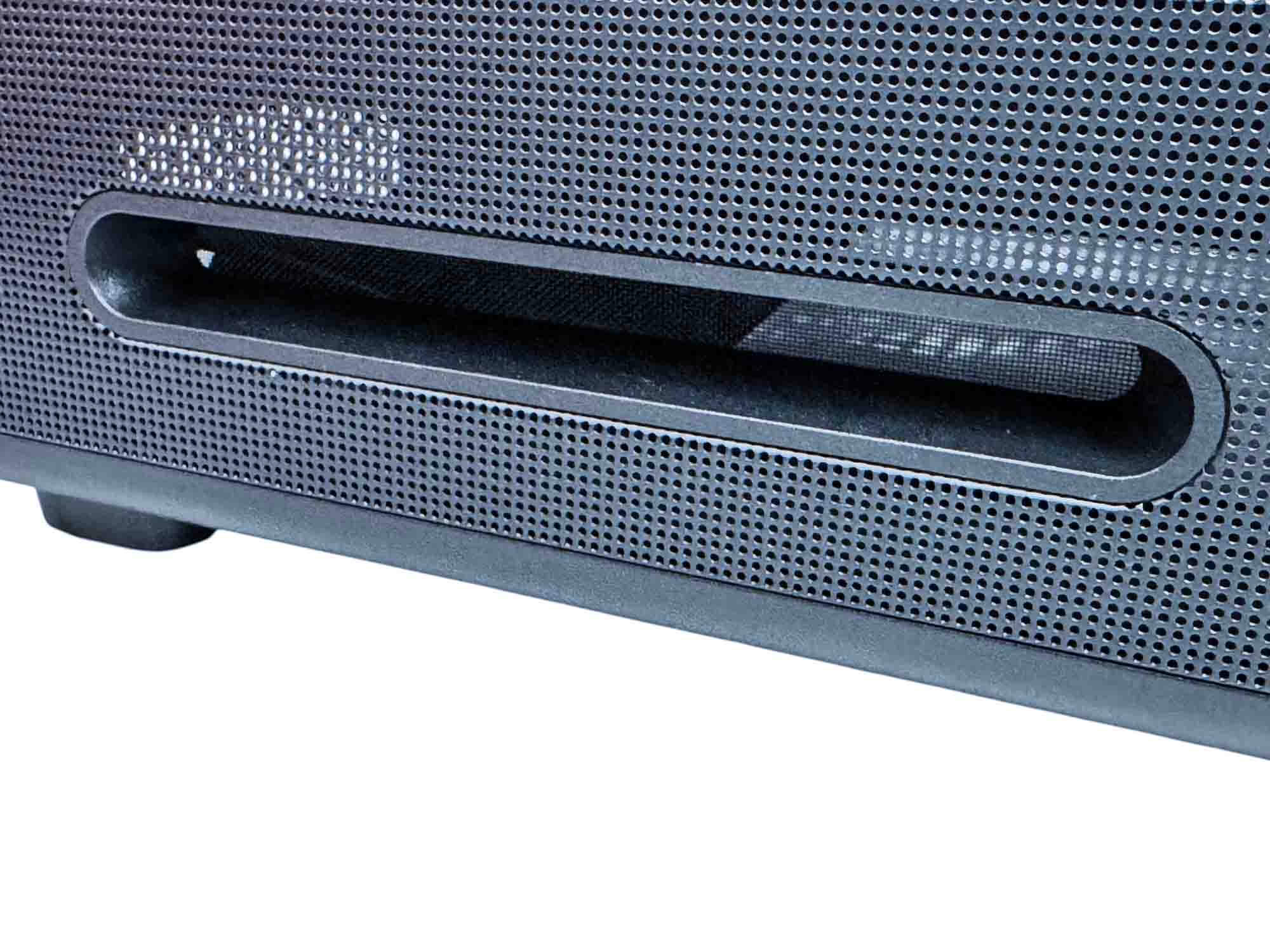
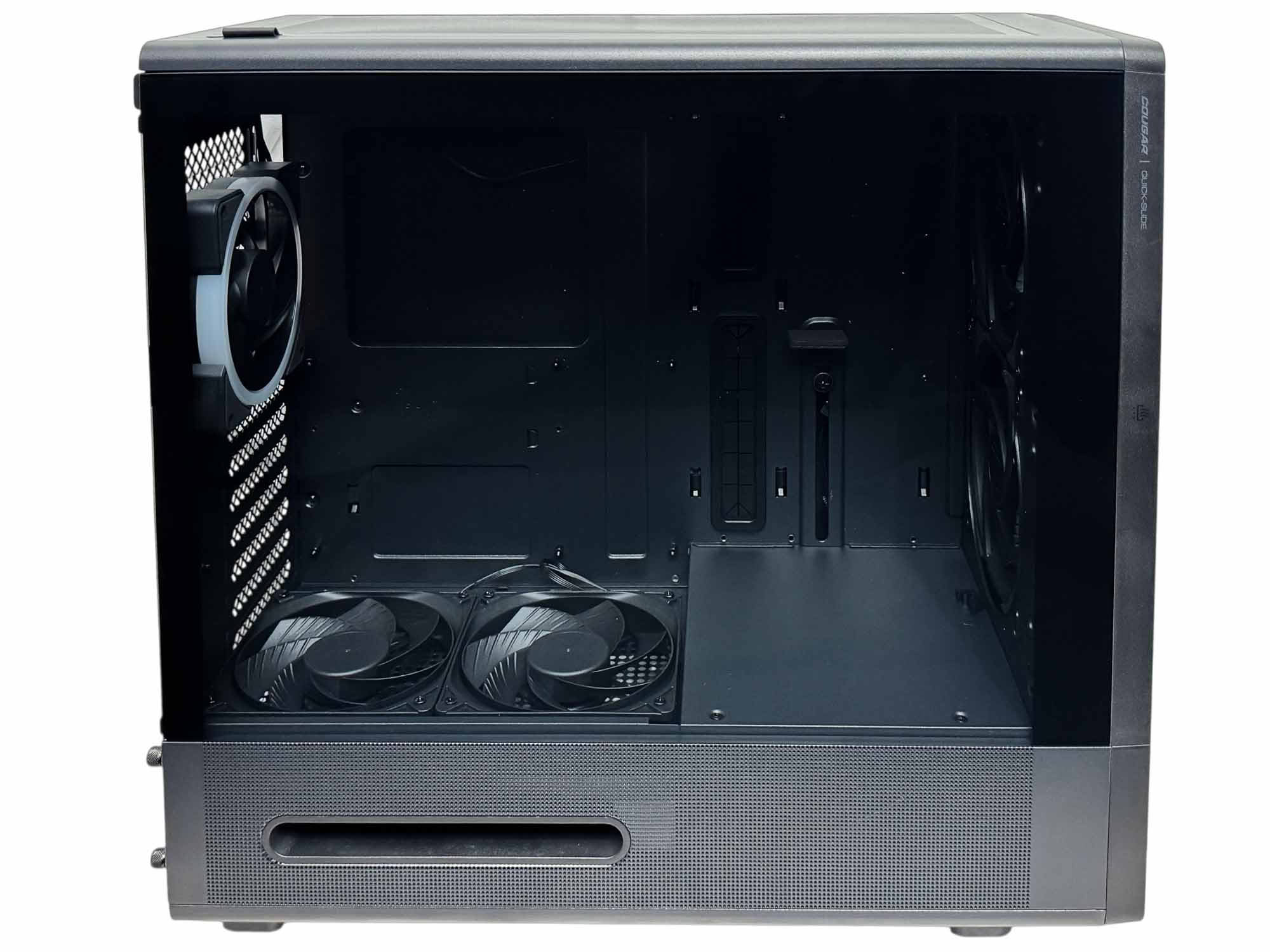
The far side panel is made from 1 mm thick steel sheet, and while it has flanged edges to boost rigidity, it's still quite flimsy. It's mostly featureless except for a small vent at the rear that sits in front of the storage area. It is likely there to complement the vent on the other side that feeds two 120 mm fans that blow air towards the GPU location. This cooling arrangement has seen Cougar move the PSU to the front of the case, prioritizing GPU airflow. We'll see if that decision has paid off later in the review. The glass panel is slightly tinted and gives an excellent view of the interior. Both panels use push-pins to secure them at the top but have latches for extra strength along the lower edges. At the bottom of the glass panel is an additional vent that's removable and allows further access to the PSU and storage areas, as things are quite tight down there.
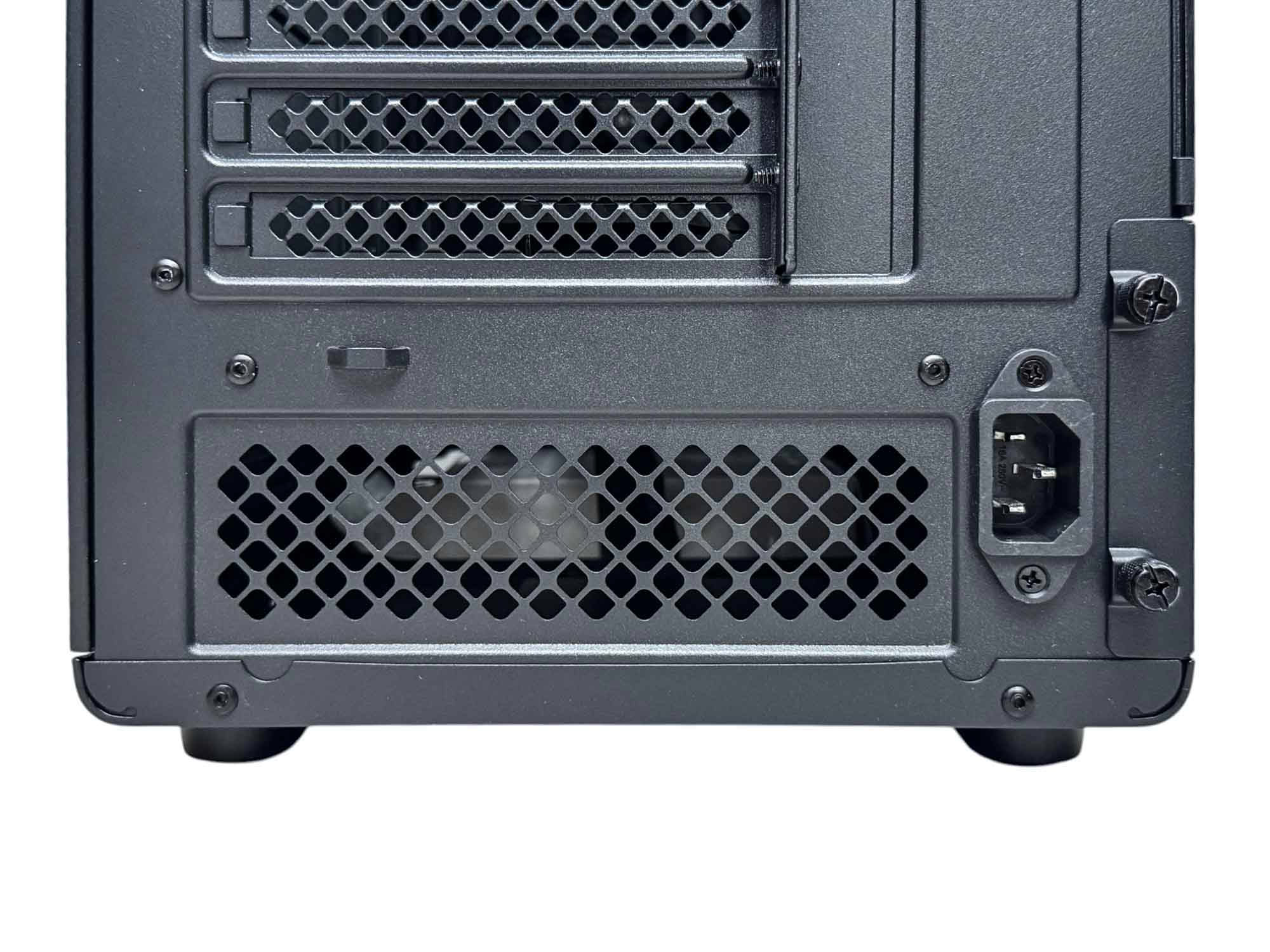
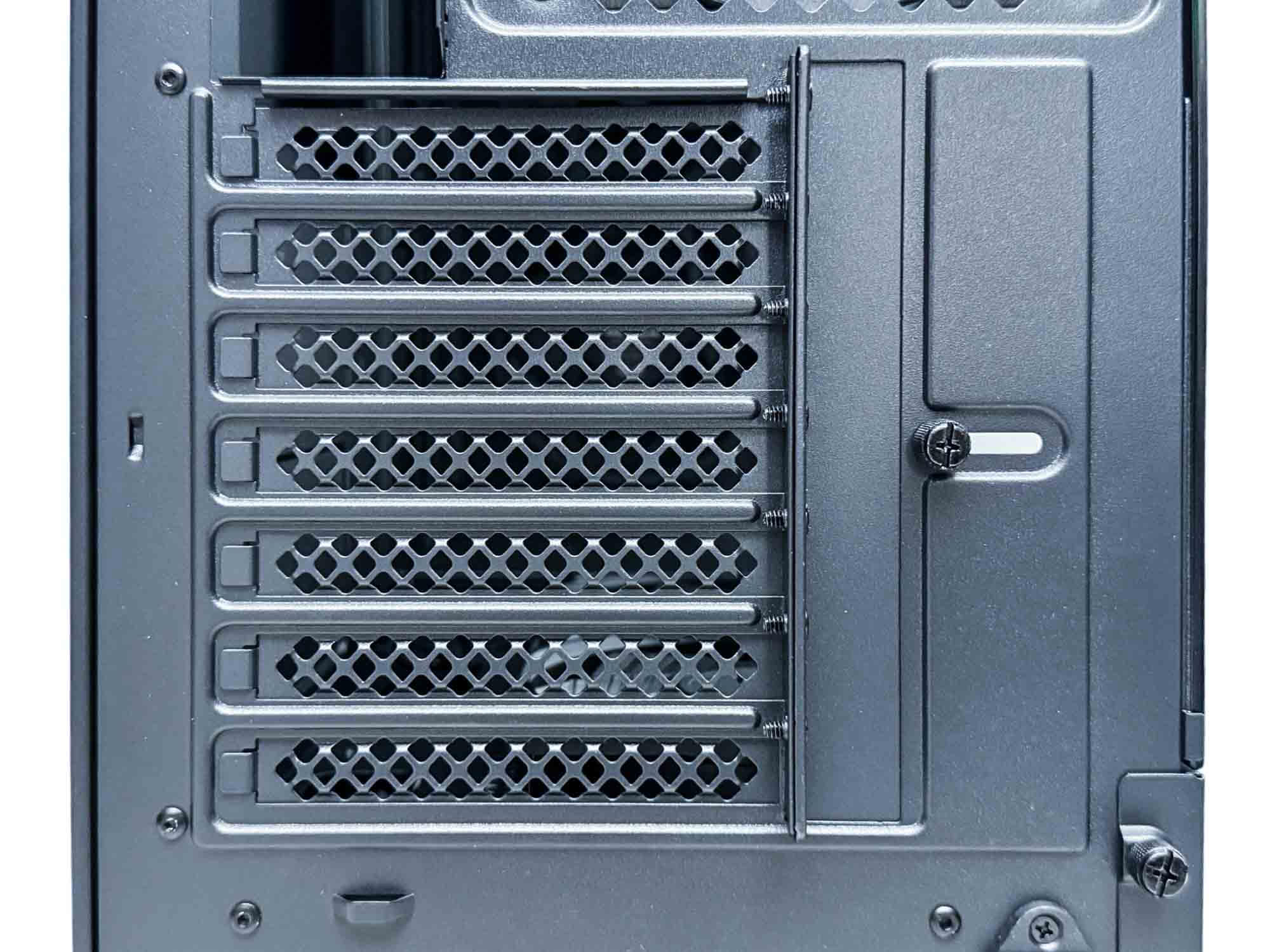
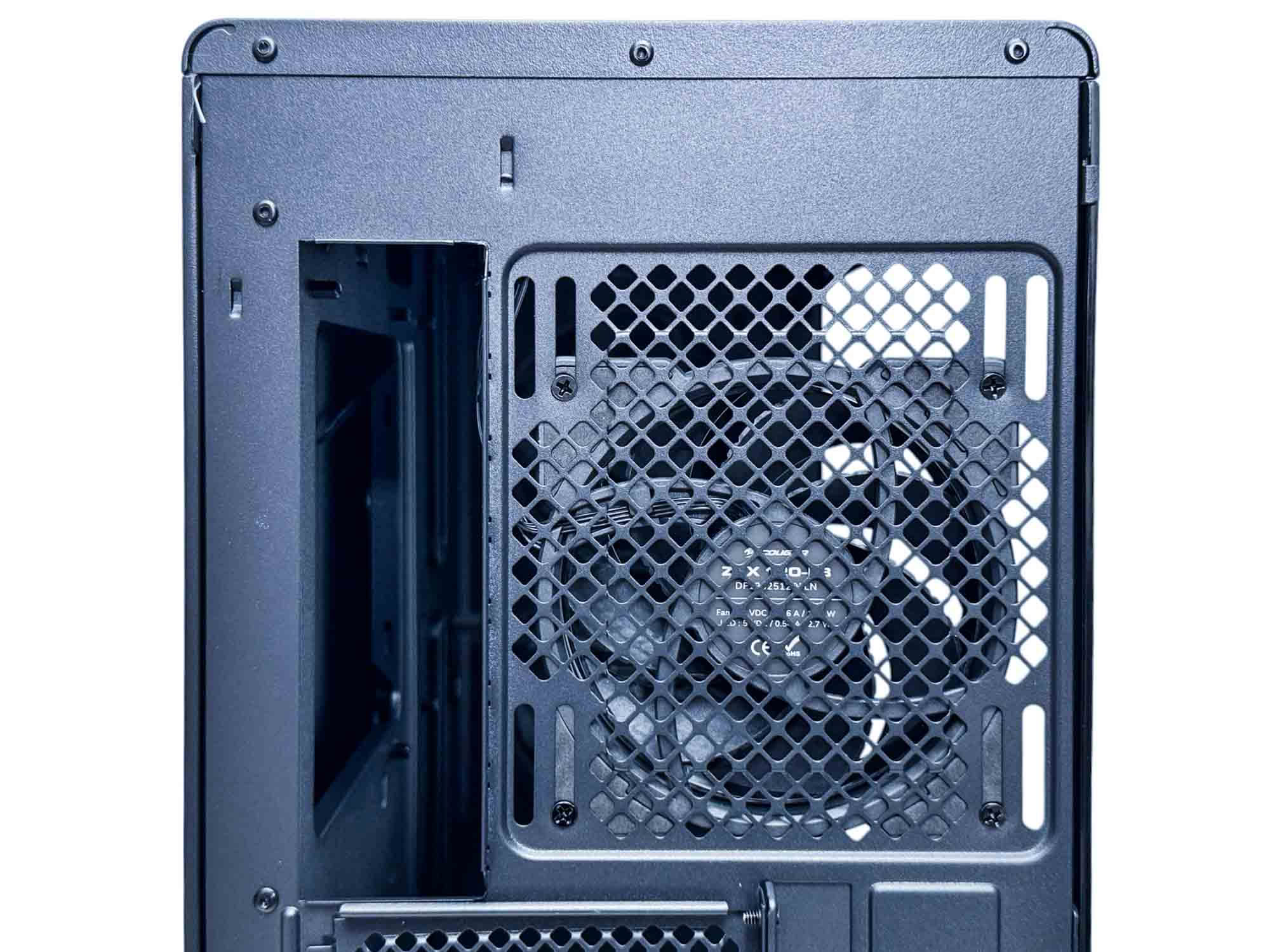
Yet another vent aiding the PSU cover fans is present at the rear of the case where the PSU would normally sit, along with an extension socket for the kettle lead. There are seven PCI expansion slots, with the covers all vented and devices benefitting from a security plate. The rear 120 mm fan sits in an adjustable mount that also supports 140 mm fans.
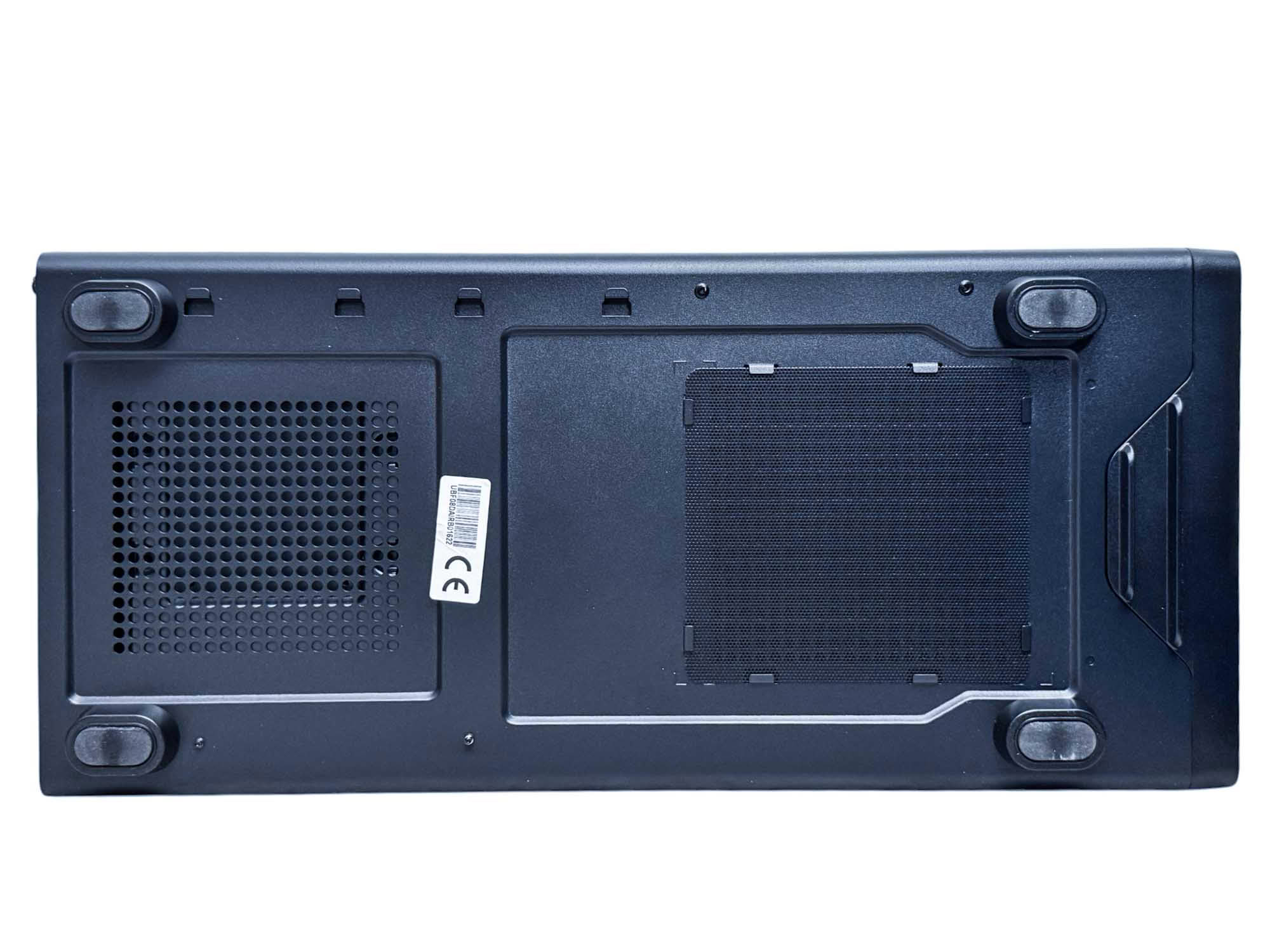
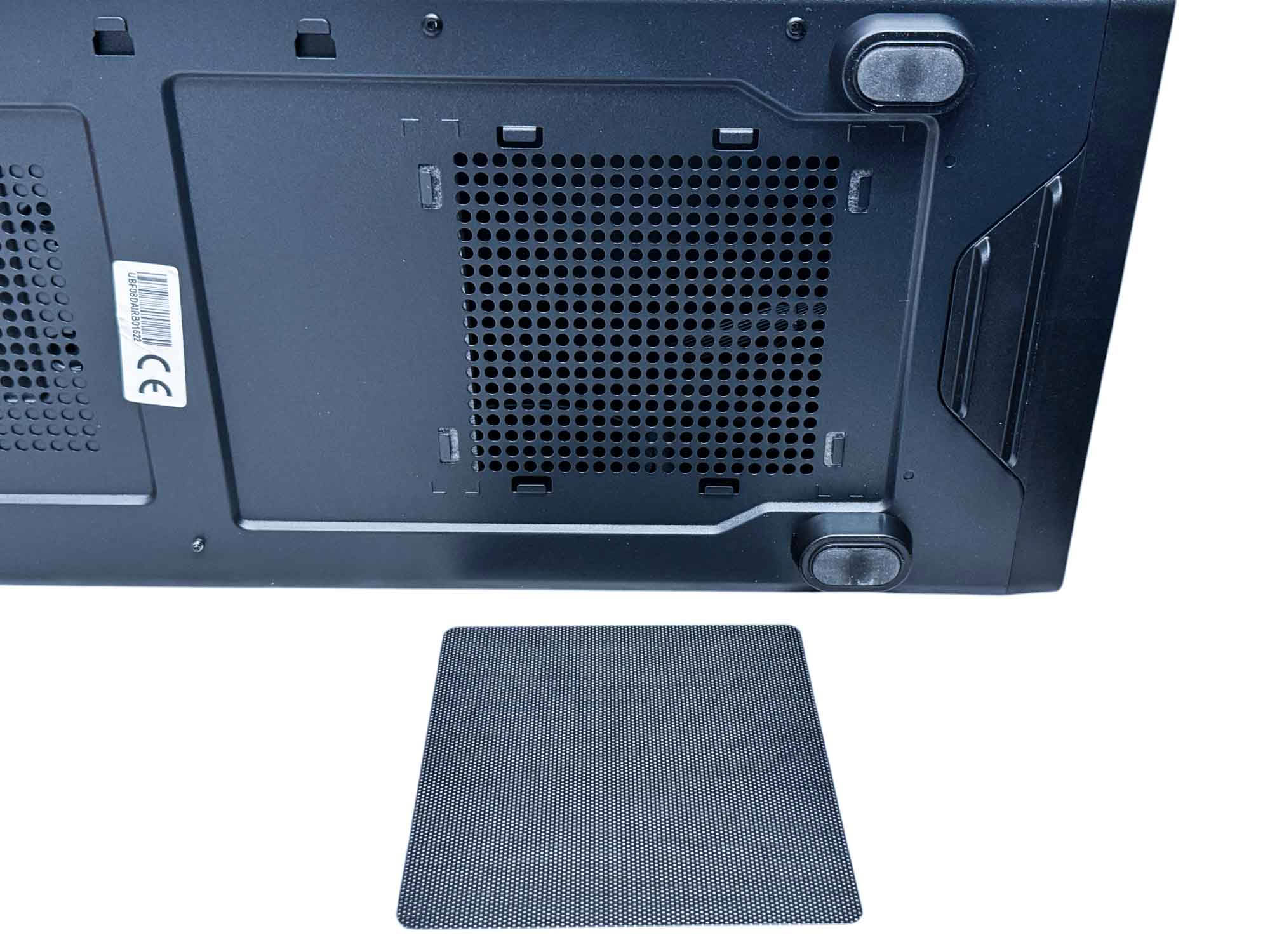
The PSU dust filter now sits at the front of the case and comprises a simple metal sheet that slides into place. Raising the case a little are four rubber tipped feet. Despite these, at just 46 cm tall the DUOAIR is very compact for an ATX tower case.
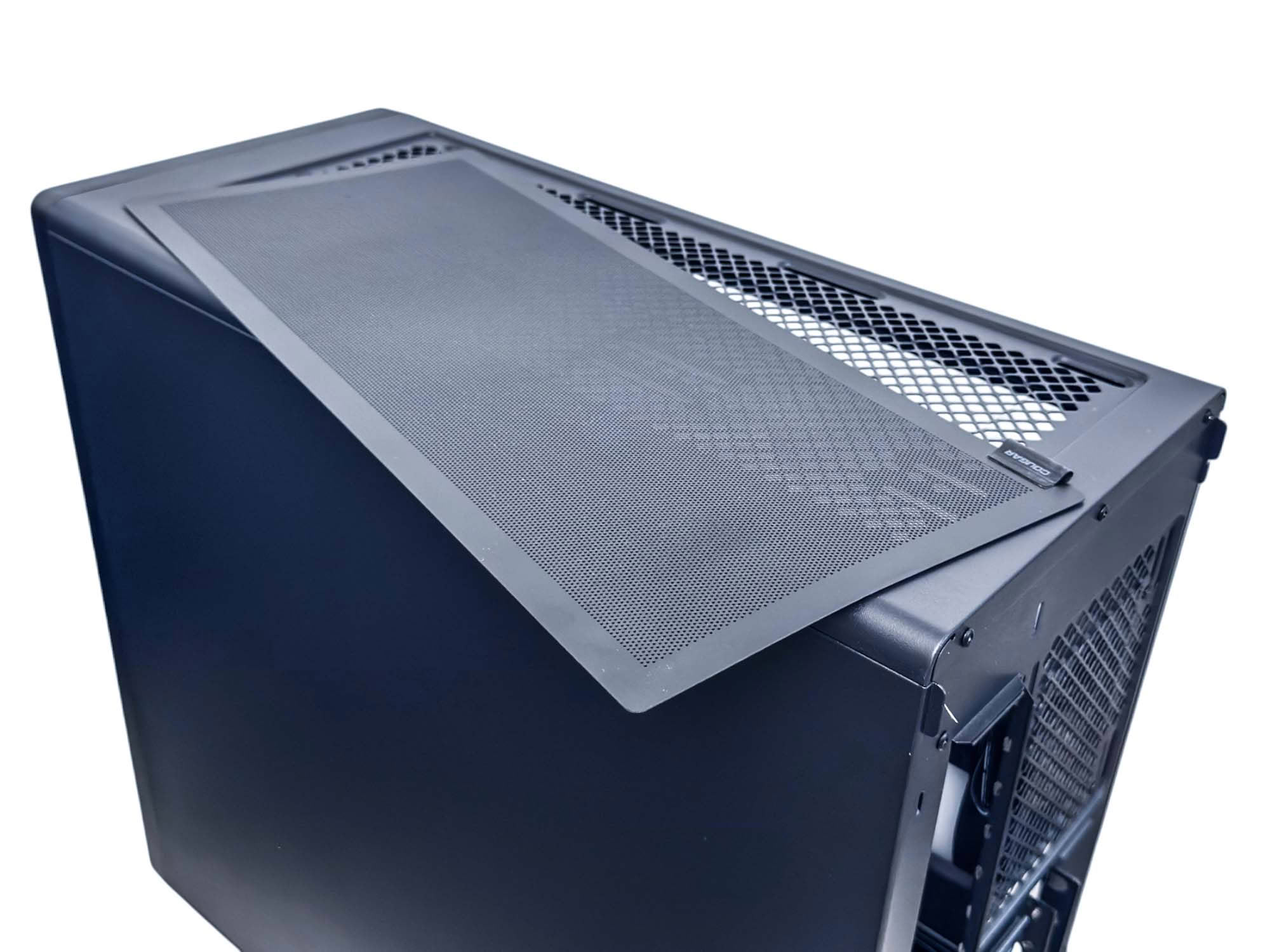
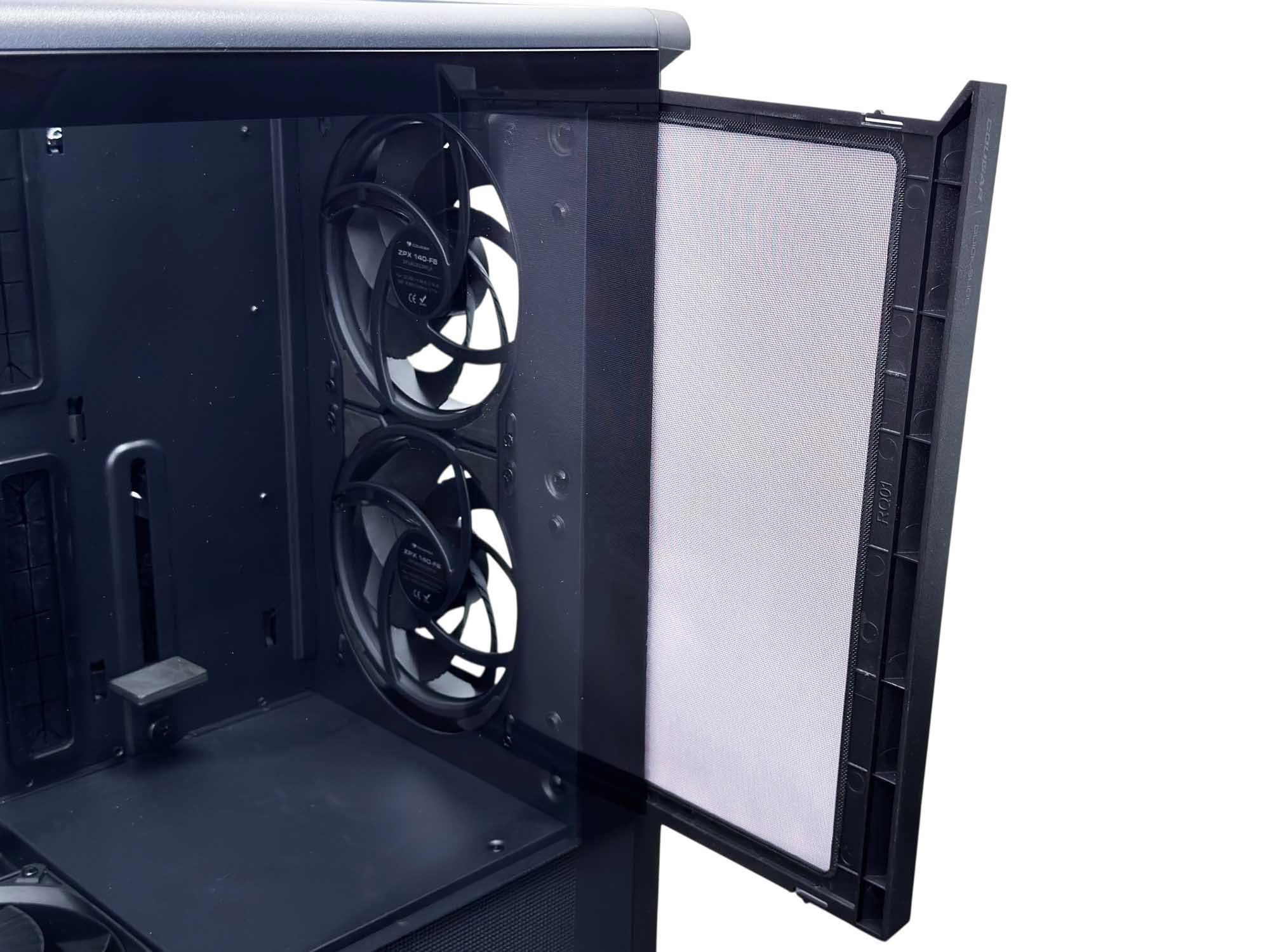
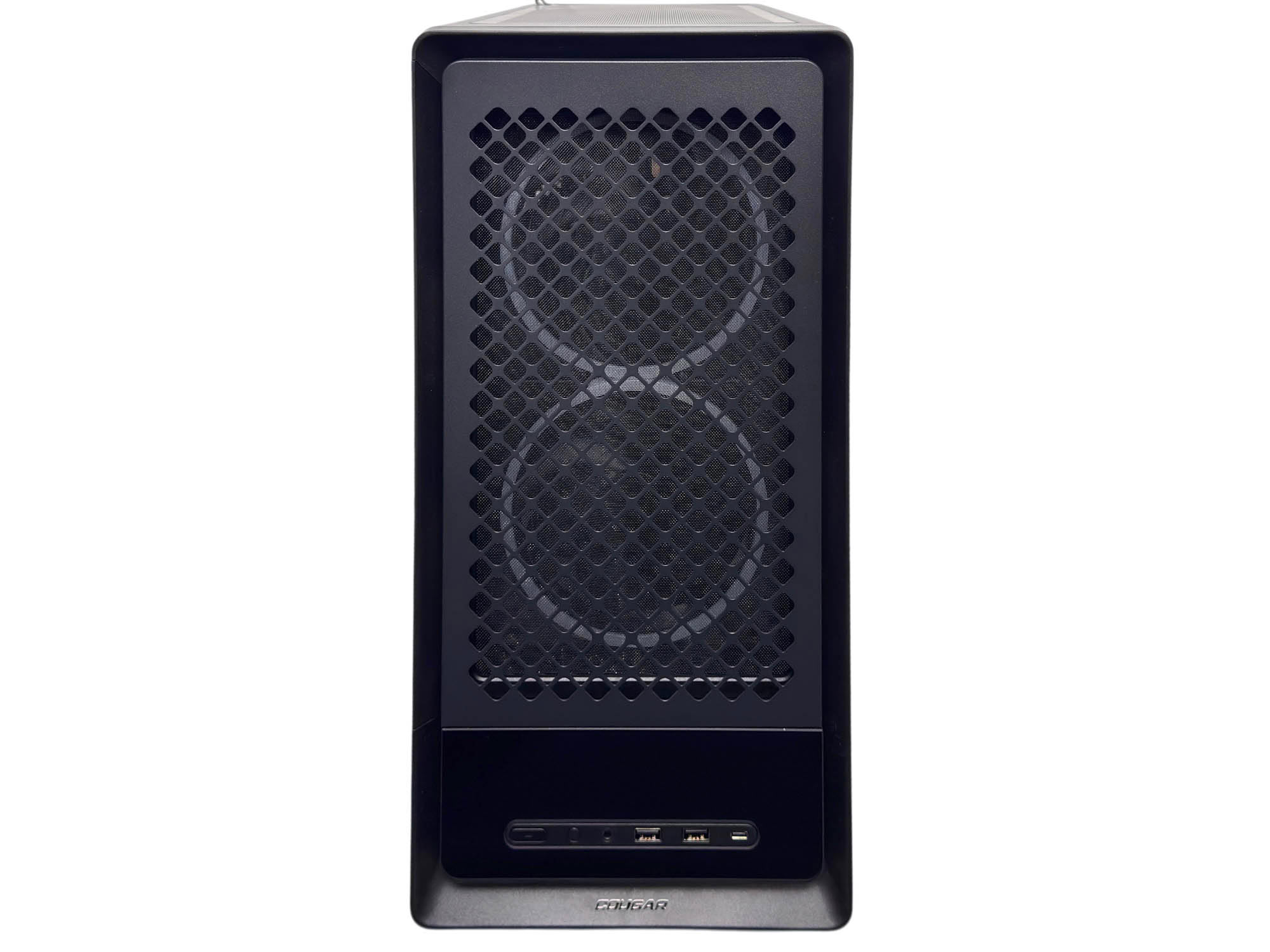
The roof dust filter is a simple magnetic flexible mesh with a small tag at one end for easier removal, which is handy as it sits neatly flush with the chassis. The front fans are protected by a pull-out side-mounted dust filter, with its edge making up a portion of the front panel rim, but the build quality here is such that you barely notice it's there. The dust filter is in place whichever front panel you decide to use. The mesh panel included with the case is there for those that want maximum airflow; it can quickly slot into place while maintaining a decent view of the RGB fans behind it.
Nov 24th, 2026 17:34 CST
change timezone
Latest GPU Drivers
New Forum Posts
- Which ryzen am5 cpu ? (208)
- X79 and/or rampage IV OC'ing thread for those of us still left.... (2453)
- The time has come to upgrade...my desktop (8)
- {NA} 2026 Black November prices / deal (1)
- Help finding Xbox Series X manual fan controller. (0)
- WireView Pro II GPU Alignment: Wired | Variant: Black (7)
- AMD ULL settings tinkering thread - post settings and Zen pics (89)
- Your PC ATM (36500)
- Linpack Xtreme Released (510)
- Asus ROG Strix XG27AQWMG compared to XG27AQWMG-R what changed? (0)
Popular Reviews
- Microsoft Surface Laptop Ultra Review - The Next-gen Arm Laptop
- ASRock X870E Challenger Wi-Fi White Review
- Upcoming Hardware Launches 2027 (Updated Nov 2026)
- Corsair RM1200e (Second Generation) Review
- AMD Ryzen 7 9800X3D Review - The Best Gaming Processor
- VZMORE AX9 Max Review
- AMD Zen 6 Technical Deep Dive
- AMD Ryzen 7 7700X3D Review
- Pulsar Office Tour & First Look at P1 Dual-Sensor Mouse
- Phantom Blade Zero Performance Benchmark Review - 35 GPUs Tested
TPU on YouTube
Controversial News Posts
- Jensen Huang Reinstated as CEO of NVIDIA (525)
- NVIDIA Co-Founder and CEO Jensen Huang Officially Resigns (492)
- Report: Jensen Huang Eyes NVIDIA Comeback (281)
- Open Letter Asking NVIDIA to Reinstate Jensen Huang Passes 115,000 Signatures (184)
- OpenAI CEO Argues Home PCs Waste the World's Limited DRAM Supply (152)
- NVIDIA Launches Investigation Into Jensen Huang's Relationship With Suspected Chinese Spy (136)
- Intel "Raptor Lake Next" 16-Core and 20-Core CPUs Surface (130)
- Intel Razor Lake Gets a 12 P-Core bLLC Chip With No E-Cores, Per Leak (93)