 5
CPS PCCOOLER F7 X120 ARGB Fan Review
(5 Comments) »Introduction

CPS PCCOOLER may be a mouthful to say and type, although it is still shorter than Shenzhen Fluence Technology PLC—the parent company behind the brand, which was established in 2005 and has a rich history of various electronic products. LEDs happen to be a specialization of the company, and its venture into the PC DIY market has thus naturally included the use of RGB LEDs where it makes sense. We have seen a few different CPS PCCOOLER products here on TechPowerUp before, and today we examine one of its newer fans in more detail.
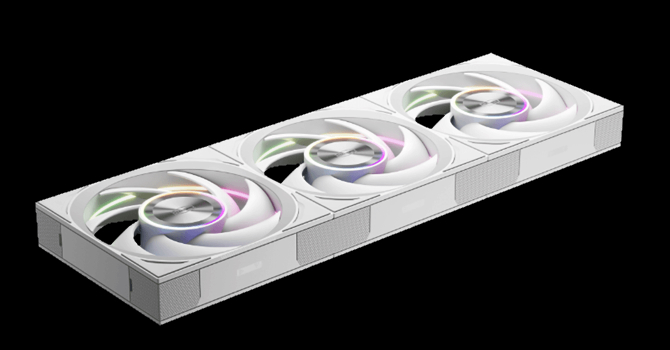
The current PC fan market likely has more RGB offerings than those without any LEDs whatsoever. We have seen several years of fans coming with a few LEDs in the hub, to those that have over 40 LEDs per fan capable of triggering epilepsy in those afflicted. The inclusion of RGB LEDs allows for easier customization of lighting in your PC build, allowing you to color coordinate with the rest of your components. Given that fans tend to be the most used in any build in terms of number of individual units on offer, it also makes sense to get the same kind of fan wherever applicable. Using these fans for case airflow is a non-concern, and it is with more restrictive water cooling radiators and dual tower air coolers that higher performance fans are more beneficial. CPS PCCOOLER says the topic of this review—the F1 X120 ARGB fan—does not sacrifice performance at the expense of lighting. It also boasts clean daisy-chaining, three RPM modes, and multiple methods of fan and LED control, in addition to being offered in two different colors. Thanks to the company for providing review samples to TechPowerUp, and let's begin with a look at the product specifications in the table below.
Specifications
| CPS PCCOOLER F7 X120 ARGB | |
|---|---|
| Dimensions: | 120 x 120 x 28 mm |
| Rated Speed (H mode): | 500-3000 RPM +/-10% |
| Maximum Airflow (H mode): | 83 CFM (141 m³/h) |
| Noise (H mode): | 33.1 dBA |
| Static Pressure (H mode): | 5.7 mm H₂O |
| Fan Control: | 4-pin PWM control + 3-pin LED control |
| Current Draw (H mode): | 0.38 A (fan) + 0.75 A (LEDs) peak |
| Warranty: | Five years |
Packaging and Accessories


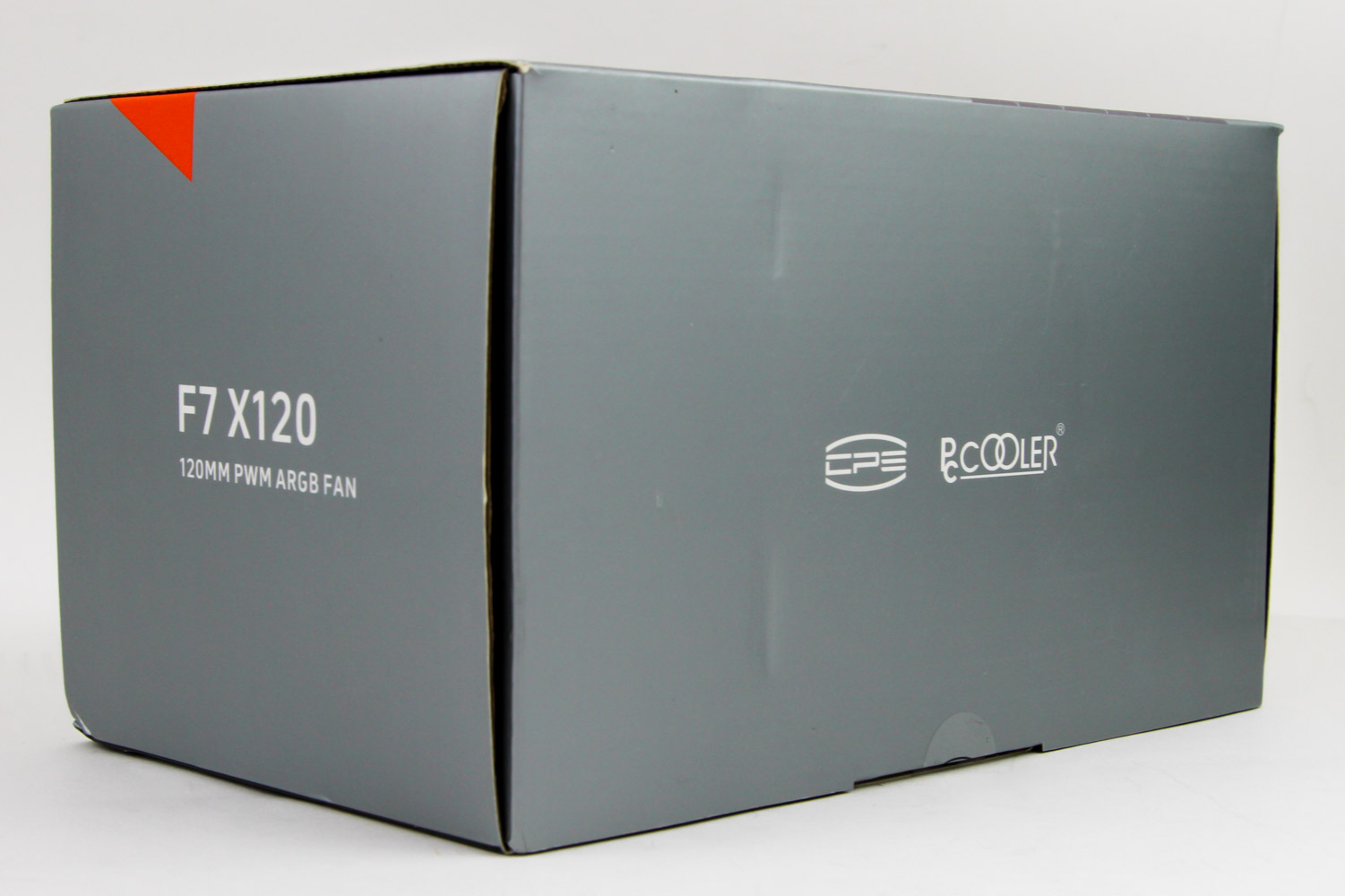
CPS PCCOOLER makes the F7 X120 ARGB 120 mm fans available as a single pack or a triple pack and I have the latter here. It ships in a large, rectangular cardboard box adorned with plenty of branding and illustrations. On the front is the brand logo and product name along with a render of the fans lit up in both color options. The product specs are on the back, with more branding on the sides. A sealed flap helps keep the contents safely in place on their way to you.
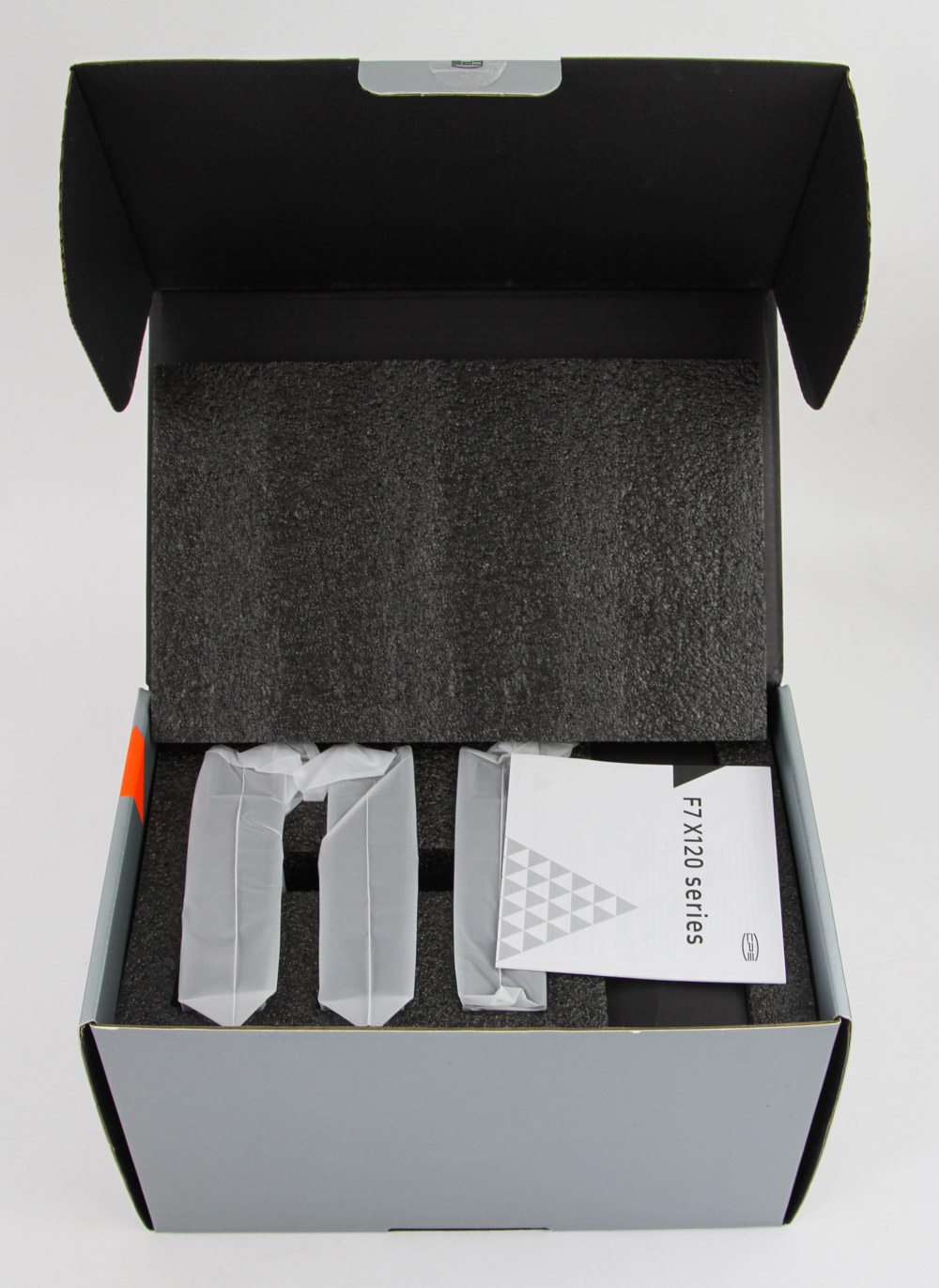
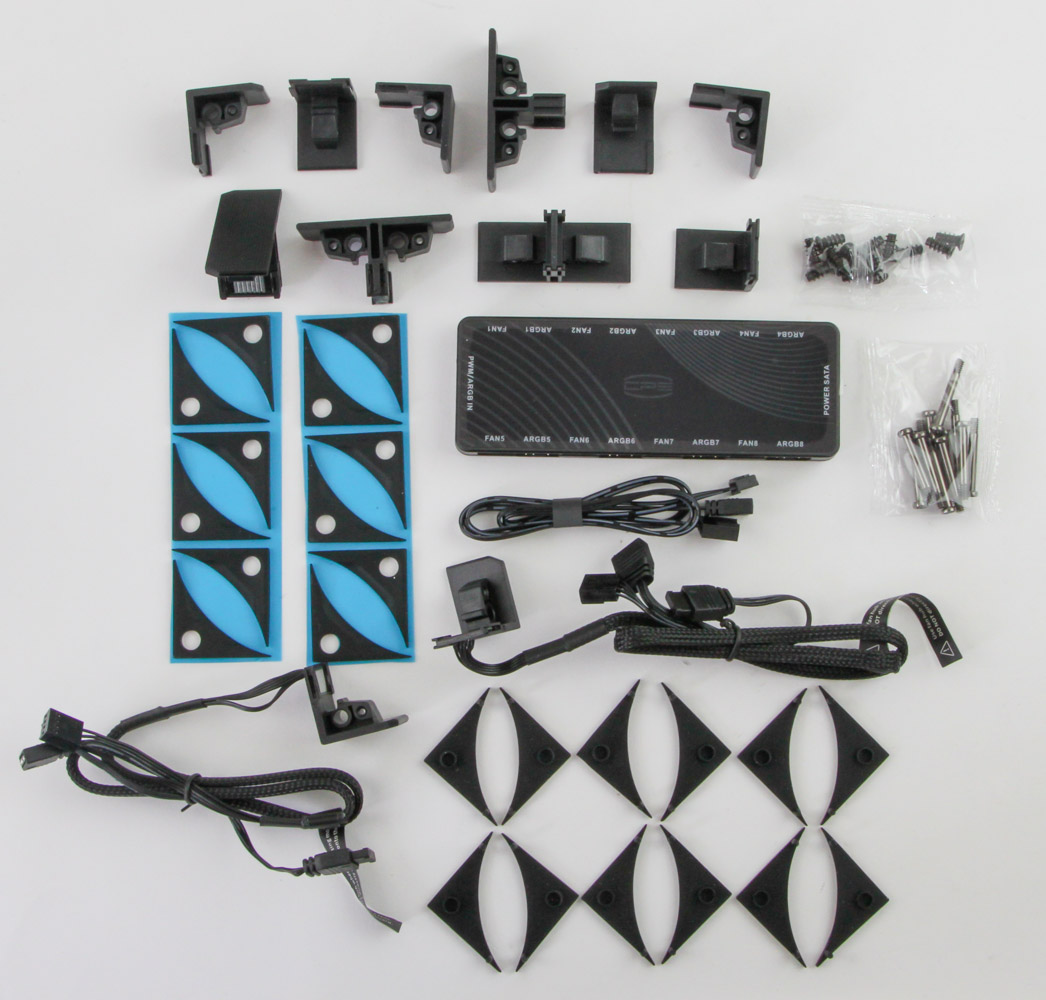
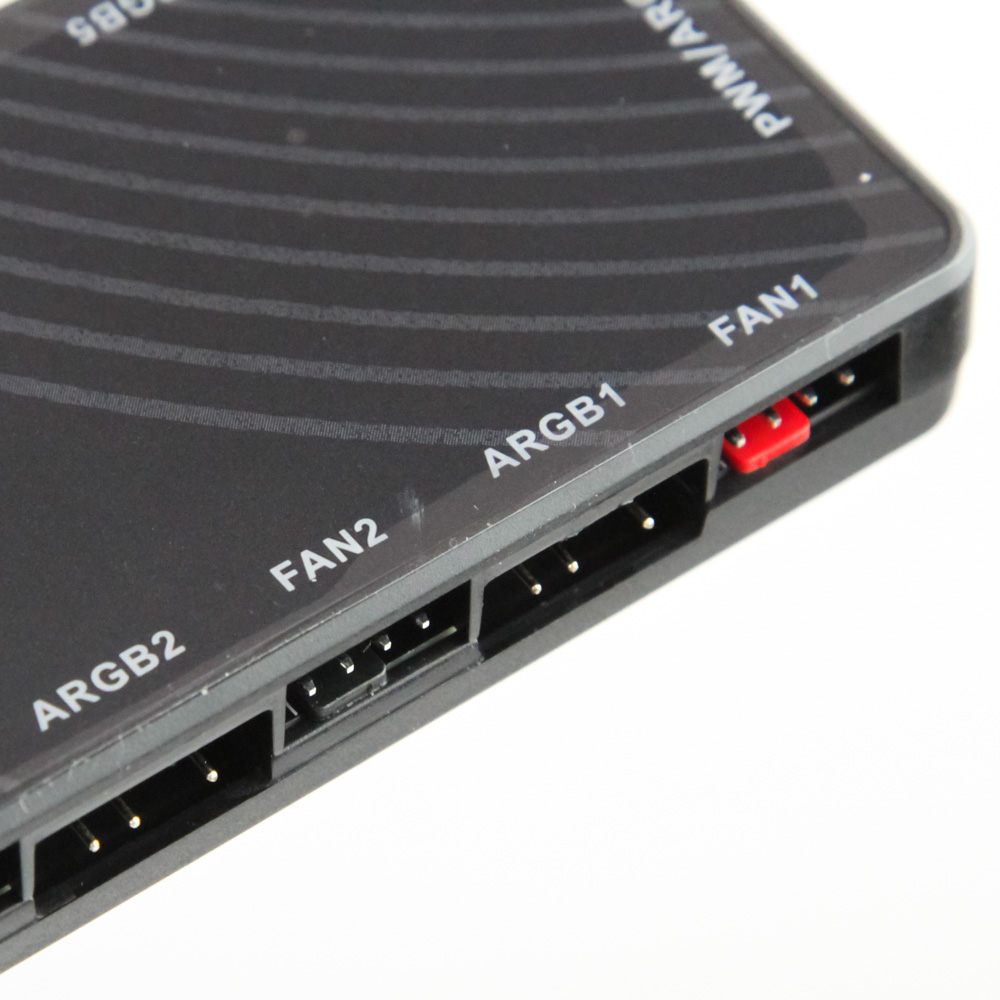
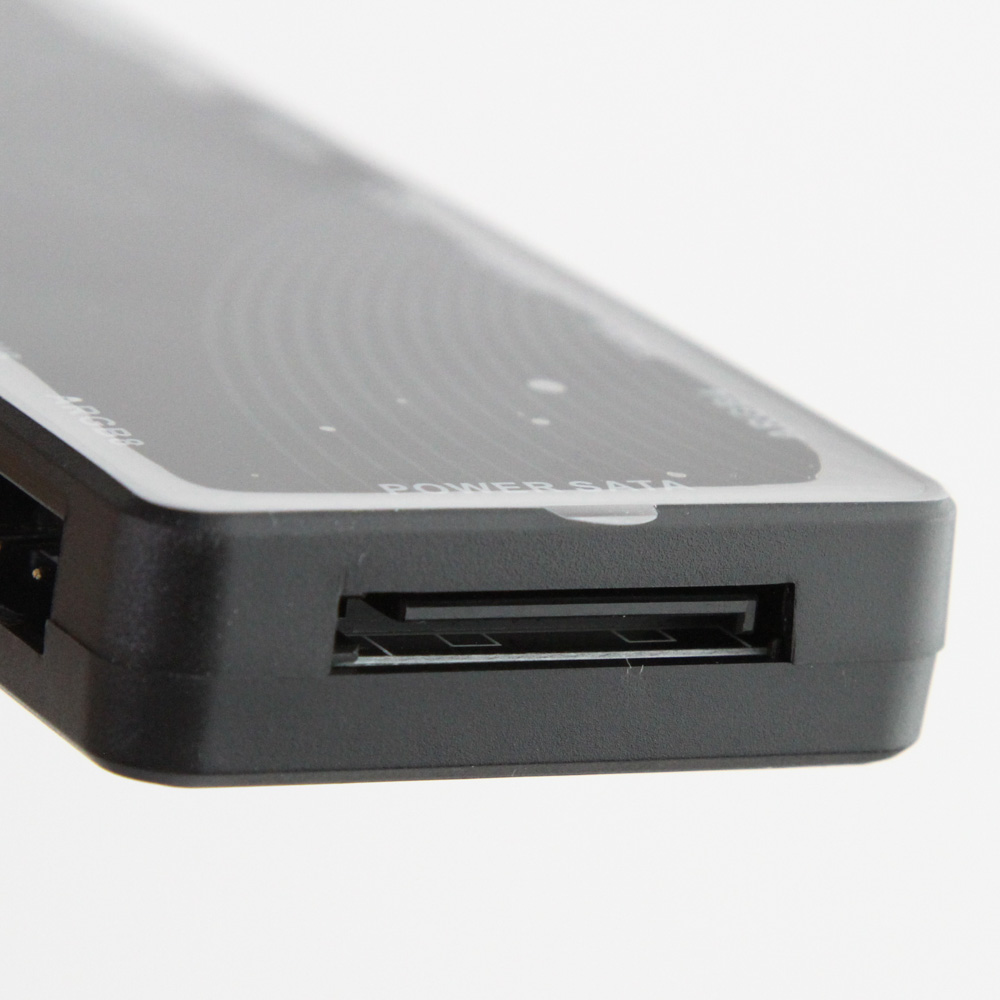
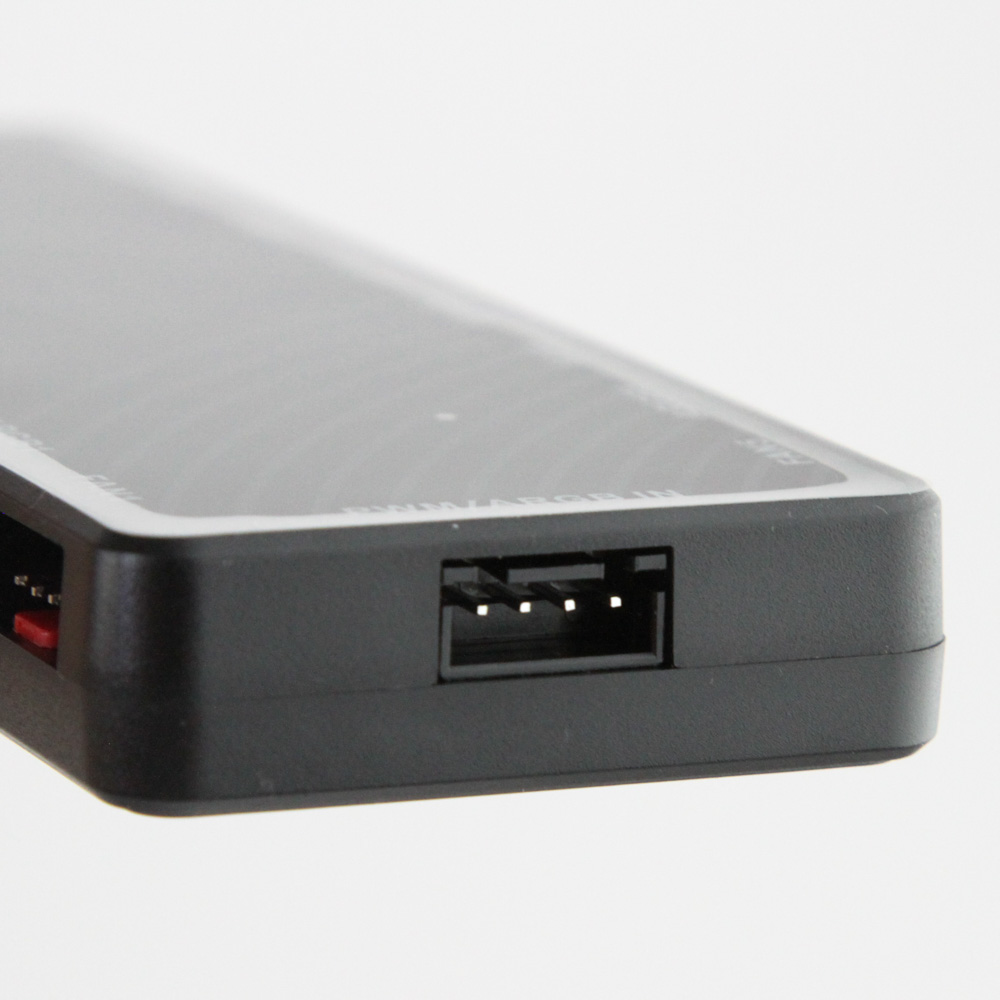
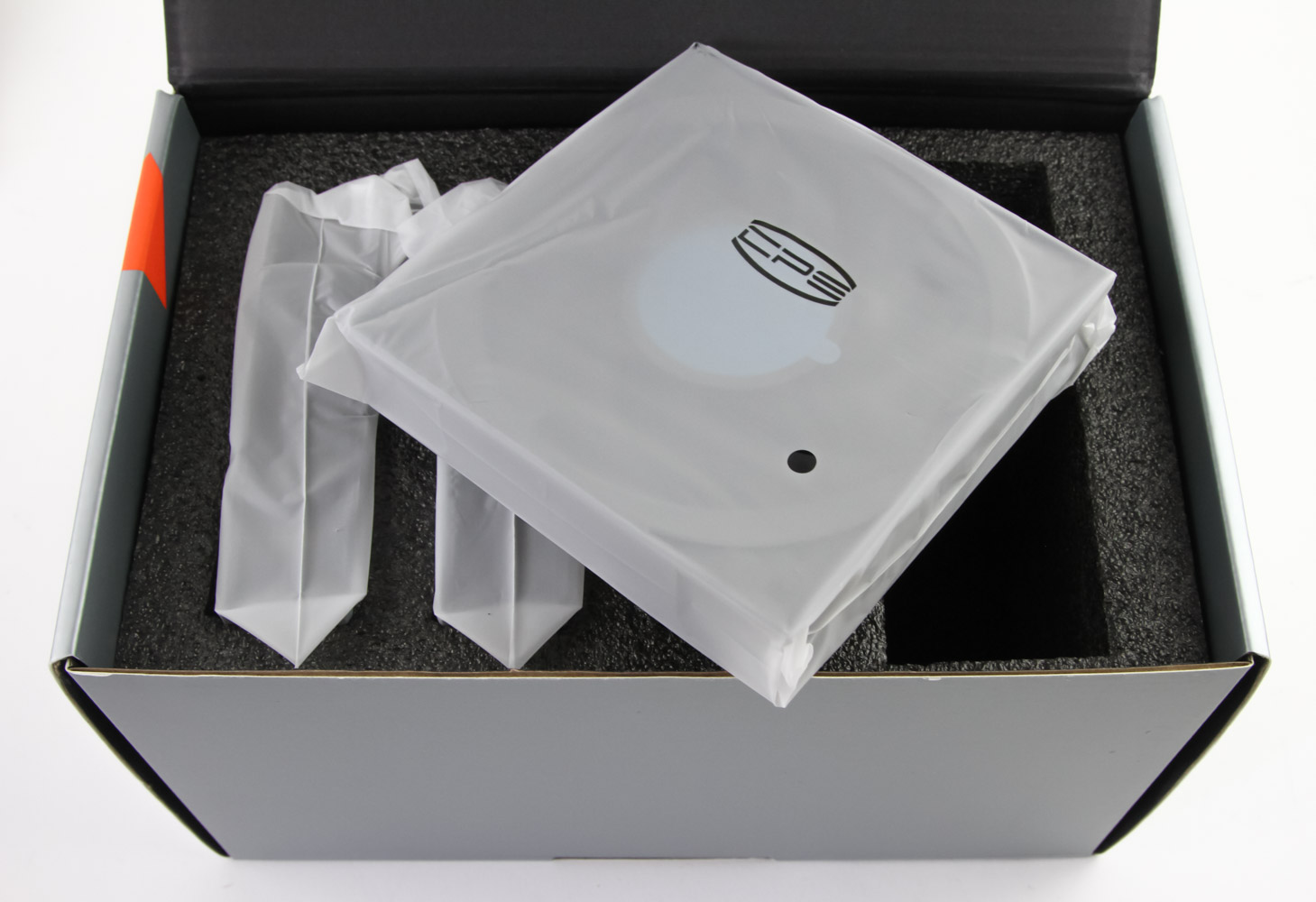
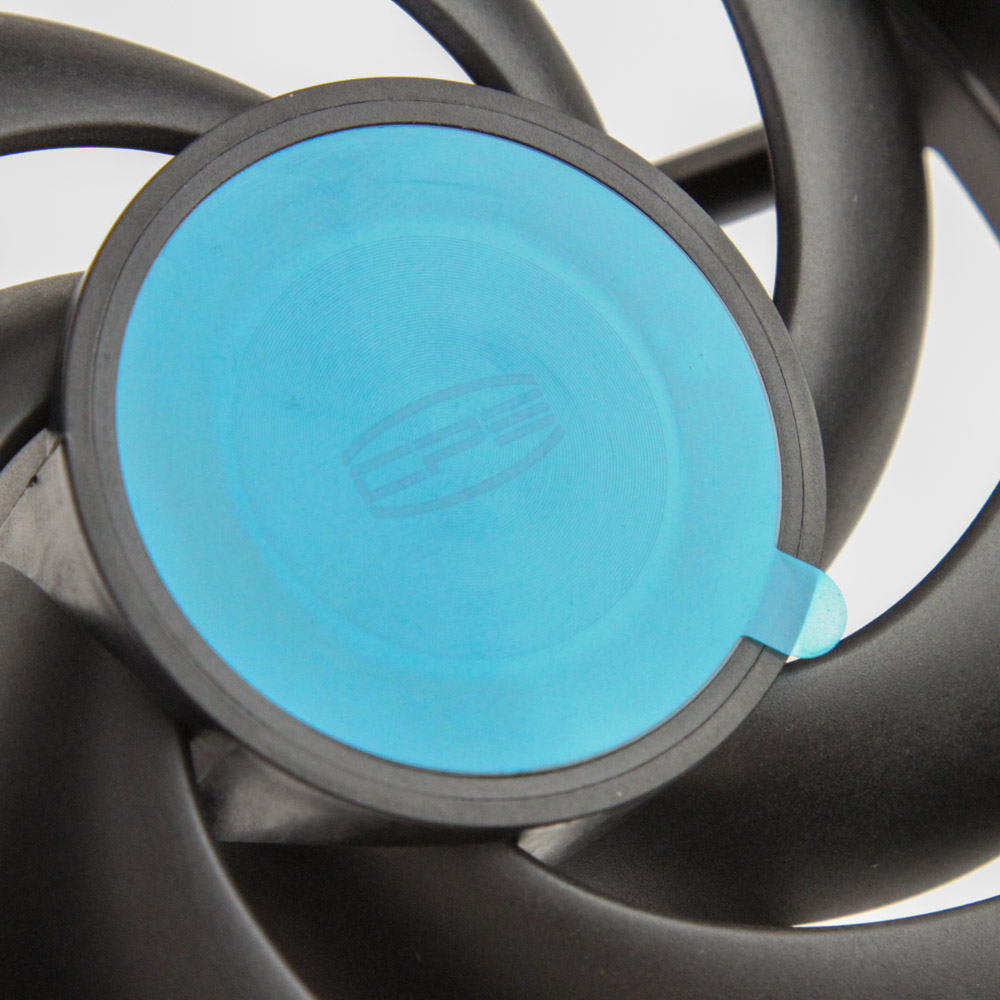
Opening the box reveals thoughtful packaging with plenty of thick foam all around. There is a separate accessory box with a wealth of contents to the side as seen above. These include short metal screws as usual, but also what look to be UNC 6–32 screws that are 28 mm long and with a countersunk head to help use these thicker than average fans with typical AIO radiators. If you use a radiator with another type of tapping, you will need to provide your own screws. We also get silicone rubber corner pads that come sealed and with a hole punched out, depending on the side you are going to use them on, as well as a plethora of connectors to help fit multiple fans together—more on this later. There are also two cables that help power and control the fans, and this triple pack comes with a fan hub with its own input cable too. It takes full size SATA power and does both fan RPM and LED control via the input cable that goes to your motherboard. We do not get double-sided tape to help install the controller behind the motherboard tray or in an accessible spot on the front though. The three fans come individually packed in a thin plastic wrap and there is a protective sticker on the front hub to peel off before you can use the fans.
Our Patreon Silver Supporters can read articles in single-page format.
Nov 25th, 2026 08:09 CST
change timezone
Latest GPU Drivers
New Forum Posts
- Ryzen Owners Zen Garden (8566)
- WarpCoreBench scores! (104)
- Increasing Power Limit? (34)
- Sexy Hardware Close-Up Pic Clubhouse. (10344)
- {NA} 2026 Black November prices / deal (6)
- Smokin Hot Lappy (1)
- What is the latest game you finished or 100% (205)
- The time has come to upgrade...my desktop (20)
- Can you guess Which game it is? (358)
- Without Jensen, PC gaming will be (59)
Popular Reviews
- ASRock X870E Challenger Wi-Fi White Review
- Microsoft Surface Laptop Ultra Review - The Next-gen Arm Laptop
- VZMORE AX9 Max Review
- Upcoming Hardware Launches 2027 (Updated Nov 2026)
- AMD Ryzen 7 9800X3D Review - The Best Gaming Processor
- AMD Zen 6 Technical Deep Dive
- Corsair RM1200e (Second Generation) Review
- Phantom Blade Zero Performance Benchmark Review - 35 GPUs Tested
- Pulsar Office Tour & First Look at P1 Dual-Sensor Mouse
- Ocypus lota P1000 Review
TPU on YouTube
Controversial News Posts
- Jensen Huang Reinstated as CEO of NVIDIA (555)
- NVIDIA Co-Founder and CEO Jensen Huang Officially Resigns (492)
- Report: Jensen Huang Eyes NVIDIA Comeback (281)
- Open Letter Asking NVIDIA to Reinstate Jensen Huang Passes 115,000 Signatures (184)
- OpenAI CEO Argues Home PCs Waste the World's Limited DRAM Supply (152)
- NVIDIA Launches Investigation Into Jensen Huang's Relationship With Suspected Chinese Spy (136)
- Intel "Raptor Lake Next" 16-Core and 20-Core CPUs Surface (130)
- Intel Razor Lake Gets a 12 P-Core bLLC Chip With No E-Cores, Per Leak (94)