 36
Crimson Desert Performance Benchmark Review - 30+ GPUs Tested
(36 Comments) »Introduction
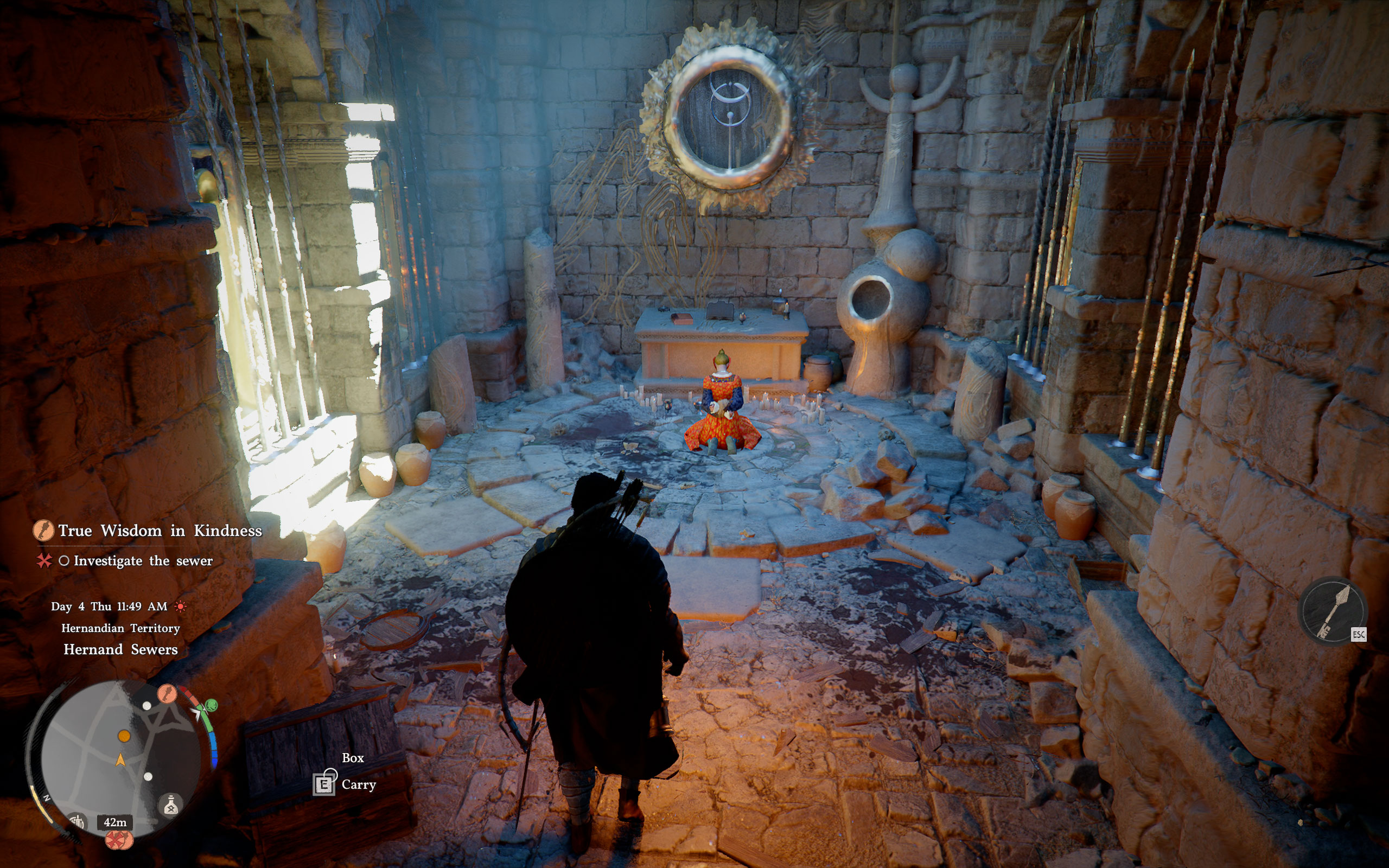
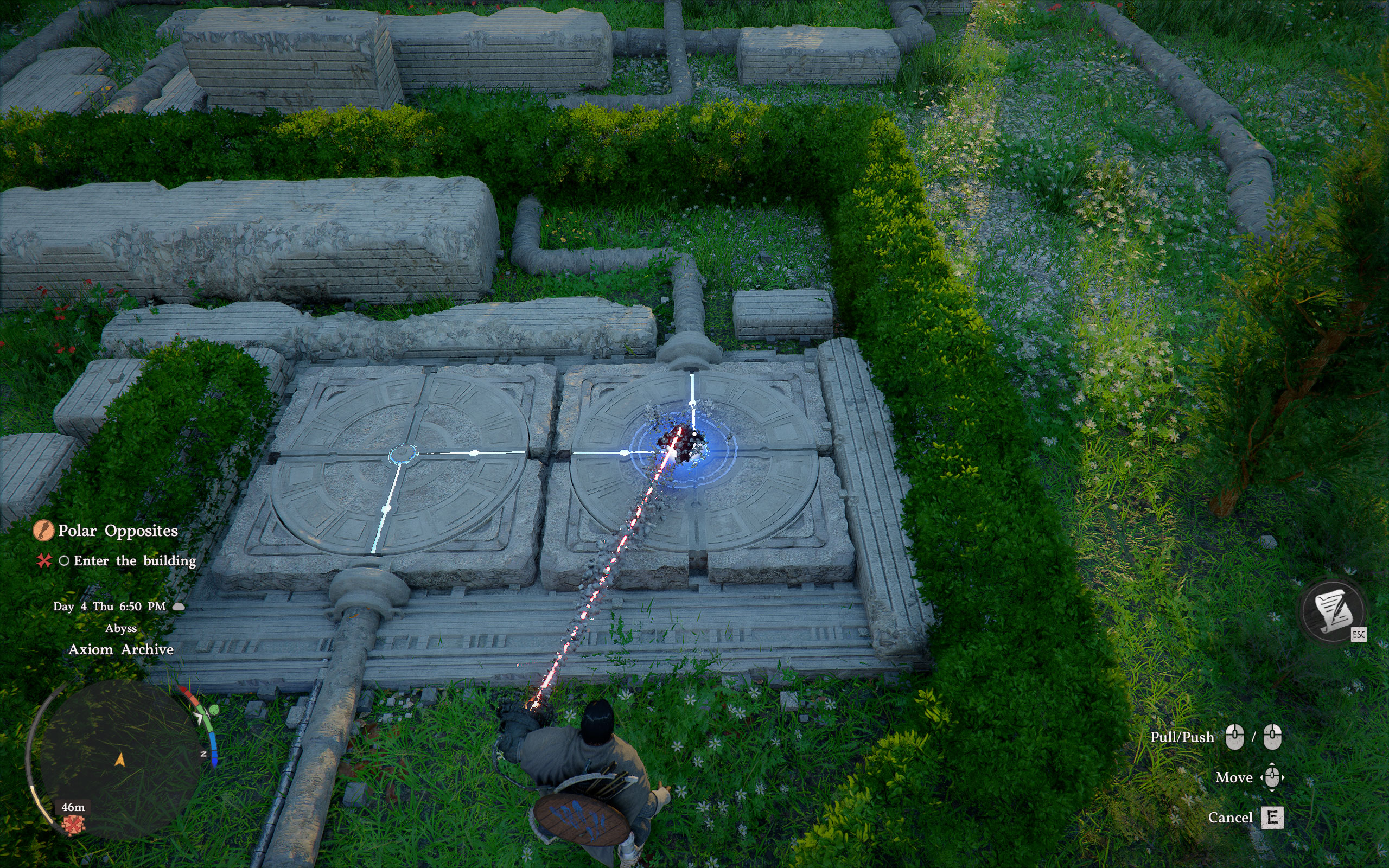
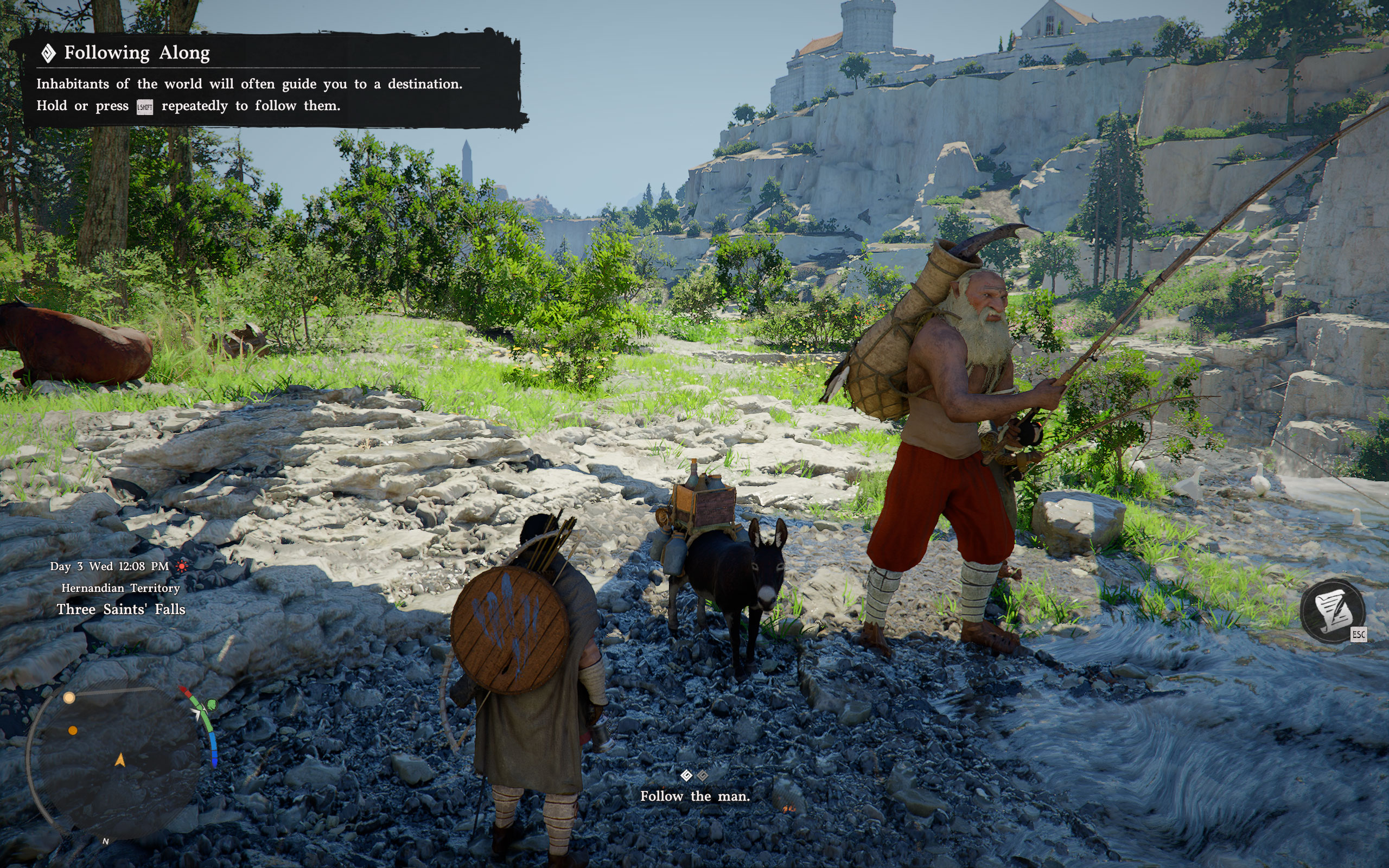
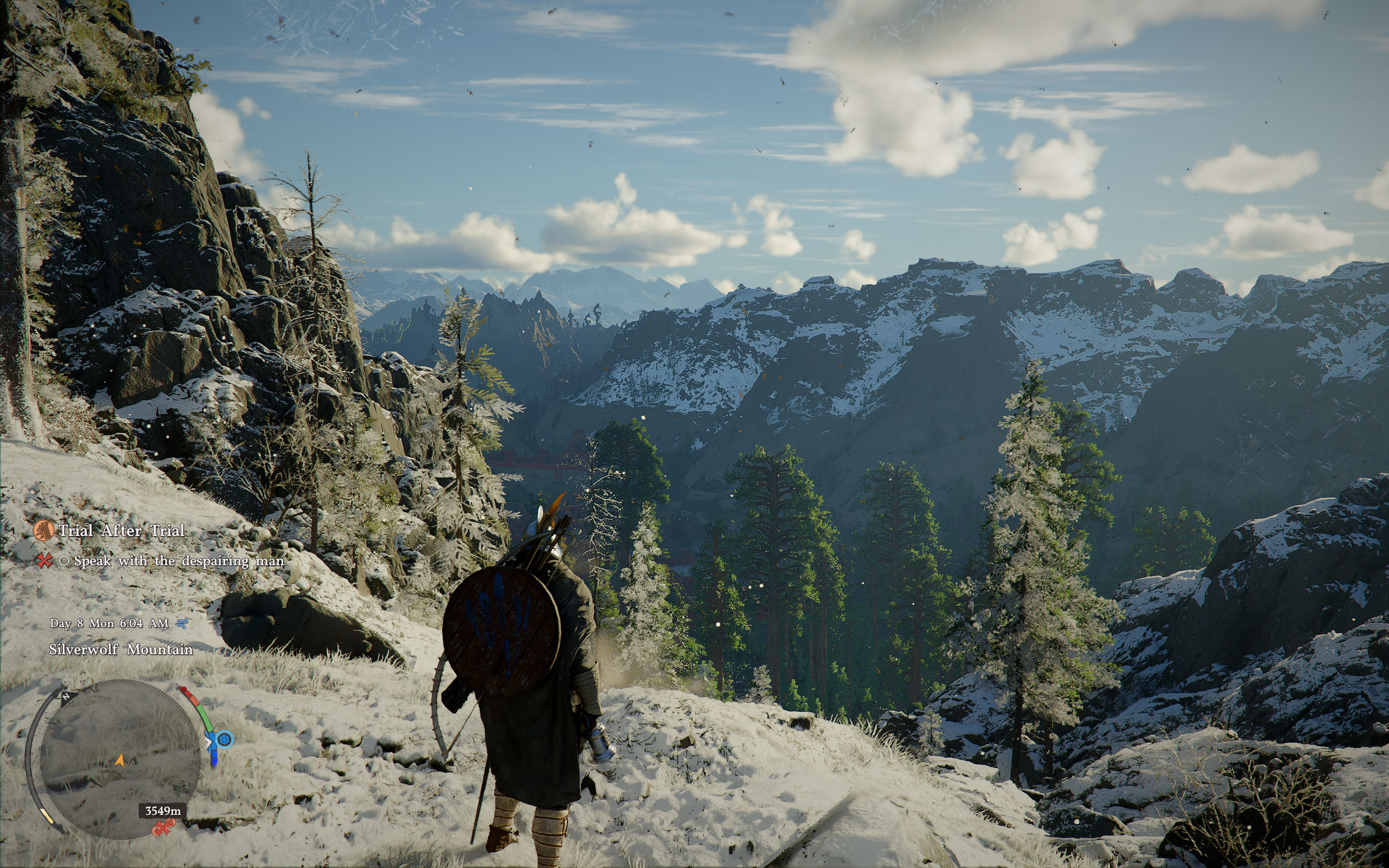
Crimson Desert is the most successful open-world action-adventure RPG this year, developed by Pearl Abyss—the Korean studio behind Black Desert Online. The game launched earlier this month, but I couldn't review it any faster, and there were also a bunch of patches and updates that improved the game in the meantime. Set in the medieval fantasy continent of Pywel, players take on the role of Kliff, the leader of a band of mercenaries, in a story-driven adventure that blends large-scale open-world exploration with intense action combat. The game features a vast, seamless open world with dynamic weather, day-night cycles, and impressively detailed environments—from lush forests and snow-covered mountains to sprawling towns and underground ruins. Combat is significantly more involved than in Black Desert Online, with weighty animations, a variety of weapons and abilities, and large-scale set-piece battles.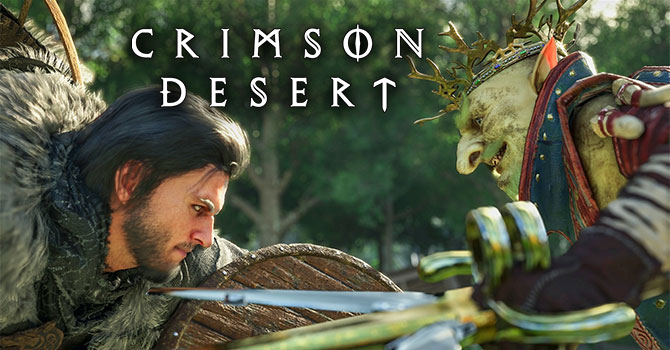
Crimson Desert is built on Pearl Abyss's proprietary BlackSpace engine and uses DirectX 12. Upscaling support includes NVIDIA DLSS and AMD FSR 4. Frame generation is supported for both AMD and NVIDIA, NVIDIA MFG is supported, too. NVIDIA DLSS Ray Reconstruction and NVIDIA Reflex are available as separate toggles. AMD Ray Regeneration is also supported. No love for Intel—the Arc GPUs were originally blocked from launching the game entirely, with Pearl Abyss telling Arc owners to "seek refunds." After community backlash and Intel publicly stating they had offered optimization assistance for years, Pearl Abyss reversed course and allowed the game to boot on Arc GPUs—but rendering remains completely broken as of the latest version 1.01.02, producing a mostly black screen with severe artifacts. We expect Pearl Abyss and Intel to work together to resolve this in a future update. Ray tracing is available via a single on/off toggle. HDR and ultrawide 21:9 are fully supported.
This review will evaluate the performance of Crimson Desert across a wide range of contemporary graphics cards, compare image quality settings, and analyze the game's VRAM usage to provide insight into the hardware requirements needed for an optimal experience.
Screenshots
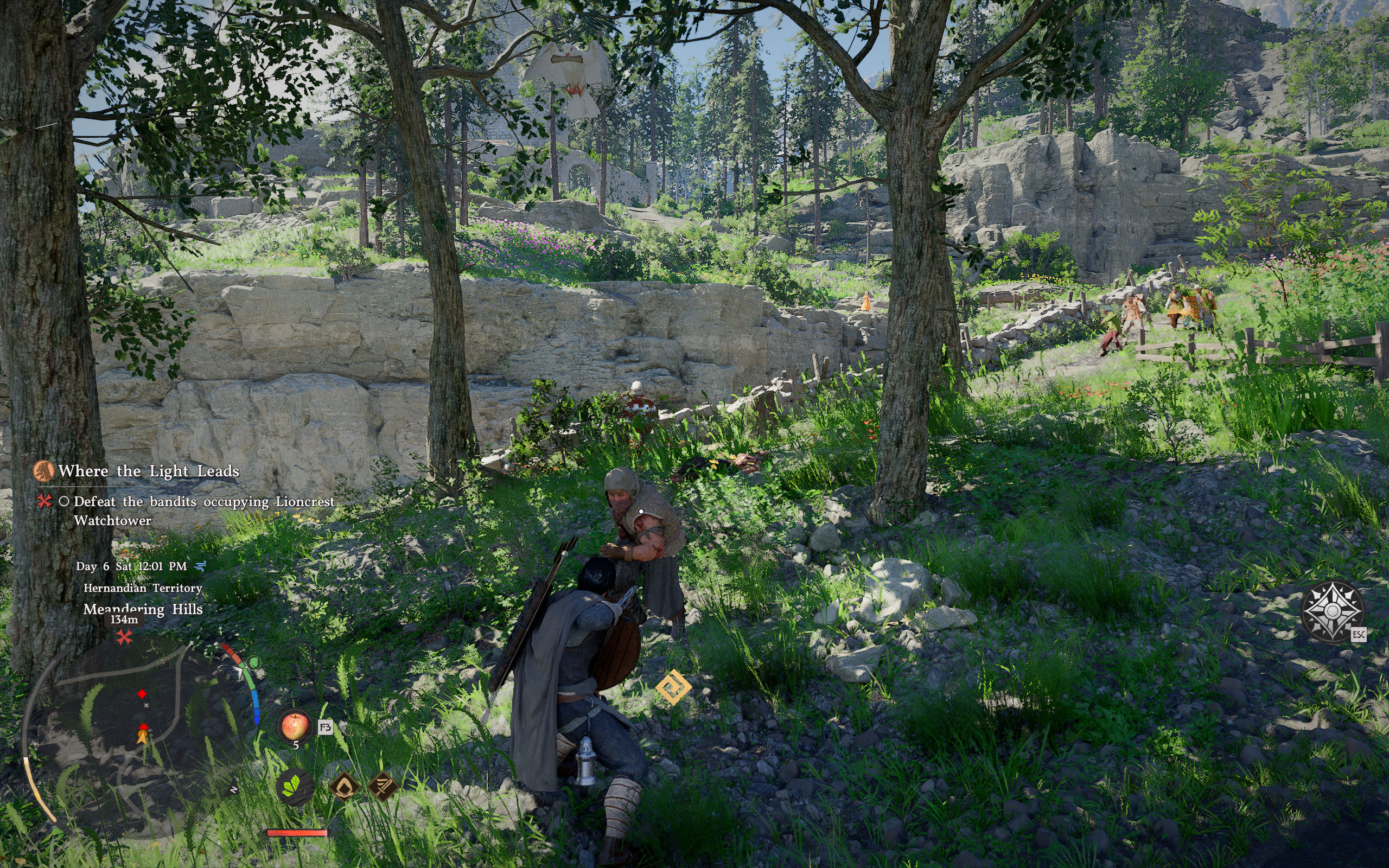
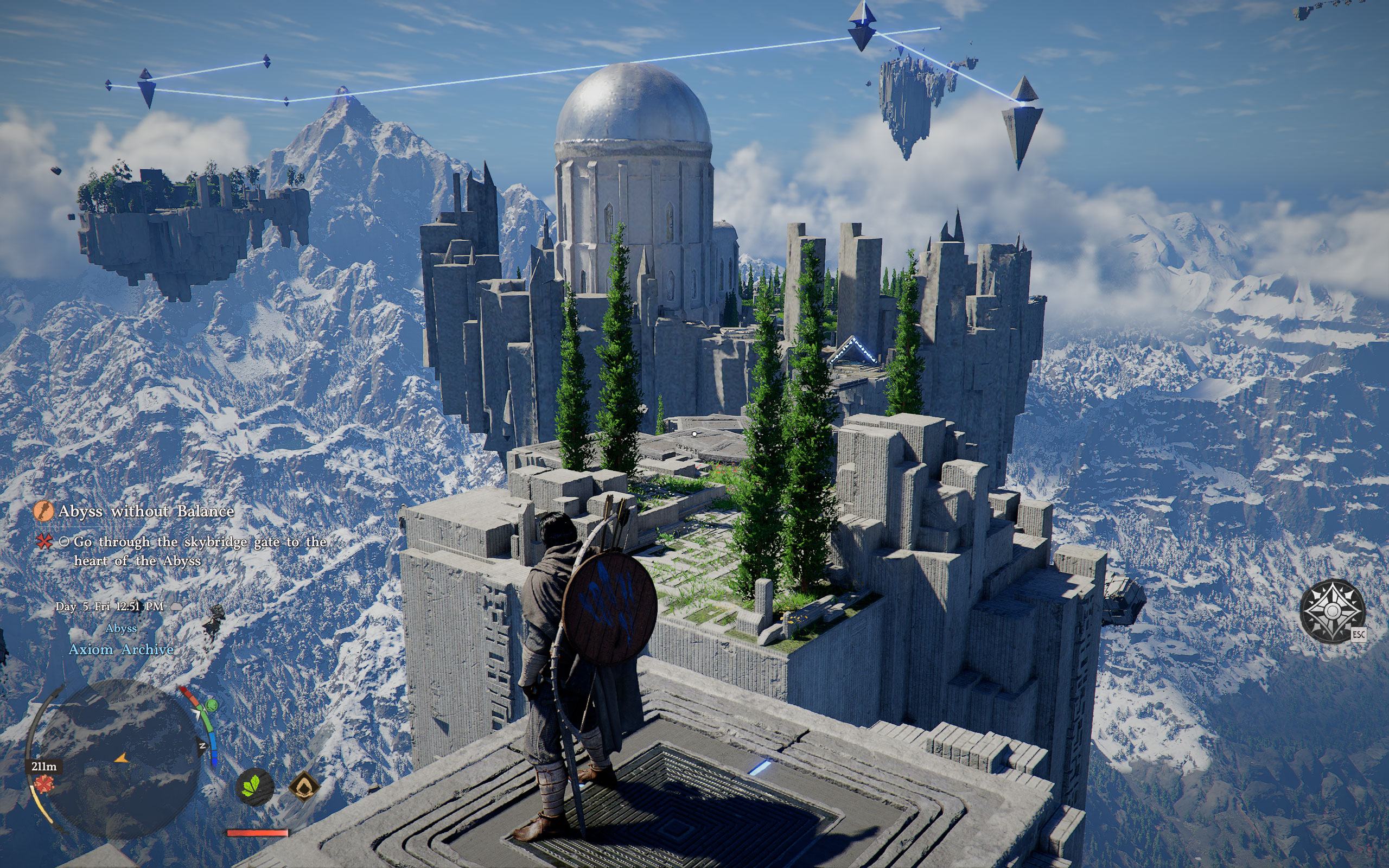
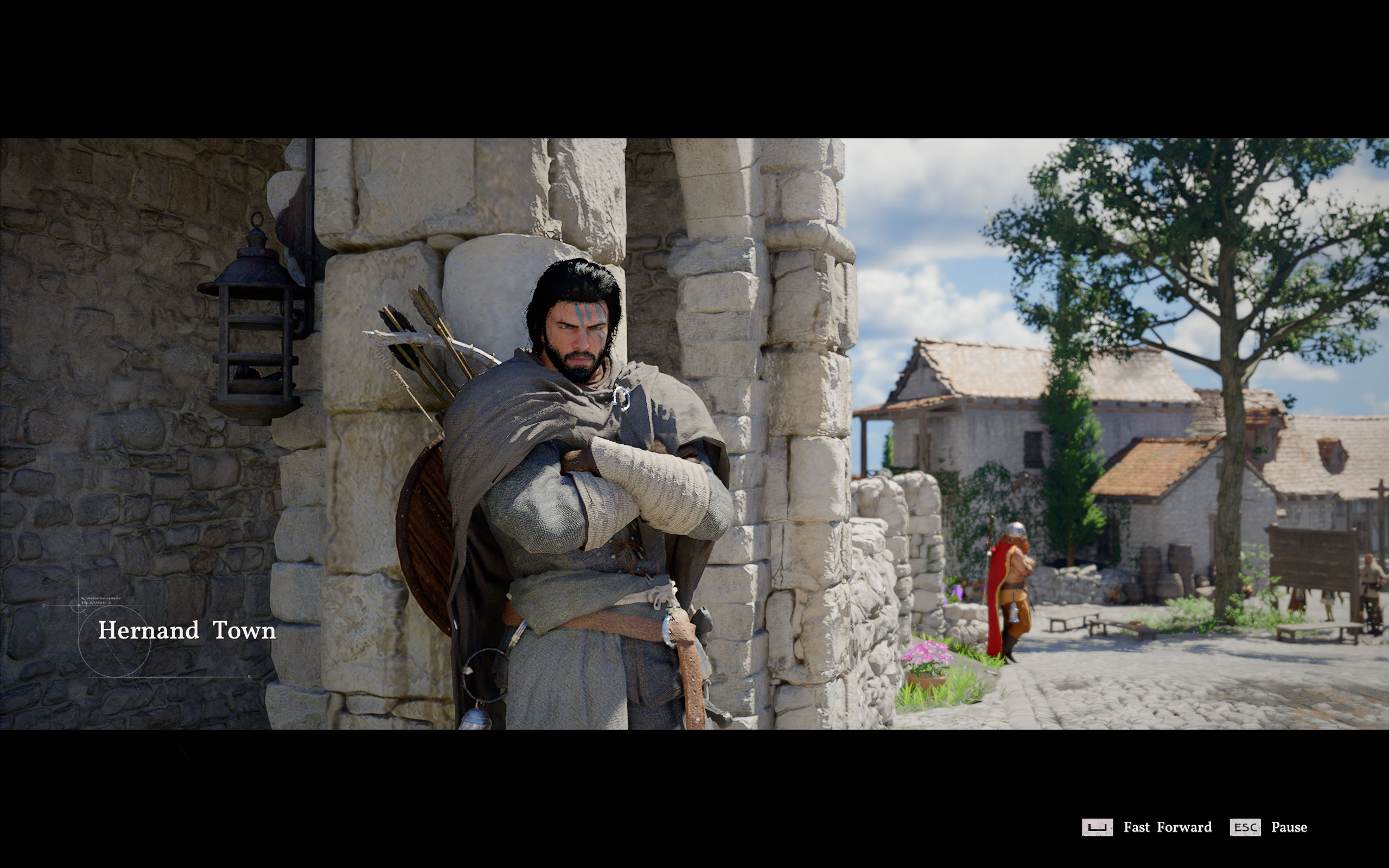
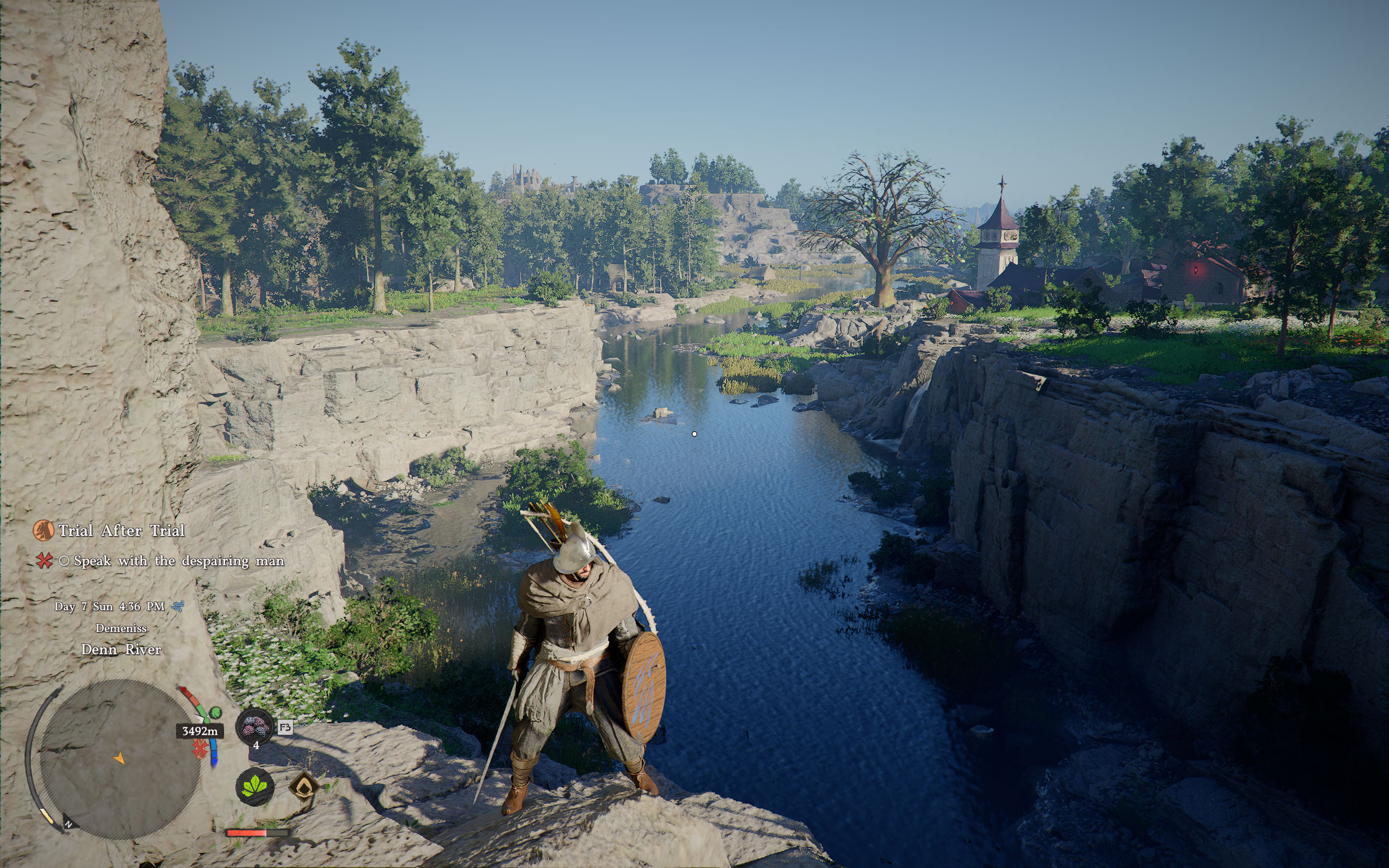
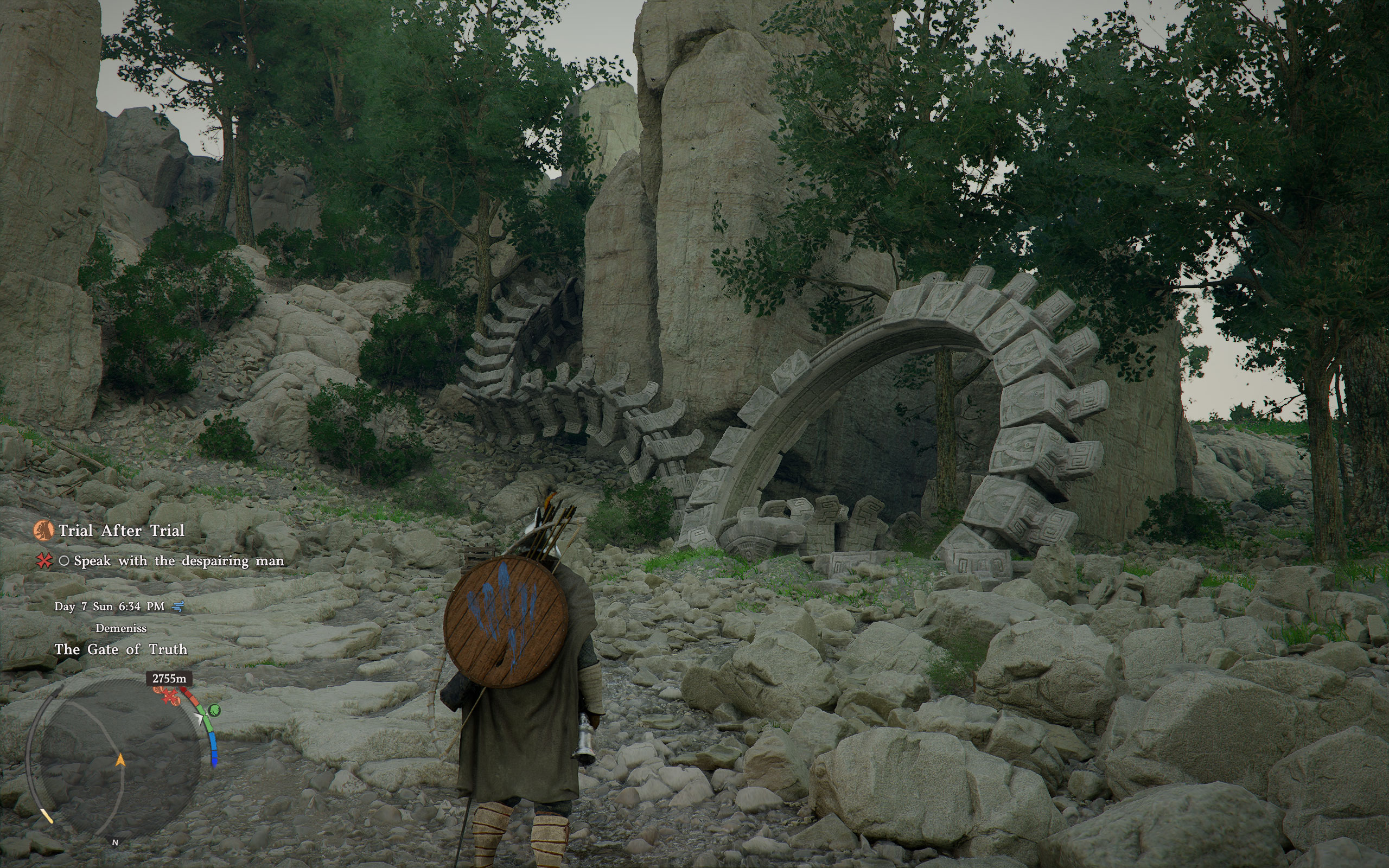
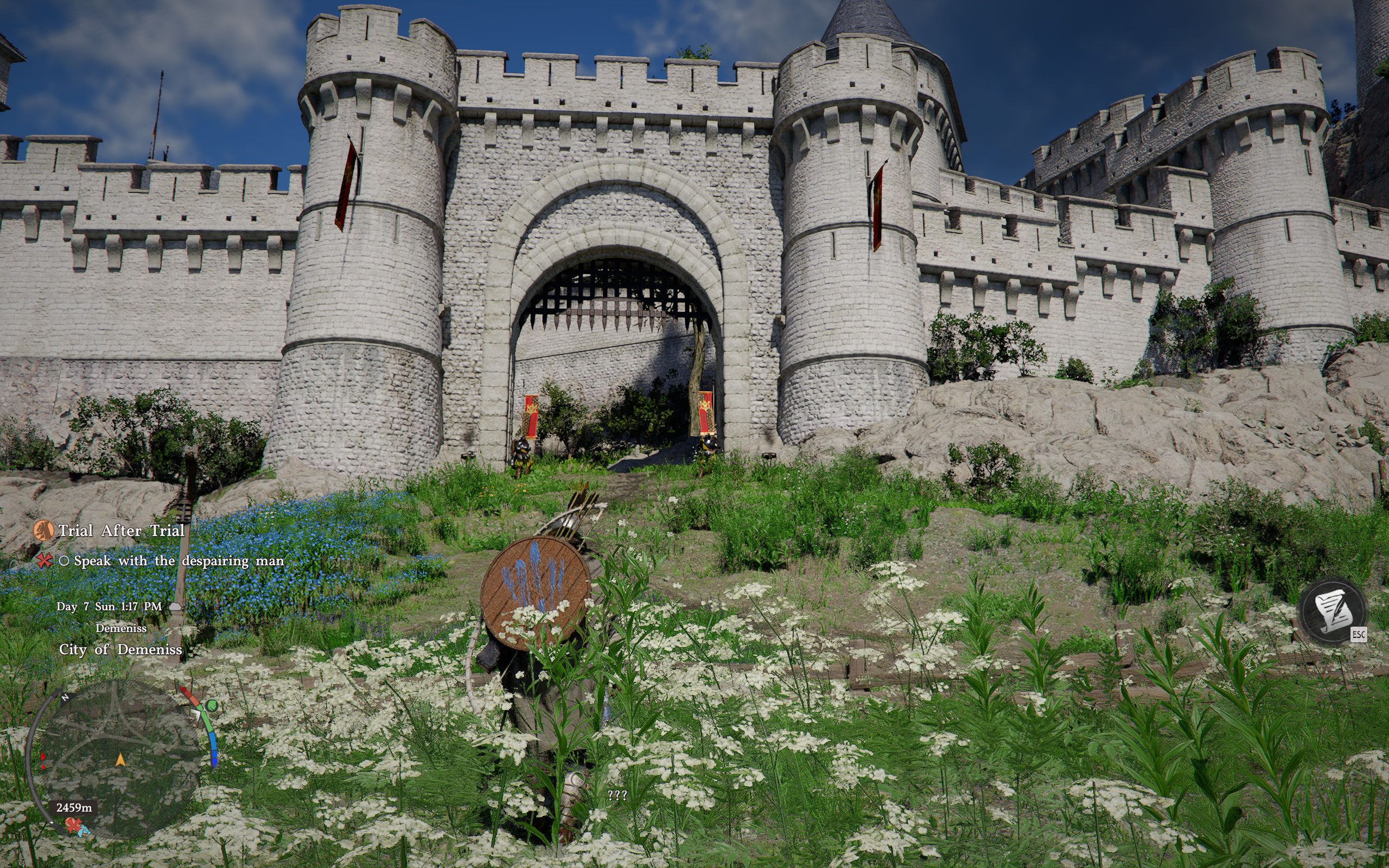
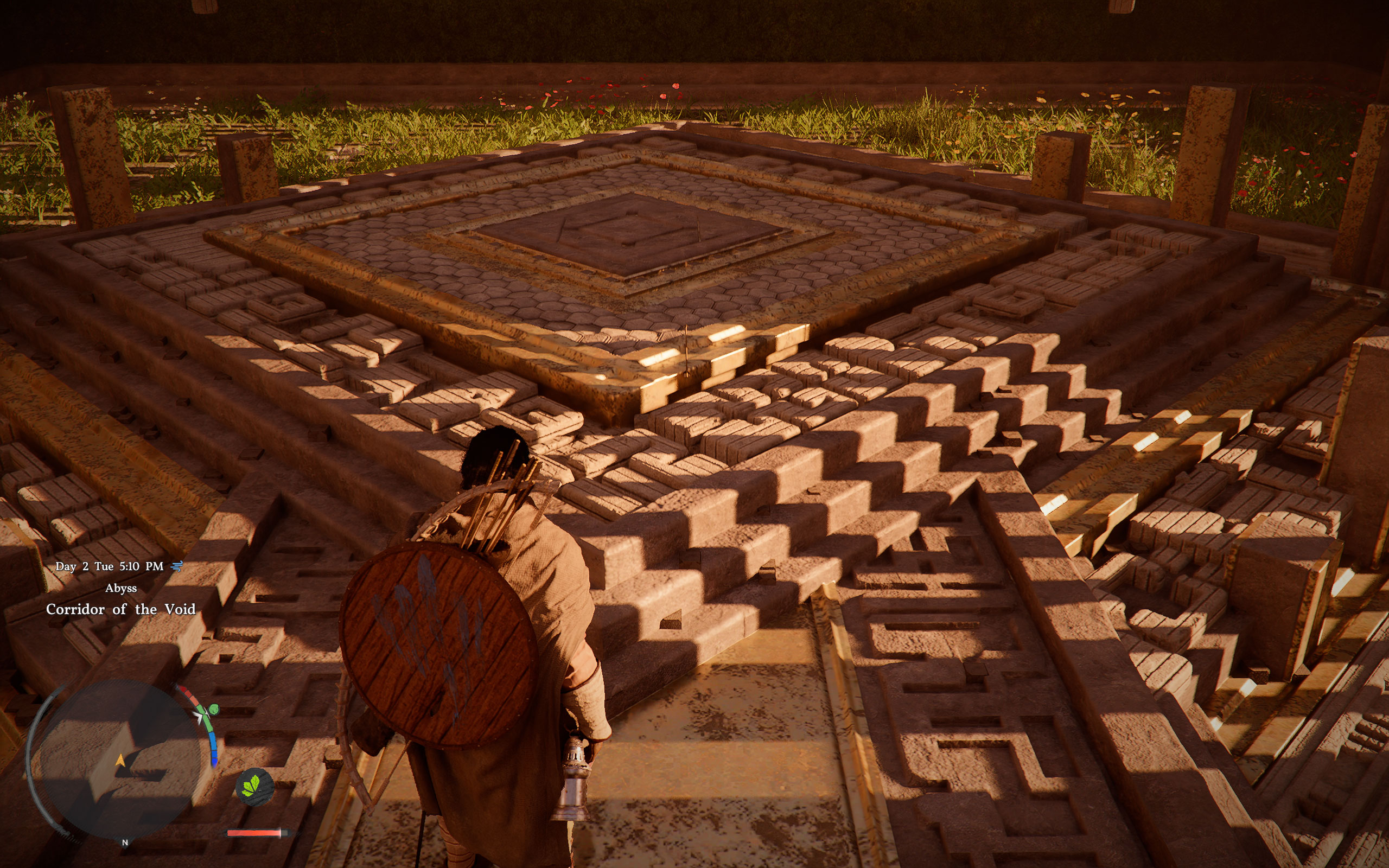
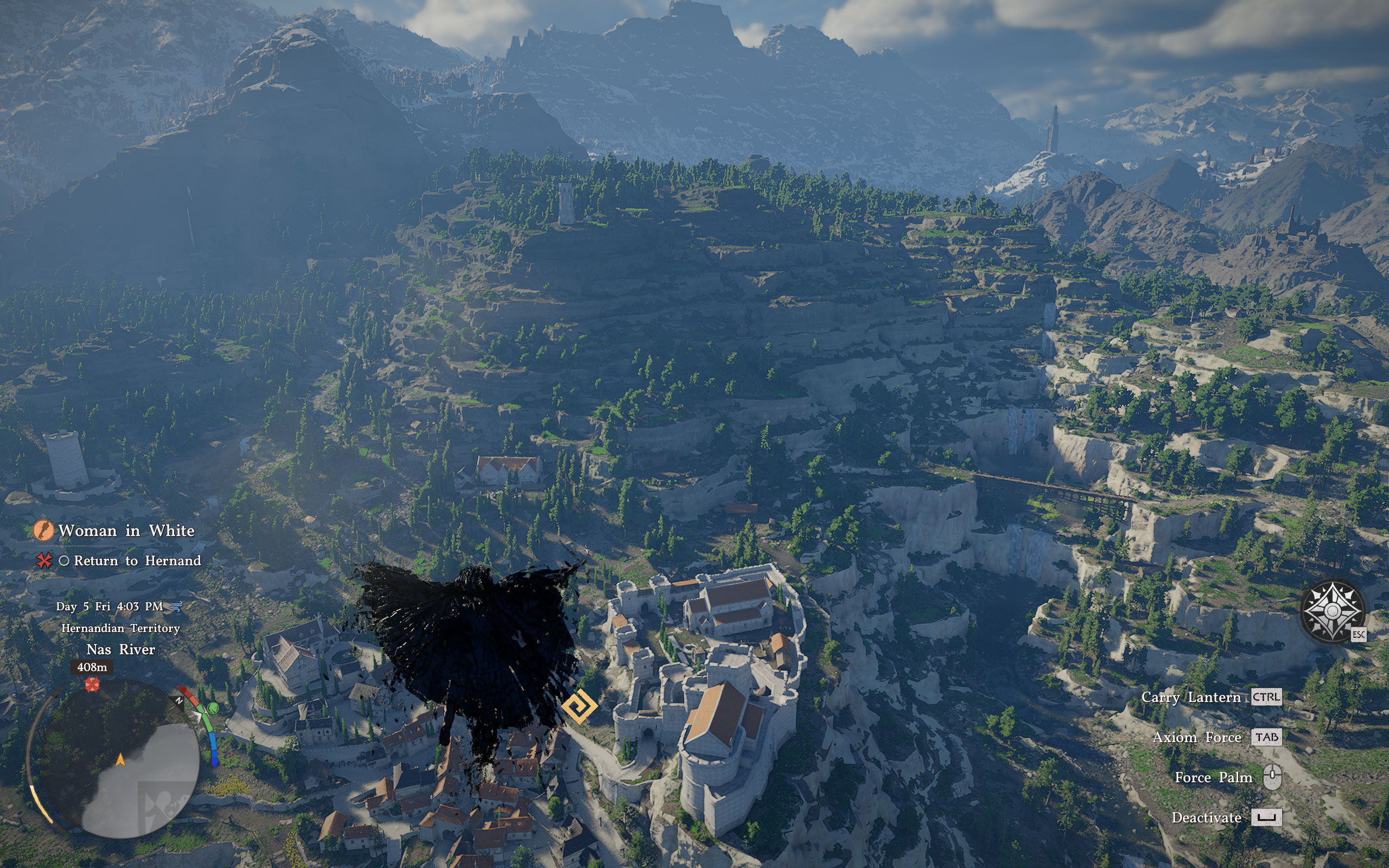
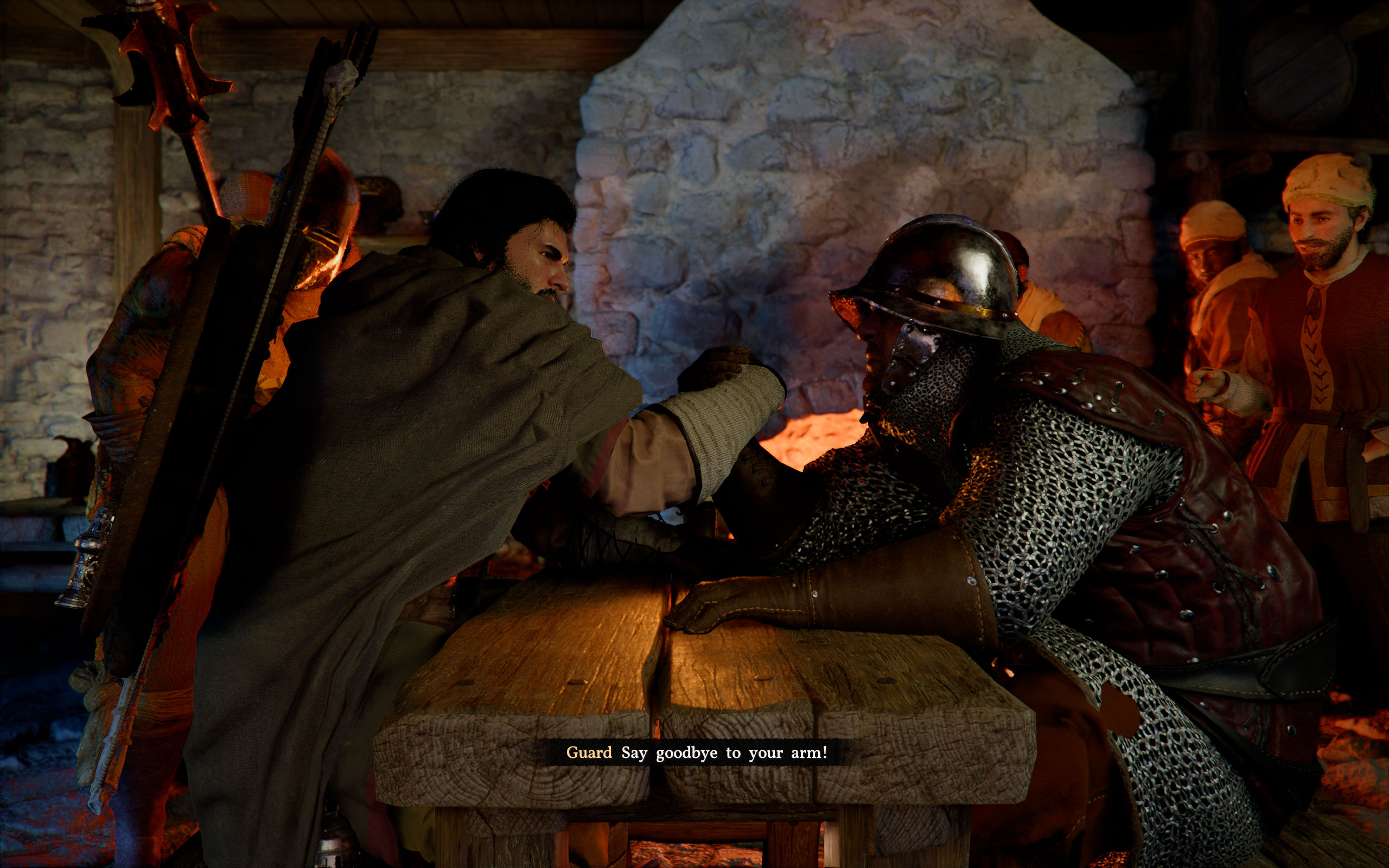
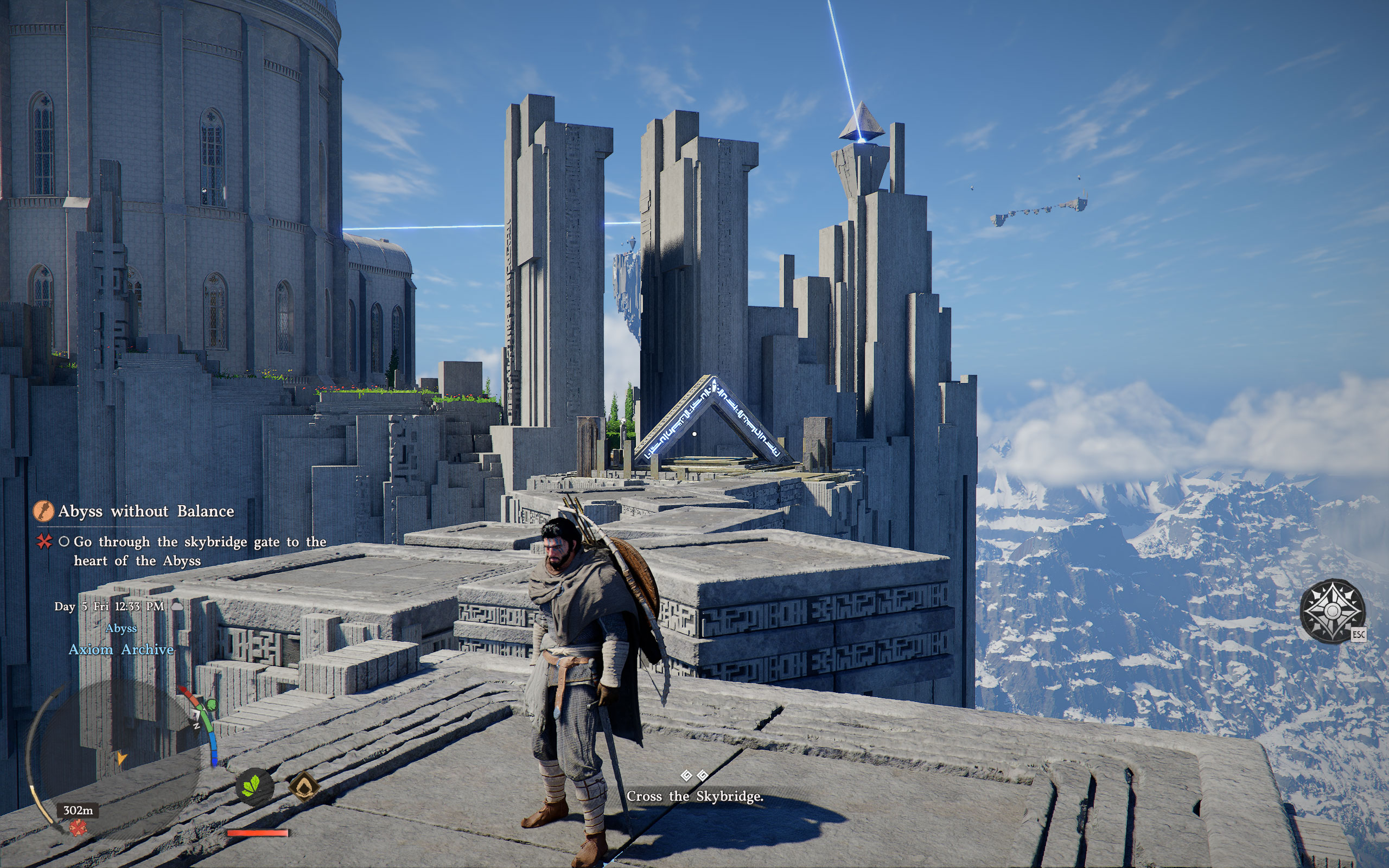
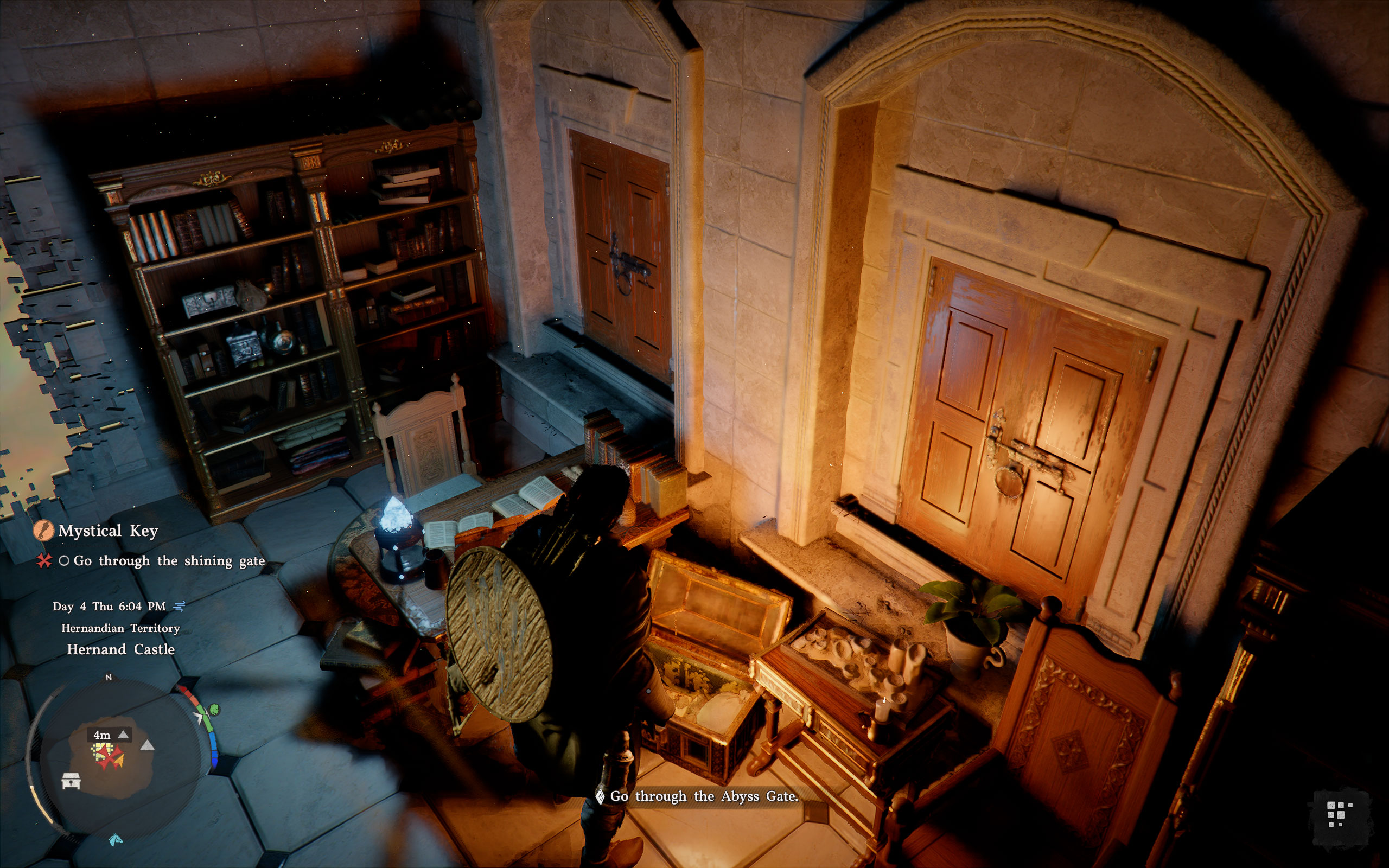
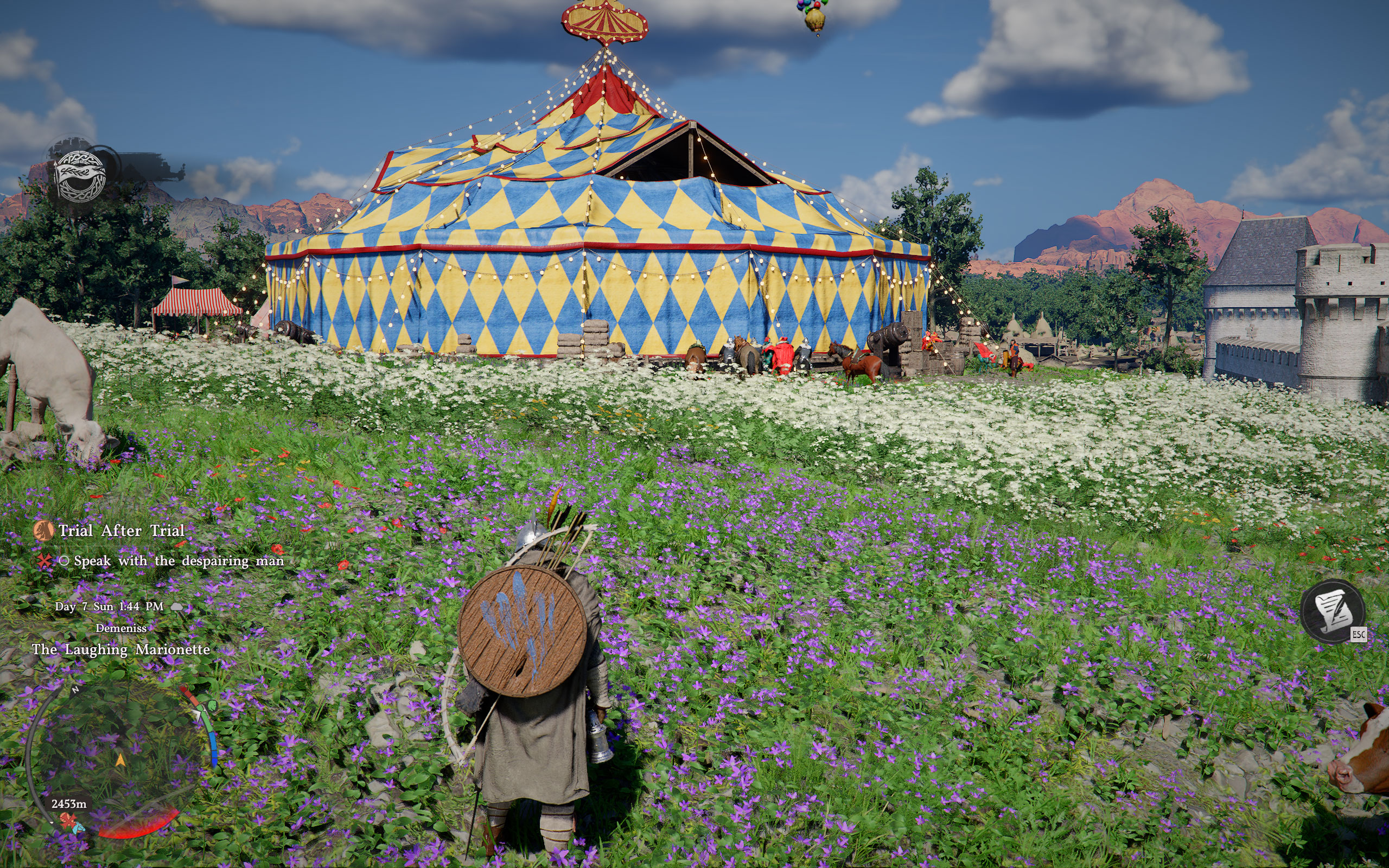
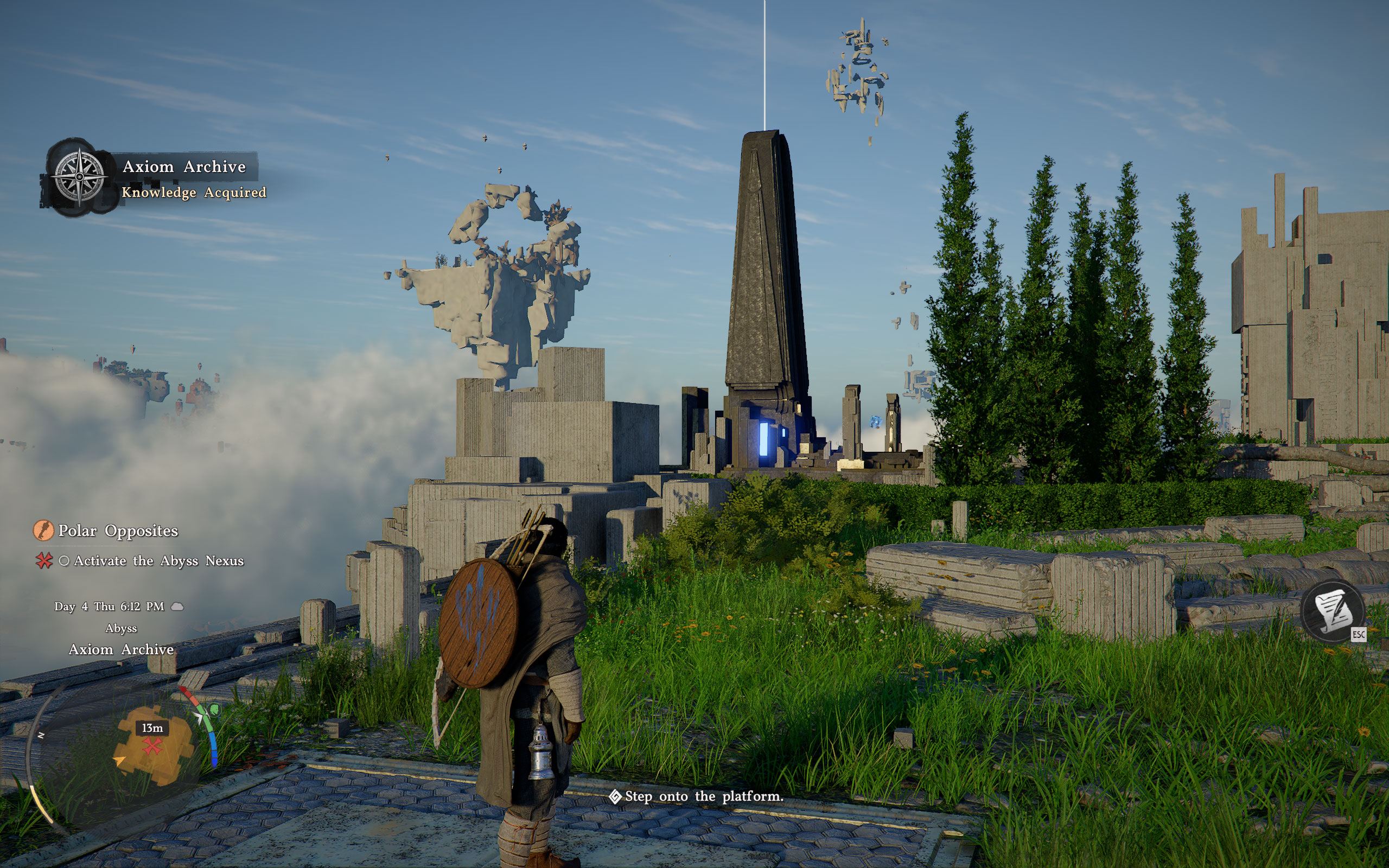
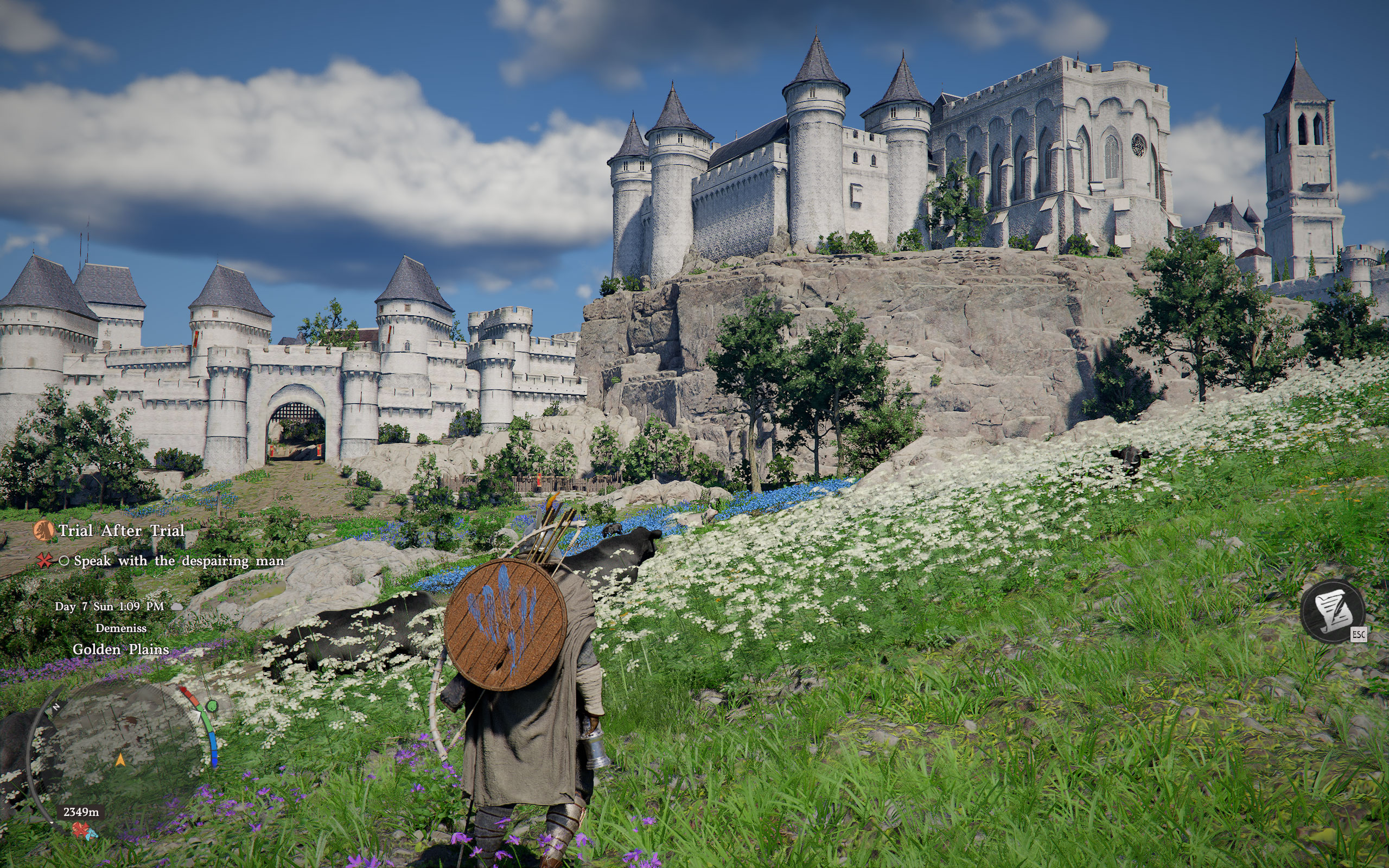
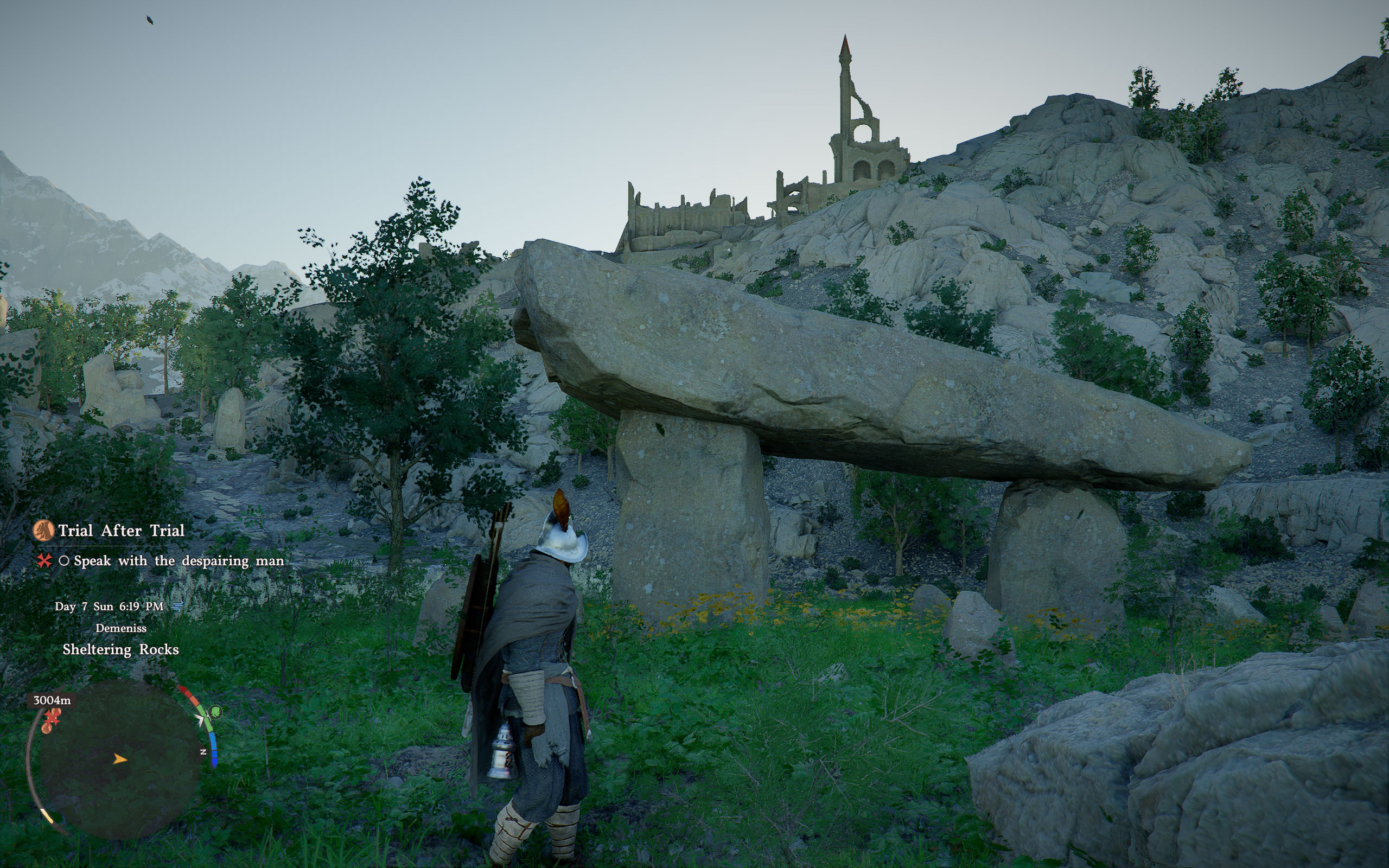
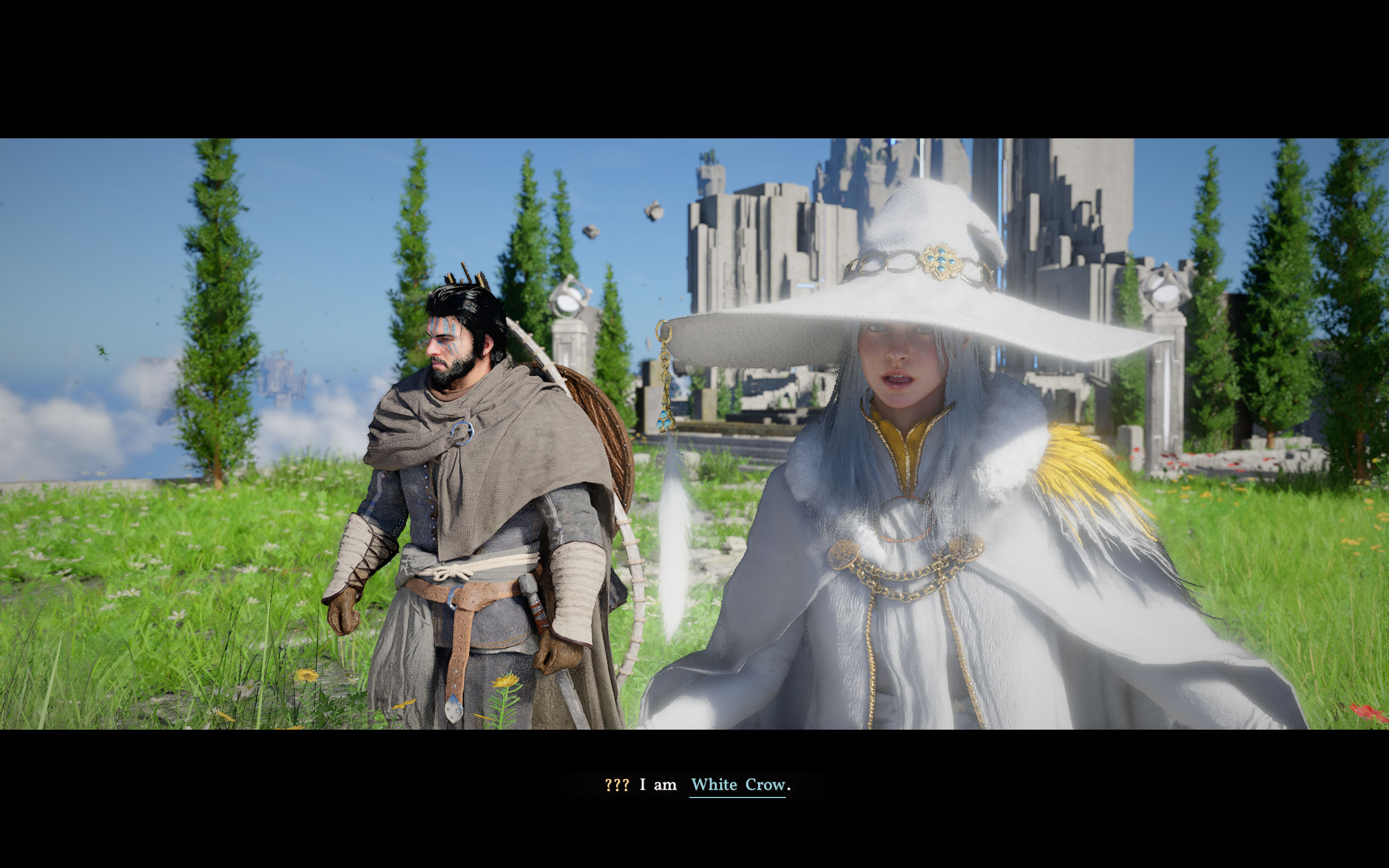
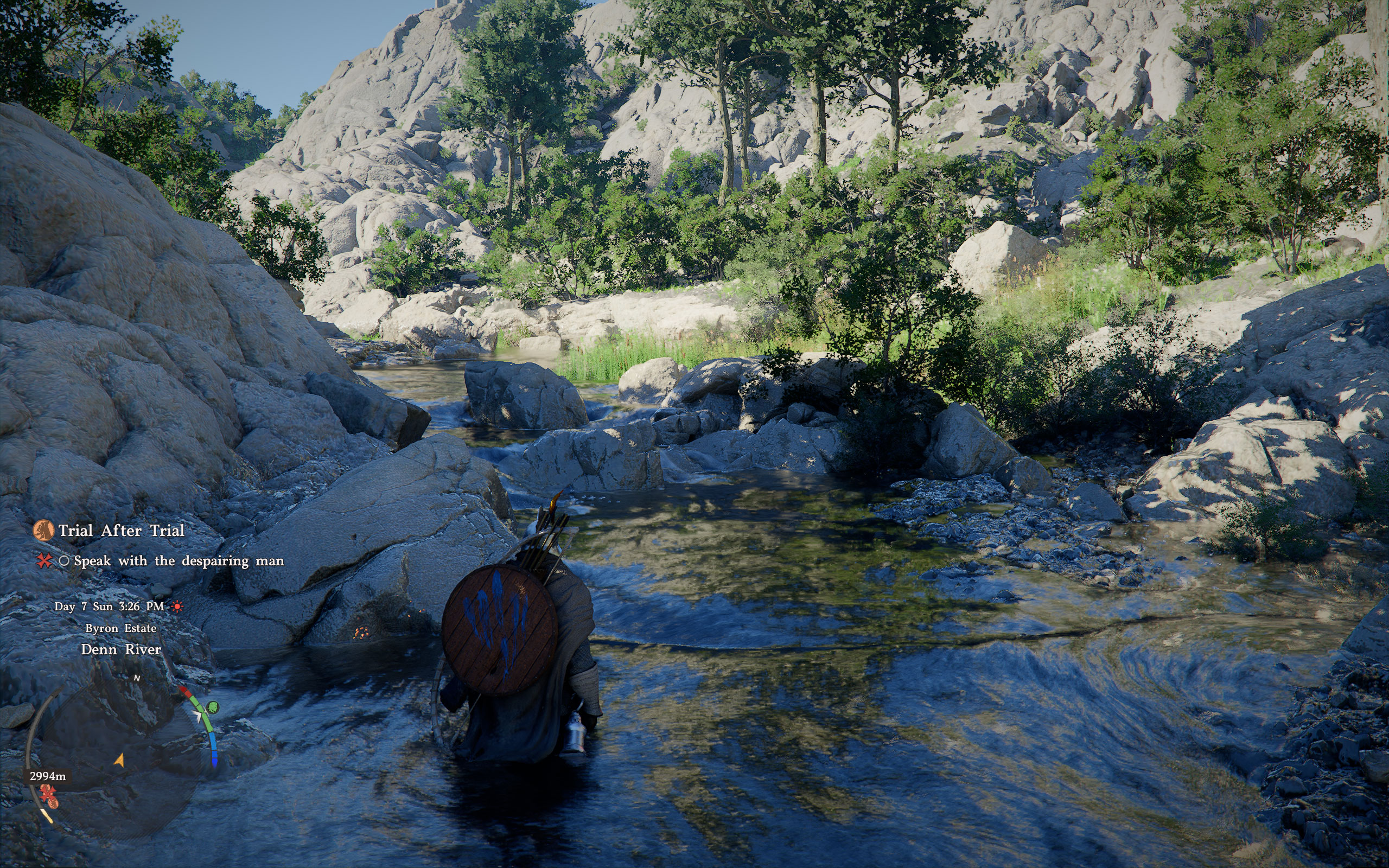
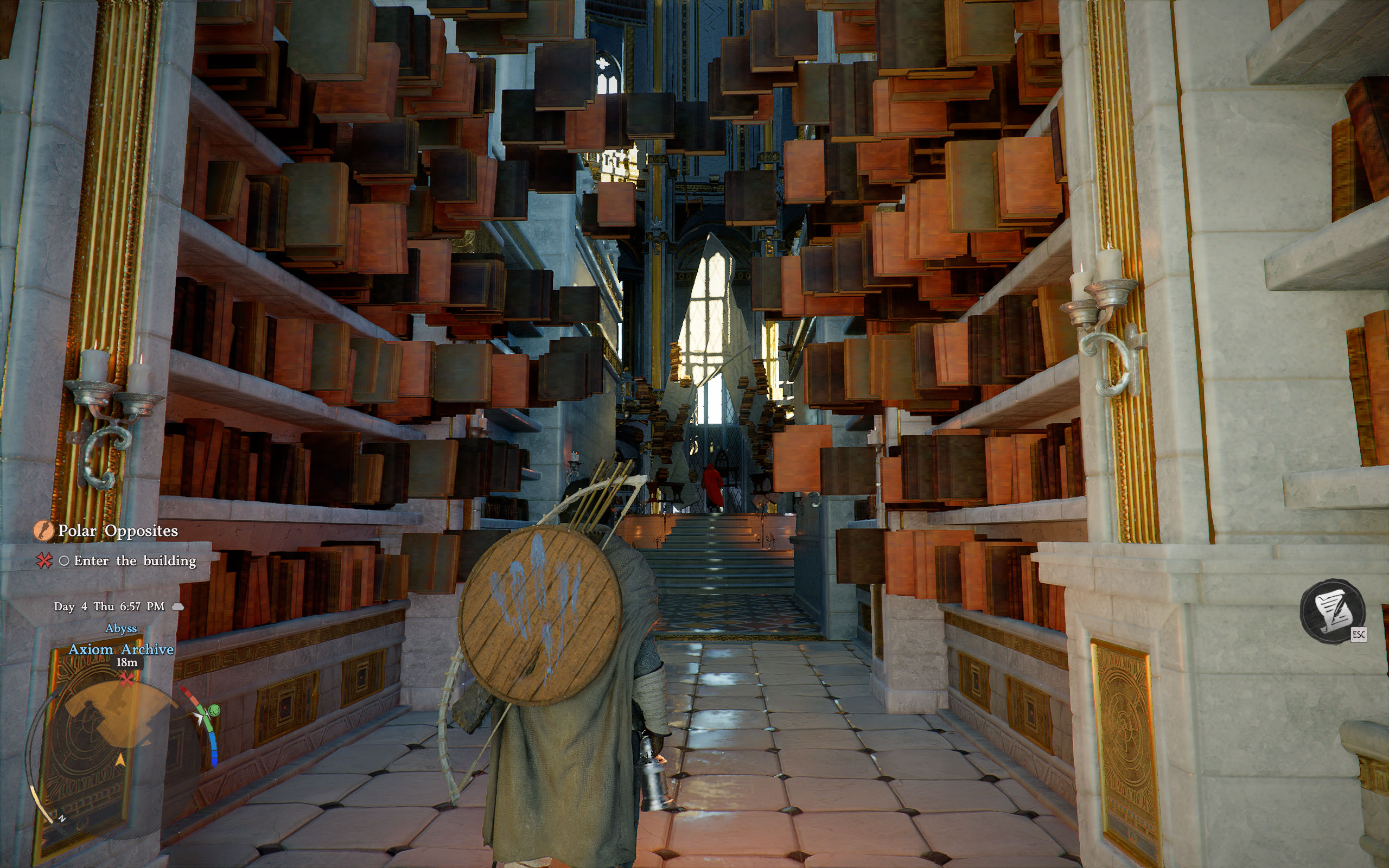
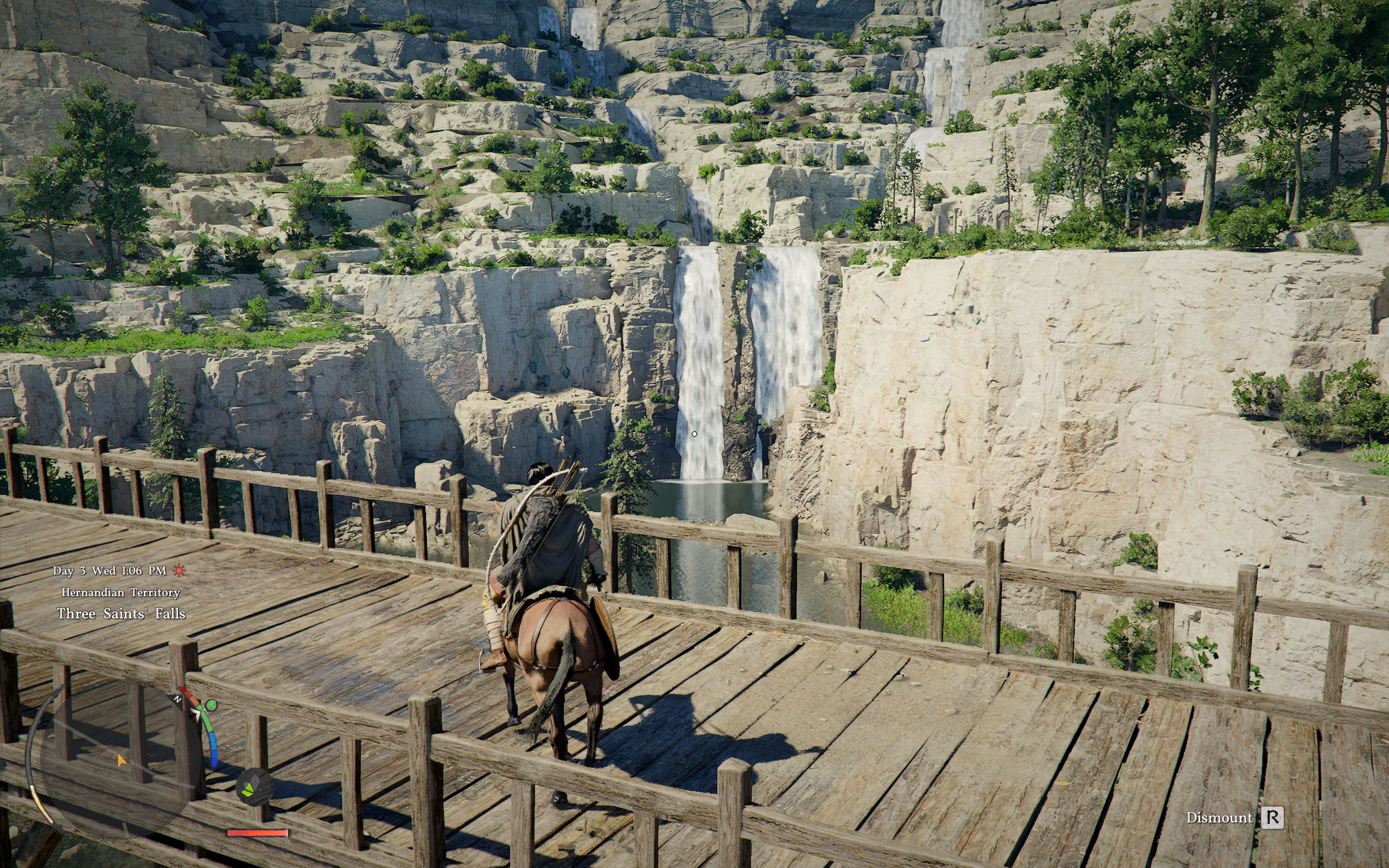
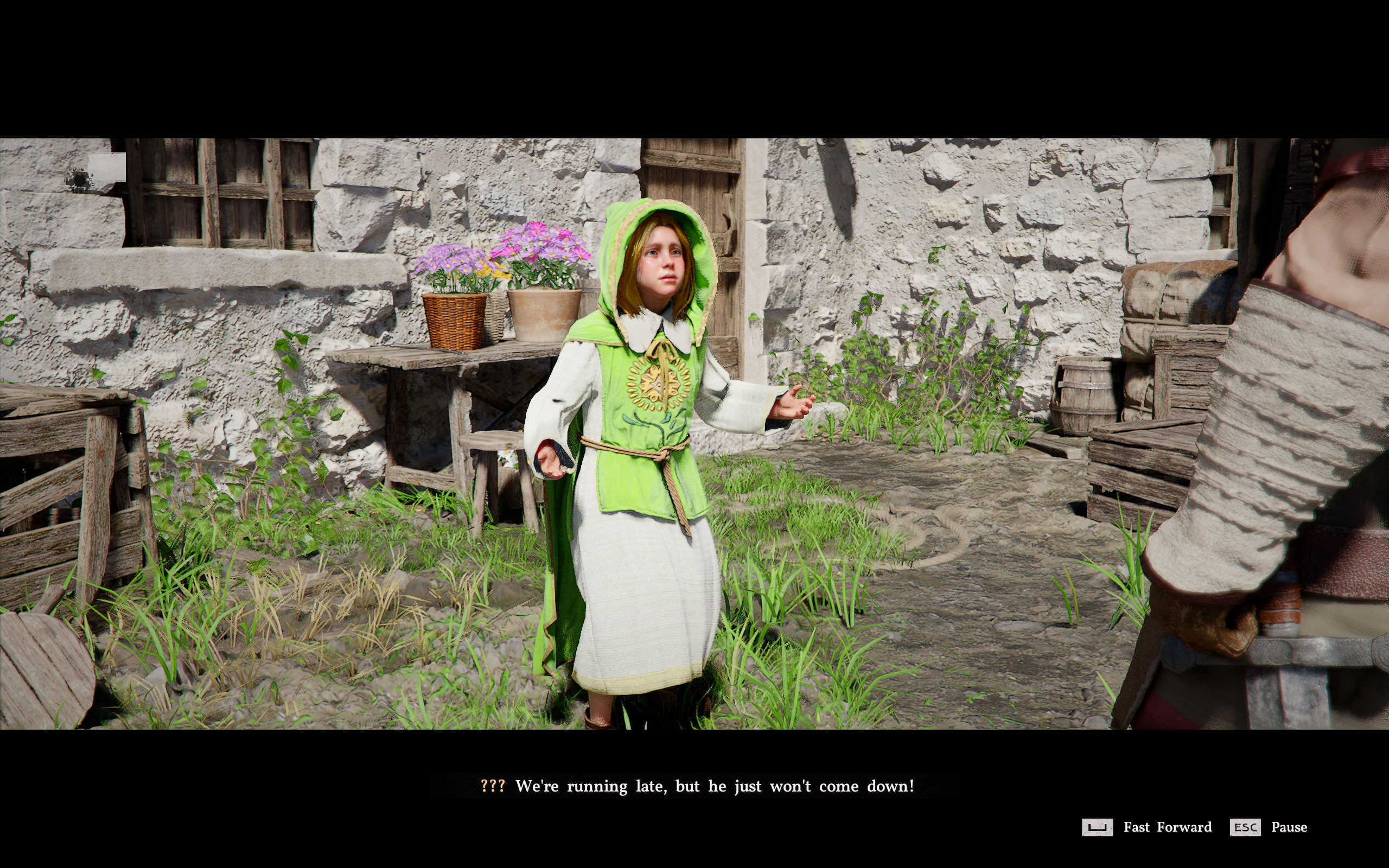
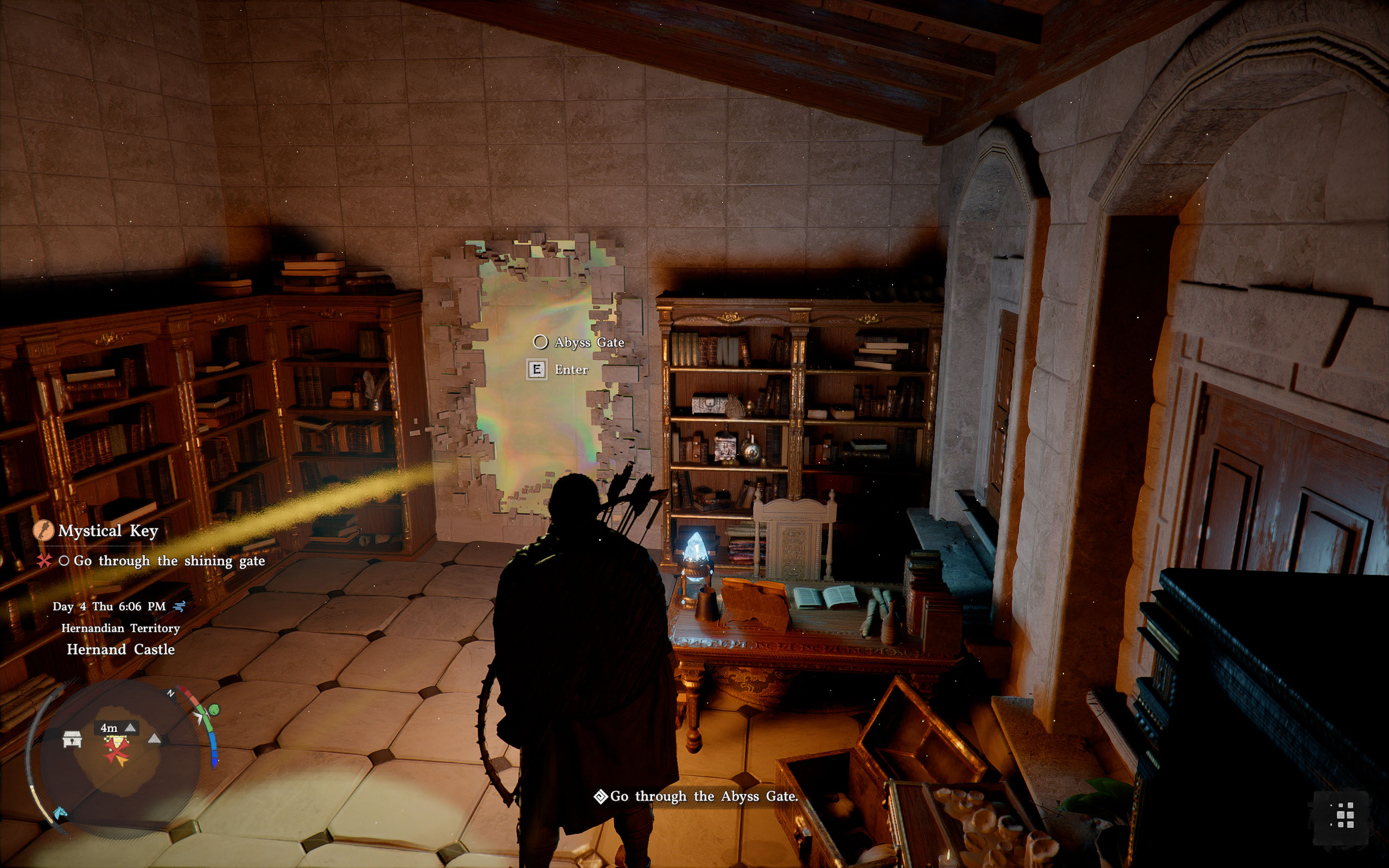
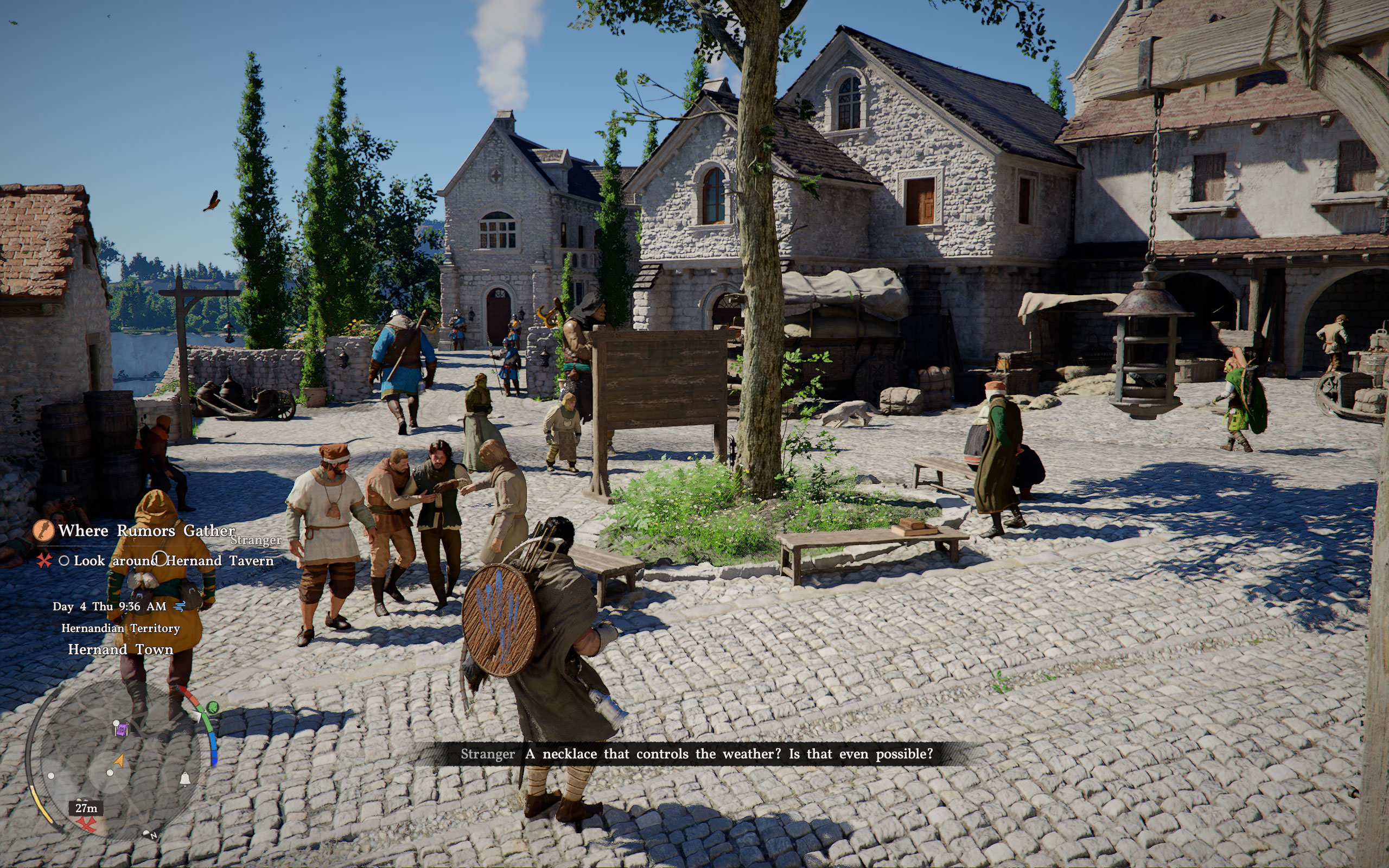
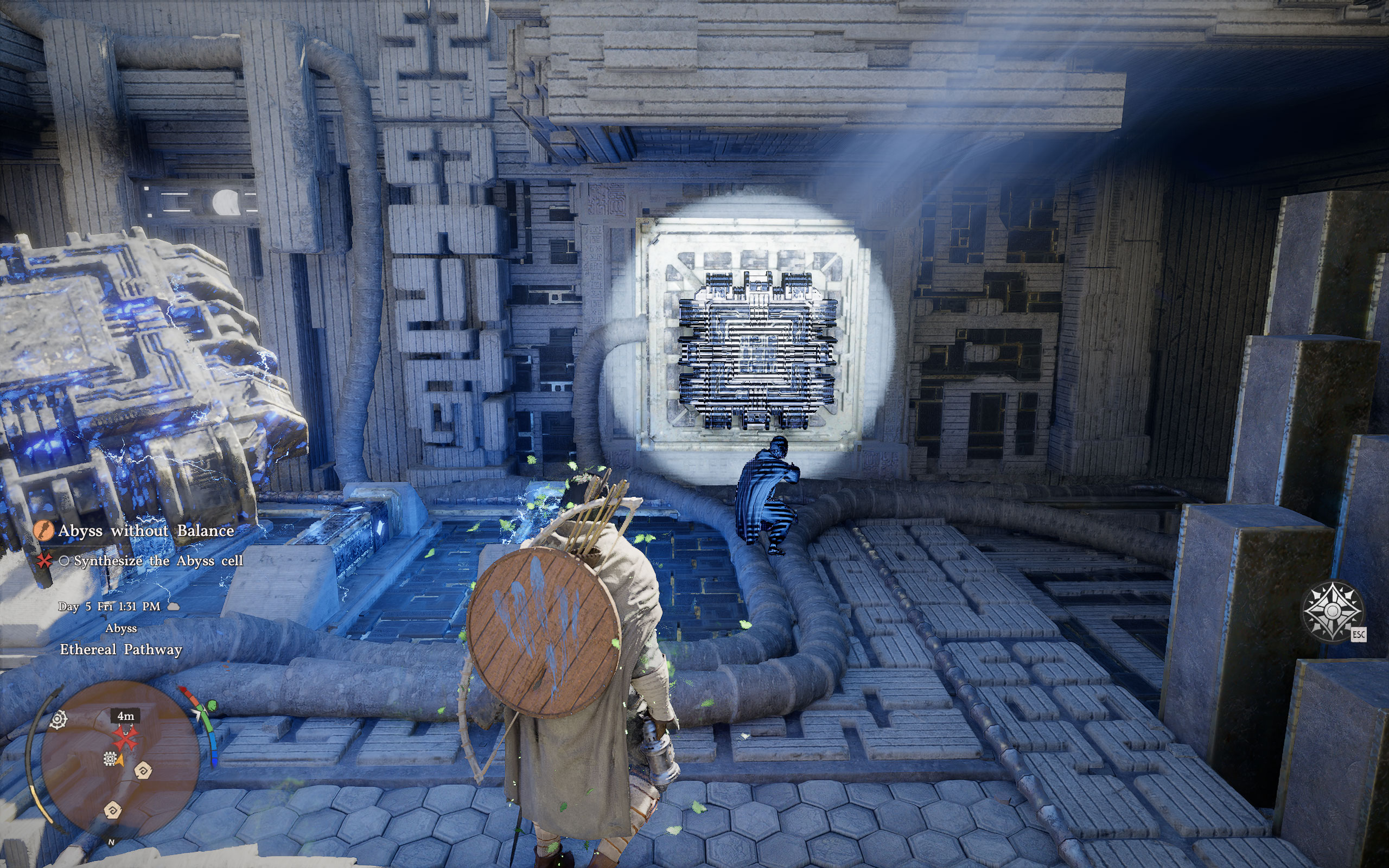
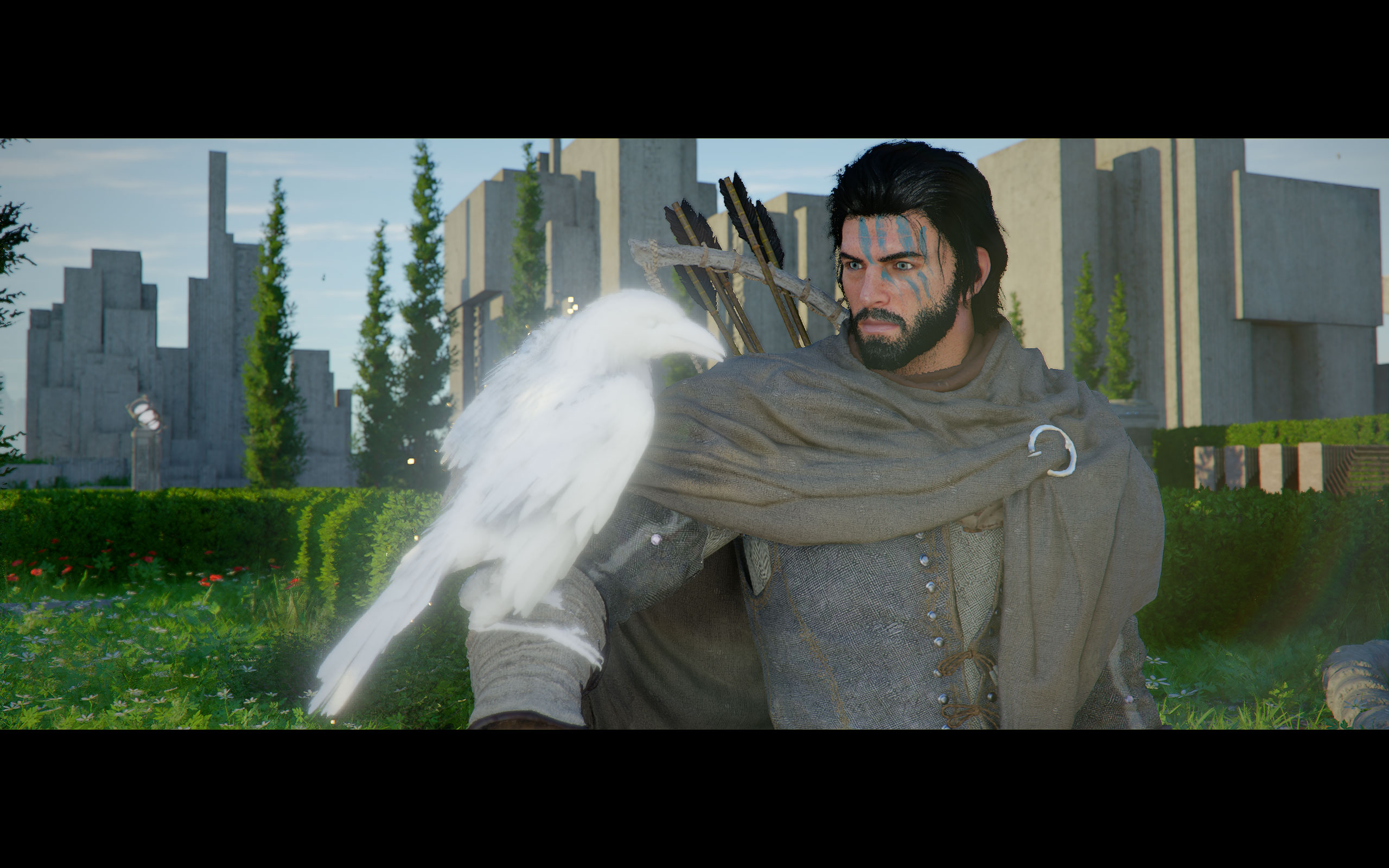
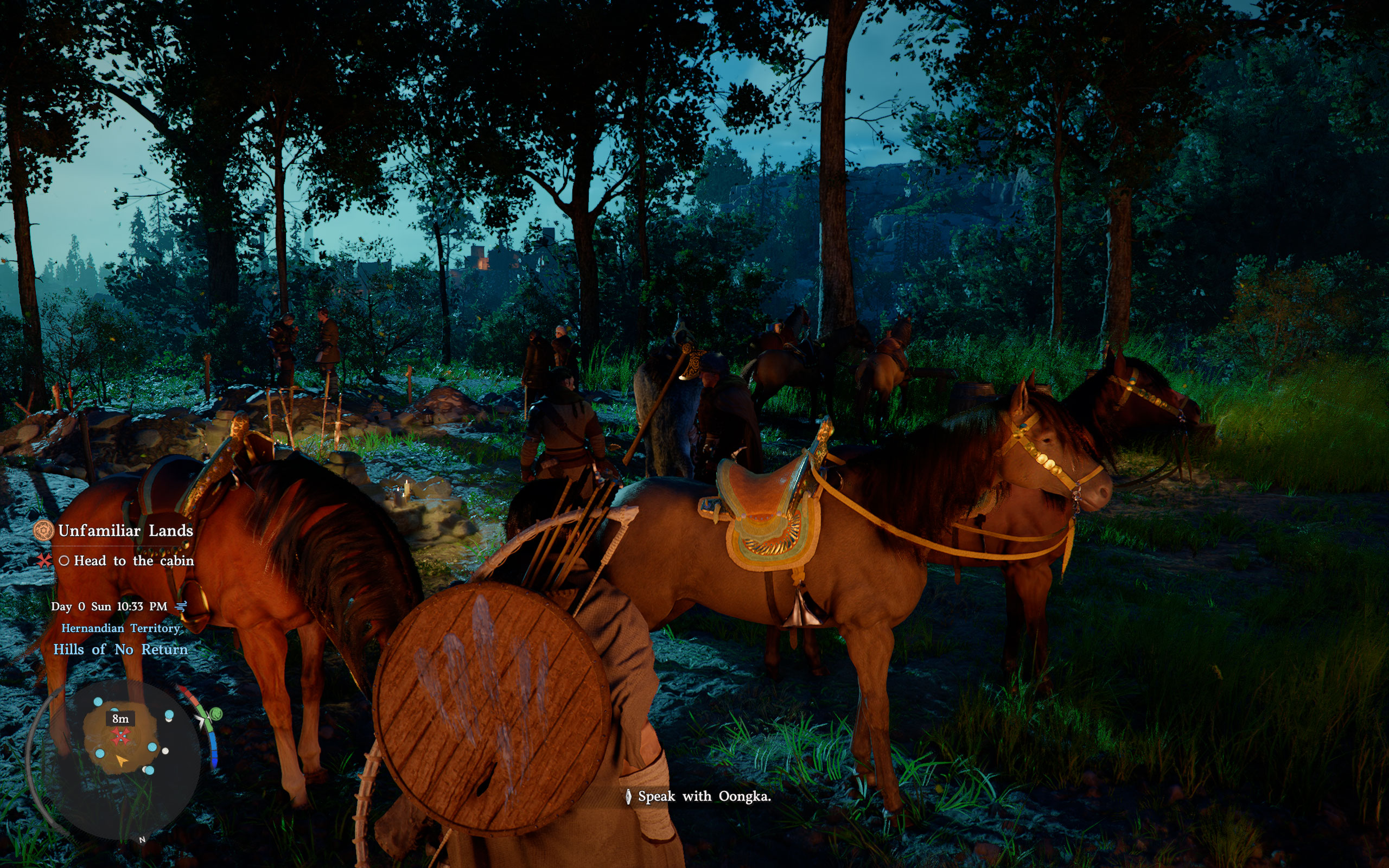
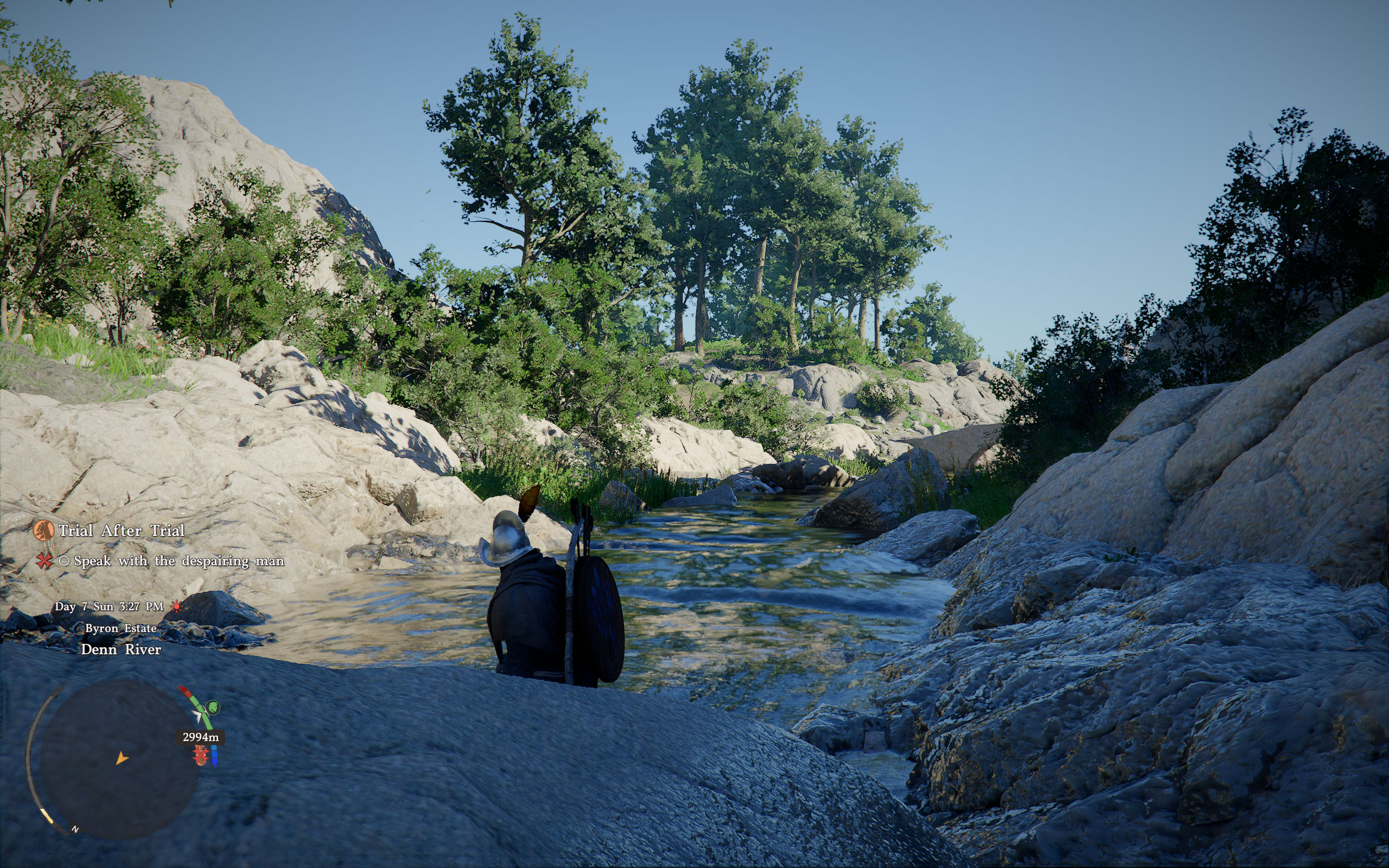
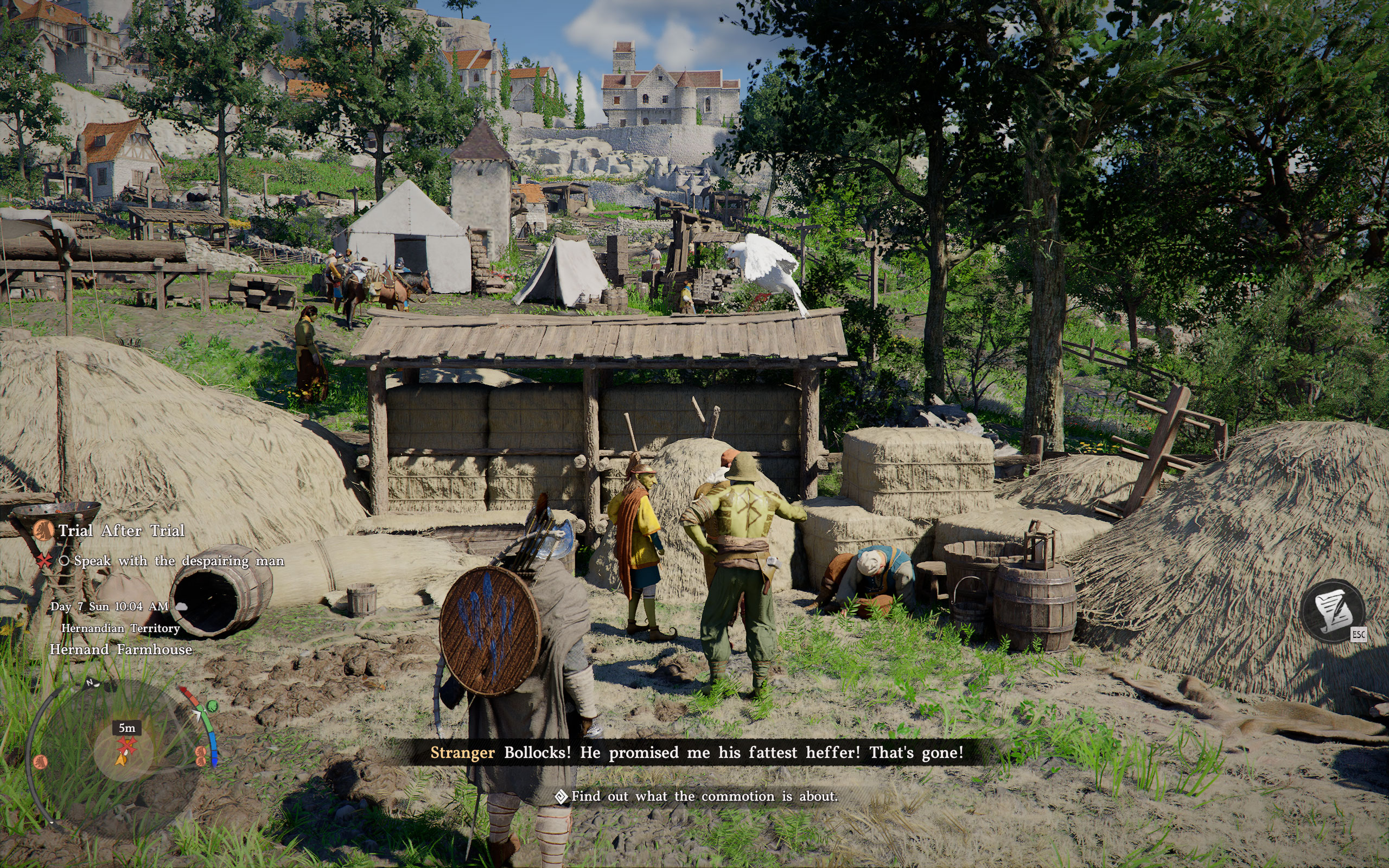
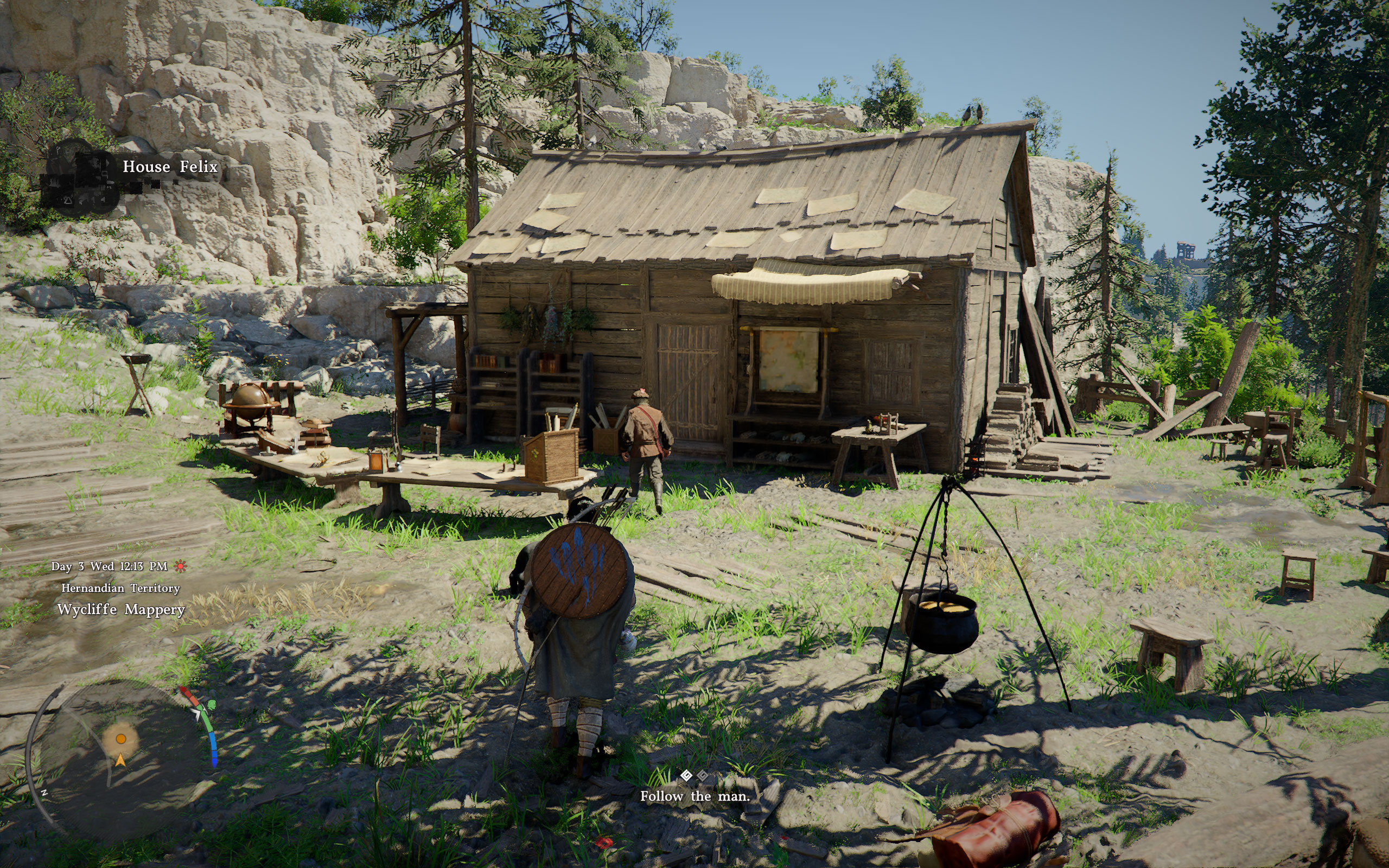
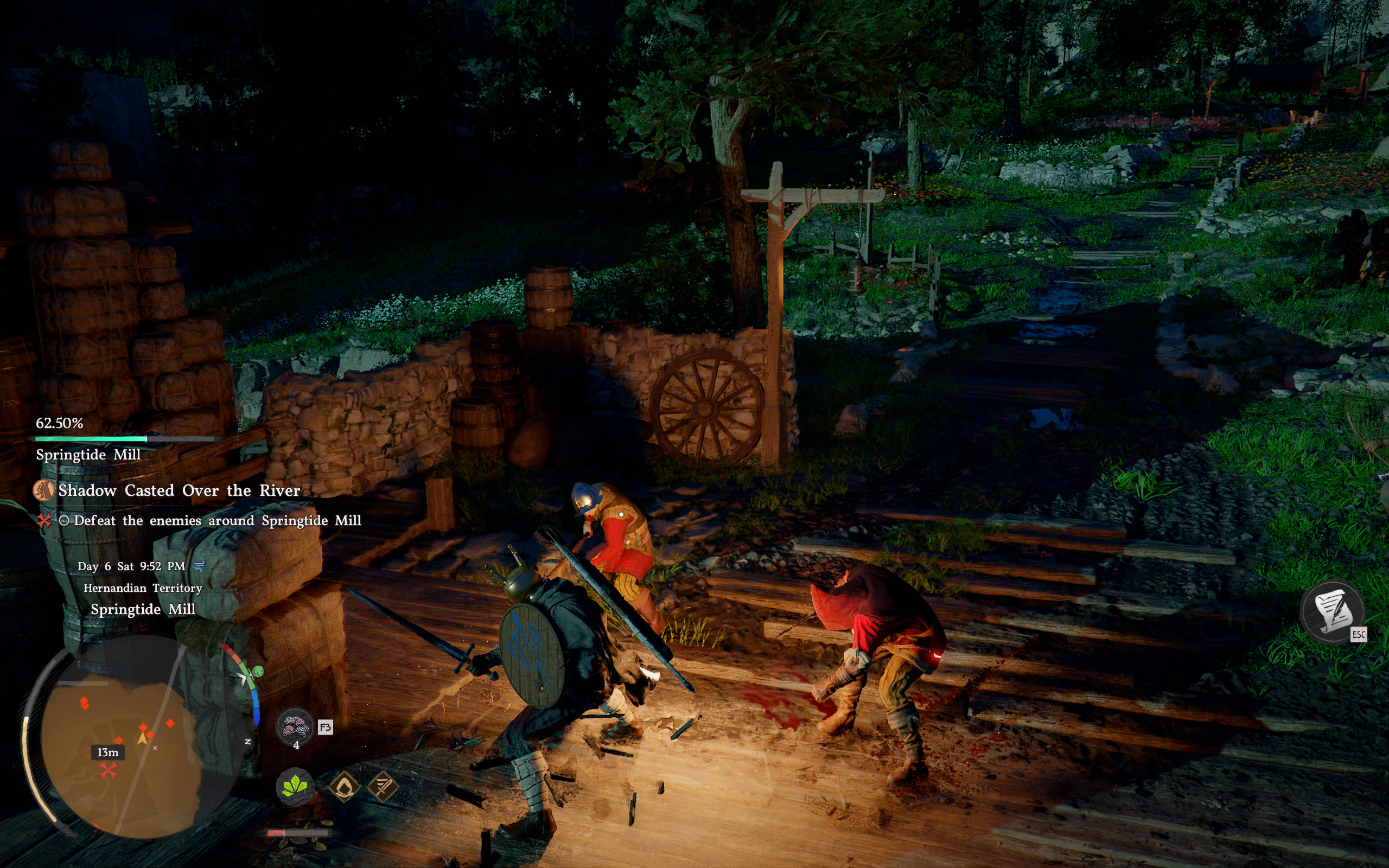
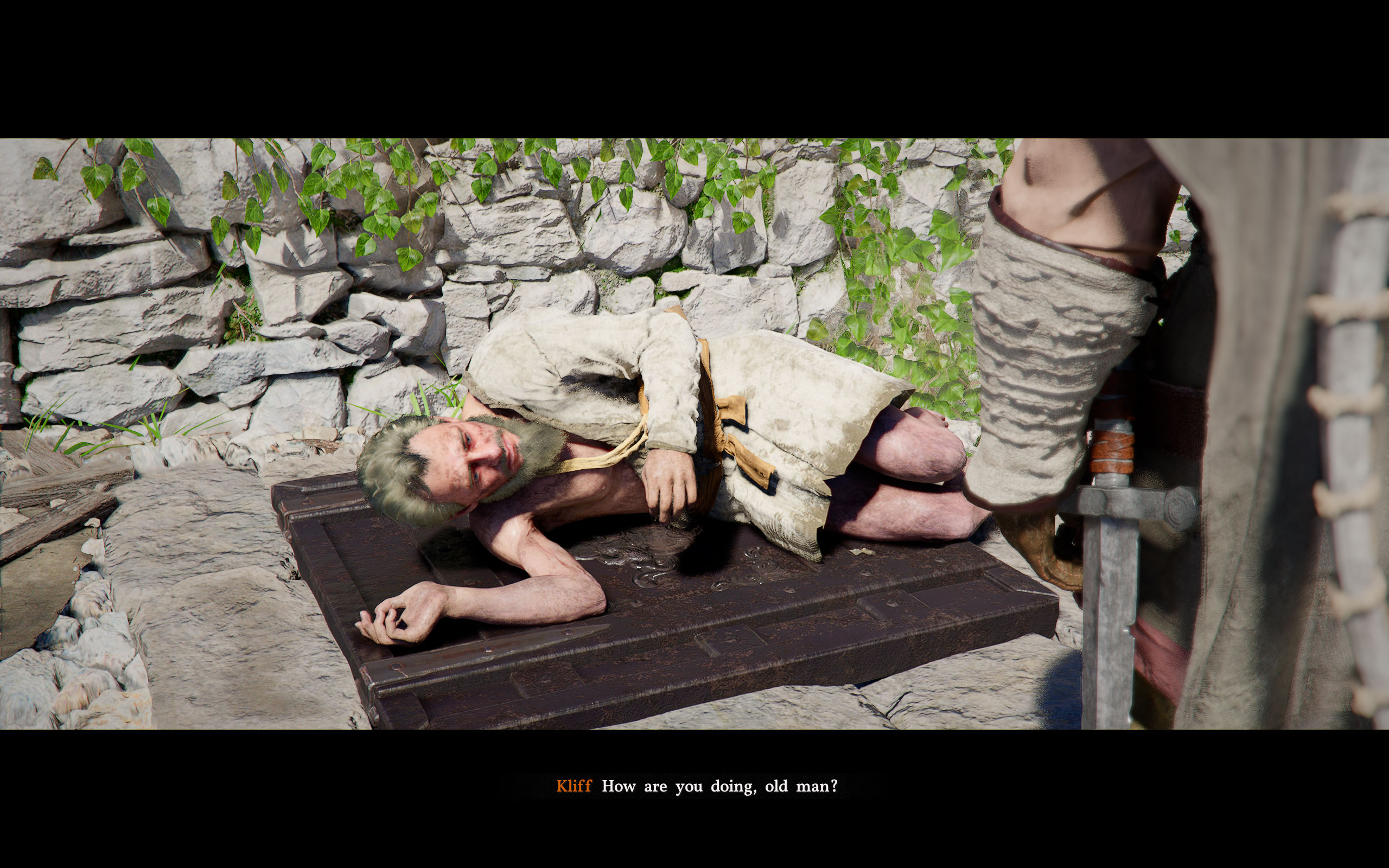
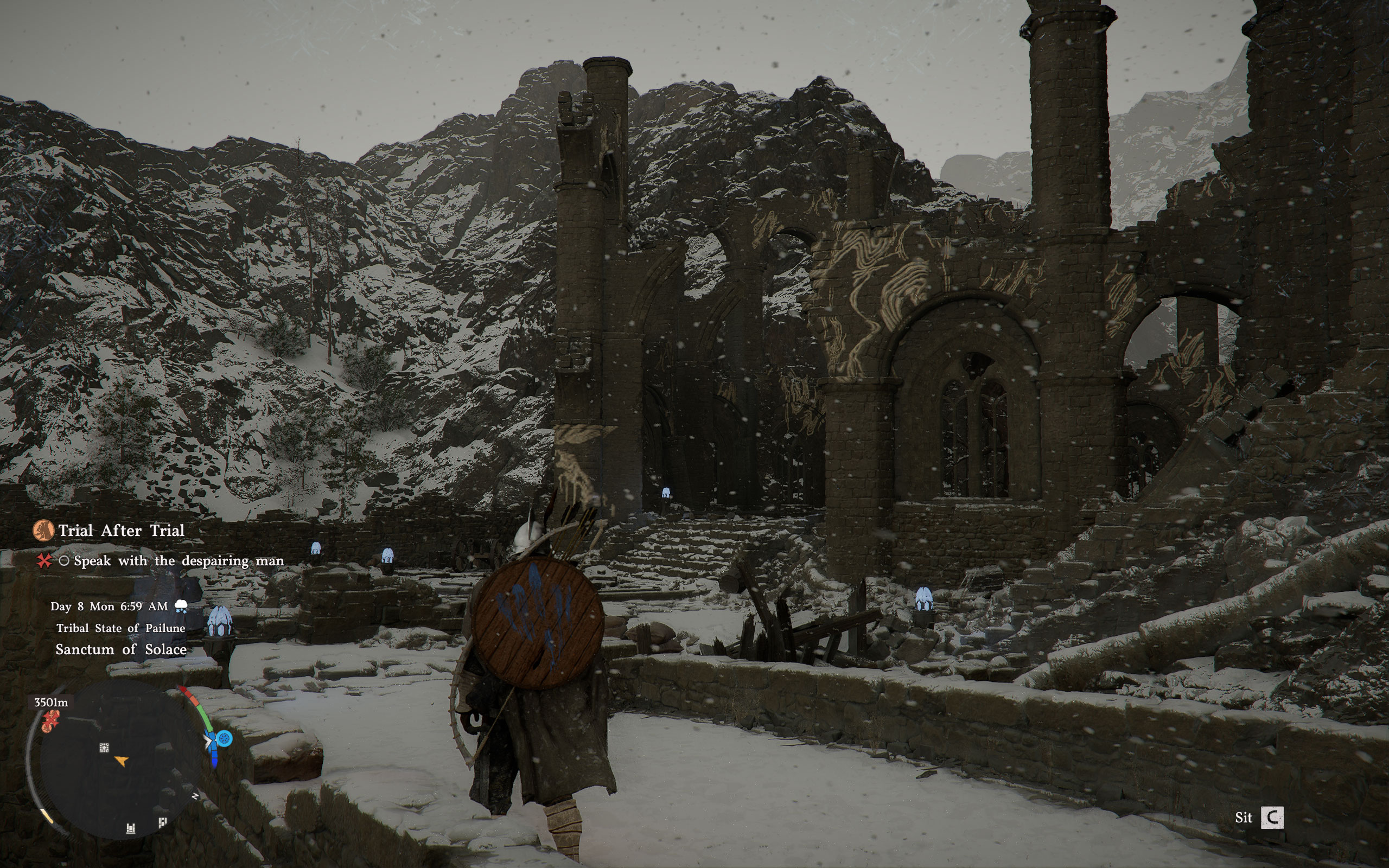
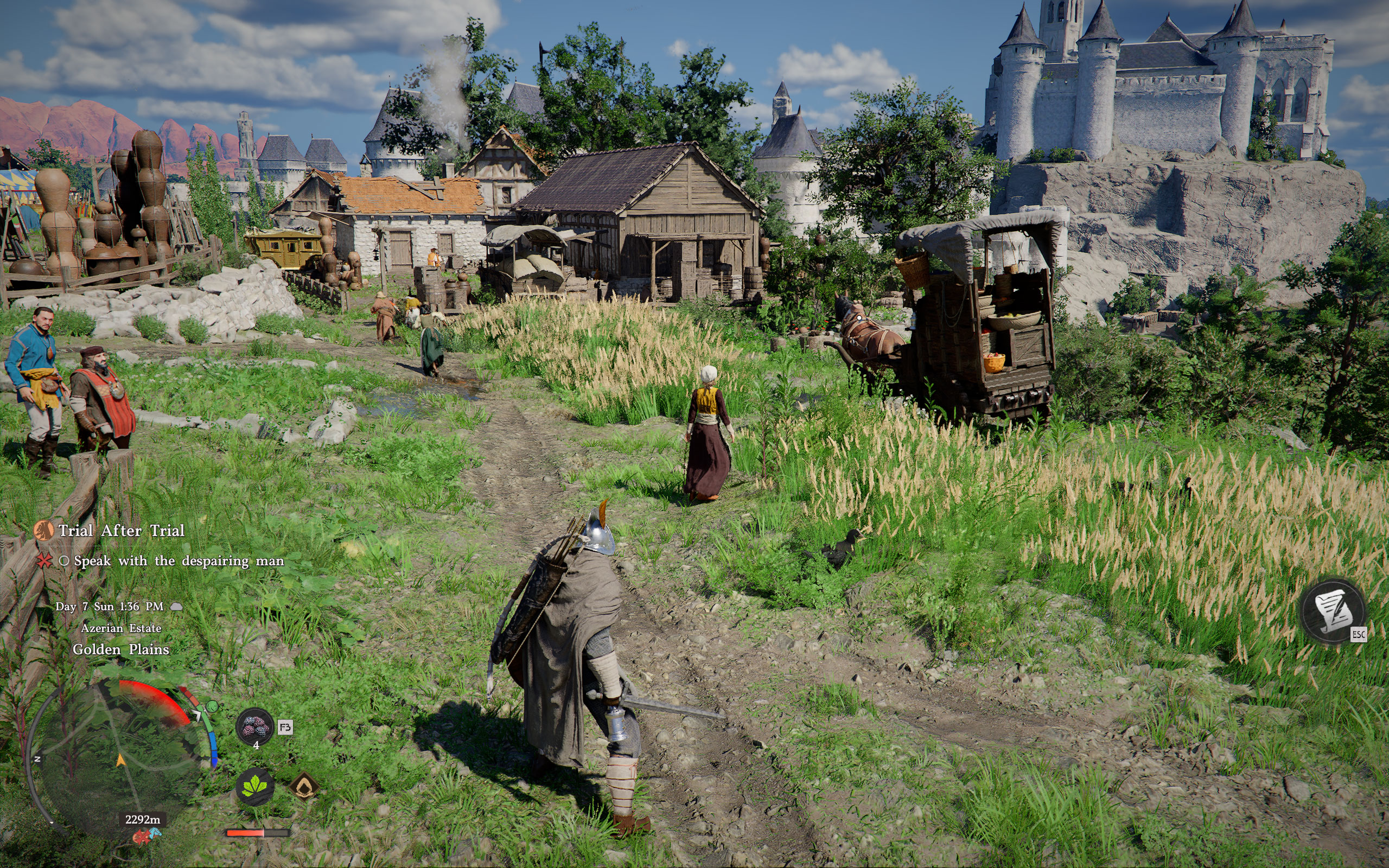
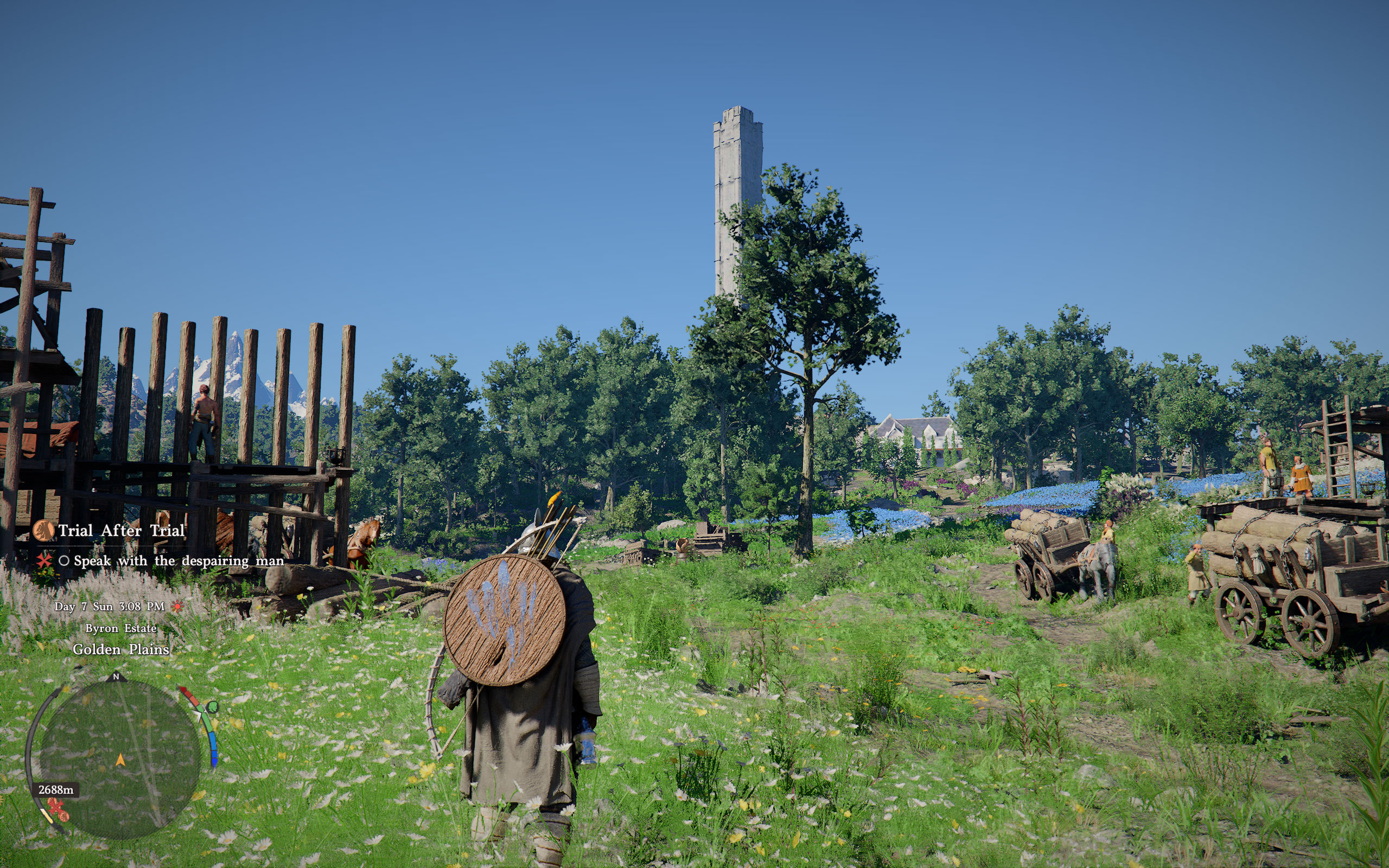
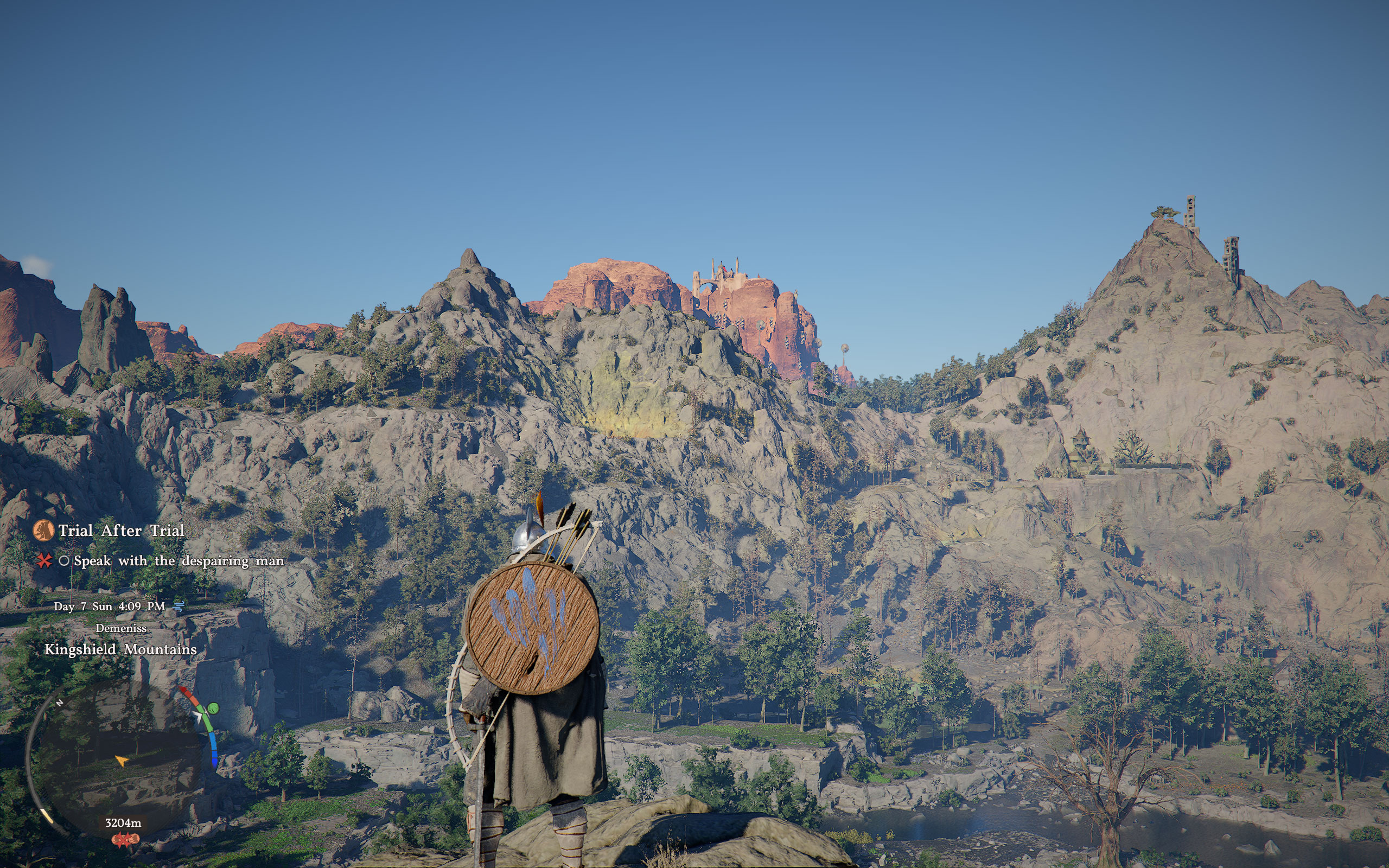
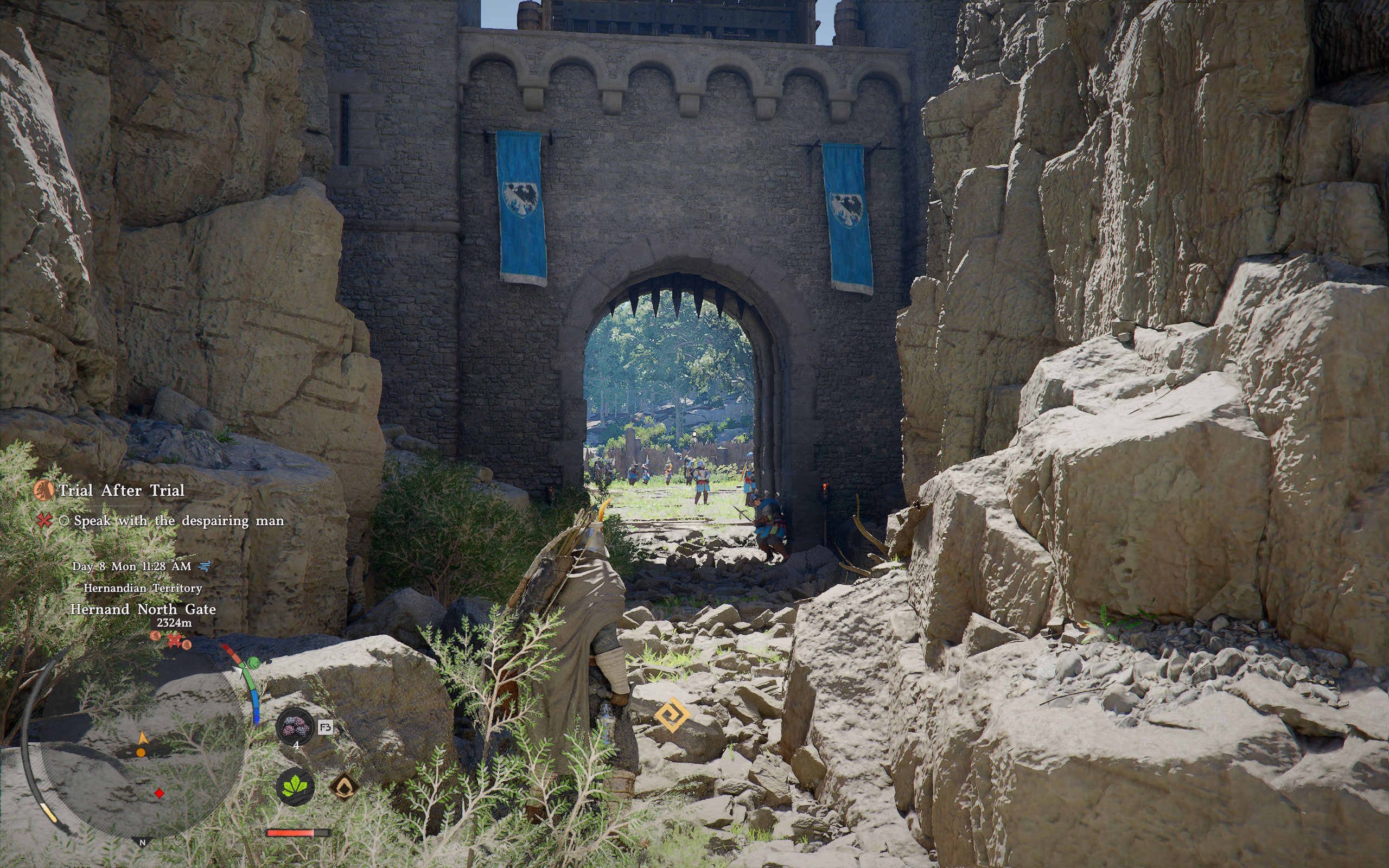
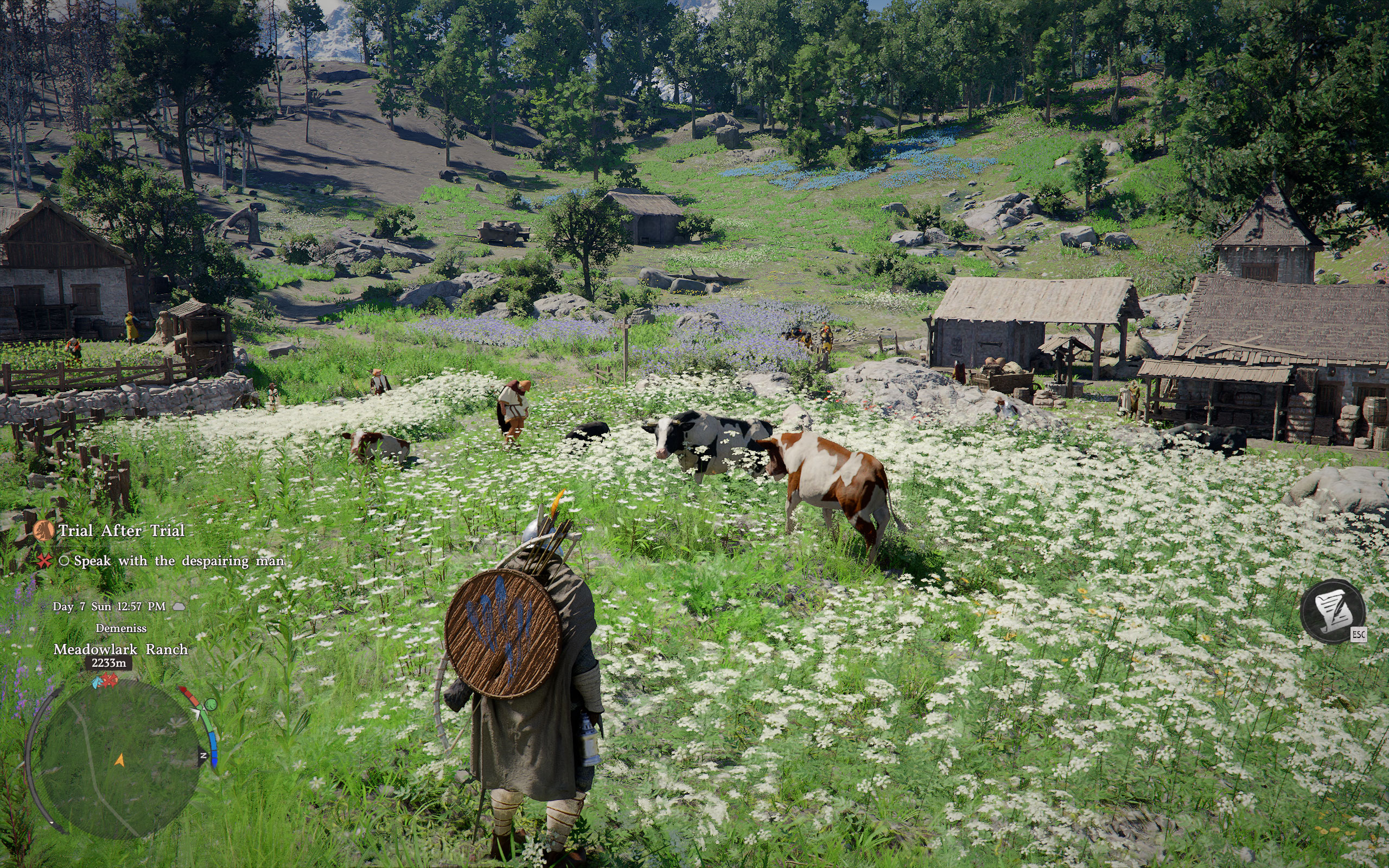
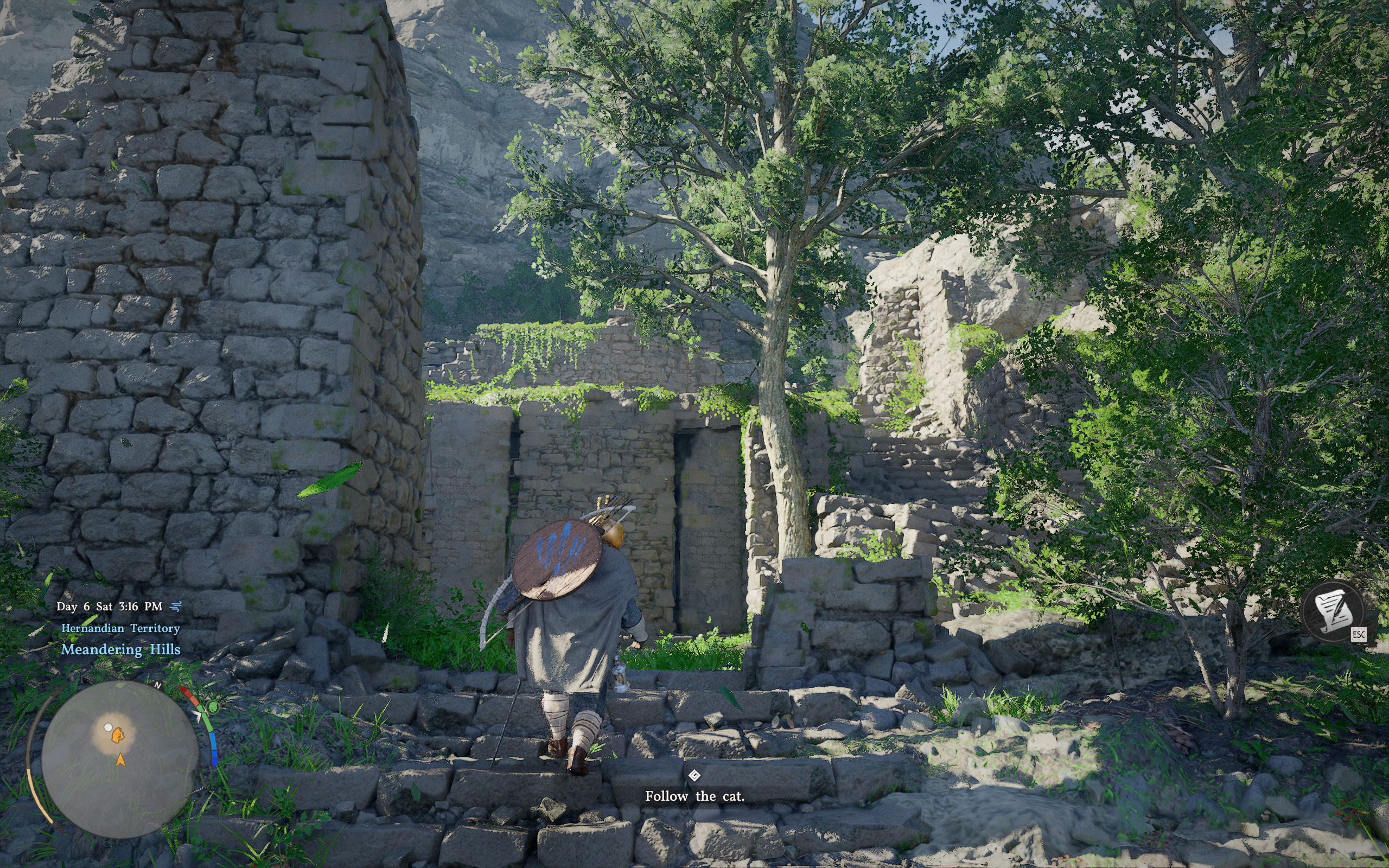
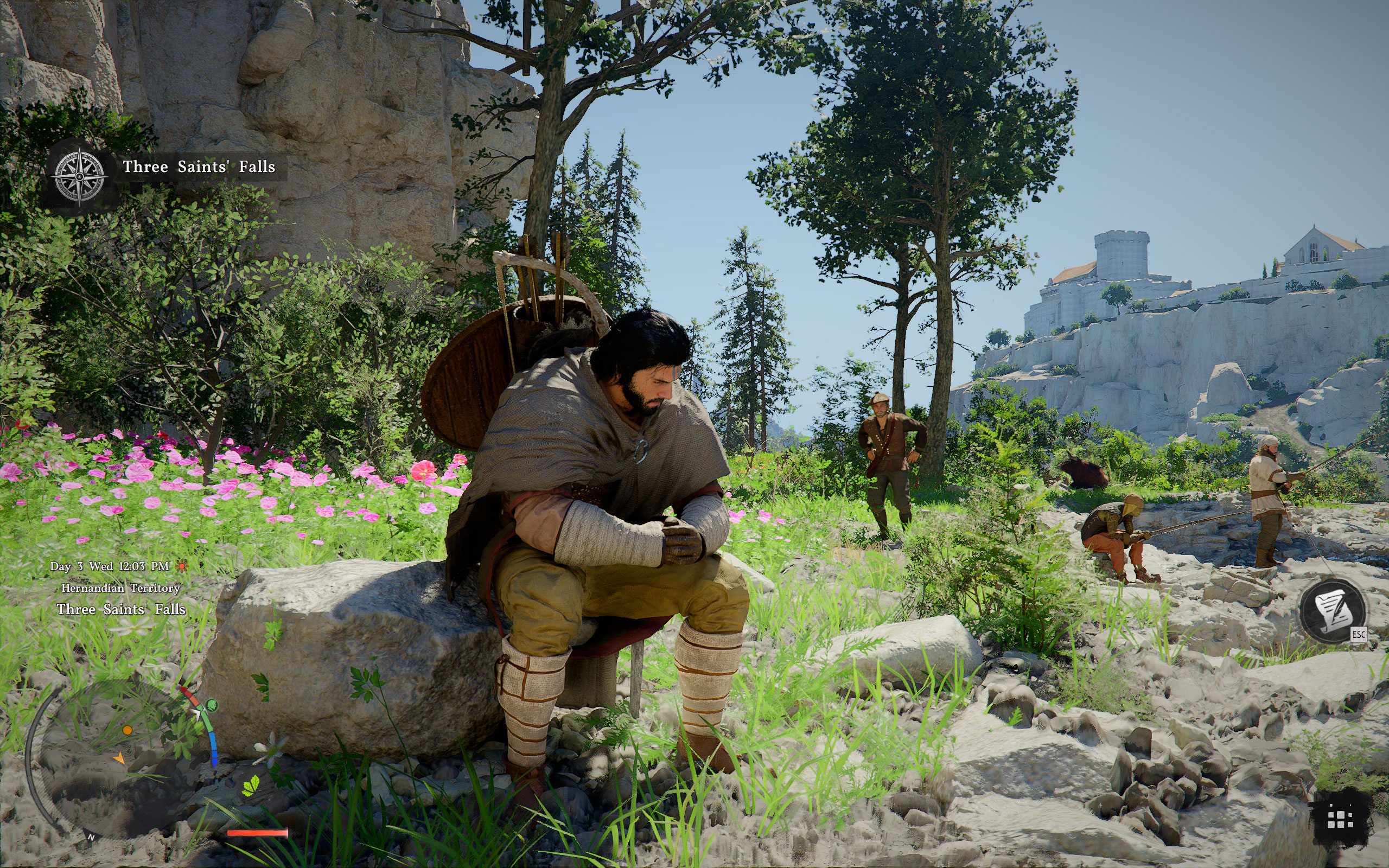
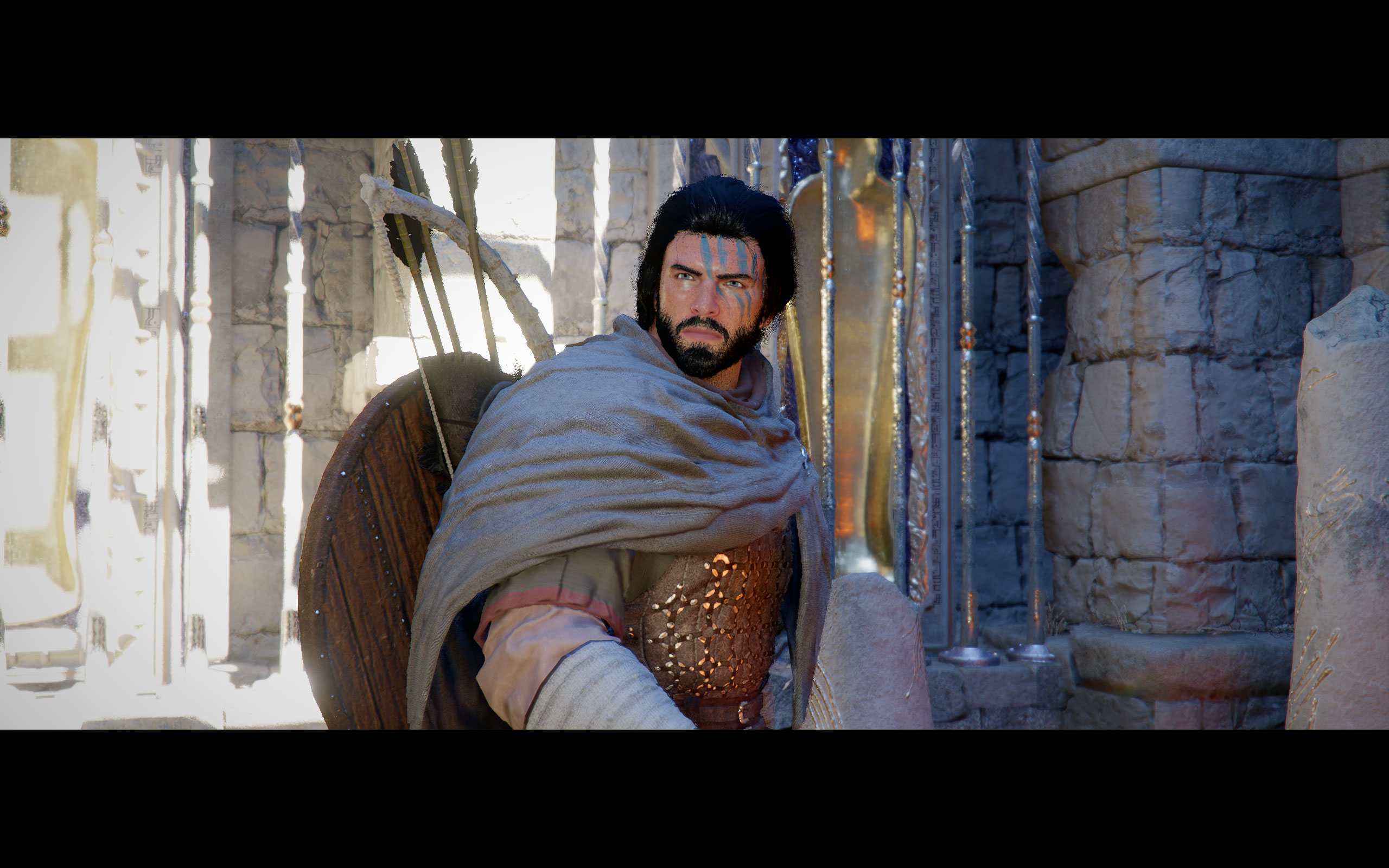
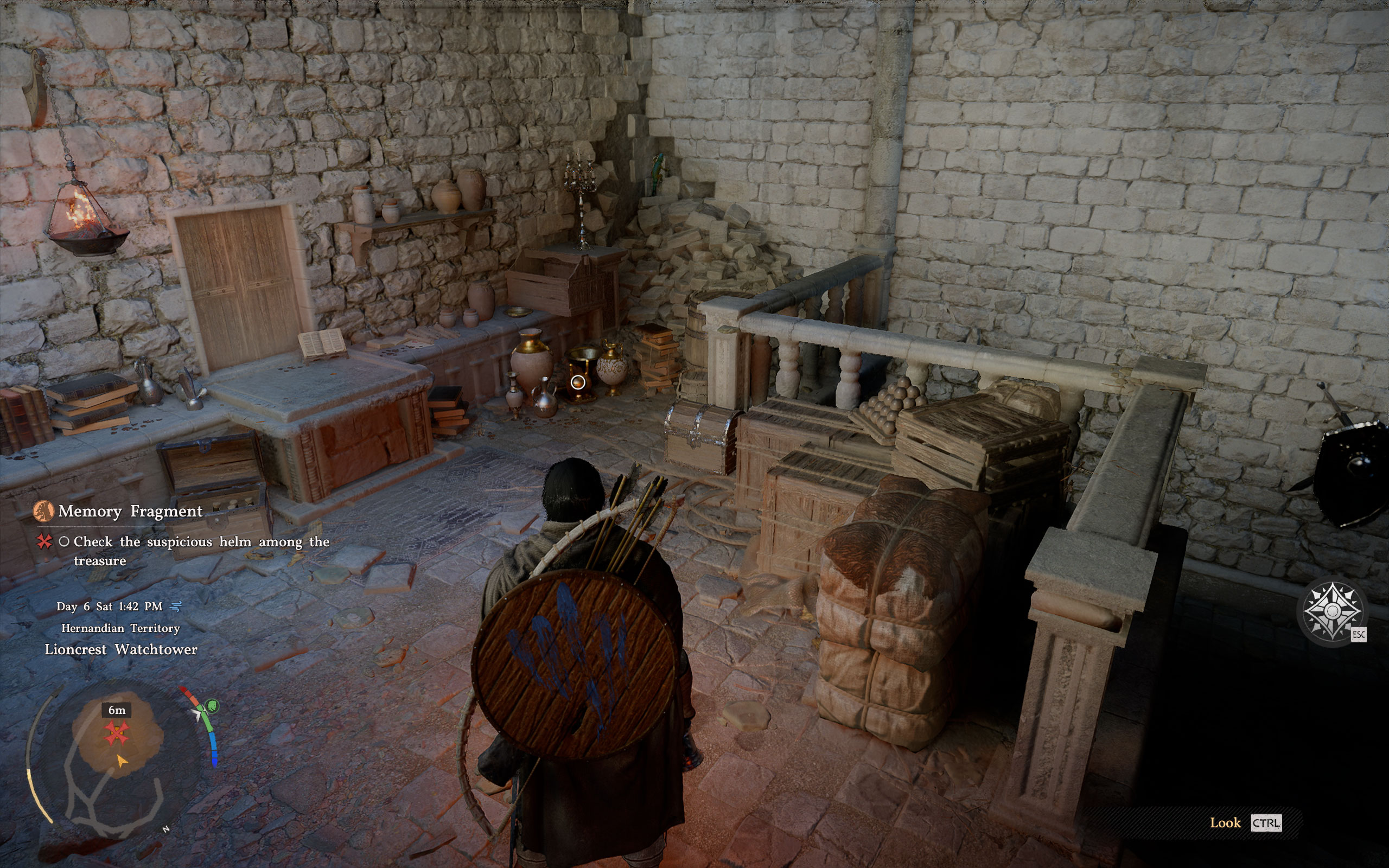
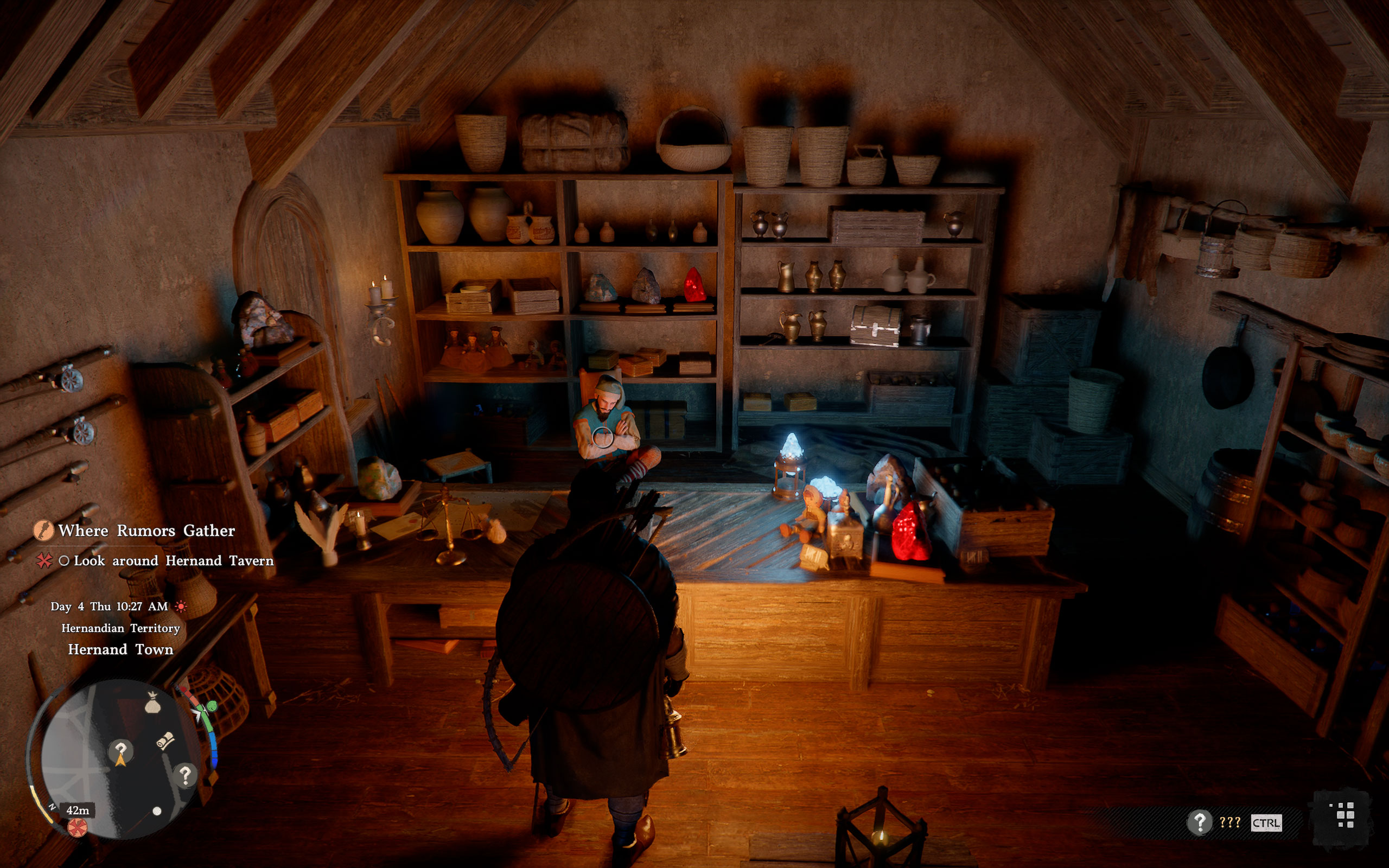
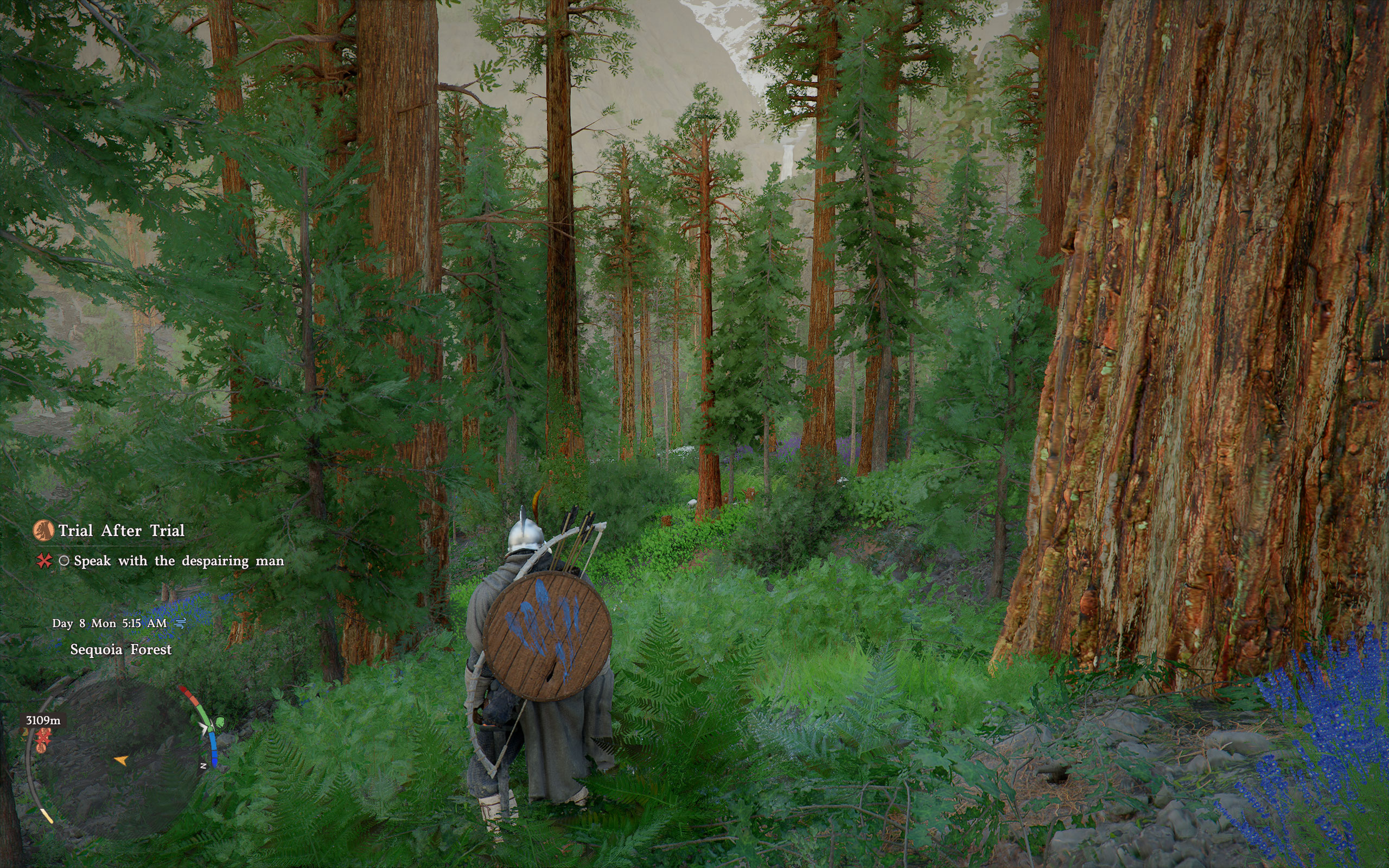
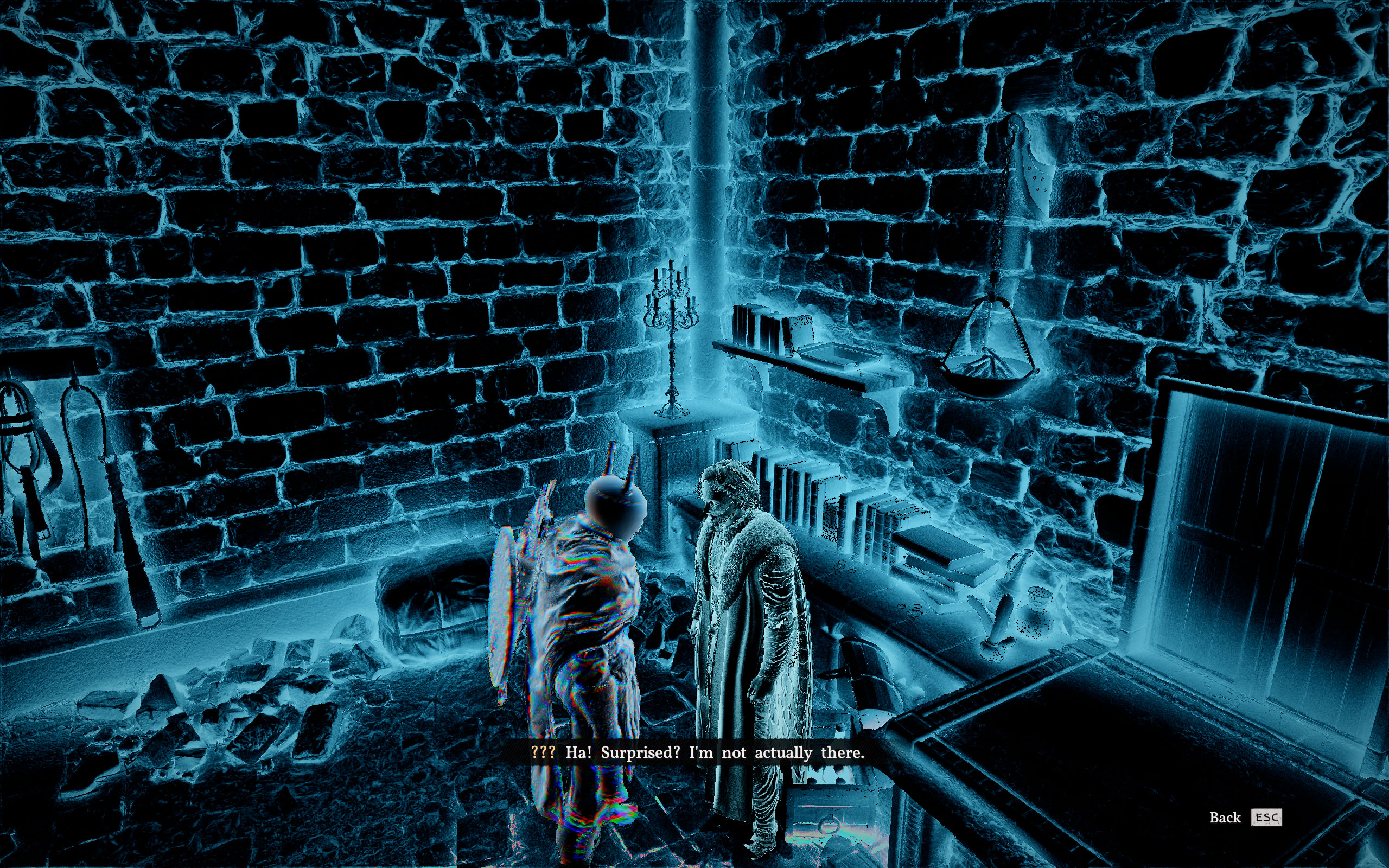
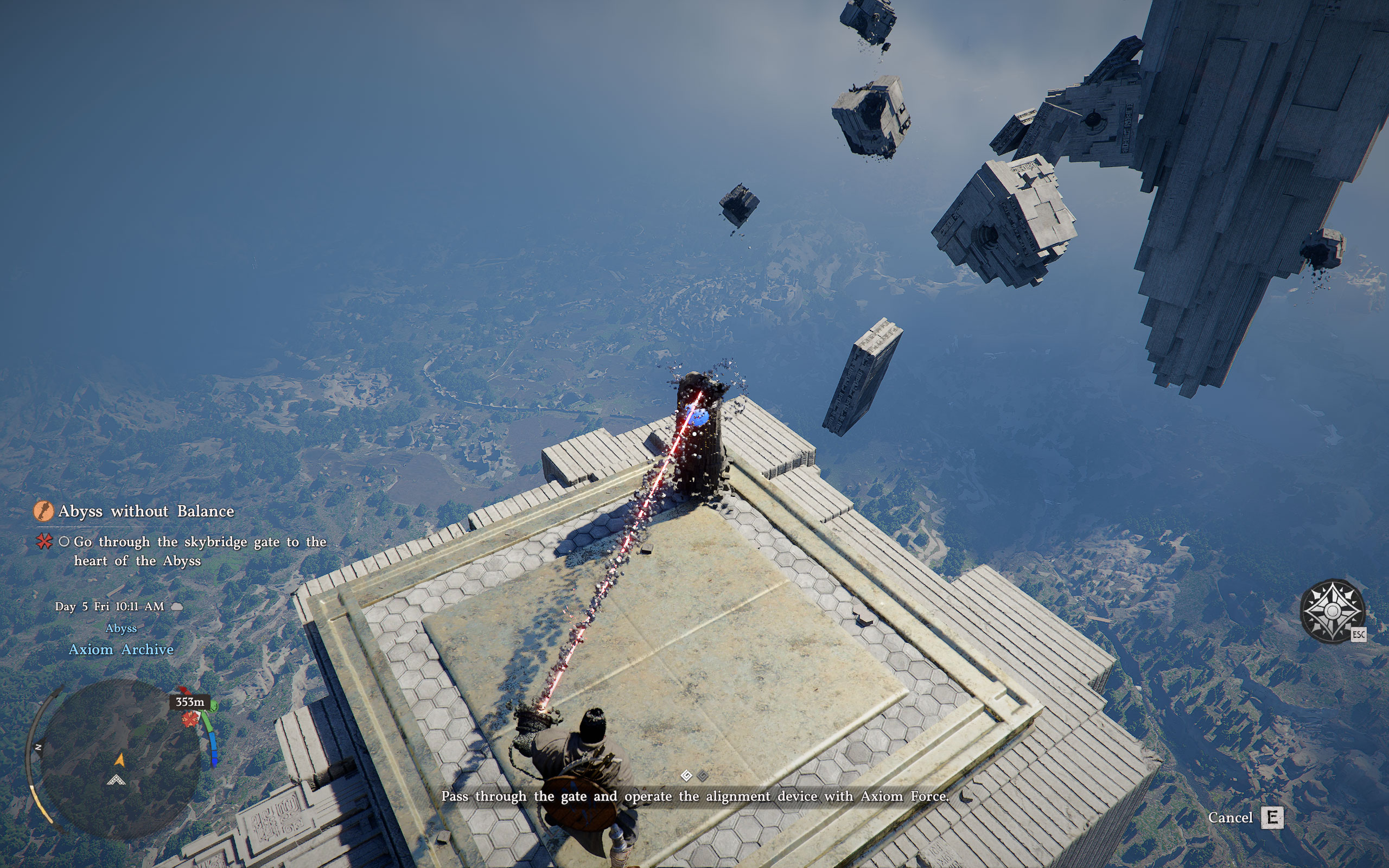
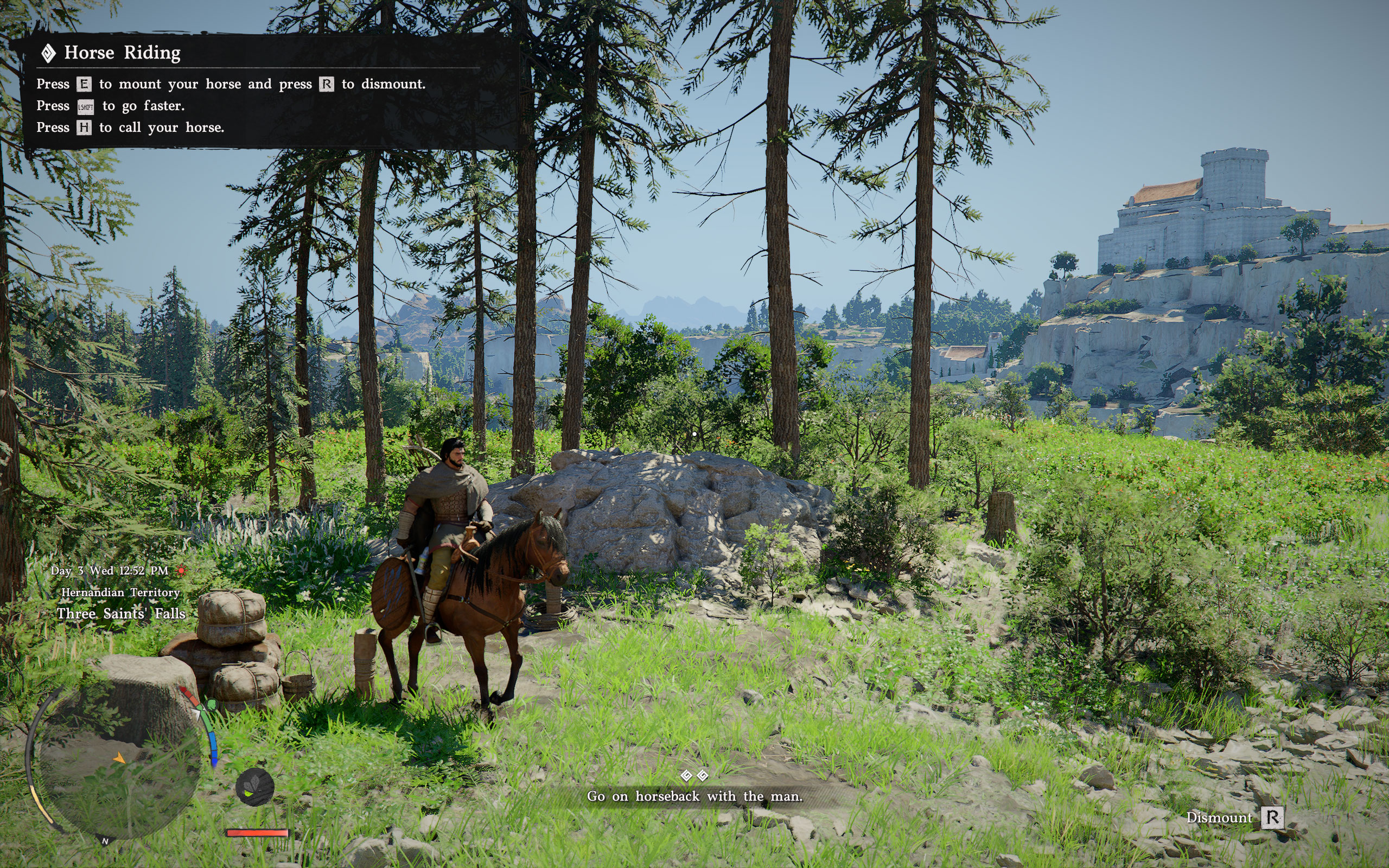
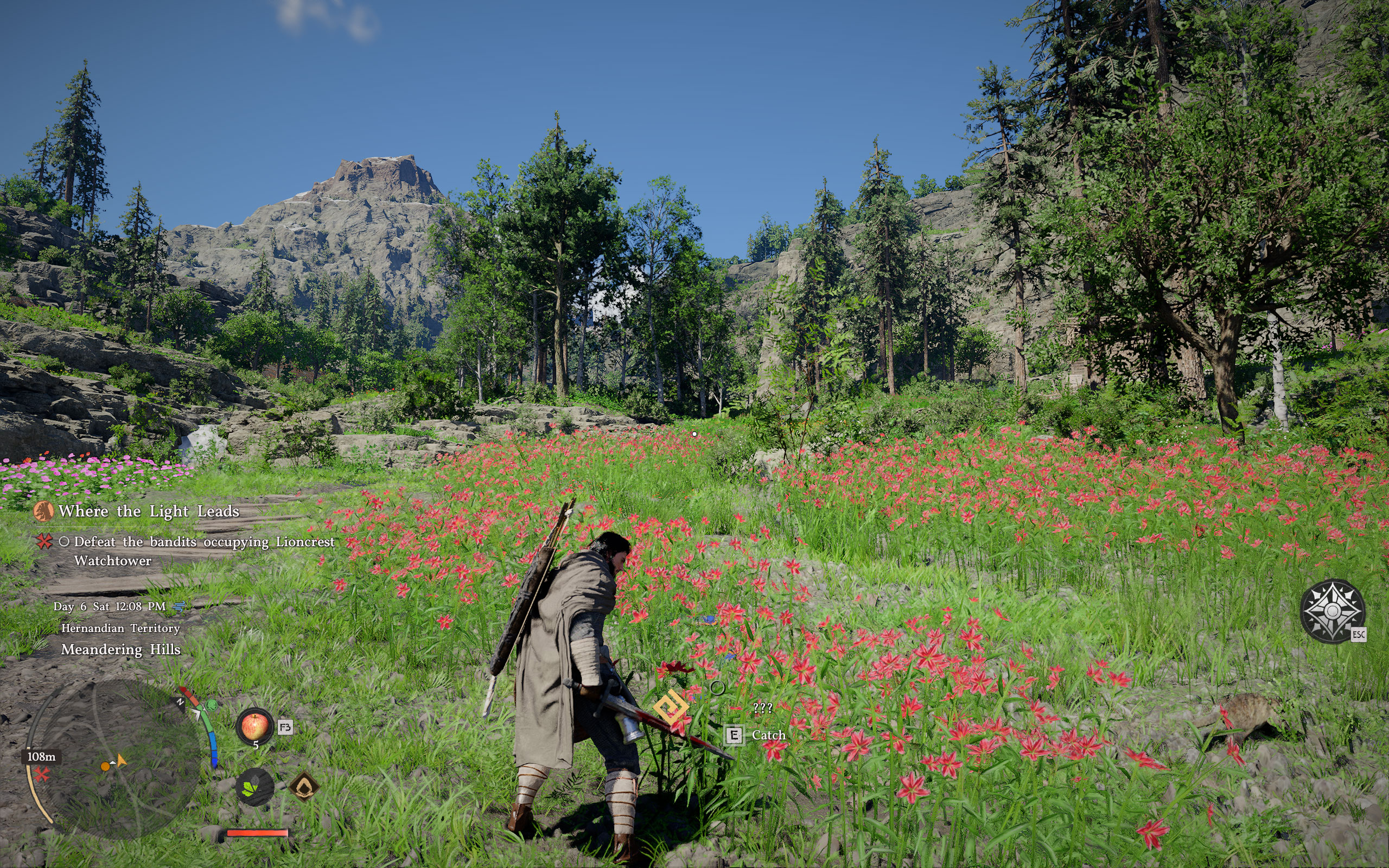
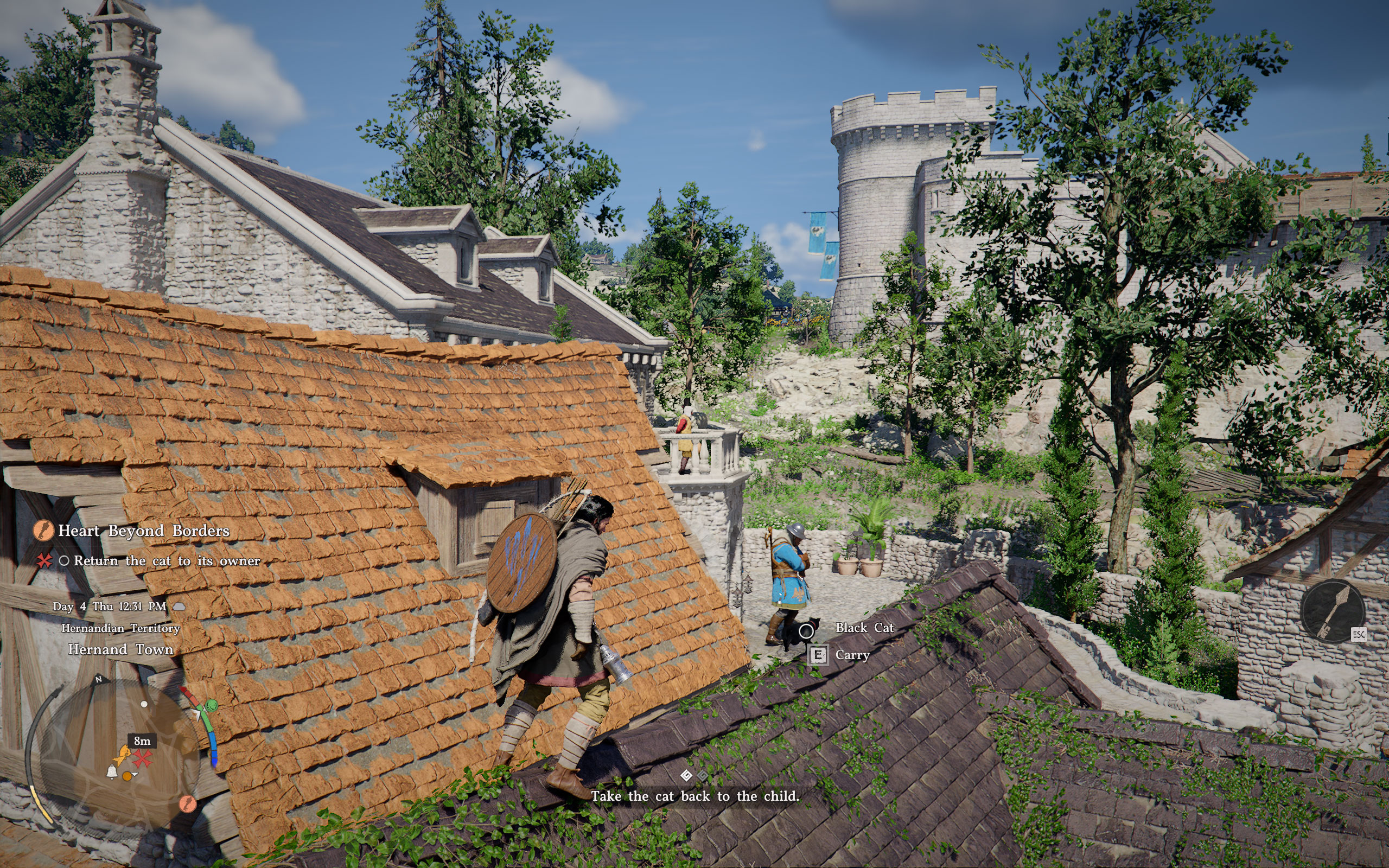
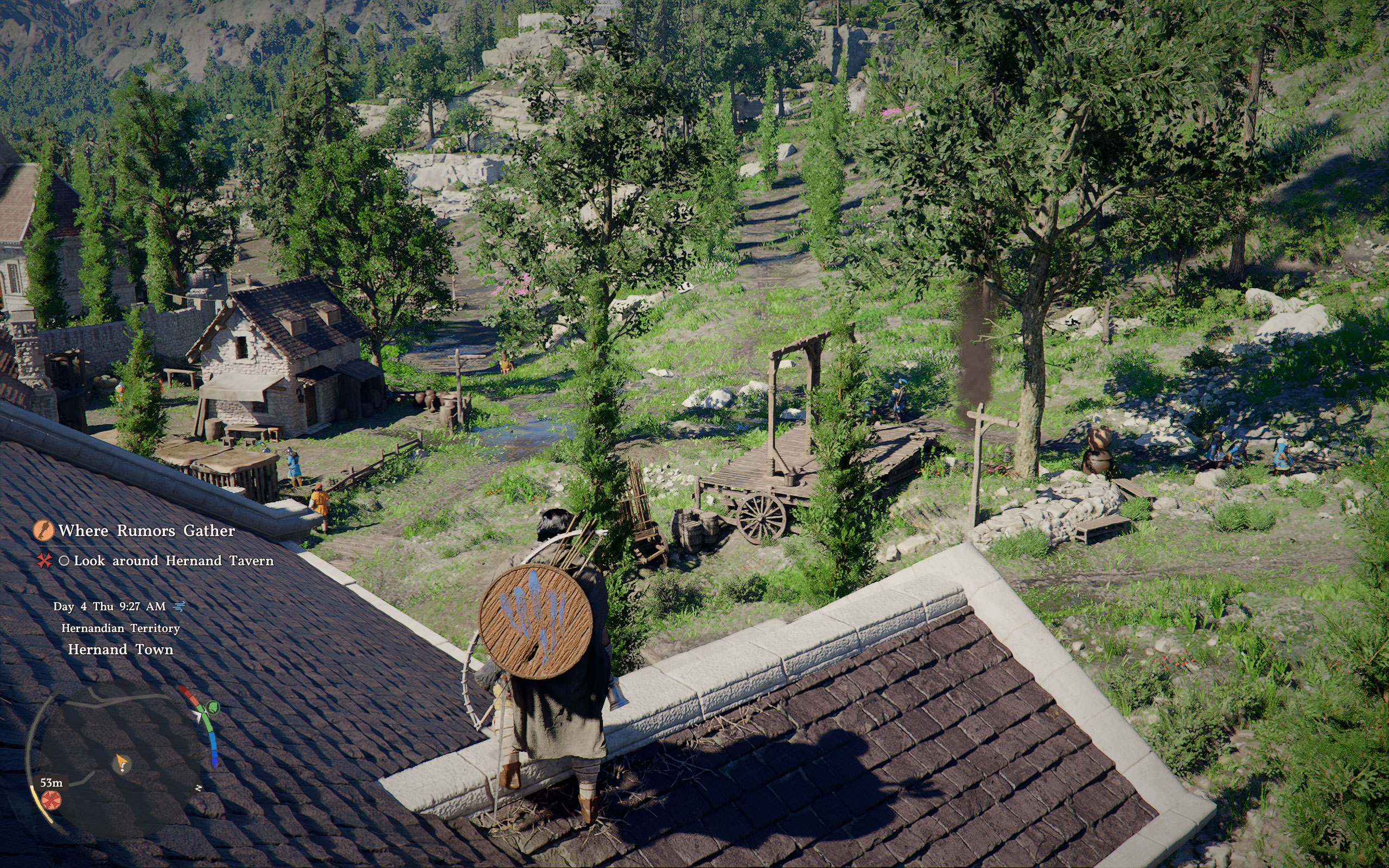
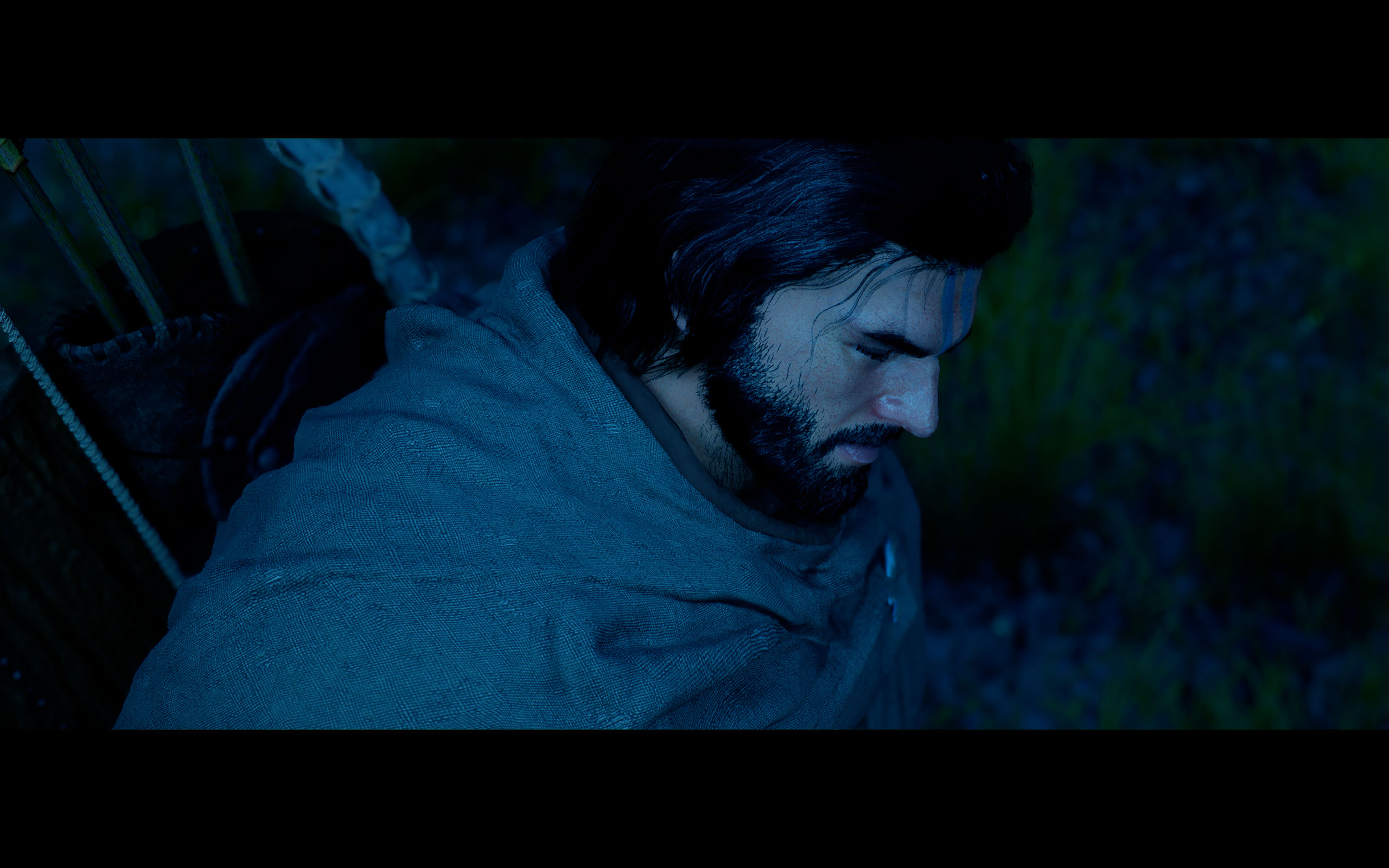
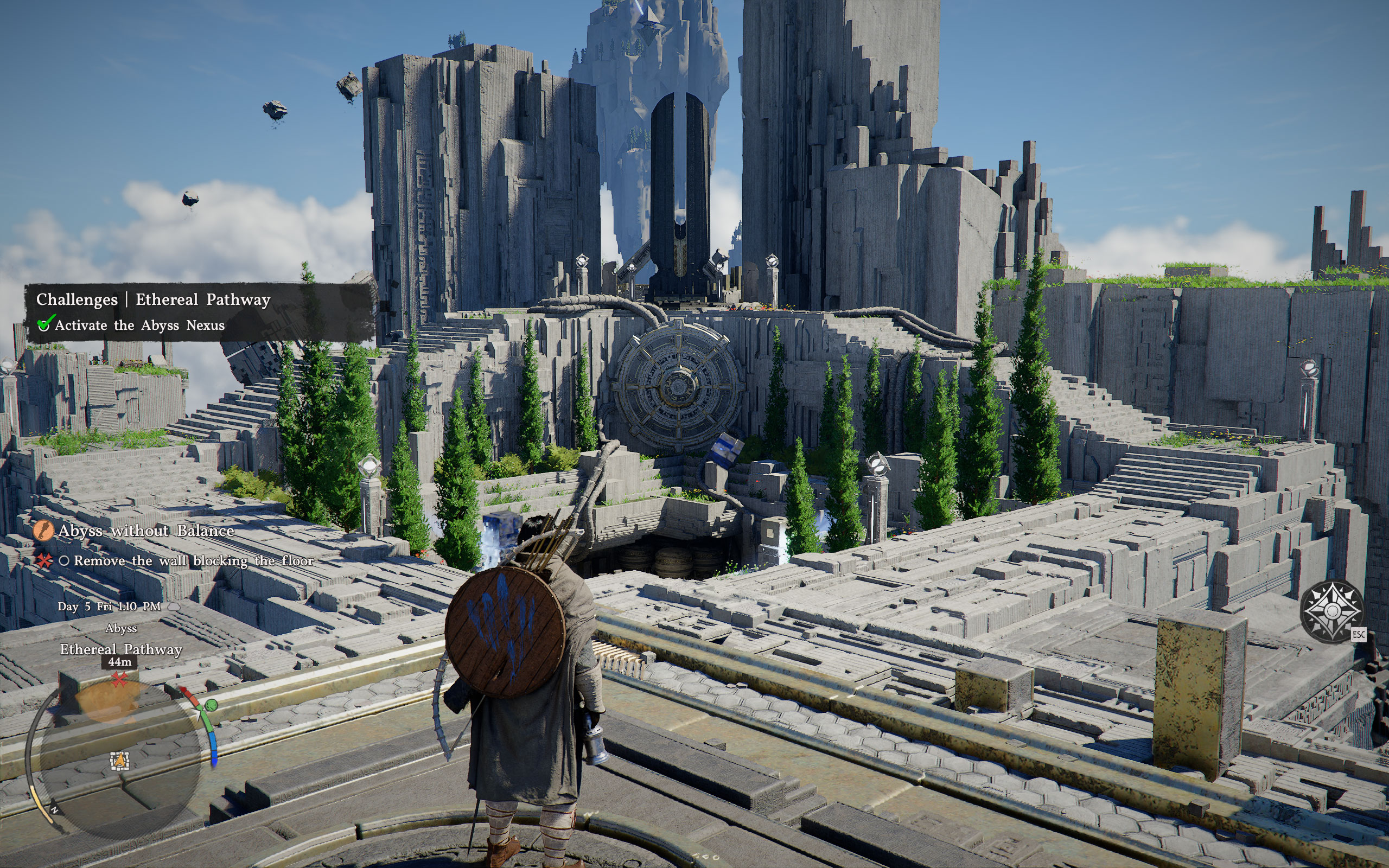
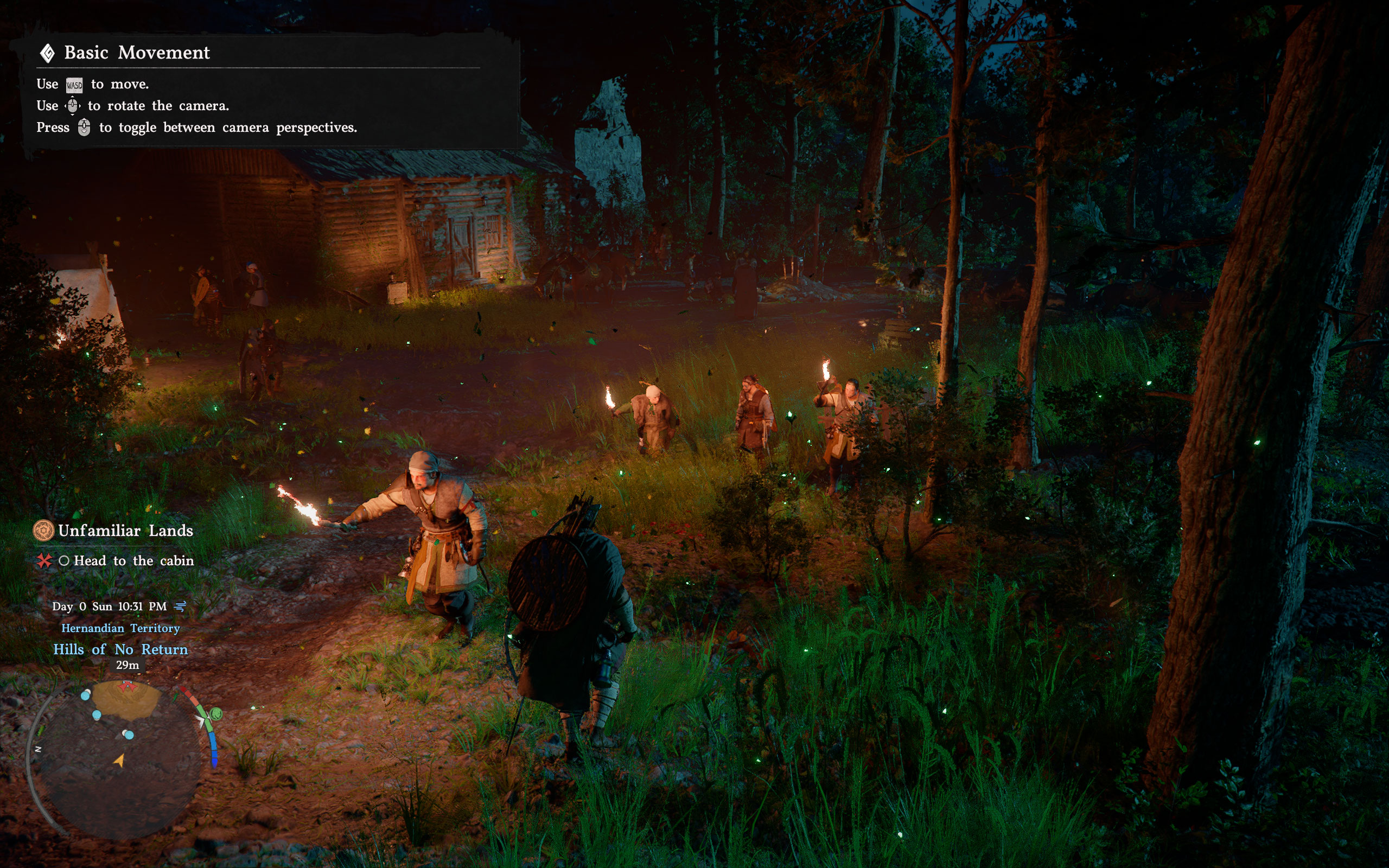
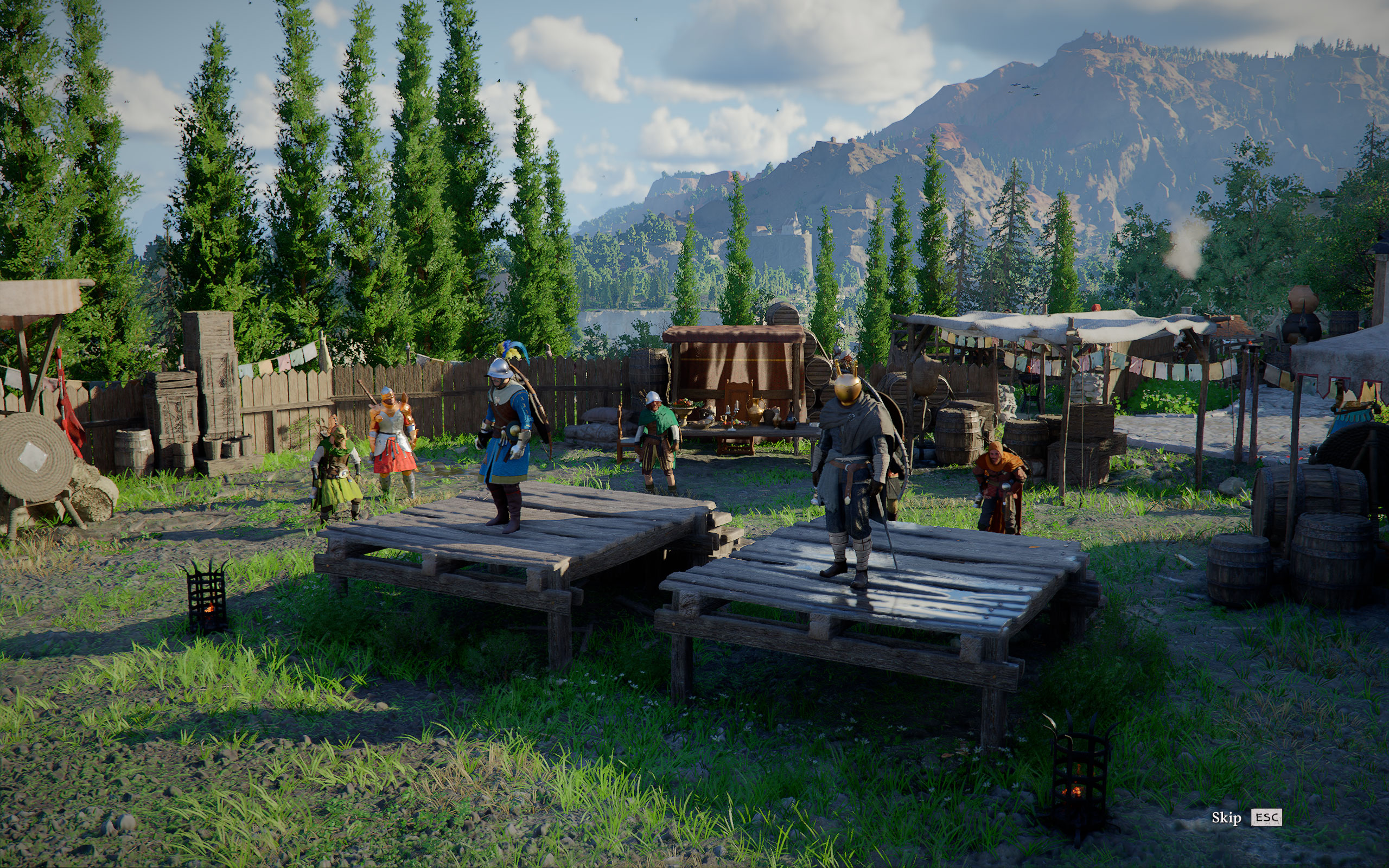
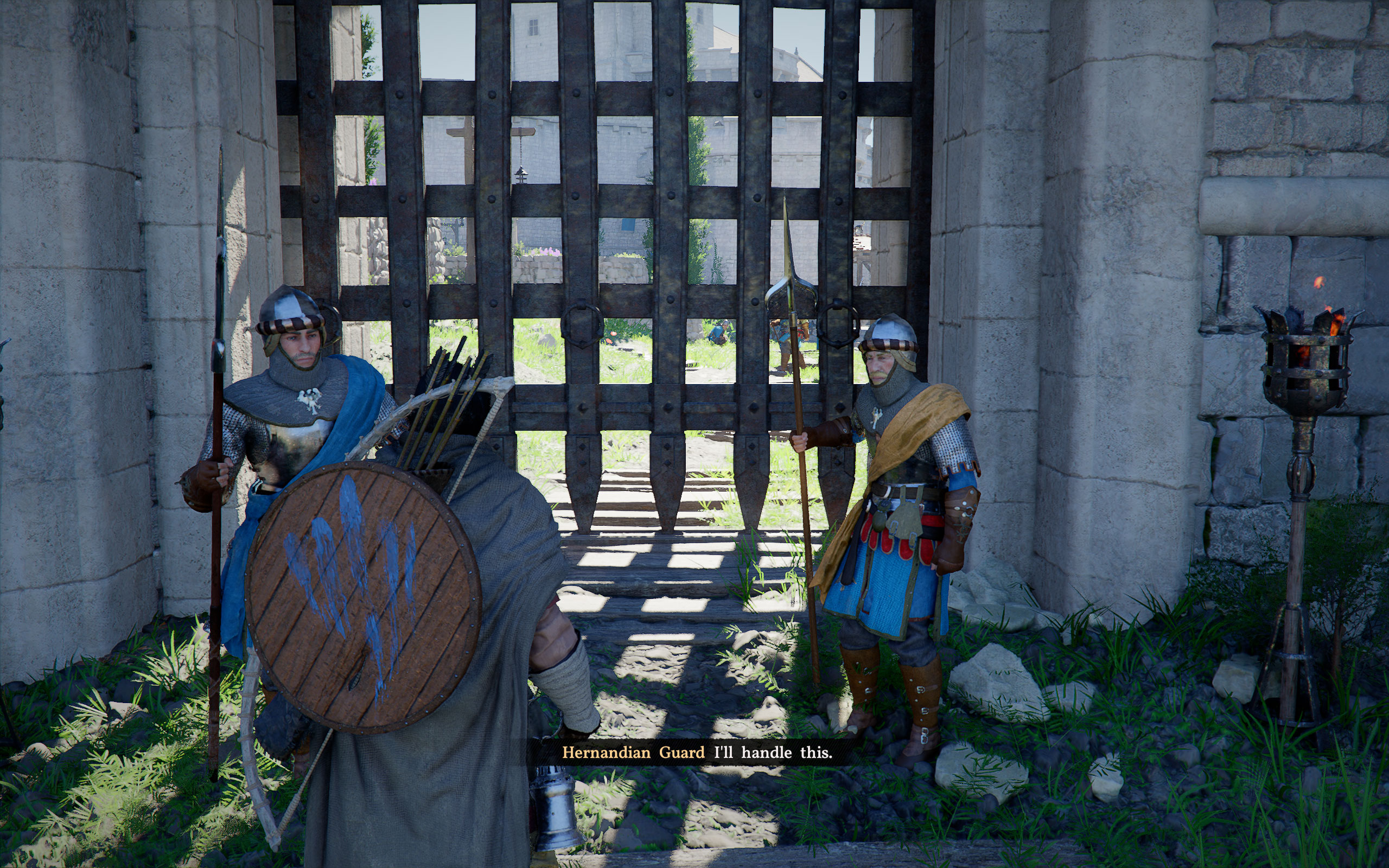
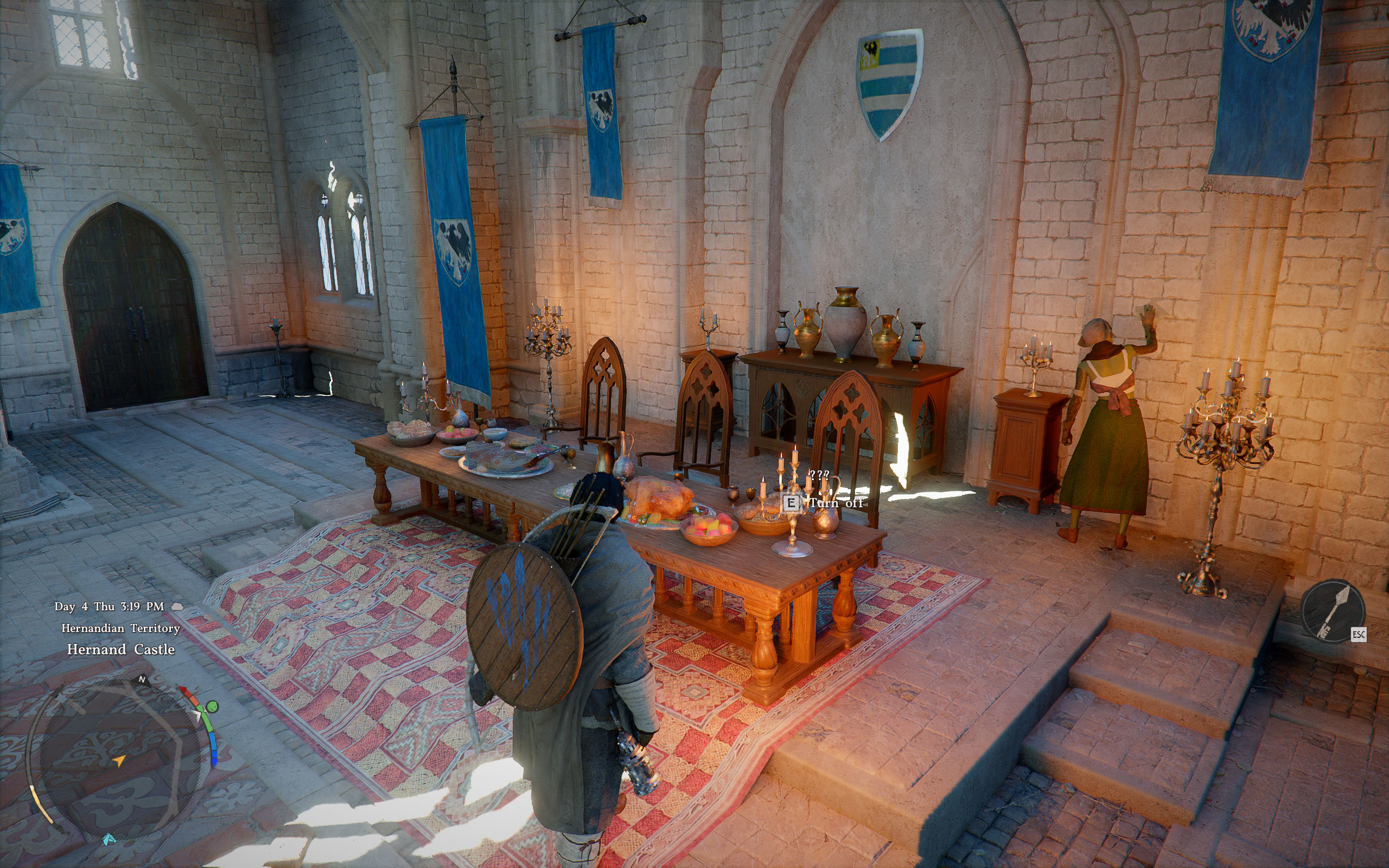
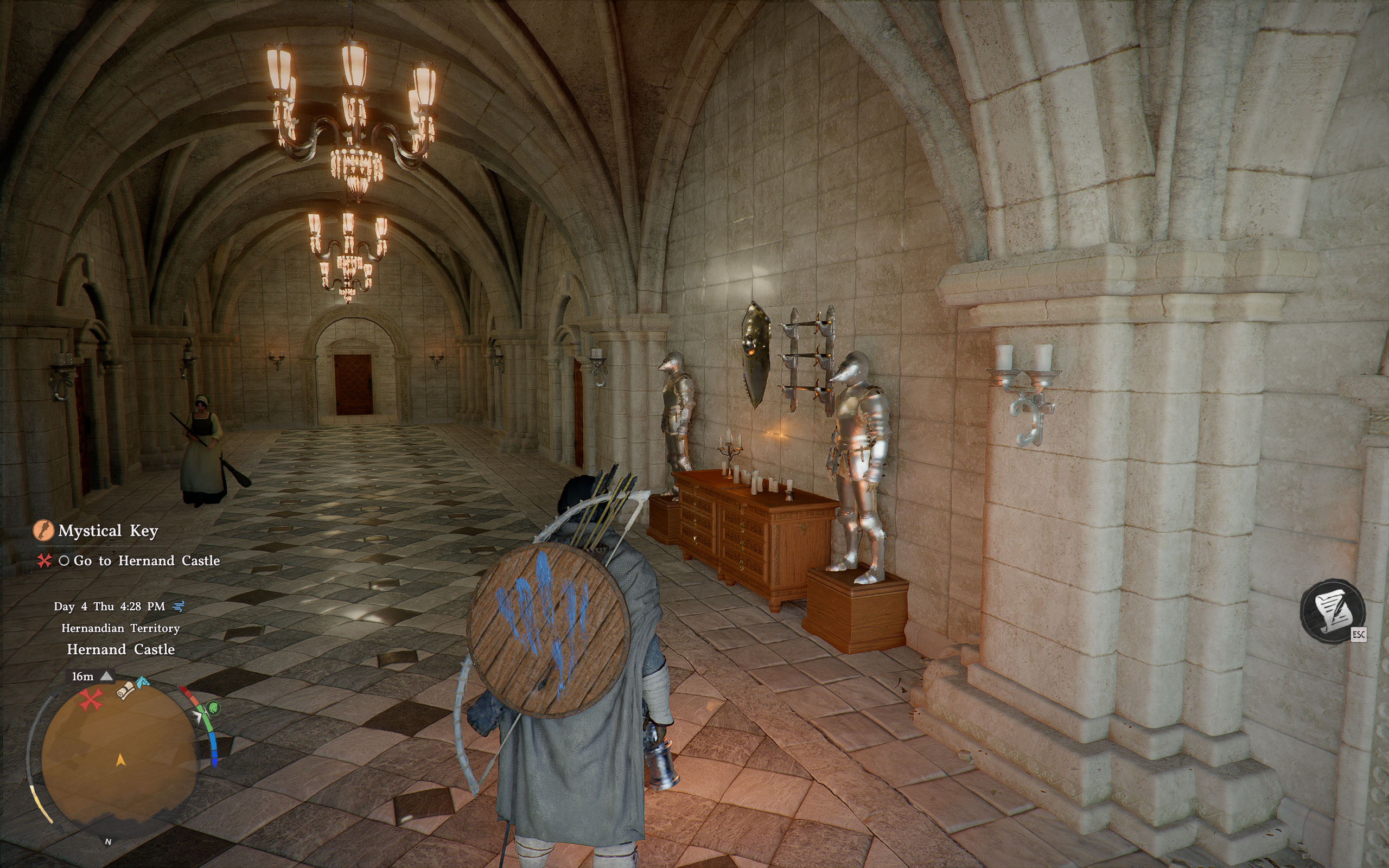
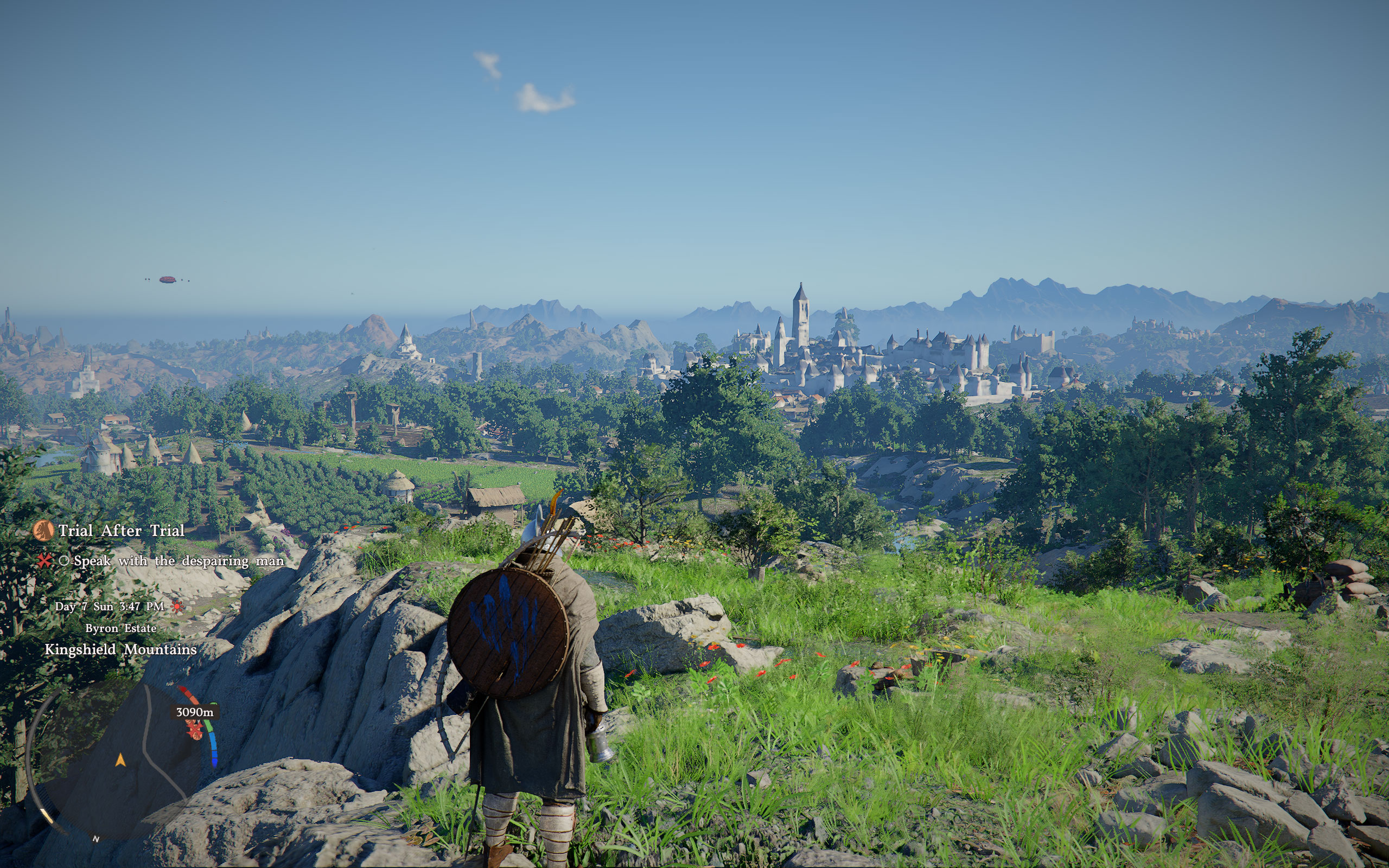
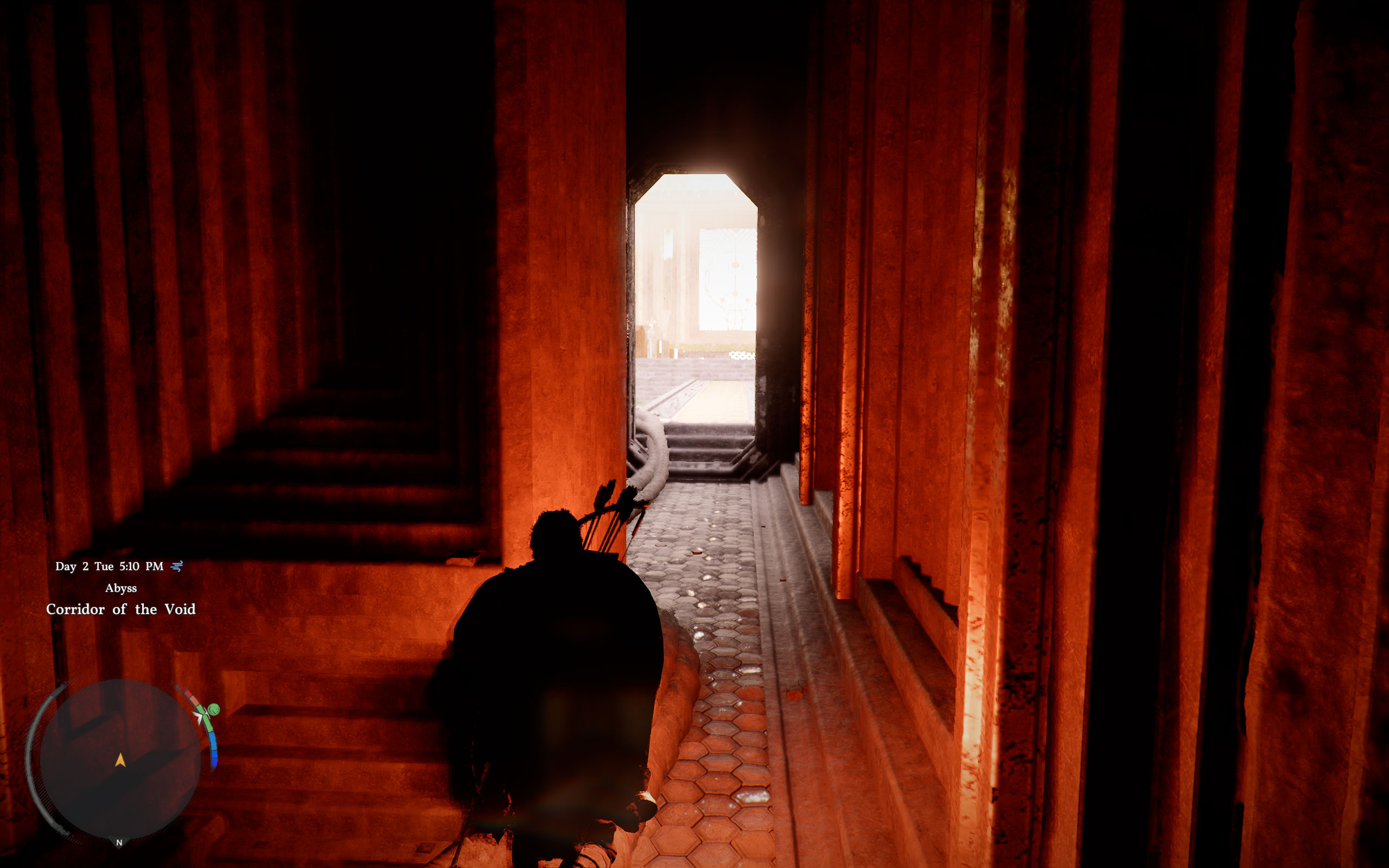
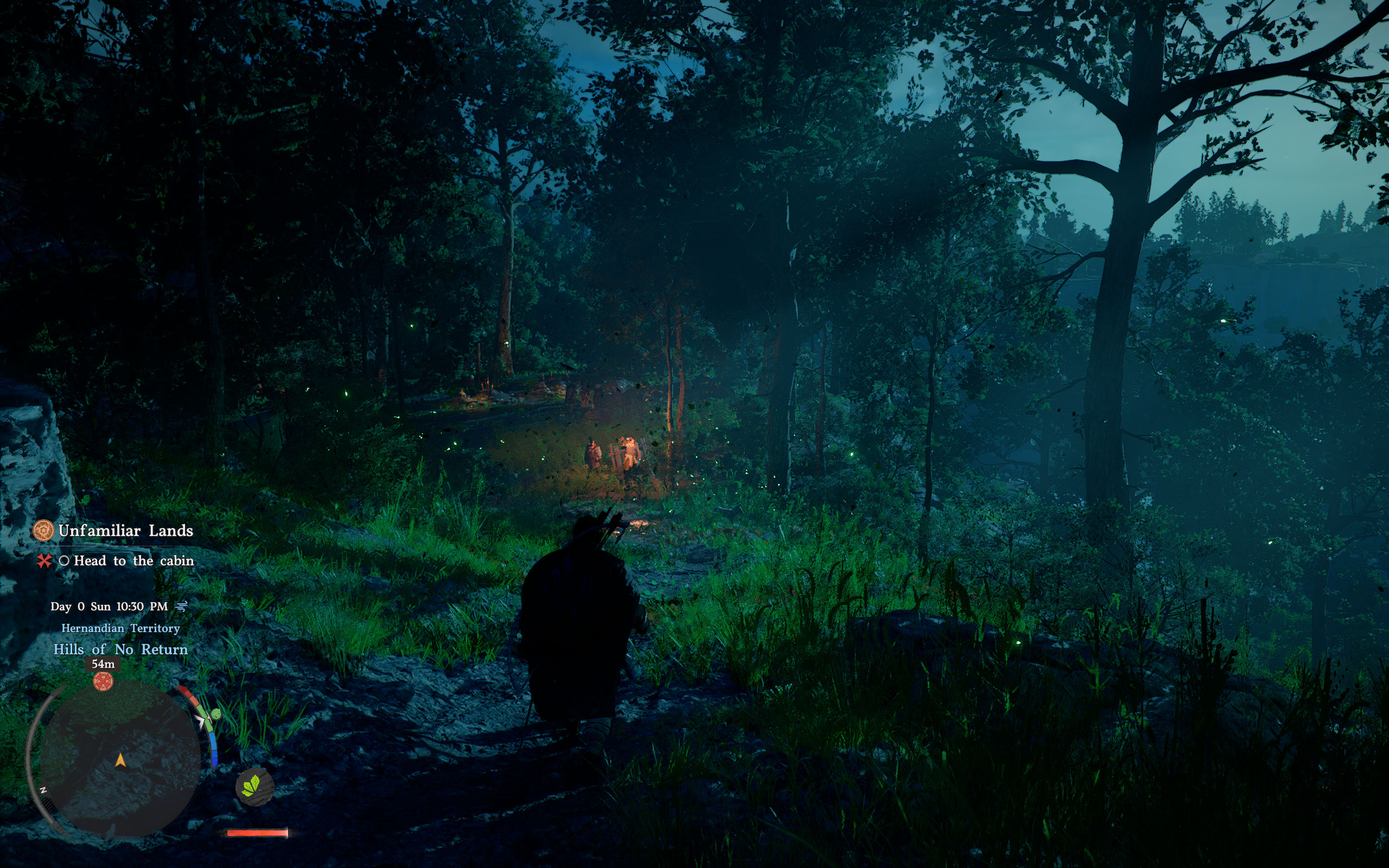
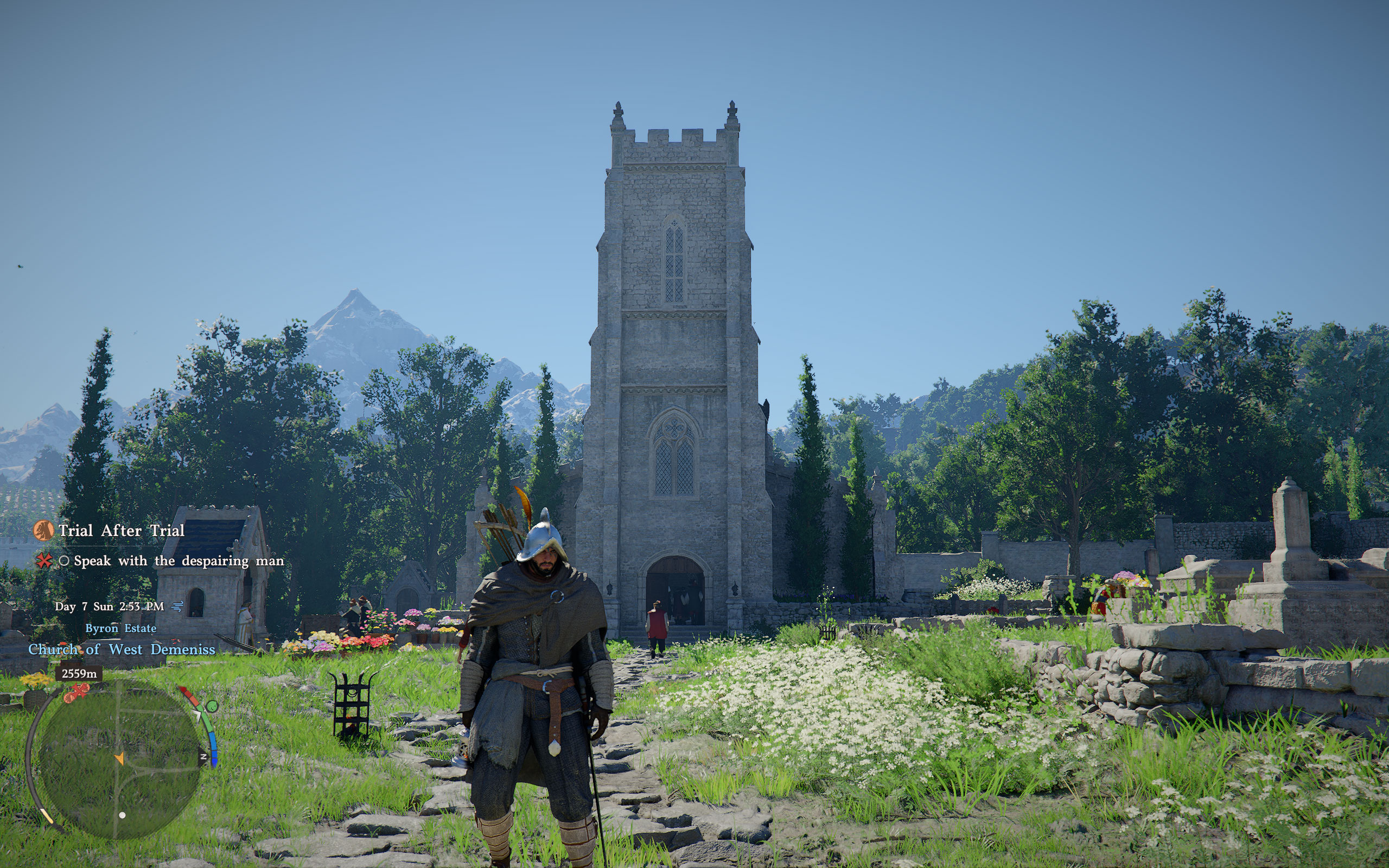
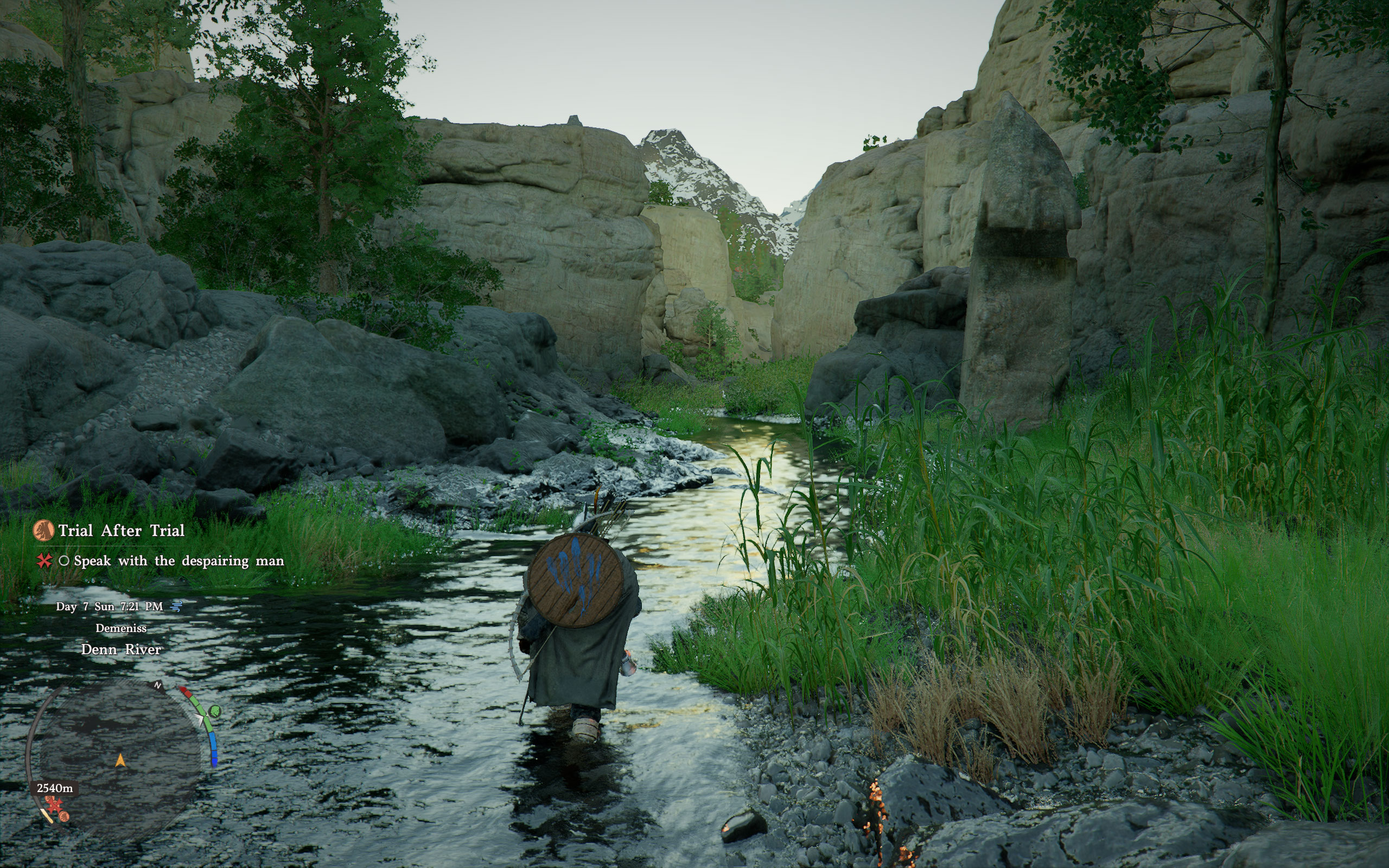
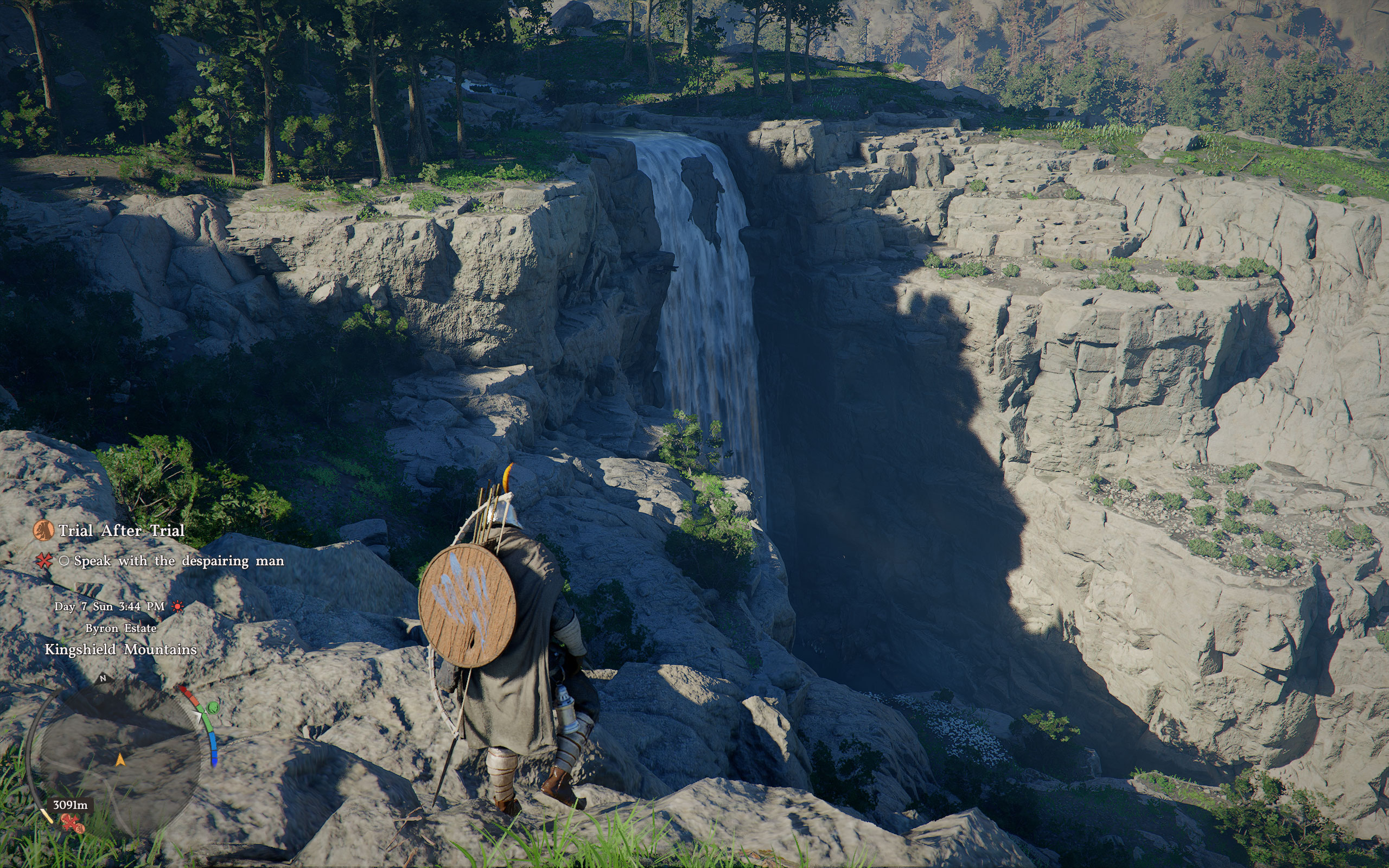
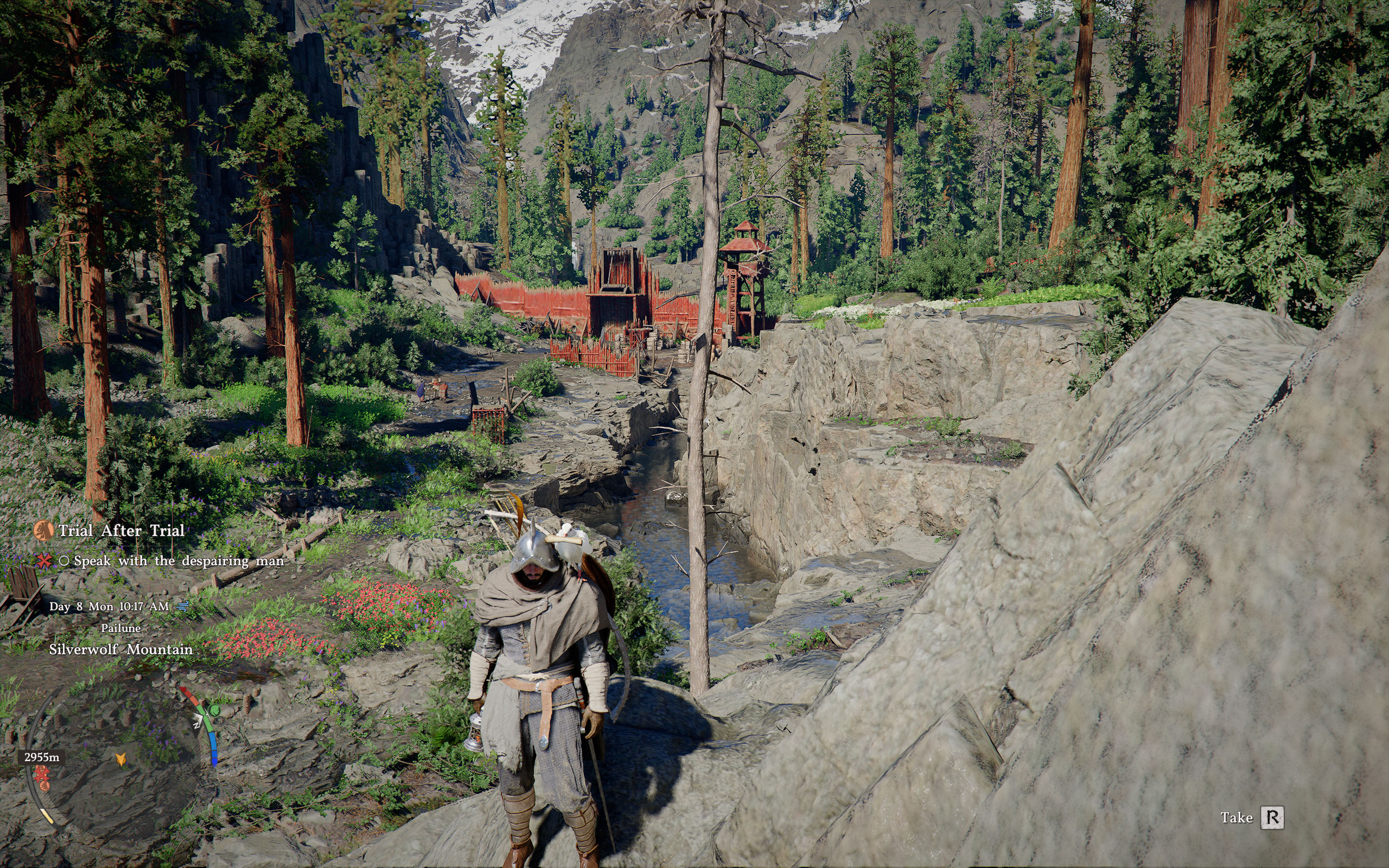
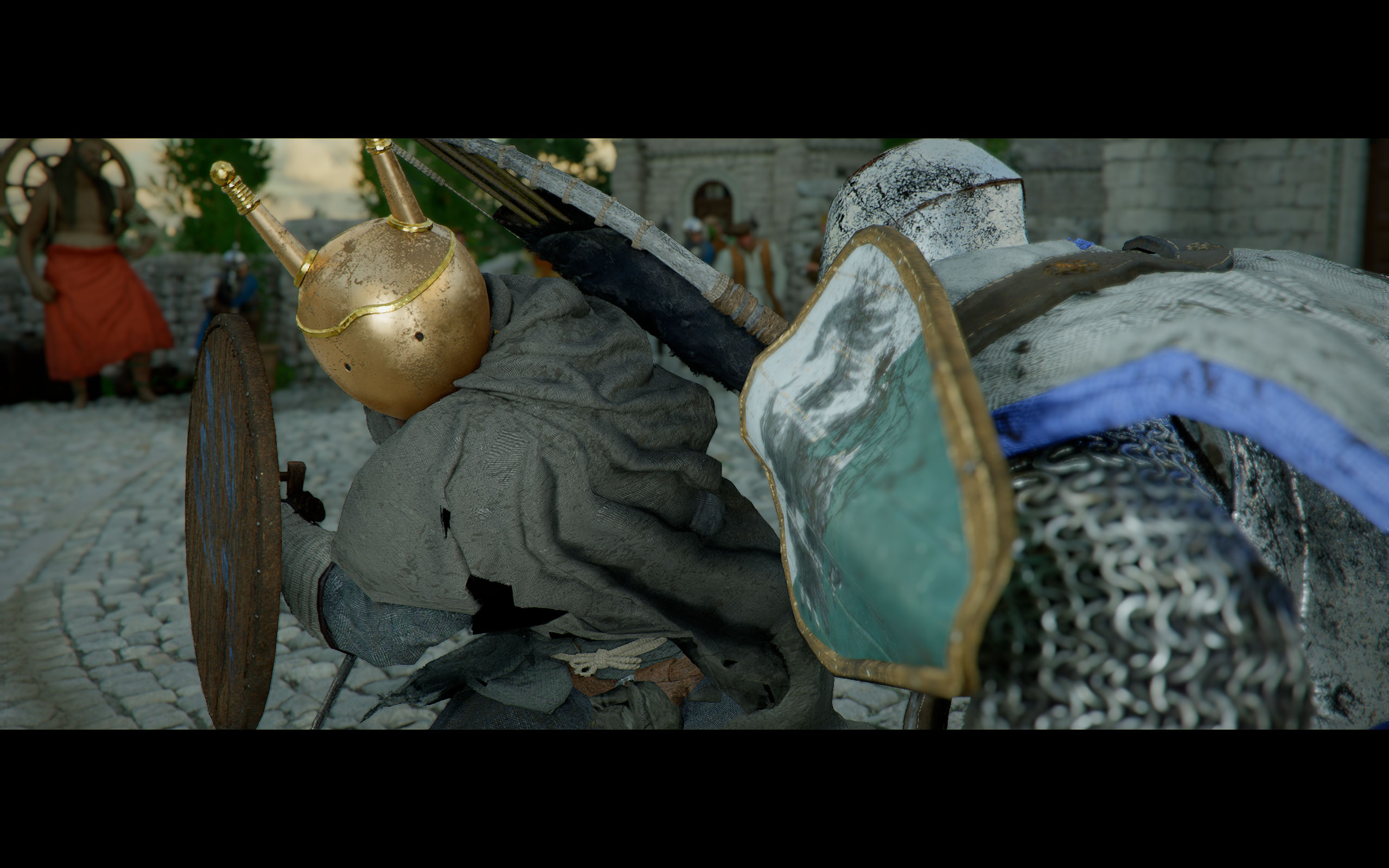
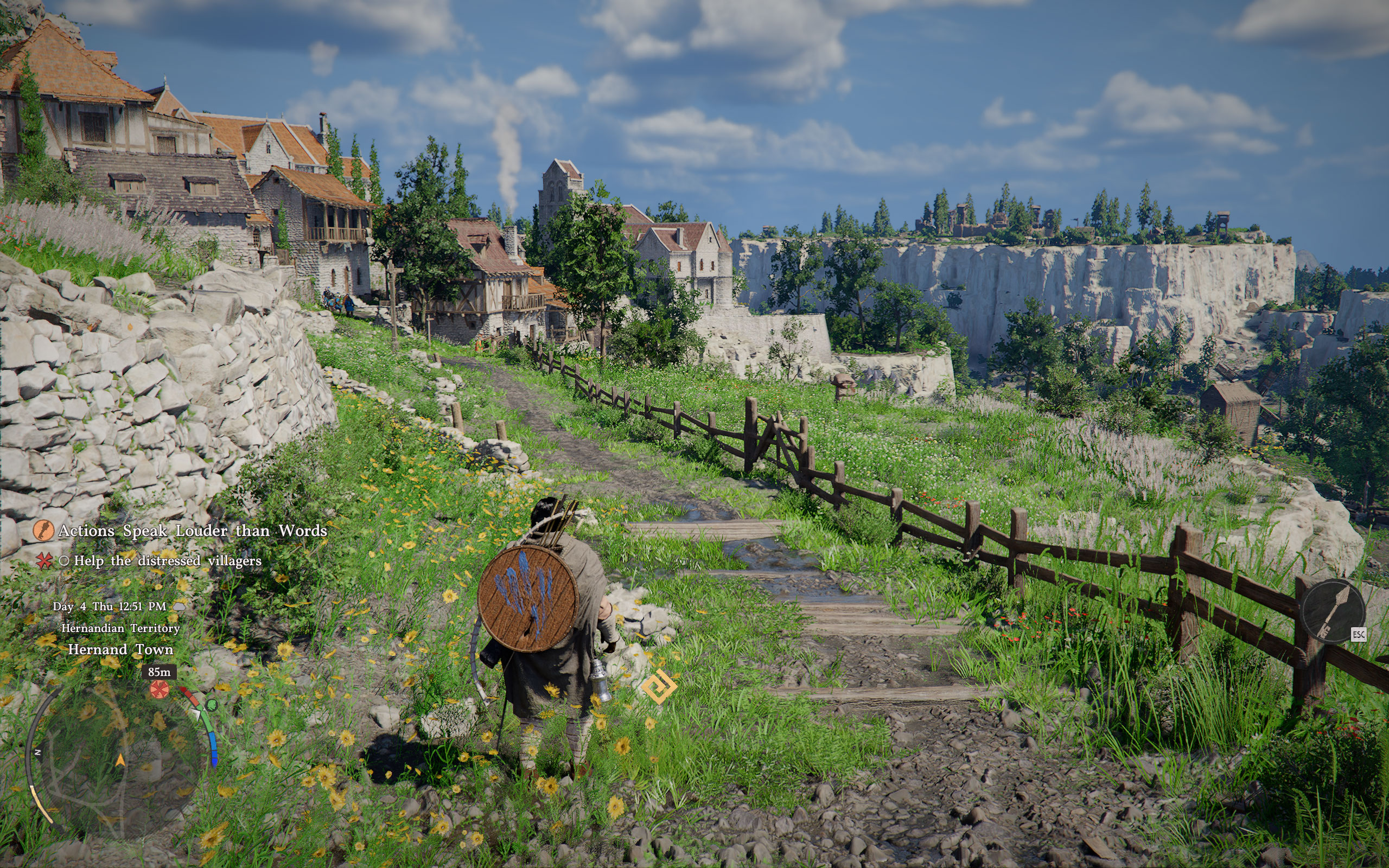
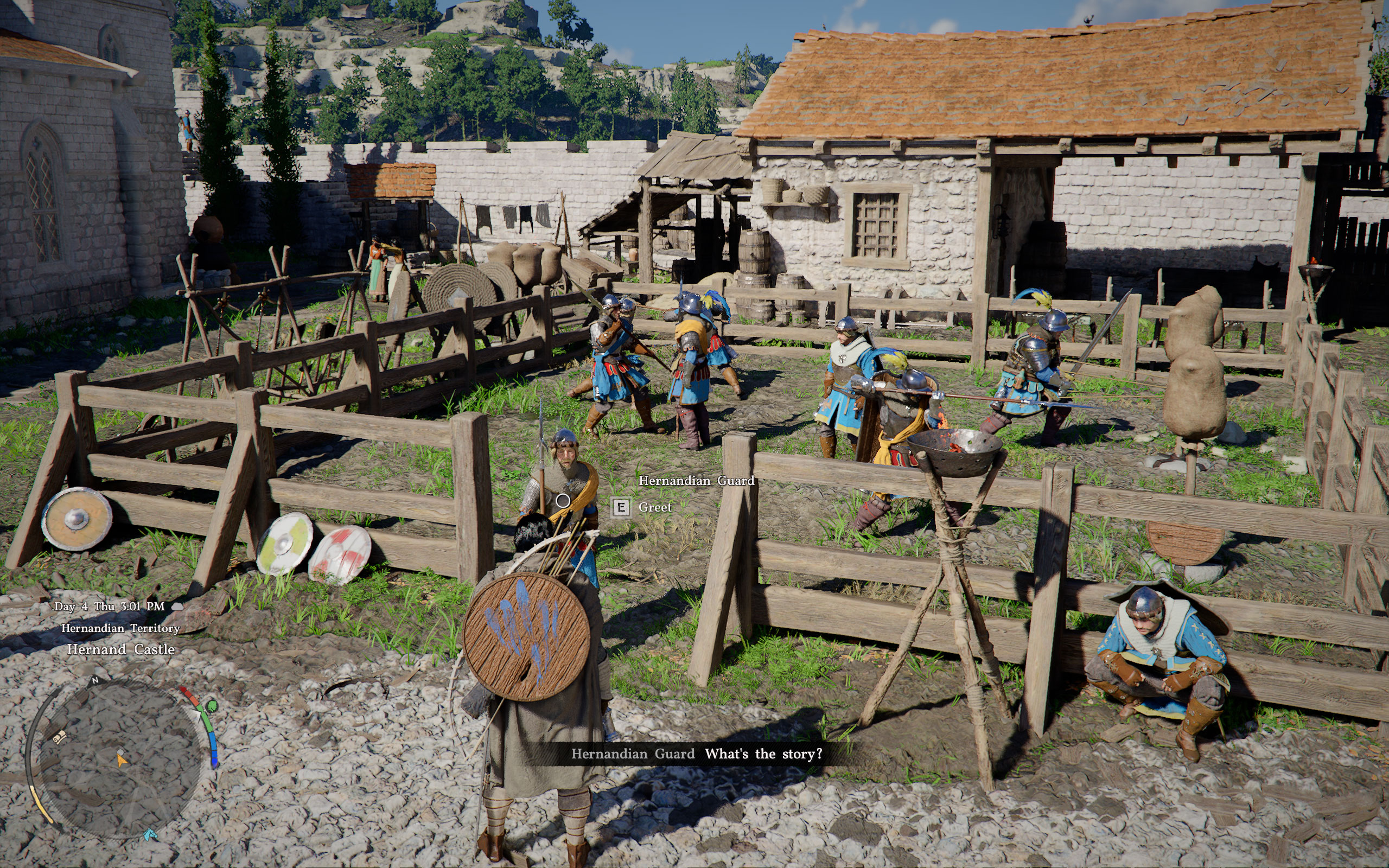
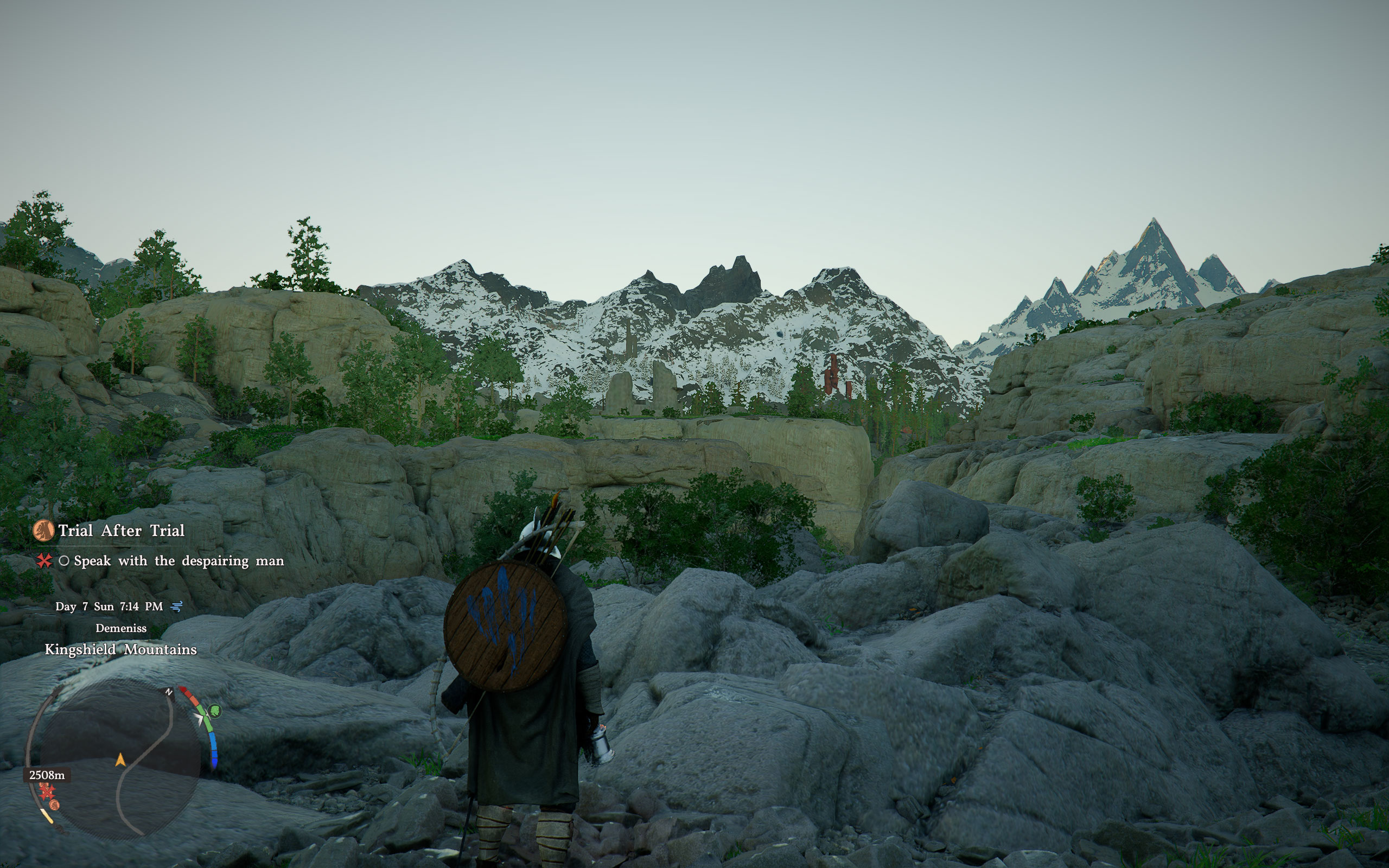
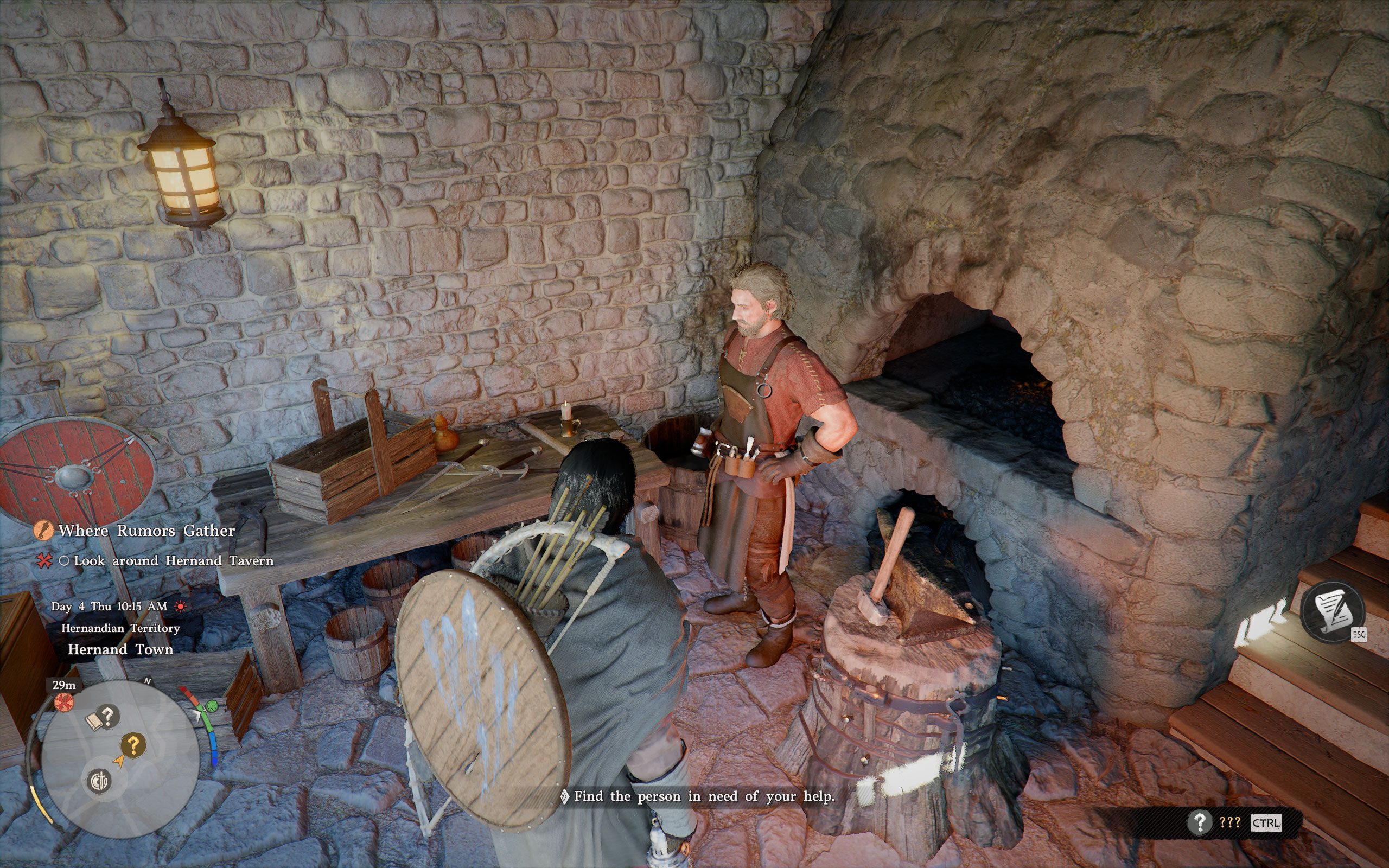
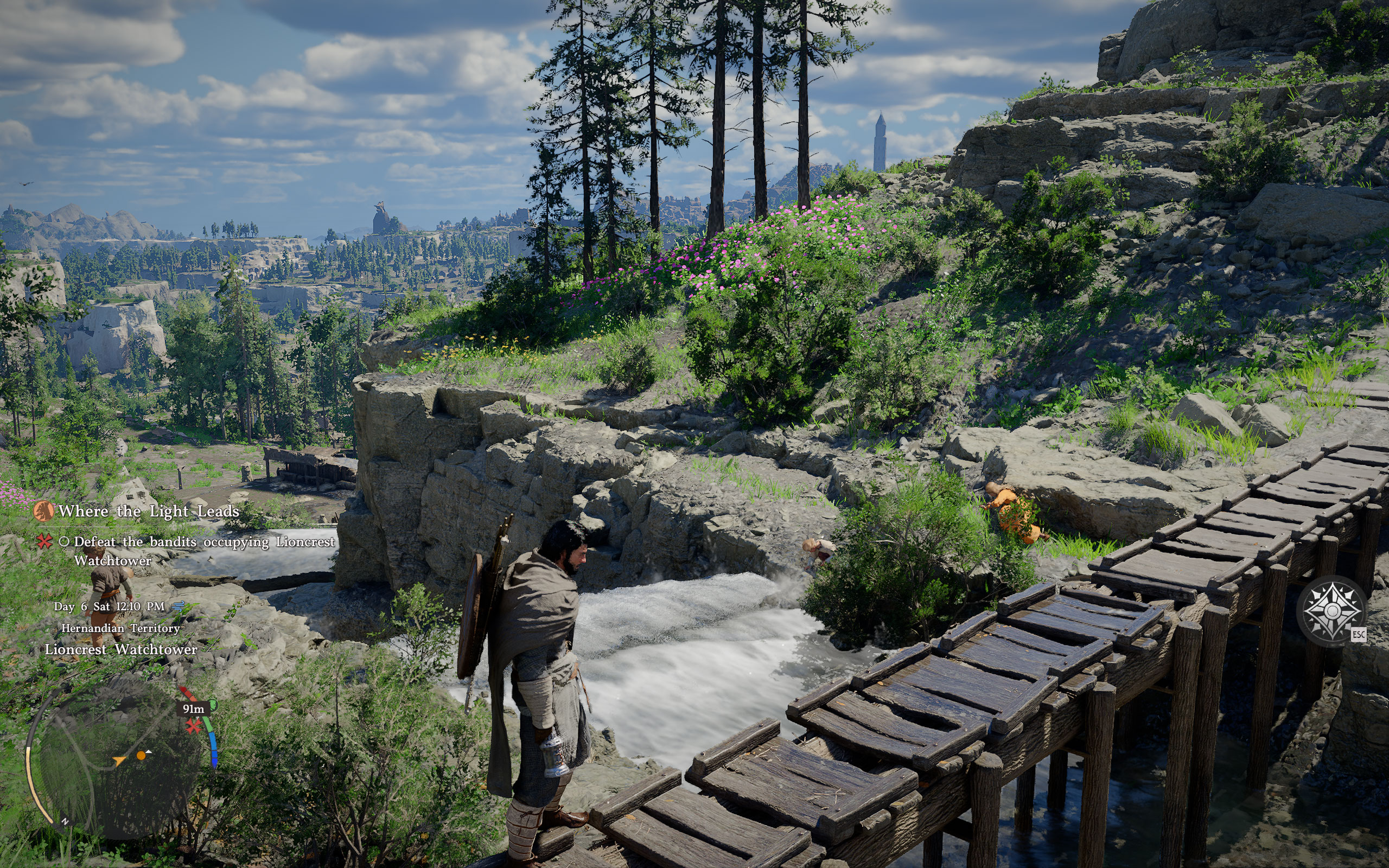
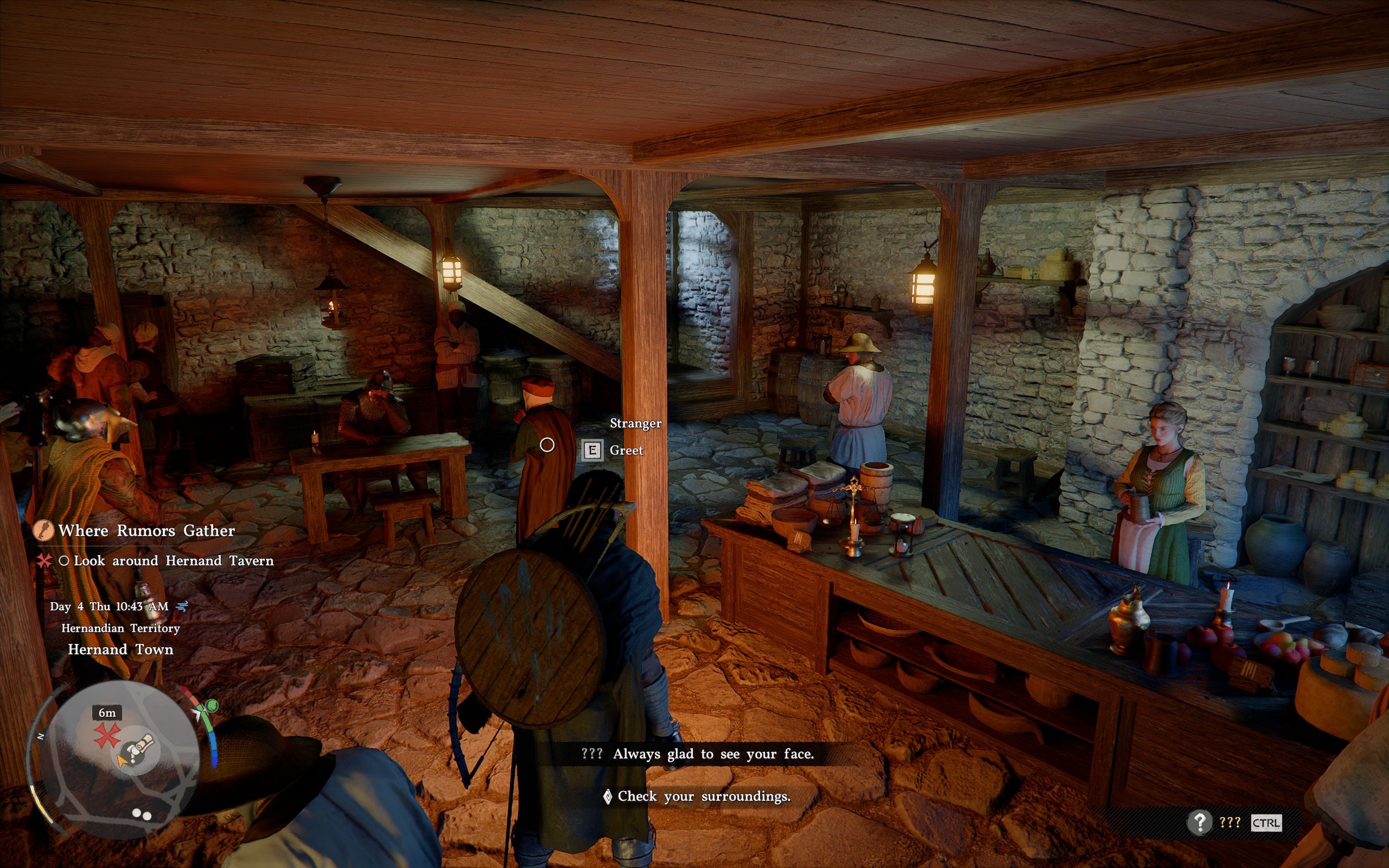
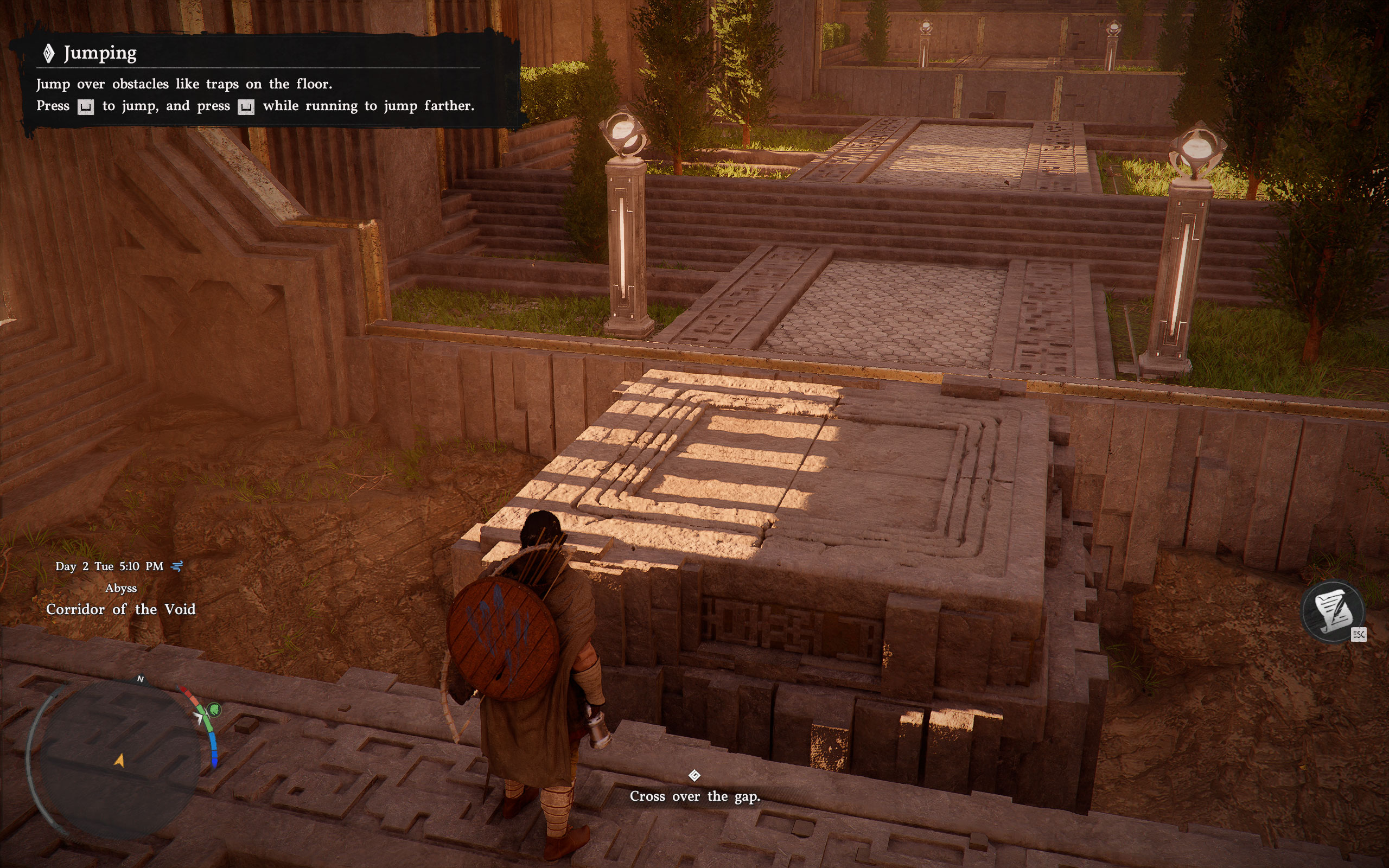
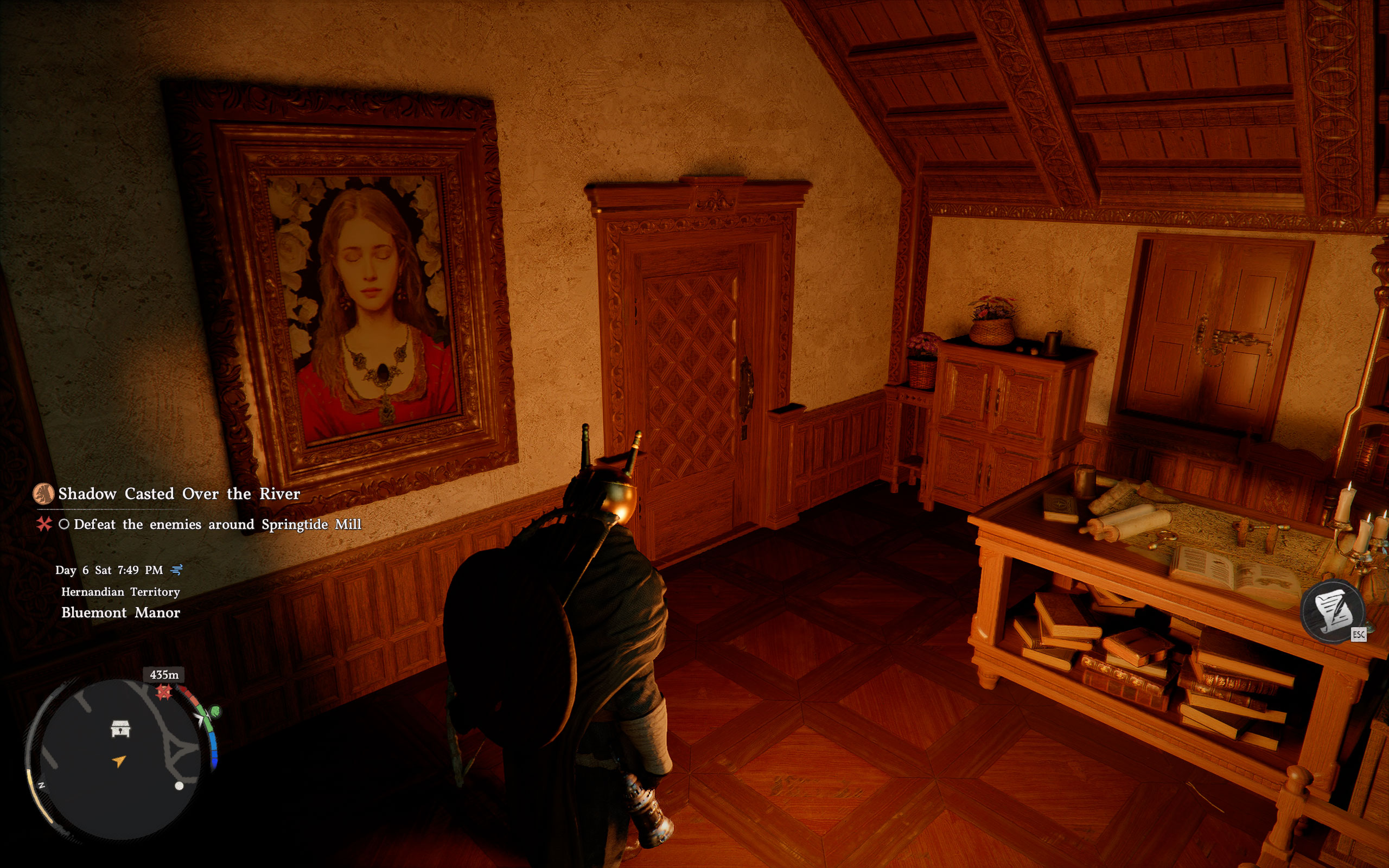
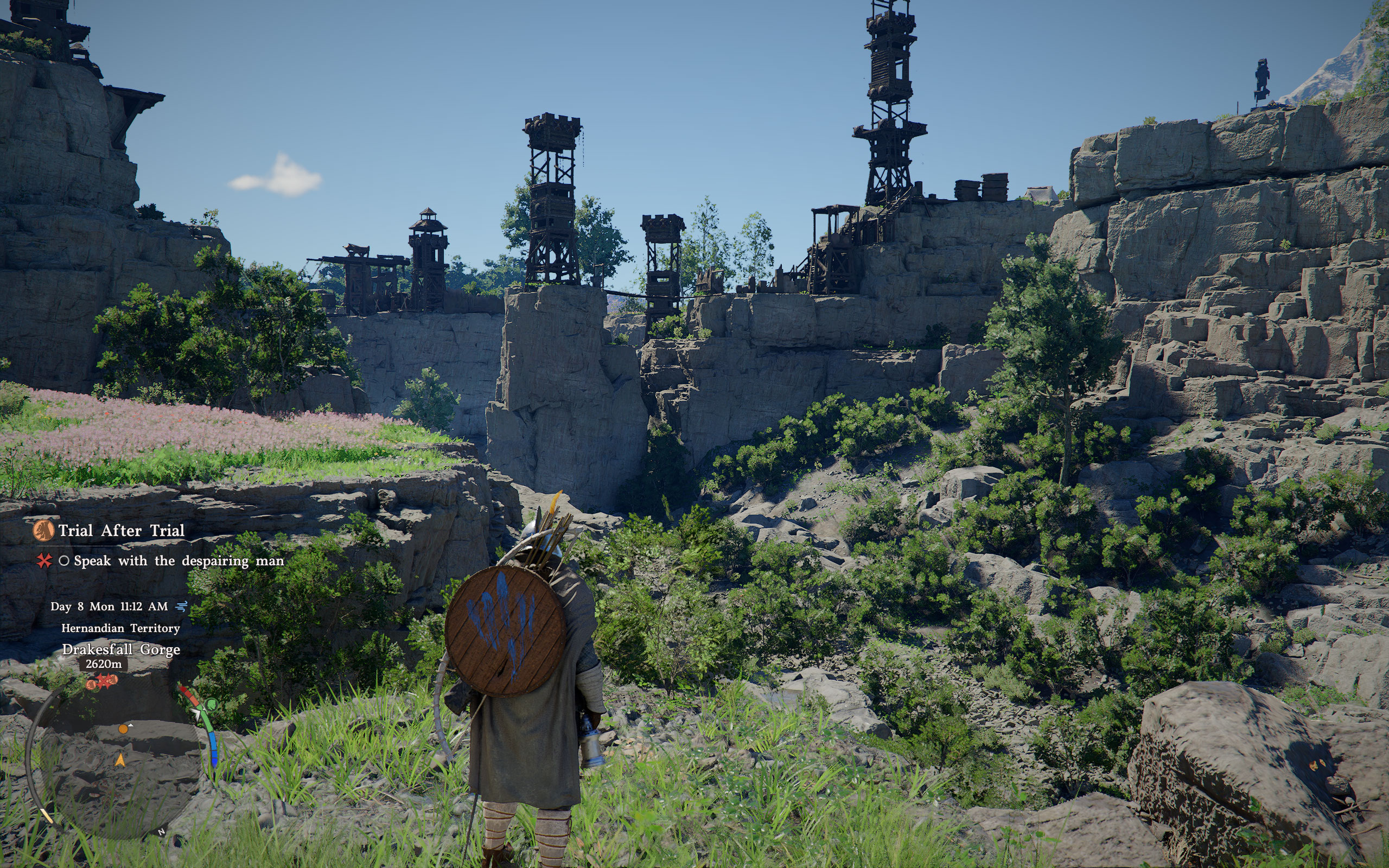
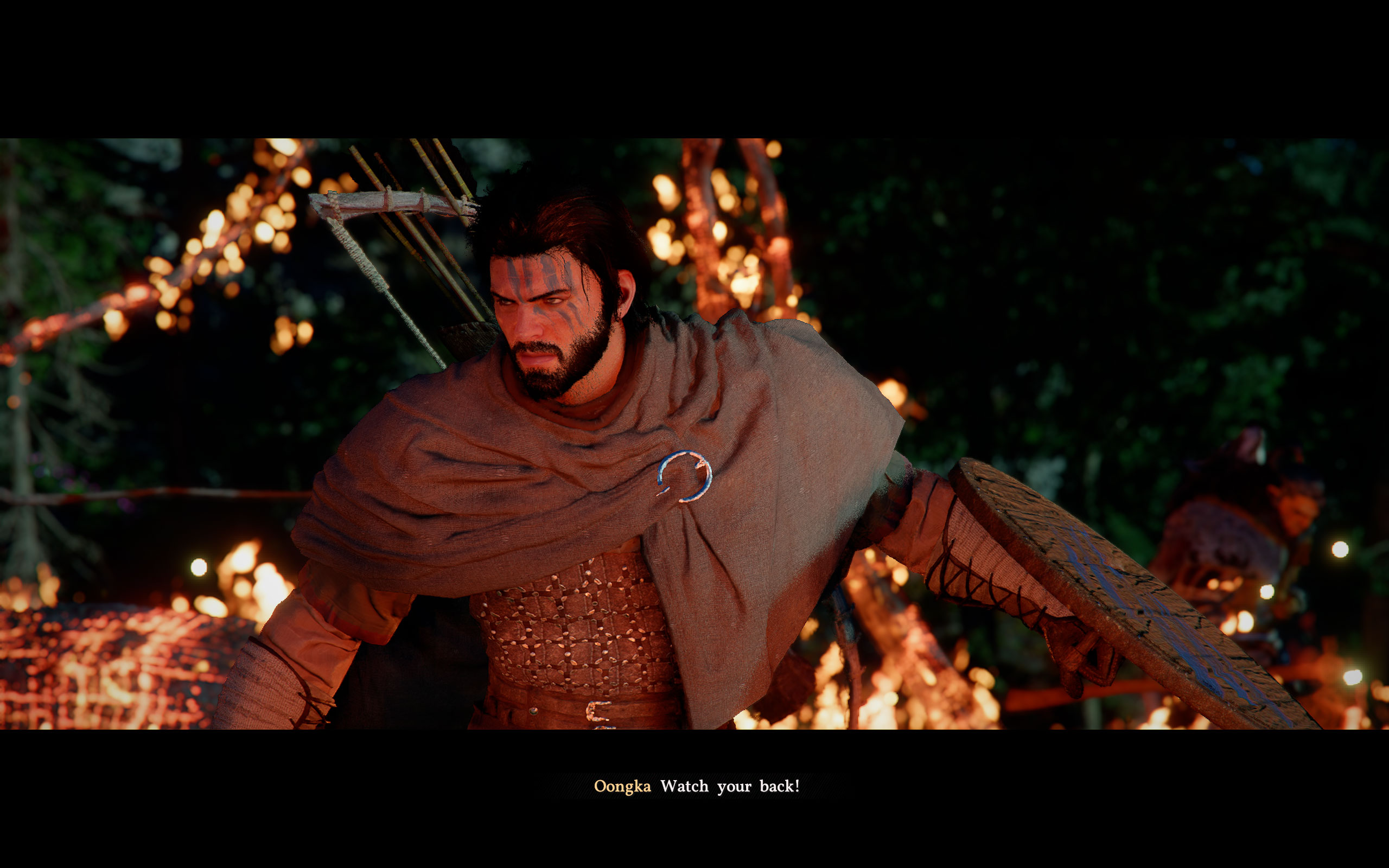
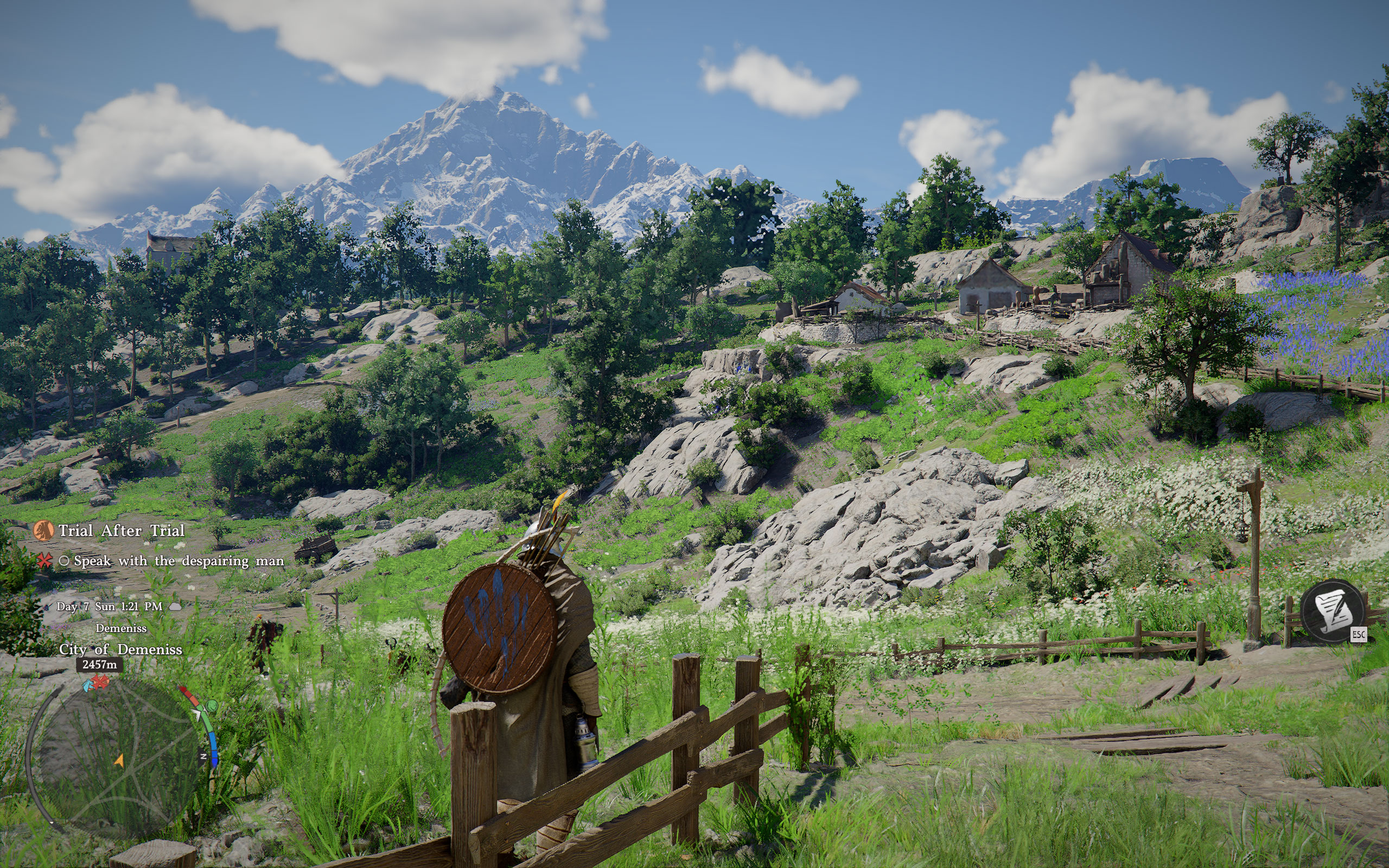
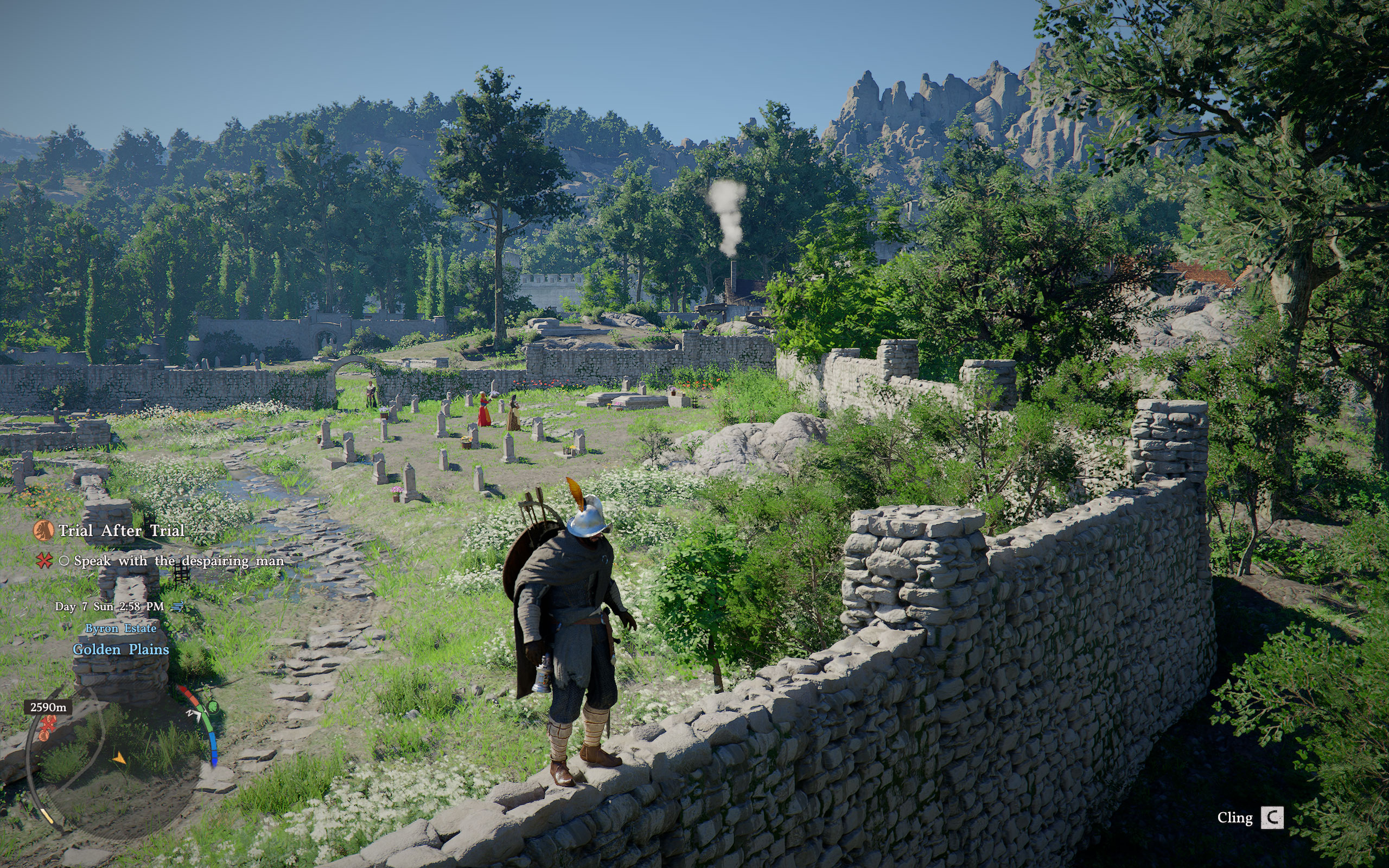
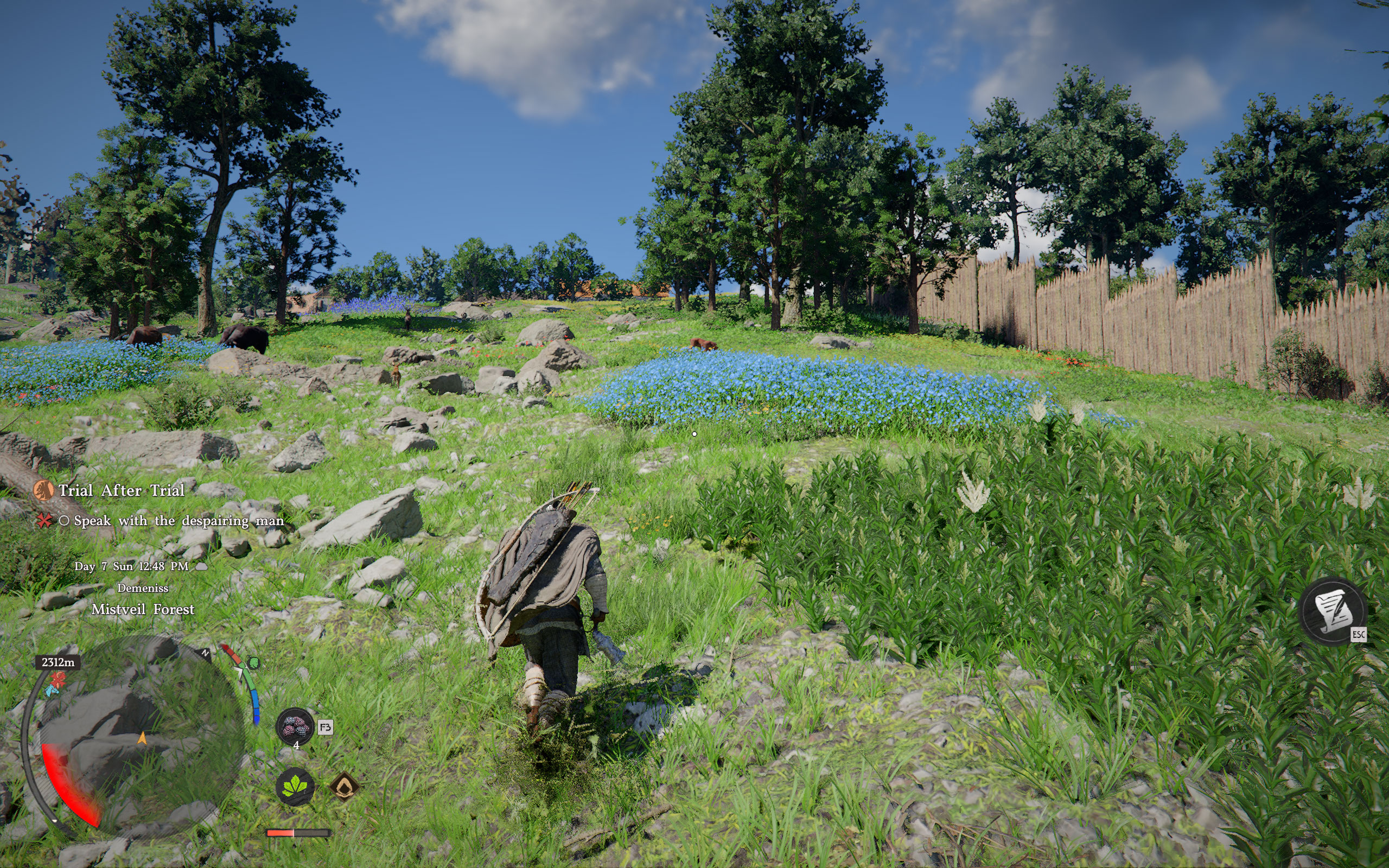
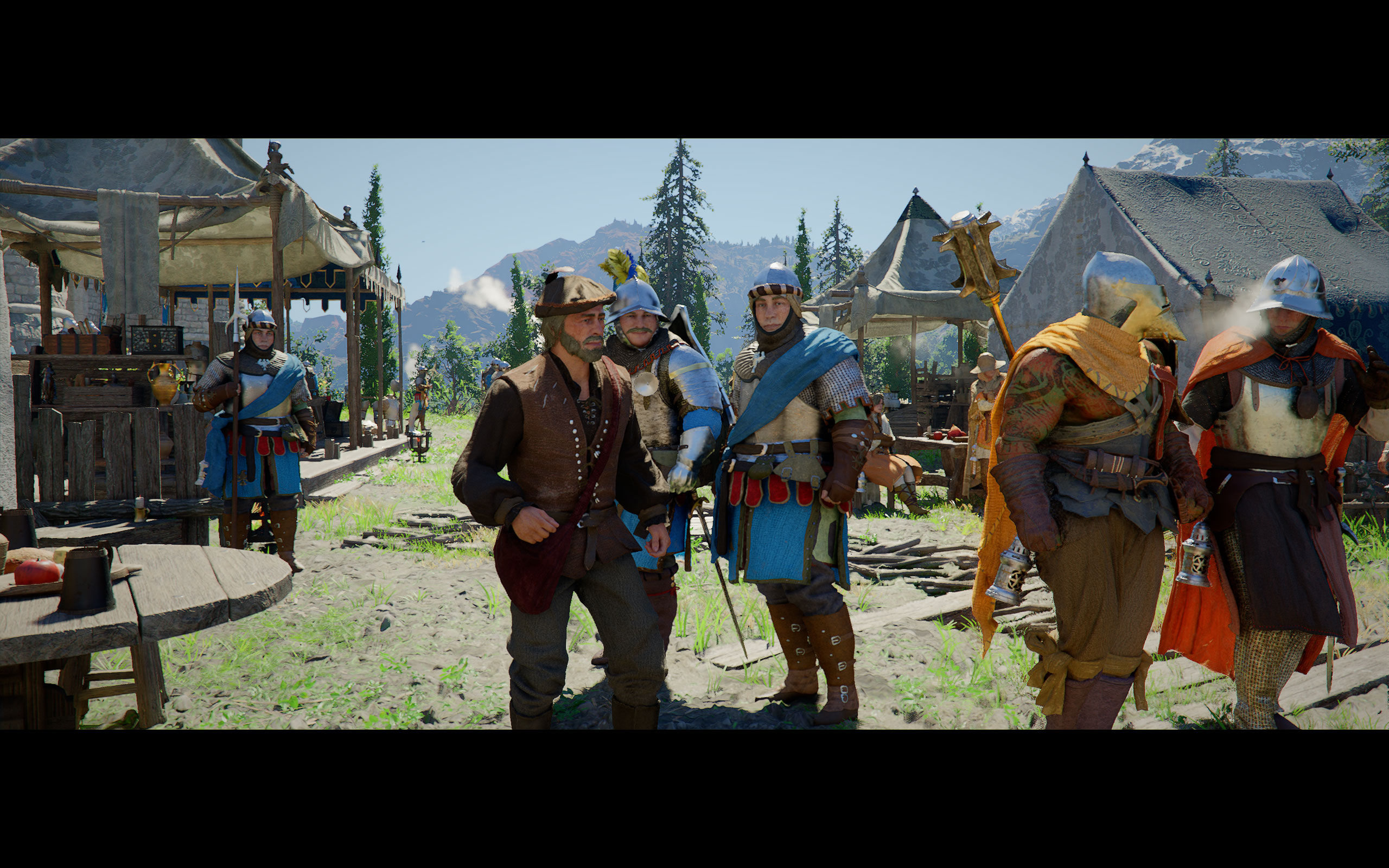
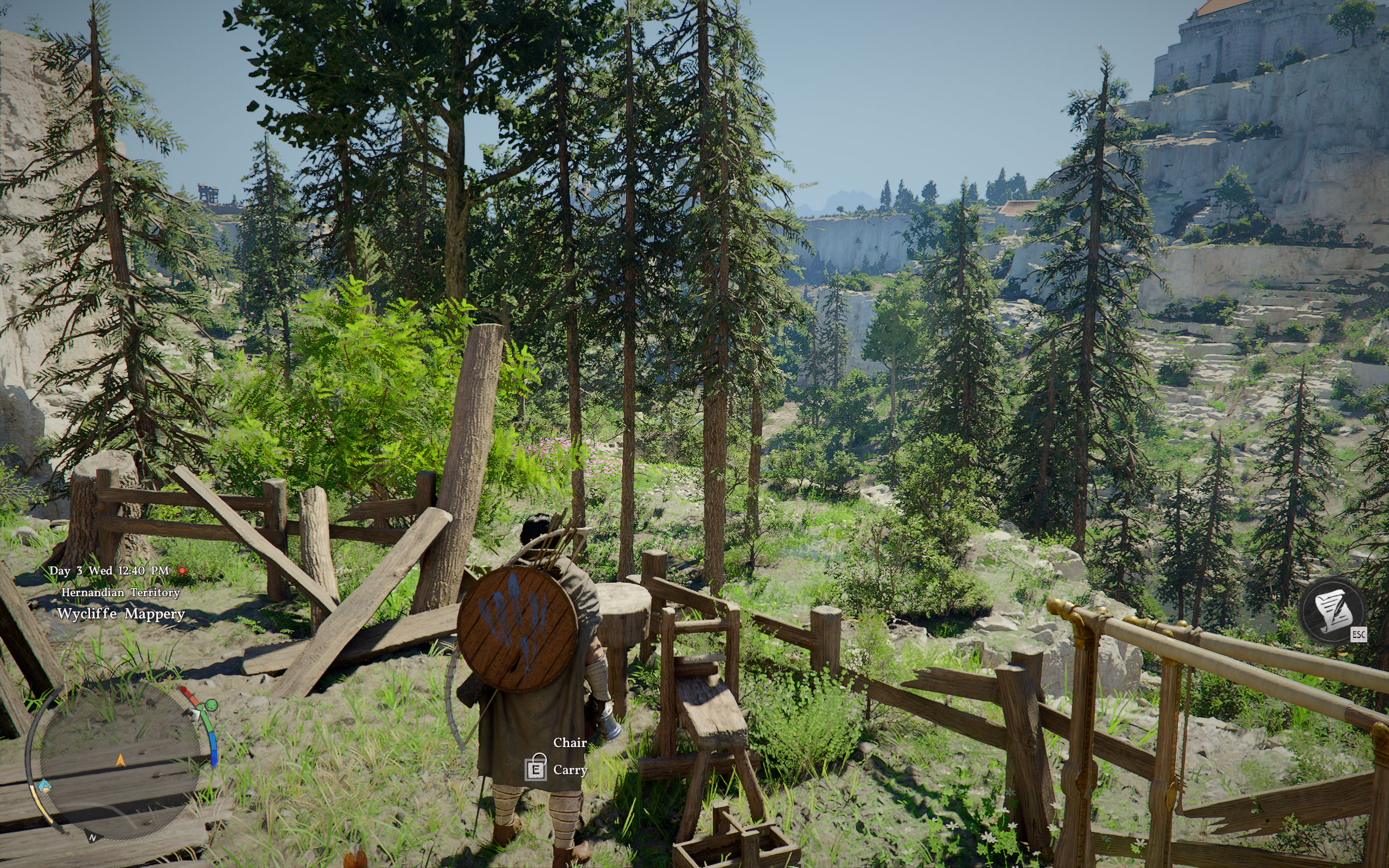
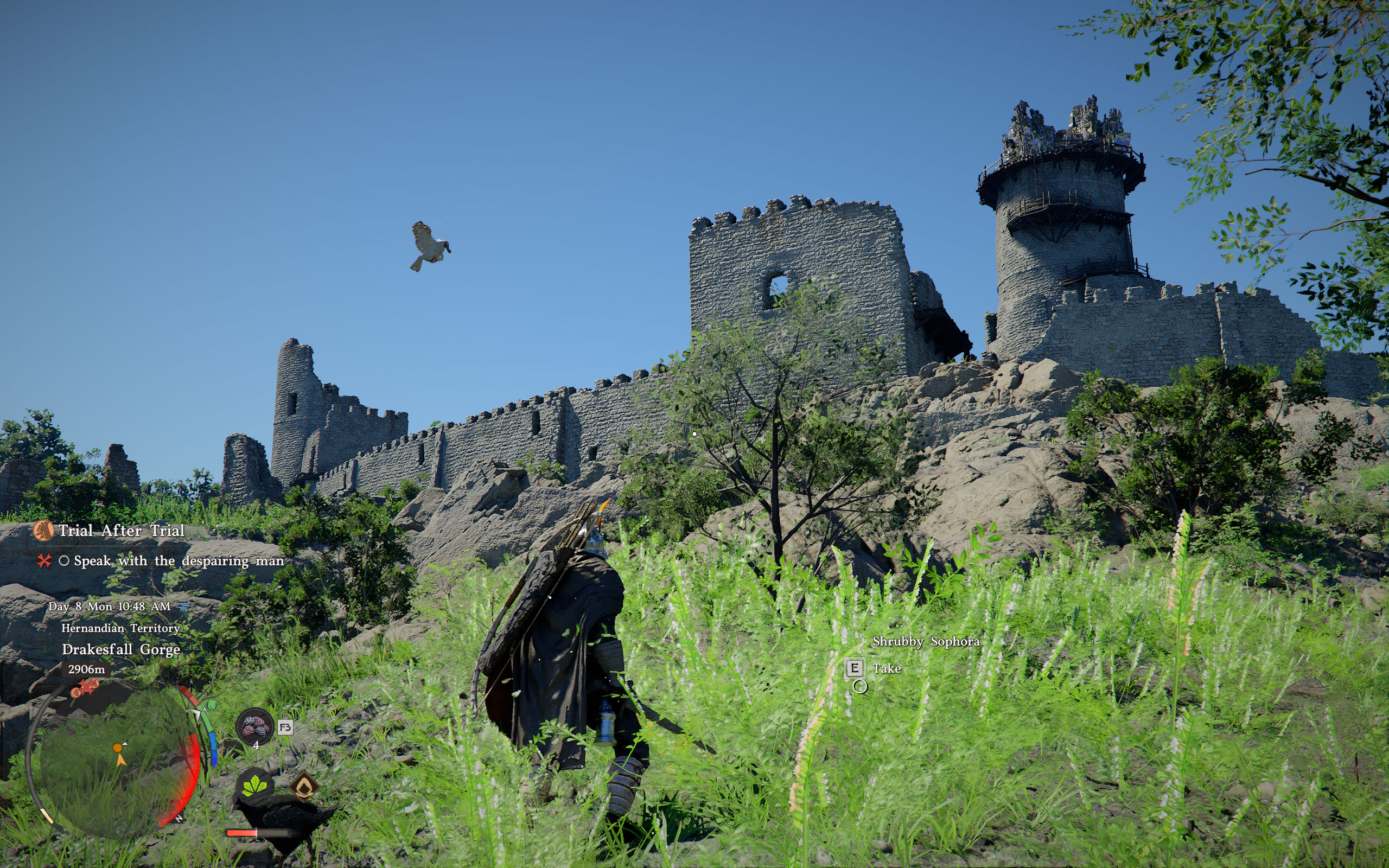
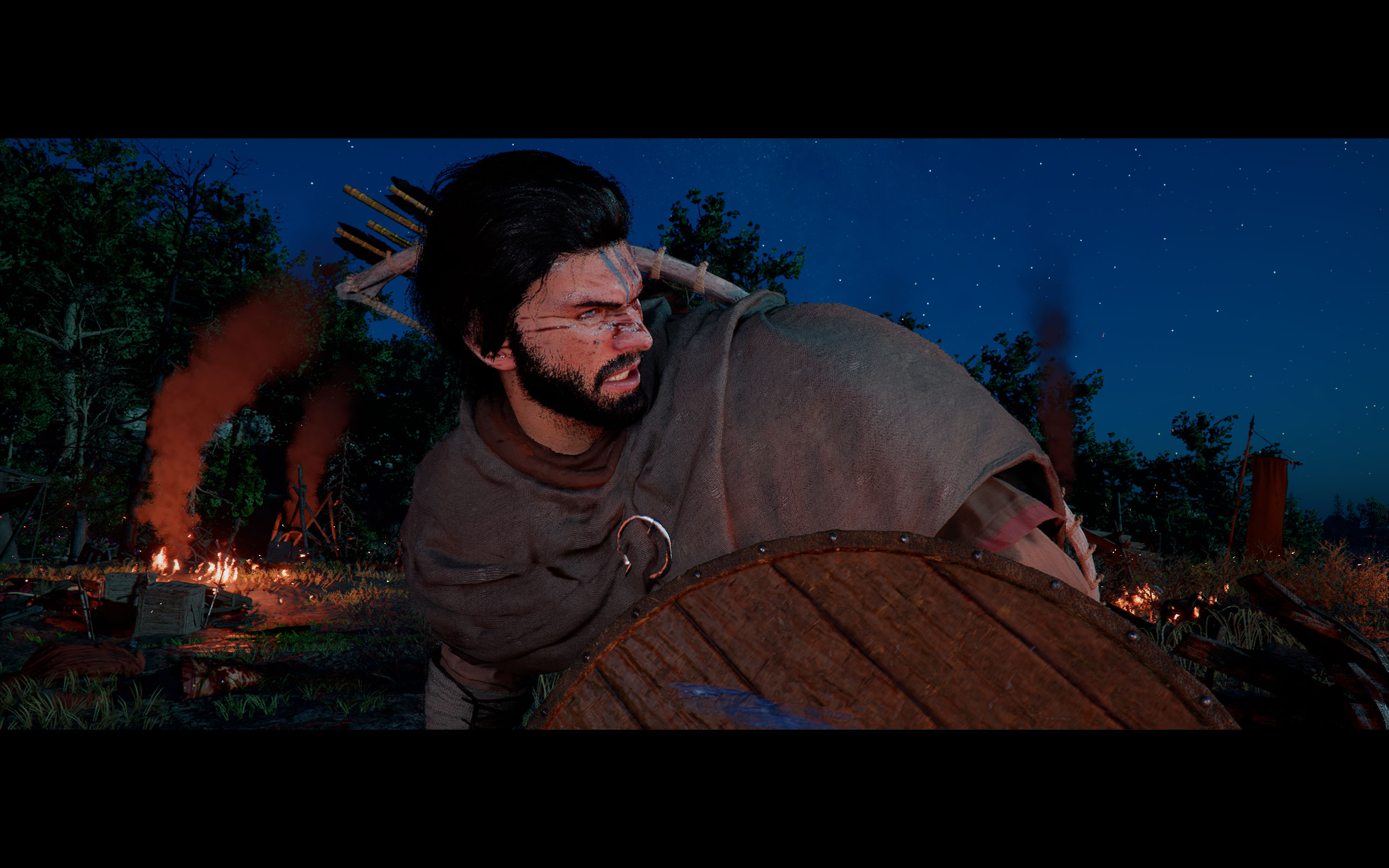
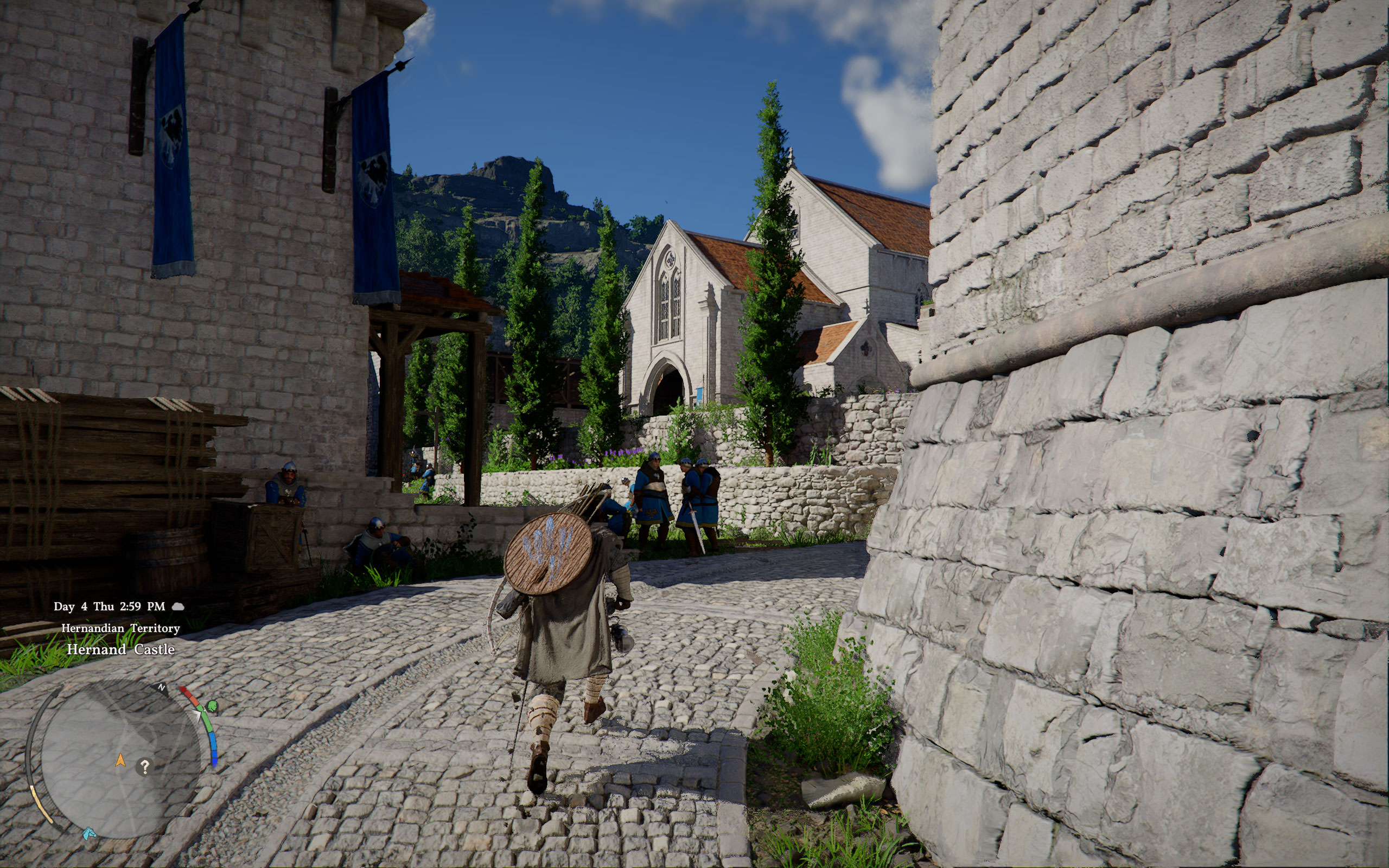
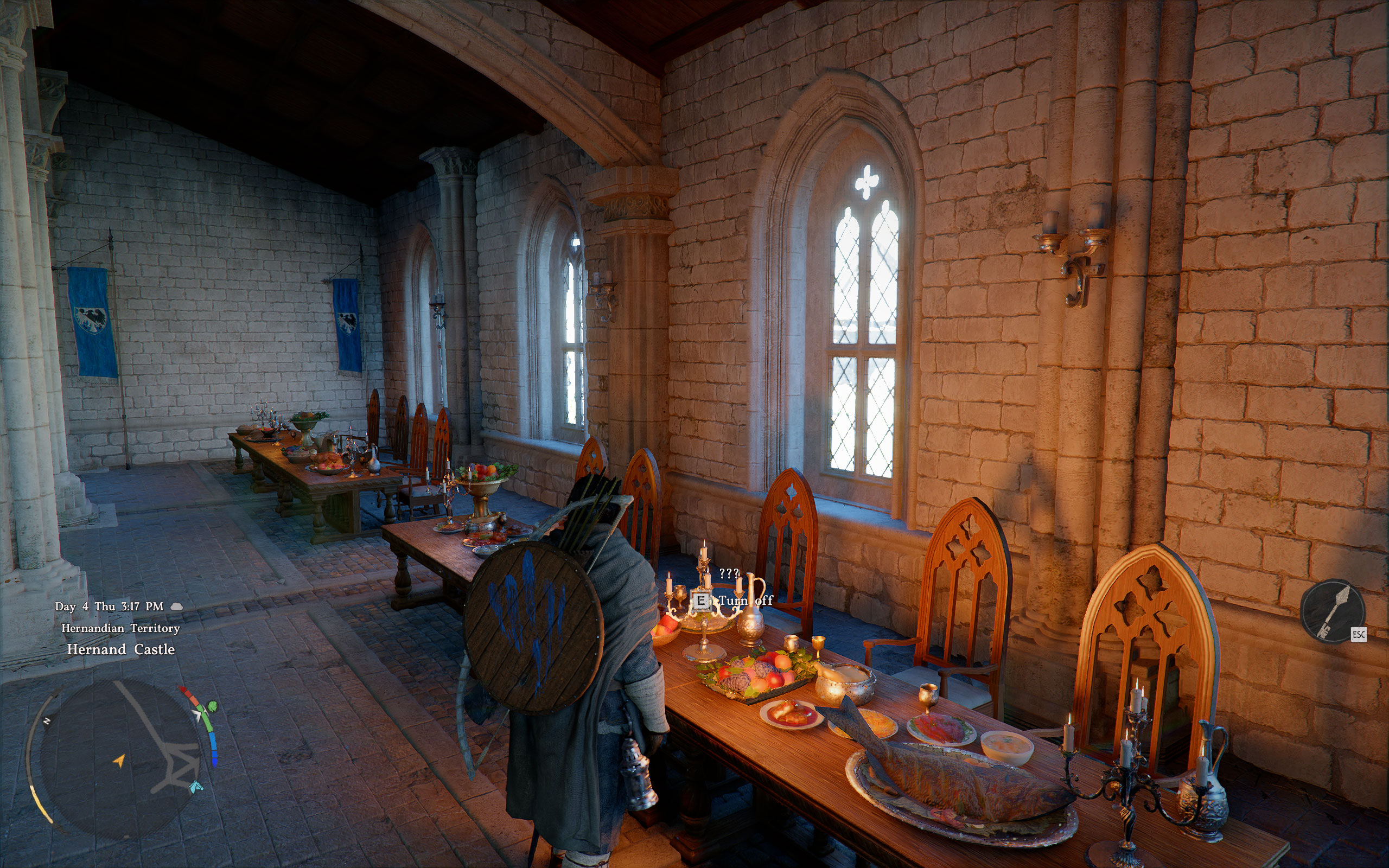
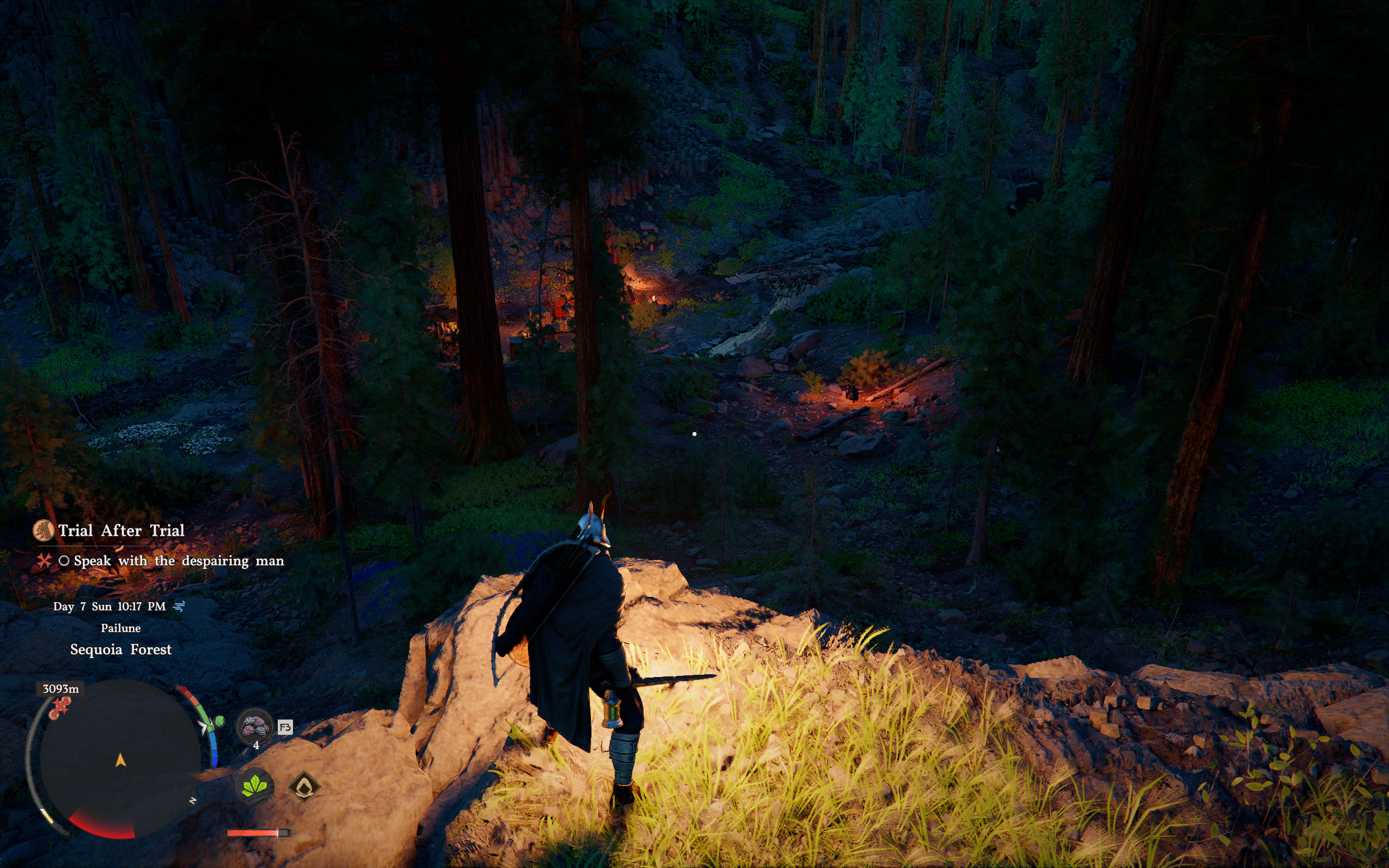
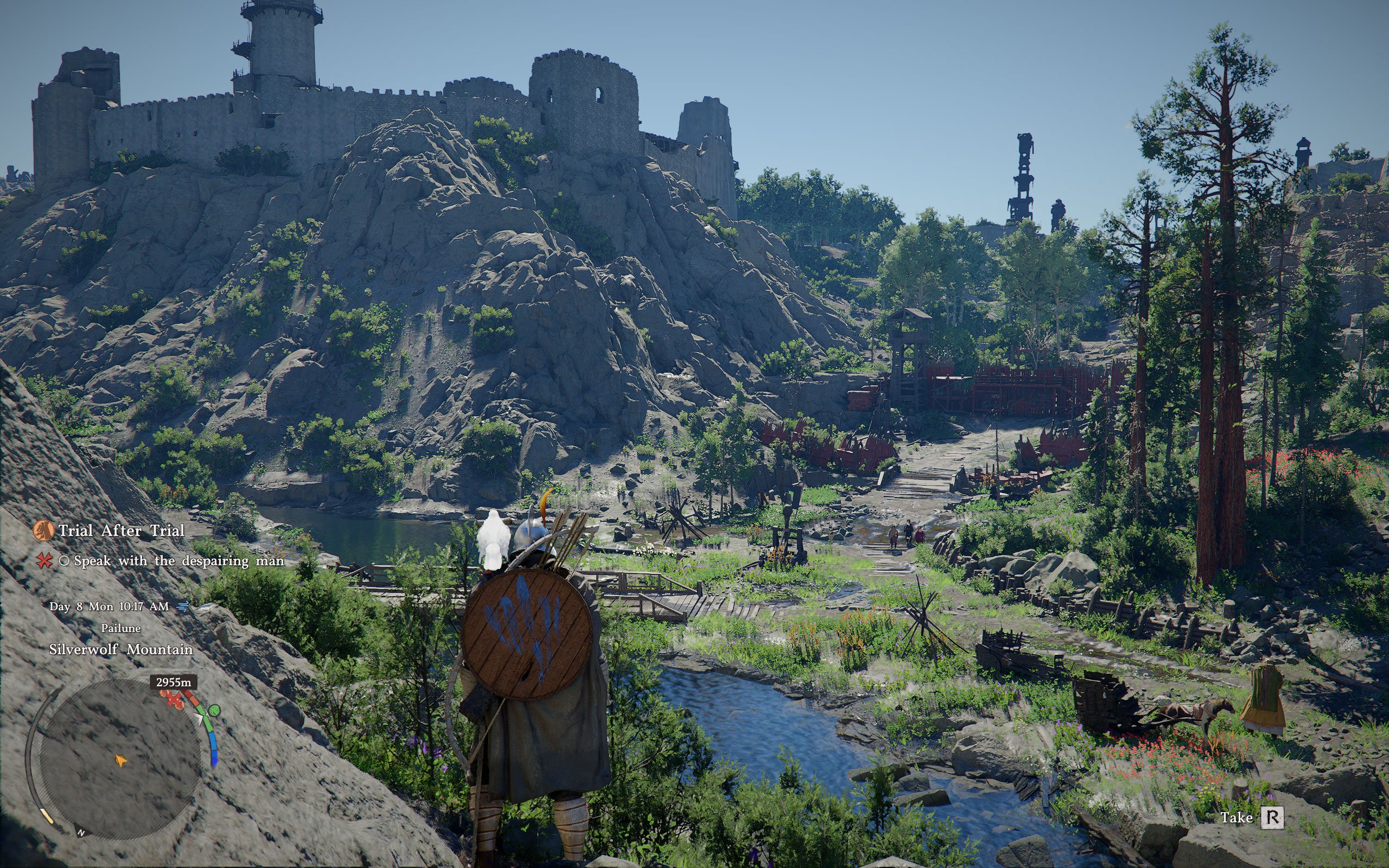
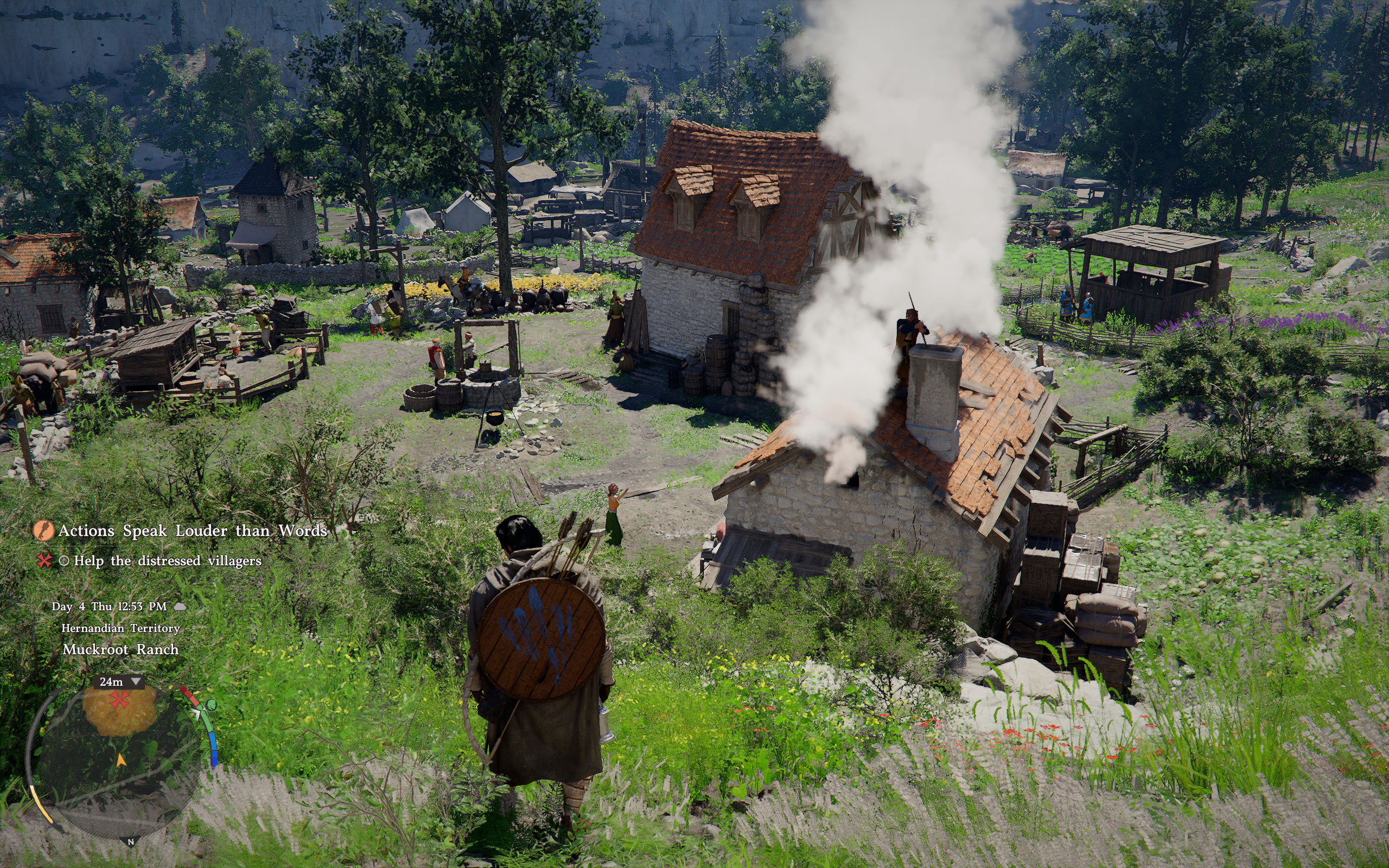
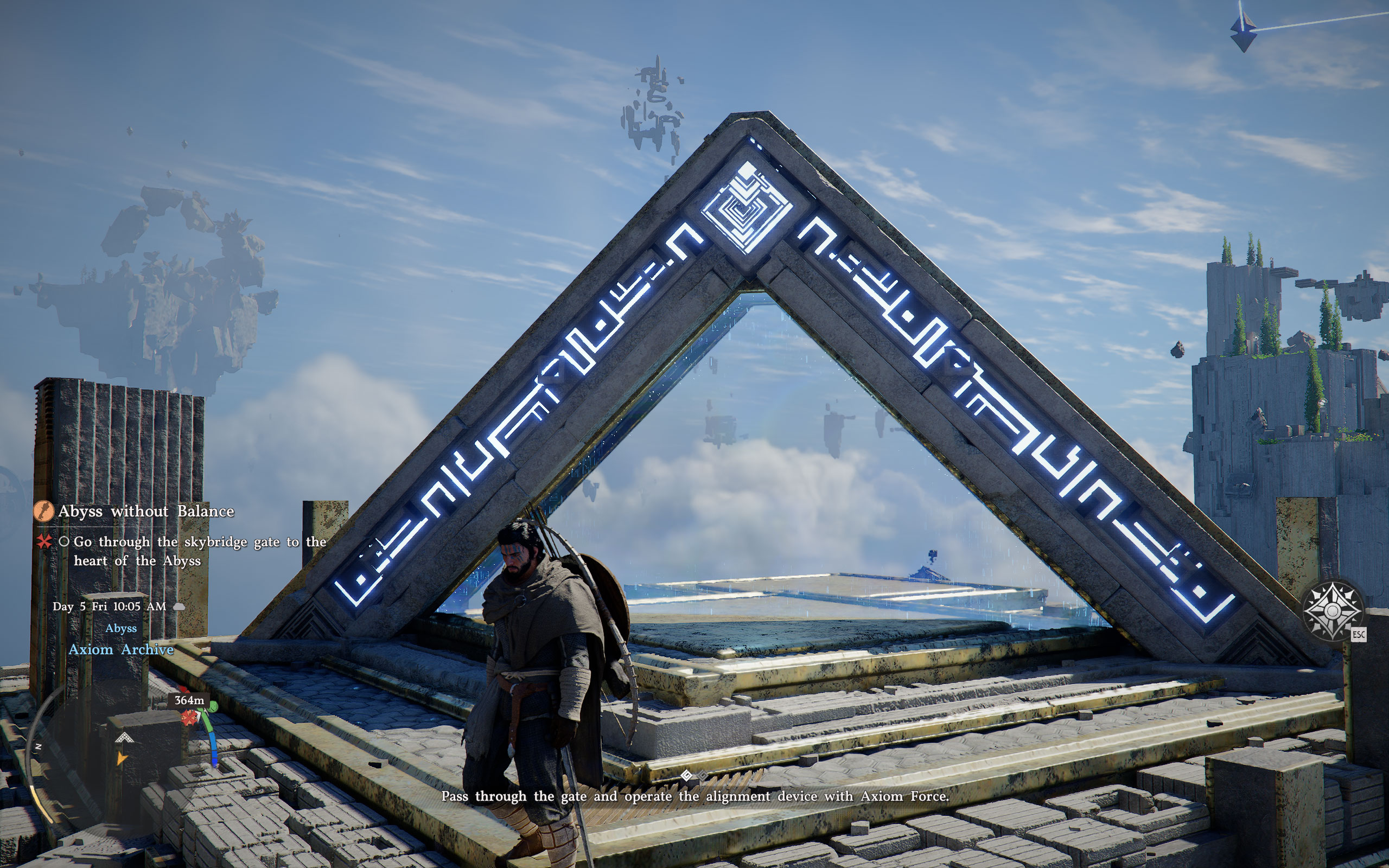
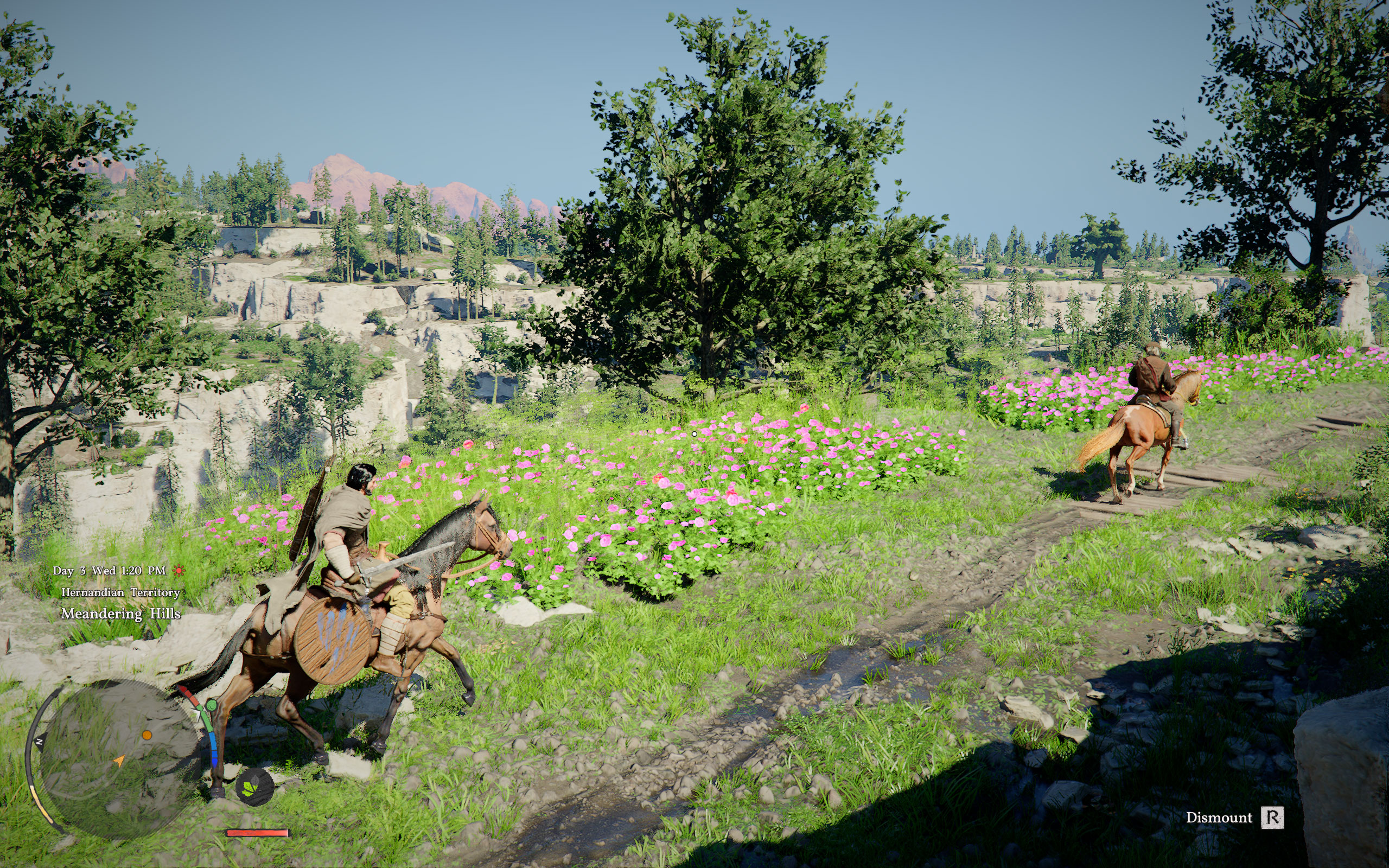
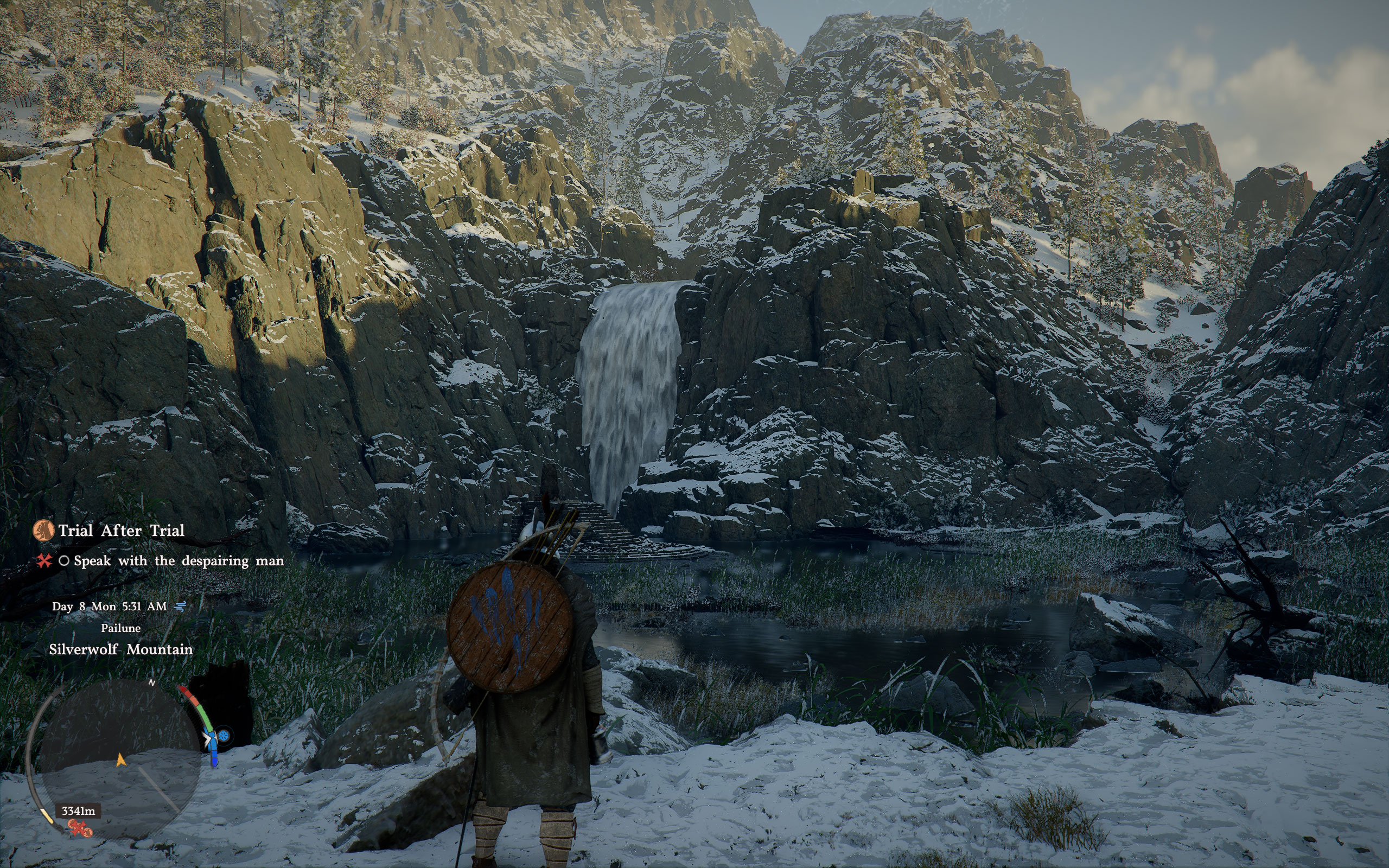
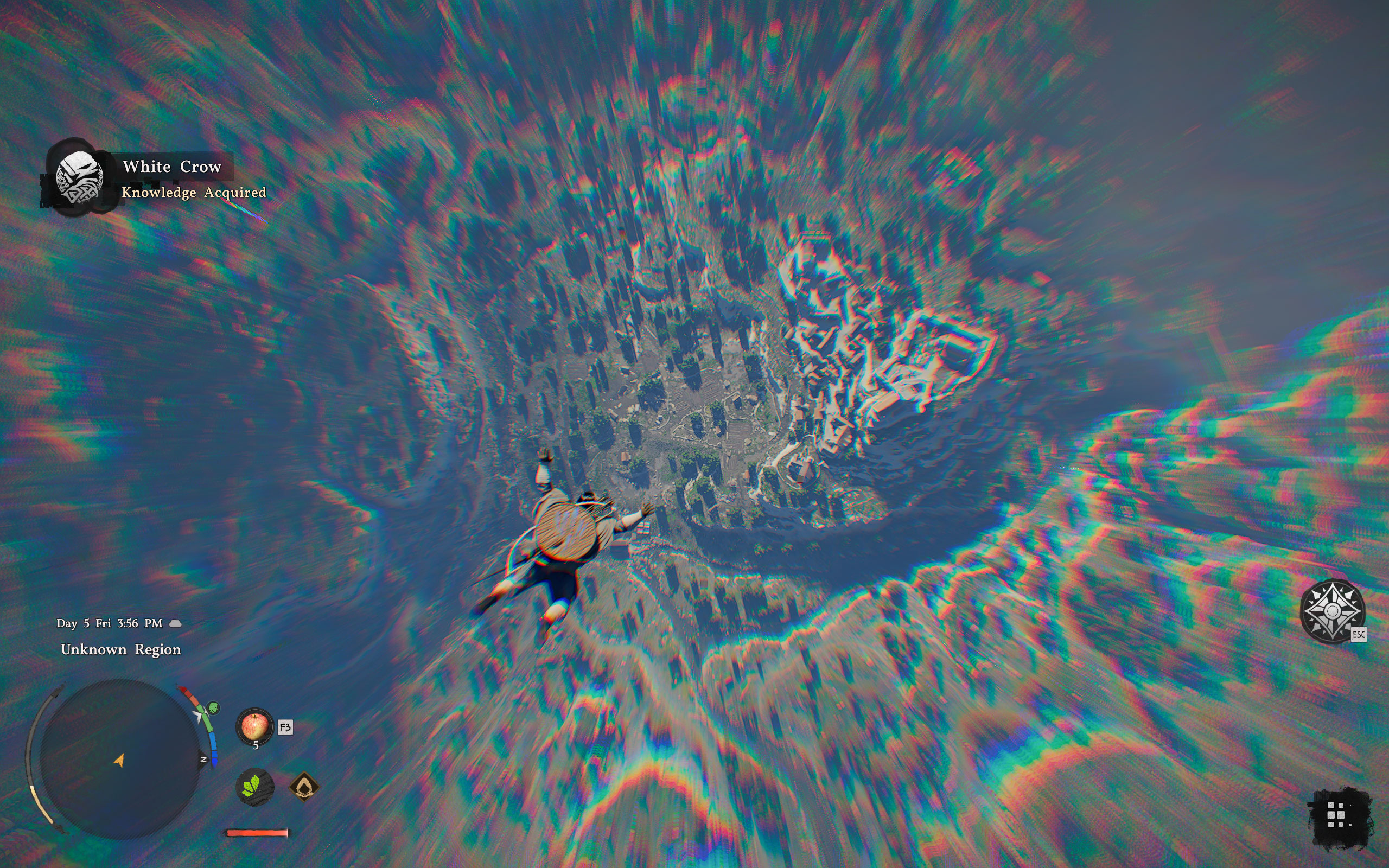
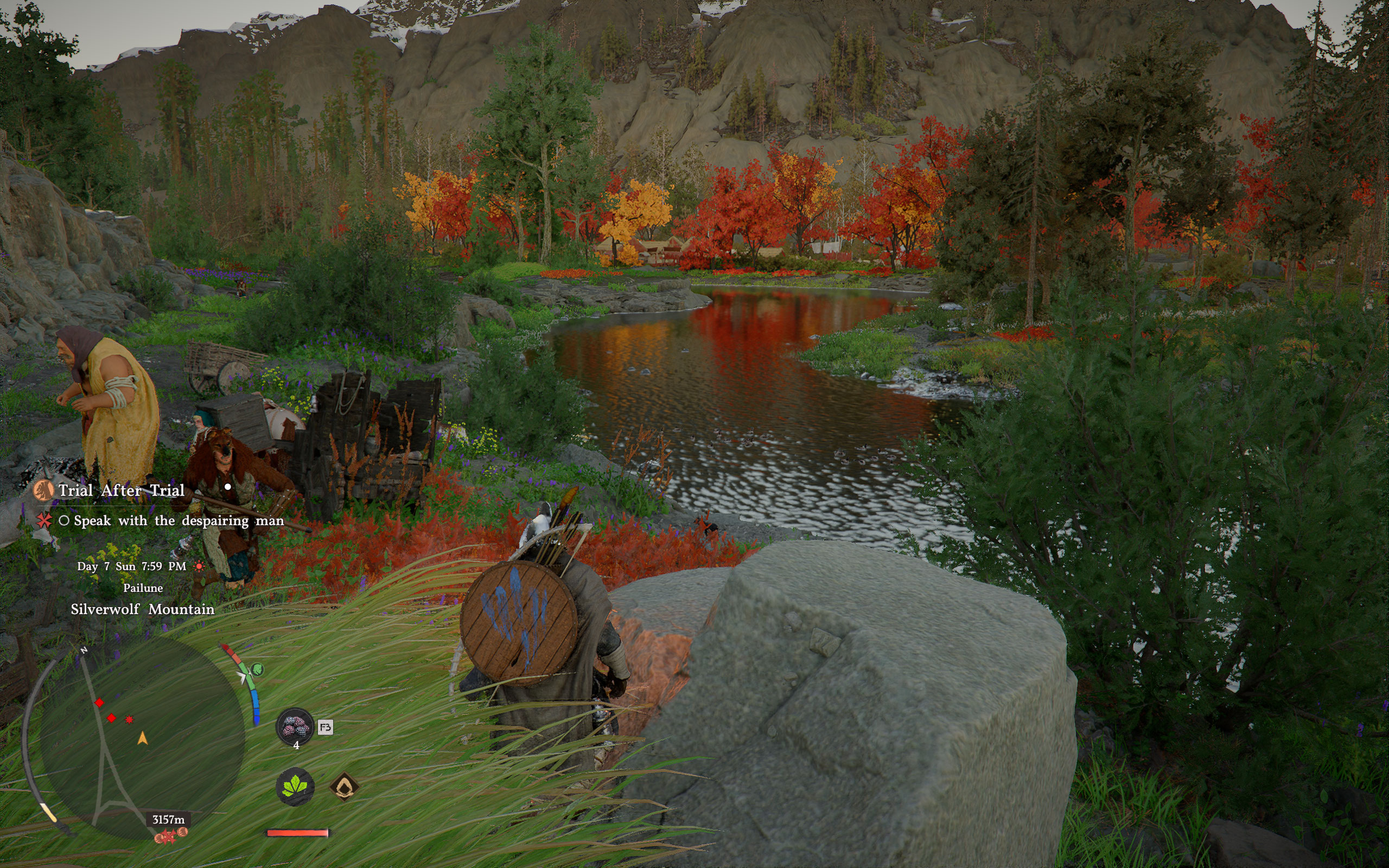
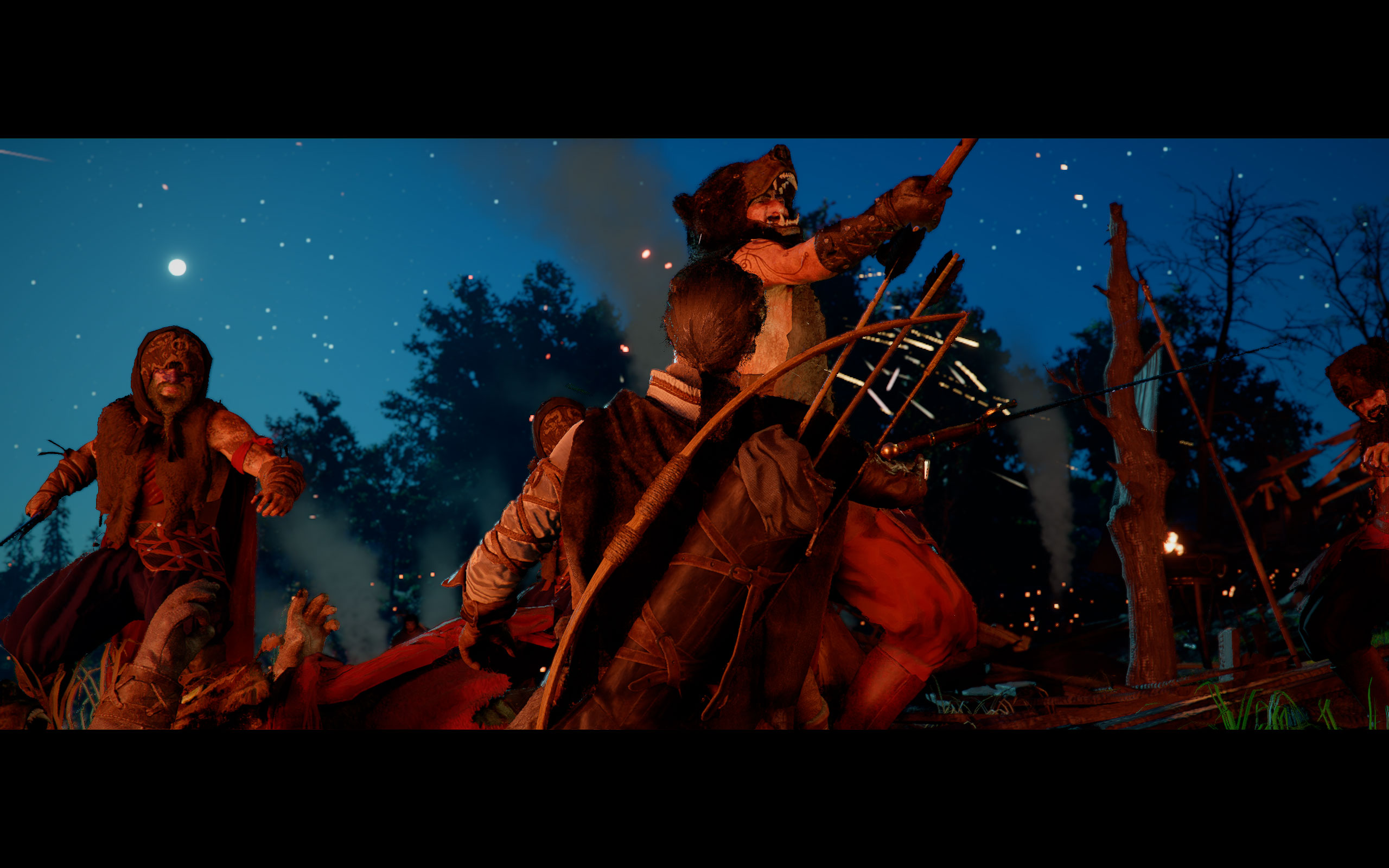
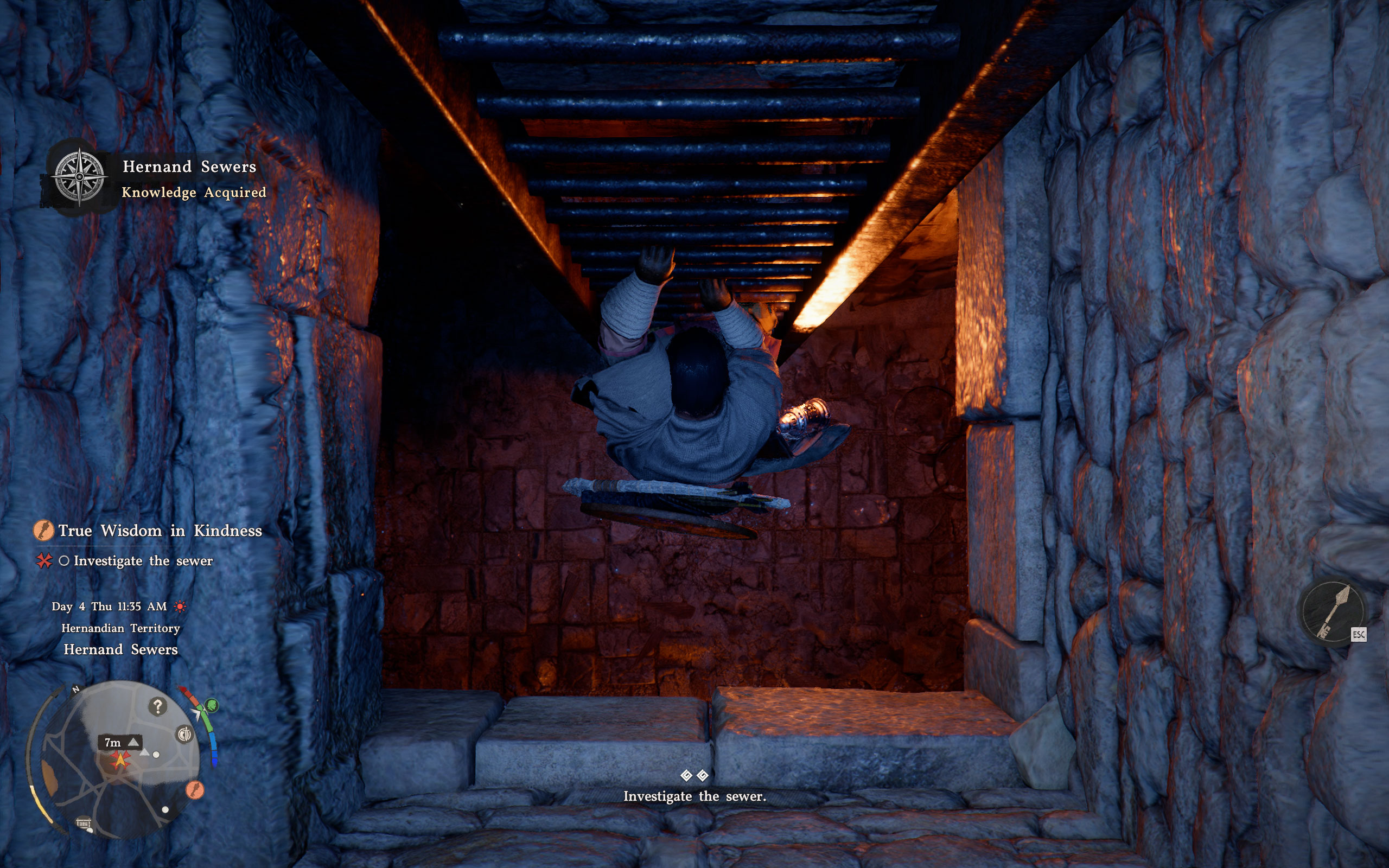
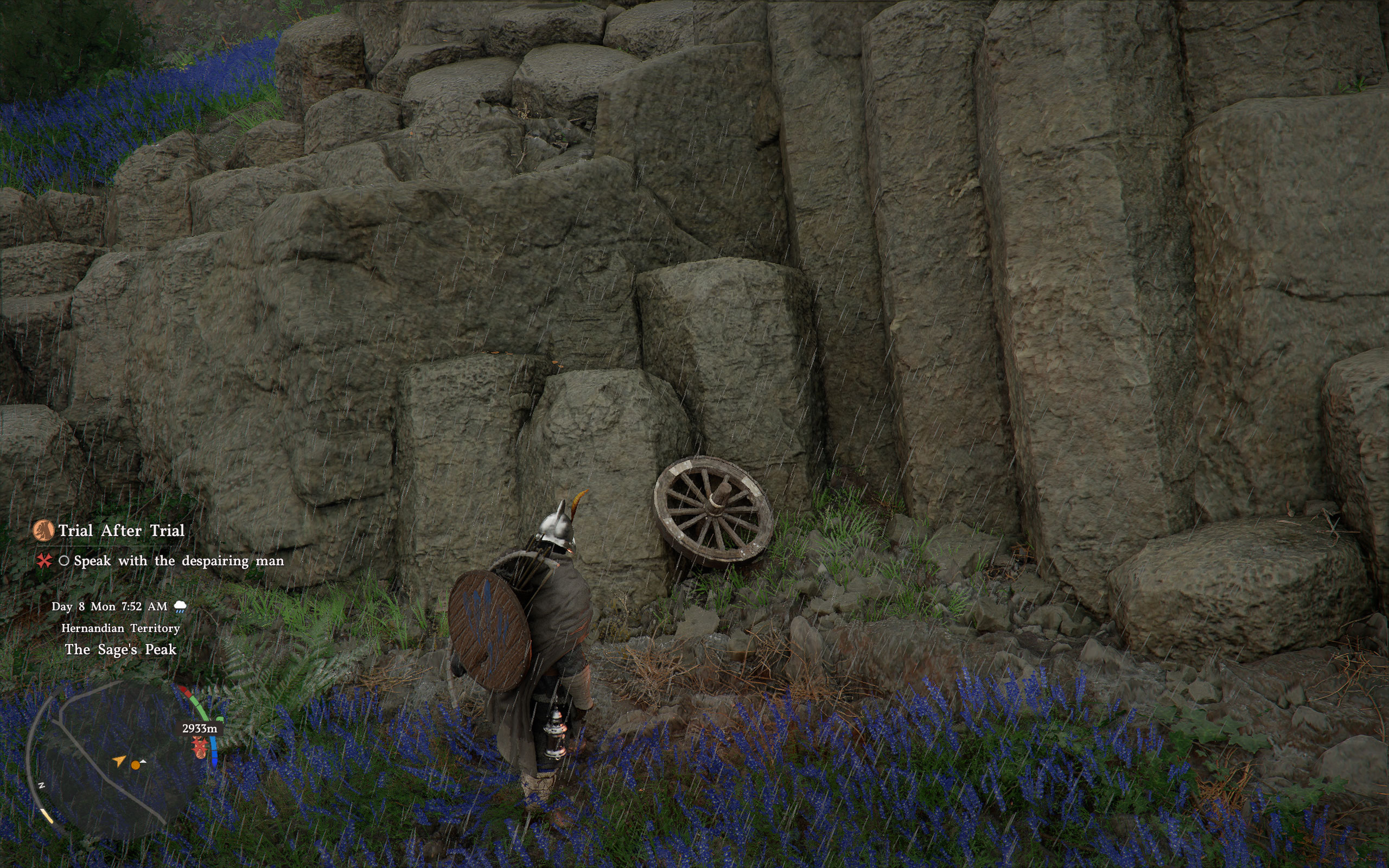
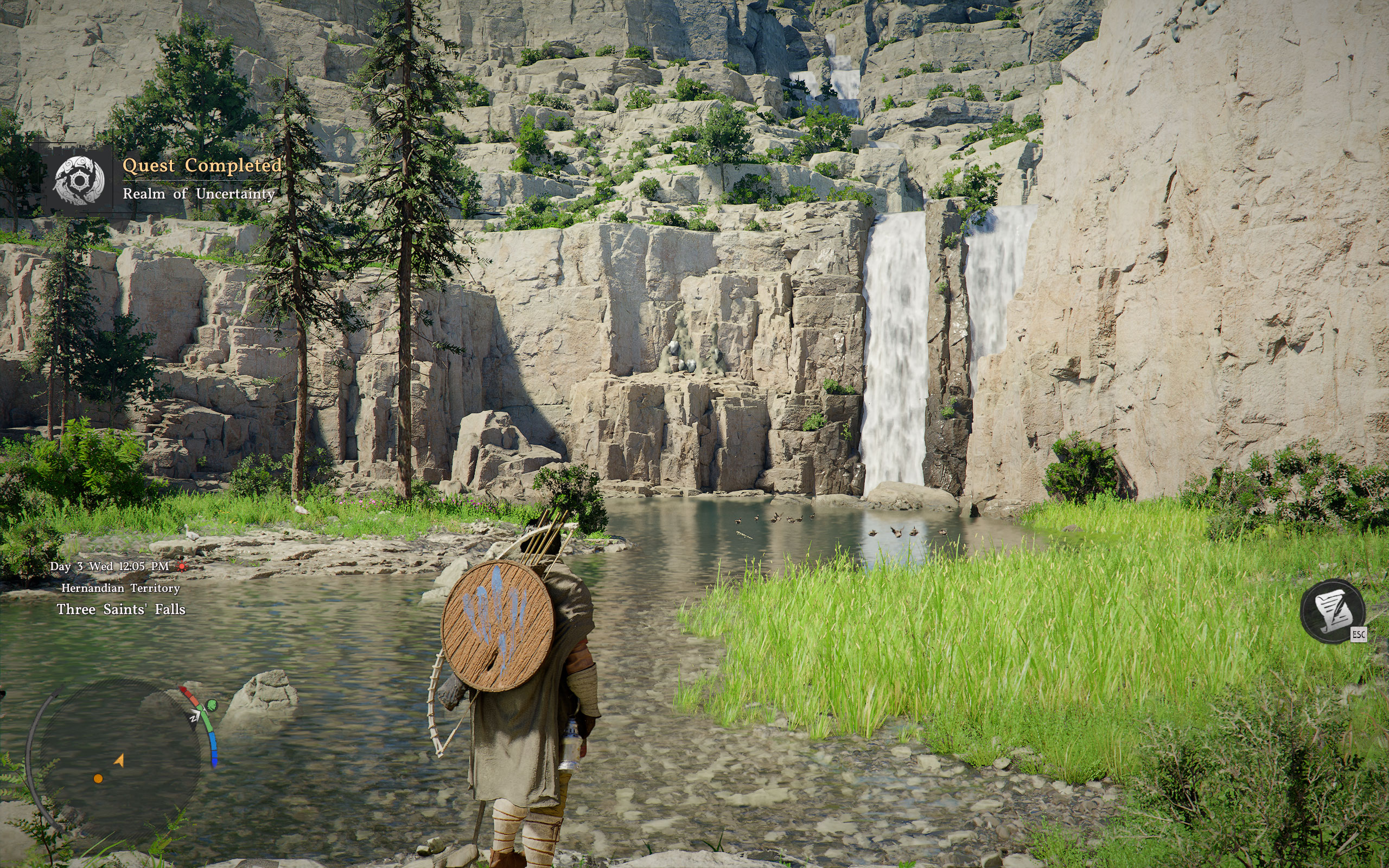
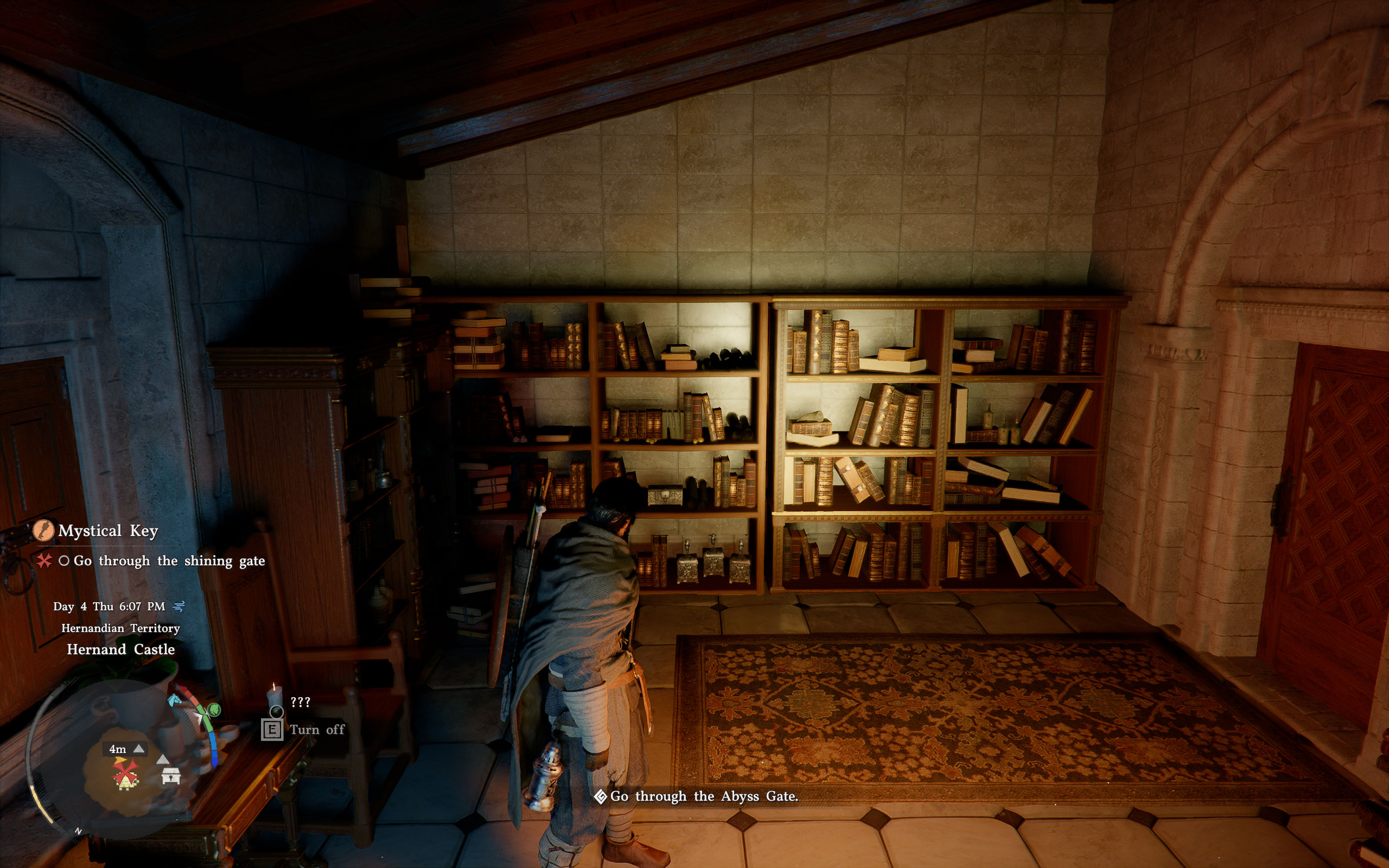
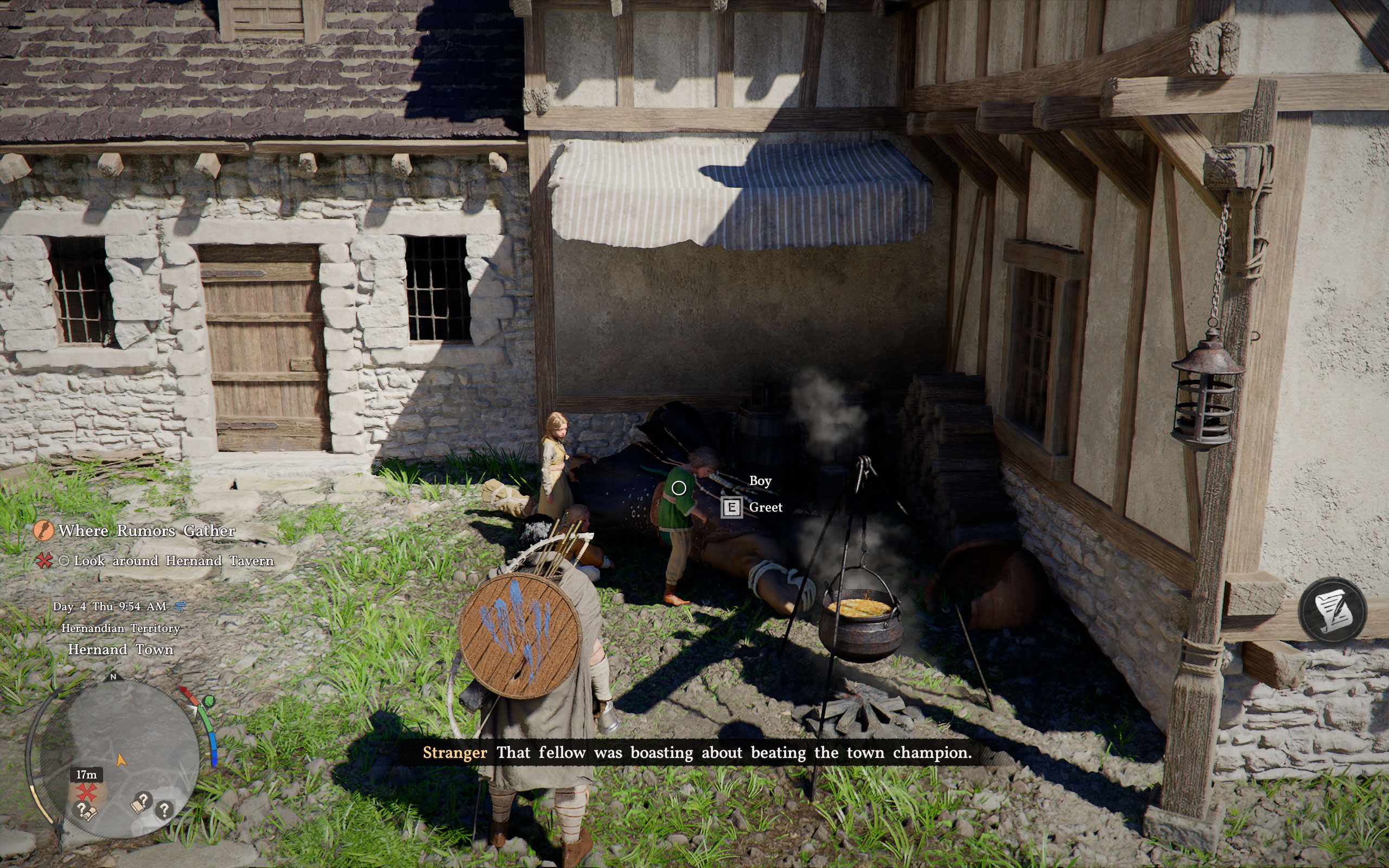
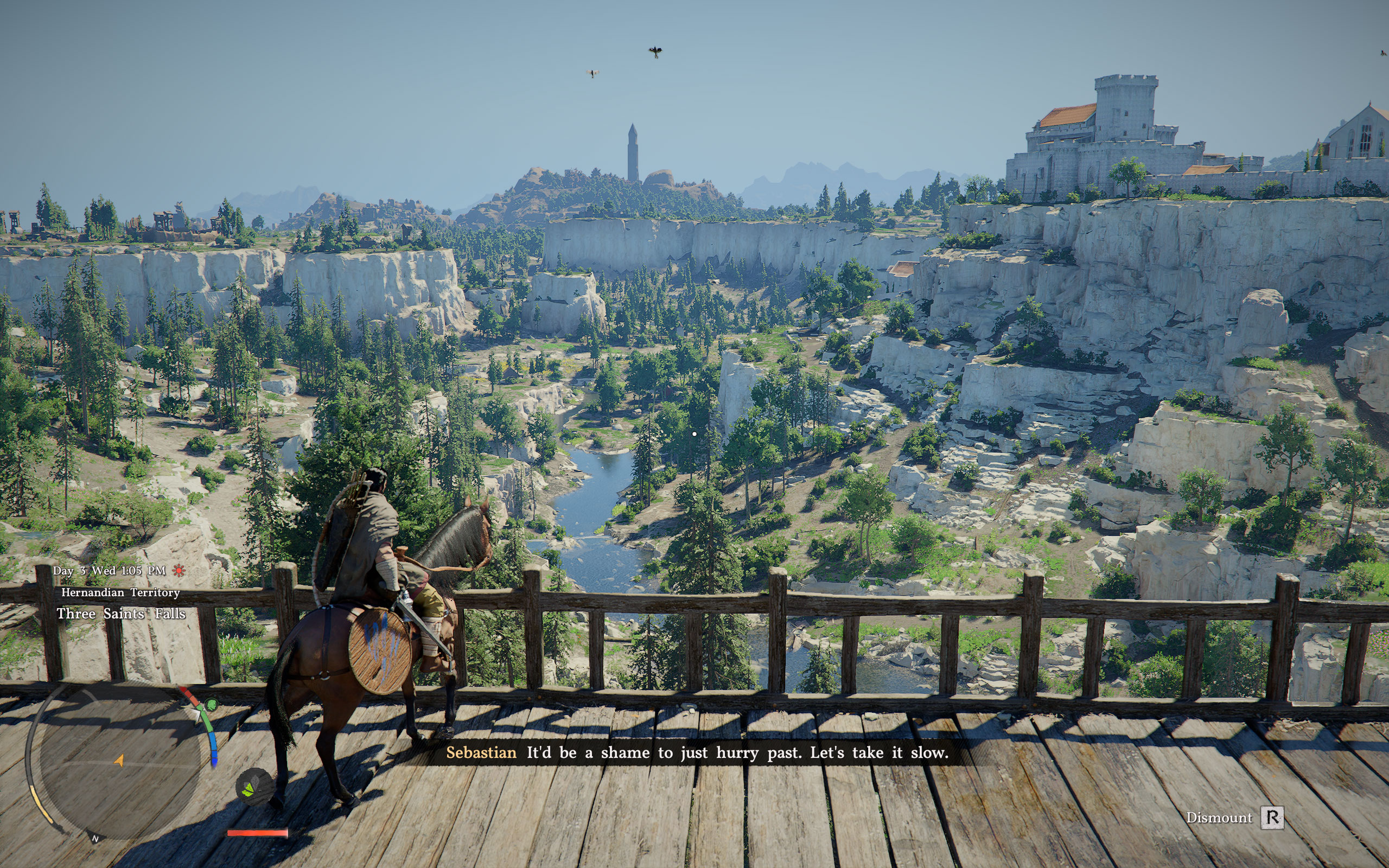
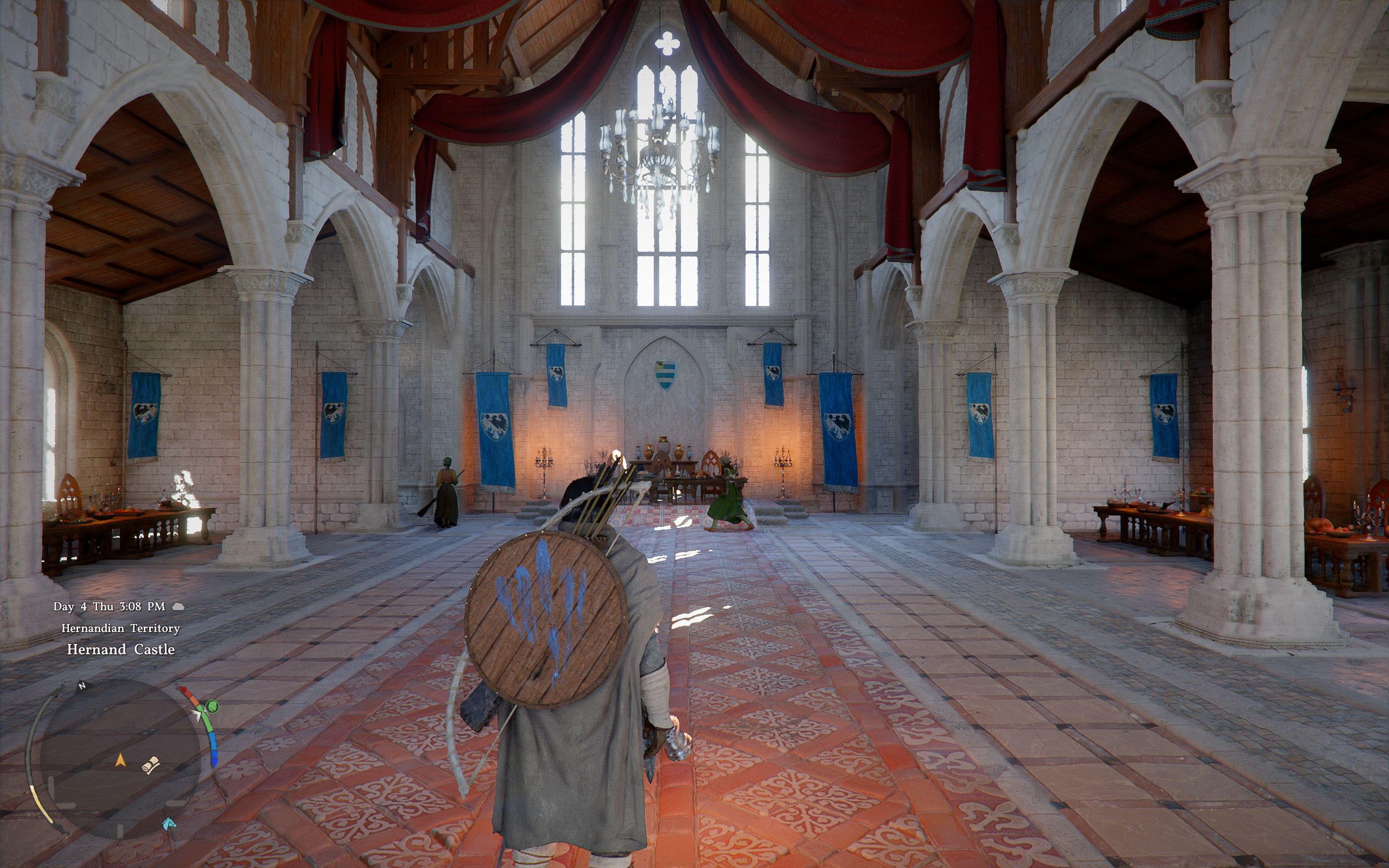
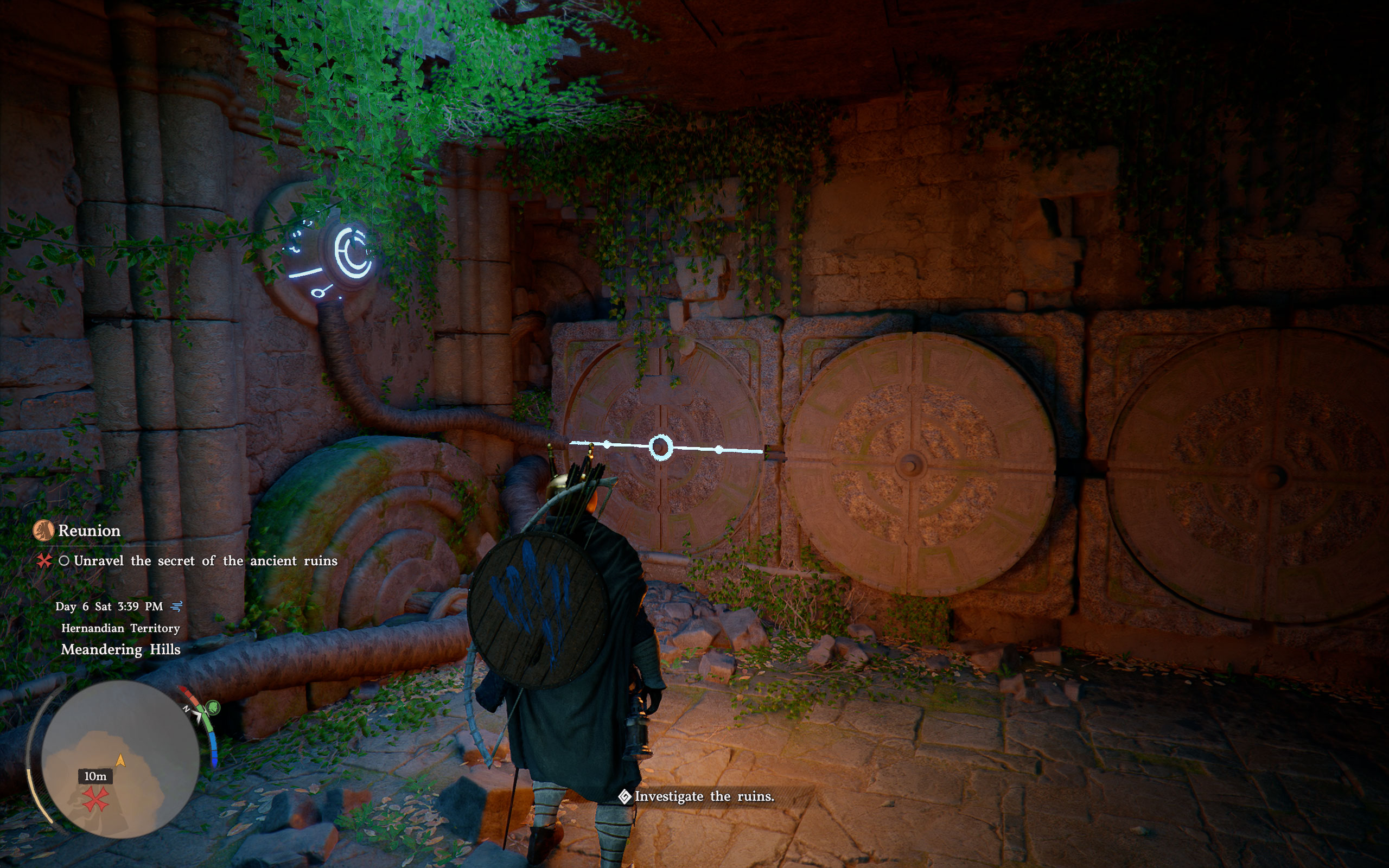
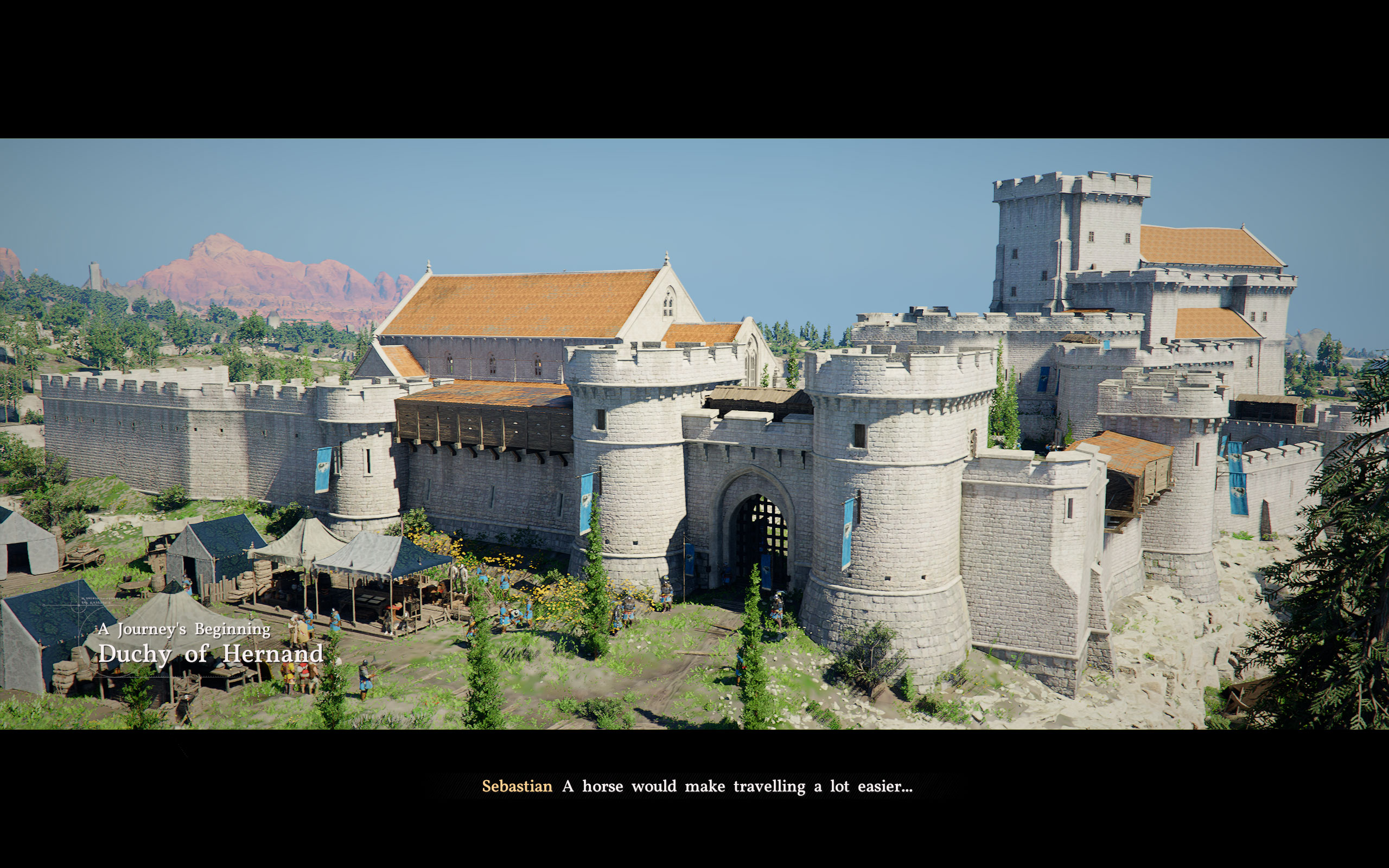
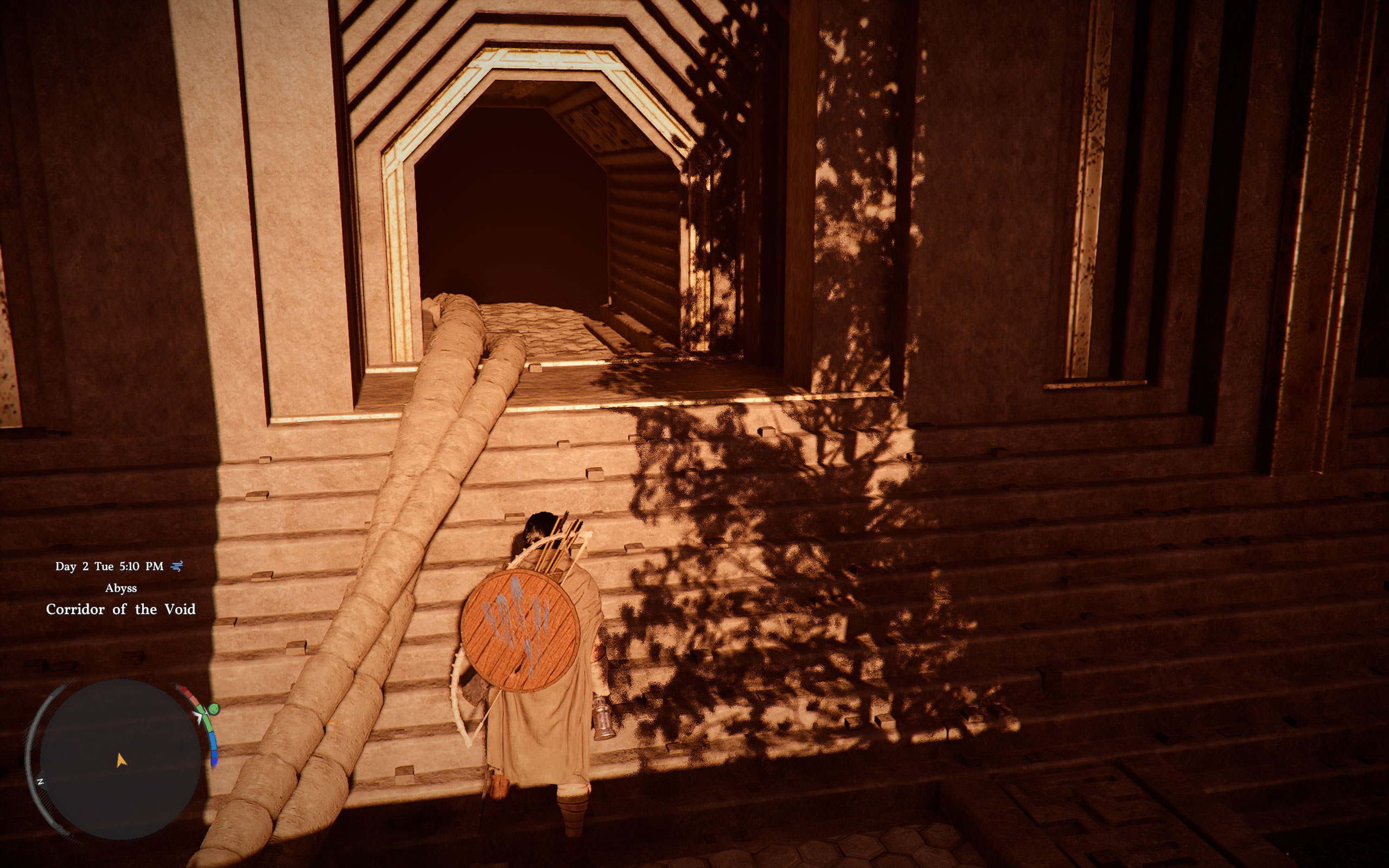
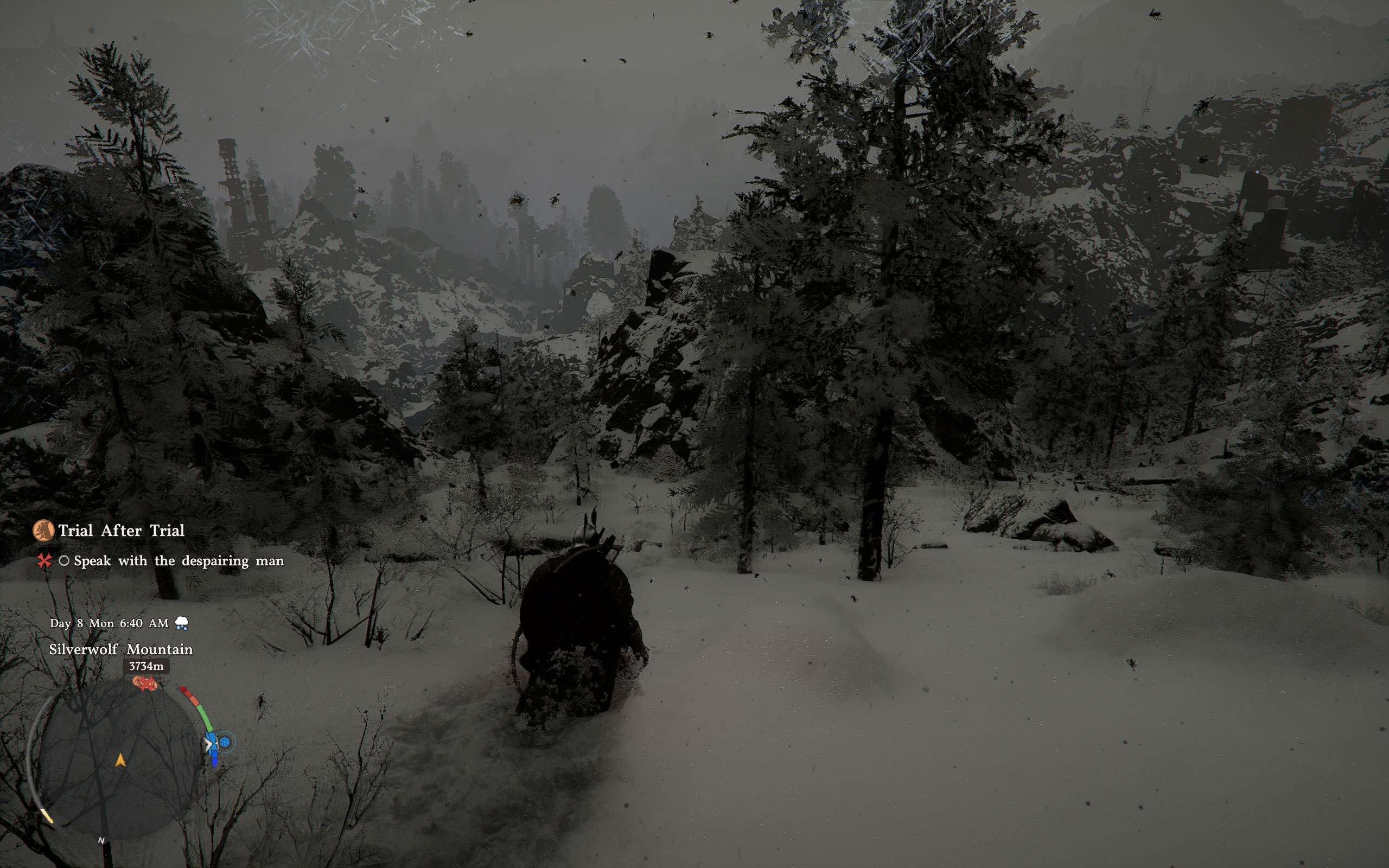
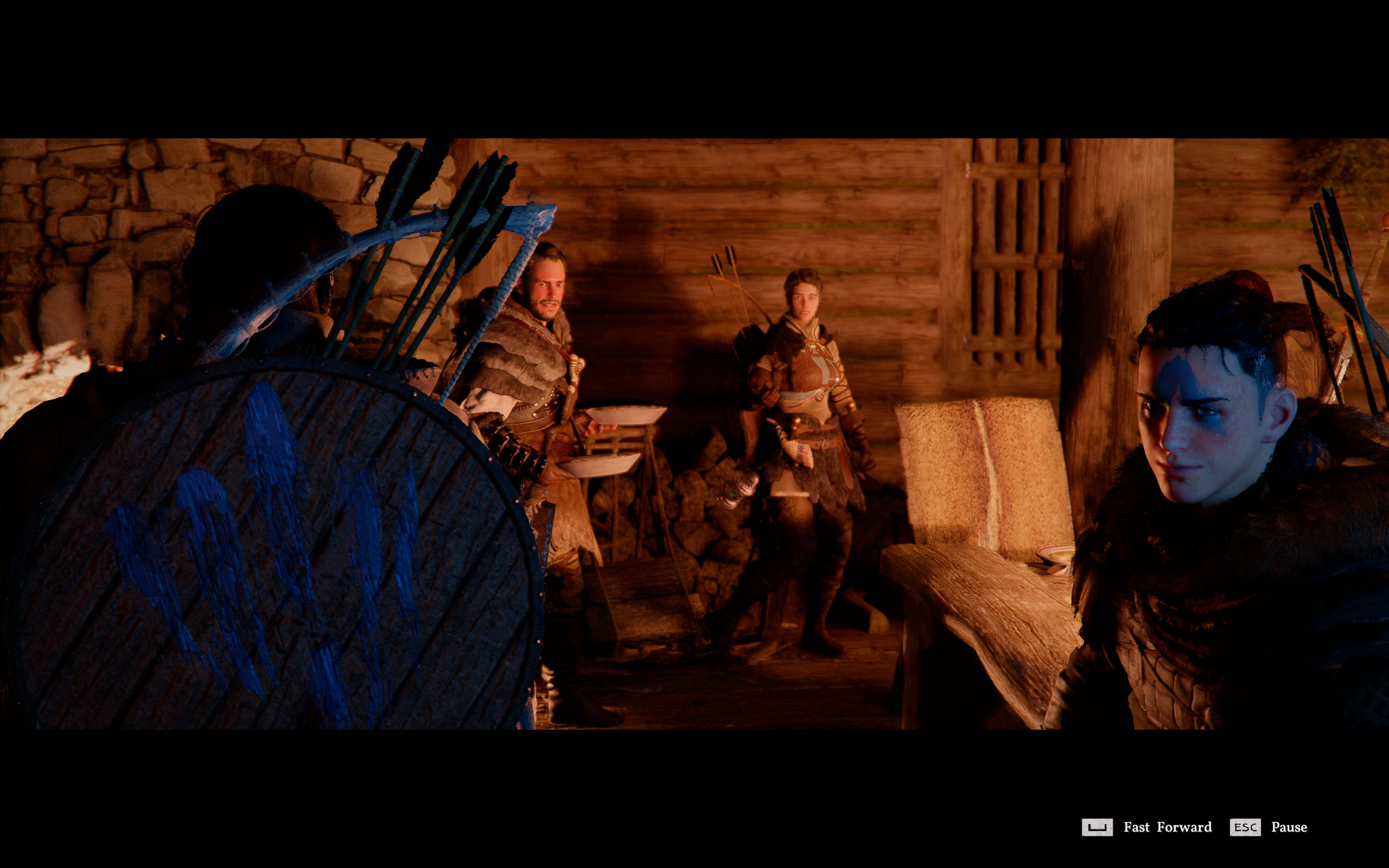
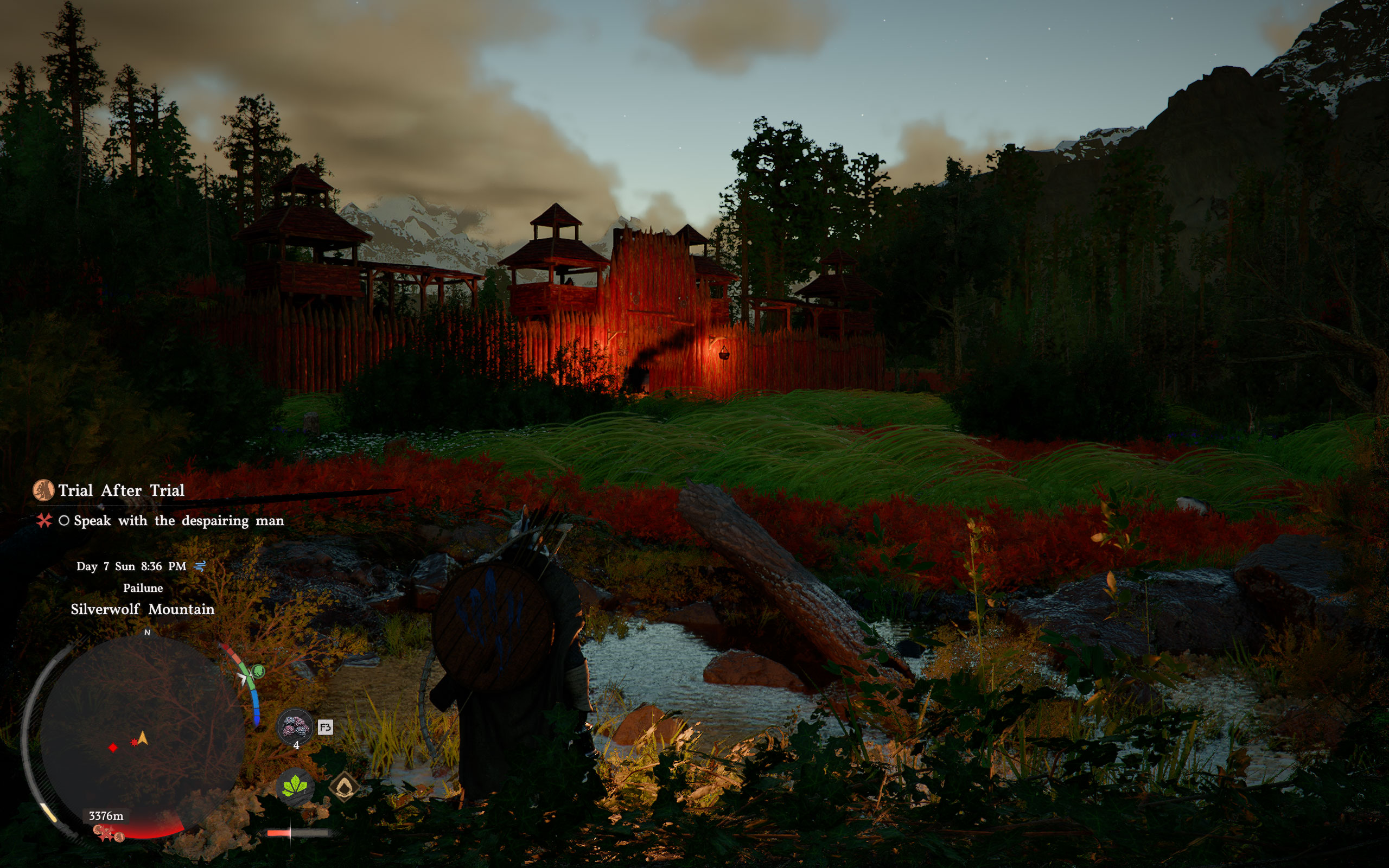
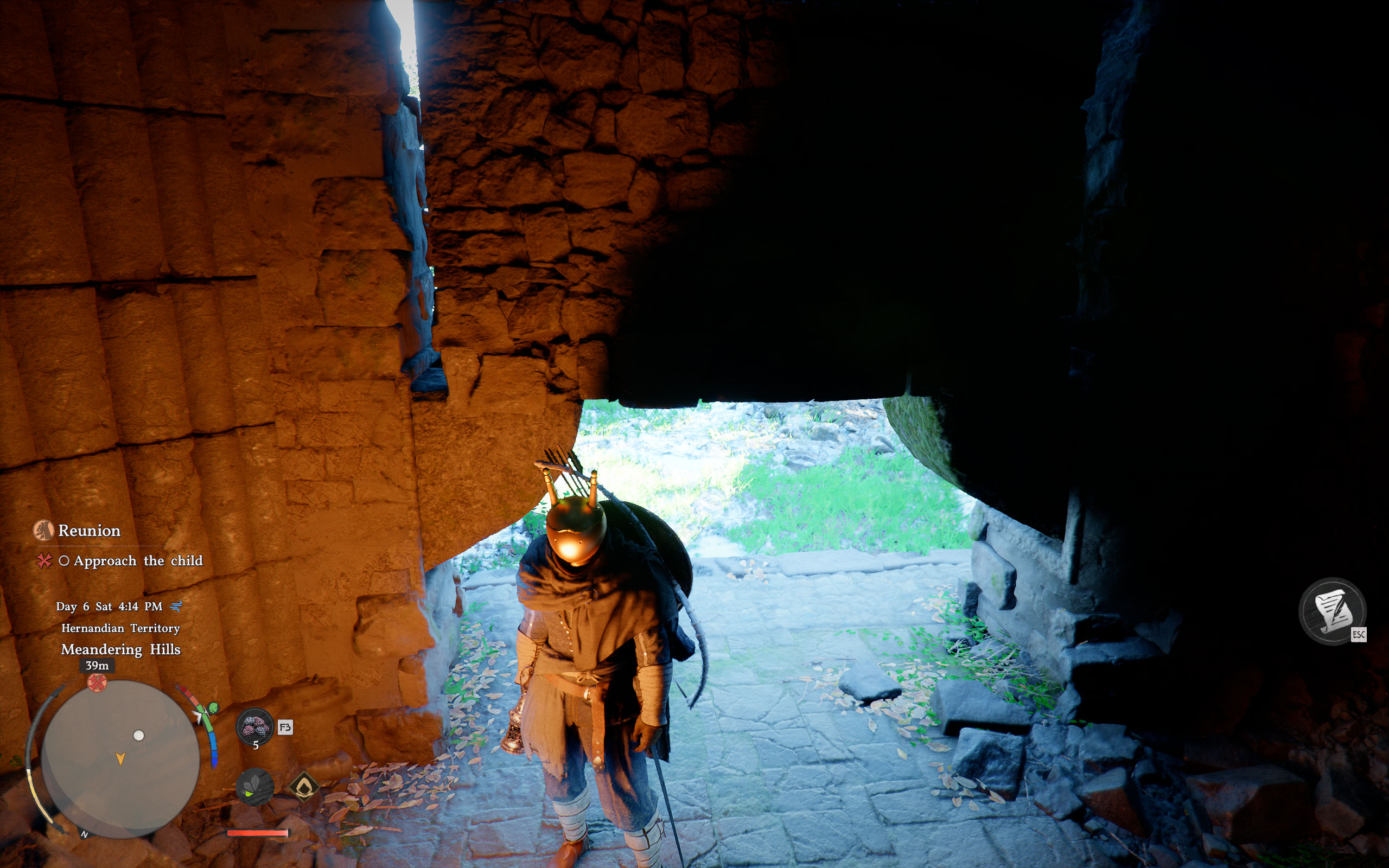
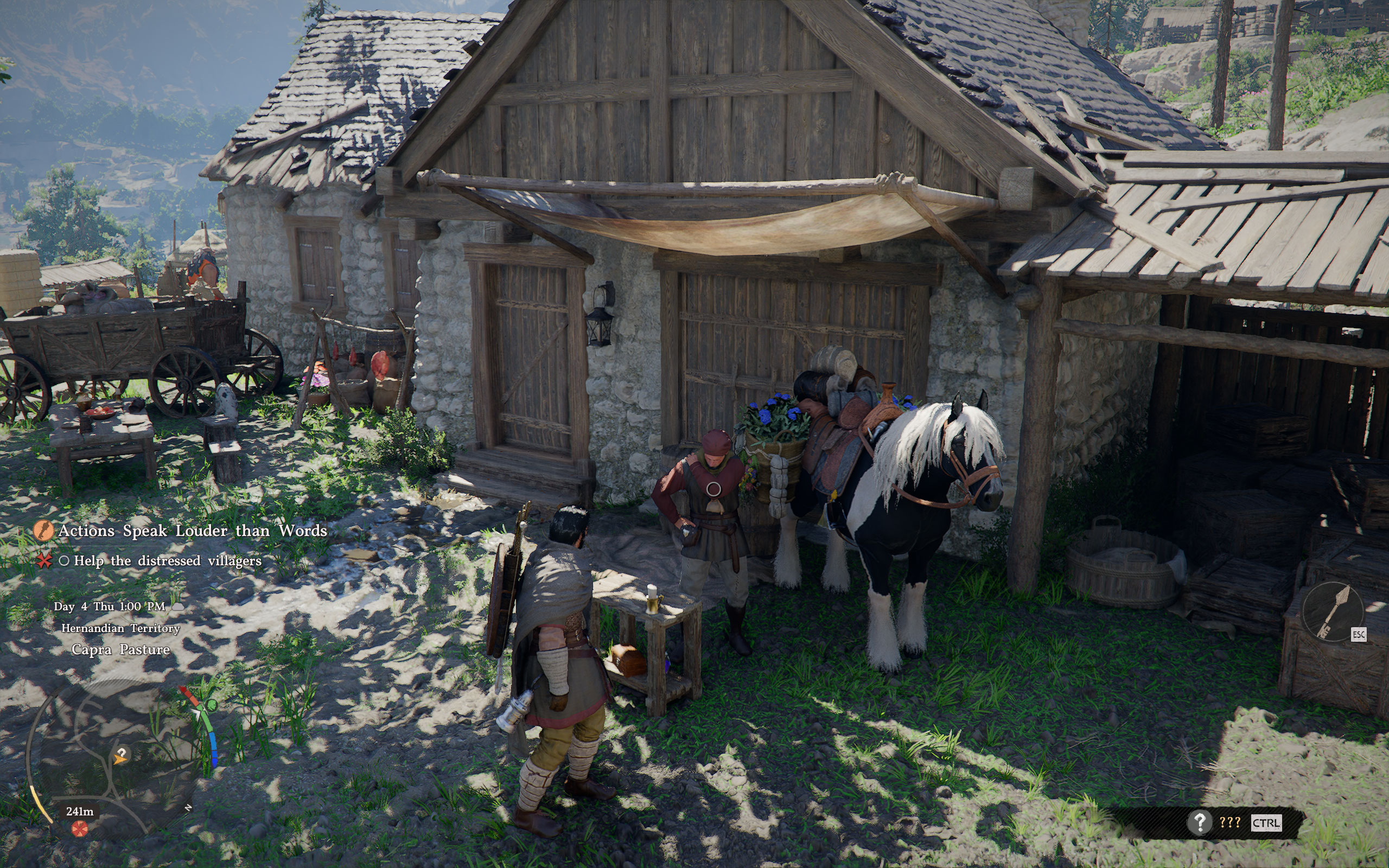
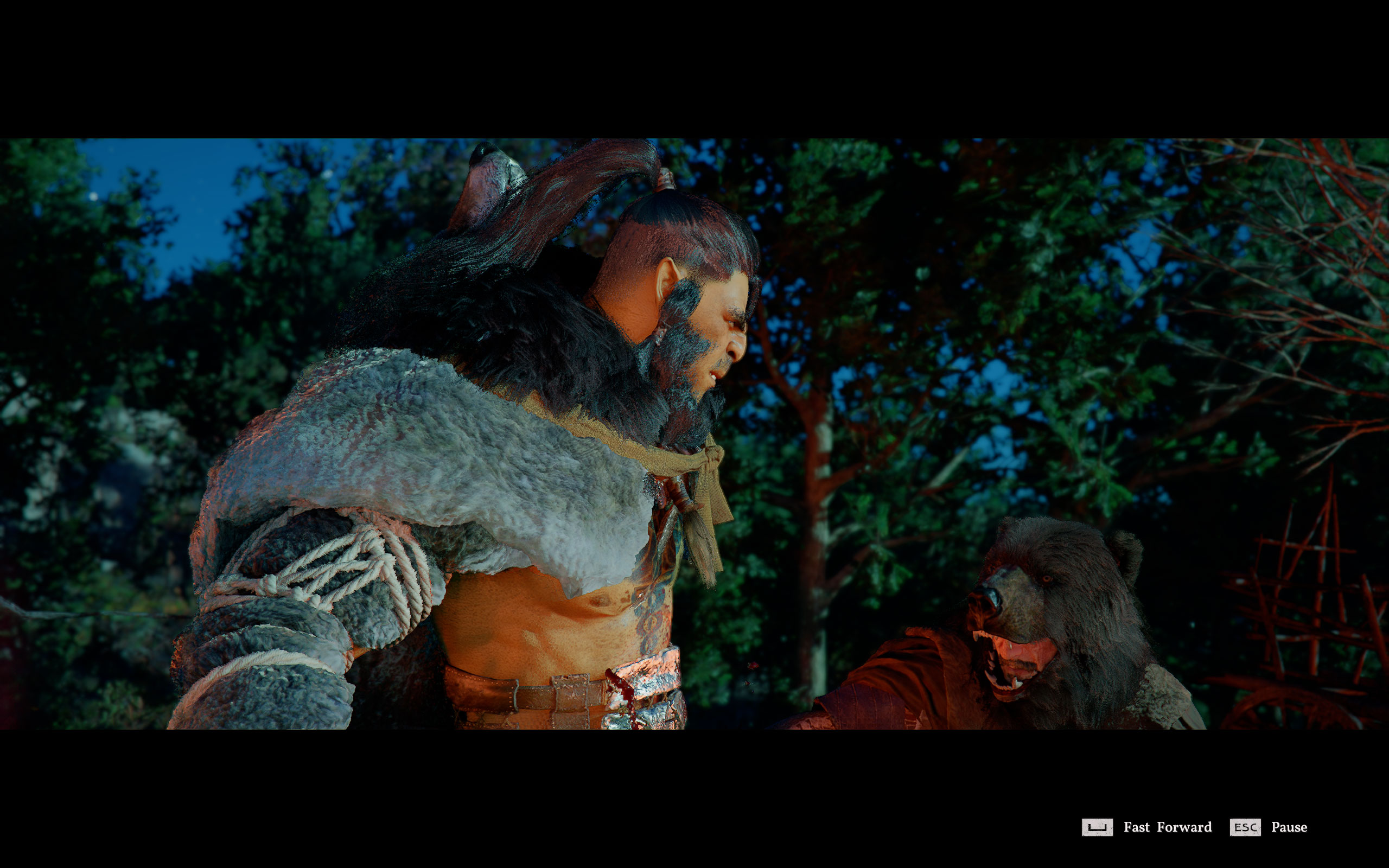
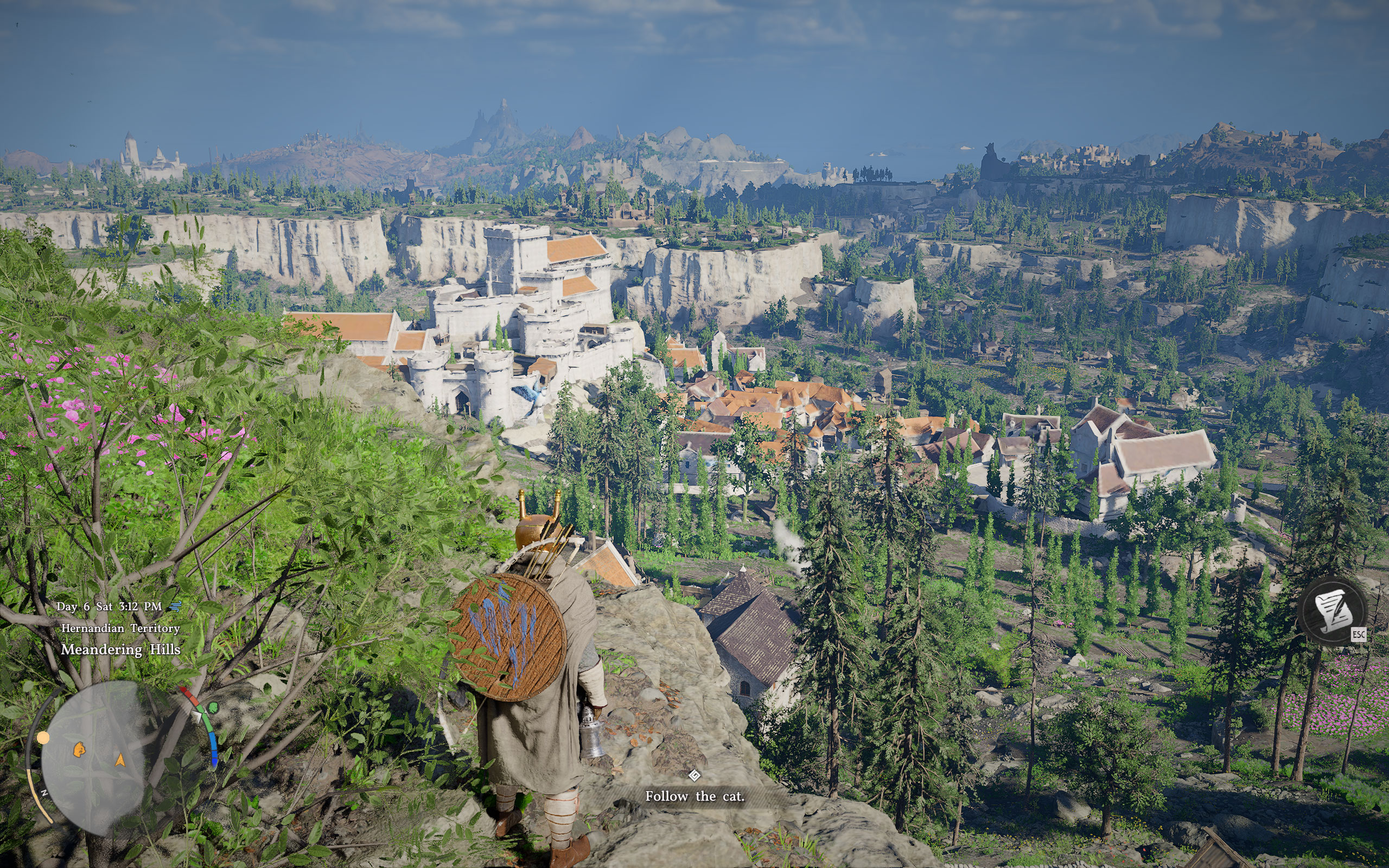
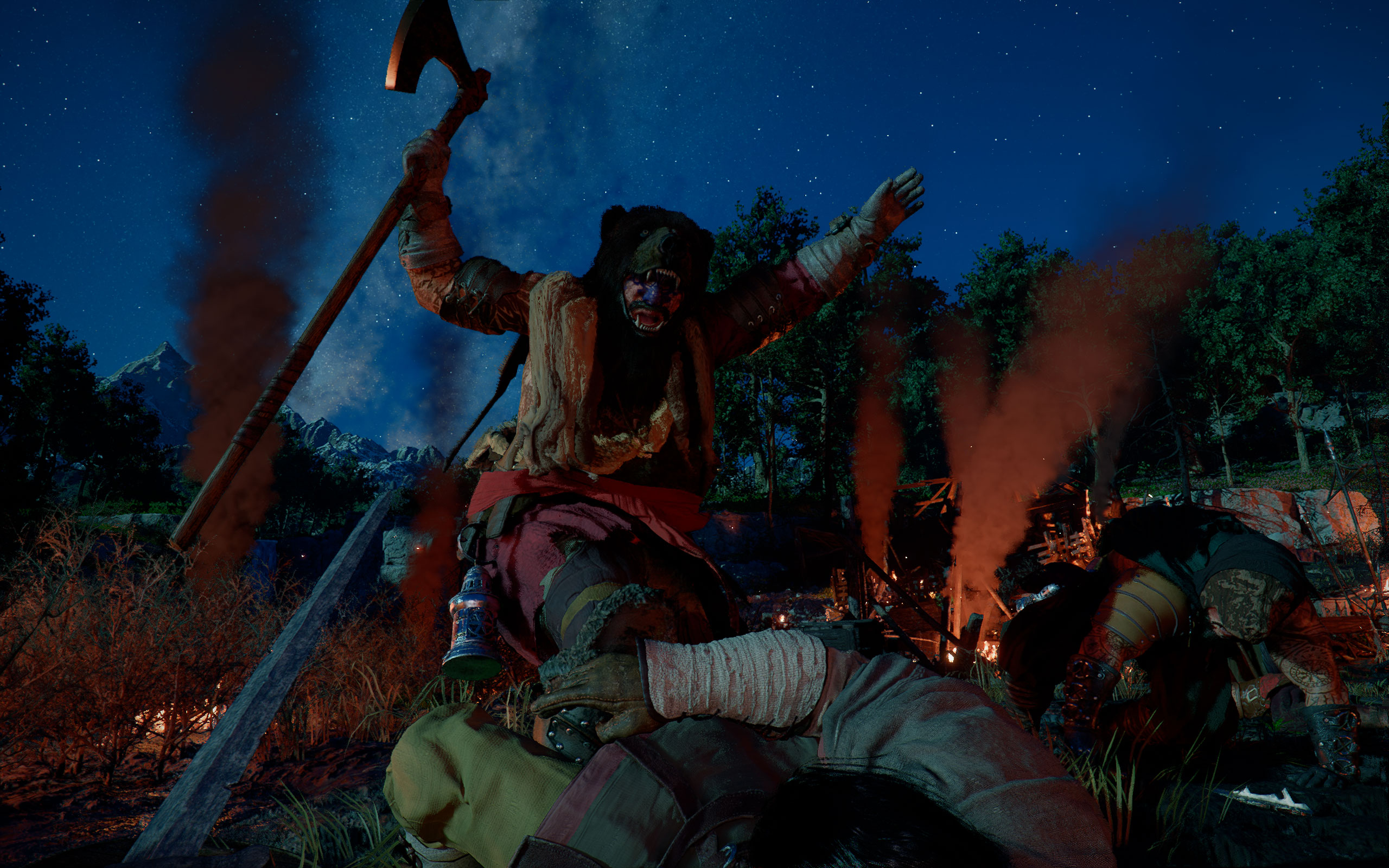
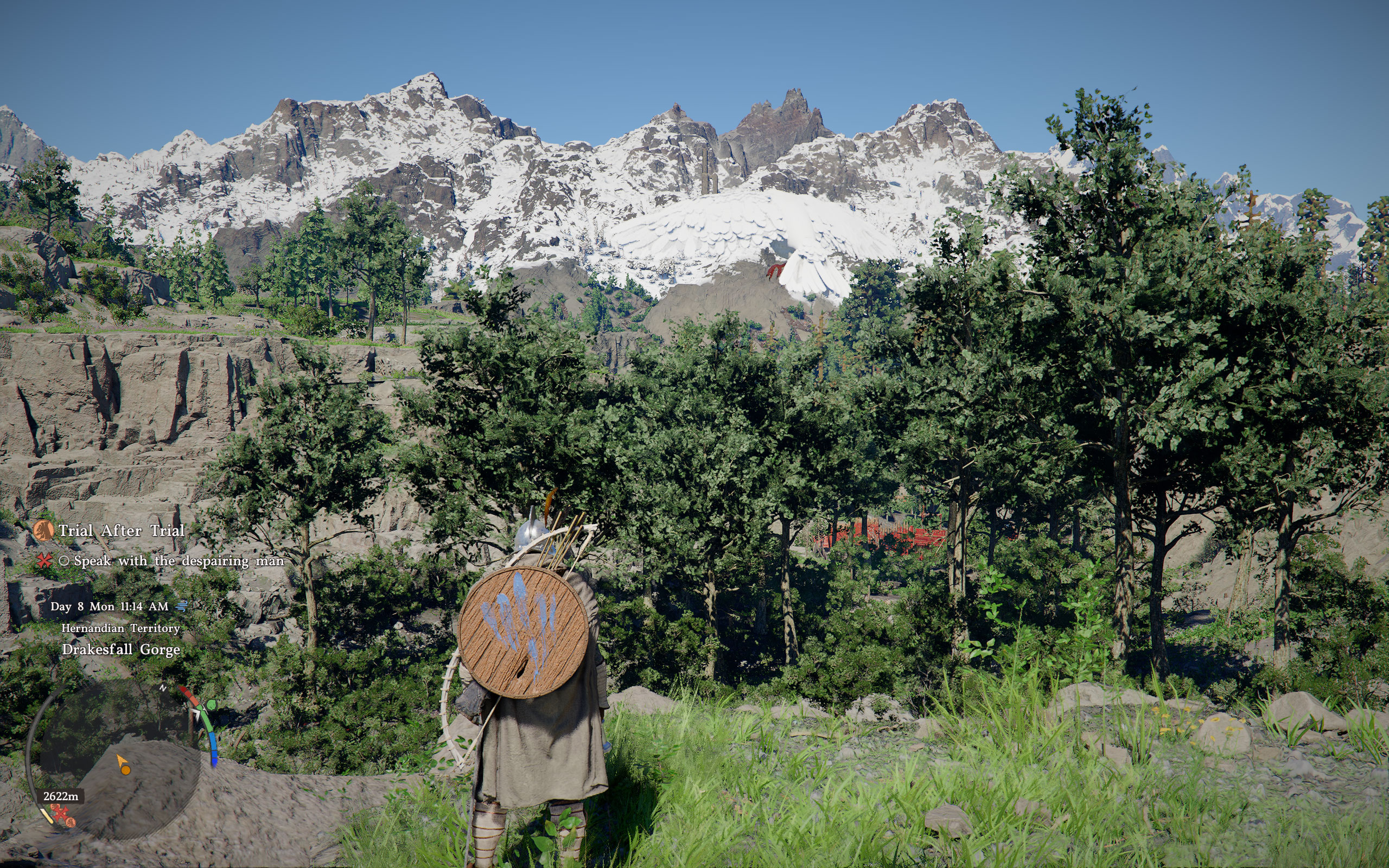
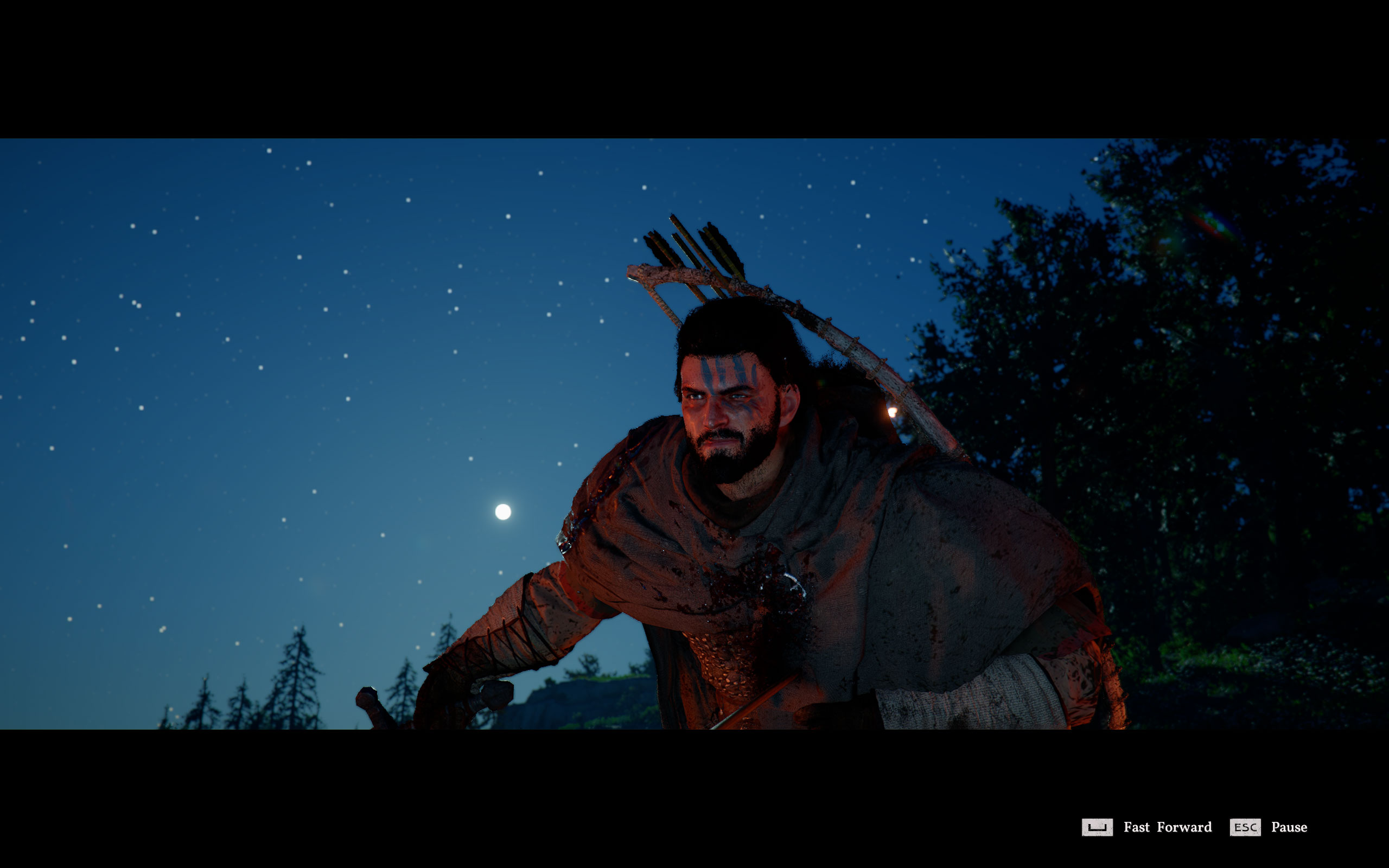
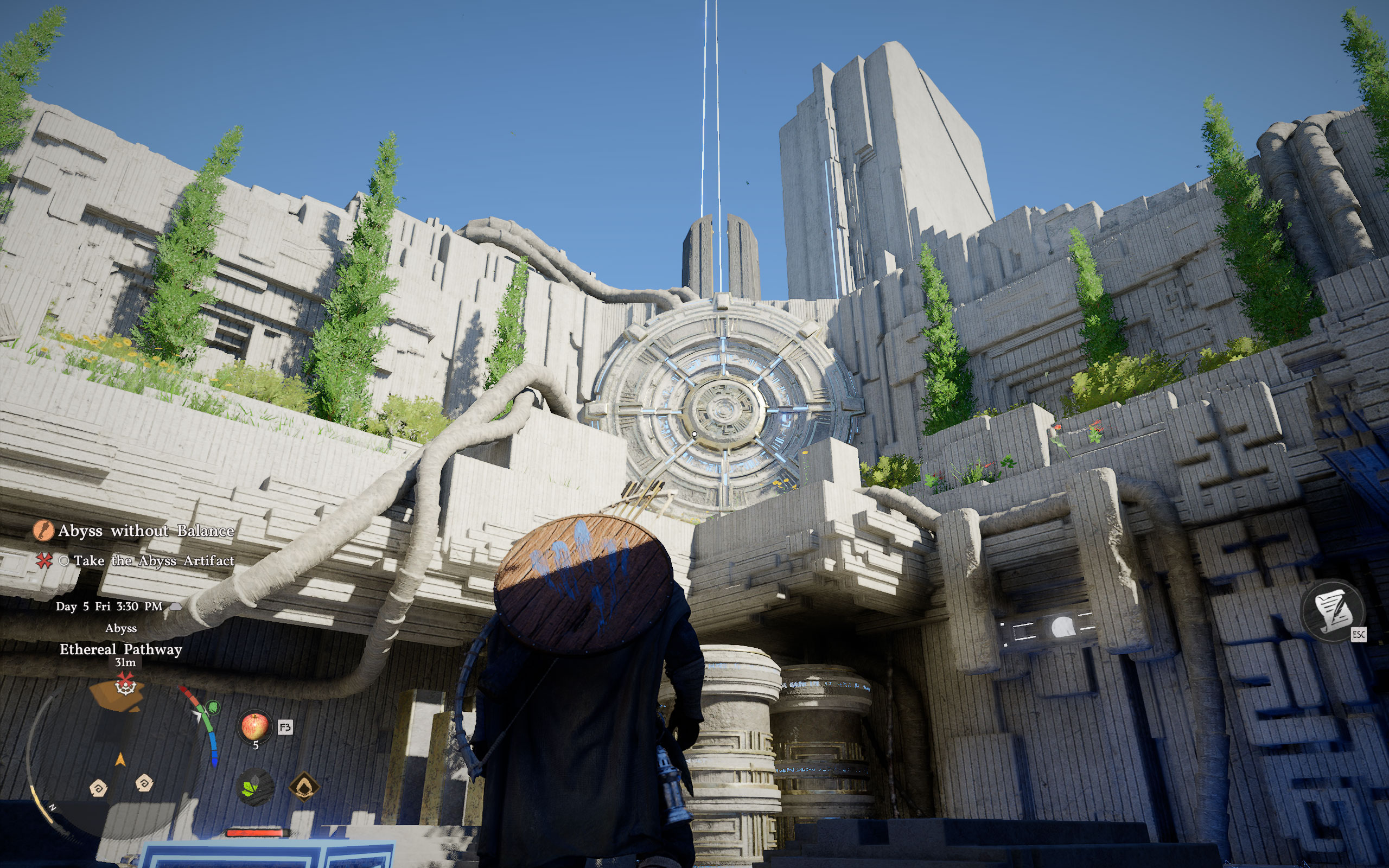
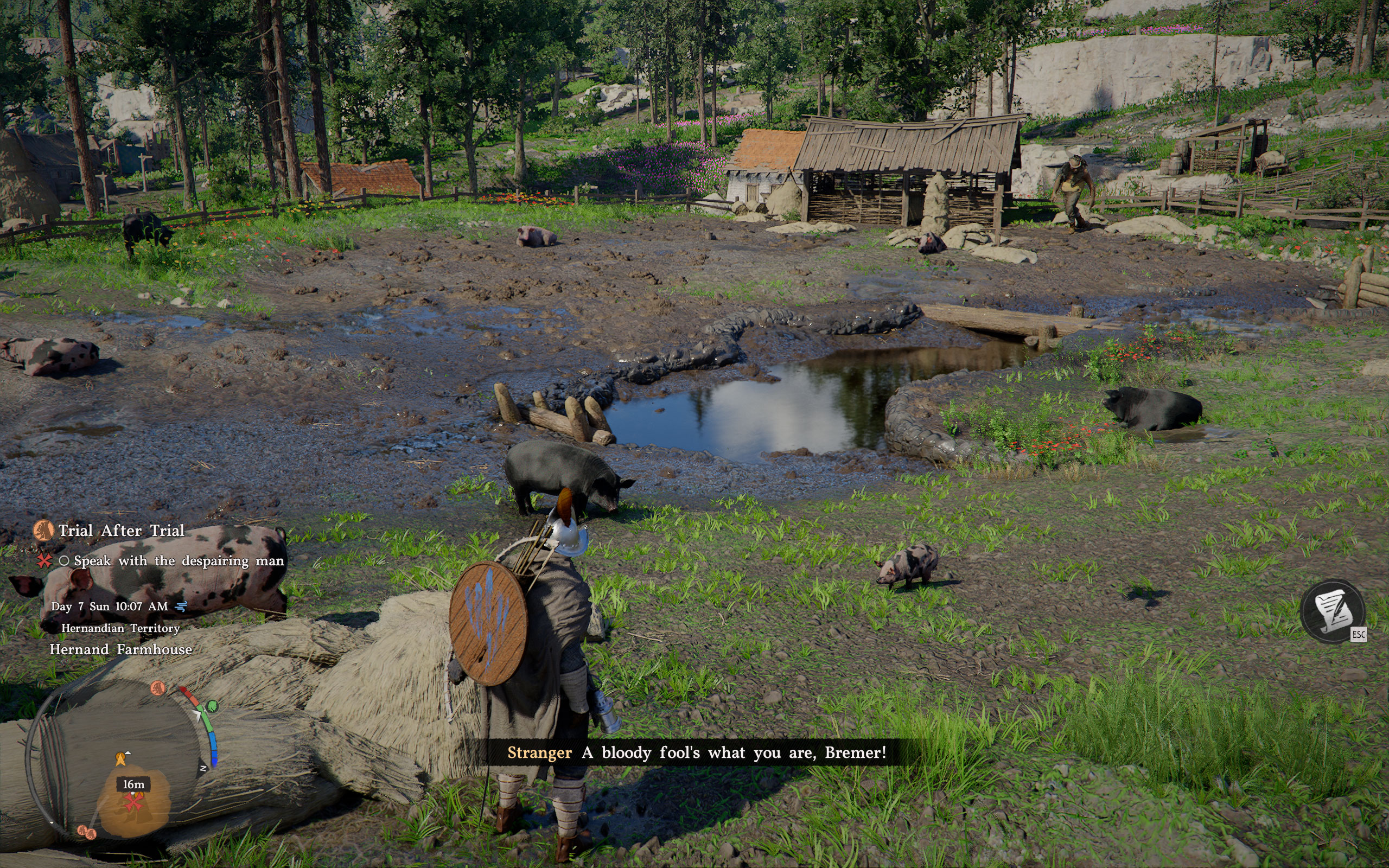
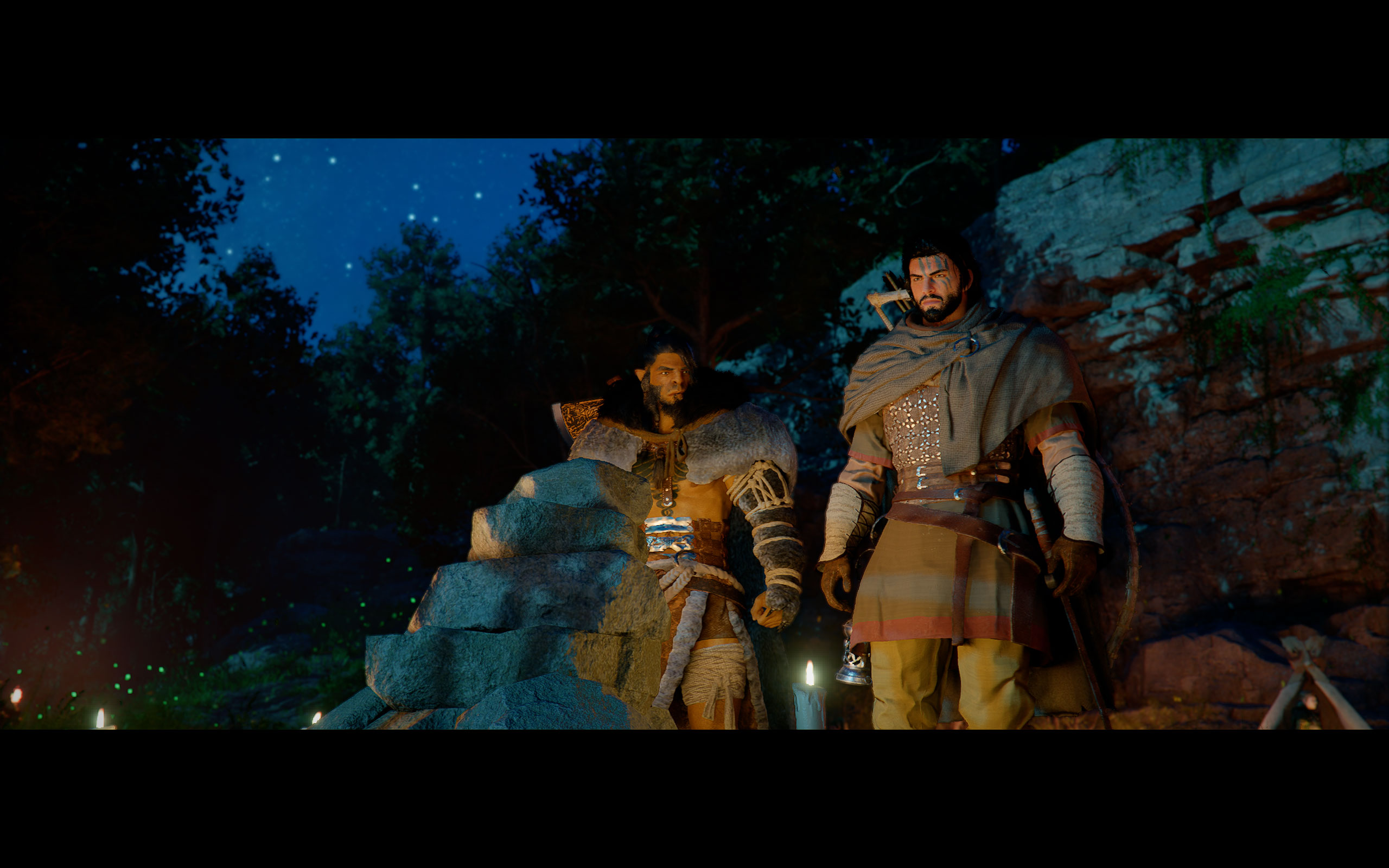
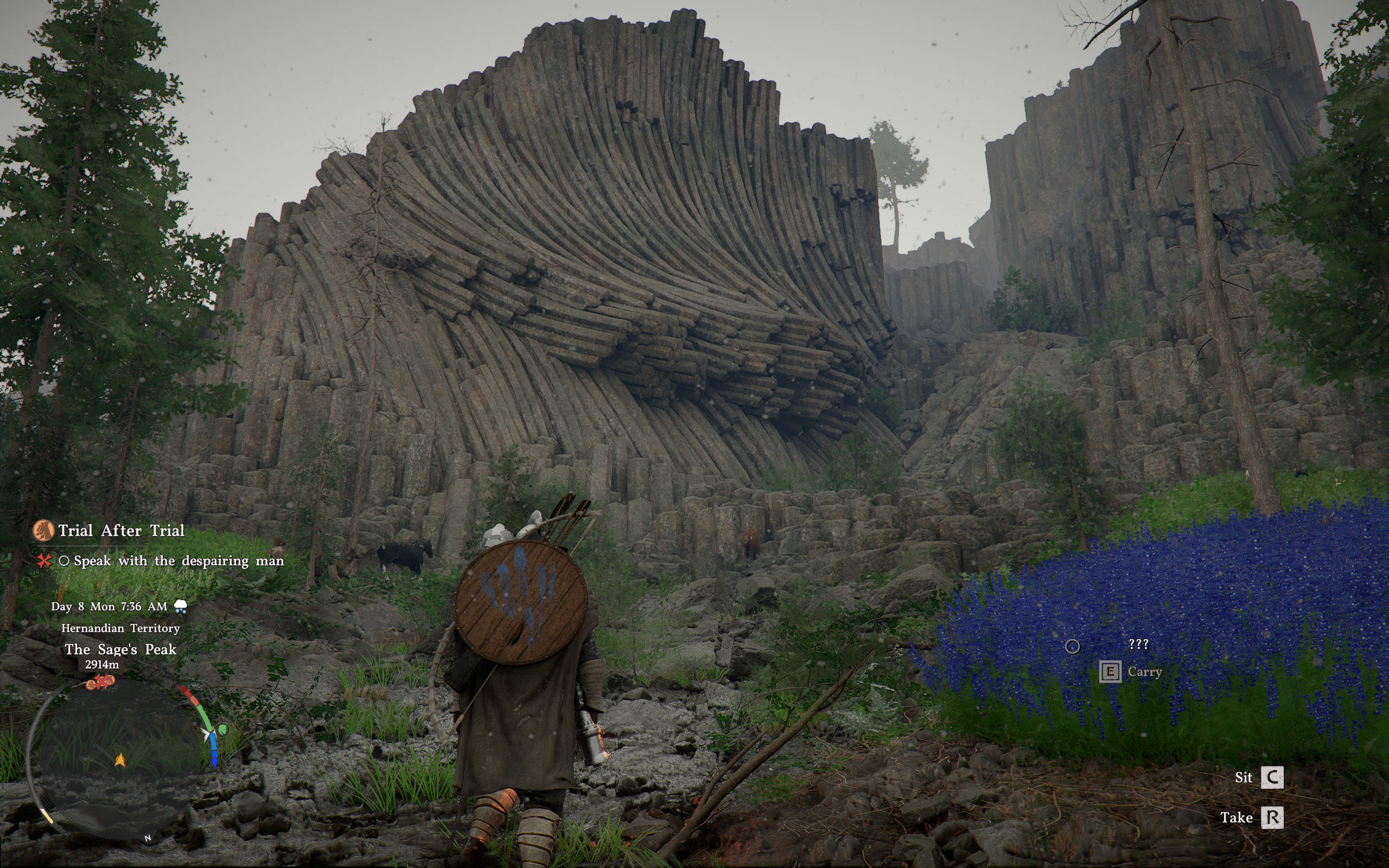
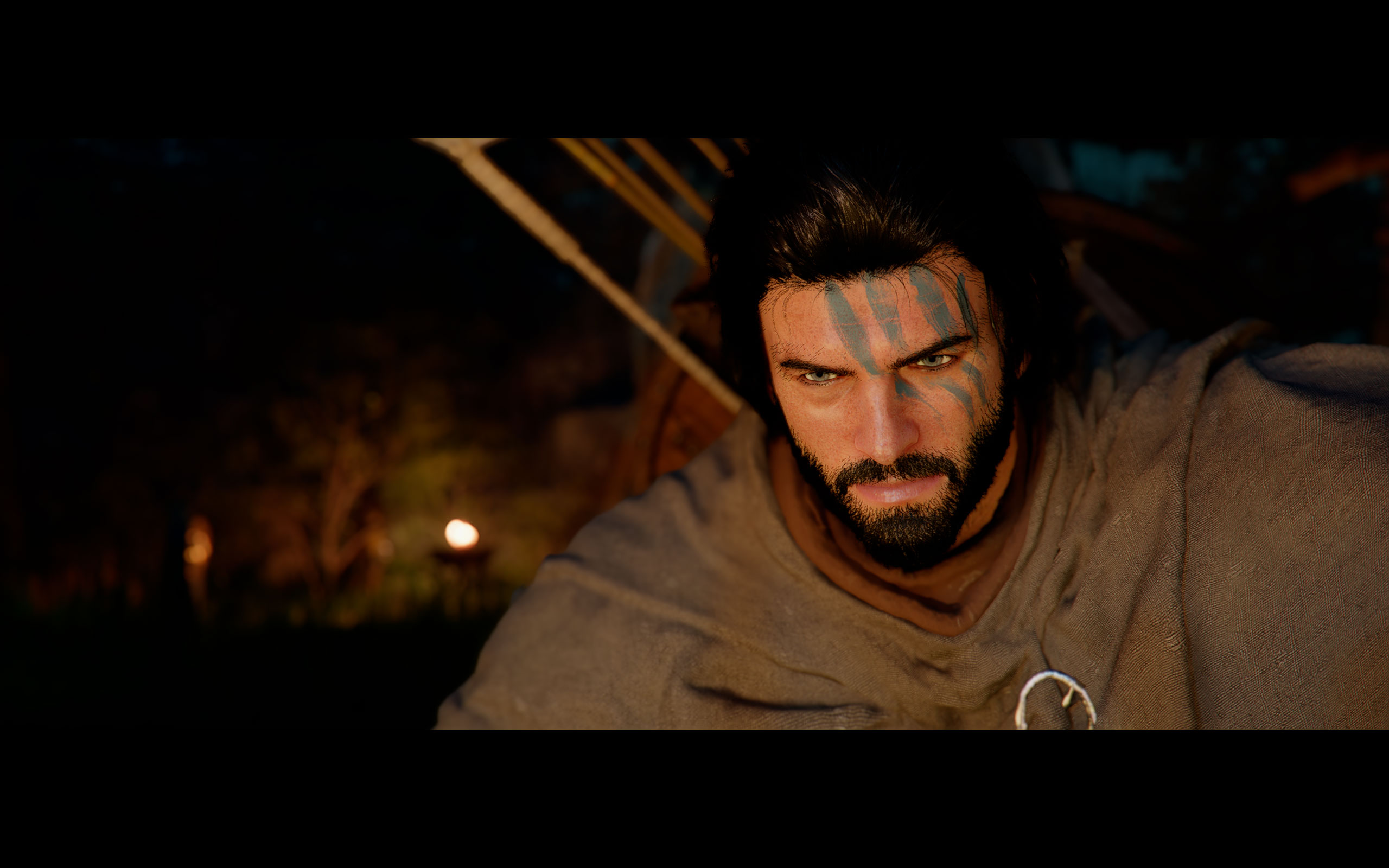
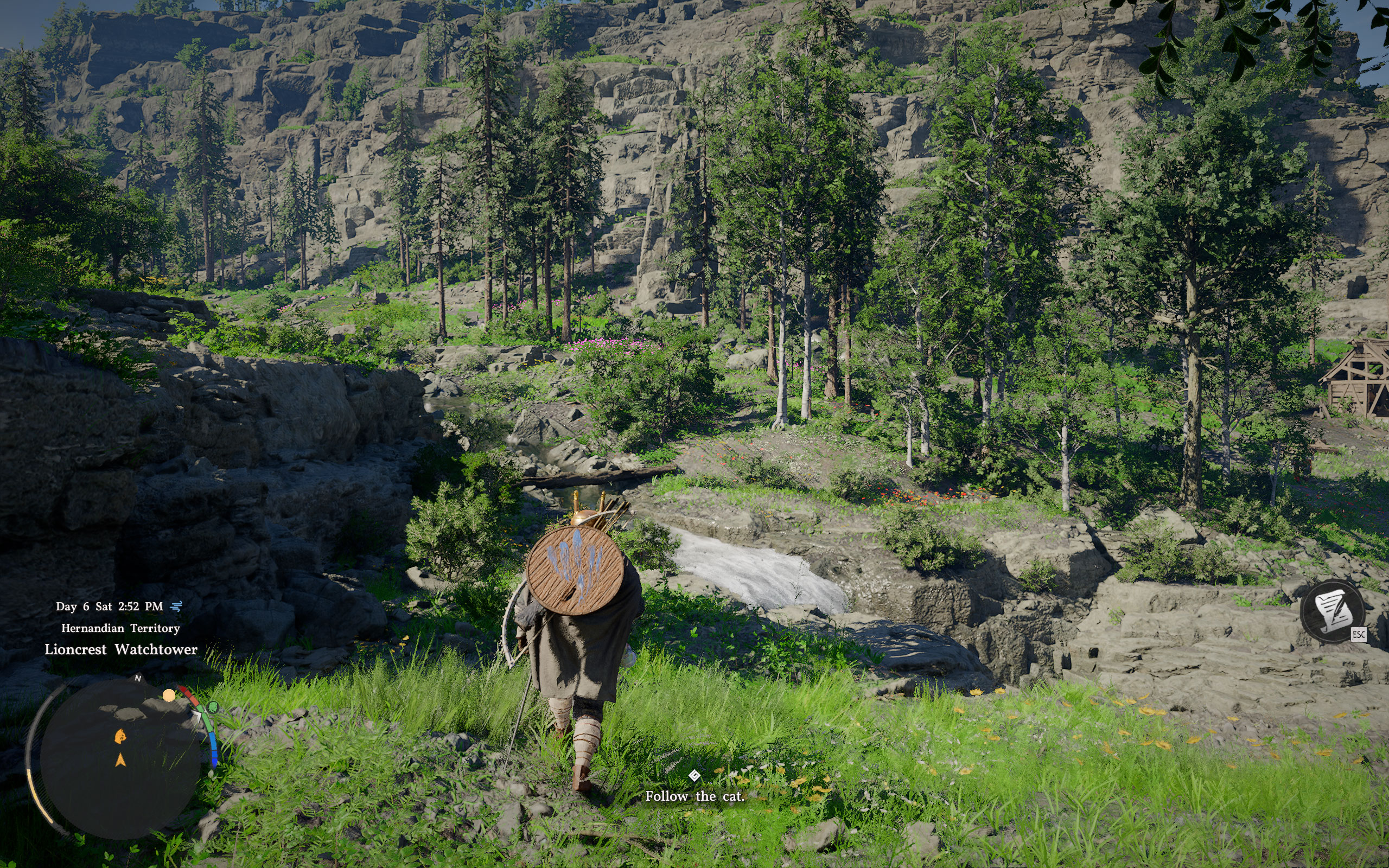
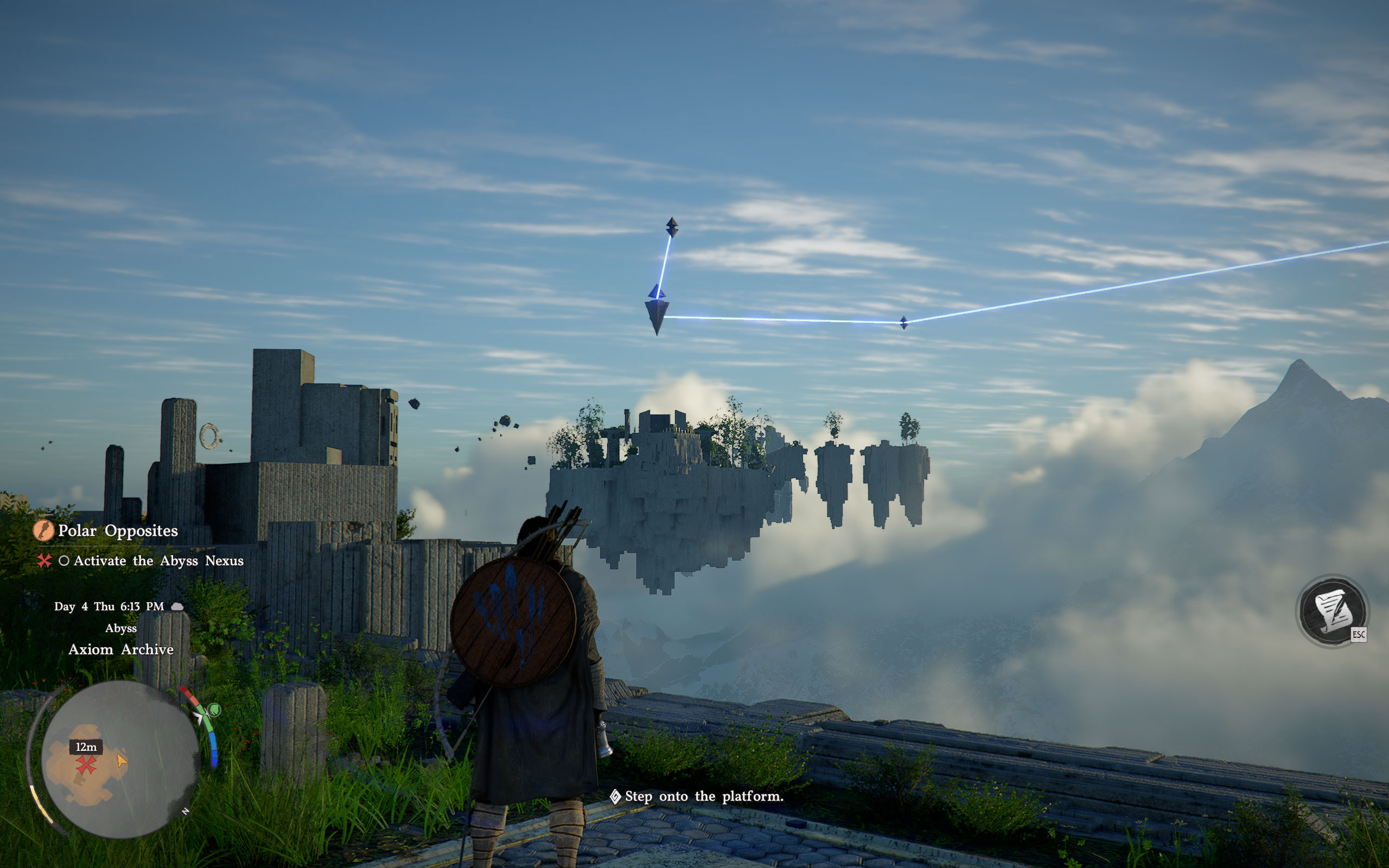
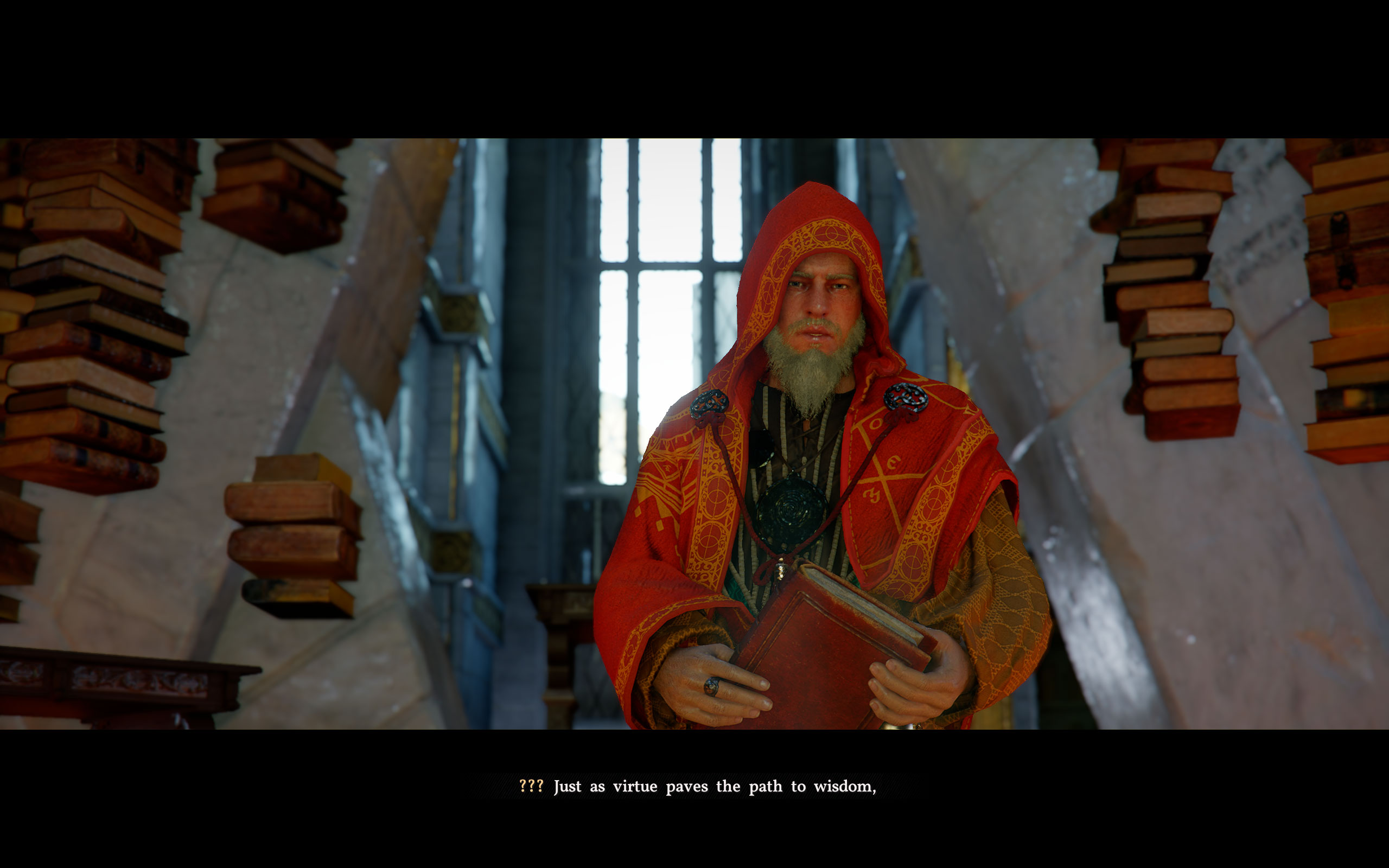
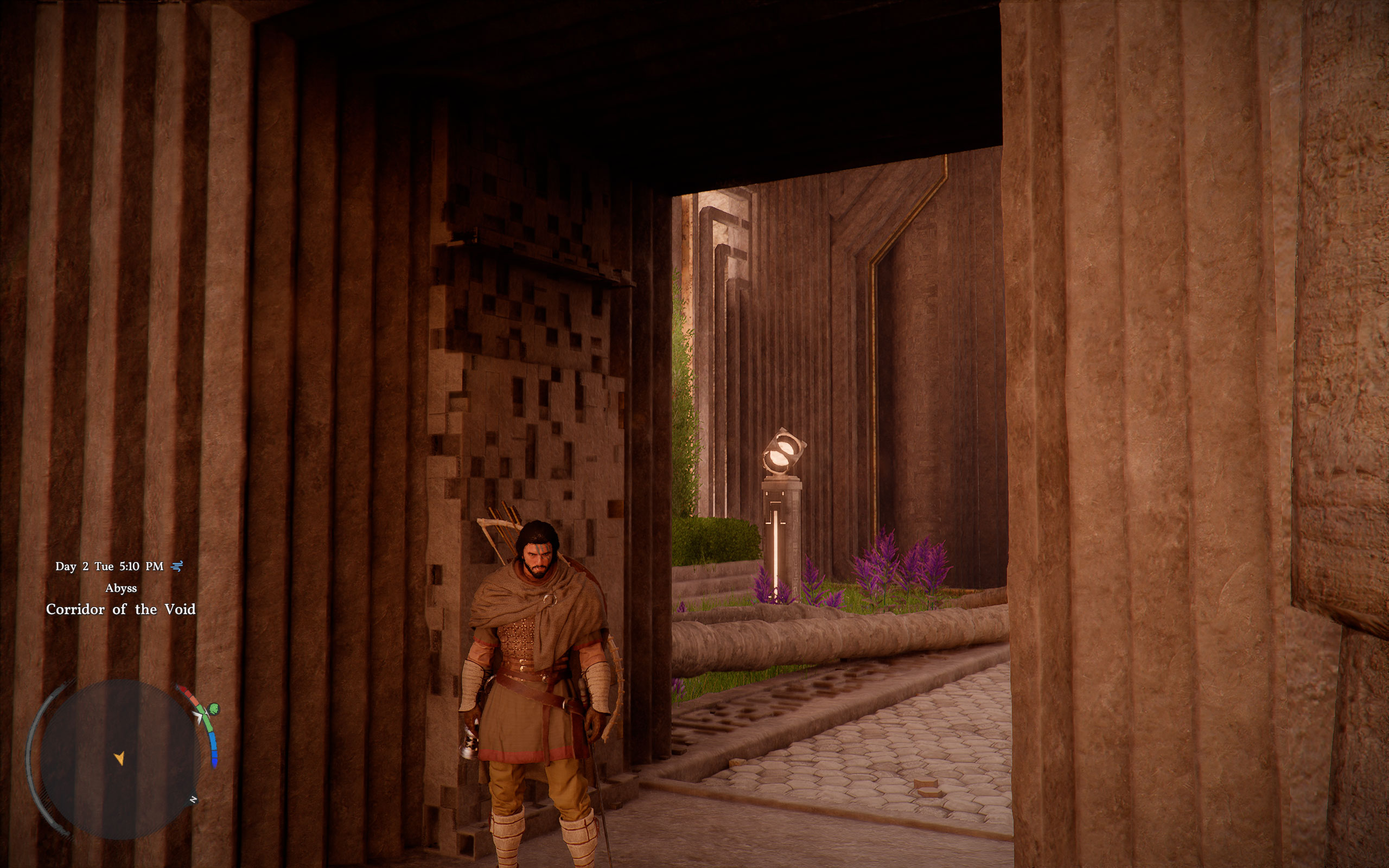
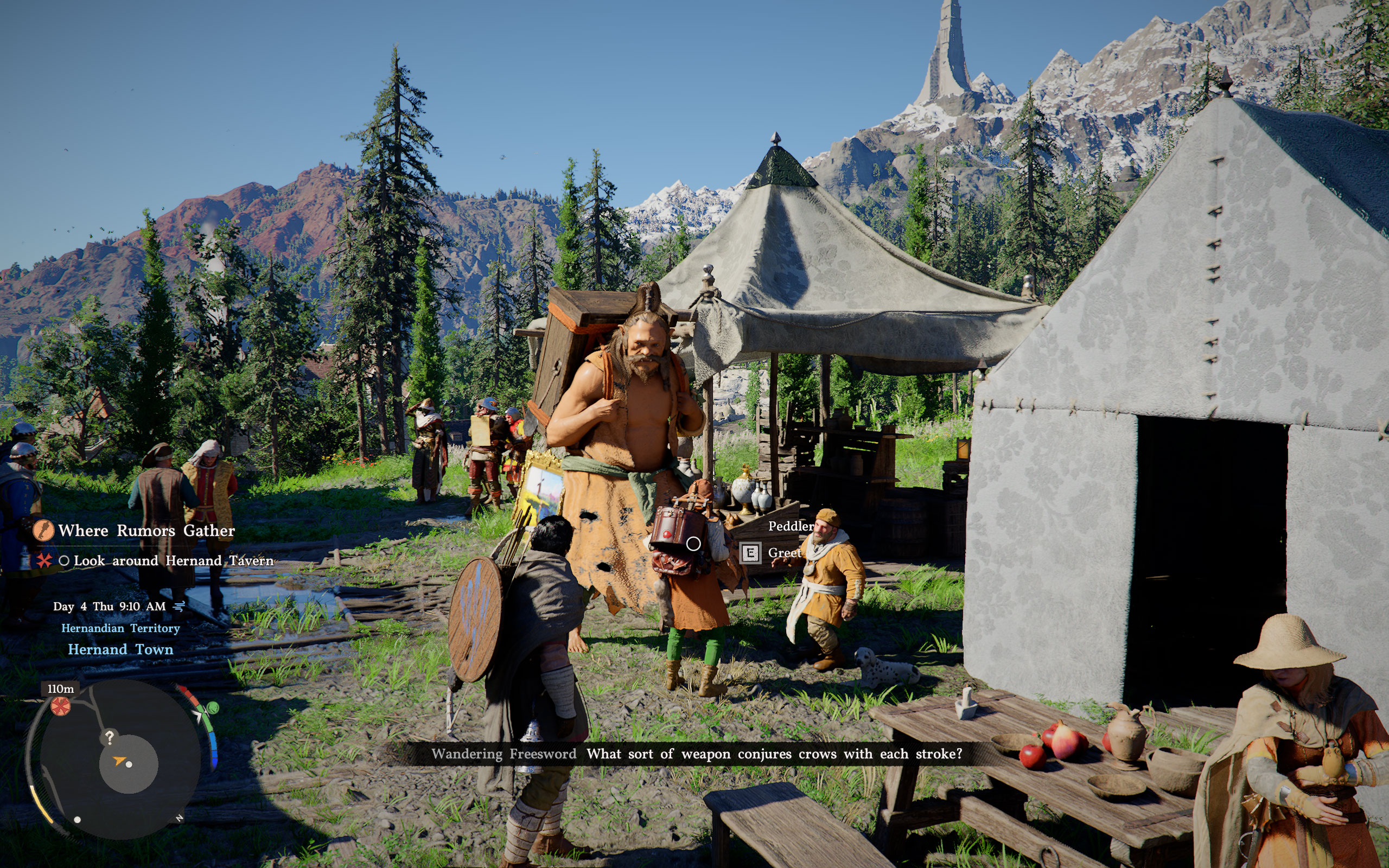
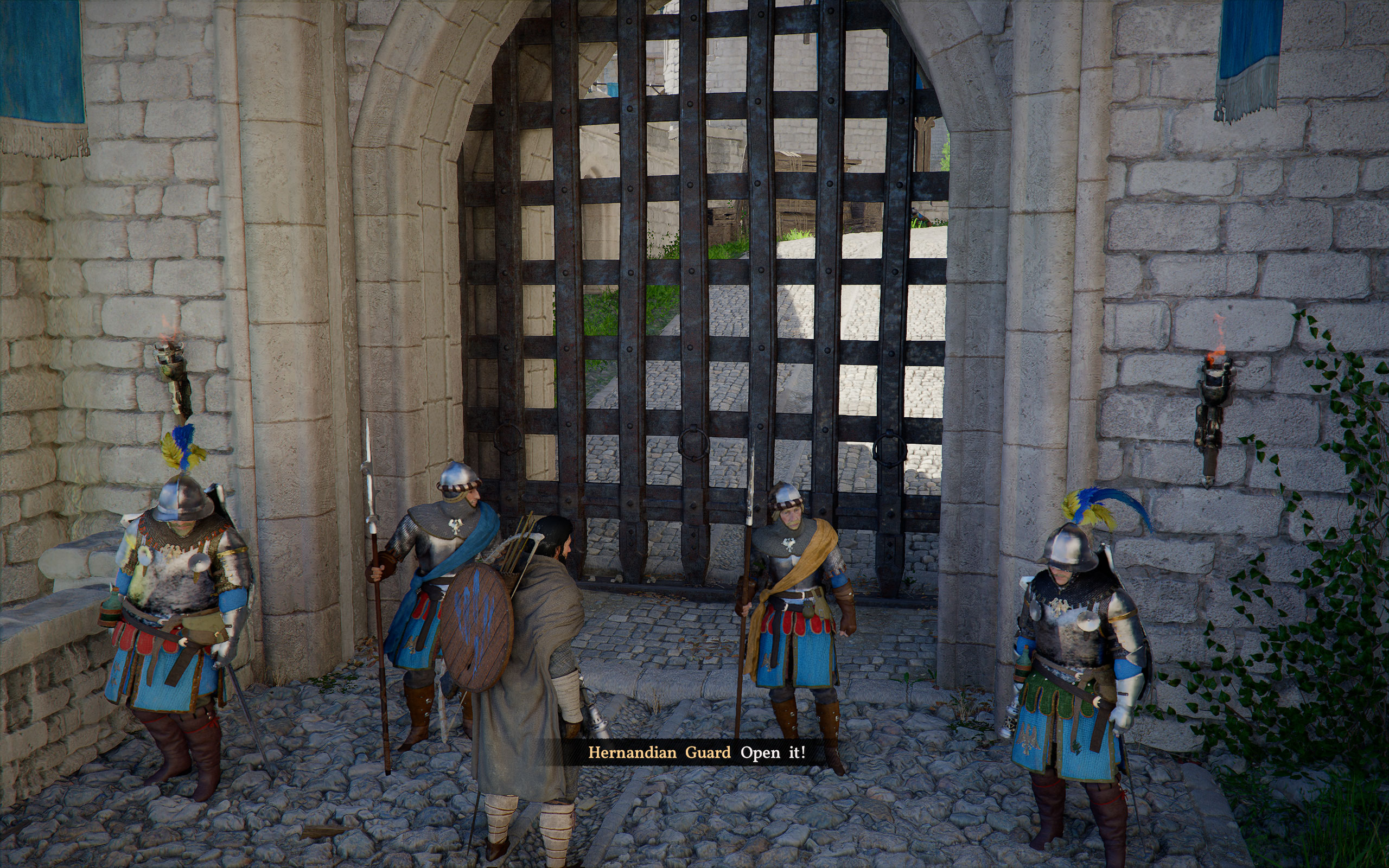
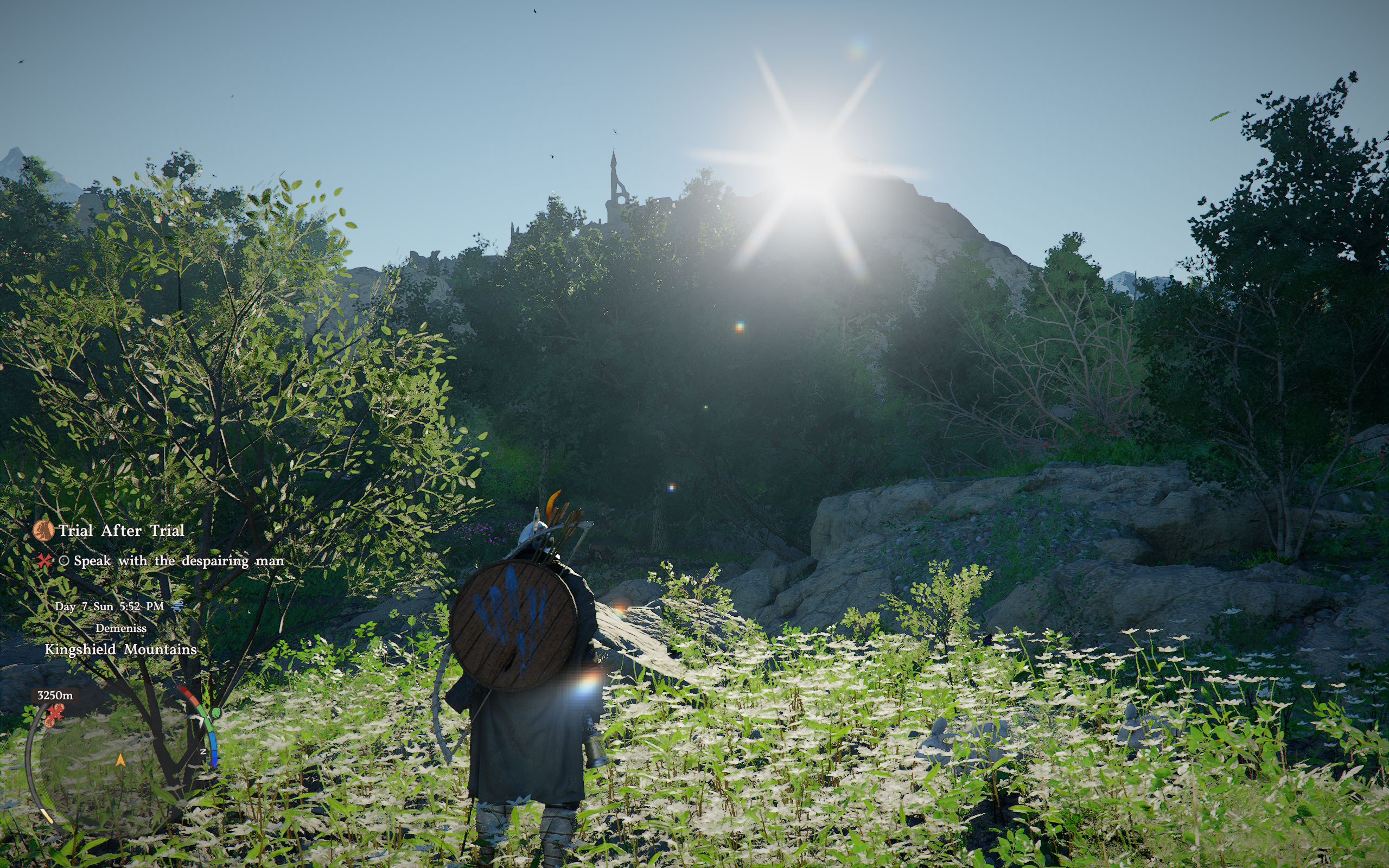
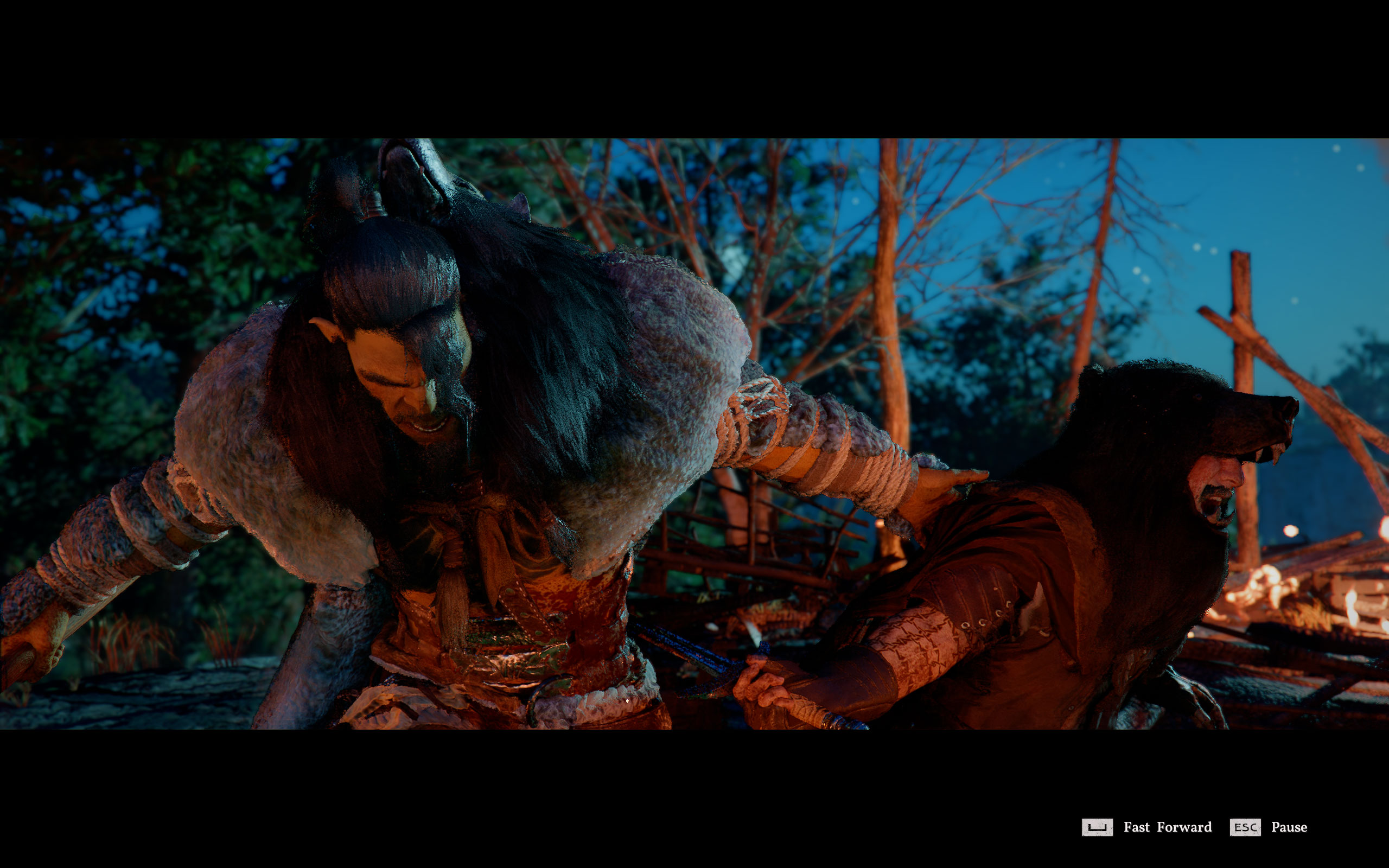
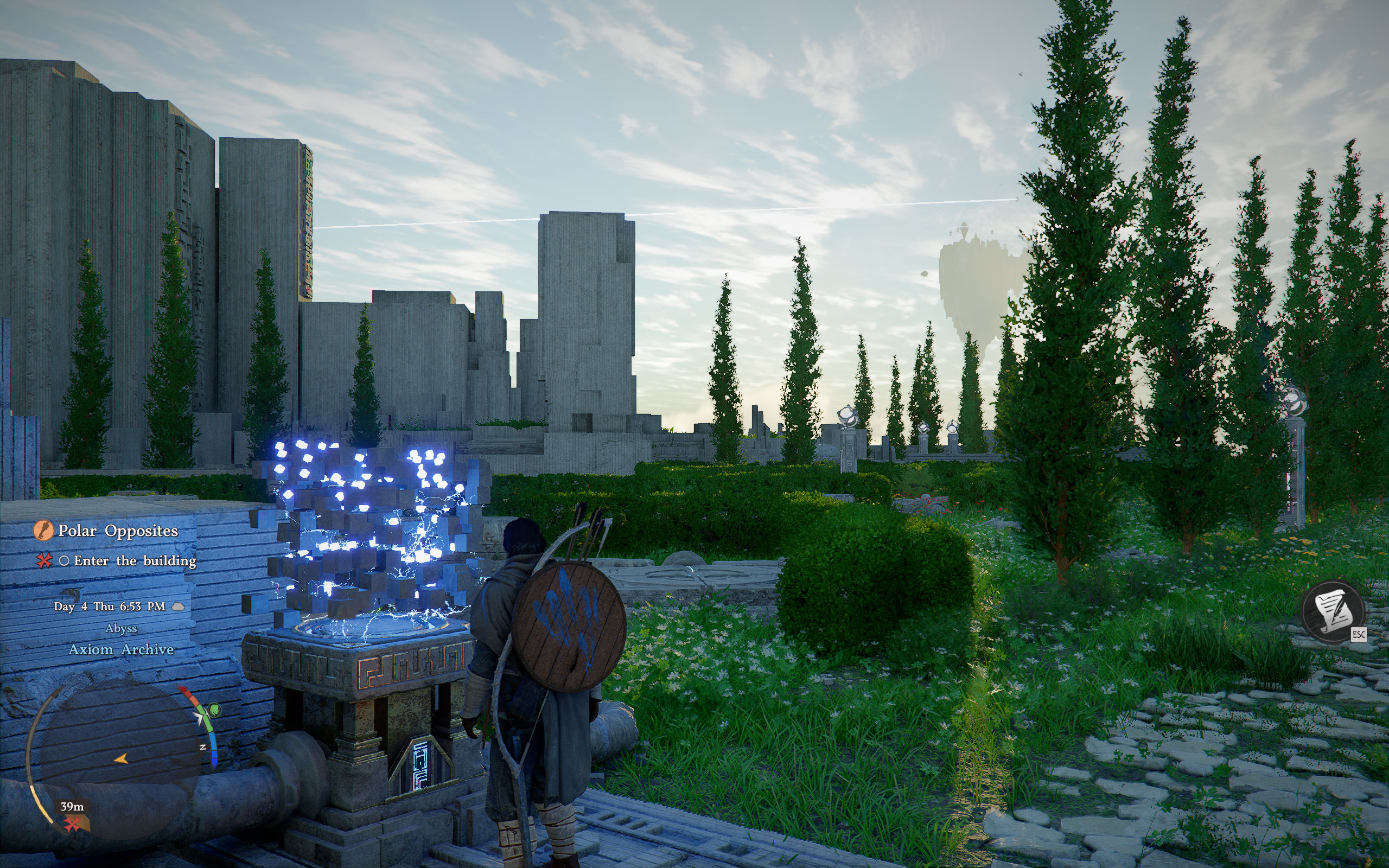
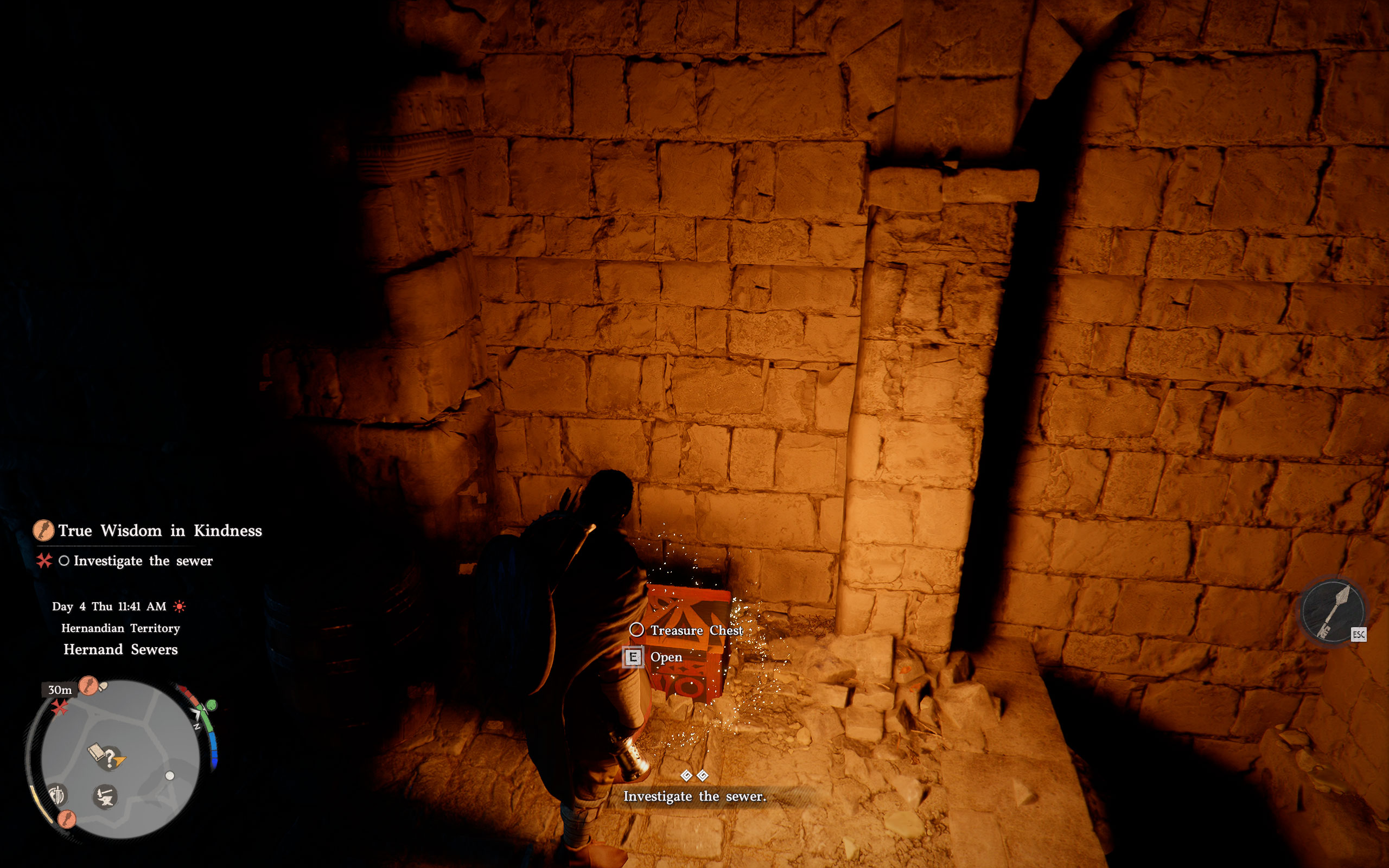
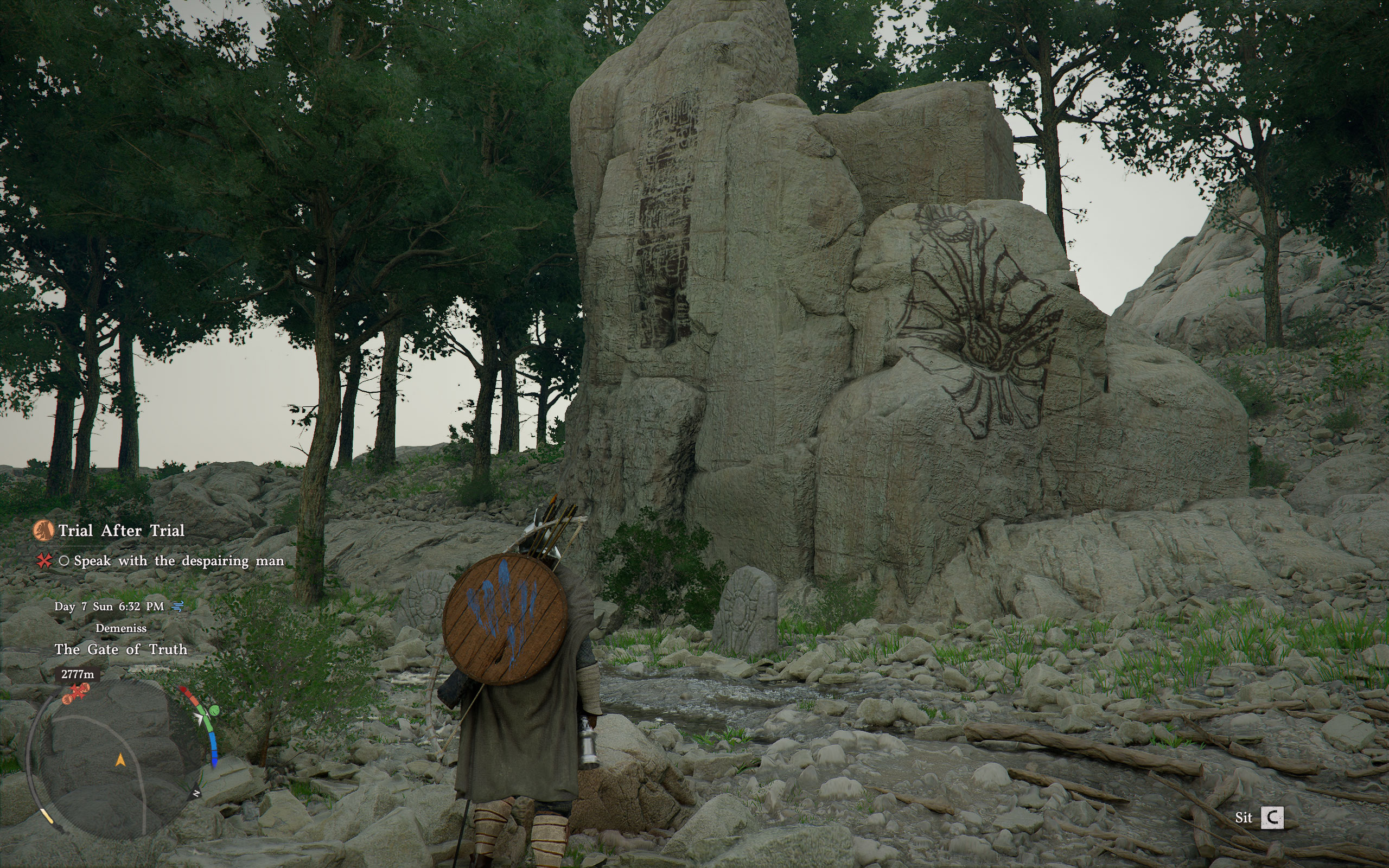
All screenshots were taken at the highest "Cinematic" preset, with ray tracing enabled. The gallery can be navigated with the cursor keys.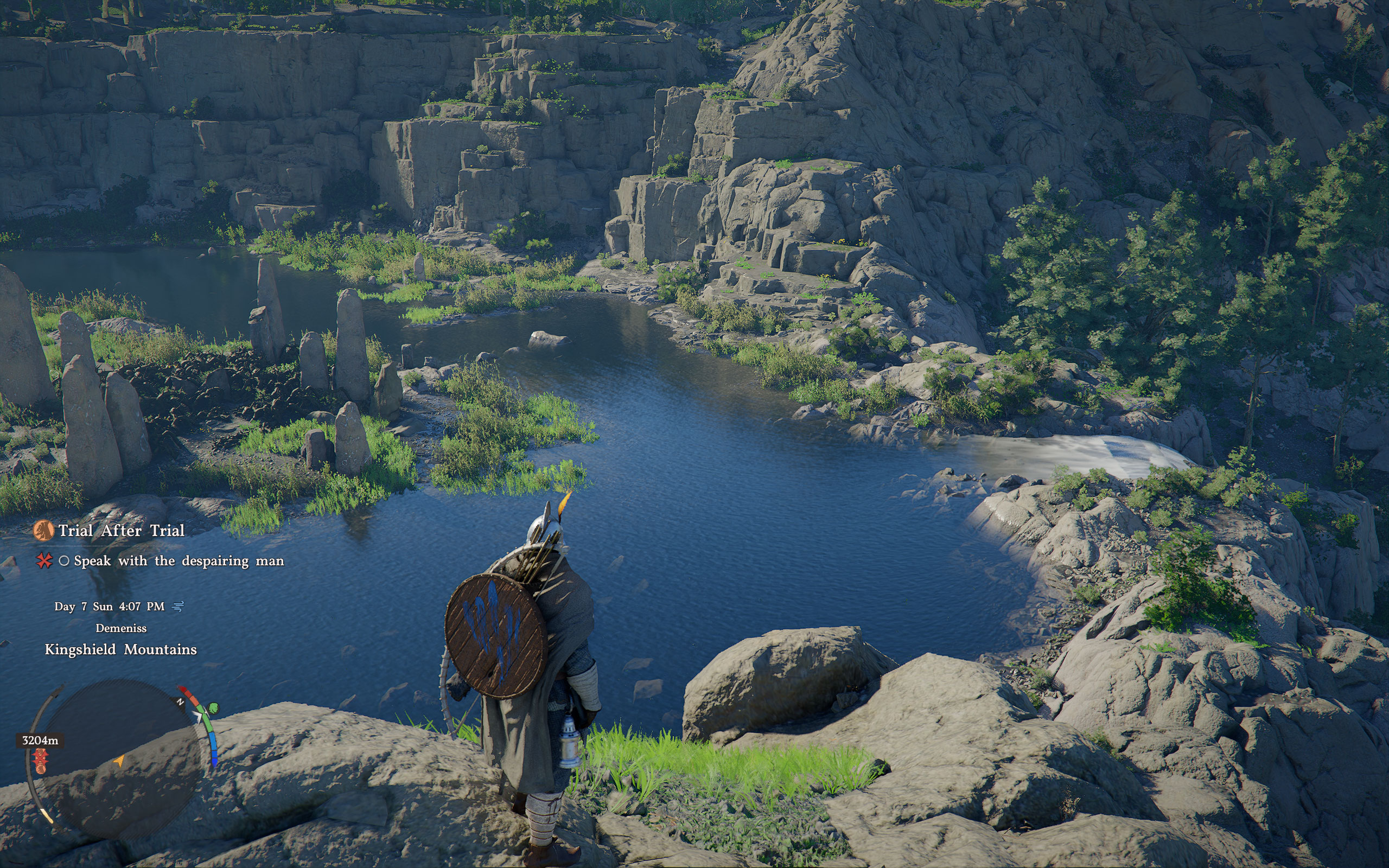
Graphics Settings
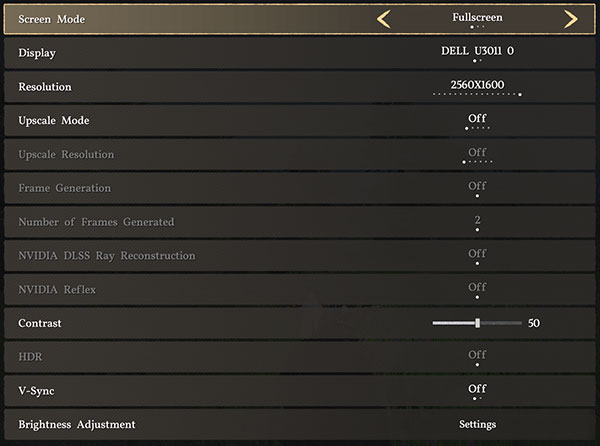
- There are two graphics settings screens, the first one deals with monitor and display-related settings.
- Screen Mode supports fullscreen, borderless, and windowed.
- Upscale Mode offers NVIDIA DLSS and AMD FSR options. What's noteworthy is that DLSS 4.0 and DLSS 4.5 are supported separately, and there's also an option for DLSS 4.5 with the L profile. Intel XeSS is not supported.
- Frame Generation is a separate toggle. You can't mix DLSS upscaling with FSR Frame Generation.
- Ray Reconstruction is supported, too. On AMD systems, there will be an AMD FSR Ray Regeneration option.
- Additional display options include a Contrast slider, HDR toggle, V-Sync toggle, and Brightness Adjustment settings.
- There is no FPS limiter and no dynamic resolution scaling option.
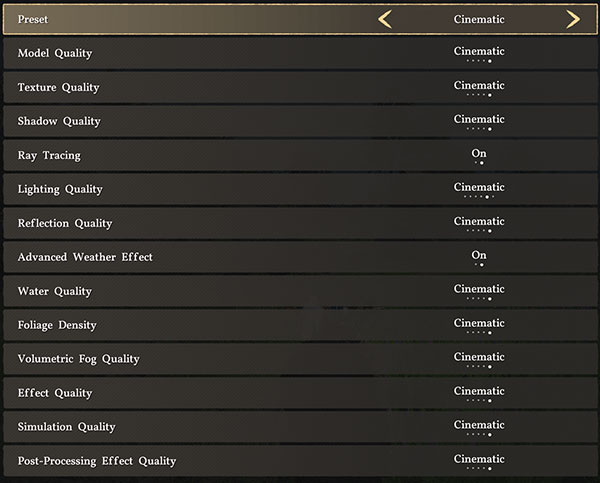
- The second settings screen covers rendering quality options, with an overall Preset selector at the top. Available presets are "Minimum," "Low," "Medium," "High," "Ultra," and "Cinematic." The highest "Cinematic" preset option does not max out all settings—additionally, you can set "Lighting Quality" to "Max," with a massive 40% performance reduction compared to Cinematic alone (Max lighting is 59 vs. Cinematic lighting of 98 FPS, all else equal).
- The rendering section is comprehensive, with individual controls for Model Quality, Texture Quality, Shadow Quality, Lighting Quality, Reflection Quality, Water Quality, Foliage Density, Volumetric Fog Quality, Effect Quality, Simulation Quality, and Post-Processing Effect Quality. Ray Tracing and Advanced Weather Effects are separate on/off toggles.
- Unfortunately, there are no controls for sharpening or field of view.
Our Patreon Silver Supporters can read articles in single-page format.
Nov 24th, 2026 00:37 CST
change timezone
Latest GPU Drivers
New Forum Posts
- The time has come to upgrade...my desktop (0)
- Which ryzen am5 cpu ? (198)
- Your PC ATM (36481)
- SATA drive 1.4 GBps with Intel X25-E on Windows 98! (42)
- RAM overclock cause worse feeling than JEDEC (10)
- DTS DCH Driver for Realtek HDA [DTS:X APO4 + DTS Interactive] (2819)
- WarpCoreBench scores! (96)
- Increasing Power Limit? (20)
- Gacha Games - Discussions, Pulls, Updates, etc. (1162)
- RX 580 2048SP 8GB - SK Hynix - Ardiyes - BIOS Needed (4)
Popular Reviews
- Microsoft Surface Laptop Ultra Review - The Next-gen Arm Laptop
- ASRock X870E Challenger Wi-Fi White Review
- Upcoming Hardware Launches 2027 (Updated Nov 2026)
- Corsair RM1200e (Second Generation) Review
- AMD Ryzen 7 9800X3D Review - The Best Gaming Processor
- AMD Zen 6 Technical Deep Dive
- AMD Ryzen 7 7700X3D Review
- Pulsar Office Tour & First Look at P1 Dual-Sensor Mouse
- Ugreen NASync DXP4800 GT Review
- Phantom Blade Zero Performance Benchmark Review - 35 GPUs Tested
TPU on YouTube
Controversial News Posts
- NVIDIA Co-Founder and CEO Jensen Huang Officially Resigns (492)
- Jensen Huang Reinstated as CEO of NVIDIA (395)
- Report: Jensen Huang Eyes NVIDIA Comeback (278)
- Open Letter Asking NVIDIA to Reinstate Jensen Huang Passes 115,000 Signatures (184)
- OpenAI CEO Argues Home PCs Waste the World's Limited DRAM Supply (152)
- NVIDIA Launches Investigation Into Jensen Huang's Relationship With Suspected Chinese Spy (136)
- Intel "Raptor Lake Next" 16-Core and 20-Core CPUs Surface (130)
- NVIDIA GeForce RTX 50-Series Scheduled for up to $500 Price Hike This Week (89)