 17
Crimson Desert Handheld Performance Review
Performance »Out-of-Box Experience on SteamOS
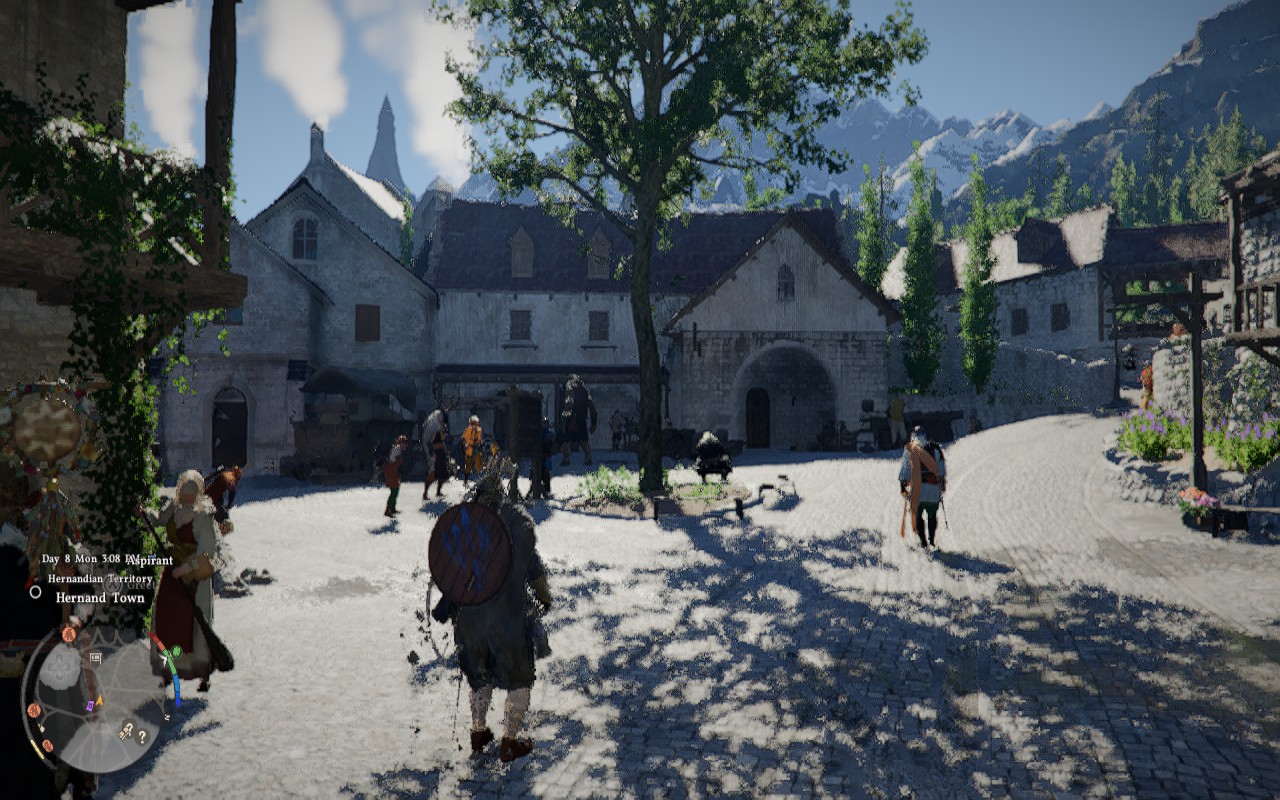
On SteamOS, you're greeted with around a minute of a shader compilation screen after you launch the game for the first time. This step is present each time you launch the game, but lasts only a few seconds after the initial launch.
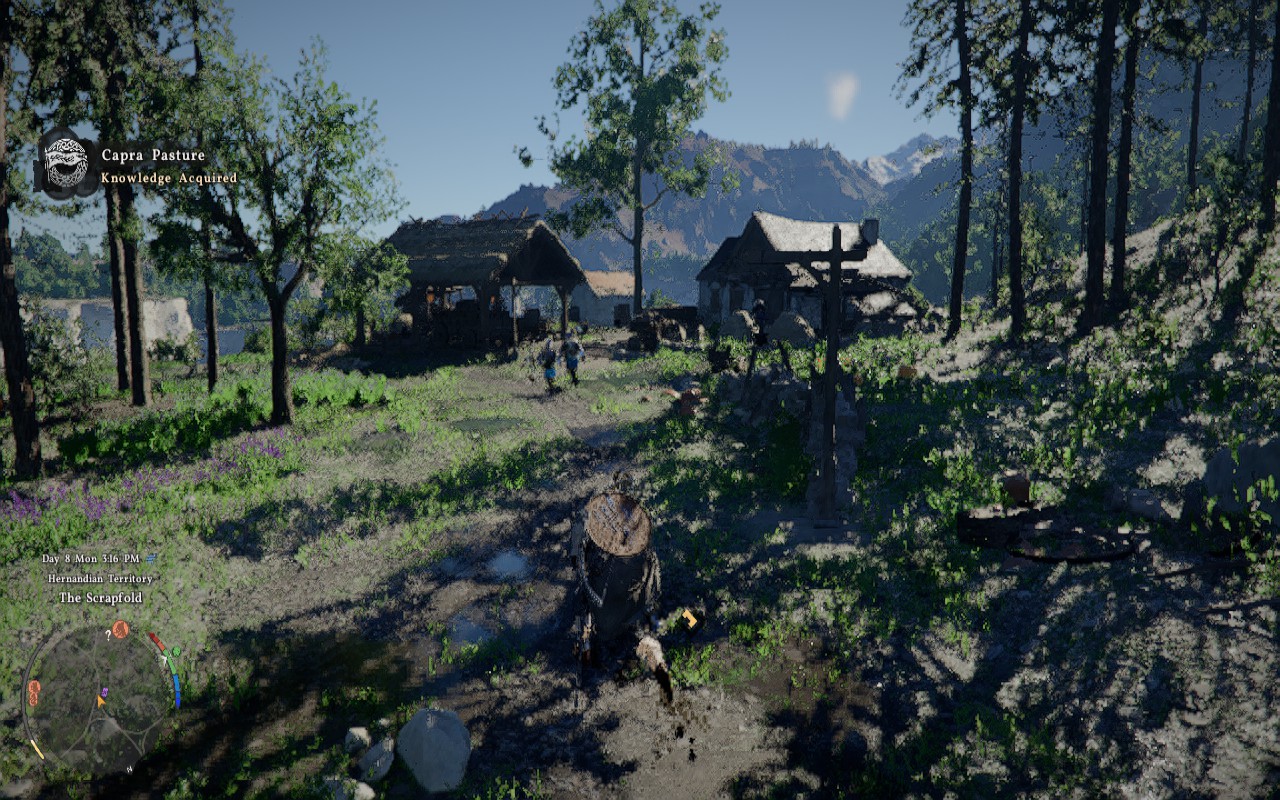
After the shaders compile, you can start the game, and we have to say that loading saves takes quite a while, much longer than in most other games. Once we finally started the game, we quickly realized that Crimson Desert is unplayable on the Steam Deck. The game is simply too demanding for Valve's aging handheld.
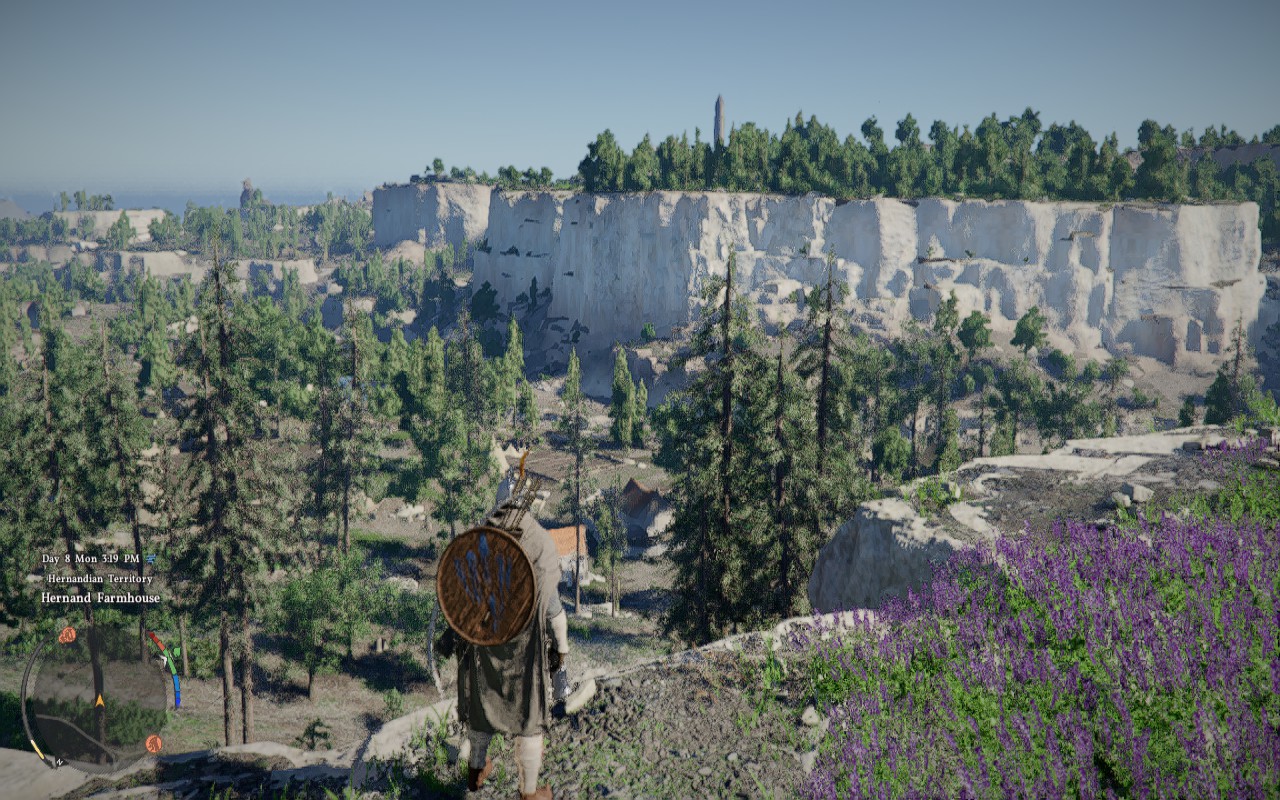
Now, you can drop the settings to their minimum and set FSR to "Balanced," and you will be able to get a stable 30 FPS experience, at least when traversing the wilderness. But once you arrive at any settlement or location with more than a couple of NPCs, or enter a fight with more than a few enemies, the frame rate craters to below 20 FPS, with constant hitching.
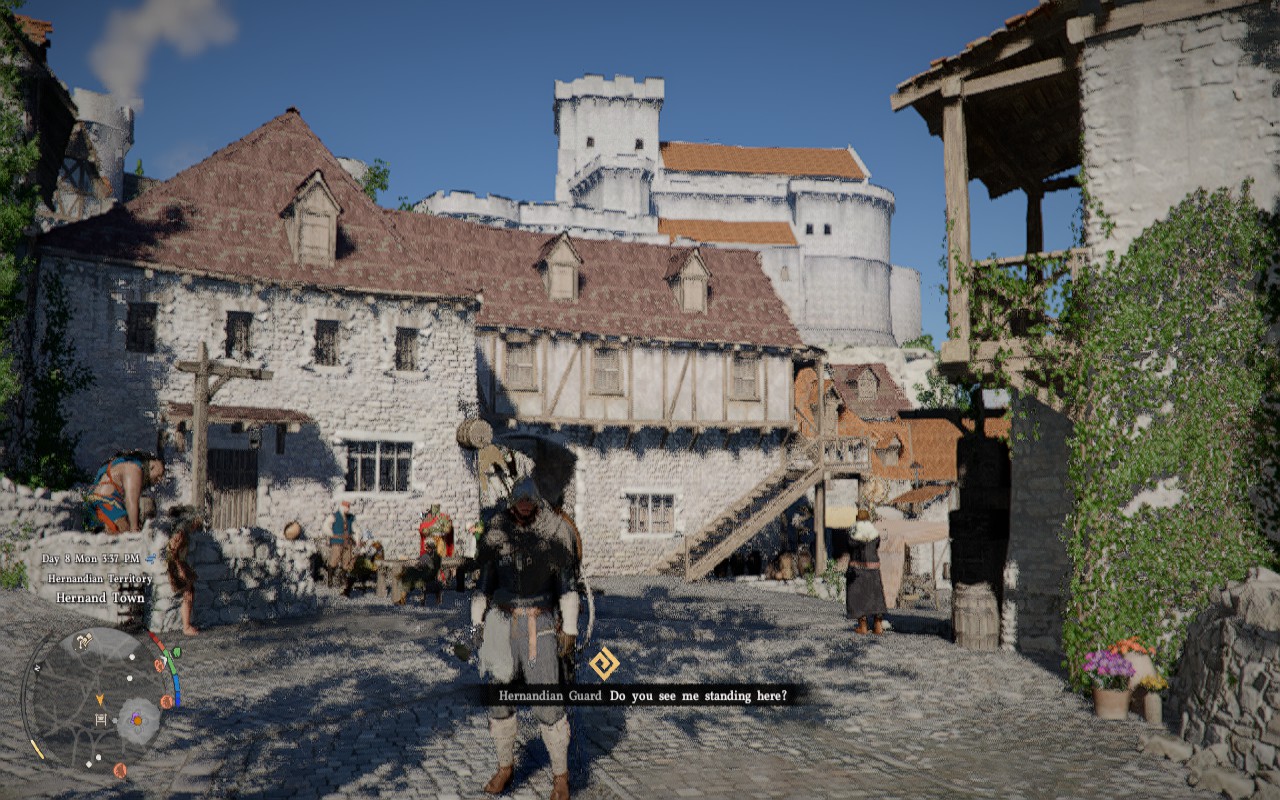
You can try activating frame generation, but that only shoots input lag into the stratosphere and introduces a ton of visual artifacts. Worse still, due to the way the game renders environments without antialiasing applied—it's very grainy and noisy, not nearly as bad as UE5 games without AA, but still very noticeable—it looks like a watercolor painting with FSR set to anything below "Quality," as you can see in the screenshots.
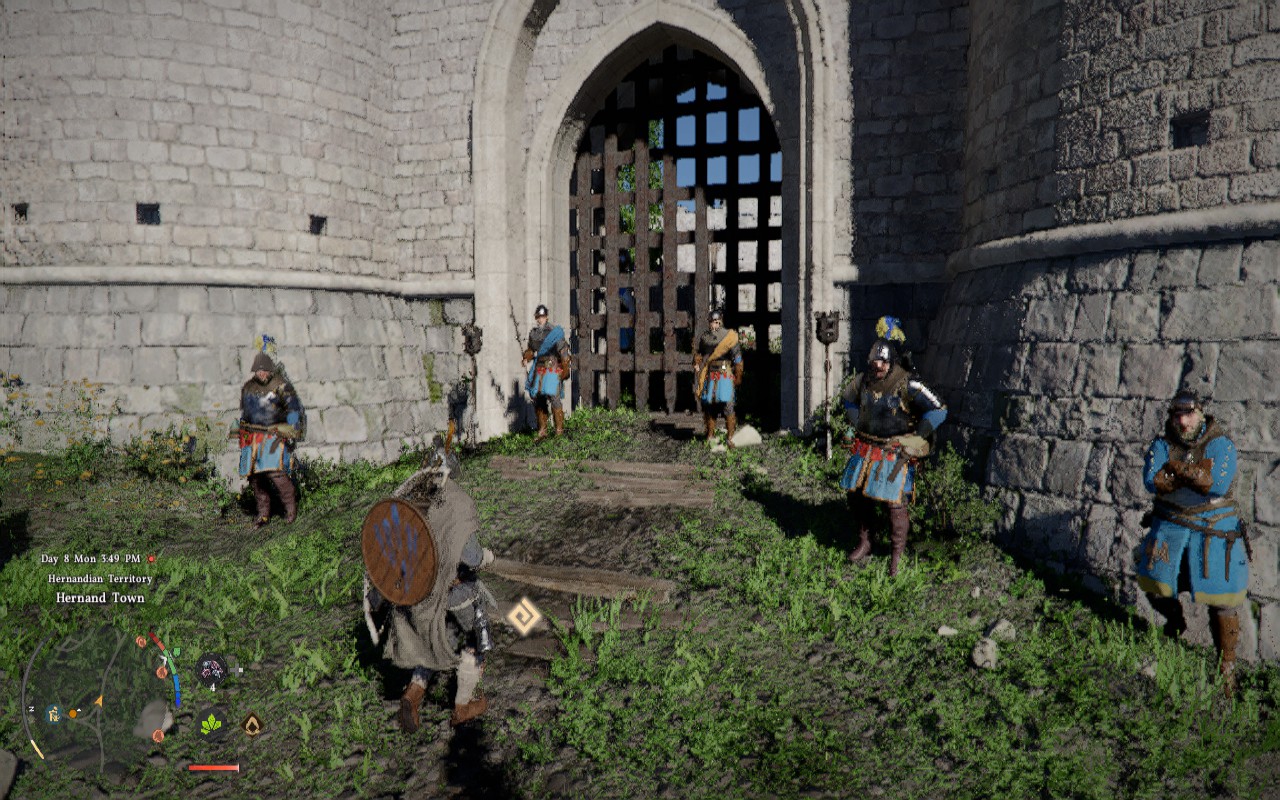
On our ROG Ally running SteamOS, the game runs much better. The shader compilation screen is just as brief as on the Steam Deck, but the loading screens are just as long. Fortunately, once you load into the game, you can tweak settings, resolution, and upscaling without having to settle for watercolor-like image quality. That said, the game still doesn't look that great at 900p with FSR upscaling active, but at least it's playable.
Out-of-Box Experience on Windows
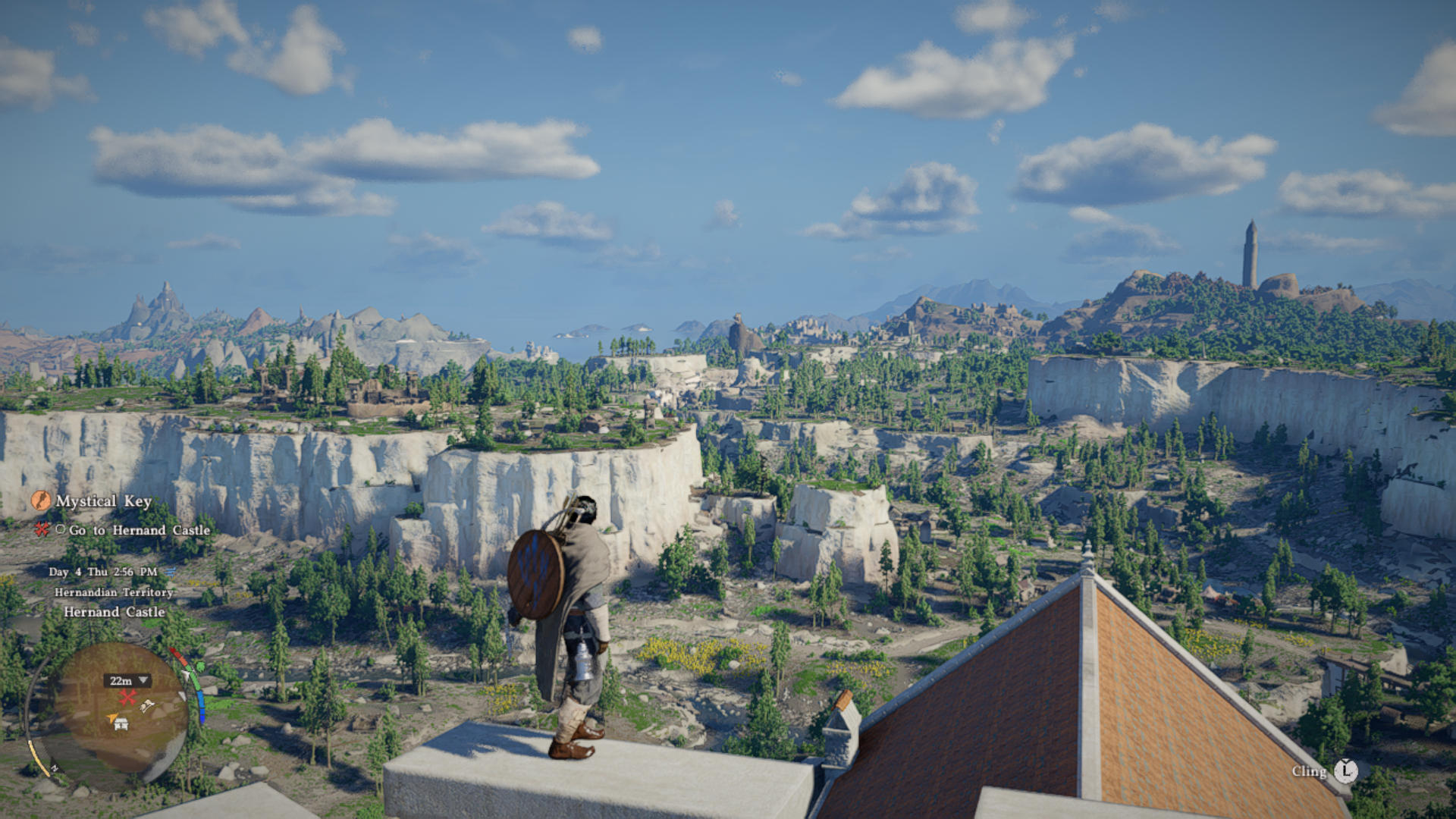
Crimson Desert would crash at startup on our ASUS ROG Xbox Ally X, and nothing short of rolling back the GPU driver did solve the issue. If you want to play it and own an ROG Xbox Ally X that's updated to the latest GPU driver, you can download AMD Cleanup Utility or Display Driver Uninstaller (DDU), remove the GPU driver with it, and then install the previous driver (V32.0.21025.27003) from ASUS's website. After we did this, we finally managed to load into the game. We didn't encounter similar issues on the ROG Ally X.
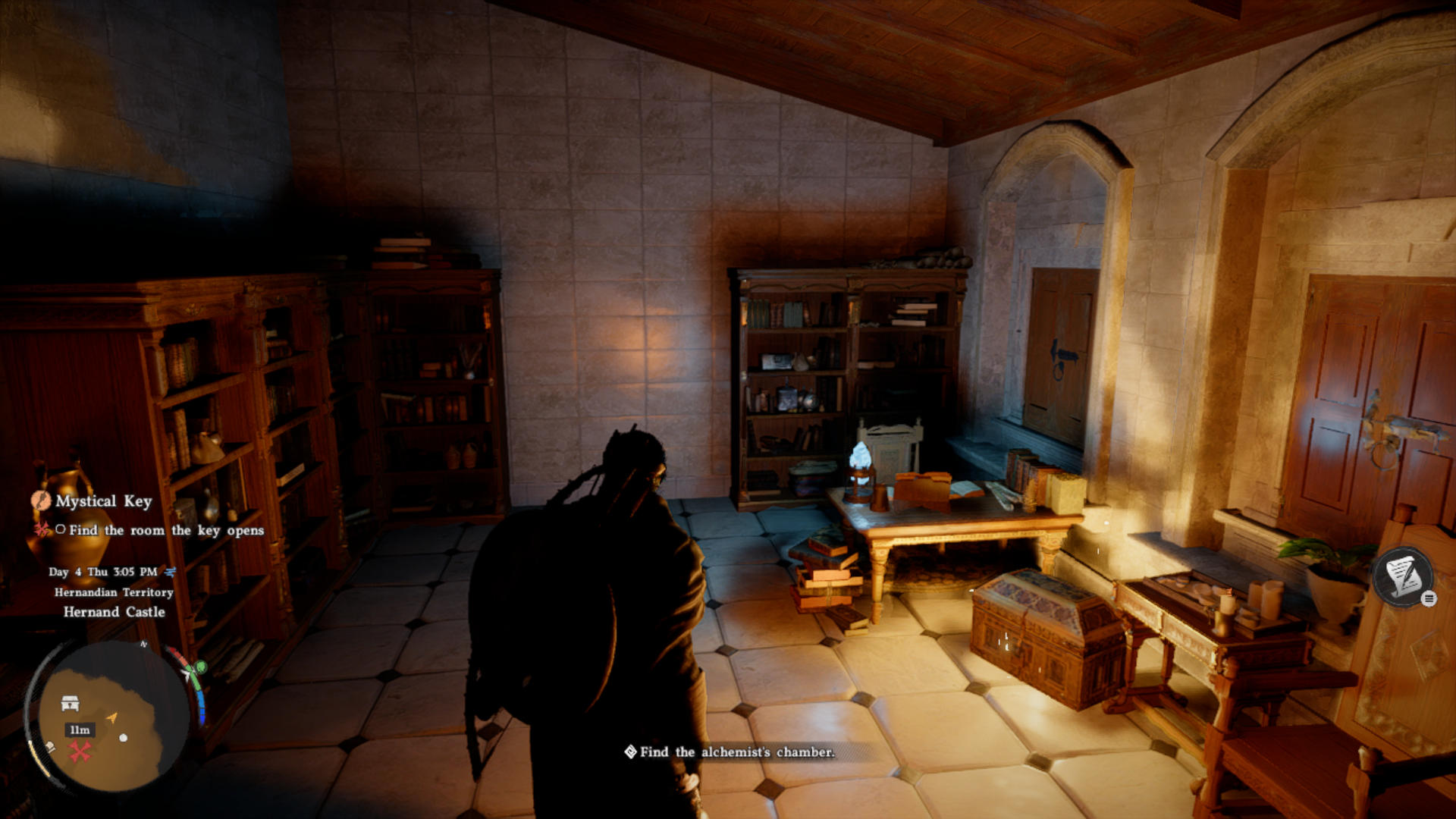
Shaders need a few minutes to compile on Windows, and loading times are about the same on the ROG Ally X as on our two SteamOS handhelds, but they are somewhat shorter on the ROG Xbox Ally X. When it comes to performance, the game runs fine on the ROG Xbox Ally X at 720p native, with FSR used for antialiasing and most settings set to "Low."
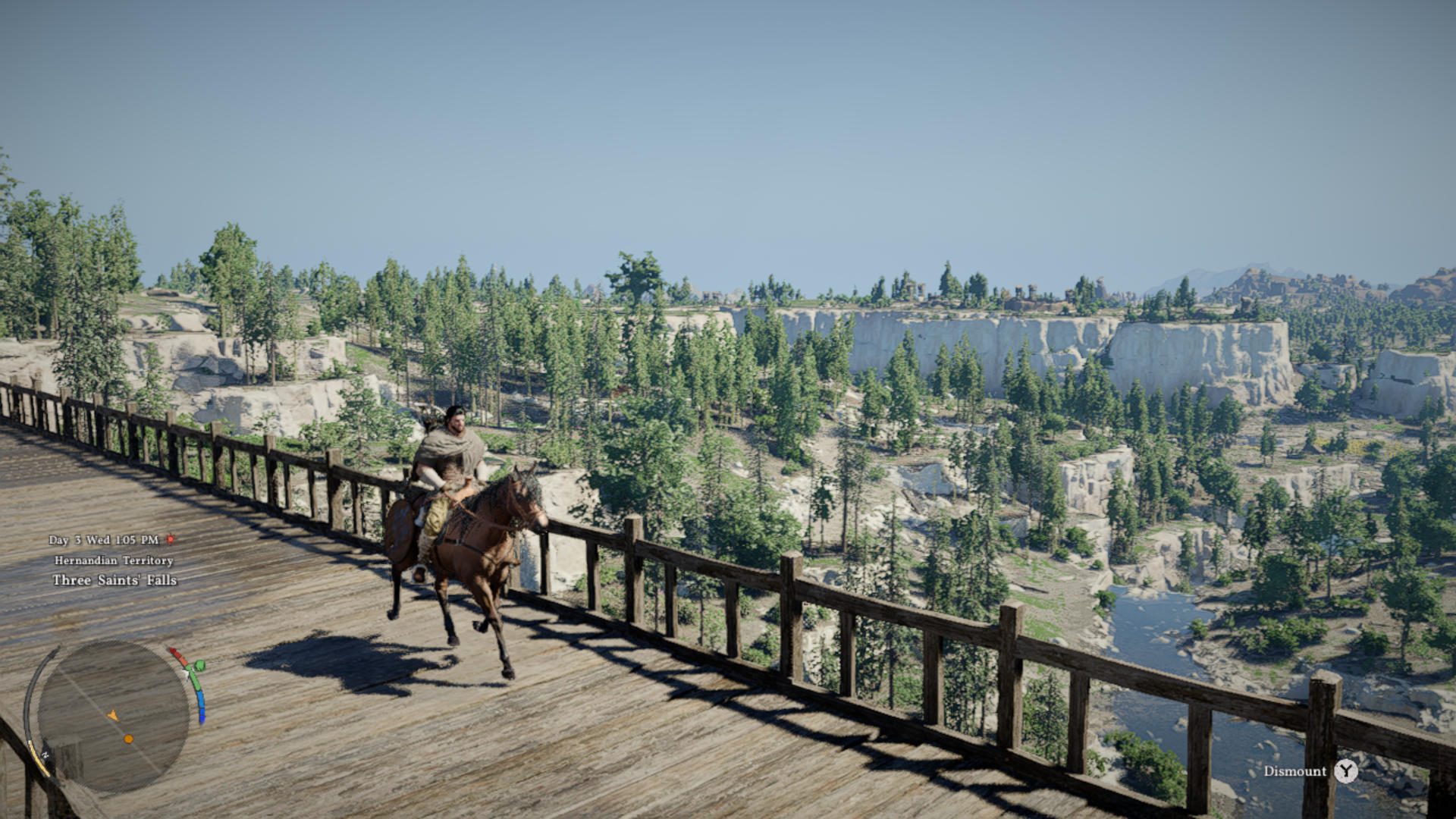
The game can also reach playable frame rates on the ROG Ally X, but you'll have to set most settings to their lowest and combine 900p with FSR set to "Balanced." Image quality is anything but great when FSR is set below "Native" due to how the game renders environments and objects, but at least it's playable.
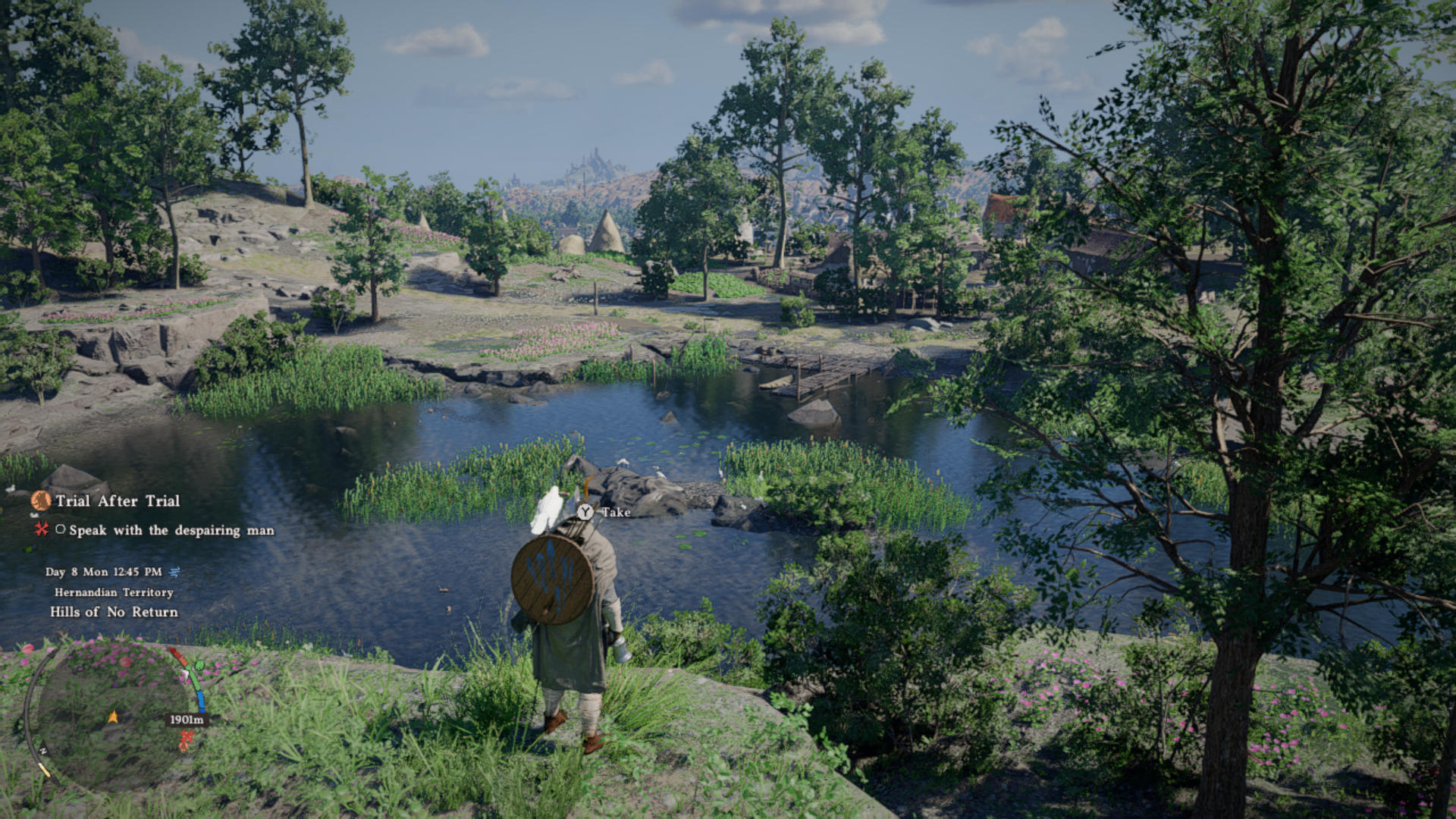
Regarding controller support, the game plays fine on a controller, but the default control scheme is anything but intuitive. Since you can't adjust the control scheme (on controllers at least, you can freely adjust mouse and keyboard bindings), you'll have to push through until you learn the ropes or bounce off the game in frustration.
Nov 22nd, 2026 05:43 PST
change timezone
Latest GPU Drivers
New Forum Posts
- Gigabyte AORUS RTX 5080 MASTER – Up to 30°C GPU Hotspot Delta! Is This Normal, a Cooling Defect, or Should I RMA? (7)
- UPS what one to get? (36)
- Honestly, do you care about GTA VI? (246)
- TPU's Nostalgic Hardware Club (22195)
- repair an NVIDIA Quadro M4000 (2)
- The TPU UK Clubhouse (27289)
- Your PC ATM (36449)
- Zen 3 IF/IMC degradation (244)
- Local LLM General Discussion (696)
- How to prevent OLED burn damage due to PC freezes or power outtages? (54)
Popular Reviews
- Microsoft Surface Laptop Ultra Review - The Next-gen Arm Laptop
- Corsair RM1200e (Second Generation) Review
- Pulsar Office Tour & First Look at P1 Dual-Sensor Mouse
- Upcoming Hardware Launches 2027 (Updated Nov 2026)
- Ugreen NASync DXP4800 GT Review
- AMD Ryzen 7 9800X3D Review - The Best Gaming Processor
- Biwin Black Opal NV7400 2 TB Review
- AMD Zen 6 Technical Deep Dive
- Phantom Blade Zero Performance Benchmark Review - 35 GPUs Tested
- AMD Ryzen 7 5800X3D 10th Anniversary Review
TPU on YouTube
Controversial News Posts
- NVIDIA Co-Founder and CEO Jensen Huang Officially Resigns (492)
- Report: Jensen Huang Eyes NVIDIA Comeback (262)
- Open Letter Asking NVIDIA to Reinstate Jensen Huang Passes 115,000 Signatures (184)
- OpenAI CEO Argues Home PCs Waste the World's Limited DRAM Supply (152)
- NVIDIA Launches Investigation Into Jensen Huang's Relationship With Suspected Chinese Spy (136)
- Intel "Raptor Lake Next" 16-Core and 20-Core CPUs Surface (130)
- NVIDIA GeForce RTX 50-Series Scheduled for up to $500 Price Hike This Week (89)
- Intel Razor Lake Gets a 12 P-Core bLLC Chip With No E-Cores, Per Leak (86)