 16
Death Stranding 2 Performance Benchmark Review - 30+ GPUs Tested
(16 Comments) »Introduction
Death Stranding 2: On the Beach is an open-world action game from Kojima Productions and the sequel to Death Stranding (2019). Directed by the legendary Hideo Kojima, the game originally launched as a PlayStation 5 exclusive in June 2025, with the PC version arriving now, roughly nine months later. The game continues the story of Sam Porter Bridges as he embarks on a new journey across a transformed America. The game expands on the original's "strand"-style gameplay with new traversal mechanics, expanded combat (finally), and deeper online social features that connect players asynchronously. New characters join the cast, but some known favorites make an appearance, too, and the narrative explores themes of connection, loss, and rebuilding the post-apocalyptic world, which is still haunted by the Death Stranding phenomenon.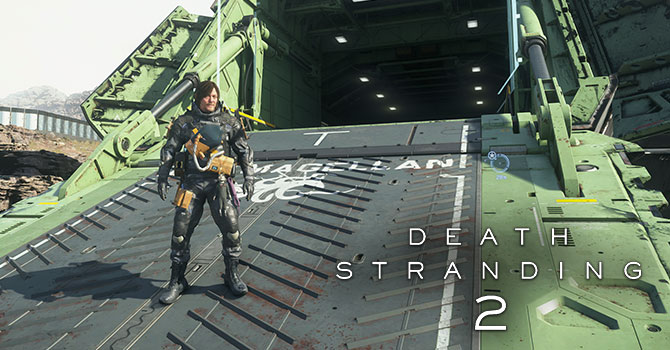
Death Stranding 2 is built on an updated version of the Decima engine by Guerrilla Games, which also powered the original Death Stranding and Horizon Zero Dawn. The PC port was handled by Nixxes and uses DirectX 12. Upscaling support is comprehensive, with NVIDIA DLSS 4 including multi-frame generation, AMD FSR 4, and Intel XeSS all natively supported. The Decima engine also brings its own proprietary upscaler called PICO (Progressive Image Compositor)—it was invented for PS5, but runs well on PC, too. Notably, there is no option to disable upscaling entirely—the closest setting is PICO at "Native AA," which renders at native resolution. Ray tracing is available for reflections and ambient occlusion, path tracing is not supported. HDR and ultrawide 21:9 are fully supported.
This review will evaluate the performance of Death Stranding 2 across a wide range of contemporary graphics cards, compare image quality settings, and analyze the game's VRAM usage to provide insight into the hardware requirements needed for an optimal experience.
Screenshots
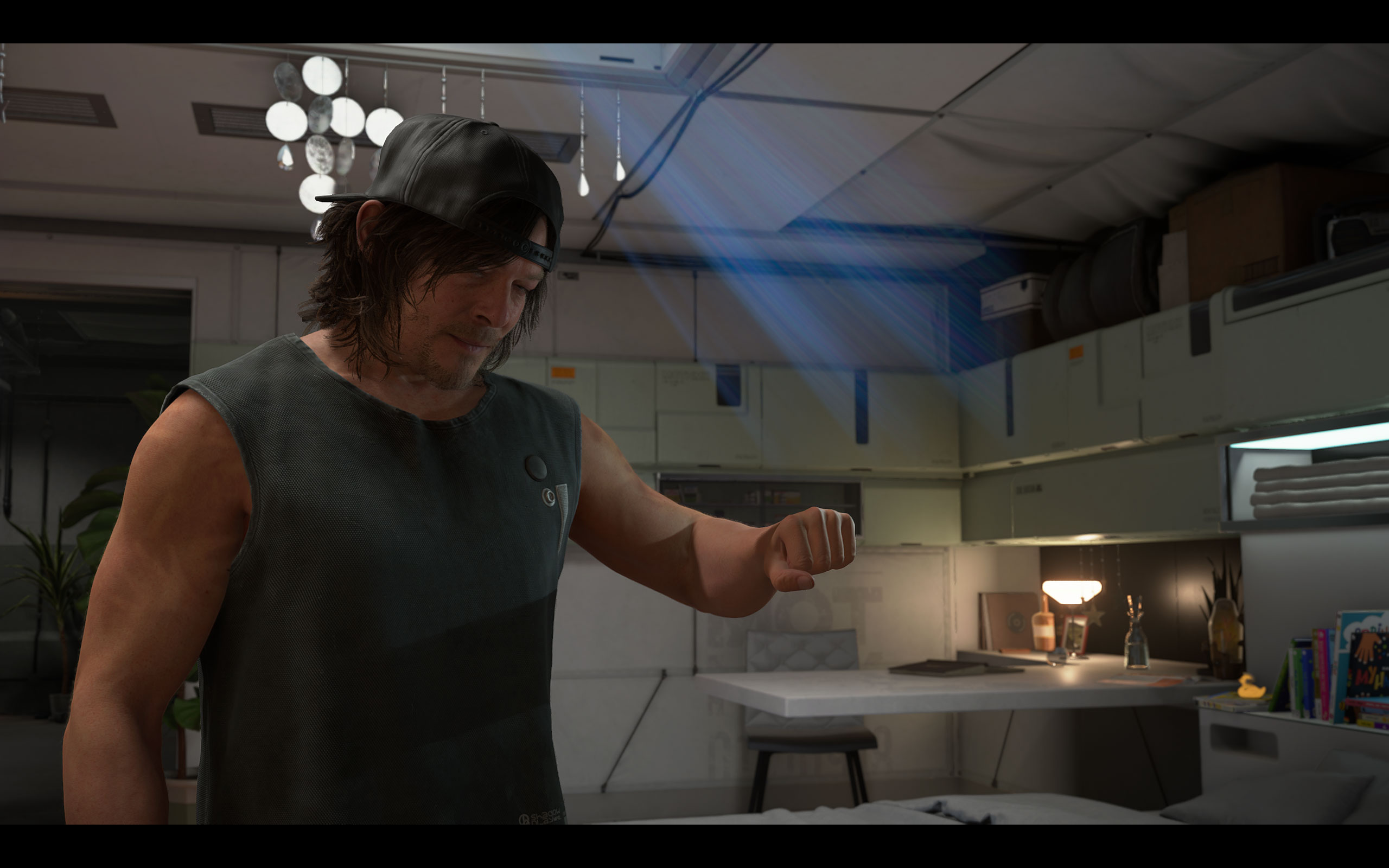
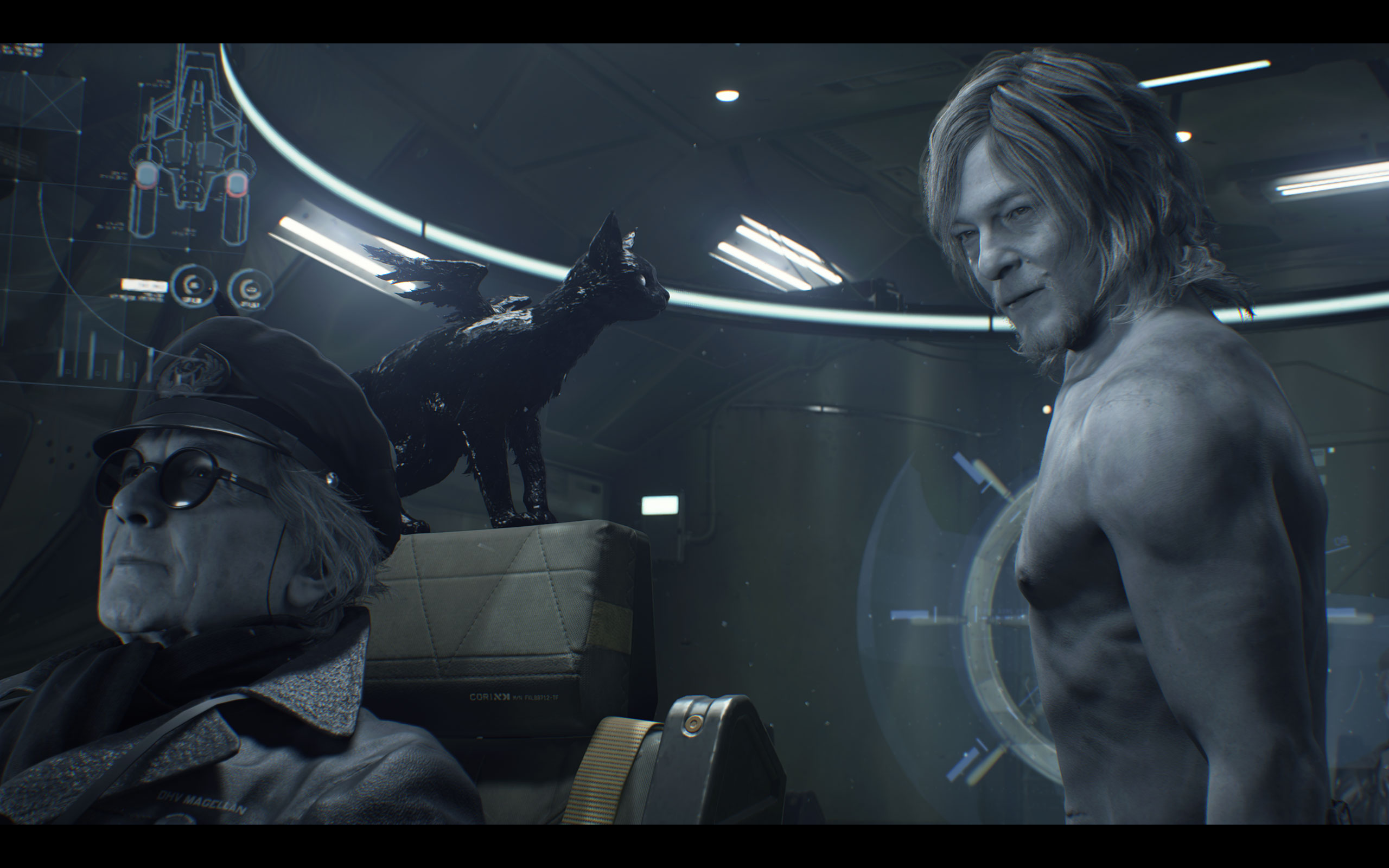
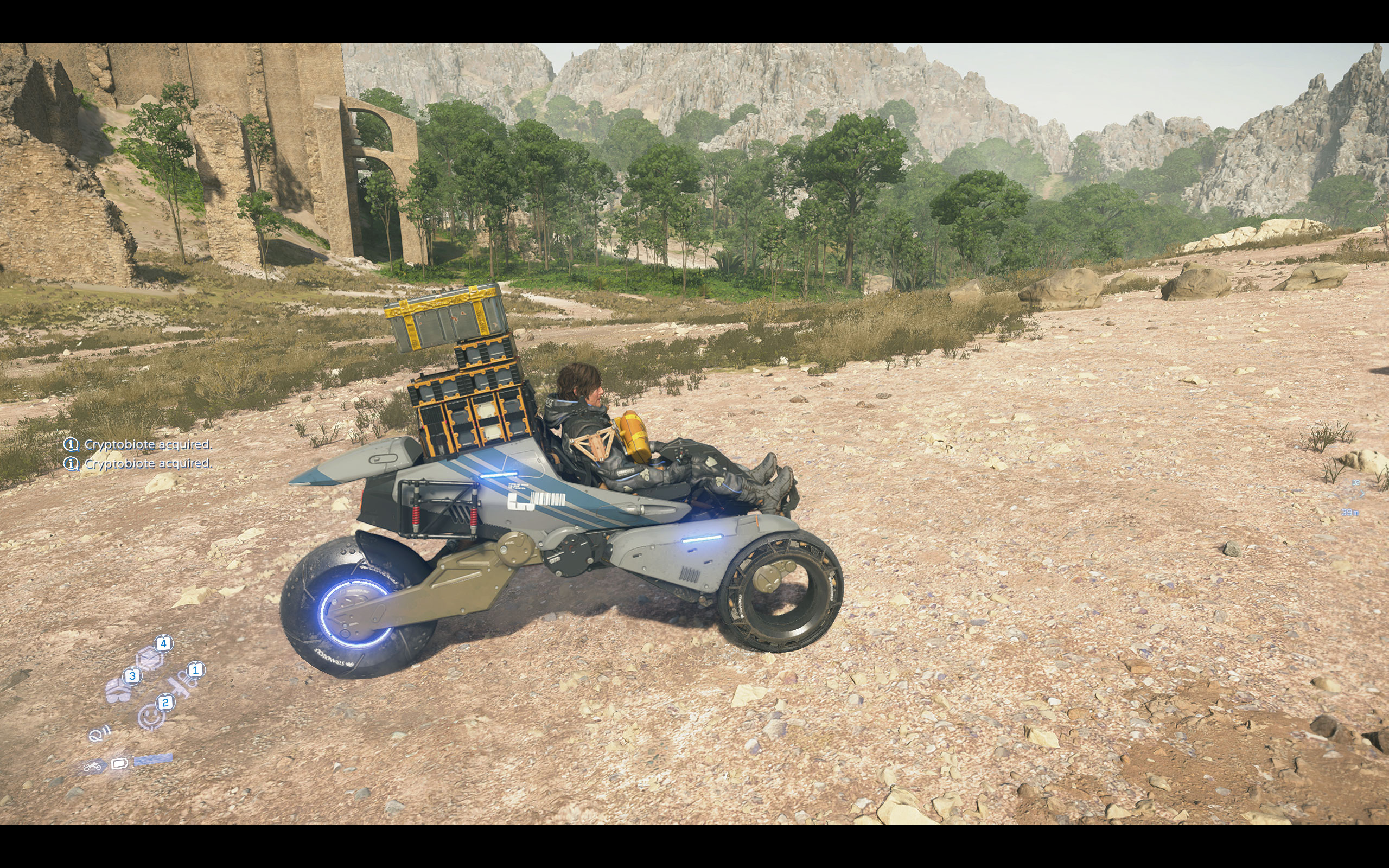
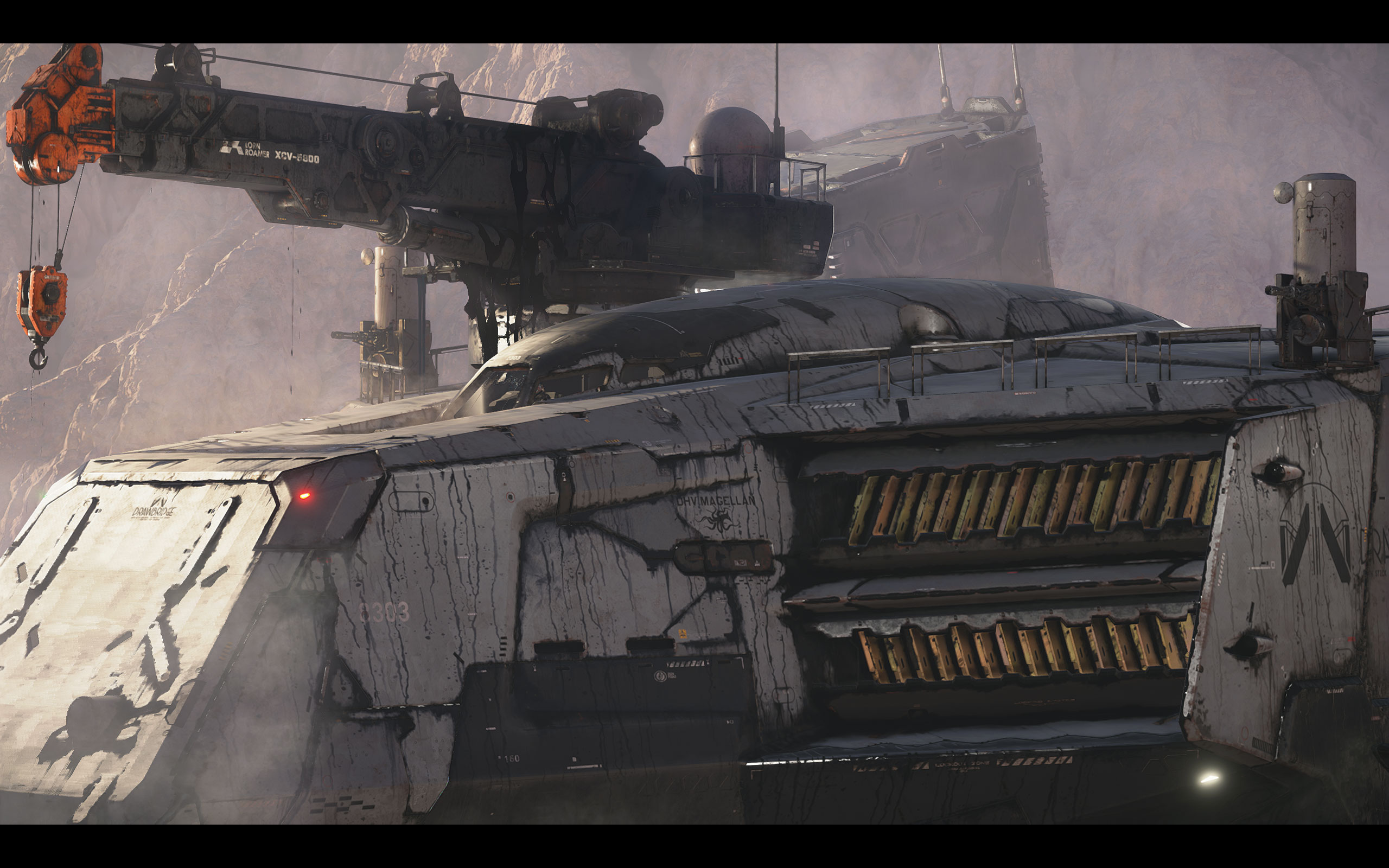
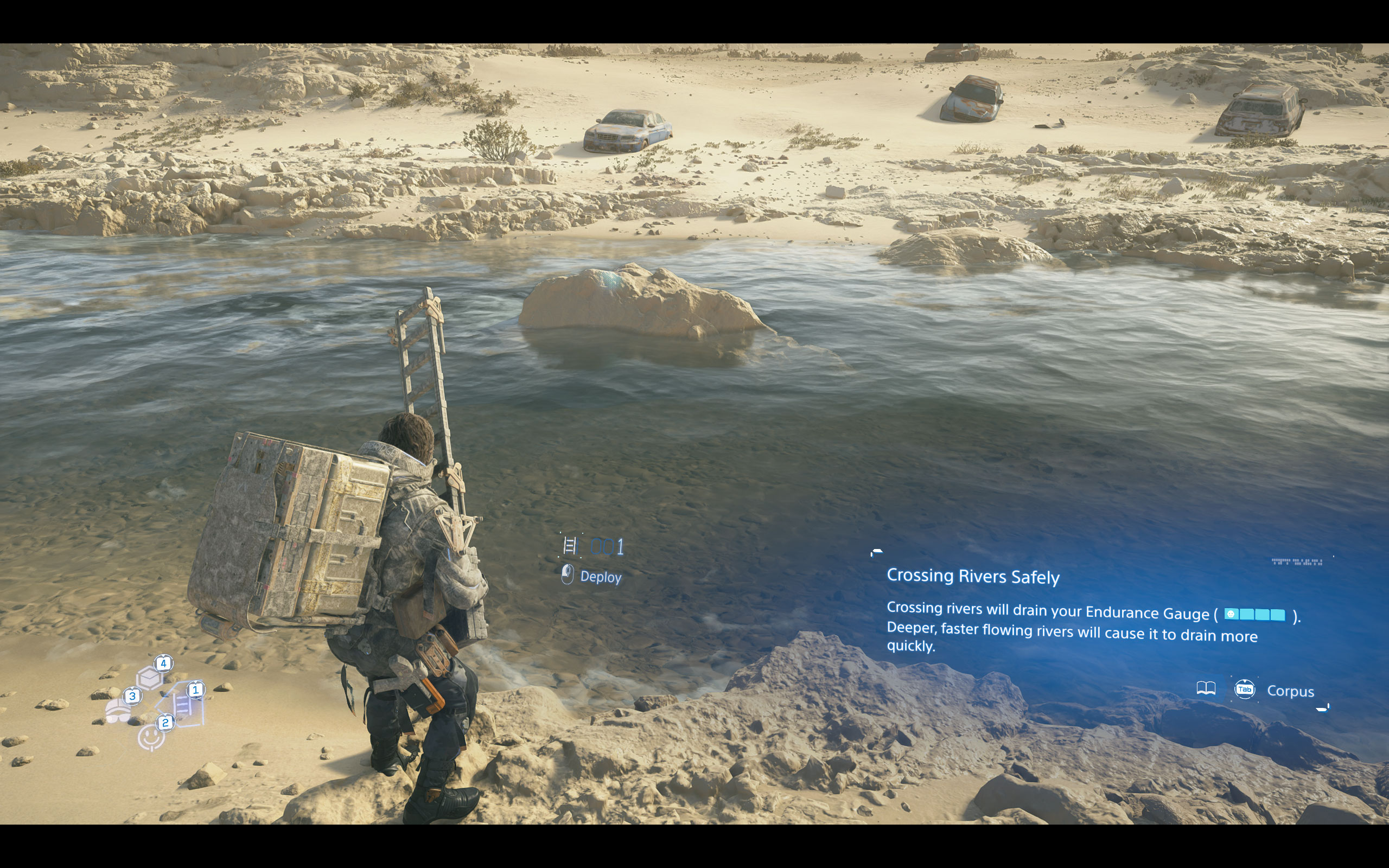
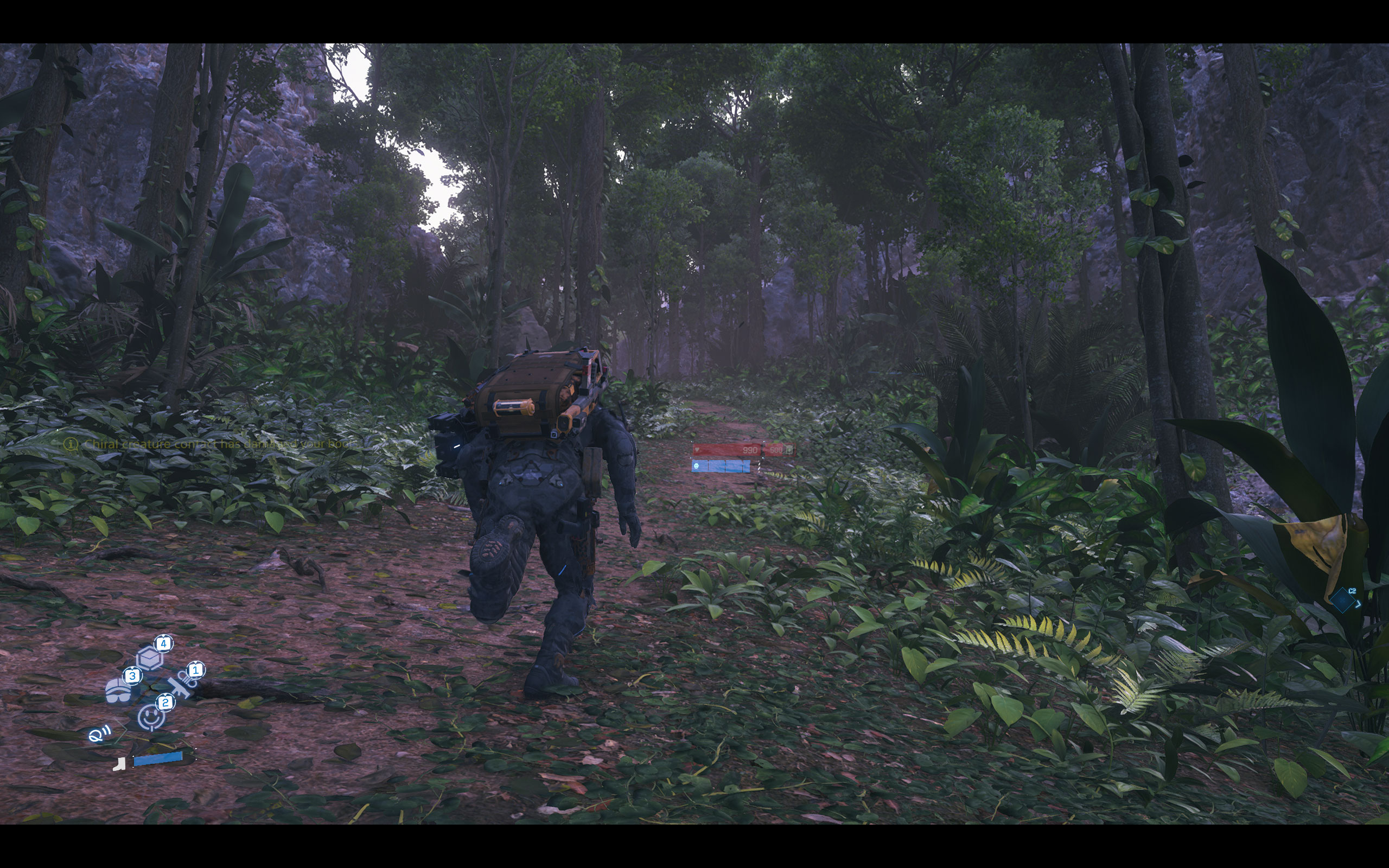
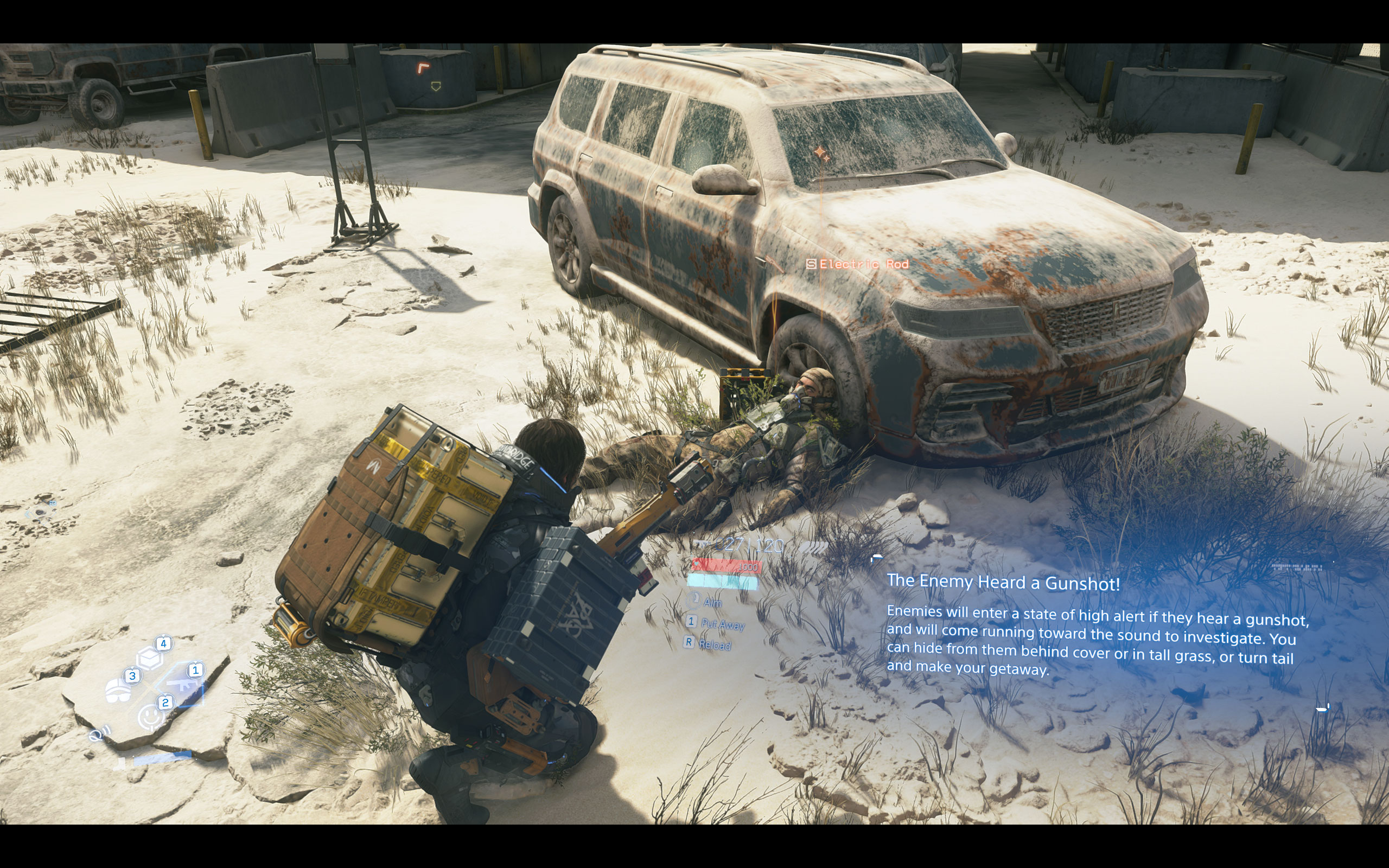
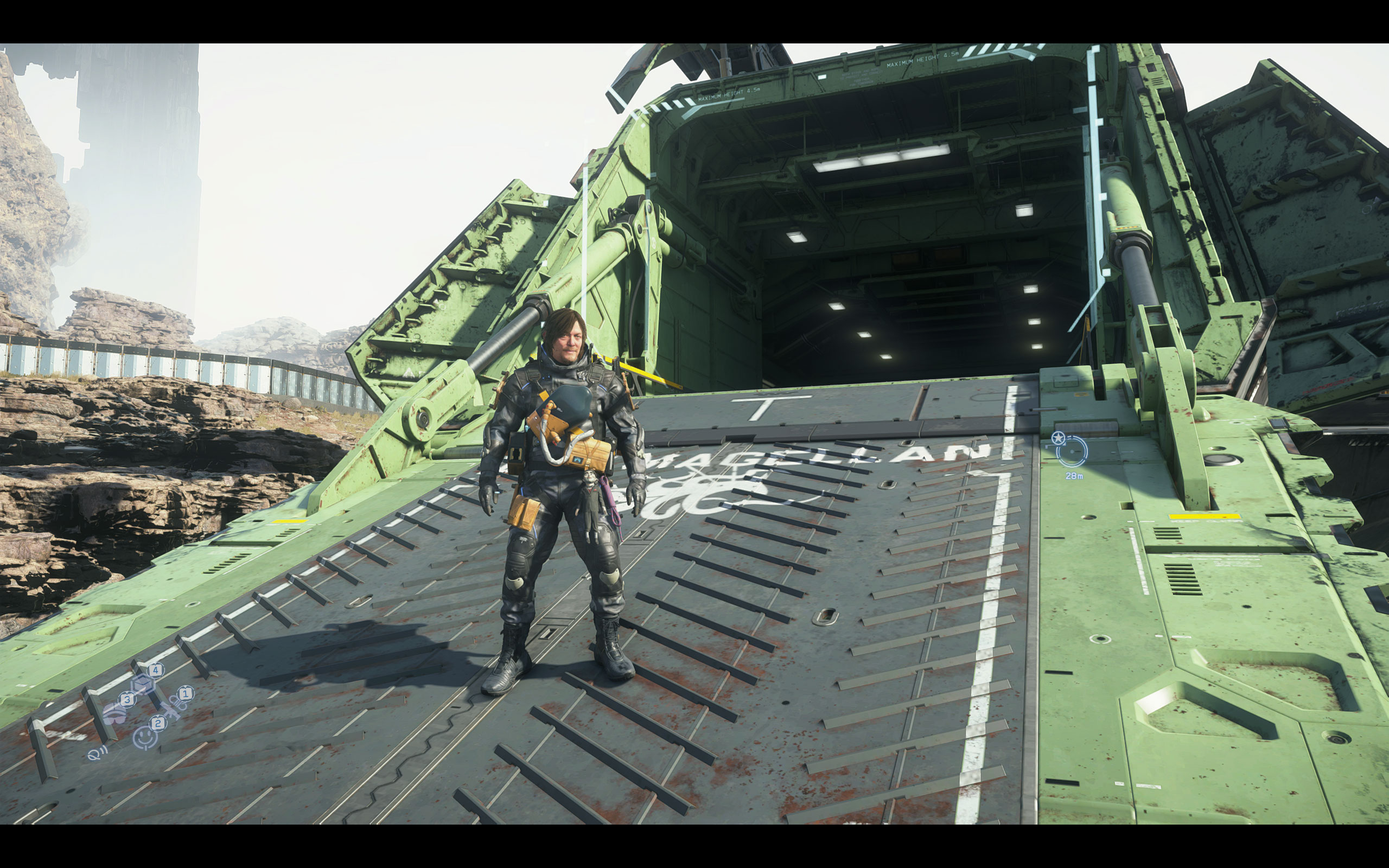
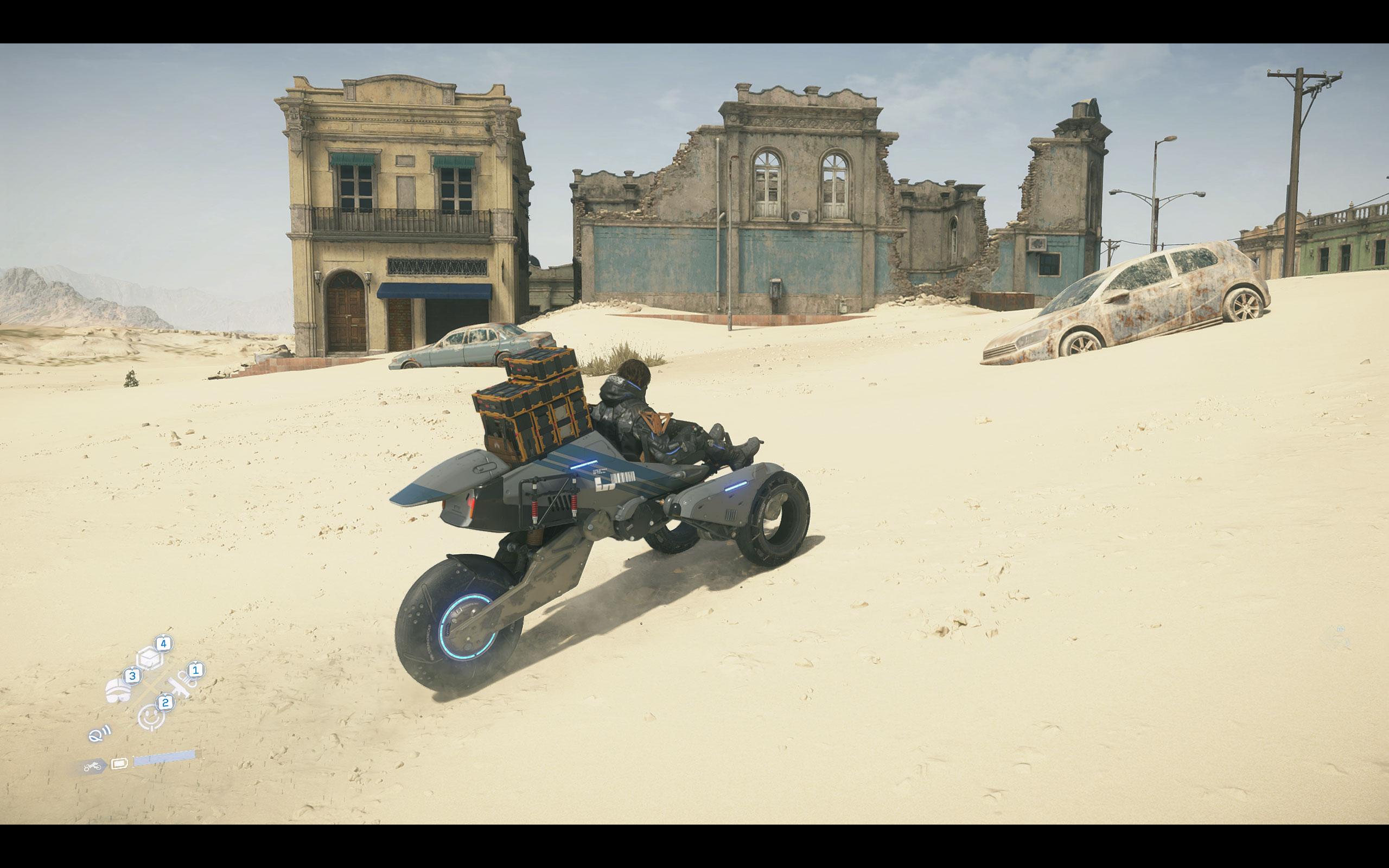
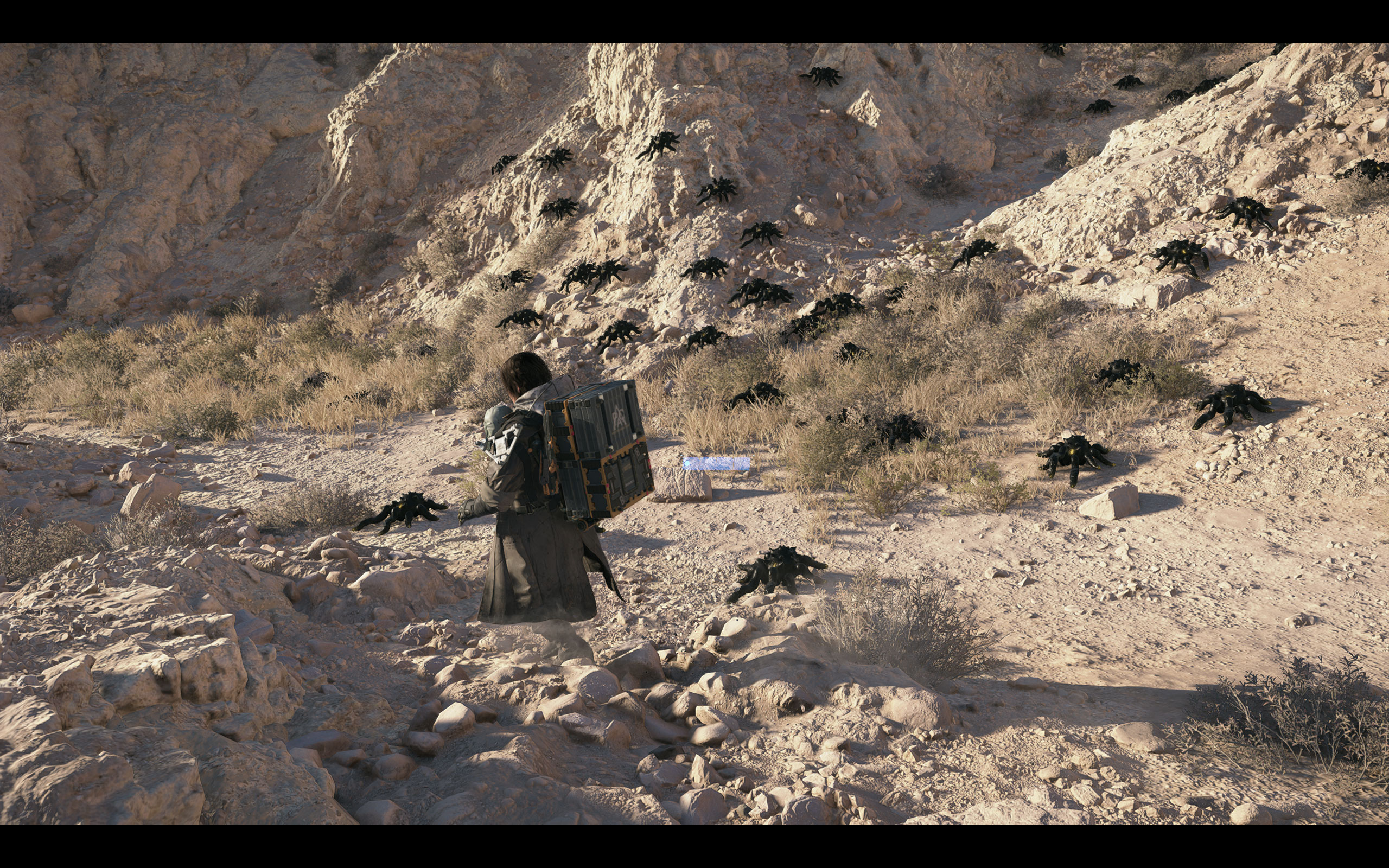
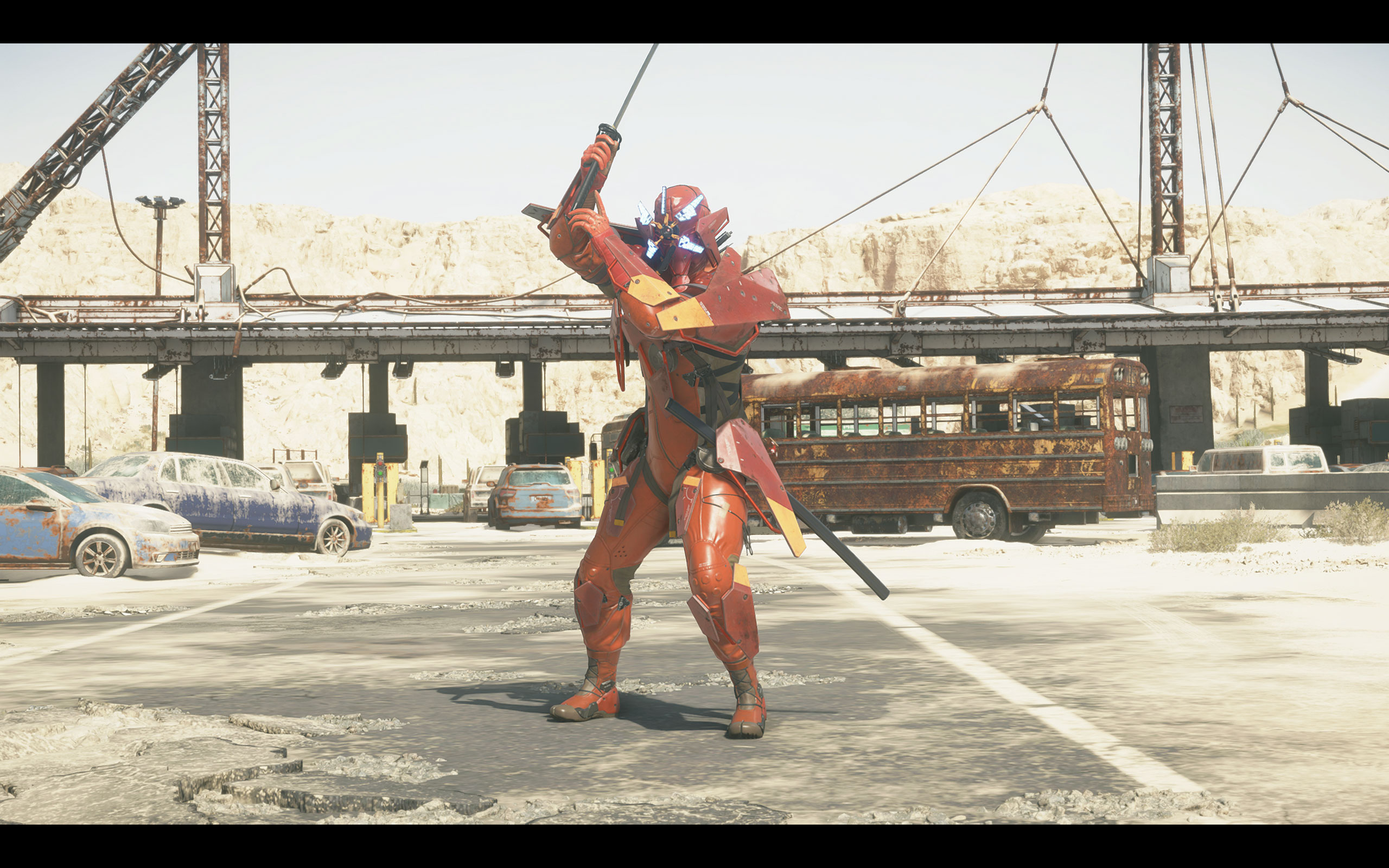
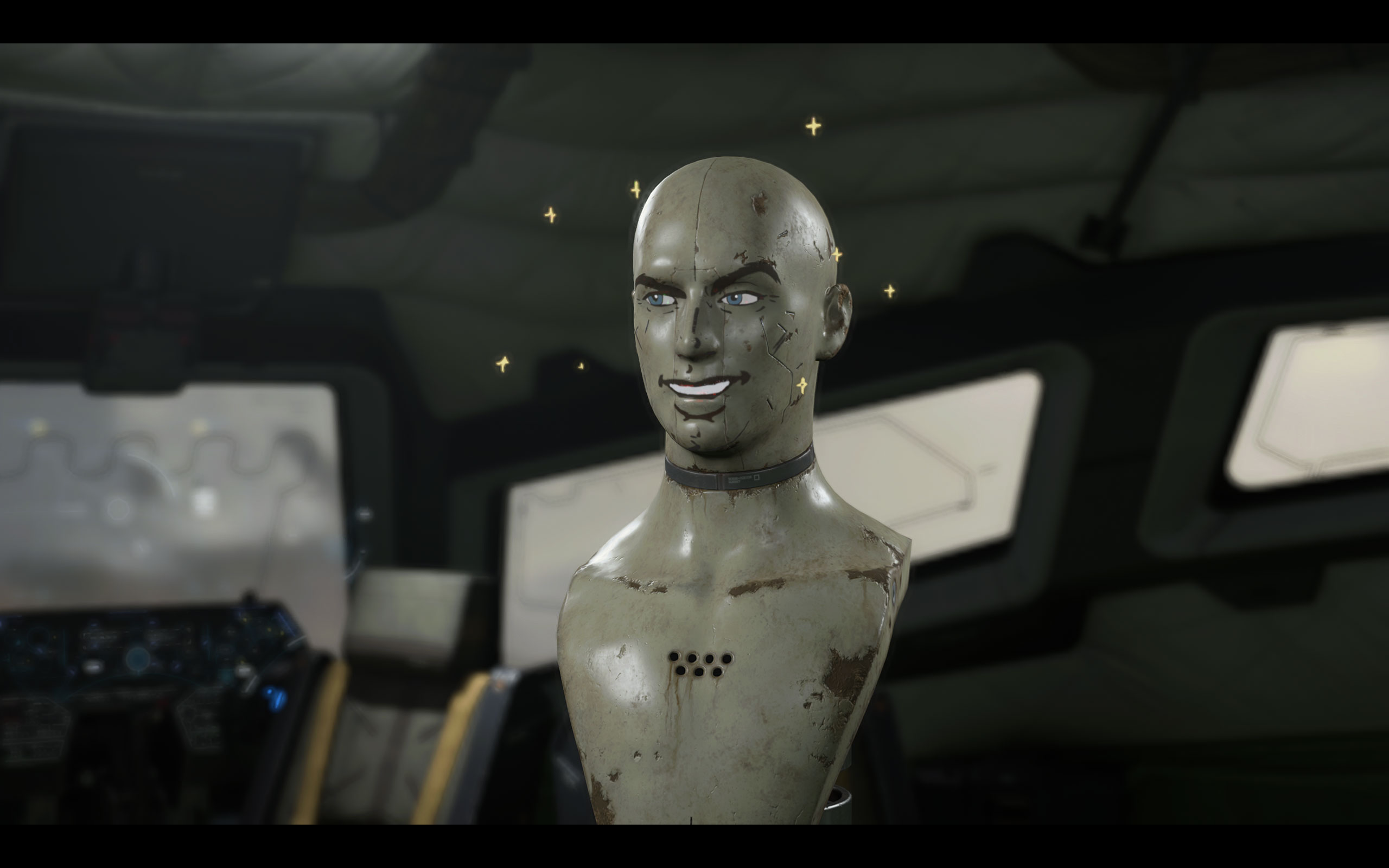
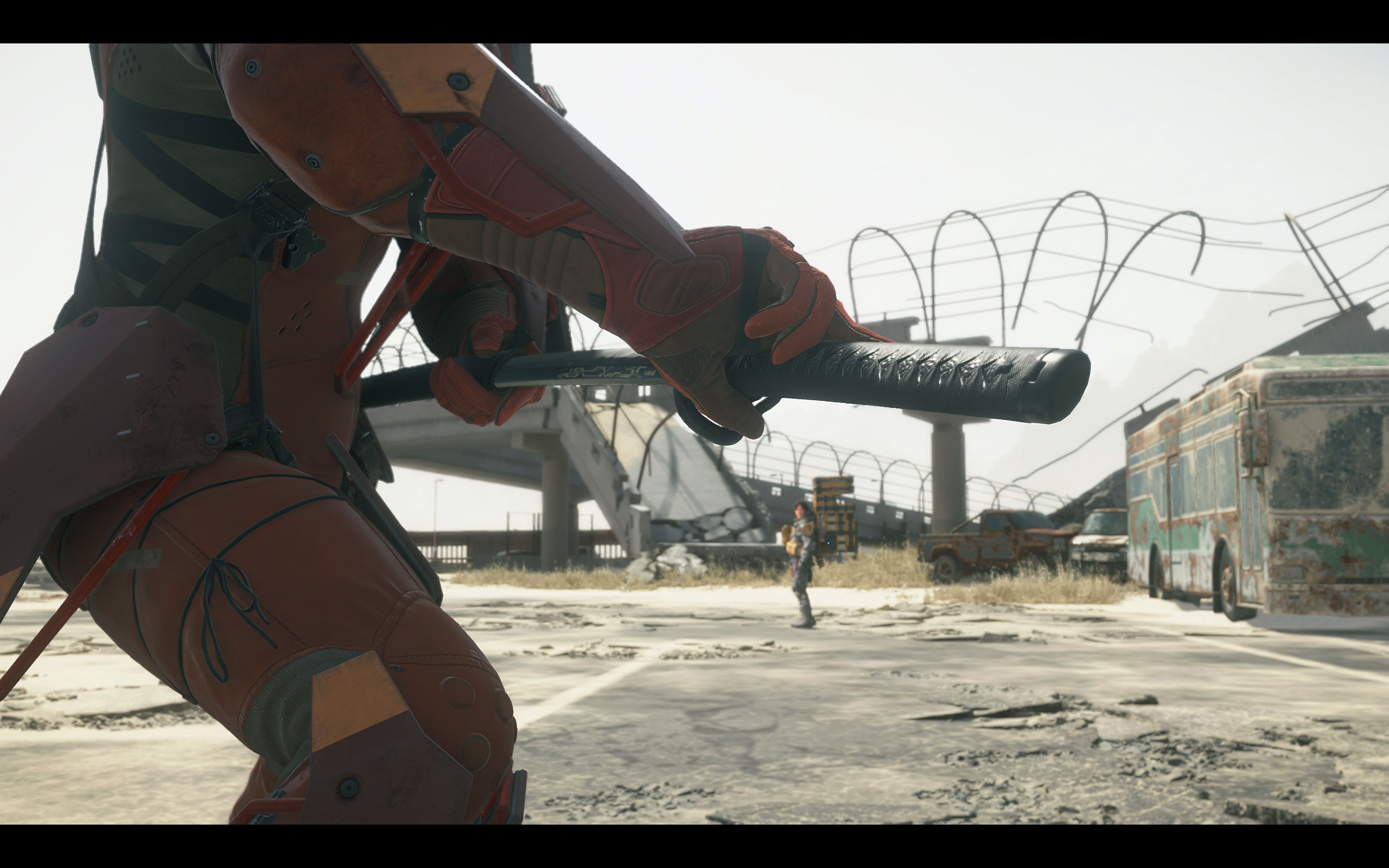
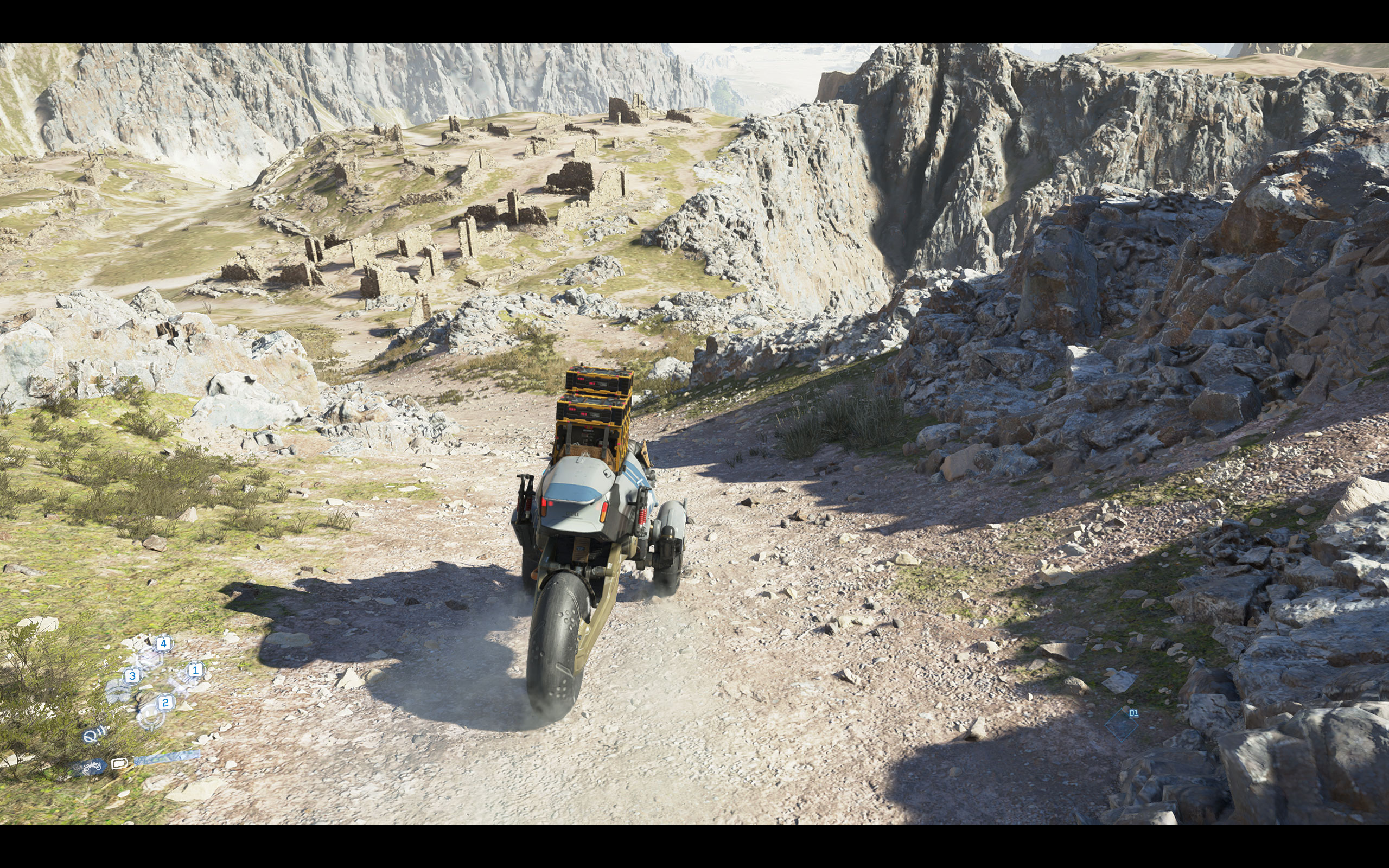
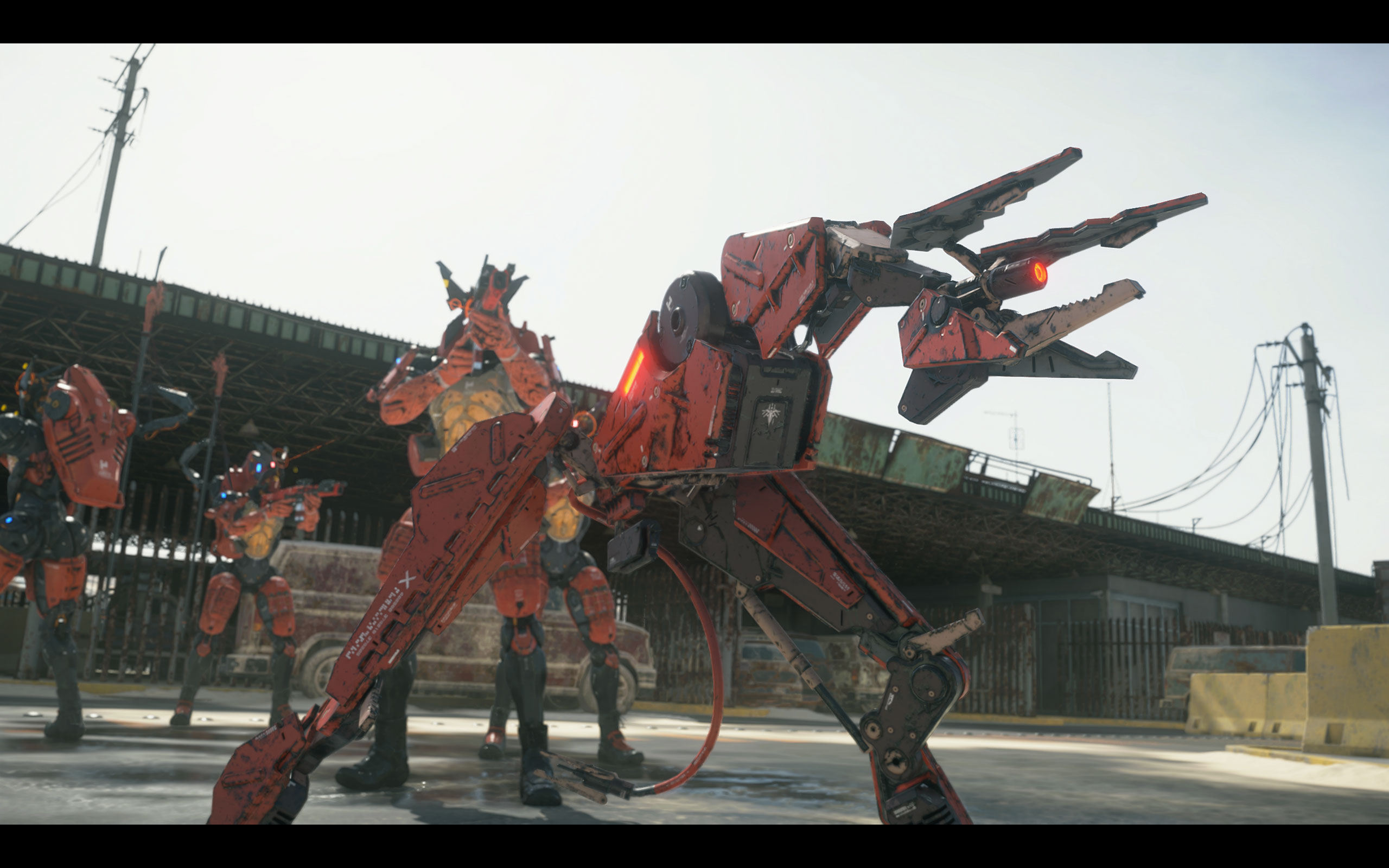
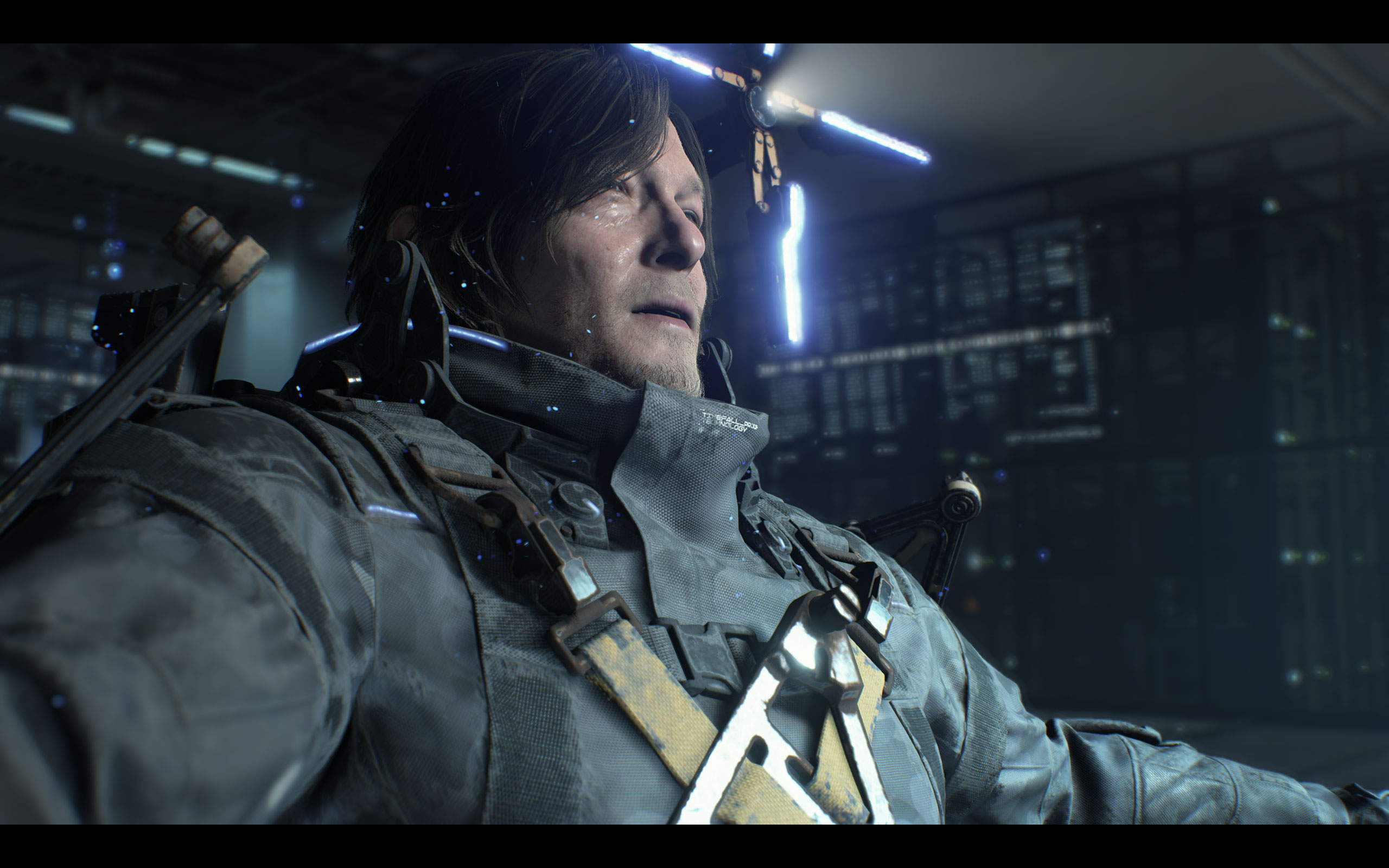
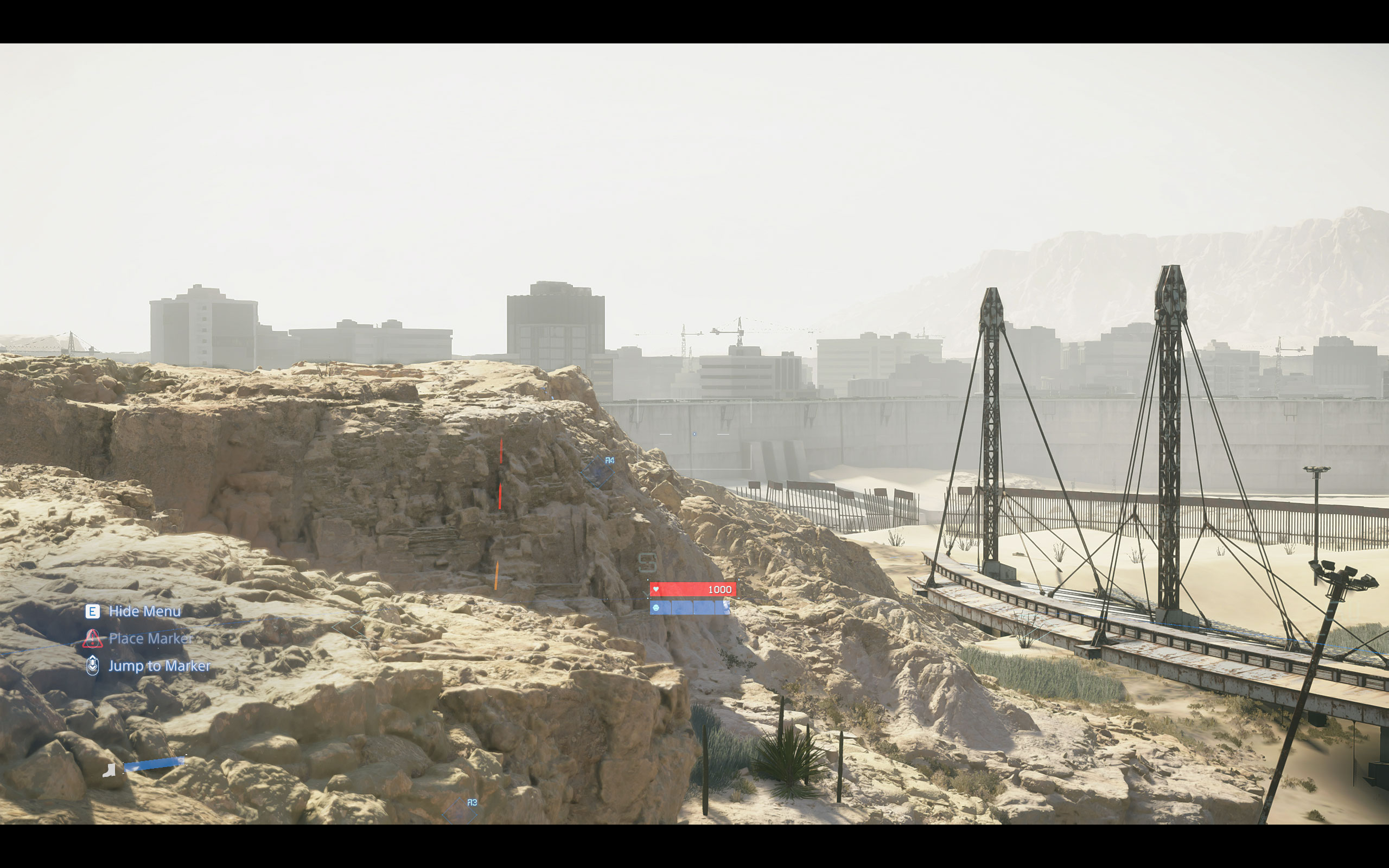
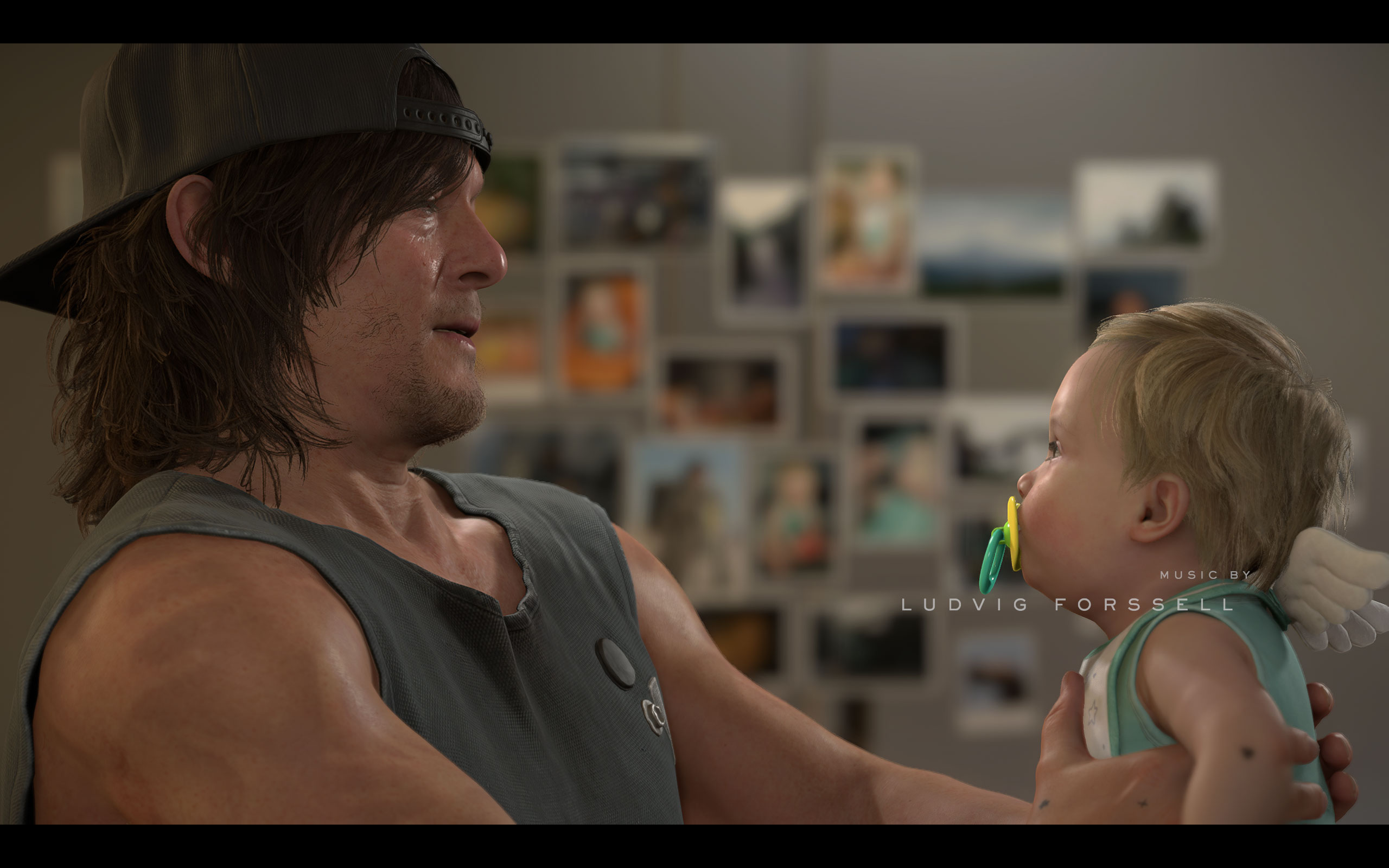
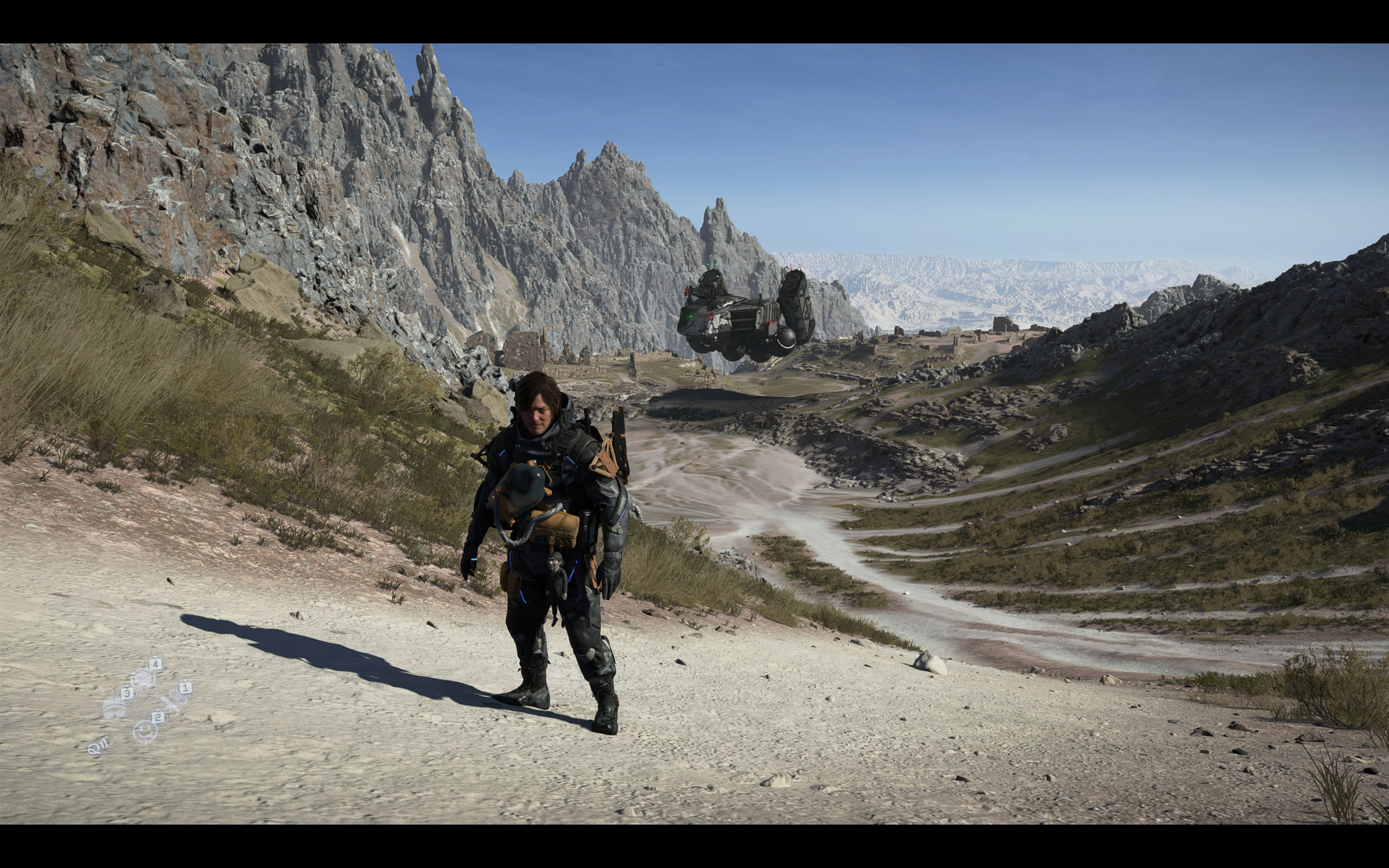
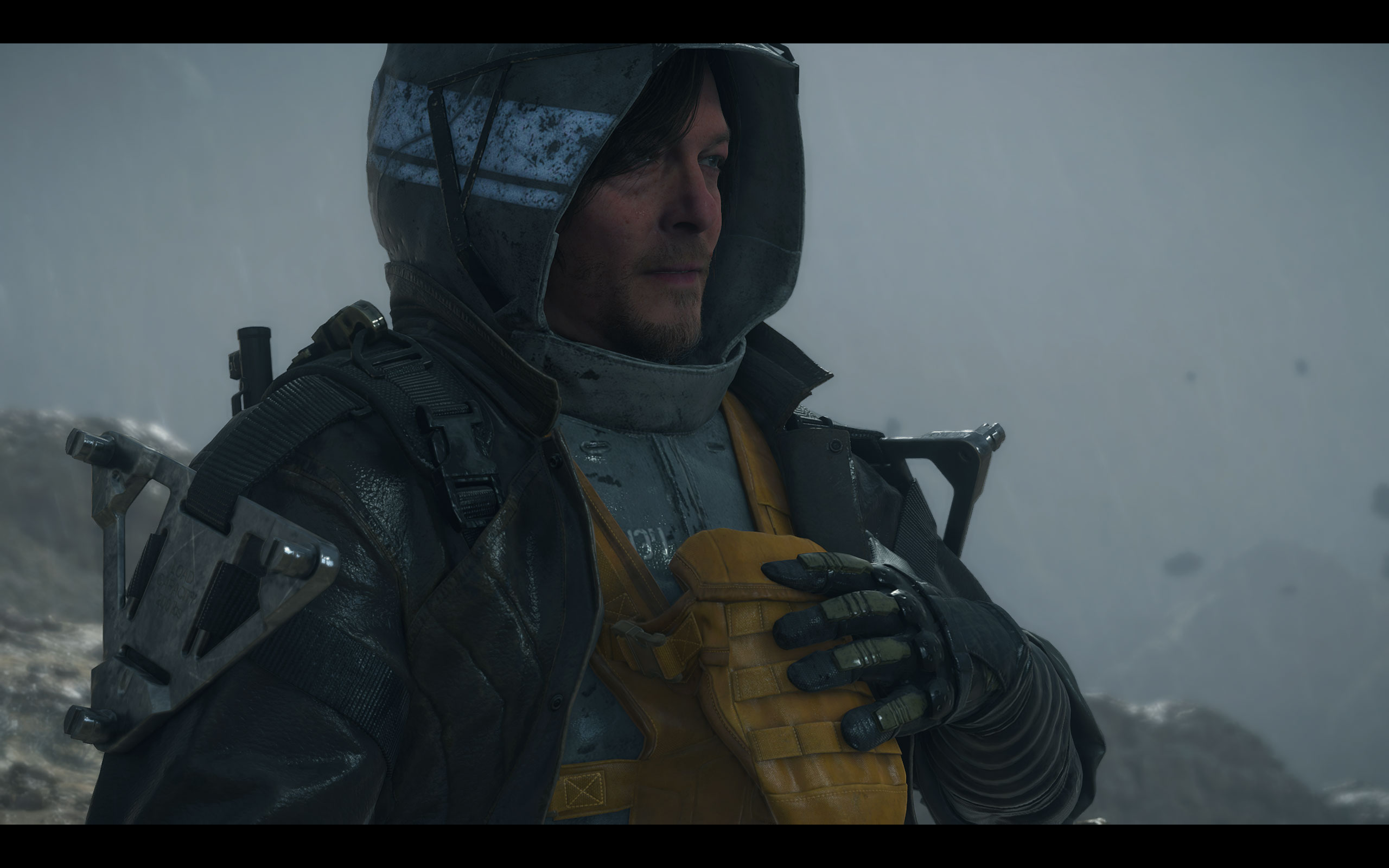
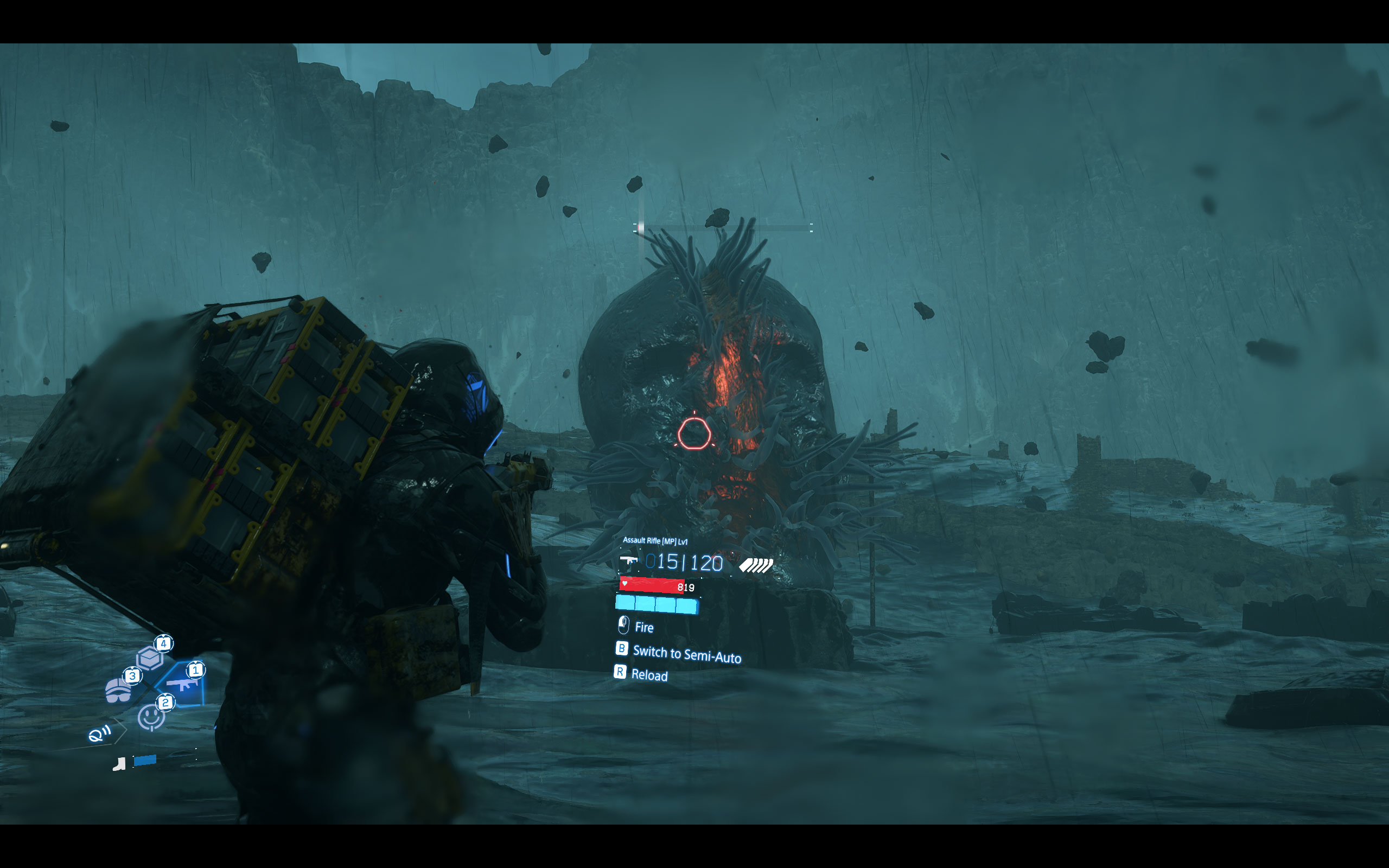
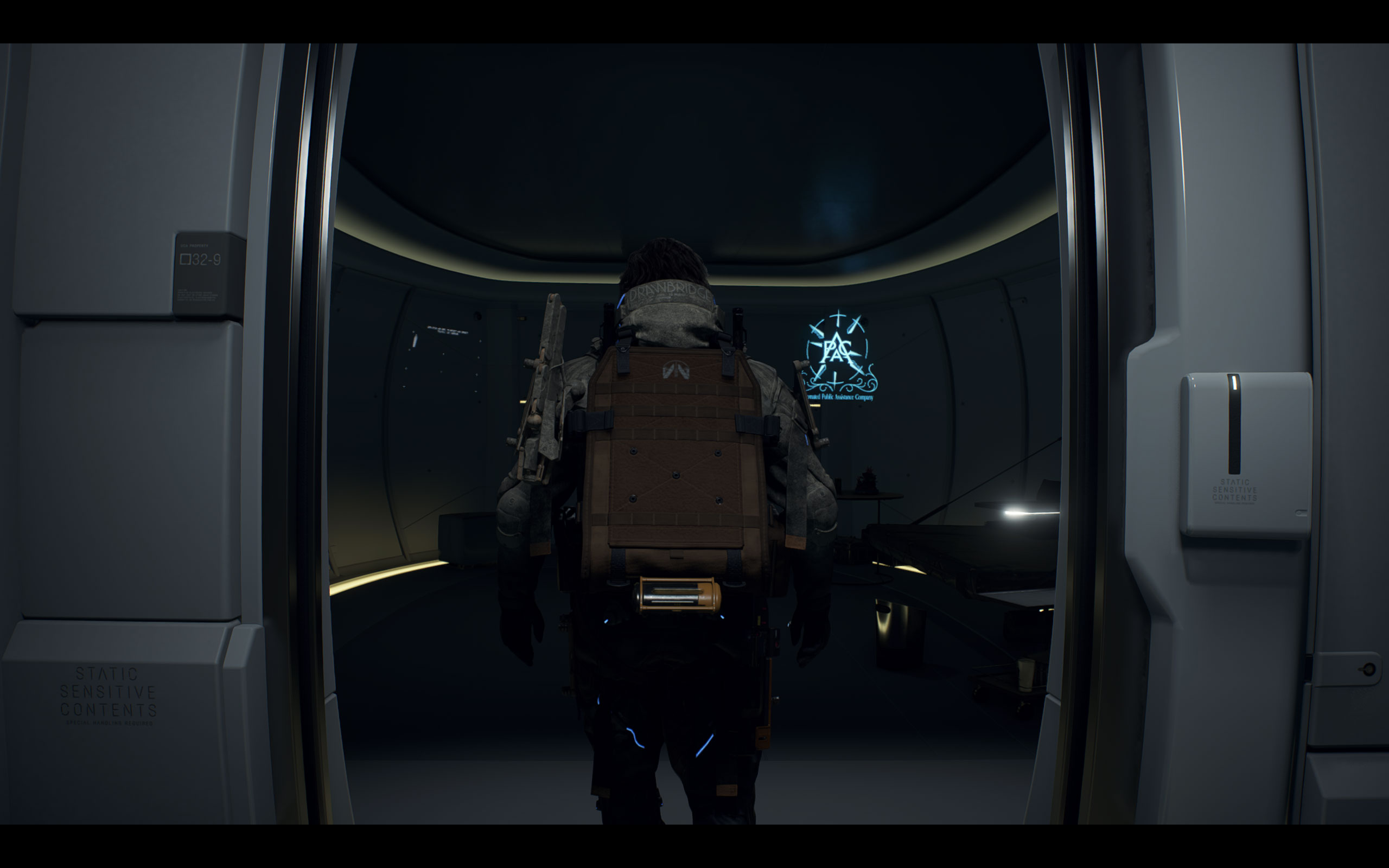
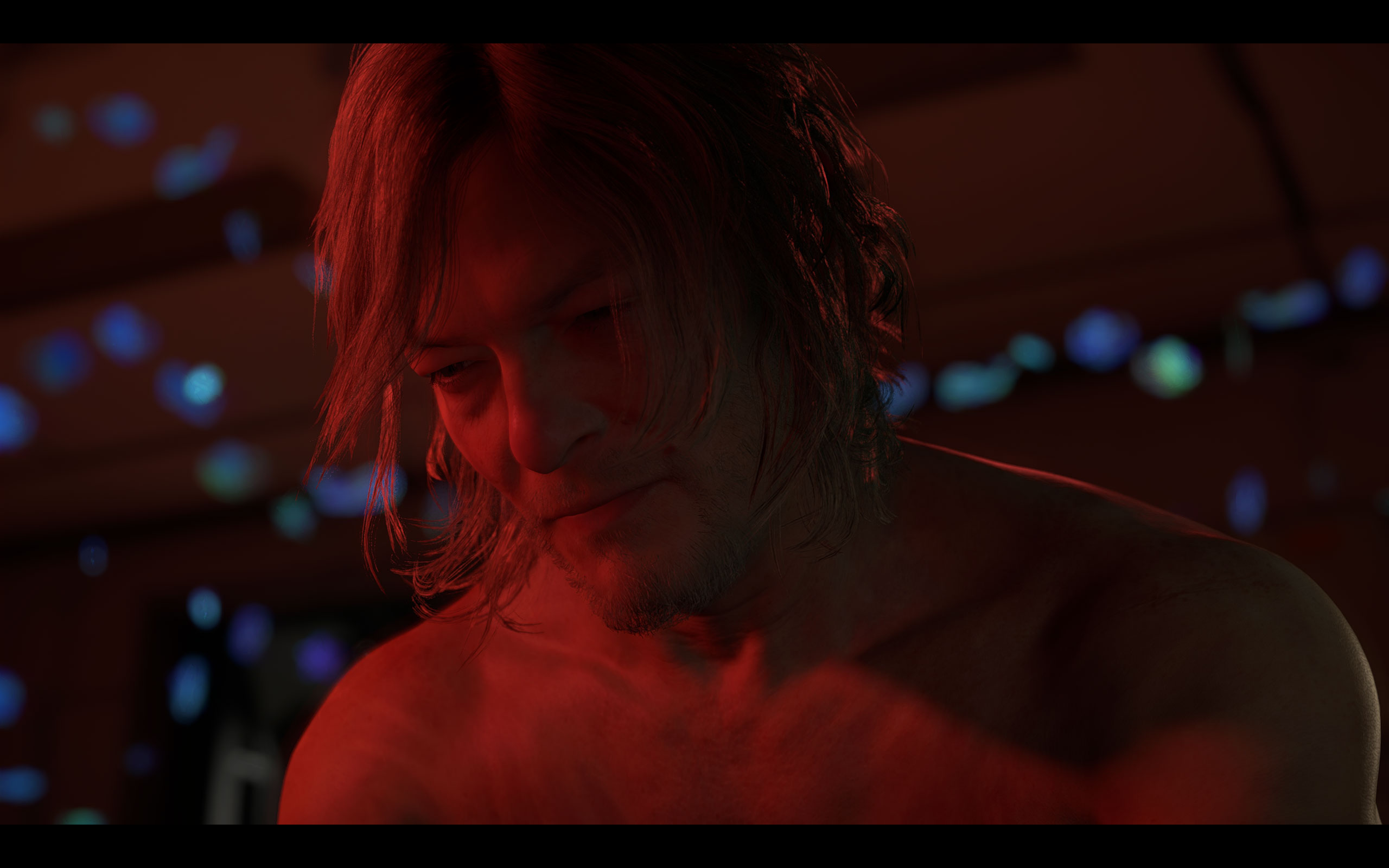
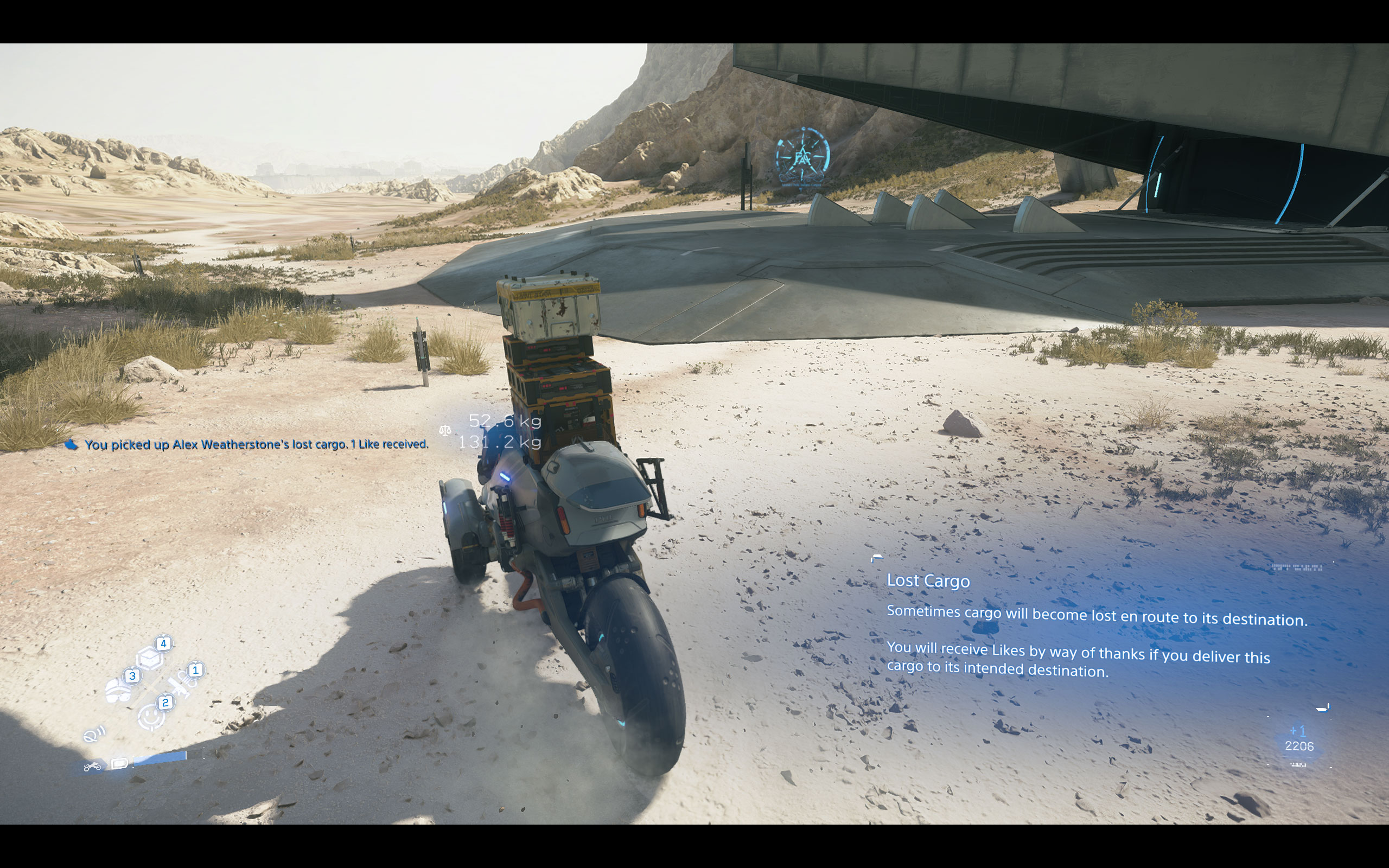
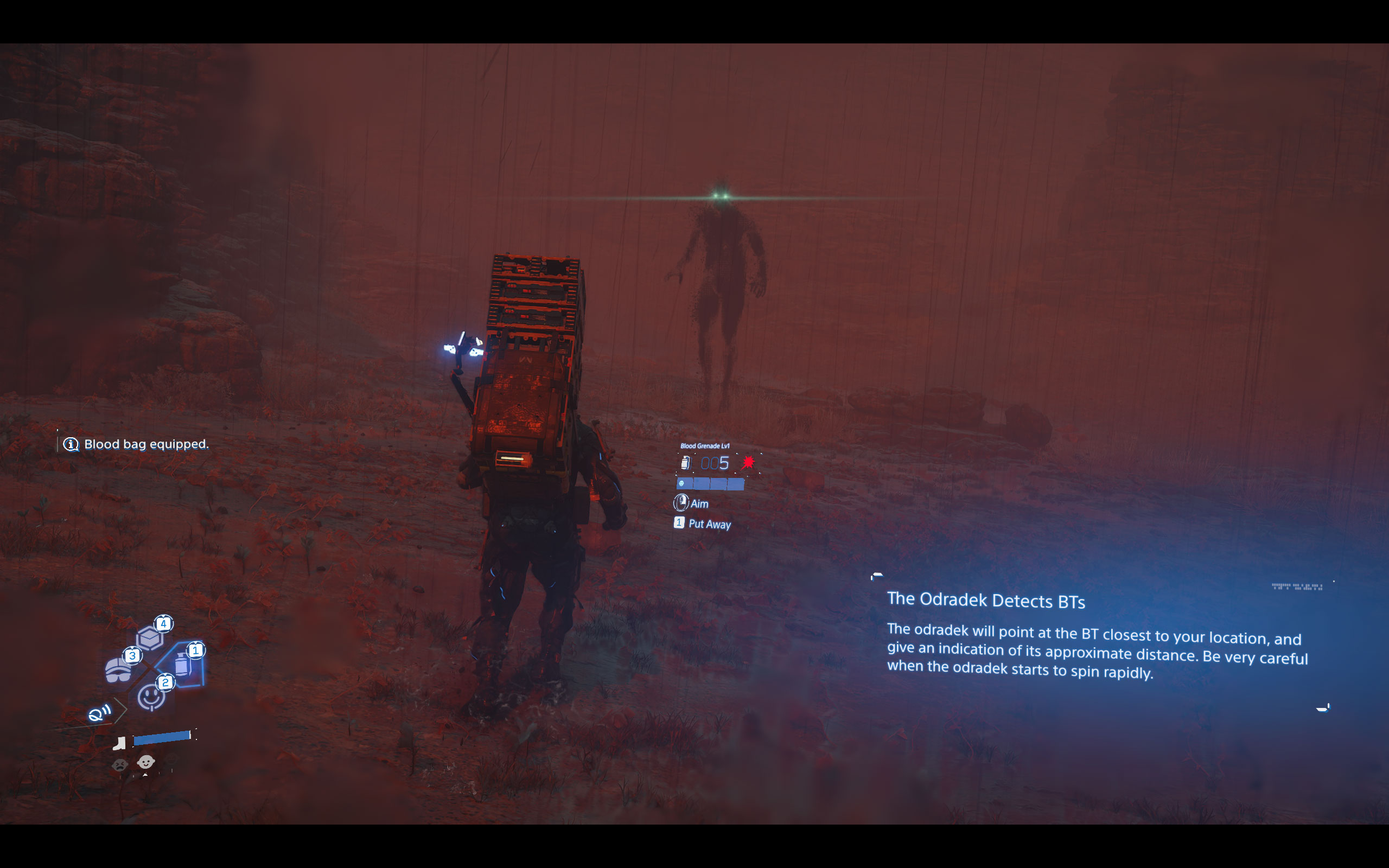
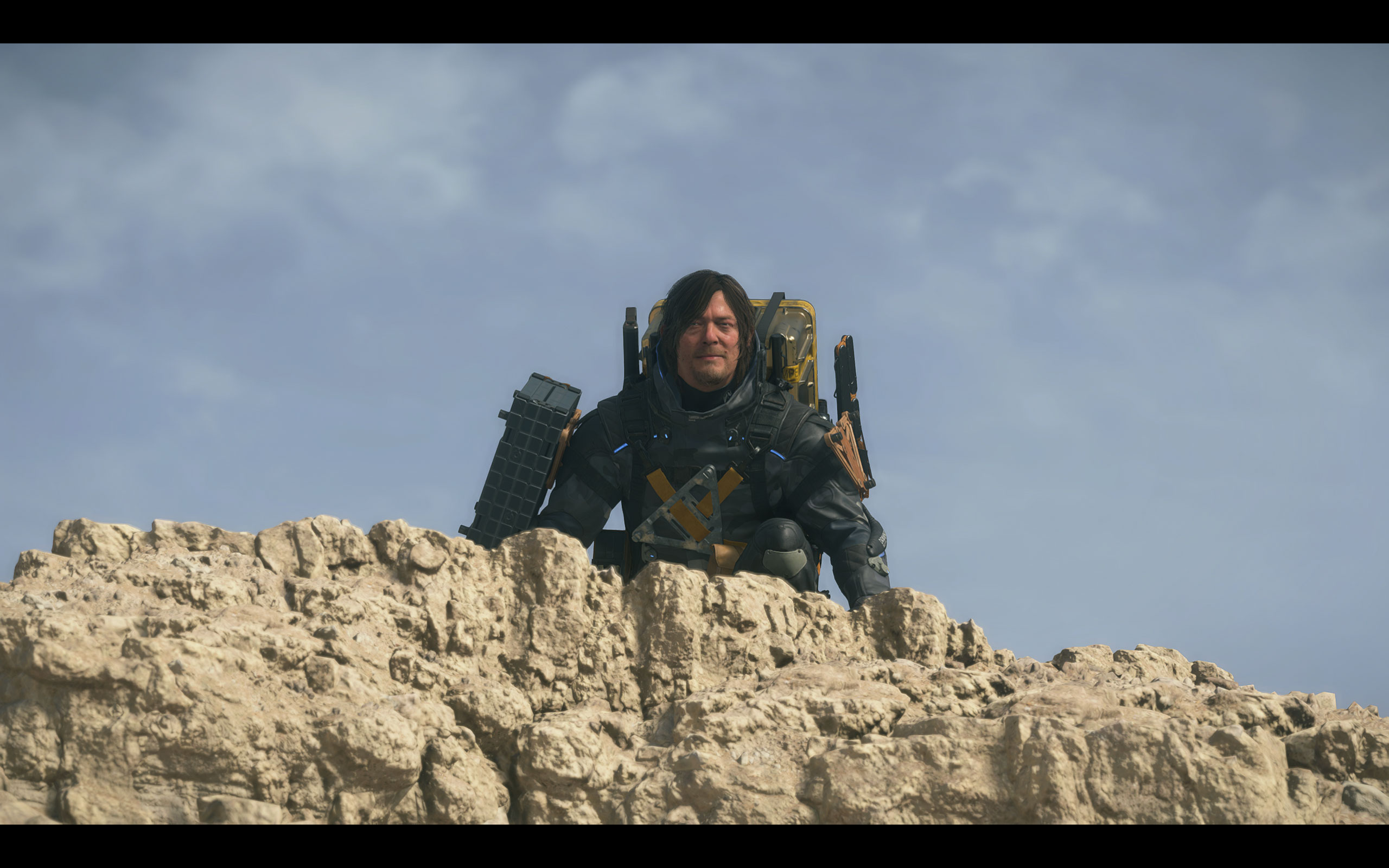
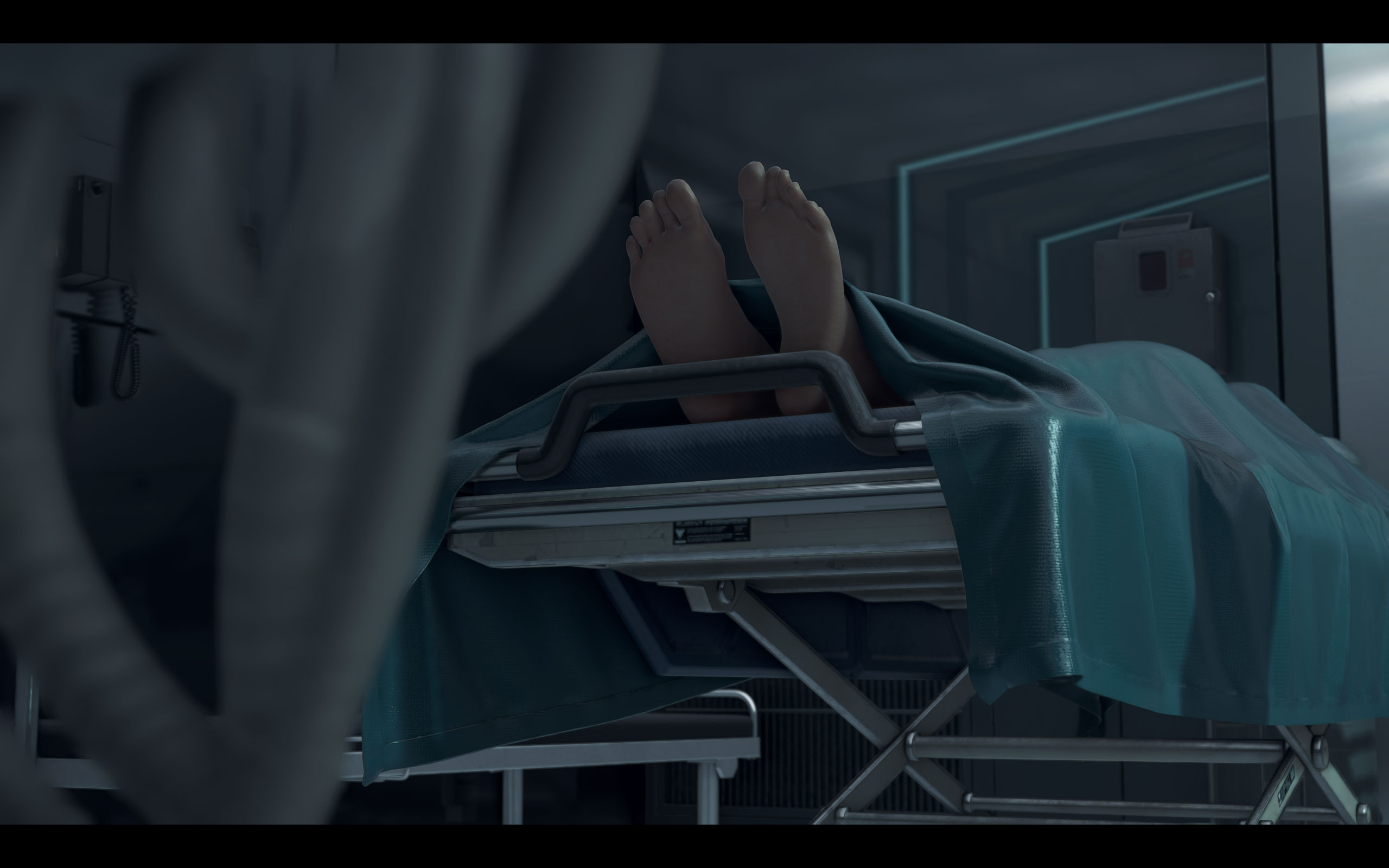
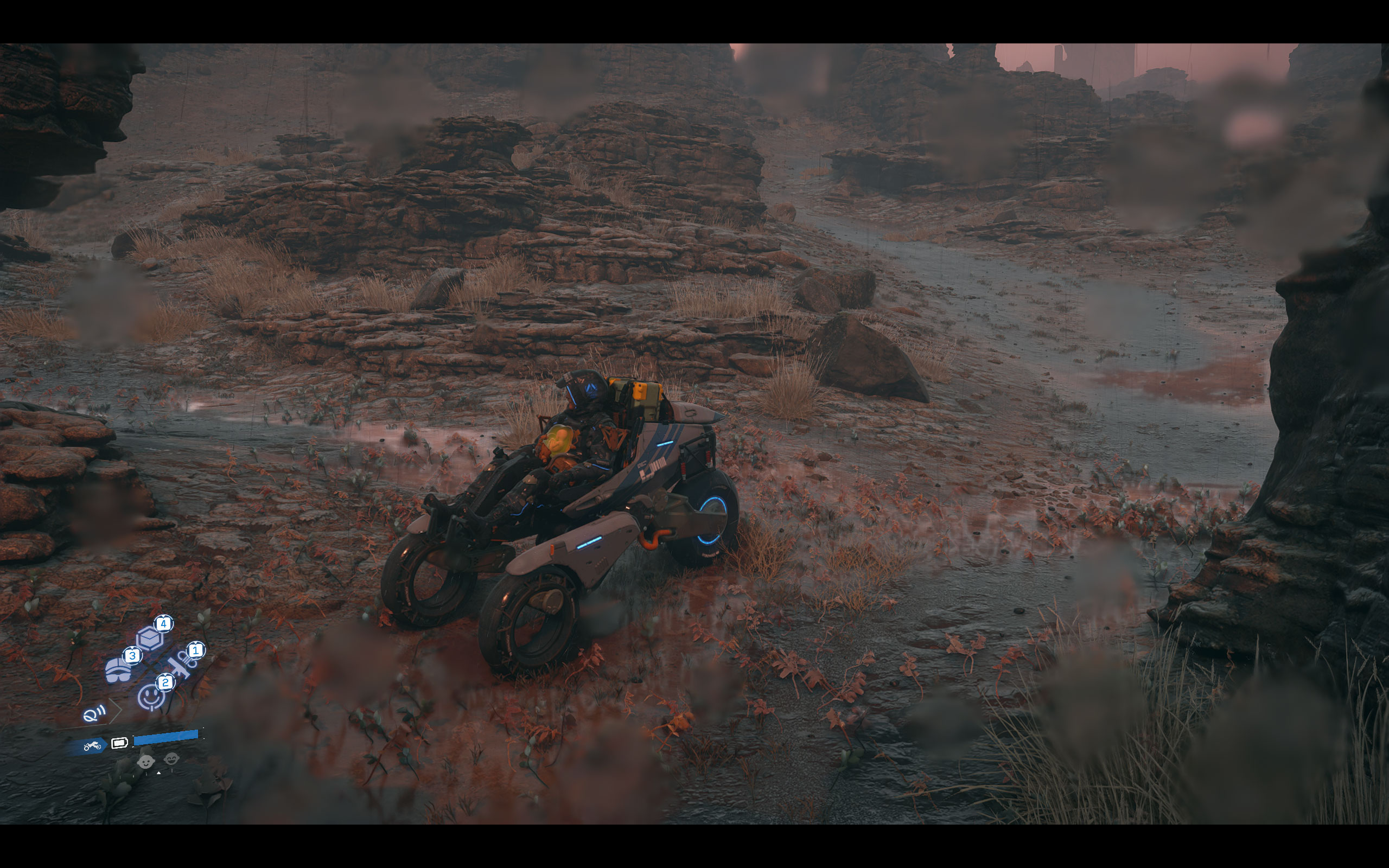
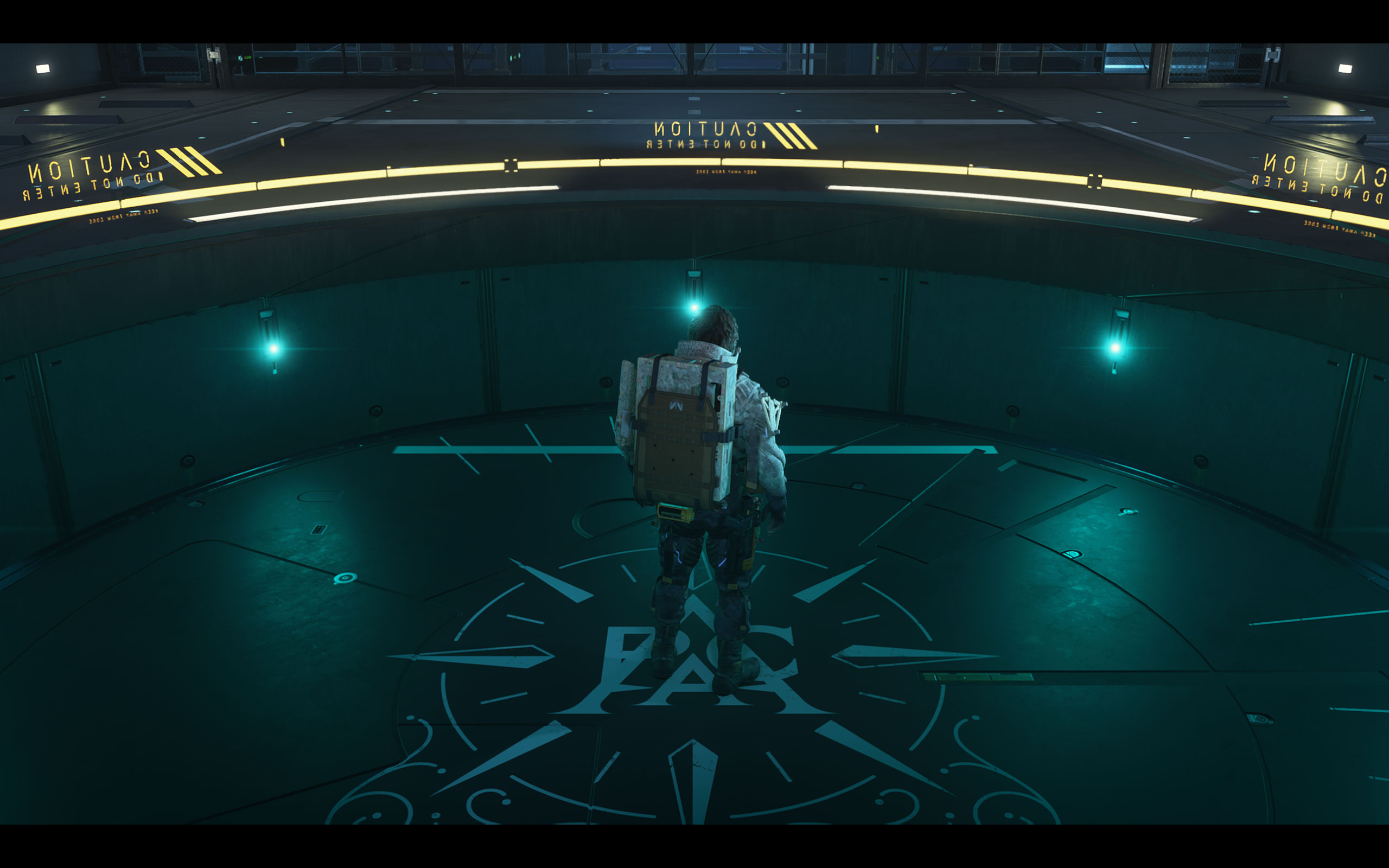
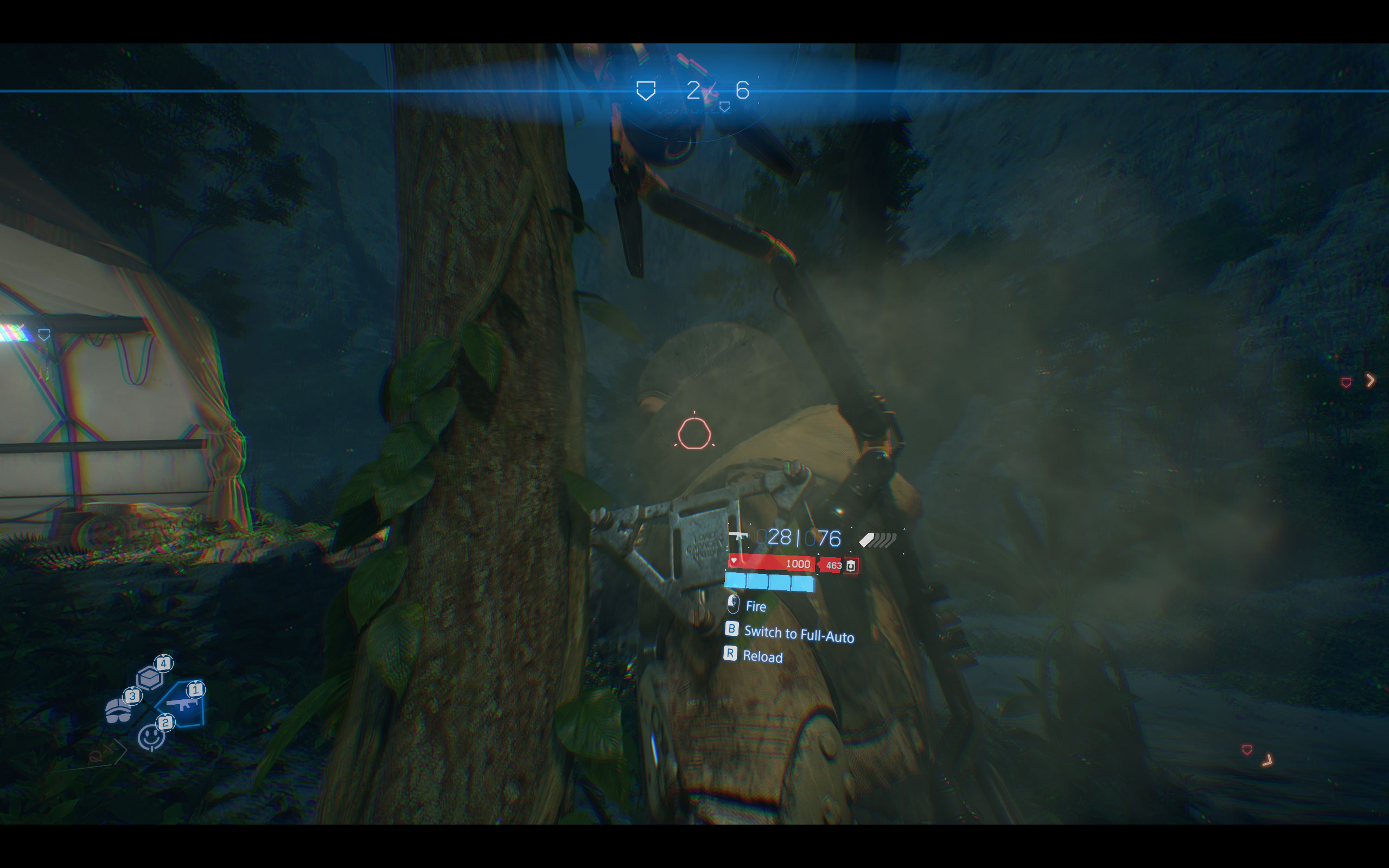
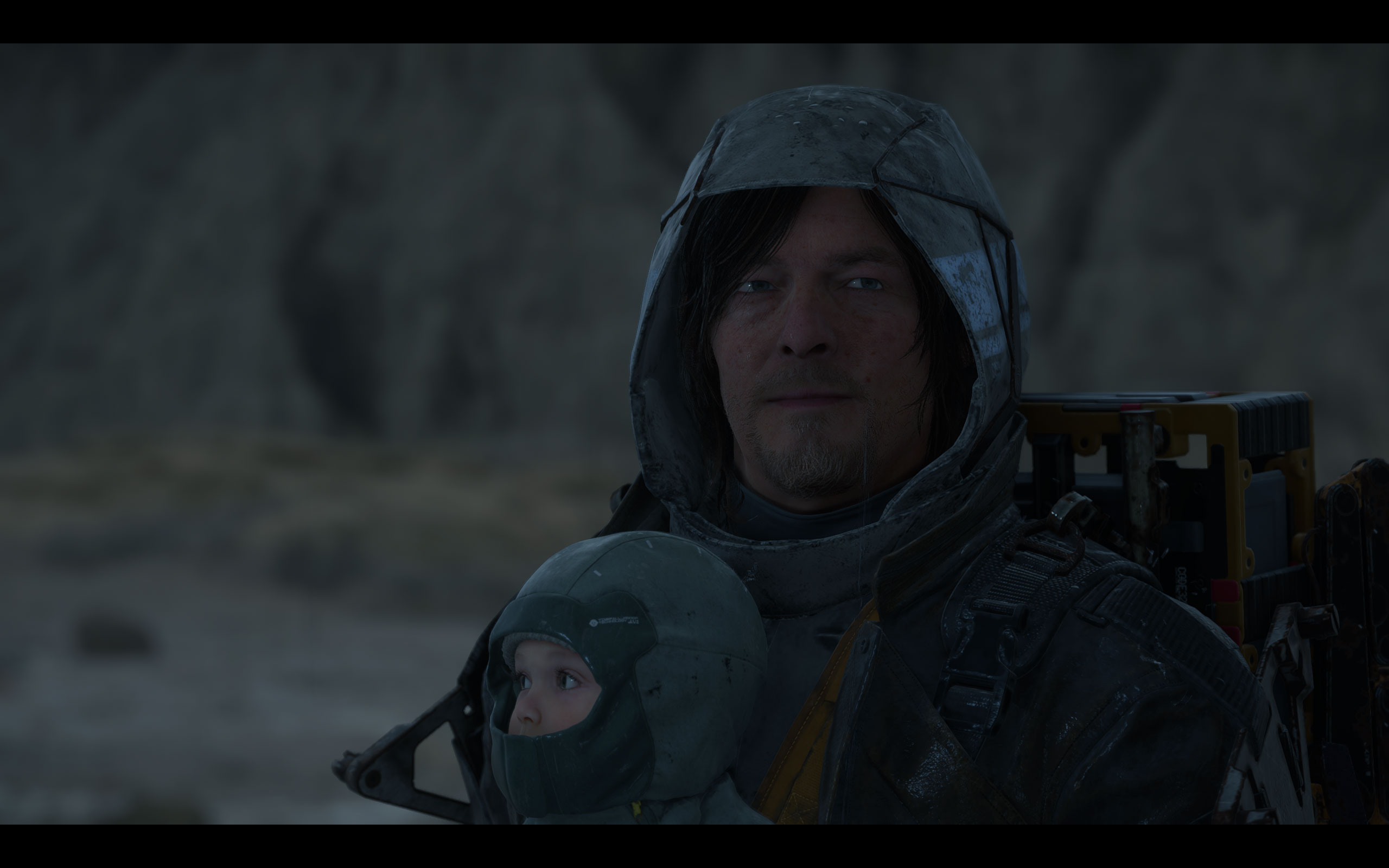
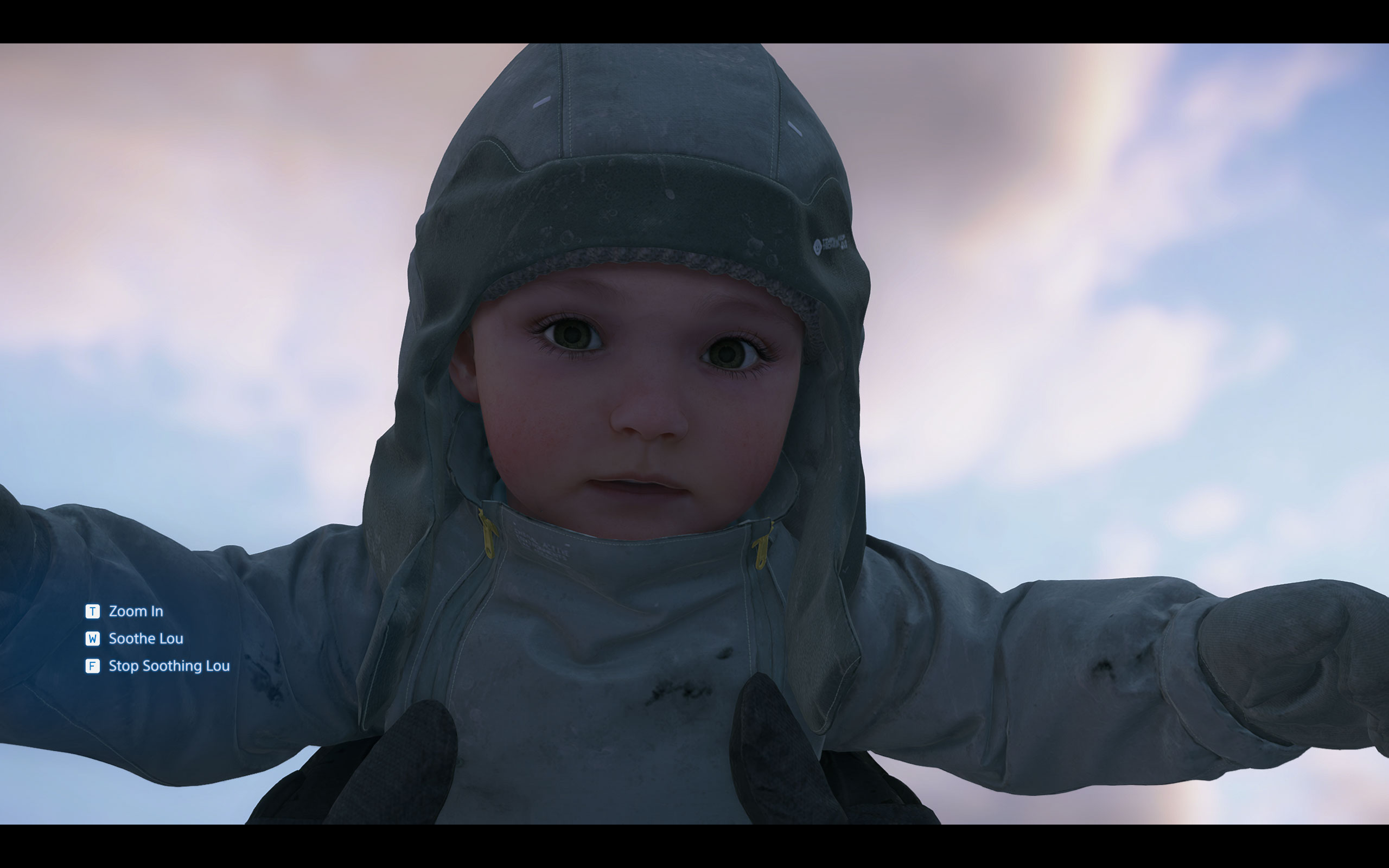
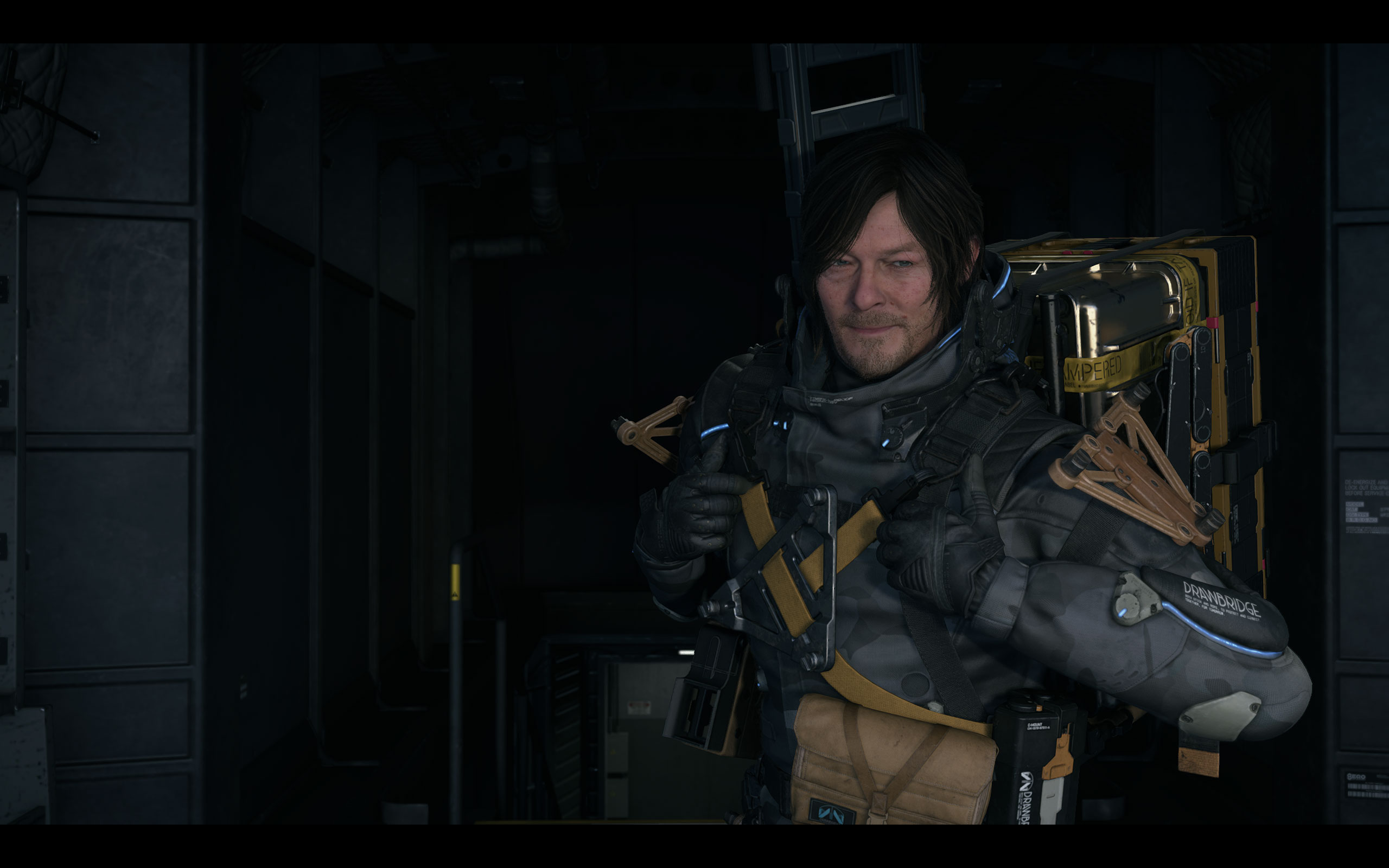
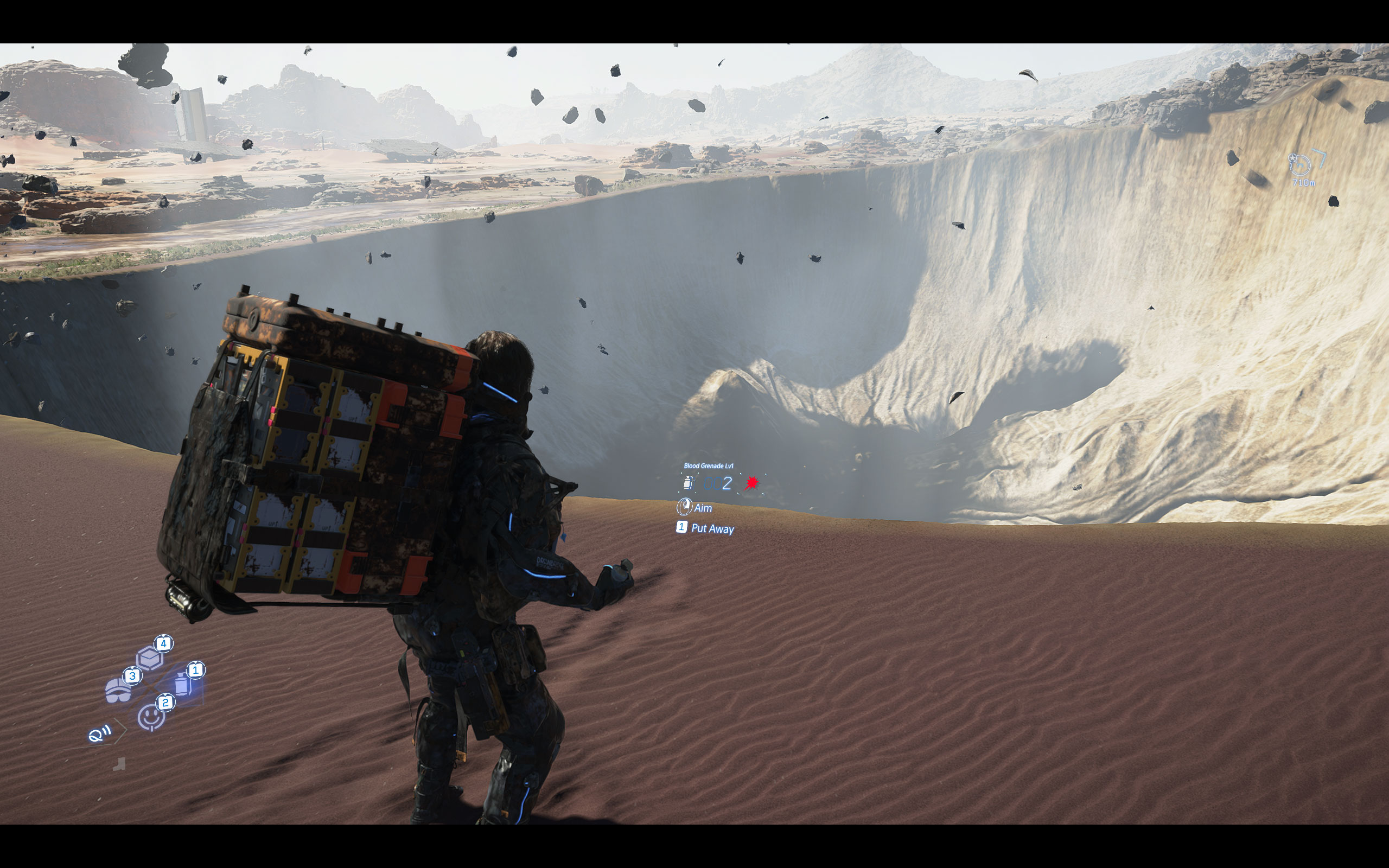
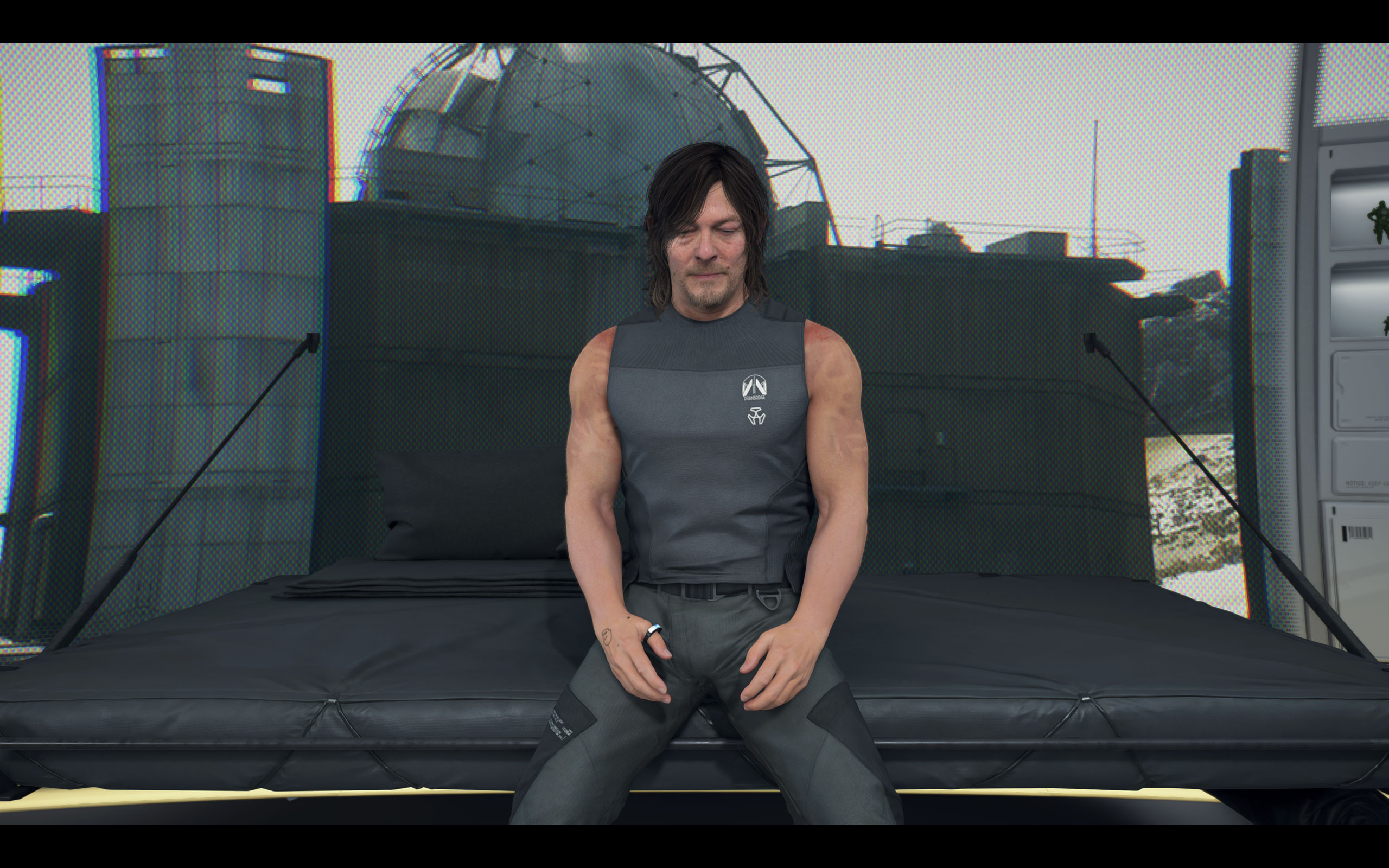
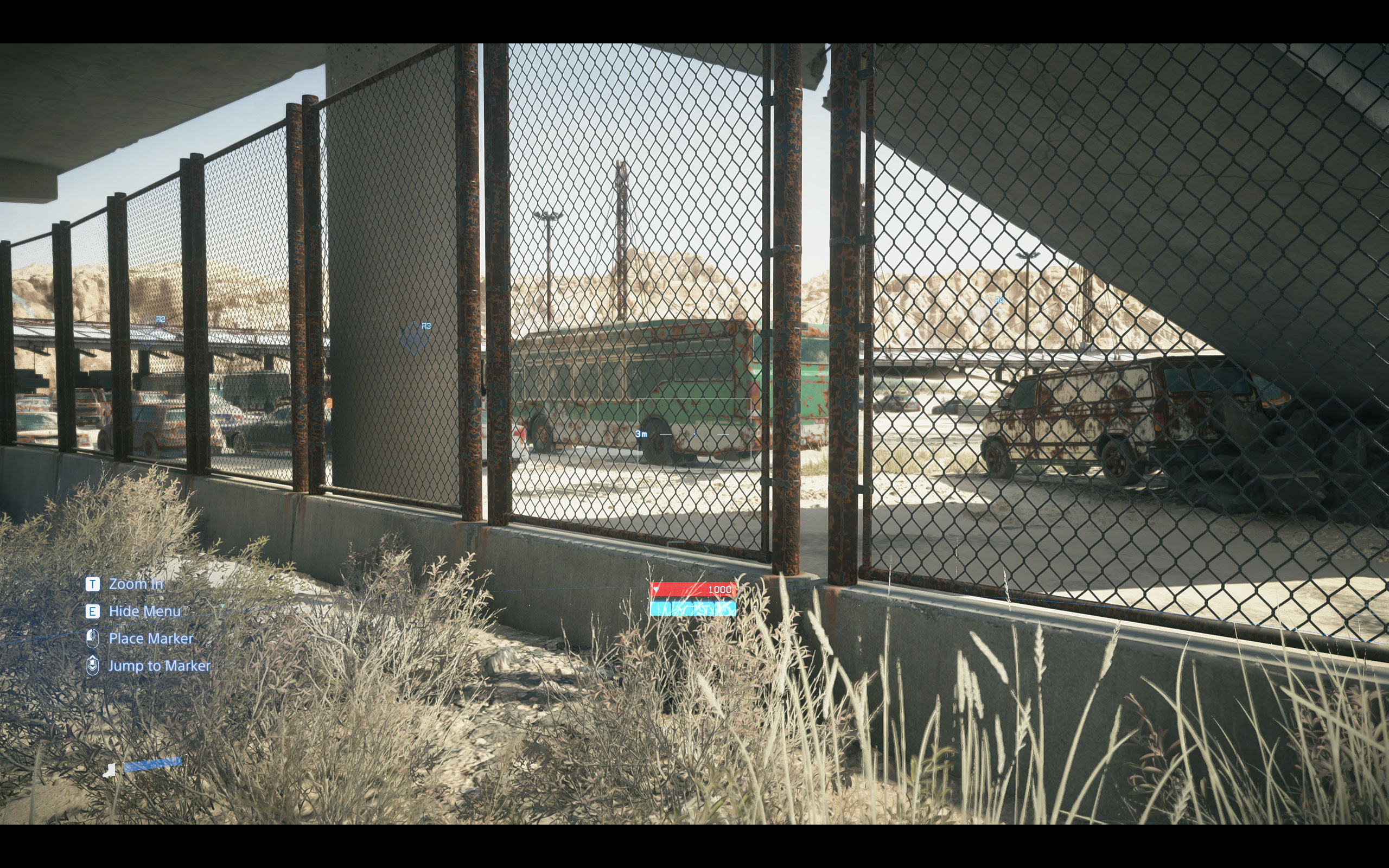
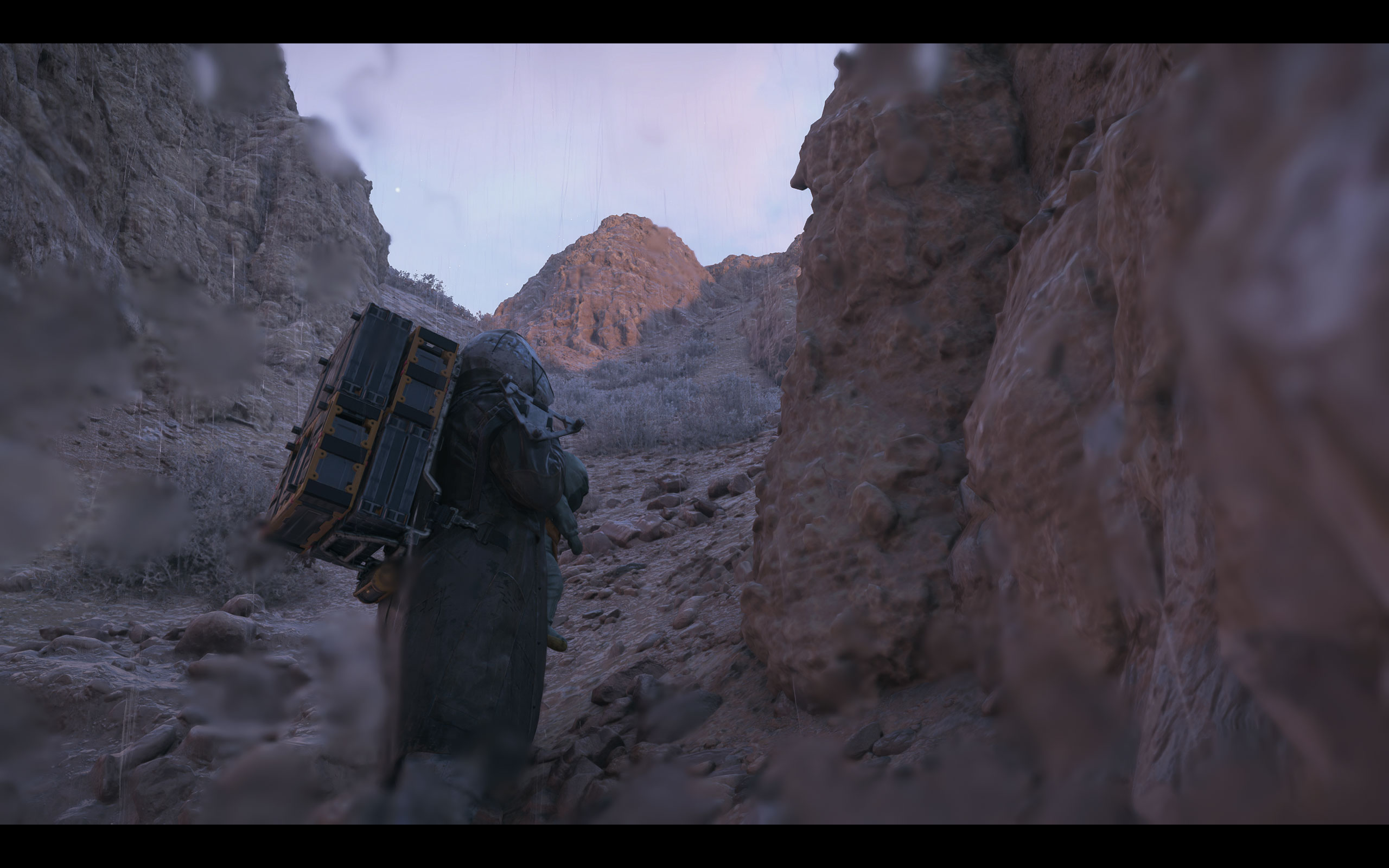
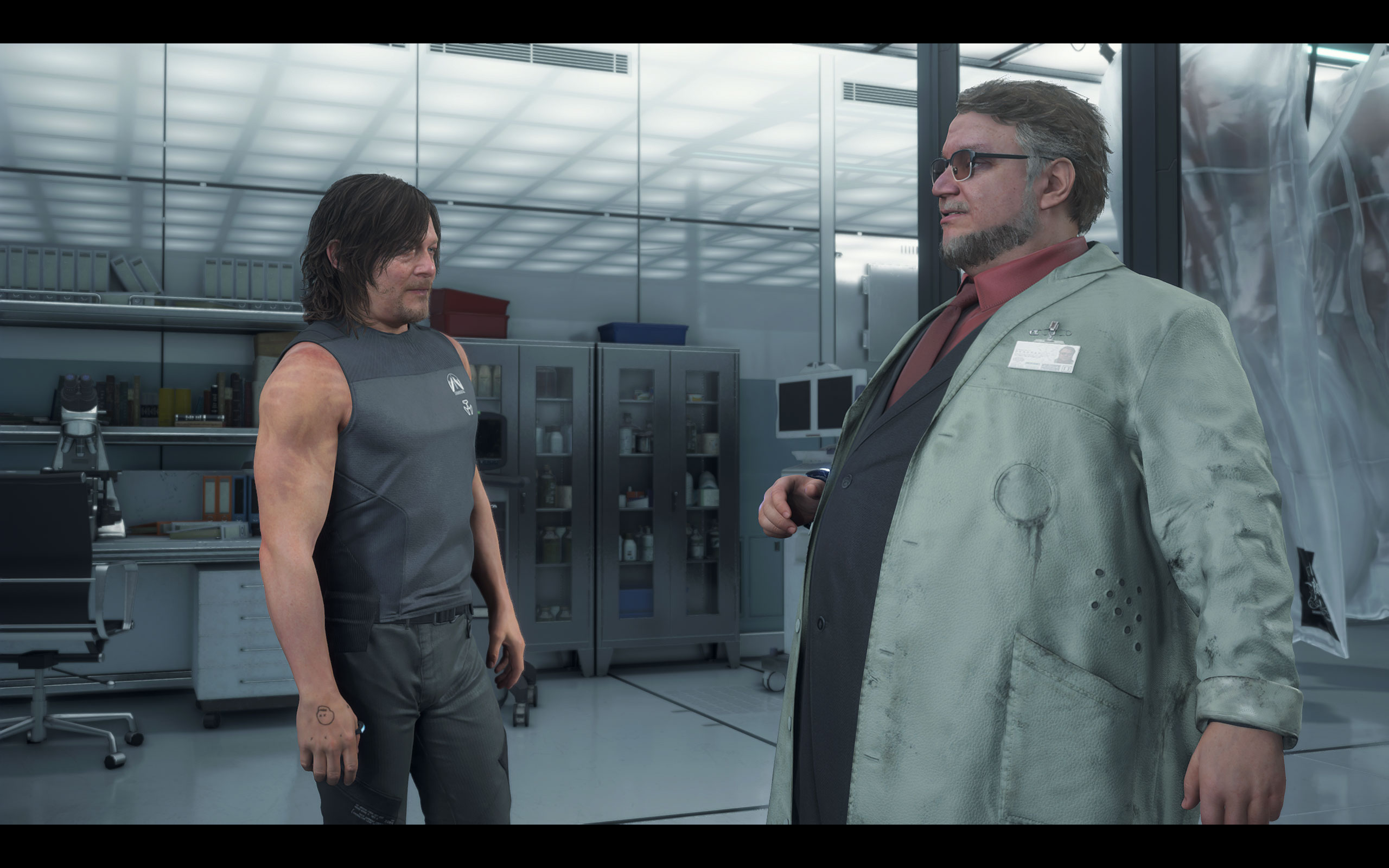
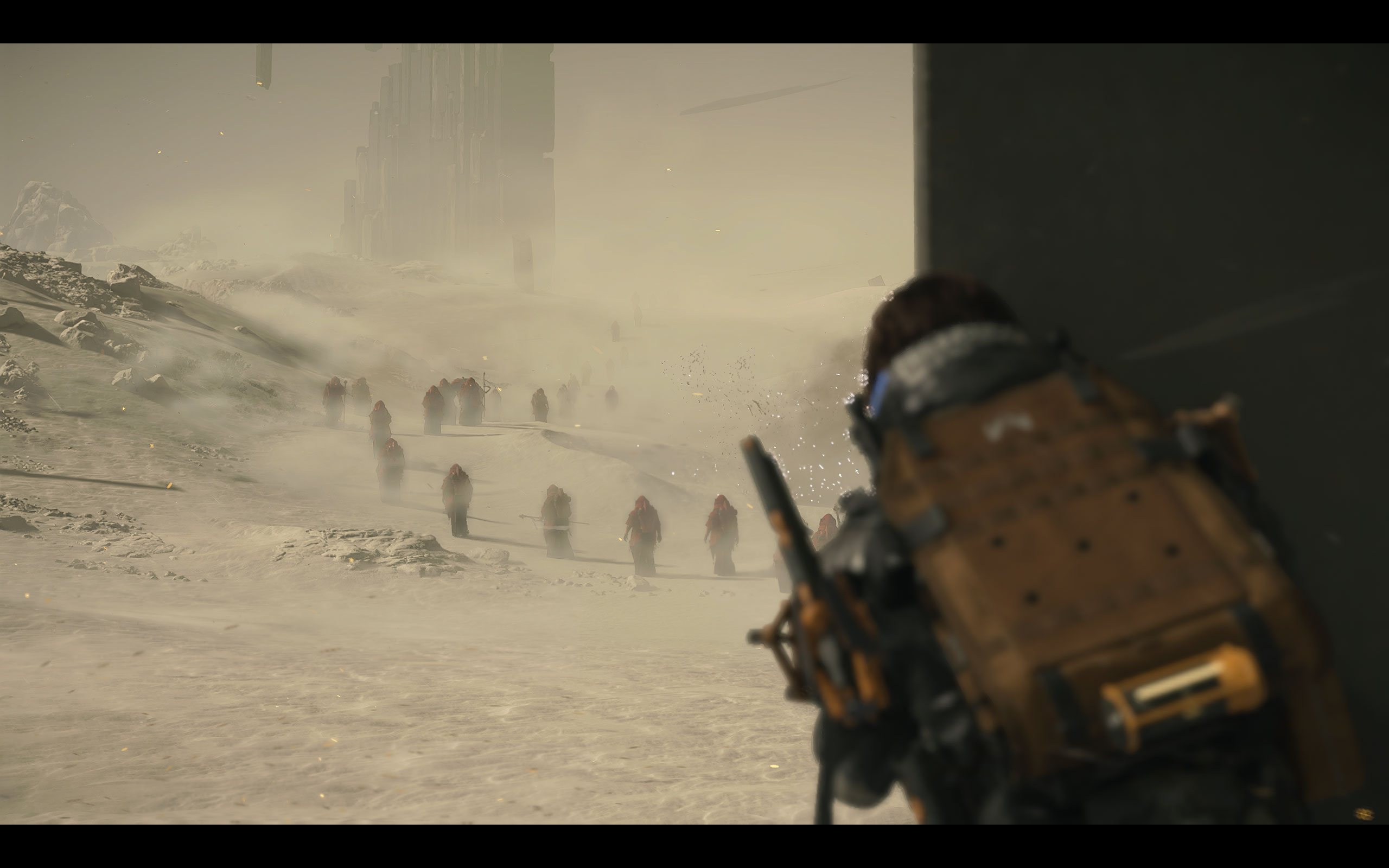
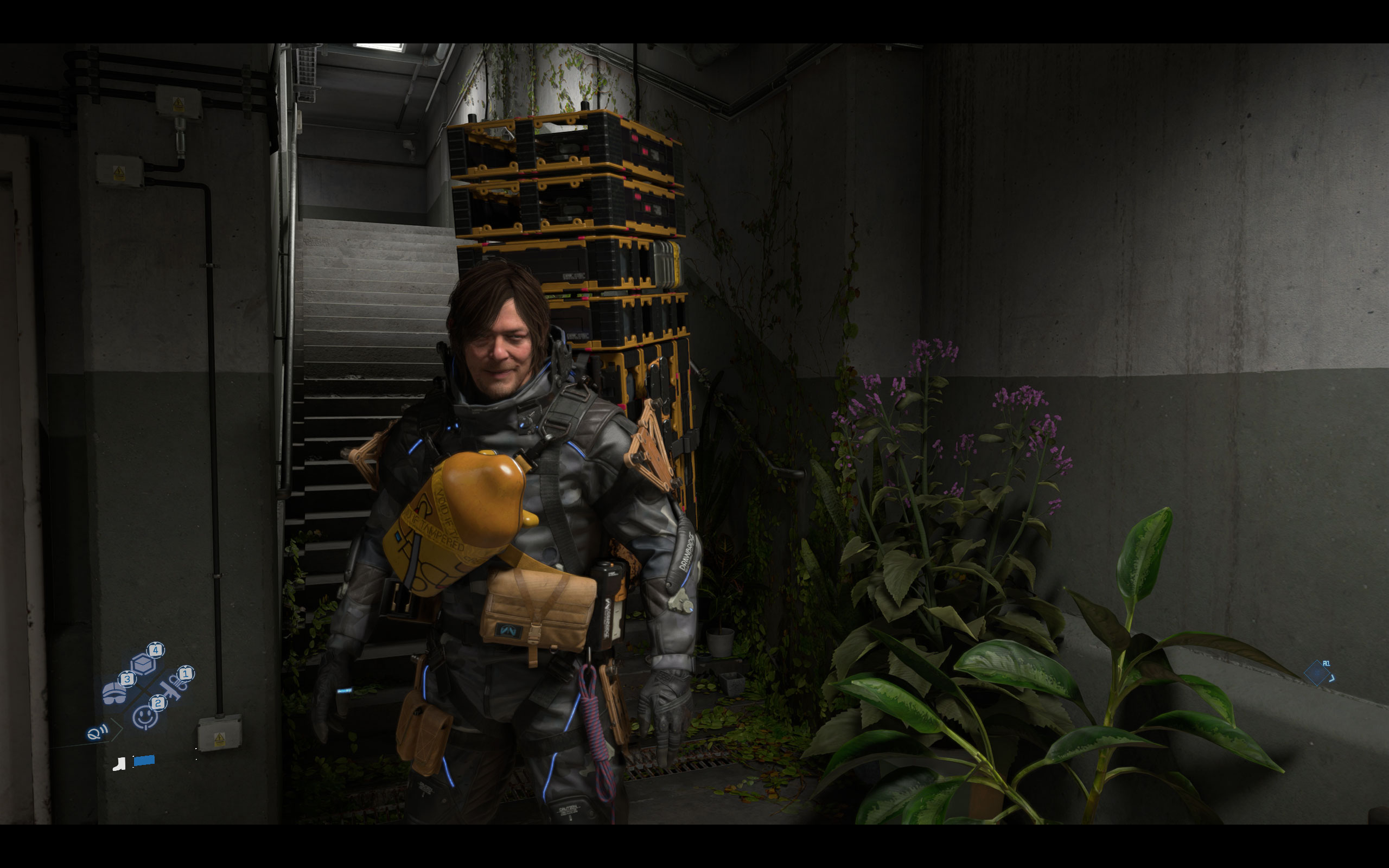
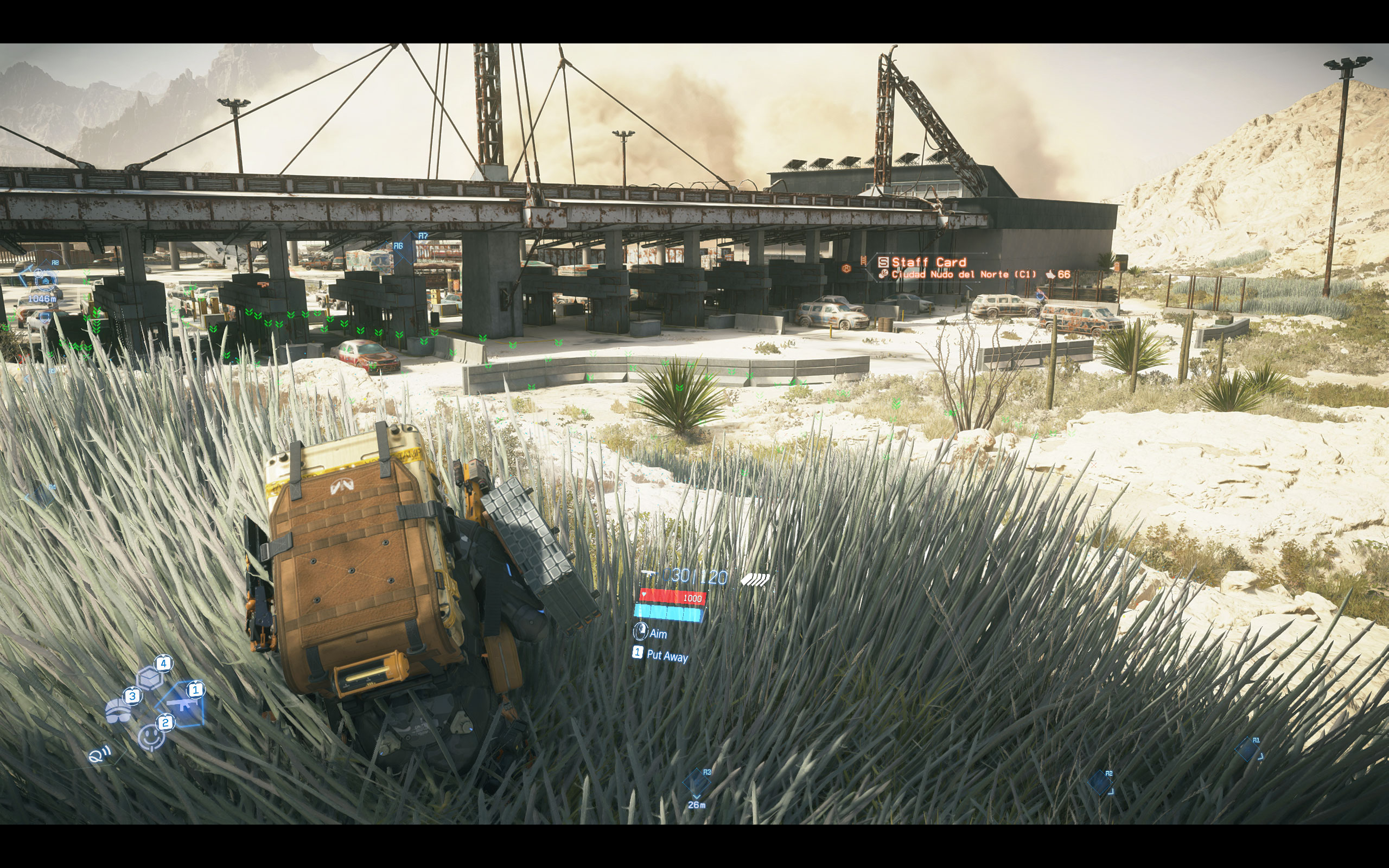
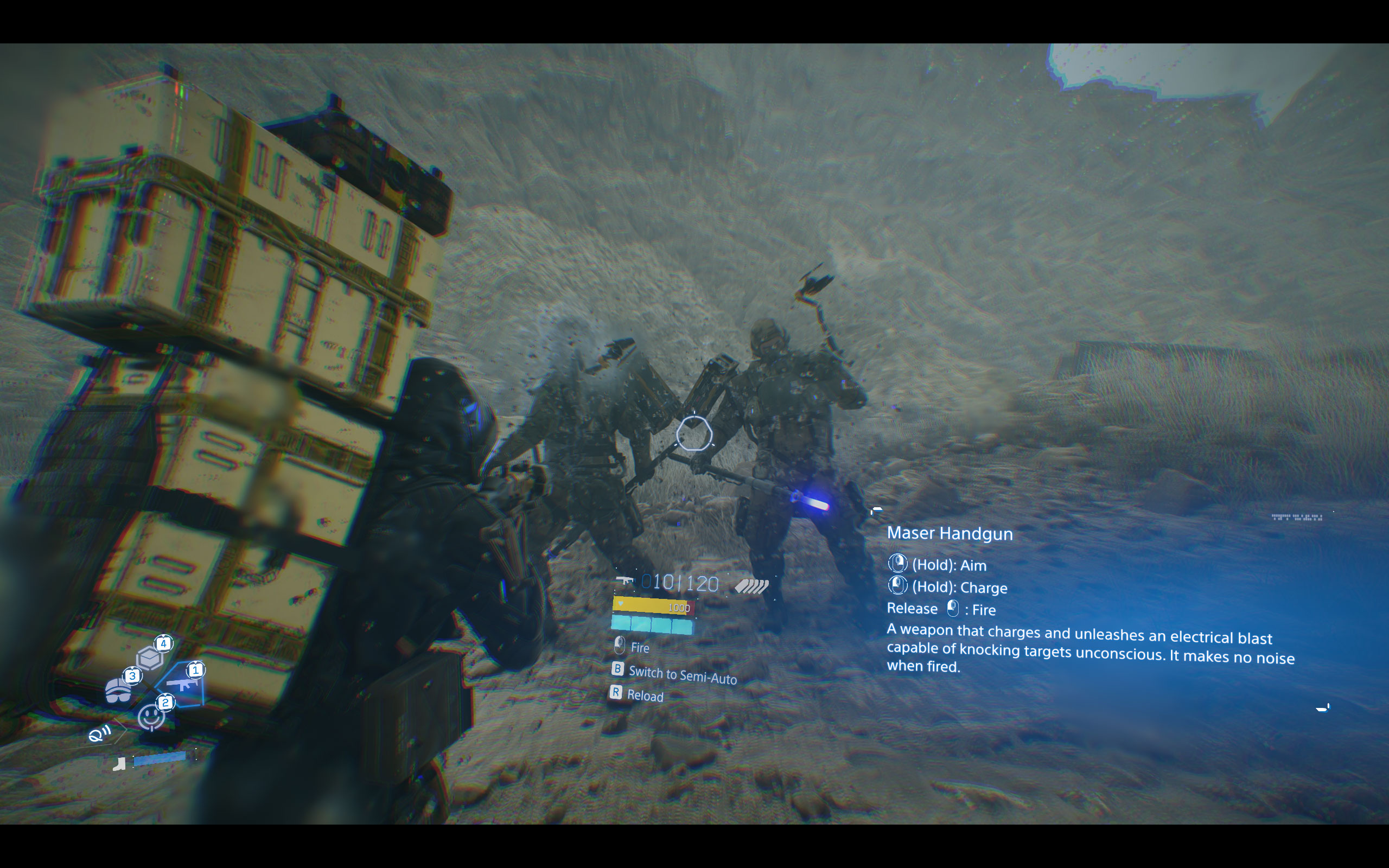
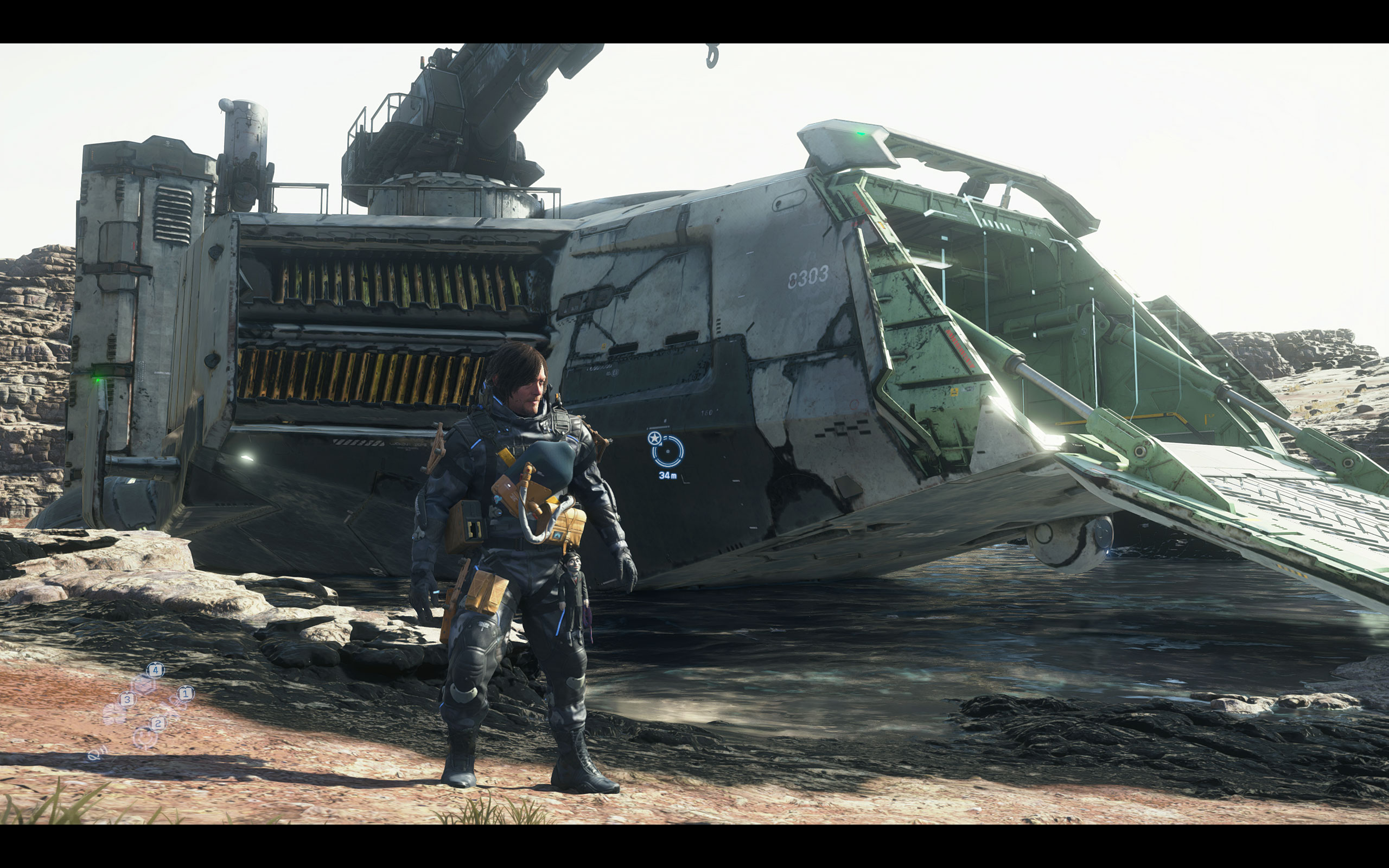
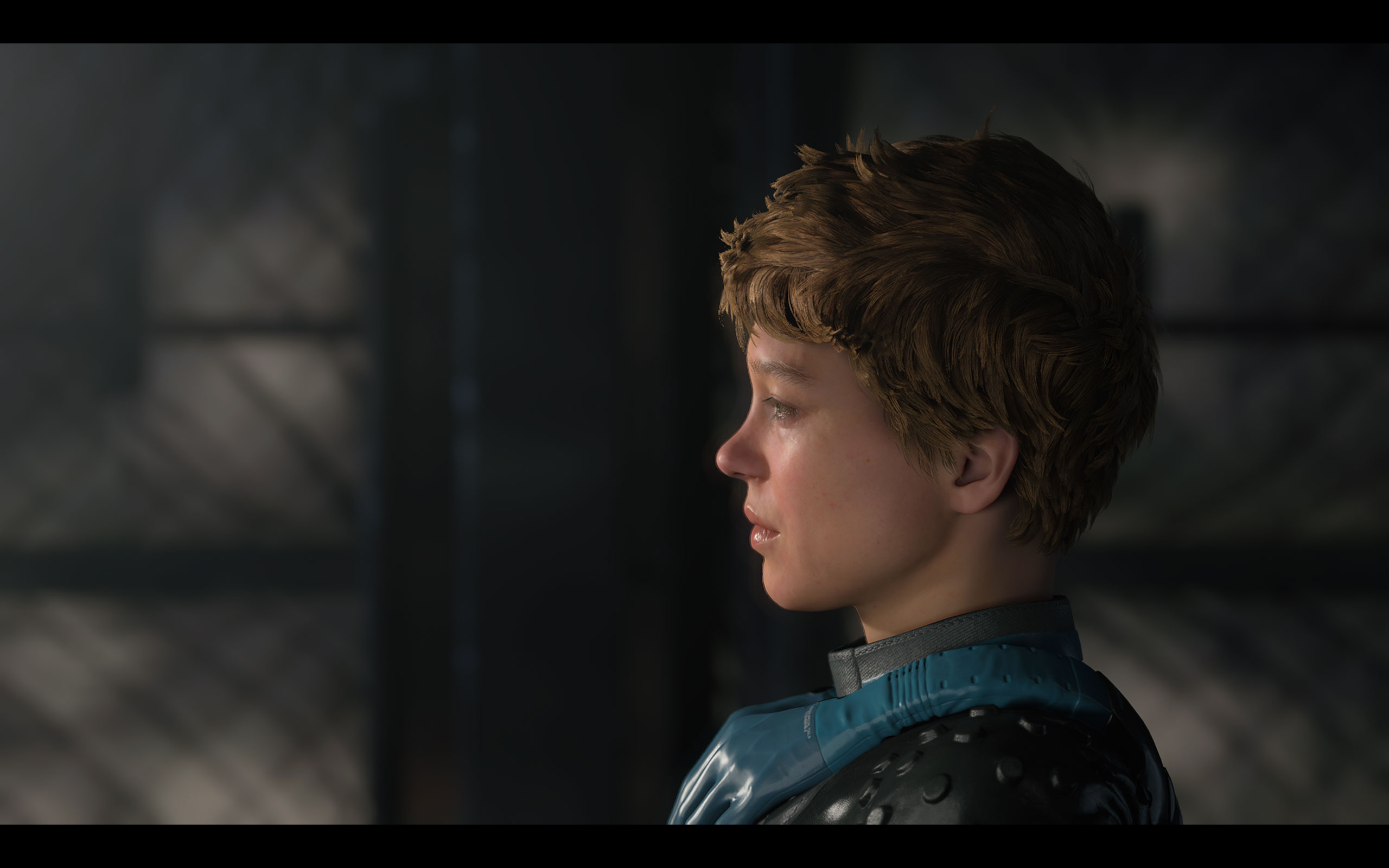
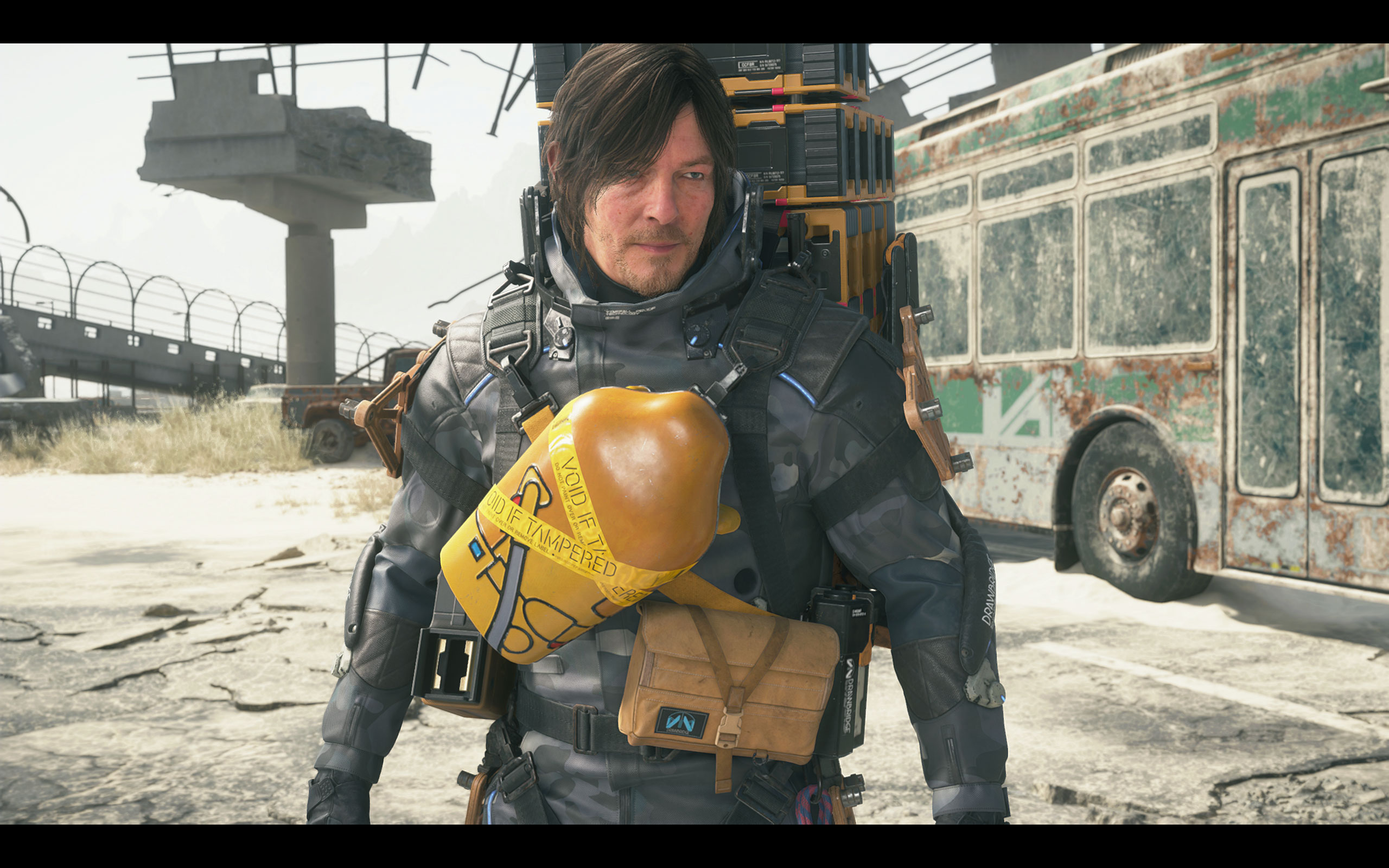
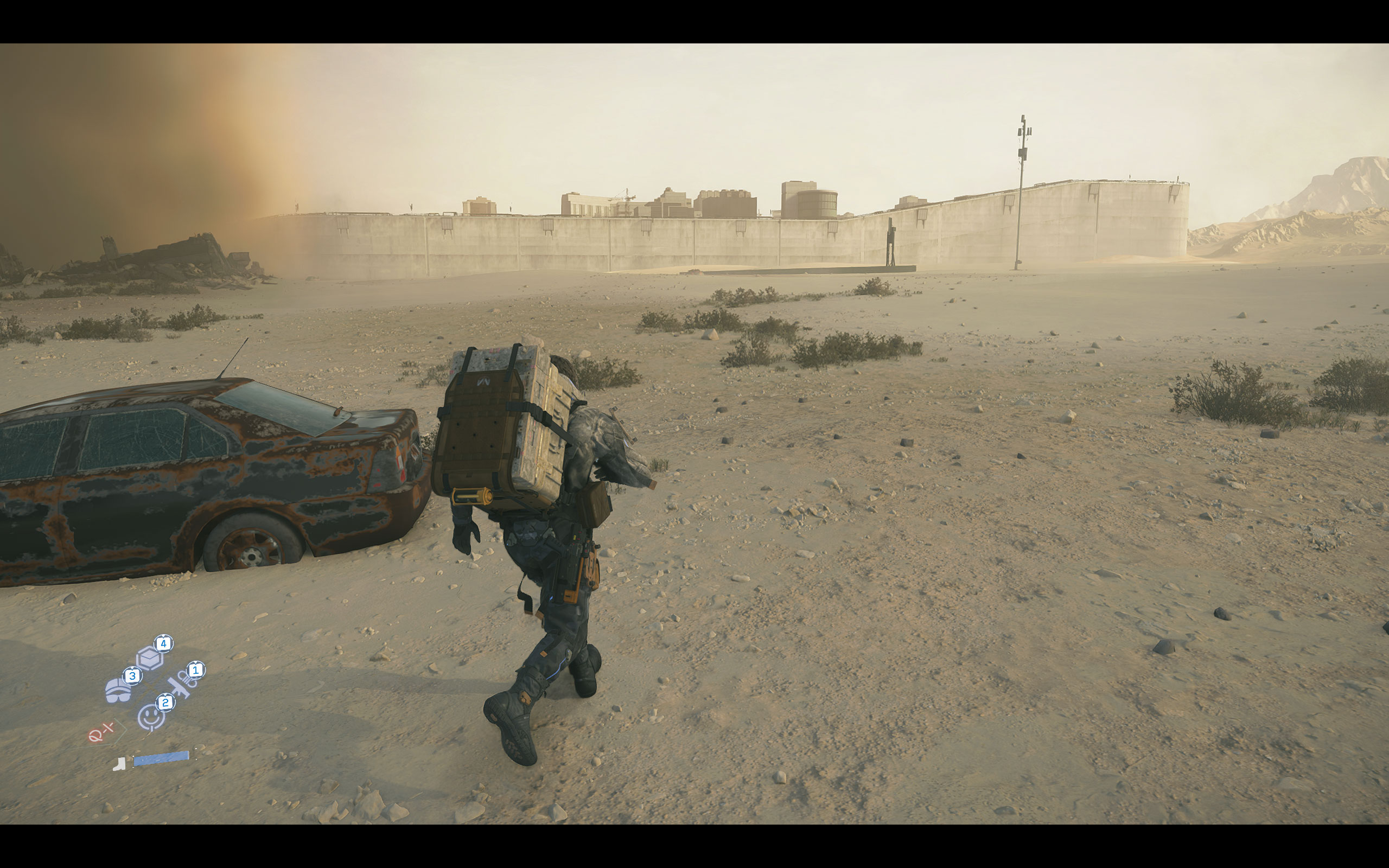
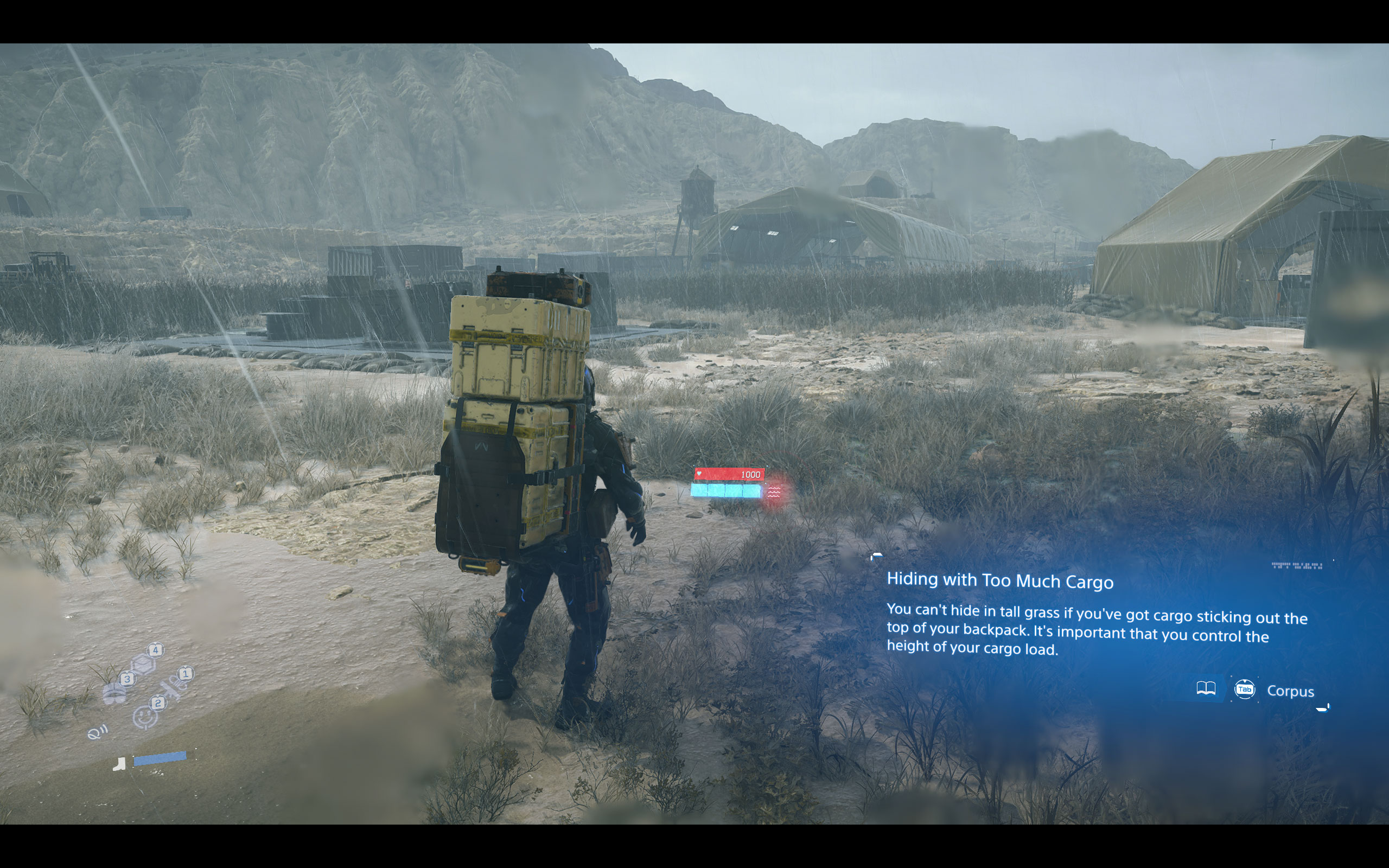
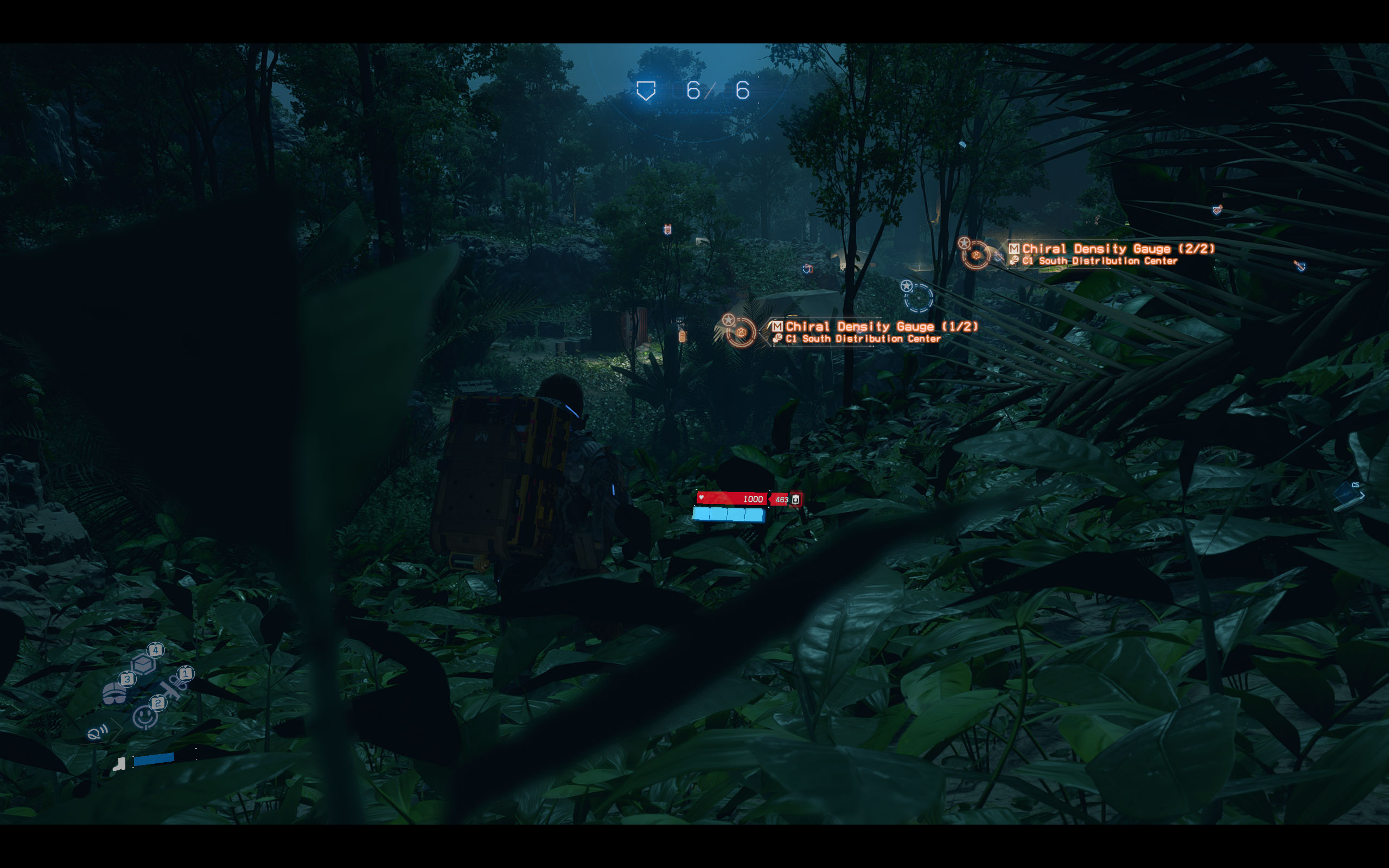
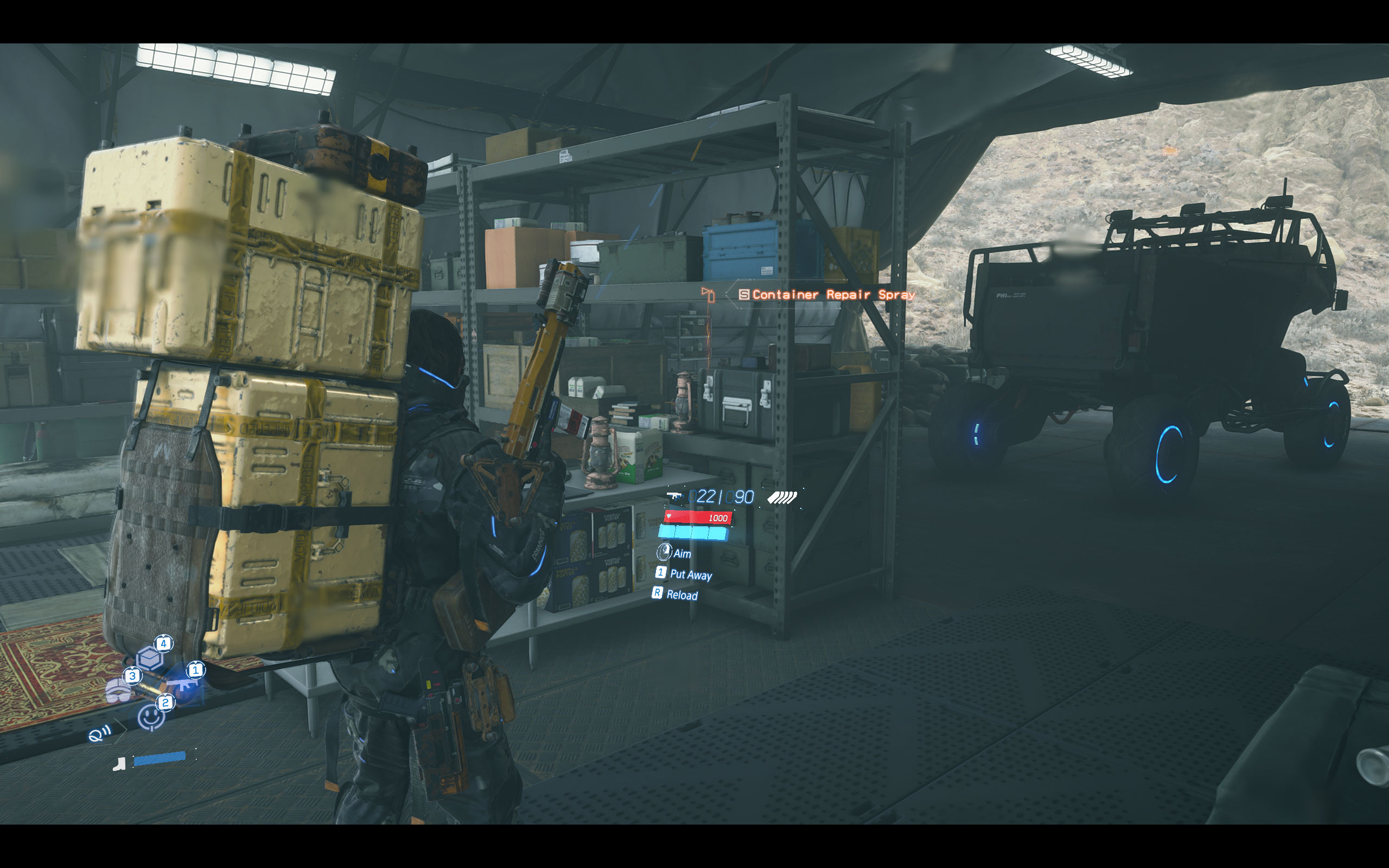
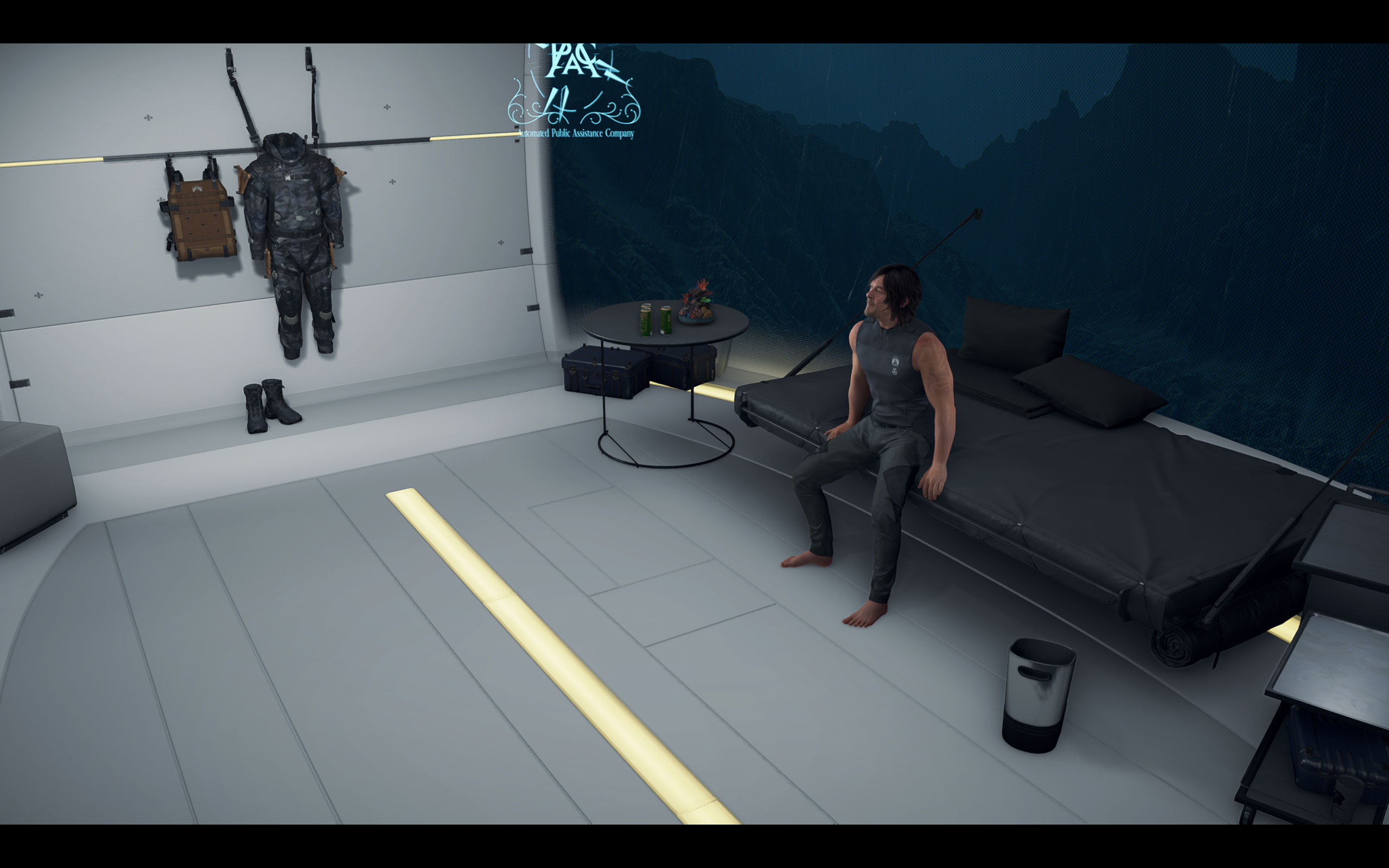
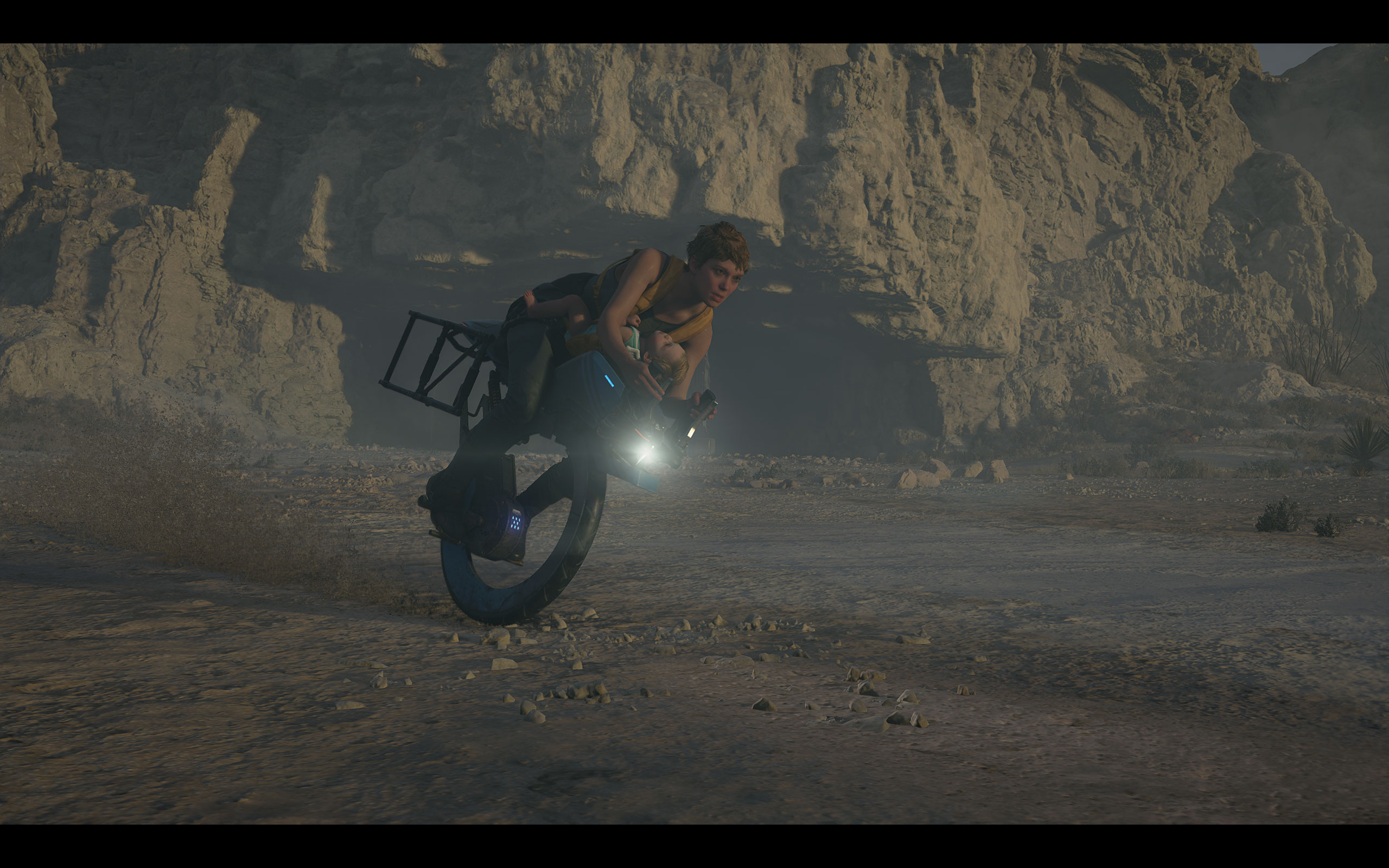
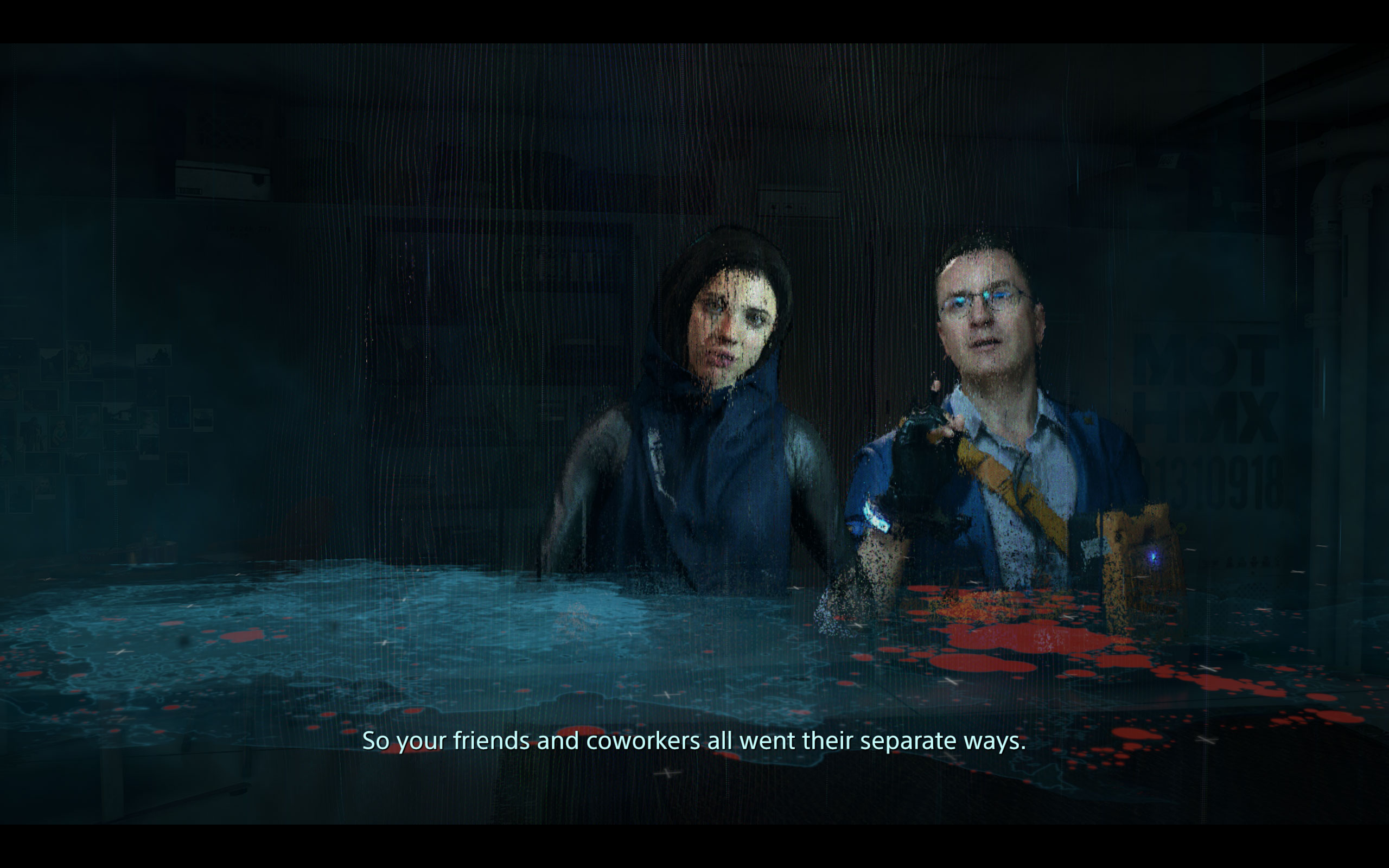
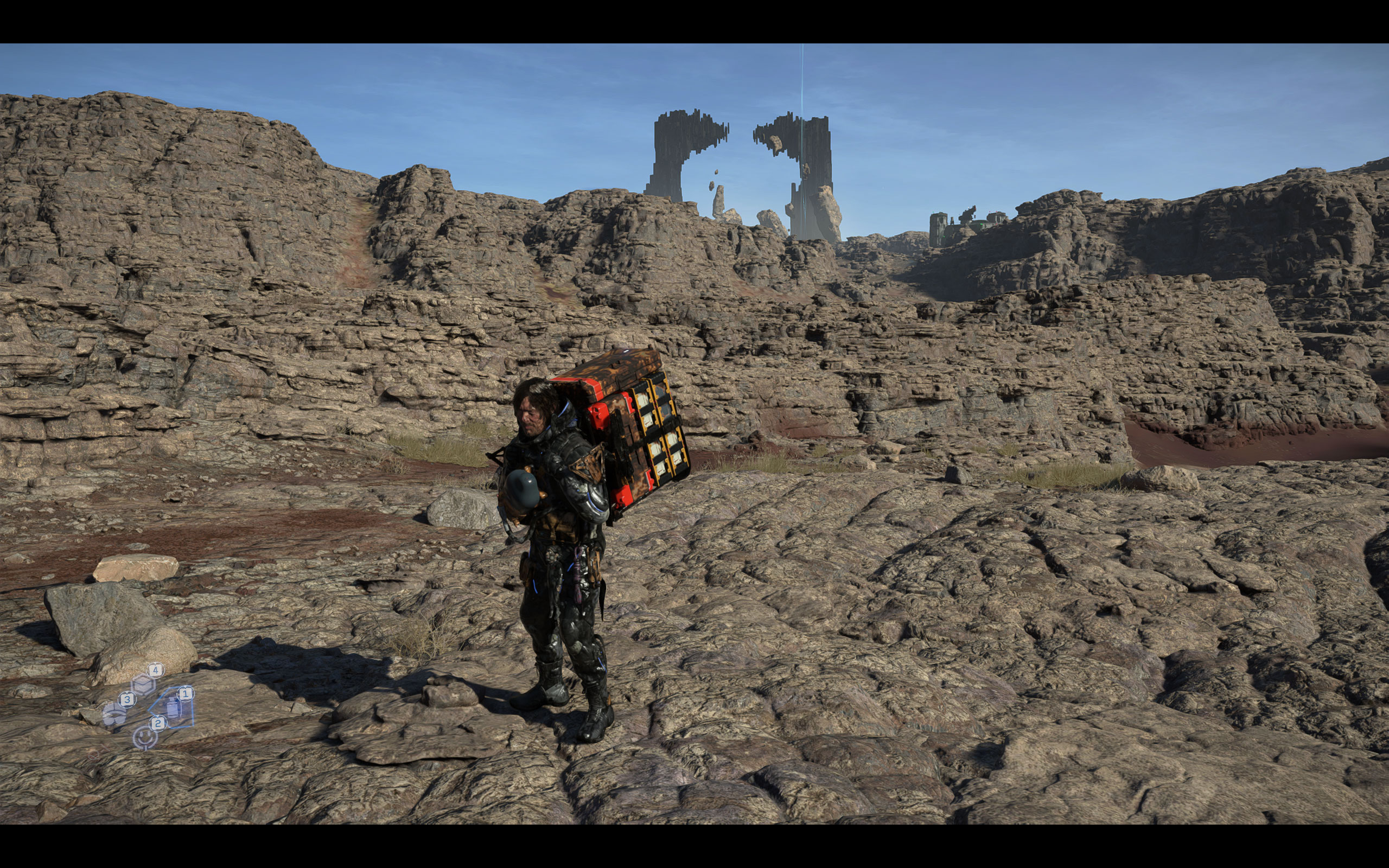
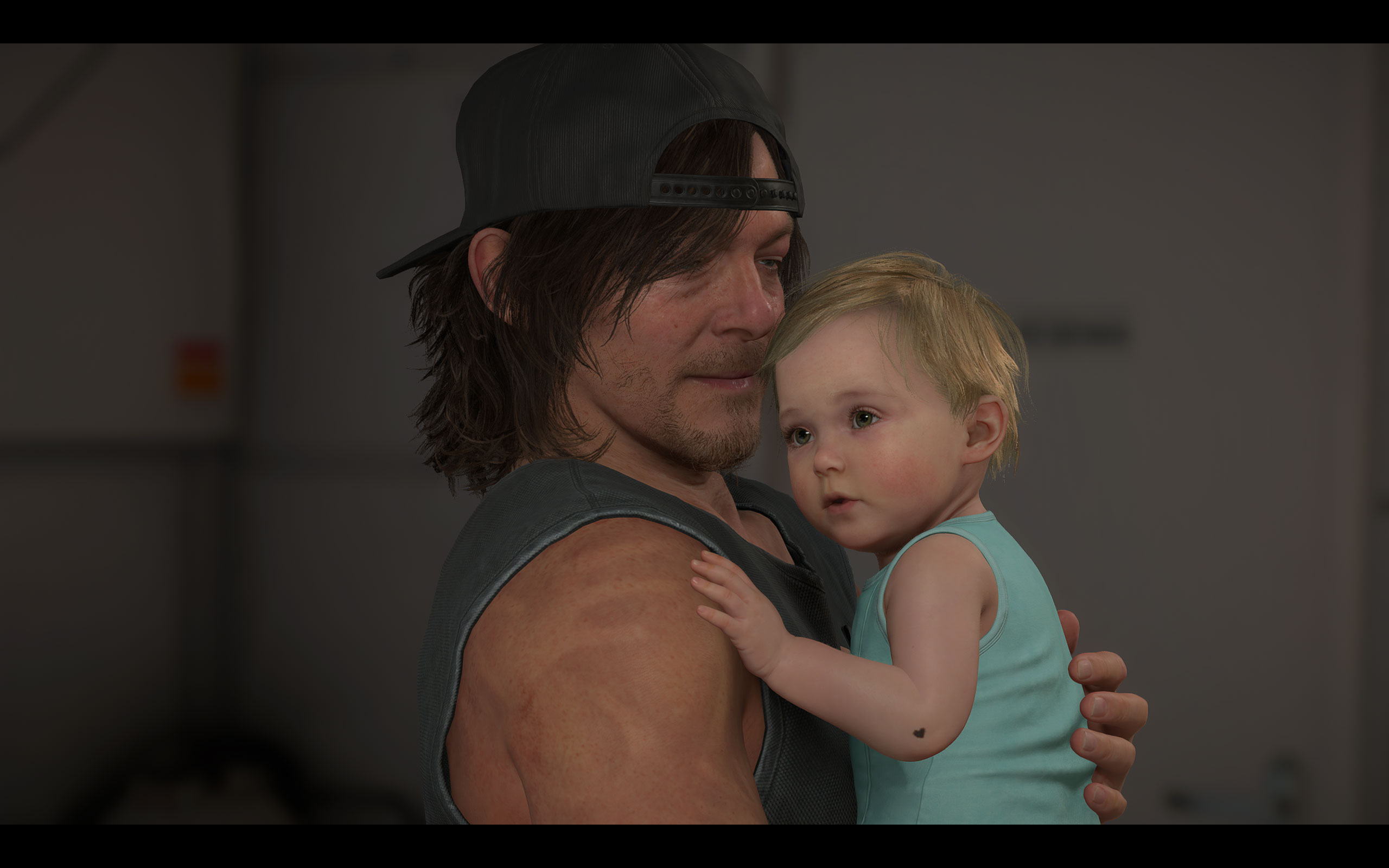
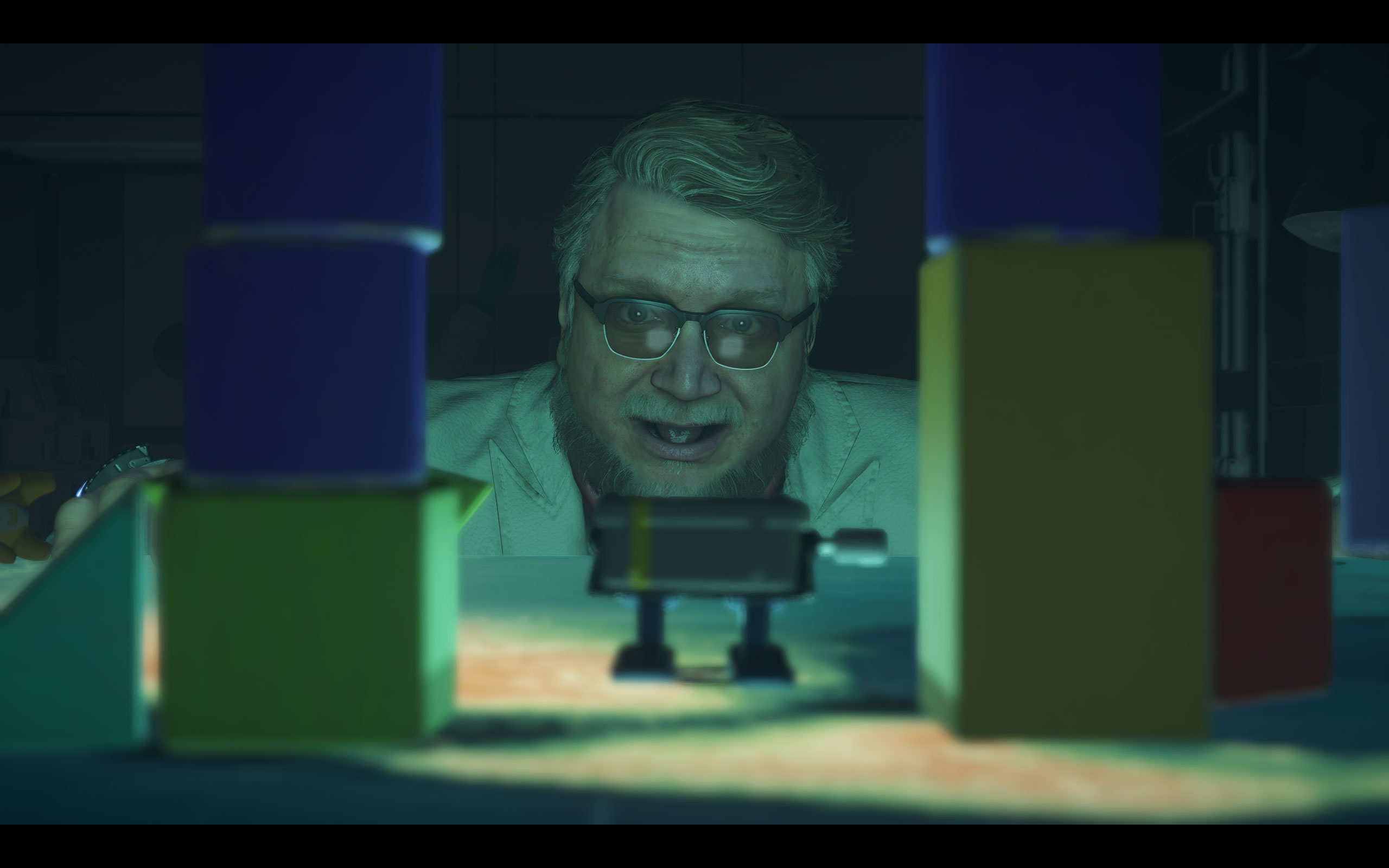
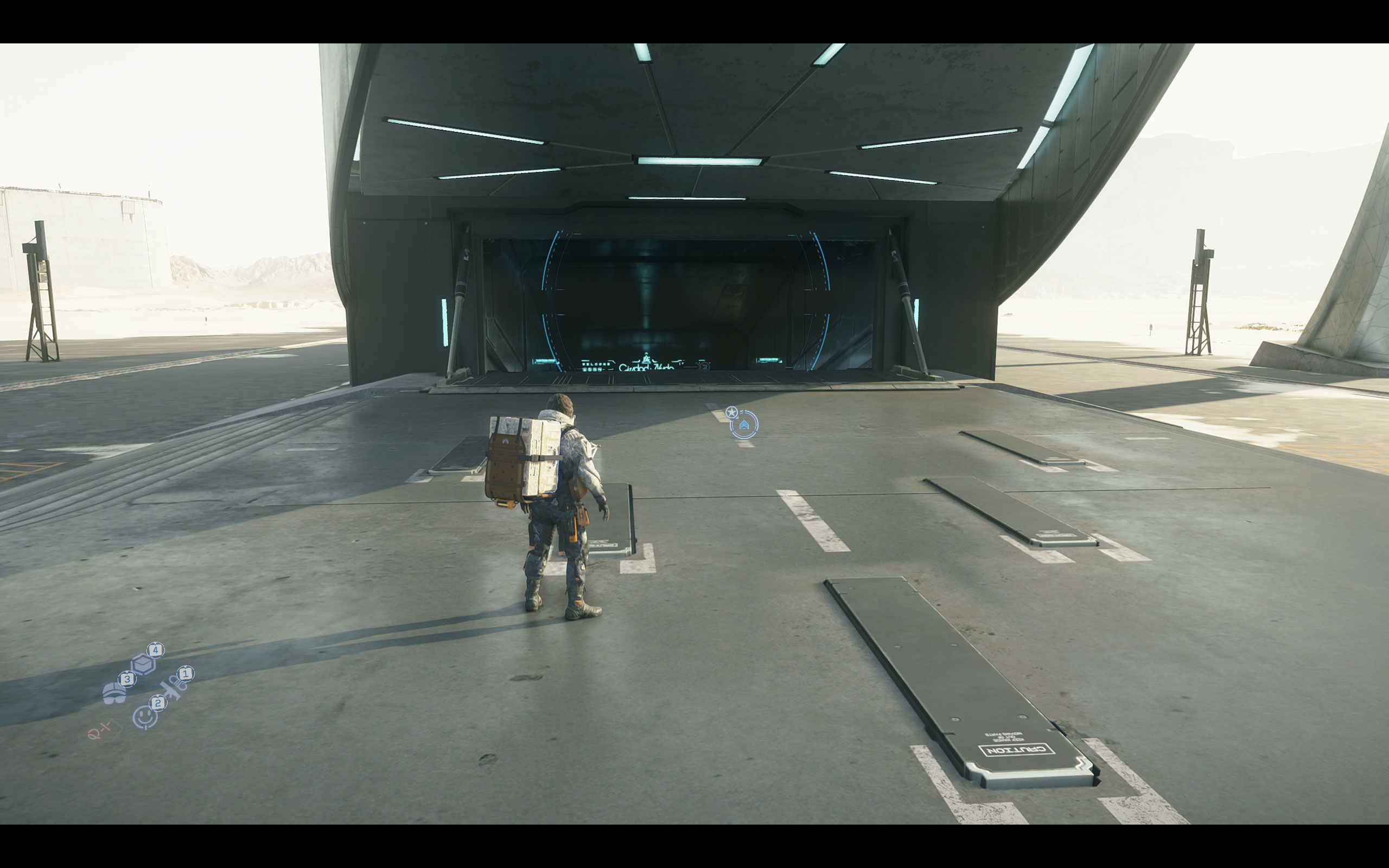
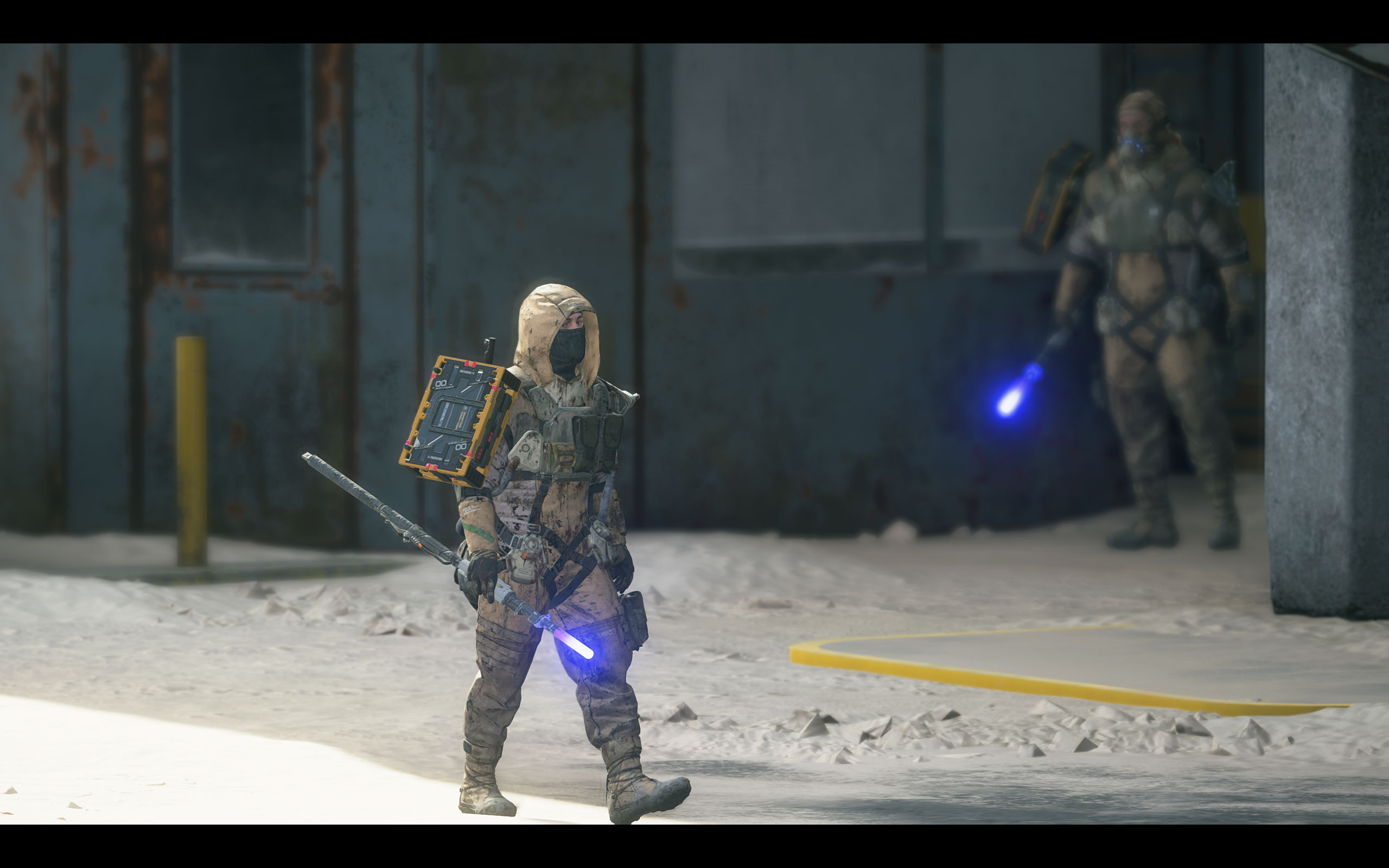
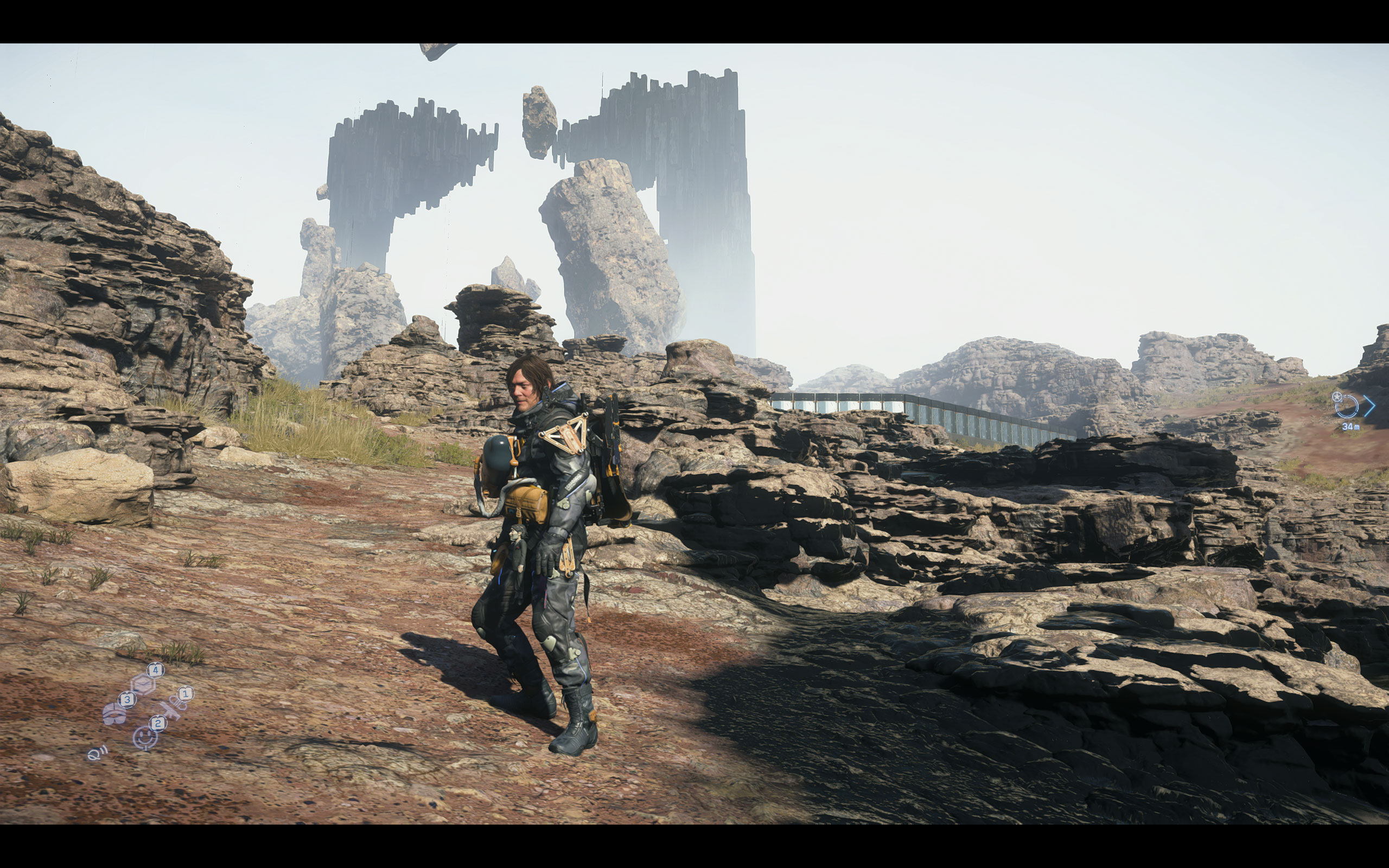
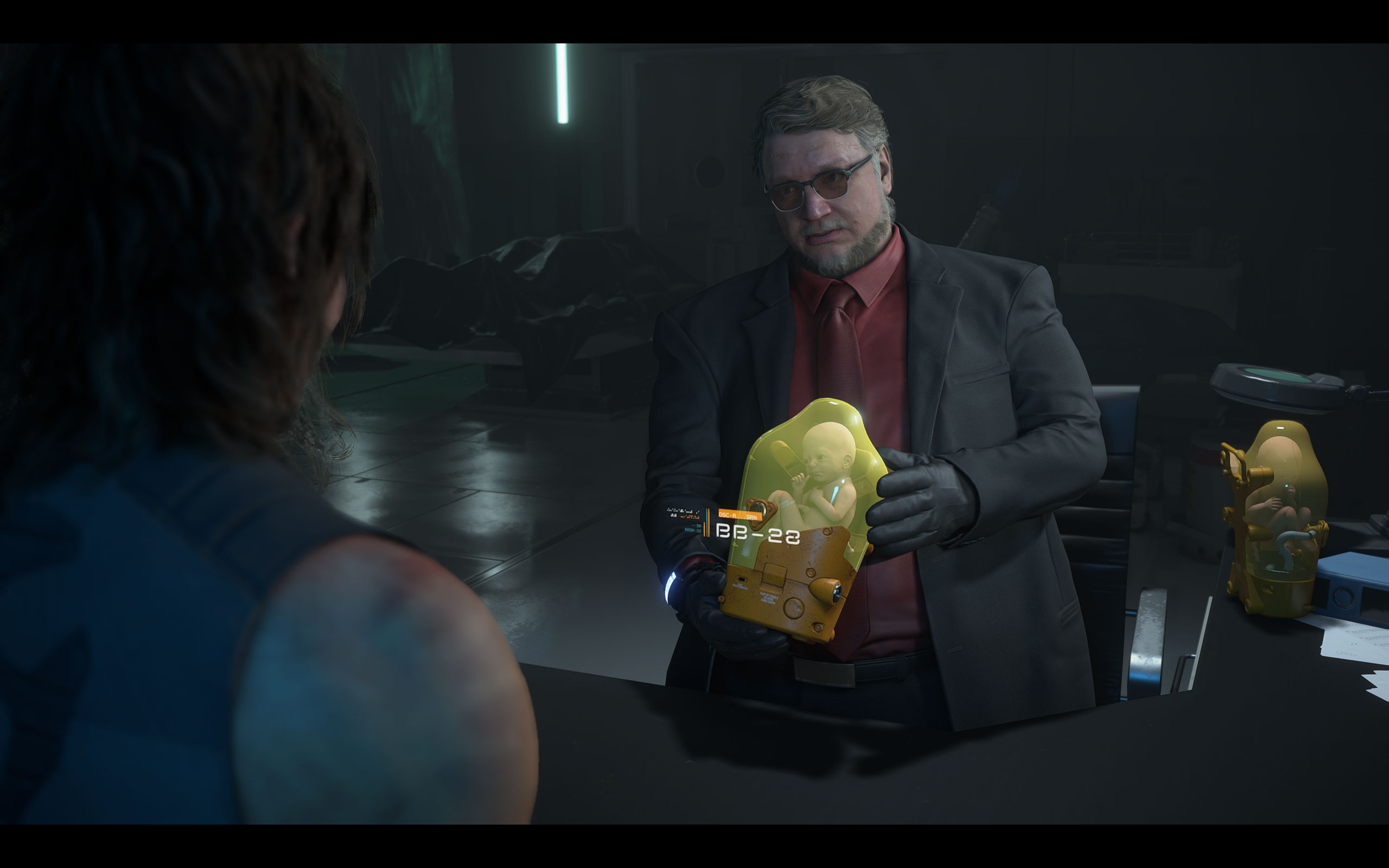
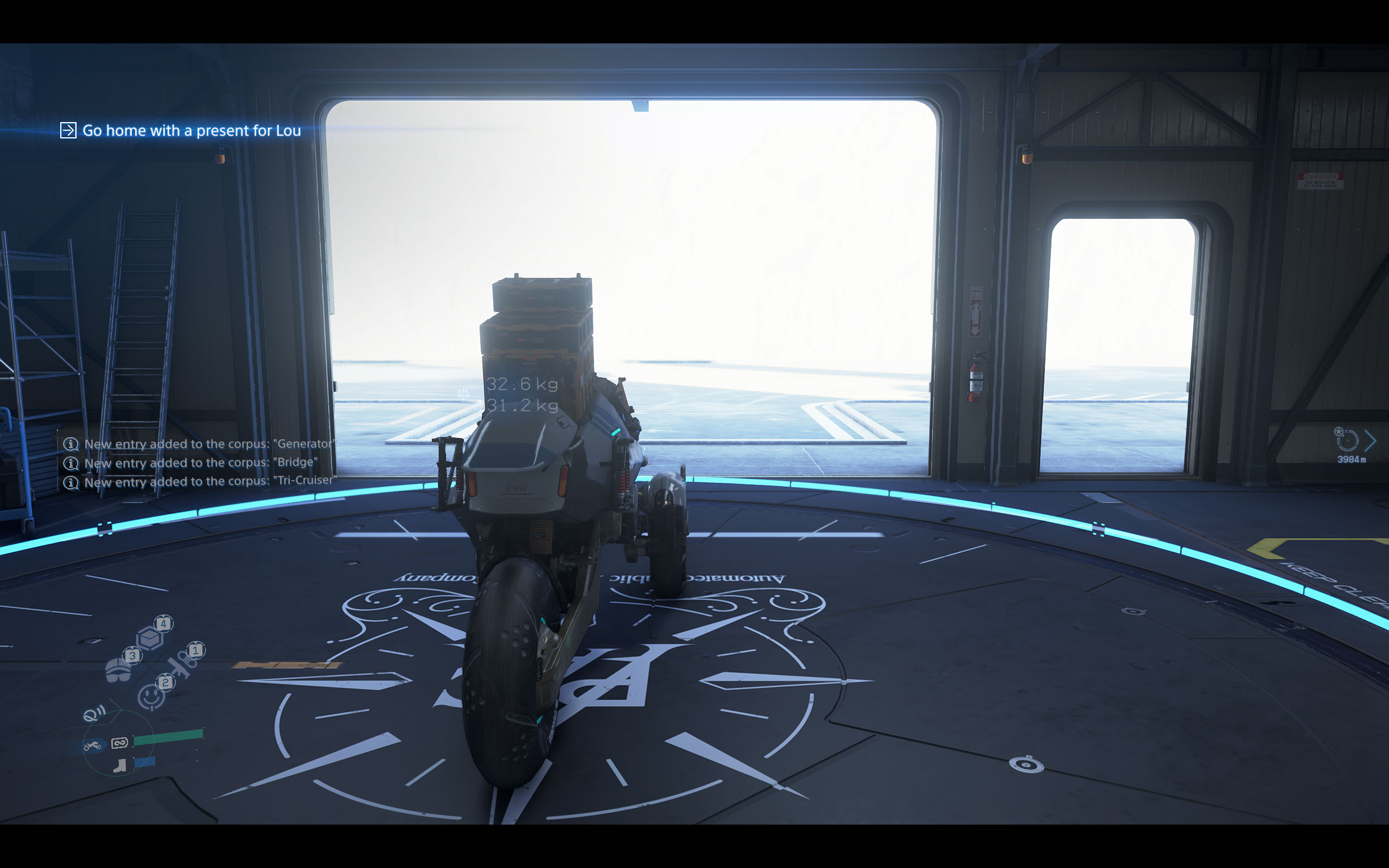
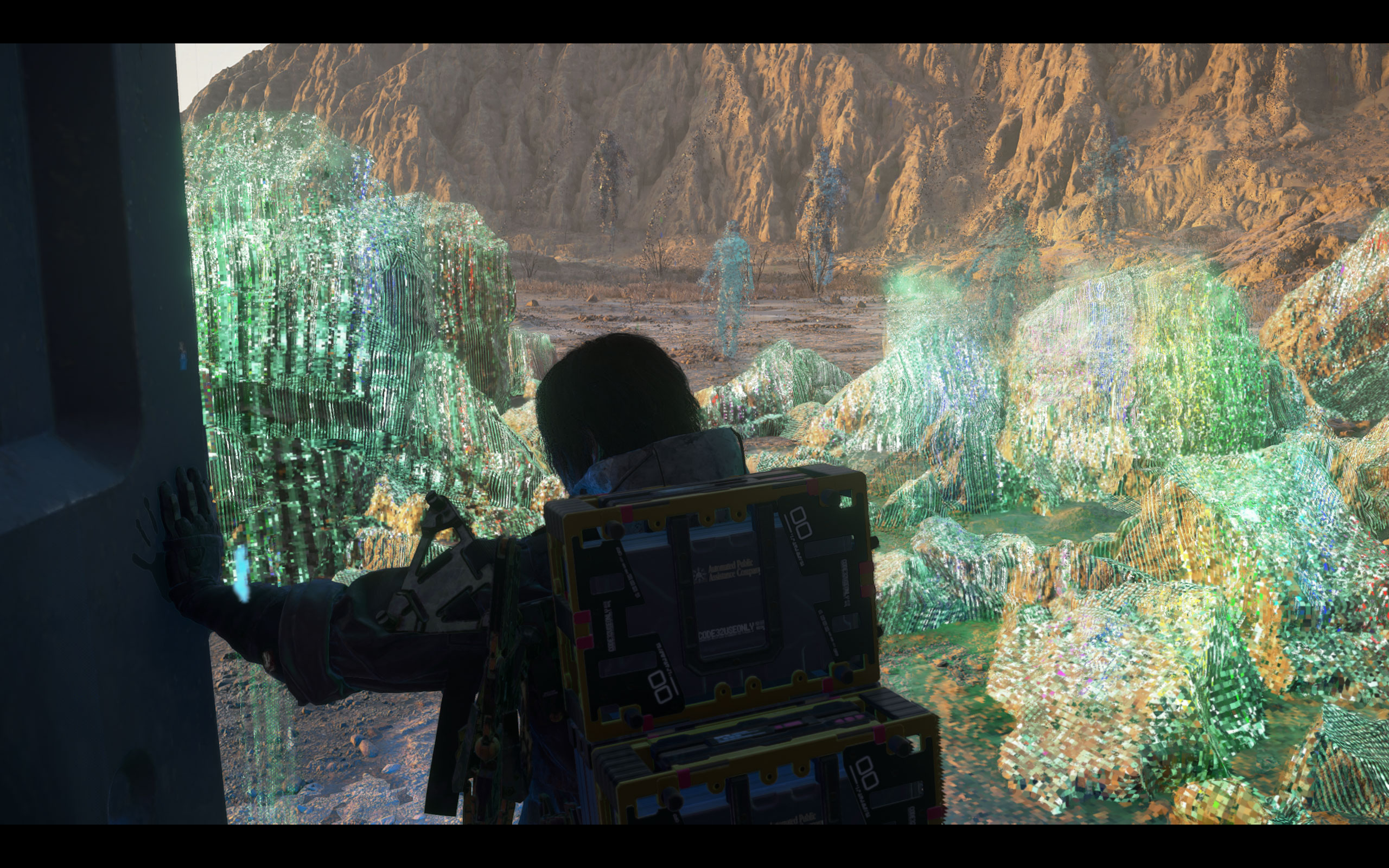
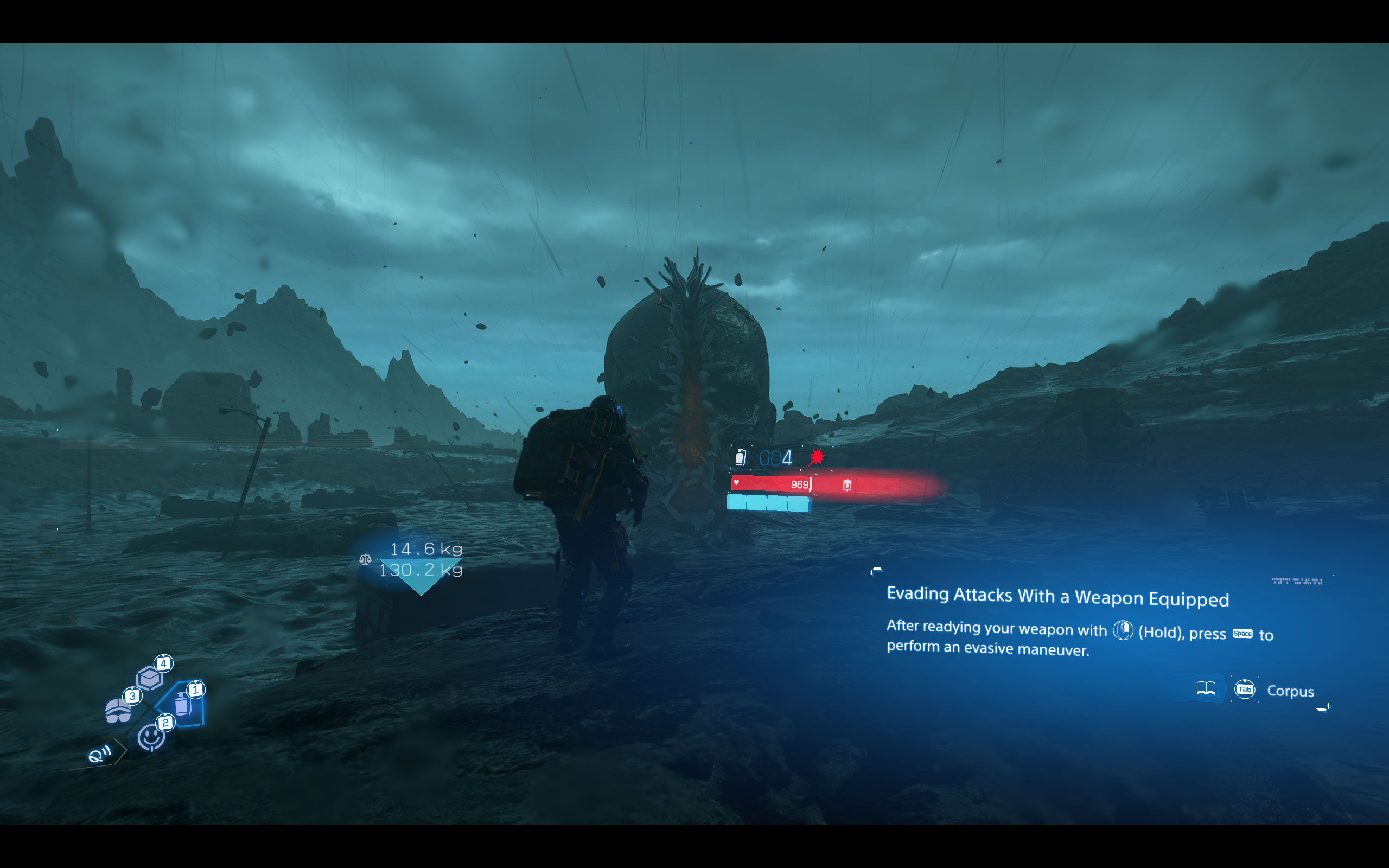
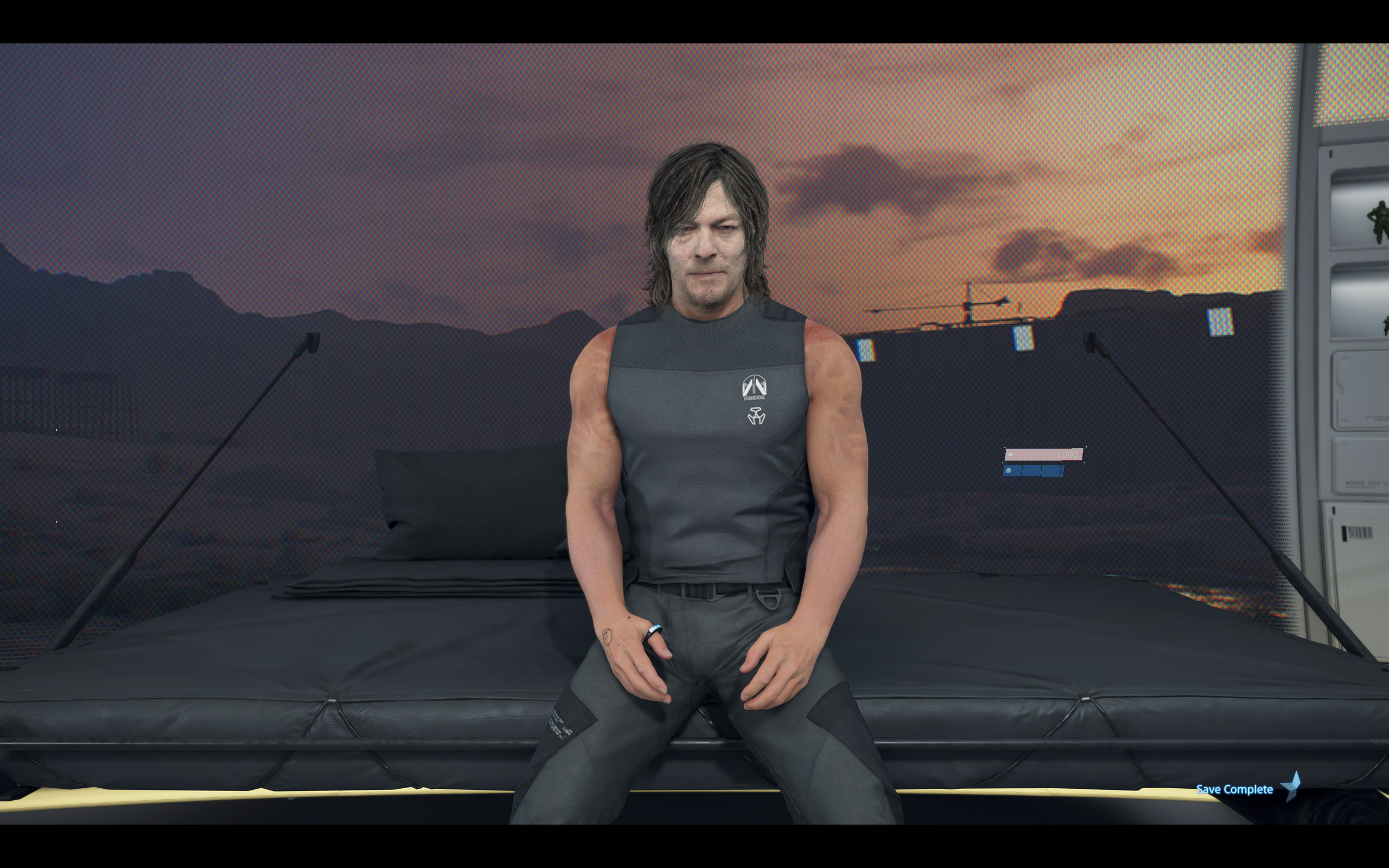
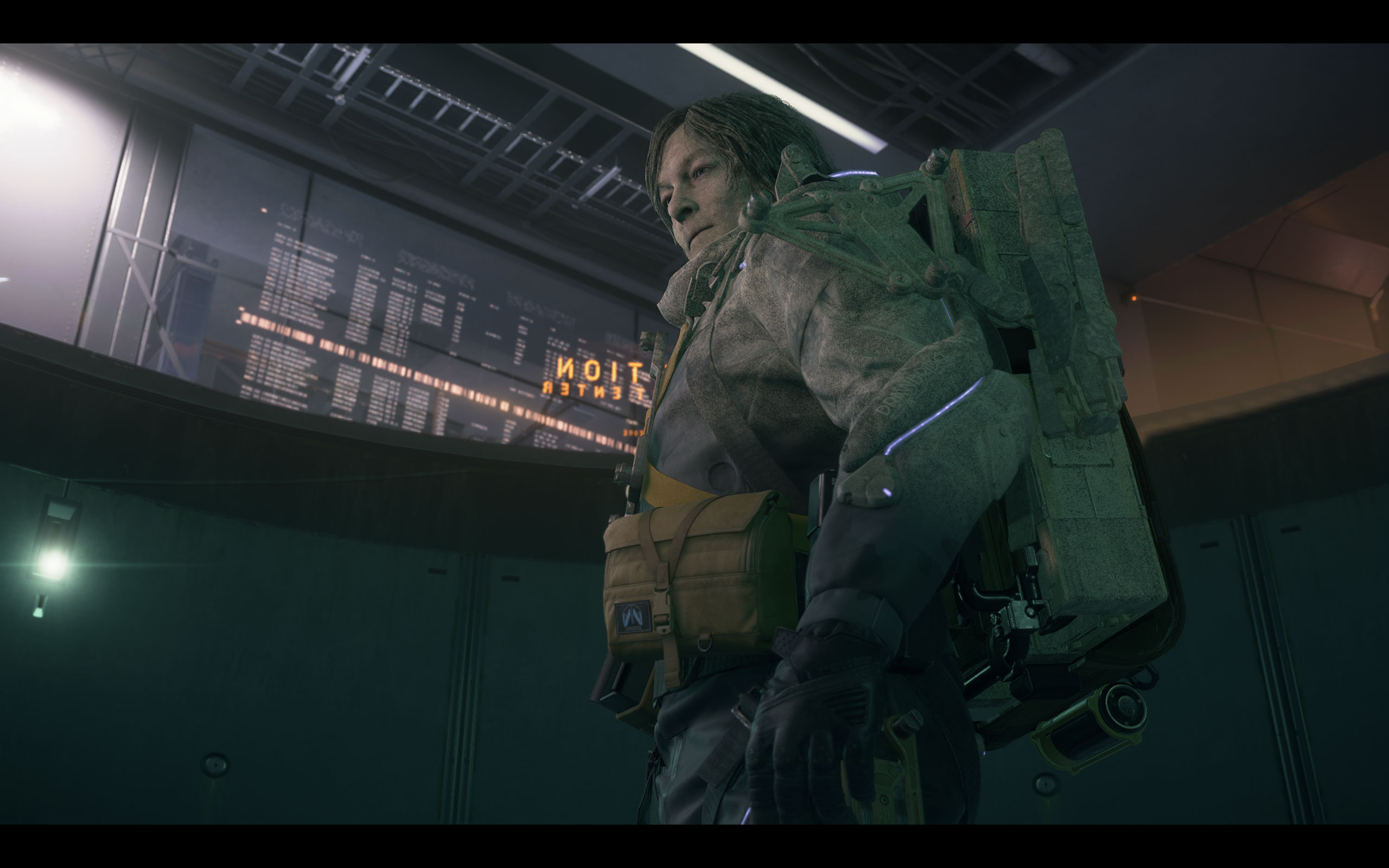
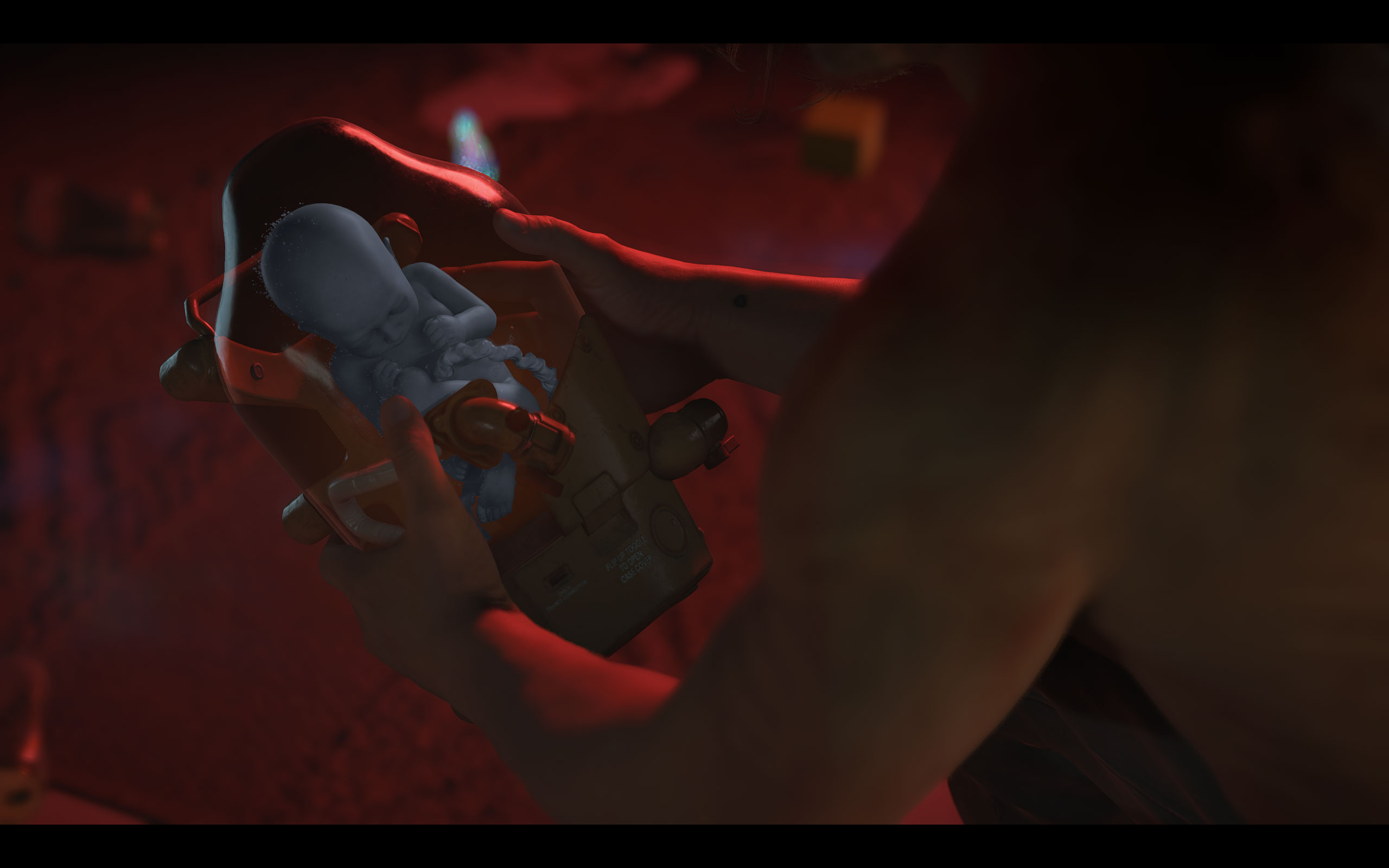
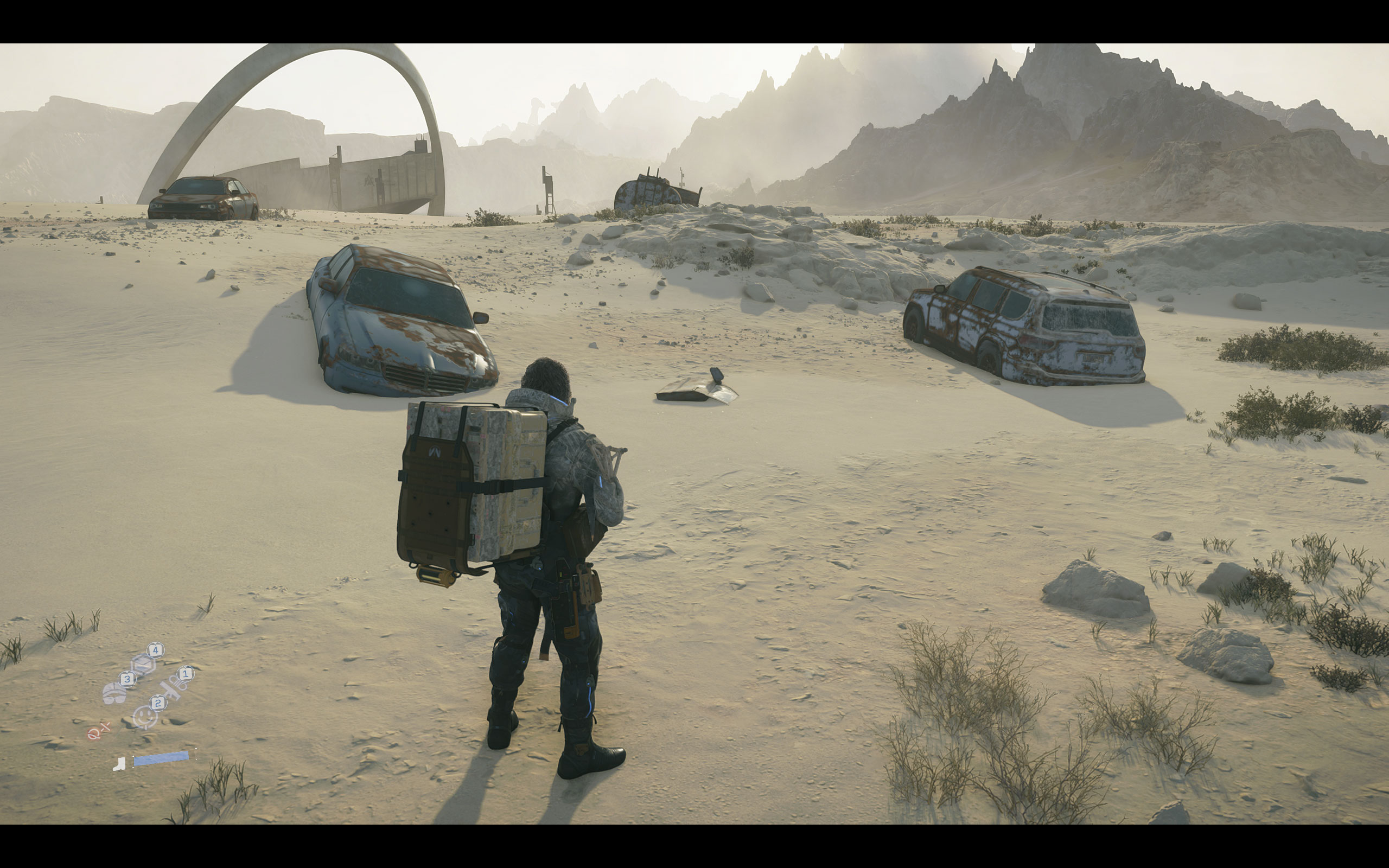
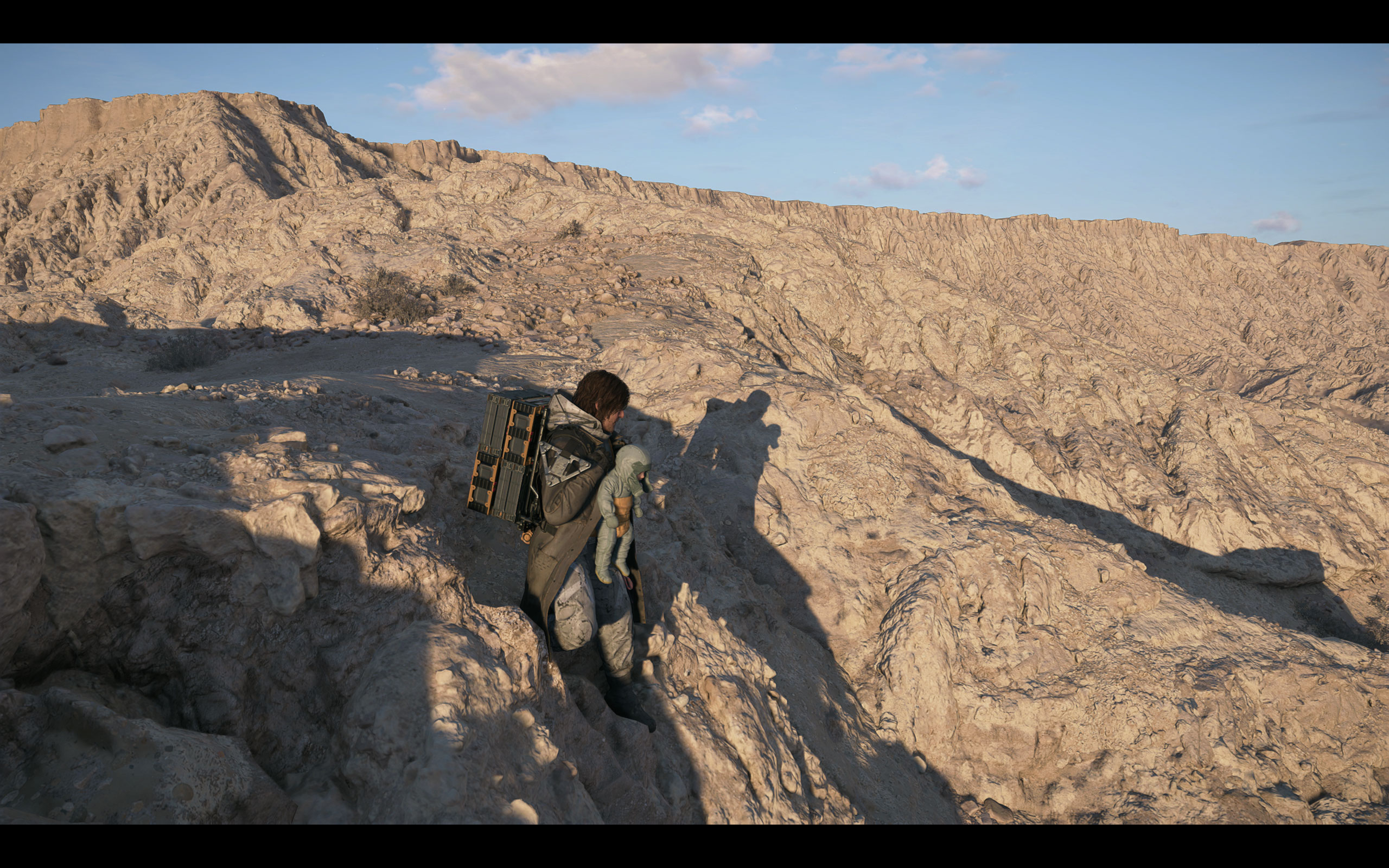
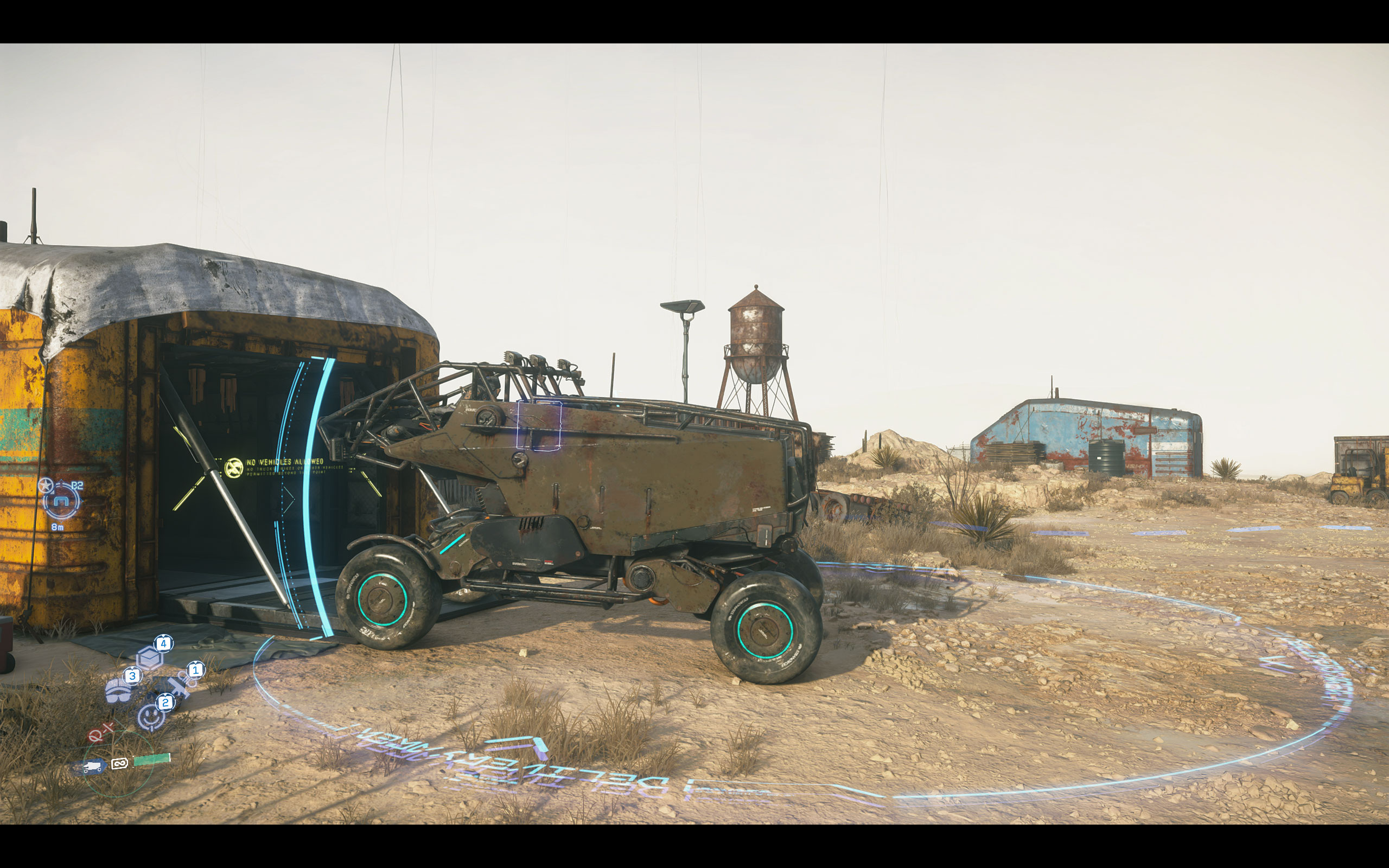
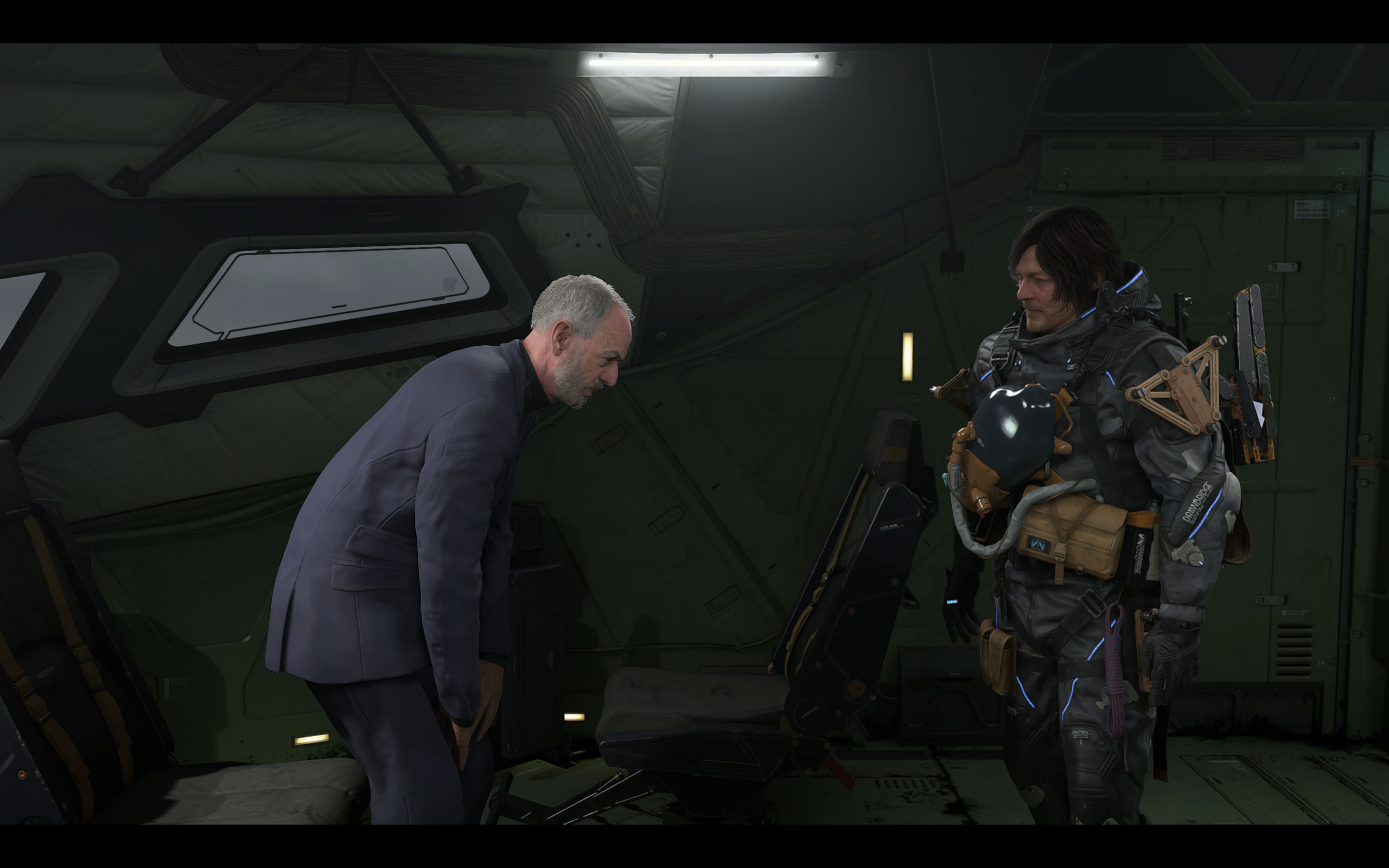
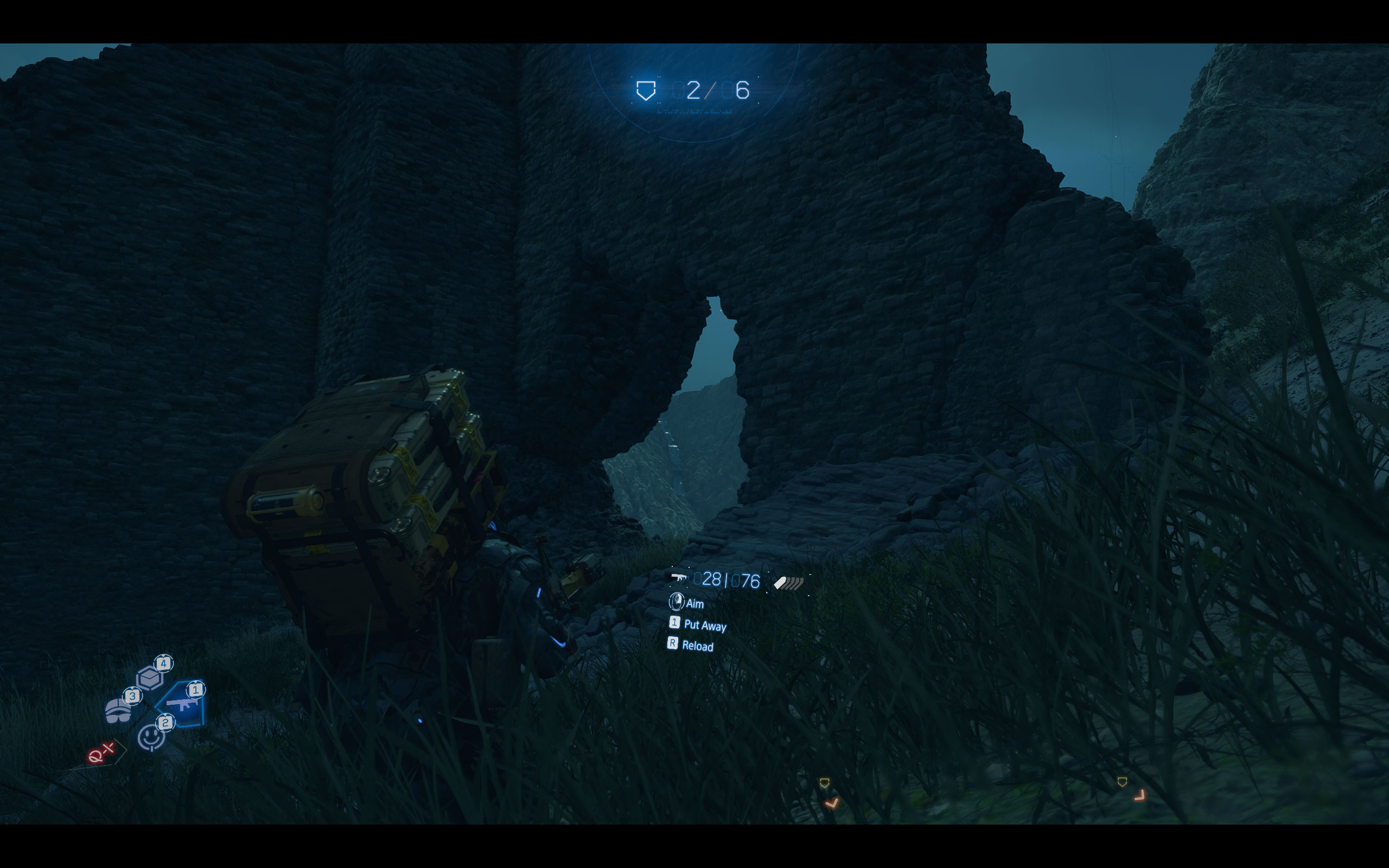
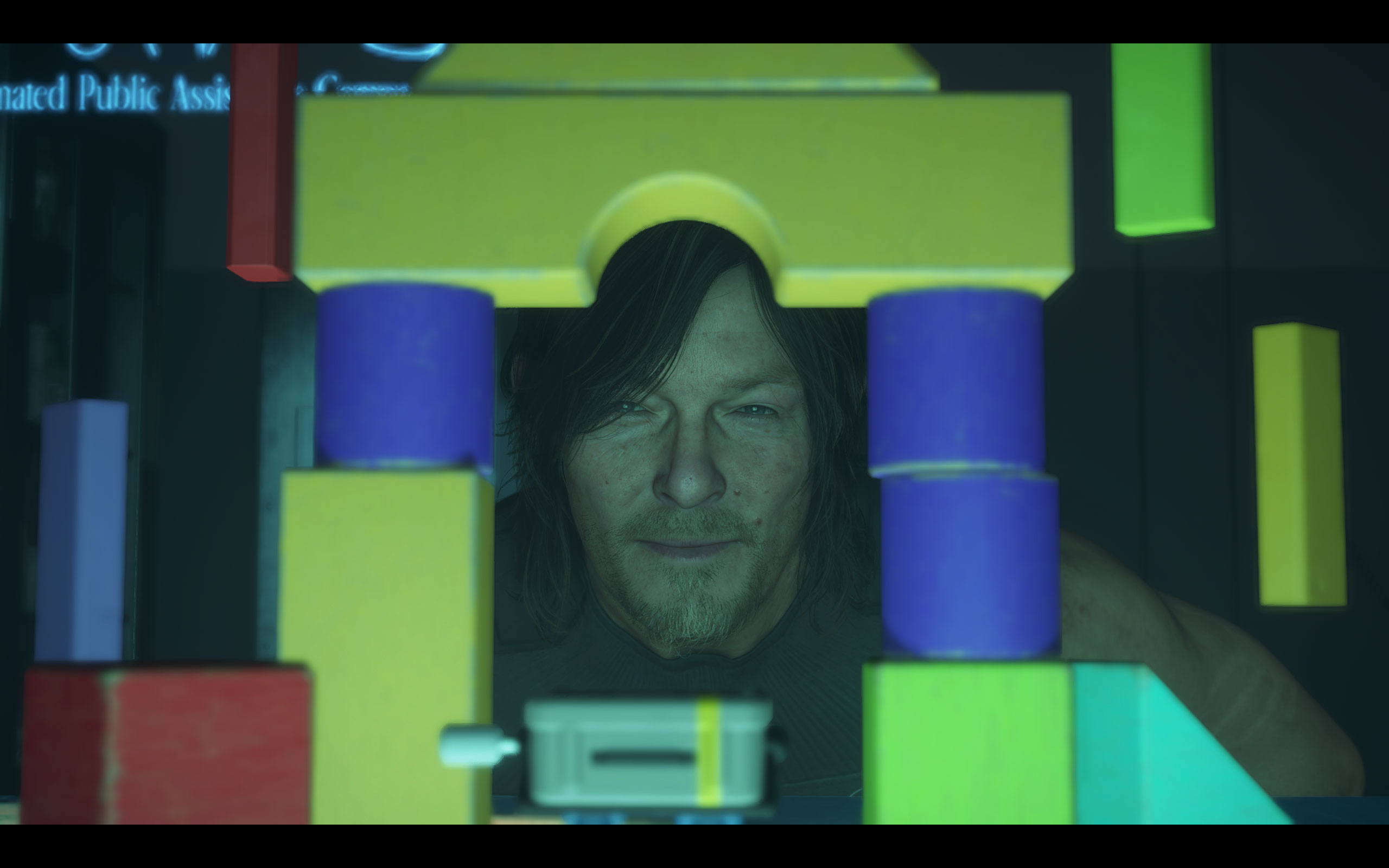
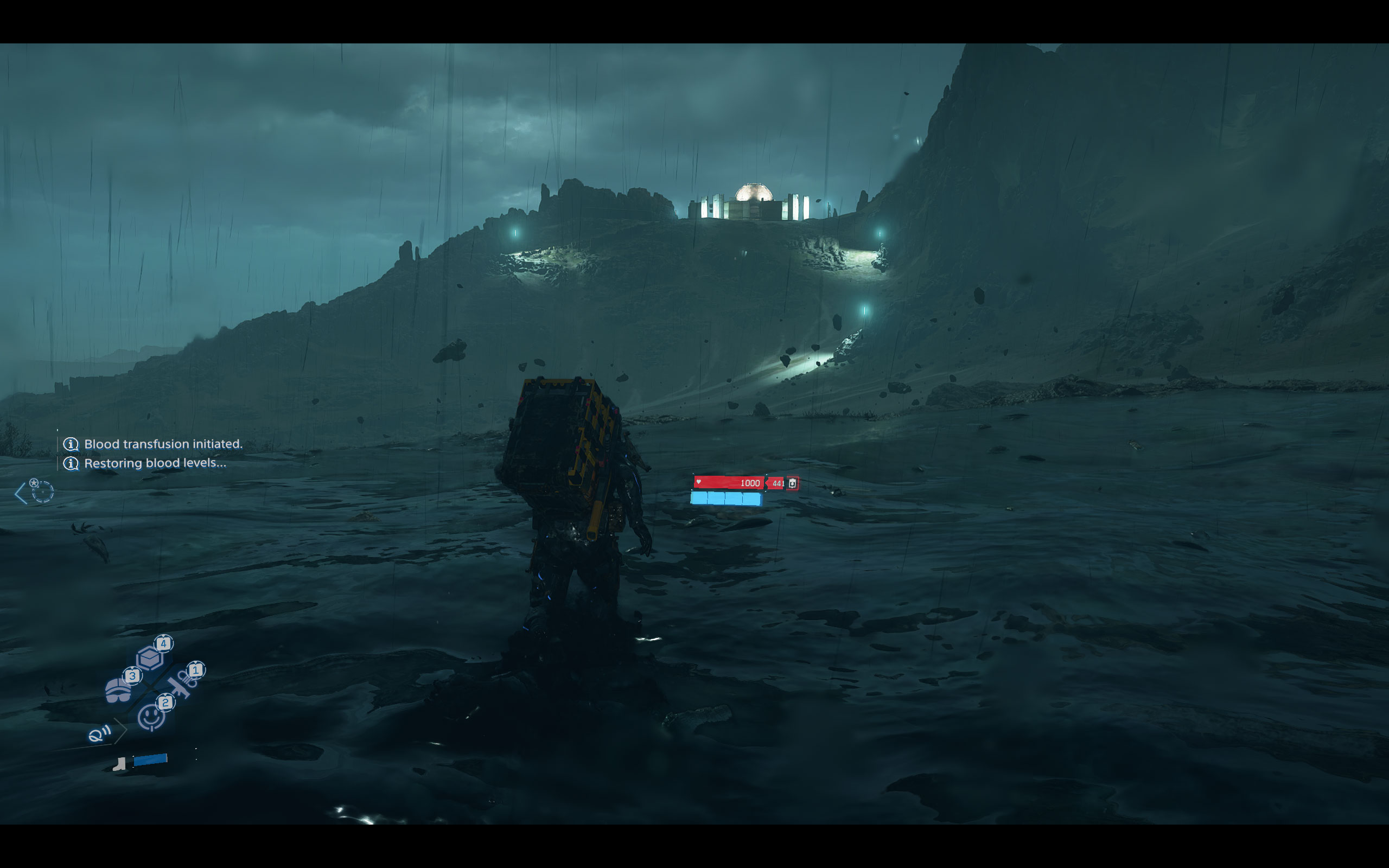
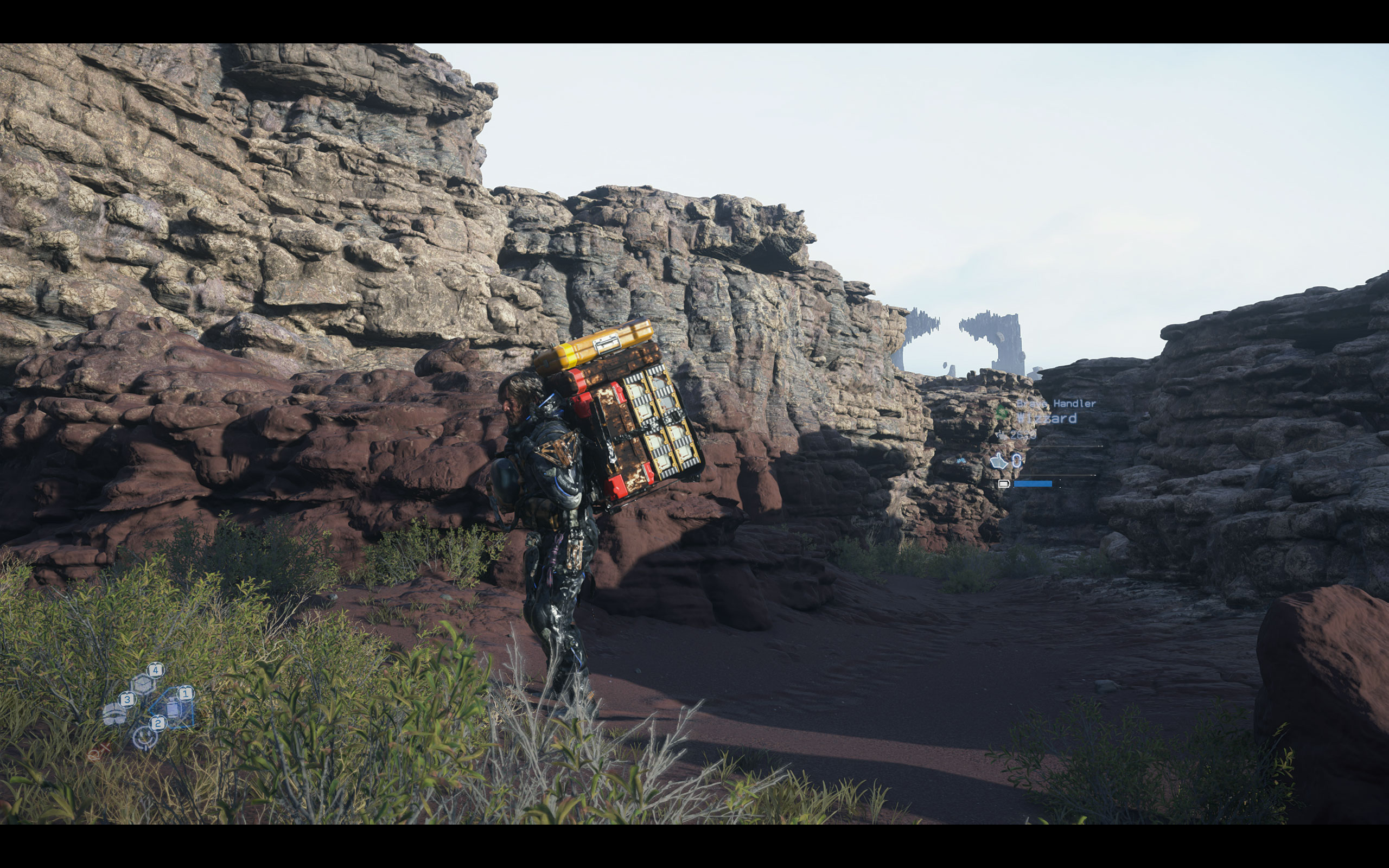
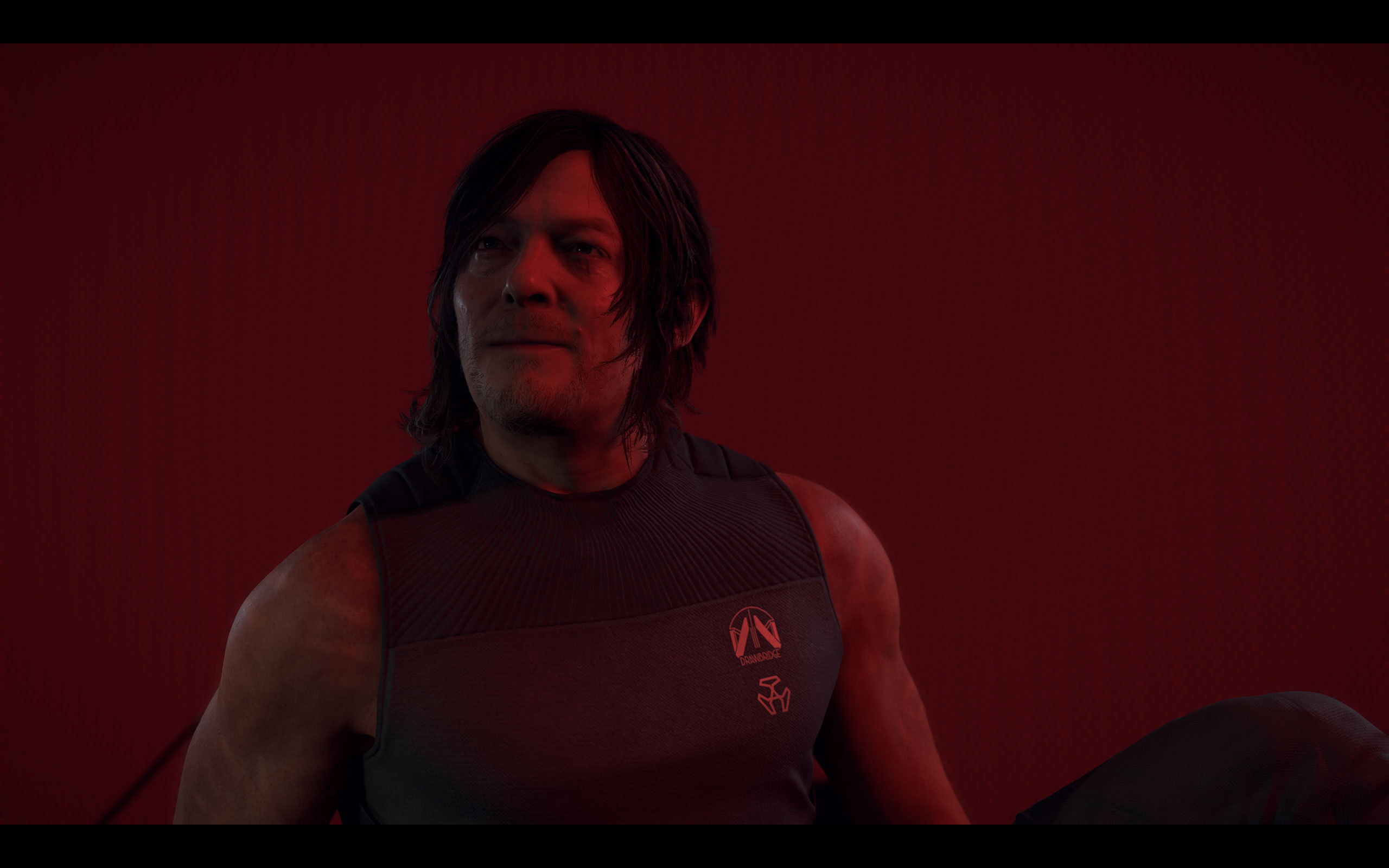
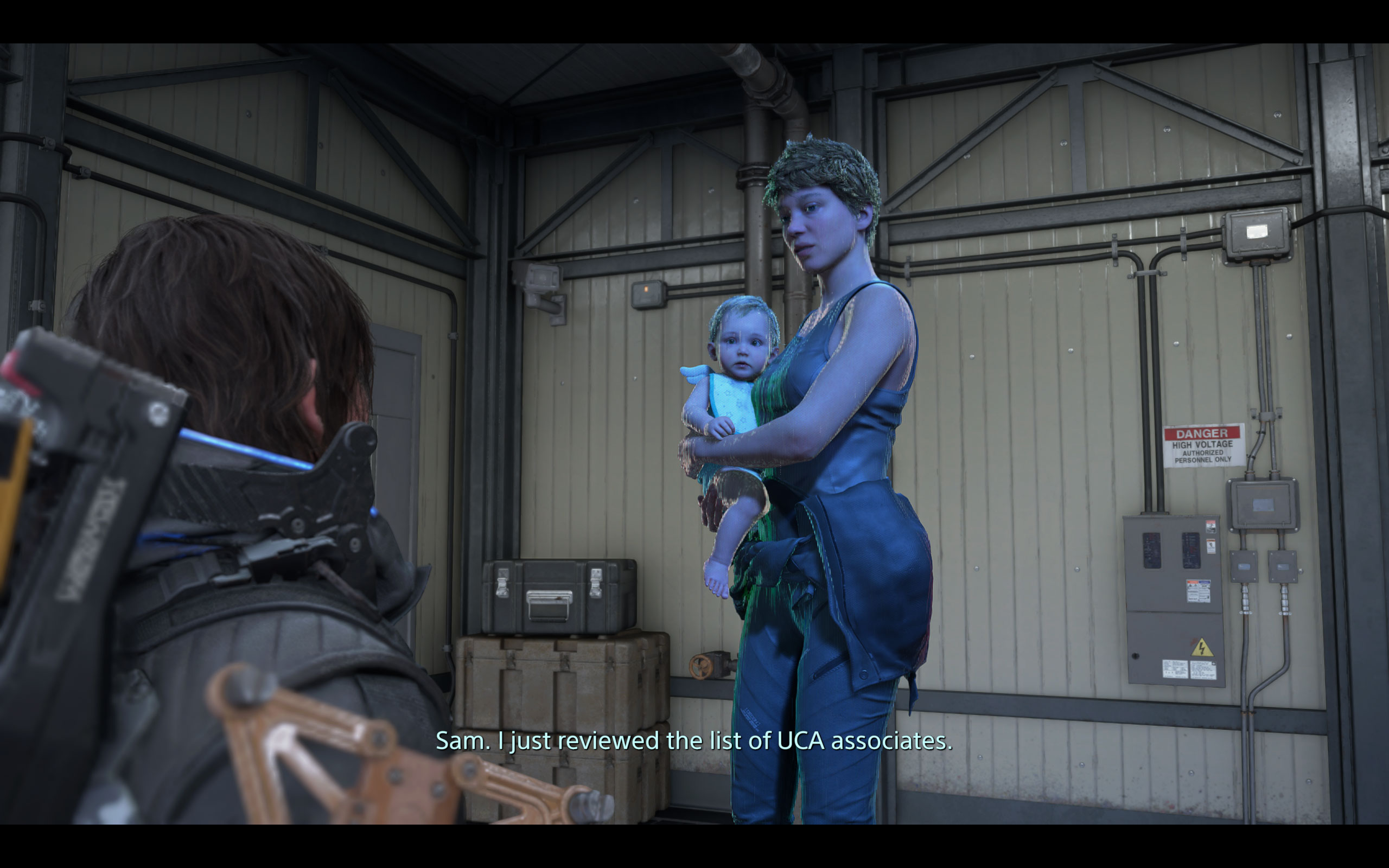
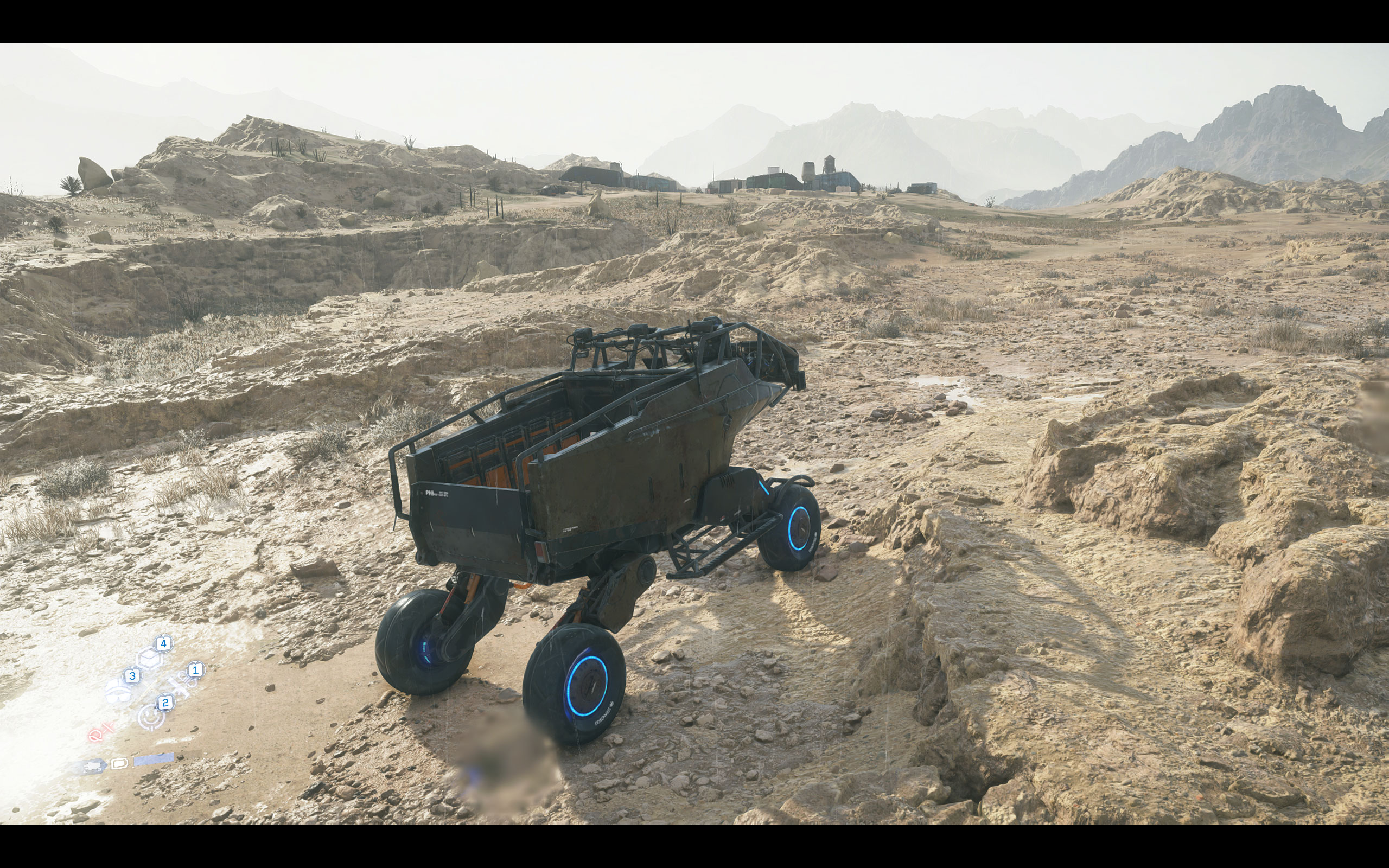
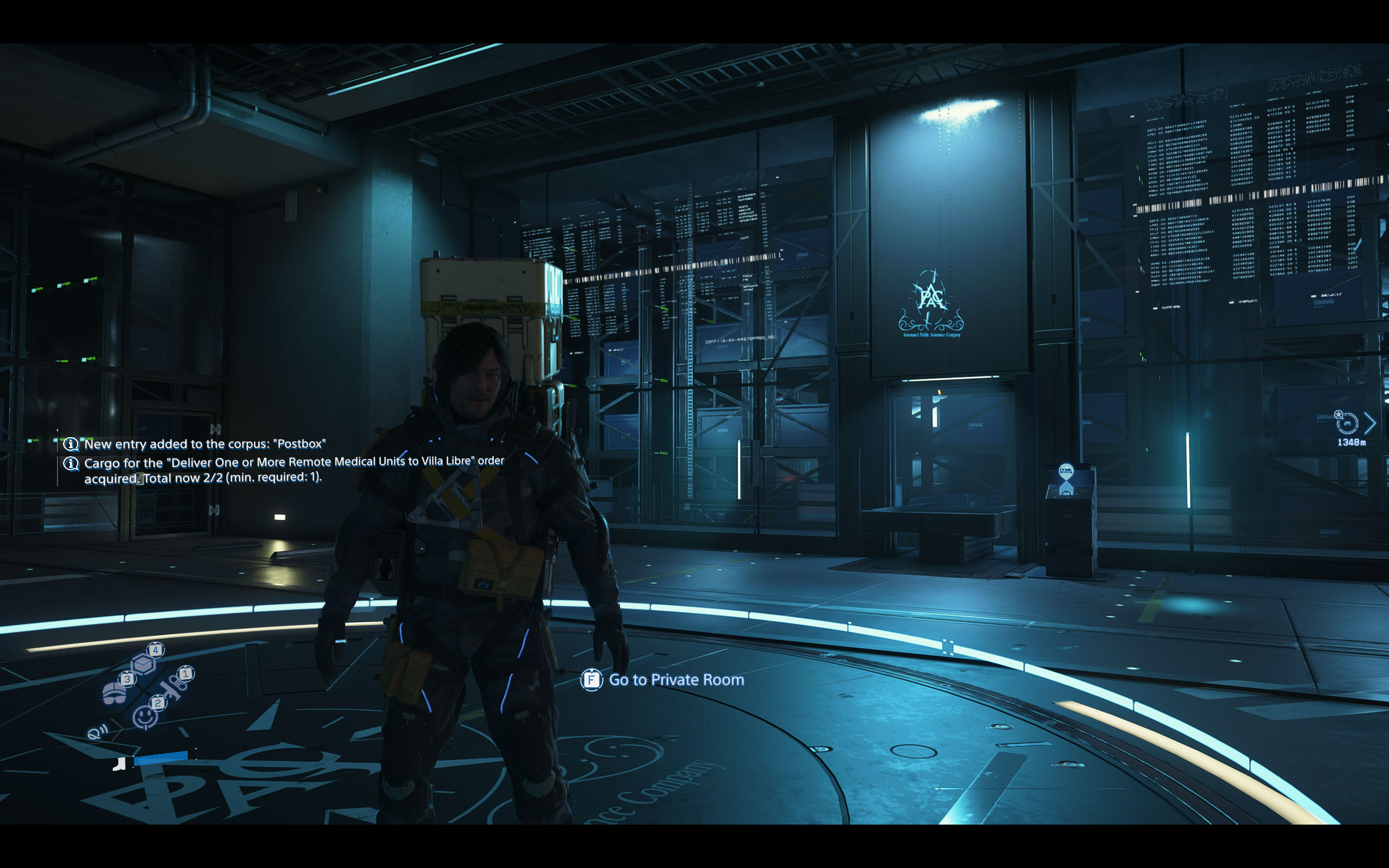
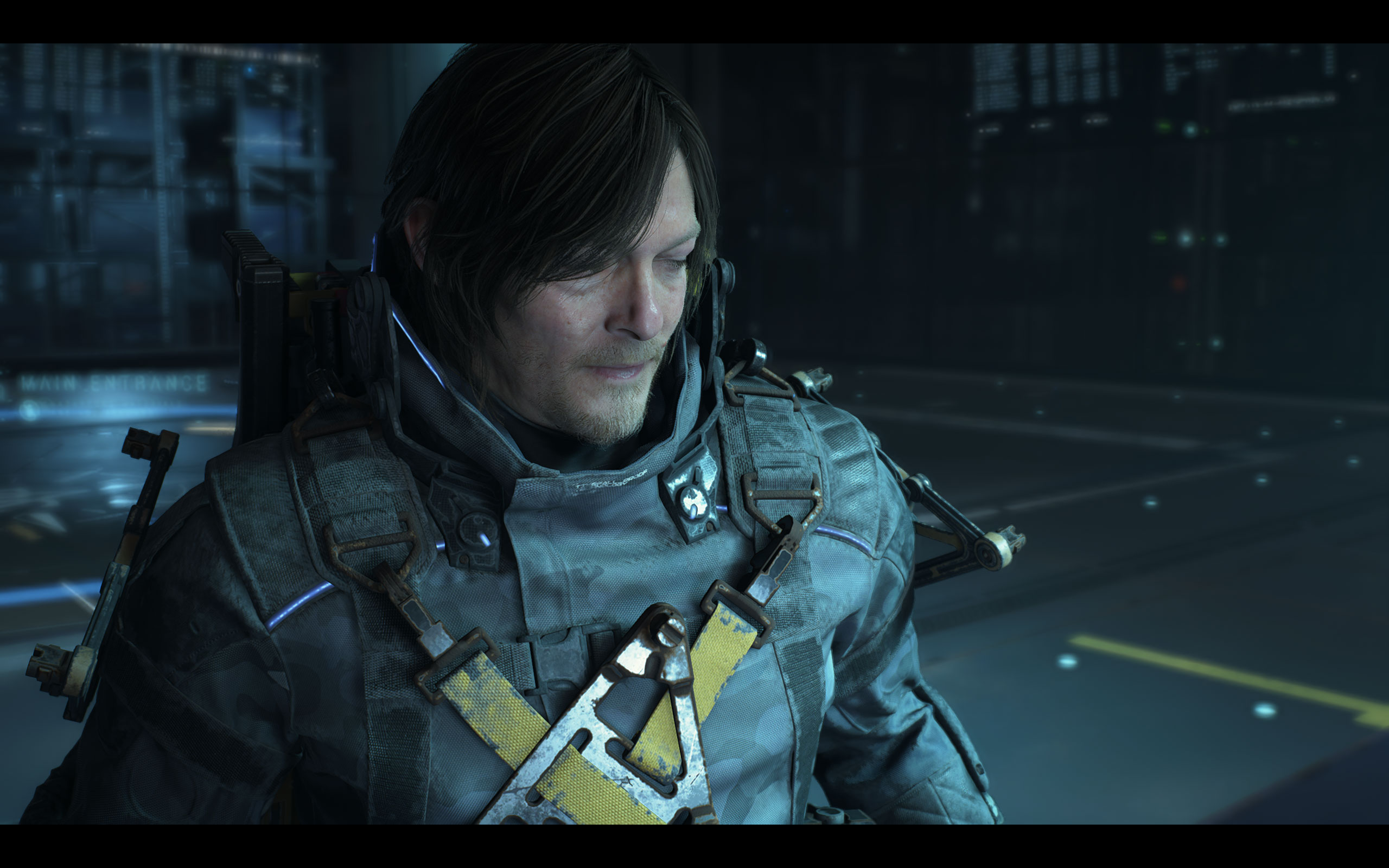
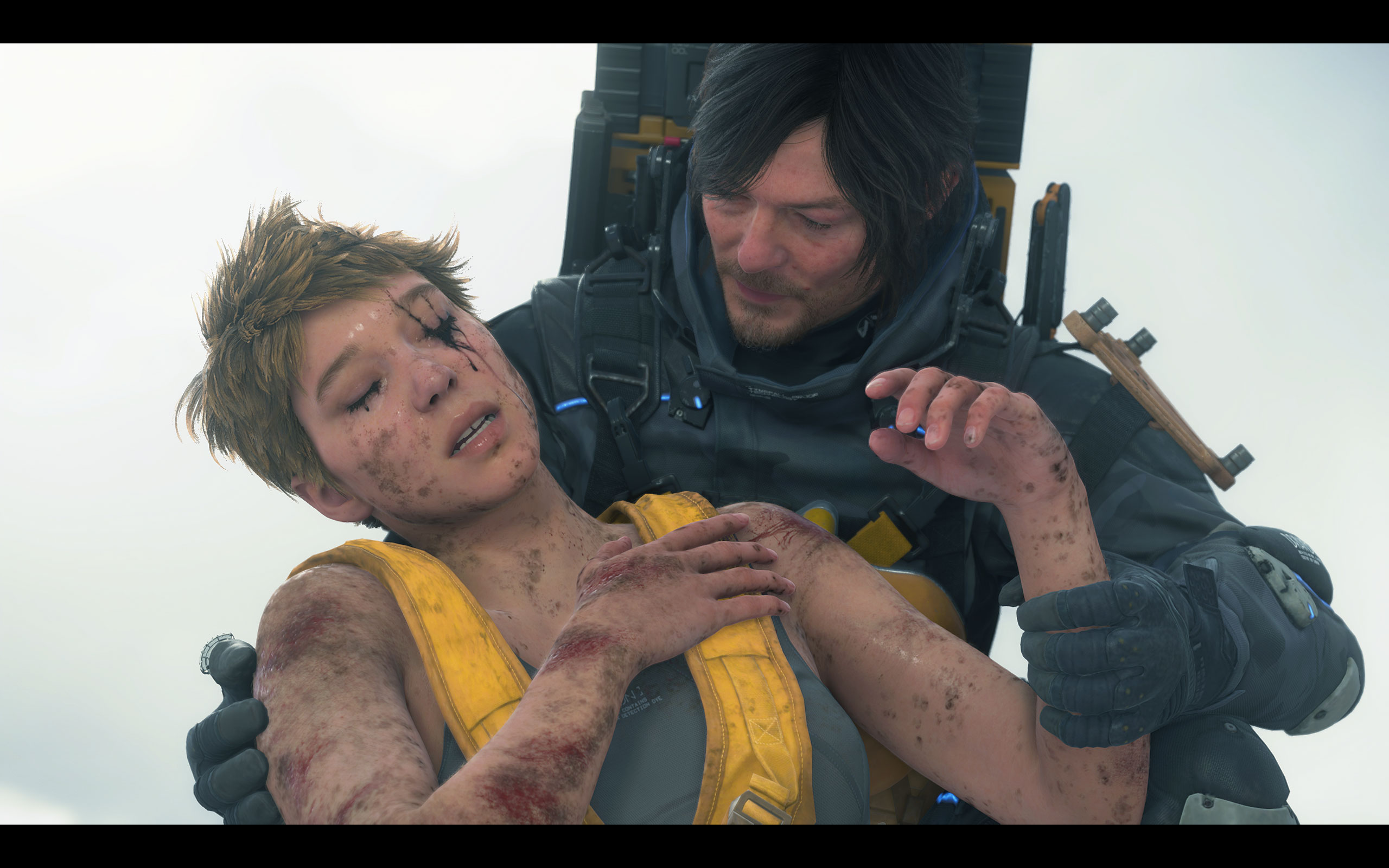
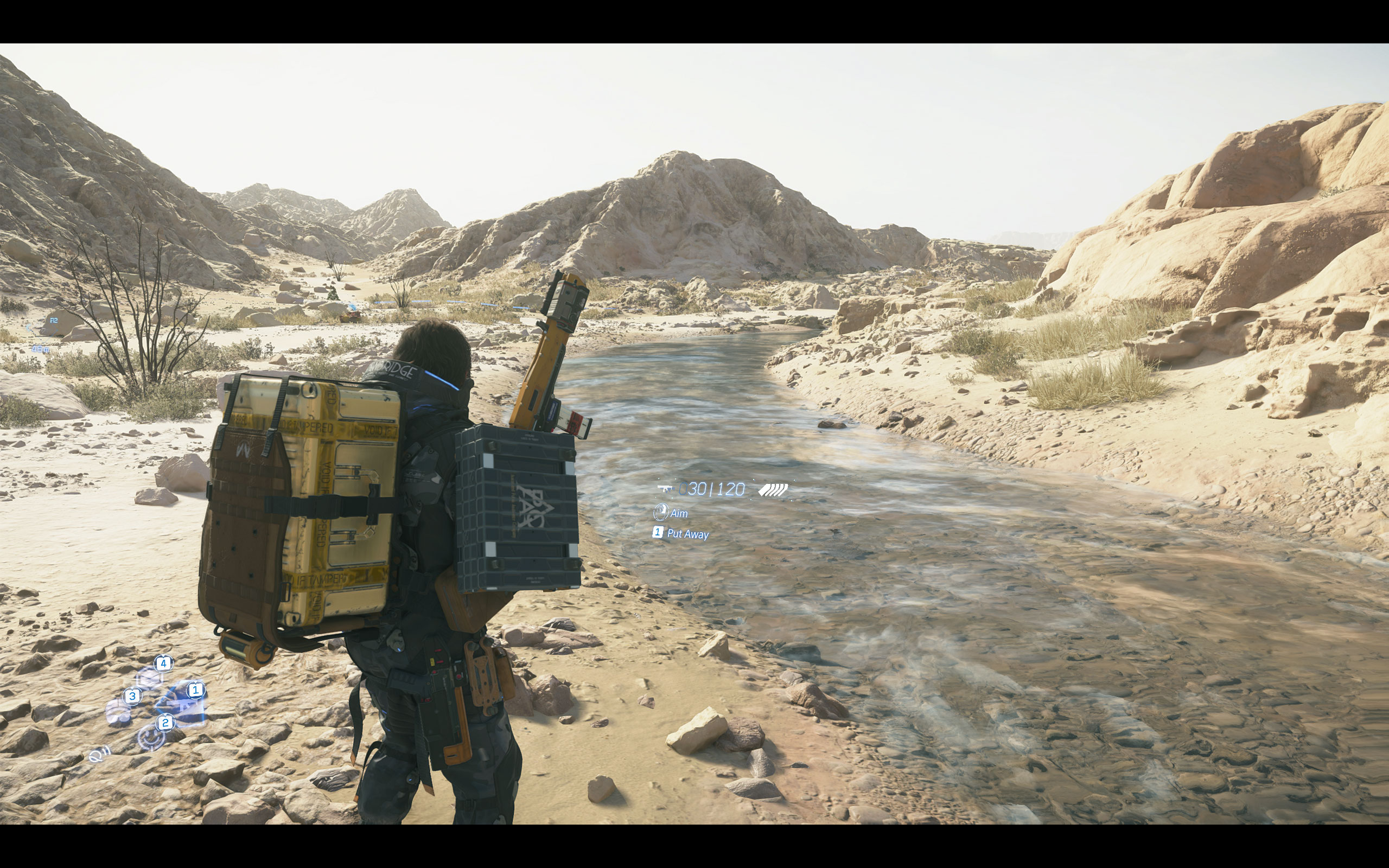
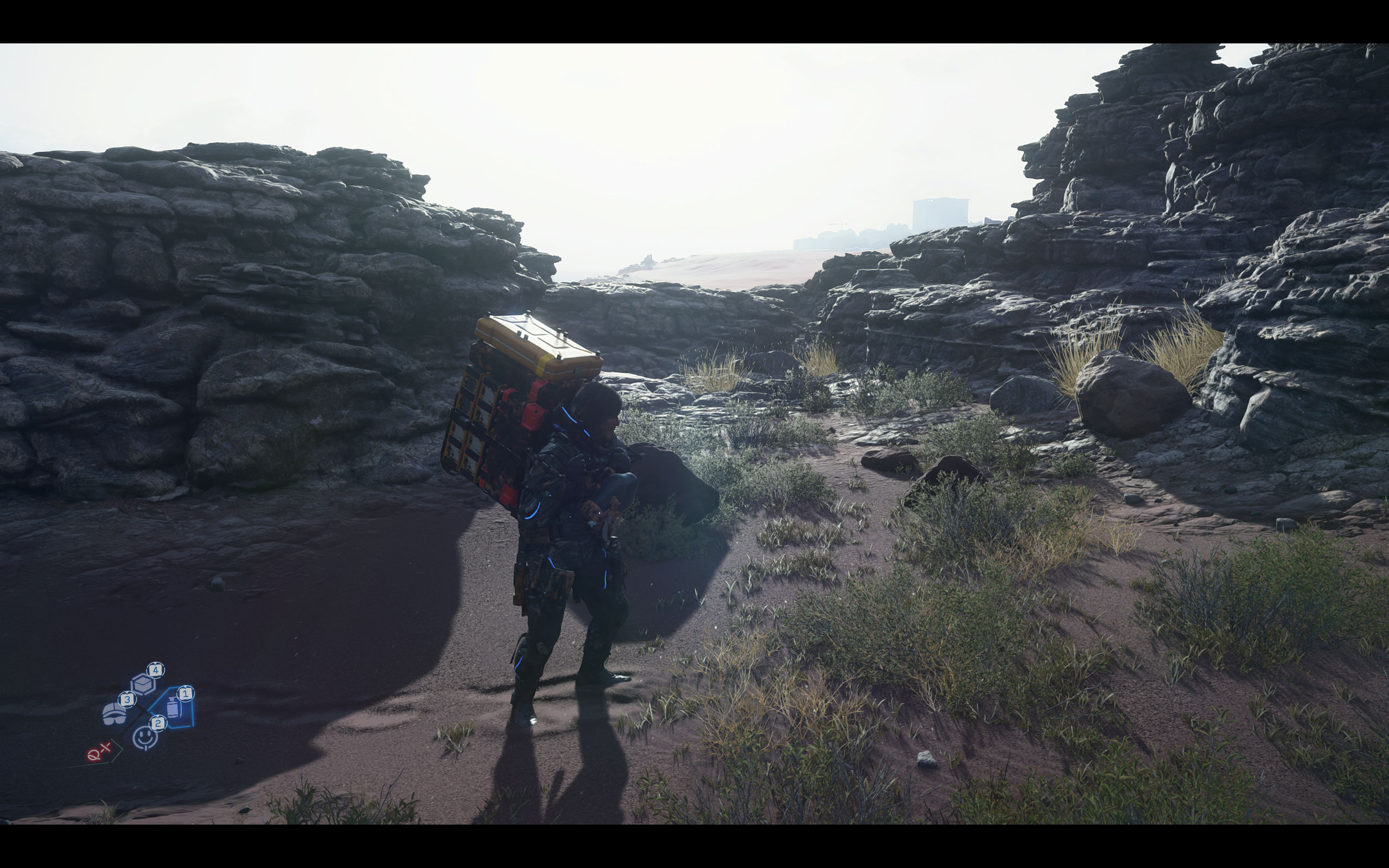
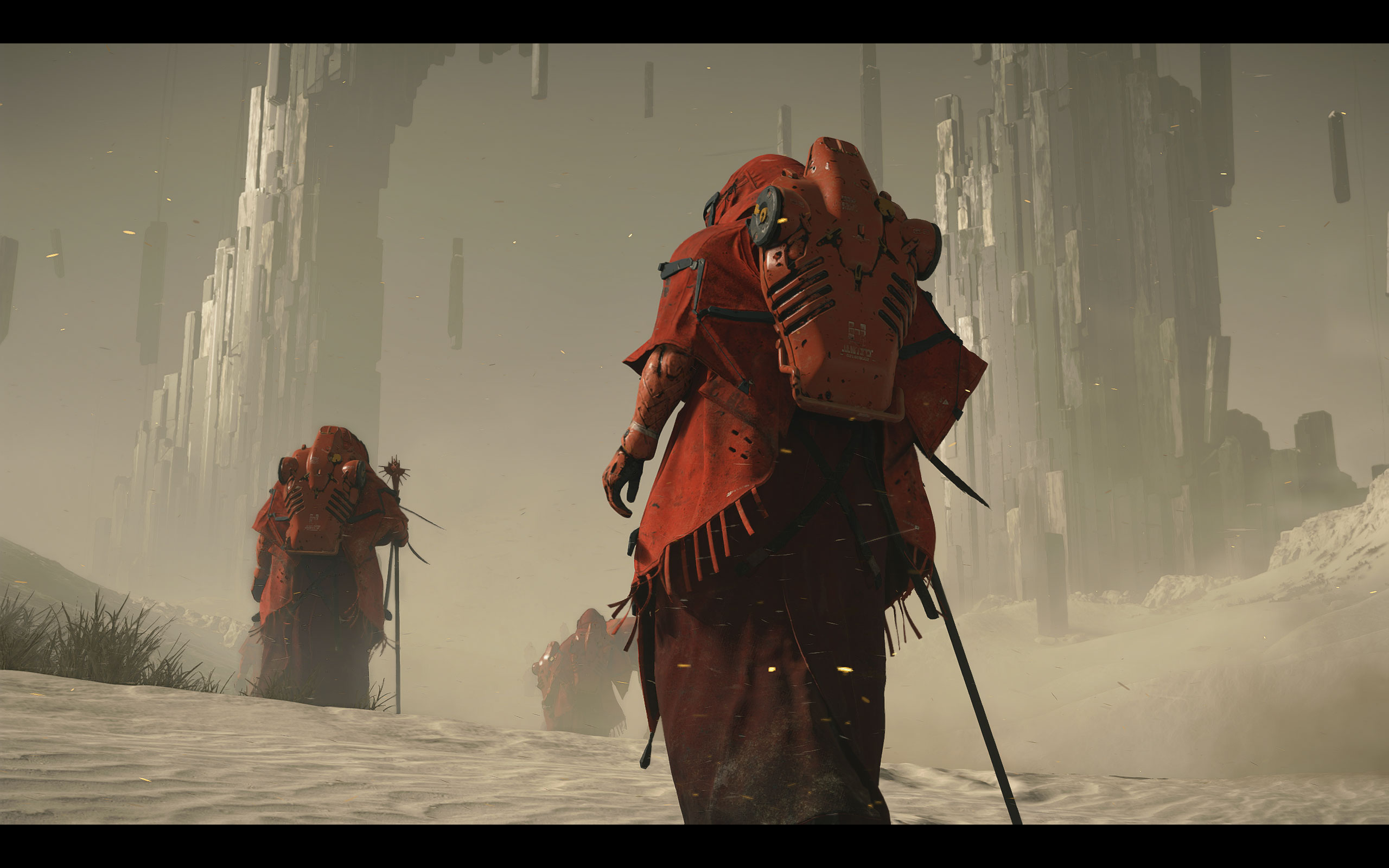
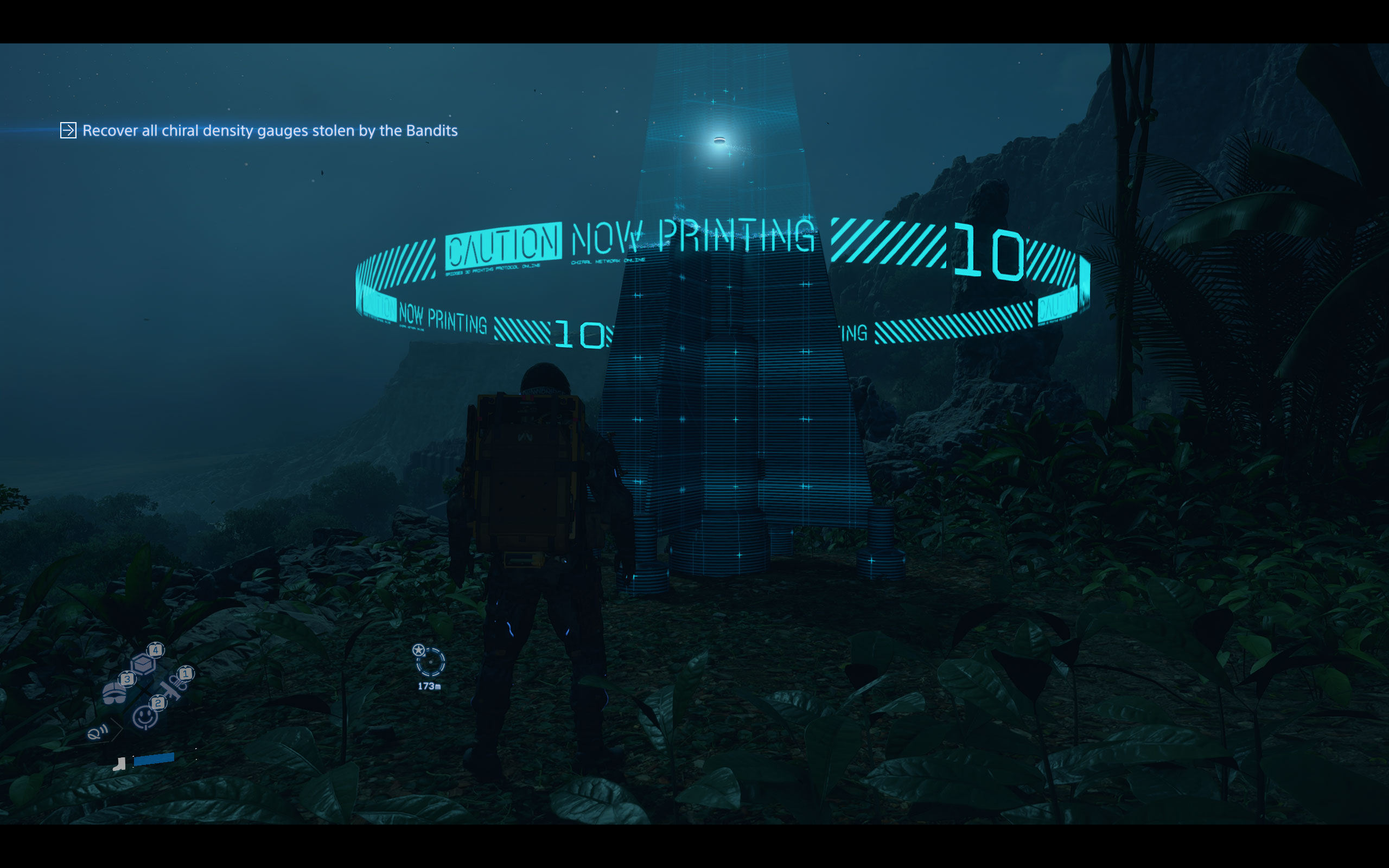
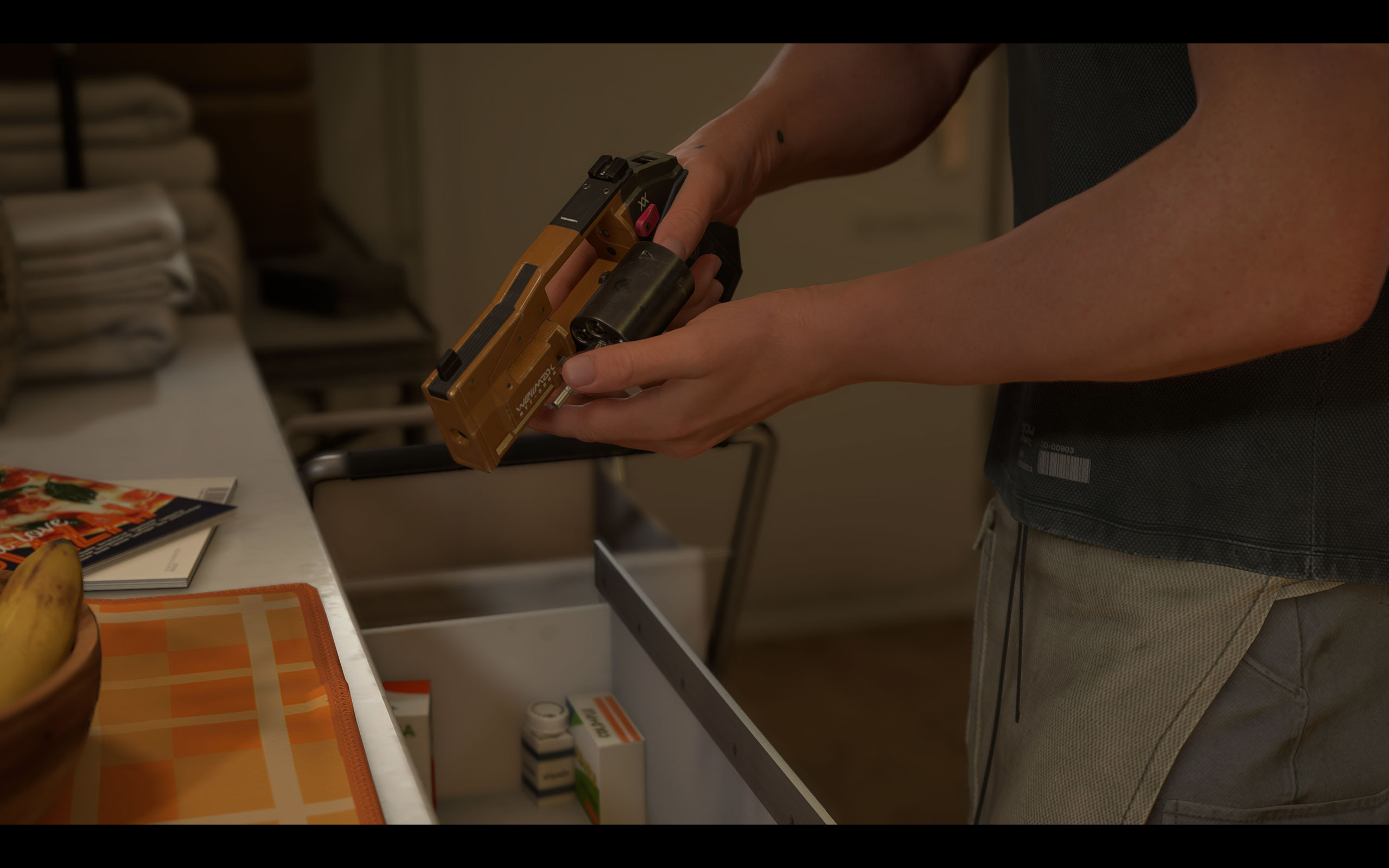
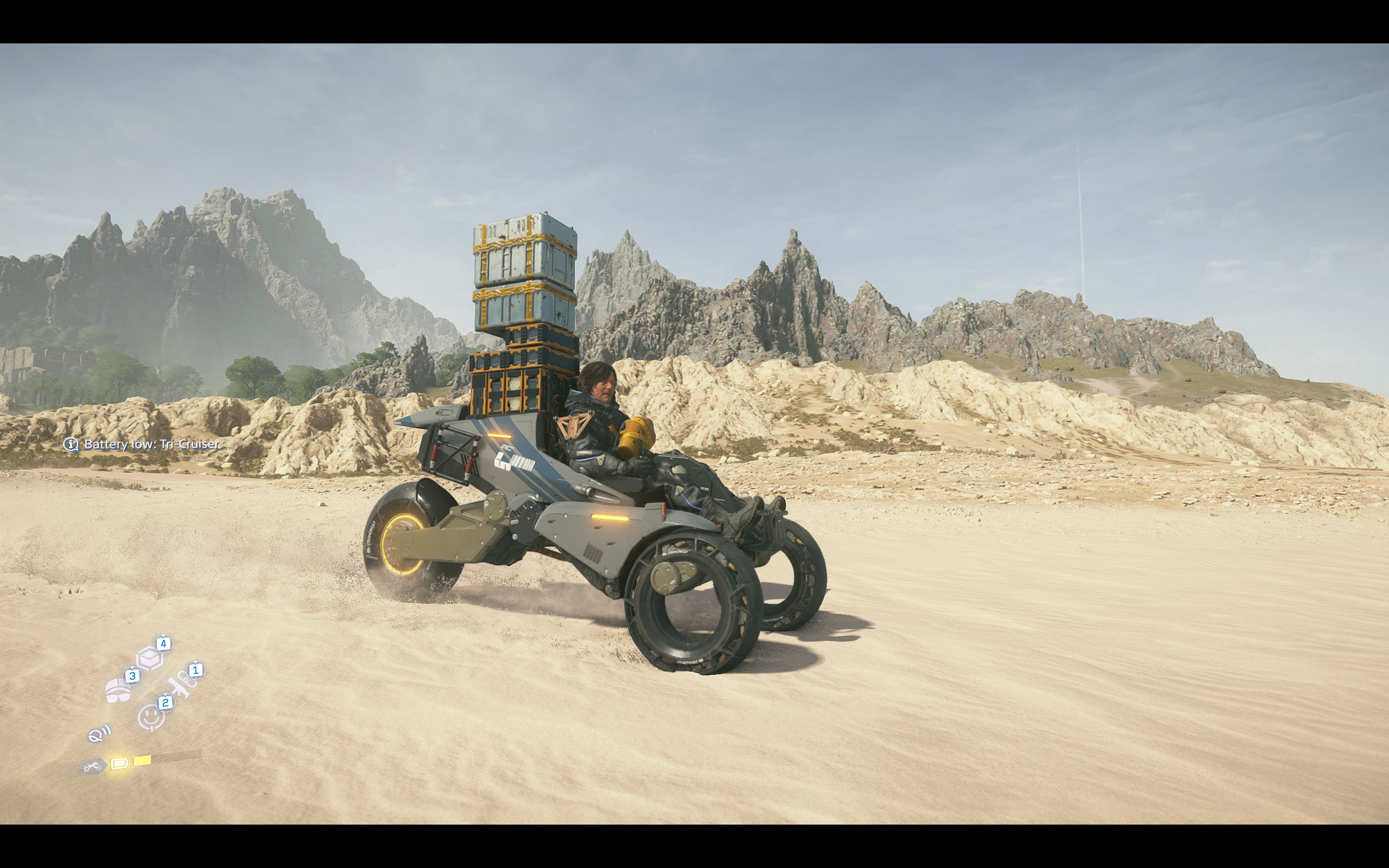
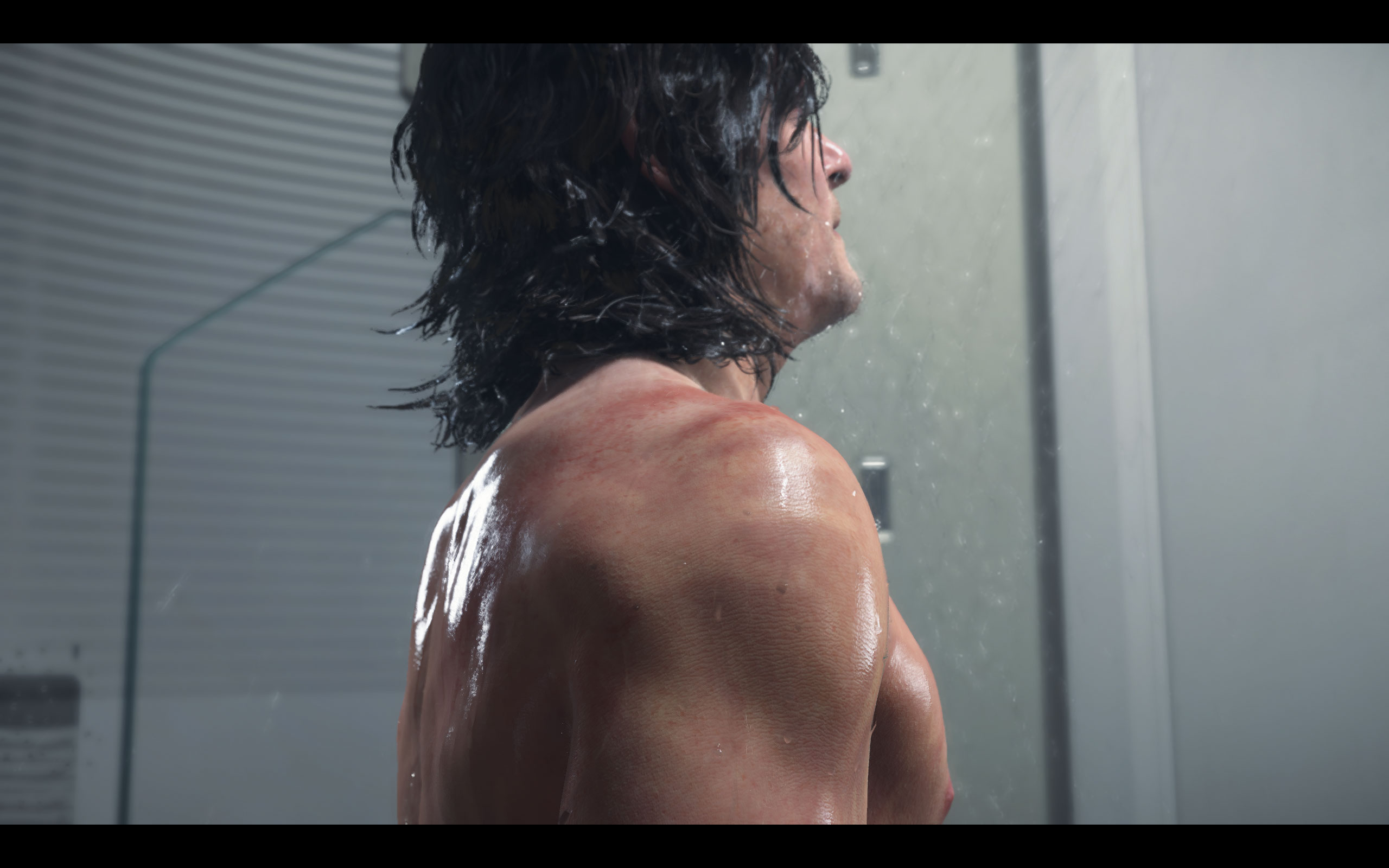
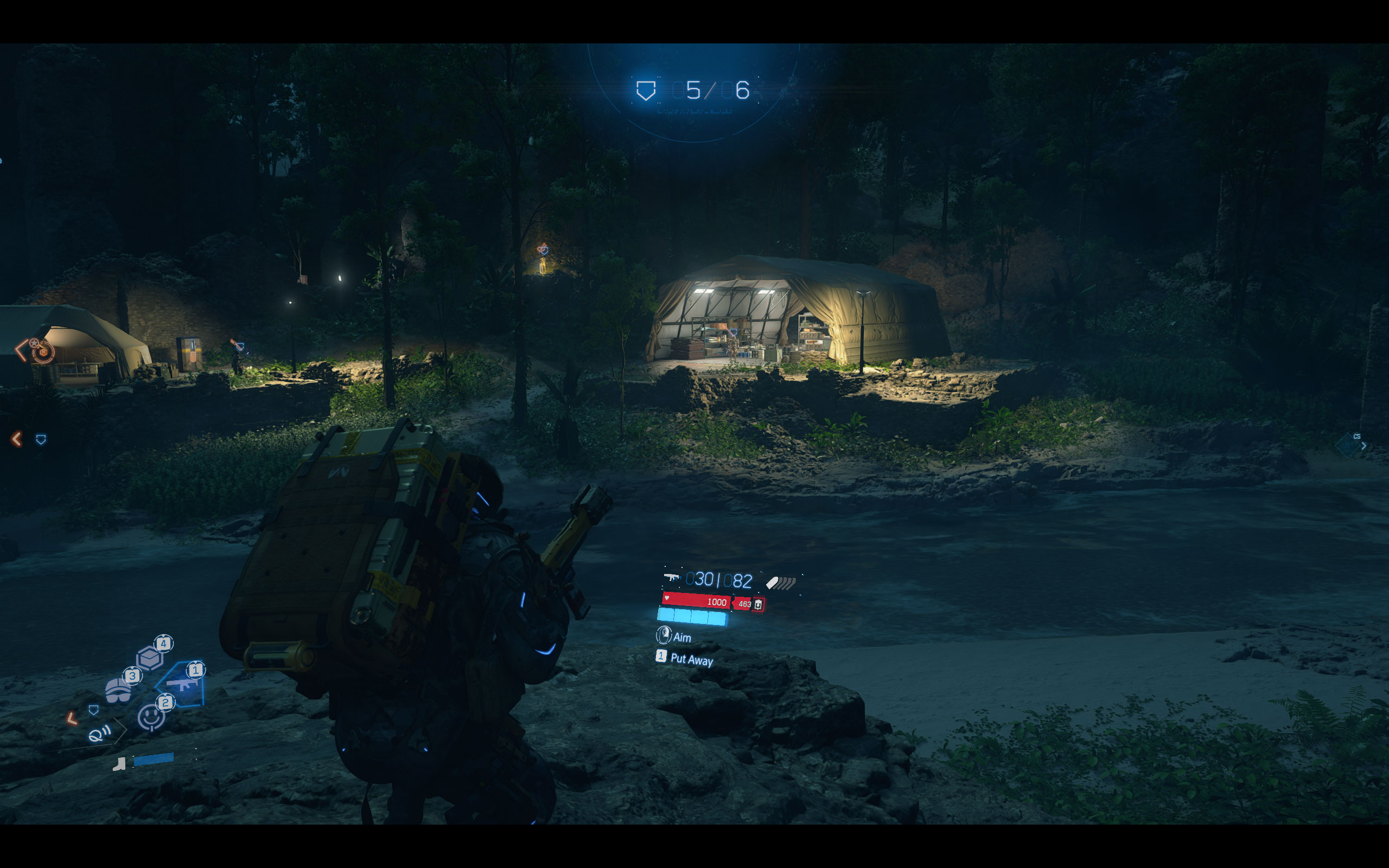
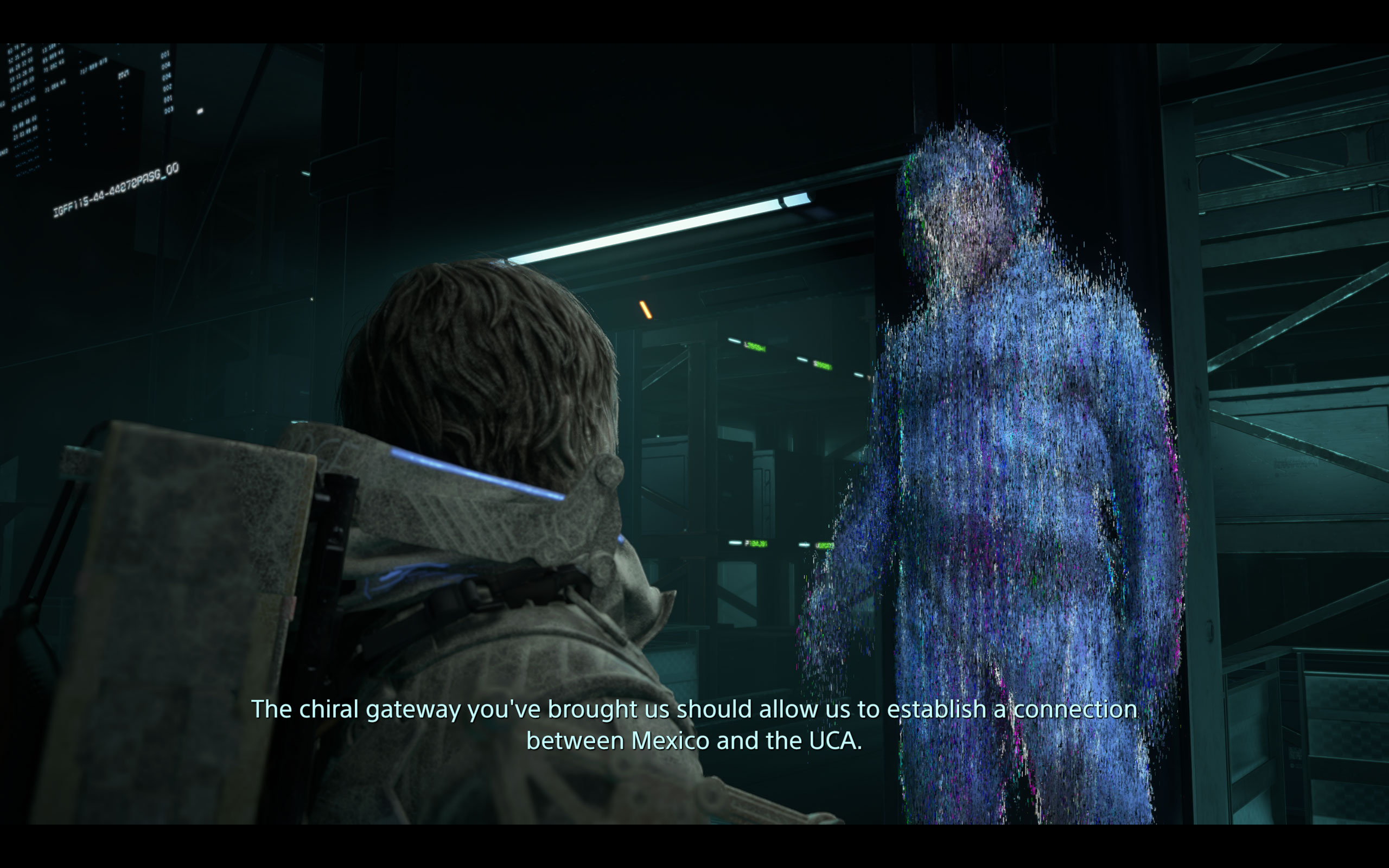
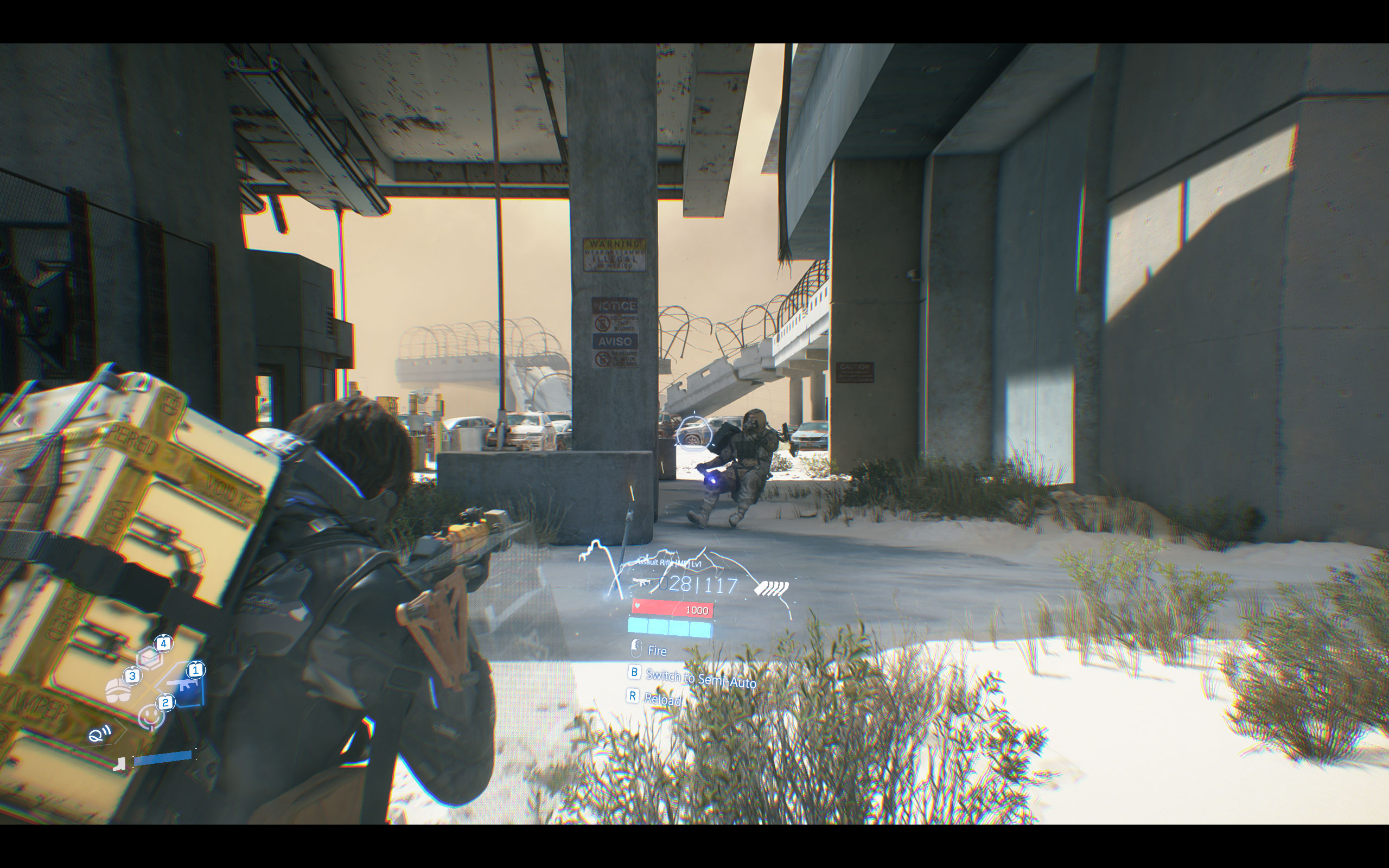
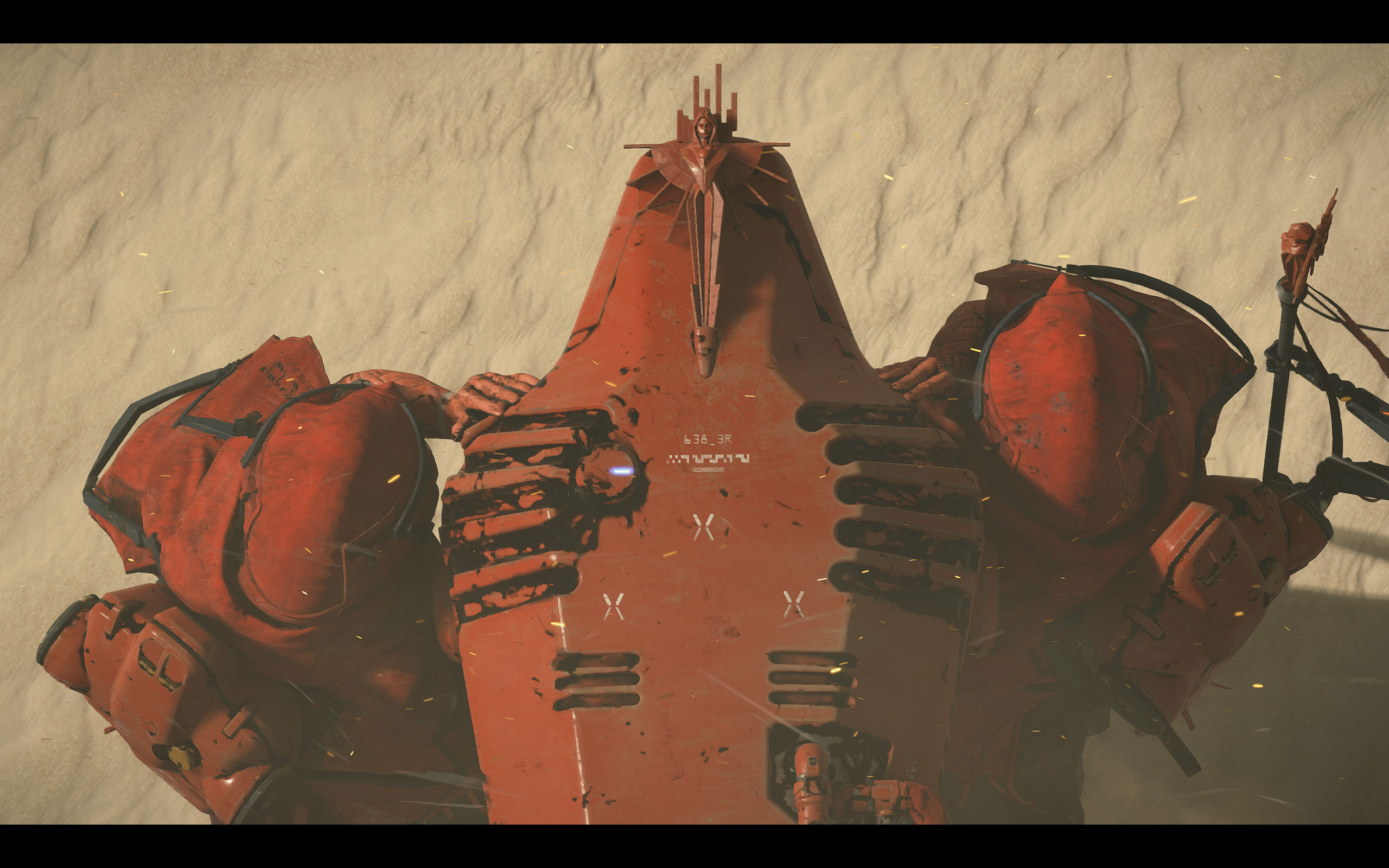
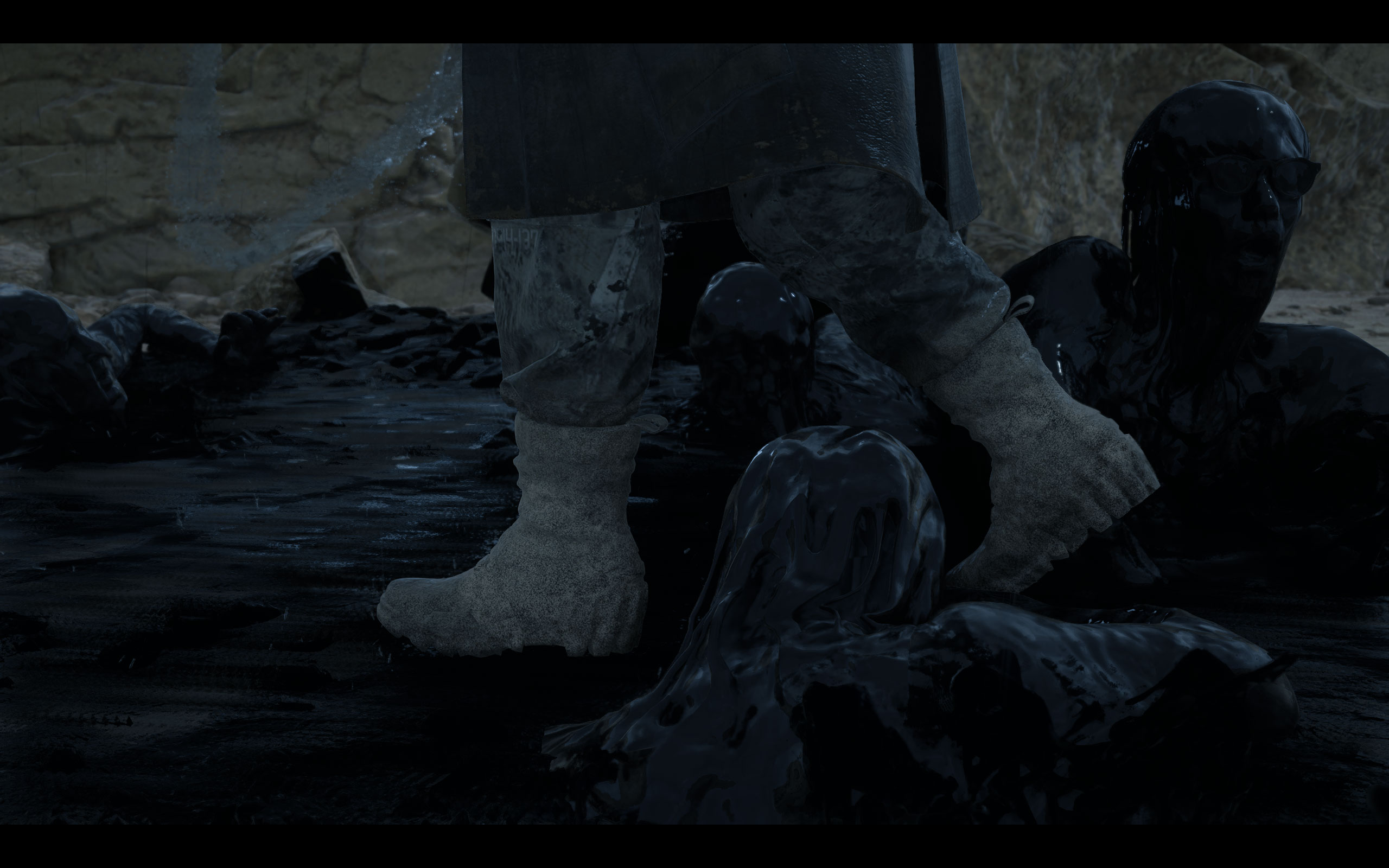
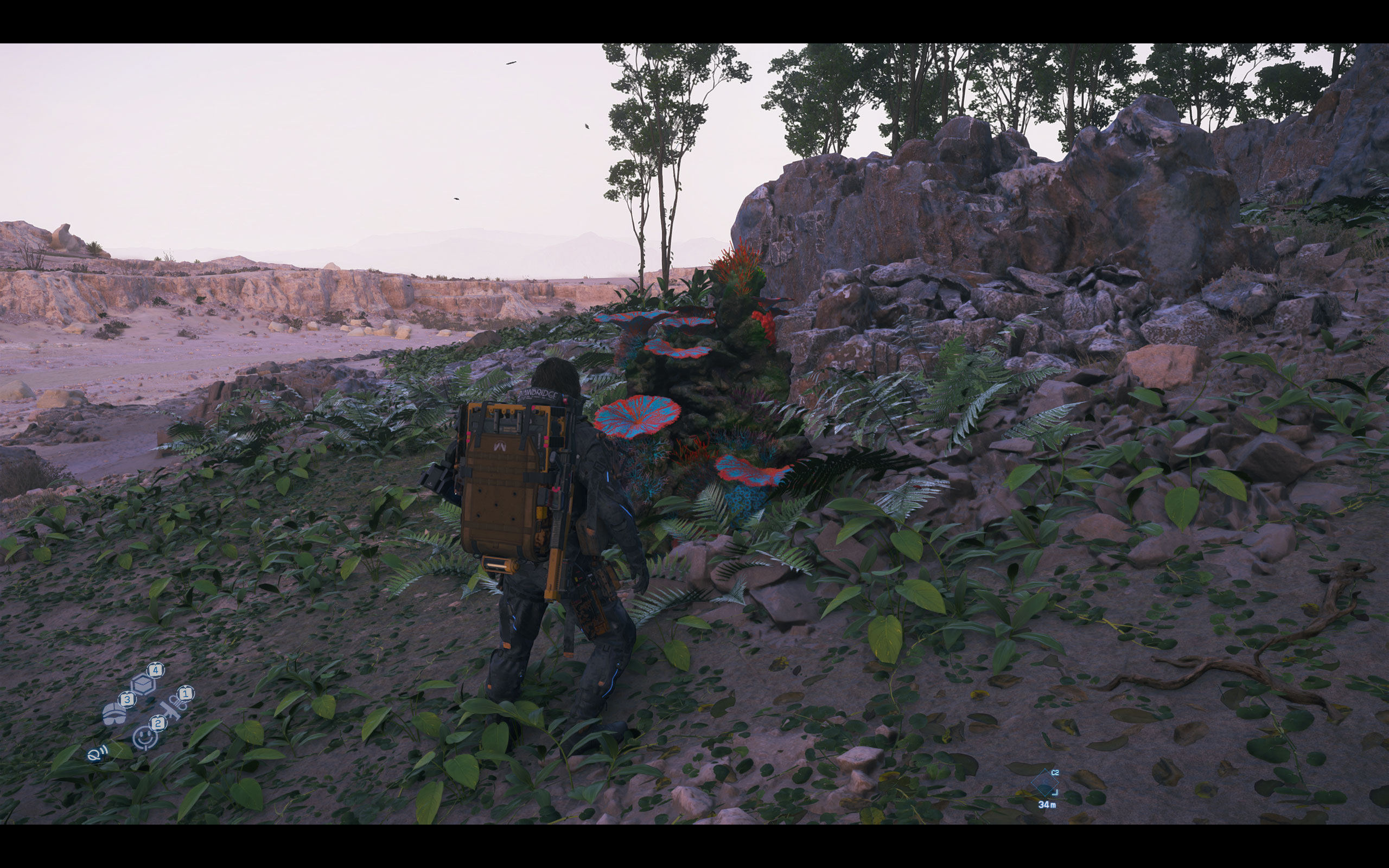
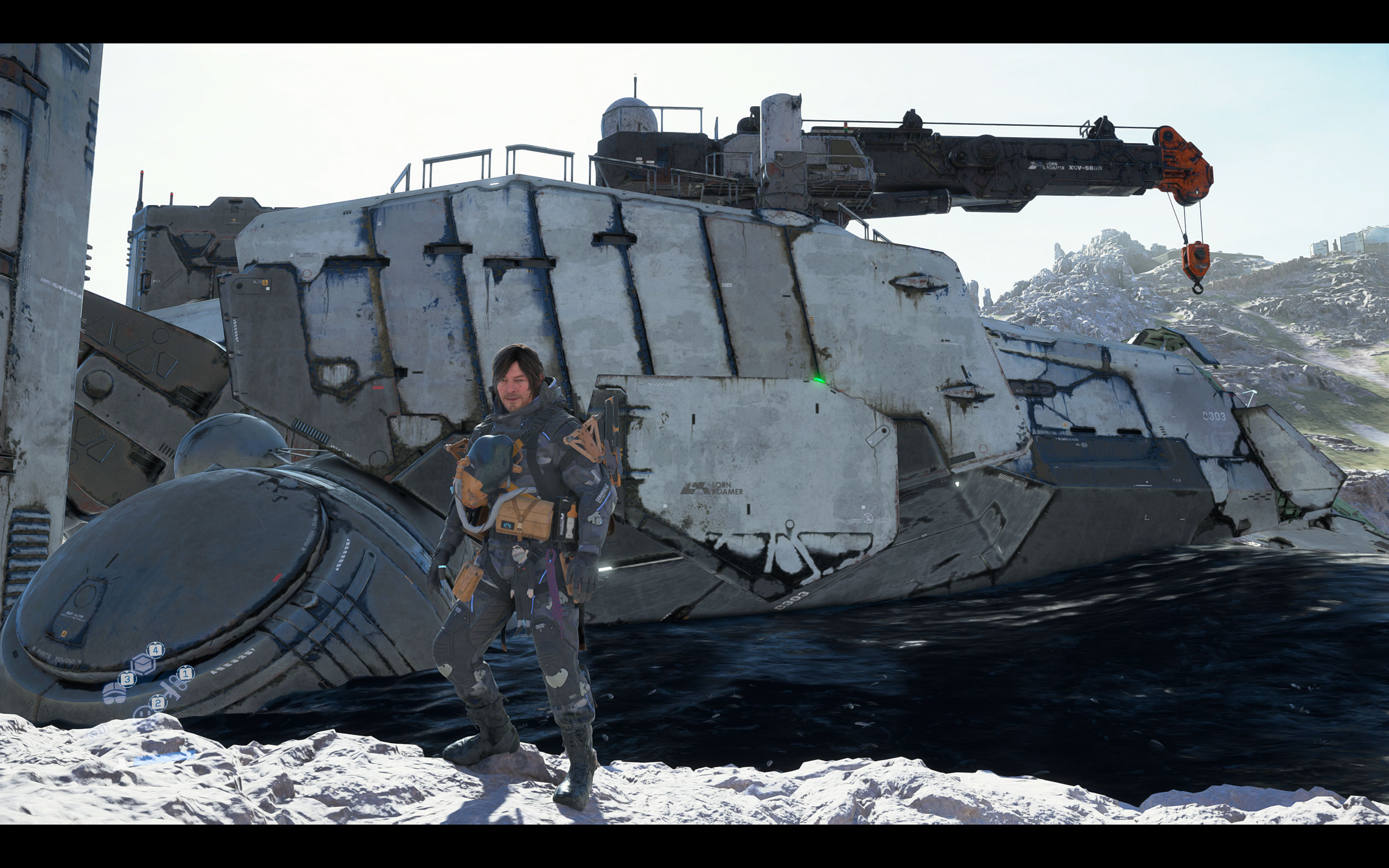
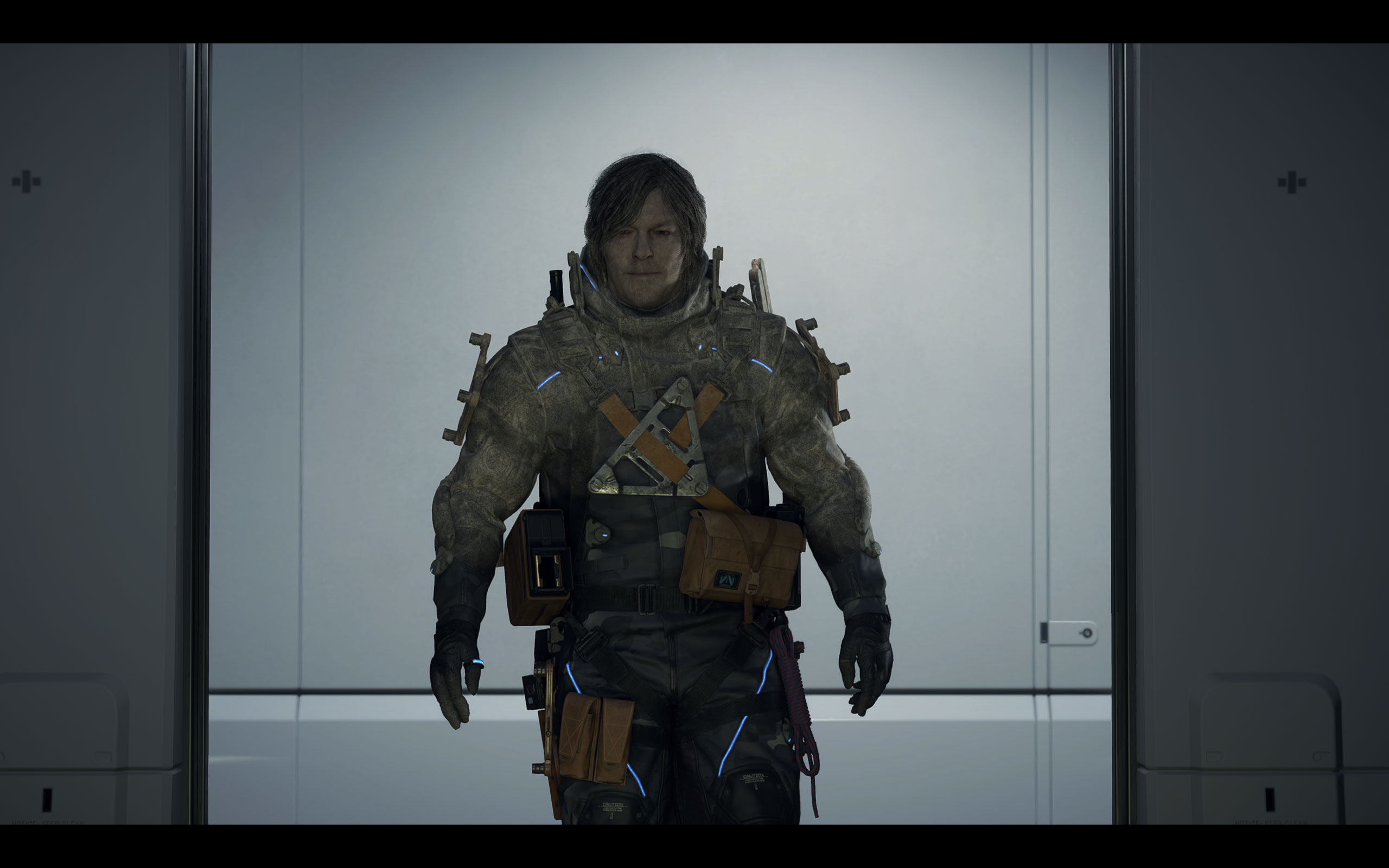
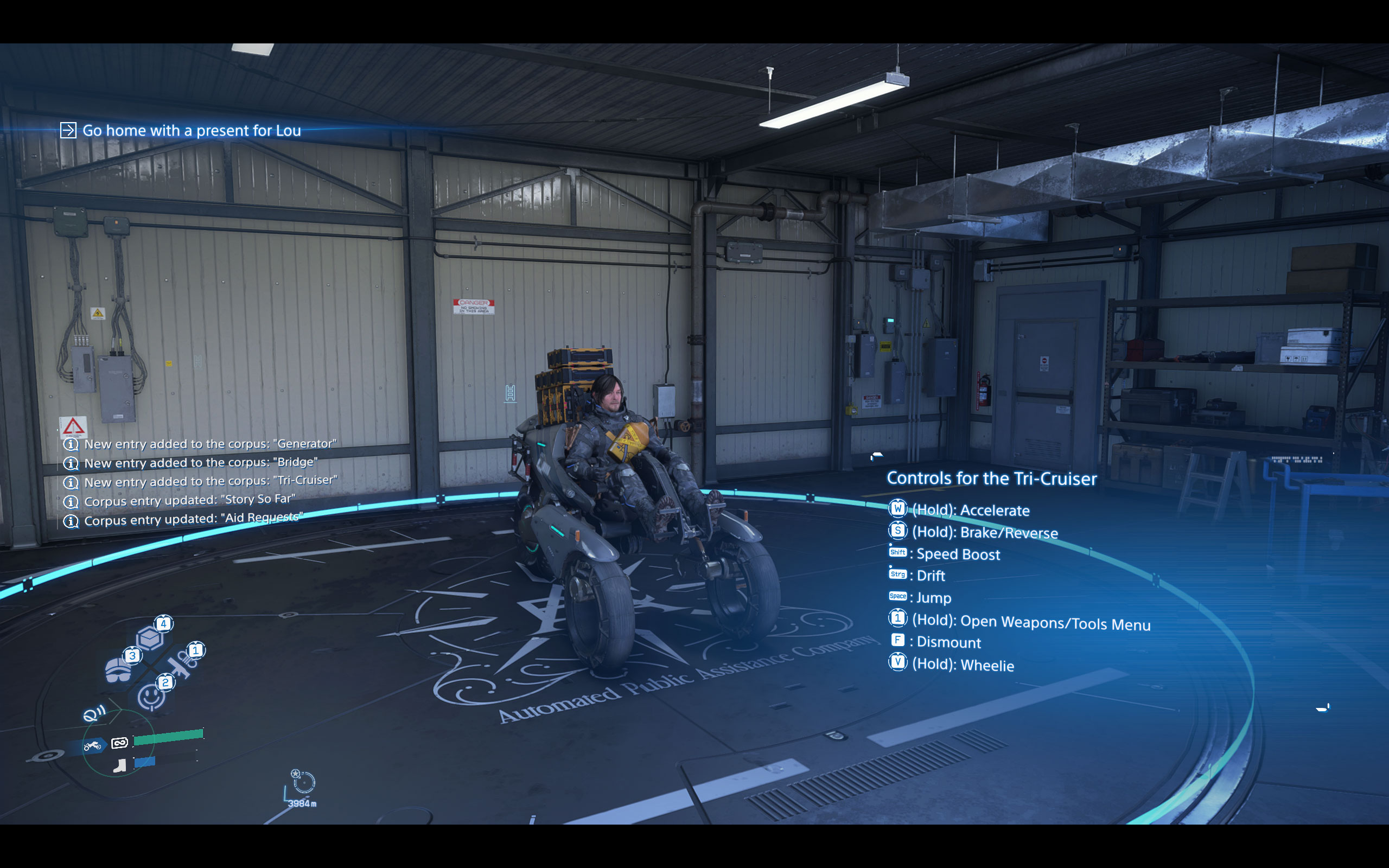
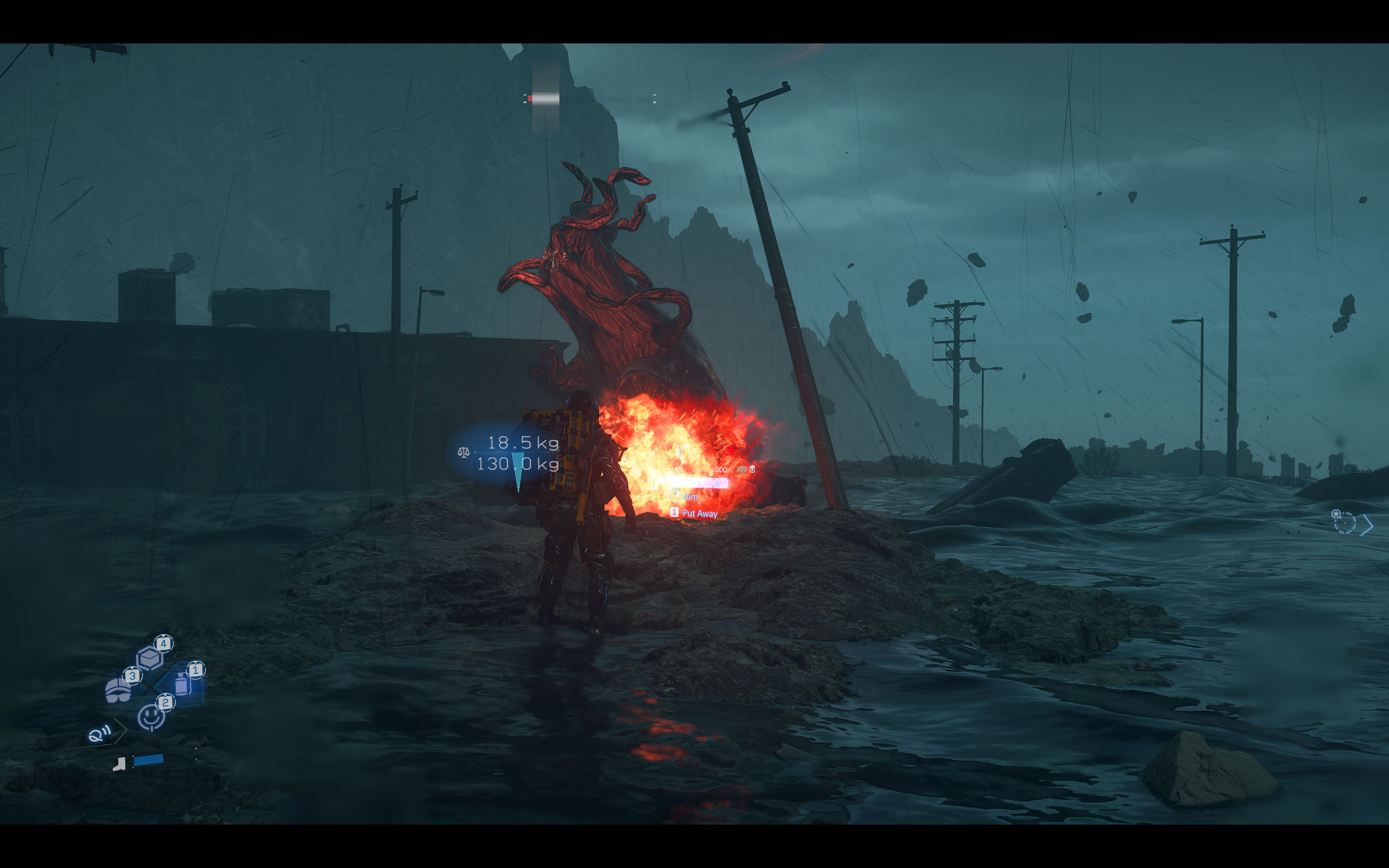
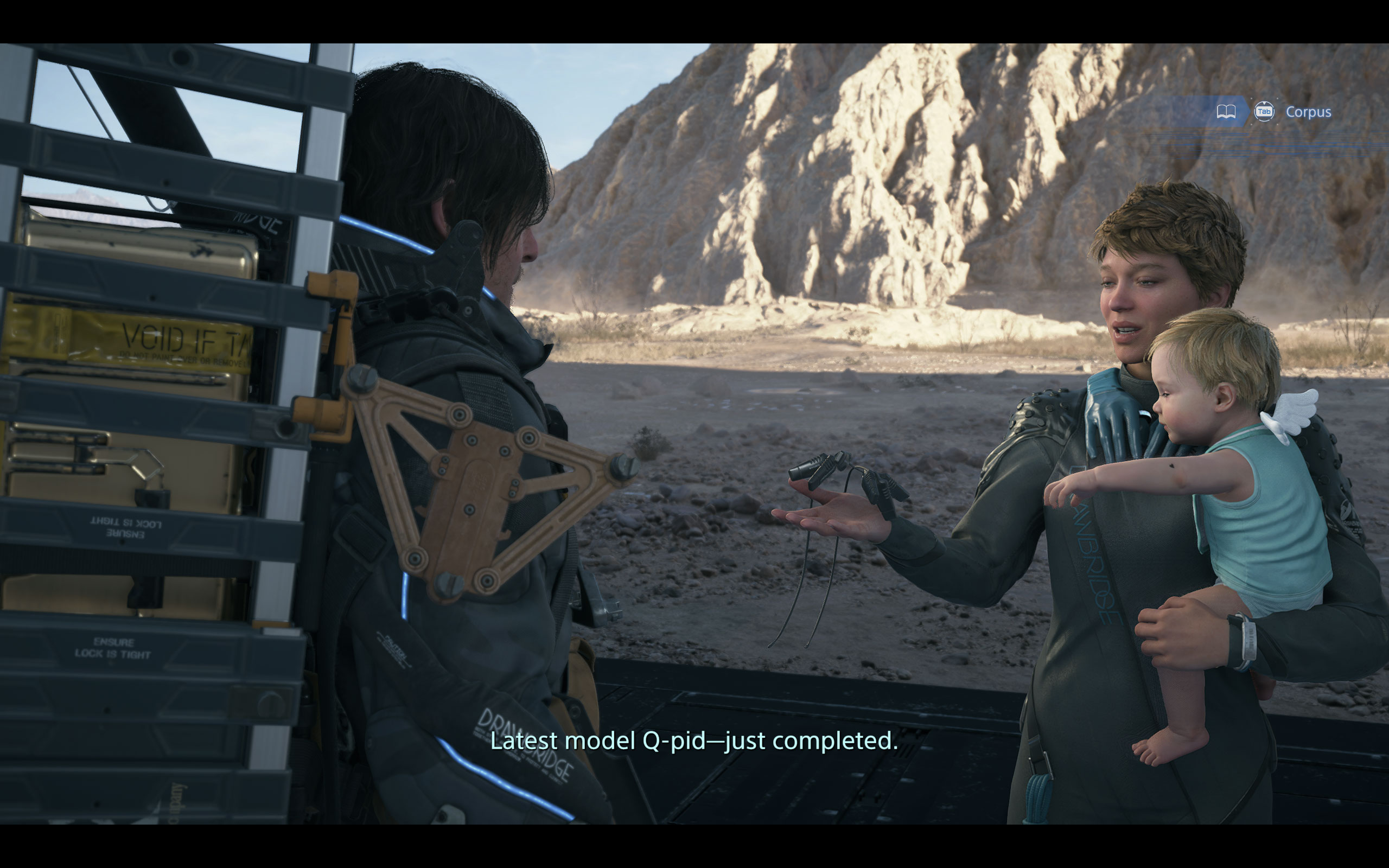
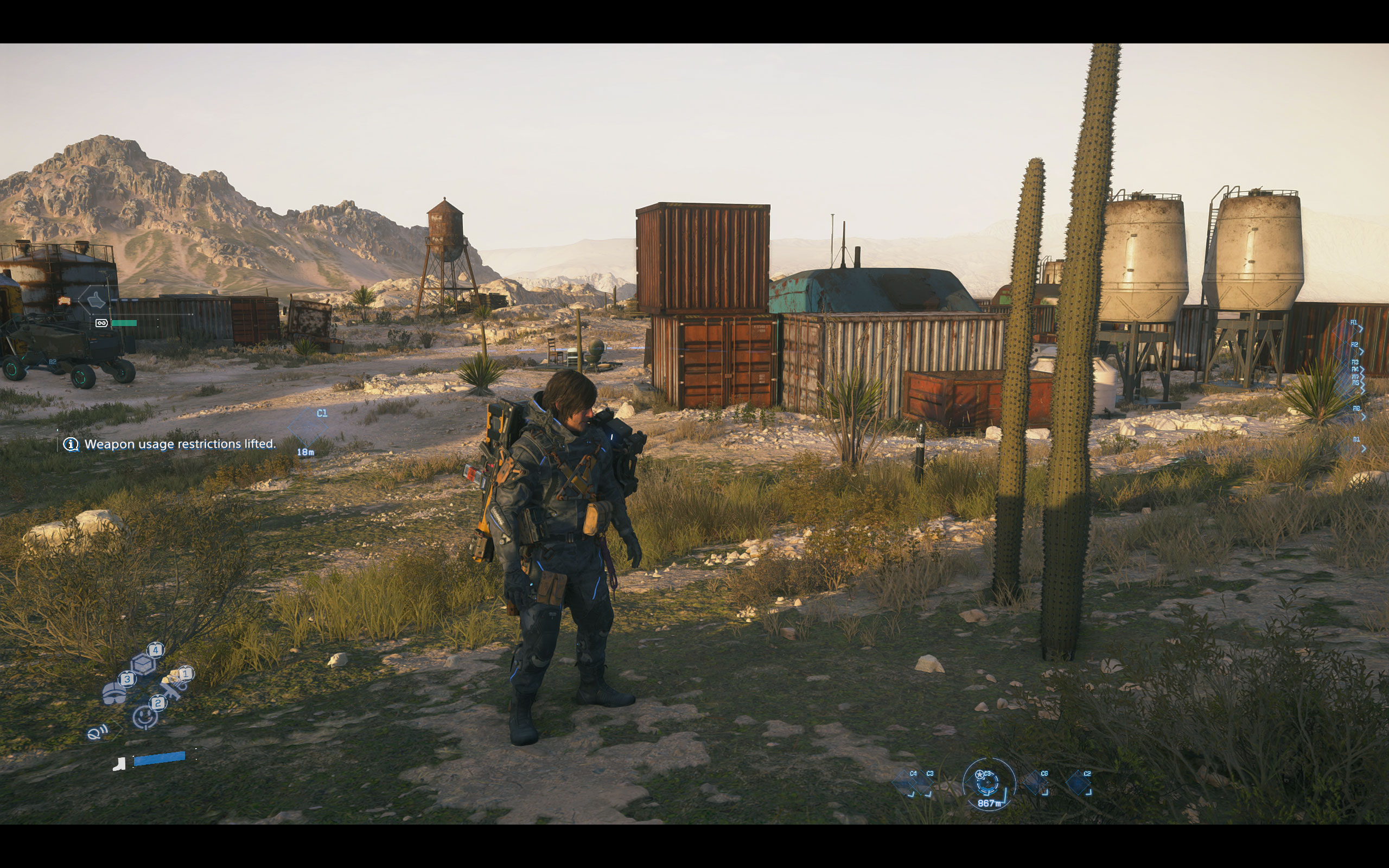
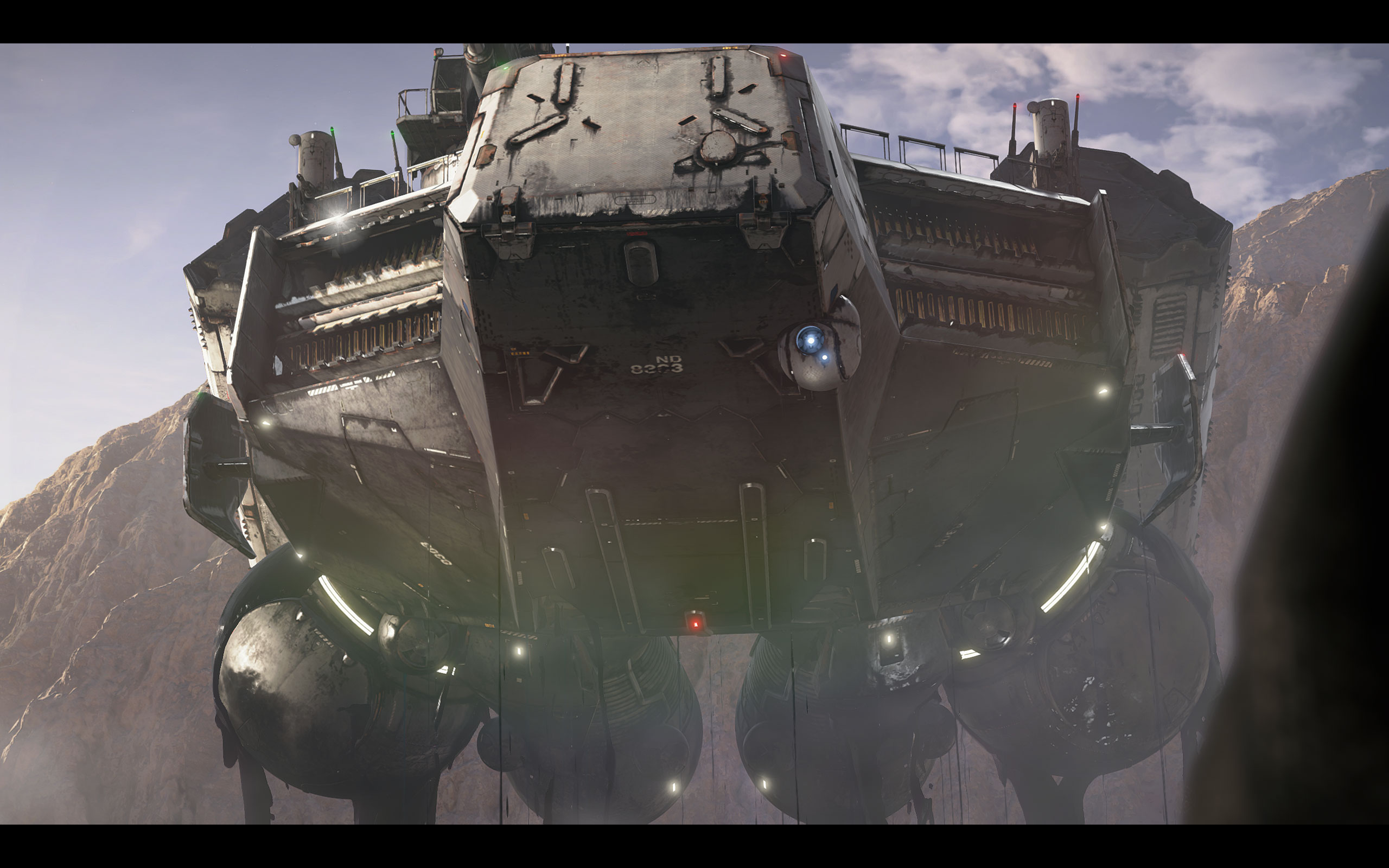
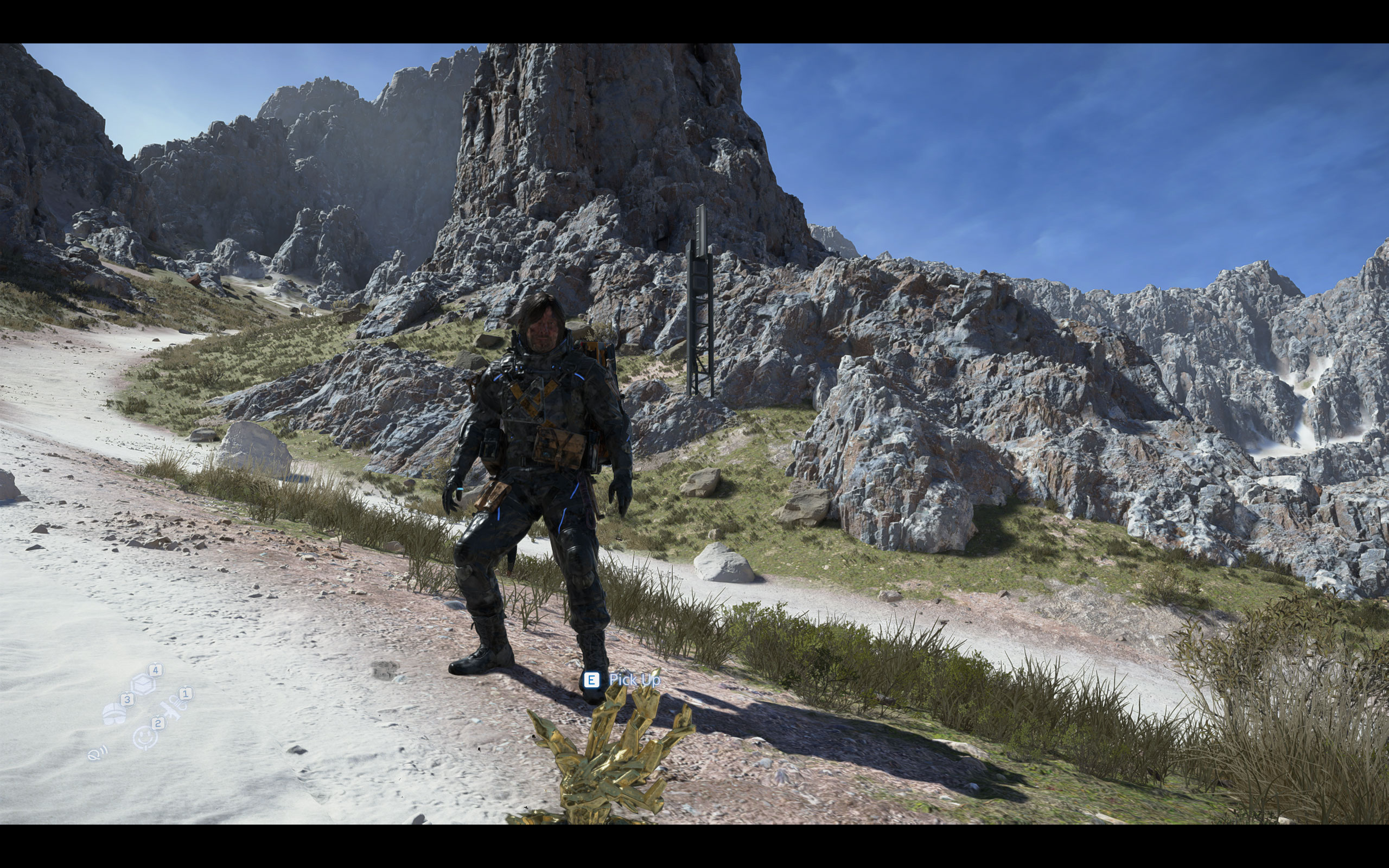
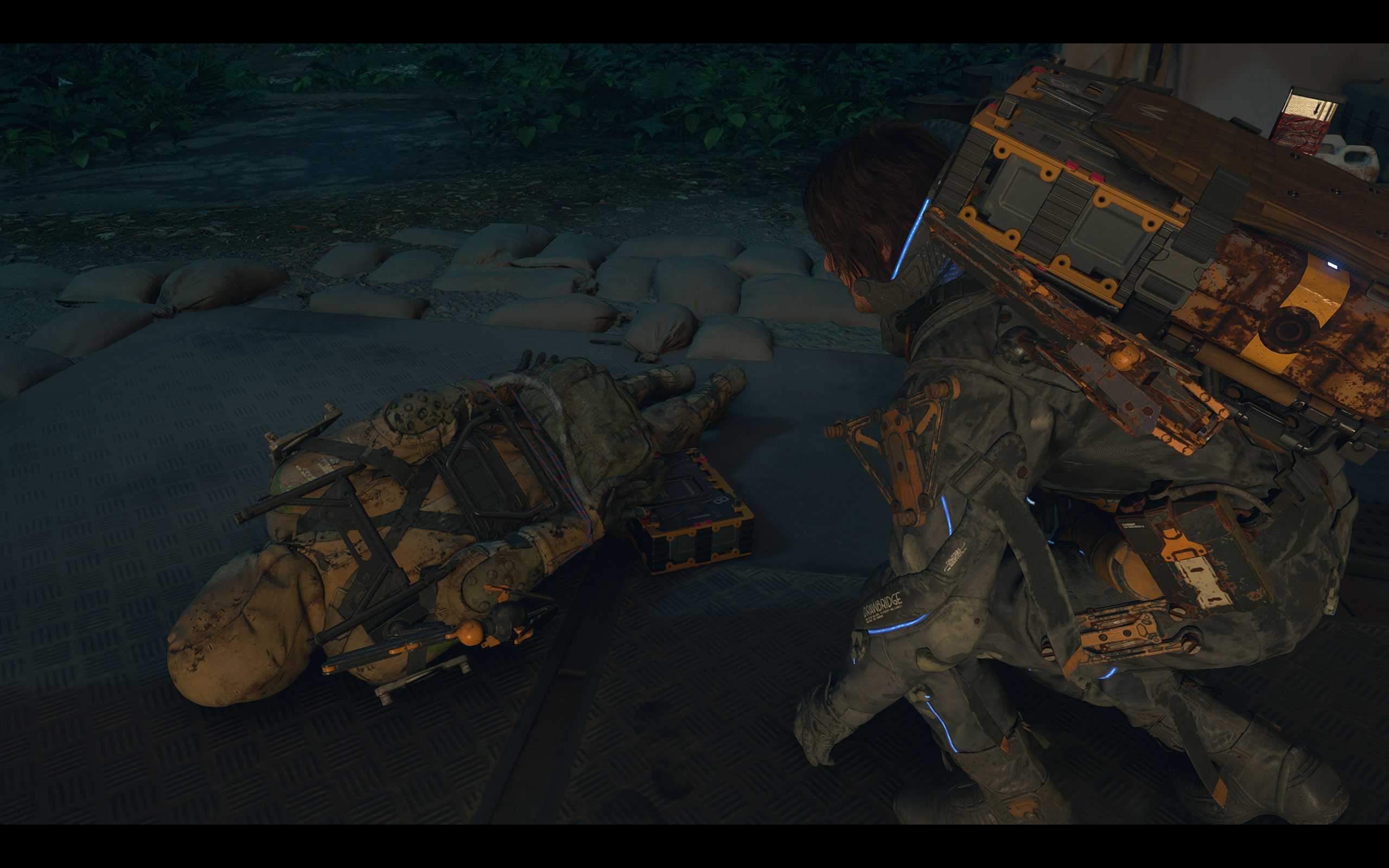
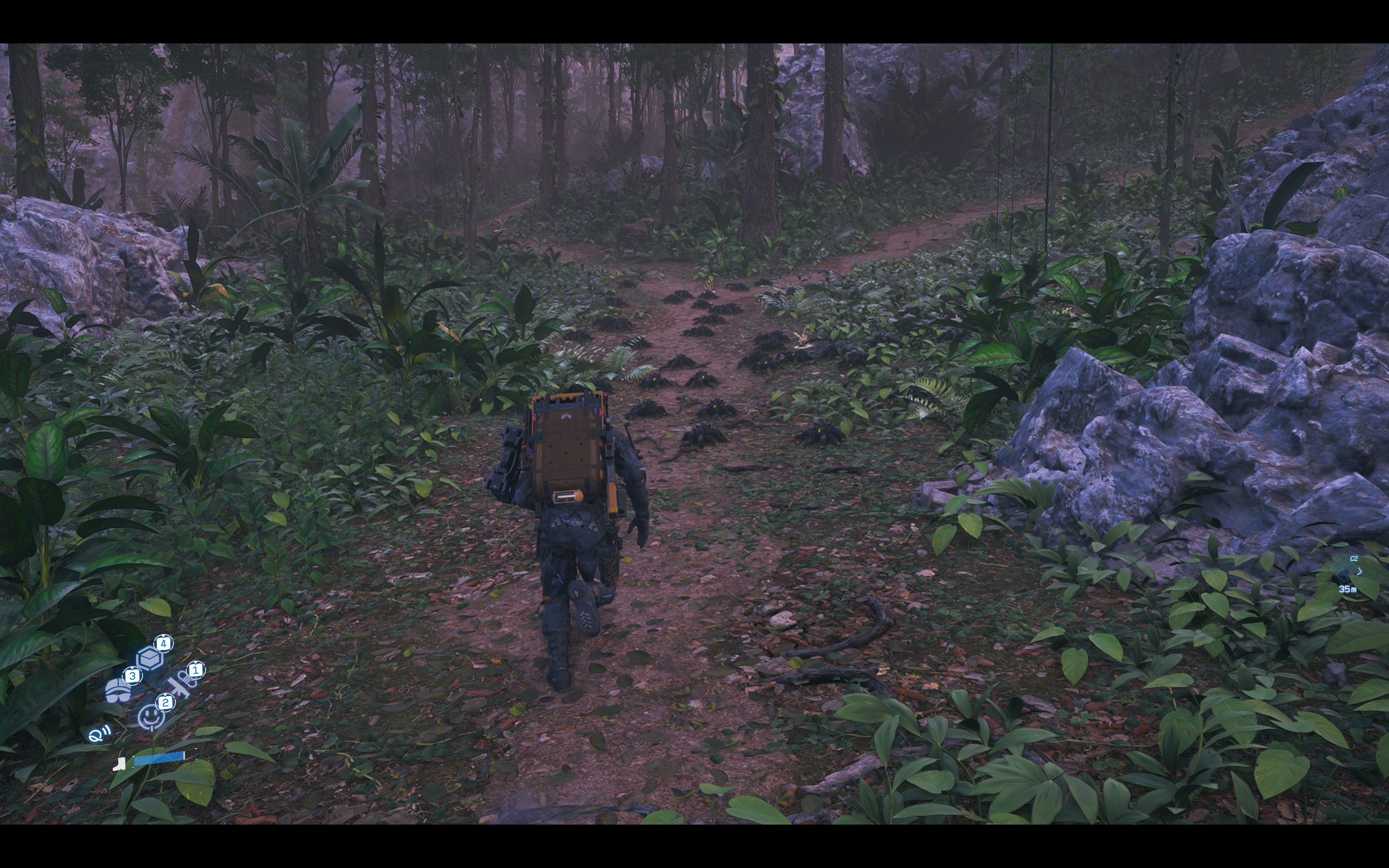
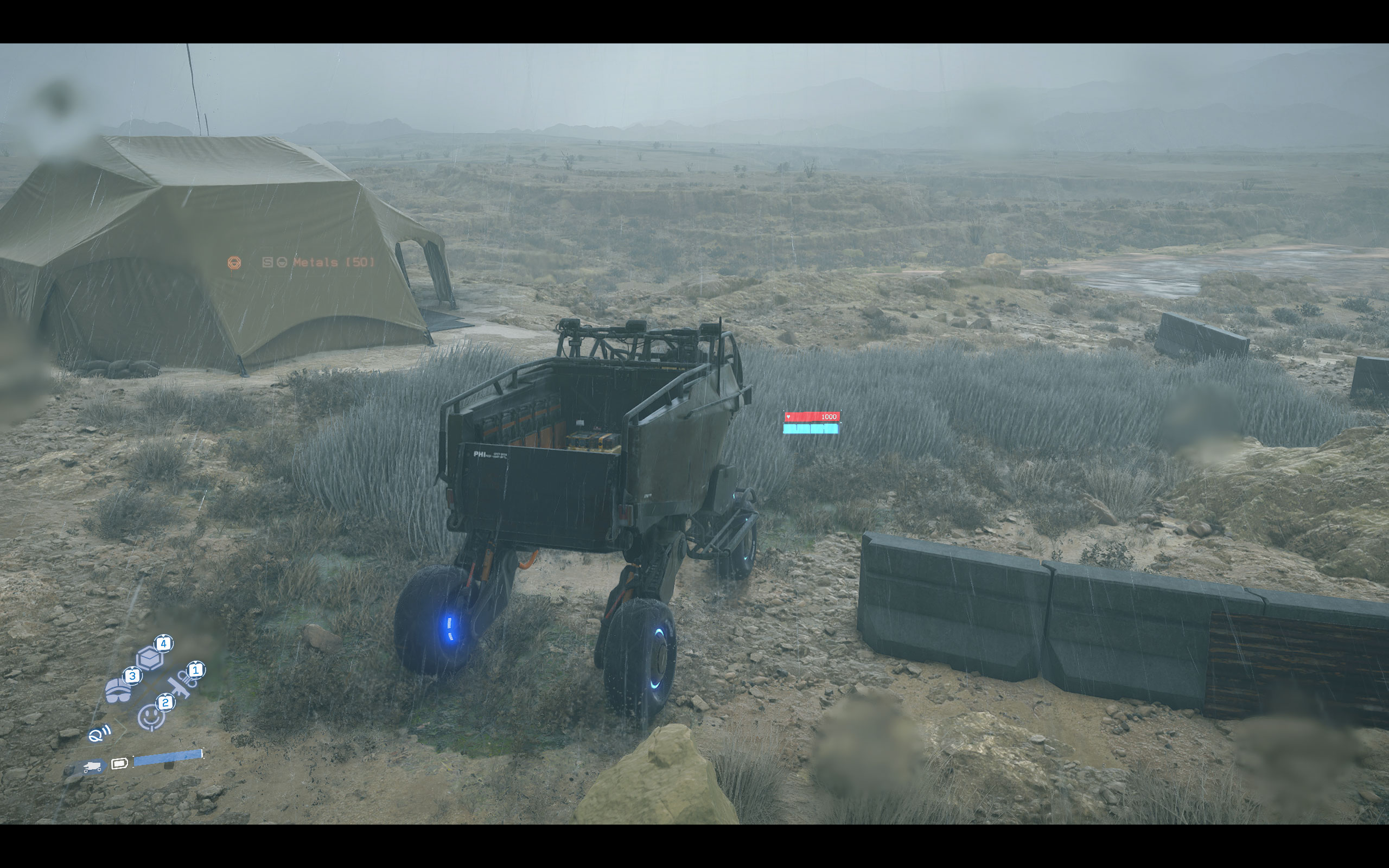
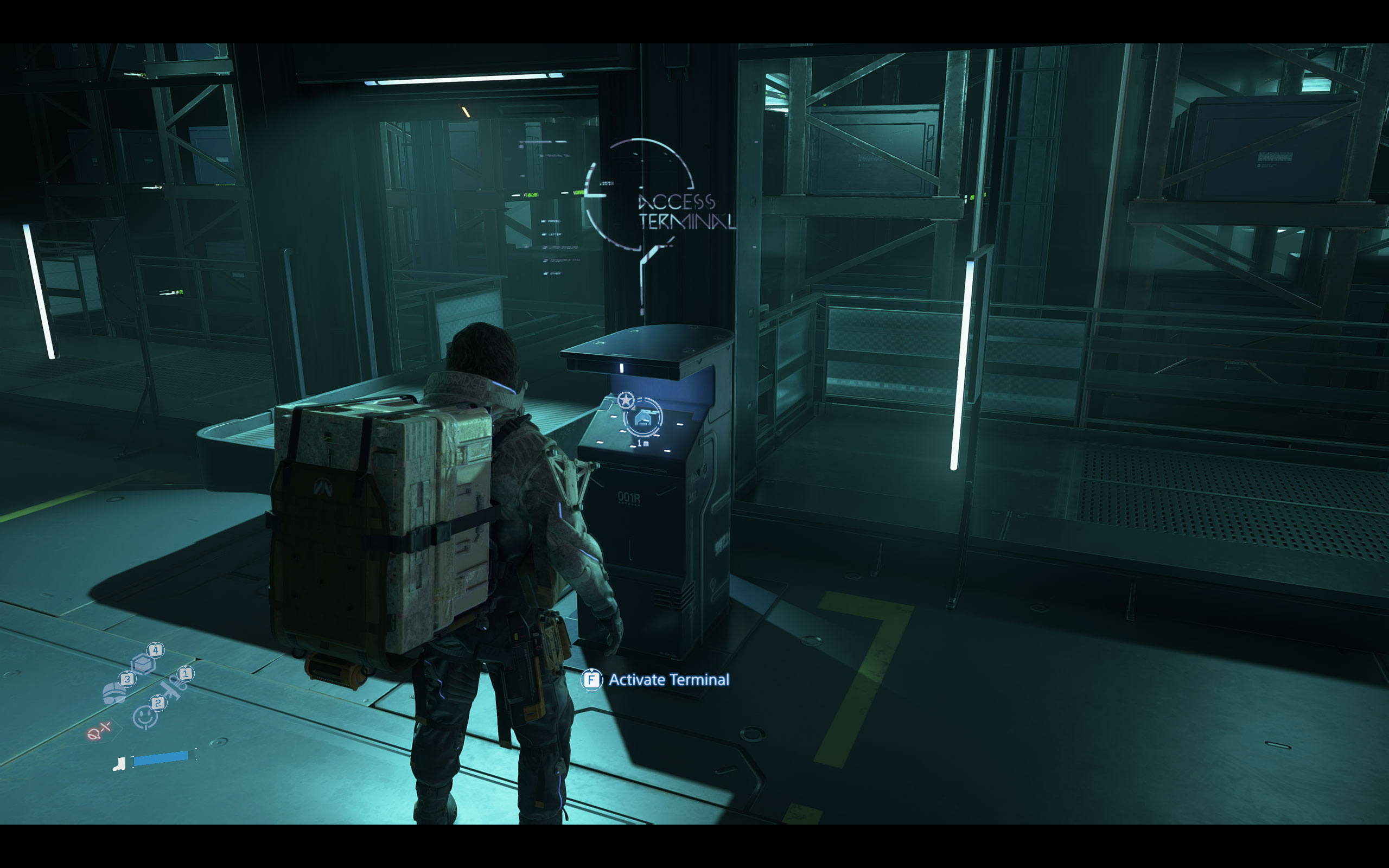
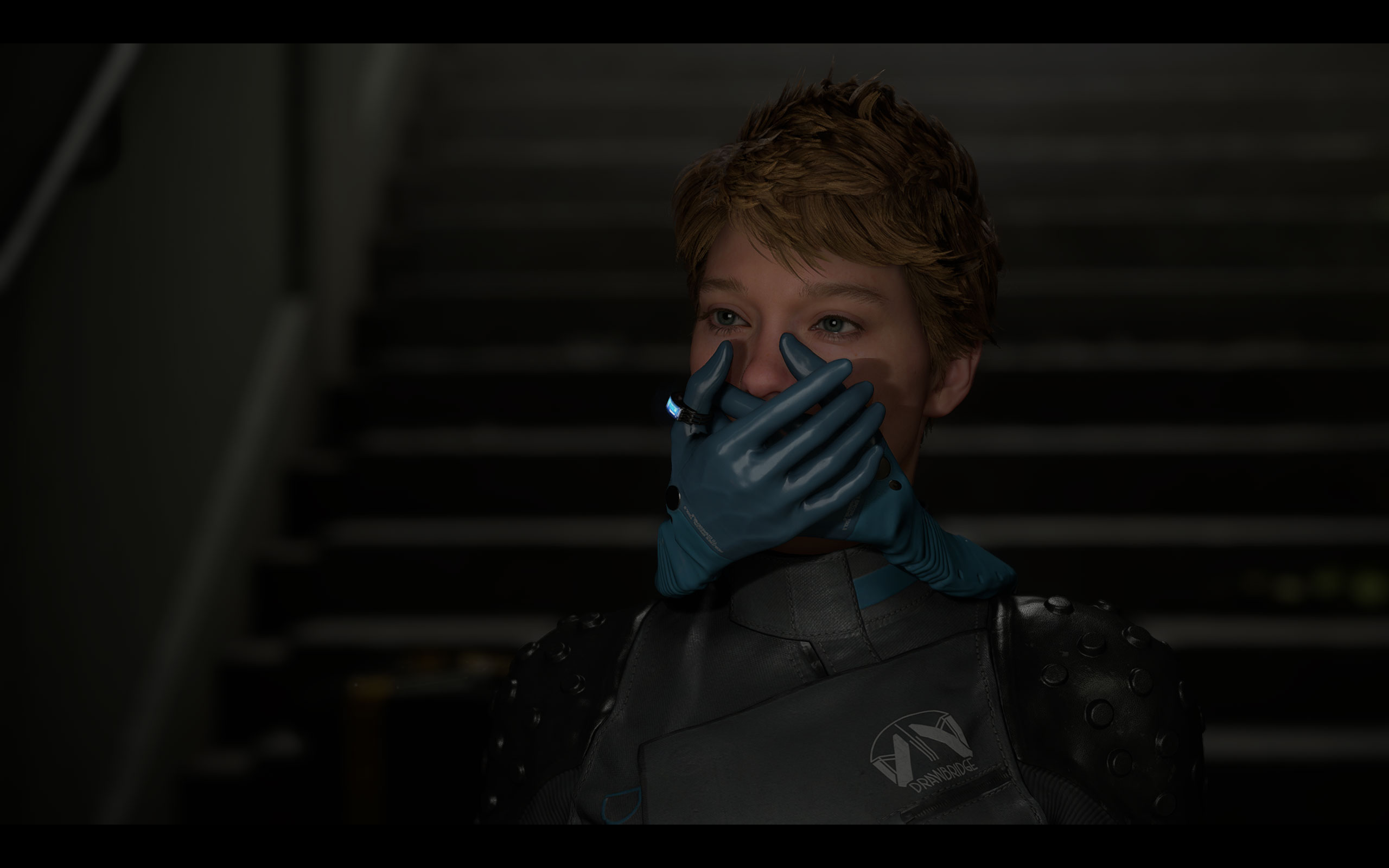
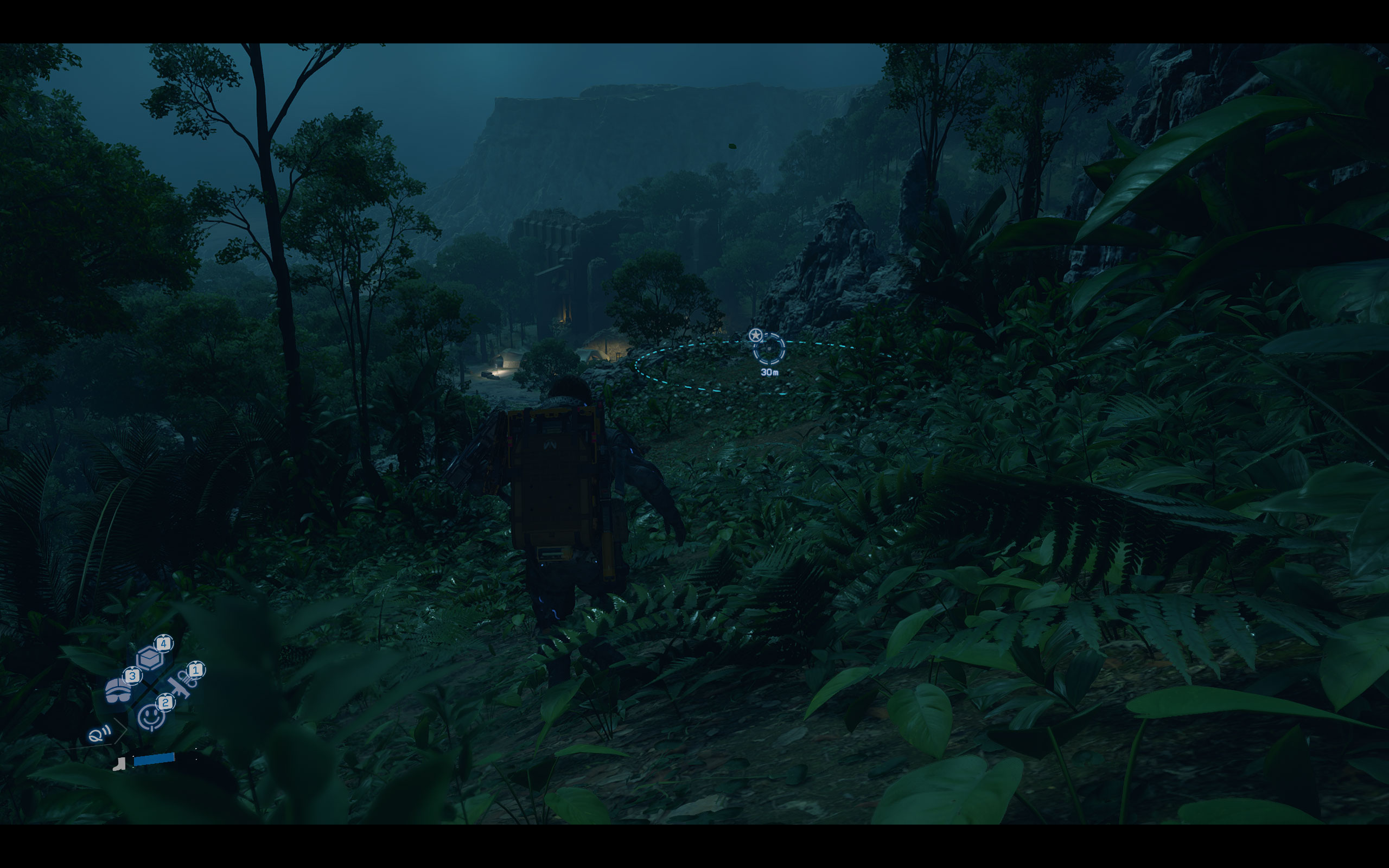
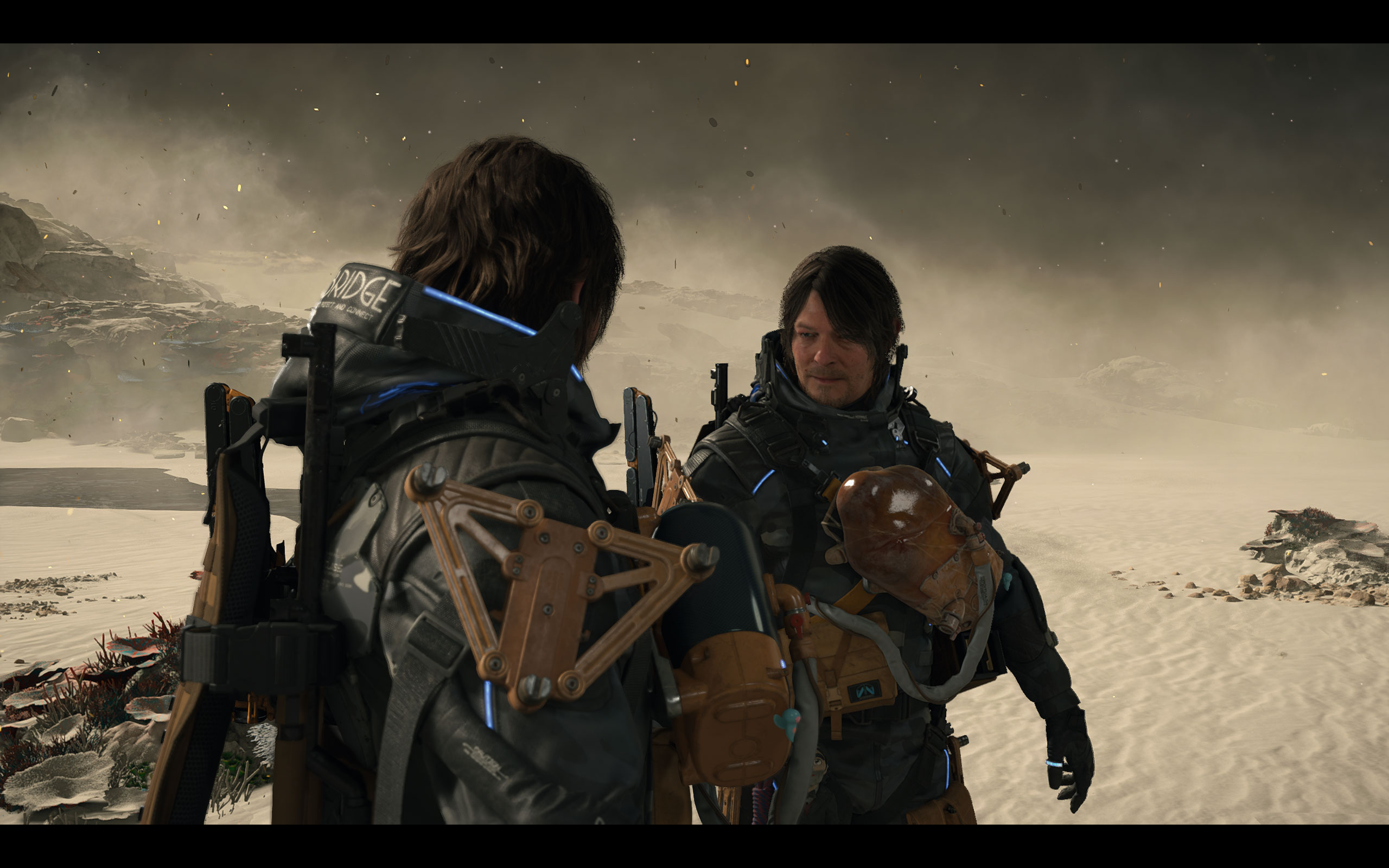
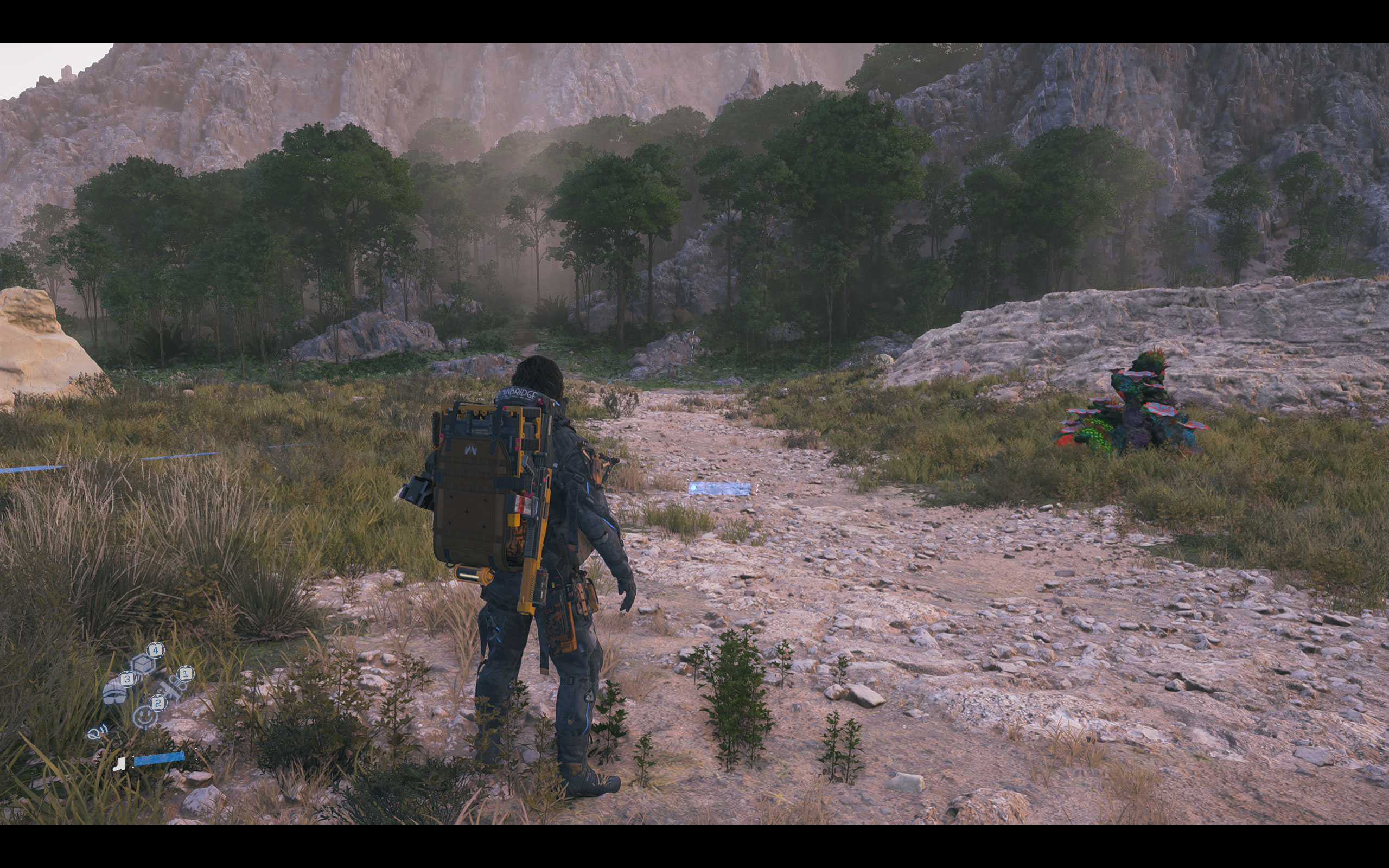
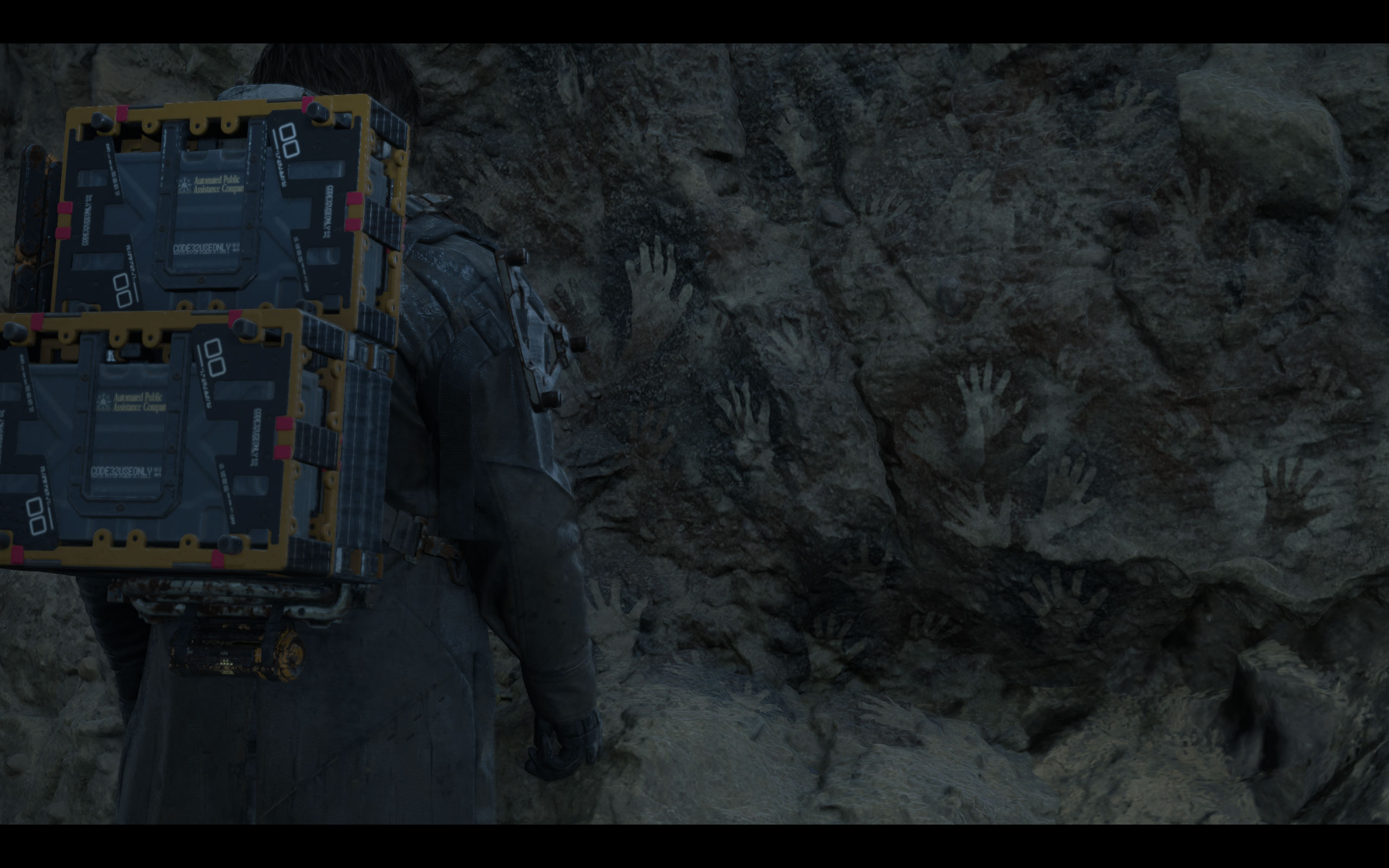
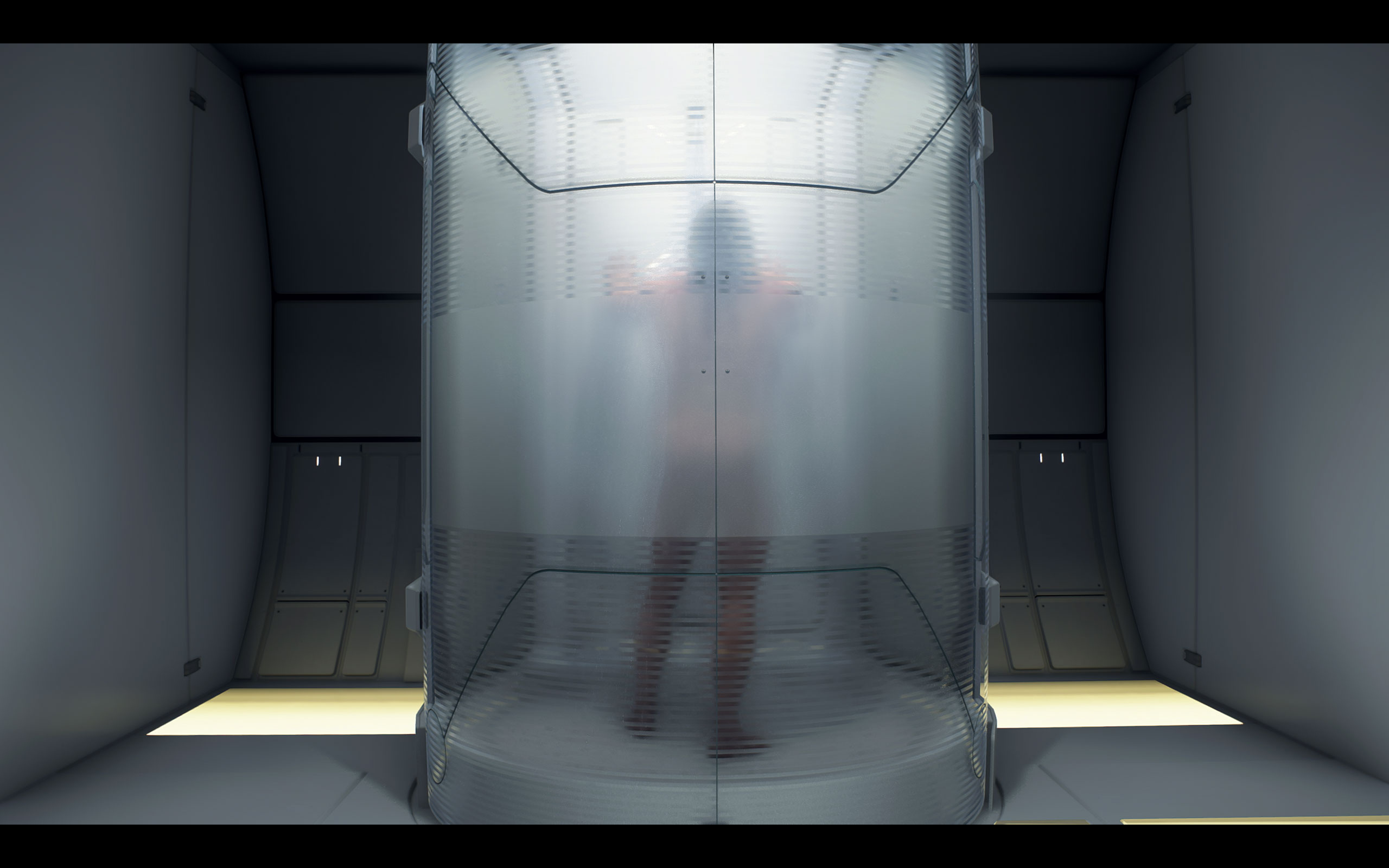
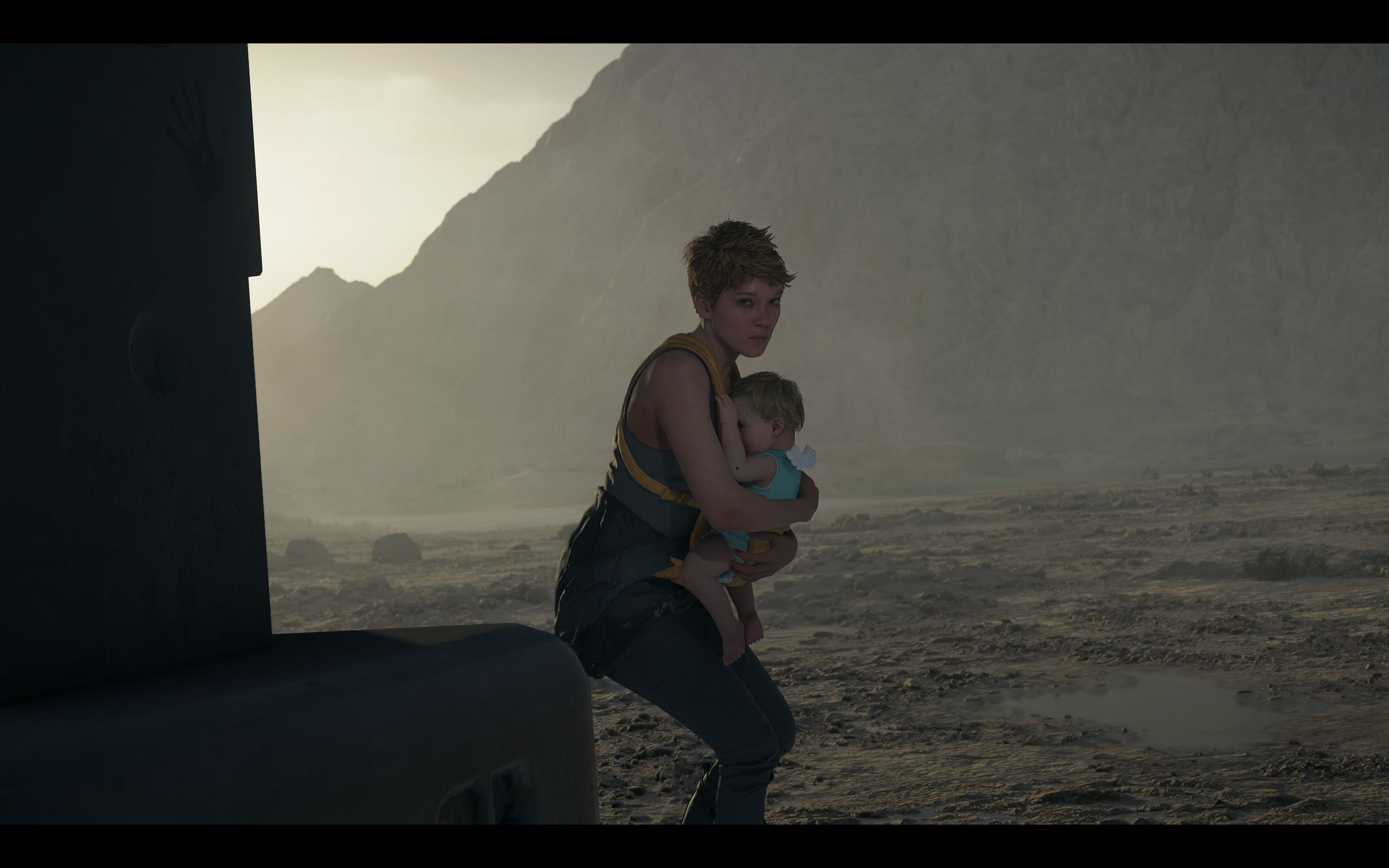
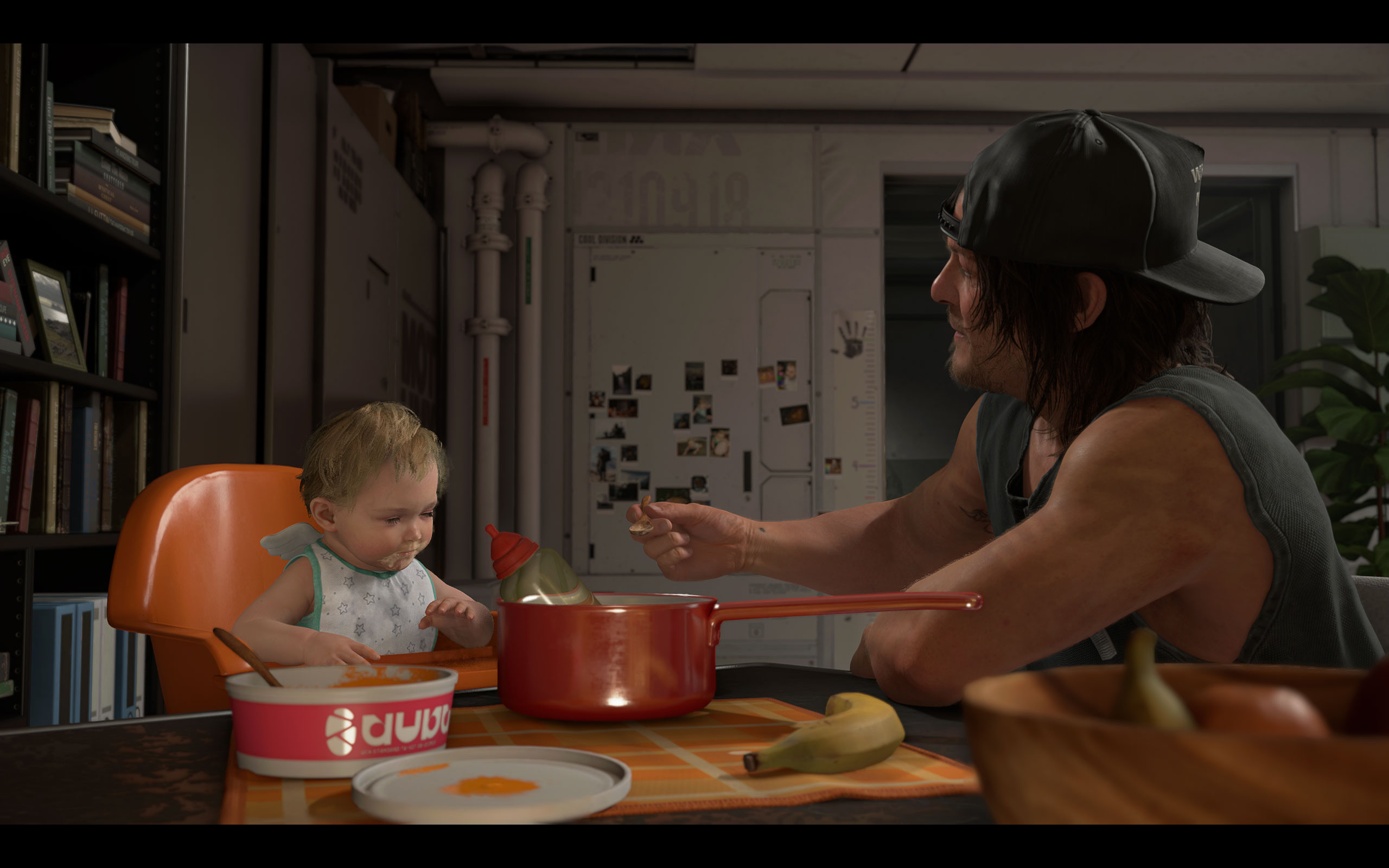
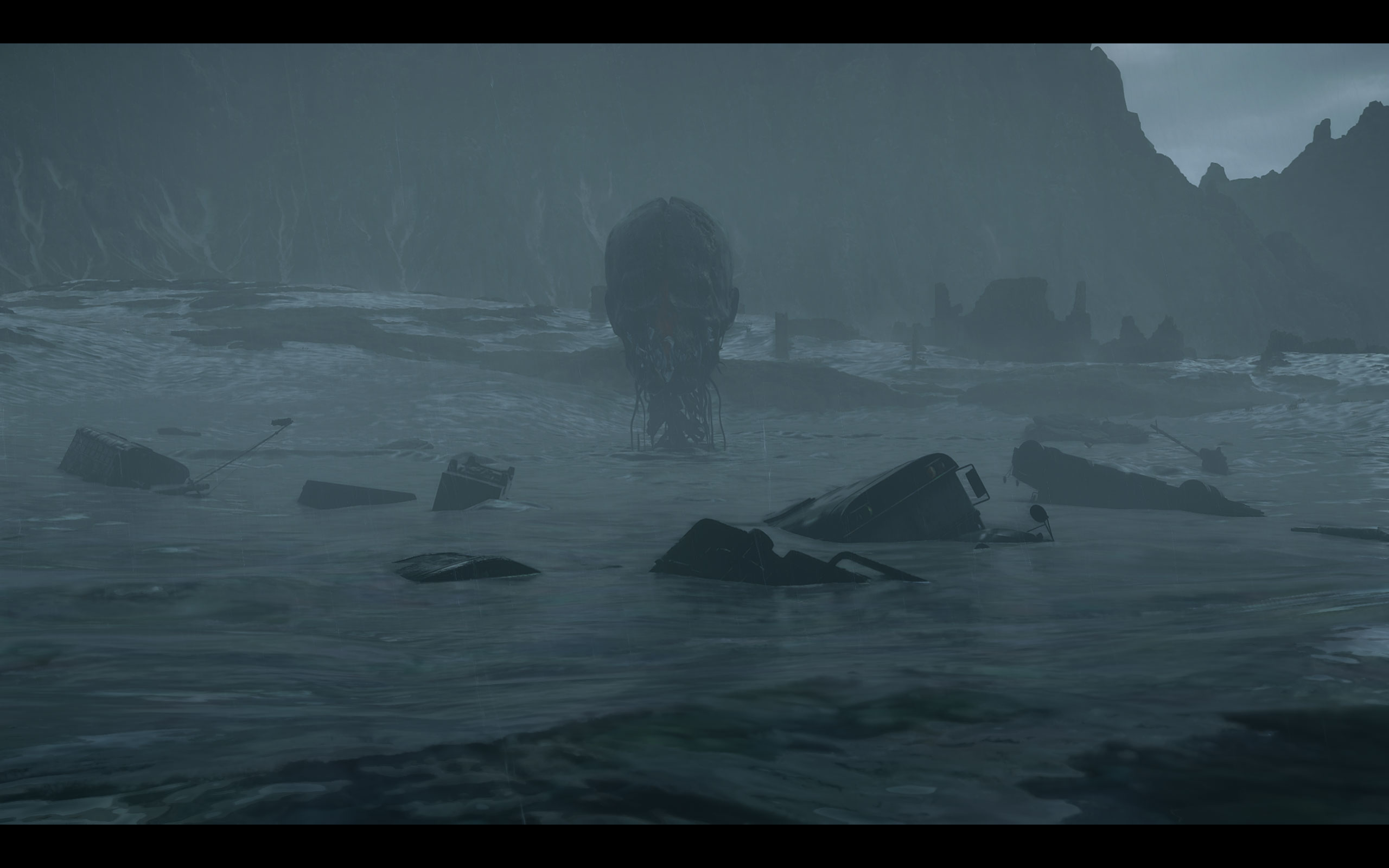
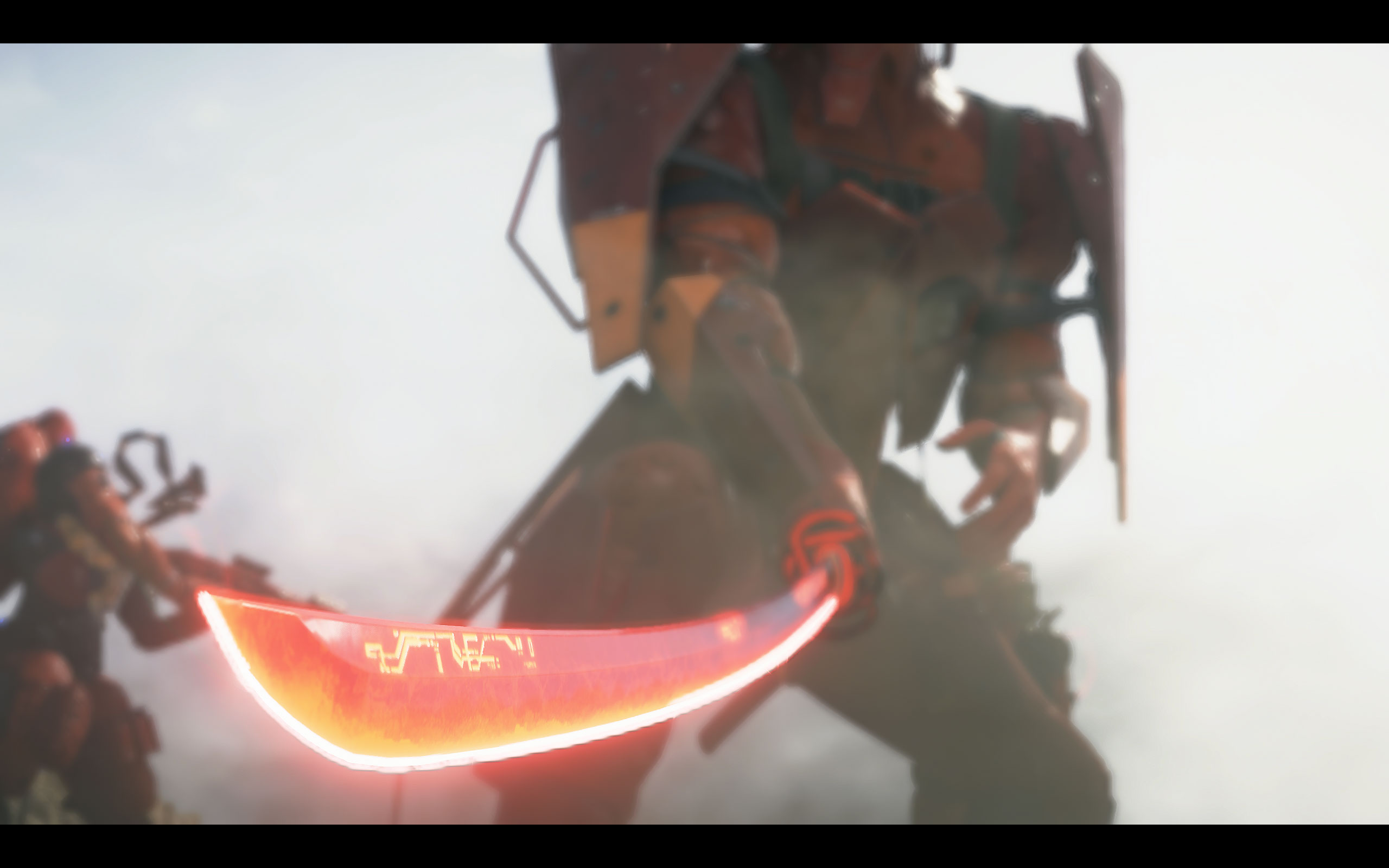
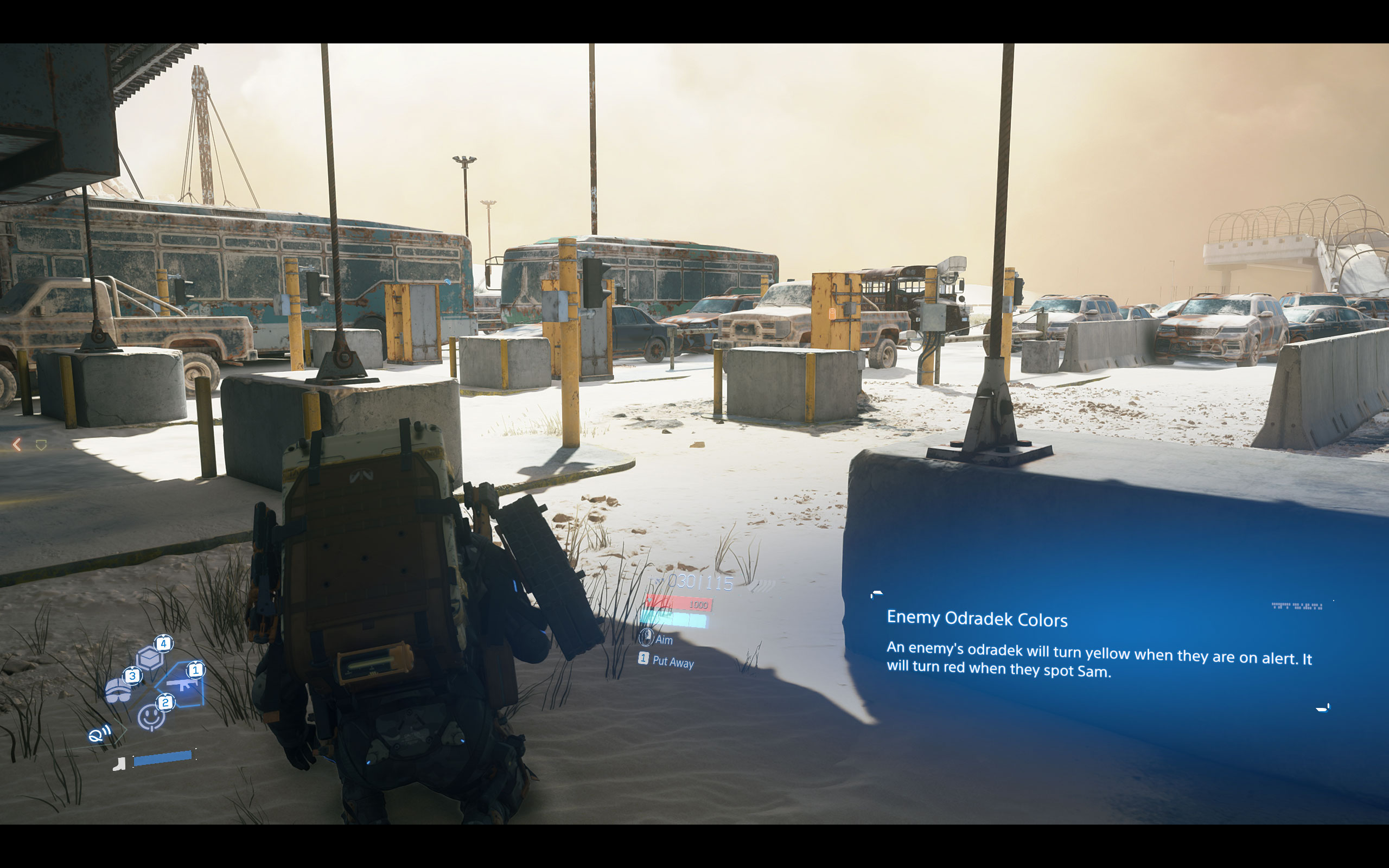
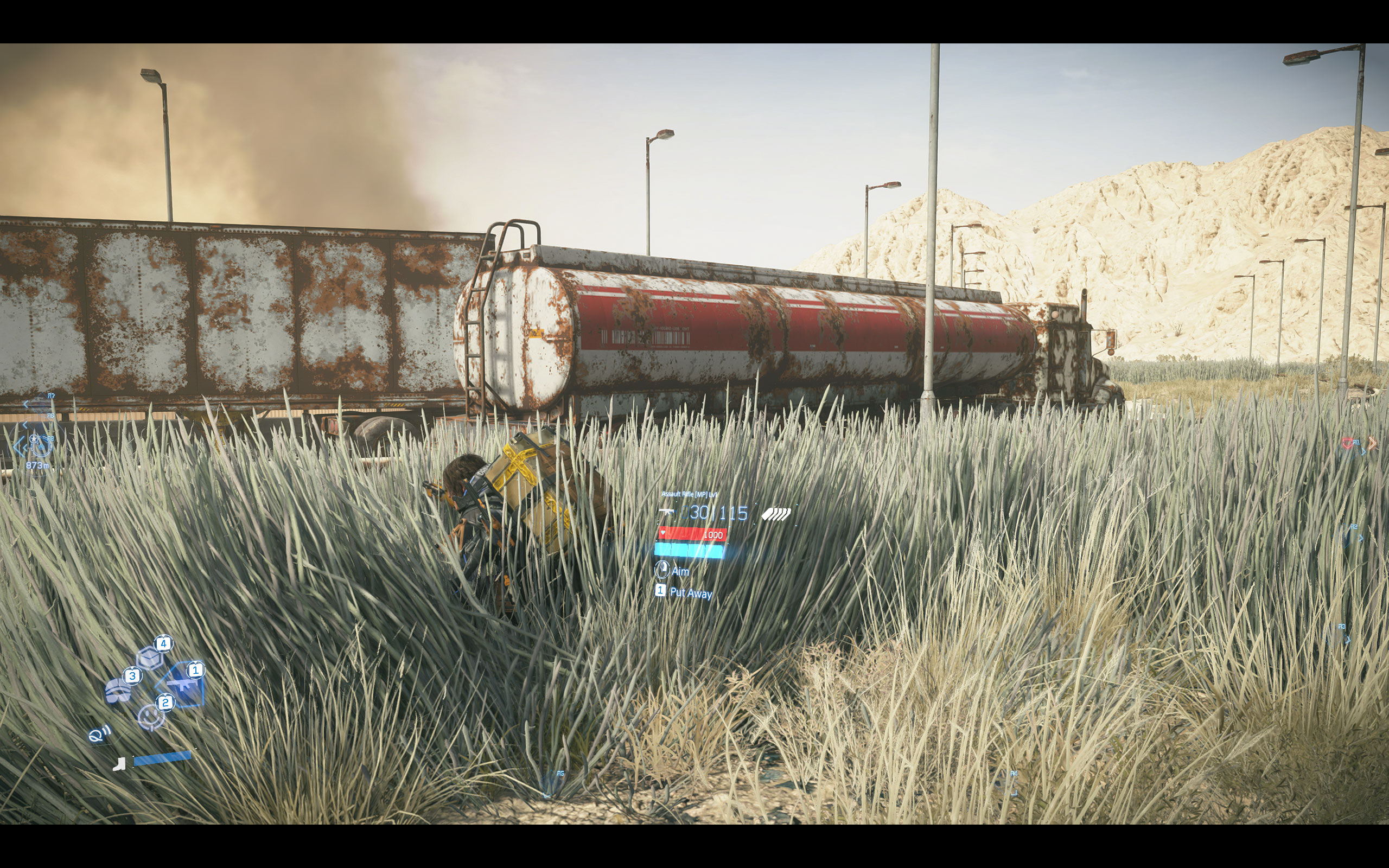
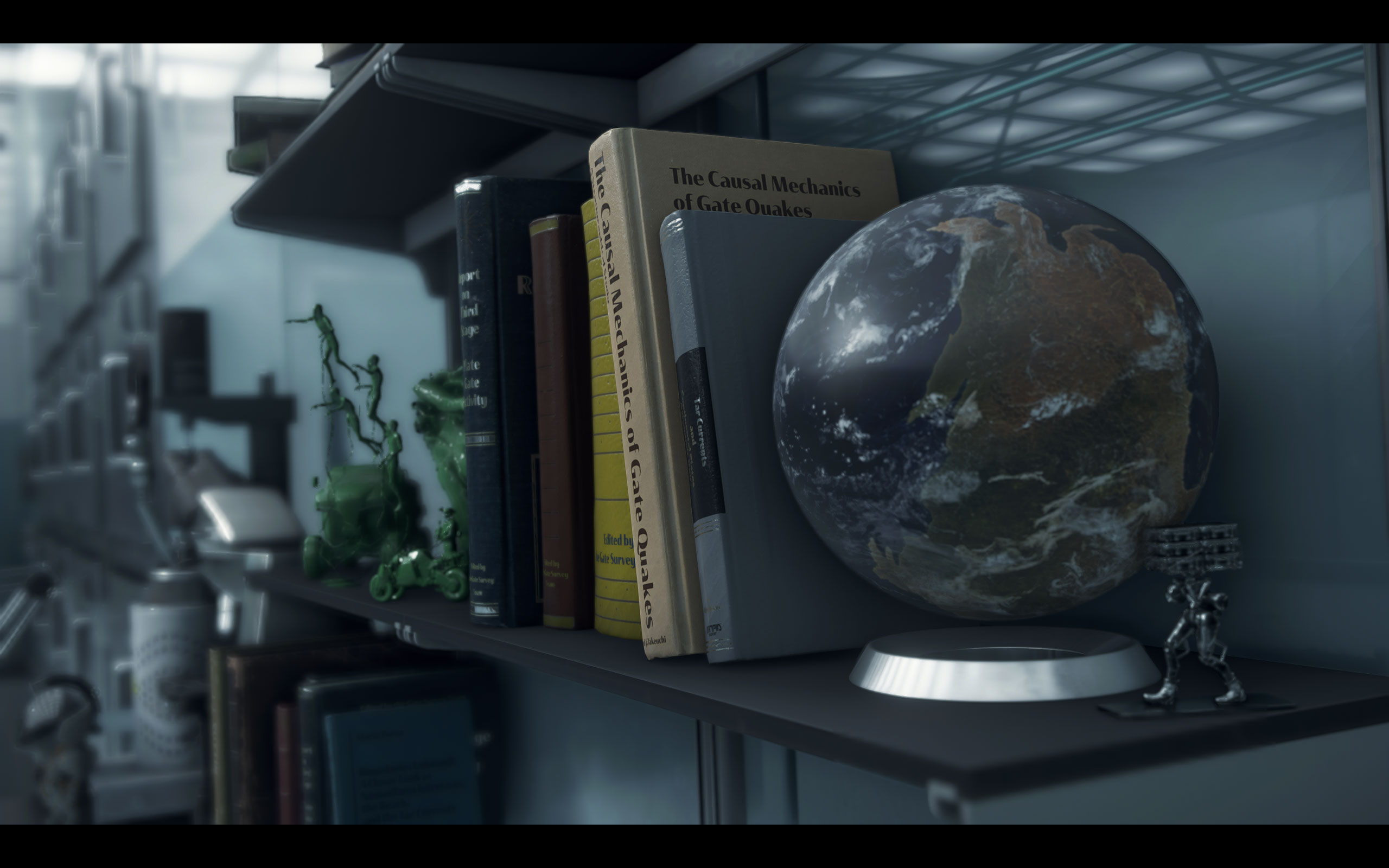
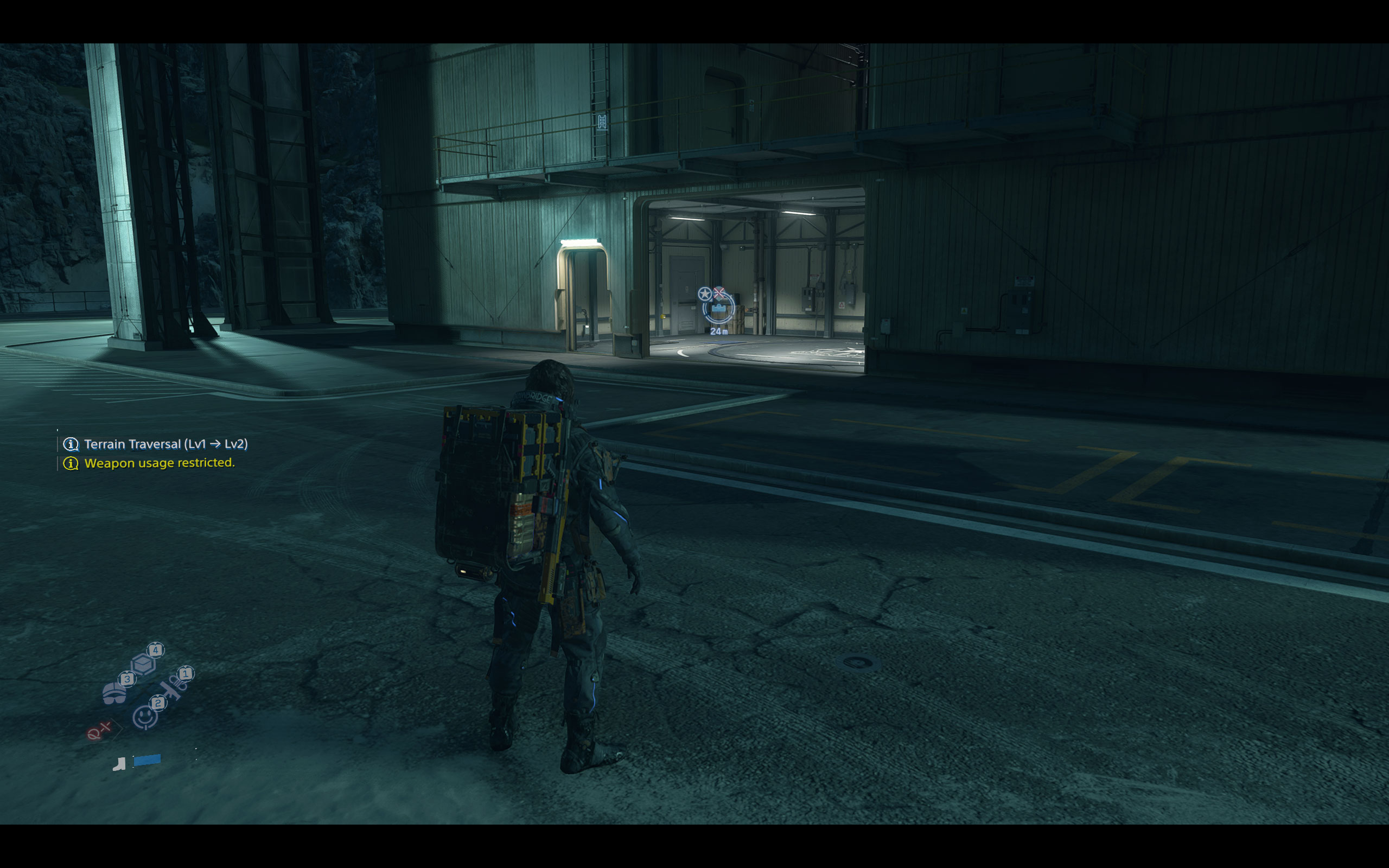
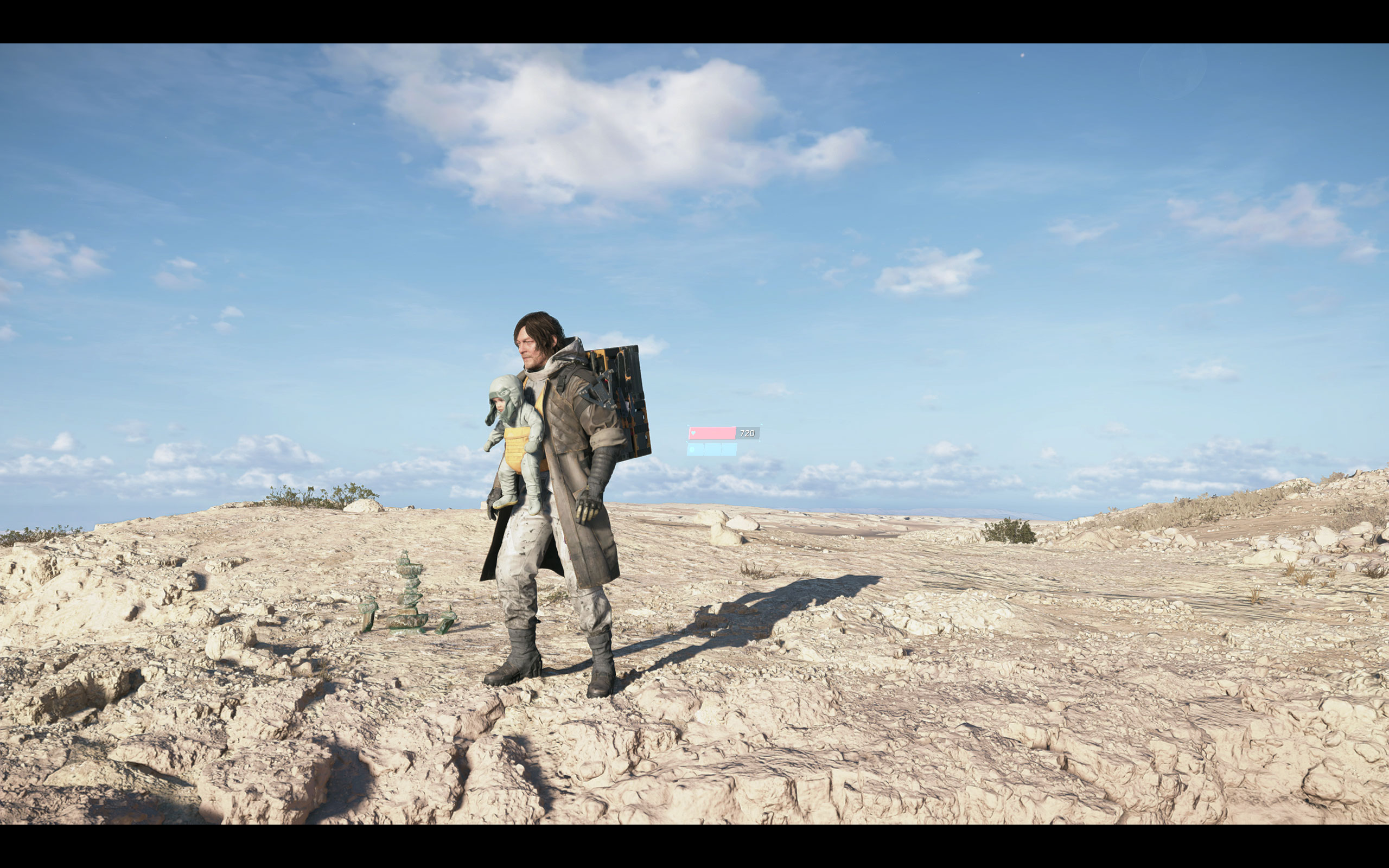
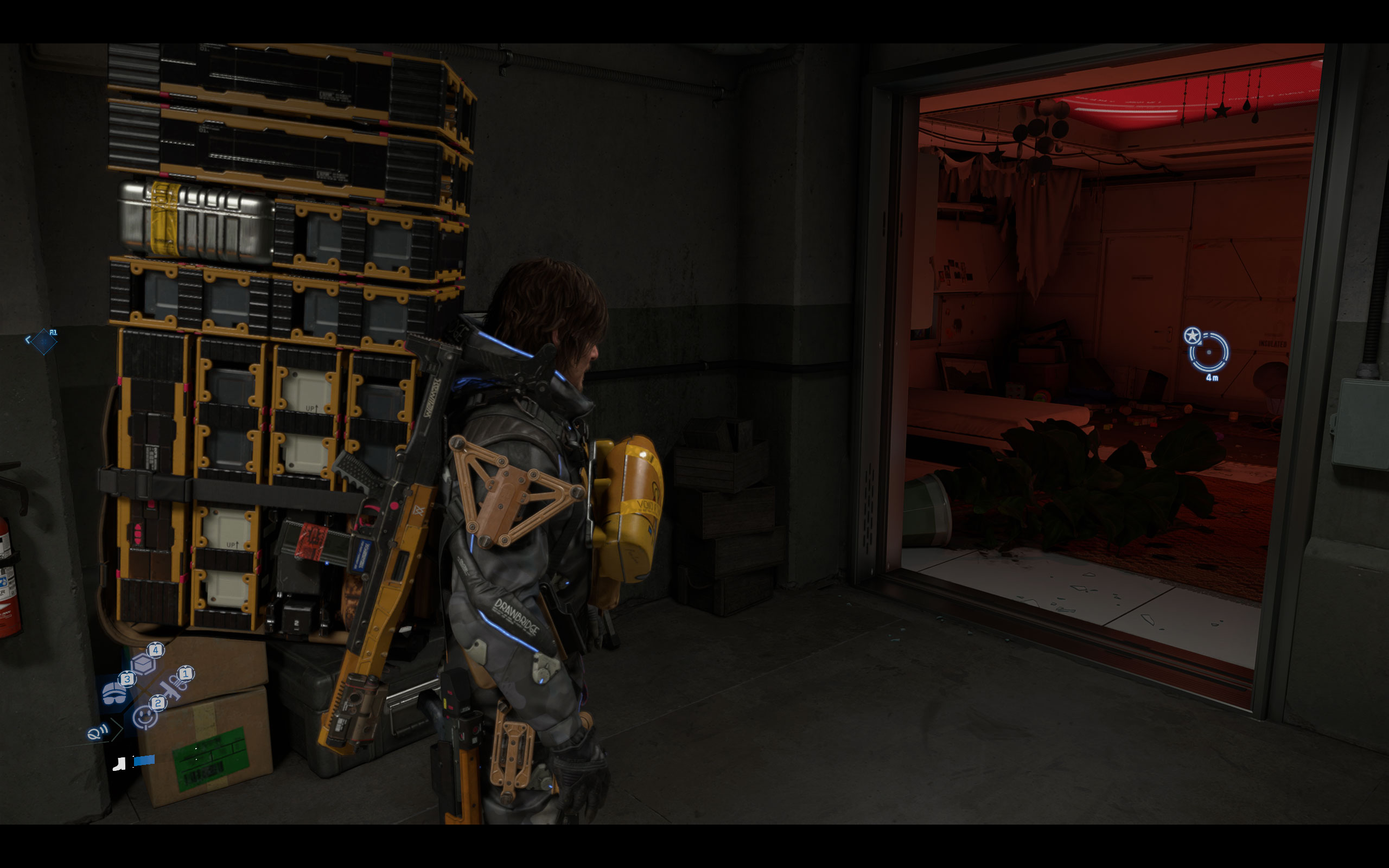
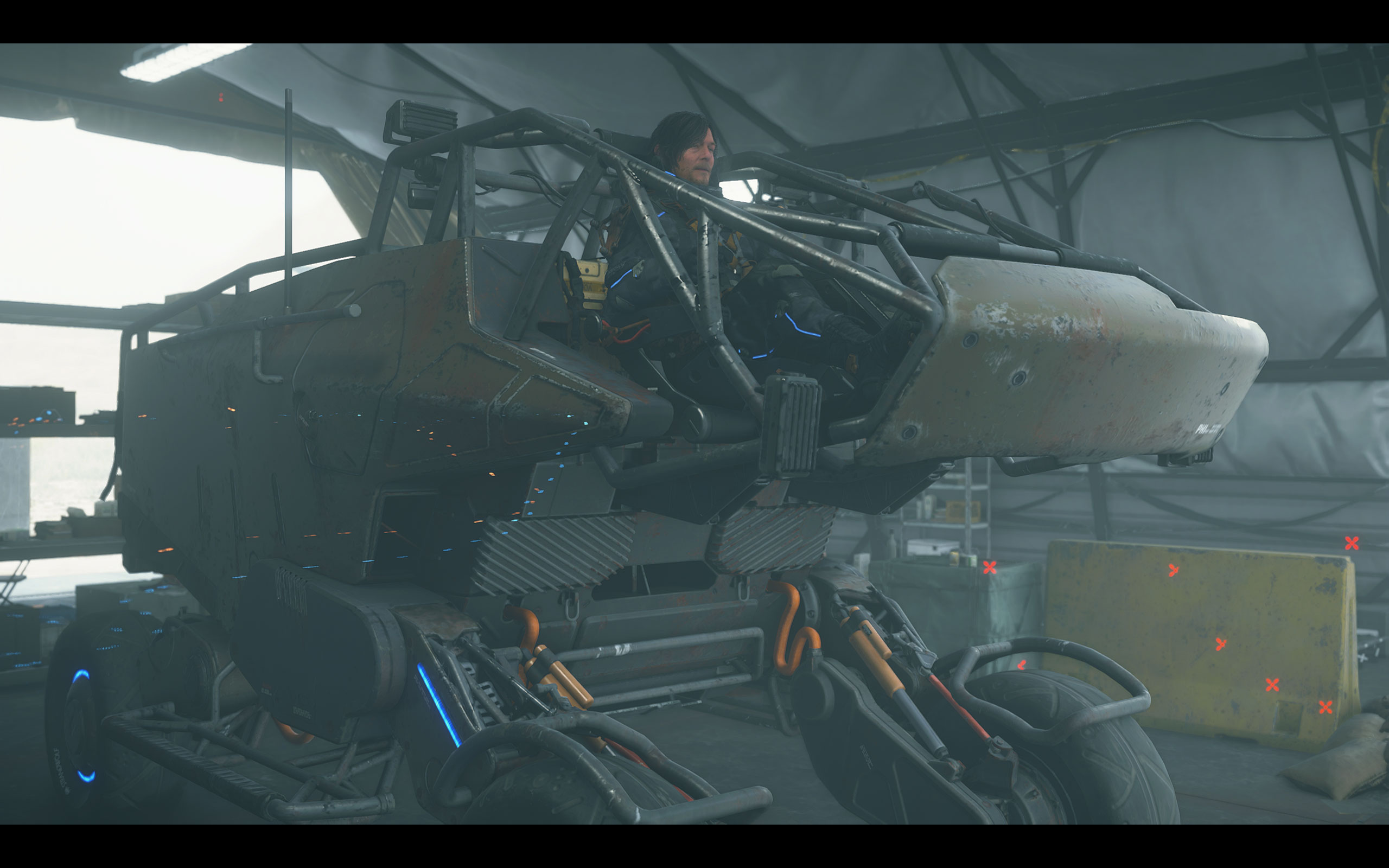
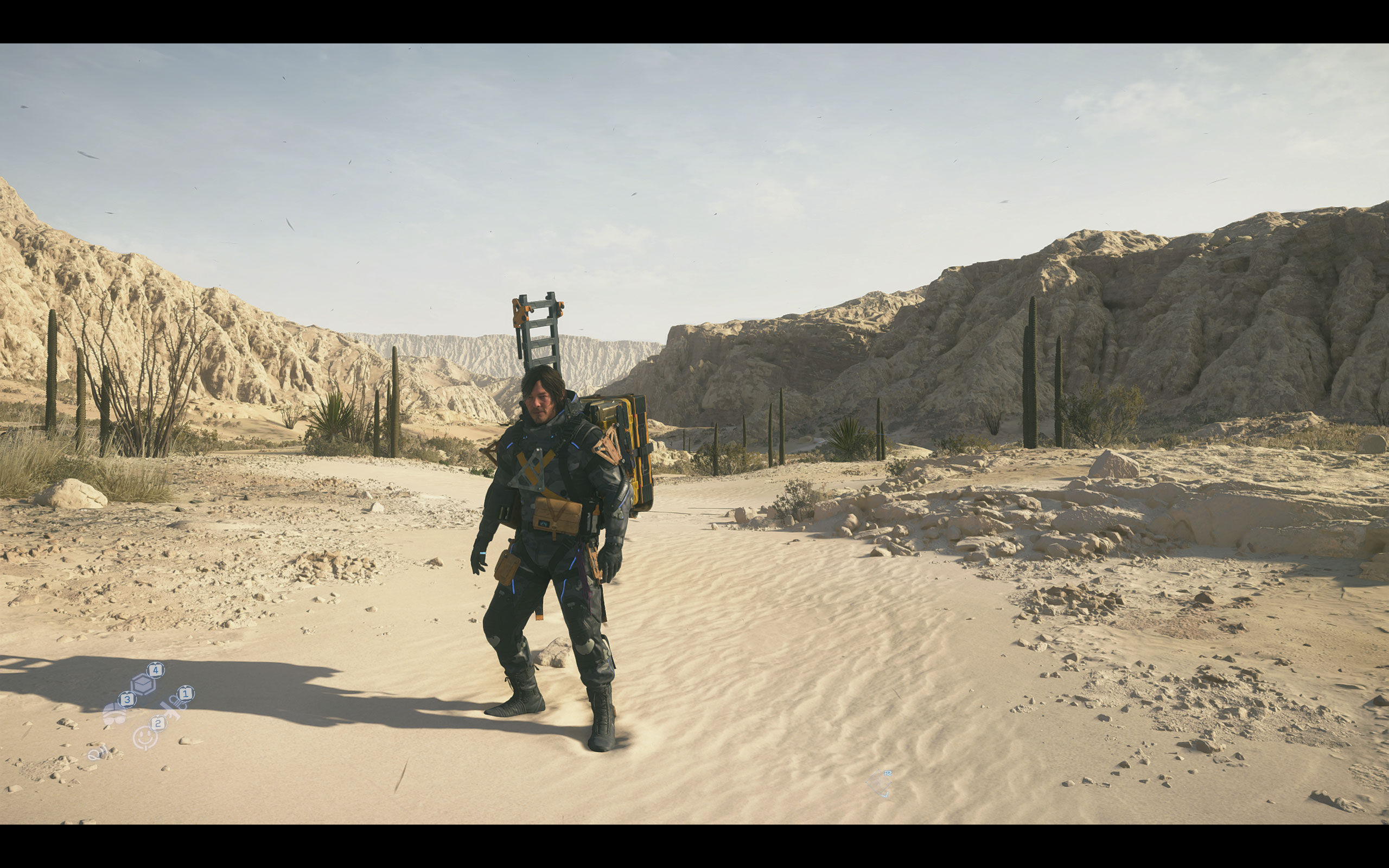
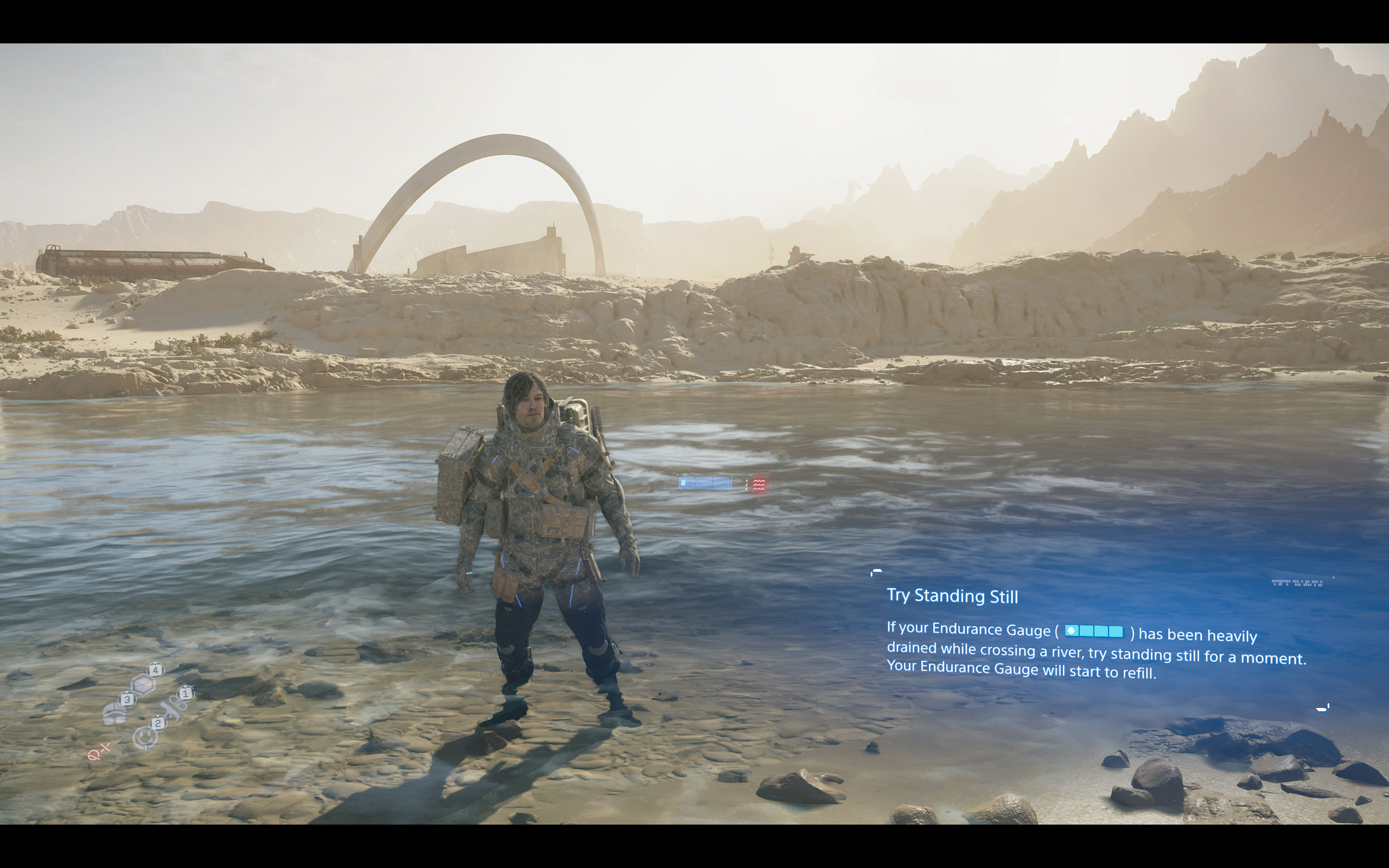
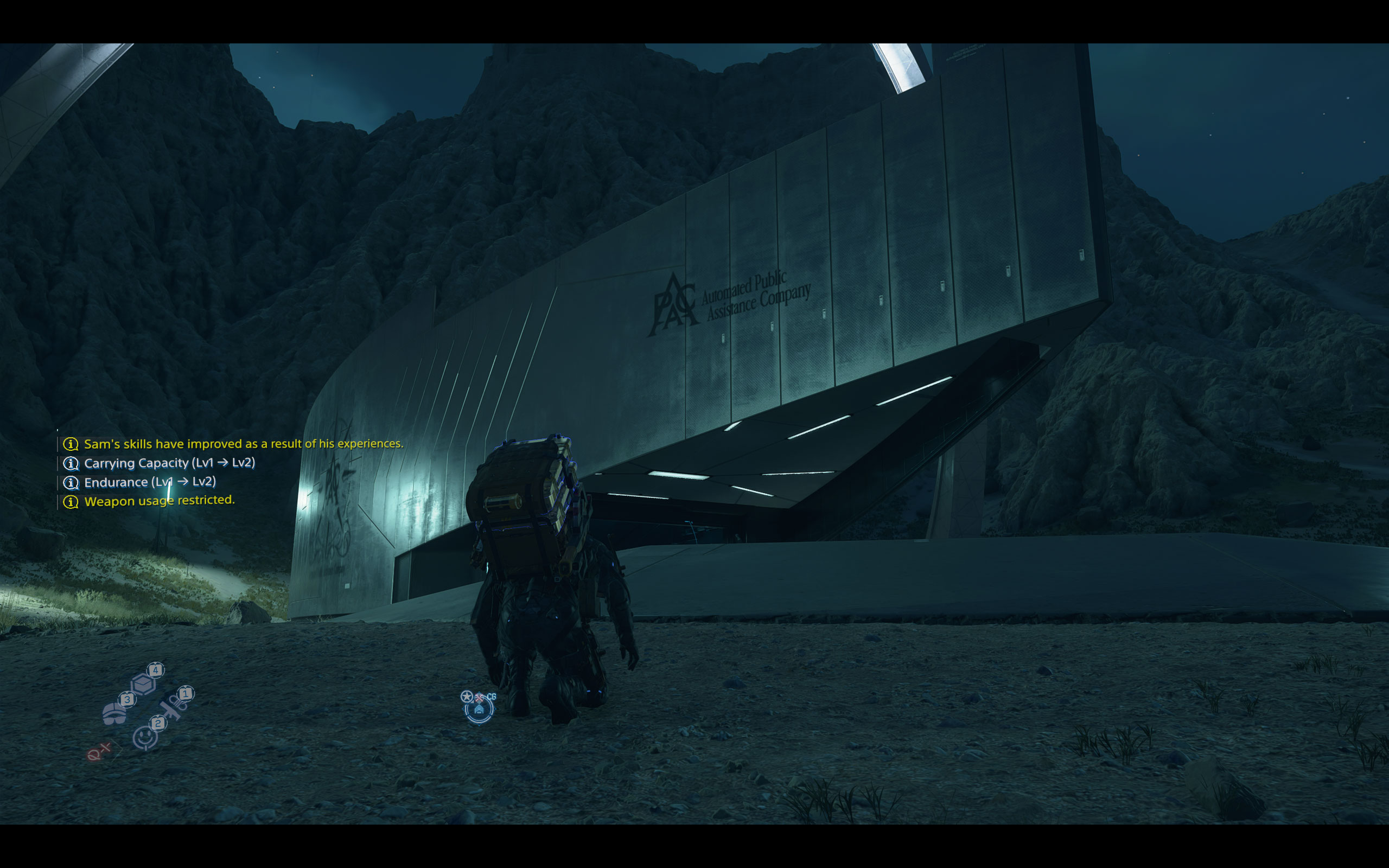
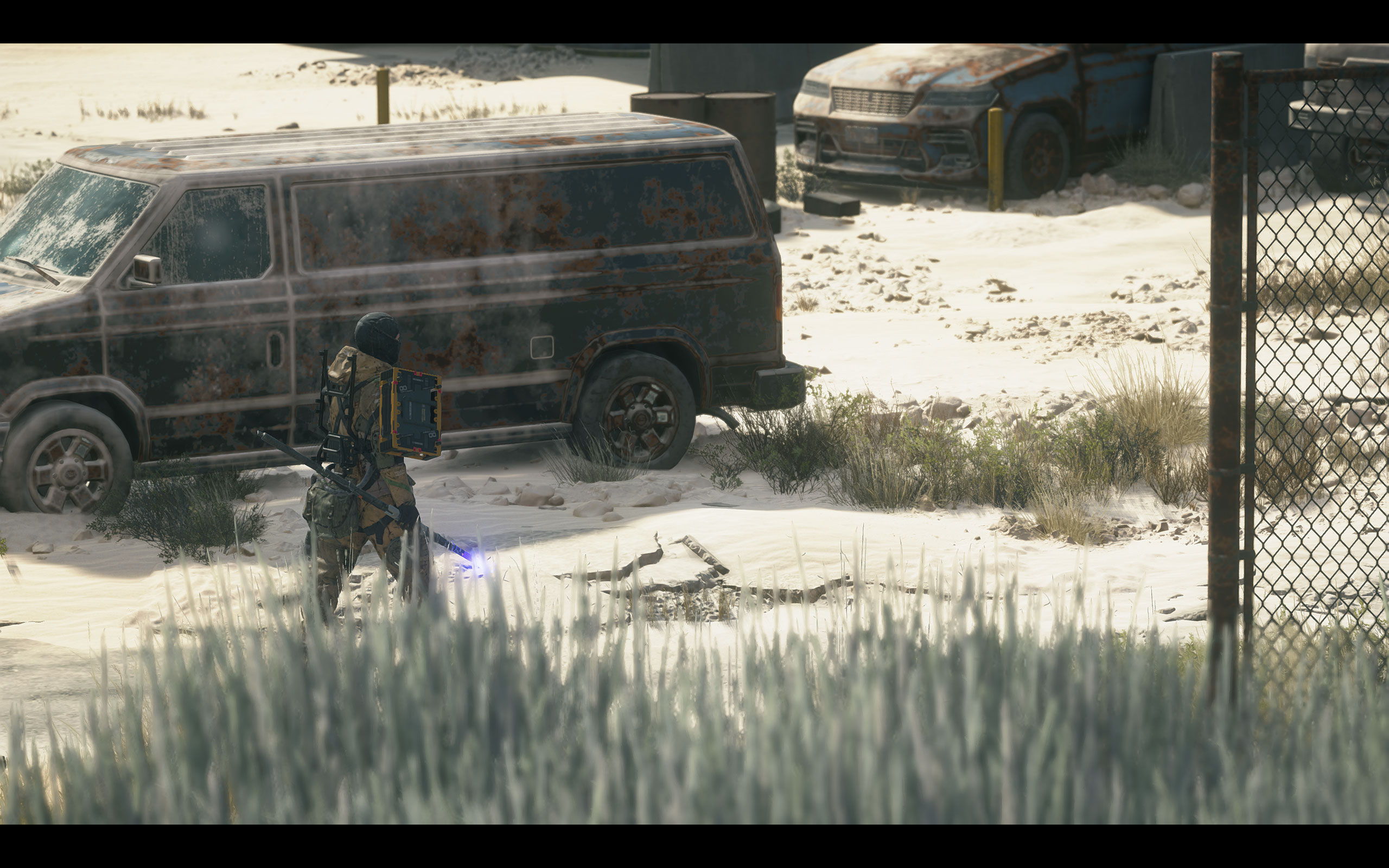
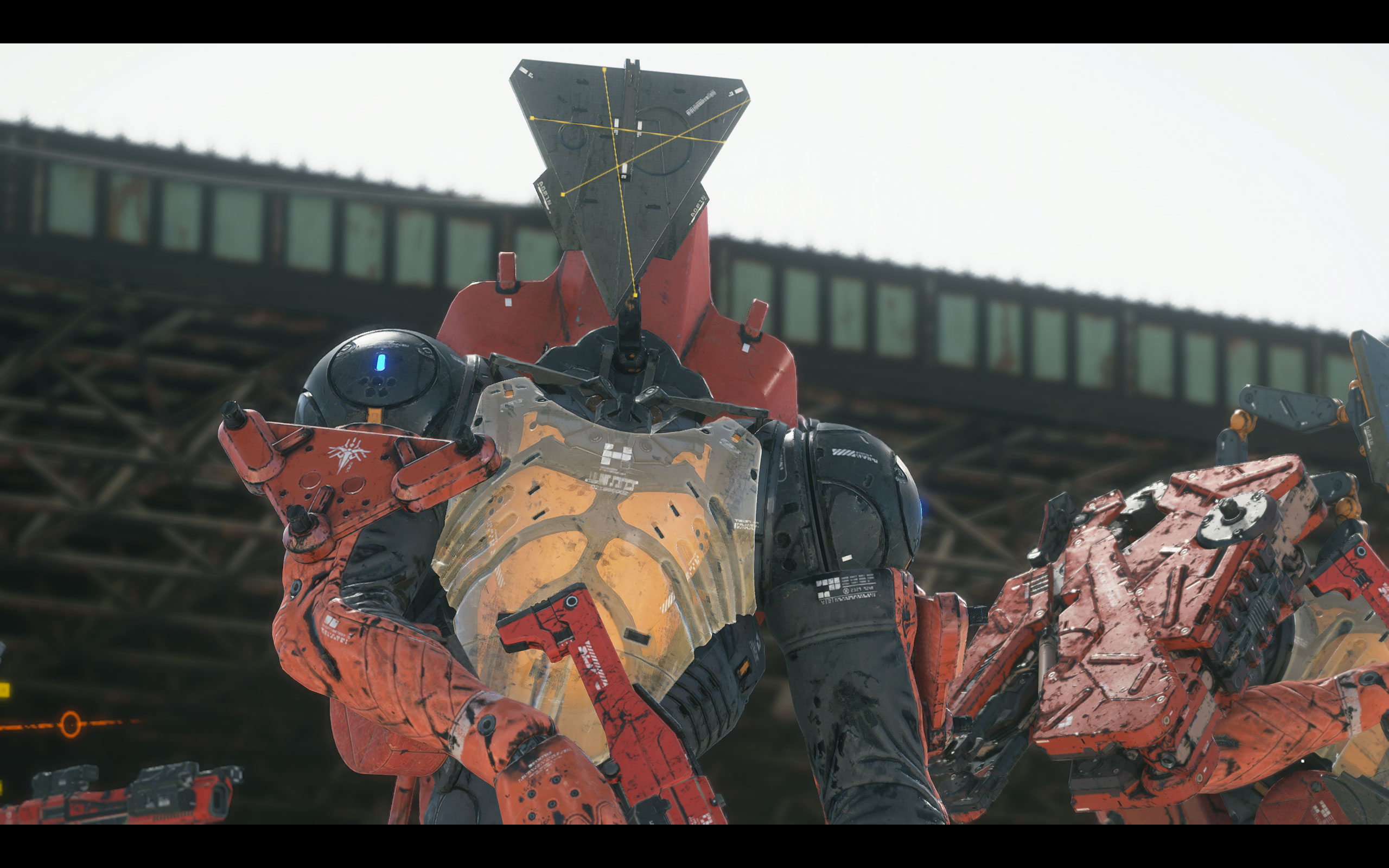
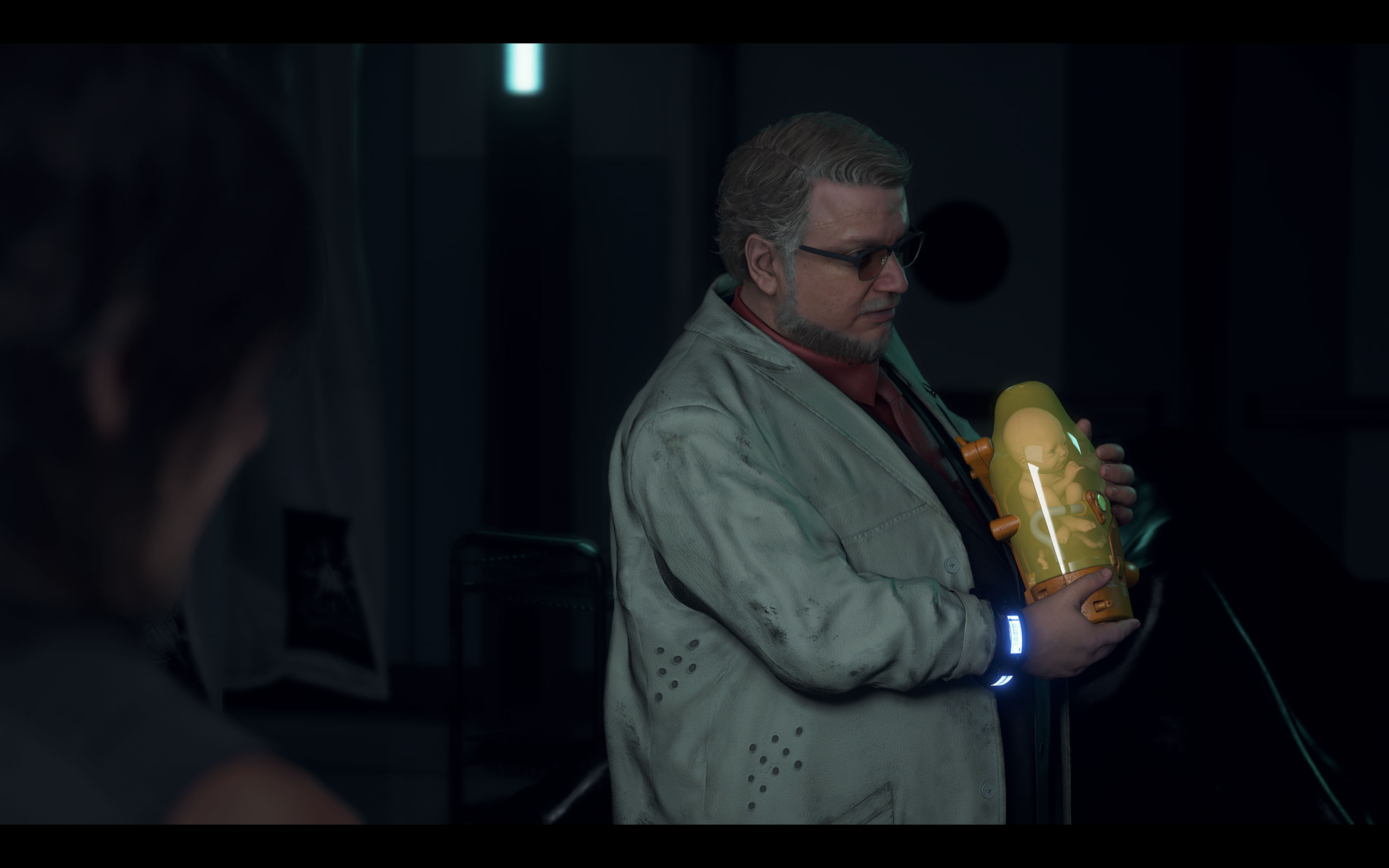
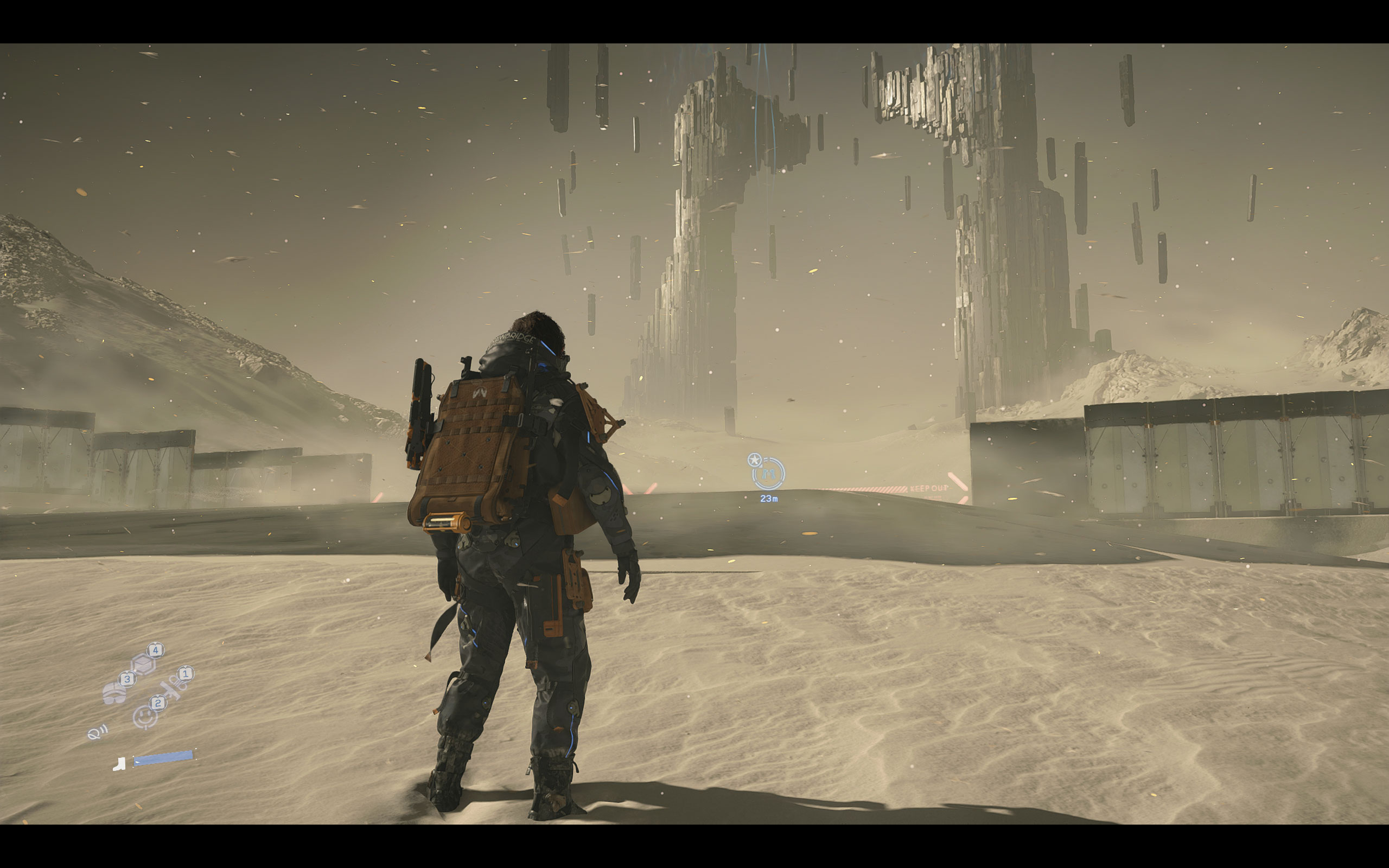
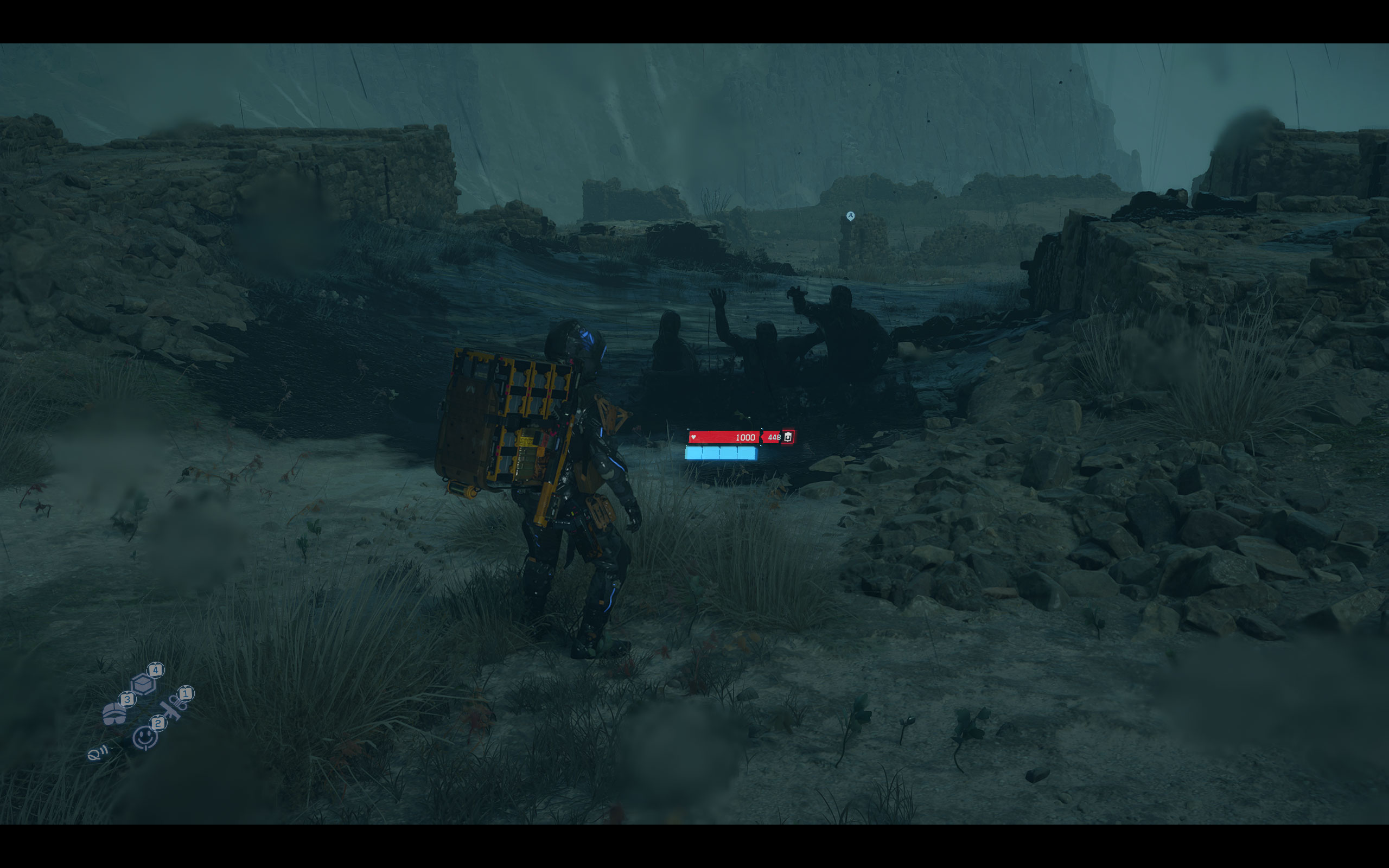
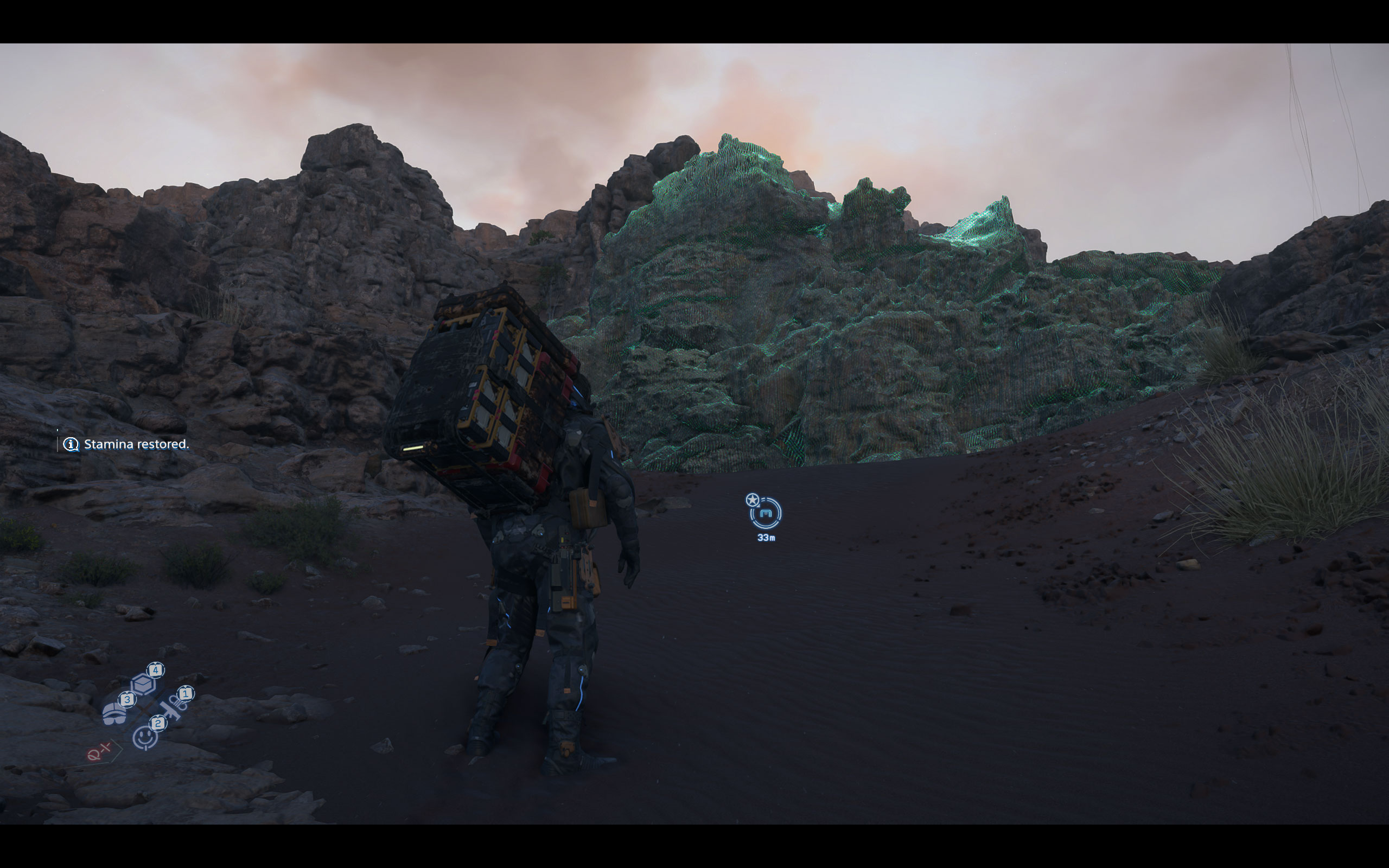
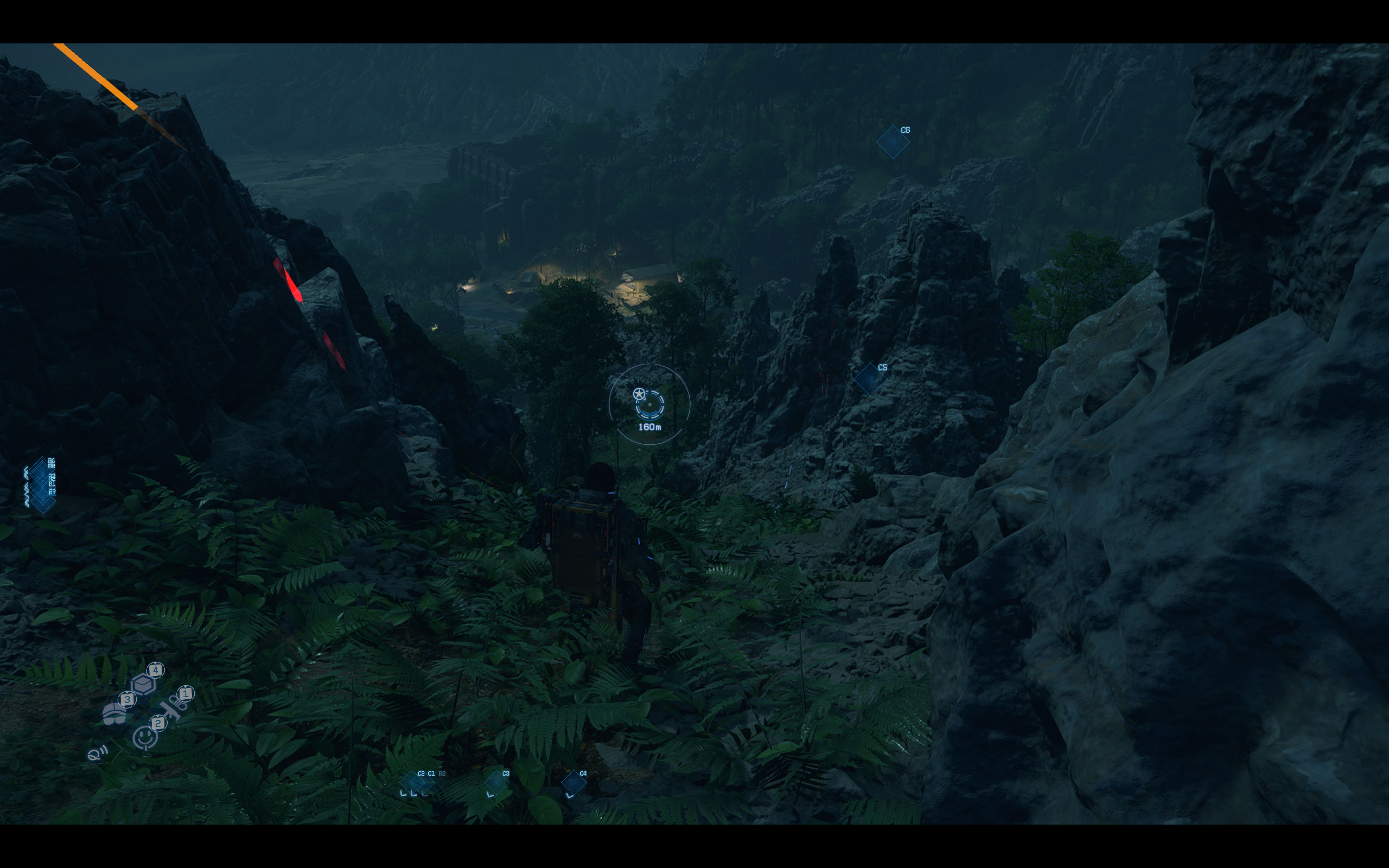
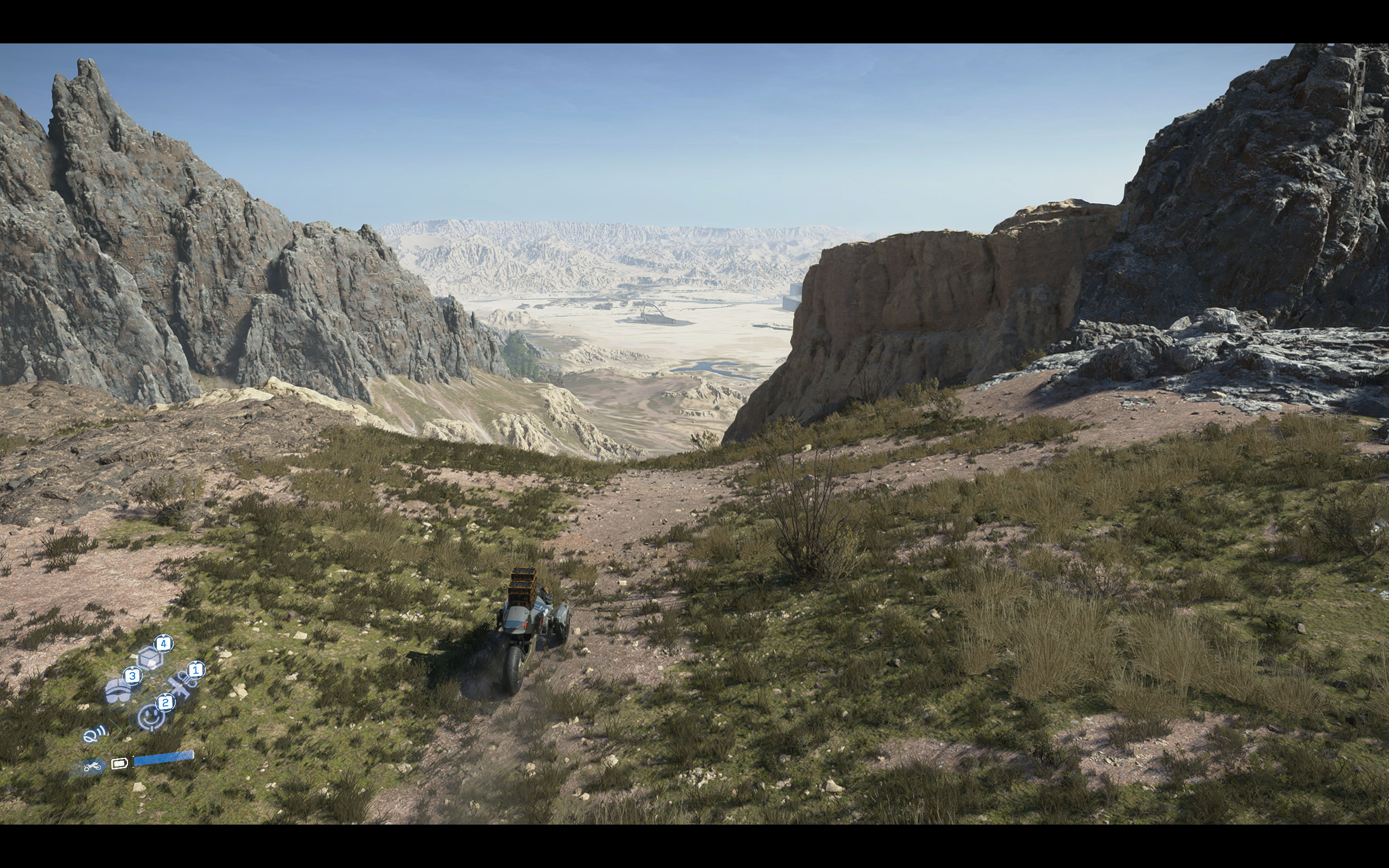
All screenshots were taken at the highest "Very High" preset, with ray tracing disabled, without upscaling (PICO Native AA). The gallery can be navigated with the cursor keys.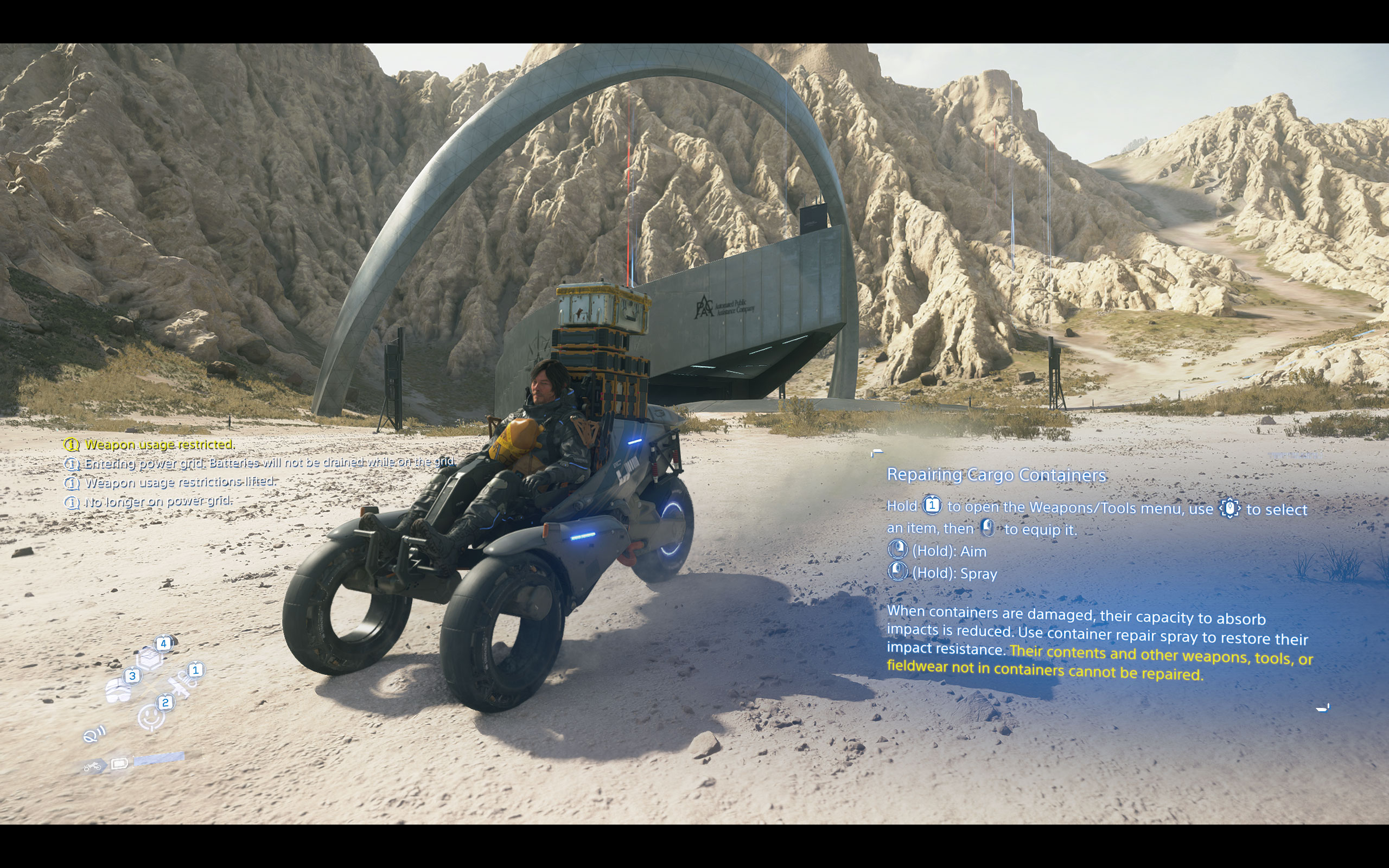
Graphics Settings
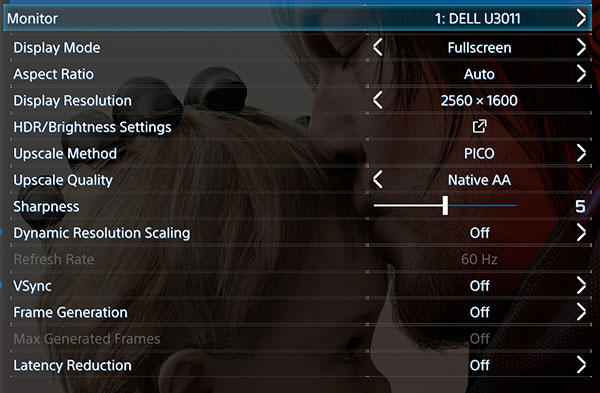
- There are two graphics settings screens, the first one deals with monitor and display-related settings.
- Display mode supports exclusive fullscreen, which is nice to see—many recent titles only offer borderless window. The options are "windowed," "fullscreen" (borderless), and "exclusive fullscreen."
- Upscale Method offers several options including DLSS, FSR, XeSS, and a unique "PICO" method. Upscale Quality can be set independently, with "Native AA" available for those who want native resolution with just antialiasing applied.
- Sharpness is adjustable on a slider from 0 to 10.
- Dynamic Resolution Scaling can be toggled on or off for automatic resolution adjustments based on performance targets (30, 45, 60 FPS).
- VSync can be toggled on or off. Frame Generation and Latency Reduction are separate toggles, with Max Generated Frames becoming available when Frame Generation is enabled. Frame generation supports DLSS, FSR, and XeSS.
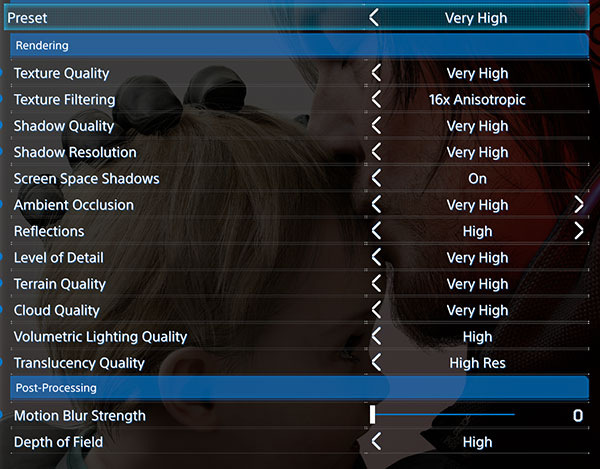
- The second settings screen covers rendering quality and post-processing options, with an overall Preset selector at the top. Available presets are "Portable," "Low," "Medium," "High," and "Very High." Even "Very High" does not enable ray tracing—RT reflections and RT ambient occlusion are separate toggles further down that must be enabled manually.
- The rendering section is comprehensive, with individual controls for Texture Quality, Texture Filtering (up to 16x Anisotropic), Shadow Quality, Shadow Resolution, Screen Space Shadows, Ambient Occlusion, Reflections, Level of Detail, Terrain Quality, Cloud Quality, Volumetric Lighting Quality, and Translucency Quality.
- Post-Processing settings include Motion Blur Strength, which is adjustable on a slider and can be set to 0 to disable it entirely, and Depth of Field quality.
- Please note that 16:10 and probably other exotic resolutions are not supported, so on my 2560×1600 screen, it runs in 16:9. There are black bars on top and bottom of the whole game—not just in cutscenes—which is very sad, considering it's 2026. 21:9 and 32:9 are supported though.
Our Patreon Silver Supporters can read articles in single-page format.
Nov 18th, 2026 14:08 PST
change timezone
Latest GPU Drivers
New Forum Posts
- Time to upgrade CPU and MOBO (34)
- Last game you purchased? (1405)
- Can i play GTA 6 now? (Joke) (7)
- Honestly, do you care about GTA VI? (146)
- What are you playing? (26234)
- Very unusual two gaming-pc scenarios. (12)
- Dell Workstation Owners Club (3513)
- Any other old-timers here planning to play WoW Forever? (151)
- The Filthy, Rotten, Nasty, Helpdesk-Nightmare picture clubhouse (2876)
- WarpCoreBench scores! (67)
Popular Reviews
- Acemagic Retro X3 Review
- Upcoming Hardware Launches 2027 (Updated Nov 2026)
- AMD Zen 6 Technical Deep Dive
- ASUS ROG Strix B850-I Gaming Wi-Fi7 W Review
- Corsair HX1000i Shift Crystal Review
- Biwin Black Opal NV7400 2 TB Review
- Chieftec Iceberg PRO 360 DARK Review
- AMD Ryzen 7 9800X3D Review - The Best Gaming Processor
- Pulsar Office Tour & First Look at P1 Dual-Sensor Mouse
- Phantom Blade Zero Performance Benchmark Review - 35 GPUs Tested
TPU on YouTube
Controversial News Posts
- NVIDIA Co-Founder and CEO Jensen Huang Officially Resigns (478)
- Report: Jensen Huang Eyes NVIDIA Comeback (187)
- Open Letter Asking NVIDIA to Reinstate Jensen Huang Passes 115,000 Signatures (184)
- OpenAI CEO Argues Home PCs Waste the World's Limited DRAM Supply (152)
- NVIDIA Launches Investigation Into Jensen Huang's Relationship With Suspected Chinese Spy (136)
- Intel "Raptor Lake Next" 16-Core and 20-Core CPUs Surface (130)
- Legendary Game Studio BioWare Shuts Down Following EA Layoffs (104)
- Dell CEO Says the Memory Shortage Will Get Worse in 2027 (95)