 40
Dough Spectrum Black 32 Review
Controls & OSD »Connectivity
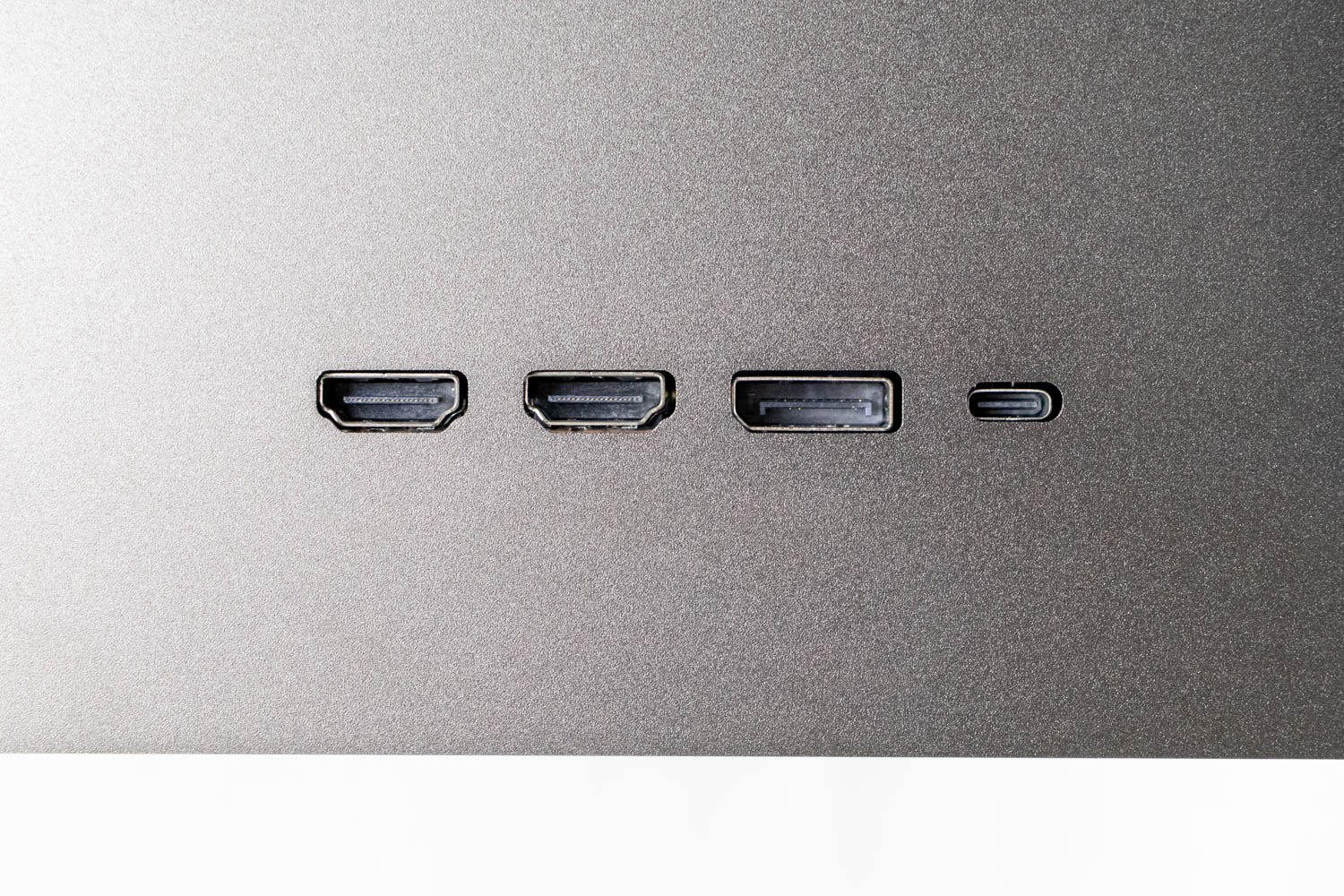
Behind the right side of the panel, the Dough Spectrum Black 32 features a pair of rear-facing HDMI 2.1 inputs, and a DisplayPort 1.4 input.
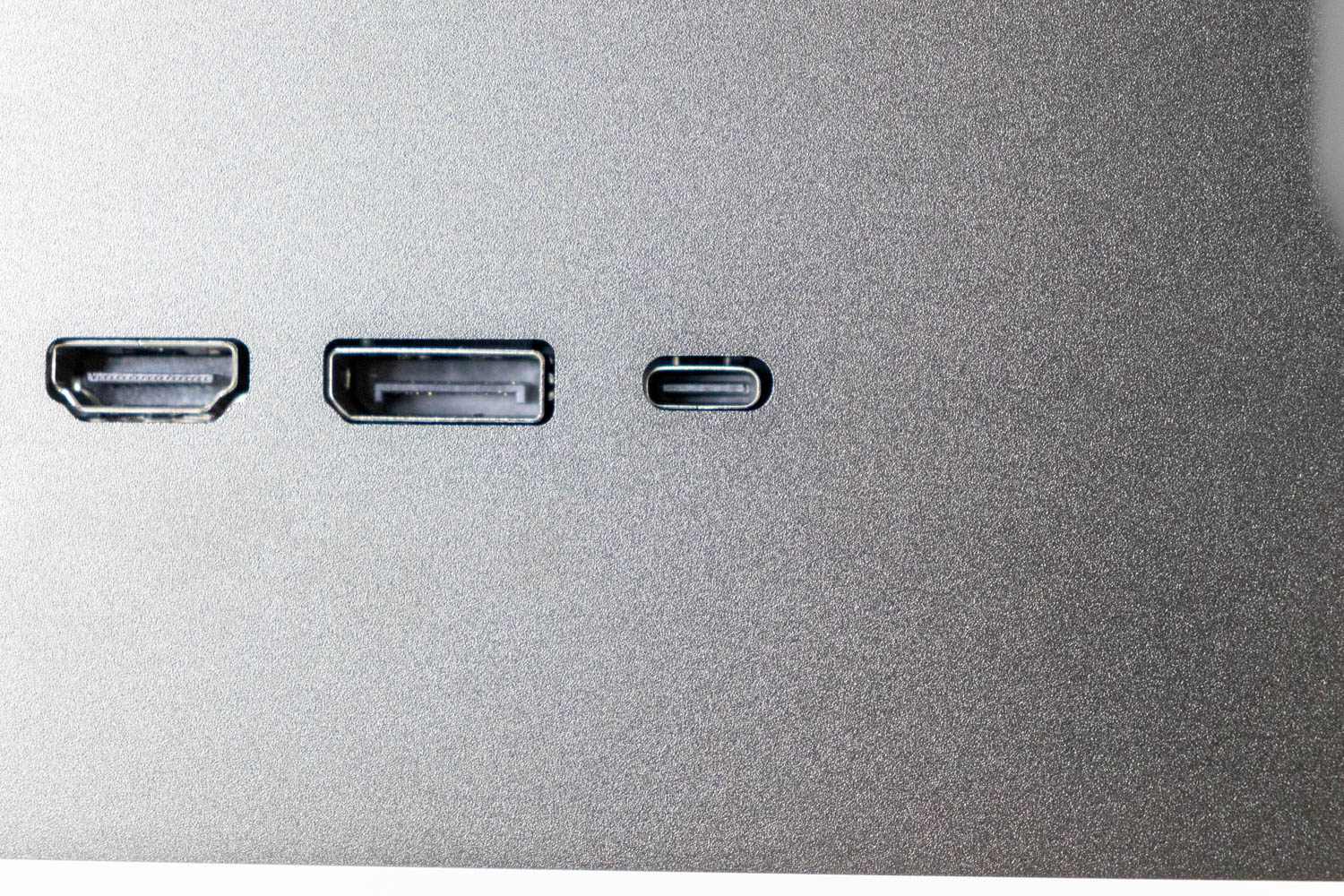
Next to the video inputs there's a USB-C upstream port used for firmware updates exclusively. The port should have been implemented differently, with a wider cutout surrounding it, as then it would be easier to establish a firm connection with a wider selection of USB-C cables. I struggled to find a cable that wouldn't feel loose when connected to the Spectrum Black's USB-C upstream port. It's not even centered properly, which doesn't help either.

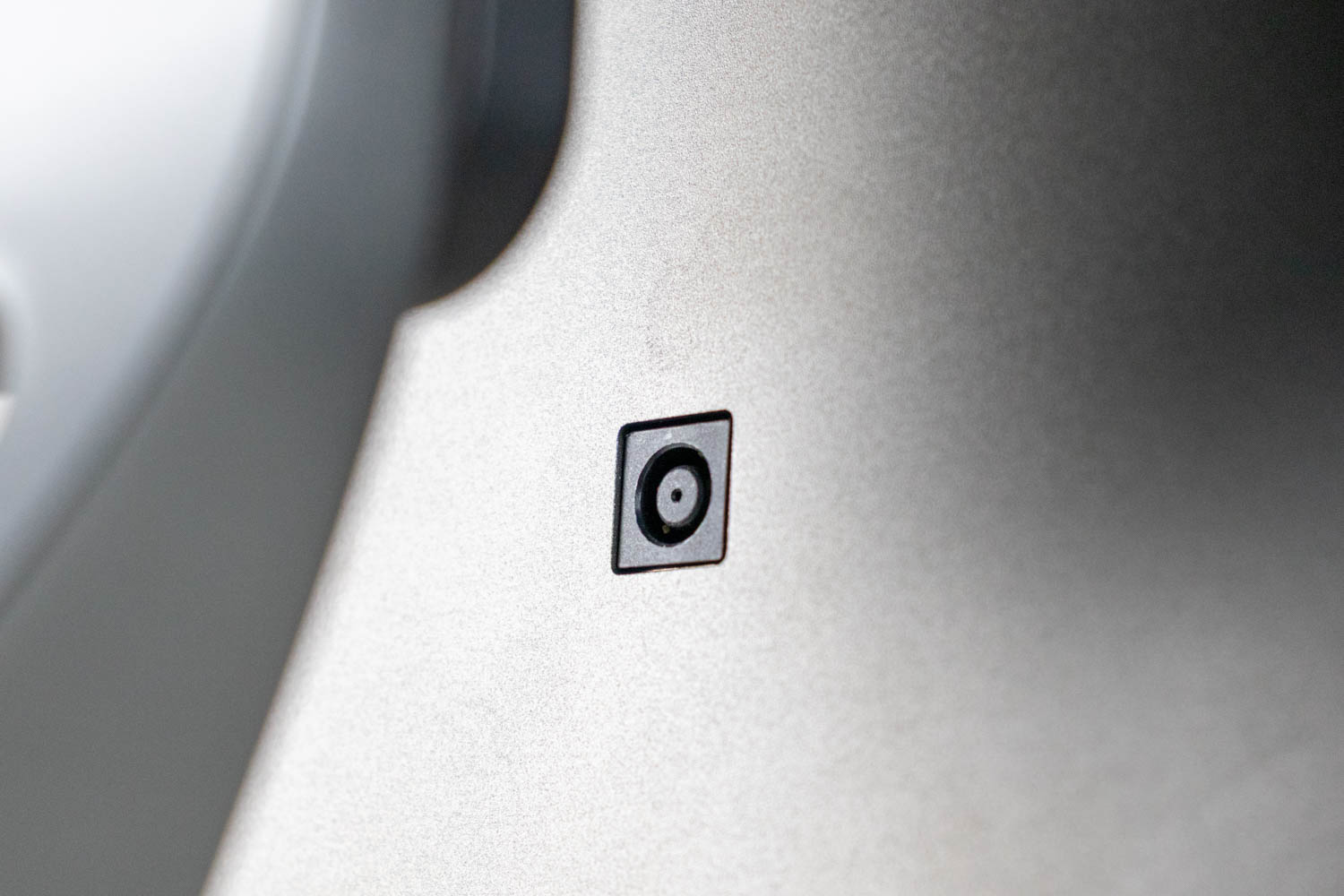
On the other side of the monitor there's a single 3.5-mm audio output, which can be used for headphones or speakers. The monitor has no speakers of its own.
Power Consumption
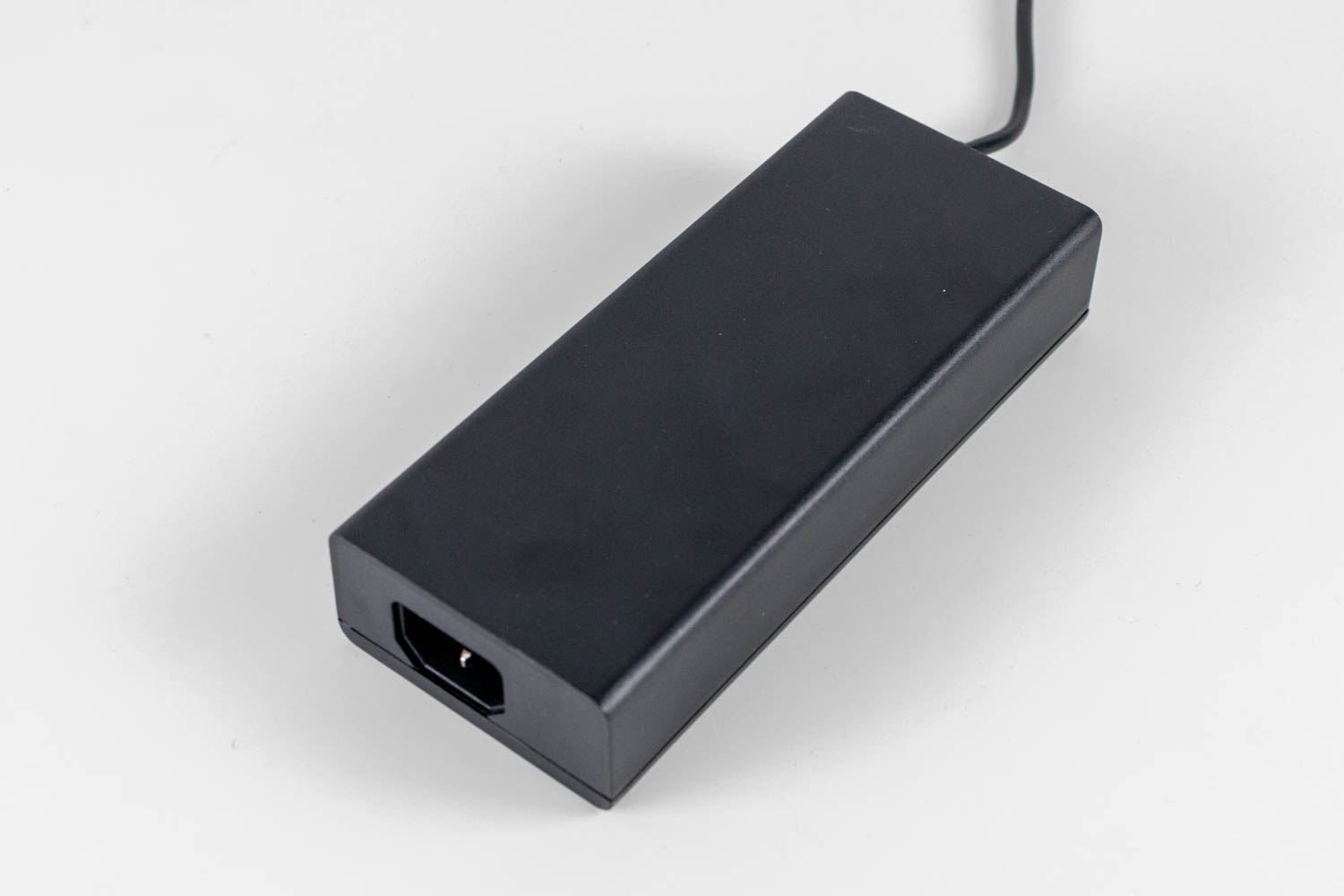
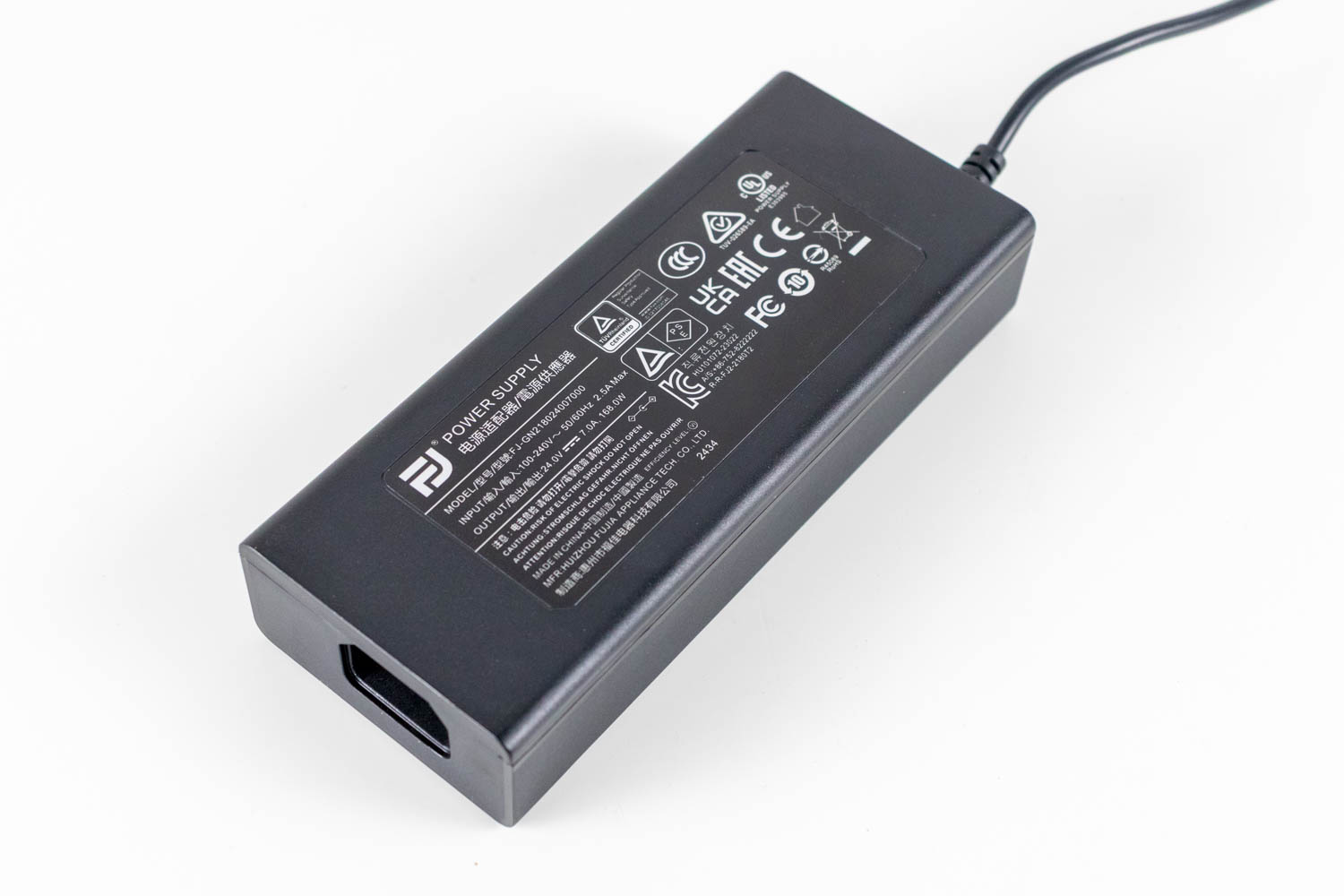
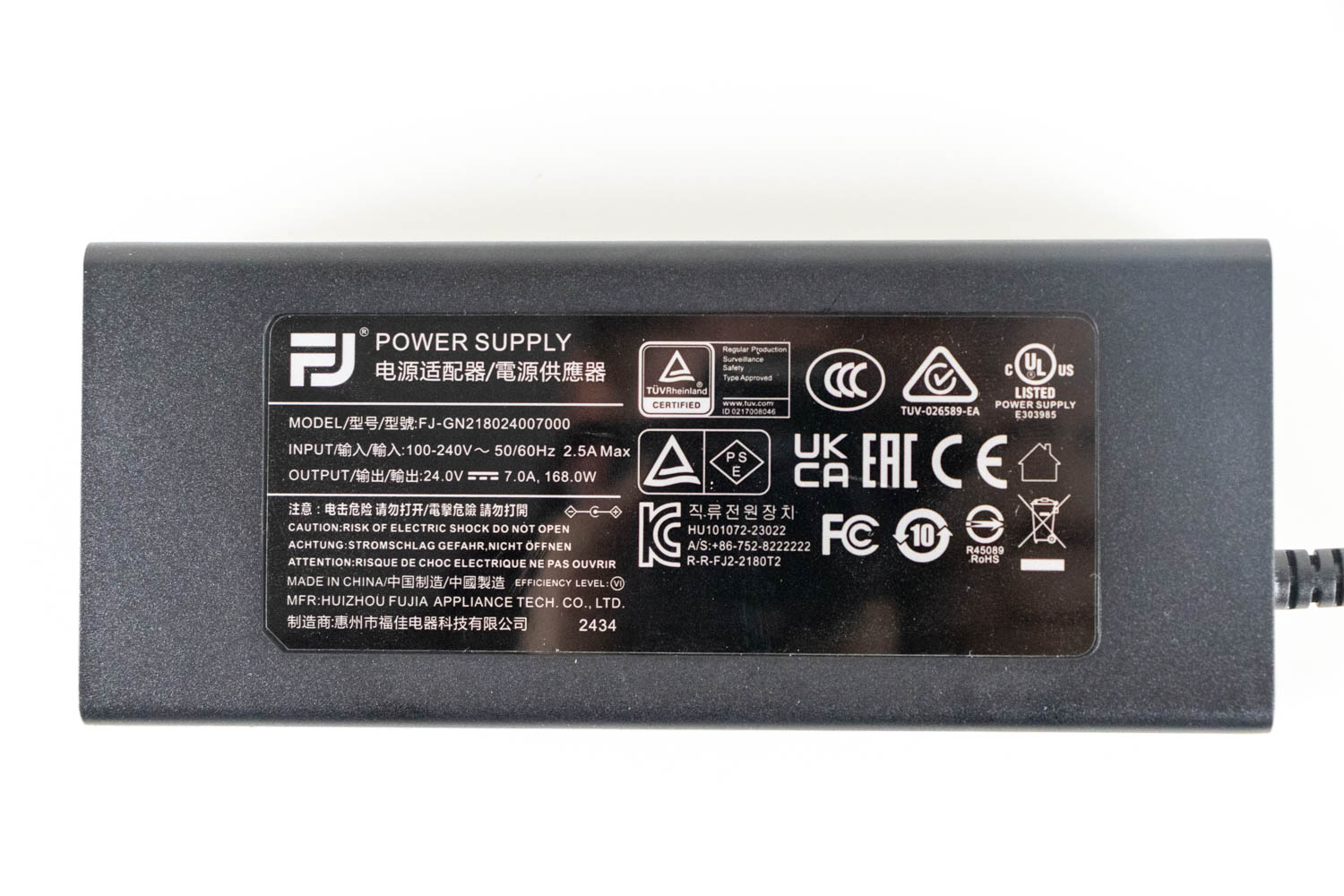
The Dough Spectrum Black 32 gets its power from a fairly large 168 W (24 V / 7 A) external power brick. I've used the Meross MSS315 Matter Smart Wi-Fi Plug and the accompanying mobile app to determine the monitor's power consumption at various brightness levels, as well as in Power Saving mode, which it enters as soon as the PC goes to sleep. The results are summarized in the chart below, with all measurements taken after resetting the monitor to factory defaults and with a white background displayed over the entire screen. Before doing the measurements, I've adjusted the Brightness control setting, found in the Picture menu, to Uniform. That deactivates the peak luminance control (PLC) algorithm, also known as Automatic Brightness Limiter. In other words, the panel brightness remains constant regardless of the content currently being displayed.
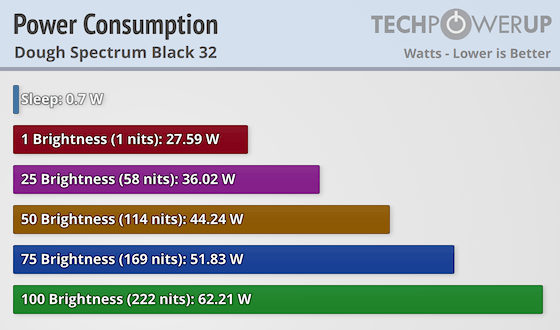
The measured power consumption of the Dough Spectrum Black 32 is within expectation for a 32-inch 4K OLED display. It's worth mentioning that the USB hub variant of the monitor will have a significantly higher power draw, especially when its "main" USB-C port is used to power a device connected to it. It's also important to note that my testing represents a worst-case scenario, with the entire screen displaying a 100% white background. Switching to a dark background would significantly reduce power consumption regardless of brightness settings, since OLED panels achieve black color by turning individual pixels off.
Nov 24th, 2026 05:18 CST
change timezone
Latest GPU Drivers
New Forum Posts
- Increasing Power Limit? (21)
- Which ryzen am5 cpu ? (201)
- Your PC ATM (36486)
- AI generated images... (234)
- Without Jensen, PC gaming will be (58)
- Strange case of Mini itx build with normal gpu, and atx psu (Build Log) (21)
- AMD ULL settings tinkering thread - post settings and Zen pics (87)
- Gacha Games - Discussions, Pulls, Updates, etc. (1163)
- The time has come to upgrade...my desktop (2)
- GTA VI (28)
Popular Reviews
- Microsoft Surface Laptop Ultra Review - The Next-gen Arm Laptop
- ASRock X870E Challenger Wi-Fi White Review
- Upcoming Hardware Launches 2027 (Updated Nov 2026)
- Corsair RM1200e (Second Generation) Review
- AMD Ryzen 7 9800X3D Review - The Best Gaming Processor
- AMD Zen 6 Technical Deep Dive
- AMD Ryzen 7 7700X3D Review
- Pulsar Office Tour & First Look at P1 Dual-Sensor Mouse
- Ugreen NASync DXP4800 GT Review
- Phantom Blade Zero Performance Benchmark Review - 35 GPUs Tested
TPU on YouTube
Controversial News Posts
- NVIDIA Co-Founder and CEO Jensen Huang Officially Resigns (492)
- Jensen Huang Reinstated as CEO of NVIDIA (424)
- Report: Jensen Huang Eyes NVIDIA Comeback (281)
- Open Letter Asking NVIDIA to Reinstate Jensen Huang Passes 115,000 Signatures (184)
- OpenAI CEO Argues Home PCs Waste the World's Limited DRAM Supply (152)
- NVIDIA Launches Investigation Into Jensen Huang's Relationship With Suspected Chinese Spy (136)
- Intel "Raptor Lake Next" 16-Core and 20-Core CPUs Surface (130)
- NVIDIA GeForce RTX 50-Series Scheduled for up to $500 Price Hike This Week (89)