 15
Ducky One 3 SF Keyboard Review - QUACK Mechanics!
(15 Comments) »Introduction

Ducky is one of the more established keyboard makers today, with nearly 15 years of experience in dealing with the ever-changing world of mechanical keyboards. It's seen the rise of consumer mechanical keyboards, advent of RGB keyboards, and the now increasing popularity of smaller form factor keyboards and custom features, including hot-swappable switches and gasket/foam sheet incorporation. Ducky has handled smaller form factors fairly well over the years, so much so that the 65% SF lineup was quite successful in its One 2 SF edition a few years ago. It was good enough for Powercolor to bring out a special edition just a few weeks ago even, and then there was the higher-end Mecha SF with a beautiful metal case in two splendid finishes. However, other companies had pushed through with other features, and Ducky fans were left hanging around for longer than they would have liked, no doubt. So when news came of the all-new Ducky One 3 series of keyboards, I was excited to see and know more about the various updates it would bring to the table.

I think QUACK Mechanics is a hilarious term, blame my juvenile sense of humor! But that encompasses all the new features in Ducky's One 3 series, which itself is a family of keyboards in different form factors and colorways. As such, I chose to show a full-size keyboard in some of the different colors the One 3 series comes in, but note that this review is of the 65% One 3 SF, which will allow for a direct comparison to the previous generation we covered here. There are more switch options too, including the to Ducky currently exclusive Cherry MX Clear RGB switch that has me tingly in all the right places, in addition to being one of the very few keyboards that ships with hot-swappable Cherry switches. There is still RGB lighting, but again more as accent lighting instead of backlighting. Additionally, there are some more tricks both inside and out which merit a closer examination in this review which begins with a look at the product specifications in the table below.
Specifications
| Ducky One 3 SF Keyboard | |
|---|---|
| Layout: | 65% form factor in a US ANSI layout, other languages supported based on region |
| Material: | ABS plastic case, PBT plastic keycaps, EVA foam, and steel plate |
| Macro Support: | Yes |
| Weight: | 0.70 kg/1.54 lbs. |
| Wrist Rest: | No |
| Anti-ghosting: | Full N-Key rollover USB |
| Media Keys: | Available as a layered function |
| Dimensions: | 110 (L) x 335 (W) x 40 (H) mm |
| Cable Length: | 6 ft/1.8 m |
| Software: | No |
| Switch Type: | Choice of Cherry MX Red, Brown, Blue, Black, Silent Red, Clear, or Speed (Silver) RGB mechanical switch |
| Backlighting: | 16.8 M per-key RGB lighting |
| Interface: | USB |
| Warranty: | One year |
Packaging and Accessories
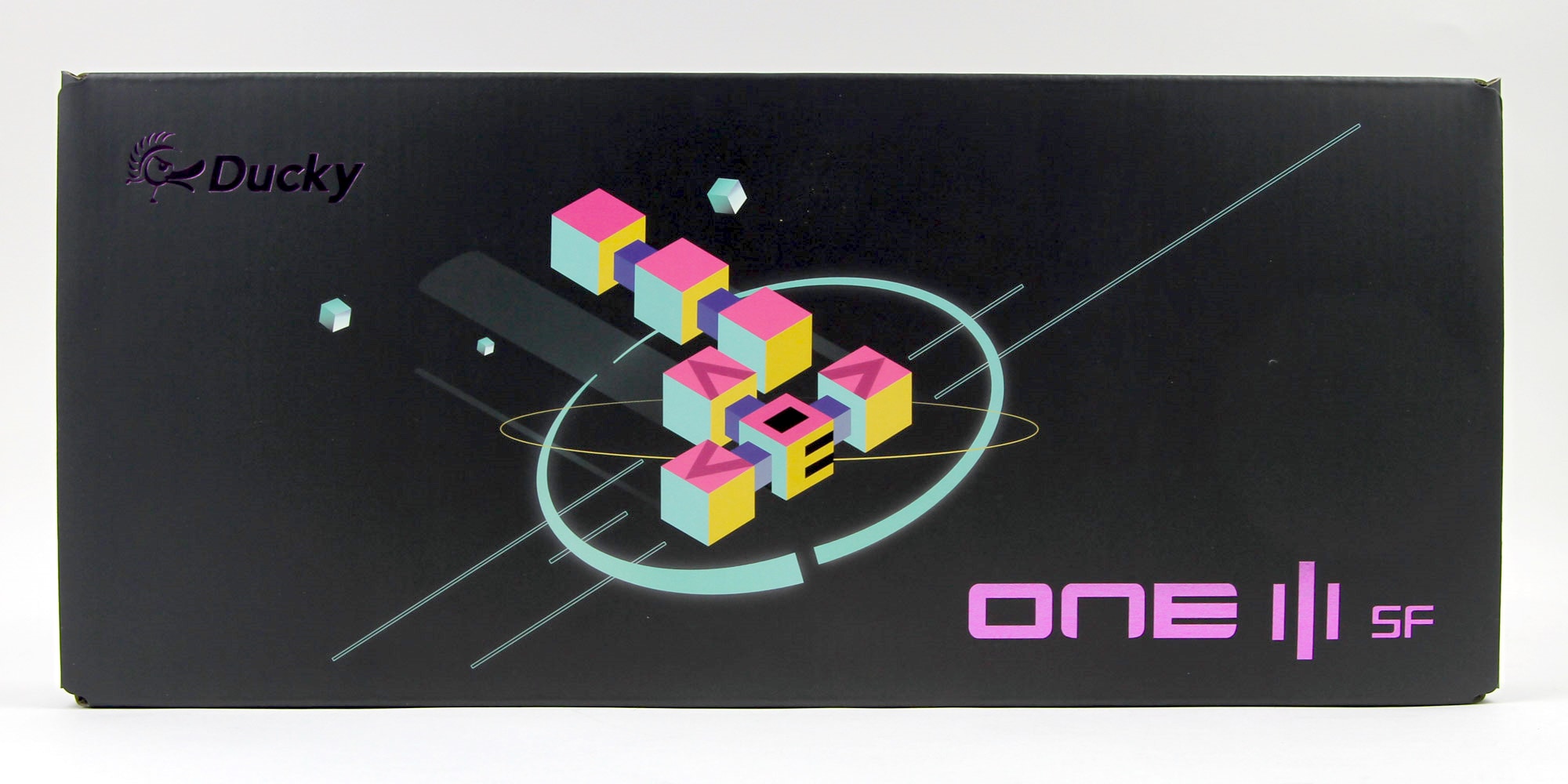


I had to go back to the equivalent page of my Ducky One 2 SF review to make sure the same packaging wasn't used for the Ducky One 3 SF, and that's a testament to Ducky's packaging designer doing an excellent job with the continually consistent design language of the brand. As we saw before, the One 3 SF comes in different color options, but they all ship in this same box that's on the smaller side of average owing to the smaller form factor keyboard inside. The base color is now black, and the various geometrical patterns are tweaked from before. The company logo and product name are on the front, with the latter employing an artistic rendition of One 3. This continues on the back, and those glossy letters don't make it easy to photograph, with specifications for the keyboard and contact information for Ducky itself. Some of the salient features are covered here and on the sides, where two double flaps keep the contents inside in place on their way to you.
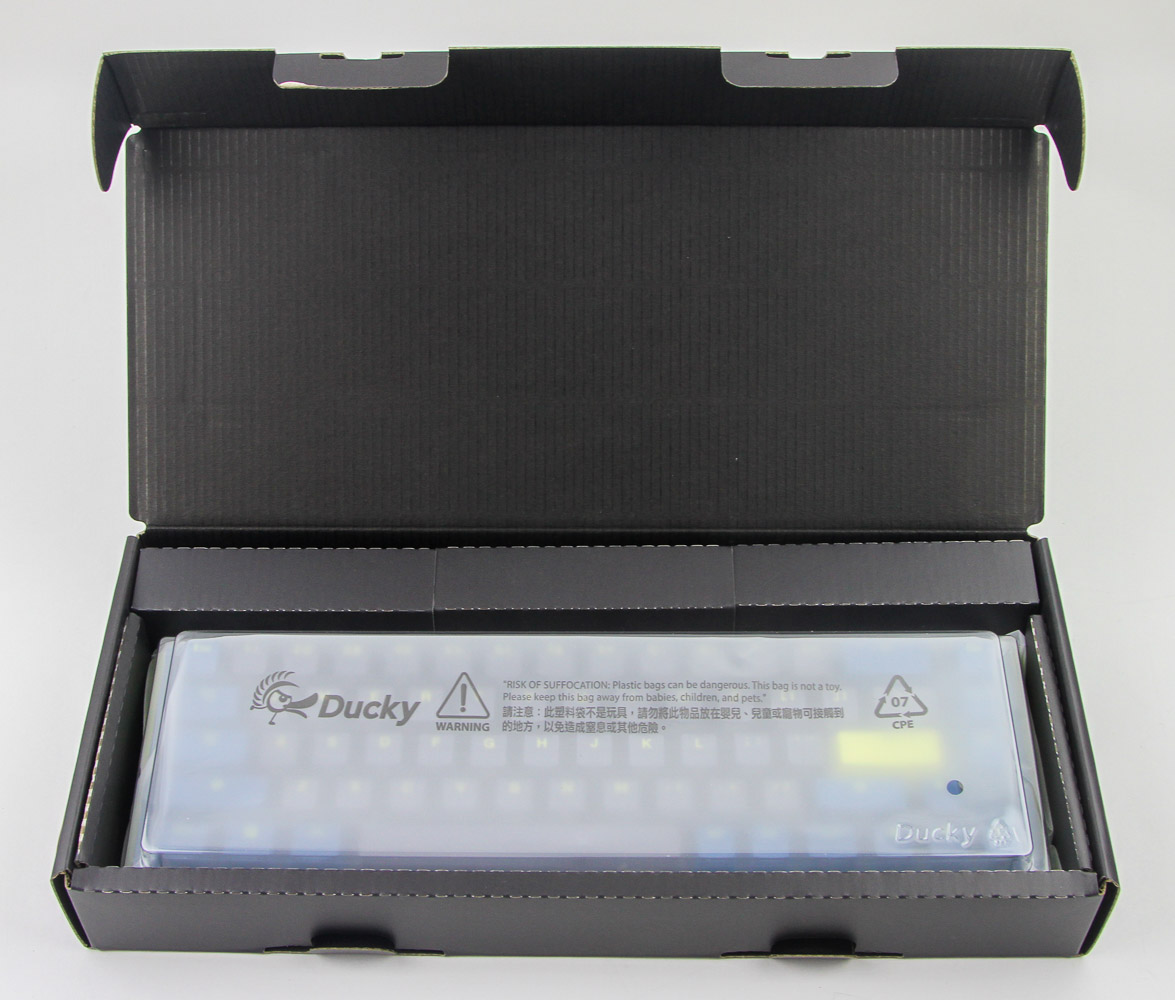


Opening the box, we see the keyboard snugly wrapped in cardboard all around for protection. It comes underneath a molded plastic cover, which does double duty as a dust cover when the keyboard is not used, as well as a wax paper wrap to keep it free of dust out of the box. Underneath the keyboard is the first set of accessories consisting of a warranty card and quick start guide folded into one, as well as some stickers. You may want to look at the detailed online multi-language user manual available under the downloads tab of the product page though, especially as it goes over the onboard functionality of the One 3 SF very well, cutting down the entry barrier to smaller keyboards such as this one. Some neat illustrations on the bottom of the cardboard also go over mechanical switches, and the two types available with the One 3 SF. The other accessories are found in a separate compartment to the top.
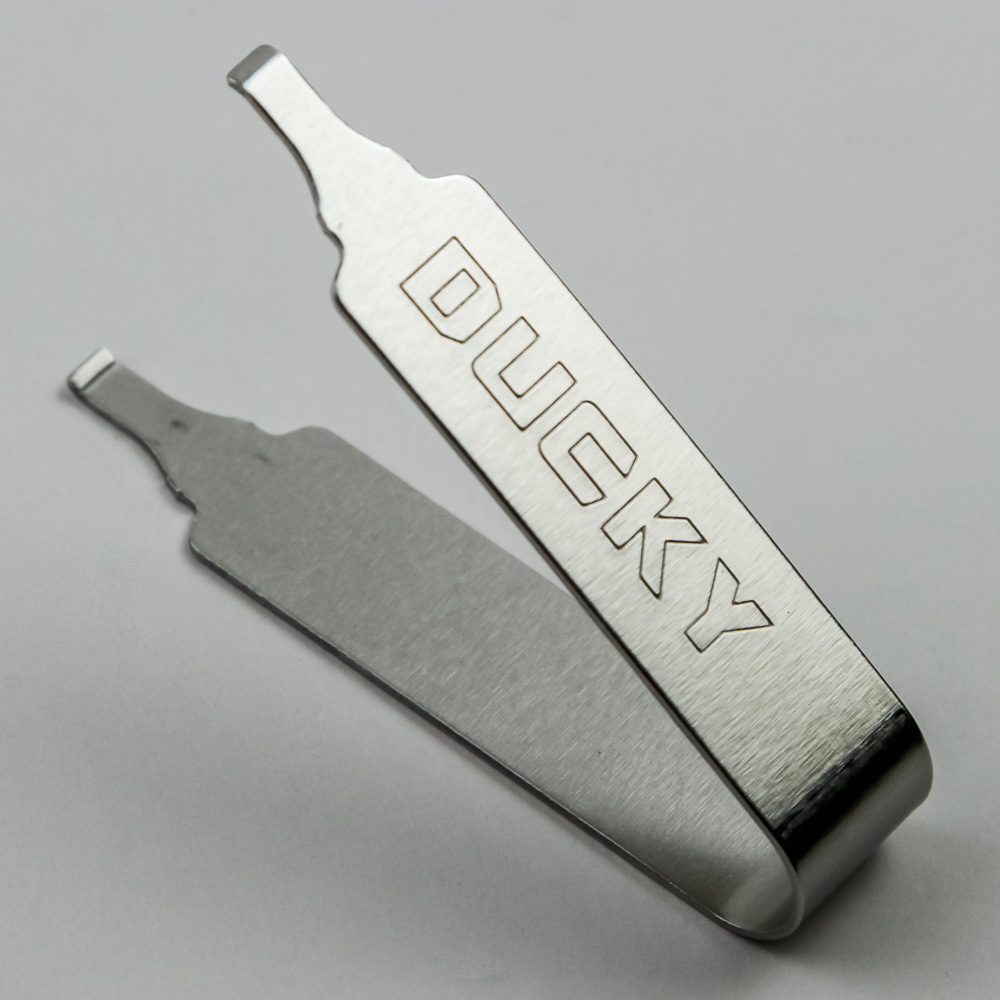
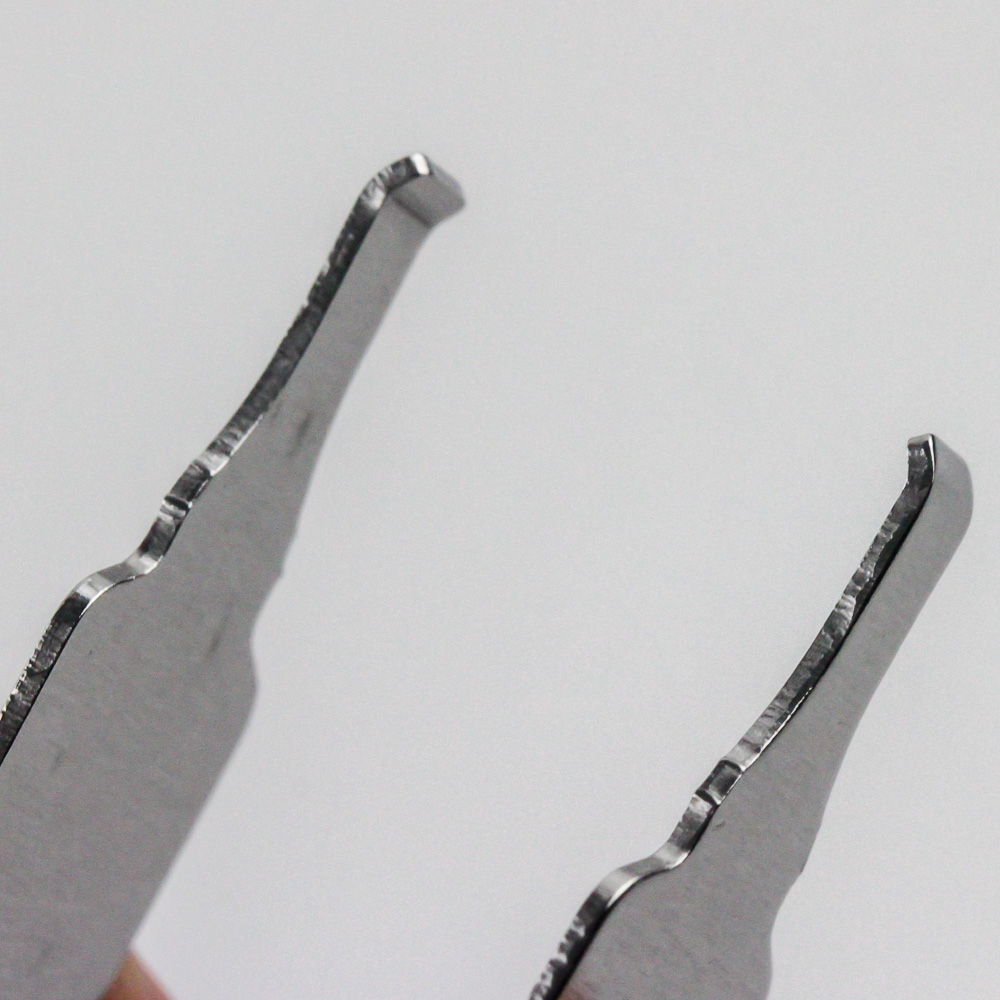
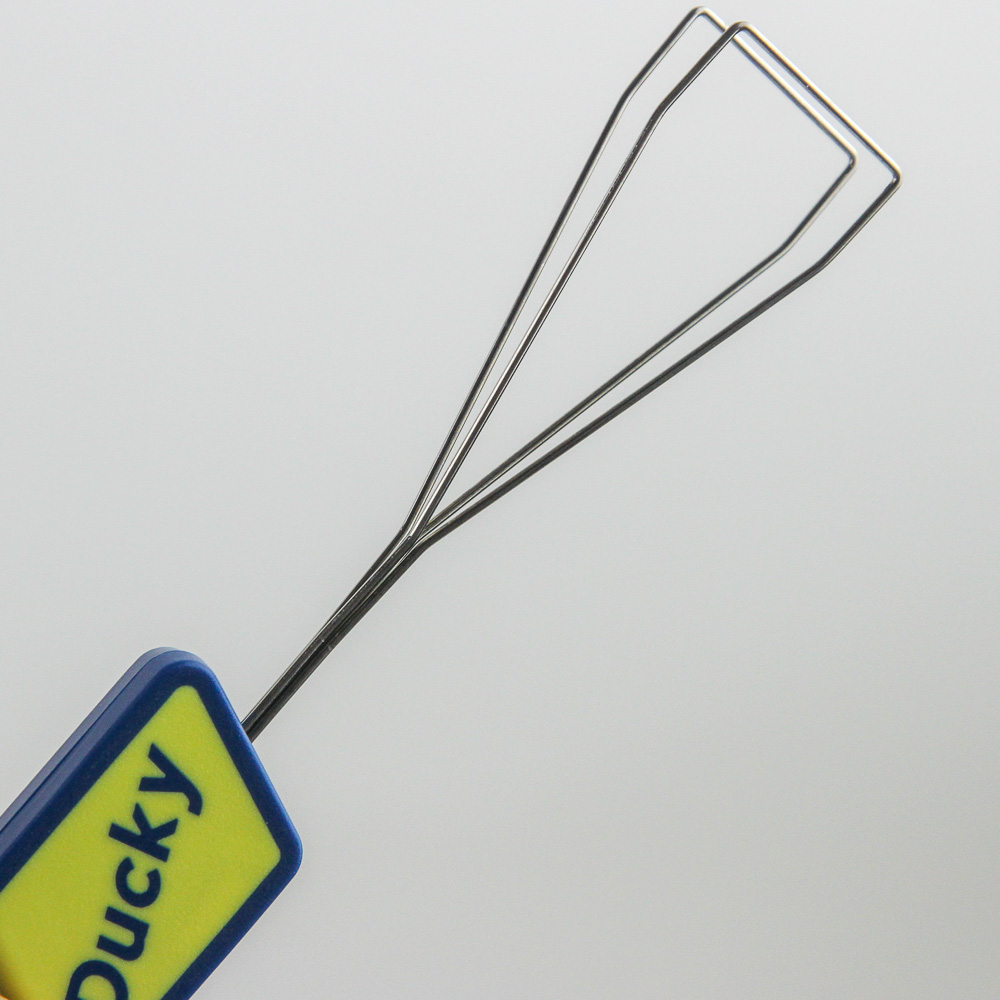
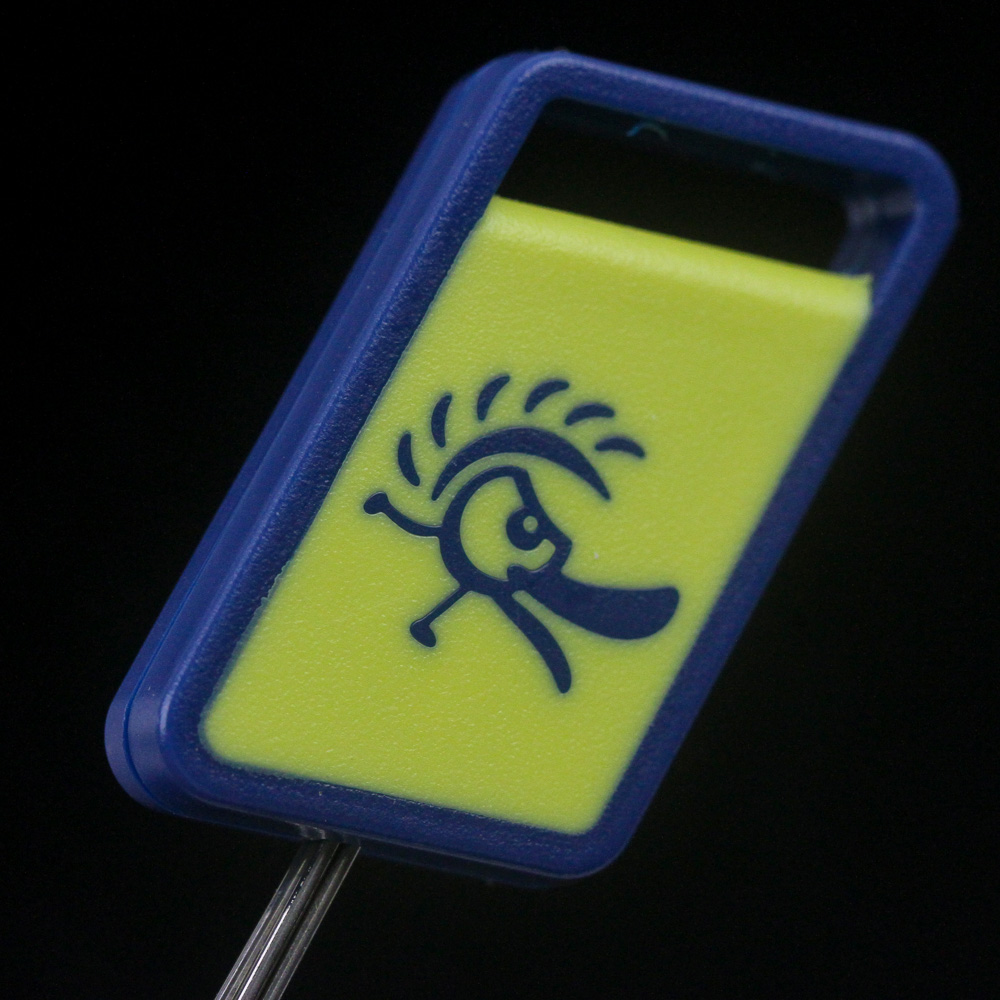
In what is a clear sign of things to come, Ducky includes a branded metal switch remover. This one uses much thicker steel, making other such tools seem like a toy. On the flip side, it's not as easy to use given you will need to press in hard to get the prongs close enough to remove the switches from a hot-swap socket. I'd like Ducky to have these bent further at the factory to assist in this regard. All these accessories come individually bagged in plastic, which is another venue for improvement if Ducky wants to cut down on plastic consumption. This also goes for the separate keycap puller, which is of the metal-wire type with a large rubberized base to hold onto that is branded as well as colored to match the keyboard, at least on this particular version.
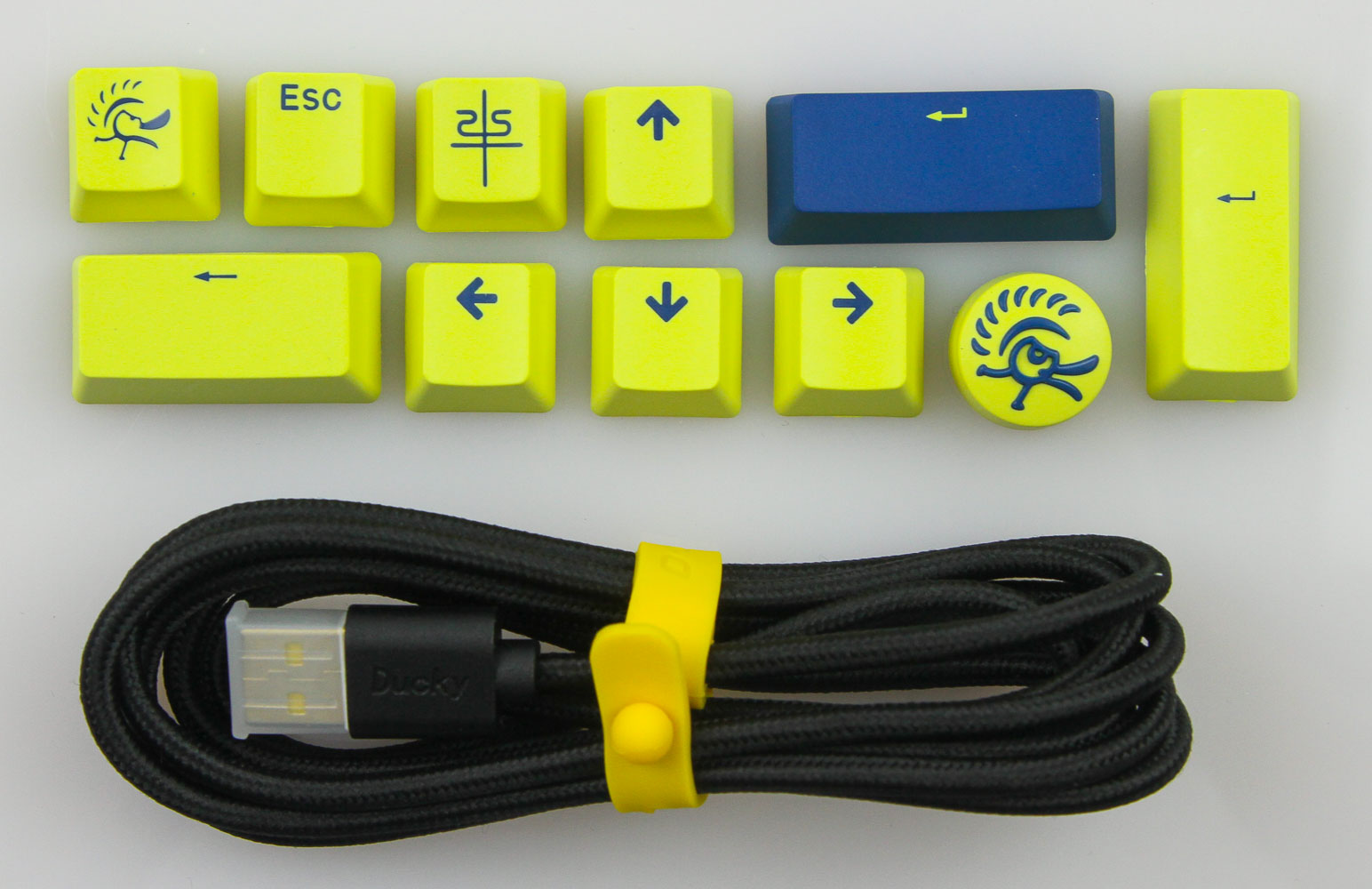
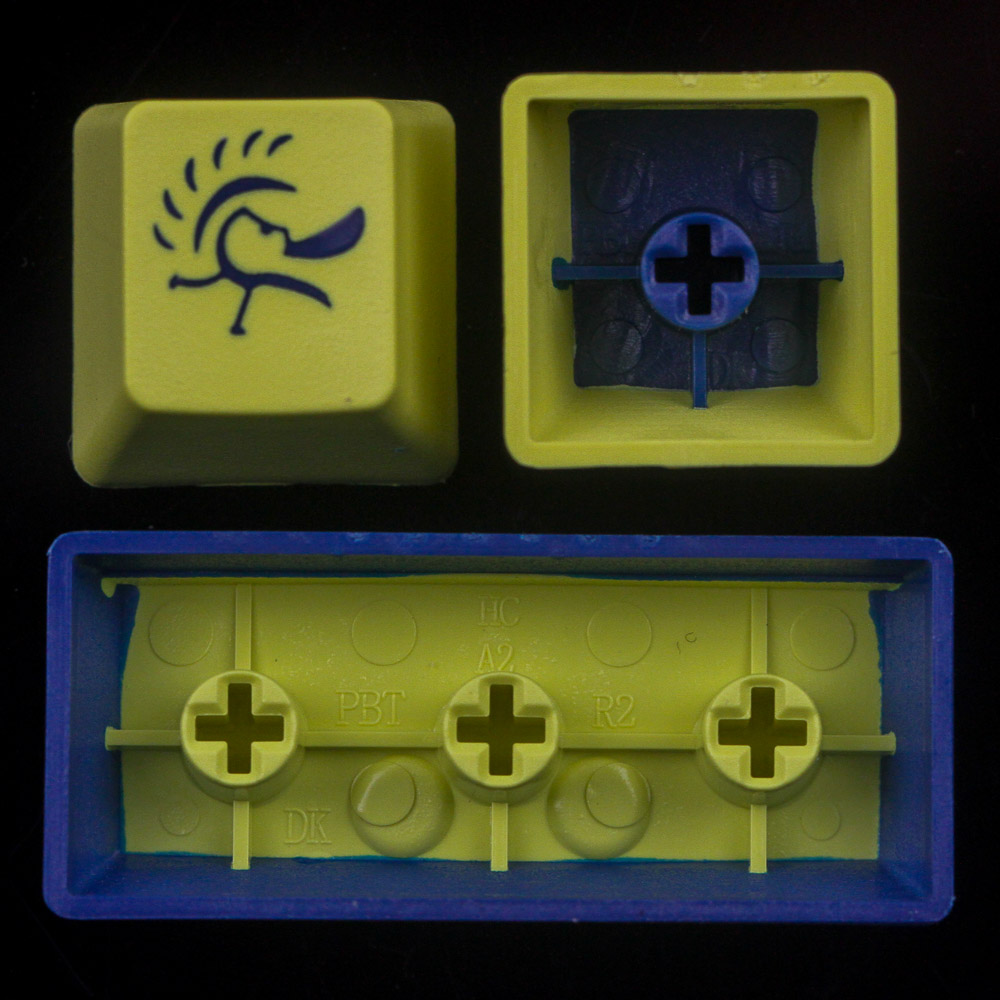
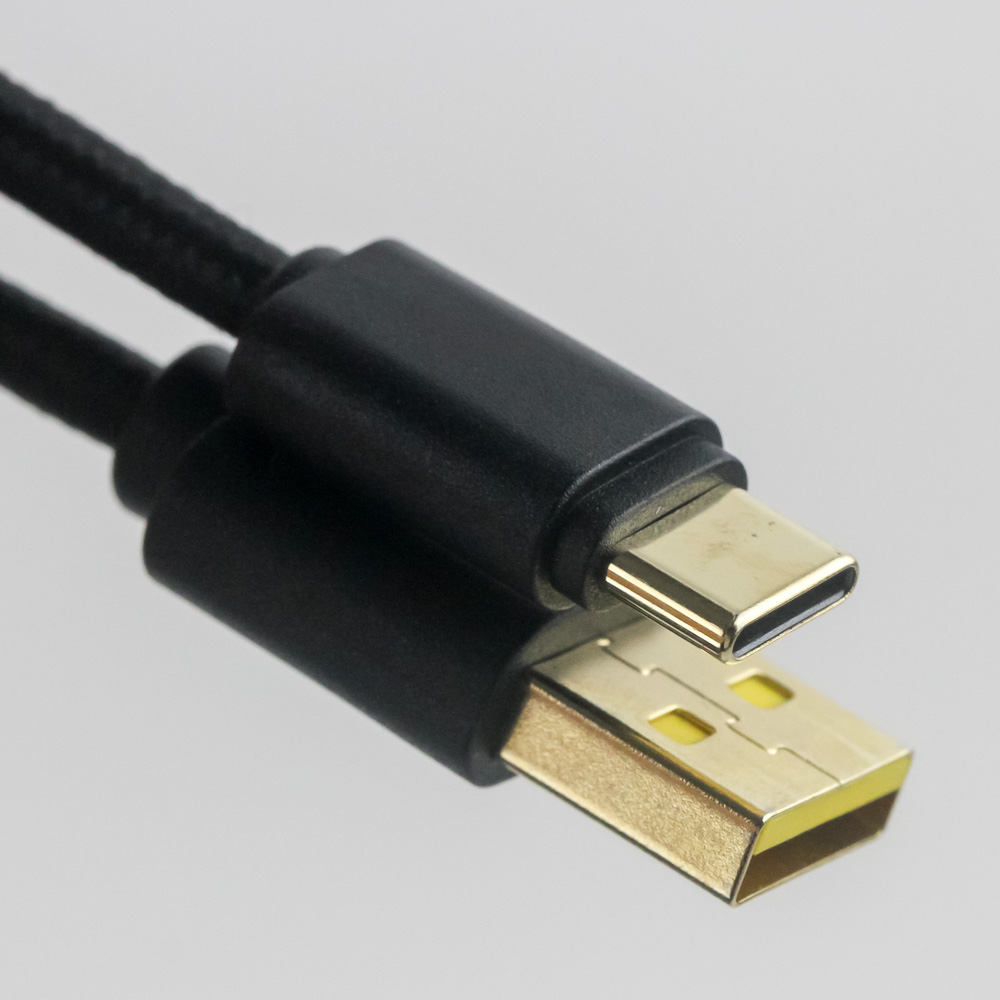
The final set of accessories includes the expected detachable keyboard USB Type-A to Type-C cable. Once again there is some customization, with the plastic housing and cable tie somewhat matching the keyboard, although it would be more fitting for the all-yellow versions of the One 3 SF. Nothing is generic about the replacement keycaps, though. These are specific to the DayBreak colorway, and Ducky includes 11 of these. It does seem to be an accessory set that does not account for the form factor since we see a numpad Enter keycap that is obviously useless for the One 3 SF. These are also predominantly in that off-yellow color scheme, which comes off similar to a lime yellow, and doubleshot injected PBT keycaps without any backlighting support. There are three novelty keycaps as well, including one with a rarely seen circular geometry.
Our Patreon Silver Supporters can read articles in single-page format.
Nov 19th, 2026 15:48 CST
change timezone
Latest GPU Drivers
New Forum Posts
- Honestly, do you care about GTA VI? (163)
- Windows 11 General Discussion (7736)
- Current Sales, Bundles, Giveaways (10448)
- Last game you purchased? (1409)
- WarpCoreBench scores! (76)
- Got the EOL 32GB TridentZ 6000 CL26 1.4V (12)
- Dell Workstation Owners Club (3516)
- Making a game in Godot engine (4)
- DTS DCH Driver for Realtek HDA [DTS:X APO4 + DTS Interactive] (2815)
- Security Apps (2)
Popular Reviews
- Acemagic Retro X3 Review
- Ugreen NASync DXP4800 GT Review
- Upcoming Hardware Launches 2027 (Updated Nov 2026)
- Pulsar Office Tour & First Look at P1 Dual-Sensor Mouse
- AMD Zen 6 Technical Deep Dive
- Biwin Black Opal NV7400 2 TB Review
- Sapphire Radeon RX 7700 XT Pure Review
- Sapphire Radeon RX 7700 XT Pulse Review
- AMD Ryzen 7 9800X3D Review - The Best Gaming Processor
- Chieftec Iceberg PRO 360 DARK Review
TPU on YouTube
Controversial News Posts
- NVIDIA Co-Founder and CEO Jensen Huang Officially Resigns (488)
- Report: Jensen Huang Eyes NVIDIA Comeback (223)
- Open Letter Asking NVIDIA to Reinstate Jensen Huang Passes 115,000 Signatures (184)
- OpenAI CEO Argues Home PCs Waste the World's Limited DRAM Supply (152)
- NVIDIA Launches Investigation Into Jensen Huang's Relationship With Suspected Chinese Spy (136)
- Intel "Raptor Lake Next" 16-Core and 20-Core CPUs Surface (130)
- Legendary Game Studio BioWare Shuts Down Following EA Layoffs (104)
- Dell CEO Says the Memory Shortage Will Get Worse in 2027 (95)