 80
Dying Light 2 Benchmark Test & Performance Analysis Review
(80 Comments) »Introduction
Dying Light 2: Stay Human is the sequel to the 2015 original, an action survival RPG in a post-apocalyptic setting. A pandemic that turned humans into mindless, feral zombies nearly wipes out mankind before it is contained to a city with a vaccine. Scientists still continued researching the virus, and a deadlier strain escapes their lab, wiping out much of civilization and confining humans to isolated pockets. "Stay Human" is set 22 years after the events of the original, around mankind's last remaining metropolis in Europe named Villedor, an open-world controlled by factions.The protagonist is a "Pilgrim," a human brave enough to travel between human settlements, facing the horrors between them. A key gameplay element with "Dying Light" has been Parkour, which enables navigating the post-apocalyptic urban landscape with the same speed and instincts as the zombie horde. Our protagonist learns that he is survived by a sister who lives in Villedor and embarks on a quest to find her. Things get complicated when he is bitten by a zombie and infected.

Developed by Techland, "Dying Light 2" is based on an in-house technology by the developer called C-Engine, and it's technologically advanced, supporting DirectX 12 Ultimate, including real-time ray tracing, NVIDIA DLSS, and AMD FSR. We took advantage of these settings and tested the game in a variety of renderer configurations. In this performance review, we're checking on the benefits of using DirectX 12 instead of DirectX 11, what Async Compute brings, and how those affect VRAM usage. We have comparison screenshots for the various settings profiles, including ray tracing. Our main performance testing is done across a wider selection of graphics cards, using a custom test scene.
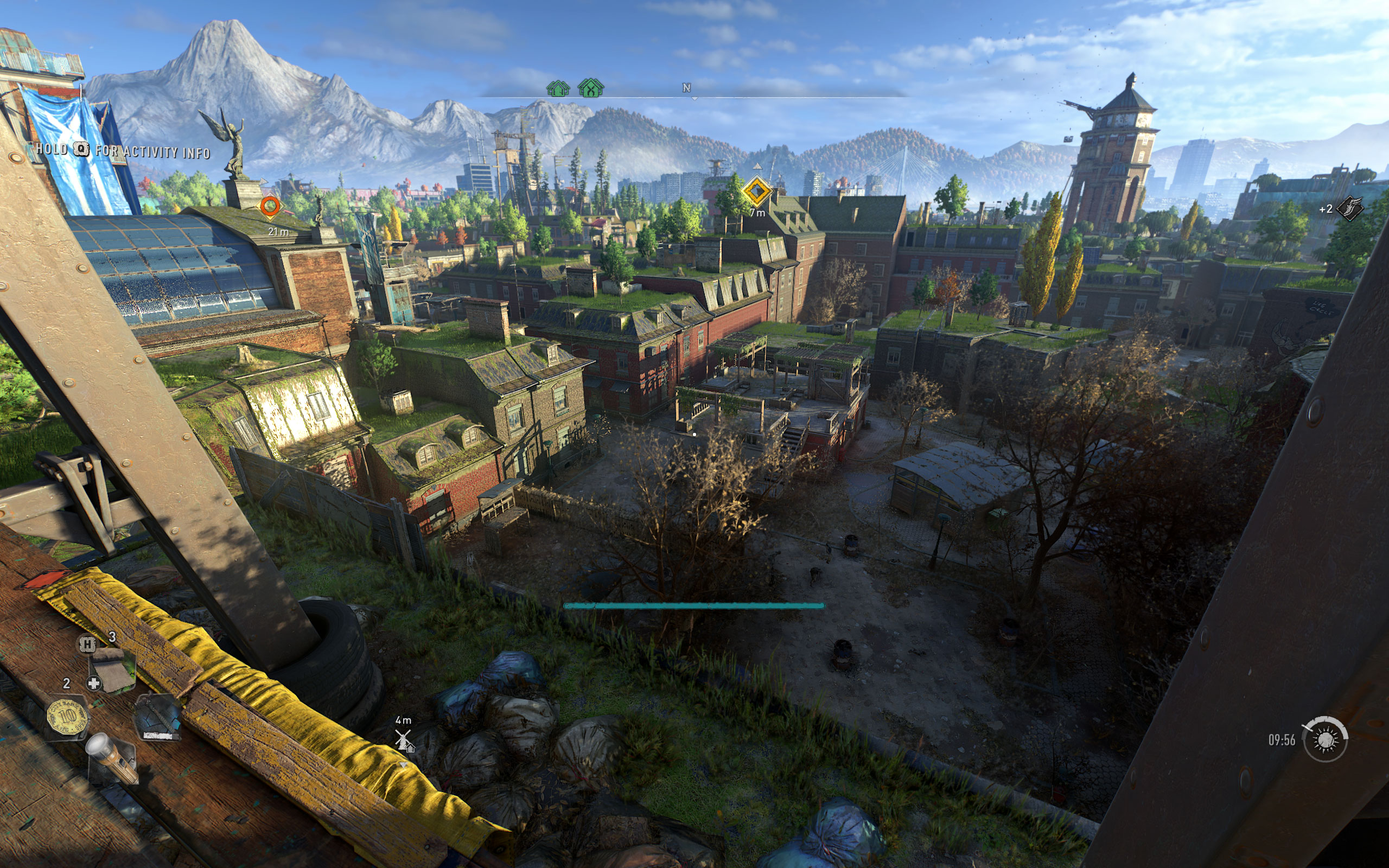
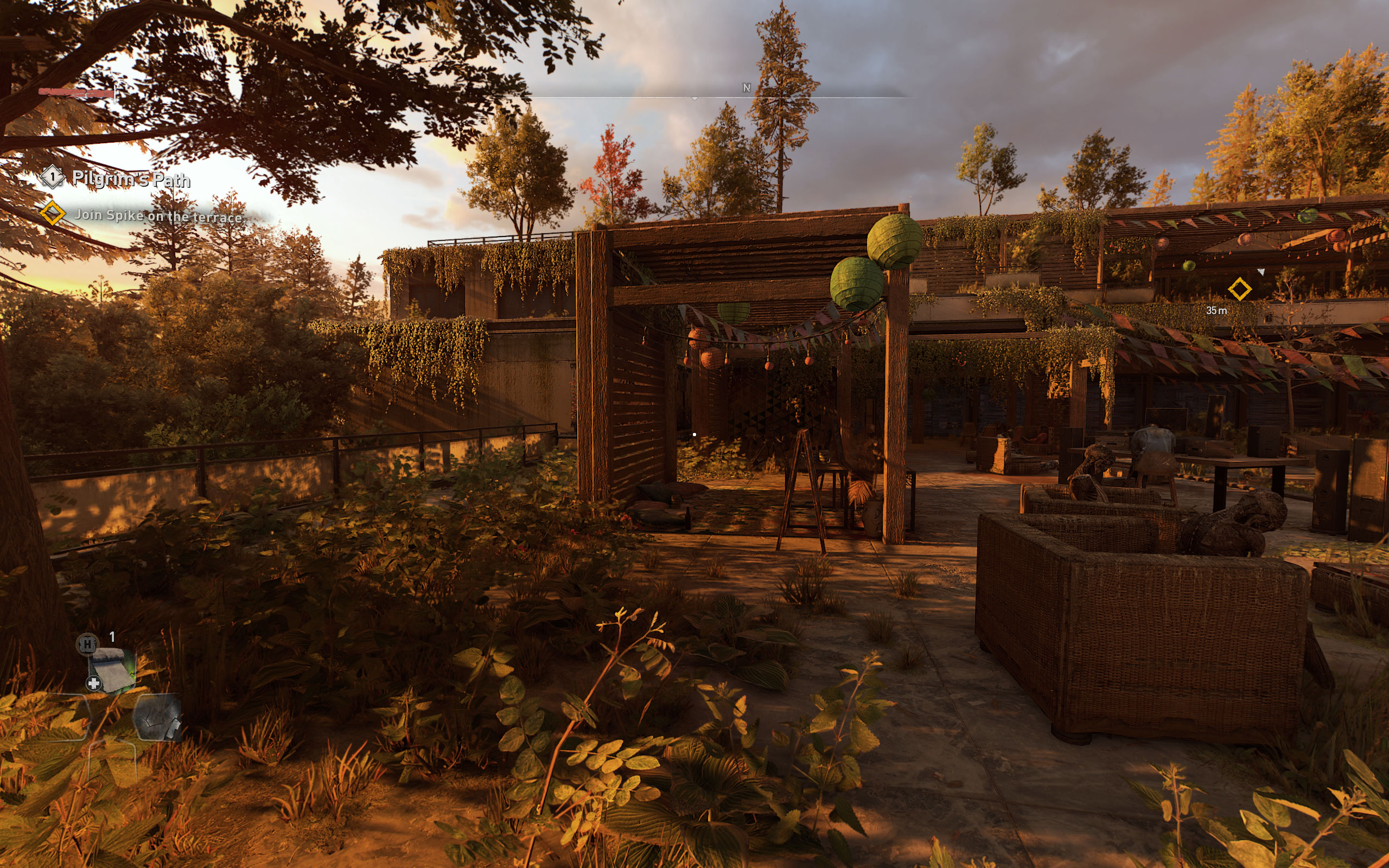
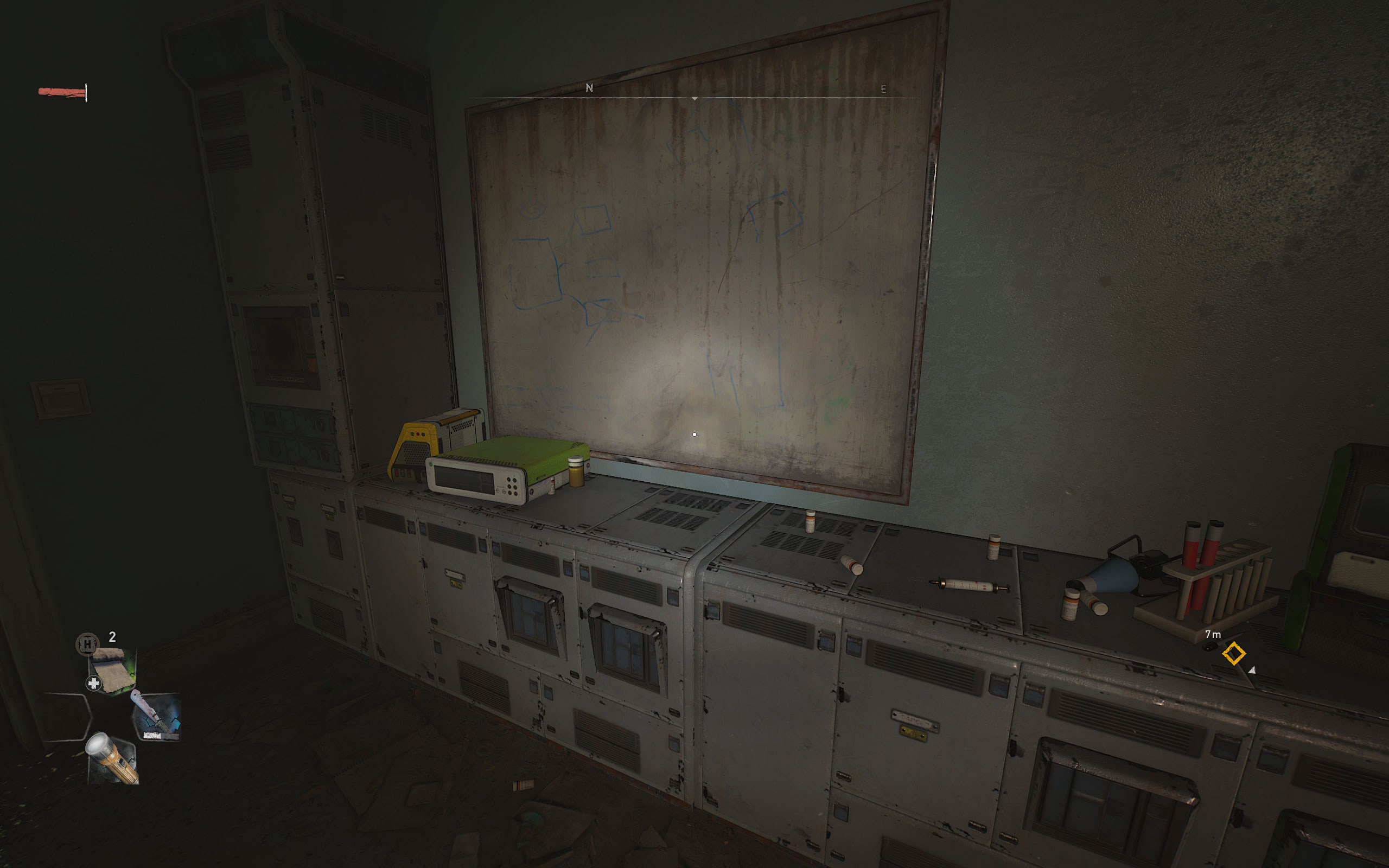
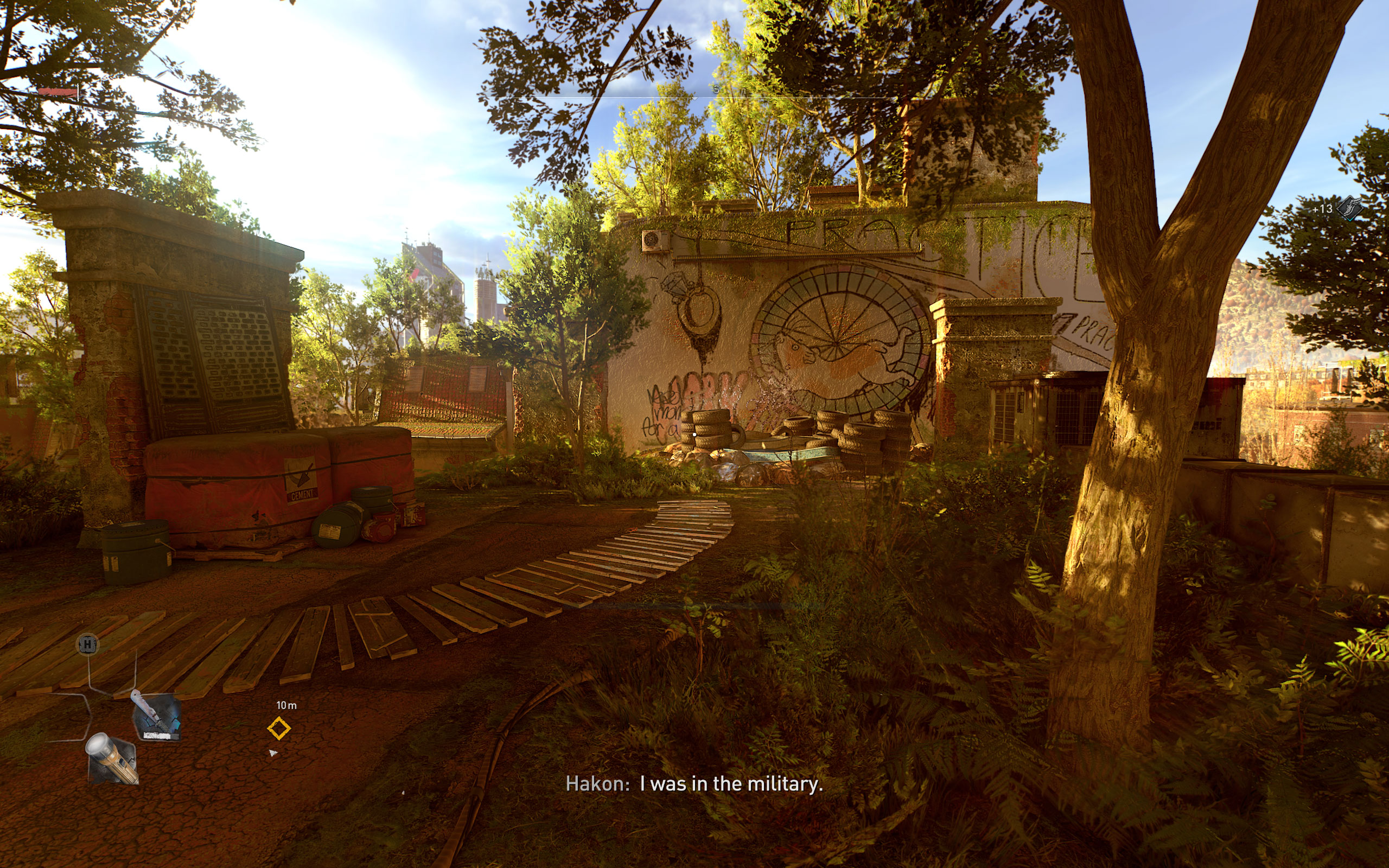
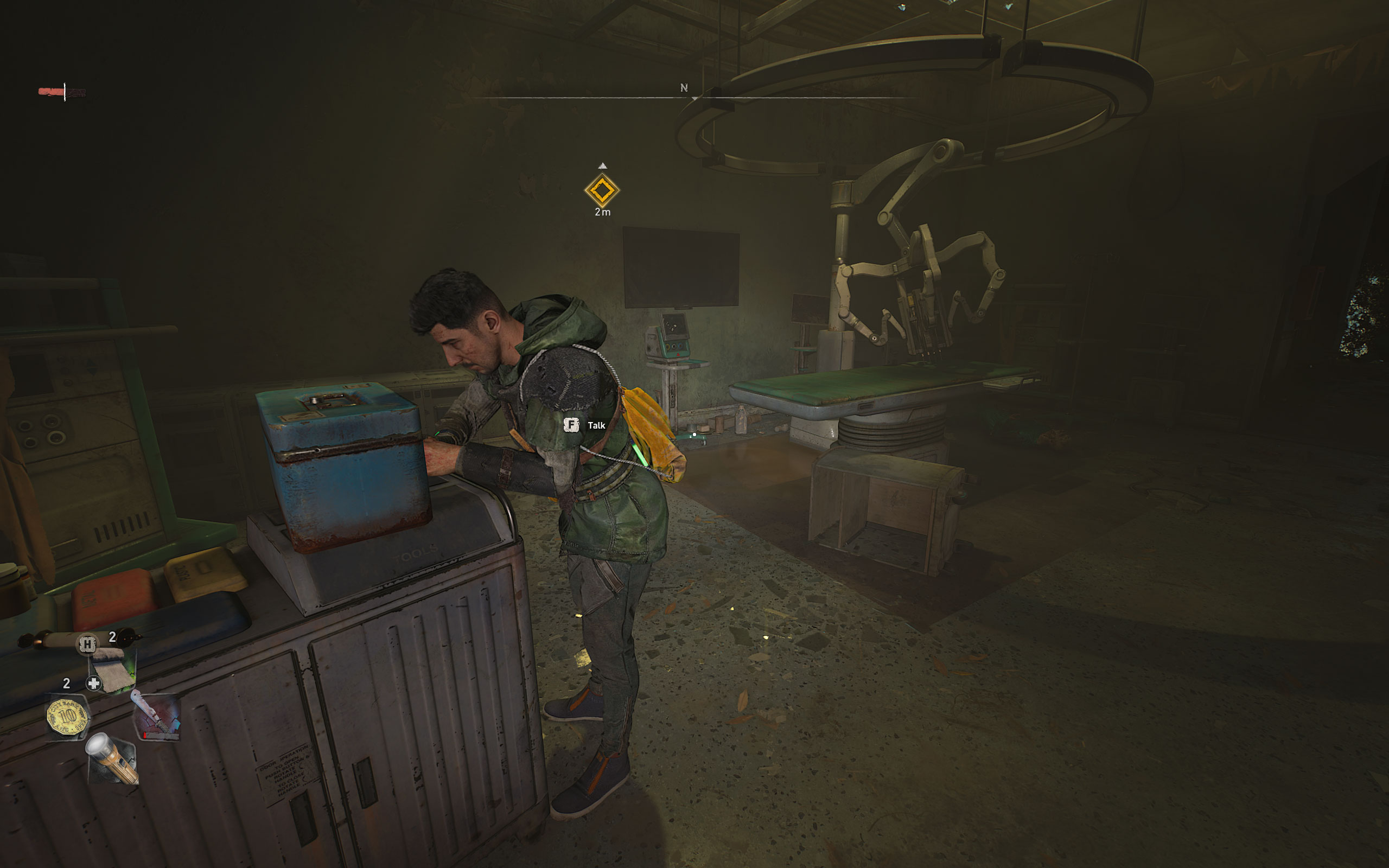
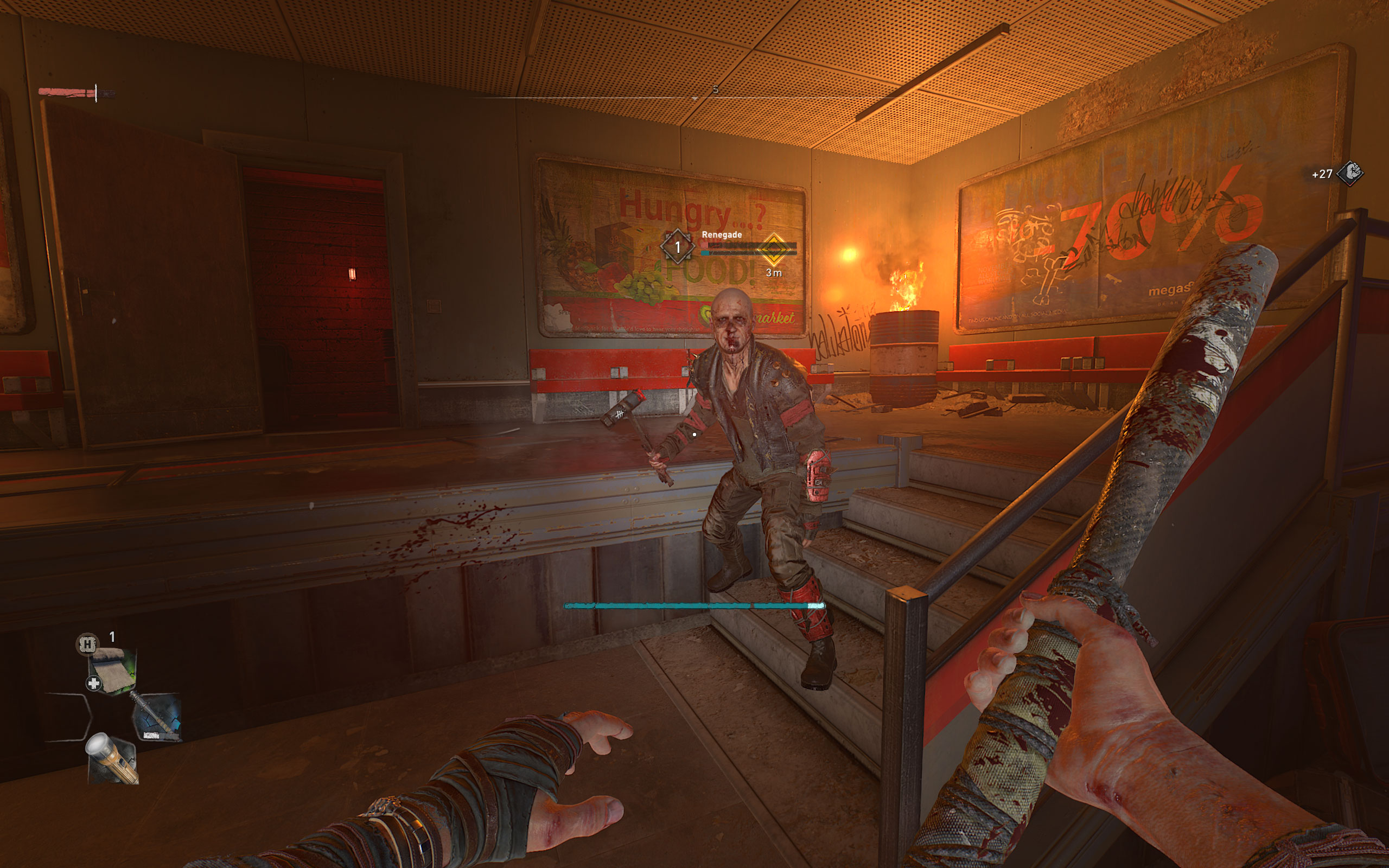
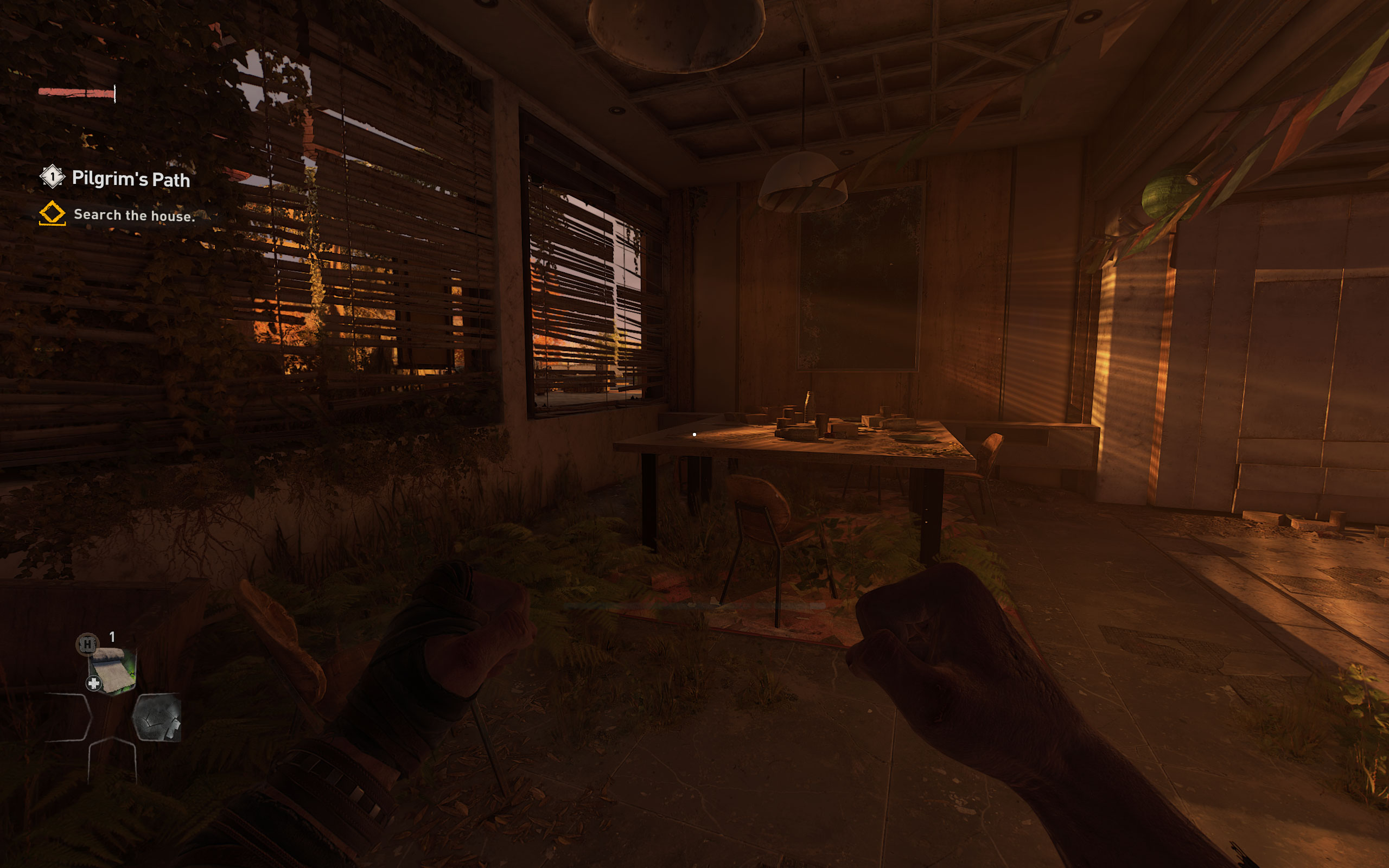
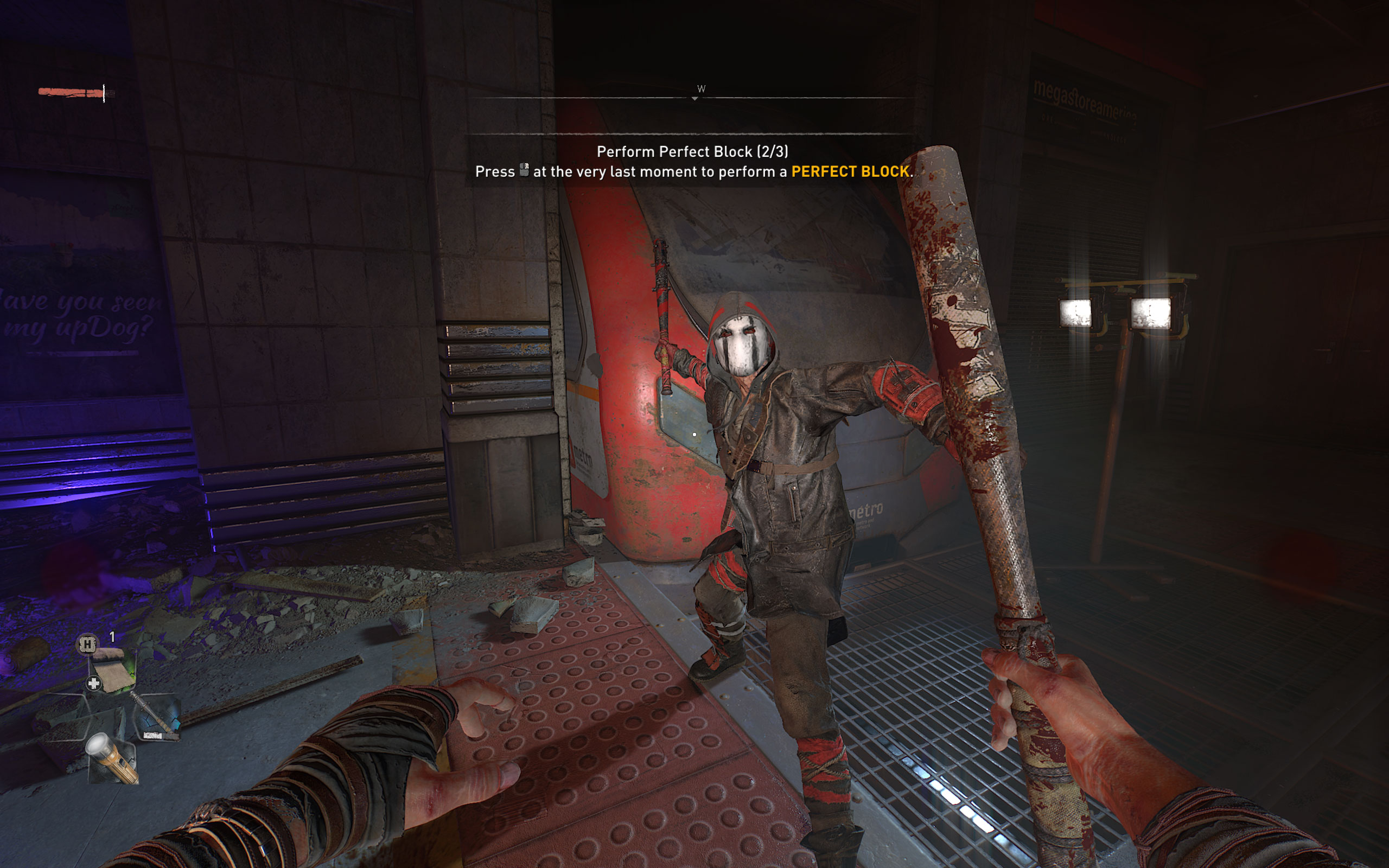
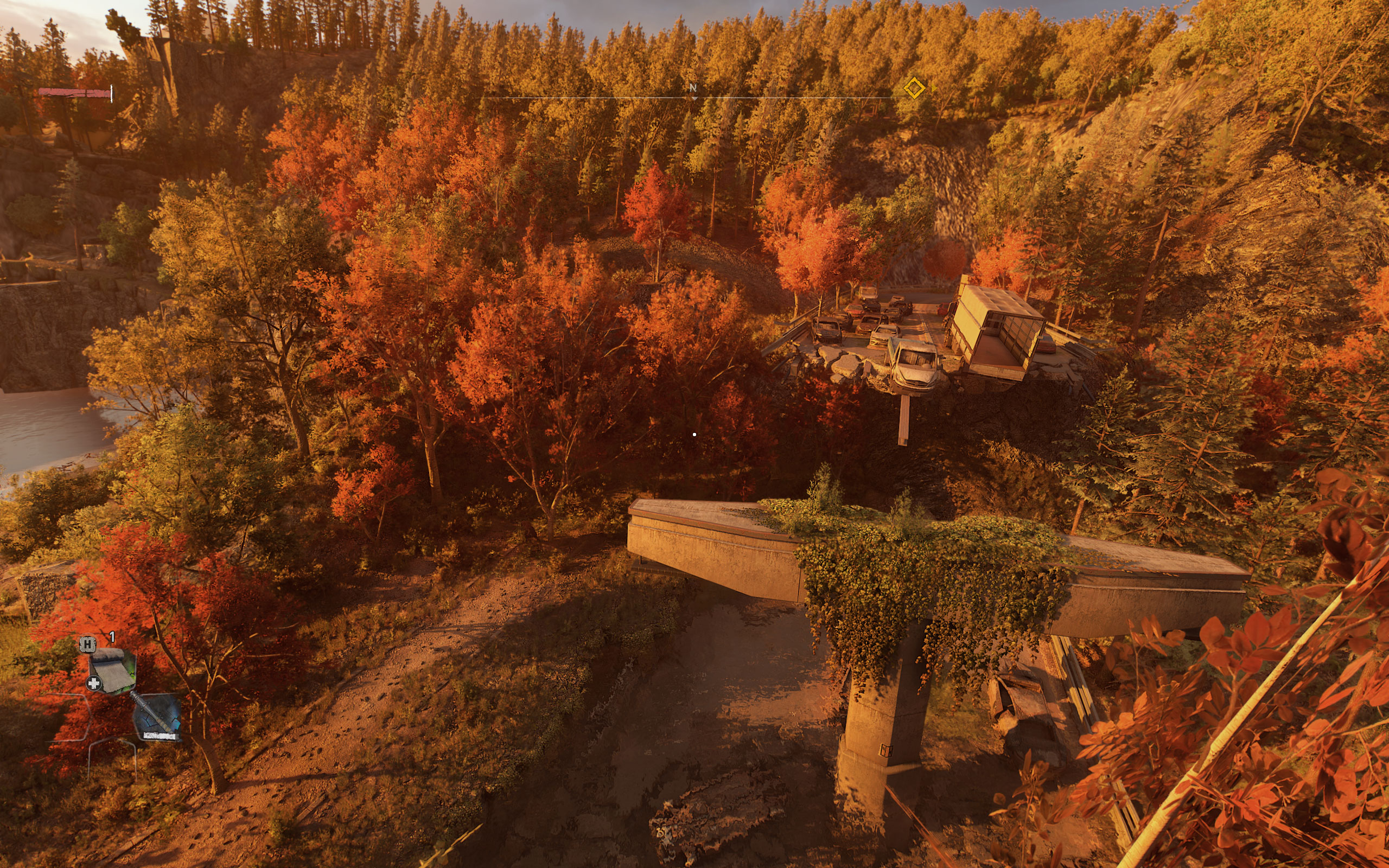
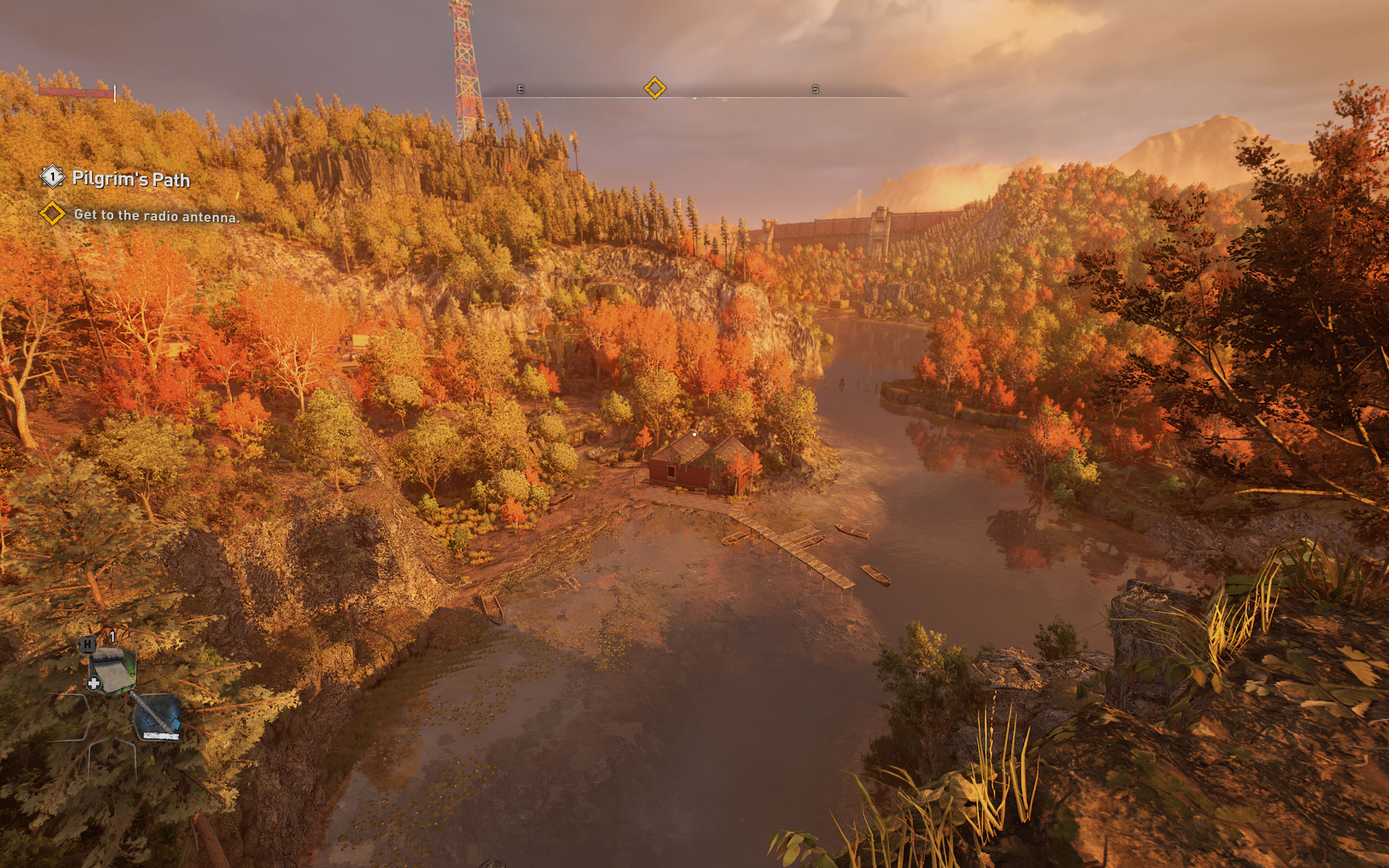
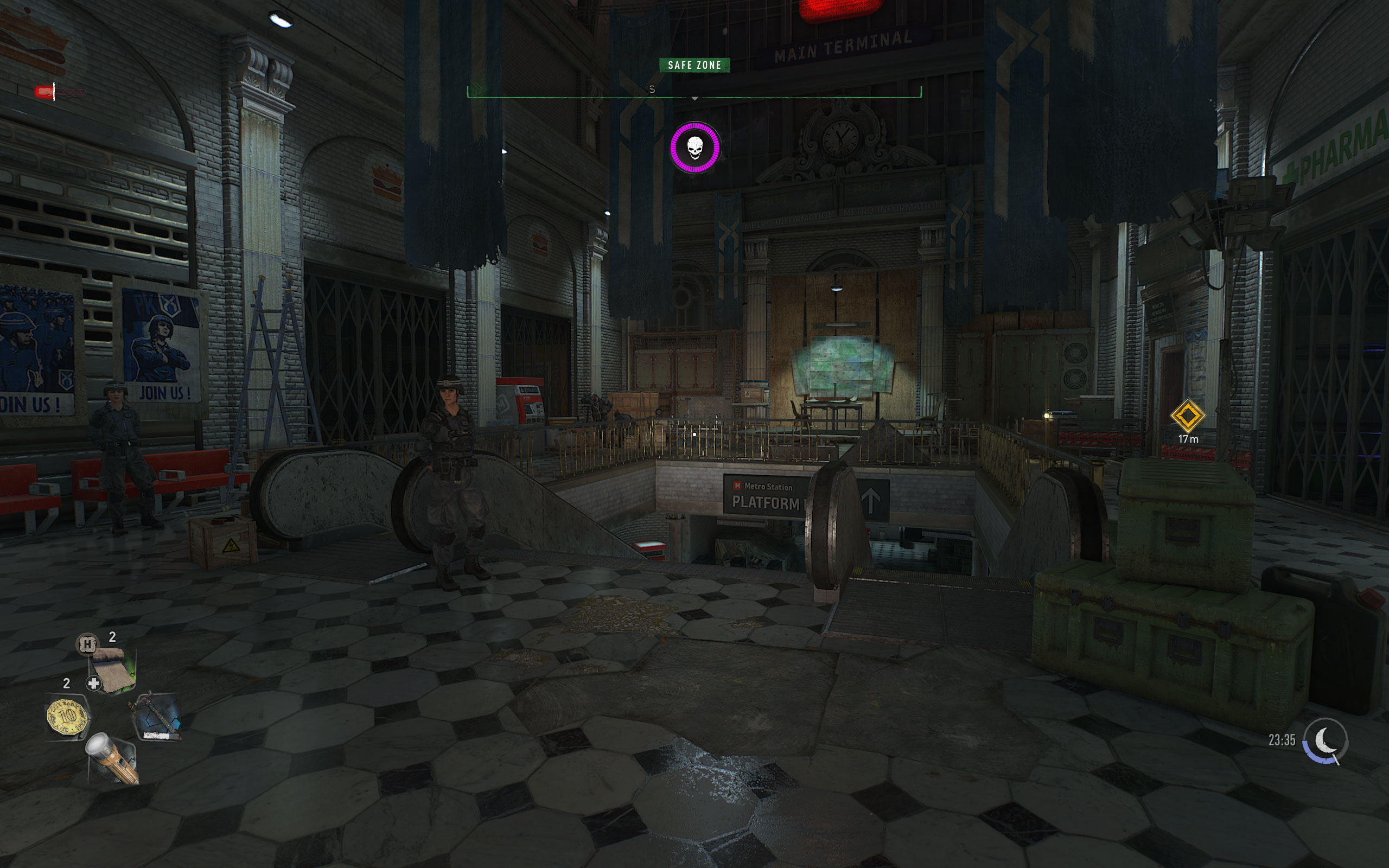
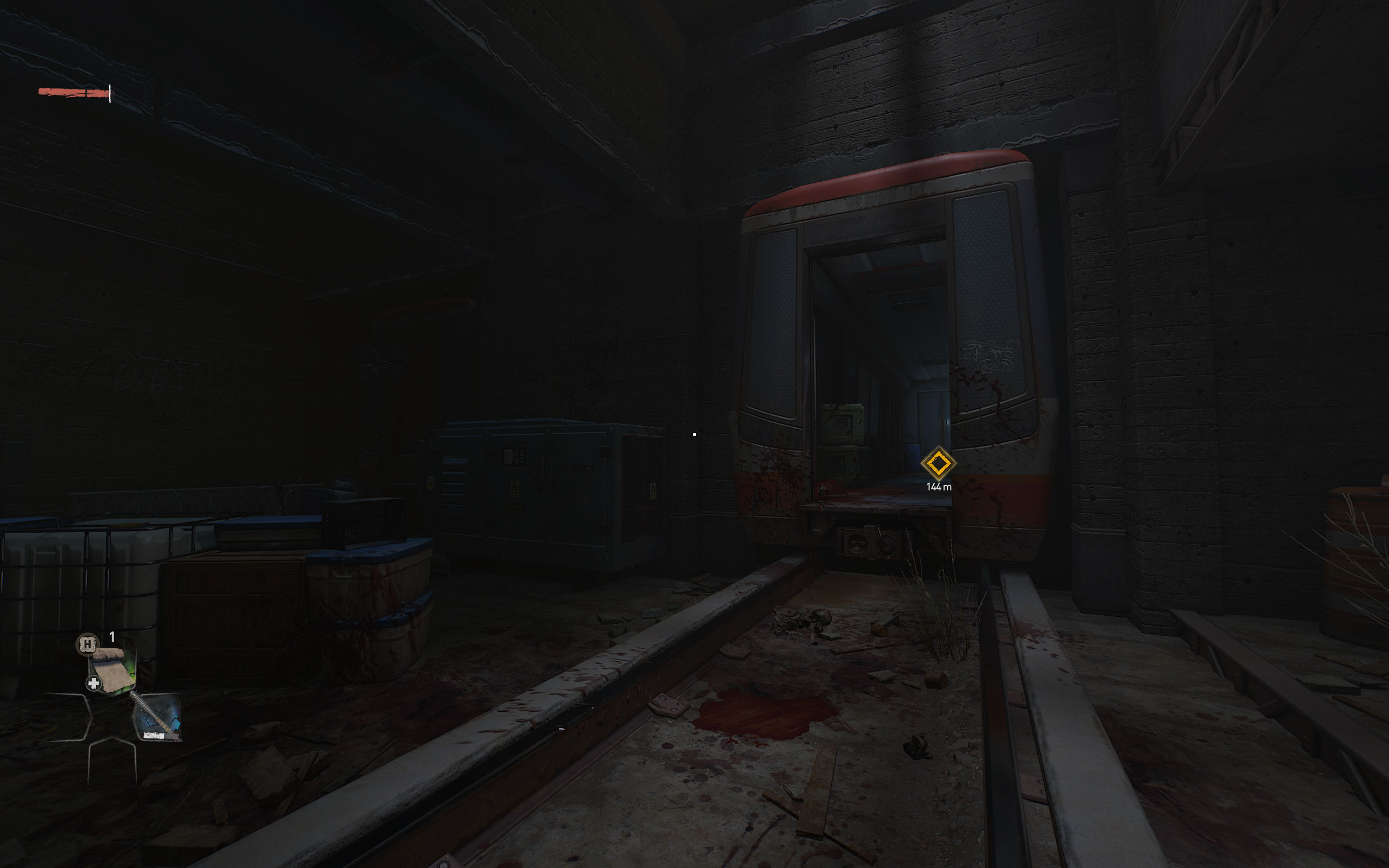
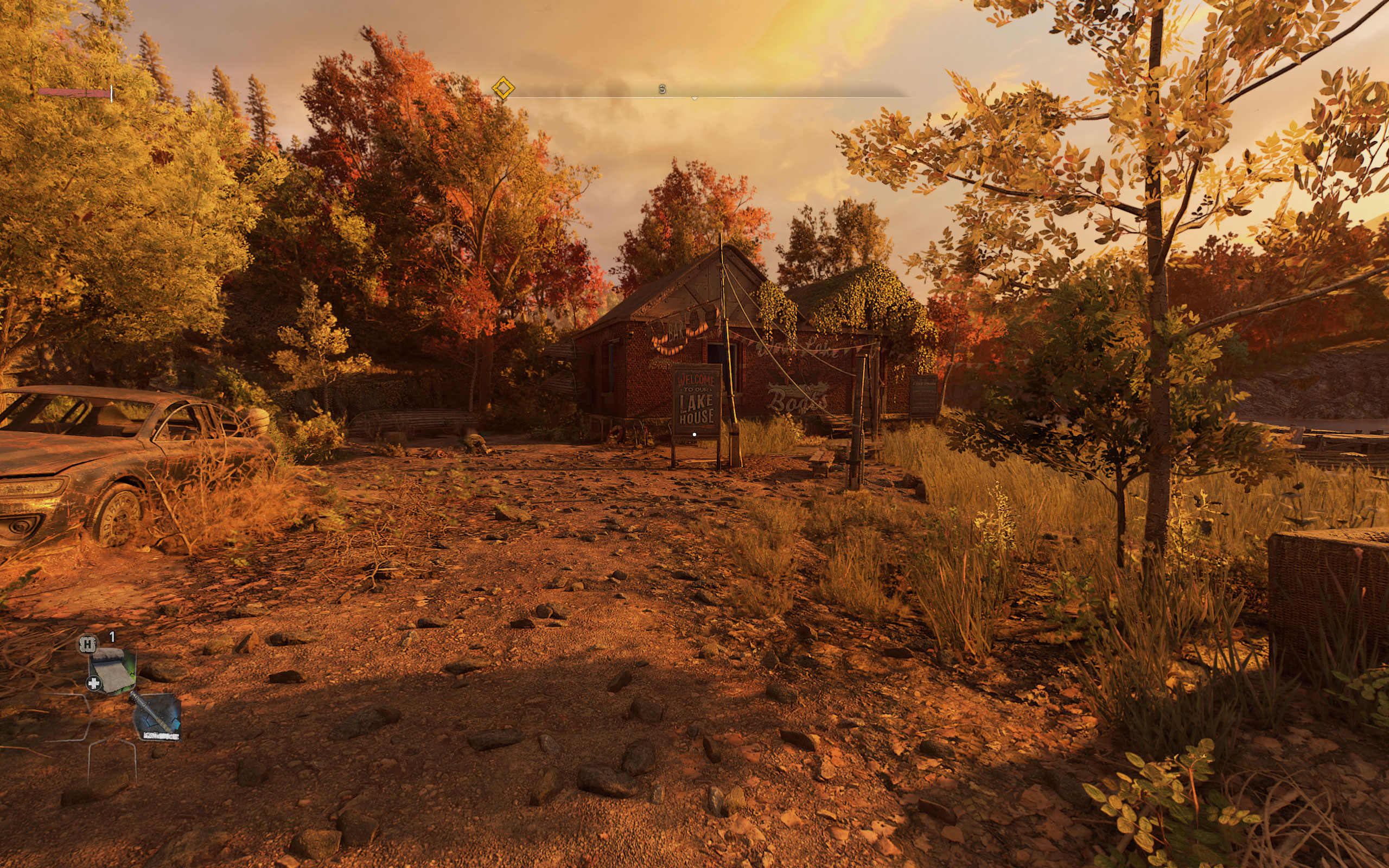
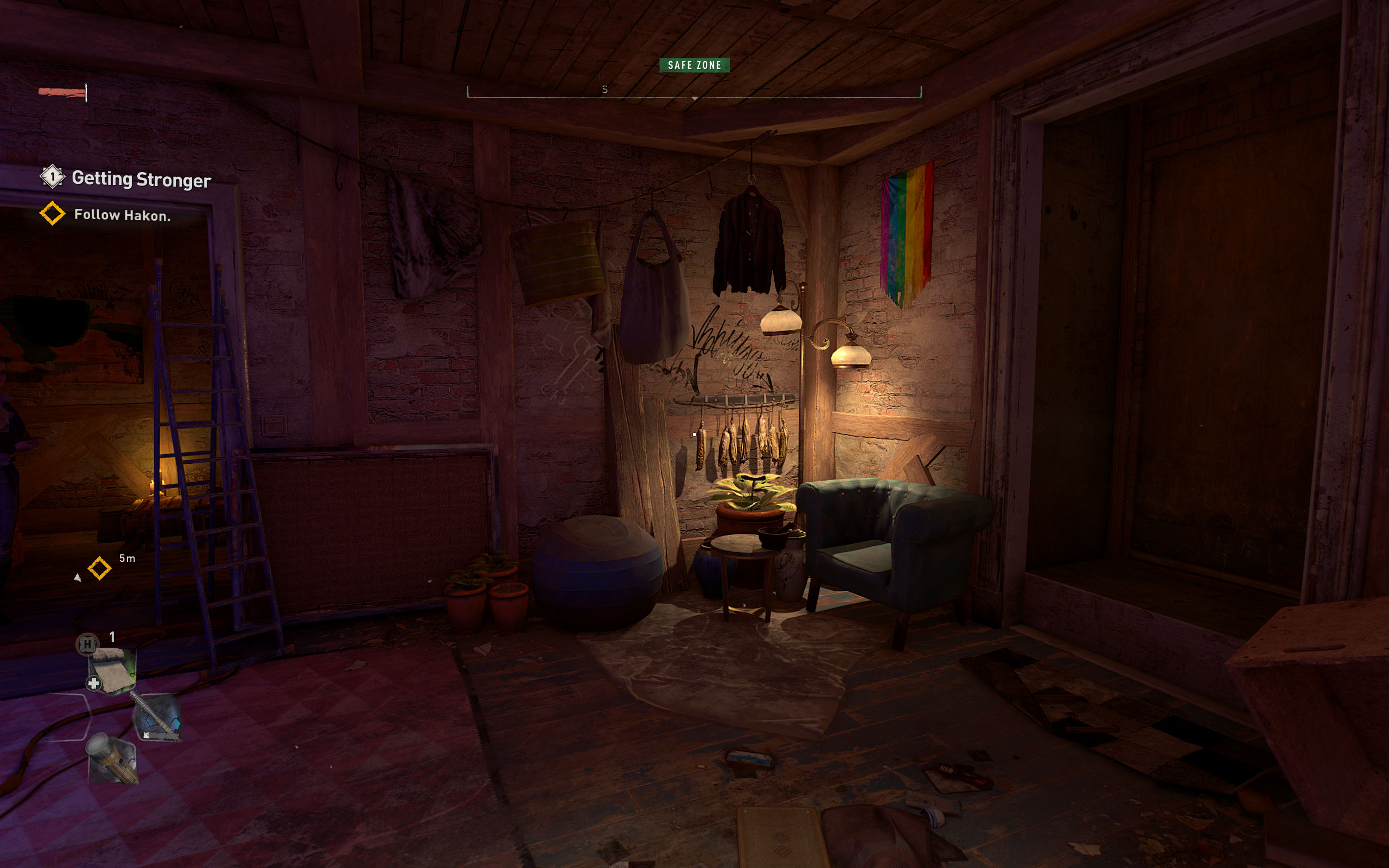
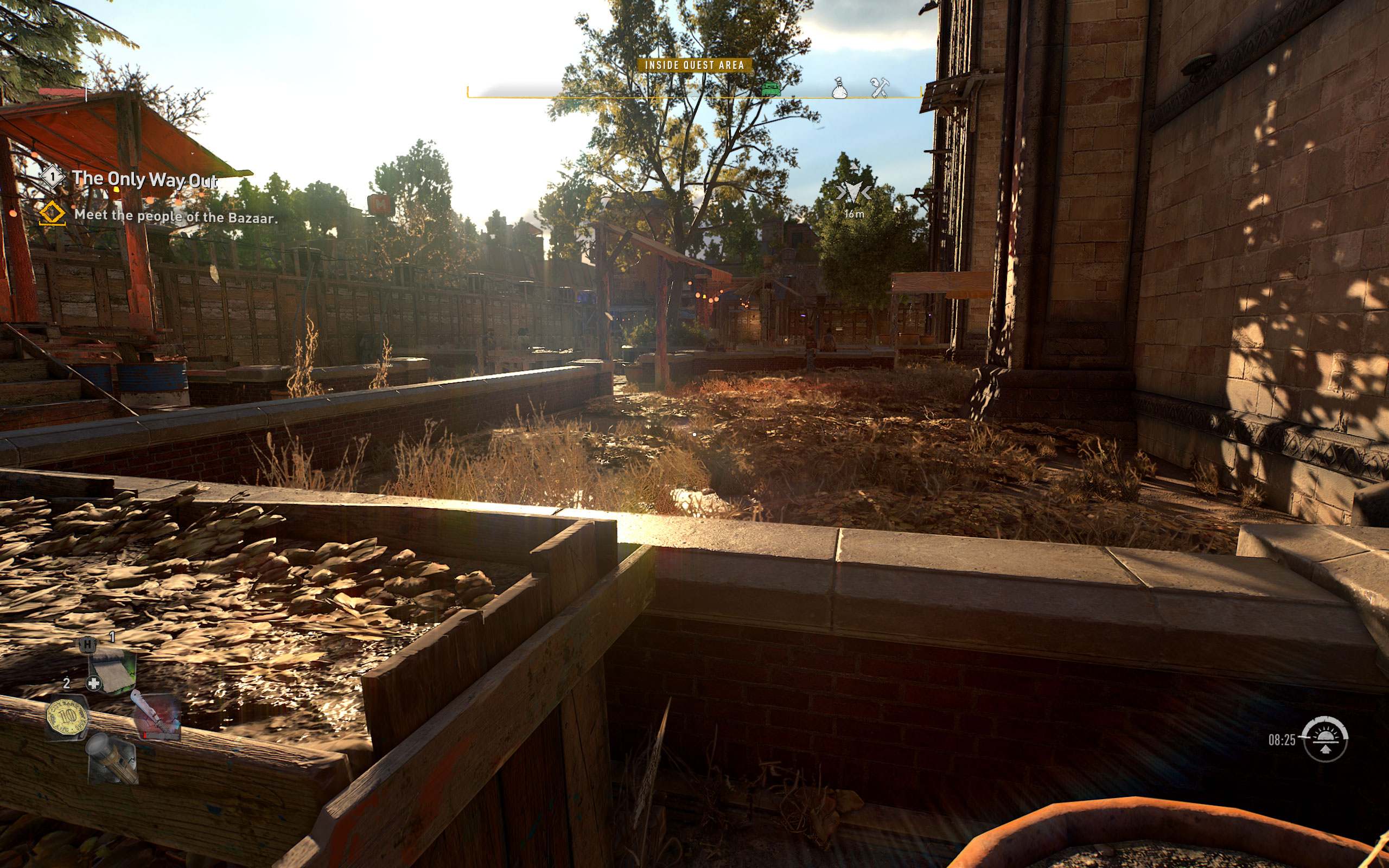
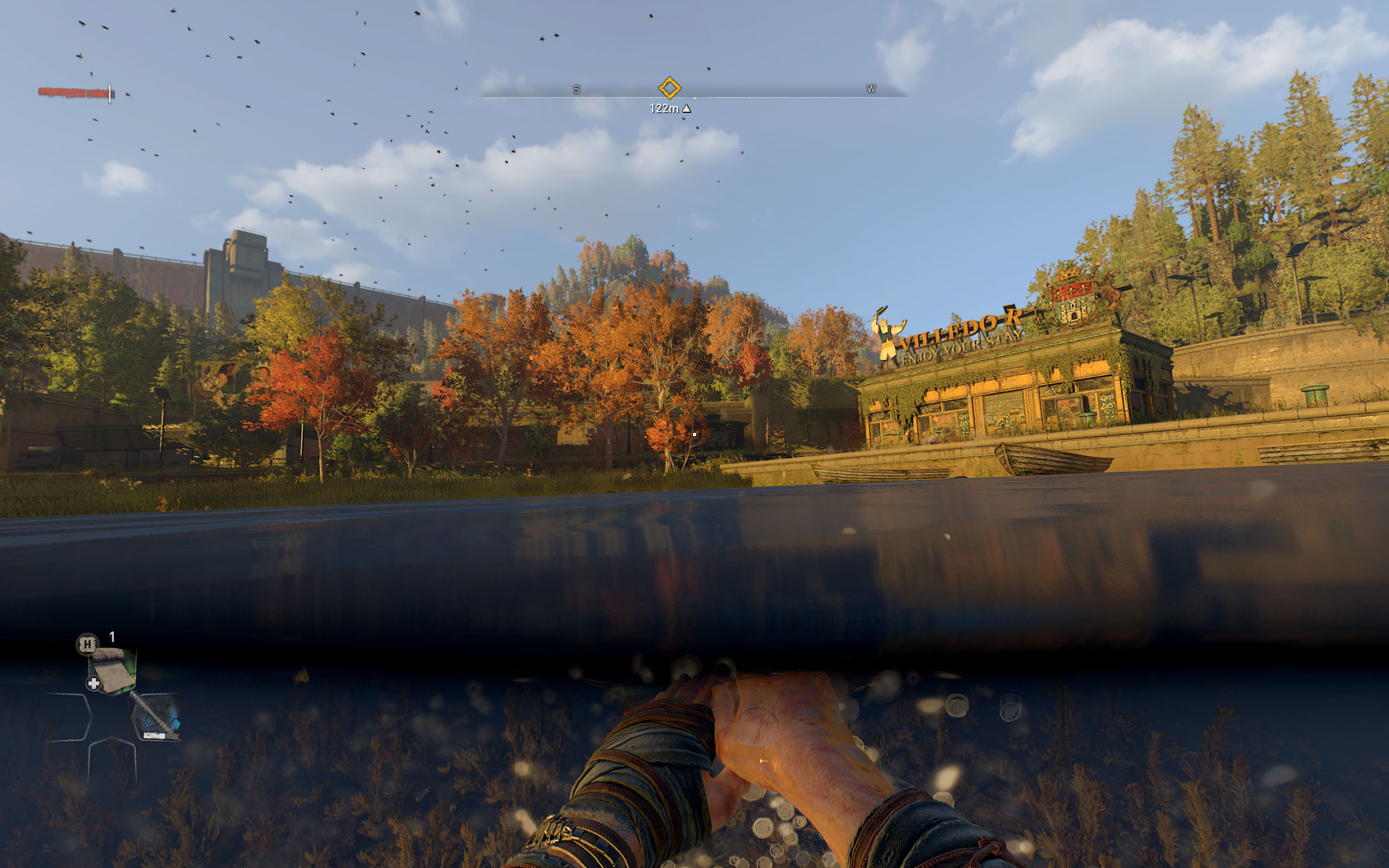
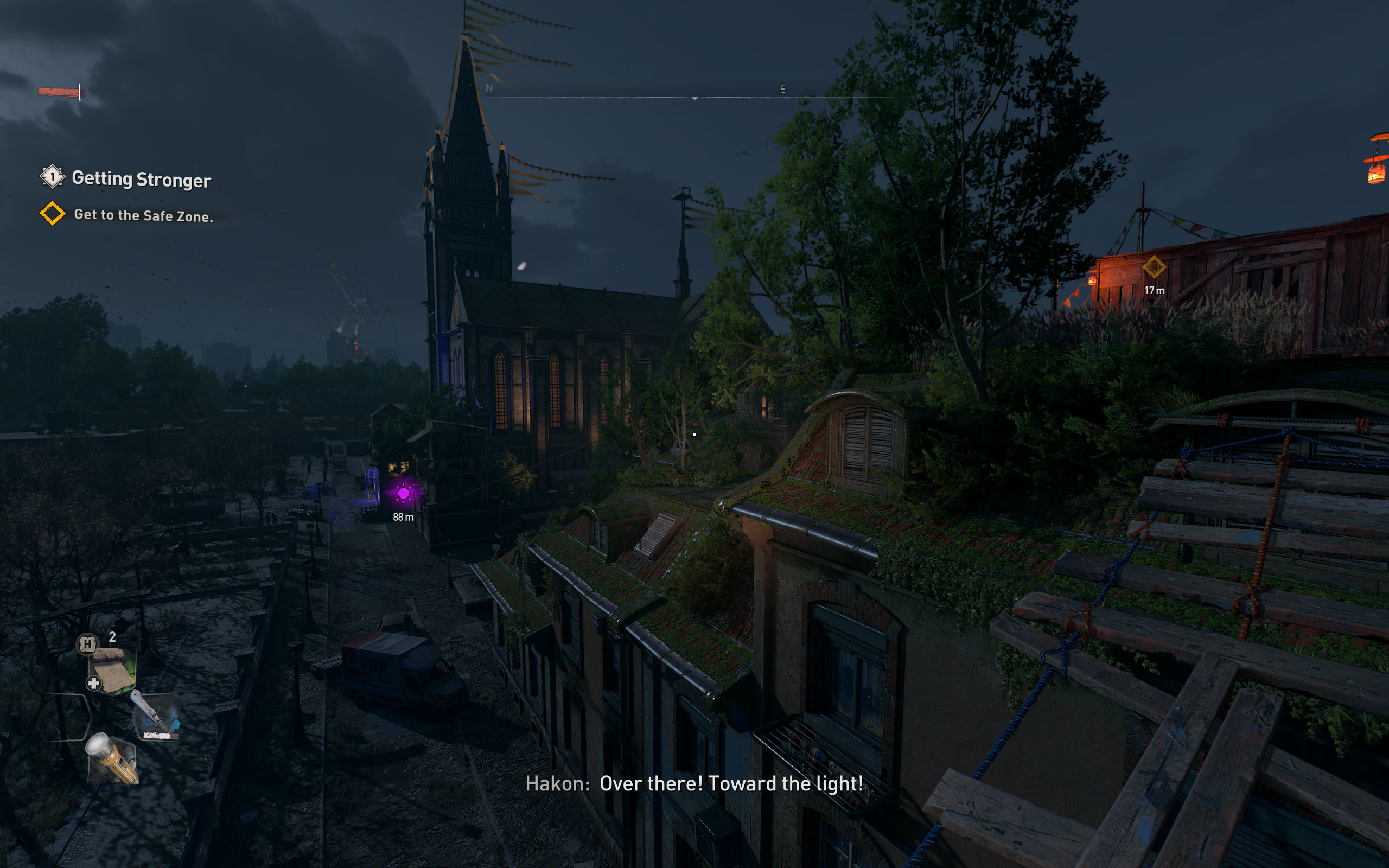
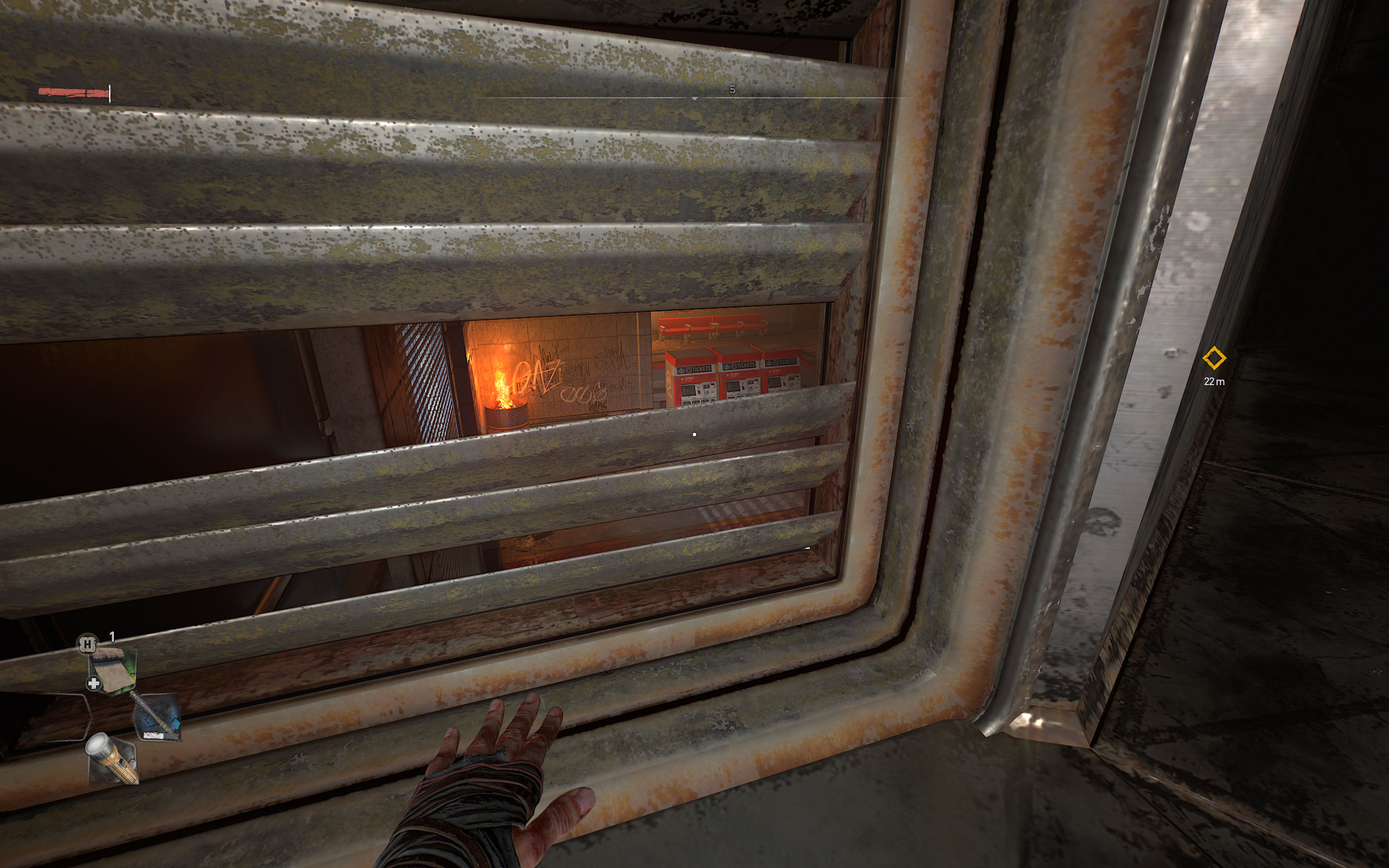
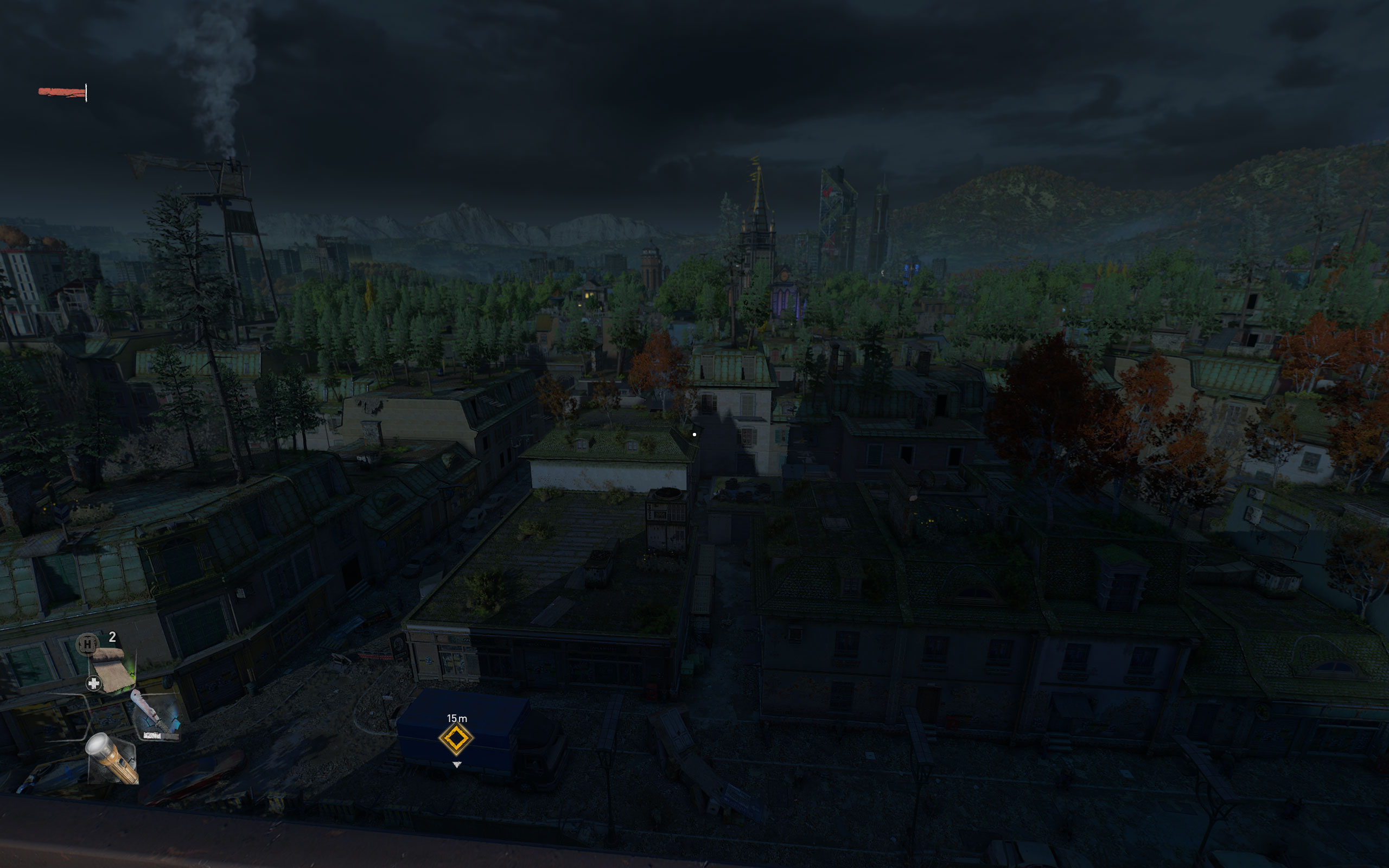
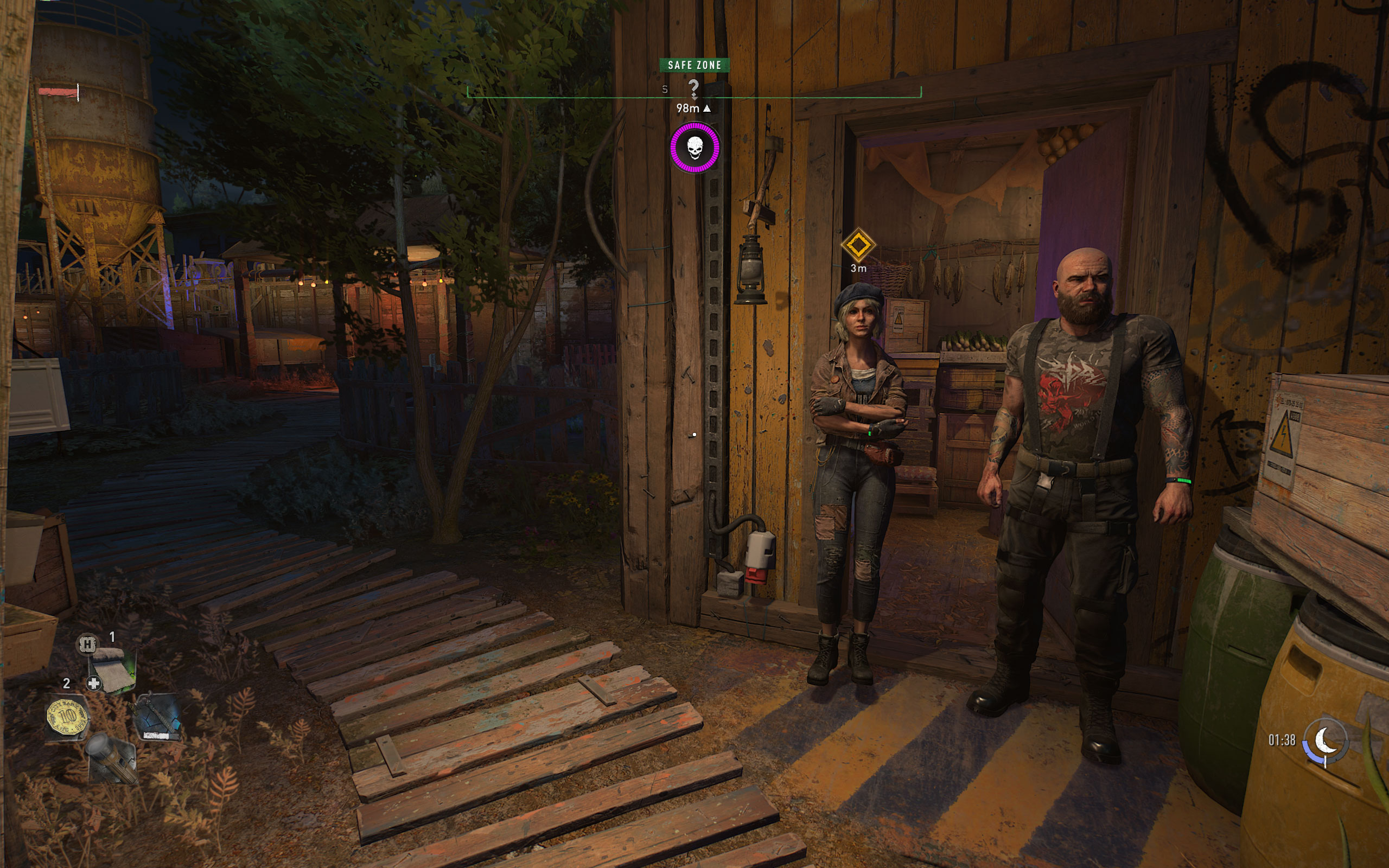
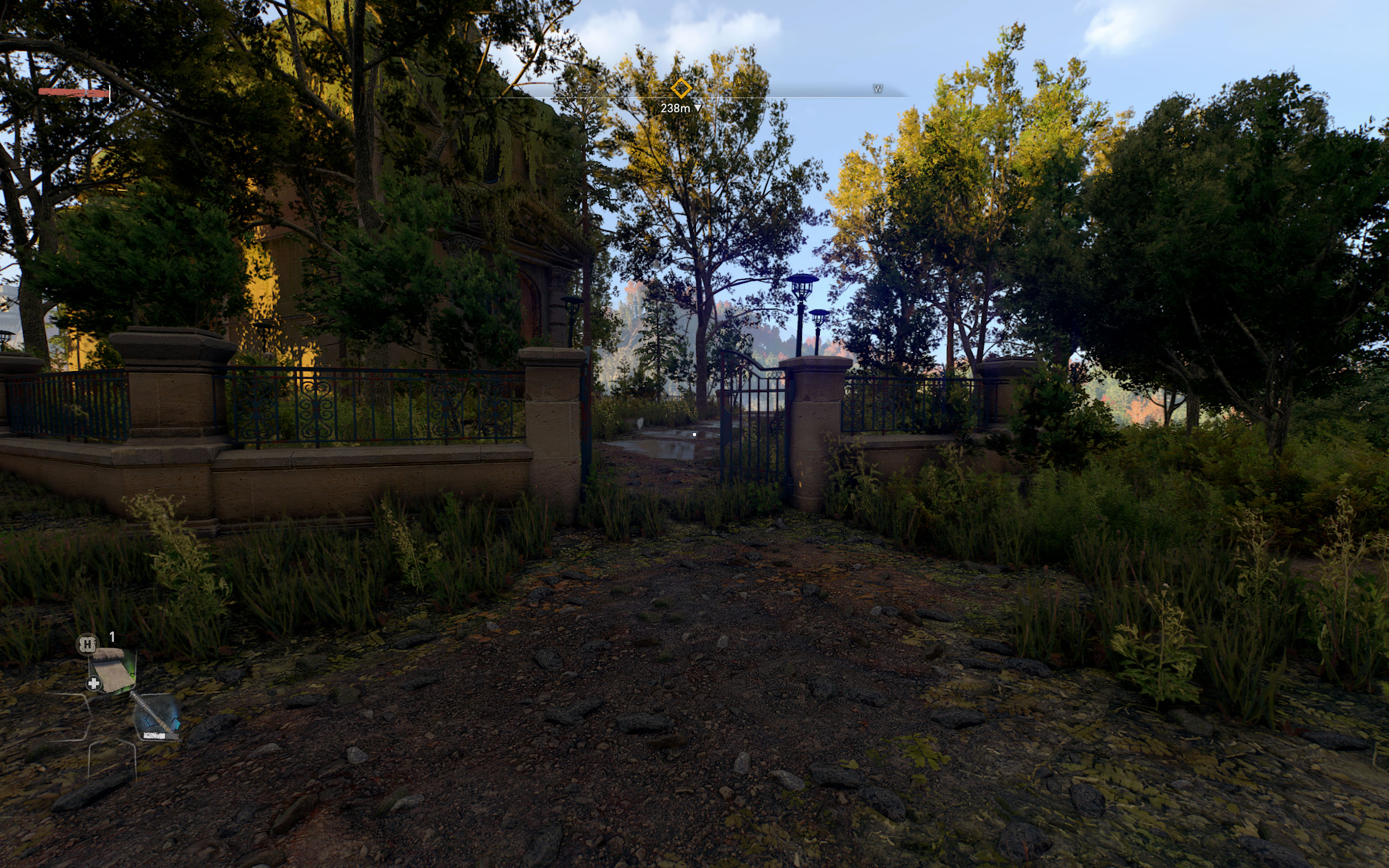
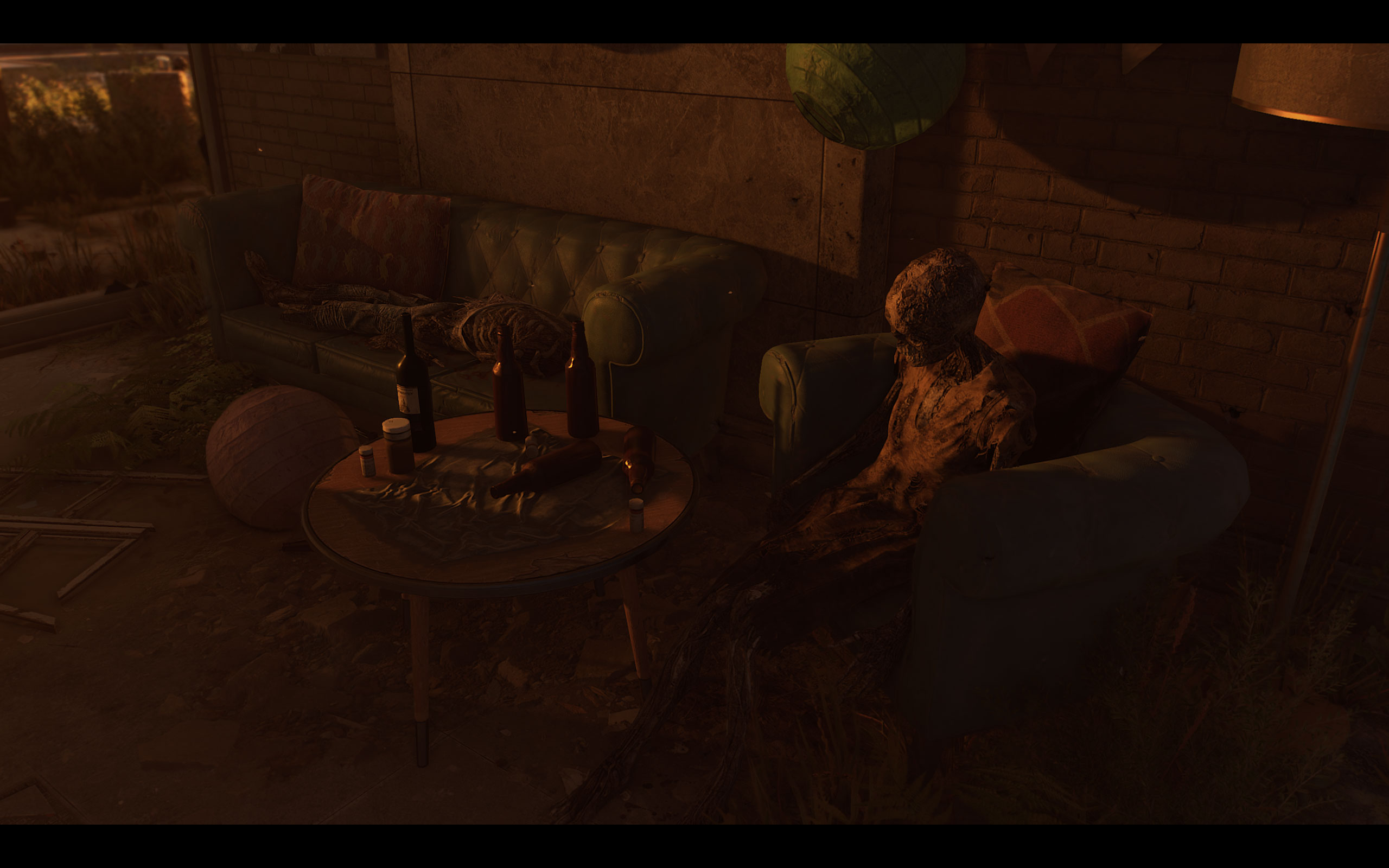
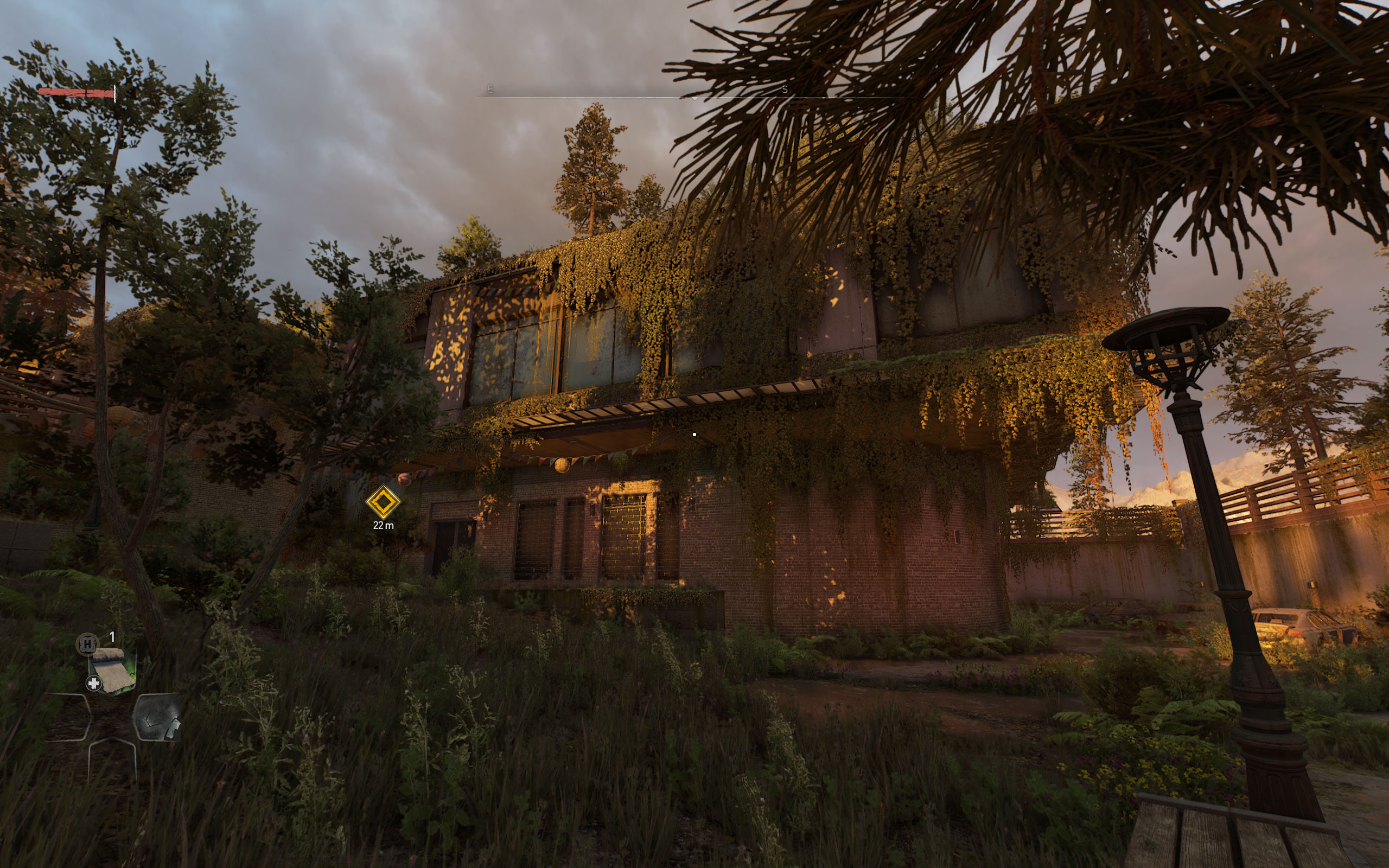
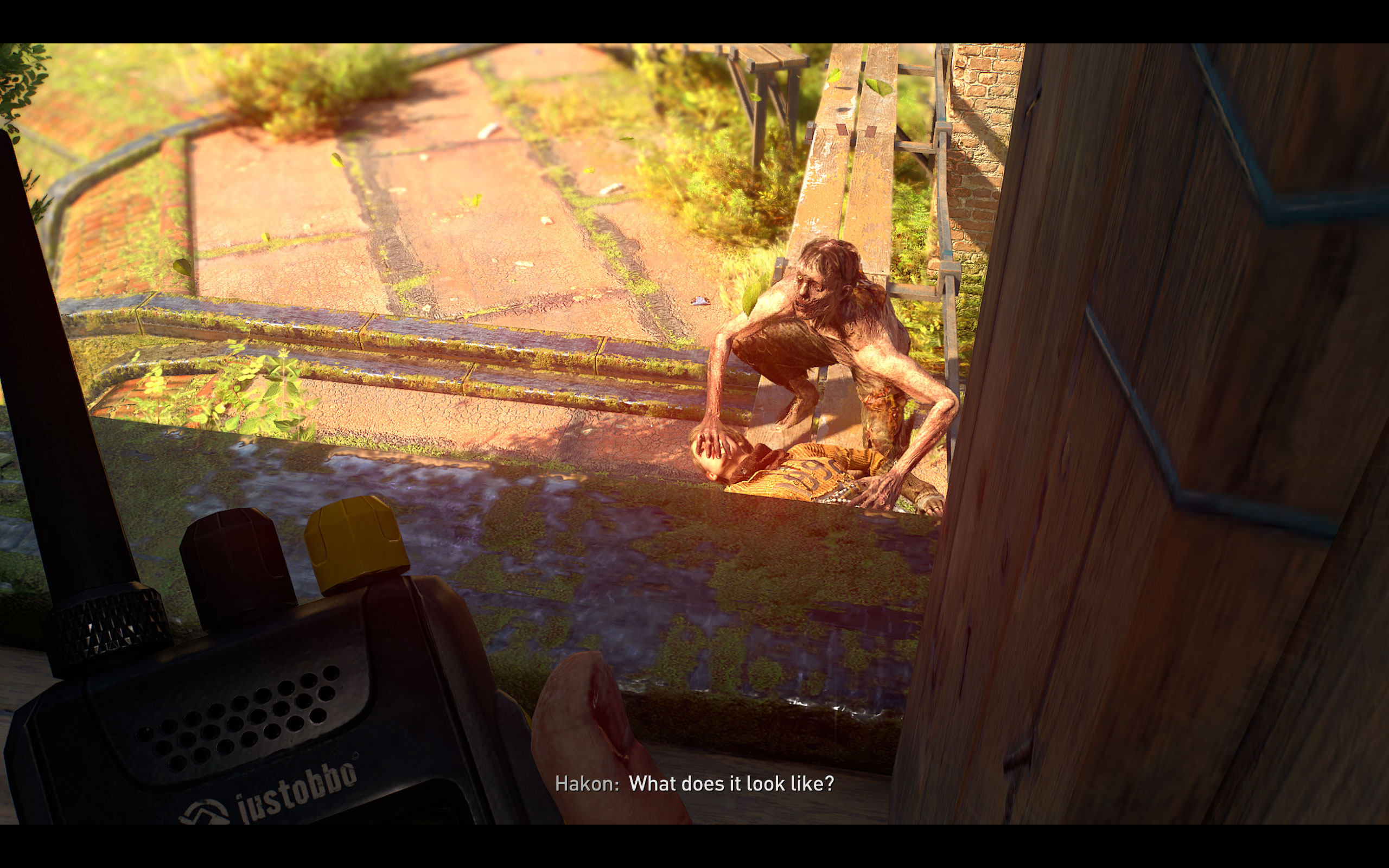
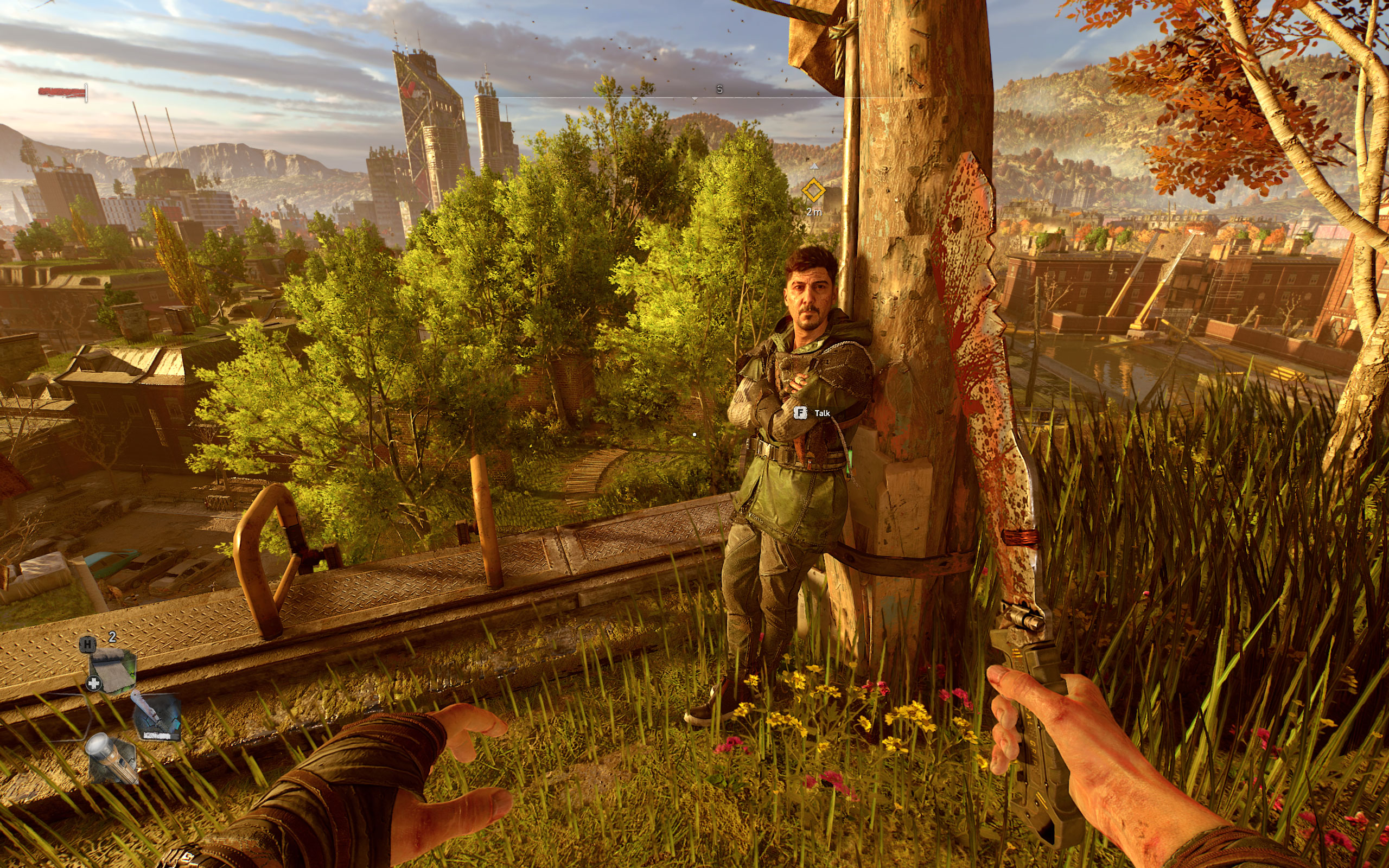
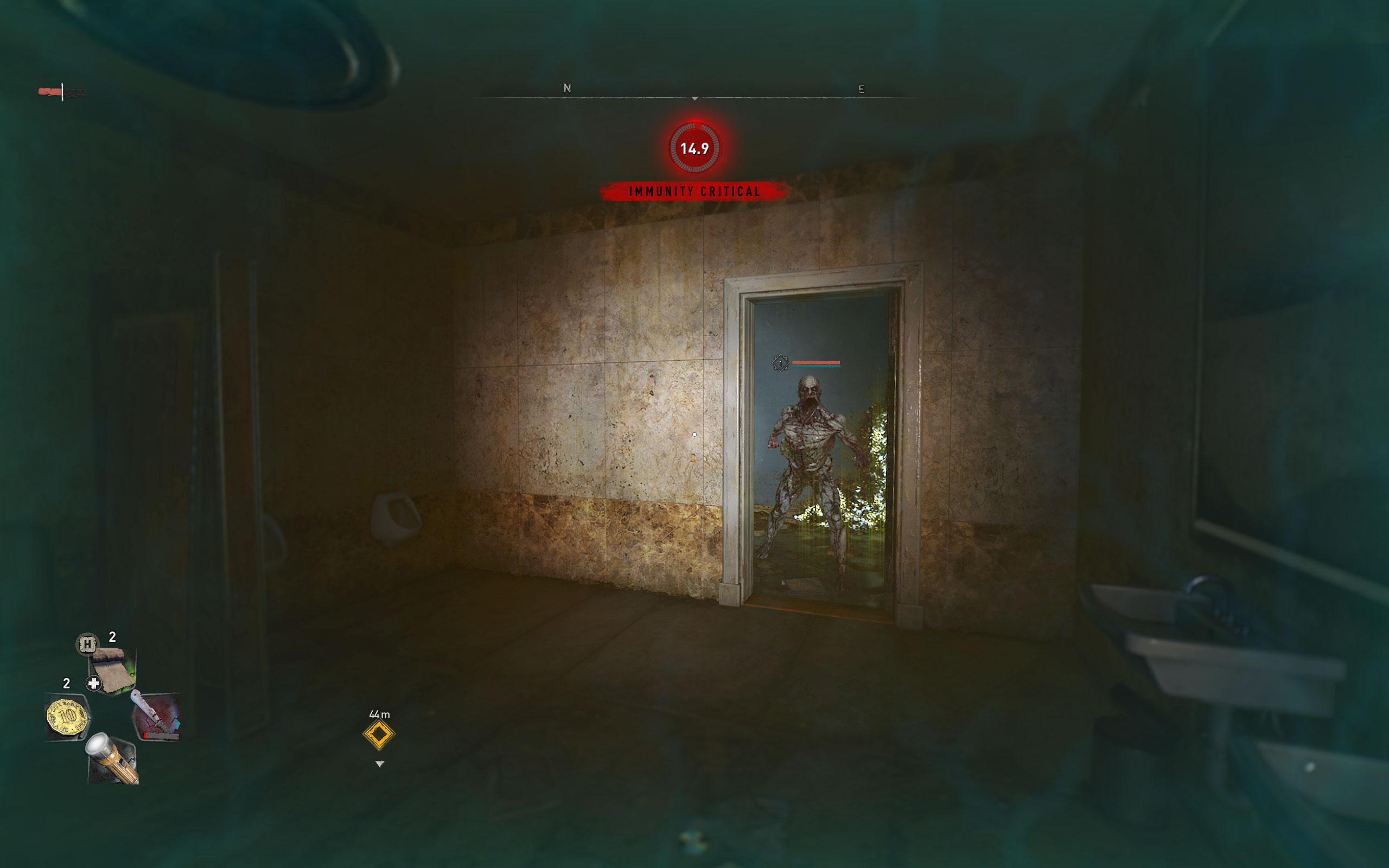
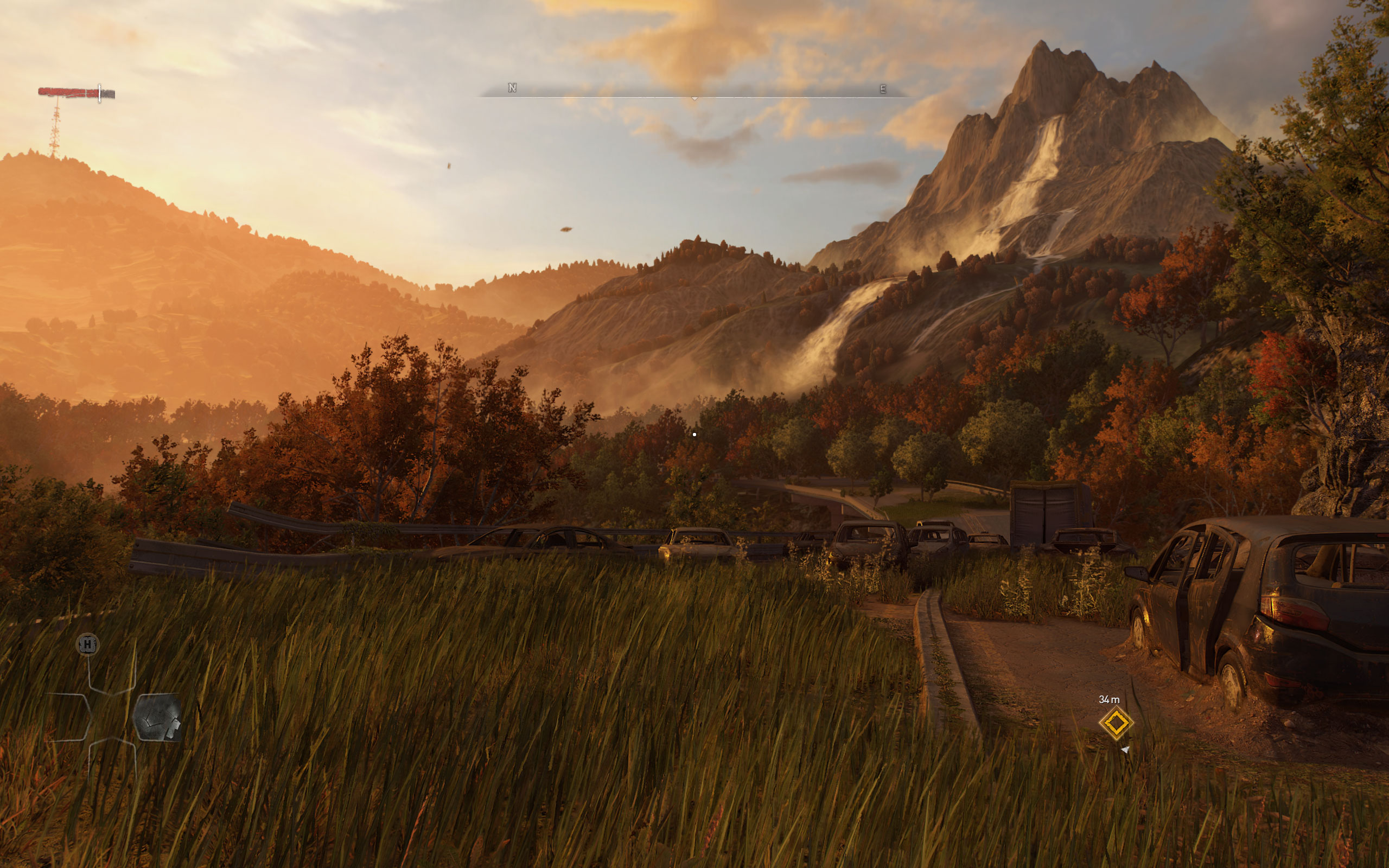
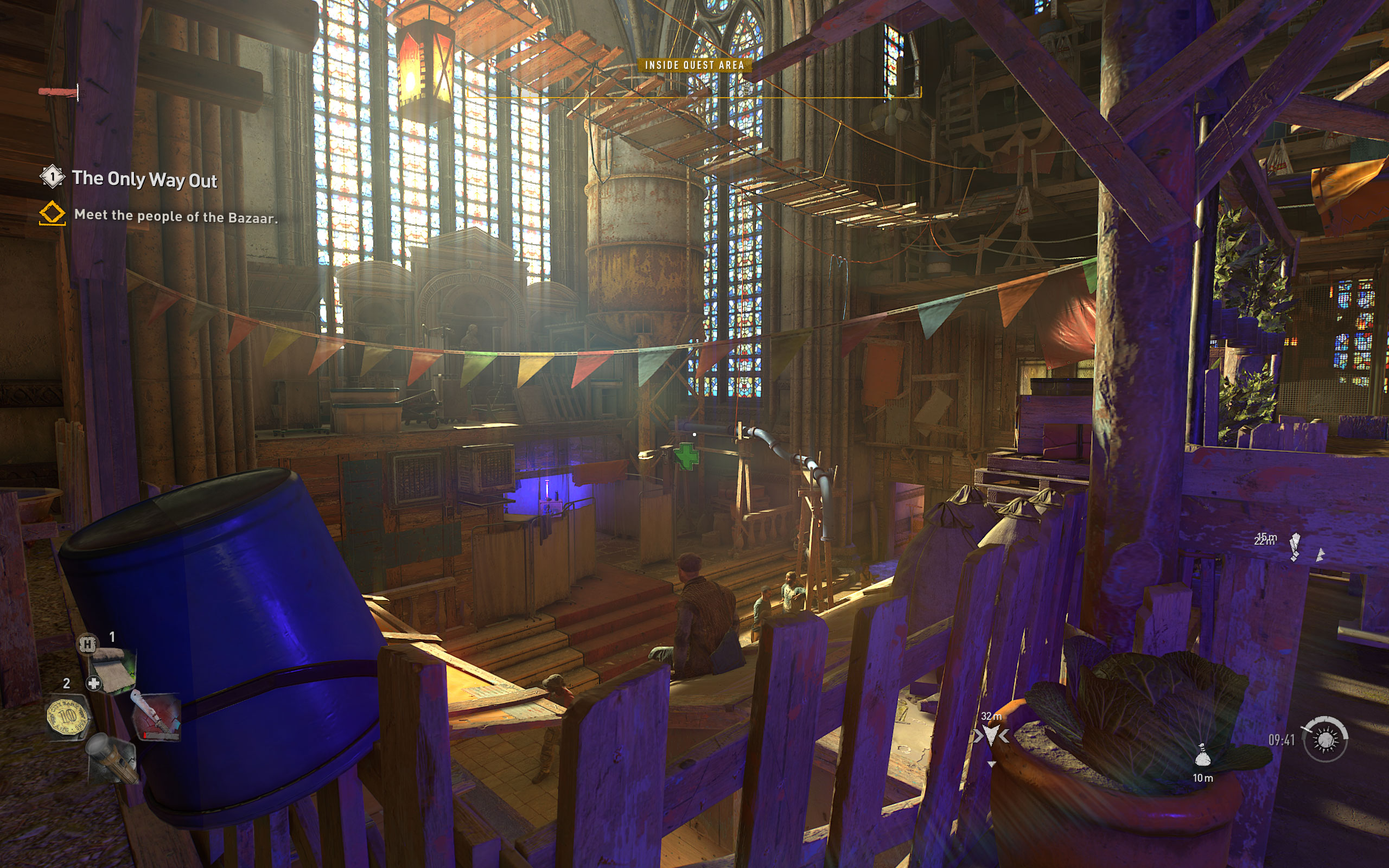
Screenshots
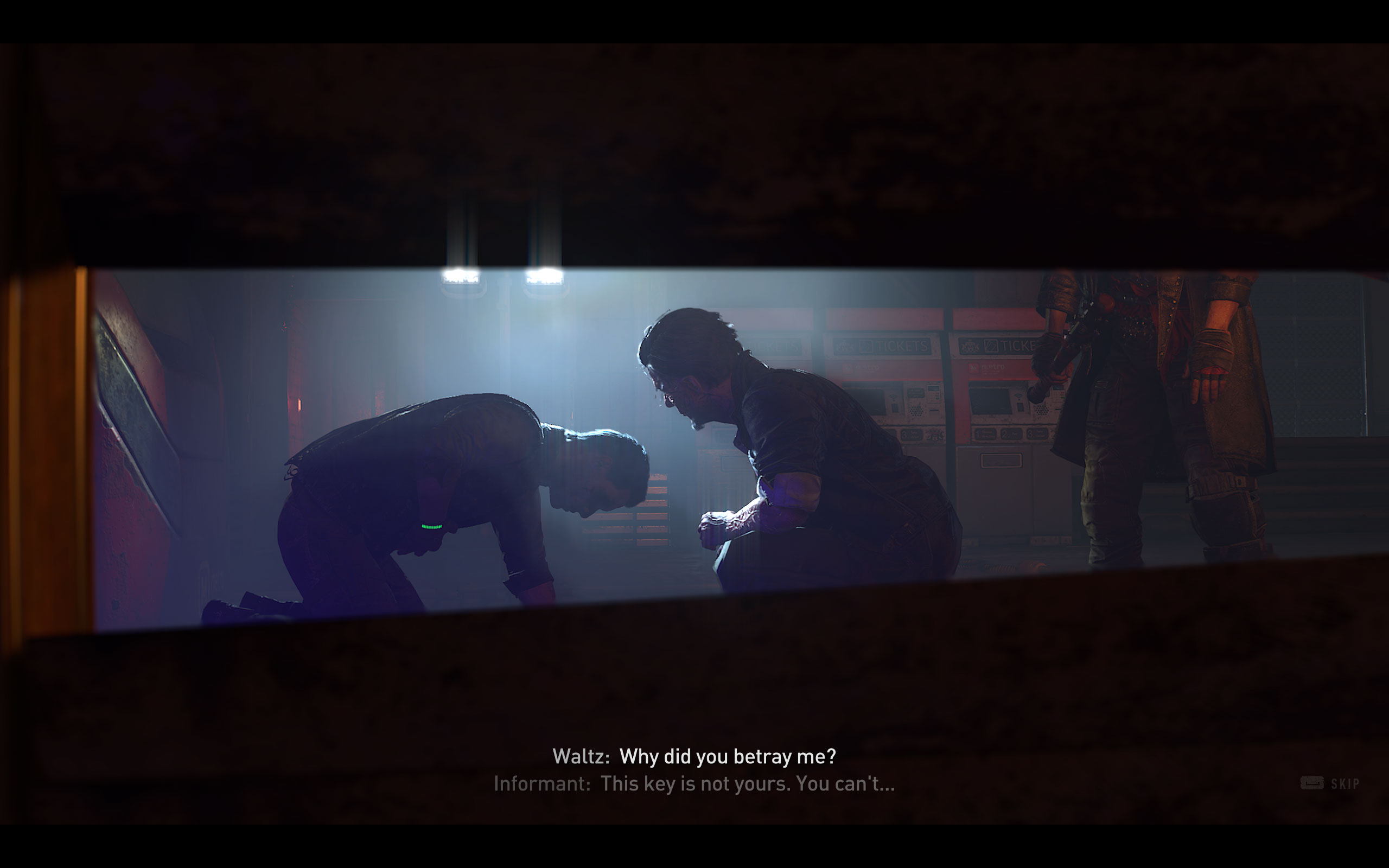
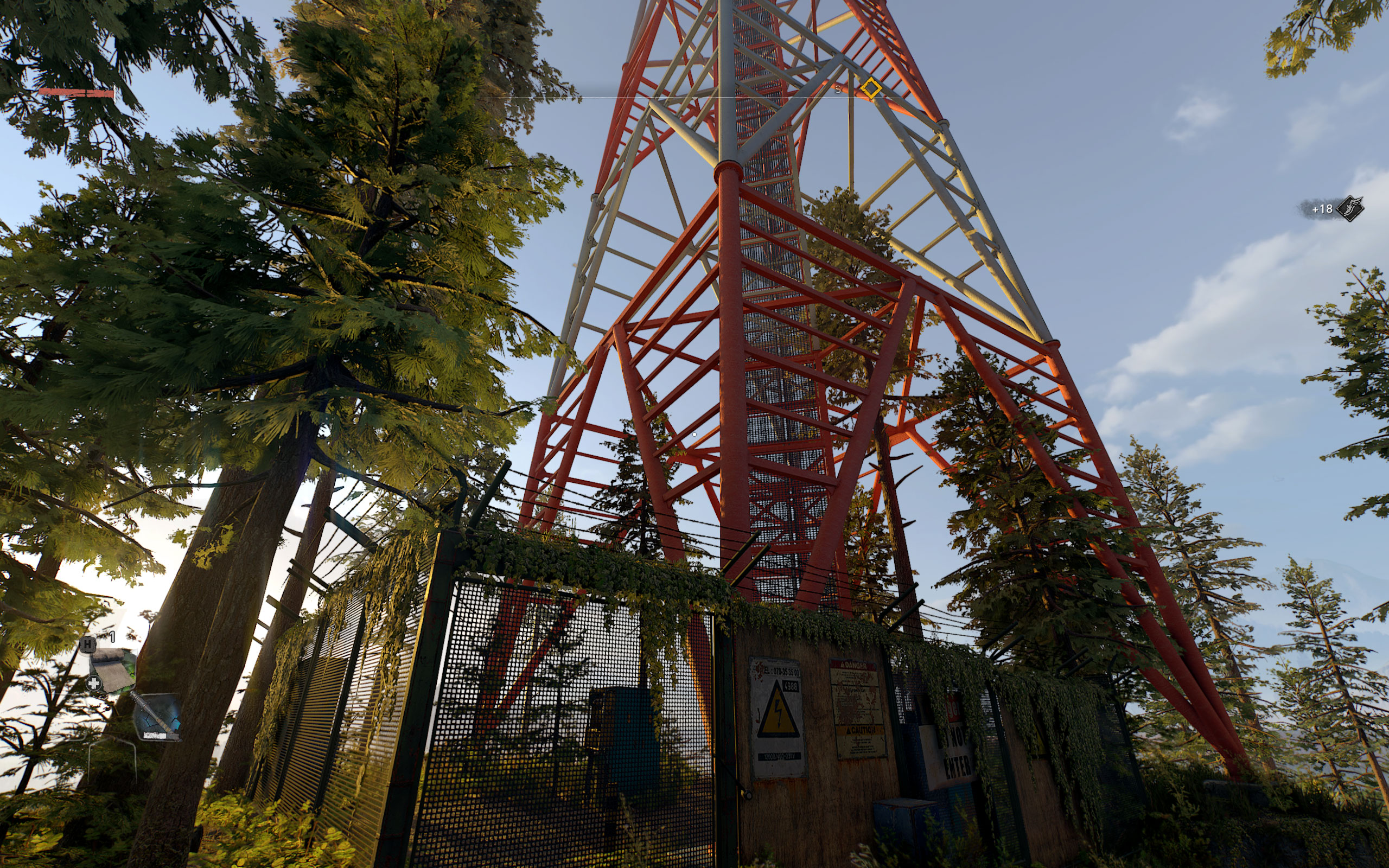
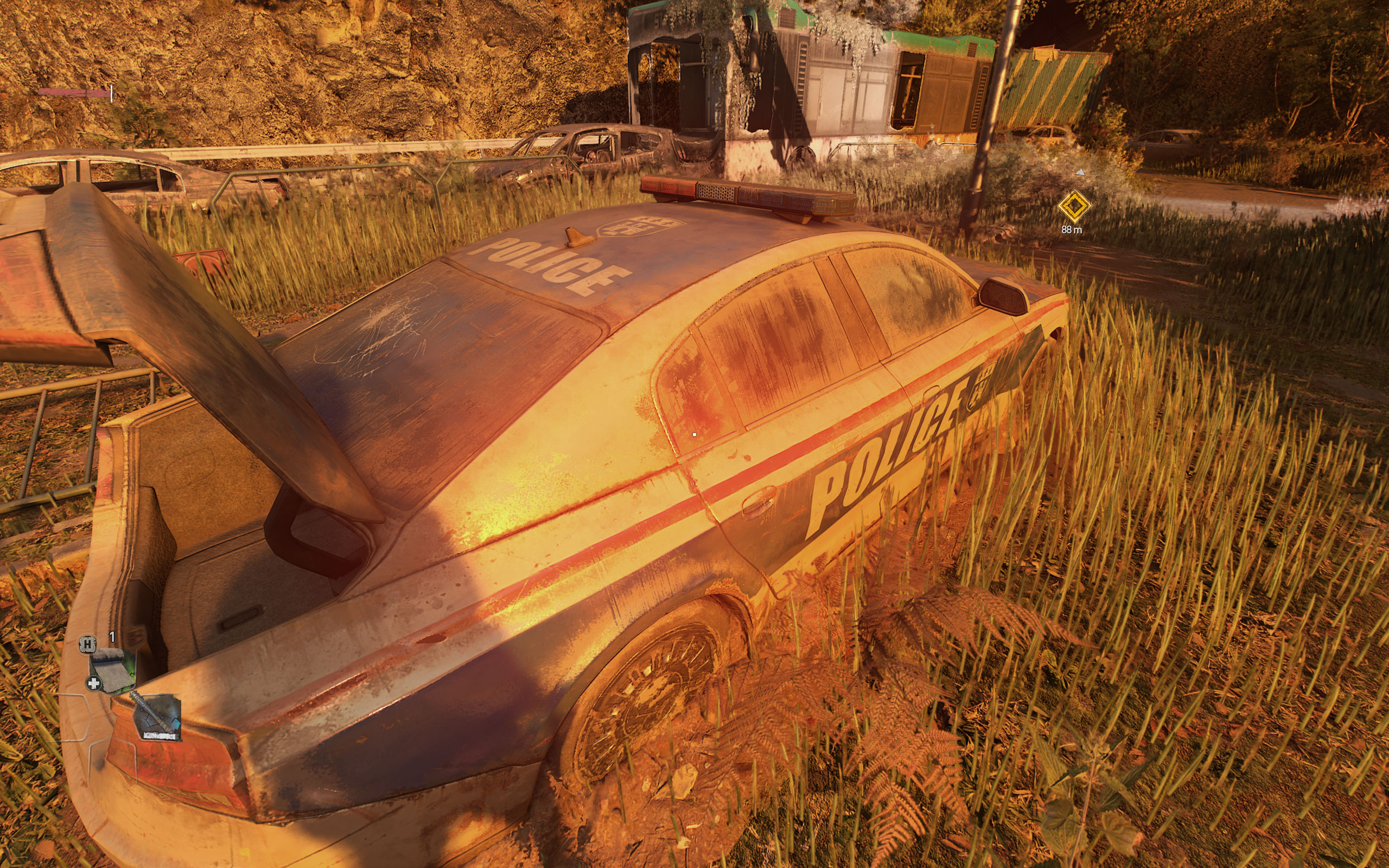
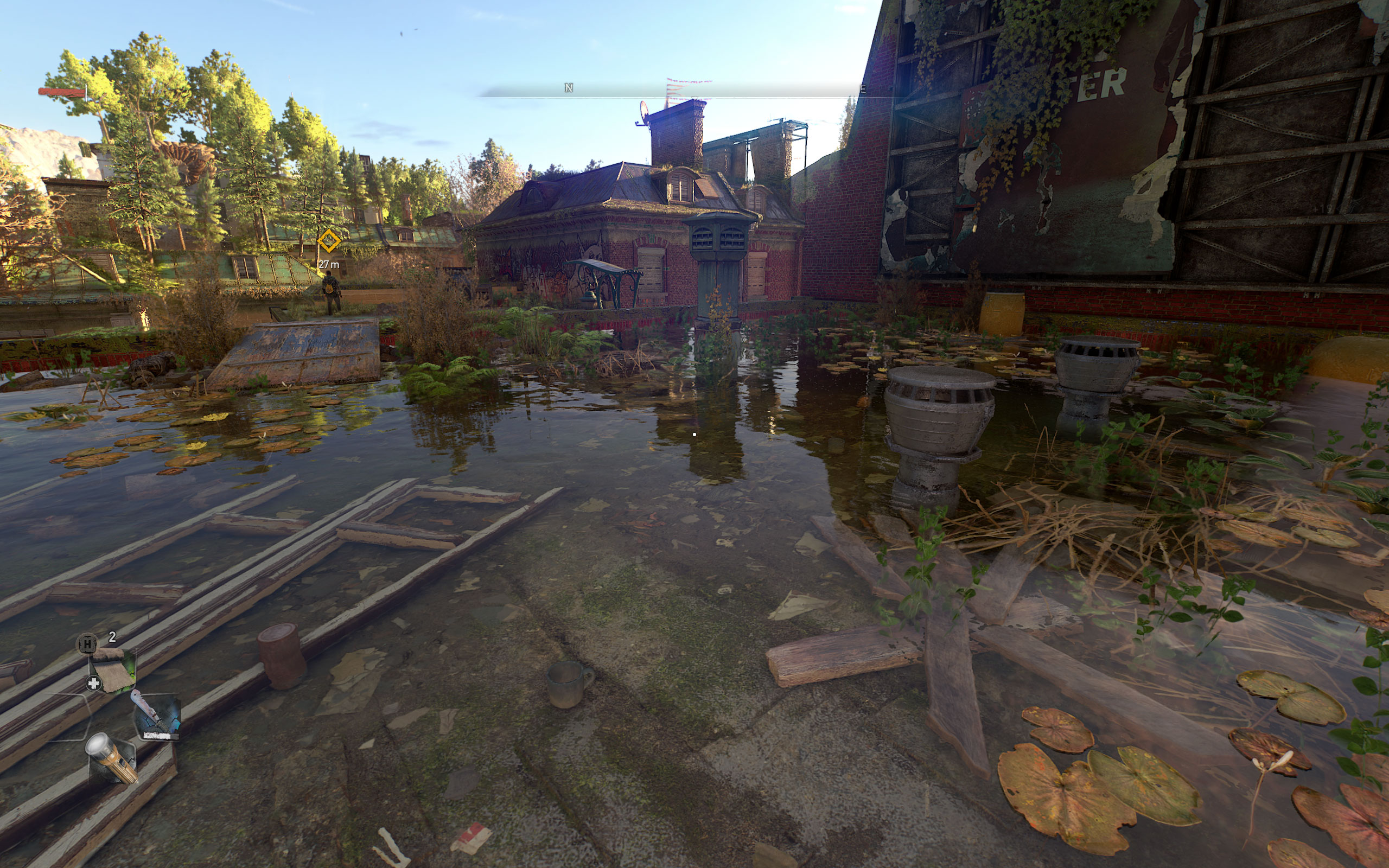
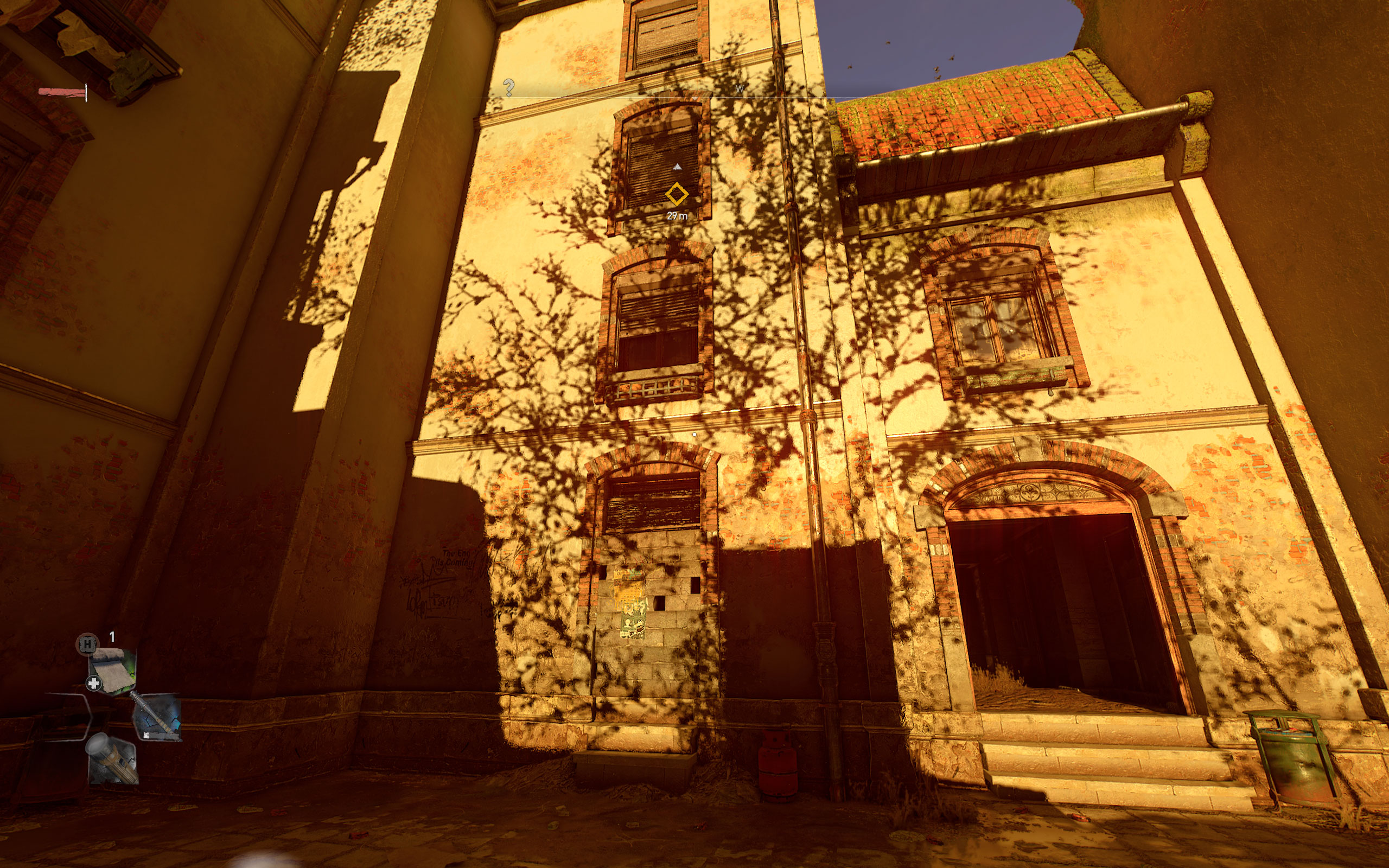
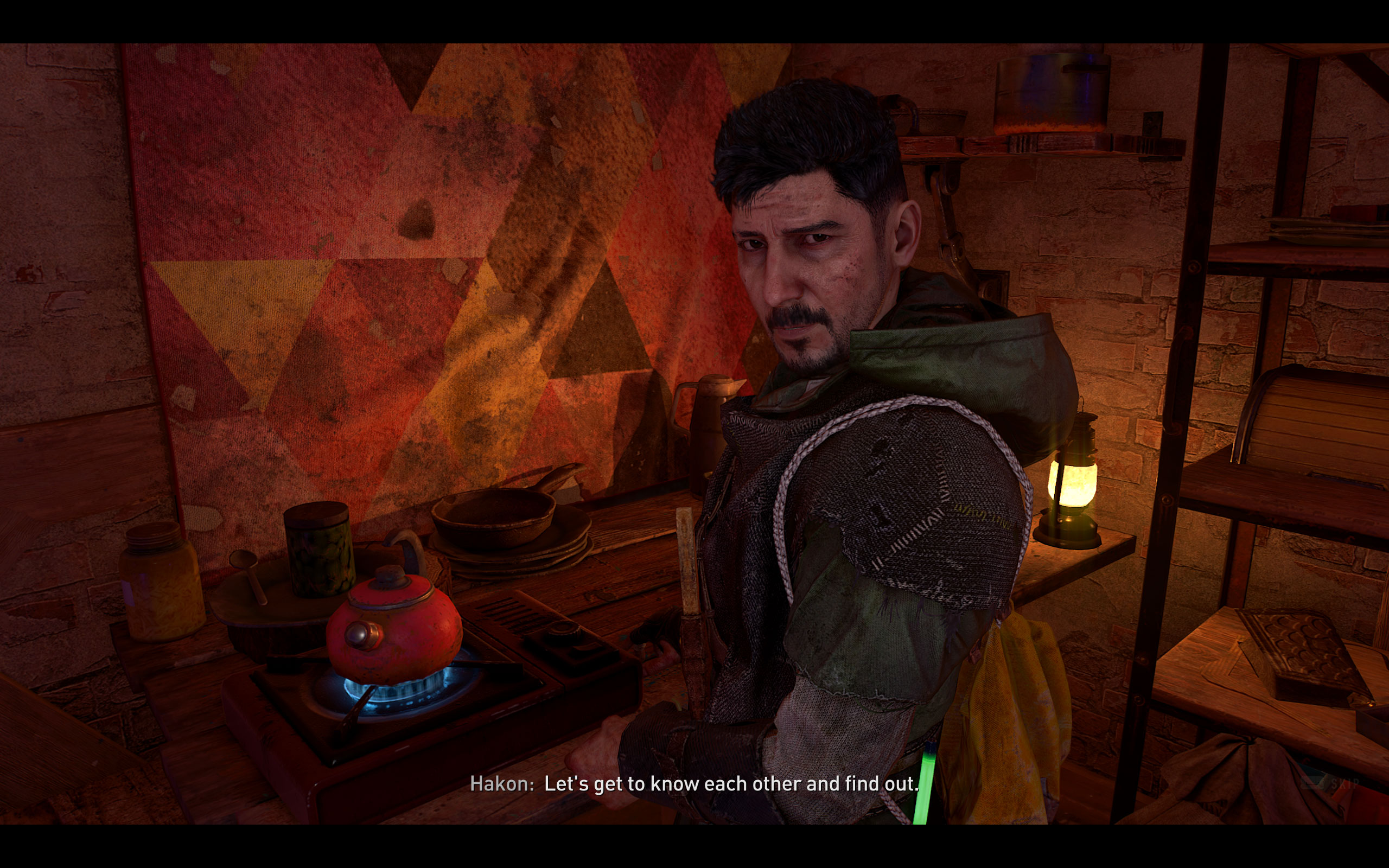
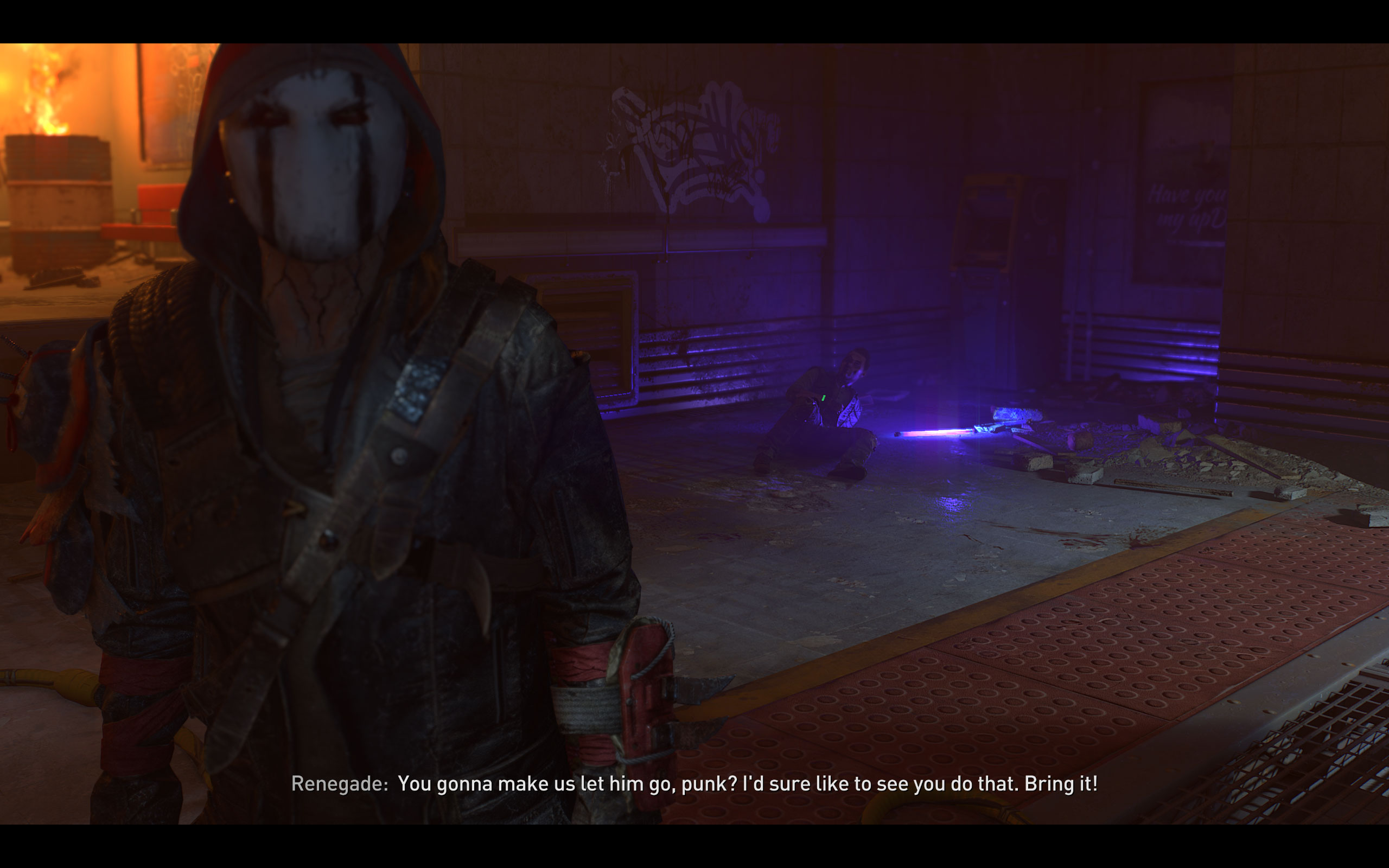
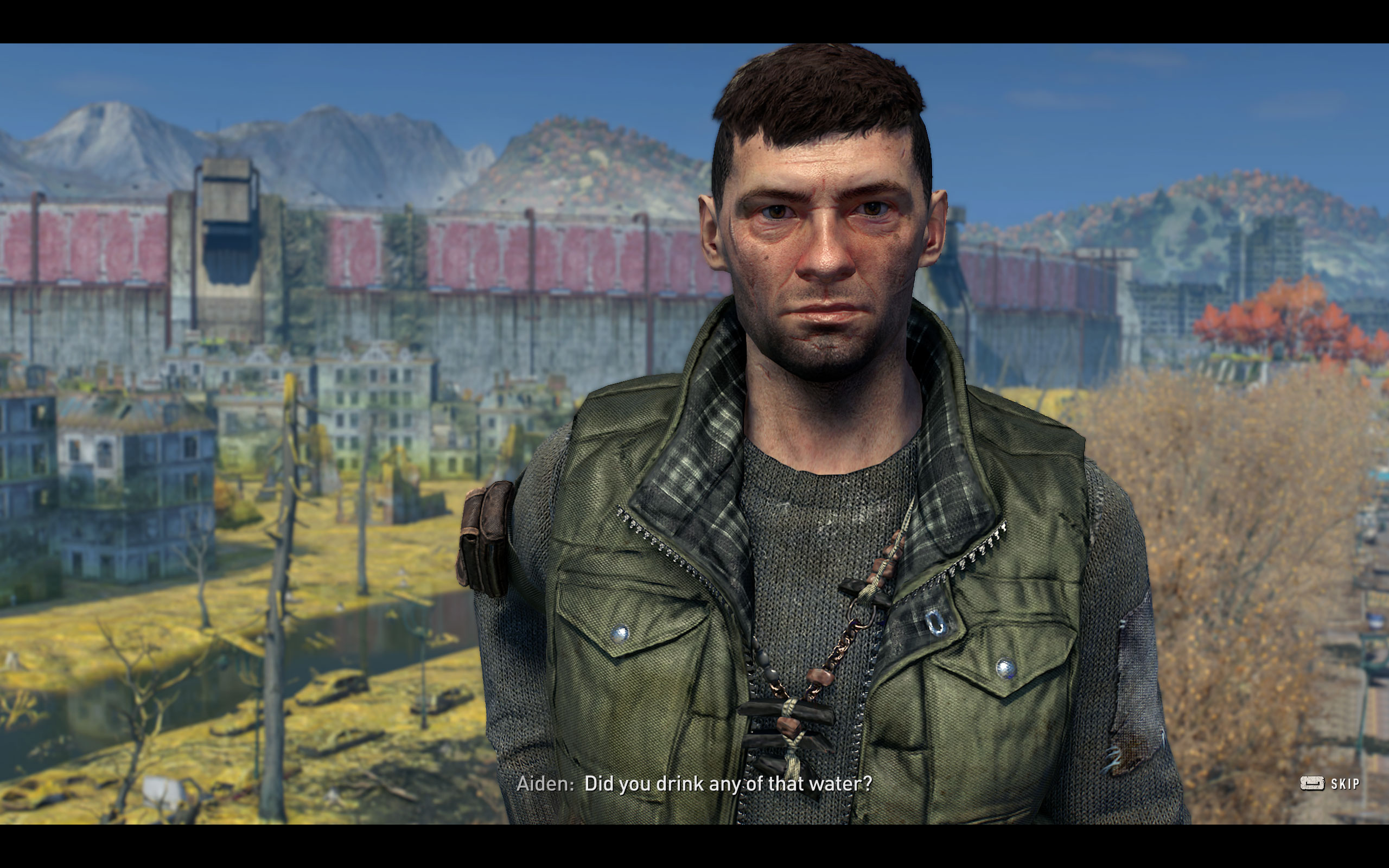
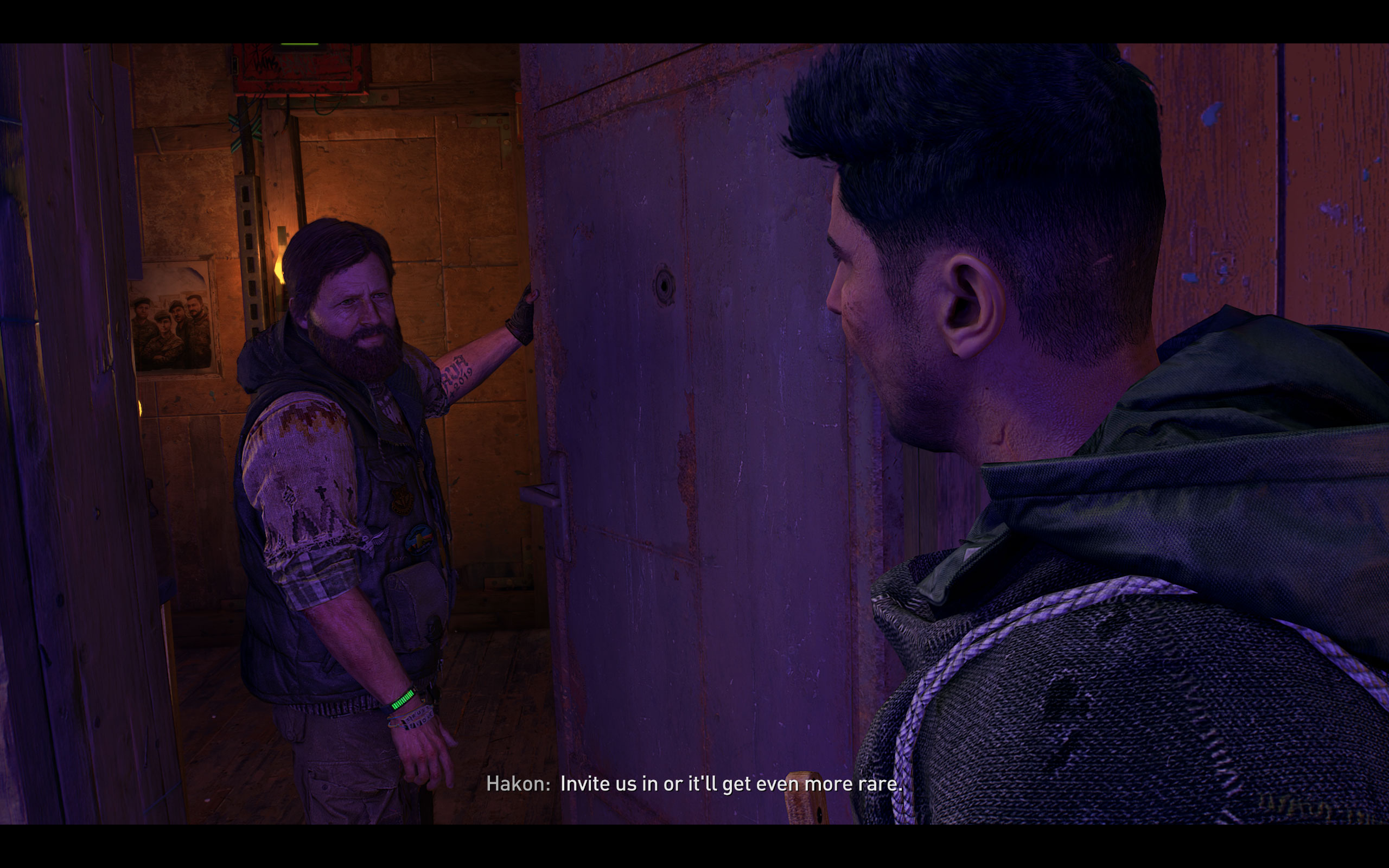
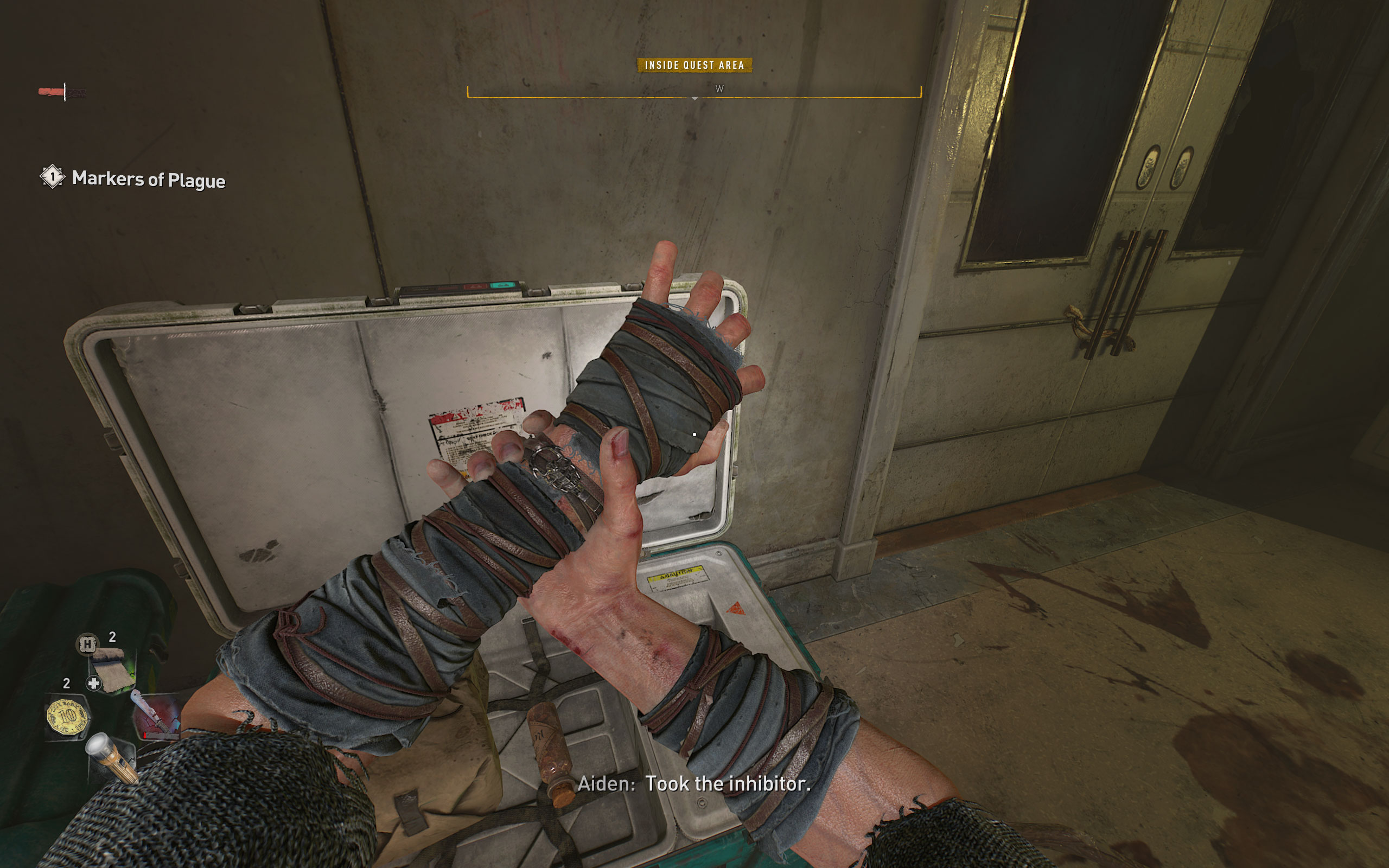
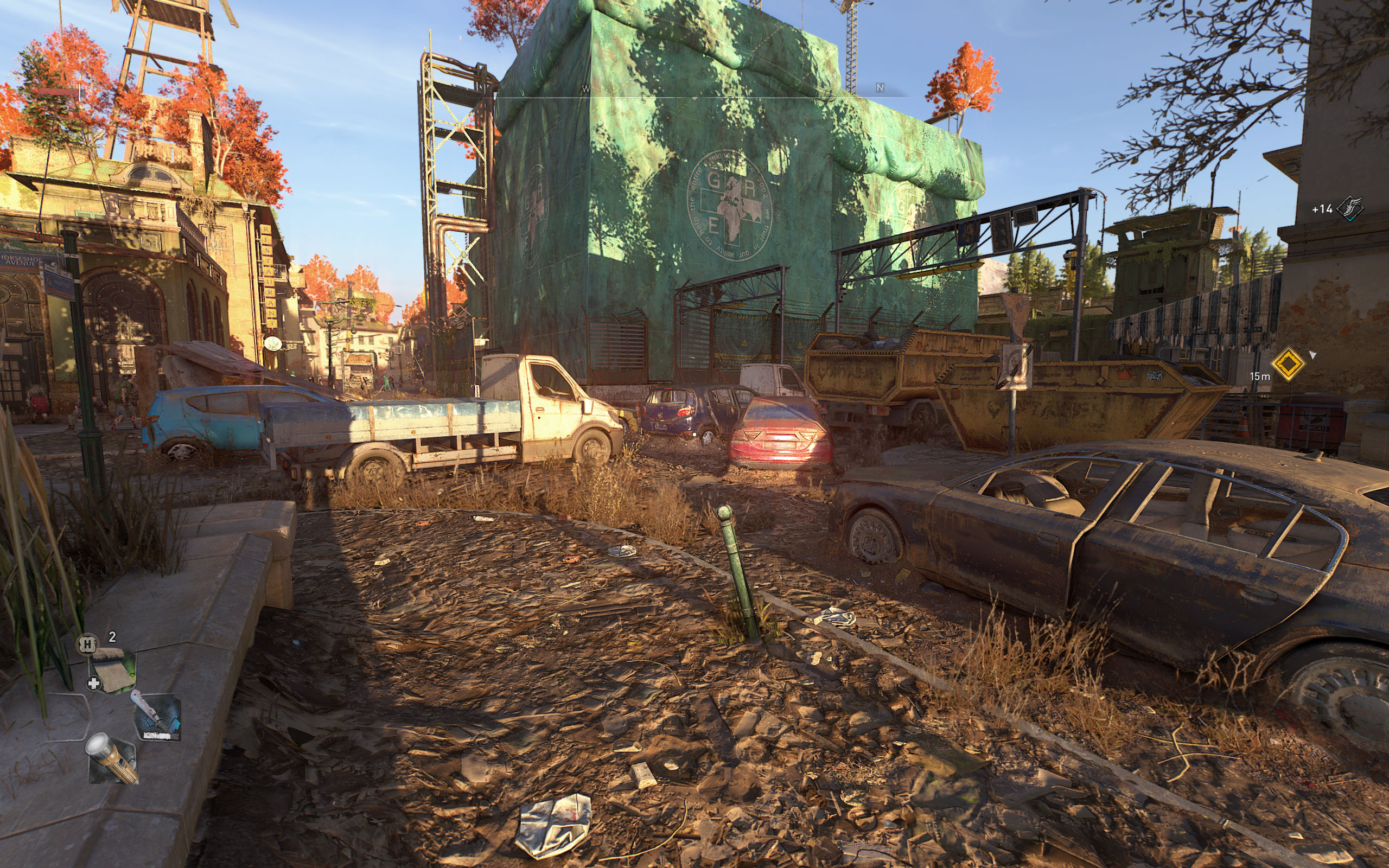
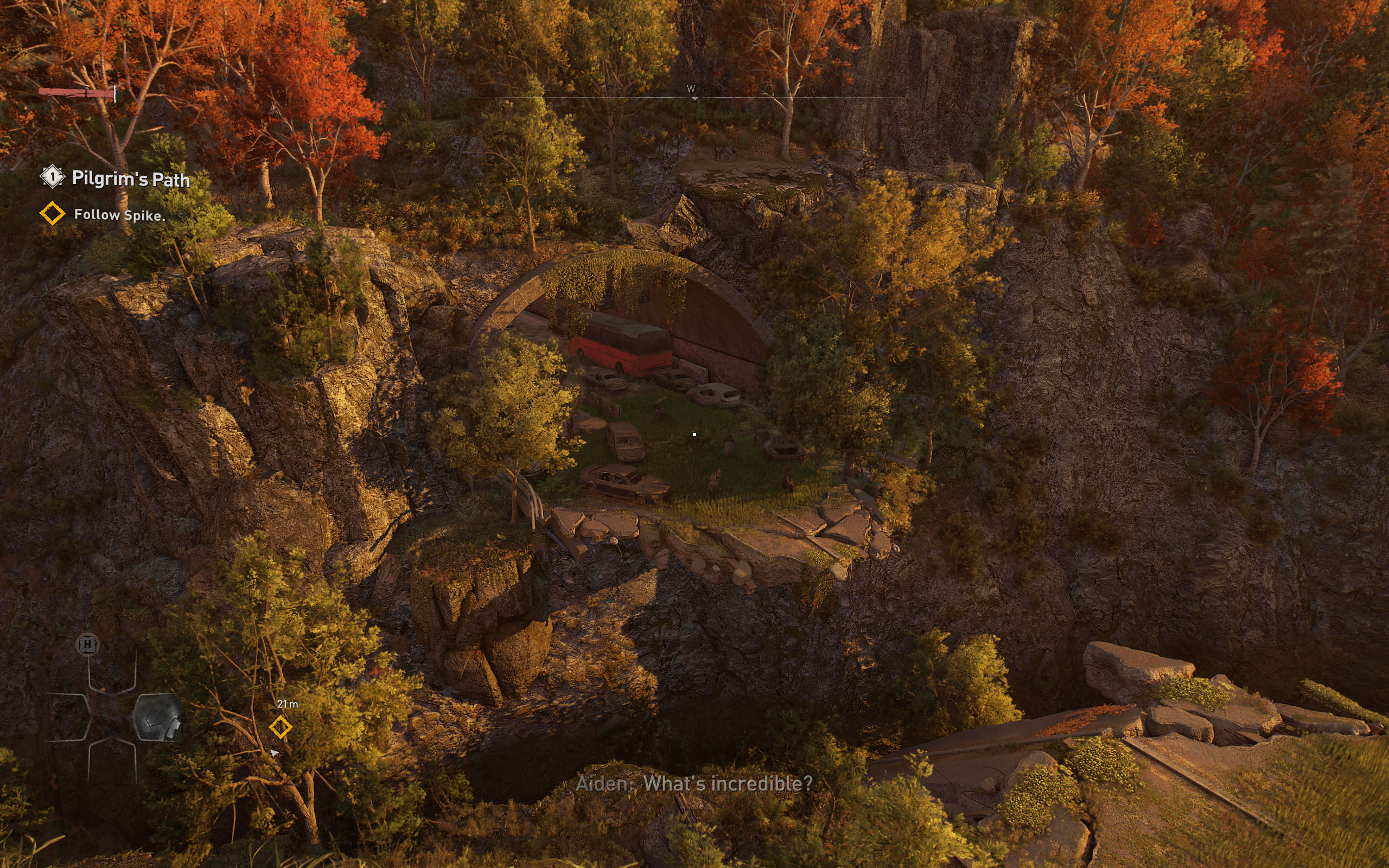
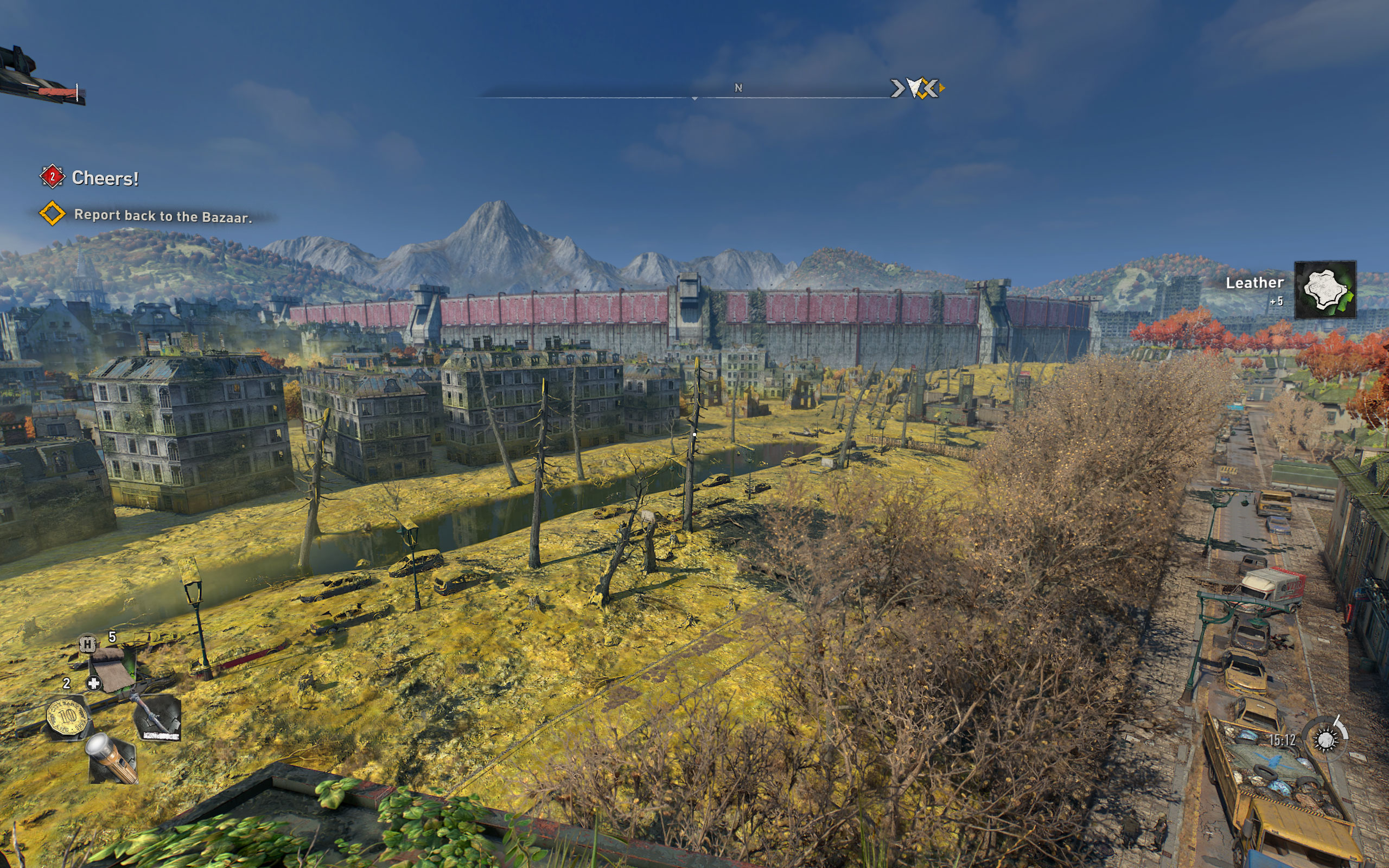
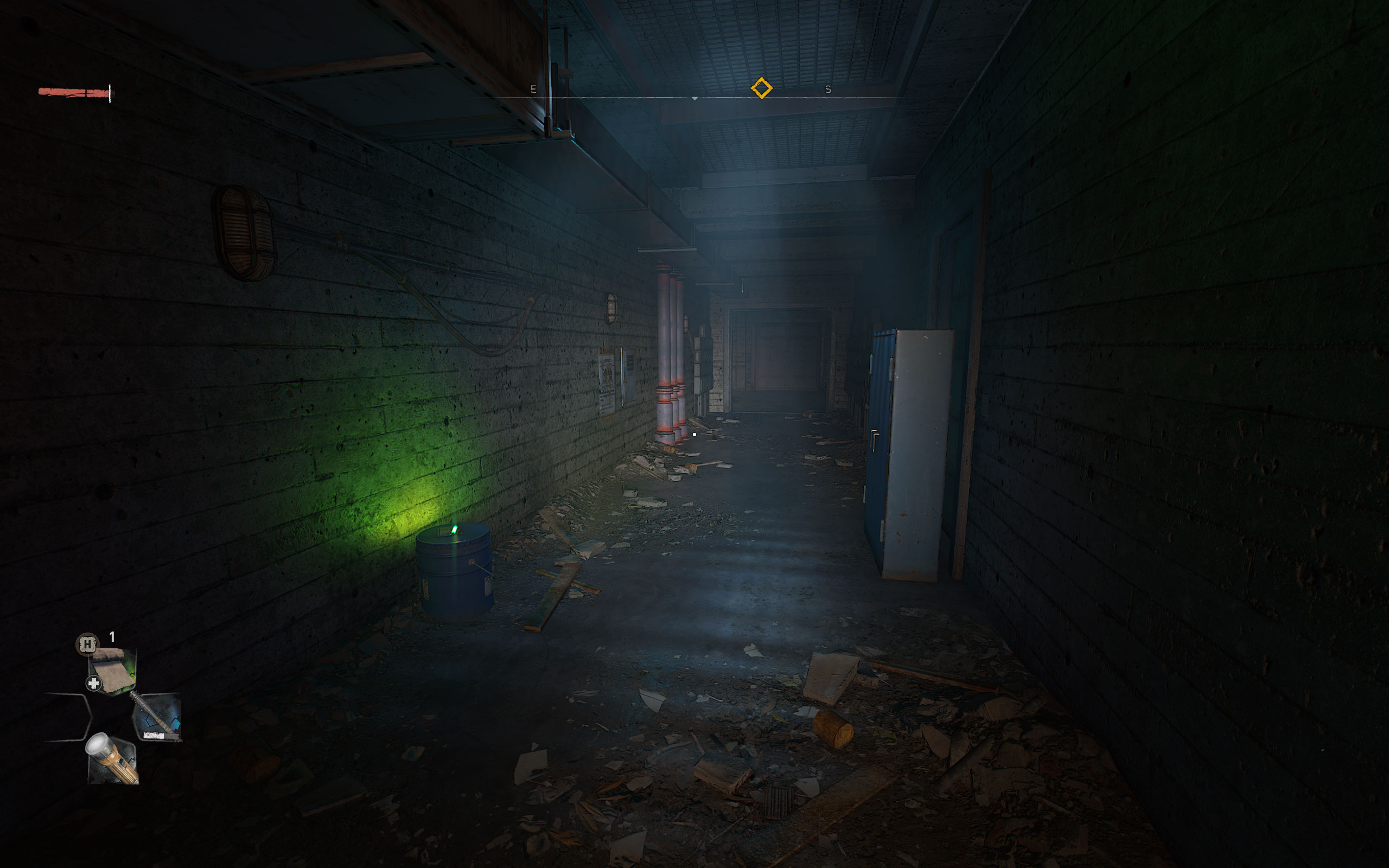
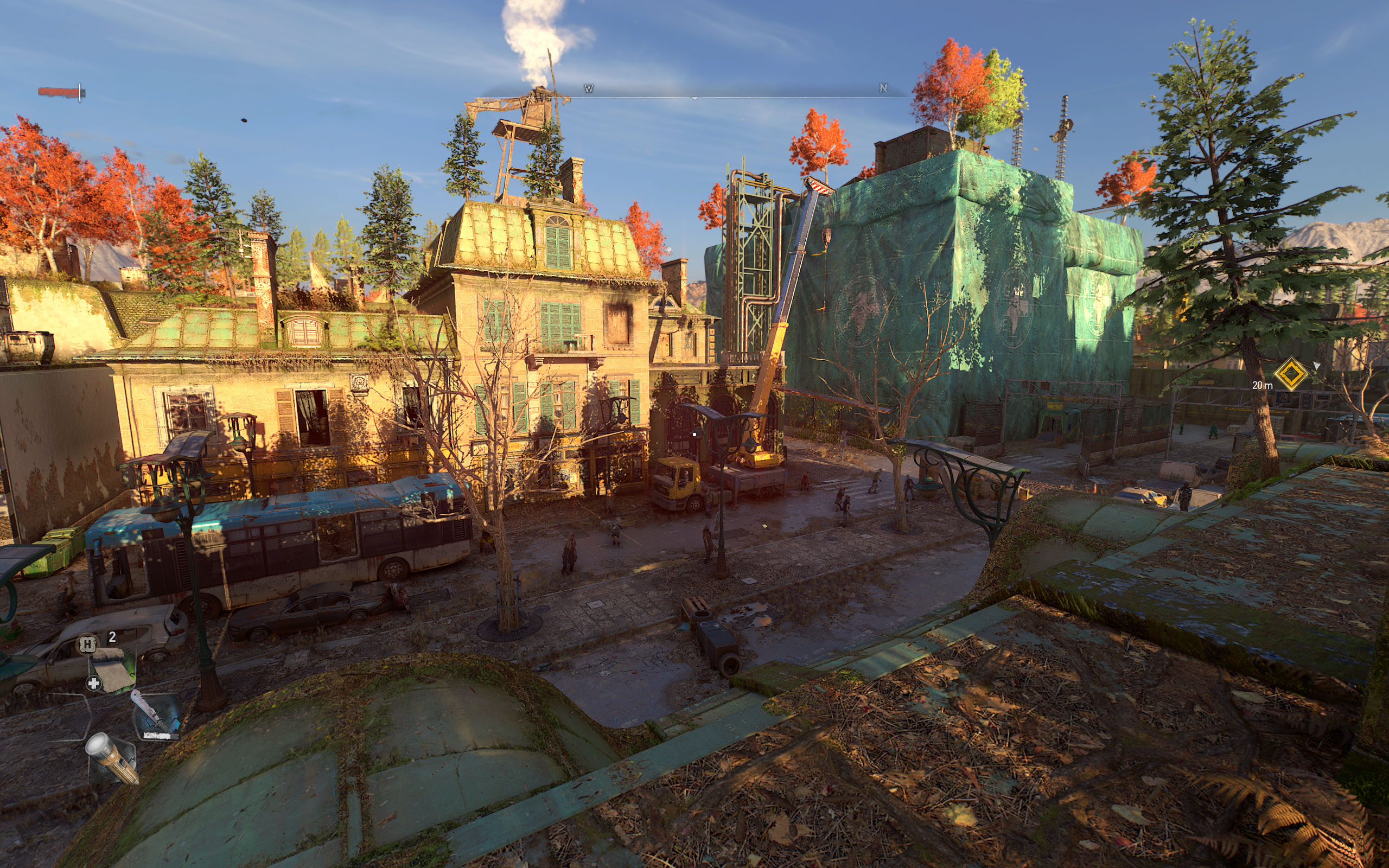
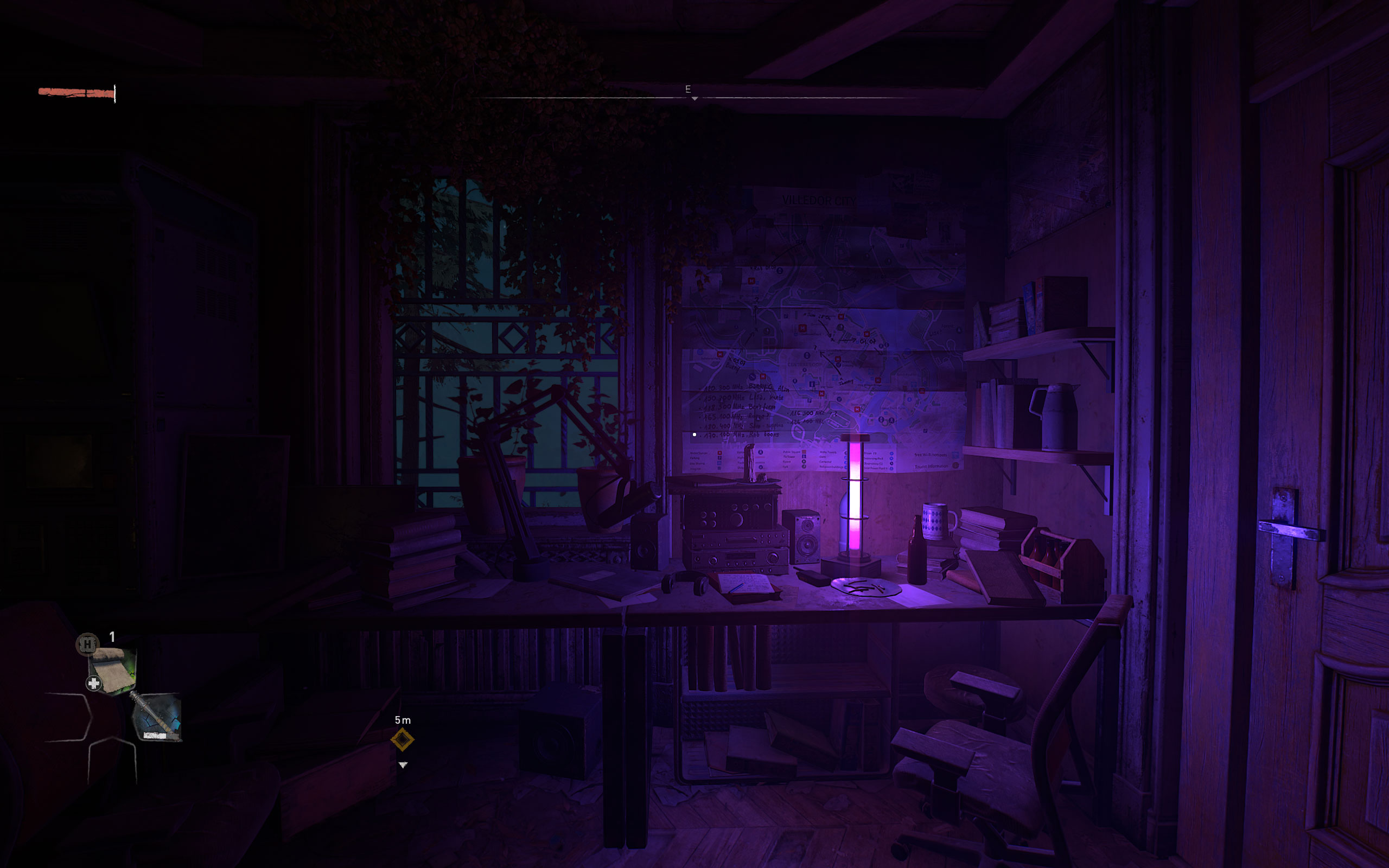
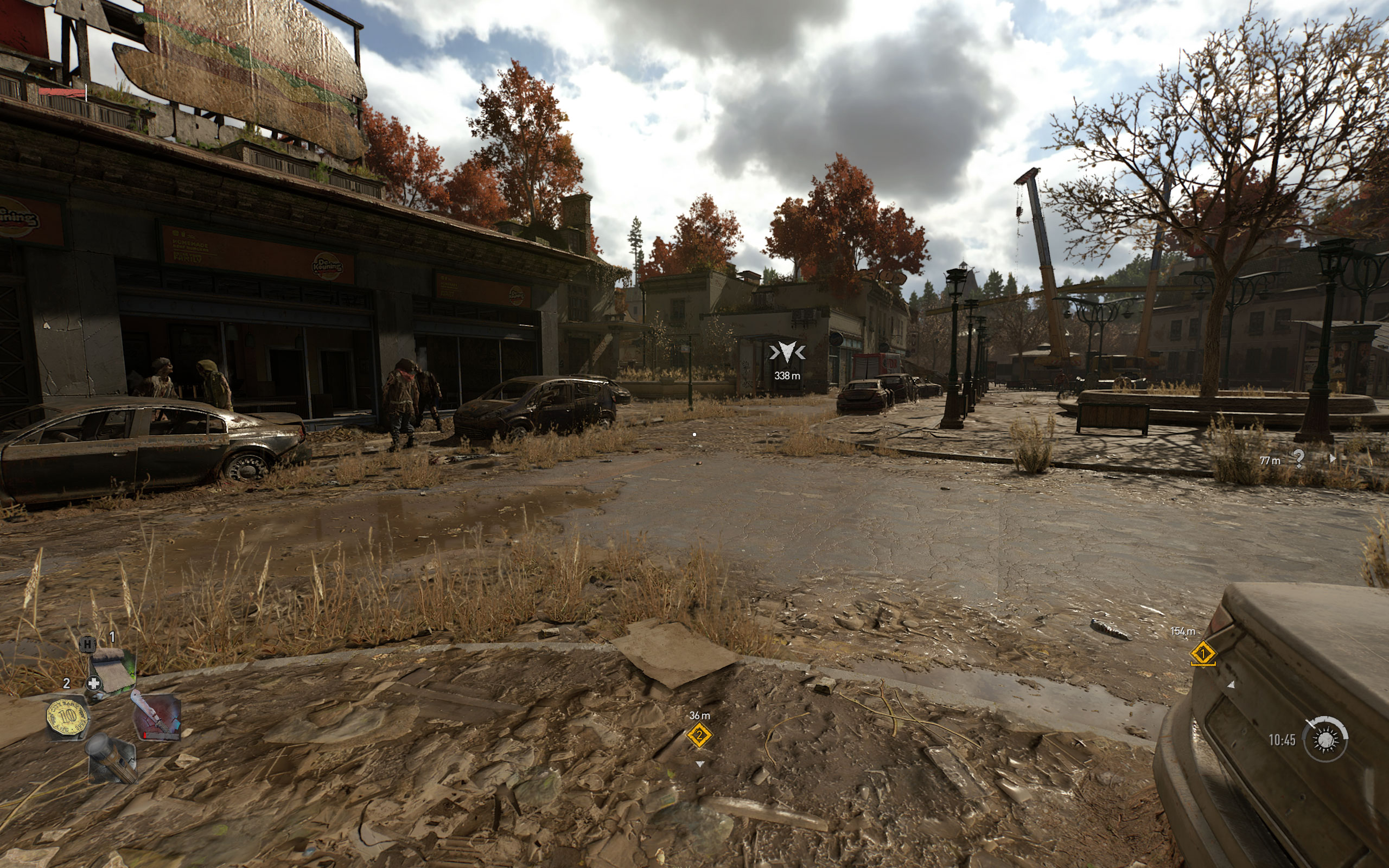
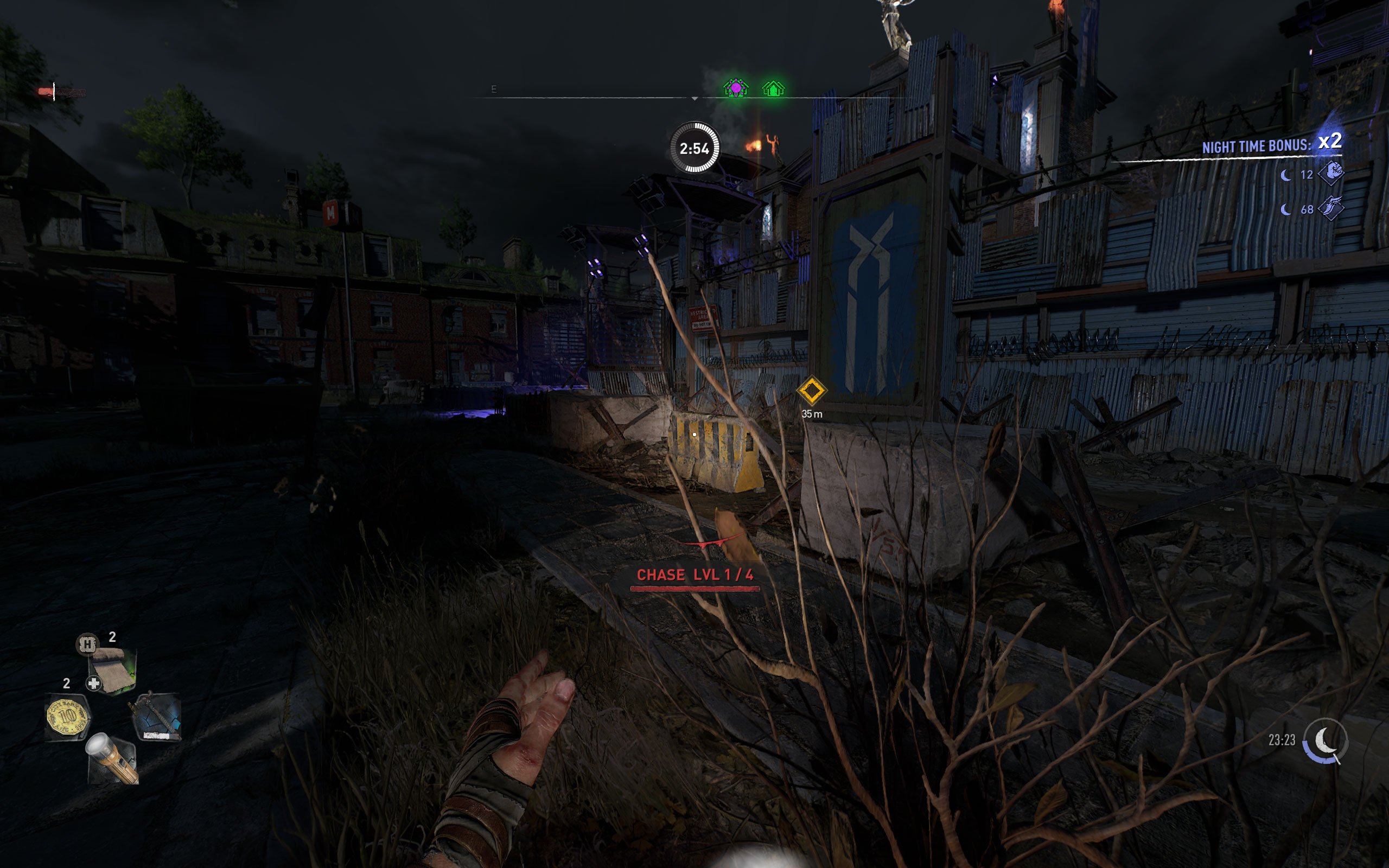
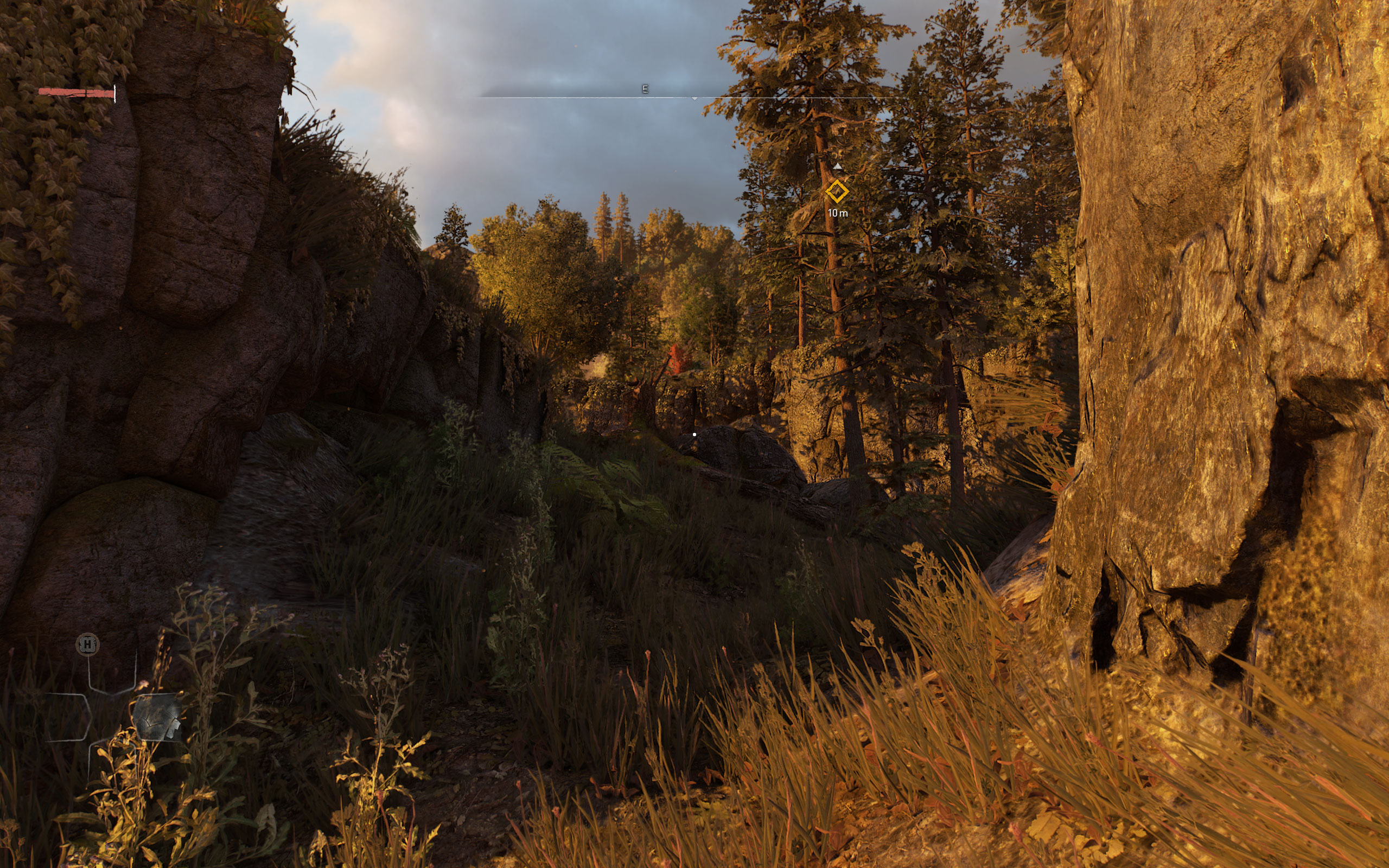
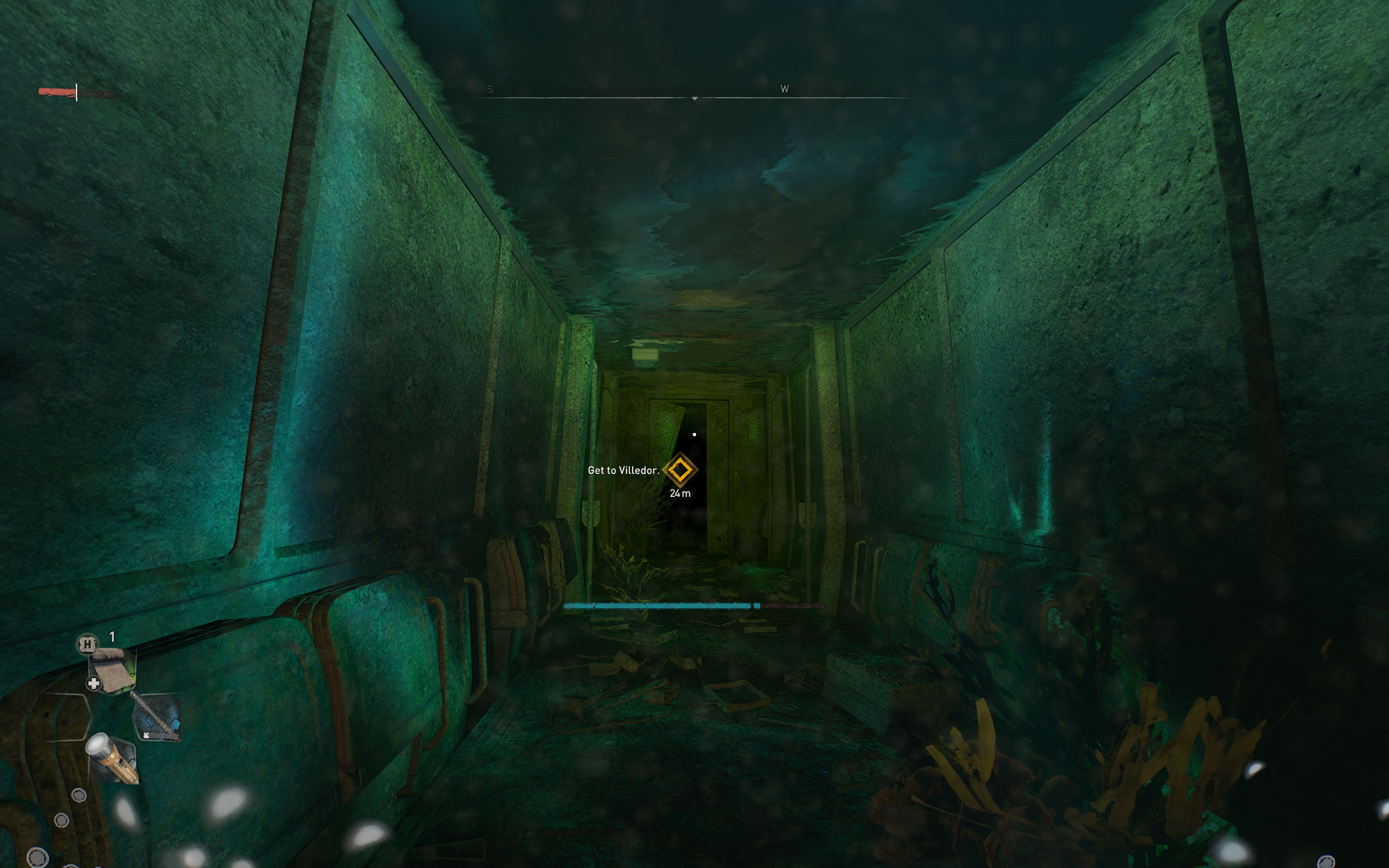
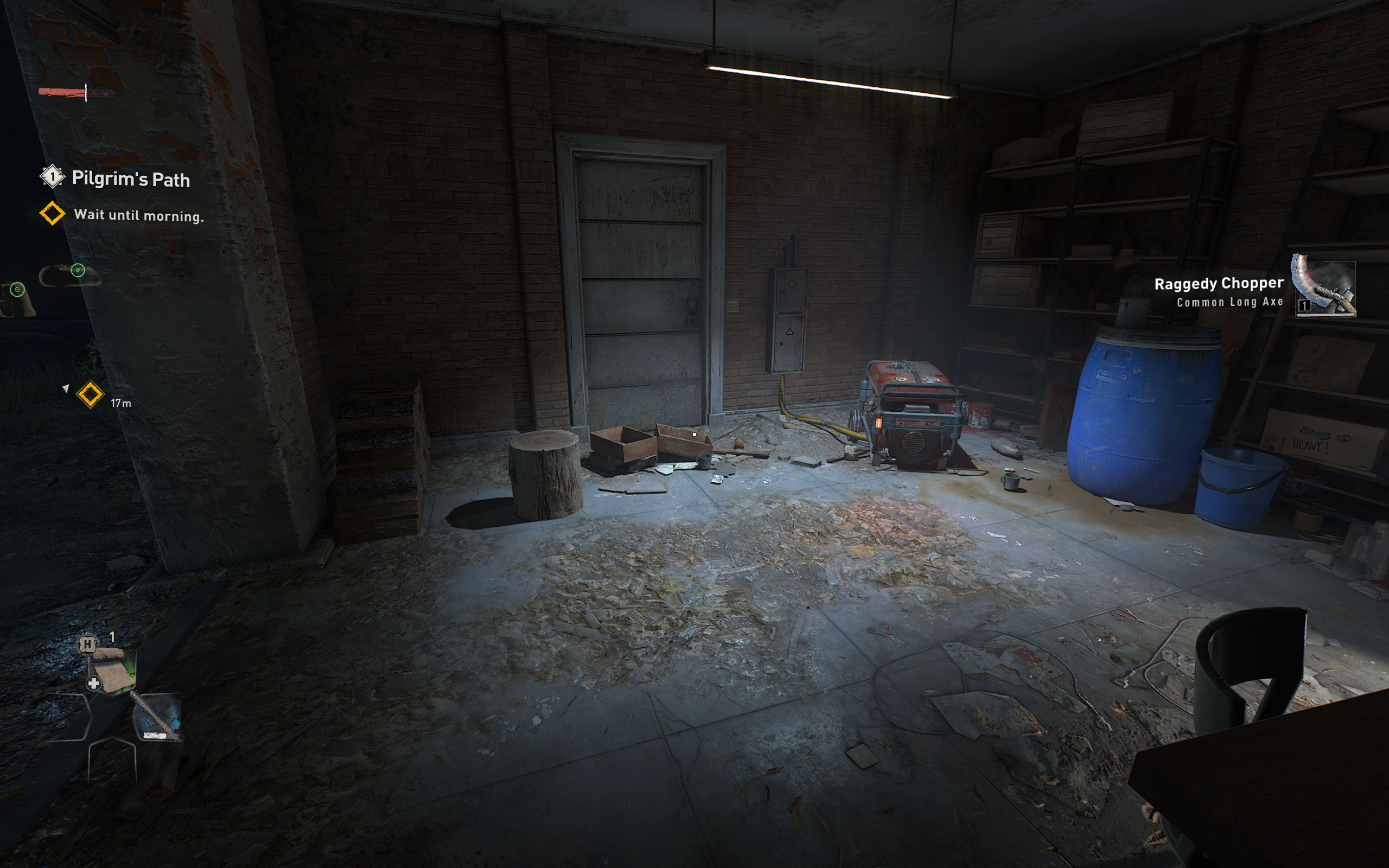
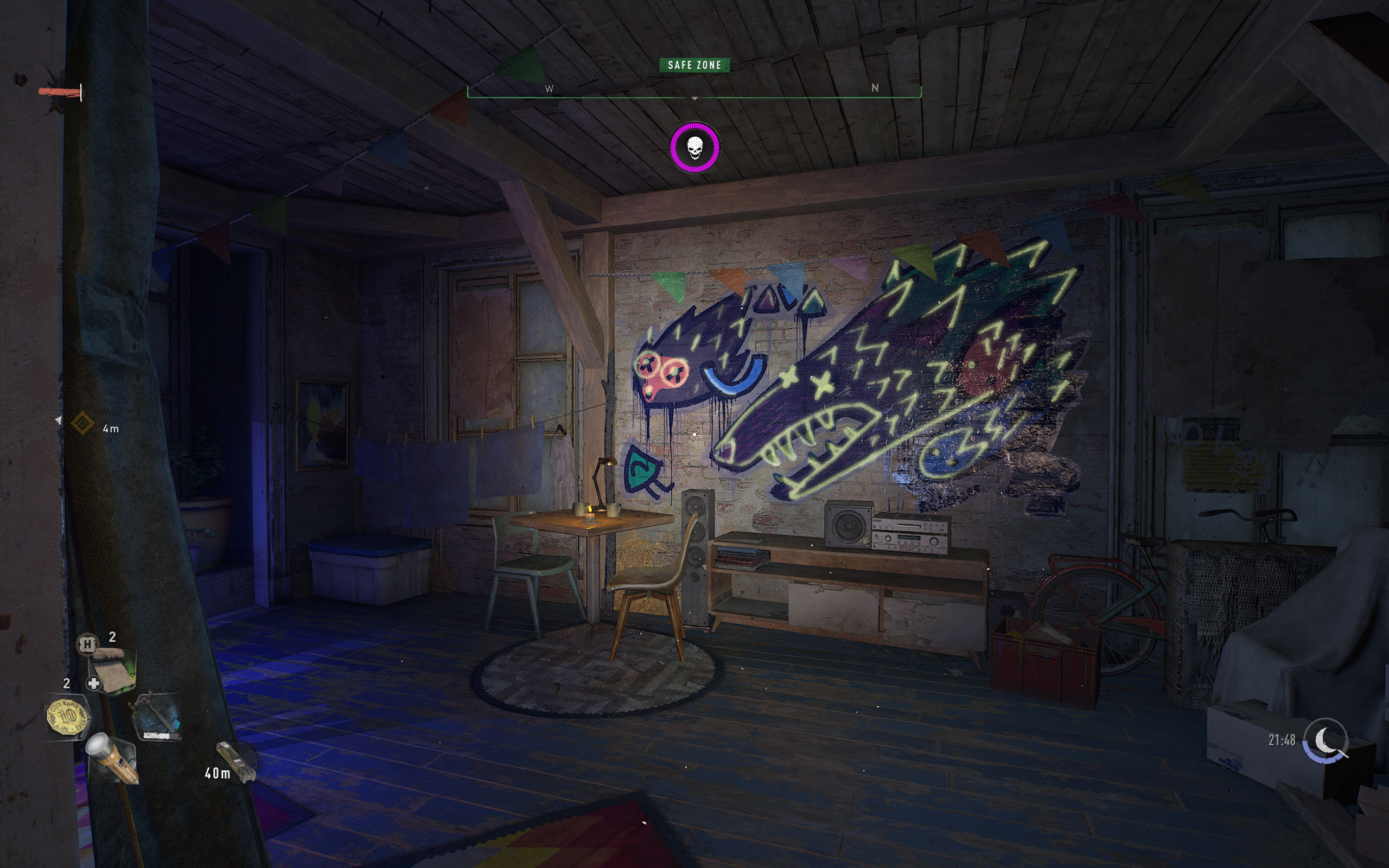
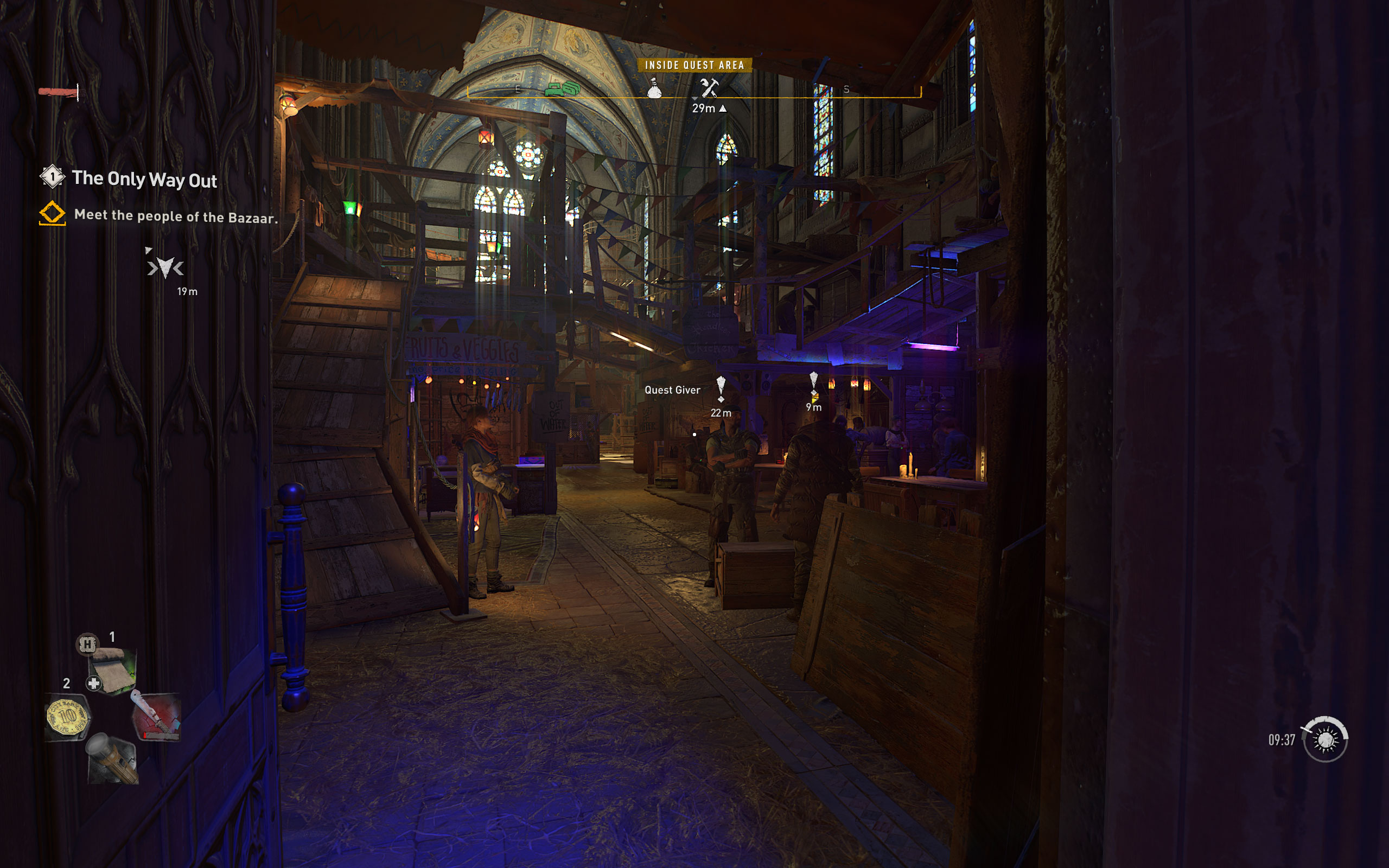
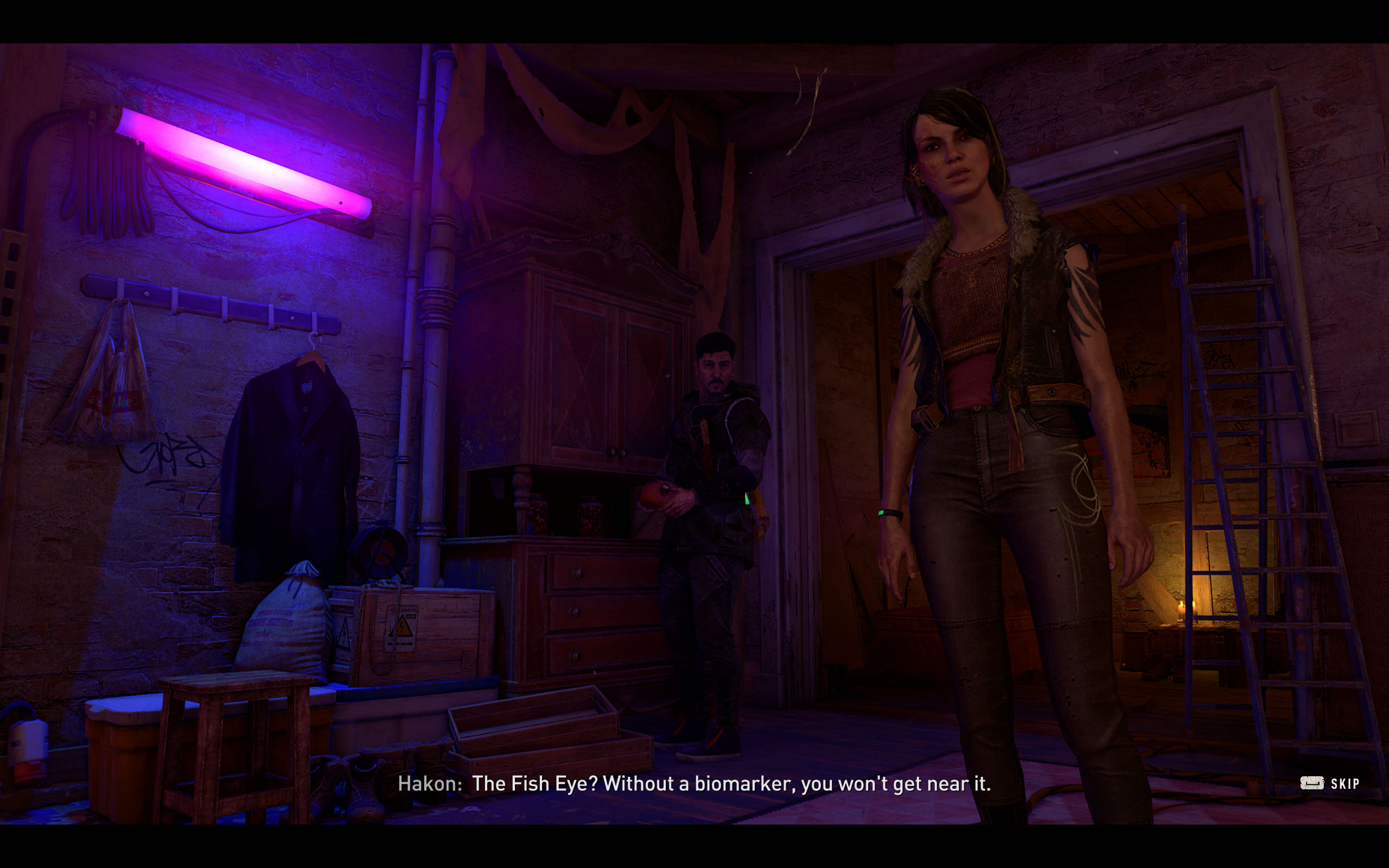
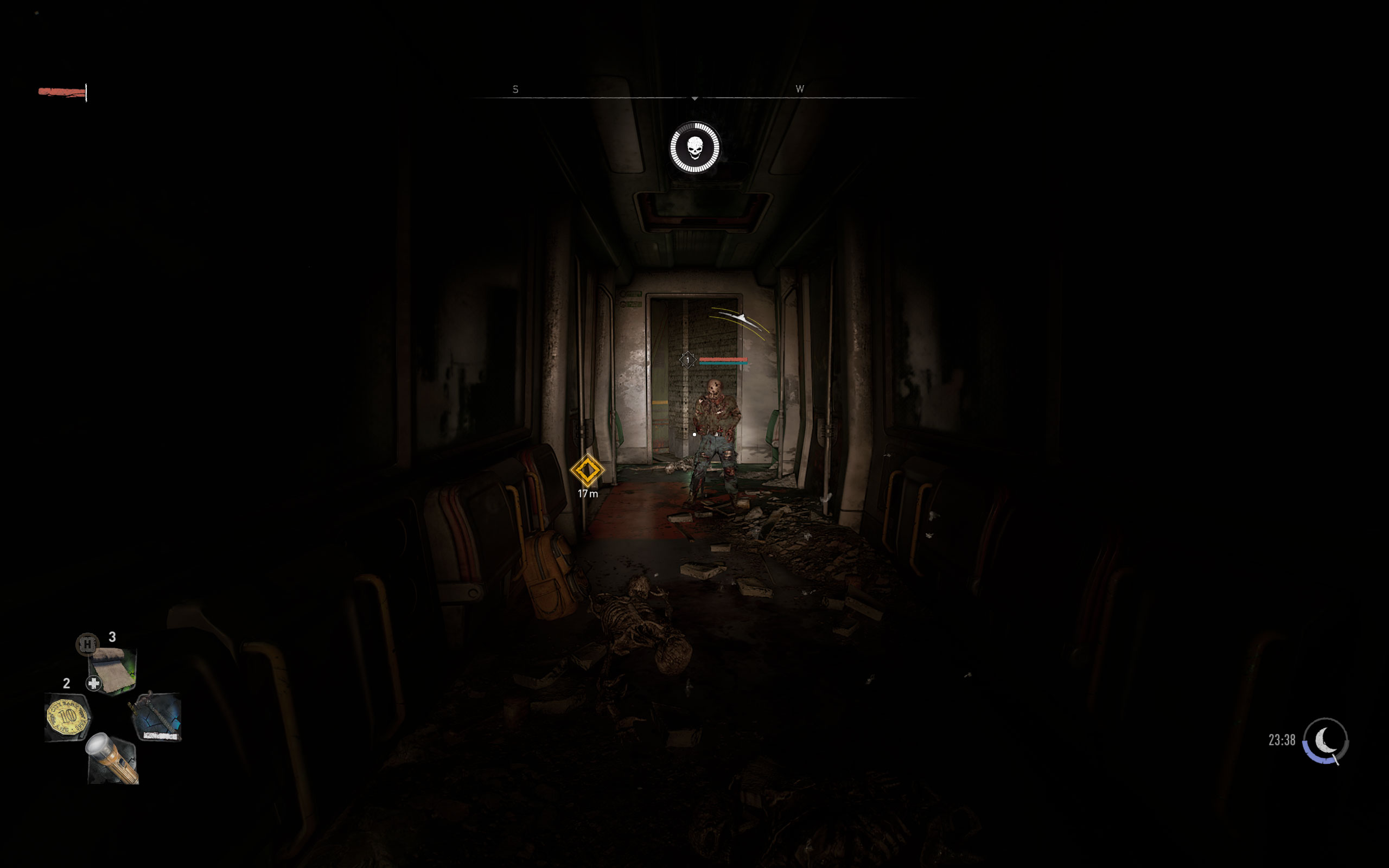
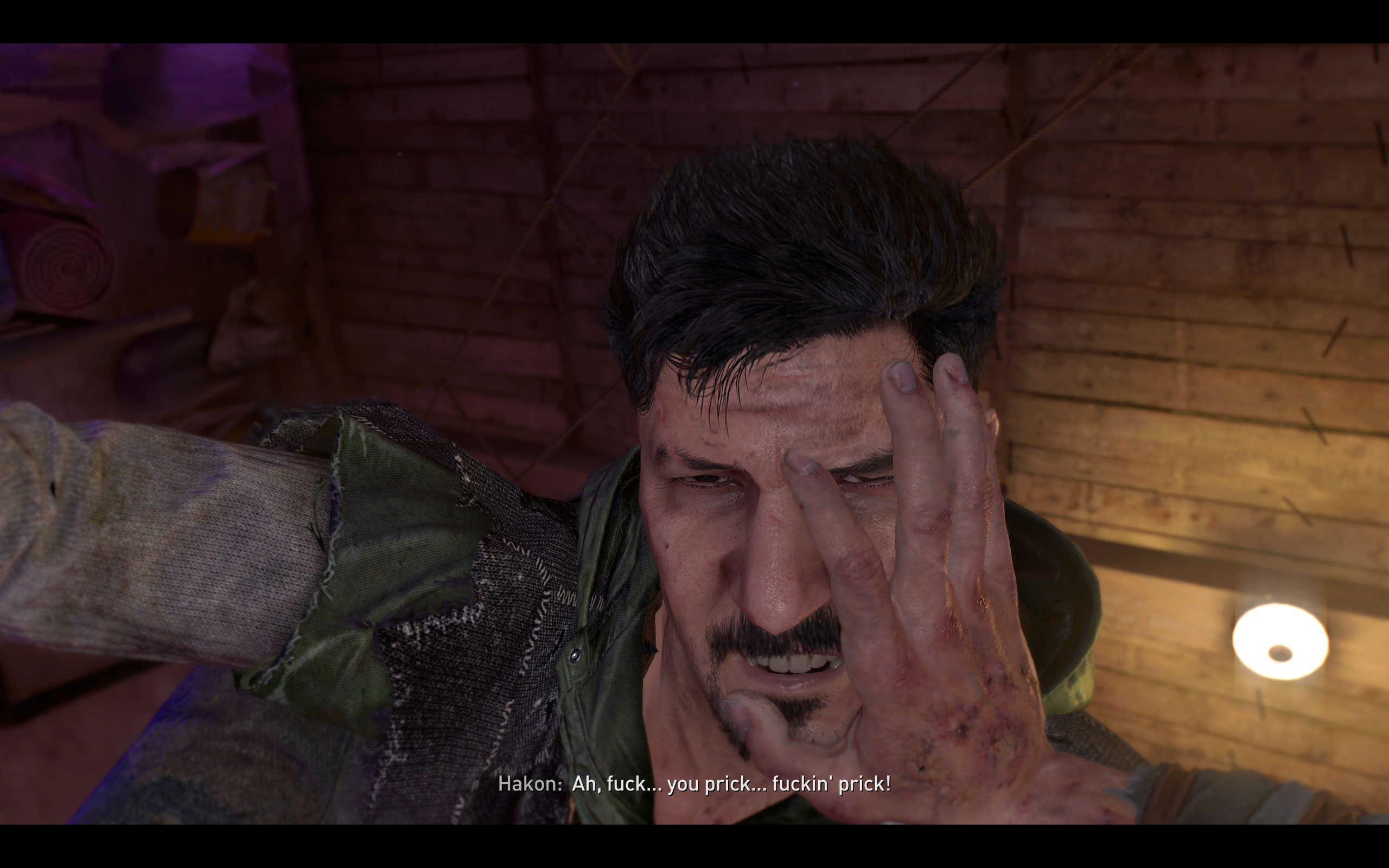
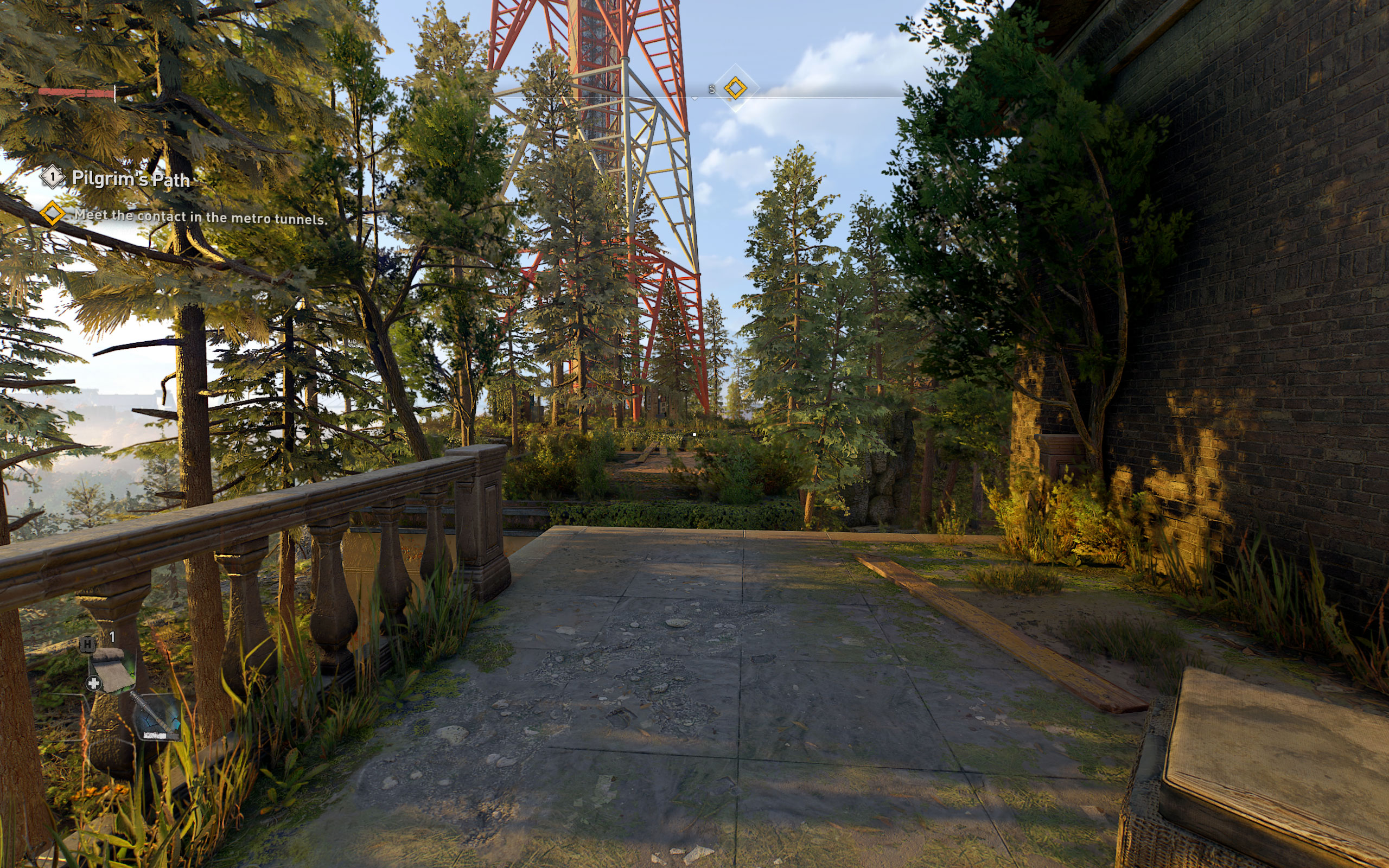
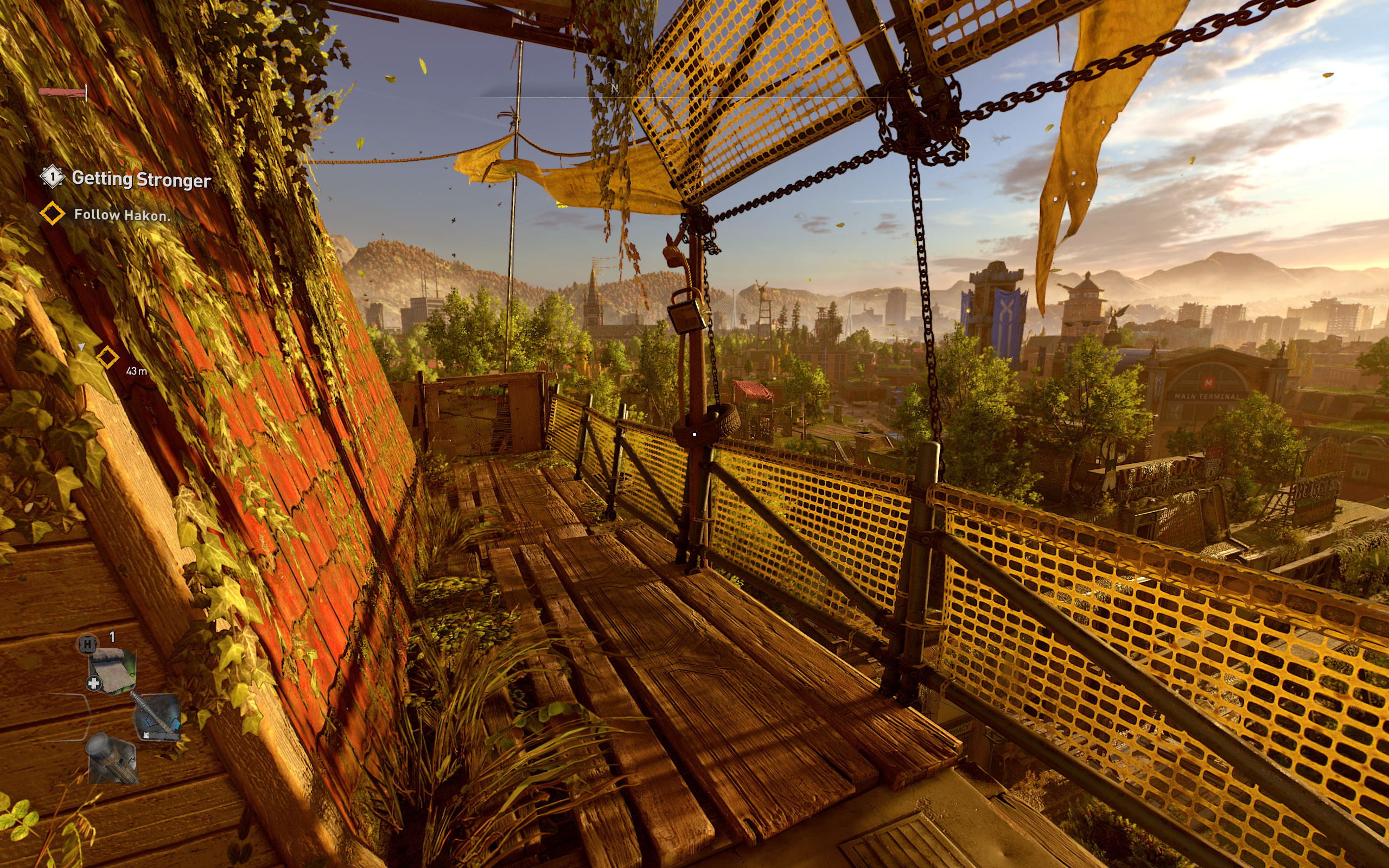
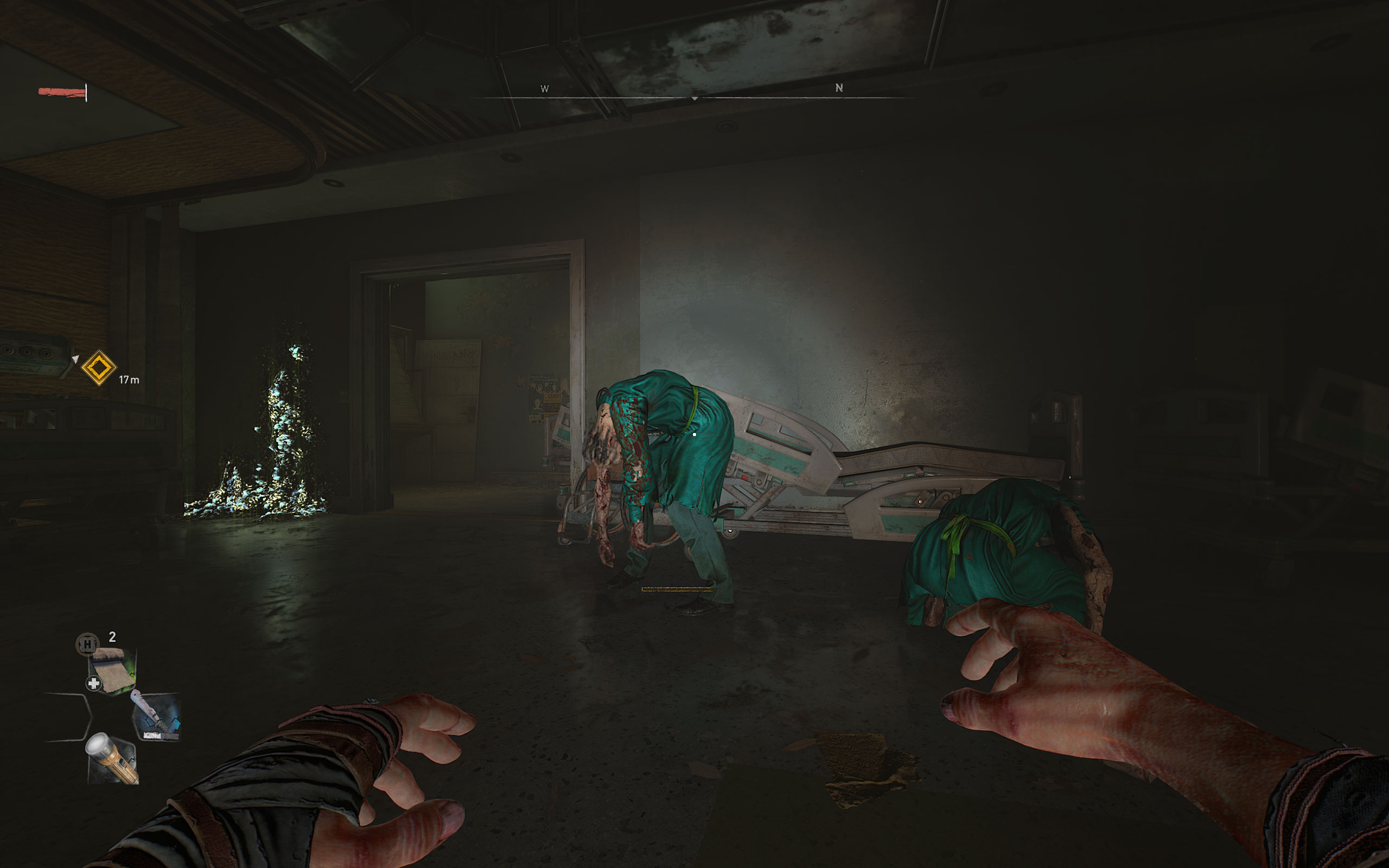
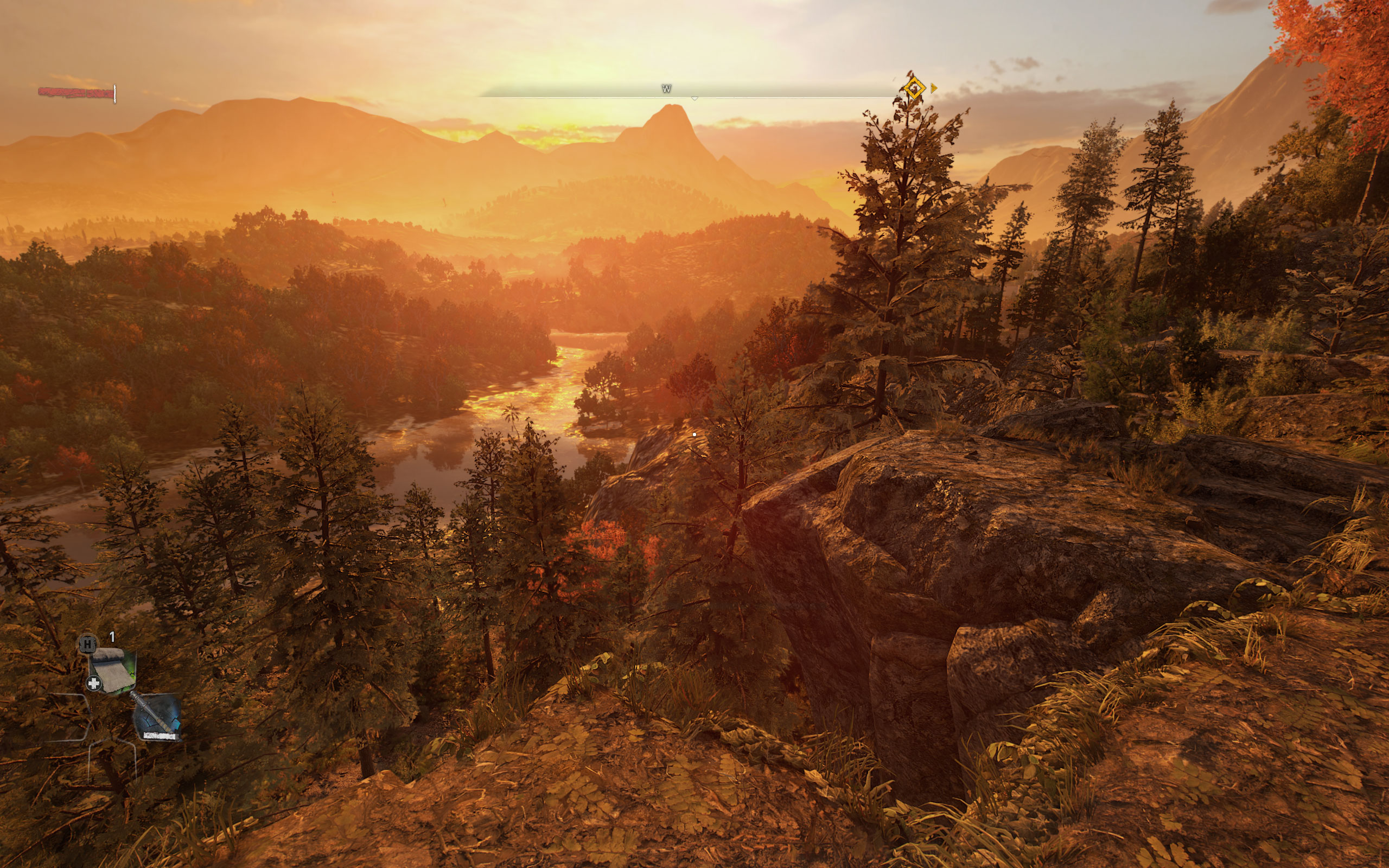
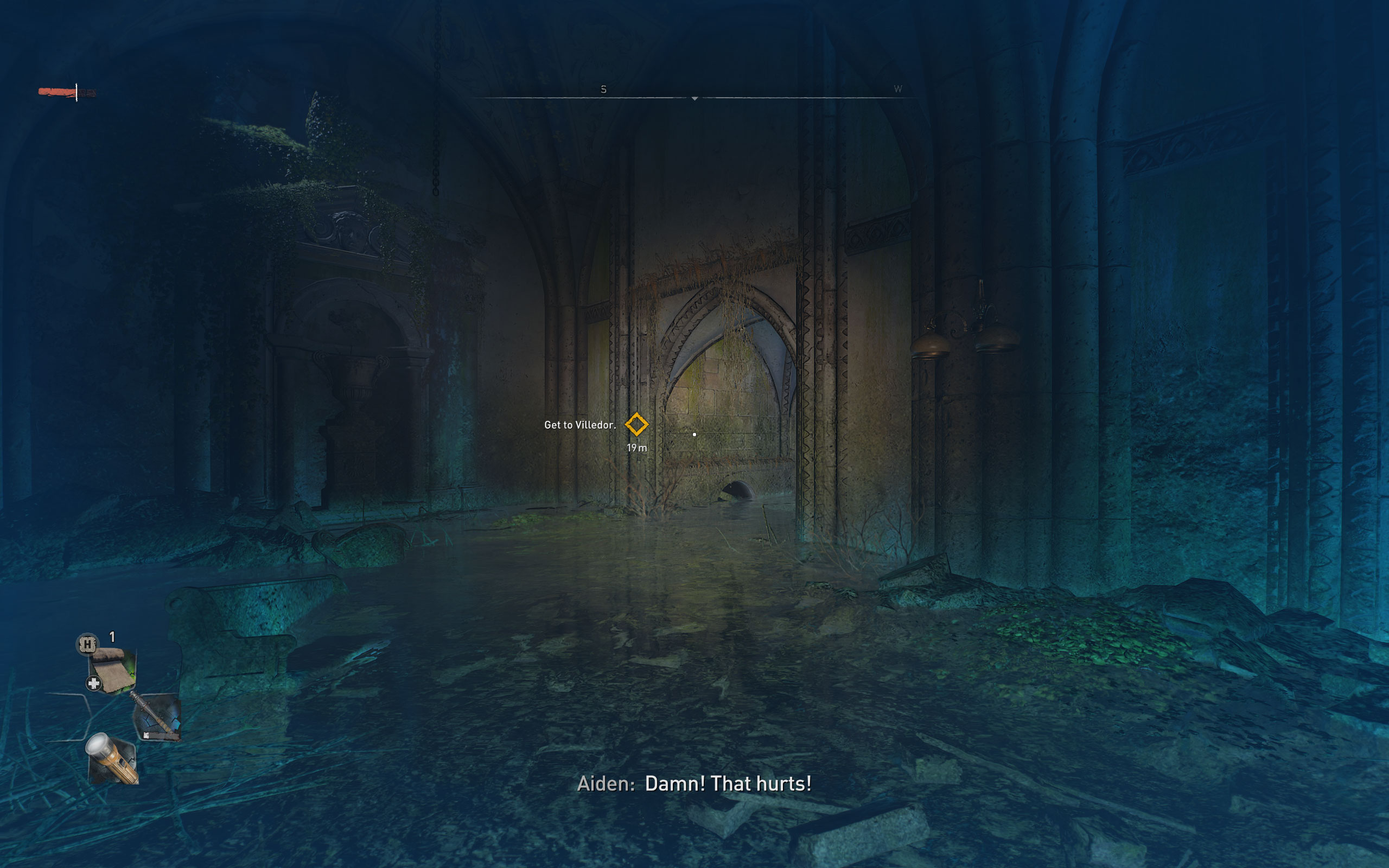
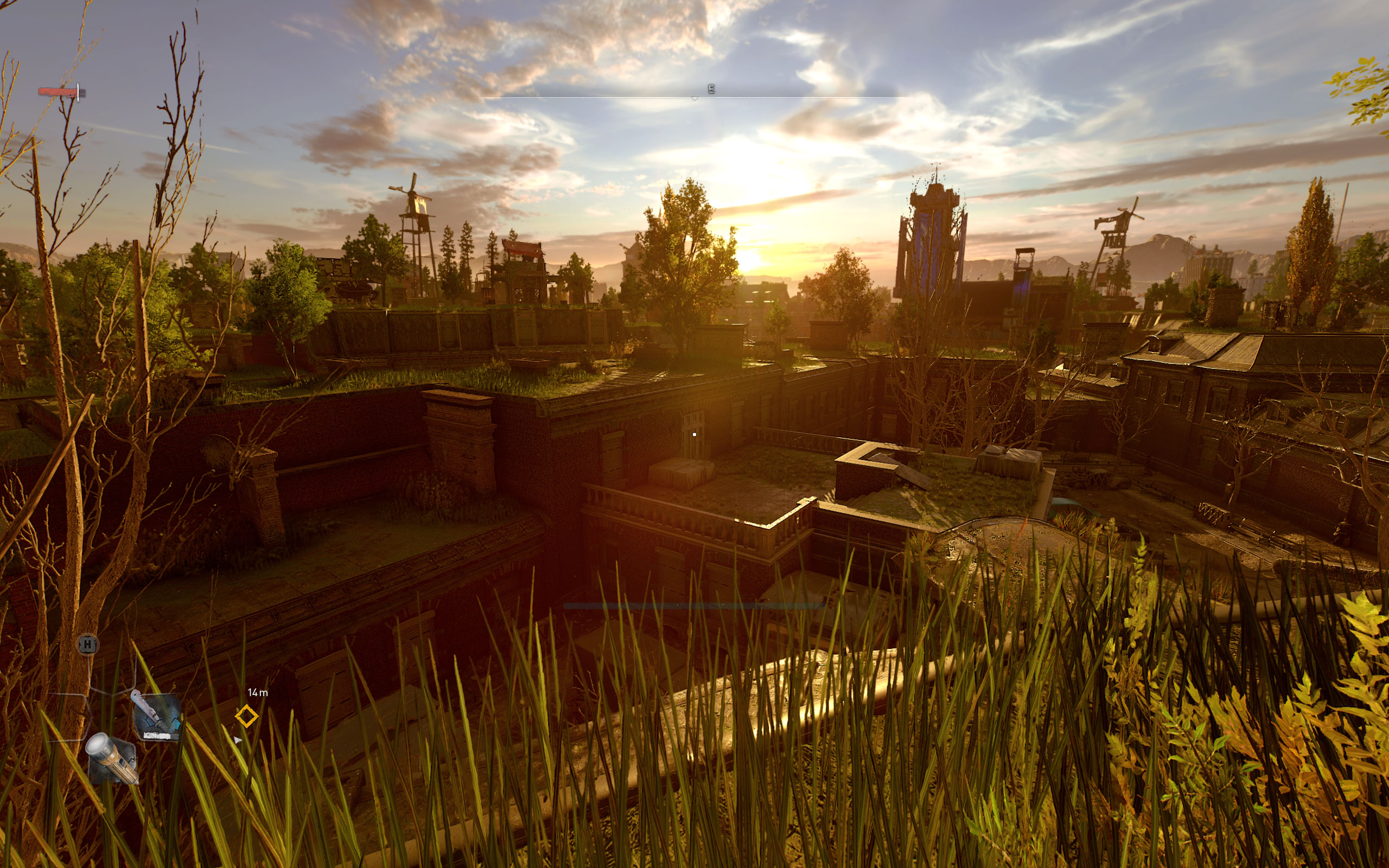
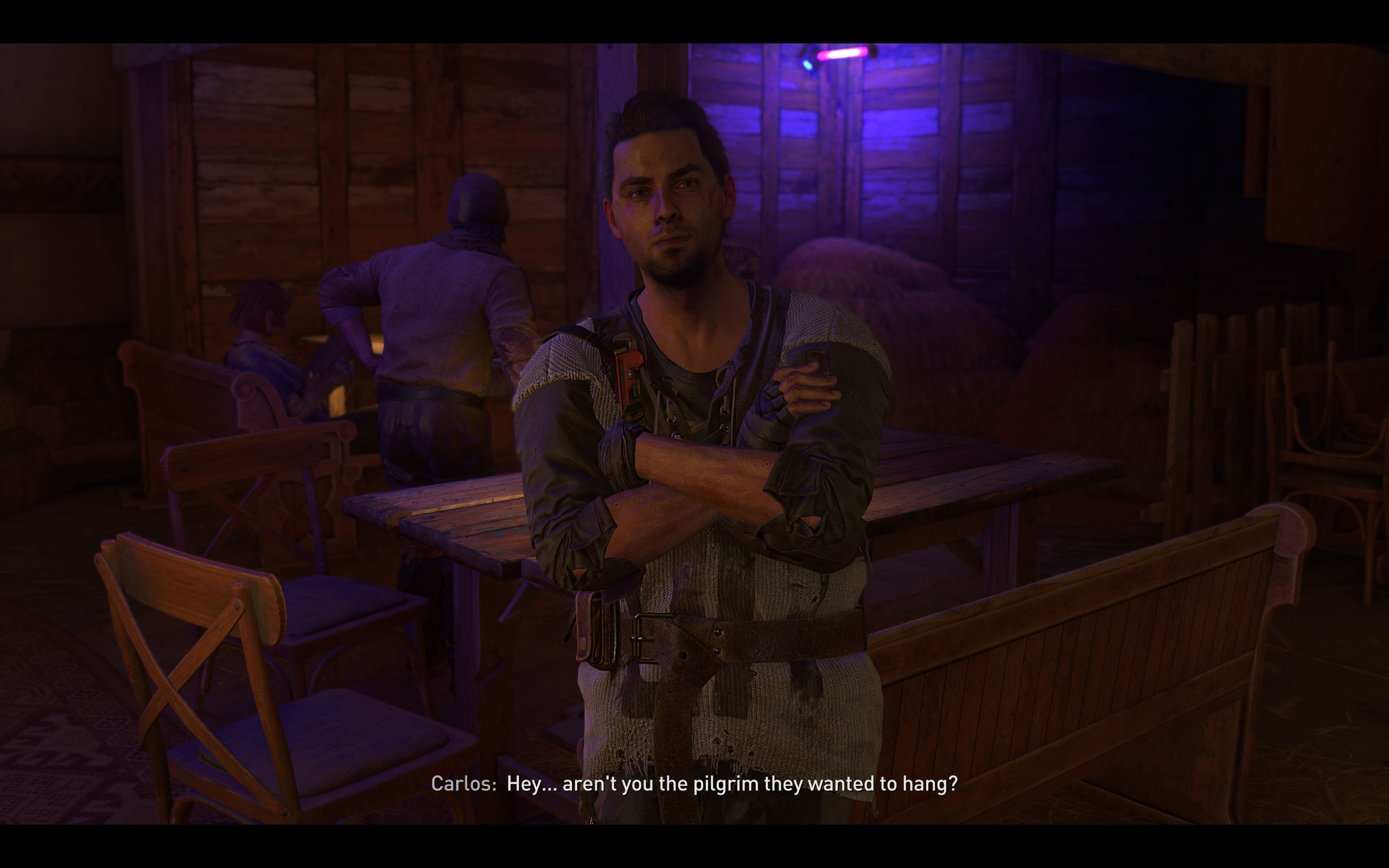
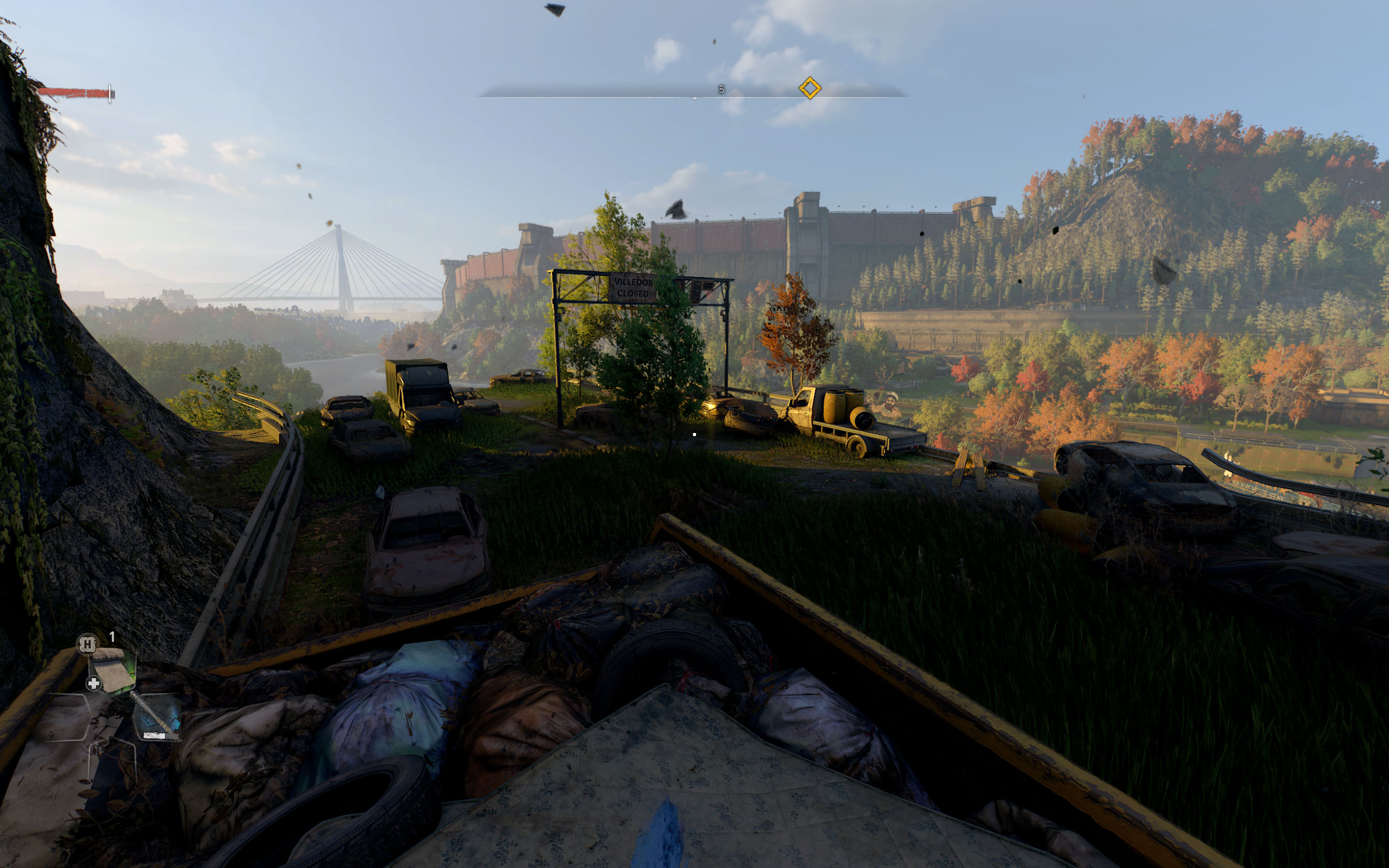
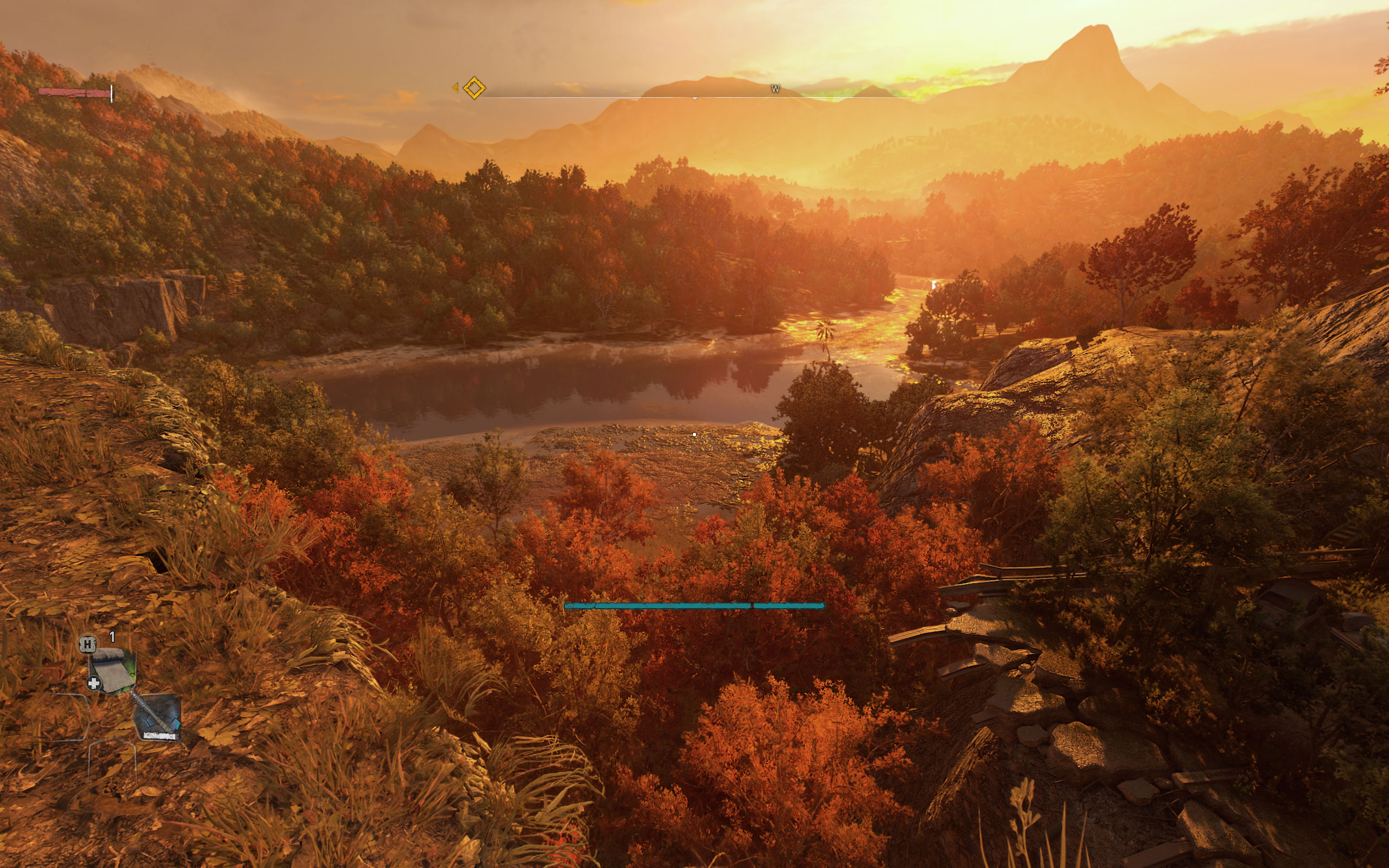
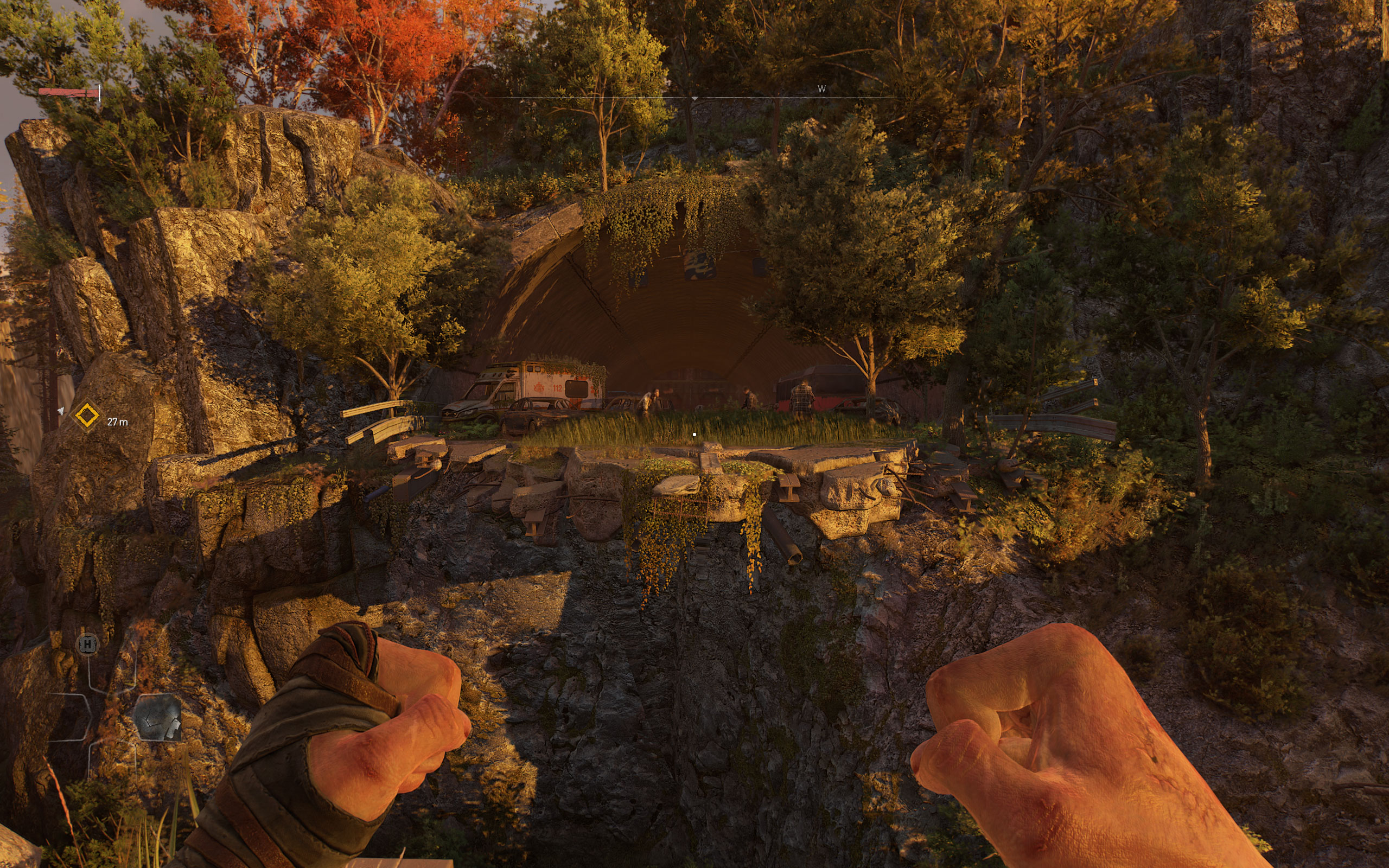
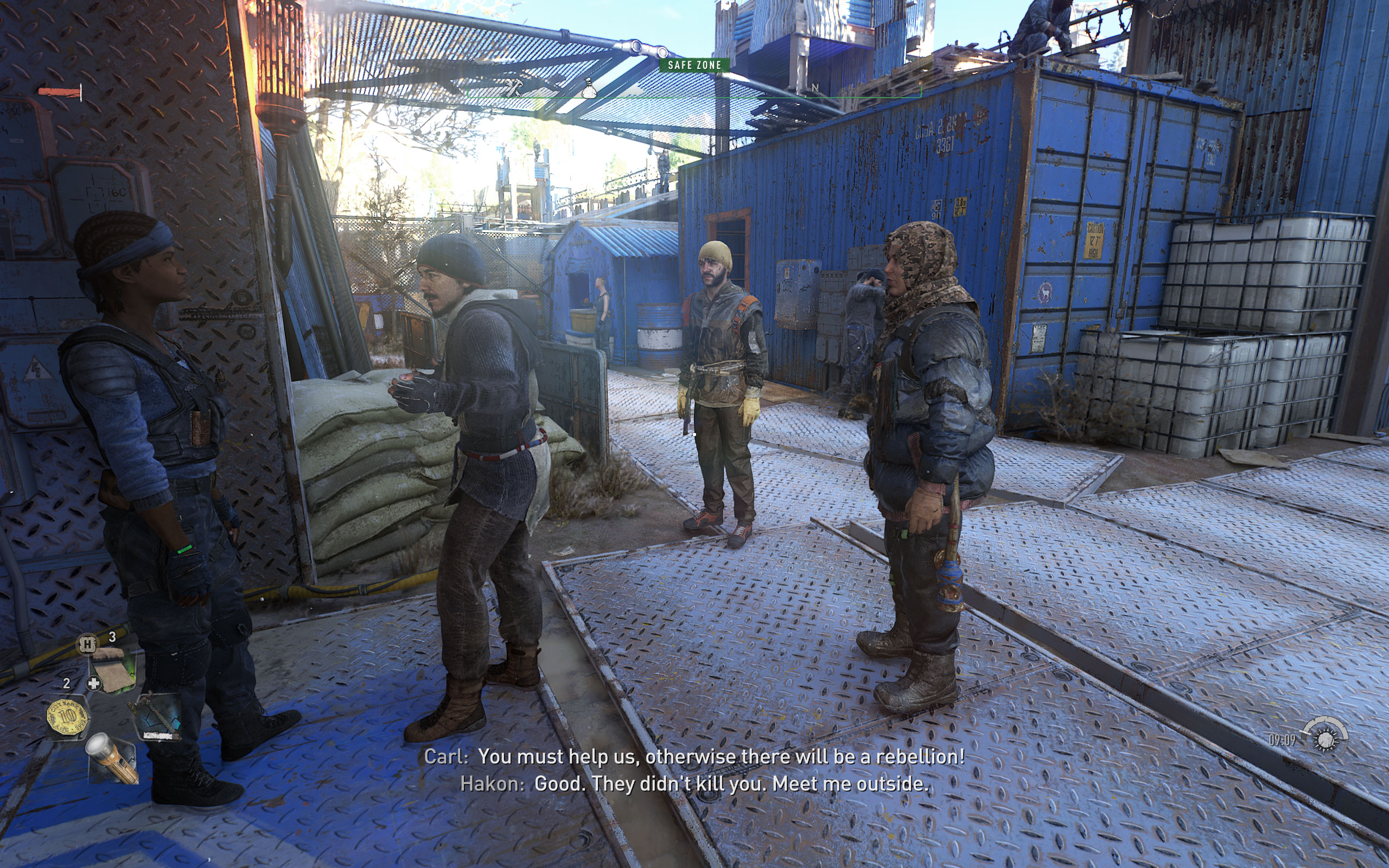
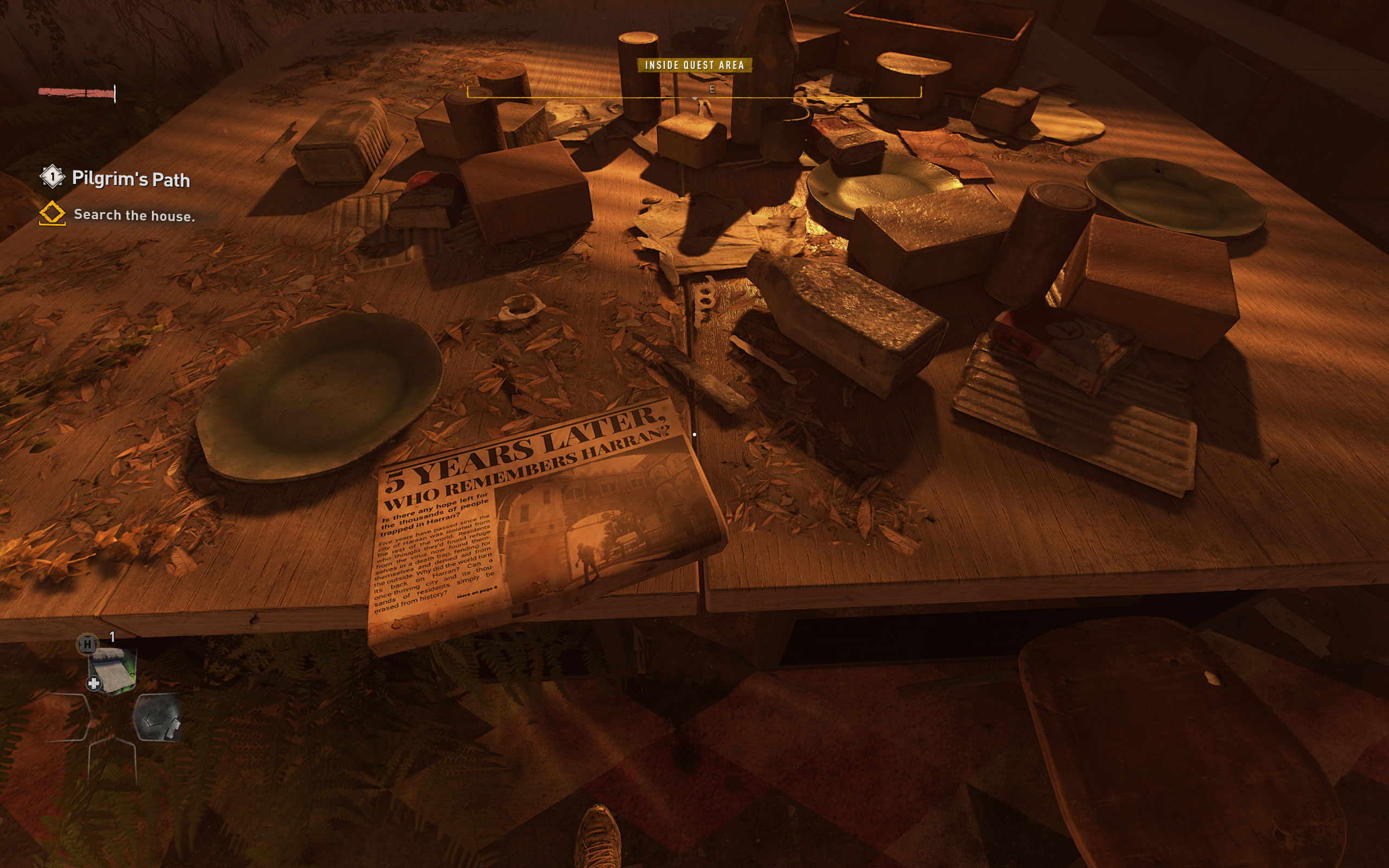
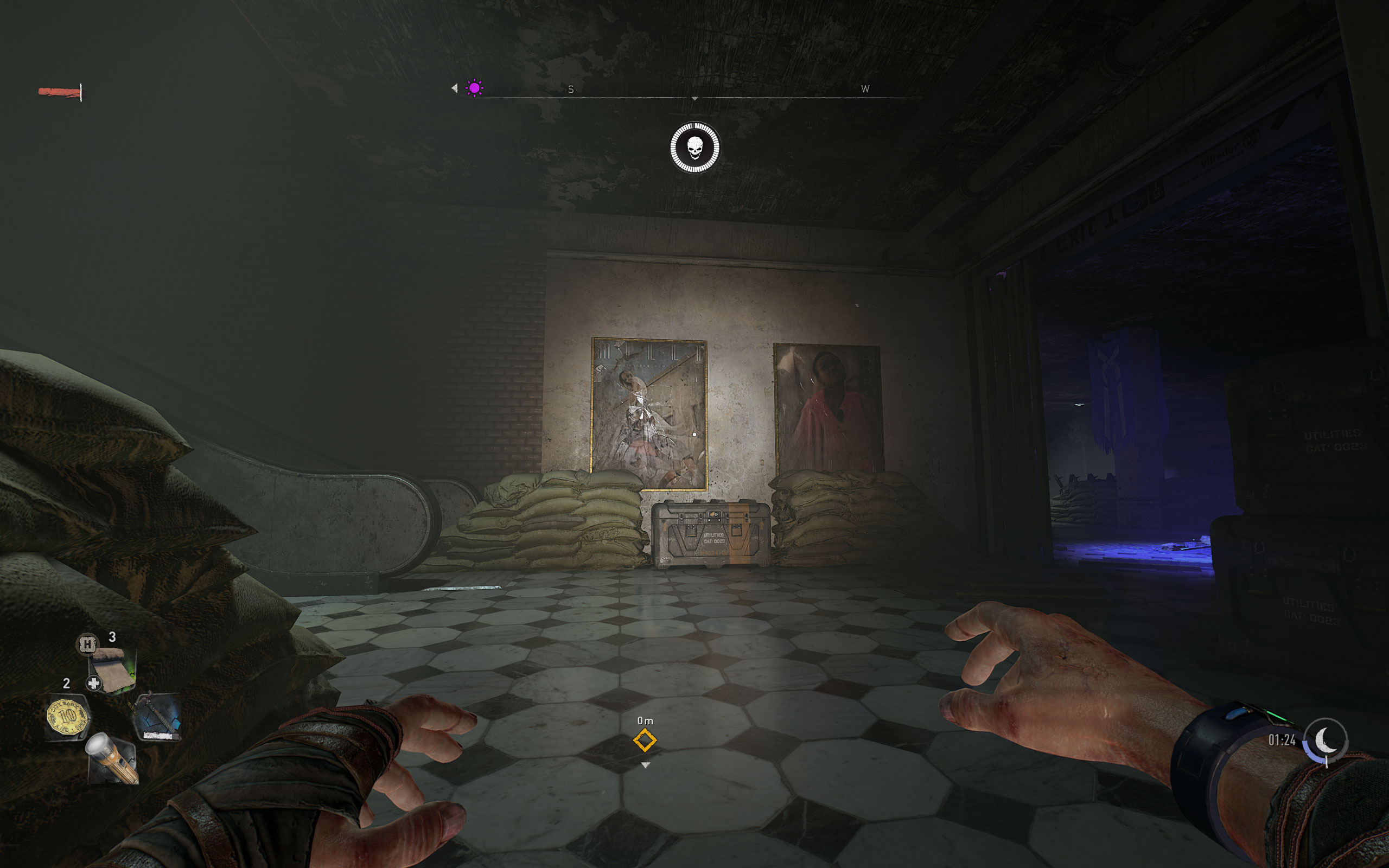
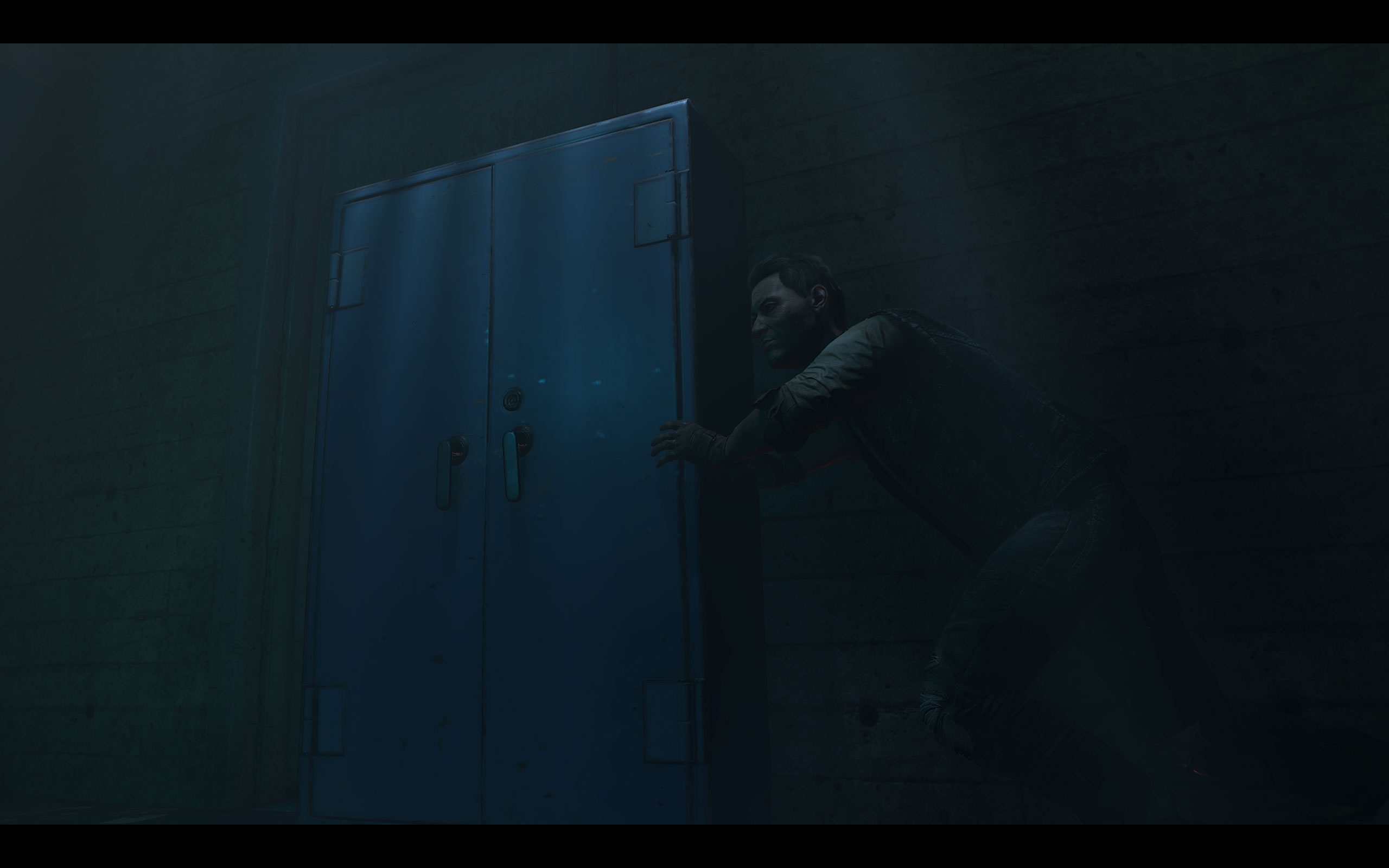
All screenshots were taken at Highest Settings with ray tracing disabled. The gallery can be navigated with the cursor keys.



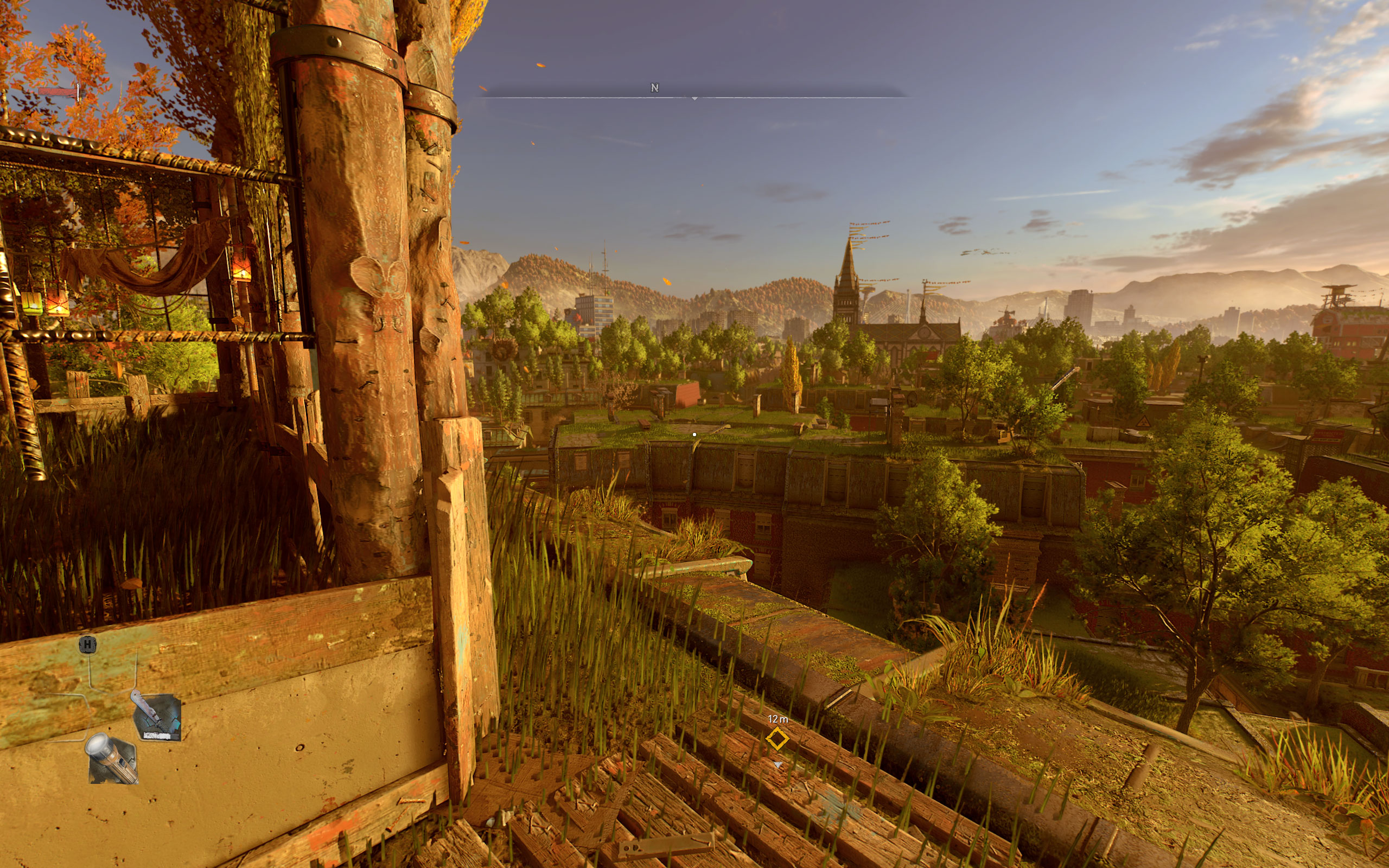
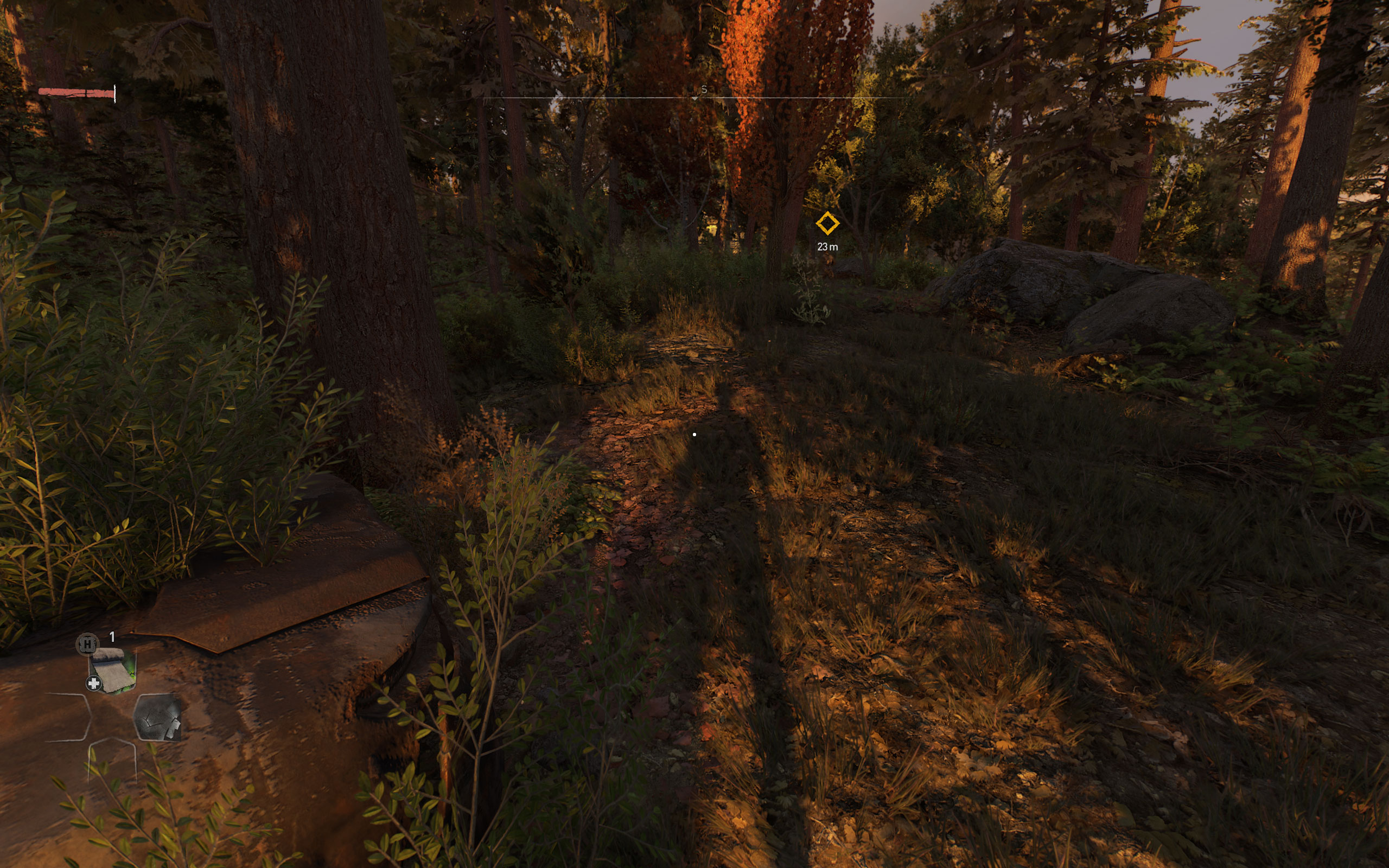
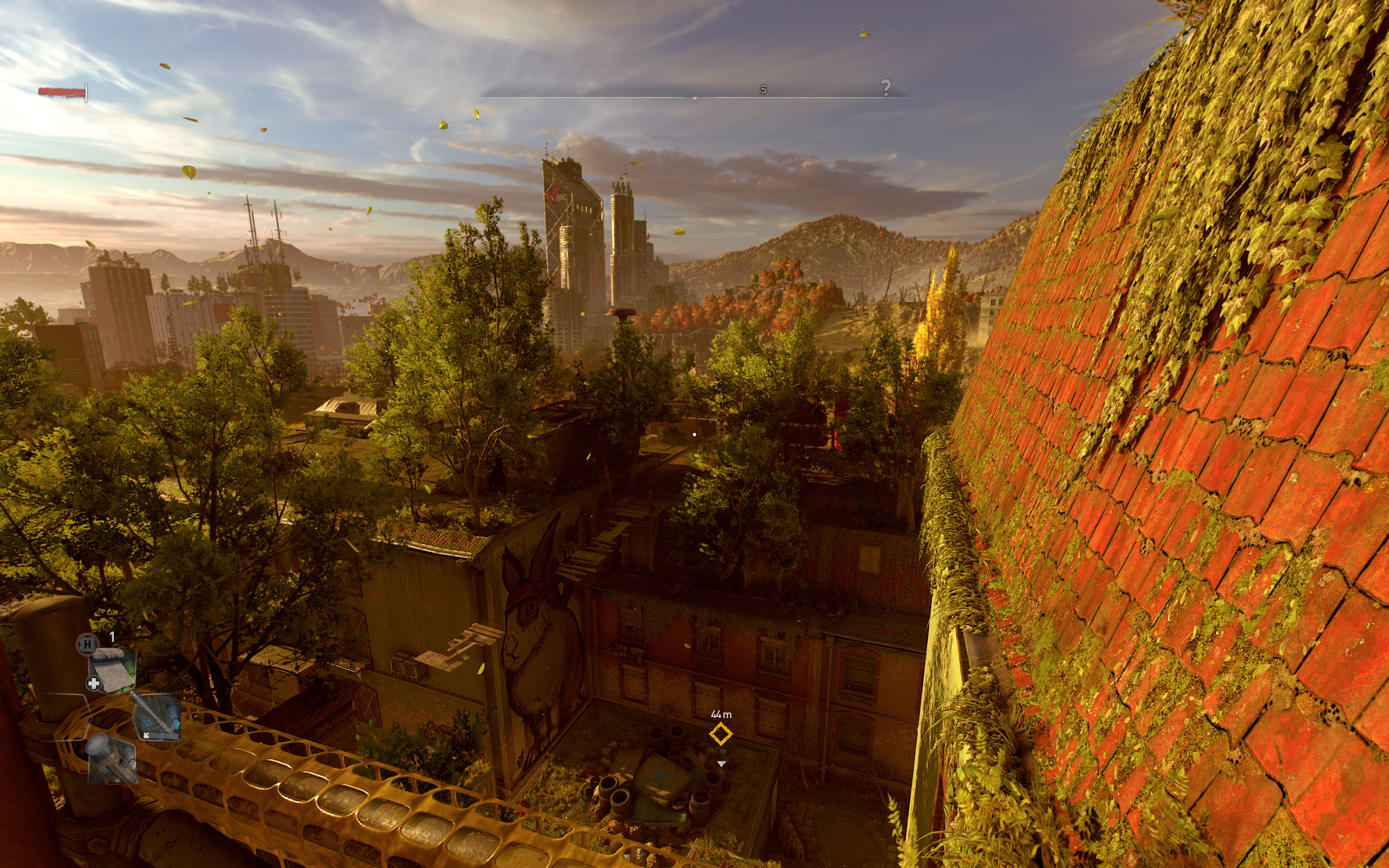
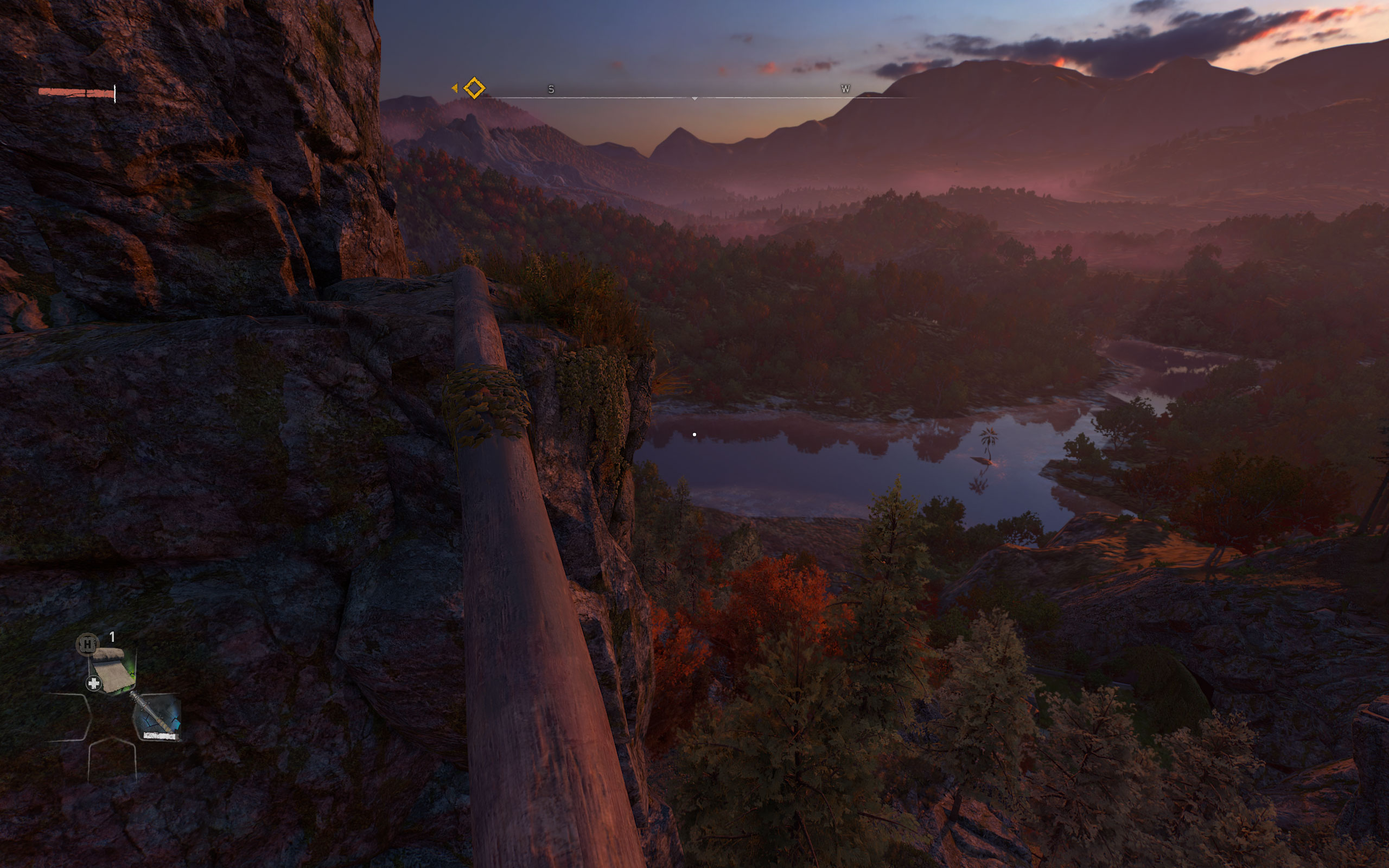




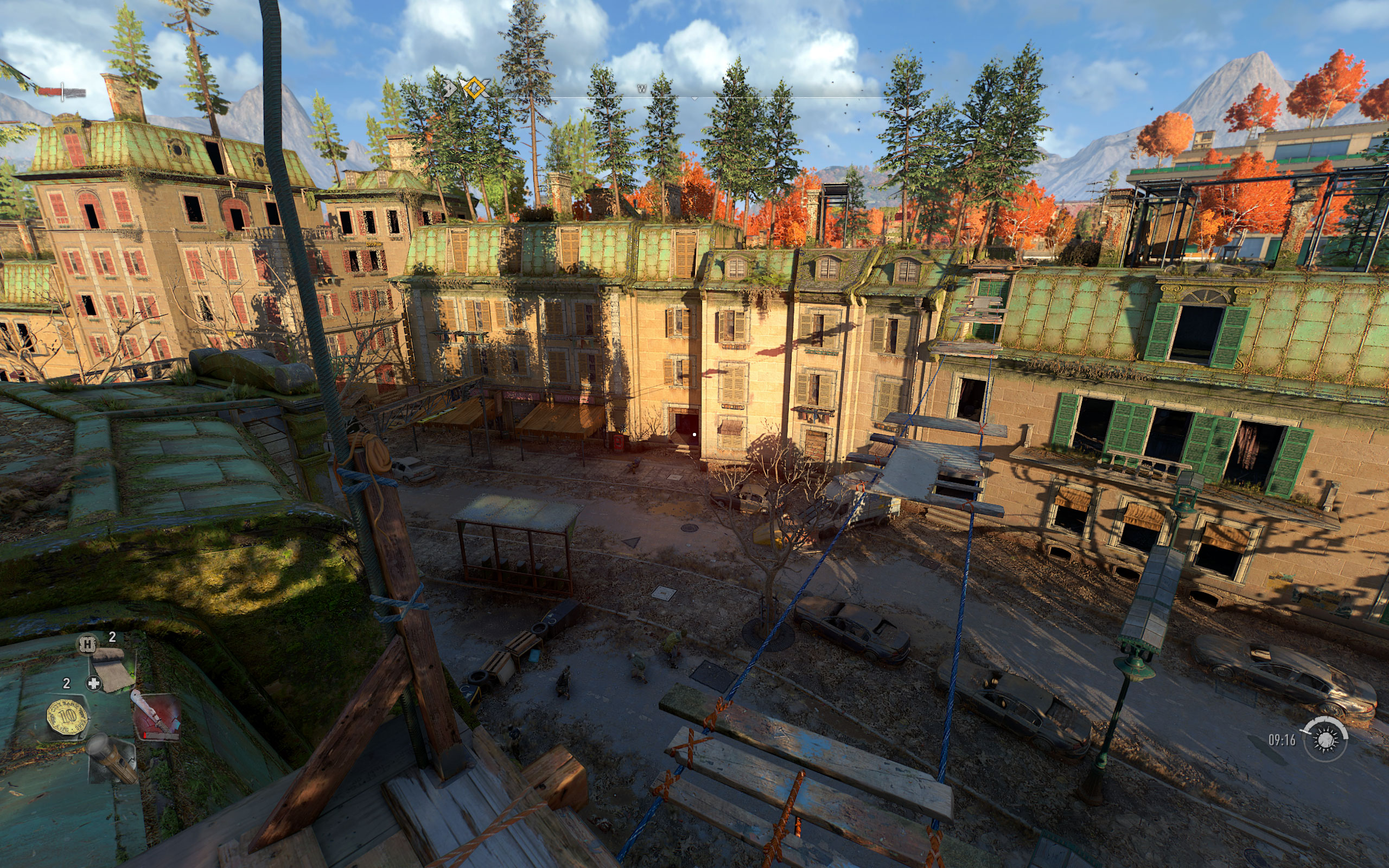
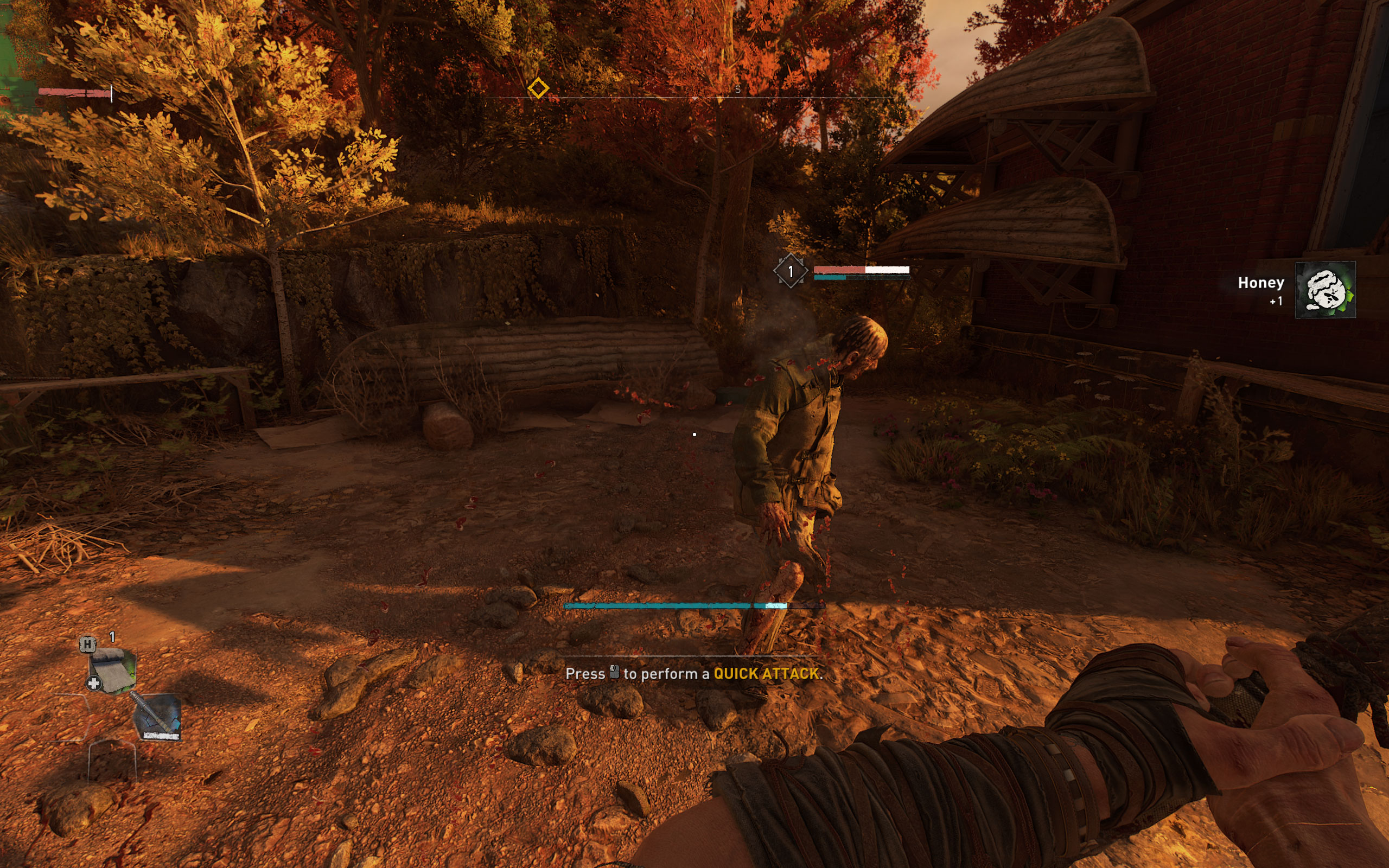
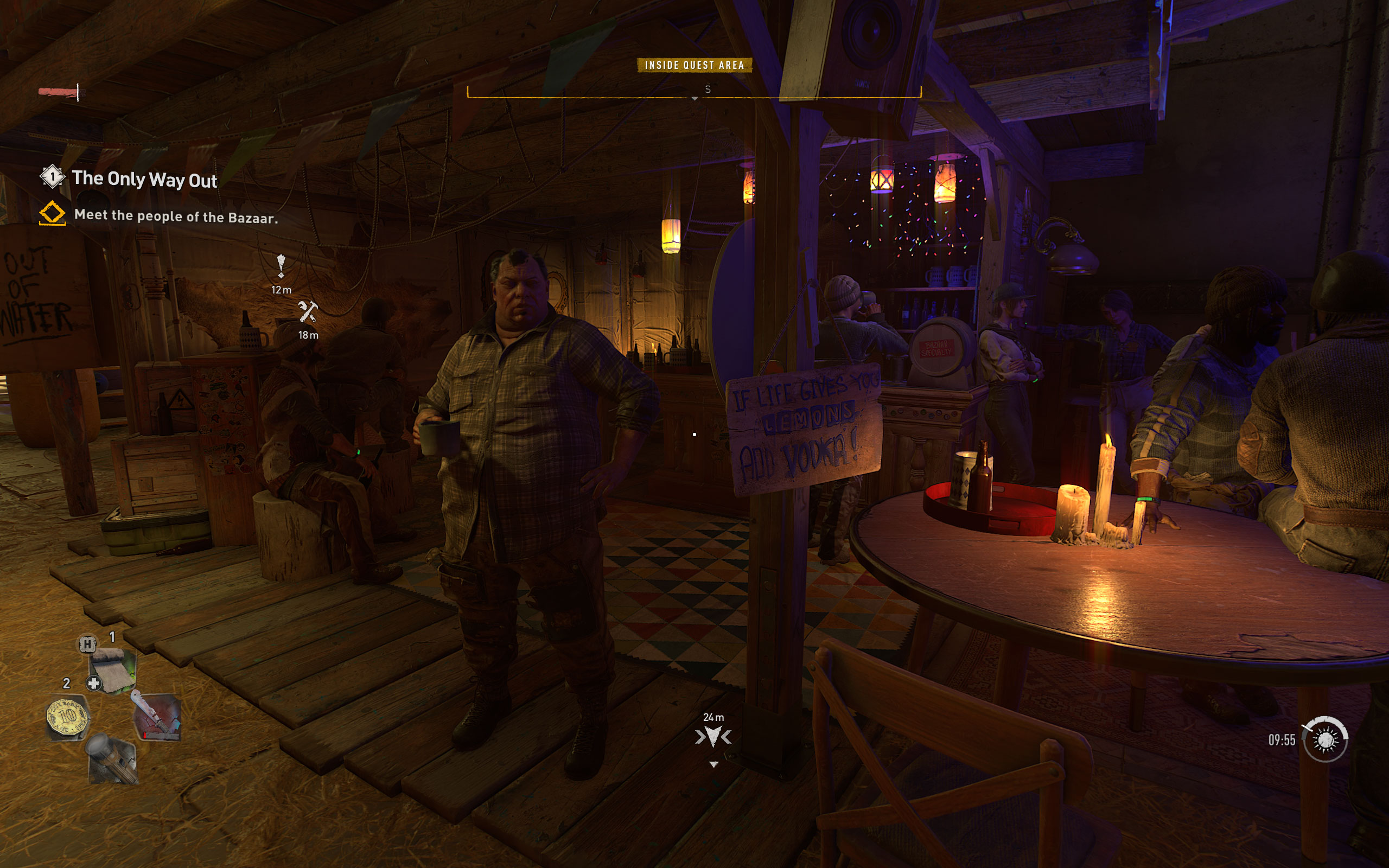
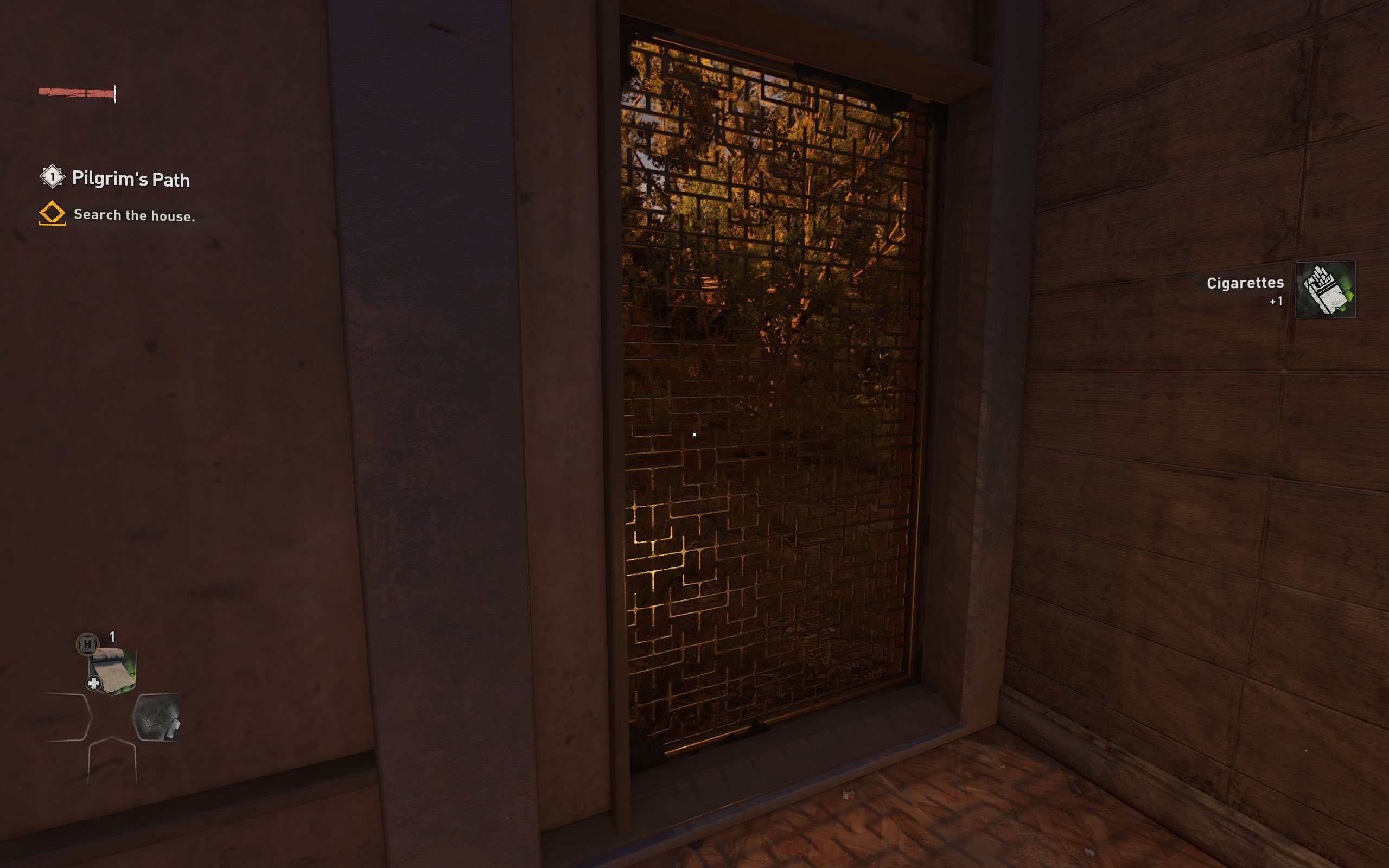

Graphics Settings

- The first section deals with the usual monitor-related settings
- Fullscreen, windowed, and borderless are all supported
- V-Sync can be disabled; there is no hidden FPS cap
- In the "Upscaler Mode" section, you may choose "DLSS quality," "DLSS performance," "FSR balanced," "Linear quality," or "Linear performance." Some important missing options are "FSR Ultra Quality" and "DLSS Ultra Performance." No idea why those are missing, probably just a bug. We took a closer look at DLSS vs. FSR in another article.

- A second screen deals with more advanced graphics settings
- The renderer can be set to "DirectX 11," "DirectX 12," or "DirectX 12 Ultimate." Not sure why they made a distinction between DX12 and DX12 Ultimate as there really is no difference from an API perspective, only the features you use. Later in this article, we'll be comparing the performance of these three modes to help answer the question of which rendering mode should be used in Dying Light 2.
- Asynchronous Compute is also an interesting one we'll be benching.
- When not using FSR/DLSS, the game will always have a sharpening filter activate. I tried to turn it off, but it's still active despite the "0" in the screenshot above.
- Field of view can be adjusted between -10 and +20. I found the default too narrow and played with +20, which is fine for me.
- Thankfully, Motion Blur can be disabled completely.
- There's a big list of additional settings options to further fine-tune performance.
- Ray tracing can be enabled for Sun Shadows, Ambient Occlusion, Global Illumination, Reflections, and the flashlight. All can be toggled independently. Activating any of those requires the renderer "DirectX 12 Ultimate."
Our Patreon Silver Supporters can read articles in single-page format.
Nov 19th, 2026 20:02 CST
change timezone
Latest GPU Drivers
New Forum Posts
- TPU's Nostalgic Hardware Club (22171)
- Honestly, do you care about GTA VI? (171)
- How to prevent OLED burn damage due to PC freezes or power outtages? (32)
- Dual B70 or Dual R9700 Pro on Linux (12)
- What Network card after lightning strike USB or pcie? (1)
- Ryzen Owners Zen Garden (8559)
- Anthrophics IPO (7)
- GTA VI (8)
- Building a hardware monitor, diagnostics and benchmark tool – would you use it? (29)
- Security Apps (3)
Popular Reviews
- AMD Zen 6 Technical Deep Dive
- Ugreen NASync DXP4800 GT Review
- Acemagic Retro X3 Review
- Upcoming Hardware Launches 2027 (Updated Nov 2026)
- Pulsar Office Tour & First Look at P1 Dual-Sensor Mouse
- Corsair RM1200e (Second Generation) Review
- Biwin Black Opal NV7400 2 TB Review
- Chieftec Iceberg PRO 360 DARK Review
- AMD Ryzen 7 9800X3D Memory Performance Scaling
- AMD Ryzen 7 9800X3D Review - The Best Gaming Processor
TPU on YouTube
Controversial News Posts
- NVIDIA Co-Founder and CEO Jensen Huang Officially Resigns (490)
- Report: Jensen Huang Eyes NVIDIA Comeback (224)
- Open Letter Asking NVIDIA to Reinstate Jensen Huang Passes 115,000 Signatures (184)
- OpenAI CEO Argues Home PCs Waste the World's Limited DRAM Supply (152)
- NVIDIA Launches Investigation Into Jensen Huang's Relationship With Suspected Chinese Spy (136)
- Intel "Raptor Lake Next" 16-Core and 20-Core CPUs Surface (130)
- Legendary Game Studio BioWare Shuts Down Following EA Layoffs (104)
- Dell CEO Says the Memory Shortage Will Get Worse in 2027 (95)