 5
Dying Light: The Beast Handheld Performance Review
Performance »Out-of-Box Experience
Firstly, a word of warning. While we don't remember whether we had allowed Epic Online Services to access our Steam account or not (we just wanted to start benchmarking the game so we ignored popups, big mistake), but when we first launched the game Epic automatically created a fresh Epic Games account without assigning an email or password to it, and linked it to our Steam account even though we already had an Epic Store account.So we had to add our secondary email address to said account and create a password to access it, unlink our Steam account from it, and link it to our primary Epic Games account, which was a hassle.
If you don't have your Epic Games account linked to your Steam account, watch for account linking notifications. Another annoying thing is that you get a popup asking to link the two accounts together every time you launch the game, which can get exasperating after a while. This happens both on Windows and SteamOS.
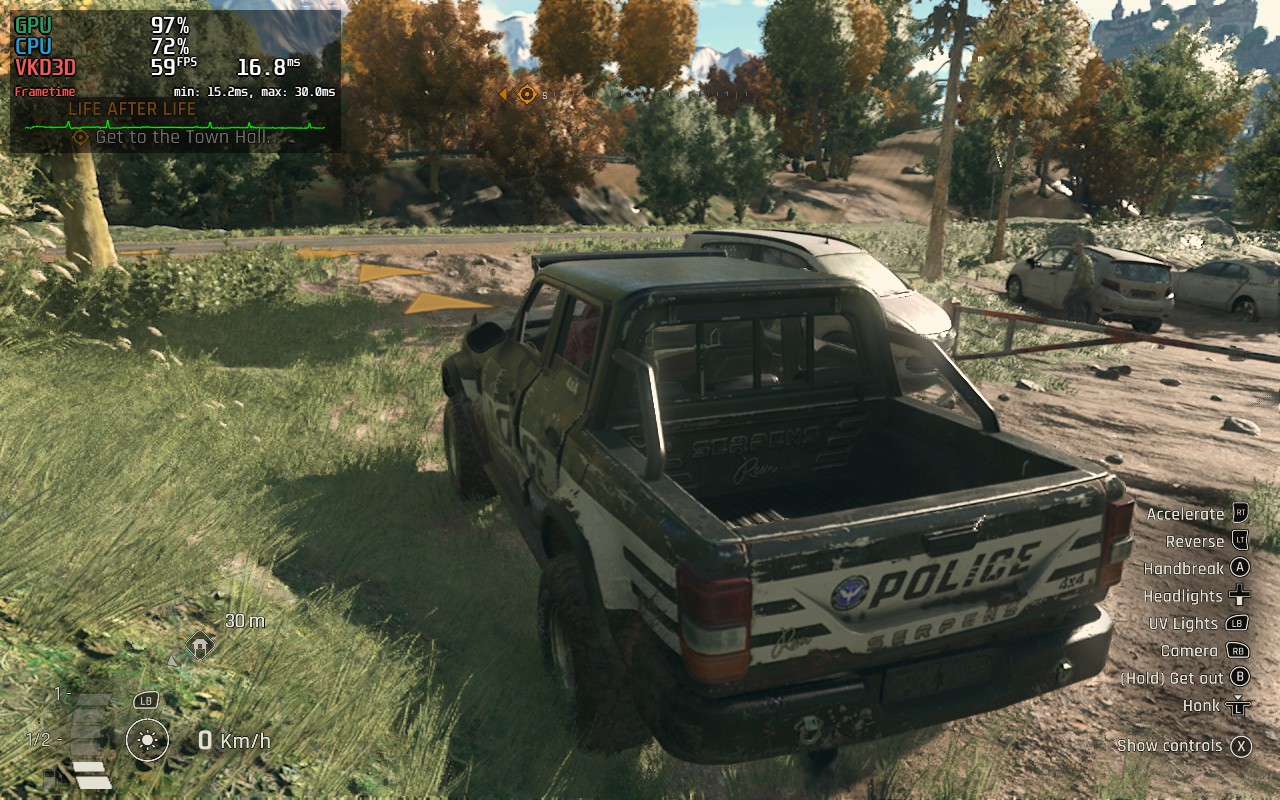
Aside from the Epic Games account woes, the game works on SteamOS without any issues. The only nuisance here is that you have to wait for Vulkan shaders to process every time you launch the game. The initial processing takes about 3–4 minutes to complete, but subsequent times finish faster. This happens both on the Steam Deck and ROG Ally running SteamOS.
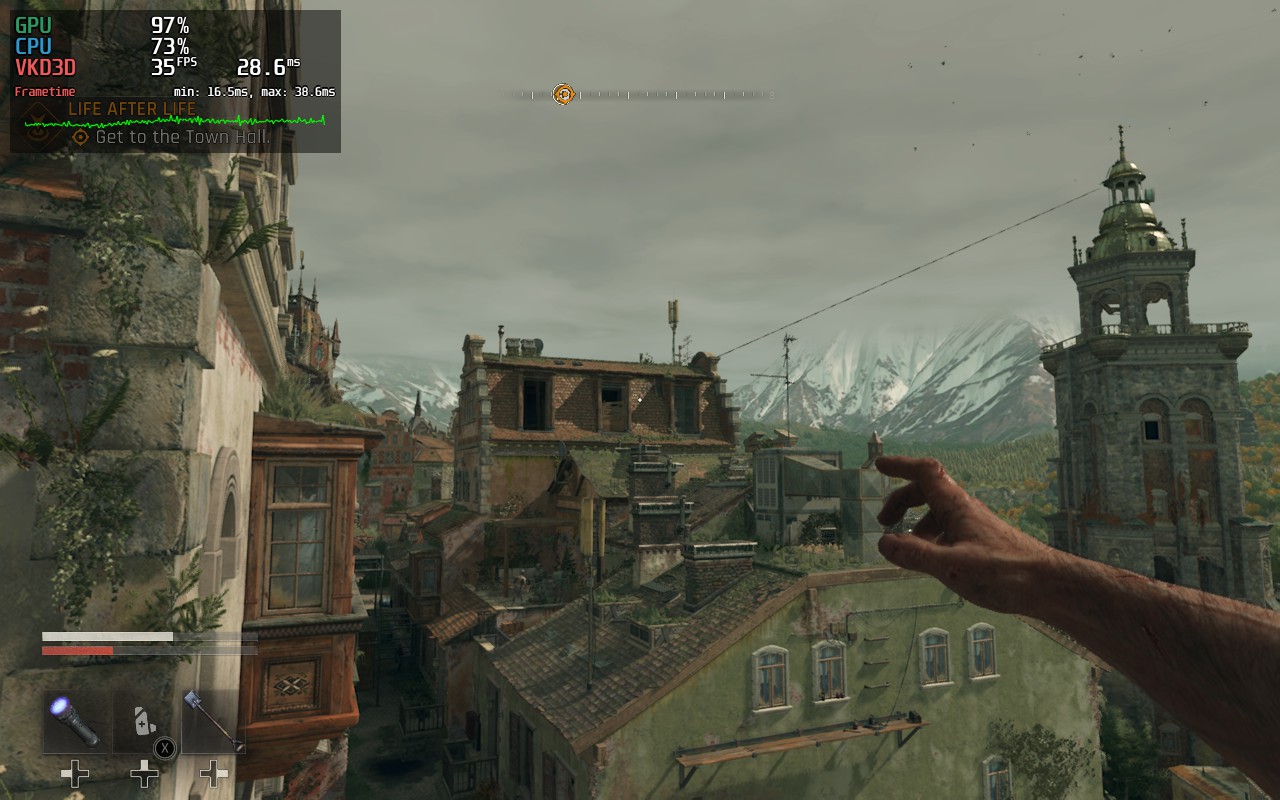
Once you're in the game you'll notice that, on SteamOS, you're limited to single graphics preset called "Performance." It sets most settings to their absolute lowest and enables frame generation, so if you don't want frame gen, make sure to disable it before starting the game. The good news is that you can change individual settings manually.
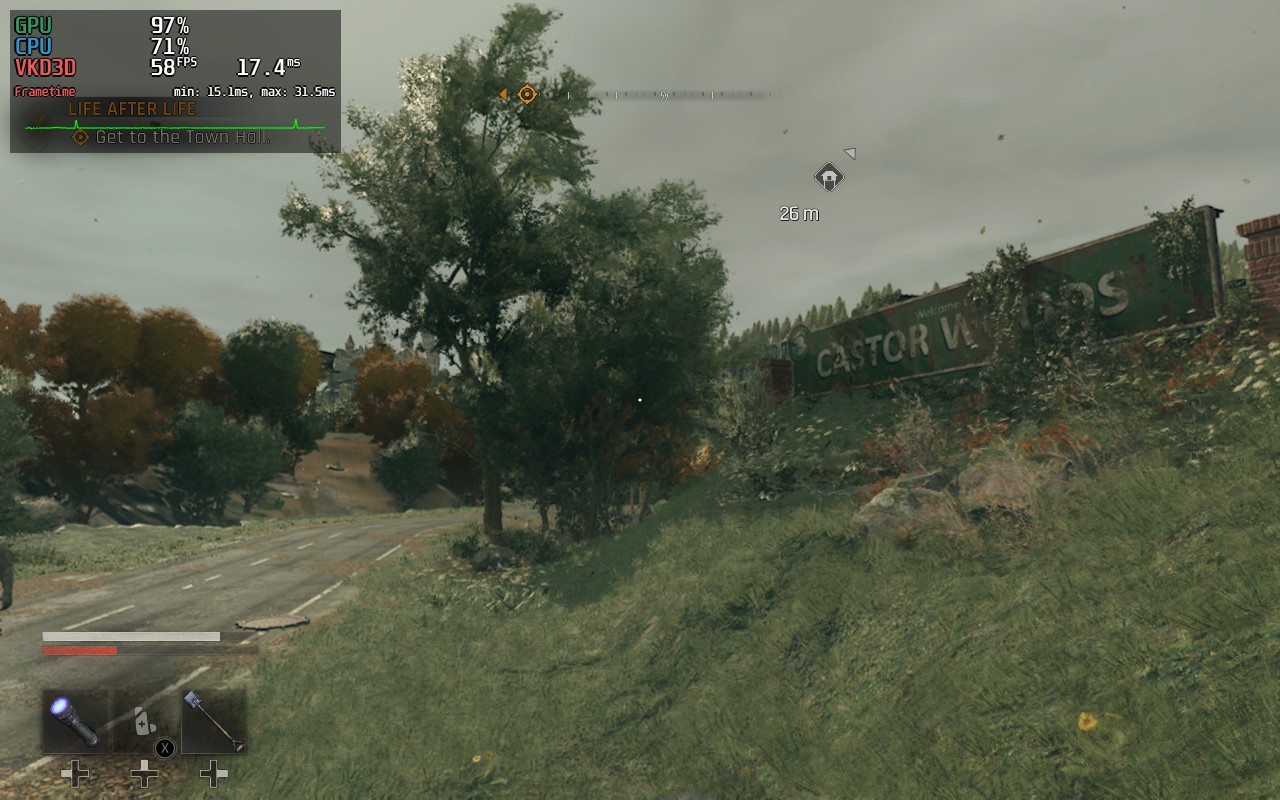
We did manage to play the game at a stable 30 FPS with upscaling set to "Performance" on the Steam Deck. While frame gen pushed the performance to around 50 FPS on average, it also induced a noticeable latency penalty. You can play with it, but the added latency is clearly felt, even when playing the game with a controller.
On the ASUS ROG Ally running SteamOS, we managed to up the resolution to 900p and increase most settings to match the game's "Medium" preset and reach stable 30 FPS performance without frame generation. But yet again, enabling frame gen induces a noticeable latency penalty.
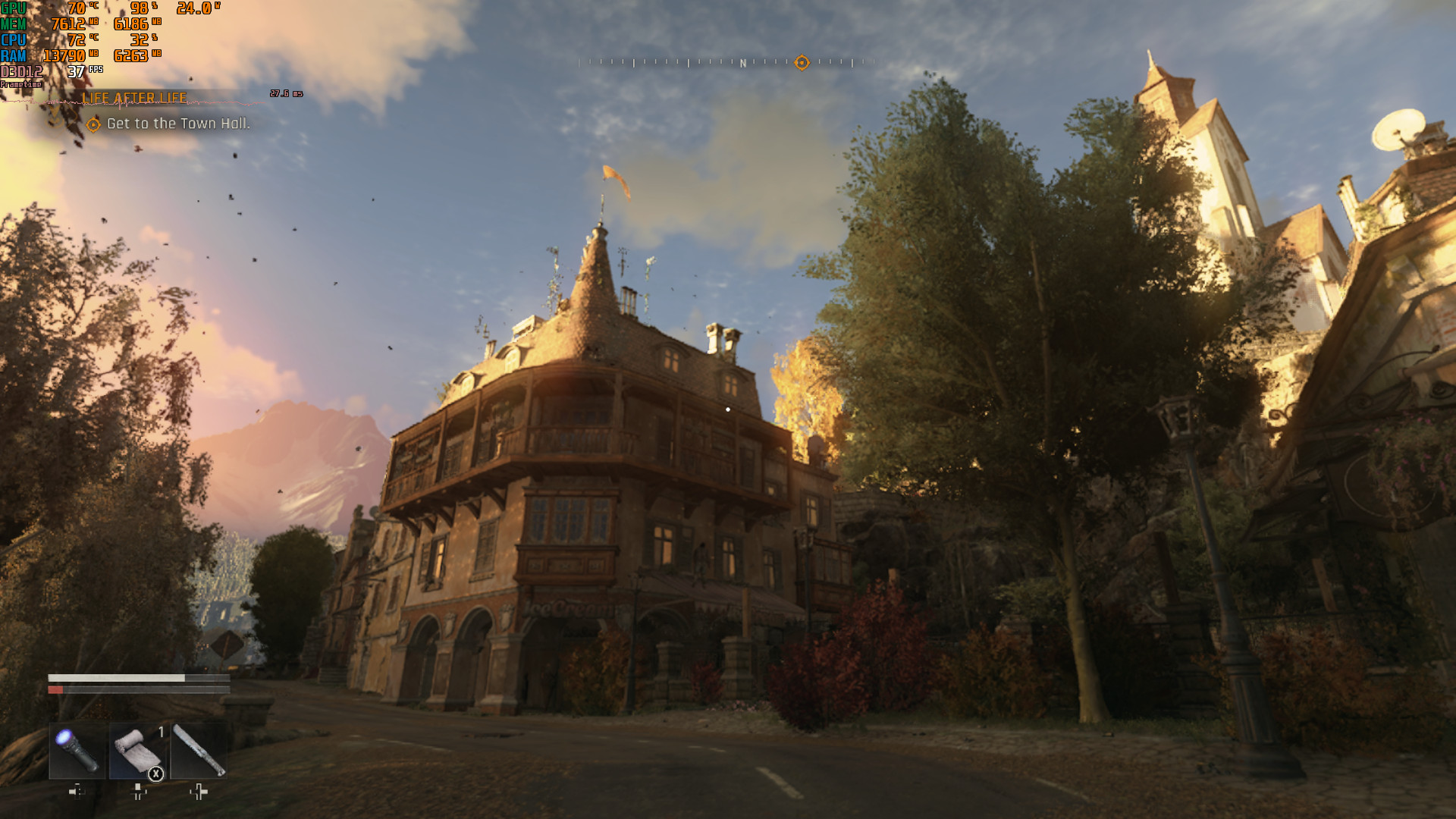
On our ASUS ROG Ally X running Windows, we hadn't encountered any issues as well. You need to wait for shaders to compile when you reach the start screen for the first time, which only takes a few minutes to complete. After this you won't need to wait for shader compilation on subsequent launches, and will be able to immediately jump into the game's open-world map.
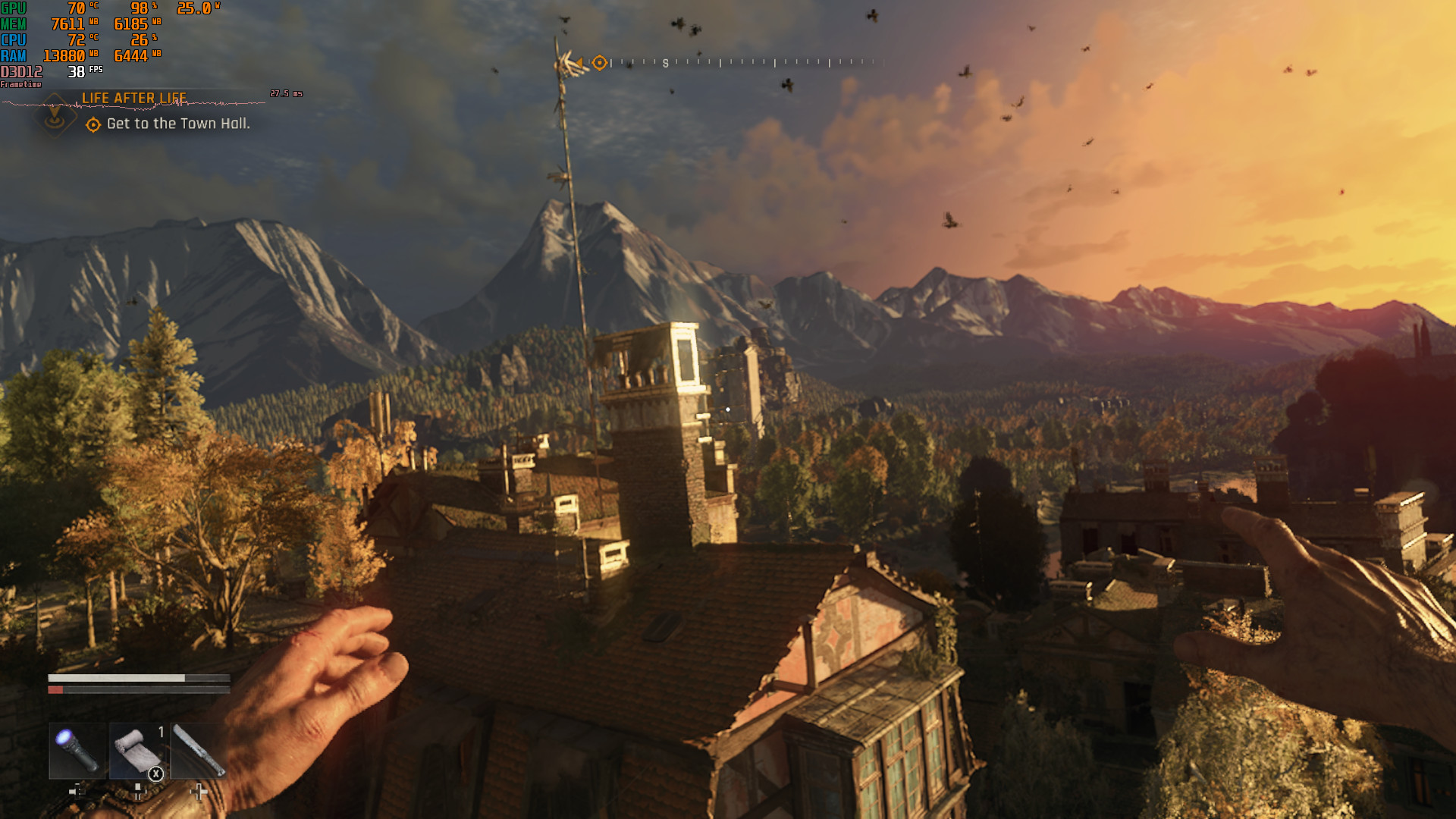
Performance-wise, our ROG Ally X performed the same or just a hair slower than the ROG Ally running SteamOS, which means that the game ran up to about 5% faster on SteamOS than on Windows, the usual performance delta between the two systems.
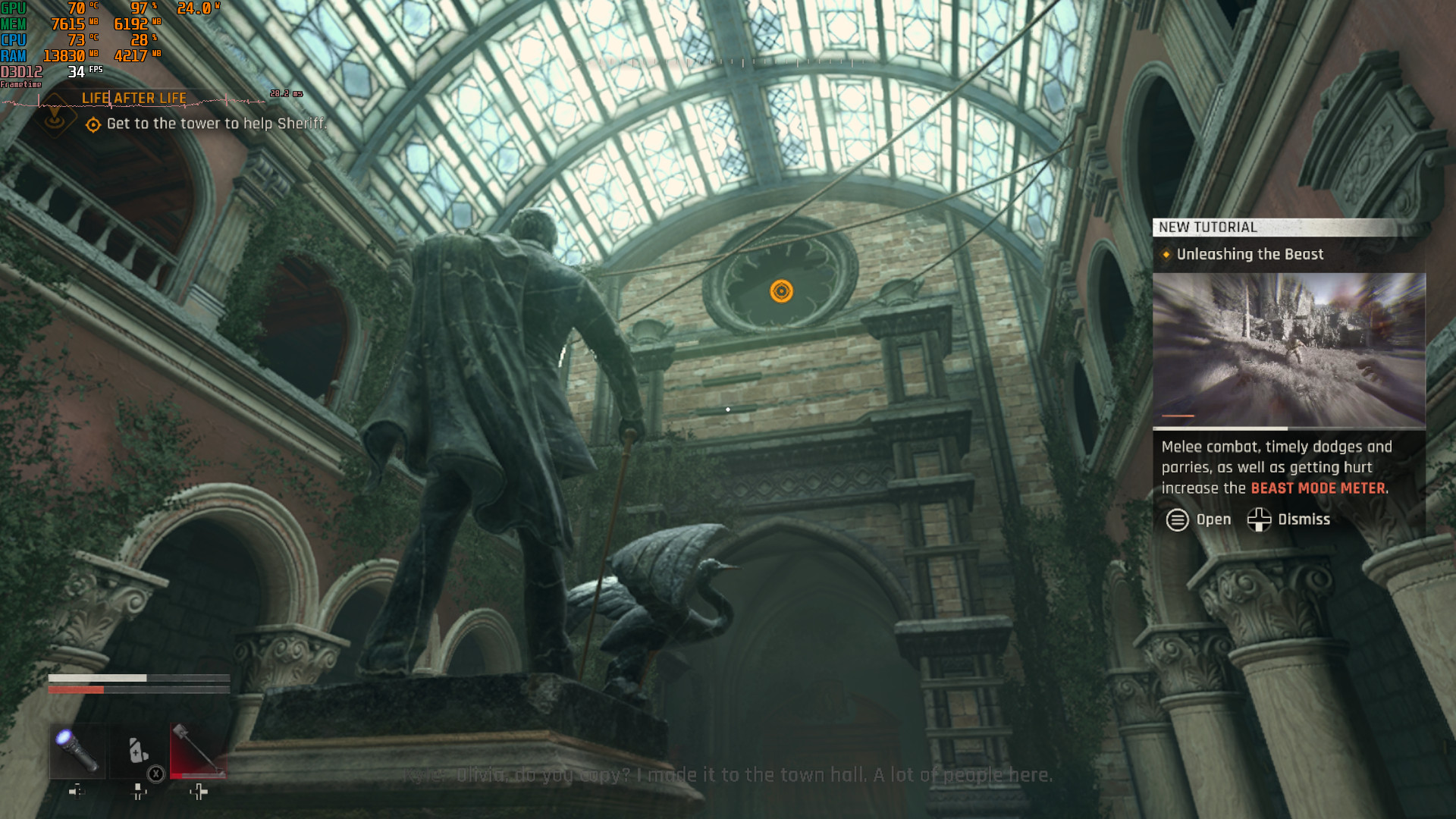
In other words, we managed to reach a stable 30 FPS with the "Medium" graphics preset—that runs only a frame or two slower than the "Low" preset—and heavy use of TAAU upscaling (looks subjectively better than FSR and XeSS while performing the same) at 900p.
While Dying Light: The Beast comes with full controller support and plays great with a controller, the game emulates mouse input in menus instead of allowing the use of the d-pad, which makes menu navigation slow and cumbersome.
Nov 22nd, 2026 18:31 CST
change timezone
Latest GPU Drivers
New Forum Posts
- Increasing Power Limit? (6)
- What are you playing? (26240)
- UPS what one to get? (48)
- Honestly, do you care about GTA VI? (265)
- Your PC ATM (36458)
- Gacha Games - Discussions, Pulls, Updates, etc. (1157)
- Last game you purchased? (1414)
- Making a game in Godot engine (19)
- Intel D270 (5)
- X870E AORUS ELITE WIFI7 thread with setting and OC (69)
Popular Reviews
- Microsoft Surface Laptop Ultra Review - The Next-gen Arm Laptop
- Corsair RM1200e (Second Generation) Review
- Upcoming Hardware Launches 2027 (Updated Nov 2026)
- Pulsar Office Tour & First Look at P1 Dual-Sensor Mouse
- Ugreen NASync DXP4800 GT Review
- AMD Ryzen 7 9800X3D Review - The Best Gaming Processor
- AMD Zen 6 Technical Deep Dive
- AMD Ryzen 7 5800X3D 10th Anniversary Review
- Phantom Blade Zero Performance Benchmark Review - 35 GPUs Tested
- Biwin Black Opal NV7400 2 TB Review
TPU on YouTube
Controversial News Posts
- NVIDIA Co-Founder and CEO Jensen Huang Officially Resigns (492)
- Report: Jensen Huang Eyes NVIDIA Comeback (266)
- Open Letter Asking NVIDIA to Reinstate Jensen Huang Passes 115,000 Signatures (184)
- OpenAI CEO Argues Home PCs Waste the World's Limited DRAM Supply (152)
- NVIDIA Launches Investigation Into Jensen Huang's Relationship With Suspected Chinese Spy (136)
- Intel "Raptor Lake Next" 16-Core and 20-Core CPUs Surface (130)
- NVIDIA GeForce RTX 50-Series Scheduled for up to $500 Price Hike This Week (89)
- Intel Razor Lake Gets a 12 P-Core bLLC Chip With No E-Cores, Per Leak (86)