 1
Einarex Prisma S800 Review
Thermal Stress Test »Assembly


Installing a BTF equipped ATX motherboard works flawlessly, with the required opening providing enough clearance to do so. A small downside is the fact that the openings along the top edge are larger to accommodate wiring cables for traditional motherboards as well, but again, that is just a cosmetic annoyance at most.
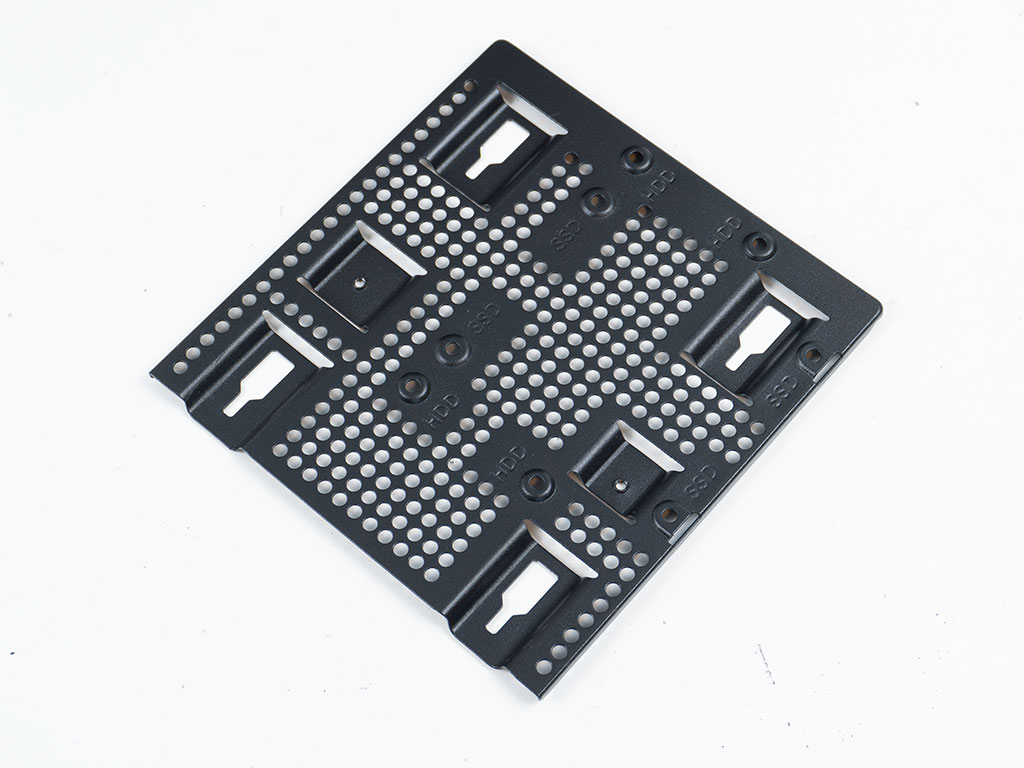
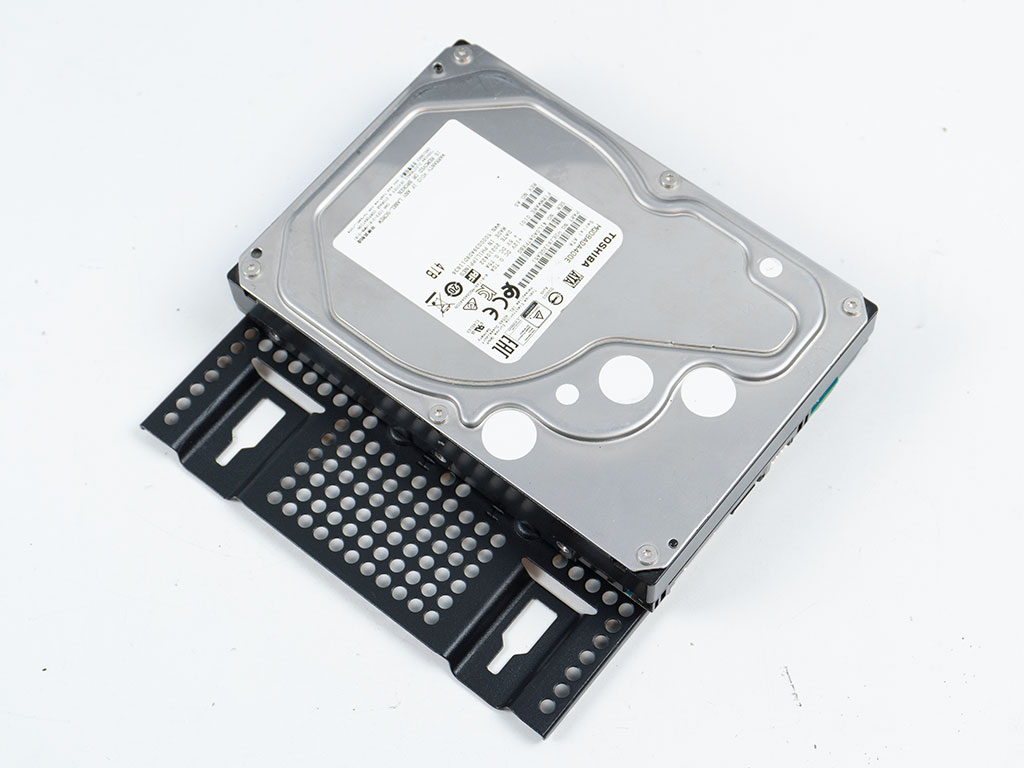
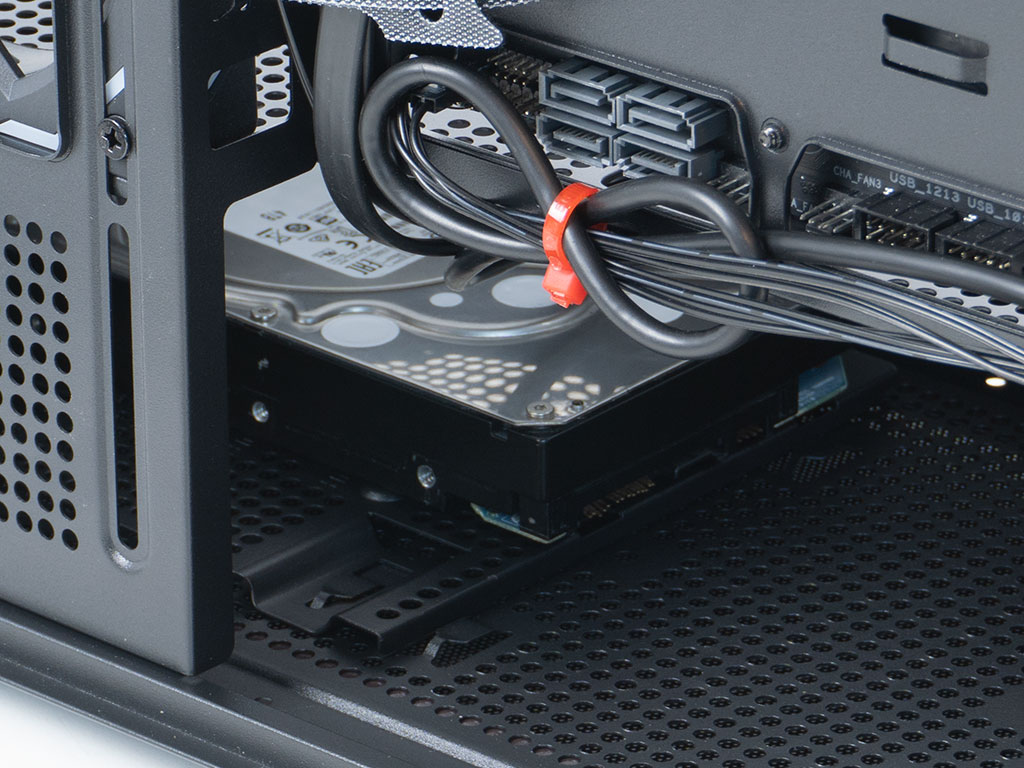
Adding a 3.5" drive to the floor of the chassis can be done once you tip the chassis over and remove the two screws holding the tray in place. Regardless of which type of storage drive you use, the plate utilizes classic screws to pin them down. Once in place, you can see how the connector is facing towards the rear, making it accessible.
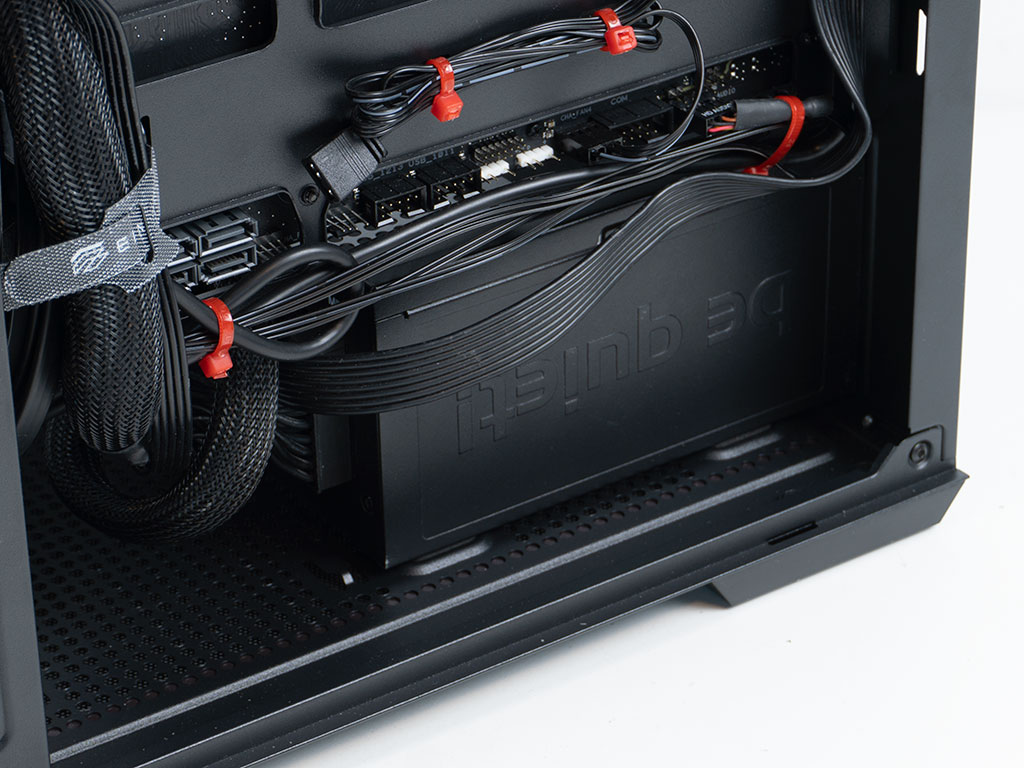
Adding the PSU is just as easy, thanks to plenty of room. Our standard sized 160 mm unit has more than enough room, so you will certainly be able to pick freely from the units available in the market.
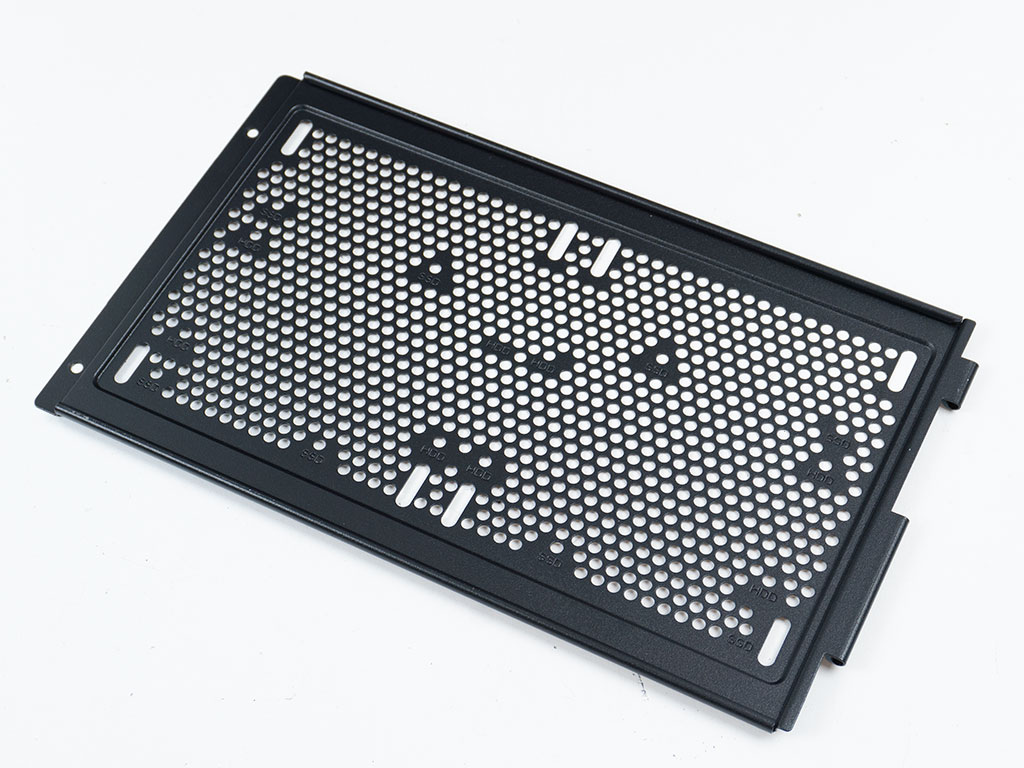
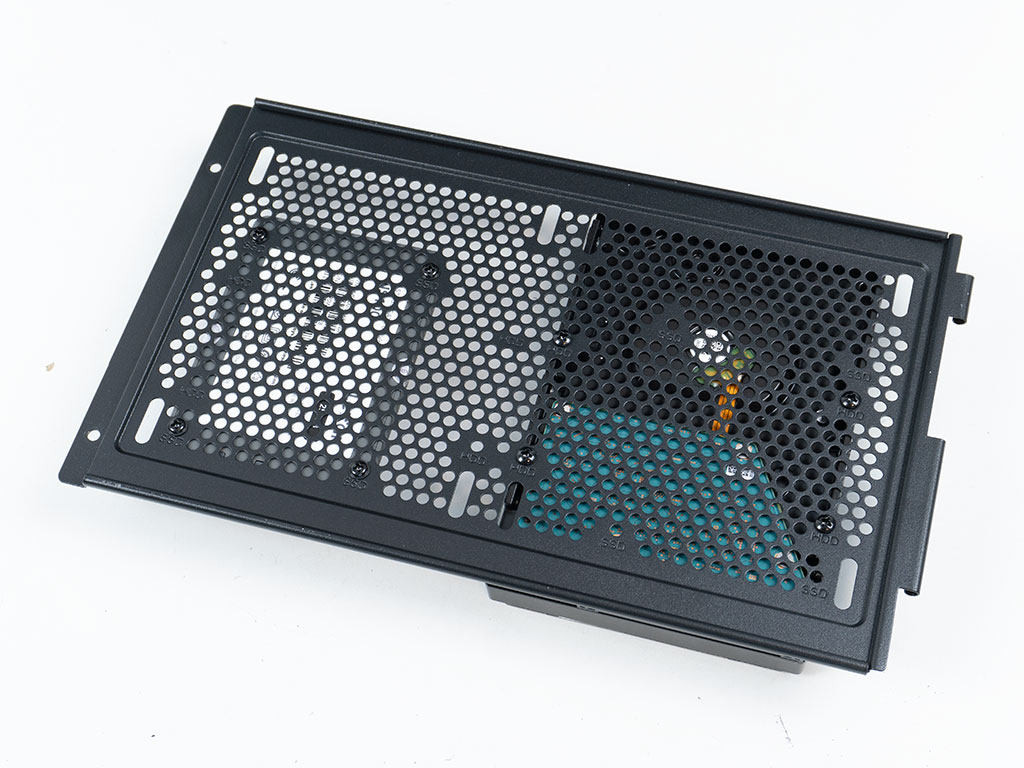
You can clearly see the mounting position for not just 2.5" or 3.5" drives on the perforated plate behind the motherboard, but also a pair of 120 mm fans for active cooling. It is clear that that plate was designed when BTF boards were not a thing. For those users, that means that you will be able to go for two drives here without issue by simply relocating the ARGB controller. It is thoughtful that Einarex only communicates a beyond worst case scenario capability of the case by listing just one 2.5" and one 3.5" drive in its specification table as it is in fact one 2.5/3.5" and one 2.5", but it would probably be worth to provide more details, so they don't lose out on potential sales. Adding drives here, we did include a 3.5" unit, just to illustrate the issue with BTF equipped setup. The end result of our build, as you will see further down, is to use that one 2.5" drive and have the ARGB controller next to it.
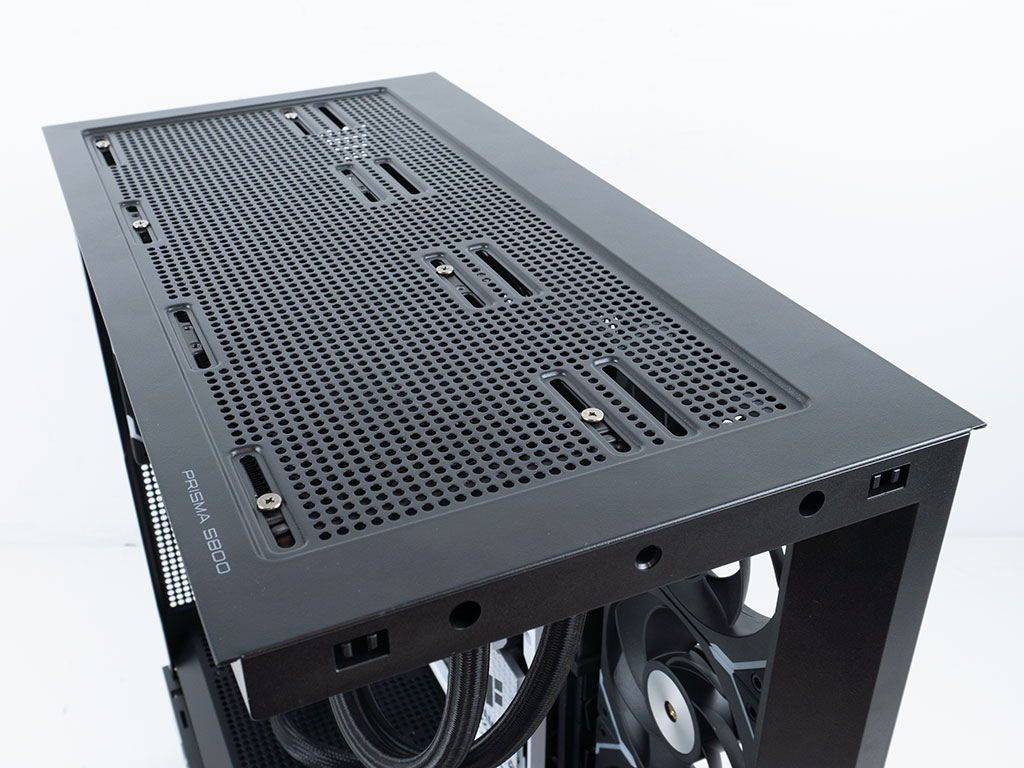
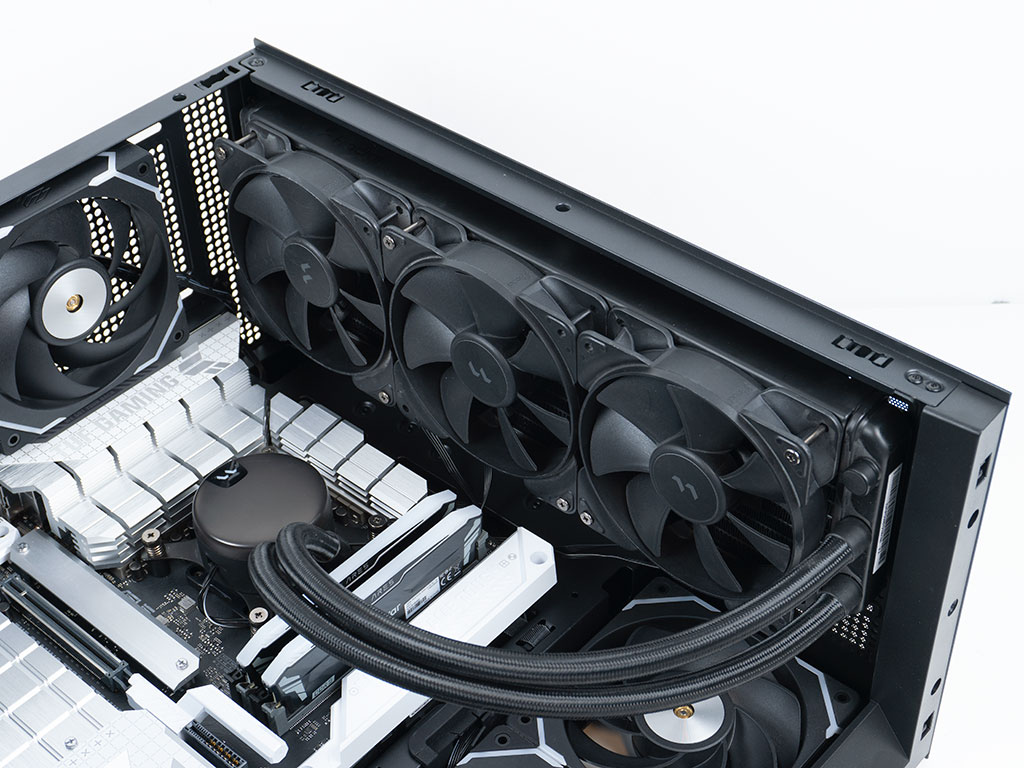
As expected, the Prisma S800 can easily fit a 360 mm AIO in the ceiling with plenty of room on all sides. That means that there is a gap to the rear fan, so that you could even have another 120 mm AIO there. The motherboard edge clears this setup, so a 280 mm unit could fit in the top, and lastly there is a gap to the side intake units, meaning that an AIO there would clear as well.
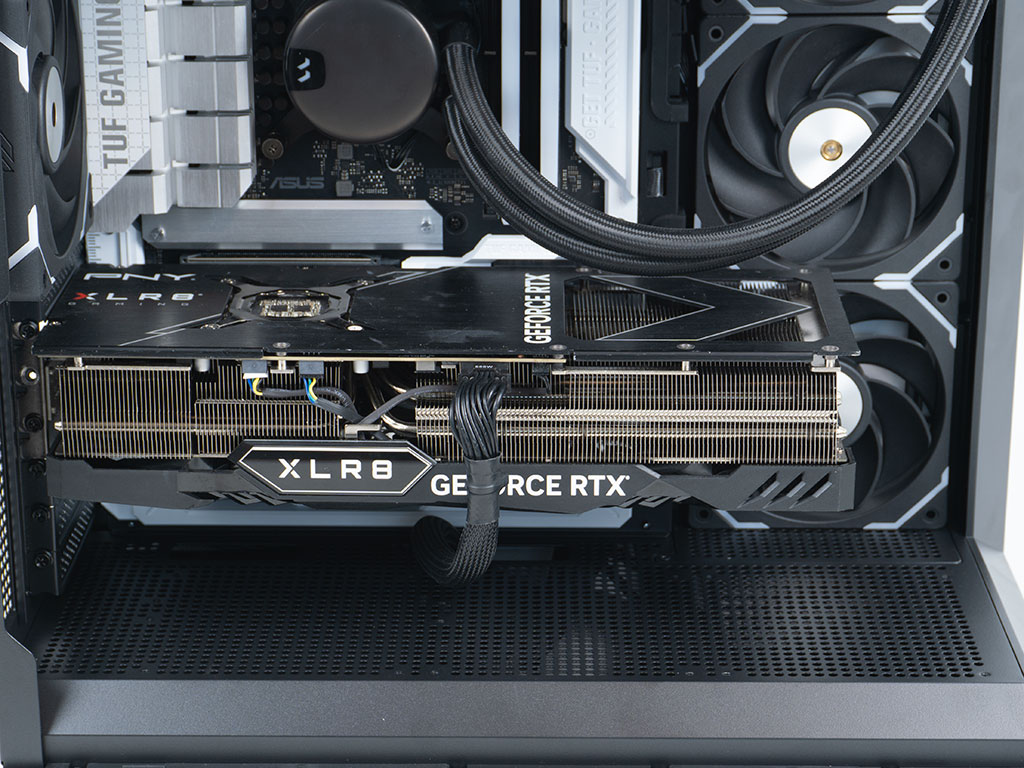
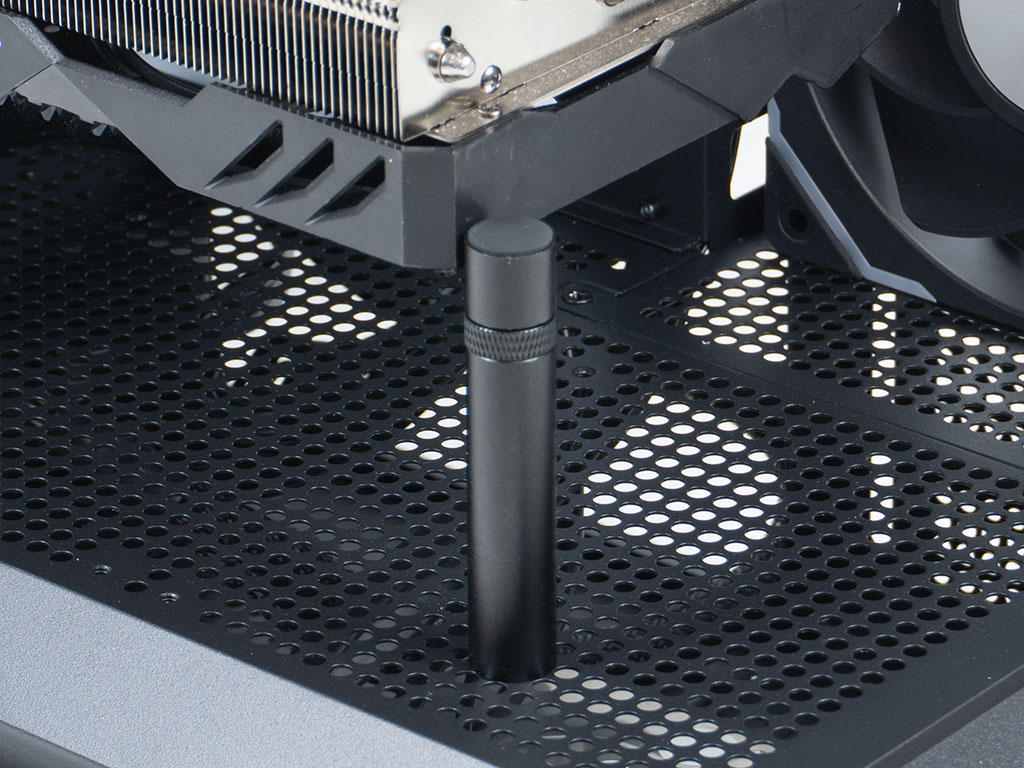
Adding a bulky GPU is no problem thanks to the properly embedded side intake fans, allowing for all the clearance necessary—even if you were to use an AIO of standard thickness there. We would have loved to employ the GPU support column, but unfortunately it doesn't fit as it can't accommodate GPUs more than 3 slots thick, while our GeForce RTX 4080 is 3.5 slots thick.
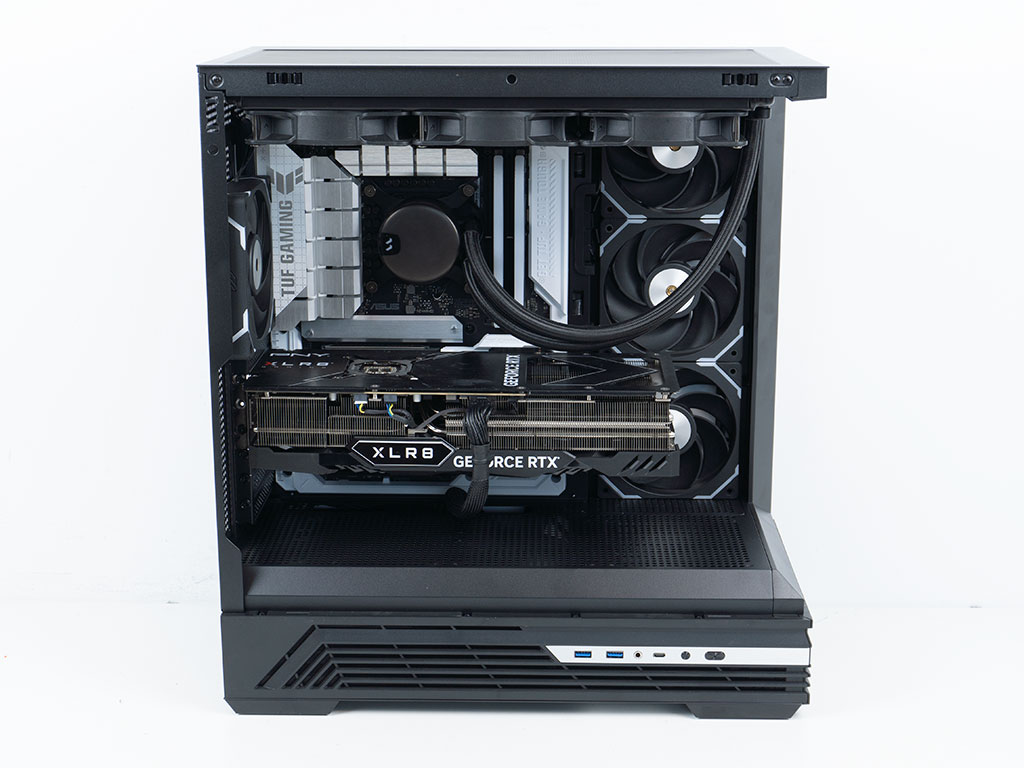
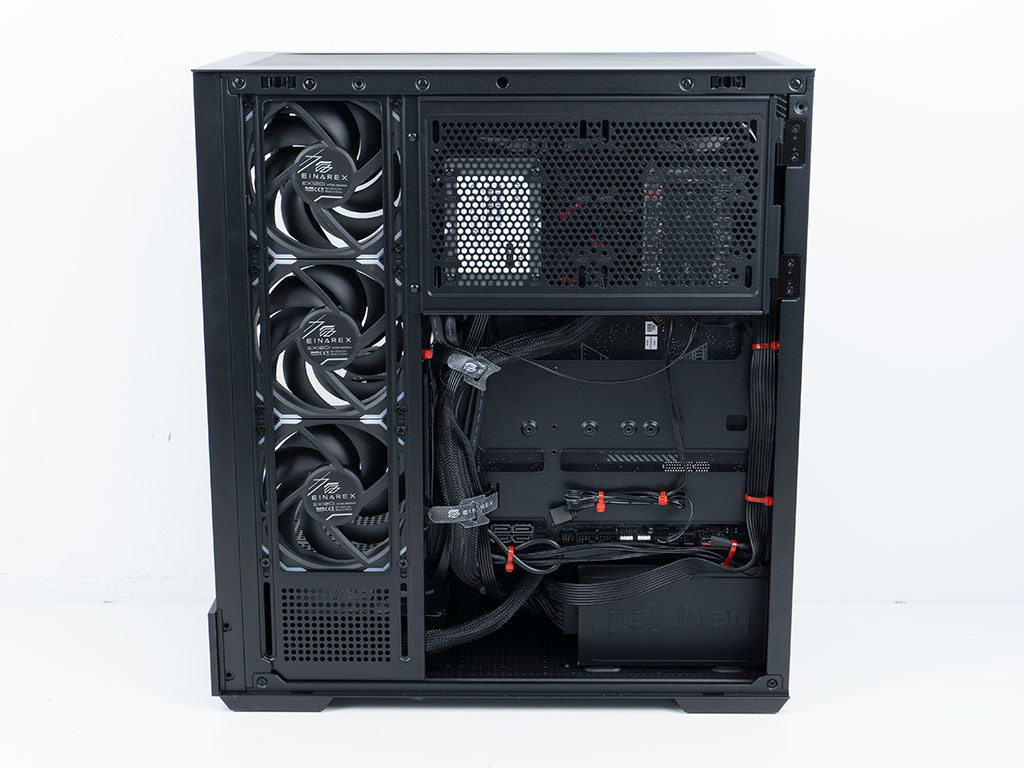
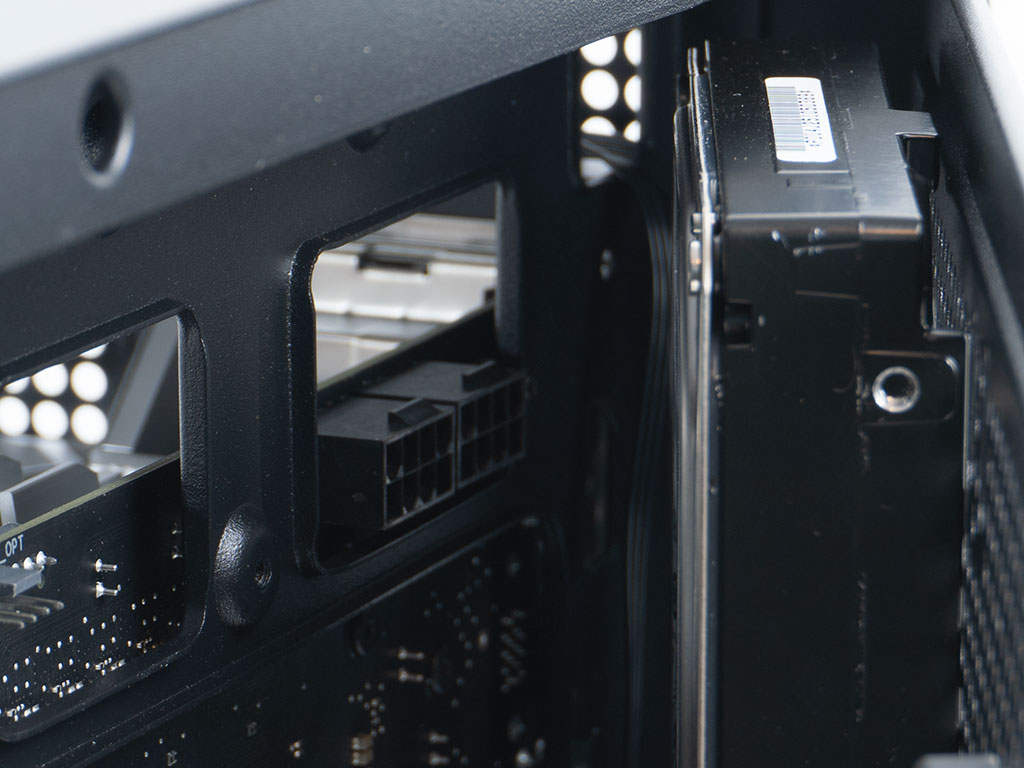
With the build complete, the interior of the Einarex Prisma S800 looks very clean. This is partially due to the AIO in the ceiling hiding the larger openings and the BTF motherboard. As such, you will have a bit more visual noise from wires with classic ATX boards and just fans in the ceiling, for example. In the rear, we spent some additional time to clean up the out-of-the-box wiring and correctly plug in the fans into the ARGB controller. Thanks to the plentiful hooks, we were able to secure the wiring nicely. The 2.5" HDD does exert some pressure on the BTX 24-pin power connector due to the bulky cable, but it does close easily enough so we feel comfortable with the result, confirming that you could have two such drives on the plate, even when opting for BTF.
Finished Looks
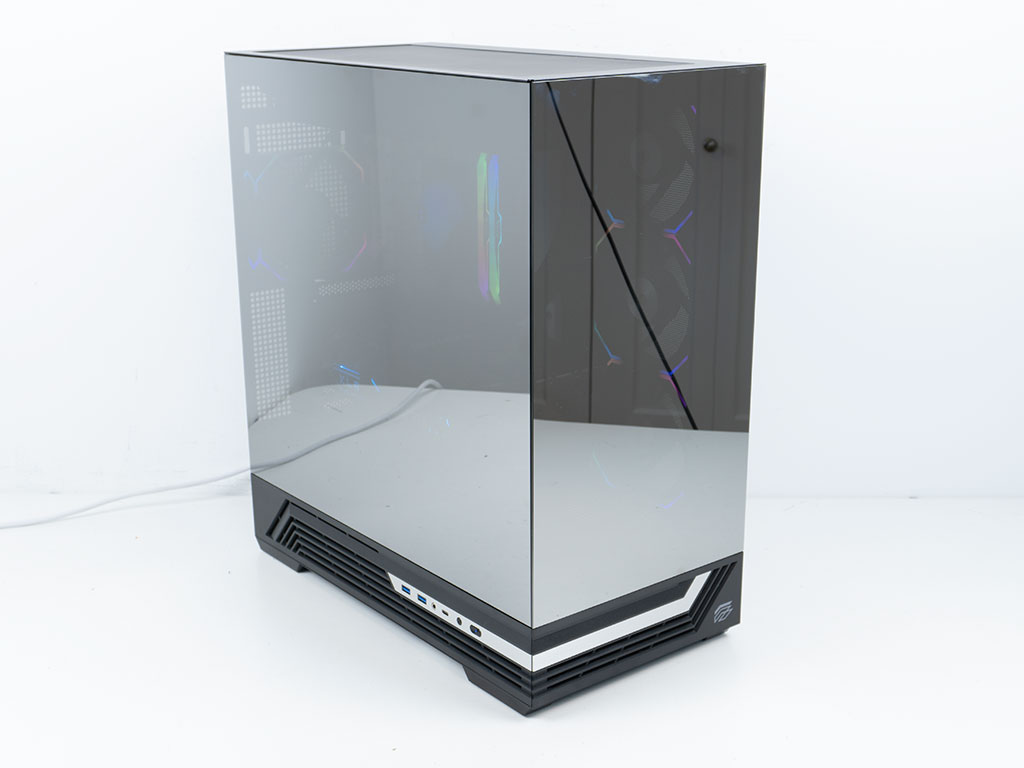
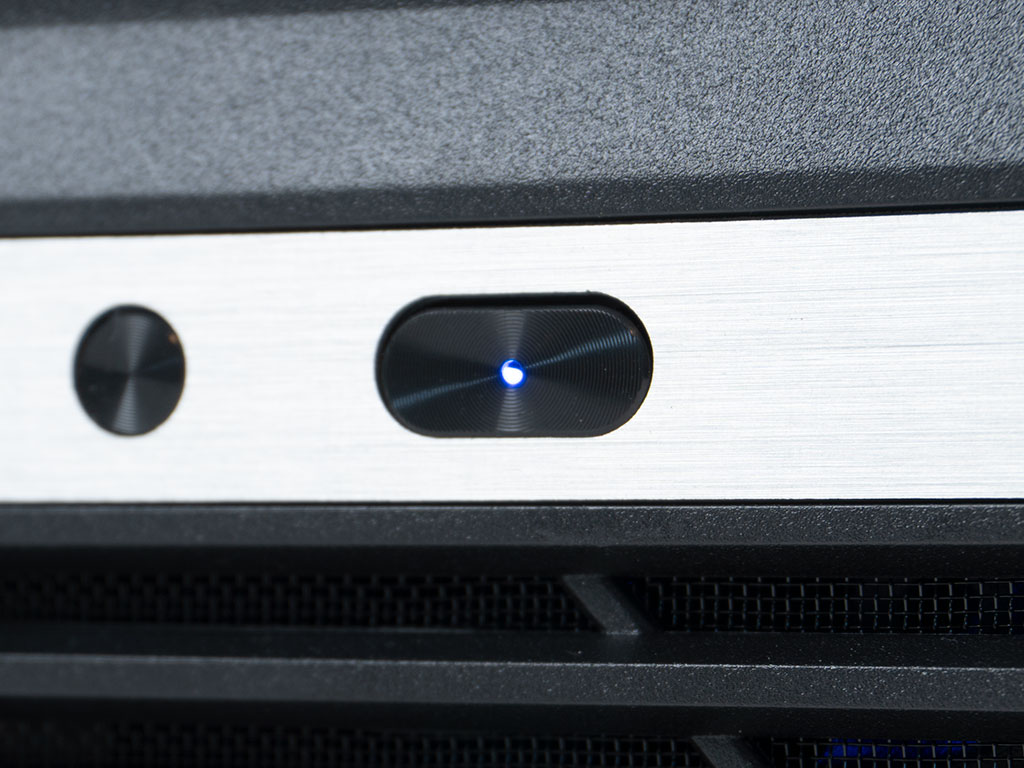
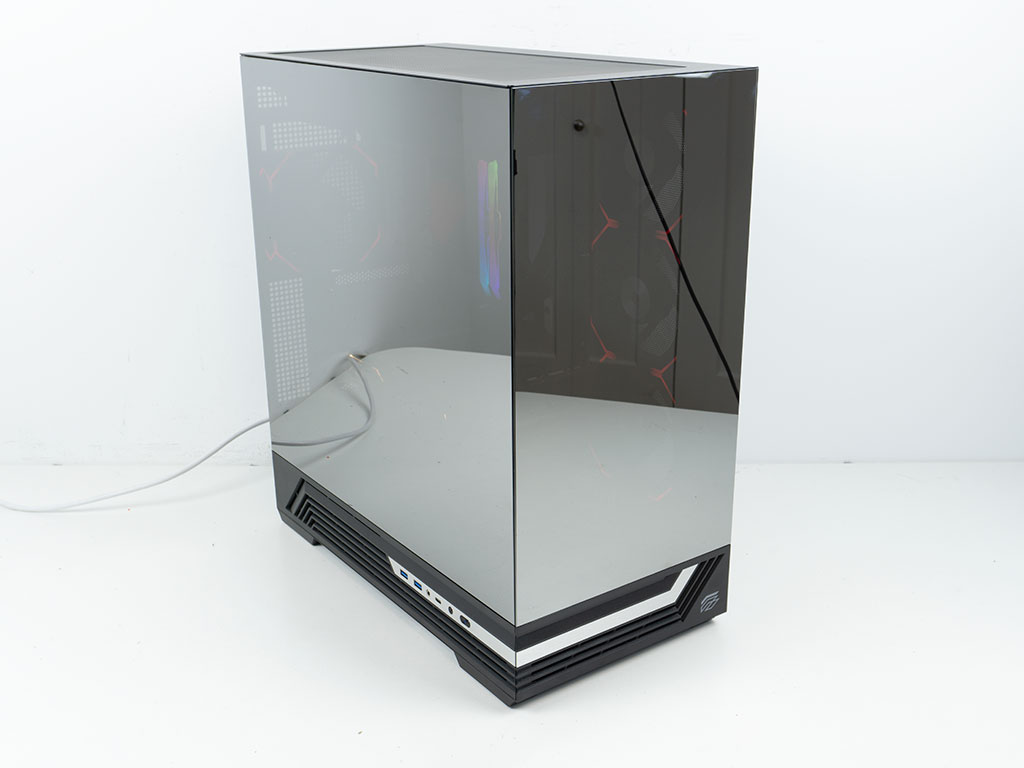
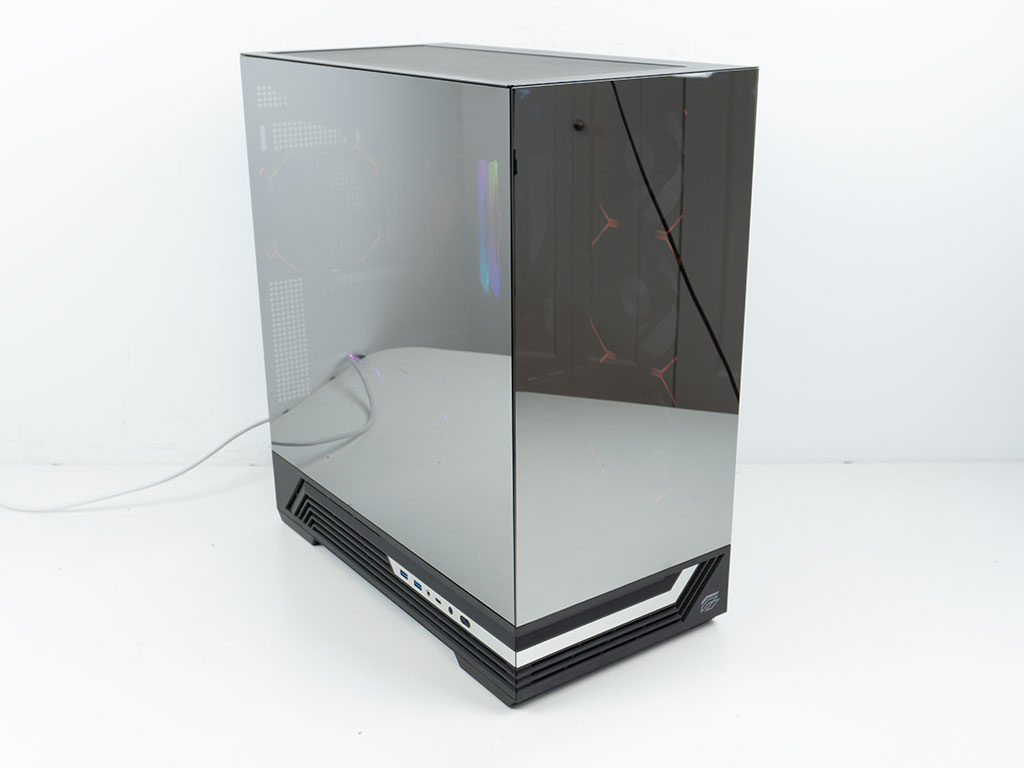
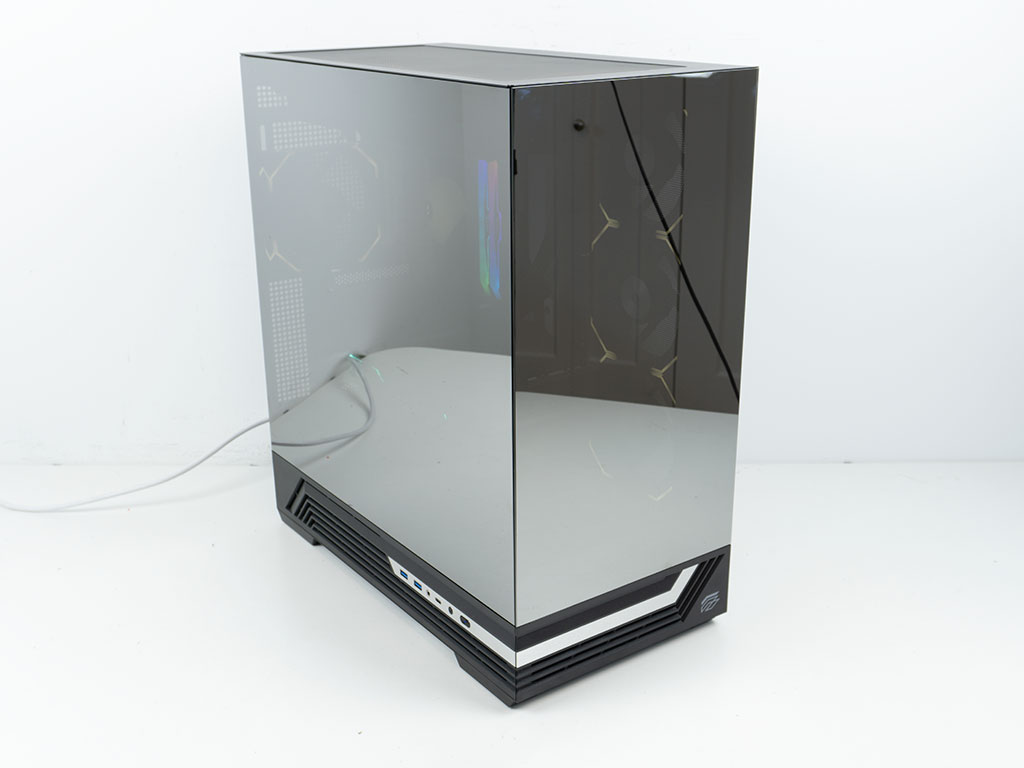
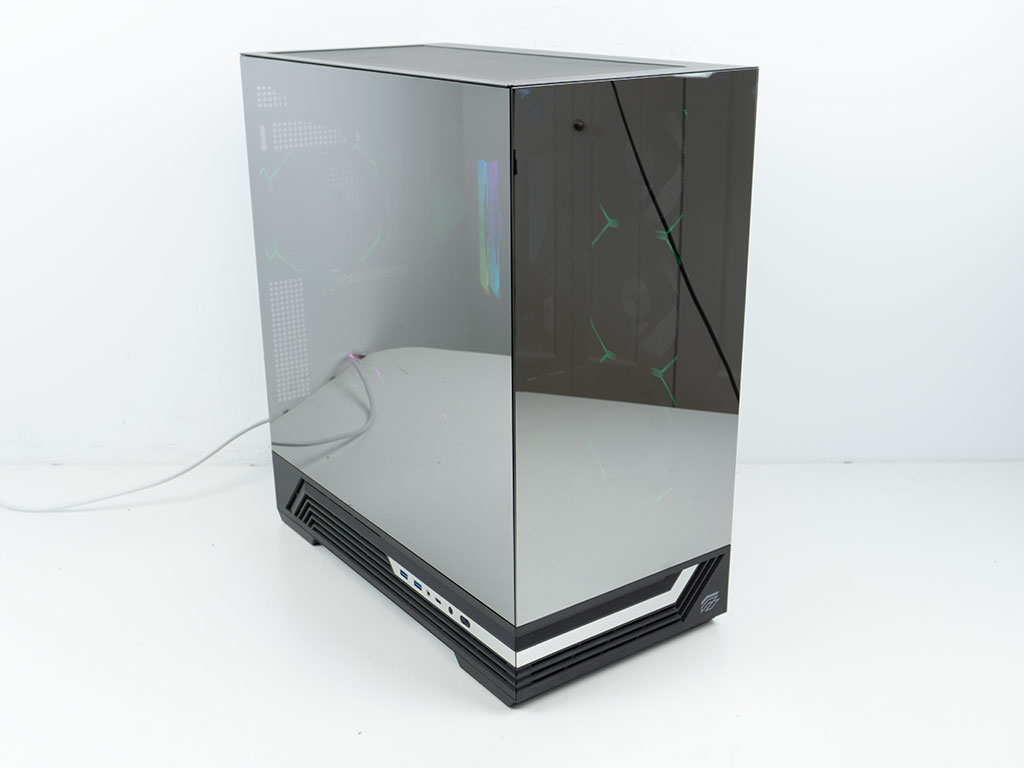
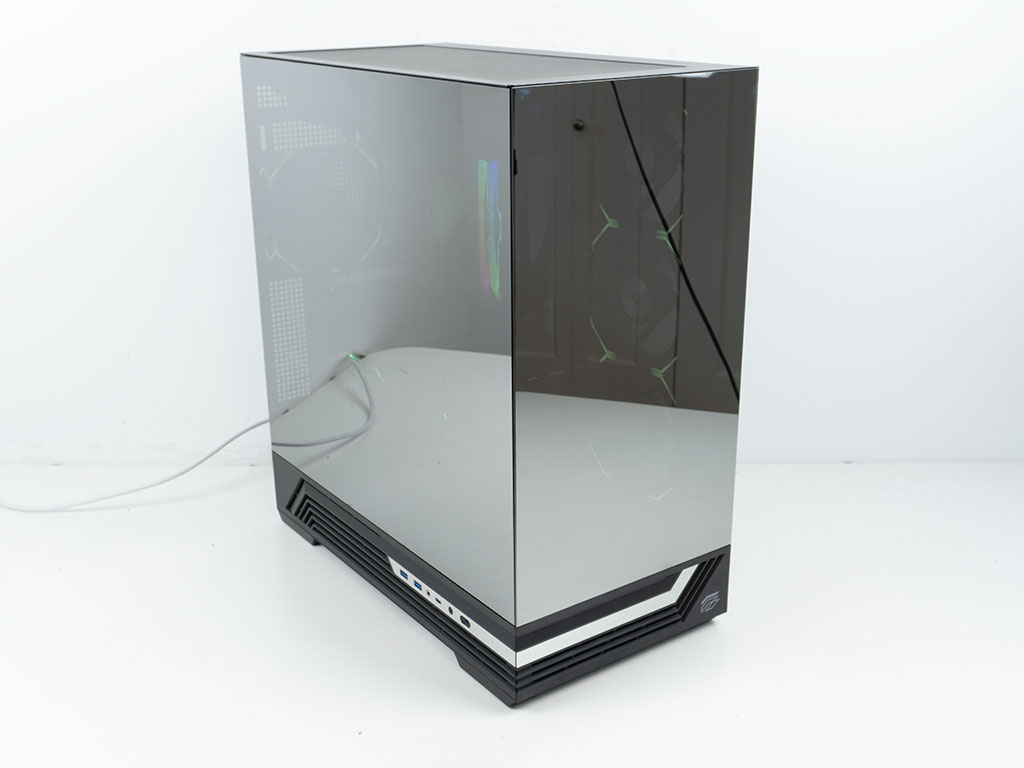
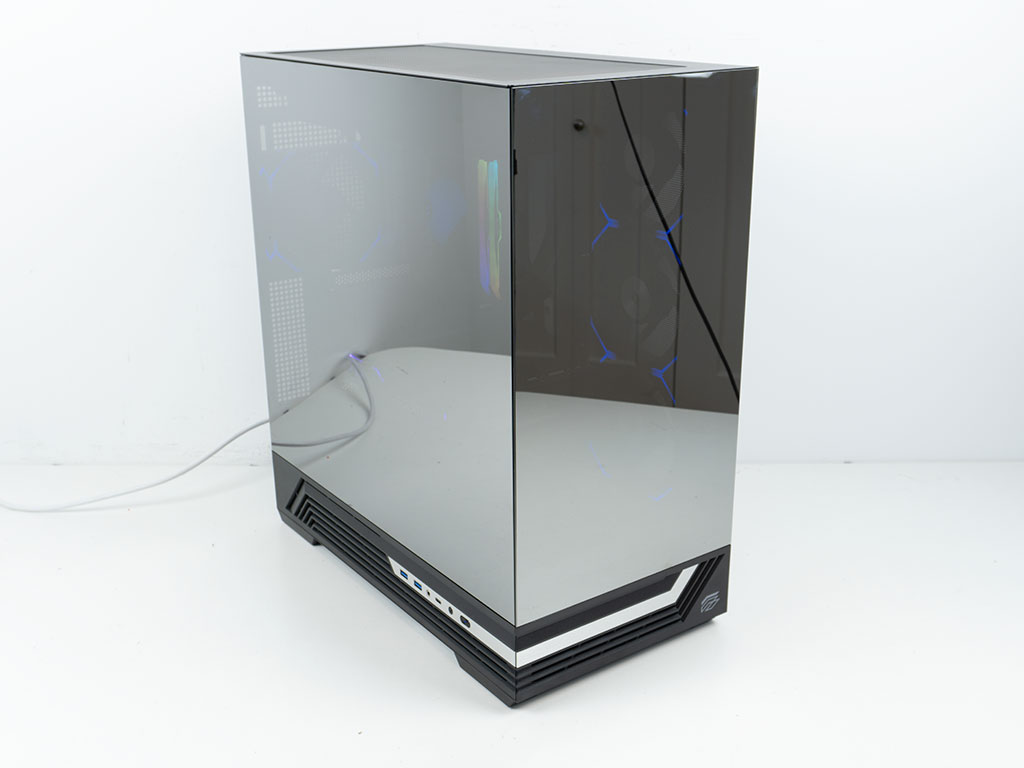
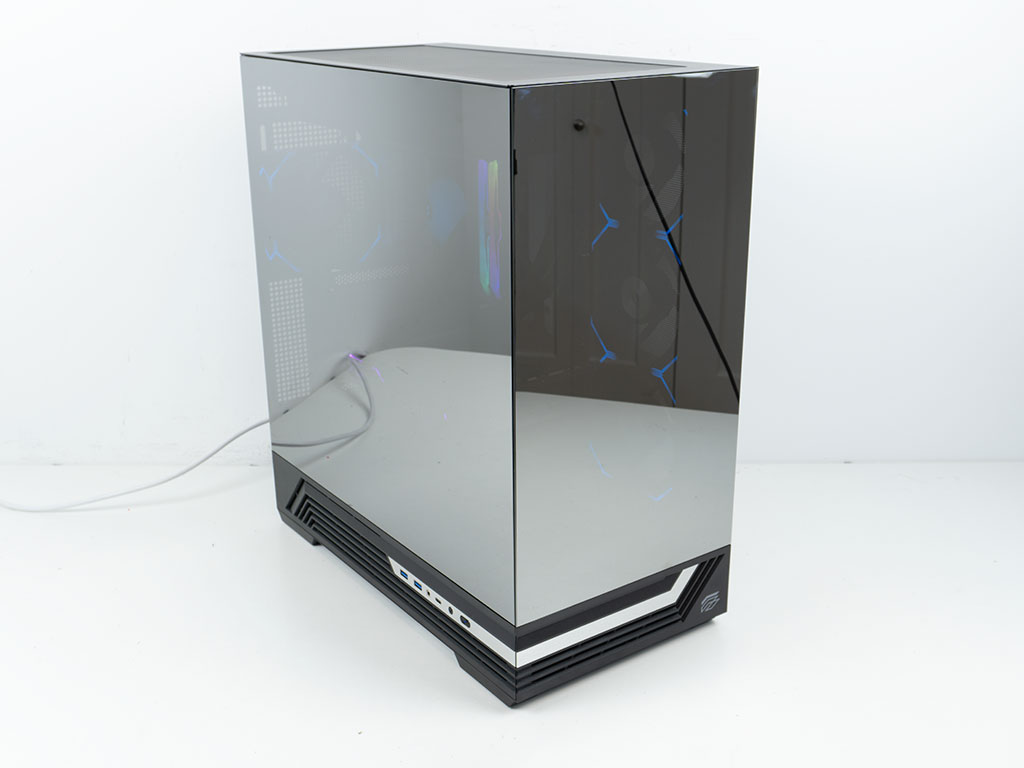
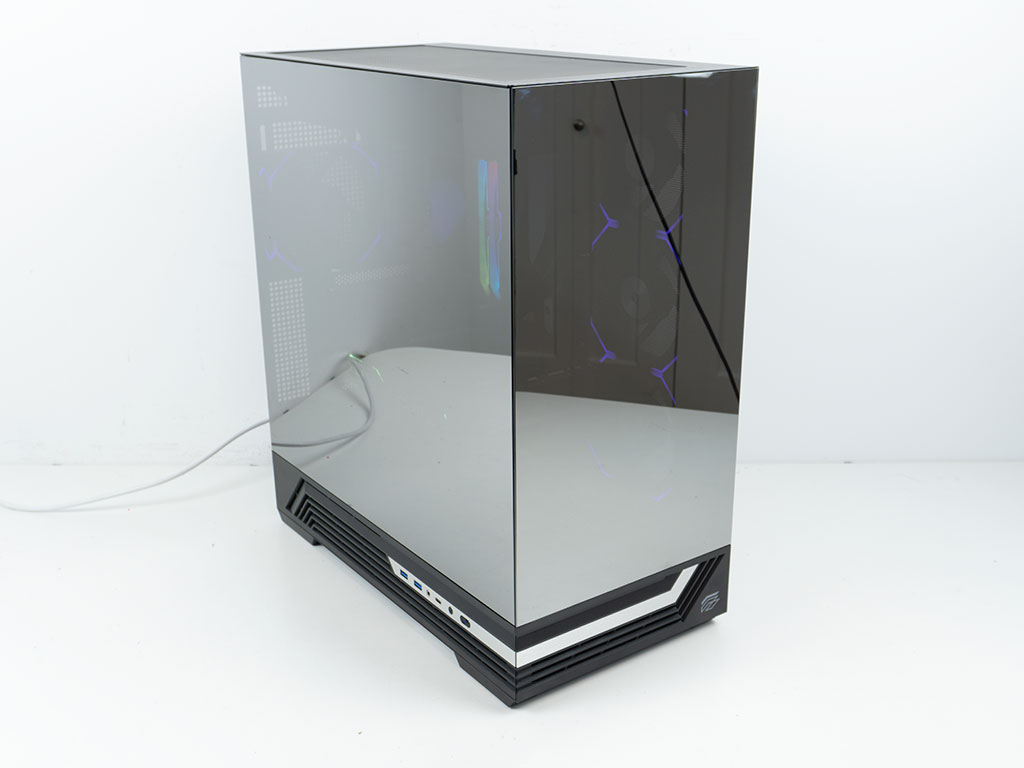
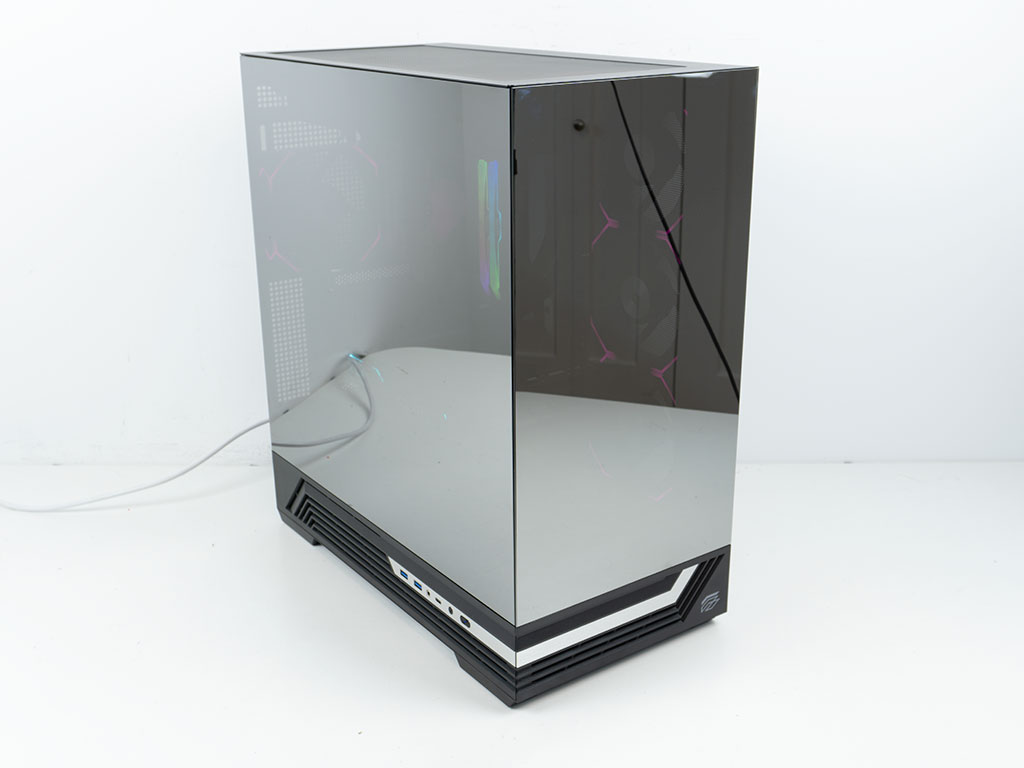
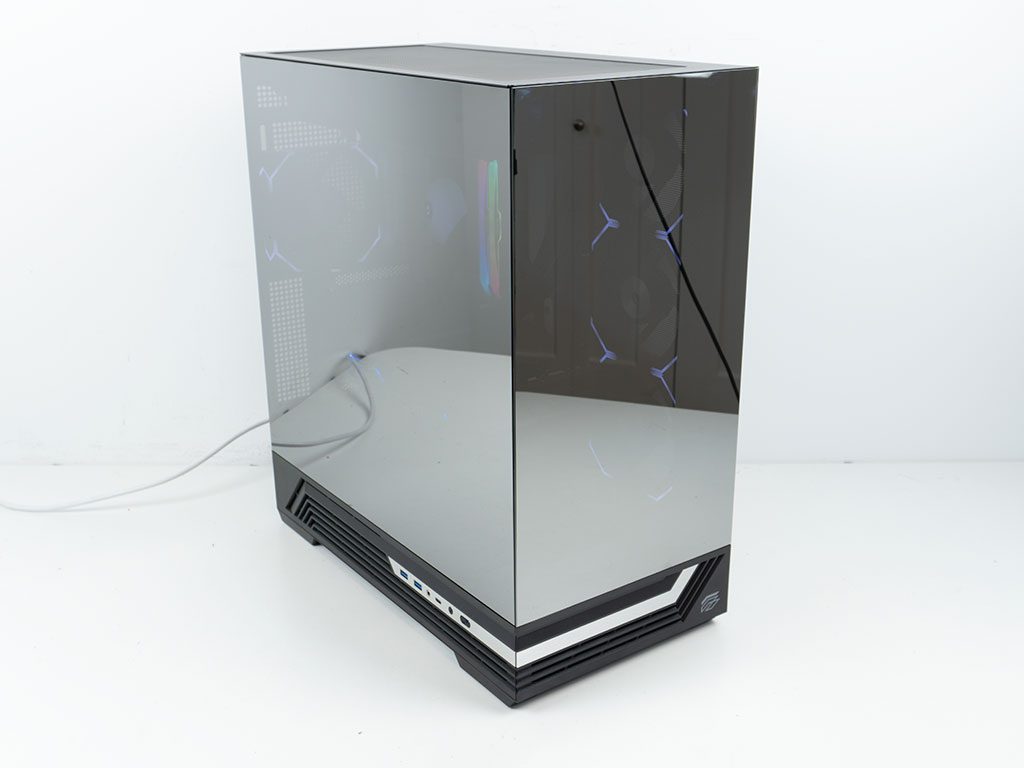
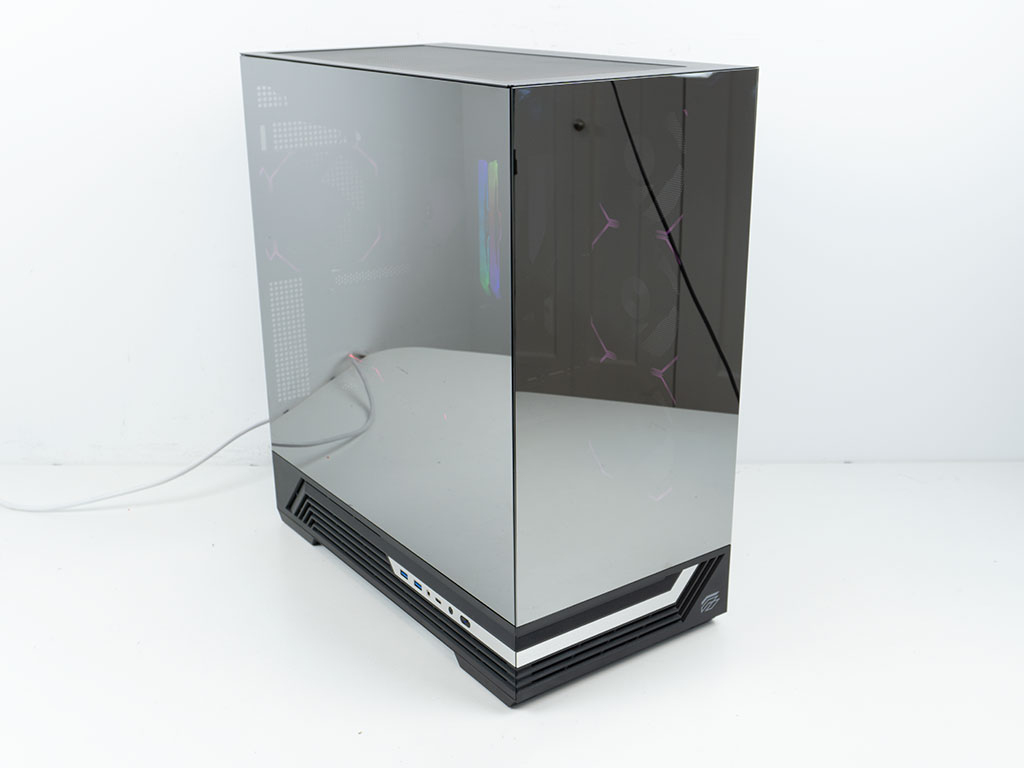
Turning the system on, the mirror finish reflects the surroundings of the photo studio and thus diminishes the glow from any internal components in our pictures. Under normal conditions, this won't be so drastic of course. A small blue power LED also lights up at the center of the elongated power button to let you know the system is up and running.
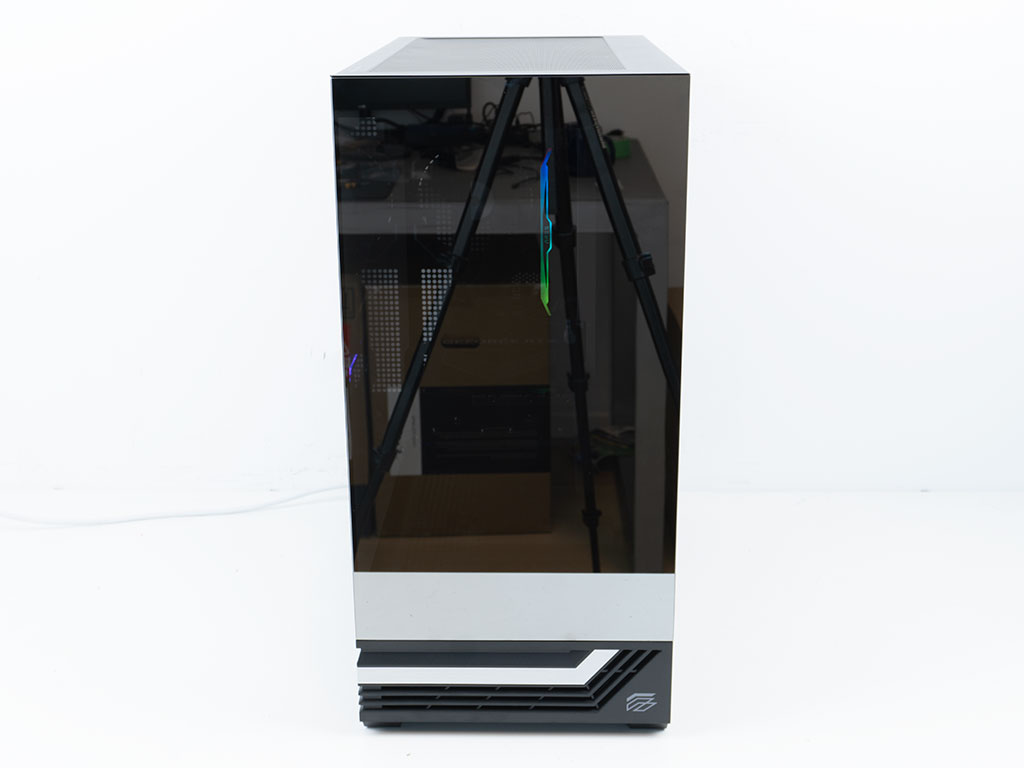
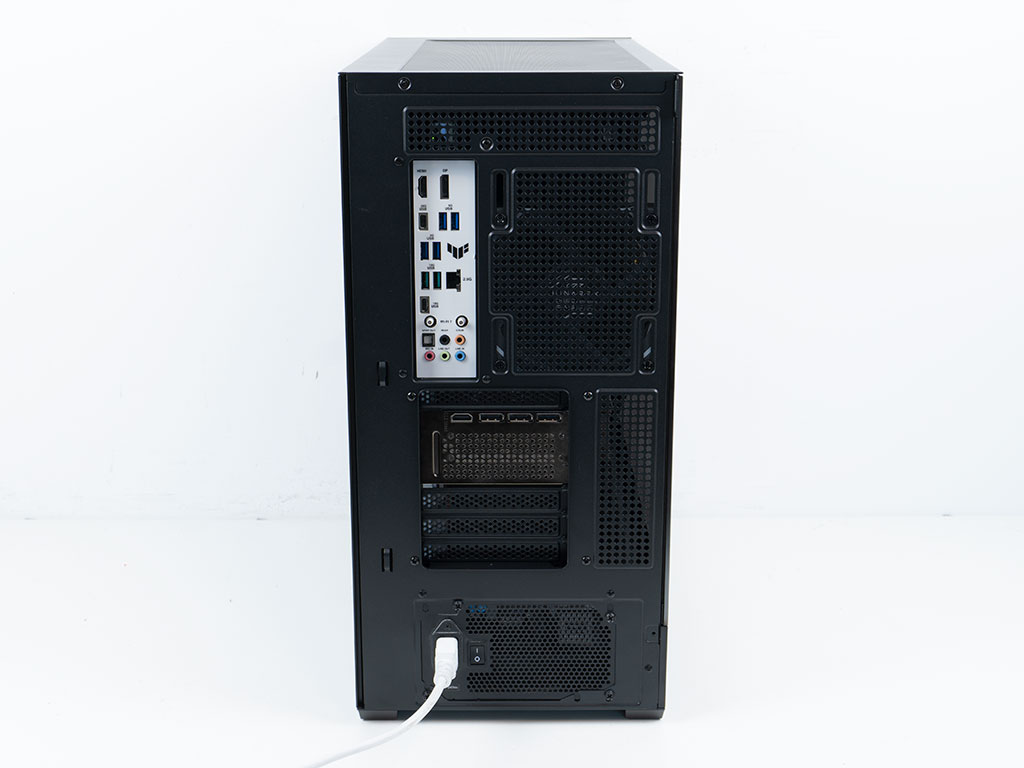
Due to that mirror finish in combination with the subtle frame based RGB of the included fans there isn't much to see from the front. In the rear everything is where you would expect to see it, and the two hooks for external cable management turn out to be very well-placed to accommodate both the motherboard backplate and any expansion slots. One could argue that a third hooking position in between the two would be ideal, but having the pair is already a big step in the right direction.
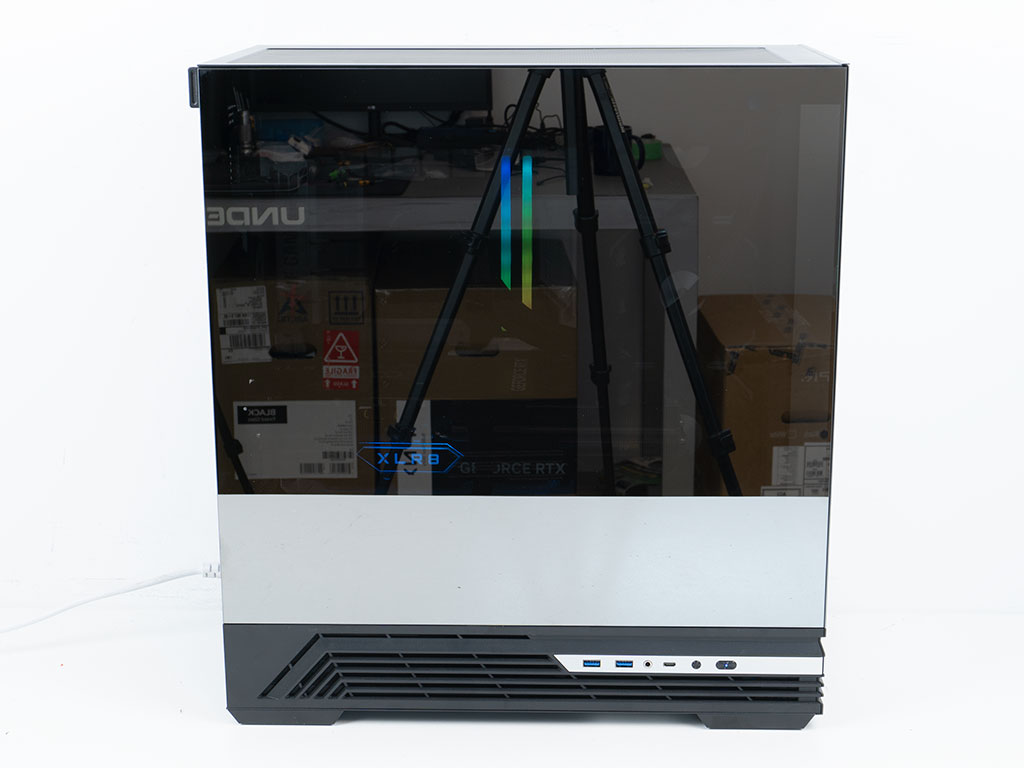
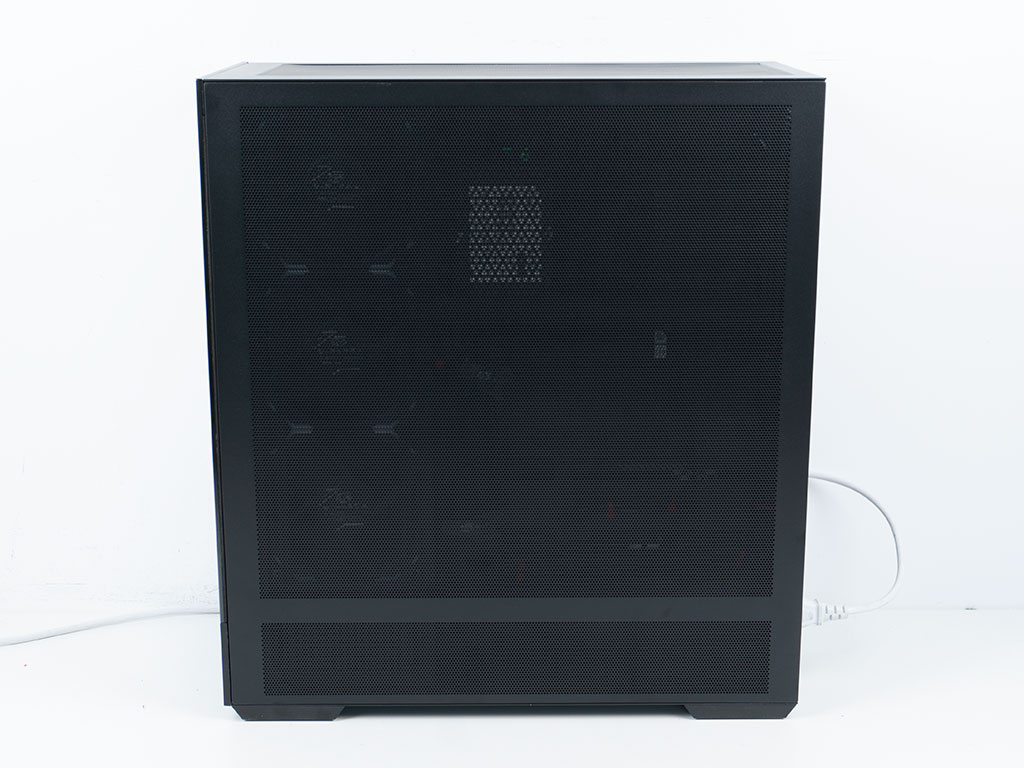
When viewed from the side, the Einarex Prisma S800 doesn't just provide you that gentle glow of the interior RGB elements a bit better, but also a clear view of what's happening behind the camera in our photo studio. Turns out we snapped our images too quickly and the controller had not yet kicked in to drive illumination of the fan RGB elements in the above pictures, but you can refer to the finished look above and see those in the gallery below in form of the solid color options the controller provides. On the other side, you can clearly see the fans and their ARGB elements. On top of that, any bright labels from drives or the PSU will also be visible.
Nov 25th, 2026 16:46 CST
change timezone
Latest GPU Drivers
New Forum Posts
- {NA} 2026 Black November prices / deal (7)
- TPU's Nostalgic Hardware Club (22208)
- Which ryzen am5 cpu ? (217)
- UPS what one to get? (74)
- More Nova Lake specs (5)
- Share your CPUZ Benchmarks! (2680)
- X79 and/or rampage IV OC'ing thread for those of us still left.... (2457)
- Asus Rog Maximus Z890 Extreme. (Various questions). (38)
- Can you guess Which game it is? (362)
- Claude credits purchased on or after Dec. 7 now have an expiry date (13)
Popular Reviews
- ASRock X870E Challenger Wi-Fi White Review
- Microsoft Surface Laptop Ultra Review - The Next-gen Arm Laptop
- VZMORE AX9 Max Review
- Upcoming Hardware Launches 2027 (Updated Nov 2026)
- AMD Ryzen 7 9800X3D Review - The Best Gaming Processor
- AMD Zen 6 Technical Deep Dive
- Corsair RM1200e (Second Generation) Review
- Phantom Blade Zero Performance Benchmark Review - 35 GPUs Tested
- Pulsar Office Tour & First Look at P1 Dual-Sensor Mouse
- Ocypus lota P1000 Review
TPU on YouTube
Controversial News Posts
- Jensen Huang Reinstated as CEO of NVIDIA (570)
- NVIDIA Co-Founder and CEO Jensen Huang Officially Resigns (492)
- Report: Jensen Huang Eyes NVIDIA Comeback (281)
- Open Letter Asking NVIDIA to Reinstate Jensen Huang Passes 115,000 Signatures (184)
- OpenAI CEO Argues Home PCs Waste the World's Limited DRAM Supply (152)
- NVIDIA Launches Investigation Into Jensen Huang's Relationship With Suspected Chinese Spy (136)
- Intel "Raptor Lake Next" 16-Core and 20-Core CPUs Surface (130)
- Intel Razor Lake Gets a 12 P-Core bLLC Chip With No E-Cores, Per Leak (94)