 51
Elden Ring Benchmark Test & Performance Analysis Review
(51 Comments) »Introduction
Elden Ring is the newest release by From Software, maker of the legendary Dark Souls Series, Bloodborne, and Sekiro. The basic game principle is identical to those titles. You're playing a hero in third-person perspective who has to battle it out with various enemies, most of which are super tough and require strategy, patience, and a high frustration tolerance. While there's plenty of "campfires" to rest, the problem is that as soon as you rest, all enemies respawn.Not sure if the backstory of Elden Ring really matters, but there was once a powerful ring—the Elden Ring—that was smashed into pieces. These pieces are called "Great Runes" and your mission is to find them all, rebuild the Ring, and become the Elden Lord.

Developed by From Software and published by Bandai Namco, Elden ring is available on all the consoles and Windows. It is based on the company's own "Souls" Engine, which also powered titles like Bloodborne, Dark Souls 3, and Sekiro. Of course, there have been significant improvements to the technology, the most important of which is that Elden Ring runs exclusively on DirectX 12. Another novelty is ray tracing, but that capability will only be added after launch. Just like other From Software titles, the FPS rates are capped at 60, which makes a detailed performance analysis a bit more complicated. In this review, we compare Elden Ring across a wide range of graphics cards to show you what you need for the resolution you want to play at.
Screenshots
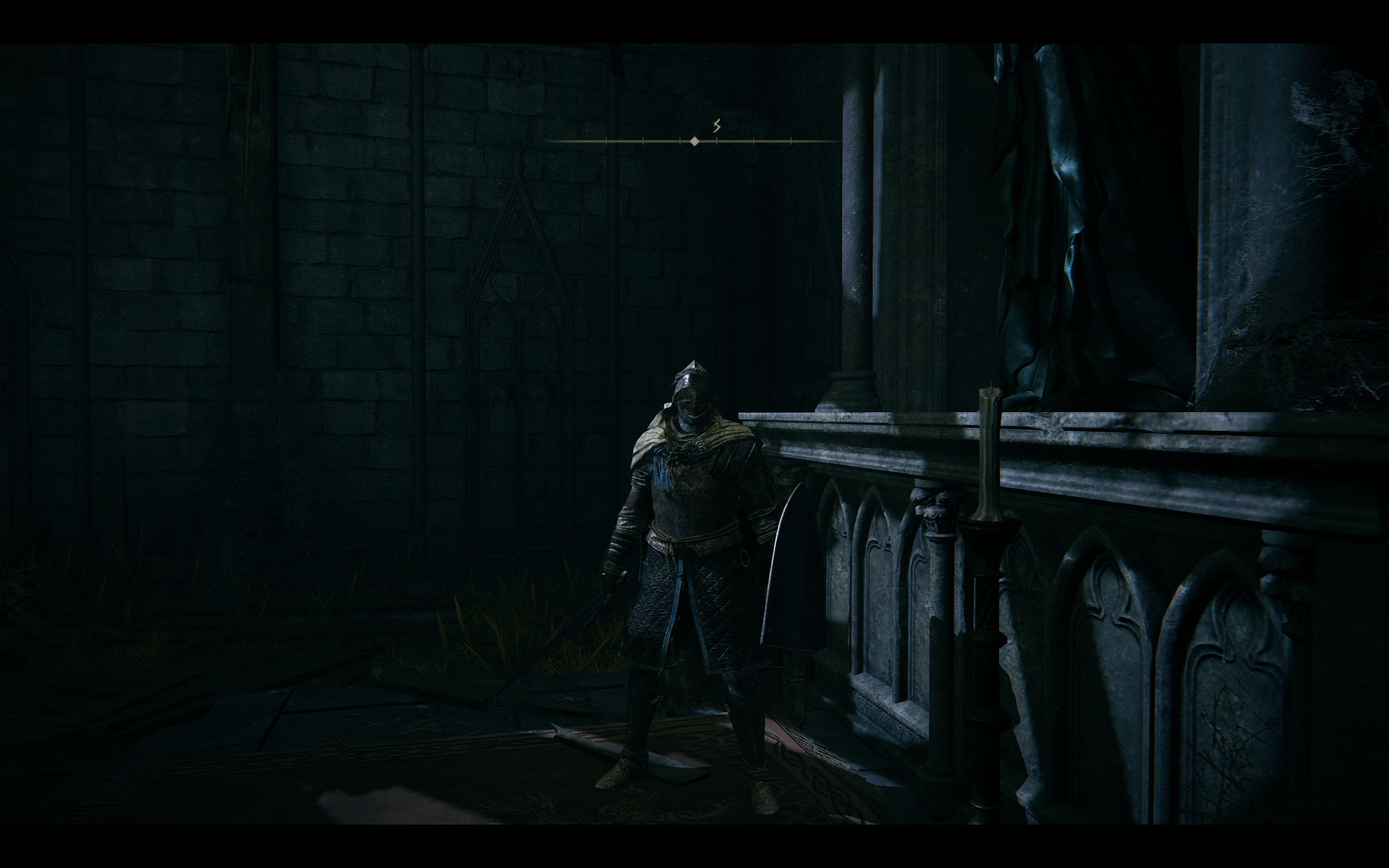
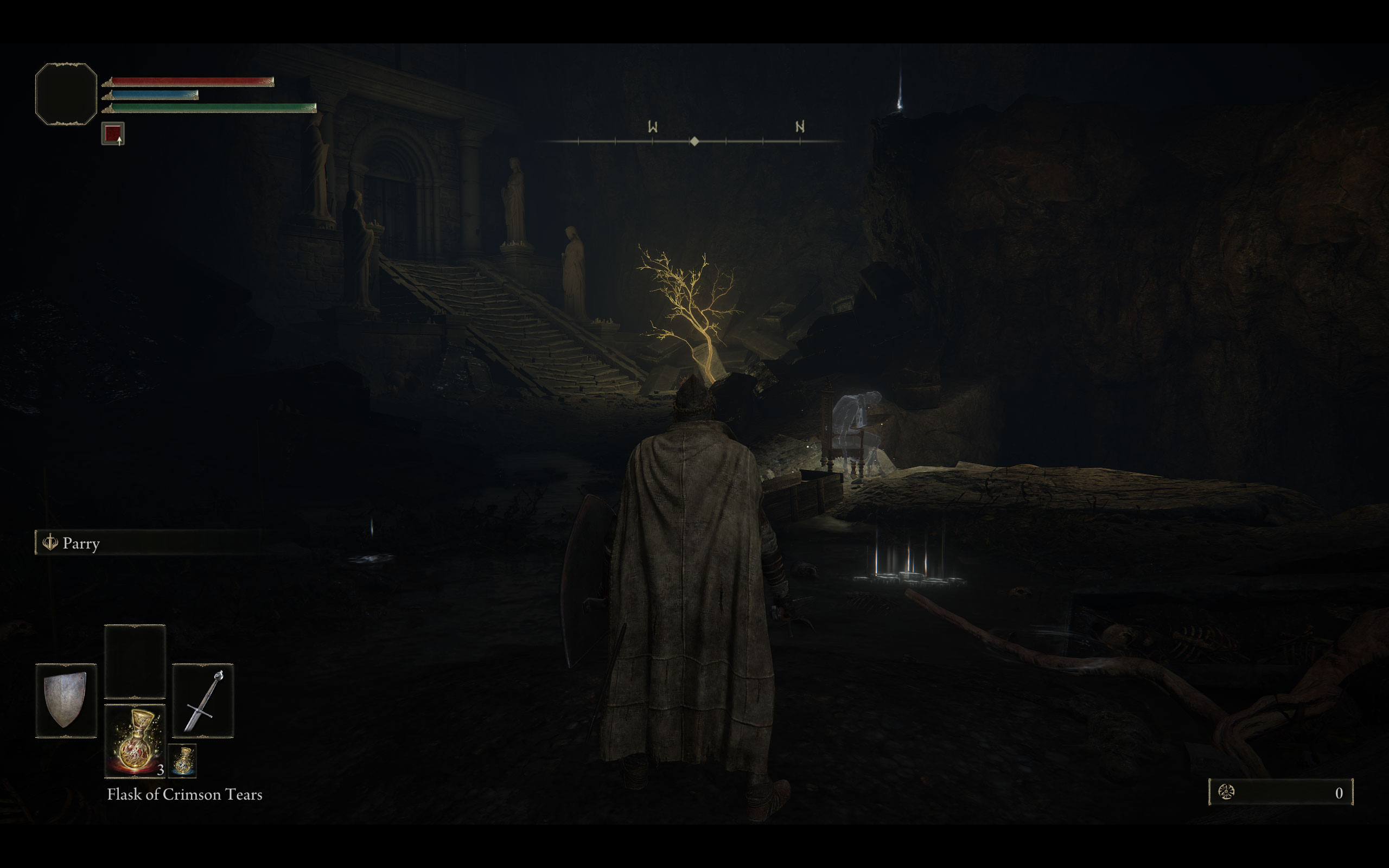
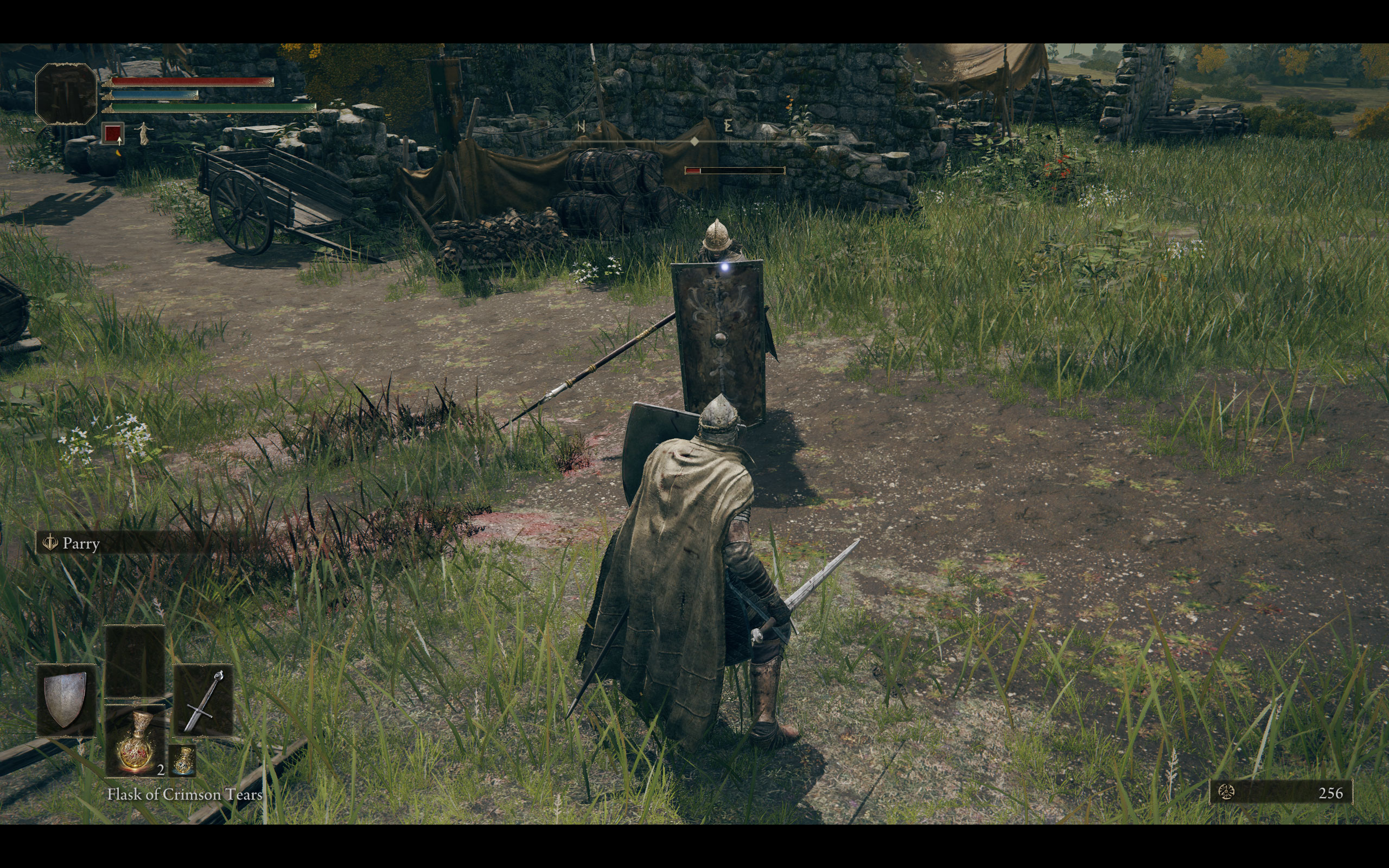
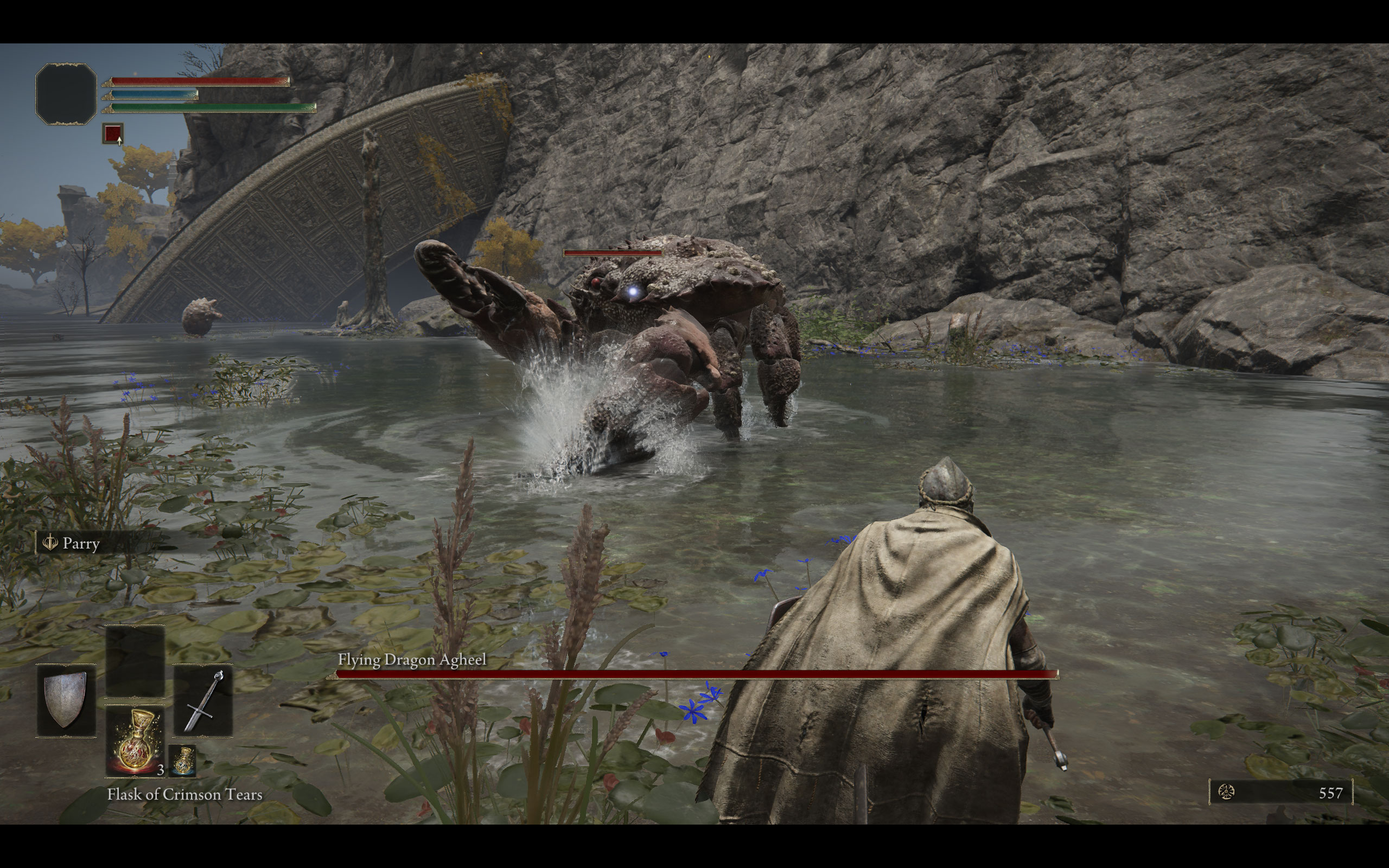
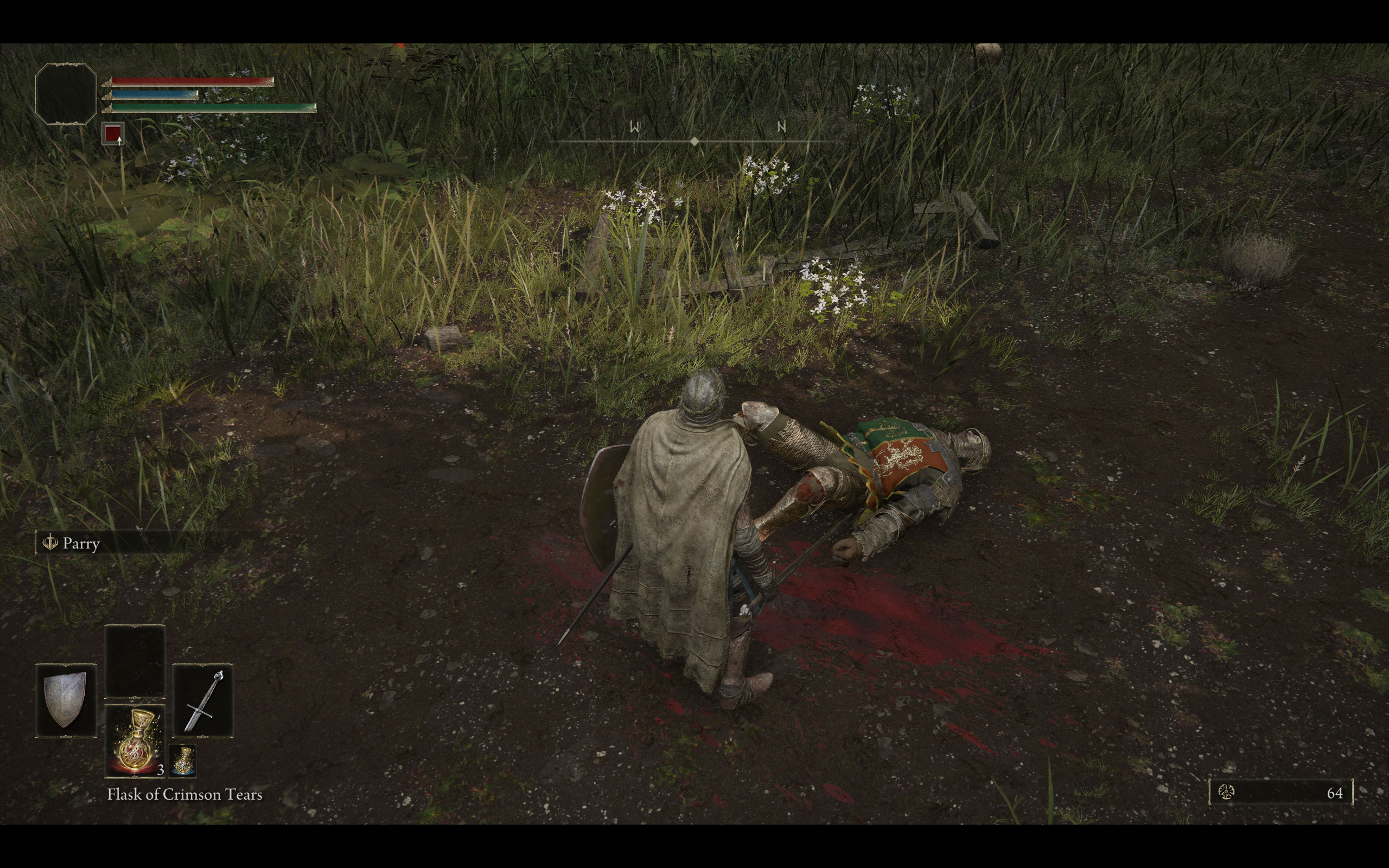
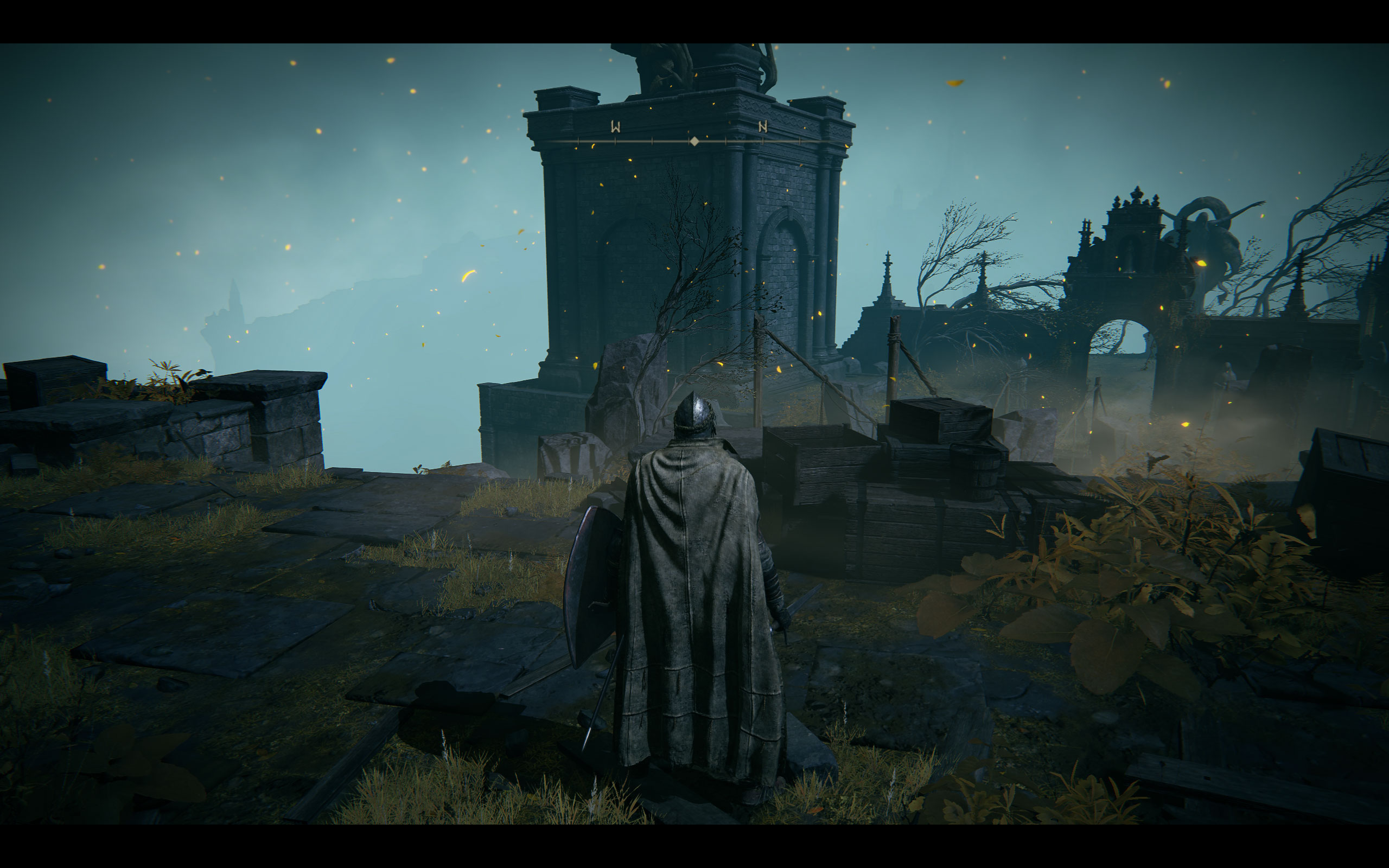
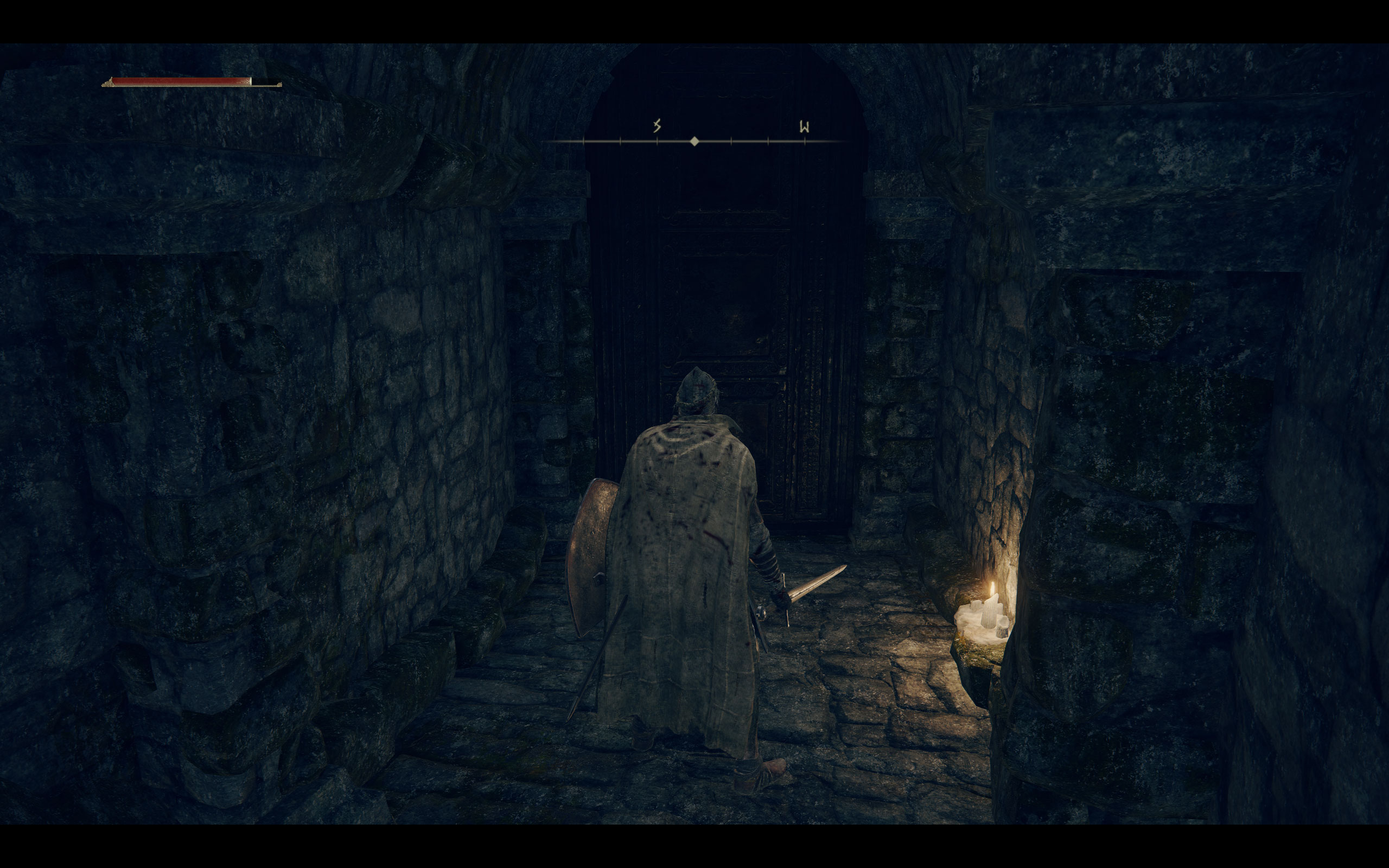
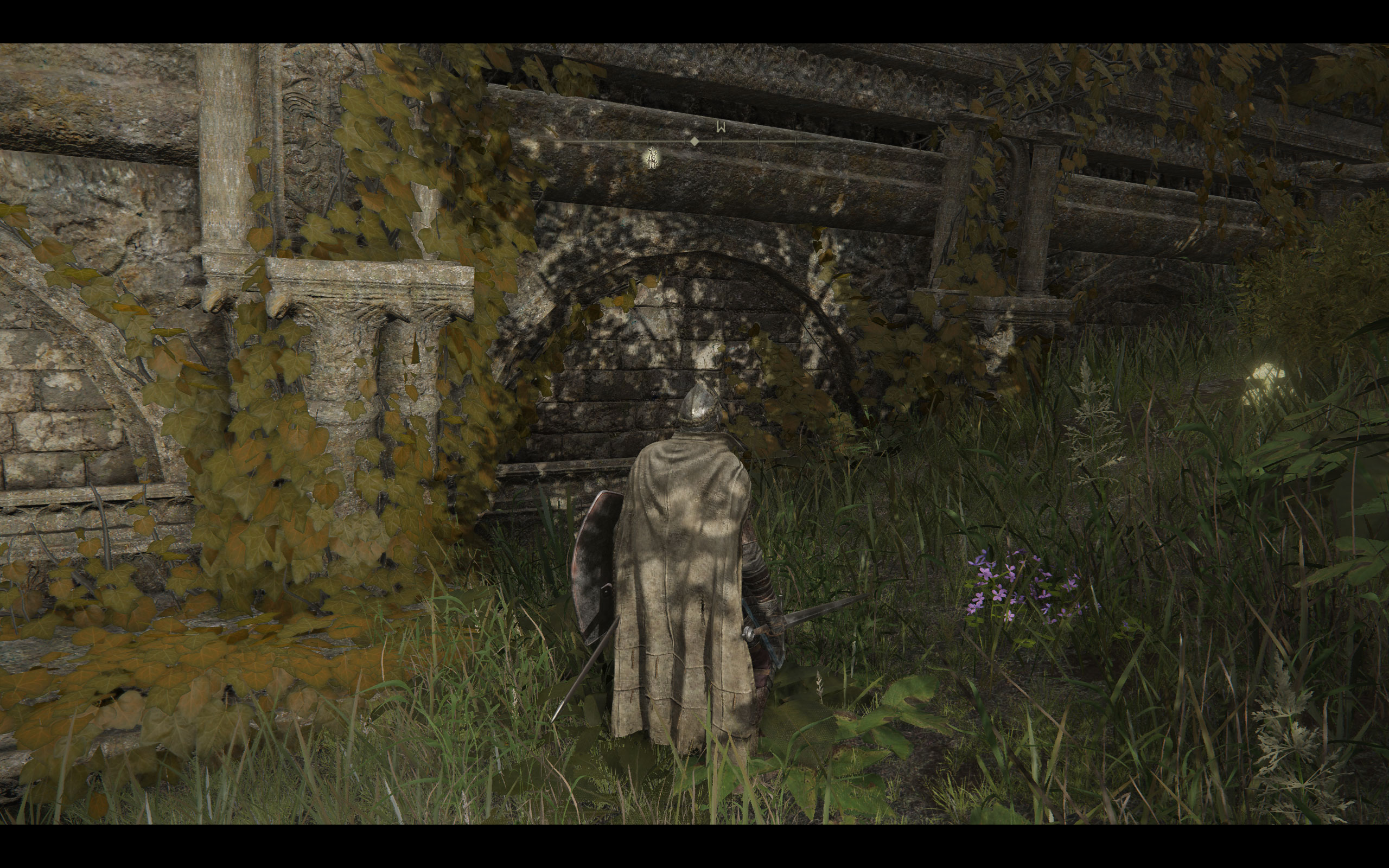
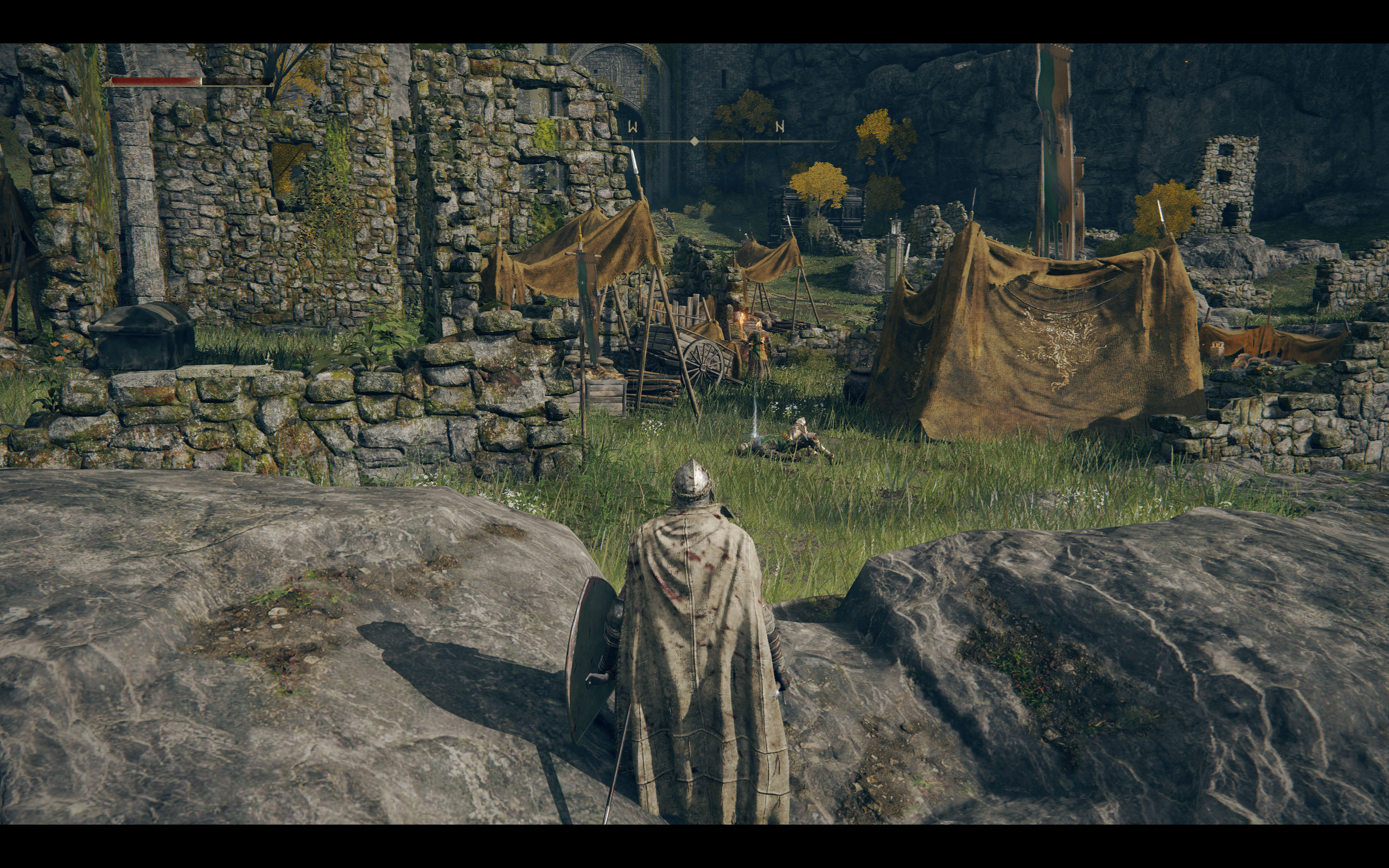
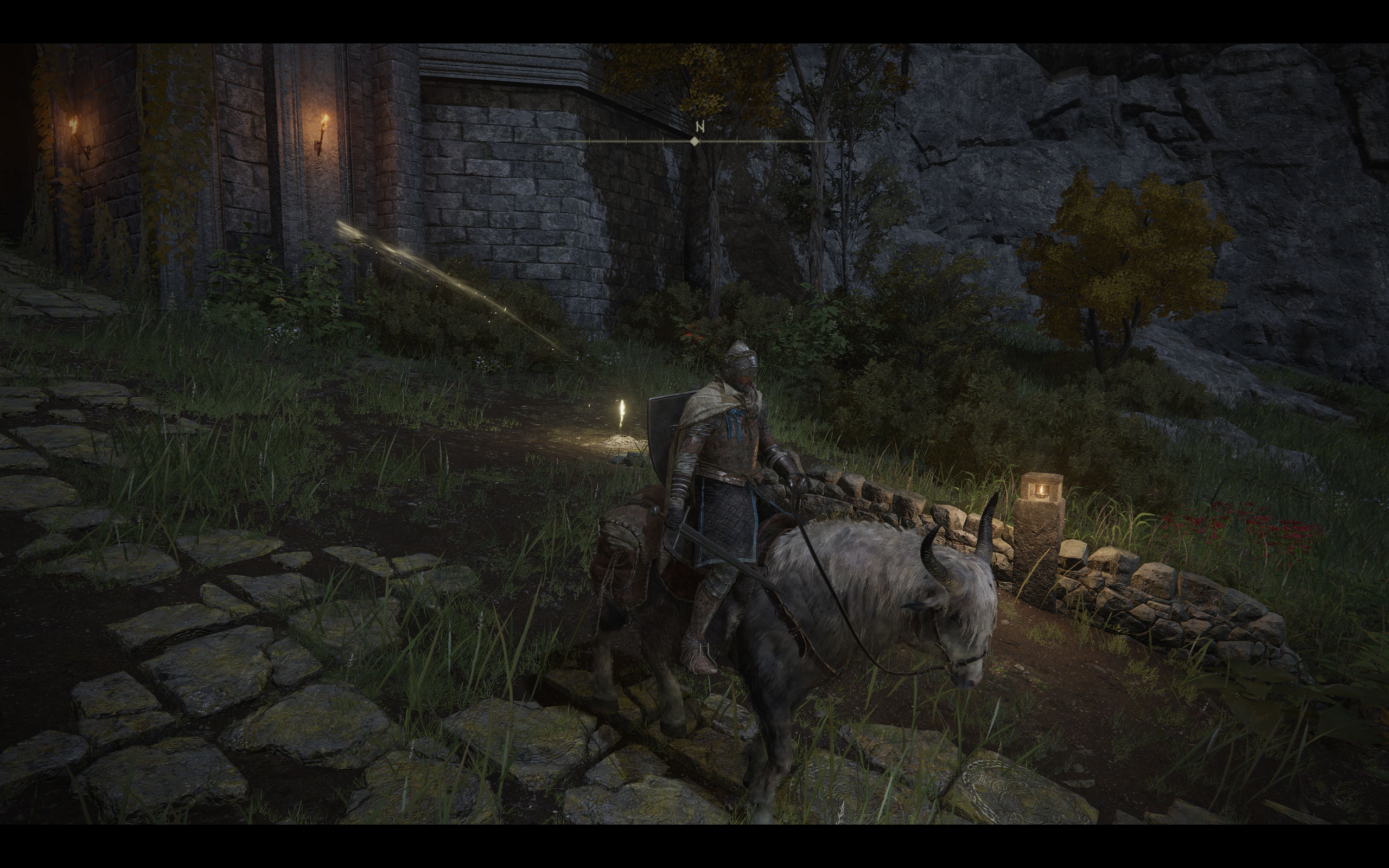
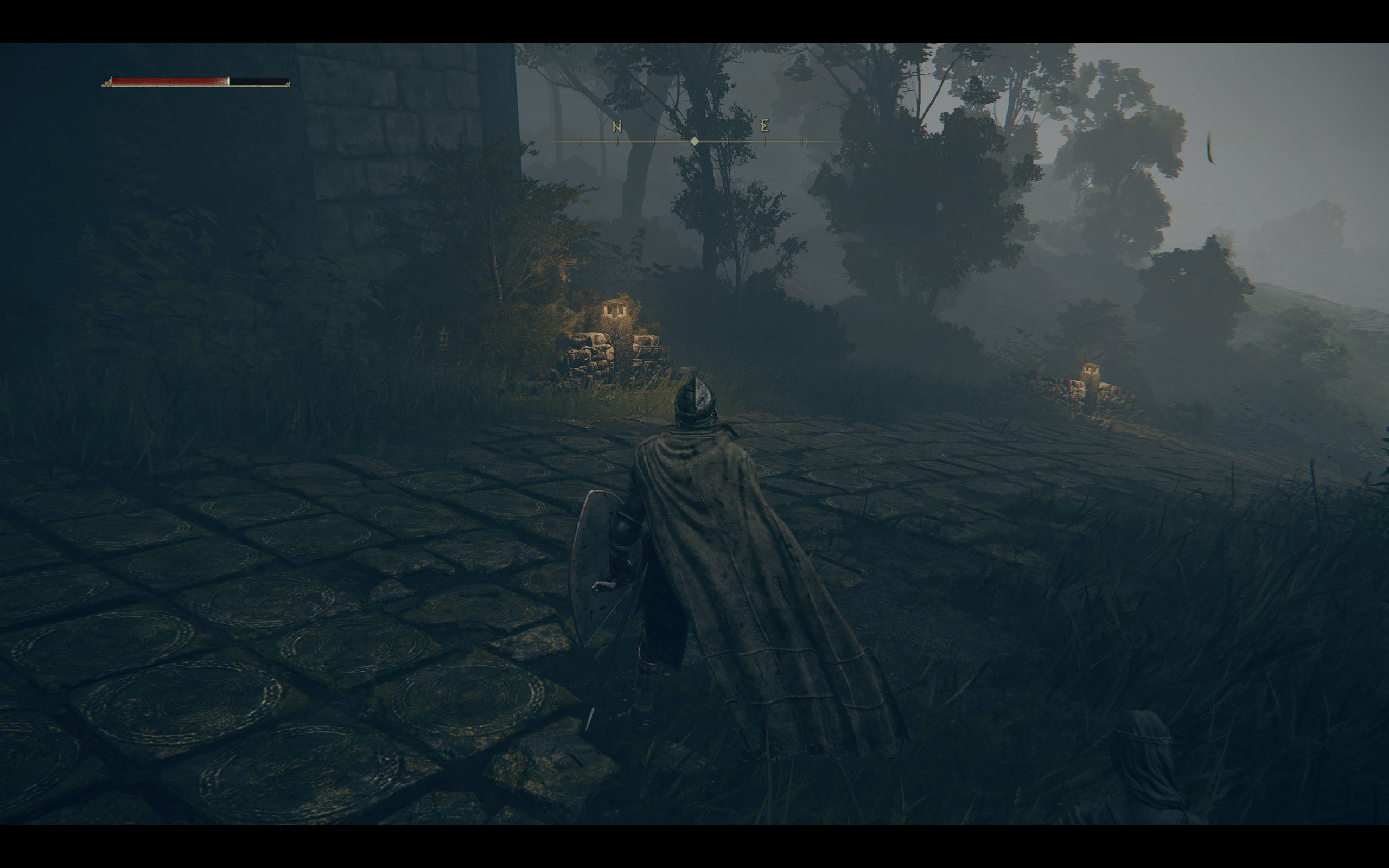
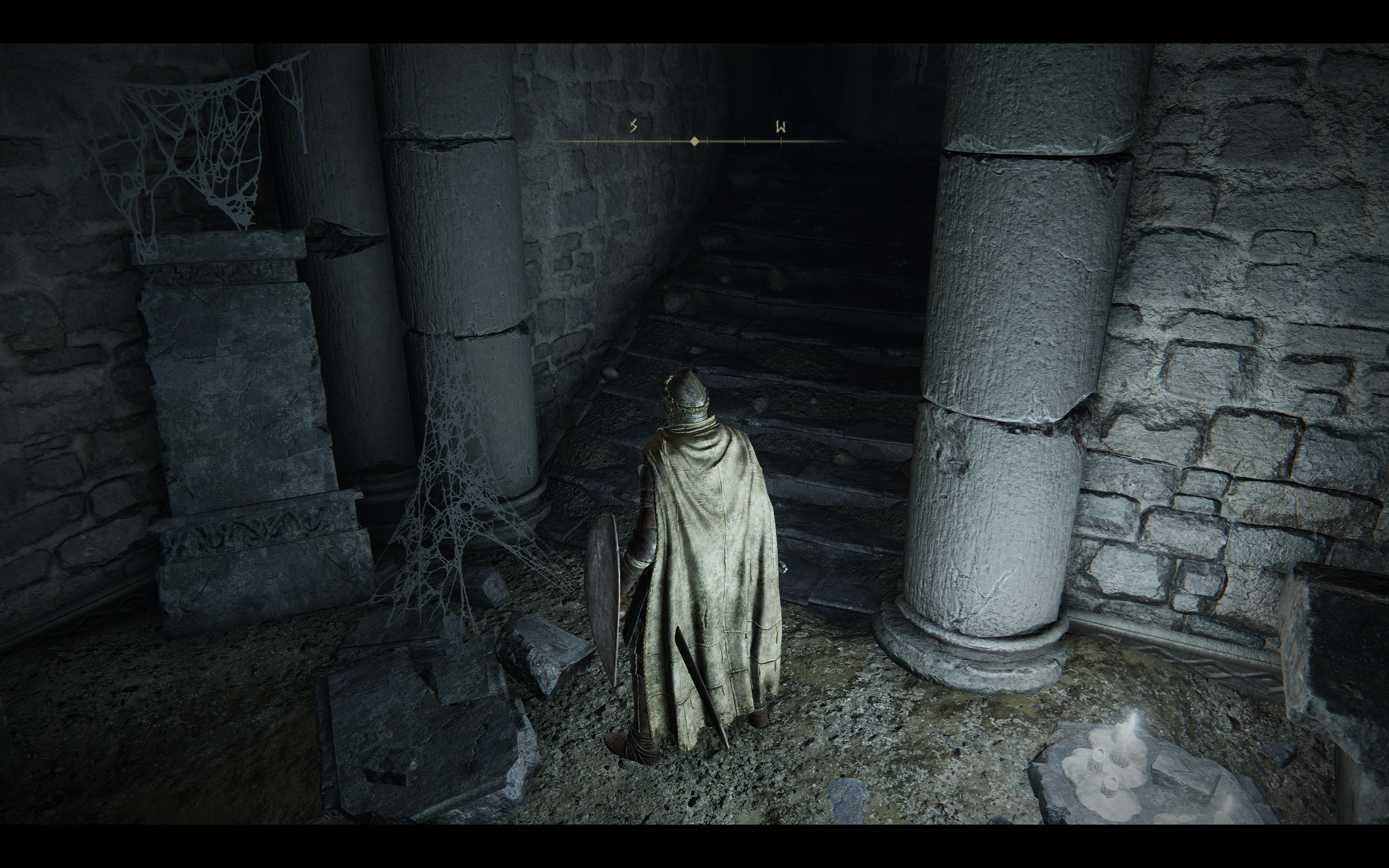
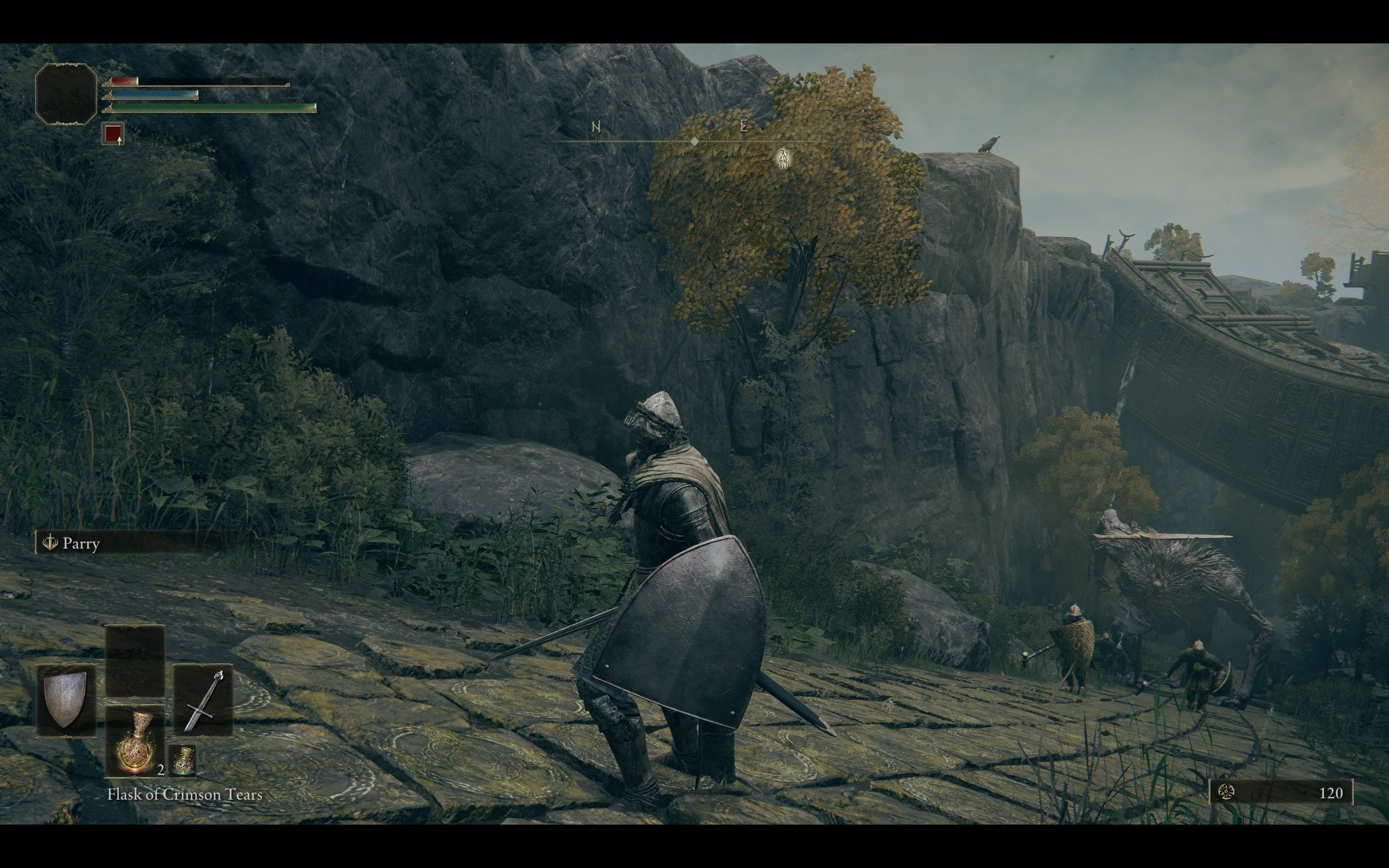
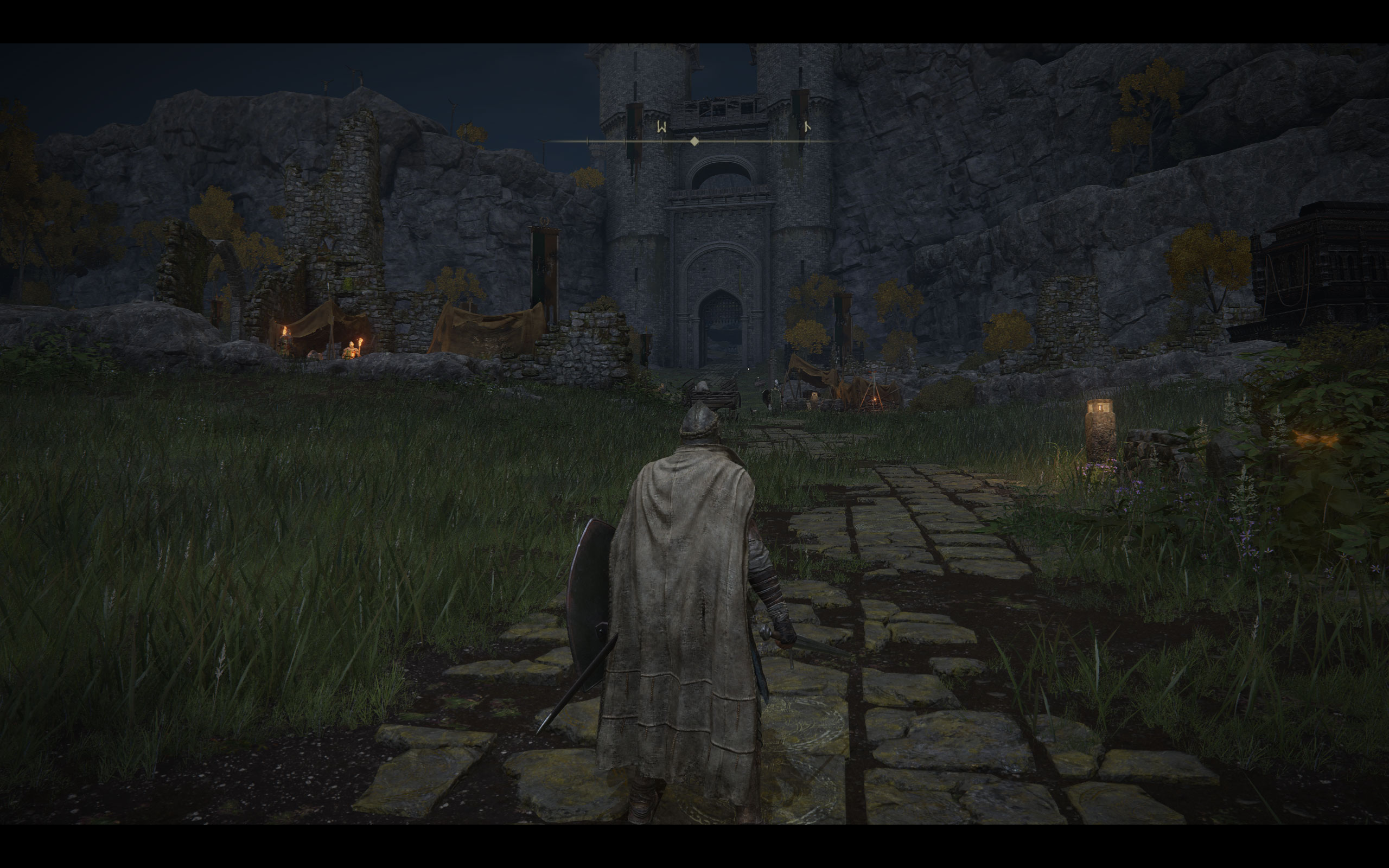
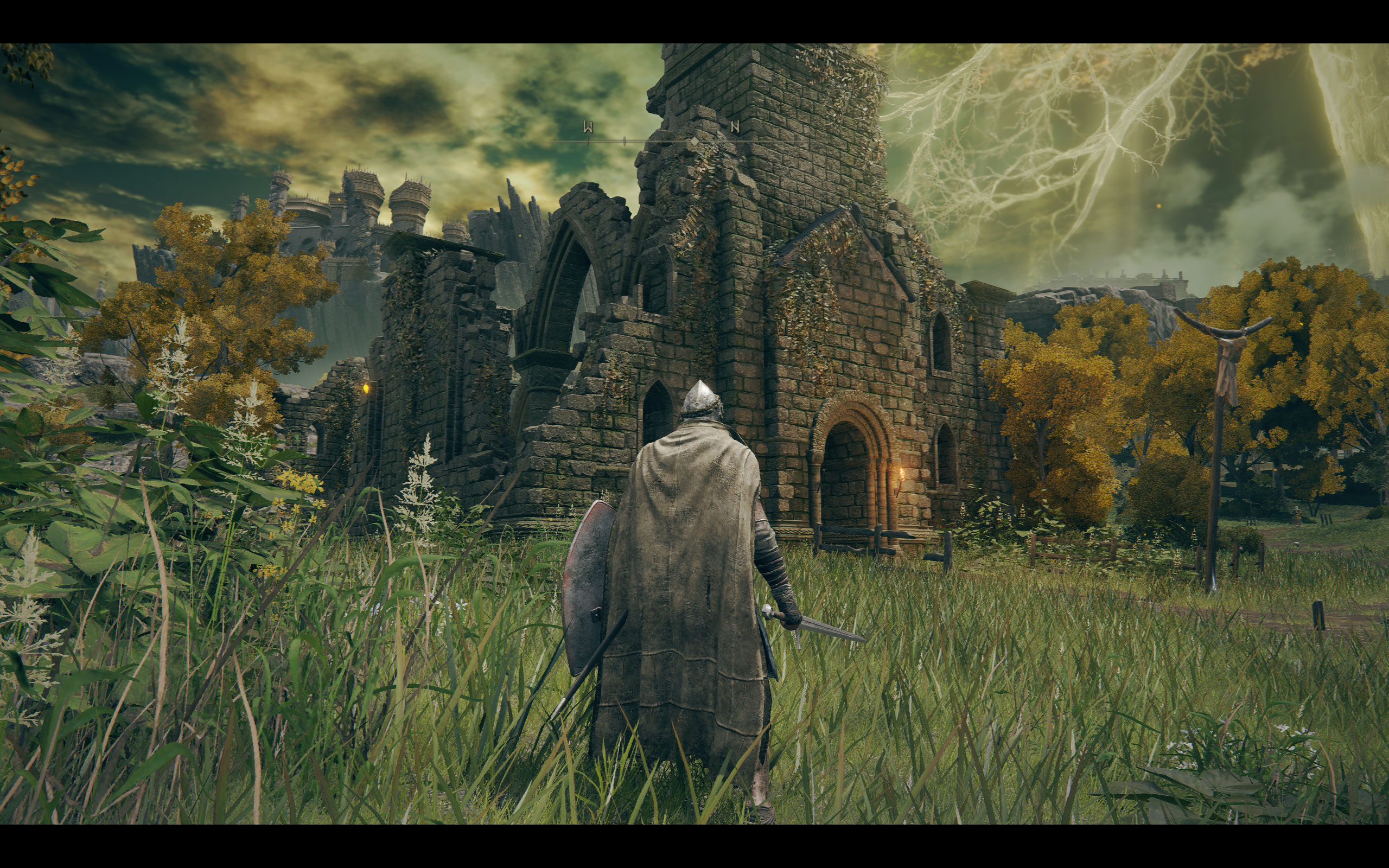
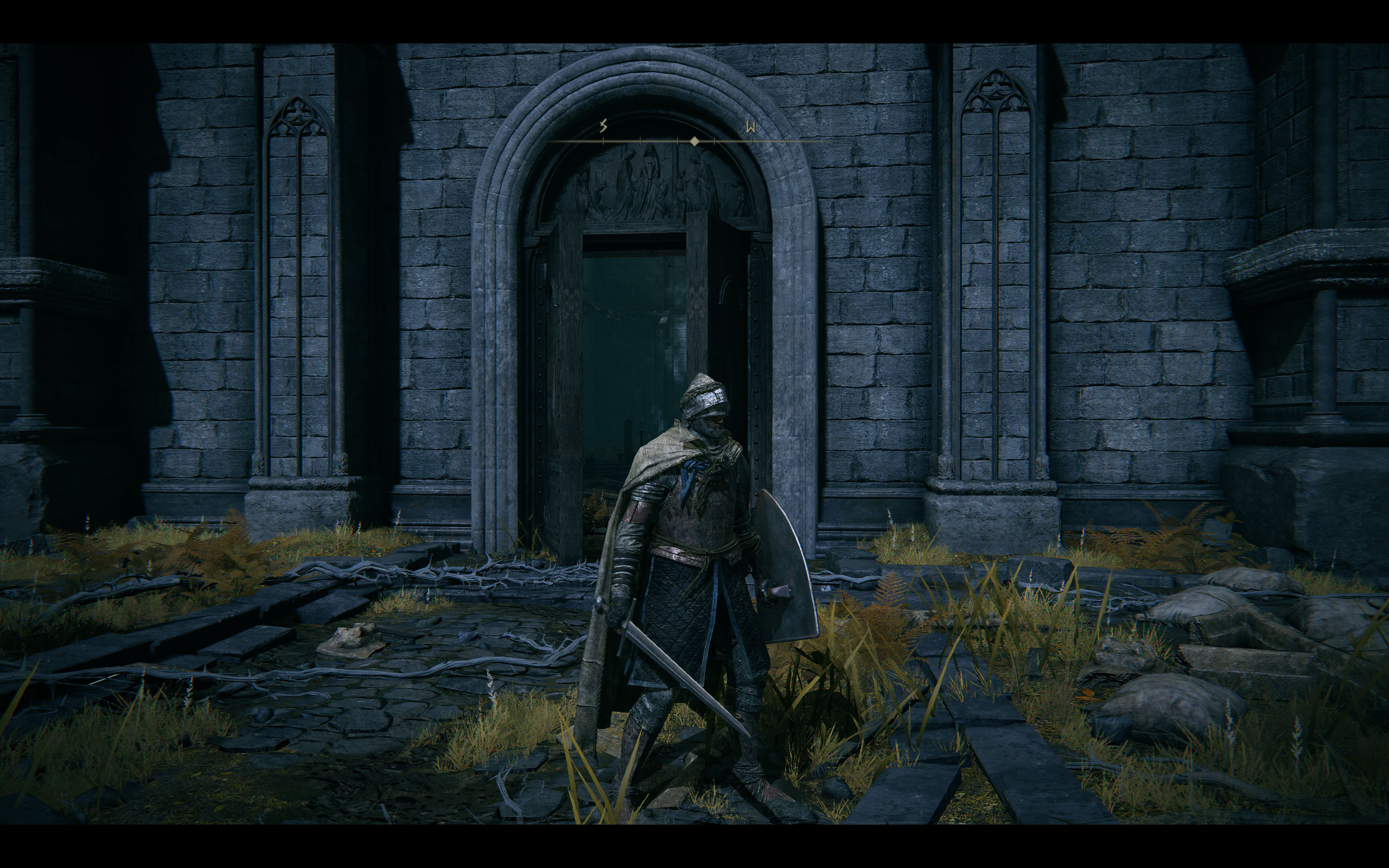
All screenshots were taken at the "Maximum" settings profile. The gallery can be navigated with the cursor keys.

















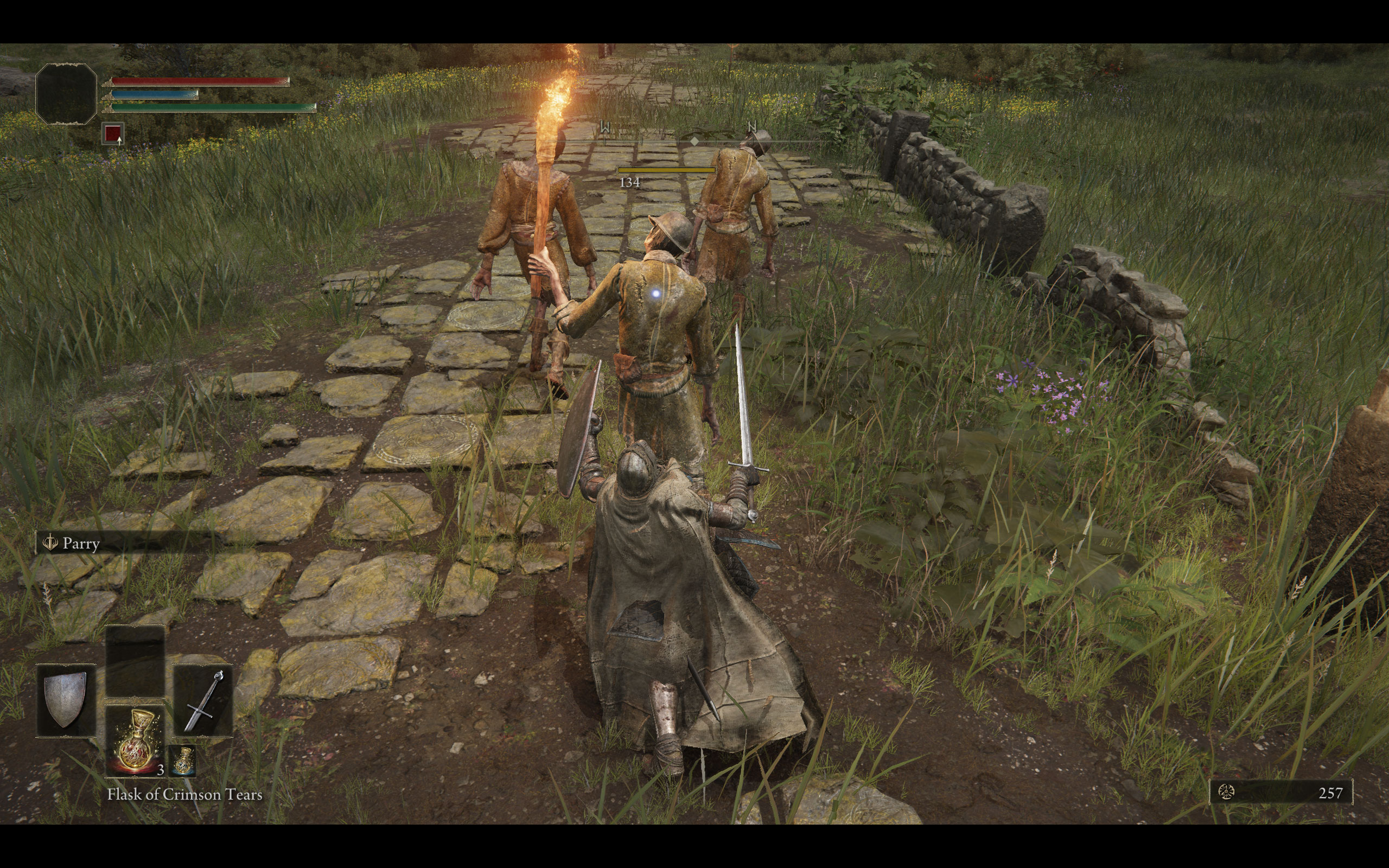
Graphics Settings

- The first section deals with the usual monitor-related settings.
- Elden Ring supports fullscreen, windowed, and borderless.
- If you switch to borderless, you can still adjust the rendering resolution, which lets you hack in a resolution scaling feature. This not only allows upscaling from a lower resolution, but also supersampling. In the case of my 2560x1600 native resolution, I could pick 3840x2400—the game was now super sharp and crisp, and the GPU load went up accordingly, so it works.
- While a non-16:9 resolution can be selected, the game will run with black bars on the top and bottom to maintain the 16:9 ratio.
- The details setting presets are "Maximum," "High," "Medium," and "Low." The next page has a comparison between those.

- The "advanced" screen has lot of additional setting options to further fine-tune performance.
- You can completely turn off motion blur.
- What you can't turn off is that Elden Ring is locked to 60 FPS. This is not V-Sync, but a framerate limiter.
- Ray tracing will be added in a future patch.
Our Patreon Silver Supporters can read articles in single-page format.
Nov 18th, 2026 04:27 CST
change timezone
Latest GPU Drivers
New Forum Posts
- Wireless Internet sharing between PC and router both-ways, is it possible? (9)
- 9070 GRE 3.9ghz validation reached. (20)
- RX 580 2048SP 8GB Samsung – Black Screens in Games, Looking for a Compatible BIOS (0)
- Will zen 6 mobos have anything extra vs current ones? (54)
- [Poll] 12V-2x6 Connector Protection: What Are You Using? (WireView / Ampinel / Equalizer / Other / Nothing) (31)
- Hi, just to say thanks and who I am (5)
- Without Jensen, PC gaming will be (39)
- GIGABYTE - H55N-USB3 ITX Upgrade experience (1)
- WarpCoreBench scores! (58)
- nvidia 4000 ada lovelace on windows 7 ? (8)
Popular Reviews
- Acemagic Retro X3 Review
- Upcoming Hardware Launches 2027 (Updated Nov 2026)
- AMD Zen 6 Technical Deep Dive
- ASUS ROG Strix B850-I Gaming Wi-Fi7 W Review
- Corsair HX1000i Shift Crystal Review
- Chieftec Iceberg PRO 360 DARK Review
- AMD Ryzen 7 9800X3D Review - The Best Gaming Processor
- Phantom Blade Zero Performance Benchmark Review - 35 GPUs Tested
- Biwin Black Opal NV7400 2 TB Review
- Montech King 95 3D PRO Review
TPU on YouTube
Controversial News Posts
- NVIDIA Co-Founder and CEO Jensen Huang Officially Resigns (468)
- Open Letter Asking NVIDIA to Reinstate Jensen Huang Passes 115,000 Signatures (184)
- OpenAI CEO Argues Home PCs Waste the World's Limited DRAM Supply (152)
- Report: Jensen Huang Eyes NVIDIA Comeback (150)
- NVIDIA Launches Investigation Into Jensen Huang's Relationship With Suspected Chinese Spy (136)
- Intel "Raptor Lake Next" 16-Core and 20-Core CPUs Surface (130)
- Legendary Game Studio BioWare Shuts Down Following EA Layoffs (104)
- Dell CEO Says the Memory Shortage Will Get Worse in 2027 (95)