 5
EUROCOM Raptor X16 Review - The Sweet Spot
Ports & Connectivity »A Closer Look - Outside
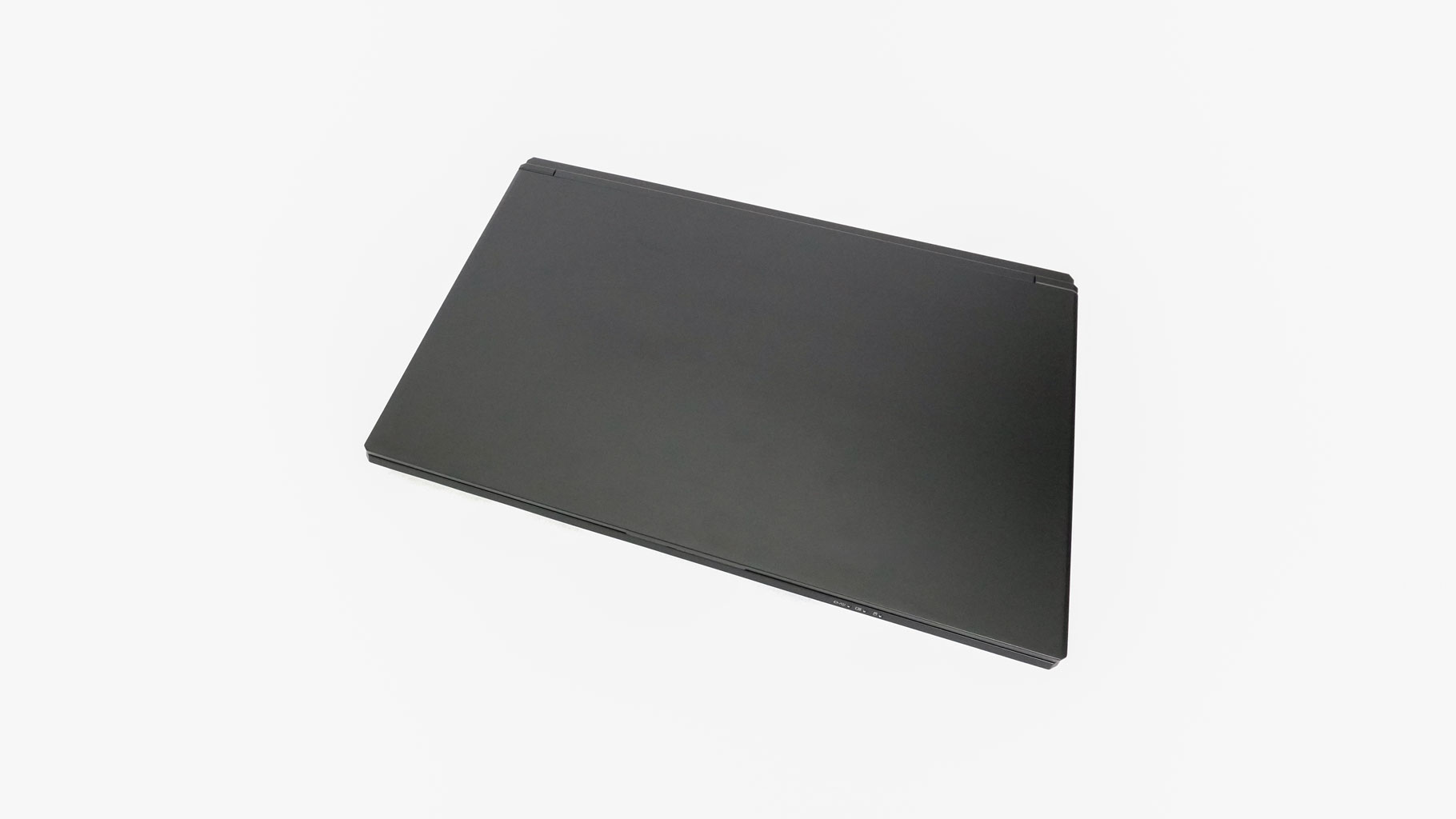
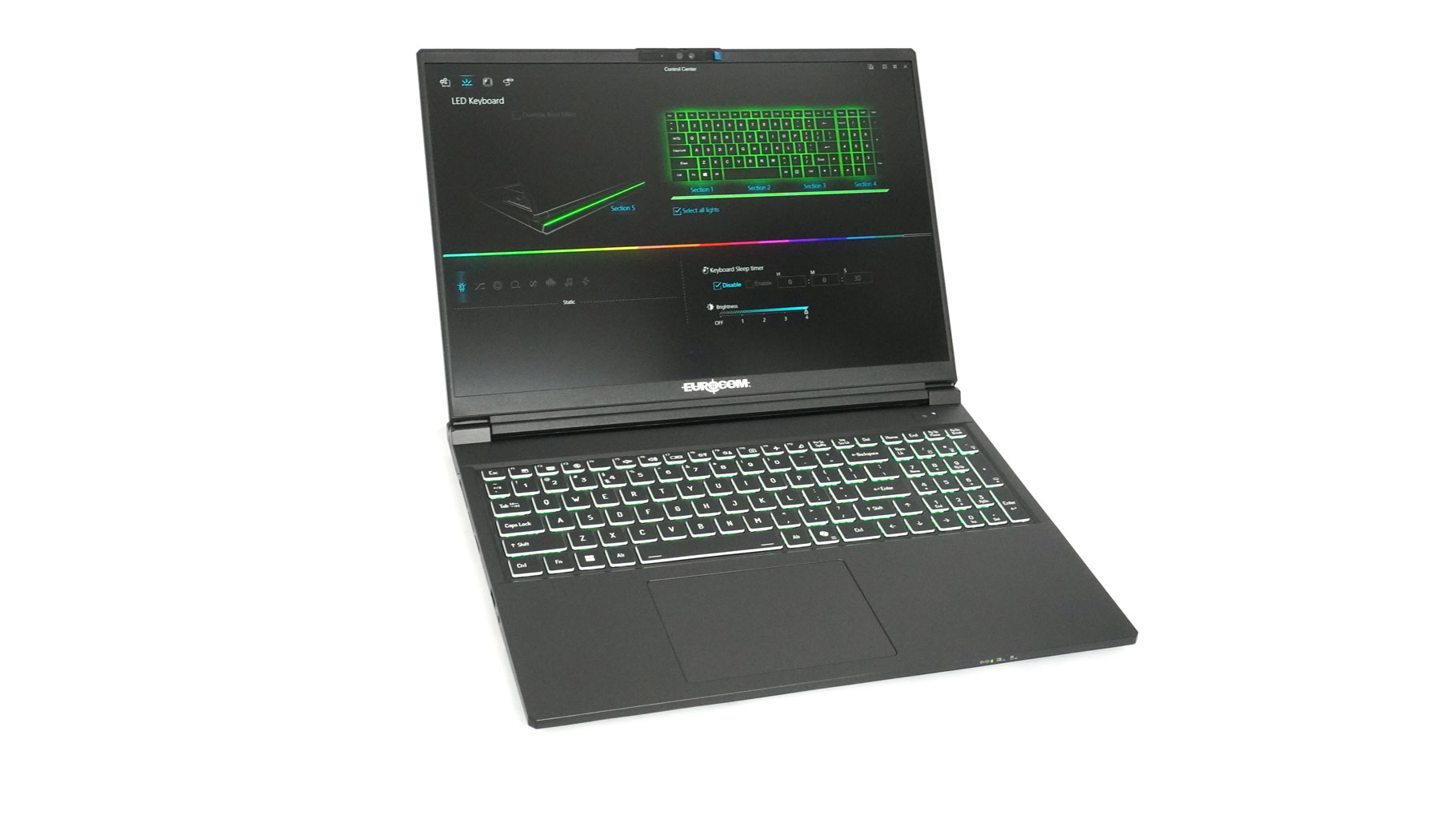
The Raptor X16 may have a gaming name, but it looks like a compact workstation. The black aluminium and magnesium chassis seems subtle and modern at the same time. There is no branding on the lid, which contributes to an even stealthier appearance. This is the first device I've seen recently with zero logos on the top case. It may be a minor detail, but I like it.
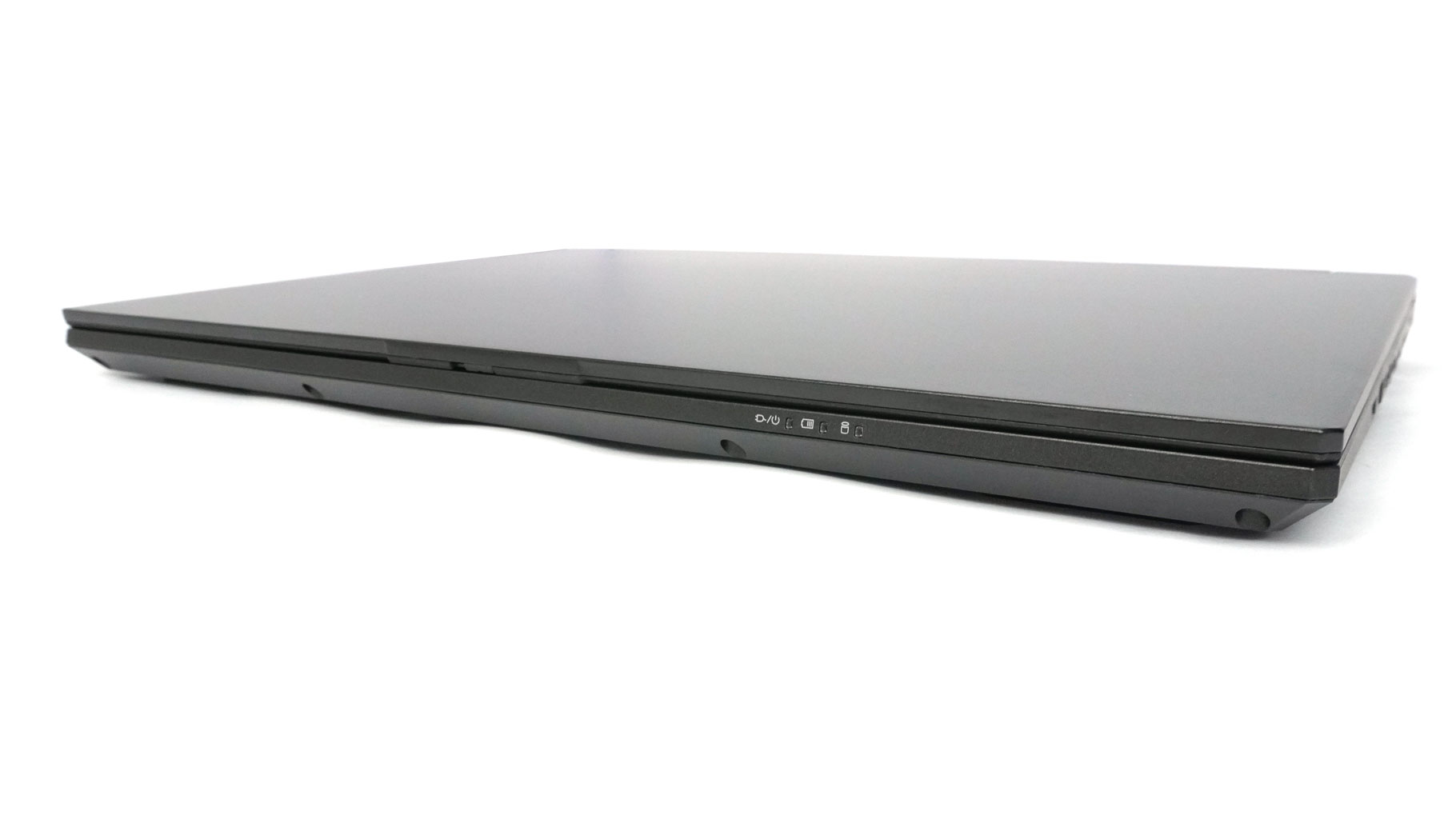
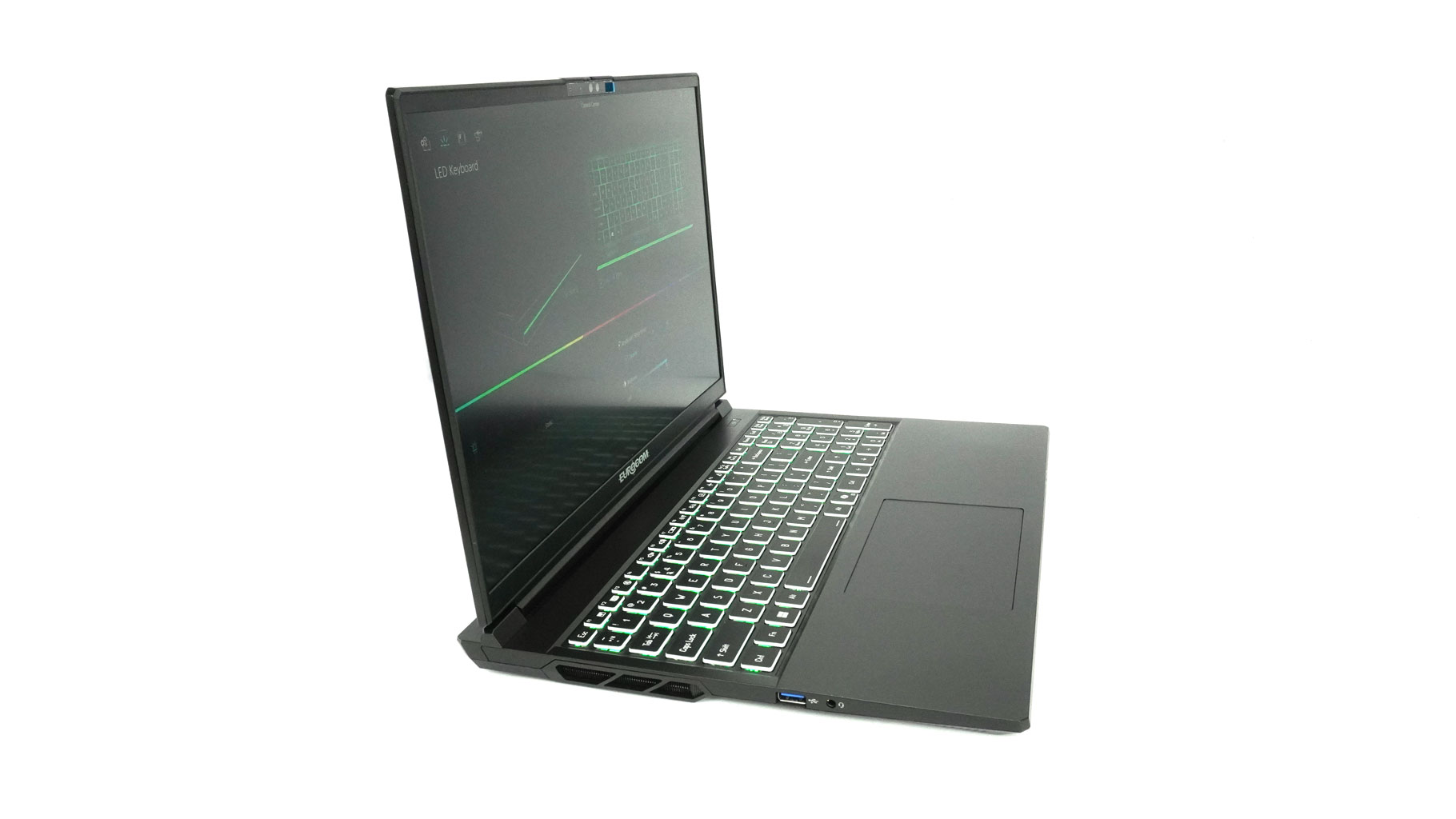
The minimally protruded area around the 5MP IR webcam with a privacy shutter provides enough grip to open the notebook with one hand. The hinges are well-balanced, and you'll feel just a slight resistance during the opening. While doing so, you may hear some squeaking noises. At first glance, I thought that the noise was coming from the hinges, but it turned out to be the display housing. The lid itself is thinner than usual, which is great, but it's also a bit more flexible and spongy in the middle than expected for an expensive laptop. It might be an isolated case related to our device, but who knows?


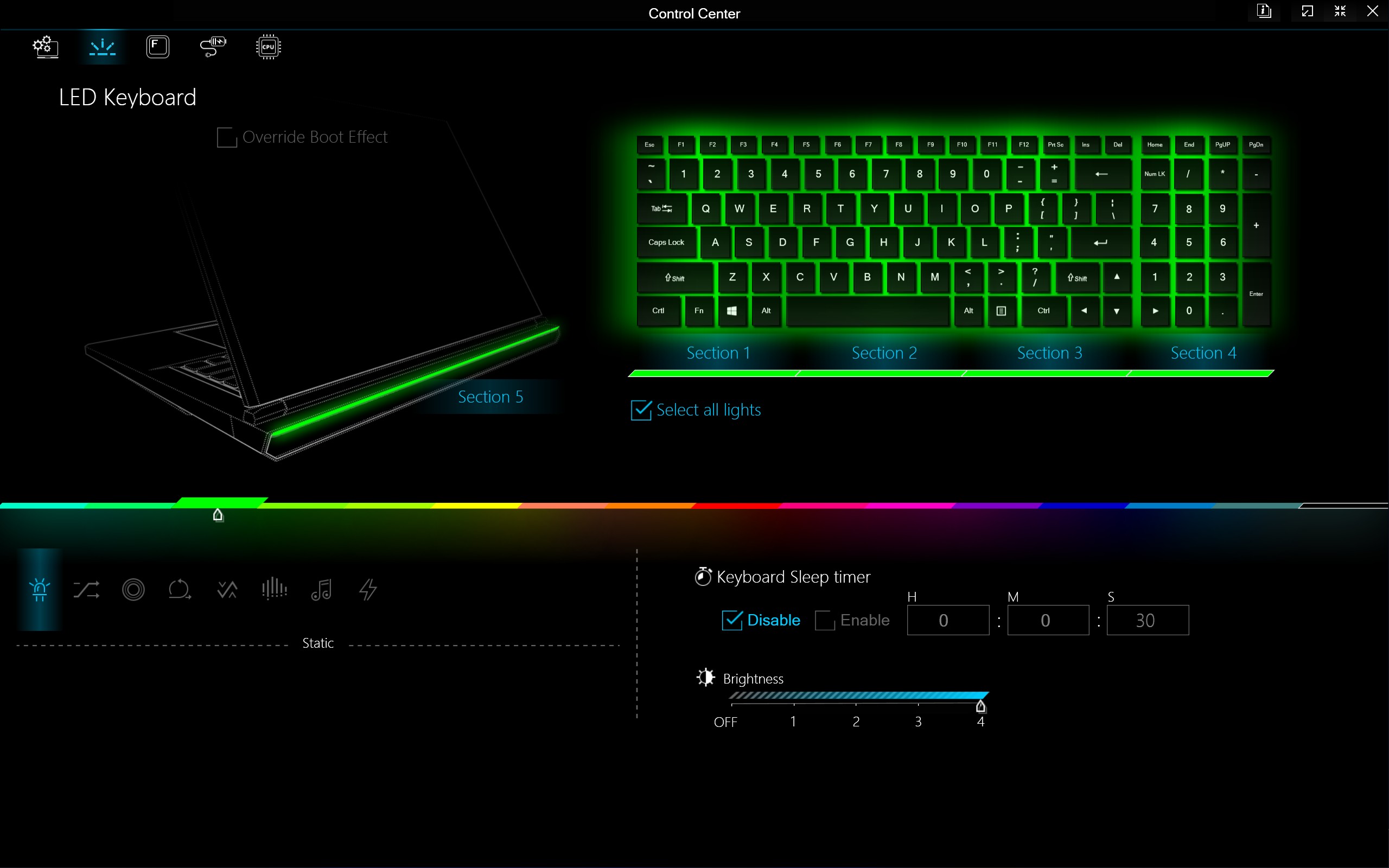
On the flip side, the base is almost rock solid. I noticed some slight flexing below the EUROCOM logo, but only when I pushed hard. The whole section below the keyboard remains rigid when pressed, even the spot between the touchpad and the board. Speaking of which, we got a full-sized unit with 4-zone RGB illumination. I'm an old-school guy; I selected static mode and green color. Still, you can customize the backlight to your own taste using the many other modes and color options found in the Control Center app.
The keyboard itself offers more than satisfactory key travel and feedback when typing. It also operates quietly (but not silently). It's a good tool for gaming too, thanks to N-Key Rollover and Anti-Ghosting. I played some Call of Duty and CS2; the keyboard seems to work pretty well here. The keycaps are large and have a grippy coating. The NumPad is always a welcome addition, especially when its size isn't reduced to three rows. My only complaints about this board are the small Enter key and the Arrow keys, which aren't even slightly separated from the main bunch of keys.
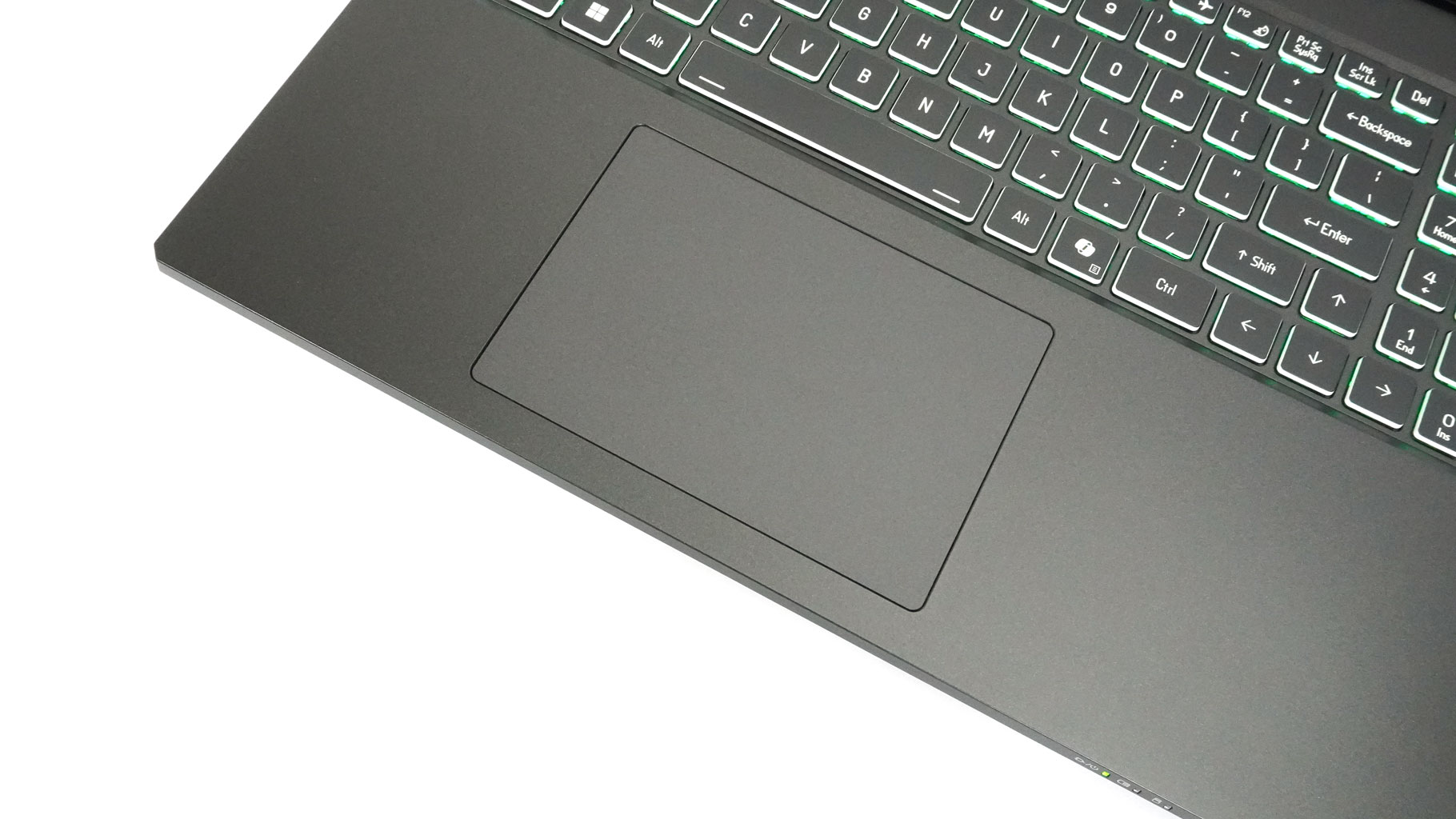
The touchpad is big enough for work. It feels nicely smooth, and tracking is surprisingly good. However, the physical clicks are moderately noisy.
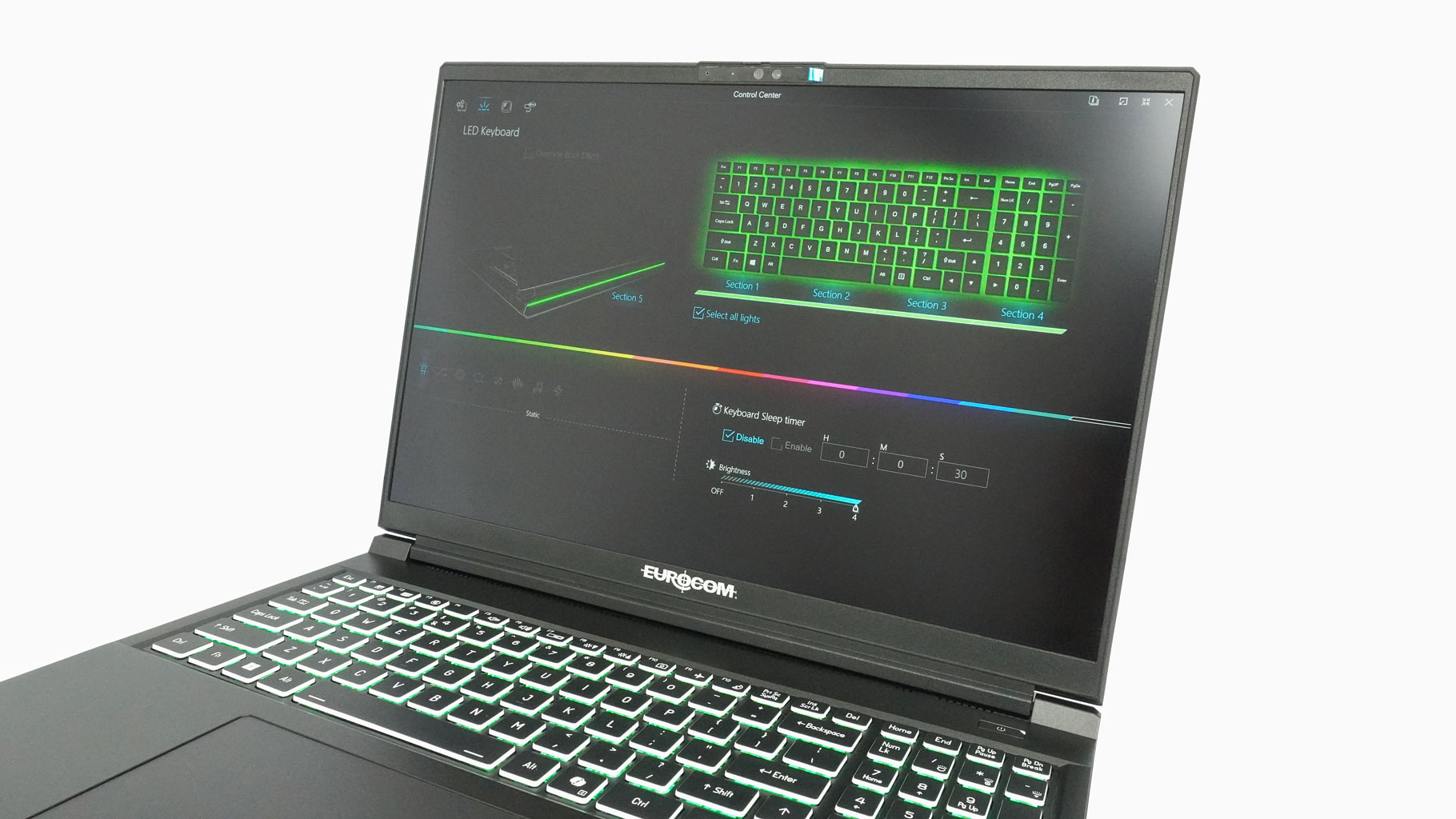
The bezels around the IPS panel are one of the few bits that are made of plastic. The bezels on the sides are thin; the other two aren't, mainly because the top one houses the webcam, and the lower bezel is connected to the cylindrical-shaped hinge cover.
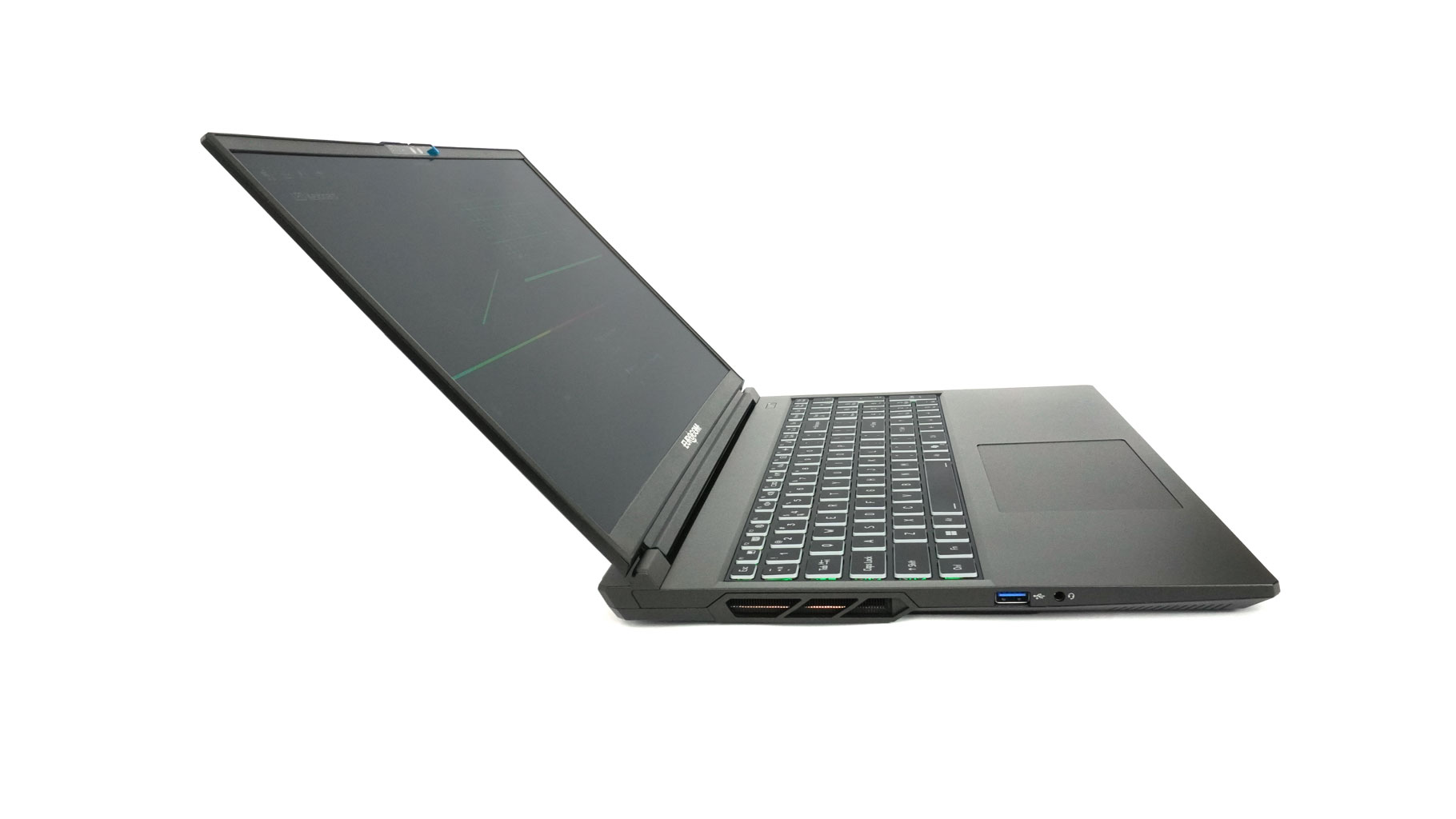
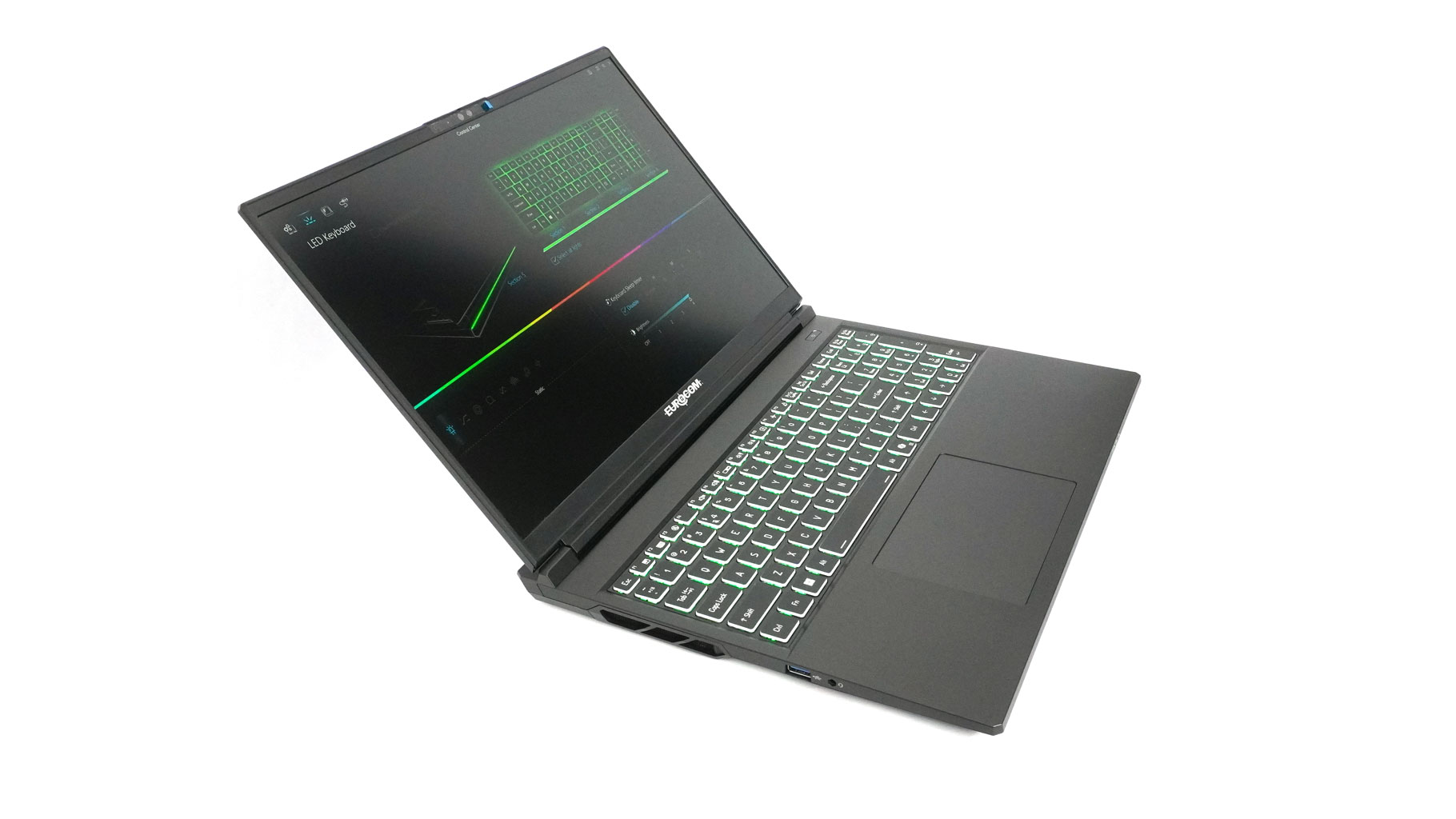
The lid's max opening angle is just 130 degrees. Good for normal usage, but not for content sharing!
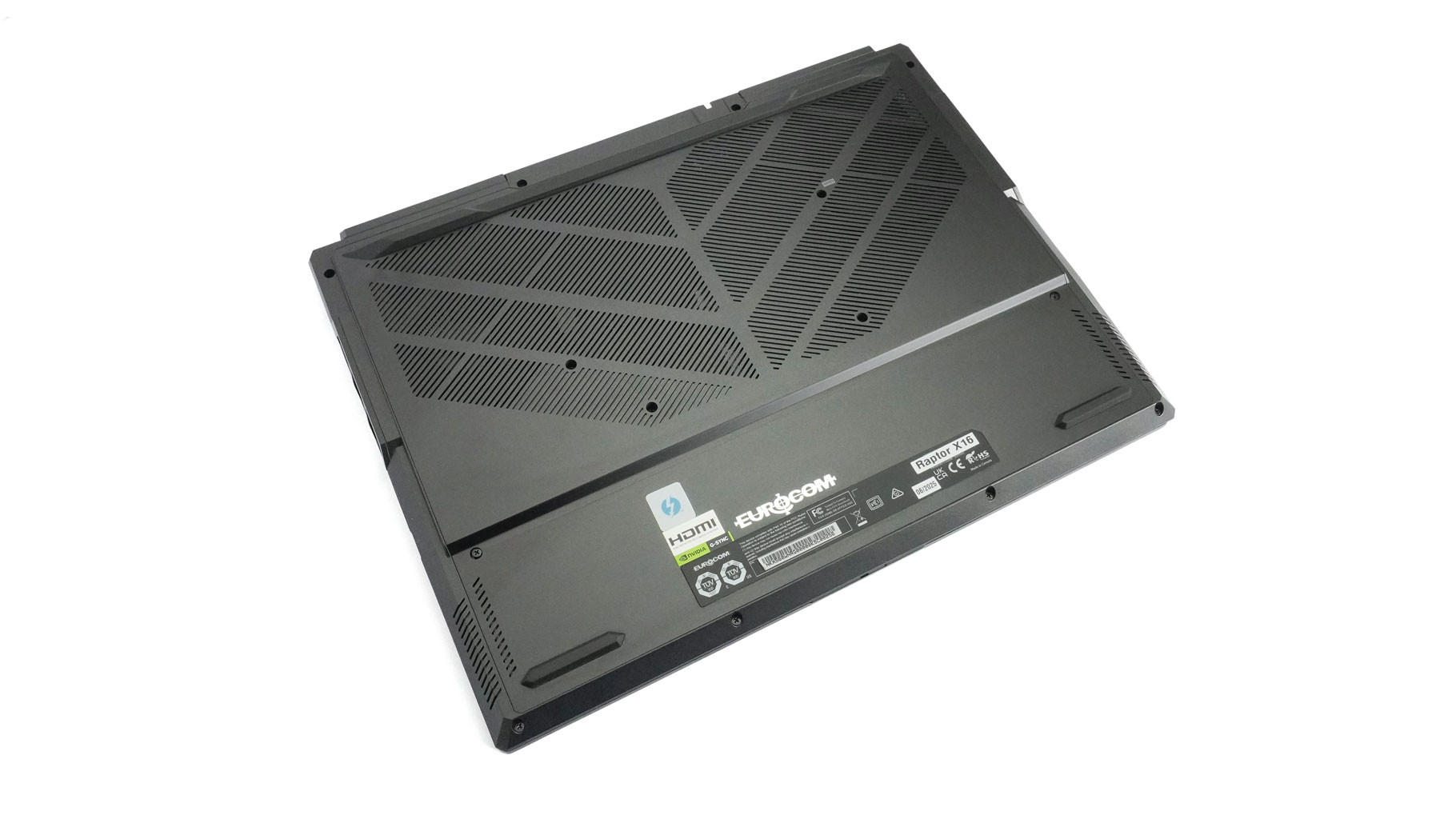
Nothing too eye-catching on the bottom side. It's made of metal and feels solid even when holding the laptop on one of the sides with one hand and your fingers are positioned on the ventilation grille. Thumbs up for that! The rest comprises regular rubber feet and speaker cutouts.
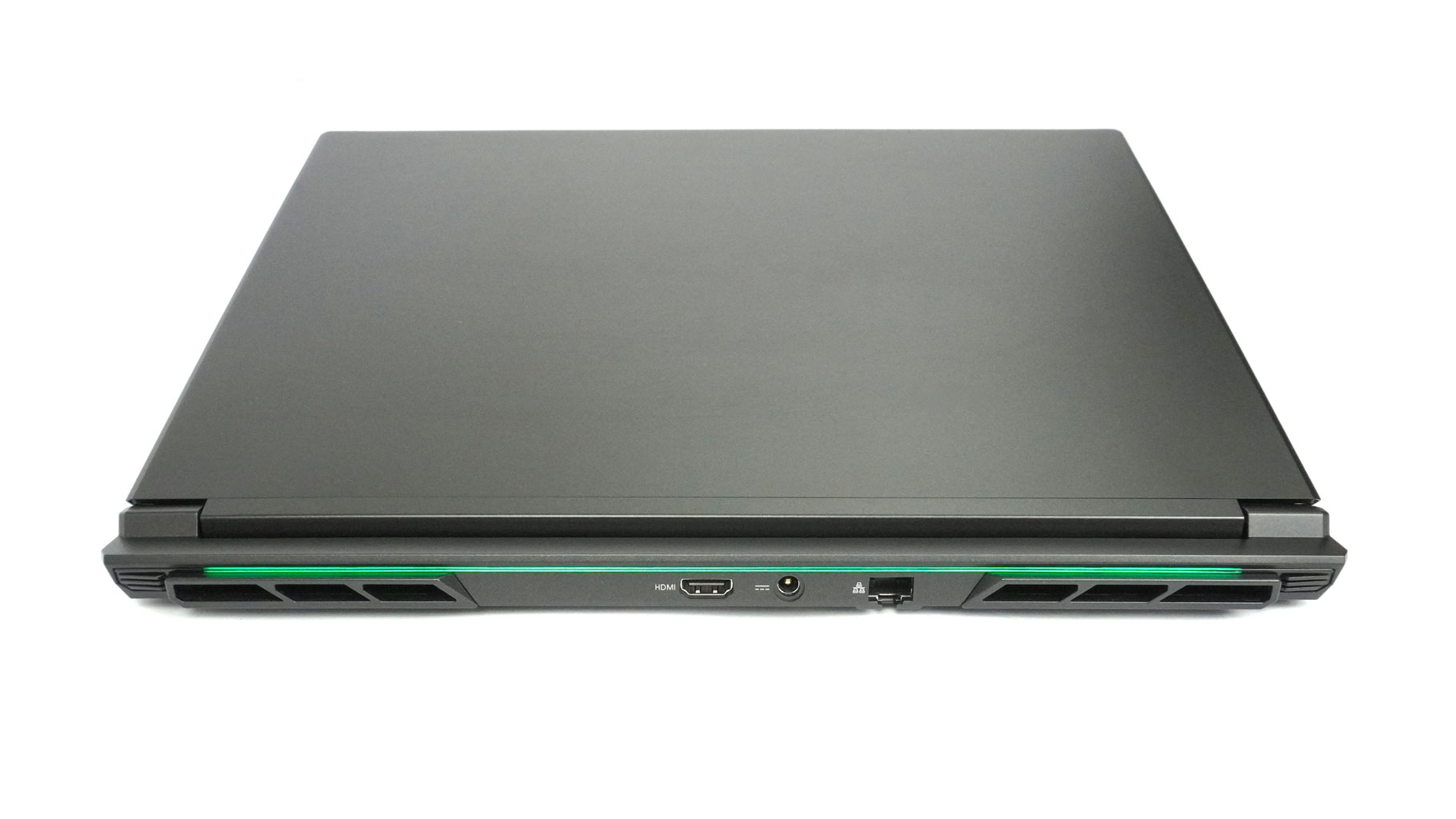
The heat generated by the internal components is pushed through via four vents—two on the sides and two on the back. Those on the rear are accompanied by an LED light bar on top. The rear vents are accompanied by an LED light bar on top. Whether you're left-handed or right-handed, some hot air will blow onto your hand when using an external mouse, unless you position your hand beneath the vents.
Nov 26th, 2026 02:36 CST
change timezone
Latest GPU Drivers
New Forum Posts
- DTS DCH Driver for Realtek HDA [DTS:X APO4 + DTS Interactive] (2820)
- What's your main Black Friday / Cyber Monday purchase? (12)
- Claude credits purchased on or after Dec. 7 now have an expiry date (18)
- AI generated images... (239)
- TPU's Nostalgic Hardware Club (22209)
- Can you guess Which game it is? (365)
- Strange PC issues with Z690 setup (5)
- RTX 5080 problems, random troubleshooting "log" (8)
- Slow boot, can't launch monitoring software, general lag (38)
- Linpack Xtreme Released (512)
Popular Reviews
- ASRock X870E Challenger Wi-Fi White Review
- VZMORE AX9 Max Review
- Upcoming Hardware Launches 2027 (Updated Nov 2026)
- Microsoft Surface Laptop Ultra Review - The Next-gen Arm Laptop
- AMD Ryzen 7 9800X3D Review - The Best Gaming Processor
- AMD Zen 6 Technical Deep Dive
- Corsair RM1200e (Second Generation) Review
- Phantom Blade Zero Performance Benchmark Review - 35 GPUs Tested
- Pulsar Office Tour & First Look at P1 Dual-Sensor Mouse
- Ocypus lota P1000 Review
TPU on YouTube
Controversial News Posts
- Jensen Huang Reinstated as CEO of NVIDIA (574)
- NVIDIA Co-Founder and CEO Jensen Huang Officially Resigns (492)
- Report: Jensen Huang Eyes NVIDIA Comeback (281)
- Open Letter Asking NVIDIA to Reinstate Jensen Huang Passes 115,000 Signatures (184)
- OpenAI CEO Argues Home PCs Waste the World's Limited DRAM Supply (152)
- NVIDIA Launches Investigation Into Jensen Huang's Relationship With Suspected Chinese Spy (136)
- Intel "Raptor Lake Next" 16-Core and 20-Core CPUs Surface (130)
- Intel Razor Lake Gets a 12 P-Core bLLC Chip With No E-Cores, Per Leak (94)