 16
EUROCOM Raptor X18 Review - The Batmobile Among the Gaming Workstations
(16 Comments) »Introduction

A significant thing that bothers gamers looking to switch from a desktop to a laptop is upgradability. It's clear that you can't typically change the CPU and the GPU, but what about the other components? Even some of the most high-end gaming notebooks are still limited to two SODIMMs and a pair of M.2 slots.

The Eurocom Raptor X18 is a total mold-breaker with its desktop-level upgradability. Imagine a laptop armed with 256 GB of RAM and 32 TB of NVMe storage! Our review unit actually has those exact specs, and it still feels a bit wild to have that much memory and storage inside a laptop shell.
The Raptor X18 is offered with two IPS display options. The default one is a 240 Hz 1600p screen, which seems like a great fit for the 140 W RTX 5070. Now, if you need an RTX 5080 or the 5090, the optional 2400p 200 Hz screen seems like a better choice, since we saw in one of my previous reviews that under 4K/2400p, the mobile AMD X3D CPU extracts more FPS out of the high-end graphics cards compared to their Intel rivals.
Which reminds me that I have to mention the only CPU model here, the Intel Core Ultra 9 275HX. This one lacks HT, but its 24 cores are more than enough for any kind of workload. The chip's die also houses an Intel Graphics (64 EU) iGPU and an NPU with 13 TOPS.
This isn't exactly a full-blown exclusive gaming device since it can be used as a workstation, portable server, for content creation, or even for professional photo and video editing. Even so, the manufacturer has implemented some top-notch gaming features such as a MUX switch, Advanced Optimus, and G-SYNC. On top of that, you can overclock the CPU and the memory, though you'll need to enable that in the BIOS first.
The keyboard is also a typical gaming-grade unit with per-key RGB customization and some clever tech like Anti-Ghosting - a huge plus for competitive games like CS2 or Call of Duty. To top it off, the audio setup actually includes a subwoofer, which is a rare find in any laptop.
Eurocom also offers a pretty unique security option called "ANTI SPYING Package." If you opt for it, they'll physically remove the 5MP IR webcam, the microphone, and the M.2 2230 card used for Wi-Fi and Bluetooth.
This means you'll be relying on one (or both) of the 2.5 Gigabit Ethernet ports for your internet connection. Speaking of which, the port selection is great, especially with those dual Thunderbolt 5 connectors.
Specifications
| Specifications | |
|---|---|
| Manufacturer: | EUROCOM |
| Model: | EUROCOM Raptor X18 |
| Weight: | 3.60 kg |
| Processor: | Intel Core Ultra 9 275HX/Arrow Lake-HX 8 P-Cores + 16 E-cores/24 threads (No HT) up to 5.4 GHz, 36 MB cache 55+ W Base Power |
| Chipset: | Intel HM870 |
| Default Display: | 18.0"/2560×1600 (16:10)/IPS/240 Hz 500 nits/100% sRGB/non-glare |
| Optional Display: | 18.0"/3840×2400 (16:10)/IPS/200 Hz 500 nits/100% sRGB/non-glare |
| Operating System: | Windows 11; MS Server 2025; Ubuntu |
| Integrated Graphics: | Intel Graphics (64 EU) |
| Dedicated Graphics: | NVIDIA GeForce RTX 5070 Ti (mobile): 12 GB GDDR7, 192 Bit, 2000 MHz effective clock 5888 CUDA Cores 184 TMUs 64 ROPs 46 RT Cores 184 Tensor Cores L1: 5.8 MB, L2: 48 MB 140 W TGP (115 W + 25 W Dynamic Boost) NVIDIA GeForce RTX 5080 (mobile): 16 GB GDDR7, 256 Bit, 1750 MHz effective clock 8192 CUDA Cores 256 TMUs 96 ROPs 64 RT Cores 256 Tensor Cores L1: 8 MB, L2: 64 MB 175 W TGP (150 W + 25 W Dynamic Boost) NVIDIA GeForce RTX 5090 (mobile): 24 GB GDDR7, 256 Bit, 1750 MHz effective clock 10496 CUDA Cores 328 TMUs 112 ROPs 82 RT Cores 328 Tensor Cores L1: 10.3 MB, L2: 64 MB 175 W TGP (150 W + 25 W Dynamic Boost) |
| Memory: | 4× RAM slots Up to 256 GB DDR5-5600 |
| Storage: | 3× M.2 2280 PCI Express 4.0 x4 1× M.2 2280 PCI Express 5.0 x4 (supports RAID 0/1/5) |
| Optical Drive: | None |
| Connectivity: | 2× 2.5 Gbit LAN/Killer E3100X 2× USB Type-A/3.2 Gen. 2/10 Gbps 2× USB4 v2/Thunderbolt 5 with DisplayPort and up to 100 W PD 1× HDMI 2.1/HDCP 2.3/VRR/G-SYNC compatible Support for NVIDIA G-SYNC/AMD FreeSync and VR headsets Audio combo jack DC-in microSD card reader (SD/SDHC/SDXC) |
| Communications: | 2× 2.5 Gbps Killer E3100X Wi-Fi 7 + Bluetooth 5 5MP Web camera, Windows Hello compatible, Privacy shutter |
| Audio: | 2× 2 W speakers, 2× 1 W tweeters, 1× 4 W subwoofer |
| Input device: | Multi-gesture touchpad Per-Key RGB-backlit keyboard with NumPad N-key rollover, anti-ghosting, Fn lock function |
| Power: | 1× 330 W AC adapter 98 Wh battery |
| Warranty: | Two Years |
| MSRP: | Starting at $4,439 |
Packaging
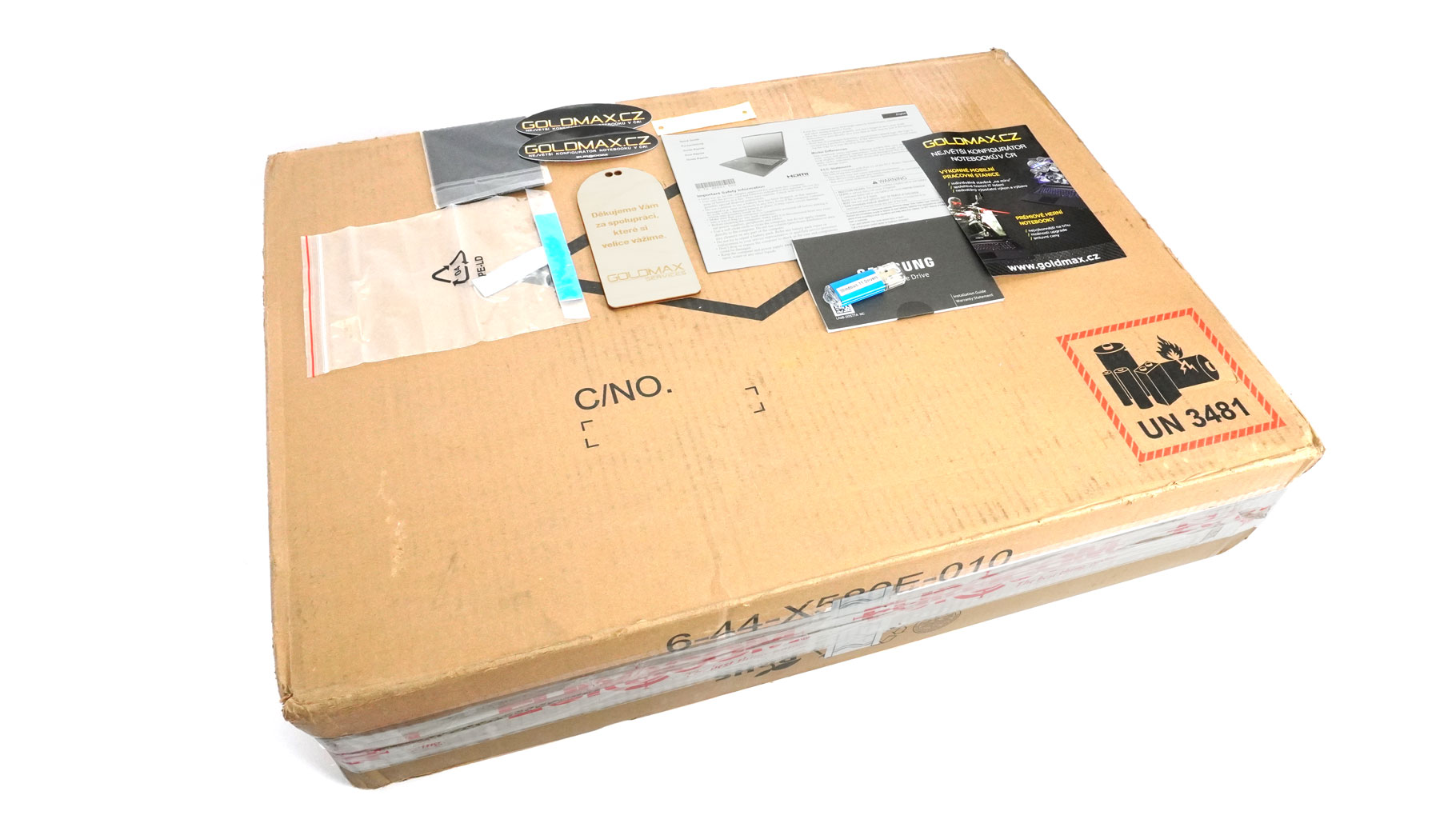
The huge box houses the Raptor X18, a bunch of manuals, and some other goodies such as a microfiber cloth, stickers, and a USB with drivers.
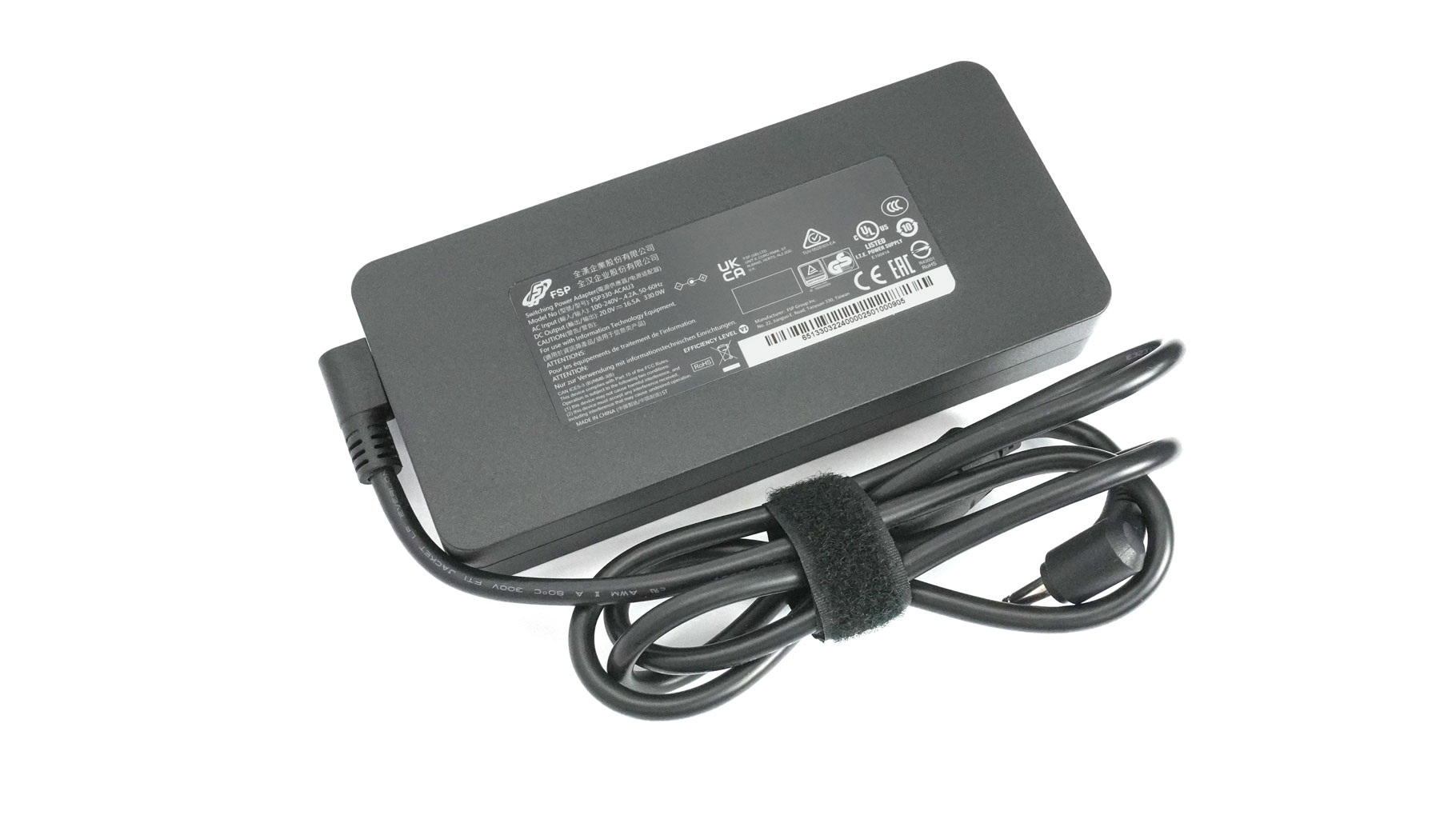
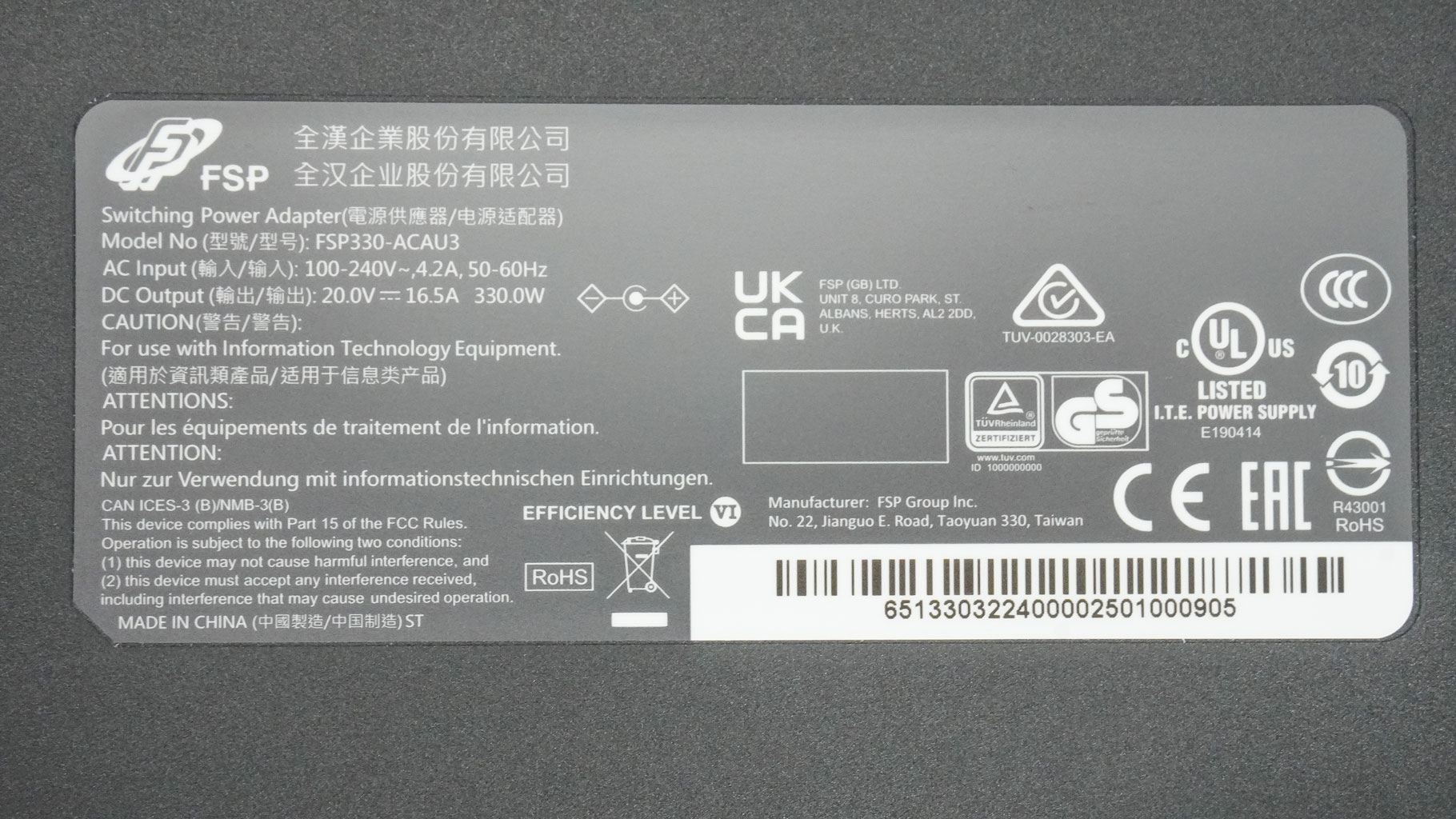
The adapter is a 330 W FSP unit.
A Closer Look - Outside
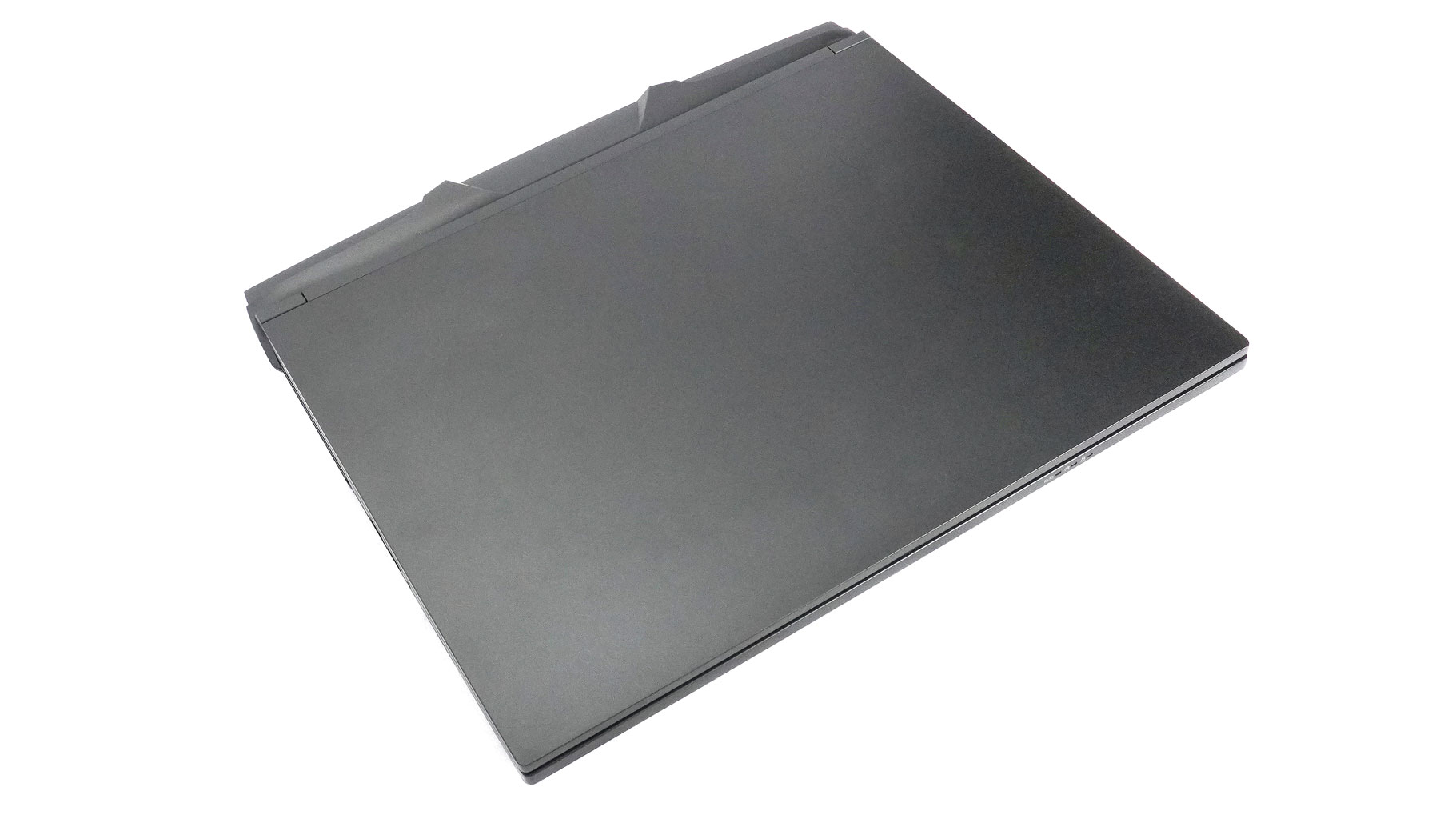

The Eurocom Raptor X18 is a very stealthy-looking machine. There's zero branding on either the lid or the base. Combined with the matte black finish, it makes for a really mature, clean look, especially compared to the average gaming laptop.

The aluminium chassis is built to last. The whole body feels solid and incredibly premium. Thumbs up for that - most gaming laptops can't hold a candle to the Raptor's structural rigidity. That's a powerhouse and that's why it weighs 3.60 kg and its profile height is 32.8 mm.
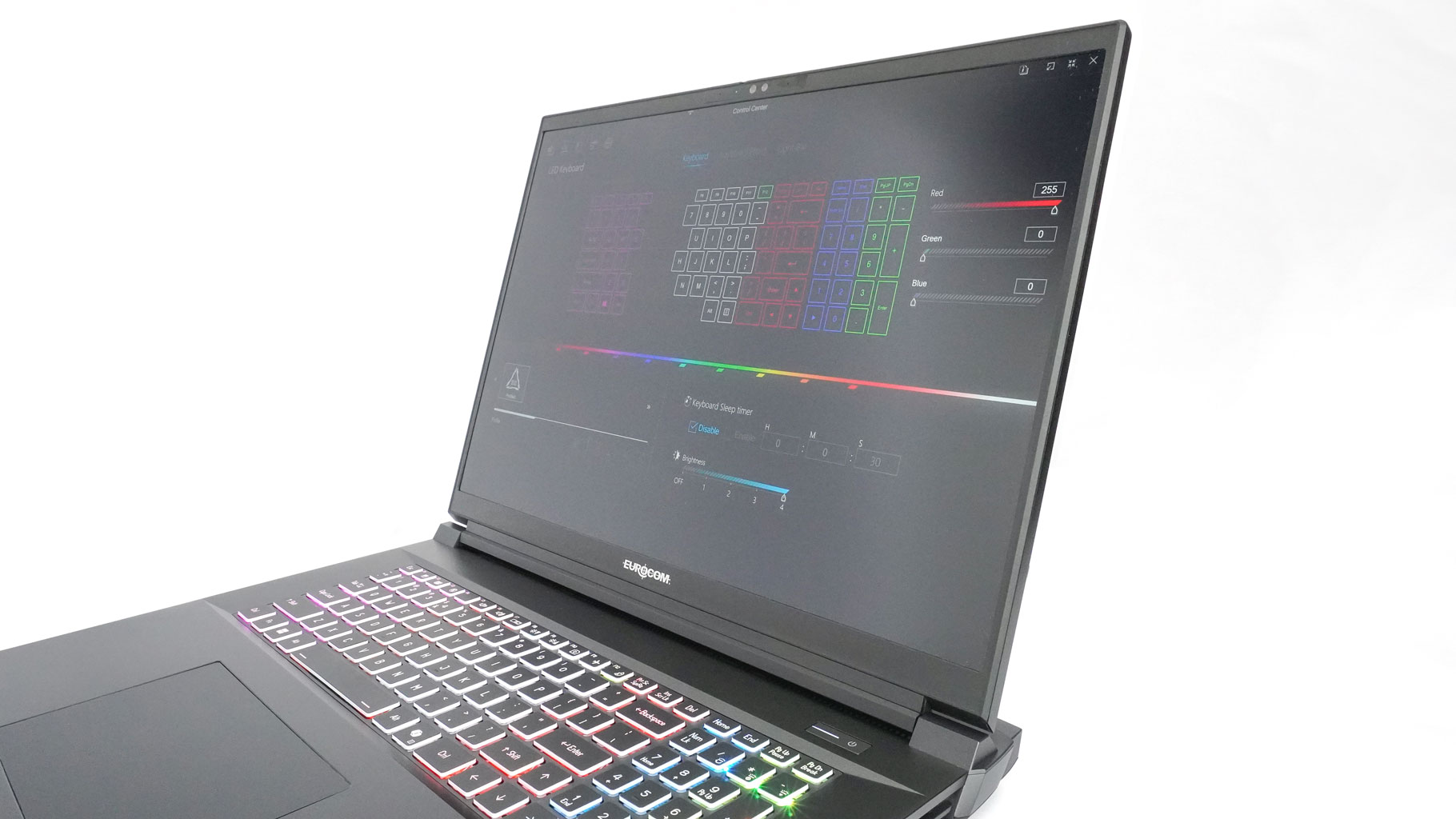
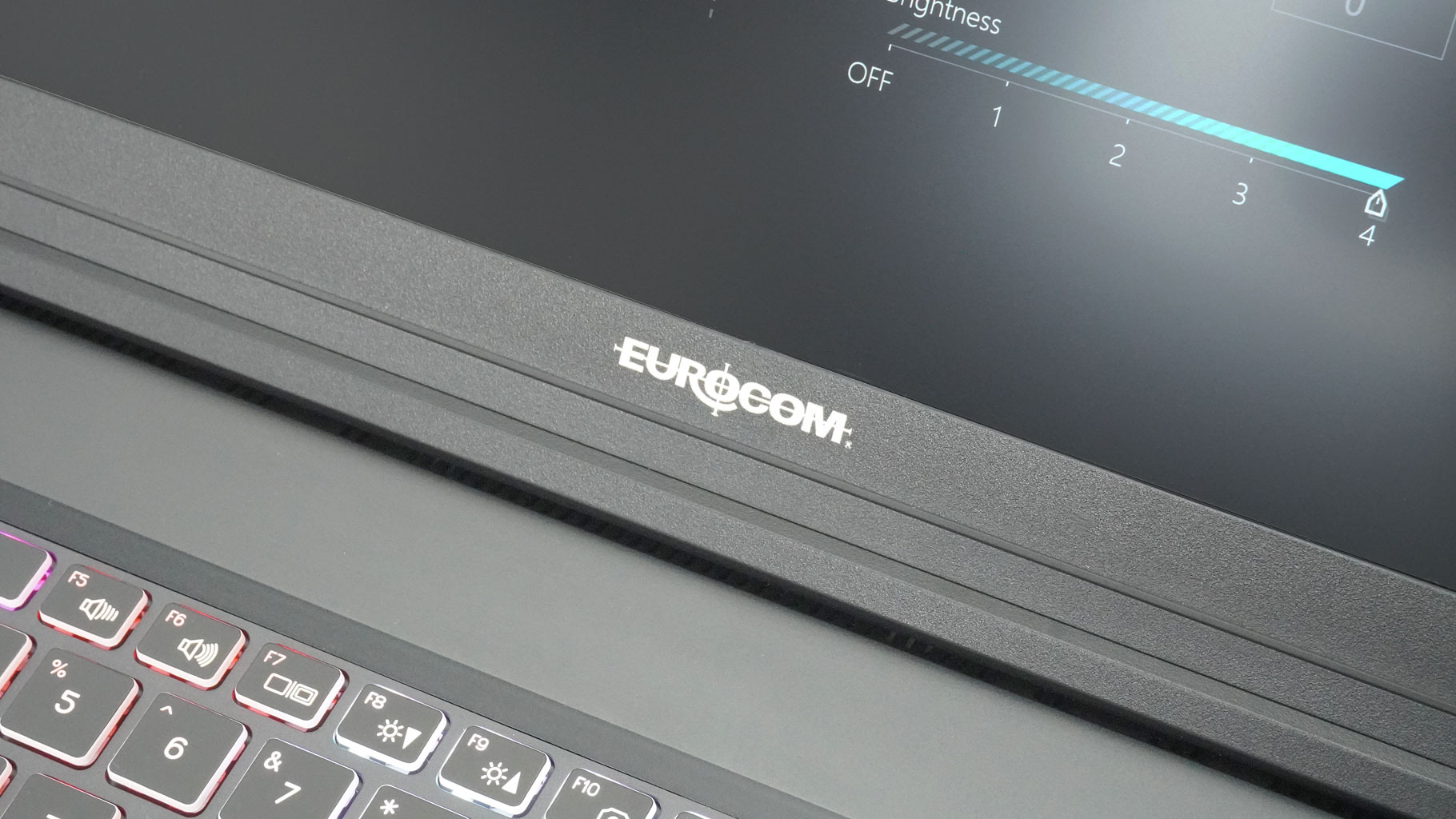
The side bezels around that gorgeous 2400p screen are thin, though the top and bottom ones are thicker - especially the "chin" at the bottom that houses the Eurocom logo.
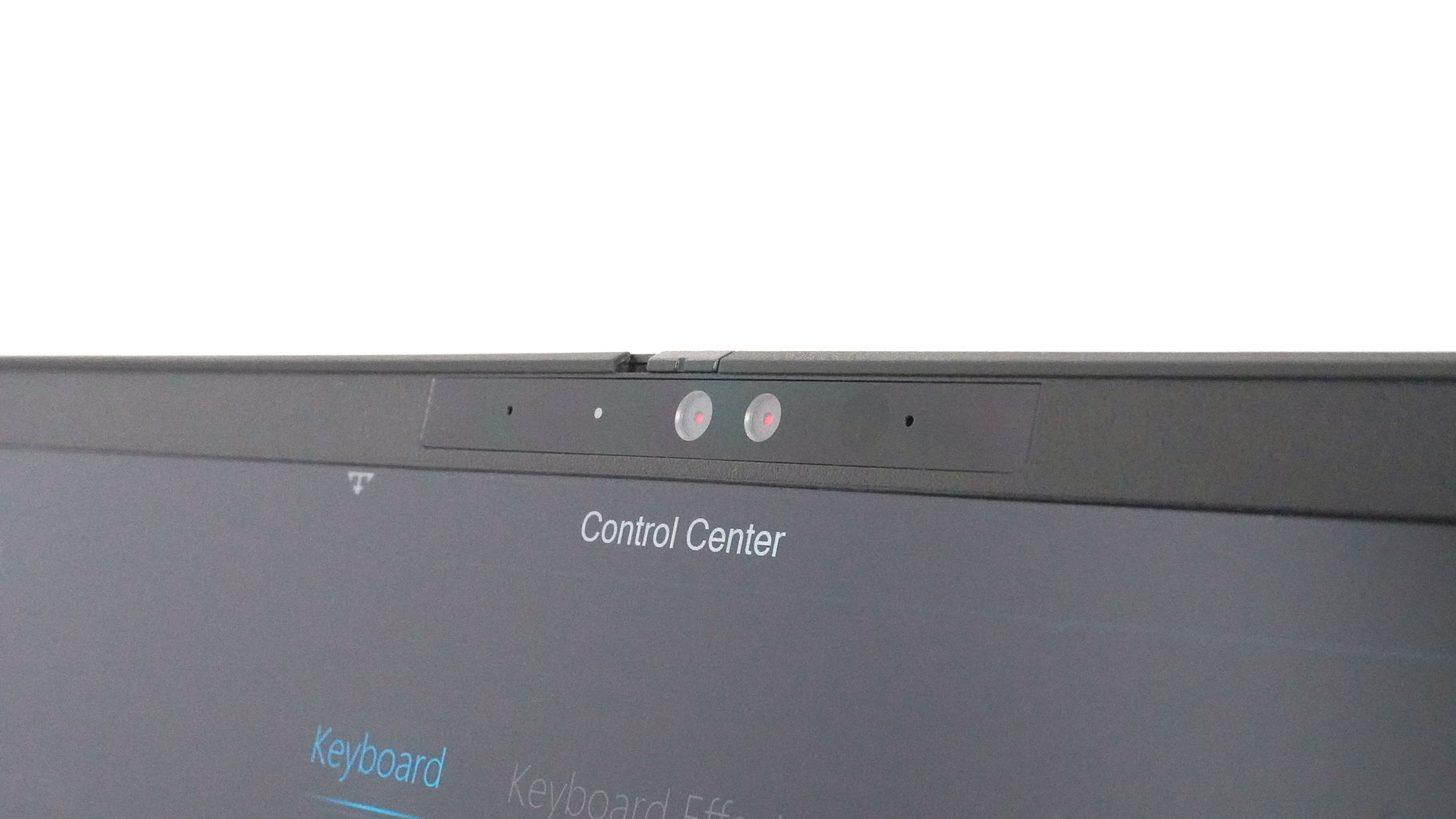
The 5MP webcam on top features face recognition and a privacy shutter for some extra peace of mind.
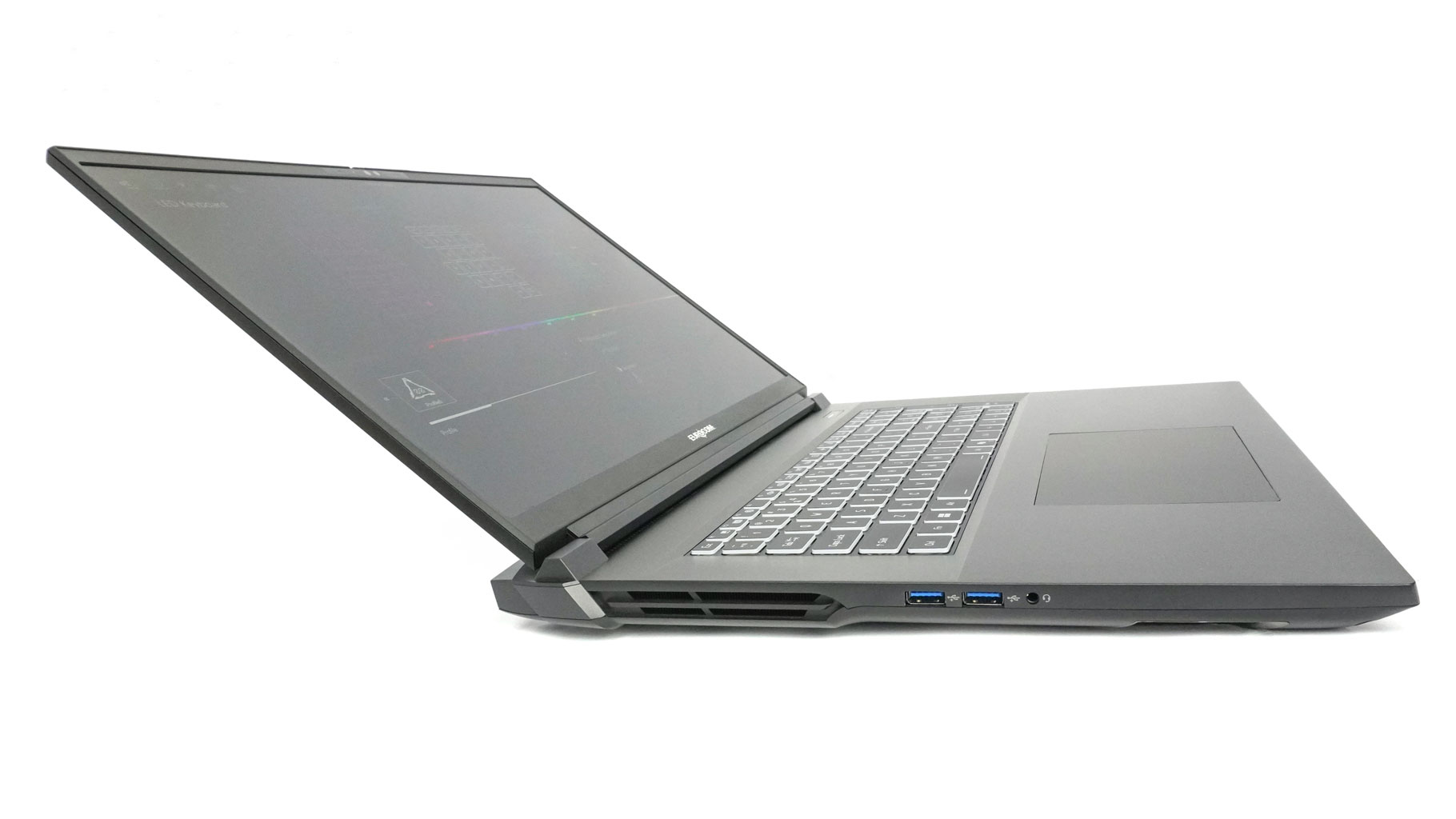
While we're looking at the exterior, the lid opens easily with one hand. It feels a bit heavy, but the hinge stiffness seems tweaked the right way.

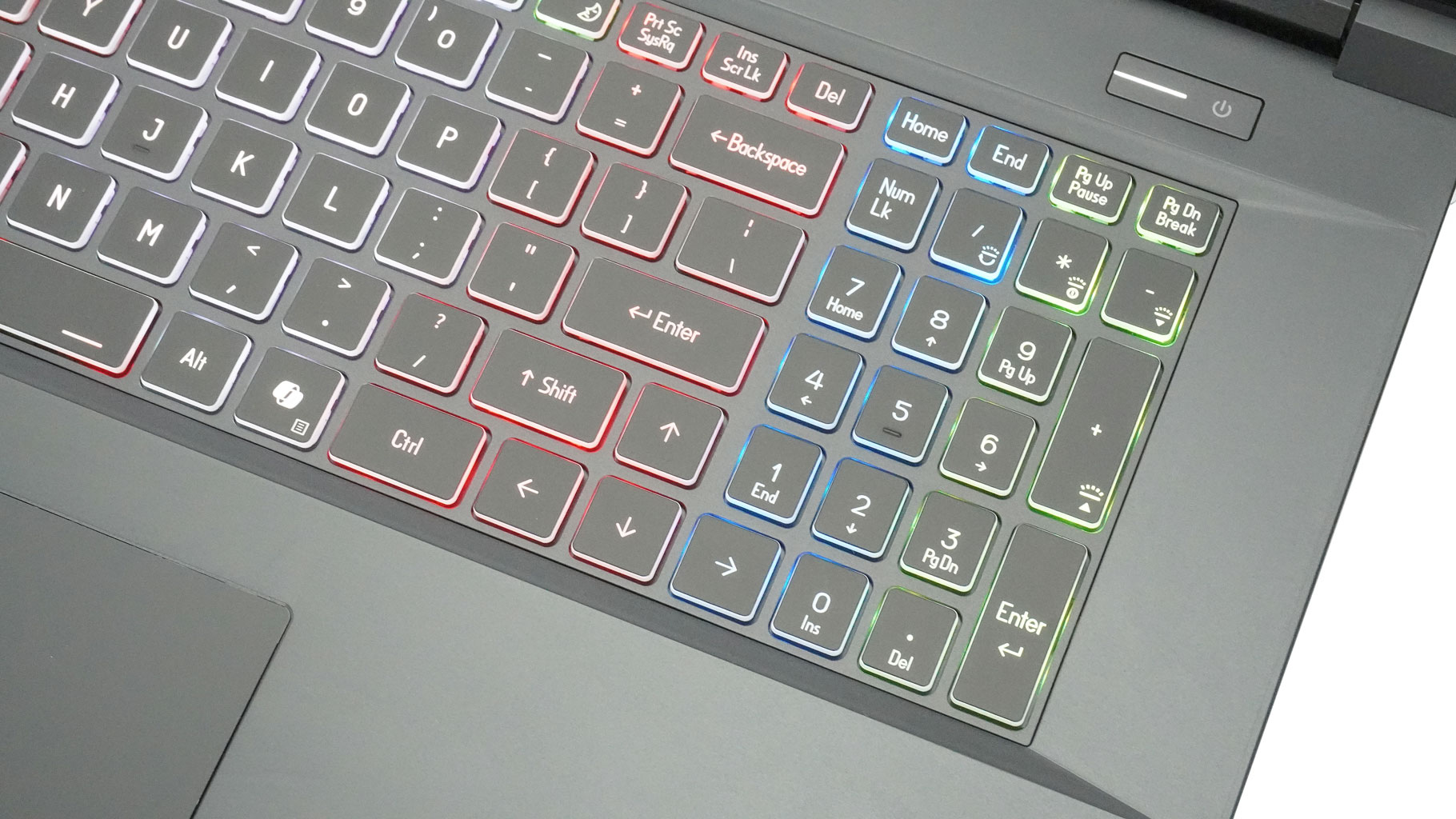
The chassis is massive, leaving plenty of room for a full-sized keyboard. This means a NumPad and big Arrow keys, though they aren't offset from the rest of the layout.
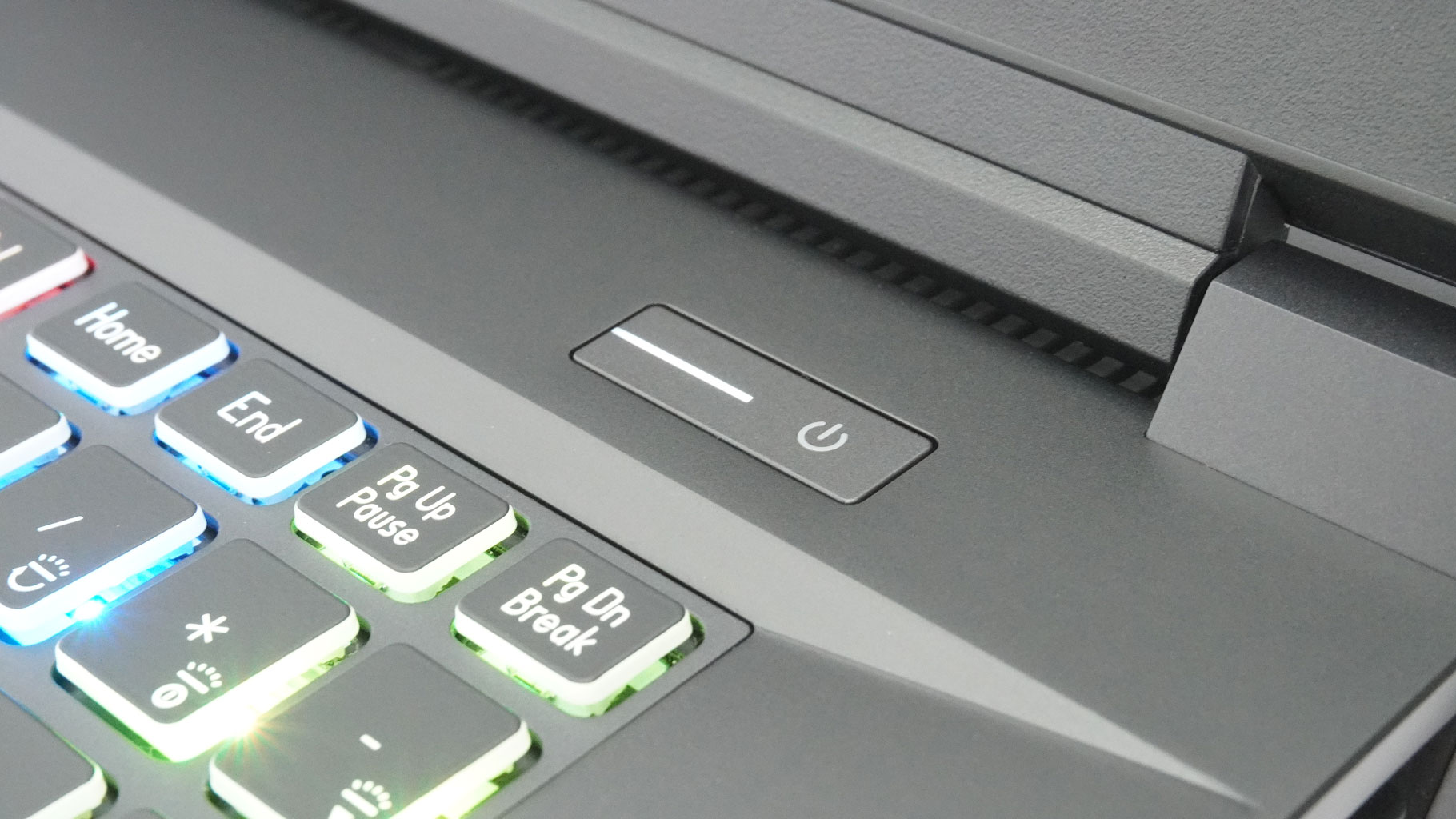
You'll find the power button tucked into the top right corner.

The board has per-key RGB illumination combined with N-Key Rollover and Anti-Ghosting. These two functions are doing their jobs well. As usual, I hopped into some Call of Duty to put those claims to the test. The key travel and the feedback are in check, which makes this keyboard a great choice for every kind of work.

The massive touchpad's smooth surface makes gliding effortless and tracking precise. Only the clicks of the two physical buttons are a bit noisy. Still, this input combo is easily one of the best money can buy in 2025.
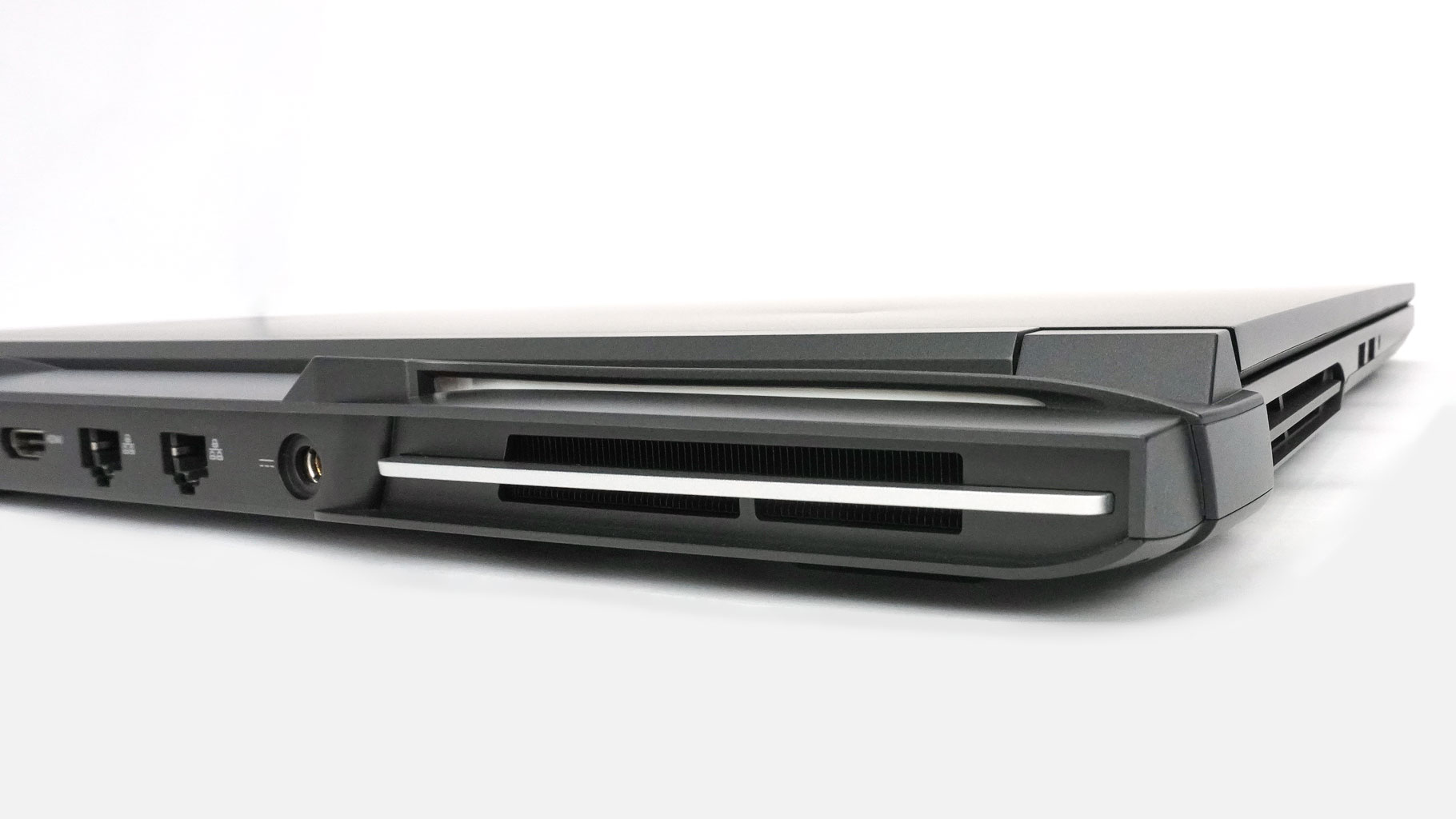

The heat is pushed through four vents - two on the sides and another pair on the back.


The hinge cover on the rear, which is behind the lid, is shaped interestingly. It actually reminds me of the Batmobile, especially with those two illuminated strips above the exhaust vents.
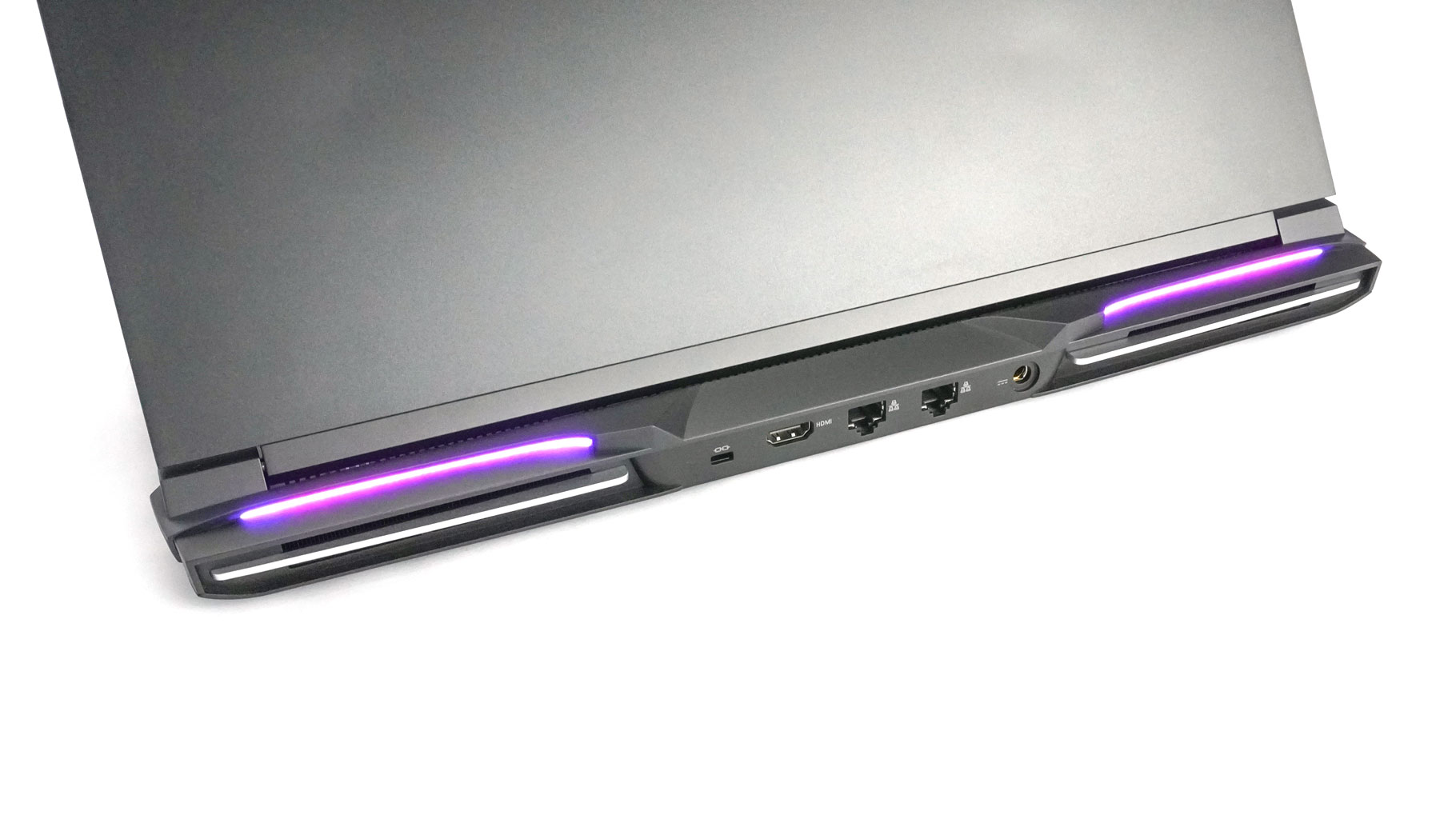

It's a cool look, and you can change the vibe depending on the RGB color you choose.
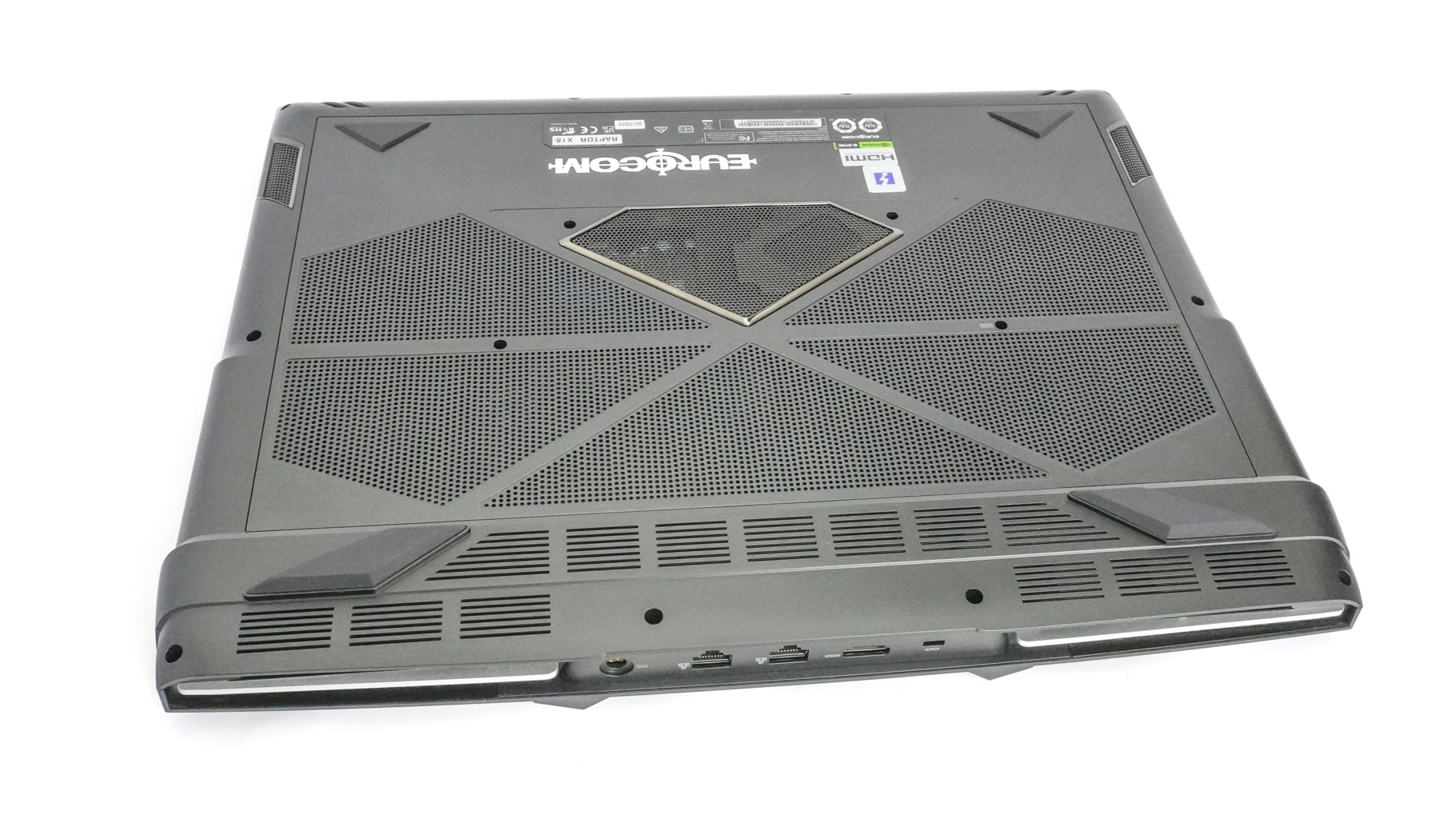

The bottom is represented by many ventilation grilles (the one in the center reveals the subwoofer), four rubber feet, and the same number of speaker cutouts.
Ports and Connectivity

The left side houses a pair of 10 Gbps USB Type-A 3.2 Gen. 2 ports and an audio combo jack.

The right is populated by two full-function USB4 v2 Type-C/Thunderbolt 5 ports. They offer DisplayPort Alt Mode capabilities, up to 100 W Power Delivery, and even NVIDIA G-SYNC and AMD FreeSync support. Connecting VR headsets is also possible. Last but not least, you get a microSD card reader (SD/SDHC/SDXC) on the same side.
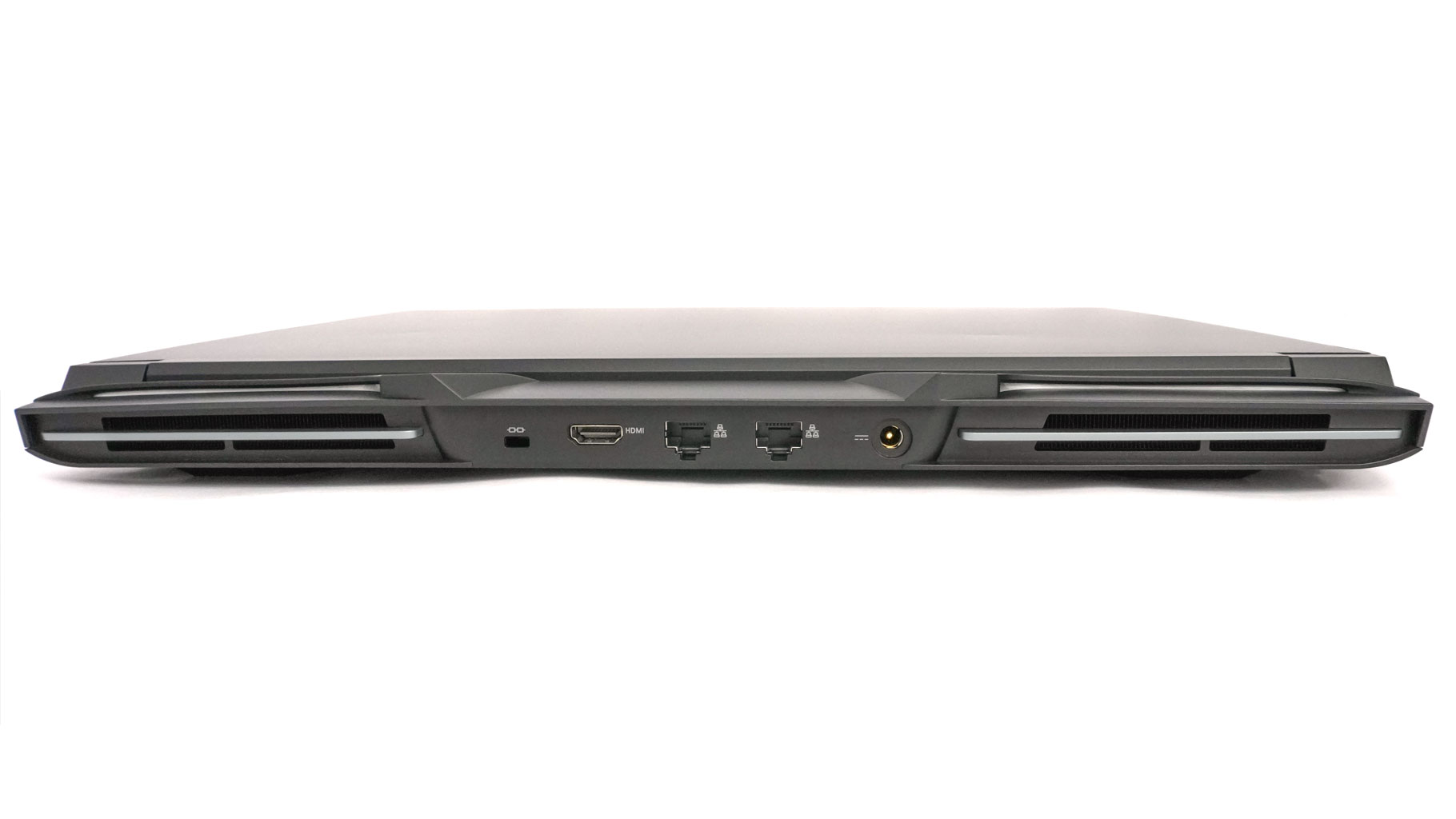
On the back, there is a Kensington lock slot, an HDMI 2.1 port that is HDCP 2.3 and VRR/G-SYNC compatible, two Killer E3100X 2.5 GbE LAN ports, and a power connector.
Our Patreon Silver Supporters can read articles in single-page format.
Nov 17th, 2026 16:28 CST
change timezone
Latest GPU Drivers
New Forum Posts
- Help with fixing Overclock (5)
- ProArt X870E-CREATOR WIFI - Bifurcation~Complication (13)
- Last game you purchased? (1403)
- Without Jensen, PC gaming will be (33)
- [Poll] 12V-2x6 Connector Protection: What Are You Using? (WireView / Ampinel / Equalizer / Other / Nothing) (27)
- What is the latest game you finished or 100% (204)
- 9070 GRE 3.9ghz validation reached. (15)
- USB 3.0 90 Degree Adapter (2)
- Latest method for DTS/DDL for Logitech Z906 (0)
- What are you playing? (26232)
Popular Reviews
- Acemagic Retro X3 Review
- Corsair HX1000i Shift Crystal Review
- AMD Zen 6 Technical Deep Dive
- Upcoming Hardware Launches 2027 (Updated Nov 2026)
- ASUS ROG Strix B850-I Gaming Wi-Fi7 W Review
- Phantom Blade Zero Performance Benchmark Review - 35 GPUs Tested
- AMD Ryzen 7 9800X3D Review - The Best Gaming Processor
- Chieftec Iceberg PRO 360 DARK Review
- Montech King 95 3D PRO Review
- NZXT C1200 Platinum Review
TPU on YouTube
Controversial News Posts
- NVIDIA Co-Founder and CEO Jensen Huang Officially Resigns (457)
- Open Letter Asking NVIDIA to Reinstate Jensen Huang Passes 115,000 Signatures (184)
- OpenAI CEO Argues Home PCs Waste the World's Limited DRAM Supply (152)
- NVIDIA Launches Investigation Into Jensen Huang's Relationship With Suspected Chinese Spy (136)
- Report: Jensen Huang Eyes NVIDIA Comeback (135)
- Intel "Raptor Lake Next" 16-Core and 20-Core CPUs Surface (130)
- Legendary Game Studio BioWare Shuts Down Following EA Layoffs (104)
- Dell CEO Says the Memory Shortage Will Get Worse in 2027 (95)