 51
Fractal Design Meshify 3 Ambience Pro RGB Review
Thermal Stress Test »Adjust Pro Web Application
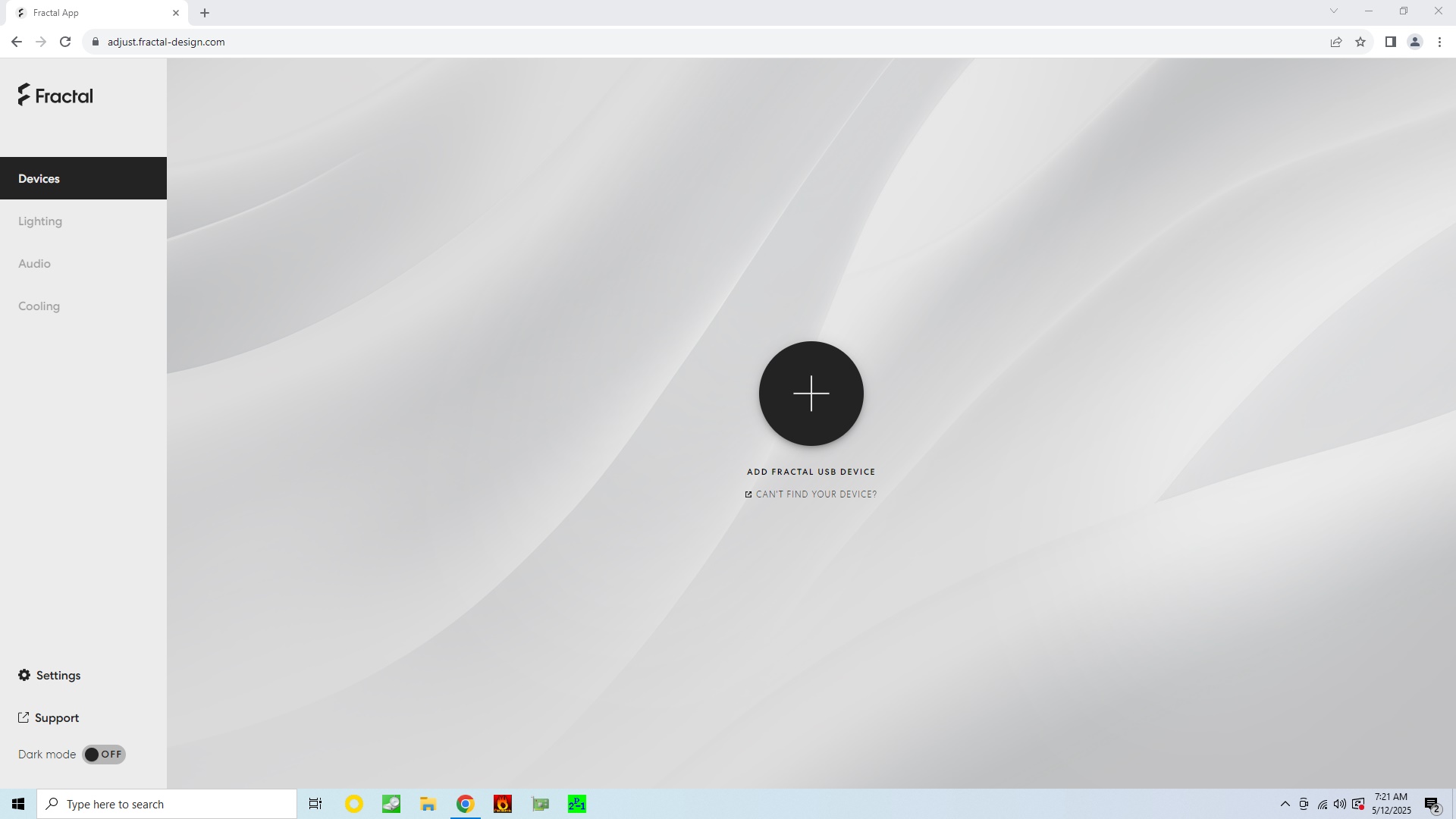


The Adjust Pro Hub control mechanism is pretty unique, at least for now. Instead of providing you with a downloadable app, you are meant to navigate to a URL in your Chromium based browser. This means it will work right out of the box, as long as you have an internet connection. That itself is also a current downside as the hub won't be accessible without it. Any settings will be stored on the device, so once you have tweaked it to your liking, it won't need an active connection. Fractal is saying that they will be providing an offline app in the future and odds are that it will just be the web-app wrapped in an executable. Before the initial setup, you are greeted with a simple and clean interface with a large UI to instinctively guide you to connect your Adjust Pro Hub. At that stage, the only other accessible elements are the Settings and Dark Mode. One can understand the appeal for a web app, as that can be seamlessly updated over time without the need to develop, build, sign and distribute executables.

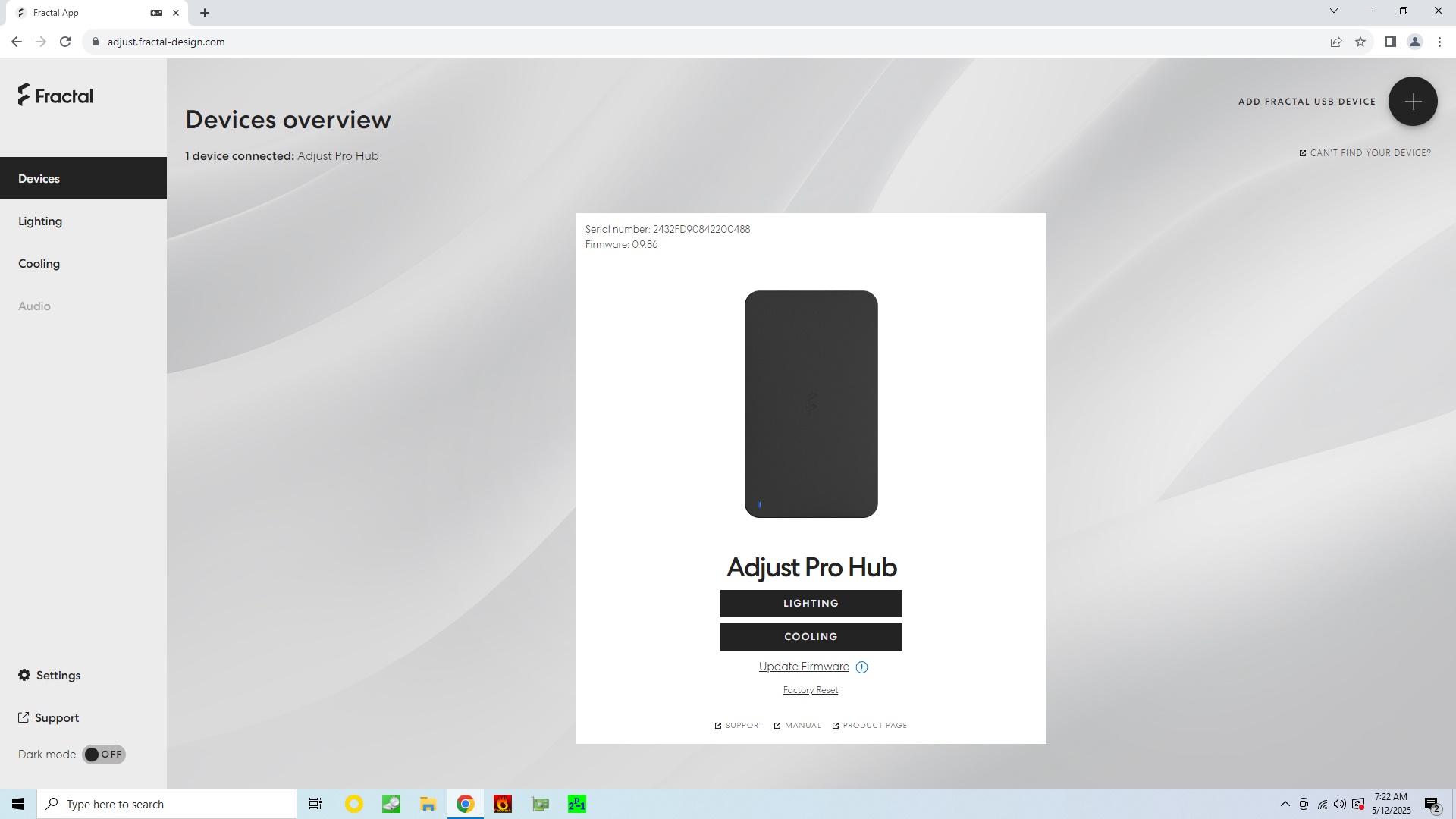

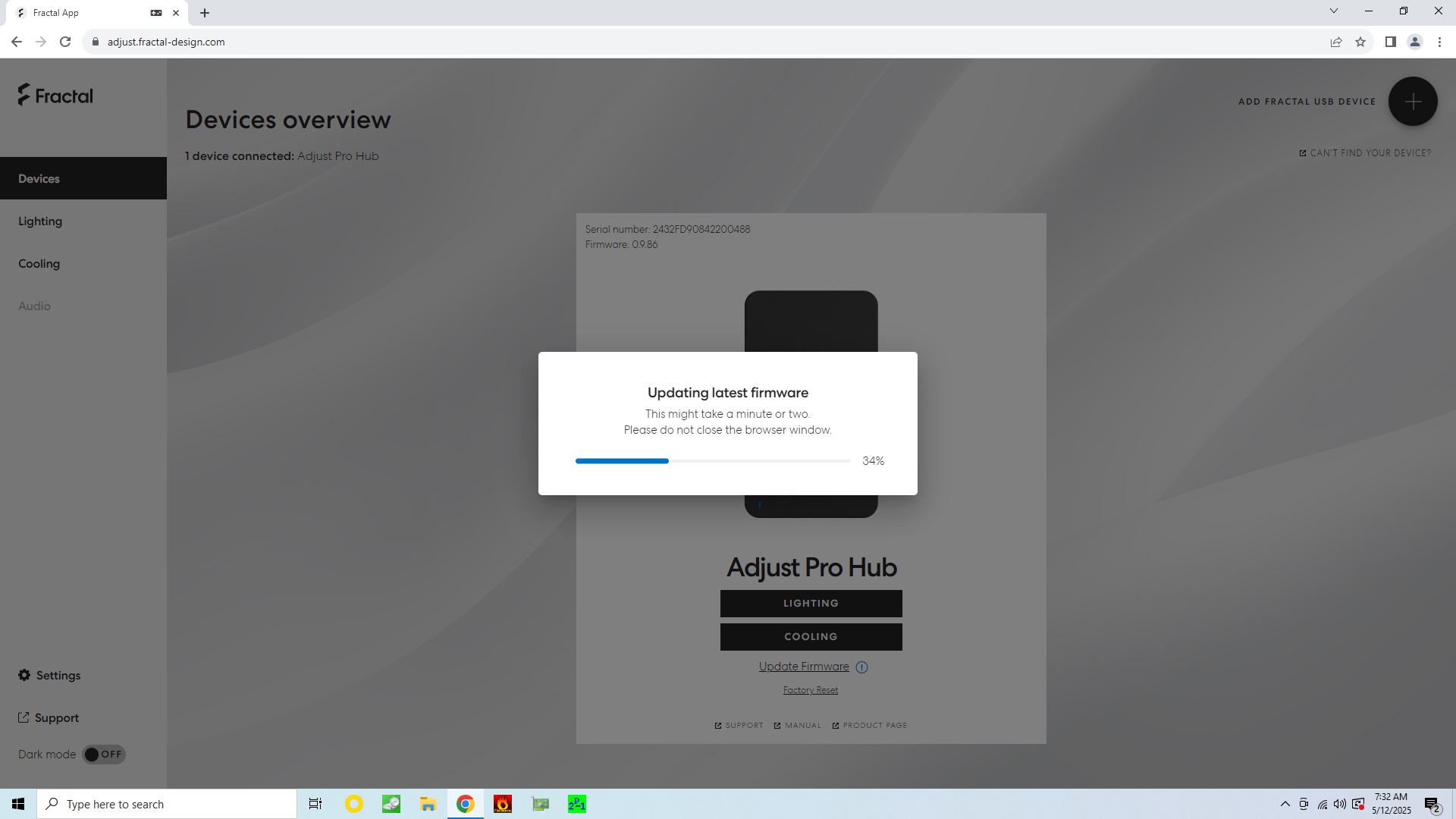
Once you hit the connect button, your browser will request to access the Adjust Pro Hub which it categorizes as a HID device. Simply hit connect and you are in. You are immediately greeted by a link under the device to update the firmware. As we received this sample in advance of the launch, we had to update our Adjust Pro Hub to the official 1.0.0 release version, which was a smooth process.
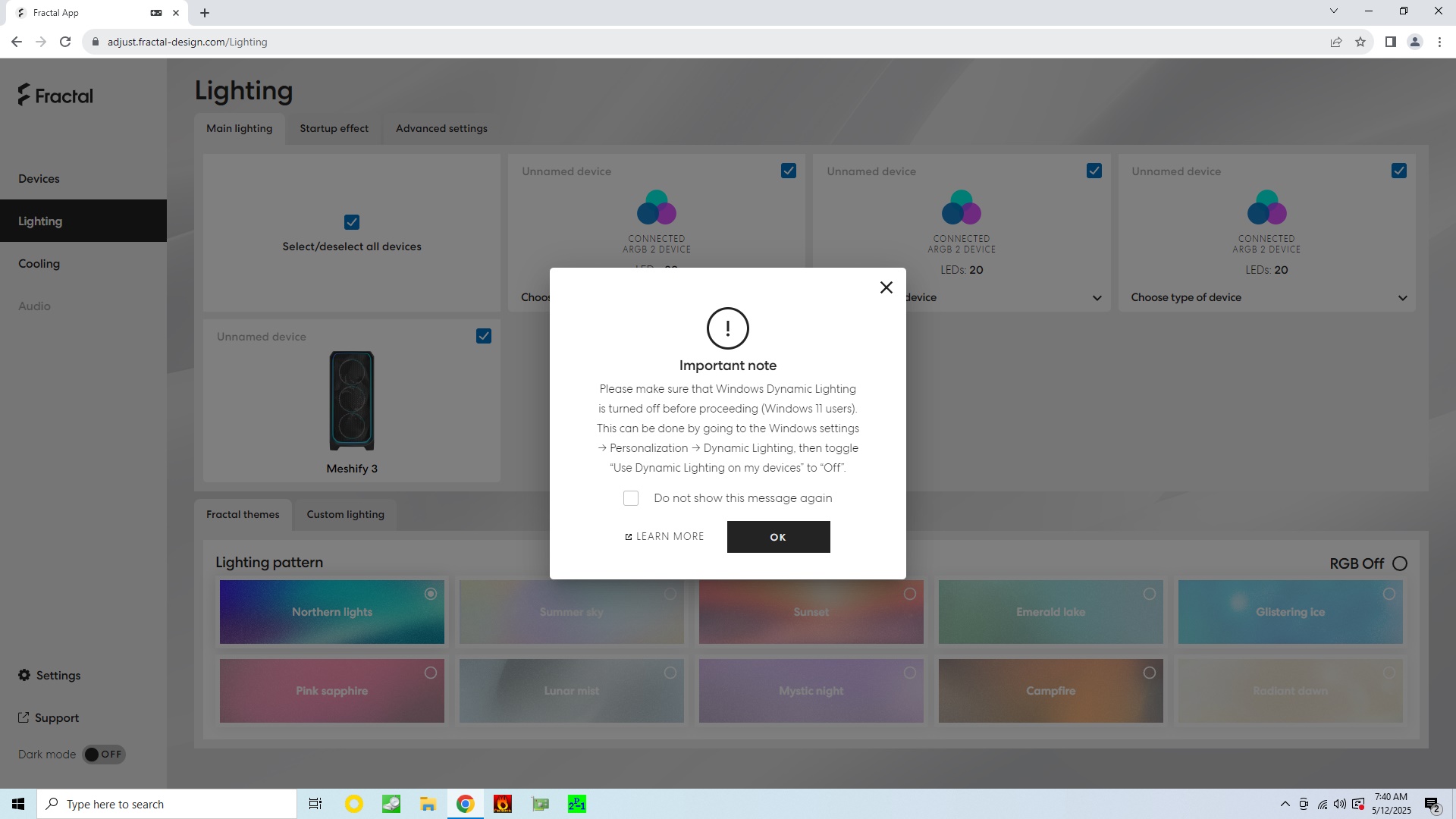


Once the Adjust Pro Hub is ready, you have access to two new menu items: Lighting and Cooling. As you can see Audio is not accessible, as this is currently only enabled if you connect their headset, the Fractal Design Scape, to the web app. To use the lighting elements, you have to ensure to turn off WDL, which is interesting as it seems to suggest that Windows 11 has some sort of access to the device and could interfere with your settings. In other words, it would not be far-fetched if the Adjust Pro Hub could be made to work with Windows Dynamic Lighting. The device detects all four ARGB 2 devices, but in its current state can only identify the Meshify 3 automatically. The three Momentum 14 RGB units are listed, but not depicted or named. The Adjust Pro also supports ARGB v1 devices, but you will have to set up each of those devices yourself. By default, as seen in the images of the finished build, the lighting theme is "Northern lights," but you have nine others to pick from. Naturally, you could also do custom lighting. On top of that, Adjust Pro Hub can store a start-up effect, which the system will go through when the hub first turns on. That feature is actually really cool, as you could set up a pattern that targets individual ARGB 2 components while your PC is starting up.
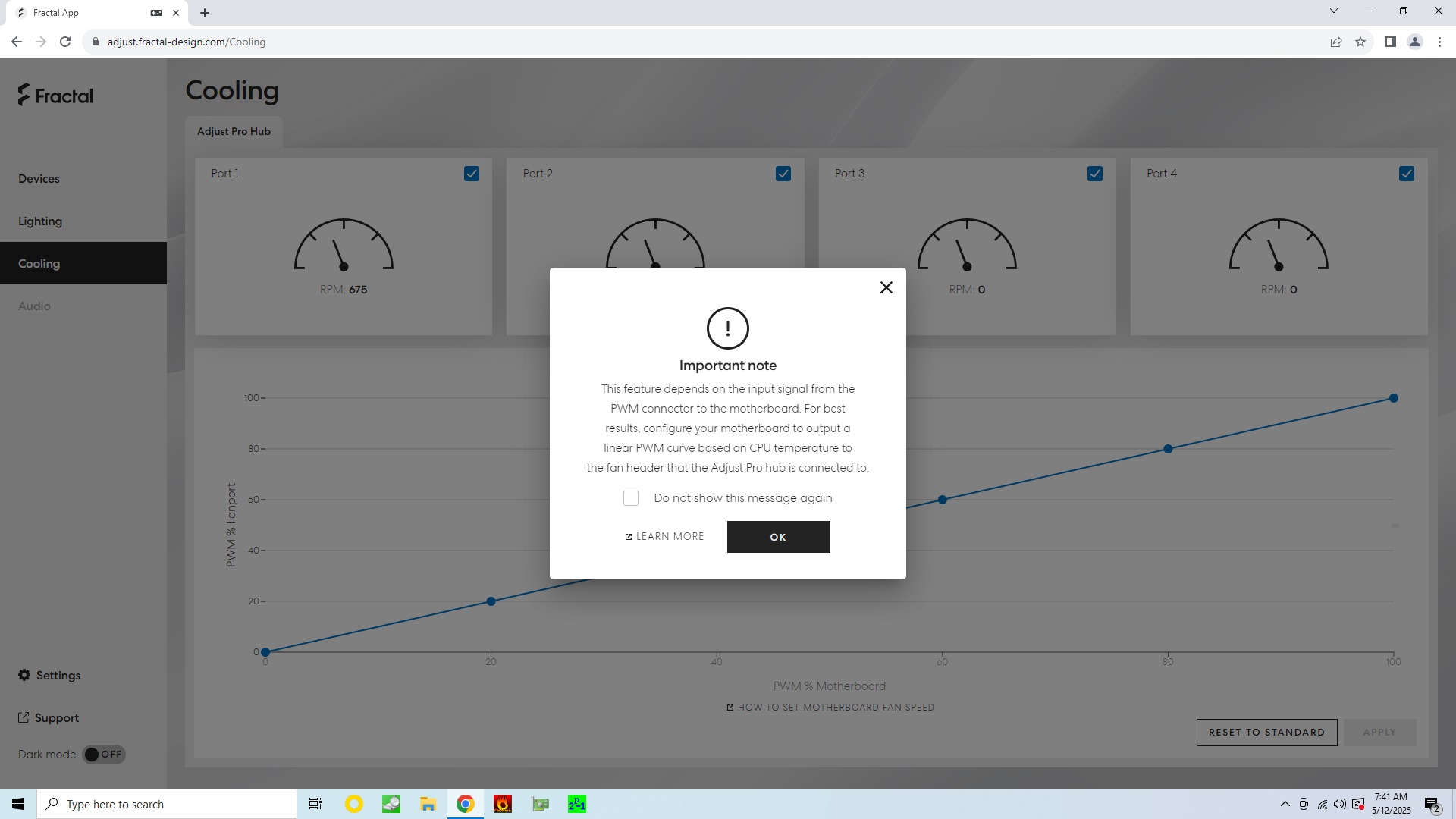
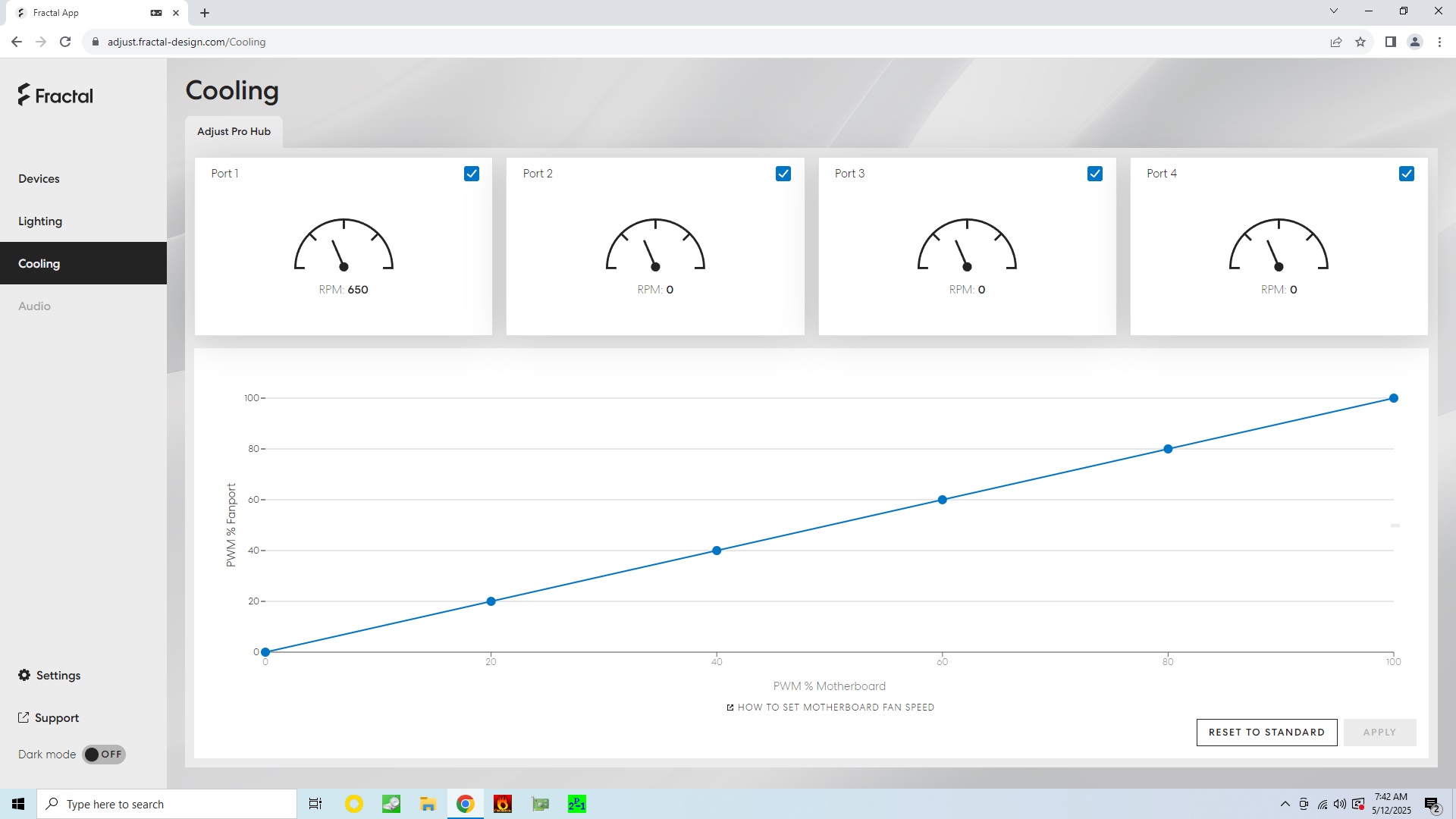
The fan control is unique as well, as you are meant to set a linear line for the header of your motherboard and the Adjust Pro Hub then works in tandem with that setting. For example if the motherboard PWM percentage is 20% then the controller can translate the value 1:1 to the fans. Or you could adjust the line and weigh the motherboard percentage conversion to be more or less. That way you can set an actual curve as a result independent of the motherboard. As such, 20% on the motherboard could translate to 5% on the Adjust Pro Hub, with a flatter line at lower percentages and then higher equivalents at the end of the curve. Alternatively, you could just set an exponential curve on the motherboard and ask the Adjust Pro Hub to translate those percentages 1:1, but the downside here would be that the result is not visible clearly in the web app. In our default scenario, all three fans are connected to one of the ports, so you can see the resulting RPMs on Port 1. This means that the hub is able to control four different sets of fans, which translates to having a traditional 4-port PWM controller. Ideally, if you are using a port for something else, like is the case here, the software should be smart enough to know that and not suggest it as one that is used by a fan. That is not yet the case for the current version of the web app.
Nov 22nd, 2026 04:39 PST
change timezone
Latest GPU Drivers
New Forum Posts
- Honestly, do you care about GTA VI? (244)
- Gigabyte AORUS RTX 5080 MASTER – Up to 30°C GPU Hotspot Delta! Is This Normal, a Cooling Defect, or Should I RMA? (1)
- UPS what one to get? (31)
- The TPU UK Clubhouse (27289)
- Your PC ATM (36449)
- TPU's Nostalgic Hardware Club (22194)
- Zen 3 IF/IMC degradation (244)
- Local LLM General Discussion (696)
- How to prevent OLED burn damage due to PC freezes or power outtages? (54)
- Ryzen or Intel system (17)
Popular Reviews
- Microsoft Surface Laptop Ultra Review - The Next-gen Arm Laptop
- Corsair RM1200e (Second Generation) Review
- Pulsar Office Tour & First Look at P1 Dual-Sensor Mouse
- Upcoming Hardware Launches 2027 (Updated Nov 2026)
- Ugreen NASync DXP4800 GT Review
- AMD Ryzen 7 9800X3D Review - The Best Gaming Processor
- Biwin Black Opal NV7400 2 TB Review
- AMD Zen 6 Technical Deep Dive
- Phantom Blade Zero Performance Benchmark Review - 35 GPUs Tested
- AMD Ryzen 7 5800X3D 10th Anniversary Review
TPU on YouTube
Controversial News Posts
- NVIDIA Co-Founder and CEO Jensen Huang Officially Resigns (492)
- Report: Jensen Huang Eyes NVIDIA Comeback (262)
- Open Letter Asking NVIDIA to Reinstate Jensen Huang Passes 115,000 Signatures (184)
- OpenAI CEO Argues Home PCs Waste the World's Limited DRAM Supply (152)
- NVIDIA Launches Investigation Into Jensen Huang's Relationship With Suspected Chinese Spy (136)
- Intel "Raptor Lake Next" 16-Core and 20-Core CPUs Surface (130)
- NVIDIA GeForce RTX 50-Series Scheduled for up to $500 Price Hike This Week (89)
- Intel Razor Lake Gets a 12 P-Core bLLC Chip With No E-Cores, Per Leak (86)