 14
Gears Tactics Benchmark Test & Performance Analysis - 27 Graphics Cards Compared
(14 Comments) »Introduction
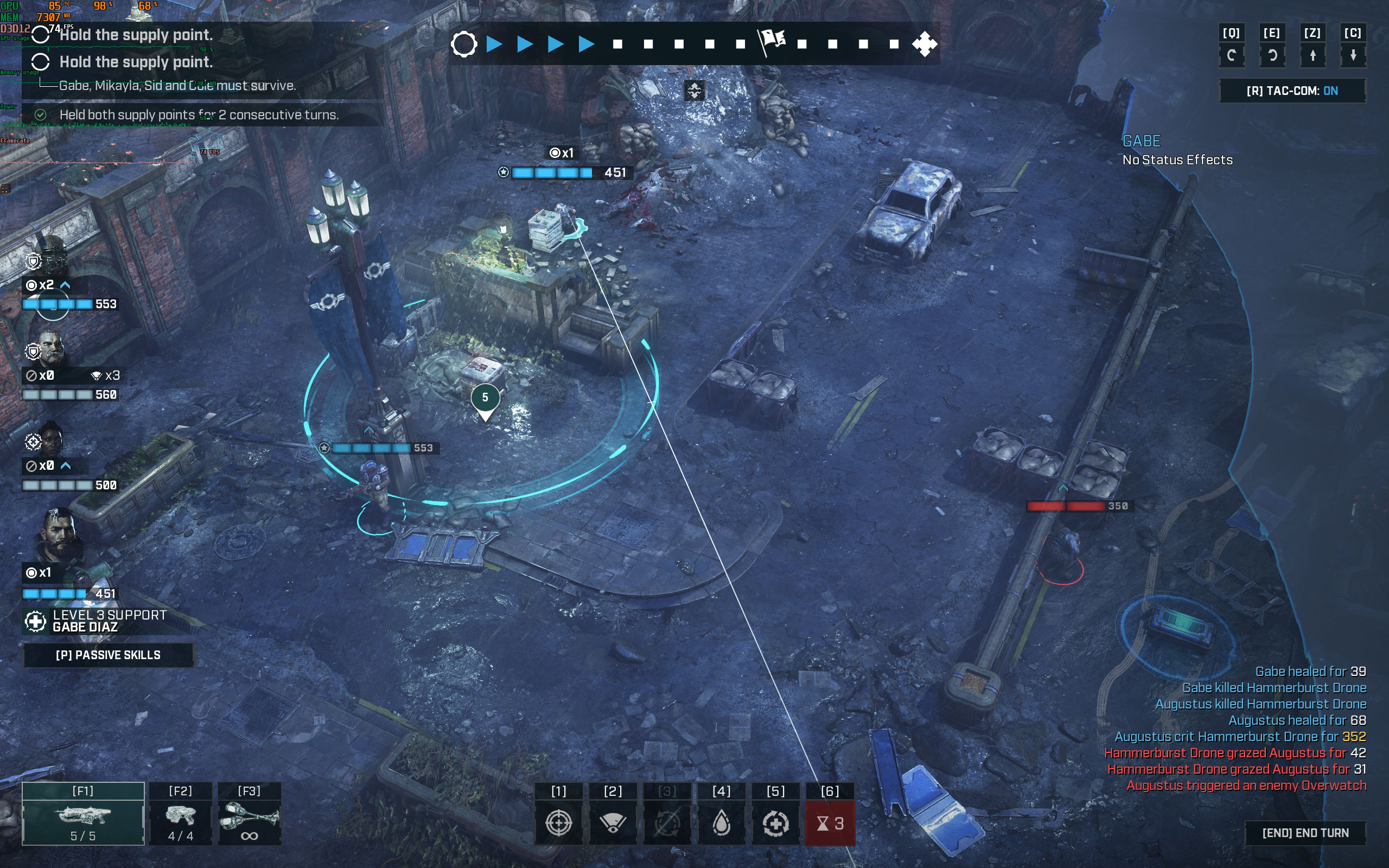
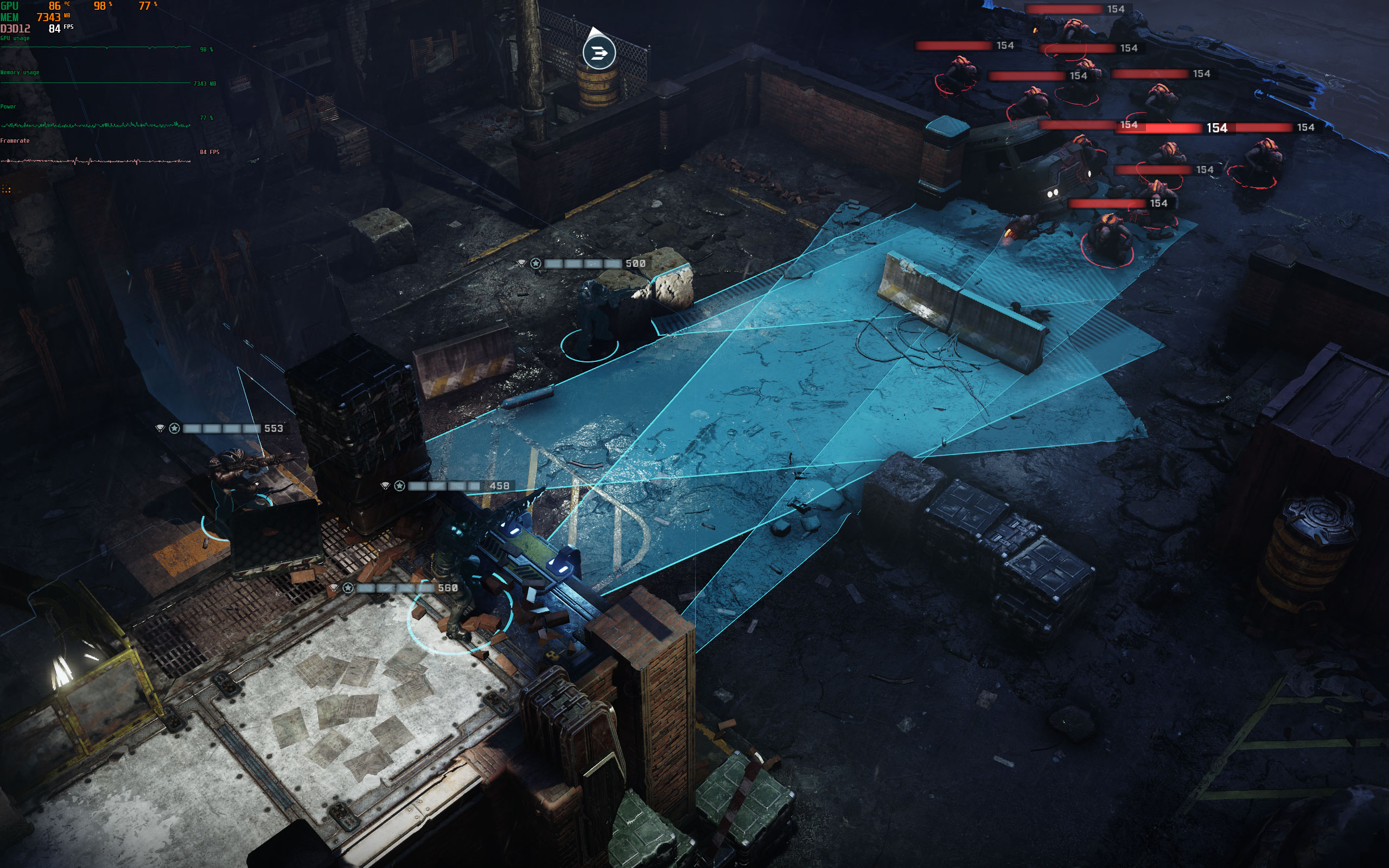
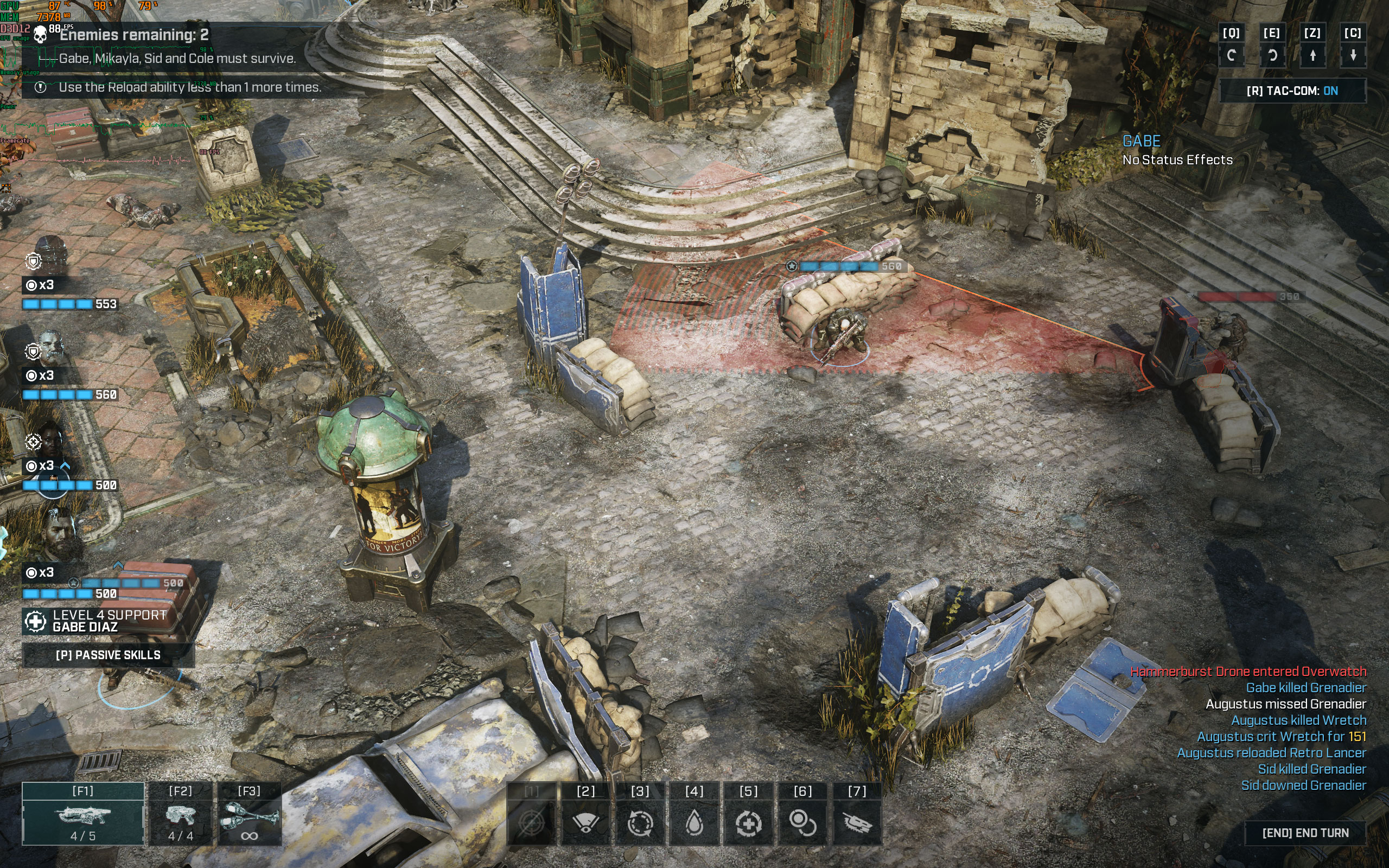
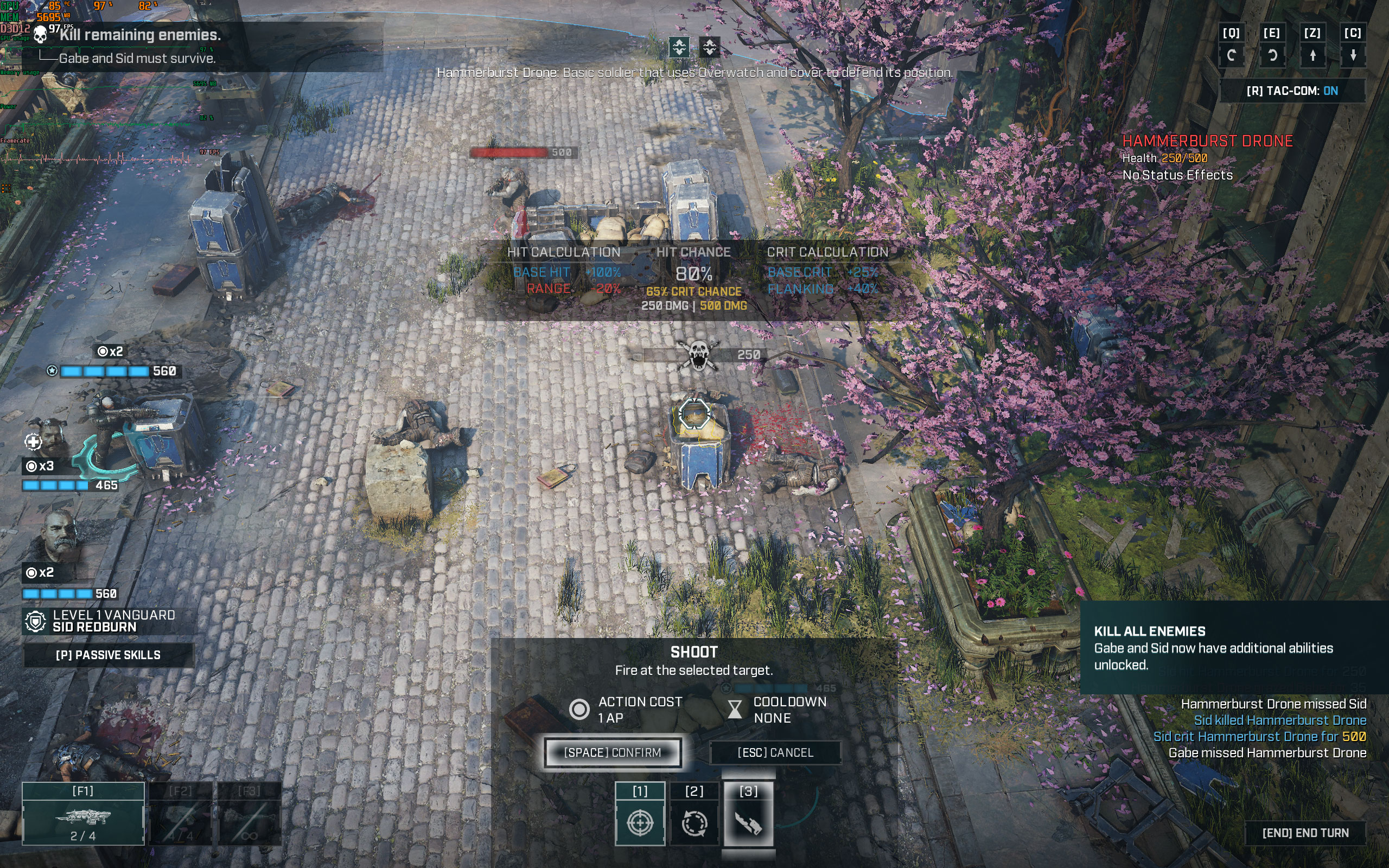
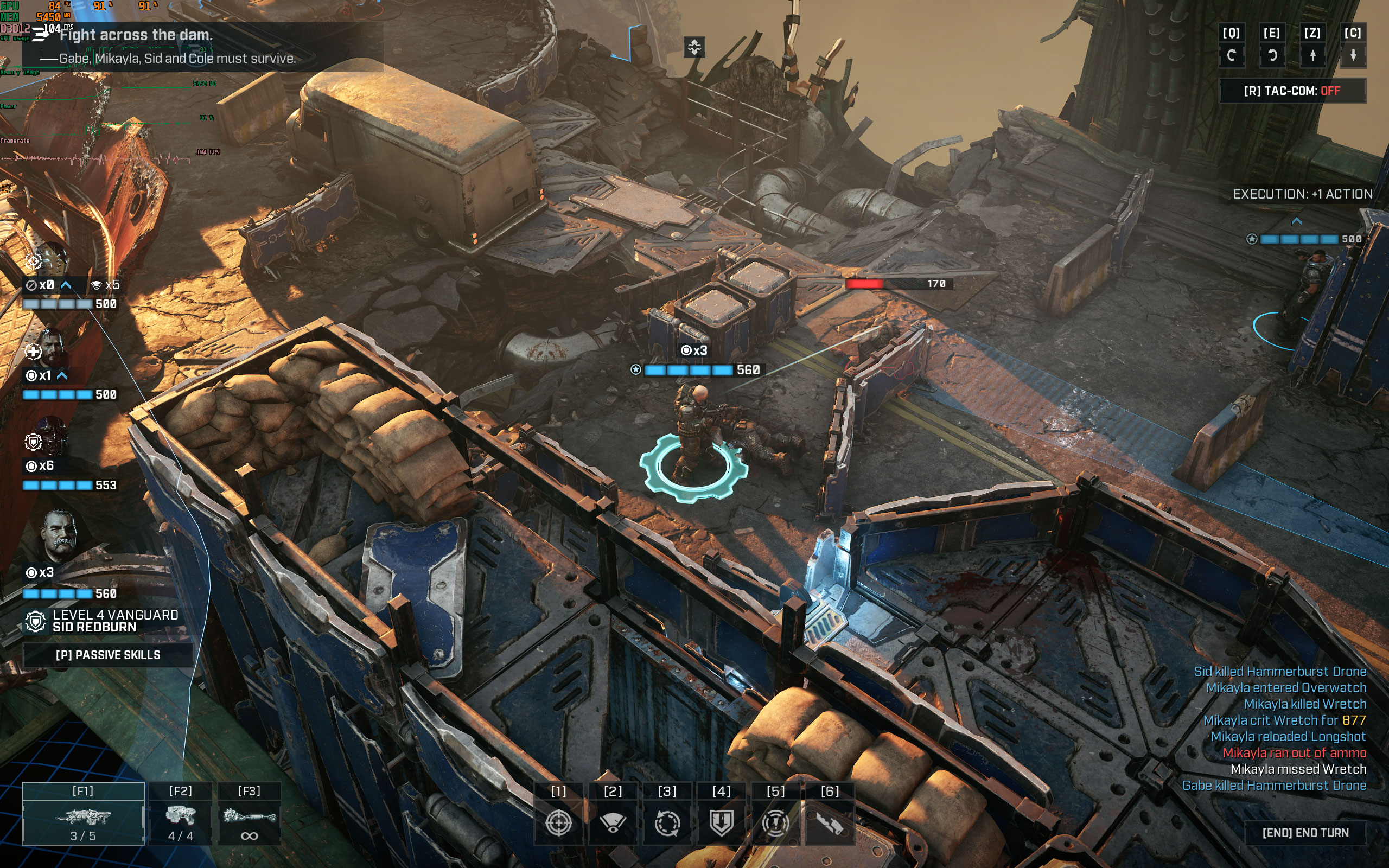
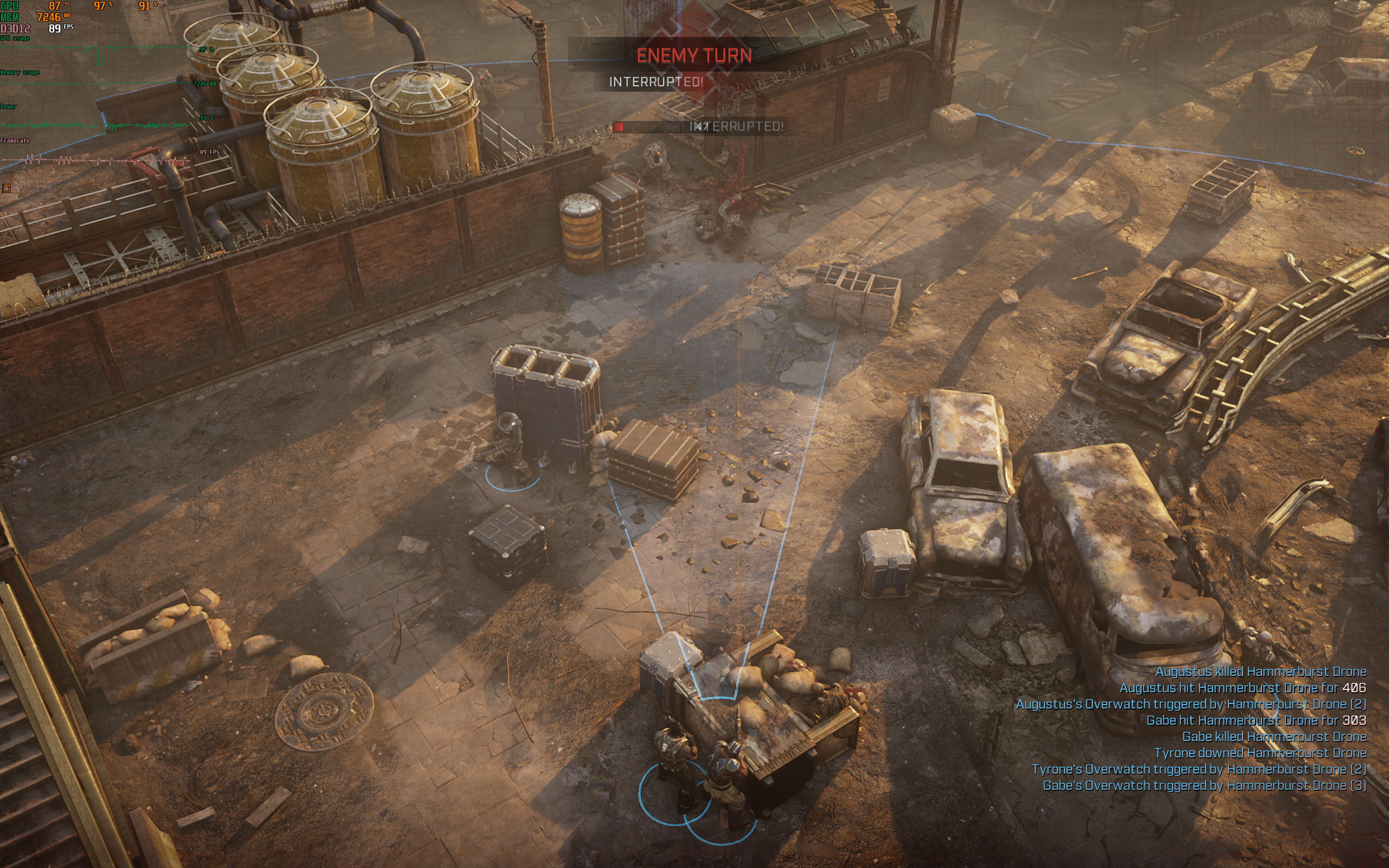
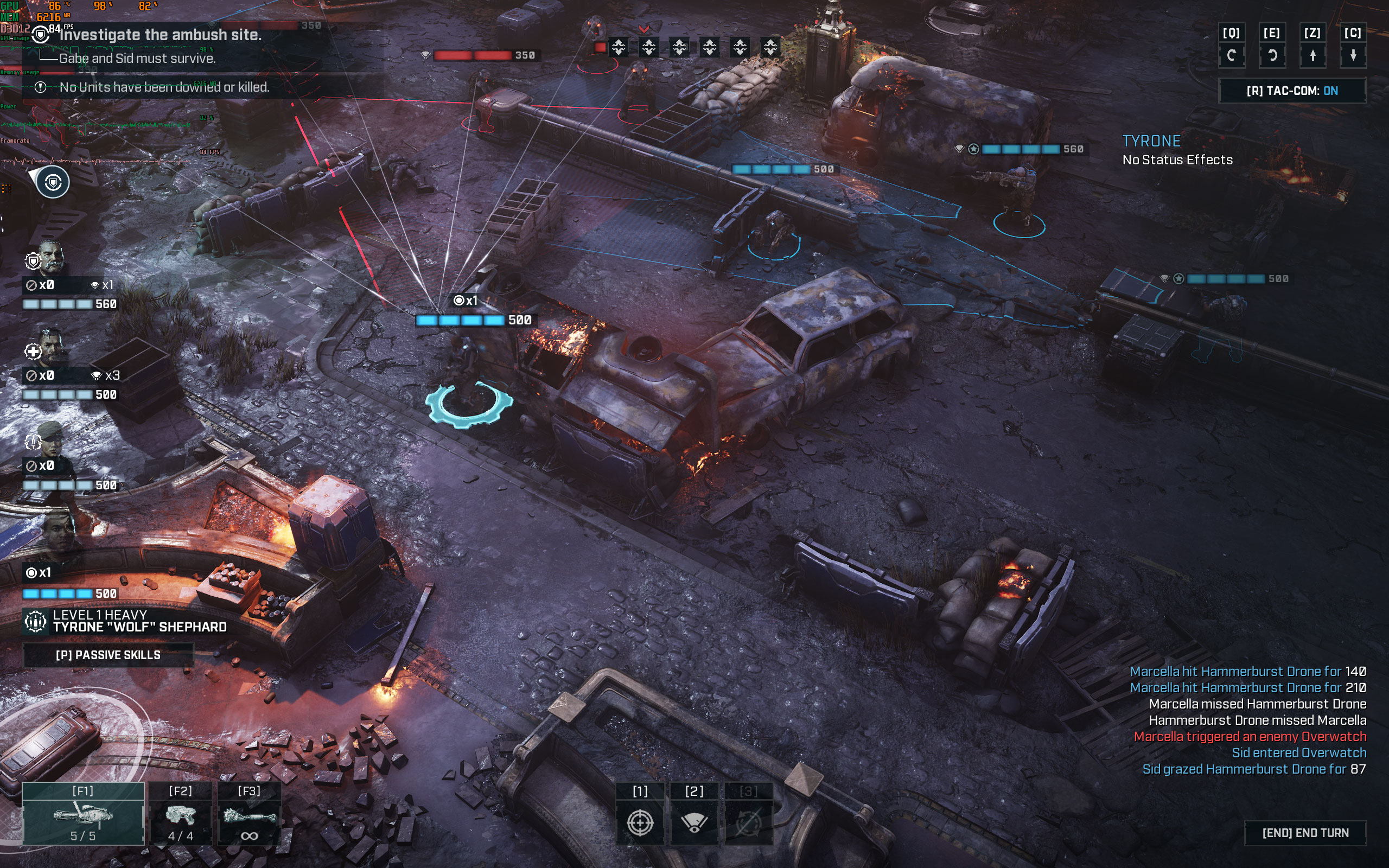
Gears Tactics is the very latest addition to the feverishly popular Gears of War franchise, and a refreshing spin on the IP. While every other GoW game you've played is a third-person or hybrid third+first person shooter, "Tactics" is a turn-based action strategy game in which you play God by commanding a squad of heroes who embark on missions to clear out enemies and solve challenges within a level—similar to what the XCOM series offers.What makes Gears Tactics unique is that the squad isn't confined to a grid. You can command individual characters to different areas of the map to work on different objectives, or combine all of them to multiply force. When in combat, each character can shoot, take cover, or automatically fire at any target in its line of sight (oversight). Each character can also revive fallen squad mates. Taking out enemies with certain skills yields additional action points, there's also a glory-kill mechanism that yields additional points. Gears Tactics lets you build your own squad by choosing between five character classes, each with its own skill tree, customizable with mods, armors, and weapon modifications.

Set in the GoW universe and a prequel to the original, the Gears Tactics campaign follows Gabe Diaz, father of Kait Diaz from Gears 5, who embarks on a secret mission to search and destroy Locust scientist Ukkon, who's responsible for developing deadly monsters for the Locust army.
Developed by Splash Damage and The Coalition for Xbox Game Studios, Gears Tactics leverages the immensely versatile Unreal Engine 4 and takes advantage of DirectX 12 exclusively. It can be fairly taxing on your machine with all details cranked up. Gear Tactics is one of the first titles to support Variable Rate Shading. In this performance test article we put the game through our huge selection of graphics cards at three resolutions and also include a mini-review at the end, whether the game is worth paying full price for or you had better wait for a discount.
Screenshots
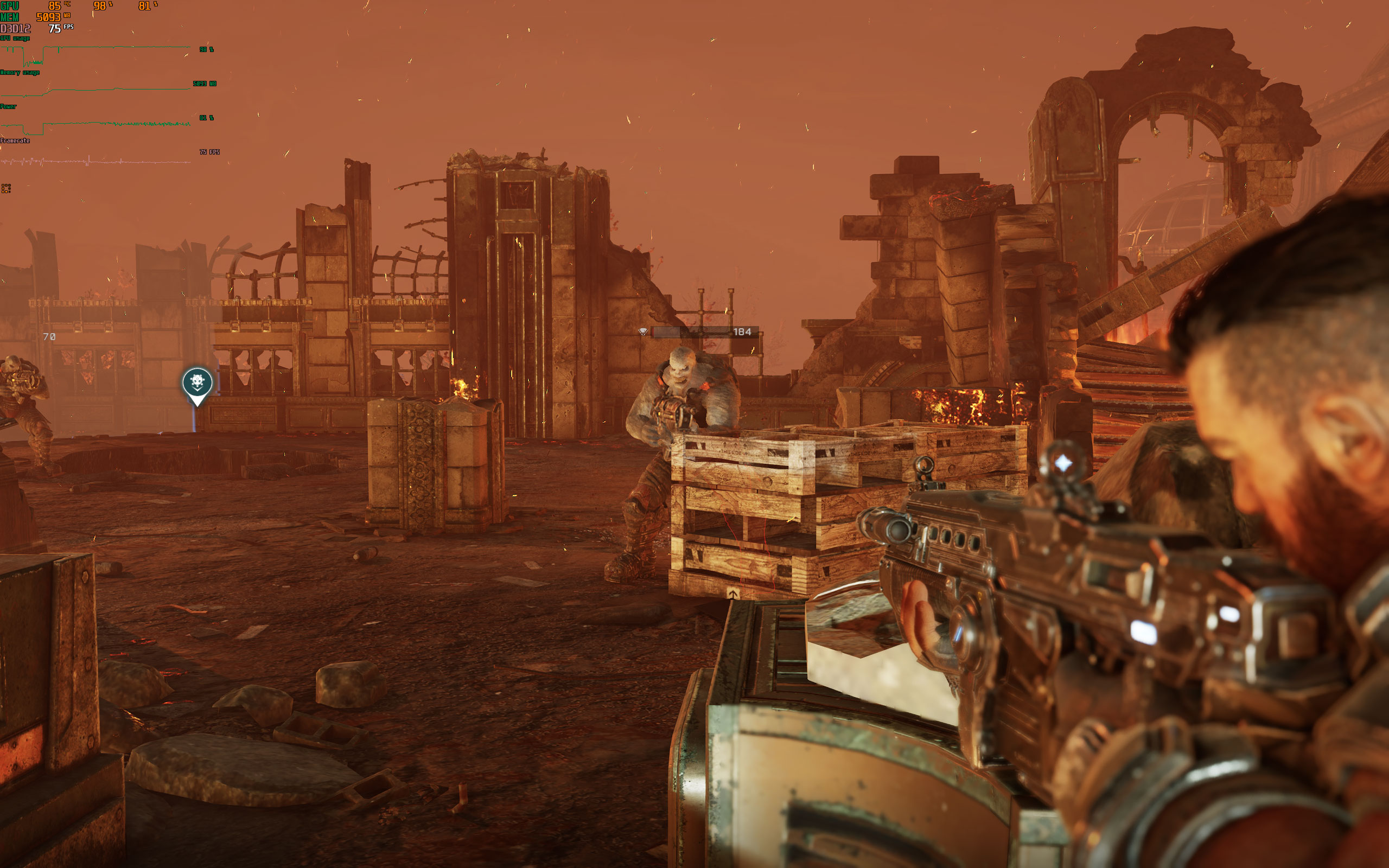
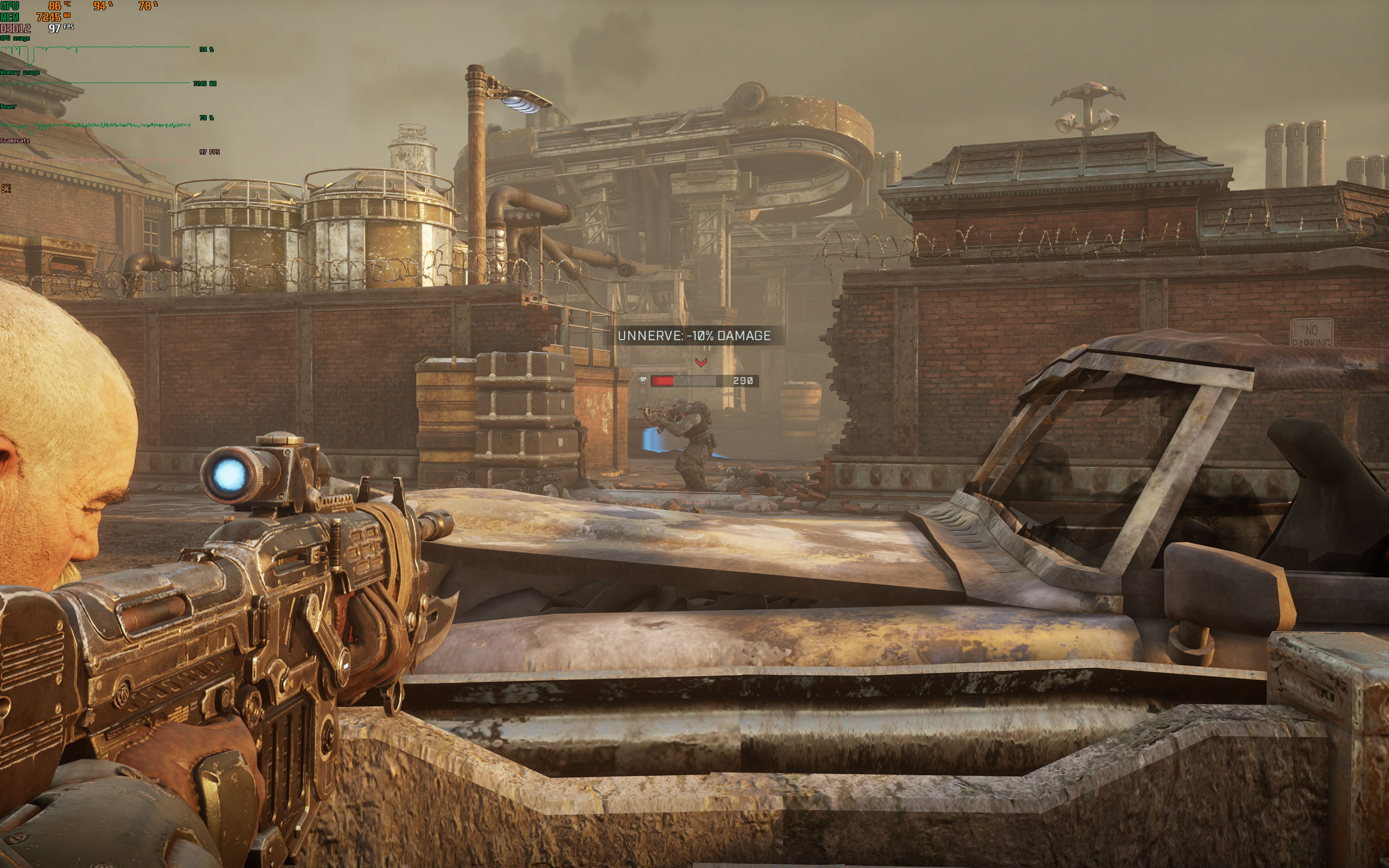
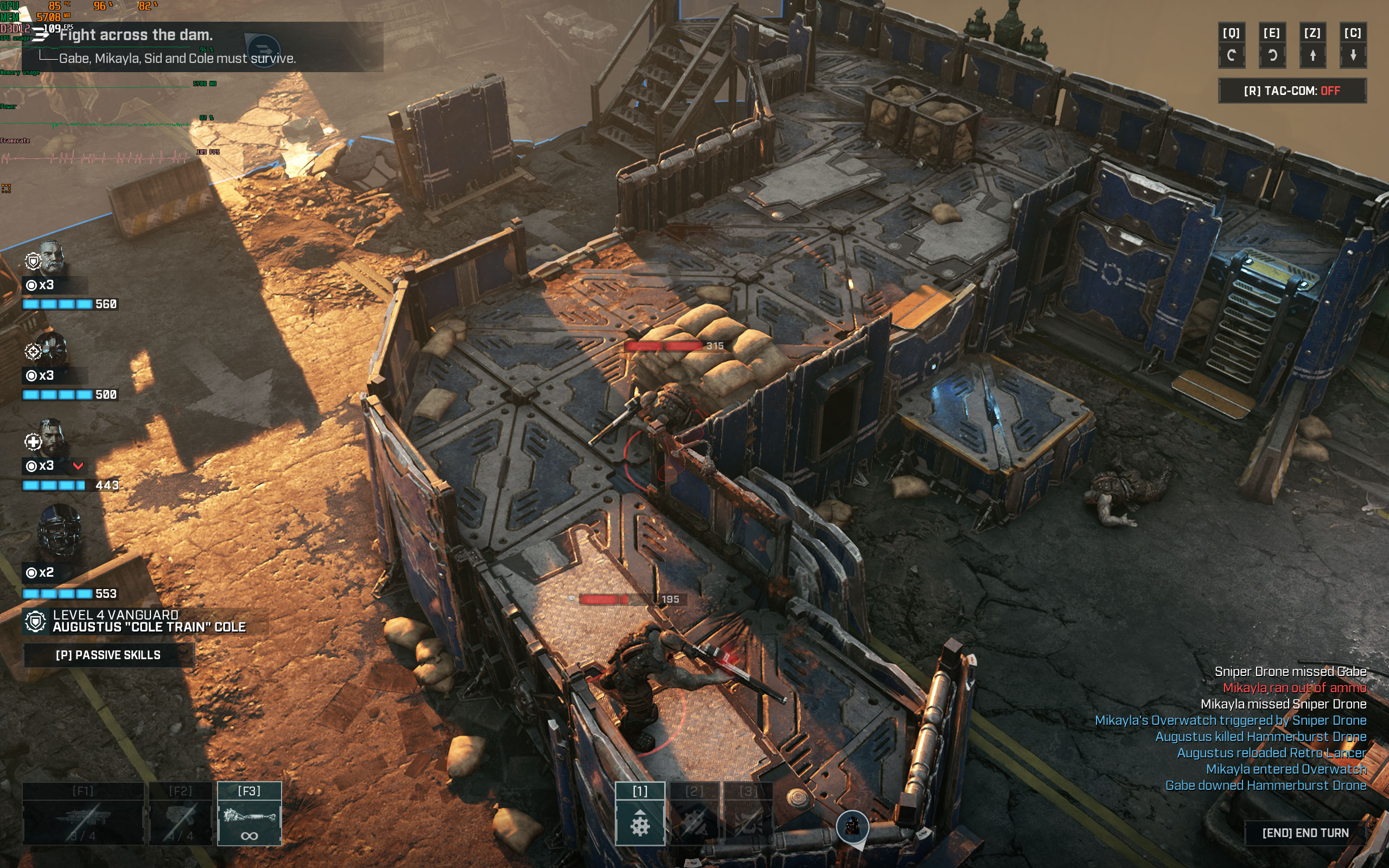
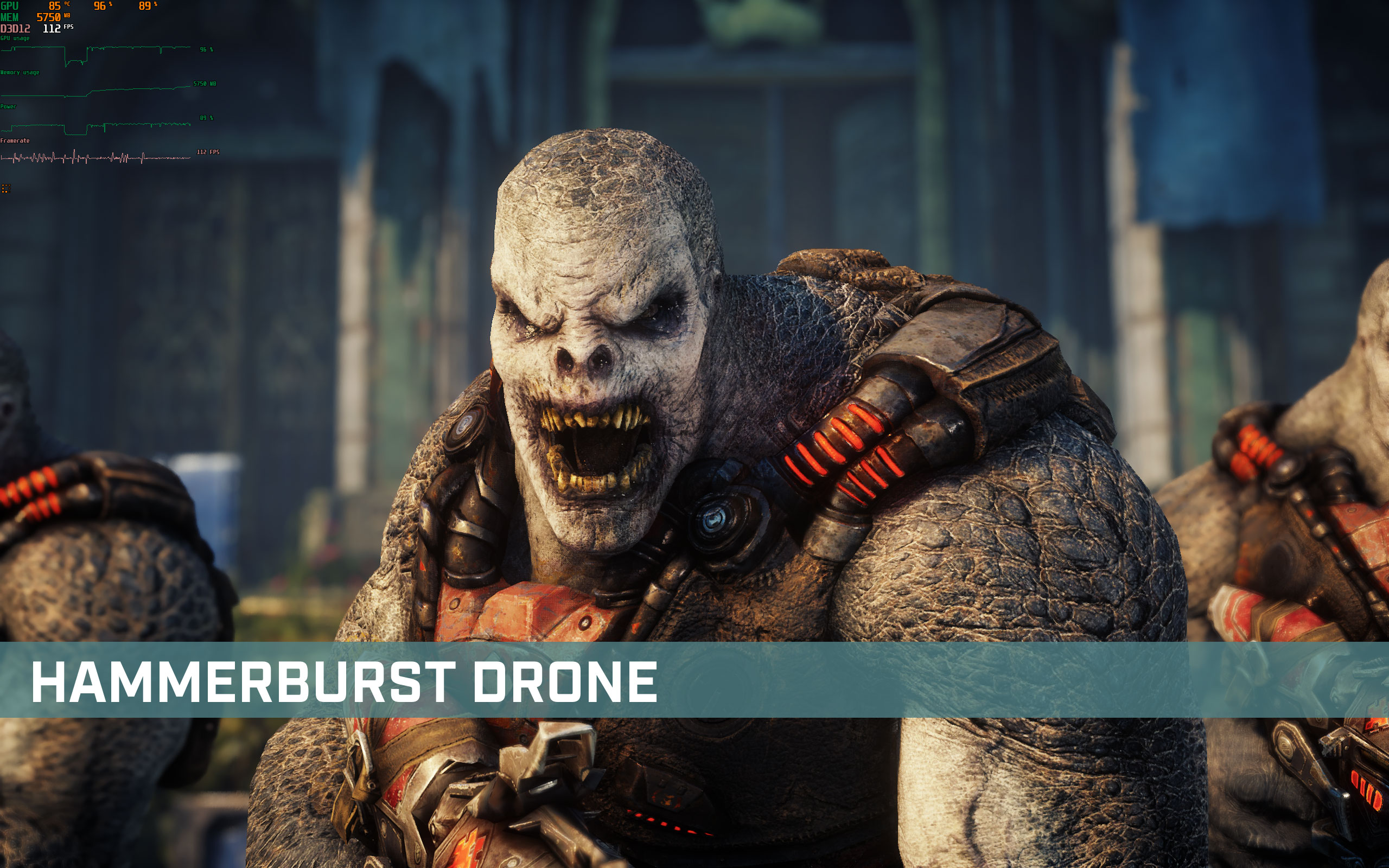
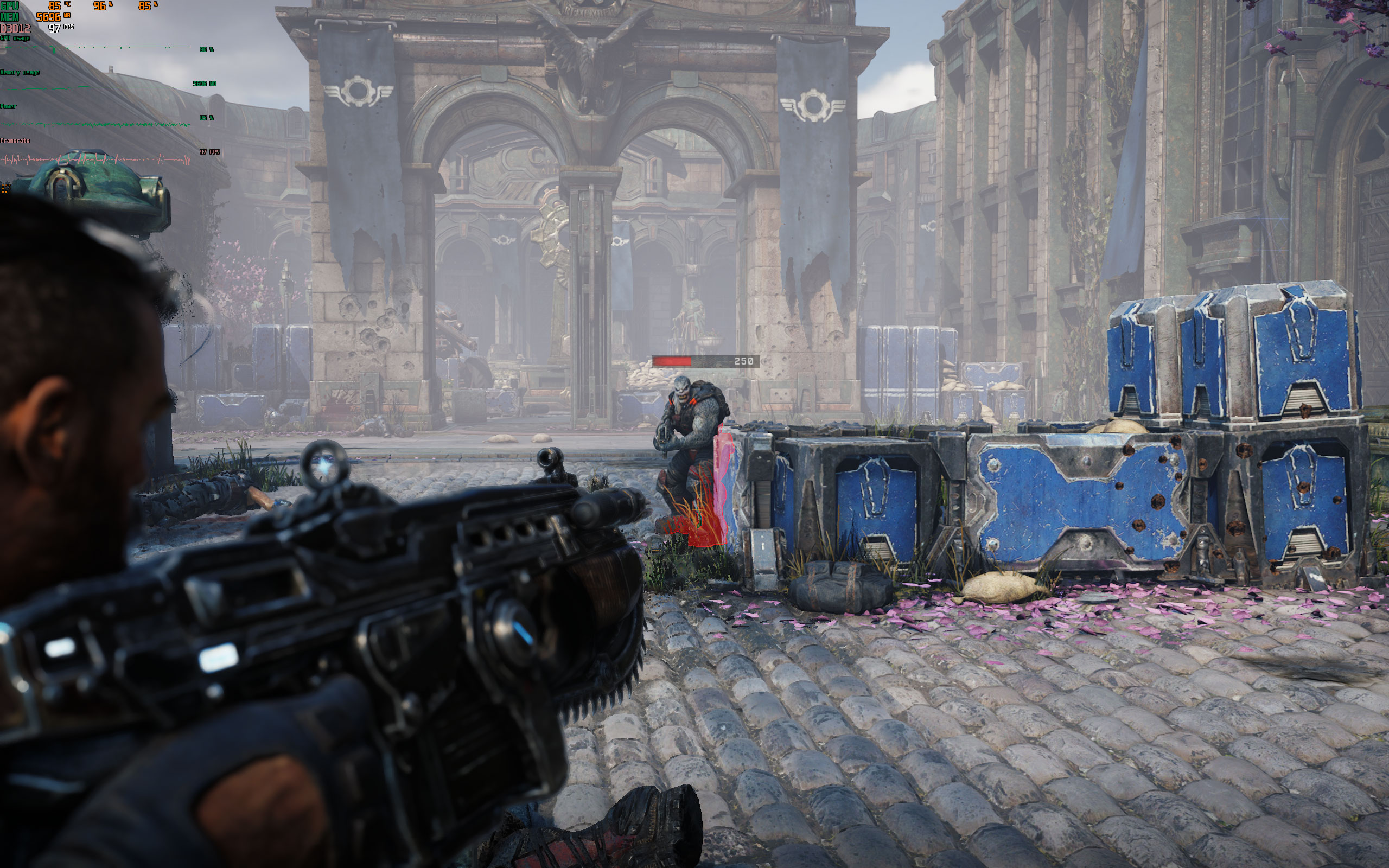
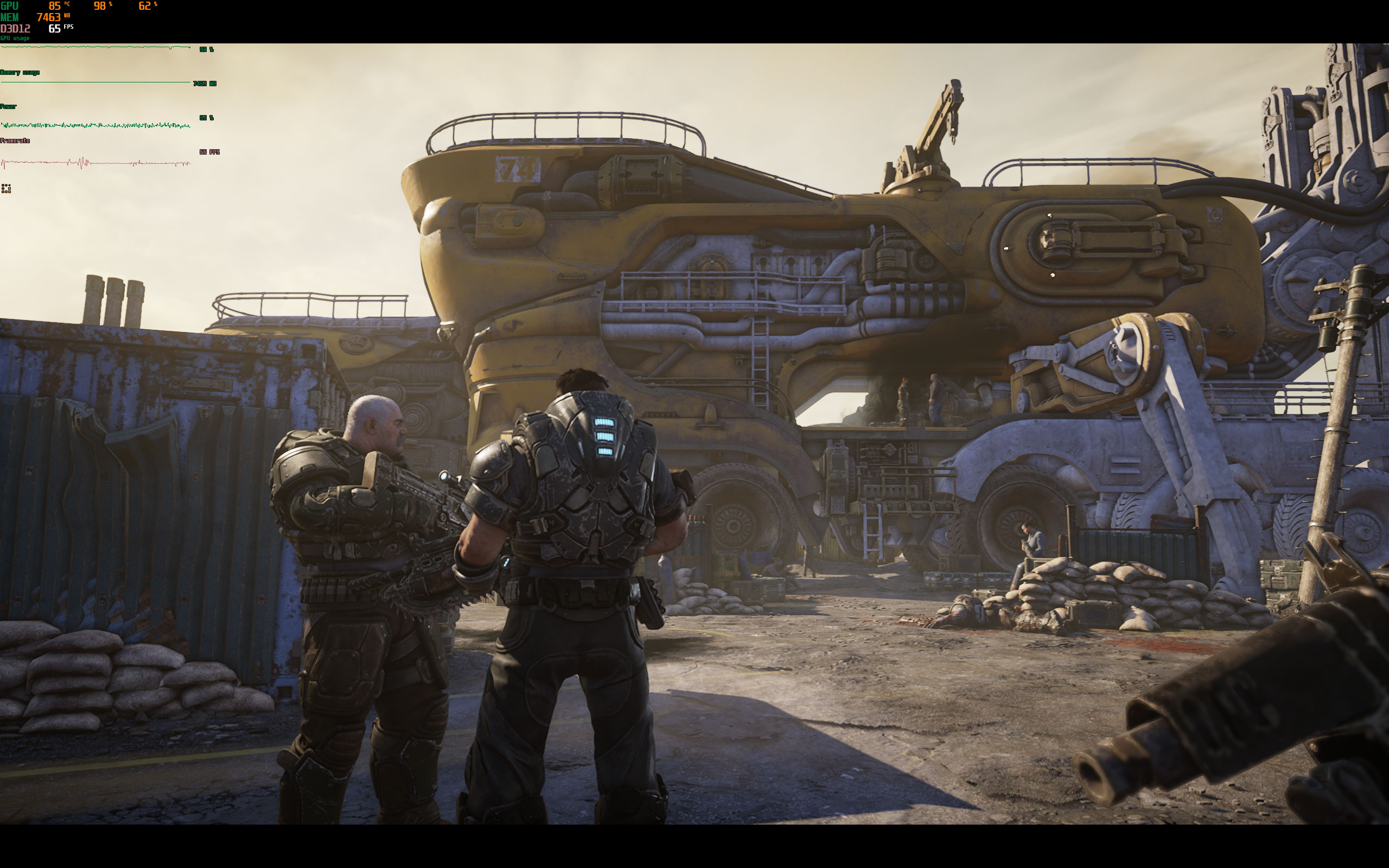
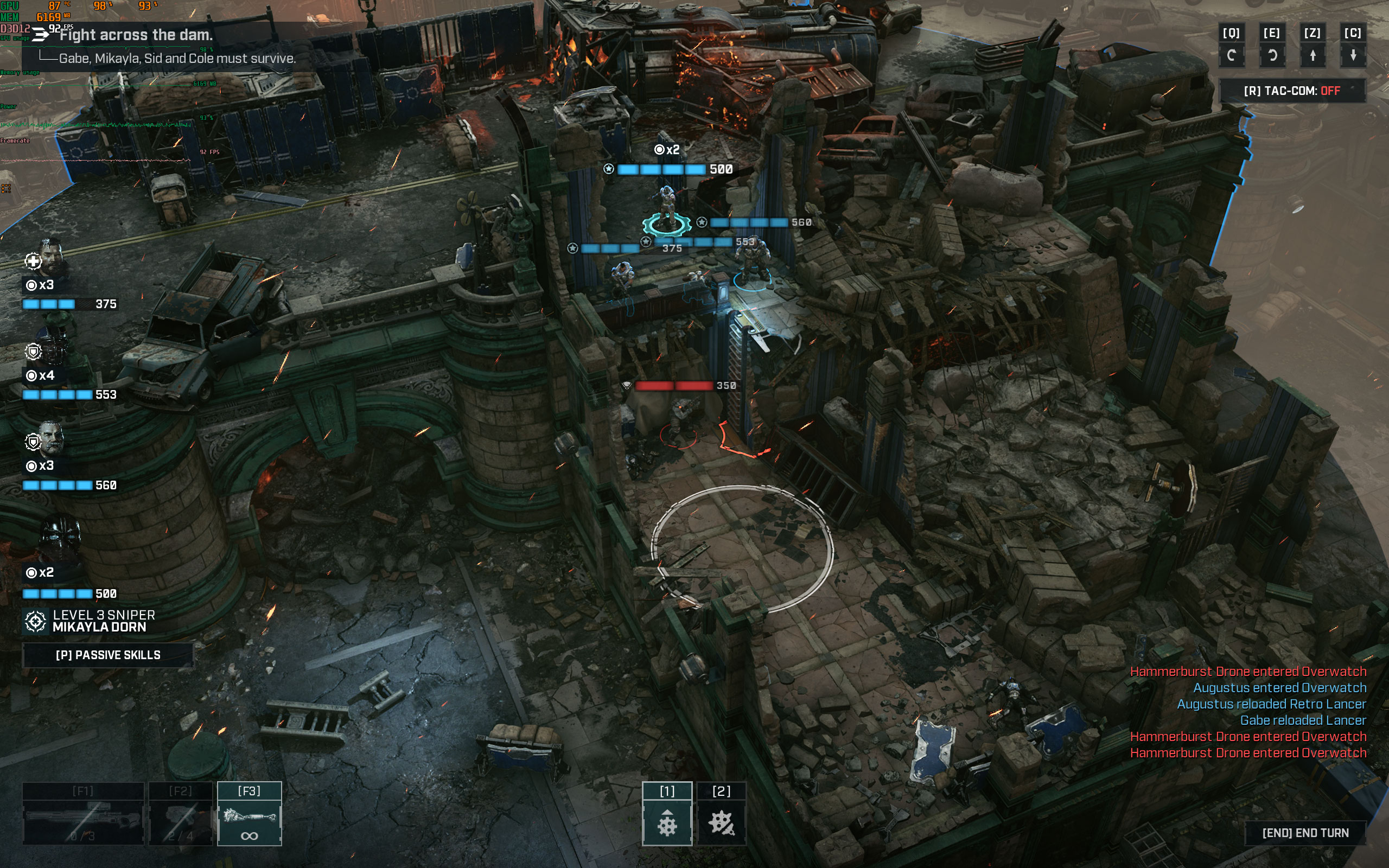
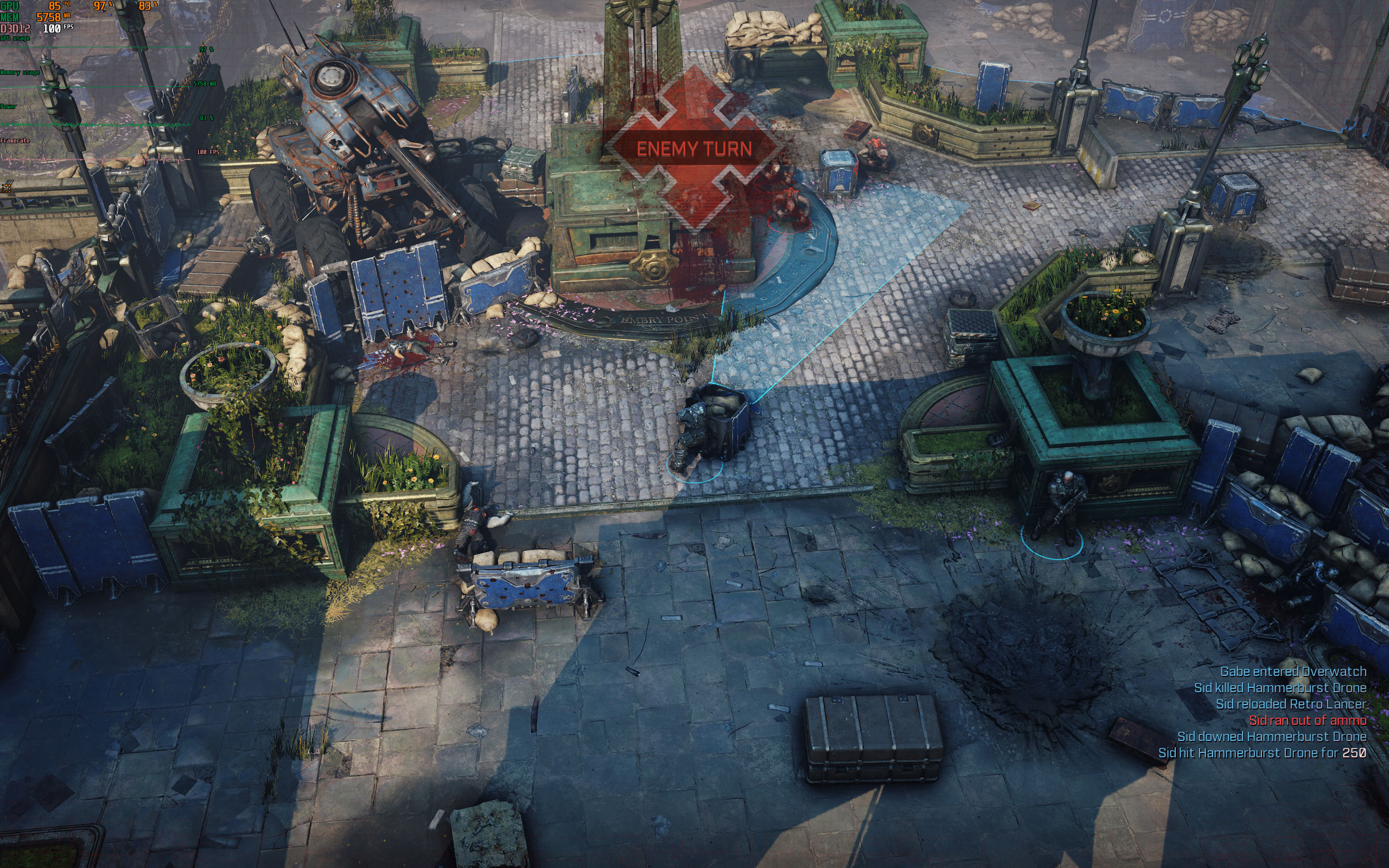
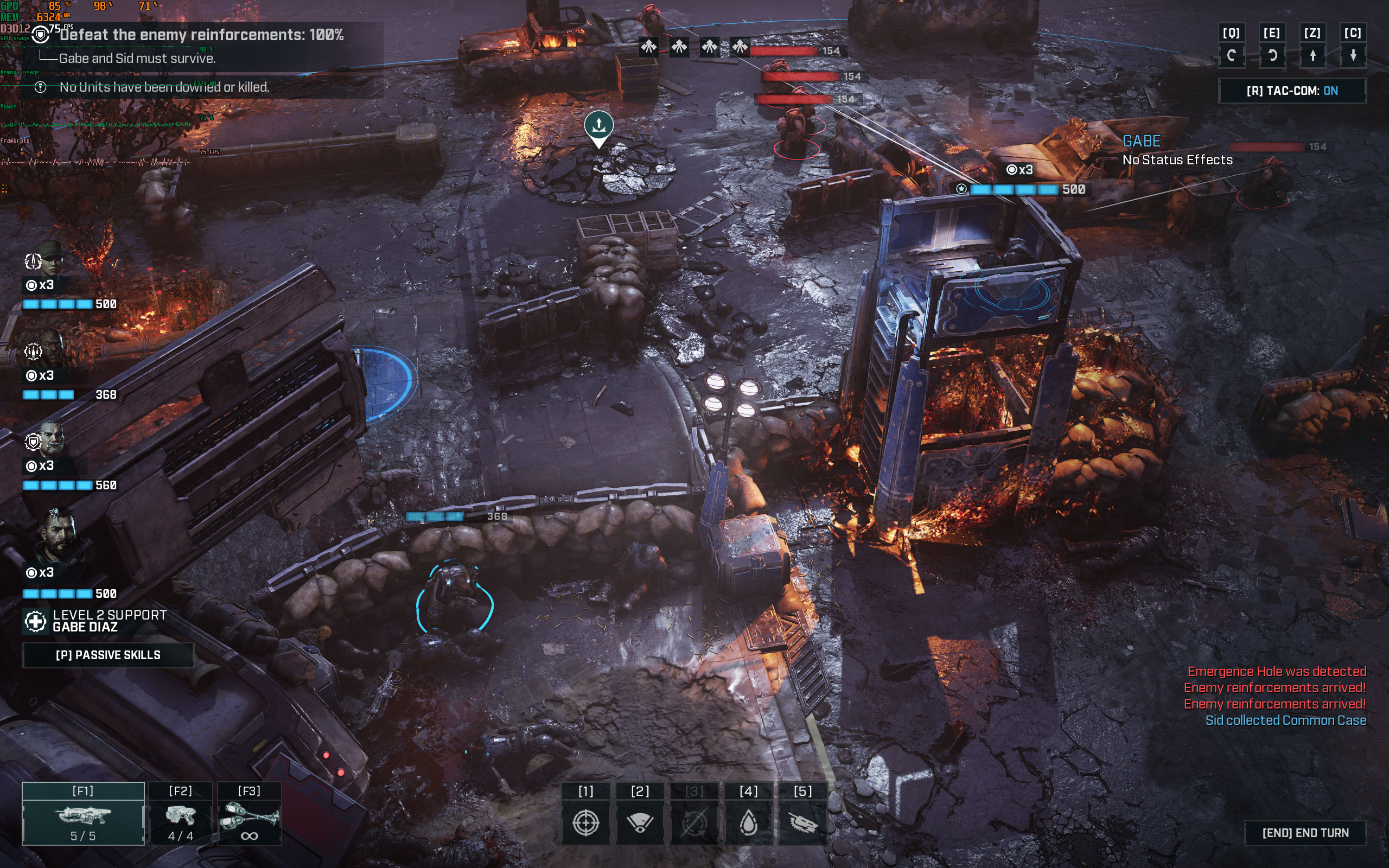
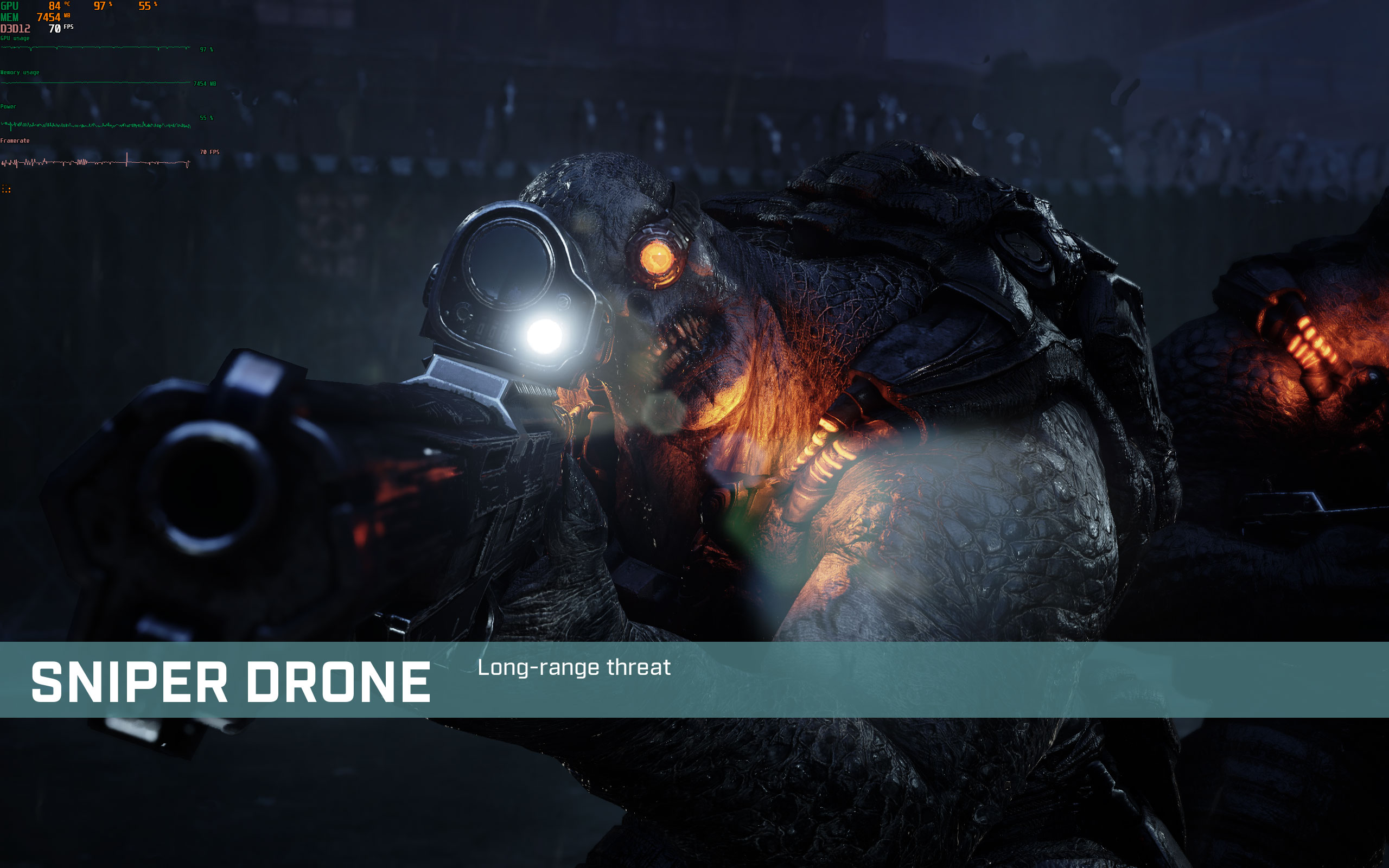
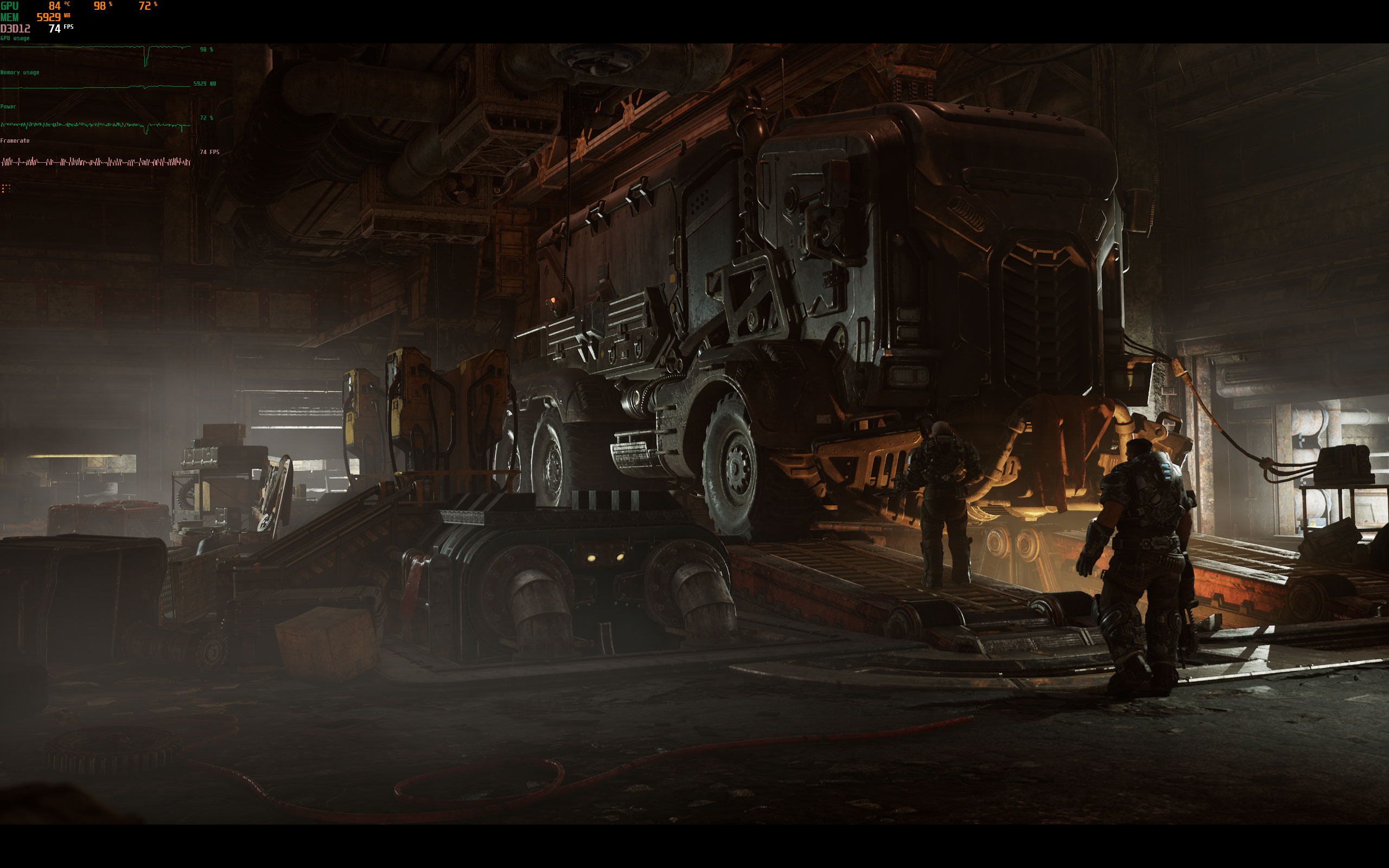
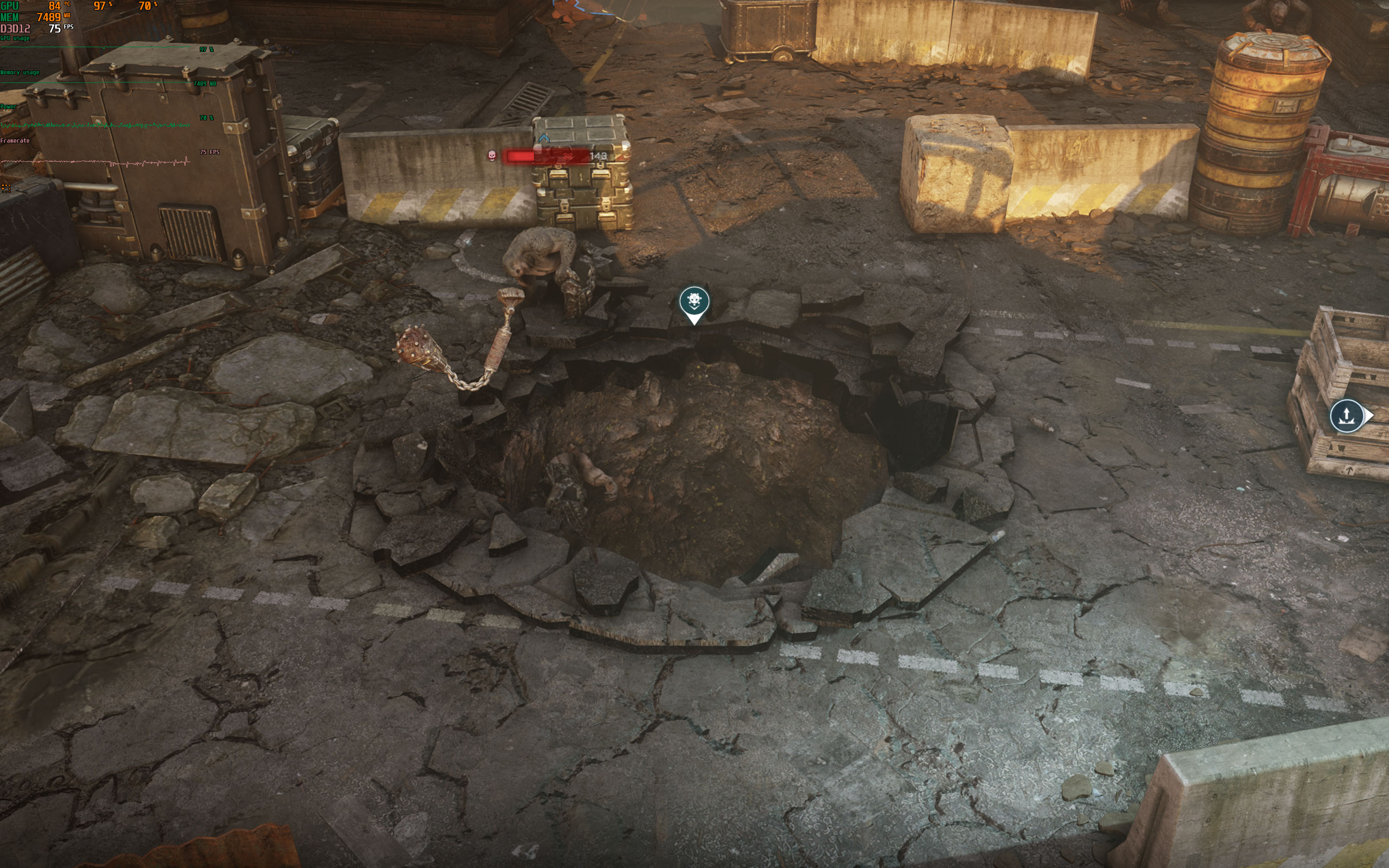
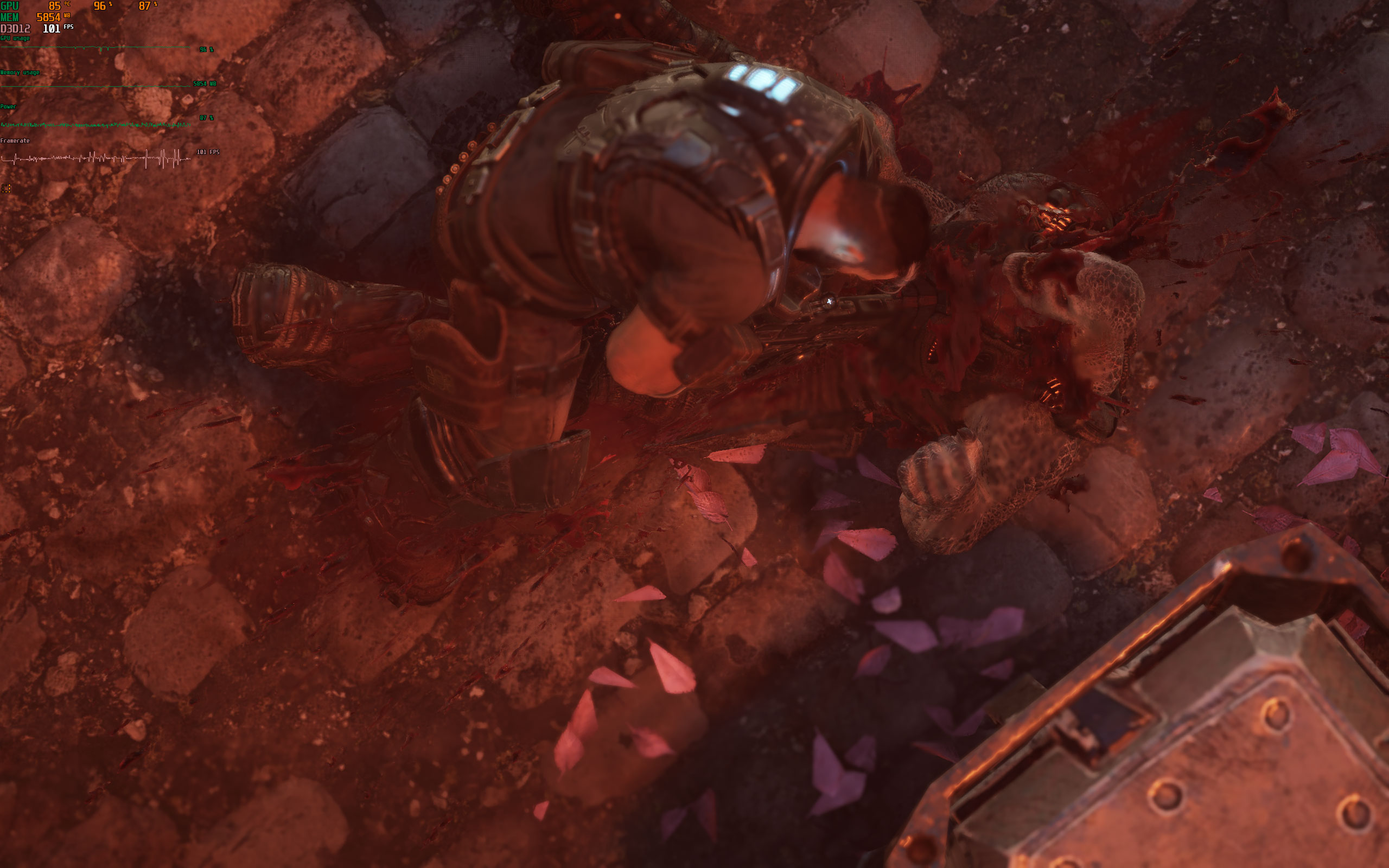
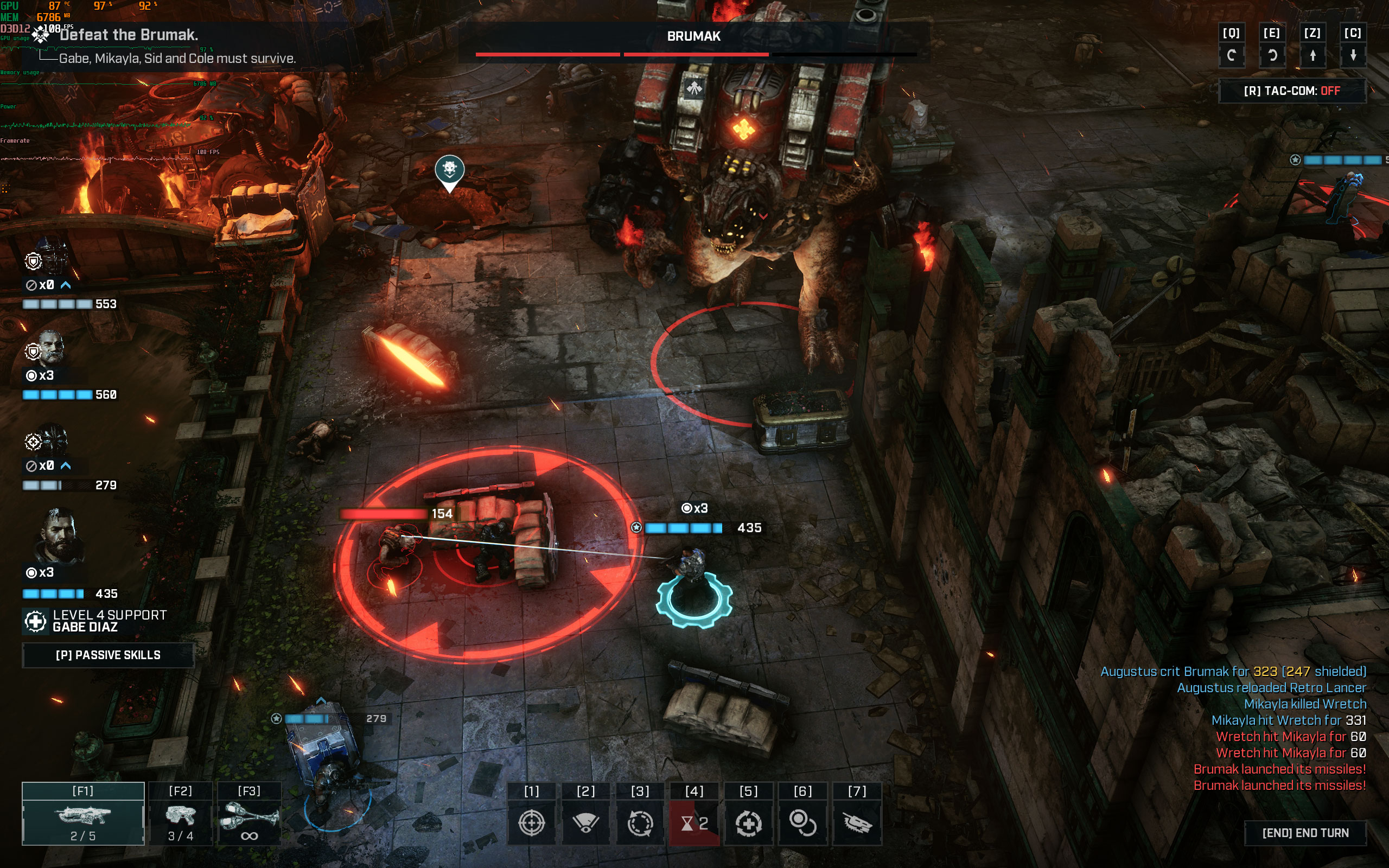
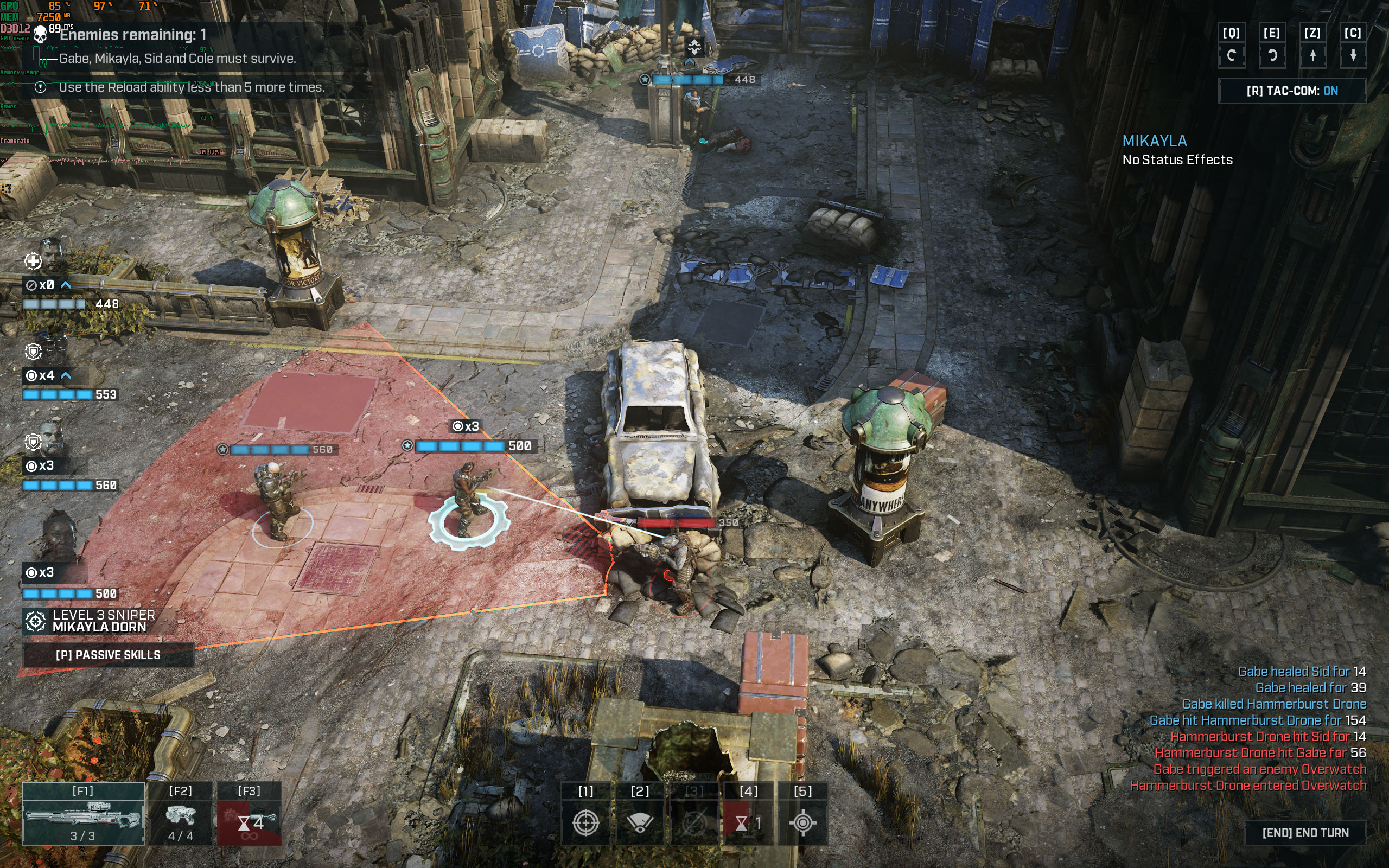
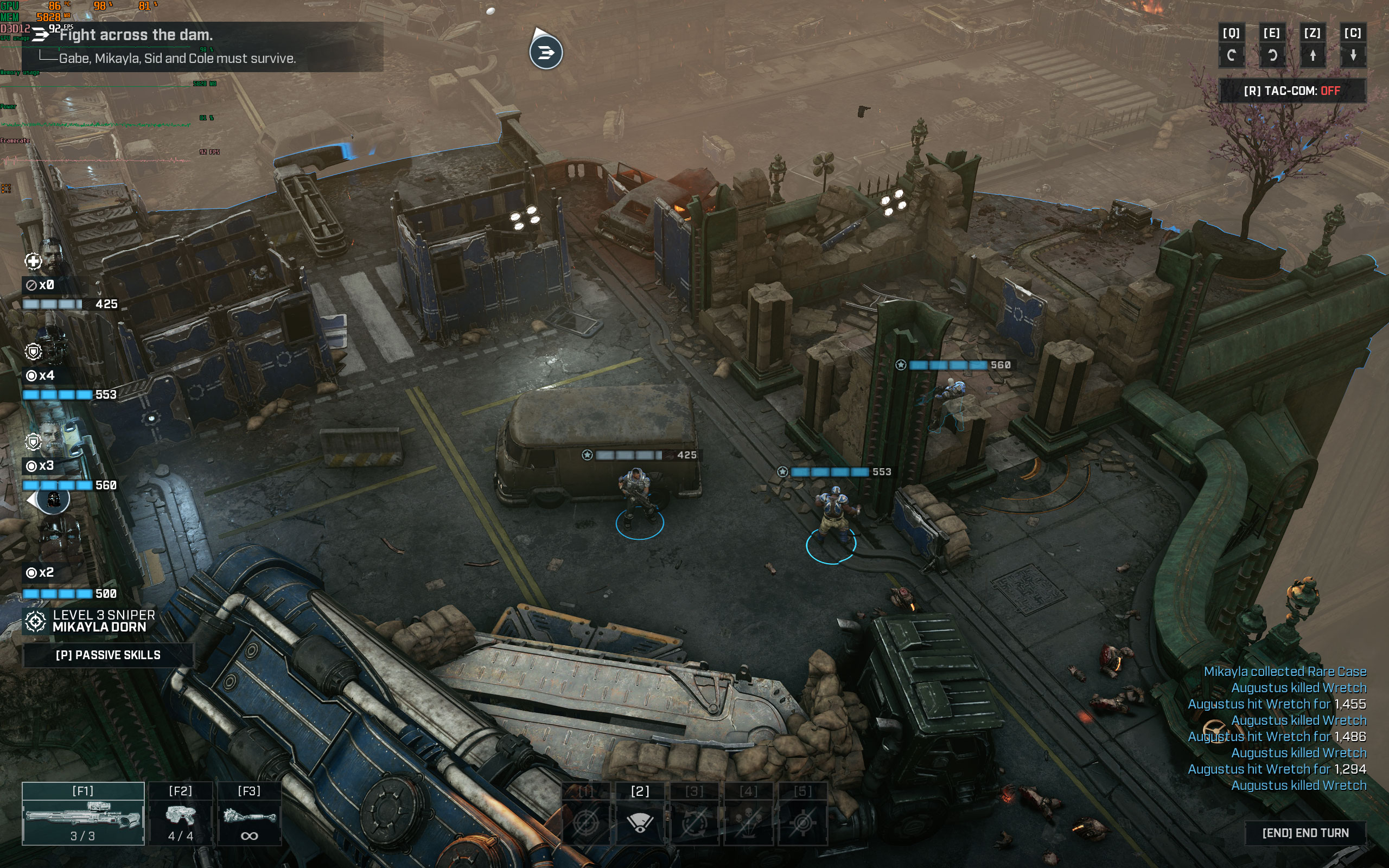
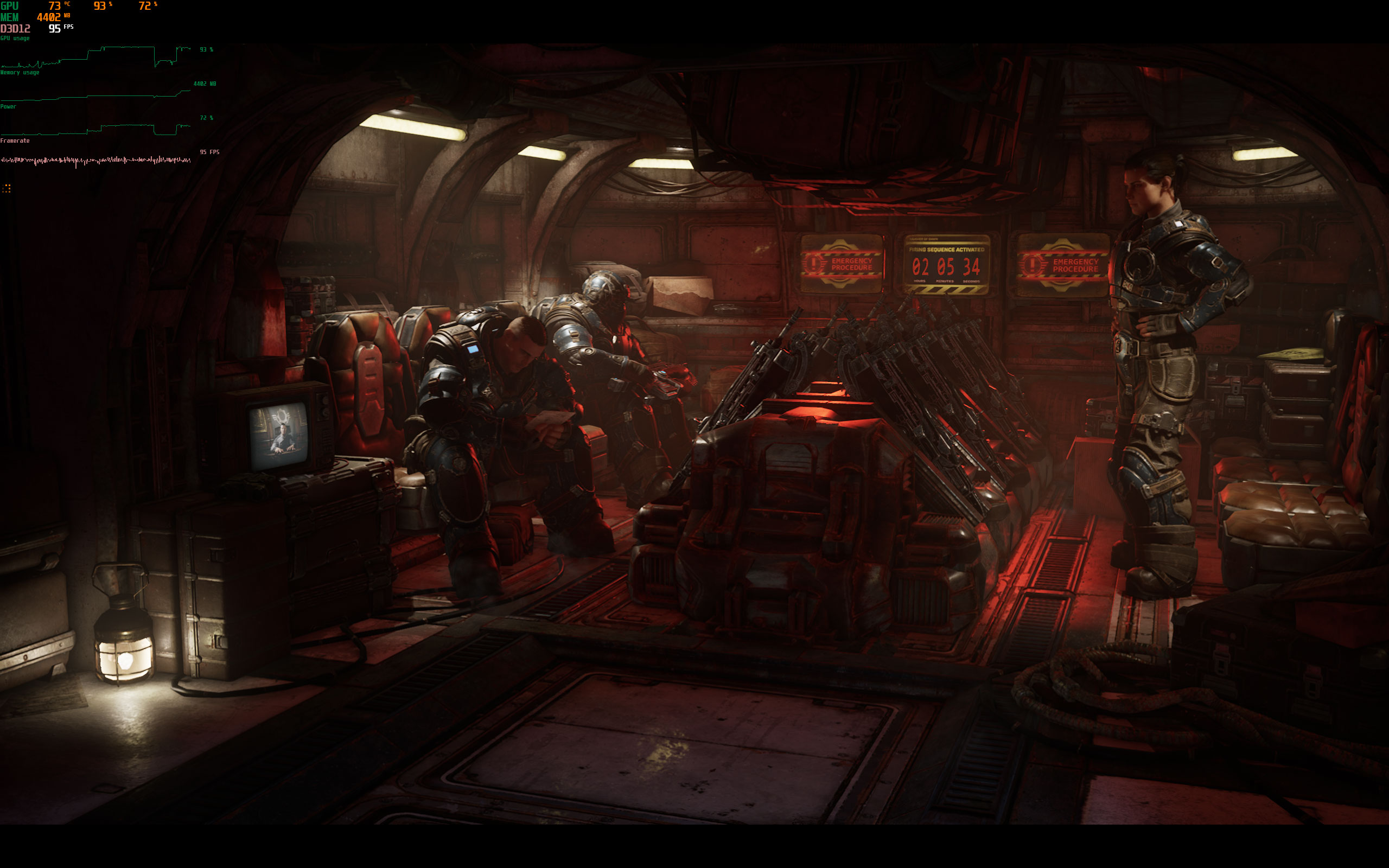
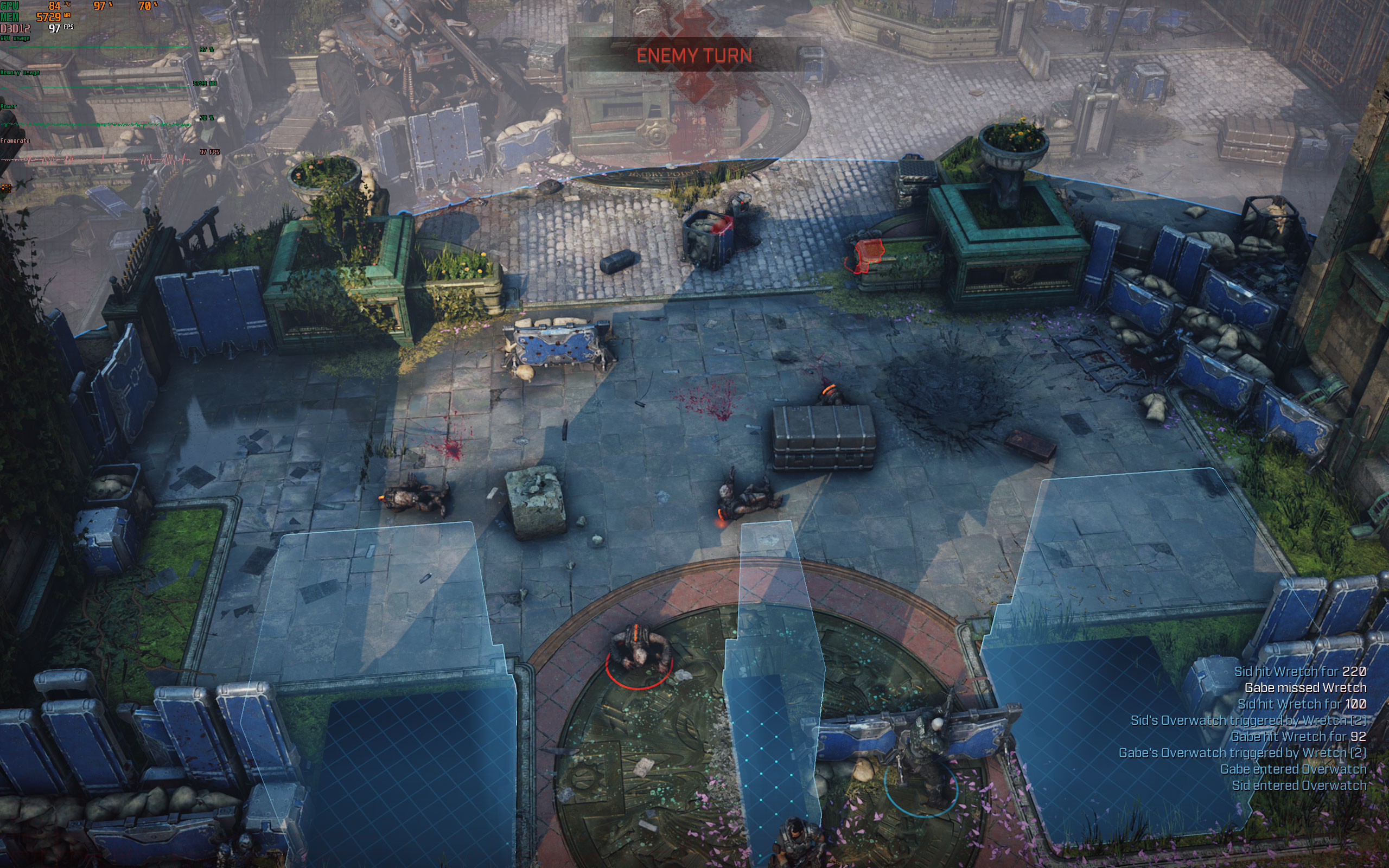
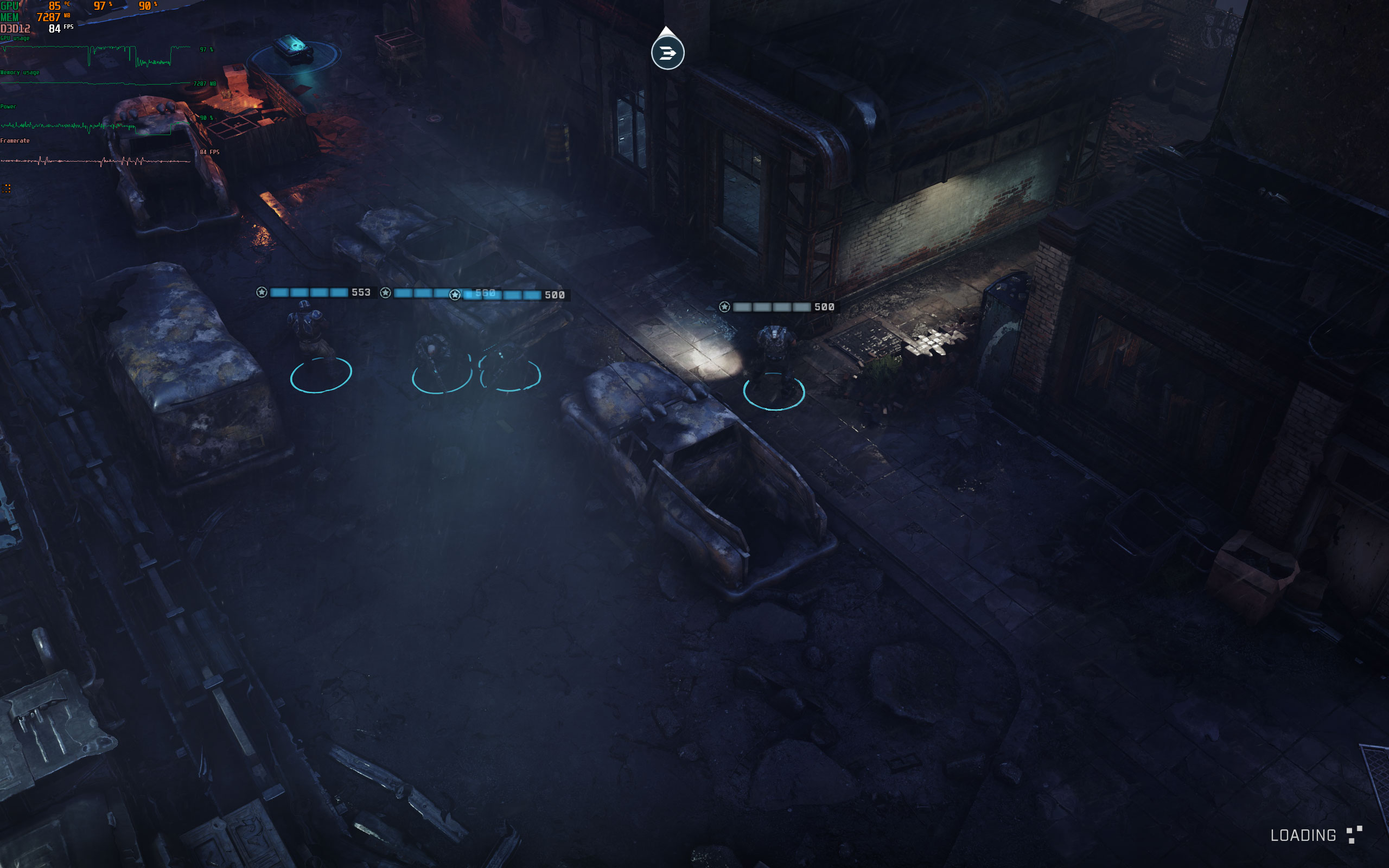
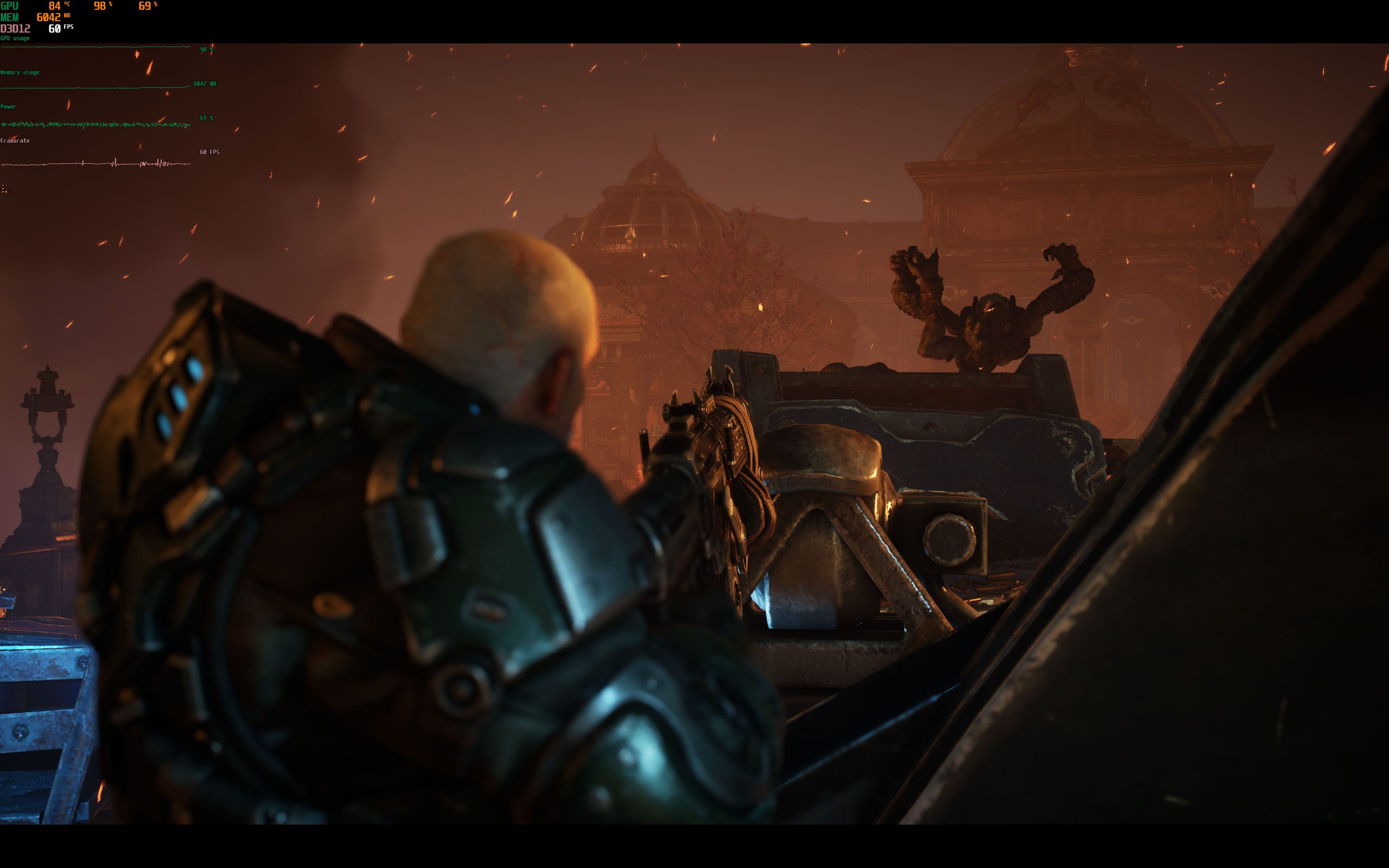
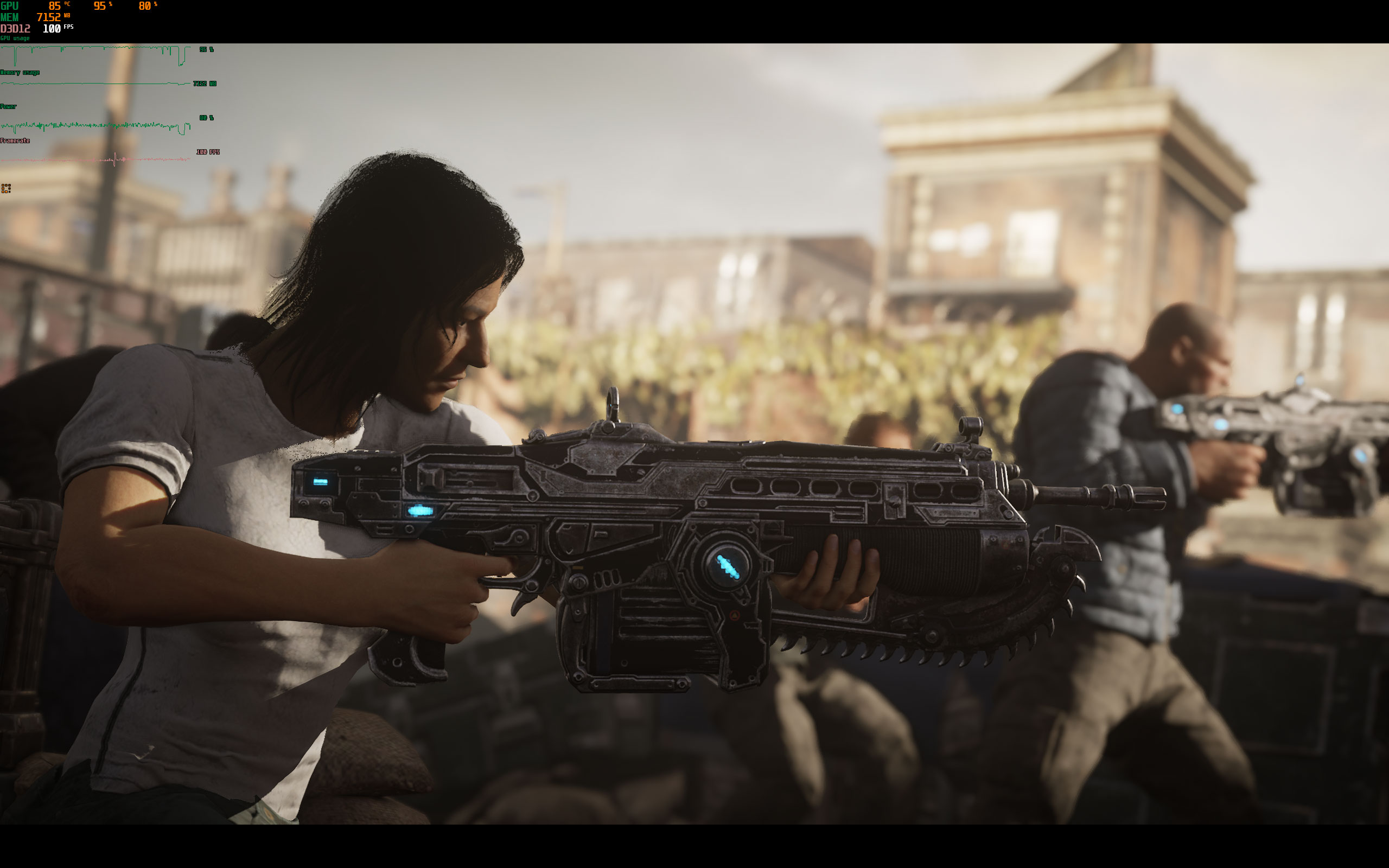
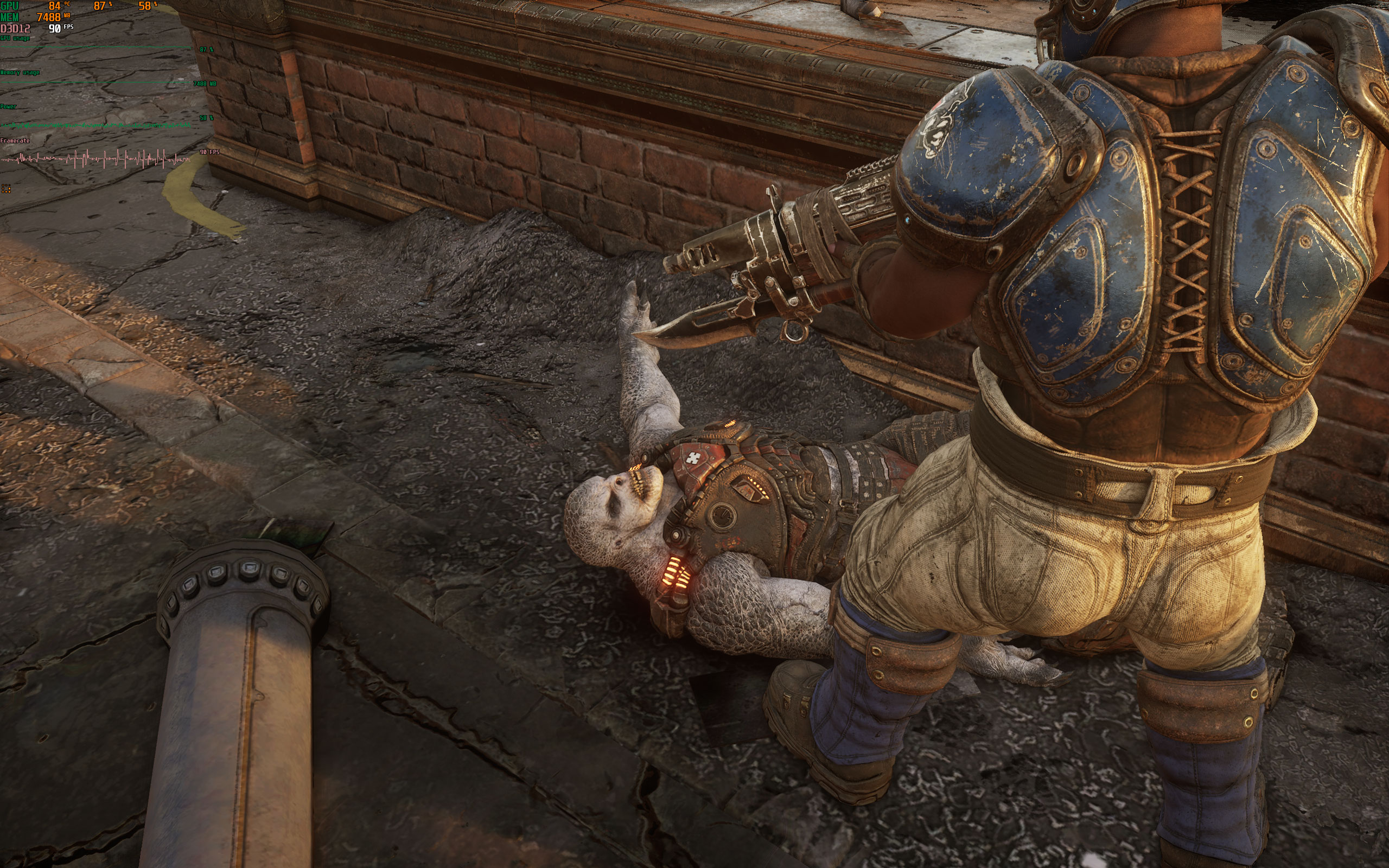
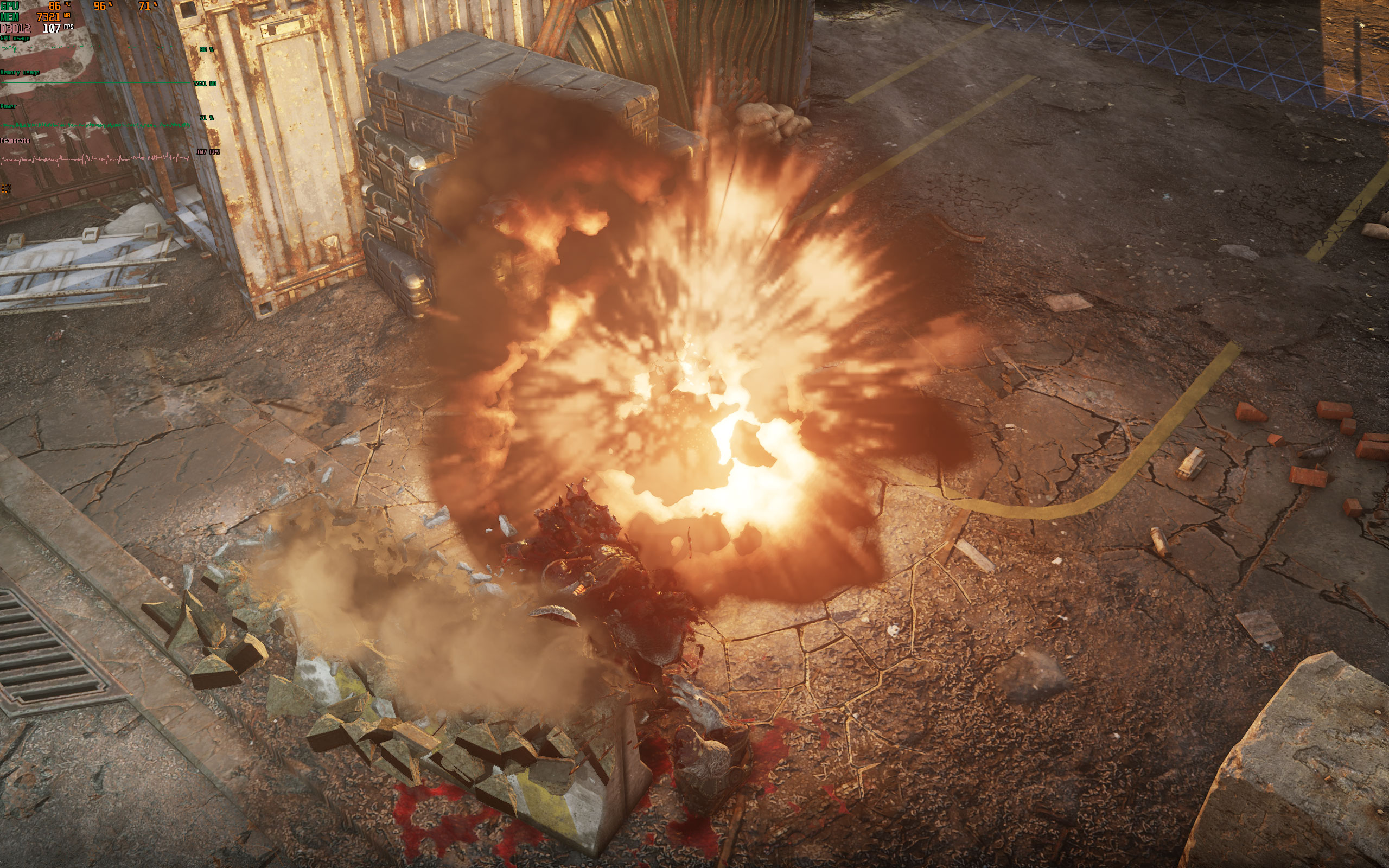
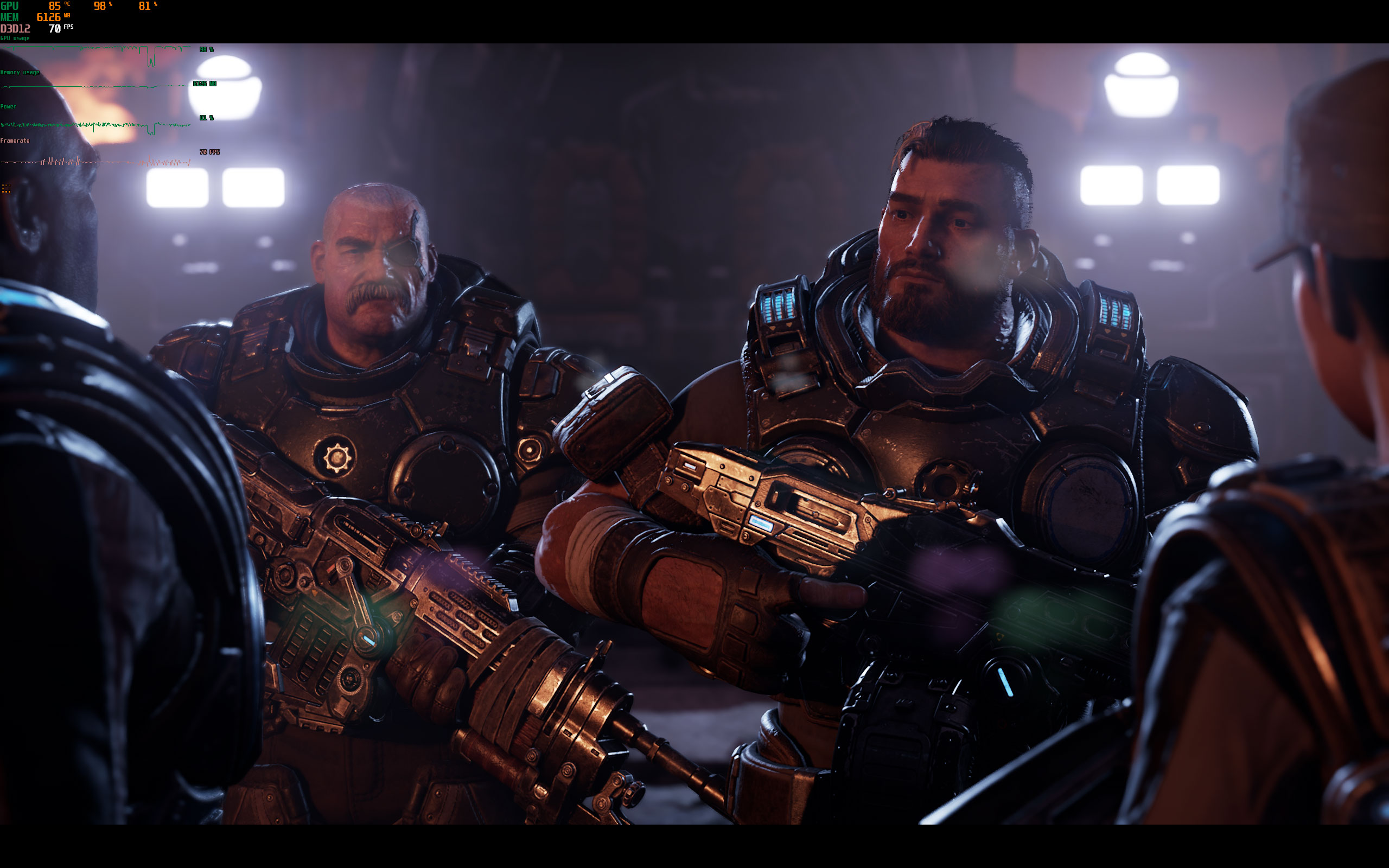
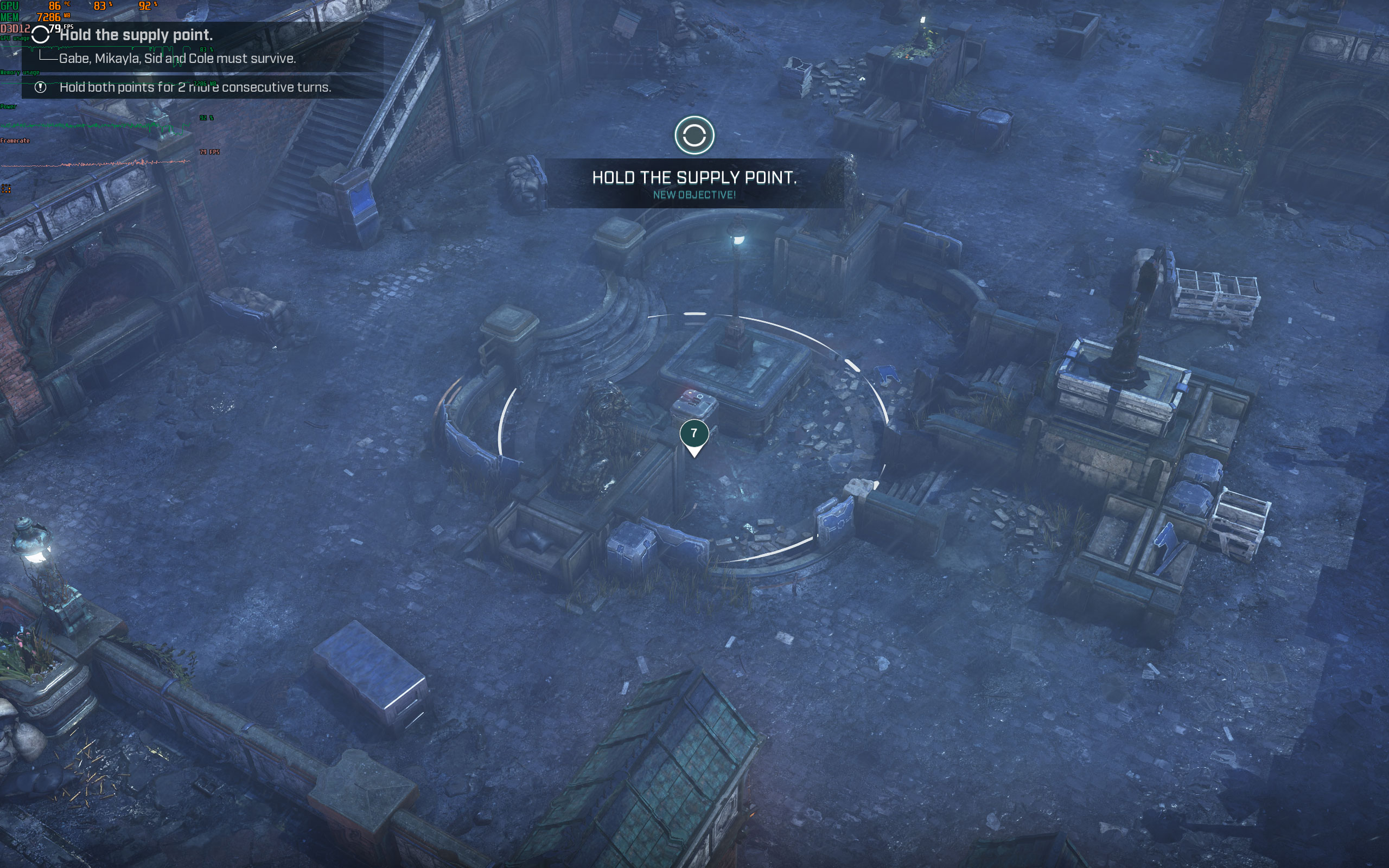
All screenshots were taken at the highest settings profile. The gallery can be navigated with the cursor keys.

























Graphics Settings

- The "General Settings" screen lets you select a predefined graphics quality preset: "Low", "Medium", "High", and "Ultra"
- Display Mode options are fullscreen and windowed
- Resolution scale lets you adjust the game's internal rendering resolution between 45% and 158%
- The FPS cap can be disabled completely, just like V-Sync
- Show stats gives you an easy option to get some FPS rendering statistics in-game

- There's plenty of options for fine-grained texture quality control
- VRAM requirements aren't high, so even "Ultra" isn't that demanding, as our testing on the next page shows
- Sharpening can be turned off completely

- Lots of options to adjust environment details

- Thank god we can turn off motion blur, depth of field, and other effects

- On the advanced settings screen you can select which GPU the game is rendered on
- Variable Rate Shading is a DirectX 12 Ultimate feature that reduces GPU load by combining pixels of similar color in a single render pass. The next page has some comparison screenshots.
Our Patreon Silver Supporters can read articles in single-page format.
Nov 19th, 2026 04:03 PST
change timezone
Latest GPU Drivers
New Forum Posts
- Time to upgrade CPU and MOBO (58)
- Anime Nation (13186)
- Without Jensen, PC gaming will be (50)
- Will zen 6 mobos have anything extra vs current ones? (59)
- How much does an RTX 5090 cost in your area? (69)
- Very unusual two gaming-pc scenarios. (14)
- GIGABYTE - H55N-USB3 ITX Upgrade experience (5)
- 3DMARK "LEGENDARY" (475)
- [Poll] 12V-2x6 Connector Protection: What Are You Using? (WireView / Ampinel / Equalizer / Other / Nothing) (43)
- Windows HDR on = Tinted colors (5)
Popular Reviews
- Acemagic Retro X3 Review
- Ugreen NASync DXP4800 GT Review
- Upcoming Hardware Launches 2027 (Updated Nov 2026)
- AMD Zen 6 Technical Deep Dive
- Pulsar Office Tour & First Look at P1 Dual-Sensor Mouse
- Biwin Black Opal NV7400 2 TB Review
- Sapphire Radeon RX 7700 XT Pure Review
- Sapphire Radeon RX 7700 XT Pulse Review
- Chieftec Iceberg PRO 360 DARK Review
- AMD Ryzen 7 9800X3D Review - The Best Gaming Processor
TPU on YouTube
Controversial News Posts
- NVIDIA Co-Founder and CEO Jensen Huang Officially Resigns (484)
- Report: Jensen Huang Eyes NVIDIA Comeback (208)
- Open Letter Asking NVIDIA to Reinstate Jensen Huang Passes 115,000 Signatures (184)
- OpenAI CEO Argues Home PCs Waste the World's Limited DRAM Supply (152)
- NVIDIA Launches Investigation Into Jensen Huang's Relationship With Suspected Chinese Spy (136)
- Intel "Raptor Lake Next" 16-Core and 20-Core CPUs Surface (130)
- Legendary Game Studio BioWare Shuts Down Following EA Layoffs (104)
- Dell CEO Says the Memory Shortage Will Get Worse in 2027 (95)