 15
GEEKOM A9 Max Review
(15 Comments) »Introduction

GEEKOM is a Taiwan-based company that has focused heavily on mini PCs in recent years. They've steadily grown into one of the more recognizable names in the compact desktop market, building a catalog that ranges from budget-friendly models to higher-end designs like the A-series. Their systems are positioned as alternatives to Intel's discontinued NUC line (which ended in 2023), but with a broader focus that includes AI-ready machines, creator-focused models, and small form factor workstations. GEEKOM often features solid, all-metal minis with lots of I/O, and has built a reputation for delivering all of this while balancing performance and value. The A9 MAX continues that push into higher-end territory.

The GEEKOM A9 Max is a compact mini PC with a premium feel from the moment you pick it up. Price around $1,000, its sturdy metal chassis measures just 135 x 132 x 46 mm, featuring AMD's latest Ryzen AI 9 HX 370 processor with integrated Radeon 890M graphics. It is designed to handle modern on-device AI workloads such as image generation and language models while remaining smooth for day-to-day tasks. Out of the box, it's aimed at users who want a space-saving desktop that can manage productivity, creative projects, and even modern AAA games at reasonable settings.
The AMD Ryzen AI 9 HX 370 has a configurable TDP up to 54 W, placing it in the same upper-power segment as many premium laptop chips, though its default setting is closer to around 28 W. AMD rates the platform at up to 80 TOPS of total AI performance, so on-device assistants and vision features have real hardware acceleration rather than leaning only on the CPU or GPU. On the graphics side is the Radeon 890M, AMD's top integrated GPU in the Ryzen AI 300 line. It uses RDNA 3.5, packs 16 compute units, and can boost to 2.9 GHz, delivering strong performance without a heavy power draw of discrete cards. For everyday use, the 890M's media engine handles AV1, HEVC, and VP9 in hardware.
It also has support for up to four displays, including dual HDMI 2.1 that supports up to 4K120, plus two USB4 ports that each carry DisplayPort Alt Mode. Both Type-C ports can drive monitors, and one doubles as a power input, which makes docking easy. You can cable the A9 MAX directly into multiple 4K panels without needing a dedicated dock, and even run a mixed stack of HDMI and USB-C displays while keeping things tidy. For creators and power users, this flexibility is a major selling point, as it allows for either a minimalist two-monitor desk or a productivity and editing setup—all in a tiny footprint.
The GEEKOM A9 Max supports DDR5 SODIMMs at 5600 MT and scales up to a generous 128 GB alongside two PCIe Gen 4 NVMe slots: a full-length M.2 2280 for the main drive and a smaller M.2 2230 slot for a secondary SSD.
Next, we'll look inside, check the build quality, walk through the I/O and connectivity, and put it through our benchmarks to see how it really holds up where it counts.
| Specifications | |
|---|---|
| Form Factor | 135 mm X 132 mm X 46.9 mm |
| CPU | AMD Ryzen AI 9 HX 370, TDP: 54 W |
| Video Engine / Graphics | AMD Radeon 890M Graphics |
| Memory | Dual channel DDR5 262PIN 5600 MHz, up to 128 GB |
| Audio | HDA CODEC |
| Storage | 1x M.2 2280 SSD (NVMe x4 Gen 4) 1x M.2 2230 SSD (NVMe x4 Gen 4) |
| I/O Ports | 1x rear USB 3.2 Gen 2 Type-A 1x rear USB 2.0 Type-A 3x front USB 3.2 Gen 2 Type-A 1x front USB 3.2 Gen 2 Type-A (Always On) 1x USB4 Type-C (DP Alt mode / PD-in, back panel) 1x USB4 Type-C (DP Alt mode, back panel) 1x 3.5 mm stereo headset jack 2x RJ45 (back panel) 2x HDMI 2.1 FRL (back panel) 1x DC-in (back panel) 1x Power Button 1x Kensington Lock 1x SD Card 4.0 |
| Ethernet | 10/100/1000/2500 Mbps RJ45 x2 LED indicators: Off (10/100 Mbps), Orange (1000 Mbps), Green (2500 Mbps) |
| Wireless | M.2 Wi-Fi 7, Bluetooth 5.4 |
| Kensington Lock | Yes |
| DTPM 2.0 | Supported |
| Battery | RTC coin battery |
| Power Adapter | 19 V, 120 W adapter (IEC C5 cord) |
| PCBA Dimensions | 127.6 × 127.2 × 1.6 mm |
| Certifications | CE, FCC, CB, CCC, SRRC, RoHS |
| Operating System | Microsoft Windows 11 24H2 (64-bit), Modern Standby |
| Accessories | VESA Mount (121.8 mm × 116.5 mm × 1.0 mm) |
| Price | $999 USD |
Packaging and Contents
The GEEKOM A9 Max ships in a simple but nice white box. The design is clean and modern, and everything is tightly packed, so the system should be secure during shipping.
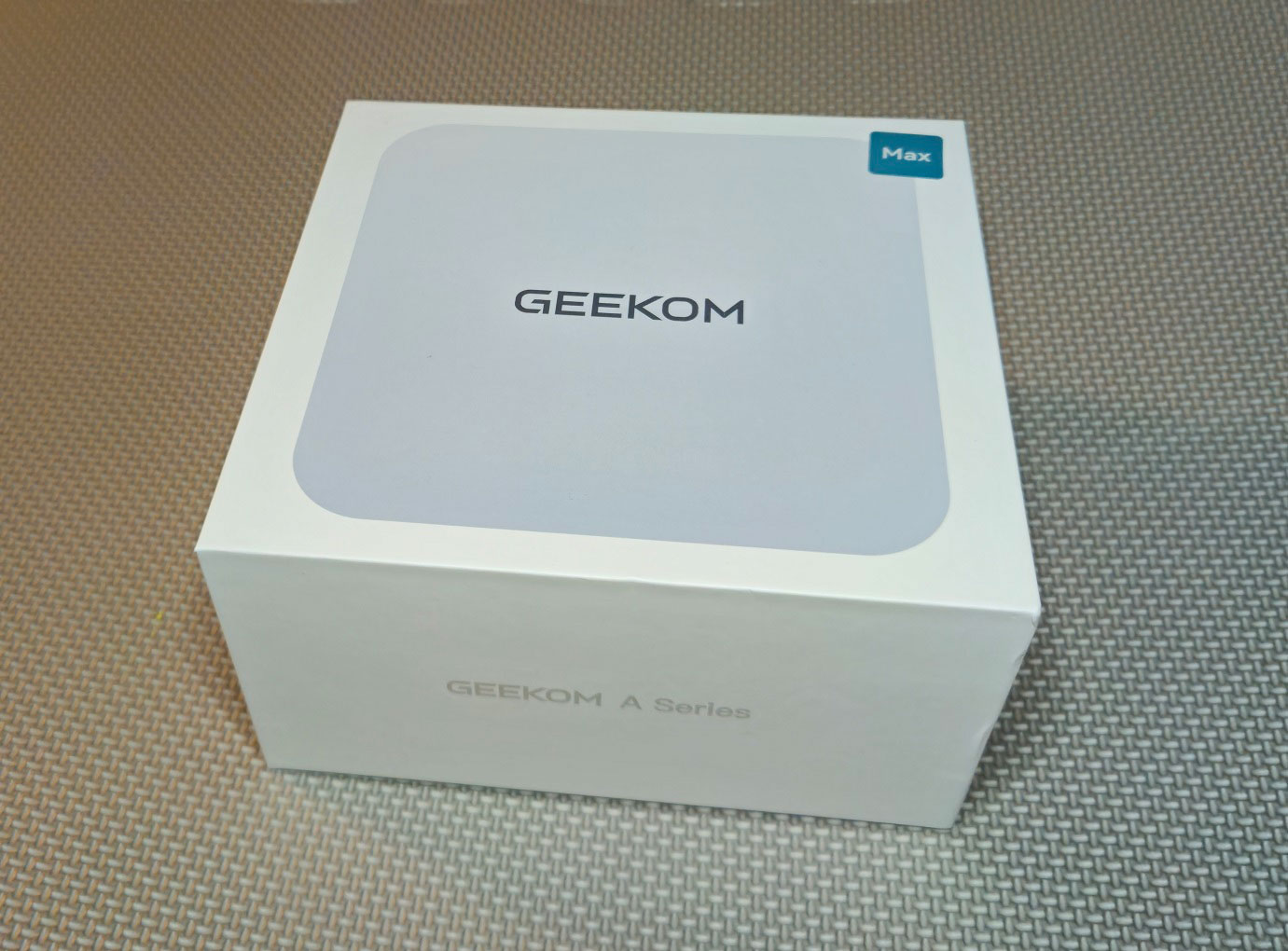
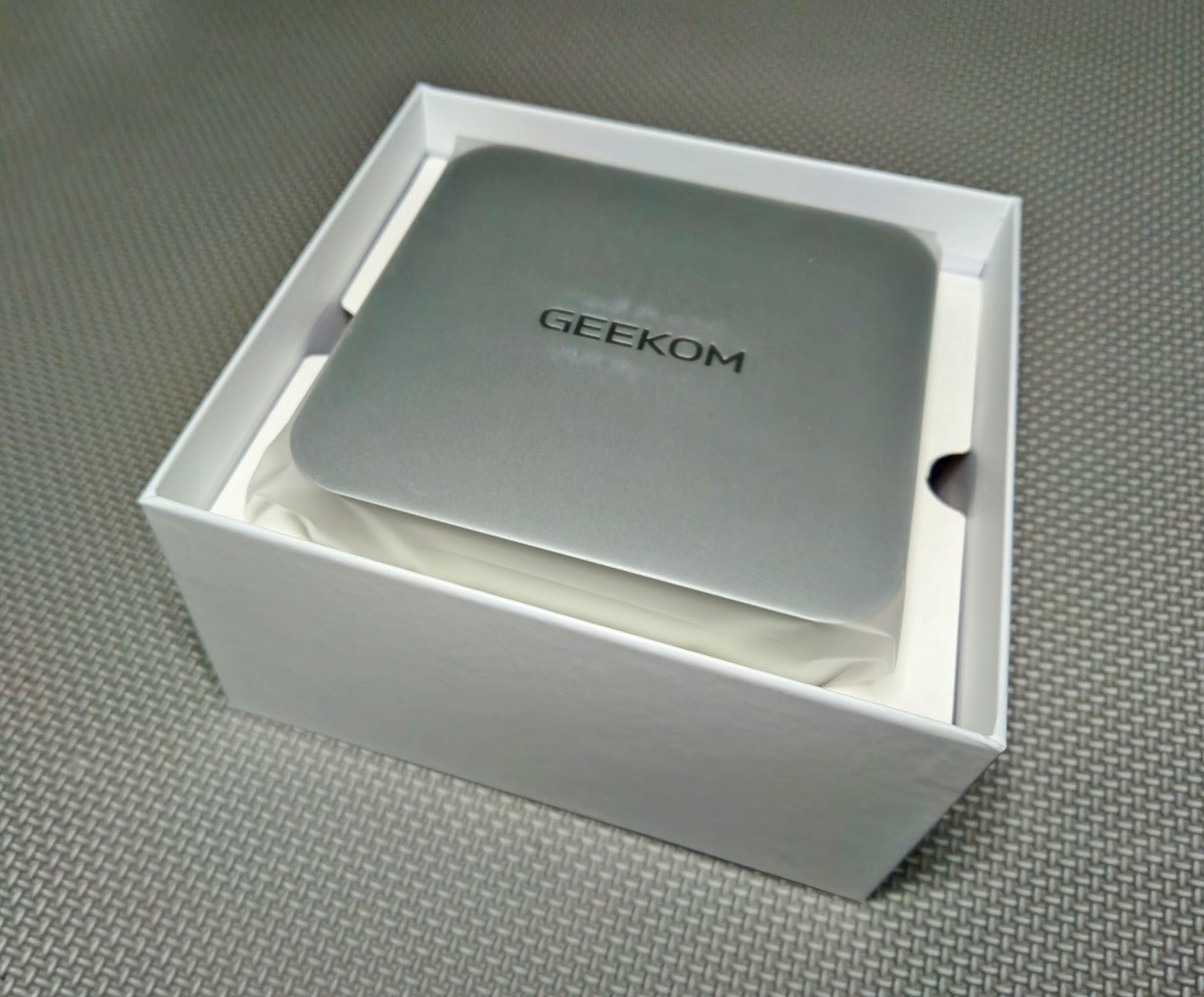
Inside the box, you'll find the mini PC itself, with all the accessories packaged underneath: a 120 W power adapter with a standard IEC C5 cord, and two HDMI cables for dual-display setups. GEEKOM also includes a VESA mount and screws if you want to attach the system behind a monitor, along with the usual documentation and quick-start guide. It's a neat but complete package that gives you everything you need to get up and running.
A Closer Look

The enclosure itself has cool-to-the-touch metal shell with tight seams that don't flex when you pick it up. It's a solid rig. The matte finish hides fingerprints, while the embossed GEEKOM logo and rounded corners make it look very slick and minimalistic, rather than flashy.
On the front of the A9 Max you'll find a power button (with an LED indicator), alongside a 3.5 mm headset jack. To its left are four USB 3.2 Gen 2 Type-A ports (10 Gbps), one of which is marked with a charging icon, meaning you can top up your phone or controller even when the mini PC is powered off. The spacing between ports seems generous enough that bulkier USB drives or wireless dongles should rarely interfere with each other. What's missing, though, is a front-facing USB-C, which might force you to route some cables around to the back.
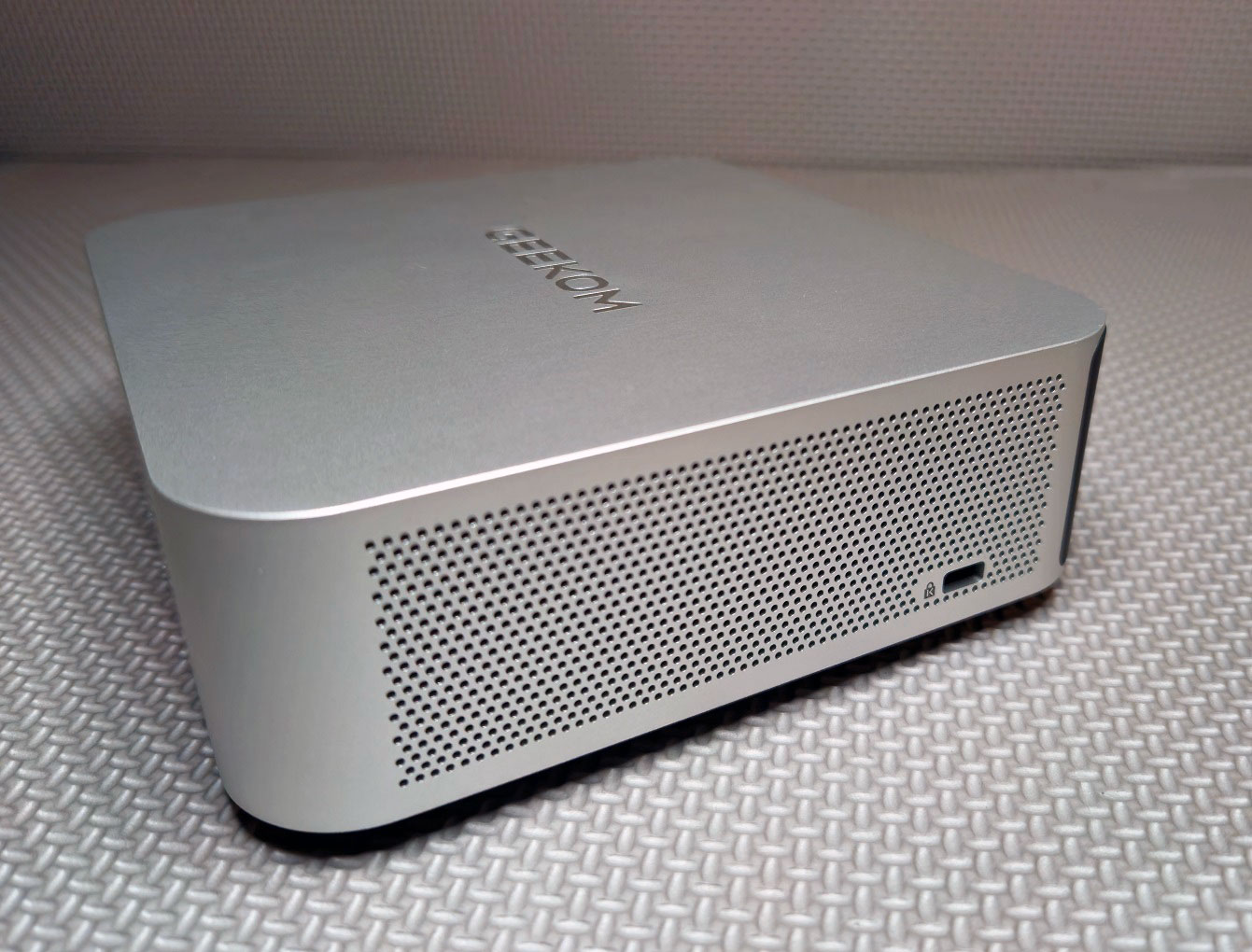

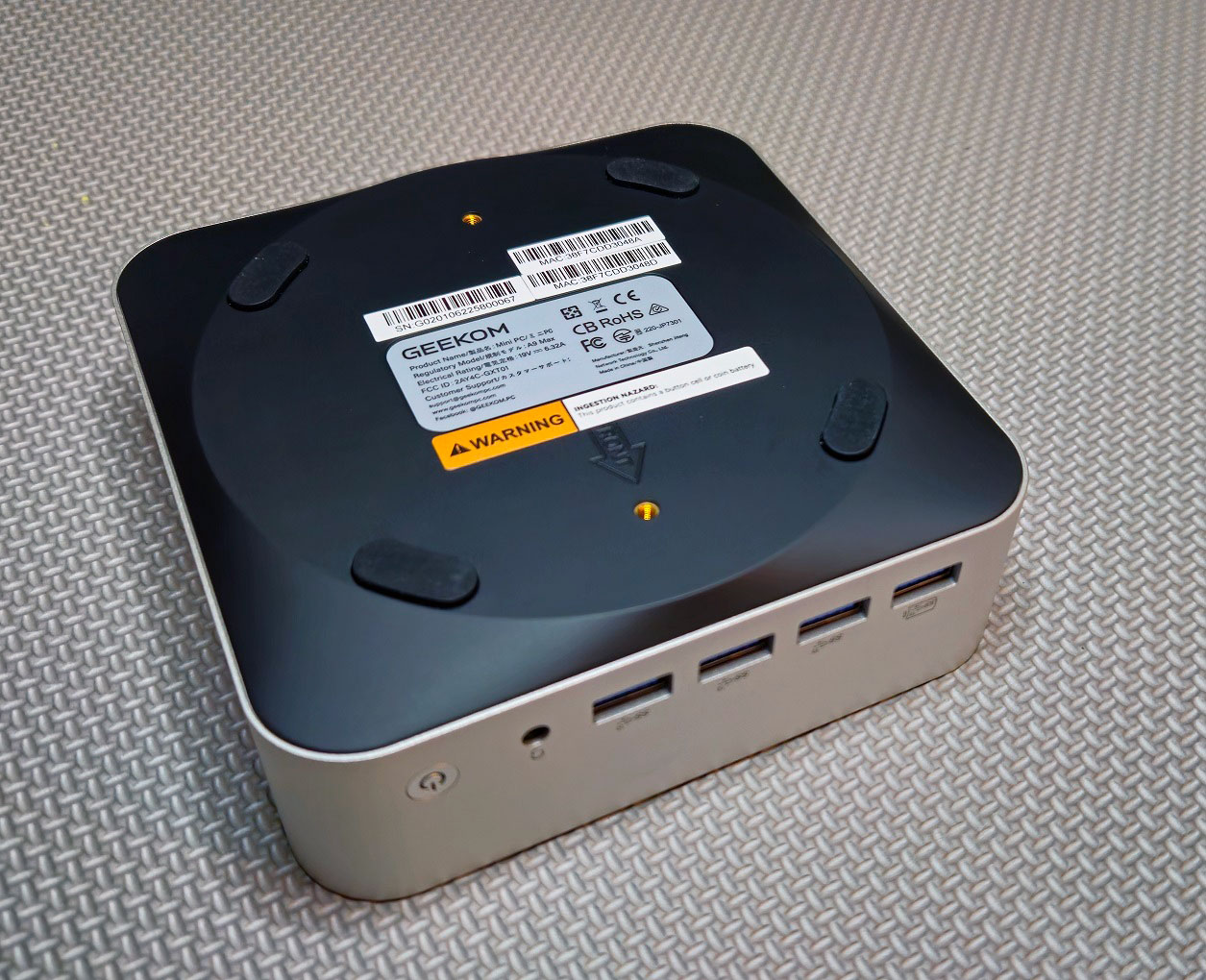
Both side panels have large intakes for an efficient airflow path, while the VESA option on the bottom panel means the unit can hide behind a monitor if you want a clean setup. One of the sides includes the usual Kensington lock slot for security while the other features a full-size SD 4.0 slot for creatives.
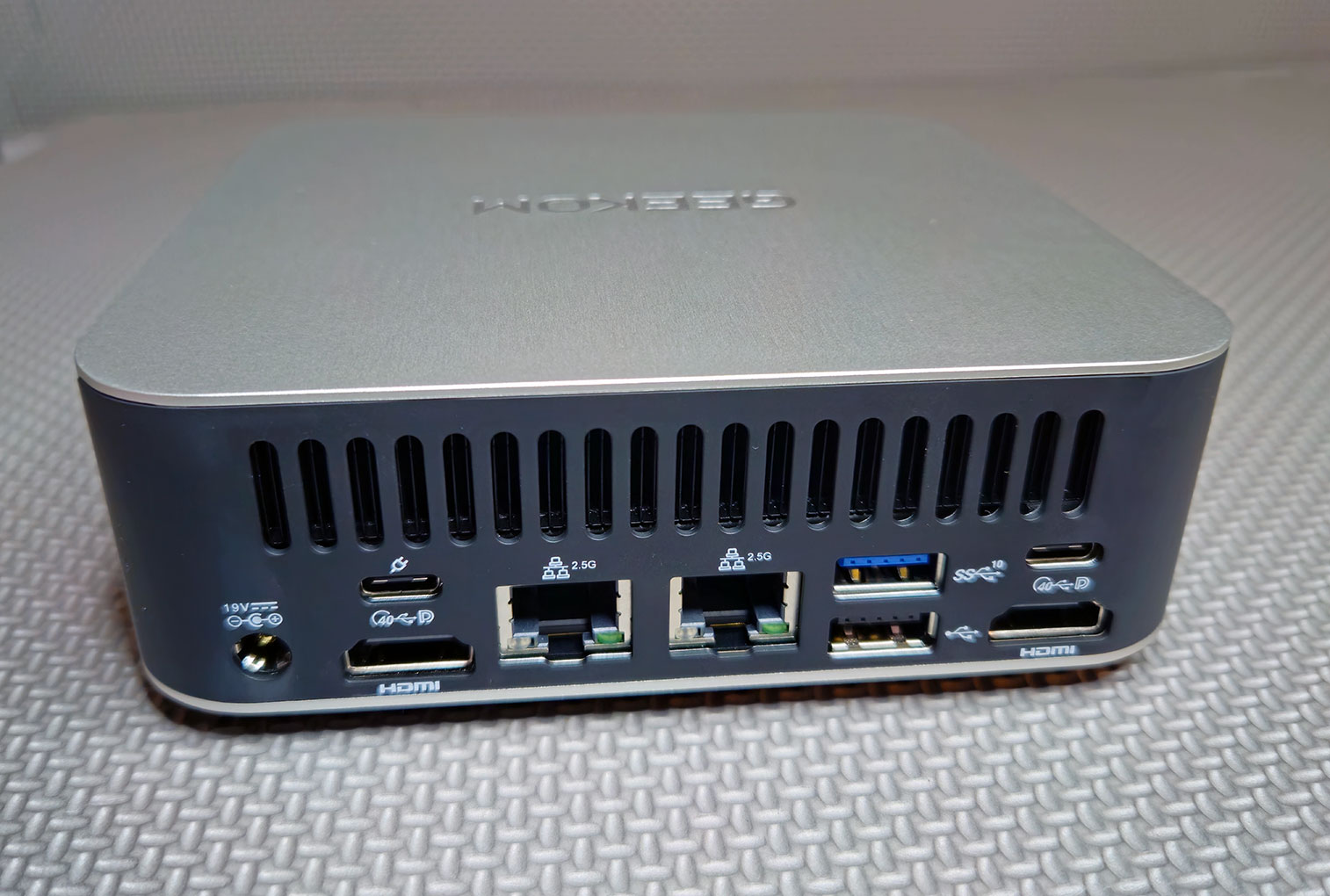
Around back there's a full-width exhaust vent along the top, and beneath that is a comprehensive set of I/O. You get a 19 V power input, two HDMI 2.1 ports, and two USB4 Type-C ports, one of which supports DisplayPort output and power input. Also included are two 2.5 Gbps Ethernet ports, another USB-A port at Gen 2 (10 Gbps), plus a USB-A 2.0 for slower legacy peripherals. On the underside are four rubber pads that keep the unit stable and prevent it from sliding around your desk.
In everyday use, you might put your main displays on the two HDMI ports (or mix in one from USB-C), use the USB-C with PD-in to feed power through your monitor if possible, and reserve the other USB-C for things like a fast external SSD or dock. Just ensure there's some clearance behind the grille, so airflow isn't blocked.
A Look Inside
Getting into the A9 Max requires a bit of effort. The four rubber feet have to be peeled off with some force to access the screws underneath, after which the bottom panel can be pried away.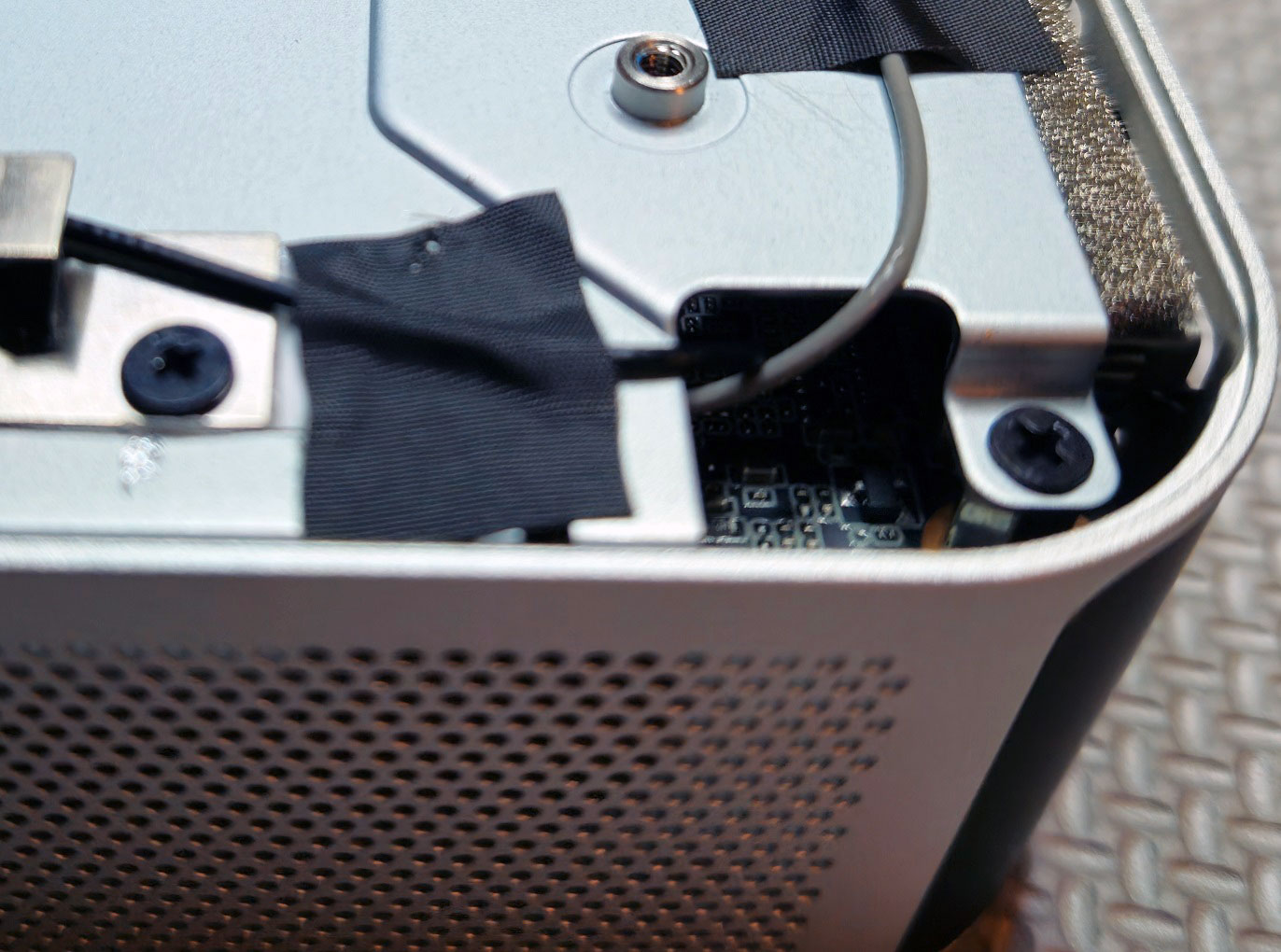

Inside, you'll find a stamped metal service plate secured by four Phillips screws. A square foam pad in the center presses gently against the component area, helping reduce vibration while also aiding a little with heat dissipation. For wireless functionality, it features an Intel Wi-Fi 7 and Bluetooth 5.4 module on an M.2 2230 card tucked under the main SSD. Since Wi-Fi 7 is just starting to appear in consumer routers, having it built in makes the A9 Max ready for next-gen routers.
Just as a precaution: The antenna wiring that connects directly to the Wi-Fi 7 M.2 card (the thin black and gray wiring taped along the service plate in the image below) is extremely short, so lift the plate very carefully. I didn't realize how short the leads were, so both popped off when I removed it. If it becomes detached, you'll see almost no Wi-Fi signal, which makes wireless unusable. I had to first remove the M.2 SSD, then the M.2 wireless card and reattach both antenna clips. I peeled back the tape to give the cables a bit of slack, so I could put the plate back on without pulling them off again. It took some time getting everything reconnected due to how small all the parts were. While swapping RAM or SSDs is straightforward, the short antenna cables mean the service plate can't be fully removed, making the process more awkward than it should be.
Nonetheless, you'll see a tidy layout. The board supports two DDR5 SO-DIMM slots, and there are dual M.2 slots (one 2280, one 2230) for storage. The two 16 GB DDR5-5600 SODIMMs are from Netac (WPBS56D508SWB-16G), which are essentially standard notebook-style modules, single-rank 1Rx8 sticks, running at JEDEC 5600 MT/s. This is a straightforward dual-channel 32 GB setup with plenty of headroom if you later want to swap them for higher capacity kits.
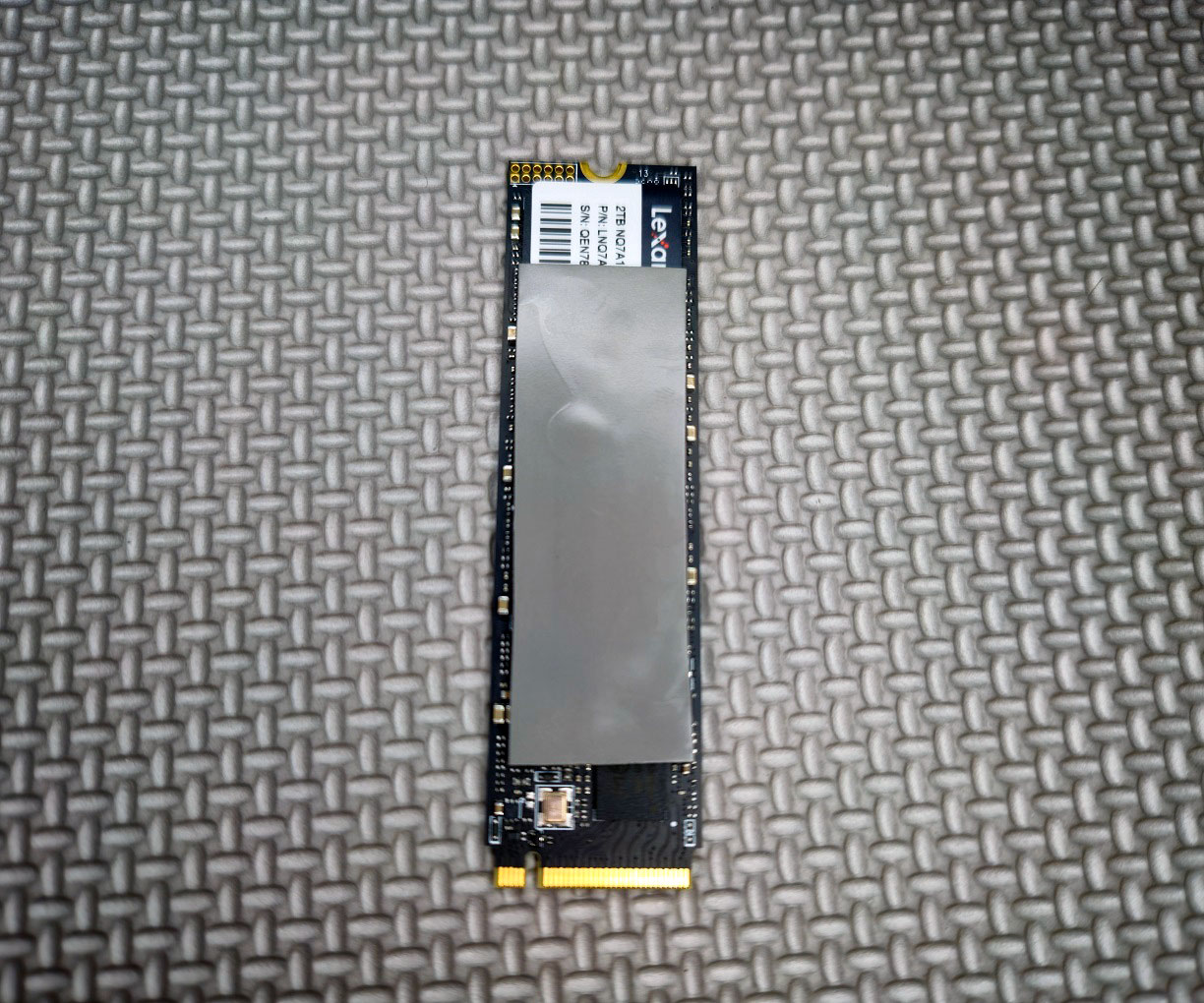
For storage, the system drive is a 2 TB Lexar NQ7A1 SSD (LNQ7A1X002T), which is specced with performance up to 6000 MB/s read and 5000 MB/s write (typical for a PCIe Gen 4 x4 NVMe SSD). For cooling, you'll see vents on the sides and a rear exhaust, with a fan and copper heat pipes helping keep things tame under load. GEEKOM calls the thermal design Ice Blast 2.0, a copper heat pipe and fan setup tuned to keep the 54 W processor in check during long runs. The layout leaves enough room to access RAM and the M.2 slots without tearing the whole system down. You can also see the RTC battery, foam EMI and airflow blocks around the perimeter.
Our Patreon Silver Supporters can read articles in single-page format.
Nov 18th, 2026 15:49 PST
change timezone
Latest GPU Drivers
New Forum Posts
- Honestly, do you care about GTA VI? (147)
- Got a new laptop! What should I do with it? (4)
- Dell Workstation Owners Club (3514)
- Making a game in Godot engine (2)
- [Poll] 12V-2x6 Connector Protection: What Are You Using? (WireView / Ampinel / Equalizer / Other / Nothing) (39)
- Last game you purchased? (1406)
- Time to upgrade CPU and MOBO (34)
- Can i play GTA 6 now? (Joke) (7)
- What are you playing? (26234)
- Very unusual two gaming-pc scenarios. (12)
Popular Reviews
- Acemagic Retro X3 Review
- Upcoming Hardware Launches 2027 (Updated Nov 2026)
- AMD Zen 6 Technical Deep Dive
- ASUS ROG Strix B850-I Gaming Wi-Fi7 W Review
- Corsair HX1000i Shift Crystal Review
- Ugreen NASync DXP4800 GT Review
- Biwin Black Opal NV7400 2 TB Review
- Pulsar Office Tour & First Look at P1 Dual-Sensor Mouse
- AMD Ryzen 7 9800X3D Review - The Best Gaming Processor
- Chieftec Iceberg PRO 360 DARK Review
TPU on YouTube
Controversial News Posts
- NVIDIA Co-Founder and CEO Jensen Huang Officially Resigns (478)
- Report: Jensen Huang Eyes NVIDIA Comeback (192)
- Open Letter Asking NVIDIA to Reinstate Jensen Huang Passes 115,000 Signatures (184)
- OpenAI CEO Argues Home PCs Waste the World's Limited DRAM Supply (152)
- NVIDIA Launches Investigation Into Jensen Huang's Relationship With Suspected Chinese Spy (136)
- Intel "Raptor Lake Next" 16-Core and 20-Core CPUs Surface (130)
- Legendary Game Studio BioWare Shuts Down Following EA Layoffs (104)
- Dell CEO Says the Memory Shortage Will Get Worse in 2027 (95)