 7
GEEKOM AX8 Max Review
(7 Comments) »Introduction

GEEKOM has been steadily expanding its Mini-PC lineup over the past couple of years, covering everything from office systems to higher-powered machines for creators and light gaming. We have already looked at several of those, including the Intel-based IT13 and IT15, as well as the impressive AMD-powered A9 Max. Each one has focused on different priorities, whether that is raw CPU performance, platform features, or integrated graphics power. The AX8 Max lands between those systems, offering a balanced mix of performance, connectivity, and efficiency, positioned below GEEKOM's highest-end systems.
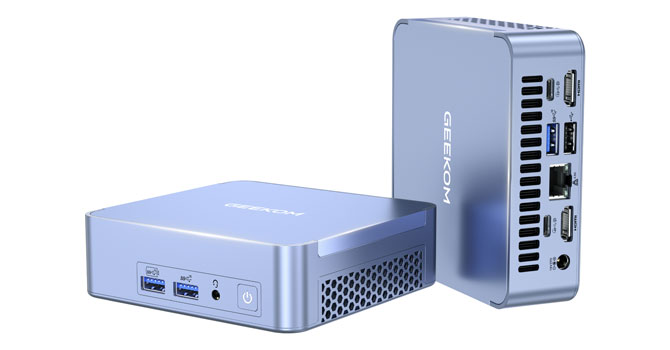
The AX8 is powered by AMD's Ryzen 7 8745HS, an 8-core, 16-thread processor paired with Radeon 780M graphics. This puts it in a very different position compared to the Intel-focused IT13 and IT15, which rely more heavily on CPU throughput and Intel's Arc graphics. The 780M is still a solid integrated GPU for a Mini-PC, making the AX8 a good fit for some gaming and GPU-accelerated tasks. At the same time, it does not compete directly with the A9 Max, which pushes things further with a newer Ryzen AI platform, faster graphics, and higher memory ceilings.
That said, the AX8 does line up closely with GEEKOM's higher-end designs when it comes to I/O and connectivity. It offers dual 2.5 GbE networking, USB4, dual HDMI outputs, and a single PCIe M.2 slot for NVMe storage.
The configuration tested here pairs the Ryzen CPU with 32 GB of DDR5 memory and the standard OEM SSD, with pricing hovering around the $700 mark (on sale), which puts it toward the upper end of this performance tier.
| Specifications | |
|---|---|
| CPU | AMD Ryzen 7 8745HS 8 cores/16 threads 3.8–4.9 GHz 54 W TDP |
| GPU | AMD Radeon 780M |
| Memory | Dual-channel DDR5 SODIMM Up to 64 GB |
| Storage | 1× M.2 2280 PCIe 4.0 x4 SSD 1× 16-pin FPC SATA connector (supports 2.5-inch SATA drive) |
| I/O Ports | Front: 3× USB 3.2 Gen 2 Type-A 1× USB 3.2 Gen 2 Type-A (Always On) 1× 3.5 mm headset jack Rear: 1× USB 3.2 Gen 2 Type-A 1× USB 2.0 Type-A 2× USB4 Type-C (PD / DP) 2× HDMI 2× 2.5 GbE LAN DC-in |
| Wireless LAN | Wi-Fi 6E Bluetooth 5.2 |
| Operating System | Windows 11 Pro (64-bit) |
| Power Adapter | 19 V/120 W |
| Dimensions | 135×132×46.9 mm |
| Price | $700 USD (At the time of this review) |
Packaging and Contents
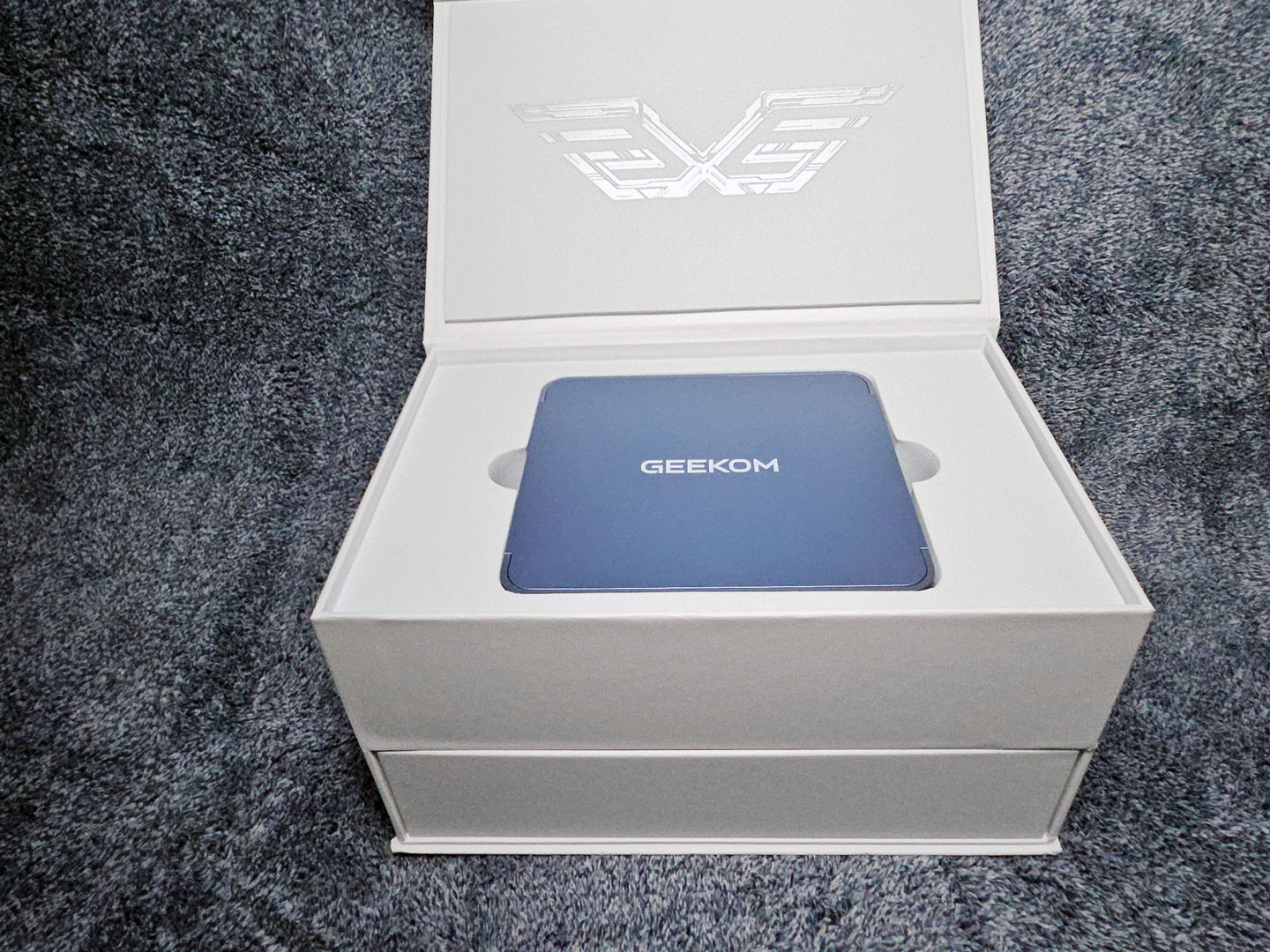
The AX8 Max is shipped in the usual, premium-looking GEEKOM packaging. The box is white, clean and well-finished, and opening it shows the system snugly secured and surrounded by molded inserts that keep everything tightly locked in place during shipping.
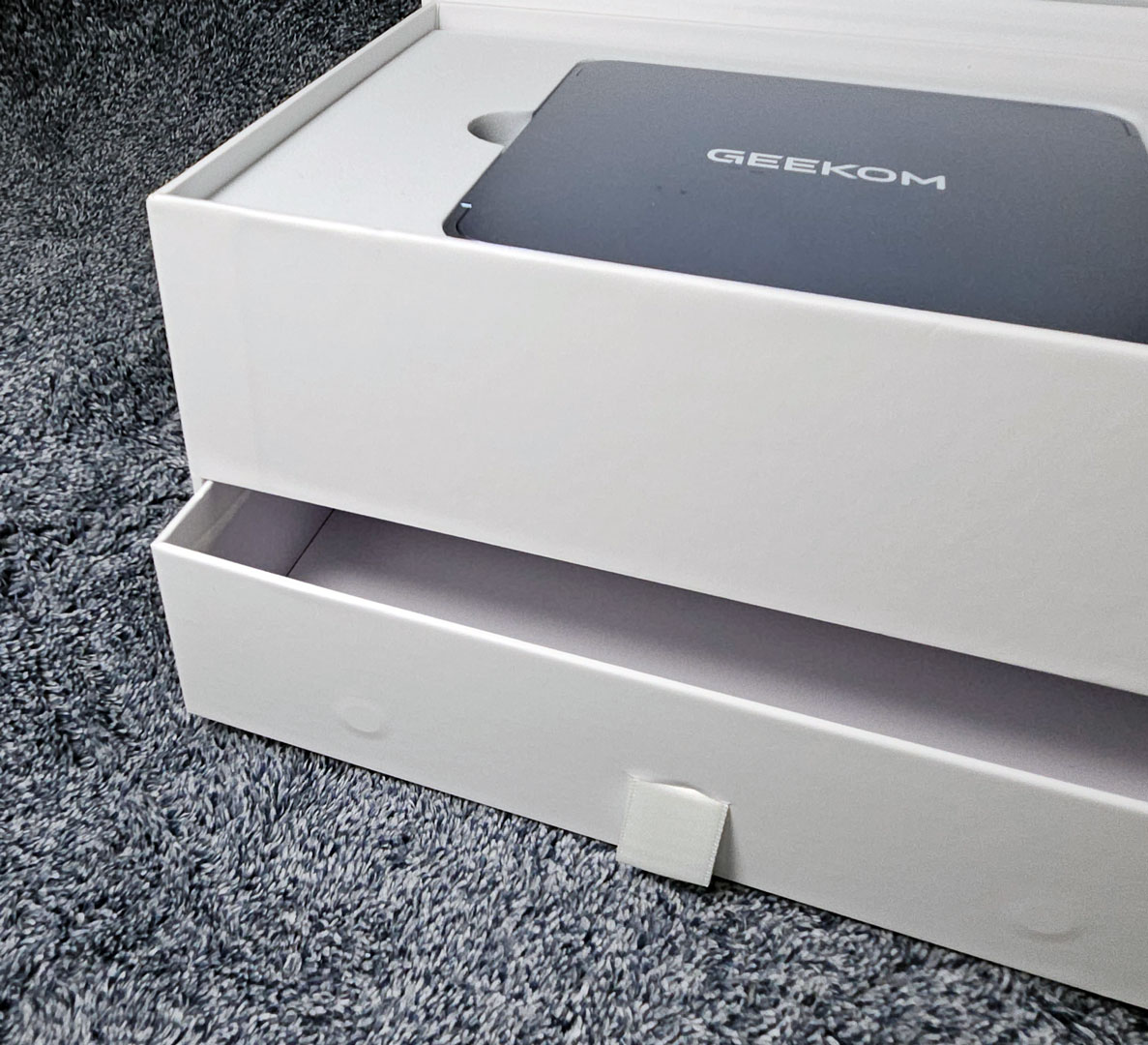
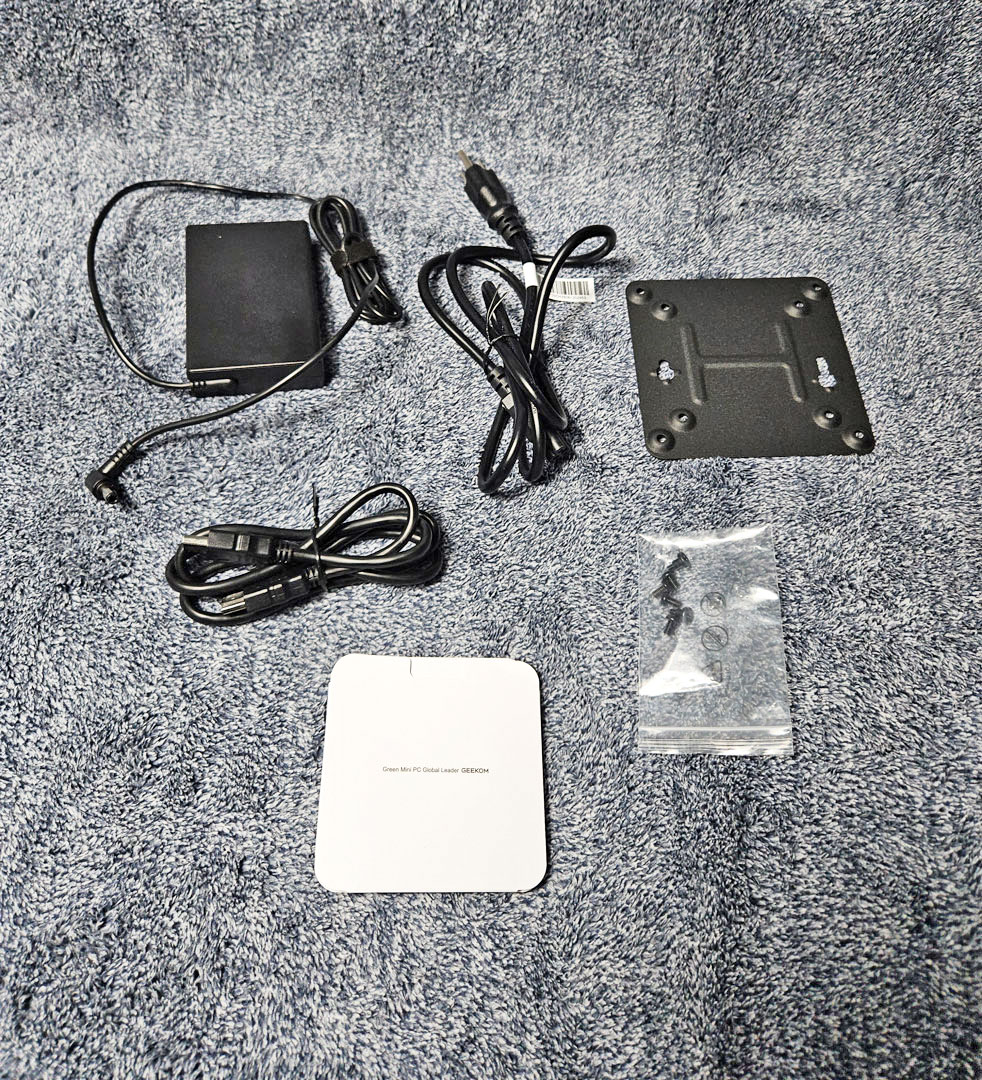
To access the accessories, simply pull out the two trays at the bottom front of the box (this is a nice touch, as it makes it easy to store if needed). GEEKOM includes a 120 W power adapter, AC power cable, HDMI cable, VESA mounting bracket with screws, and some documentation. Everything you need to get the system mounted behind a monitor or set up on a desk is included.
Design and Build
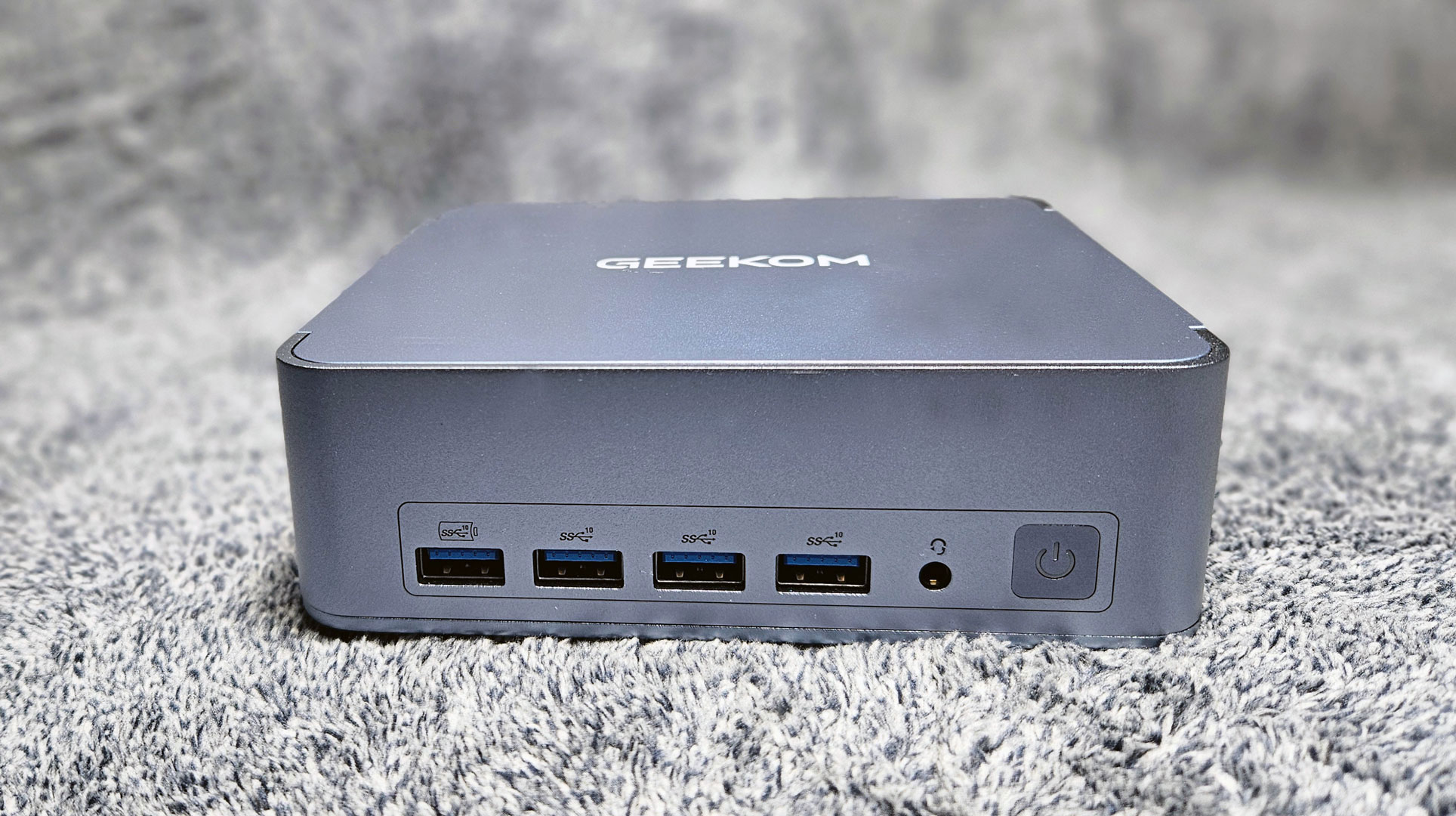
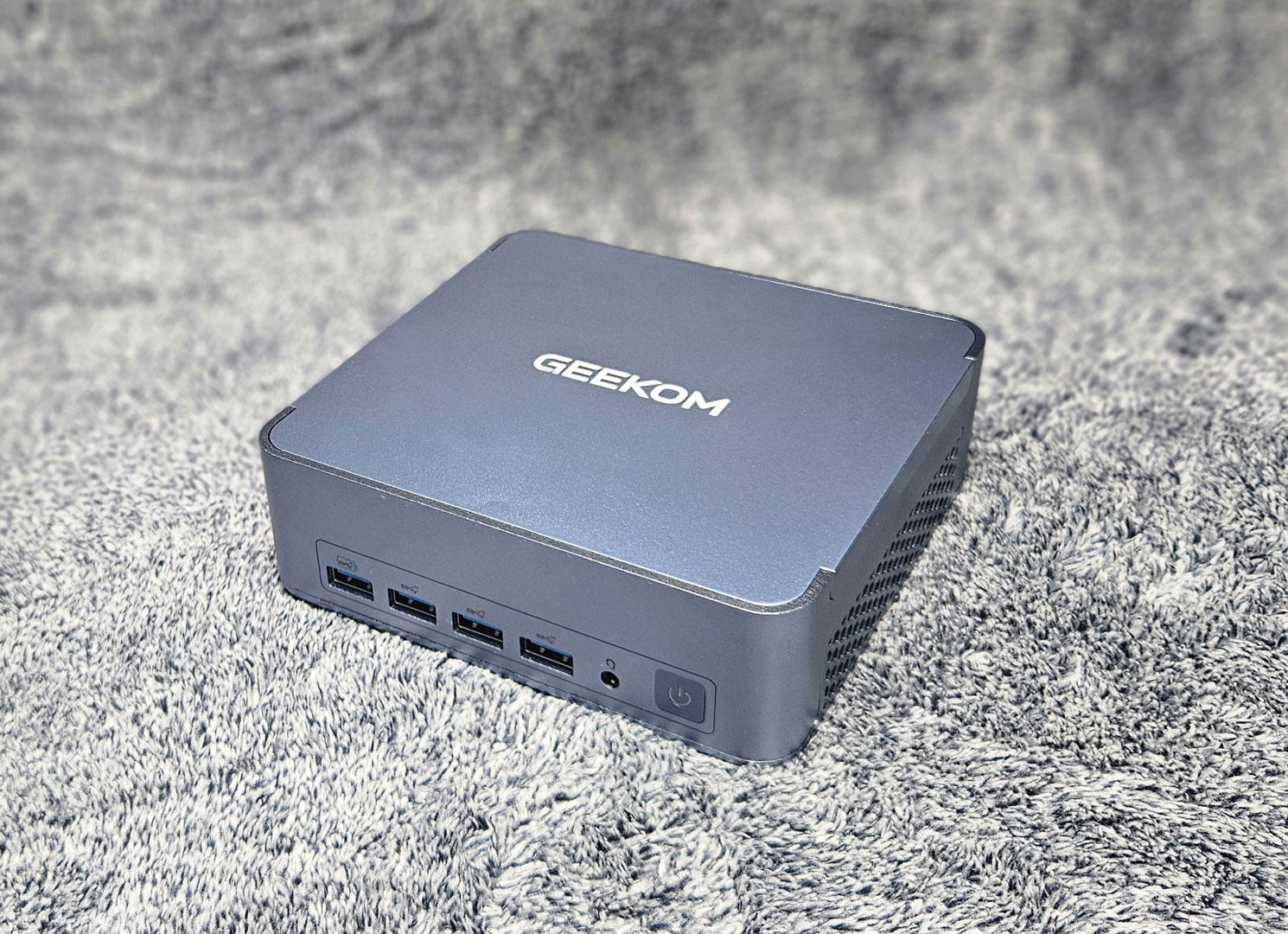
The AX8 Max uses a compact all-metal chassis finished in a gray/light blue design, with the usual branding on the top panel. Some people might not like the light color scheme, but I really dig it. The enclosure itself feels solid in hand and the overall fit and finish are clean. On the front panel, GEEKOM outfits the AX8 Max with four USB Type-A ports, all USB 3.2 Gen 2, including one always-on port for charging peripherals even when the system is powered down. There is also the usual 3.5 mm audio jack and power button. The spacing here is decent, but it would have been nice to see a USB4 port on the front.
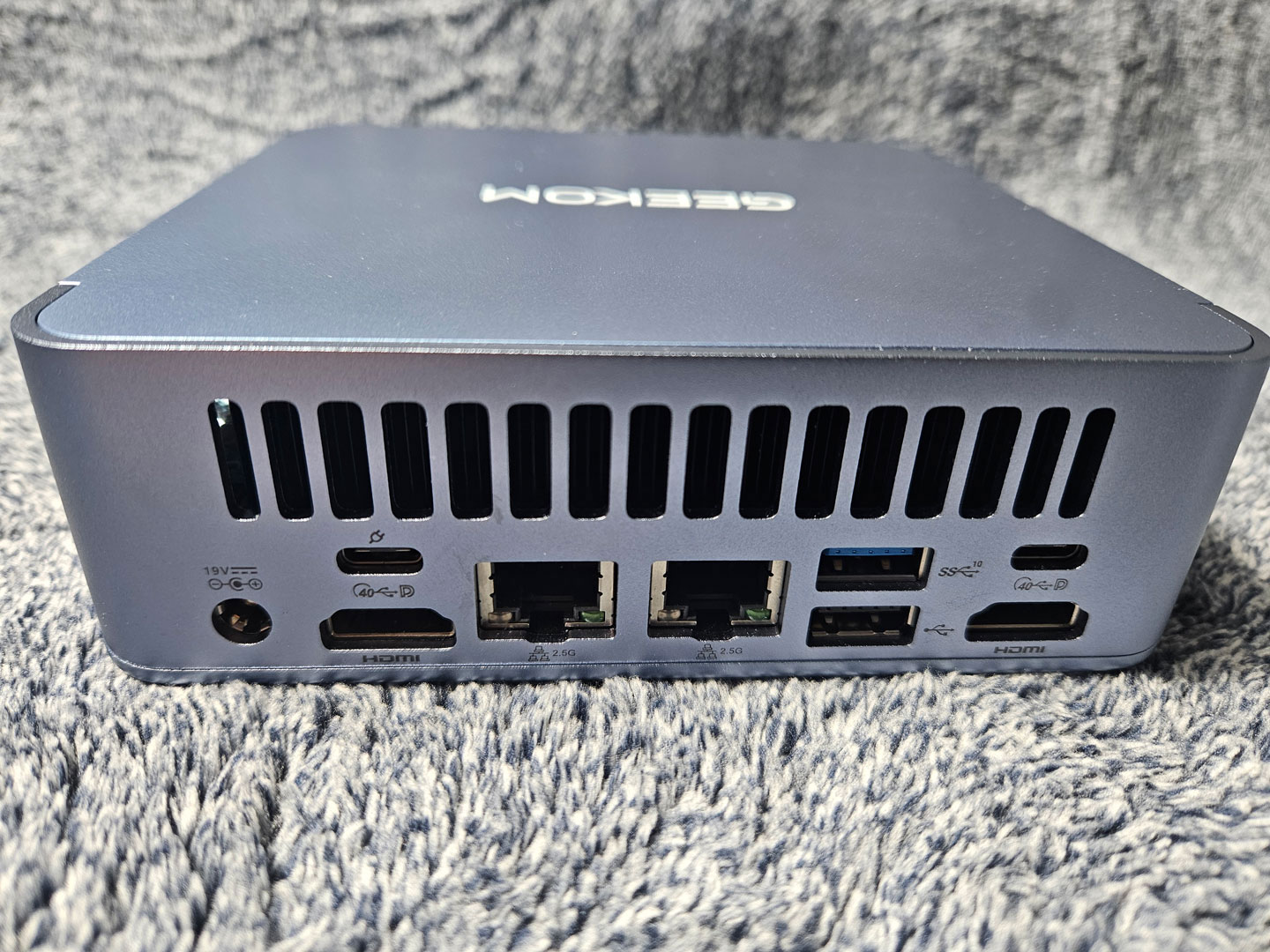
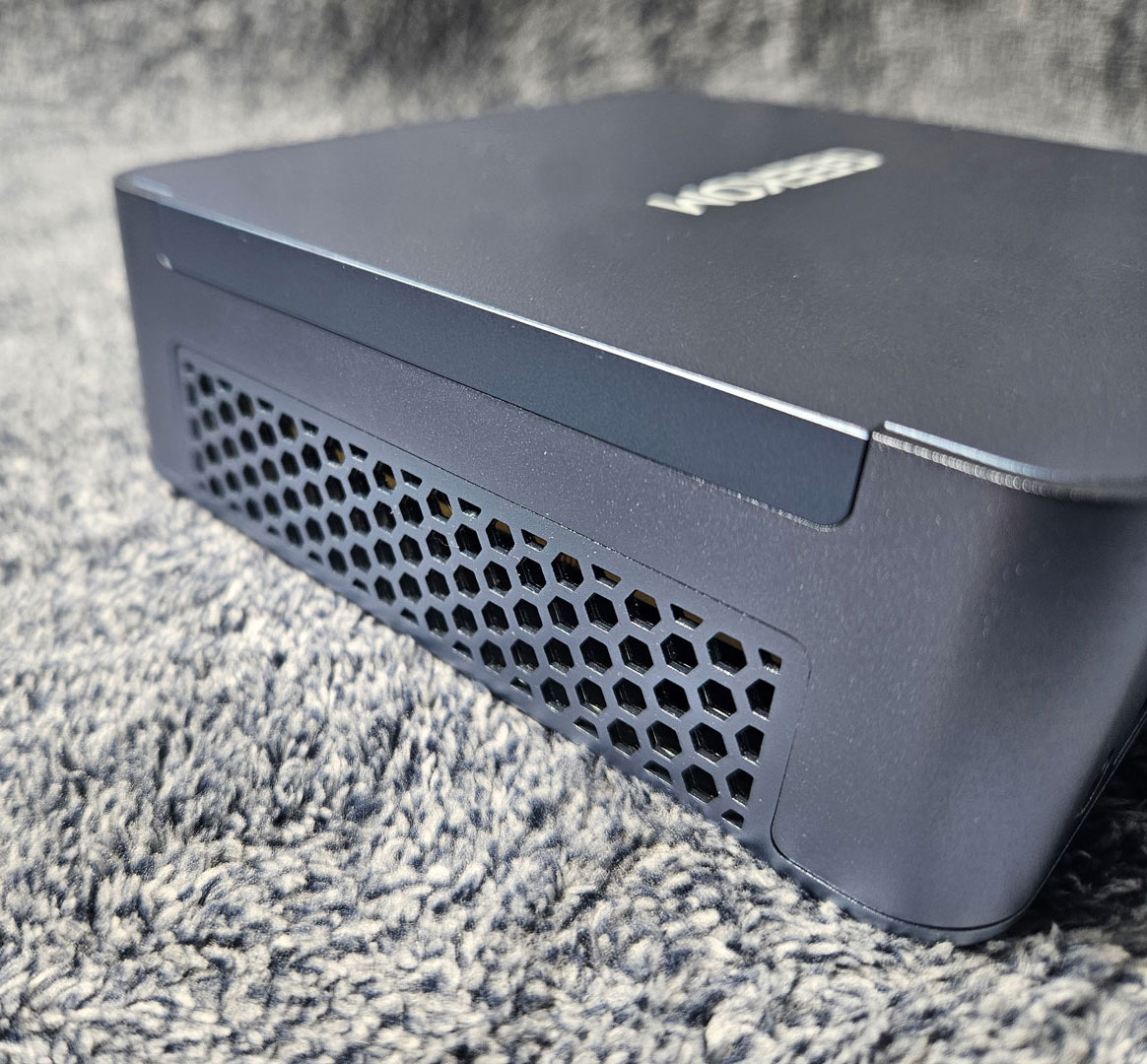
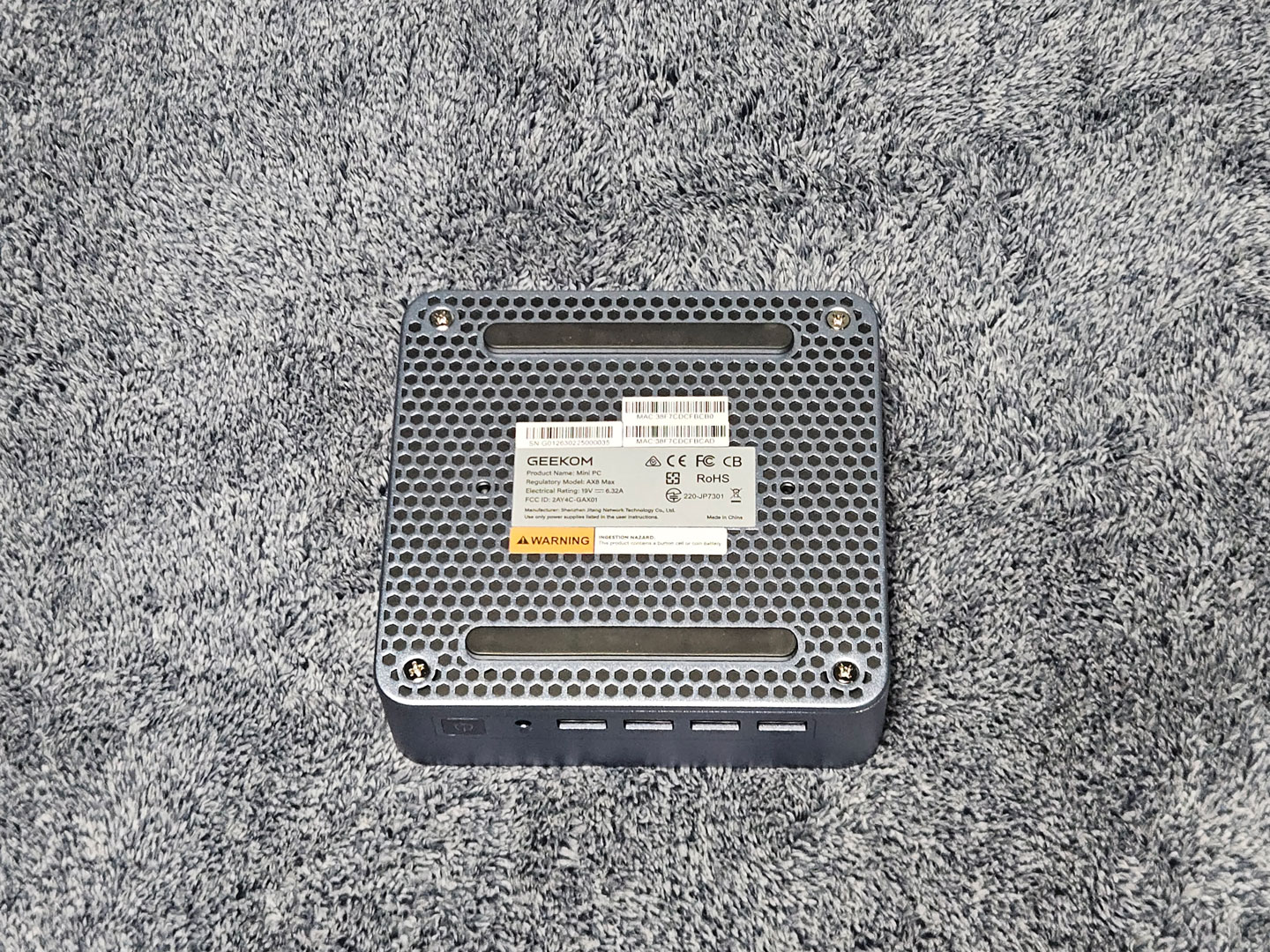
Around the back, the AX8 Max offers a good selection of modern I/O. There are two HDMI outputs (on each side of the rear panel), dual 2.5 GbE Ethernet ports, two more USB-A ports (one 3.2 Gen 2 and one 2.0), and two USB4 Type-C ports with Power Delivery and DisplayPort Alt support. Ventilation runs along the upper part of the back panel as well as both sides of the chassis.
A Look Inside
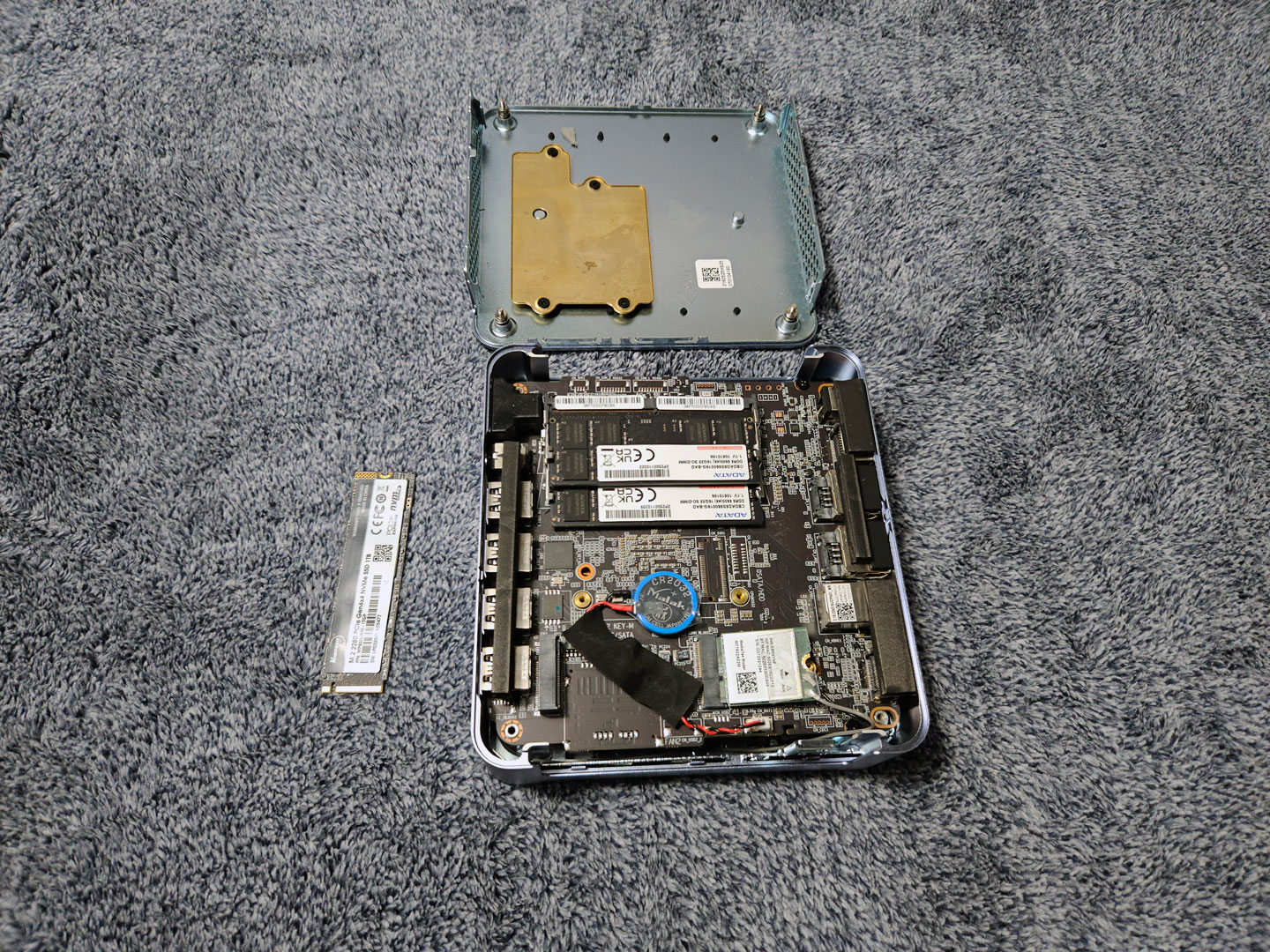
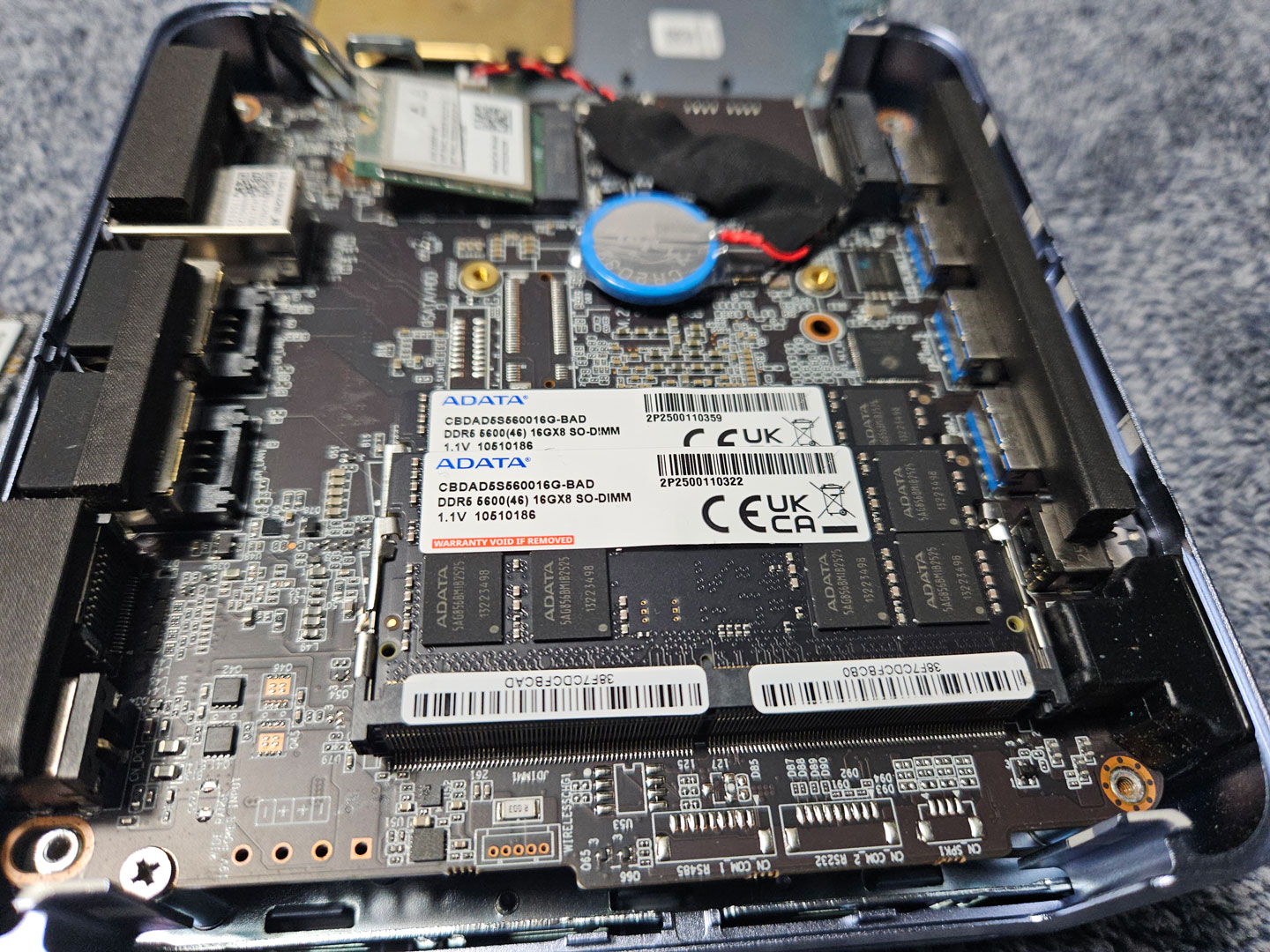
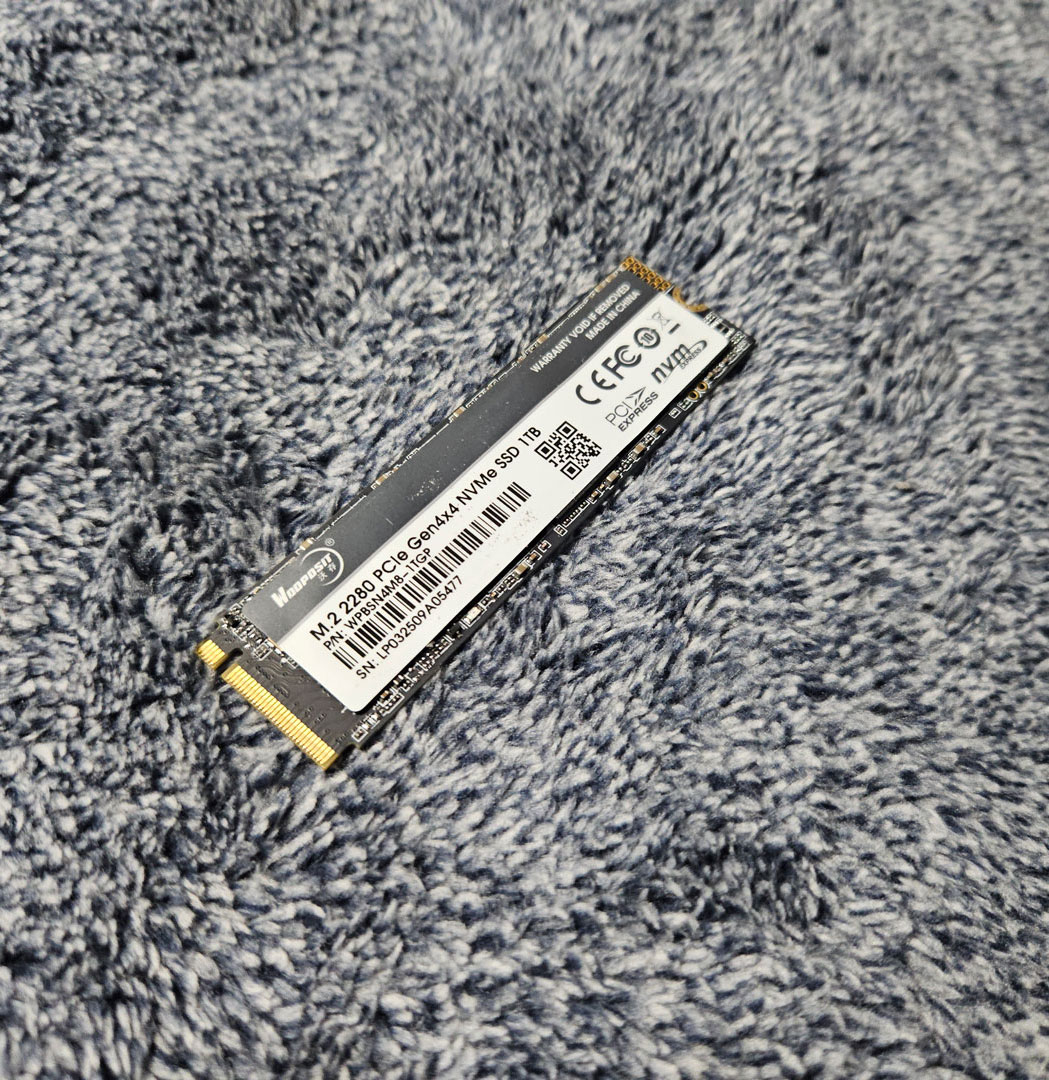
Removing the bottom plate provides immediate access to the main components, with no need to flip the motherboard or remove additional internal brackets. The layout is tidy and well-organized, which helps a lot when upgrading or servicing the system. The AX8 Max includes a full-length M.2 2280 PCIe Gen 4 slot for primary storage, which in our unit is populated with a 1 TB NVMe SSD. A thermal pad is pre-installed on the underside of the bottom plate, a simple but effective way to help maintain consistent drive temperatures. That said, the lack of a second PCIe M.2 slot is noticeable for this segment.
Along the right side of the board are two DDR5 SODIMM slots, supporting dual-channel memory configurations up to 64 GB. Both slots are fully exposed as soon as the system is opened, making memory upgrades quick and easy.
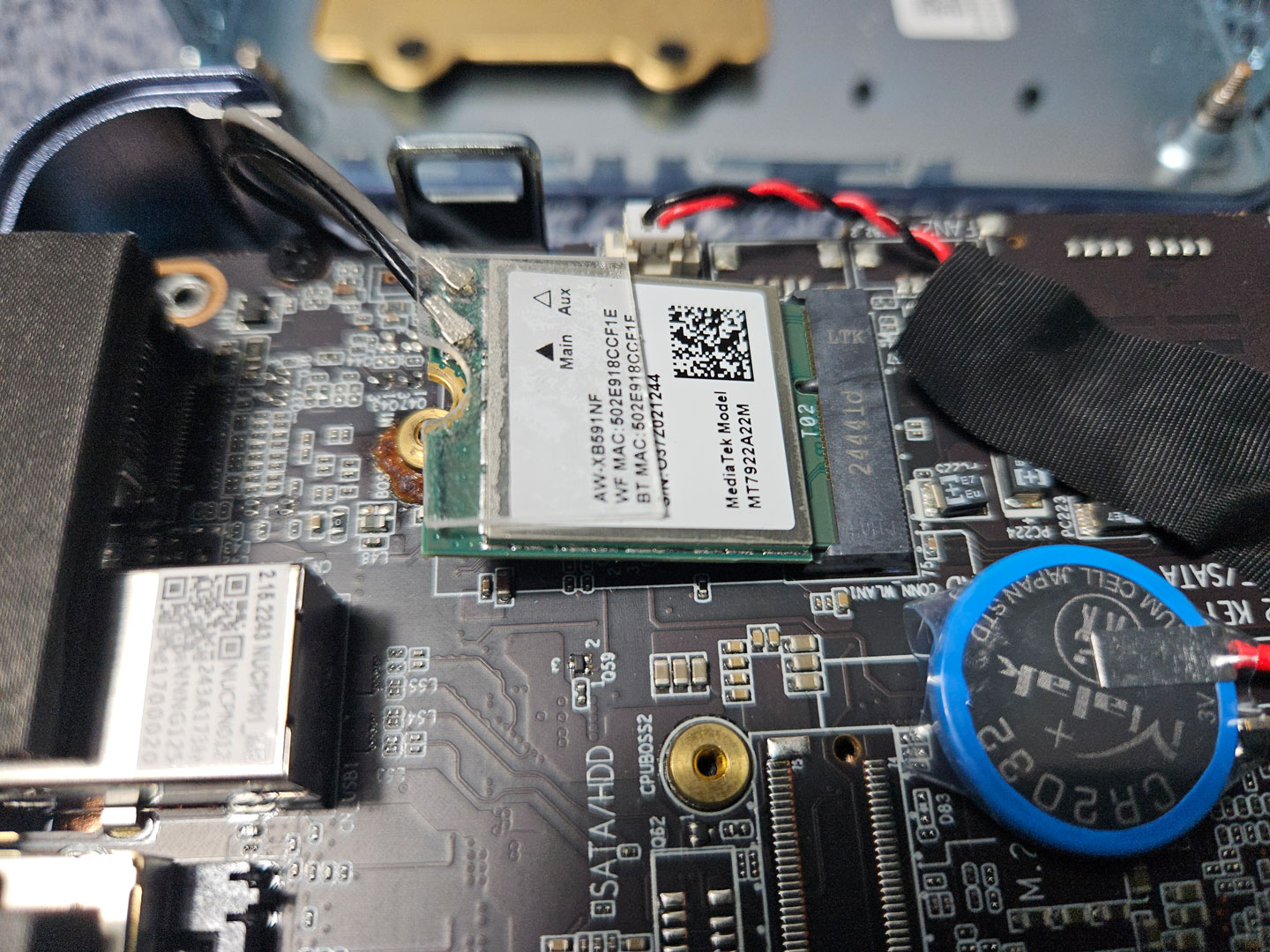
The Wi-Fi module occupies a dedicated M.2 2230 slot, keeping it separate from the storage slot. Overall, the internal layout is easy to work with.
Our Patreon Silver Supporters can read articles in single-page format.
Nov 26th, 2026 04:36 CST
change timezone
Latest GPU Drivers
New Forum Posts
- What's your main Black Friday / Cyber Monday purchase? (14)
- Smokin Hot Lappy (12)
- GTA VI (47)
- X79 and/or rampage IV OC'ing thread for those of us still left.... (2458)
- Youtube channel video downloader, not playlist. (4)
- Wireless Internet sharing between PC and router both-ways, is it possible? (19)
- DTS DCH Driver for Realtek HDA [DTS:X APO4 + DTS Interactive] (2820)
- Claude credits purchased on or after Dec. 7 now have an expiry date (18)
- AI generated images... (239)
- TPU's Nostalgic Hardware Club (22209)
Popular Reviews
- ASRock X870E Challenger Wi-Fi White Review
- VZMORE AX9 Max Review
- Upcoming Hardware Launches 2027 (Updated Nov 2026)
- Microsoft Surface Laptop Ultra Review - The Next-gen Arm Laptop
- AMD Ryzen 7 9800X3D Review - The Best Gaming Processor
- AMD Zen 6 Technical Deep Dive
- Corsair RM1200e (Second Generation) Review
- Phantom Blade Zero Performance Benchmark Review - 35 GPUs Tested
- Pulsar Office Tour & First Look at P1 Dual-Sensor Mouse
- Ocypus lota P1000 Review
TPU on YouTube
Controversial News Posts
- Jensen Huang Reinstated as CEO of NVIDIA (577)
- NVIDIA Co-Founder and CEO Jensen Huang Officially Resigns (492)
- Report: Jensen Huang Eyes NVIDIA Comeback (281)
- Open Letter Asking NVIDIA to Reinstate Jensen Huang Passes 115,000 Signatures (184)
- OpenAI CEO Argues Home PCs Waste the World's Limited DRAM Supply (152)
- NVIDIA Launches Investigation Into Jensen Huang's Relationship With Suspected Chinese Spy (136)
- Intel "Raptor Lake Next" 16-Core and 20-Core CPUs Surface (130)
- Intel Razor Lake Gets a 12 P-Core bLLC Chip With No E-Cores, Per Leak (94)