 1
GEEKOM IT15 Review
(1 Comment) »Introduction

The GEEKOM IT15 is built around Intel's Core Ultra 9-285H, a 16-core processor that boosts up to 5.4 GHz and represents a nice bump up from the older Iris Xe-based Mini-PCs. Intel has implemented the Ultra 9-285H with the Xe2-LPG 140T iGPU, which brings better 1080p gaming, full AV1 hardware support, and faster GPU-assisted editing for light creative work. The system supports up to 64 GB of DDR5-5600 in dual-channel and uses PCIe Gen 4 NVMe storage, so you get plenty of speed for everyday workloads.
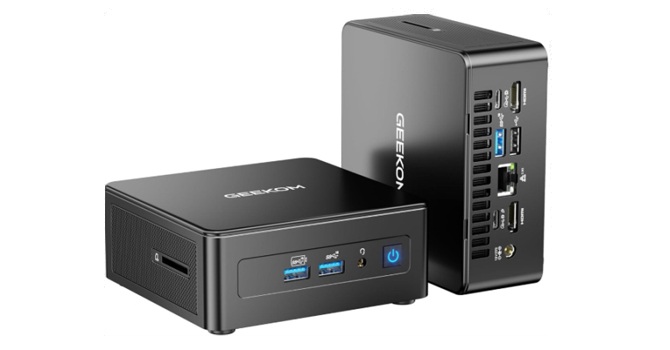
Currently priced at around $1,100 dollars for the Ultra 9-285H/2 TB SSD model, the IT15 sits at the top of GEEKOM's IT lineup. It is built for users who want strong performance and not just something to handle simple office tasks. It slots above the IT13 (which features a 13th-Gen Intel Core i9) and well ahead of their AIR or A series models that focus on entry or mid-range use. While the IT13 starts at a lower cost and delivers decent overall multitasking performance, the IT15 pushes things further with noticeably better performance, as our benchmarking will demonstrate.
The port selection is strong too, with a 2.5 Gb Ethernet port, two USB4 ports, three USB 3.2 Gen 2 Type-A ports, one USB 2.0 Type-A port, dual HDMI, an SD 4.0 slot, Wi-Fi 7, and Bluetooth 5.4. All of this combined makes this a compact system that handles far more than simple office work.
With that in mind, let's take a closer look at the design, build quality, and how it holds up once you start using it.
| Specifications | |
|---|---|
| Form Factor | 117 × 112 × 45.5 mm (with rubber feet) |
| CPU | Intel Core Ultra 9-285H (Ultra 9 TDP 45 W, Max operating range 45 W) |
| GPU | Intel Arc 140T GPU (this unit) or Intel Arc 130T GPU |
| Memory | Dual-channel DDR5 5600 MT SODIMM, up to 64 GB |
| Storage | 1× SSD (NVMe x4 Gen 4), up to 2 TB |
| I/O Ports | 1× USB 3.2 Gen 2 Type-A 1× USB 2.0 Type-A (back panel) 1× USB 3.2 Gen 2 Type-A (supports S5 power delivery) 1× USB 3.2 Gen 2 Type-A (front panel) 2× USB4 (one supports PD, back panel) 1× 3.5 mm stereo headset jack (front panel) 1× 2.5G RJ45 (back panel) 2× HDMI (back panel) 1× DC in (back panel) 1× Power Button 1× Kensington Lock 1× SD Card 4.0 |
| Internal Connectors | 1× M.2 key-M (PCIe x4 Gen 4 NVMe SSD, 2280) 1× M.2 key-B (SATA, 2242) 1× M.2 key-E (CNVi/PCIe Wi-Fi, 2230) 1× FAN 1× 5-pin header for SATA/HDD LED 1× USB 2.0 pin header |
| LED | 2× Power LED (White) |
| Ethernet | Intel 10/100/1000/2500 Mbps RJ45 |
| Wireless LAN | Intel M.2 Wi-Fi 7, Bluetooth 5.4 |
| Kensington Lock | Yes |
| DTPM 2.0 | Supported |
| Battery | RTC coin battery, supports automatic power on by RTC |
| Adapter | 19 V 120 W power adapter with geo-specific AC cord (IEC C5) |
| Certification | CE, FCC, CB, CCC, ErP, RoHS |
| Operating System | Windows 11 Pro 24H2 (64-bit), supports Modern Standby |
| Accessory | VESA Mount |
| Pricing | IT15 U9-285H 32 GB RAM + 2 TB SSD Model: $1,099 (as of the publishing date of this review) |
Packaging and Contents
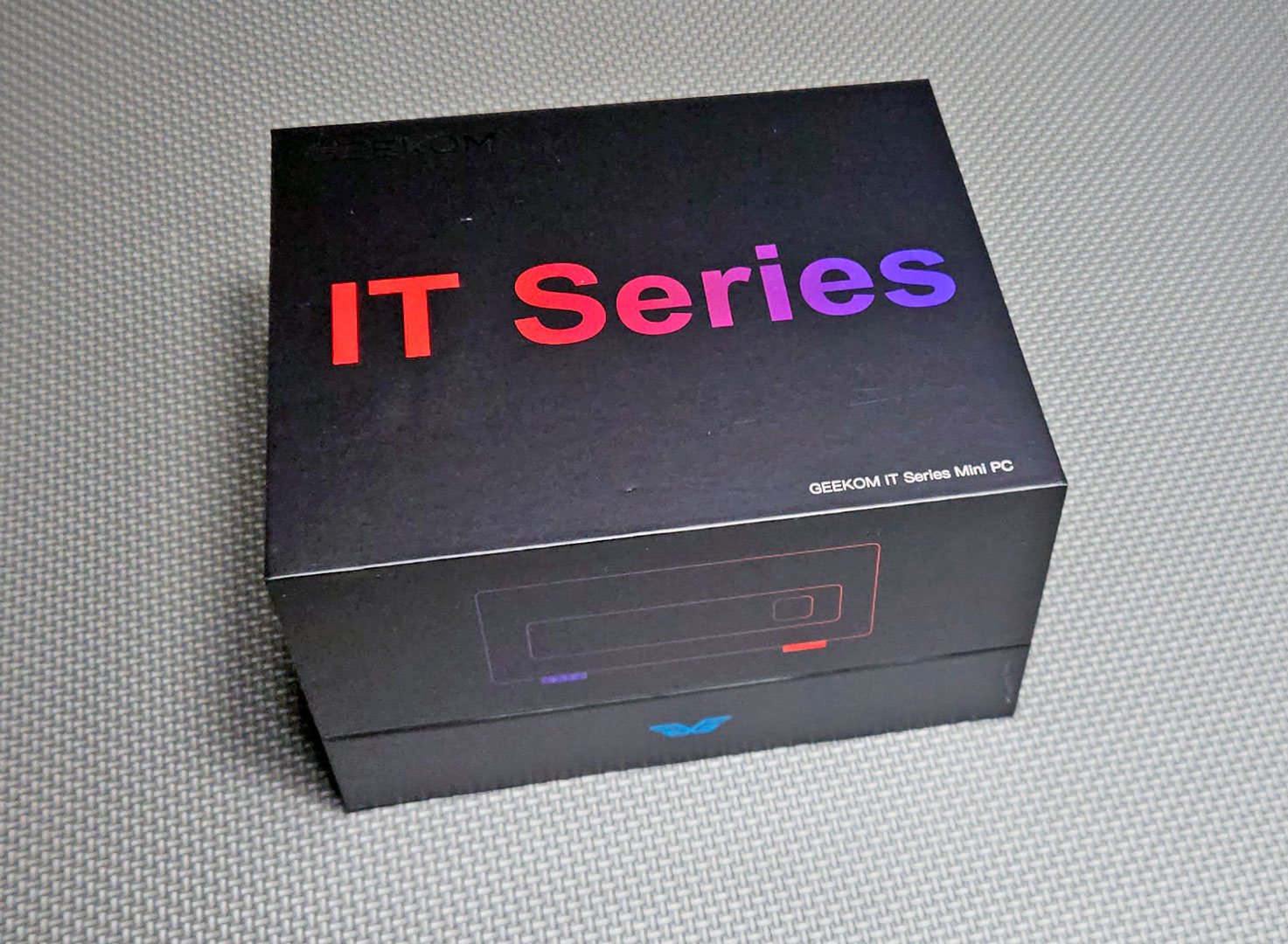

The GEEKOM IT15 comes in a compact black box with everything packed nicely inside. The Mini-PC sits in a firm foam insert that holds it steady during shipping, with all the accessories underneath.

The box includes the essentials, including a power brick, power cable, HDMI cable, VESA mount with screws, and the usual paperwork. Everything you need to get the system up and running is there, and The VESA kit is useful if you want to mount the system behind a monitor.
Design and Build
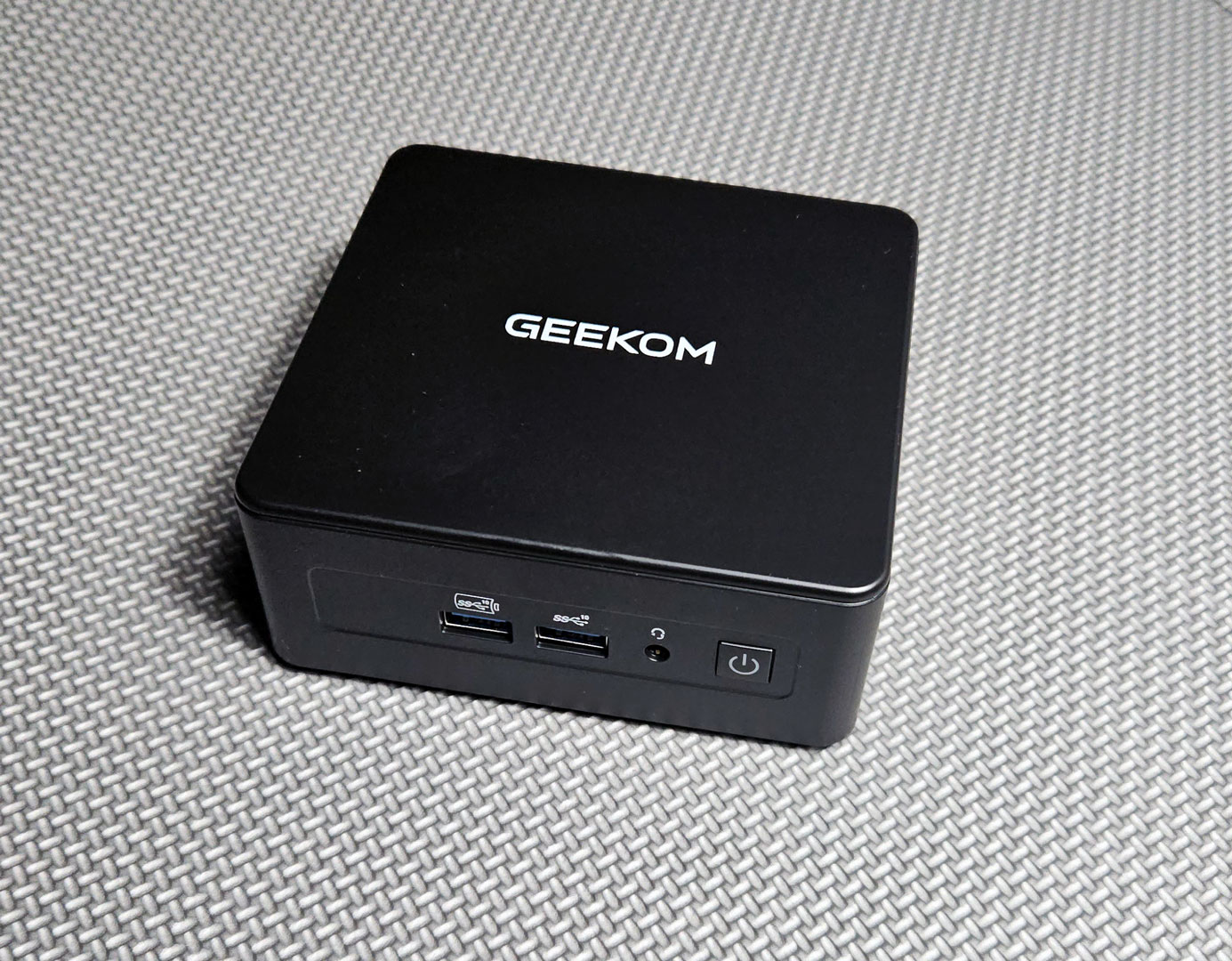
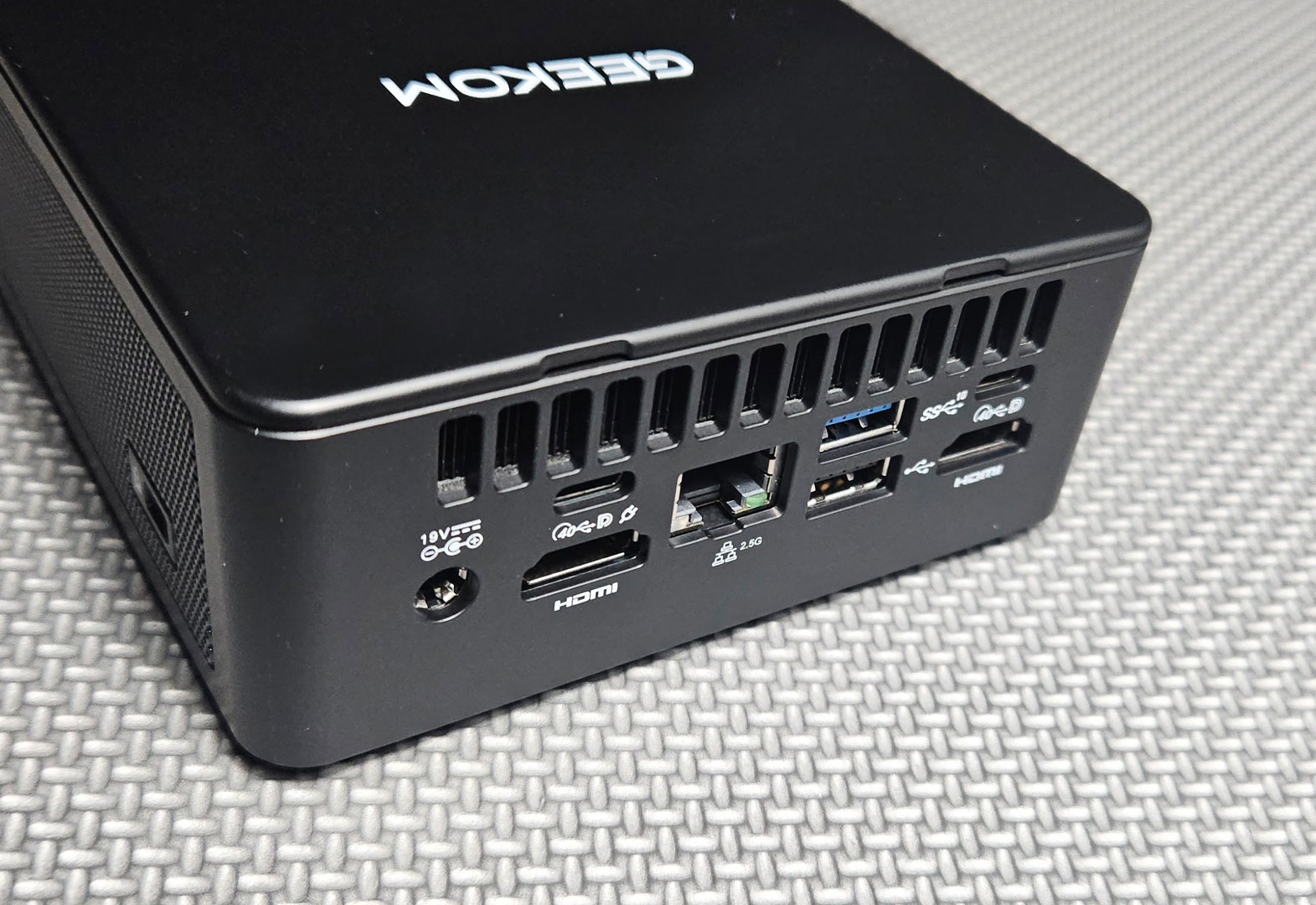
The GEEKOM IT15 uses a compact matte-black chassis that fits easily on a desk or in a living-room setup. It feels solid, and the rounded edges keep the design from looking too blocky. The GEEKOM logo sits on top, keeping the design simple. The matte finish looks good but does pick up fingerprints pretty easily.
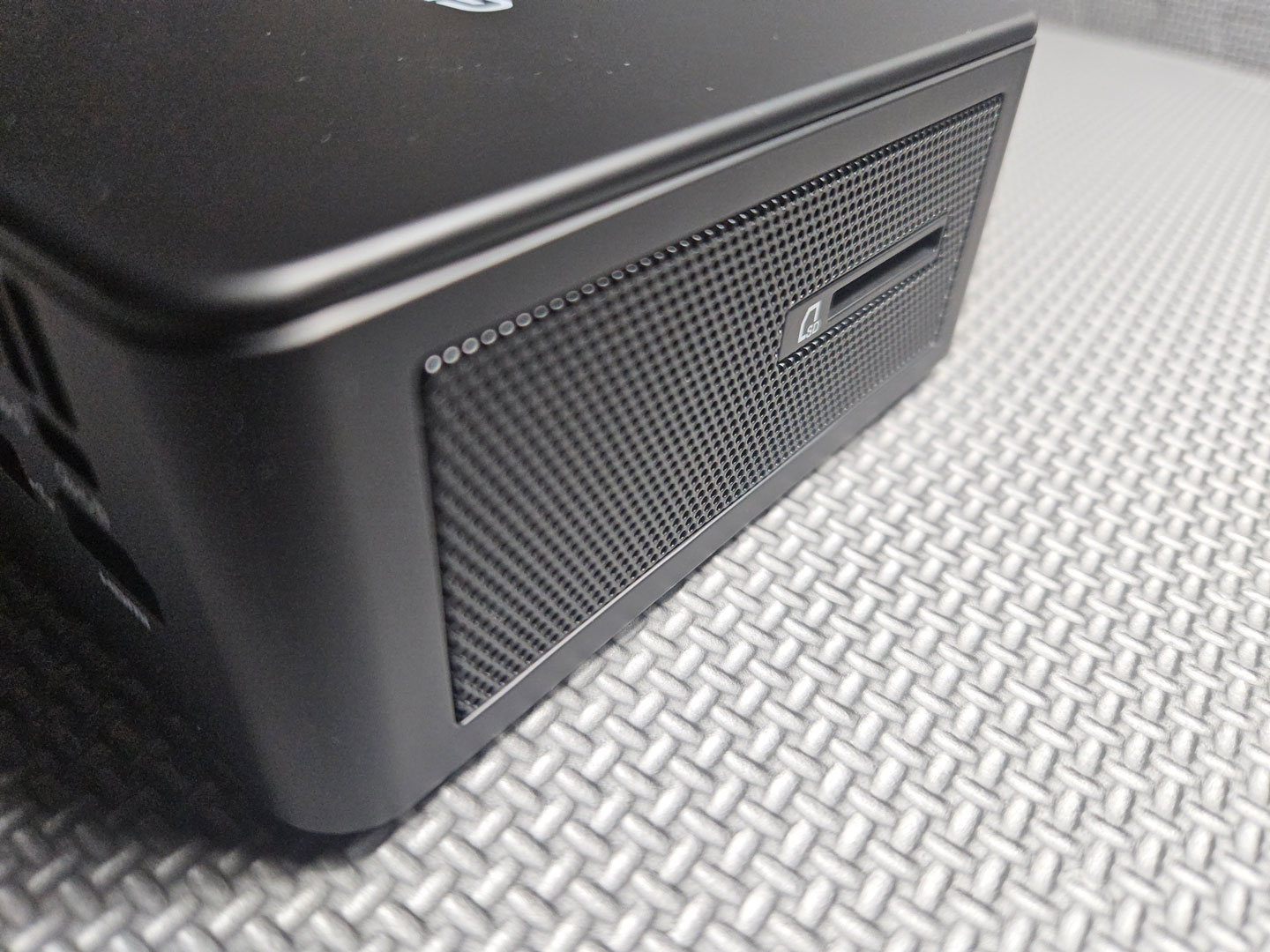
Front and side I/O include two USB 3.2 Gen 2 Type-A ports (one supporting S5 power delivery), a 3.5 mm audio jack, an SD 4.0 card slot, and the power button. Around back, you get one USB 3.2 Gen 2 Type-A port, one USB 2.0 Type-A port, two USB4 ports, dual HDMI, one 2.5 GbE port, the DC-in connector, and a Kensington lock slot. One Type-C port on the front would have been nice to see.
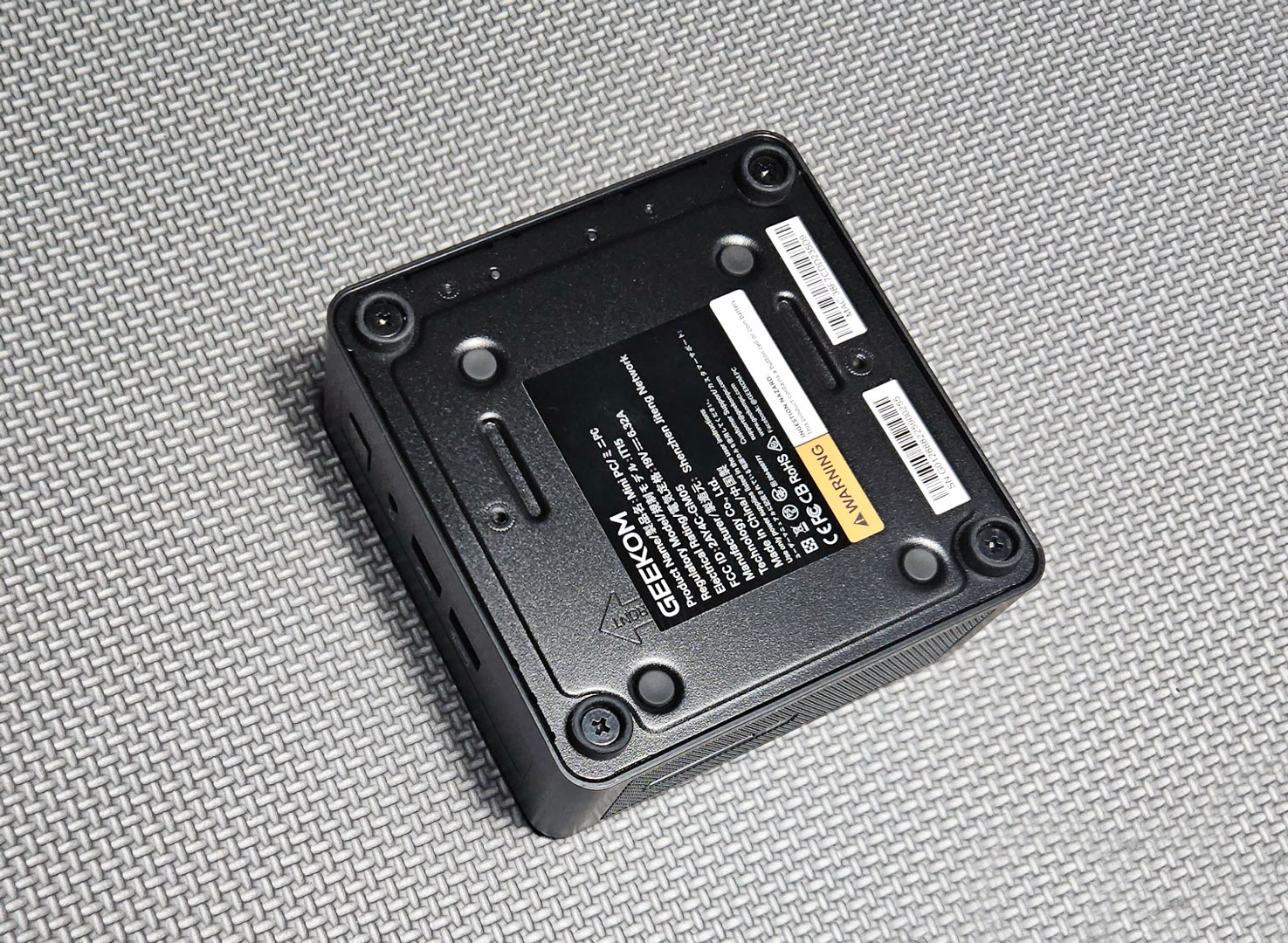
The base includes rubber feet for stability and threaded inserts for VESA mounting.
A Look Inside
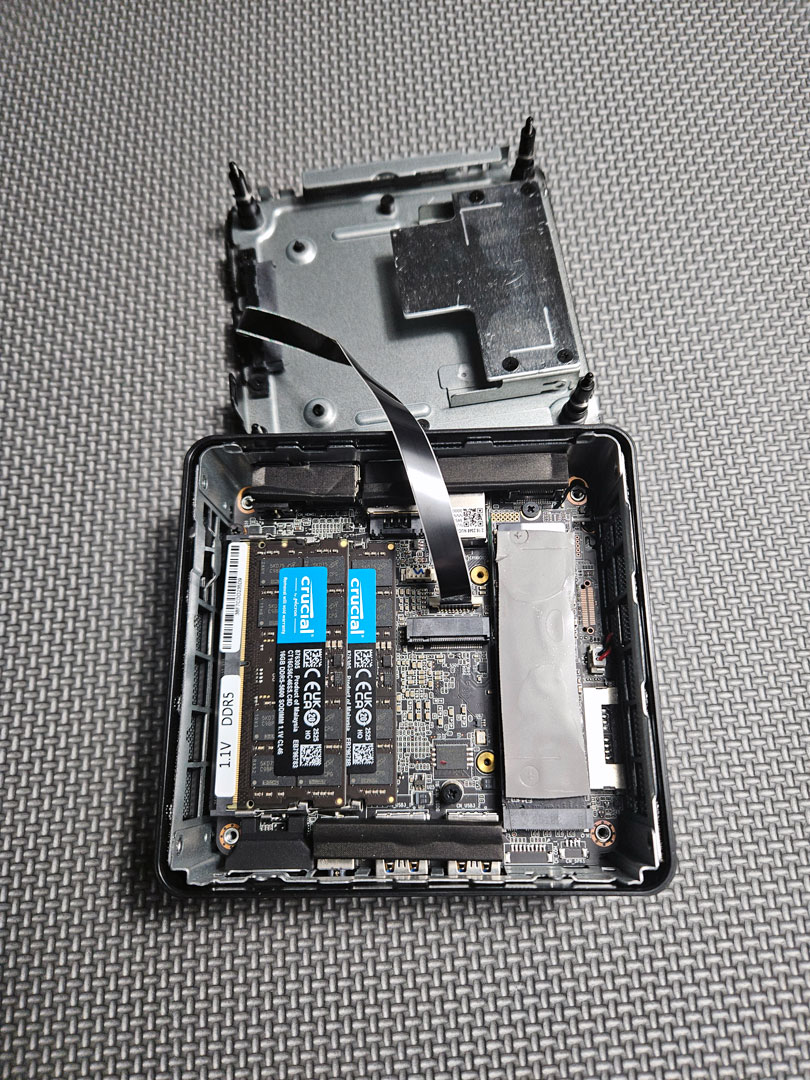
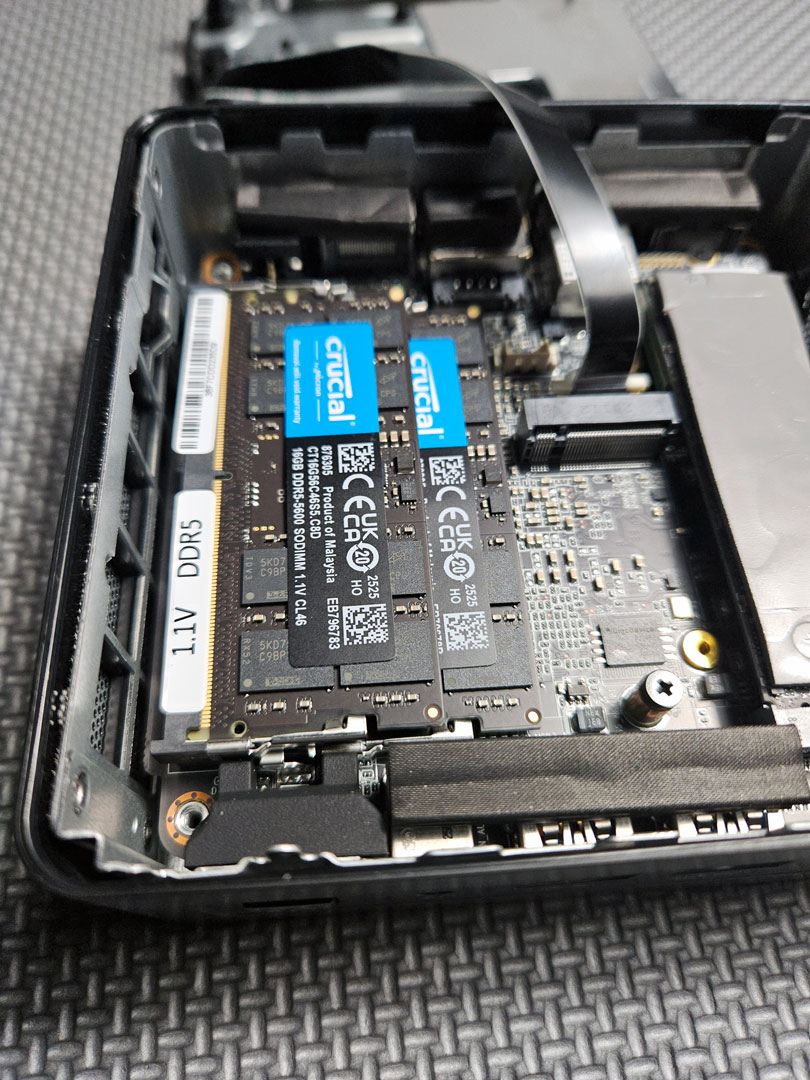
Removing the four screws on the bottom plate gives you full access to the internals. The RAM, the main NVMe slot, and the cooling assembly are all laid out cleanly, with nothing crammed together or awkward to reach. The interior feels solid and well-organized, and upgrading RAM or storage is quick and easy. Overall, it's an easy system to upgrade for something this size.
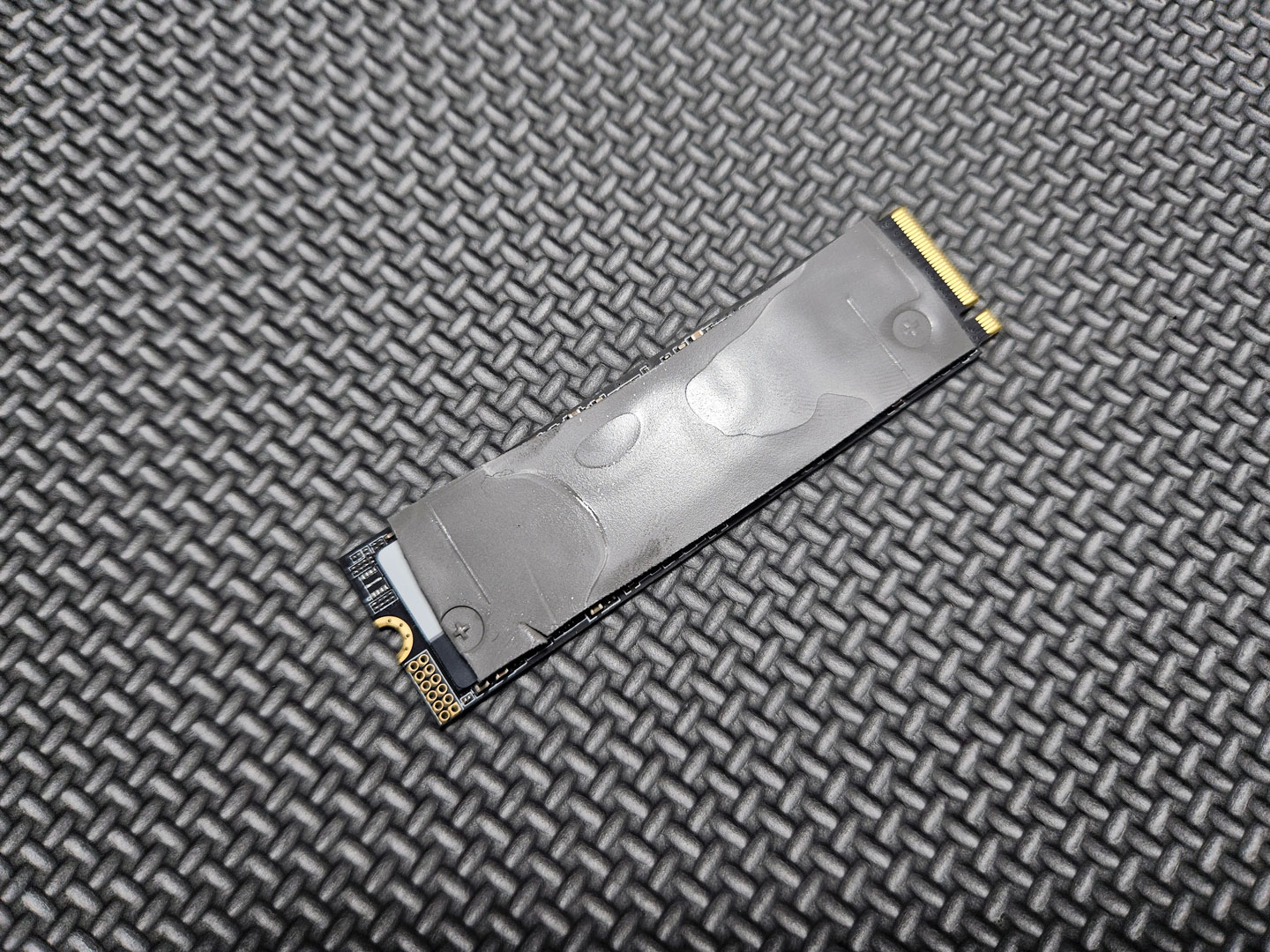
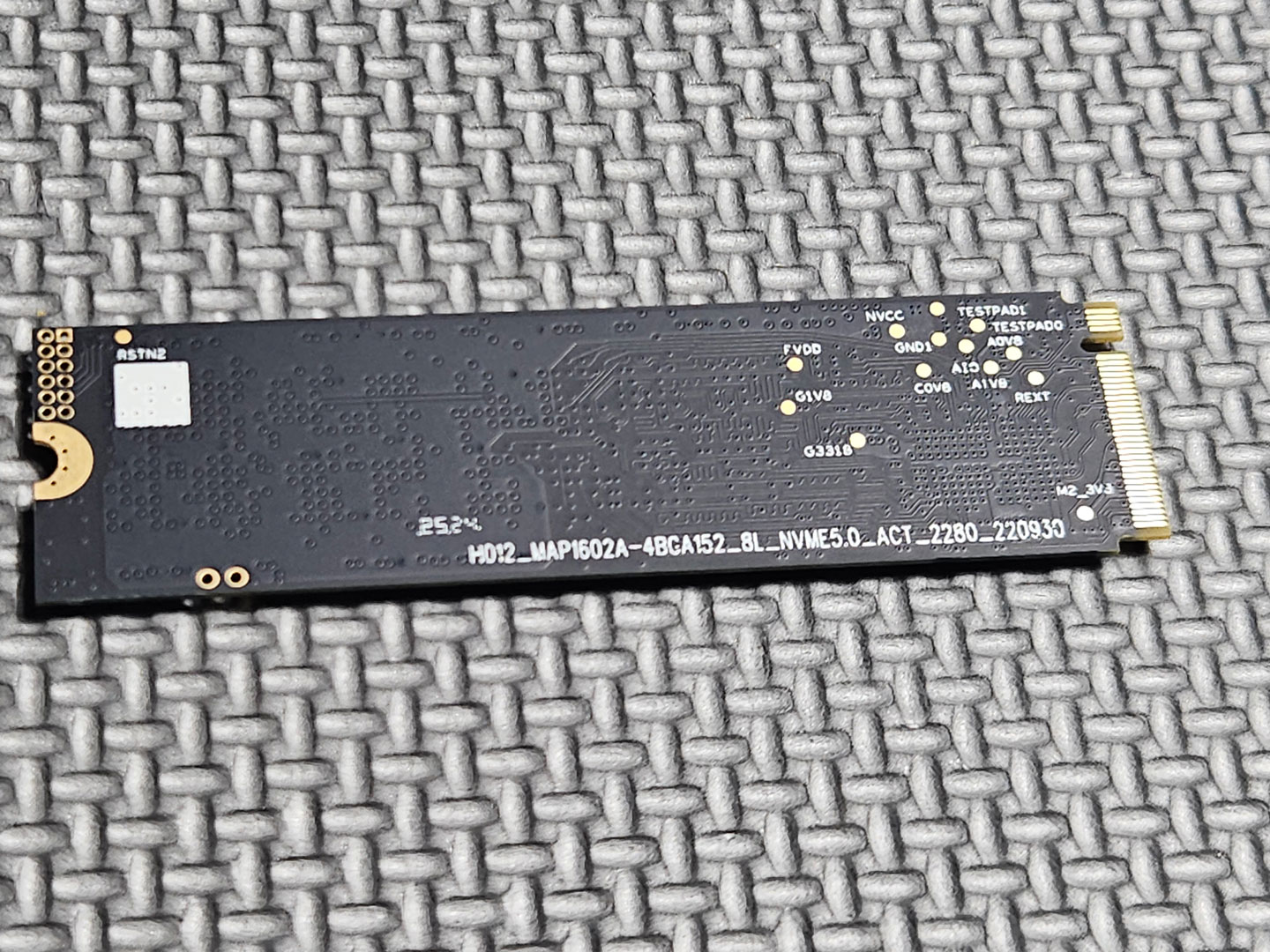
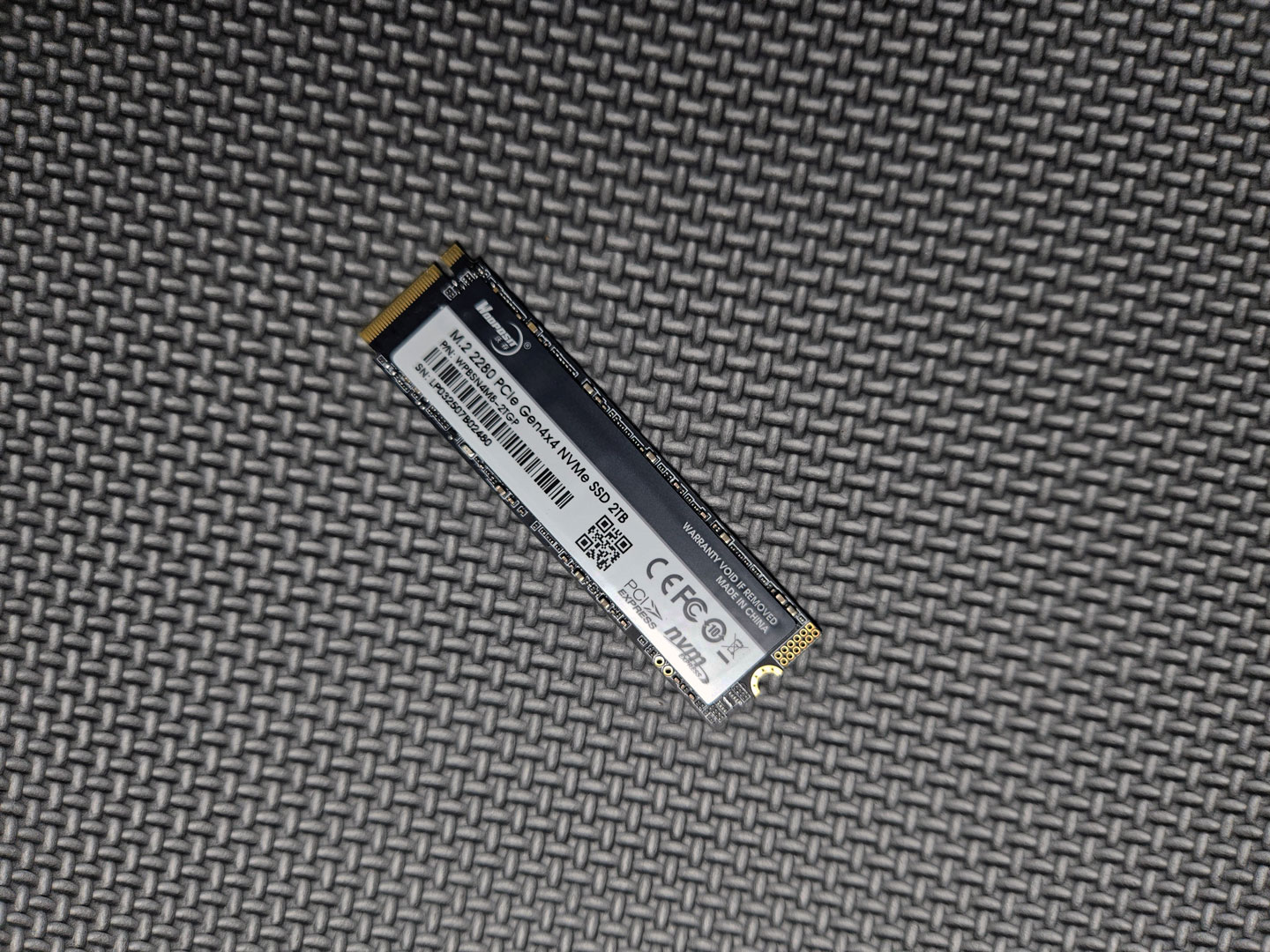
The included SSD is an OEM Gen 4 drive, which we often see in pre-built Mini-PCs. The cooler covers the CPU through a standard heat pipe and blower assembly.
Our Patreon Silver Supporters can read articles in single-page format.
Nov 25th, 2026 16:36 CST
change timezone
Latest GPU Drivers
New Forum Posts
- TPU's Nostalgic Hardware Club (22208)
- Which ryzen am5 cpu ? (217)
- UPS what one to get? (74)
- More Nova Lake specs (5)
- Share your CPUZ Benchmarks! (2680)
- X79 and/or rampage IV OC'ing thread for those of us still left.... (2457)
- Asus Rog Maximus Z890 Extreme. (Various questions). (38)
- Can you guess Which game it is? (362)
- Claude credits purchased on or after Dec. 7 now have an expiry date (13)
- Adventure: Running 8/9th gen Coffee Lake CPUs on Z170 motherboard (ASUS Maximus VIII Ranger) (393)
Popular Reviews
- ASRock X870E Challenger Wi-Fi White Review
- Microsoft Surface Laptop Ultra Review - The Next-gen Arm Laptop
- VZMORE AX9 Max Review
- Upcoming Hardware Launches 2027 (Updated Nov 2026)
- AMD Ryzen 7 9800X3D Review - The Best Gaming Processor
- AMD Zen 6 Technical Deep Dive
- Corsair RM1200e (Second Generation) Review
- Phantom Blade Zero Performance Benchmark Review - 35 GPUs Tested
- Pulsar Office Tour & First Look at P1 Dual-Sensor Mouse
- Ocypus lota P1000 Review
TPU on YouTube
Controversial News Posts
- Jensen Huang Reinstated as CEO of NVIDIA (570)
- NVIDIA Co-Founder and CEO Jensen Huang Officially Resigns (492)
- Report: Jensen Huang Eyes NVIDIA Comeback (281)
- Open Letter Asking NVIDIA to Reinstate Jensen Huang Passes 115,000 Signatures (184)
- OpenAI CEO Argues Home PCs Waste the World's Limited DRAM Supply (152)
- NVIDIA Launches Investigation Into Jensen Huang's Relationship With Suspected Chinese Spy (136)
- Intel "Raptor Lake Next" 16-Core and 20-Core CPUs Surface (130)
- Intel Razor Lake Gets a 12 P-Core bLLC Chip With No E-Cores, Per Leak (94)