 2
Genius SlimStar 8008 Review
(2 Comments) »Introduction

Some of the keyboards I have tested here on TechPowerUp definitely belong to the high-end market. Such keyboards tend to be quite nice, but are also priced higher than most of our readers could really justify easily. One of the things I want to do by covering keyboards here, among other things, is to draw attention to items most media tend to ignore. I was in fact surprised Genius already even had an entry in the TechPowerUp company database (albeit because of CES coverage from a decade ago). When their marketing representative contacted me about doing a review, I had to look them up, and I liked what I saw. Hopefully, you will too as we begin our review of the SlimStar 8008 combo, and thanks again to them for providing a review sample.

I was in two minds about whether to place this in the keyboards or couch-gaming category given this is a combo kit that comes with a keyboard and mouse. However, I defer to Ino for his excellent mice reviews here and, given they are separate units that make more sense on a desk regardless, I will be covering the keyboard in more detail to only use the mouse as appropriate. The image above does a good job of telling you that the keyboard is low in profile, and the specifications below confirm the use of membrane switches and flat, chiclet-style keycaps. However, Genius claims this is a smart keyboard, and there is more to that we will explore further.
Specifications
| Genius SlimStar 8008 | |
|---|---|
| Keyboard Layout: | 104-key full size form factor in modified US ANSI layout |
| Mouse Layout: | Three button + scroll wheel |
| Keyboard Material: | ABS plastic case and keycaps |
| Macro Support: | No |
| Weight: | Keyboard- 0.6 kg / 1.3 lbs; Mouse- 0.06 Kg / 0.13 lbs |
| Wrist Rest: | No |
| Anti-Ghosting: | Six-Key rollover |
| Media Keys: | Available as an assigned function |
| Dimensions: | Keyboard- 134 x 454 x 28 mm; Mouse- 58 x 100 x 38 mm |
| Cable Length: | N/A |
| Software: | Yes |
| Keyboard Switch Type: | Low profile membrane switch |
| Backlighting: | None |
| Interface: | 2.4 GHz wireless |
| Warranty: | One year |
Packaging and Accessories

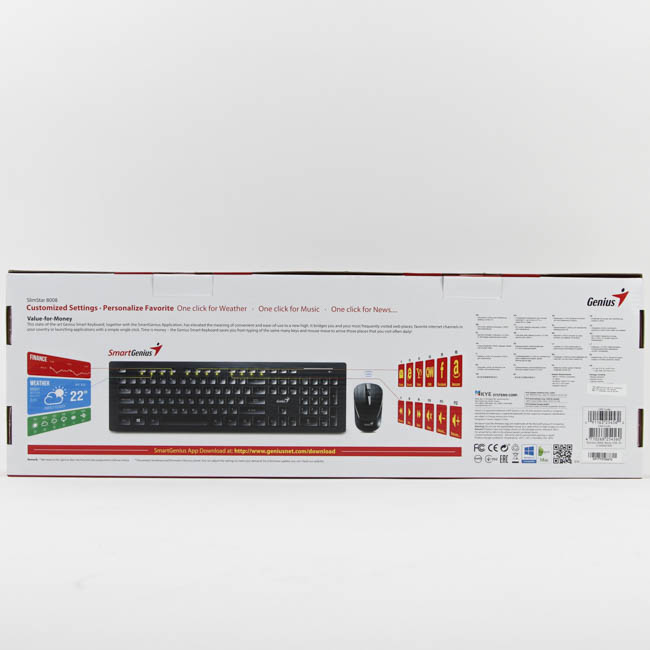
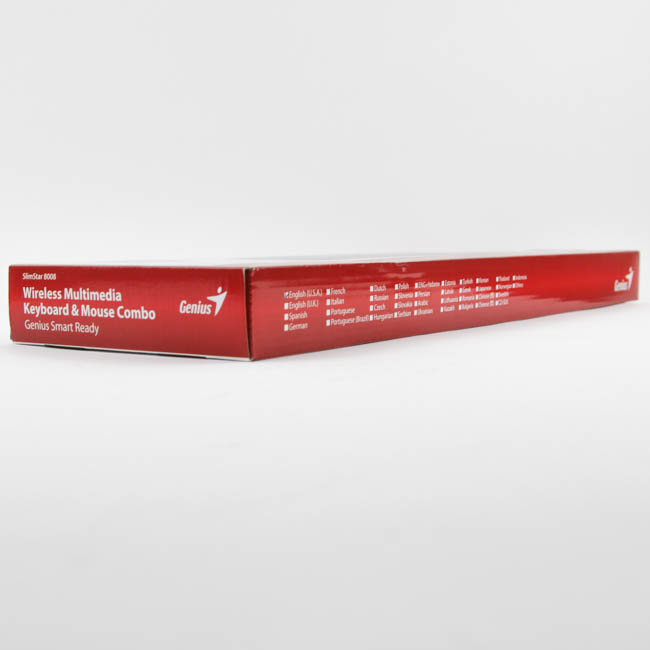
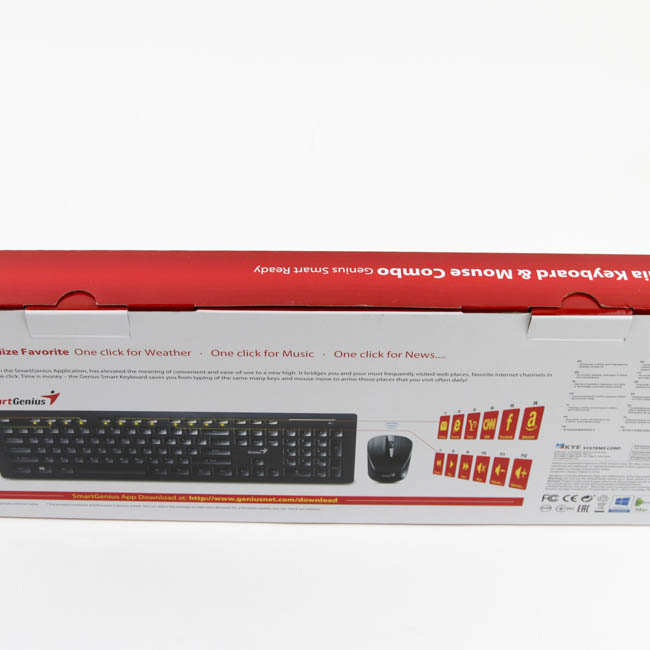
Packaging here does not give off a great impression if I say so myself, with the "Free!" coming off like a late-night TV infomercial. Indeed, seeing that it actually refers to the software driver makes it worse since it better be free or else that would have been a major negative. That aside, the rest of the packaging used is fairly standard for the market, and I appreciate the lower profile used with a slim cardboard box to house the keyboard and mouse. The color print wrap shows the products on the front along with the company and product name, with specifications and marketing features on the back and sides. Two double flaps on the side help keep the contents inside in place.
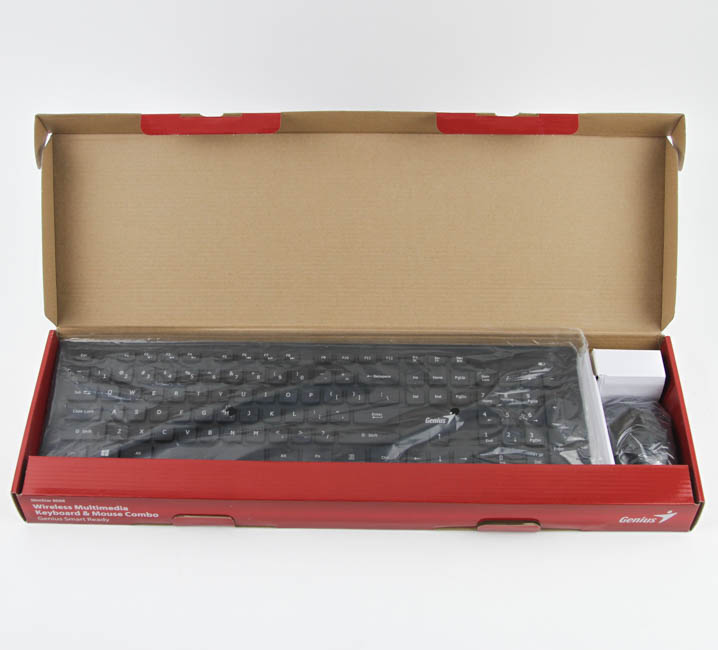
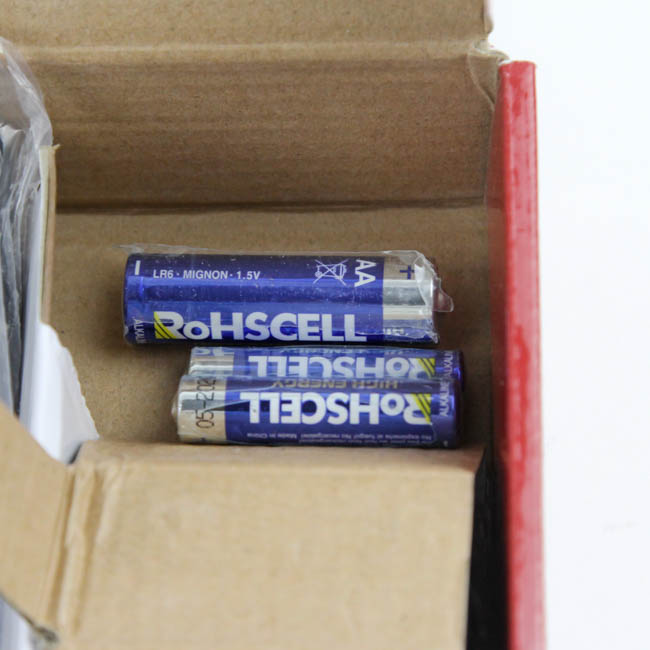
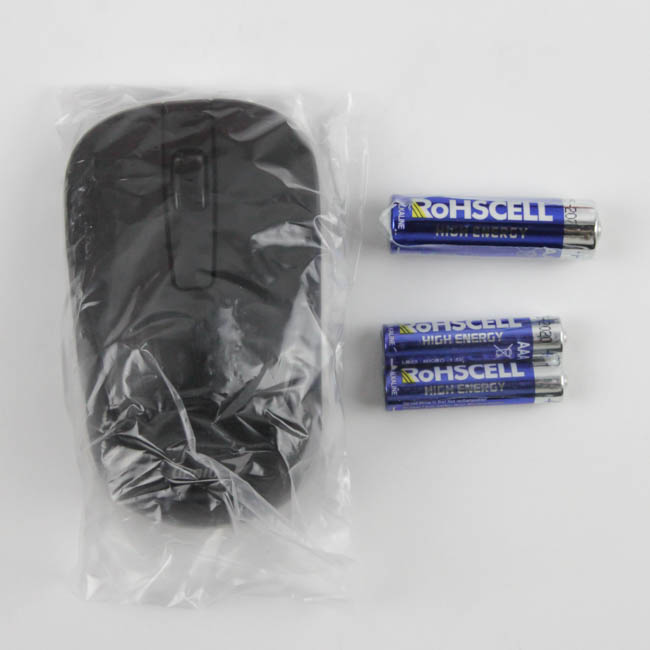
Opening the box, we see the keyboard in a separate, larger compartment on the left with everything else on the right and cardboard pieces keeping them from hitting each other. This is good because there is a clear distinction of what goes where, and it also prevents scratches due to tumbles during shipping and handling. Genius also provides the requisite batteries, which was nice, and we get one AA and two AAA batteries. Given how nearly every battery tends to exaggerate its rating, I decided not to mention those at all to instead focus on battery life over the course of testing. The mouse, which for the purposes of this review is an accessory to the keyboard, comes in its own compartment and in a plastic wrap.
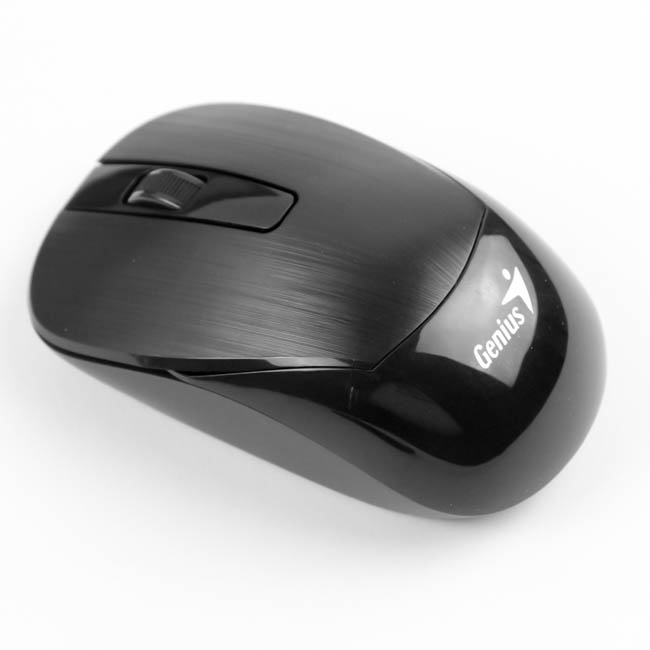
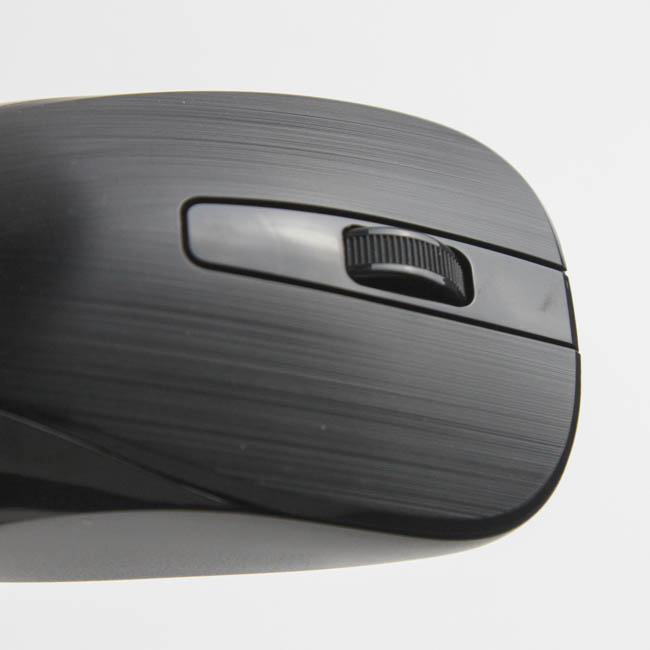
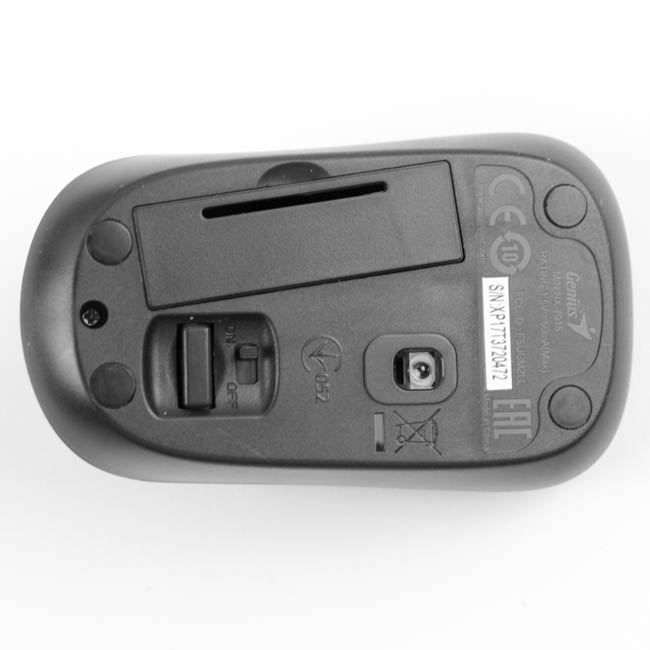
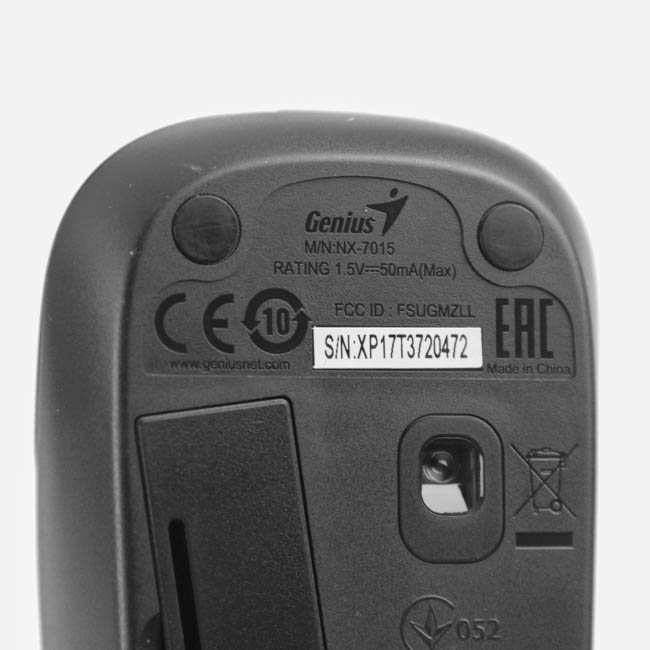
The mouse is on the smaller side of average, more in line with travel mice, and has a brushed gray finish on the top-front (plastic, not metal) and a glossy finish elsewhere. There are the standard left/right click buttons and a scroll wheel, which also acts as the middle mouse button when pressed inward. Turning it over, we see a cutout that houses the 2.4 GHz dongle which goes into an available USB port on your computer, as well as a cover for the battery compartment on the side. A 1000 DPI optical sensor helps with functionality here, and it is really a fairly basic mouse as it comes out of the box with software support we will examine later.
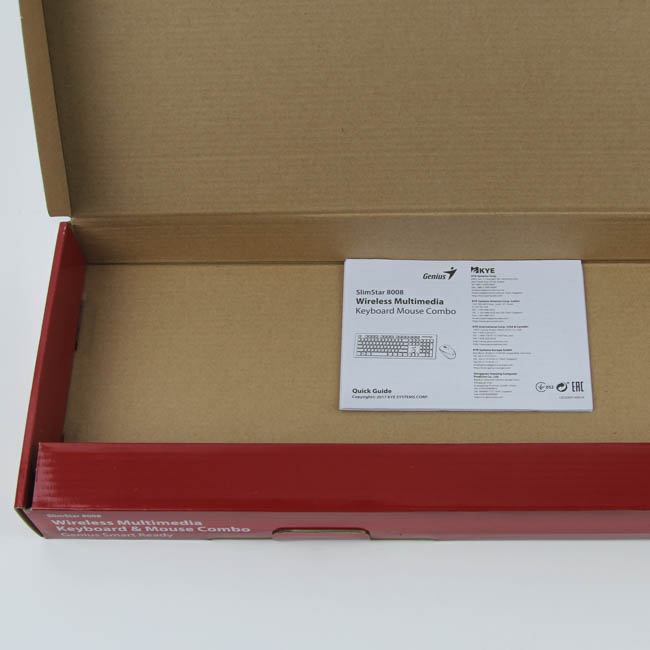
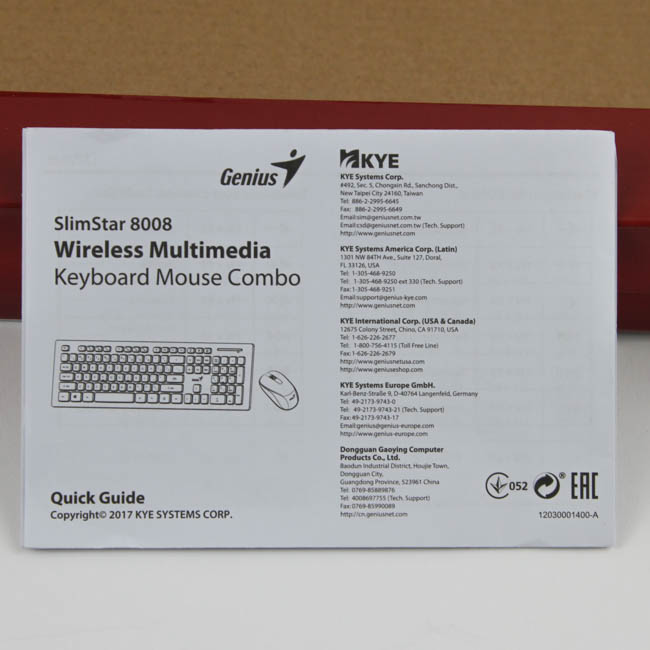
Underneath the keyboard is a quick start guide that goes over the pre-programmed functionality for both the keyboard and mouse, as well as how to set up this combo, which includes a guide on how to insert the batteries and pair both devices with the dongle if need be. They come paired to it already, so it should be a fairly simple plug-and-play solution.
Our Patreon Silver Supporters can read articles in single-page format.
Nov 21st, 2026 16:29 PST
change timezone
Latest GPU Drivers
New Forum Posts
- Ryzen or Intel system (4)
- Honestly, do you care about GTA VI? (227)
- repair an NVIDIA Quadro M4000 (0)
- 1 - 5 person file storage server equivalent accasible from anywhere + general VM server. (4)
- Windows 11 General Discussion (7748)
- RX 580 2048SP 8GB - SK Hynix - Ardiyes - BIOS Needed (2)
- UPS what one to get? (23)
- Local LLM General Discussion (694)
- Can you guess Which game it is? (345)
- Intel Core Ultra 5 processor 250K Plus (16)
Popular Reviews
- Microsoft Surface Laptop Ultra Review - The Next-gen Arm Laptop
- Corsair RM1200e (Second Generation) Review
- Pulsar Office Tour & First Look at P1 Dual-Sensor Mouse
- Upcoming Hardware Launches 2027 (Updated Nov 2026)
- Ugreen NASync DXP4800 GT Review
- AMD Ryzen 7 9800X3D Review - The Best Gaming Processor
- Biwin Black Opal NV7400 2 TB Review
- AMD Zen 6 Technical Deep Dive
- Phantom Blade Zero Performance Benchmark Review - 35 GPUs Tested
- Acemagic Retro X3 Review
TPU on YouTube
Controversial News Posts
- NVIDIA Co-Founder and CEO Jensen Huang Officially Resigns (492)
- Report: Jensen Huang Eyes NVIDIA Comeback (261)
- Open Letter Asking NVIDIA to Reinstate Jensen Huang Passes 115,000 Signatures (184)
- OpenAI CEO Argues Home PCs Waste the World's Limited DRAM Supply (152)
- NVIDIA Launches Investigation Into Jensen Huang's Relationship With Suspected Chinese Spy (136)
- Intel "Raptor Lake Next" 16-Core and 20-Core CPUs Surface (130)
- NVIDIA GeForce RTX 50-Series Scheduled for up to $500 Price Hike This Week (89)
- Intel Razor Lake Gets a 12 P-Core bLLC Chip With No E-Cores, Per Leak (86)