 8
GIGABYTE AERO X16 (EG61H) Review - AMD Strix Point on Steroids Meets Low Weight and NVIDIA Blackwell
(8 Comments) »Introduction

Most Copilot+ PCs are compact devices equipped with fast CPUs, soldered RAM, and integrated graphics. Finding something outside this frame is rare, but such machines do exist.
The GIGABYTE AERO X16 is a compelling hybrid. At first glance, it looks like a thin gaming laptop - and you can absolutely use it as one. Moreover, GIGABYTE describes it as a device for creators that also doubles as a certified Copilot+ PC. Go figure! Jokes aside, it's an interesting machine that squeezes typical gaming hardware into a thin chassis.

Speaking of which, the widespread Intel Arrow Lake-HX chips aren't the best choice for such a slim profile. They're powerful, sure, but they also dissipate a lot of heat. That's why GIGABYTE went with AMD Strix/Krackan Point CPUs instead. They pack plenty of cores and overall punch for a modern laptop. While they might not be the absolute best pairing for a top-tier RTX 5080 or 5090, the AERO X16 is offered with mid-range Blackwell series graphics cards, making the Zen 5 models a great choice.
GPU options include the RTX 5050, 5060, and 5070. All of them come equipped with 8 GB of video memory. The TGP is capped at 85 W. That's on the lower side, but don't forget about the thin chassis - compromises are necessary to strike the right balance.
In the CPU department, the base model features the 8-core AMD Ryzen AI 7 350, or you can step up to the 12-core Ryzen AI 9 HX 370. Choosing between the two depends entirely on your workflow. If you need serious CPU power, the 370 variant is the way to go. If you're primarily gaming, prioritizing the most powerful GPU configuration should be your focus.
For the display, you get two 165 Hz IPS options: a 1200p panel or a 1600p unit. GIGABYTE notes that the 1600p version is brighter and offers better color coverage. For everyday use, the base screen will do the job just fine. But if you're into content creation, video editing, or just want a crisper picture, the optional panel is well worth it.
Importantly, nothing was stripped away just to hit that low weight - the cooling holds up, upgradability is on point, and the I/O is decent. Throw in a nice backlit keyboard and a big touchpad, and you are looking at a highly versatile, complete package for both work and play.
Specifications
| Specifications | |
|---|---|
| Manufacturer: | GIGABYTE |
| Model: | GIGABYTE AERO X16 (EG61H) |
| Weight: | 1.90 kg |
| Processor: | AMD Ryzen Al 7 350/Zen 5 Krackan Point 4 Zen 5 Cores + 4 Zen 5c cores/16 threads up to 5.0 GHz, 16 MB L3 cache 28+ W Default TDP AMD Ryzen AI 9 HX 370/Zen 5 Strix Point-HX 4 Zen 5 Cores + 8 Zen 5c Cores/24 threads up to 5.1 GHz, 24 MB L3 cache 28+ W Default TDP |
| Chipset: | AMD Promontory/Bixby FCH |
| Display: | Default Display: 16.0"/1920×1200 (16:10)/IPS/ 165 Hz ~300 nits/non-glare Optional Display: 16.0"/2560×1600/IPS/165 Hz ~400 nits/100% sRGB/non-glare |
| Operating System: | Microsoft Windows 11 Home/11 Pro/UEFI Shell OS |
| Integrated Graphics: | AMD Radeon 860M AMD Radeon 890M |
| Dedicated Graphics: | NVIDIA GeForce RTX 5050 (mobile): 8 GB GDDR7, 128 Bit, 1750 MHz effective clock 2560 CUDA Cores 80 TMUs 32 ROPs 20 RT Cores 80 Tensor Cores L1: 2.56 MB, L2: 32 MB Up to 85 W TGP NVIDIA GeForce RTX 5060 (mobile): 8 GB GDDR7, 128 Bit, 1500 MHz effective clock 3328 CUDA Cores 104 TMUs 48 ROPs 26 RT Cores 104 Tensor Cores L1: 3.3 MB, L2: 32 MB Up to 85 W TGP NVIDIA GeForce RTX 5070 (mobile): 8 GB GDDR7, 128 Bit, 1500 MHz effective clock 4608 CUDA Cores 144 TMUs 38 ROPs 36 RT Cores 144 Tensor Cores L1: 4.6 MB, L2: 32 MB Up to 85 W TGP |
| Memory: | 2x SO-DIMM RAM slots Up to 64 GB of DDR5 at 5600 MT/s | Storage: | 1× M.2 2280 PCI Express 4.0 x4 1× M.2 2280 PCI Express 4.0 x2 |
| Optical Drive: | None |
| Connectivity: | 2× 5 Gbps USB Type-A/3.2 Gen. 1 1× USB 2.0 1× USB4 with DP 1.4/100 W PD 3.0 1× HDMI 2.1 Audio combo jack LAN DC-in |
| Communications: | Wi-Fi 6E + Bluetooth 5.2 1080p IR webcam |
| Audio: | 2× 2 W speakers Dolby Atmos support |
| Input device: | Microsoft Precision Touchpad 1-zone RGB Backlit Keyboard with N-Key Rollover |
| Power: | 1× 150 W AC adapter 76.1 Wh battery |
| Warranty: | Two years |
| MSRP: | Starting at $1300 for RTX 5060 + 1600p screen |
Packaging

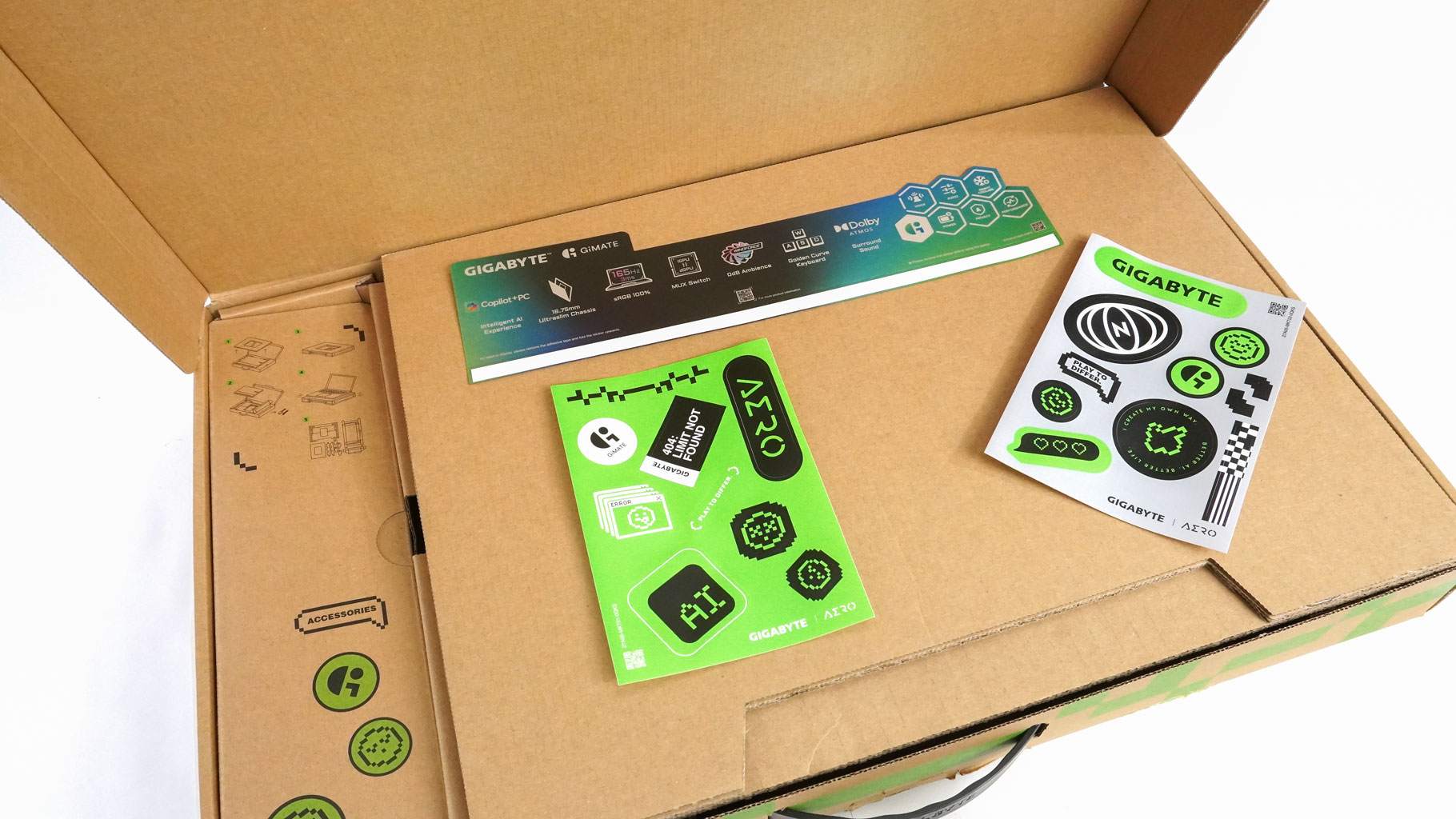
The package is business as usual - a bunch of manuals and plenty of stickers.
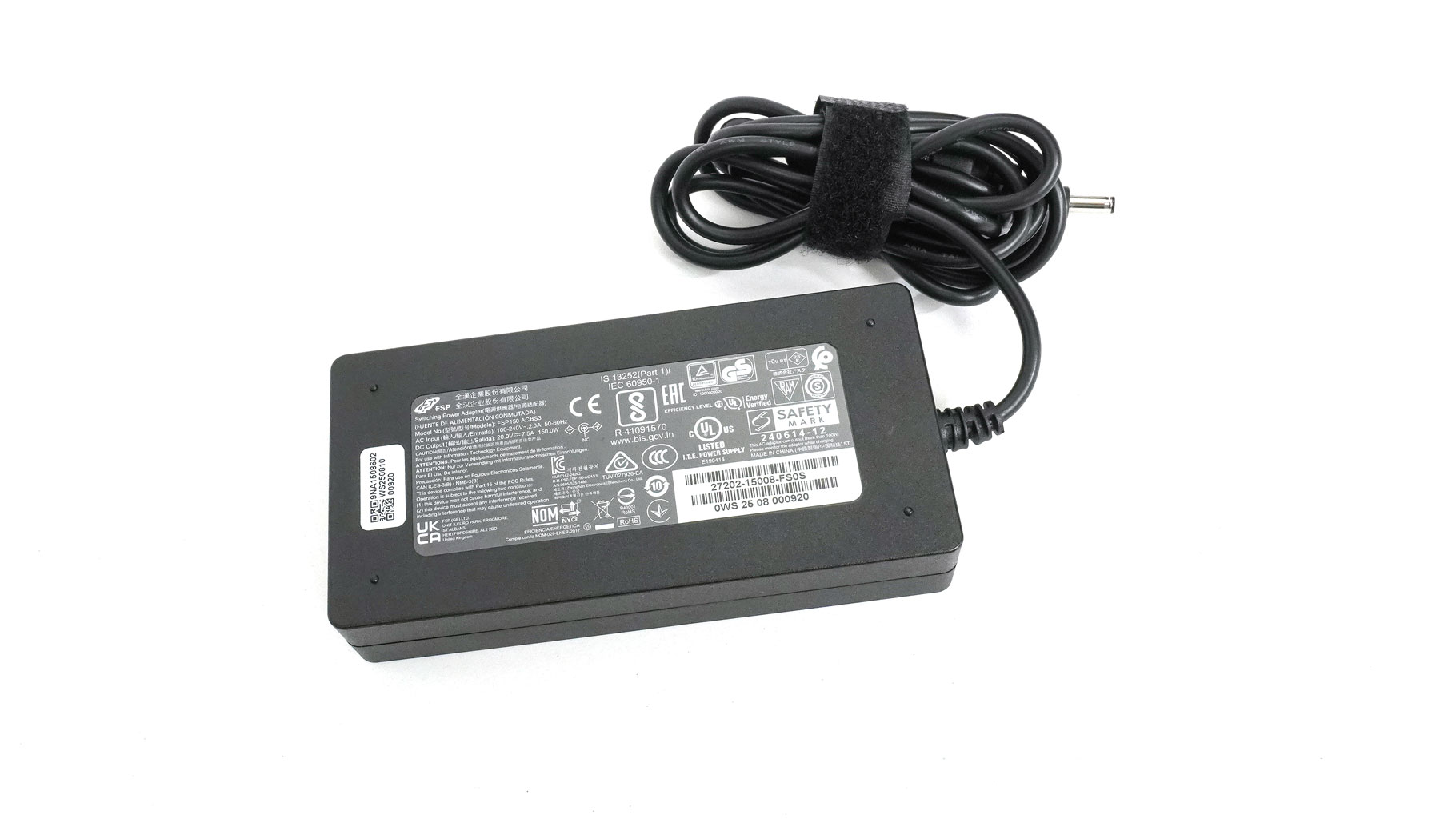
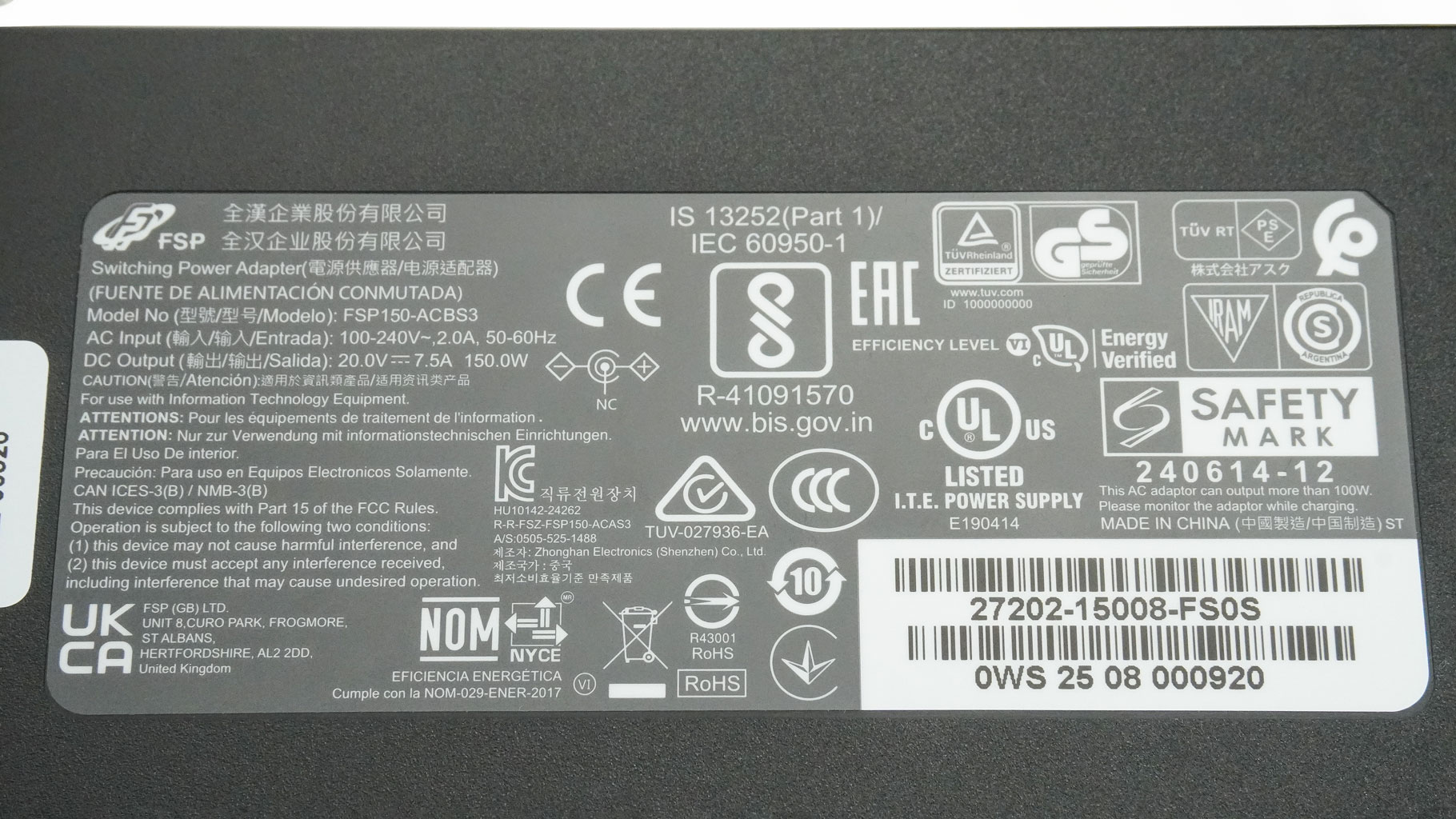
This laptop is powered by a 150 W FSP adapter.
A Closer Look - Outside
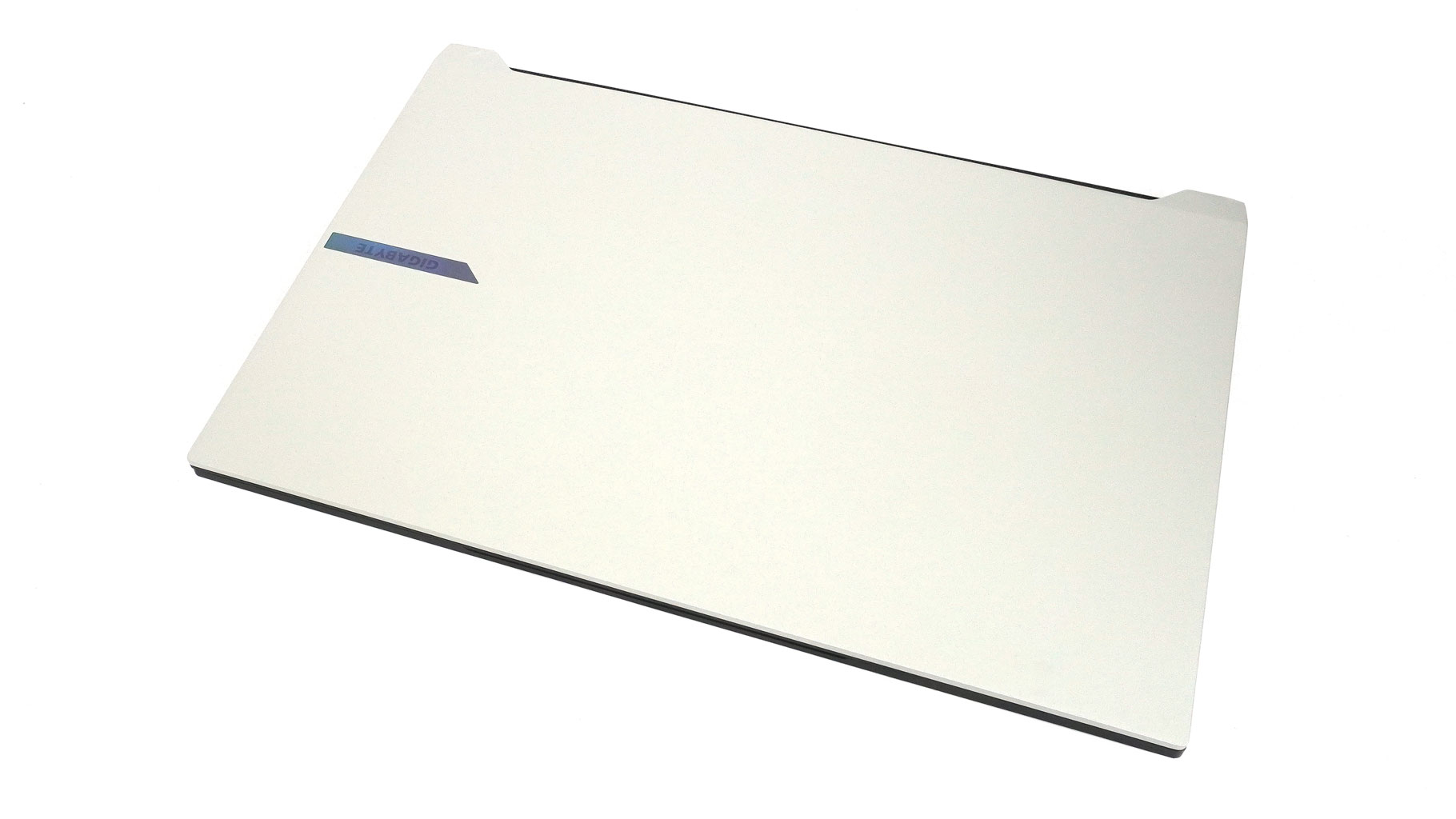
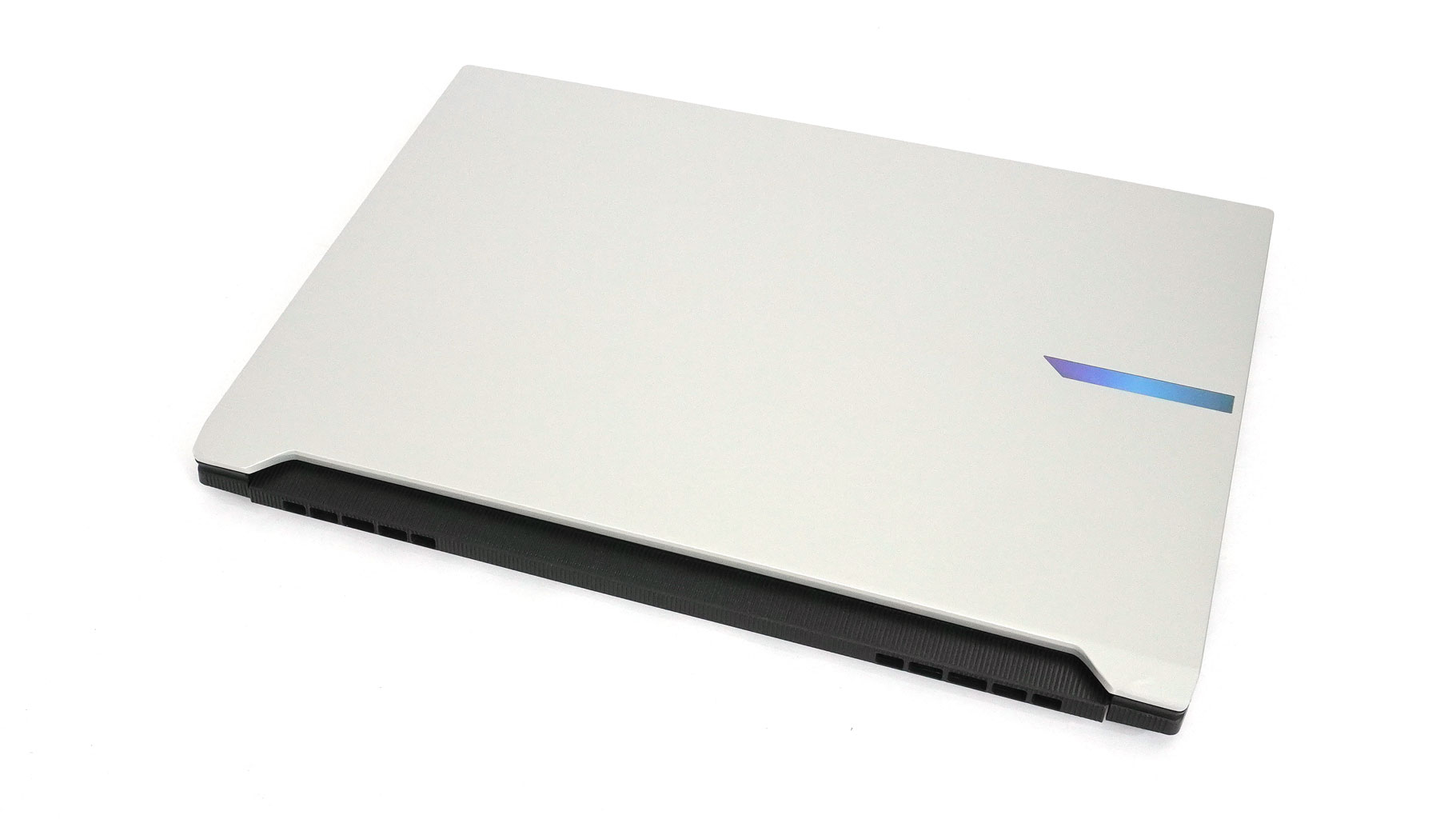
The AERO X16 stands out among its competitors with a dual-tone design (in Lunar White), a distinctive cutout at the bottom of the lid, a ribbed plastic shroud around the rear exhausts, and a centered Power button flanked by vents. Let's break down these design cues one by one.
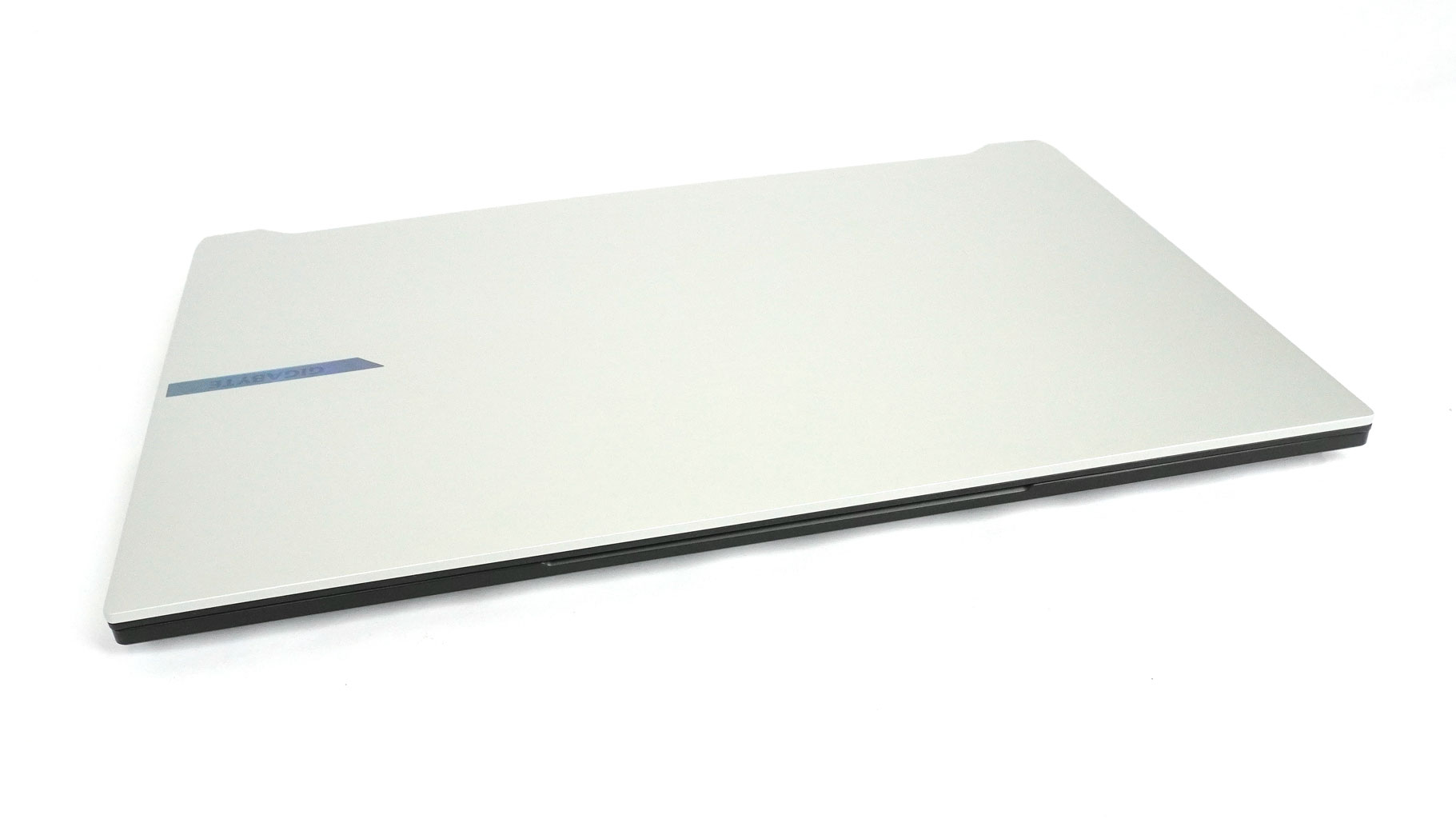
The first thing you notice when picking up the device is just how thin and light it feels compared to most of its rivals in this price bracket. The profile ranges from 16.75 to 19.99 mm, and the weight hovers right around the 1.90 kg mark, depending on your configuration.
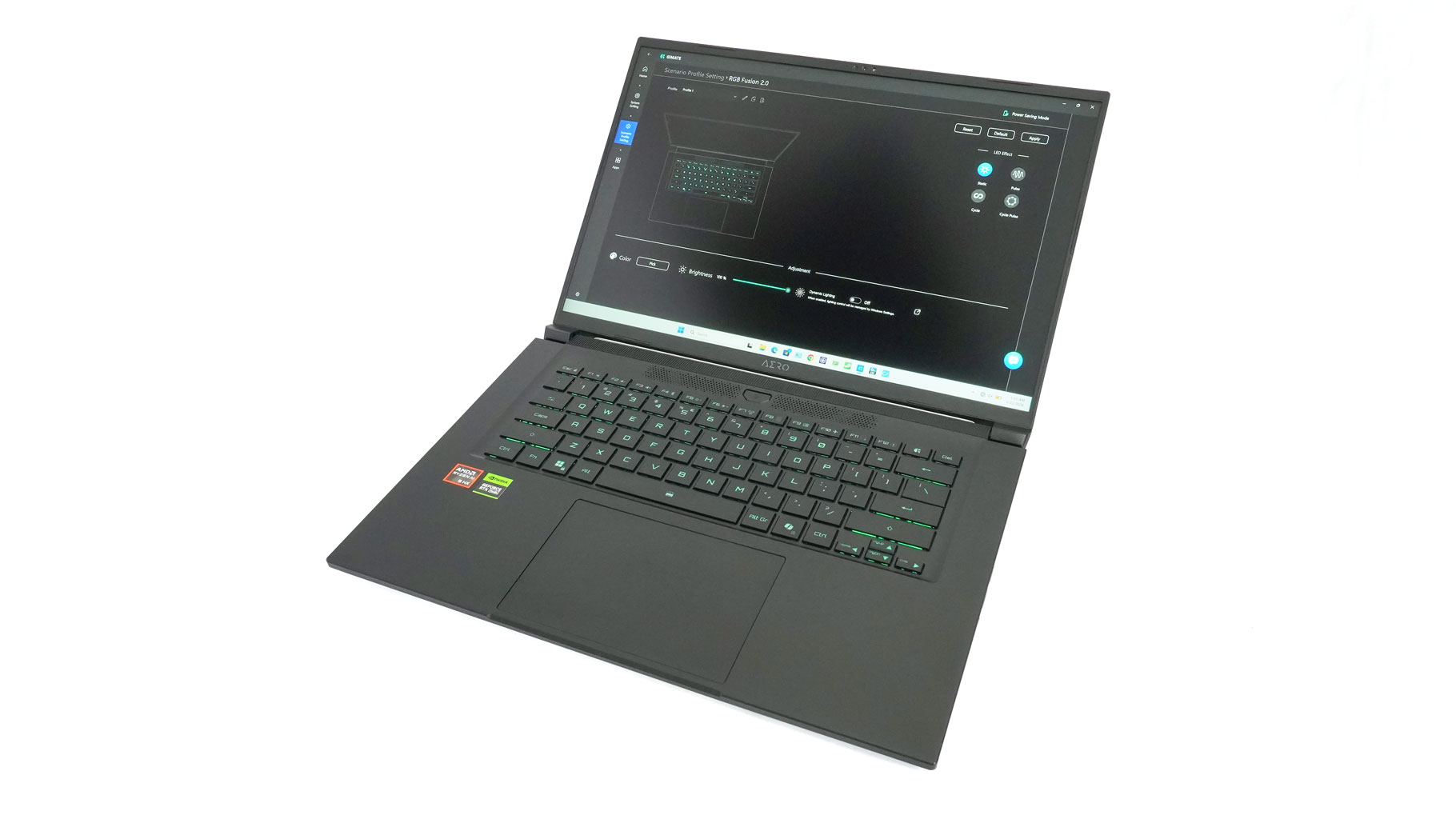
While the lid and bottom panel are stamped from metal, the keyboard deck is plastic. However, the dark, matte, rubberized-like coating gives it a much more premium feel than cheap, glossy plastic. Speaking of the deck, the keyboard looks like it was pulled straight out of a 14-inch machine. There's so much unused space on the sides that massive speaker grilles fit there with room to spare.

The logo on the lid is iridescent.
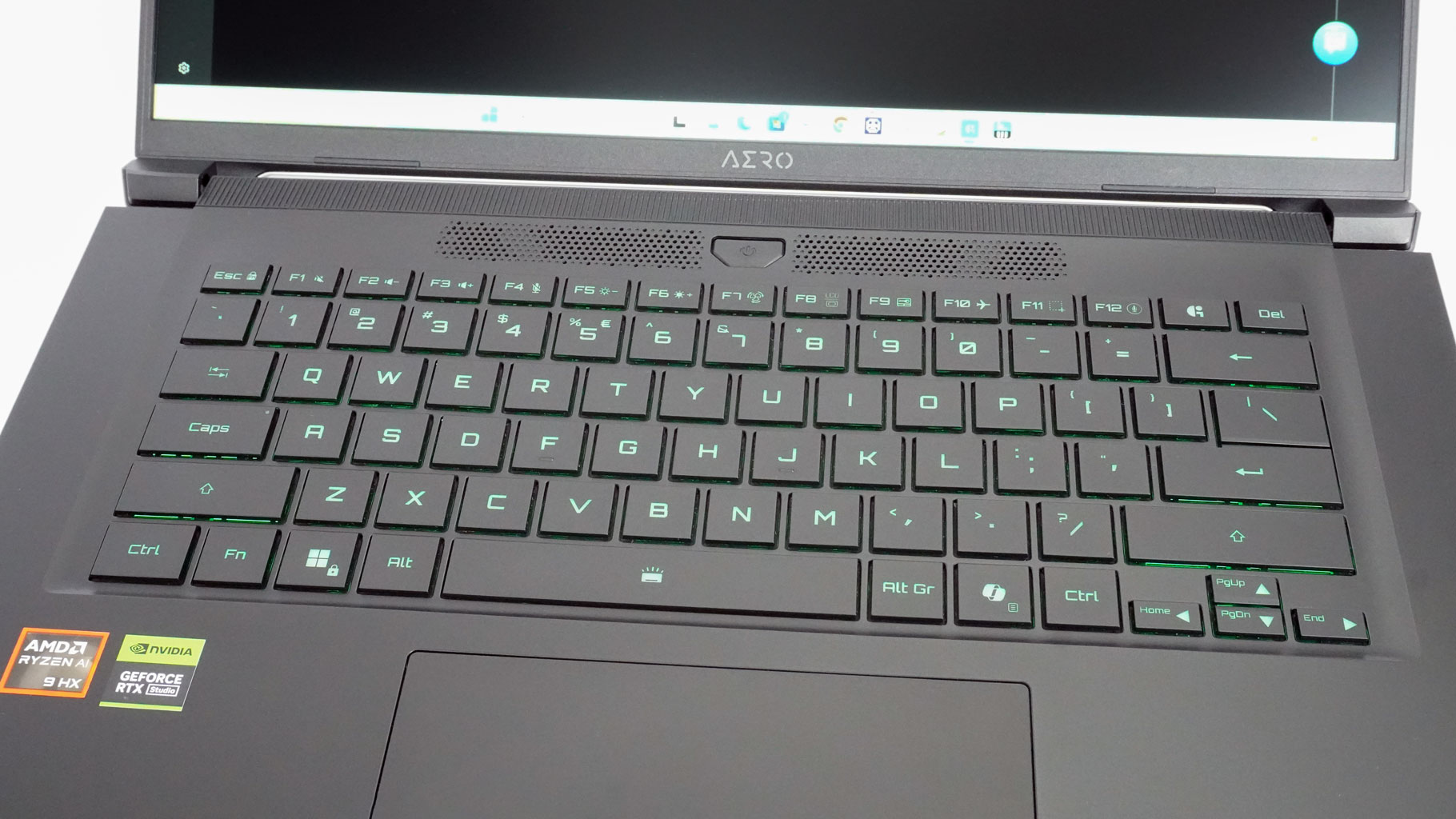
Aside from the layout, the typing experience itself is solid.
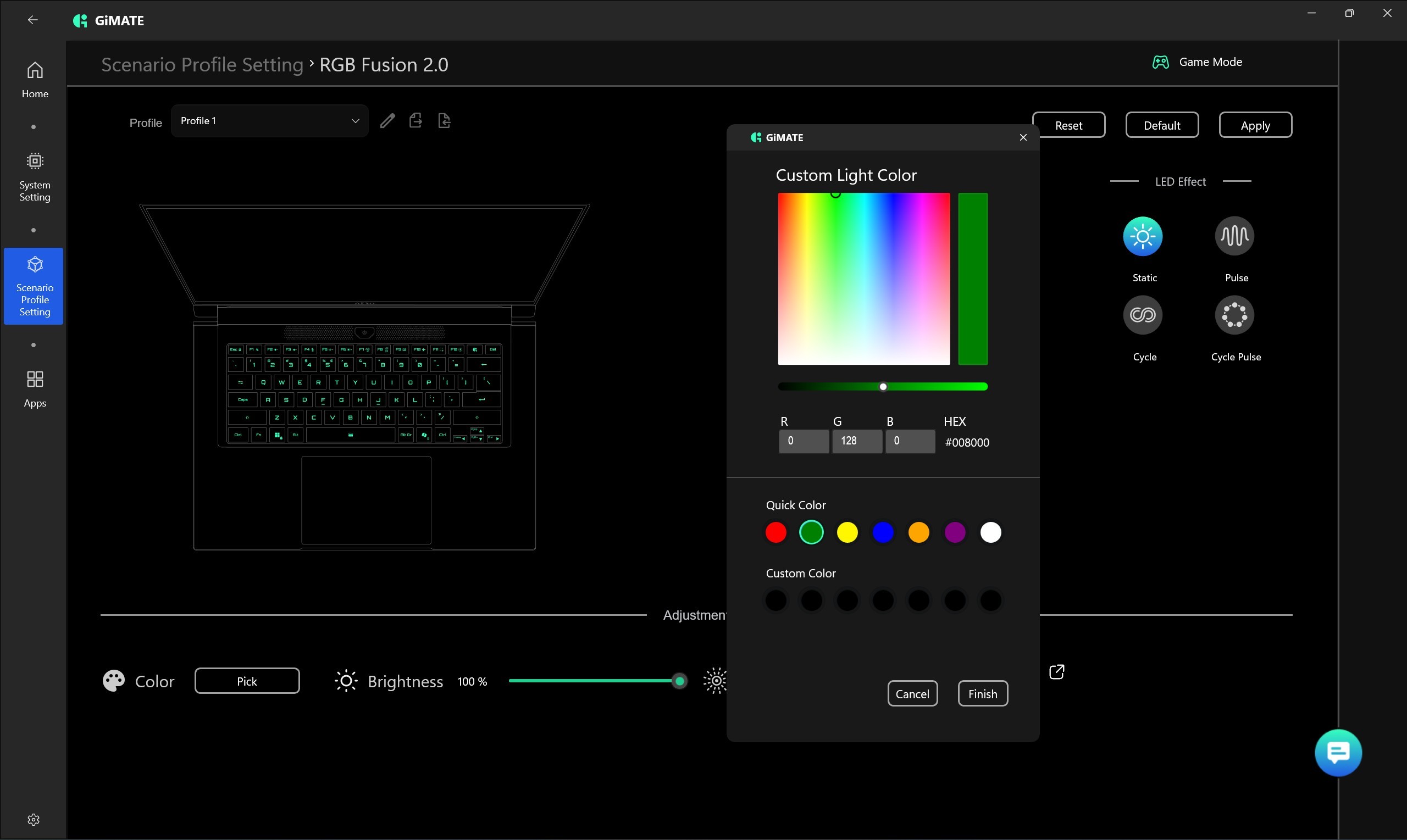
You don't get per-key RGB customization, but you can still play around with a decent selection of lighting effects, speeds, and colors. N-key rollover works exactly as advertised, too. Key travel is deep, though not the longest I've experienced. The main keycaps are large and have a nice, soft-touch coating that feels comfortable for both typing and gaming. That said, losing the NumPad might hurt its appeal for anyone looking for a multipurpose workhorse. But what really bugs me is seeing such tiny arrow keys on a spacious 16-inch machine.
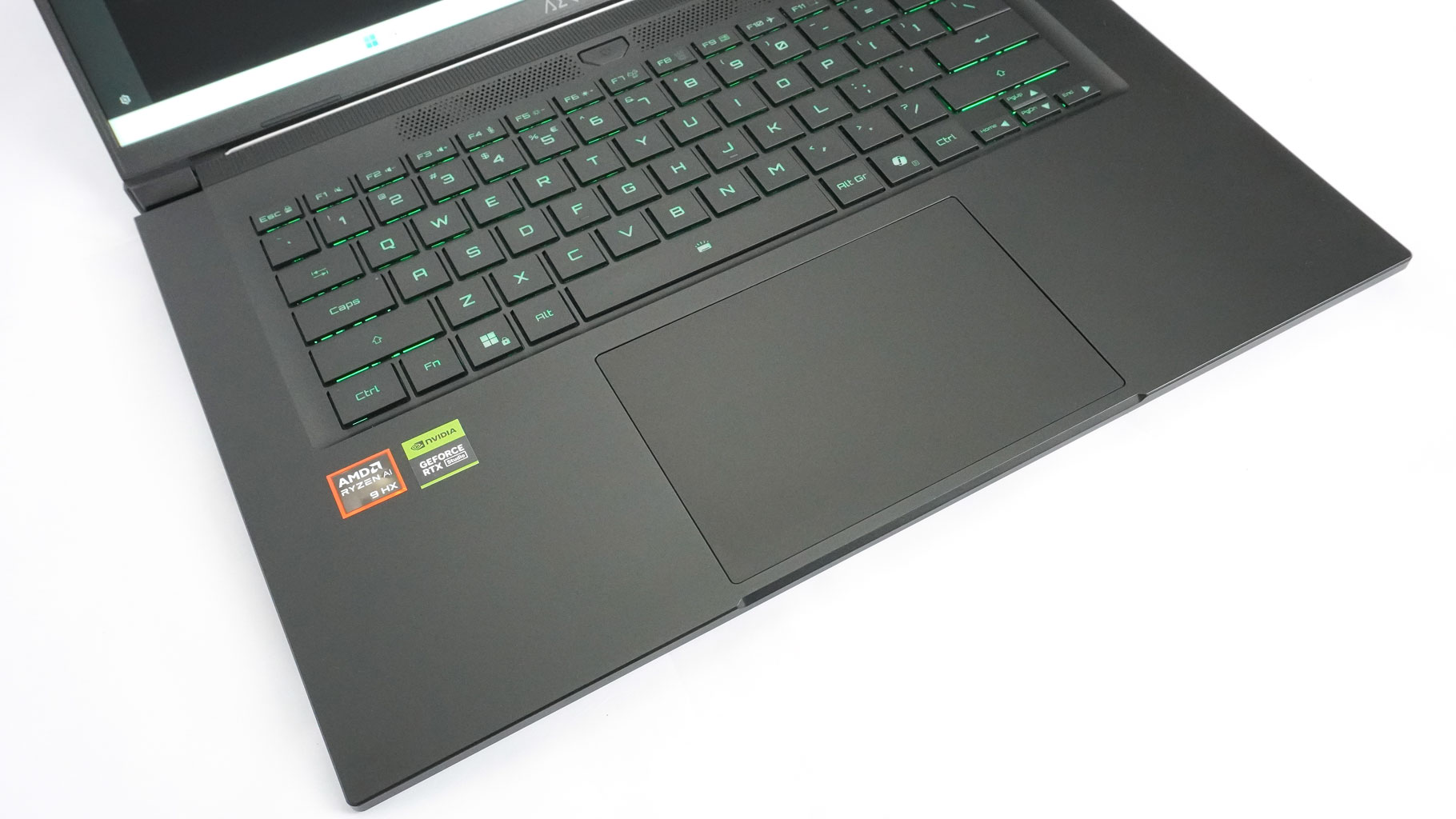
Can't say anything bad regarding the touchpad. It's plenty big for daily work, the surface feels impressively smooth, and the tracking is just good (but not great). The physical click mechanism could be a bit quieter, but overall, the touchpad performs respectably well for the price tag.
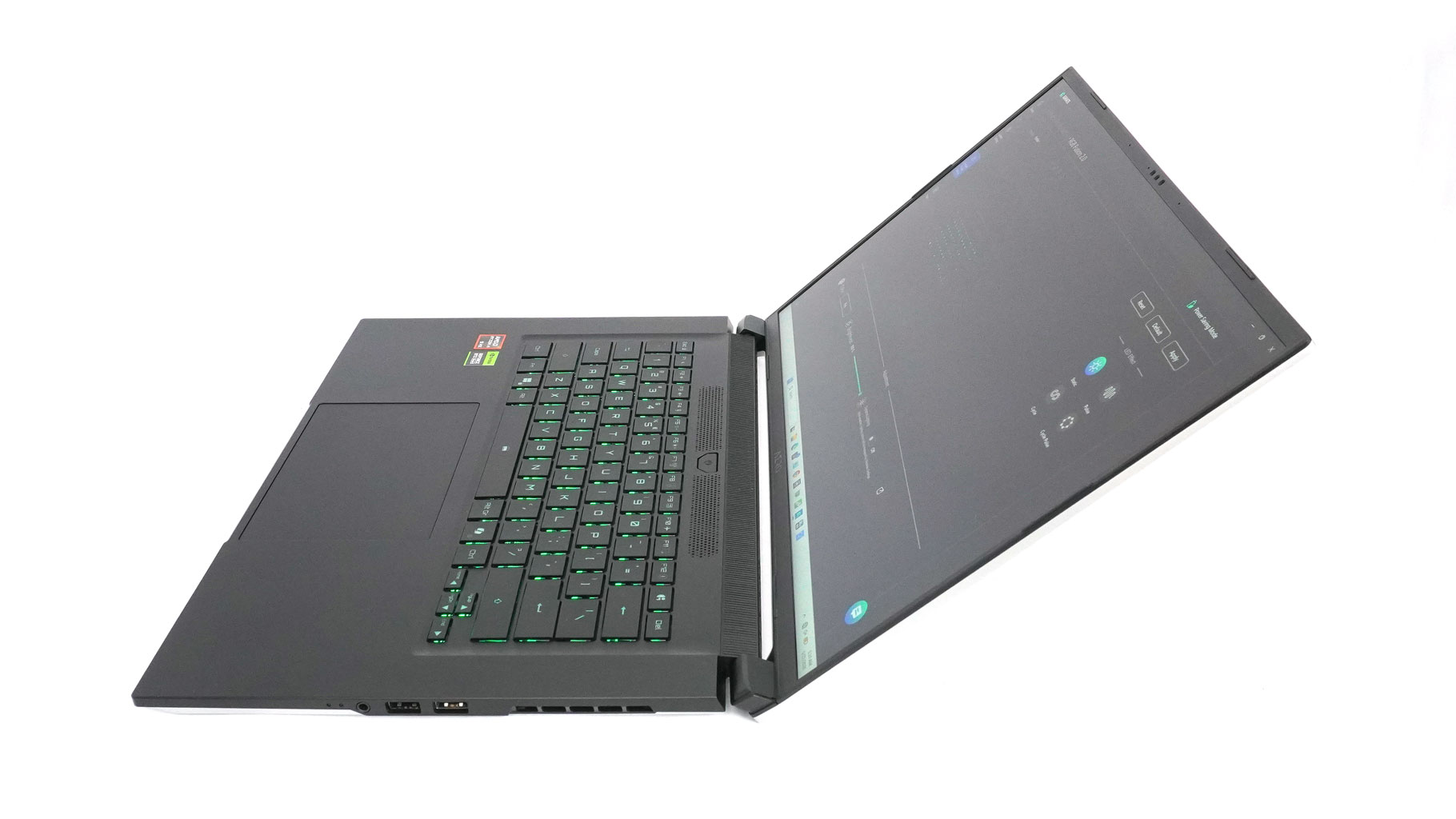
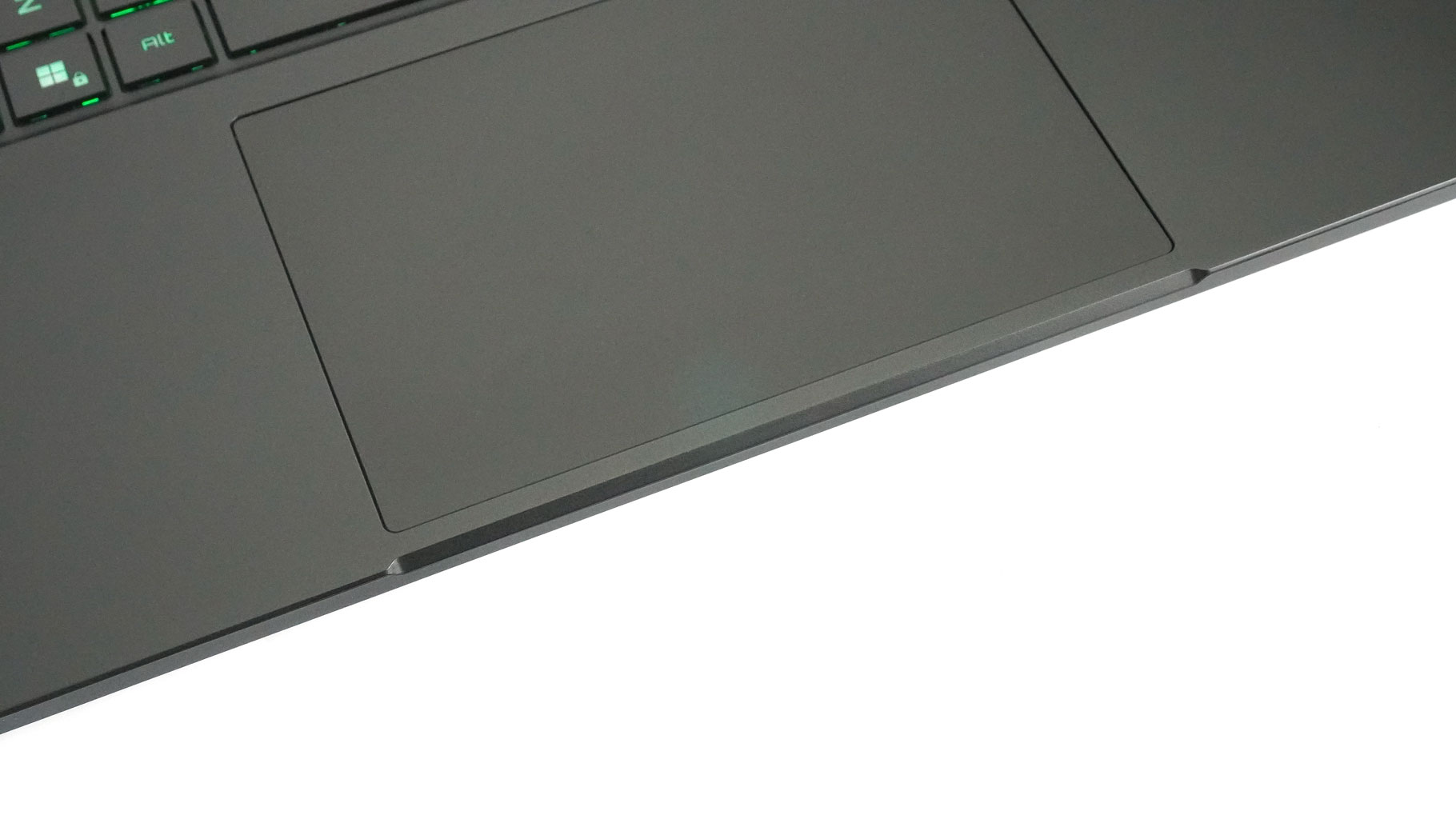
The chassis handles pressure surprisingly well. There's a tiny bit of flex in the center of the lid, and when you twist it from the sides, but nothing alarming. The lip in the middle of the chassis helps you easily slip your finger under the edge to open the lid. I noticed a very slight dip between the Space key and the touchpad when pushing down hard, but you won't notice it during normal use unless you're intentionally trying to break the machine.
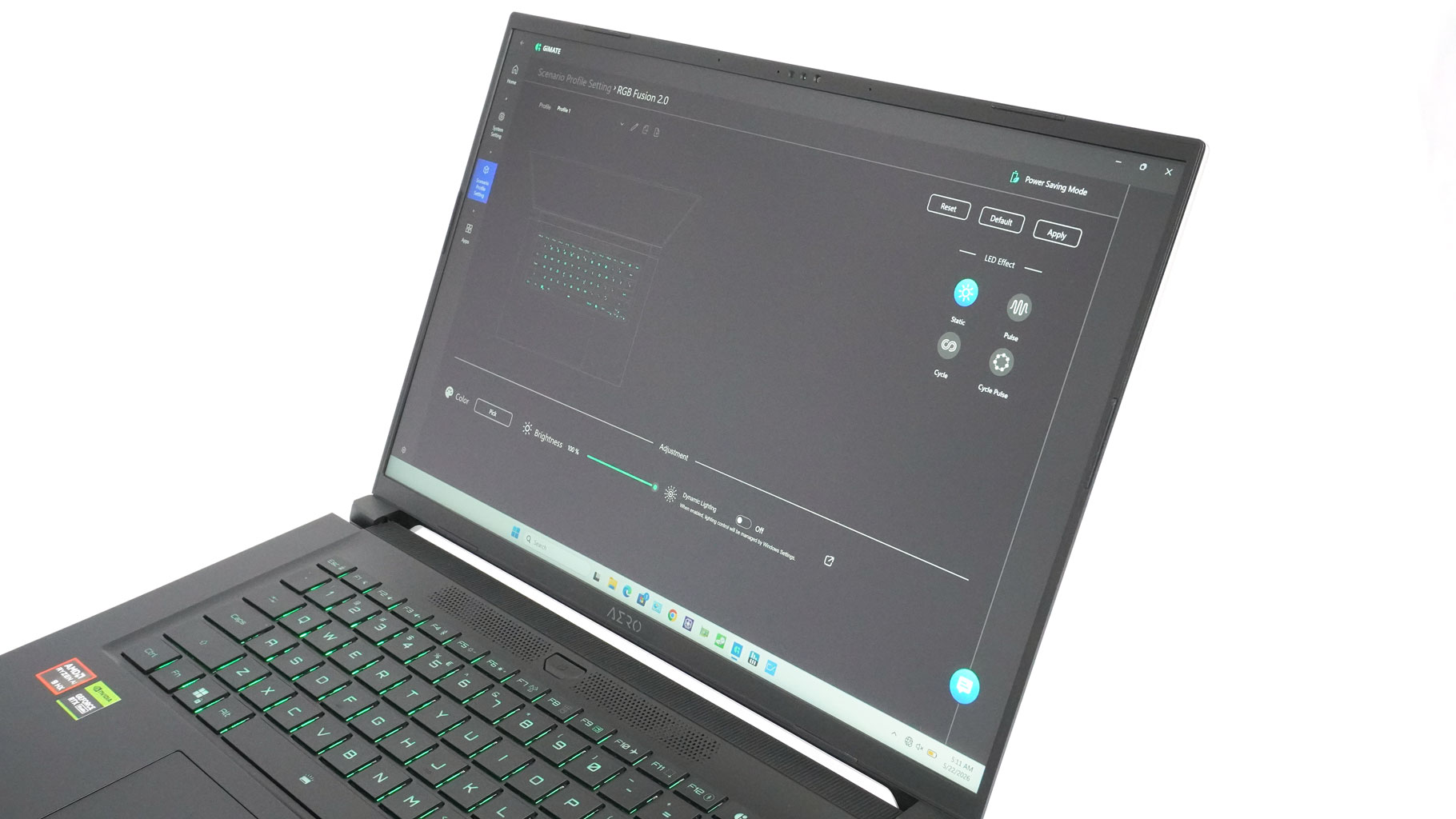
The display bezels are thin, giving the laptop a modern, sleek look.
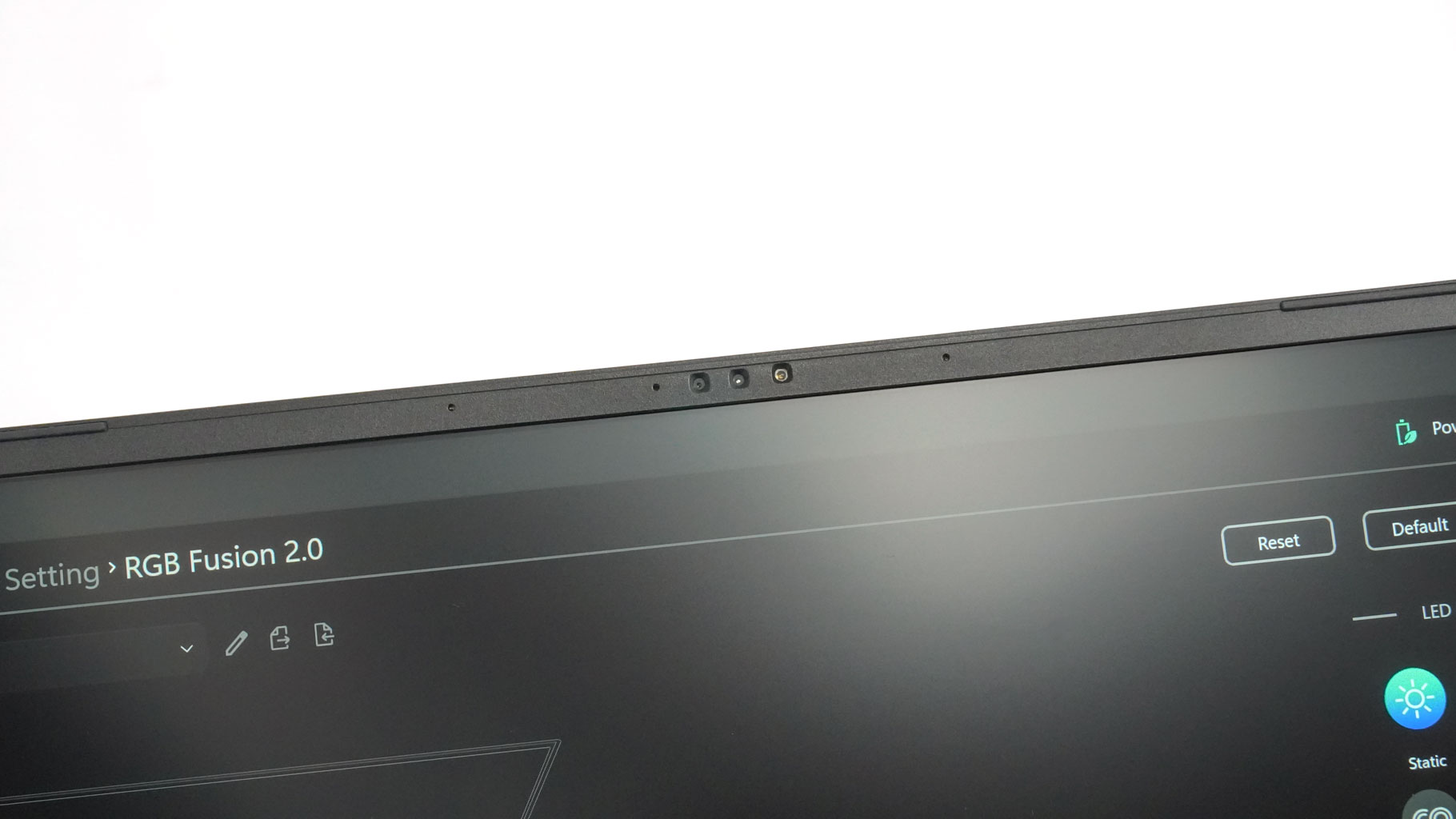
The 1080p IR webcam up top is a great addition, though it's missing a privacy or E-shutter switch. While not a strict requirement for this type of device, they've become a lot more common lately.
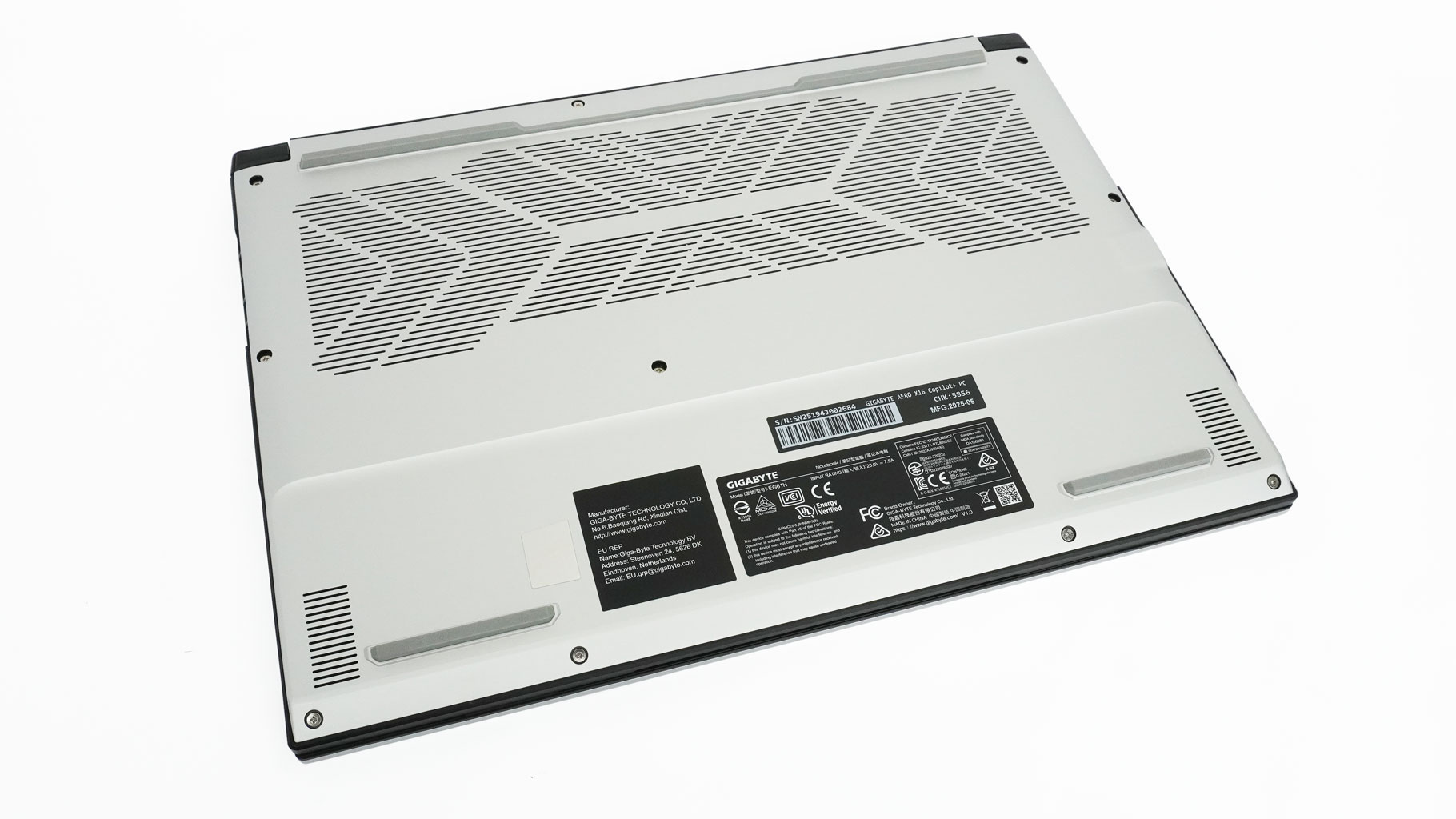
Flip it over, and you'll find a massive ventilation grille, speaker cutouts, and four sturdy rubber feet.
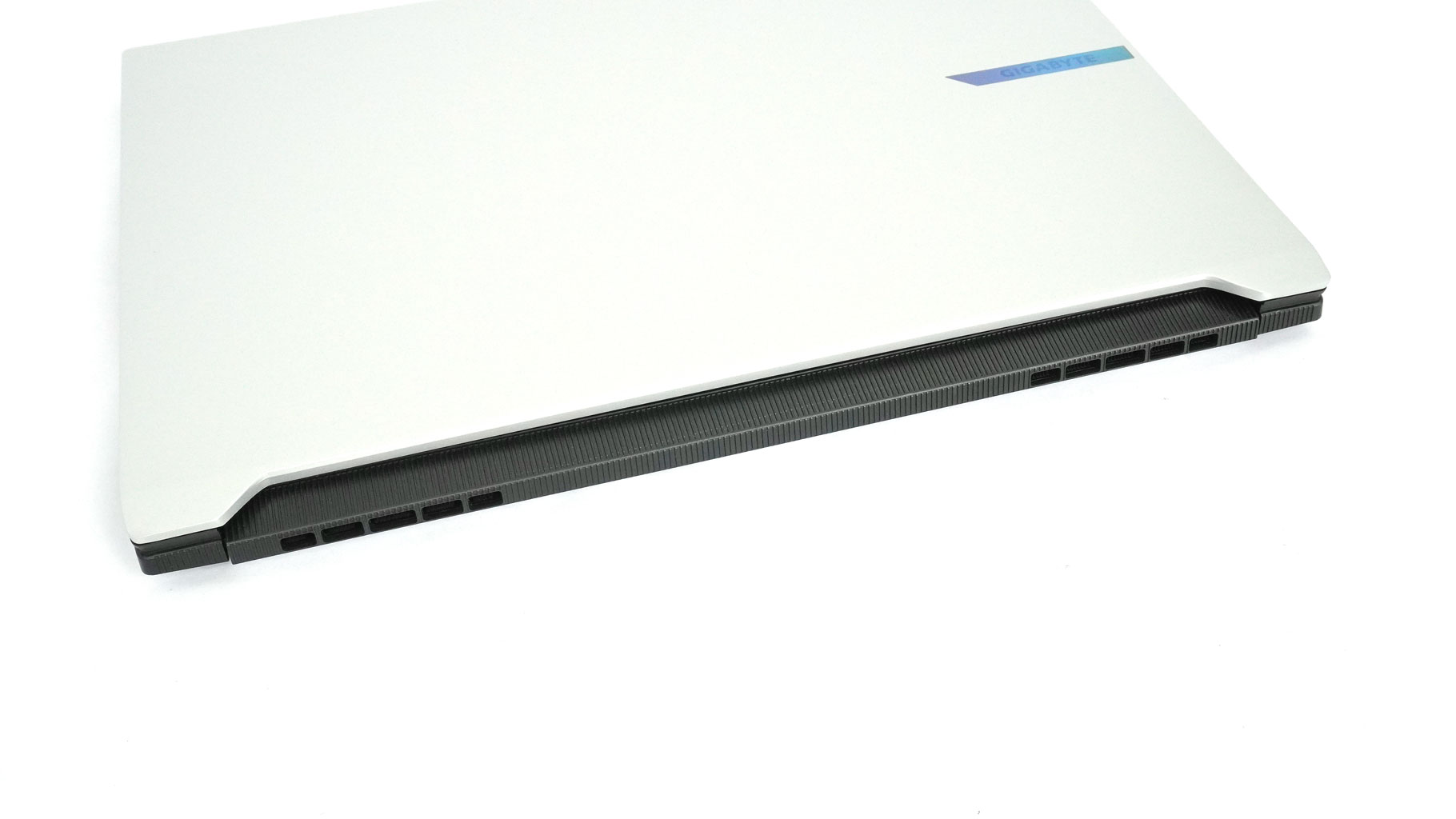
Internal heat is pushed out through four separate vents - two on the sides and two at the rear.
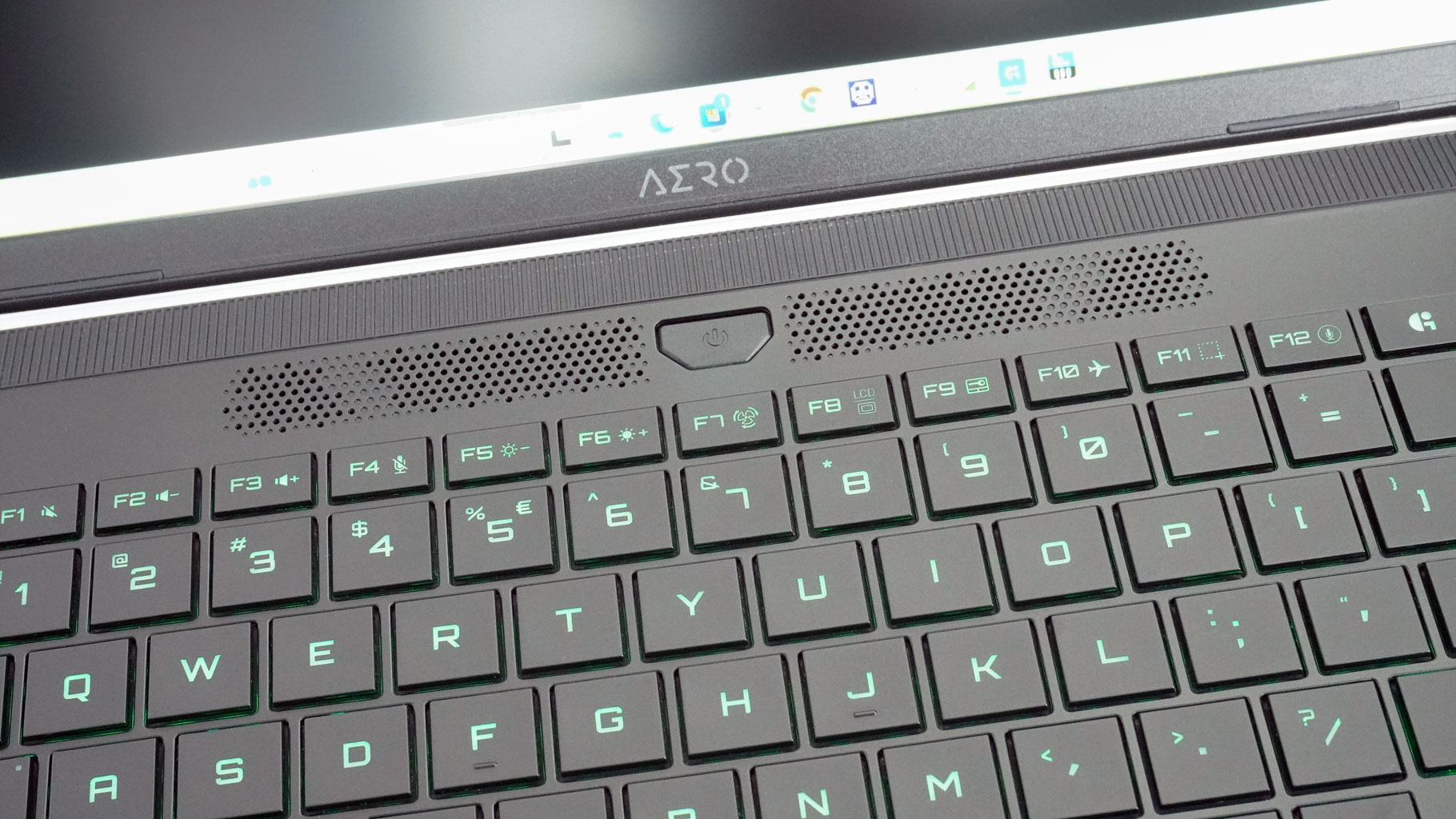
Some of that hot air also escapes through the two perforated zones surrounding the Power button on the keyboard deck.
Ports and Connectivity
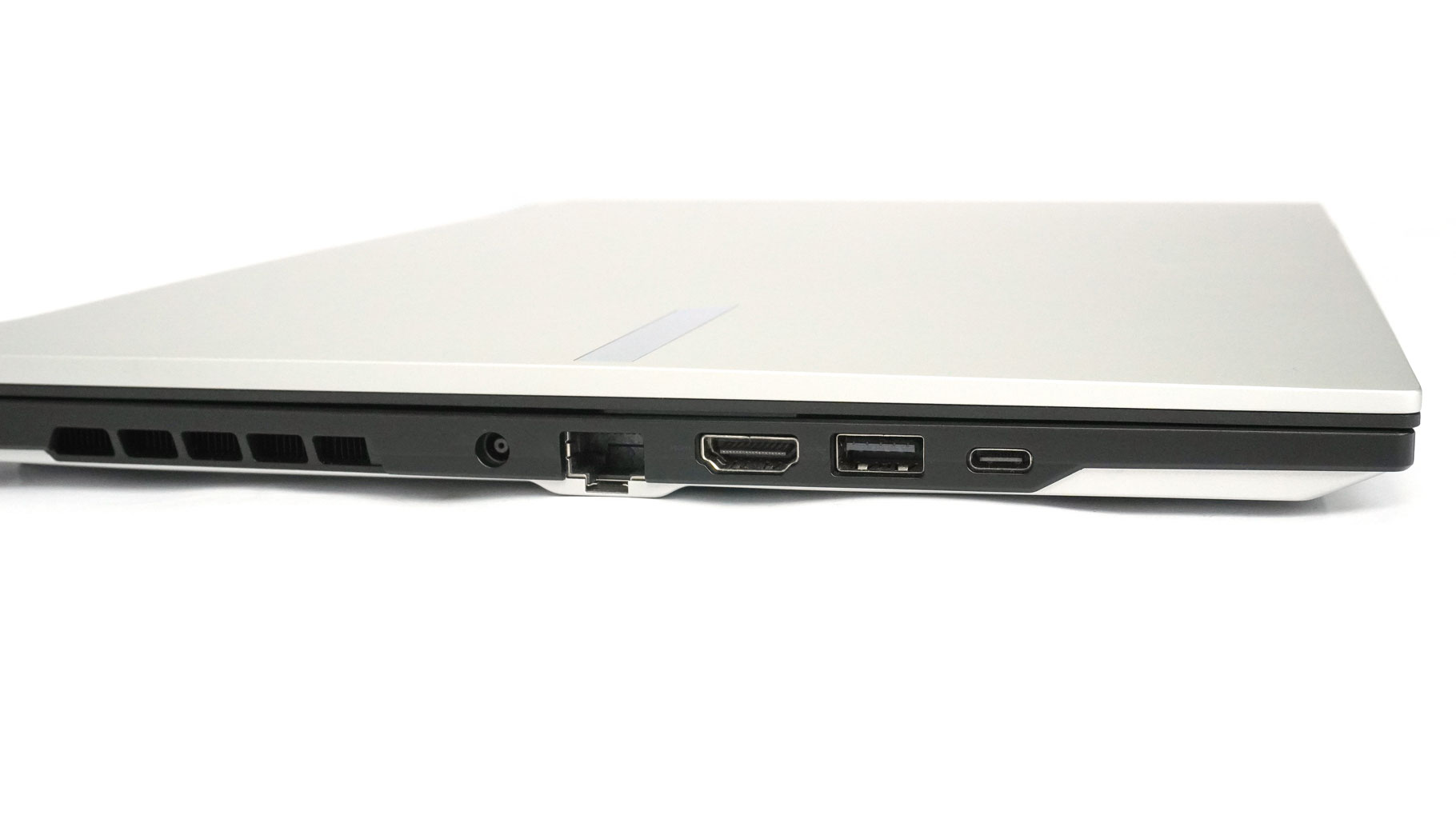
On the left, you get a DC-in jack, Ethernet LAN, an HDMI 2.1, a 5 Gbps USB Type-A 3.2 Gen. 1, and a 40 Gbps USB4 with DP 1.4 and 100 W PD 3.0.
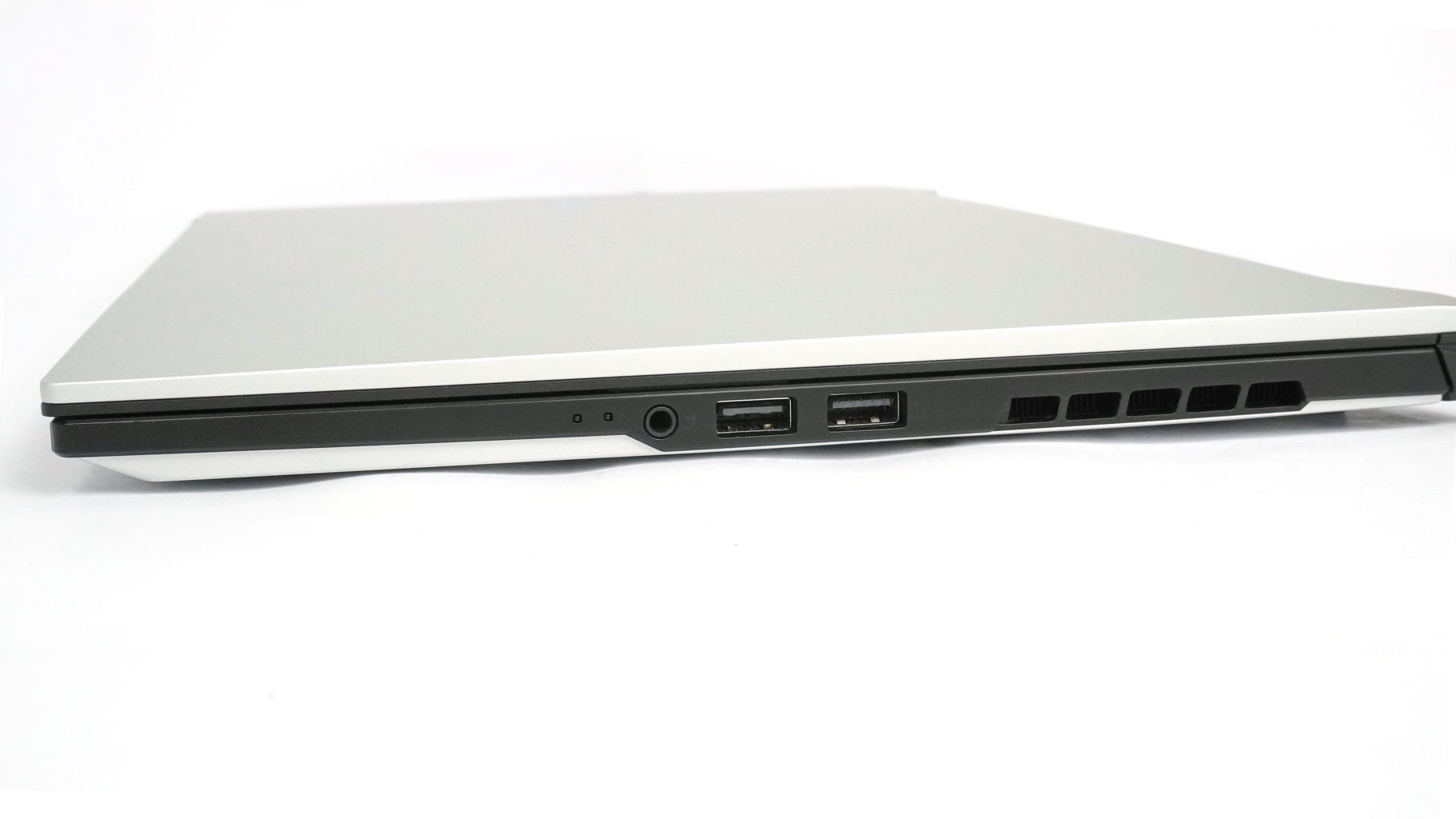
The right side has another 5 Gbps USB Type-A 3.2 Gen. 1, a USB 2.0, and an Audio combo jack.
Our Patreon Silver Supporters can read articles in single-page format.
Nov 22nd, 2026 17:34 CST
change timezone
Latest GPU Drivers
New Forum Posts
- What are you playing? (26240)
- UPS what one to get? (48)
- Honestly, do you care about GTA VI? (265)
- Your PC ATM (36458)
- Gacha Games - Discussions, Pulls, Updates, etc. (1157)
- Last game you purchased? (1414)
- Making a game in Godot engine (19)
- Intel D270 (5)
- X870E AORUS ELITE WIFI7 thread with setting and OC (69)
- Gigabyte Aorus Master X570 settings / 7900XTX / 5950x /32GB Samsung B-die (13)
Popular Reviews
- Microsoft Surface Laptop Ultra Review - The Next-gen Arm Laptop
- Corsair RM1200e (Second Generation) Review
- Pulsar Office Tour & First Look at P1 Dual-Sensor Mouse
- Upcoming Hardware Launches 2027 (Updated Nov 2026)
- Ugreen NASync DXP4800 GT Review
- AMD Ryzen 7 9800X3D Review - The Best Gaming Processor
- Biwin Black Opal NV7400 2 TB Review
- AMD Zen 6 Technical Deep Dive
- Phantom Blade Zero Performance Benchmark Review - 35 GPUs Tested
- AMD Ryzen 7 5800X3D 10th Anniversary Review
TPU on YouTube
Controversial News Posts
- NVIDIA Co-Founder and CEO Jensen Huang Officially Resigns (492)
- Report: Jensen Huang Eyes NVIDIA Comeback (266)
- Open Letter Asking NVIDIA to Reinstate Jensen Huang Passes 115,000 Signatures (184)
- OpenAI CEO Argues Home PCs Waste the World's Limited DRAM Supply (152)
- NVIDIA Launches Investigation Into Jensen Huang's Relationship With Suspected Chinese Spy (136)
- Intel "Raptor Lake Next" 16-Core and 20-Core CPUs Surface (130)
- NVIDIA GeForce RTX 50-Series Scheduled for up to $500 Price Hike This Week (89)
- Intel Razor Lake Gets a 12 P-Core bLLC Chip With No E-Cores, Per Leak (86)