 26
Gigabyte B850M Aorus Stealth Ice Review
(26 Comments) »Introduction

Rear connector motherboards still account for a tiny fraction of current manufacturers' product ranges and even fewer are found in sub ATX form factors. Case compatibility is growing, though, with several models we've looked at in the least few weeks offering the necessary motherboard tray cut-outs for models such as the Gigabyte B850M Aorus Stealth Ice we're looking at today.
As its name suggests, though, the latest Project Stealth Socket AM5 motherboard (Gigabyte's name for rear connector, like ASUS is BTF) is microATX, offering the company's rear-connector design in a smaller form factor. If you're new to rear connector motherboards, cases that offer rear connector support are compatible with all rear connector motherboard models, but manufacturers, such as Gigabyte, have decided to call rear connector ranges by different names.
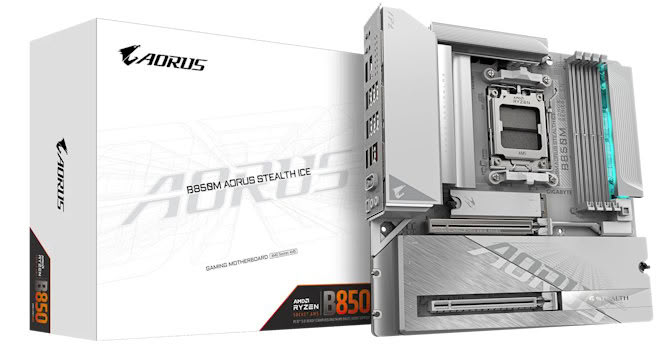
This adds another precious option to consider if you want rear connectors with AMD Socket AM5 compatibility, but even more so in the microATX form factor, where you can use it with cases such as the NZXT H3 Flow and Jonsbo D32 STD. On an important side note, if you end up using a microATX rear connector motherboard in a rear connector ATX case, you'll need to check specifications tables as some ATX rear connector cases do not support microATX rear connector motherboards. Thankfully, on paper, the B850M Aorus Stealth Ice seems to benefit from all the latest features from Wi-Fi 7, full PCIe Gen 5 support and a 512 Mbit (64 MB) BIOS so let's see how it performs.
Specifications
| Specifications | |
|---|---|
| CPU Support: | AMD Socket AM5 Ryzen 7000, 9000 |
| Power Design: | CPU Power: 8-phase/Onsemi NCP302155R/60 A SOC Power: 2-phase/Onsemi NCP302155R/60 A MISC Power: 2-phase/Onsemi 4C10N/46 A |
| Chipset: | AMD B850 |
| Integrated Graphics: | Supported 1× HDMI 2.1 1× DisplayPort 1.4 |
| Memory: | 4× DIMM, Support up to 256 GB DDR5-8200 (OC) |
| BIOS: | 512 Mbit (64 MB) AMI UEFI |
| Expansion Slots: | 1× PCIe Gen 5 x16 slot (x16, x8/x8, x8/x4/x4, x4/x4/x4/x4) 1× PCIe Gen 4 x16 slot (x4) |
| Storage: | 2× SATA 6 Gb/s 1× M.2 (PCIe Gen 5 x4) 2× M.2 (PCIe Gen 4 x4) |
| Networking: | 1× Realtek RTL8126 5 Gbps Ethernet 1× Realtek RTL8922AE Wi-Fi 7 |
| Rear Ports: | BIOS Flashback button Clear CMOS button Power button Reset button 1× 5 Gbps Ethernet 1× HDMI 2.1 1x DisplayPort 1.4 1× USB 3.2 Gen 2 10 Gbps (Type-C) 1× USB 3.2 Gen 2 10 Gbps (Type-A) 4× USB 3.0 (Type-A) 4× USB 2.0 (Type-A) 1× Wi-Fi antenna connectors 2× Audio jacks 1× Optical S/PDIF Out port |
| Audio: | 1× Realtek ALC1220 Codec |
| Fan / Thermistor headers: | 4× 4-pin/0× 2-pin |
| Form Factor: | microATX Form Factor 10.5 × 10.5 in./24.4 × 24.4 cm |
| Exclusive Features: |
|
Packaging and Contents
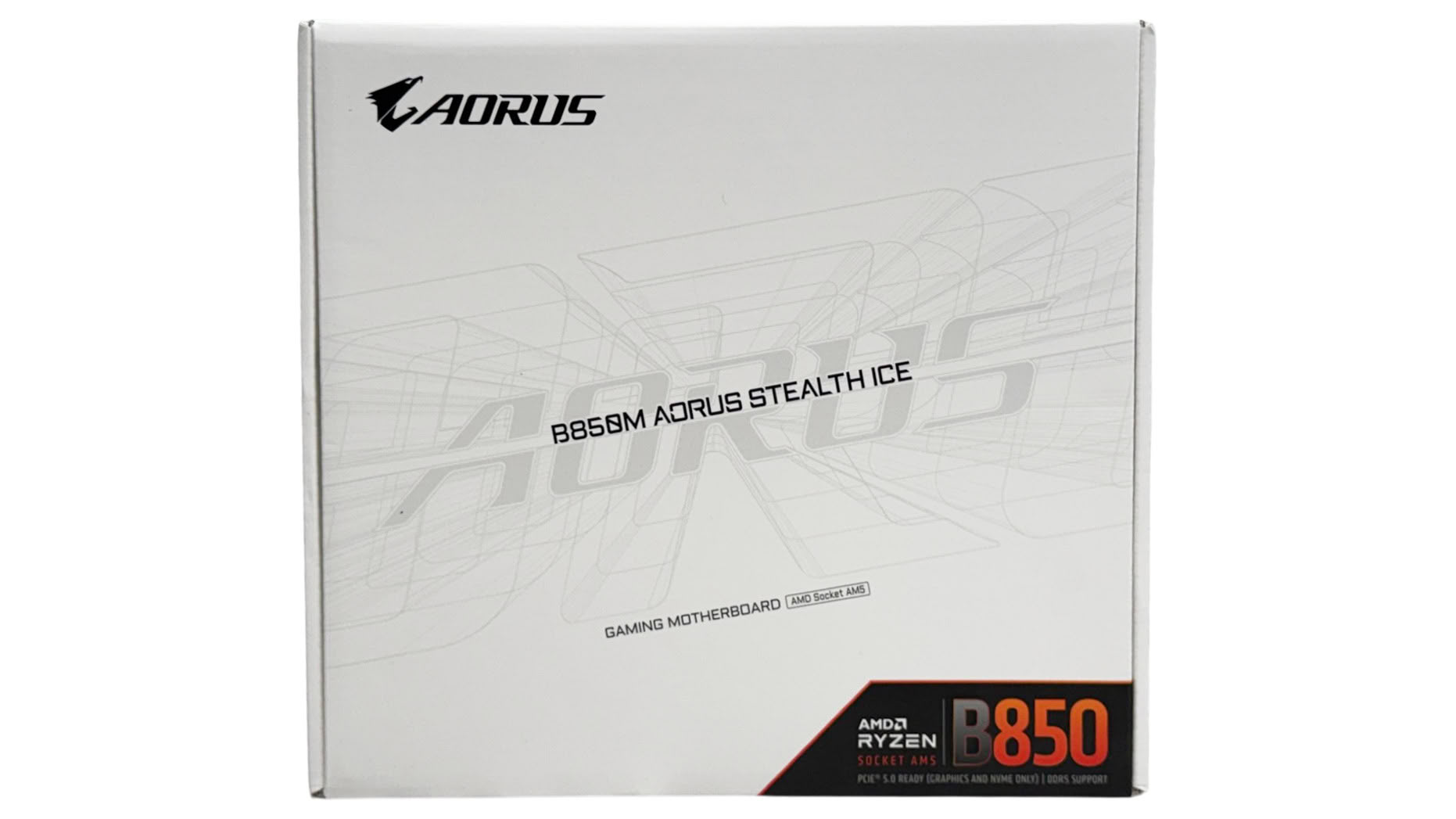
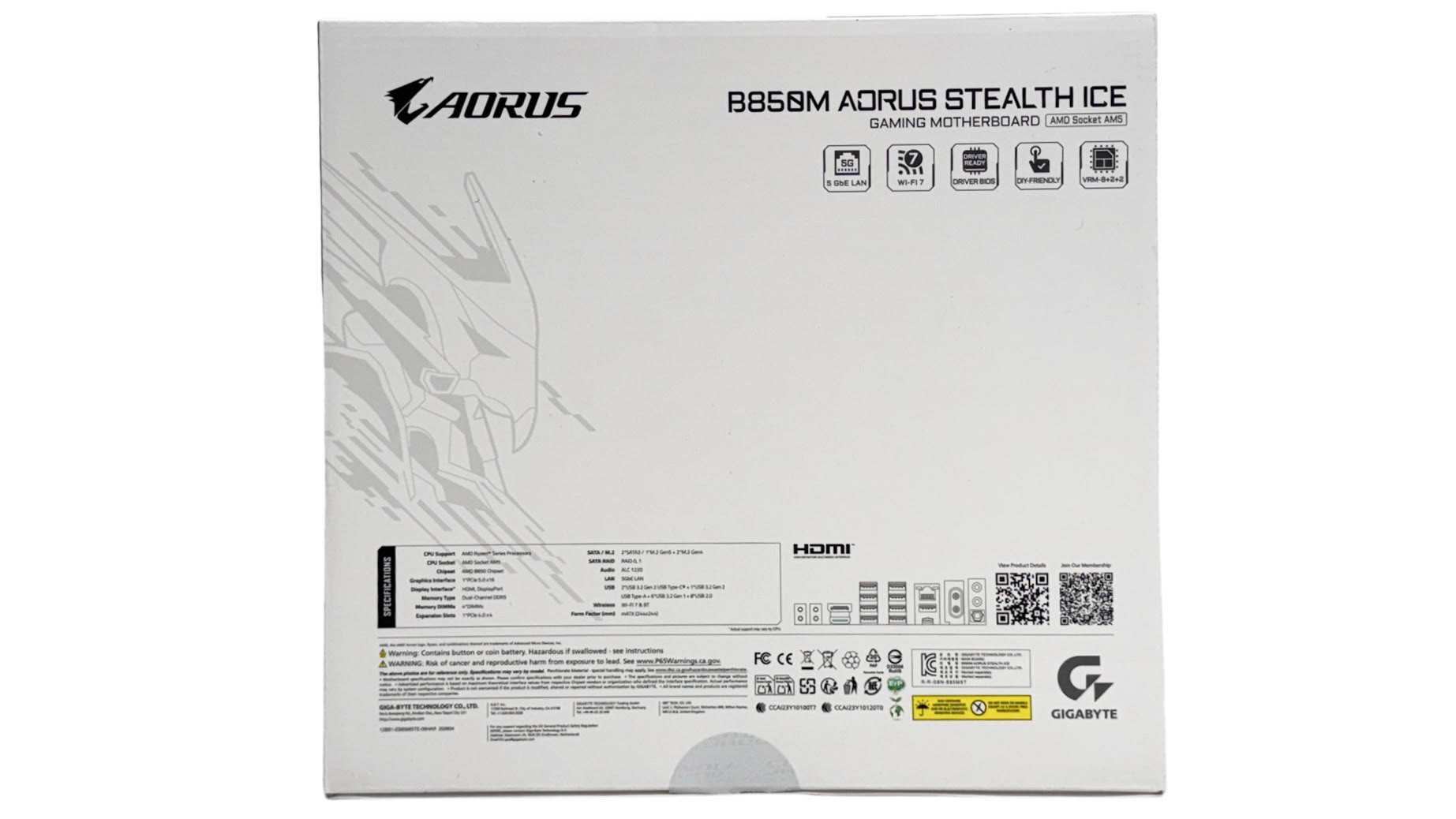
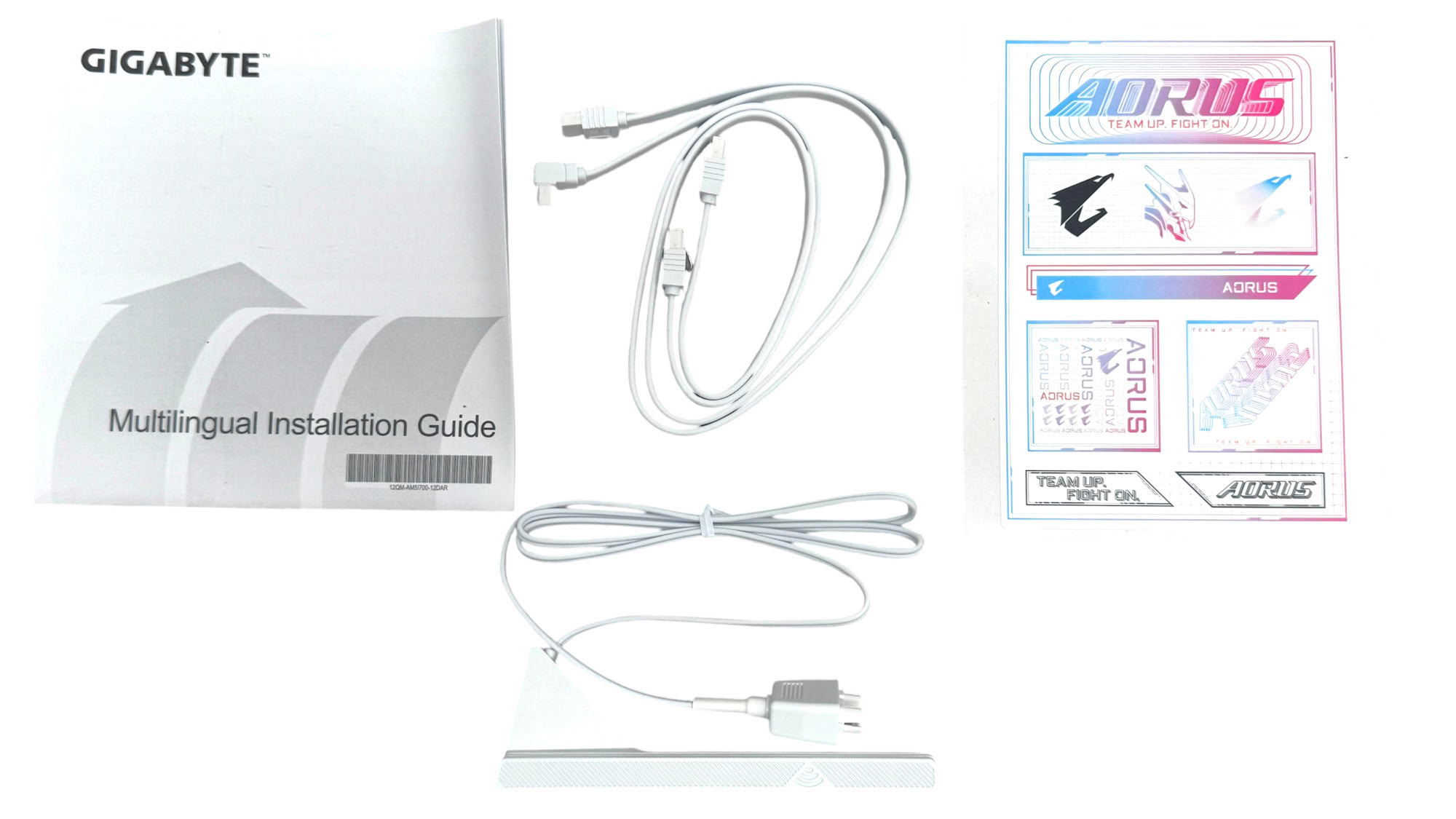
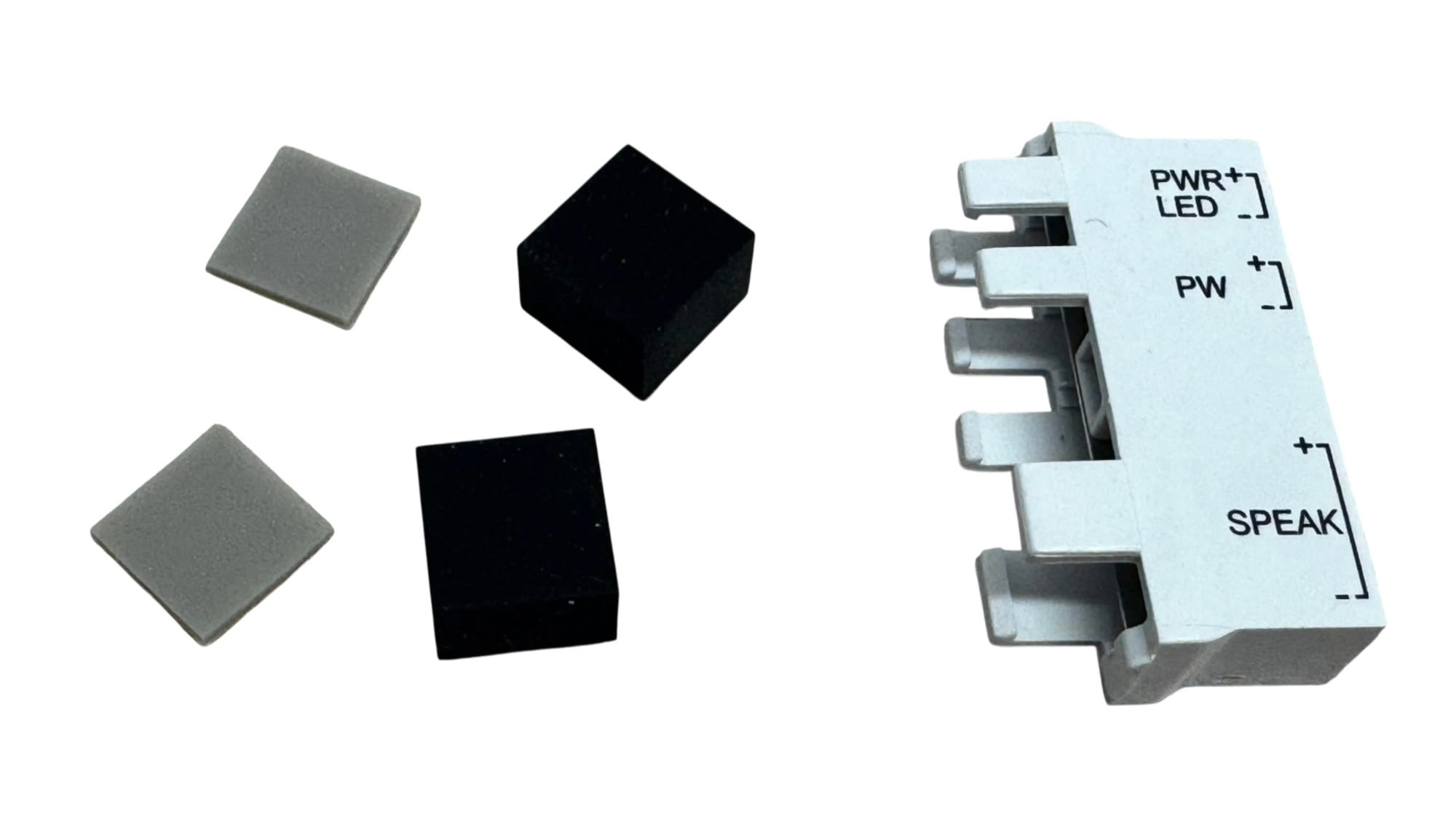
Accessories are quite thin, but these days you get most of what you need on the PCB. There are two SATA cables, a sticker set, Wi-Fi EZ Plug compatible antenna and a G Connector, which combines the smaller front panel connectors into a single header for easier installation. We also have rubber pads for properly supporting single-sided and double-sided SSDs in the lower M.2 ports that lack the M.2 EZ-Flex Design underside heatsink in the top port.
The full list of accessories includes:
- 1× Wi-Fi antenna
- 2× SATA cables
- 1× Sticker set
- 1× G connector
- 1× M.2 thick/thin rubber pads
- 1× Quick installation guide
Our Patreon Silver Supporters can read articles in single-page format.
Nov 17th, 2026 22:20 CST
change timezone
Latest GPU Drivers
New Forum Posts
- Help with fixing Overclock (9)
- Slow SSD read speeds - help! (16)
- Without Jensen, PC gaming will be (37)
- Will zen 6 mobos have anything extra vs current ones? (52)
- Hi, just to say thanks and who I am (3)
- 9070 GRE 3.9ghz validation reached. (19)
- [testers wanted] Qsurfer My own QNAP Nas explorer/Search tool (8)
- Lenovo Legion Pro 5 Audio Nightmare: Fan Noise, Harsh Voice & Massive DPC Latency (Help!) (2)
- WarpCoreBench scores! (56)
- Ryzen 7 8700G OC (9)
Popular Reviews
- Acemagic Retro X3 Review
- Upcoming Hardware Launches 2027 (Updated Nov 2026)
- AMD Zen 6 Technical Deep Dive
- ASUS ROG Strix B850-I Gaming Wi-Fi7 W Review
- Corsair HX1000i Shift Crystal Review
- Chieftec Iceberg PRO 360 DARK Review
- AMD Ryzen 7 9800X3D Review - The Best Gaming Processor
- Phantom Blade Zero Performance Benchmark Review - 35 GPUs Tested
- Montech King 95 3D PRO Review
- Biwin Black Opal NV7400 2 TB Review
TPU on YouTube
Controversial News Posts
- NVIDIA Co-Founder and CEO Jensen Huang Officially Resigns (464)
- Open Letter Asking NVIDIA to Reinstate Jensen Huang Passes 115,000 Signatures (184)
- OpenAI CEO Argues Home PCs Waste the World's Limited DRAM Supply (152)
- Report: Jensen Huang Eyes NVIDIA Comeback (137)
- NVIDIA Launches Investigation Into Jensen Huang's Relationship With Suspected Chinese Spy (136)
- Intel "Raptor Lake Next" 16-Core and 20-Core CPUs Surface (130)
- Legendary Game Studio BioWare Shuts Down Following EA Layoffs (104)
- Dell CEO Says the Memory Shortage Will Get Worse in 2027 (95)