 32
Gigabyte GO27Q24G Review - Borderless by Design, Gaming by Nature
Connectivity & Power Consumption »Design and Ergonomics
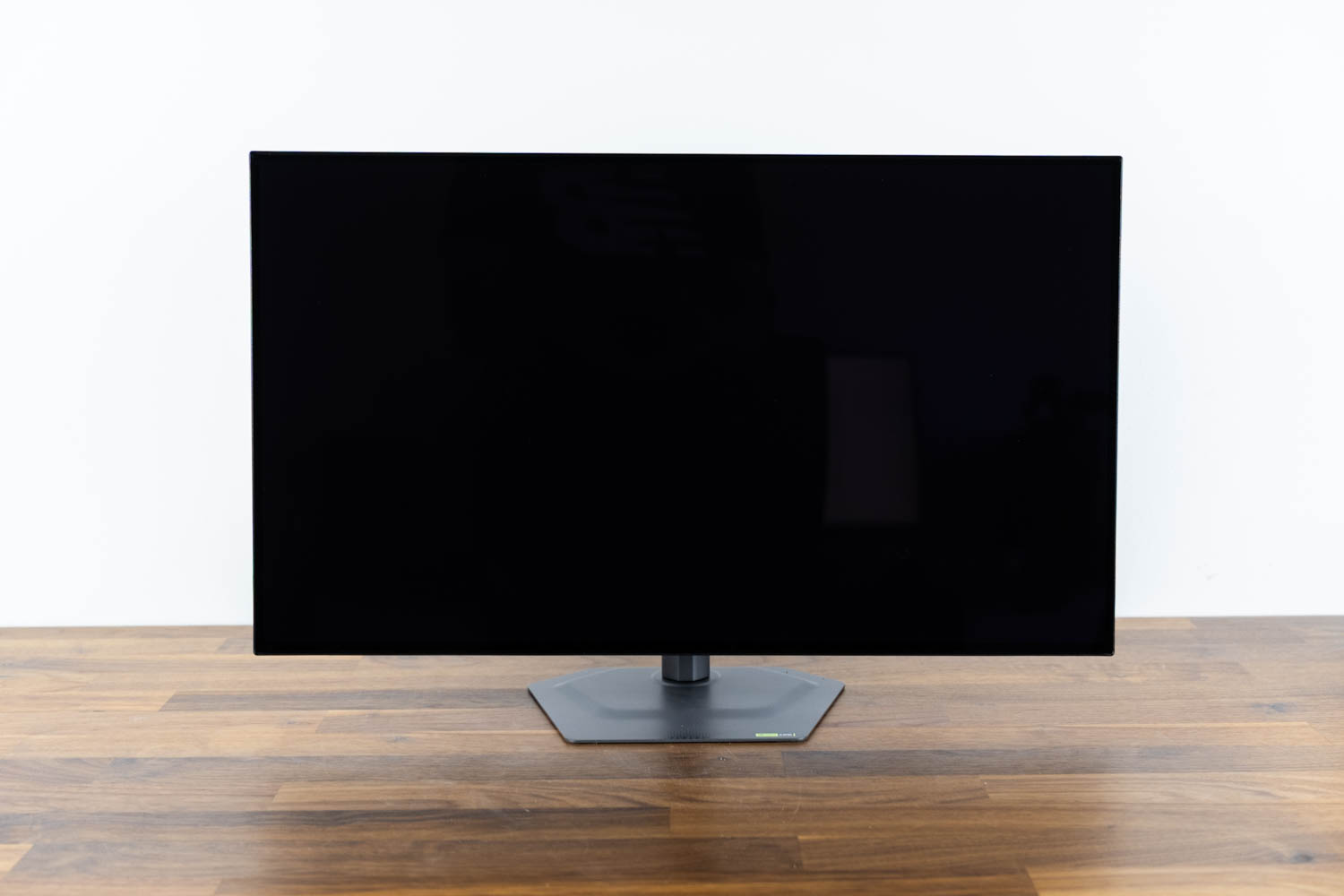

The most distinctive thing about the GO27Q24G's appearance is its four-sided borderless design, which eliminates the bottom chin seen on most gaming monitors at this price. All four edges are intended to appear open and nearly symmetrical, giving the display a clean, expansive look. A point worth clarifying concerns border uniformity. During early inspection I suspected the right border was narrower than the others, but further testing revealed this effect was caused by the Pixel Shift protection function, which subtly repositions the active image and can make border widths appear inconsistent depending on its momentary offset. With Pixel Shift disabled, the top and side borders proved essentially uniform. The bottom inactive border remains slightly thicker, measuring approximately 11 to 11.5 mm compared to about 8 mm for the other edges, but the difference is minor and does not materially compromise the borderless presentation. In multi-monitor use, the near-seamless edge transition remains considerably more convincing than what framed displays can manage. The chassis exterior is matte black plastic throughout, with no RGB lighting on the front face. Construction otherwise feels solid, with no flex or rattle when adjusting the panel.
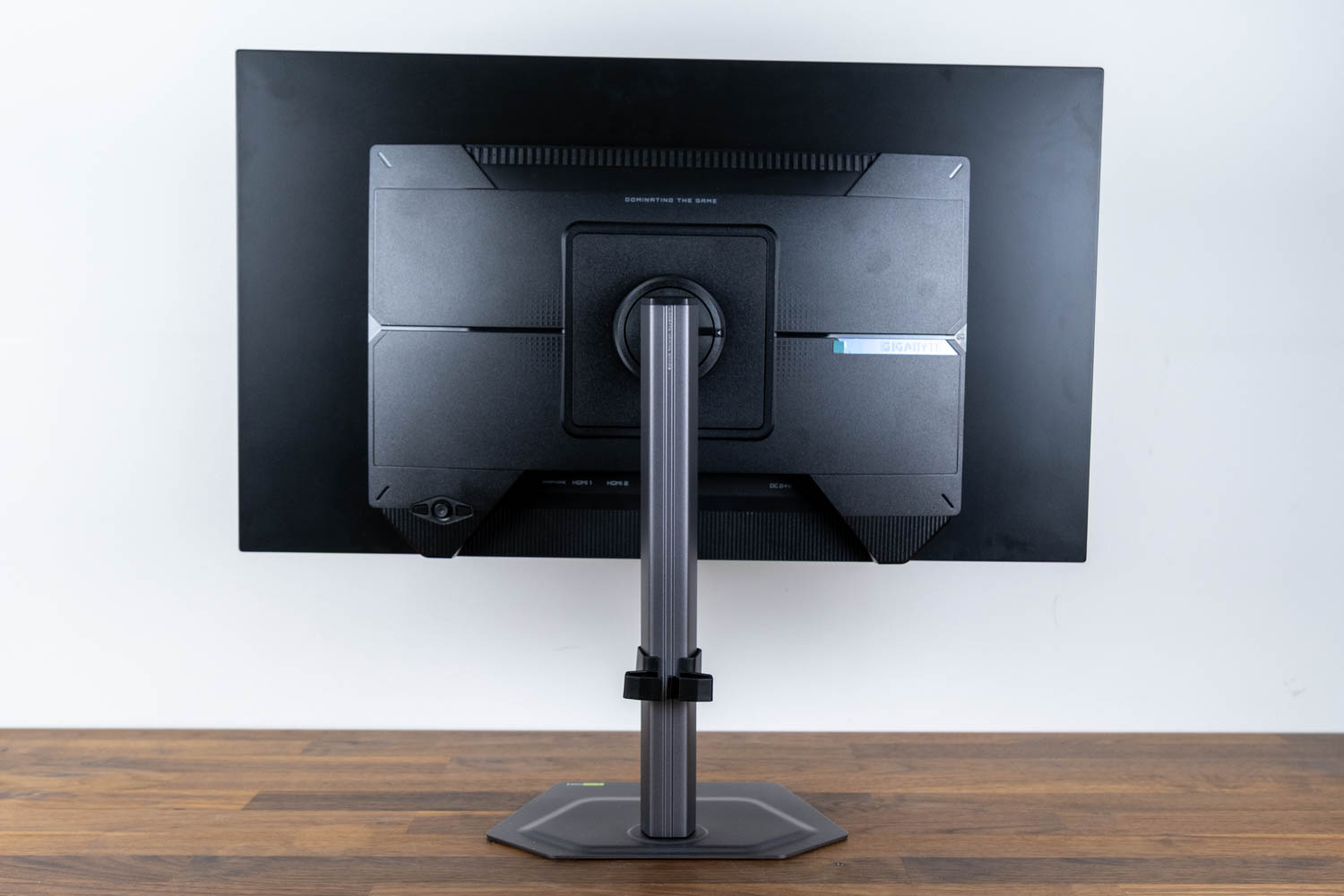
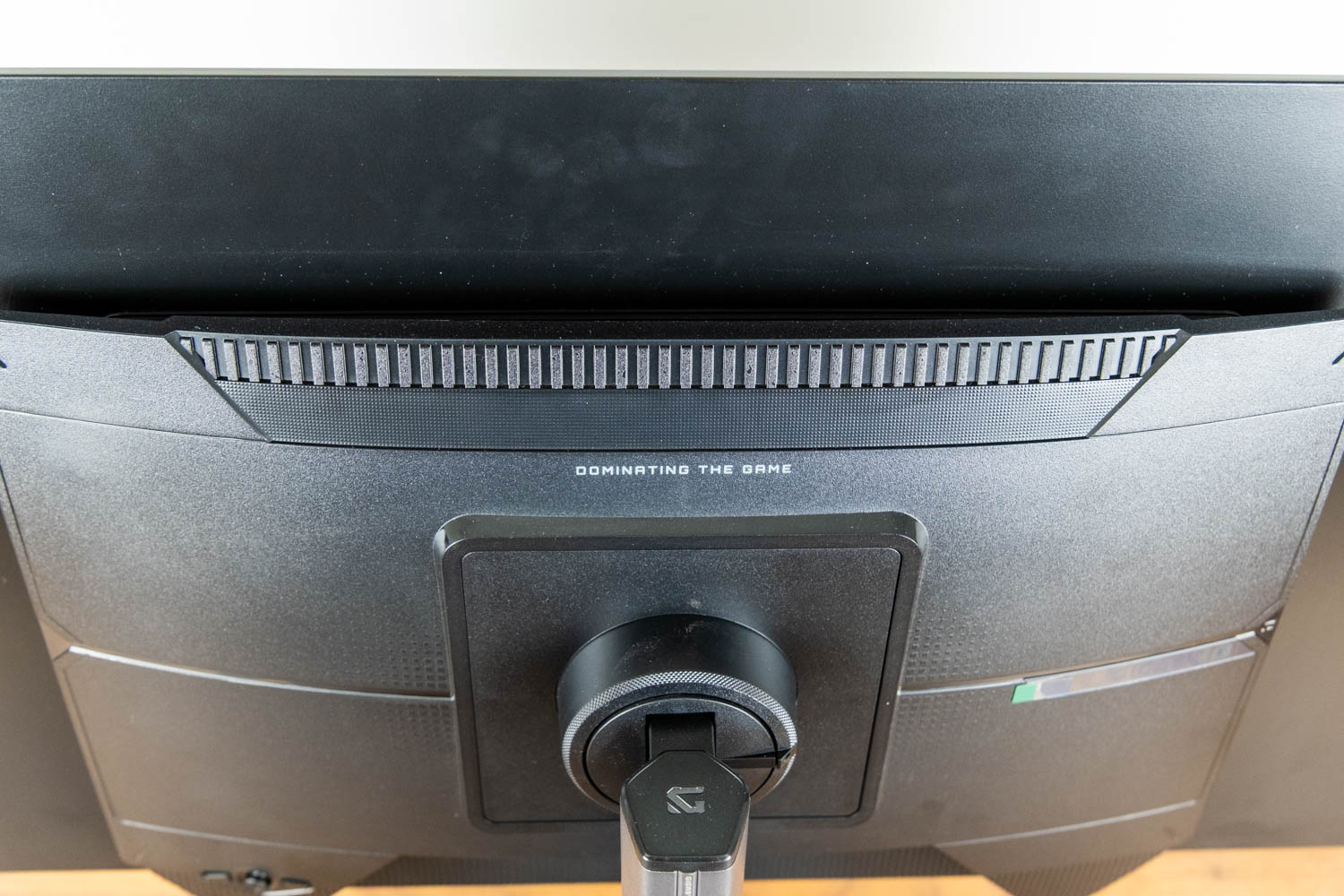
The rear of the monitor is more conventional. The stand attachment area and upper section feature textured surfaces, and ventilation openings along the upper housing allow heat to escape from the panel. There are no decorative backlights or expressive design elements here.
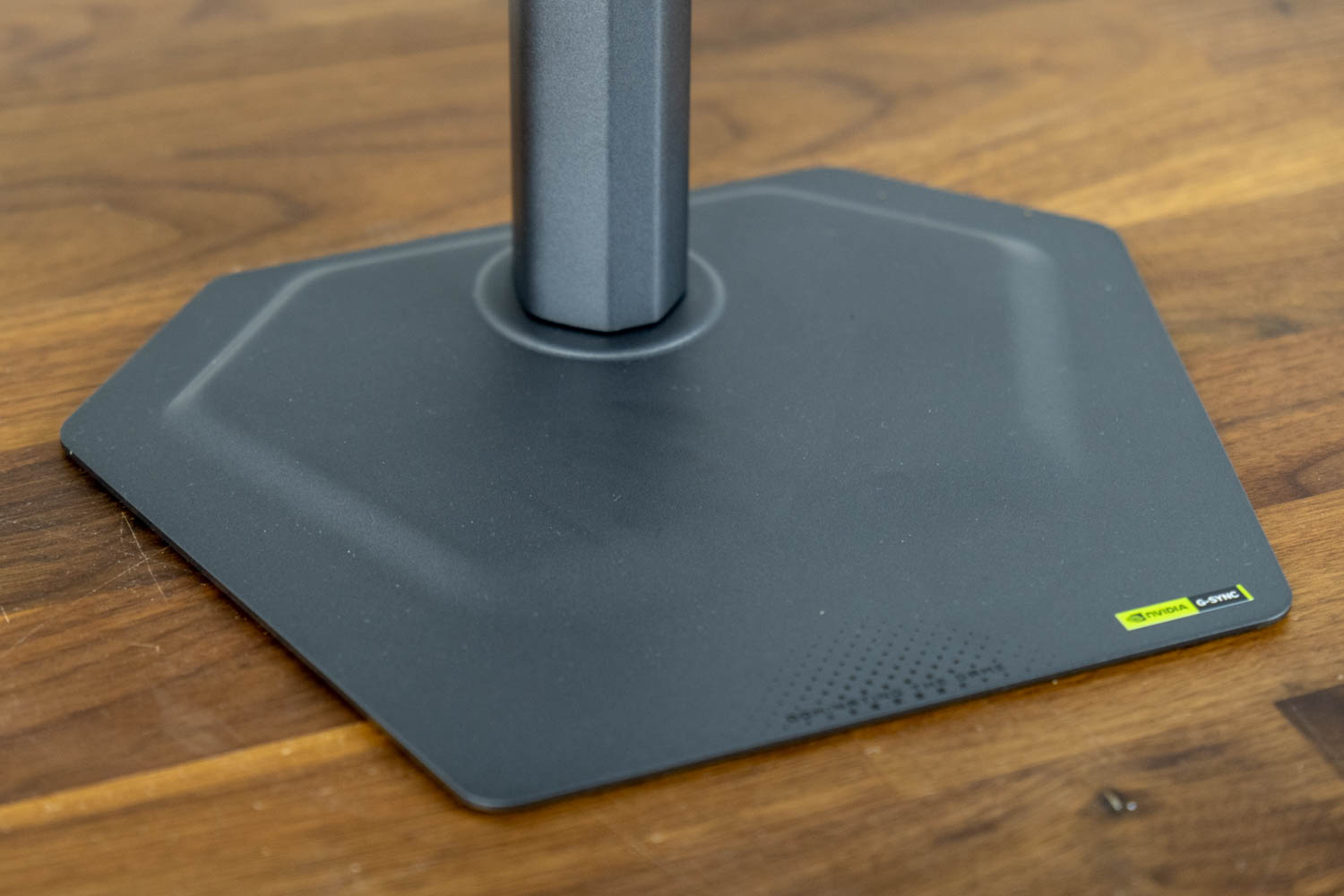
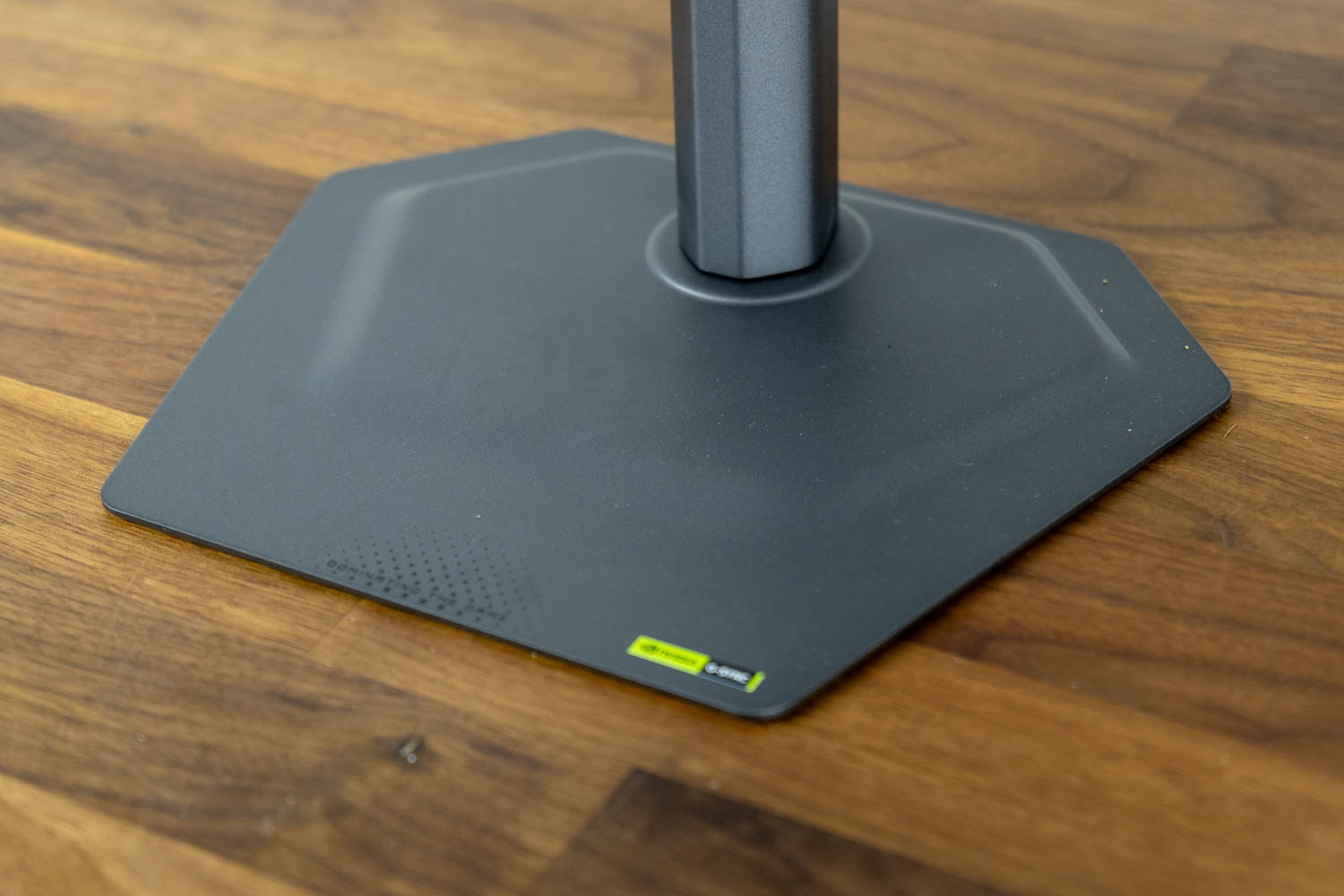
The stand base is a minimalist metal plate finished in matte black, designed with a 2 mm profile that sits very close to the desk surface. At 24 cm (9.4 in) wide and 18.8 cm (7.4 in) deep, it occupies a modest footprint and leaves the full keyboard and mouse area in front of the display clear of obstruction.
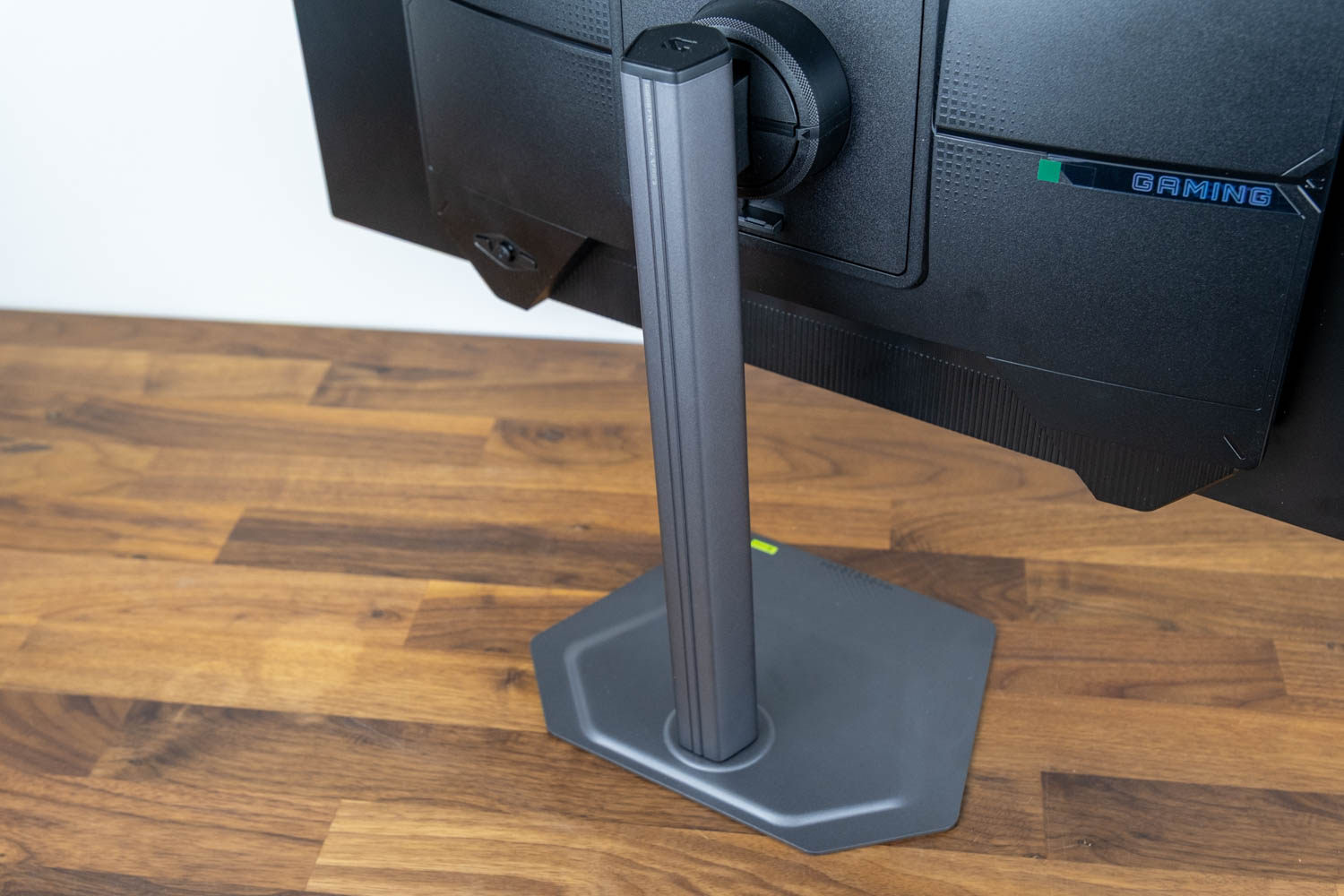
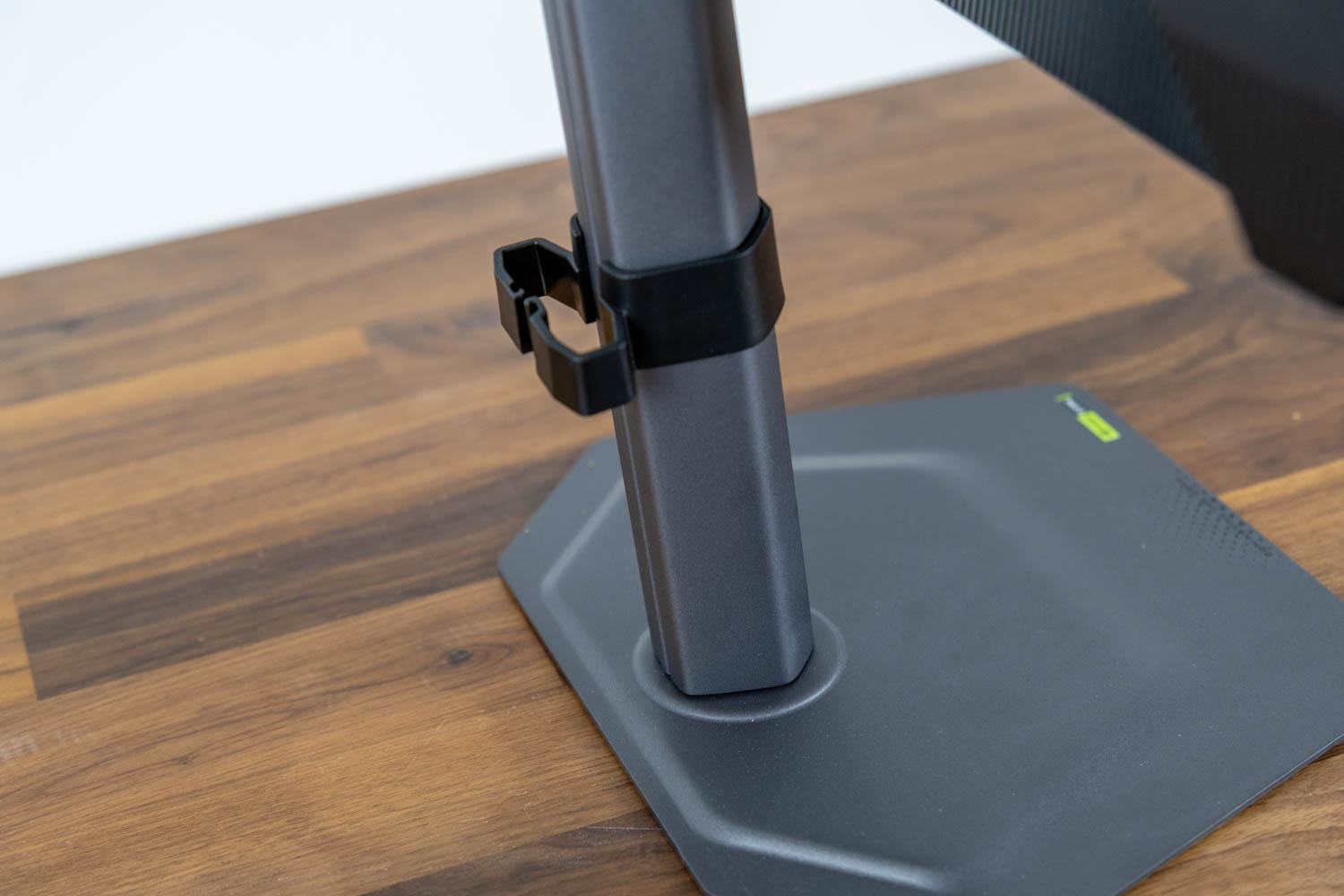
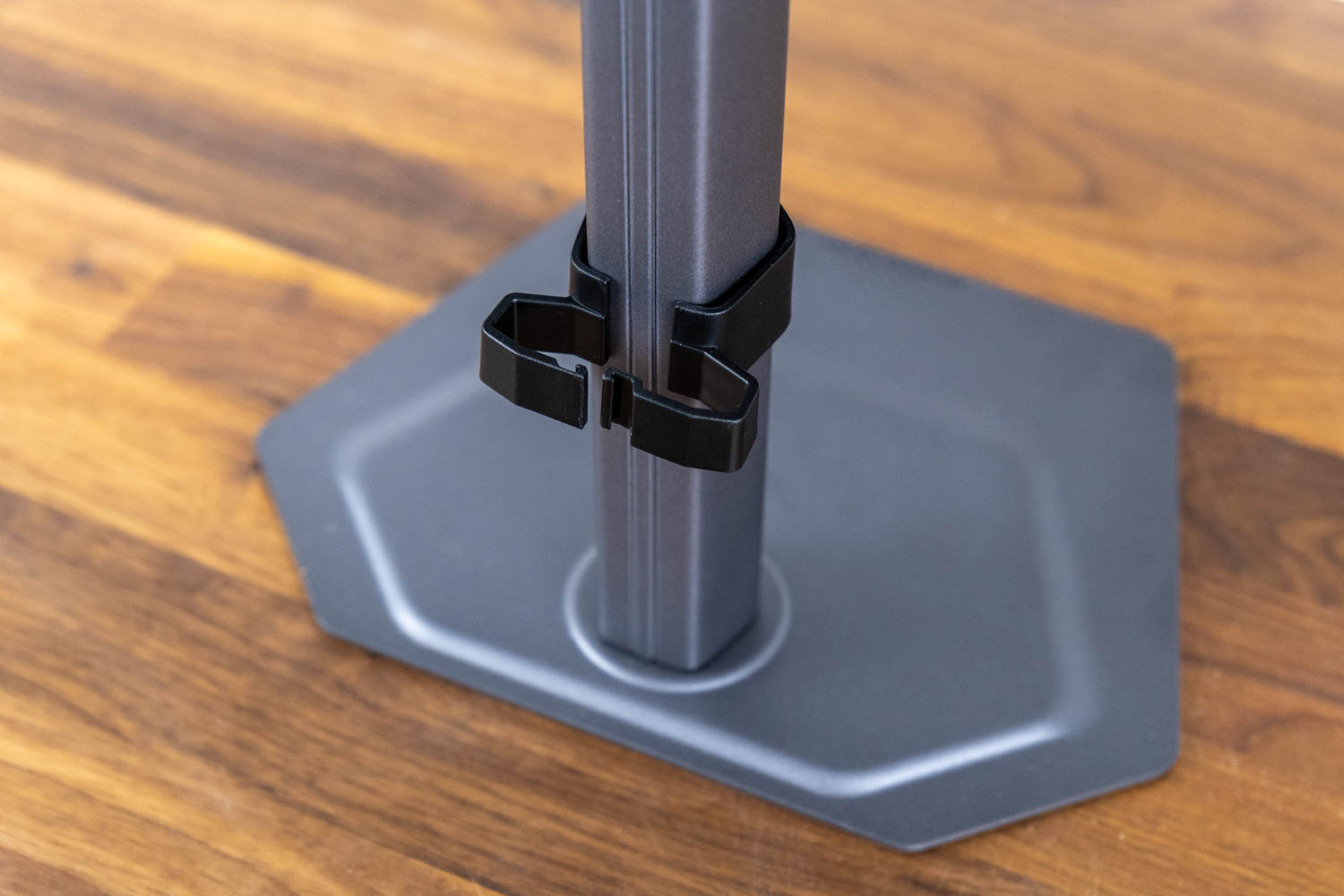
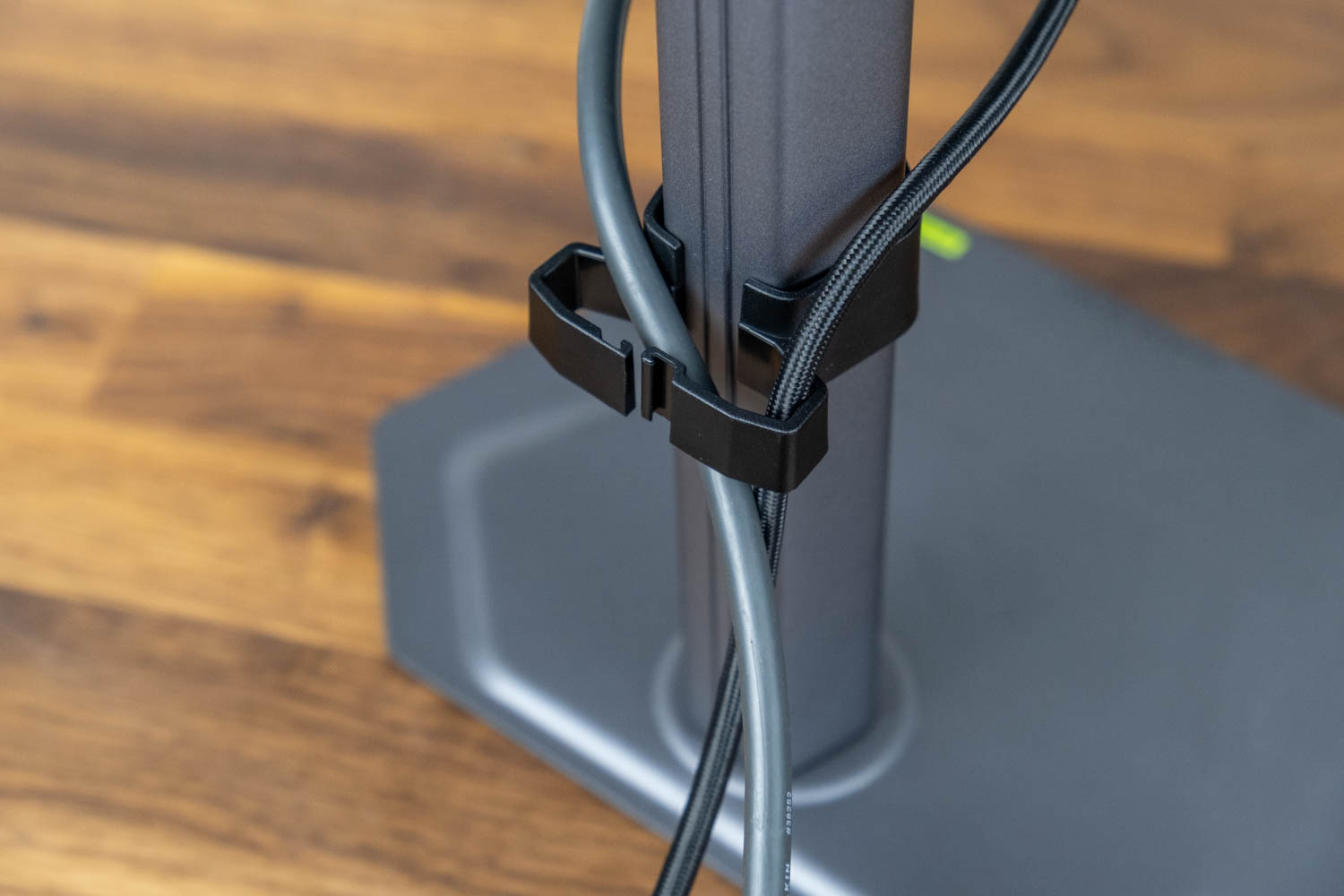
The stand pillar is appropriately rigid for the 27-inch panel. A provided plastic clip can be affixed to the pillar to help with cable management.
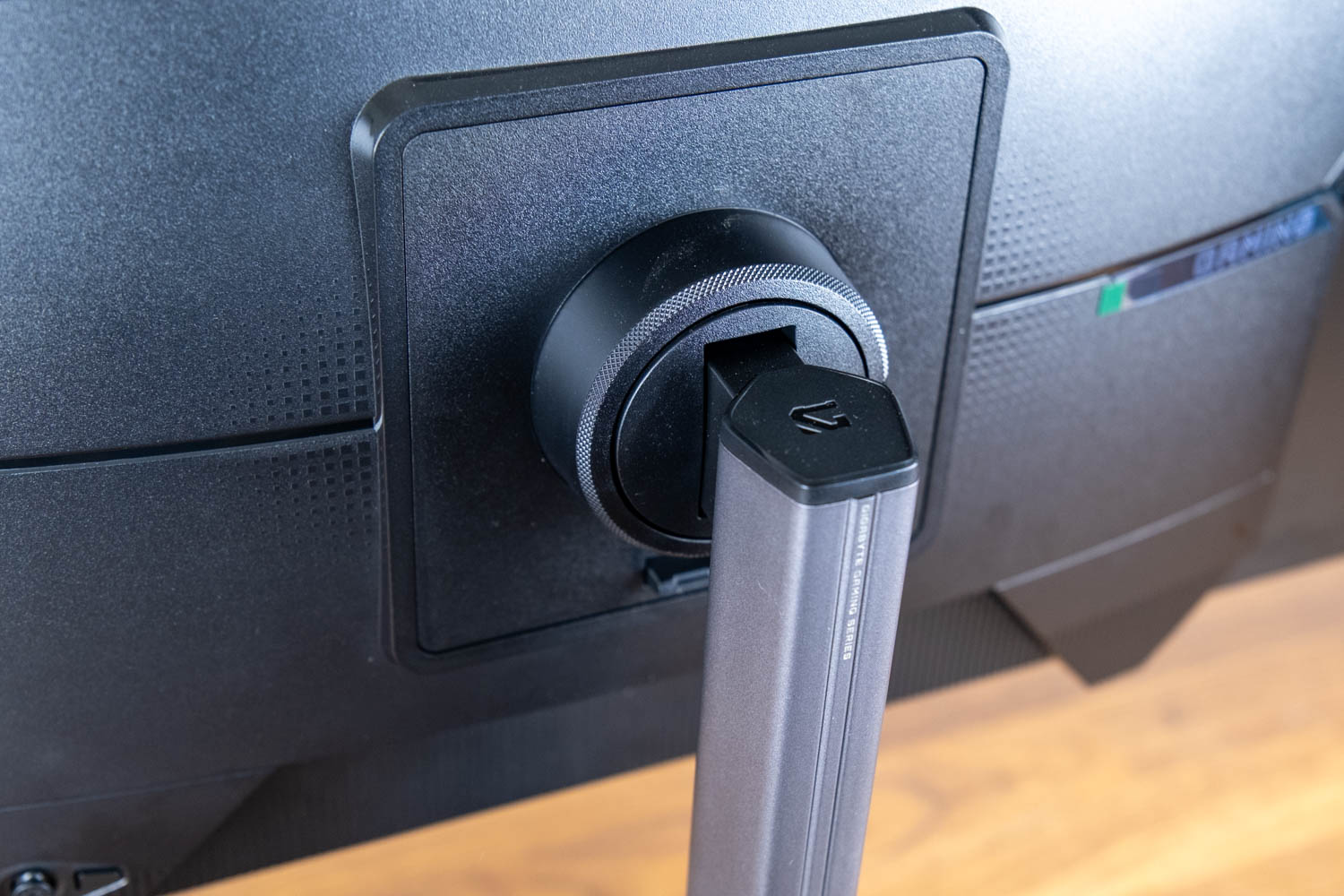
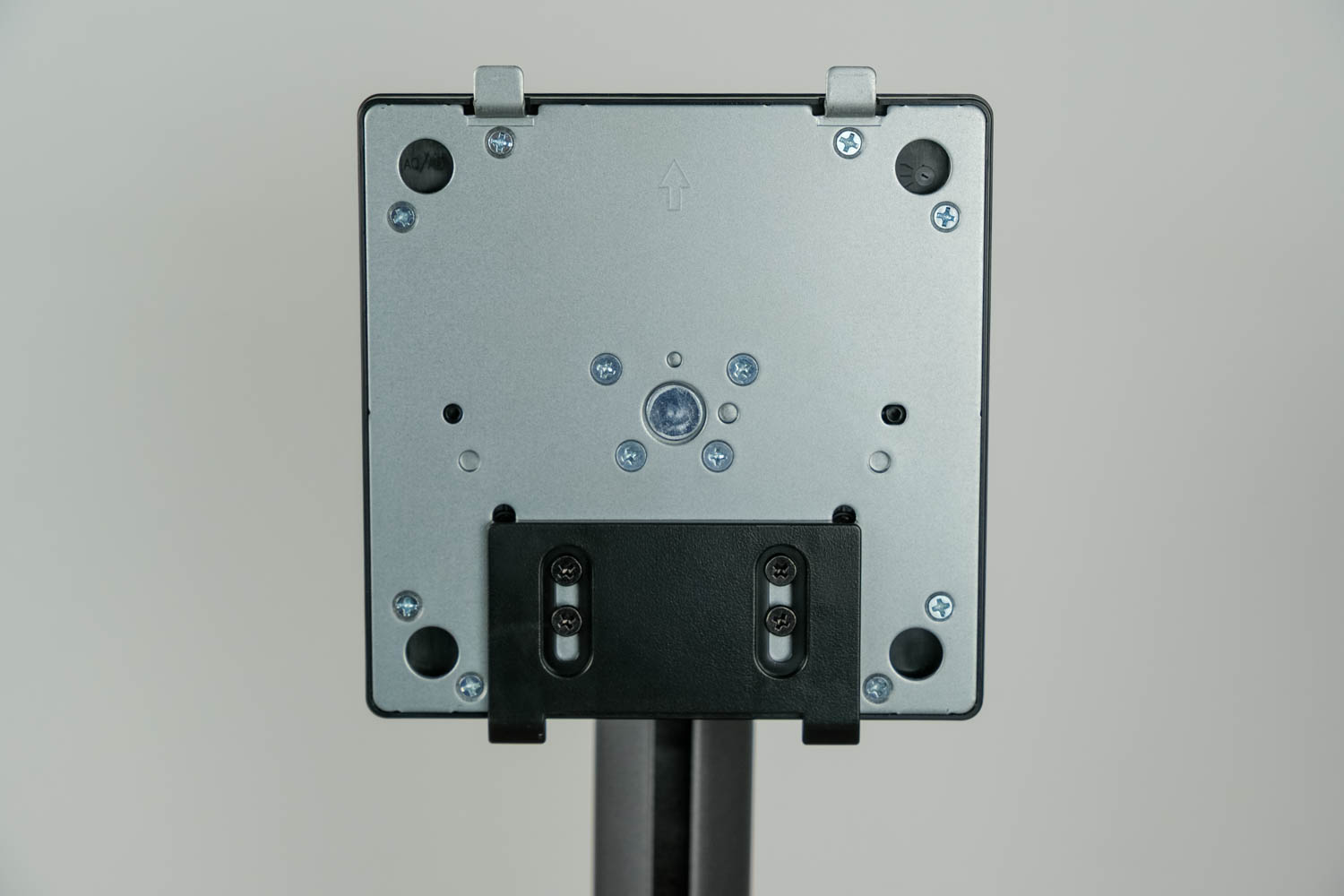
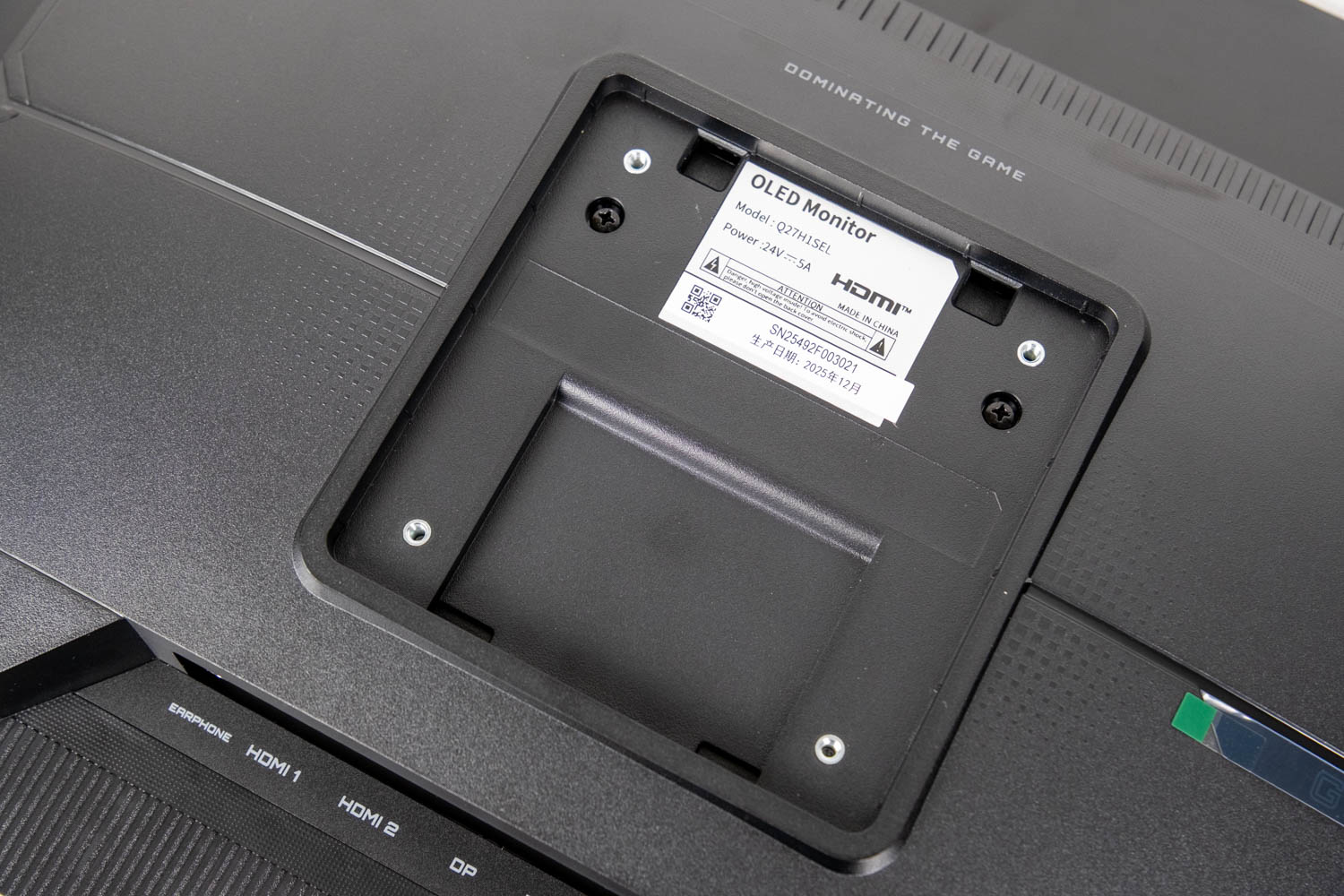
Removing the stand exposes a standard 100×100 mm VESA hole pattern.
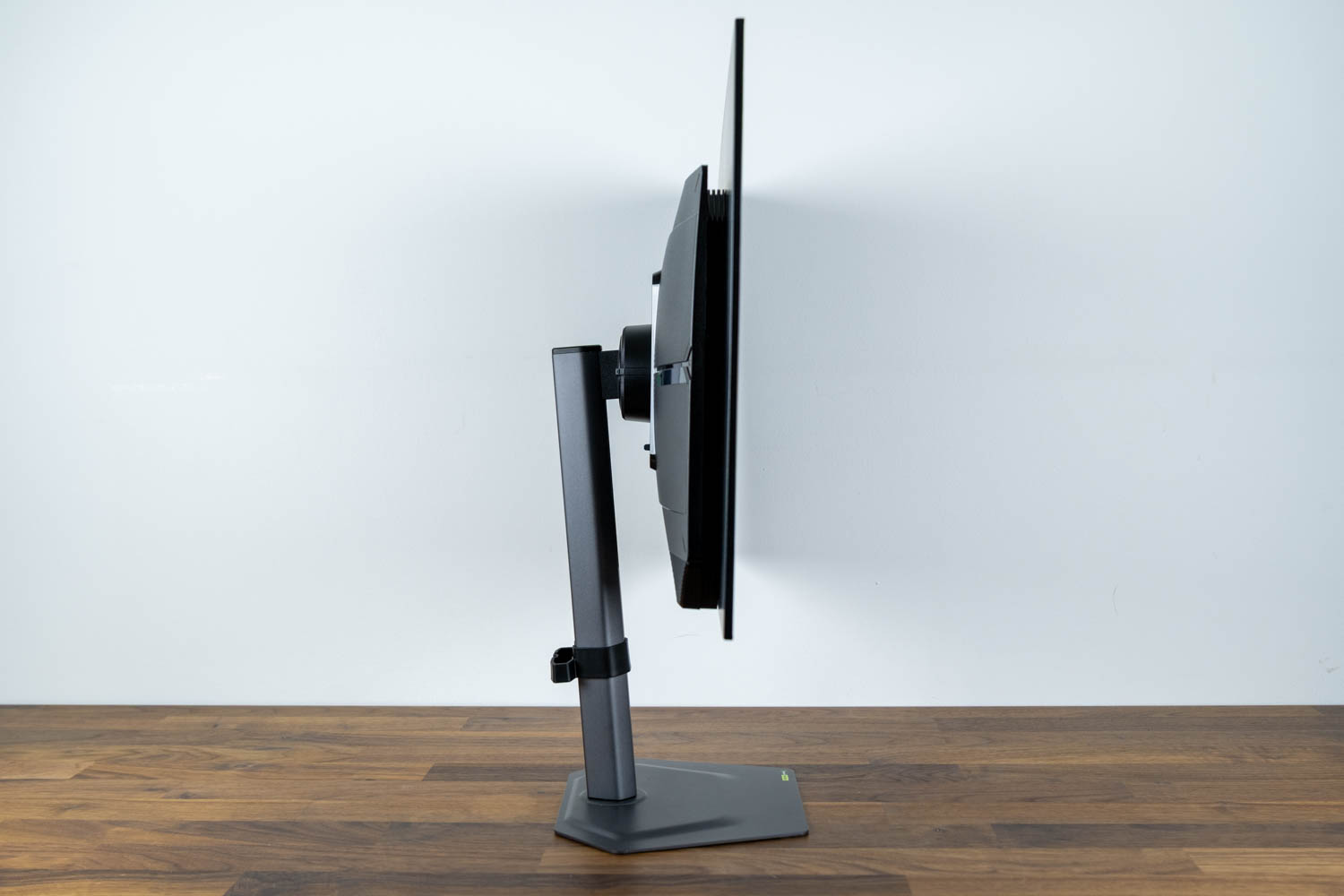
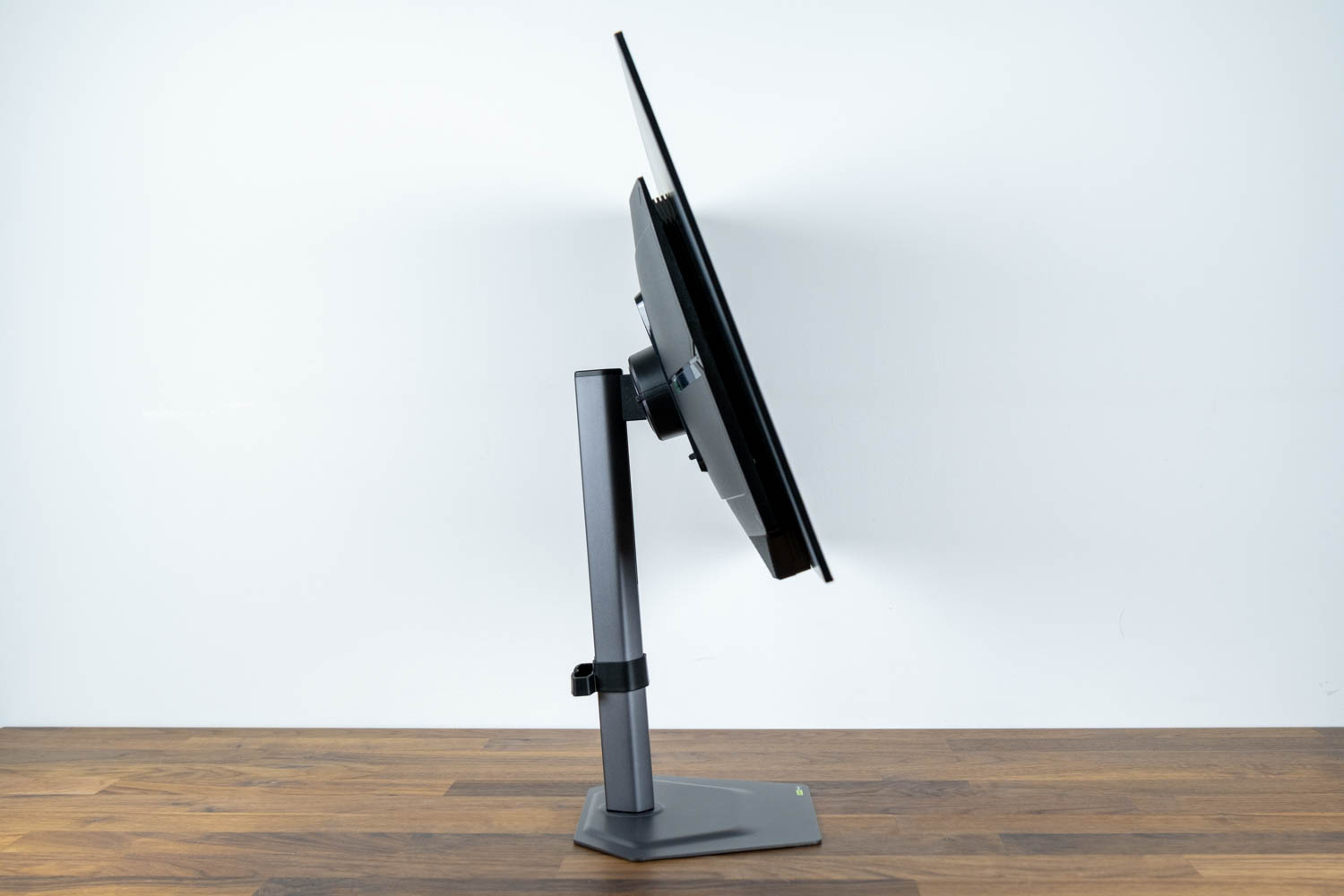
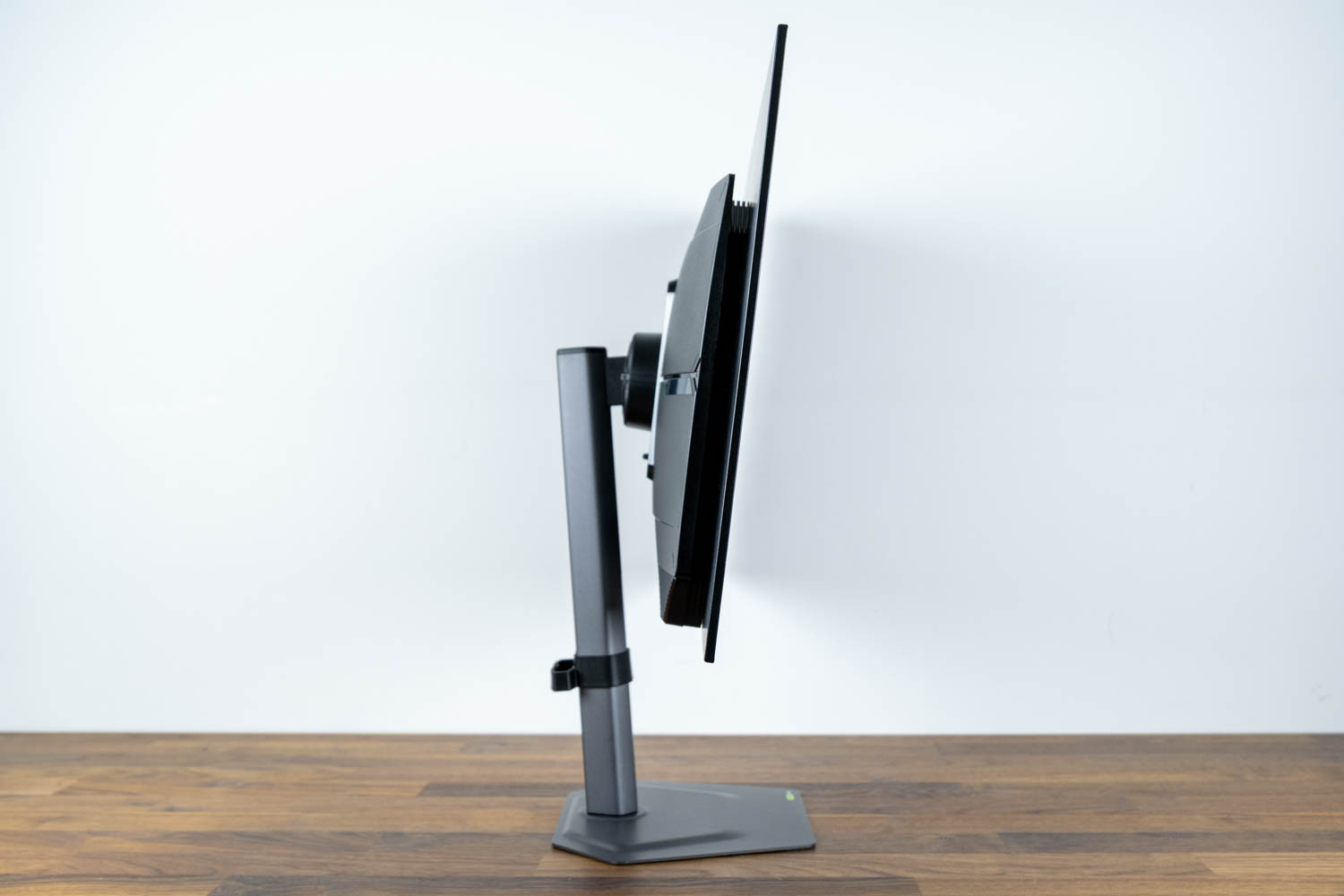
The screen tilts from -5° to +21°.
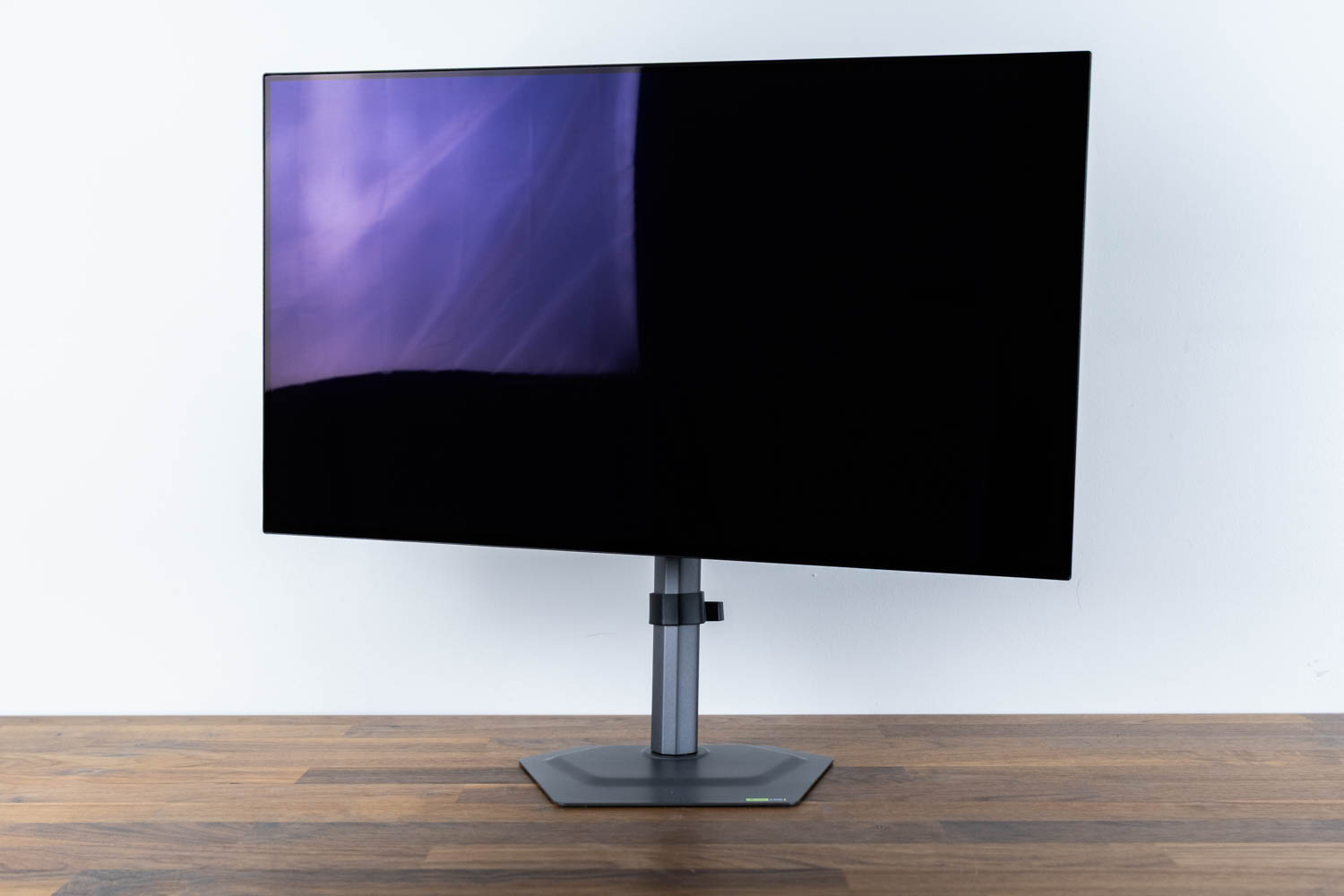
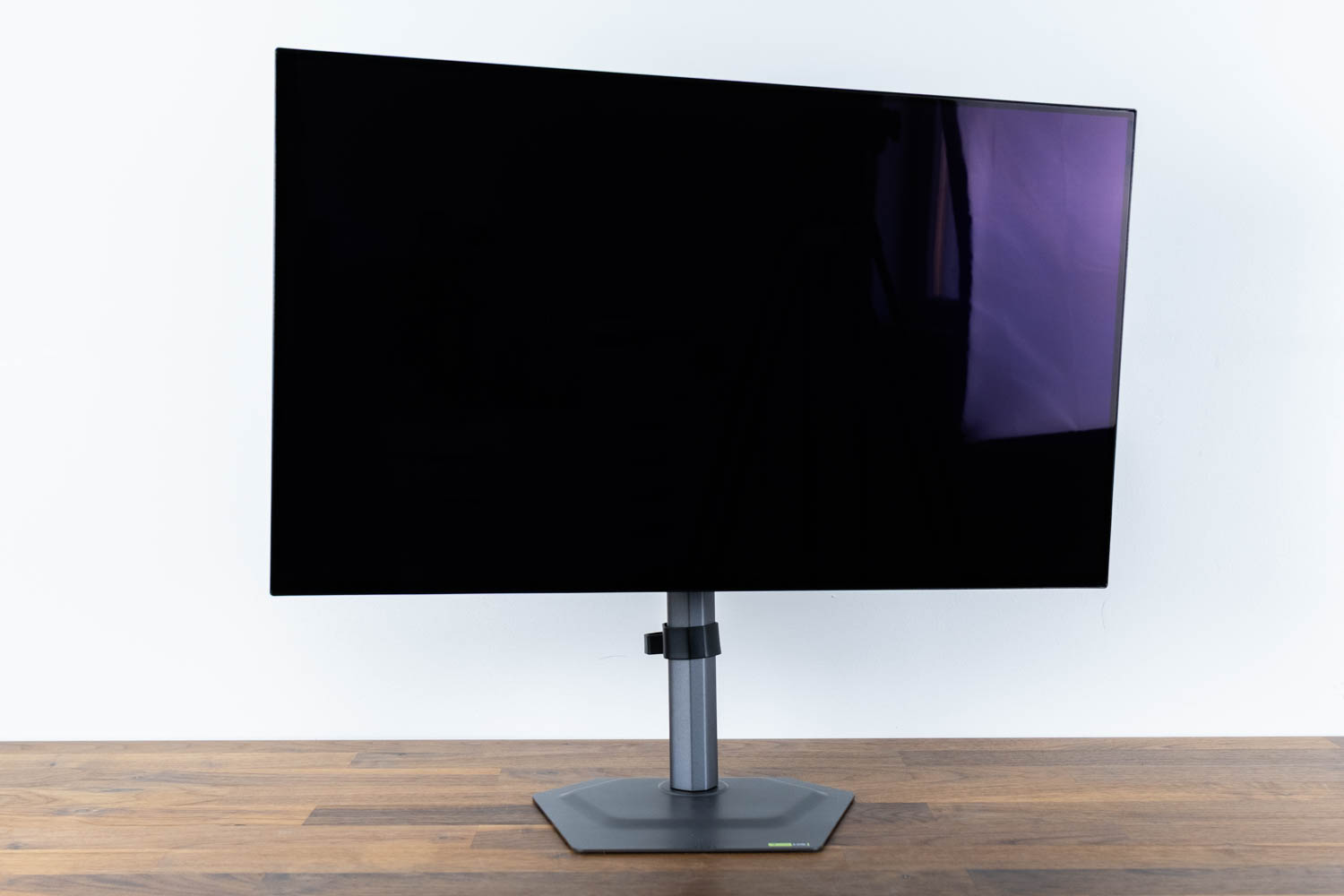
Swivel range is ±15°, which is narrower than the common ±30° range but sufficient for typical desk positioning.
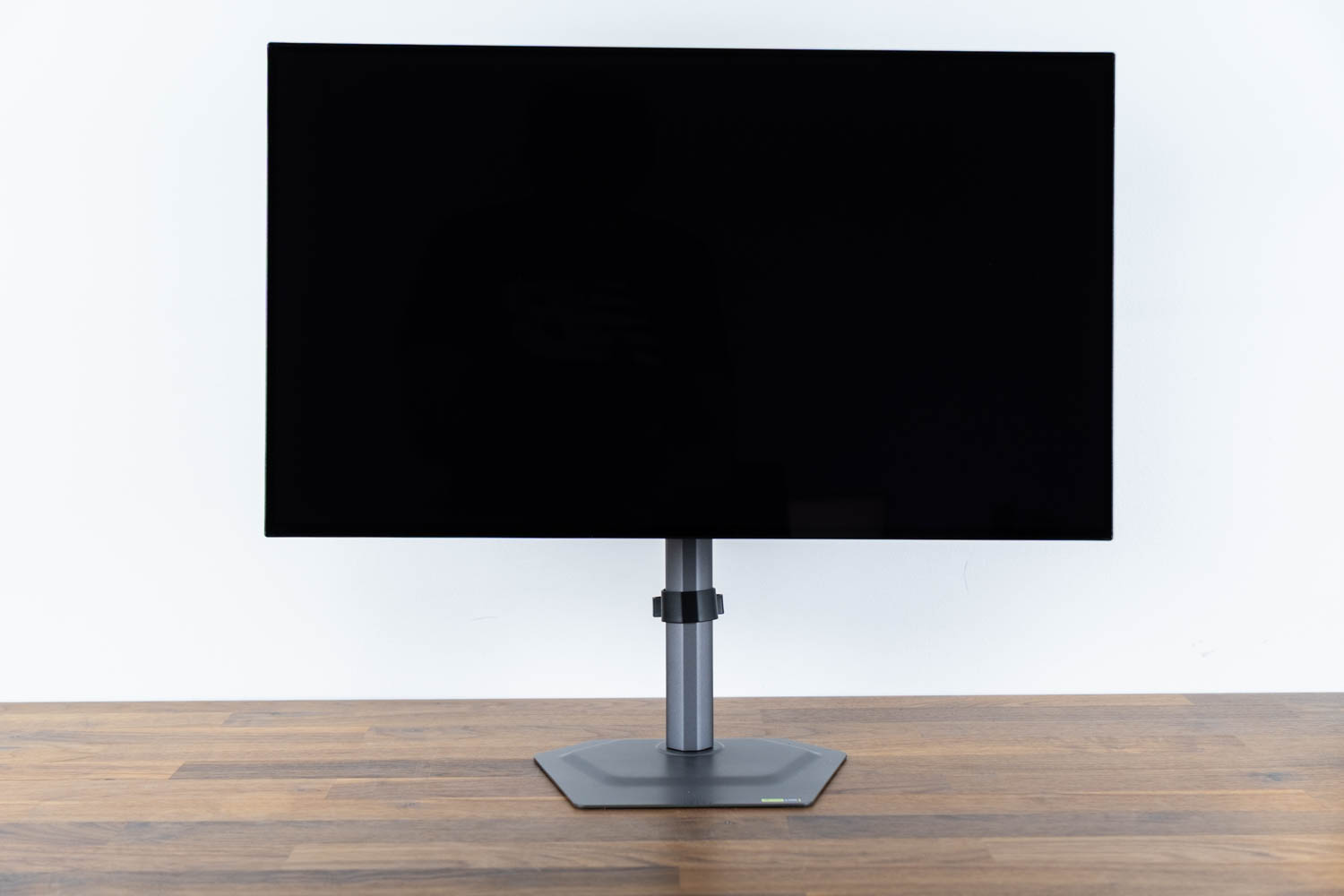
The panel's height is adjustable across a 130 mm range. In its lowest position, the bottom edge of the screen sits 5.5 cm (2.2 in) above the desk surface. At full extension, that distance increases to 18.5 cm (7.3 in), which covers the majority of sitting positions comfortably.
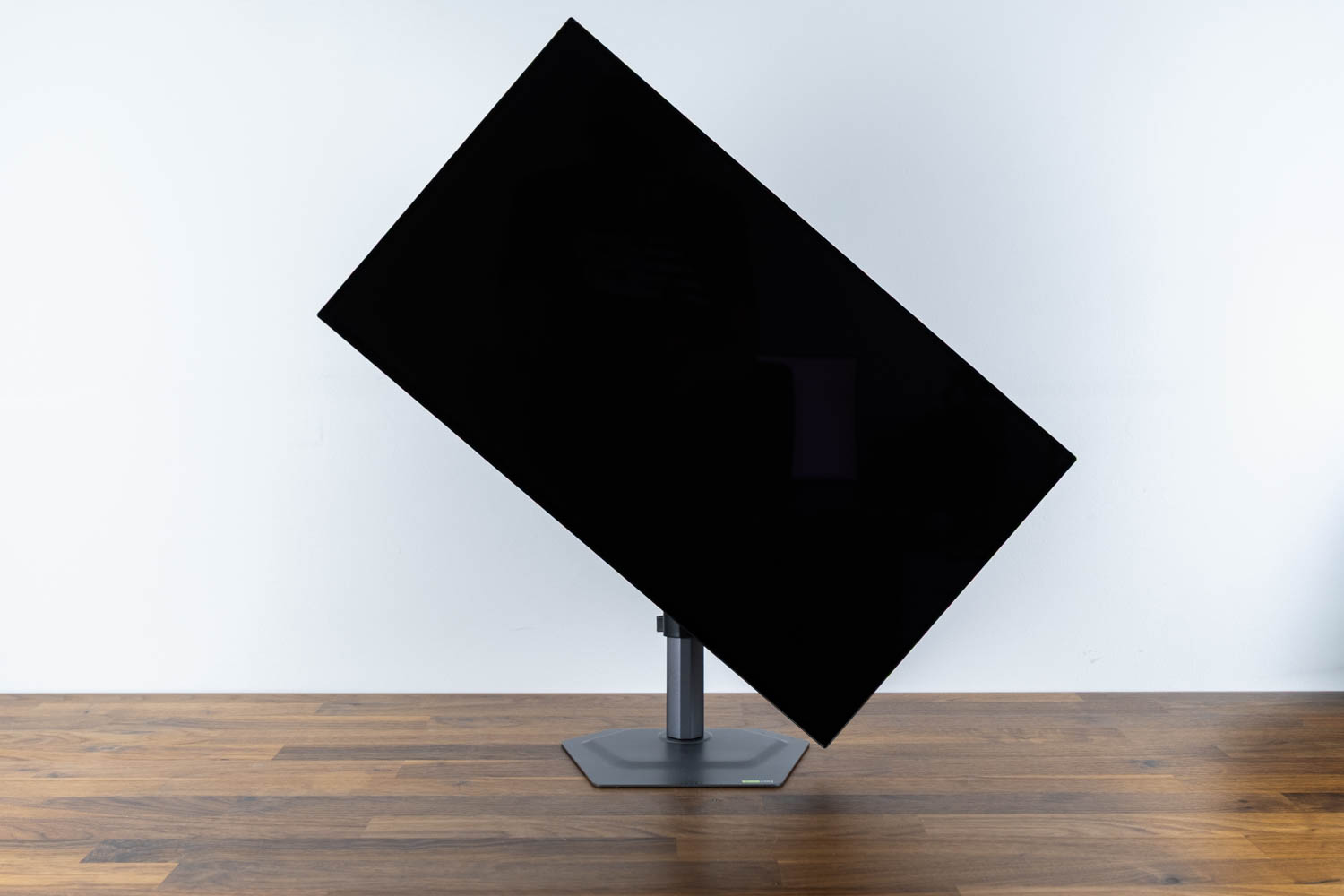
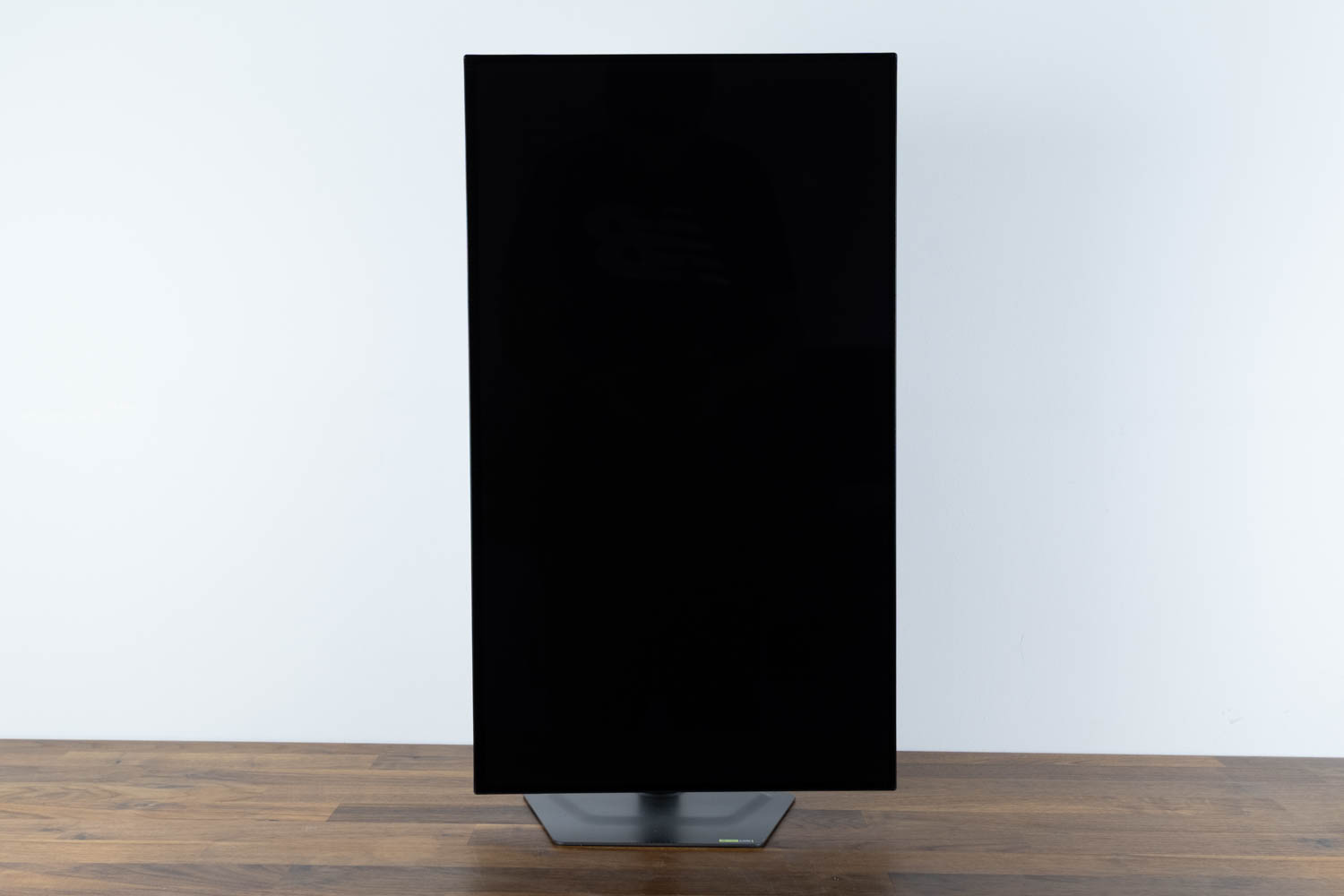
Pivot support is present, with 90° of clockwise rotation available.
Nov 18th, 2026 08:55 CST
change timezone
Latest GPU Drivers
New Forum Posts
- Last game you purchased? (1403)
- Time to upgrade CPU and MOBO (21)
- X99 Club (186)
- Without Jensen, PC gaming will be (43)
- [Poll] 12V-2x6 Connector Protection: What Are You Using? (WireView / Ampinel / Equalizer / Other / Nothing) (35)
- Help with fixing Overclock (10)
- WarpCoreBench scores! (59)
- GIGABYTE - H55N-USB3 ITX Upgrade experience (4)
- Honestly, do you care about GTA VI? (137)
- Wireless Internet sharing between PC and router both-ways, is it possible? (15)
Popular Reviews
- Acemagic Retro X3 Review
- Upcoming Hardware Launches 2027 (Updated Nov 2026)
- AMD Zen 6 Technical Deep Dive
- ASUS ROG Strix B850-I Gaming Wi-Fi7 W Review
- Corsair HX1000i Shift Crystal Review
- Biwin Black Opal NV7400 2 TB Review
- Chieftec Iceberg PRO 360 DARK Review
- AMD Ryzen 7 9800X3D Review - The Best Gaming Processor
- Phantom Blade Zero Performance Benchmark Review - 35 GPUs Tested
- Montech King 95 3D PRO Review
TPU on YouTube
Controversial News Posts
- NVIDIA Co-Founder and CEO Jensen Huang Officially Resigns (472)
- Open Letter Asking NVIDIA to Reinstate Jensen Huang Passes 115,000 Signatures (184)
- Report: Jensen Huang Eyes NVIDIA Comeback (173)
- OpenAI CEO Argues Home PCs Waste the World's Limited DRAM Supply (152)
- NVIDIA Launches Investigation Into Jensen Huang's Relationship With Suspected Chinese Spy (136)
- Intel "Raptor Lake Next" 16-Core and 20-Core CPUs Surface (130)
- Legendary Game Studio BioWare Shuts Down Following EA Layoffs (104)
- Dell CEO Says the Memory Shortage Will Get Worse in 2027 (95)