 4
Gigabyte MO27Q28GR Review - Gloss Without the Glare
(4 Comments) »Introduction

The Gigabyte MO27Q28GR is not a new monitor so much as a new surface on an existing one. Underneath the coating it is the MO27Q28G, a 27-inch 1440p gaming display running at 280 Hz on LG Display's fourth generation WOLED panel, and Gigabyte sells both at the same $600. The entire proposition rests on one question: matte or glossy, and what each costs you.
That question is worth more attention than it usually gets. A matte coating scatters incoming ambient light across the surface, which spreads reflections out until they stop being distinct objects, at the cost of very slightly diffusing the image itself and lifting perceived black level. A glossy surface does not scatter anything. Blacks stay deeper and fine detail stays crisper, but any bright light source behind you reflects as a recognizable shape. Neither is correct. They are answers to different rooms.
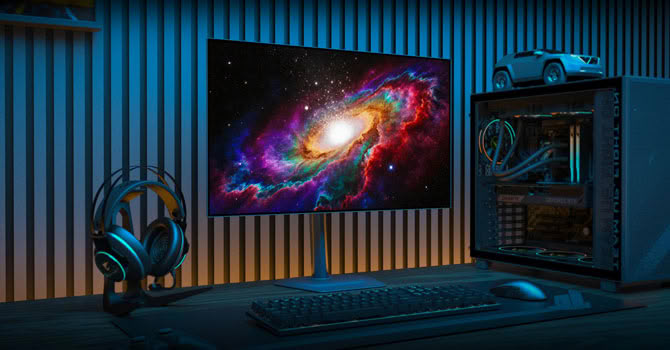
Gigabyte's answer here is called RealBlack Glossy, and it combines what the company describes as a zero-haze optical layer with an anti-reflective treatment. The zero-haze layer reduces light diffusion within the coating stack, and the AR treatment suppresses the reflections a bare glossy surface would otherwise throw back. UL has certified the result as maintaining full black reproduction in 500 lux ambient light, which is roughly a brightly lit living room during the day. That is a specific and unusually testable claim, and it holds up better in practice than I expected.
The panel itself is LG Display's fourth generation WOLED, marketed as Primary RGB Tandem. The naming causes some confusion because the structure is also referred to as four-stack, so it is worth being precise. Tandem refers to two complete OLED modules stacked vertically and joined by a charge generation layer, which splits the drive voltage between them and makes both emit simultaneously. Inside those two modules sit four emissive layers: blue at the top and bottom of the structure, with red and green sandwiched between them. Emitting from two modules at once roughly doubles available luminance at the same drive voltage, which is where the headline numbers come from. Gigabyte rates the panel at 335 cd/m² across the full screen in SDR and 1,500 cd/m² on HDR highlights at 1.5% APL, and claims a 20% reduction in power draw against third generation WOLED. The lower power figure matters more than it sounds, because less current means less heat, and less heat directly slows the degradation of organic material.
One point of confusion worth heading off: Primary RGB Tandem describes the emissive layer structure, not the subpixel arrangement. This is not an RGB stripe panel and the white subpixel is still there, because it is what allows the brightness figures above. What did change with this generation is the ordering. Earlier WOLED panels ran an RWBG layout, with the white subpixel sitting second and red, green and blue consequently out of their conventional sequence, which is a large part of why text fringing on WOLED has been such a persistent complaint. The fourth generation moves white to third position and restores RGB to the order that Windows font rendering actually expects, producing RGWB. Fringing has not disappeared, but it is markedly less intrusive than on the third generation panels I have tested.
Connectivity is the usual Gigabyte mix at this price: two HDMI 2.1 ports, DisplayPort 1.4, a USB-C port with DP Alt Mode, a USB hub and an automatic KVM switch. There is also a four-sided borderless chassis, full ergonomics including pivot, and Eyesafe 3.0 certification covering both flicker and blue light. Let's see how it measures.
Specifications
| Gigabyte MO27Q28GR | |
|---|---|
| Screen Size | 27" |
| Native Resolution | 2560×1440 (16:9), ~109 PPI |
| Panel Technology | WOLED (LG Display, 4th gen Primary RGB Tandem), 10-bit |
| Refresh Rate | 280 Hz |
| Curvature | Flat |
| Screen Coating | RealBlack Glossy (zero-haze optical layer with anti-reflection treatment) |
| Supported Adaptive Synchronization | FreeSync Premium Pro, G-Sync Compatible (48 to 280 Hz operating range) |
| Brightness | 335 cd/m² typical (SDR, 100% APL), 1500 cd/m² typical (HDR, 1.5% APL) |
| Contrast | 1,500,000:1 (static, OLED native) |
| Color Gamut | 99.5% DCI-P3, 84% BT.2020 |
| Viewing Angles | 178/178° |
| Response Time | 0.03 ms GtG |
| HDR | VESA DisplayHDR True Black 500 |
| Adjustability | Height (130 mm), tilt (-5° to +21°), swivel (±15°), pivot (90°) |
| Video Inputs | 2× HDMI 2.1, 1× DisplayPort 1.4 (HBR3) |
| USB-C | USB-C with DP Alt Mode and Smart PD (18 W nominal, up to 45 W dynamic) |
| USB Hub | 2× USB 3.2 Type-A downstream, 1× USB 3.2 Type-B upstream |
| Audio | 1× 3.5 mm headphone jack |
| Speakers | 2× 5 W |
| VESA Mounting | 100 × 100 mm |
| Dimensions & Weight | 604.4 × 526.5 × 187.5 mm with stand, 6 kg |
| Extras | KVM, AI OLED Care, HyperNits, OLED VRR Anti-Flicker, Ultra Clear, Tactical Switch 2.0, Game Assist, PiP/PbP, OSD Sidekick, Eyesafe 3.0 |
The Package
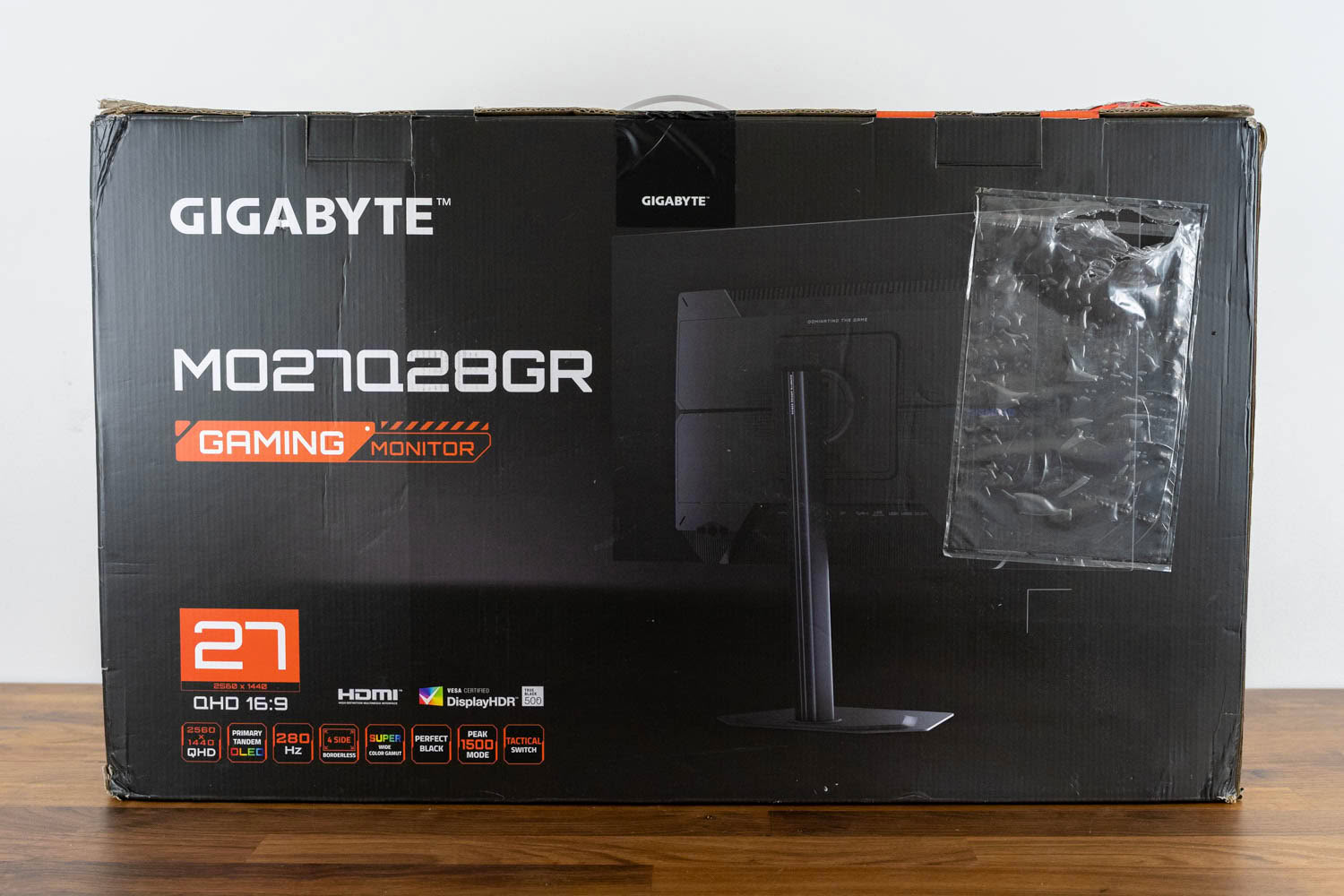
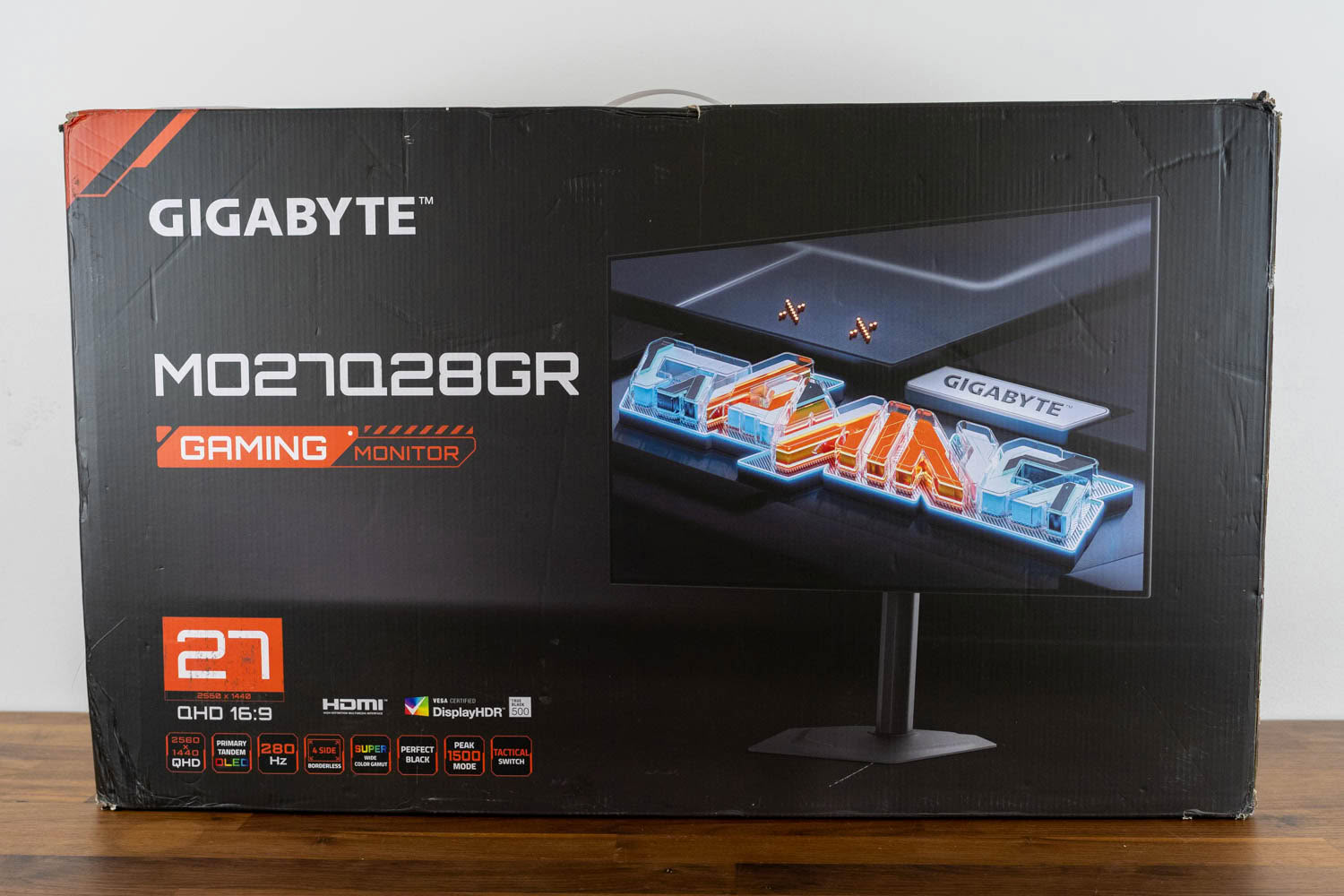
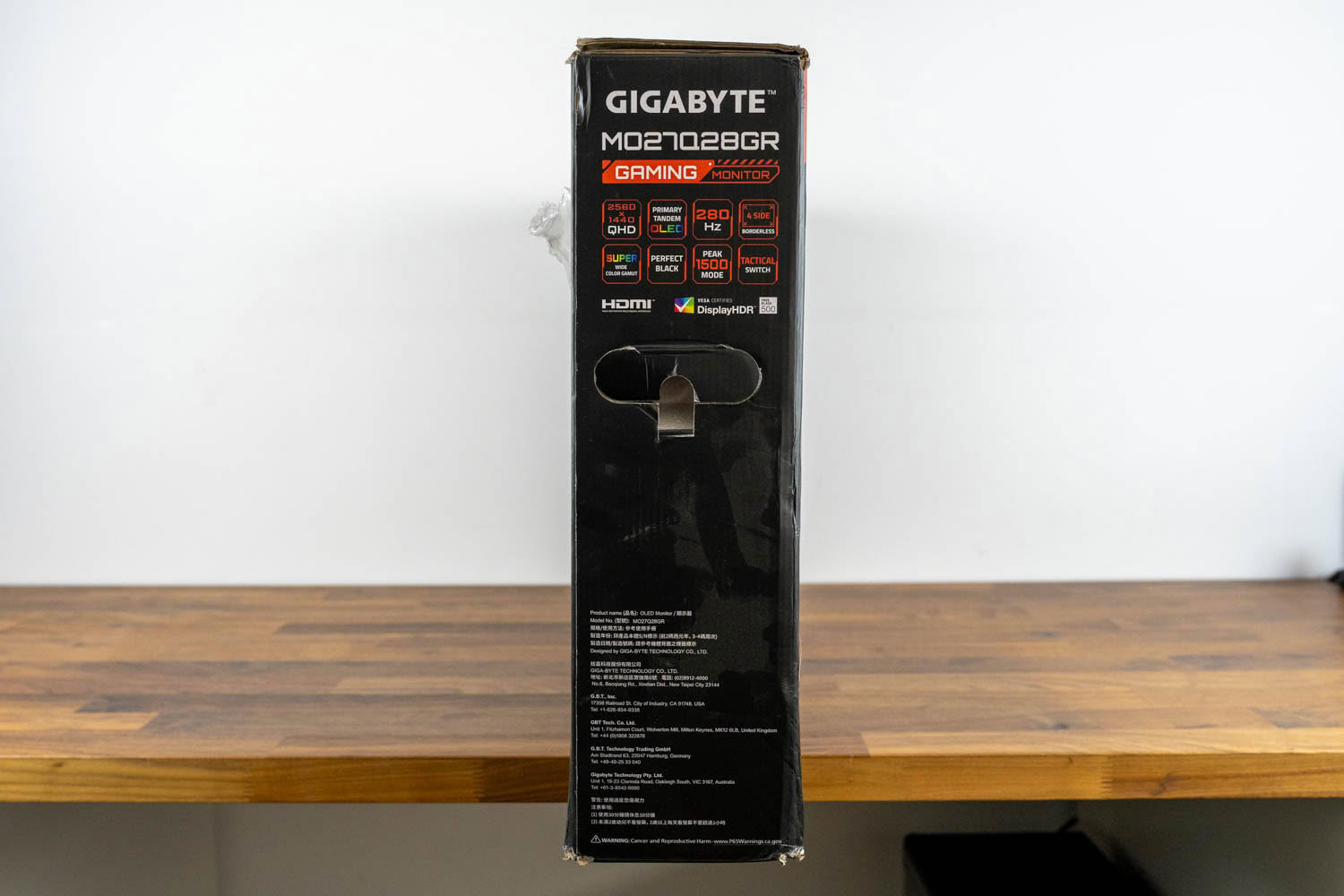
Gigabyte ships the MO27Q28GR in a fully printed retail box, with product renders on both large faces showing the monitor from the front and from the rear. A row of feature badges runs along the bottom edge of both faces, covering the 2560×1440 resolution, the Primary Tandem OLED panel, 280 Hz, the four-sided borderless chassis, wide gamut coverage, Perfect Black, Peak 1500 Mode and Tactical Switch, alongside the HDMI and VESA DisplayHDR True Black 500 certification logos.
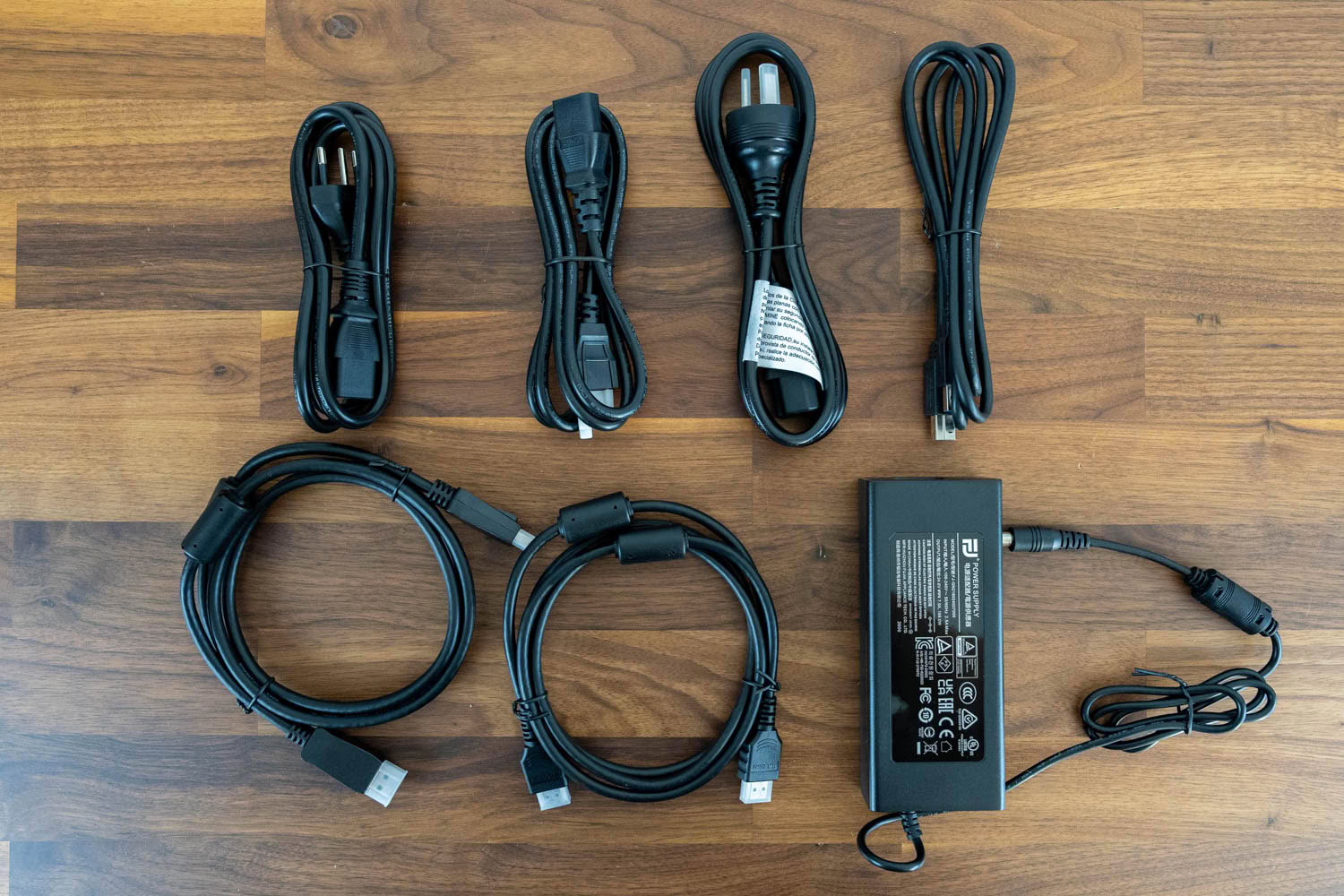
The cable bundle is generous in one respect and incomplete in another. Gigabyte supplies three regional power cords, a DisplayPort cable, a HDMI cable, a USB Type-A to Type-B cable for the hub and KVM, and the external power brick, which is a 168 W unit and physically large enough that you will want to plan where it goes. What is missing is a USB-C cable, despite USB-C being one of the three video inputs on the back. Anyone intending to run a laptop over DP Alt Mode needs to supply their own, and it needs to be a cable rated for the video bandwidth rather than whatever came with a phone.
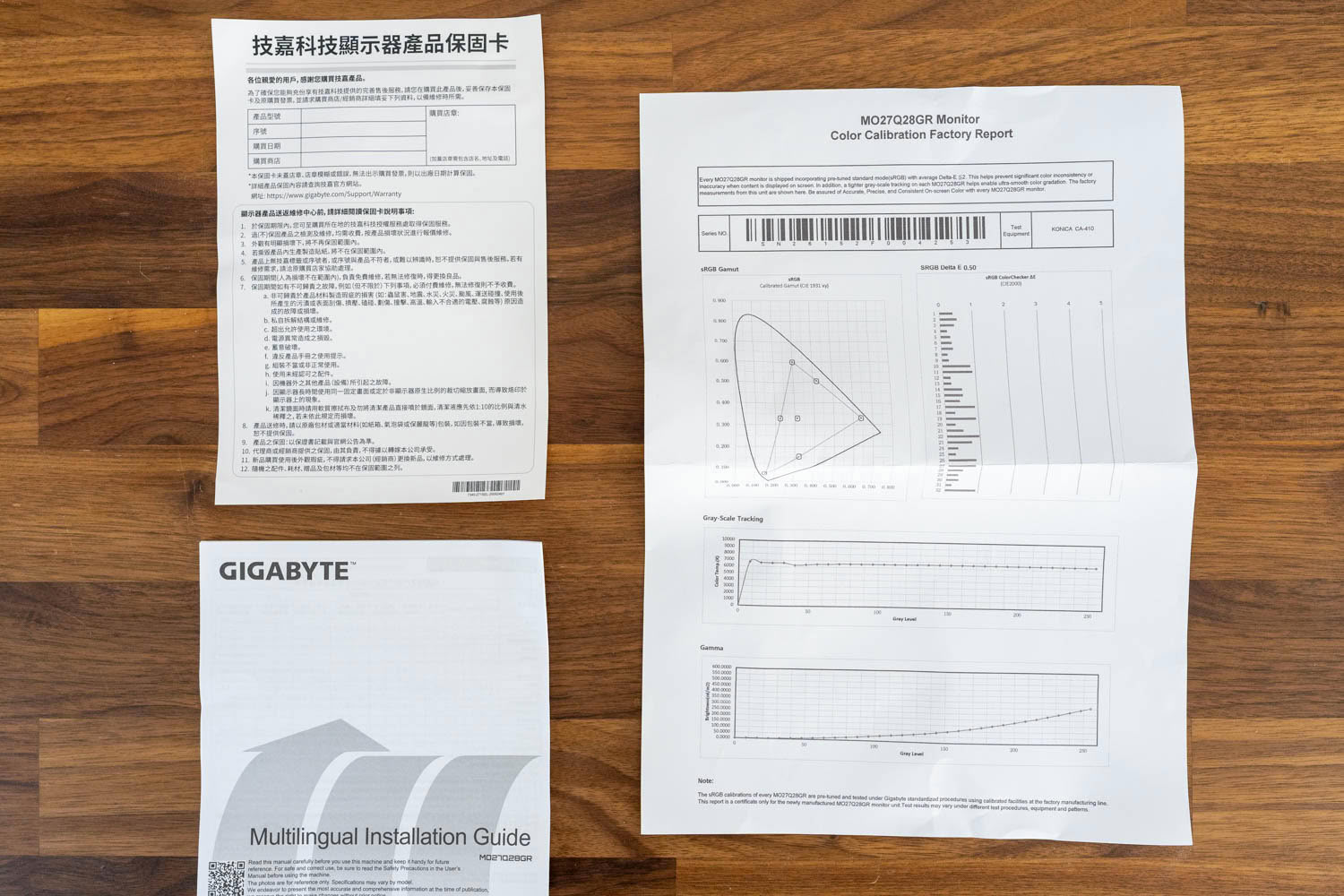
Documentation consists of a multilingual installation guide, a warranty card, and a color calibration factory report specific to this unit, measured on a Konica Minolta CA-410.
Our Patreon Silver Supporters can read articles in single-page format.
Nov 19th, 2026 22:22 PST
change timezone
Latest GPU Drivers
New Forum Posts
- Honestly, do you care about GTA VI? (178)
- Anthrophics IPO (10)
- WarpCoreBench scores! (78)
- How to prevent OLED burn damage due to PC freezes or power outtages? (39)
- TPU's Nostalgic Hardware Club (22172)
- RX 7600 + Ryzen 5 5600GT getting the same FPS as my old RX 6500 XT – What am I missing? (5)
- GTA VI (11)
- GPU Temperatures Rise Very Quickly in FurMark – Is This Normal? (18)
- Time to upgrade CPU and MOBO (72)
- Dual B70 or Dual R9700 Pro on Linux (13)
Popular Reviews
- AMD Zen 6 Technical Deep Dive
- Ugreen NASync DXP4800 GT Review
- Acemagic Retro X3 Review
- Upcoming Hardware Launches 2027 (Updated Nov 2026)
- Pulsar Office Tour & First Look at P1 Dual-Sensor Mouse
- Corsair RM1200e (Second Generation) Review
- Biwin Black Opal NV7400 2 TB Review
- Chieftec Iceberg PRO 360 DARK Review
- AMD Ryzen 7 9800X3D Memory Performance Scaling
- AMD Ryzen 7 9800X3D Review - The Best Gaming Processor
TPU on YouTube
Controversial News Posts
- NVIDIA Co-Founder and CEO Jensen Huang Officially Resigns (490)
- Report: Jensen Huang Eyes NVIDIA Comeback (224)
- Open Letter Asking NVIDIA to Reinstate Jensen Huang Passes 115,000 Signatures (184)
- OpenAI CEO Argues Home PCs Waste the World's Limited DRAM Supply (152)
- NVIDIA Launches Investigation Into Jensen Huang's Relationship With Suspected Chinese Spy (136)
- Intel "Raptor Lake Next" 16-Core and 20-Core CPUs Surface (130)
- Legendary Game Studio BioWare Shuts Down Following EA Layoffs (104)
- Dell CEO Says the Memory Shortage Will Get Worse in 2027 (95)