 19
Gigabyte X870 Aorus Infinity Review
(19 Comments) »Introduction

Like other motherboard manufacturers, Gigabyte has both high-end flagship and overclocking-focused models available, with the latter being represented by the beautiful X870 Aorus Tachyon Ice. Both as a reimagining of previous gen boards and tie in with Gigabyte's 40-year anniversary, the X870 Aorus Infinity is essentially an updated Tachyon, sporting a similar design and feature set.
Interestingly, Gigabyte does things slightly differently from other overclocking-focused boards that only have two DIMM slots. The X870 Aorus Infinity lacks AMD's flagship X870E chipset that's included with the ASUS ROG Crosshair X870E Apex and MSI X870E Unify-X Max, instead opting for X870. However, Gigabyte's board also costs more. At $800 it's $50 more than the launch price of the mighty Apex and $200 more than the price the Apex currently retails for.
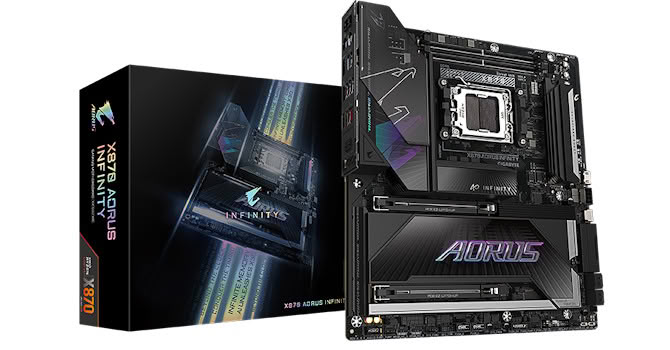
The X870 Aorus Infinity has some stiff competition then, even if it does have its unique edgy top-mounted DIMM slots going for it. Let's see how it performs against the competition and whether, like all boards of this type, it can be both a weekend overclocking warrior and also sit at the heart of a mid-week gaming rig.
Specifications
| Specifications | |
|---|---|
| CPU Support: | AMD Socket AM5 Ryzen 7000, 9000 |
| Power Design: | CPU Power: 18-phase/Infineon PMC41430/110 A SOC Power: 2-phase/Infineon PMC41430/110 A MISC Power: 2-phase/OnSemi NCP 302155/60 A |
| Chipset: | AMD X870 |
| Integrated Graphics: | Supported 1× DisplayPort 1.4 via Type-C 1× HDMI 2.1, 1× HDMI 1.4 (PCB) |
| Memory: | 2× DIMM, Support up to 128 GB DDR5-11400 (OC) |
| BIOS: | 512 Mbit (64 MB) AMI UEFI (DUAL BIOS) |
| Expansion Slots: | 1× PCIe Gen 5 x16 slot (x16, x8/x8, x8/x4/x4, x4/x4/x4/x4) 1× PCIe Gen 5 x16 slot (x8) |
| Storage: | 4× SATA 6 Gb/s 2× M.2 (PCIe Gen 5 x4) 1× M.2 (PCIe Gen 4 x4) |
| Networking: | 2× Realtek 8126 5 Gbps Ethernet 1× Qualcomm QCNCM865 Wi-Fi 7 |
| Rear Ports: | BIOS Flashback button OC Ignition button 1× 5 Gbps Ethernet 1× HDMI 2.1 1× USB4 40 Gbps (Type-C) 1× USB 3.2 Gen 2 2x2 20 Gbps (Type-C) 3× USB 3.2 Gen 2 10 Gbps (Type-A) 4× USB 3.0 (Type-A) 1× Wi-Fi antenna connectors 2× Audio jacks 1× PS/2 keyboard port 1× PS/2 mouse port 1× Optical S/PDIF Out port |
| Audio: | 1× Realtek ALC1220 Codec |
| Fan / Thermistor headers: | 8× 4-pin/2 |
| Form Factor: | EATX Form Factor 12.0 × 10.8 in./30.5 × 27.5 cm |
| Exclusive Features: |
|
Packaging and Contents
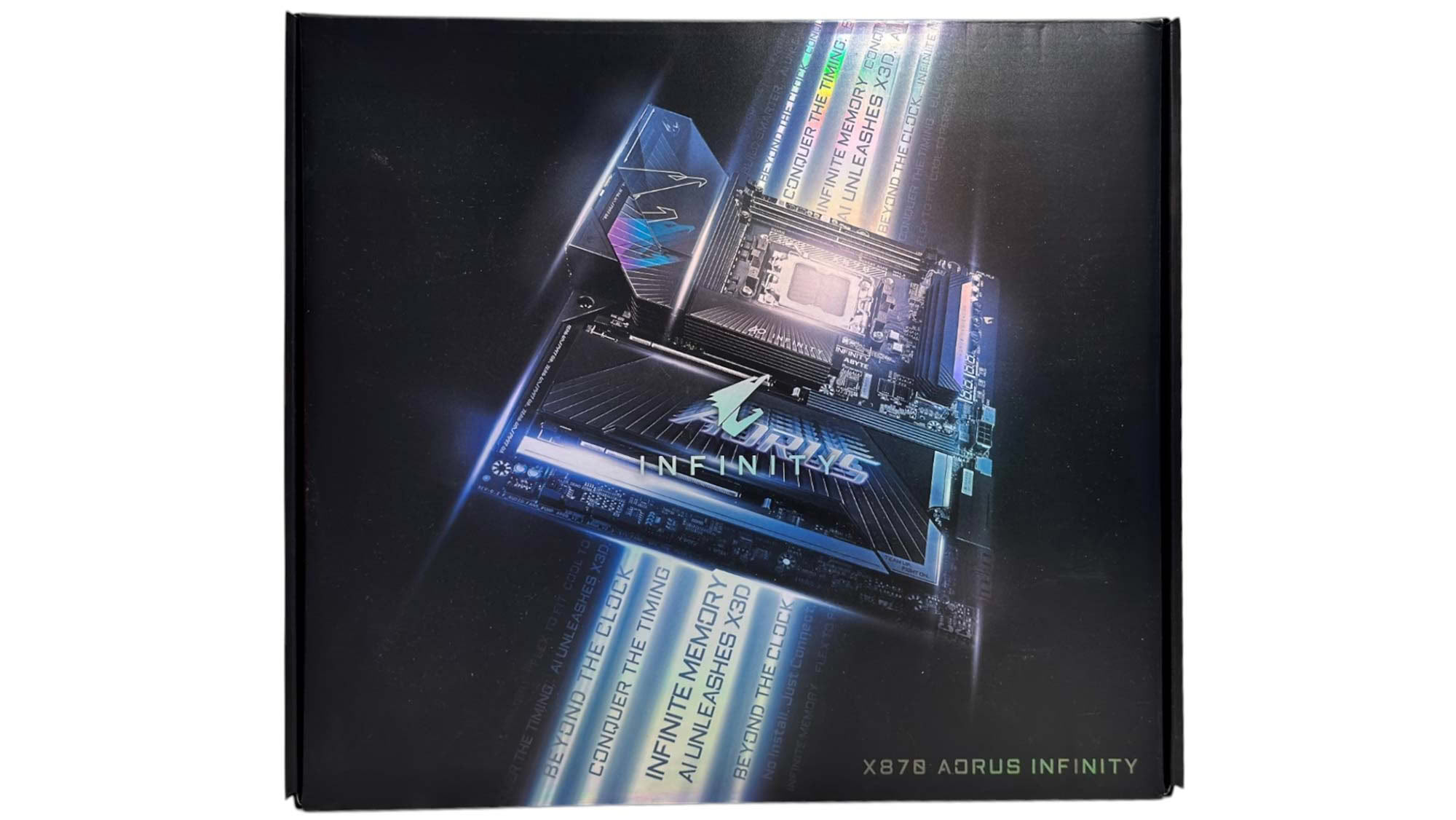
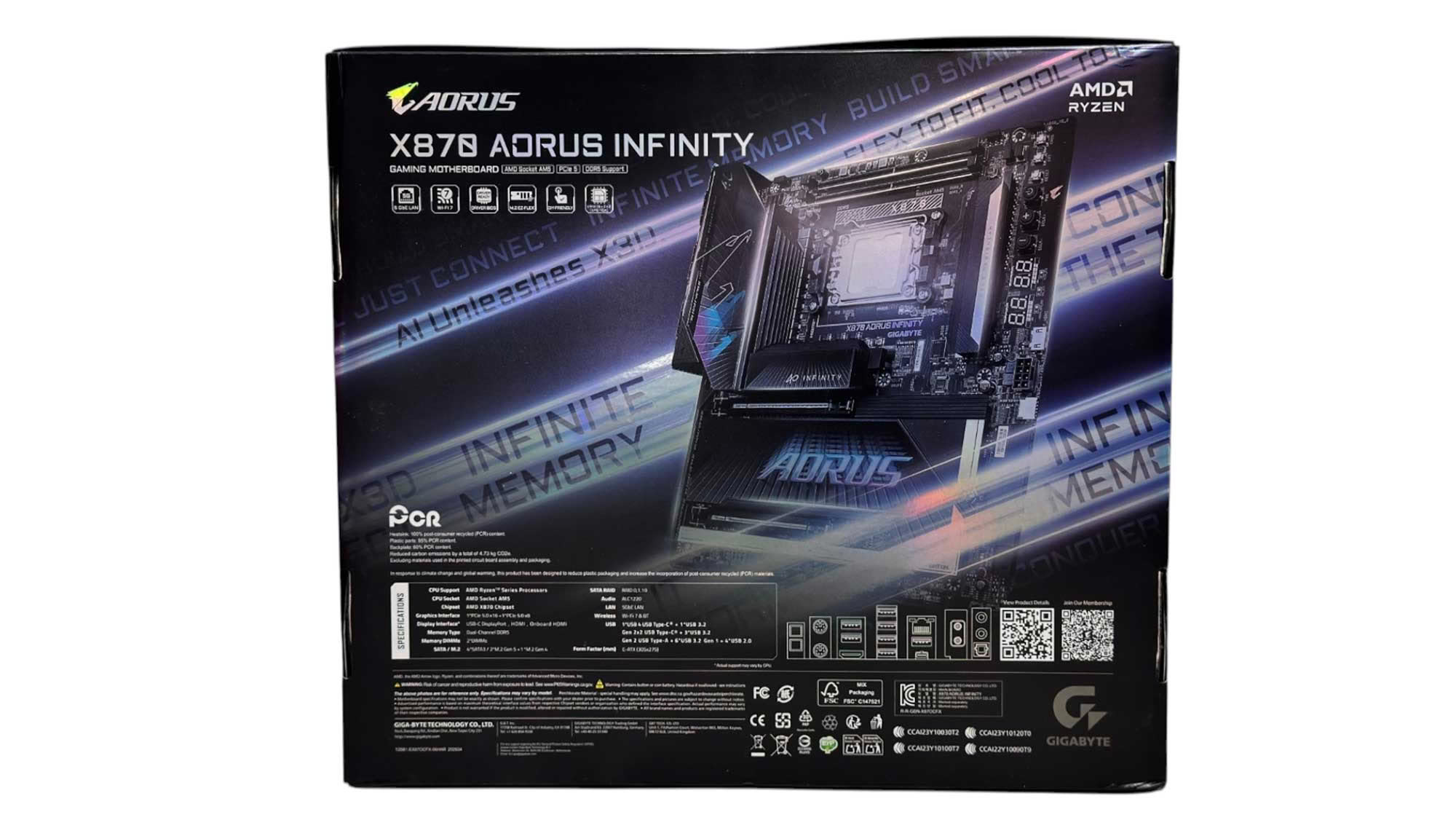
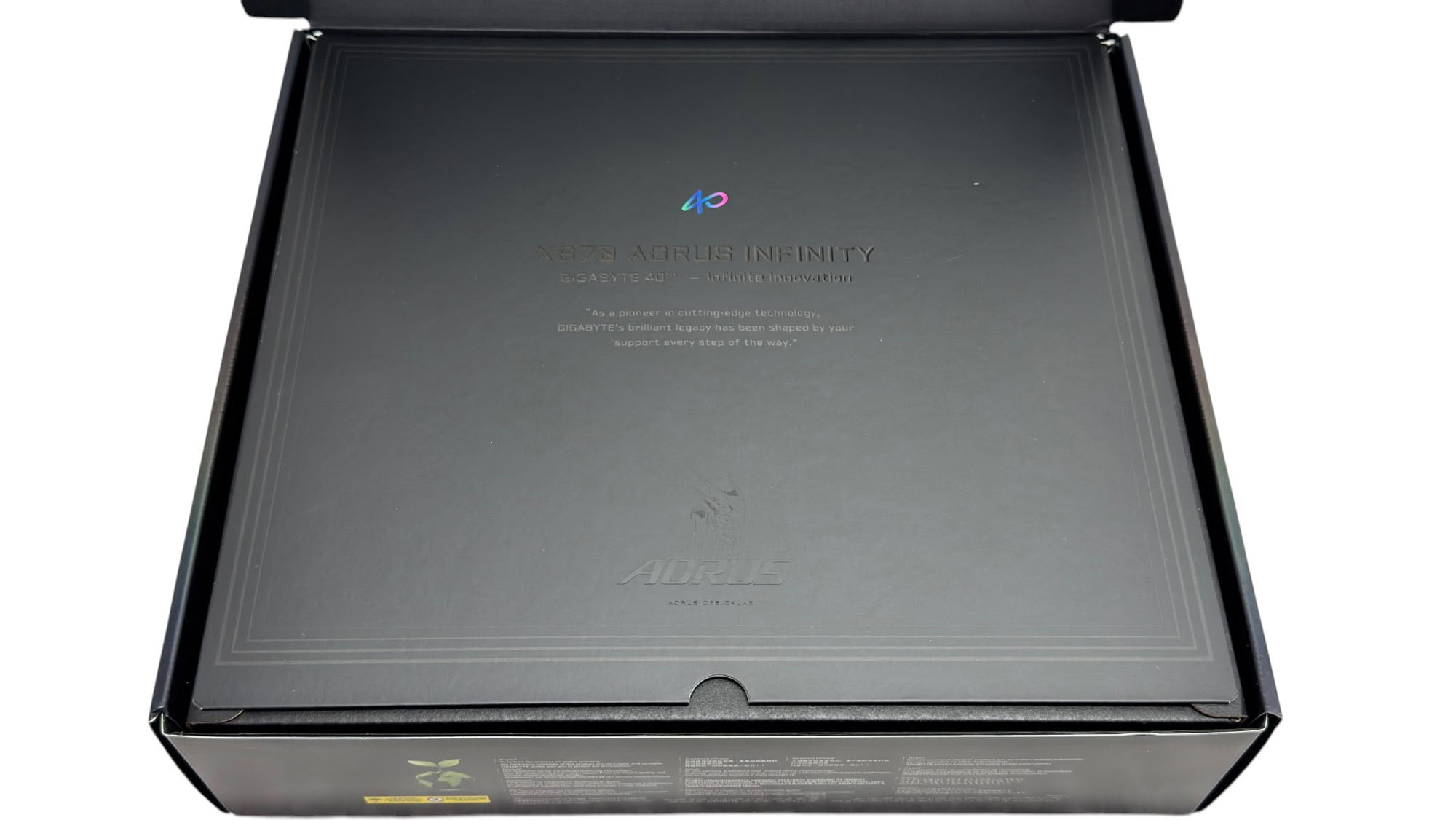
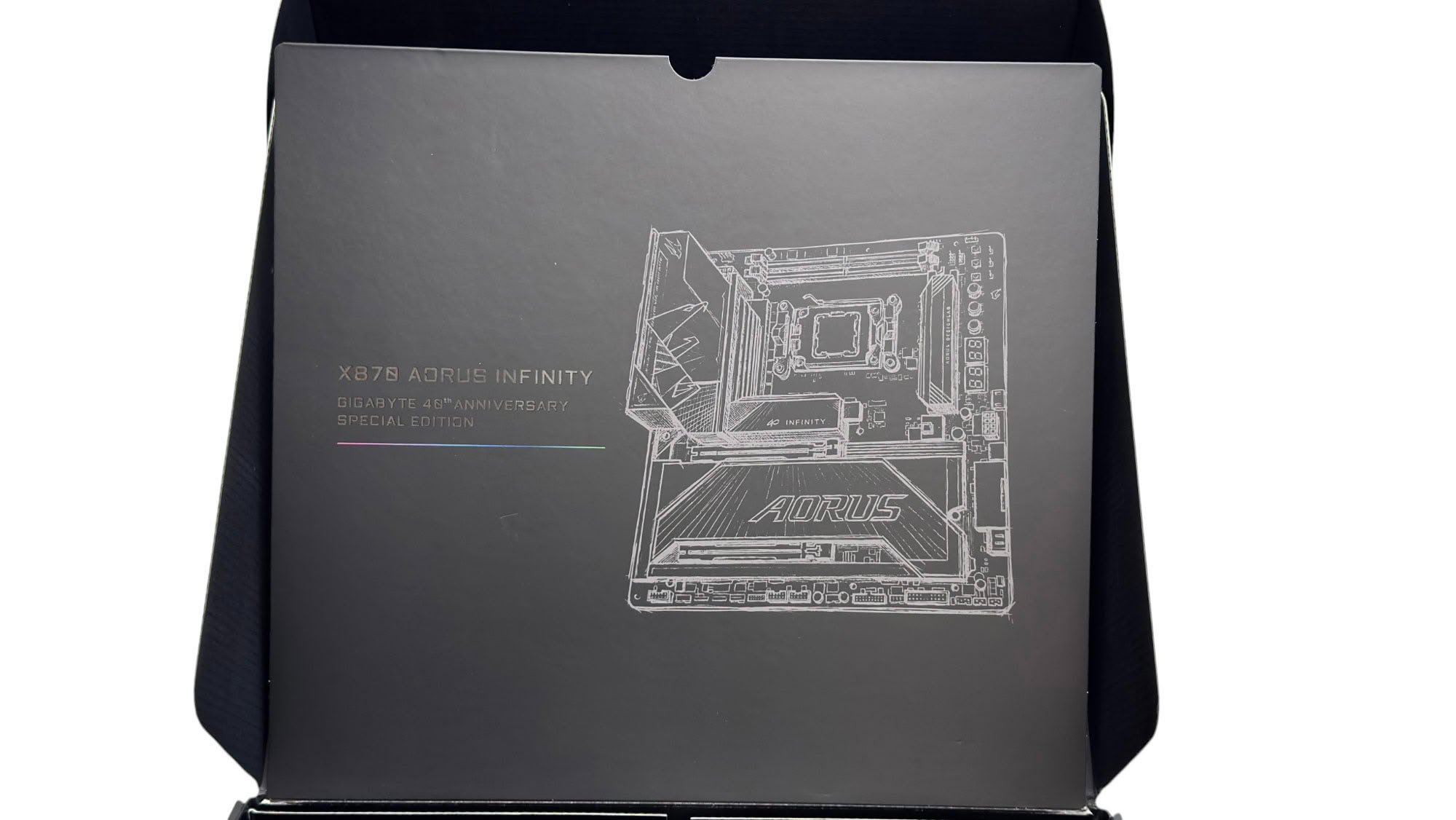
The packaging is attractive and suitably involved for a motherboard at this price, although Gigabyte has been raising the feel-good factor here with its other premium motherboards recently too. We get some added flair with the Gigabyte 40th Anniversary design too.
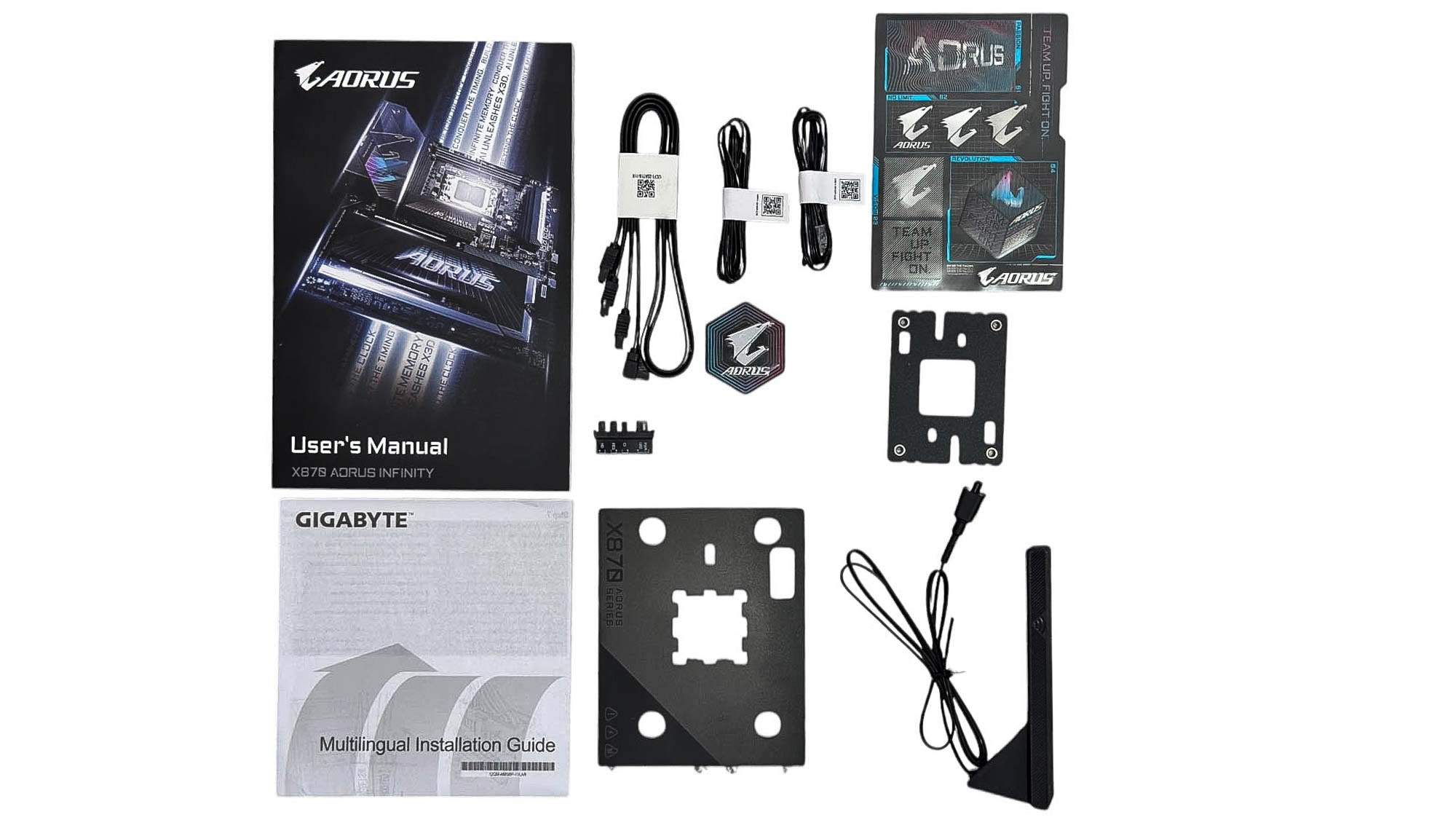
We get the usual magnetic Wi-Fi aerial, two SATA cables, a pair of 2-pin thermistor cables, a user manual, and Aorus-branded stickers and case badge. Additional items include a G Connector, which combines front panel cables into a single connector, making it easier to plug in to your motherboard. The CPU Thermal Matrix is essentially a Socket AM5 contact sealing plate, except you don't need to remove the socket mechanism and can use the standard mounting holes. On the underside it also has thermal pads to offer additional cooling for hotspots around the CPU socket. There's also the OC Backplate for those planning on using extreme cooling.
The full list of accessories includes:
- 1× Wi-Fi antenna
- 2× SATA cables
- 1× User manual
- 1× G Connector
- 2× 2-pin thermistor cables
- 1× CPU OC Backplate
- 1× CPU Thermal Matrix
- 1× Aorus badge
- 1× Quick start guide
Our Patreon Silver Supporters can read articles in single-page format.
Nov 18th, 2026 13:38 PST
change timezone
Latest GPU Drivers
New Forum Posts
- Can i play GTA 6 now? (Joke) (6)
- Very unusual two gaming-pc scenarios. (12)
- Dell Workstation Owners Club (3513)
- Any other old-timers here planning to play WoW Forever? (151)
- Time to upgrade CPU and MOBO (33)
- The Filthy, Rotten, Nasty, Helpdesk-Nightmare picture clubhouse (2876)
- WarpCoreBench scores! (67)
- Honestly, do you care about GTA VI? (144)
- Acer Predator BiFrost Radeon RX 9070 OC (9)
- DTS DCH Driver for Realtek HDA [DTS:X APO4 + DTS Interactive] (2814)
Popular Reviews
- Acemagic Retro X3 Review
- Upcoming Hardware Launches 2027 (Updated Nov 2026)
- AMD Zen 6 Technical Deep Dive
- ASUS ROG Strix B850-I Gaming Wi-Fi7 W Review
- Corsair HX1000i Shift Crystal Review
- Biwin Black Opal NV7400 2 TB Review
- Chieftec Iceberg PRO 360 DARK Review
- AMD Ryzen 7 9800X3D Review - The Best Gaming Processor
- Pulsar Office Tour & First Look at P1 Dual-Sensor Mouse
- Phantom Blade Zero Performance Benchmark Review - 35 GPUs Tested
TPU on YouTube
Controversial News Posts
- NVIDIA Co-Founder and CEO Jensen Huang Officially Resigns (478)
- Report: Jensen Huang Eyes NVIDIA Comeback (187)
- Open Letter Asking NVIDIA to Reinstate Jensen Huang Passes 115,000 Signatures (184)
- OpenAI CEO Argues Home PCs Waste the World's Limited DRAM Supply (152)
- NVIDIA Launches Investigation Into Jensen Huang's Relationship With Suspected Chinese Spy (136)
- Intel "Raptor Lake Next" 16-Core and 20-Core CPUs Surface (130)
- Legendary Game Studio BioWare Shuts Down Following EA Layoffs (104)
- Dell CEO Says the Memory Shortage Will Get Worse in 2027 (95)