 29
Gigabyte X870E Aero X3D Wood Review
(29 Comments) »Introduction

Credit where credit is due - Gigabyte has continually been knocking it out of the park in terms of aesthetics, especially where white motherboards are concerned. Its new X3D motherboards dial this prowess up along with new features, but the X870E Aero X3D Wood adds even more to the equation.
Its new boards have automatically adjusting M.2 heatsinks, a doubling of BIOS size and tweaked bandwidth to avoid stealing PCIe lanes from your GPU whatever setup you have. Of course, the stand-out feature with the board we're looking at today is the addition of light wood veneer mixed in with stunning silvery gun metal heatsinks. It's rare that a motherboard makes you go wow when you get it out of the box and even rarer when that motherboard also costs less than $500.

If anything, the competition for the X870E Aero X3D Wood comes from within Gigabyte's own ranges with the existing X3D range. The excellent X870E Aorus Pro X3D Ice for example, costs around $50 less, but does have a slightly higher specification in a few areas. We'll be putting the new kid on the block through our usual tests and seeing if it stacks up compared to other similarly-priced X870E competition.
Specifications
| Specifications | |
|---|---|
| CPU Support: | AMD Socket AM5 Ryzen 7000, 9000 |
| Power Design: | CPU Power: 16-phase/OnSemi NCP 302155R/60 A SOC Power: 2-phase/OnSemi NCP 302155R/60 A MISC Power: 2-phase/OnSemi NCP 302155R/60 A |
| Chipset: | AMD X870E |
| Integrated Graphics: | Supported 2× DisplayPort 1.4 via Type-C 1× HDMI 2.1 1× HDMI 1.4 (PCB) |
| Memory: | 4× DIMM, Support up to 256 GB DDR5-9000 (OC) |
| BIOS: | 512 Mbit (64 MB) AMI UEFI |
| Expansion Slots: | 1× PCIe Gen 5 x16 slot (x16, x8/x8, x8/x4/x4, x4/x4/x4/x4) 1× PCIe Gen 5 x16 slots (x8) 1× PCIe Gen 4 x16 slots (x4) |
| Storage: | 4× SATA 6 Gb/s 2× M.2 (PCIe Gen 5 x4) 2× M.2 (PCIe Gen 4 x4) |
| Networking: | 2× Realtek 8126 5 Gbps Ethernet 1× MediaTek MT7925 Wi-Fi 7 |
| Rear Ports: | BIOS Flashback button CMOS clear button Power button Reset button 2× 5 Gbps Ethernet 1× HDMI 2.1 2× USB4 40 Gbps (Type-C) 1× USB 3.2 Gen 2 2x2 20 Gbps (Type-C) 5× USB 3.2 Gen 2 10 Gbps (Type-A) 3× USB 3.0 (Type-A) 2× Wi-Fi antenna connectors 2× Audio jacks 1× Optical S/PDIF Out port |
| Audio: | 1× Realtek ALC1220 Codec |
| Fan / Thermistor headers: | 8× 4-pin/2 |
| Form Factor: | ATX Form Factor 12.0 × 9.6 in./30.5 × 24.4 cm |
| Exclusive Features: |
|
Packaging and Contents
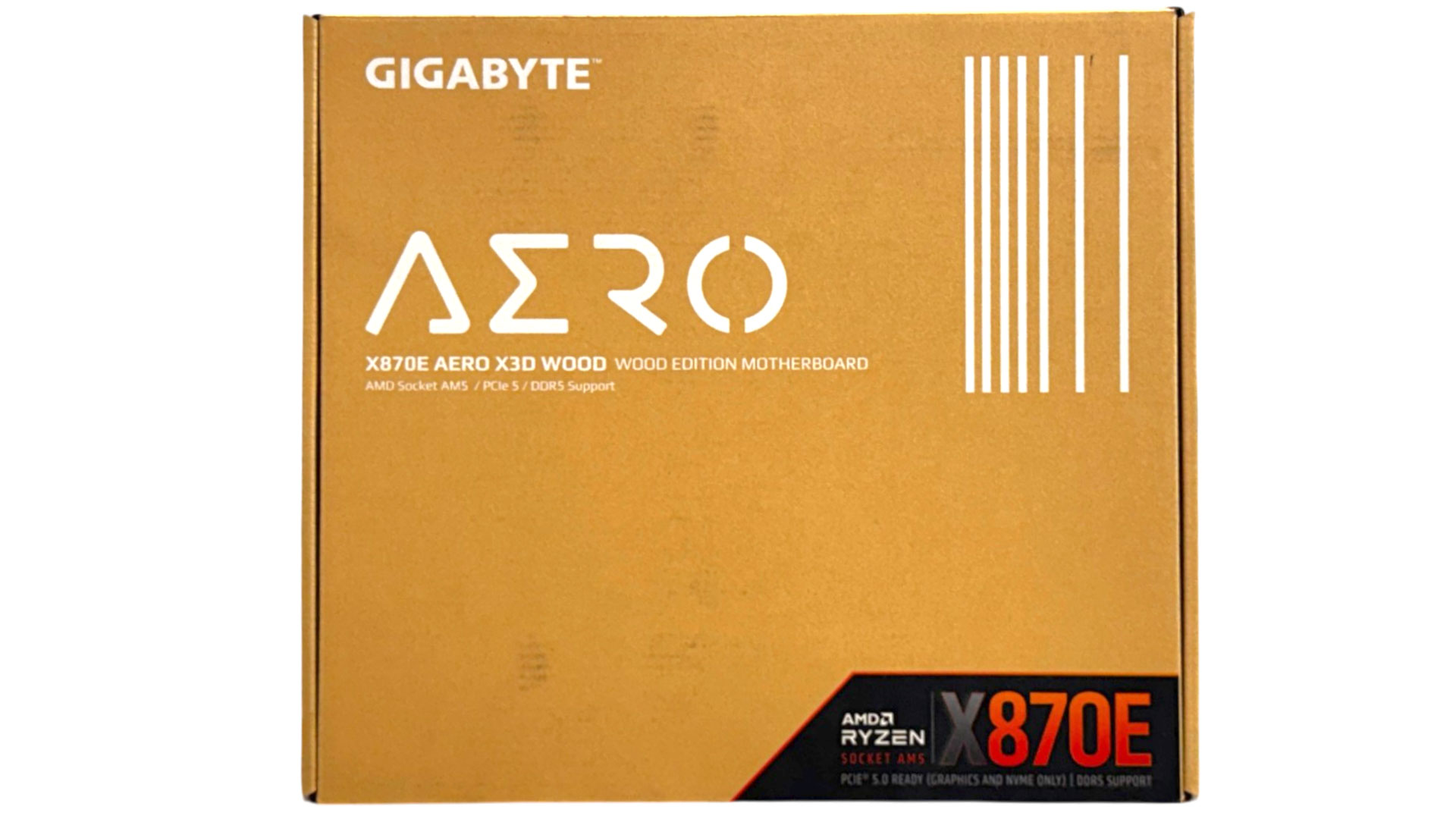
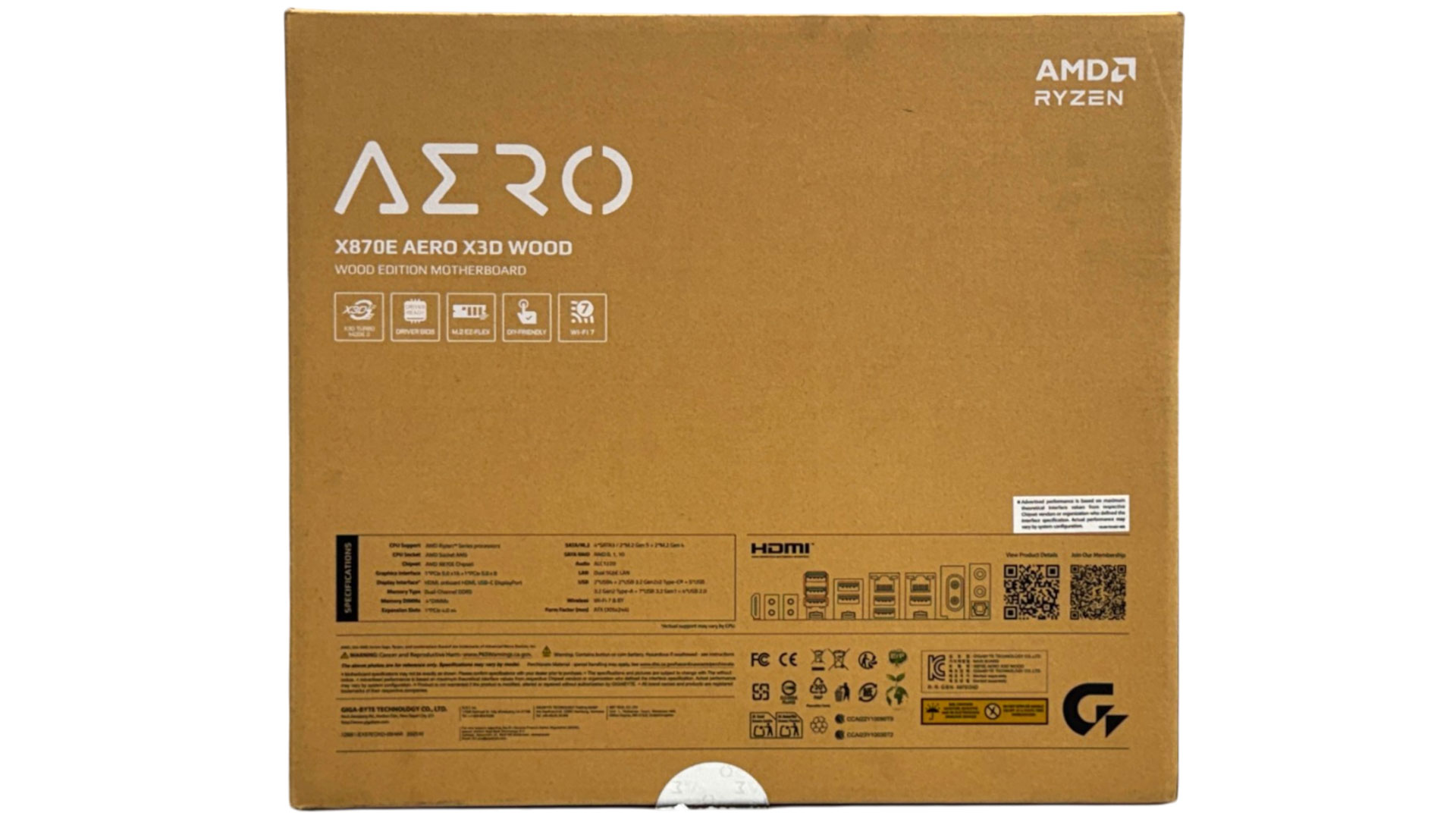
Included accessories are pretty thin for a motherboard costing nearly $500, especially as the similarly-priced ASUS ROG Strix X870E-A Gaming Wi-Fi 7 Neo includes a memory cooling fan. Still, you get the essentials such as a Wi-Fi antenna and two SATA cables, with extras being an aero-branded keychain and G Connector, which allows you to add front panel cables to it, and then plug it into your motherboard for an easier installation. There are M.2 SSD supports included too for single-sided and double-sided SSDs for ports that lack underside heatsinks, supporting the SSD to ensure good contact with the heatsink above.
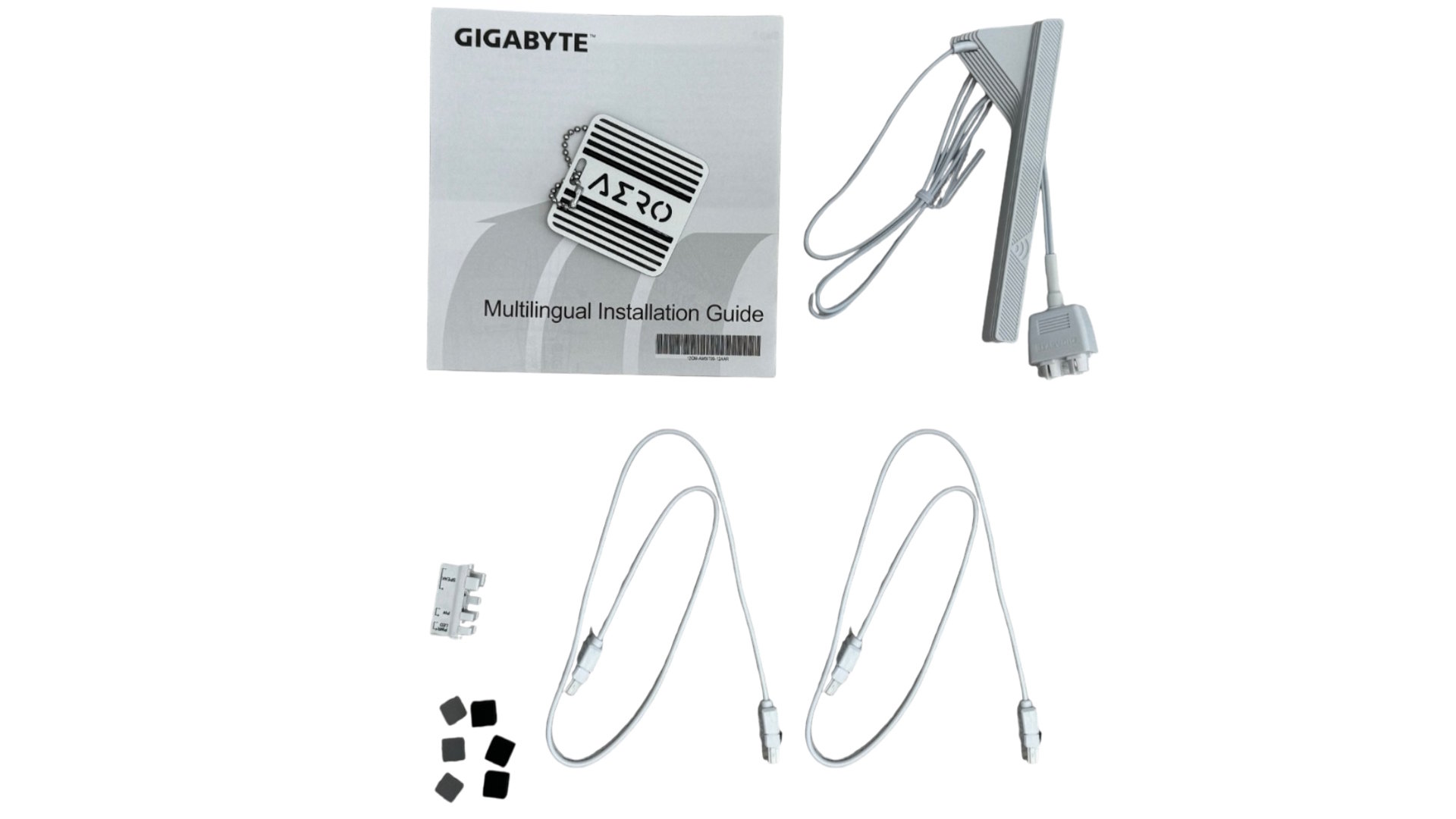
The full list of accessories includes:
- 1× Wi-Fi antenna
- 2× SATA cables
- User manual
- 1× Aero keychain
- 1× G Connector
- 3× M.2 rubber supports
- 1× Quick start guide
Our Patreon Silver Supporters can read articles in single-page format.
Nov 21st, 2026 22:22 PST
change timezone
Latest GPU Drivers
New Forum Posts
- TPU's Nostalgic Hardware Club (22191)
- SATA drive 1.4 GBps with Intel X25-E on Windows 98! (40)
- How to prevent OLED burn damage due to PC freezes or power outtages? (52)
- Ryzen or Intel system (11)
- AI generated images... (231)
- RX 9000 series GPU Owners Club (2252)
- Your PC ATM (36446)
- Introducing DST Bench : one of the most advanced disk benchmark and storage analyzer real-time software (7)
- UPS what one to get? (26)
- repair an NVIDIA Quadro M4000 (1)
Popular Reviews
- Microsoft Surface Laptop Ultra Review - The Next-gen Arm Laptop
- Corsair RM1200e (Second Generation) Review
- Pulsar Office Tour & First Look at P1 Dual-Sensor Mouse
- Upcoming Hardware Launches 2027 (Updated Nov 2026)
- Ugreen NASync DXP4800 GT Review
- AMD Ryzen 7 9800X3D Review - The Best Gaming Processor
- Biwin Black Opal NV7400 2 TB Review
- AMD Zen 6 Technical Deep Dive
- Phantom Blade Zero Performance Benchmark Review - 35 GPUs Tested
- AMD Ryzen 7 5800X3D 10th Anniversary Review
TPU on YouTube
Controversial News Posts
- NVIDIA Co-Founder and CEO Jensen Huang Officially Resigns (492)
- Report: Jensen Huang Eyes NVIDIA Comeback (262)
- Open Letter Asking NVIDIA to Reinstate Jensen Huang Passes 115,000 Signatures (184)
- OpenAI CEO Argues Home PCs Waste the World's Limited DRAM Supply (152)
- NVIDIA Launches Investigation Into Jensen Huang's Relationship With Suspected Chinese Spy (136)
- Intel "Raptor Lake Next" 16-Core and 20-Core CPUs Surface (130)
- NVIDIA GeForce RTX 50-Series Scheduled for up to $500 Price Hike This Week (89)
- Intel Razor Lake Gets a 12 P-Core bLLC Chip With No E-Cores, Per Leak (86)