 16
Gigabyte X870E Aorus Pro X3D Ice Review
Board Software »BIOS Overview
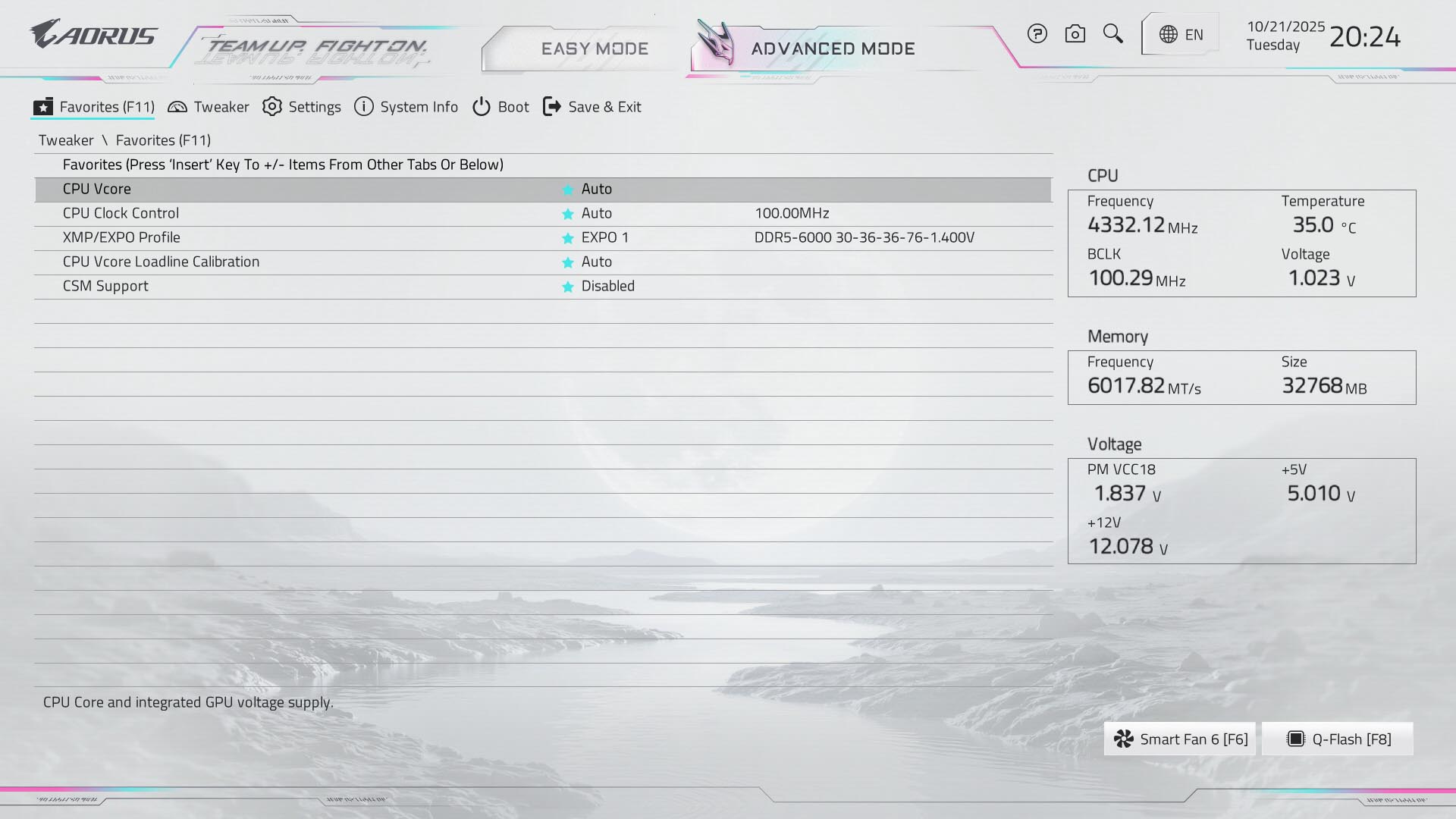
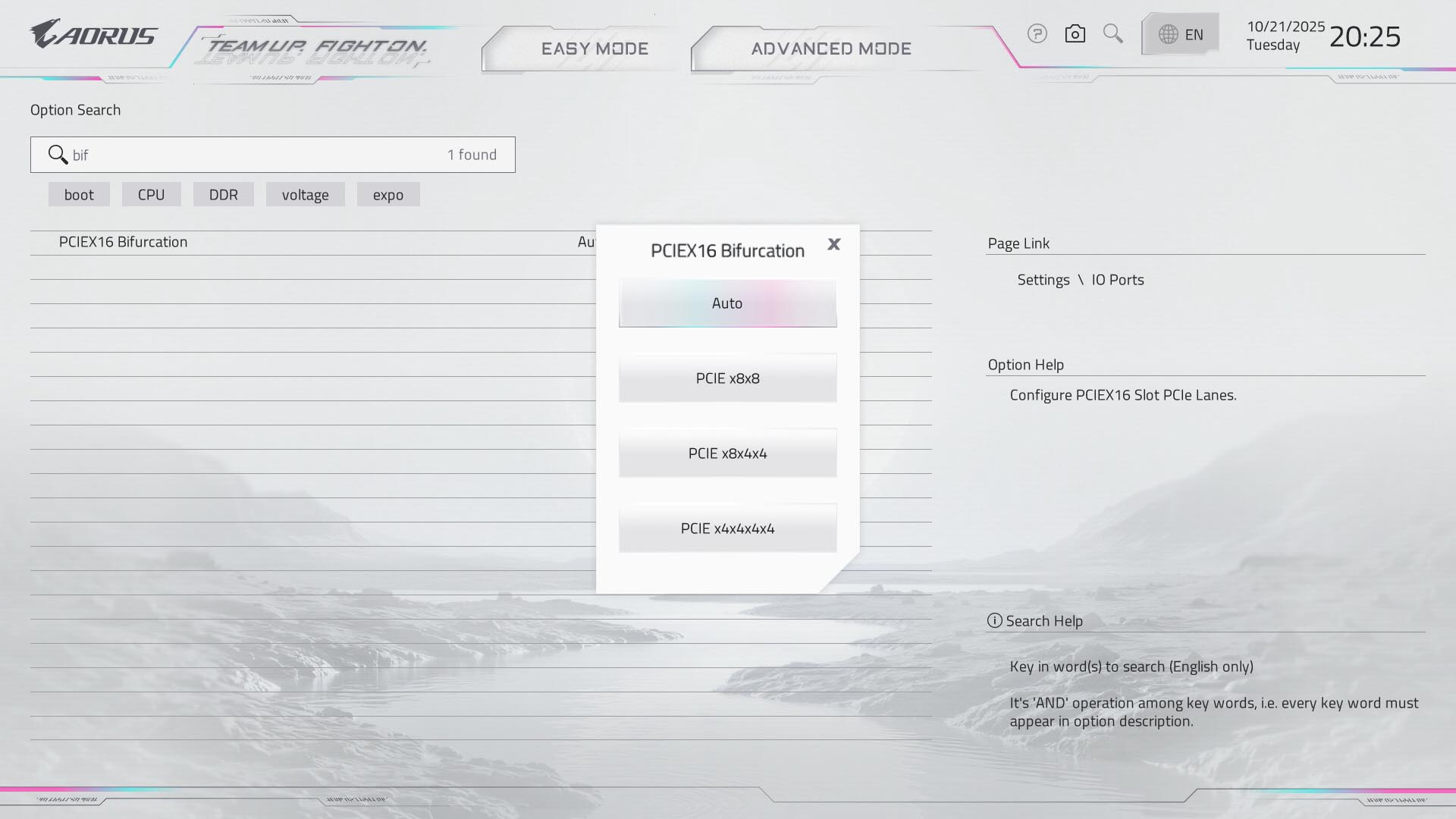
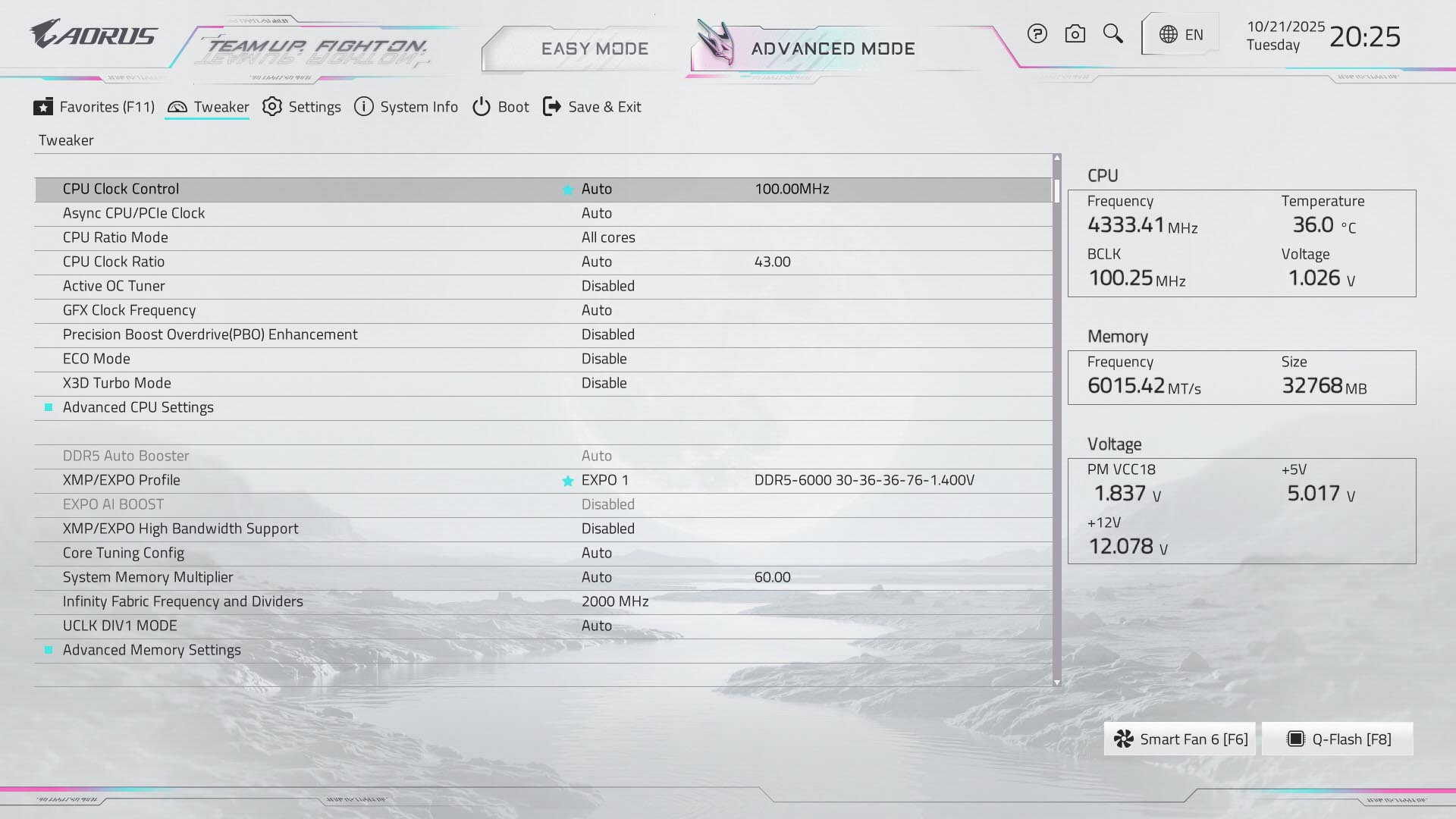
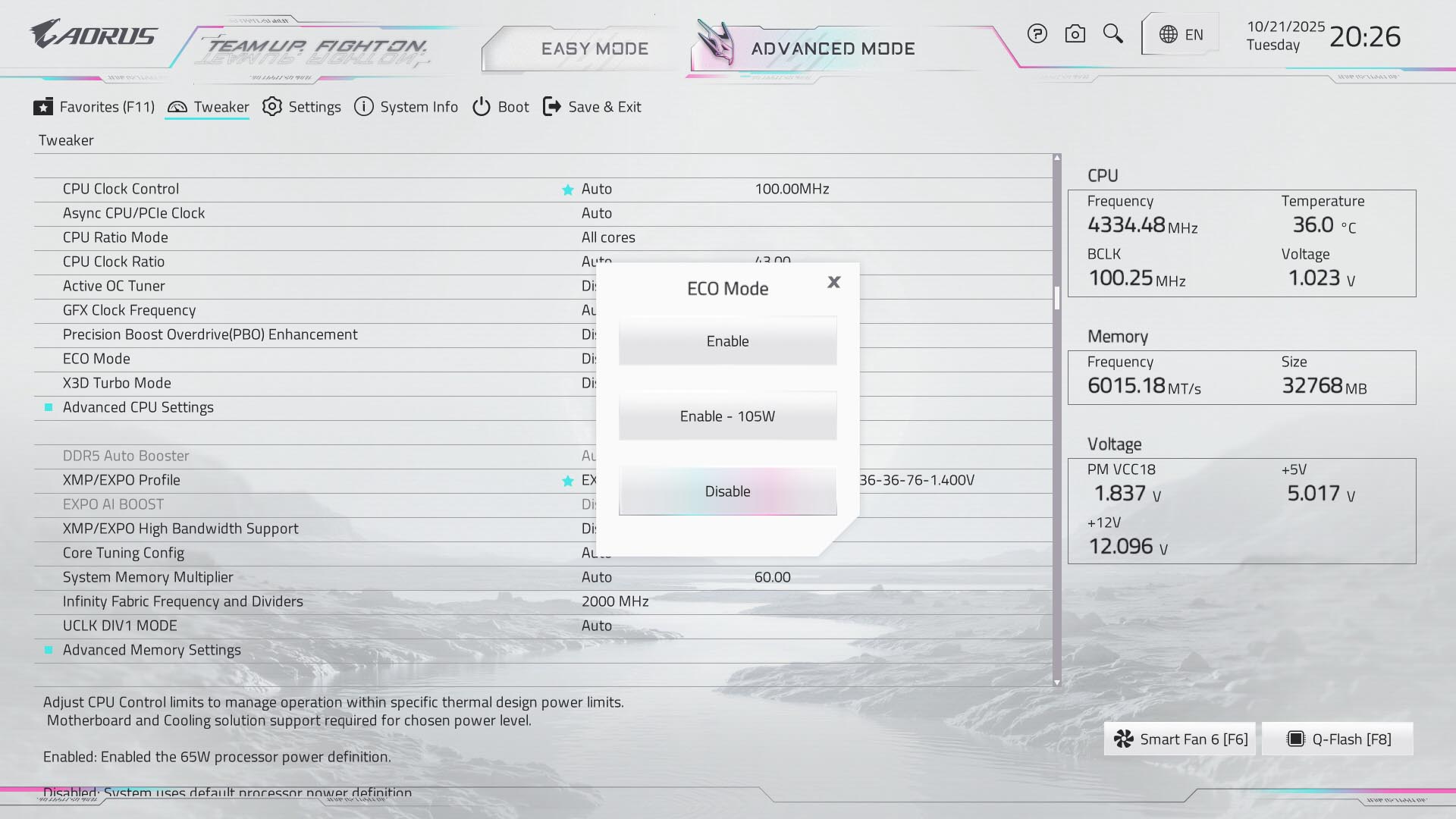
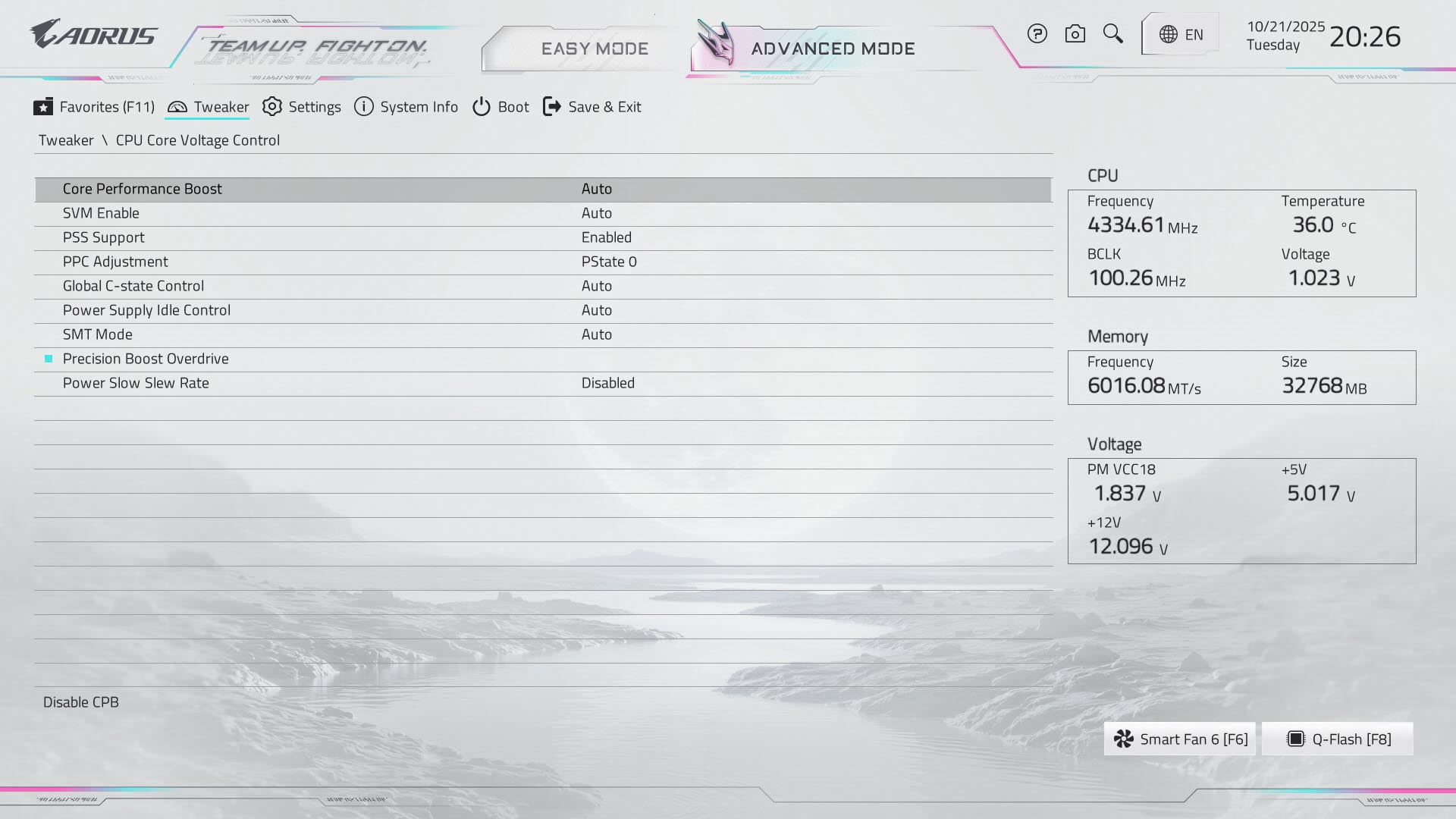
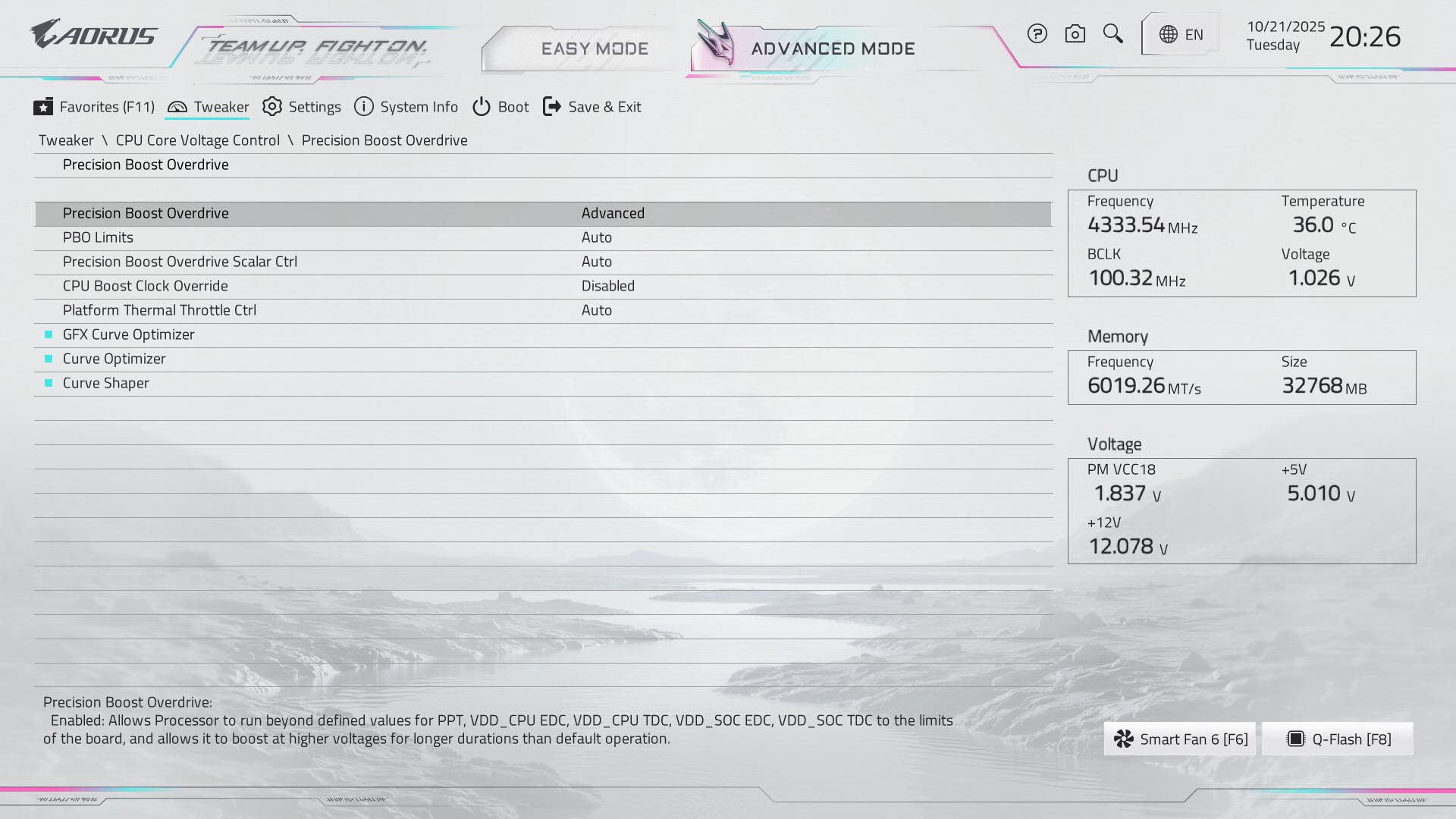
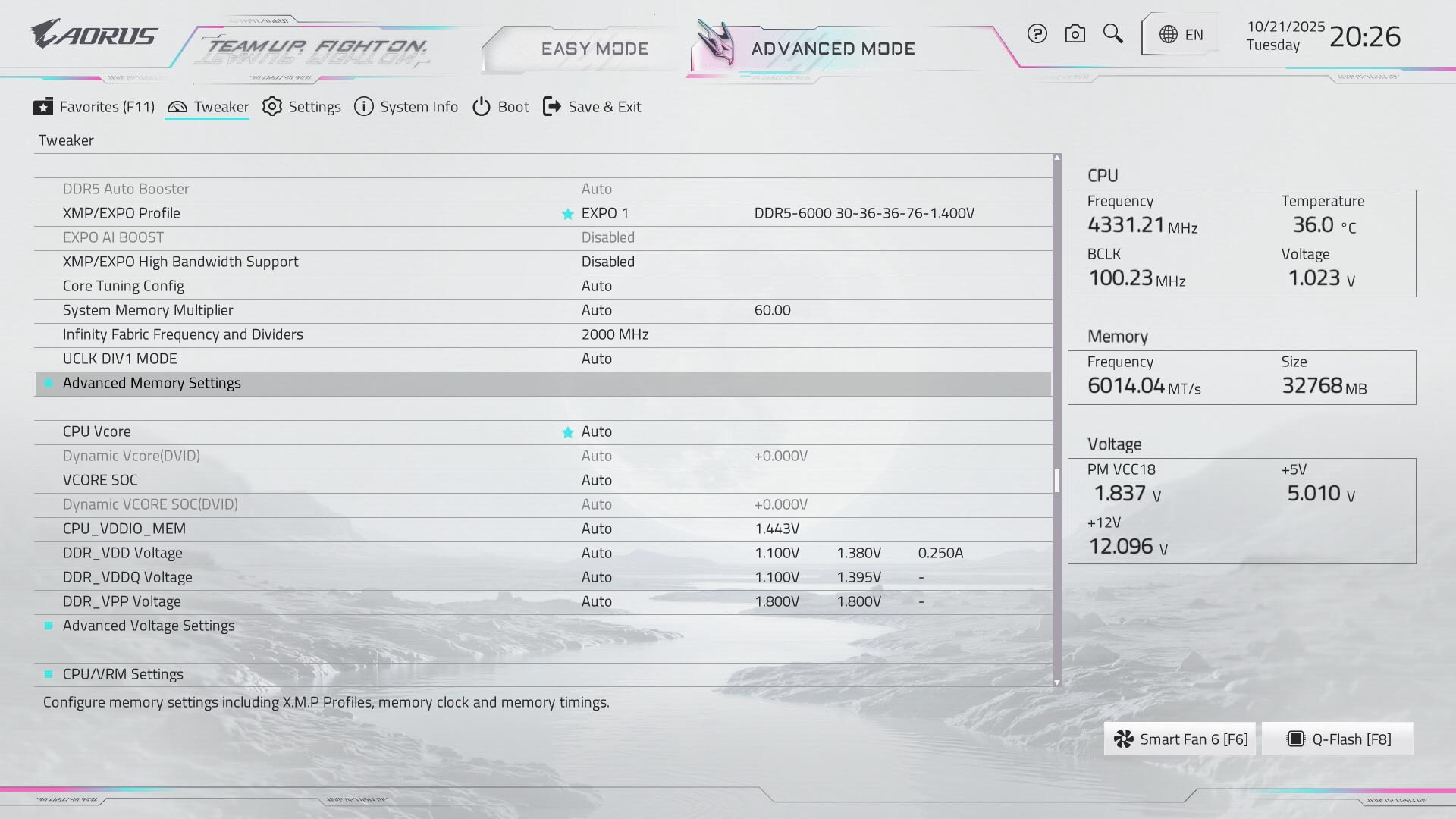
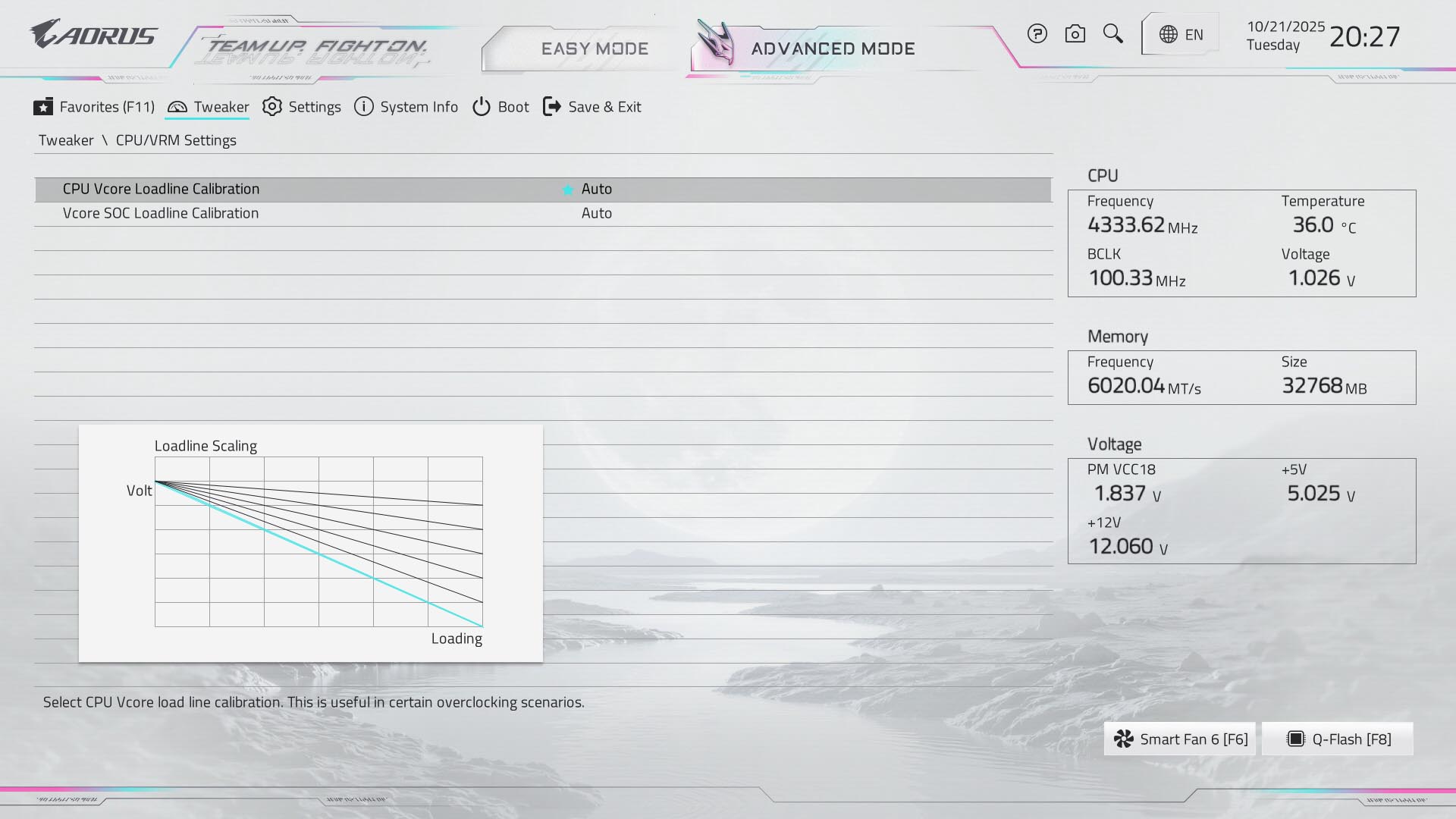
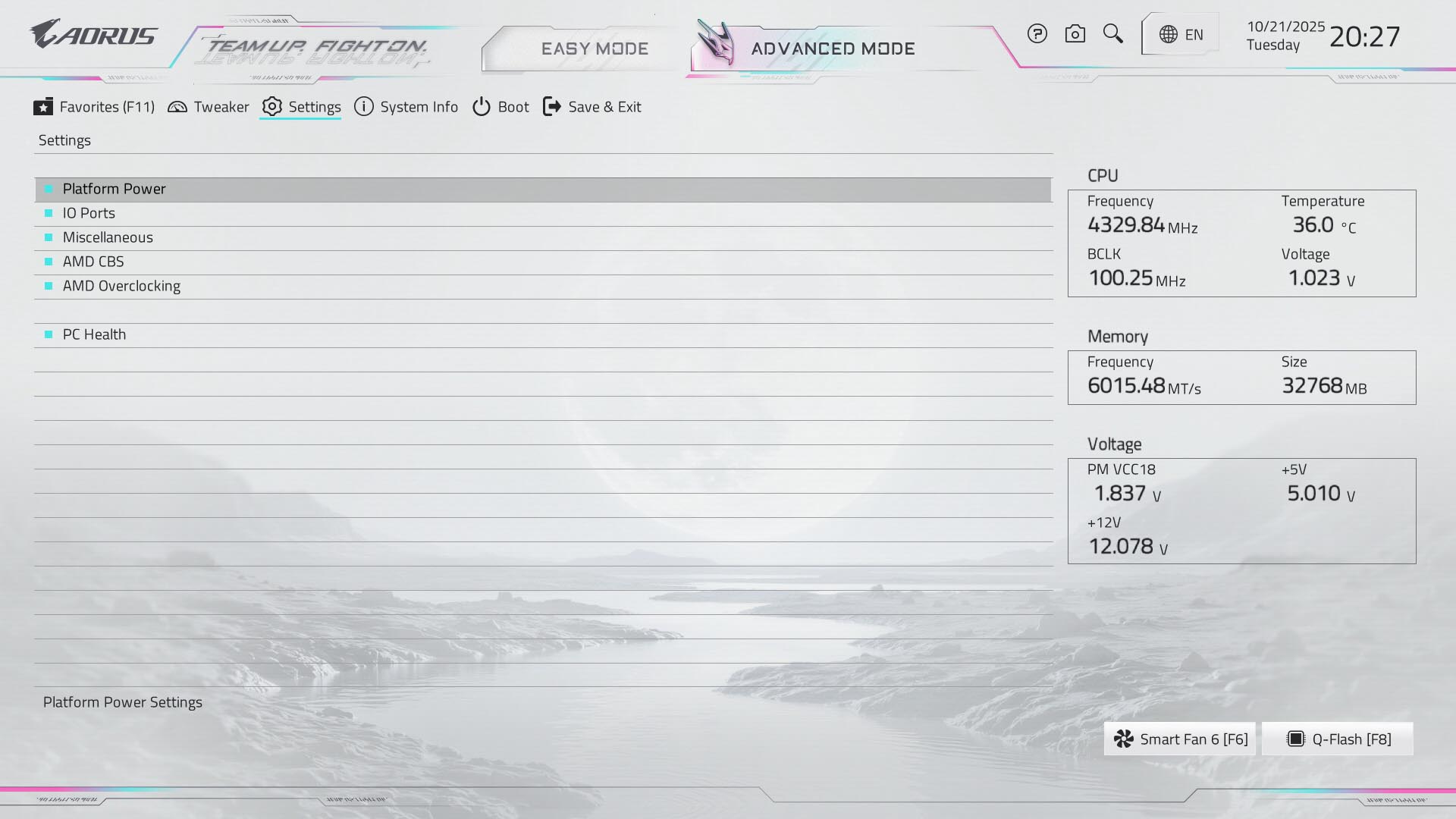
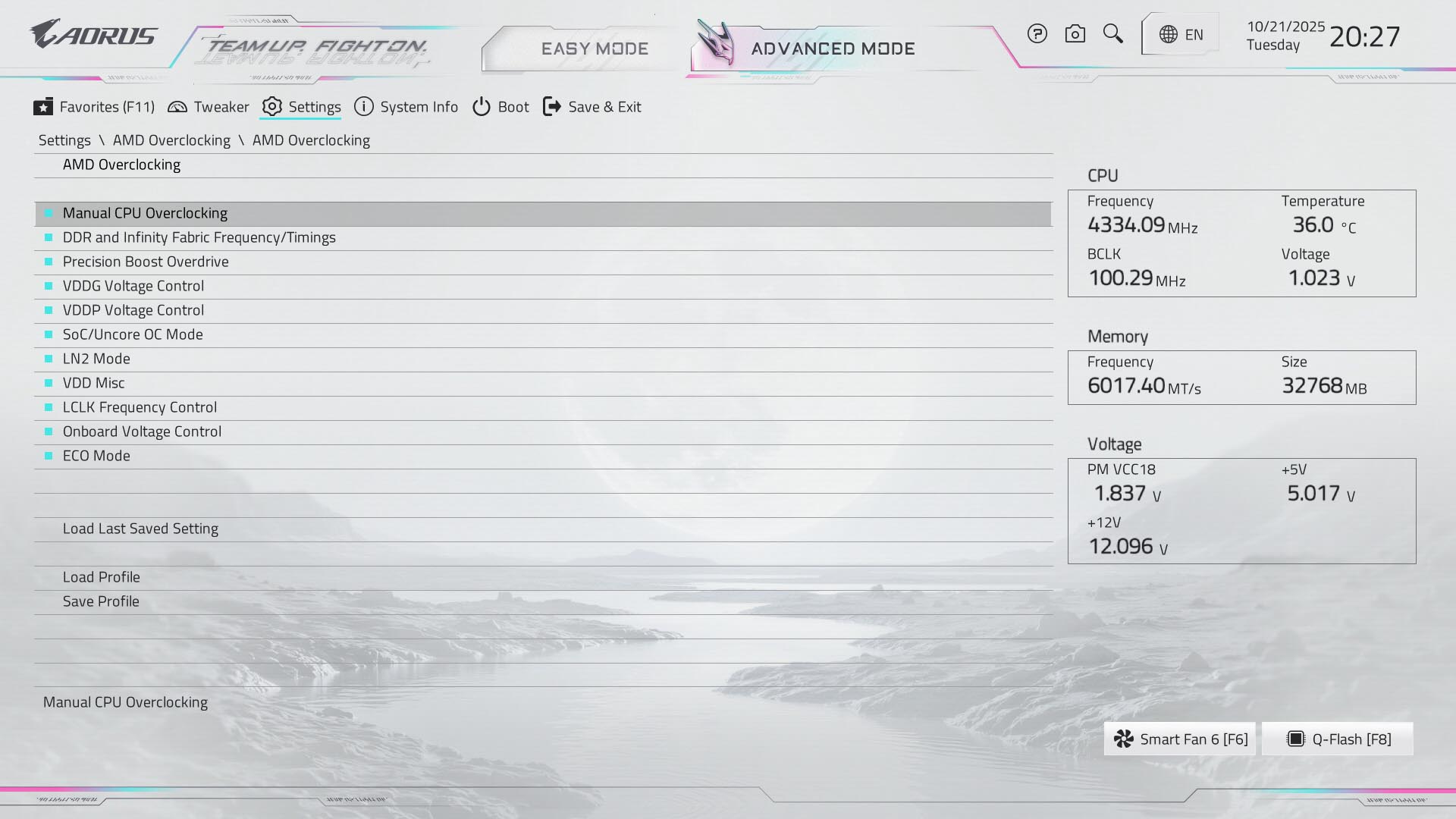
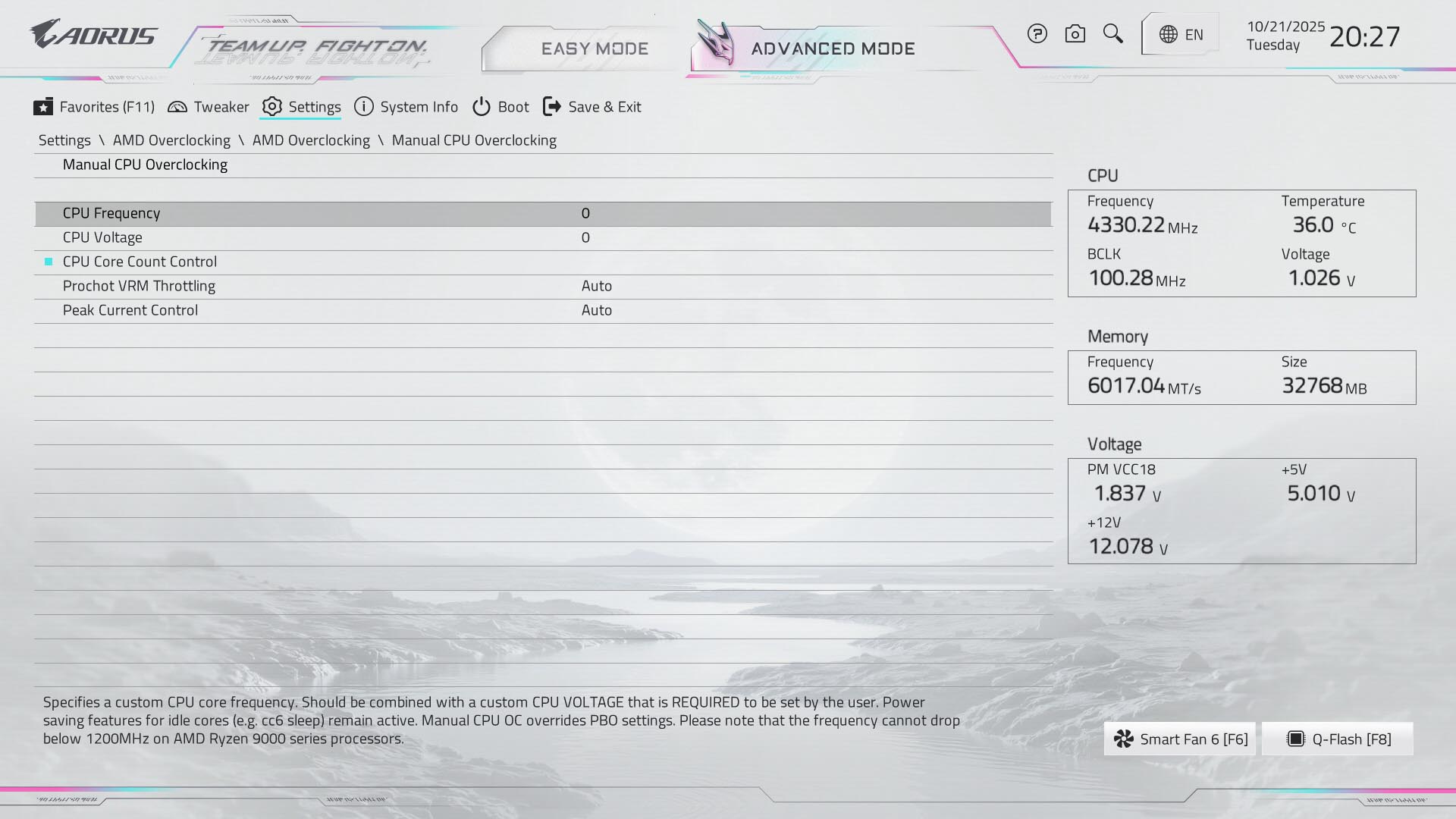
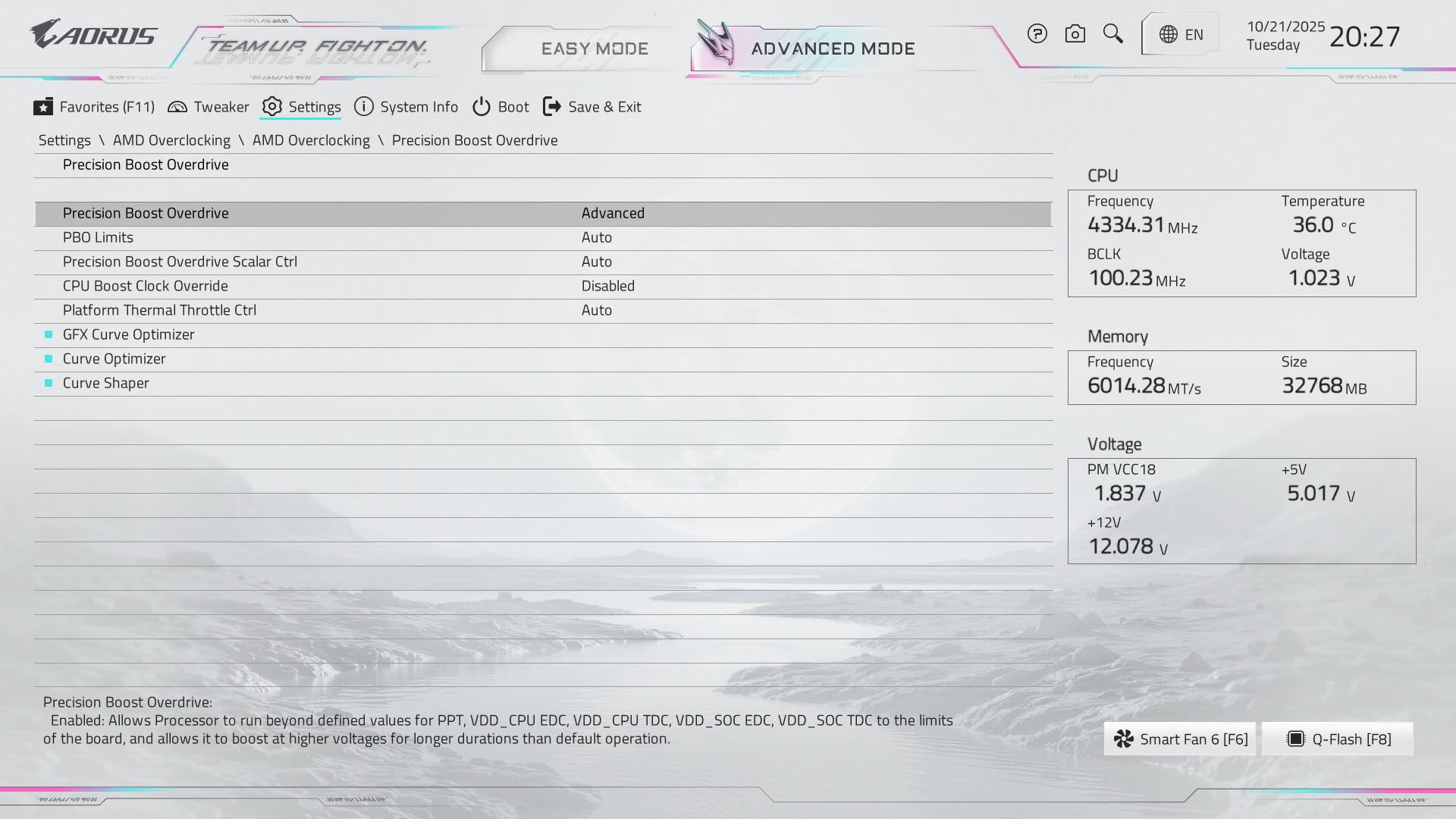
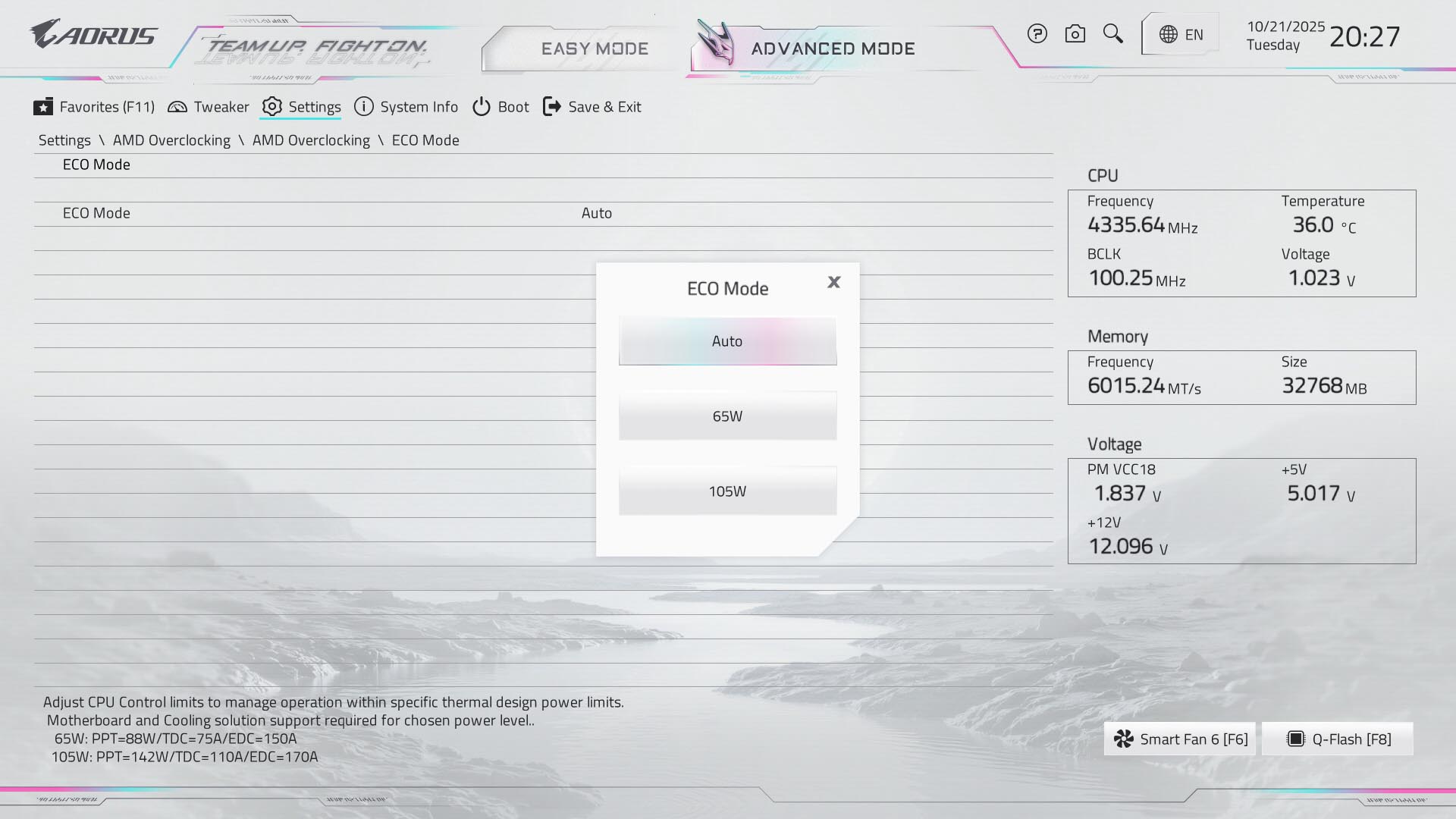
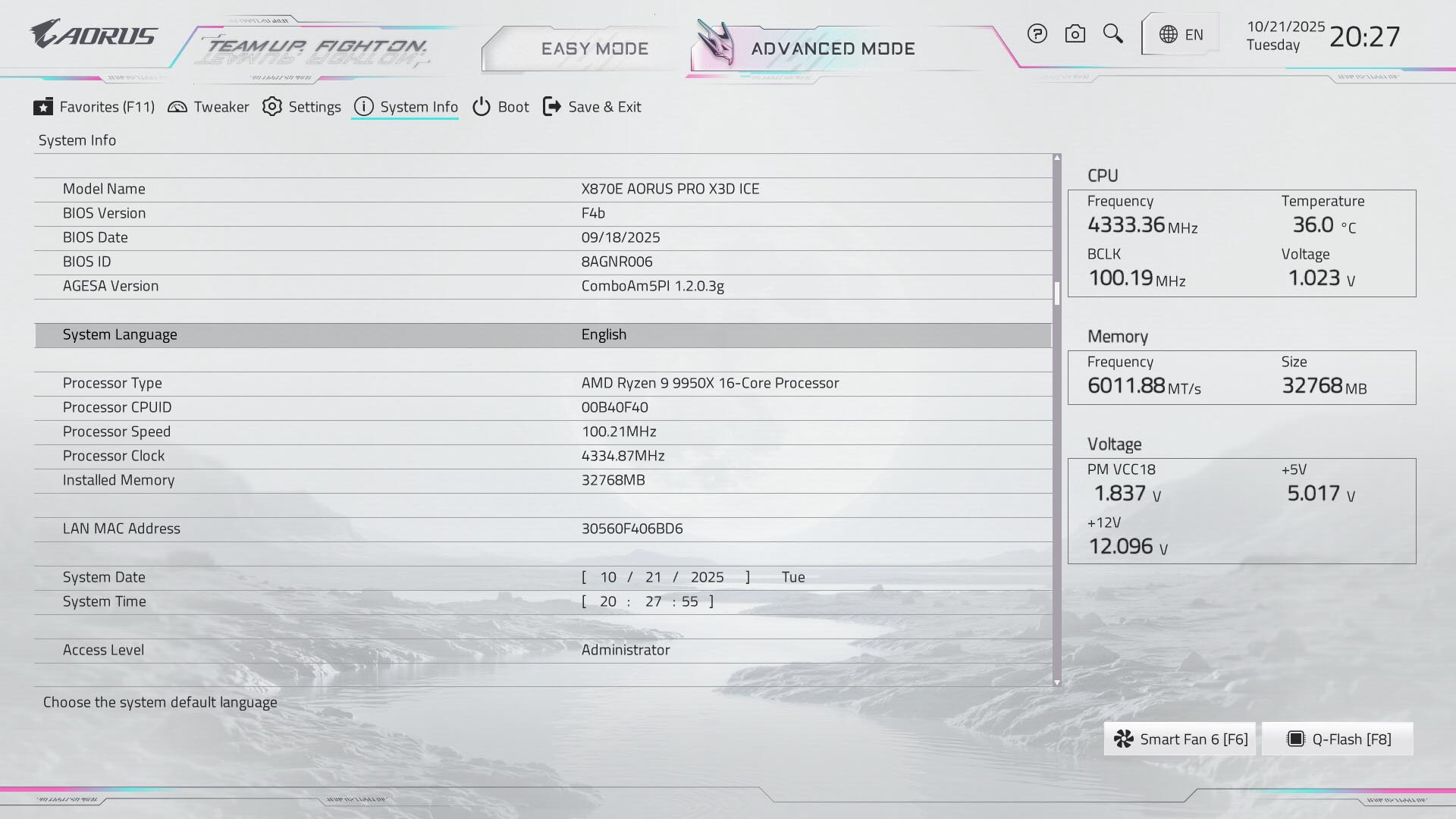
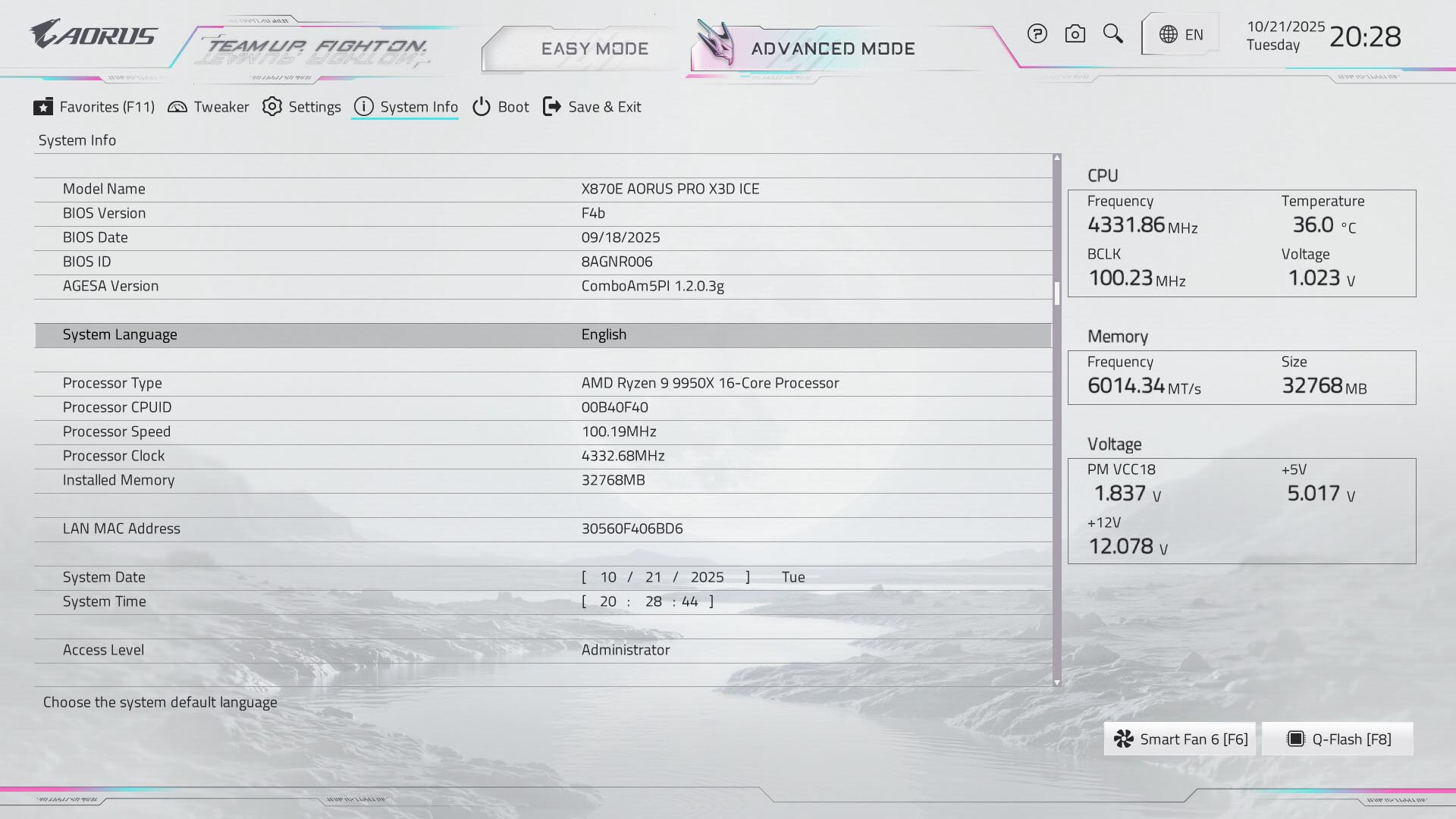
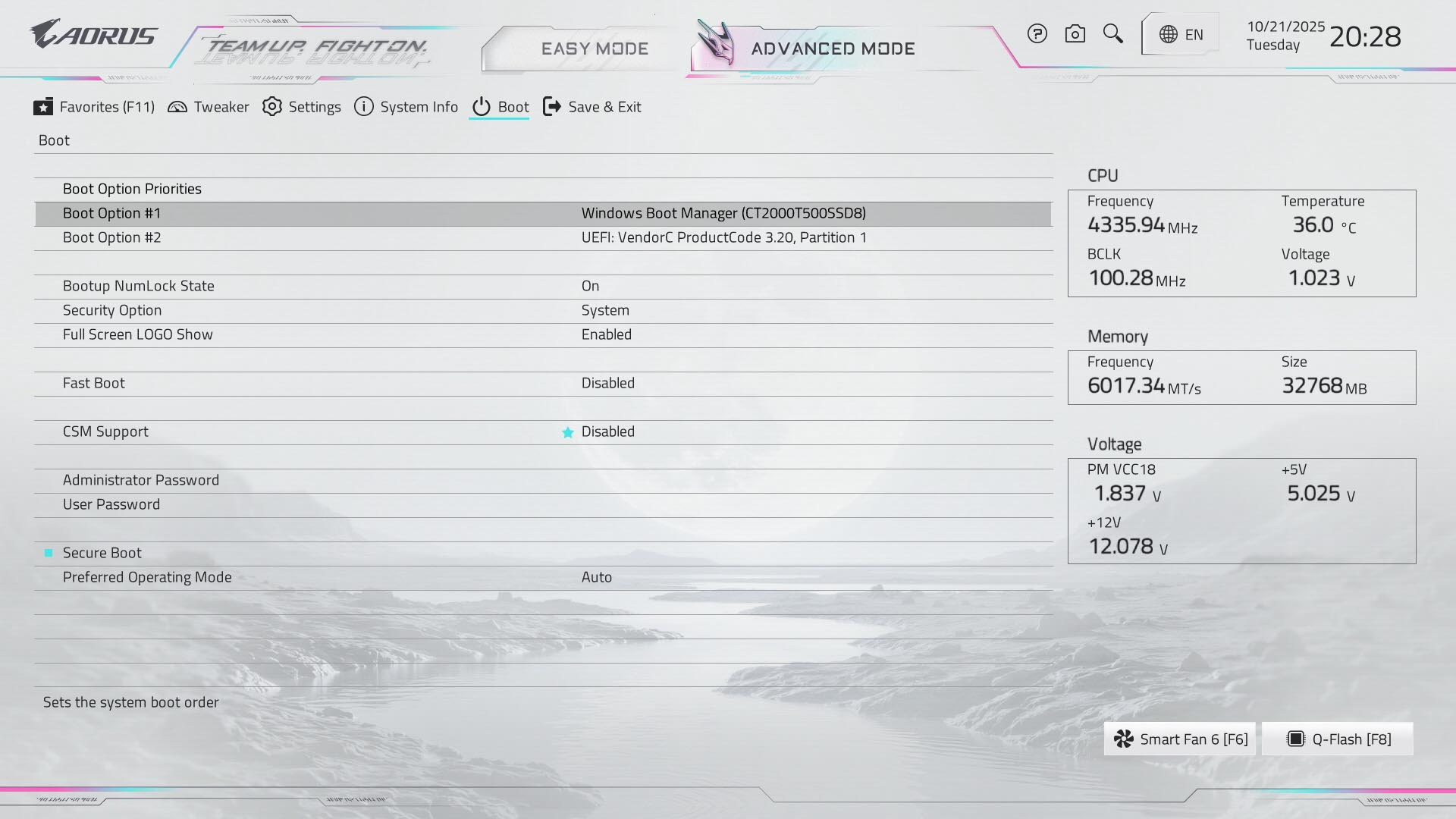
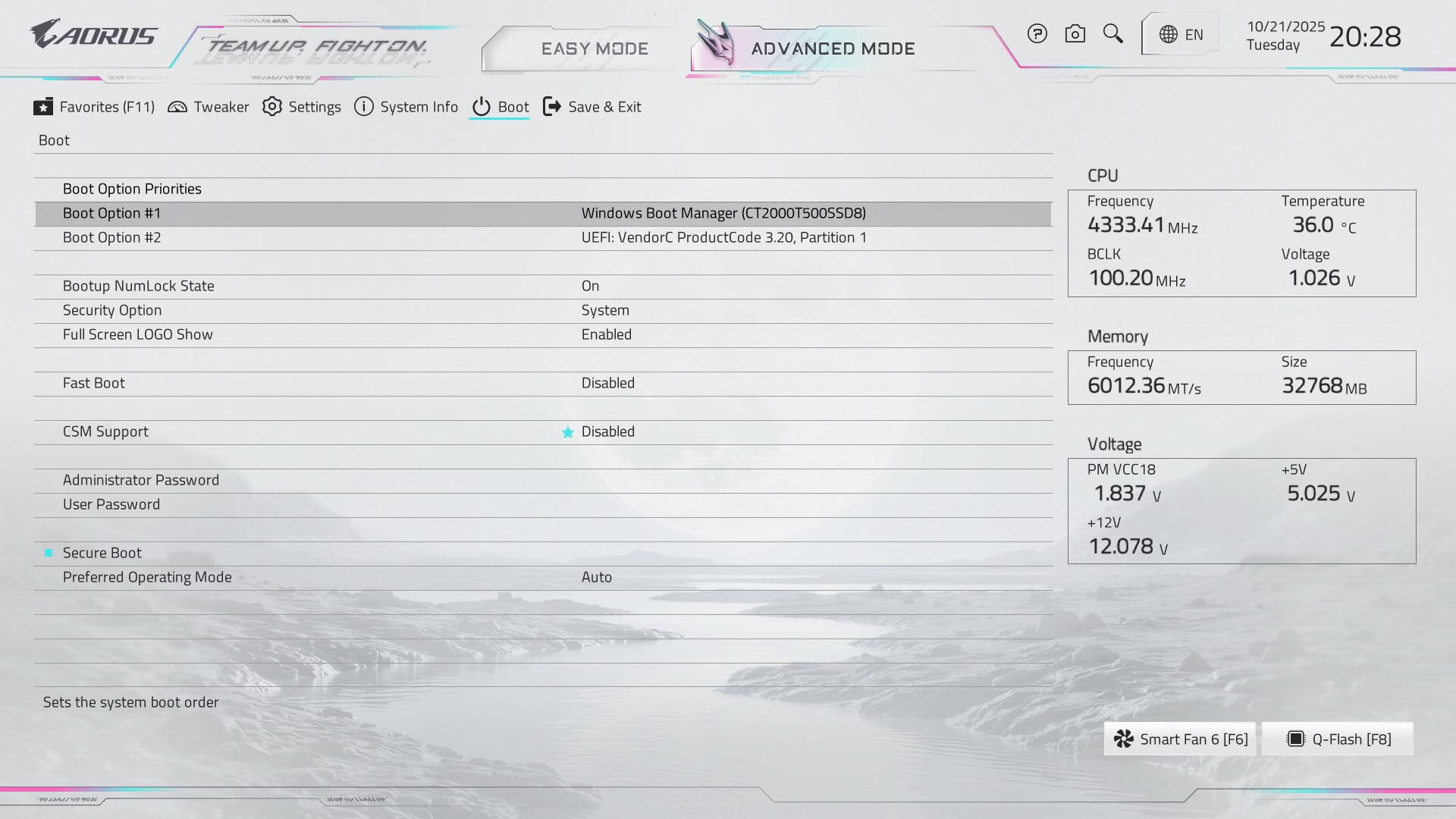
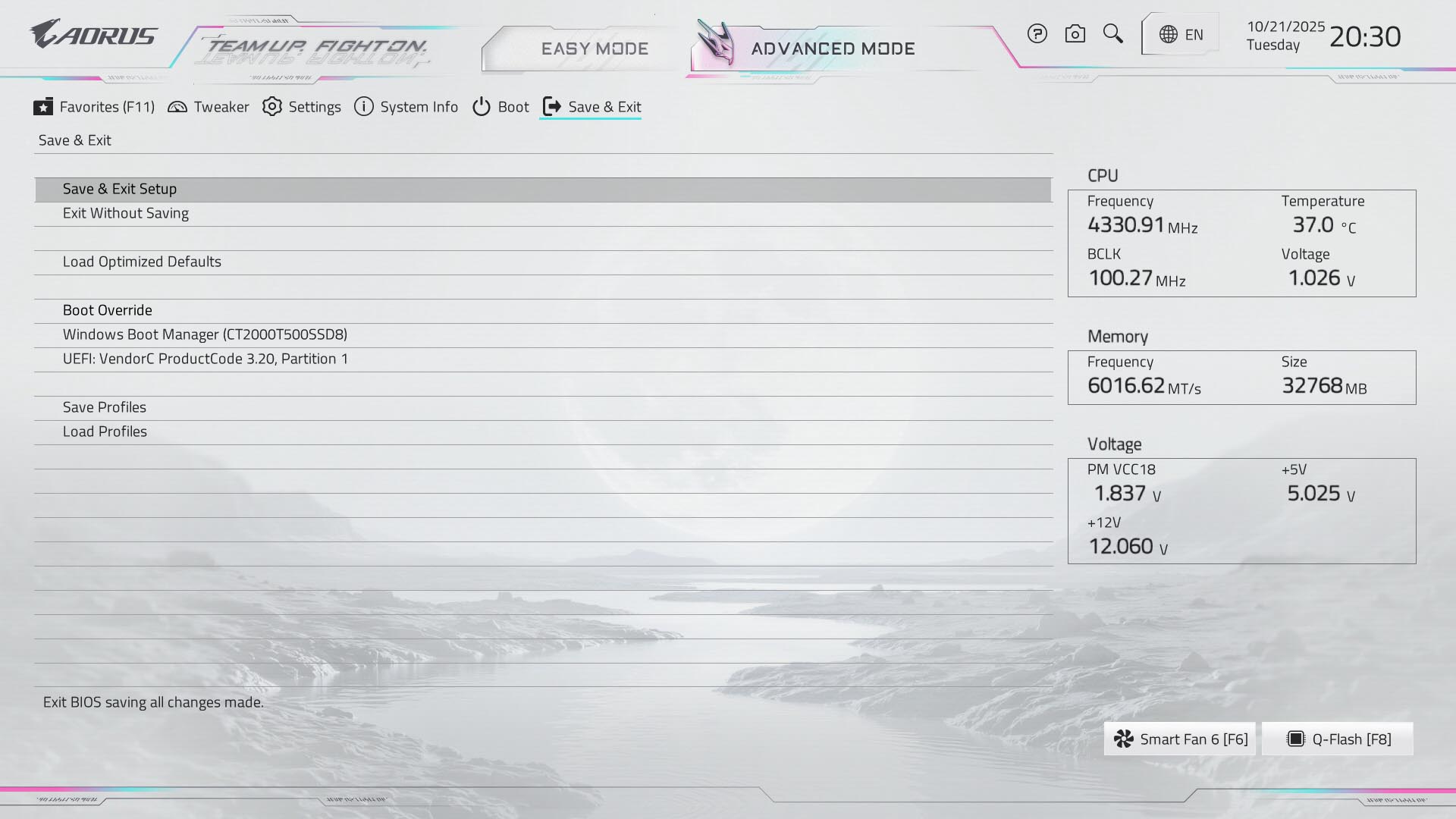
Gigabyte's white theme extends to the EFI, and Easy Mode page is where you'll start includes most of the options you'll need such as memory profile selection, boot order and quick links to fan control and BIOS flashing. It's worth mentioning X3D Turbo Mode here too, specifically X3D Turbo Mode 2.0, which is a headline feature with this board and claims to boost performance of 3D V-Cache CPUs. We'll be looking at that in more detail in the overclocking section.As usual there's a favorites section that can be configured to house your most common-used options, and if you don't like the thought of sifting through pages of menus then the search function allows you to find most things as well as alter their options from within the search box too. The Tweaker section does a decent job of housing the most common overclocking options in one place, with a priority given to PBO controls. As usual there's another section under the advanced menu which mirrors these PBO controls but has a couple of extra options.
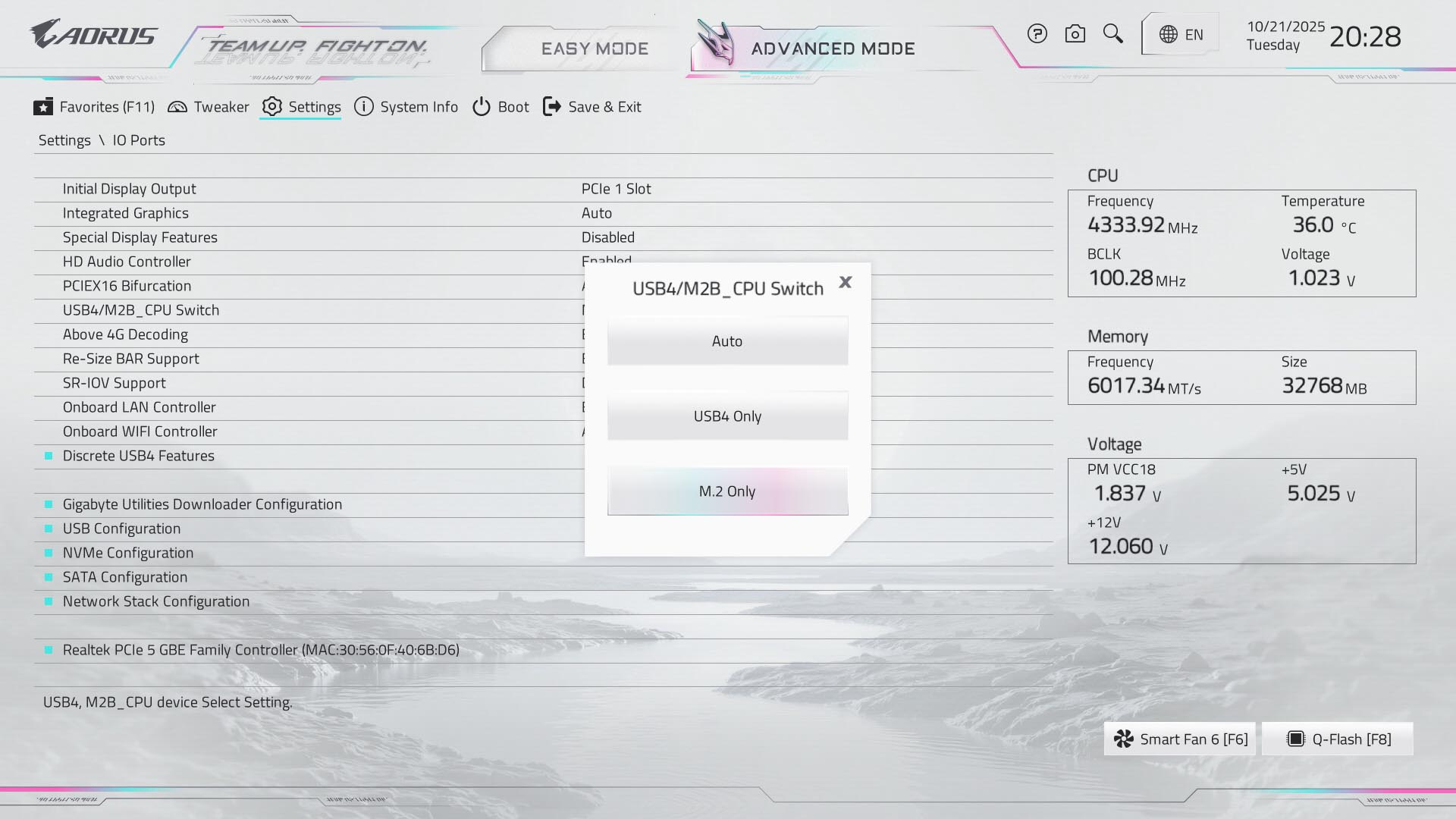
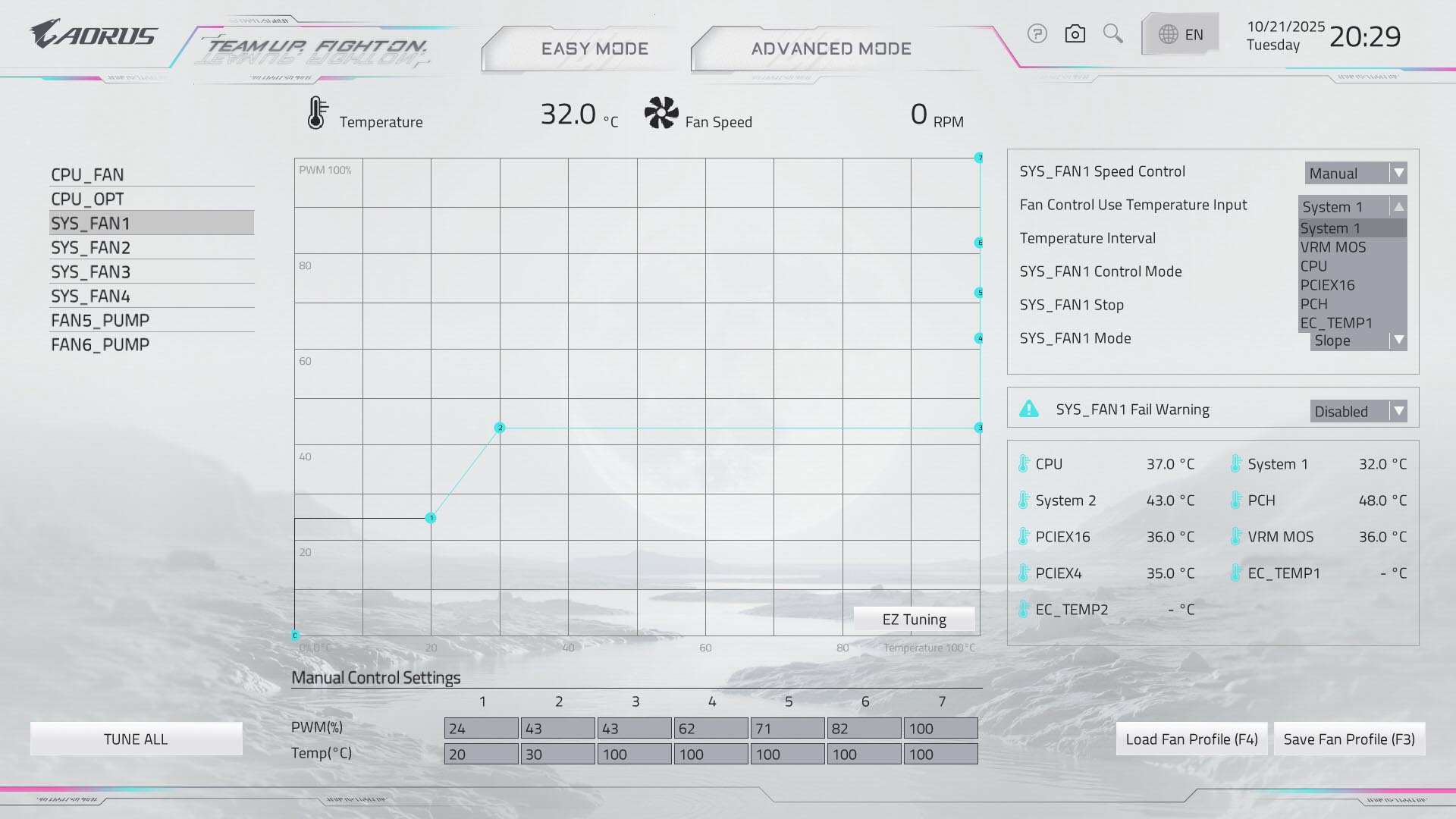
If you want to use the USB4 ports or disable those and have dual M.2 PCIe 5 slots instead, you'll need to find the USB4/M2B_CPU switch option, which allows you to have both at reduced bandwidth or force to one or the other. The fan control section is decent enough and has options for applying a preset profile or manually adjusting the fan curves. You can alter the temperature input, switch between voltage and PWM mode and also set alarms. It's nice having a real time RPM readout too, but we'd like to see spin-up and spin-down times here as well as the option to add or subtract more fan curve adjustment points as well as have those points able to drag the rest of the curve up or down.


Nov 26th, 2026 10:20 CST
change timezone
Latest GPU Drivers
New Forum Posts
- What's your main Black Friday / Cyber Monday purchase? (18)
- Wireless Internet sharing between PC and router both-ways, is it possible? (24)
- Can you guess Which game it is? (366)
- Post your CrystalDiskMark speeds (658)
- Making a game in Godot engine (20)
- X79 and/or rampage IV OC'ing thread for those of us still left.... (2459)
- Exploring Local LLMs: Models, Hardware and Setup Experiences (4)
- Linpack Xtreme Released (513)
- Claude credits purchased on or after Dec. 7 now have an expiry date (20)
- Acer TravelMate P414-51 (i5-1135G7): CPU stuck at x4 / ~200 MHz effective under 100% load, no throttle flags. How to find who's clamping it? (1)
Popular Reviews
- ASRock X870E Challenger Wi-Fi White Review
- VZMORE AX9 Max Review
- Upcoming Hardware Launches 2027 (Updated Nov 2026)
- Microsoft Surface Laptop Ultra Review - The Next-gen Arm Laptop
- AMD Ryzen 7 9800X3D Review - The Best Gaming Processor
- AMD Zen 6 Technical Deep Dive
- Corsair RM1200e (Second Generation) Review
- Phantom Blade Zero Performance Benchmark Review - 35 GPUs Tested
- Montech CyberFlow ARGB 360 Review
- Pulsar Office Tour & First Look at P1 Dual-Sensor Mouse
TPU on YouTube
Controversial News Posts
- Jensen Huang Reinstated as CEO of NVIDIA (586)
- NVIDIA Co-Founder and CEO Jensen Huang Officially Resigns (492)
- Report: Jensen Huang Eyes NVIDIA Comeback (281)
- Open Letter Asking NVIDIA to Reinstate Jensen Huang Passes 115,000 Signatures (184)
- OpenAI CEO Argues Home PCs Waste the World's Limited DRAM Supply (152)
- NVIDIA Launches Investigation Into Jensen Huang's Relationship With Suspected Chinese Spy (136)
- Intel "Raptor Lake Next" 16-Core and 20-Core CPUs Surface (130)
- Intel Razor Lake Gets a 12 P-Core bLLC Chip With No E-Cores, Per Leak (94)