 15
Gigabyte Z890 Aorus Elite Duo X Review
Value & Conclusion »Overclocking
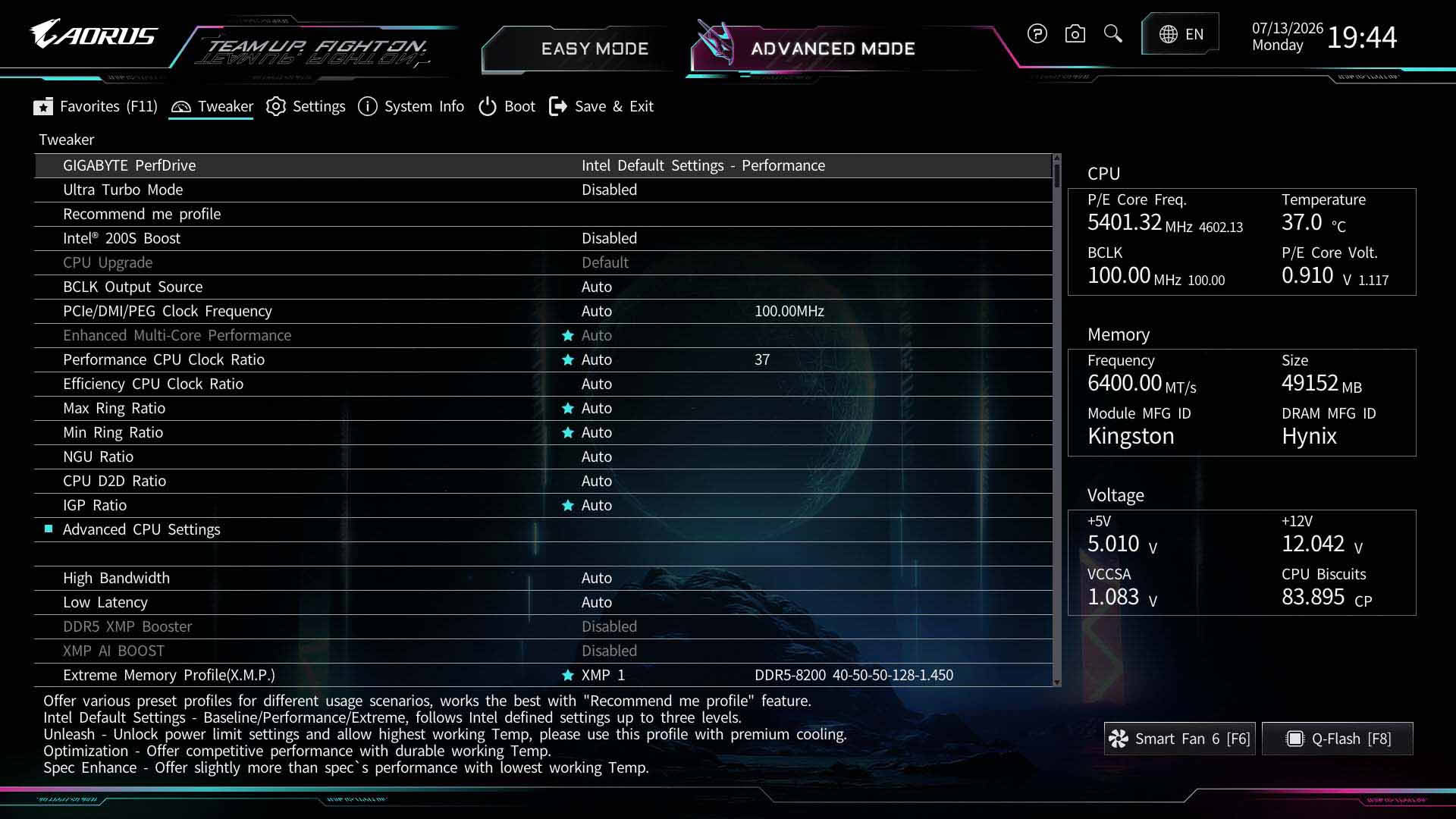
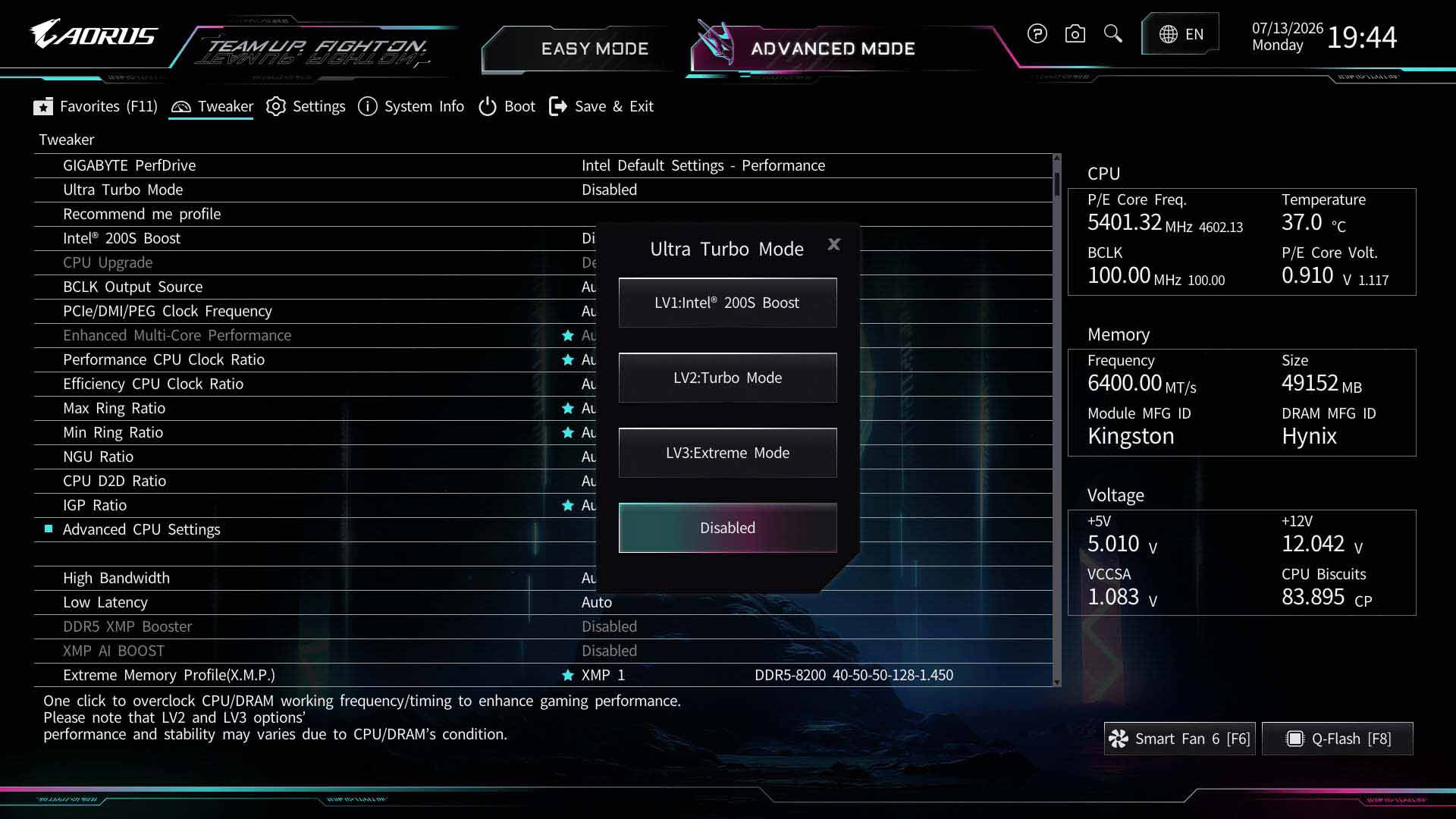
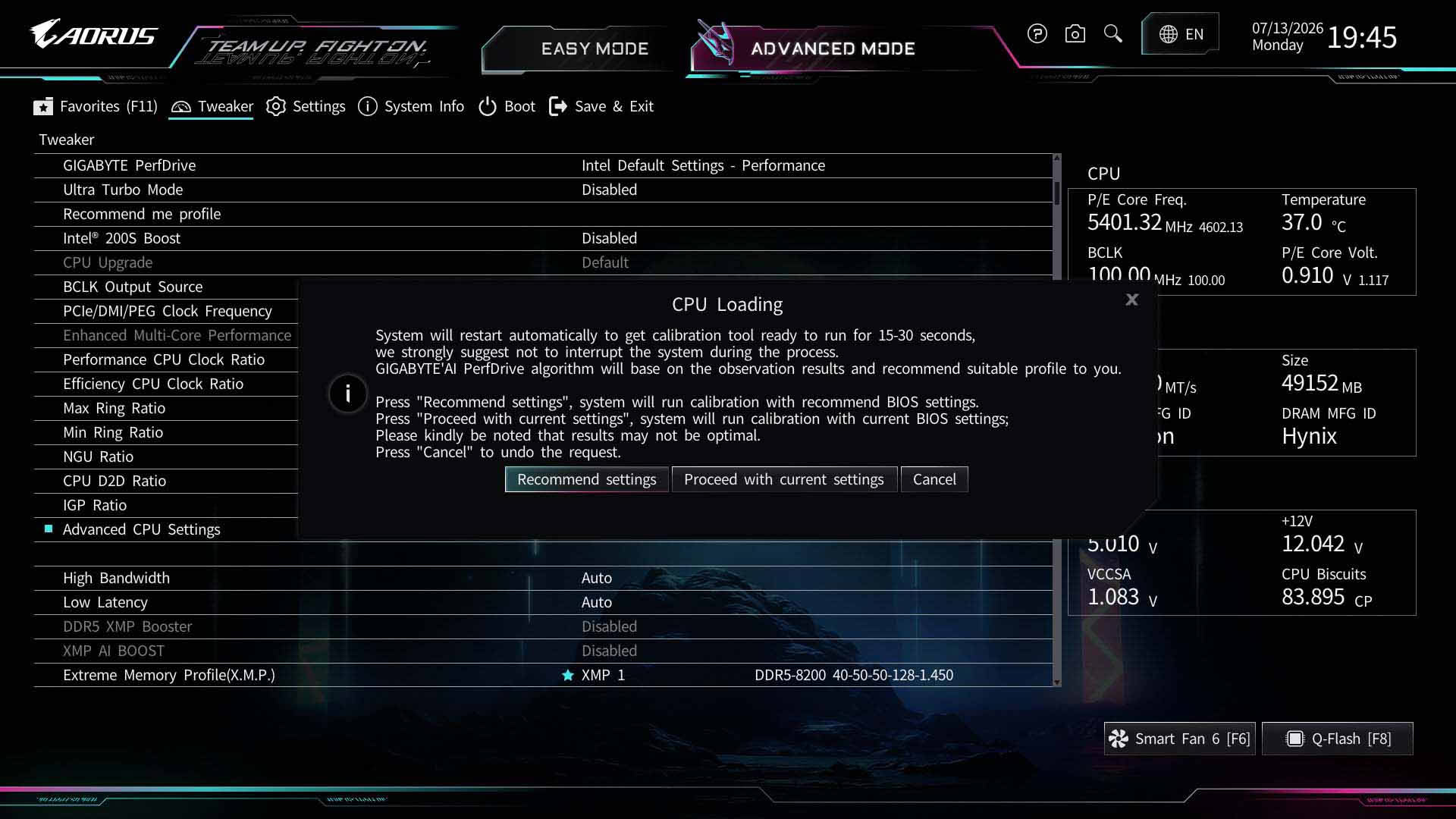
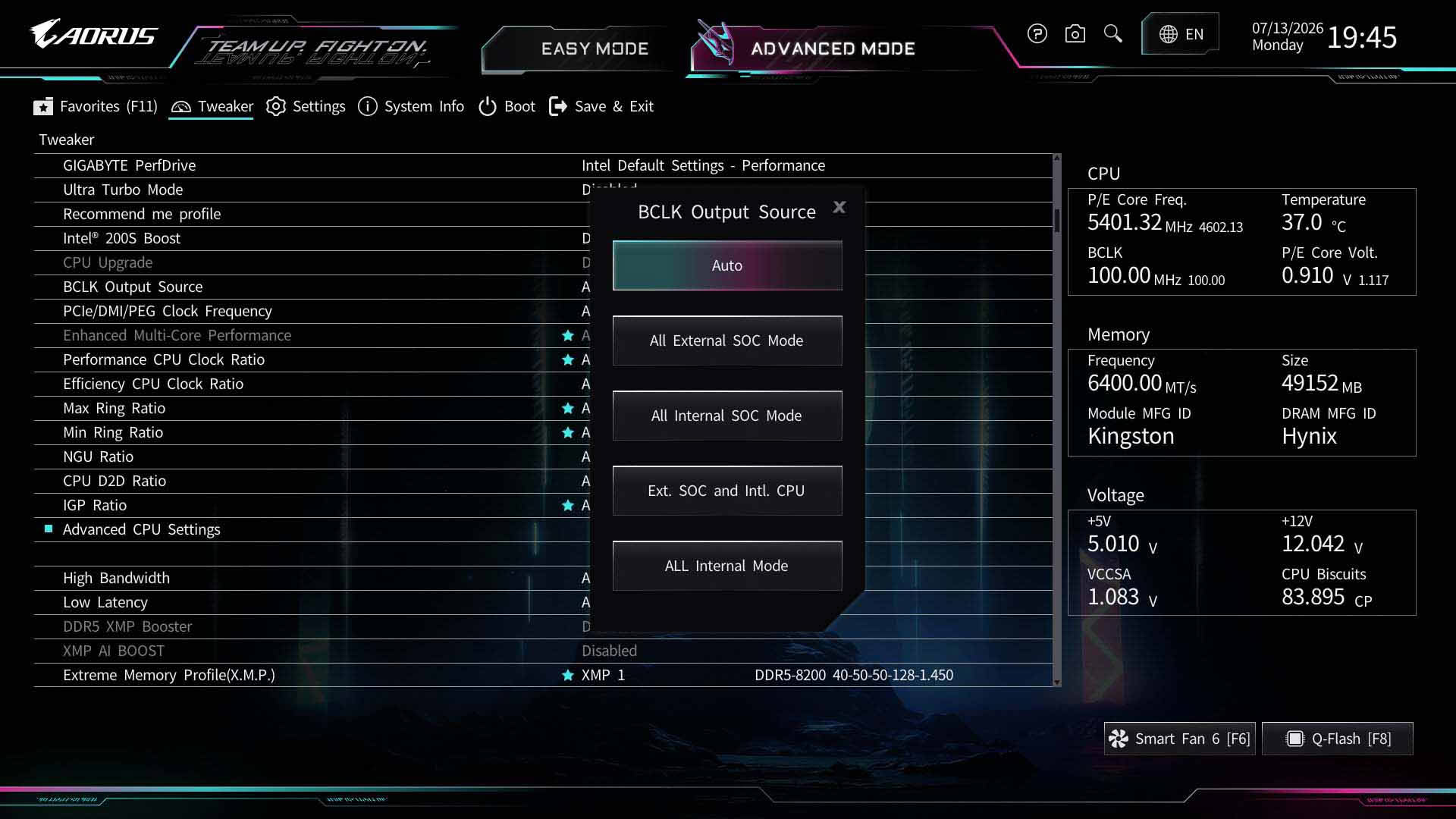
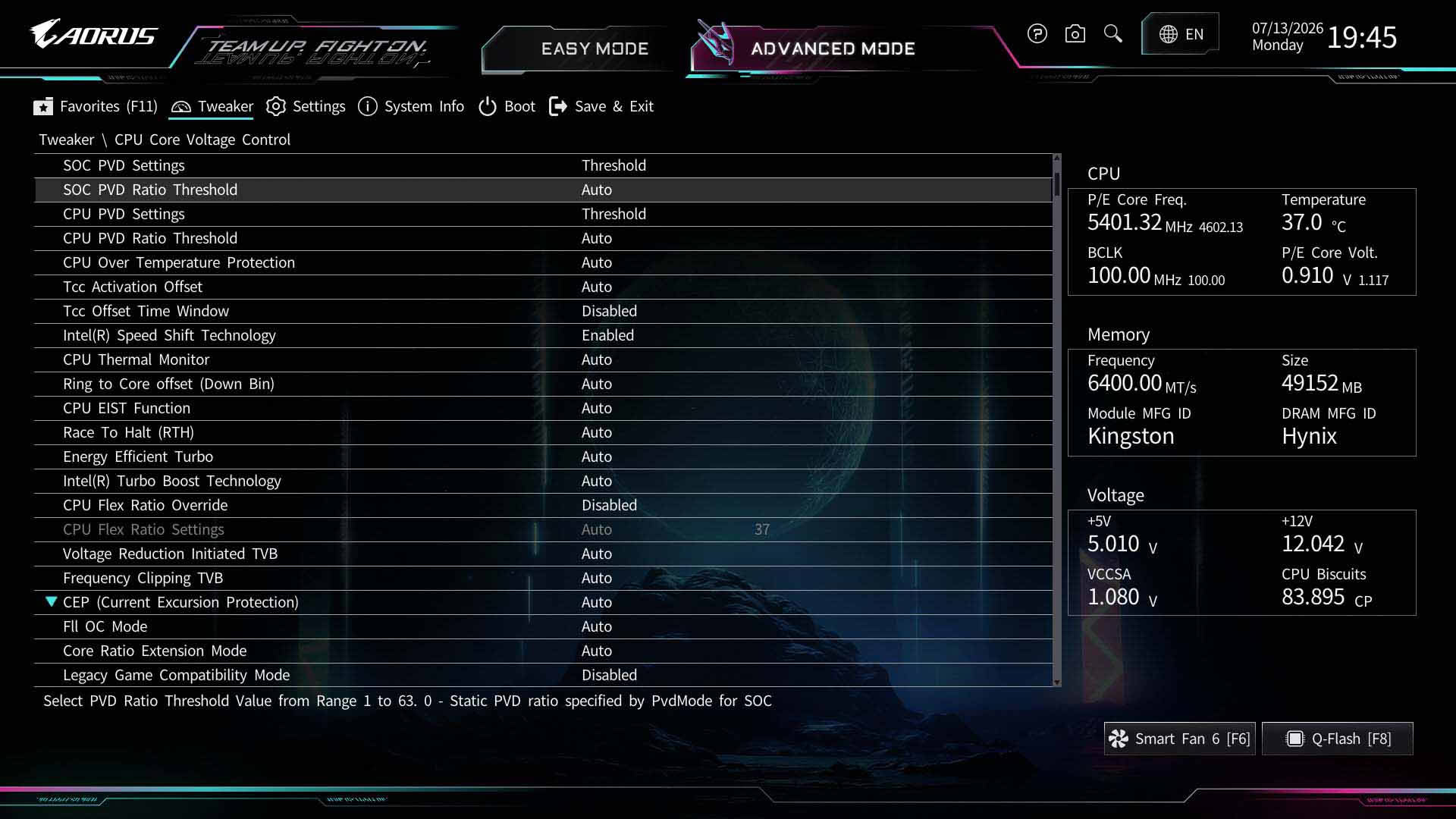
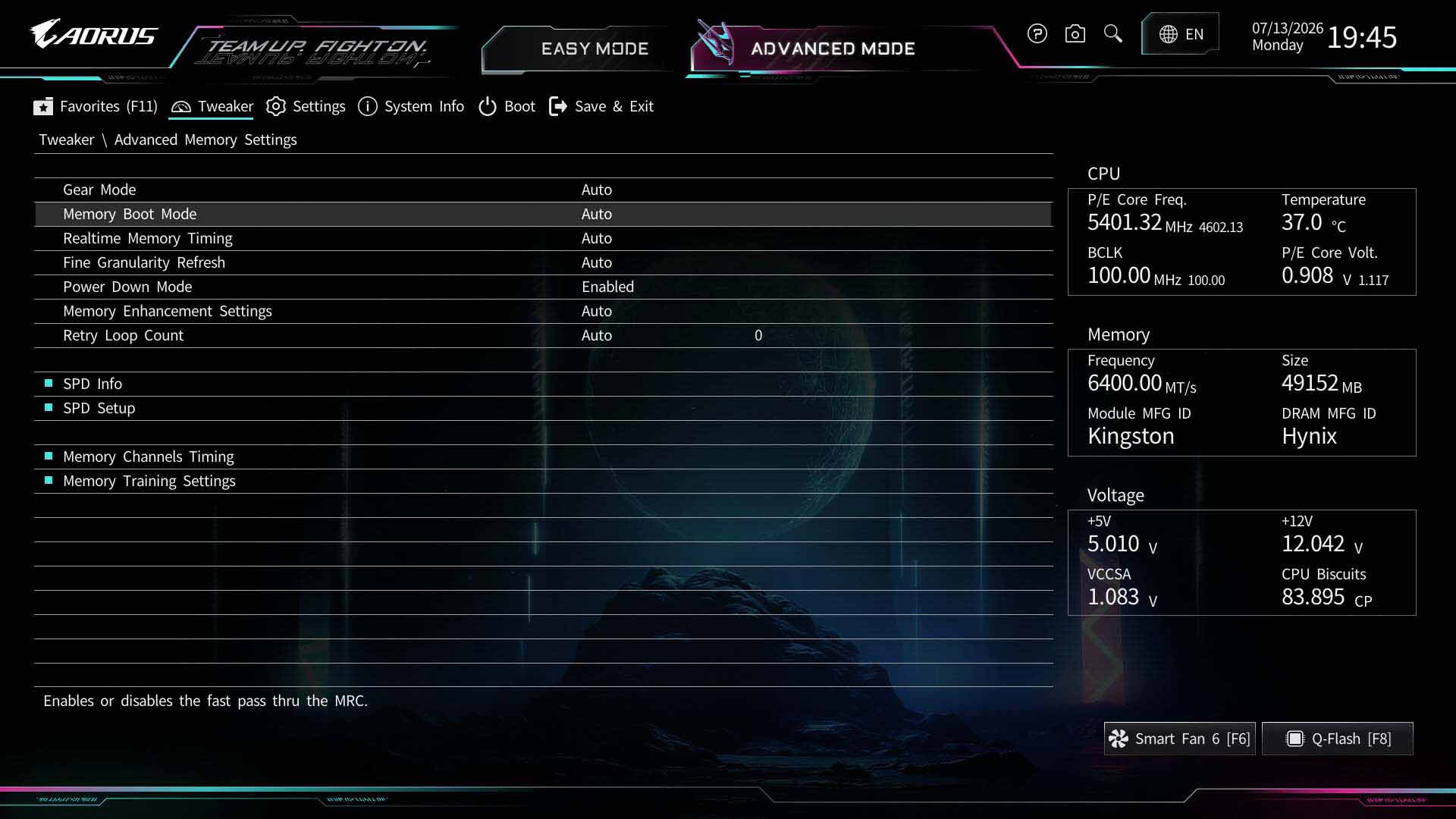
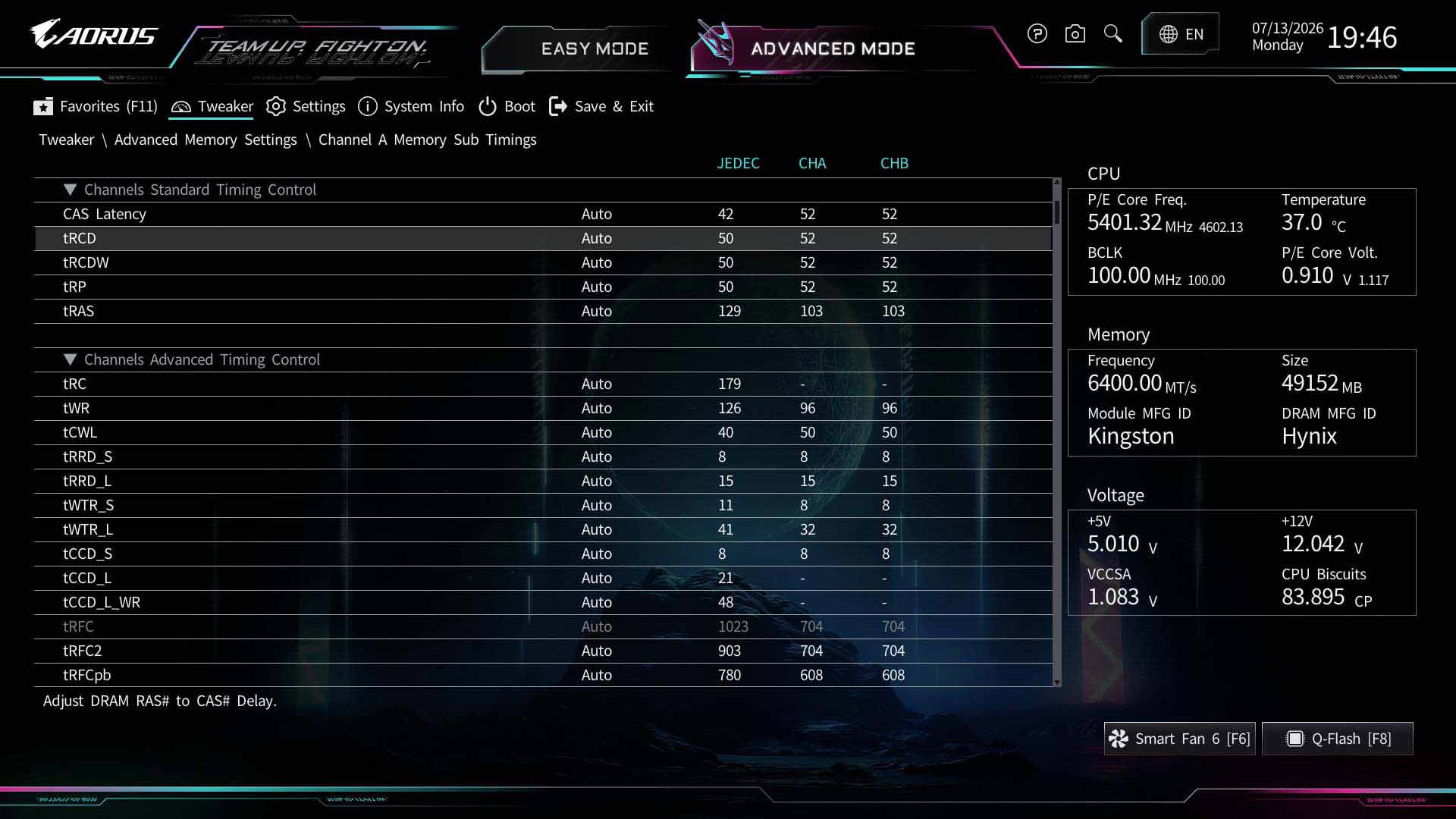
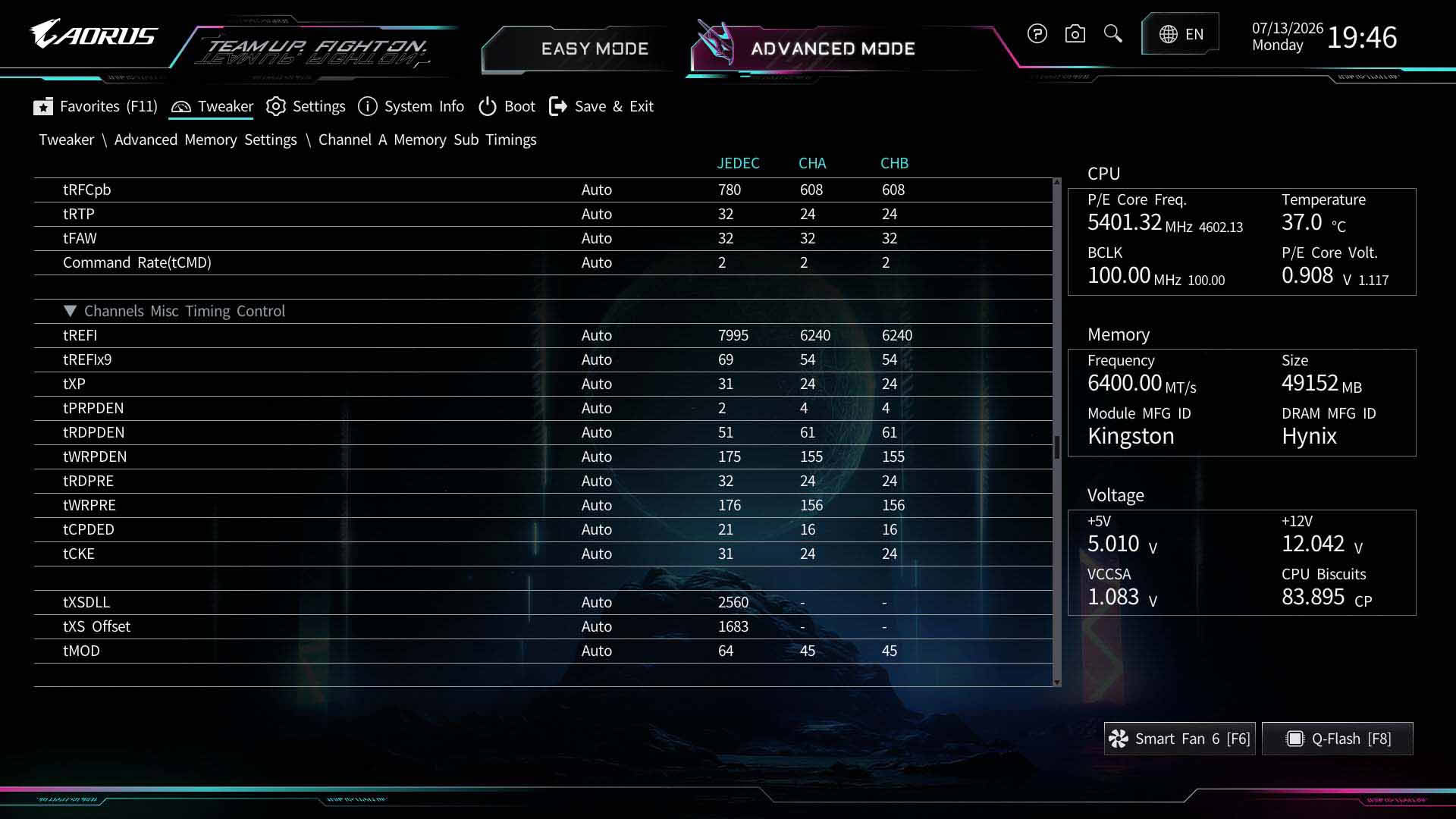
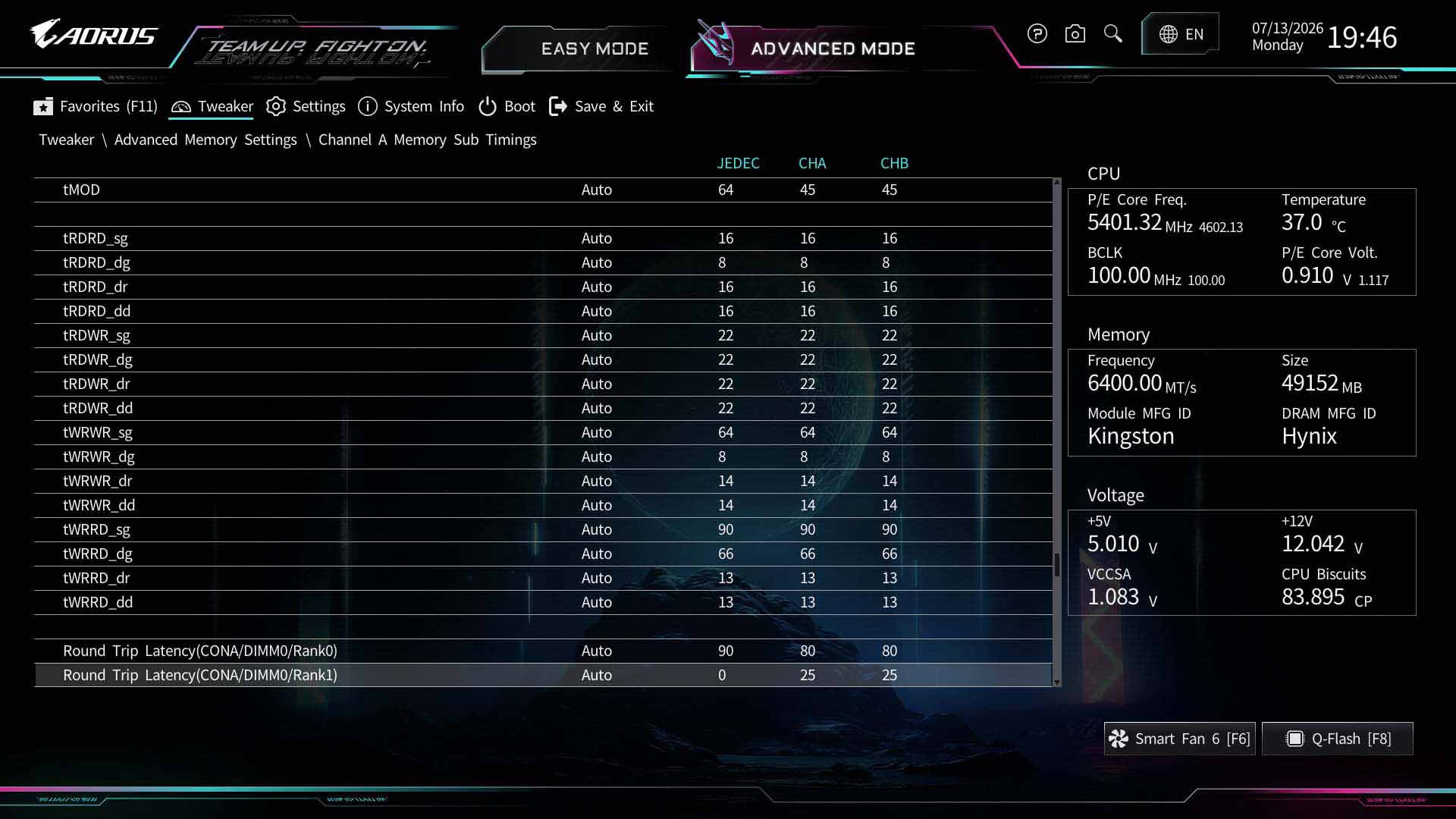
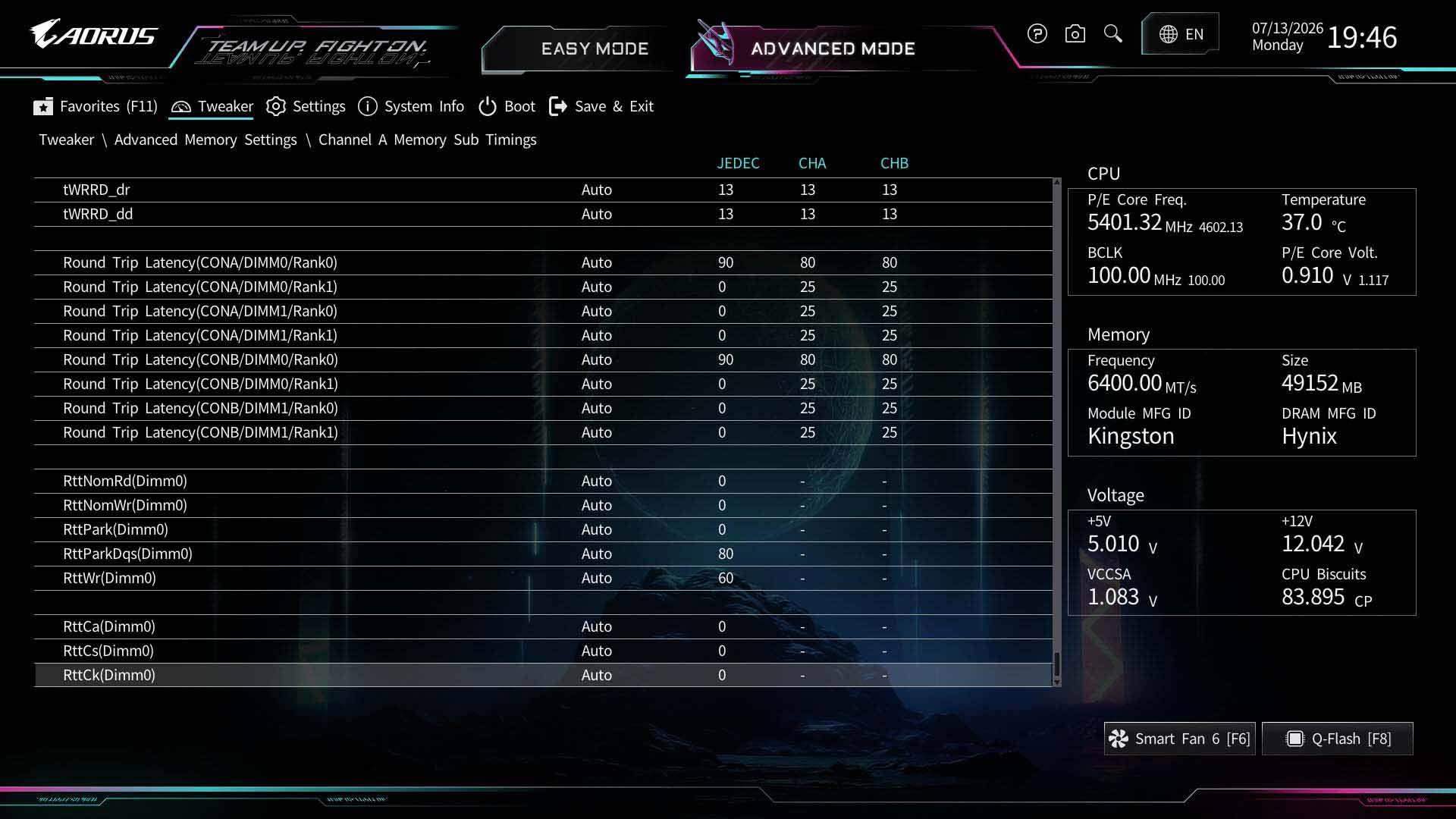
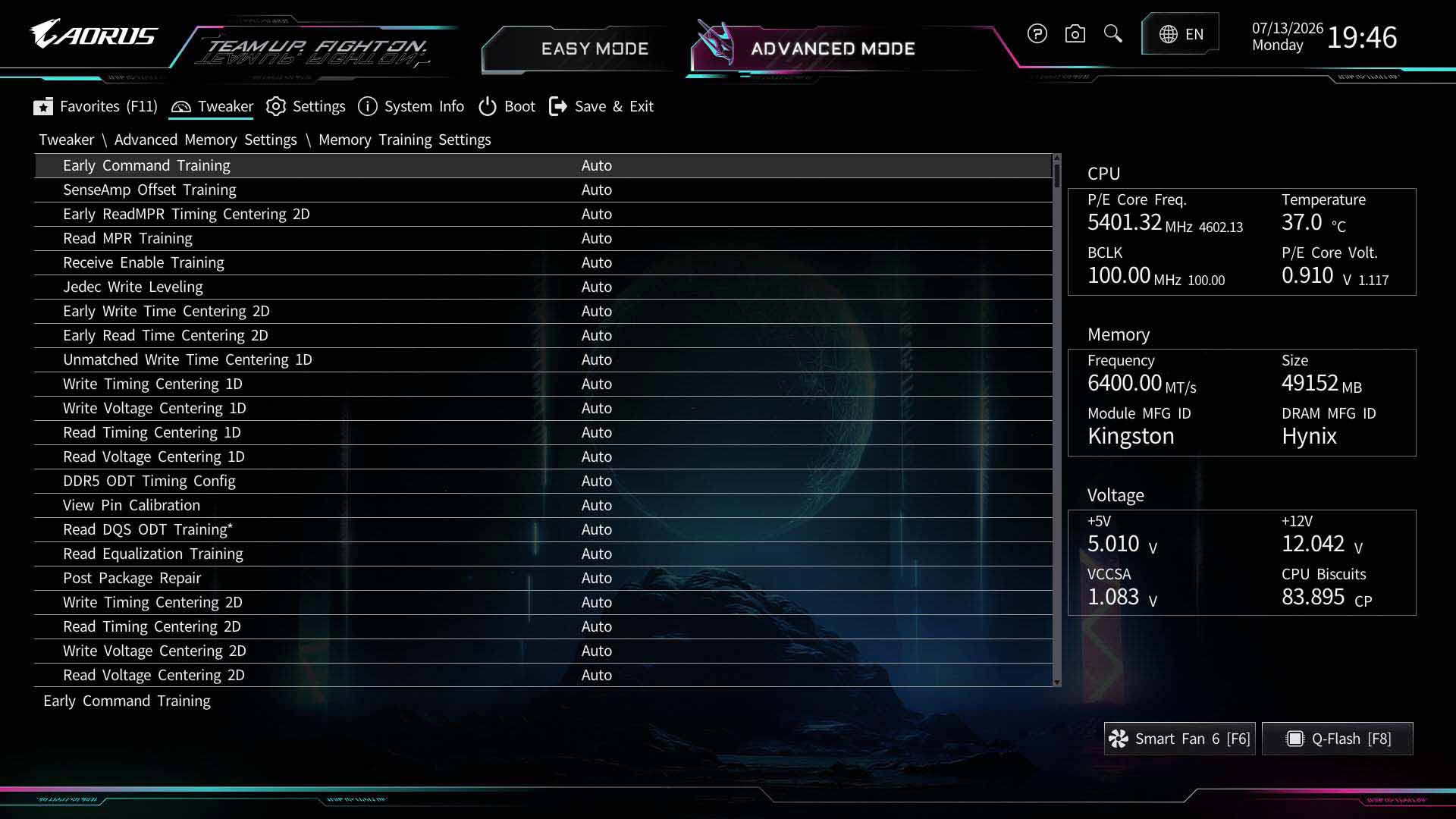
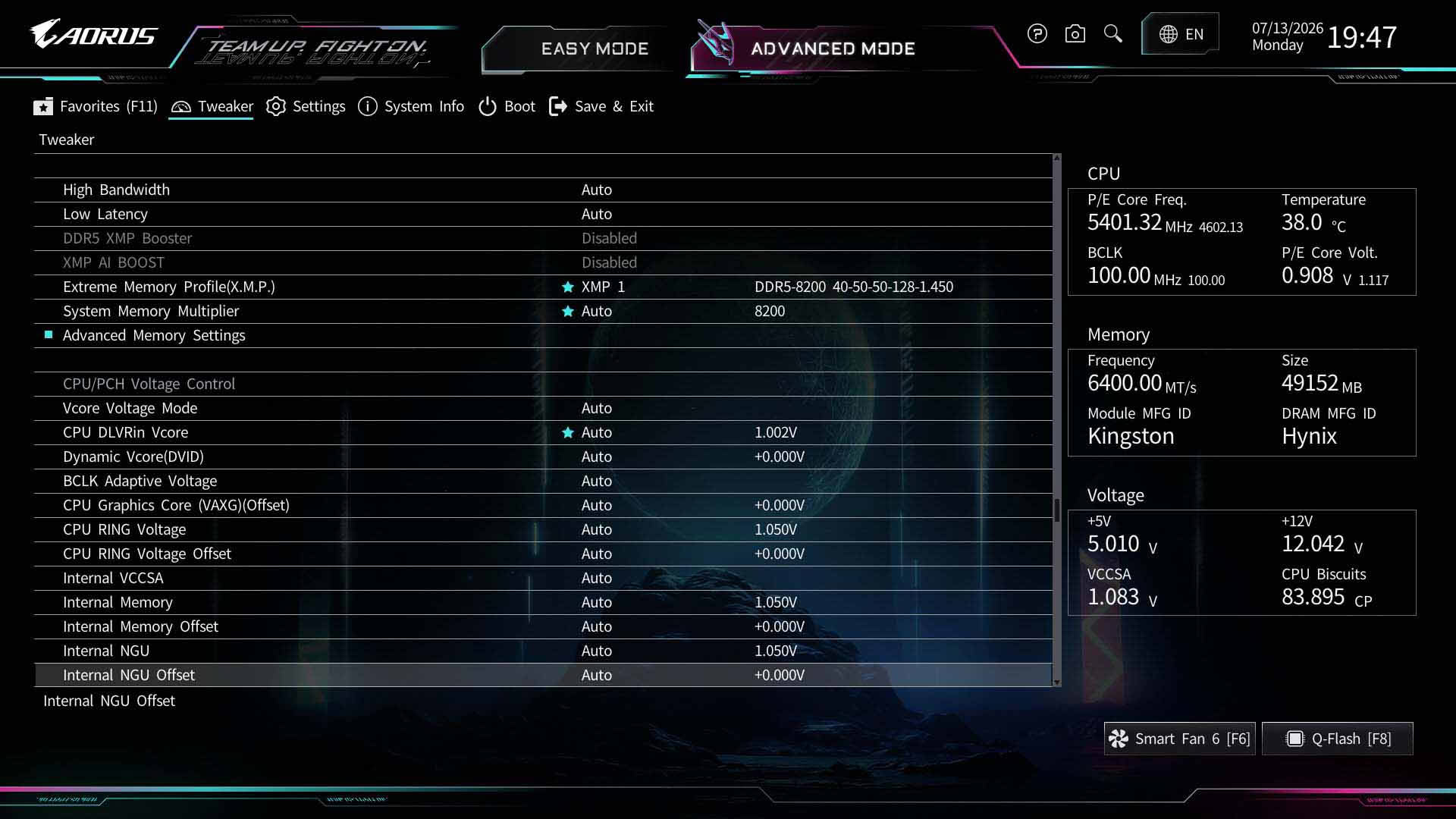
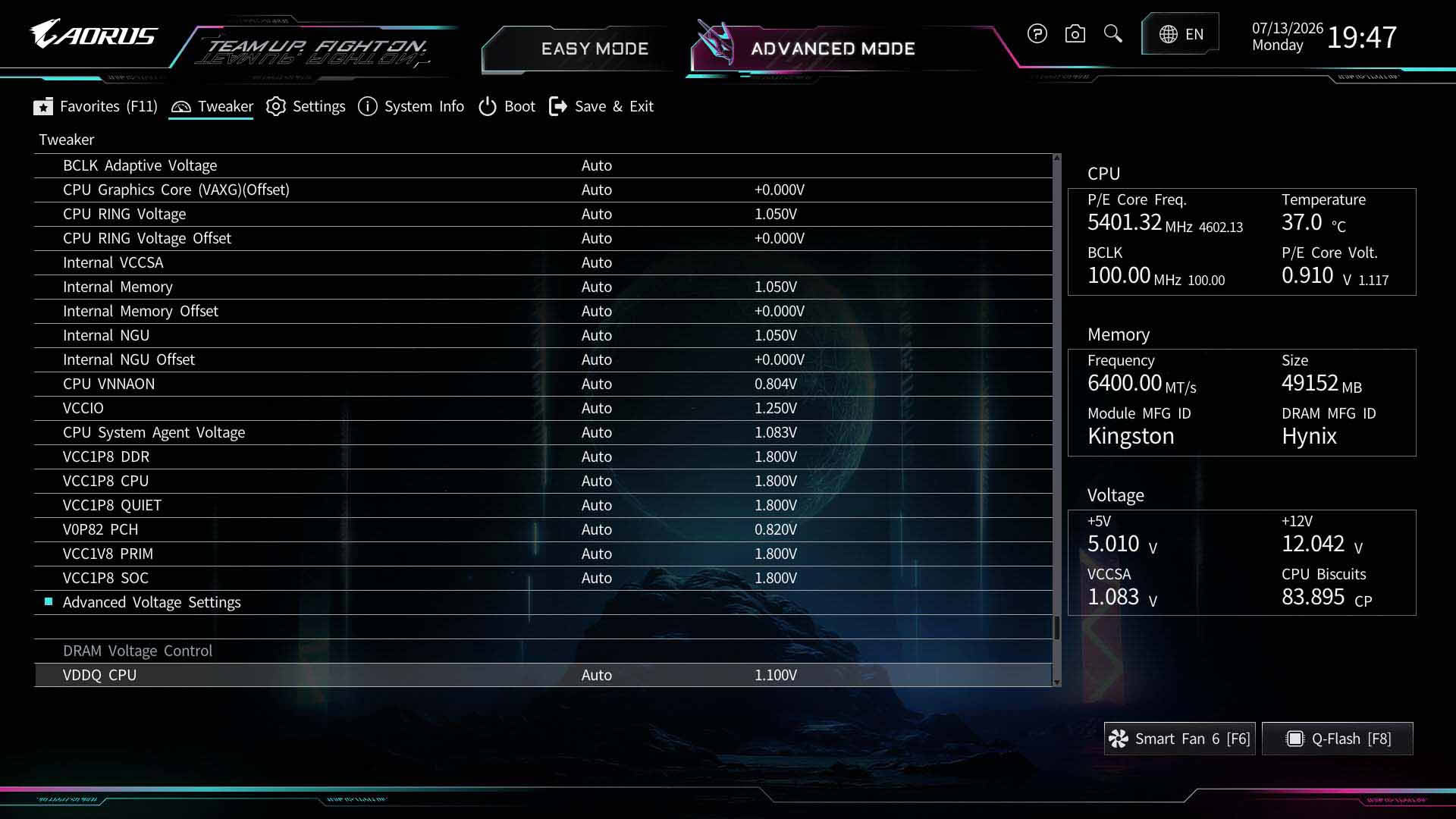
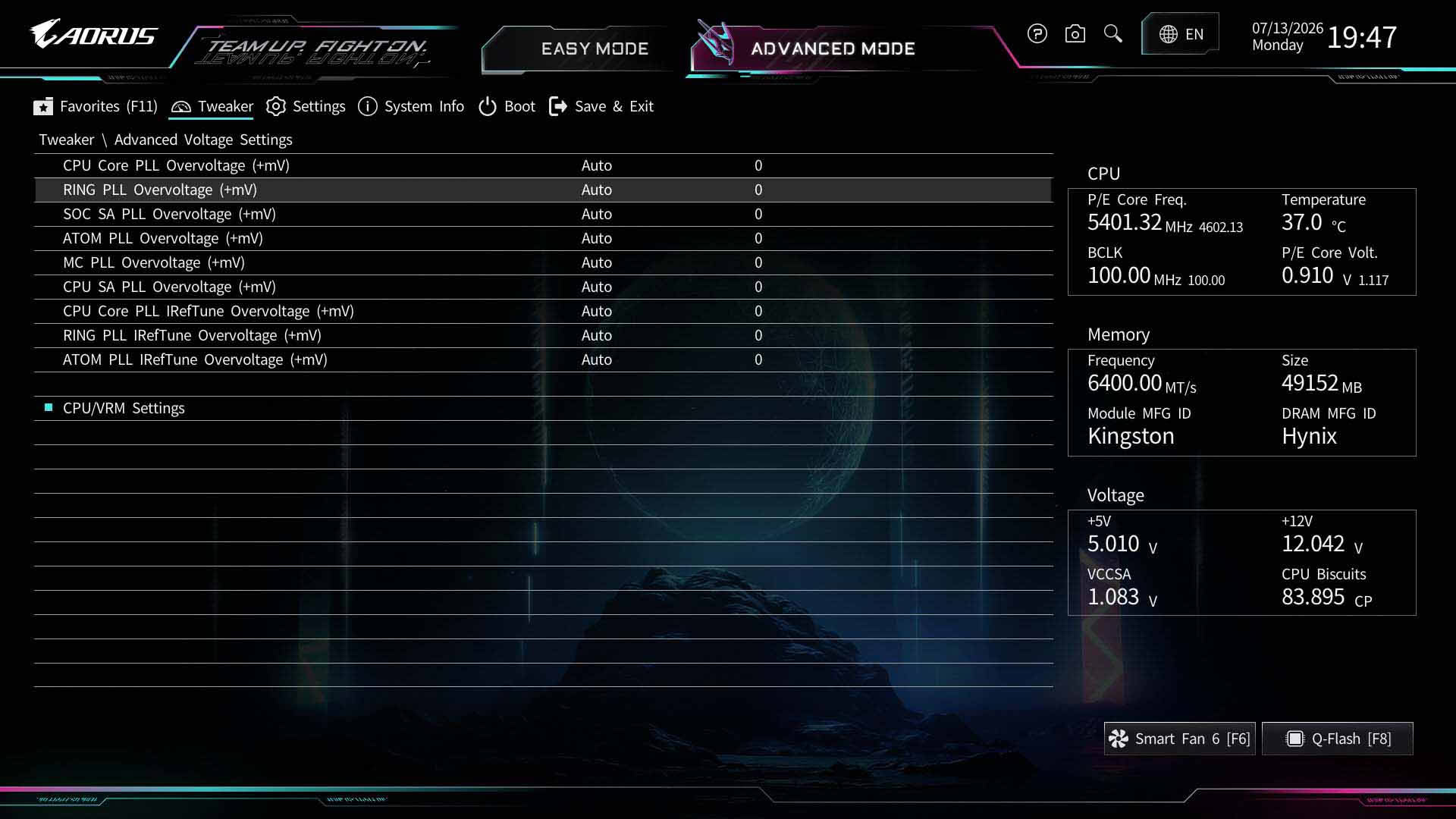
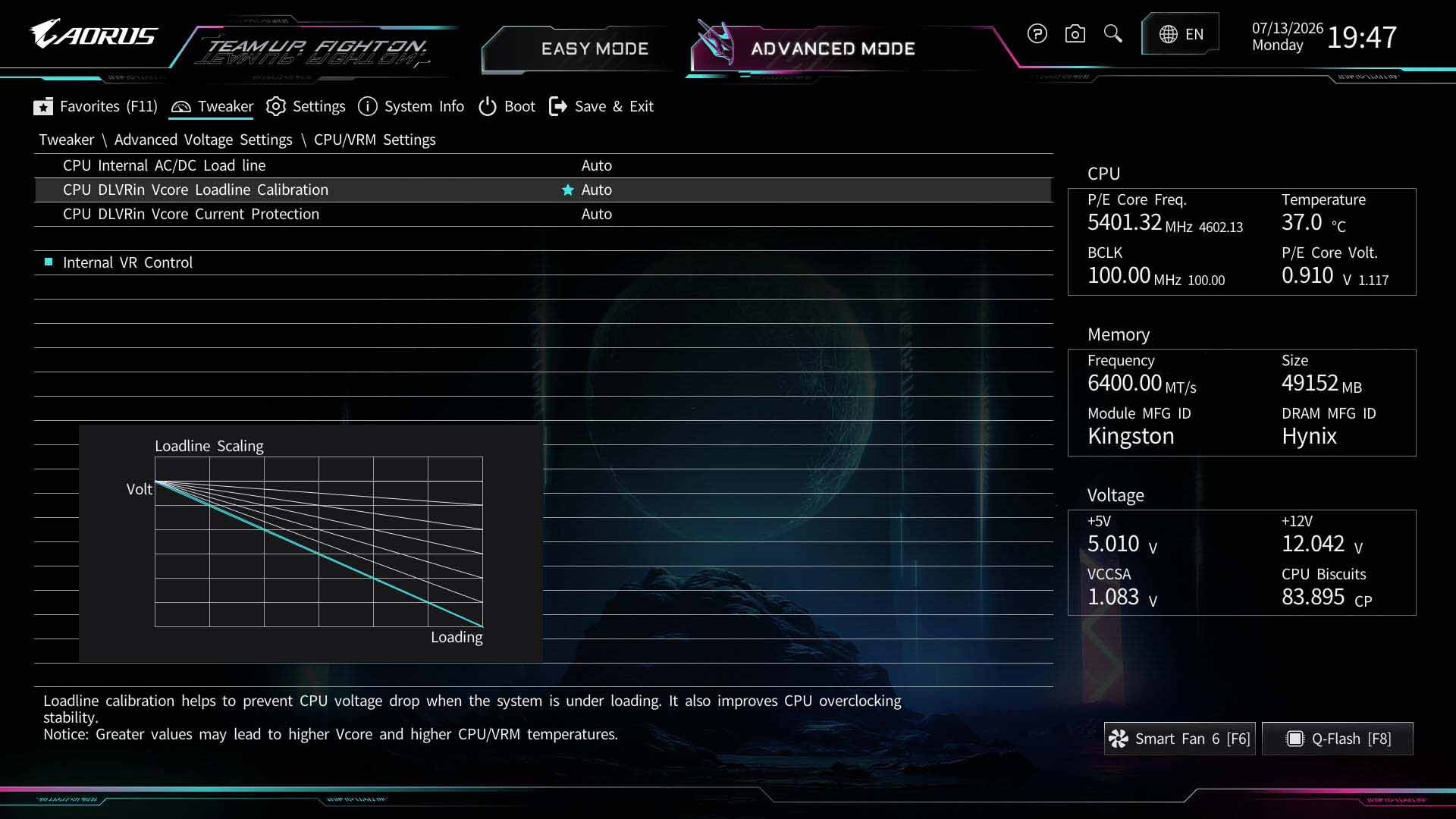
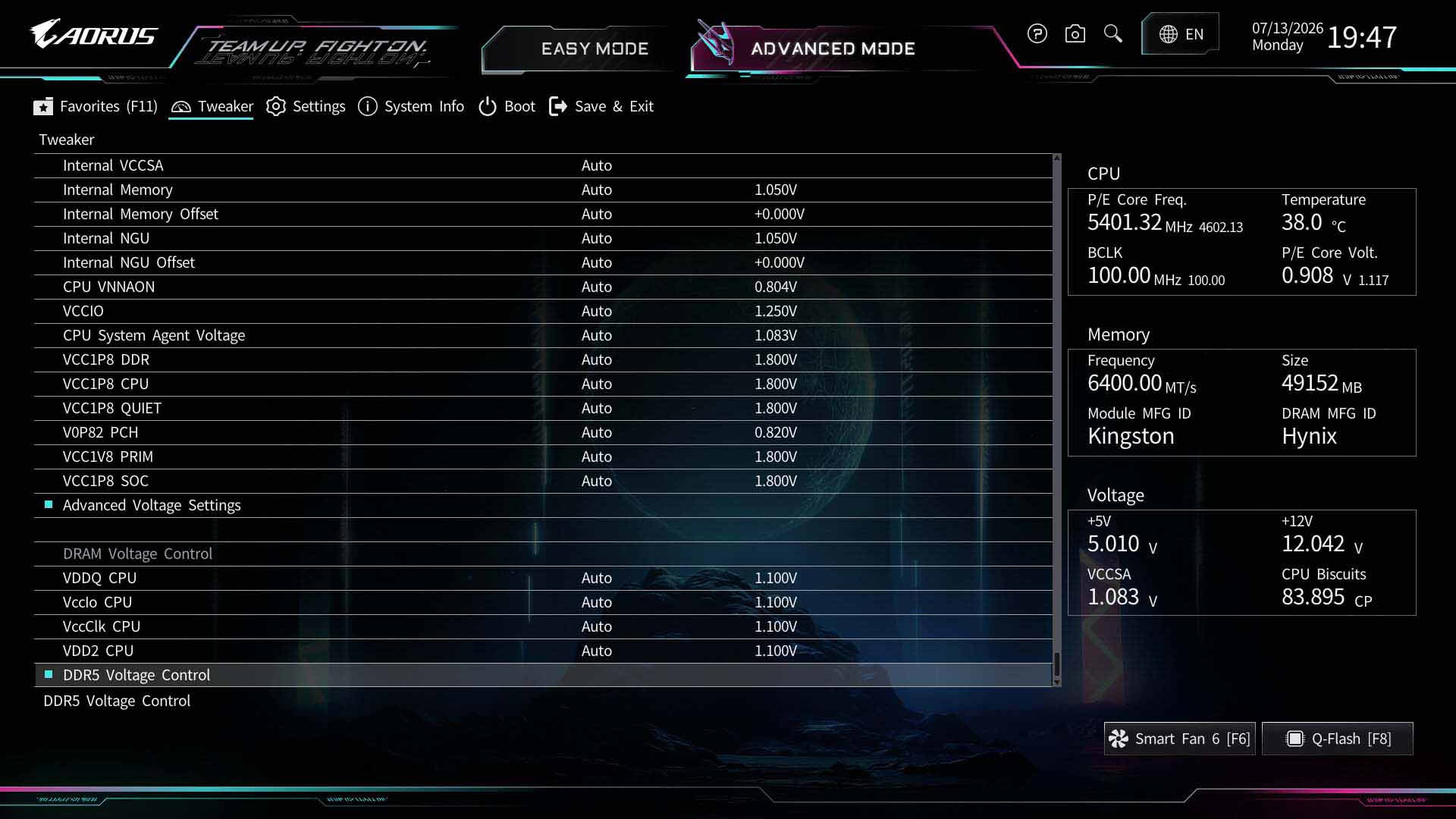
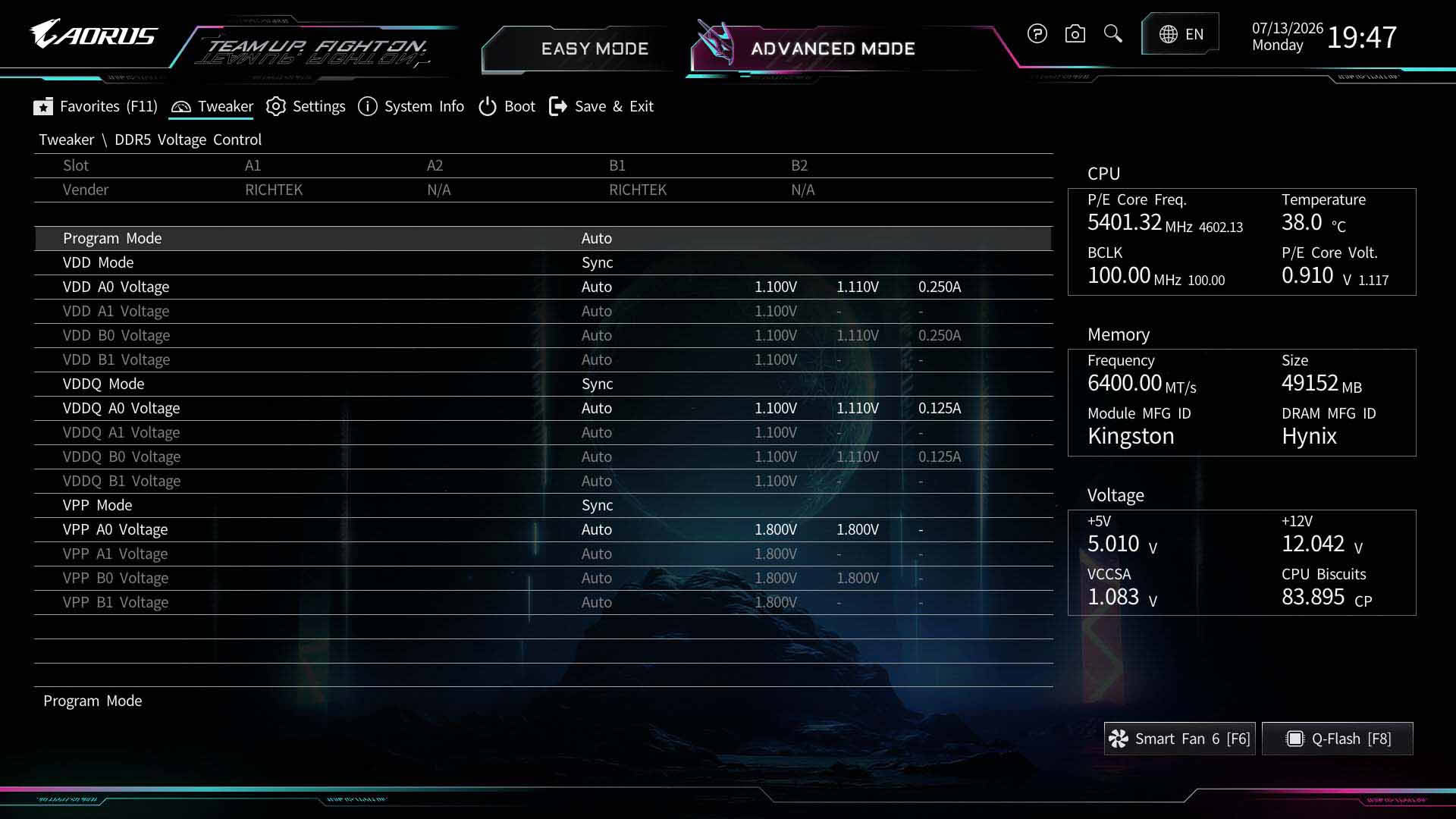
With an easier EFI to navigate than ASRock when it comes to overclocking, Gigabyte strikes a reasonable balance between grouping often-used and essential features while still offering reasonable granularity from the Tweaker page and consigning others to sub menus. Gigabyte's Ultra Turbo mode is at the forefront, with the first level here being Intel 200S Boost. You can also try the Recommend me profile option, which will analyze your system and suggest certain settings. There are some extra layers to sift through sometimes, such as memory timings being located under Advanced Memory Settings. These are usually available in the main menu in the ASUS EFI for example. The same goes for loadline calibration, which can found under the Advanced Voltage Settings menu and then into CPU/VRM. The enlarged frequency and voltage information to the right is useful though.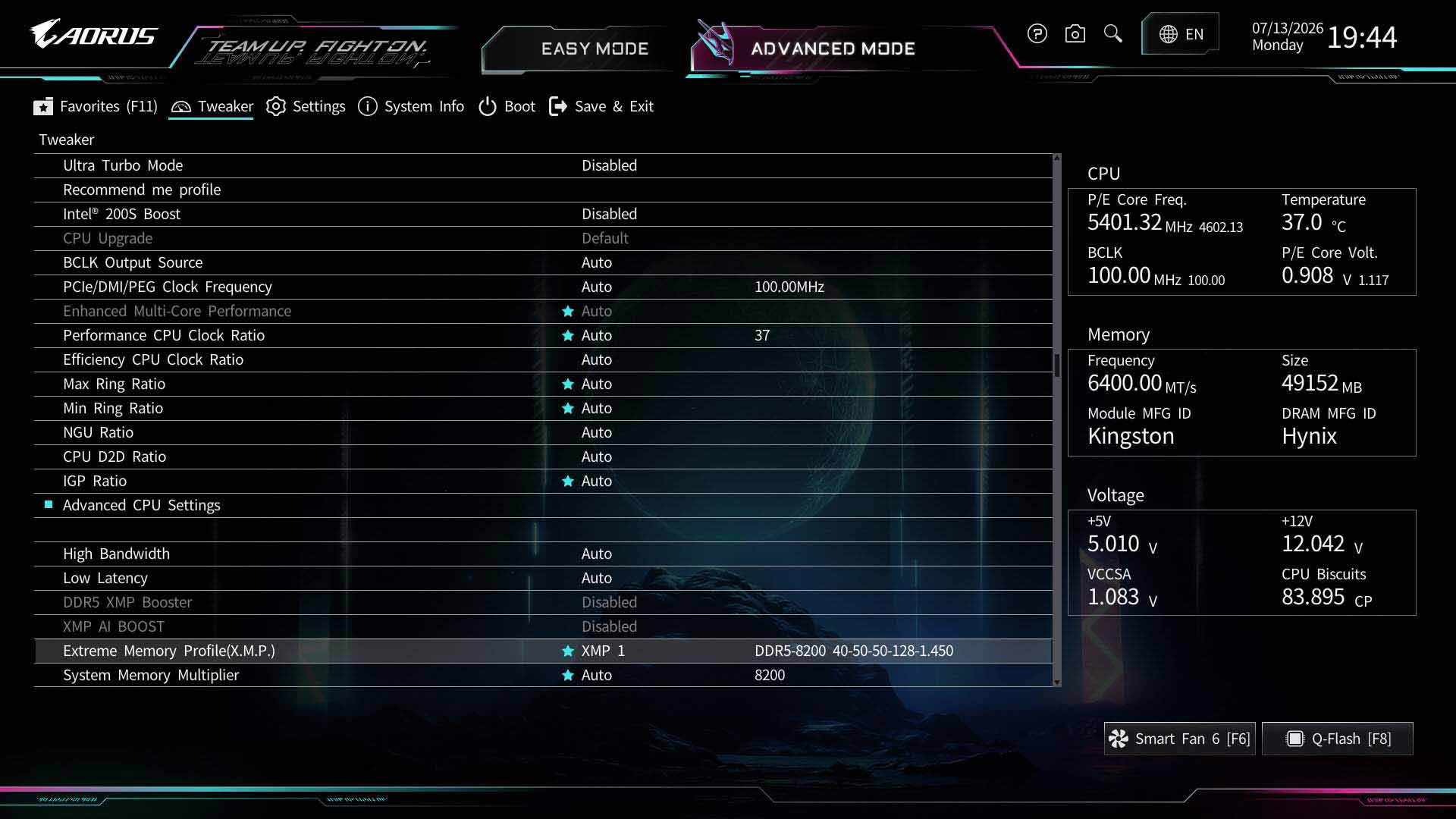
Nov 24th, 2026 01:21 CST
change timezone
Latest GPU Drivers
New Forum Posts
- GTA VI (28)
- The time has come to upgrade...my desktop (1)
- Which ryzen am5 cpu ? (198)
- Your PC ATM (36481)
- SATA drive 1.4 GBps with Intel X25-E on Windows 98! (42)
- RAM overclock cause worse feeling than JEDEC (10)
- DTS DCH Driver for Realtek HDA [DTS:X APO4 + DTS Interactive] (2819)
- WarpCoreBench scores! (96)
- Increasing Power Limit? (20)
- Gacha Games - Discussions, Pulls, Updates, etc. (1162)
Popular Reviews
- Microsoft Surface Laptop Ultra Review - The Next-gen Arm Laptop
- ASRock X870E Challenger Wi-Fi White Review
- Upcoming Hardware Launches 2027 (Updated Nov 2026)
- Corsair RM1200e (Second Generation) Review
- AMD Ryzen 7 9800X3D Review - The Best Gaming Processor
- AMD Zen 6 Technical Deep Dive
- AMD Ryzen 7 7700X3D Review
- Pulsar Office Tour & First Look at P1 Dual-Sensor Mouse
- Ugreen NASync DXP4800 GT Review
- Phantom Blade Zero Performance Benchmark Review - 35 GPUs Tested
TPU on YouTube
Controversial News Posts
- NVIDIA Co-Founder and CEO Jensen Huang Officially Resigns (492)
- Jensen Huang Reinstated as CEO of NVIDIA (399)
- Report: Jensen Huang Eyes NVIDIA Comeback (278)
- Open Letter Asking NVIDIA to Reinstate Jensen Huang Passes 115,000 Signatures (184)
- OpenAI CEO Argues Home PCs Waste the World's Limited DRAM Supply (152)
- NVIDIA Launches Investigation Into Jensen Huang's Relationship With Suspected Chinese Spy (136)
- Intel "Raptor Lake Next" 16-Core and 20-Core CPUs Surface (130)
- NVIDIA GeForce RTX 50-Series Scheduled for up to $500 Price Hike This Week (89)