 15
Gigabyte Z890 Aorus Elite Duo X Review
Board Software »BIOS Overview
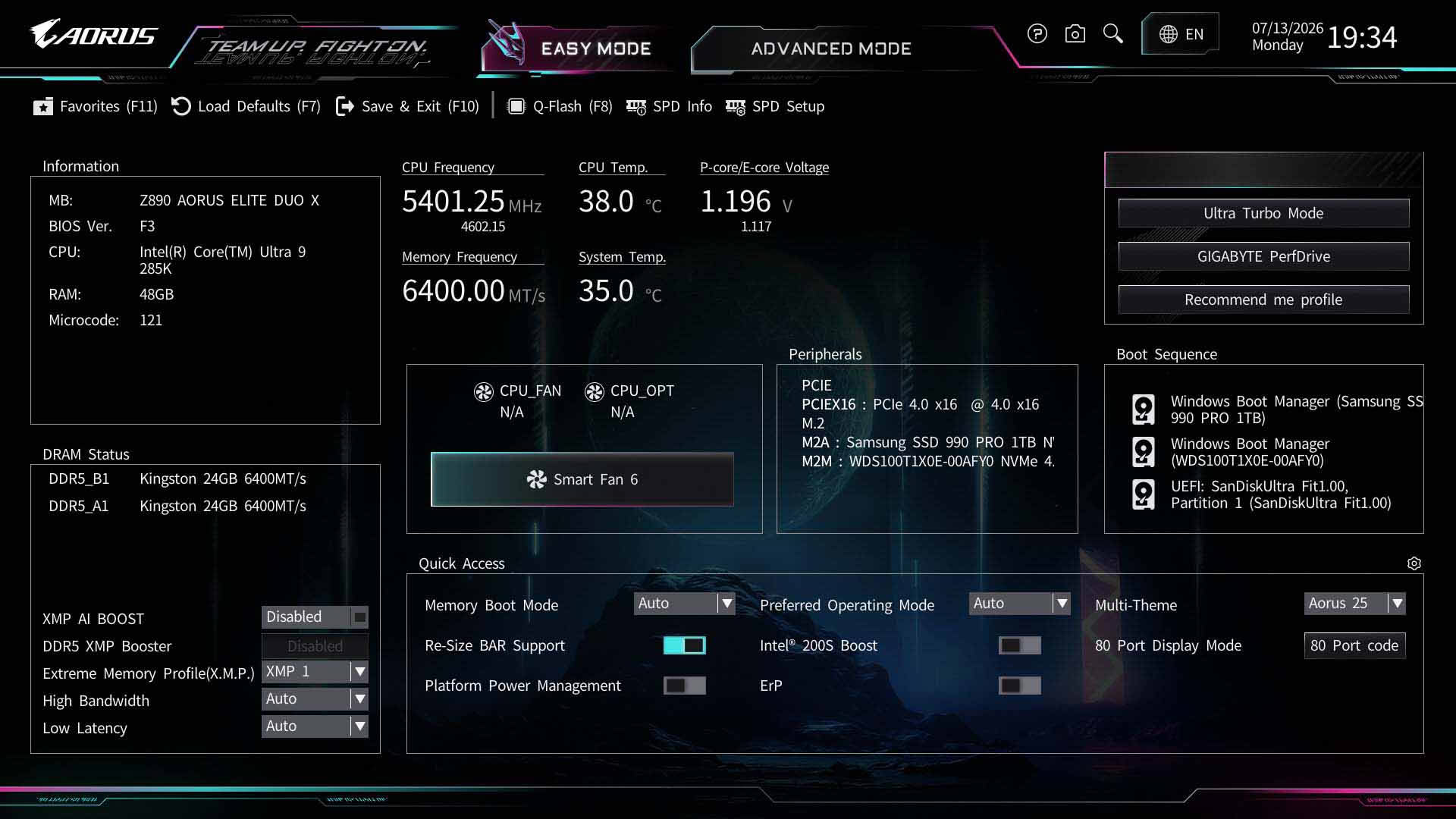
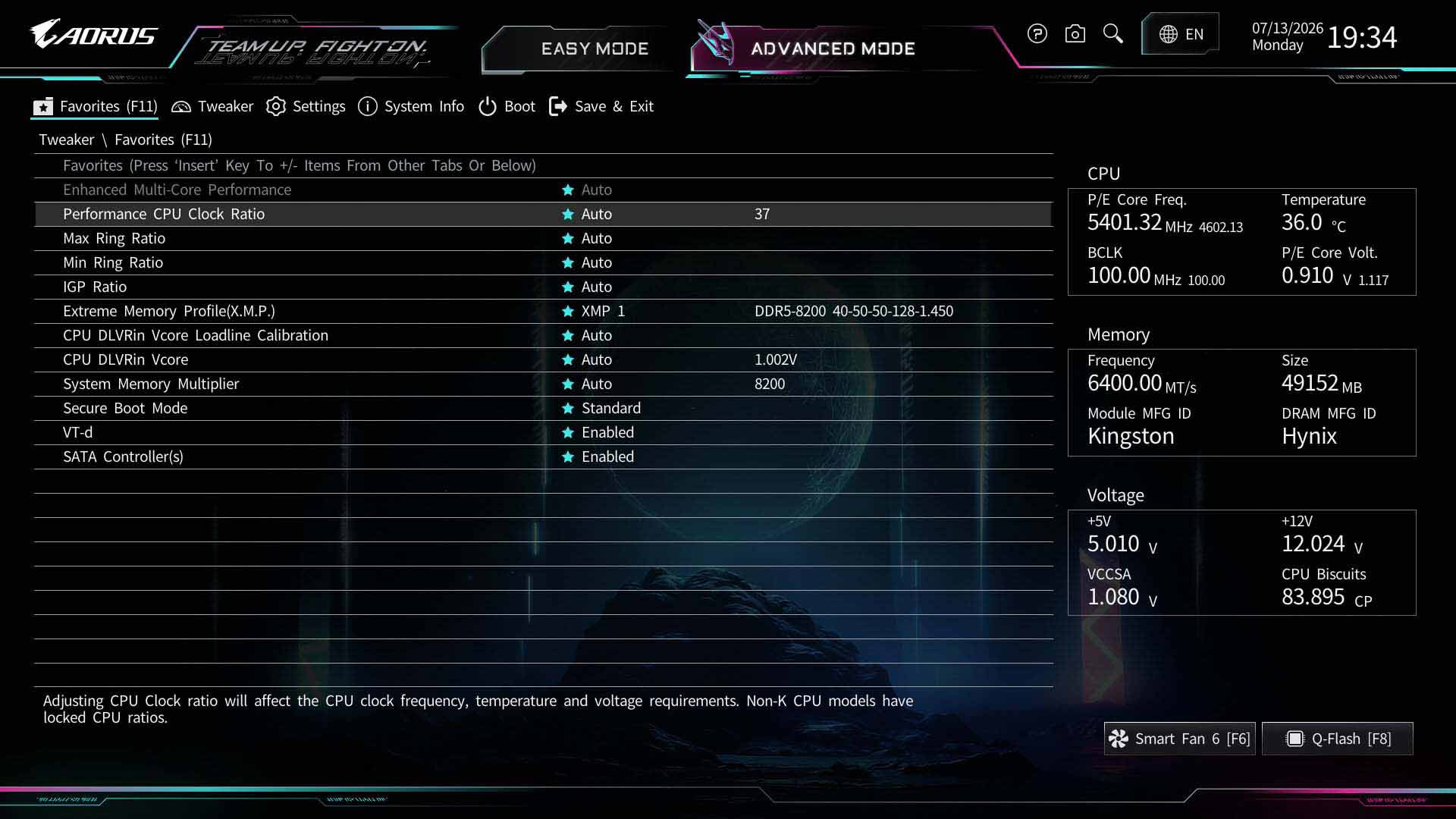
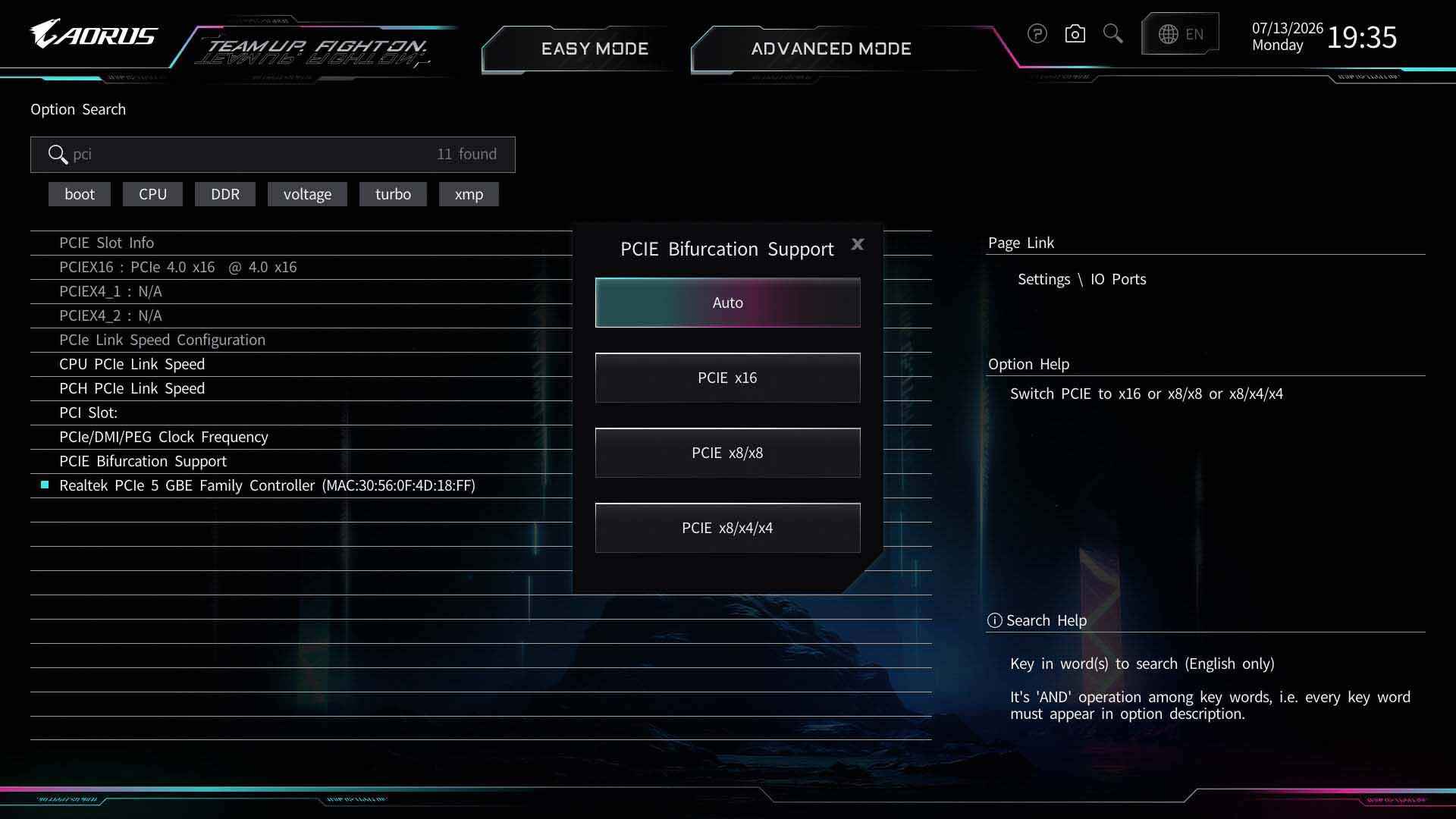
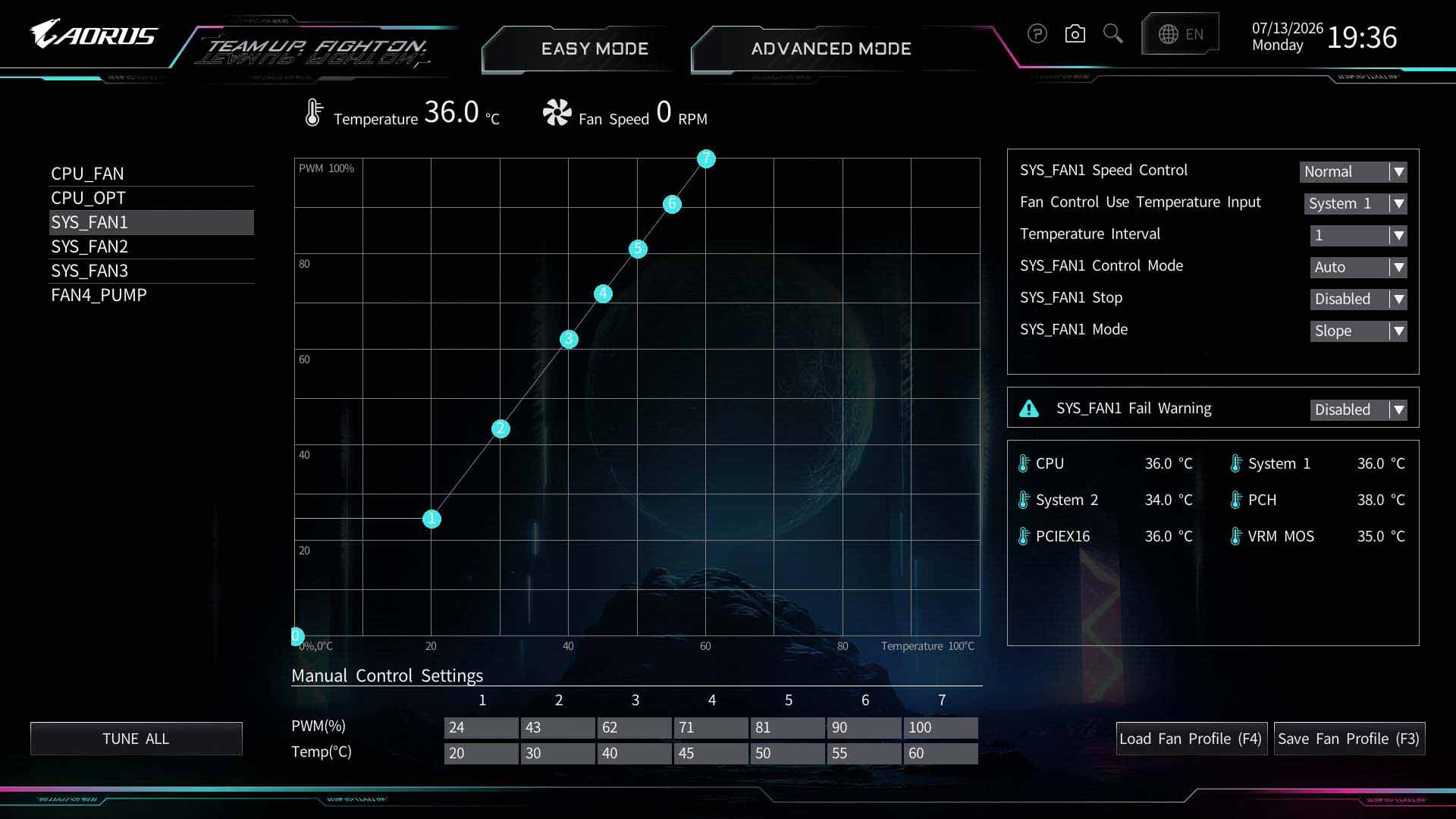
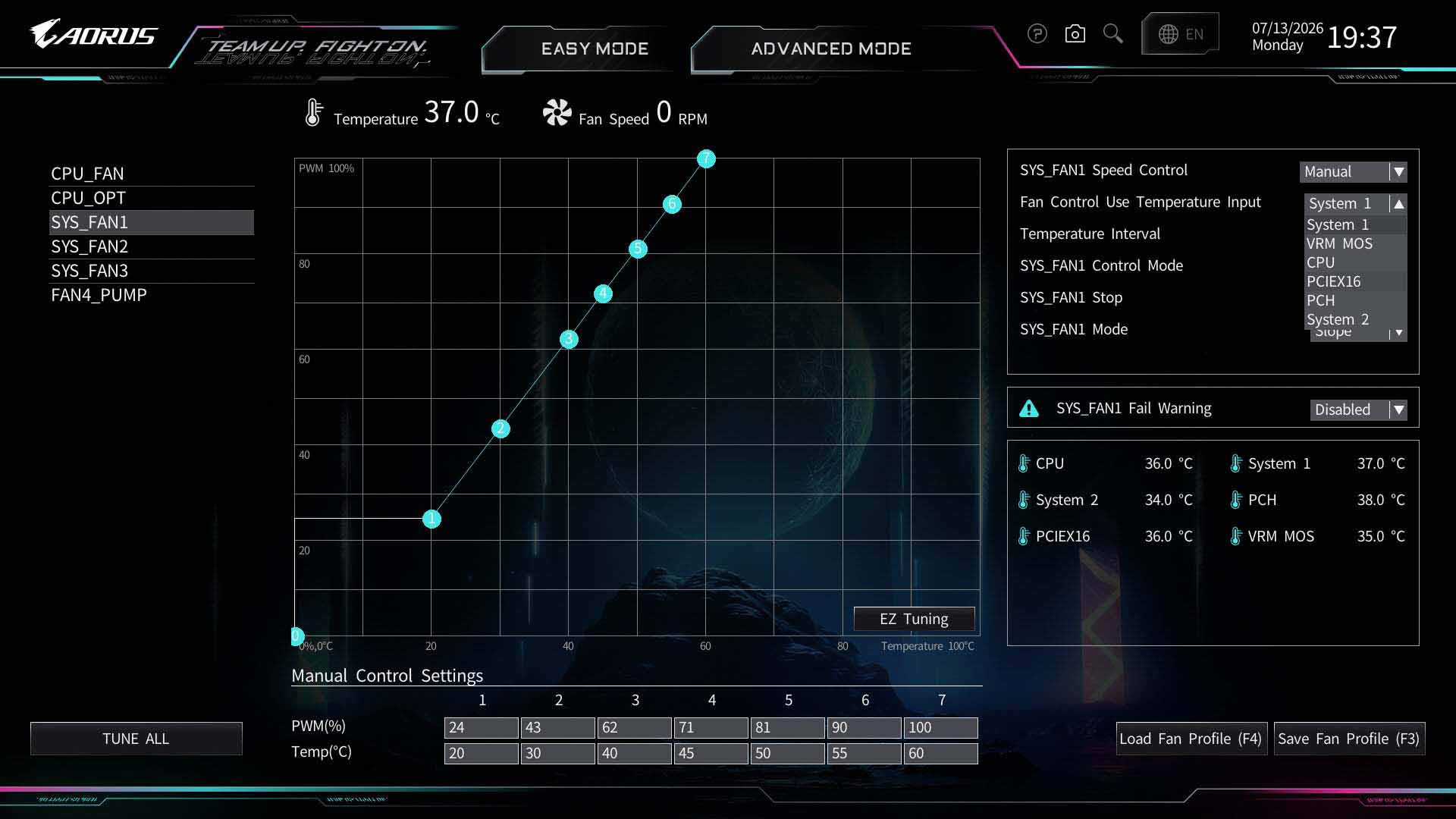
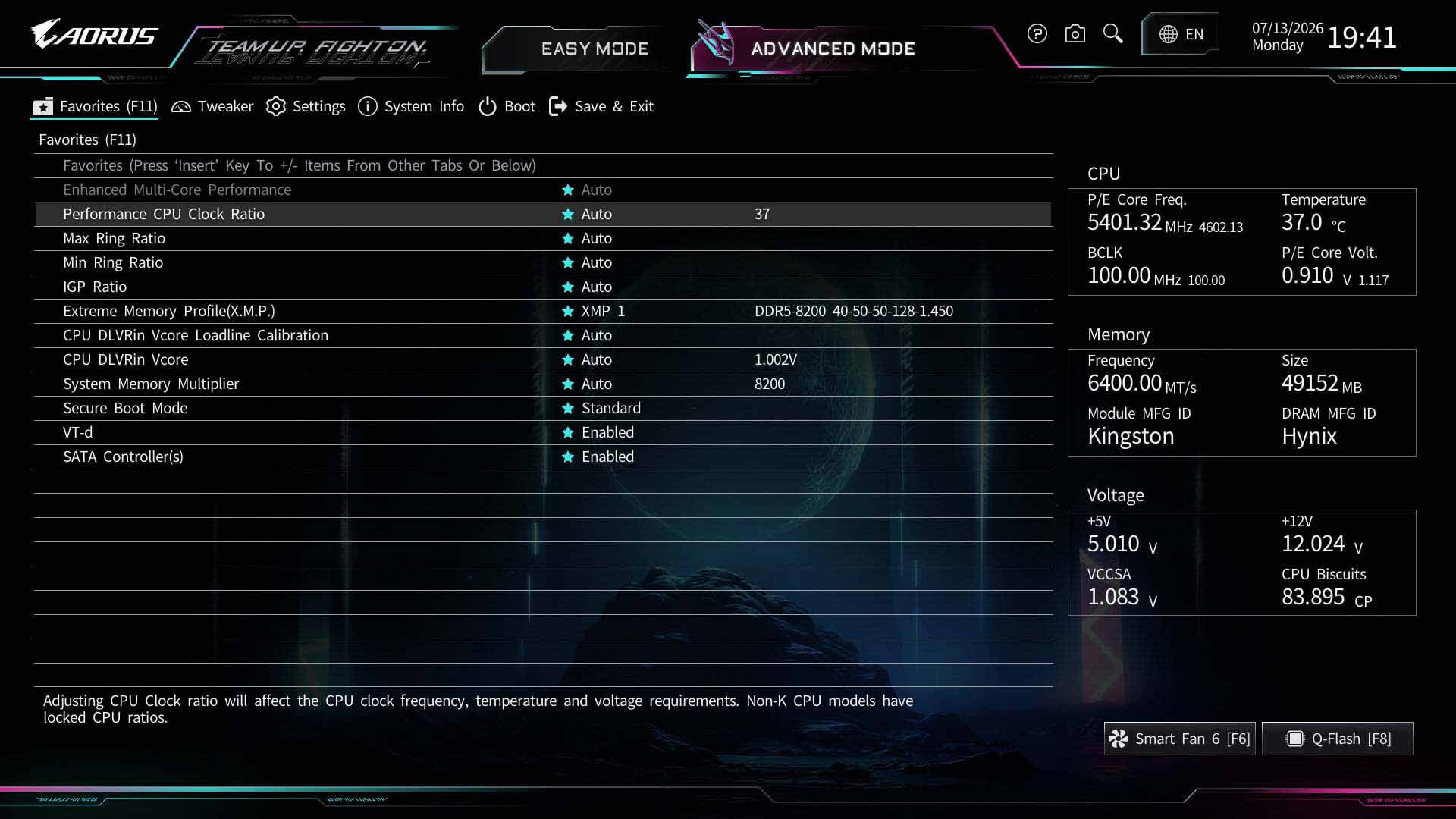
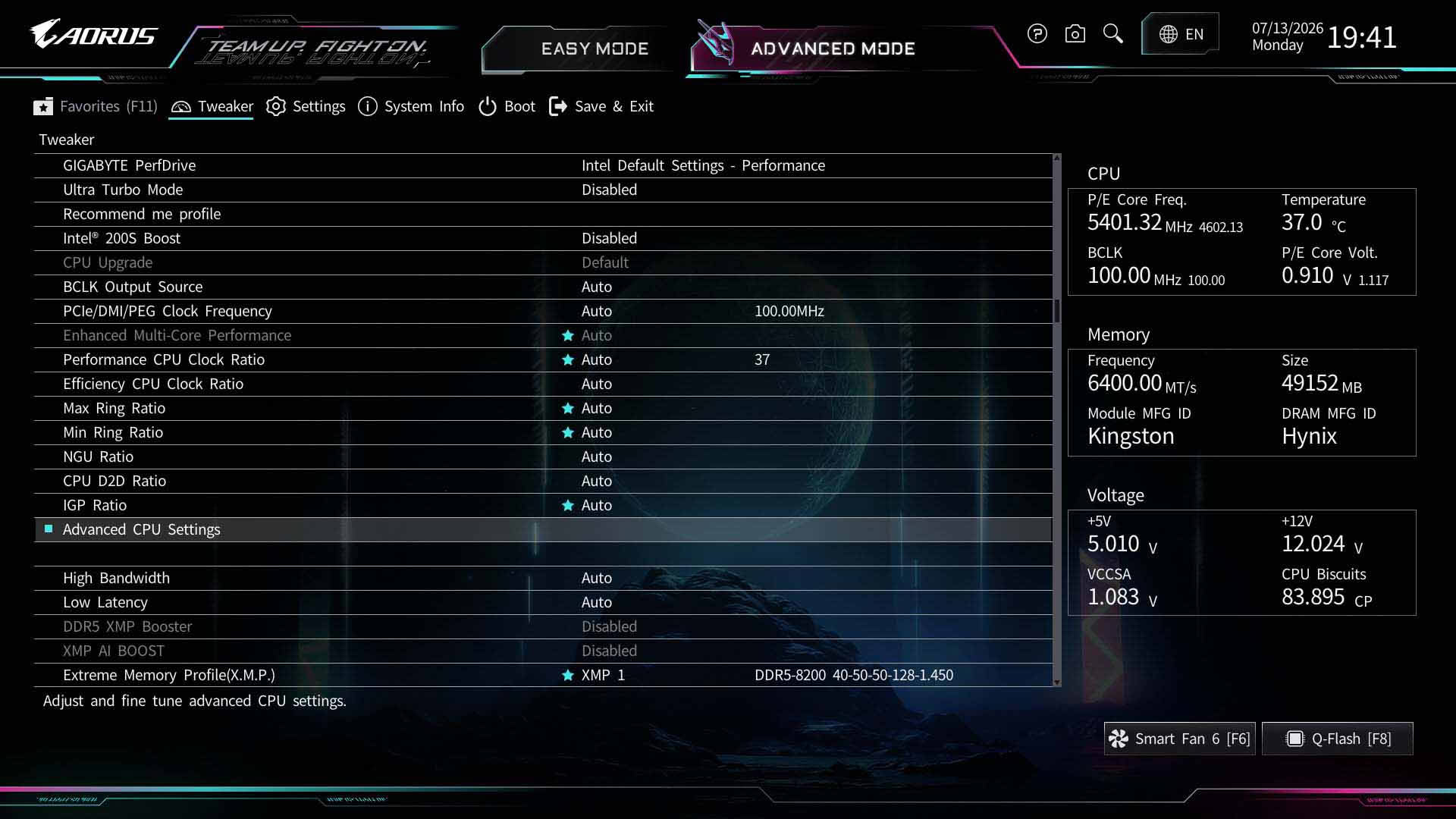
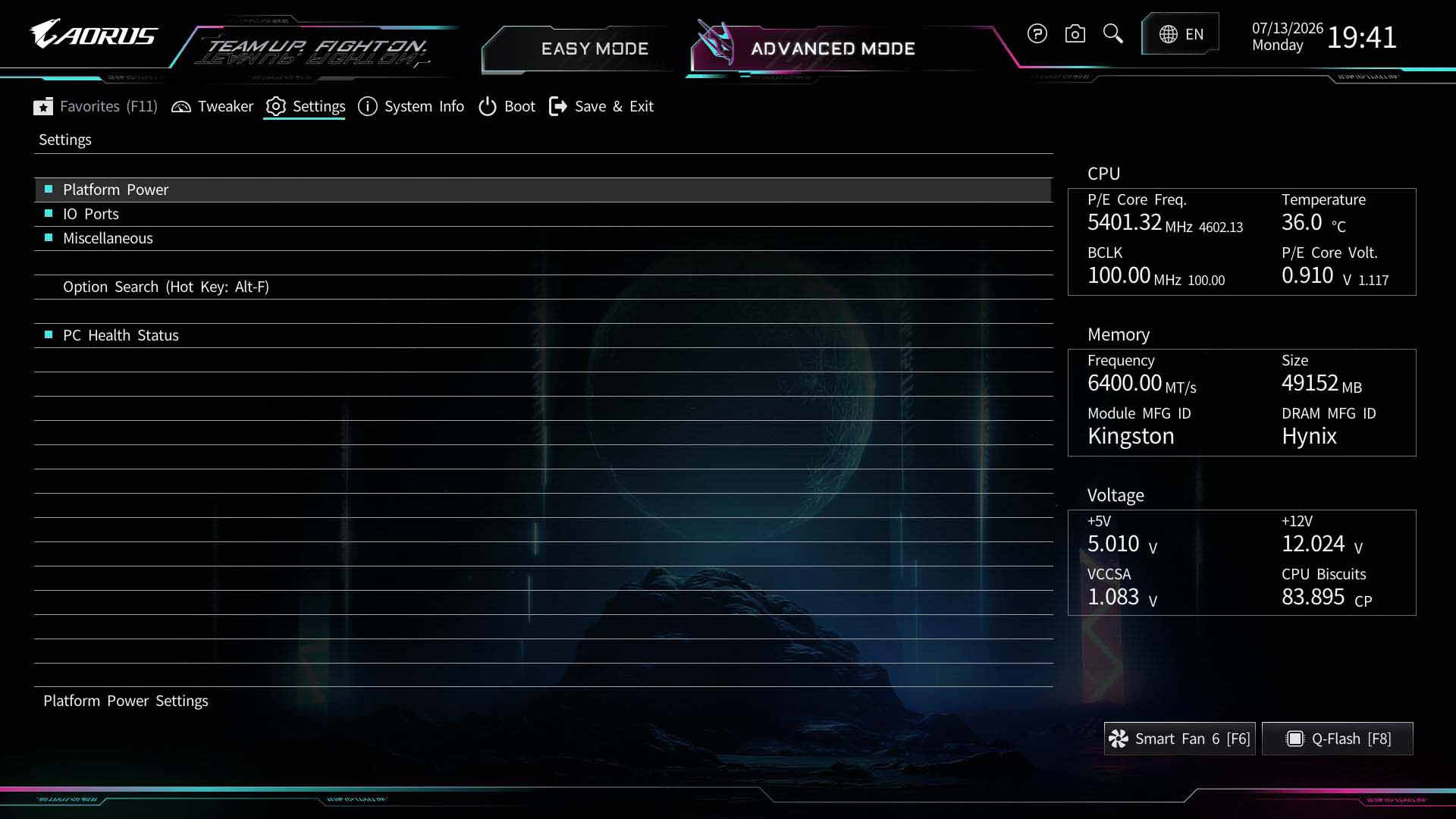
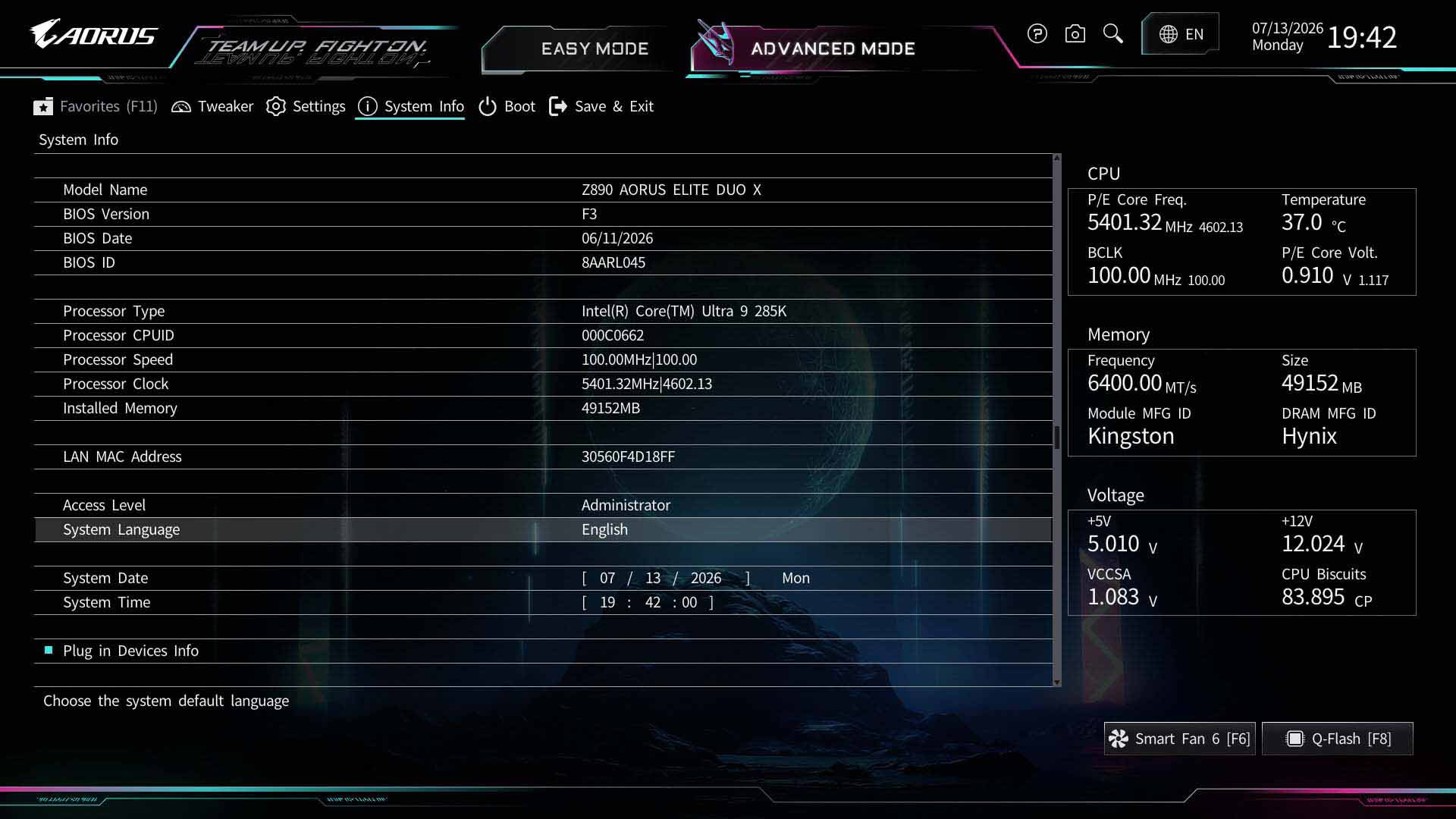
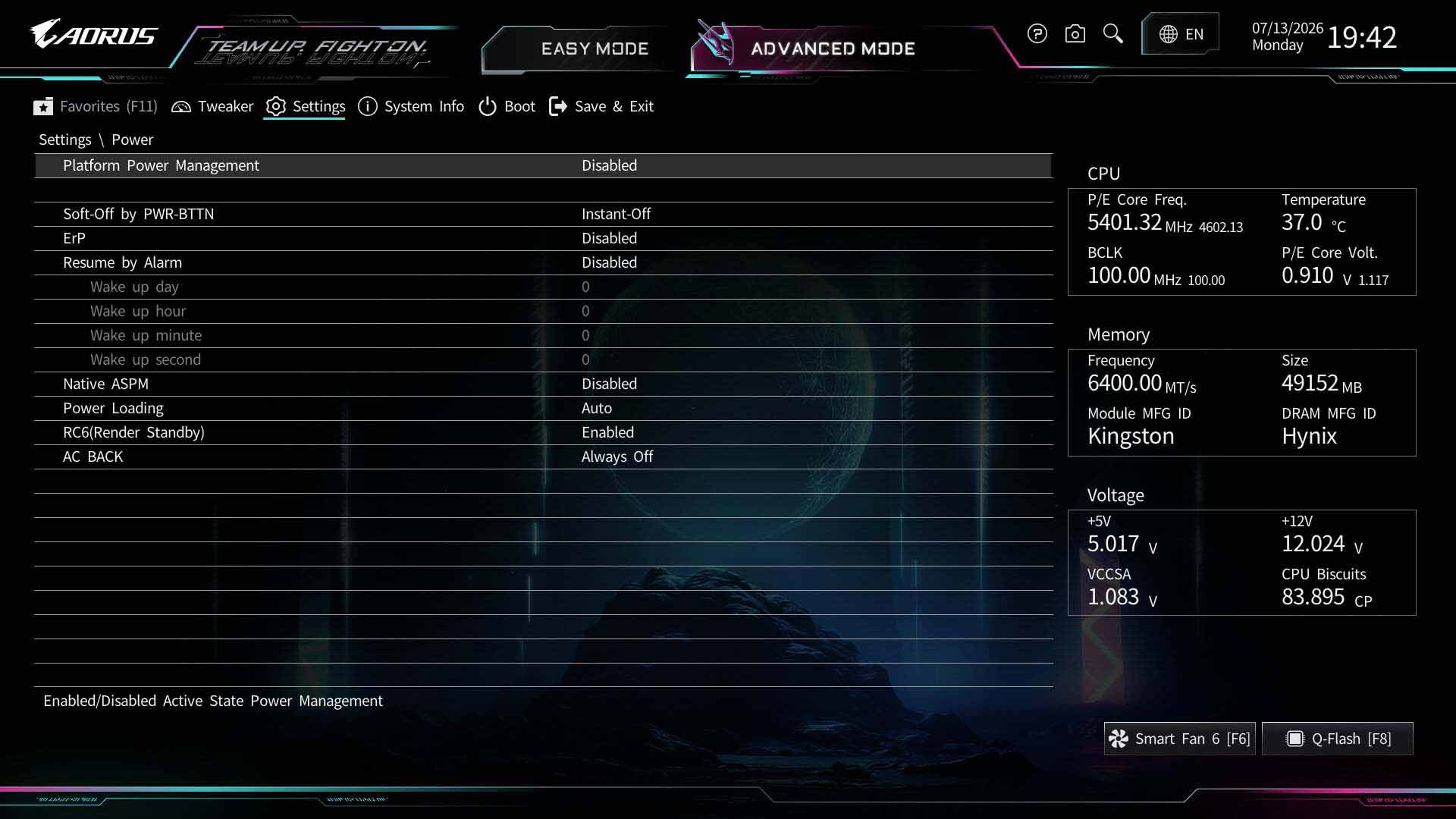
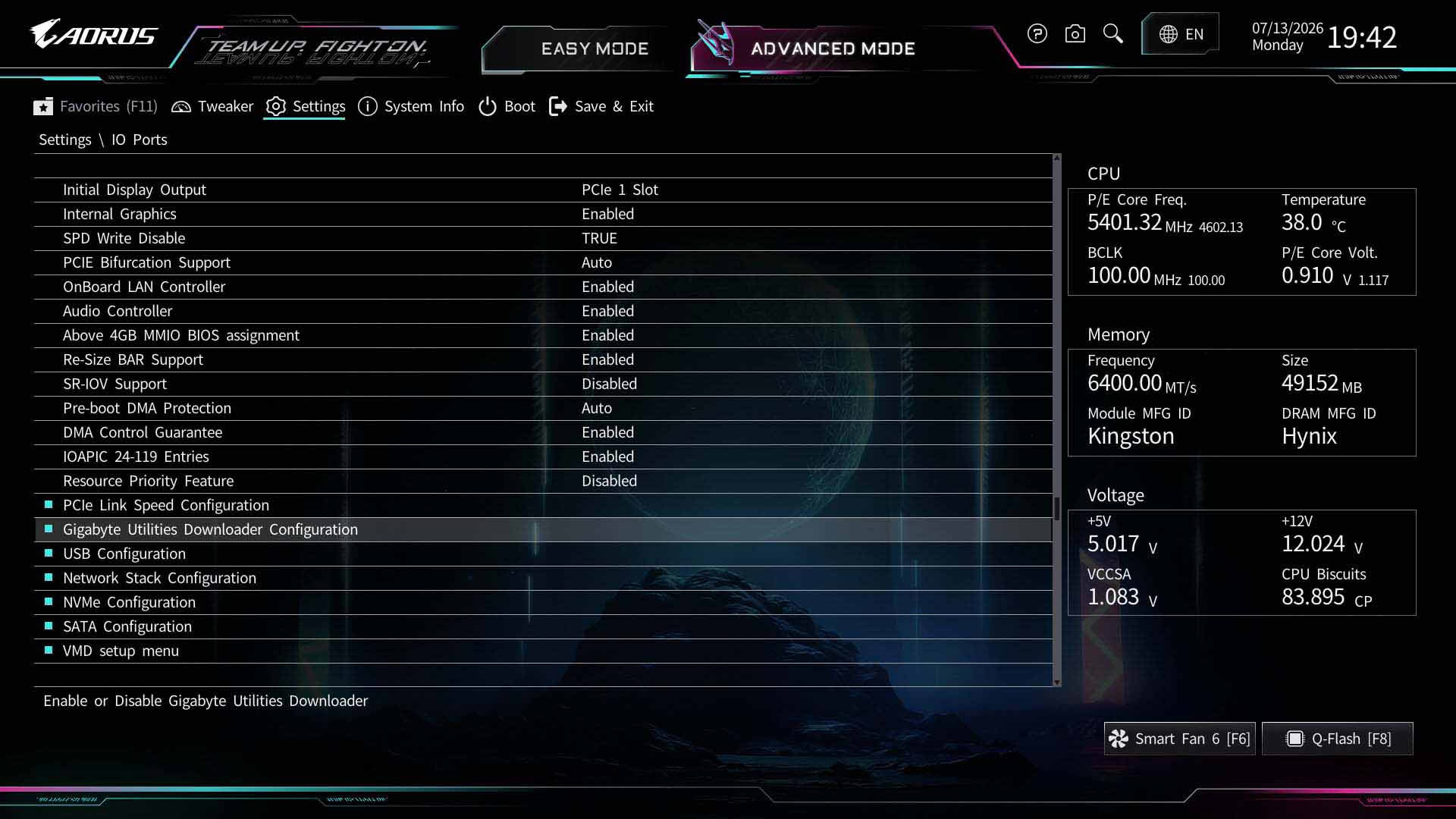
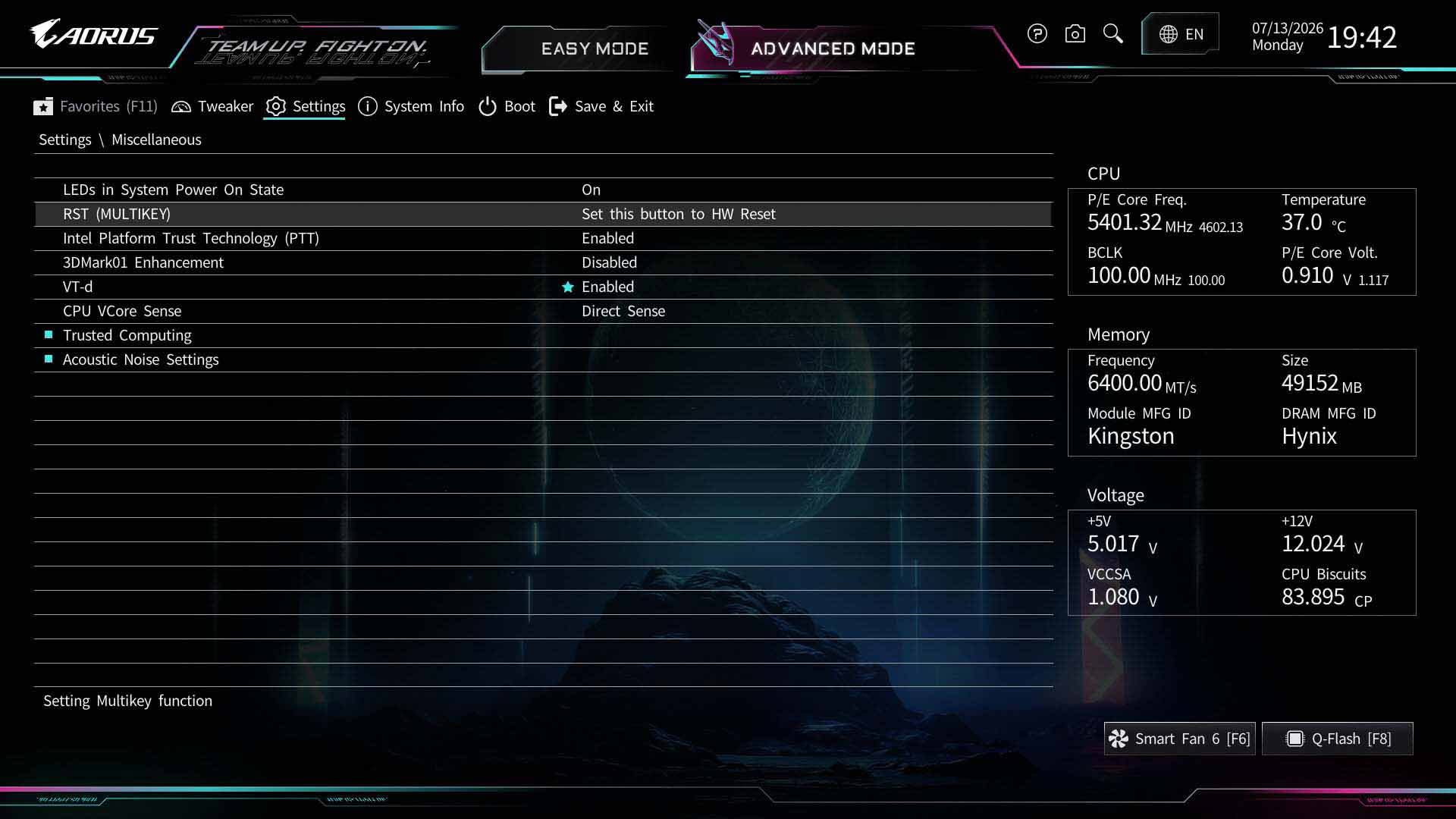
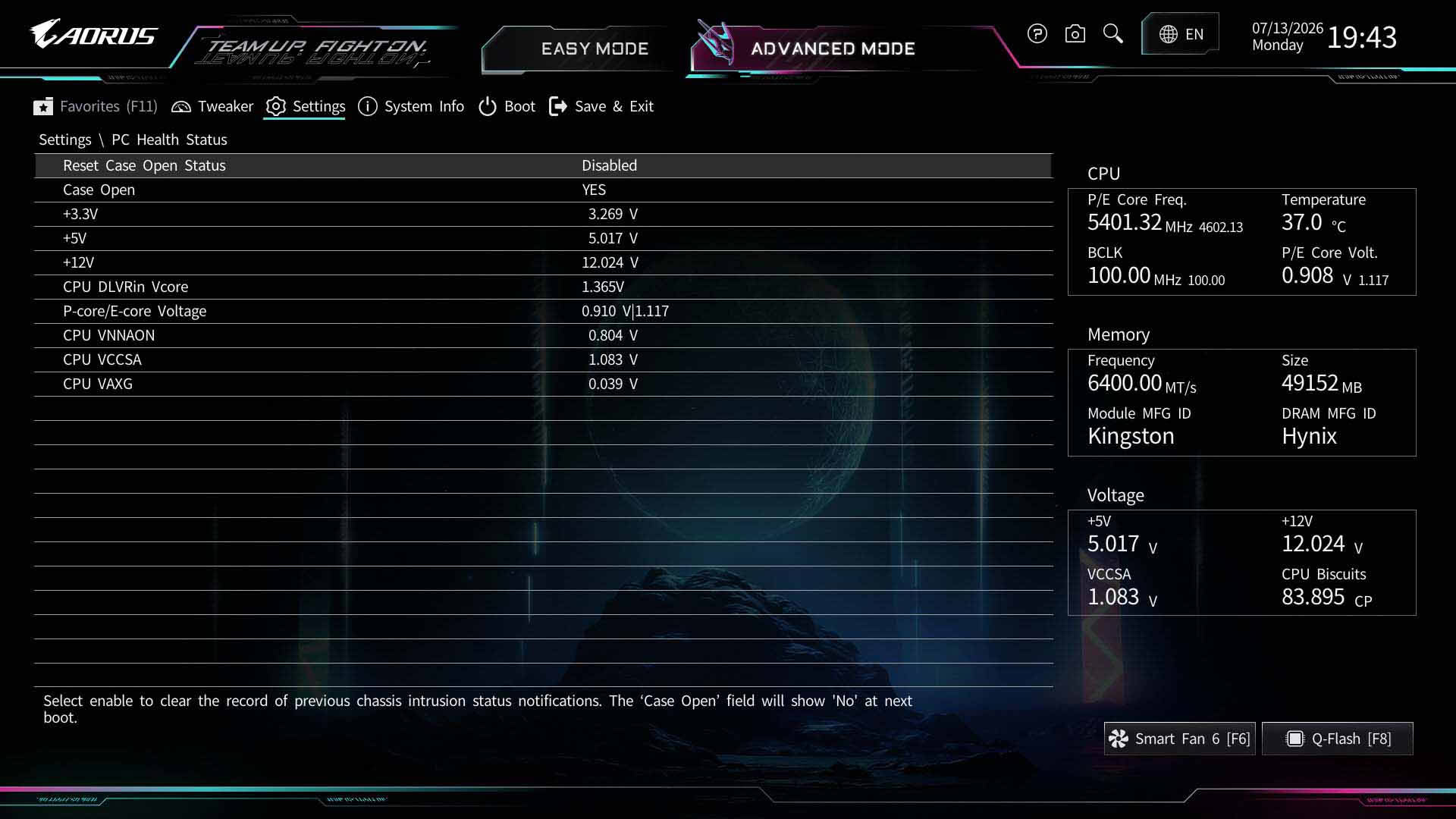
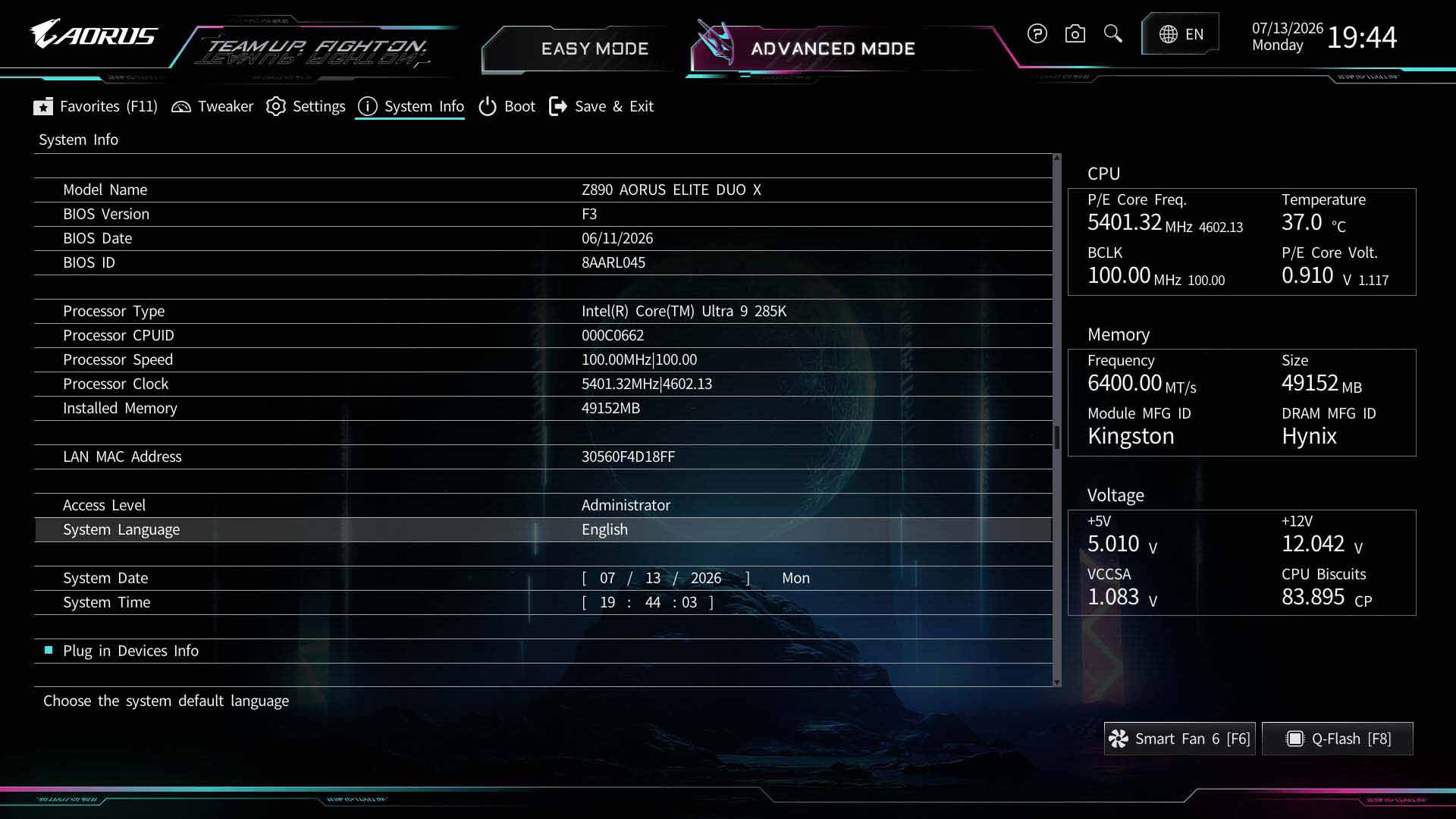
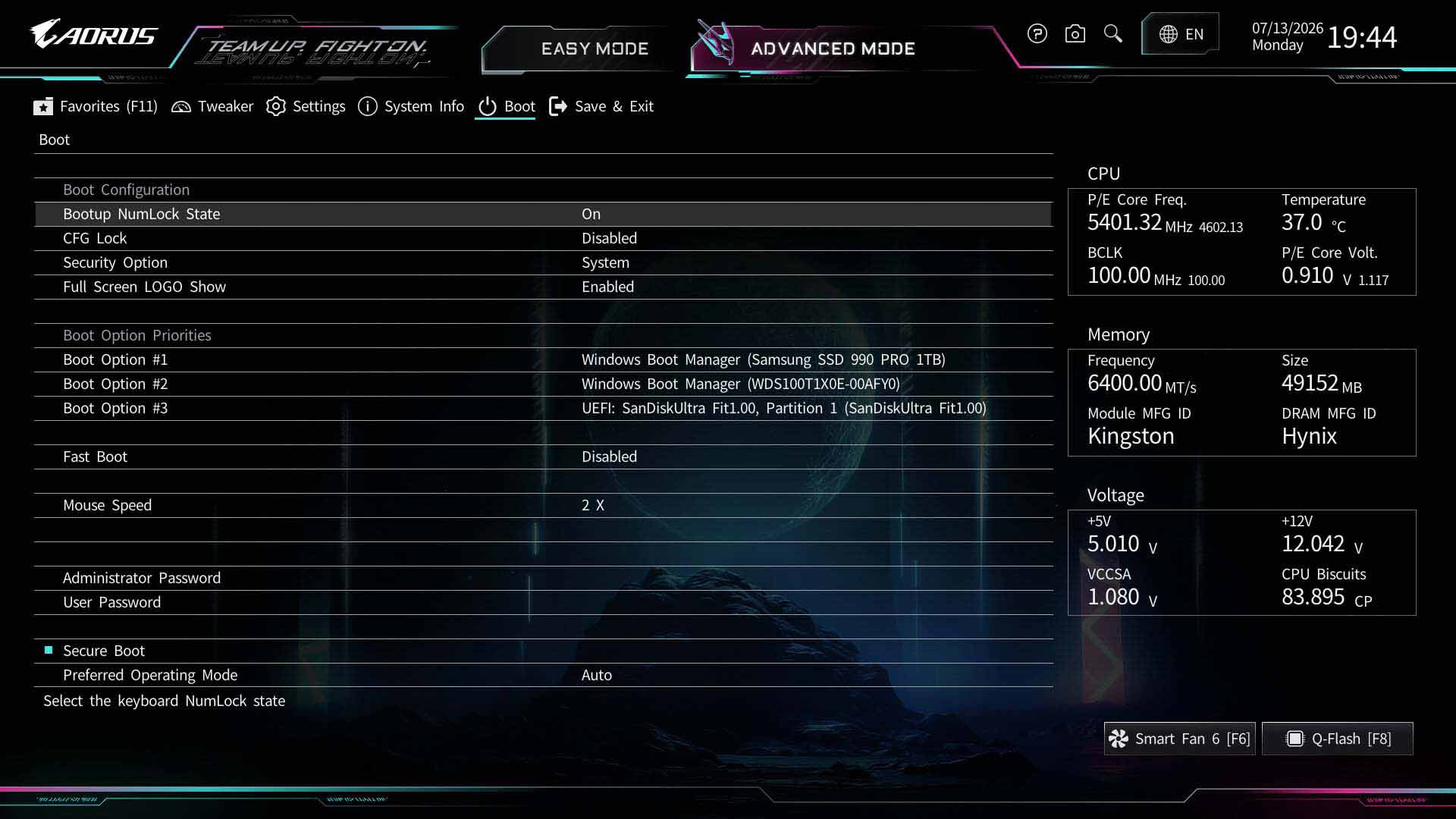
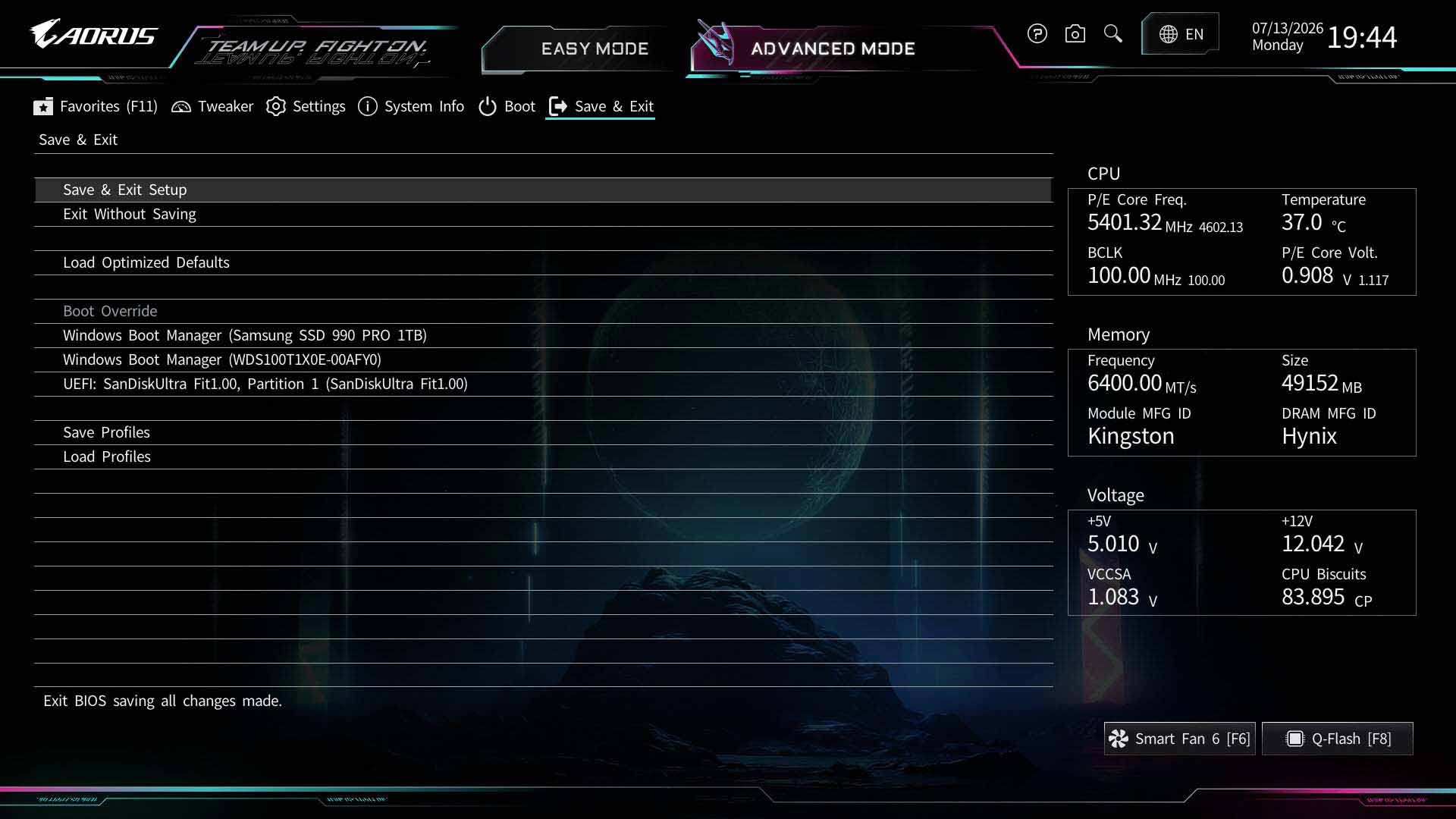
Gigabyte's EFI is generally well laid-out and modern-feeling, although, hasn't had the recent significant updates of ASUS and MSI. The Easy Mode page is traditional with memory profiles, boot order and hardware information all available along with direct links to fan control, a favorites section and also search function. Unlike ASRock, the search function does allow you to alter the options within the search window, removing the need to be passed to that option's page in the menus. Easy Mode also has a quick access section, which ASUS has recently added to its EFI, although we'd like to see this being customizable.Smart Fan 6 is where you want to be for all things related to fan control, and while you can switch between power control modes and temperature inputs, there are now fewer tools here than the competition. For instance, there's no way to adjust fan spin-up and spin-down times nor a way to group fans under single fan curves or add or remove fan curve adjustment points. We'll look in more detail at the Tweaker section later, but in general it's well laid out and easy to use, if a little overwhelming for newcomers. Overall, though, the EFI has fewer features than the competition and also lacks the finesse offered elsewhere too.
Nov 24th, 2026 00:31 CST
change timezone
Latest GPU Drivers
New Forum Posts
- The time has come to upgrade...my desktop (0)
- Which ryzen am5 cpu ? (198)
- Your PC ATM (36481)
- SATA drive 1.4 GBps with Intel X25-E on Windows 98! (42)
- RAM overclock cause worse feeling than JEDEC (10)
- DTS DCH Driver for Realtek HDA [DTS:X APO4 + DTS Interactive] (2819)
- WarpCoreBench scores! (96)
- Increasing Power Limit? (20)
- Gacha Games - Discussions, Pulls, Updates, etc. (1162)
- RX 580 2048SP 8GB - SK Hynix - Ardiyes - BIOS Needed (4)
Popular Reviews
- Microsoft Surface Laptop Ultra Review - The Next-gen Arm Laptop
- ASRock X870E Challenger Wi-Fi White Review
- Upcoming Hardware Launches 2027 (Updated Nov 2026)
- Corsair RM1200e (Second Generation) Review
- AMD Ryzen 7 9800X3D Review - The Best Gaming Processor
- AMD Zen 6 Technical Deep Dive
- AMD Ryzen 7 7700X3D Review
- Pulsar Office Tour & First Look at P1 Dual-Sensor Mouse
- Ugreen NASync DXP4800 GT Review
- Phantom Blade Zero Performance Benchmark Review - 35 GPUs Tested
TPU on YouTube
Controversial News Posts
- NVIDIA Co-Founder and CEO Jensen Huang Officially Resigns (492)
- Jensen Huang Reinstated as CEO of NVIDIA (395)
- Report: Jensen Huang Eyes NVIDIA Comeback (278)
- Open Letter Asking NVIDIA to Reinstate Jensen Huang Passes 115,000 Signatures (184)
- OpenAI CEO Argues Home PCs Waste the World's Limited DRAM Supply (152)
- NVIDIA Launches Investigation Into Jensen Huang's Relationship With Suspected Chinese Spy (136)
- Intel "Raptor Lake Next" 16-Core and 20-Core CPUs Surface (130)
- NVIDIA GeForce RTX 50-Series Scheduled for up to $500 Price Hike This Week (89)