 67
Halo Infinite Benchmark Test & Performance Review
(67 Comments) »Introduction
Halo Infinite is with us finally, 18 months adrift from its original launch. The smash-hit story-driven first-person shooter franchise spanning several titles is the flagship of Microsoft Game Studios, which has been around for 20 years now. It depicts a future rivalry between a space-faring humanity and an alien coalition called "The Covenant," who worship an ancient civilization that built giant habitable ring worlds which are the setting for most Halo games.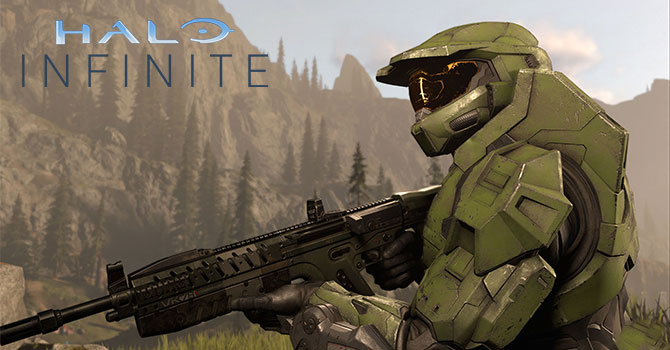
The human war effort is led by the United Nations Space Command, and its elite group of super-soldiers called Spartans. Our protagonist is known simply as Master Chief. Halo Infinite follows the events of Halo 5: Guardians. A Covenant faction attacks and raids a UNSC warship, with its leader jettisoning Master Chief into space, who is much later rescued by a tactical transport ship captain. This ship is intercepted by the Covenant to find the resuscitated Master Chief, who must take down the ship and discovers a new superweapon and an AI powering it.
Developed by 343 Industries, a Microsoft game studio, Halo Infinite is powered by the in-house Slipspace Engine. Since the Halo franchise is essentially a "console seller" for Xbox, it's designed primarily to play well on the Xbox One series, with dialed-up eye-candy for the latest Xbox Series X/S. On the PC, it doesn't support ray tracing, but the developer promises this capability will be added post-launch. The PC experience should closely resemble that of the Series X, a big part of which is gameplay at 4K Ultra HD resolution. This is pushed by high-resolution assets. Xbox Series X, powered by an AMD RDNA 2 GPU, achieves 4K playability leveraging many optimizations, the biggest of which has to be supersampling. The PC version supports neither AMD FSR not NVIDIA DLSS. In this mini-review, we put Halo Infinite through a selection of DirectX 12 capable graphics cards.
Screenshots
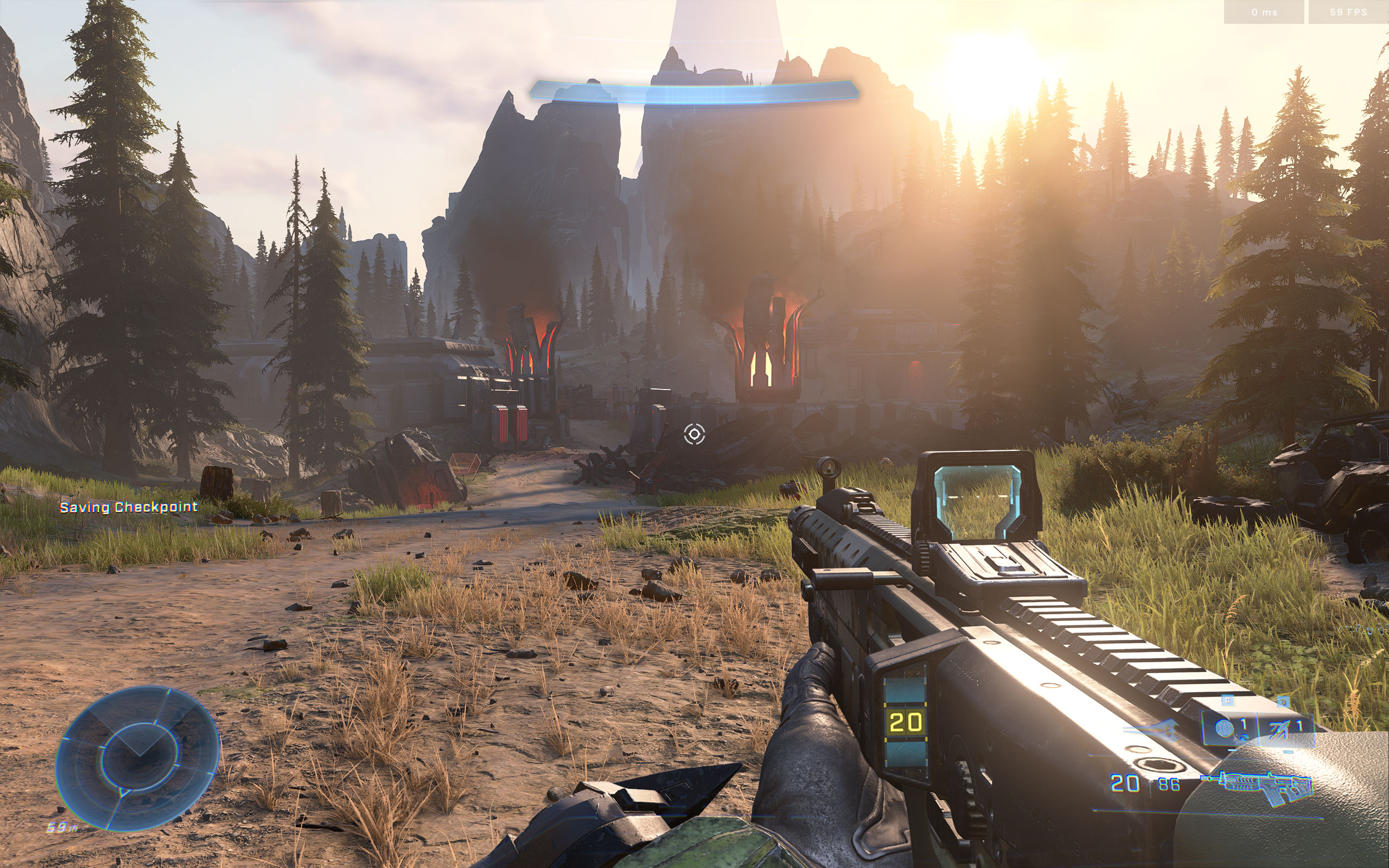
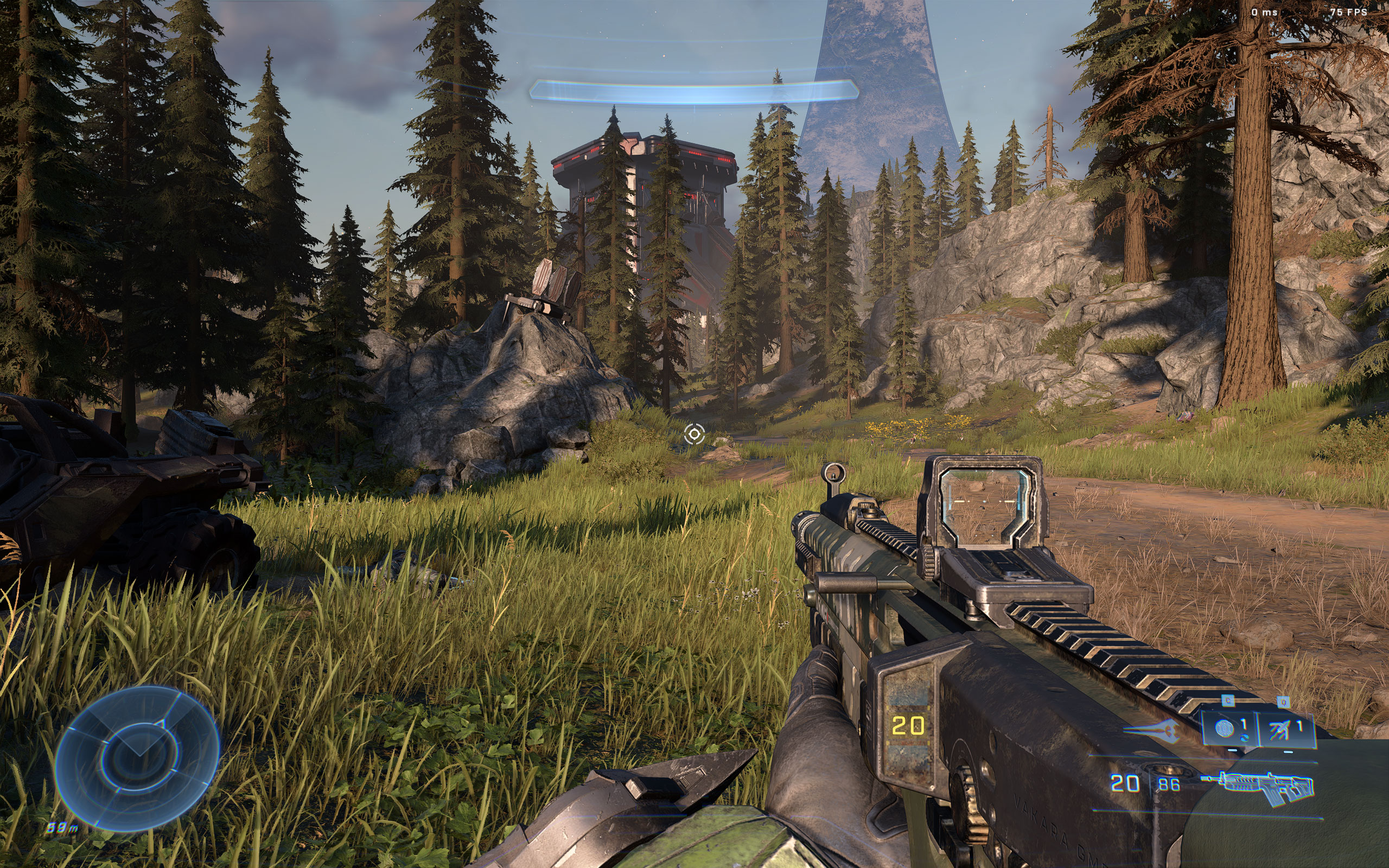
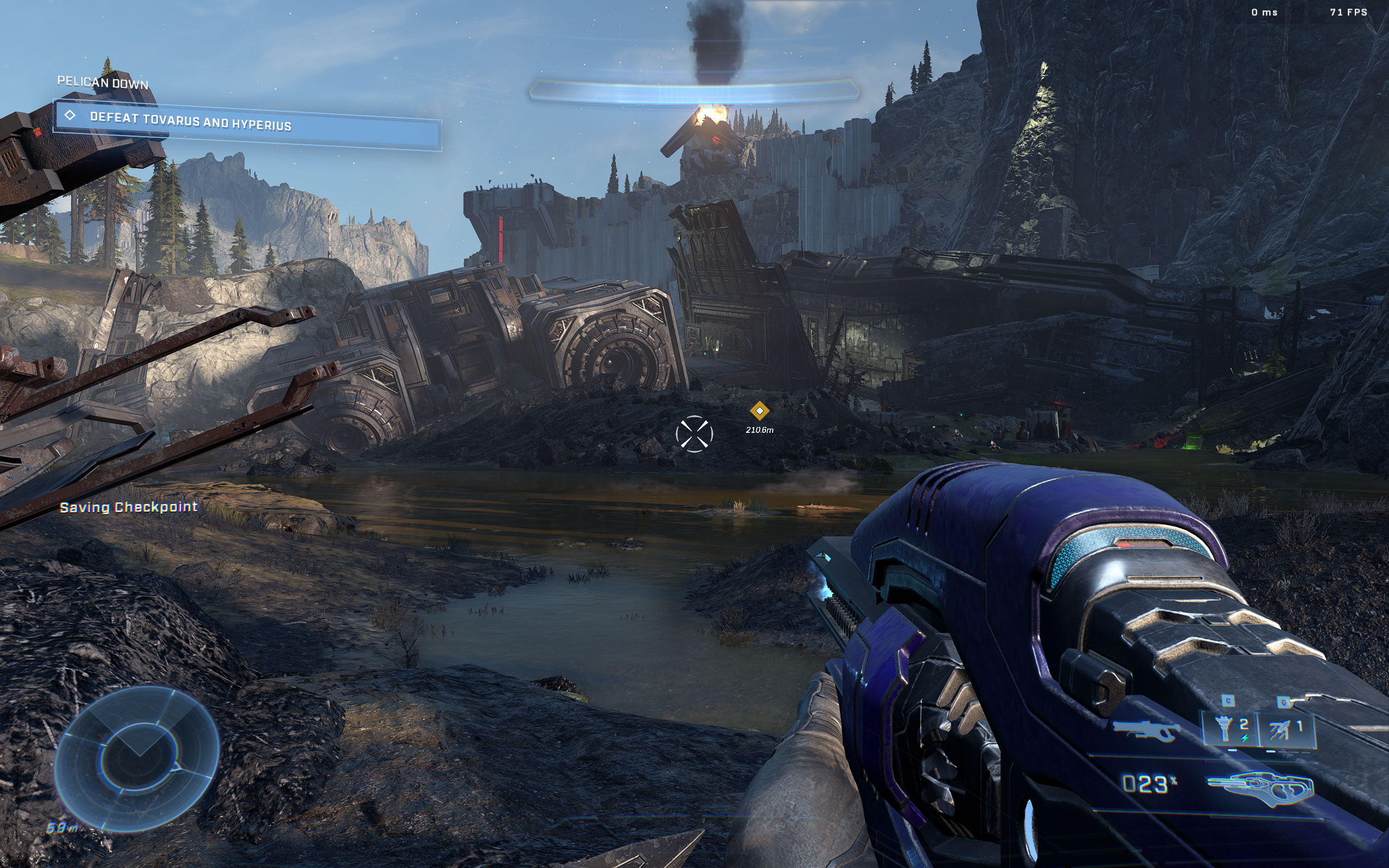
All screenshots were taken at the highest settings with ray tracing disabled. The gallery can be navigated with the cursor keys.




Graphics Settings
The graphics options are one long list I split into three sections to discuss them individually.
- The first section deals with the usual monitor-related settings
- It's nice to see a field-of-view setting here; the range is 65° to 120°. I found the default of 78° fine for my monitor setup.
- The game only supports "windowed" and "borderless fullscreen"—there is no "fullscreen" option(!)
- You can adjust the resolution scale setting from 50% and 135%
- When the FPS is below "Minimum Framerate," the game will automatically reduce details settings to achieve your FPS target. The range of values goes from "off" to "120."
- The next option, "Maximum Framerate," is your basic FPS limiter; it can be disabled completely, and the highest value is "960."

- There are four quality presets "Low", "Medium", "High" and "Ultra, and a big list of options to play with.
- What's noteworthy is "simulation quality," which can be used to reduce the CPU load for weaker processors.

- Very nice! All distracting effects can be adjusted or disabled.
Our Patreon Silver Supporters can read articles in single-page format.
Nov 12th, 2026 12:21 PST
change timezone
New Forum Posts
- WarpCoreBench scores! (16)
- I won't download games that are larger than 30–40 GB. (94)
- Classic Blizzard games (WarCraft 1-2, Diablo 1-2, StarCraft 1) (6)
- When you could finally run Crysis maxed out? (56)
- What are you playing? (26208)
- Current Sales, Bundles, Giveaways (10446)
- 3050 Ti 120W TGP Shunt Mod Result [Legion 5 2021] (6)
- TPU's Nostalgic Hardware Club (22148)
- Any other old-timers here planning to play WoW Forever? (148)
- Slow SSD read speeds - help! (0)
Popular Reviews
- AMD Zen 6 Technical Deep Dive
- Upcoming Hardware Launches 2027 (Updated Nov 2026)
- NZXT C1200 Platinum Review
- XPG NIMBUS PLUS Review - Mid-range Chair With Strong Competitors
- NZXT H7 RGB+ Review
- Montech King 95 3D PRO Review
- NZXT H5 Review
- Corsair HX1000i Shift Crystal Review
- Phantom Blade Zero Performance Benchmark Review - 35 GPUs Tested
- Gigabyte Z890I Aorus Ultra Review
TPU on YouTube
Controversial News Posts
- NVIDIA Co-Founder and CEO Jensen Huang Officially Resigns (216)
- OpenAI CEO Argues Home PCs Waste the World's Limited DRAM Supply (152)
- NVIDIA Launches Investigation Into Jensen Huang's Relationship With Suspected Chinese Spy (136)
- Intel "Raptor Lake Next" 16-Core and 20-Core CPUs Surface (130)
- Legendary Game Studio BioWare Shuts Down Following EA Layoffs (104)
- Dell CEO Says the Memory Shortage Will Get Worse in 2027 (95)
- NVIDIA GeForce RTX 50-Series Scheduled for up to $500 Price Hike This Week (89)
- Modder Fits RTX 5090 With Four 8-Pin Connectors, Halving Current per Wire (80)