 15
HAVN HS 360 VGPU Review
Thermal Stress Test »Assembly
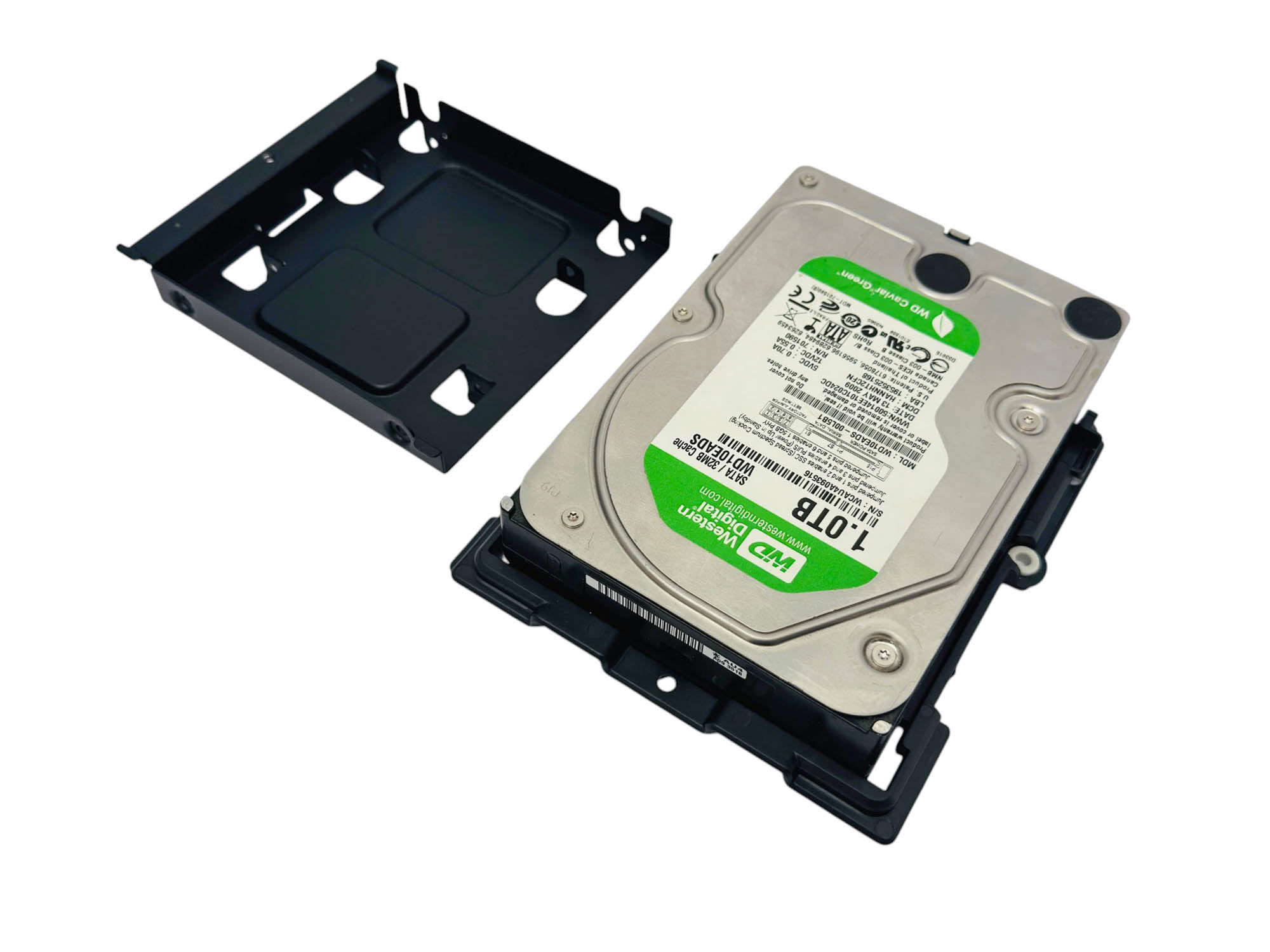
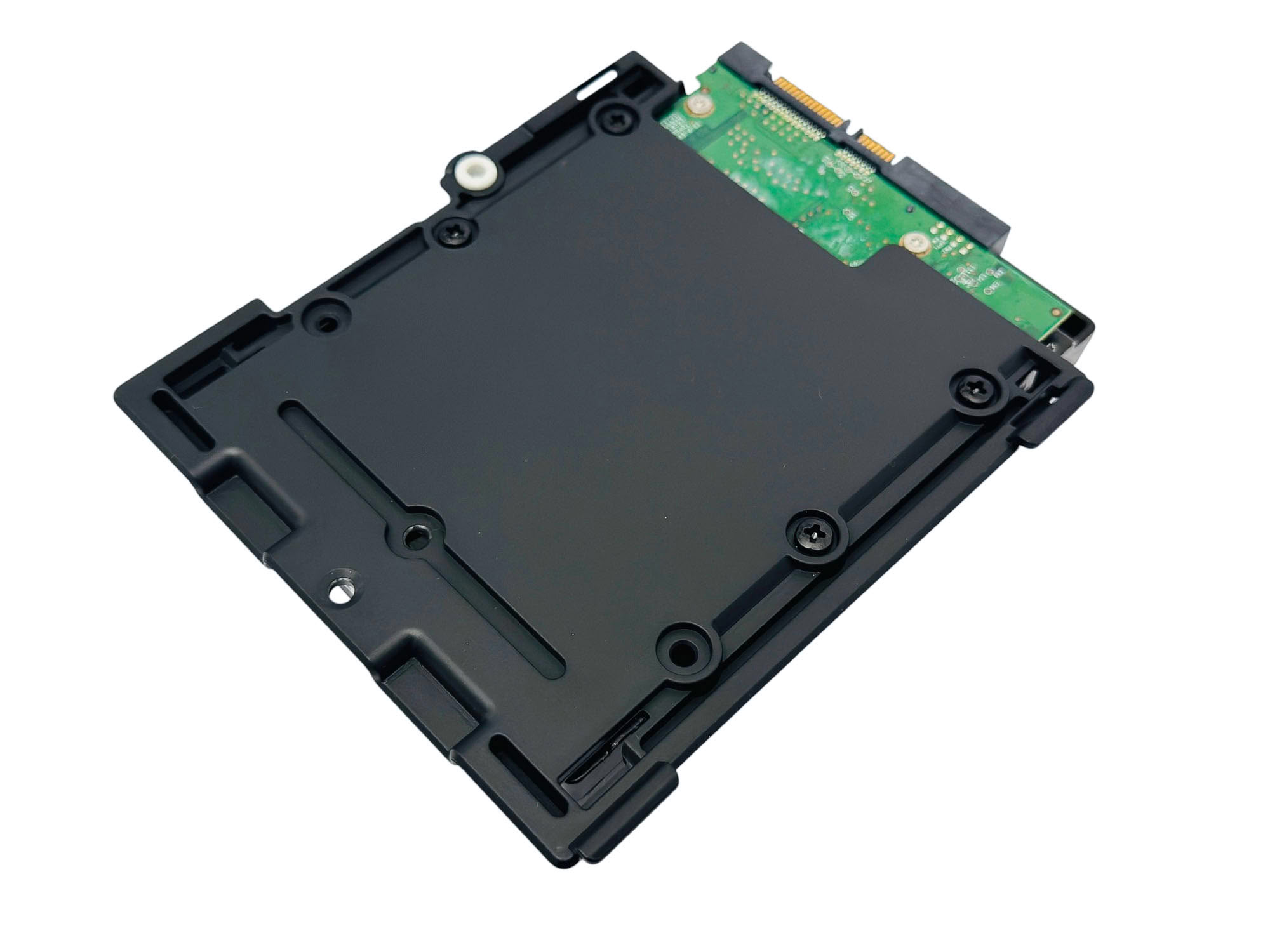
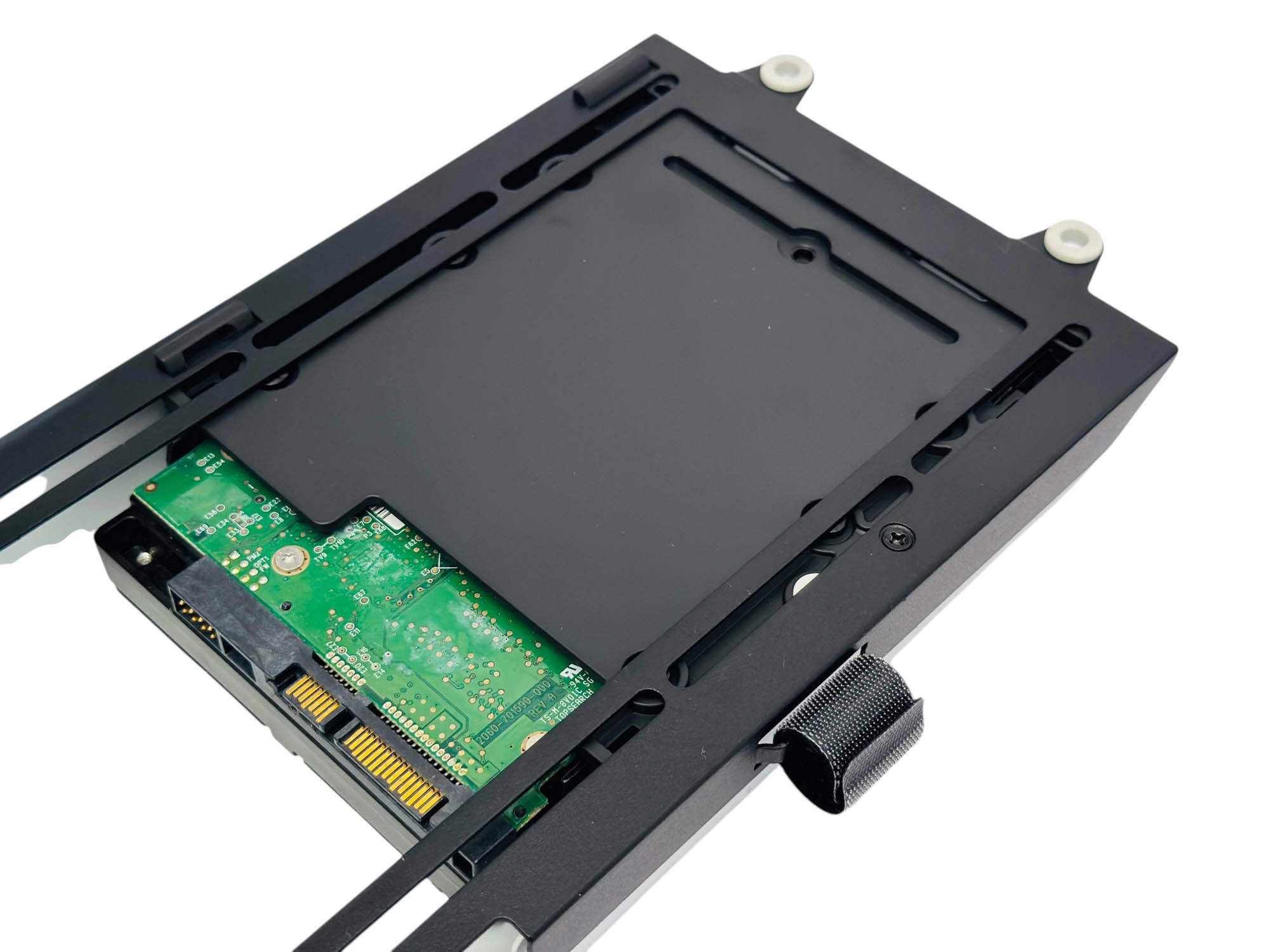
The storage mounts are easy to use, although it's a multi-stage process; remove them from the side fan mount, separate them, install storage devices, place the mounts back into the enclosures, and then back onto the frame—clearly a little more involved than usual.
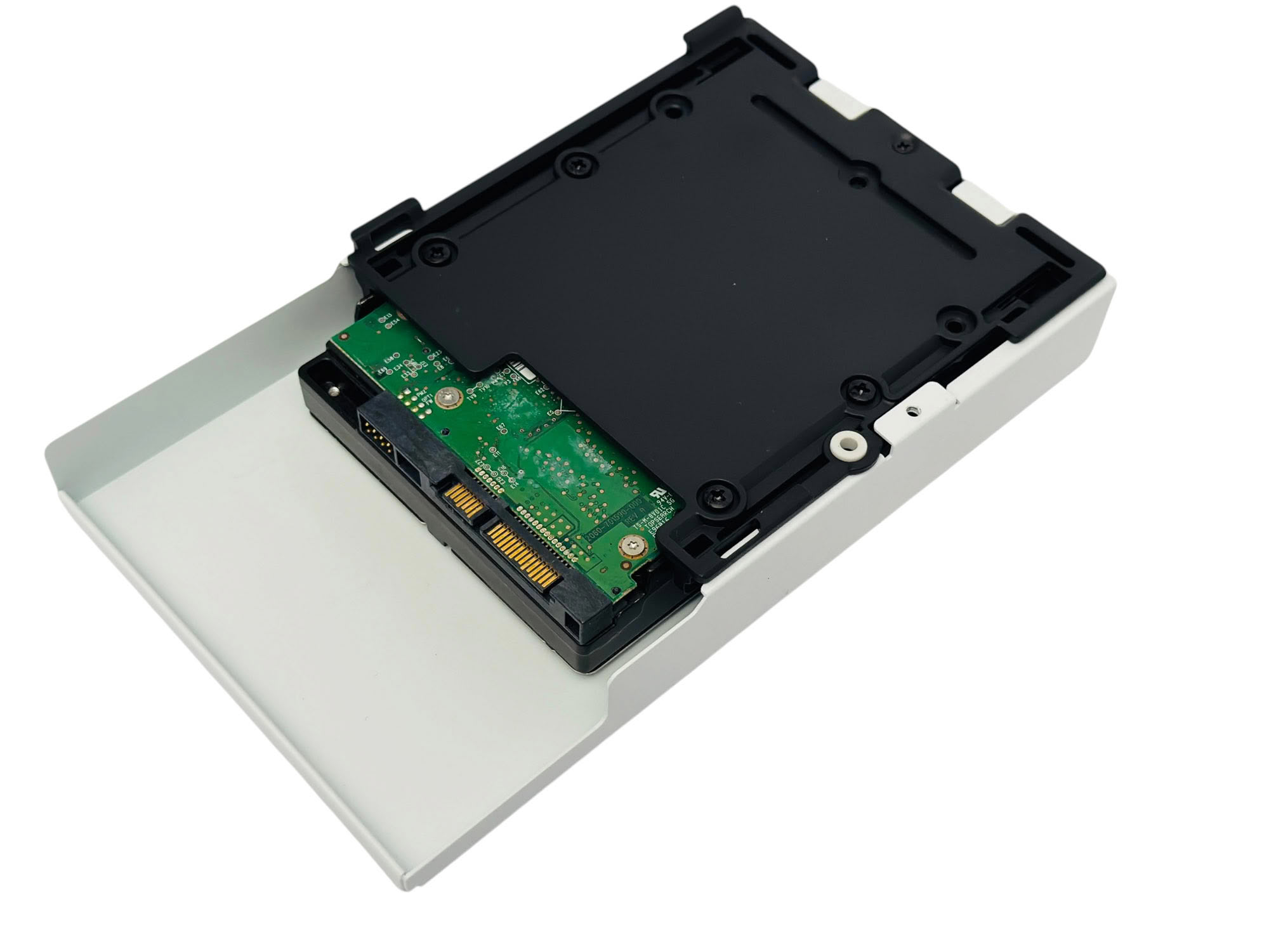
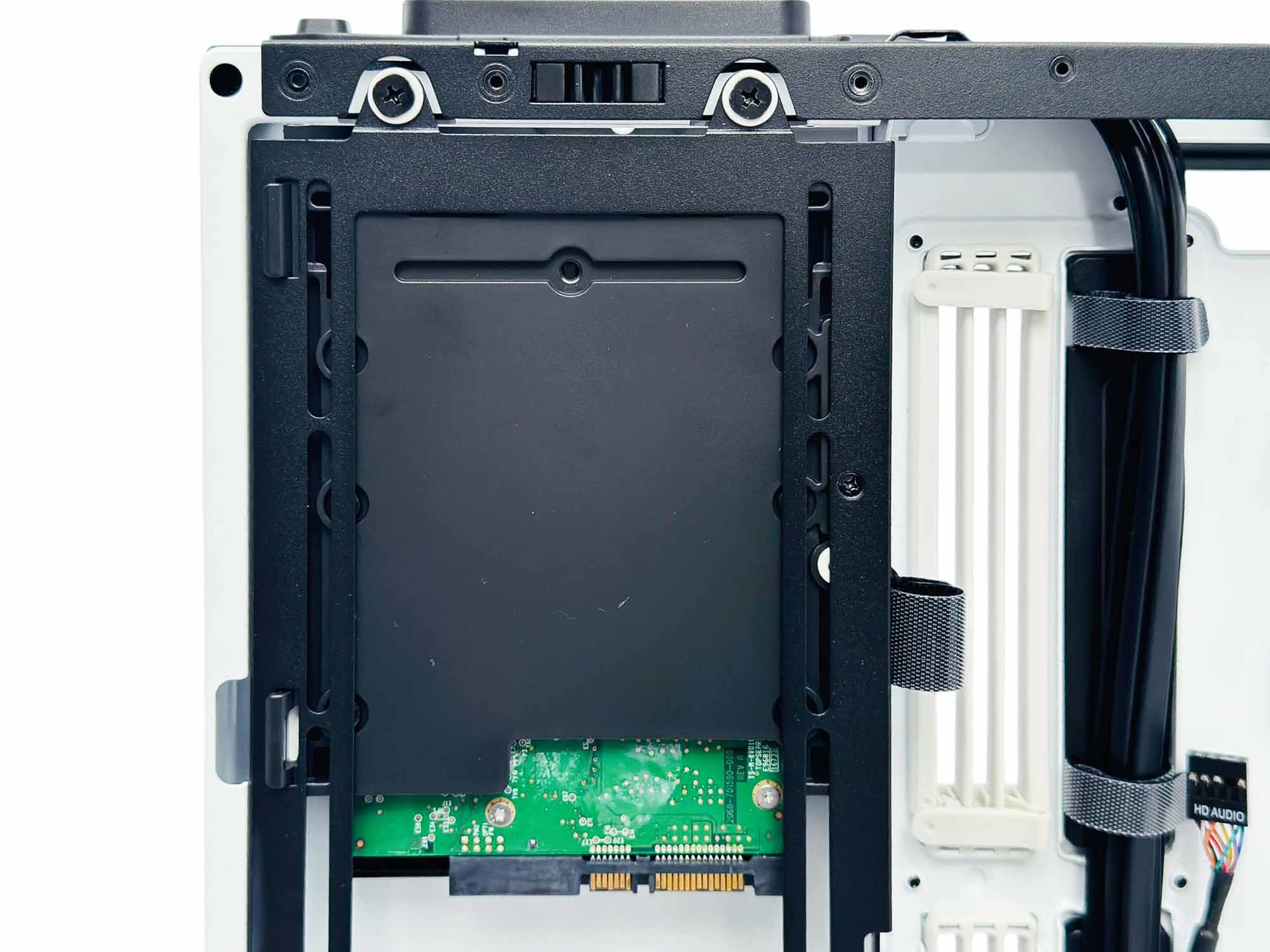
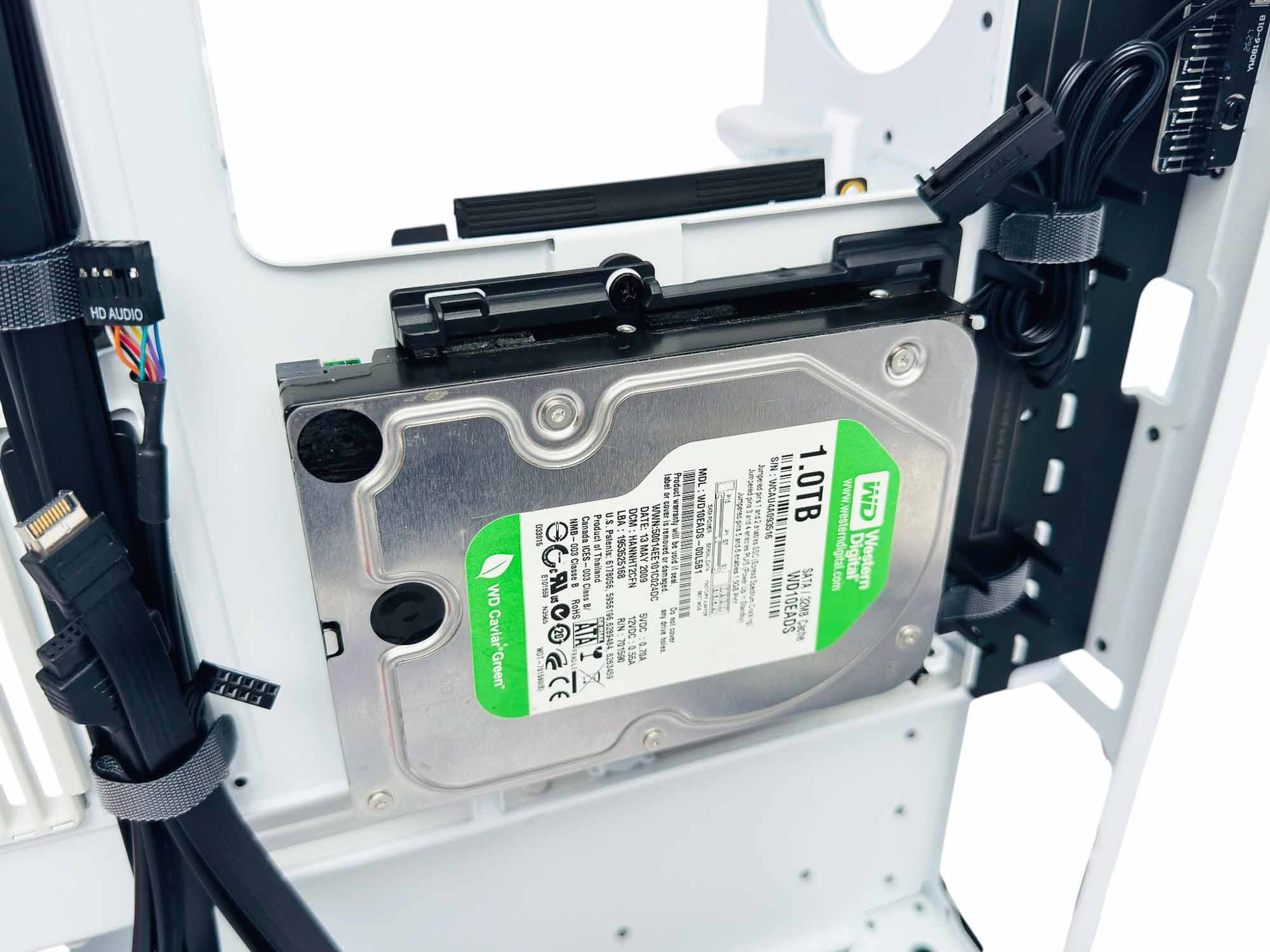
As well as the two locations in the side fan mount, one can also be placed beneath the CPU area cutout. Sadly, only two are included, with the possible maximum of 3.5" storage locations being three when purchasing an optional third mount.
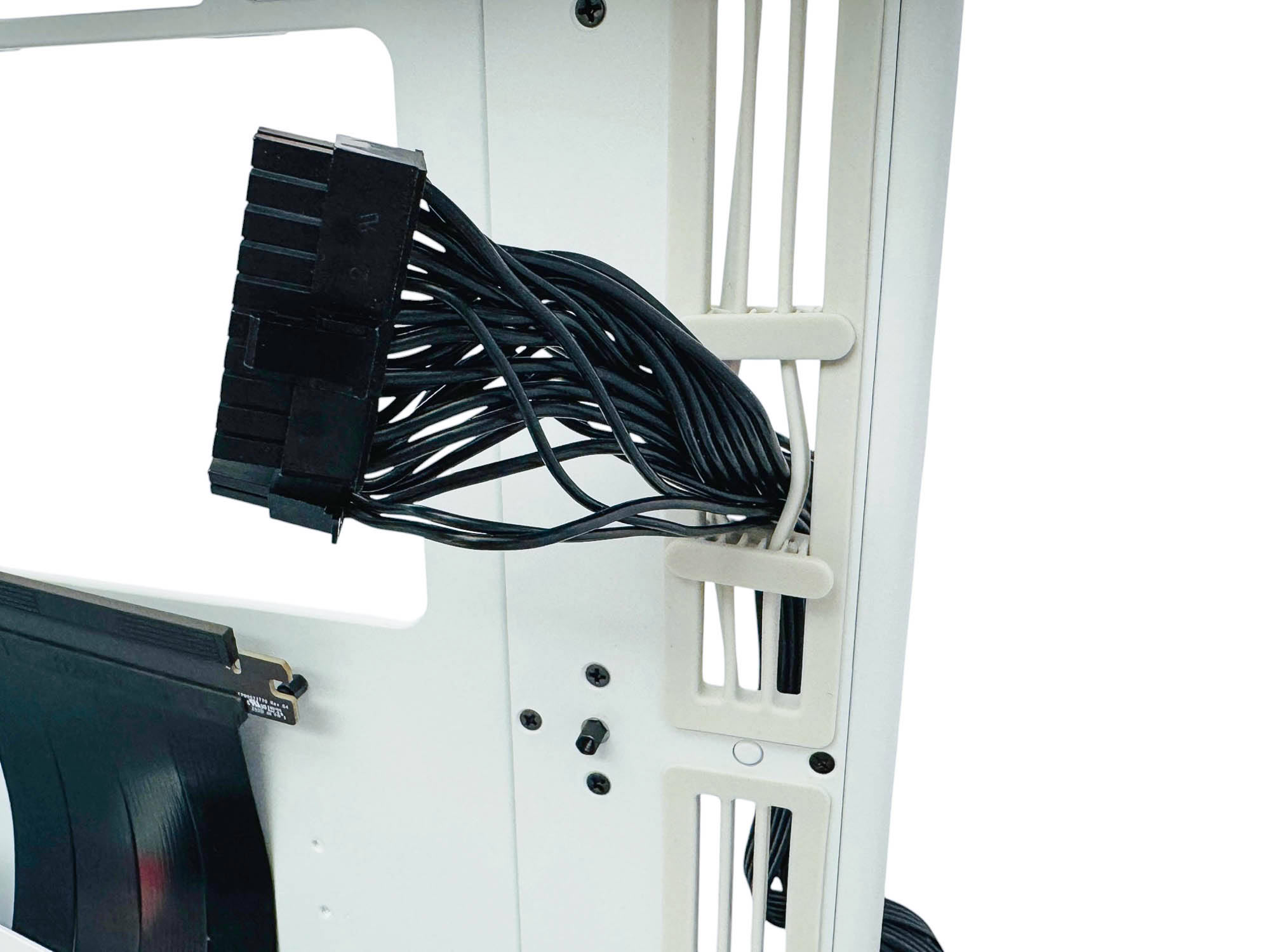
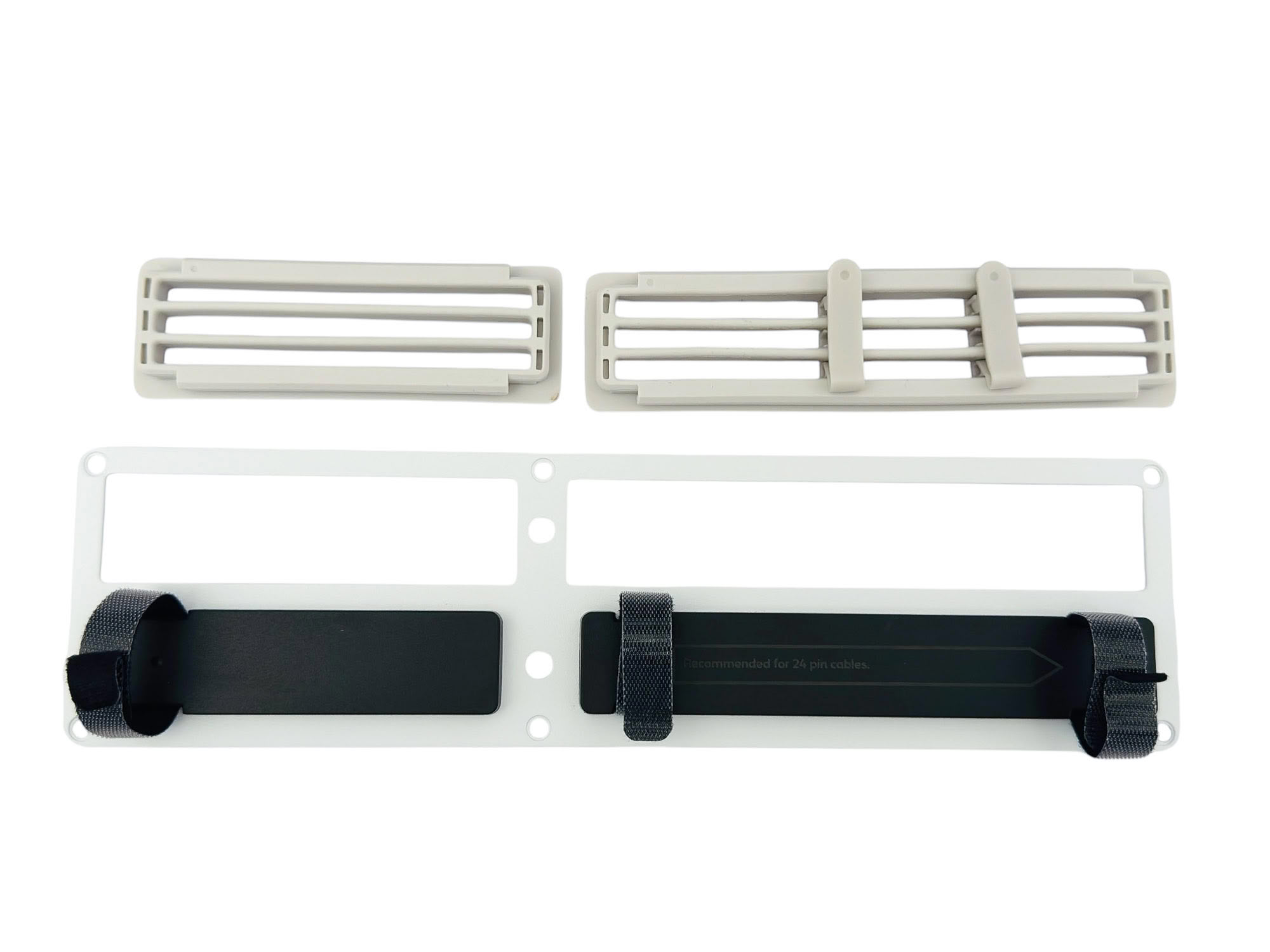
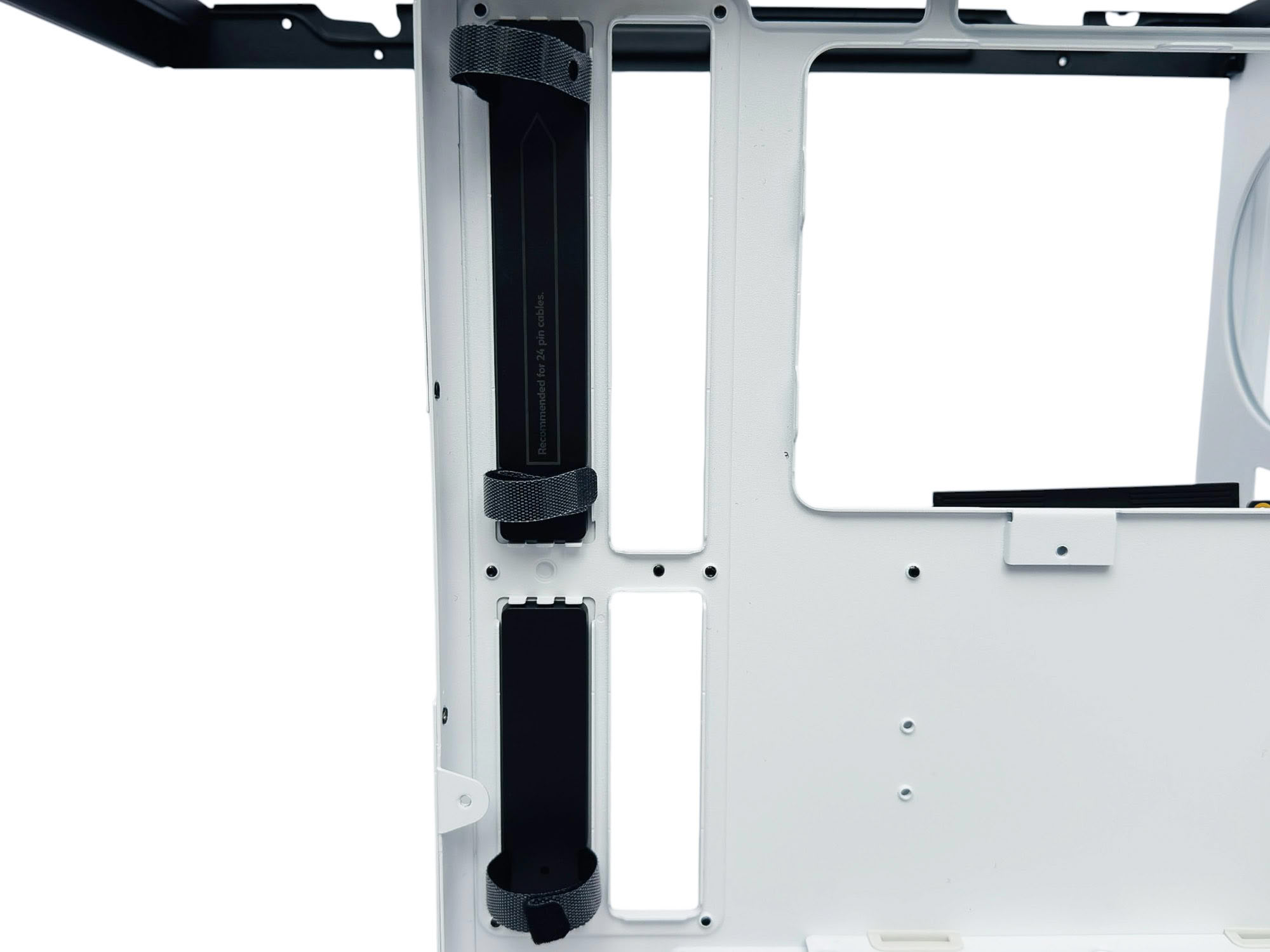
The SimpliCable cable routing contraptions work well for securing cables in one spot, but do make non-braided and non-combed cables look a little unsightly. For rear connector motherboard compatibility, the panel these sit in needs to be removed as well as the white SimpliCable parts, with the black cable anchor sections swapped to the other side. Pay careful attention to the manual for this one to ensure you get things the right way around.
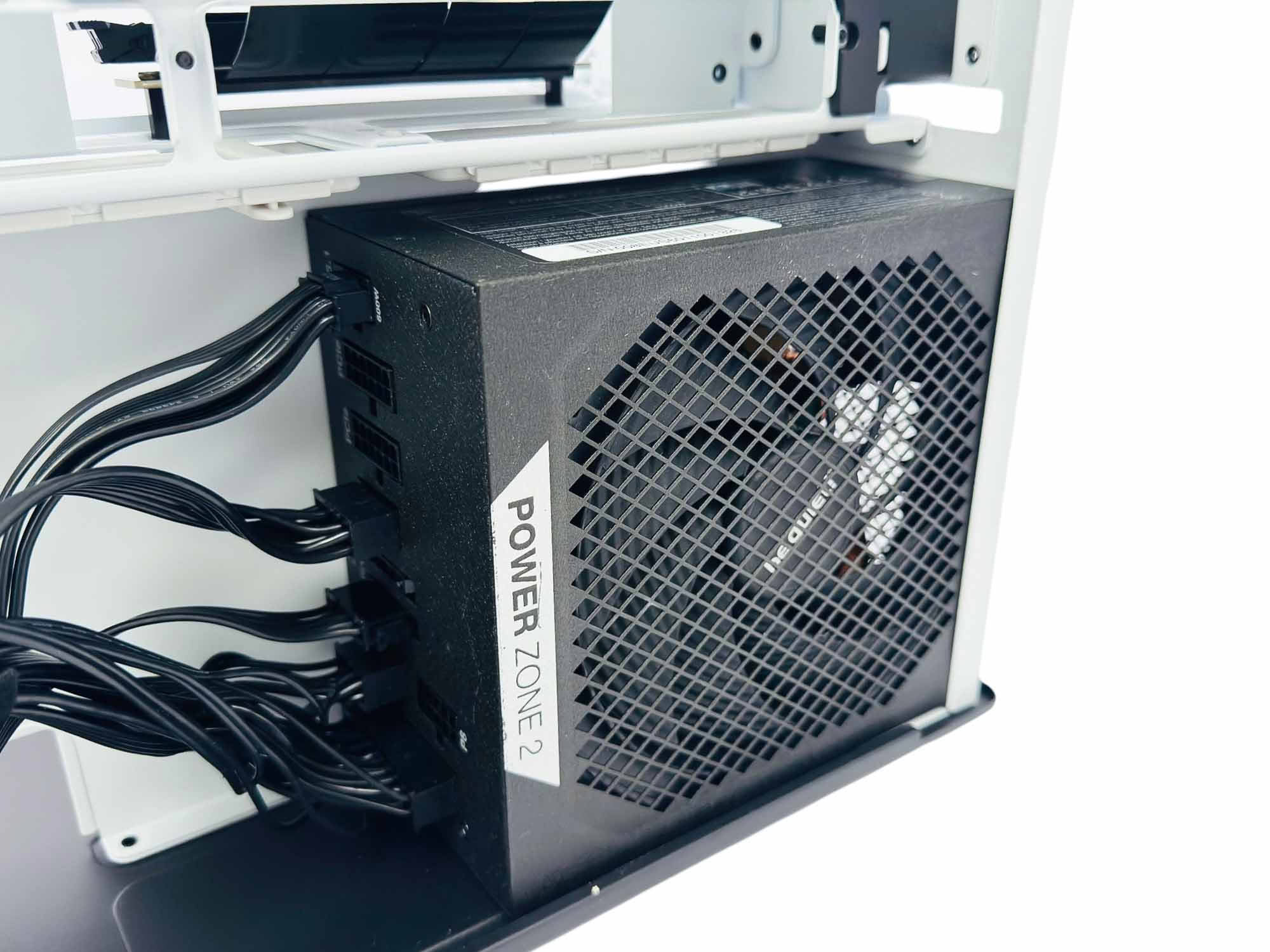
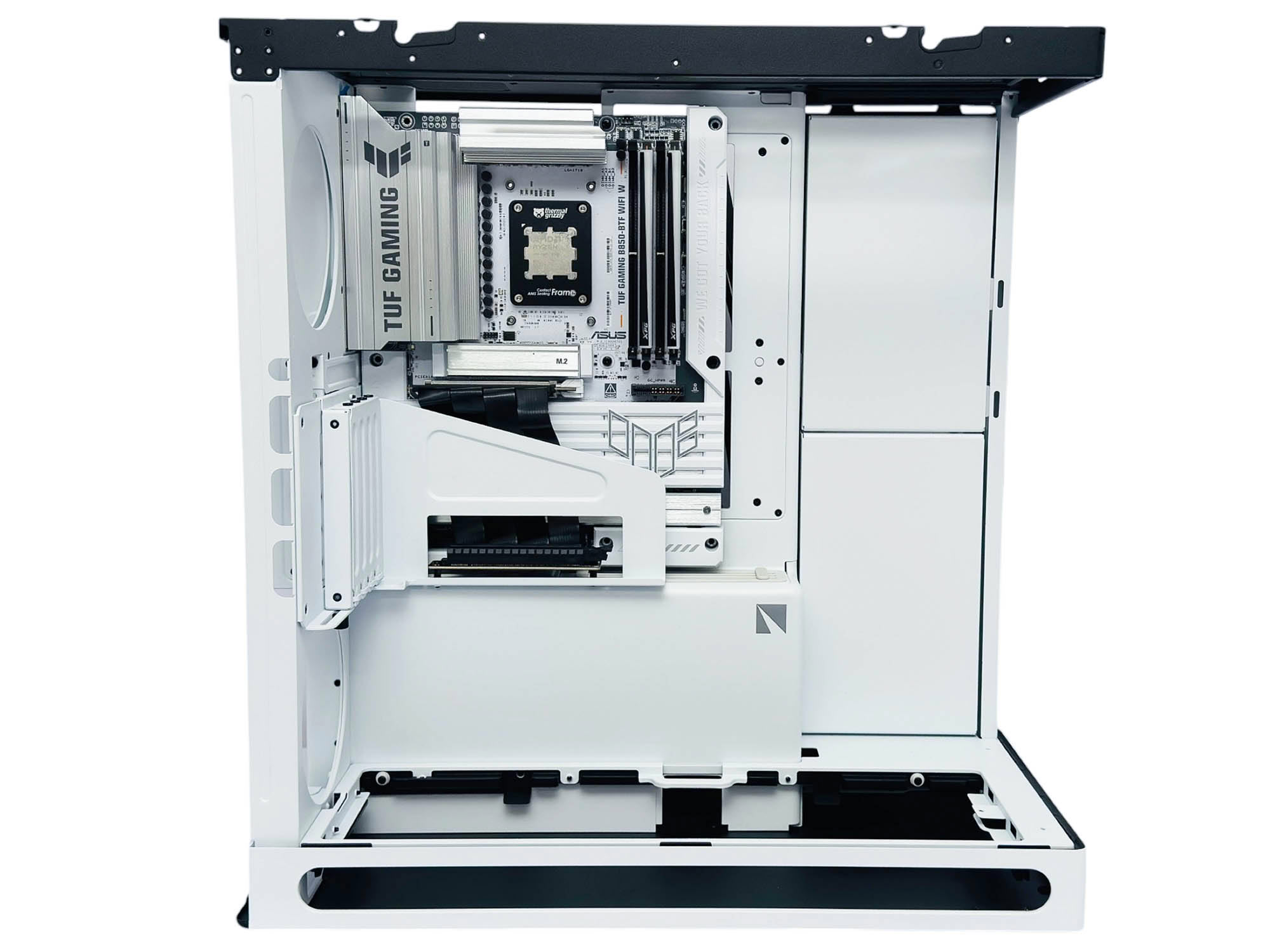
The PSU fits in with room to spare, but to maintain a decent stowage area for cables or to just have an easier time routing them, sticking to something not much longer than the 160 mm model used here would be wise. The motherboard can be a bit fiddly when slotting it into place, especially if it's a rear connector like the ASUS BTF board here, but is otherwise a neat, snug fit.
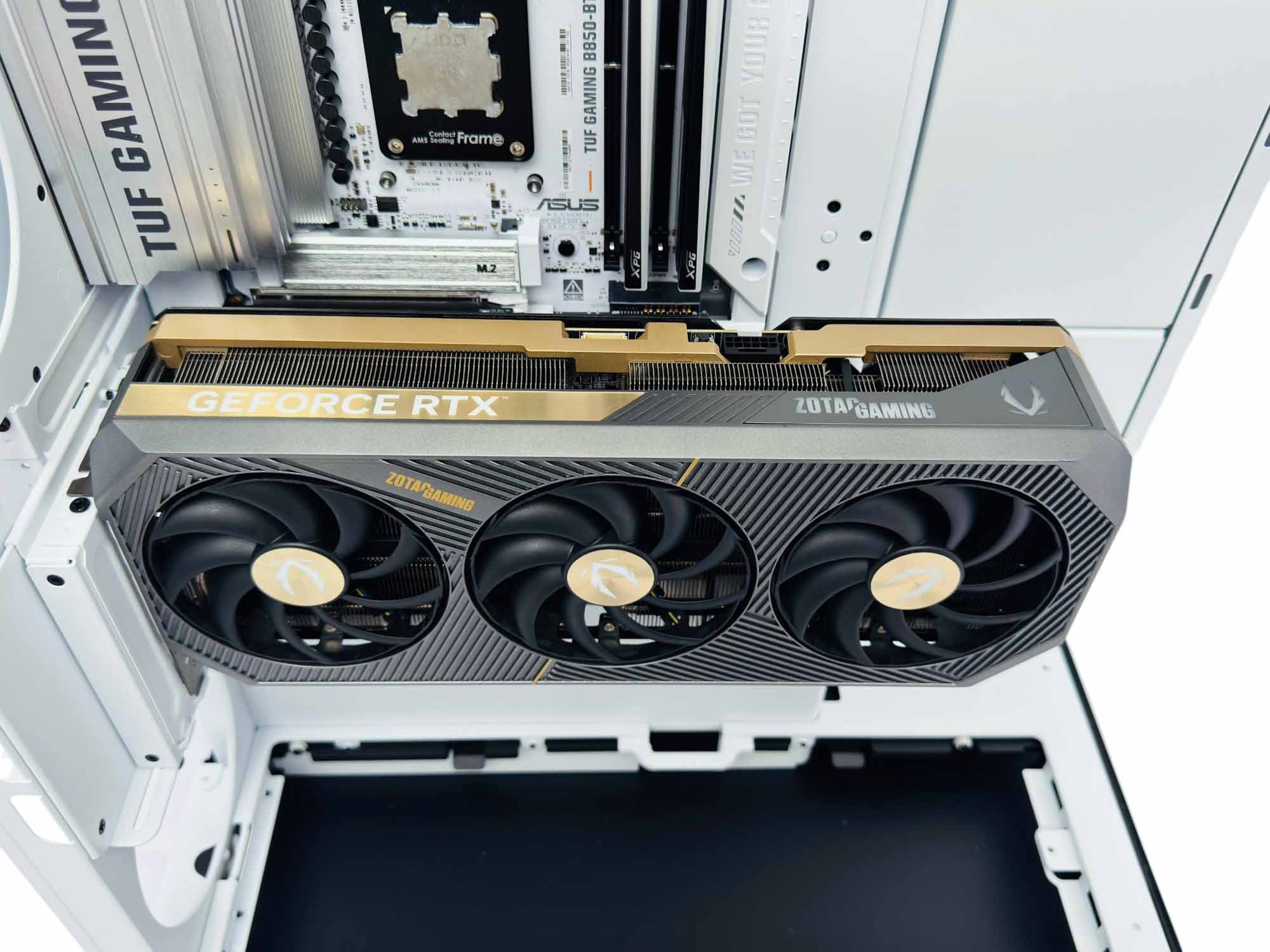
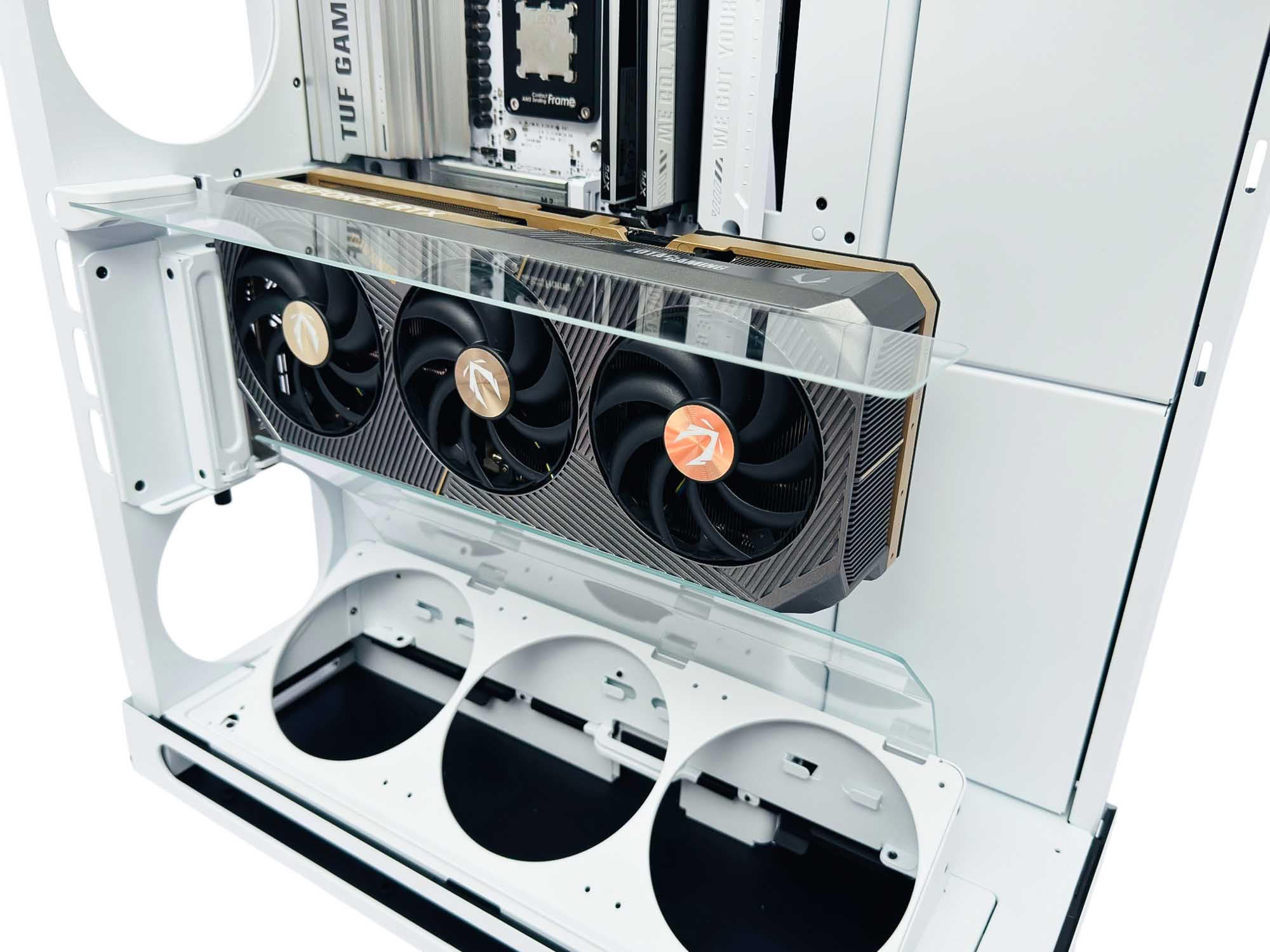
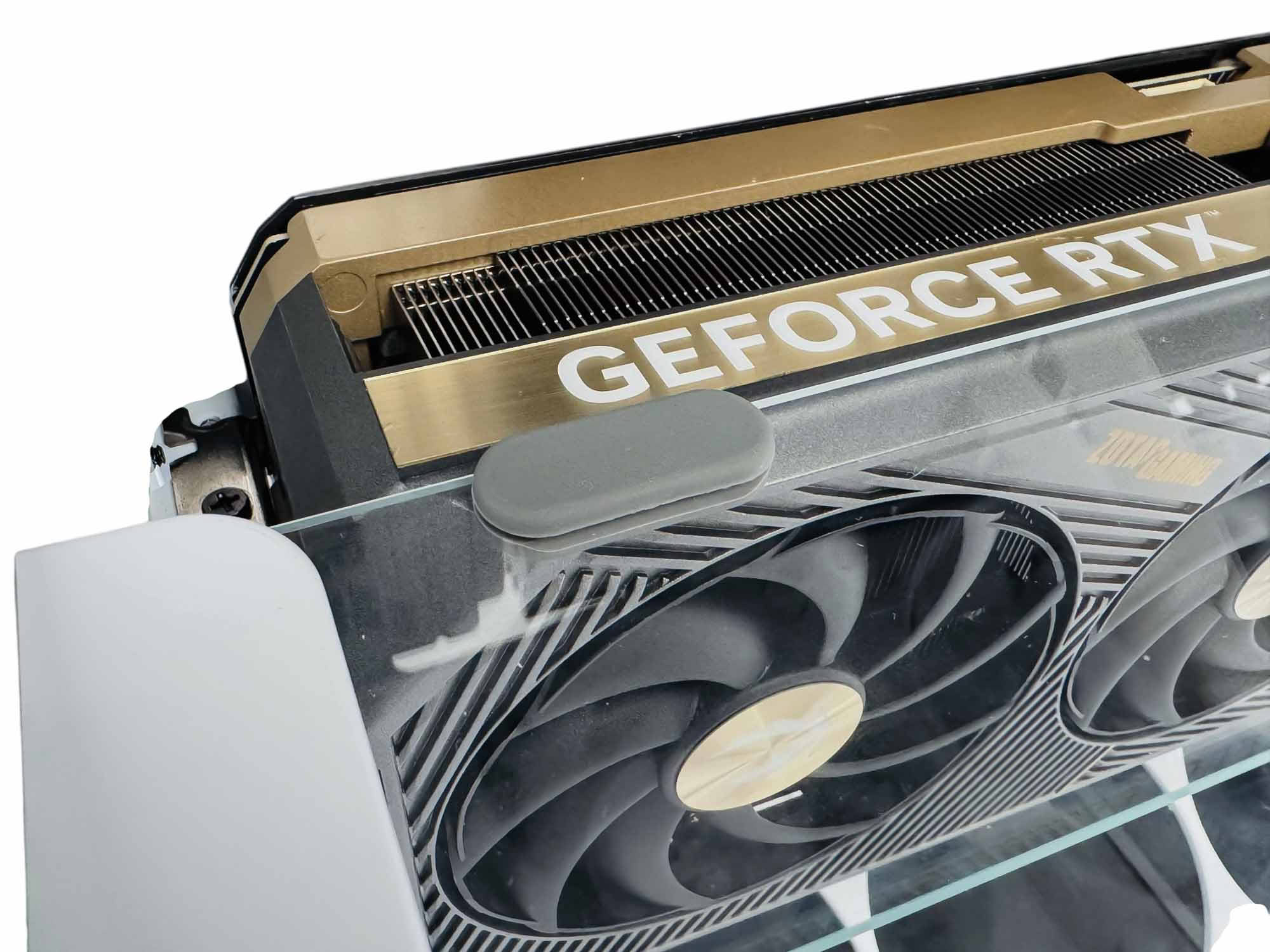
Normally, the CPU cooler would be next, but as the GPU sits relatively high in the case, it's easier to do that after, especially as the top fan mount is removable. The top glass panel offers a reasonable amount of adjustment to line up with most GPUs, but could do with a little more to deal with smaller models. To prevent them from scratching your GPU, rubber pads are included that push on to the glass and come in white, gray or black, to suit your GPU's color.
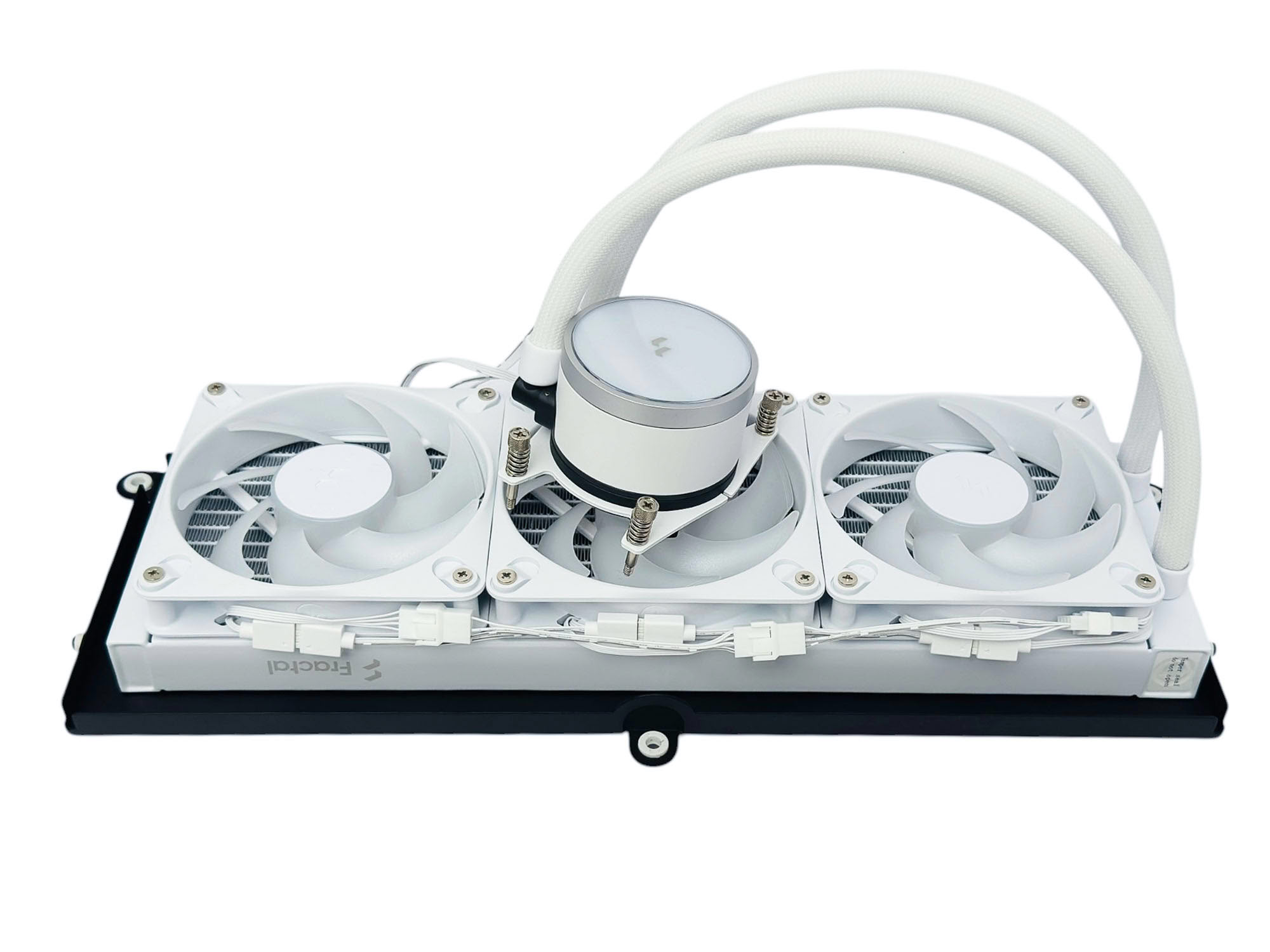
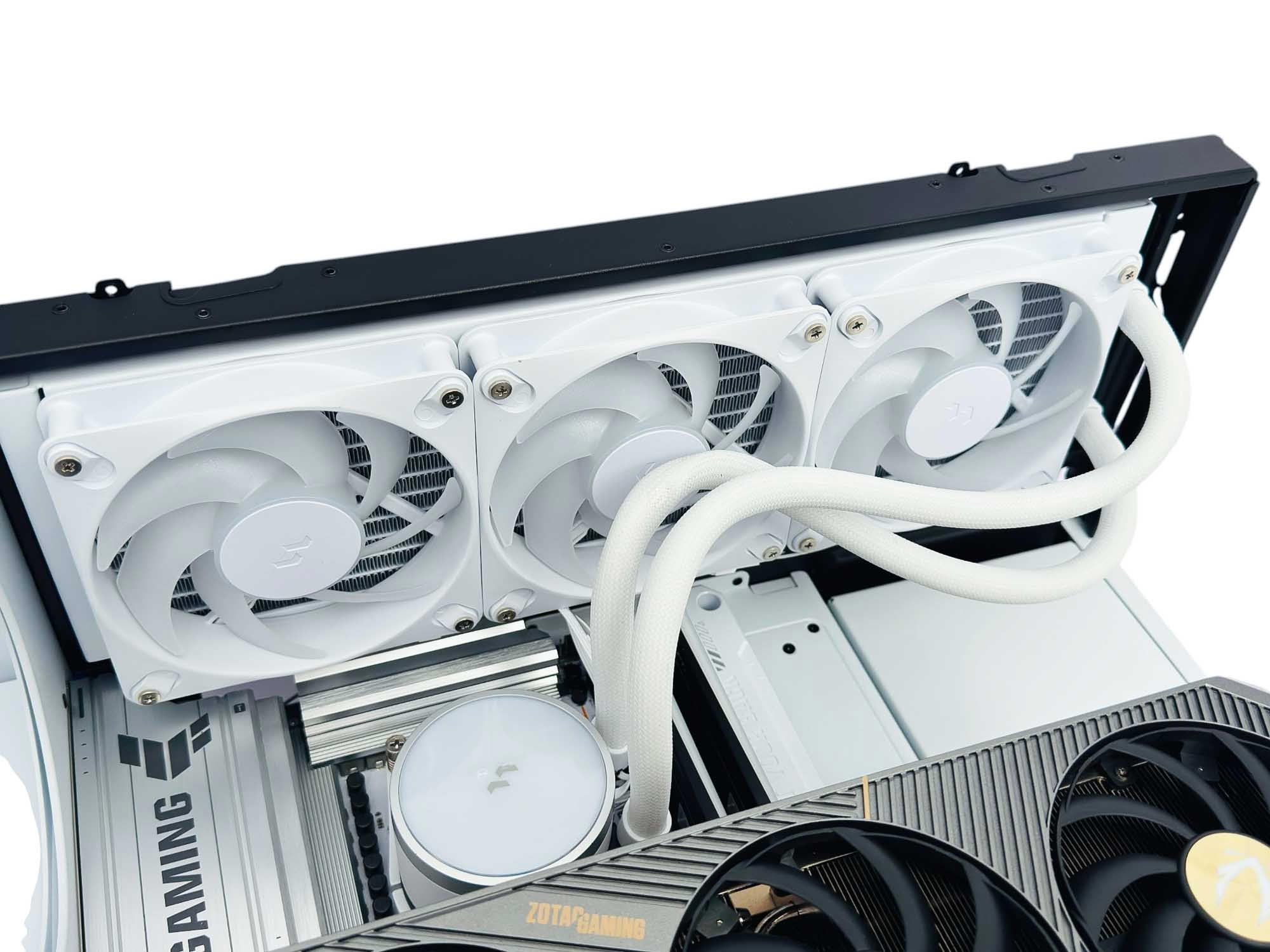
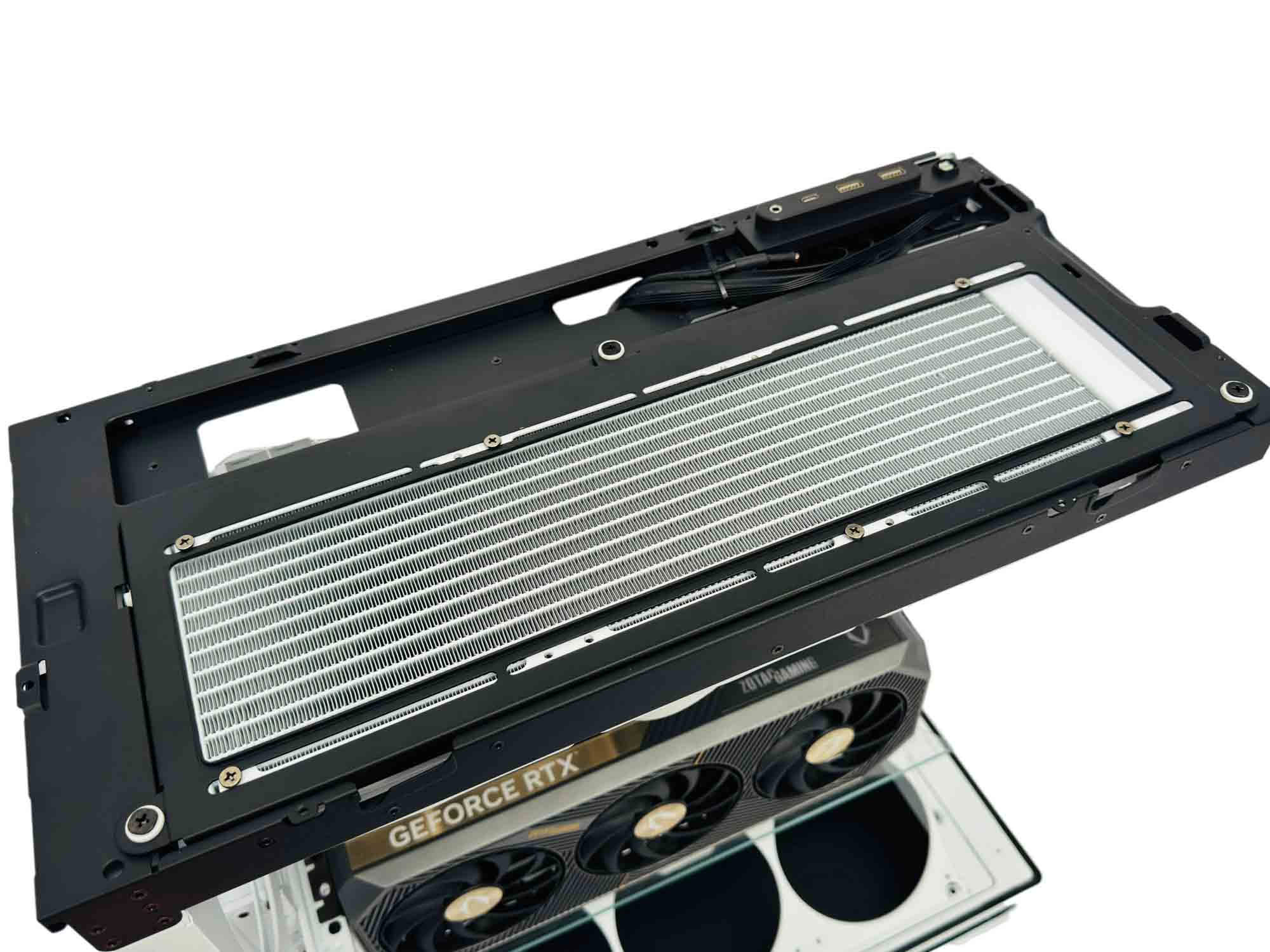
As usual with vertical GPU setups, getting the cooler in place can be a little fiddly, but it's nothing a long screwdriver can't handle.
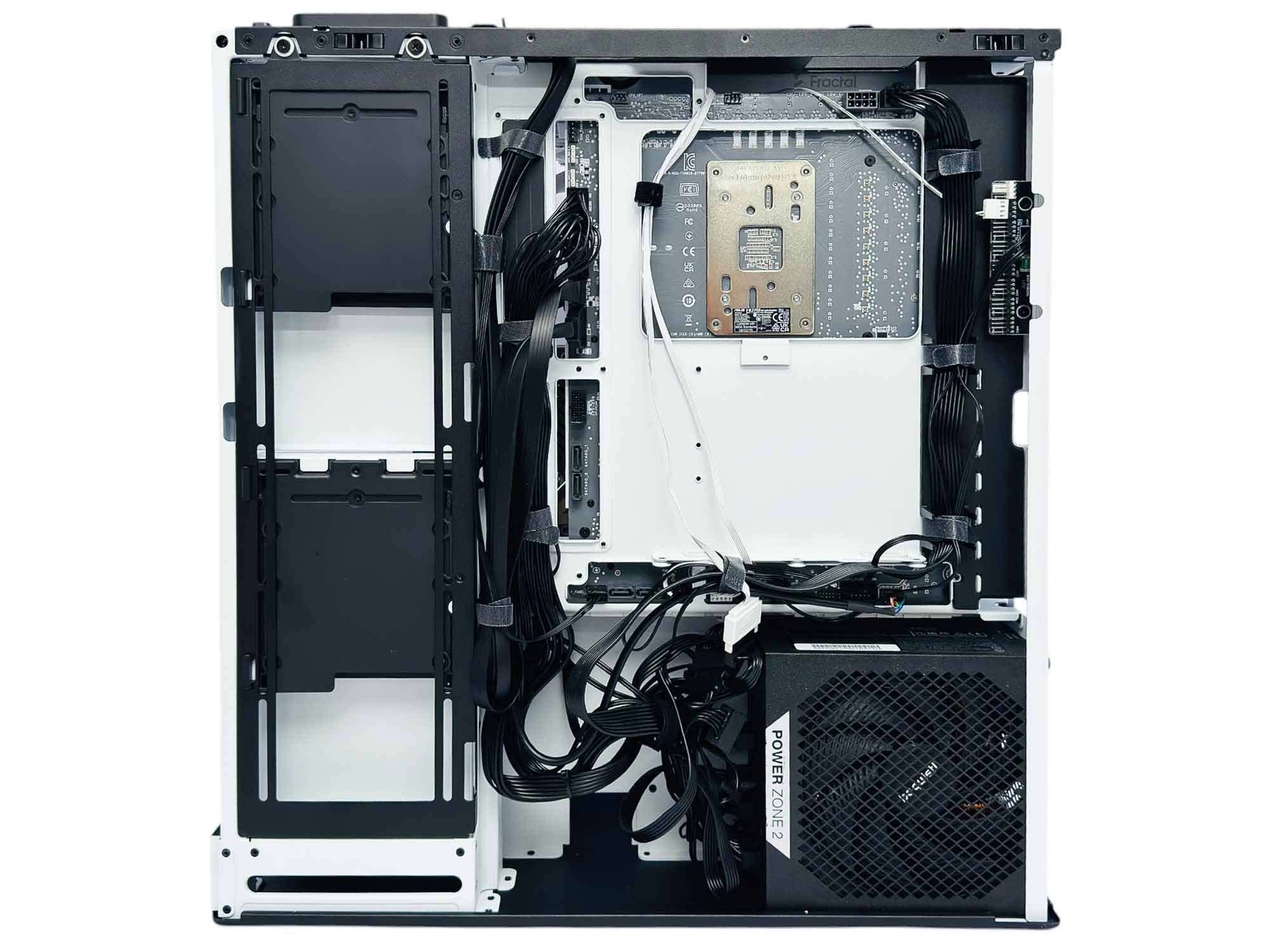
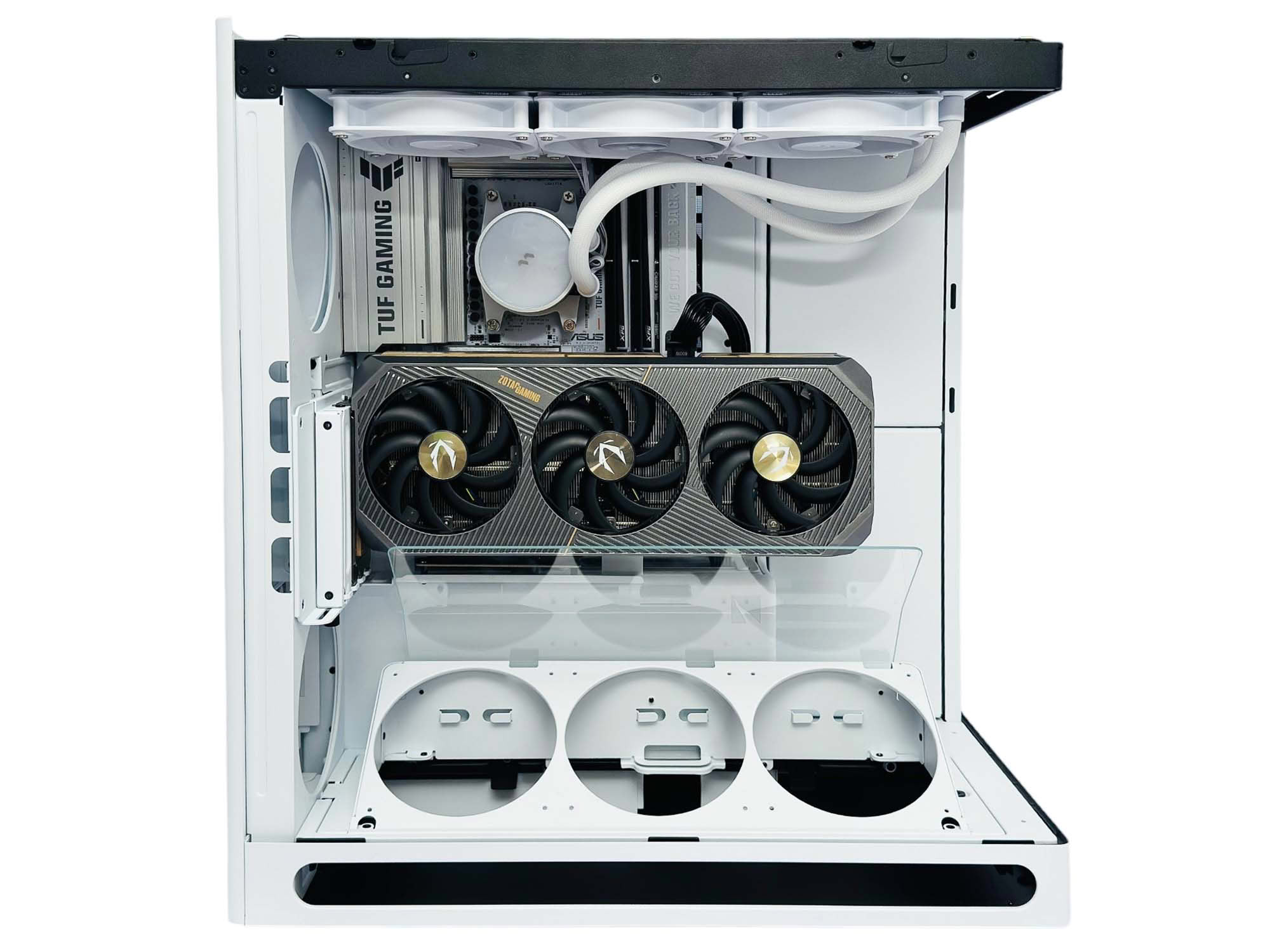
Cable tidying has both good and bad points. The left-hand Velcro anchors are simply too short for gathering more than the case's own cables, and if you end up needing them to anchor more, you'll have to replace them with the other ties included instead. There are also too few anchor points around the middle and top of the motherboard tray. However, the way the cable anchors are offset away from the rear connectors on the motherboard here makes this a great case for that type of motherboard, with the added work of flipping the panel here being worth it, as the ports aren't obscured like they are in other cases with rear connector compatibility. Cable tidying prowess can also be judged on how quickly you can do a reasonable job, and the HS 360 VGPU scores very highly here.
Finished Looks
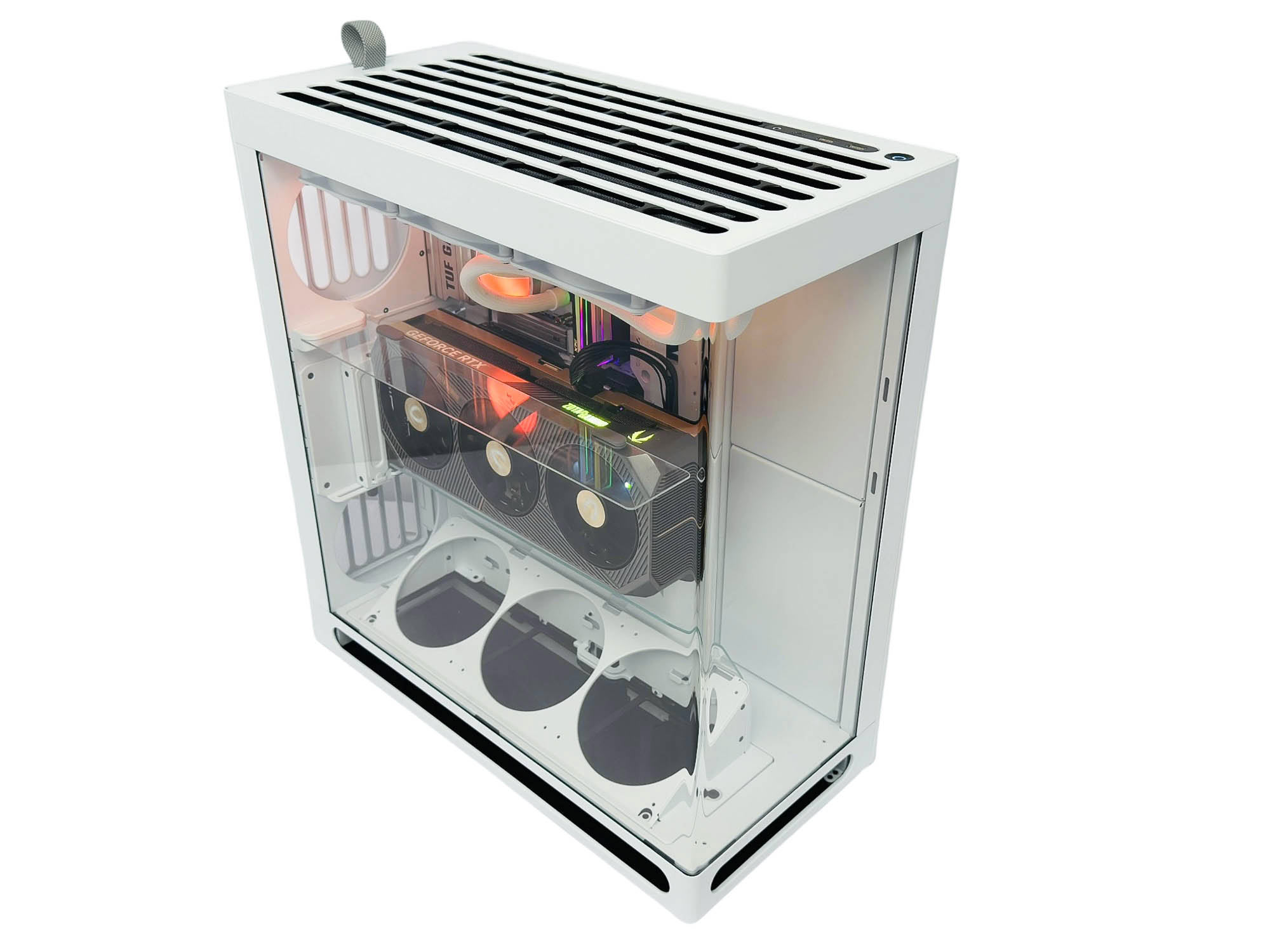
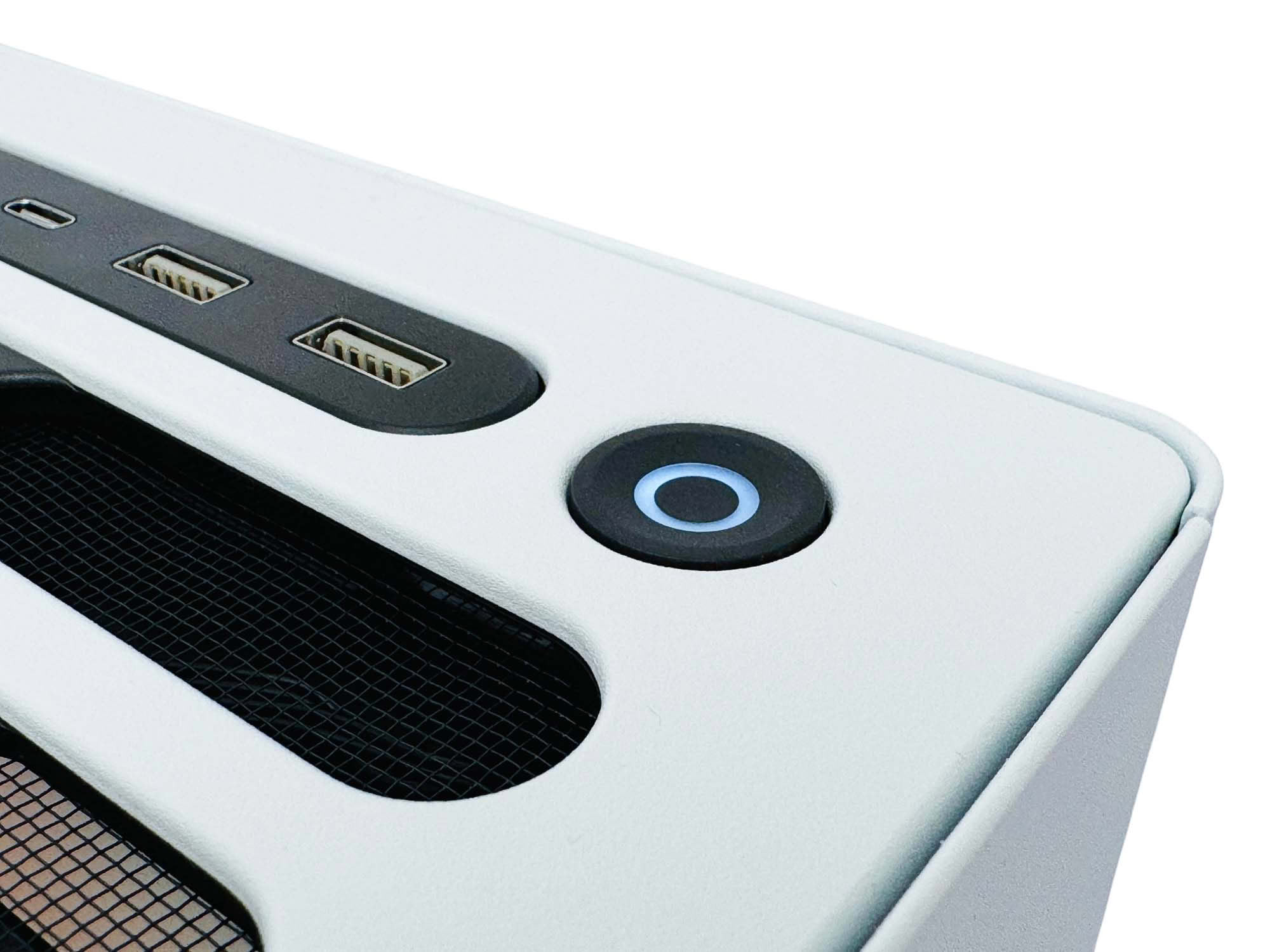
The case looks elegant and clean, but as mentioned earlier in the review, the lack of tint in the glass does mean that you'll need to pay careful attention to cable tidying and likely fill every fan mount. It's little wonder that HAVN included the covers for the side fan and storage mounts. The illuminated power button is also a nice touch.
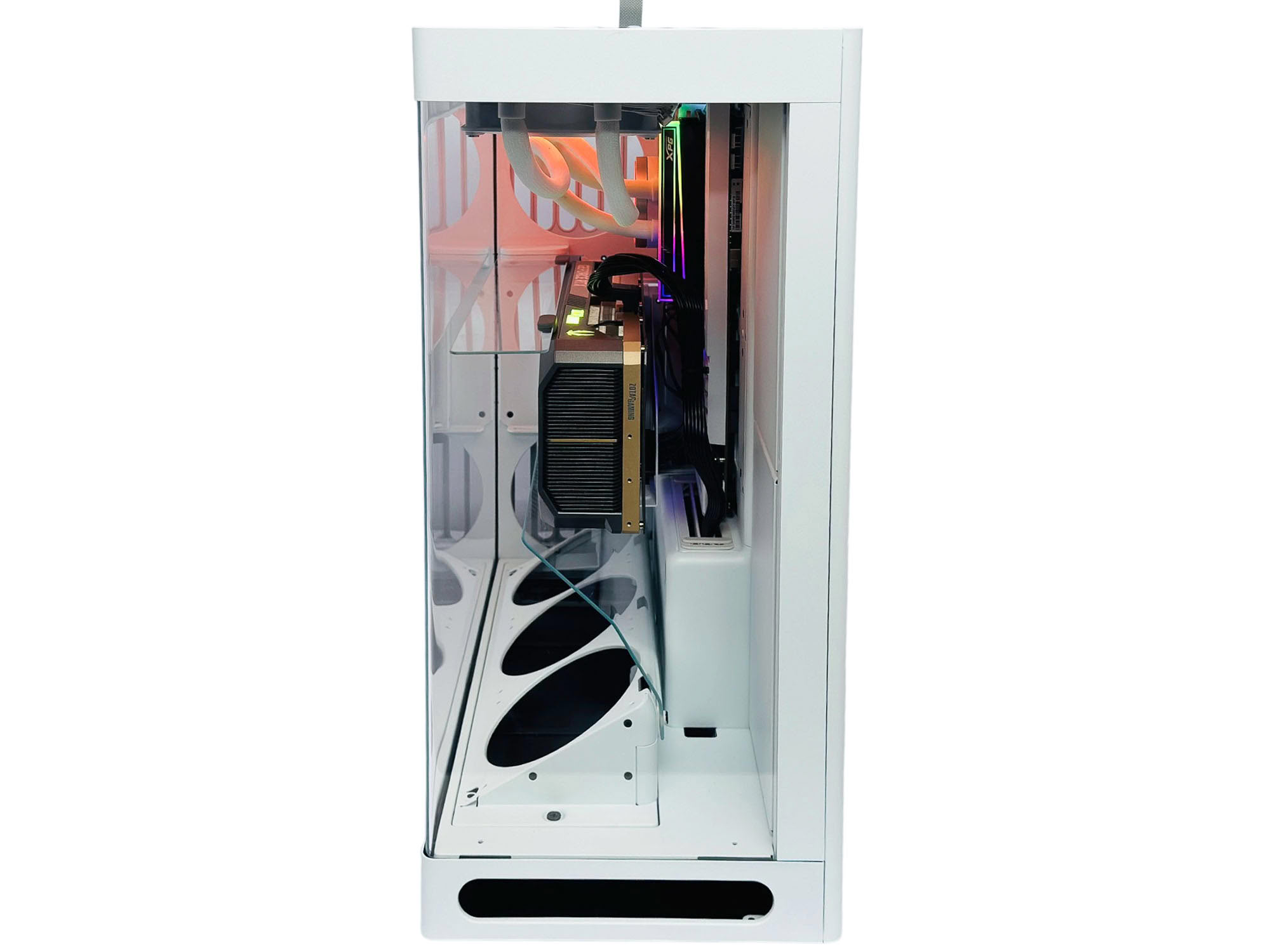
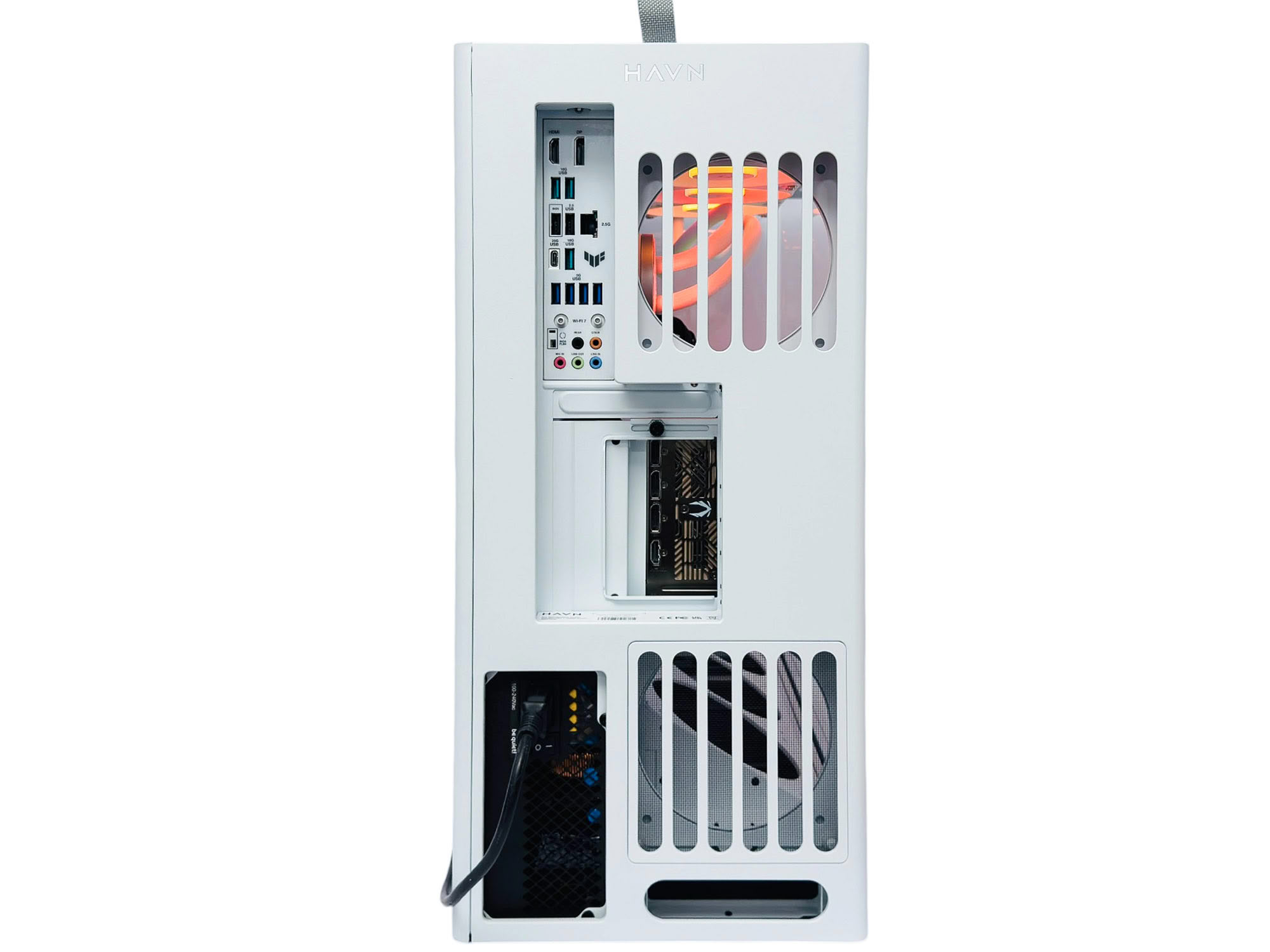
Even the front gives a clear view of all the hardware, while the rear fans will only have their blades visible, which is worth remembering if you plan on using fans that go all out with lighting.
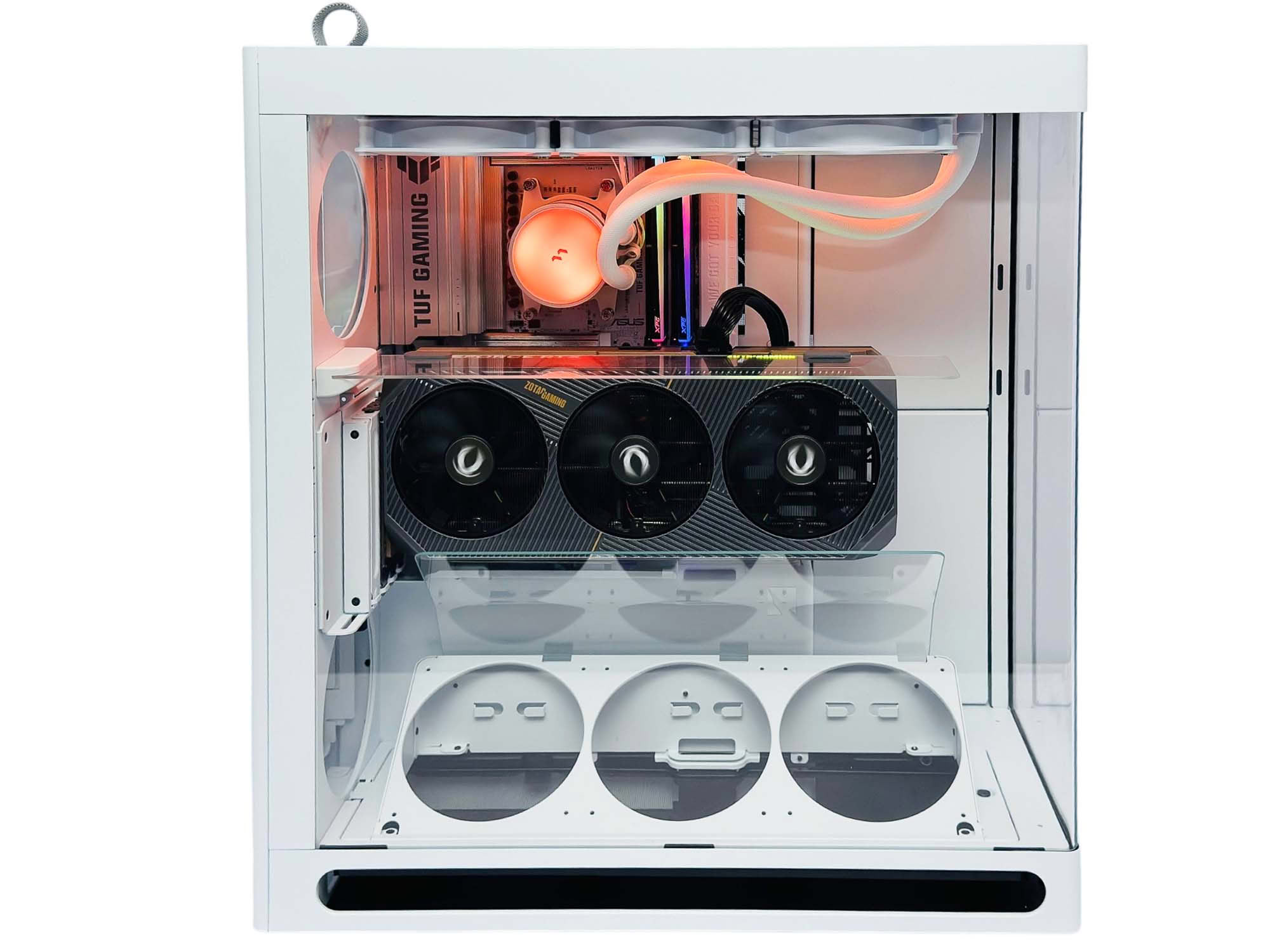
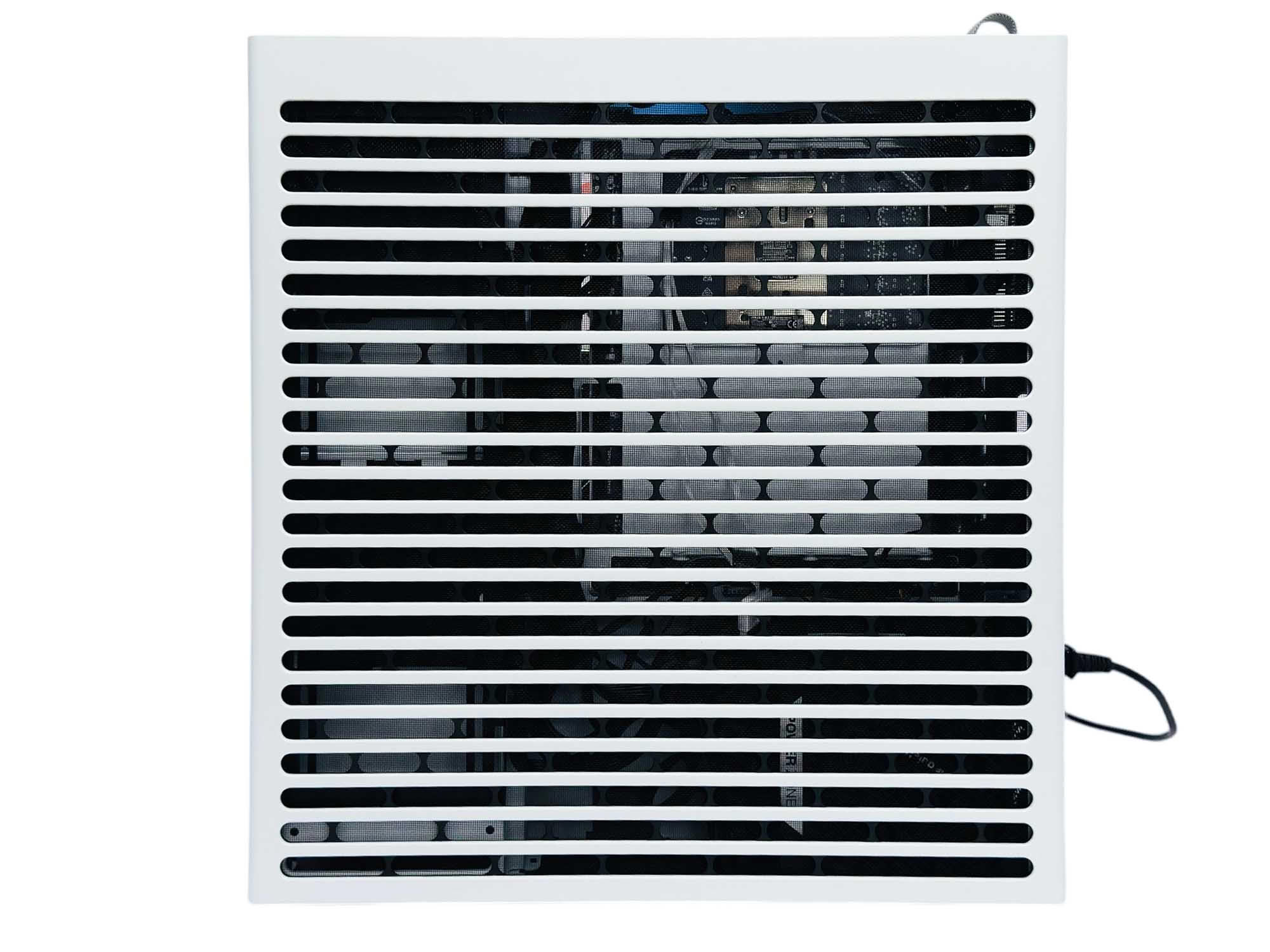
The far panel's mesh actually doubles as a screen to hide many of the cables, so if it's not your favorite part of the build process, you can make use of the main cable anchor points and lower stowage area.
Nov 18th, 2026 12:48 PST
change timezone
Latest GPU Drivers
New Forum Posts
- Can i play GTA 6 now? (Joke) (3)
- Time to upgrade CPU and MOBO (33)
- Dell Workstation Owners Club (3512)
- The Filthy, Rotten, Nasty, Helpdesk-Nightmare picture clubhouse (2876)
- Very unusual two gaming-pc scenarios. (10)
- WarpCoreBench scores! (67)
- Honestly, do you care about GTA VI? (144)
- Acer Predator BiFrost Radeon RX 9070 OC (9)
- DTS DCH Driver for Realtek HDA [DTS:X APO4 + DTS Interactive] (2814)
- Free Games Thread (5382)
Popular Reviews
- Acemagic Retro X3 Review
- Upcoming Hardware Launches 2027 (Updated Nov 2026)
- AMD Zen 6 Technical Deep Dive
- ASUS ROG Strix B850-I Gaming Wi-Fi7 W Review
- Corsair HX1000i Shift Crystal Review
- Biwin Black Opal NV7400 2 TB Review
- Chieftec Iceberg PRO 360 DARK Review
- AMD Ryzen 7 9800X3D Review - The Best Gaming Processor
- Phantom Blade Zero Performance Benchmark Review - 35 GPUs Tested
- Pulsar Office Tour & First Look at P1 Dual-Sensor Mouse
TPU on YouTube
Controversial News Posts
- NVIDIA Co-Founder and CEO Jensen Huang Officially Resigns (478)
- Report: Jensen Huang Eyes NVIDIA Comeback (186)
- Open Letter Asking NVIDIA to Reinstate Jensen Huang Passes 115,000 Signatures (184)
- OpenAI CEO Argues Home PCs Waste the World's Limited DRAM Supply (152)
- NVIDIA Launches Investigation Into Jensen Huang's Relationship With Suspected Chinese Spy (136)
- Intel "Raptor Lake Next" 16-Core and 20-Core CPUs Surface (130)
- Legendary Game Studio BioWare Shuts Down Following EA Layoffs (104)
- Dell CEO Says the Memory Shortage Will Get Worse in 2027 (95)