 394
Hogwarts Legacy Benchmark Test & Performance Analysis Review - VRAM Usage Record
(394 Comments) »Introduction
Hogwarts Legacy is for all the Harry Potter fans, but also for lovers of the RPG genre. You get to enter Hogwarts, the magic school that Harry Potter himself is attending, to learn everything about magic, spell casting and wizardry. Unlike Harry, you're starting as an advanced fifth-year student and your task is to uncover a mysterious ancient magic that could threaten the world. The game takes you not only to Hogwarts and other familiar places like the Forbidden Forest and Hogsmeade, but also to surrounding areas with dozens of villages, dungeons, and other points of interest.
The developer Avalanche is using Unreal Engine 4 for their newest release. The API of choice is DirectX 12 and you may enable three ray tracing technologies: RT shadows, RT reflections and RT ambient occlusion.
In terms of upscaling everything is there, too: NVIDIA DLSS, DLAA, DLSS 3 Frame Generation, AMD FSR 2 and Intel XeSS can be activated.
This benchmark review will evaluate the performance of Hogwarts Legacy on a wide selection of modern graphics cards, show image quality comparisons and look at what's required in terms of VRAM usage.
Screenshots
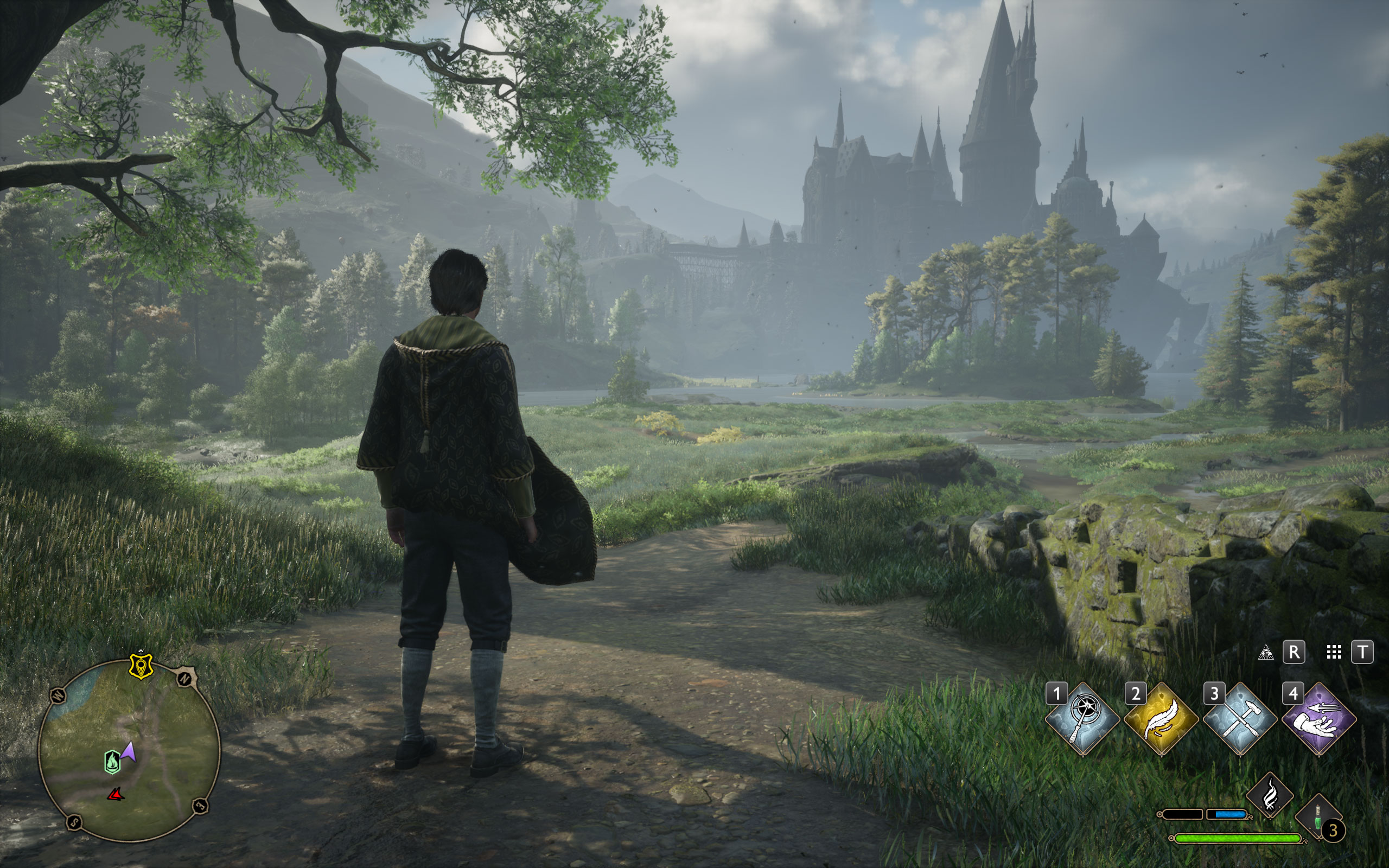
All screenshots were taken at the highest settings, with RT disabled. The gallery can be navigated with the cursor keys.




Graphics Settings

- The first settings screen deals with the usual monitor settings
- The game supports borderless windowed, windowed (there's no fullscreen option)
- Anti-aliasing modes are TAA low, TAA high and NVIDIA DLAA
- Upscaling technologies support are NVIDIA DLSS 2, AMD FSR 2, Intel XeSS, NVIDIA NIS—so everything that exists is supported.
- V-Sync can be turned off
- The FPS can be set to unlimited or 30, 60, 75, 120, 144, 160, 165, 180, 200, 240, 360 FPS. There's no hidden FPS cap
- There's a Field of View (FOV) setting, that ranges from -20 to +20, in a third-person game, love it. I felt that +10 was more comfortable for me than the default of 0
- Motion blur and other effects can be disabled

- On the "Graphics" page you'll find several advanced options for fine-tuning
- There's four presets: "low," "medium," "high" and "ultra"
- The "Run Benchmark" option doesn't run any benchmark that you would expect. Rather it runs a short 2-second test with no display output that estimates your GPU's performance.
- Ray tracing is disabled by default, even on Ultra, which is good, as it makes sure there's no unexpected performance hits
- There's three options for ray tracing: reflections, shadows and ambient occlusion
- DLSS 3 Frame Generation is available, too. It's not displayed in the menu because the RTX 3080 in the system doesn't support it. There's also a menu bug with DLSS Frame Generation. The developers falsely assumed that FG only works when DLSS 2 is enabled. So to change the DLSS 3 setting, enable DLSS 2, which ungrays DLSS 3, change the setting, then turn off DLSS 2 again.
Our Patreon Silver Supporters can read articles in single-page format.
Nov 19th, 2026 16:02 CST
change timezone
Latest GPU Drivers
New Forum Posts
- Honestly, do you care about GTA VI? (164)
- Windows 11 General Discussion (7736)
- Current Sales, Bundles, Giveaways (10448)
- Last game you purchased? (1409)
- WarpCoreBench scores! (76)
- Got the EOL 32GB TridentZ 6000 CL26 1.4V (12)
- Dell Workstation Owners Club (3516)
- Making a game in Godot engine (4)
- DTS DCH Driver for Realtek HDA [DTS:X APO4 + DTS Interactive] (2815)
- Security Apps (2)
Popular Reviews
- Acemagic Retro X3 Review
- Ugreen NASync DXP4800 GT Review
- Upcoming Hardware Launches 2027 (Updated Nov 2026)
- Pulsar Office Tour & First Look at P1 Dual-Sensor Mouse
- AMD Zen 6 Technical Deep Dive
- Biwin Black Opal NV7400 2 TB Review
- Sapphire Radeon RX 7700 XT Pure Review
- Sapphire Radeon RX 7700 XT Pulse Review
- AMD Ryzen 7 9800X3D Review - The Best Gaming Processor
- Chieftec Iceberg PRO 360 DARK Review
TPU on YouTube
Controversial News Posts
- NVIDIA Co-Founder and CEO Jensen Huang Officially Resigns (488)
- Report: Jensen Huang Eyes NVIDIA Comeback (223)
- Open Letter Asking NVIDIA to Reinstate Jensen Huang Passes 115,000 Signatures (184)
- OpenAI CEO Argues Home PCs Waste the World's Limited DRAM Supply (152)
- NVIDIA Launches Investigation Into Jensen Huang's Relationship With Suspected Chinese Spy (136)
- Intel "Raptor Lake Next" 16-Core and 20-Core CPUs Surface (130)
- Legendary Game Studio BioWare Shuts Down Following EA Layoffs (104)
- Dell CEO Says the Memory Shortage Will Get Worse in 2027 (95)