 21
HP ZBook Ultra G1a 14 Review - The Mighty Mini with Strix Halo
(21 Comments) »Introduction

AMD's Strix Halo APUs are a small revolution in the mobile world. They pack potent cores paired with an iGPU that rivals entry-level dedicated graphics cards, plus up to 50 NPU TOPS. When we checked out the ASUS ProArt GoPro Edition (PX13, HN7306), the AMD Ryzen AI Max+ 395 showed off some serious muscle for a 13-inch machine.
Now, it's time to see how it fits into a more traditional chassis - well, mostly traditional. The HP ZBook Ultra G1a 14 is a compact workstation available with a wide range of CPU options. Base models come with the Ryzen AI Max PRO 380, while the top-tier versions rock that 395 model with added PRO features. If you're not sure what separates the "normal" chips from the PRO ones, here's a quick breakdown.
The PRO insignia isn't actually about boosting speed; instead, it focuses on reliability, security, and large-scale management. When you find these processors in a laptop, like the HP ZBook Ultra G1a, it means the machine was designed specifically for professional corporate use.
Regarding AMD PRO Security, these chips feature a multi-layered defense system including AMD Memory Guard, which encrypts your entire system memory. Combined with integrated Microsoft Pluton hardware, it ensures your sensitive information stays protected even if the device is physically stolen. AMD PRO Manageability further expands on this by giving IT departments the tools to set up, update, and monitor laptops remotely. Supporting standard protocols like DASH, it makes maintaining a huge fleet of computers across a whole company much simpler.
For Business-Ready Reliability, these processors come with a stability guarantee that promises 24 months of consistent software support. They will also stay on the market longer, allowing businesses to purchase the exact same hardware configurations for several years at a time. Finally, ECC memory support is a major highlight, as these versions officially support Error Correction Code RAM. This is a game-changer for high-stakes tasks like 3D rendering or complex scientific math, where even a tiny data error could crash the OS or ruin hours of work.
Security isn't just happening at the CPU level, either. A fingerprint reader and facial recognition are optional extras, though they're practically essential for corporate use. Fortunately, dTPM 2.0, a privacy shutter, and a self-healing BIOS come standard on all configurations.
Let's dive back into the ZBook Ultra G1a 14's specs. The base 1200p display is a great fit for a 14-inch screen. It's geared toward anyone doing standard office work, video calls, or browsing. HP claims full sRGB coverage, but we can't confirm that since our review unit packs the gorgeous 1800p OLED touchscreen. This screen is a dream for creators and designers who need color accuracy and sharp visuals.
Like other "Team Red" machines on this platform, upgradability is pretty much non-existent. To be fair, the lack of RAM slots isn't a dealbreaker when you can spec this little beast with up to 128 GB of LPDDR5x, and the required bandwidth essentially mandates a soldered setup. Storage is also limited to a single slot, but at least it fits standard M.2 2280 drives.
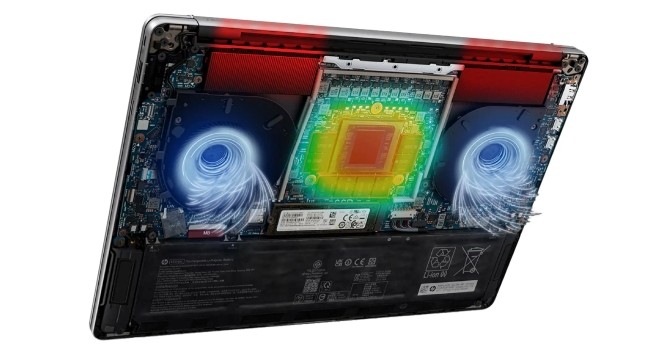
To keep that beefy CPU in check, HP used a massive vapor chamber covering nearly two-thirds of the motherboard. Let's find out if that's enough to make this a truly worthy portable workstation.
Specifications
| Specifications | |
|---|---|
| Manufacturer: | HP |
| Model: | HP ZBook Ultra G1a 14 |
| Weight: | Starting at 1.568 kg |
| Processor: | AMD Ryzen AI Max+ PRO 395/Strix Halo 16 cores/32 threads up to 5.1 GHz, 64 MB L3 cache 55 W Default TDP AMD Ryzen AI Max+ PRO 390/Strix Halo 12 cores/24 threads up to 5.0 GHz, 64 MB L3 cache 55 W Default TDP AMD Ryzen AI Max+ PRO 385/Strix Halo 8 cores/16 threads up to 5.0 GHz, 32 MB L3 cache 55 W Default TDP AMD Ryzen AI Max PRO 380/Strix Halo 6 cores/12 threads up to 4.9 GHz, 16 MB L3 cache 55 W Default TDP |
| Chipset: | AMD Promontory/Bixby FCH |
| Display: | Display: Default Display: 14.0"/1920×1200 (16:10)/IPS/60 Hz ~400 nits/100% sRGB/Non-Touch Anti-Glare Optional Display: 14.0"/2880×1800 (16:10)/OLED/120 Hz ~400 nits/100% DCI-P3 /Touchscreen VRR support/BrightView tech |
| Operating System: | Windows 11 Home/Pro/Enterprise Ubuntu 24.04 LTS FreeDOS |
| Integrated Graphics: | AMD Radeon 8060S AMD Radeon 8050S AMD Radeon 8040S |
| Memory: | up to 128 GB of soldered LPDDR5x-8000 |
| Storage: | 1× M.2 2280 PCI Express 4.0 x4 |
| Optical Drive: | None |
| Connectivity: | 1× 10 Gbps USB Type-A/3.2 Gen. 2 1× 10 Gbps USB Type-C/3.2 Gen. 2 with DP 2.1 Alt Mode/PD 2× 40 Gbps Thunderbolt 4 with DP 2.1 Alt Mode/PD HDMI 2.1 Lock slot Audio combo jack |
| Communications: | Wi-Fi 7 + Bluetooth 5.4 5MP IR webcam |
| Audio: | 4-speakers audio system optimized by Poly Studio |
| Input device: | Microsoft Precision Touchpad with gesture support Spill resistant backlit keyboard |
| Power: | 1× 140 W Type-C adapter 74.5 Wh battery |
| Warranty: | Two years (region dependent) |
| MSRP: | Starting at $2747 for AI Max PRO 390 + 32 GB RAM |
Packaging
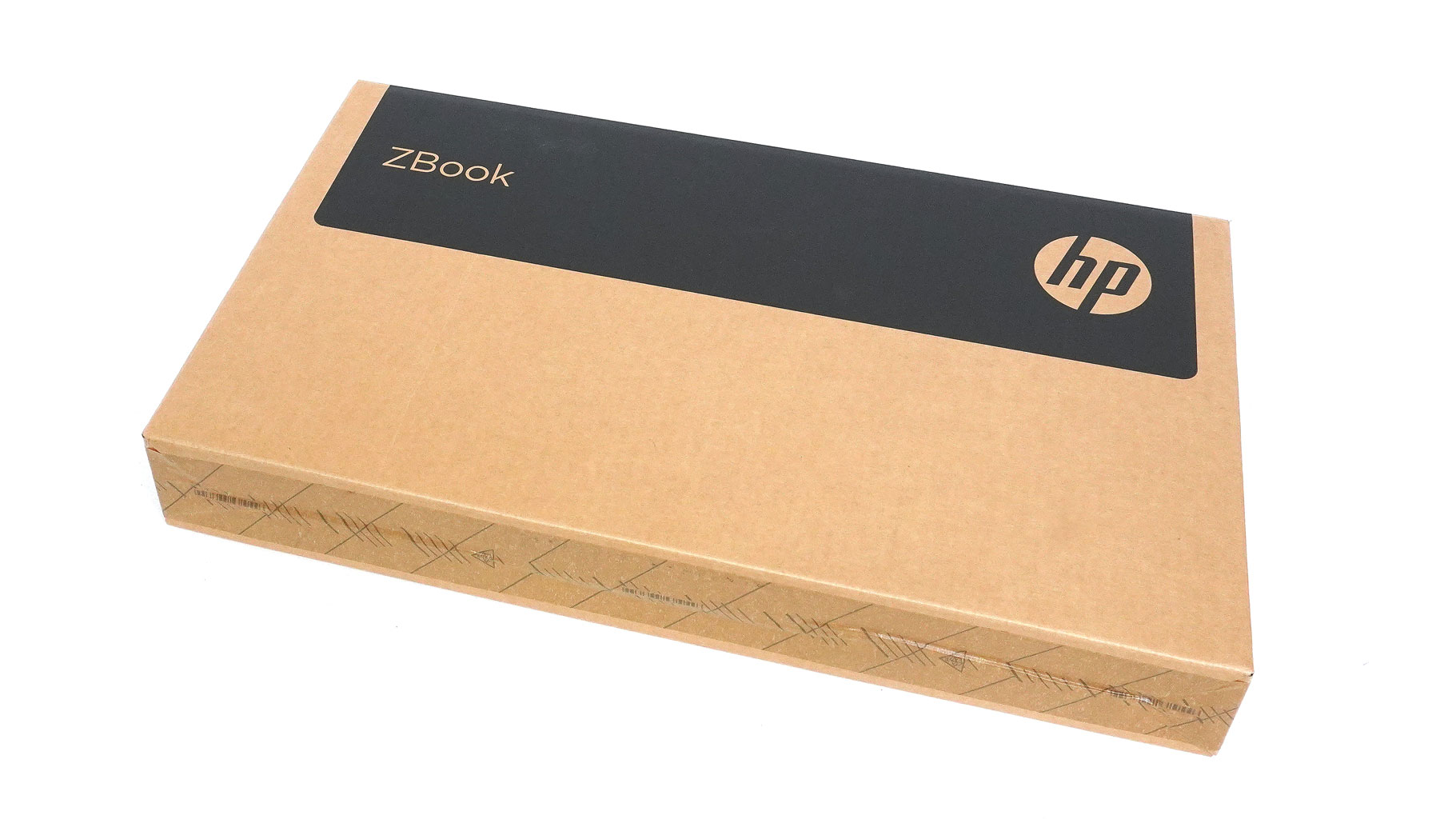
The device is fitted inside a compact box.
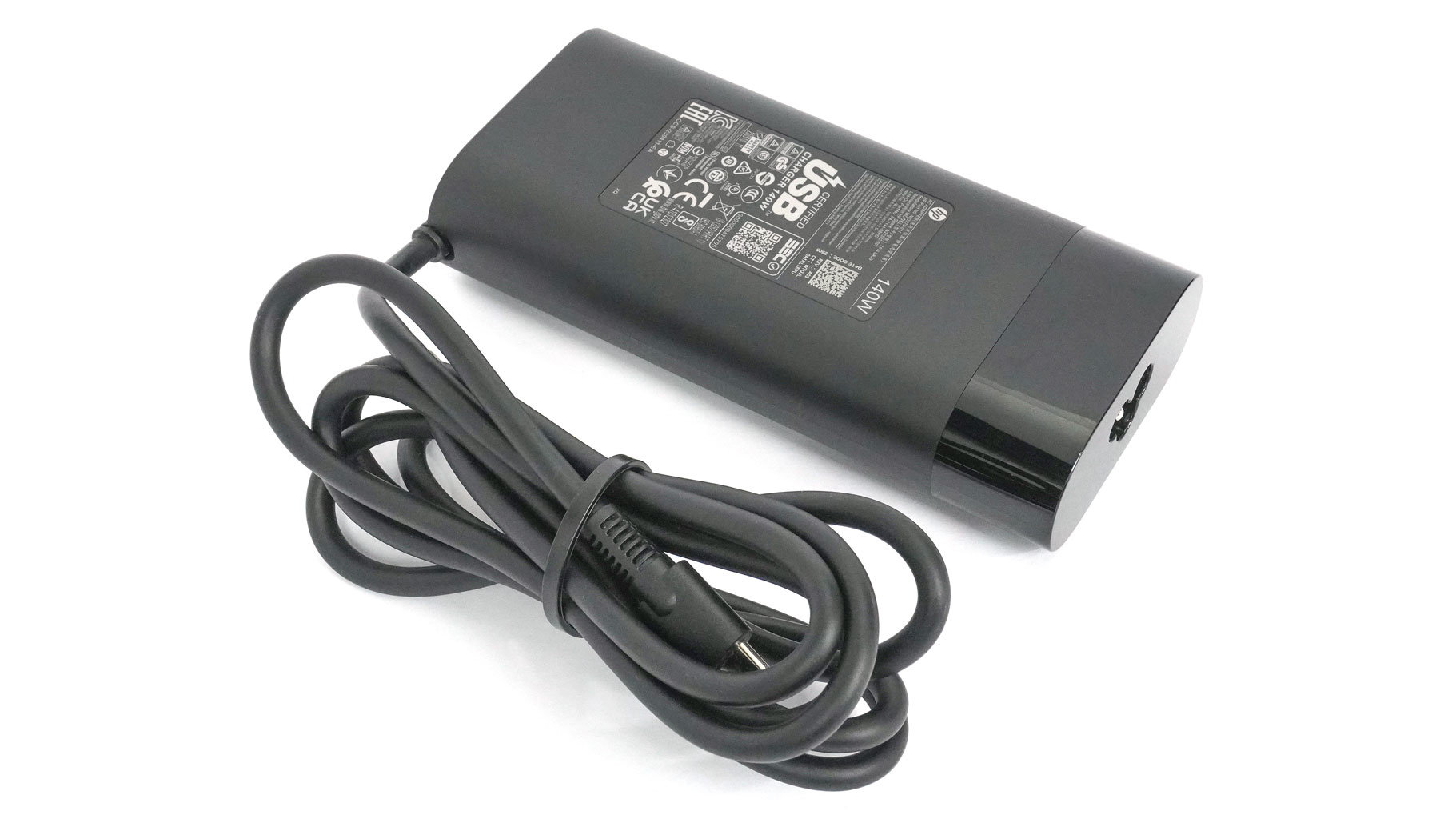
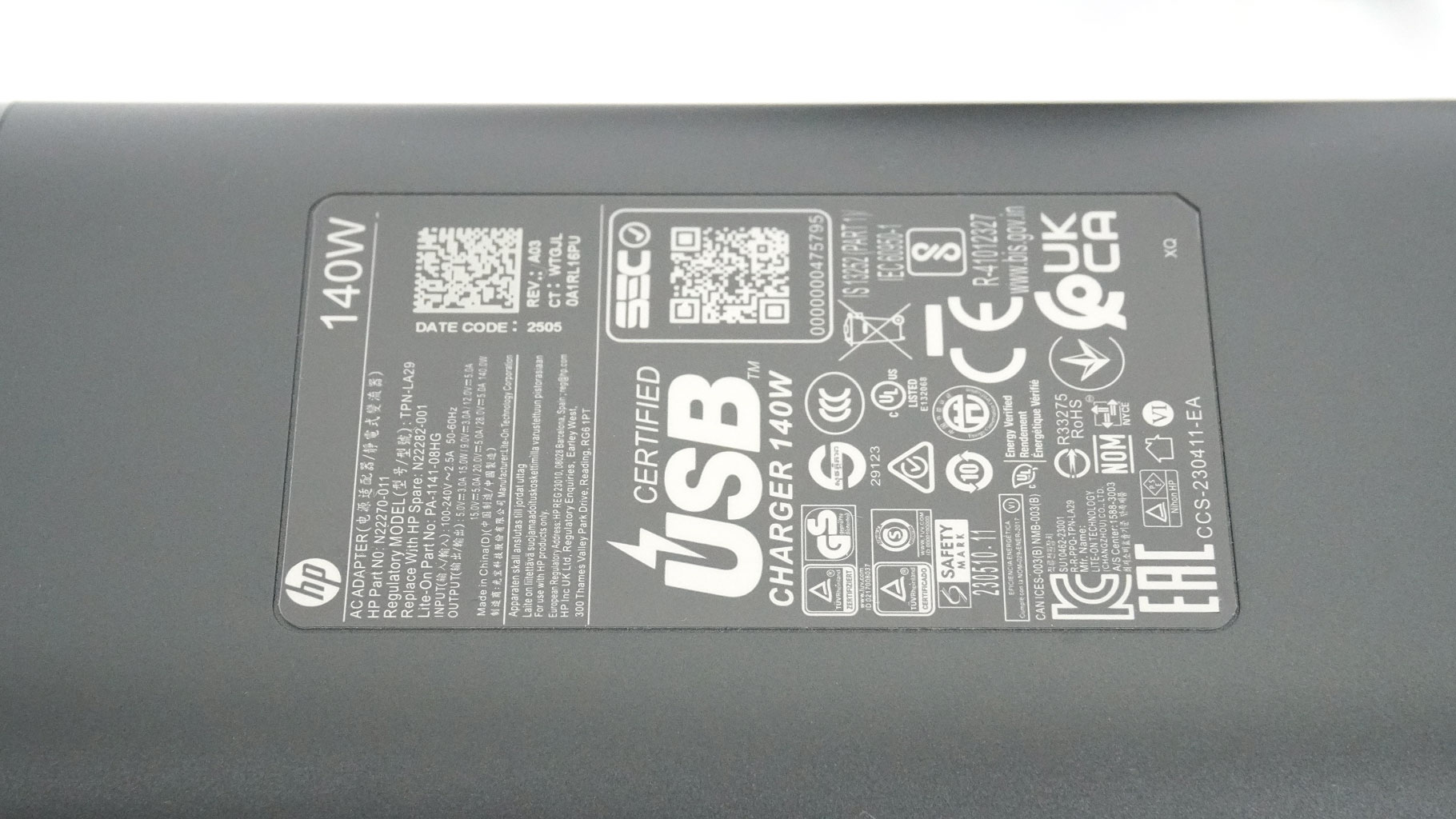
The package includes a 140 W Type-C charger.
A Closer Look - Outside

The ZBook Ultra G1a 14 is another modern-looking entry in HP's lineup, sporting a neutral and mature design. You won't find any glowing RGB here; this is a pure professional workhorse.
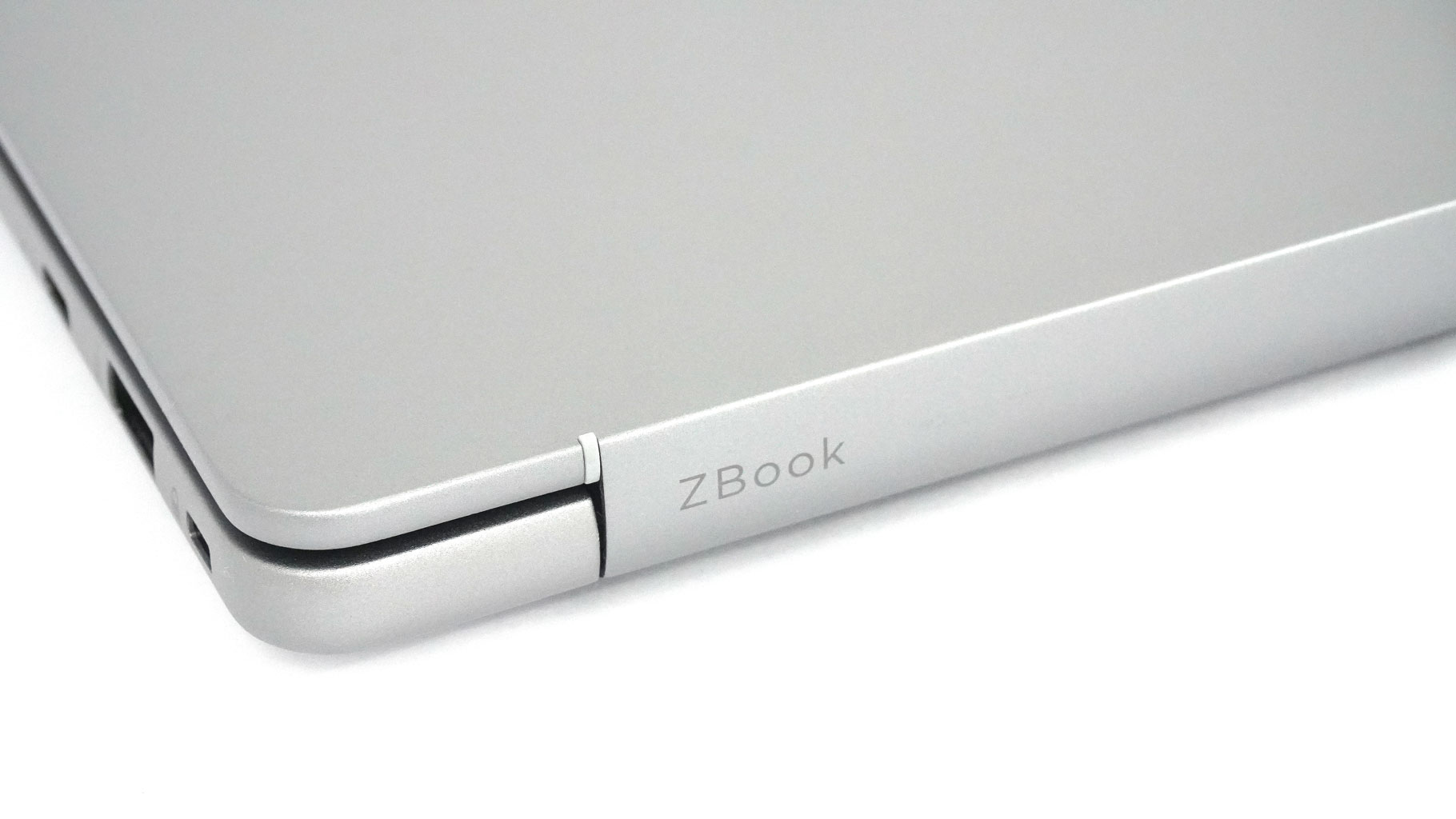
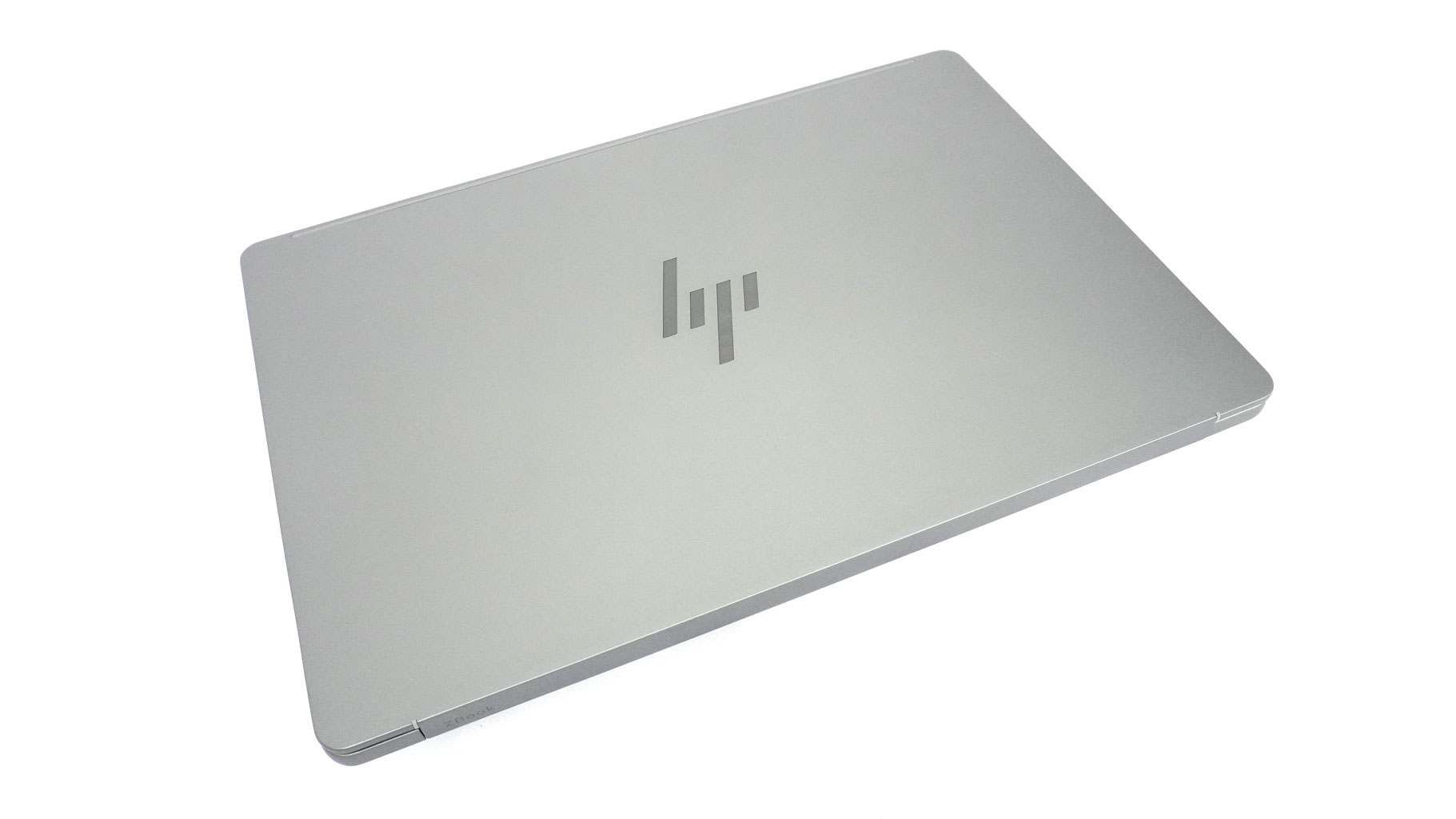
You get a glossy logo on the lid and a subtle ZBook inscription on the hinge cover. That's it - no extra ornamentation.
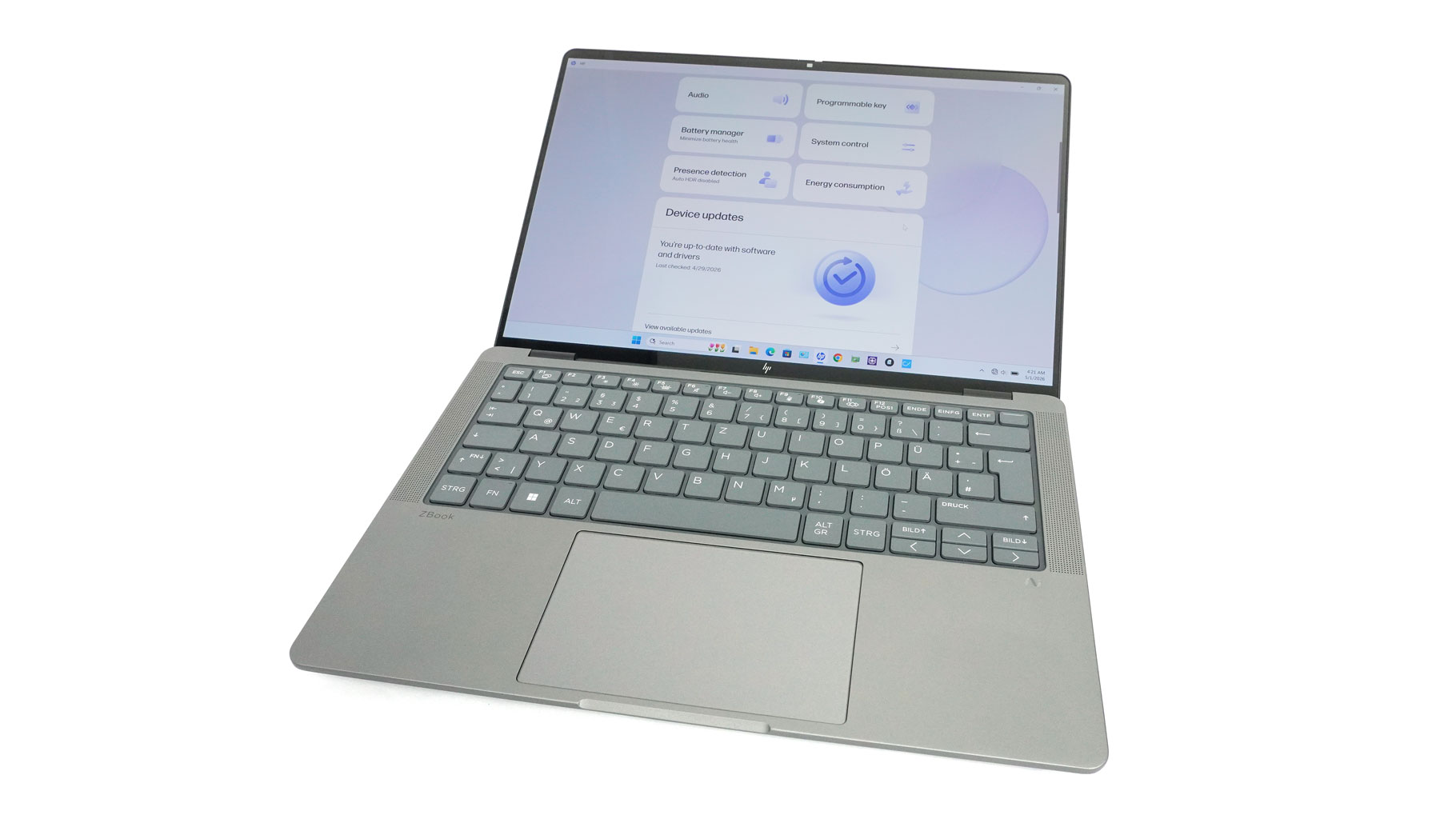
A small lip in front of the touchpad makes one-handed opening a breeze.
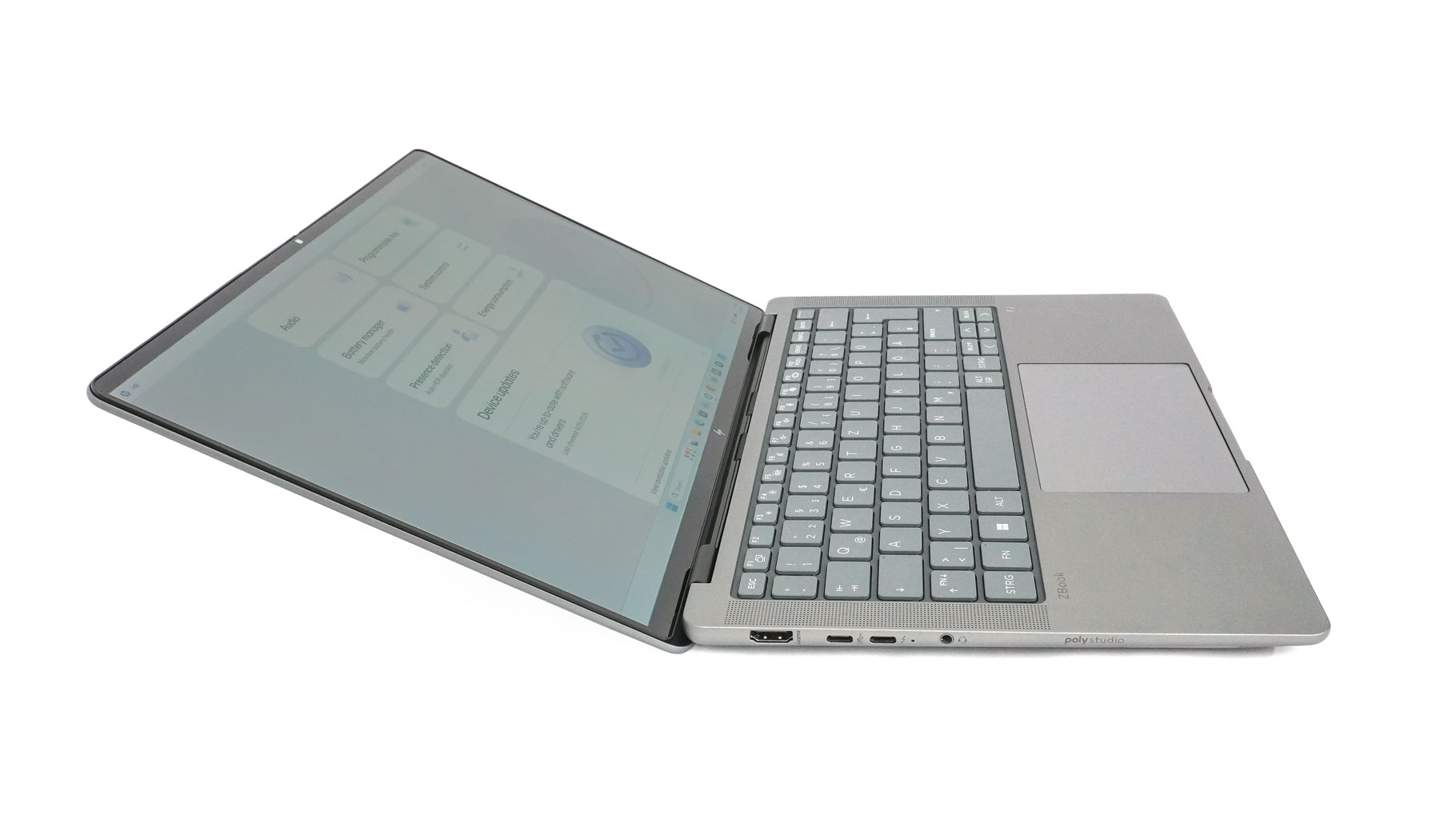
Considering its business focus, the fact that it doesn't open flat (180 degrees) is a bit of a mystery.
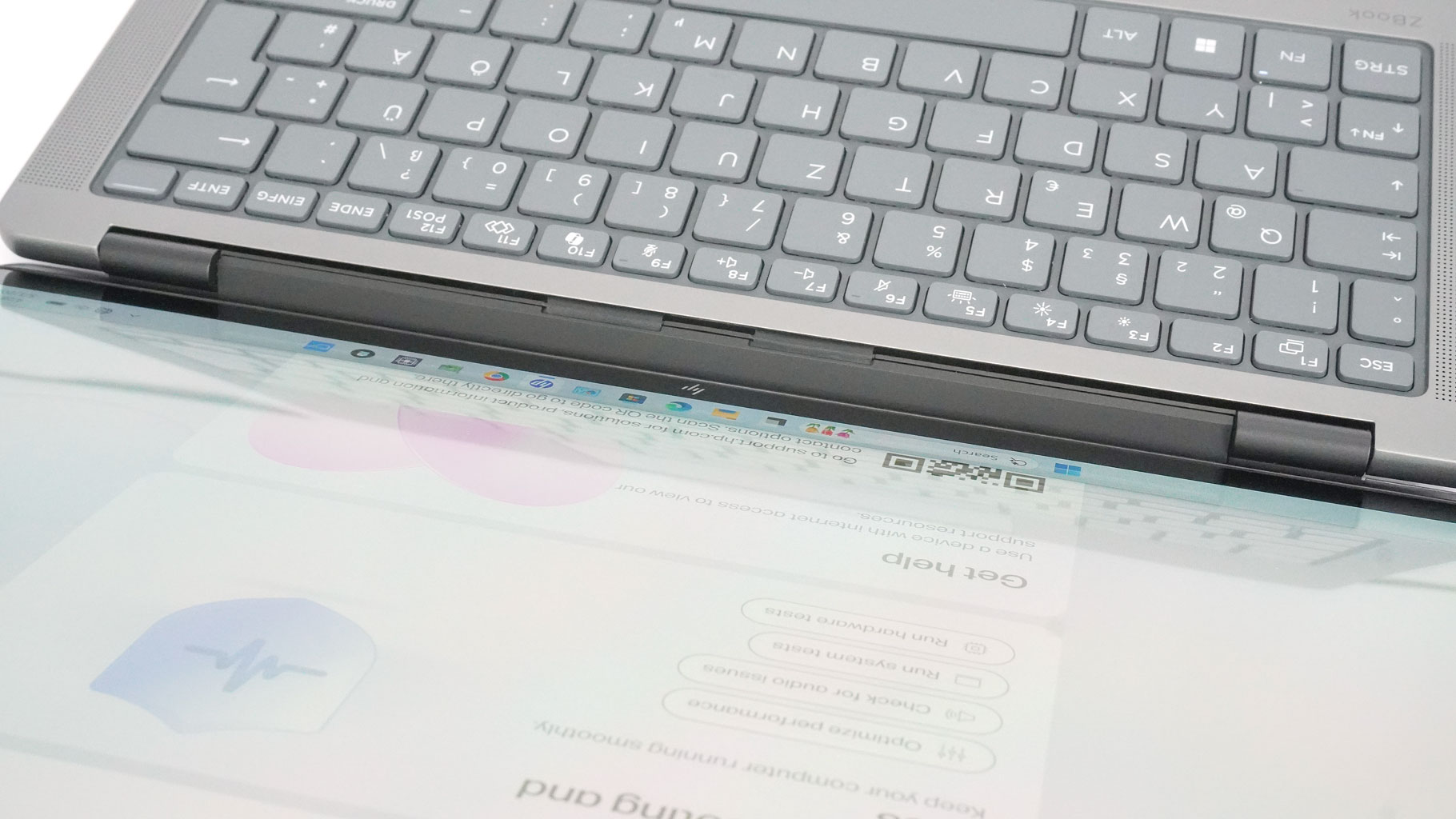
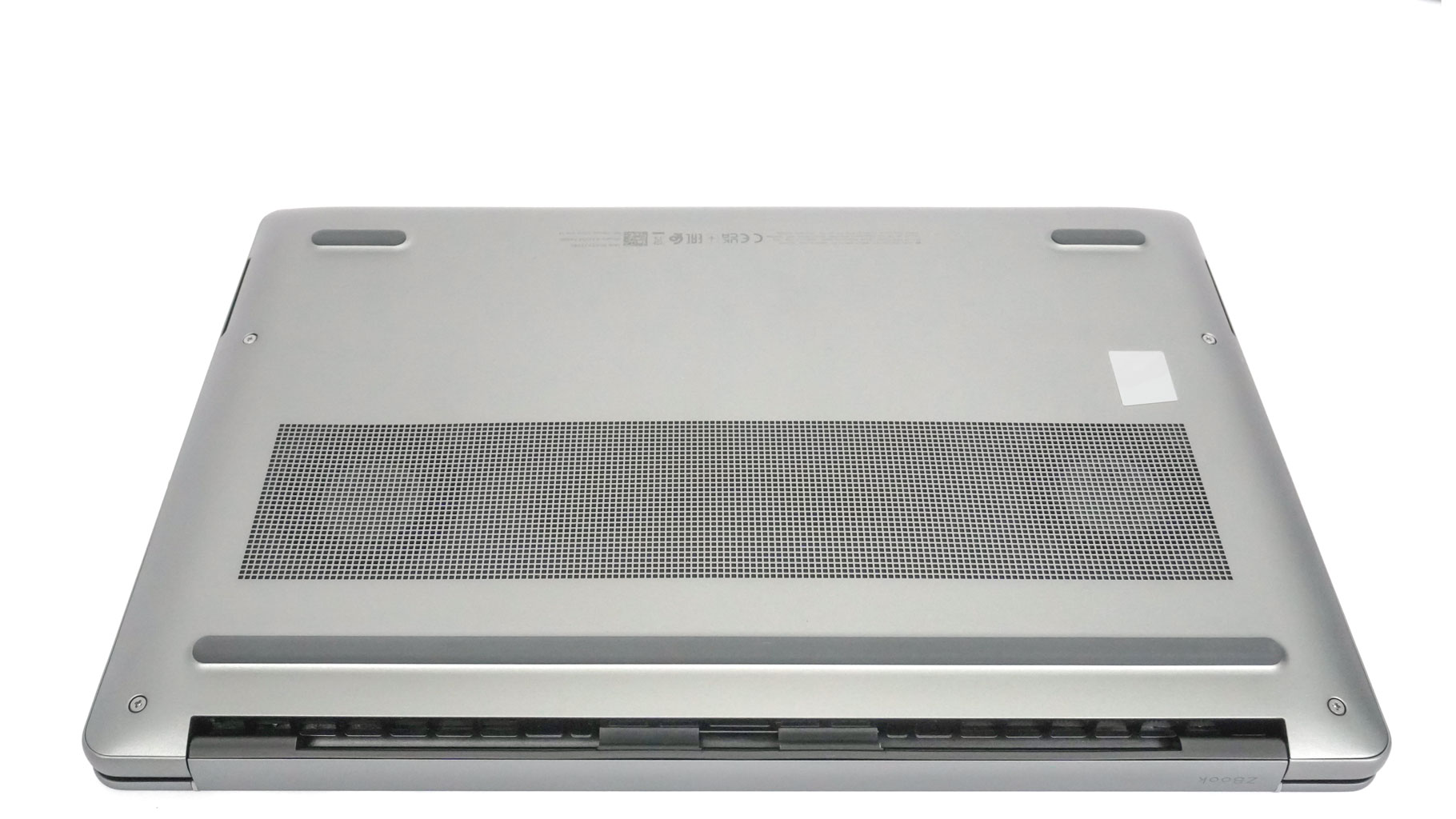
We've seen this hinge design from HP before, where the hinge sits just in front of the rear exhausts. When the lid is pushed back, it guides hot air toward the desk rather than the screen. This is a smart move that keeps a significant amount of heat away from the display.
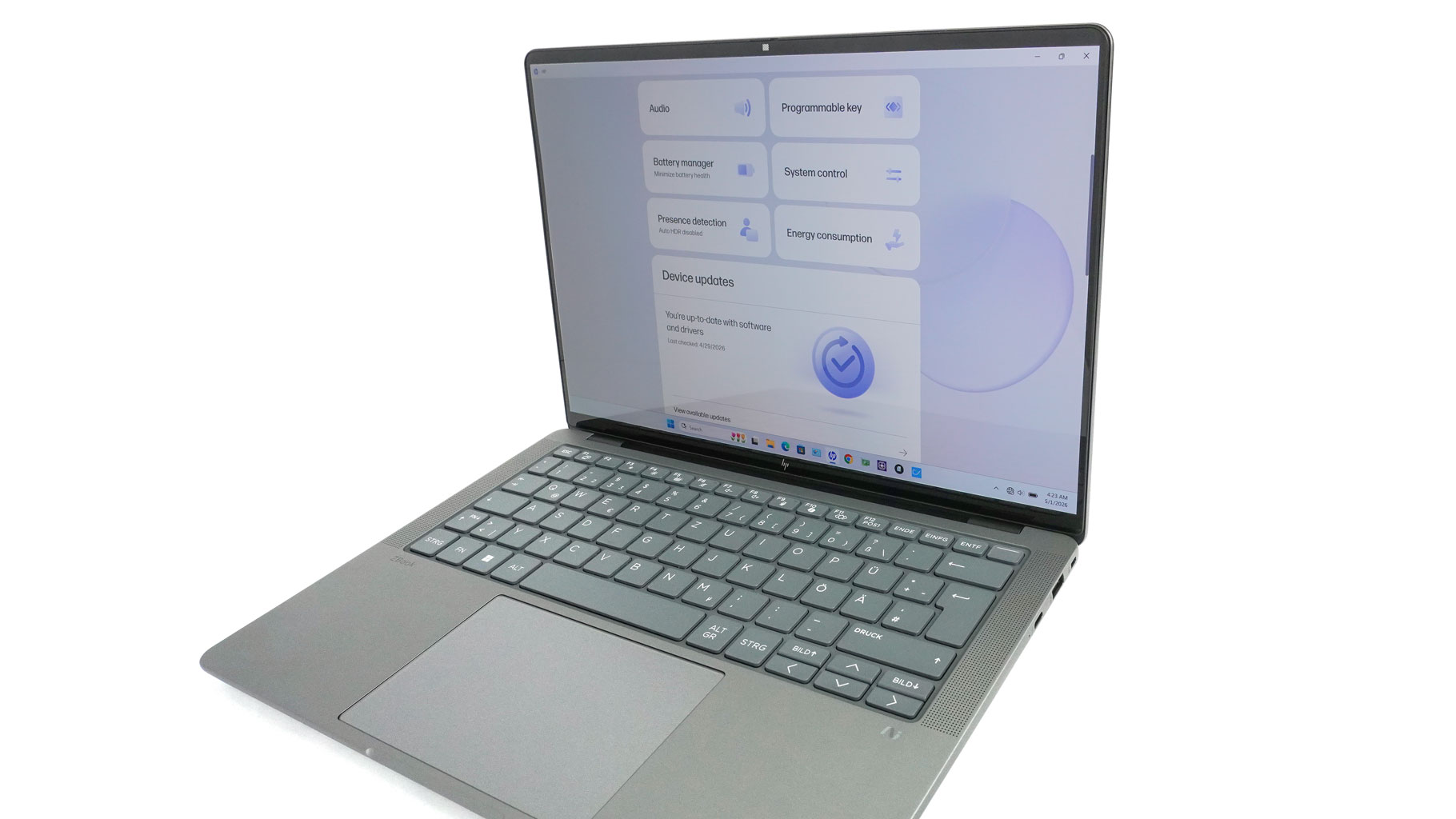
Slim bezels give the laptop a sleek, up-to-date look. The 5MP webcam up top features a privacy shutter and optional IR for Windows Hello. The metal build is impressively sturdy throughout, from the lid to the main chassis. The IPS versions are slightly lighter (1.568 kg) than the OLED models (1.599 kg). That's likely due to the extra glass layer on the more expensive OLED panel.
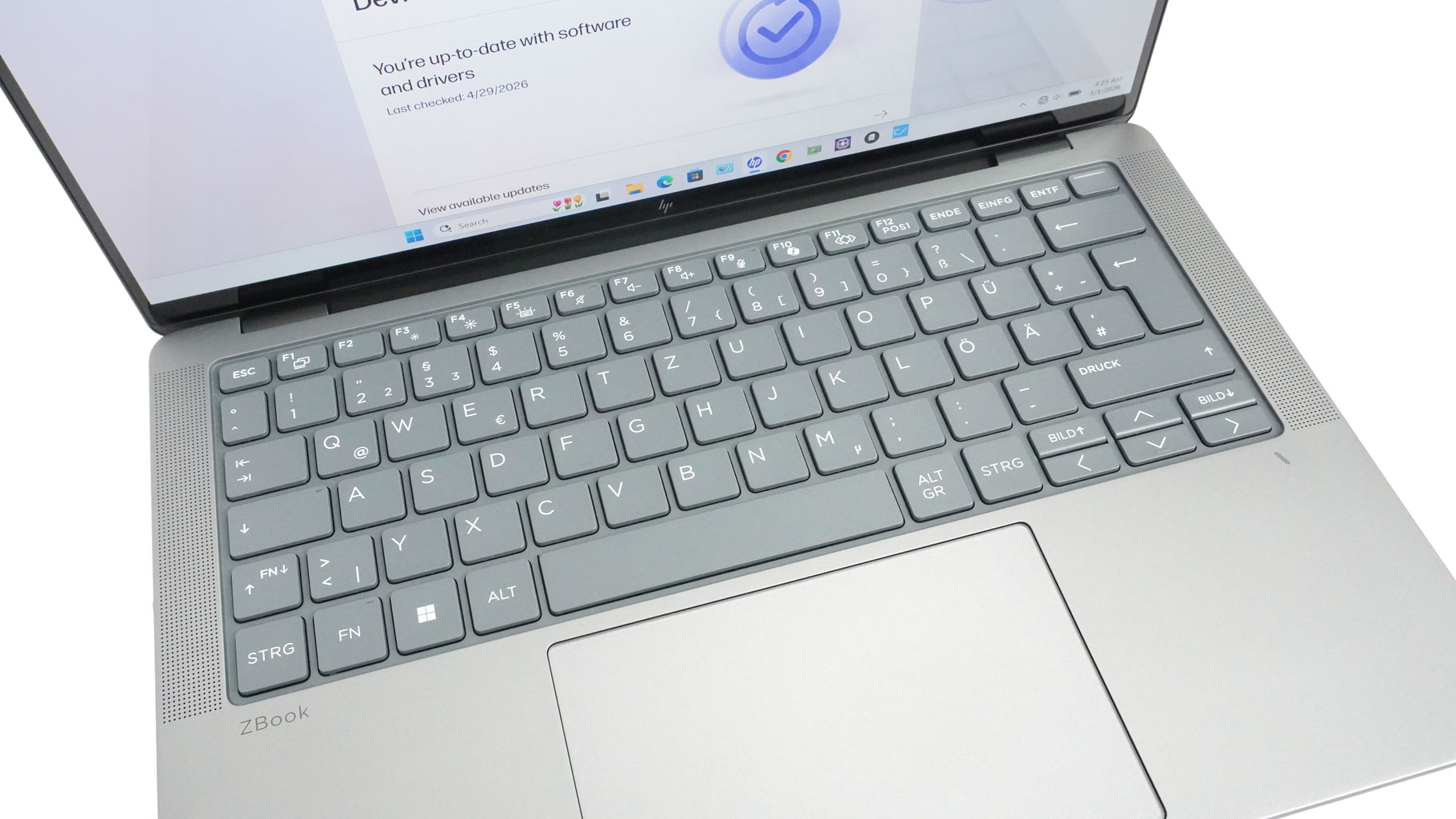
The spill-resistant keyboard is nearly flawless. It features a two-step white backlight, and the large keys offer long travel and a grippy coating - it's a fantastic typing experience. The power button in the top-right corner doubles as an optional fingerprint reader. My only gripe is the half-sized arrow keys, though that's typical for a 14-inch notebook. It's also surprisingly quiet to type on. Tall speaker grilles flank the keys, with additional woofer cutouts on the bottom.
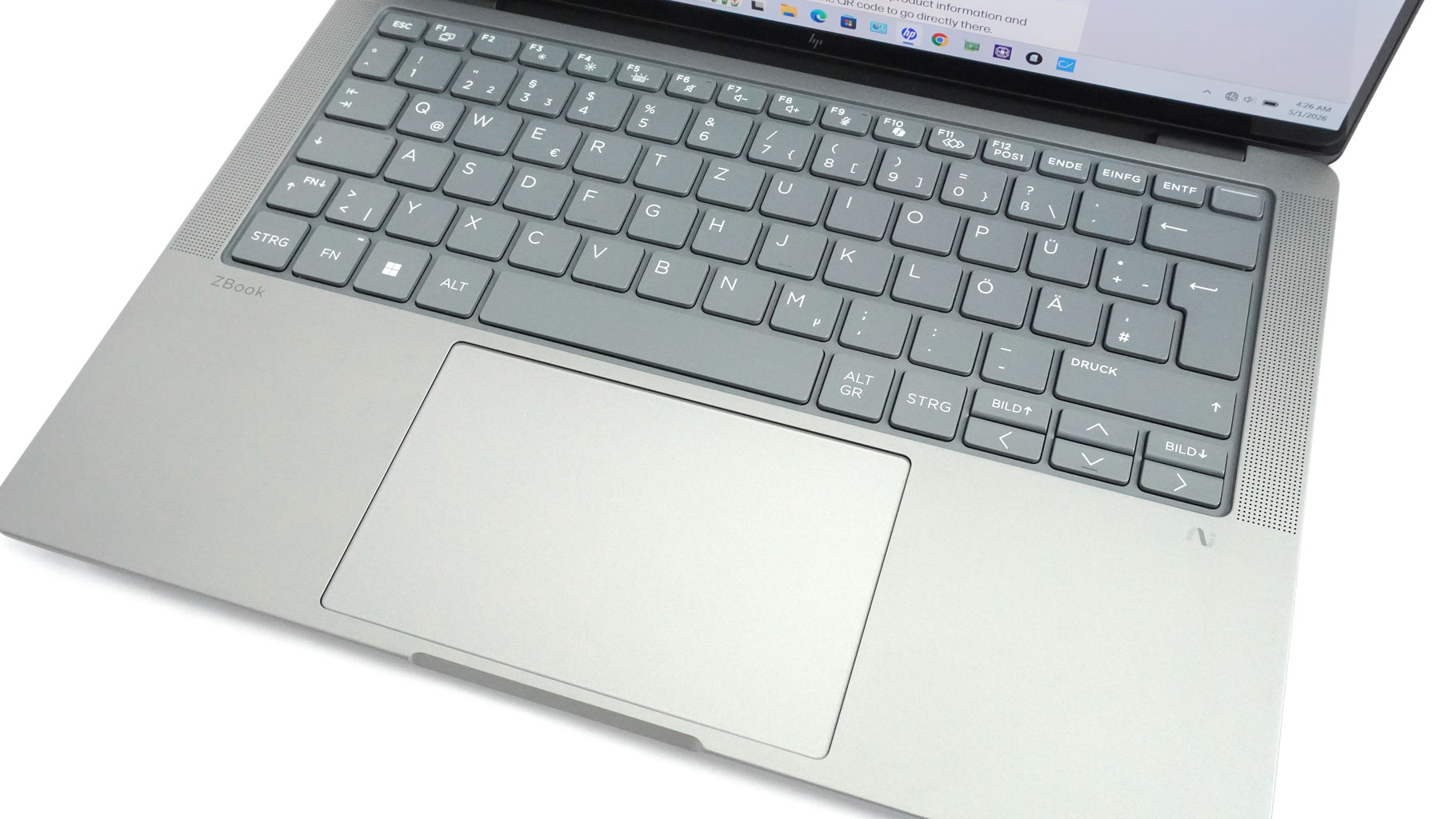
The centered touchpad only adds to the great first impression. It's large, super smooth, and offers outstanding tracking with near-silent clicks.
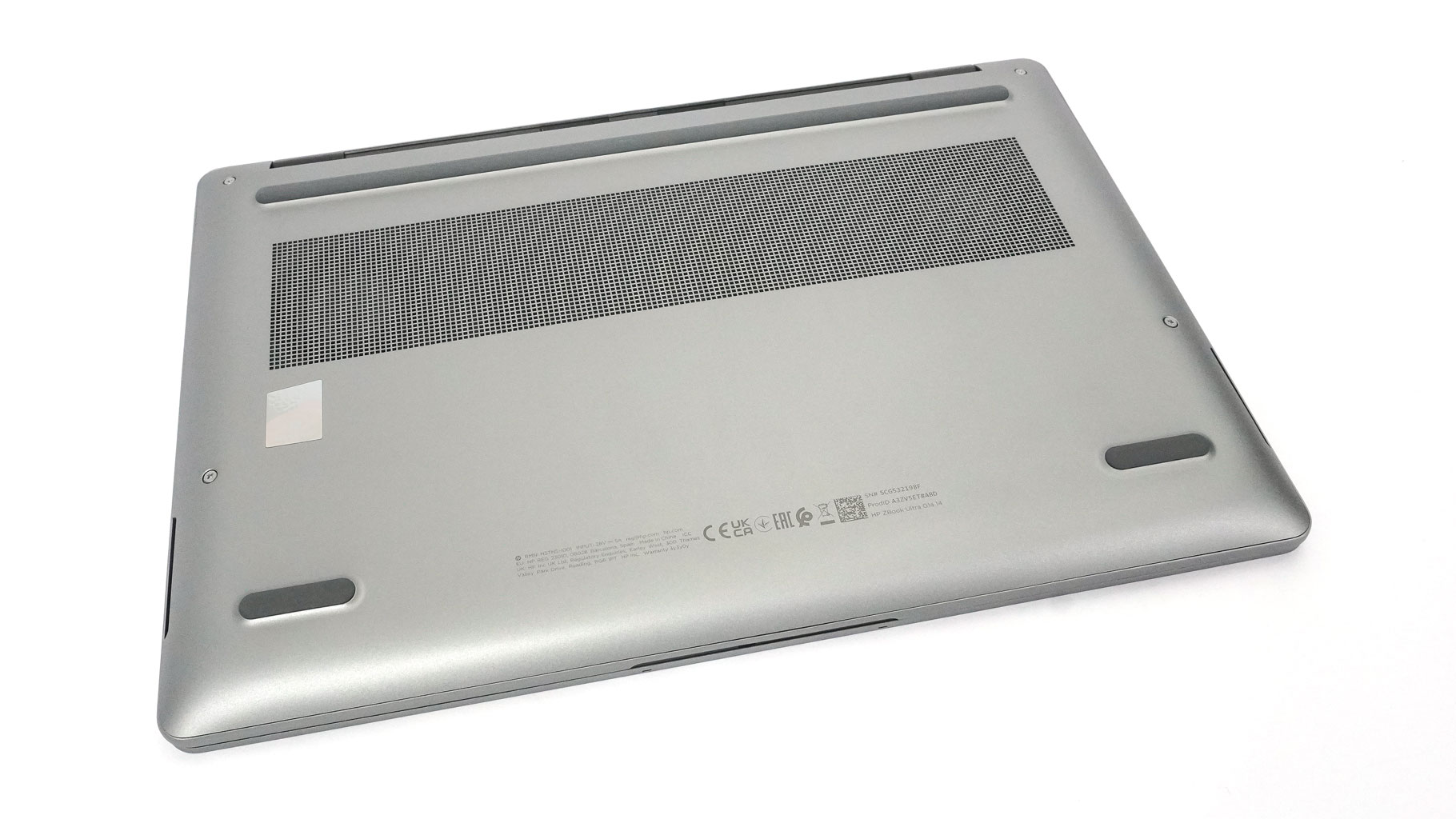
On the bottom, the ventilation grille gives you a peek at the twin cooling fans. The rubber feet are nice and grippy, so the machine stays put while you're working.
Ports and Connectivity
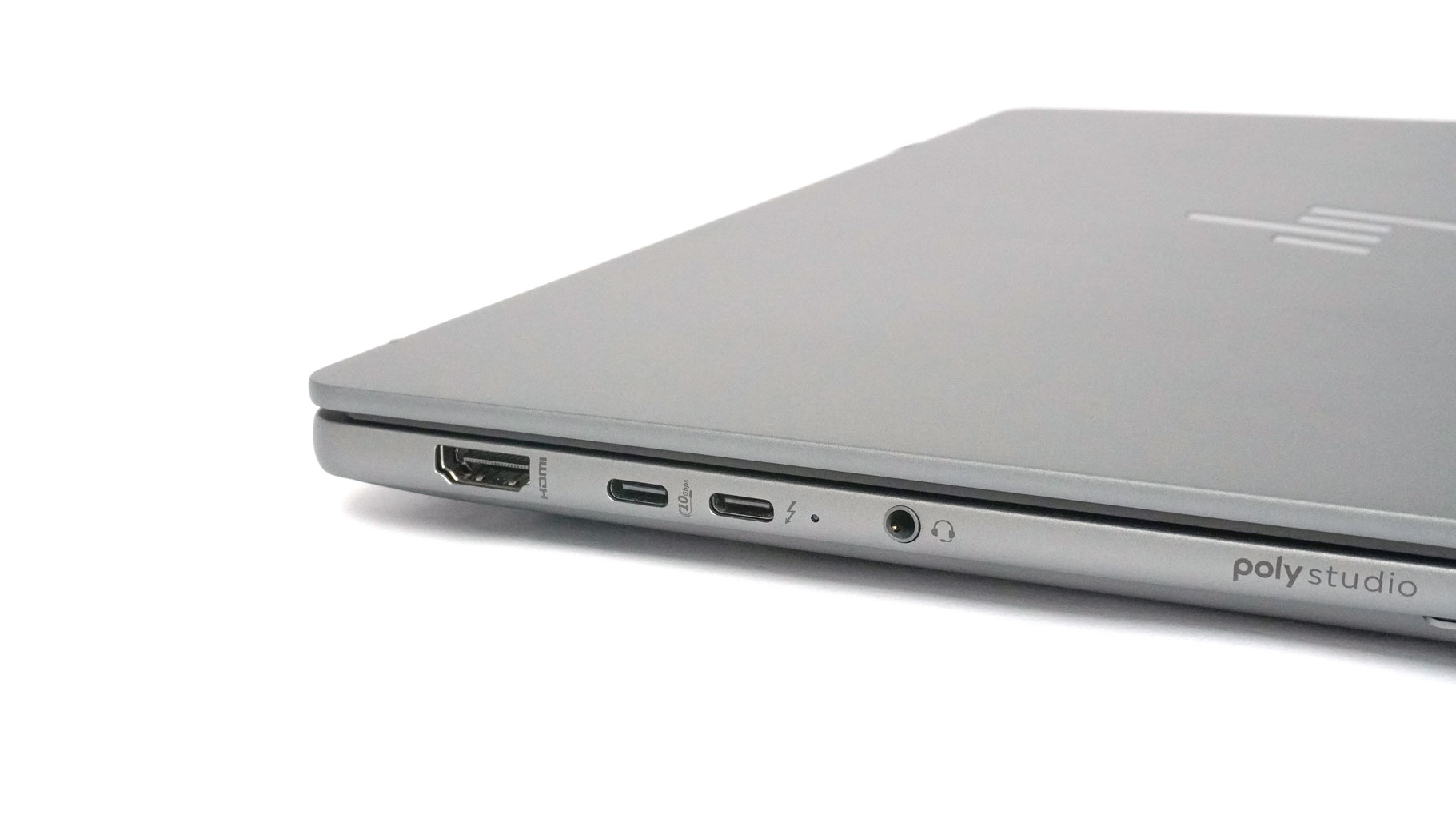
On the left, you get a full sized HDMI 2.1 port, a 10 Gbps USB Type-C 3.2 Gen. 2 port, a 40 Gbps Thunderbolt 4 port, and an audio combo jack.
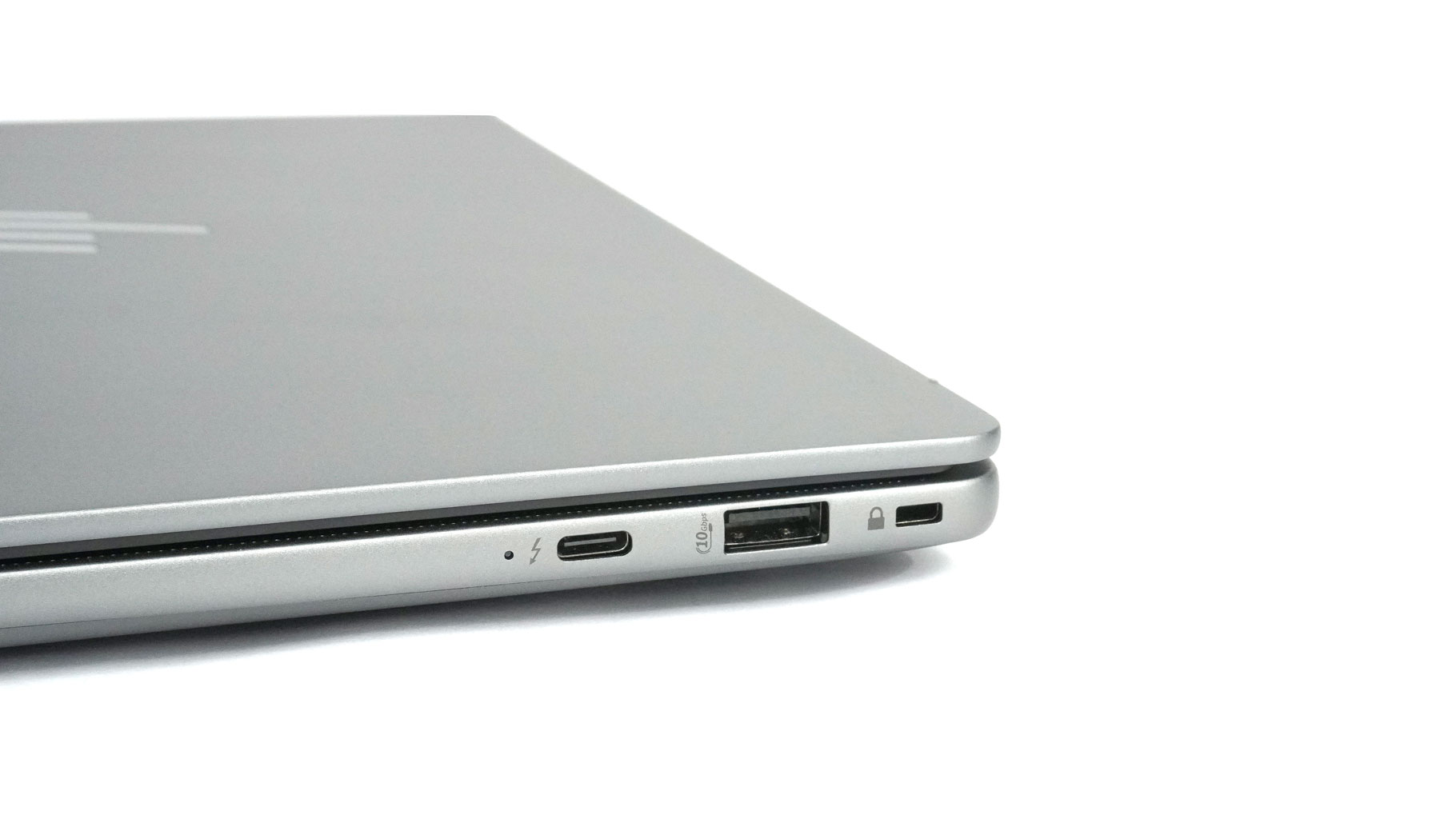
On the right, we can spot a Lock slot, a 10 Gbps USB Type-A 3.2 Gen. 2 port, and another 40 Gbps Thunderbolt 4 port.
The three Type-C connectors offer DisplayPort 2.1 Alt Mode and USB Power Delivery.
Our Patreon Silver Supporters can read articles in single-page format.
Nov 21st, 2026 04:31 PST
change timezone
Latest GPU Drivers
New Forum Posts
- WarpCoreBench scores! (88)
- What's your latest tech Freebie? (86)
- TPU's Nostalgic Hardware Club (22179)
- [Poll] 12V-2x6 Connector Protection: What Are You Using? (WireView / Ampinel / Equalizer / Other / Nothing) (50)
- UPS what one to get? (1)
- Anthrophics IPO (28)
- RX 9000 series GPU Owners Club (2252)
- Windows 11 General Discussion (7743)
- Without Jensen, PC gaming will be (52)
- Zen 3 IF/IMC degradation (242)
Popular Reviews
- Microsoft Surface Laptop Ultra Review - The Next-gen Arm Laptop
- Ugreen NASync DXP4800 GT Review
- Corsair RM1200e (Second Generation) Review
- Pulsar Office Tour & First Look at P1 Dual-Sensor Mouse
- Upcoming Hardware Launches 2027 (Updated Nov 2026)
- Acemagic Retro X3 Review
- Biwin Black Opal NV7400 2 TB Review
- AMD Ryzen 7 9800X3D Review - The Best Gaming Processor
- AMD Zen 6 Technical Deep Dive
- Chieftec Iceberg PRO 360 DARK Review
TPU on YouTube
Controversial News Posts
- NVIDIA Co-Founder and CEO Jensen Huang Officially Resigns (491)
- Report: Jensen Huang Eyes NVIDIA Comeback (257)
- Open Letter Asking NVIDIA to Reinstate Jensen Huang Passes 115,000 Signatures (184)
- OpenAI CEO Argues Home PCs Waste the World's Limited DRAM Supply (152)
- NVIDIA Launches Investigation Into Jensen Huang's Relationship With Suspected Chinese Spy (136)
- Intel "Raptor Lake Next" 16-Core and 20-Core CPUs Surface (130)
- Legendary Game Studio BioWare Shuts Down Following EA Layoffs (104)
- NVIDIA GeForce RTX 50-Series Scheduled for up to $500 Price Hike This Week (89)