 9
Lenovo Legion 5i (15IRX10) Review - Feature-Rich and Wallet Friendly
Ports & Connectivity »A Closer Look - Outside

Despite being smaller than its more premium gaming from the same brand, the Legion 5 15IRX10 has the design of a typical modern Lenovo gaming notebook. It's got that stealthy vibe—not too "gamer-y" or in-your-face. Even the Legion logo on top is dark. The bump on the lid's upper edge makes it easy to open with one hand, and the hinges feel medium-stiff.
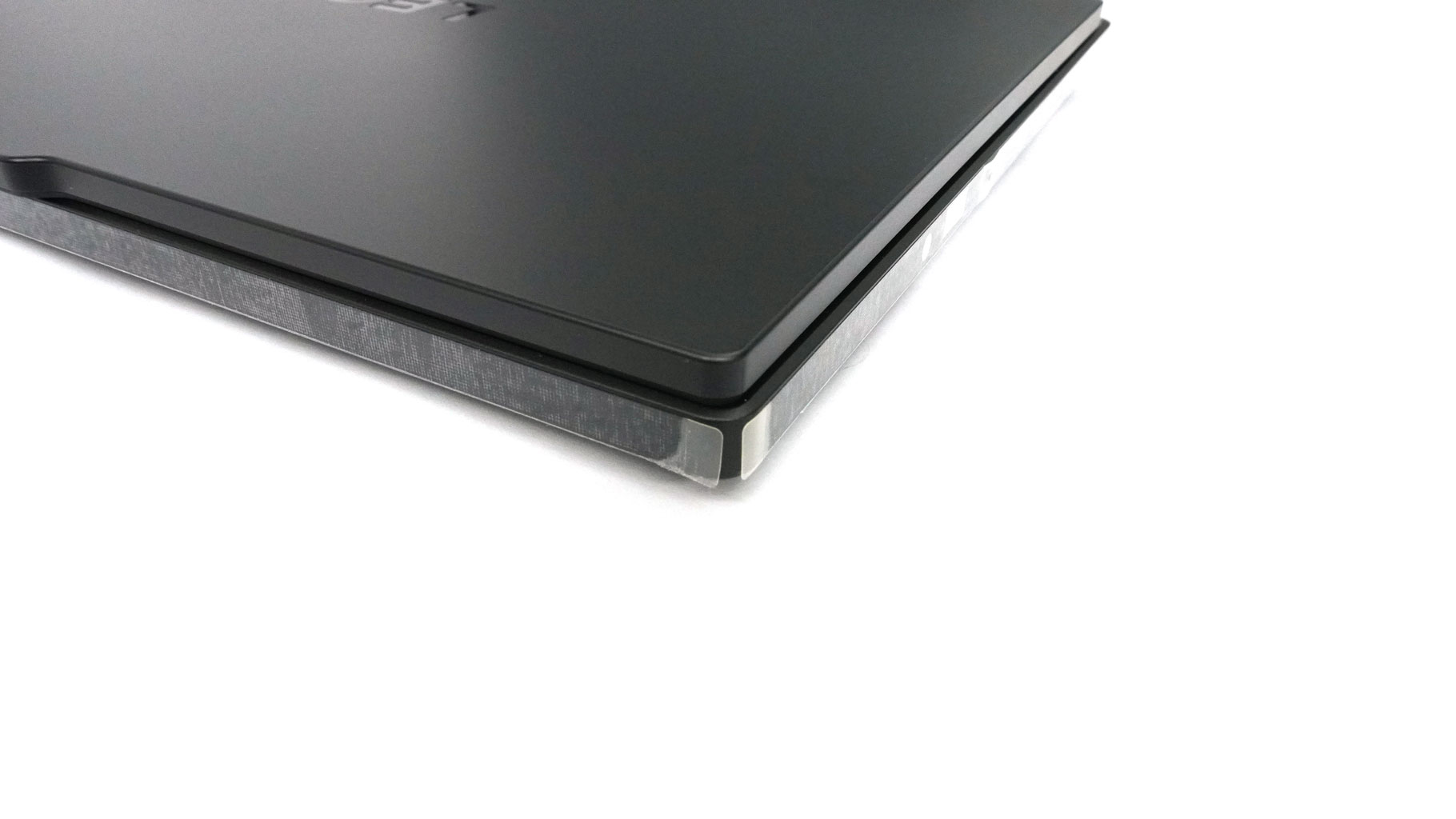
The front and the sides are covered with plastic film for extra protection.
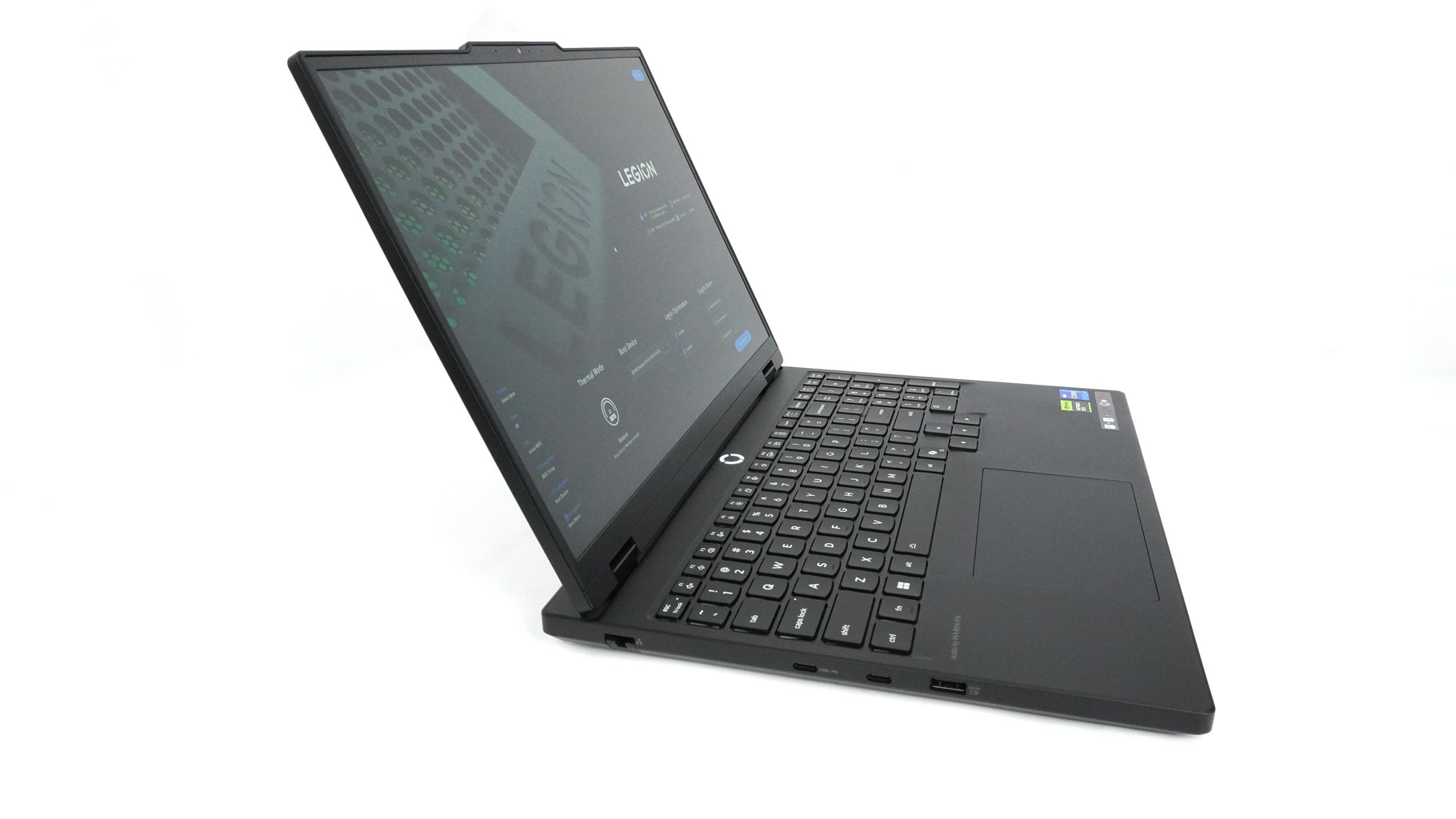
If you go for the OLED panel, you'll end up with a device that weighs 1.9 kilos with a 19.95–21.54 mm profile, a metal top, and a plastic main body. Both IPS iterations have a 2.1 kilo weight and the taller 22.50-23.99 mm height due to the slightly larger and thicker screens. That's not the only difference depending on the display type, however. The OLED models also feature a fancy aluminium stamping surface treatment. The "regular" IPS iterations have a standard painted surface and a chassis made from a mix of plastics and composites.
Let's talk about rigidity for a brief second. The center of the lid had a slight bend, and twisting the screen from the sides didn't show much flex. The keyboard deck stood its ground even better. I was able to press down the zone below the keyboard, but only just. Overall, don't be afraid of the plastic chassis; its solidness is fine.

The Legion logo behind the lid is shiny and glossy.
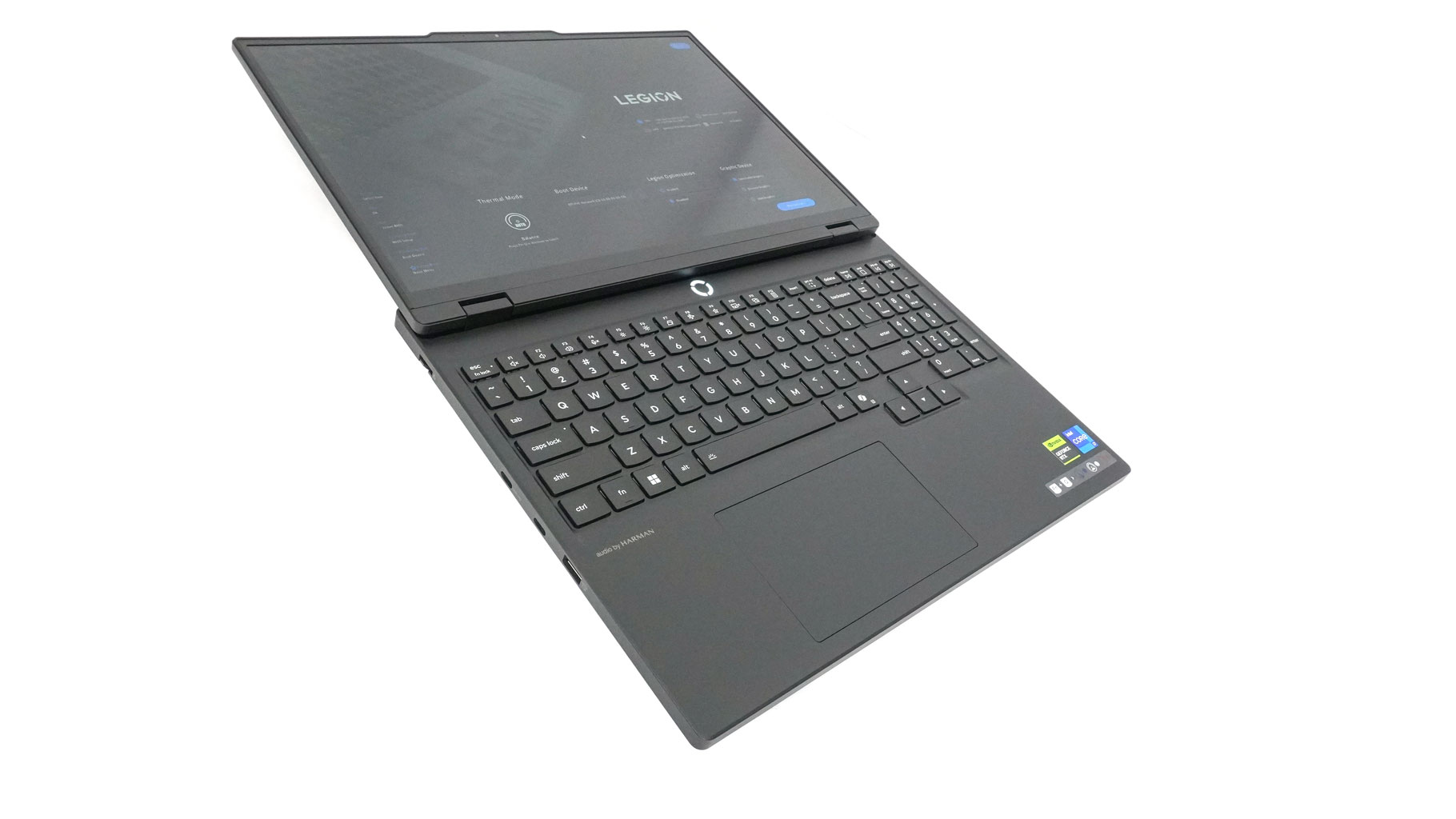
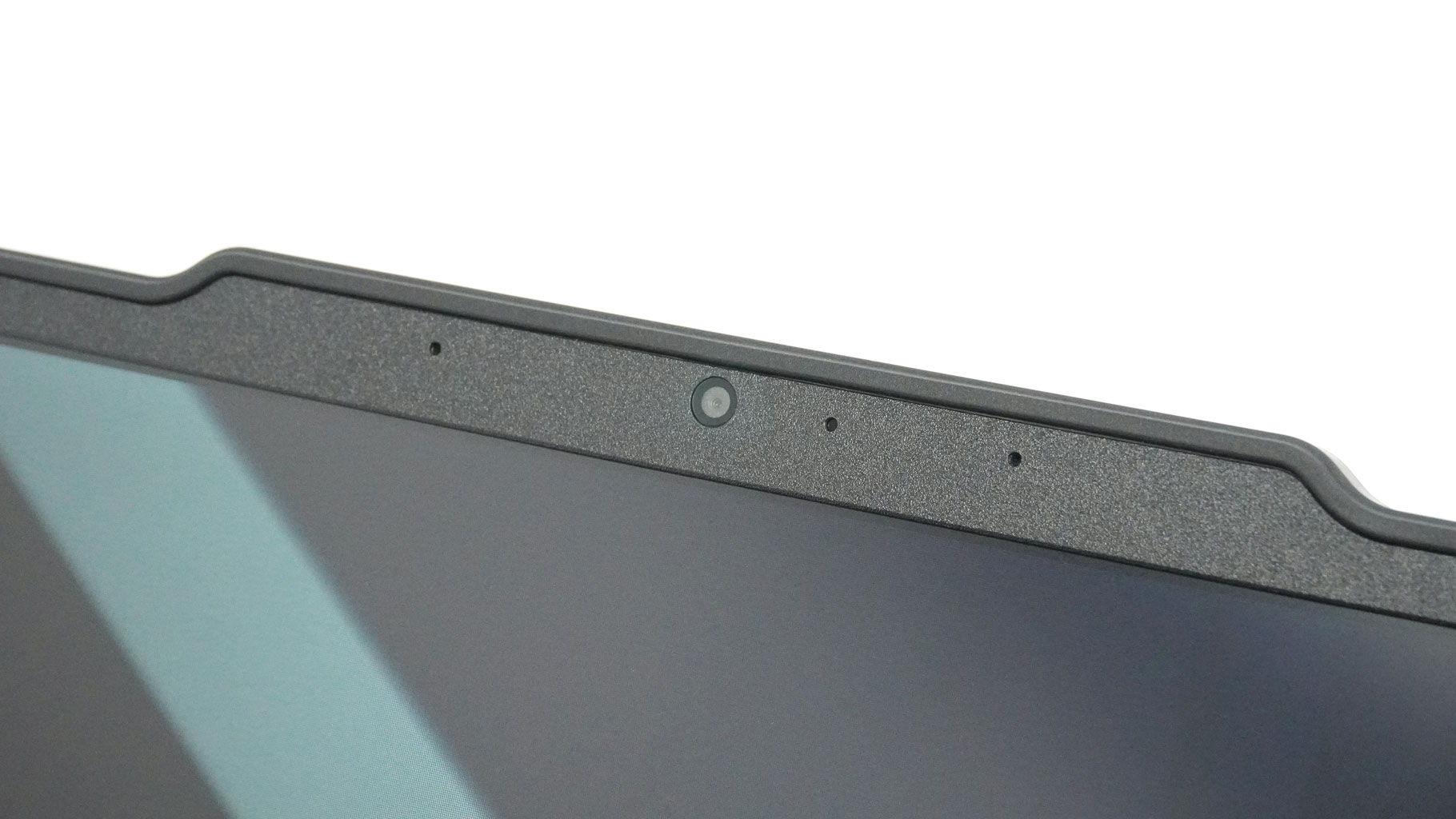
In our case, the IPS display is surrounded by not the thinnest bezels I've seen. The bottom "lip" is noticeably thicker than the rest. The 720p or optional 5MP webcam above the screen works with an E-shutter located on the laptop's right side. The lid goes back at almost 180 degrees, which is nice to see in a not-so-pricey laptop.

The rounded power button placed in the middle of the upper side of the main deck has an illuminated ring around its housing. It replicates the design of the Legion symbol and also changes color corresponding to the current power preset. Purple means "Extreme," Red for "Performance," White for "Balance," and Blue is for "Quiet."
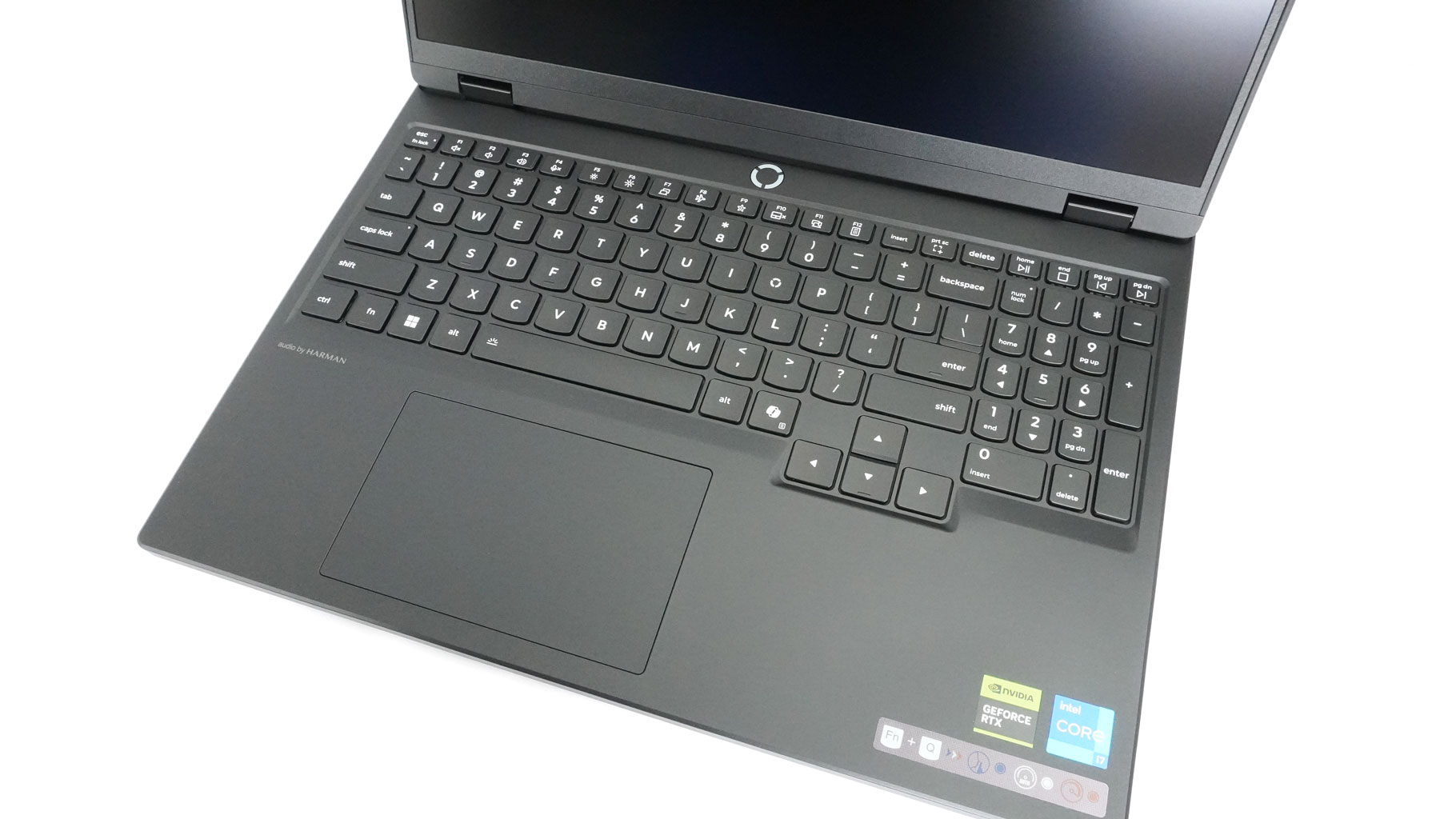
Our machine has the regular keyboard version that glows in white color, and you can choose between two levels of brightness for it. I don't mind this version at all, as the backlight is quite even. Users with wider wallets may prefer the fancier 24-Zone RGB model. Lenovo has found a way to fit a keyboard with large keycaps, a regular 4-column NumPad, and full-sized, comfy-positioned arrow-keys into a 15.3" body. Some 16" or 17.3" contenders don't offer as many keyboard features, so kudos to Lenovo for this!
The key travel is long, not exactly spectacular, but it's just fine for gaming. Still, the feedback is surprisingly great! Almost forgot to mention that the MS Copilot key is positioned on the left of the arrow-keys, and there is a Calculator shortcut that doubles as F12. It could be a useful extra for some, and it's a bit of an extraordinary function for a gaming device.

Many stickers can be seen on the right palm rest. Of course, these let you know your new laptop is powered by NVIDIA and Intel chips. The Fn+Q combination is for fast power preset switching. You can also adjust the backlight with Fn+Space.

The touchpad with a plastic Mylar surface is normally sized (75 x 120 mm). The smoothness and the precision of this unit is just average, which is okay for normal usage, and when gaming you'll very likely be using an external mouse or controller. The clicking mechanism isn't exactly silent.
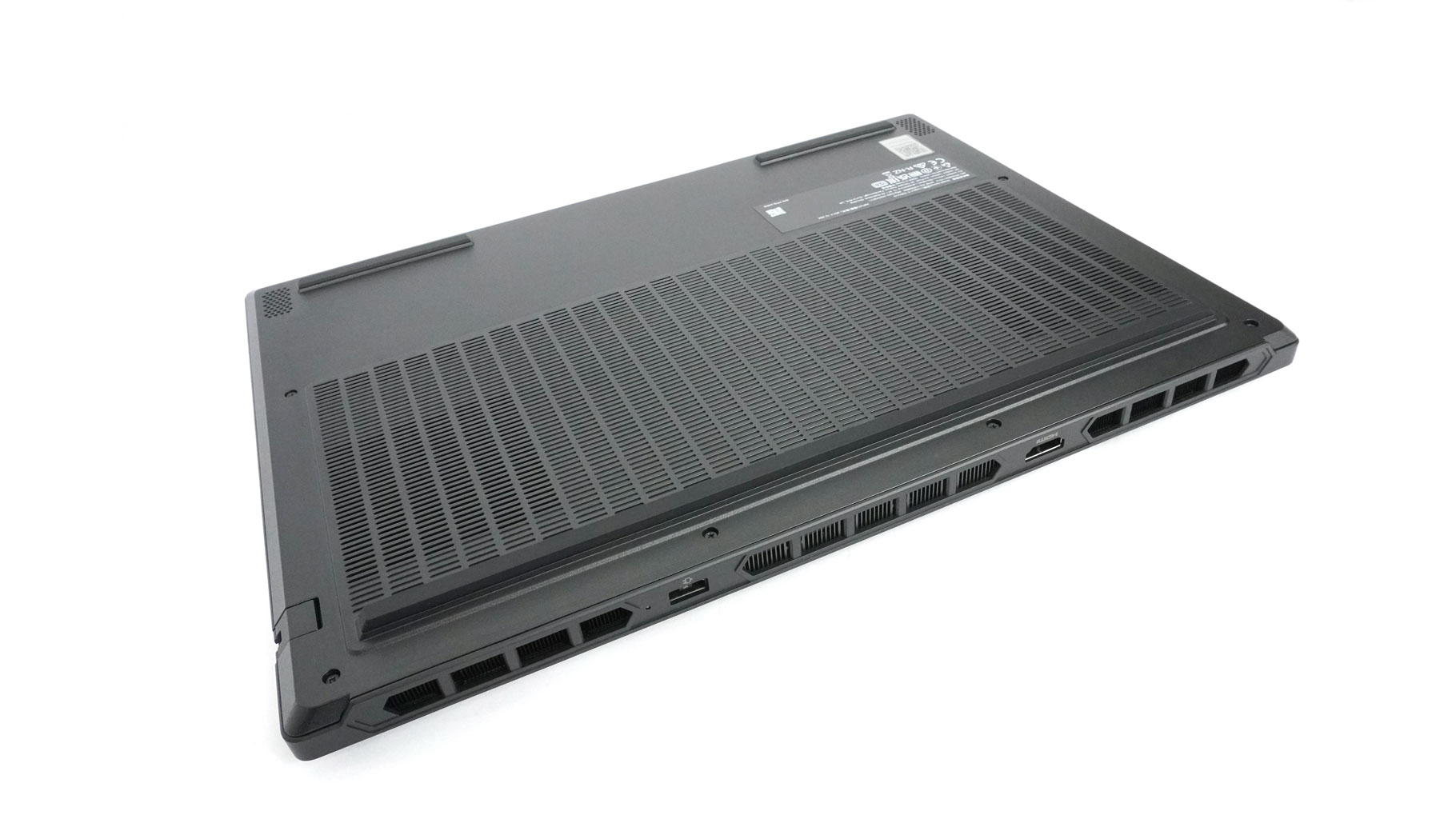
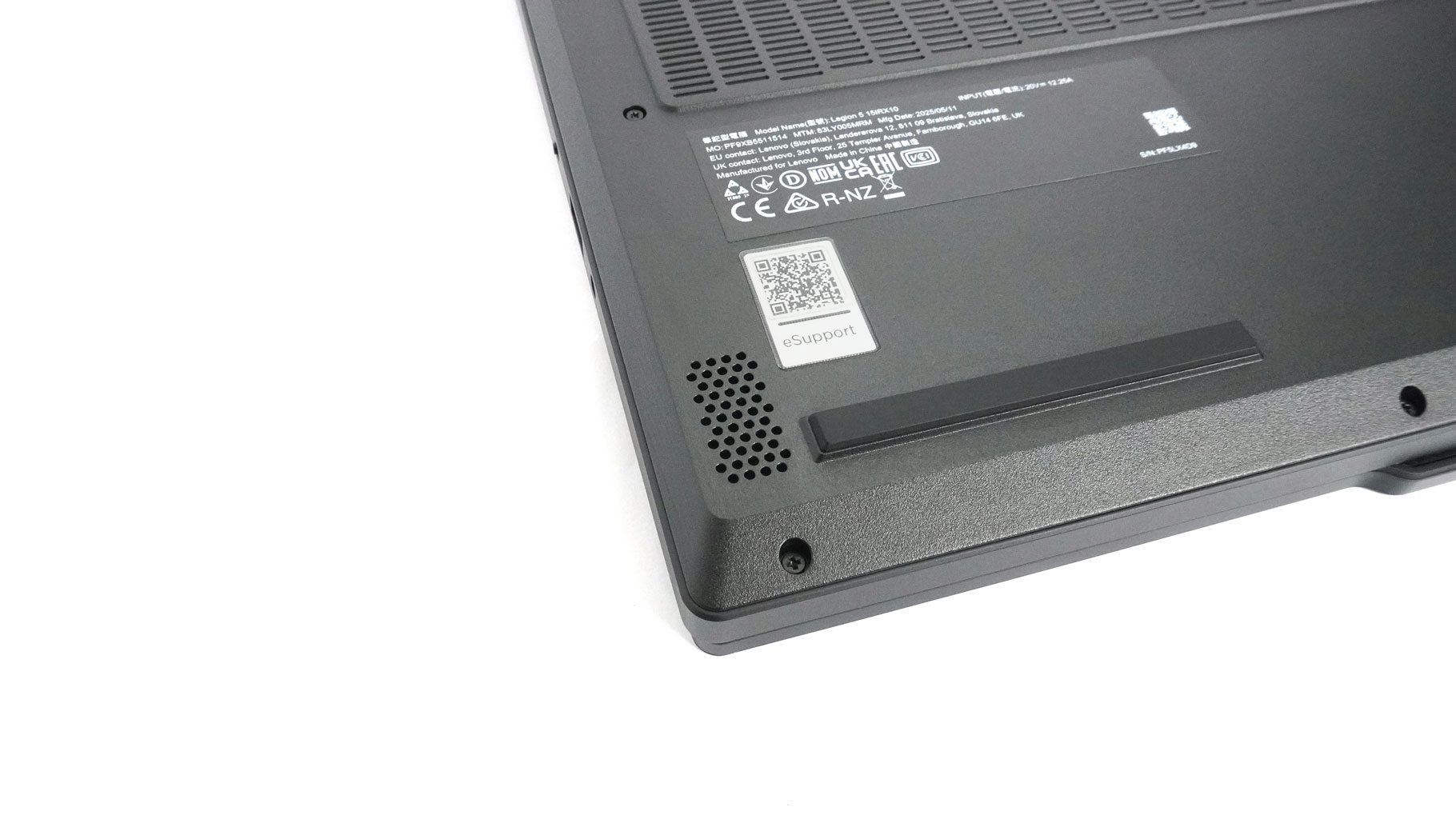
The bottom ventilation grille might look huge, but most of those sections are actually solid. Fresh air mainly enters the chassis above the fans and near the RAM slots.
Heat is pushed outside the chassis through a pair of rear exhausts. The middle one is mainly for heat dissipation. The display is kept away from the hot vents, as it's positioned a bit deeper into the chassis, closer to the keyboard. The speaker cutouts are on the side of the front rubber feet.
Nov 24th, 2026 23:25 CST
change timezone
Latest GPU Drivers
New Forum Posts
- WarpCoreBench scores! (100)
- Which ryzen am5 cpu ? (211)
- Asus Rog Maximus Z890 Extreme. (Various questions). (36)
- The time has come to upgrade...my desktop (15)
- AMD ULL settings tinkering thread - post settings and Zen pics (90)
- TPU's F@H Team (20570)
- Can you guess Which game it is? (352)
- Ryzen Owners Zen Garden (8562)
- What are you playing? (26253)
- Your PC ATM (36503)
Popular Reviews
- ASRock X870E Challenger Wi-Fi White Review
- Microsoft Surface Laptop Ultra Review - The Next-gen Arm Laptop
- Upcoming Hardware Launches 2027 (Updated Nov 2026)
- VZMORE AX9 Max Review
- AMD Ryzen 7 9800X3D Review - The Best Gaming Processor
- Corsair RM1200e (Second Generation) Review
- AMD Zen 6 Technical Deep Dive
- Phantom Blade Zero Performance Benchmark Review - 35 GPUs Tested
- Pulsar Office Tour & First Look at P1 Dual-Sensor Mouse
- Ocypus lota P1000 Review
TPU on YouTube
Controversial News Posts
- Jensen Huang Reinstated as CEO of NVIDIA (535)
- NVIDIA Co-Founder and CEO Jensen Huang Officially Resigns (492)
- Report: Jensen Huang Eyes NVIDIA Comeback (281)
- Open Letter Asking NVIDIA to Reinstate Jensen Huang Passes 115,000 Signatures (184)
- OpenAI CEO Argues Home PCs Waste the World's Limited DRAM Supply (152)
- NVIDIA Launches Investigation Into Jensen Huang's Relationship With Suspected Chinese Spy (136)
- Intel "Raptor Lake Next" 16-Core and 20-Core CPUs Surface (130)
- Intel Razor Lake Gets a 12 P-Core bLLC Chip With No E-Cores, Per Leak (94)