 7
Lenovo LOQ 17IRX10 Review - Premium Features Trapped in a Budget Body
(7 Comments) »Introduction

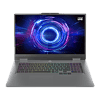
Nowadays, finding a decent big-screen budget laptop could be a roller-coaster, specially with RAM and SSD prices on the rise. If you are not a professional whose work demands a high-res screen, the Lenovo LOQ 17IRX10 could be a good choice for people who don't want to spend too much money on a new gaming notebook. Speaking of the name, this device could also be found as Lenovo LOQ 17i Gen 10 (17" Intel).
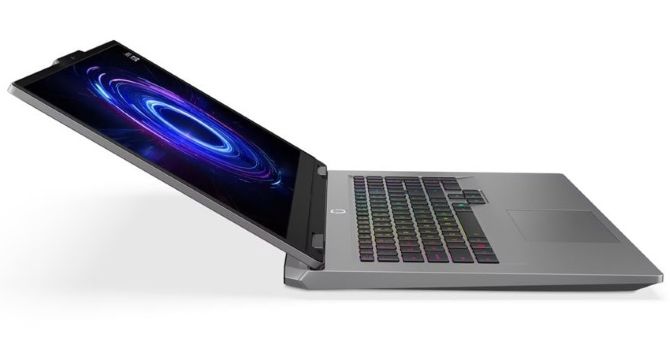
For starters, it's an affordable 17.3-incher that doesn't cost an arm and a leg. Therefore, the manufacturer had to cut corners to achieve a competitive price. While the 1080p IPS screen might be a dealbreaker for some, don't write it off just yet. But hold your horses - this display doesn't look half-bad in real life. G-SYNC is on board, mixed with a 165 Hz refresh rate and impressive color capabilities for a budget class. This could catch the attention of some of you.
The external chassis material is another area where things get a bit "budget," but we'll dive into that in a moment. However, the main body houses a capable, full-sized 24-zone RGB backlit keyboard and a substantial cooling solution on the inside. This Lenovo gadget has nothing to hide when it comes to upgrades. It offers two SODIMMs and a pair of Gen 4 SSD slots that fit smaller 2242 and bigger 2280 units. This should be enough for the majority of users.
I already mentioned the G-SYNC support, but the modest-looking shell of this fella houses some other high-end features such as NVIDIA Advanced Optimus and a MUX switch. So, you can apply dGPU-only mode on the fly without restarting the machine. For the best possible battery life, iGPU-only mode is also part of the package.
That's a gaming machine, so let's talk about the things that excite most people - CPU and GPU. Here, you can choose between four Raptor Lake-HX processors, as the most powerful one is the 14700HX. Perhaps the 13700HX is the smart choice since it boasts the same amount of P-cores and just four E-cores fewer compared to its more expensive cousin.
Yes, no Arrow Lake CPU options, which is more than understandable given the price tag of the device and the fact that all GPU models for this Lenovo series have an 8 GB VRAM buffer. Which somehow blends well with the Full HD screen. The entry-level machines are configured with RTX 5050, while the top dogs rely on RTX 5070. All come with a 115 W TGP.
The I/O department is represented by five USB ports and an E-shutter for the 5MP webcam. At first glance, the LOQ 17IRX10 sounds like a pretty decent offer. For the last few days, I've tested it in-depth, so in the next pages you'll uncover its strengths and disadvantages.
Power users may like the presence of the Extreme mode. It has auto settings that push the laptop's power to the max. You can also customize it, which gives you access to CPU and GPU power limits, Dynamic Boost, temperature target, and custom fan curve.
Specifications
| Specifications | |
|---|---|
| Manufacturer: | Lenovo |
| Model: | Lenovo LOQ 17IRX10 |
| Weight: | 2.9 kg |
| Processor: | Intel Core i5-13450HX / Raptor Lake-HX 4 P-Cores + 6 E-cores / 16 threads up to 4.6 GHz, 20 MB L3 cache 55 W Base Power Intel Core i7-13650HX / Raptor Lake-HX 6 P-Cores + 8 E-cores / 20 threads up to 5.0 GHz, 24 MB L3 cache 55 W Base Power Intel Core i7-13700HX / Raptor Lake-HX 8 P-Cores + 8 E-cores / 24 threads up to 5.5 GHz, 30 MB L3 cache 55 W Base Power Intel Core i7-14700HX / Raptor Lake-HX 8 P-Cores + 12 E-cores / 28 threads up to 5.5 GHz, 33 MB L3 cache 55 W Base Power |
| Chipset: | Intel HM770 |
| Display: | Default Display: 17.3" / 1920×1080 (16:9) / IPS / 165 Hz ~300 nits / 100% sRGB /Anti-glare NVIDIA G-SYNC / TÜV Low Blue Light |
| Operating System: | Windows 11 Pro / Windows 11 Home / No OS |
| Integrated Graphics: | Intel UHD Graphics (16/32 EU) |
| Dedicated Graphics: | NVIDIA GeForce RTX 5050 (mobile): 8 GB GDDR7, 128 Bit, 1750 MHz effective clock 2560 CUDA Cores 80 TMUs 32 ROPs 20 RT Cores 80 Tensor Cores L1: 2.56 MB, L2: 32 MB Up to 115 W TGP NVIDIA GeForce RTX 5060 (mobile): 8 GB GDDR7, 128 Bit, 1500 MHz effective clock 3328 CUDA Cores 104 TMUs 48 ROPs 26 RT Cores 104 Tensor Cores L1: 3.3 MB, L2: 32 MB Up to 115 W TGP NVIDIA GeForce RTX 5070 (mobile): 8 GB GDDR7, 128 Bit, 1500 MHz effective clock 4608 CUDA Cores 144 TMUs 38 ROPs 36 RT Cores 144 Tensor Cores L1: 4.6 MB, L2: 32 MB Up to 115 W TGP |
| Memory: | 2x SO-DIMM RAM slots Up to 32 GB of DDR5 at 5600 MT |
| Storage: | 2x M.2 2242 / 2280 PCI Express 4.0 x4 |
| Optical Drive: | None |
| Connectivity: | 4x 5 Gbps USB Type-A / 3.2 Gen. 1 1x 10 Gbps USB Type-C / 3.2 Gen. 2 with DP 1.4 / up to 100 W PD 1x HDMI 2.1 Audio combo jack Gigabit LAN DC-in |
| Communications: | Wi-Fi 6 + Bluetooth 5.2 5 MP webcam |
| Audio: | 2x 2 W stereo speakers optimized with Nahimic Audio |
| Input device: | Button-less Mylar surface multitouch touchpad White backlit keyboard Optional 24-Zone RGB backlit keyboard Anti-Ghosting, 1.5 mm travel |
| Power: | 1x 245 W AC adapter 60 Wh battery |
| Warranty: | Two years |
| MSRP: | Starting at $830 for 13450HX + RTX 5050 |
Packaging
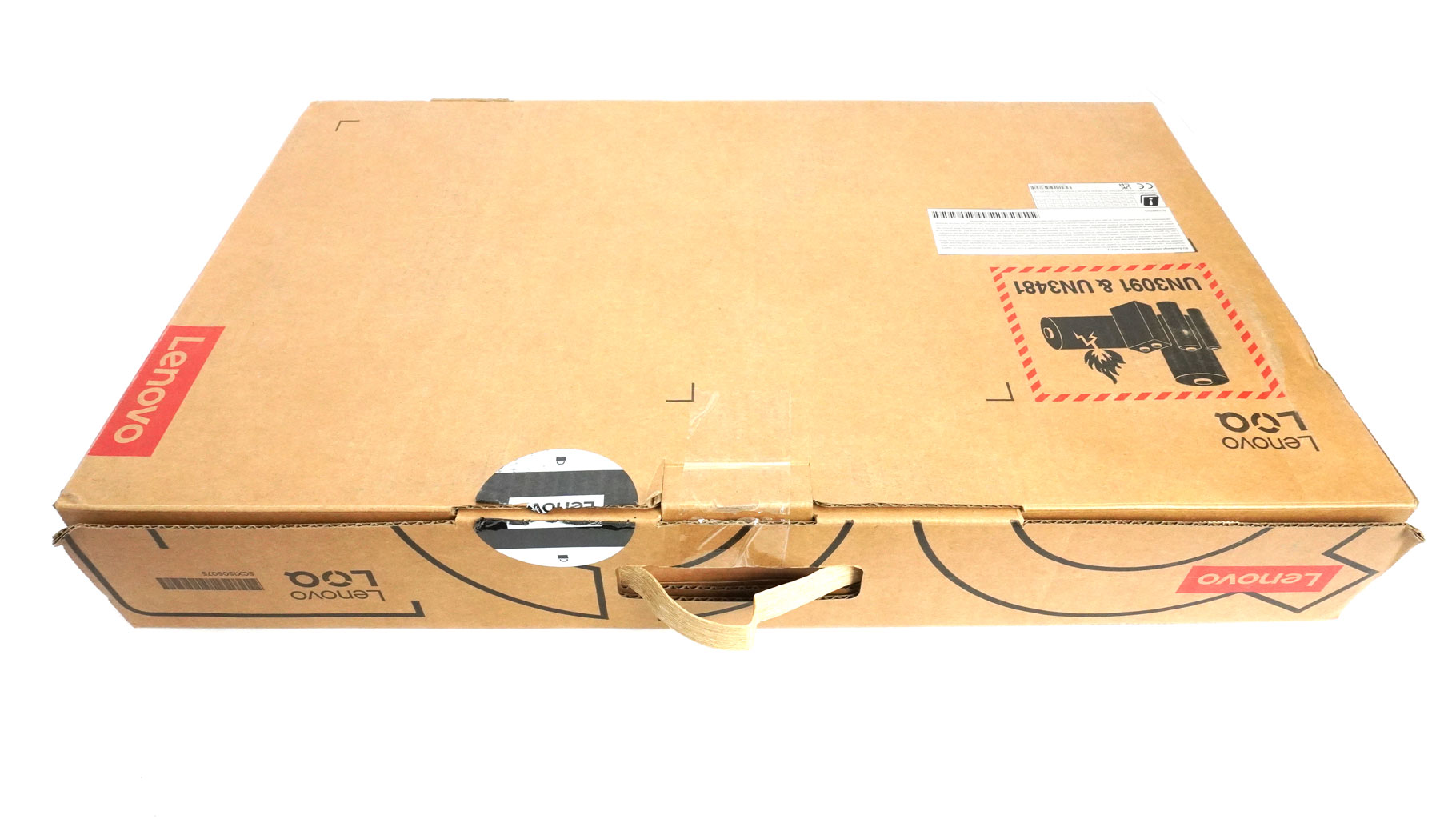
Inside the big box, you'll find a bunch of manuals and the laptop itself.
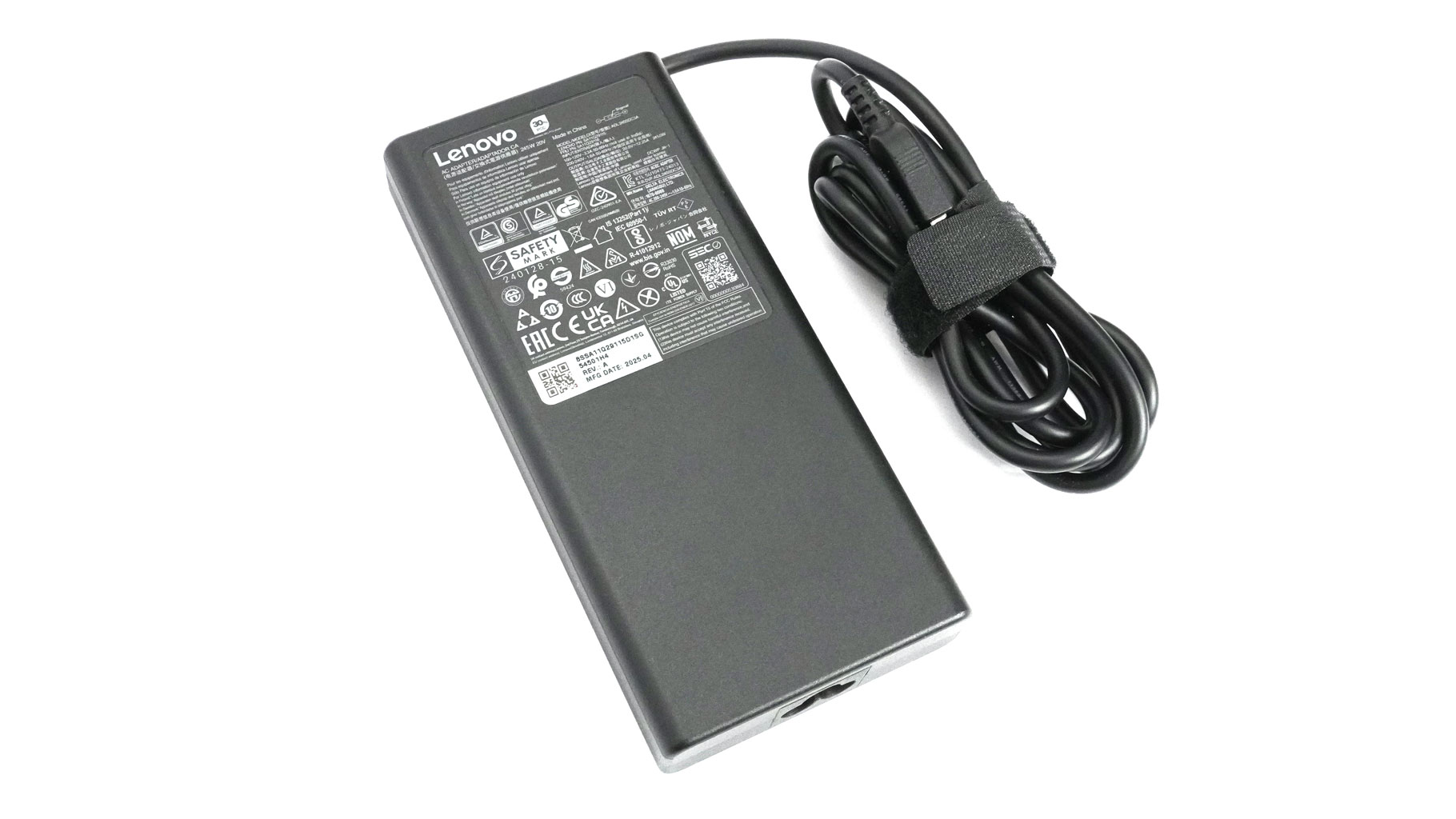
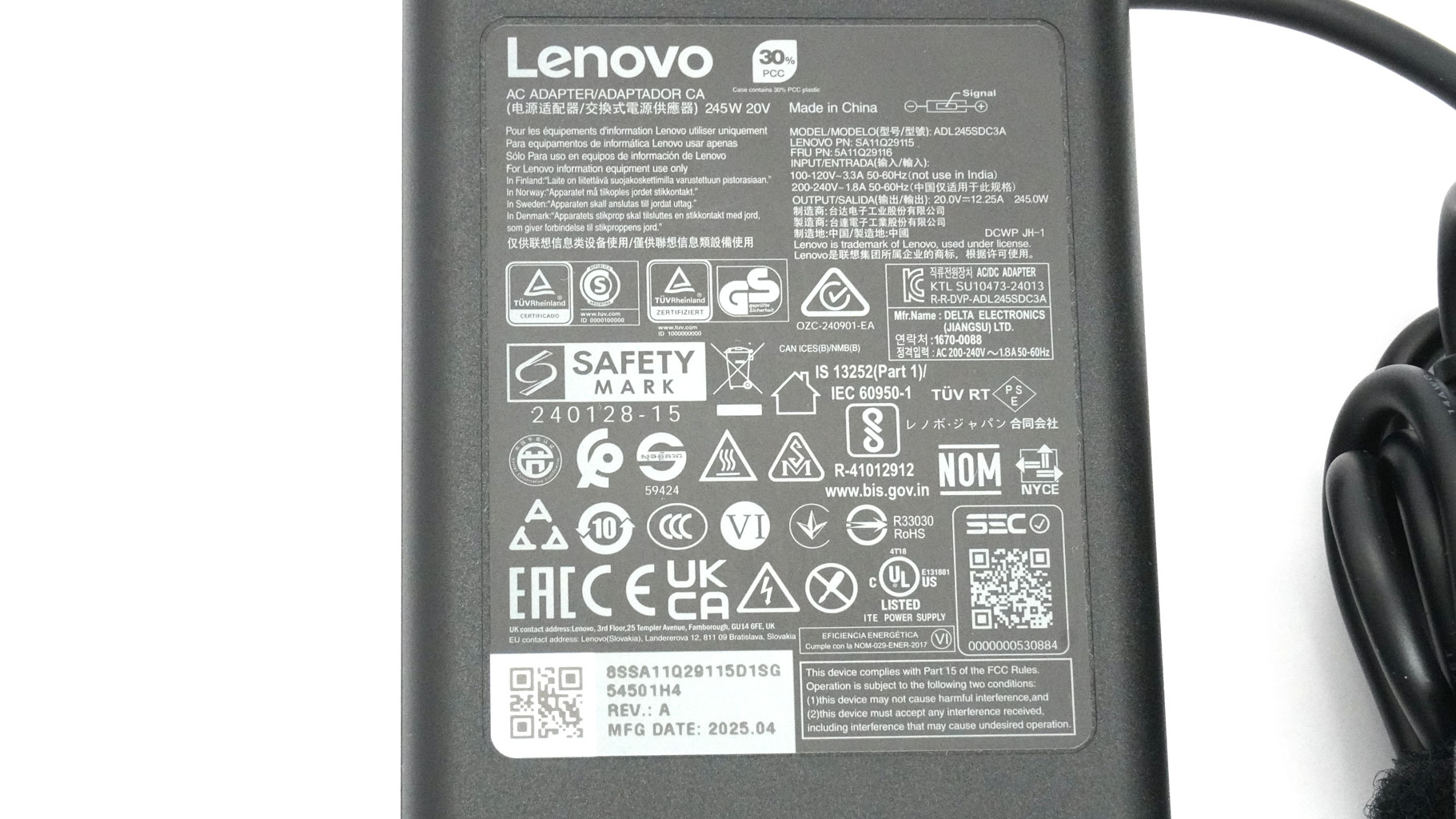
The adapter is a 245 W unit. Some users can also get an optional LOQ M100 RGB mouse in the package.
A Closer Look - Outside
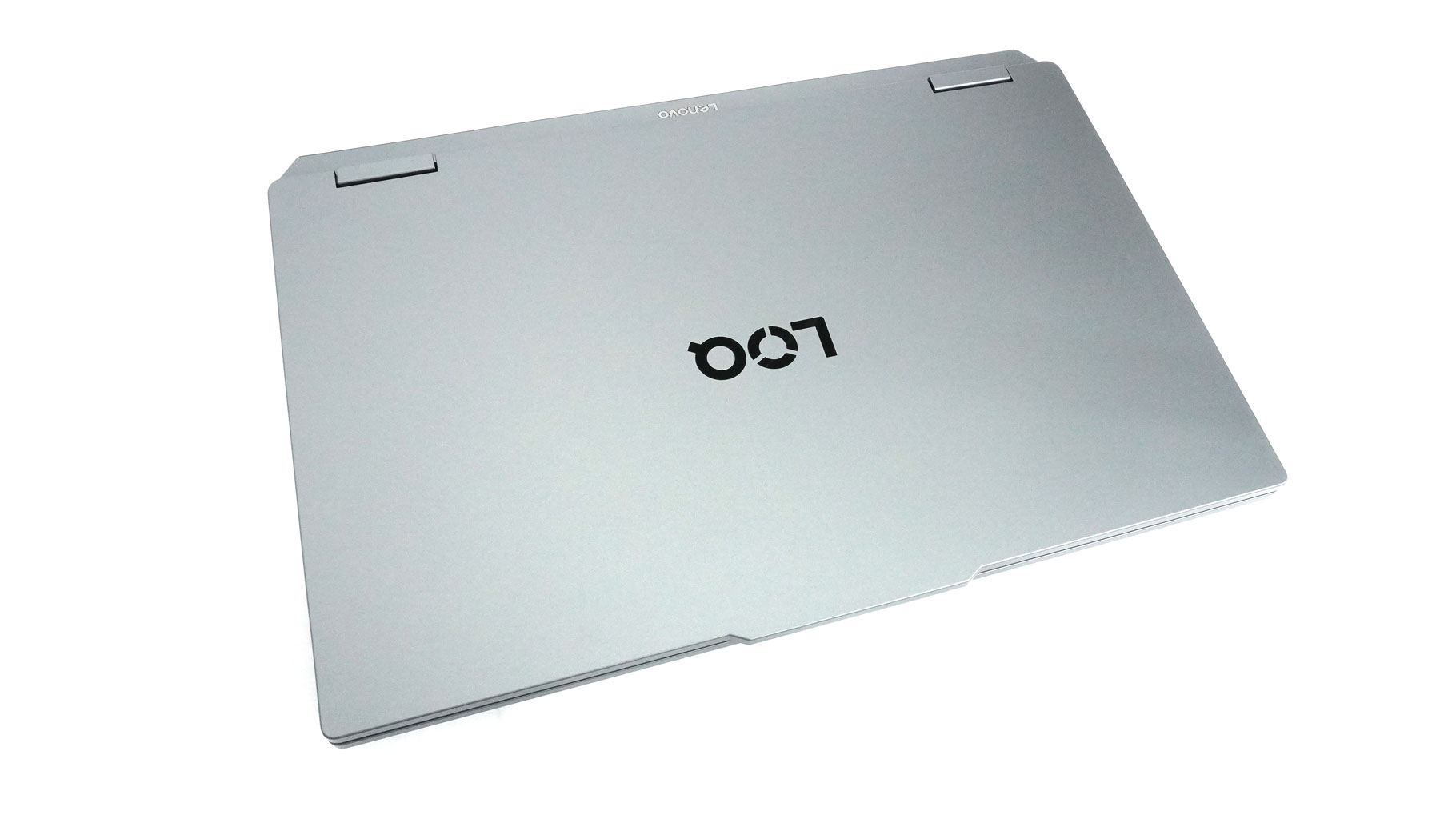
The LOQ 17IRX10 design is similar to its Gen 9 predecessors. It's a bit boxy-looking, with rounded edges and a handy lid "bump" that makes one-handed opening a breeze.
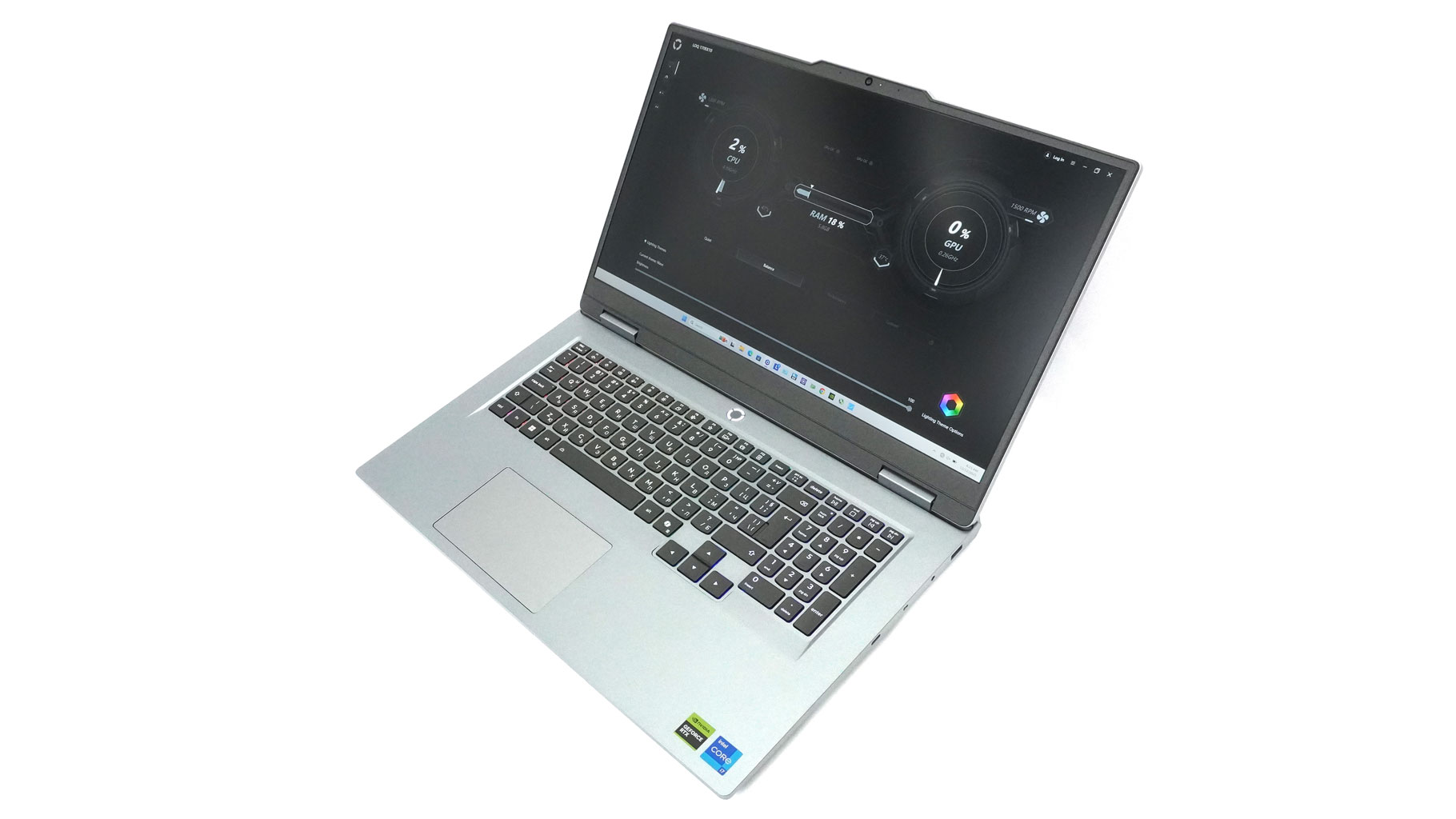
The machine is entirely made of (PC-ABS) plastic, which is pretty common for the budget segment. That also allows a reasonable weight of 2.90 kilos. The profile height of 22.95-25.25 mm is standard for such a form factor.
The rigidity of the plastic chassis is average or maybe slightly above that. The lid has some flex in the middle, and when twisted on the sides (on purpose).
The base is stable for the most part. The whole zone below the keyboard can be pressed down a bit if you push hard. When typing harshly, you can spot a tiny amount of flex in the bottom row of keys, especially on the Number Pad side. While doing so, the lid also wobbles a bit. I'm just trying to be as detailed as possible. The laptop's structural rigidity is just fine for normal usage.
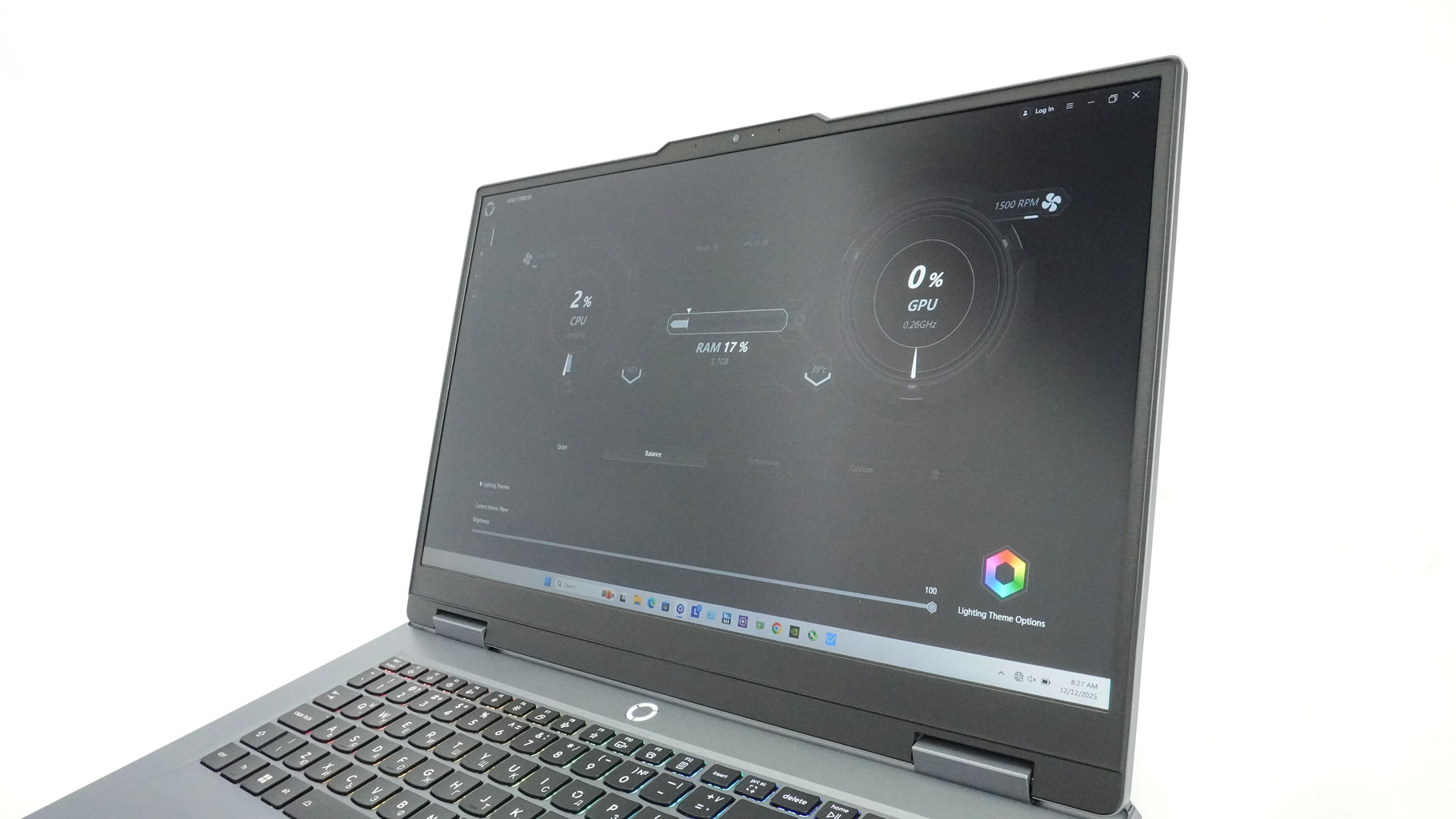
The IPS display is surrounded by moderately big bezels, but the lower one is 2010-thick, which contributes to a slightly dated look when the machine is opened.
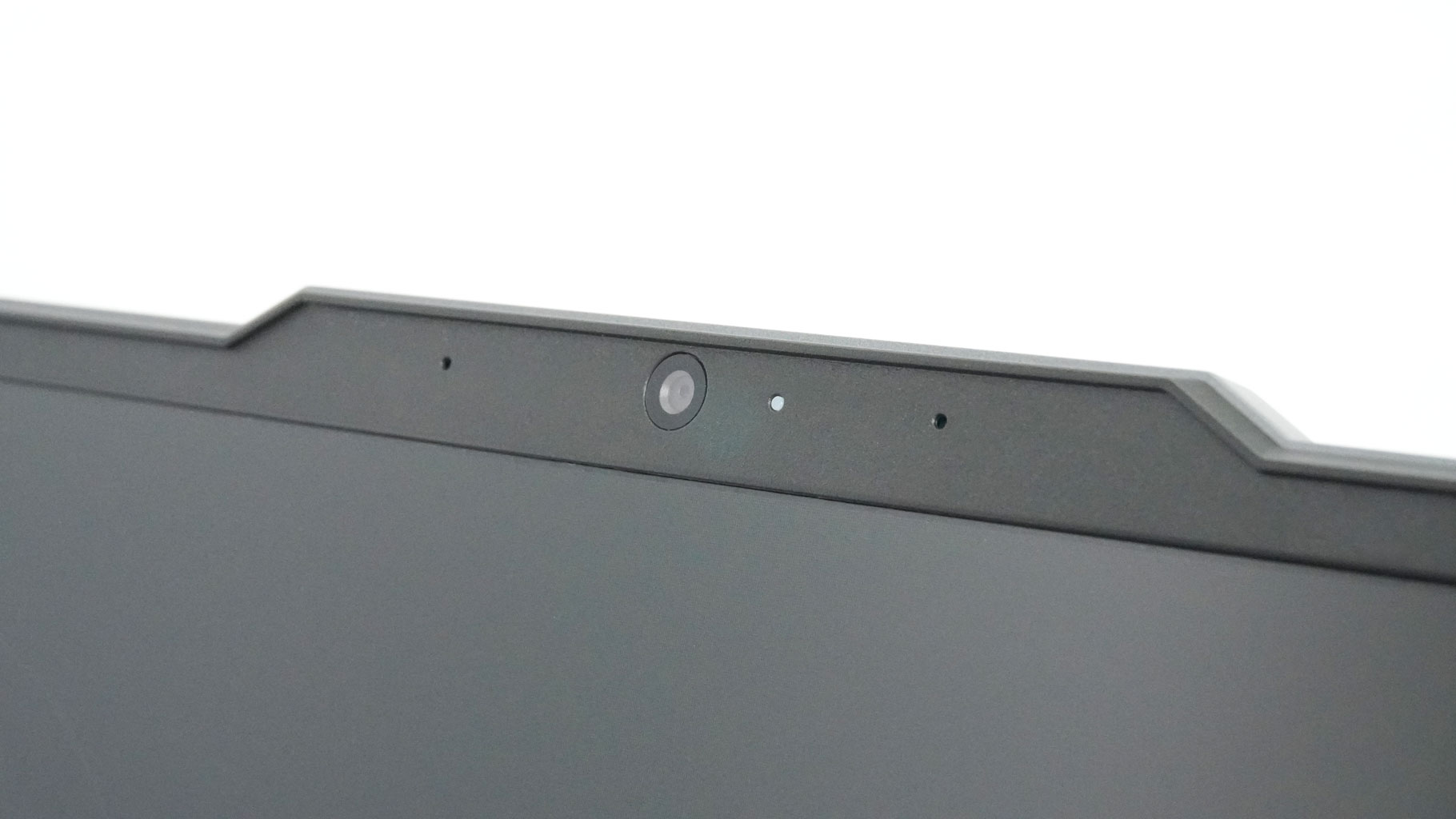
The lid hump incorporates a 5MP webcam that is tied with an E-shutter found on the right side. That's okay, but I still prefer a physical slider so I can see for myself that the lens is actually covered. The big hinges feel sturdy and smooth.
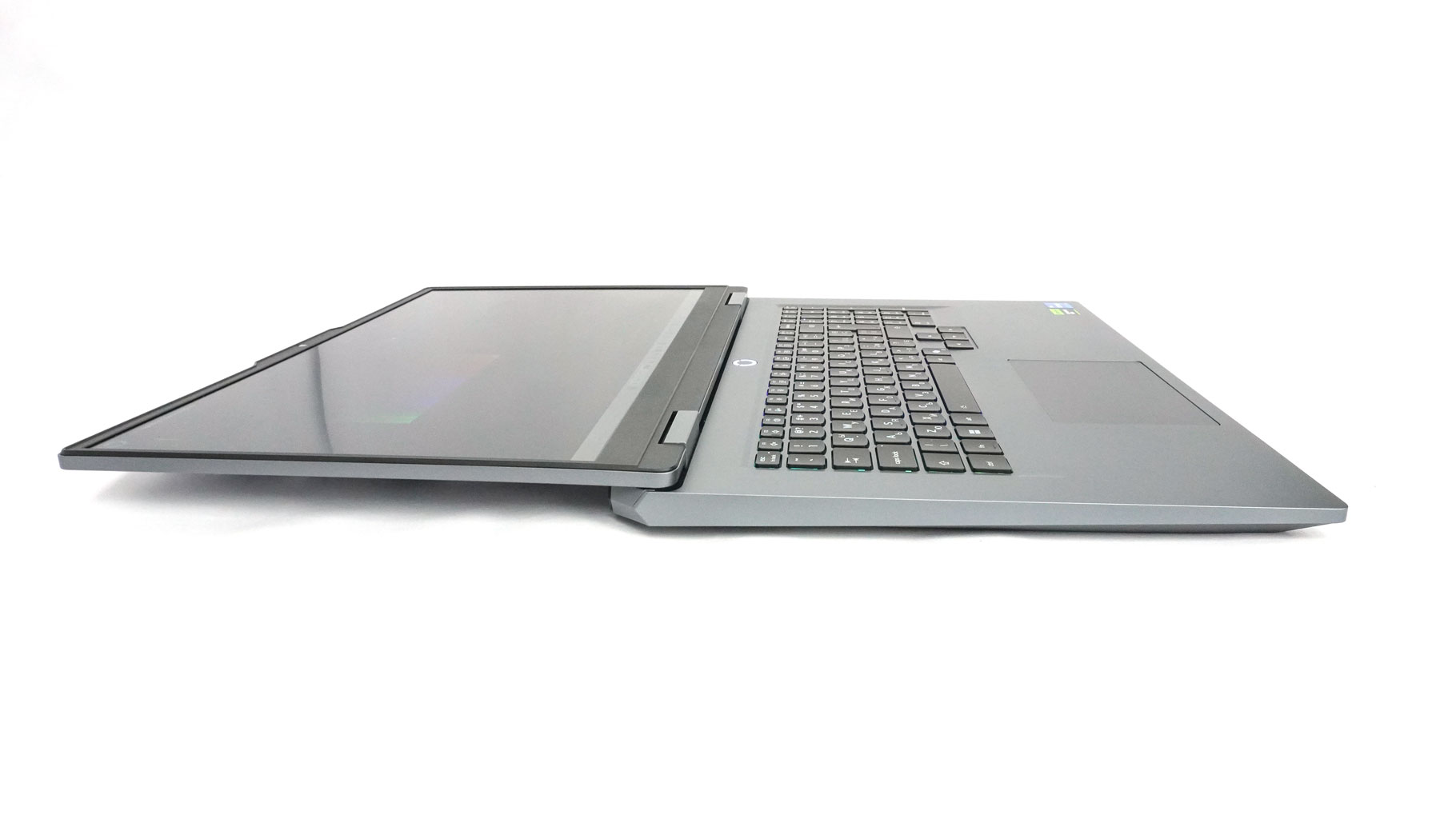
A fully flat lid opening is always a welcome feature.
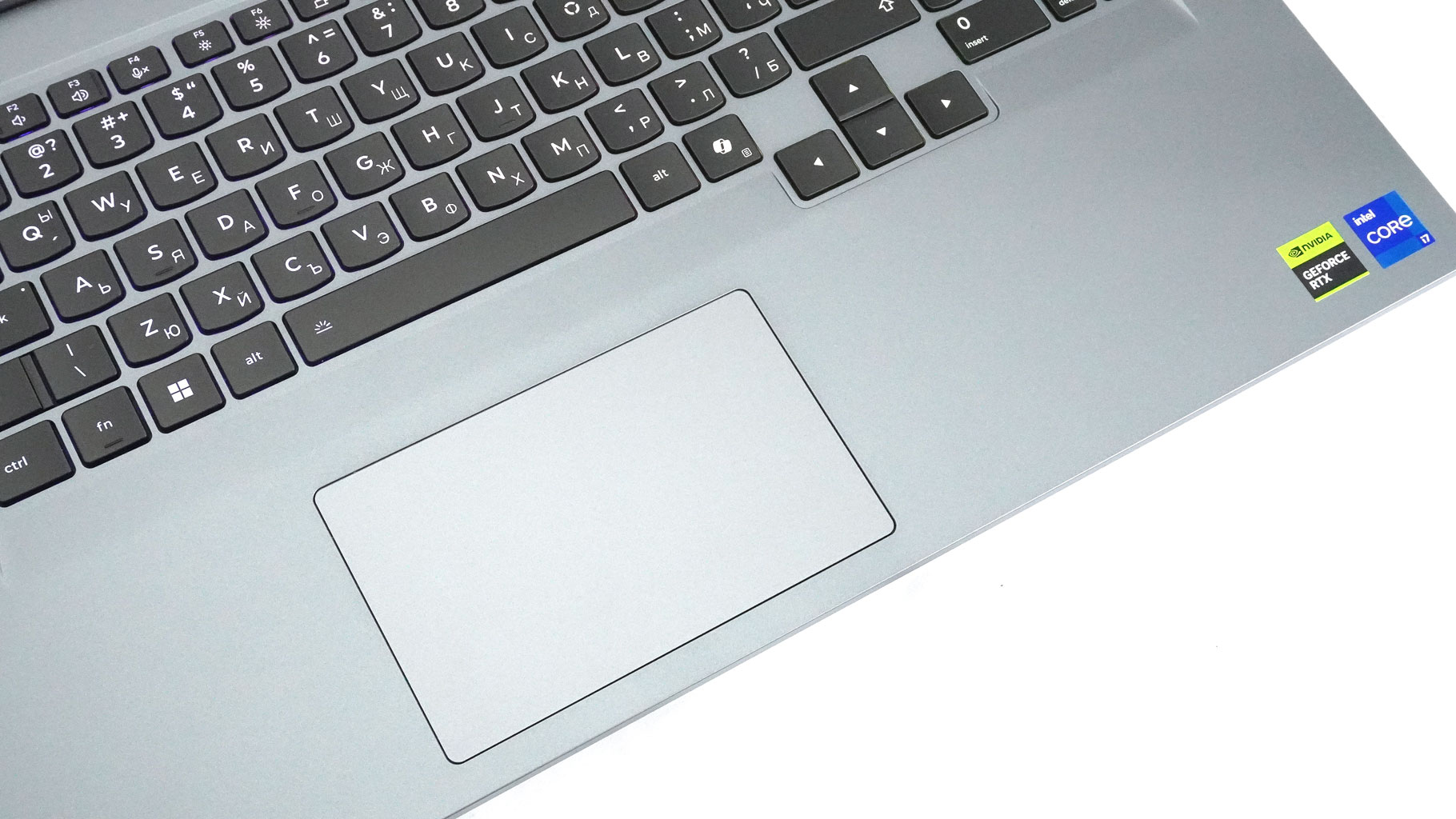
The other area where this laptop gives me more old-school vibes is the small touchpad. Its size is just 75 x 120 mm. Aside from that, the unit's smoothness and precision are more than decent. Just the clicks sound noisier than I want them to be.
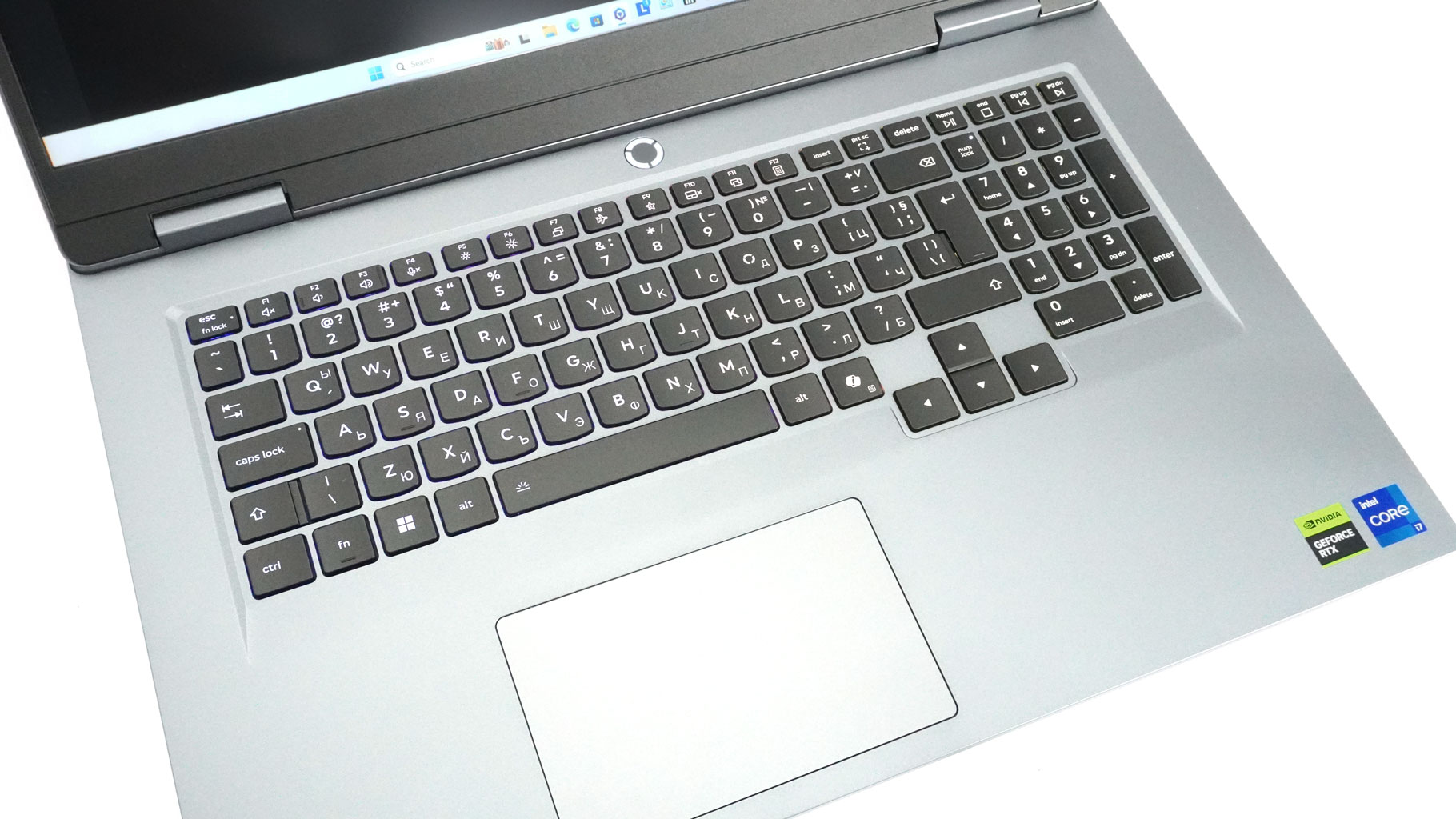
The modern side of the laptop is the full-sized 24-Zone RGB keyboard. It's a highly customizable unit, and you can tune its effect in the LegionSpace app. It's hard to dislike something about this keyboard aside from the small Enter. The slightly curved keycaps have long travel and distinctively clicky feedback. The big Arrows are separated from the main bunch of keys, and the NumPad is also full-sized - with four rows. The rounded Power button is illuminated (Lenovo calls it "O" indicator) and is placed on top of the board, right in the center. The backlight color actually matches the power profile - purple for "Extreme" (the full-throttle mode), and white for "Balance."
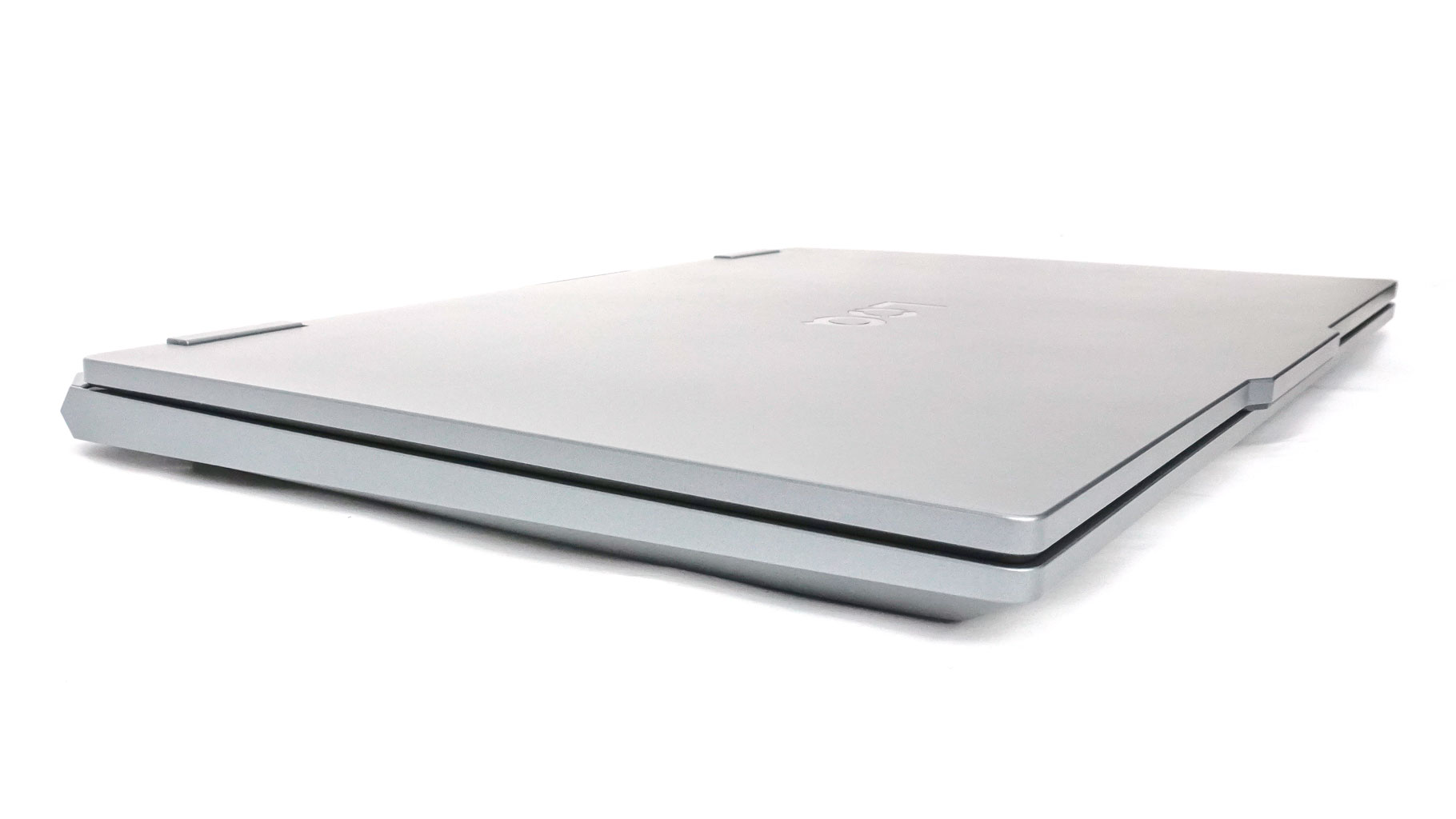
There are no vents on the sides, so no matter if you are a left-handed or right-handed person, zero heat will be blown next to your arm when gaming with an external mouse. By the way, the left side lacks any ports, which is kind of a rare view, but it keeps things clean.
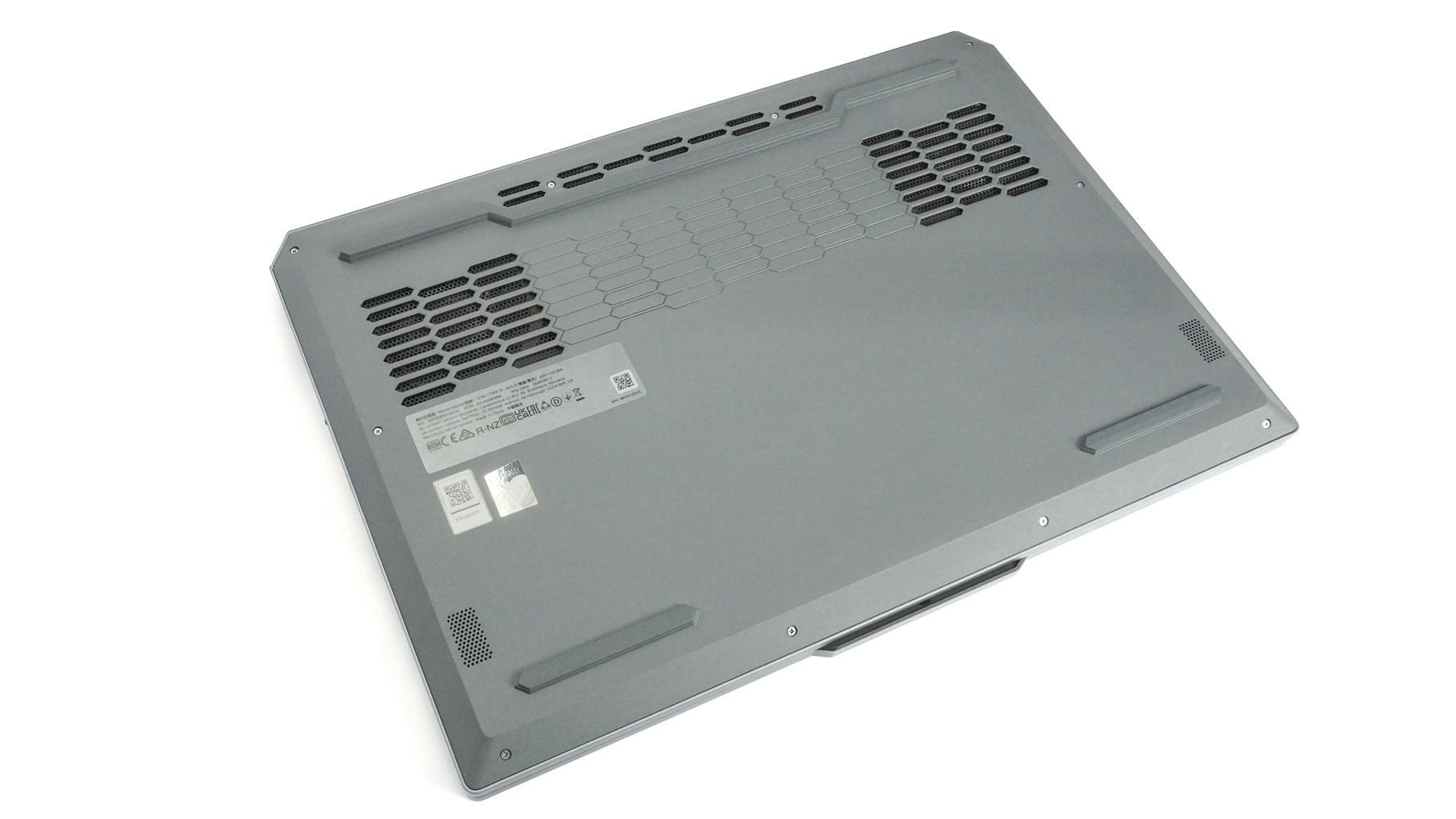
On the bottom, we can see three ventilation grills in a honeycomb shape - classic Lenovo. The rubber feet provide plenty of grip, and the dual 2 W speakers are tucked toward the front corners.
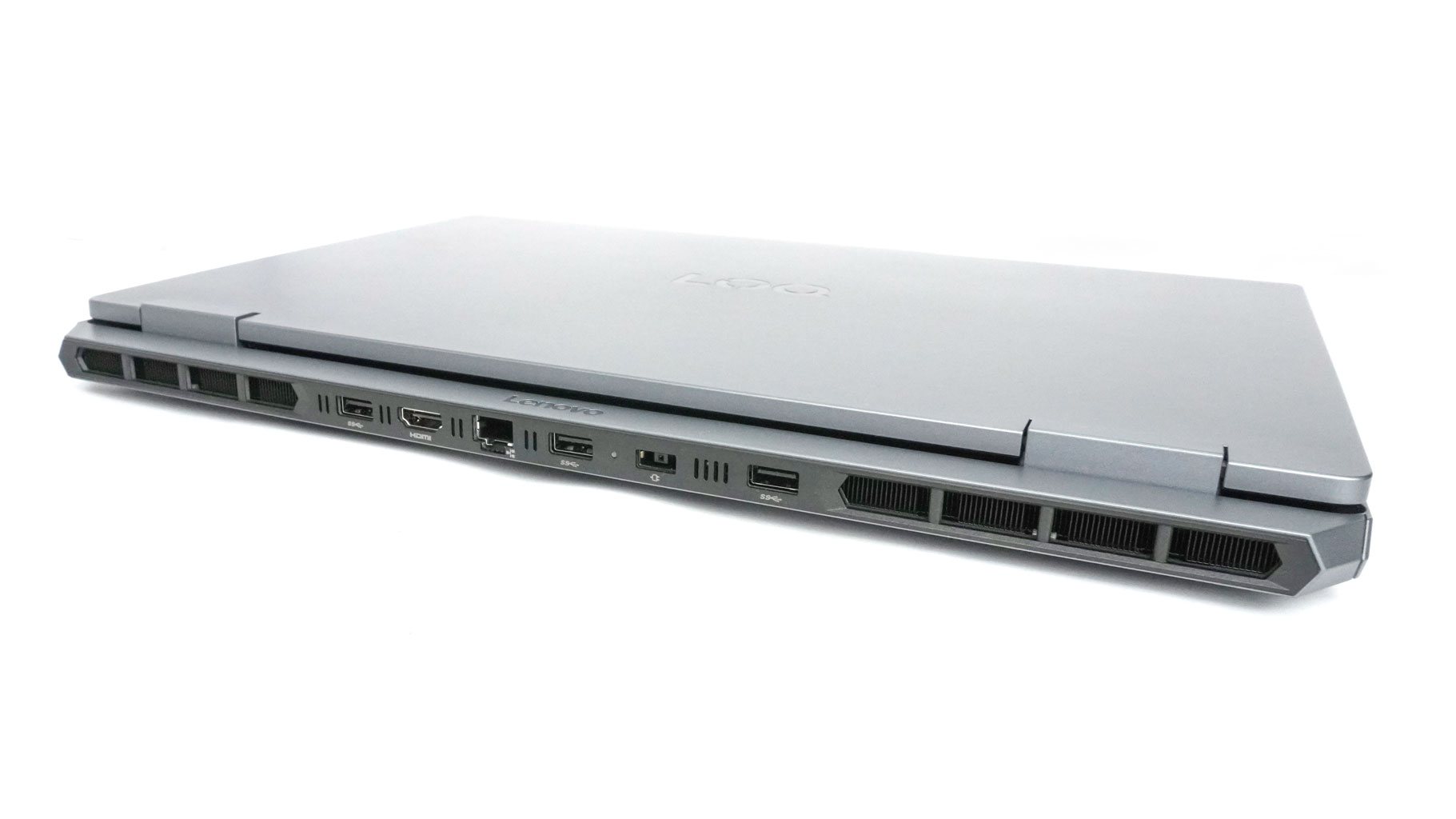
The heat escapes through two exhausts on the back. The lid is placed a bit deeper in the chassis so it stays away from the hot airflow.
Ports and Connectivity
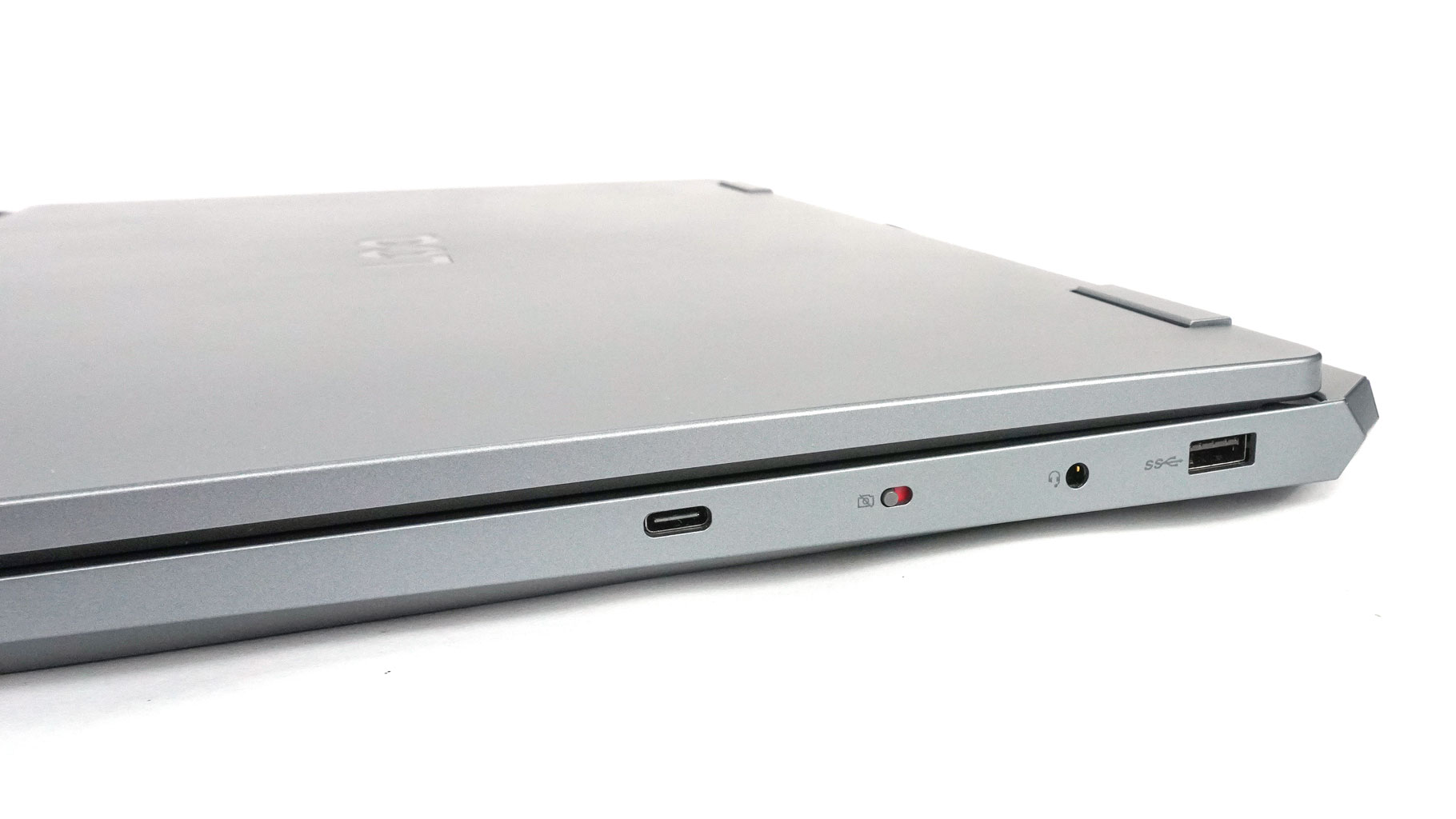
On the right, we can spot a 5 Gbps USB Type-A 3.1 Gen. 1 port, an Audio combo jack, an E-shutter for the webcam, and a 10 Gbps USB Type-C 3.2 Gen. 2 port with PowerDelivery (up to 100 W) and DisplayPort 1.4.
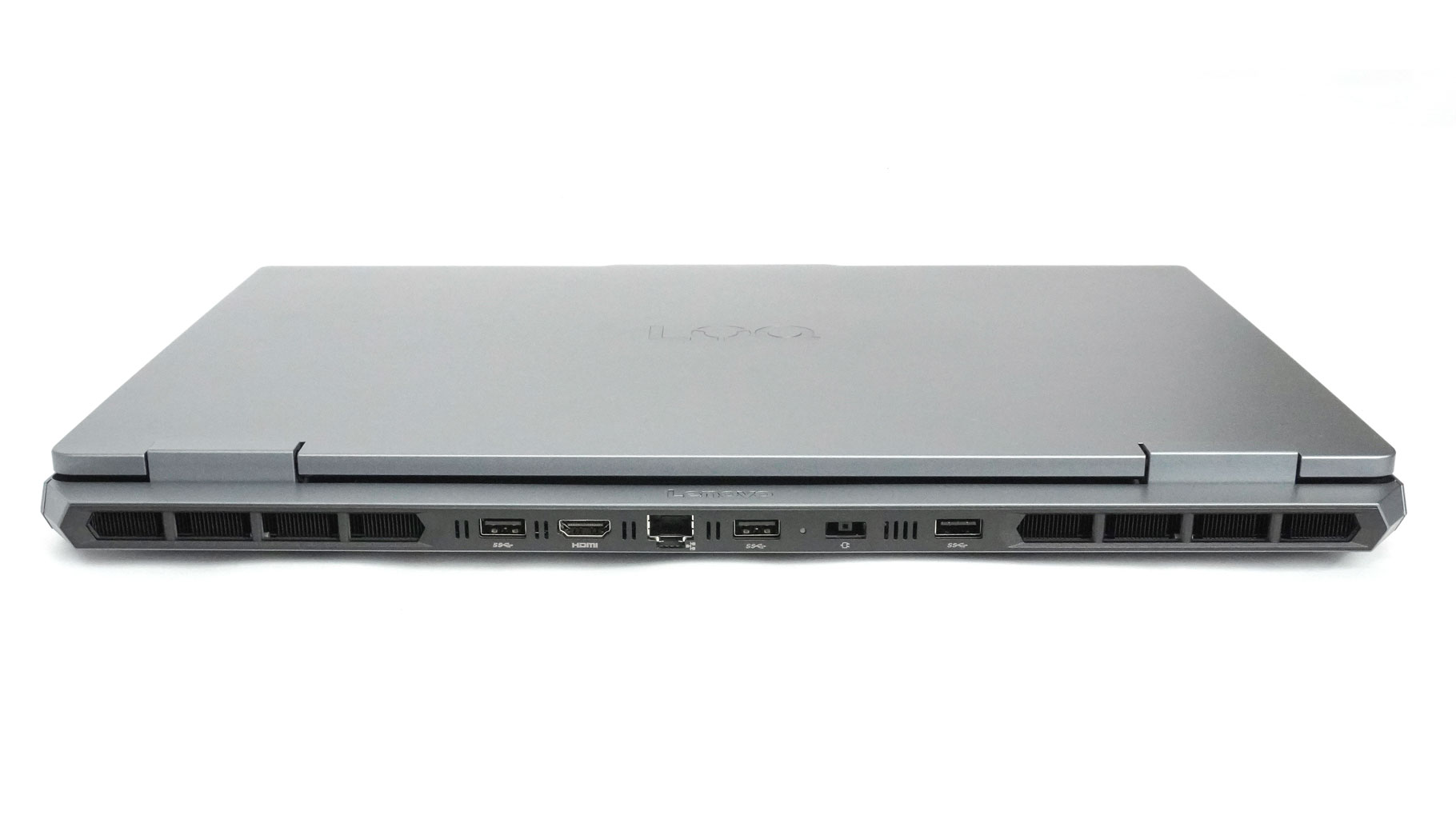
The main bunch of ports is on the rear, which is great for cable management. Sadly, there are no port indicators on the hinge cover. So you may struggle when connecting some peripherals. Here are the back ports from left to right: two 5 Gbps USB Type-A 3.1 Gen. 1 ports, HDMI 2.1 for up to 8K@60 Hz external displays, LAN, another 5 Gbps USB Type-A 3.1 Gen. 1 port, a Power plug, and one more 5 Gbps USB Type-A 3.1 Gen. 1 port.
Our Patreon Silver Supporters can read articles in single-page format.
Nov 17th, 2026 16:30 CST
change timezone
Latest GPU Drivers
New Forum Posts
- Help with fixing Overclock (5)
- ProArt X870E-CREATOR WIFI - Bifurcation~Complication (13)
- Last game you purchased? (1403)
- Without Jensen, PC gaming will be (33)
- [Poll] 12V-2x6 Connector Protection: What Are You Using? (WireView / Ampinel / Equalizer / Other / Nothing) (27)
- What is the latest game you finished or 100% (204)
- 9070 GRE 3.9ghz validation reached. (15)
- USB 3.0 90 Degree Adapter (2)
- Latest method for DTS/DDL for Logitech Z906 (0)
- What are you playing? (26232)
Popular Reviews
- Acemagic Retro X3 Review
- Corsair HX1000i Shift Crystal Review
- AMD Zen 6 Technical Deep Dive
- Upcoming Hardware Launches 2027 (Updated Nov 2026)
- ASUS ROG Strix B850-I Gaming Wi-Fi7 W Review
- Phantom Blade Zero Performance Benchmark Review - 35 GPUs Tested
- AMD Ryzen 7 9800X3D Review - The Best Gaming Processor
- Chieftec Iceberg PRO 360 DARK Review
- Montech King 95 3D PRO Review
- NZXT C1200 Platinum Review
TPU on YouTube
Controversial News Posts
- NVIDIA Co-Founder and CEO Jensen Huang Officially Resigns (457)
- Open Letter Asking NVIDIA to Reinstate Jensen Huang Passes 115,000 Signatures (184)
- OpenAI CEO Argues Home PCs Waste the World's Limited DRAM Supply (152)
- NVIDIA Launches Investigation Into Jensen Huang's Relationship With Suspected Chinese Spy (136)
- Report: Jensen Huang Eyes NVIDIA Comeback (135)
- Intel "Raptor Lake Next" 16-Core and 20-Core CPUs Surface (130)
- Legendary Game Studio BioWare Shuts Down Following EA Layoffs (104)
- Dell CEO Says the Memory Shortage Will Get Worse in 2027 (95)