 5
Lenovo Yoga 9i 2-in-1 Aura Edition (14, Gen 10) Review - Solid, Beautiful, Efficient
(5 Comments) »Introduction

When someone wants a 2-in-1 machine, there is generally a specific use case in mind—whether it's for office work, remote tasks, on-the-go photo/video editing, or just for fun due to the extra functionality.
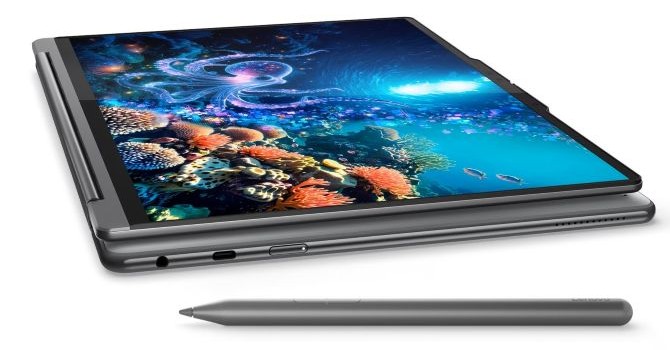
The Lenovo Yoga 9i 2 in 1 Gen 10 Aura Edition (14ILL10) is a versatile, capable compact beast that may amaze you with its rich functionality and balanced power. It's no surprise that Lenovo chose the Lunar Lake platform for its creation. These chips aren't exactly powerhouses, but they offer a good balance between performance, AI capabilities, and efficiency. On top of that, the Intel Arc Graphics 140V remains one of the most punchy iGPUs on the market, it can push over 100 FPS on average in CS2 when the visual quality settings are on low or medium.
This blends perfectly with the default 120 Hz 1800p OLED screen. For most occasions, this panel is the sweet spot between price and quality. It boasts a sharp image, vivid colors, and the high refresh rate adds extra smoothness to your daily routine. The 2880×1800 resolution is more than enough, given the 14" size. The optional 2400p screen sounds great on paper, but it can be a big budget stretcher if you're not a professional or creator who demands the absolute best hardware that fits in a small backpack. Both screens come with Dolby Vision and DisplayHDR support.
One of the key selling points of the transformer is its great portability. On the flip side, you can't expect much when it comes to upgradability. The replaceable parts, or let's say detachable, are the cooling, the battery, and the SSD. Yes, the memory and the Wi-Fi 7 card are soldered. You should be very careful when choosing the right machine for your needs. On paper, the two CPU options are almost identical. The main difference is that the Intel Core Ultra 7 258V comes with 32 GB of memory (MoP), while this amount is halved with the Intel Core Ultra 7 256V model. While 16 GB may be okay for now, it's not a future-proof solution, especially considering the powerful iGPU shares the system RAM.
The laptop also offers a respectable array of features. This includes an IR webcam, privacy shutter, fTPM 2.0, a self-healing BIOS, and a fingerprint reader. For home or normal office usage, that's absolutely sufficient.
This device is a Copilot+ PC, and the Intel Evo sticker is a solid reminder that the overall system responsiveness and battery life should be strong. Since it's 2025, everyone's talking about AI, and yes, this Lenovo gadget is armed with a total of 115 TOPS, 47 of which come from the processor's NPU.
The port selection is as modern as it gets, but I'm mostly surprised by the presence of a Type-A port given how many peripherals still use that standard.
Specifications
| Specifications | |
|---|---|
| Manufacturer: | Lenovo |
| Model: | Lenovo Yoga 9i 2-in-1 Aura Edition (14ILL10) |
| Weight: | Starting at 1.32 kg |
| Processor: | Intel Core Ultra 7 256V/Intel Core Ultra 7 258V 4 P-Cores + 4 LP E-cores/8 threads up to 4.8 GHz, 12 MB L3 cache 17 W Base Power |
| Chipset: | Intel Lunar Lake PCH |
| Display: | Default Display: 14"/2880×1800 (16:10)/OLED/120 Hz ~500 nits/100% sRGB/Glossy Dolby Vision, DisplayHDR True Black 1000 Optional Display: 14"/3840×2400 (16:10)/OLED/60 Hz ~400 nits/100% sRGB/Glossy Dolby Vision, DisplayHDR True Black 500 |
| Operating System: | Windows 11 Pro/Windows 11 Home |
| Integrated Graphics: | Intel Arc Graphics 140V |
| Dedicated Graphics: | None |
| Memory: | 16 GB of soldered LPDDR5x-8533 (Intel Core Ultra 7 256V) 32 GB of soldered LPDDR5x-8533 (Intel Core Ultra 7 258V) |
| Storage: | 1× M.2 2242 PCI Express 4.0 x4 |
| Optical Drive: | None |
| Connectivity: | 1× 10 Gbps USB Type-A/3.2 Gen. 2, Always On function 1× 20 Gbps USB Type-C/3.2 Gen. 2x2 with DP 1.4/USB PD 3.0 2× 40 Gbps Thunderbolt 4 with DP 2.1/USB PD 3.0 Audio combo jack |
| Communications: | Wi-Fi 7 + Bluetooth 5.4 5MP IR webcam |
| Audio: | 4× 2 W stereo speakers 2× woofers, 2× tweeters optimized with Dolby Atmos |
| Input device: | Button-less Mylar surface multitouch touchpad Keyboard with optional backlight |
| Power: | 1× 65 W AC adapter 75 Wh battery |
| Warranty: | One Year (region dependent) |
| MSRP: | Starting at $1399 for base model with 16 GB RAM |
Packaging
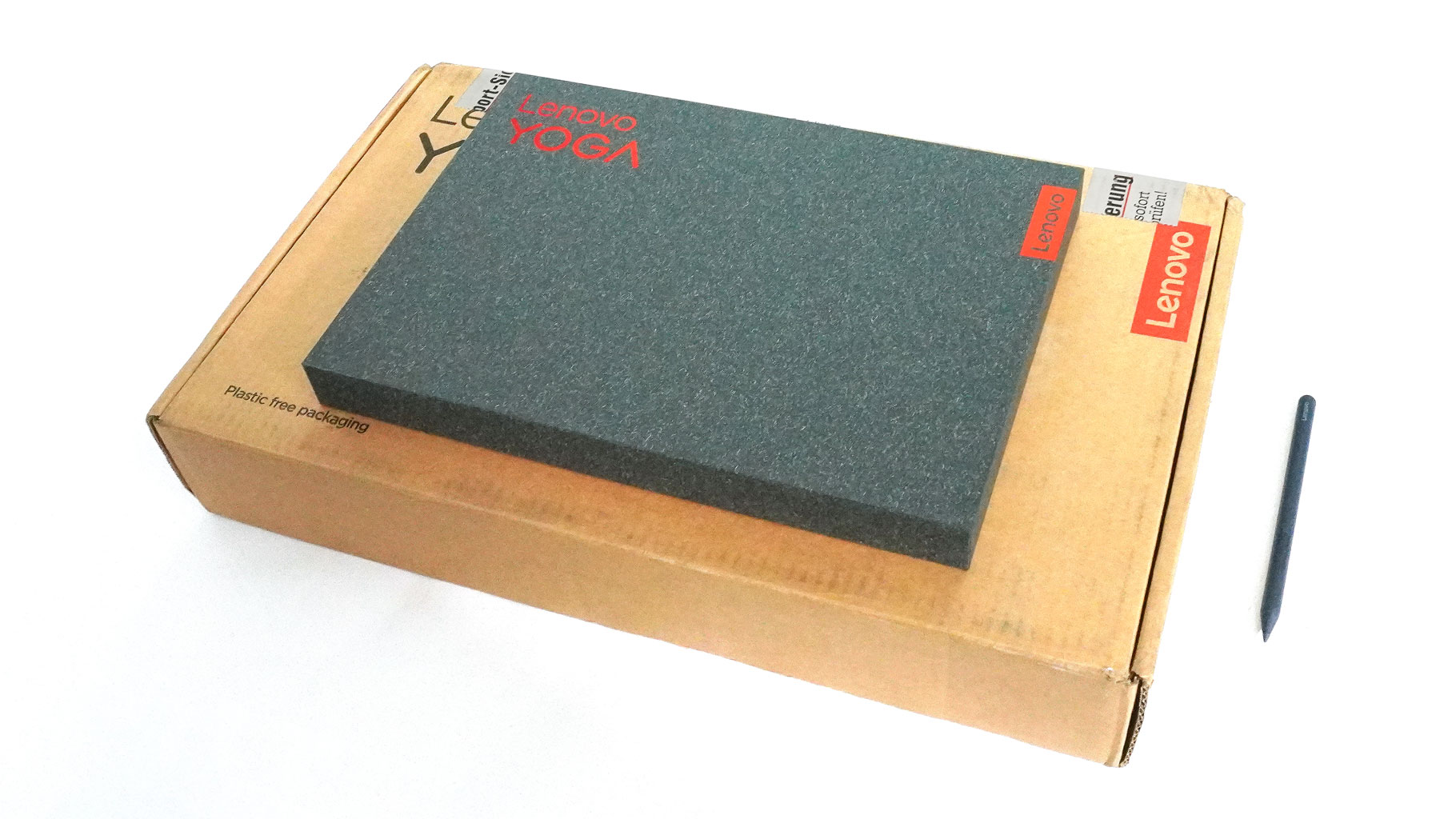
The device is fitted in a small box. Inside, you'll find a few manuals, along with optional accessories such as a sleeve, wireless mouse, a USB-C 4-in-1 Hub, or earbuds.
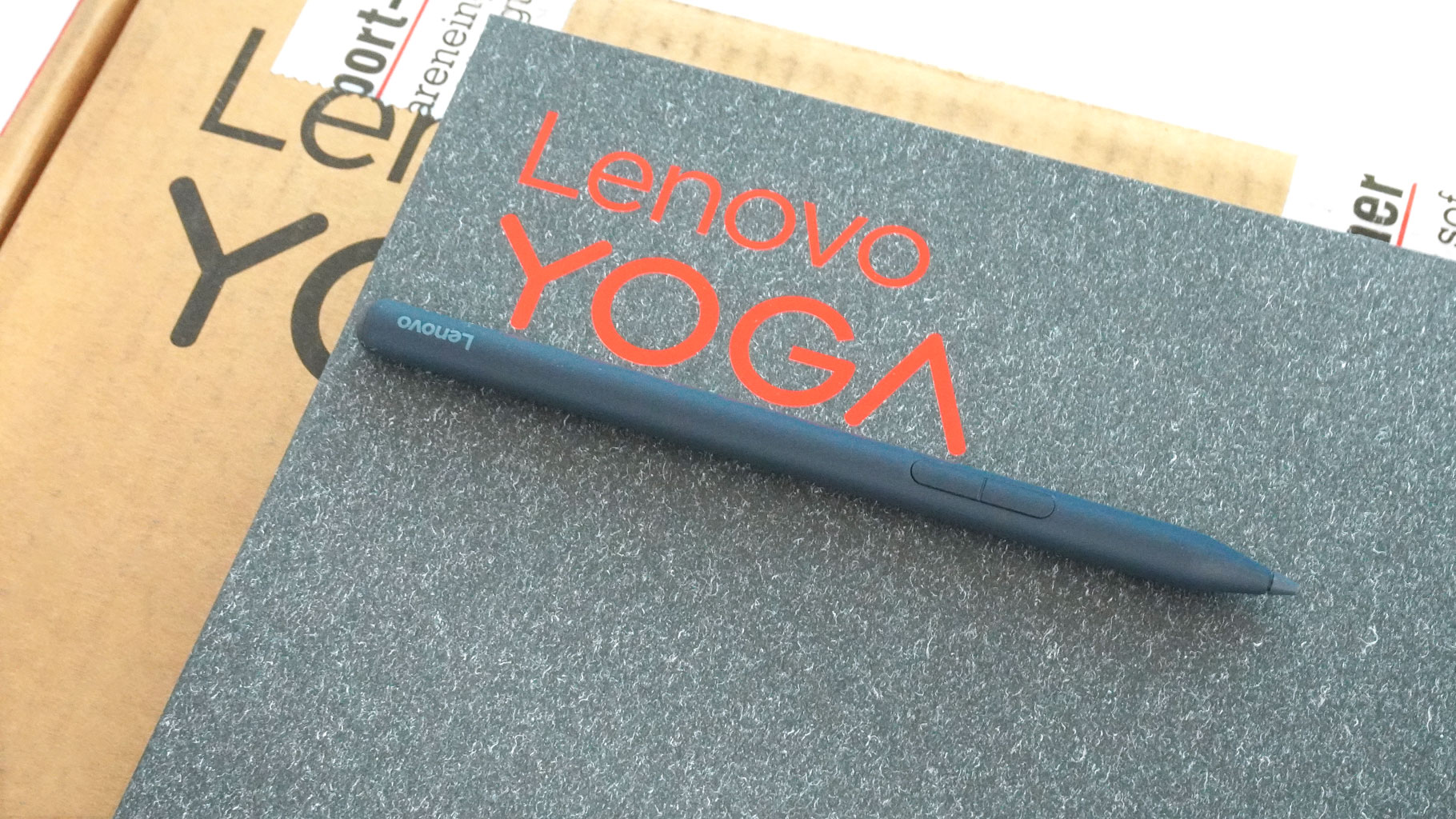
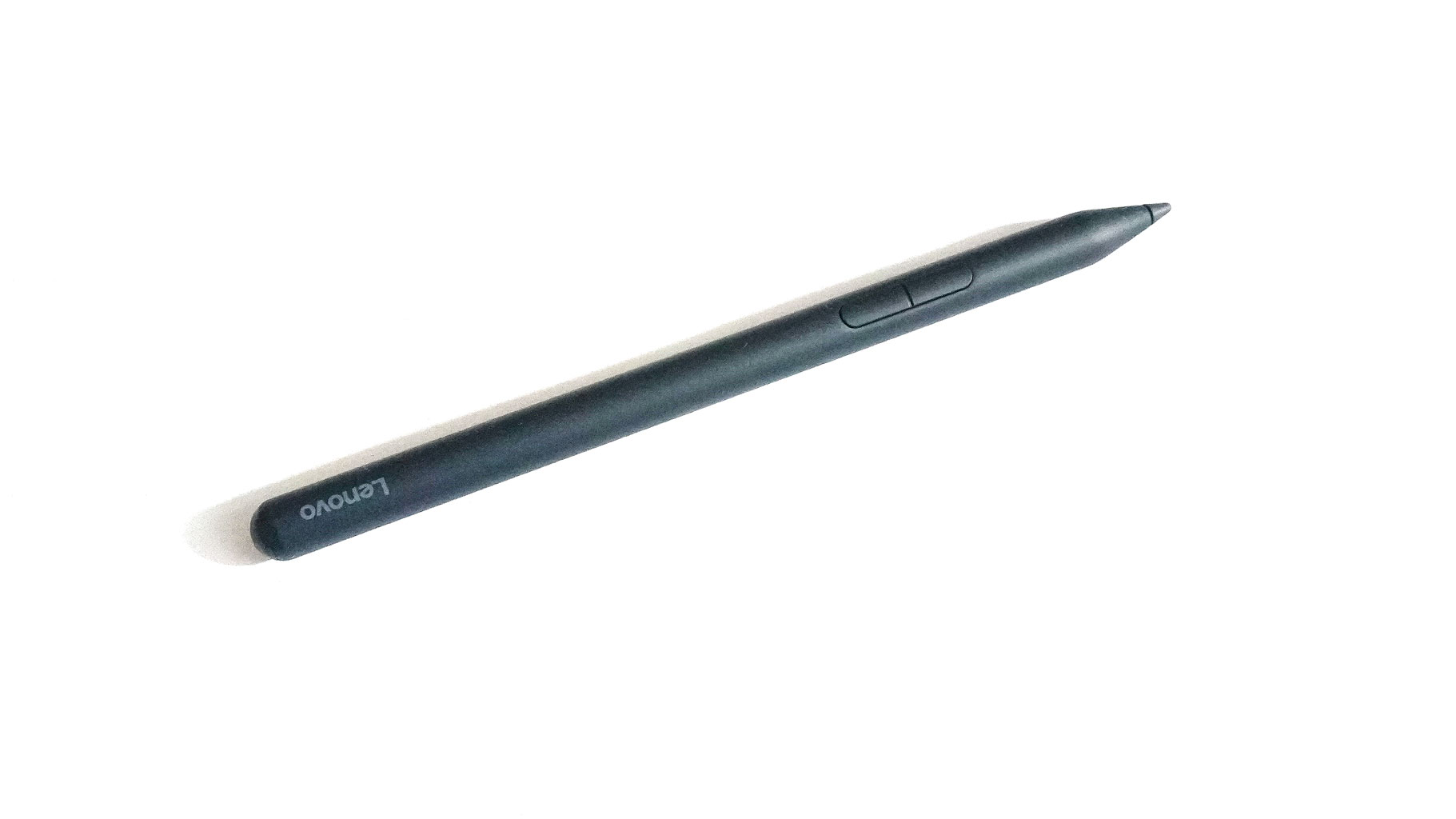
In our box, we found the charger and the Lenovo Yoga Pen.
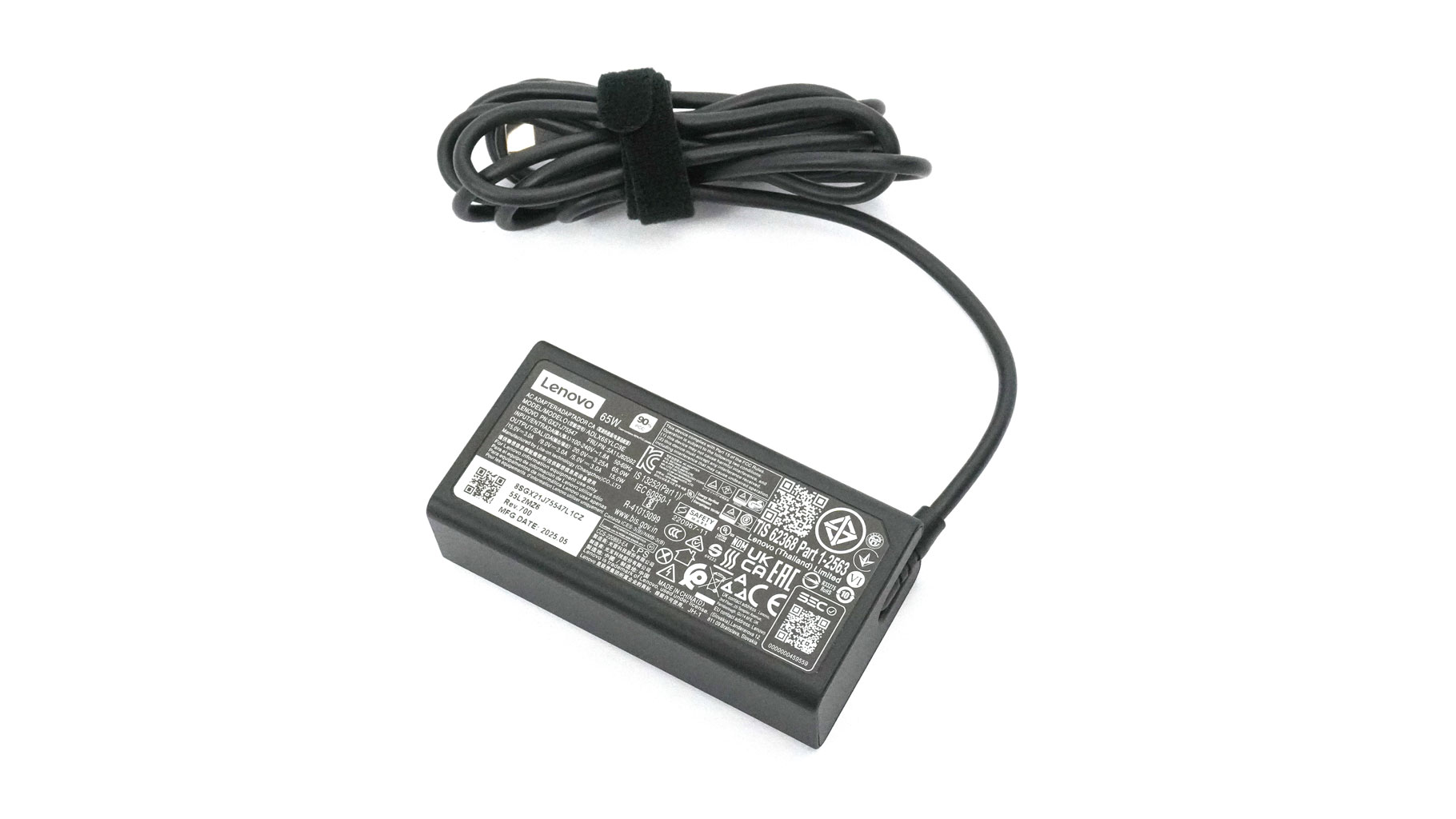
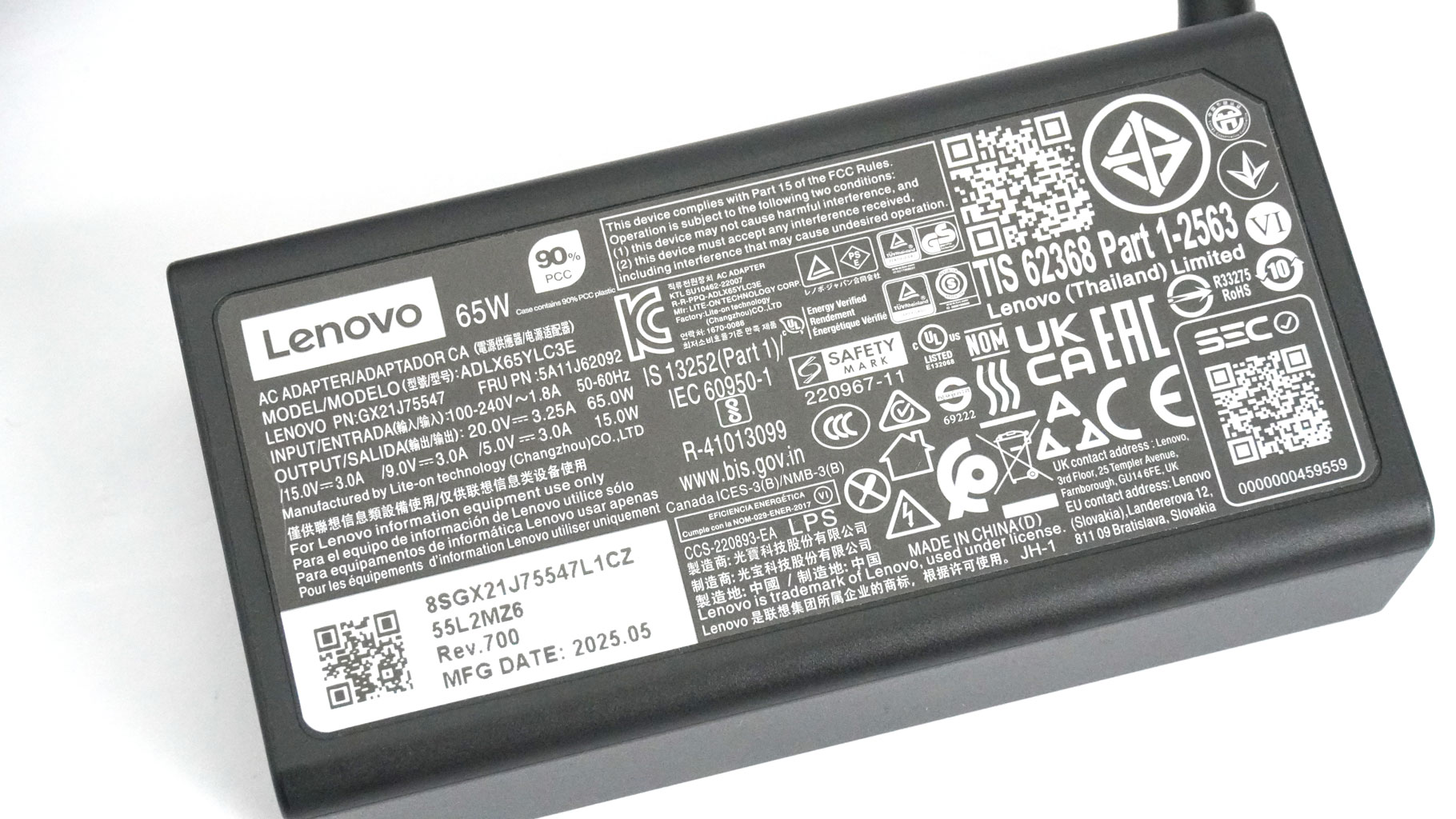
The adapter is a 65 W model made by Lite-On. It weighs 191 grams.
A Closer Look - Outside
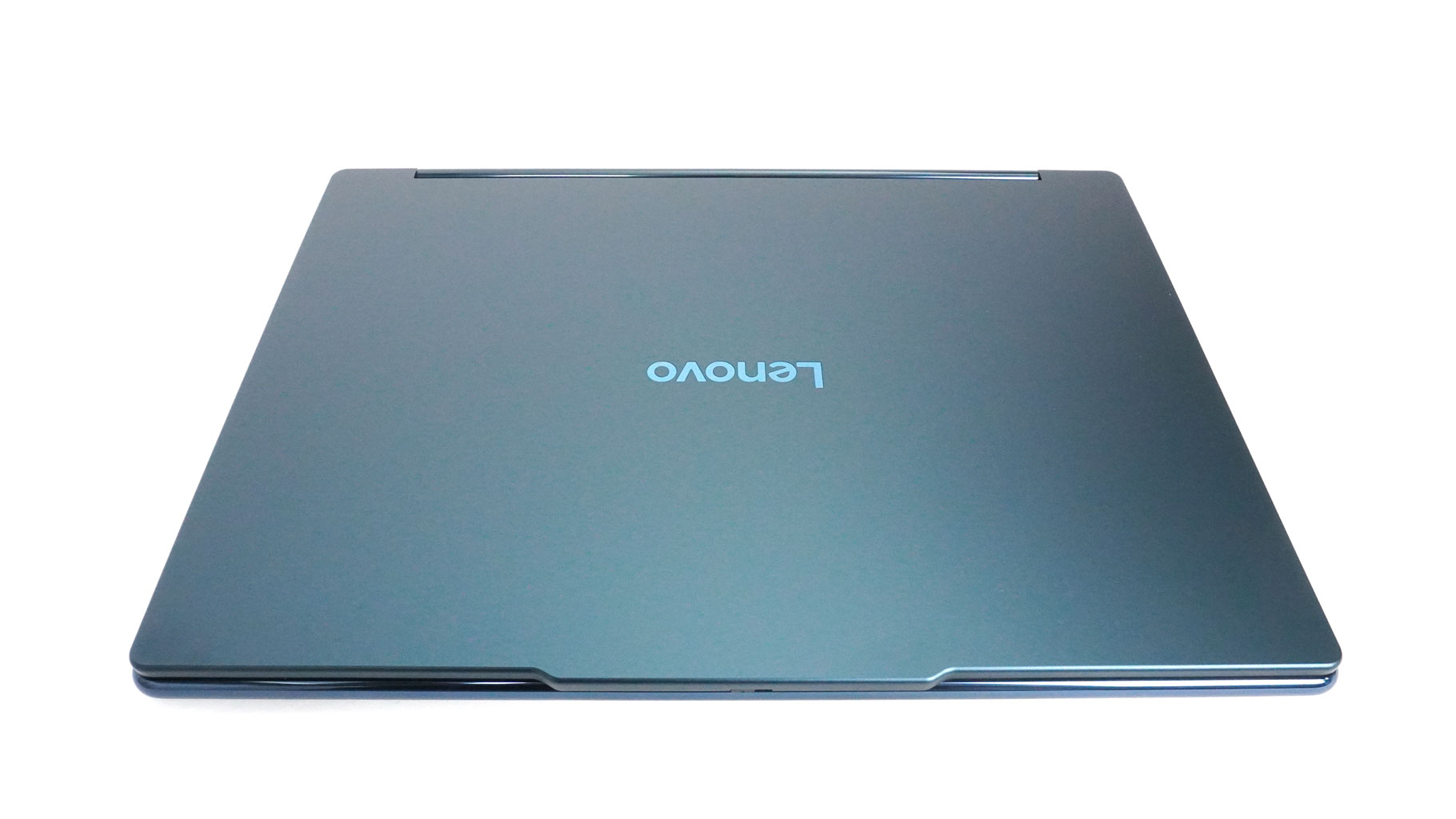
Not much has changed compared to the Gen 9 model in terms of design. I'm just fine with that since the machine looks and feels modern and fresh.
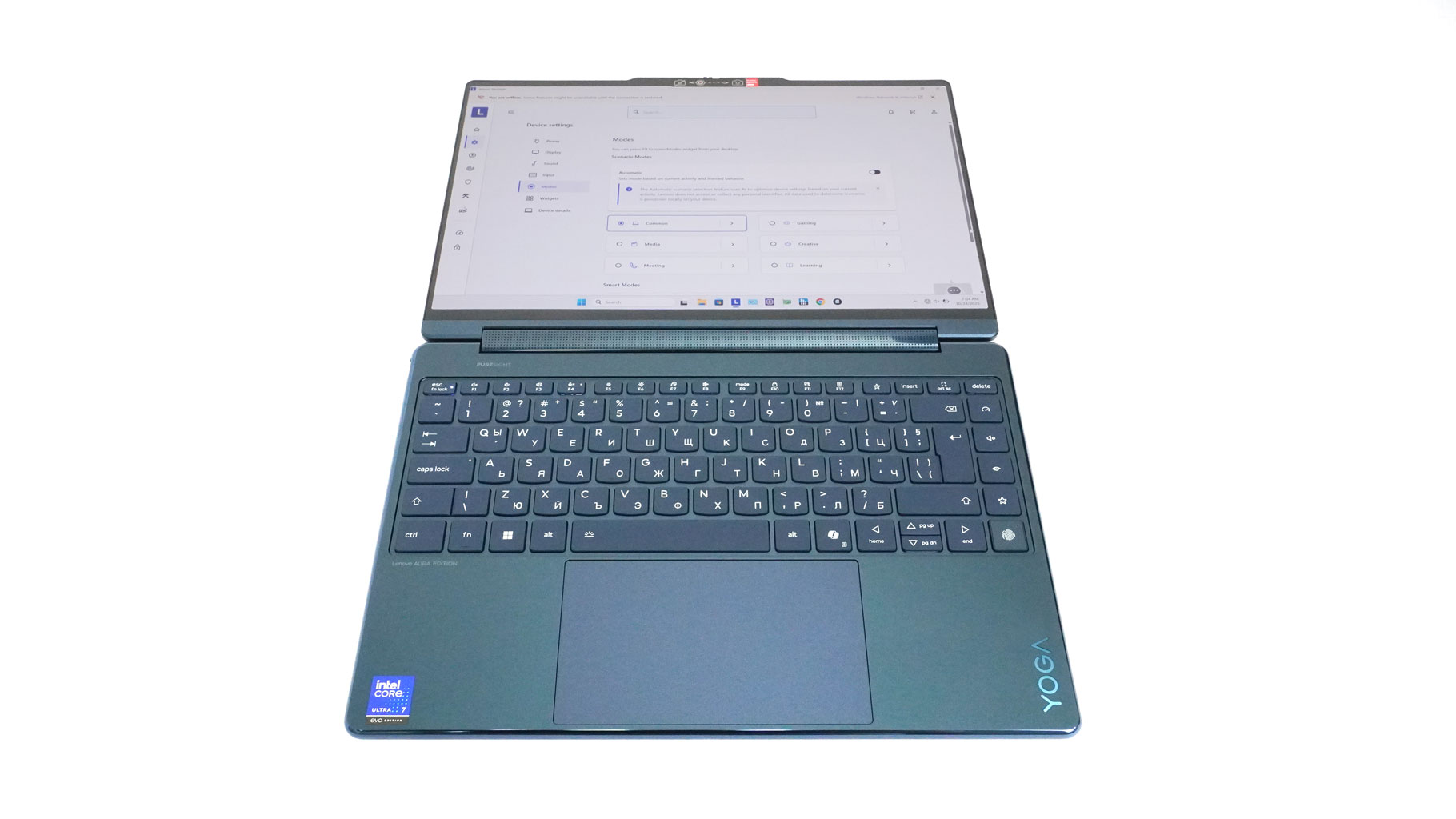
It's nicely slim, with rounded edges and glossy sides on the main body. This coating feels grippy. Also, the base is a bit wider than the lid, which is an interesting design approach.
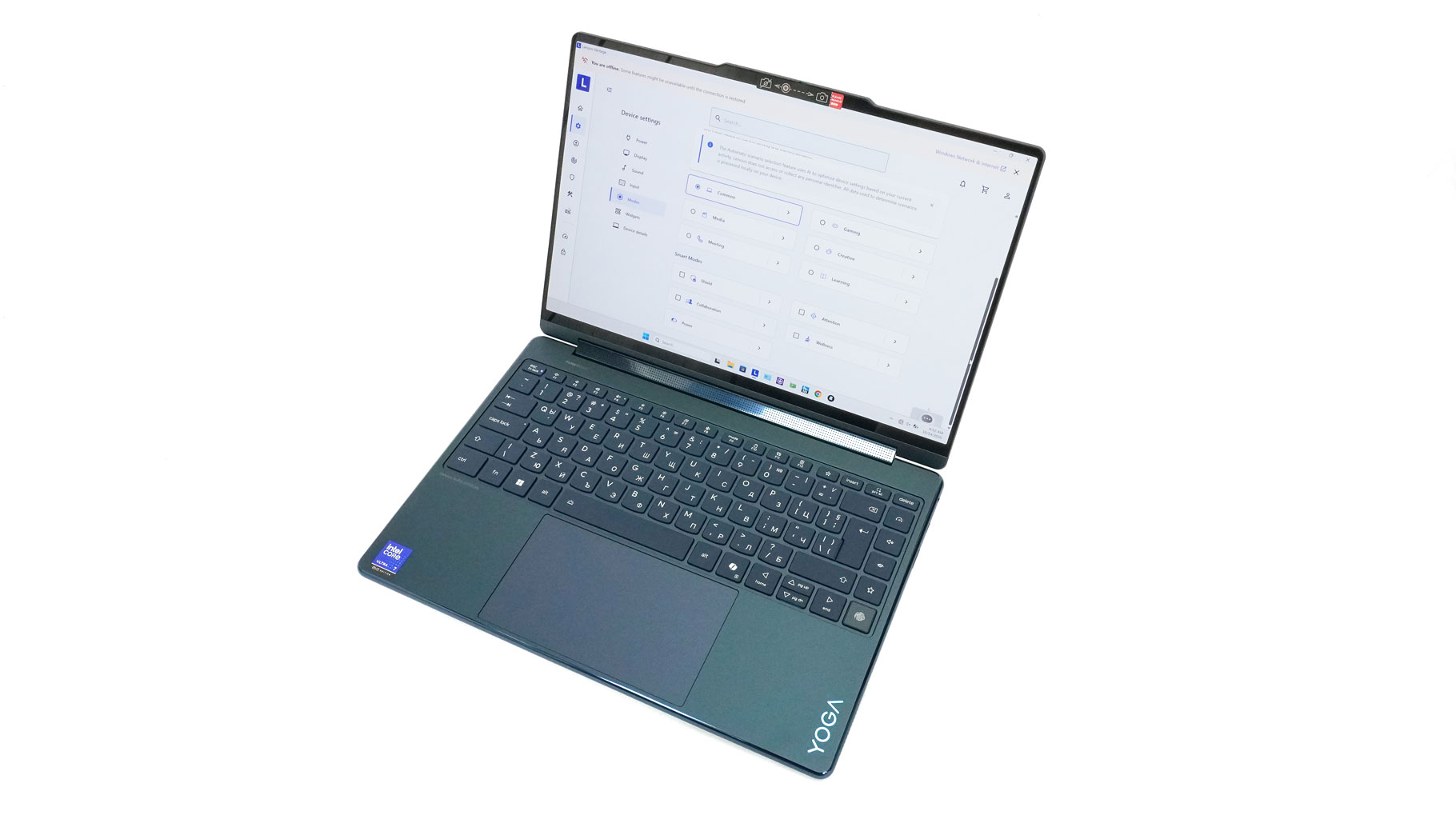
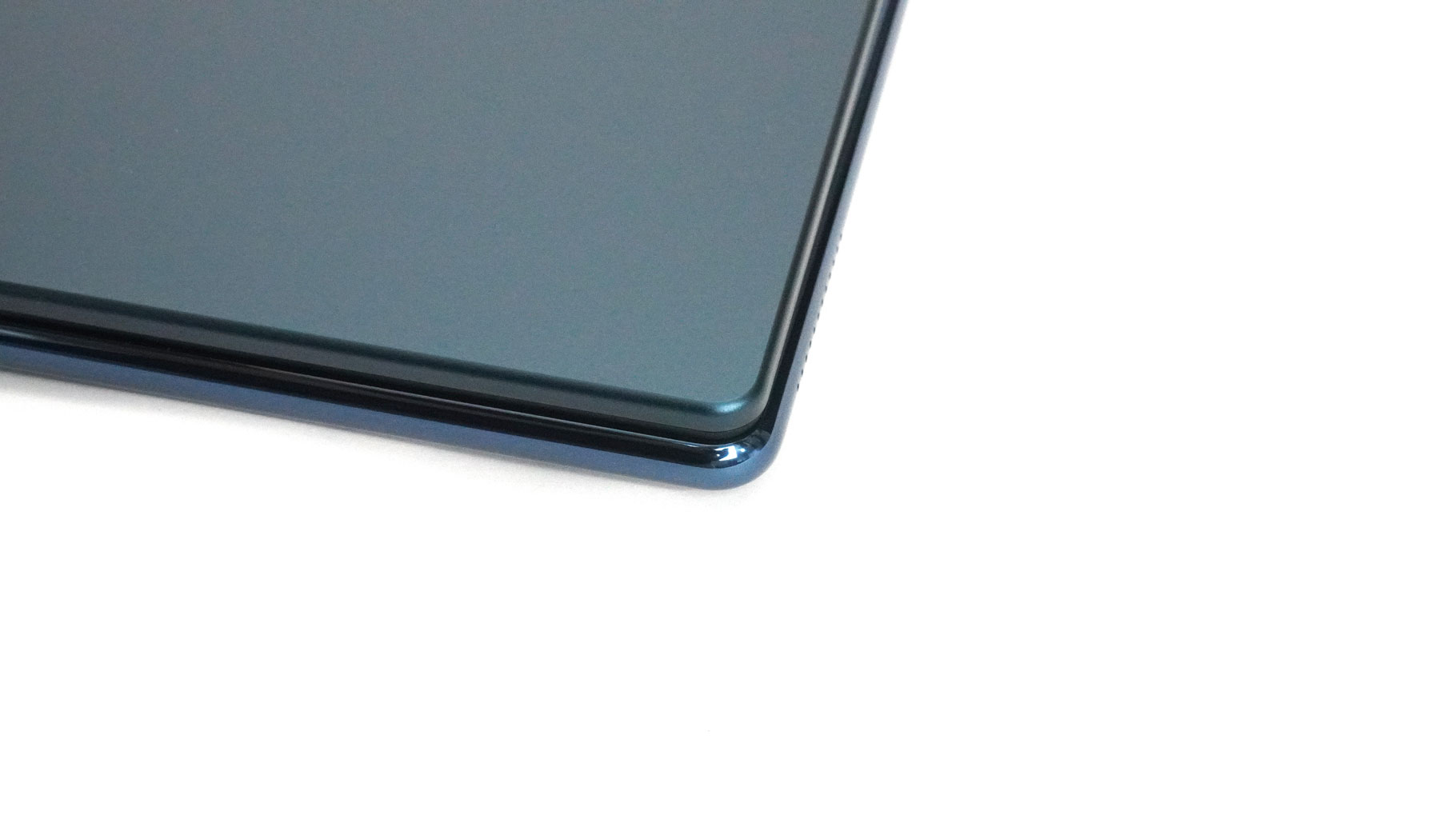
Putting this thing into a backpack should not be a problem at all since the profile is 15.9 mm and the starting weight is 1.32 kg. The chassis is made of aluminium, and I have zero negative remarks about the rigidity of the lid or the base. This small 2-in-1 is built like a tank!
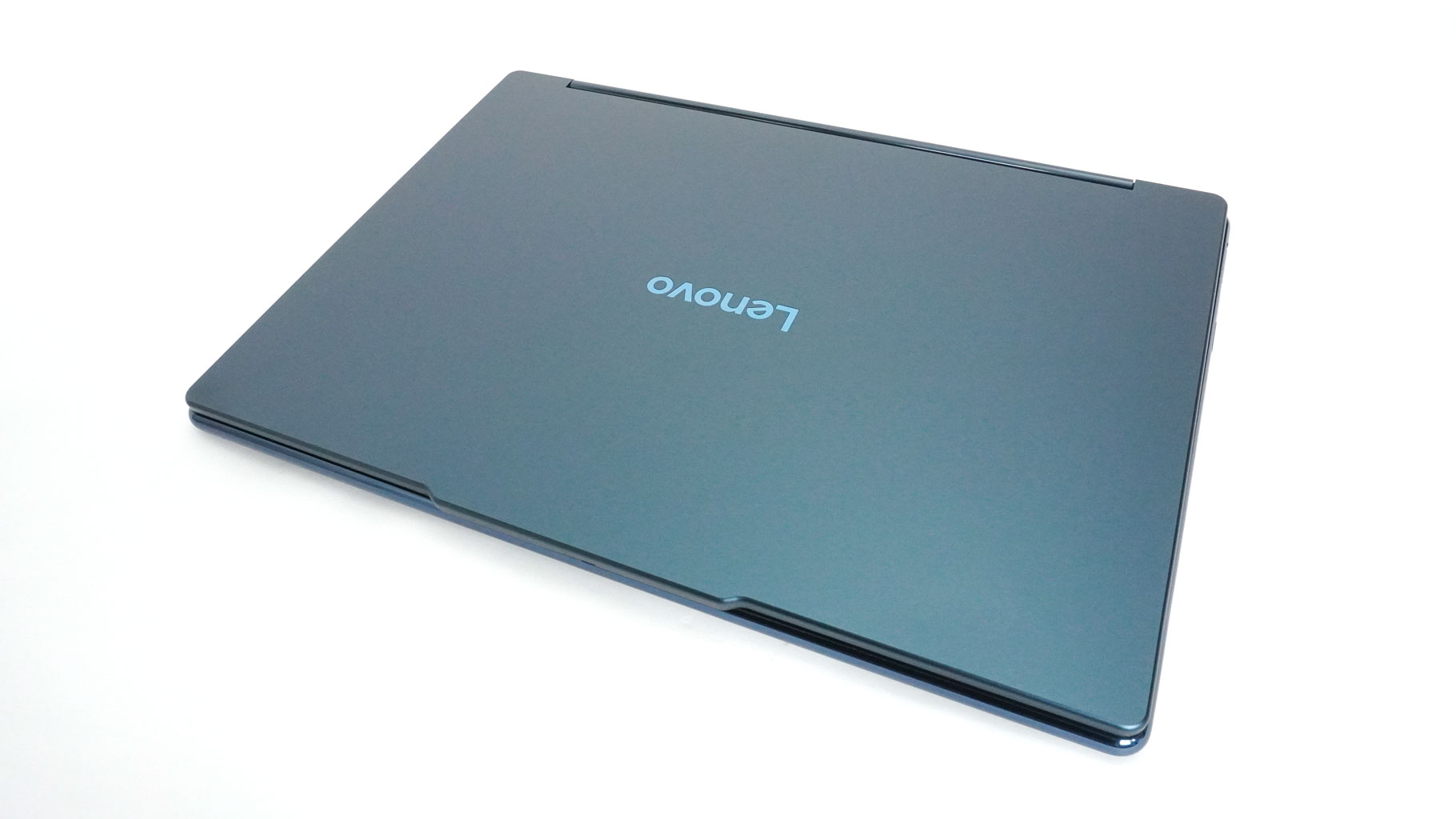
Our device is in Cosmic Blue finish. It handles fingerprints decently—they're visible, but not so bad that you have to wipe them down every hour.
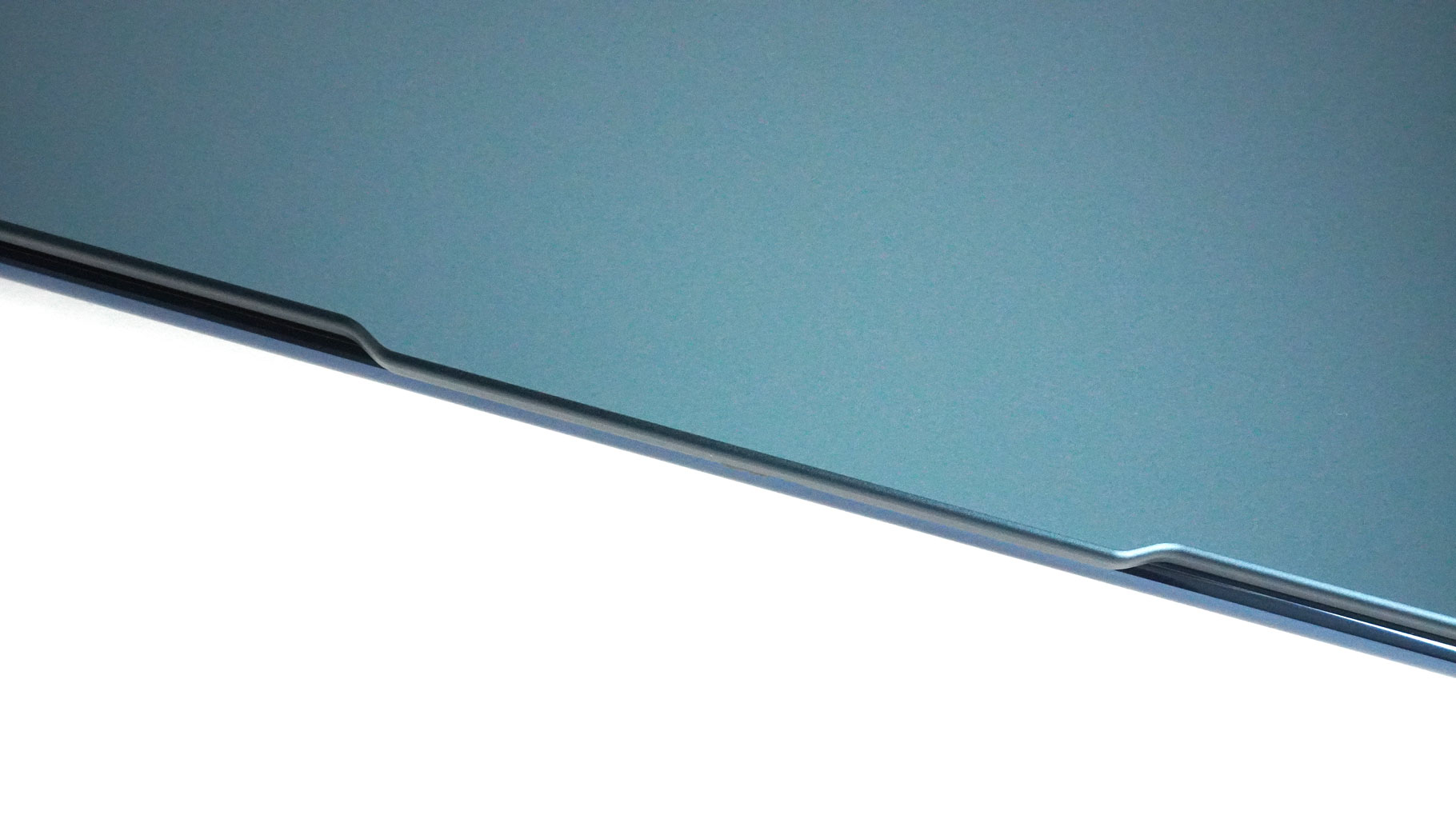
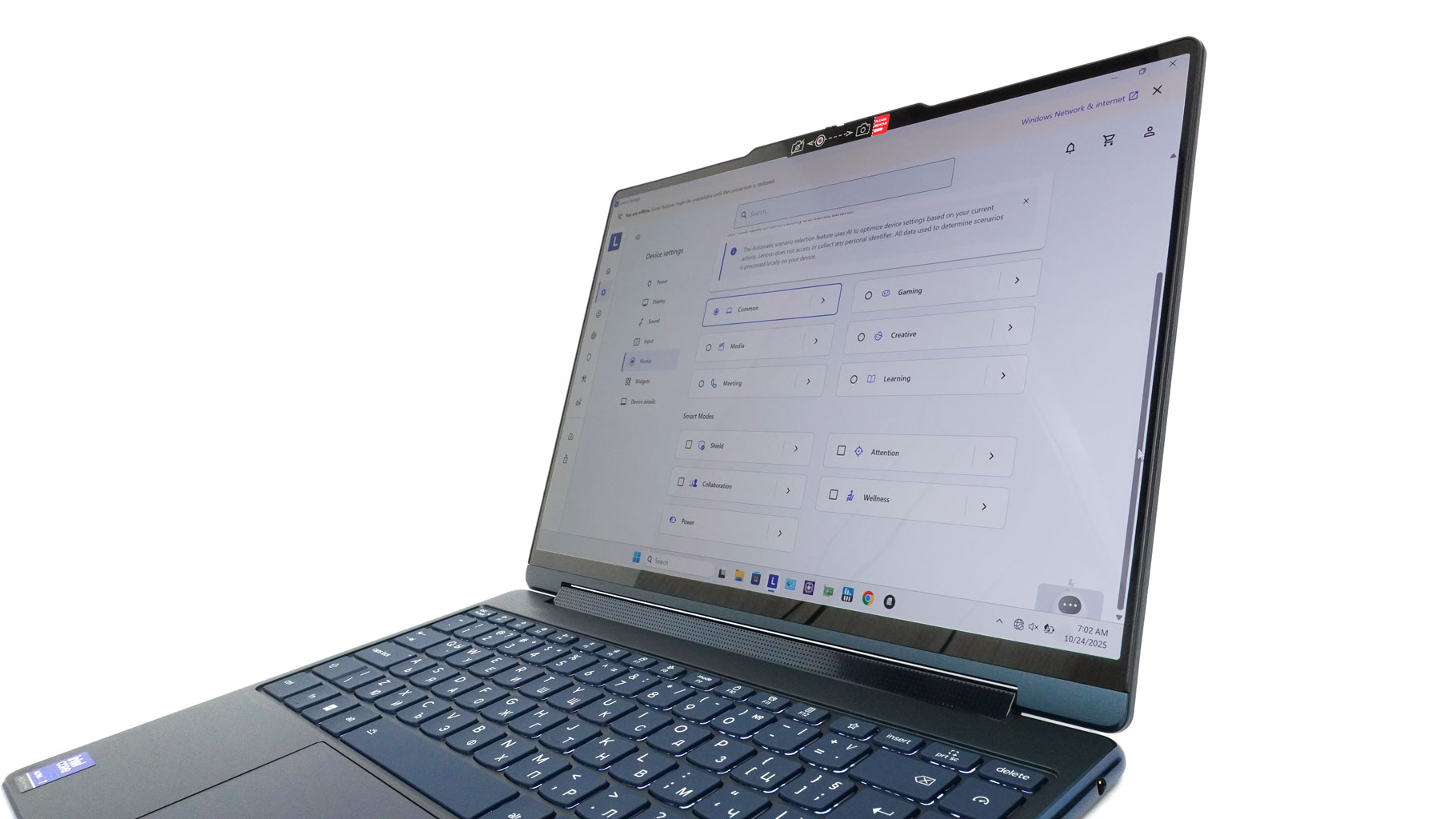
The lid opens easily with one hand. The visible notch at the top also helps you grip the unit more stably. The side bezels around the OLED screen are thin, and the other two are slightly thicker.
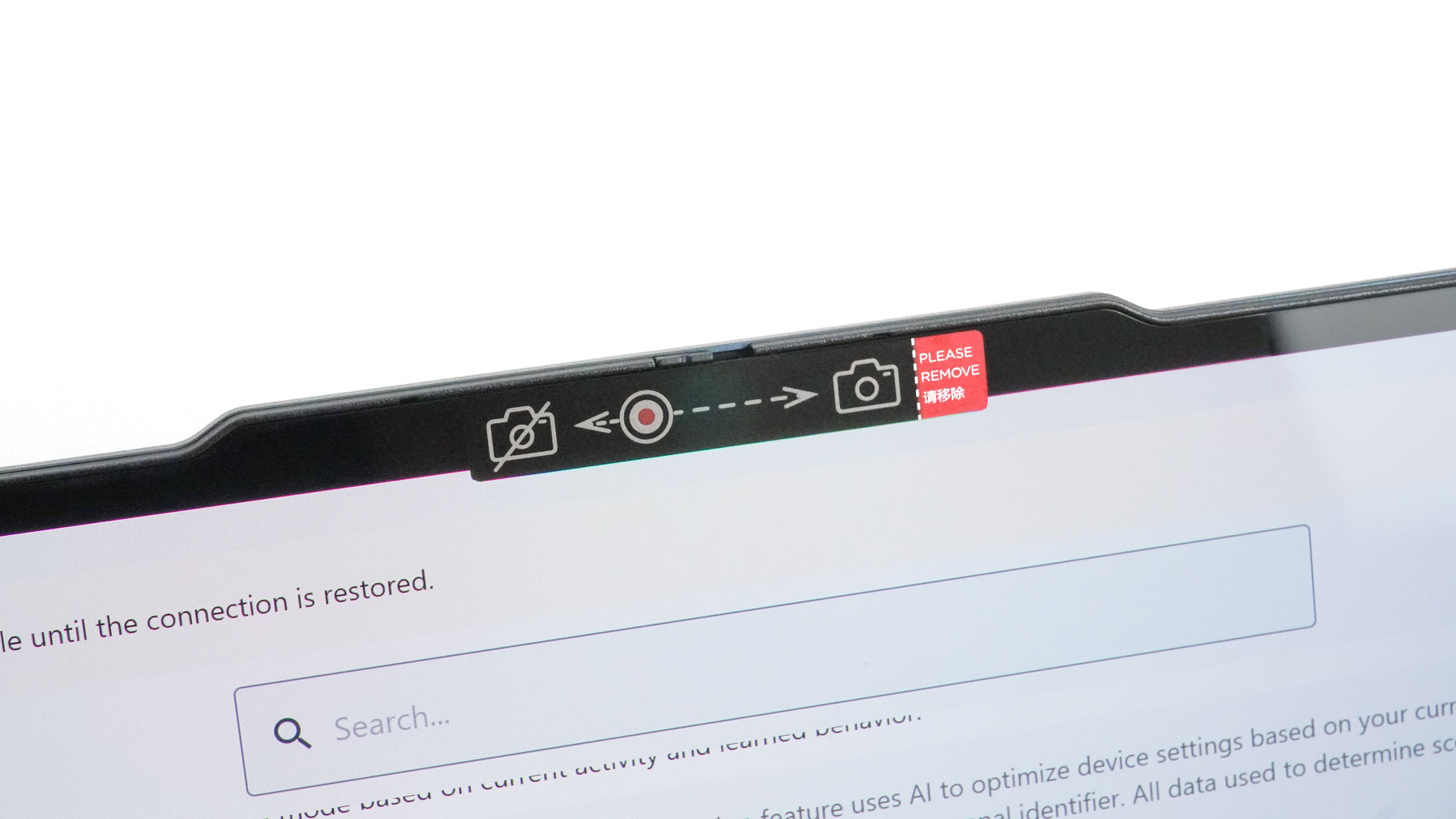
The top protrusion houses the 5 MP webcam with facial recognition. For extra protection, you get a privacy shutter too.
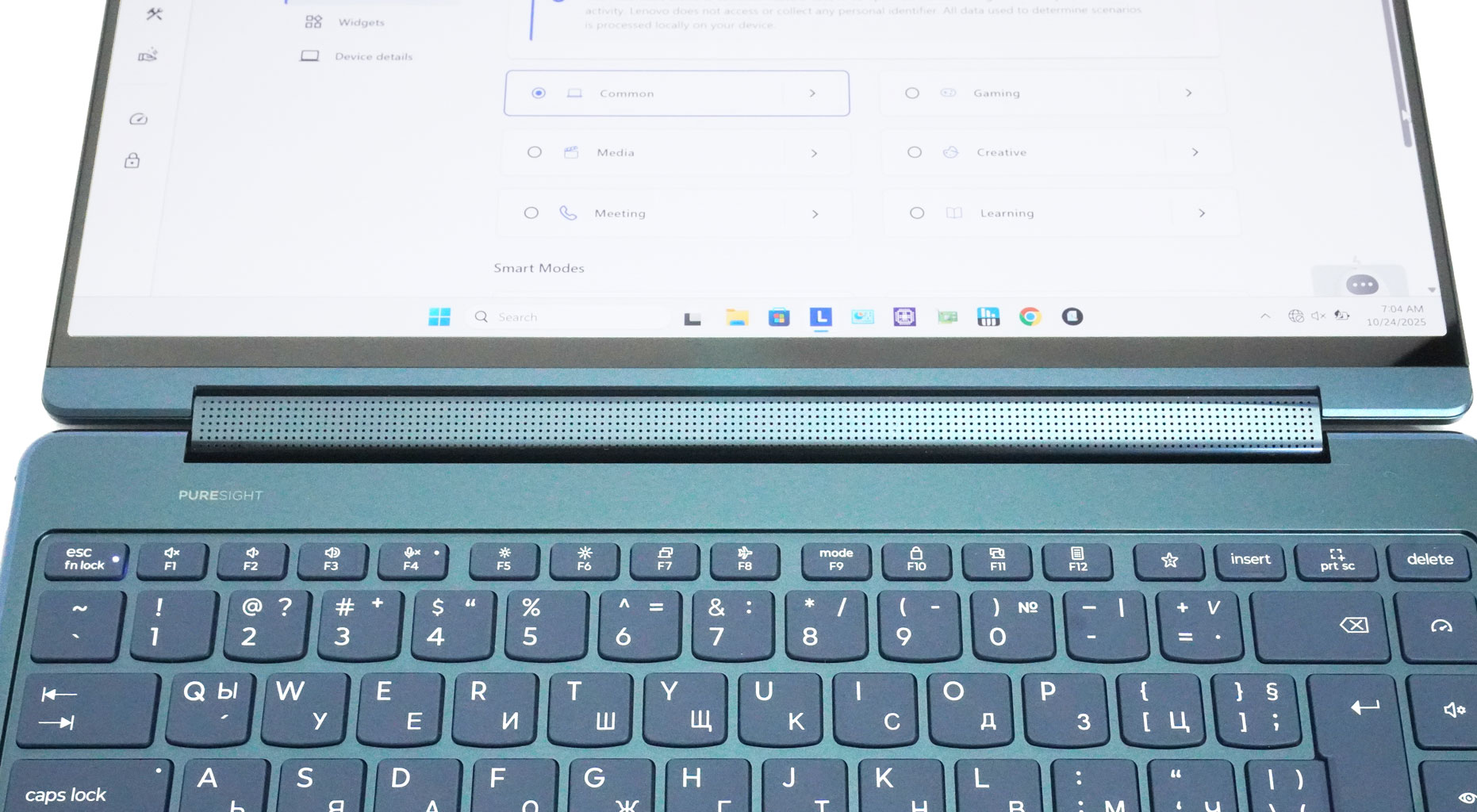
The 360-degree hinge is the main event. It doubles as a soundbar and allows the device to be used in different modes.
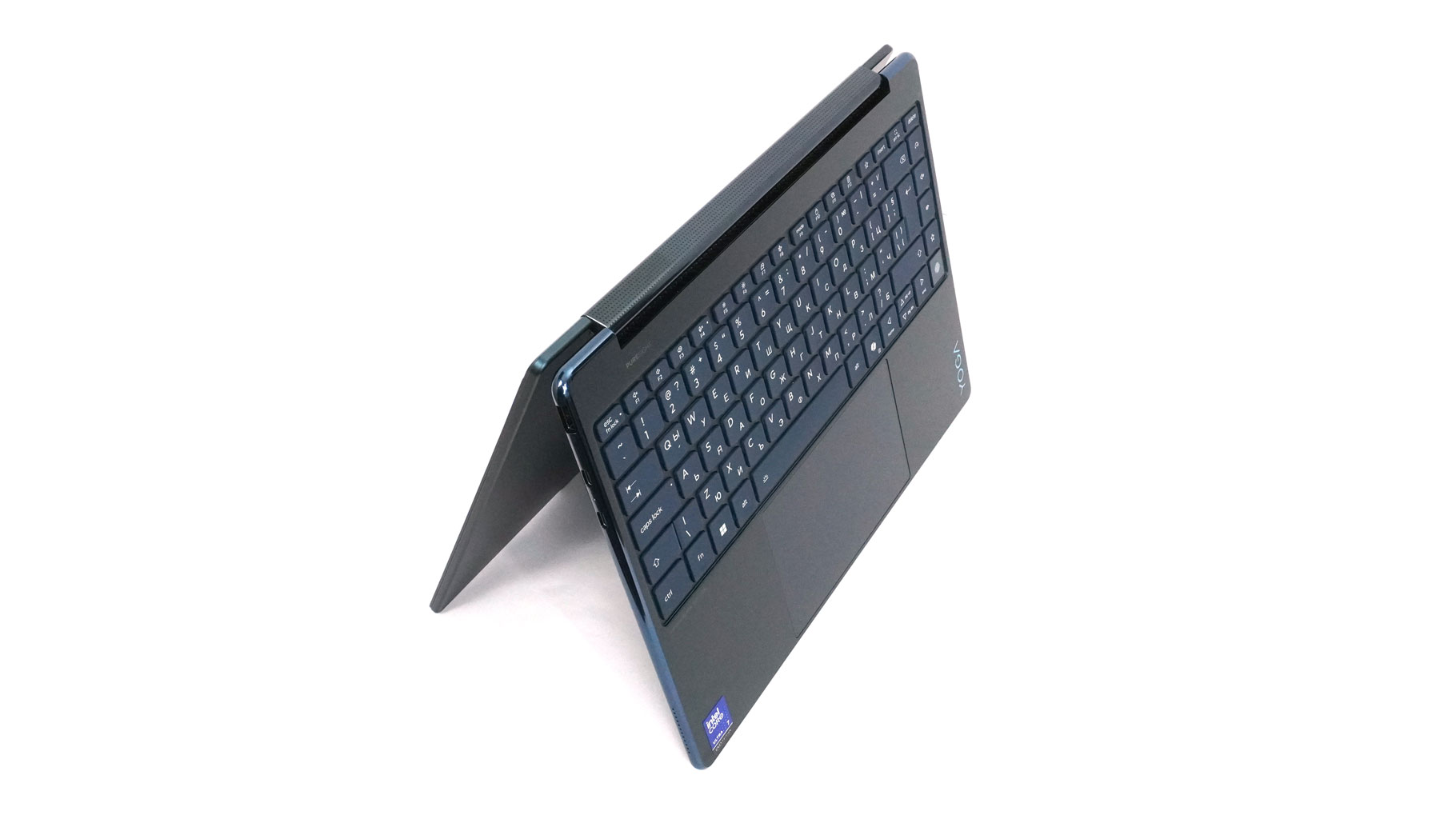
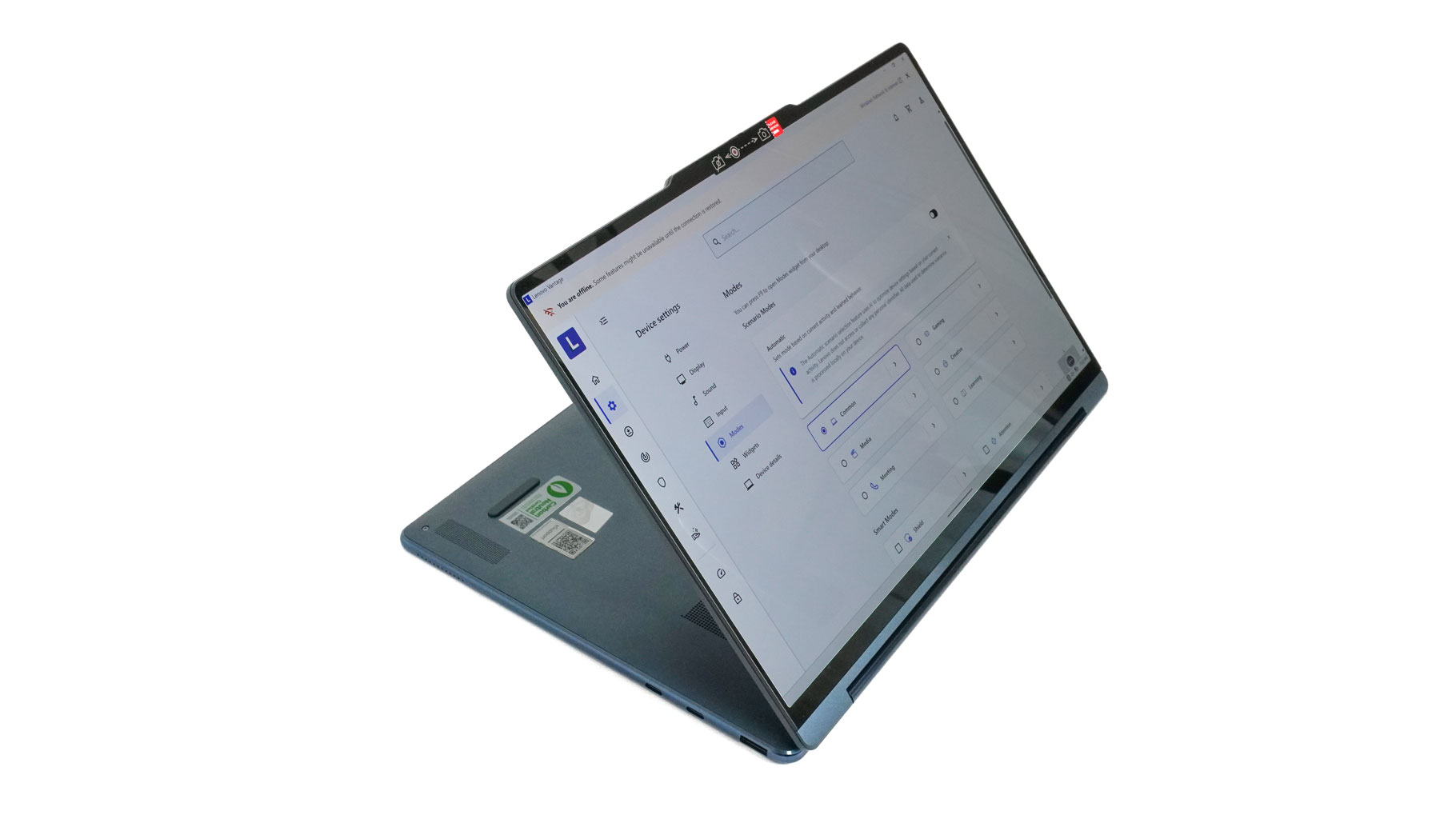
Tent and stand modes are perfect when you want to sketch something on the screen, take notes with the stylus, or just for enjoying a movie.
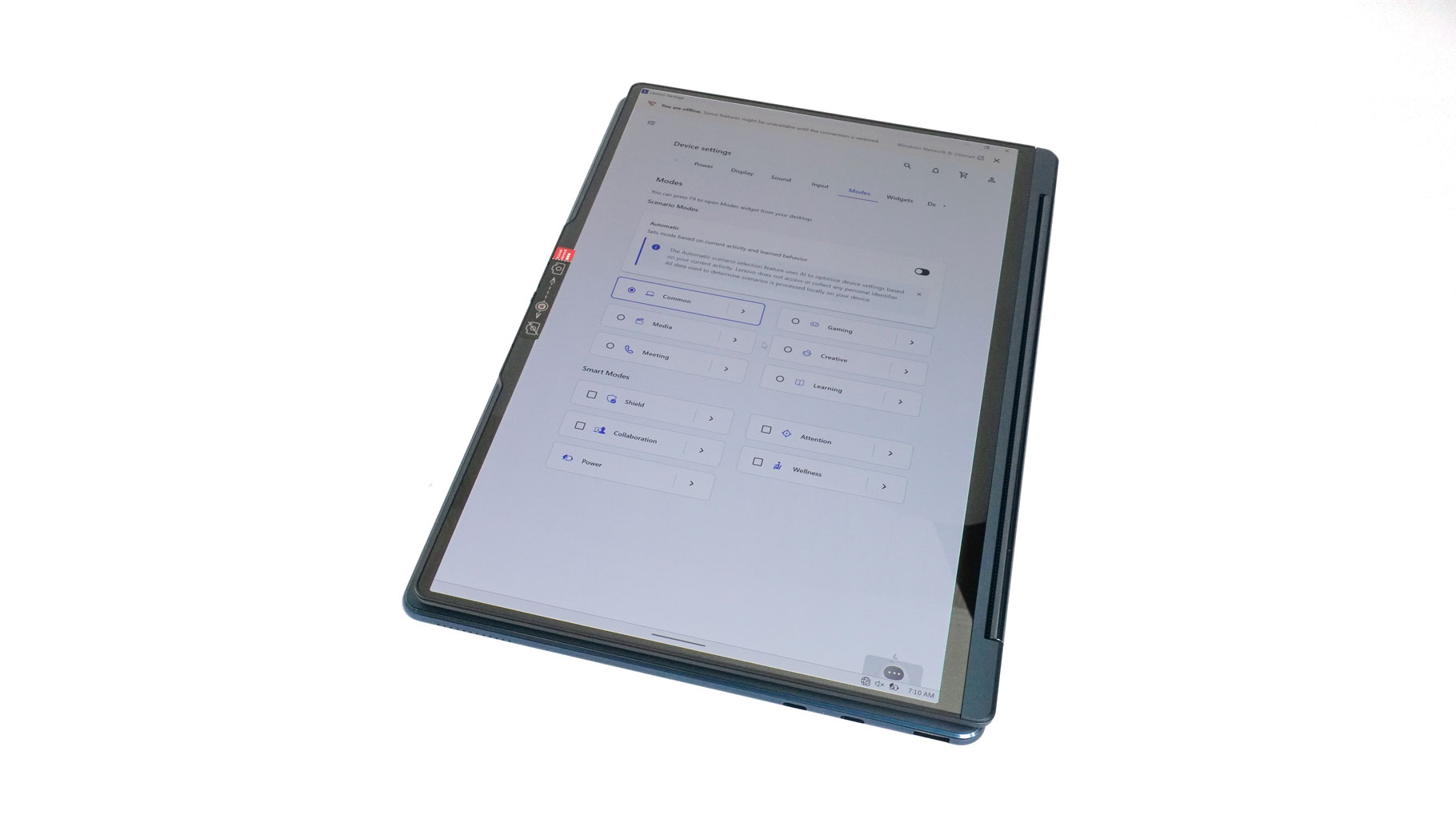
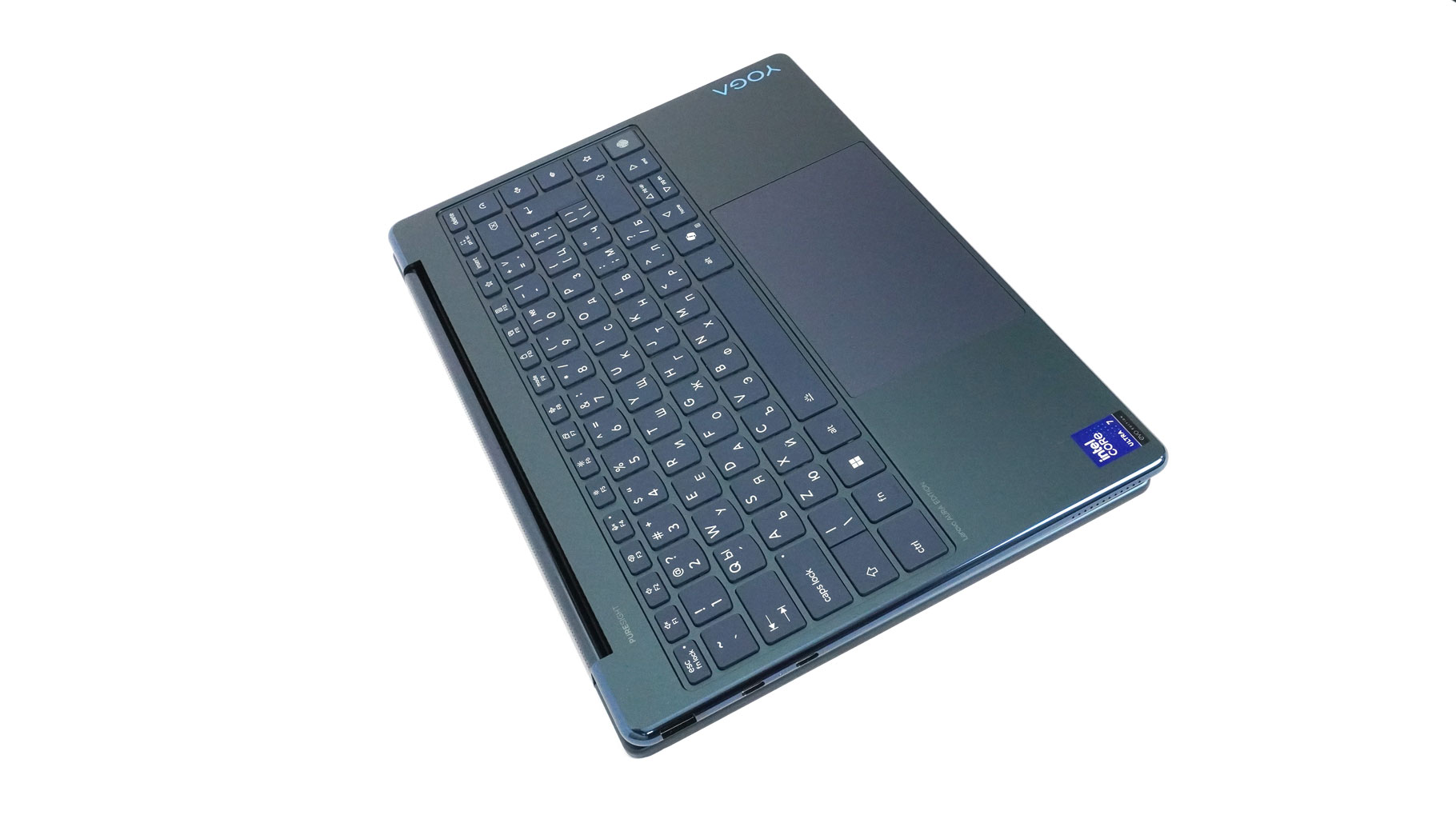
The Tablet mode is great for casual use in bed or even for gaming. I gave my only mobile game, Asphalt Unite (which is also on Windows), a try while the laptop was folded. It felt pretty good—the screen is much bigger than any phone, and the audio from the four-speaker setup, enhanced by Dolby Atmos, is loud and crisp.
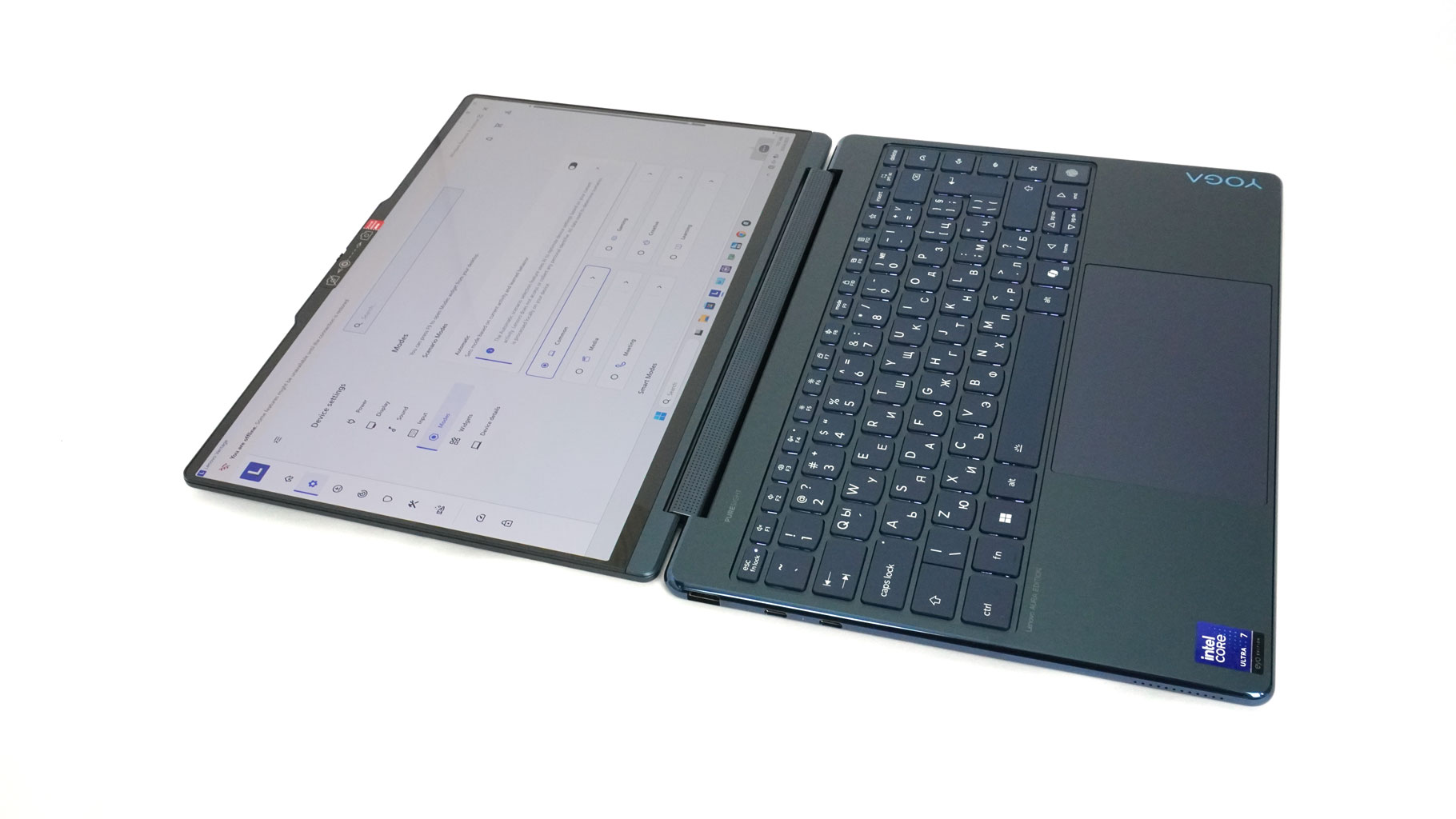
The machine can lay perfectly flat on an even surface.

The Power button is on the right side, which makes the base neat-looking. The main keys on the backlit keyboard are comfortably big. The layout isn't exactly perfect given the small base. Specifically, the "Up" and "Down" Arrow keys are tiny, and the "Enter" key is reduced in size. The far right column features "Quick keys" that control functions like power preset switching, Eye-Care mode, and user-defined shortcuts. The fingerprint reader is at the bottom of the column. Kind of unusual position, but I think it's better than being placed on the palm rest, which may ruin the whole clean design. The fingerprint login works blazing fast! The keyboard is good for typing, Lenovo claims a 1.5 mm key travel, which feels long enough for work, but I've personally felt better.
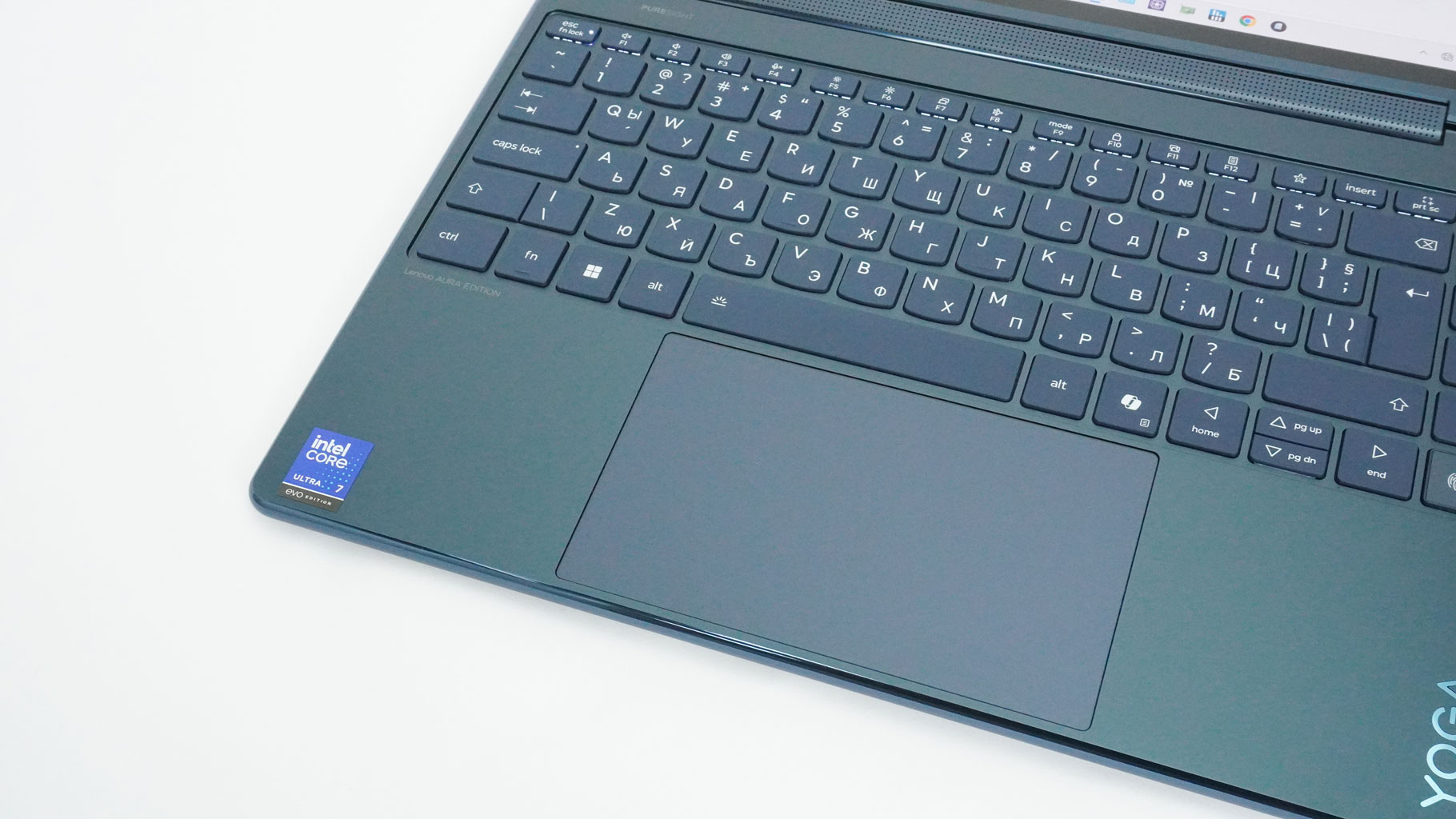
The touchpad seems large (80×135 mm) for such a compact form factor. It's a buttonless unit with a smooth glass surface. I had zero issues while testing it; the pad precision is spot on. That said, the physical clicks are a bit noisy.
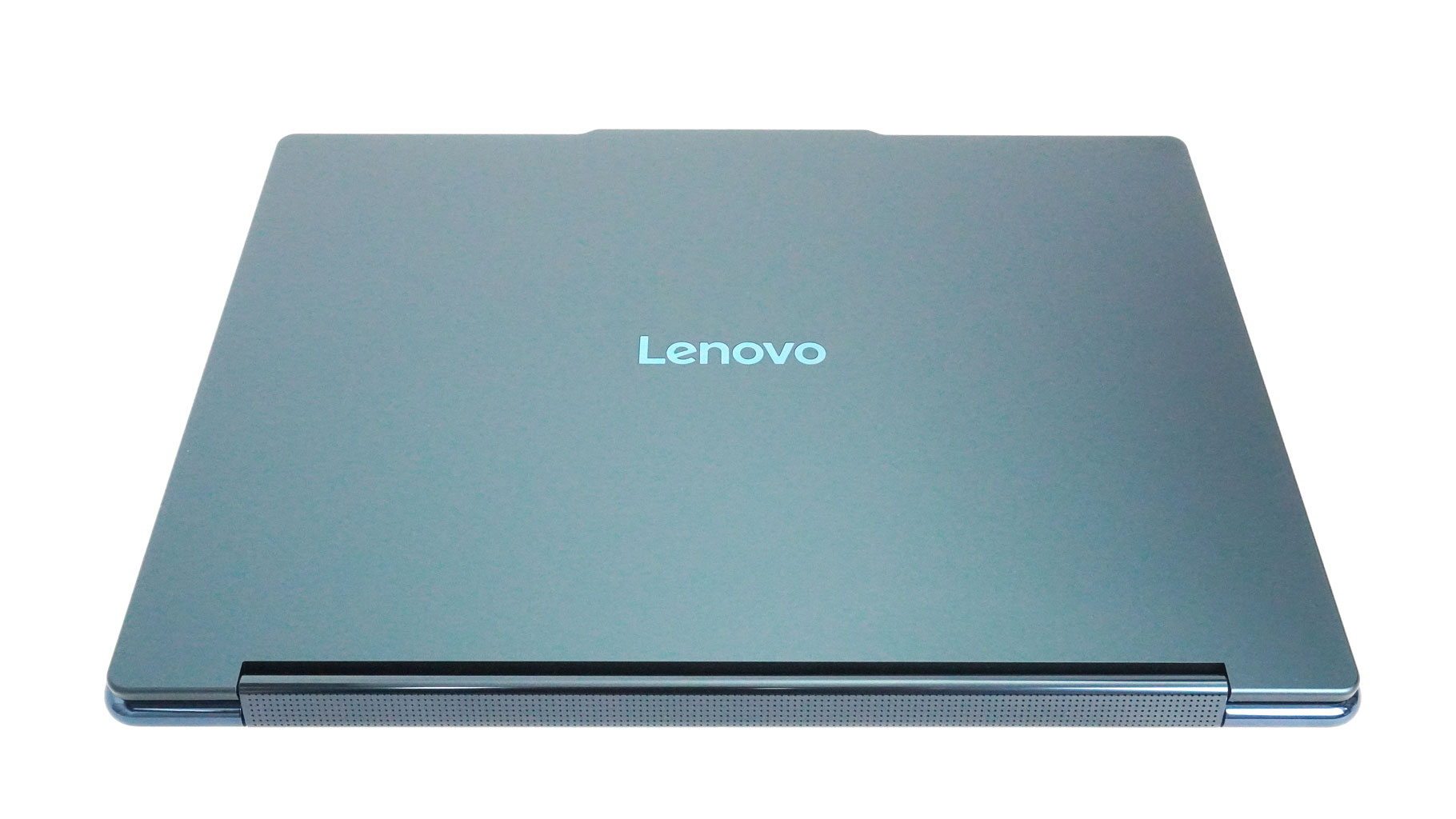
The rear side has no ports.
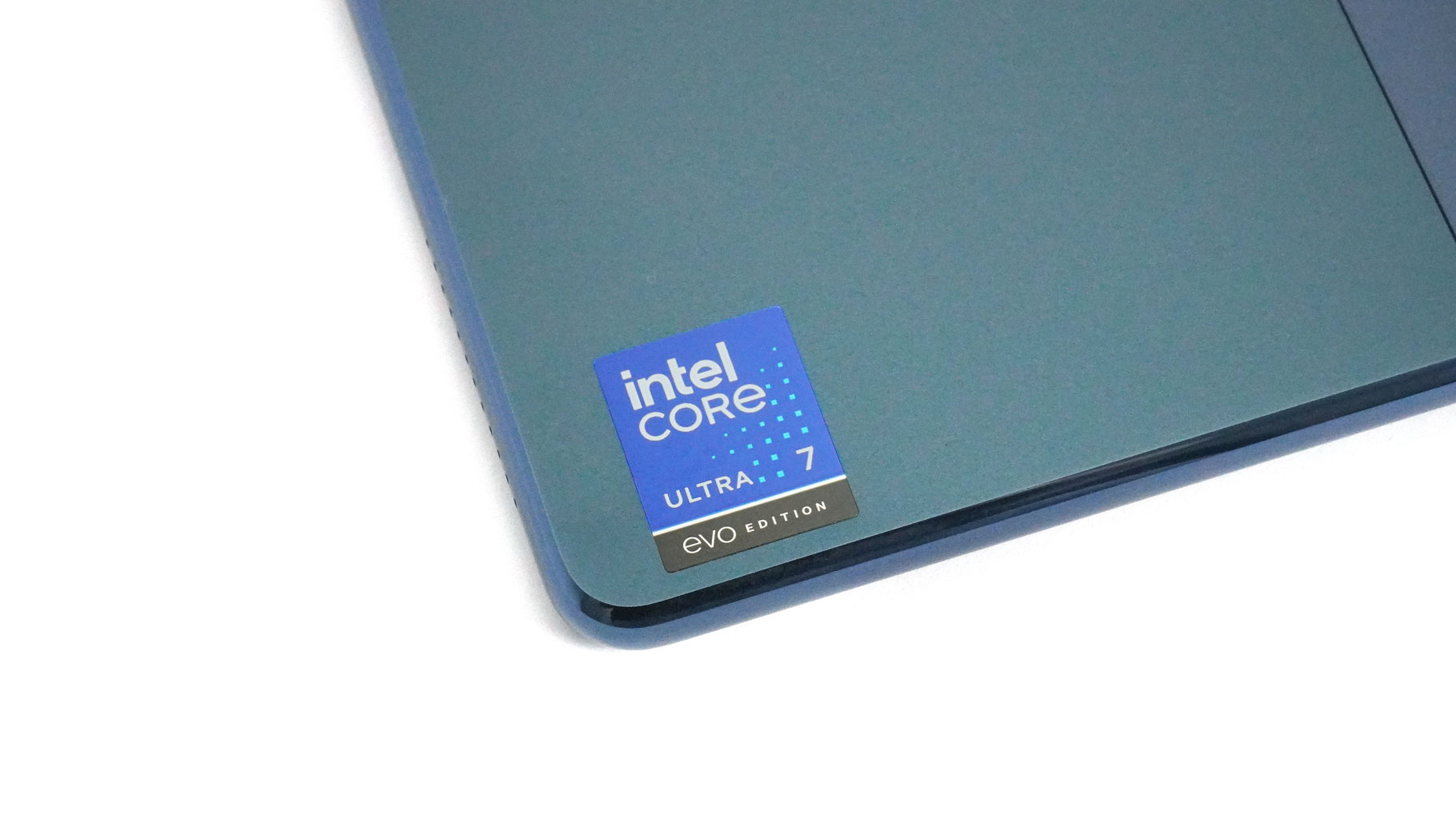
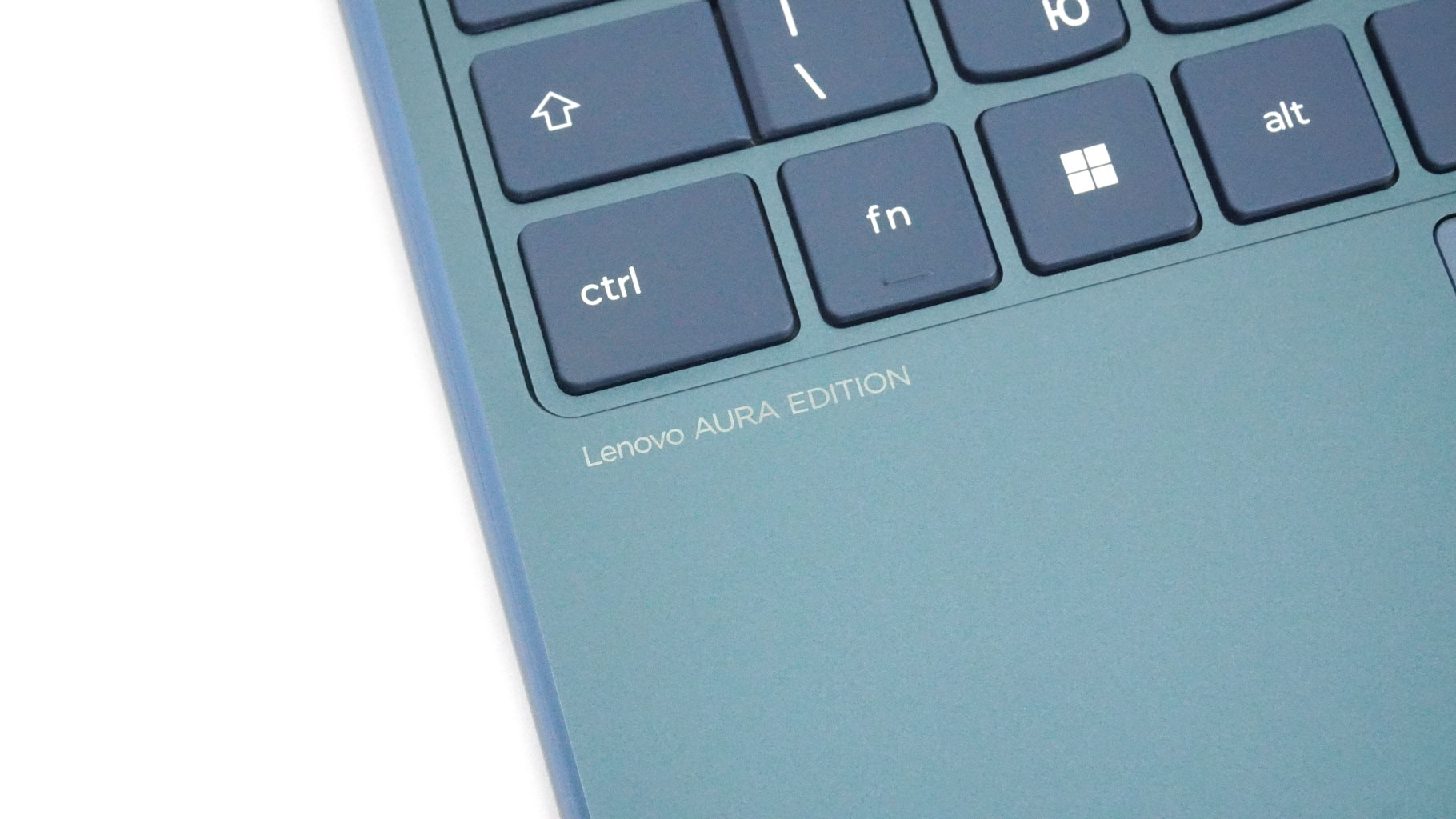
Since this is an Intel Evo-certified Aura Edition device, you'll get the appropriate sticker and branding to remind you about these extras.
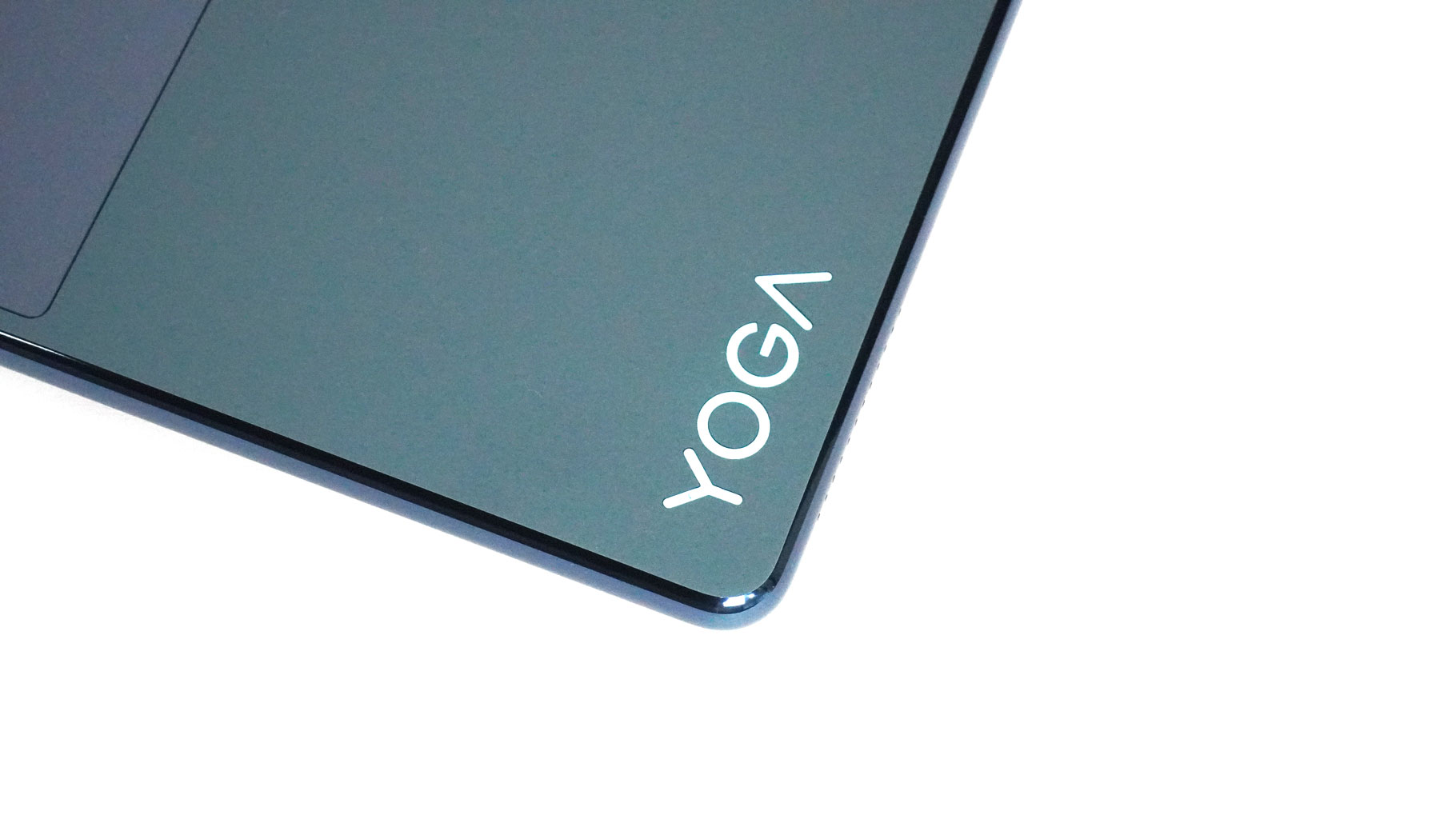
The Yoga logo is as shiny as the side edges.
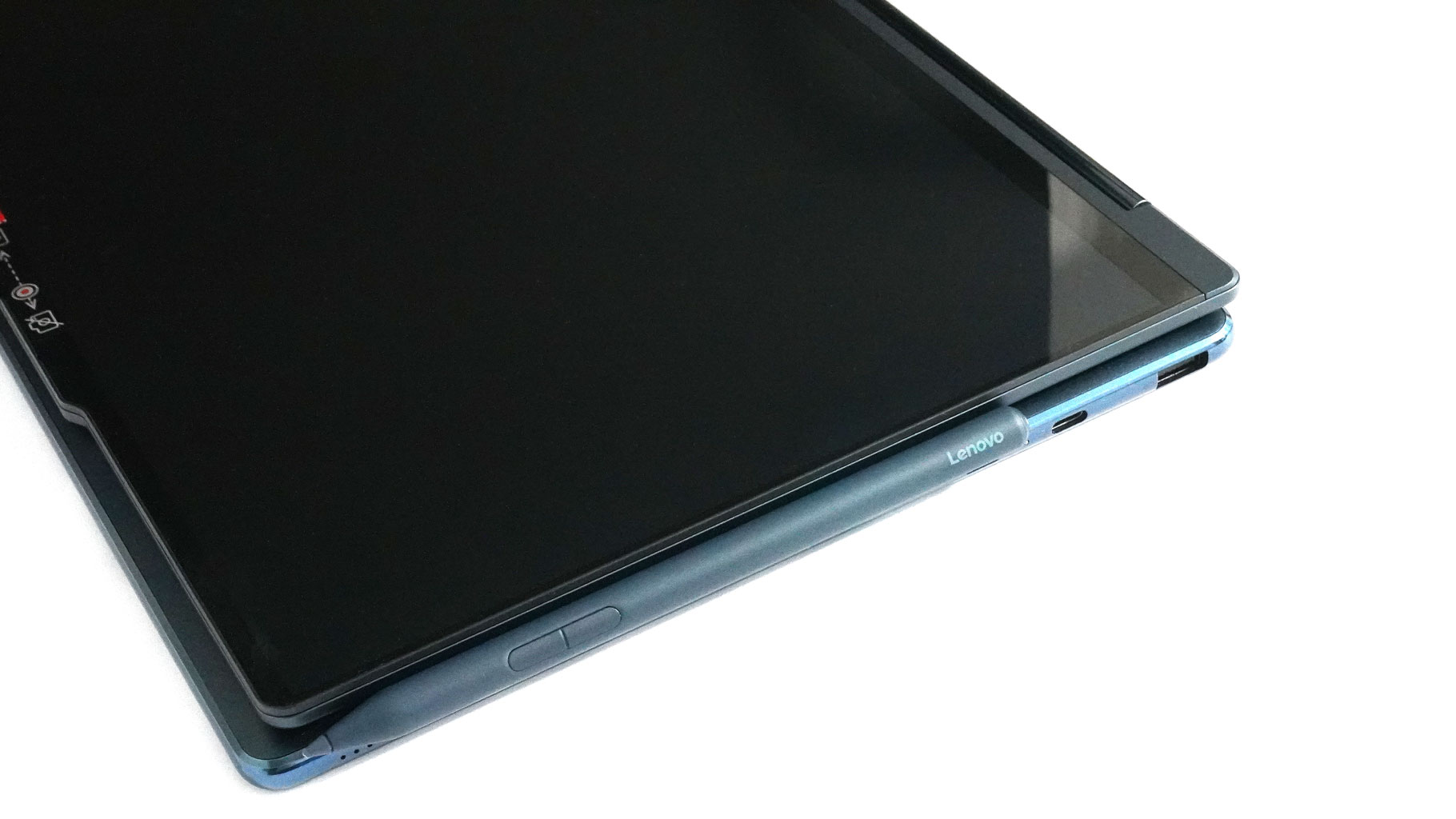
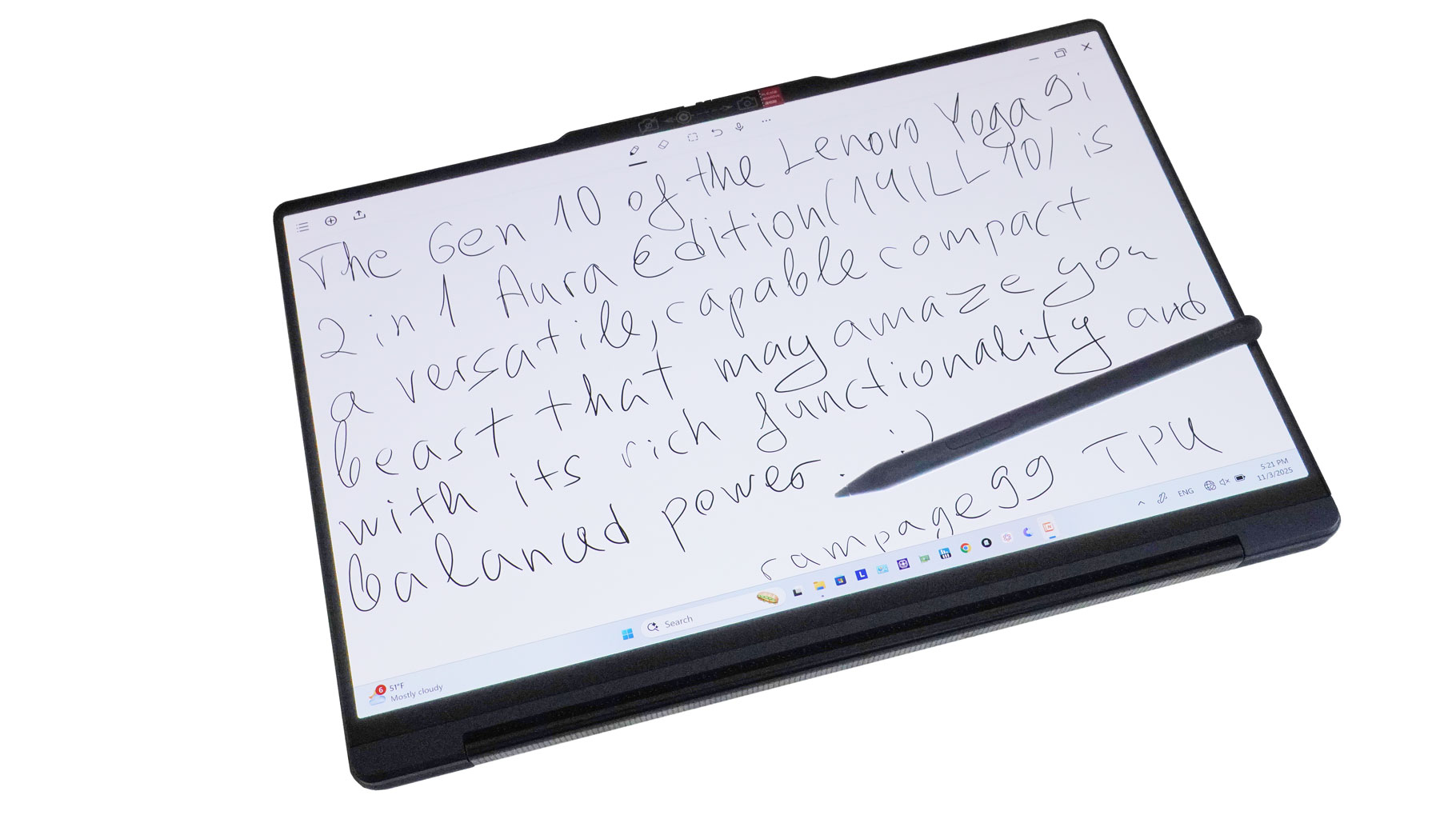
The Lenovo Pen can be magnetically attached to the lid. Taking notes on the screen with this stylus is an easy job. Unfortunately, my handwriting isn't that pretty.
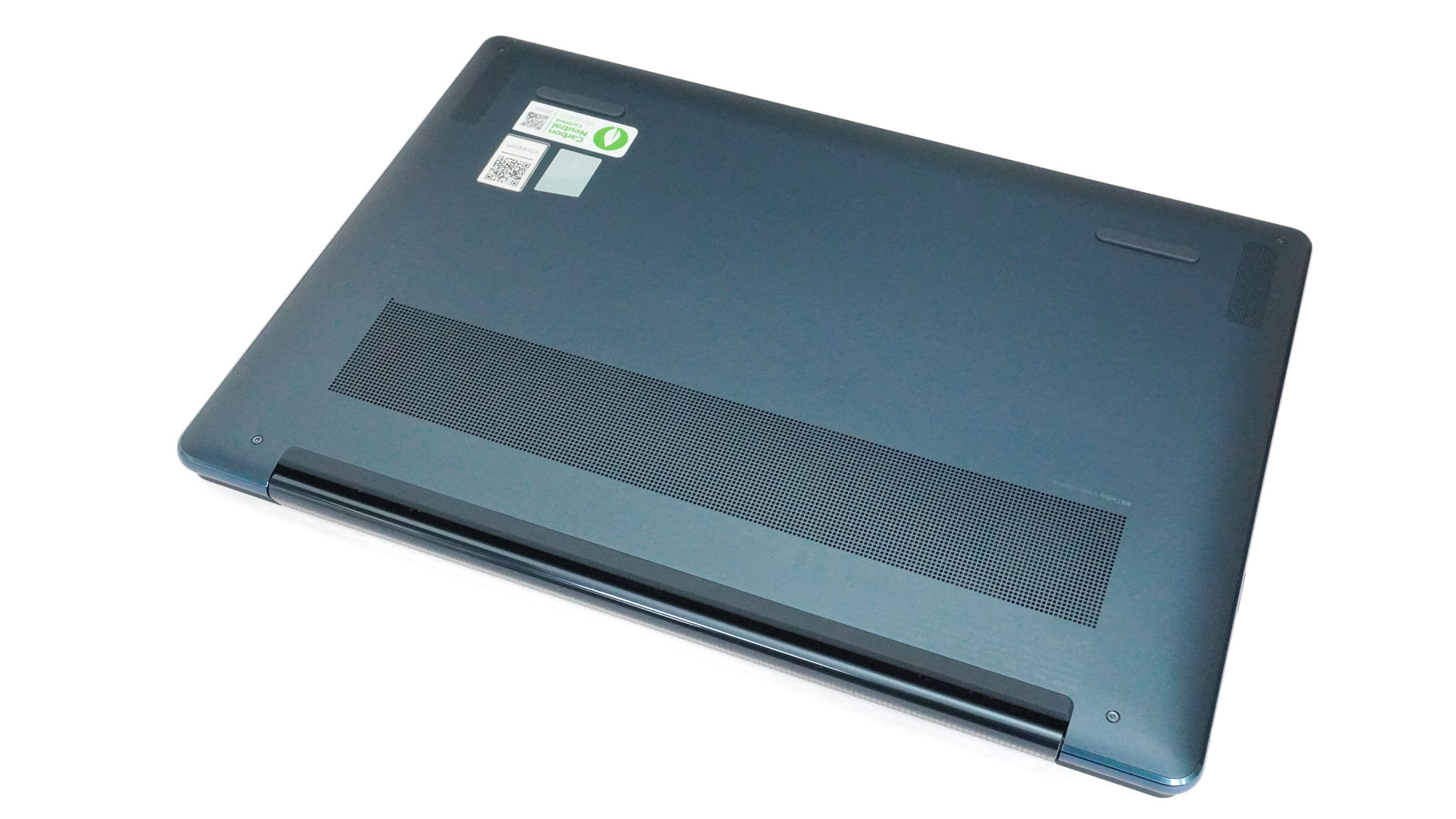
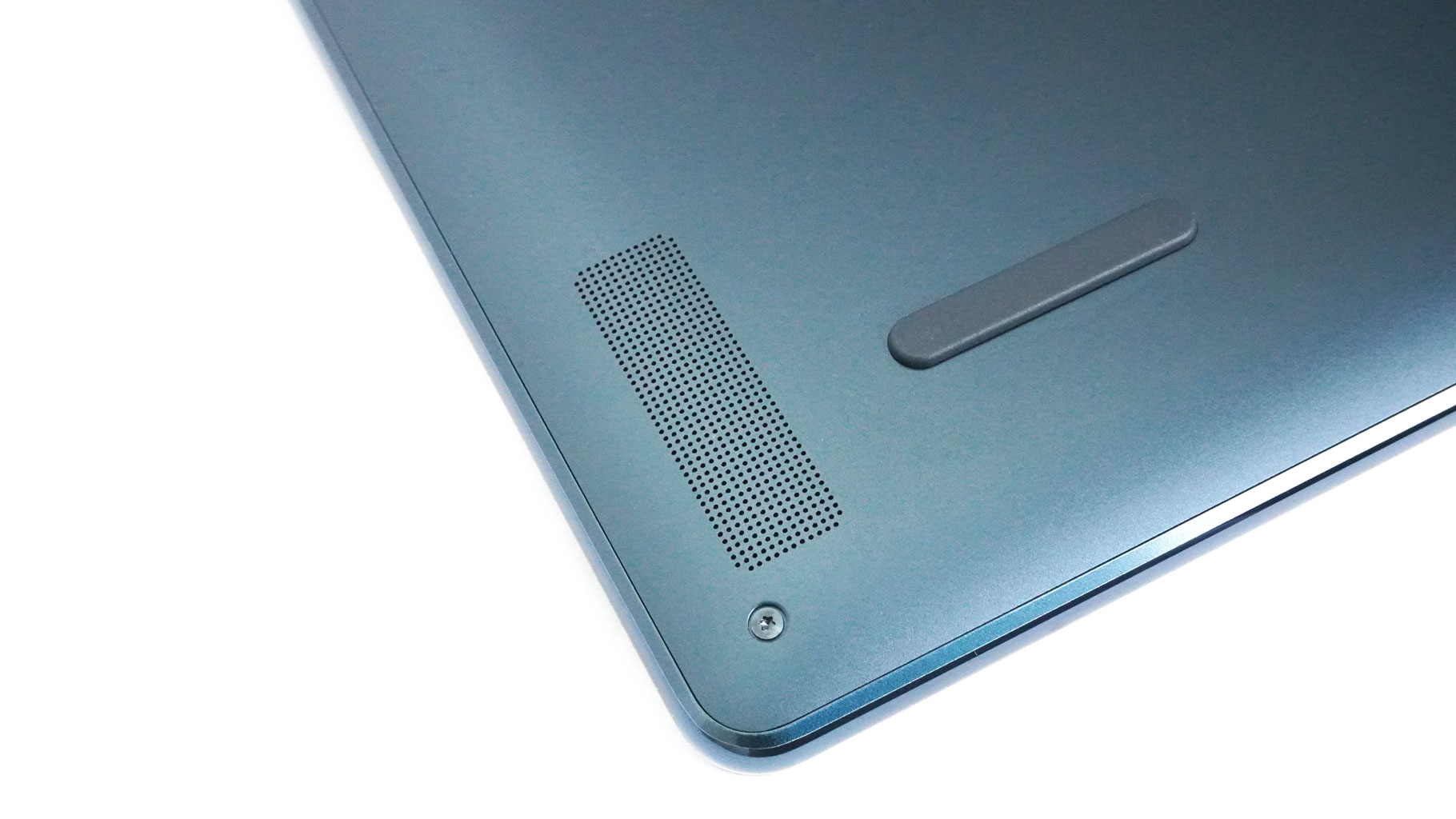
Just like the top of the base, the bottom looks clean: just one small ventilation grille, three rubber feet, and two speaker cutouts. The hot air is pushed through a pair of rear vents that point at the hinge.
Ports and Connectivity
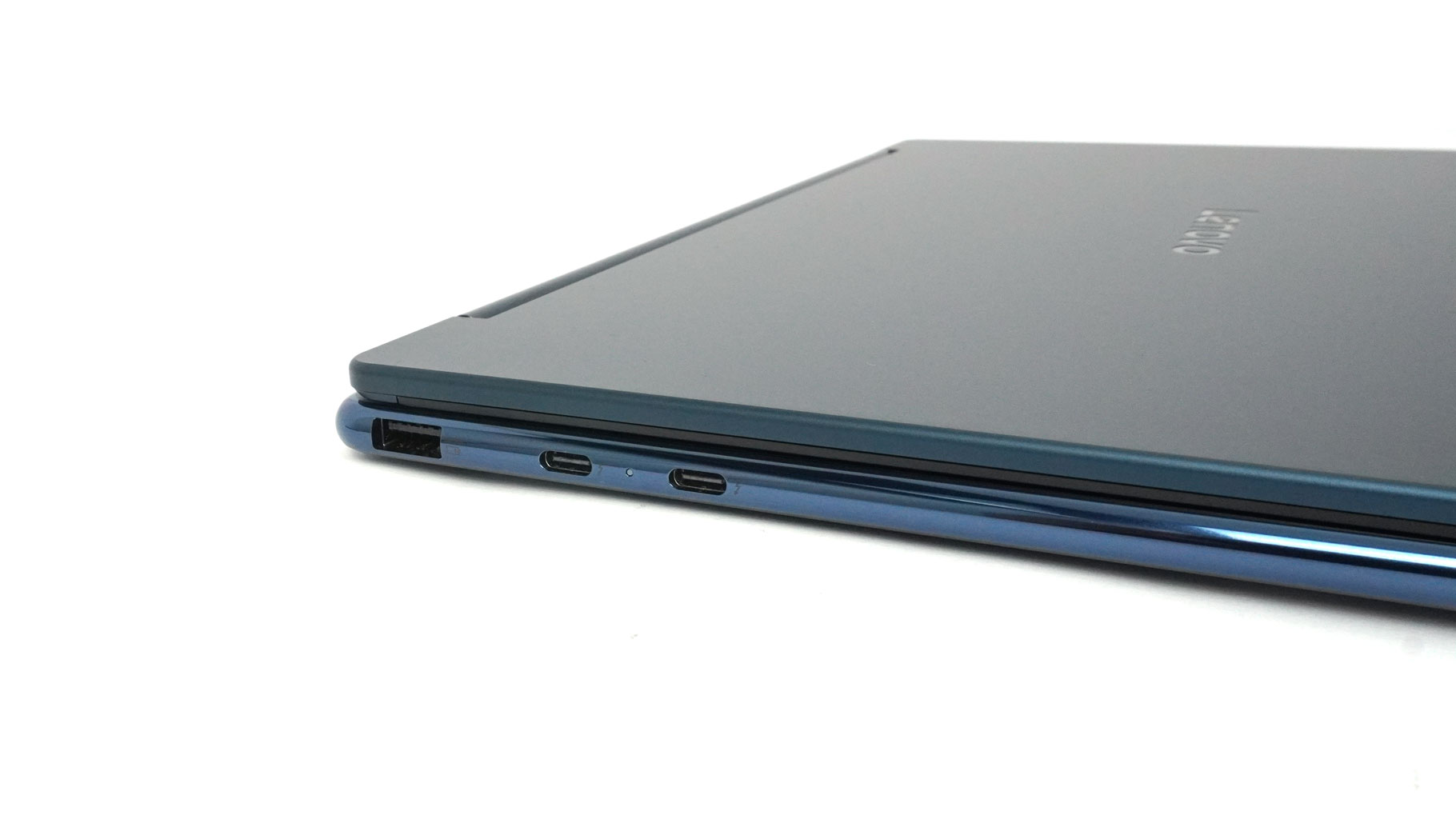
On the left, there is a 10 Gbps USB Type-A 3.2 Gen. 2 port with Always on function, and two 40 Gbps Thunderbolt 4/USB4 ports with DP 2.1. All Type-C connectors offer USB PD 3.0.
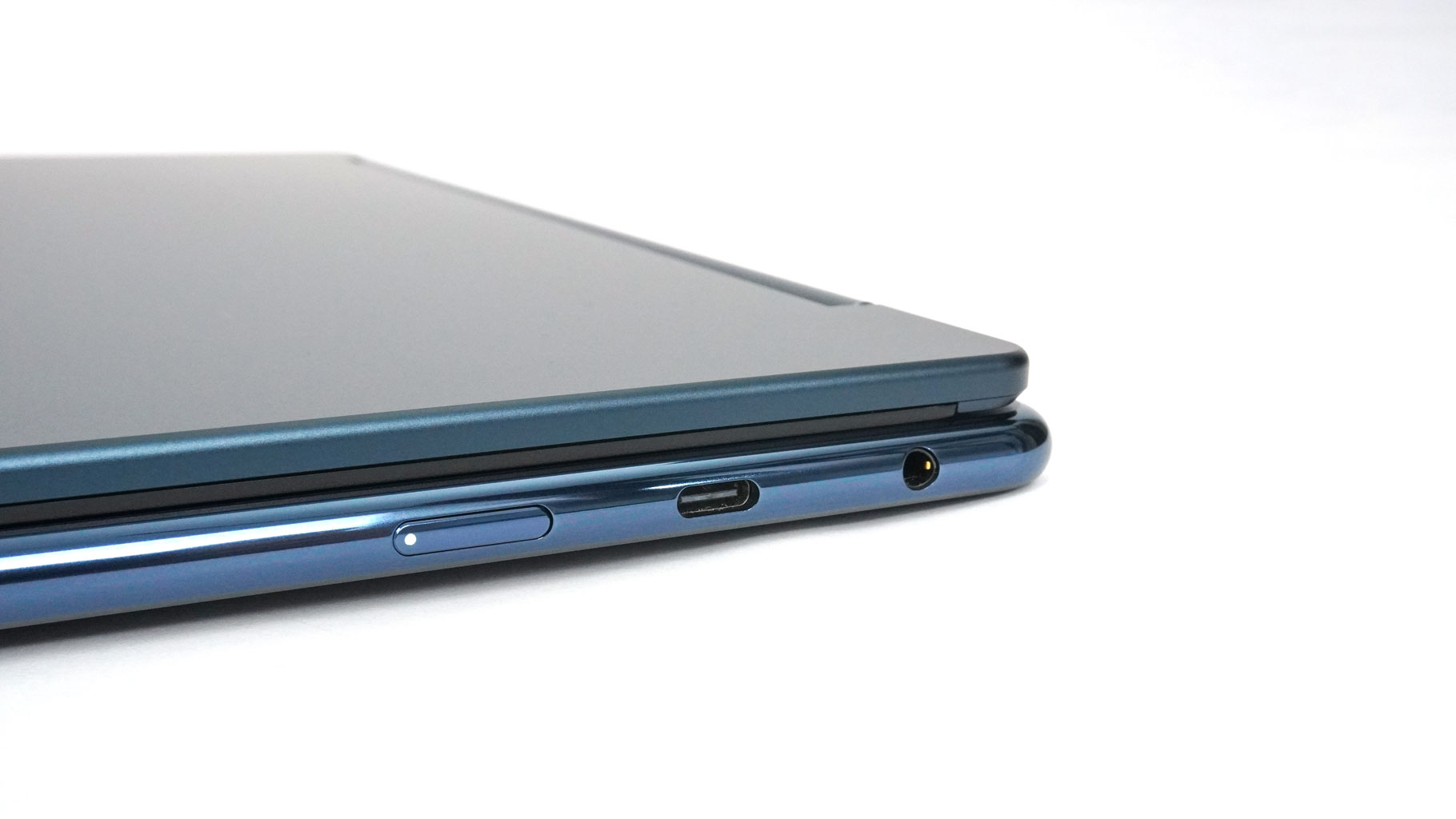
On the right, you'll find an Audio combo jack, a 20 Gbps USB Type-C 3.2 Gen 2x2 port with DP 1.4, and the laptop's power button.
Our Patreon Silver Supporters can read articles in single-page format.
Nov 18th, 2026 15:49 PST
change timezone
Latest GPU Drivers
New Forum Posts
- Honestly, do you care about GTA VI? (147)
- Got a new laptop! What should I do with it? (4)
- Dell Workstation Owners Club (3514)
- Making a game in Godot engine (2)
- [Poll] 12V-2x6 Connector Protection: What Are You Using? (WireView / Ampinel / Equalizer / Other / Nothing) (39)
- Last game you purchased? (1406)
- Time to upgrade CPU and MOBO (34)
- Can i play GTA 6 now? (Joke) (7)
- What are you playing? (26234)
- Very unusual two gaming-pc scenarios. (12)
Popular Reviews
- Acemagic Retro X3 Review
- Upcoming Hardware Launches 2027 (Updated Nov 2026)
- AMD Zen 6 Technical Deep Dive
- ASUS ROG Strix B850-I Gaming Wi-Fi7 W Review
- Corsair HX1000i Shift Crystal Review
- Ugreen NASync DXP4800 GT Review
- Biwin Black Opal NV7400 2 TB Review
- Pulsar Office Tour & First Look at P1 Dual-Sensor Mouse
- AMD Ryzen 7 9800X3D Review - The Best Gaming Processor
- Chieftec Iceberg PRO 360 DARK Review
TPU on YouTube
Controversial News Posts
- NVIDIA Co-Founder and CEO Jensen Huang Officially Resigns (478)
- Report: Jensen Huang Eyes NVIDIA Comeback (192)
- Open Letter Asking NVIDIA to Reinstate Jensen Huang Passes 115,000 Signatures (184)
- OpenAI CEO Argues Home PCs Waste the World's Limited DRAM Supply (152)
- NVIDIA Launches Investigation Into Jensen Huang's Relationship With Suspected Chinese Spy (136)
- Intel "Raptor Lake Next" 16-Core and 20-Core CPUs Surface (130)
- Legendary Game Studio BioWare Shuts Down Following EA Layoffs (104)
- Dell CEO Says the Memory Shortage Will Get Worse in 2027 (95)