 15
Lenovo Yoga Slim 7i Gen 11 Aura Edition (14IPH11) Review - Panther Lake & OLED on the Go
(15 Comments) »Introduction

Lenovo markets the Yoga Slim 7i Aura Edition Gen 11 (14IPH11) to "hybrid workers valuing performance, battery life, and design." The manufacturer is definitely right—it's a good-looking little gadget with a thin profile, snappy hardware, a capable NPU, and solid battery life. Years ago, cramming all that into such a compact frame was impossible, so yes, progress is a great thing. These sleek, thin-and-light laptops fit right into a busy daily routine. You can rely on plenty of power for everyday tasks and even AI workloads, without hauling around a 3-kilo machine.
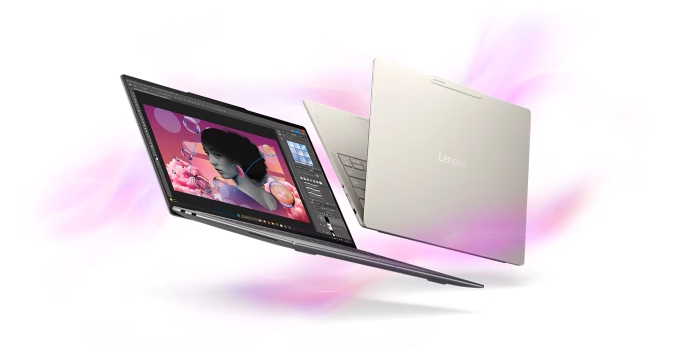
This notebook comes with either a 1200p or 1800p OLED display, with or without touch. Both deliver an infinite contrast ratio and wide color gamut coverage. Just keep in mind, the default screen isn't as bright as the optional one and is limited to 60 Hz. The pricier sibling boasts higher max brightness, a 120 Hz refresh rate, and 99% Adobe RGB coverage (according to Lenovo). Both options are great for photo and video editing, but if you've got the extra cash, the high-res version is definitely the one to get.
Upgradability? Sure, you can swap the SSD—but that's about it. My main advice is to avoid the 16 GB configurations. The memory is soldered, and that capacity would become a limiting factor down the road. On the bright side, the I/O gives you three full-function Thunderbolt 4 ports. You also get Wi-Fi 7 and a facial-recognition webcam. Throw in the quad-speaker setup and the good keyboard and trackpad, and you end up with a highly capable, super-portable machine.
The Aura Edition treatment on the Yoga Slim 7i is less about piling on extra features and more about making your laptop feel like a proactive assistant. Instead of a passive OS that sits there, the system uses "Smart Modes" to actually adapt to your environment and workflow in real time. If you're sitting in a busy coffee shop, Shield Mode uses the IR camera to keep an eye on people looking over your shoulder; it'll blur your screen or automatically lock the PC the second you step away from your desk. When it's time to lock in, Attention Mode clears the path by blocking the sites that kill your productivity. For the long haul, there's Wellness Mode - it acts as a gentle nag, monitoring your posture and giving you specific cues to rest your eyes before the digital eye strain sets in.
Getting files from your phone is just as intuitive with Smart Share; you literally just tap your device against the display bezel to beam photos over without messing with cloud syncing or cables. If things ever go sideways, Smart Care puts you in touch with live, premium support experts directly from a built-in dashboard, skipping the typical support ticket headache. Behind the scenes, Aura hooks directly into the system's power management, dynamically adjusting how the processor sips juice so you get snappy responsiveness without tanking your battery life. This mindful design philosophy extends all the way to the physical product, which features sustainable recycled metals and ships in 100% plastic-free packaging. Ultimately, it keeps the platform from feeling like a disjointed pile of pre-installed apps, turning the laptop into a genuinely cohesive, AI-guided workspace.
Beyond the software, the hardware is all about pure, thin-and-light endurance. Because this machine is built for mobility rather than desktop-class muscle, it swaps out the power-hungry H-series chips for efficient Panther Lake Series 3 processors (like the Core Ultra 5 325 or Ultra 7 355). These two 8-core chips are the best choice for work. The 6-core Core Ultra 5 322 is for those users who don't really need the full potential power of the machine. Since there's no dedicated GPU to feed, the system stays cool and keeps the battery running longer—all packed into a travel-ready frame that weighs just over a kilo. Speaking of graphics, the iGPU here is the Intel Graphics 4 Xe. This entry-level solution performs respectably for its class, meaning you can even play newer titles from time to time with the help of Intel XeSS.
Specifications
| Specifications | |
|---|---|
| Manufacturer: | Lenovo |
| Model: | Lenovo Yoga Slim 7i Aura Edition (14IPH11) |
| Weight: | 1.14-1.22 kg |
| Processor: | Intel Core Ultra 5 322/Panther Lake 2 P-Cores+4 LPE-cores/6 threads up to 4.4 GHz, 12 MB L3 cache 25 W Base Power Intel Core Ultra 5 325/Panther Lake 4 P-Cores+4 LPE-cores/8 threads up to 4.5 GHz, 12 MB L3 cache 25 W Base Power Intel Core Ultra 7 355/Panther Lake 4 P-Cores+4 LPE-cores/8 threads up to 4.7 GHz, 12 MB L3 cache 25 W Base Power |
| Chipset: | Intel Panther Lake-H PCH |
| Display: | Default Display: 14"/1920×1200 (16:10)/OLED/ 60 Hz ~400 nits/100% DCI-P3/Glossy DisplayHDR True Black 500 Optional Display: 14"/1920×1200 (16:10)/OLED/ 60 Hz ~400 nits/100% DCI-P3/Glossy Touchscreen/Anti-fingerprint G-SYNC/DisplayHDR True Black 1000 14"/2880×1800 (16:10)/OLED/ 120 Hz ~500 nits/100% DCI-P3/Glossy DisplayHDR True Black 500 Optional Display: 14"/2880×1800 (16:10)/OLED/ 120 Hz ~500 nits/100% DCI-P3/Glossy Touchscreen/Anti-fingerprint DisplayHDR True Black 1000 |
| Operating System: | Microsoft Windows 11 Home/11 Pro/No OS |
| Integrated Graphics: | Intel Graphics 4 Xe3 |
| Memory: | up to 32 GB of soldered LPDDR5x-7467 | Storage: | 1× M.2 2242 PCI Express 4.0 x4 |
| Optical Drive: | None |
| Connectivity: | 3× 40 Gbps Thunderbolt 4 with DP 2.1/65 W PD |
| Communications: | Wi-Fi 7 + Bluetooth 5.4 5MP IR webcam with E-shutter |
| Audio: | 2× 2 W woofers +2× 2 W tweeters optimized with Dolby Atmos + Smart Amplifier (AMP) |
| Input device: | Buttonless glass surface multi-touch touchpad Backlit Keyboard with 1.5 mm key travel and Copilot key |
| Power: | 1× 65 W Type-C adapter (optional) 70 Wh battery |
| Warranty: | Two years |
| MSRP: | Starting at $1080 |
Packaging
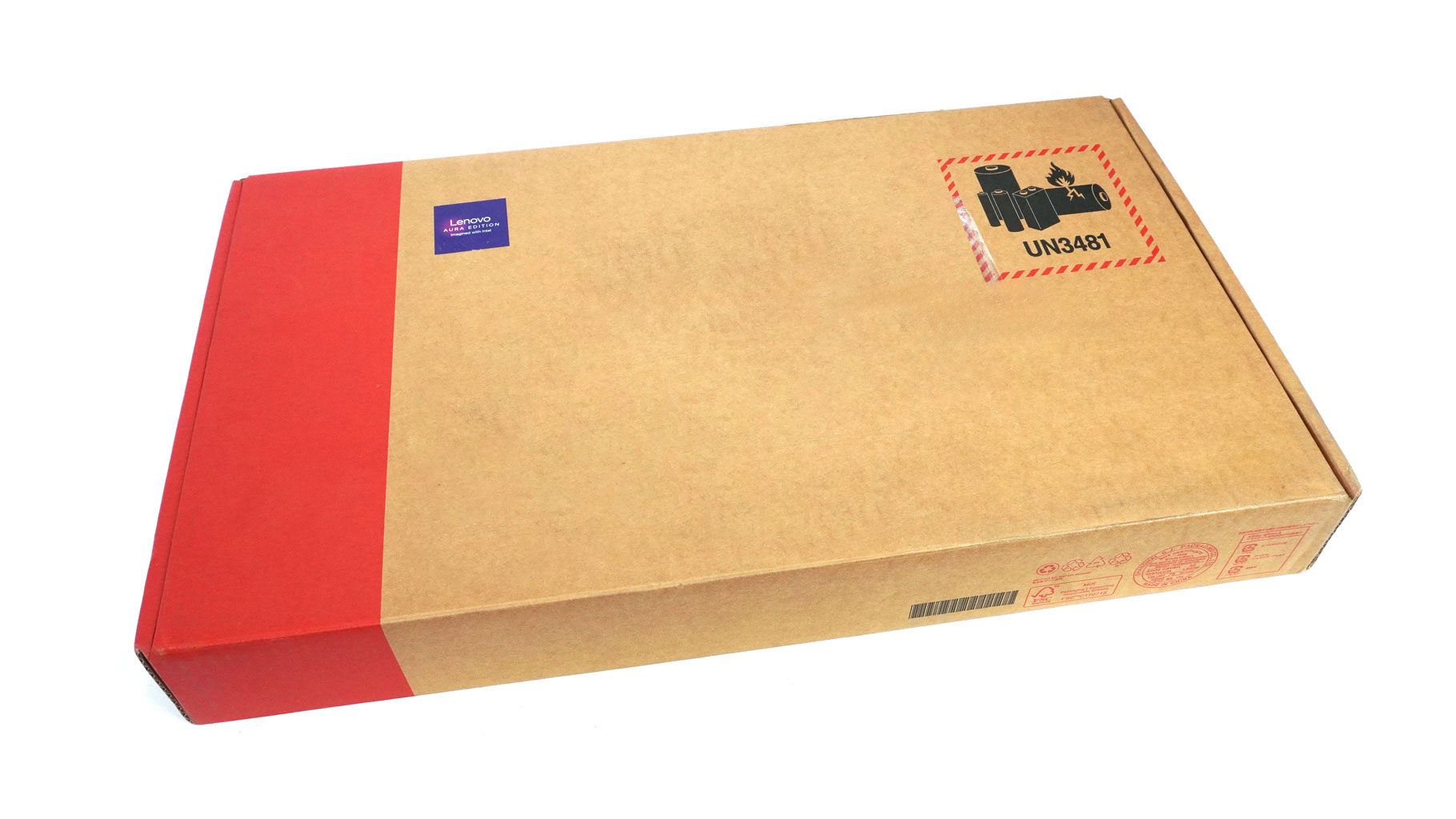
The cardboard box houses the laptop and a few manuals. Our version has no power adapter, which unfortunately is an option.


Still, Lenovo has thrown in a Yoga Mouse in a seashell color.

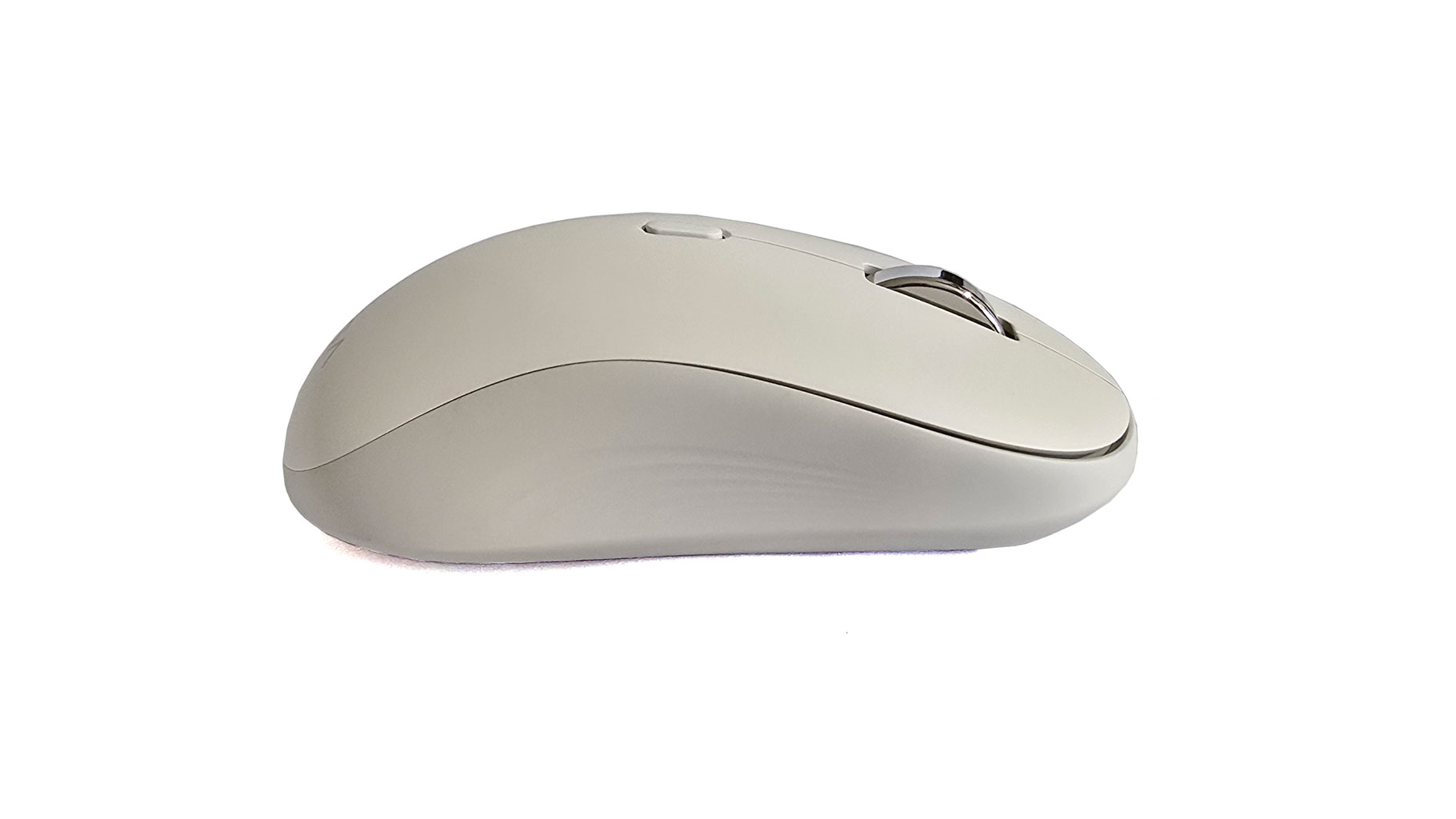
It offers incredibly silent clicks, long battery life, and good build quality.
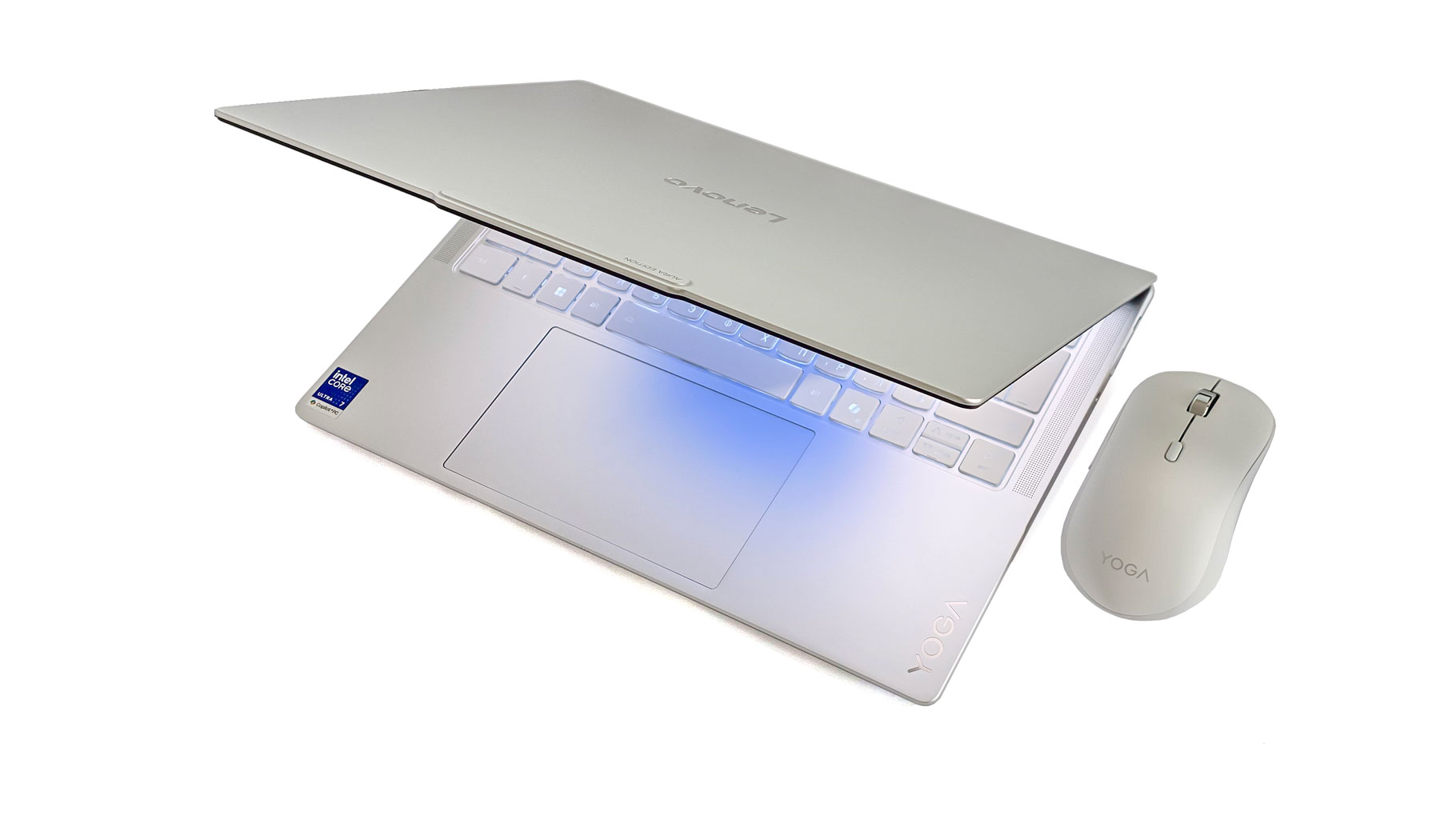
On the other hand, I definitely prefer to have a 65 W charger in the box instead of a mouse, no matter how good it is.
A Closer Look - Outside
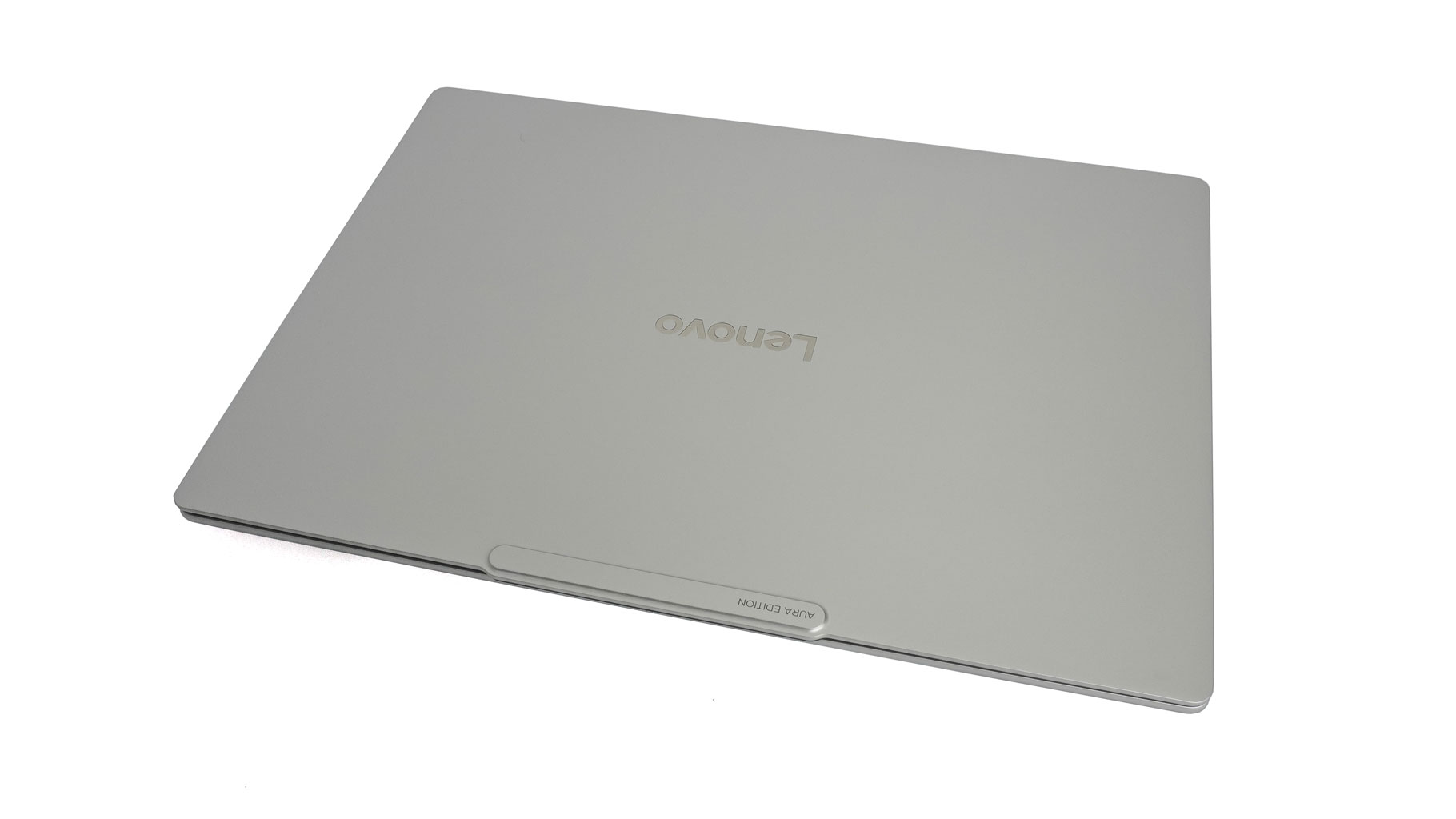

The 14-inch Yoga Slim 7i Aura Edition features Lenovo's signature modern design lines. This means rounded corners, curved side edges, and a top lip for easier opening. Personally, I think sharp edges look cooler, but they dig into your wrists. Lenovo's approach is right on the money for user comfort.

The aluminium build, combined with the ultra-thin 13.9 mm profile, adds a seriously premium feel. When I picked up the machine for the first time, I was surprised by how light it is—just 1.14 kg. The touchscreen versions are only 80 grams heavier, which is next to nothing in my book.
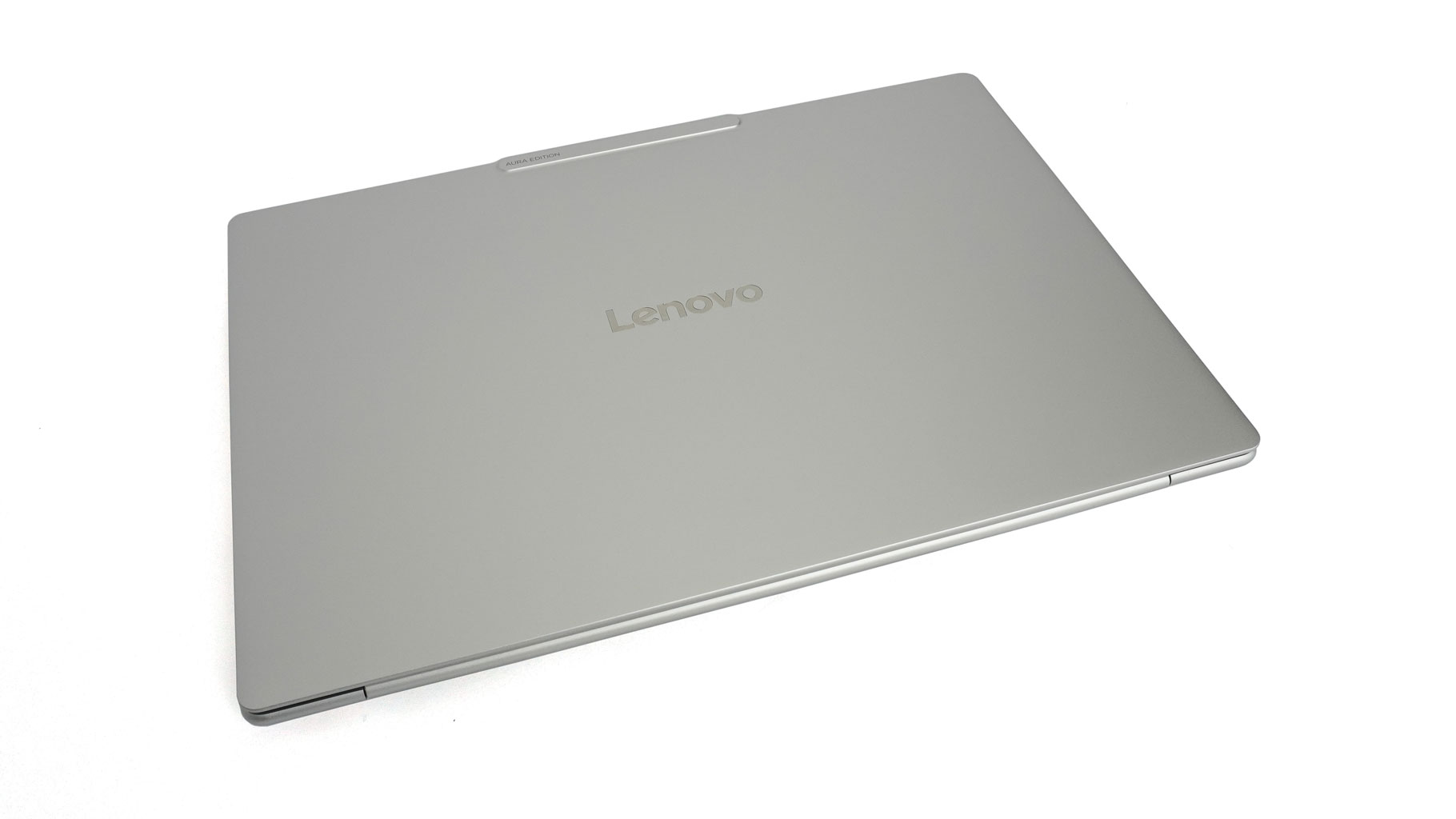
Chassis rigidity is solid. The thin display panel flexes and twists, but only if you're trying to do it on purpose. For everyday use, everything feels perfectly fine. The main body is rigid. Heavy typing, pushing hard on the deck—it stays completely intact!
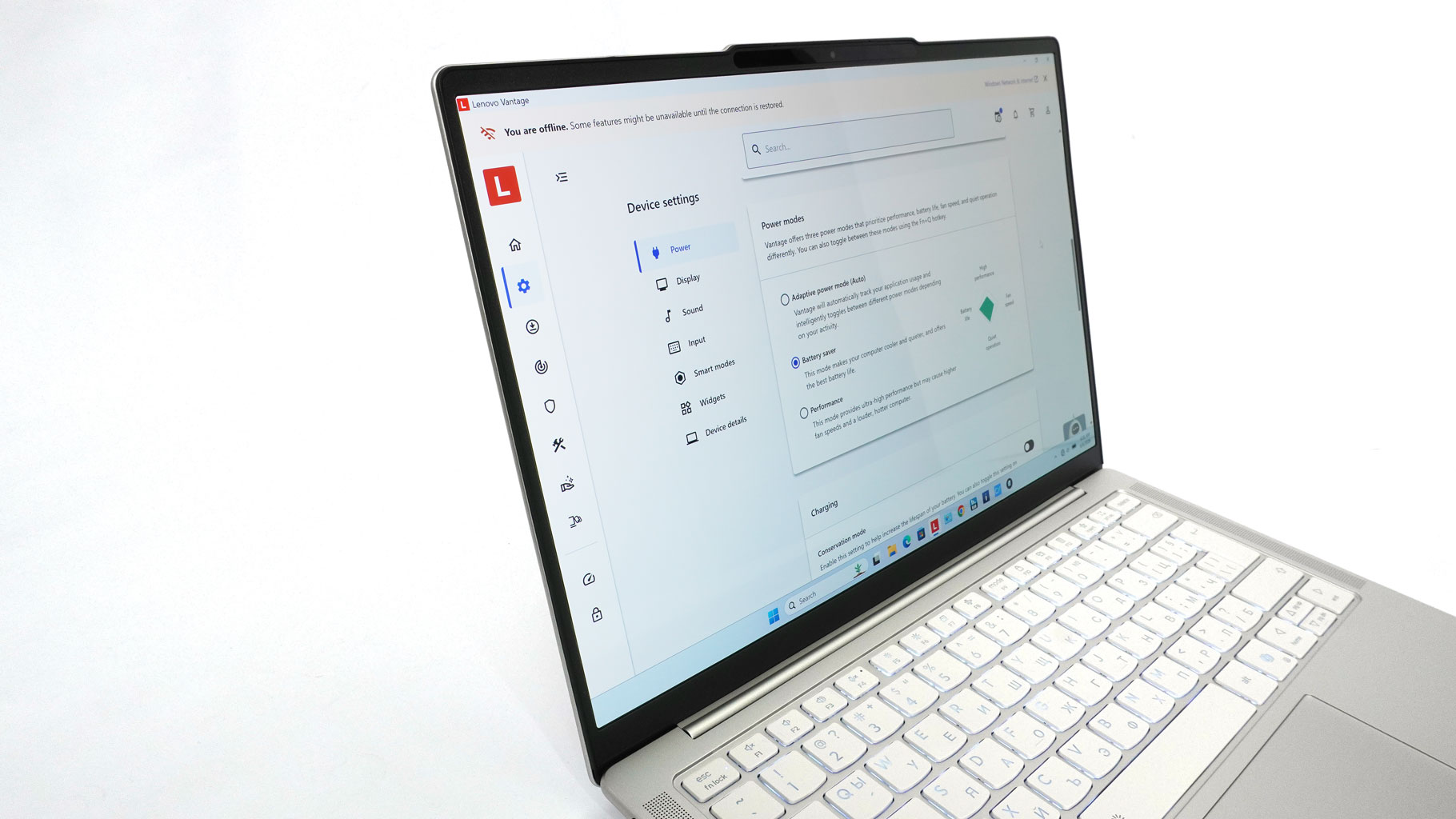
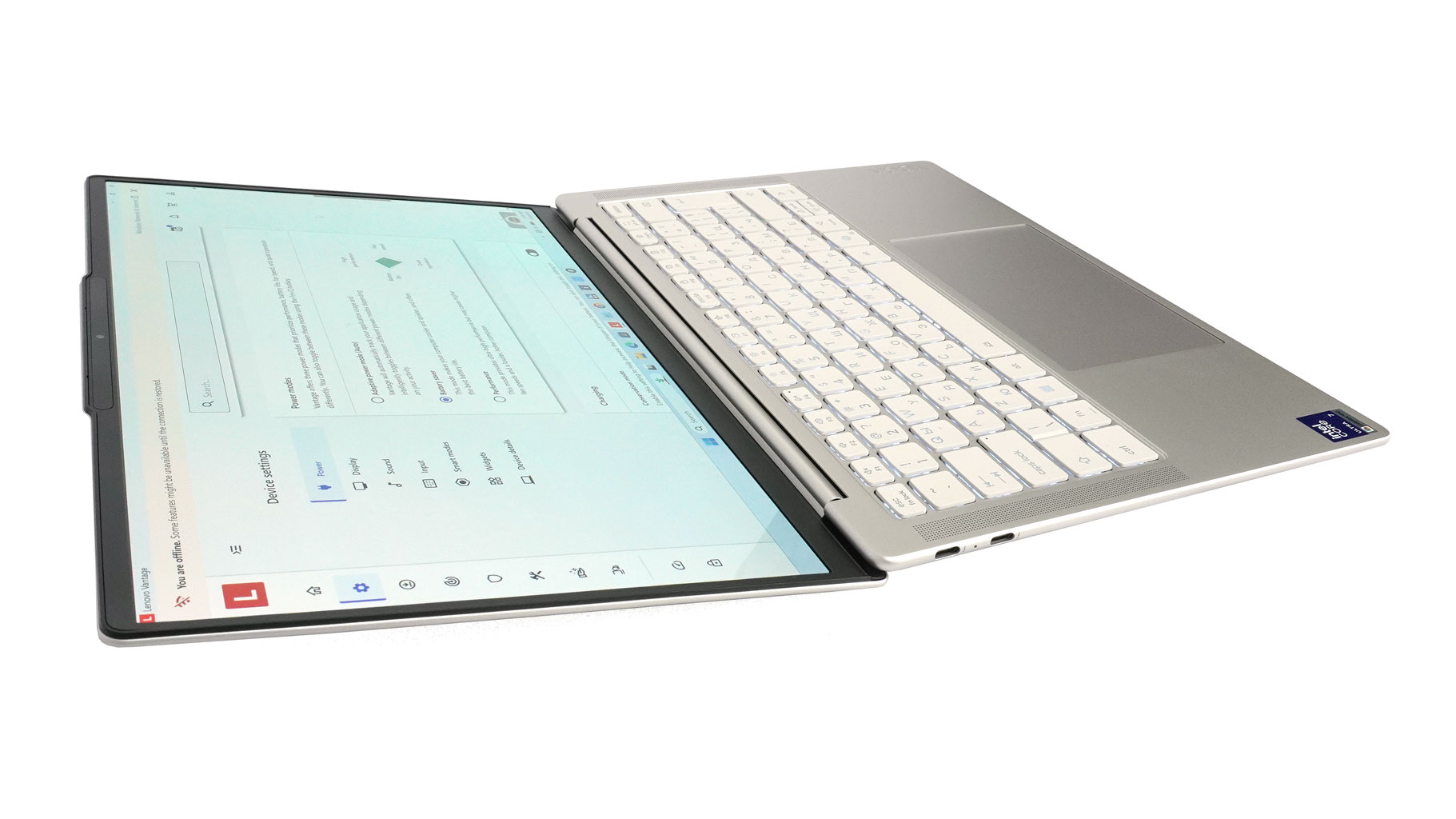
I love how well the slim dark bezels around the OLED contrast with the light-colored chassis. Sure, the bottom bezel is a bit chunkier, but it's hardly a deal-breaker.

The notch on top houses a 5 MP webcam with facial recognition for blazing-fast Windows Hello logins. The camera is paired with an E-shutter.
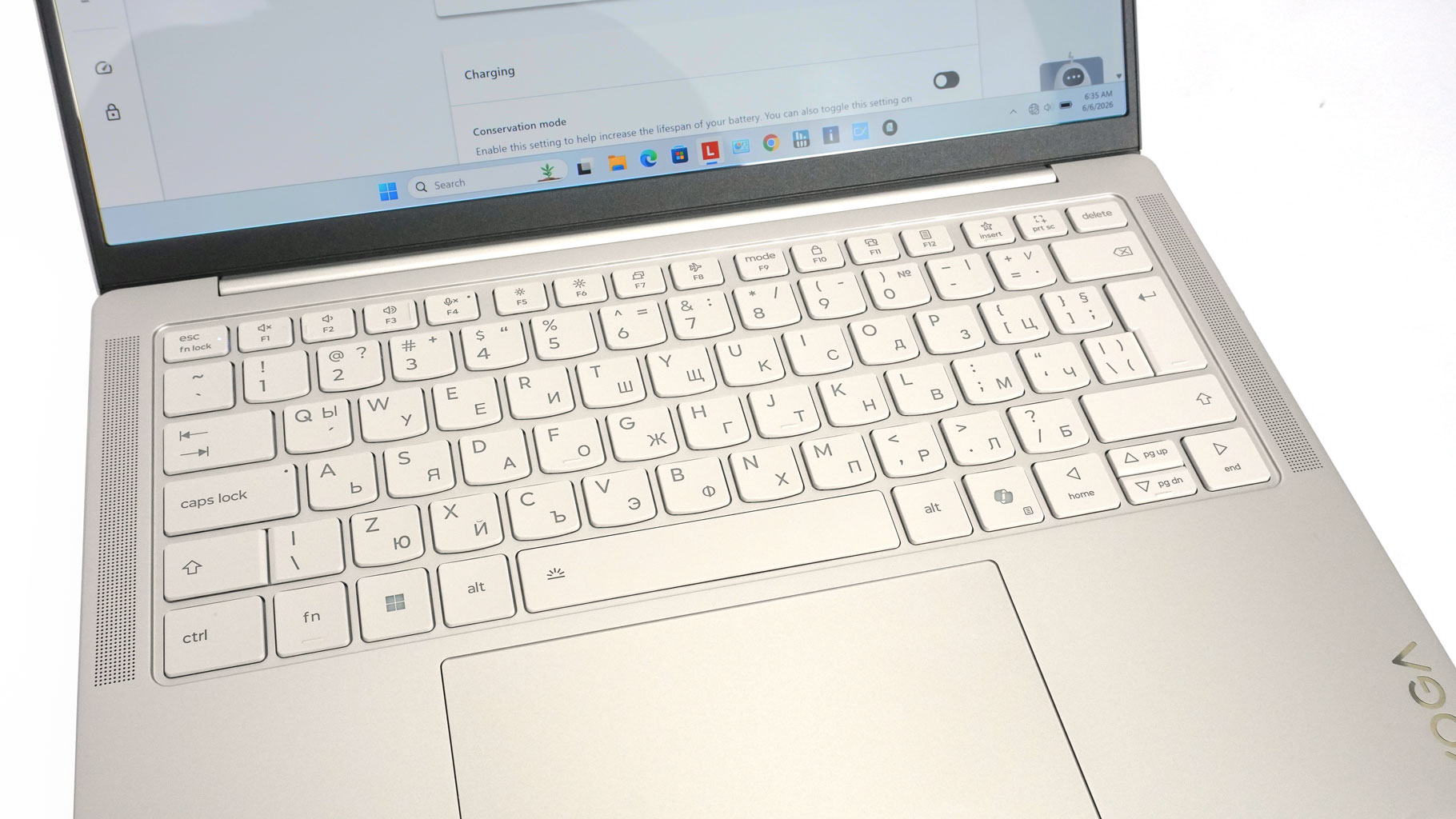
The keyboard, surrounded by tweeter grilles, has a backlight and, according to Lenovo, offers 1.5 mm key travel. While typing, it feels exactly average. Still, the keycaps are large and well spaced, and their feedback is great. So, in reality, typing here feels normal. Don't forget the slim laptop's profile, though.
Oh, wait, bright chassis and white keycaps with a white backlight! Hold your horses, that combination actually works somehow because both areas contrast decently during typing. Still, this approach ain't perfect, but the Seashell-colored chassis is definitely a looker. If you prefer pure functionality over eye candy, grab the version with the Luna Grey finish.
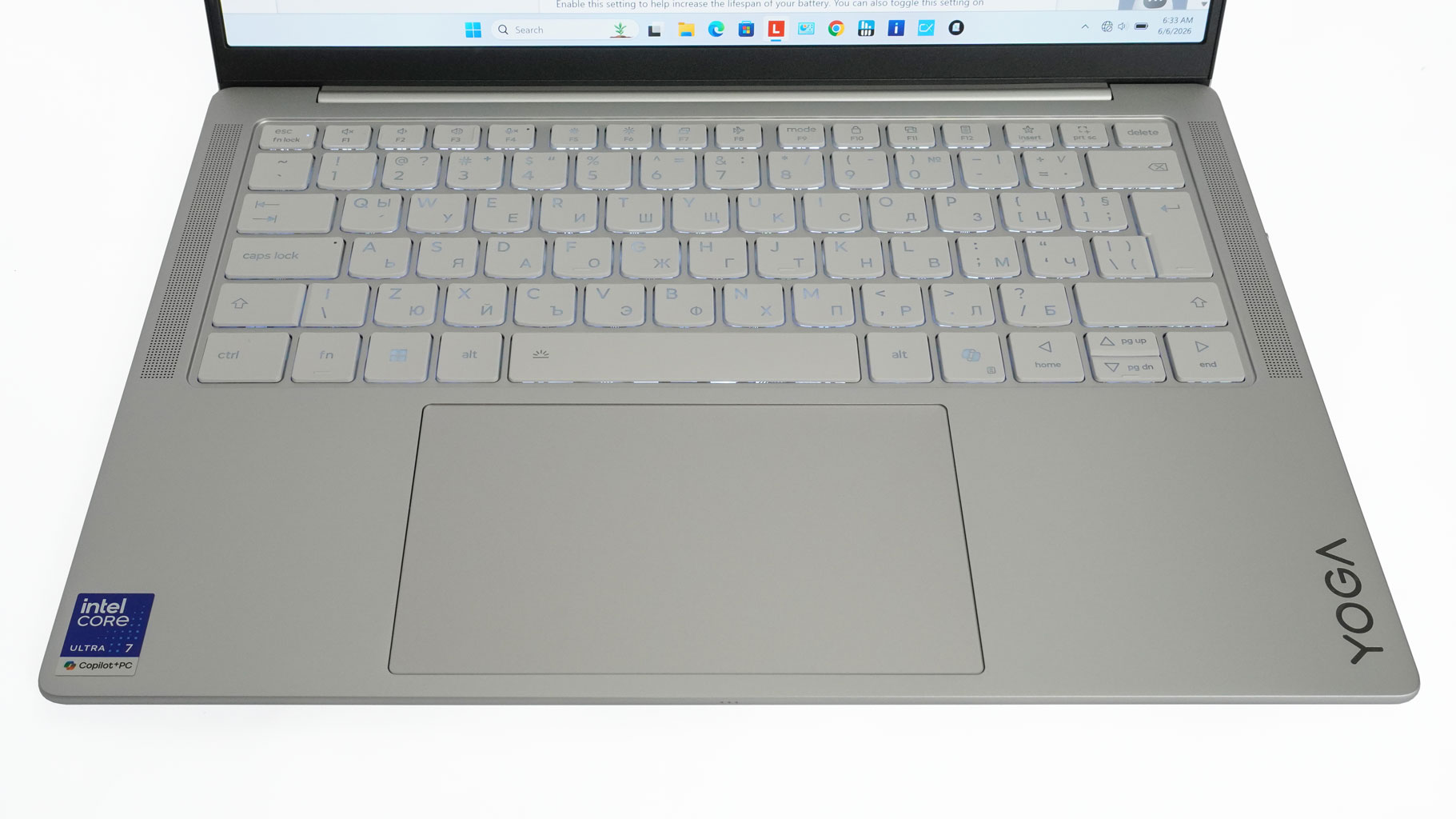
A massive touchpad (80×135 mm) dominates the lower half of the deck. The glass surface is excellent, offering smooth gliding and top-notch precision. Honestly, I'm more impressed with the trackpad than the keyboard. That little sticker on the left is a gentle reminder that you're dealing with a Copilot+ PC powered by Intel.
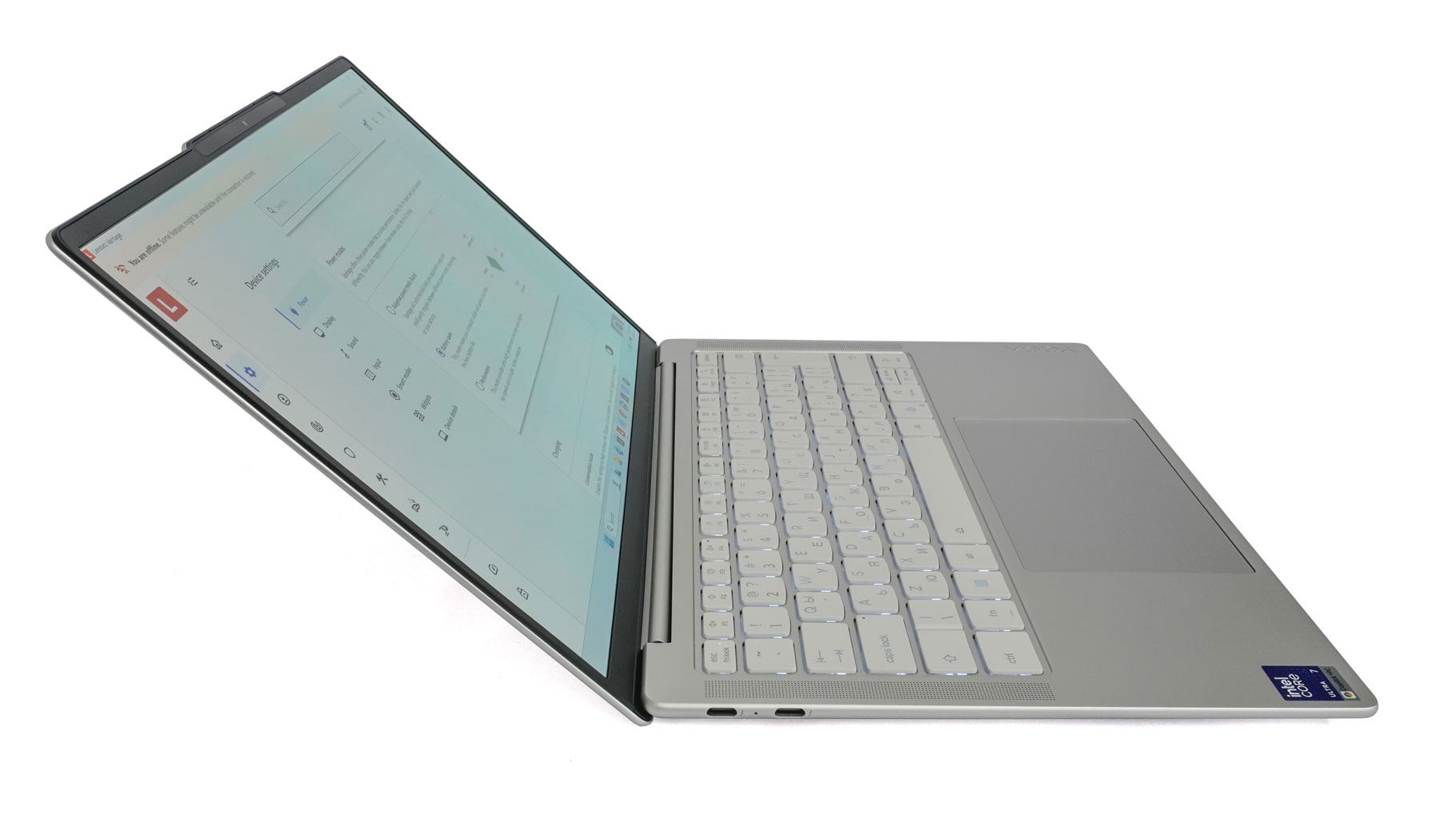
The lid can't lie flat, but the max opening angle is enough for normal work.
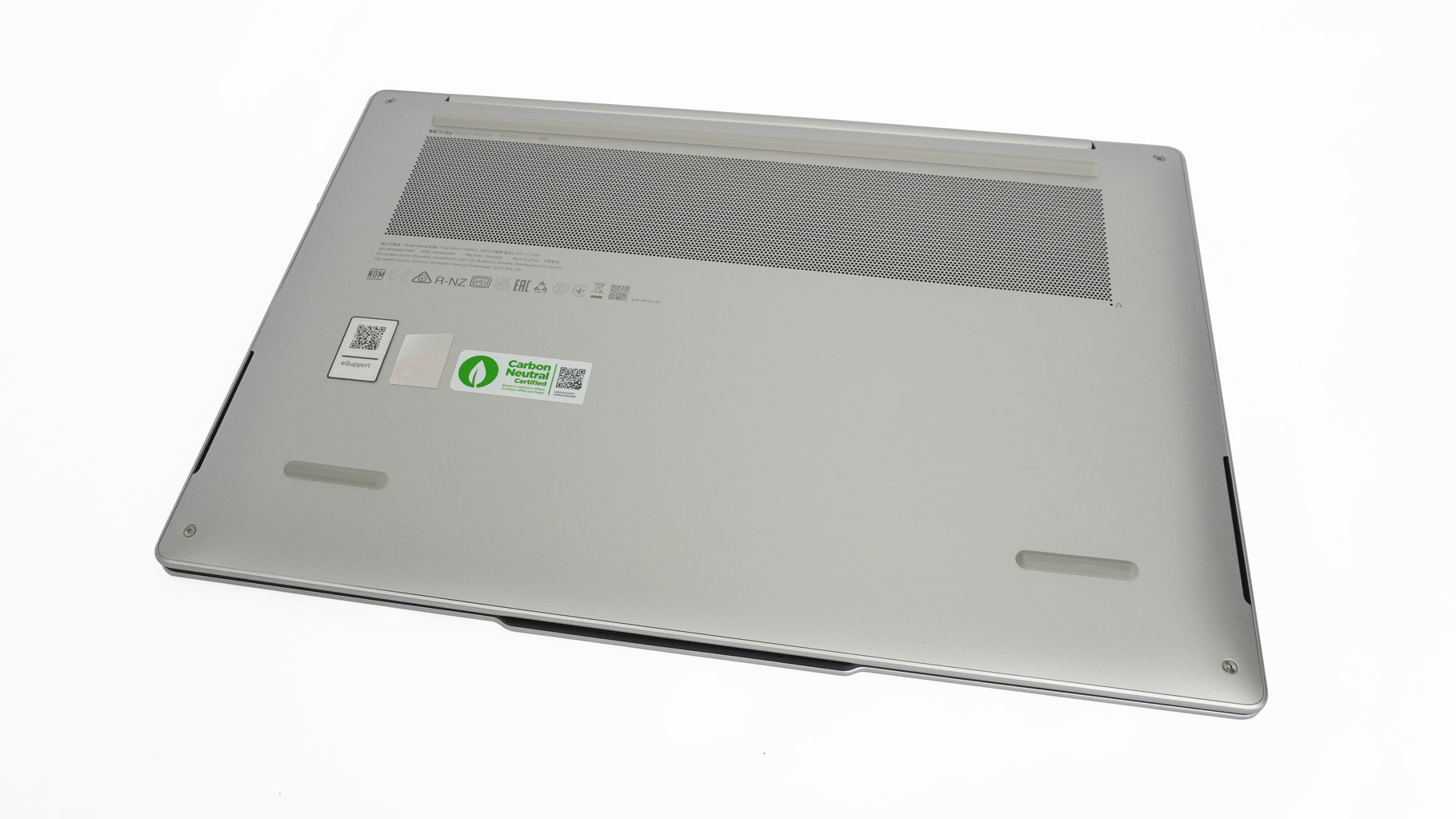
On the bottom, you'll find a pair of speaker cutouts alongside the mandatory three rubber feet. The dual cooling fans draw in fresh air through a sizable ventilation grille.
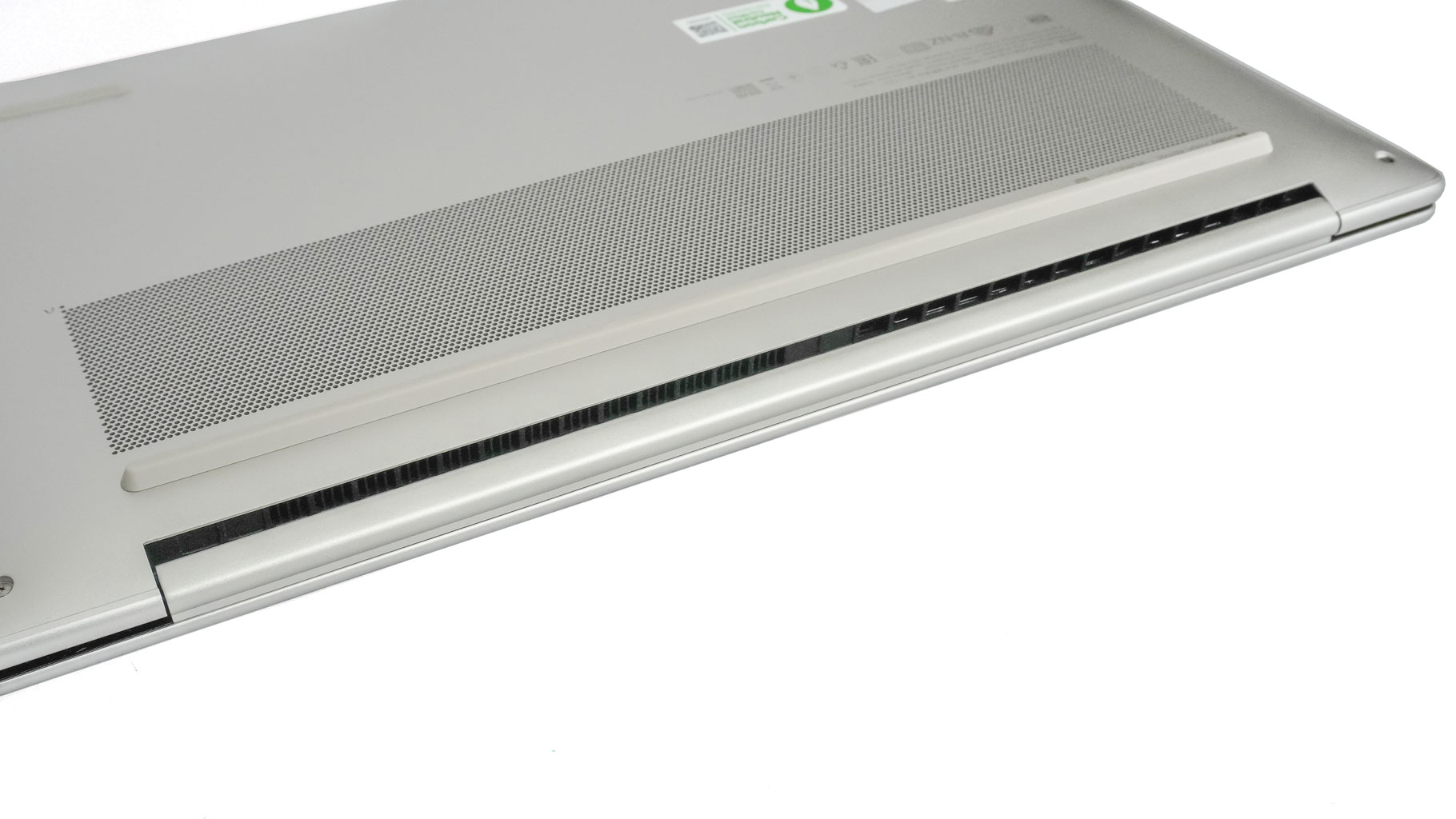
Exhaust air is pushed out through a rear vent located right above the fans. There's also a secondary vent for passive heat dissipation, and thanks to the hinge cover placement, most of that heat stays well away from your precious OLED panel.
Ports and Connectivity
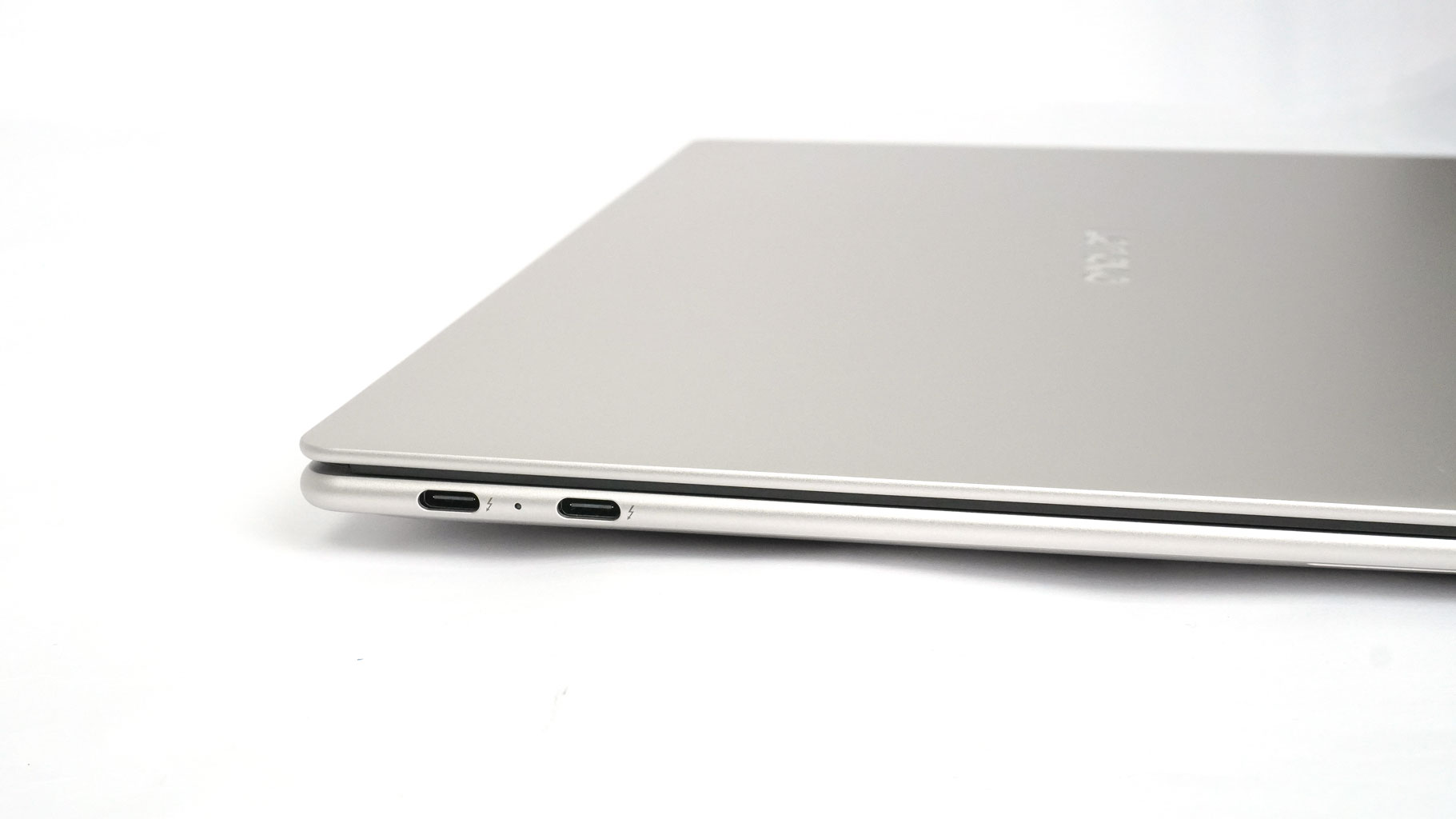
On the left, you get a pair of 40 Gbps Thunderbolt 4.
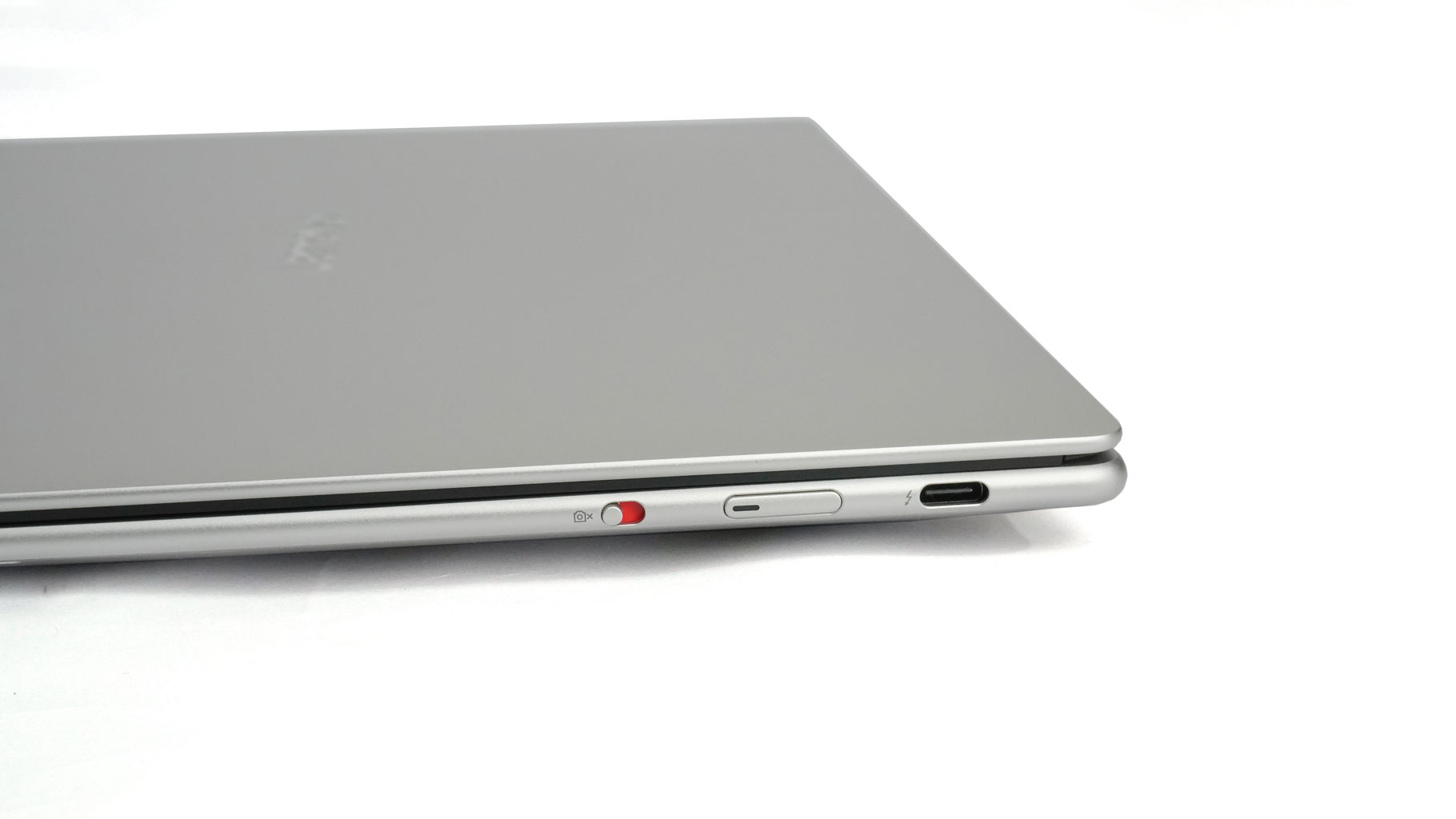
The right side has another 40 Gbps Thunderbolt 4, a Power button, and an E-shutter switch.
All three Type-C connectors support DP 2.1 (8K@60 Hz) and 65 W PD.
Our Patreon Silver Supporters can read articles in single-page format.
Nov 22nd, 2026 18:11 CST
change timezone
Latest GPU Drivers
New Forum Posts
- Increasing Power Limit? (3)
- What are you playing? (26240)
- UPS what one to get? (48)
- Honestly, do you care about GTA VI? (265)
- Your PC ATM (36458)
- Gacha Games - Discussions, Pulls, Updates, etc. (1157)
- Last game you purchased? (1414)
- Making a game in Godot engine (19)
- Intel D270 (5)
- X870E AORUS ELITE WIFI7 thread with setting and OC (69)
Popular Reviews
- Microsoft Surface Laptop Ultra Review - The Next-gen Arm Laptop
- Corsair RM1200e (Second Generation) Review
- Upcoming Hardware Launches 2027 (Updated Nov 2026)
- Pulsar Office Tour & First Look at P1 Dual-Sensor Mouse
- Ugreen NASync DXP4800 GT Review
- AMD Ryzen 7 9800X3D Review - The Best Gaming Processor
- AMD Zen 6 Technical Deep Dive
- AMD Ryzen 7 5800X3D 10th Anniversary Review
- Phantom Blade Zero Performance Benchmark Review - 35 GPUs Tested
- Biwin Black Opal NV7400 2 TB Review
TPU on YouTube
Controversial News Posts
- NVIDIA Co-Founder and CEO Jensen Huang Officially Resigns (492)
- Report: Jensen Huang Eyes NVIDIA Comeback (266)
- Open Letter Asking NVIDIA to Reinstate Jensen Huang Passes 115,000 Signatures (184)
- OpenAI CEO Argues Home PCs Waste the World's Limited DRAM Supply (152)
- NVIDIA Launches Investigation Into Jensen Huang's Relationship With Suspected Chinese Spy (136)
- Intel "Raptor Lake Next" 16-Core and 20-Core CPUs Surface (130)
- NVIDIA GeForce RTX 50-Series Scheduled for up to $500 Price Hike This Week (89)
- Intel Razor Lake Gets a 12 P-Core bLLC Chip With No E-Cores, Per Leak (86)