 5
Lian Li UNI FAN SL 120 Wireless Review - Schrödinger's Wireless
(5 Comments) »Introduction

Lian Li has had a strong few years now, starting with its reinvigorated design and engineering team and then releasing some of the more interesting cases, CPU coolers, fans, RGB accessories and even power supplies. These at least make you acknowledge the brand for trying new things that often result in commercial successes. At Computex earlier this year, Lian Li had a massive booth showcasing its upcoming products, and one thing in particular caught my eye—the new wireless fans and strimer cables. You see, the company reps had set up a table with multiple RGB fans and strimer cables positioned far away from the PC itself, without any wires going between them. Sure, the fans were still powered by a cable, and then I realized this was effectively the equivalent of a wireless keyboard or mouse with a USB adapter allowing for a wireless connection to the PC itself. It's now October and Lian Li has released the fans, and so of course I had to get a review done for those interested.

This article is a review of the UNI FAN SL 120 Wireless, which you might also see referred to as the SL v3 120 Wireless fans. They come in black or white color options, as well as in standard or reverse blade configurations. These release alongside a separate set of UNI FAN SL LCD Wireless fans sporting an LCD screen in the middle and coming in the same four options, and there may well be 140 mm size equivalents too. Add to this the RGB strimer wireless cables and at least Lian Li is hitting the launch hard with various products that will be part of its wireless RGB ecosystem. I say wireless, but there is a caveat involved here of course. Think of these as an updated, "wireless" take on the UNI FAN SL series that Lian Li has been selling for a while now, and you now know to also expect clean daisy-chaining and software control too. We'll go over how these fans work, how they connect together and are customized, and of course how they perform. Thanks to Lian Li for providing review samples to TechPowerUp and let's begin with a look at the product specifications in the table below.
Specifications
| LIAN LI UNI FAN SL 120 Wireless | |
|---|---|
| Dimensions: | 120 x 124.5 x 28 mm |
| Rated Speed: | 0, 300-2000 RPM |
| Maximum Airflow: | 69.8 CFM (118.6 m³/h) |
| Noise: | 28.5 dBA |
| Static Pressure: | 2.68 mm H₂O |
| Fan Control: | Near-proprietary fan connectors leading to 4-pin power and wireless controller |
| Power Draw: | 1.8 W peak |
| Warranty: | Three years |
Packaging and Accessories


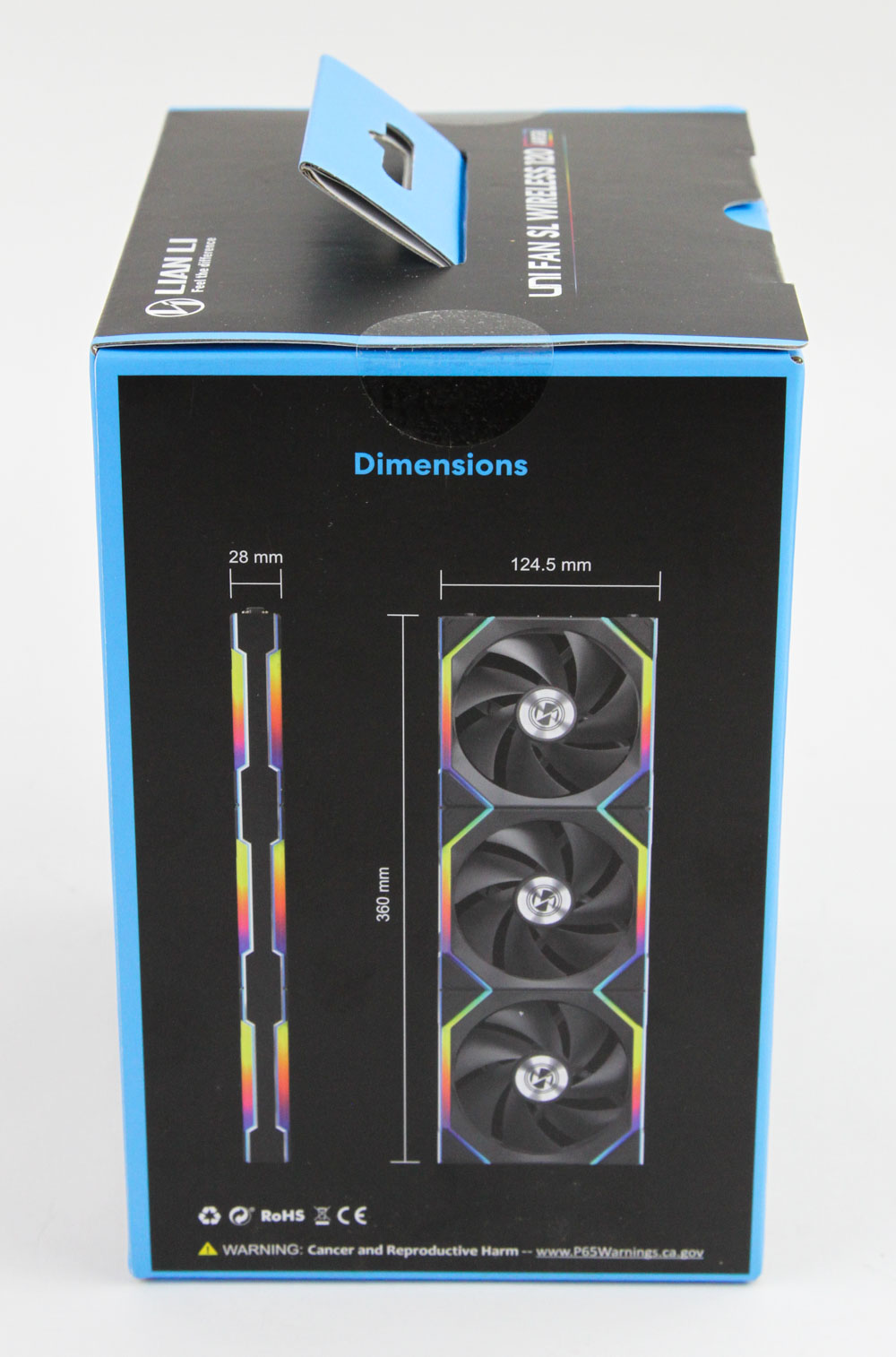
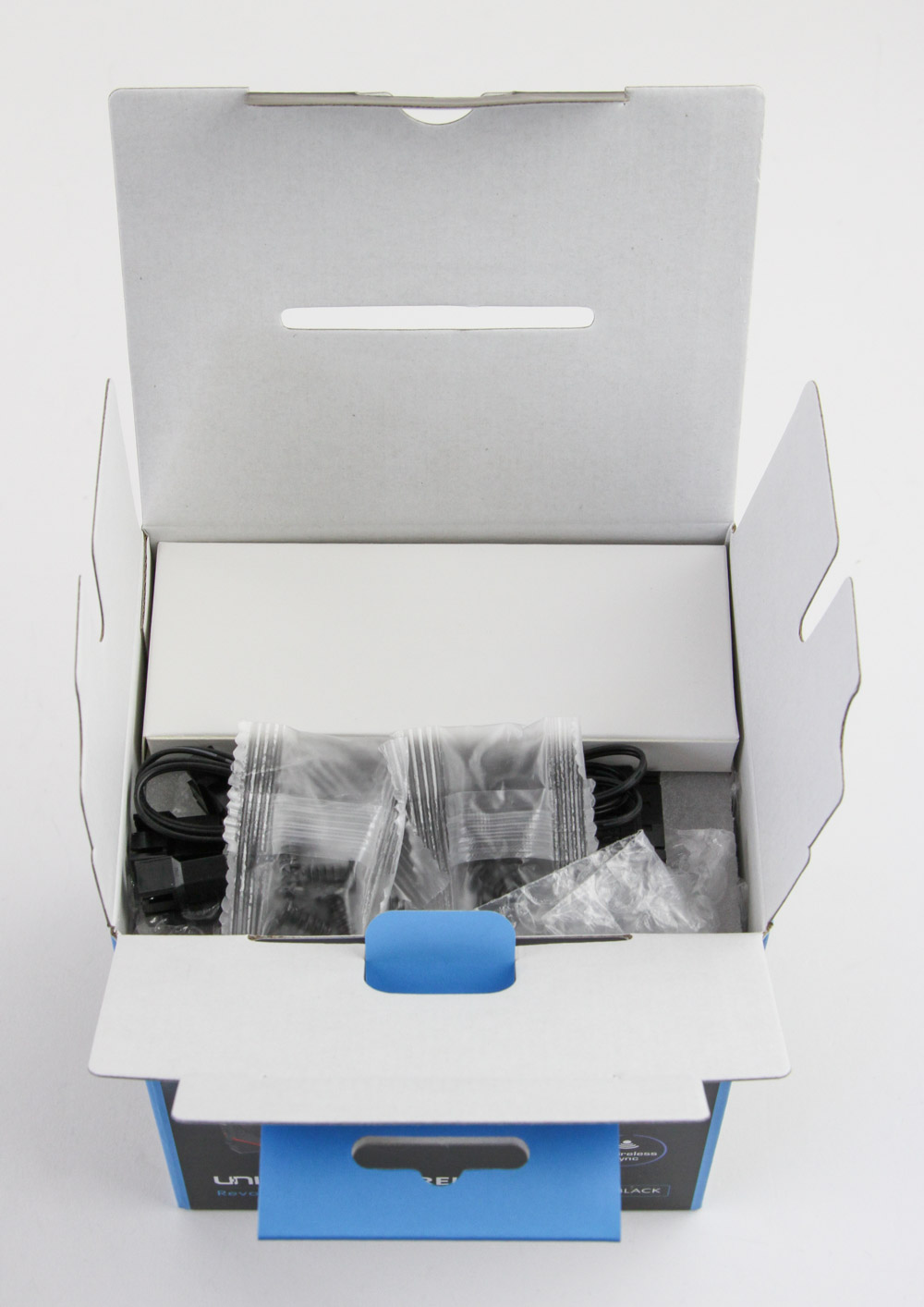
I've reviewed a few Lian Li fans before, so I knew to expect a lot inside. This is especially true if you go for a triple pack, as was the case here, that ships in a thick box in black and blue colors. On the front is a render of the fans lit up with the wireless connection shown right away, and confirmation of fan color too. Another render, this time also of the controller, greets us on the back where we also find product specifications, a list of contents, and marketing features galore. Lian Li gives their digital artist team more recognition with even more renders on the sides, where we also see seals and a double flap helping keep the contents inside in place during transit. Open the box to find a smaller cardboard box that contains the wireless controller and optional adapter cable, with the other accessories on the outside. A foam sheet separates them from the fans below.

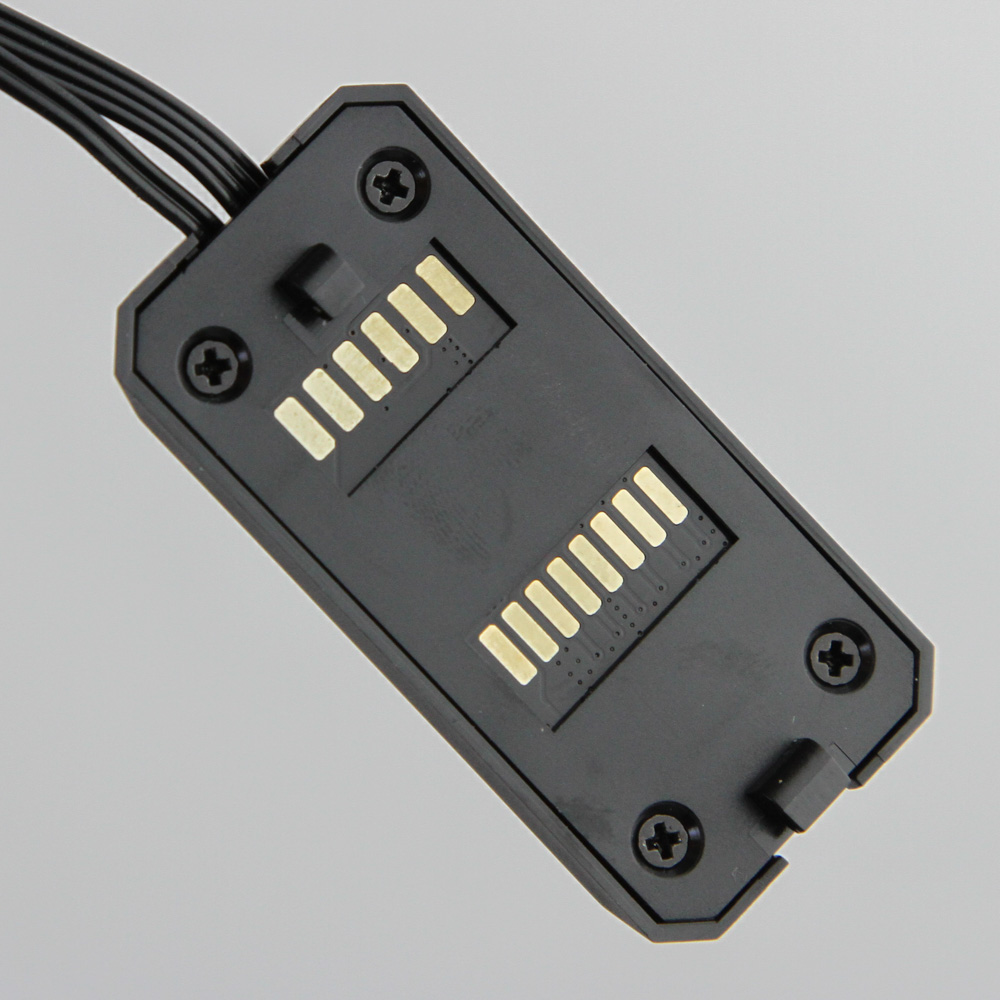
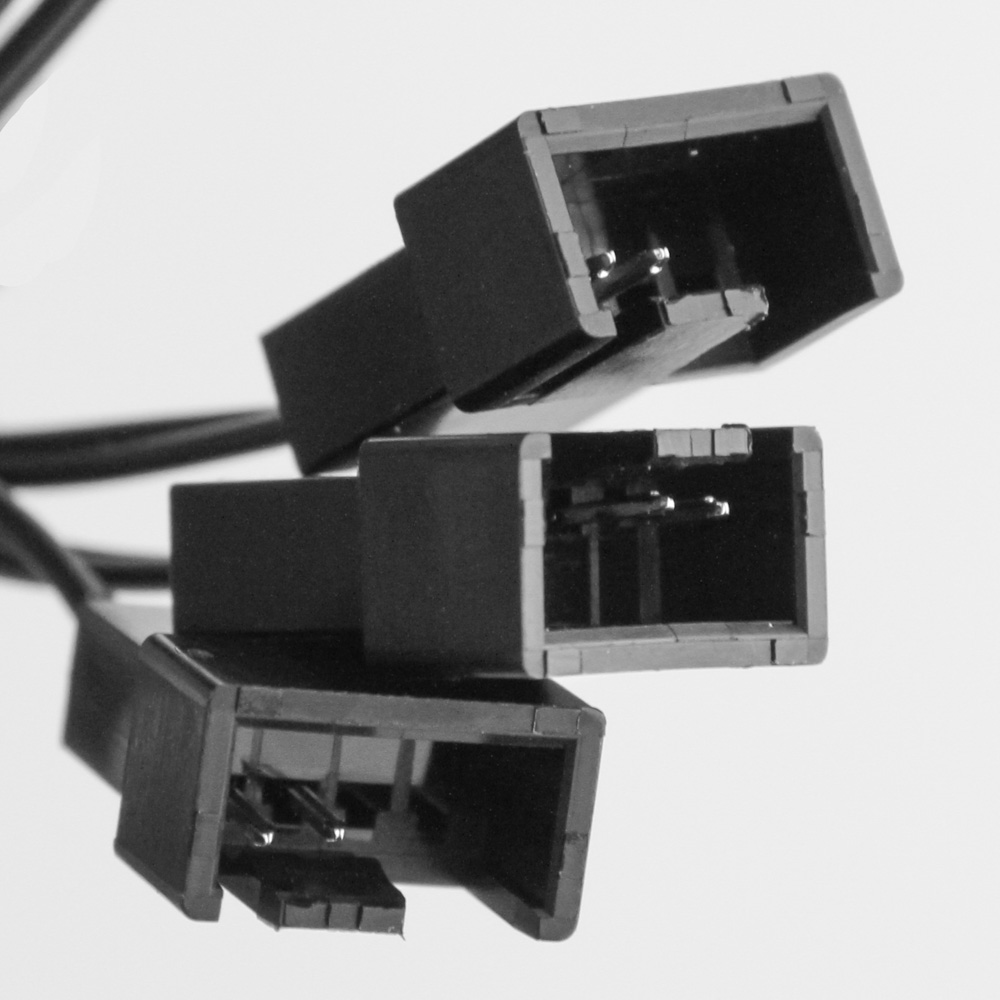
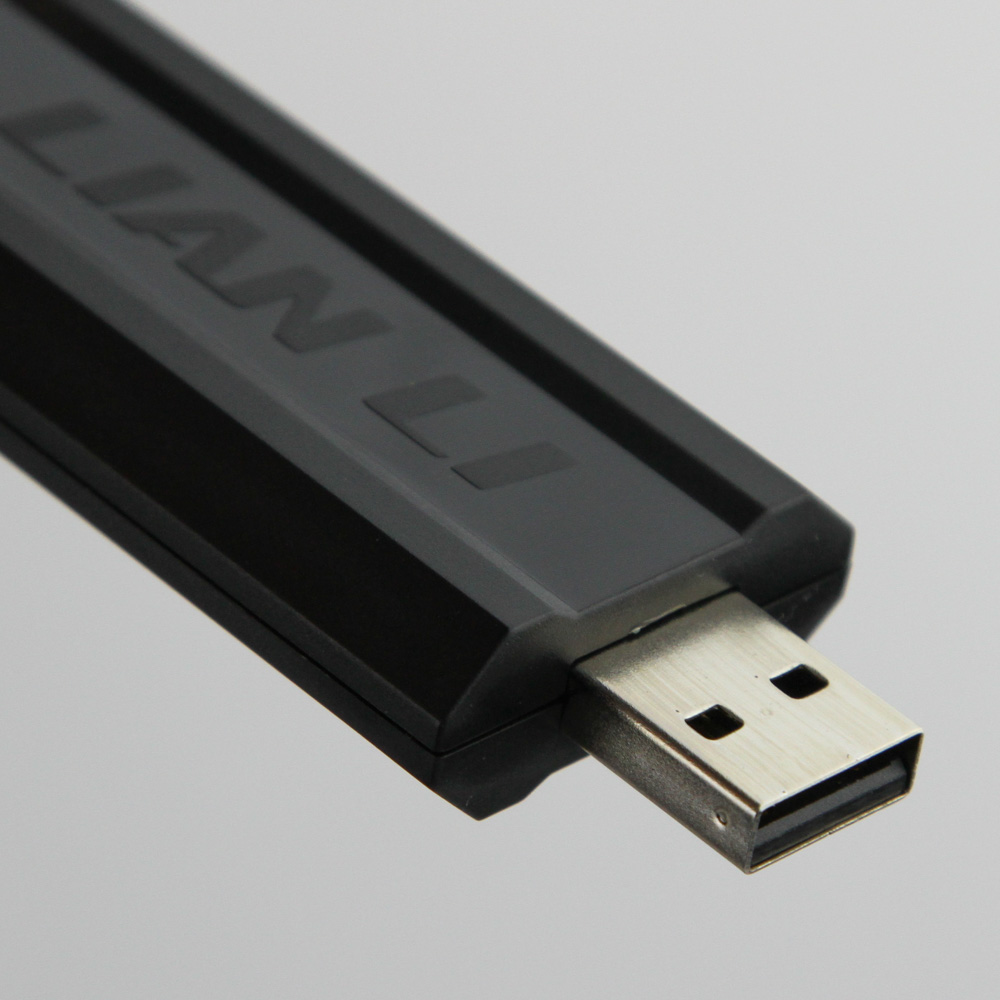


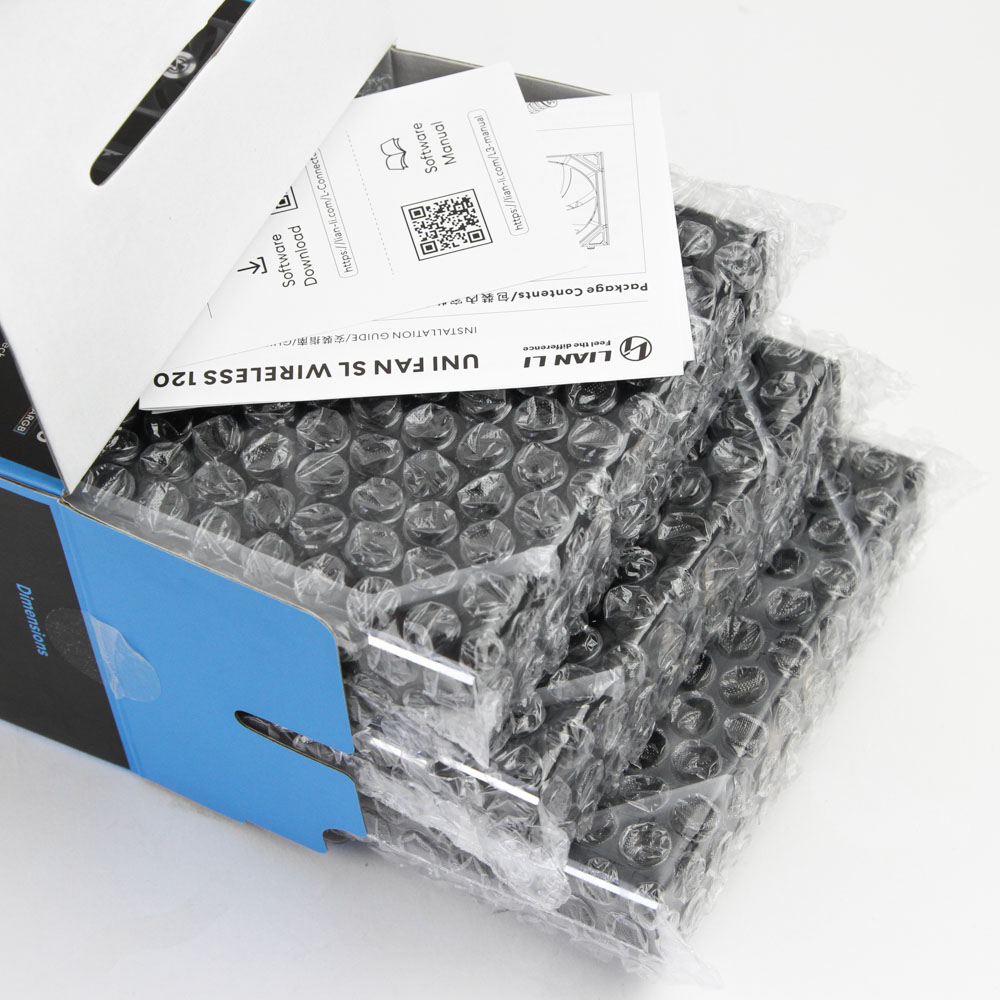
Lian Li includes some paperwork with the wireless controller, which makes sense since you can purchase the controller as a standalone product too. These remind you to download the software and also walk you through how to use the controller. With the triple pack of these fans, you will get three sets of four metal self-tapping screws, the new adapter cable helping power and control the fans which we see is larger and has more going on inside too. It goes to a 4-pin fan header on the other end that is used only to power the fans. If your motherboard fan header does not have enough power for the fans connected together, Lian Li provides a SATA to triple female 4-pin cable to directly power the fans from the PSU. Then we see the wireless controller itself, which is effectively shaped like a large USB drive complete with a removable cover. On the other end is a 7-pin port that the optional controller cable plugs into, and this cable terminates in a 9-pin internal USB 2.0 header and 4-pin PWM fan header. We'll cover the use of all these on the next page if you are confused. Thankfully, Lian Li does make it simple for the end user by providing a separate set of instructions with the fans themselves, which we see come in individual bubble wrap covers for added protection.
Our Patreon Silver Supporters can read articles in single-page format.
Nov 20th, 2026 22:42 PST
change timezone
Latest GPU Drivers
New Forum Posts
- How to prevent OLED burn damage due to PC freezes or power outtages? (50)
- Anthrophics IPO (27)
- RX 9000 series GPU Owners Club (2251)
- Cpu waterblock water shows some tinting = Bad? (17)
- WarpCoreBench scores! (87)
- What are you playing? (26238)
- TPU's Nostalgic Hardware Club (22174)
- Intel Core Ultra 5 processor 250K Plus (14)
- Honestly, do you care about GTA VI? (219)
- SATA drive 1.4 GBps with Intel X25-E on Windows 98! (37)
Popular Reviews
- Microsoft Surface Laptop Ultra Review - The Next-gen Arm Laptop
- Ugreen NASync DXP4800 GT Review
- Corsair RM1200e (Second Generation) Review
- Pulsar Office Tour & First Look at P1 Dual-Sensor Mouse
- Upcoming Hardware Launches 2027 (Updated Nov 2026)
- Acemagic Retro X3 Review
- Biwin Black Opal NV7400 2 TB Review
- AMD Ryzen 7 9800X3D Review - The Best Gaming Processor
- AMD Zen 6 Technical Deep Dive
- Chieftec Iceberg PRO 360 DARK Review
TPU on YouTube
Controversial News Posts
- NVIDIA Co-Founder and CEO Jensen Huang Officially Resigns (491)
- Report: Jensen Huang Eyes NVIDIA Comeback (257)
- Open Letter Asking NVIDIA to Reinstate Jensen Huang Passes 115,000 Signatures (184)
- OpenAI CEO Argues Home PCs Waste the World's Limited DRAM Supply (152)
- NVIDIA Launches Investigation Into Jensen Huang's Relationship With Suspected Chinese Spy (136)
- Intel "Raptor Lake Next" 16-Core and 20-Core CPUs Surface (130)
- Legendary Game Studio BioWare Shuts Down Following EA Layoffs (104)
- NVIDIA GeForce RTX 50-Series Scheduled for up to $500 Price Hike This Week (89)