 113
Metal Gear Solid Δ: Snake Eater Performance Benchmark Review - 30+ GPUs Tested
(113 Comments) »Introduction
Metal Gear Solid Delta: Snake Eater is a third-person narrative-driven stealth-action game developed and published by Konami. A remake of the 2004 classic Metal Gear Solid 3: Snake Eater, it returns players to the tense Cold War setting of 1964, where CIA operative Naked Snake is sent deep into Soviet territory to rescue a defecting scientist, sabotage a nuclear super weapon, and confront his mentor. The game combines tactical espionage, survival mechanics, and cinematic storytelling, allowing players to stalk enemies through jungles, swamps, and military outposts while engaging in stealth takedowns and firefights, incorporating camouflage and injury treatment.
Konami, in collaboration with Virtuos, has built Metal Gear Solid Delta on Unreal Engine 5, replacing the Fox Engine used in earlier versions. This modern engine allows for vast environmental detail and improved character realism, with persistent wounds, dirt, and camouflage effects. The remake also features greatly improved facial animation, cinematic lighting through UE5's Lumen technology, and enhanced physics. The game has support for upscaling technologies like NVIDIA DLSS and AMD FSR, but there is no frame generation support.
This review will evaluate the performance of Metal Gear Solid Δ: Snake Eater across a wide range of contemporary graphics cards, compare image quality settings, and analyze the game's VRAM usage to provide insight into the hardware requirements needed for an optimal experience.
Screenshots
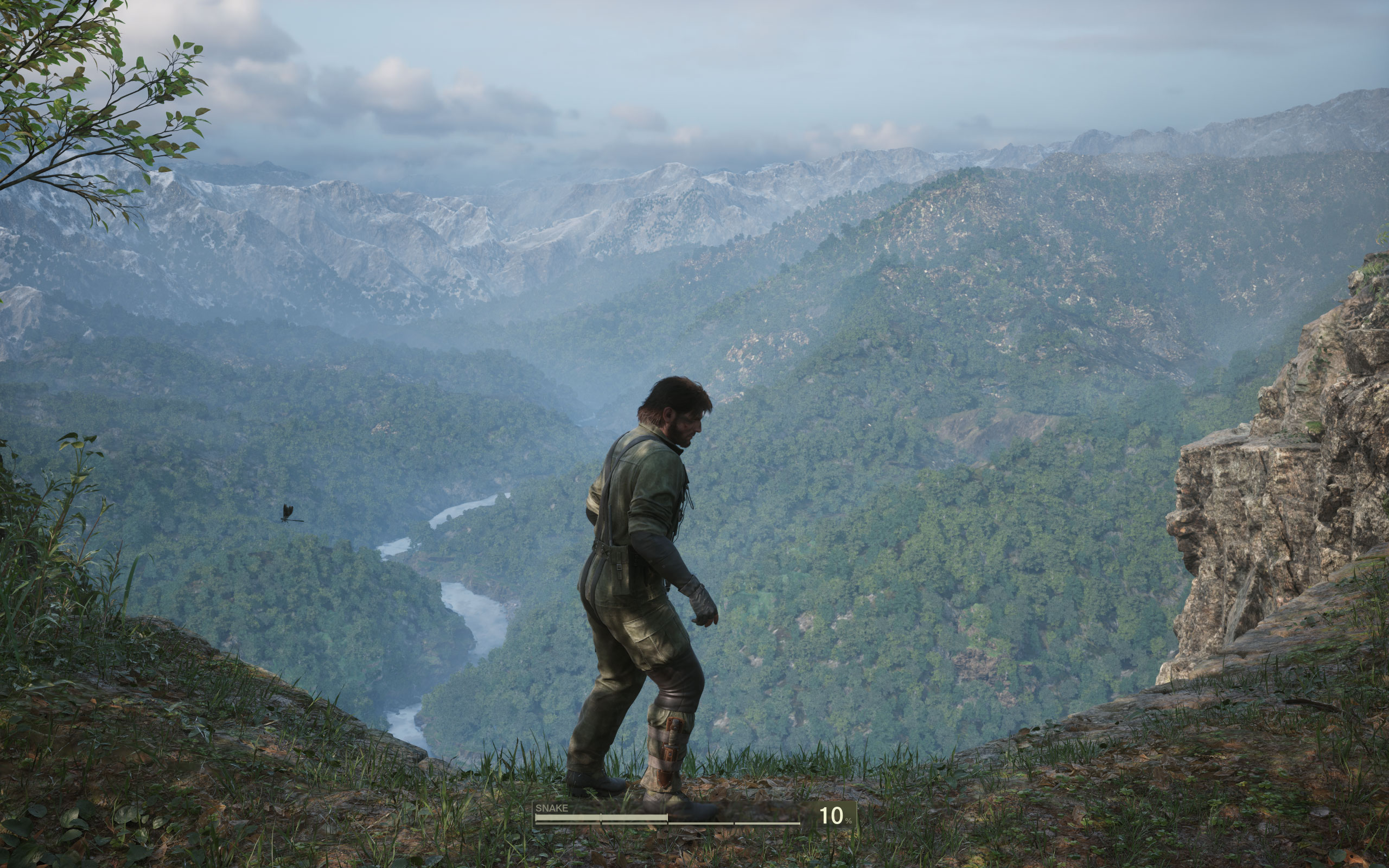
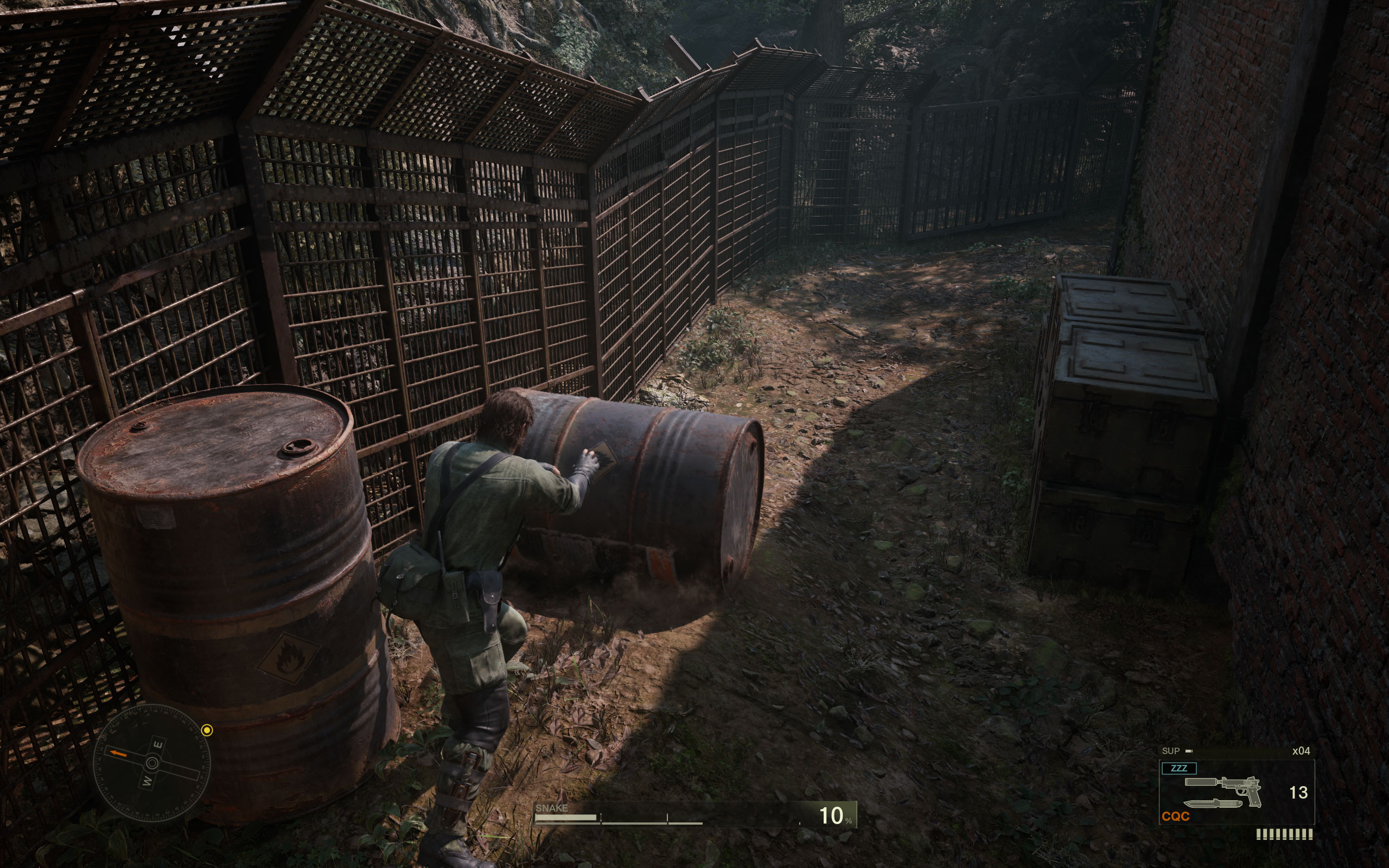
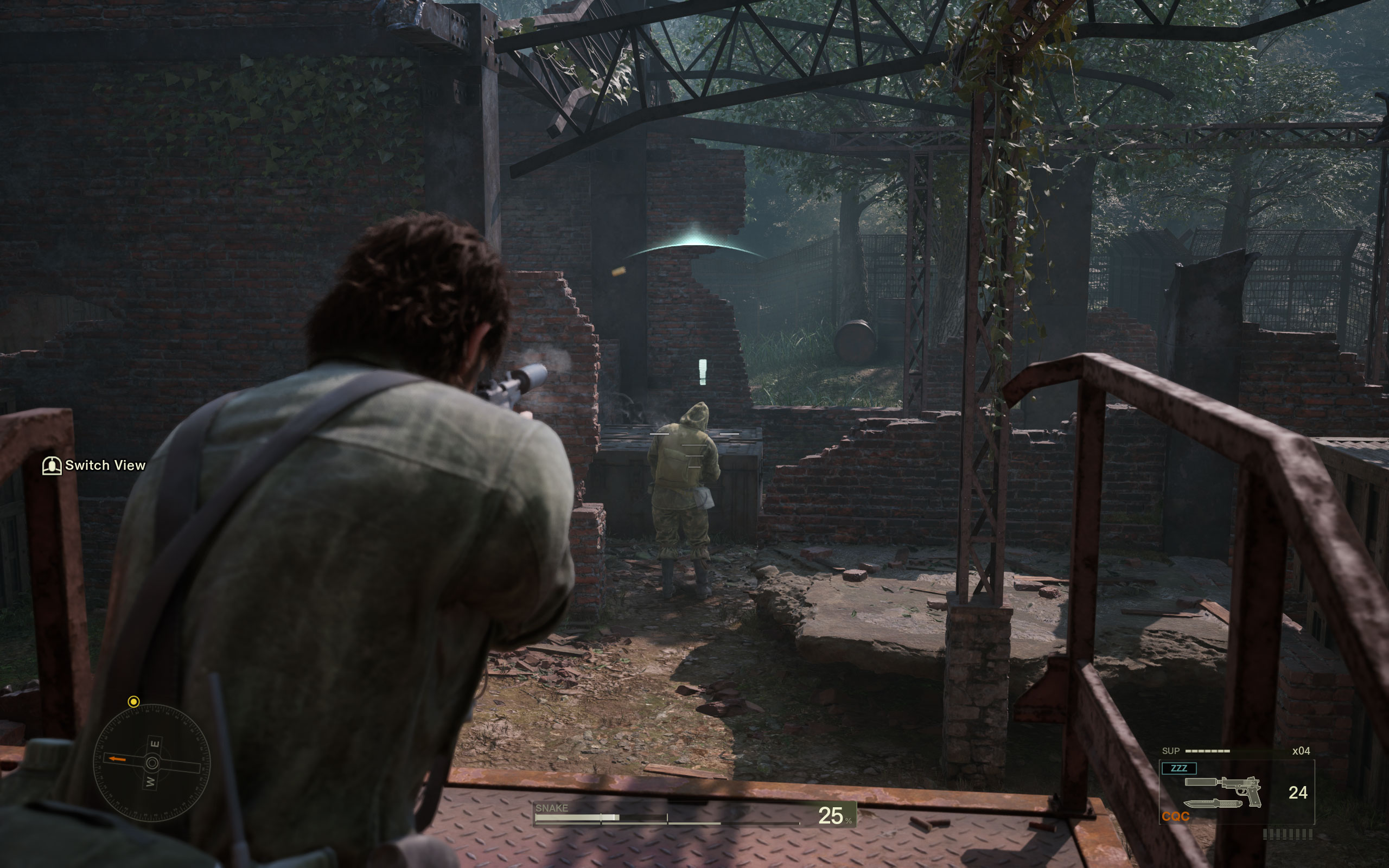
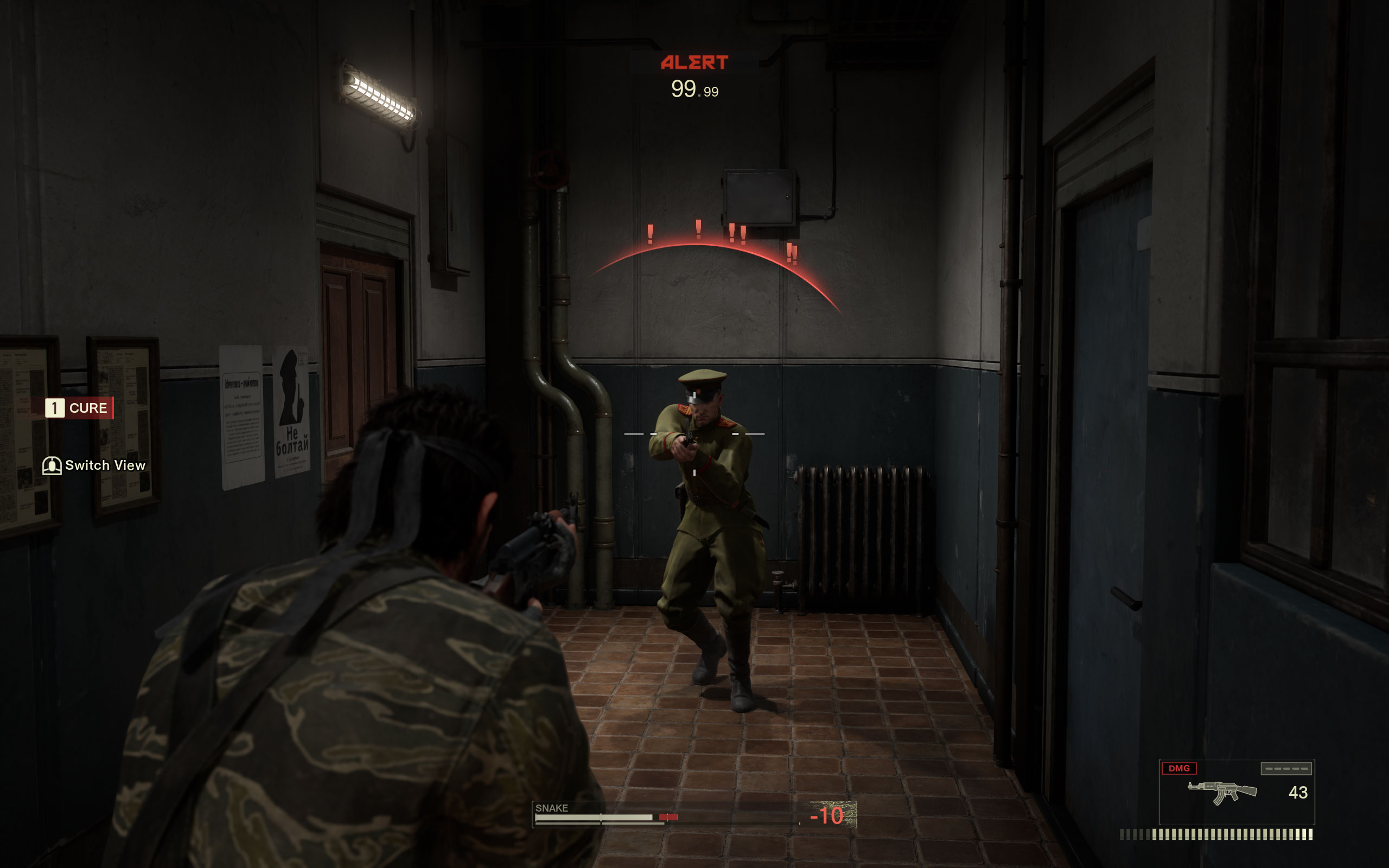
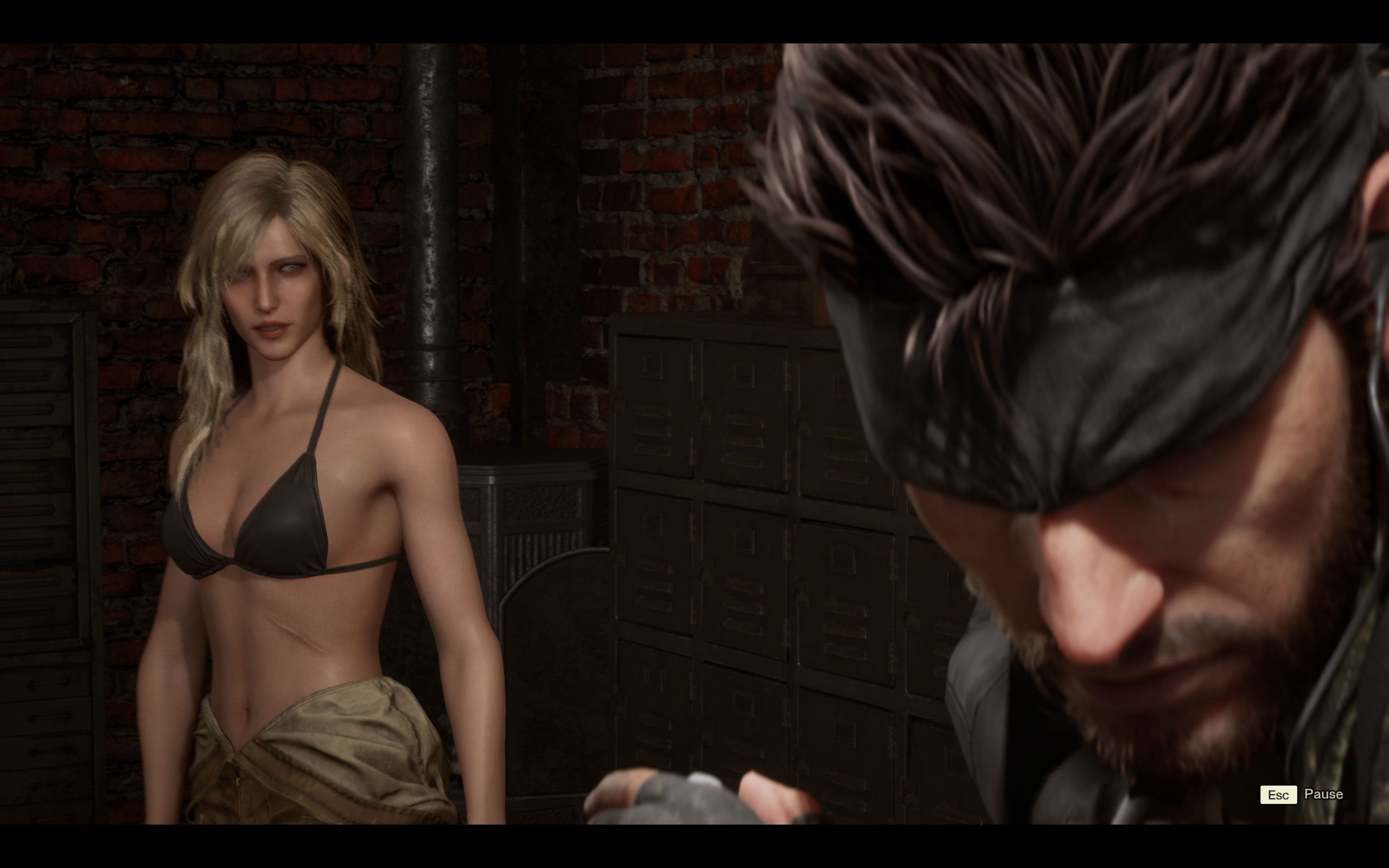
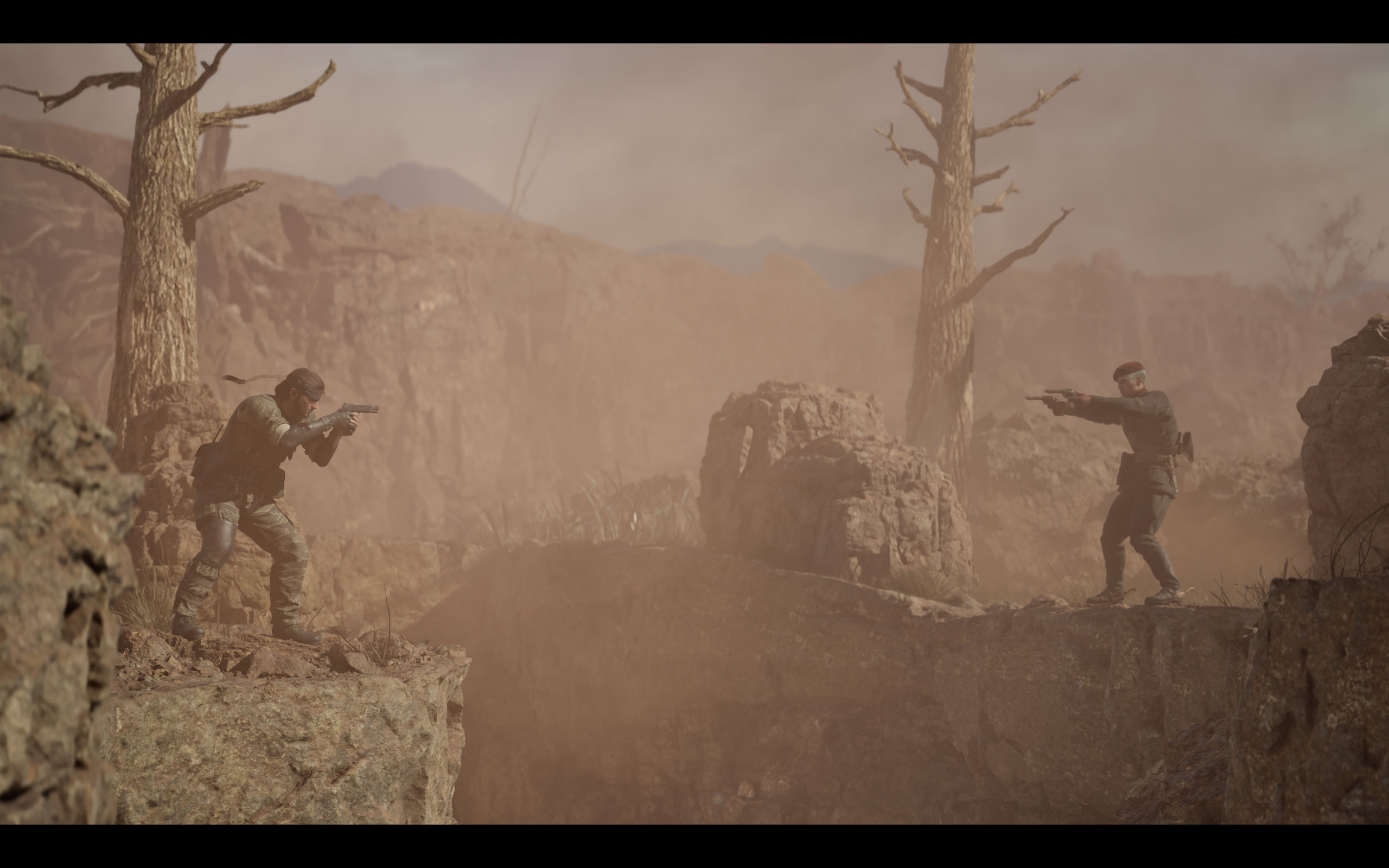
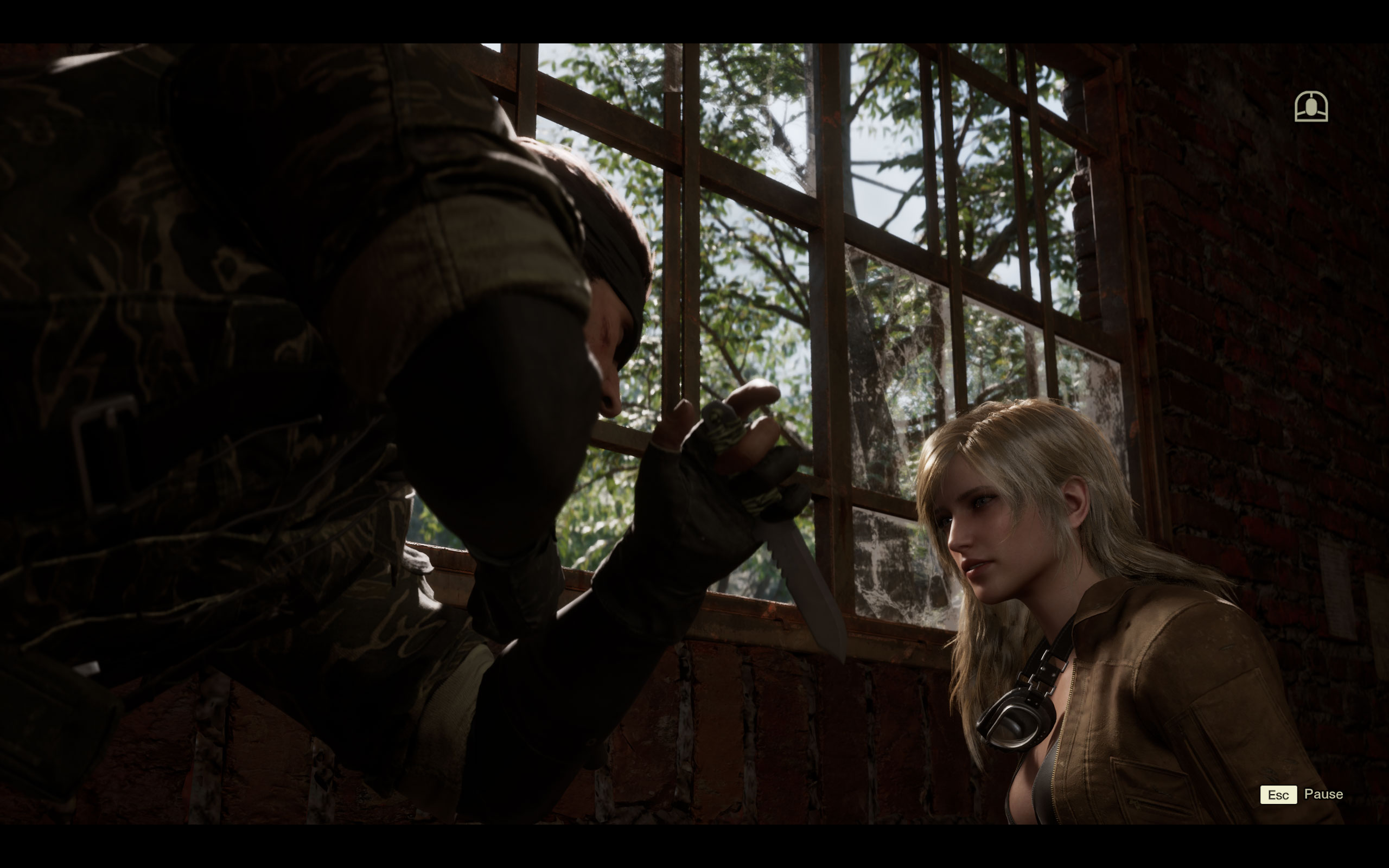
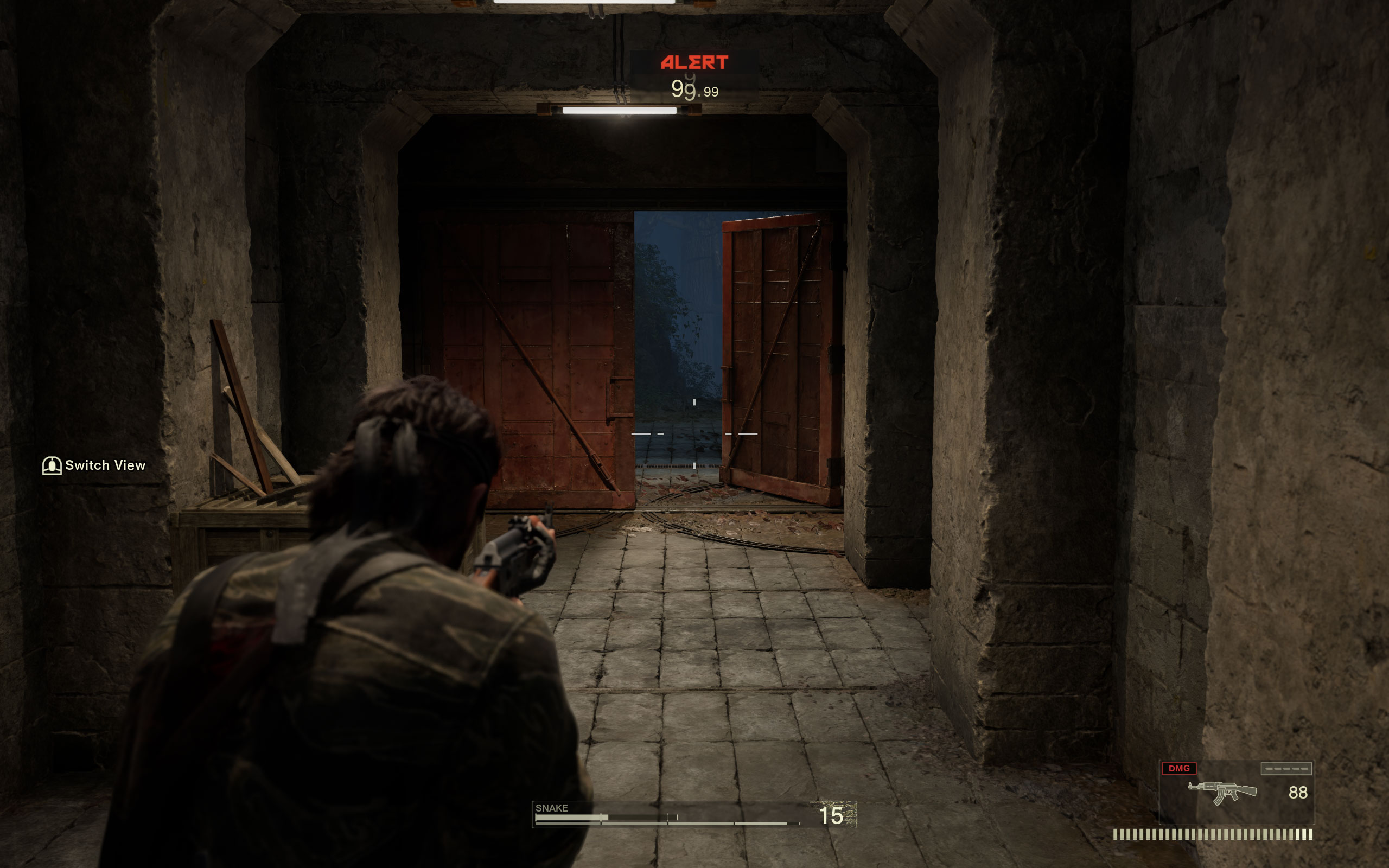
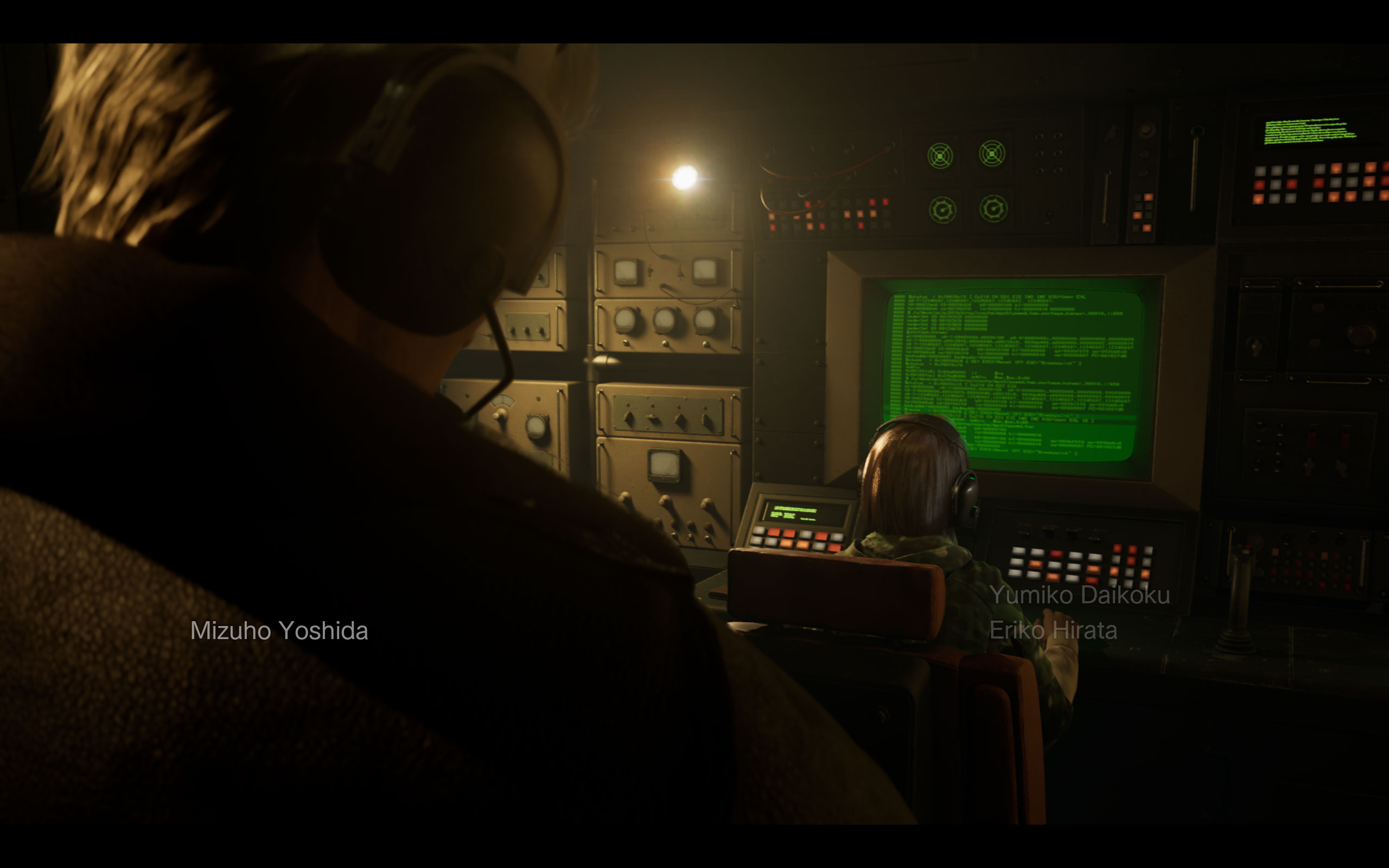
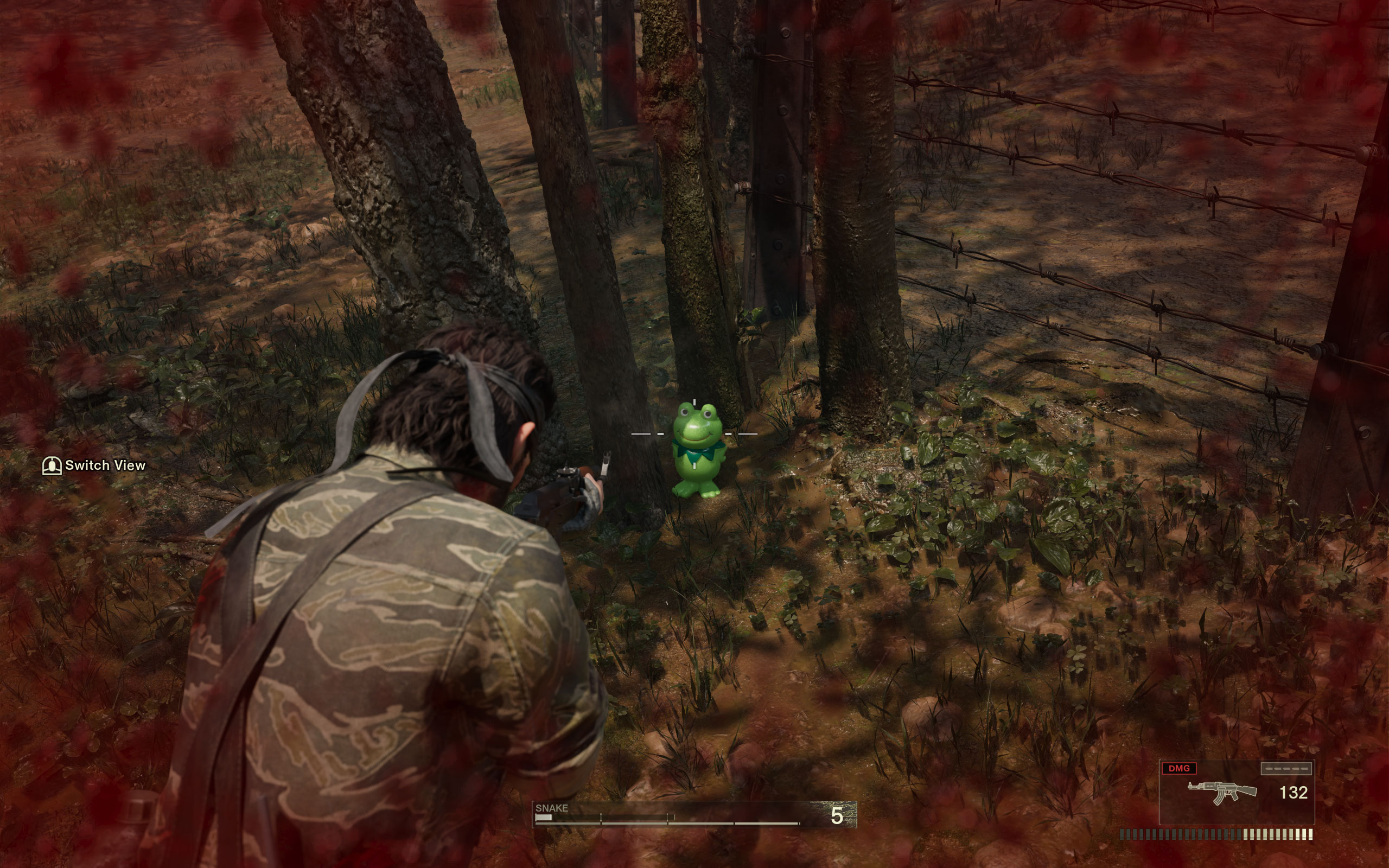
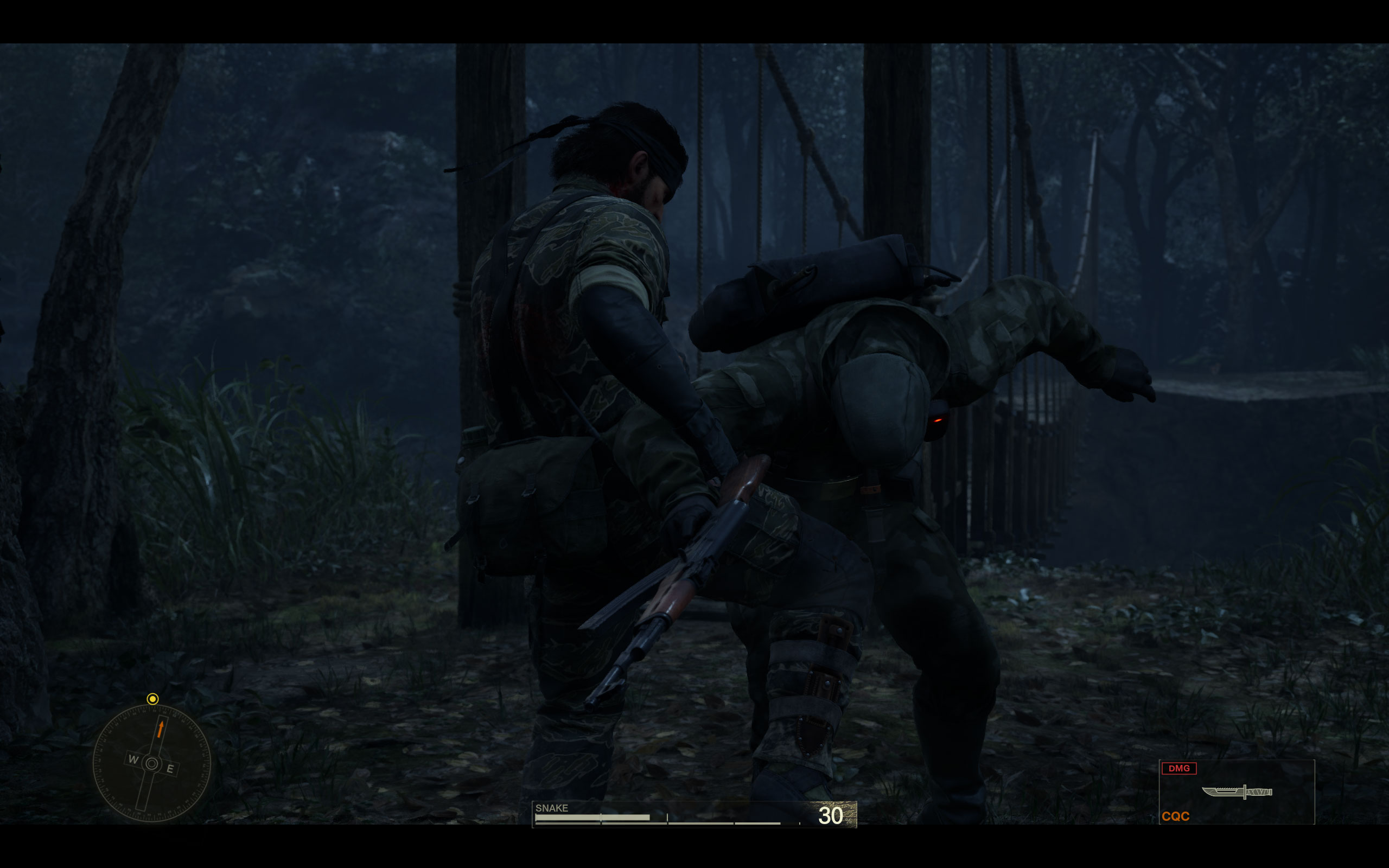
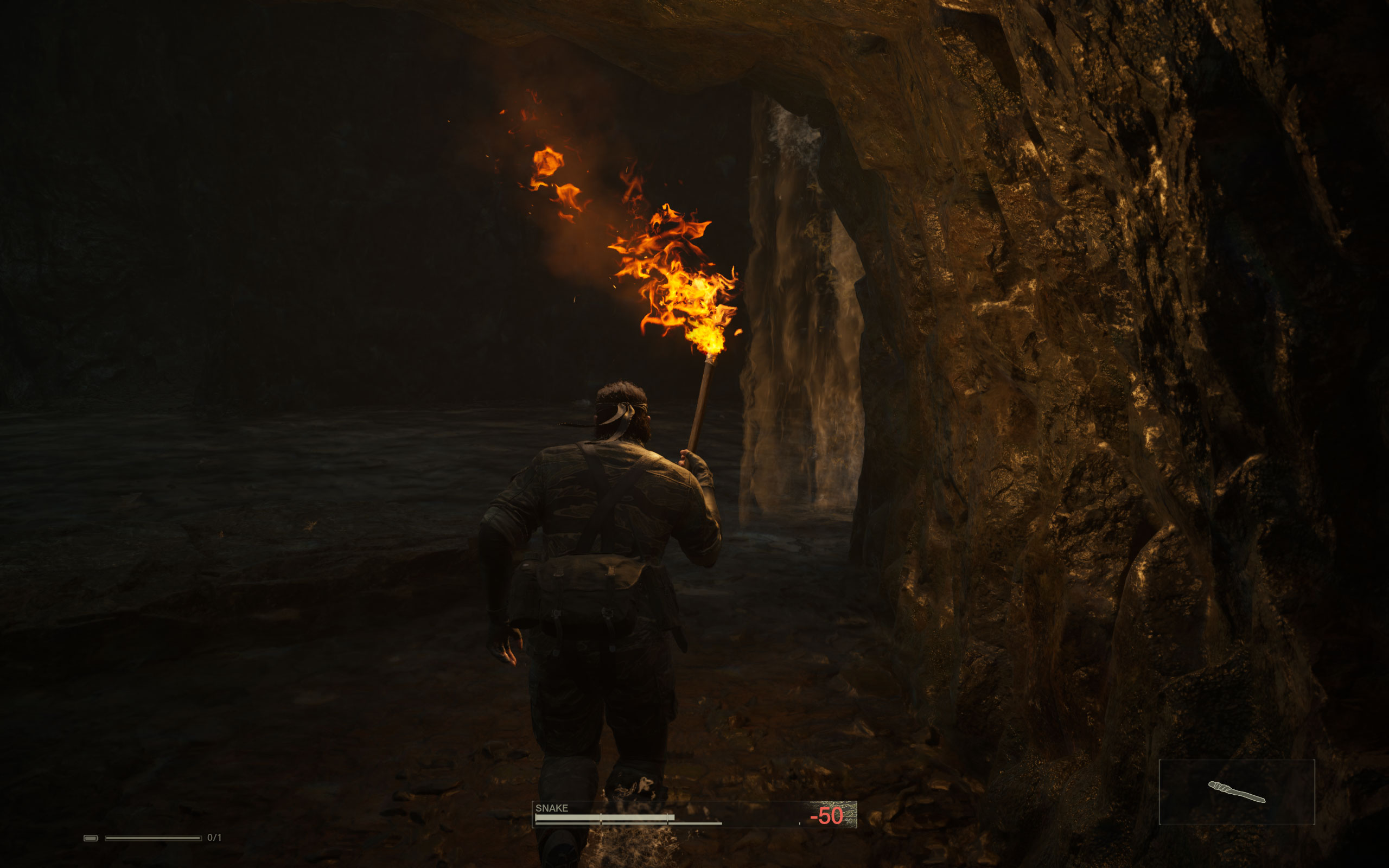
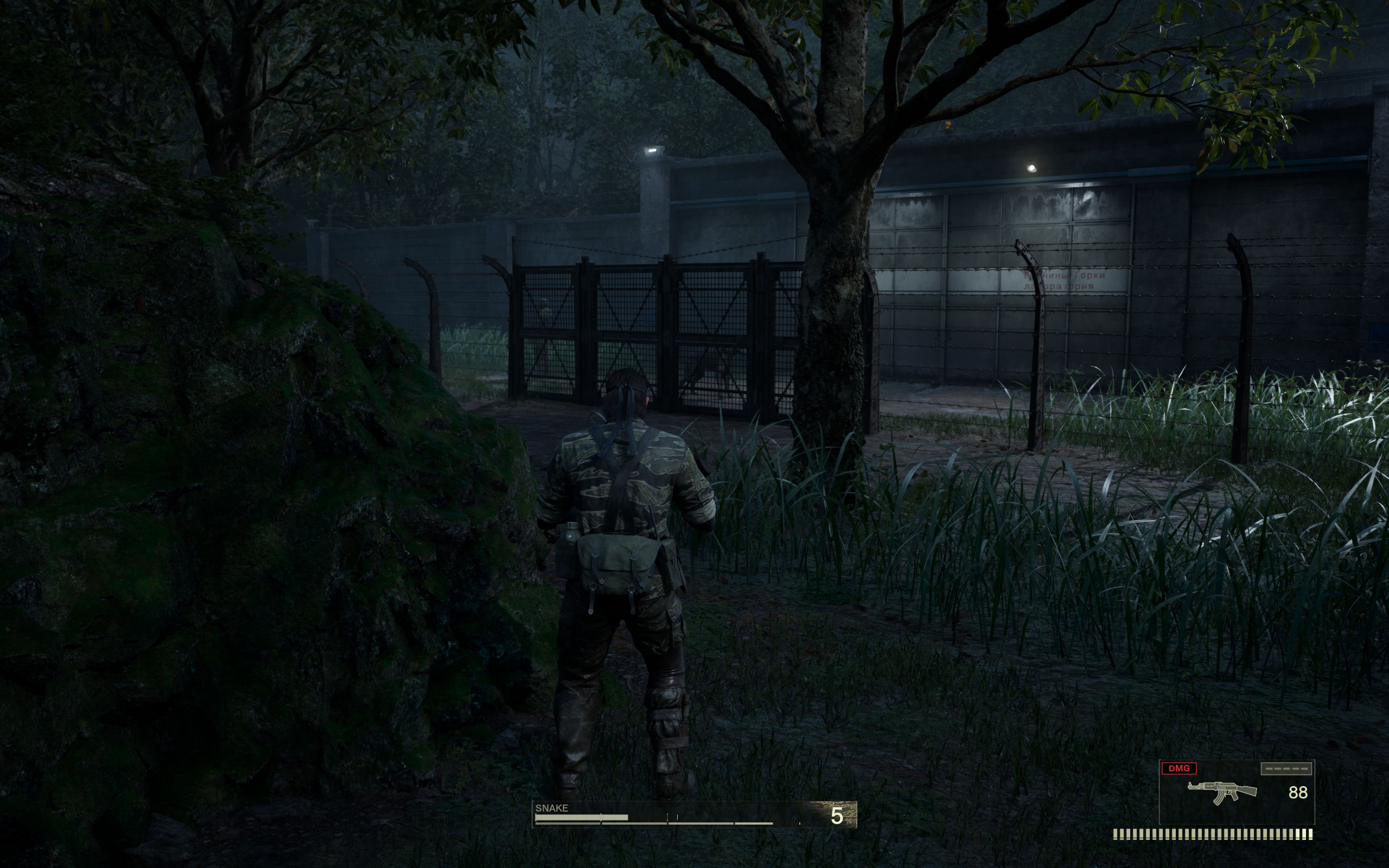
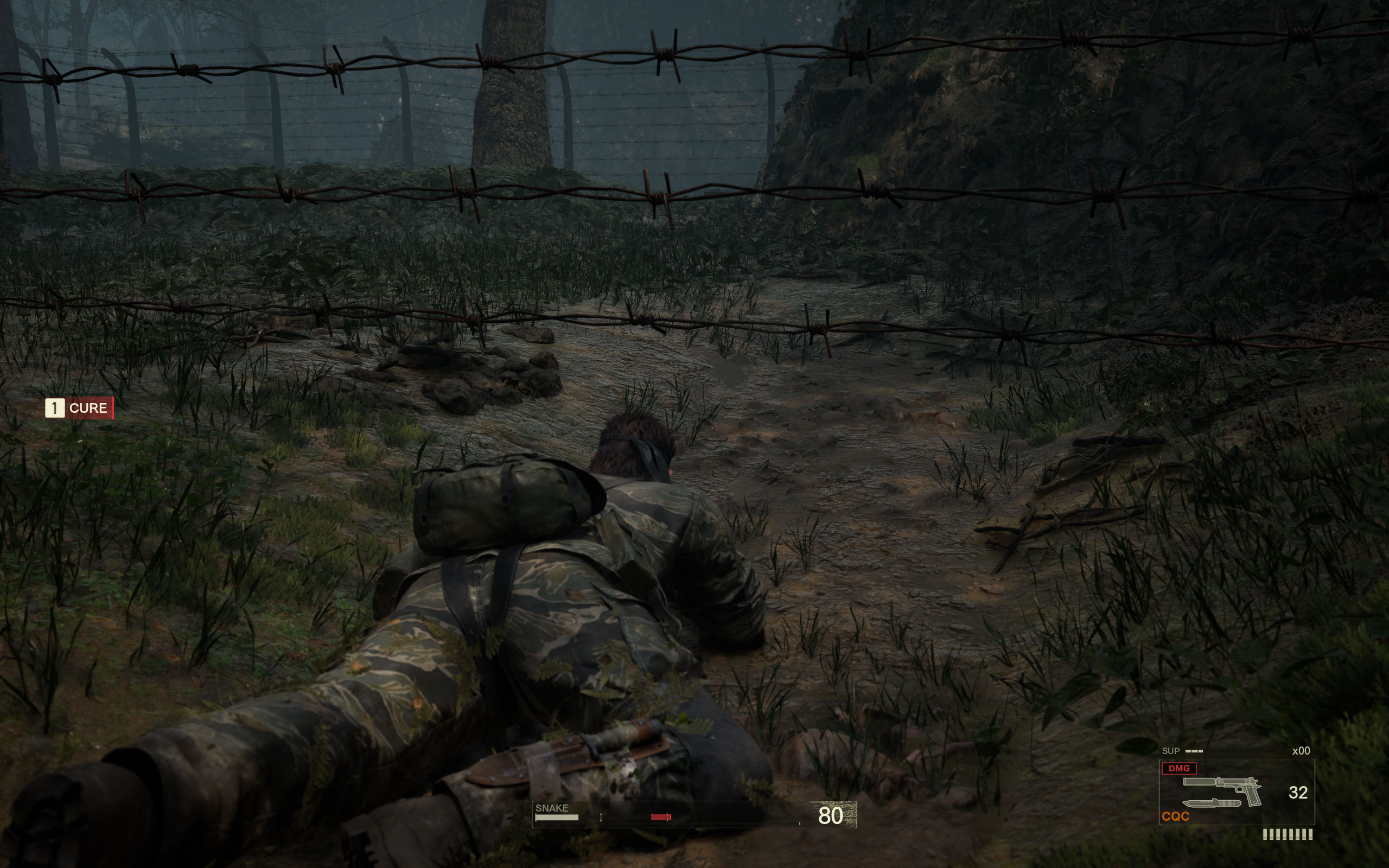
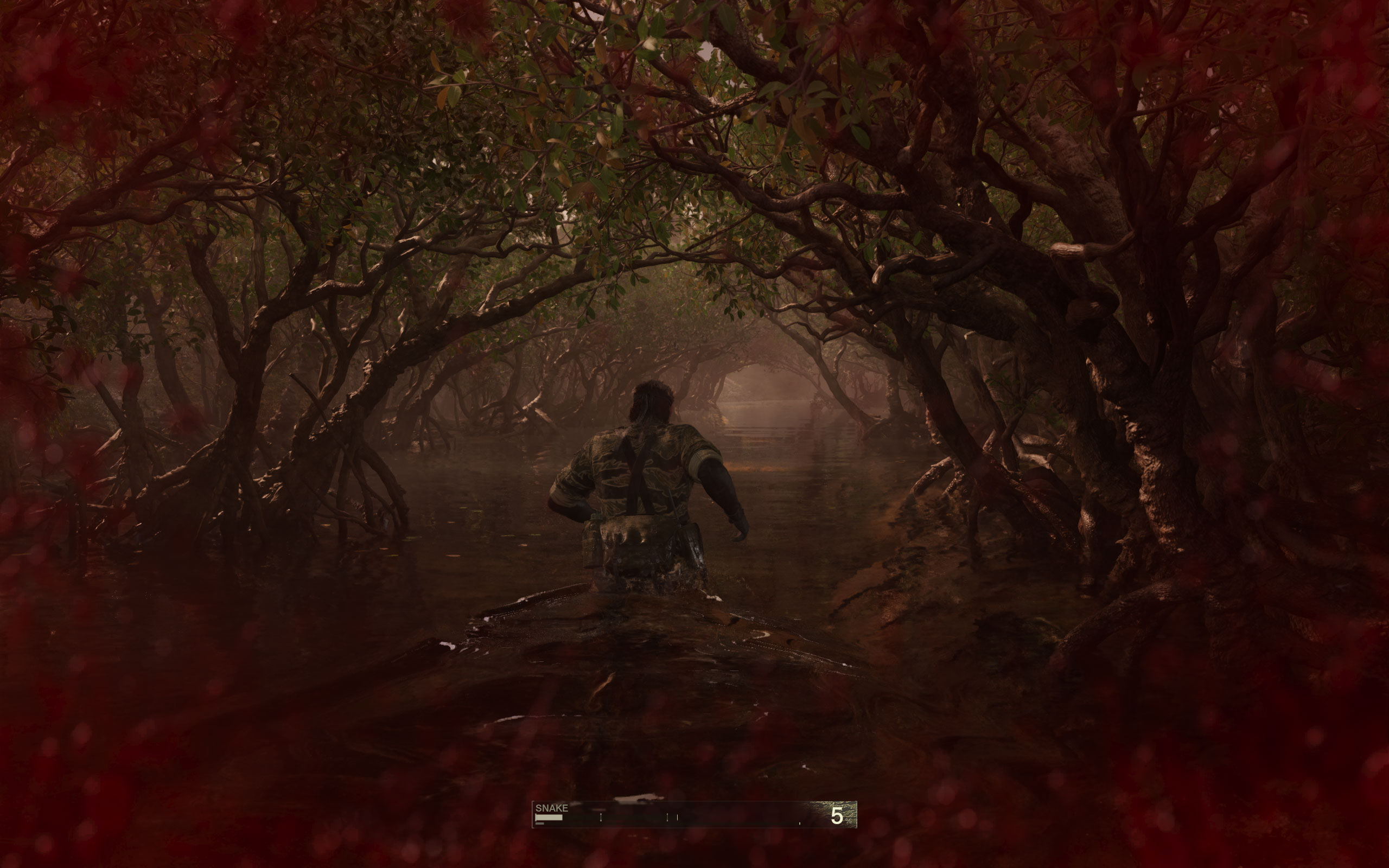
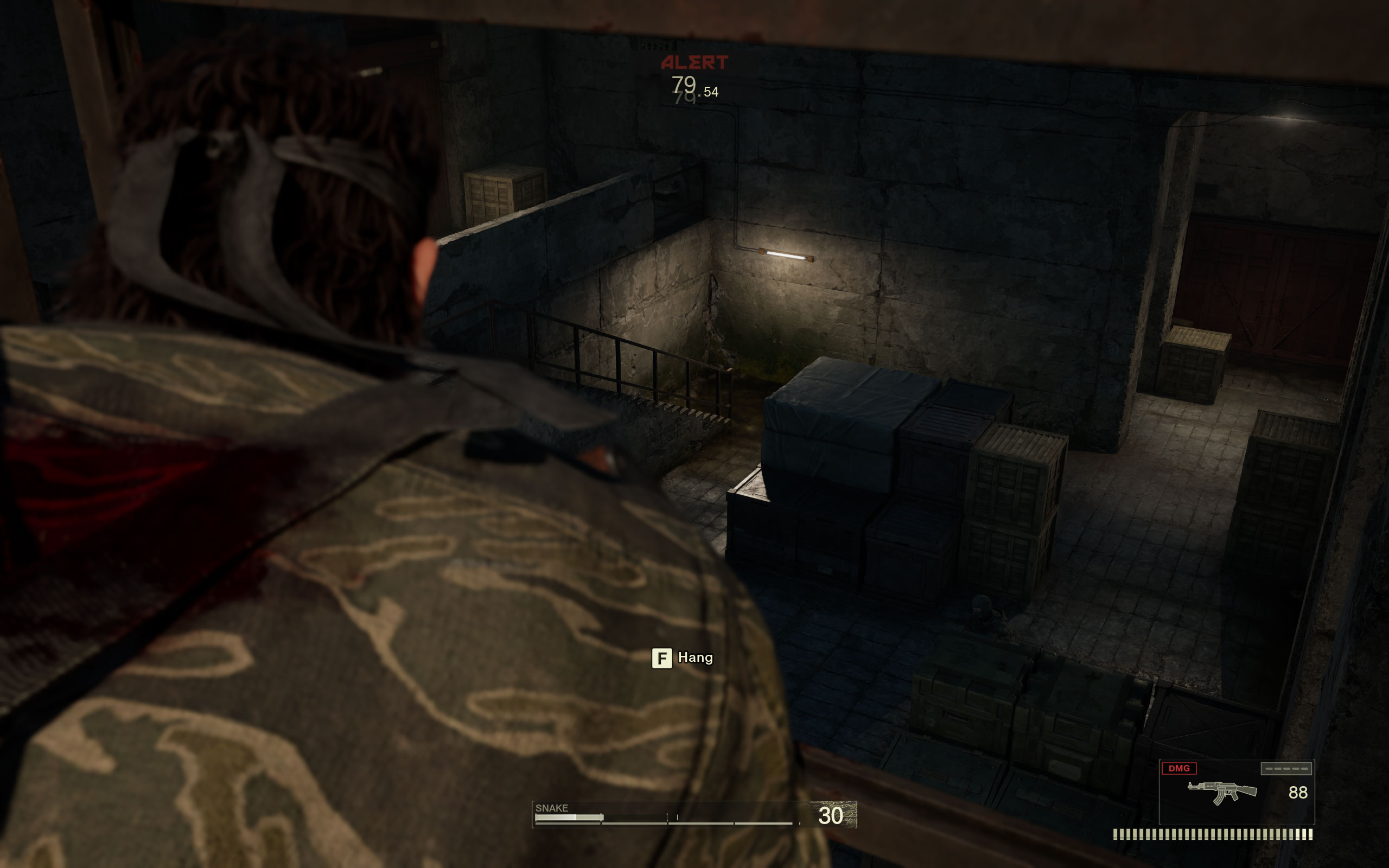
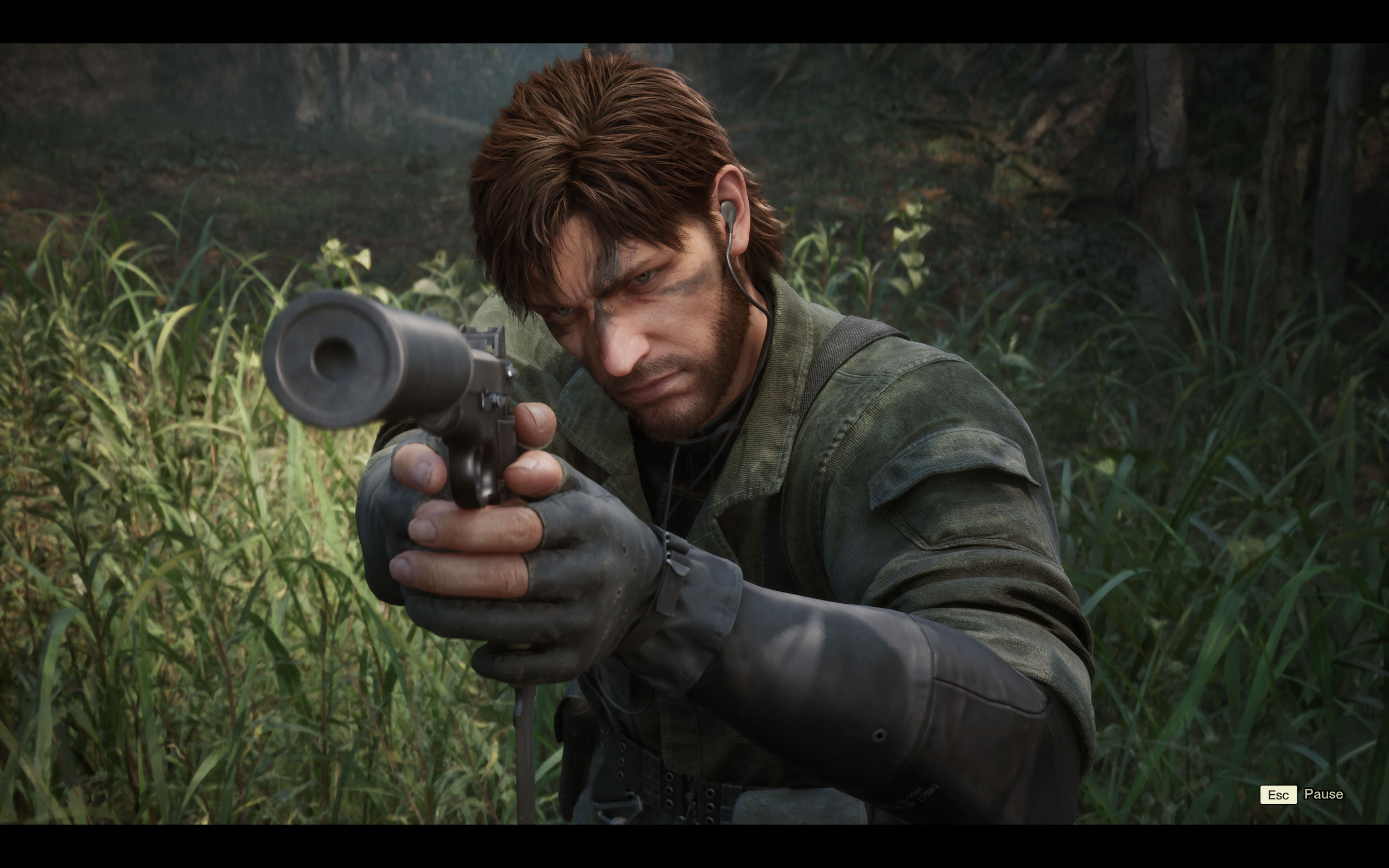
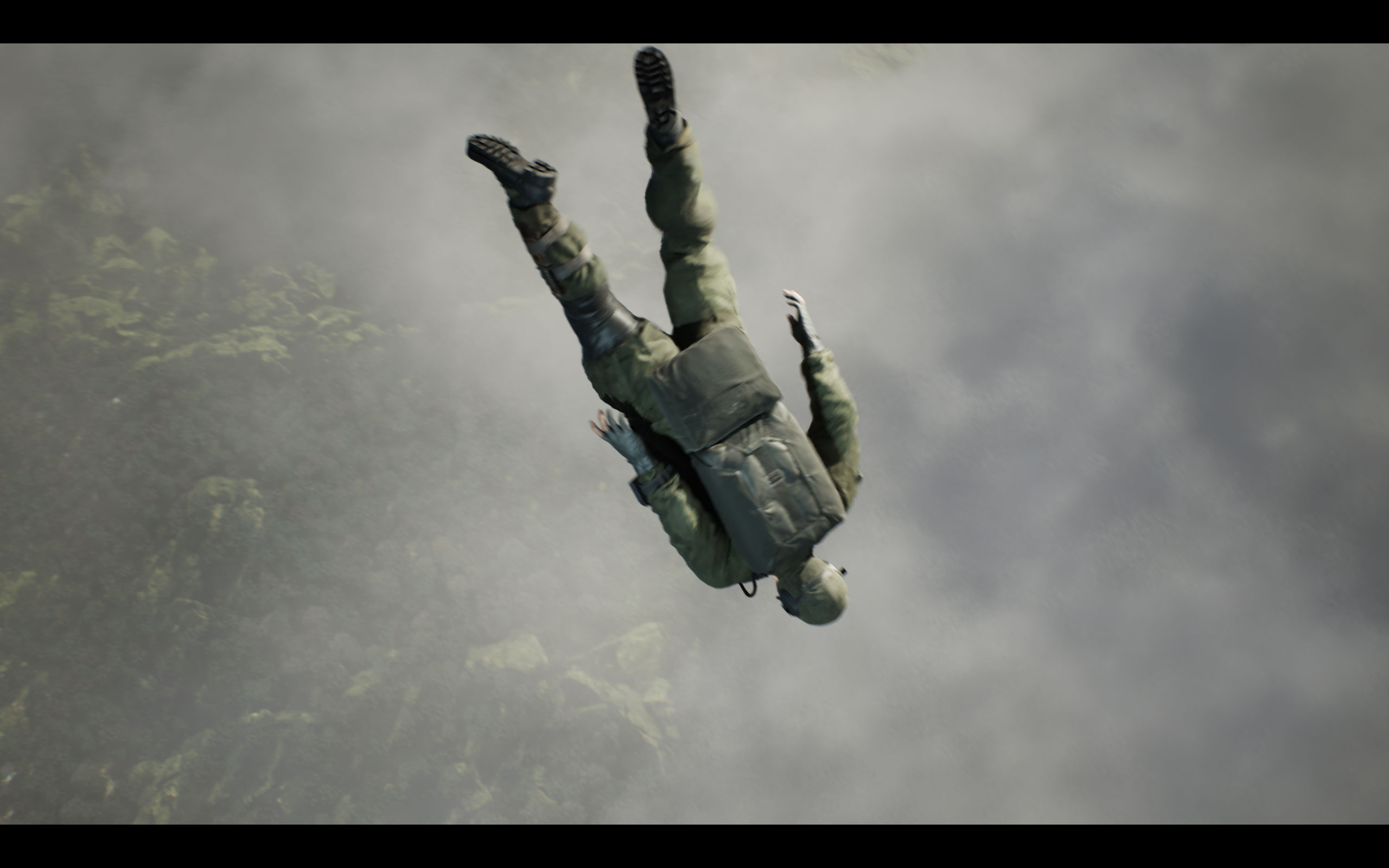
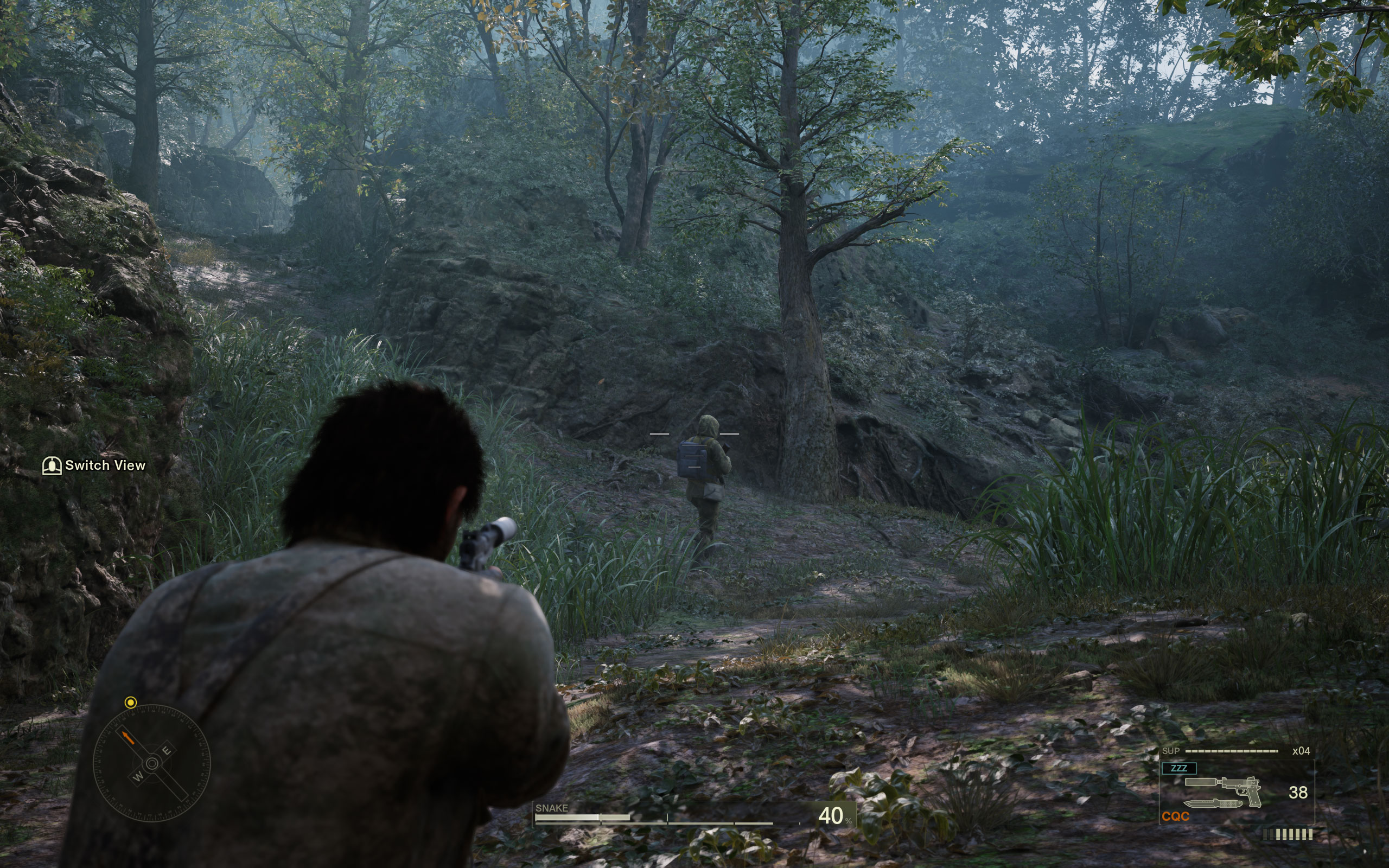
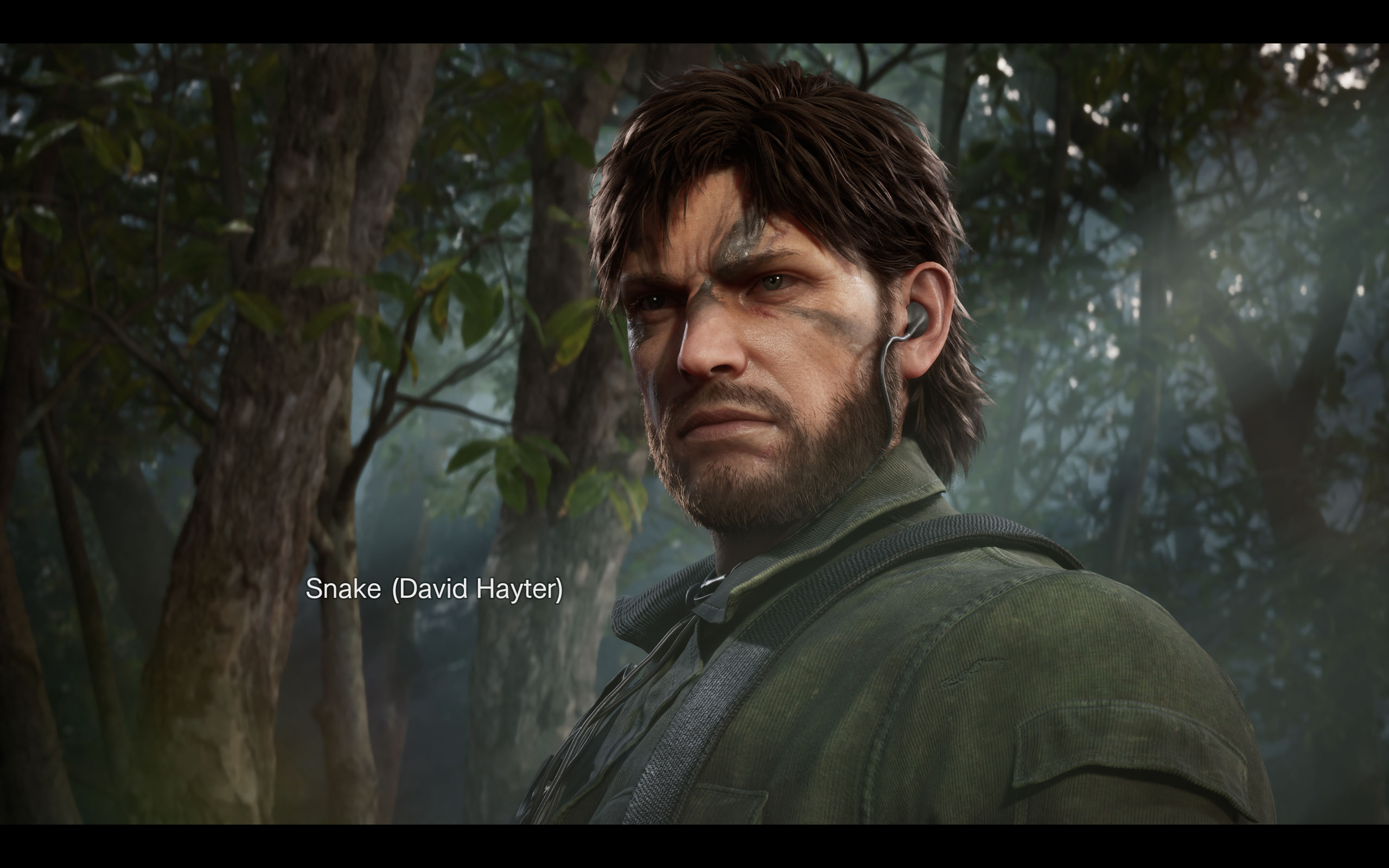
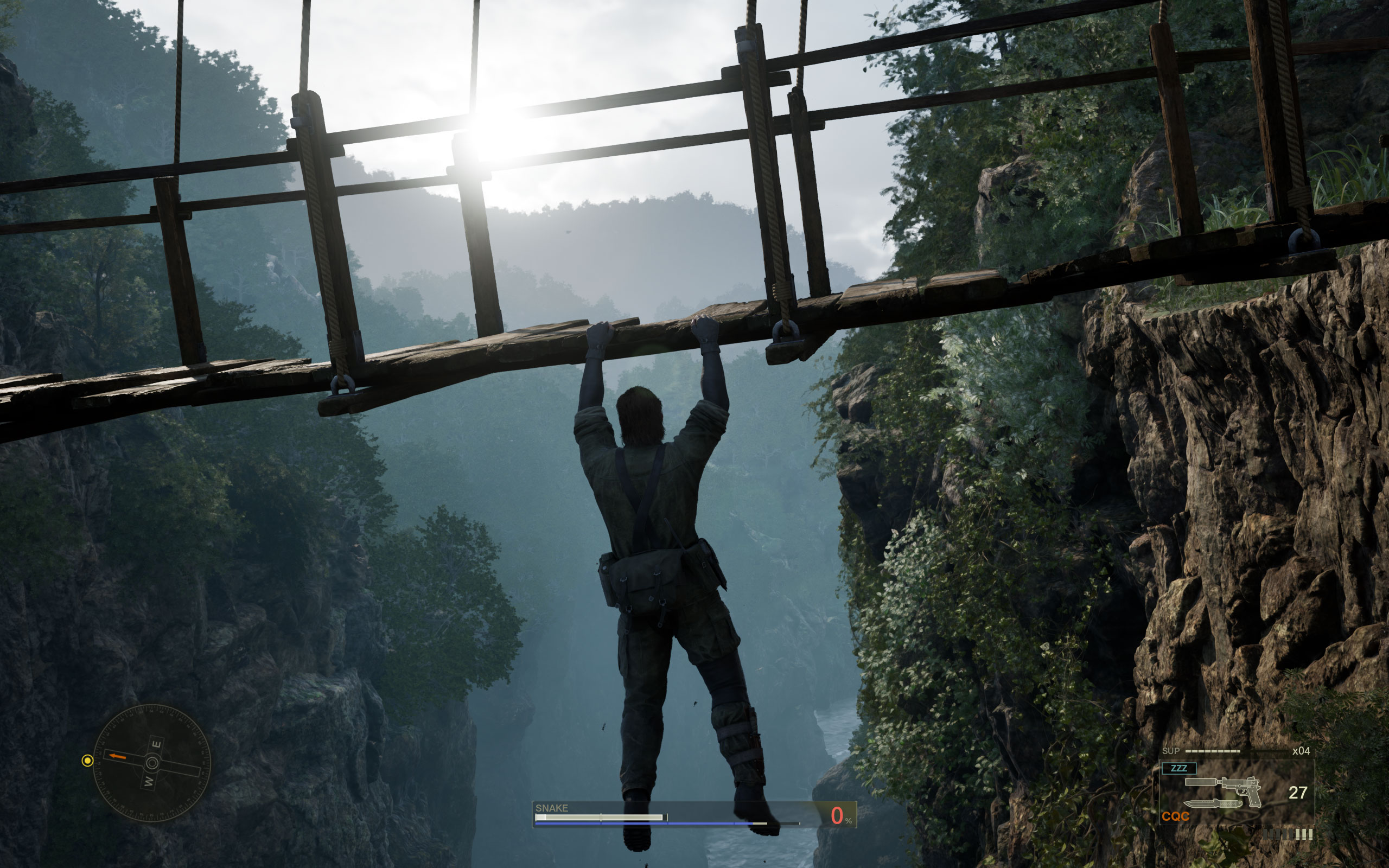
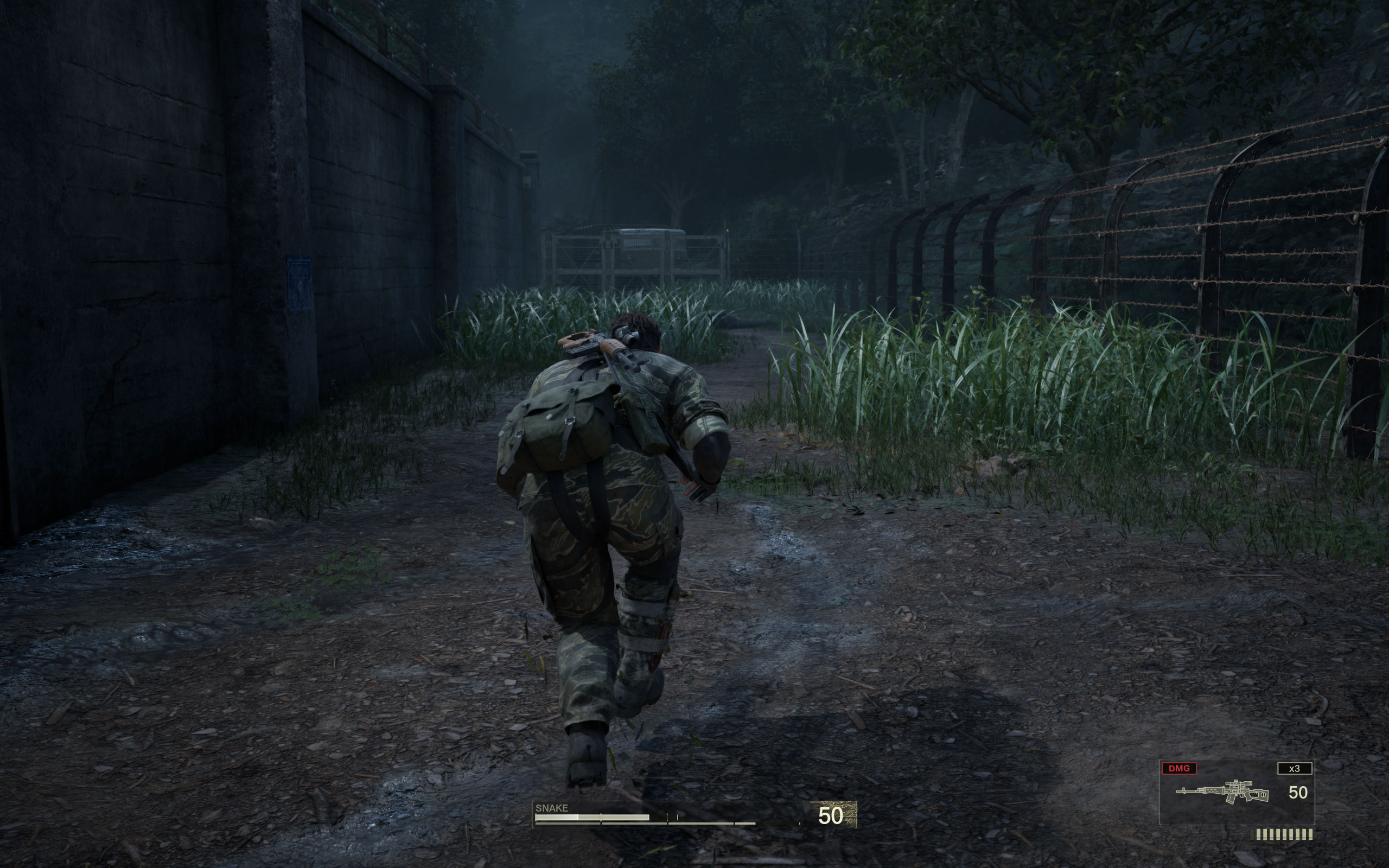
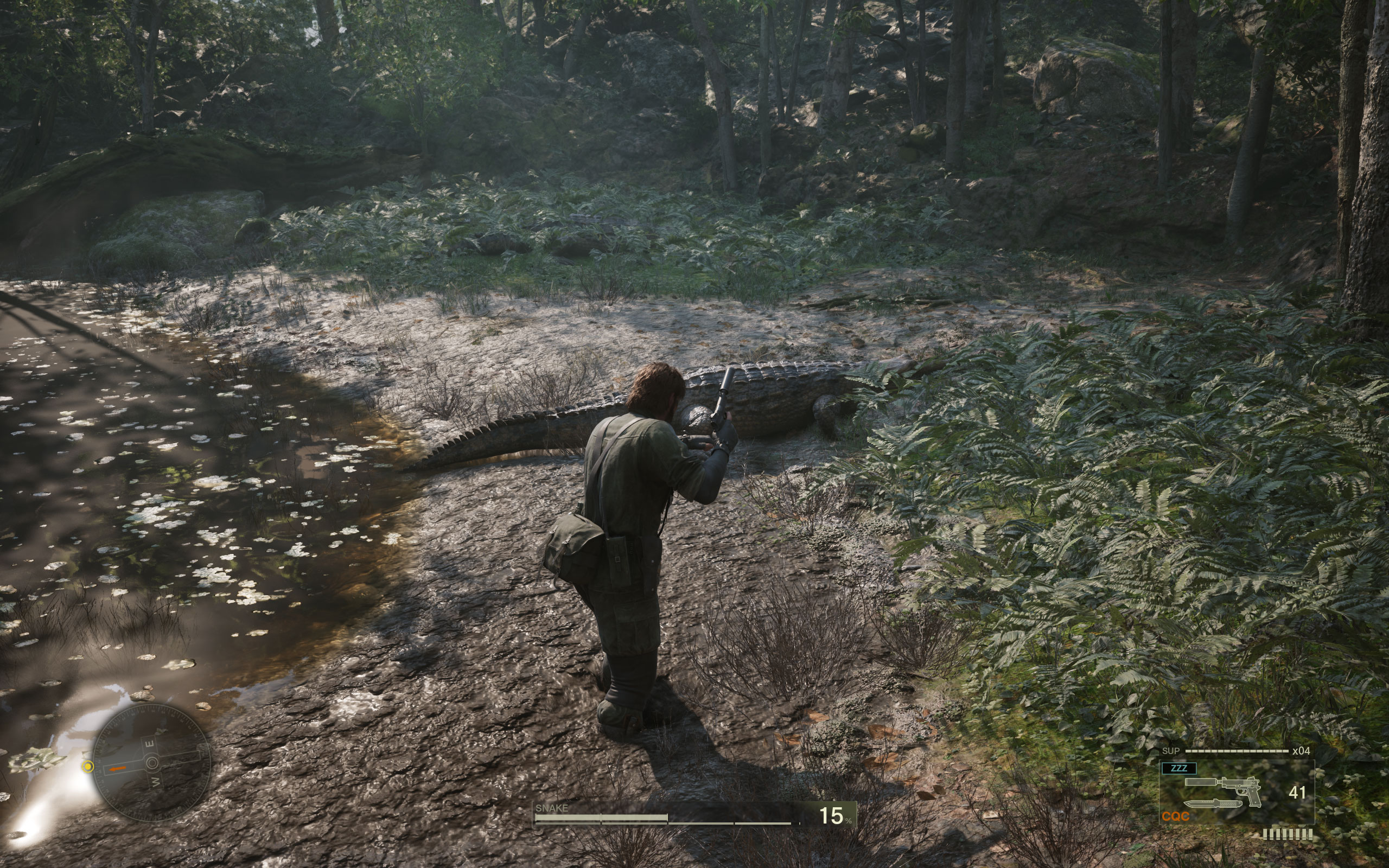
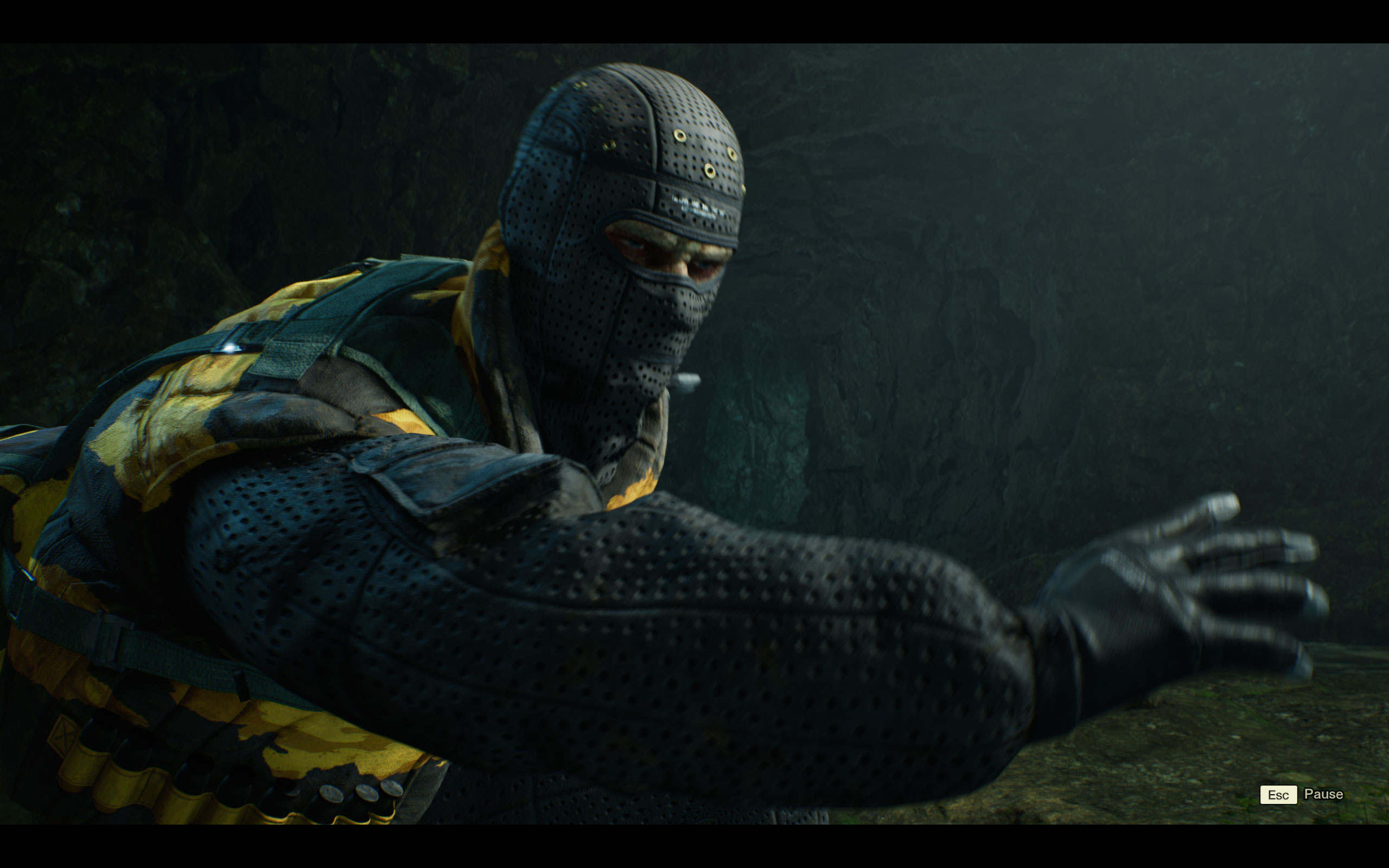
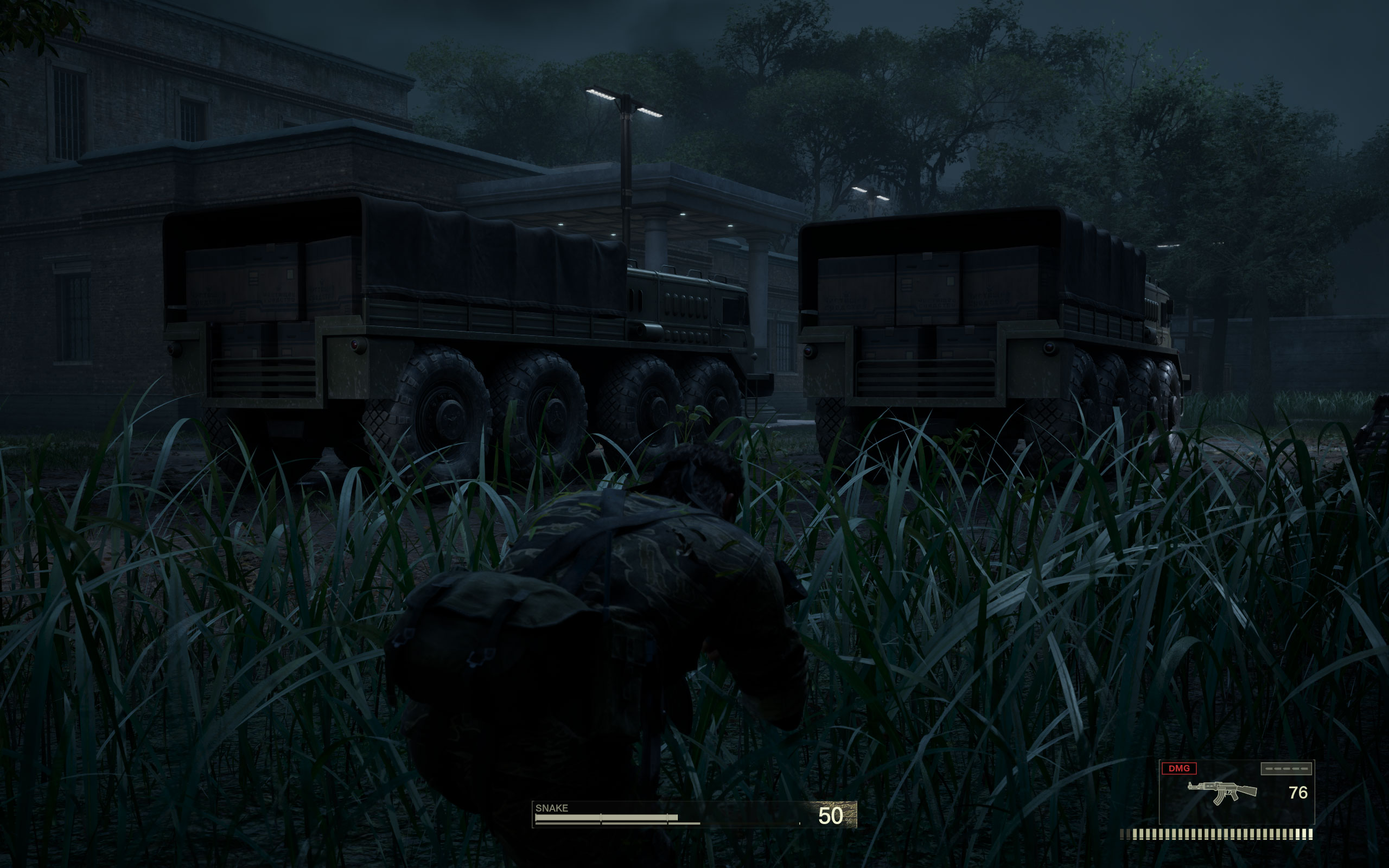
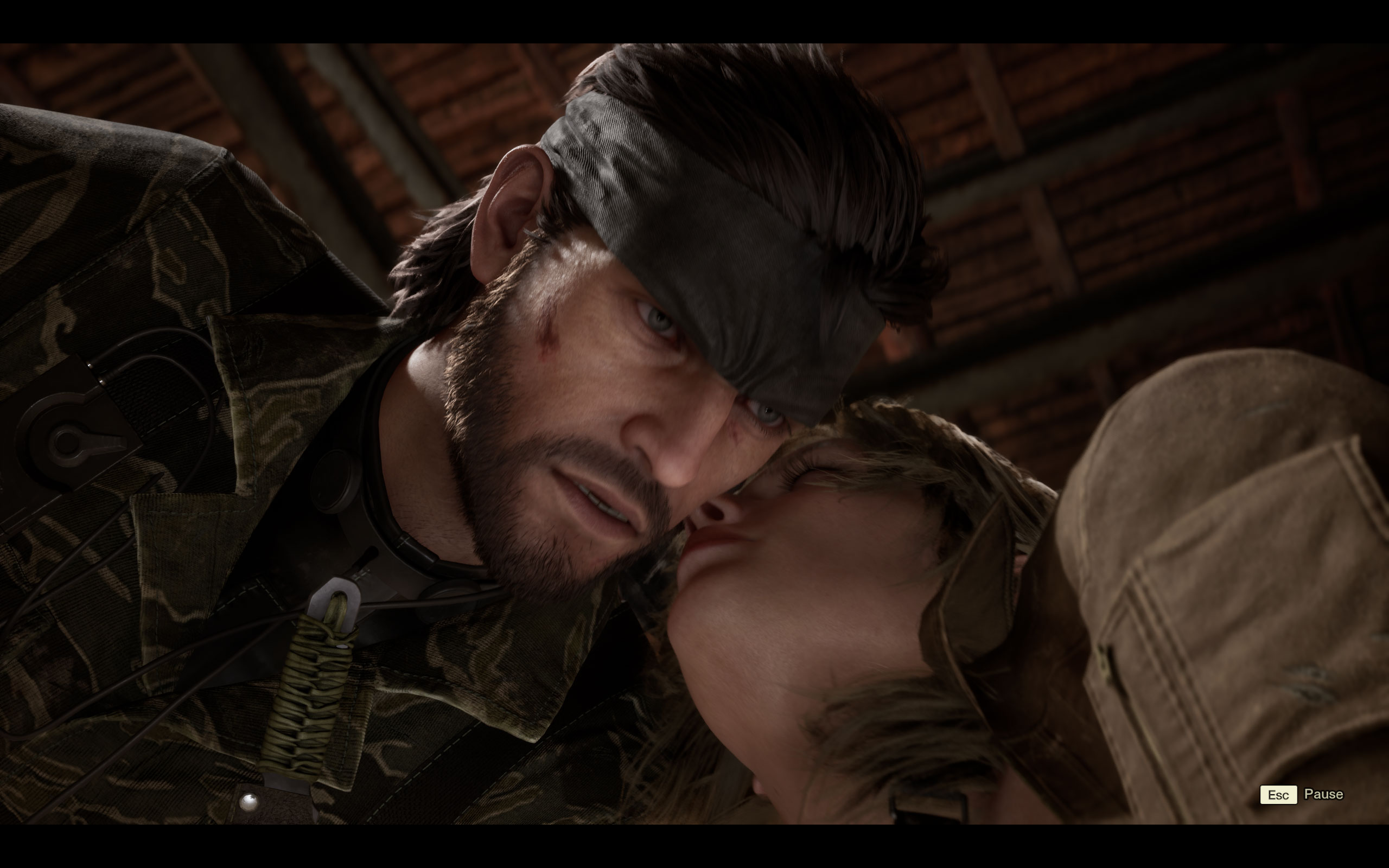
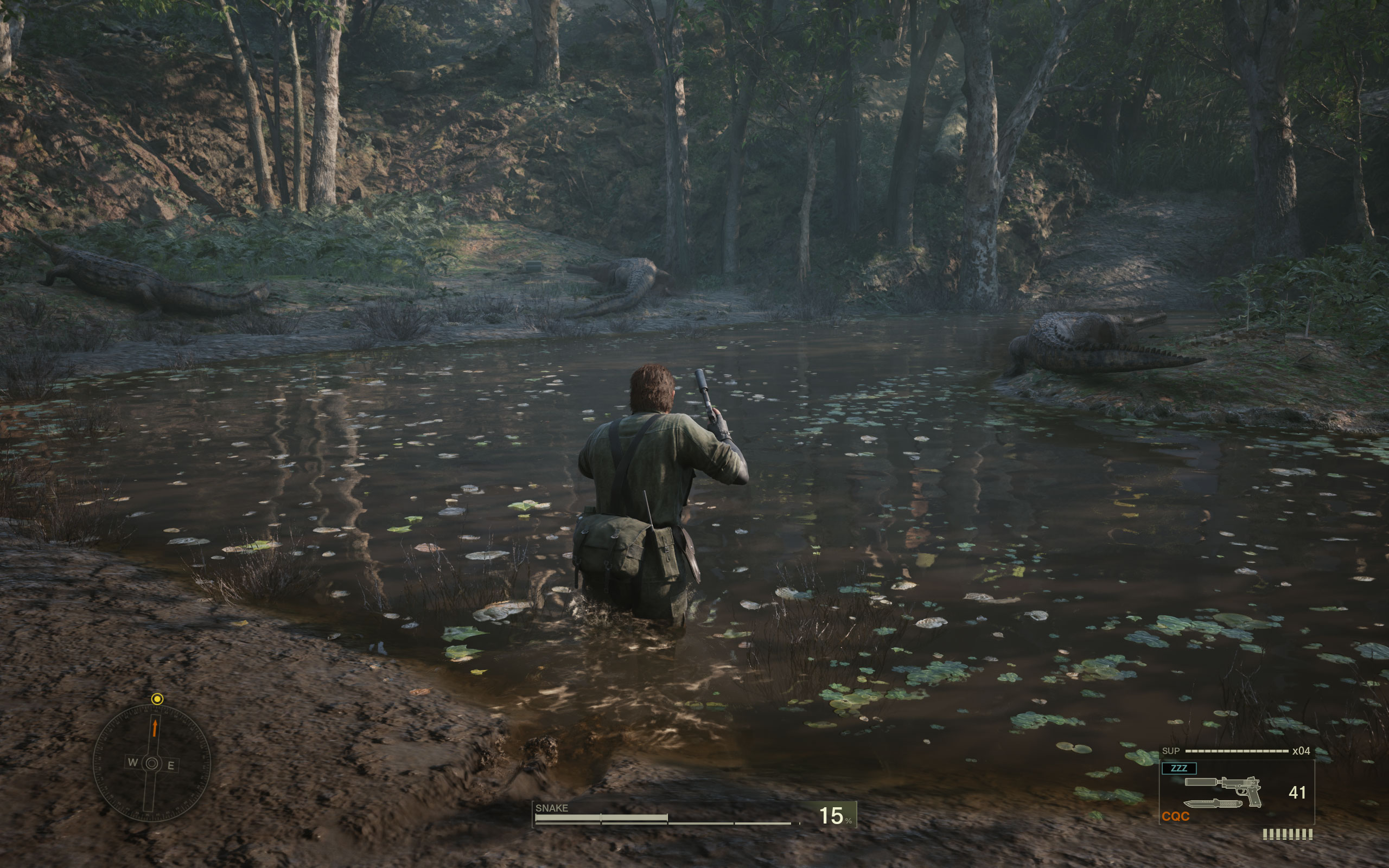
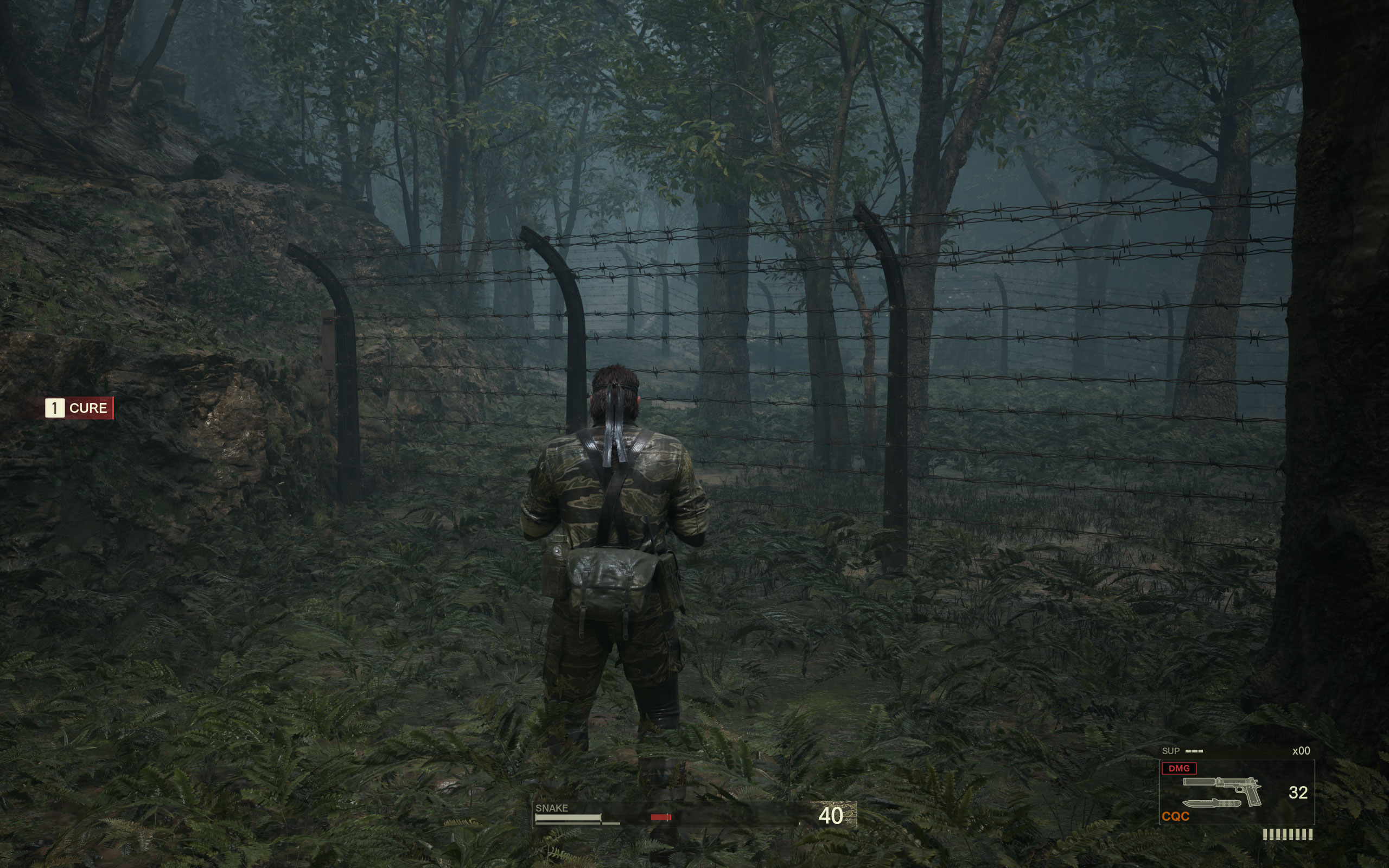
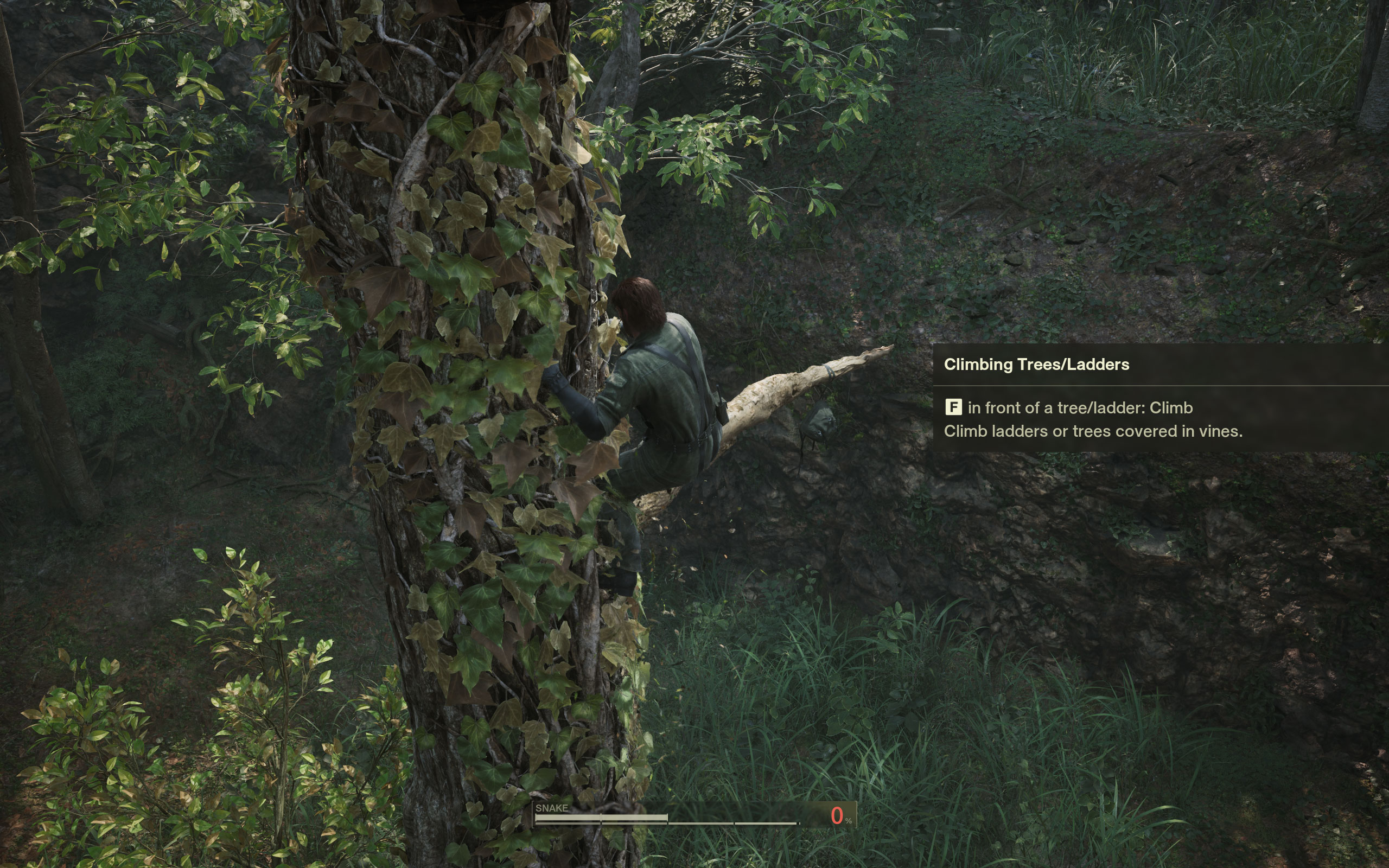
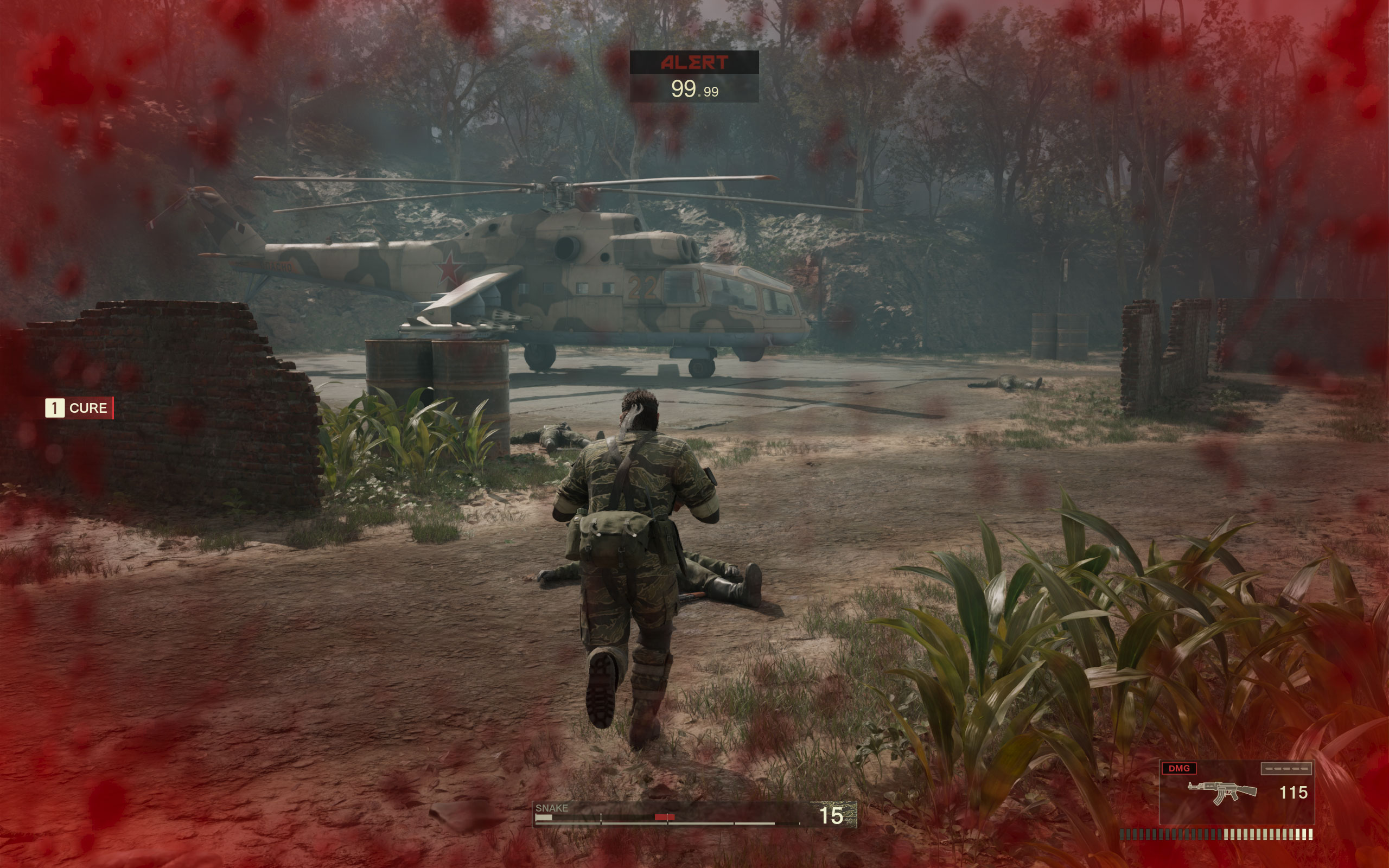
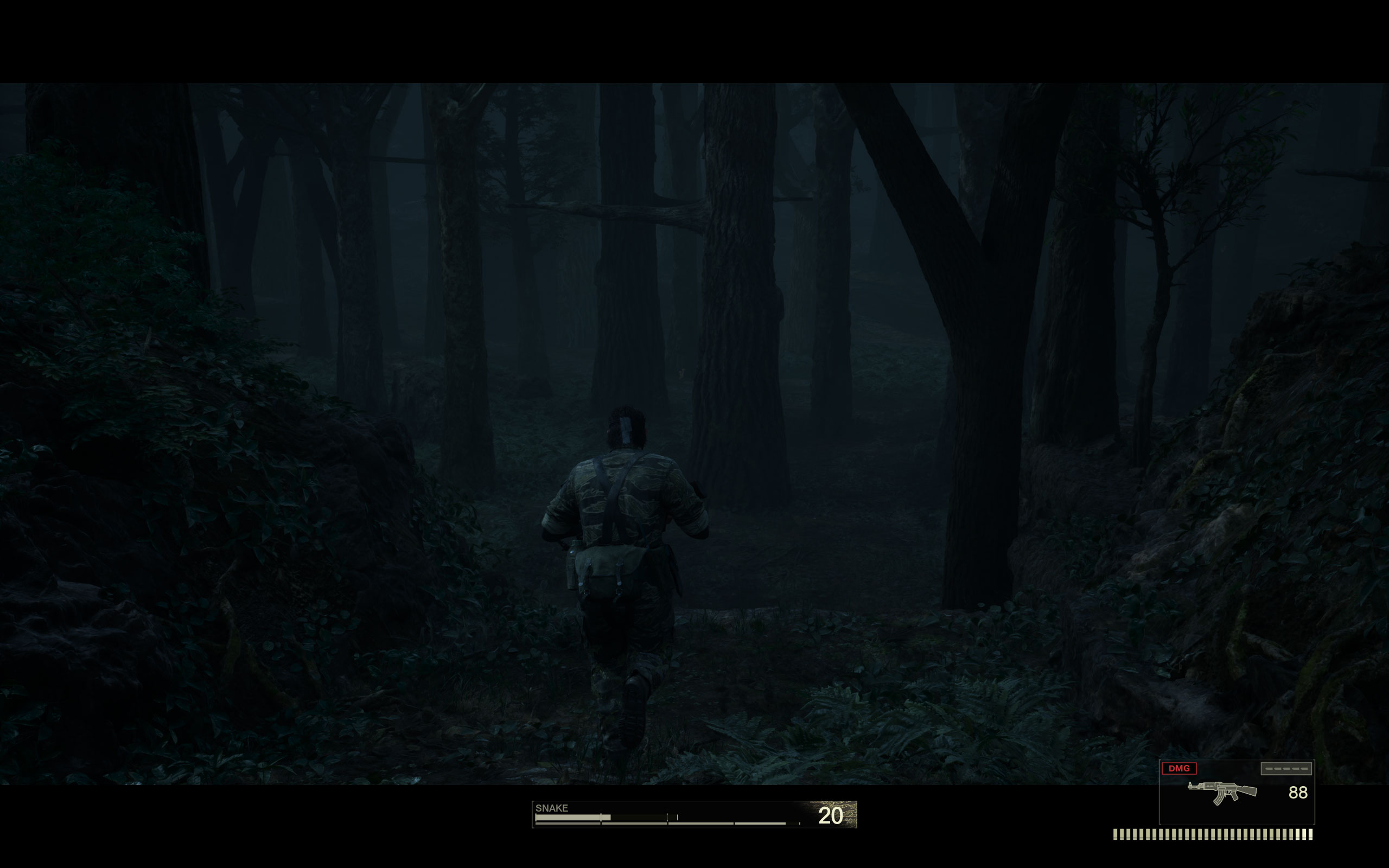
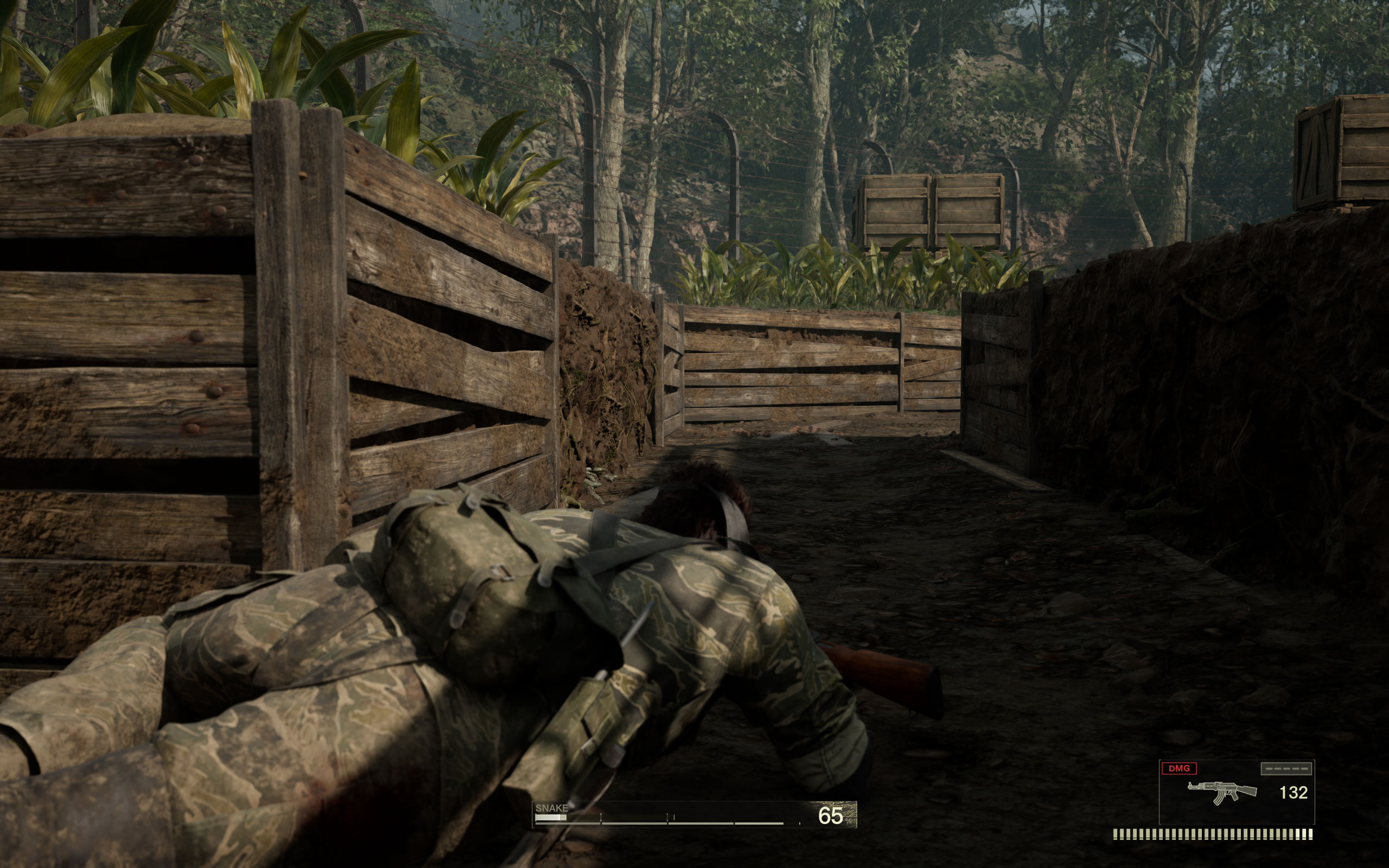
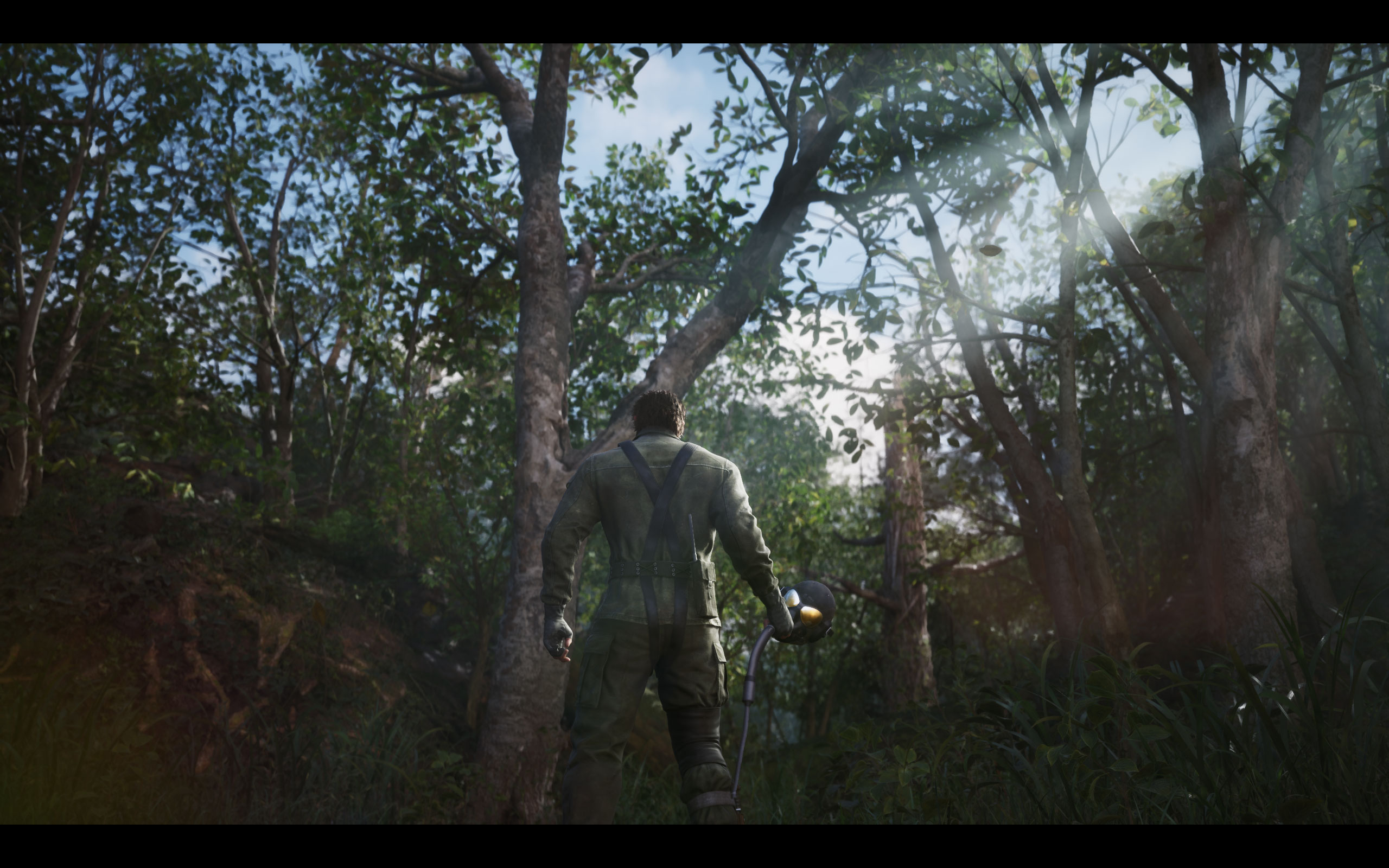
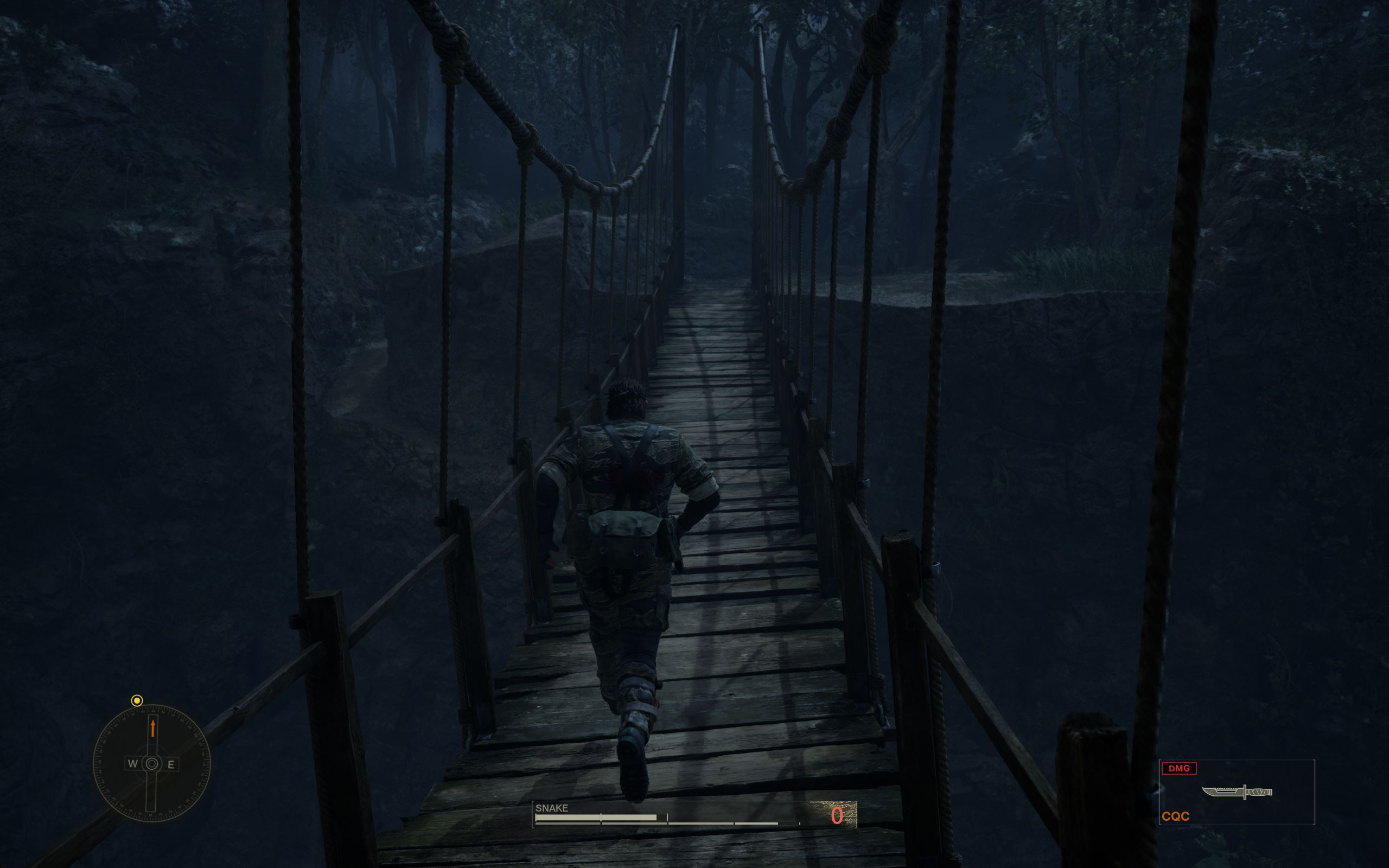
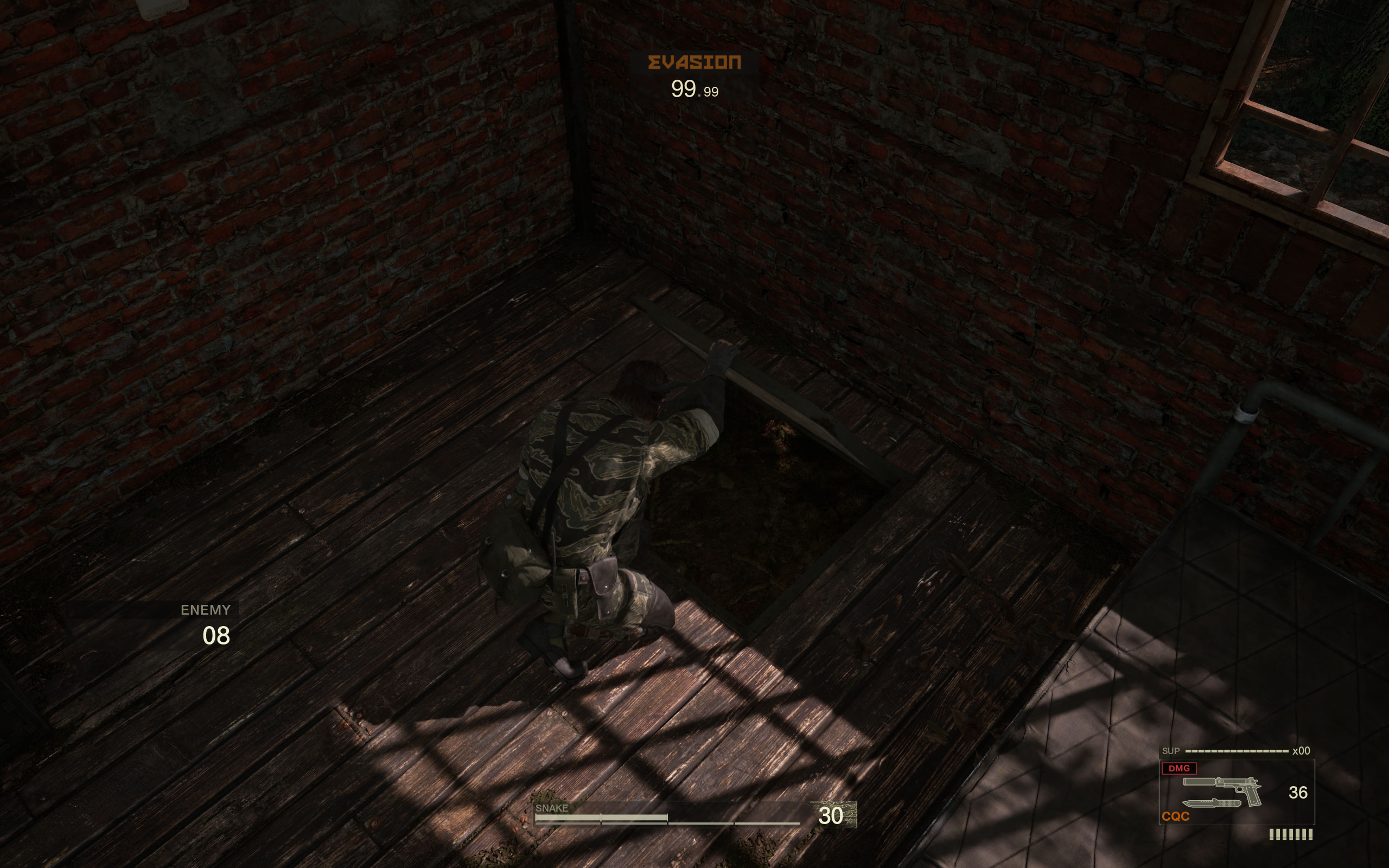
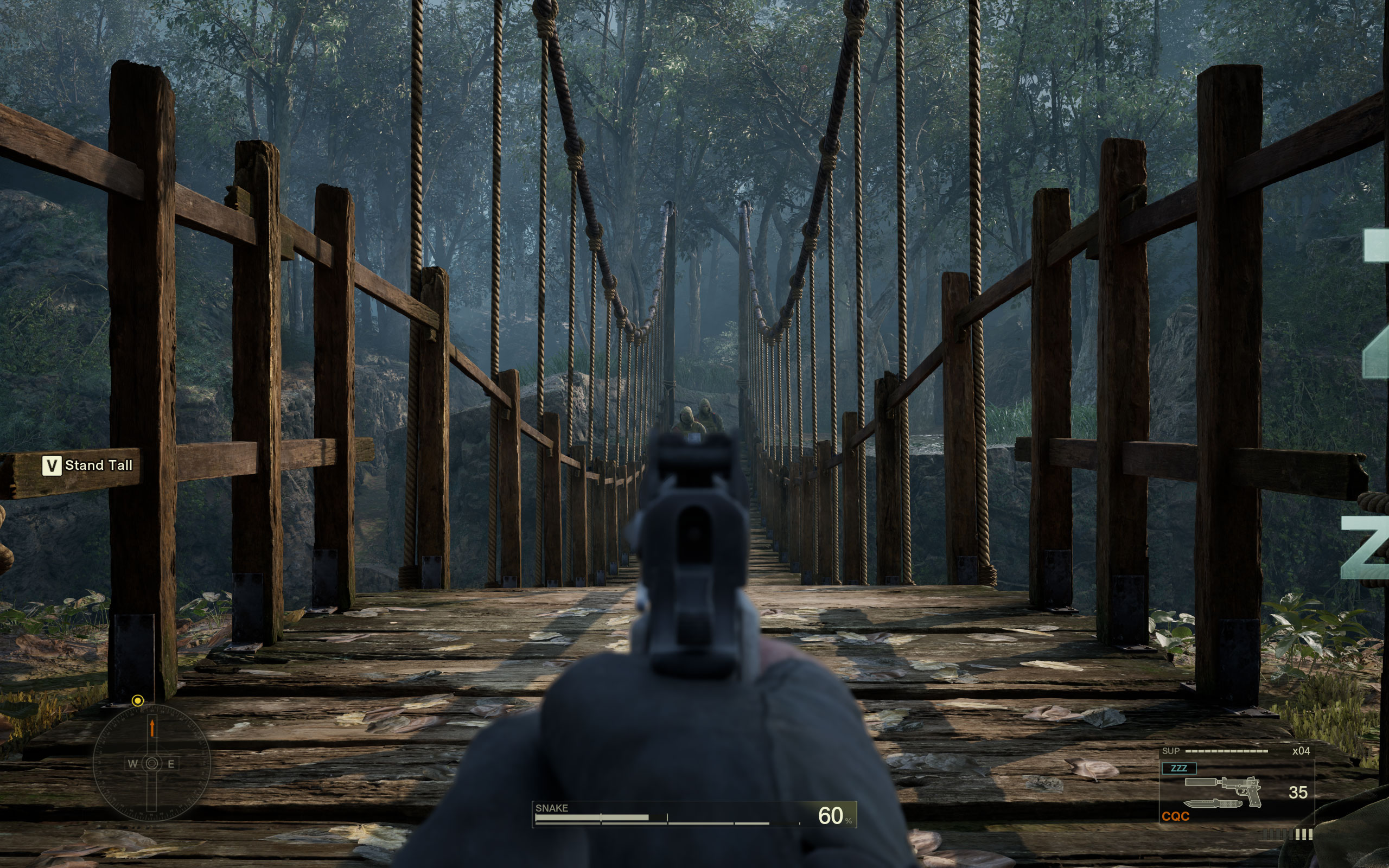
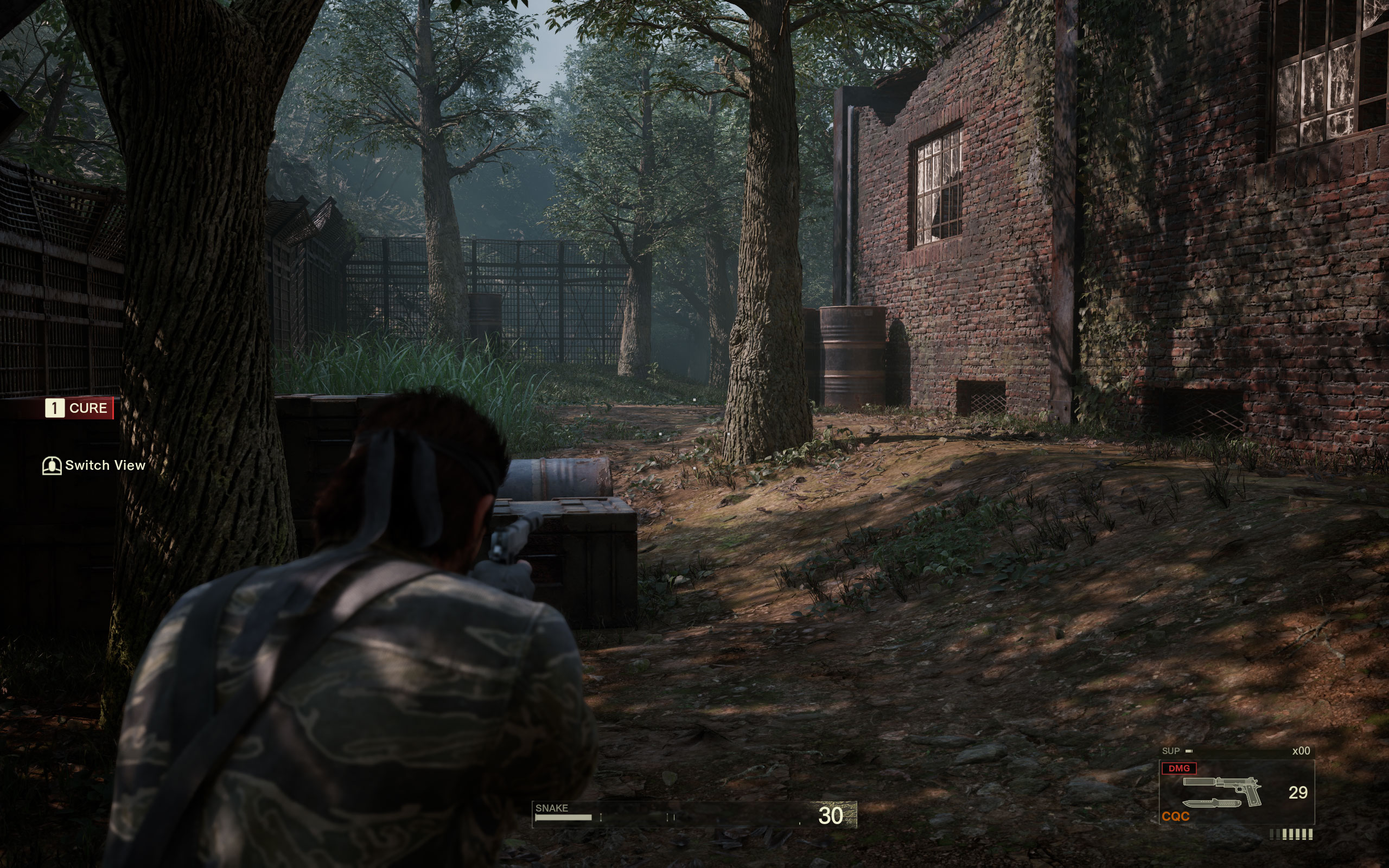
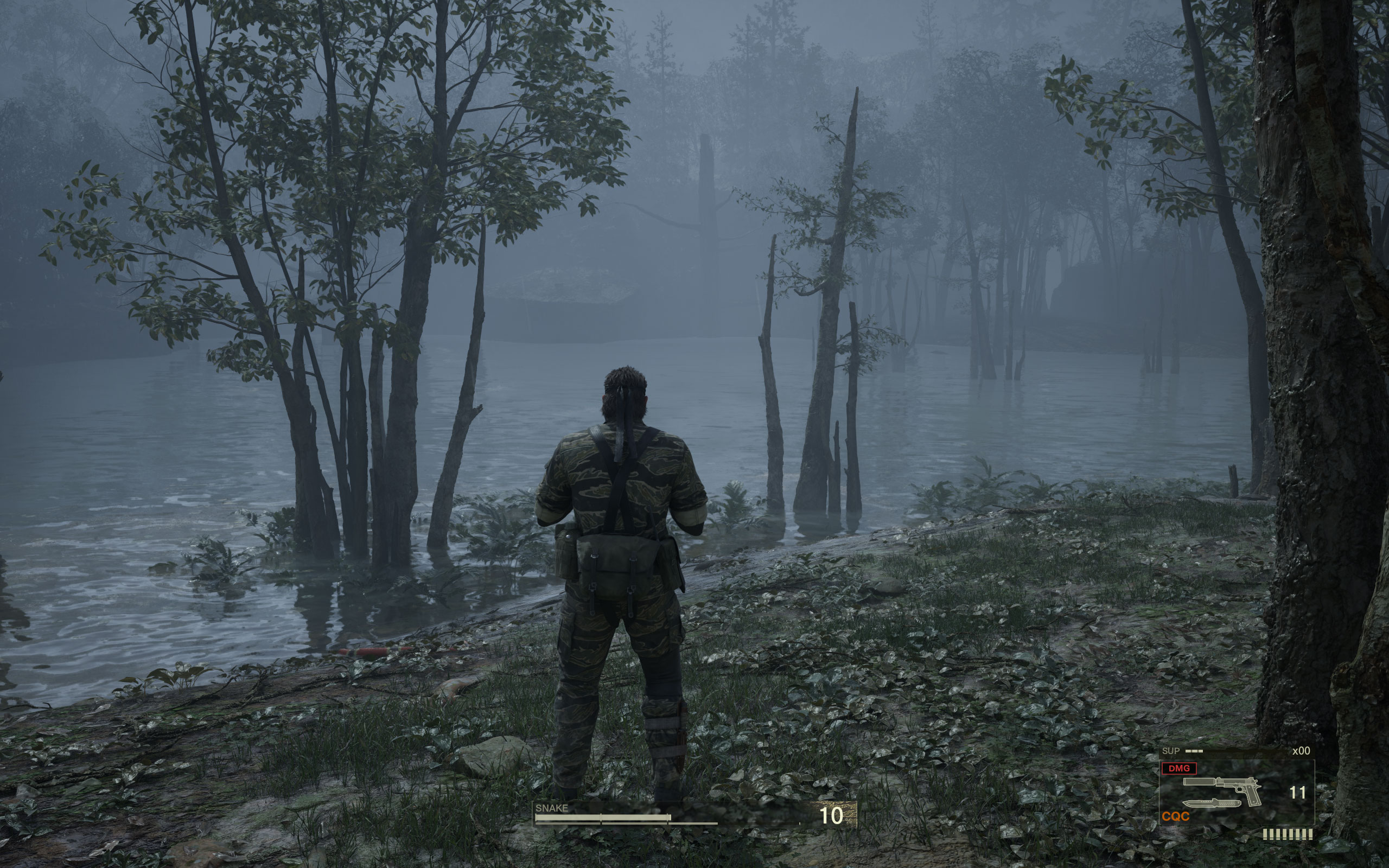
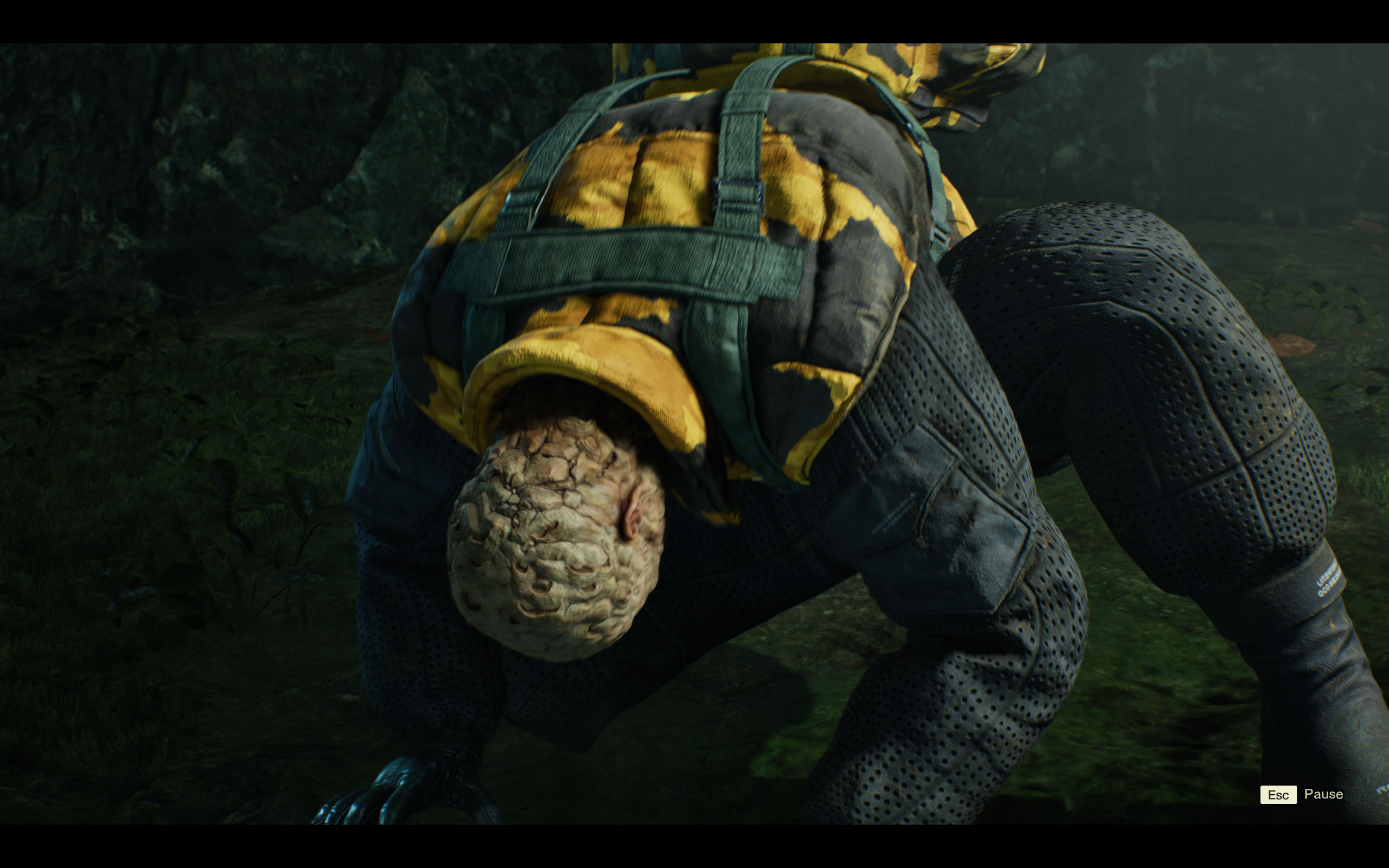
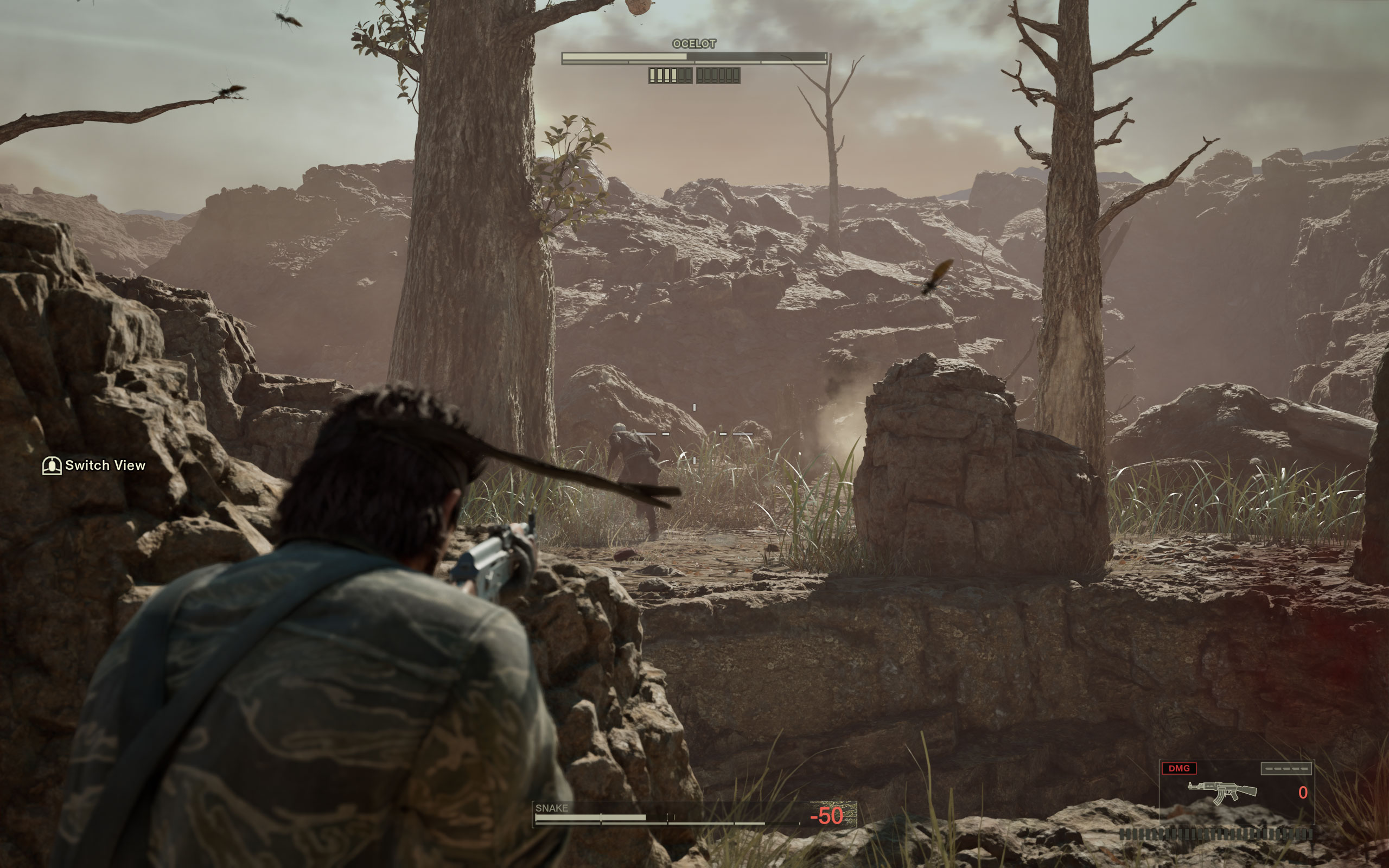
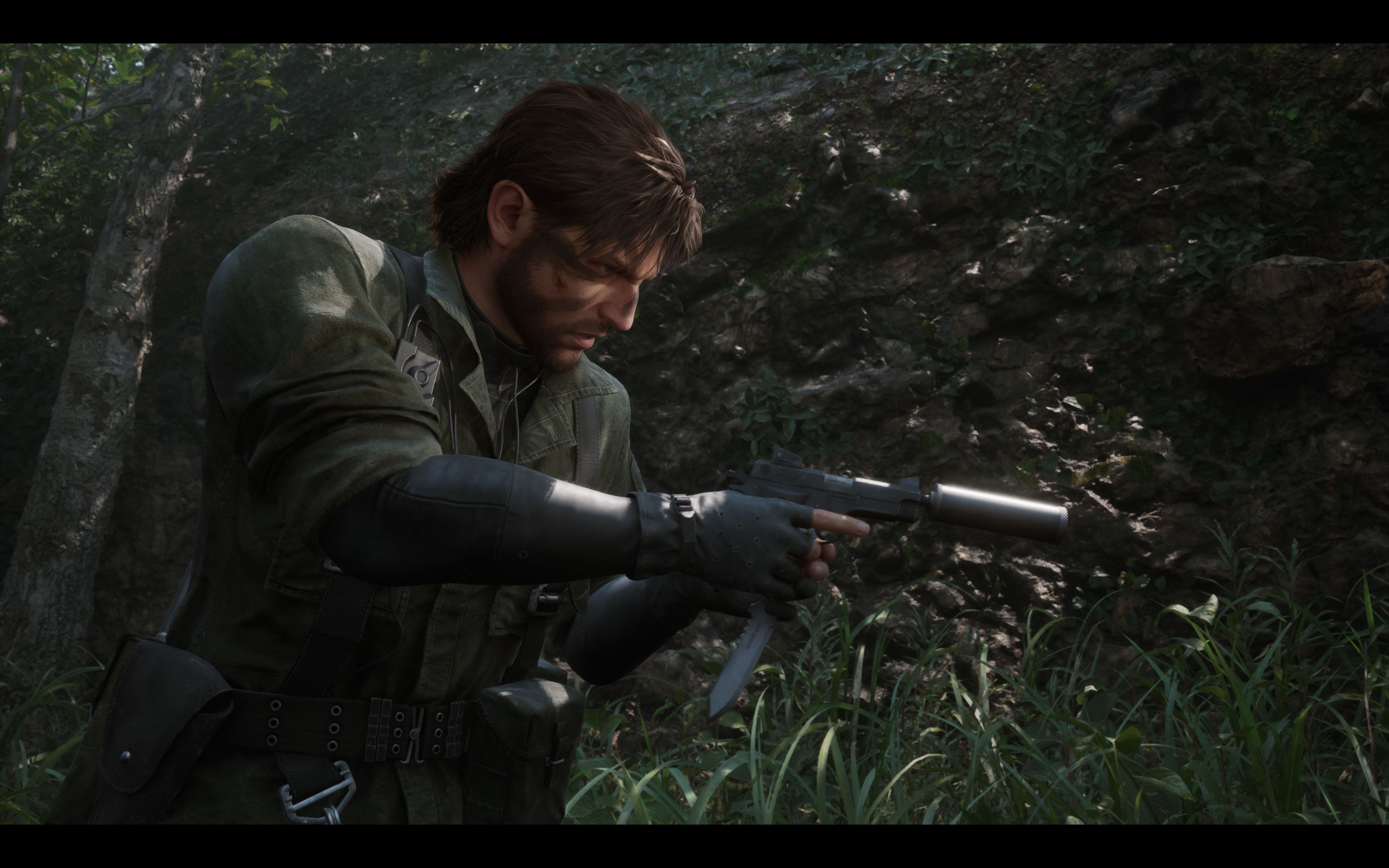
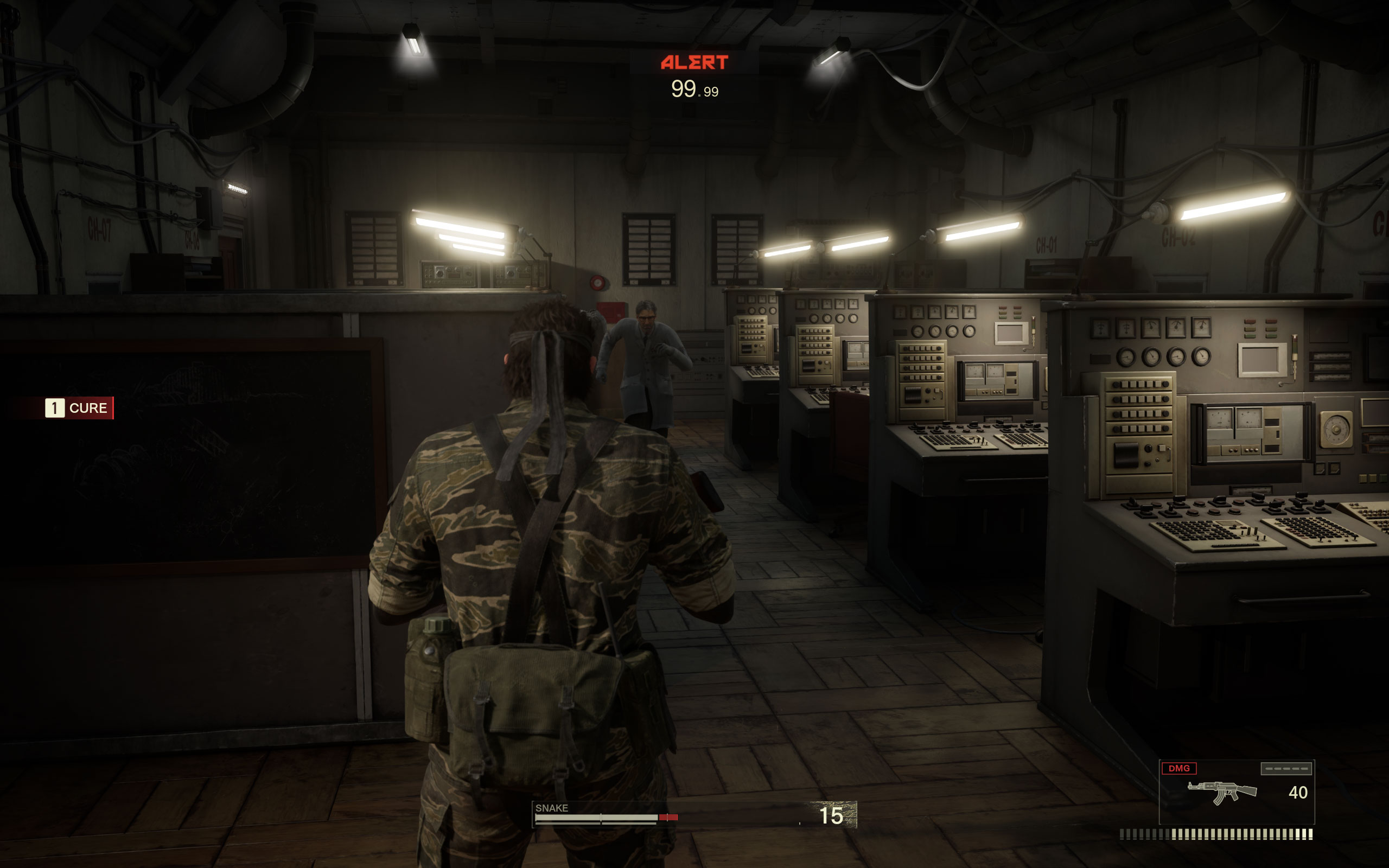
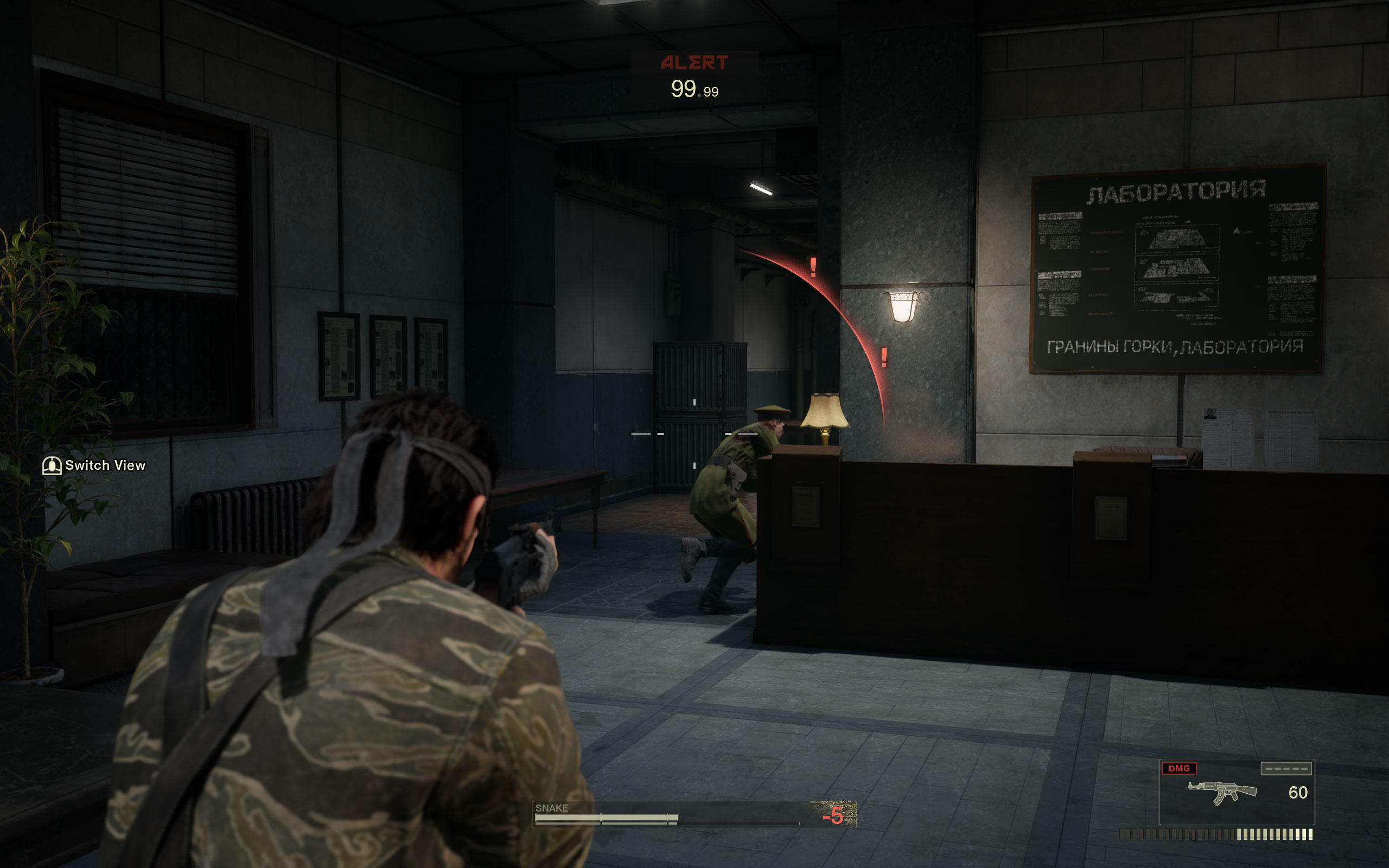
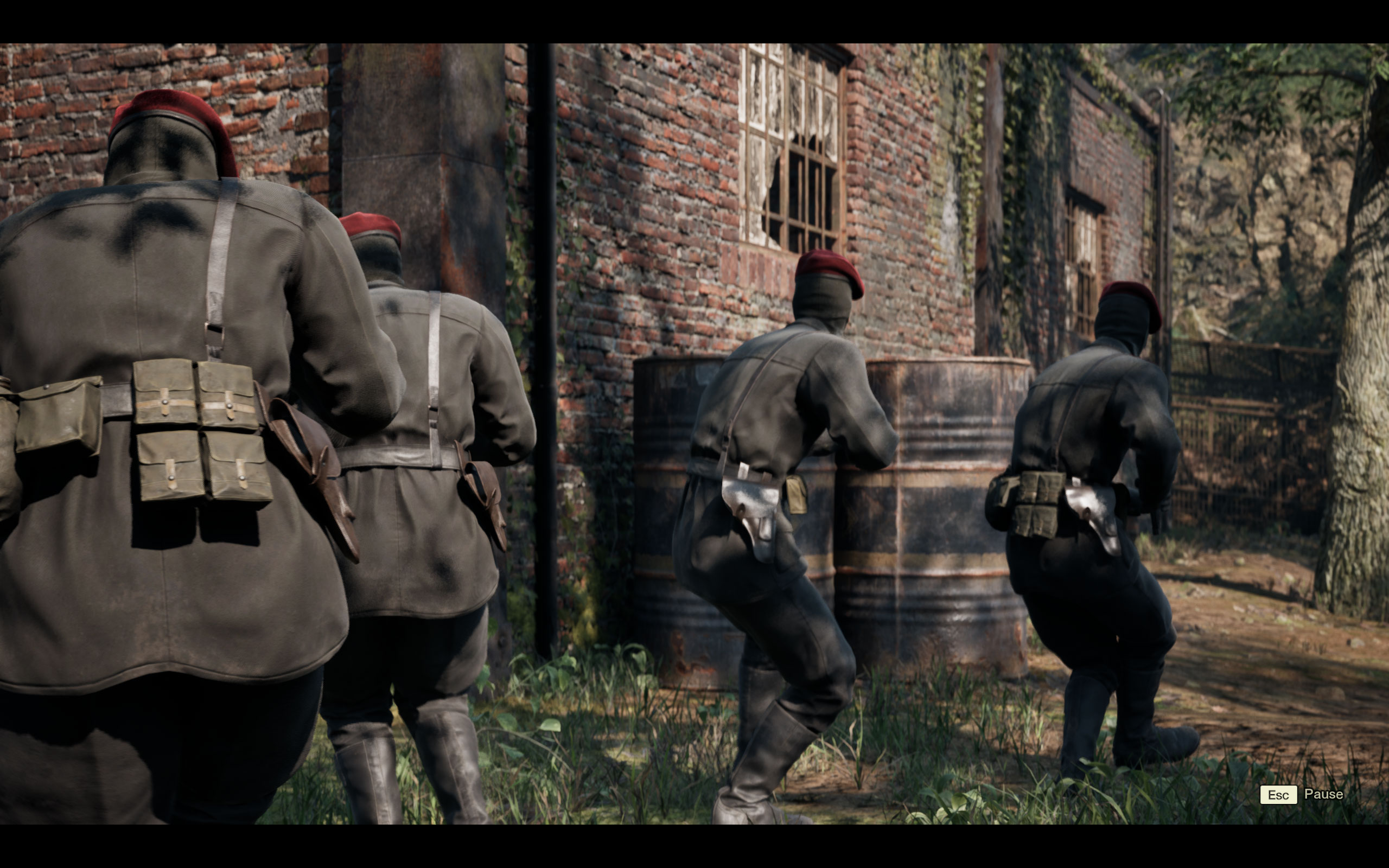
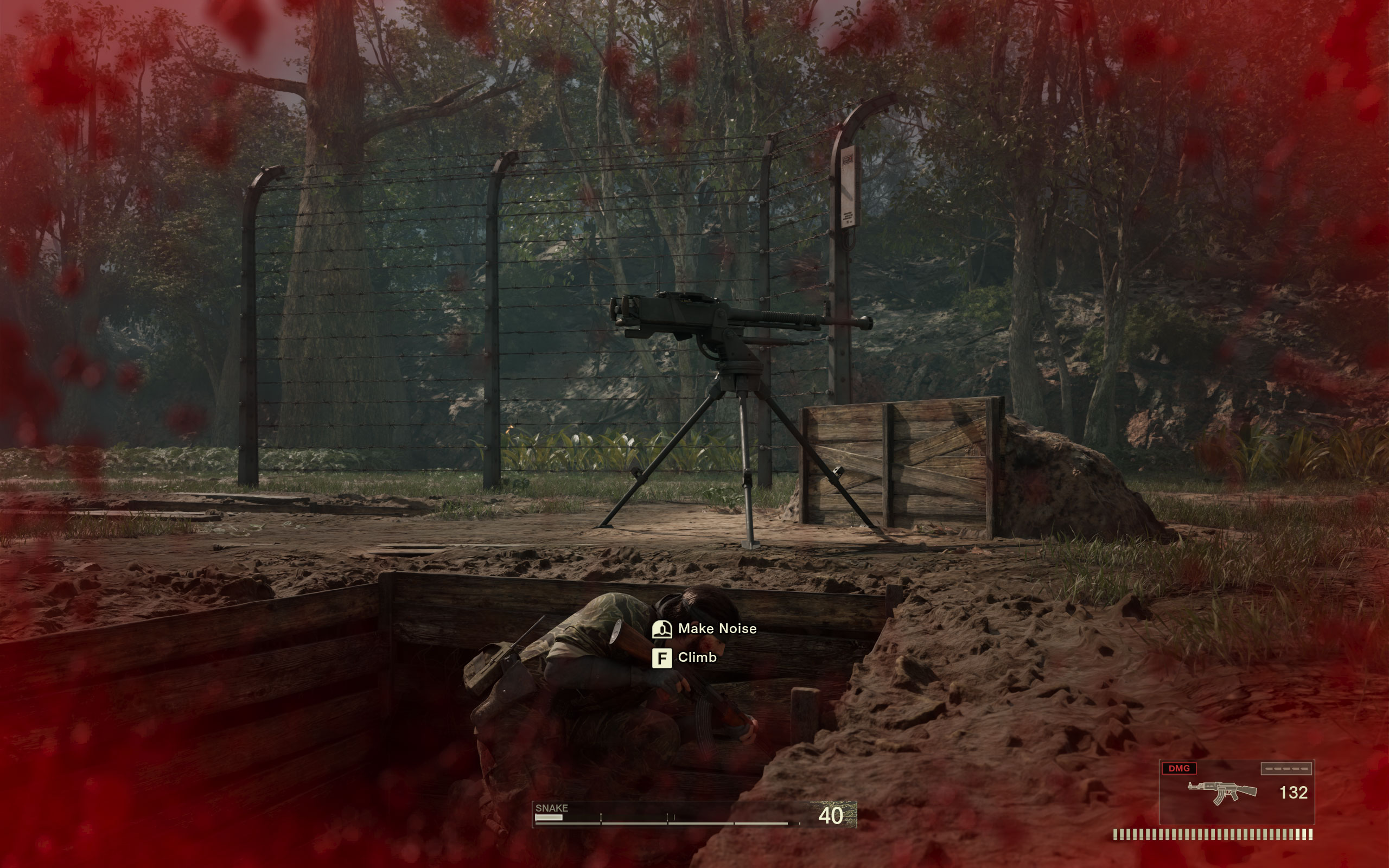
All screenshots were taken at the "ultra" settings profile with motion blur disabled, the upscaling was set to "TSR native." The gallery can be navigated with the cursor keys.














Graphics Settings

- The first option "Graphics Presets" lets you choose from "High Quality," "Balance" and "Performance," which basically switches both the upscaling and the graphics quality preset
- Further down the options there is actually the presets you are looking for, named "Graphics Quality," with the options "Low," "Medium," "High" and "Ultra"
- Window mode options are "windowed," "fullscreen" and "borderless"
- V-Sync can be disabled completely
- The FPS cap can be set to either 30 FPS or 60 FPS, even on a high-refresh-rate display. There's no support for FPS higher than 60. Community mods are working on fixing this.
- Anti-Aliasing methods available are: "TSR," "DLSS" and FSR
- There is no support for frame generation
- Upscaling Quality has the usual options "Native," "Quality," "Balanced" and "Performance"
- You can disable motion blur completely
- Depth of field can be disabled for gameplay, it's always enabled during cutscenes
- In addition to that, there's a basic amount of additional options to fine-tune the performance.
Our Patreon Silver Supporters can read articles in single-page format.
Nov 22nd, 2026 04:59 PST
change timezone
Latest GPU Drivers
New Forum Posts
- Gigabyte AORUS RTX 5080 MASTER – Up to 30°C GPU Hotspot Delta! Is This Normal, a Cooling Defect, or Should I RMA? (4)
- UPS what one to get? (34)
- TPU's Nostalgic Hardware Club (22195)
- Honestly, do you care about GTA VI? (245)
- repair an NVIDIA Quadro M4000 (2)
- The TPU UK Clubhouse (27289)
- Your PC ATM (36449)
- Zen 3 IF/IMC degradation (244)
- Local LLM General Discussion (696)
- How to prevent OLED burn damage due to PC freezes or power outtages? (54)
Popular Reviews
- Microsoft Surface Laptop Ultra Review - The Next-gen Arm Laptop
- Corsair RM1200e (Second Generation) Review
- Pulsar Office Tour & First Look at P1 Dual-Sensor Mouse
- Upcoming Hardware Launches 2027 (Updated Nov 2026)
- Ugreen NASync DXP4800 GT Review
- AMD Ryzen 7 9800X3D Review - The Best Gaming Processor
- Biwin Black Opal NV7400 2 TB Review
- AMD Zen 6 Technical Deep Dive
- Phantom Blade Zero Performance Benchmark Review - 35 GPUs Tested
- AMD Ryzen 7 5800X3D 10th Anniversary Review
TPU on YouTube
Controversial News Posts
- NVIDIA Co-Founder and CEO Jensen Huang Officially Resigns (492)
- Report: Jensen Huang Eyes NVIDIA Comeback (262)
- Open Letter Asking NVIDIA to Reinstate Jensen Huang Passes 115,000 Signatures (184)
- OpenAI CEO Argues Home PCs Waste the World's Limited DRAM Supply (152)
- NVIDIA Launches Investigation Into Jensen Huang's Relationship With Suspected Chinese Spy (136)
- Intel "Raptor Lake Next" 16-Core and 20-Core CPUs Surface (130)
- NVIDIA GeForce RTX 50-Series Scheduled for up to $500 Price Hike This Week (89)
- Intel Razor Lake Gets a 12 P-Core bLLC Chip With No E-Cores, Per Leak (86)