 24
Microsoft Ergonomic Keyboard Review
(24 Comments) »Introduction

The first two Microsoft product reviews on TechPowerUp came from the Xbox division in the form of the Elite Series 2 controller and latest Xbox wireless controller. Both were clearly of interest to our readers, but I have to say I was looking forward to this one more. The original Microsoft Natural Ergonomic keyboard still plays a few tunes in my heart, having more fond memories of it than any other keyboard before I started reviewing them. I never had a chance to try out the Microsoft Sculpt keyboard, or even the newer Surface Ergonomic keyboard, but I need more than the fingers on my hands to count the number of ergonomic keyboards I have tested over the years. How does Microsoft's current-generation ergonomic keyboard hold up? Thanks to Microsoft for sending a review sample to TechPowerUp to help answer that question!

In hindsight, I should have clarified that I was supposed to get the Microsoft Ergonomic keyboard by itself, but was then sent the new Microsoft Ergonomic Desktop by the PR rep, which also includes the ergonomic mouse. This set is clearly a popular retail offering, but for the sake of this review, we will focus on the keyboard more and treat the mouse as an accessory. The photograph above also nicely showcases the use case of them as a set, including for the positioning of the hands when typing. We will go over all this and more in this review which begins with a look at the specifications in the table below.
Specifications
| Microsoft Ergonomic Keyboard | |
|---|---|
| Layout: | >104-key form factor in a modified US ANSI layout |
| Material: | ABS plastic case and keycaps |
| Macro Support: | Yes |
| Weight: | 1.02 kg/2.25 lbs. (incl. front tilt leg) |
| Wrist Rest: | Yes, attached |
| Anti-ghosting: | 6-key rollover USB |
| Media Keys: | Dedicated volume control and media playback |
| Dimensions: | 262 (L) x 488 (W) x 61 (H) mm (incl. front tilt leg) |
| Cable Length: | 6 ft/1.8 m |
| Software: | No |
| Switch Type: | Membrane switches |
| Backlighting: | No |
| Interface: | USB |
| Warranty: | One year |
Packaging and Accessories


Microsoft operates a web shop, and this review sample shipped straight from the company, so we begin with a look at the shipping packaging itself. The shipping box is quite large at 29x17x3 in. (74x43x8 cm) and has plenty of paper packaging inside similar to what we saw with the Xbox controllers, so we do have consistency in terms of the packaging with Microsoft products.


I already mentioned that I have the Microsoft Ergonomic Desktop here, not the keyboard on its own. As such, the product box is larger than it would be for just the keyboard, but the design language should be no different. We get a predominantly white cardboard box with the company logo and product name at the top, but the majority of the real estate on the front is taken up by a large render of the keyboard and mouse to clearly indicate what is inside. There are a couple of smaller renders on the back, as well as marketing features in multiple languages, certification information, and Microsoft logos. Two tear-away seals on the side keep the contents inside in place during transit and also act as means to detect any tampering done prior to delivery. Opening the box, we see three layers separated by more cardboard, with a large one hosting the keyboard inside a plastic wrap and the mouse on the right inside another piece of plastic.
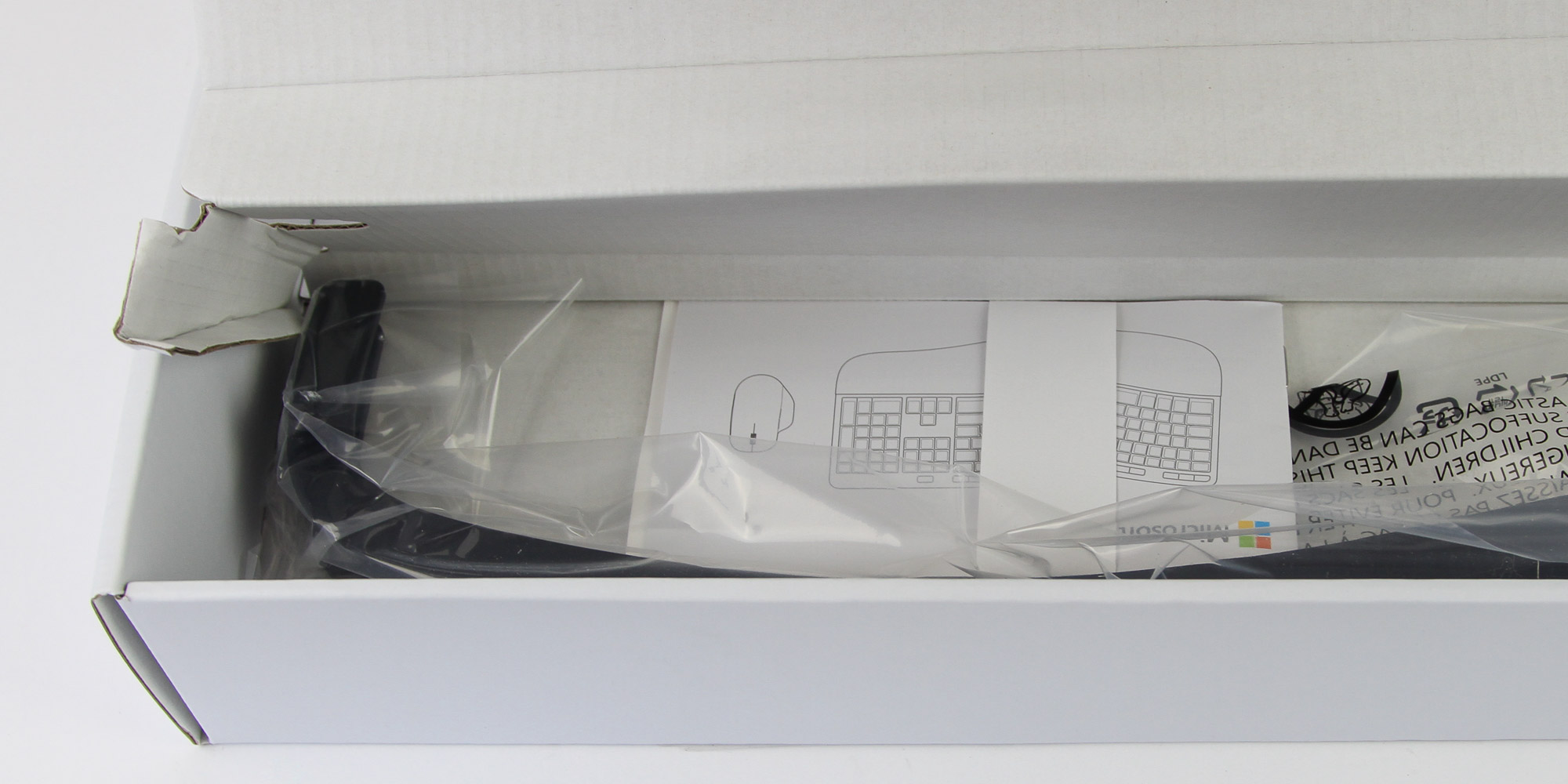
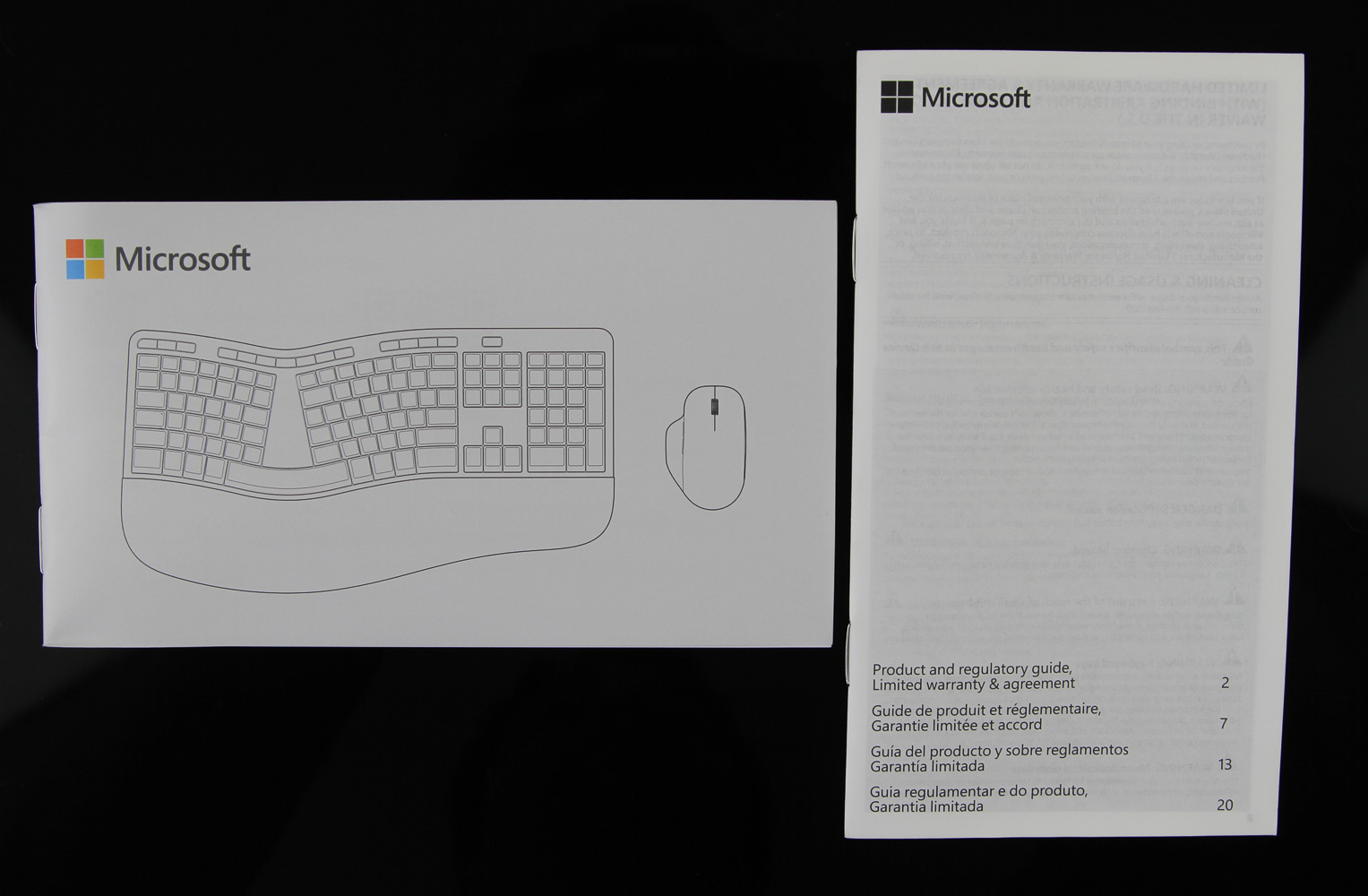
The mouse cable is hidden inside another segment on the right, even with the cable attached to the mouse itself. The other accessories are found at the bottom, including paperwork in the form of a handy quick-start guide covering the features and pre-programmed functions of the keyboard and mouse, as well as the product regulatory guide and warranty policy.
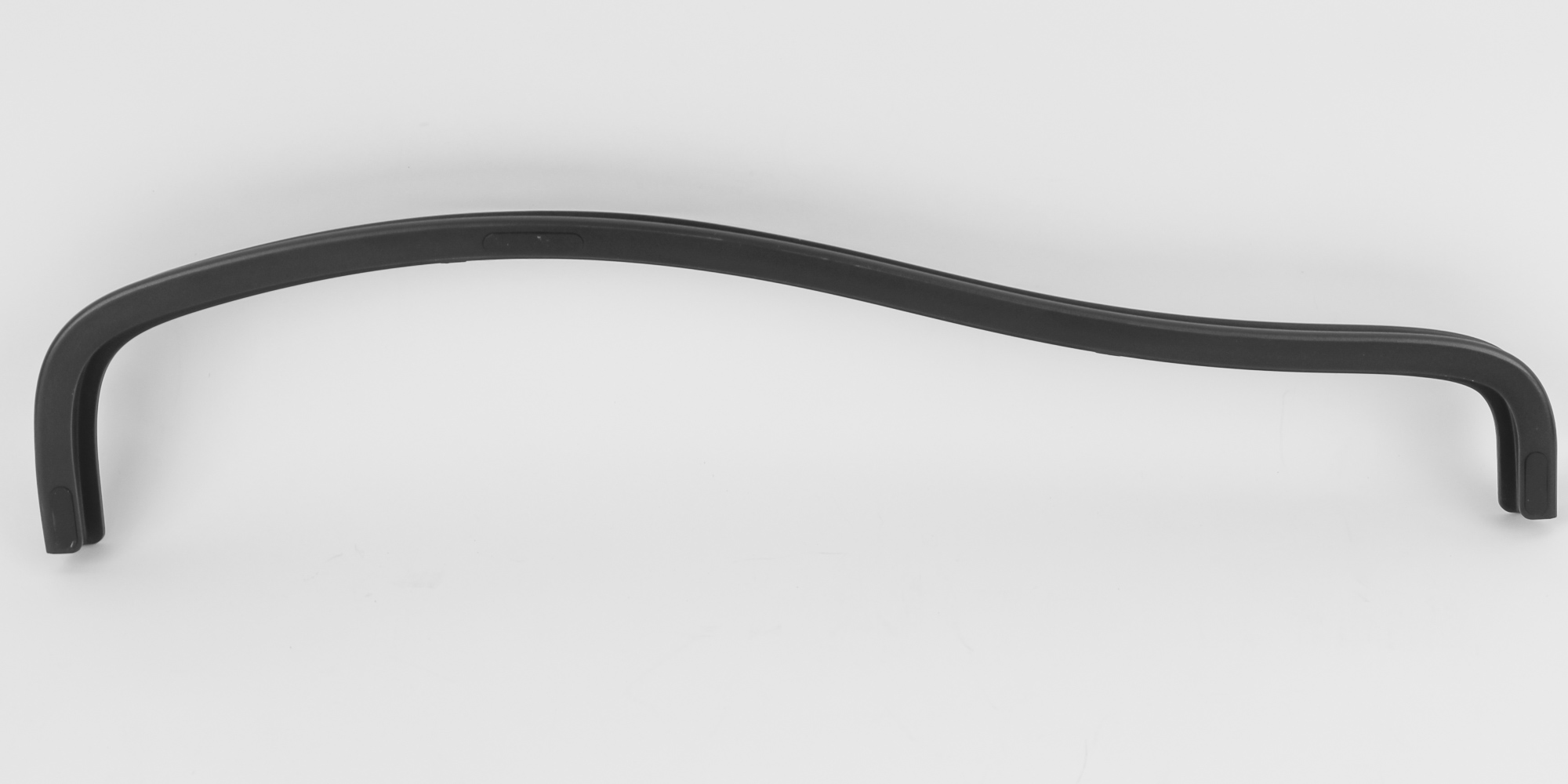
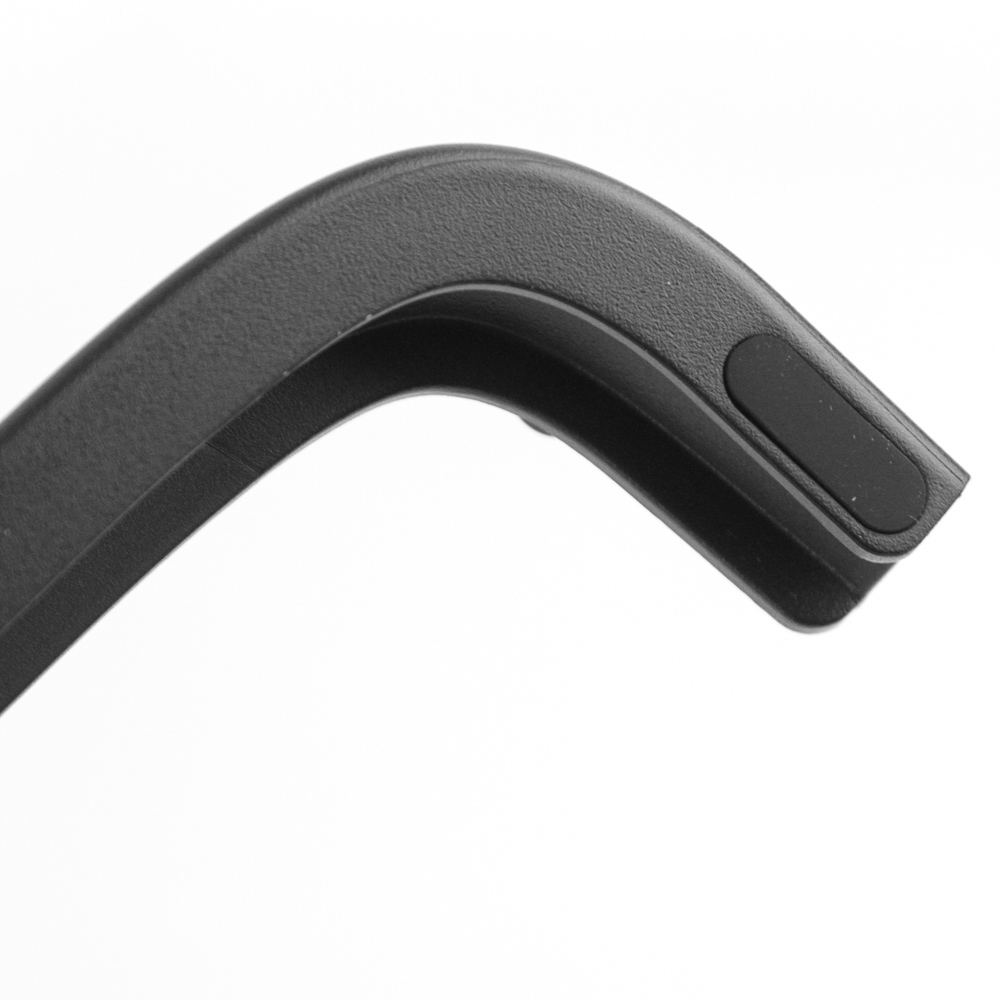
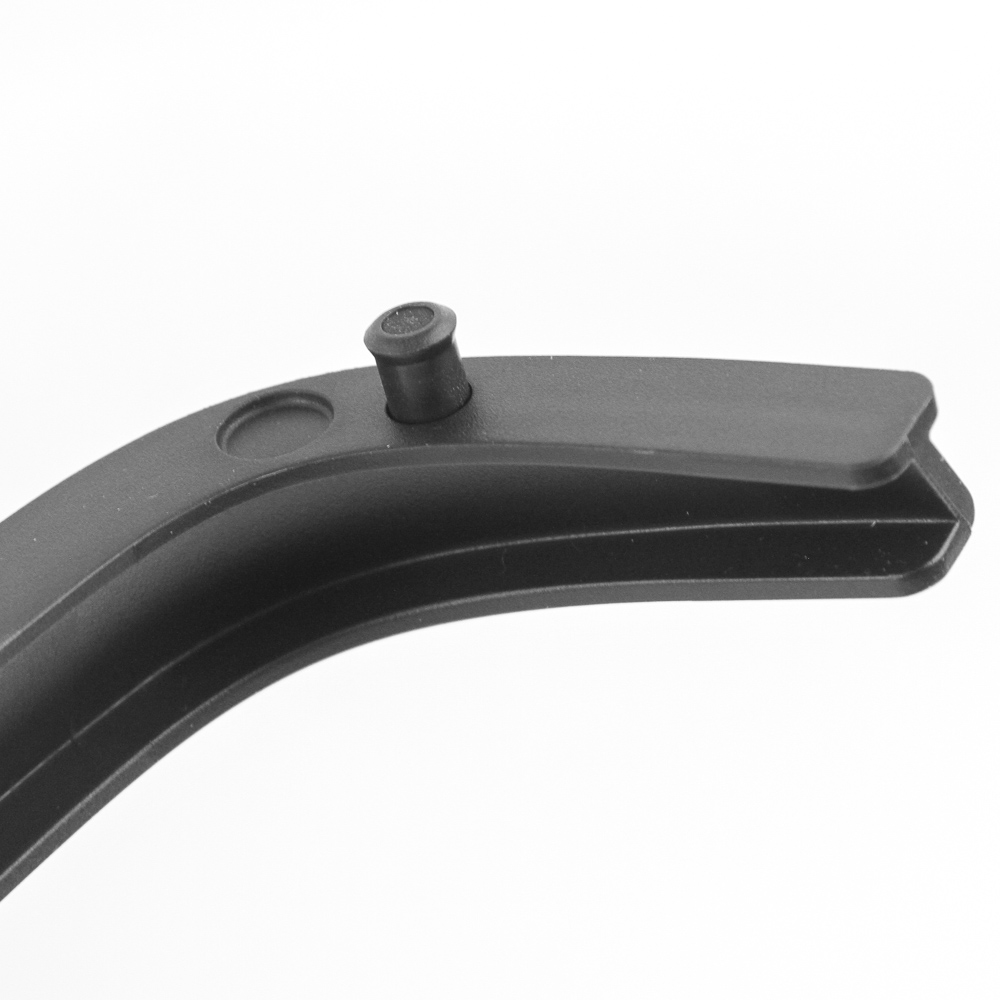
The only accessory for the keyboard is a weirdly shaped piece of plastic in black, which we soon find out is referred to as a front tilt leg. The curves follow those of the keyboard, and we see two inserts on one side followed by rubber pads on the other, so this clearly fits into the keyboard on the back, with the pads adding friction against the resting surface. More on this on the following page!
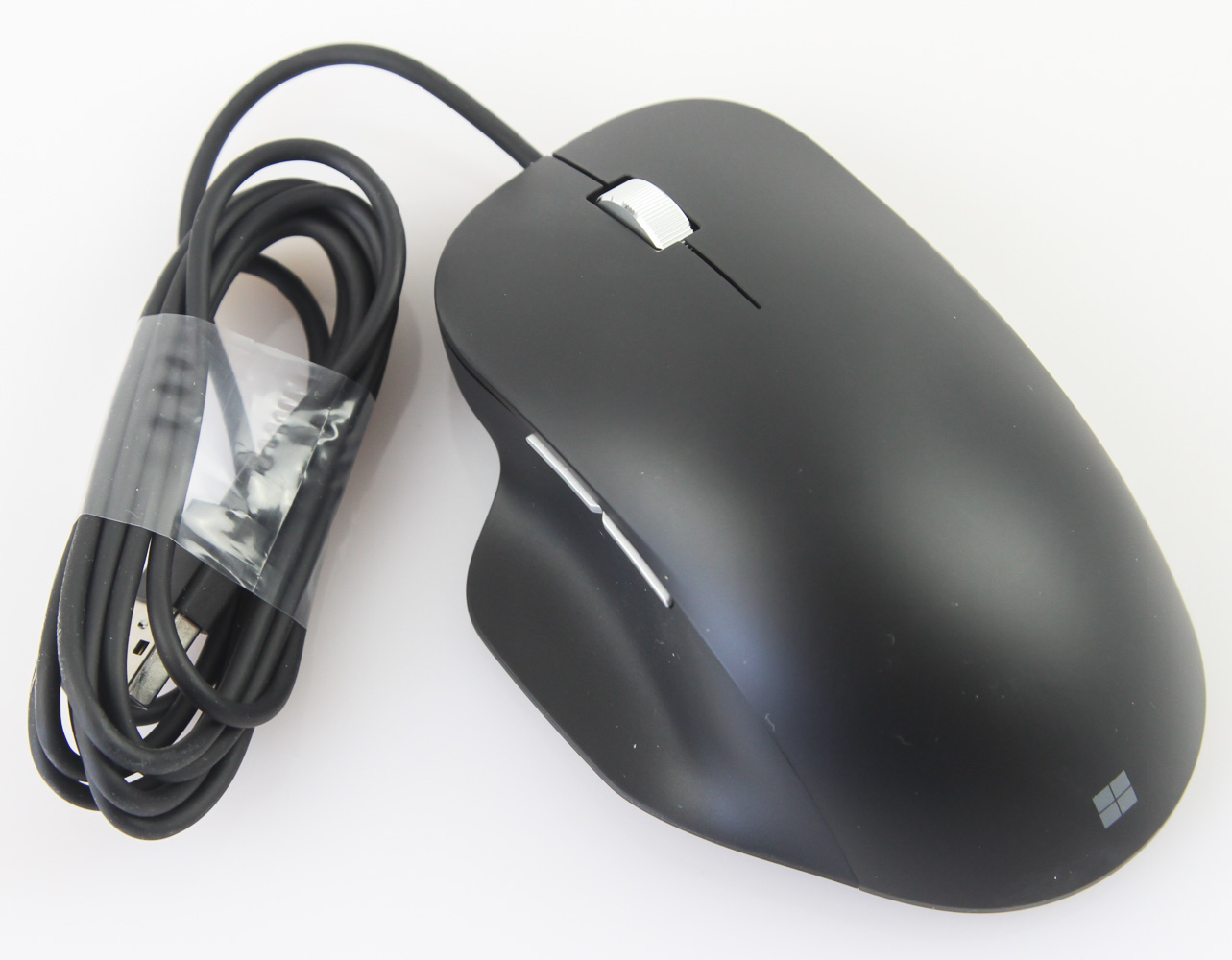

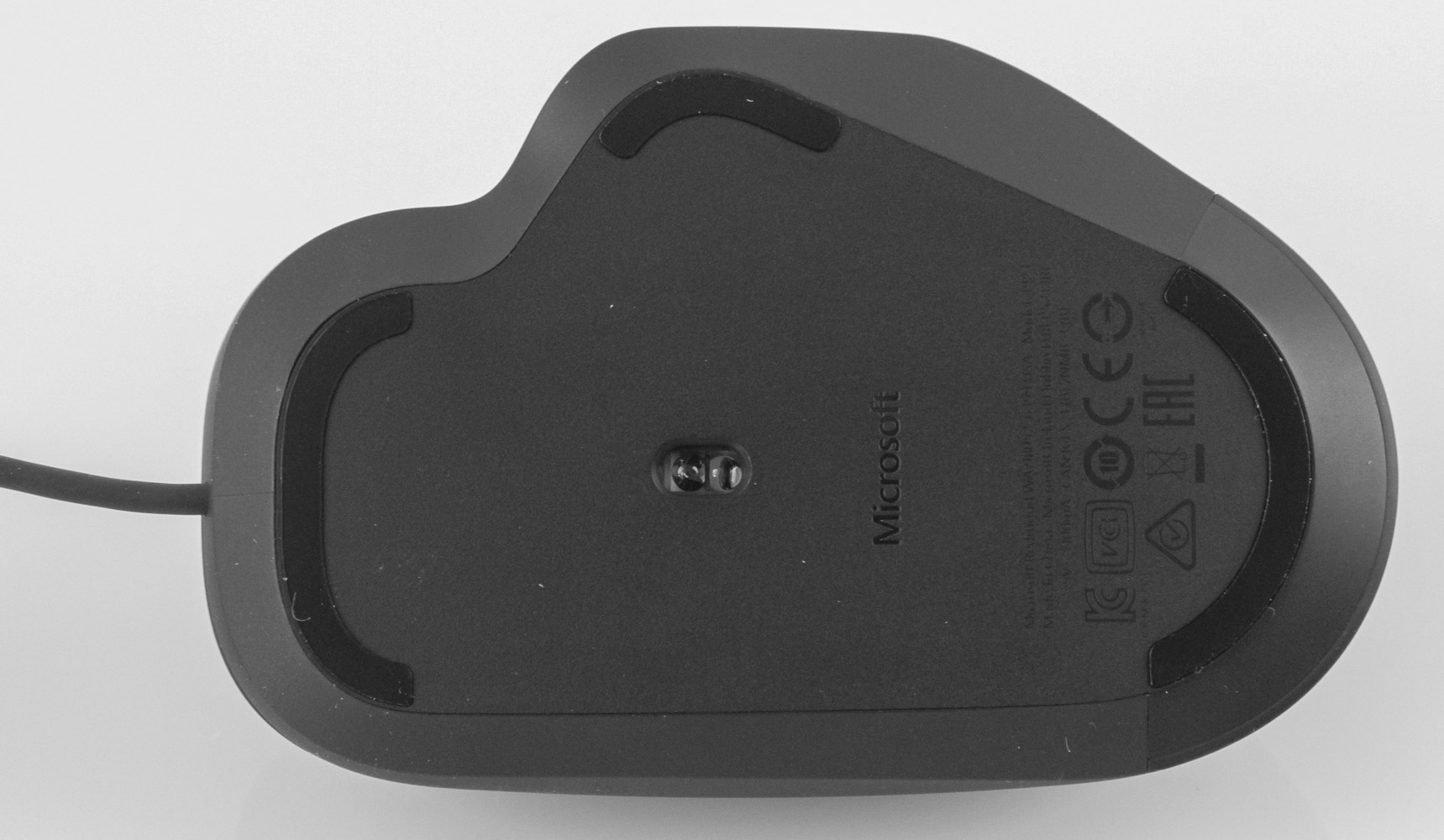
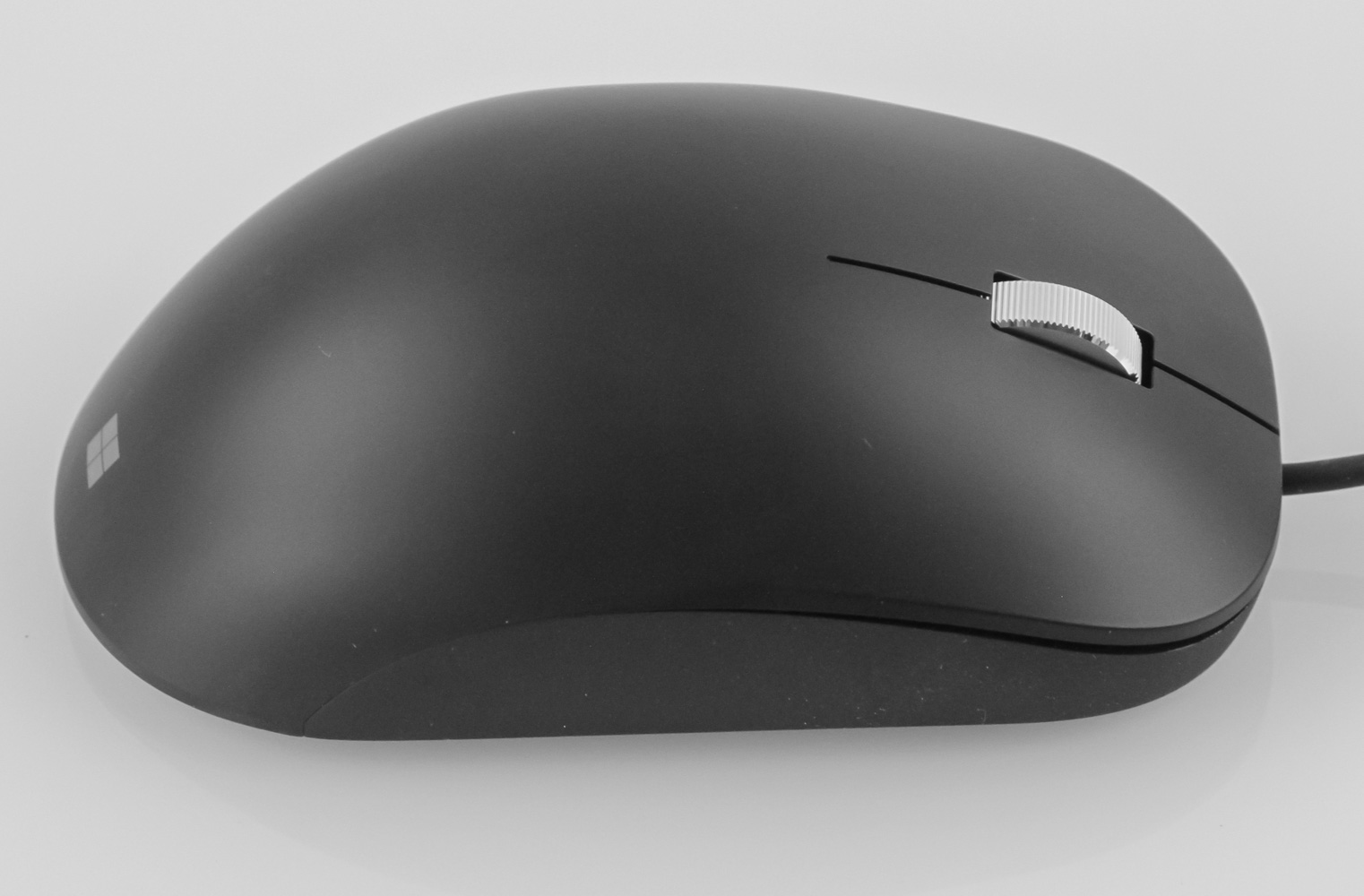
Here's the Microsoft Ergonomic mouse, at least if you are right-handed. I am not a mouse editor, so I won't do much more than showcase it with the photos above and point out that it has side buttons as well as a fixed cable that terminates in a USB Type-A connection. It is fairly comfortable to use in palm grip with average-sized hands and has side buttons on the left that again favor a right-handed user. The top shell is made out of ABS plastic, and three rubber glides have been put on the bottom for smooth travel. The scroll wheel has a knurled finish, and there is a relatively subtle Microsoft logo on the rear. Refer to this page for more specifications of the mouse if interested.
Our Patreon Silver Supporters can read articles in single-page format.
Nov 24th, 2026 09:55 CST
change timezone
Latest GPU Drivers
New Forum Posts
- Increasing Power Limit? (32)
- AMD ULL settings tinkering thread - post settings and Zen pics (88)
- Games at first startup always worse why? (1)
- Linpack Xtreme Released (509)
- Power supply noise stops when I move the mouse (11)
- Primary DisplayPort Monitor Not Waking After Driver Updates 621.01 and 621.14 (10)
- HP ZBook 17 G3 i7 – black screen and fans running at max speed after switching SSD to GPT (2)
- Your PC ATM (36490)
- GTA VI (33)
- I forced a 16 Year Old 64GB SSD to write 1 PETABYTE (And it didn't die) (194)
Popular Reviews
- Microsoft Surface Laptop Ultra Review - The Next-gen Arm Laptop
- ASRock X870E Challenger Wi-Fi White Review
- Upcoming Hardware Launches 2027 (Updated Nov 2026)
- Corsair RM1200e (Second Generation) Review
- AMD Ryzen 7 9800X3D Review - The Best Gaming Processor
- AMD Zen 6 Technical Deep Dive
- AMD Ryzen 7 7700X3D Review
- Pulsar Office Tour & First Look at P1 Dual-Sensor Mouse
- Phantom Blade Zero Performance Benchmark Review - 35 GPUs Tested
- Ugreen NASync DXP4800 GT Review
TPU on YouTube
Controversial News Posts
- NVIDIA Co-Founder and CEO Jensen Huang Officially Resigns (492)
- Jensen Huang Reinstated as CEO of NVIDIA (469)
- Report: Jensen Huang Eyes NVIDIA Comeback (281)
- Open Letter Asking NVIDIA to Reinstate Jensen Huang Passes 115,000 Signatures (184)
- OpenAI CEO Argues Home PCs Waste the World's Limited DRAM Supply (152)
- NVIDIA Launches Investigation Into Jensen Huang's Relationship With Suspected Chinese Spy (136)
- Intel "Raptor Lake Next" 16-Core and 20-Core CPUs Surface (130)
- Intel Razor Lake Gets a 12 P-Core bLLC Chip With No E-Cores, Per Leak (90)