 8
Millitronic HIVE Wireless Docking Kit Review
(8 Comments) »Introduction

Millitronic is a system integration company, which is not to be confused with a system integrator who assembles PCs for retail sales. The company specializes in WiGig (60 GHz WiFi) networking solutions compliant with the IEEE802.11ad/ay specifications. For those unaware, these are not Wi-Fi 6 (which is 802.11ax) standards and never really took off for more than single-room interconnectivity, which does mean it is an extremely niche solution involving high throughput at low distances, which different companies have used for different applications. NETGEAR, for example, markets quick backup of files with their Nighthawk Pro Gaming XR700 router, and ASUS/TPLink went the media server route when advertising their own wireless AD routers. Millitronic decided to go the wireless docking way, first making a WiGig adapter to connect to existing routers and then developing the HIVE kit itself. We take a look at the latter today, and thanks again to the company for sending a review sample to TechPowerUp!

The Millitronic HIVE kit consists of two items—the aforementioned WiGig adapter/receiver and the actual docking station. The adapter is a USB device that connects to a Windows 10 64-bit system, such as a laptop, and via a dedicated wireless AD network to the dock, which in turn has ports to connect to a monitor or projector, thus allowing for a wireless connection to an external display and, in theory, the latency from a more typical wireless connection on 802.11ac or ax. There are other potential applications here which you may not have considered yet, and we will explore all of this by beginning with a look at the specifications below.

Packaging and Accessories


The review unit Millitronic shipped my way is from before the retail packaging was finalized, which is funny in hindsight because the units are on the market as I write this. At my request, their representative was kind enough to take photos of the retail packaging to show off what it looks like for paying customers. The box is fairly small and light as the actual items are small and light, and on the front is the company and product name as well as an illustration of the HIVE dock in action. On the side is a list of contents and contact information, and we see marketing features and product specifications on the back, along with a depiction of the I/O on the docking station.
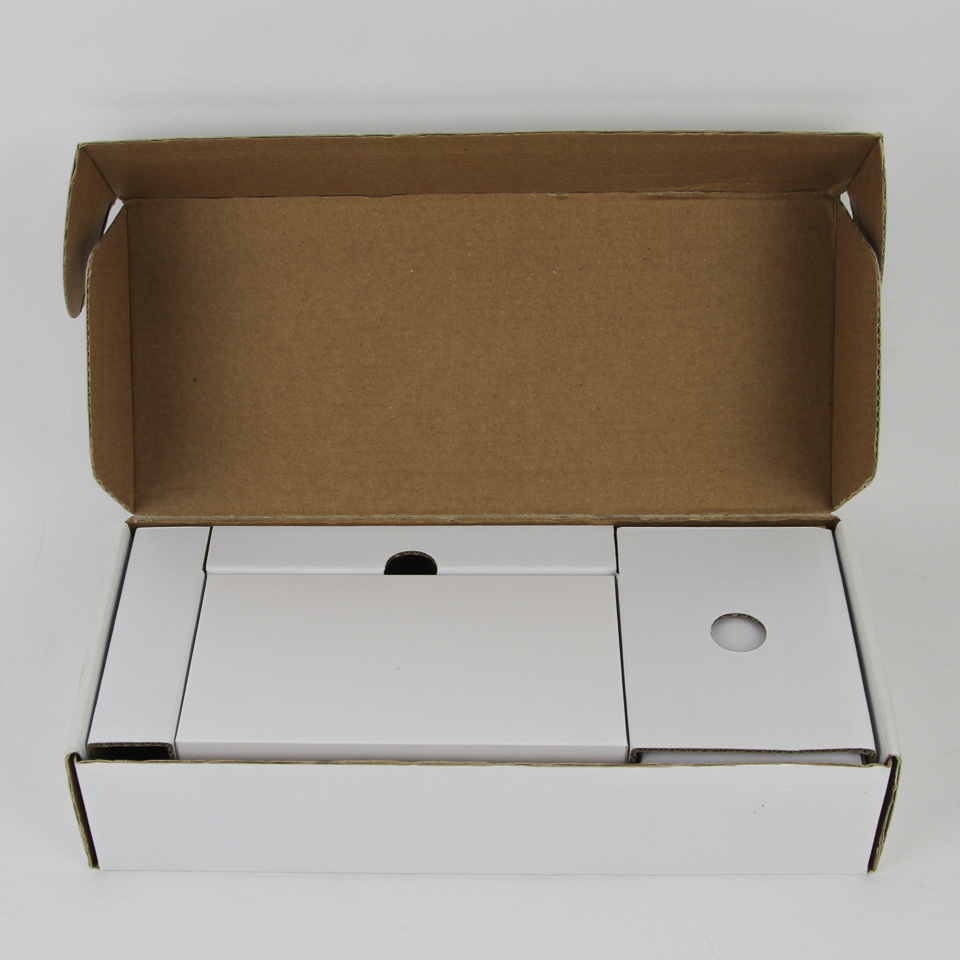
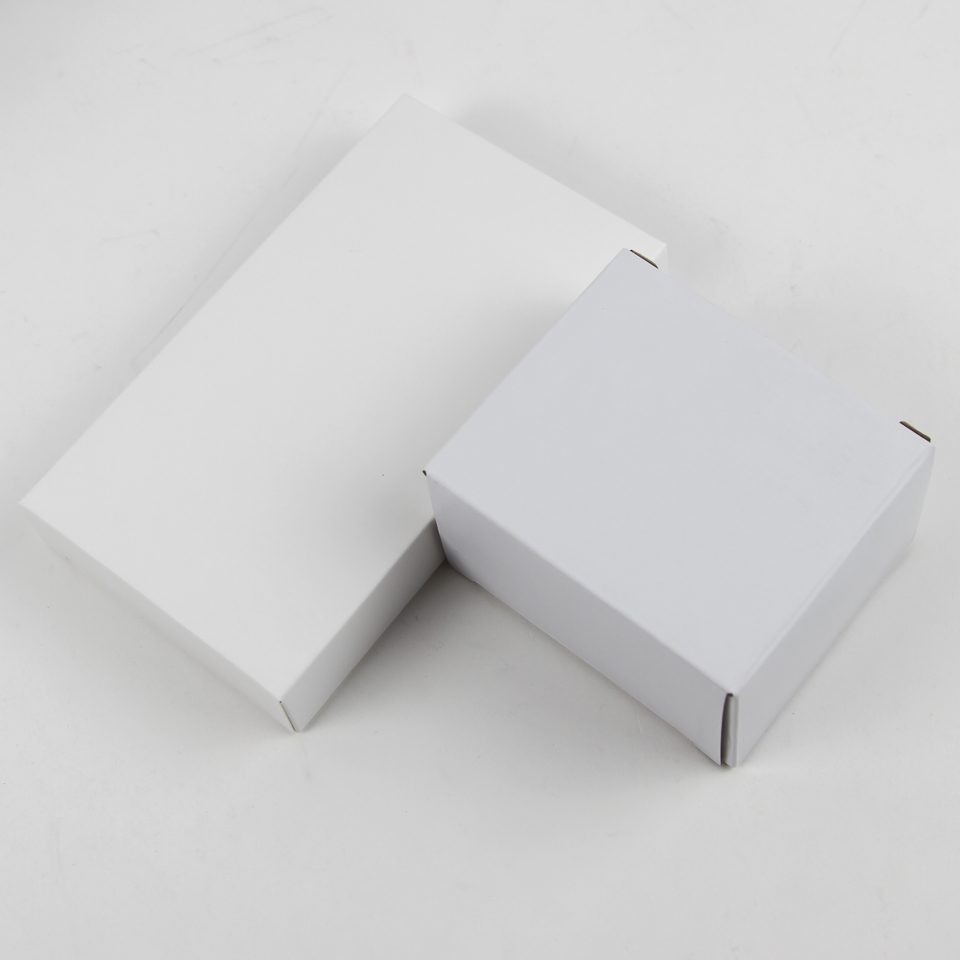
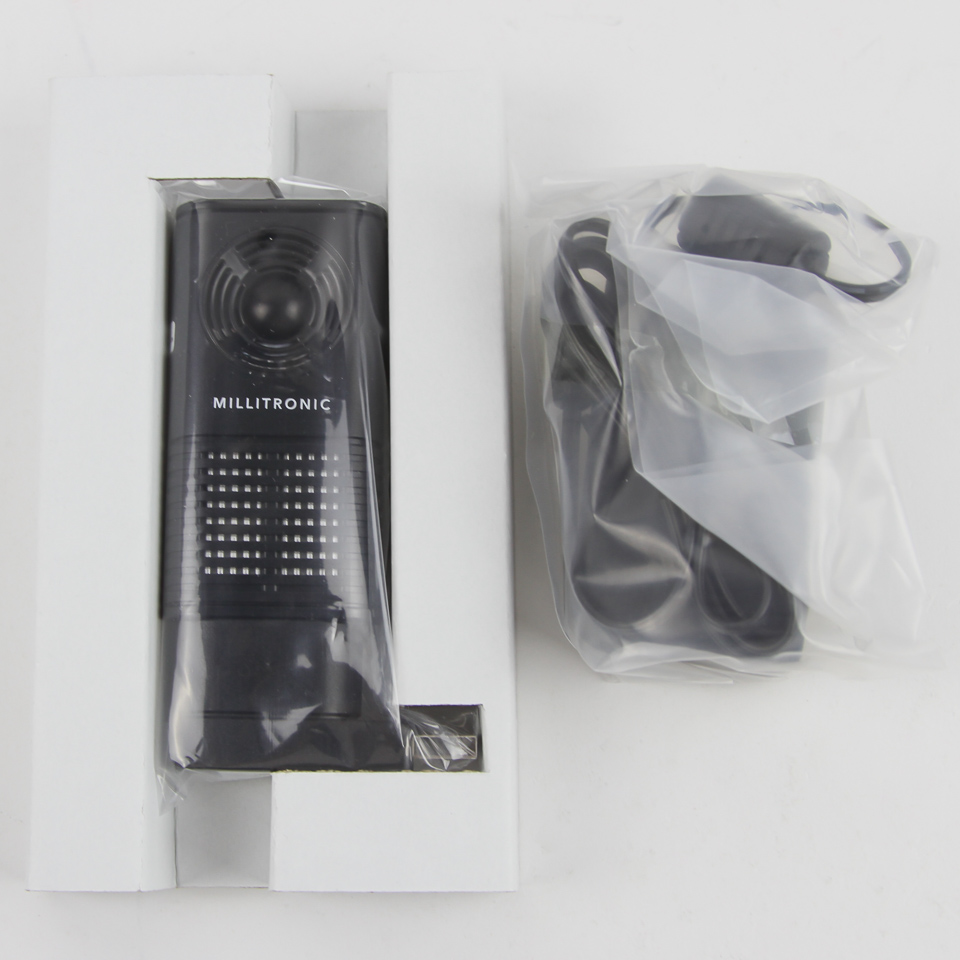
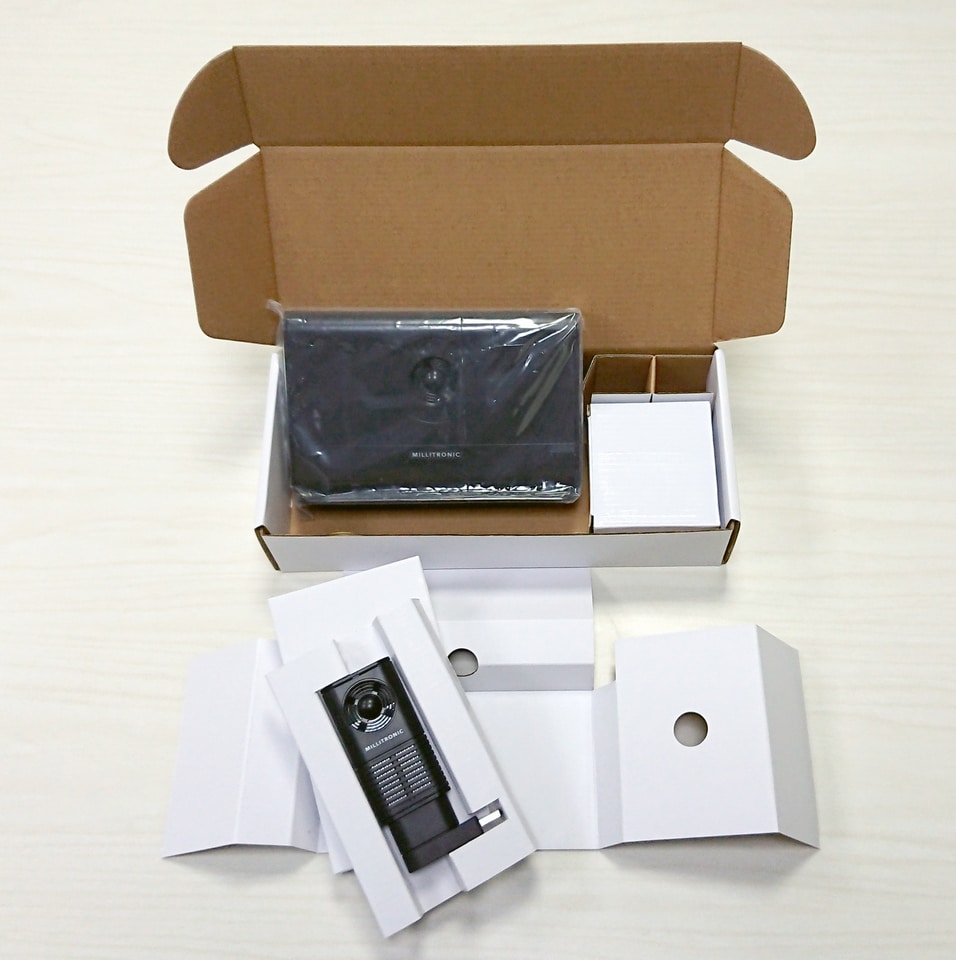
Two side flaps help keep the contents in place during transit, and opening the box we see individually layered cardboard. This is where my own unit comes in for the photography, and we see a snug packaging with boxes for each of the individual items inside. On either side are the WiGig adapter and the AC power adapter, both of which come in plastic wraps as seen above.
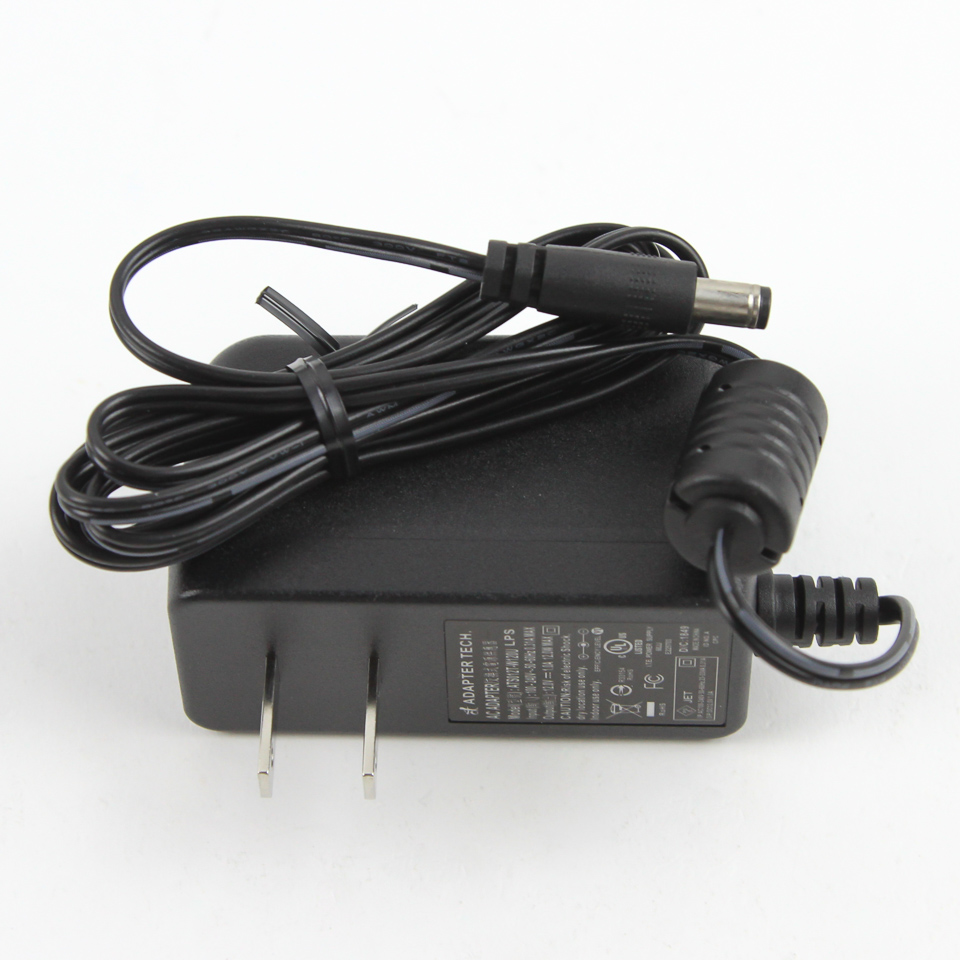
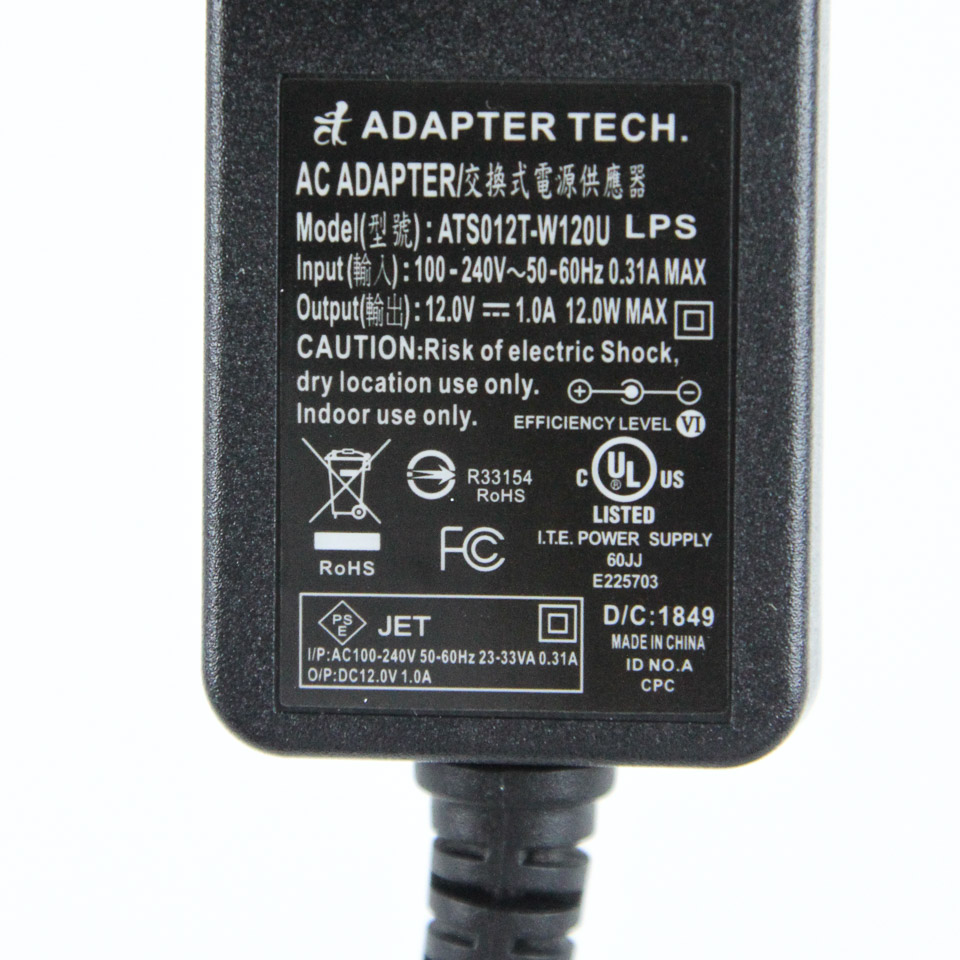
Millitronic is based out of Taiwan, which uses the same AC wall socket as the USA, and there is no information available online on whether the company includes a country-specific power plug at this time. Based on there being two listed retailers for the HIVE, both of which are major US chains, I suspect those in other countries will need another adapter for this power plug, and it is a good thing then that it can handle a variety of voltage inputs as well. The dock itself is found underneath these and rated to consume a maximum of 12 W, which is nothing really and another reason behind the lightweight and small form factor throughout.
Closer Examination


There are two primary components of the HIVE wireless docking station, and the first is the Millitronic MG360 WiGig USB 3.1 Gen 1 adapter. This is a 110x59x17 mm part with a right-angled USB Type-A connector to connect to a Windows 10 64-bit system. It was originally designed to pair with existing wireless AD routers from NETGEAR, TPLink, and ASUS, and does effectively the same here, but with the docking station itself. It weighs all of 65 grams and will not fall out of a connected port, although the actual offset before the 90° rise is not much, and you may not have room if you have USB Type-A ports next to each other and one is occupied or at an angle. There is a status LED along the side, and the primary component inside is a 60 GHz radio capable of 2 Gbps throughput and quasi-360° beamforming with a maximum ERP (effective radiated power) of 20 dBm.
Millitronic rates the radio inside to be capable of 360° beam forming FOV on only the horizontal axis, and with a 70° vertical FOV, so keep this in mind should the unit be at a steep height up or down from the docking station. There is also an integrated 8 GB flash memory module, which allows the company to store the drivers installer as well as an installation guide and a video notification on the first setup process. It takes power via the 5 V line from the USB connection, with a maximum power draw of 2.5 W. In practice, the vents at the top do seem necessary as it gets warm to the touch.


The docking station also comes in a plastic wrap and is of course larger while still retaining a plastic housing to keep the weight low. It comes in at 185x121x40 mm and ~250 grams and has a wider base to keep it upright and stable. The HIVE docking station uses Millitronic's MLPB28DL3 series WiGig media server backbone with another 60 GHz radio but 180° beamforming horizontally and and 80° vertical FOV, so you have to have it facing the client device outward and can not just have it in the middle of a room of potential clients. There is a Linux-OS on the module with a hardware video decoder capable of driving media at 1080p and 60 FPS. The company also has a 4K/60 decoder-based media server backbone available, but chose not to use it here to presumably keep costs and latency lower. Going from left to right on the back, we see a VGA port, full-size HDMI port, RJ45 Ethernet jack, USB Type A 3.1 Gen 1 port, power input, and power and reset buttons. There are rubber pads on the bottom for grip and to ensure the dock is stable even with all the ports hooked up to cables.

In perspective, we now better see how small the dock truly is (or how large the adapter is, depending on your mindset). This is an extremely portable solution missing the USB connector capable of being rotated for a flatter profile of the adapter. In practice, you would generally connect the dock to your external display once and call it a day, with the adapter itself going from a client to another, or back into storage somewhere.
Our Patreon Silver Supporters can read articles in single-page format.
Nov 21st, 2026 13:08 PST
change timezone
Latest GPU Drivers
New Forum Posts
- Can you guess Which game it is? (345)
- GeekMagic Ultra Smart WiFi Weather Station (10)
- RX 580 2048SP 8GB - SK Hynix - Ardiyes - BIOS Needed (1)
- UPS what one to get? (22)
- Zen 3 IF/IMC degradation (243)
- State of the HPC-AI Market 2026: Processing Elements (0)
- 1 - 5 person file storage server equivalent accasible from anywhere + general VM server. (3)
- Honestly, do you care about GTA VI? (225)
- RX 9000 series GPU Owners Club (2251)
- Windows 11 General Discussion (7746)
Popular Reviews
- Microsoft Surface Laptop Ultra Review - The Next-gen Arm Laptop
- Ugreen NASync DXP4800 GT Review
- Corsair RM1200e (Second Generation) Review
- Pulsar Office Tour & First Look at P1 Dual-Sensor Mouse
- Upcoming Hardware Launches 2027 (Updated Nov 2026)
- Acemagic Retro X3 Review
- Biwin Black Opal NV7400 2 TB Review
- AMD Ryzen 7 9800X3D Review - The Best Gaming Processor
- AMD Zen 6 Technical Deep Dive
- Chieftec Iceberg PRO 360 DARK Review
TPU on YouTube
Controversial News Posts
- NVIDIA Co-Founder and CEO Jensen Huang Officially Resigns (492)
- Report: Jensen Huang Eyes NVIDIA Comeback (260)
- Open Letter Asking NVIDIA to Reinstate Jensen Huang Passes 115,000 Signatures (184)
- OpenAI CEO Argues Home PCs Waste the World's Limited DRAM Supply (152)
- NVIDIA Launches Investigation Into Jensen Huang's Relationship With Suspected Chinese Spy (136)
- Intel "Raptor Lake Next" 16-Core and 20-Core CPUs Surface (130)
- NVIDIA GeForce RTX 50-Series Scheduled for up to $500 Price Hike This Week (89)
- Intel Razor Lake Gets a 12 P-Core bLLC Chip With No E-Cores, Per Leak (86)